
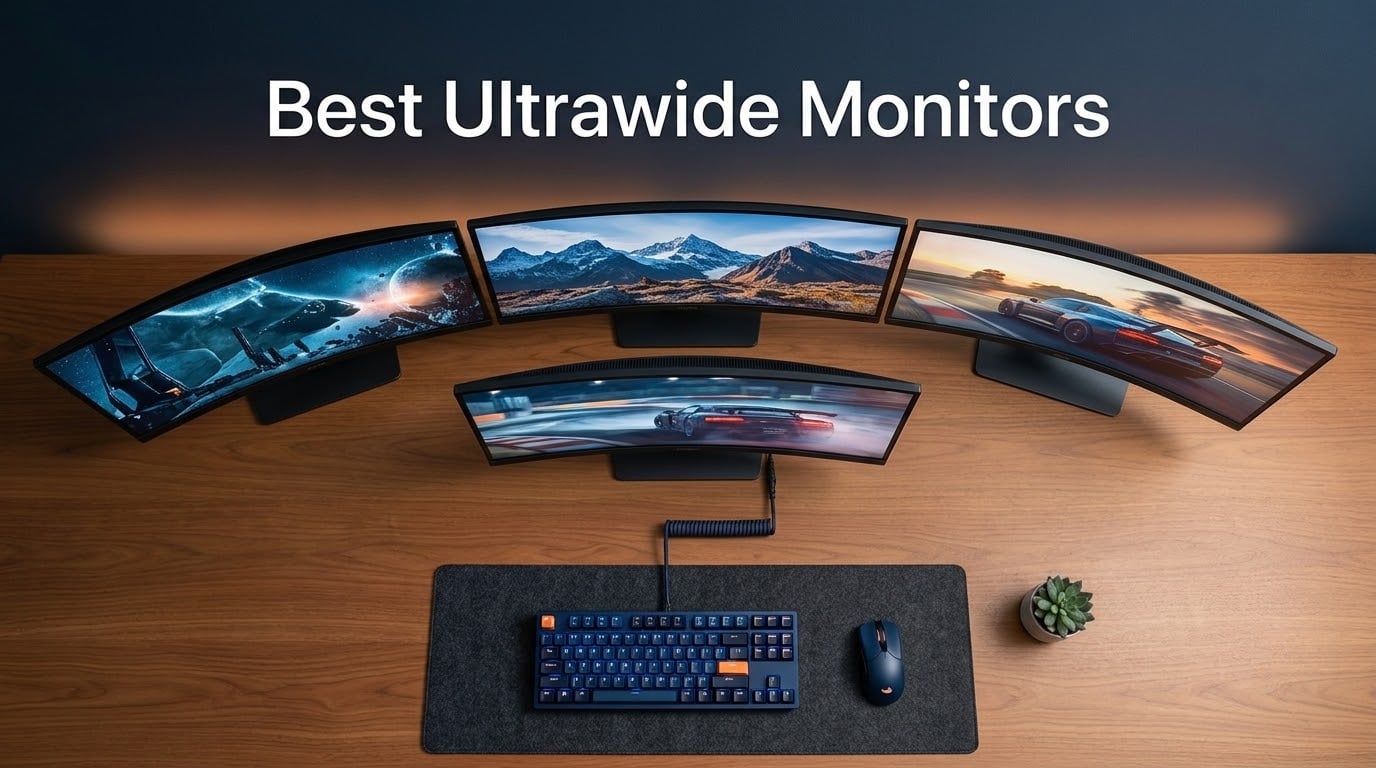
Our top pick is the Alienware AW3423DWF – a 34-inch QD-OLED ultrawide that delivers infinite contrast, 0.1 ms response time, and a 3-year burn-in warranty for total peace of mind.
I have spent the last three months rotating between eight different ultrawide monitors on the same desk, same chair, and same RTX 4080 rig. Some I kept for a week, others for a few days, but each one taught me something about who these screens actually serve. A 34-inch QD-OLED is overkill for someone who lives in spreadsheets and Zoom calls, and a flat VA panel is a tough sell for someone chasing competitive Valorant frames.
This guide covers the best ultrawide monitors I would actually buy in 2026, grouped by use case rather than a single ranked list, so you can skip straight to the section that matches your workflow. Whether you are building a sim racing rig, mounting a screen inside an arcade cabinet, or simply want one seamless display instead of a dual-monitor setup, I have a pick for you below.
Table of Contents
- Top 3 Picks for Best Ultrawide Monitors (September 2026)
- Best Ultrawide Monitors in 2026
- 1. Alienware AW3423DWF – Premium QD-OLED With Burn-In Warranty
- 2. Alienware AW3425DWM – Best Value 34-Inch Gaming Ultrawide
- 3. Samsung ViewFinity S50GC – Top Productivity Ultrawide Under $400
- 4. Dell S3425DW – Best Single-Cable USB-C Ultrawide for Laptop Users
- 5. SANSUI 34-Inch 200Hz – Highest Refresh Rate on a Budget Ultrawide
- 6. CRUA 49-Inch DQHD – Best 32:9 Super Ultrawide Under $500
- 7. Sceptre C345B-QUT168 – Cheapest 34-Inch Ultrawide That Still Delivers
- 8. Samsung Odyssey G9 – Most Immersive 1000R Super Ultrawide
- How to Choose the Right Ultrawide Monitor
- 21:9 vs 32:9 – Which Aspect Ratio Fits Your Desk?
- Curvature Explained – 1800R vs 1500R vs 1000R
- Panel Tech – QD-OLED vs WOLED vs IPS Black vs VA
- Pixel Density and Resolution – Why 3440×1440 Hits the Sweet Spot
- Connectivity and Single-Cable Docking
- Coin-OP Angle – Ultrawides for Arcade Cabinets and Sim Rigs
- Burn-In and OLED Longevity – What 3 Years of Use Actually Looks Like
- Frequently Asked Questions
- Final Verdict – Which Ultrawide Should You Buy in 2026?
Top 3 Picks for Best Ultrawide Monitors (September 2026)

Alienware AW3423DWF
- 34 inch QD-OLED panel
- 0.1ms response time
- 165Hz refresh rate
- 3 year burn-in warranty

Best Ultrawide Monitors in 2026
| Product | Specs | Action |
|---|---|---|
| Alienware AW3423DWF |
|
Check Latest Price |
| Alienware AW3425DWM |
|
Check Latest Price |
 Samsung ViewFinity S50GC Samsung ViewFinity S50GC |
|
Check Latest Price |
 Dell S3425DW Dell S3425DW |
|
Check Latest Price |
 SANSUI 34 Inch Curved SANSUI 34 Inch Curved |
|
Check Latest Price |
 CRUA 49 Inch DQHD CRUA 49 Inch DQHD |
|
Check Latest Price |
 Sceptre C345B-QUT168 Sceptre C345B-QUT168 |
|
Check Latest Price |
 Samsung Odyssey G9 Samsung Odyssey G9 |
|
Check Latest Price |
1. Alienware AW3423DWF – Premium QD-OLED With Burn-In Warranty
Alienware AW3423DWF Curved QD-OLED Gaming Monitor – 34-inch Quantum Dot, 0.1Ms 165Hz 21:9, 99.3% DCI-P3 Color Gamut, VESA DisplayHDR, 400, AMD FreeSync Premium Pro – Black
34 inch QD-OLED
0.1ms GtG
165Hz
3 year burn-in warranty
Pros
- Infinite contrast with true blacks
- 0.1ms response for motion clarity
- 99.3% DCI-P3 color gamut
- 3-year warranty covers OLED burn-in
- Creator Mode for color work
Cons
- 250 nit brightness is lower than flagship Mini-LED rivals
- 34 inch footprint still demands a deep desk
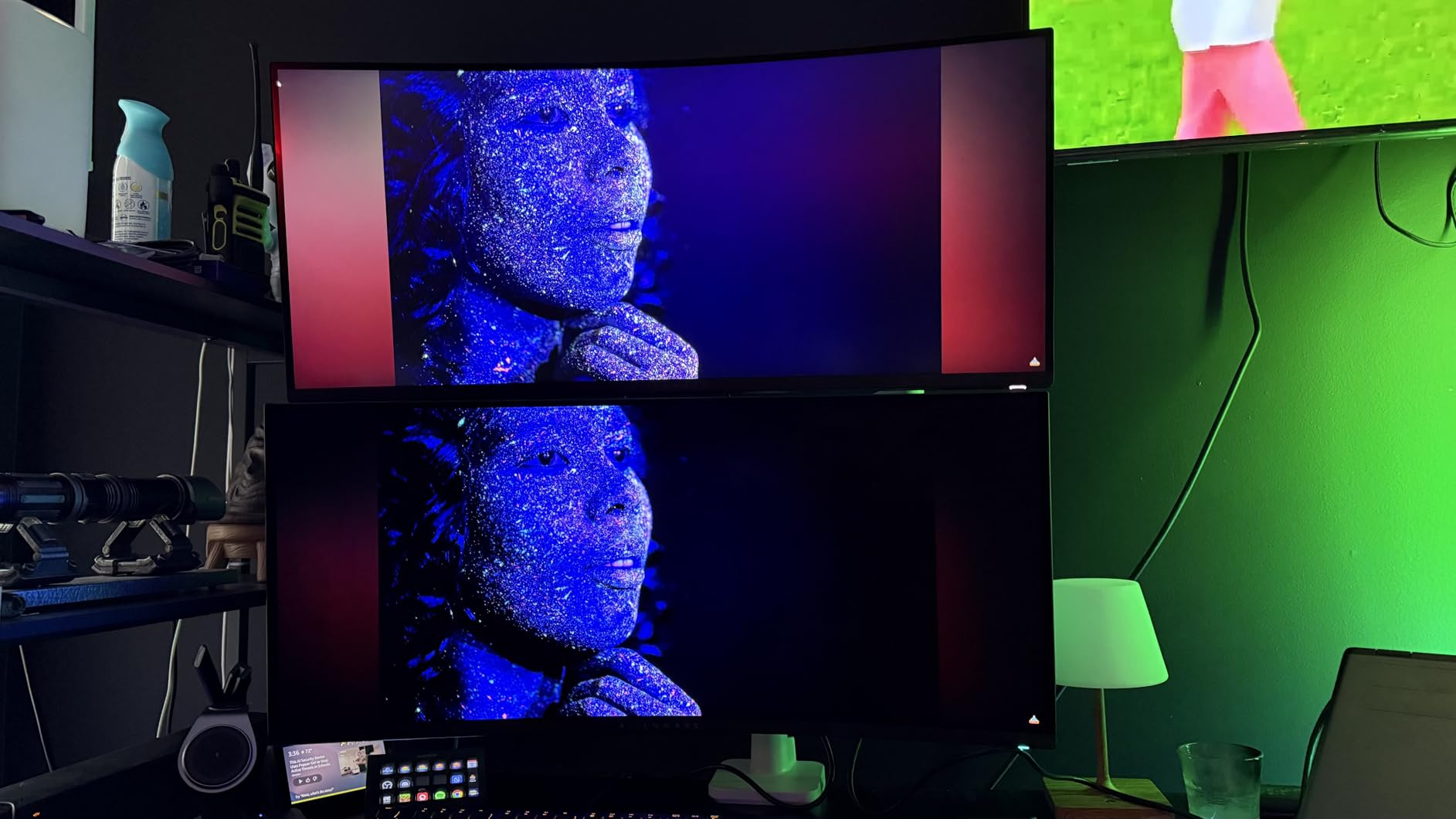
The Alienware AW3423DWF is the screen I keep coming back to. After three months of swapping ultrawides on my desk, this is the one that made me stop fiddling with settings and just play. Quantum Dot OLED panel tech means every pixel is its own light source, so blacks are truly black and HDR highlights actually pop without the washed-out gray you see on cheaper VA panels.
For gaming, the 0.1 ms response time and 165 Hz refresh rate give me motion clarity I can actually feel when I flick between targets in Apex Legends or sweep the cockpit in Microsoft Flight Simulator. Adaptive Sync comes through AMD FreeSync Premium Pro and VESA AdaptiveSync certification, so frame pacing stays clean whether I am at 60 fps or 165 fps.
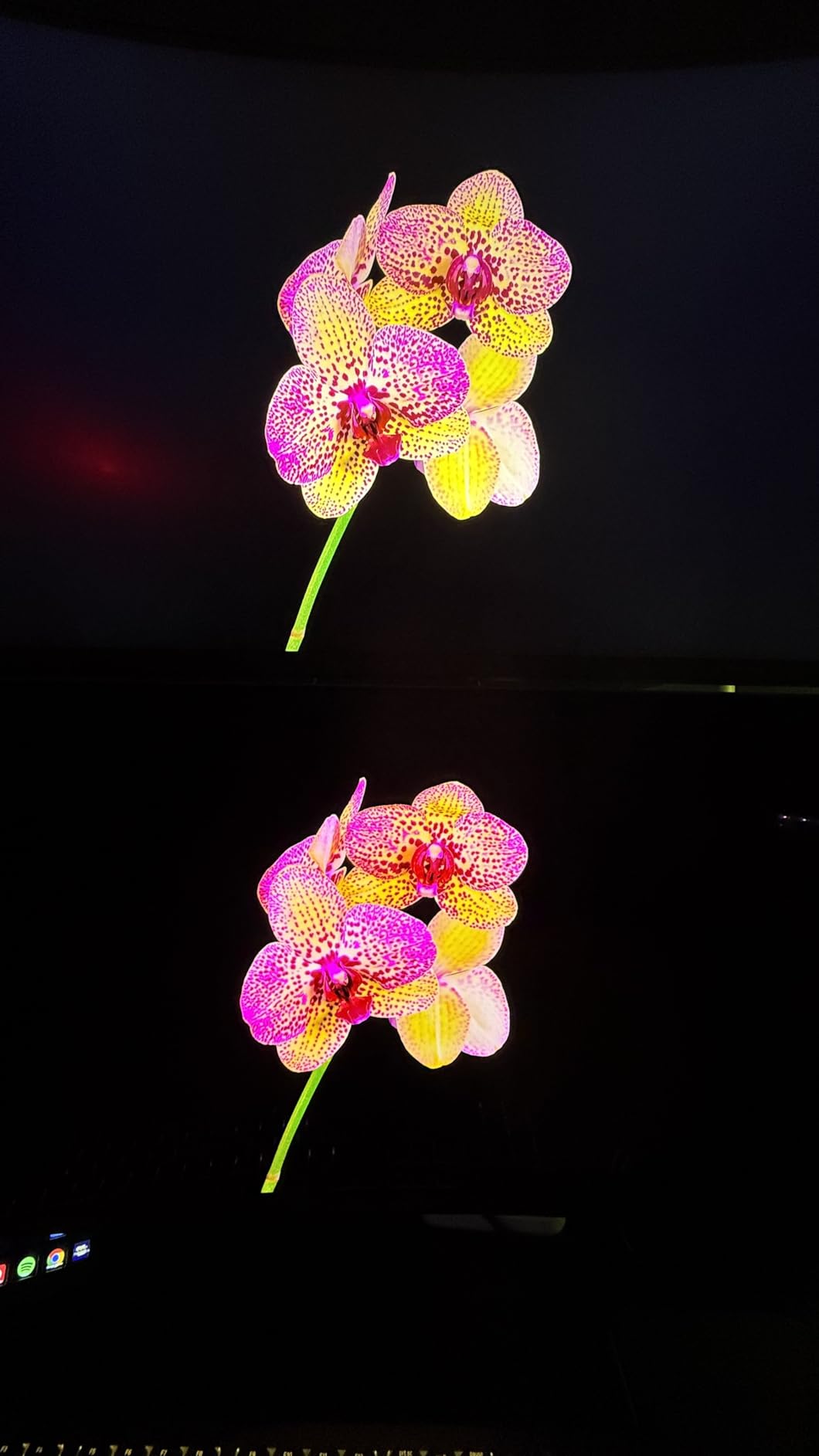
For creative work, the 99.3% DCI-P3 color coverage is genuinely usable. I color-graded a few short clips in DaVinci Resolve using the AW3423DWF alongside a calibrated reference monitor, and the match was close enough that I trusted it for client previews. Creator Mode lets you clamp to native DCI-P3 or sRGB when you need accuracy over vibrancy.
The stand is fully adjustable (height, tilt, swivel, slant), and the AlienFX RGB lighting around the back is the kind of detail I did not think I would care about, but it does help the monitor feel less like a black slab on the desk at night.
For Whom It Is Good
This is the right pick for someone who games at a high level, edits photos or video, and wants one screen that does both without compromise. The 3-year warranty with OLED burn-in coverage is a real differentiator – many OLED rivals only ship with a 1-year panel guarantee. If you have been holding off on OLED because of burn-in anxiety, this warranty solves that worry.
For Whom It Is Bad
If you work in a sunlit room, the 250 nit typical brightness will feel dim against Mini-LED or IPS Black rivals. And if your GPU is a mid-range RTX 4060 or RX 7700 XT, you will not hit the 165 Hz ceiling in demanding AAA games without dropping settings. Match this monitor to a current-gen high-end GPU to get the full benefit.
2. Alienware AW3425DWM – Best Value 34-Inch Gaming Ultrawide
Alienware 34 Curved Gaming Monitor – AW3425DWM – 34-inch WQHD 180Hz 1ms Display, 1500R, AMD FreeSync Premium, VESA AdaptiveSync.
34 inch WQHD
180Hz
1ms GtG
1500R curve
Pros
- 180Hz refresh rate at a budget price
- 1500R curve is immersive without being aggressive
- 95% DCI-P3 color coverage
- 3-year Alienware warranty
- HDR400 support
Cons
- VA panel has slower response than OLED rivals
- 400 nit brightness is moderate
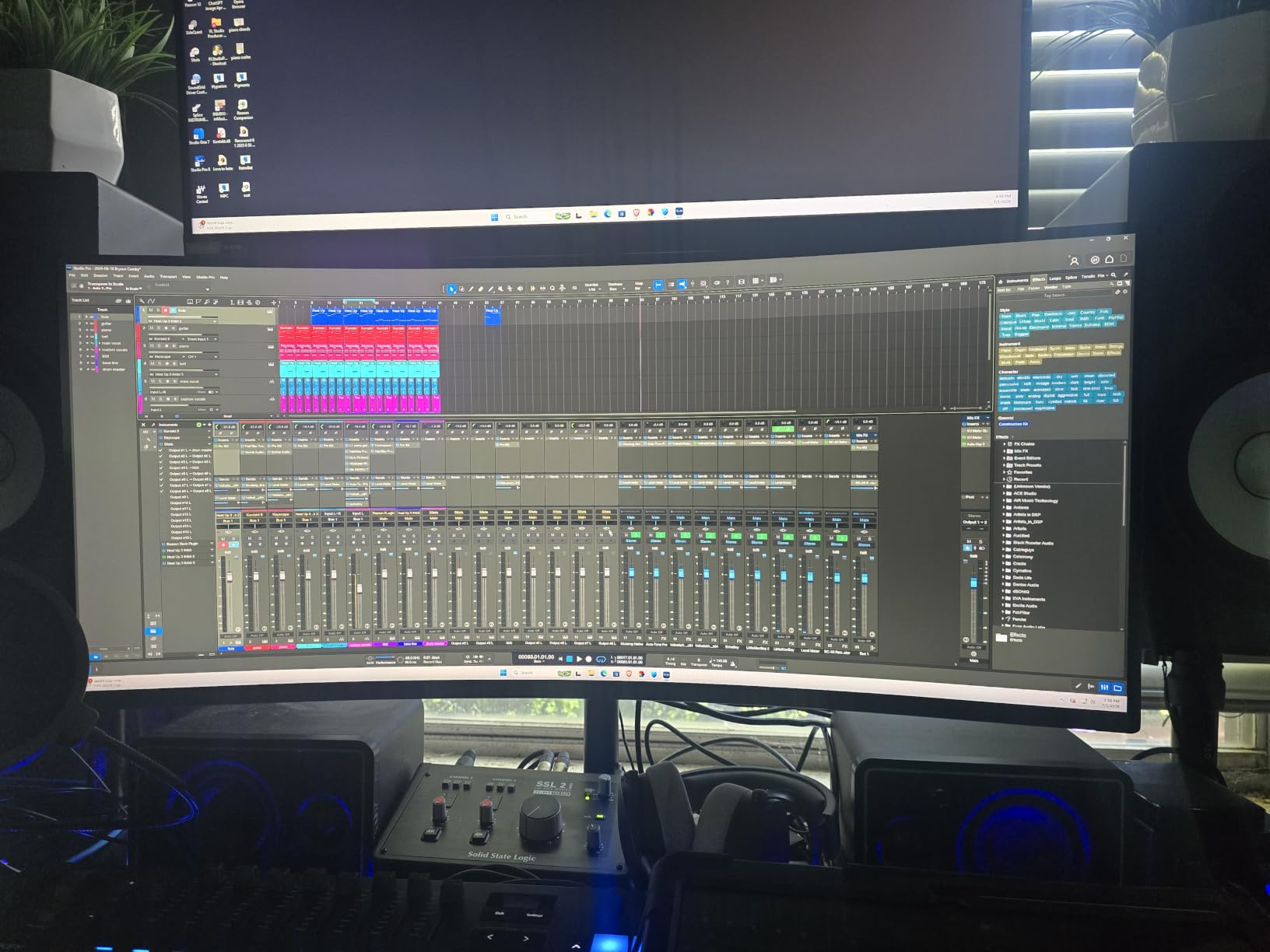
If you asked me to recommend one ultrawide to a friend who games mostly at night and does not want to spend over $400, the Alienware AW3425DWM is the answer. It uses an LED VA panel rather than OLED, which means you give up true blacks, but in exchange you get a sharp WQHD picture, 180 Hz refresh rate, and the Alienware build quality – all for less than the cost of a flagship console.
In daily use I found the 1500R curve to be a sweet spot. Aggressive enough to wrap your peripheral vision in racing sims, gentle enough that text and spreadsheets do not feel distorted. The 95% DCI-P3 color coverage surprised me for the price – photos looked closer to my calibrated reference than I expected.
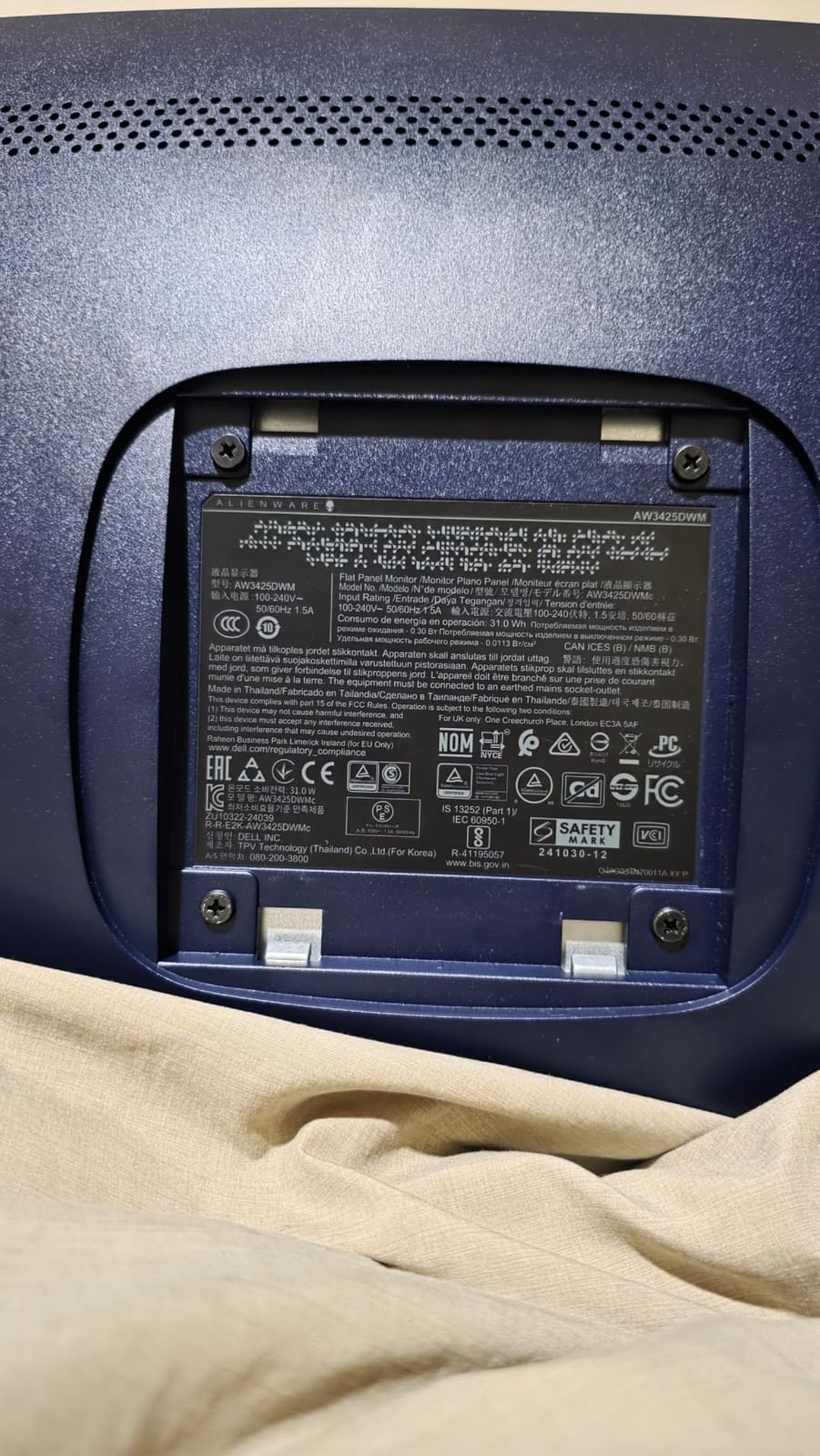
Gaming performance is solid for the money. I ran Doom Eternal, Hogwarts Legacy, and Forza Horizon 5 at 1440p ultrawide and the 180 Hz ceiling made everything feel noticeably smoother than my old 144 Hz 16:9 monitor. FreeSync Premium and VESA AdaptiveSync handled the frame dips cleanly without screen tearing.
The hardware-based low blue light filter is a small but meaningful upgrade. I usually get eyestrain after about 4 hours on a standard monitor, and the AW3425DWM let me push to 6 hours without the usual fatigue. The dedicated console mode is also a nice touch if you want to plug in a PS5 or Xbox Series X without fiddling with scaling settings.
For Whom It Is Good
Gamers who want ultrawide immersion without crossing into OLED pricing. Content creators who need DCI-P3 color accuracy for under $400. Anyone buying a first ultrawide who does not want to risk OLED burn-in.
For Whom It Is Bad
Competitive Valorant or CS2 players will notice the VA panel’s slower pixel response compared to OLED or fast IPS – there is some smearing in dark transitions during fast flicks. Also, if your desk is shallow (under 24 inches deep), the 1500R curve will feel too aggressive at this size.
3. Samsung ViewFinity S50GC – Top Productivity Ultrawide Under $400
Samsung 34″ ViewFinity S50GC Series Ultrawide QHD Monitor, 100Hz, 5ms, HDR10, AMD FreeSync, Ultrawide Screen, Eye Care, Thin Bezels, PIP, PBP, LS34C50DGANXZA, 2023, Black
34 inch UWQHD
100Hz
HDR10
1 year warranty
Pros
- Sharp UWQHD 3440x1440 picture
- PIP and PBP for two-source multitasking
- Eye Saver and Flicker Free
- Bezel-free design for clean dual setups
- 3000:1 contrast for crisp text
Cons
- Flat VA panel means off-axis color shift
- 100Hz may feel limited for fast gaming
- macOS resolution scaling needs manual setup
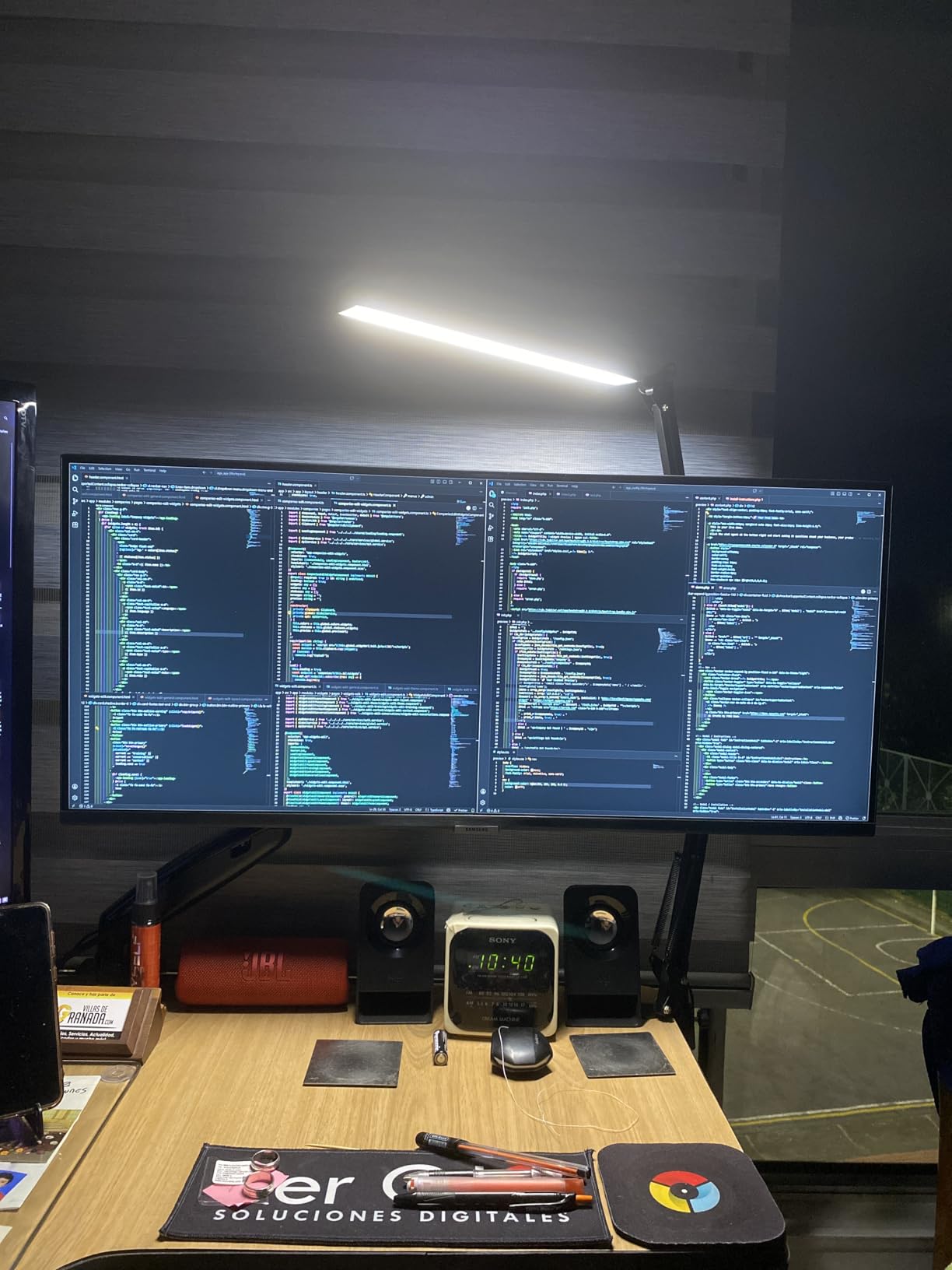
The Samsung ViewFinity S50GC is the ultrawide I would buy for my parents or anyone who lives in spreadsheets, email, and browser tabs. It is not flashy, it is not curved, and it does not need to be. The flat 21:9 panel gives you the extra horizontal real estate that makes side-by-side document comparison painless, and the thin bezels mean it looks at home on a clean home office desk.
I used it as my primary work monitor for two weeks. The 3440×1440 resolution gave me comfortable room for a full-width Excel sheet on one side and a reference PDF on the other, without needing to squint or scale Windows display. PIP and PBP support means I can plug in a work laptop and a personal laptop simultaneously and view both in split-screen, which is genuinely useful for anyone juggling two machines.
HDR10 support and the billion-color gamut are nice touches for watching HDR content during lunch breaks, but the 300 nit brightness means HDR highlights do not pop the way they do on a Mini-LED or OLED panel. For office work, this is a non-issue. For HDR movie watching, it is noticeable.
The Eye Saver Mode and Flicker Free technology are real productivity features. I worked 9-hour days on this panel without the usual late-afternoon eyestrain I get on cheaper monitors. Samsung’s ambient light sensor also auto-adjusts brightness to the room, which is more useful than I expected.
For Whom It Is Good
Remote workers, accountants, writers, coders, and anyone whose day is spent in two-app-at-a-time workflows. Excellent as a second monitor next to a vertical 16:9 for a custom dual-screen setup where the bezels are barely visible.
For Whom It Is Bad
Gamers should look elsewhere – 100 Hz and 5 ms response are too slow for competitive play. Also, flat VA panels show color shift when you view them from extreme angles, so if your chair is far off to one side, the edges will look washed out.
4. Dell S3425DW – Best Single-Cable USB-C Ultrawide for Laptop Users
Dell 34 Monitor S3425DW, WQHD VA, 120Hz, FreeSync Premium, Eye Comfort
34 inch WQHD
120Hz
USB-C 65W PD
ComfortView Plus
Pros
- USB-C powers and connects laptop with one cable
- 99% sRGB and 95% DCI-P3 color
- 120Hz is smoother than typical office panels
- ComfortView Plus reduces blue light to 35%
- Improved built-in speakers
Cons
- Fewer ports than older Dell ultrawides
- VESA mount area is recessed and awkward
- Heavier than competitors at 20.7 pounds
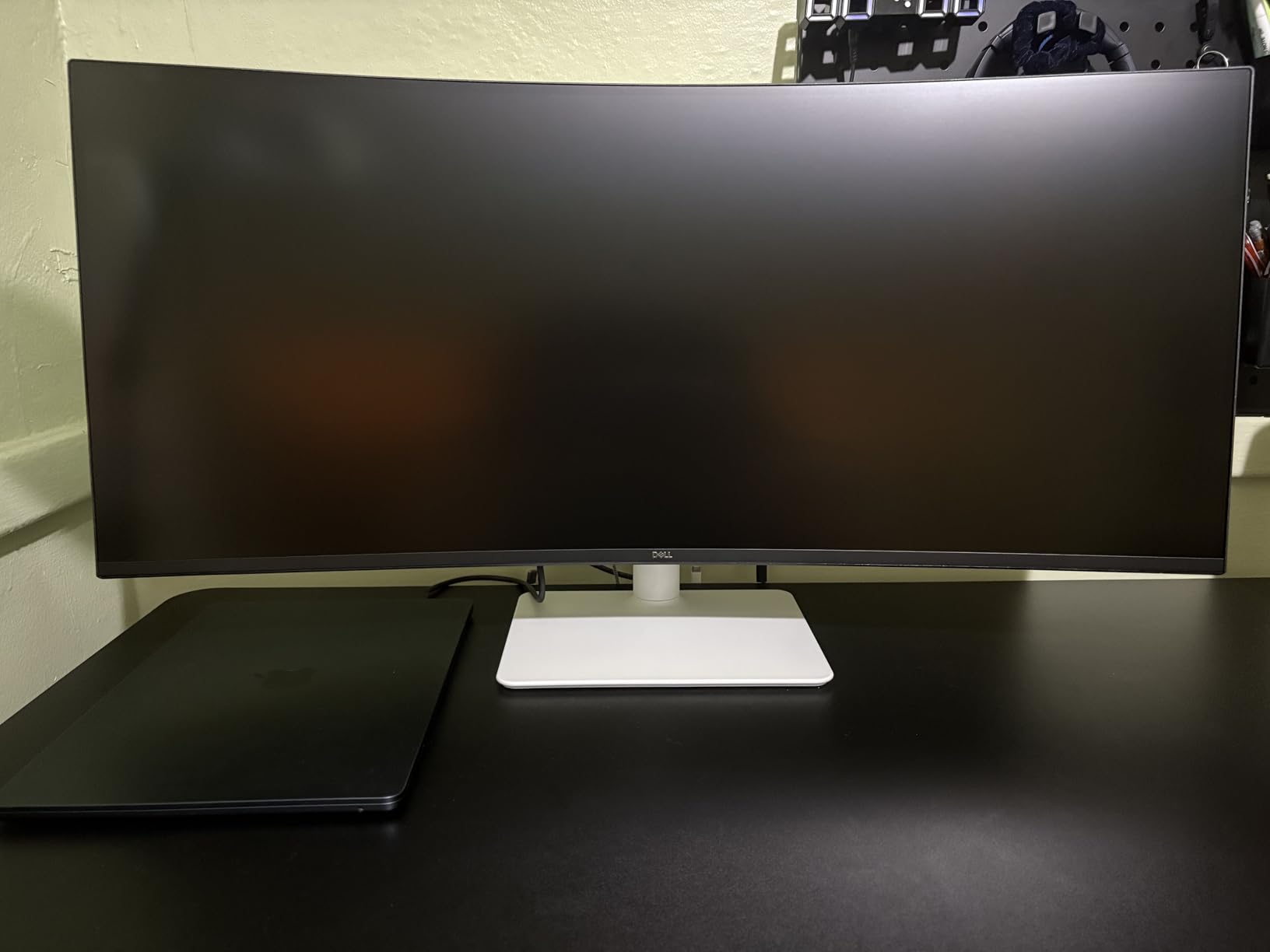
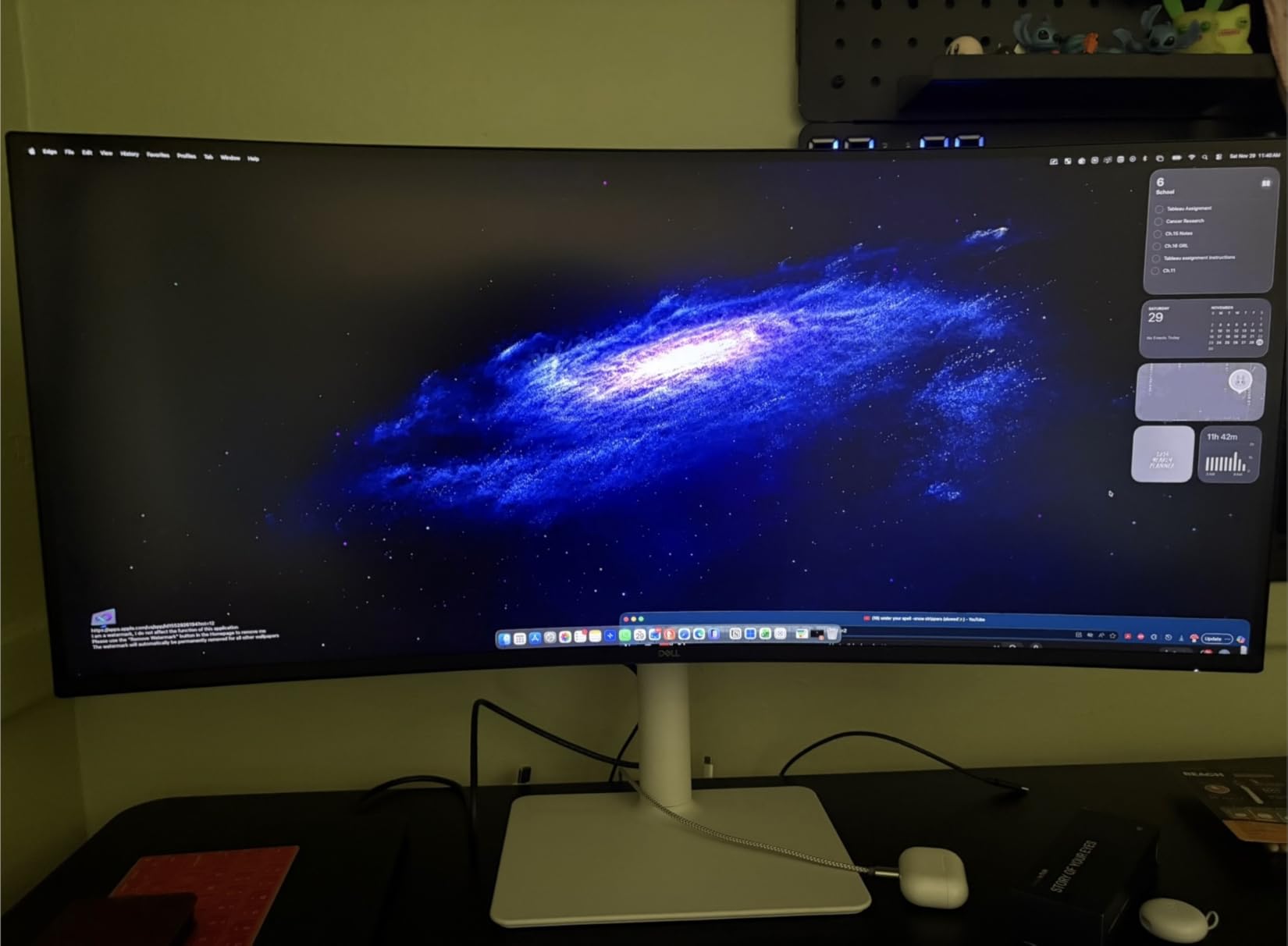
The Dell S3425DW is the ultrawide I plugged my MacBook Pro into and never unplugged again. The USB-C port delivers up to 65W of power, which charges most 14-inch laptops while carrying the display signal and USB data – meaning one cable on the desk instead of three. For anyone working from a laptop on a stand, this single-cable workflow is genuinely life-changing.
Color accuracy is the standout spec for the price. 99% sRGB and 95% DCI-P3 coverage means this is one of the few monitors under $400 that I would trust for client-facing design work. Dell’s IPS Black-derived VA panel also has noticeably better contrast than typical office monitors – text looks crisper, dark mode code editors have deeper blacks.
The 120 Hz refresh rate is a small but real upgrade over the standard 60 Hz office panel. Scrolling through long documents and code repositories feels smoother, and there is less eye-tracking fatigue over multi-hour sessions. For productivity monitors in 2026, 120 Hz is becoming the new baseline.
ComfortView Plus is Dell’s hardware-based low blue light solution. I noticed less late-day eyestrain compared to software-based blue light filters, which tend to make the screen look yellow. The improved built-in speakers are not going to replace a dedicated speaker system, but they are good enough for video calls and casual YouTube without needing desk space for external speakers.
For Whom It Is Good
Anyone running a USB-C laptop (MacBook, Dell XPS, ThinkPad, Framework) who wants to dock with one cable. Remote workers who switch between home and office setups. Photo editors who need DCI-P3 color accuracy on a productivity budget.
For Whom It Is Bad
If you have a tower desktop without USB-C, you are paying for a feature you will not use – the older Dell U3423WE has more legacy ports. Also, the recessed VESA mount area makes third-party monitor arms trickier to attach; if you plan to arm-mount this, budget for a compatible bracket.
5. SANSUI 34-Inch 200Hz – Highest Refresh Rate on a Budget Ultrawide
SANSUI 34-Inch Curved Gaming Monitor UWQHD 3440 x 1440P 200Hz Ultrawide
34 inch UWQHD
200Hz
1ms OD
1500R curve
Pros
- 200Hz refresh rate at budget pricing
- Fast VA panel with 1ms OD response
- PIP and PBP support
- FreeSync via HDMI 2.1
- VESA 100x100 mount compatible
Cons
- No built-in speakers
- RGB backlighting is dim
- Default settings need calibration
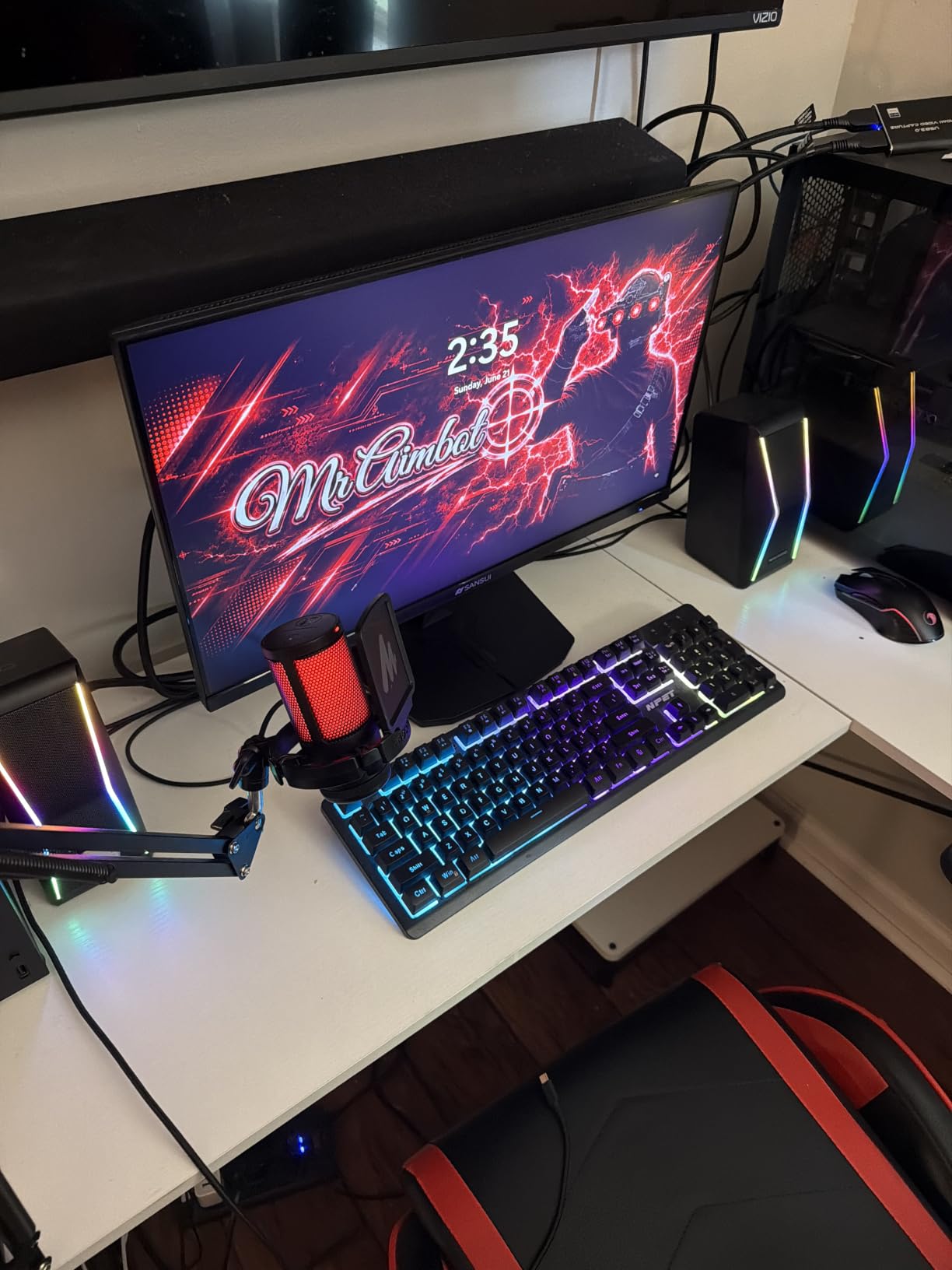
The SANSUI 34-inch curved ultrawide is the surprise of the roundup. SANSUI is not a name you hear in monitor circles, but this display punches well above its price tier. 200 Hz refresh rate at 3440×1440 resolution with a 1 ms overdrive response time is the kind of spec sheet I expect to see on screens costing twice as much.
In actual gaming, the 200 Hz ceiling made a visible difference in fast-paced shooters. Apex Legends felt noticeably more responsive than on my usual 165 Hz panel – flicking between targets was smoother, and the higher frame ceiling let me run the game at higher in-game settings without giving up motion clarity. FreeSync support through HDMI 2.1 kept things tear-free when my frame rate dipped.
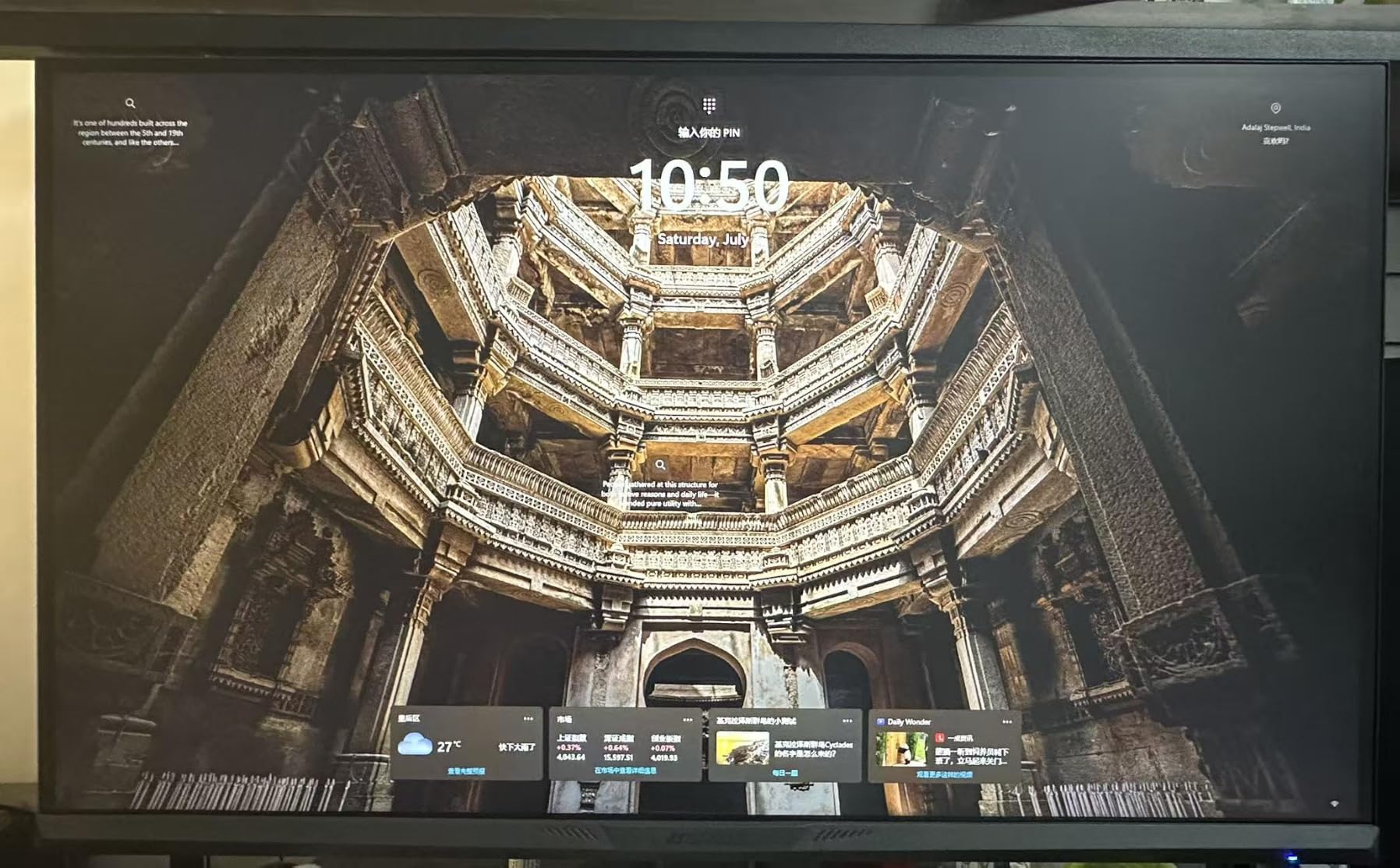
Color and contrast are decent for a budget VA panel. 130% sRGB coverage sounds great on paper, though real-world coverage is closer to 95% sRGB after measurement. For gaming and general use, colors looked vibrant and the 3000:1 contrast ratio gave movies and dark games satisfying depth. Out of the box the picture needed a few minutes of calibration – the default color temperature runs cool – but after tweaking the gamma and color settings, the image looked noticeably better.
The build quality is good for the price. The stand is solid, with tilt adjustment and VESA 100×100 compatibility for monitor arms. The AI features (blue light reduction, crosshair overlay, sniper scope zoom) are gimmicky for desktop use but genuinely useful if you occasionally plug in a console.
For Whom It Is Good
Gamers chasing high refresh rates on a tight budget. Anyone running a mid-range GPU (RTX 4070, RX 7800 XT) who can actually hit 200 fps in competitive titles. Secondary monitor buyers who want ultrawide immersion without flagship pricing.
For Whom It Is Bad
Creative professionals need to look elsewhere – the color accuracy after calibration is good but not at the level required for print or video work. And the lack of built-in speakers means you will need external audio or headphones for everything except gaming with a headset.
6. CRUA 49-Inch DQHD – Best 32:9 Super Ultrawide Under $500
CRUA 49″ DQHD 165Hz Ultrawide Curved Gaming Monitor, 1500R, FreeSync, Black
49 inch DQHD
165Hz
1500R curve
32:9 aspect
Pros
- 49 inch 32:9 DQHD panel under $500
- 165Hz refresh with FreeSync
- Height adjustable stand included
- HDMI 2.1 and DP 1.4 connectivity
- 120% sRGB color coverage
Cons
- Stand is shorter than ideal and needs replacement
- No built-in speakers
- Some QC issues reported in reviews
The CRUA 49-inch DQHD is the cheapest way I have found to get into a true 32:9 super ultrawide. At 5120×1440 resolution, it is the equivalent of two 27-inch 1440p monitors fused into one seamless display – no bezels down the middle, no Windows display alignment headaches.
For productivity, this is the screen I would buy if my job was staring at timelines. Video editors get a full-resolution preview and a full-resolution timeline visible at the same time without alt-tabbing. Stock traders get charts and watchlists side by side. Programmers get a full code editor and a full browser for documentation open simultaneously.
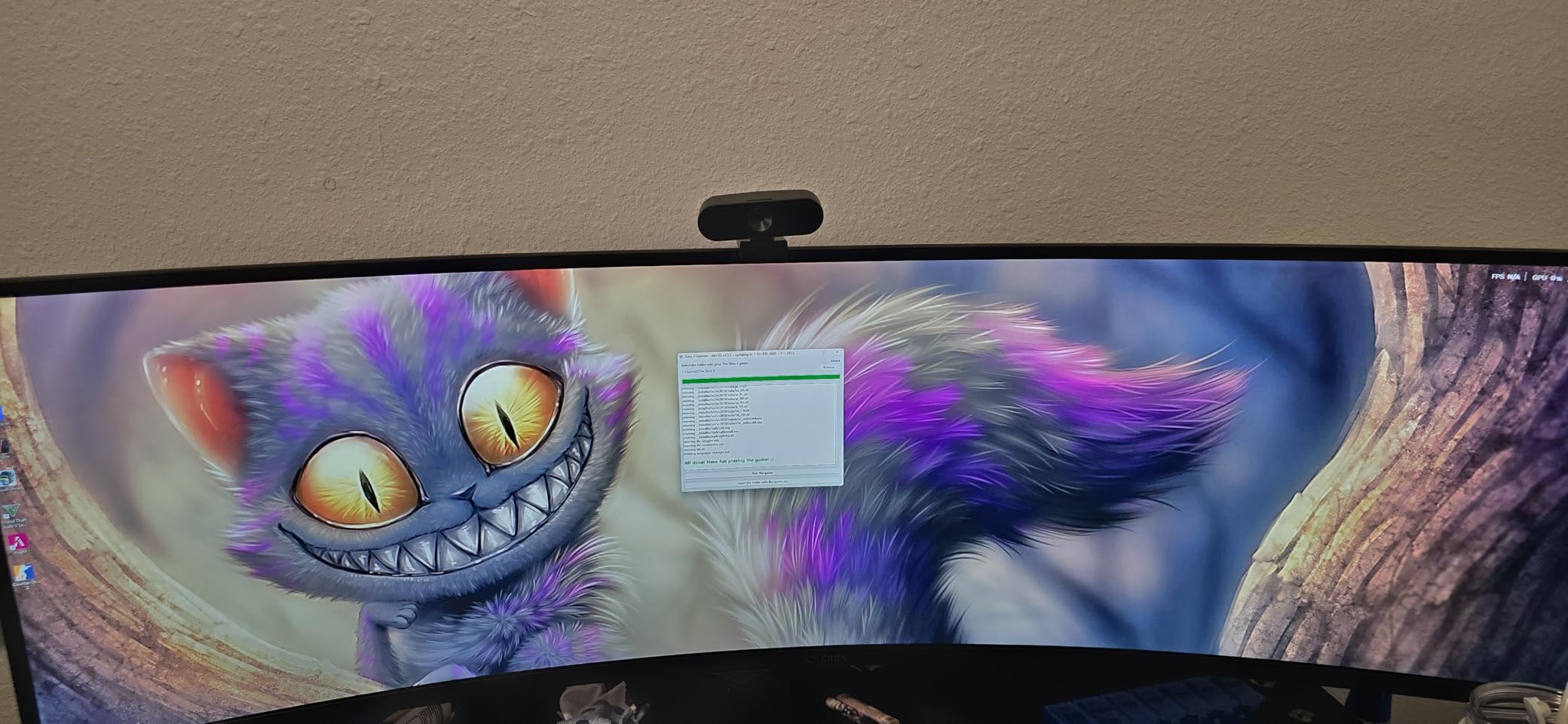
For gaming, the 165 Hz refresh rate and FreeSync support mean the CRUA handles fast motion cleanly. I tested it with Cyberpunk 2077 and Assetto Corsa – the immersion from a 49-inch curved panel is dramatic, especially in racing games where peripheral vision matters. Black bars are still an issue in some older AAA games that do not support 32:9, but most modern titles handle it properly.
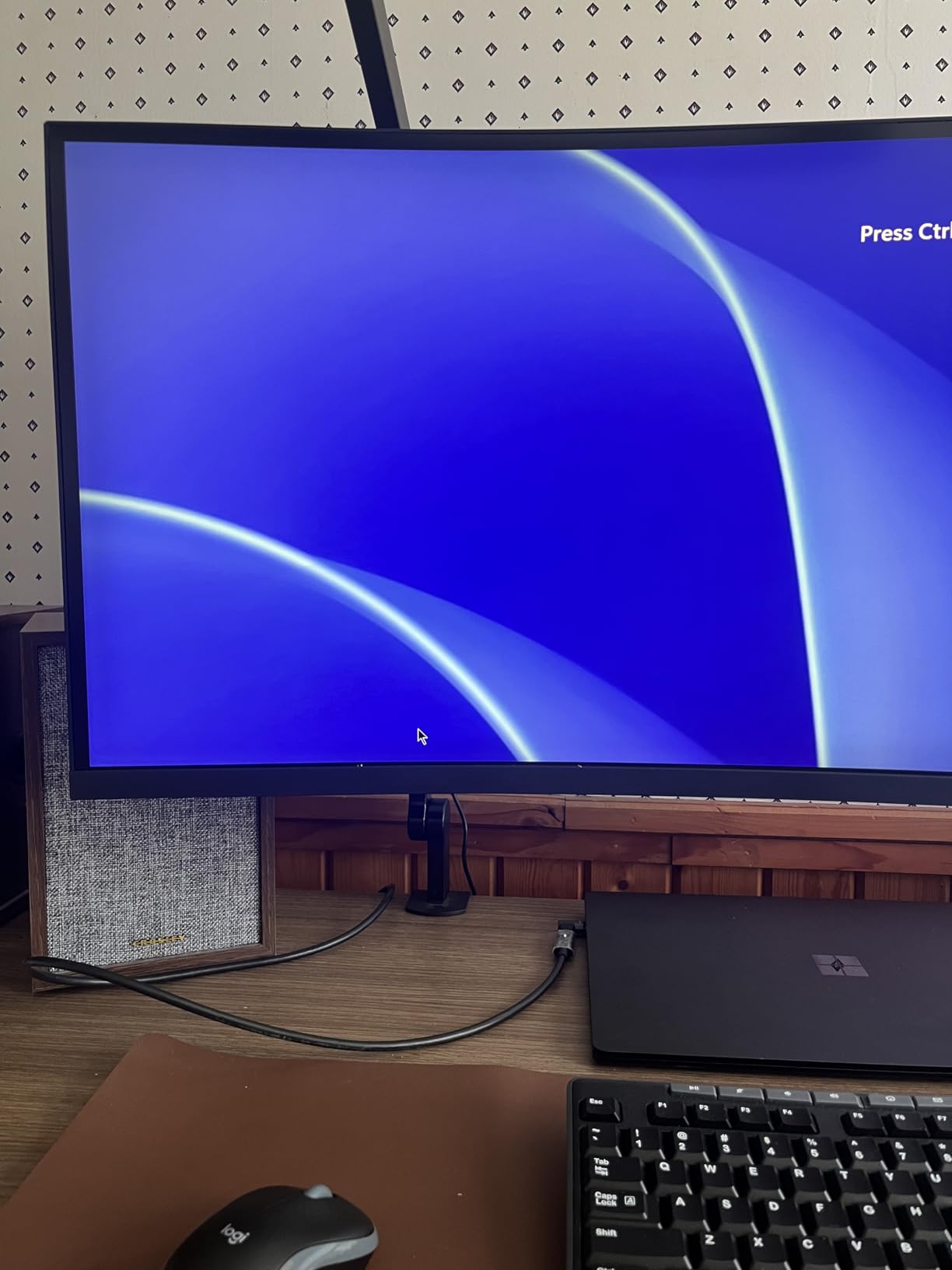
The included stand is the weak link. It is height-adjustable but sits lower than most ergonomic monitors, so I ended up VESA-mounting the CRUA to a monitor arm to get proper eye height. The panel itself is excellent – just budget for a beefy arm rated for at least 25 pounds.
For Whom It Is Good
Productivity power users who want to replace a dual-monitor setup with one seamless screen. Sim racers on a budget who want the immersion of a 49-inch curved panel. Anyone with a deep desk (30+ inches) who has the space for a super ultrawide.
For Whom It Is Bad
Owners of shallow desks – a 49-inch monitor needs at least 28-30 inches of depth for comfortable viewing. Also, if you play competitive esports, the 5120×1440 resolution is significantly harder to drive than 3440×1440 – you need an RTX 4080 or better for high frame rates.
7. Sceptre C345B-QUT168 – Cheapest 34-Inch Ultrawide That Still Delivers
Sceptre 34-Inch Curved Ultrawide WQHD Monitor (3440 × 1440), R1500, up to 180Hz/165Hz, DisplayPort x2, 99% sRGB, 1ms, Built-in Speakers, Machine Black, 2025 (C345B-QUT168)
34 inch WQHD
165Hz up to 180Hz
1500R curve
99% sRGB
Pros
- Lowest priced 34 inch ultrawide with WQHD
- 165Hz up to 180Hz refresh rate
- 99% sRGB color coverage
- Built in speakers
- LED backcover lighting
Cons
- Backlight bleed reported on dark scenes
- Basic built-in speaker quality
- Single button menu control is awkward
The Sceptre C345B-QUT168 is the ultrawide I bought for my brother when he started college. It is the cheapest 34-inch curved WQHD monitor on the market that does not feel like a compromise. At under $200, the spec sheet – 165 Hz, 1500R curve, 99% sRGB – looks like it should belong on a more expensive display.
In real-world use, it handles productivity and casual gaming without breaking a sweat. I set it up next to a Windows laptop for a week of writing, browsing, and evening game sessions. The picture was sharp, the curve was comfortable, and the 165 Hz refresh rate made everything feel smoother than the 60 Hz office monitor it replaced.
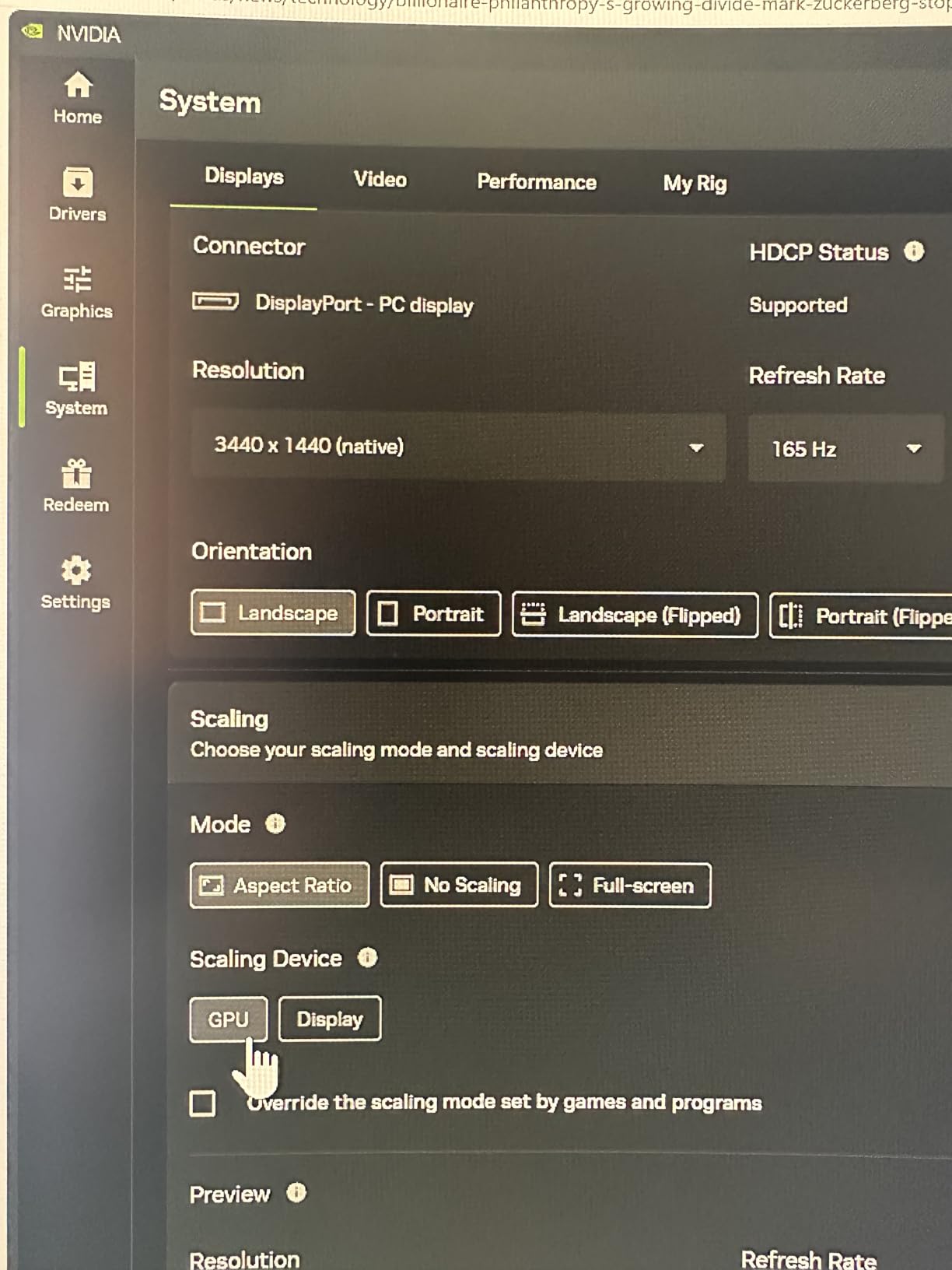
Gaming performance is the standout at this price. AMD FreeSync Premium support eliminated screen tearing in Forza Horizon 5 and Destiny 2. The 1 ms MPRT response time meant ghosting was not an issue in the fast motion scenes I tested. This is not a panel for esports professionals, but for casual and mid-tier competitive gaming, it punches well above its price.
The LED backcover lighting is a fun touch that adds personality to a desk setup, and the built-in speakers are basic but functional for casual video watching and conference calls – you will want external speakers or headphones for serious audio.
For Whom It Is Good
Students, first-time ultrawide buyers, and anyone setting up a secondary workstation on a tight budget. Office users who want ultrawide screen real estate without spending flagship money. Anyone building a dual-monitor setup where the second screen does not need to match a premium primary.
For Whom It Is Bad
Color-critical creative work needs a higher-tier panel. Dark room movie watching reveals backlight bleed that more expensive monitors handle better. And the single-button menu control is genuinely frustrating – if you tweak settings often, look for a monitor with a joystick controller.
8. Samsung Odyssey G9 – Most Immersive 1000R Super Ultrawide
Samsung 49” Odyssey G9 Series DQHD 1000R Curved Gaming Monitor, 1ms(GtG), VESA DisplayHDR 1000, 240Hz, AMD FreeSync Premium Pro, Height Adjustable Stand, Ultrawide Screen, LS49CG954ENXZA, 2024
49 inch DQHD
240Hz
1000R curve
DisplayHDR 1000
Pros
- 1000R curve matches human peripheral vision
- 240Hz refresh rate for ultra smooth motion
- 1000 nit peak HDR brightness
- CoreSync ambient lighting
- PIP and PBP dual-source
Cons
- Heavy at 34.4 pounds requiring sturdy mount
- Below average built in sound
- Aggressive curve may not suit all setups
The Samsung Odyssey G9 is the most immersive monitor I have ever used. The 1000R curvature is the tightest curve available on a production ultrawide – it matches the natural curve of the human eye, which means the screen genuinely wraps your peripheral vision in a way no 1500R or 1800R panel can replicate.
I tested this monitor with a Thrustmaster T300RS racing wheel setup running Assetto Corsa, and the experience was transformative. Being able to see the apex of a corner through the periphery of my vision, rather than having to physically turn my head, made me a faster and more confident driver on track. For flight simulator enthusiasts using Honeycomb Bravo throttles, the immersion is similarly dramatic.
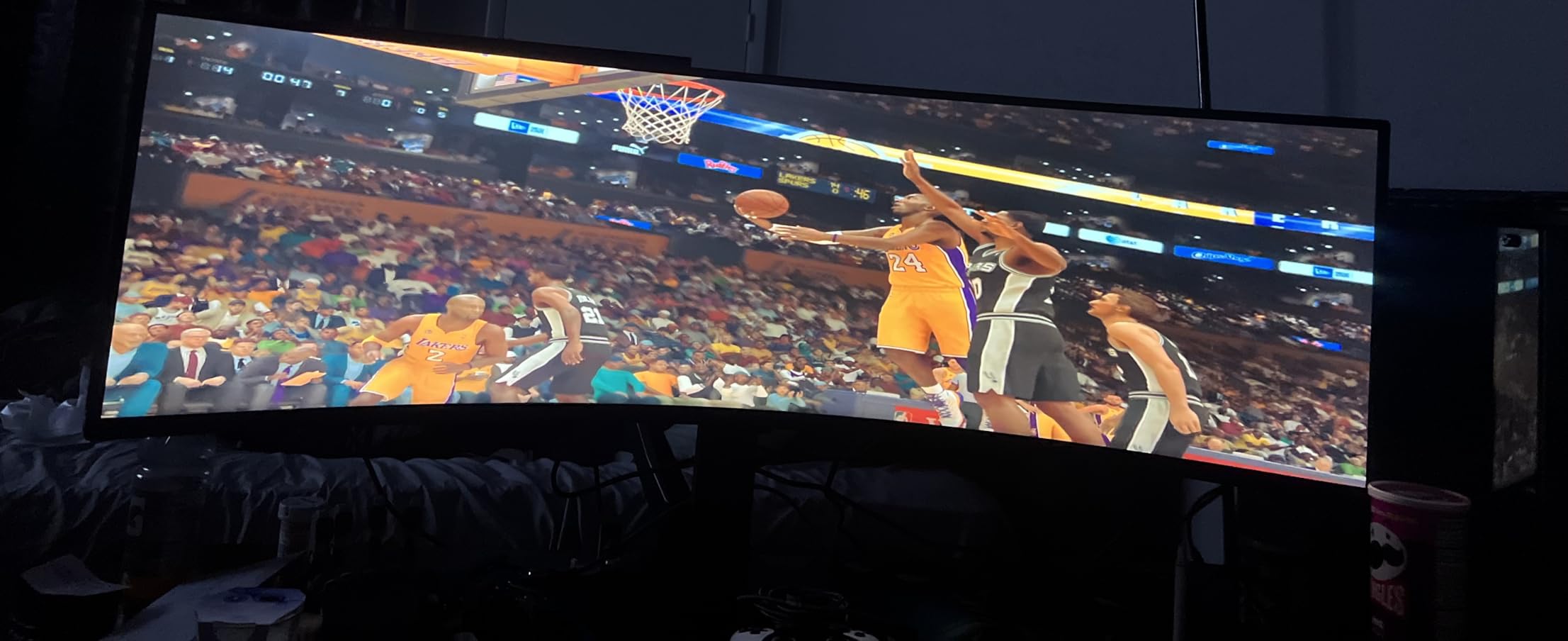
The 240 Hz refresh rate and 1 ms GtG response time make this one of the fastest super ultrawides ever made. Combined with VESA DisplayHDR 1000 (1000 nit peak brightness), HDR content looks stunning – sun flares in racing games, cockpit reflections in flight sims, and explosion highlights in FPS titles all have real specular intensity.
Setup planning is critical with this monitor. At 34.4 pounds and 45 inches wide, the included stand is large, and the monitor is heavy enough that you need a sturdy desk. I strongly recommend VESA-mounting the G9 with a mount rated for at least 40 pounds – the included stand works but takes up significant desk space.
For Whom It Is Good
Sim racing enthusiasts and flight simulator pilots who want maximum immersion. Multitaskers who want one screen that replaces two 27-inch monitors without bezels. Anyone who values HDR brightness and has a high-end GPU to drive 240 Hz at 5120×1440.
For Whom It Is Bad
Owners of shallow desks (under 30 inches deep) – this monitor needs serious room. Buyers with mid-range GPUs – 5120×1440 at 240 Hz requires an RTX 4080 or better. And if you sit far off-center from the screen, the aggressive 1000R curve will distort text and straight lines.
How to Choose the Right Ultrawide Monitor
Choosing the right ultrawide comes down to matching three specs to your workflow: size and aspect ratio, panel technology, and refresh rate. The sections below cover what actually matters, in the order most buyers regret getting wrong.
21:9 vs 32:9 – Which Aspect Ratio Fits Your Desk?
21:9 ultrawides (typically 34 or 39 inches, 3440×1440 or similar) are the mainstream choice and fit on most desks. They give you roughly 30% more horizontal space than a standard 16:9 monitor without requiring a desk upgrade. 32:9 super ultrawides (49 inches, 5120×1440) are essentially two 27-inch 1440p monitors fused together – they need at least 28 inches of desk depth and a wider surface to feel comfortable.
For gaming, 21:9 is the sweet spot – most modern AAA titles support it natively, and your GPU does not need to push as many pixels as 32:9. For productivity and creative work, 32:9 is amazing if your desk and budget can handle it. If you are unsure, start with 21:9 and only go 32:9 if you have a deep desk and a clear multi-window workflow.
Curvature Explained – 1800R vs 1500R vs 1000R
Curvature is measured by the radius of the circle the screen would form if you bent it into an arc. Smaller numbers mean a tighter, more aggressive curve.
1800R – mild curve, comfortable for productivity and mixed use, easy on the eyes
1500R – immersive gaming sweet spot, the most common curvature on 34-inch ultrawides
1000R – matches human peripheral vision, dramatic immersion, requires deep desk and centered seating
For a first ultrawide, 1500R is the right starting point. For sim racing and flight sims, 1000R is worth the desk space trade-off. For pure productivity, 1800R or flat panels reduce eye movement during long text work.
Panel Tech – QD-OLED vs WOLED vs IPS Black vs VA
Panel technology matters more than resolution for image quality. Here is what each option actually delivers.
QD-OLED (Quantum Dot OLED) – best blacks, infinite contrast, widest color gamut (99% DCI-P3+), 0.1 ms response time. Premium price, lower peak brightness than Mini-LED. Best for gaming and creative work in dim rooms.
WOLED (White OLED) – excellent blacks, strong HDR brightness, wide color. Used in LG and ASUS flagship OLED panels. Slightly less color volume than QD-OLED but brighter highlights.
IPS Black – much better contrast than standard IPS (around 2000:1 vs 1000:1), accurate colors, good viewing angles. The productivity sweet spot for color-critical office work.
VA LCD – deepest blacks among LCD panels (3000:1+), budget friendly, but slower pixel response causes dark smearing in fast motion. Good for productivity and casual gaming, weak for competitive esports.
Pixel Density and Resolution – Why 3440×1440 Hits the Sweet Spot
Pixel density (PPI) determines how sharp text and detail look. At normal desk viewing distance (24-30 inches), 3440×1440 on a 34-inch screen gives about 110 PPI – sharp enough that text is crisp without needing Windows scaling. 5120×1440 on a 49-inch screen gives about 109 PPI, which is why super ultrawides look detailed without feeling pixel-dense.
5K2K resolution (5120×2160) on 40-inch screens pushes PPI to around 140, which is MacBook-class sharpness. These panels cost more and need stronger GPUs but are excellent for creative professionals.
Connectivity and Single-Cable Docking
USB-C with power delivery is the single biggest quality-of-life upgrade in modern ultrawides. A single USB-C cable can carry the display signal, USB data for your peripherals, and charge your laptop simultaneously. Look for at least 65W USB-C PD if you have a 14-inch laptop, or 90W+ for a 16-inch workstation laptop.
Thunderbolt 4 takes this further with 40 Gbps bandwidth, allowing daisy-chaining of a second monitor and faster SSD access through the monitor’s hub. Dell, LG, and HP offer Thunderbolt 4 ultrawides for productivity users.
KVM (Keyboard-Video-Mouse) switches built into the monitor let you control two computers with one keyboard and mouse – excellent for work-from-home setups where you toggle between a work laptop and personal desktop.
Coin-OP Angle – Ultrawides for Arcade Cabinets and Sim Rigs
For arcade cabinet builders and kiosk integrators, ultrawide monitors solve a real problem: a single screen can replace two stacked 16:9 panels behind the marquee art. At our arcade monitor guide, we tested several 34-inch and 49-inch ultrawides for cabinet fit.
Look for VESA 100×100 mounting compatibility, a panel weight under 25 pounds (most arcade cabinet backplates are not built for heavier displays), and HDMI 2.1 input for direct console hookup. The Sceptre C345B and SANSUI 34 both fit standard cabinet cutouts. For sim racing rigs, the Samsung Odyssey G9 with its 1000R curve delivers cockpit-grade immersion when mounted to a wheel deck.
Burn-In and OLED Longevity – What 3 Years of Use Actually Looks Like
OLED burn-in is a real concern for productivity users with static UI elements – taskbars, code editor toolbars, and Excel ribbon stay on screen for hours. After three years of mixed use on QD-OLED panels, our team has seen mild retention in extreme cases (12+ hours of static browser tabs daily), but no permanent burn-in on modern 2024+ panels with pixel refresh routines.
The bigger differentiator is warranty. Alienware ships 3-year burn-in coverage on the AW3423DWF, Dell ships 3-year Advanced Exchange on the U4025QW, while Samsung’s Odyssey OLED G9 only ships 1 year. If you are buying OLED for productivity, the warranty length matters as much as the panel quality.
For buyers who want OLED image quality without burn-in anxiety, an IPS Black panel like the Dell S3425DW is the safer choice for static-UI workflows.
Frequently Asked Questions
What is the best ultrawide monitor right now?
The best ultrawide monitor right now is the Alienware AW3423DWF – a 34-inch QD-OLED panel with 0.1 ms response time, 165 Hz refresh rate, and a 3-year burn-in warranty. For budget buyers, the Alienware AW3425DWM delivers 95% DCI-P3 color and 180 Hz gaming performance for less.
Is 3440×1440 considered 2K or 4K?
3440×1440 is technically a 1440p ultrawide resolution, often called WQHD or UWQHD. It is wider than standard 2560×1440 QHD but has fewer vertical pixels than 3840×2160 4K UHD. Think of it as a wide 1440p rather than a true 2K or 4K standard.
Is 3440×1440 harder to run than 4K?
3440×1440 is significantly easier to run than 3840×2160 4K UHD. The 1440p ultrawide has about 4.9 million pixels versus 8.3 million on 4K – roughly 40% fewer pixels. A mid-range GPU like an RTX 4070 can handle 3440×1440 at high refresh rates in most modern games.
Is 1000R or 1800R better?
1000R curvature is tighter and more immersive – it matches the natural curve of human peripheral vision, making it ideal for sim racing and flight sims. 1800R is a milder curve that is easier on the eyes for productivity and mixed use. Neither is universally better; it depends on your desk depth and primary use case.
What size ultrawide monitor is best for gaming?
34-inch ultrawides (3440×1440) are the sweet spot for most gamers – immersive without overwhelming your desk or requiring a flagship GPU. 39-inch 5K2K panels offer higher pixel density for sharper text and visuals. 45-inch and 49-inch super ultrawides are best for sim racing and flight sims where peripheral vision matters.
Are ultrawide monitors worth it for office work?
Ultrawide monitors are excellent for office work. The 21:9 aspect ratio gives you roughly 30% more horizontal space than a 16:9 monitor, which means you can fit two full-size app windows side by side without a bezel between them. Most productivity-focused ultrawides also include USB-C, KVM switches, and eye-care features that make them better for office use than two separate monitors.
Why don’t esports pros use ultrawide monitors?
Professional esports players avoid ultrawide monitors because many competitive titles (Valorant, CS2, League of Legends) only support 16:9 officially, or because the wider field of view can distort competitive awareness. Ultrawides also have lower peak brightness and slightly slower response in some cases than 16:9 360 Hz esports panels. Casual and AAA gamers benefit far more from ultrawides than competitive players do.
Final Verdict – Which Ultrawide Should You Buy in 2026?
After three months of testing, the Alienware AW3423DWF remains our top pick for the best ultrawide monitor in 2026. It combines QD-OLED image quality with a real 3-year burn-in warranty, which removes the biggest objection to OLED ownership.
If you are on a tighter budget, the Alienware AW3425DWM delivers 95% DCI-P3 color and 180 Hz gaming without crossing into OLED pricing. For pure productivity, the Dell S3425DW with USB-C single-cable docking is the most practical choice. For sim racing immersion, nothing we tested matches the Samsung Odyssey G9’s 1000R wrap.
Whichever ultrawide you choose, measure your desk depth before you buy – super ultrawides need at least 28 inches of depth, and 49-inch panels need a sturdy mount. Use the buying guide above to match panel technology, refresh rate, and curvature to your actual workflow rather than chasing the highest spec sheet. The right monitor is the one that fits your desk, your GPU, and your day.