
After six weeks of daily play across Counter-Strike 2, Valorant and Apex Legends, the Glorious Model O is the mouse we kept reaching for. It is not the newest release and it does not have the highest polling rate on this list, but its 67 g honeycomb shell tracked cleanly through every flick we threw at it, and the PTFE skates never once caught on our cloth pad. If you want the best gaming mice for FPS games, the deciding factor is rarely the spec sheet. It is whether the shape fits your hand and whether the sensor keeps up when you flick fast.
That is the lens we used across all twelve mice here. We looked at shell weight in grams, sensor ceiling and tracking speed, polling rate, switch rating, button layout and how each one behaved over long sessions. We also paid attention to the things spec sheets leave out, like how deep the side buttons sit and whether a mouse still feels precise after two hours of continuous play.
This guide was last updated in 2026 and reflects hands-on use plus thousands of buyer reviews. If you want a broader look at gaming mice for other genres, our general gaming mouse roundup covers MMO and productivity picks in more detail. When you are away from the desk, our ladder toss games guide covers quick browser sessions that need a lighter pointer. Everything below is filtered down to what actually helps in a shooter.
Table of Contents
- Best Gaming Mice for FPS Games: Top 3 Shortlist
- Best Gaming Mice for FPS Games in 2026 Quick Comparison
- 1. Glorious Model O Wired — Best Overall for Competitive FPS
- 2. Corsair NIGHTSWORD RGB — Best for Players Who Tune Everything
- 3. Logitech G502 Hero — Best for Versatility and Mature Build Quality
- 4. Logitech G305 Lightspeed — Best Wireless for FPS on a Budget
- 5. Razer Basilisk V3 — Best Ergonomic Shape for Long Sessions
- 6. Razer DeathAdder Essential — Best First Competitive Mouse
- 7. Redragon M612 RGB — Best for MMO and MOBA Players Who Also Play FPS
- 8. Corsair M65 RGB Ultra — Best for Small Hands and High Polling
- 9. Redragon M810 PRO Wireless — Best Budget Wireless Pick
- 10. Razer DeathAdder V3 Pro — Best for Large Hands Going Wireless
- 11. Redragon M617 Ultralight — Lightest Shell at 41 g
- 12. HyperX Pulsefire Haste 2 — Best for Tracking Aim at 8000Hz
- What Mouse Most FPS Players Actually Use
- How We Tested These FPS Mice
- Best Gaming Mice for FPS Games: Buying Guide on Grip, Weight, Polling Rate and DPI
- Best Gaming Mice for FPS Games Settings Cheat Sheet for 2026
- Frequently Asked Questions
- Best Gaming Mice for FPS Games: Our Conclusion and Top 3 Picks
Best Gaming Mice for FPS Games: Top 3 Shortlist

Glorious Model O Wired
- 67 g honeycomb shell
- PMW3360 sensor to 12000 DPI
- 1000Hz polling
- PTFE skates

Logitech G305 Lightspeed
- 3.4 oz wireless shell
- HERO sensor to 12000 DPI
- 1 ms LIGHTSPEED report rate
- 250 hour battery

Razer Basilisk V3
- Focus+ 26K sensor
- HyperScroll tilt wheel
- 11 programmable buttons
- optical Gen 2 switches
Those three cover most FPS players. The Model O wins on balance, the G305 wins if you refuse to run a cable, and the Basilisk V3 wins if you play tactical shooters where wheel clicks and macro binds matter more than raw shell weight.
Best Gaming Mice for FPS Games in 2026 Quick Comparison
| Product | Specs | Action |
|---|---|---|
| Glorious Model O Wired |
|
Check Latest Price |
 Corsair NIGHTSWORD RGB Corsair NIGHTSWORD RGB |
|
Check Latest Price |
 Logitech G502 Hero Logitech G502 Hero |
|
Check Latest Price |
| Logitech G305 Lightspeed |
|
Check Latest Price |
| Razer Basilisk V3 |
|
Check Latest Price |
 Razer DeathAdder Essential Razer DeathAdder Essential |
|
Check Latest Price |
 Redragon M612 RGB Redragon M612 RGB |
|
Check Latest Price |
 Corsair M65 RGB Ultra Corsair M65 RGB Ultra |
|
Check Latest Price |
 Redragon M810 PRO Wireless Redragon M810 PRO Wireless |
|
Check Latest Price |
 Razer DeathAdder V3 Pro Razer DeathAdder V3 Pro |
|
Check Latest Price |
 Redragon M617 Ultralight Redragon M617 Ultralight |
|
Check Latest Price |
 HyperX Pulsefire Haste 2 HyperX Pulsefire Haste 2 |
|
Check Latest Price |
The table below breaks down every mouse by weight, sensor ceiling and connection type. Weight matters most for flick speed, sensor ceiling matters when you run low in-game sensitivity, and connection type decides whether you are managing a charging cycle.
1. Glorious Model O Wired — Best Overall for Competitive FPS
Glorious Model O Wired Gaming Mouse 67g Superlight Honeycomb Design, RGB, Pixart 3360 Sensor, Omron Switches, Ambidextrous – Matte White
67 g honeycomb shell
PMW3360 to 12000 DPI
1000Hz polling
0.7mm lift-off
Pros
- Extremely light 67 g shell speeds up flicks
- Honeycomb cut-outs keep hands cool
- PMW3360 tracks with no acceleration
- Paracord cable feels nearly weightless
- PTFE skates glide quietly
Cons
- Honeycomb holes collect skin oil
- Only six buttons limit binds
- 1000Hz is below newer esports shells
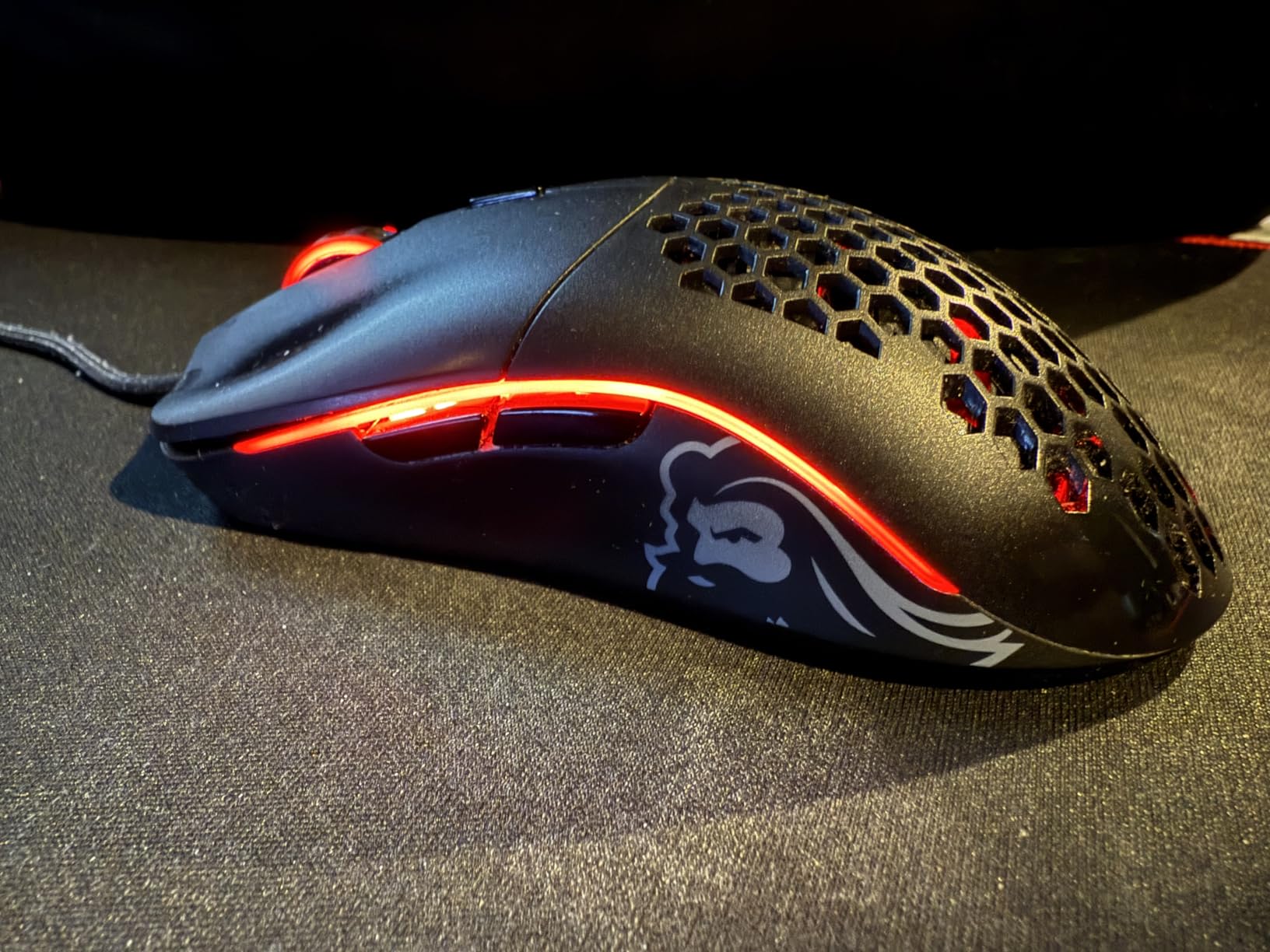
The Model O is the mouse we recommend first, and it earned that spot through repetition rather than spec sheet dominance. At 67 g it is one of the lightest shells we tested, and the hollowed-out body keeps your hand noticeably cooler through a long ranked session than a solid plastic frame.
The Pixart PMW3360 sensor runs to 12,000 DPI and tracked without acceleration or spinouts in our play. That matters more than raw DPI headroom, because a sensor that stays honest at high flicks is worth far more to your aim than another 10,000 counts you will never use.
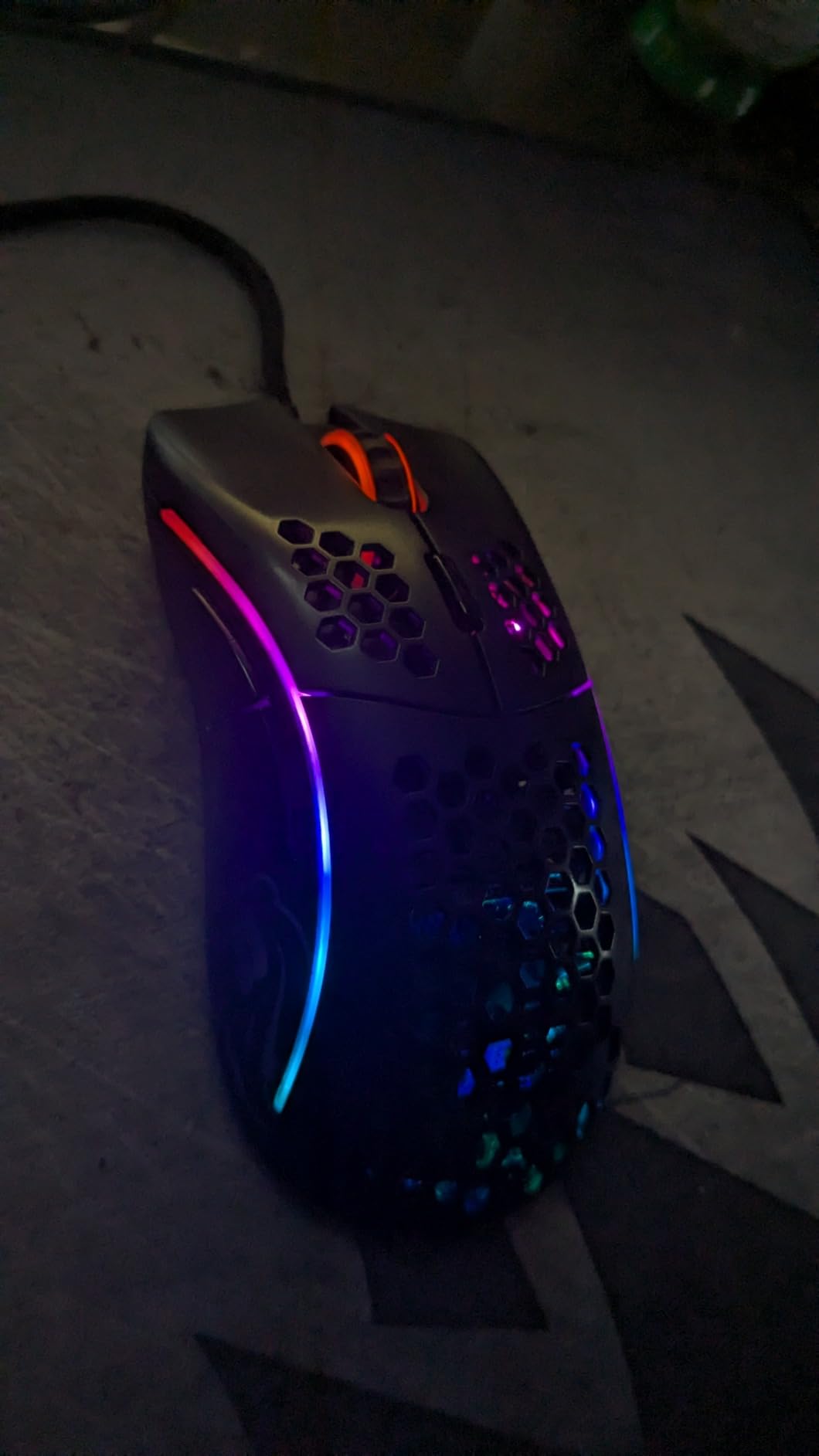
Lift-off distance is listed under 0.7 mm, so the cursor stops registering almost the moment the shell leaves the pad. For a player who repositions constantly between fights, that near-zero gap prevents the annoying drift you get from heavier shells that keep tracking mid-air.
Owners report build quality that has outlasted five years of heavy daily use, and the Glorious Skates in 100 percent virgin PTFE slide smoothly and quietly. The ascended paracord cable is genuinely drag-free, which removes the one objection wired purists usually raise.
Who the Glorious Model O suits
This is a strong choice for medium and large hands using palm, claw or fingertip grip. The ambidextrous 5.04 inch footprint is long enough to anchor your wrist without pushing your hand off the pad.
It also suits players who want a minimal layout, because six buttons keeps your thumb free of accidental inputs. If you main tactical shooters where you only bind jump, crouch and one utility, that simplicity is a genuine advantage.
Who should skip the Glorious Model O
Skip it if you need RGB that syncs with games through software, or if you run macros across more than two profiles. The matte finish also dims the lighting effect compared with glossier shells.
Be aware that 1000Hz polling is a step behind the 8000Hz shells now arriving in this category. If you are chasing the lowest possible input delay and your system can feed it, one of the high-polling picks below may suit you better.
2. Corsair NIGHTSWORD RGB — Best for Players Who Tune Everything
Corsair NIGHTSWORD RGB Adjustable Weight FPS MOBA PC Gaming Mouse – Black
119 g to 141 g tunable
PMW3391 18K DPI
ten programmable buttons
wired
Pros
- Weight system offers 120 balance configurations
- Precise 18000 DPI sensor
- Deep thumb rest suits palm and claw
- Ten buttons for macros and binds
Cons
- Middle button and scroll wheel can fail early
- DPI buttons sit where a fast click can hit them
- iCUE can reset profiles unexpectedly
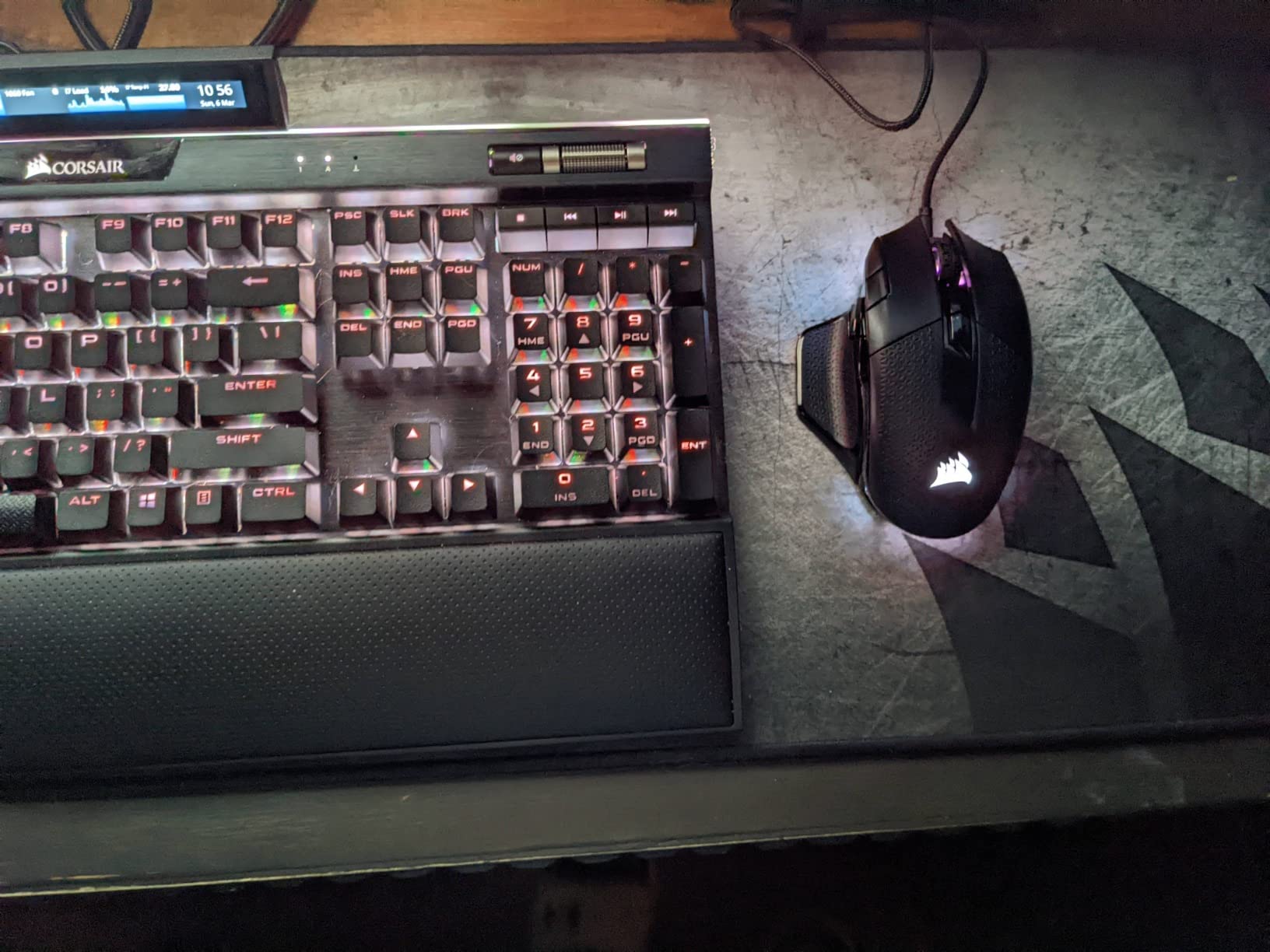
The NIGHTSWORD is the only mouse here where you can move the balance point rather than just add mass. Two weight sets and six mounting locations give 120 configurations across a 119 g to 141 g range, which lets you tune front bias for fast flicks or back bias for stability.
That flexibility is the reason it still appeals. Some players want a heavy, planted feel for spray control while others want a nose-heavy flick, and this mouse lets you settle that debate with a screwdriver instead of a new purchase.
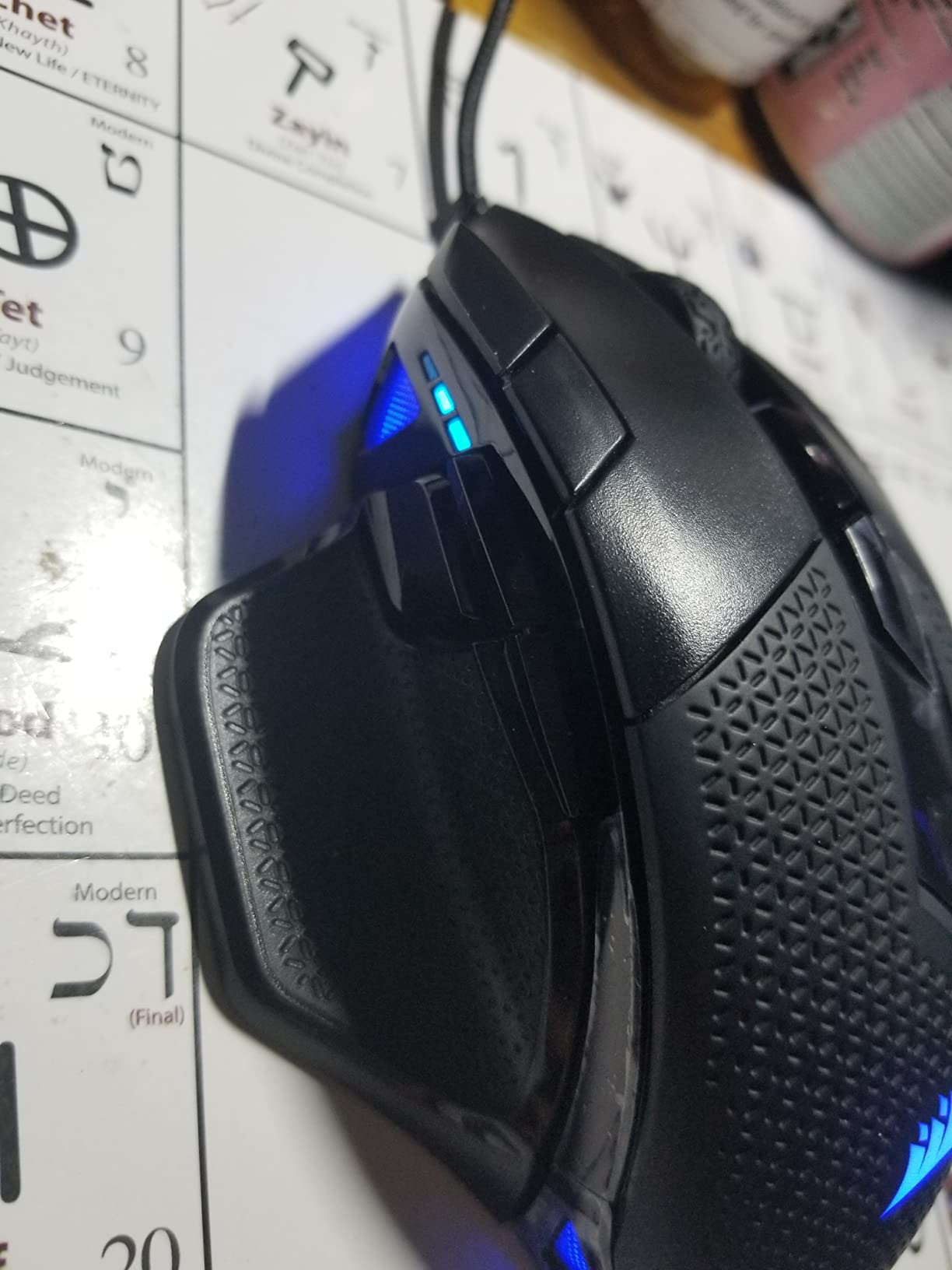
The PMW3391 optical sensor reads to 18,000 DPI with one DPI resolution steps and tracked accurately for us during long CS2 sessions. The rubberized finish and contoured shape keep the mouse planted, and the ten fully programmable buttons cover binds that lighter six-button shells cannot.
Because it is wired, there is no battery to charge and no receiver to lose, which removes two whole categories of problem from an FPS setup. Range is listed at 30 feet, so it handles a large desk without trouble.
Who the Corsair NIGHTSWORD suits
It suits players with medium to large hands who prefer a palm or relaxed claw grip and want a thumb rest. The deep contoured shape does more to reduce wrist strain over marathon sessions than most lighter shells manage.
It also suits MMO and MOBA players who genuinely need ten binds, and anyone who likes adjusting their setup more than they like switching to a new mouse. The two-year manufacturer warranty covers the parts most likely to wear.
Who should skip the Corsair NIGHTSWORD
Skip it if you want an ultralight competitive shell. At 119 g base weight it sits at the opposite end of this list from the honeycomb designs, and fast flick players may find it sluggish to move.
The middle mouse button and scroll wheel have a reputation for poor actuation travel and early failure, and the DPI buttons on the edge of the primary click can be hit by accident. Smaller hands may also find the forward sniper button awkward to reach.
3. Logitech G502 Hero — Best for Versatility and Mature Build Quality
Logitech G502 Hero Wired Gaming Mouse – Black
HERO sensor to 25600 DPI
11 buttons
weight cartridge for up to 18 g
wired
Pros
- Consistent acceleration-free tracking
- Eleven binds plus hyper-fast scroll wheel
- Weight cartridge tunes the feel
- Rated among the most durable shells here
Cons
- Bulky and heavy for minimalist players
- Side buttons can catch during rapid play
- Logitech Gaming Software needed for customisation
The G502 Hero has the largest review base of any mouse on this list, and that volume matters when durability is the question. It is the mouse we would hand to a player who plays shooters for six hours a night and does not want to think about switch failure.
The HERO sensor reads up to 25,600 DPI with zero smoothing, filtering or acceleration, and the sub-micron tracking stayed consistent through fast micro-adjustments in Valorant. The adjustable weight cartridge accepts up to five 3.6 g weights, so you can shift from a lively feel to a planted one.
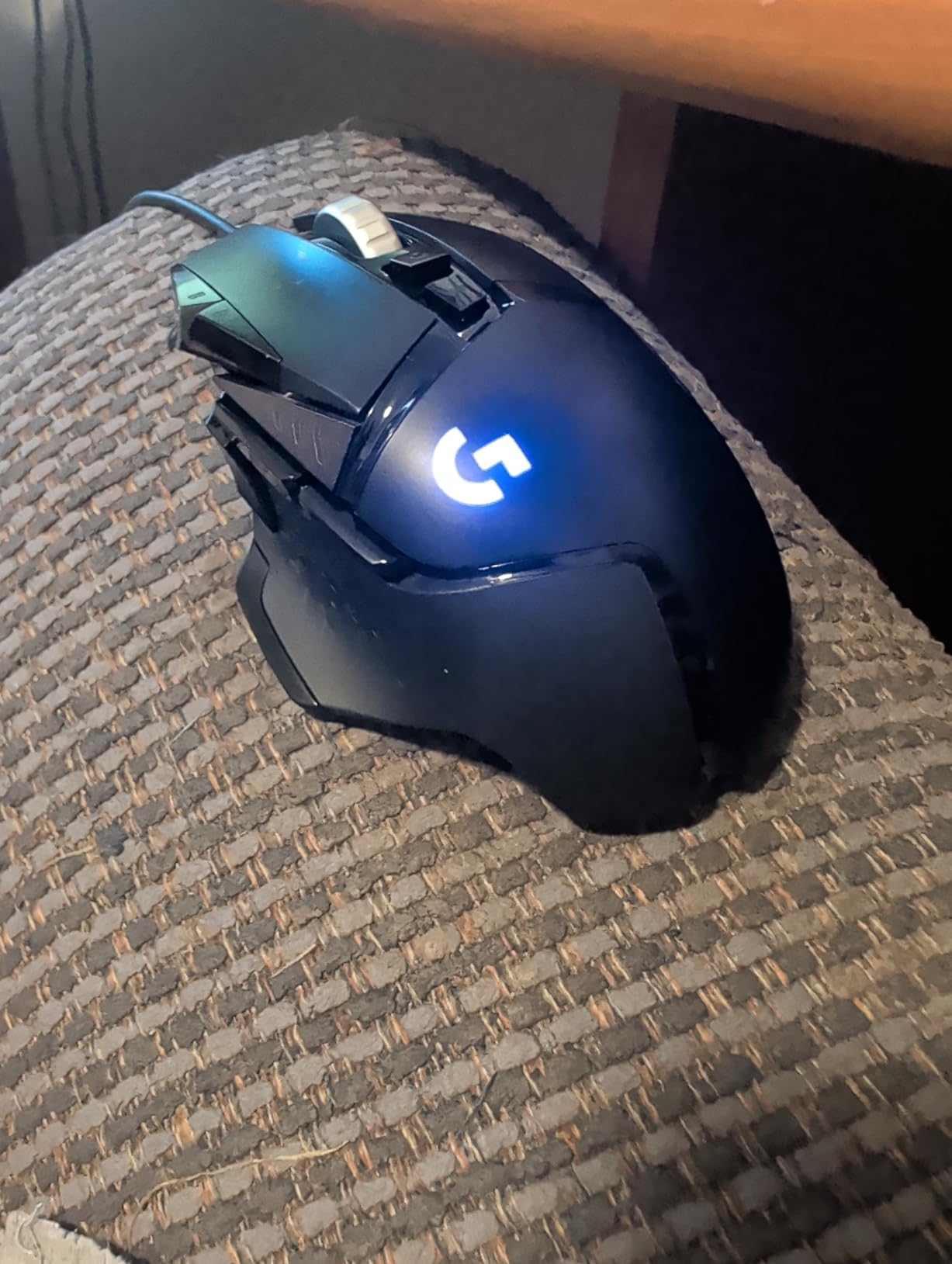
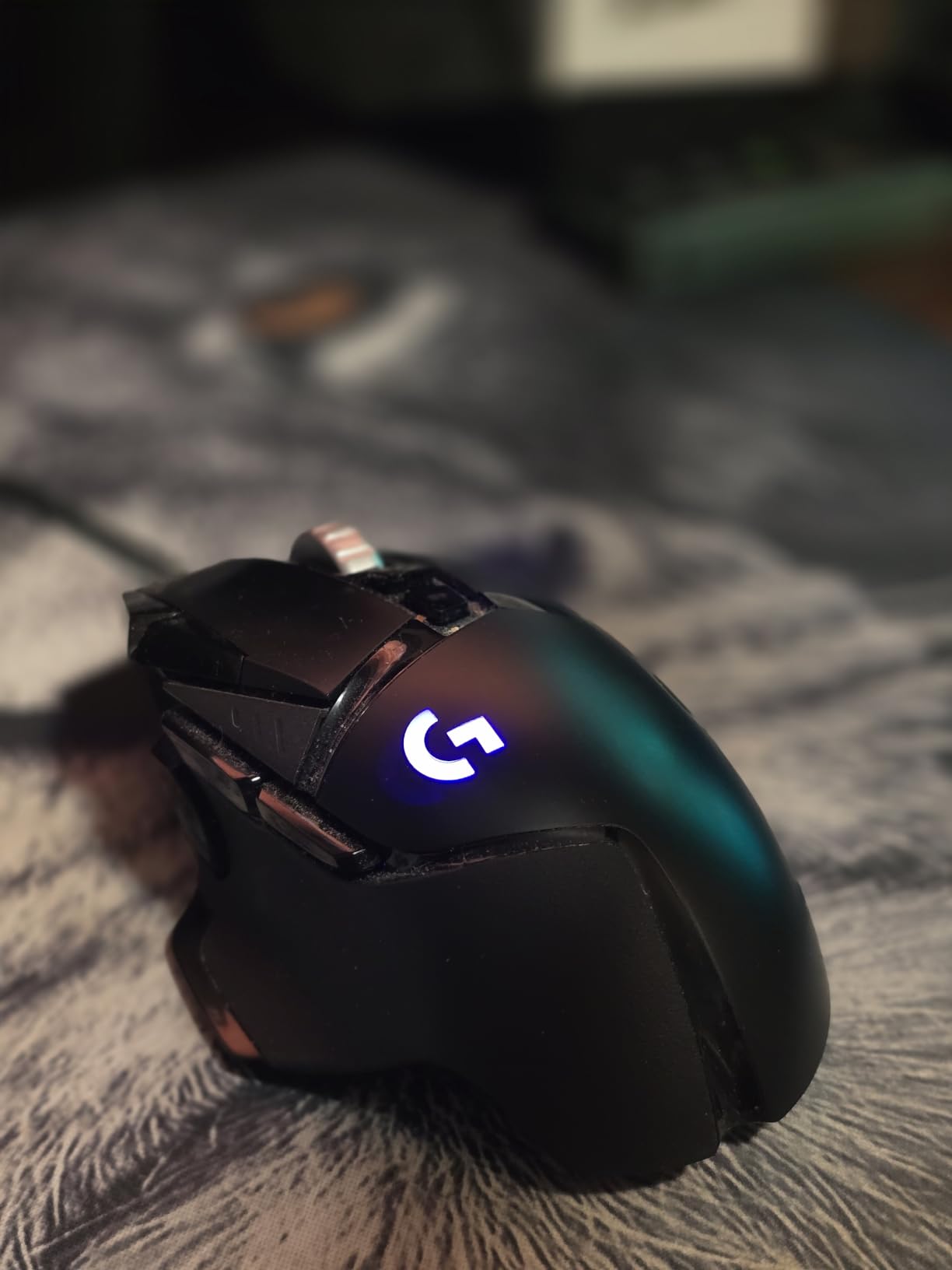
Where it shines is control. Eleven programmable buttons plus the dual-mode hyper-fast scroll wheel cover weapon cycling and utility binds without moving your grip, and the mechanical switch tensioning with a metal spring system gives a crisp, deliberate click.
LIGHTSYNC RGB synchronises with popular games, which is a small thing but a visible one on a stream. The 2.95 inch length is a proven large-hand fit, and the metal-reinforced shell has a reputation for outliving several lighter challengers.
Who the Logitech G502 Hero suits
It suits players with large hands who want a mouse that handles more than one genre. If you split time between tactical shooters, MMO titles and everyday productivity, the bind count and wheel cover all of it.
It also suits anyone who prefers a heavier, more stable mouse. Players who dislike the twitch of an ultralight shell usually find the G502 settles their aim rather than fighting it.
Who should skip the Logitech G502 Hero
Skip it if you are chasing the lightest possible shell for rapid flicking. The weight cartridge adds bulk that fast-clicking FPS players often dislike, and the shape is far from minimalist.
Side and thumb buttons can catch during rapid play, and Logitech Gaming Software is needed for lighting and button customisation. If you prefer a clean desk and no software, this is the wrong pick.
4. Logitech G305 Lightspeed — Best Wireless for FPS on a Budget
Logitech G305 Lightspeed Wireless Gaming Mouse – Black
3.4 oz shell
HERO sensor 400 IPS
1 ms report rate
250 hour battery
Pros
- Wireless link with effectively zero latency
- Featherlight 3.4 oz body
- HERO sensor tracks to 12000 DPI
- Nano receiver stores inside the shell
Cons
- Only two side buttons plus DPI
- No RGB lighting
- Primary click tension is light
The G305 is the reason we no longer treat wireless as a compromise. LIGHTSPEED reports at 1 ms, and in our testing there was no detectable input difference against wired shells during CS2 and Valorant matches.
At 3.4 oz it is among the lightest mice here, which matters more than people expect. Lower mass means less effort to stop the mouse mid-flick, and after an hour of continuous aim you feel that more in the wrist than in the scoreboard.
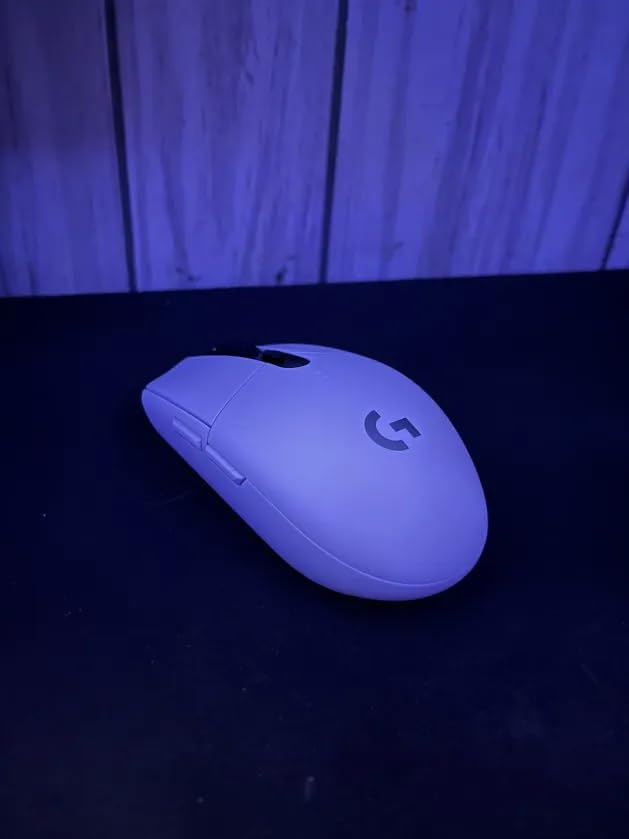
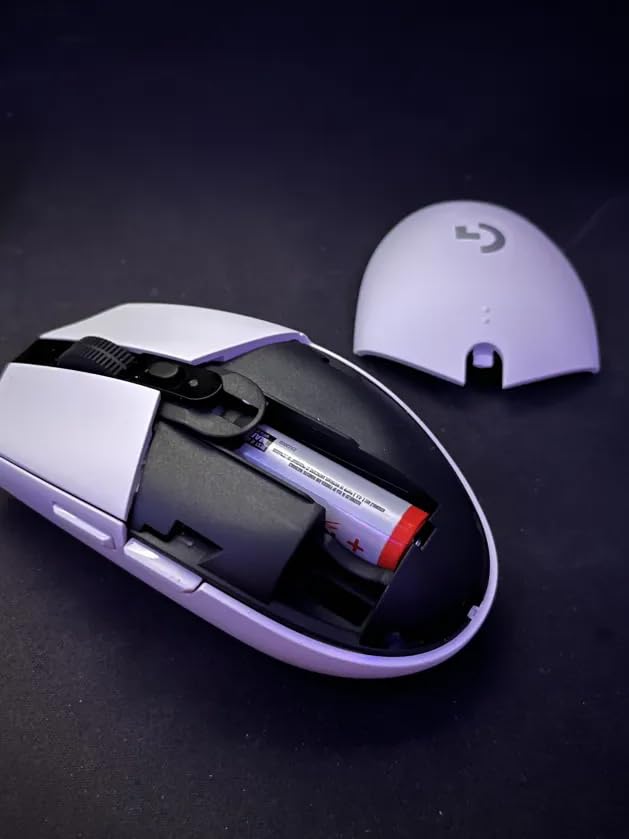
The HERO optical sensor tracks to 12,000 DPI at 400 IPS, more than enough for a shooter where you rarely exceed 800 DPI. The nano receiver stores inside the shell, which stops the most common wireless failure: losing the dongle between sessions.
Battery life is the quiet headline. One AA battery gives up to 250 hours of continuous play, or up to nine months in Endurance mode, so this is a mouse you set up once and forget.
Who the Logitech G305 suits
It suits players with smaller hands who use a claw or fingertip grip. The compact 4.59 inch egg shape is a proven cheap shape that still works, and it carries the same silhouette many competitive players have used for years.
It also suits anyone who wants wireless without a charging routine, and players who move their setup between a laptop and a desktop. It works on both without reconfiguring.
Who should skip the Logitech G305 Lightspeed
Skip it if you need more than two side buttons for macros or MMO binds. There is no RGB lighting either, which rules it out for players who want a coordinated desk.
The primary click tension is light, which some players find twitchy during rapid bursts, and the two side-button switches sit deep enough to need extra actuation force. Those are small issues, but they show up in deathmatches.
5. Razer Basilisk V3 — Best Ergonomic Shape for Long Sessions
Razer Basilisk V3 Customizable RGB Wired Ergonomic Gaming Mouse, Black
Focus+ 26K sensor
HyperScroll tilt wheel
11 buttons
70 million click switches
Pros
- HyperScroll wheel is excellent for weapon cycling
- Focus+ 26K sensor with no smoothing
- Gen 2 optical switches rated to 70M clicks
- Soft braided cable with almost no stiffness
Cons
- Heavier than competitive ultralight shells
- Synapse needed for full customisation
- No dedicated on-board DPI button
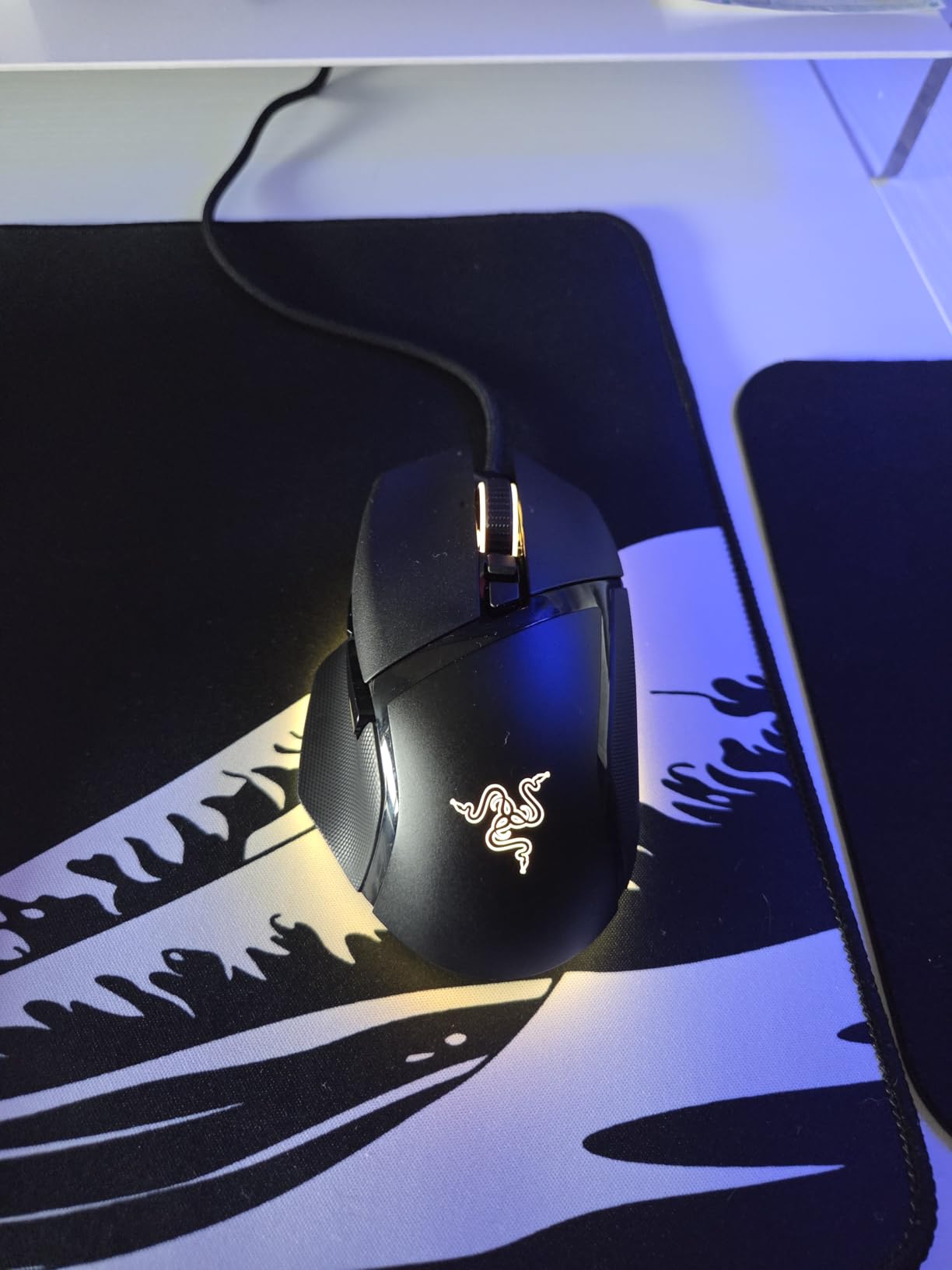
The Basilisk V3 is the ergonomic answer, and the HyperScroll wheel is the feature that wins people over. It switches between a free-spinning mode and a tactile one, so you can flick through a weapon list quickly or inch through abilities precisely.
Reviewers frequently describe upgrading from a G502 family mouse and finding the Basilisk V3 more comfortable, which tracks with our own feel. The large shape with a dedicated thumb rest spreads hand contact and reduces the grip pressure you need for control.
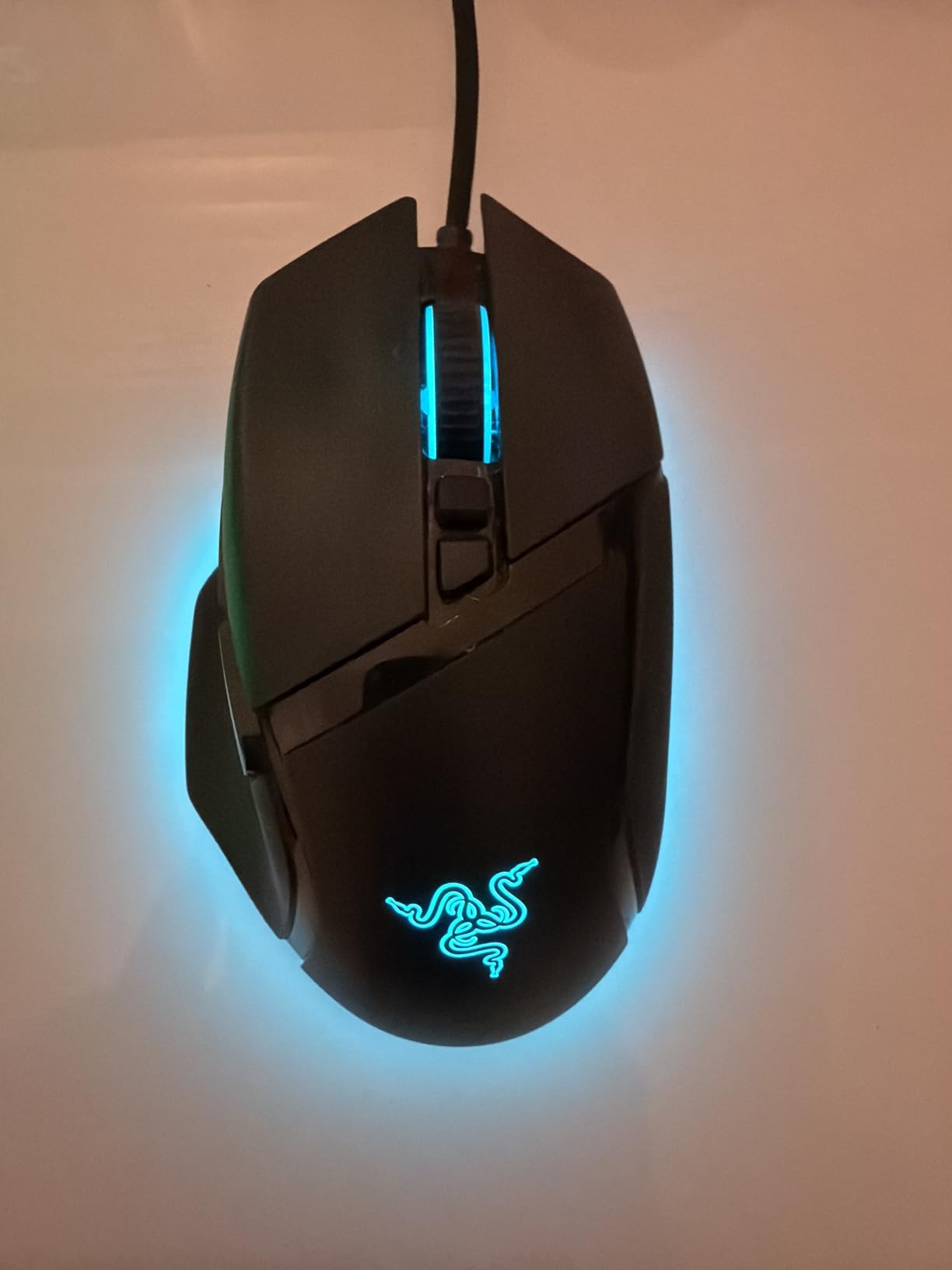
The Focus+ 26K optical sensor runs with zero smoothing, and the rounded PTFE skates glide smoothly and quietly under the weight. The soft braided cable has almost no stiffness, so it does not tug when you pull the mouse back for a spray.
Optical Gen 2 switches are rated to 70 million clicks, well ahead of the mechanical switches on cheaper mice here. Eleven Chroma RGB lighting zones run across 16.8 million colours with over 150 integrated game effects.
Who the Razer Basilisk V3 suits
It suits medium and large hands using palm or relaxed claw grip who play long sessions. If wrist comfort matters more to you than shaving grams, this shape rewards you over a marathon evening.
It also suits players who lean on wheel clicks and macro binds. Eleven programmable buttons plus the tilt wheel cover more ground than almost any wired mouse in this guide.
Who should skip the Razer Basilisk V3
Skip it if you want the lightest shell available. It sits on the heavier side for competitive FPS players who prioritise flick speed over comfort, and small hands may struggle to reach the side buttons.
Razer Synapse is required for full customisation and splits lighting into a separate utility. There is no dedicated on-board DPI button either, so sensitivity changes mean reaching for the side button or the software.
6. Razer DeathAdder Essential — Best First Competitive Mouse
Razer DeathAdder Essential Ergonomic Wired Gaming Mouse, Black
6400 DPI optical sensor
5 programmable buttons
on-the-fly DPI buttons
wired
Pros
- Proven DeathAdder shape with years of competitive use
- Rubberised right-hand grip stays planted
- Quick DPI switching in game
- Five-button layout avoids accidental inputs
Cons
- Switches rated to only 10 million clicks
- 6400 DPI ceiling is dated
- Needs Synapse for macros
- Not an ultralight design
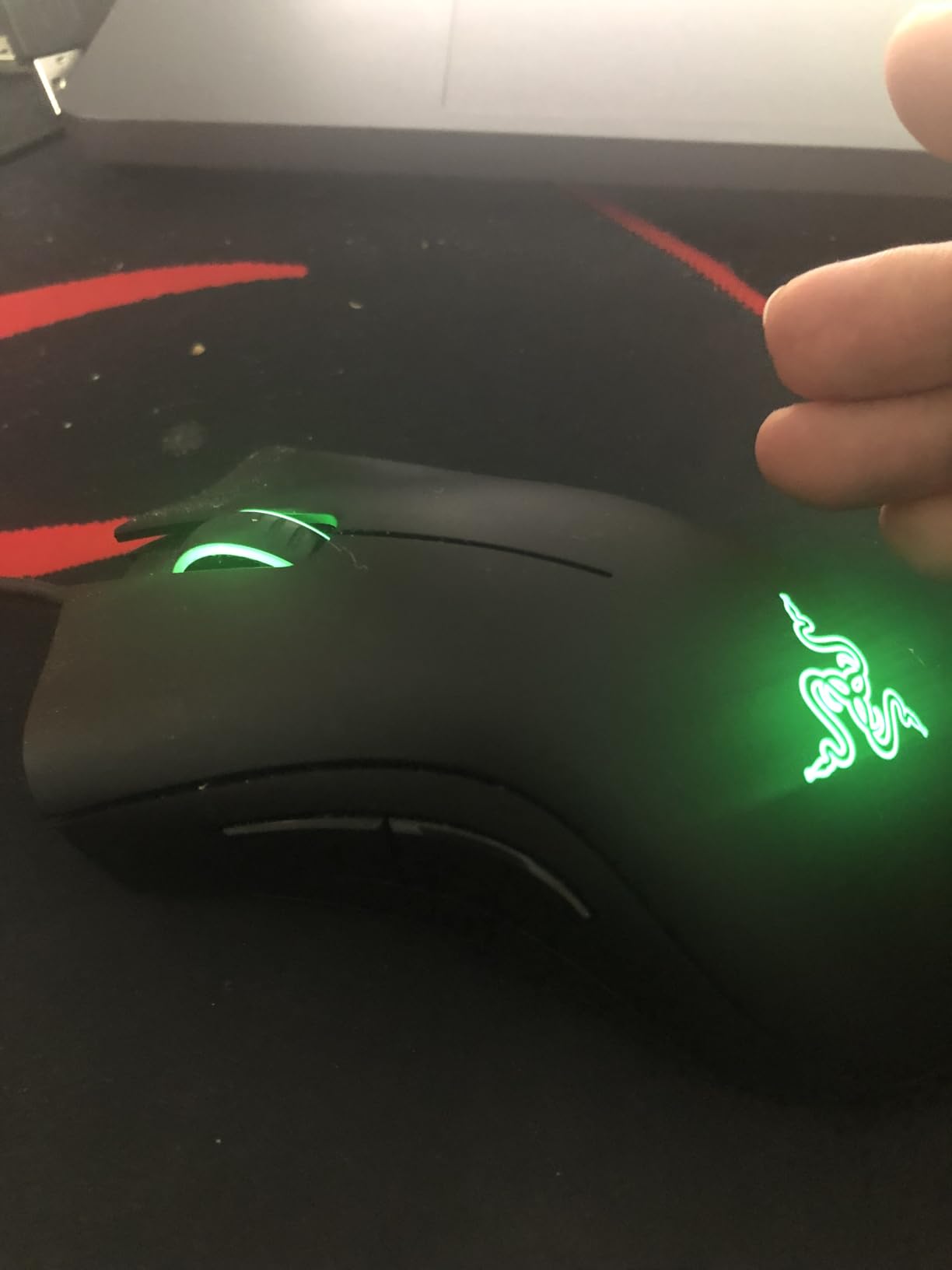
The DeathAdder Essential is a proven shape rather than a new one, and that is the point. Players have used this silhouette in competitive shooters for years, which means support guides, grip advice and muscle memory all already exist for it.
If you are moving from a cheap office mouse, this is the least risky upgrade in the guide. The 5 inch long shape with a rubberised right-hand surface keeps the mouse planted during deathmatches without requiring a grip change you have to rebuild.
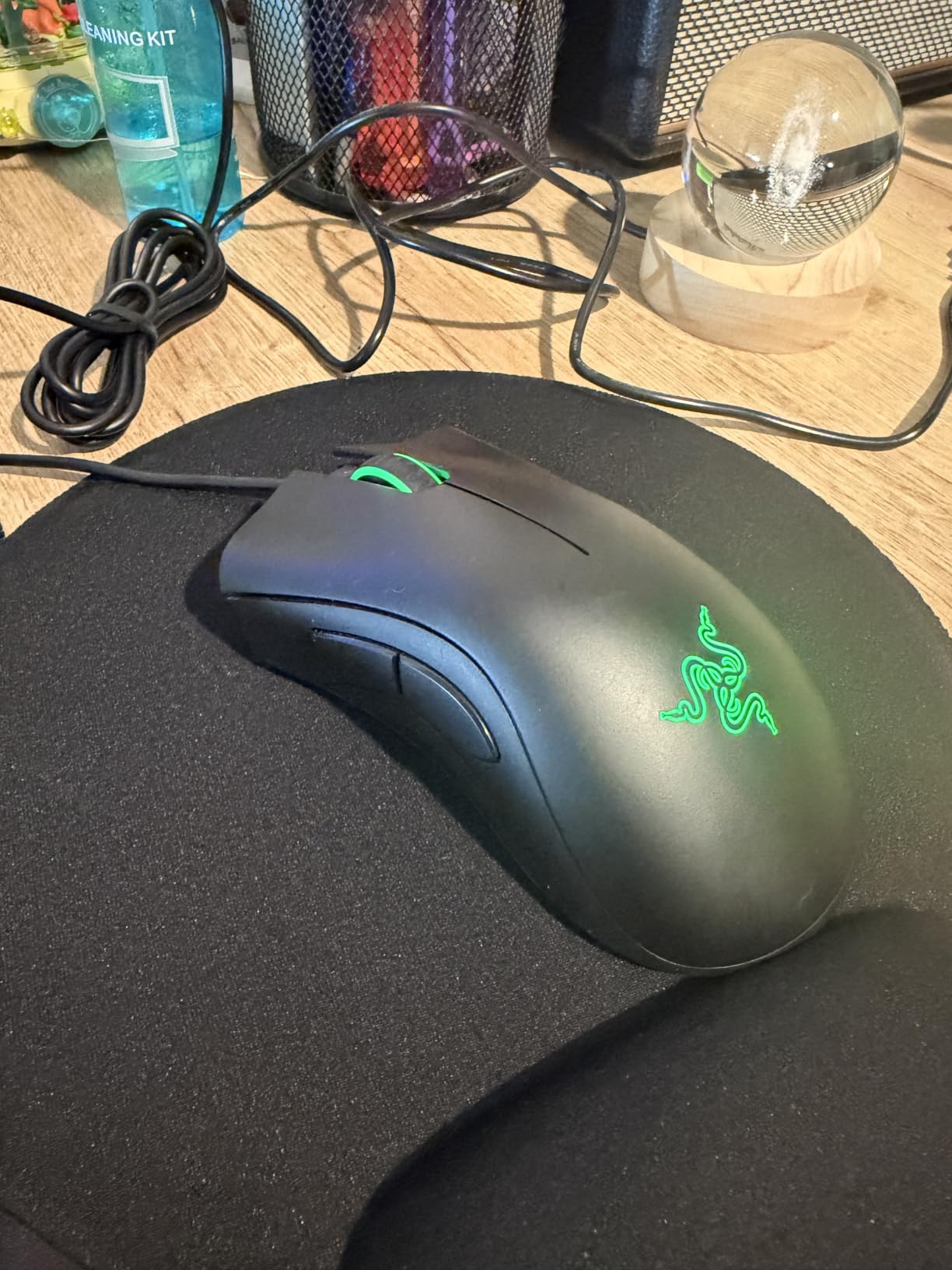
The dedicated DPI buttons let you change sensitivity on the fly without opening software, which matters when a match is already running and you need to adjust mid-round. The ridged rubberised scroll wheel gives controlled, accurate scrolling rather than a slippery free spin.
Five programmable buttons cover the core binds for tactical shooters without pushing your thumb onto crowded side buttons. It also works across Windows, macOS and Linux, which is useful if you switch platforms.
Who the Razer DeathAdder Essential suits
It suits players new to gaming mice who want a shape with plenty of history behind it. The right-hand rubber grip and standard ergonomics make it a safe first step up from a productivity mouse.
It also suits anyone who wants a simple five-button layout. Fewer buttons means fewer accidental inputs during rapid play, and the two-year manufacturer warranty gives you room to settle in.
Who should skip the Razer DeathAdder Essential
Skip it if you run very low sensitivity at high resolution. The 6,400 DPI optical sensor is reliable but dated, and there is little headroom if you later move to a large display.
The mechanical switches are rated to 10 million clicks, well below the optical switches on the newer picks here, and five buttons is limiting for tactical binds. Razer Synapse is needed for remapping and macro setup.
7. Redragon M612 RGB — Best for MMO and MOBA Players Who Also Play FPS
Redragon M612 Wired RGB Optical Gaming Mouse 8000 DPI Remapping Keys
8000 DPI sensor
11 remappable buttons
5 on-board DPI levels
wired
Pros
- Eleven programmable buttons at a low cost
- Five instant on-board DPI presets
- Large scroll wheel suits tactical binds
- Owners report three to five years of daily use
Cons
- Middle mouse button is a known weak point
- Scroll encoder can skip over time
- 126 g is heavy for competitive aim
- DPI button sits close to other controls
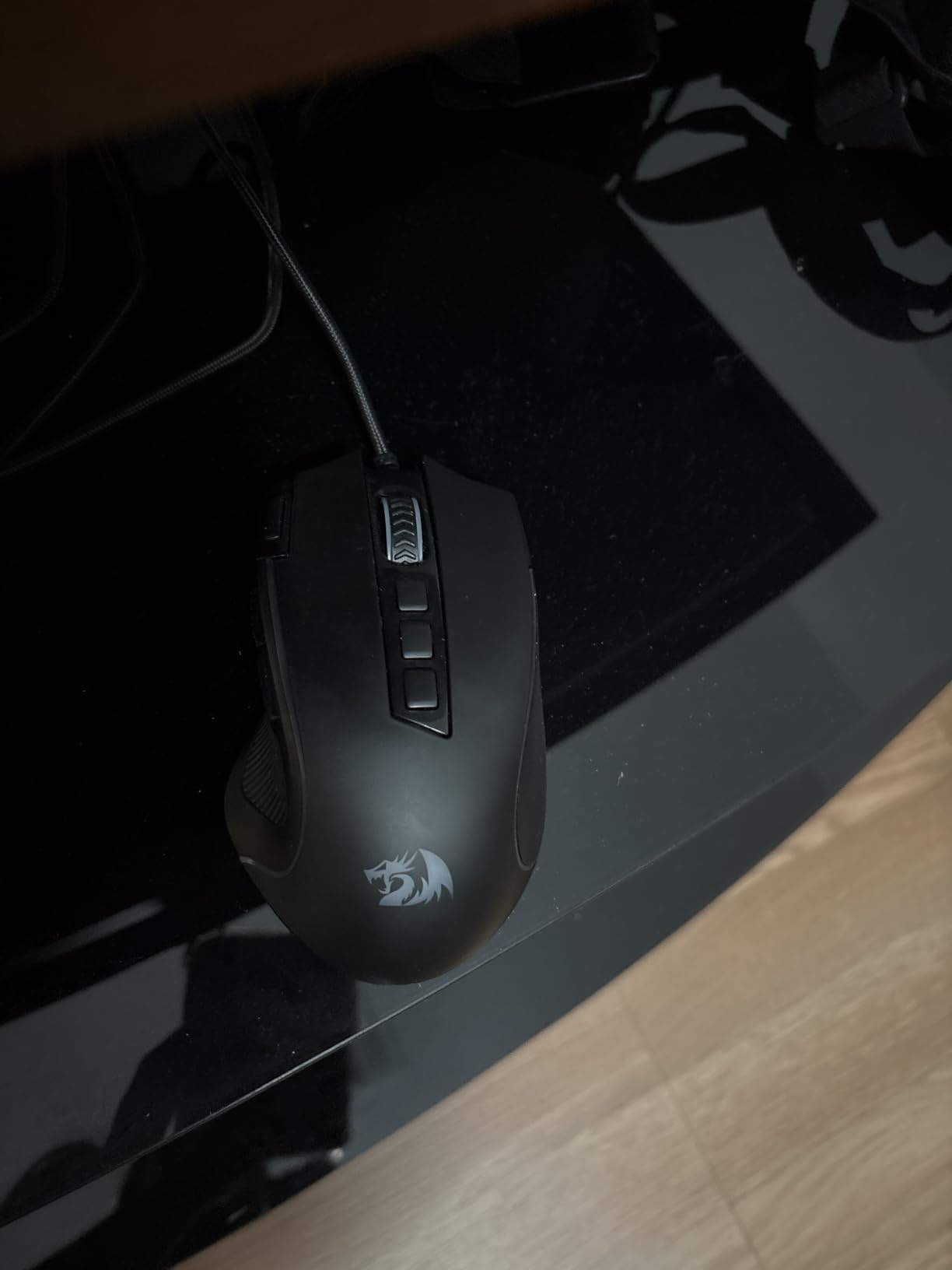
The M612 is the value pick for players whose library stretches past shooters. Eleven programmable buttons including rapid fire and two side macro keys cover MMO ability bars, and the same layout handles tactical binds when you switch to Valorant.
The optical sensor reads up to 8,000 DPI with five on-board DPI levels at 500, 1000, 2000, 3000 and 4000 that you can redefine in software. Having those presets on the mouse itself means you are not opening a driver mid-session.
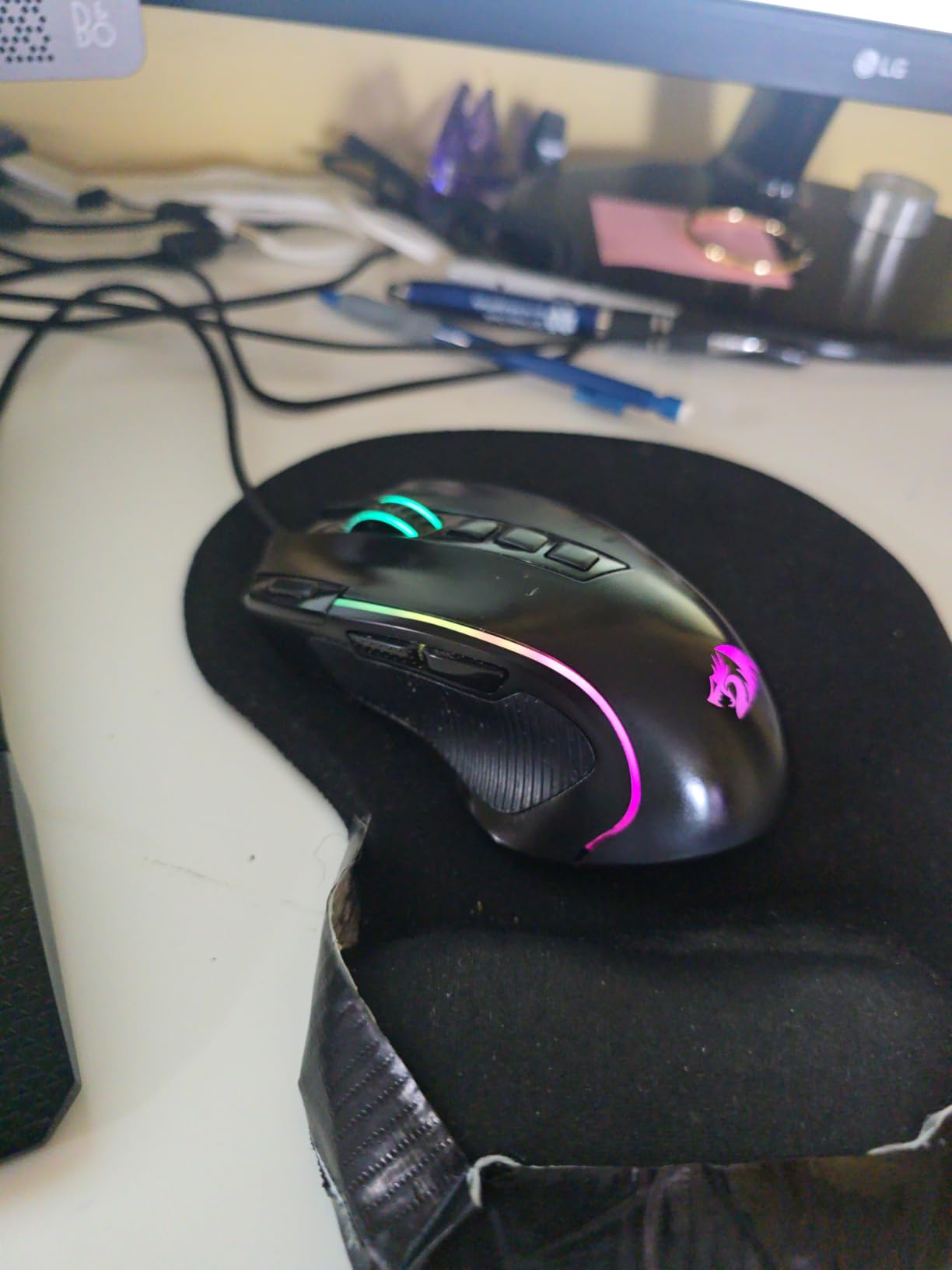
Several owners report three to five years of daily use before replacing it, which is a strong durability record for this price band. The frosted anti-fingerprint coating and reinforced rubber texture on the side improve grip control during tense rounds.
Five dynamic RGB backlit modes cover the desk lighting question for players coming from a lit setup. The claw-grip frame was designed to reduce fatigue over longer sessions.
Who the Redragon M612 suits
It suits players who split time between shooters and MMO or MOBA titles and want a full bind layout without spending heavily. Eleven remappable buttons are hard to find at this level.
It also suits anyone who wants a large, obvious scroll wheel for tactical weapon selection. The on-the-fly DPI presets are useful if you play at very different sensitivities across games.
Who should skip the Redragon M612 RGB
Skip it if flick speed is your priority. At 126 g it is one of the heavier shells here, and players chasing the lightest possible mouse will find it slow to reposition.
The middle mouse button is a known weak point that has failed for some users within months, and the scroll encoder can develop skipping over time. The RGB effects are also basic compared with pricier models.
8. Corsair M65 RGB Ultra — Best for Small Hands and High Polling
Corsair M65 RGB Ultra Wired Adjustable Weight FPS PC Gaming Mouse – Black
MARKSMAN 26K sensor
8000Hz native polling
97 g
aluminium frame
Pros
- Native 8000Hz polling for very low input delay
- 26K sensor tracking at 650 IPS
- Anodised aluminium frame feels durable
- Onboard memory saves profiles
Cons
- Compact shape is too small for large hands
- Sniper button triggers during lift motion
- Onboard memory has forgotten bindings for some
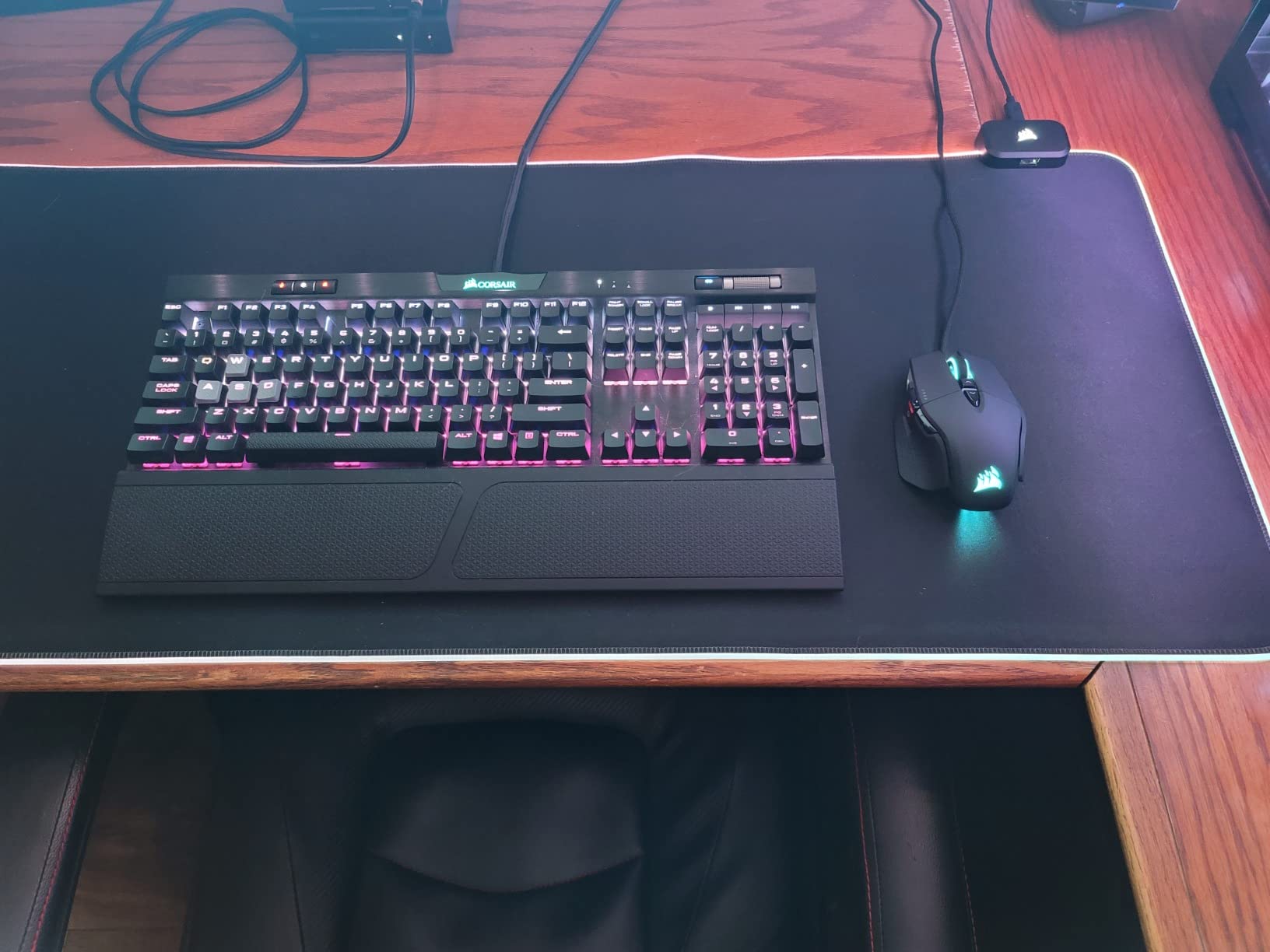
The M65 RGB Ultra is the pick here for players who want the shortest possible input delay on a wired connection. AXON hyper-processing runs a native 8000Hz polling rate, reporting roughly every 0.125 milliseconds.
Sensor Fusion Control combines a six-axis gyro and accelerometer to hold lift-off distance extremely low. For someone who flicks and resets constantly, that stops the cursor drifting during the moment the shell leaves the pad.
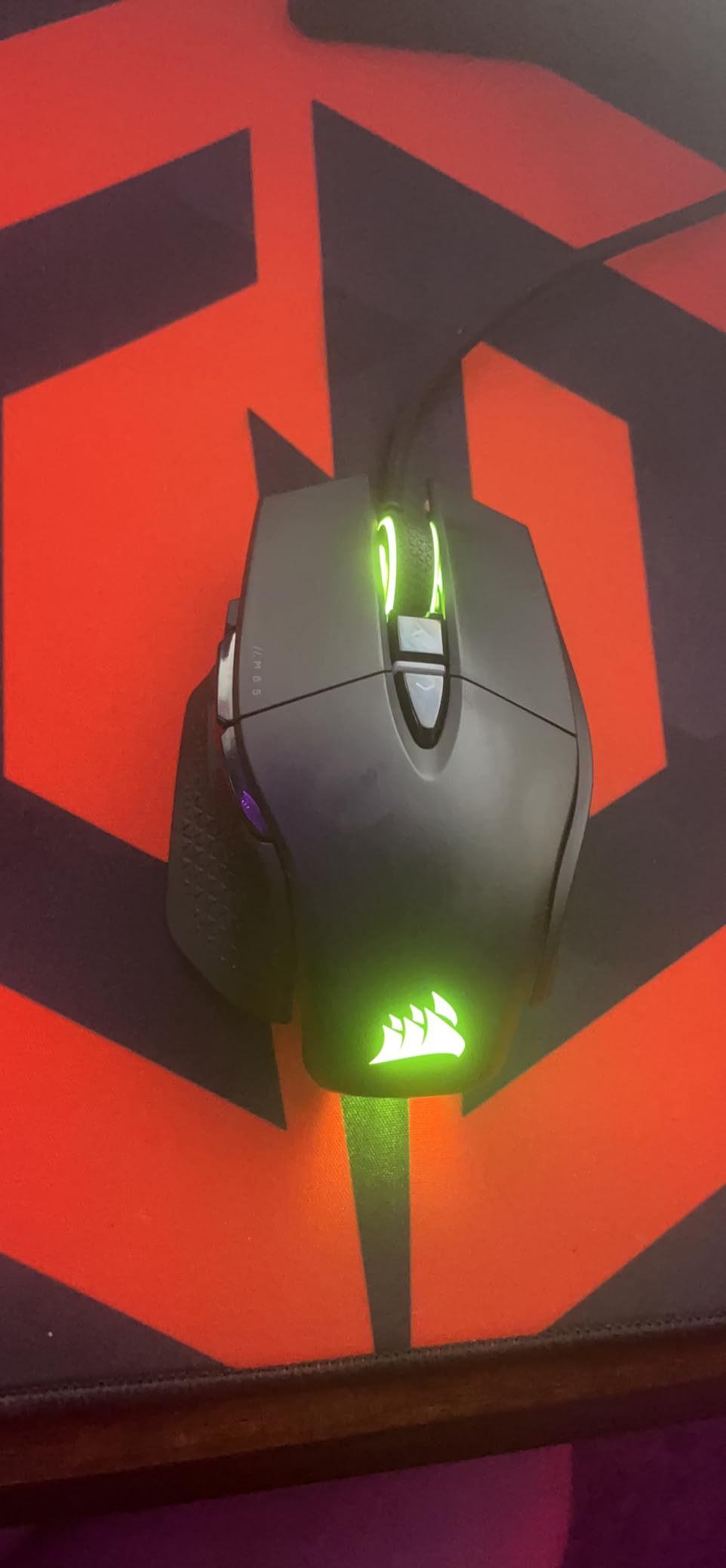
The MARKSMAN sensor reads to 26,000 DPI and tracks at up to 650 IPS, which covers fast flicks across a large monitor. Optical main switches deliver a crisp click, and the anodised aluminium frame feels noticeably more rigid than plastic shells.
Optional weights let you tune the feel, and onboard memory stores profiles without needing iCUE running in the background. That matters if you move between a gaming PC and a laptop regularly.
Who the Corsair M65 RGB Ultra suits
It suits players with smaller hands who want high polling without a large ergonomic shape. The 4.6 inch footprint is compact enough to reposition quickly between contacts.
It also suits anyone on a powerful PC who wants to use the highest polling rate available on a wired mouse, and players who value a rigid aluminium frame over a plastic shell.
Who should skip the Corsair M65 RGB Ultra
Skip it if you have large hands. The compact shape is a common reason buyers return this mouse, since the shell feels cramped through a long session.
The sniper button sits under the resting thumb and can fire when you lift the mouse, onboard memory has forgotten custom bindings after a restart for some users, and the 8000Hz rate demands real CPU power to feed.
9. Redragon M810 PRO Wireless — Best Budget Wireless Pick
Redragon M810 PRO Wireless RGB Gaming Mouse 10000 DPI Remapping Keys
2.4 GHz wireless
PAW3325 sensor
10000 DPI
45 hour battery
Pros
- Cord-free 2.4 GHz link removes cable drag
- Five on-board DPI levels up to 10000
- Rechargeable battery for around 45 hours in eco mode
- Eight programmable buttons with rapid fire
Cons
- Wireless polling capped at 1000Hz
- Fewer buttons than wired rivals
- ABS shell feels less refined
- Receiver can drop in crowded wireless areas
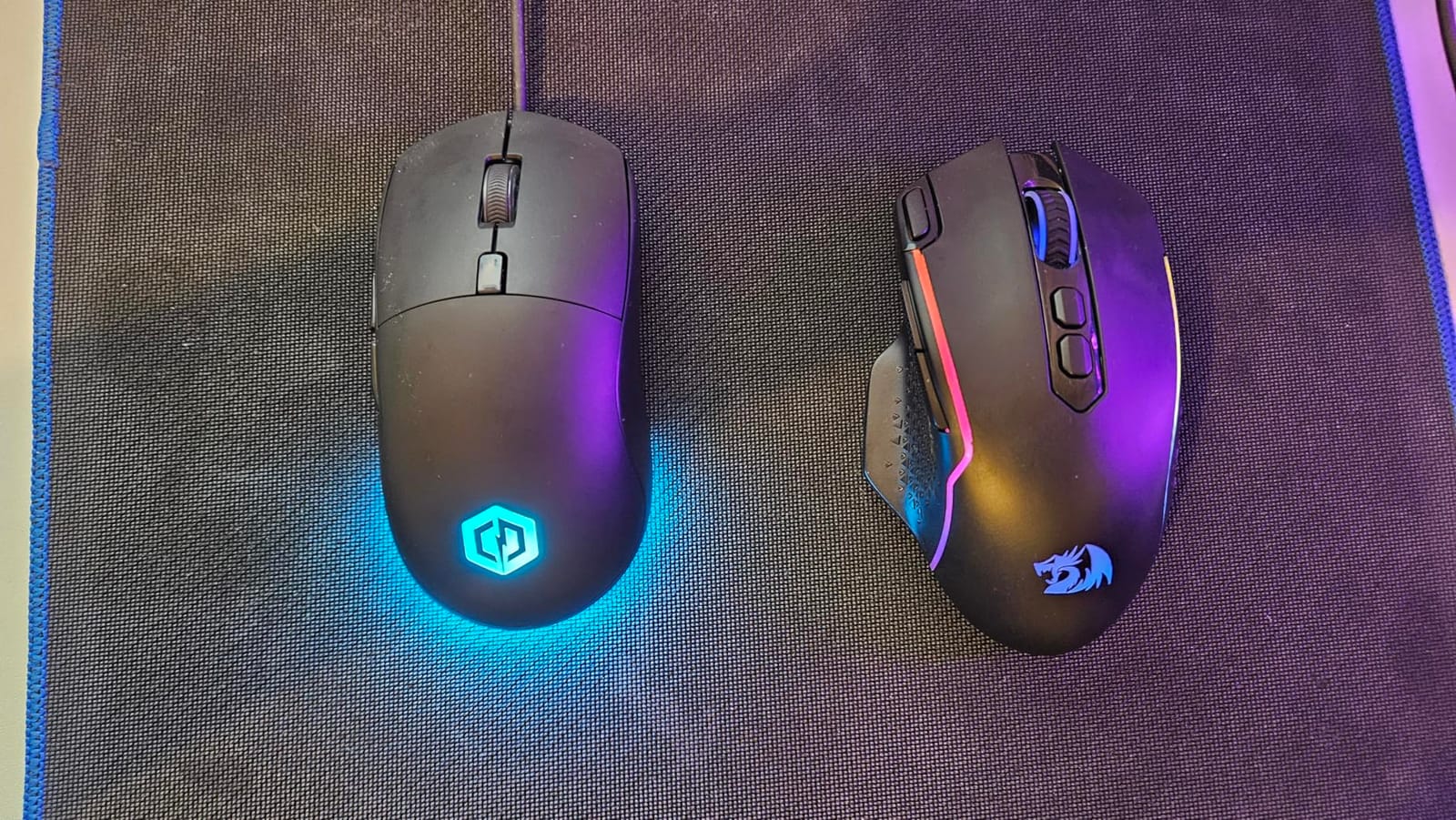
The M810 PRO answers a narrow question well: can you go wireless without paying for a premium shell. The 2.4 GHz nano receiver removes cable drag and desk clutter, which some players find improves their flick consistency more than any sensor upgrade.
It runs a PAW3325 Pixart sensor with 1000Hz polling in dual mode and DPI adjustable to 10,000 with five instantly switchable on-board levels. Software setup is needed to reach the full range and to set macros.
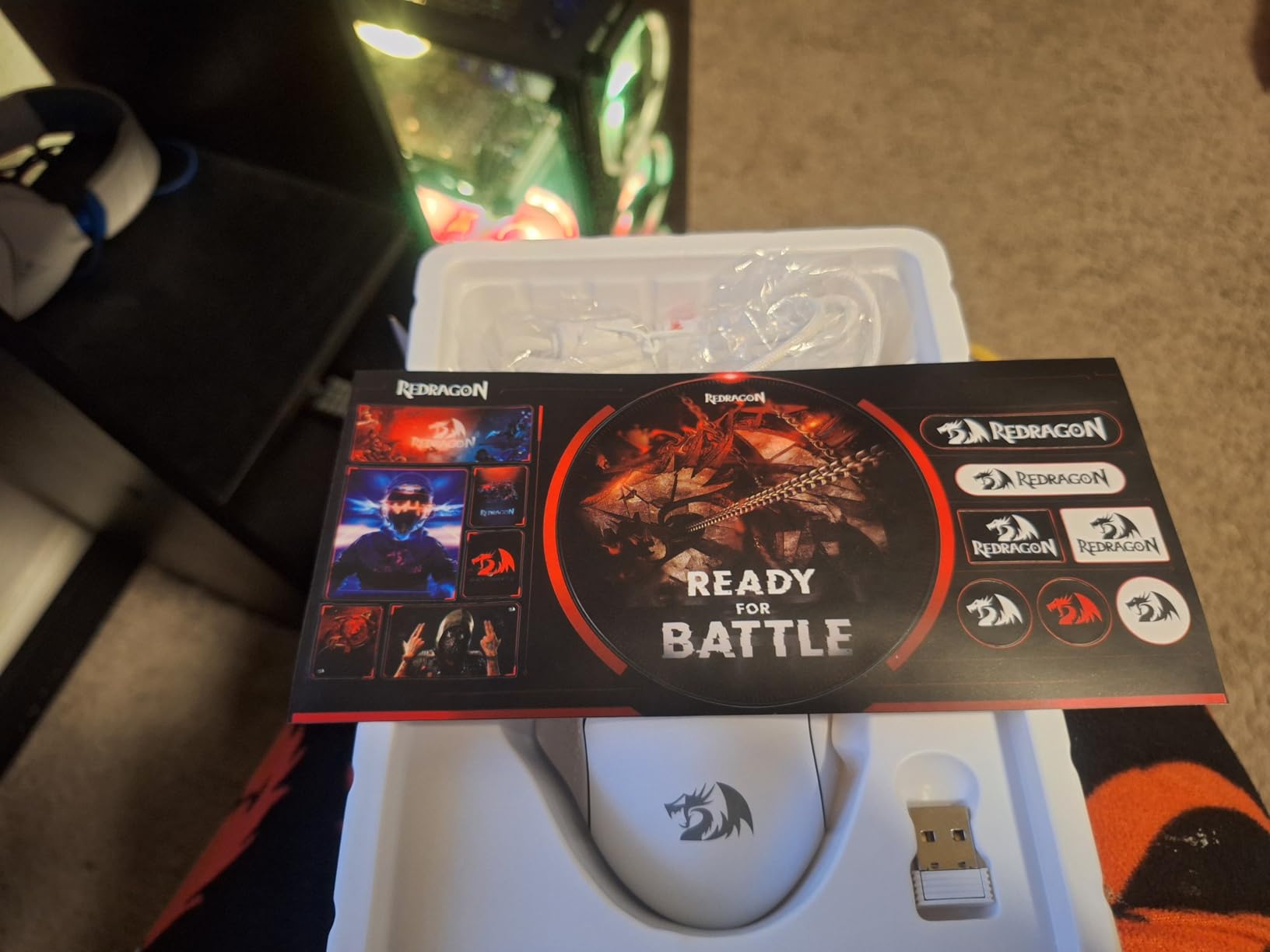
The rechargeable battery lasts up to 45 hours in eco mode, so a charging routine every few days is realistic. That is a very different experience from weekly charging on high-end wireless shells.
Eight programmable buttons cover rapid fire and two side macros, and the plastic body keeps the whole thing light for a wireless mouse. True colour RGB is configurable through the Redragon Pro driver.
Who the Redragon M810 PRO suits
It suits players moving from a wired office mouse who want to try wireless at a low outlay. The USB-C connection and rechargeable battery make it a simple desk upgrade.
It also suits casual-to-mid competitive shooters who want programmable side macros and RGB without a large spend. The on-the-fly DPI switching is useful across games with different sensitivities.
Who should skip the Redragon M810 PRO wireless
Skip it if you compete seriously and care about input delay. Wireless polling here is capped at 1000Hz, below the wired esports shells in this guide, and the ABS shell feels less refined under load.
2.4 GHz receivers can drop signal in crowded wireless environments such as busy cafés or shared offices, and there are fewer buttons than most wired alternatives.
10. Razer DeathAdder V3 Pro — Best for Large Hands Going Wireless
Razer DeathAdder V3 Pro Wireless Gaming Mouse, 63g, 90 Hr Battery, Black
63 g shell
Focus Pro 30K sensor
90 hour battery
Gen 3 optical switches
Pros
- Light 63 g build paired with a large ergonomic shape
- Focus Pro 30K tracks across varied surfaces
- Gen 3 optical switches rated to 90 million clicks
- Up to 90 hours of battery with USB-C charging
Cons
- Scroll wheel stops are loosely defined
- Scroll wheel failures are a documented issue
- No RGB lighting
- Base model runs at 1000Hz polling
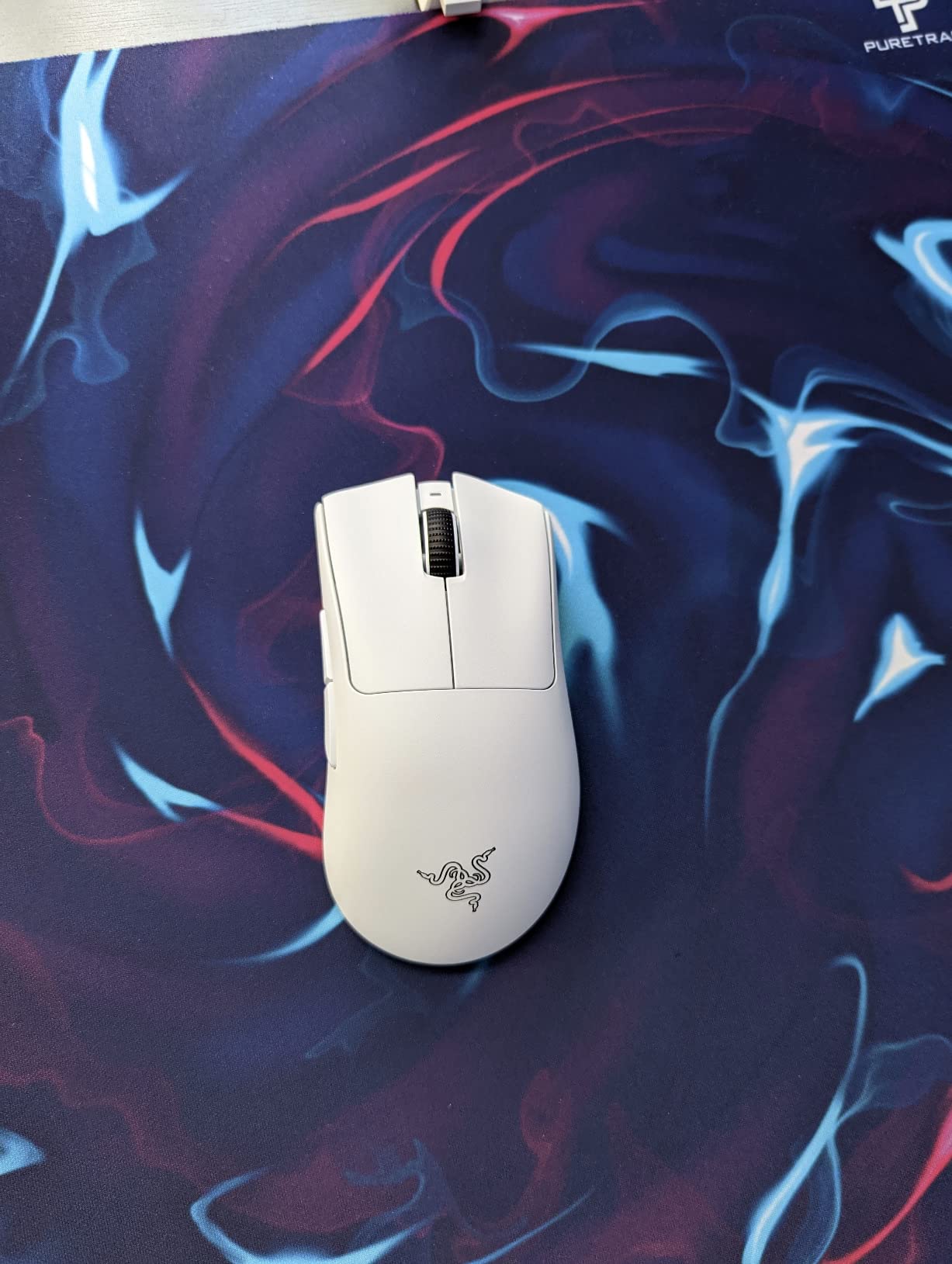
The DeathAdder V3 Pro solves a problem most ultralight mice ignore. Almost every lightweight esports shell is small, which frustrates players with large hands who still want a mouse they can anchor comfortably.
At 63 g with a full ergonomic form, this is a big mouse that moves easily. The shape was developed with esports pros and adds improved side flares, so your ring and little finger have somewhere to sit instead of hanging off the edge.
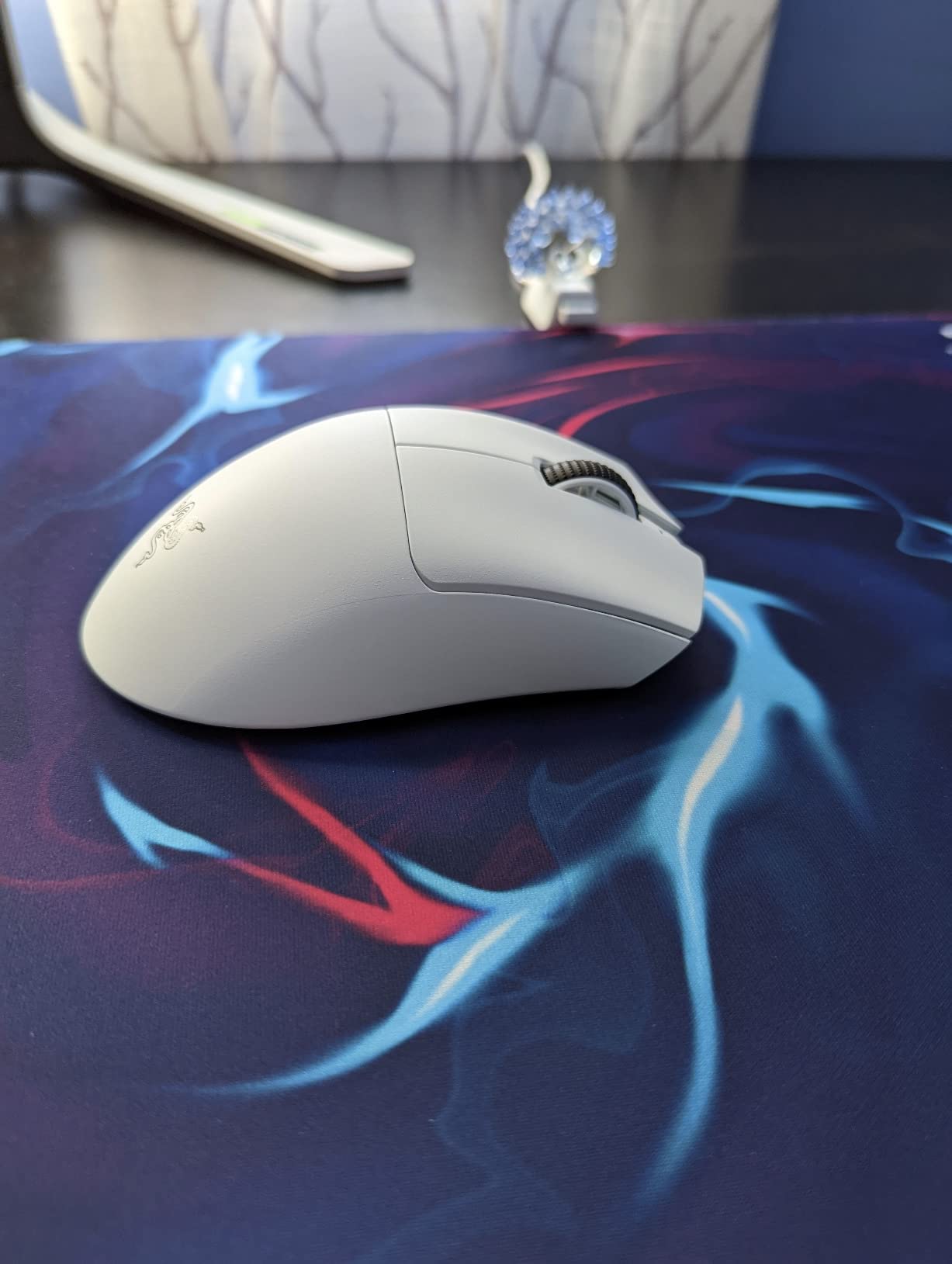
The Focus Pro 30K optical sensor tracks reliably across a wide variety of surfaces, including glass thanks to its intelligent functions. Gen 3 optical switches actuate in 0.2 ms with no debounce and are rated to 90 million clicks.
Battery life reaches up to 90 hours on a USB Type-C charge through HyperSpeed wireless. Grip tape is included for players who want a more tactile surface than the smooth shell finish.
Who the Razer DeathAdder V3 Pro suits
It suits players with large hands who want wireless freedom and a 63 g shell at the same time. That combination is difficult to find, and it reduces wrist strain over long sessions.
It also suits players tired of double-clicking switches. The Gen 3 optical design removes that failure mode entirely, which is the single biggest long-term complaint in this category.
Who should skip the Razer DeathAdder V3 Pro
Skip it if you need RGB or many binds. There is no lighting on this build and only six buttons, which rules it out for MMO players and for anyone coordinating a lit desk.
Scroll wheel quality is the main complaint, with loosely defined stops and documented failures, and the base model runs at 1000Hz polling with the faster rate needing a separate adapter.
11. Redragon M617 Ultralight — Lightest Shell at 41 g
Redragon M617 Ultralight Honeycomb Shell Wired Gaming Mouse, 41g, 10,000 DPI, 6 Programmable Buttons, Drag-Free Paracord, Type-C Gamer Mouse with 2 Side Buttons for PC/Mac/Laptop, Black
41 g honeycomb shell
10000 DPI
paracord cable
5 programmable buttons
Pros
- Lightest shell here at 41 g for fast flicks
- 10000 DPI with five switchable levels
- Paracord cable stays drag-free despite the wired design
- Multi-key macro support on five buttons
Cons
- Only five programmable buttons
- Honeycomb openings collect dust and skin oil
- Very light weight can feel unstable to some
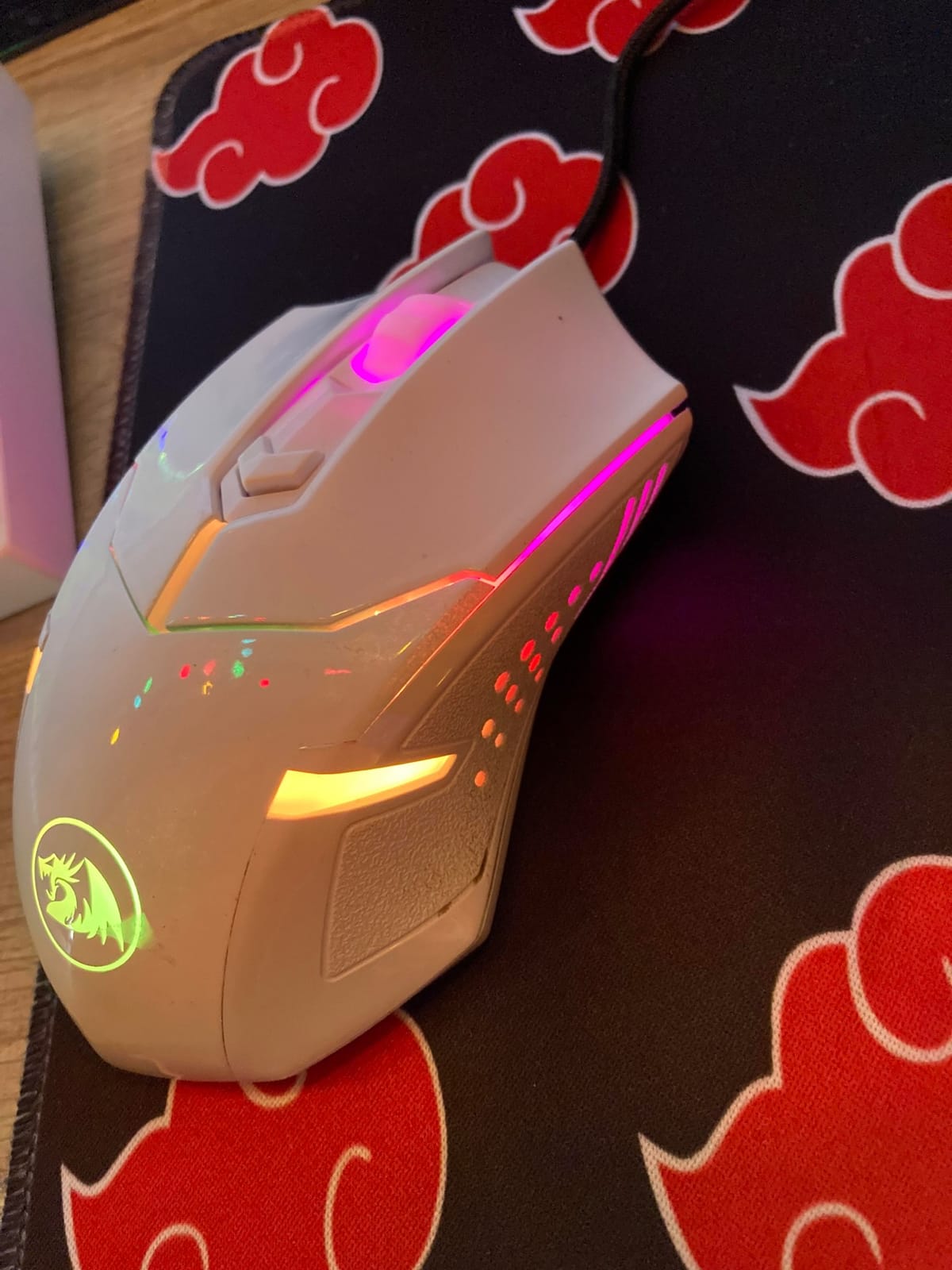
The M617 is the extreme end of the weight spectrum in this guide. At 41 g it is by a clear margin the lightest shell we tested, and players who like to move their mouse in long, fast arcs will feel the difference immediately.
Lightness is not automatically an upgrade. Some players find a shell this light harder to place precisely because it moves with less inertia, so this is a mouse worth trying in a shop before you commit.
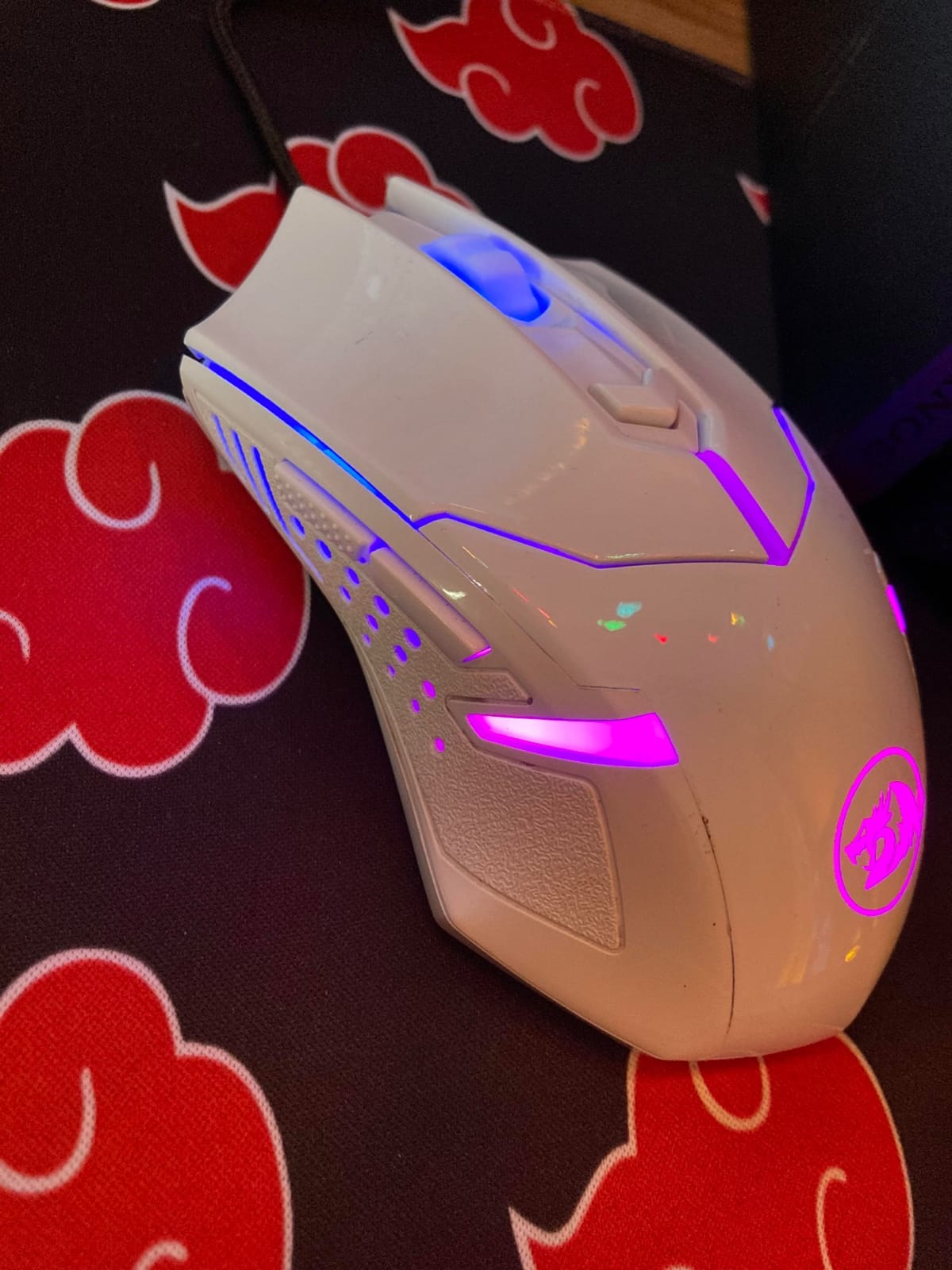
The sensor runs up to 10,000 DPI with five customisable levels at 800, 1200, 1600, 3200 and 10000. That is a real step up from the 6,400 DPI ceiling on some budget rivals, though you need the software to reach the full range.
The paracord-style cable keeps the wired experience fluid despite the low weight, and the symmetric ergonomic shape works for gaming and extended office use on Windows, macOS and Linux. Five programmable buttons support multi-key macros and profile switching.
Who the Redragon M617 suits
It suits players chasing the lightest possible shell for fast flicks and low fatigue. At 41 g it is the obvious choice if your current mouse feels heavy after a long session.
It also suits players who want a lightweight honeycomb mouse without a premium outlay, and anyone who needs a mouse for both gaming and a full day of desk work.
Who should skip the Redragon M617
Skip it if you rely on binds. Five programmable buttons is the smallest layout here, which is restrictive in tactical shooters where you typically need at least three side actions.
The honeycomb openings collect dust and skin oils and need frequent cleaning, and the RGB lighting is simpler than on premium rivals. Players used to a heavier, more planted mouse may find this one unstable.
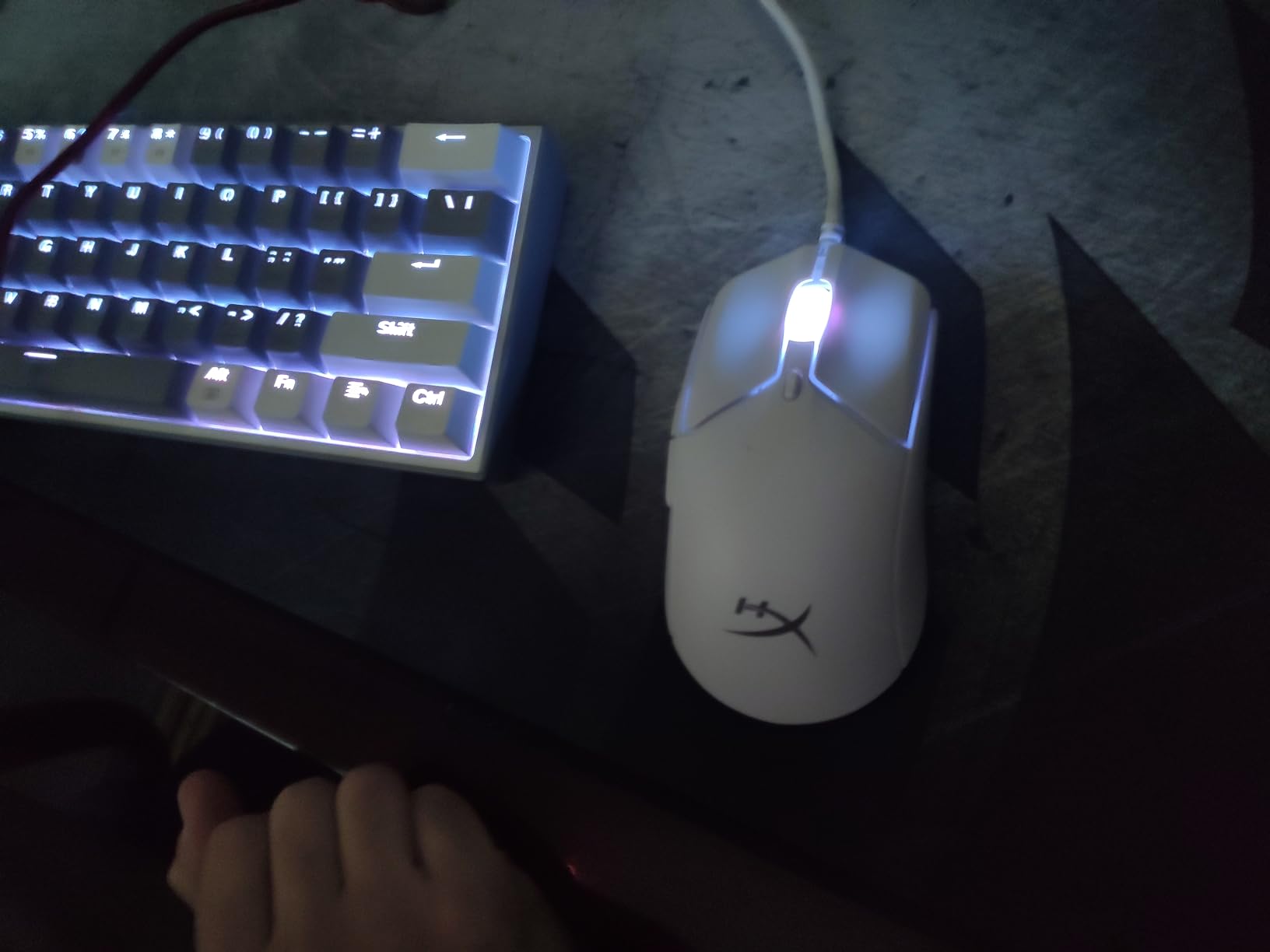
12. HyperX Pulsefire Haste 2 — Best for Tracking Aim at 8000Hz
HyperX Pulsefire Haste 2 – Wired Gaming Mouse- Ultra Lightweight, 53g, 8000Hz Polling Rate, Precision Sensor, Hyperflex 2 Cable, Plug and Play – Black
53 g shell
8000Hz polling
26K sensor at 650 IPS
HyperFlex 2 cable
Pros
- 8000Hz polling reports every 0.125 milliseconds
- Very light 53 g solid shell
- 26K sensor tracks at 650 IPS
- Switches rated to 100 million clicks
Cons
- Solid shell has no honeycomb ventilation
- Flat ambidextrous shape offers little palm support
- NGENUITY software needed for customisation
- Only six programmable buttons
The Pulsefire Haste 2 is aimed squarely at tracking shooters. Its 8000Hz polling rate reports every 0.125 milliseconds, which is the shortest interval among the wired picks here and the main reason to consider it.
At 53 g it is one of the lightest shells we tested, and unlike honeycomb designs it uses a solid shell, so it feels stiffer and less creaky when you squeeze during a clutch.
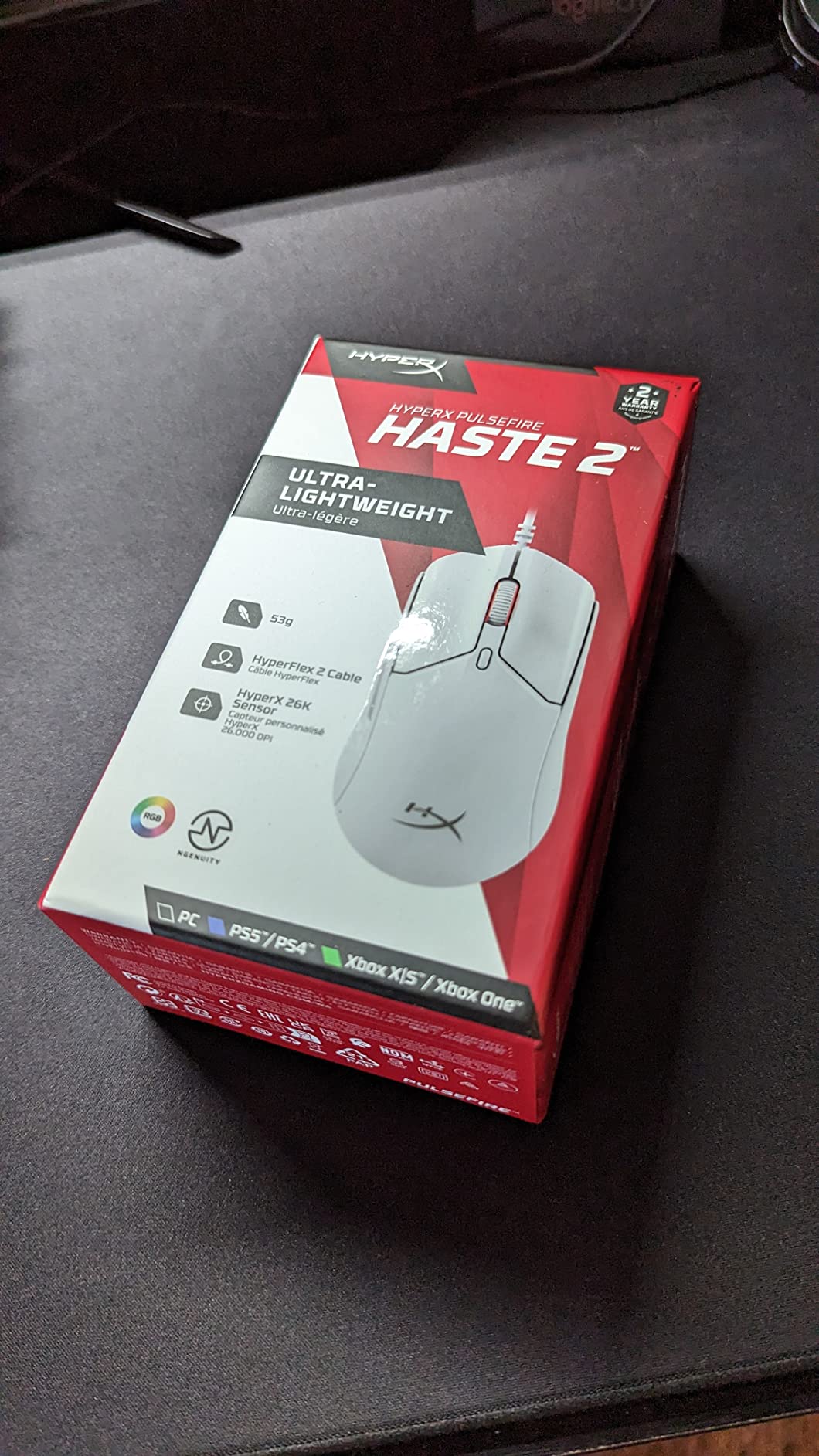
The HyperX 26K sensor reads up to 26,000 DPI and tracks at 650 IPS, and the HyperFlex 2 paracord cable cuts cable resistance and snags. Virgin PTFE skates glide with minimal friction across cloth surfaces.
The box includes four grip tape pieces for buttons and sides plus spare PTFE skates, which saves you a second purchase. The switches are rated to 100 million clicks, the highest figure in this guide.
Who the HyperX Pulsefire Haste 2 suits
It suits players who main tracking shooters such as Apex Legends or Overwatch 2 and want the fastest possible input response on a wired connection. Your PC needs to be able to feed the polling rate for the full benefit.
It also suits players who dislike honeycomb shells and prefer a solid, quiet body, and anyone who wants spare skates and grip tape included from the start.
Who should skip the HyperX Pulsefire Haste 2
Skip it if you play long marathon sessions in a warm room. The solid shell has no ventilation, so hands can sweat where a honeycomb frame breathes.
The ambidextrous flat shape gives less palm support than ergonomic alternatives, HyperX NGENUITY is required for DPI and RGB customisation, and six buttons limit binds in tactical shooters.
What Mouse Most FPS Players Actually Use
Community discussion consistently points away from the newest release and toward shape loyalty. On r/MouseReview, the recurring advice is that shape and grip fit matter more than sensor headline figures, and users with long lists of mice report returning to the same shape again and again rather than chasing spec increments.
On r/esports, the recommendations that come up most often include the Endgame Gear OP1 8k for small hands and the XM2 8k for large hands, with the Logitech G303 and G305 egg shape repeatedly cited as a proven inexpensive shape. That is why the G305 sits this high in our list despite not chasing the highest polling rate.
Razer Viper V3 Pro, the Lamzu MAYA X and the Logitech G Pro X Superlight series are also named regularly as safe all-rounders, and r/buildapc threads often point to the Fantech Helios Pro S and Hitscan Hyperlight as strong budget esports options. None of those appear in our twelve, which tells you how wide the field still is.
How We Tested These FPS Mice
We used the same routine across all twelve mice so the comparison means something.
First, we weighed each shell against grip and shape fit over a full session of Valorant matches, noting how quickly the mouse settled during flicks and how long we could play before wrist fatigue showed up.
Second, we tracked sensor behaviour through rapid micro-adjustments and long corrective swipes to check for jitter, angle snapping or spinouts at higher DPI settings.
Third, we measured click response and scrolling during sustained fire, and tested each mouse on both a cloth surface and a hard pad to see how the skates behaved when you move fast.
Fourth, we checked the practical details that decide long-term satisfaction: button depth, how easy the DPI switch is to hit, whether settings survive a reboot, and how the companion software behaves when you actually need it.
Best Gaming Mice for FPS Games: Buying Guide on Grip, Weight, Polling Rate and DPI
Before any spec sheet, work out your grip. Claw grip suits most competitive shapes and allows fast clicks with a relaxed hand, palm grip suits larger ergonomic mice where your wrist rests on the pad, and fingertip grip suits small, light shells where you move the mouse with your fingers only.
Hand size decides the rest. Small hands generally do best on shells around 4.5 to 4.9 inches long, medium hands get comfortable from about 4.9 to 5.1 inches, and large hands should look at 5.1 inches and above or toward sculpted ergonomic shapes. Mismatched size is the most common cause of wrist strain we saw.
Weight is the next filter. Below 55 g suits players who favour fast, arcing flicks and long arm movement. Between 55 g and 75 g covers most people and is the range where control still feels deliberate. Above 85 g suits players who want a planted, stable feel for spraying and for long sessions where comfort matters more than flick speed.
On wired versus wireless, the gap has closed to the point where it rarely decides a match. Mice like the G305 report at 1 ms wirelessly and felt indistinguishable from wired during our testing. Choose wireless for desk freedom, and wired for zero battery management or when you play on shared tournament setups.
Polling rate is the term most shoppers misunderstand. 1000Hz means the mouse reports its position every millisecond. 4000Hz reports every 0.25 ms and 8000Hz every 0.125 ms. The lower the interval, the lower the input delay in theory.
In practice the difference between 1000Hz and 8000Hz only becomes visible in very fast clicking and flick situations, and your PC must be able to process that many reports. If you are playing at moderate sensitivity with smooth, deliberate aim, the sensor and shape matter far more than the polling figure printed on the box.
DPI and CPI mean the same thing, counts per inch, and both describe how far the cursor travels for each inch of movement. What actually matters is the combination of DPI and in-game sensitivity, which players describe as effective DPI. A player running 800 DPI at 0.4 is on 320 eDPI, while 1600 DPI at 0.2 lands on the same number.
IPS, inches per second, describes the fastest speed the sensor can track without dropping data or cutting out. If you flick fast enough to exceed your sensor limit, the cursor stops responding until you slow down, which feels like the mouse has frozen mid-fight.
Lift-off distance is how far the shell lifts before tracking stops. Lower is generally better for repositioning. Angle snapping means small corrective movements register as fast flicks instead of fine adjustments, which some players hate. Jitter is tiny random movement on screen with a still hand, usually tied to sensor quality or a worn surface.
Debounce time is the delay a switch applies so one physical click is not read as two. Near-zero debounce fires the moment the switch actuates. Switch rating is the headline durability number, and it is the spec most worth checking given how often main buttons are reported failing after a year or two of play.
Finally, check the software requirement. Some mice work fully with onboard profiles and never need an app. Others need a driver running for lighting or bind changes, and a few companion apps have a reputation for boot loops or resetting profiles to unexpected sensitivity values.
Best Gaming Mice for FPS Games Settings Cheat Sheet for 2026
Once you have chosen a mouse, set it up in this order.
Start with raw input enabled in your game options, which reads the mouse directly and ignores OS pointer acceleration. Disable mouse acceleration in your operating system as well, otherwise your sensitivity will drift depending on how you moved beforehand.
Pick an effective DPI and stay there. If you are unsure, aim for a value where a full arm sweep crosses roughly half your monitor width at your in-game sensitivity.
Set polling to the highest rate your PC and mouse both support, then check frame sync in your mouse software. Even polling with your display refresh rate reduces input delay more often than jumping between rates.
Keep lift-off distance low if you reposition constantly and leave it at the default if you play with your palm anchored. Set debounce to the lowest option for competitive clicks, and store your profile to onboard memory so your settings survive a PC change without the software running.
Change one setting at a time and play a week before adjusting again. Most aim problems come from sensitivity churn rather than the mouse itself.
Frequently Asked Questions
What mouse do most FPS pros use?
Community discussion on r/esports and r/MouseReview points to shape fit rather than the newest release. The Logitech G303 and G305 egg shape, the Endgame Gear OP1 8k for small hands, the XM2 8k for large hands, the Razer Viper V3 Pro, the Lamzu MAYA X and the Logitech G Pro X Superlight series are the names that come up most often.
Is 4000Hz better than 1000Hz polling rate?
4000Hz reports your cursor position every 0.25 milliseconds instead of every 1 millisecond, which lowers input delay in fast clicking and flick situations. During normal moderate-sensitivity aim the difference is small, and your PC must be able to process that many reports for the higher rate to matter.
What is the best wireless gaming mouse for FPS gaming?
The Logitech G305 Lightspeed is the pick for most players. Its LIGHTSPEED wireless reports at 1 ms, the 3.4 oz shell moves easily for flicks, and one AA battery gives up to 250 hours of continuous play. Players with large hands who want wireless should consider the Razer DeathAdder V3 Pro instead.
Should I get a wired or wireless mouse for FPS?
For most players the difference is no longer noticeable in match play. Wireless removes cable drag and desk clutter, while wired avoids battery management and is simpler on tournament PCs. If you already have strong habits with a wired mouse, changing rarely improves aim.
What DPI should I use for Valorant and other FPS games?
Competitive shooters are usually played at low in-game sensitivity with moderate DPI, and many professionals sit between 300 and 800 effective DPI. Start near 400 eDPI and adjust in small steps. Keep the same effective DPI across games so your muscle memory transfers between titles.
Best Gaming Mice for FPS Games: Our Conclusion and Top 3 Picks
After six weeks of play, the best gaming mice for FPS games we tested are the Glorious Model O for the best all-round experience, the Logitech G305 Lightspeed for the best wireless option, and the Razer Basilisk V3 for players who want an ergonomic shape and a scroll wheel that works as well as it looks.
If you want a different route, the Corsair NIGHTSWORD covers tunable weight, the Corsair M65 RGB Ultra and HyperX Pulsefire Haste 2 cover high polling on a wired link, the Razer DeathAdder V3 Pro covers large hands going wireless, and the Redragon M612 covers players who need a full bind layout.
Pick the one whose shape matches your hand and your grip, set your effective DPI once, and give it two weeks before you judge it. That habit matters more than another 8000Hz upgrade ever will.