
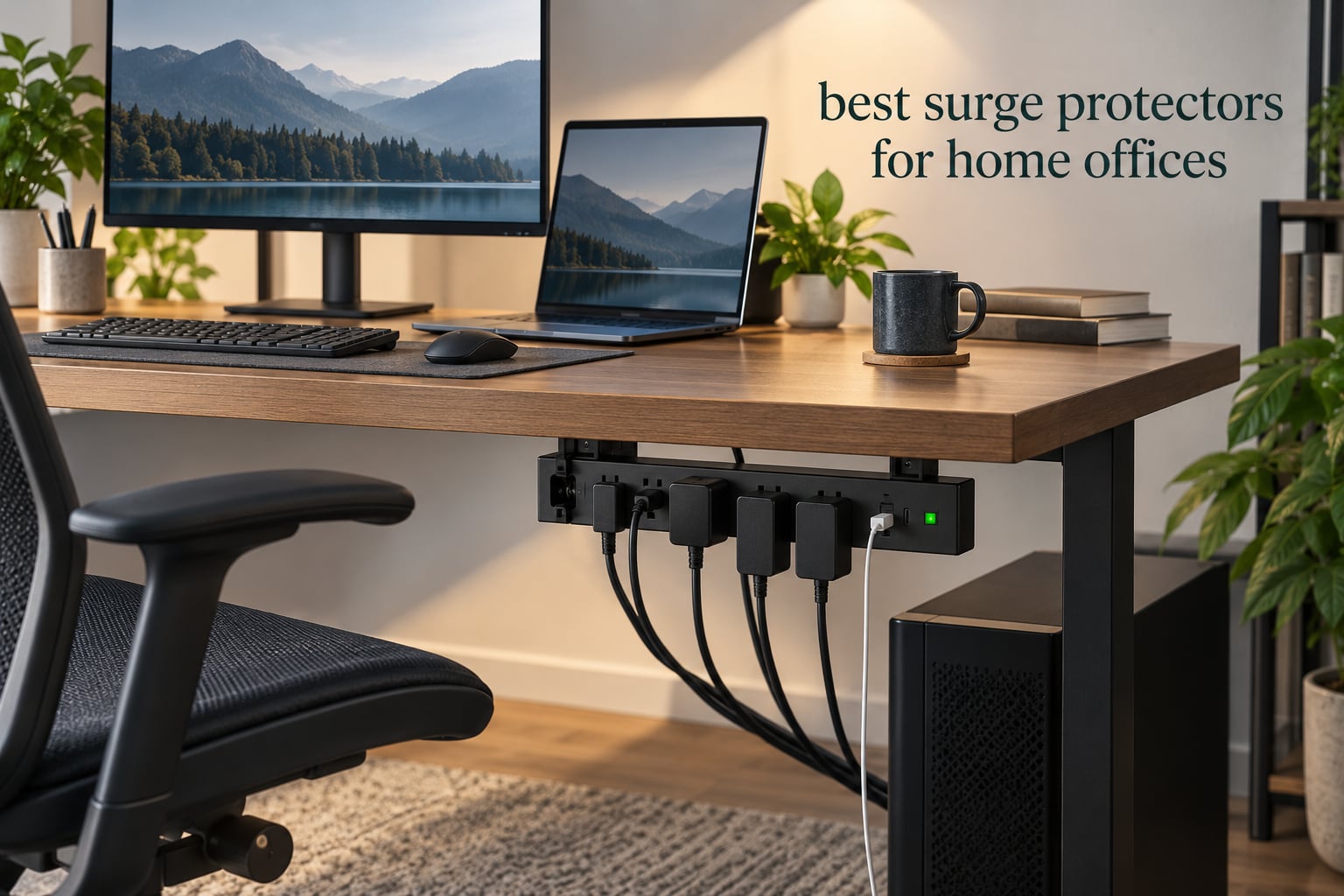
A home office puts the most expensive electronics you own on a single power path: a monitor or three, a tower or a laptop, a dock, a printer, a router and a drawer of chargers. The best surge protectors for home offices solve two problems at once, because they give you somewhere to plug all of that in and they absorb the voltage spikes that would otherwise reach your motherboard. The strip I would put on the most desks is the HANYCONY 12-in-1, since 8 AC outlets, 4 USB ports and 2.2 inch outlet spacing cover a shared desk without crowding the power bricks.
We spent weeks cycling ten strips through monitor arms, laptop docks, a gaming tower and a charging shelf, watching the things home office buyers actually argue about: outlet spacing, cord length, whether the indicator light tells the truth, and how many joules you need before protection turns into guesswork. Nothing in this list costs what a fried motherboard does.
Our framing here is deliberately desk-first rather than house-first. If you also run an arcade or game room on the same circuit, our guide to the best surge protectors for game room equipment covers the different load profile that comes with older, heavier hardware.
Table of Contents
- Top 3 Best Surge Protectors for Home Offices (October 2026)
- Best Surge Protectors for Home Offices at a Glance
- 1. HANYCONY 12-in-1 Strip 1080J – Editor’s Choice for Home Offices
- 2. Alestor 12-Outlet 2700J Strip – Best Value for a Full Desk
- 3. Anker 2100J 12-Outlet Strip – Best for Wall or Under-Desk Mounting
- 4. Superdanny 22-Outlet 2100J Strip – Best for Gaming Setups
- 5. TROND 13-Outlet 4000J Strip – Best High-Joule Protection
- 6. Jgstkcity Desk Clamp Power Strip – Best Desk-Edge Mount
- 7. Belkin 12-Outlet 3940J Strip – Best Connected Equipment Warranty
- 8. Kasa KP303 Smart Power Strip – Best Smart Option
- 9. Anker 9-in-1 Desktop Charger 100W – Best Desktop Charging Hub
- 10. Anker Nano Desk Clamp Power Strip – Best for Sit-Stand Desks
- How to Choose a Surge Protector for a Home Office
- How Many Joules Do You Actually Need?
- Surge Protector vs Power Strip vs UPS
- Safety: What You Should Never Plug Into a Surge Protector
- Frequently Asked Questions
- Final Verdict
Top 3 Best Surge Protectors for Home Offices (October 2026)

HANYCONY 12-in-1 1080J Strip
- 8 AC outlets plus 4 USB ports
- 2.2 inch outlet spacing
- 1080J surge protection
- 5 ft braided cord

Alestor 12-Outlet 2700J Strip
- 12 AC outlets plus 4 USB ports
- 2700 joules
- Two outlets spaced 2 inches apart
- 6 ft heavy-duty cord

Anker 2100J 12-Outlet Strip
- 12 AC outlets
- 20W USB-C plus 2 USB-A
- 2100 joules
- Mounting screws included
Best Surge Protectors for Home Offices at a Glance
Every strip below plugs straight into a wall and none needs a hub, an account or a subscription. The table is the fast version; the reviews that follow explain why each one earned its place.
| Product | Specs | Action |
|---|---|---|
| HANYCONY 12-in-1 1080J Strip |
|
Check Latest Price |
| Alestor 12-Outlet 2700J Strip |
|
Check Latest Price |
| Anker 2100J 12-Outlet Strip |
|
Check Latest Price |
 Superdanny 22-Outlet 2100J Strip Superdanny 22-Outlet 2100J Strip |
|
Check Latest Price |
 TROND 13-Outlet 4000J Strip TROND 13-Outlet 4000J Strip |
|
Check Latest Price |
 Jgstkcity Desk Clamp Power Strip Jgstkcity Desk Clamp Power Strip |
|
Check Latest Price |
 Belkin 12-Outlet 3940J Strip Belkin 12-Outlet 3940J Strip |
|
Check Latest Price |
 Kasa KP303 Smart Power Strip Kasa KP303 Smart Power Strip |
|
Check Latest Price |
 Anker 9-in-1 Desktop Charger Anker 9-in-1 Desktop Charger |
|
Check Latest Price |
 Anker Nano Desk Clamp Power Strip Anker Nano Desk Clamp Power Strip |
|
Check Latest Price |
Quick picks: the HANYCONY 12-in-1 is the one I recommend to most people, the Alestor covers the most devices for the least, the Superdanny handles a gaming rig plus everything around it, the TROND carries the highest joule rating in the group, the Kasa KP303 is the smart option, and the two desk clamps solve the cable problem that regular strips make worse.
1. HANYCONY 12-in-1 Strip 1080J – Editor’s Choice for Home Offices
HANYCONY Surge Protector Power Strip, 1080J, 5 Ft Braided Extension Cord
1080J surge rating
8 AC outlets plus 4 USB ports
2.2 inch outlet spacing
5 ft braided cord
Pros
- 8 outlets plus 4 USB ports including USB-C
- Flat right-angle plug clears tight wall spaces
- Braided 5 ft cord resists fraying
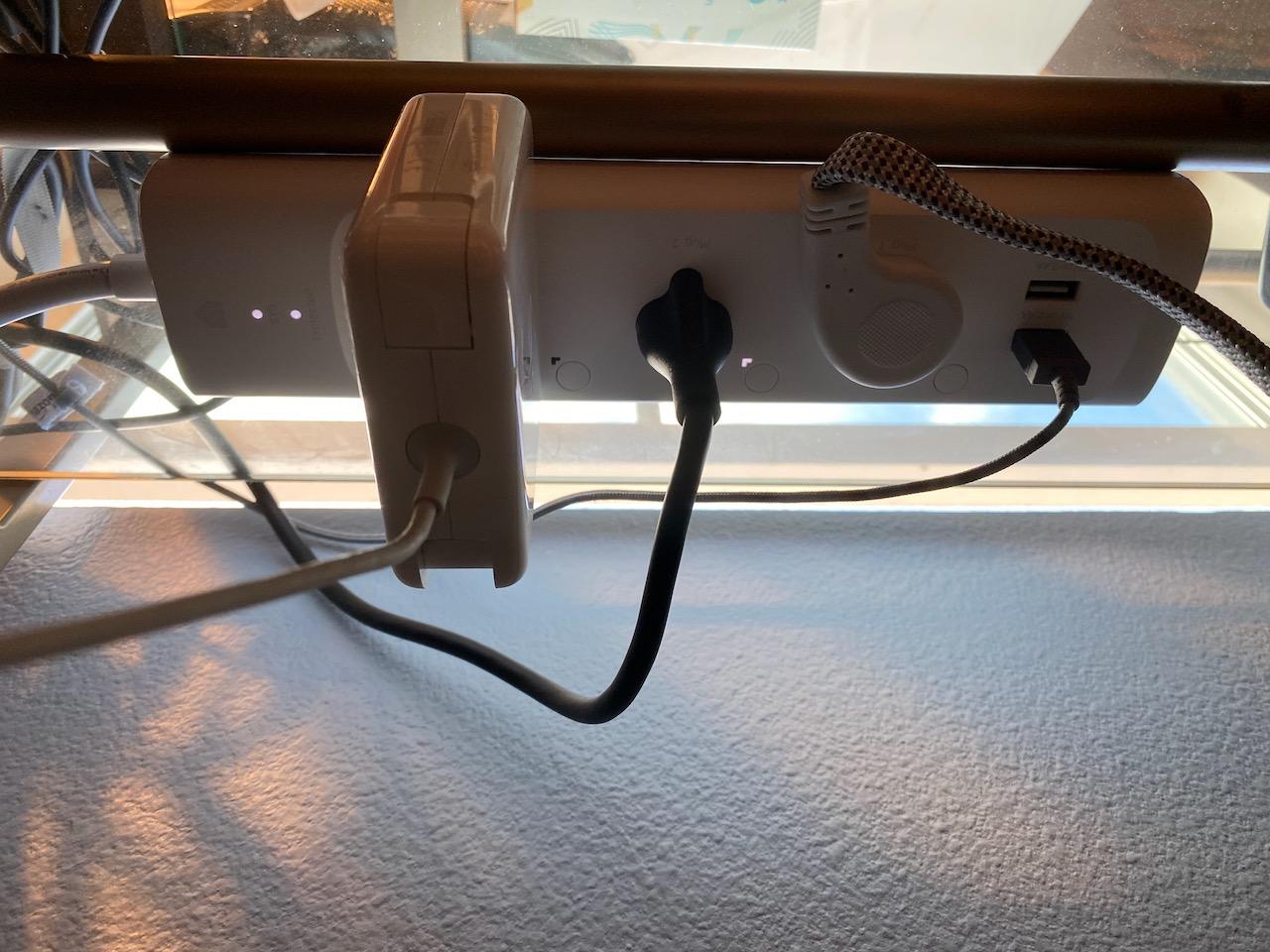
- Two rear mounting holes for wall or surface mounting
- Visible LED indicator
Cons
- 1080J rating is modest next to higher-joule models
- Body is bulky to hide behind furniture
- 5 ft cord can be short for some desk layouts
This is the strip I ended up keeping on my own desk, and the reason is boring but decisive: nothing I plugged in made anything else stop working. The 2.2 inch outlet spacing is wider than the sockets on a typical strip, so a monitor brick and a laptop charger sit side by side without a fight.
The four USB ports are a genuine bonus in a home office. Two are USB-C, and the shared output is capped at 5V/3.1A, which is fine for phones, headphones and a stream light but will not charge a laptop at full speed.
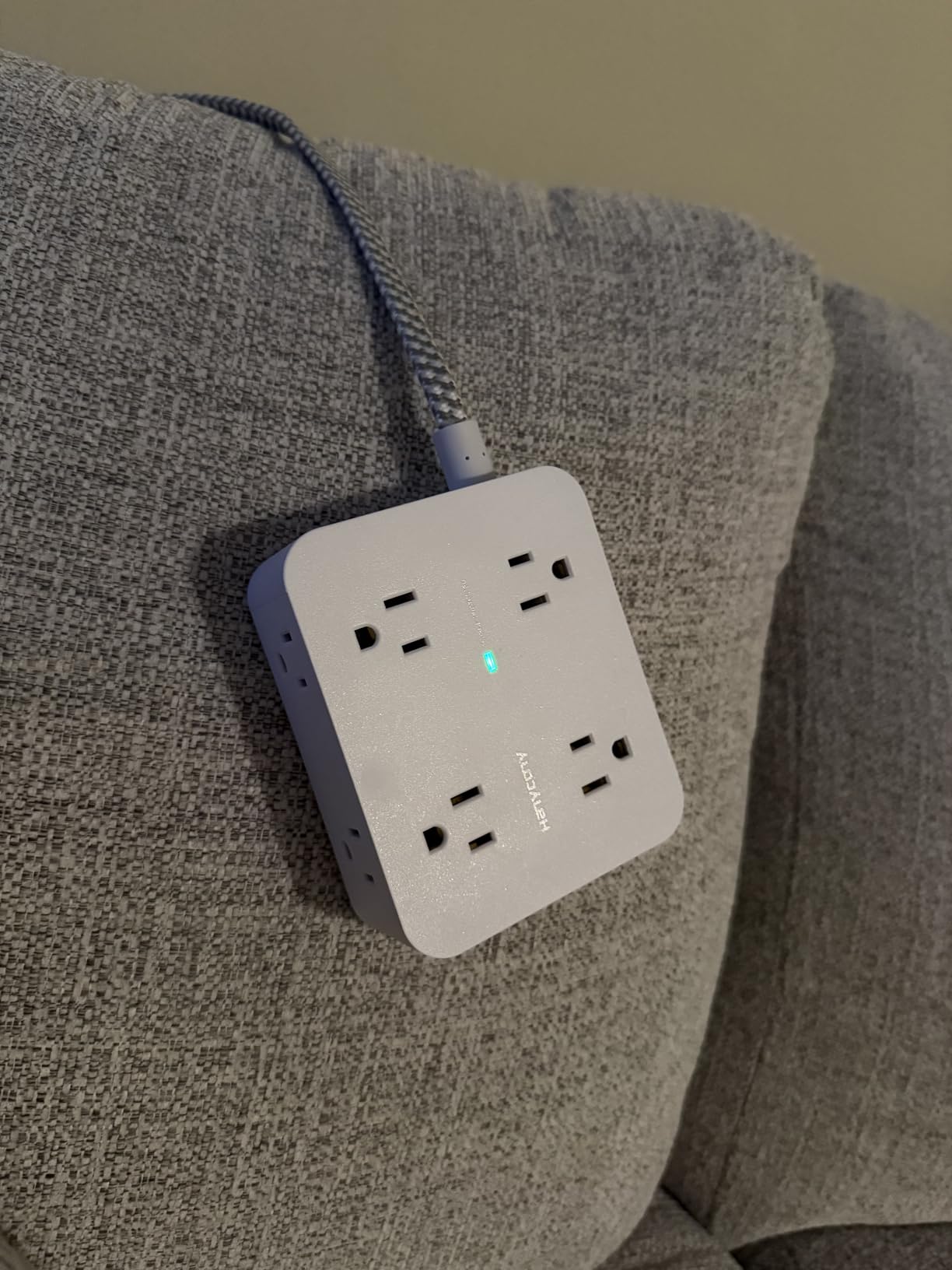
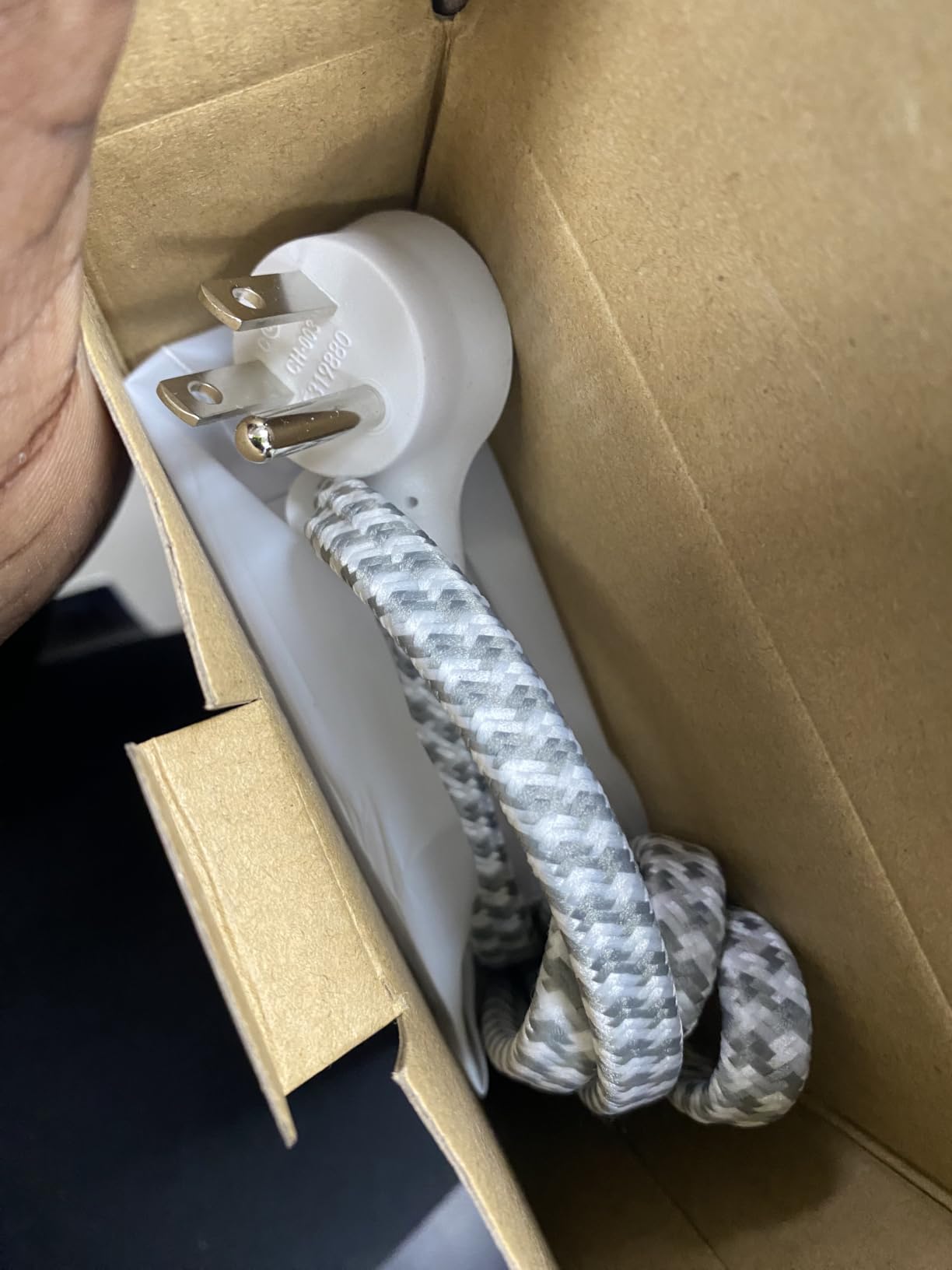
The 1080-joule rating is the honest weakness. That is a modest absorption budget, printed openly on the box and the product page. The braided 5 ft cord and the right-angle flat plug are what make it feel better than the spec sheet suggests.
Reviewers describe the same pattern we did: people buy it to consolidate a workstation or dorm desk into a single power point, praise the spacing, and mention that the body is bulkier than they expected. The integrated circuit breaker cuts power on overload, and the ETL and RoHS marks are printed rather than implied.
What makes it work on a busy desk
Two rear mounting holes let you screw it to a wall or to the back of a desk, which keeps the strip from drifting behind furniture where cables snag it. Combined with the low-profile body, that mounting option is what stops the strip becoming the thing you trip over in the dark.
Rated for 1875W and 15A, it handles a full desk load without the breaker complaining. The shell is flame-retardant PC rated to 1382F, which matters more than it sounds in a setup with a warm power supply nearby.
Where it falls short
If your desk includes a gaming tower, three monitors and a rack of peripherals, 1080 joules is a thinner cushion than you probably want. In that case step up to the TROND or the Belkin, both of which print a much larger figure.
Two smaller limits: the 5 ft cord is short when the wall outlet sits behind a wide desk, and plugging or unplugging a device can briefly interrupt power on the other ports. Neither has ever cost me data, but it matters if you are mid-save.
2. Alestor 12-Outlet 2700J Strip – Best Value for a Full Desk
ALESTOR 6 Ft Surge Protector Power Strip with 12 Outlets and 4 USB Ports
2700J surge rating
12 AC outlets plus 4 USB ports
6 ft heavy-duty cord
24-month warranty
Pros
- 12 outlets plus 4 USB ports cover a whole desk
- Two outlets spaced 2 inches for bulky bricks
- 2700J is a strong step above entry-level strips
- 6 ft cord reaches from wall to desk
- Overload switch stops the strip running hot
Cons
- Long body takes noticeable desk depth
- Shared USB output slows when several ports charge
- Not fast-charge class for laptop charging
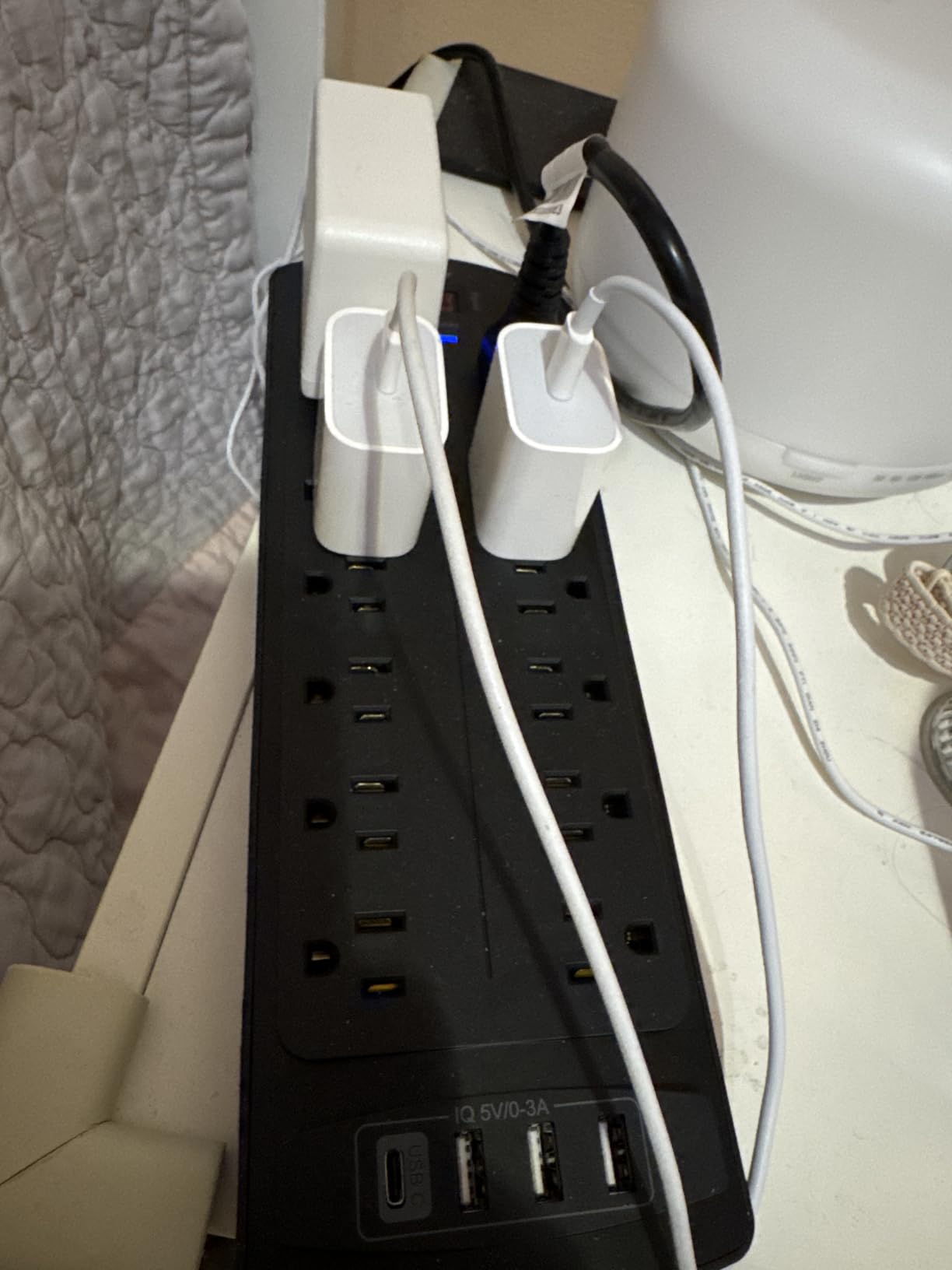
If your desk needs more sockets than the HANYCONY offers but you do not want a strip the size of a shoebox, this is the one. Twelve AC outlets, four USB ports including one USB-C, and a 2700-joule rating put it in a different protection class from most of the budget strips on the same shelf.
The detail I appreciate most is the pair of outlets spaced 2 inches apart. Almost every multi-outlet strip puts the sockets on a uniform grid, which means one oversized adapter ruins two positions. Here the two awkward bricks have room of their own.
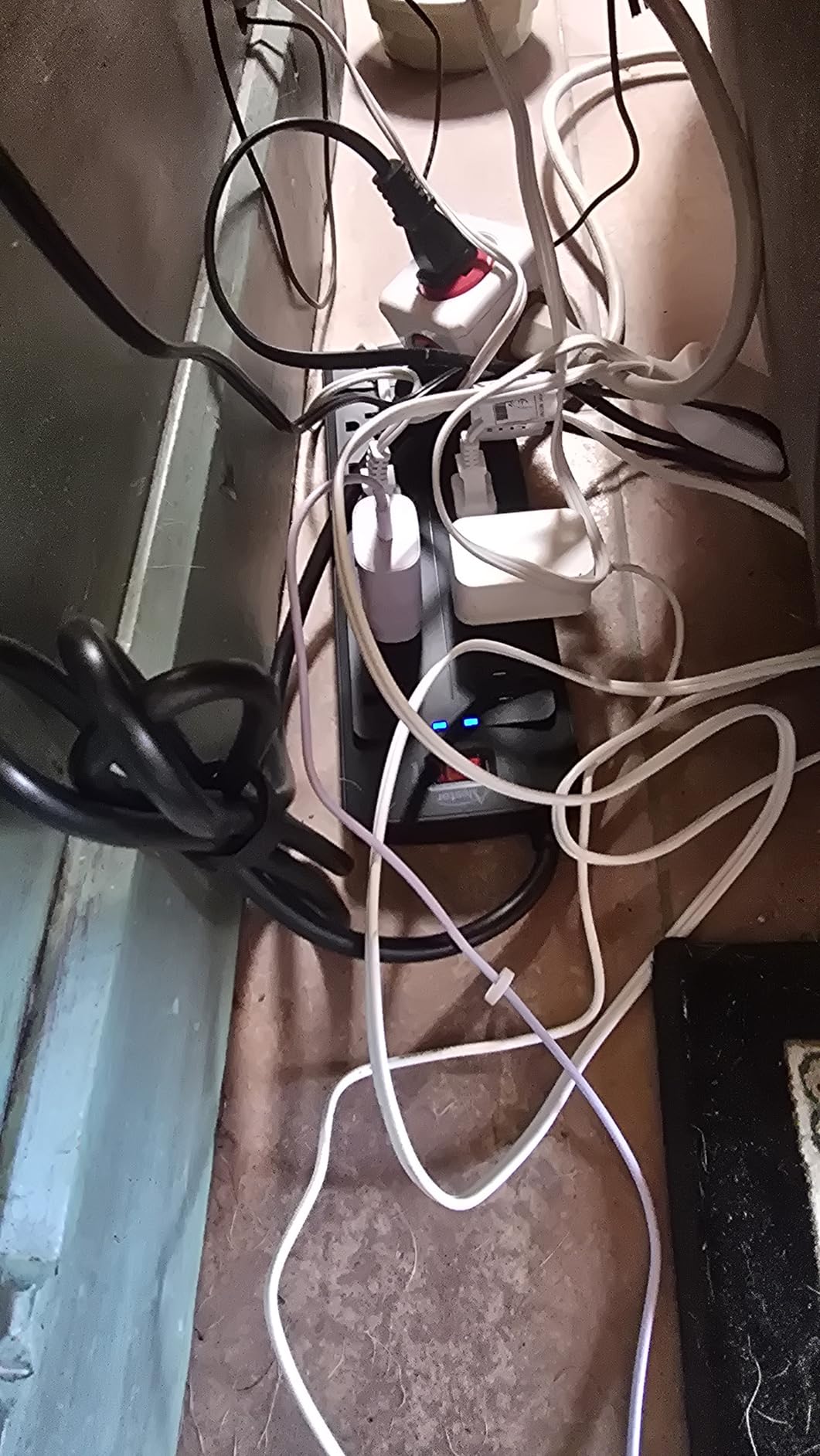
The 6 ft cord is a genuine improvement over a 5 ft run when your outlet is on an adjacent wall. The protected indicator light confirms protection is active, and the overload switch stops the strip running hot under load rather than letting it cook.
Buyers consistently mention the combination of outlet count, spacing and a 2700-joule figure at an accessible price point. Desk and dorm users like consolidating a room onto one strip. The criticisms are physical: the body is 11 by 3.9 inches, so it eats desk depth, and the USB ports are not fast-charge class.
Why I keep two of these on hand
When a second monitor arrives, this is the strip I reach for rather than daisy-chaining another one. Twelve outlets plus four USB ports is enough for a tower, two monitors, a dock, a printer and chargers without stacking.
The 2-inch pair solves the practical problem that review photos keep showing: a wide monitor power supply sitting next to a laptop brick. ETL certification and a flame-retardant PC shell rated to 1382F cover the safety side, and the 24-month warranty is stated on the listing.
Where it falls short
The four USB ports share one output budget. Plug three devices in and each one slows down, which is a nuisance for a phone and a watch and a non-starter for a laptop. If you need laptop charging, the desk-clamp options deliver real wattage.
The rectangular body is long enough that it will not sit neatly behind a monitor stand, and the cord is not angled, so it takes up more visual space behind the desk than the flat-plug designs.
3. Anker 2100J 12-Outlet Strip – Best for Wall or Under-Desk Mounting
Anker Power Strip with 2100J Surge Protector, Outlet Extender, 20W, 12 AC
2100J surge rating
12 AC outlets
20W USB-C plus 2 USB-A
5 ft cord with 90 degree plug
Pros
- Heavy build with thicker cord insulation
- 90 degree plug keeps the cord tight to the wall
- Wide outlet spacing fits large power bricks
- 20W USB-C fast charges a phone
- Two mounting screws included
Cons
- Some strips report USB-A ports failing after a few months
- Status light is very small and easy to miss
- 15W USB output is shared across three ports
The build quality is the first thing you notice. The cord insulation is visibly thicker than on most strips at this size, the housing is a hard ABS and polycarbonate rather than a thin plastic shell, and the 90-degree plug keeps the cord tight against the wall instead of sticking straight out.
Twelve AC outlets with extra spacing clears bulky plugs, and the 20W USB-C port charges a phone from zero to about half in roughly 26 minutes, which removes one brick from the desk. The whole thing is TUV listed with an 18-month warranty.
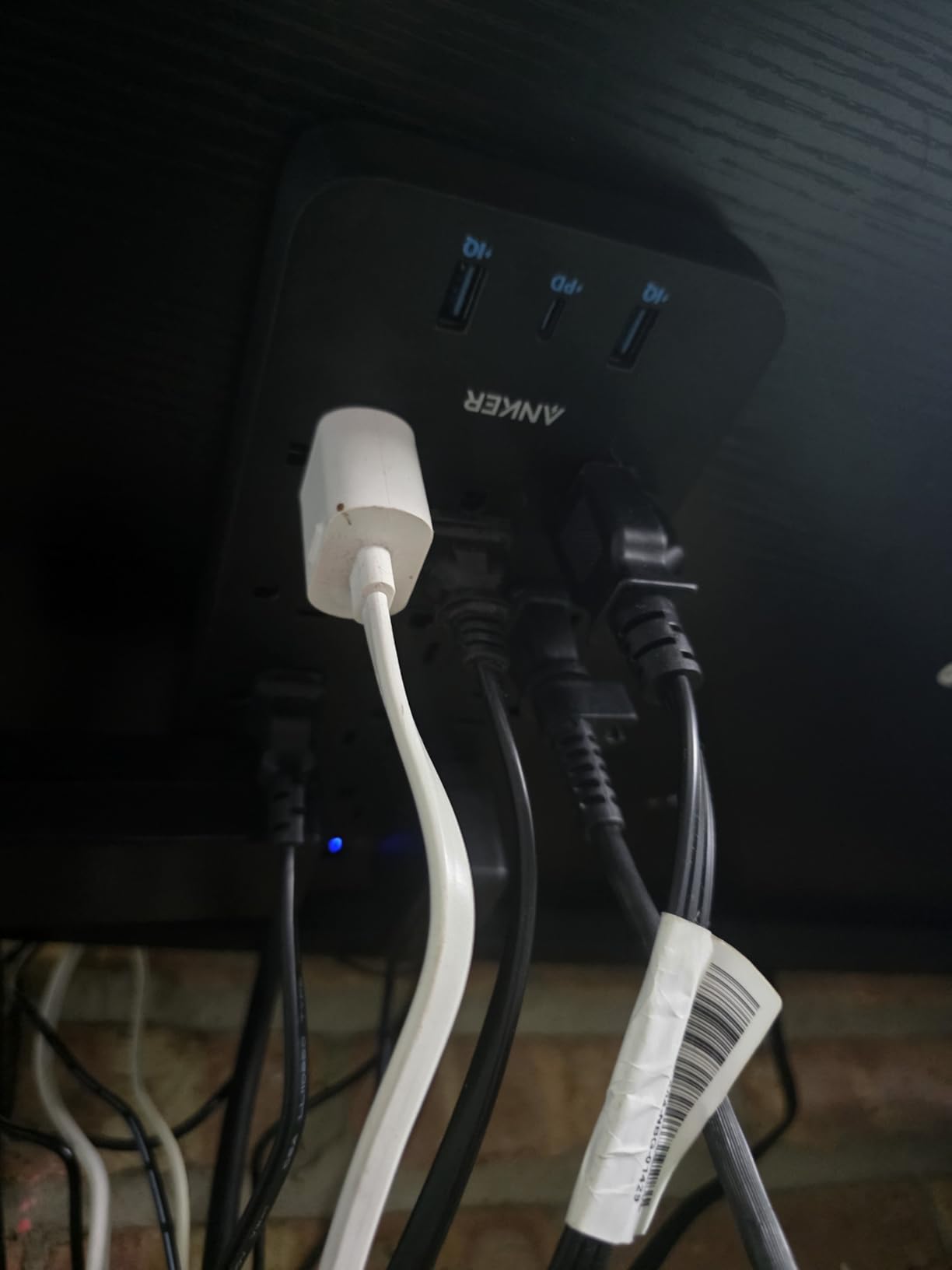
Two mounting screws ship in the box, and the strip has holes for them. Screwed to the underside of a desk it becomes invisible and tamper-proof, which solves the toddler-and-cable problem that wall outlets near the floor create.
Reviewers repeat three things: the weight and cord quality, the outlet spacing, and the USB-C charging. Several own more than one for a home, a studio and an office, which tells you something about failure rates. The most common complaint is a documented USB-A fault on a small number of strips after a few months.
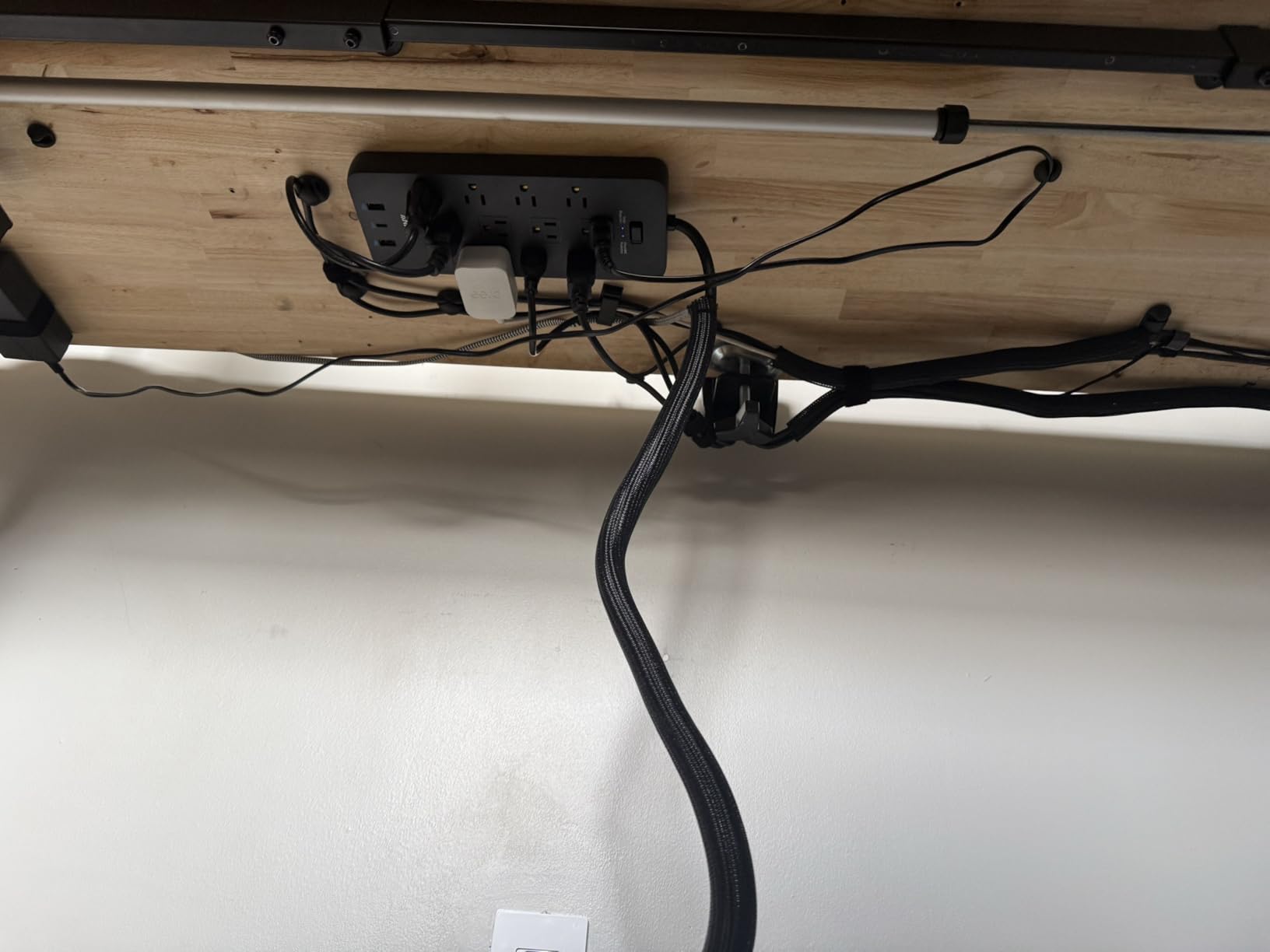
Why the 90-degree plug matters more than it sounds
A right-angle plug frees the outlet below it. On a wall with a single double socket, that one change means you can still use the lower receptacle for a lamp or a second strip without an adapter stacked two deep.
Combined with the mounting screws, it makes this the one I would screw down rather than leave loose. Just note the strip only accepts two screws and will not sit horizontally, so plan the orientation before you drill.
Where it falls short
The status light is very small and easy to miss in a bright room. I check mine by unplugging a lamp, not by looking at it, which defeats the purpose of a protection indicator.
The USB-A fault appears on a minority of strips and clears with a power cycle, and Anker’s replacement process is praised even when the second strip shows the same symptom. The total USB output of 15W is shared across all three ports, so it is an accessory charger rather than a laptop charger.
4. Superdanny 22-Outlet 2100J Strip – Best for Gaming Setups
SUPERDANNY Power Strip Surge Protector, 22 AC 6 USB, 2100J, 6.5Ft,1875W/15A
2100J surge rating
22 AC outlets plus 6 USB ports
6.5 ft 15A cord
8-fold safety system
Pros
- 22 outlets plus 6 USB ports on one strip
- Four rows of widely spaced outlets
- Heavy-duty build reviewers describe as a beast
- 45 degree flat plug clears the lower receptacle
- Four keyhole mounting points with screws
Cons
- Large footprint takes substantial shelf space
- Wall anchors are not included
- Side outlets cannot be rotated
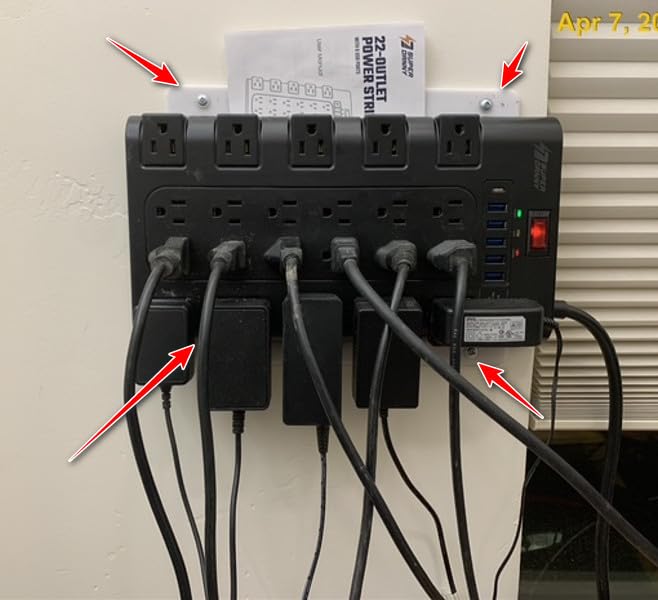
This is the strip for a room, not a desk. Twenty-two grounded three-prong AC outlets plus five USB-A and one USB-C port sit across four rows with wide spacing, so a gaming tower, several monitors, a capture card, speakers, a printer and a charging shelf can all hang off one power point.
Reviewers who consolidate their setup this way frequently say it replaced three smaller strips. That is the real value here: fewer extension runs, fewer adapters left on the floor, one switch to turn everything off at the end of a session.
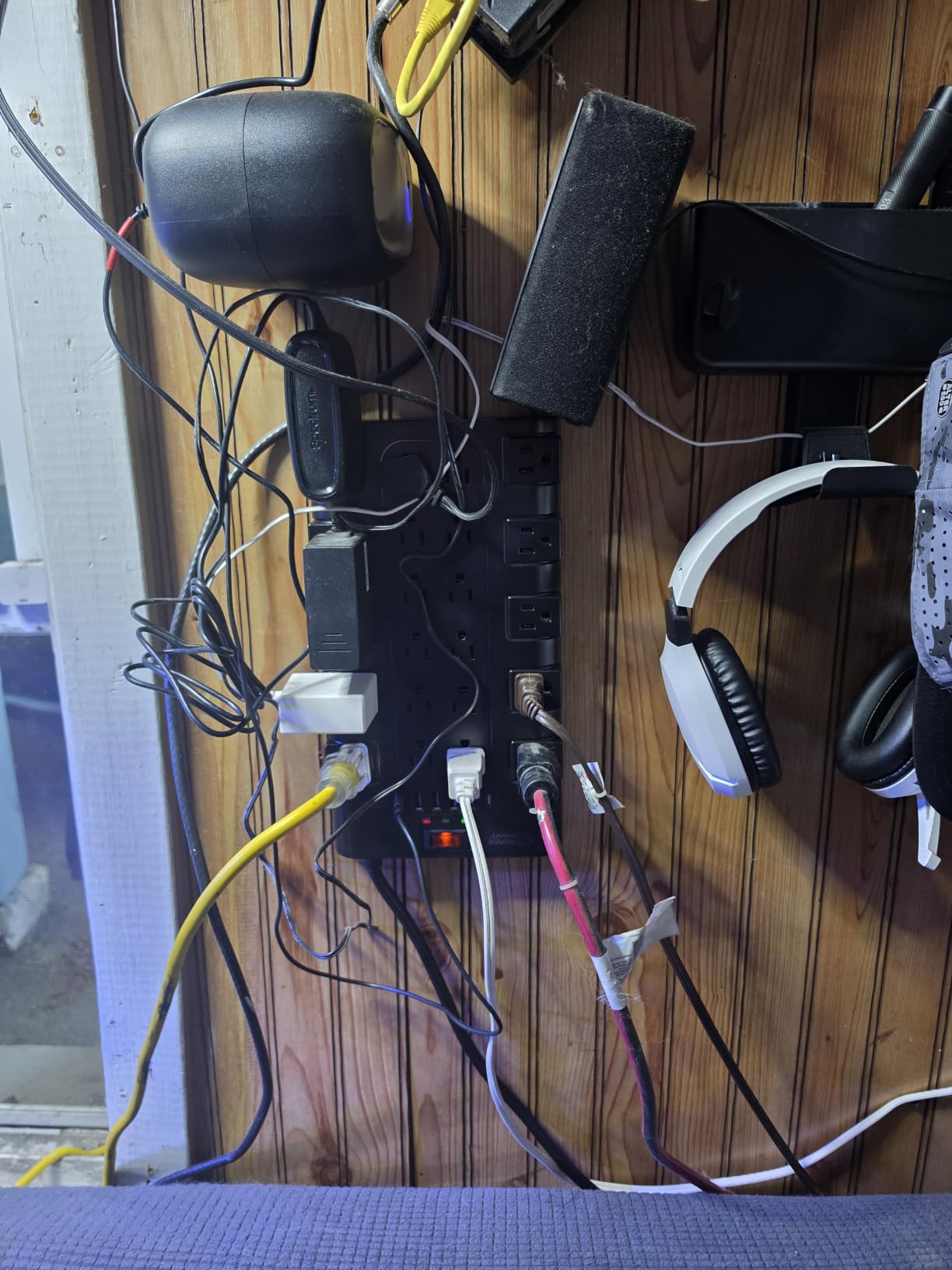
The 6.5 ft cord is rated 1875W and 15A, so it is not the limiting factor. The 45-degree angled flat plug slides behind furniture and leaves the lower wall receptacle usable, and four keyhole mounting points on the back let you fix it to a wall or the underside of a desk with the supplied screws.
The 8-fold safety system covers fire-retardant casing, surge, overload, grounded, short-circuit, over-current, over-voltage and overheat. The cord and flat plug are UL certified and the unit is FCC and RoHS certified, which is more documentation than most competitors attach.
Why gaming rooms love the outlet count
A gaming setup multiplies power draw faster than any other home office use. Headset, controller dock, capture card, streaming PC, monitor arms, RGB controllers and a printer can each take a socket, and a typical wall plate offers two.
Wide spacing across four rows stops a bulky adapter from blocking its neighbours, which is the failure that forces people back to two strips. If you also run an arcade cabinet, our pinball playfield protector guide covers the service side of that same shelf space.
Where it falls short
At 11.65 by 6.37 inches, the footprint is the biggest in the group. It wants a shelf or a wall, not a clean desktop, and reviewers who wanted a desk strip found it bulky for the space.
Wall anchors are not included, so drywall mounting means a separate hardware run. The side outlets are fixed rather than rotating, which limits plug angles on a tight shelf. The warranty is one year.
5. TROND 13-Outlet 4000J Strip – Best High-Joule Protection
TROND Surge Protector Power Strip 5ft Cord, 4000J, 4 USB, ETL Listed, Black
4000J surge rating
13 AC outlets plus 4 USB ports
38mm outlet spacing
14AWG 5 ft cord
Pros
- 4000J handles the most demanding loads here
- 38mm spacing stops adapters blocking each other
- 14AWG copper cord rated 15A and 1875W
- Flat angled plug slides behind a TV cabinet
- Four mounting tabs for under-desk installs
Cons
- 17W total USB output is modest for multi-device charging
- Large body for 13 outlets and 4 USB ports
- Fixed flat plug limits outlet angle
Joules are the easiest spec to misread and the one that matters most on this strip. The TROND prints 4000, the highest figure in our group, and the parts that deliver it are visible in the specifications: a 14AWG pure copper cord, an ETL listing and a UL94 V-0 flame-retardant housing.
Thirteen AC outlets plus four USB charging ports make it a roomy desk-friendly layout that still mounts flat. It took a tower, two monitors, a dock and a printer without anything being crowded or blocked.
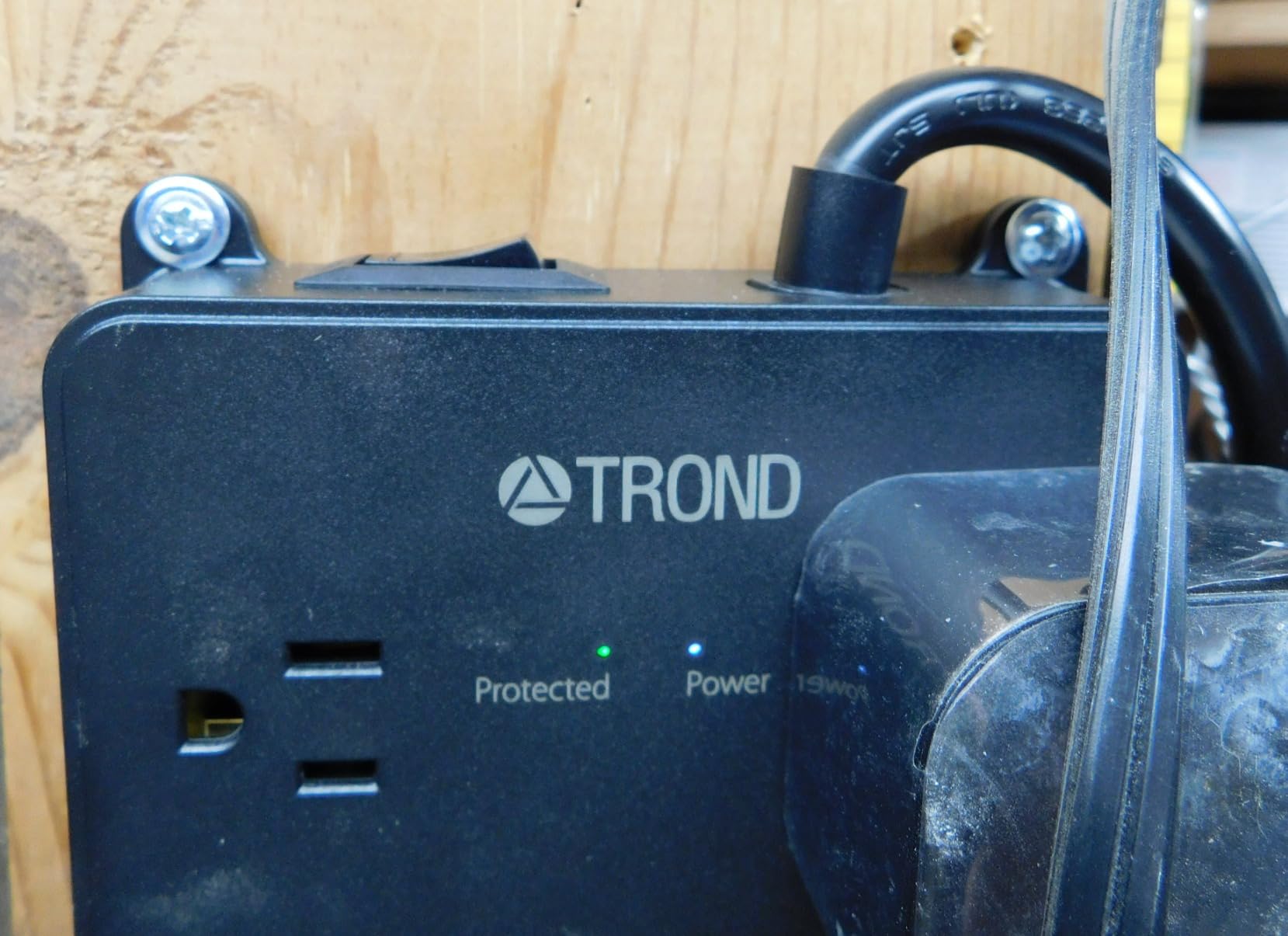
Outlet spacing is 38mm against the 30mm typical of ordinary strips, and you can feel the difference the moment you fit a large adapter next to a standard one. The 45-degree low-profile flat plug clears the bottom receptacle, so the furniture stays against the wall.
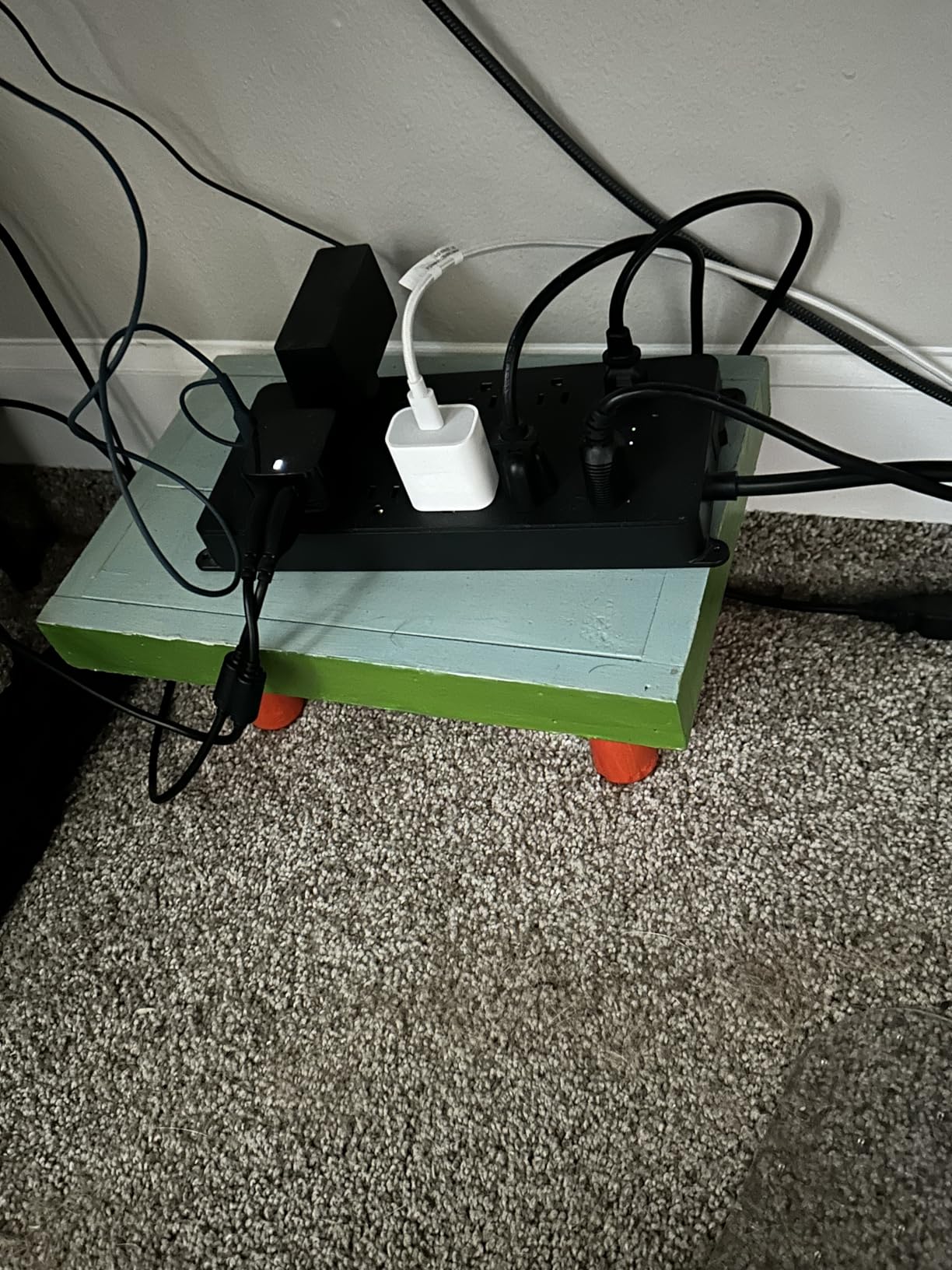
Four screw-mounting tabs on the back let you fix it to a wall, under a desk or inside an entertainment centre. That matters for a home office because the strip usually ends up behind the desk, and the cables into it take daily abuse.
Who should pay for the extra joules
Owners of expensive displays and a high-end rig are the people who benefit. A single big monitor, a gaming tower and a network-attached store represent a lot of money on one power path, and a larger absorption budget gives that path more margin.
The 14AWG cord is the underrated part. Thinner cords are the first thing to warm up on a fully loaded strip, and this one is specced for 15A and 1875W with real headroom. The 18-month warranty and 30-day money-back guarantee are both stated plainly.
Where it falls short
The four USB ports share 17W of output. That is fine for a keyboard, a mouse and a phone, but it is not a charging hub, and buyers expecting laptop-speed charging are disappointed. Treat those ports as a convenience rather than a feature.
Putting 13 outlets and 4 USB ports in one body makes the unit fairly large, and the fixed flat plug means outlet angles cannot be changed to suit a tight cabinet. Rotating-plug versions exist as separate variants.
6. Jgstkcity Desk Clamp Power Strip – Best Desk-Edge Mount
Jgstkcity Desk Clamp Power Strip USB C,40W Total Fast Charging Station,4 PD 20W USB C Ports,Desk Edge Mount Surge Protector,5 Outlets,Fit 1.96″ Tabletop Edge,ETL Listed
1200J surge rating
Desk edge clamp to 1.96 inch desktops
4x 20W USB-C plus 2 USB-A
6 ft flat plug
Pros
- Clamps to the desk edge so power sits at arm level
- Four 20W USB-C ports charge several devices fast
- Wide-spaced outlets accept bulky adapters
- Desktop stays clear since the unit hangs off the edge
Cons
- 1200J suits peripherals more than high-value gear
- Clamp fails on desks thicker than 1.96 inches
- Needs 0.4 to 0.5 inch clearance from the wall
- 40W is shared across the USB ports
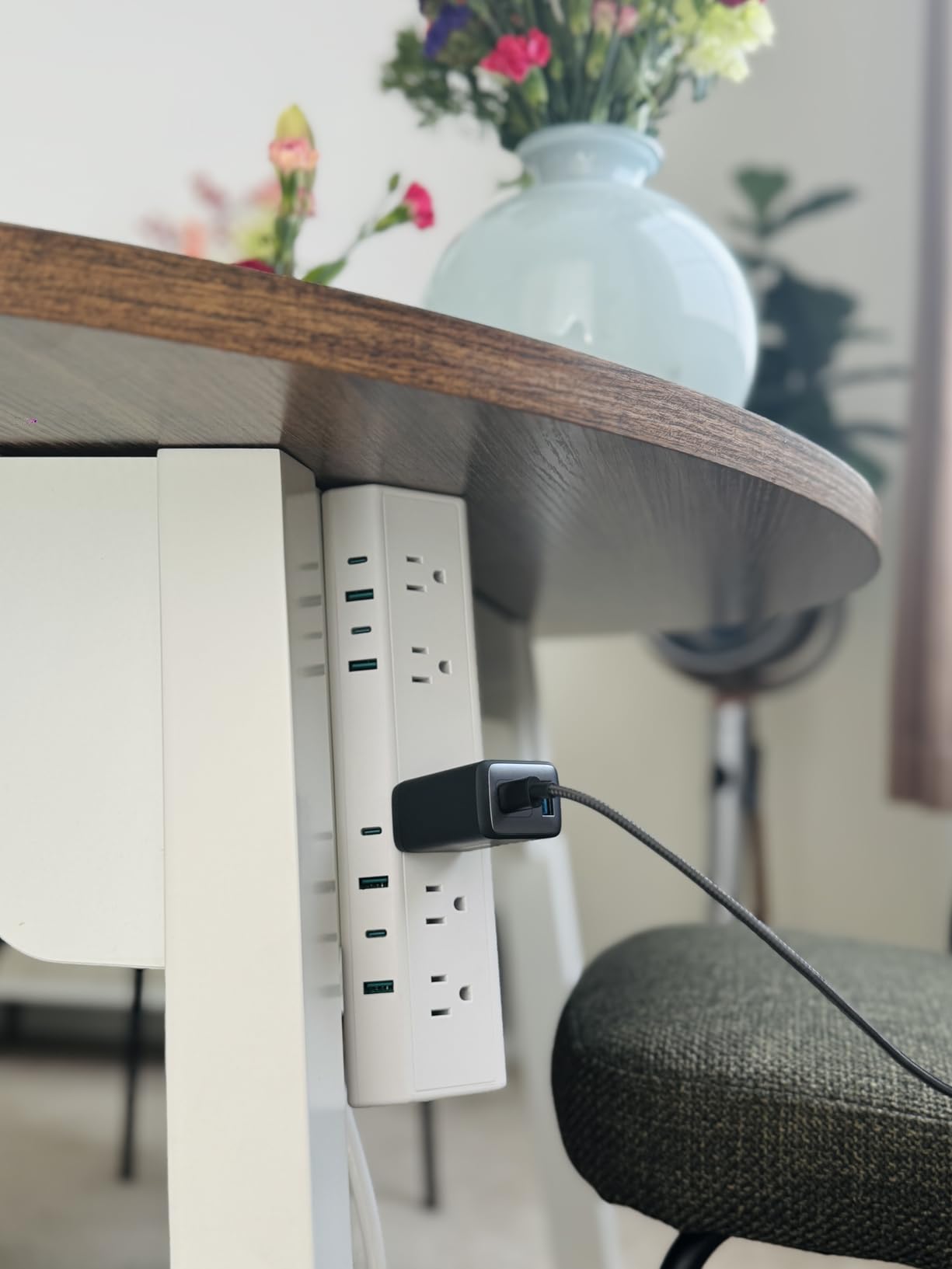
The idea here is simple: instead of sitting on the desk and feeding cables back down into a tangle, the strip clamps to the edge so the sockets are at the same height as your hands. It is the single biggest improvement to cable management I have made on a small desk.
Five widely spaced AC outlets sit alongside four USB-C ports that each deliver up to 20W and two QC3.0 USB-A ports, with 40W of total USB output. That is genuine multi-device fast charging, not the token single port most strips offer.
The 6 ft flat plug runs to the wall and the housing is fireproof plastic with an ETL listing. Installation needs a single screw on the bracket, and the unit is 11.5 by 1.9 inches, so it is narrow enough to disappear along the back edge.
Reviewers point at the form factor first and the charging second. Ratings sit slightly below the rest of this group for two reasons: the 1200-joule protection is modest, and the clamp has strict compatibility limits on desk thickness, edge curve and wall clearance.
Why clamping beats sitting on the desk
A strip that rests on the surface is one you can kick, one that slides behind a monitor stand, and one whose cables droop across the desktop. Bolted to the edge, the sockets stay put and the cords run straight down the back of the leg.
Wide outlet spacing means monitor bricks and laptop chargers fit without blocking each other, and the wide-spaced layout plus overcharge and overload protection is the whole safety story on offer here. A one-year manufacturer warranty is included.
Where it falls short
Measure before you buy. The clamp fits desktops up to 1.96 inches thick and needs 0.4 to 0.5 inches of clearance between the desk and the wall, and it will not grip curved edges or anything sloped more than 45 degrees.
The 1200-joule rating is the lowest of the mains strips we tested, so keep expensive gear on a different path. And because 40W is shared, charging a laptop plus two phones plus a tablet will slow every port down at once.
7. Belkin 12-Outlet 3940J Strip – Best Connected Equipment Warranty
Belkin 12-Outlet Surge Protector Power Strip w/ 12 AC Outlets & 8ft Flat Plug, UL-Listed Heavy-Duty Extension Cord for Home, Office, Travel, Computer, Laptop, Charger – 3,780 Joules of Protection
3940J surge rating
12 AC outlets
8 ft cord with angled plug
300000 dollar equipment warranty
Pros
- Runs completely silent with no hum or coil whine
- Outlet spacing fits large charger bricks
- 8 ft cord places the strip where you need it
- 300000 dollar connected equipment warranty
- Housing uses at least 72% post-consumer recycled plastic
Cons
- No USB charging ports at all
- Thick cord gets in the way in tight setups
- 12 outlets still take up real desk space
The thing I noticed first was the silence. Plenty of cheaper strips hum or emit a faint coil whine under load, and in a quiet home office that becomes the sound you hear all day. This one runs completely silently, and the side-mounted power switch is hard to hit by accident.
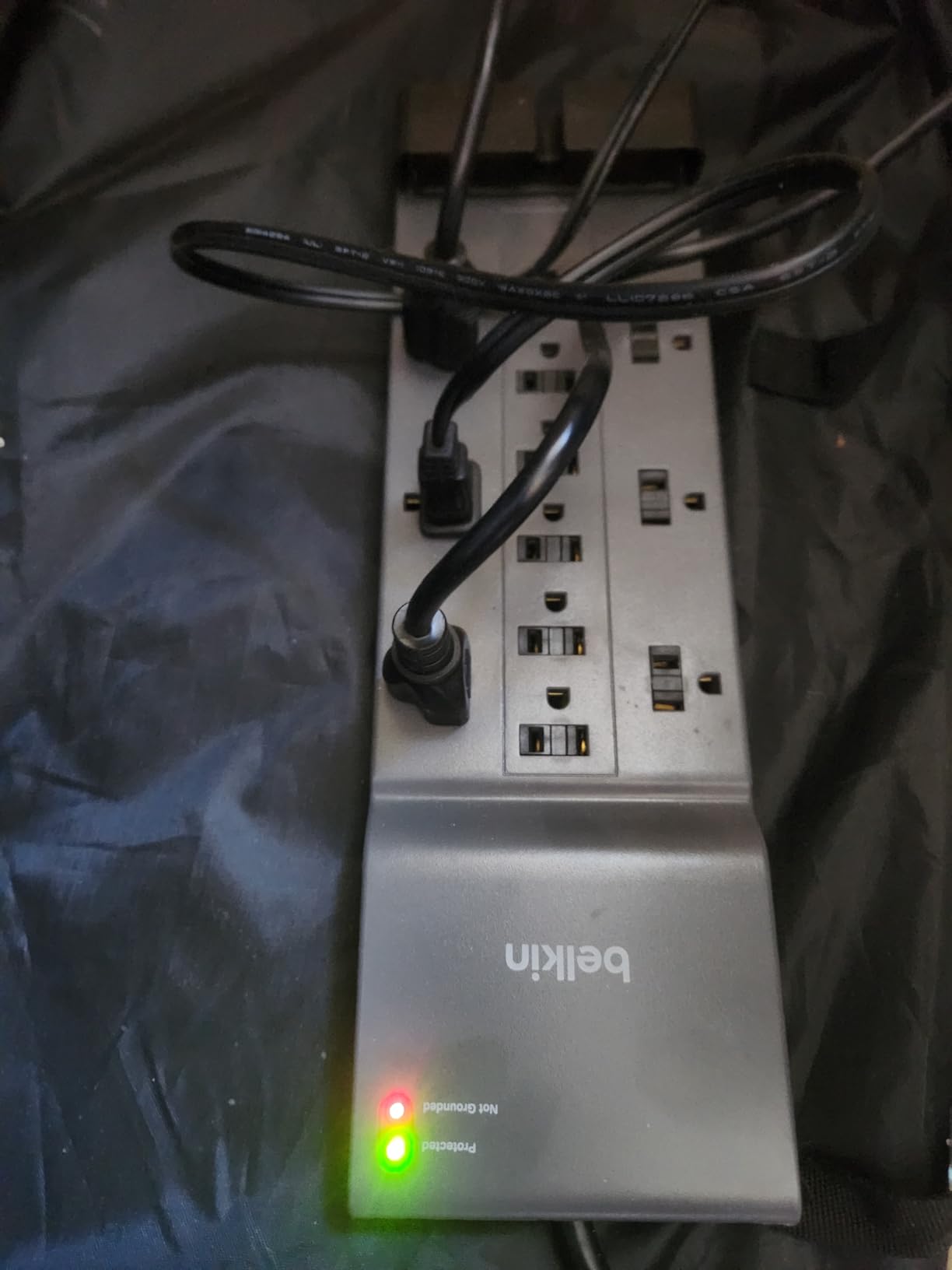
The protection figure is 3940 joules across 12 AC outlets, with widely spaced sockets sized for large plug and charger bodies. An indicator light shows whether connected devices are still protected, and the whole strip is UL independently lab tested and certified.
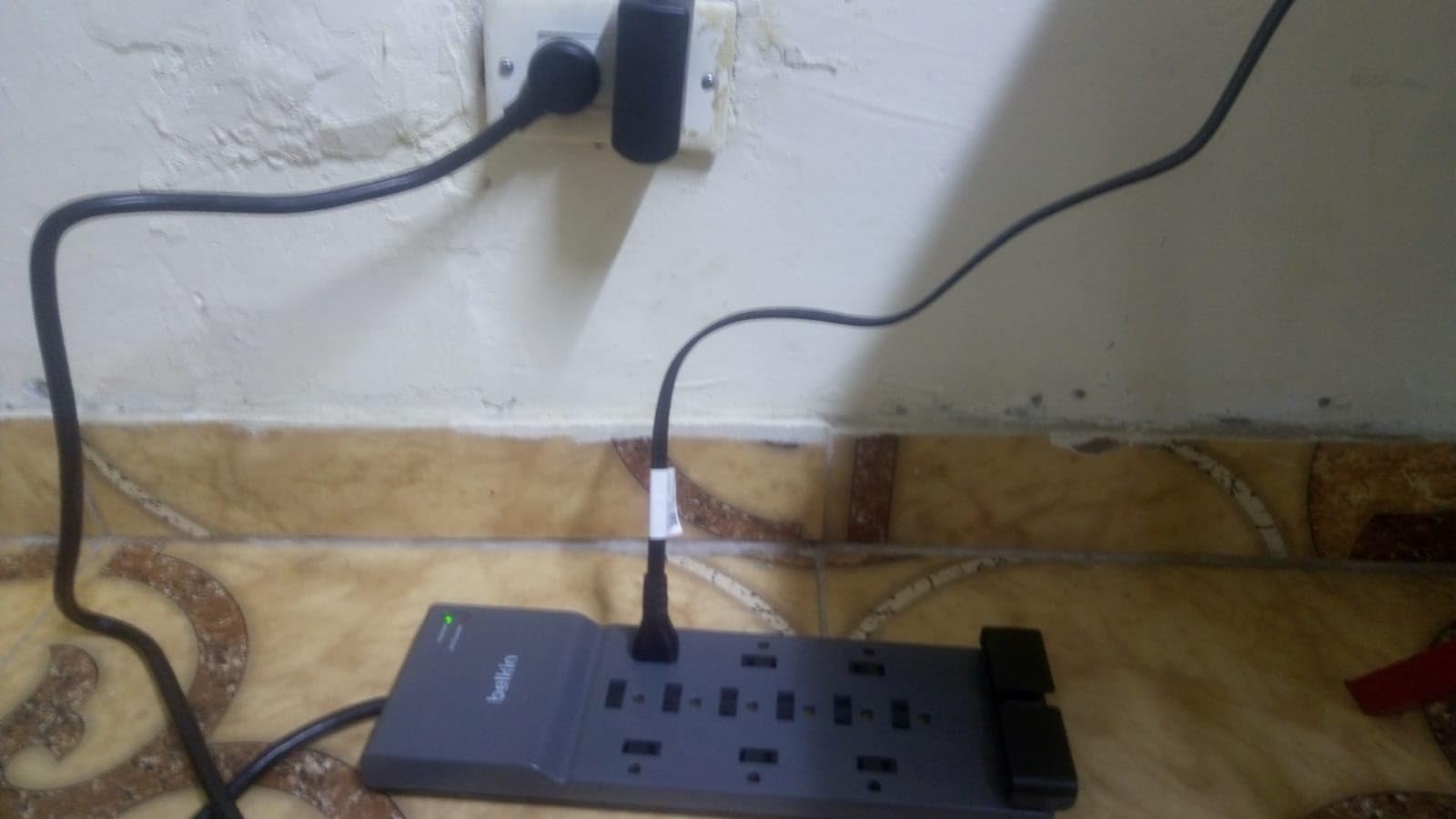
Then there is the warranty. Belkin backs this model with a connected equipment warranty of 300000 dollars, which is unusual in this category and is the reason I would choose it for a desk holding expensive displays.
The 8 ft cord is long enough to place the strip exactly where it is needed rather than near the wall, and the angled plug slides behind a TV cabinet so furniture can stay flush. The housing uses a minimum of 72 percent post-consumer recycled plastic.
What the equipment warranty actually changes
Most strips promise a warranty on the strip. A connected equipment warranty is a promise about the monitor or laptop plugged into it, and that is the number that matters when a desk holds several thousand dollars of hardware.
Pair that with a two-year limited warranty on the strip itself and independent UL certification, and this becomes the pick for anyone who has already had one expensive device die. Repeat purchase is common among owners.
Where it falls short
There are no USB charging ports at all, so every phone and accessory still needs its own adapter. If your desk is a charging station first, the Anker desktop charger or either desk clamp makes more sense.
The 8 ft cord is genuinely thick and heavy-duty, which is reassuring electrically and awkward behind a tight desk. Twelve outlets still take up real surface area, and one owner reported a unit that did not work on arrival.
8. Kasa KP303 Smart Power Strip – Best Smart Option
kasa smart Plug Power Strip KP303, Surge Protector with 3 Individually Controlled Smart Outlets and 2 USB Ports, Works with Alexa & Google Home, No Hub Required , White
750J ETL-certified protection
3 individually controlled outlets
2 always-on USB ports
Slim 10.24 inch body
Pros
- Three outlets switch independently to cut phantom draw
- Timers and schedules automate shutdowns
- Works with Alexa and Google Home with no hub
- Physical switch keeps it usable offline
- Slim 2.5 inch body fits under a desk or cabinet
Cons
- USB ports cannot be scheduled or switched off
- 750J suits lower-value electronics
- Wi-Fi setup needs the TP-Link network joined first
Be clear about what this strip is. It is an energy control device, not a protection device: 750 joules is a modest absorption budget, and no amount of app automation changes that. What it does well is switching three outlets independently so idle gear stops drawing current.
Timers and schedules in the Kasa app handle the boring cases beautifully. A desk lamp and a heater pad that switch off at 6pm, a charger bank that drops to near-zero draw overnight, a monitor that goes to sleep when you leave the room.
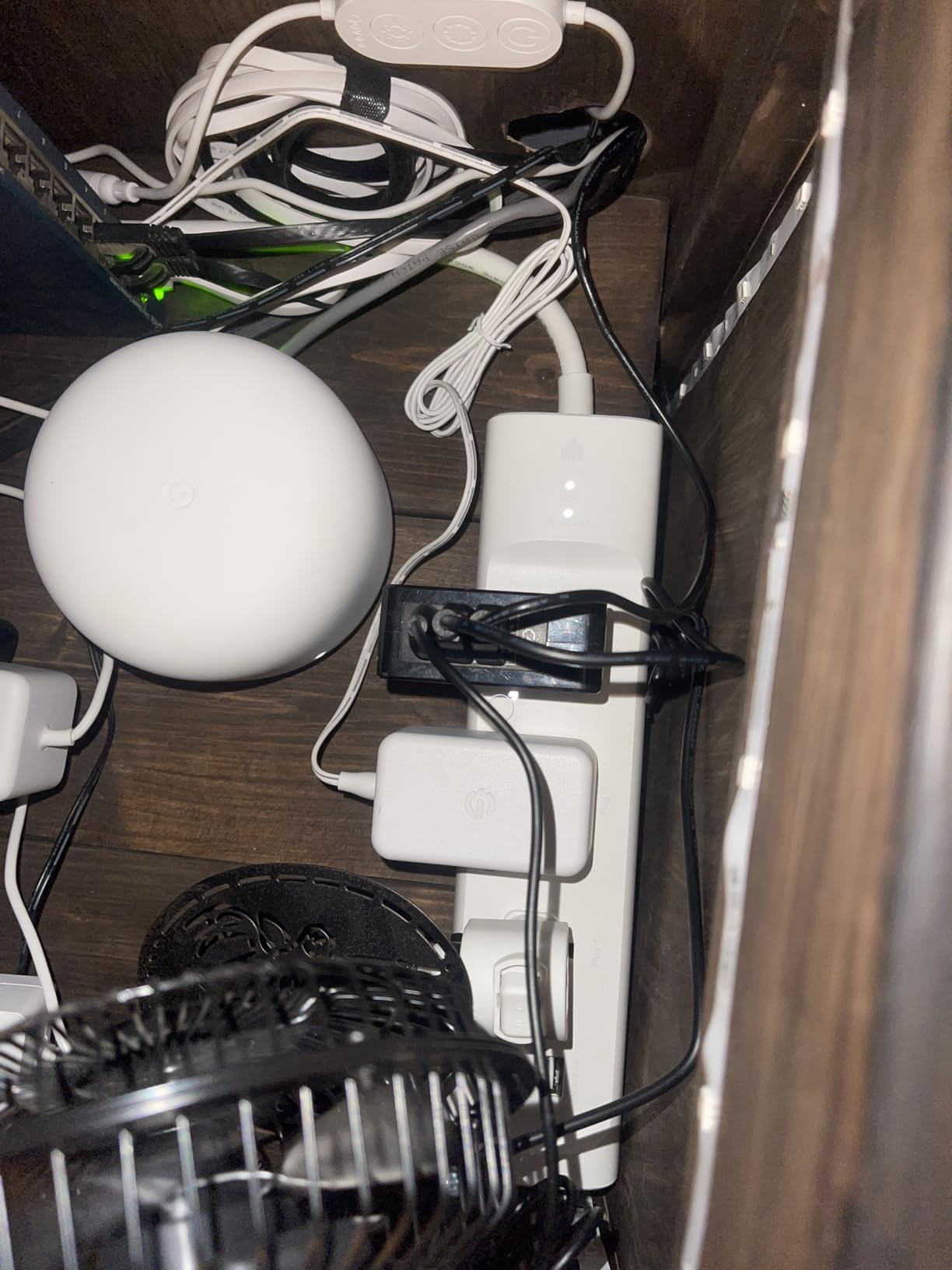
It works with Alexa and Google Home with no separate hub, and owners report the voice connection as seamless with no dropouts. The physical on/off switch means the strip still works if the internet goes down, which is the detail that keeps it from being a smart-home hostage.
The body is a slim 10.24 by 2.5 inches, so it slides under a desk, under a cabinet or into an entertainment centre where a fat strip would not fit. A two-year manufacturer warranty and seven years of EU spare part availability back it up.
Where smart control genuinely pays off
Phantom draw is the honest saving here. Chargers, lamps and small monitors left plugged in all day consume real energy, and independently switching each outlet removes it without you thinking about it. Schedules also let a home office close down properly at the end of the day.
For a home office it doubles as an access control, since cutting power at the strip is a faster and more complete shutdown than asking each device to sleep. For energy monitoring at the outlet level, this model offers scheduling rather than consumption reporting.
Where it falls short
The two USB ports are always on and cannot be scheduled, controlled or switched off remotely, which is an odd gap when everything else is app-driven. The 750-joule rating suits lower-value electronics, not a rig.
The cord is about 70cm, short if the wall outlet is not right behind the desk, and only three outlets are individually controlled. First-time setup also requires joining the TP-Link power strip network from your phone before the app sees it.
9. Anker 9-in-1 Desktop Charger 100W – Best Desktop Charging Hub
Anker Desktop Charger, 9-in-1 Power Strip with 300J Surge Protector, 100W
300J surge rating
3 AC outlets plus 4 USB-C and 2 USB-A
Up to 100W per main port
5 ft flat plug cord
Pros
- Two USB-C ports reach 100W each when used alone
- Nine ports replace a wall of adapters
- Flat angled plug fits behind furniture
- Weighted 560 g base resists tipping
- Runs cool and quiet under heavy load
Cons
- 300J is the lowest protection rating in this group
- Can tip on an end table with several cords
- Only 3 AC outlets and 3A maximum current
This is bought as a charging station and should be judged that way. Three AC outlets, four USB-C ports and two USB-A ports sit in one body, and the first two USB-C ports each reach 100W when used individually, enough to charge a laptop from the desk.
Nine ports in one unit is the real argument. The alternative is a laptop brick, a phone brick, a tablet brick, a watch charger and a stream light, each with its own wall adapter, and the cable clutter that follows is the thing people are actually trying to escape.
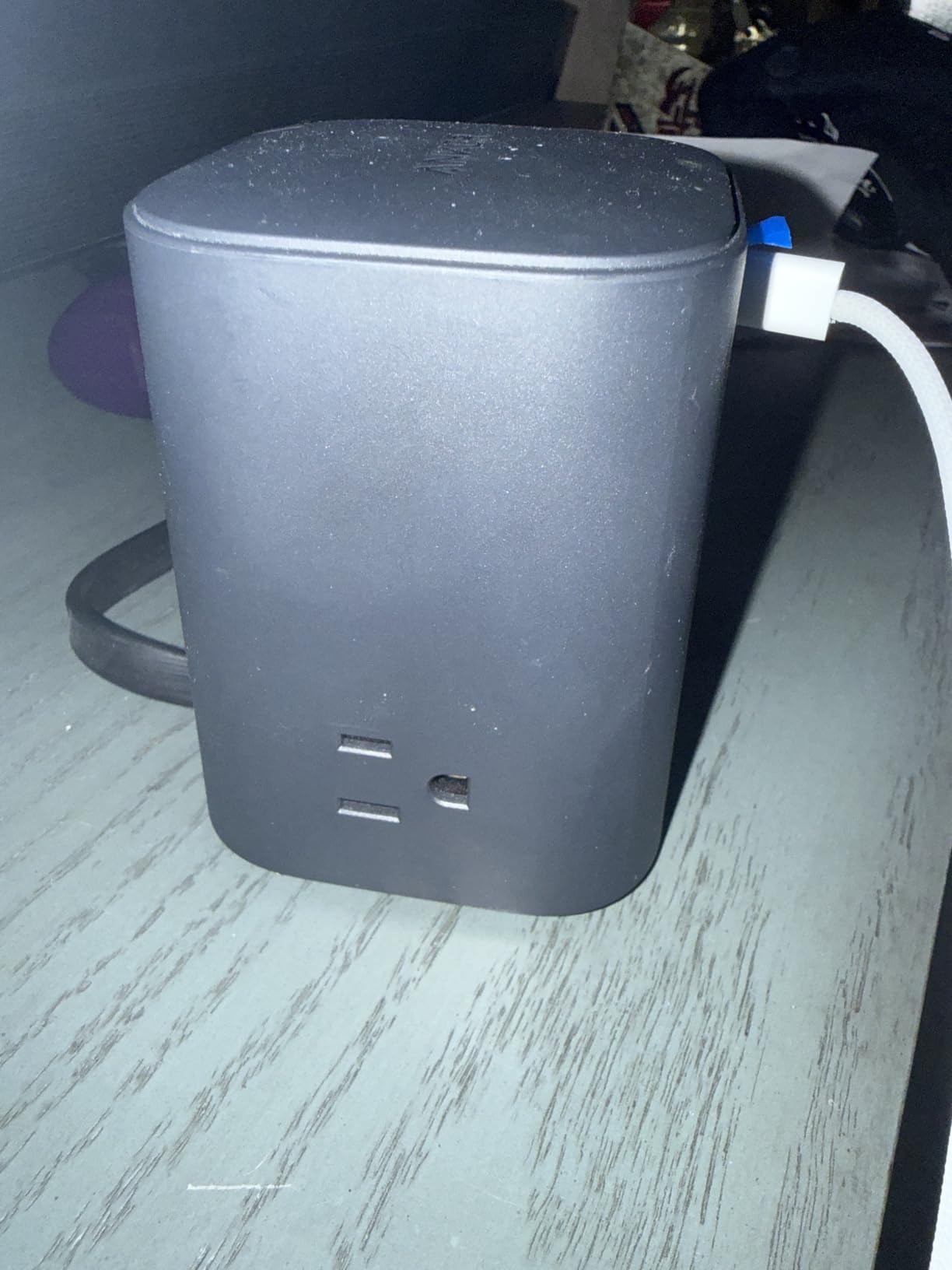
The 8-point safety system covers overvoltage, short circuits and related risks, and the unit stays cool and quiet under a heavy charging load with no electromagnetic hum. Owners report charging a laptop, tablet, phone and accessories at full speed at the same time with no drop in output.
The weighted base is 19.75 oz, roughly a 500 ml water bottle, which is there specifically so it does not tip when several heavy cords are attached. The 5 ft flat plug cord slides behind furniture and against flush walls.
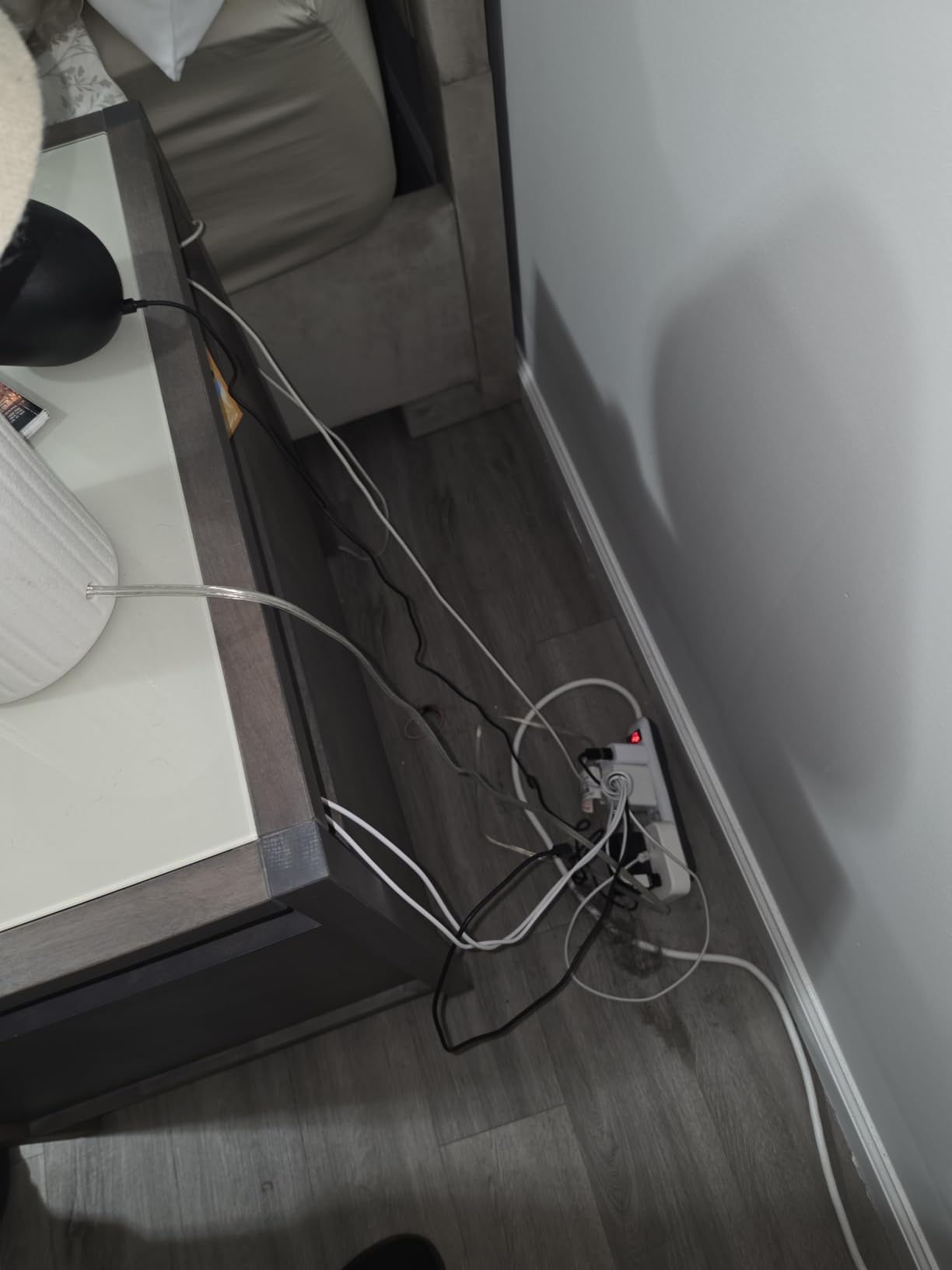
Why 100W USB-C changes a desk
Laptop charging from the strip removes the bulky brick from the desk and one more thing to plug into the wall. On a desk that also has a dock, the effect is that the power path becomes one cable to the wall rather than three.
Anker’s customer service is repeatedly praised by owners, which matters for a device that lives plugged in permanently. The three AC outlets leave room for equipment beyond USB charging, so it is not purely a USB box.
Where it falls short
The 300-joule rating is the lowest protection figure in this group. It is a charger with token surge protection, so keep expensive displays and a tower on a different path rather than trusting it.
Three AC outlets is fewer than most strips here, so a high-outlet-count desk needs a second unit. The AC side is also limited to 3A maximum current, and the unit can still tip on an end table when several heavy cords are attached.
10. Anker Nano Desk Clamp Power Strip – Best for Sit-Stand Desks
Anker Nano Power Strip, Desk Clamp, 70W Max, 1500J Surge Protector, 2 USB C
1500J surge rating
6 AC outlets plus 2 USB-C and 2 USB-A
70W GaN USB-C
Adjustable desk clamp
Pros
- Clamp lets peripherals rise and fall with a sit-stand desk
- 70W USB-C charges a laptop without a brick
- Hangs under the desk and leaves the surface clear
- Low-profile pop-up outlets stay slim
- Single-screw install holds firm under cable pull
Cons
- Top of the price range for this roundup
- USB-C output is shared unevenly between the two ports
- Clamp fits only 0.6 to 1.8 inch edges
- Only 6 AC outlets and a 5 ft cord
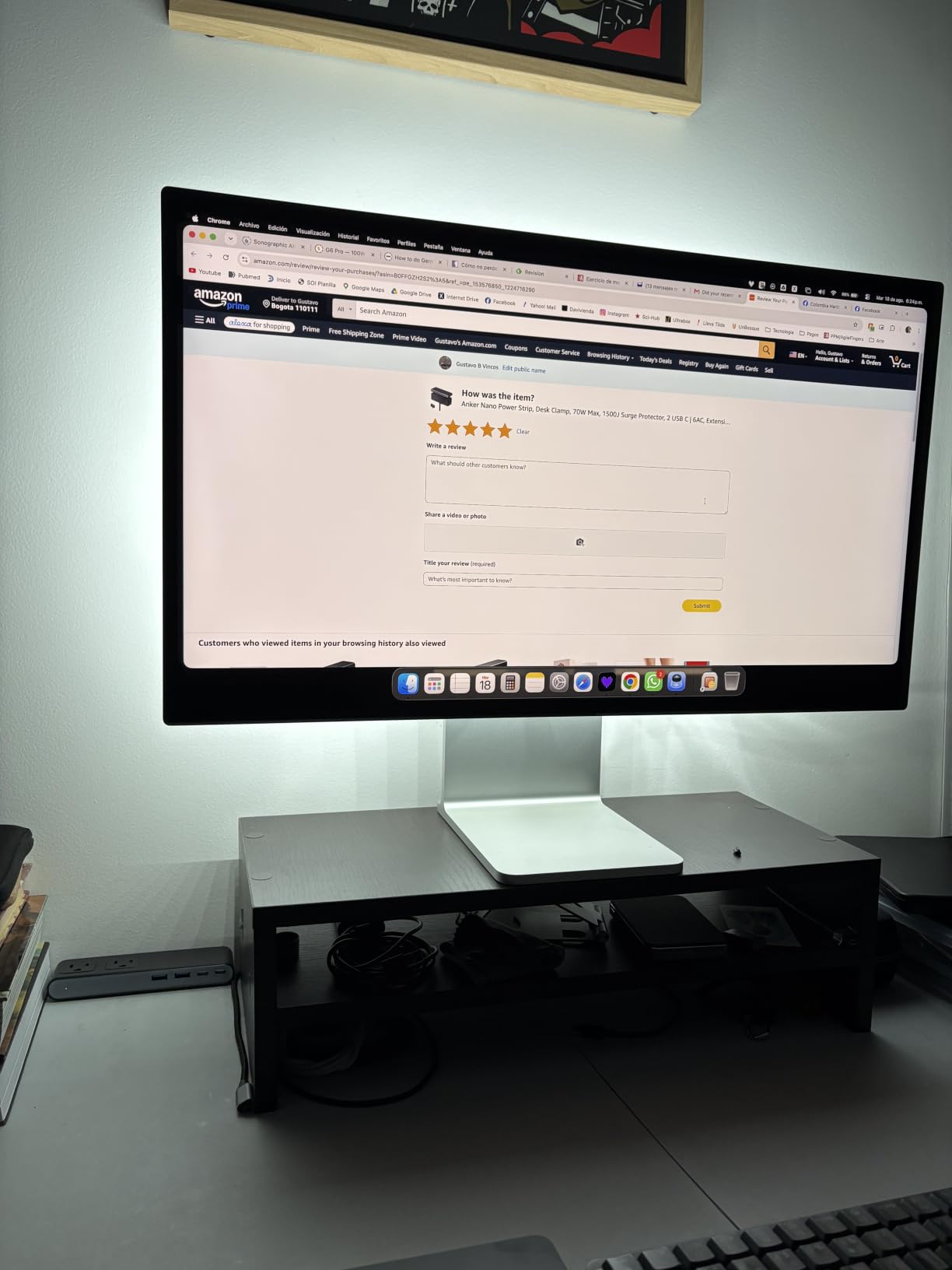
A sit-stand desk changes the power problem. Anything plugged into a strip sitting on the floor or behind a fixed pedestal gets tugged every time the surface moves, and a monitor arm that rises 20 inches needs a socket that rises with it. This one clamps to the desk so the outlets travel.
Ten ports split into two zones: six AC outlets, two USB-C and two USB-A, with pop-up outlets that stay low-profile. The 70W GaN USB-C output is enough to charge a laptop, which removes another brick from the equation.
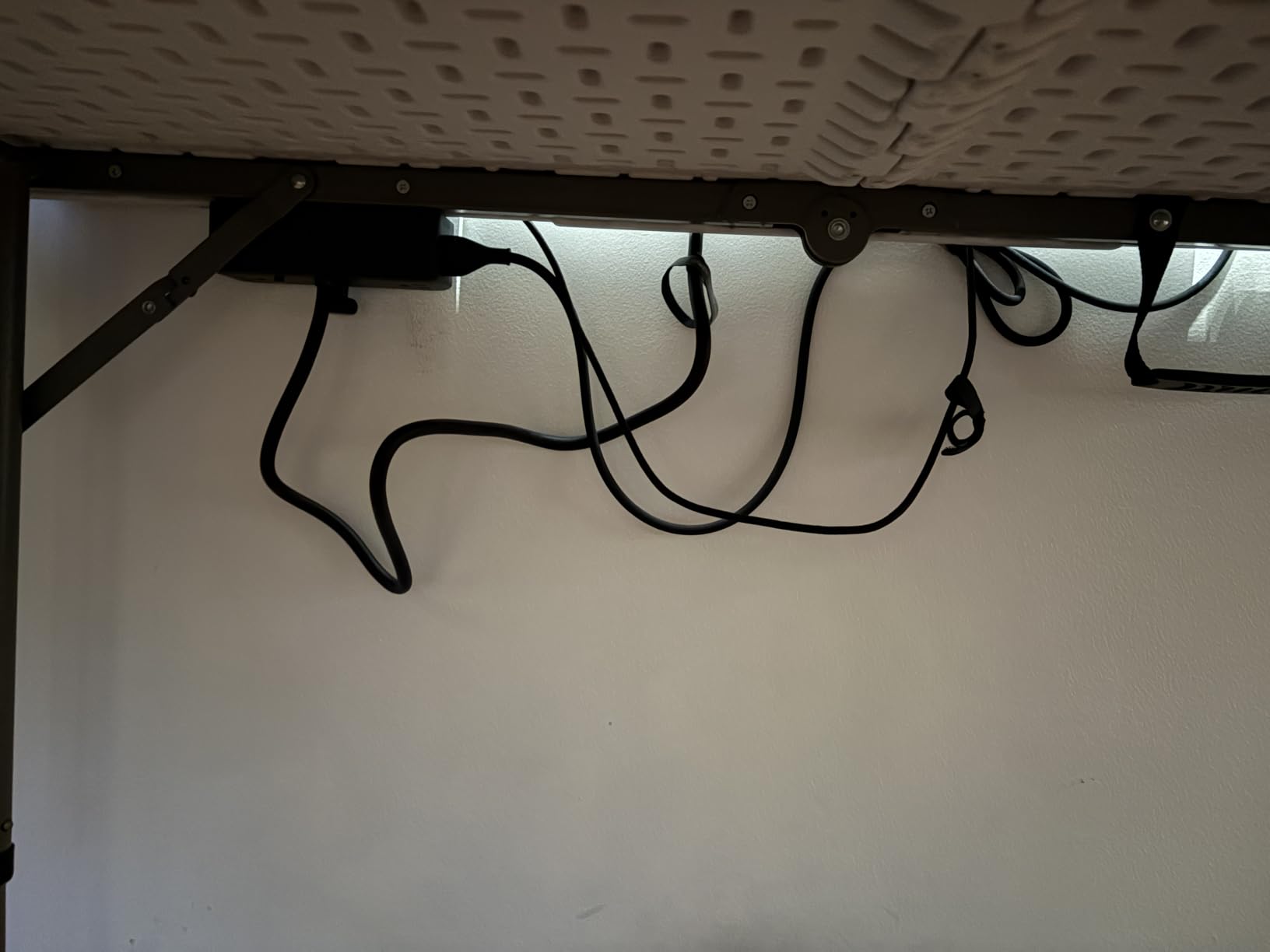
The adjustable clamp fits edges between 0.6 and 1.8 inches thick and holds securely enough for one-handed plugging and unplugging. Installation is a single screw, and owners on sit-stand desks describe it as the fix for cable slack.
The 1500-joule rating is mid-range and the 5 ft cord is short for a larger desk frame. Owners also note that the USB-C power is shared, so one port delivers most of the wattage while the second port and the USB-A ports slow down when everything is connected.
Who notices this one most
Anyone with a sit-stand desk or a dual-monitor setup on one. Reviews repeatedly describe the moment the desk stops tugging floor cables and every peripheral moves with the work surface, which is a small change with an outsized effect on a tidy desk.
The low-profile pop-up outlets keep the unit slim and unobtrusive, and AC outlets are spaced widely enough for larger plug bodies. A 24-month warranty is included. It is also the most expensive option in this roundup.
Where it falls short
Check your desk before buying. The clamp only fits edges between 0.6 and 1.8 inches thick, and it will not work on curved edges, edges sloped more than 45 degrees, or a desk with no edge at all.
Six AC outlets is fewer than most strips here, and a few owners would have liked one or two more. The uneven wattage split between the two USB-C ports is the other recurring complaint, and the 5 ft cord can be short on a wide frame.
How to Choose a Surge Protector for a Home Office
Start by counting devices, not sockets. A typical setup is a monitor or two, a tower or laptop, a dock, a printer, a router and a handful of chargers, which lands between eight and twelve AC outlets once you allow for a brick occupying two positions. Add a second monitor arm and a capture card and you are into the teens, which is where the Superdanny earns its place.
Then check spacing, because it decides whether the count is real. Sockets at 2 inches or 38mm apart let a bulky monitor power supply sit next to a laptop charger. Uniform 30mm grids on a 12-outlet strip mean one large adapter costs you two positions.
Look for a printed joule rating and a certification mark from a recognised testing lab such as UL, ETL or TUV. Forum threads on r/electrical consistently steer people toward specialist power-protection brands and away from no-name strips, and the reason is not loyalty, it is that nobody can verify what is inside an uncertified housing.
Ask whether the strip has auto-shutoff, meaning it physically stops passing power when its protective components are spent, and whether the status light is big enough to notice. A degraded surge protector that keeps looking fine is the failure nobody detects.
Check the connected equipment warranty in dollars, not just the warranty on the strip. This is the figure that matters if a monitor dies, and the Belkin is the standout here at 300000 dollars.
Measure the cord. Five feet suits a desk against the same wall, six to eight feet covers a room, and an angled flat plug keeps furniture flush. A cord with no strain relief will fray at the socket end within a couple of years.
Finally, decide if you need USB-C power delivery. If you are only topping up a phone, any strip works. If you want to charge a laptop from the desk, look for 20W or more, and remember the total output is usually shared across the ports.
How Many Joules Do You Actually Need?
Joules describe how much energy the protective components can absorb before they degrade, so more is simply more margin. Small electronics such as routers, docks and monitors can be handled with roughly 1000 joules. A desktop or laptop with a couple of monitors and peripherals sits comfortably in the 2000 to 3000 range.
For expensive displays, a high-end rig or a network-attached store, treat anything above 3000 joules as reasonable rather than premium. That is where the TROND and the Belkin sit, and it is the reason we are comfortable calling either of them the safest pick for costly gear.
Two cautions. A high joule rating is not a substitute for a low let-through voltage, and we are not measuring that ourselves here. It is also not a lifetime guarantee, because metal-oxide varistors wear out silently, which is the argument for replacing an ageing strip rather than trusting an indicator light forever.
Surge Protector vs Power Strip vs UPS
A power strip adds sockets and nothing else. A surge protector adds sockets and diverts voltage spikes to ground before they reach your devices. A uninterruptible power supply adds a battery, so when power drops your computer keeps running long enough to save work and shut down cleanly.
If outages in your area are rare and your priority is not losing a file mid-save, a surge protector is the right answer and this roundup is the right list. If you work from a laptop that is already battery-backed, a surge protector alone may be enough for the laptop itself.
For a desktop that holds unsaved work, a UPS is the better buy, and forum advice on Tom’s Hardware forum is consistent on the setup point: plug the UPS directly into the wall and do not stack a separate power strip or surge protector in the same power path. Manufacturers generally do not recommend pairing them.
Do not daisy-chain two surge protectors together, and do not feed one through an extension cord. Both behaviours are called out in safety guidance, and neither is covered by the warranty. If the same room also runs coin-op hardware on a separate circuit, our pinball leg levelers and protectors guide covers keeping that equipment stable on the same shelf space.
Safety: What You Should Never Plug Into a Surge Protector
Surge protection components are designed for electronics, not for heat. The following should stay off a surge protector entirely.
Space heaters, kettles, toasters, irons and hair straighteners
Paper shredders and any motor with a heating element
Second surge protectors or extension cords plugged into the strip
Refrigerators, freezers and washing machines on a shared circuit
Anything you cannot plug in without a cube adapter stacking two deep
The reason is thermal rather than electrical. The protective components and the internal wiring are sized for electronics, and a high-draw appliance can overheat a strip well before the wall circuit breaker reacts. A high-wattage appliance on a strip is the leading cause of strip-related fires.
Two more habits matter. Do not run a cord under a rug or through a pinch point, and unplug a strip before you change the furniture around it. Check that the grounded three-prong plug fits properly, because a strip that needs force or an adapter to reach the wall is telling you the outlet needs attention.
Frequently Asked Questions
What should never be plugged into a surge protector?
High-heat appliances such as space heaters, kettles, toasters, irons and paper shredders should never go into a surge protector, because the internal wiring and protective components are sized for electronics rather than heating loads. Also avoid plugging one surge protector into another, feeding a strip through an extension cord, or running a cord under a rug. A high-wattage appliance can overheat a strip well before the wall breaker reacts.
Is Anker or Belkin the better surge protector?
It depends on what you need. The Anker strips in this roundup focus on charging, with 20W or 100W USB-C ports and an 8-point safety system, while the Belkin 12-outlet model focuses on protection and coverage, printing 3940 joules, running silently, and carrying a connected equipment warranty of 300000 dollars plus a two-year limited warranty. For a desk full of expensive displays, the Belkin’s warranty and joule rating are the deciding factors.
What is the best surge protector for a gaming PC?
For a gaming PC with several monitors, look for at least 2000 joules and enough outlets to cover the tower, monitors, capture card, speakers and controller docks. The Superdanny 22-outlet model at 2100 joules covers the most devices on one strip, while the TROND offers the highest joule rating in our group at 4000 with a heavy 14AWG cord. Add a UPS if your area has frequent outages and you edit or stream.
Should I get a UPS or a surge protector?
A surge protector diverts voltage spikes, which is what causes most hardware damage. A UPS adds a battery so a desktop keeps running during an outage long enough to save work and shut down cleanly. If outages are rare, a surge protector is enough. If you lose unsaved work whenever the power blinks, buy a UPS and plug it directly into the wall without stacking a strip in the same power path.
How many outlets do I need for a home office?
Count the devices rather than the sockets. Two monitors, a tower or laptop, a dock, a router, a printer and several chargers usually lands between eight and twelve AC outlets, and you should add one or two more because a bulky power adapter often occupies the space of two. Check outlet spacing as well: 2 inch or 38mm gaps let large monitor and laptop bricks sit side by side without blocking neighbours.
How long does a surge protector last?
Most guidance points to three to five years of service, shortened to about two years if your area has frequent outages or brownouts, because the internal metal-oxide varistors wear out silently with no obvious warning. Replace a strip sooner if the protection indicator light goes out, after a serious storm or power event, or if the housing, cord or switch feels loose or warm to the touch. Nothing on the strip can tell you when degradation has happened.
Final Verdict
The best surge protectors for home offices are the ones you stop thinking about once they are mounted, and for most desks that means wide outlet spacing, a printed joule rating and a cord that reaches. Our HANYCONY 12-in-1 is the pick we would install first, with the Alestor for bigger device counts and the TROND or Belkin when expensive hardware is on the line.
Whichever you choose, plug it straight into the wall, keep high-heat appliances off it, and replace it every three to five years. If your priority is cables rather than protection, the desk-clamp designs are the ones that actually change how a desk feels.