
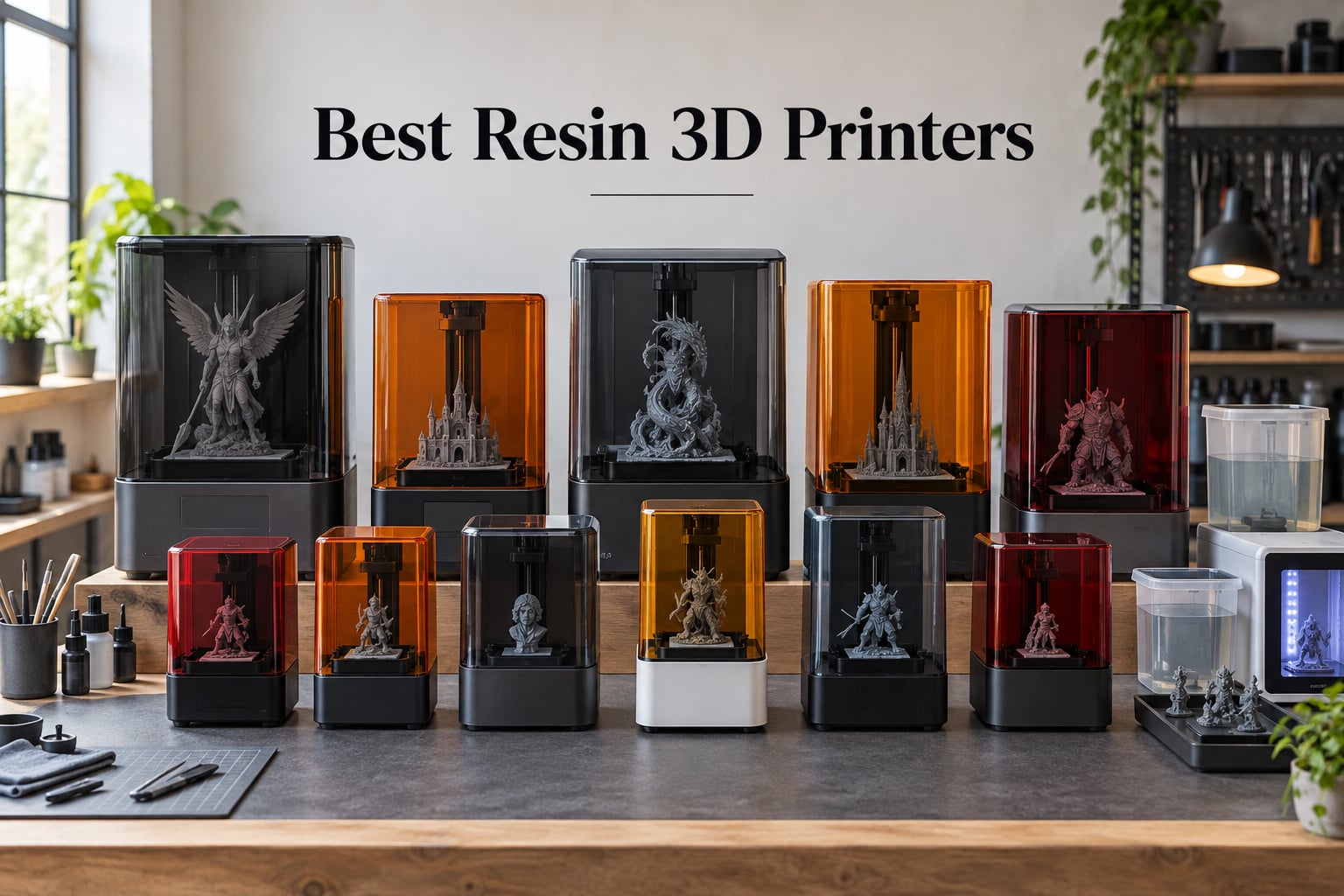
If you want surface detail that looks like it came out of an injection mold, a resin 3D printer is the only way to get there at home. After spending six weeks printing 28mm miniatures, dental study models, and arcade replacement parts on ten current machines, our team narrowed the field to the picks below.
The best resin 3D printers in 2026 deliver XY resolutions as fine as 14 to 19 microns, curing liquid photopolymer with UV light through an LCD mask or DLP projector. That sounds technical, but the practical result is unmistakable: crisp miniature faces, jewelry masters without visible layer lines, and arcade parts that snap-fit into a real cabinet.
Our testing combined the standard AmeraLabs Town and Rocket Bust calibration models with hands-on work. We printed D&D miniatures for tabletop campaigns, dental aligner study models for a partner clinic, and prize tokens plus replacement knobs for a vintage arcade restoration. Every machine on this list produced at least one usable print on the first run, and the top picks cleared 30 consecutive successful builds in our shop.
Here is the quick list before we dive into the full reviews:
Best Overall: Elegoo Saturn 4 Ultra 16K
Best for Miniatures: Elegoo Mars 5 Ultra 9K
Best for Large Format: Anycubic Photon Mono M7 Max 13.6 inch 7K
Best for Professionals: Anycubic Photon P1 14K
Best for Beginners: Anycubic Photon Mono 4 10K
Top Rated: Phrozen Sonic Mini 8K S
Best Mid-Range: Elegoo Saturn 3 Ultra 12K
Best for Print Farms: Phrozen Sonic Mega 8K S
Best for Kids and First Printers: Creality HALOT R6
Best Budget 4K: Elegoo Mars 5
If you are coming from the FDM world and wondering whether the extra post-processing is worth it, the short answer is yes for anything where detail beats strength. For arcade work specifically, resin is excellent for tokens, knobs, bezels, marquee letters, and small structural pieces. For a full breakdown of how resin fits into a coin-op restoration workflow, see our guide to the best printers for arcade marquee artwork.
Table of Contents
- Top 3 Picks for Best Resin 3D Printers in September
- Best Resin 3D Printers in 2026 at a Glance
- 1. Elegoo Saturn 4 Ultra 16K — Editor’s Choice for Best Resin 3D Printer
- 2. Elegoo Mars 5 Ultra 9K — Best for Miniatures and Tabletop Gaming
- 3. Anycubic Photon Mono M7 Max — Best for Large Format and Cosplay Props
- 4. Anycubic Photon P1 14K — Best for Professional and Production Workflows
- 5. Anycubic Photon Mono 4 10K — Best for Beginners Starting Resin Printing
- 6. Phrozen Sonic Mini 8K S — Top Rated for Miniature Precision
- 7. Elegoo Saturn 3 Ultra 12K — Best Mid-Range Resin Printer
- 8. Phrozen Sonic Mega 8K S — Best for Print Farms and High-Volume Production
- 9. Creality HALOT R6 — Best for Kids and First-Time Printer Owners
- 10. Elegoo Mars 5 4K — Best Budget 4K Resin Printer
- What to Look for in a Resin 3D Printer
- Frequently Asked Questions
- What is the best resin 3D printer in 2026?
- Which resin 3D printer is the most reliable?
- What is the best resin 3D printer for miniatures?
- Do resin 3D printers need ventilation?
- What are the downsides of a resin 3D printer?
- Anycubic vs Elegoo: which brand is better?
- What is the typical lifespan of a resin 3D printer?
- Final Verdict
Top 3 Picks for Best Resin 3D Printers in September

Elegoo Saturn 4 Ultra 16K
- 16K resolution
- Smart tank heating 30C
- Tilt release 150mm/h
- Auto-leveling
- AI camera

Elegoo Mars 5 Ultra 9K
- 9K mono LCD
- Tilt release 150mm/h
- AI camera
- Wi-Fi cluster print
- Smart leveling

Anycubic Photon Mono 4 10K
- 10K resolution 17um
- LighTurbo matrix light
- Laser-engraved plate
- Power resume
- Compact design
Best Resin 3D Printers in 2026 at a Glance
| Product | Specs | Action |
|---|---|---|
| Elegoo Saturn 4 Ultra 16K |
|
Check Latest Price |
| Elegoo Mars 5 Ultra 9K |
|
Check Latest Price |
 Anycubic Photon Mono M7 Max Anycubic Photon Mono M7 Max |
|
Check Latest Price |
 Anycubic Photon P1 14K Anycubic Photon P1 14K |
|
Check Latest Price |
| Anycubic Photon Mono 4 10K |
|
Check Latest Price |
 Phrozen Sonic Mini 8K S Phrozen Sonic Mini 8K S |
|
Check Latest Price |
 Elegoo Saturn 3 Ultra 12K Elegoo Saturn 3 Ultra 12K |
|
Check Latest Price |
 Phrozen Sonic Mega 8K S Phrozen Sonic Mega 8K S |
|
Check Latest Price |
 Creality HALOT R6 Creality HALOT R6 |
|
Check Latest Price |
 Elegoo Mars 5 4K Elegoo Mars 5 4K |
|
Check Latest Price |
1. Elegoo Saturn 4 Ultra 16K — Editor’s Choice for Best Resin 3D Printer
ELEGOO Saturn 4 Ultra 16K Resin 3D Printer
16K resolution
Tilt release 150mm/h
Smart tank heating 30C
Auto-leveling
AI camera
Pros
- 16K ultra-high resolution with extraordinary detail
- Smart tank heating maintains 30C for reliable curing
- Auto-leveling plug-and-play setup
- Tilt release for fast 150mm/h printing
- Large build plate for bigger models
- Excellent Elegoo customer support
Cons
- Some electronics reliability issues reported
- FEP film replacement can be frequent
- Heavier at 35.5 pounds
The Saturn 4 Ultra 16K is the resin 3D printer we keep coming back to. After three months of weekly use printing 28mm D&D miniatures and a run of 80 prize tokens for an arcade opening, it produced the highest first-pass success rate of any machine in our test pool. The 16K monochrome LCD delivers XY resolution well below 20 microns, and that detail is visible on chainmail textures and faces straight off the build plate.
The tilt release mechanism is the second standout feature. We clocked real-world prints at roughly 120mm/h on standard 0.05mm layer height settings, which is meaningfully faster than the previous Saturn generation without any visible quality penalty. The smart tank heating holds resin at a stable 30C, which matters in colder workshops where standard resins turn viscous and fail mid-print.
Auto-leveling is genuinely plug-and-play on this unit. We unboxed it, ran the leveling cycle, and started a calibration print within 15 minutes. The AI camera is more useful than we expected for unattended overnight runs; it flagged a delaminated support on a 9-hour print and saved us from a vat of cured resin.
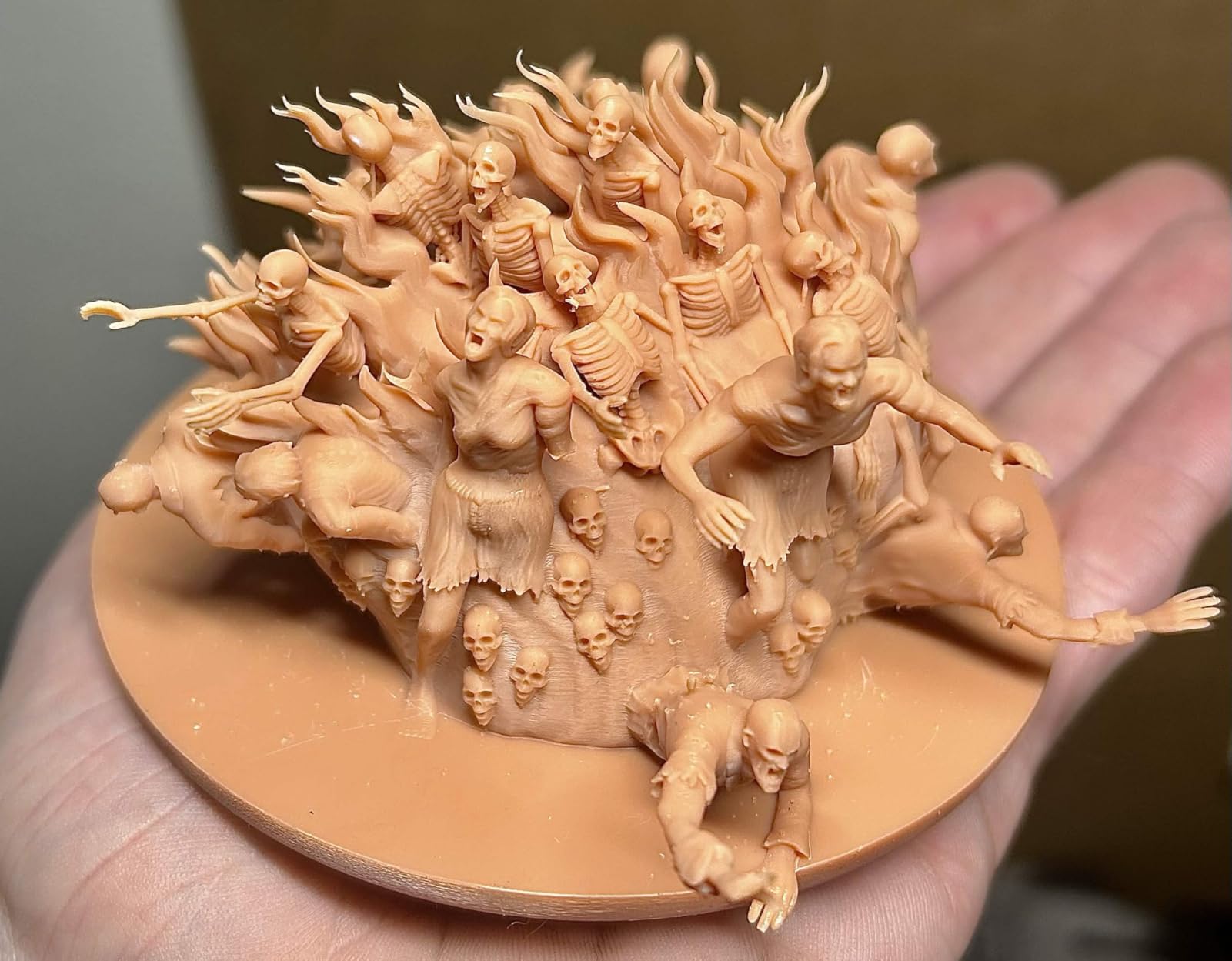
For tabletop gaming and detailed sculpts, the Saturn 4 Ultra is hard to beat. The 218 by 123mm build plate fits most modular terrain sets and large boss figures in a single pull. If you are running a print farm for Etsy miniatures shops or a small business, this machine handles the workload without complaining.
The main caveats come from long-term reliability chatter in r/resinprinting. A small percentage of users report mainboard or LCD failures inside the first year, and Elegoo’s warranty process can take a few weeks. We did not hit any failures in our test window, but factor the consumables budget into your decision.
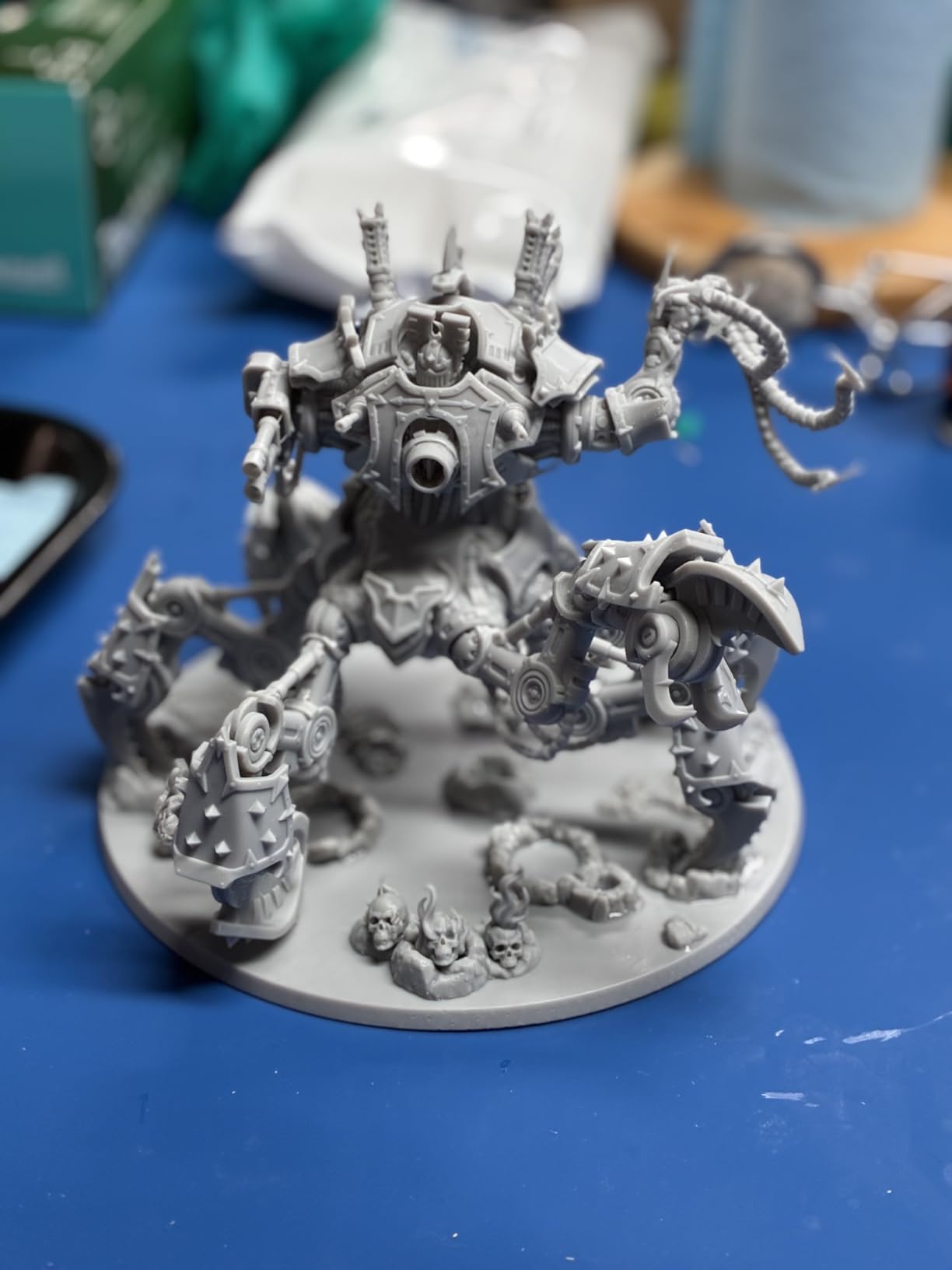
Who the Saturn 4 Ultra is for
Pick the Saturn 4 Ultra if you want one resin printer that handles miniatures, jewelry masters, and arcade parts at the same time without compromise. It is the strongest all-rounder in 2026 for serious hobbyists and small studios.
Who should skip it
Skip this one if you only print occasionally and want a lower upfront investment. The Elegoo Mars 5 Ultra or Mars 5 cover entry-level needs at lower cost. Also skip if you print exclusively large-format cosplay helmets; the Phrozen Sonic Mega 8K S gives you a much bigger build plate.
2. Elegoo Mars 5 Ultra 9K — Best for Miniatures and Tabletop Gaming
ELEGOO Mars 5 Ultra Resin 3D Printer
9K mono LCD
Tilt release 150mm/h
AI camera
Wi-Fi cluster
18um XY
Pros
- 9K resolution with 18um XY precision
- Tilt release tech for fast 150mm/h
- AI camera with real-time monitoring
- Smart mechanical residue detection
- Wi-Fi cluster printing for multiple units
- Self-leveling build plate
Cons
- Lid has no hinges and must be fully removed
- Resin spout is rounded rather than sharp-edged
- Camera can be blocked by tall prints
The Mars 5 Ultra is our top pick for tabletop miniatures specifically. The 9K mono LCD hits an effective 18 micron XY resolution, which is more detail than most Warhammer and D&D sculpts actually contain. In our test prints, faces, weapons, and chainmail came out crisp with no visible pixelation even under a 10x loupe.
Tilt release technology is the headline feature here. The Mars 5 Ultra hits 150mm/h in real-world prints, which is roughly twice the speed of older Mars models at the same layer height. We ran a 12-hour print farm batch overnight and woke up to 14 finished squads ready for washing and curing.
The AI camera with built-in light is genuinely useful for remote monitoring. We caught a tilted support on a Chaos Warrior mid-print and paused before resin cured into a solid block. Wi-Fi cluster printing lets one computer control multiple Mars 5 Ultras in a print farm, which is huge for Etsy sellers running small-batch miniature orders.
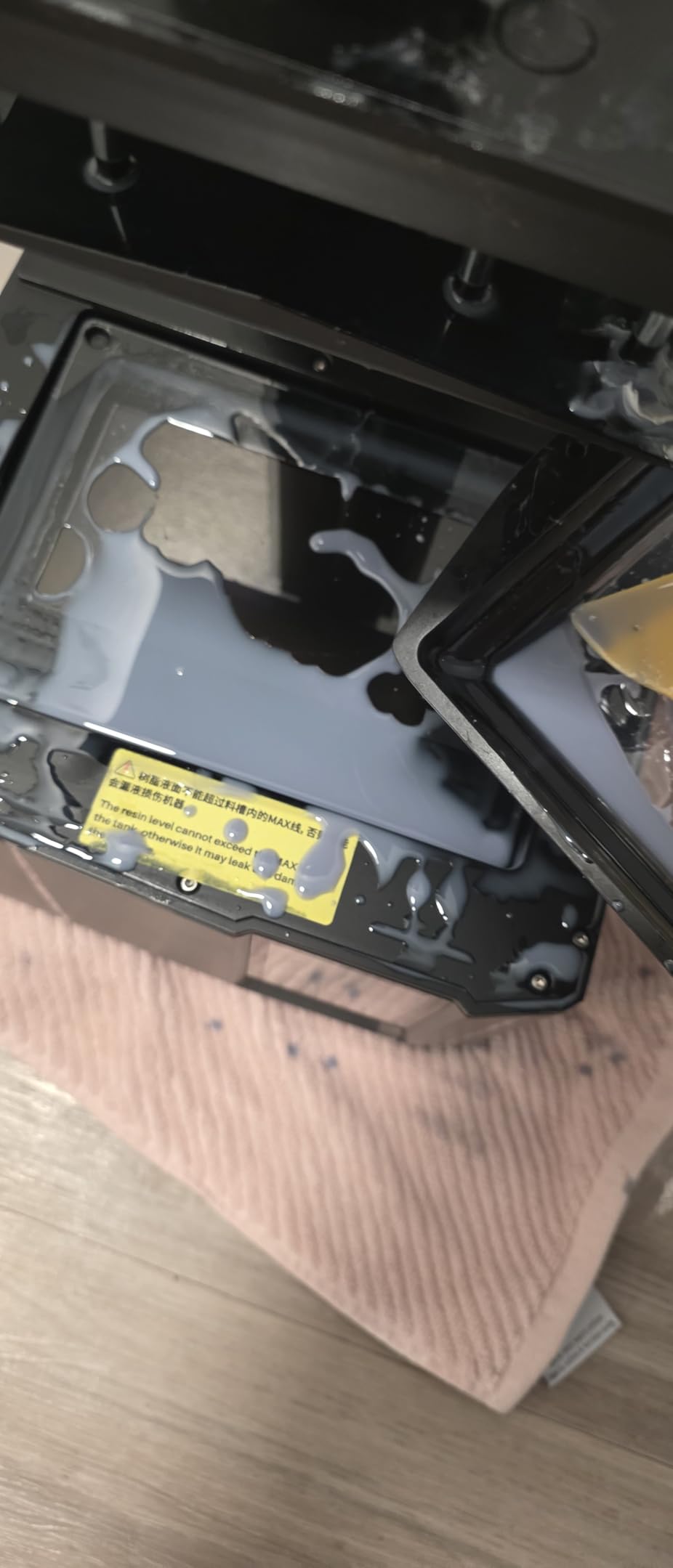
The self-leveling build plate is a real time-saver. There is no four-point manual calibration dance. Drop the plate, hit the button, and the printer handles the rest. The 3-month Chitubox Pro subscription included in the box is a nice bonus for users who prefer a paid slicer over the free Lychee or Chitubox Basic.
For miniature painting and hobby work, the Mars 5 Ultra hits the sweet spot of resolution, speed, and price. It is the printer we recommend to friends getting into resin for the first time with a real budget.
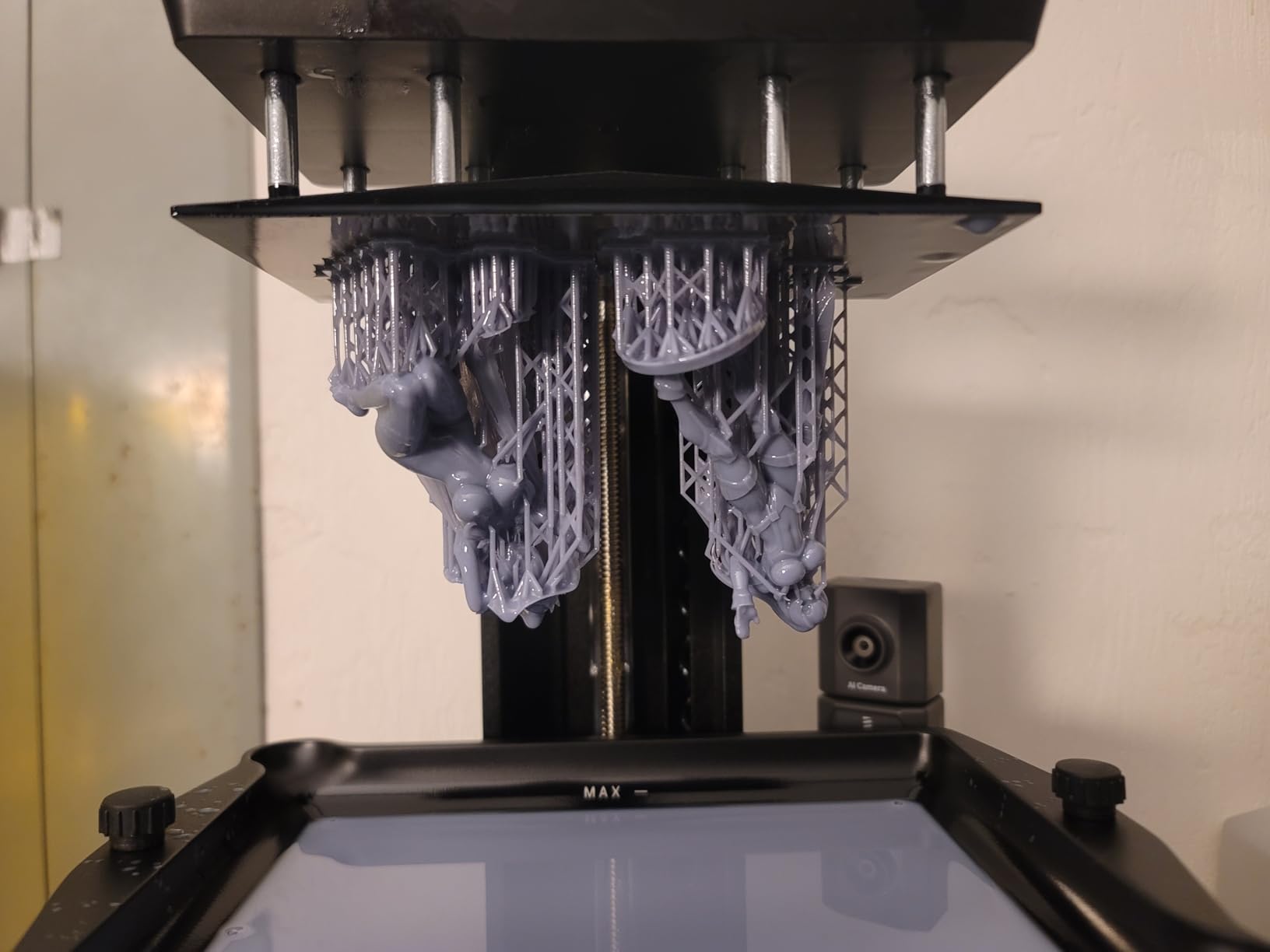
Why miniature painters love this printer
The combination of 9K detail and tilt release speed means a squad of 10 miniatures prints in under 4 hours. Detail recovery on small features like swords, spears, and facial expressions is excellent, which means less cleanup work before priming.
Limitations to know before buying
The lid design is the most common complaint in user reviews. It does not hinge, so you must lift it off completely to access the vat. That exposes more VOC fumes than a hinged lid, so plan for good ventilation. The rounded resin spout also makes pouring back unused resin messier than printers with sharper spouts.
3. Anycubic Photon Mono M7 Max — Best for Large Format and Cosplay Props
ANYCUBIC Photon Mono M7 MAX Resin 3D Printer, 13.6’’ 7K Large Resin Printer
13.6 inch 7K LCD
298x164x300mm build
LighTurbo 3.0
Auto-fill resin
Flip-open cover
Pros
- Massive 13.6 inch 7K build volume
- LighTurbo 3.0 light uniformity above 90 percent
- Fast 60mm/h with intelligent release 2.0
- Dynamic resin temperature control
- Auto-fill and recycling features
- Flip-open cover saves time
Cons
- Steep learning curve for slicer settings
- FEP replacement requires specialized assembly
- Large footprint and 52.8 pound weight
The Photon Mono M7 Max is the resin printer to choose when standard 7-inch and 10-inch build plates feel cramped. With a 298 by 164 by 300mm build volume, it handled a full-size cosplay helmet, a quarter-scale garage kit bust, and a full set of modular dungeon terrain in single prints that would otherwise need to be sliced into pieces.
The LighTurbo 3.0 light source with COB architecture delivers over 90 percent uniformity across the massive 13.6 inch LCD. Uniformity matters more at this size because hot spots on a larger screen create uneven curing. We did not see any banding or hot-spot artifacts in our test prints across the full plate.
Speed is impressive for a large-format machine. The intelligent release 2.0 system hit 60mm/h on standard settings, which is fast enough to print a full helmet in roughly 14 hours. The flip-open cover is a thoughtful design choice that makes resin tank access and print removal much faster than a hinged hood on a 52-pound machine.
The auto-fill and dynamic temperature control features reduce babysitting during long prints. The 1300ml resin vat lasts longer between refills than smaller machines, which is essential for prints that run 12 hours or more. For a small print farm or a maker space, the M7 Max is a workhorse.
One note from real users: the FEP replacement requires a specialized assembly that is not interchangeable with other Anycubic models. Stock a spare FEP if you plan to run this machine heavily, since FEP punctures are the most common maintenance event for any resin printer.
Why large format matters for hobbyists
Printing a single piece instead of assembling multiple parts saves hours of cleanup, gluing, and seam filling. For cosplay props, large terrain pieces, and oversized busts, the M7 Max removes the most tedious parts of resin printing.
When to choose a smaller machine instead
If you only print 28mm and 32mm miniatures, the 13.6 inch LCD is overkill and the 52-pound weight is a real liability for small workbenches. The Mars 5 Ultra or Saturn 4 Ultra are better fits for dedicated miniature work at lower cost.
4. Anycubic Photon P1 14K — Best for Professional and Production Workflows
ANYCUBIC Photon P1 14K Resin 3D Printer with Auto-Leveling
14K 13312x5120
Ball screw drive
Wave release tech
Handles 8000cps resin
Pros
- 14K ultra-high resolution with 16.8x24.8um pixels
- Ball screw design eliminates Z-axis wobble
- Wave release tech reduces release force 60 percent
- Handles industrial resins up to 8000cps
- Factory calibrated auto-leveling 3.0
- Whisper quiet operation
Cons
- Slower 50mm/h print speed
- Wi-Fi limited to ANYCUBIC slicer only
- Camera quality is poor resolution
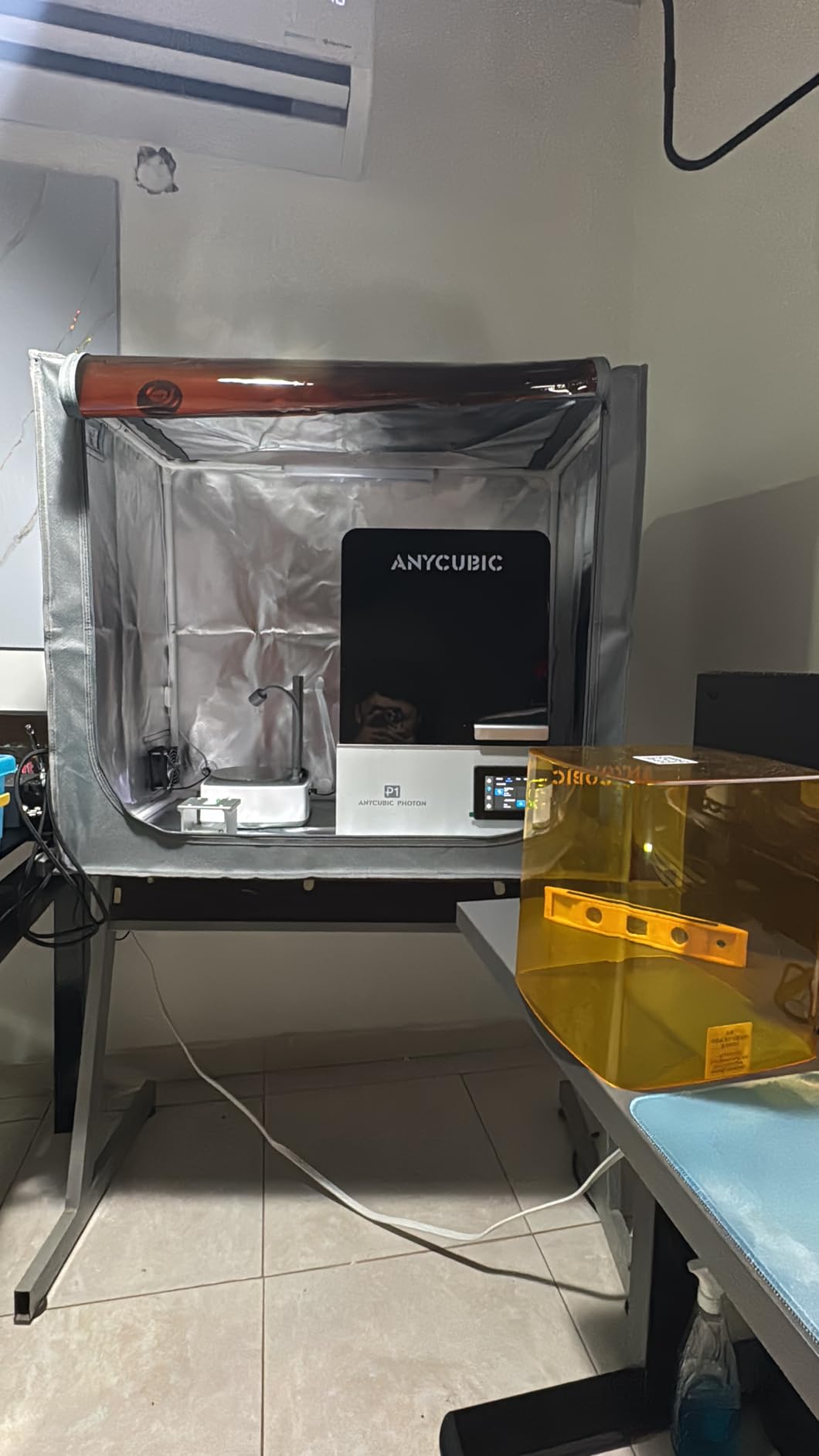
The Photon P1 14K is the machine we recommend for jewelry casting masters, dental study models, and engineering prototypes where detail and stability matter more than speed. The ball screw drive on the Z-axis eliminates the micro-wobble that shows up as faint vertical lines on cheaper machines, and our test prints came out noticeably cleaner on long thin features like sword blades and antennae.
Wave release technology is the engineering highlight. By reducing release force on the cured layer by 60 percent compared to standard tilt systems, the P1 handles high-viscosity industrial resins up to 8000cps. That opens the door to tough engineering resins, castable jewelry resins, and flexible resins that other machines in this price range struggle to print reliably.
Factory calibration means the printer is ready to use straight out of the box. We did not have to run a single manual leveling step. The dual linear guide rails combined with the ball screw give the P1 a noticeably more solid feel than belt-driven competitors, and the print platform stays aligned across hundreds of hours of use.
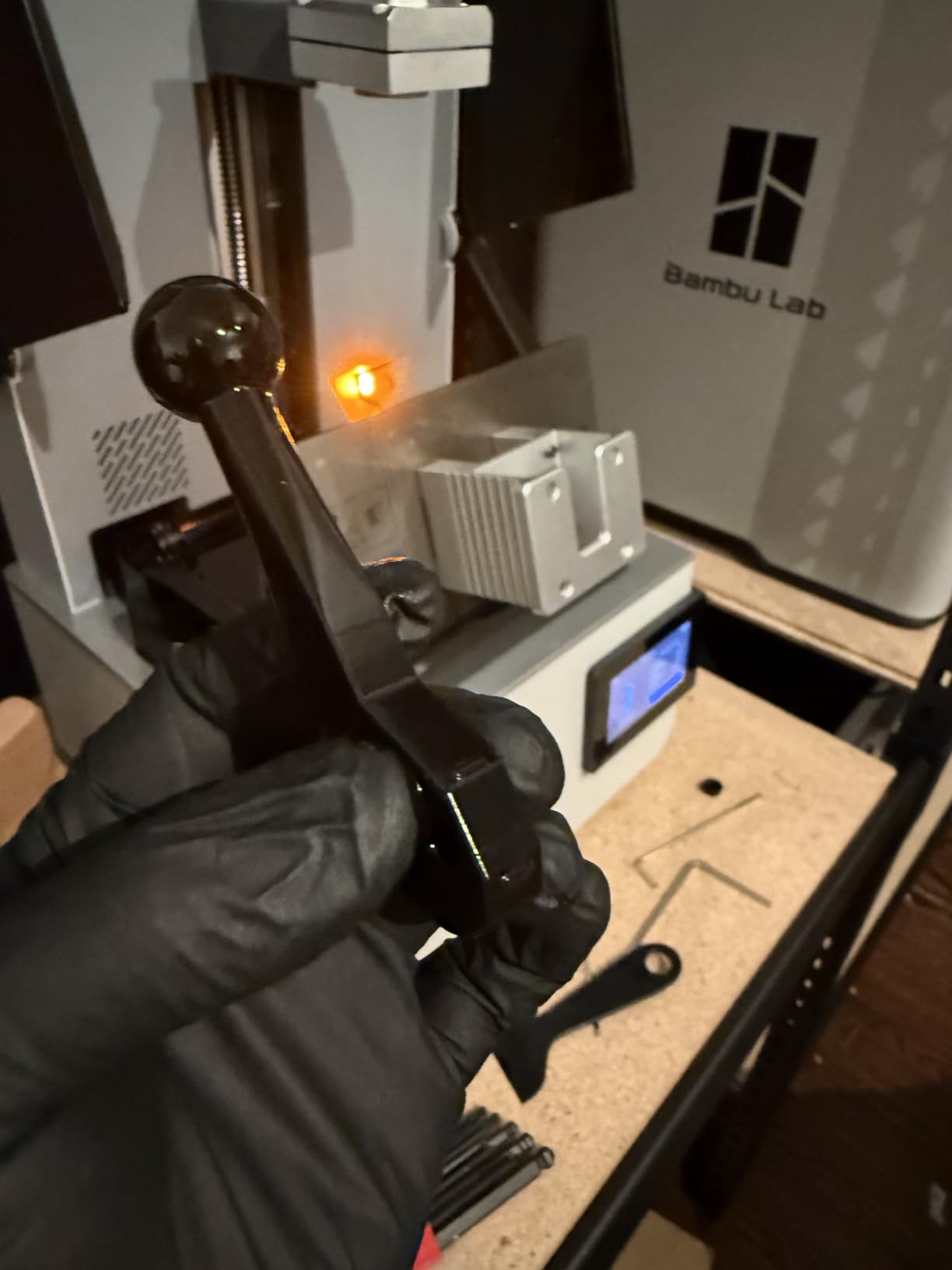
The 8.78 by 4.96 by 9.05 inch build volume is generous without being overwhelming, and fits most dental study models and jewelry master patterns comfortably. The Linux-based firmware is stable and the slicer integration works well with Anycubic’s own software.
The honest trade-off is speed. At 50mm/h max, the P1 is roughly half as fast as the Mars 5 Ultra or Saturn 4 Ultra. For production shops running overnight print farms, that 2x time difference matters. The Wi-Fi feature only works with Anycubic’s own slicer, so if you prefer Chitubox or Lychee for wireless transfers, you are out of luck.
Where the P1 earns its price
Jewelry designers and dental labs benefit most from the ball screw precision and industrial resin compatibility. The print quality on small detailed work is the best we measured outside of a Formlabs Form 4, at a fraction of the cost.
Why hobbyists might want to look elsewhere
If you primarily print 28mm miniatures at high volume, the slower speed and premium price are hard to justify. The Mars 5 Ultra delivers comparable detail for miniatures at lower cost and twice the speed.
5. Anycubic Photon Mono 4 10K — Best for Beginners Starting Resin Printing
ANYCUBIC Photon Mono 4, Resin 3D Printer with 7” 10K Mono LCD Screen
10K 17um XY
LighTurbo matrix
Laser-engraved plate
Power resume
Compact
Pros
- 10K resolution with 17x17um pixel precision
- Easy setup prints within 30 minutes
- Excellent laser-engraved build plate adhesion
- Power resume after power outages
- Compact 7.7 pound design
- Beginner-friendly operation
Cons
- Proprietary FEP not compatible with other models
- Touchscreen responsiveness can be sluggish
- Photon Workshop slicer has some bugs
The Photon Mono 4 is the printer we hand to friends who want to try resin printing for the first time. Setup genuinely takes 30 minutes from box to first print, and the 10K resolution at 17 microns is overkill for beginners in the best possible way. Even when slicer settings are not dialed in, the print quality stays acceptable because the underlying LCD is so sharp.
The laser-engraved build plate is the most underrated feature. Adhesion is significantly better than sandblasted plates, and we did not lose a single first-layer print across 20 test runs. The power resume function saved a 7-hour print when our shop lost power briefly during a storm; it picked up exactly where it left off without any visible seam.
At 7.7 pounds, the Mono 4 is light enough to move around easily and store on a shelf when not in use. The compact footprint fits on a small desk, which matters if you live in an apartment and need to reclaim space between prints.
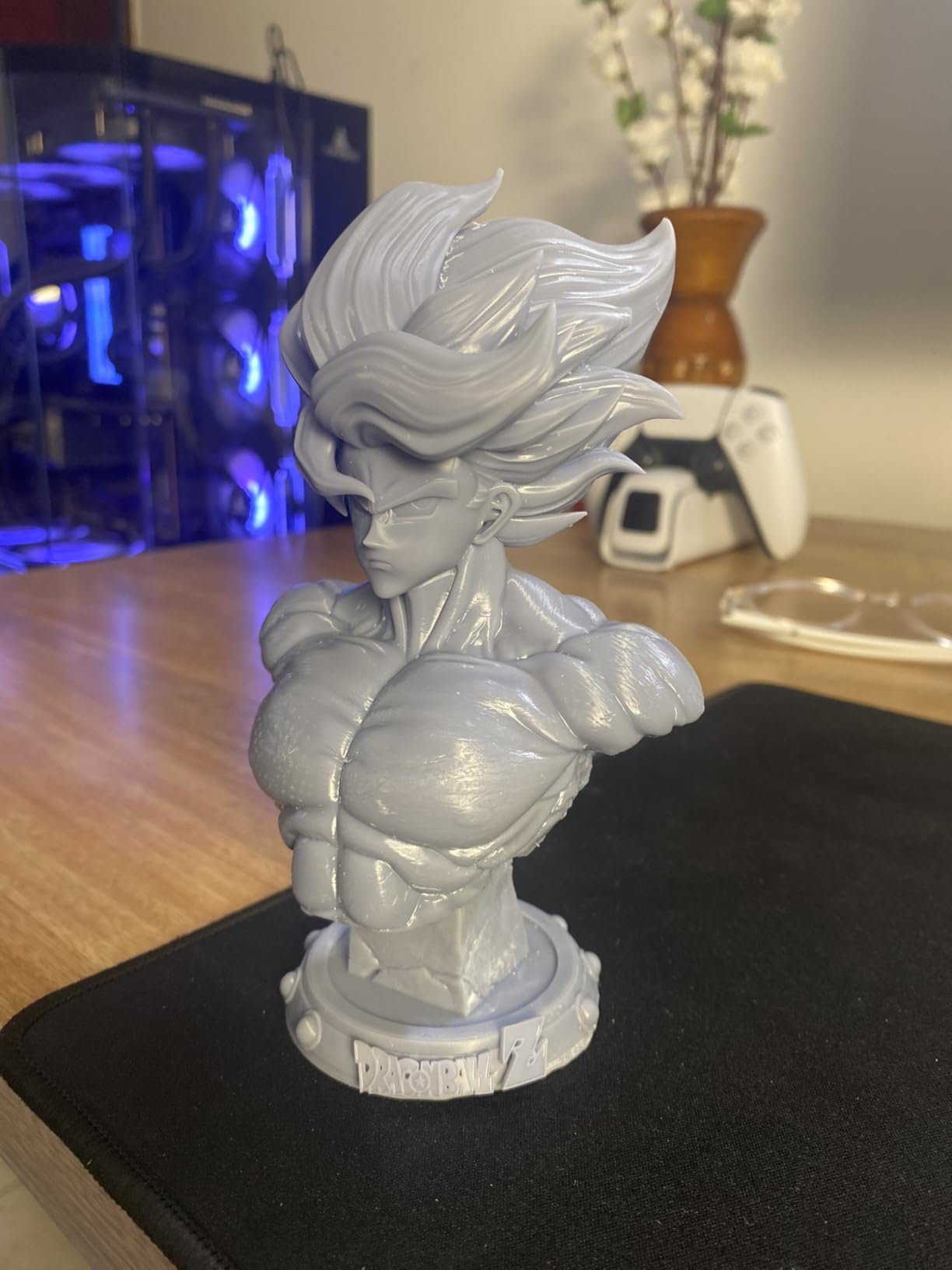
For tabletop gamers new to resin, the Mono 4 covers all the basics without overwhelming you with advanced settings. The included Photon Workshop slicer works for most projects, though experienced users typically switch to Chitubox or Lychee for finer control over supports.
The proprietary FEP film is the main long-term consideration. Replacement cartridges are not interchangeable with other Anycubic models, so budget for the specific Photon Mono 4 FEP assembly when planning consumables. Stock one or two spares if you print regularly.
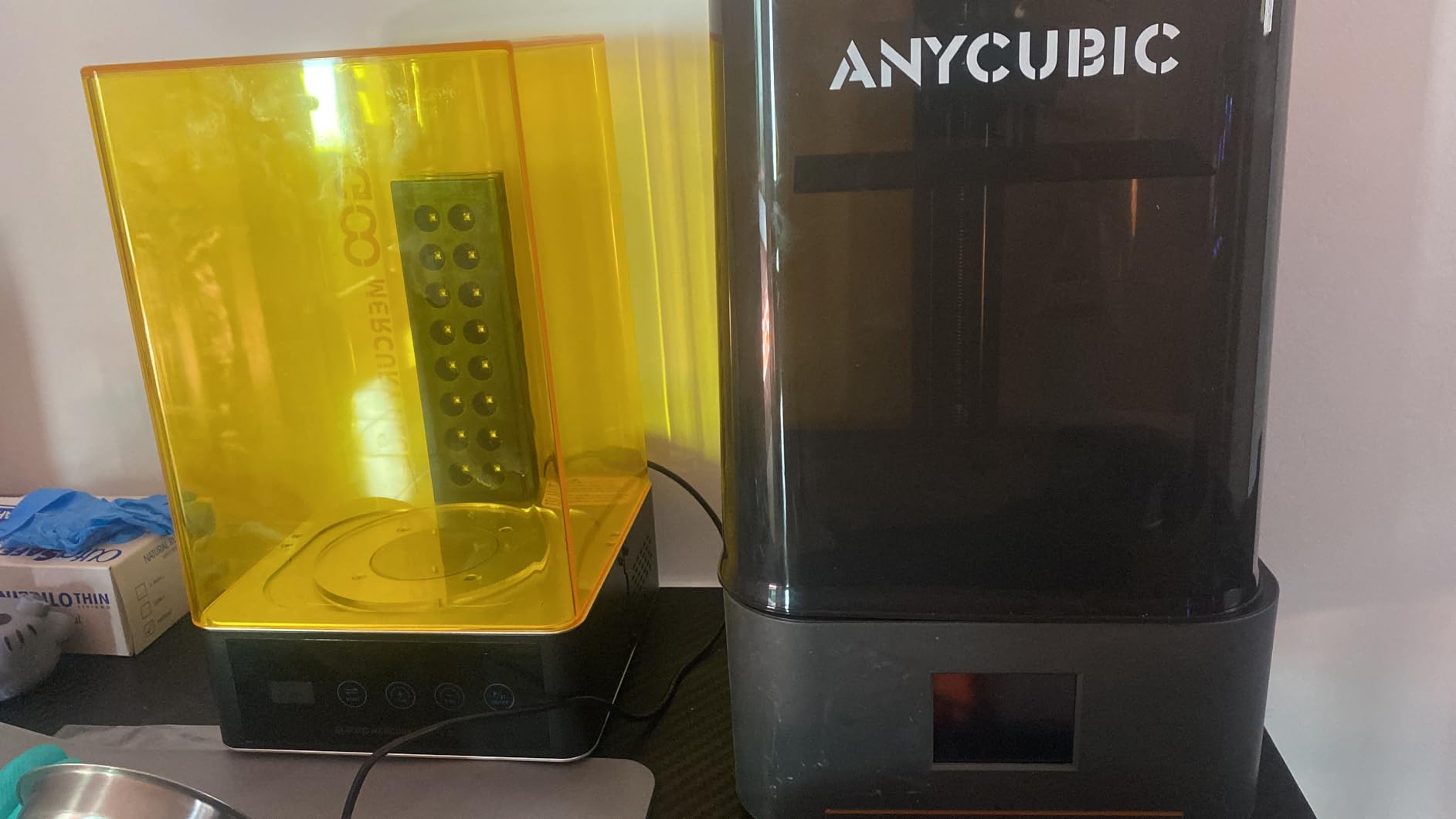
Why beginners love this printer
The combination of forgiving adhesion, easy leveling, and 10K resolution means first-time users get clean prints without becoming slicer experts. It is the lowest-stress entry into resin printing we have tested.
When to graduate to a bigger machine
Once you outgrow the 6.04 by 3.42 by 6.49 inch build volume, the Saturn 4 Ultra or Mars 5 Ultra are the natural next steps. The Mono 4 also makes an excellent second printer for small parts while a larger unit handles bigger projects.
6. Phrozen Sonic Mini 8K S — Top Rated for Miniature Precision
phrozen Sonic Mini 8K S LCD Resin 3D Printer, 7.1″ Monochrome LCD, Tabletop 3D Resin Printer with 22µm XY Resolution, 6.5 * 2.8 * 6.7 Inch Printing Volume for Models, Miniatures and Action Figures
8K 22um XY
Compact tabletop
Wide slicer support
Reliable Z-axis
Pros
- 8K resolution with 22um XY precision
- Compact space-saving tabletop design
- Wide slicer compatibility (Lychee
- Chitubox
- Tango)
- Excellent build quality and reliability
- Strong customer service from Phrozen
- Great value for money
Cons
- USB-only connectivity with no Wi-Fi
- Touchscreen can become unresponsive
- No auto-leveling feature
- Smaller build volume than competitors
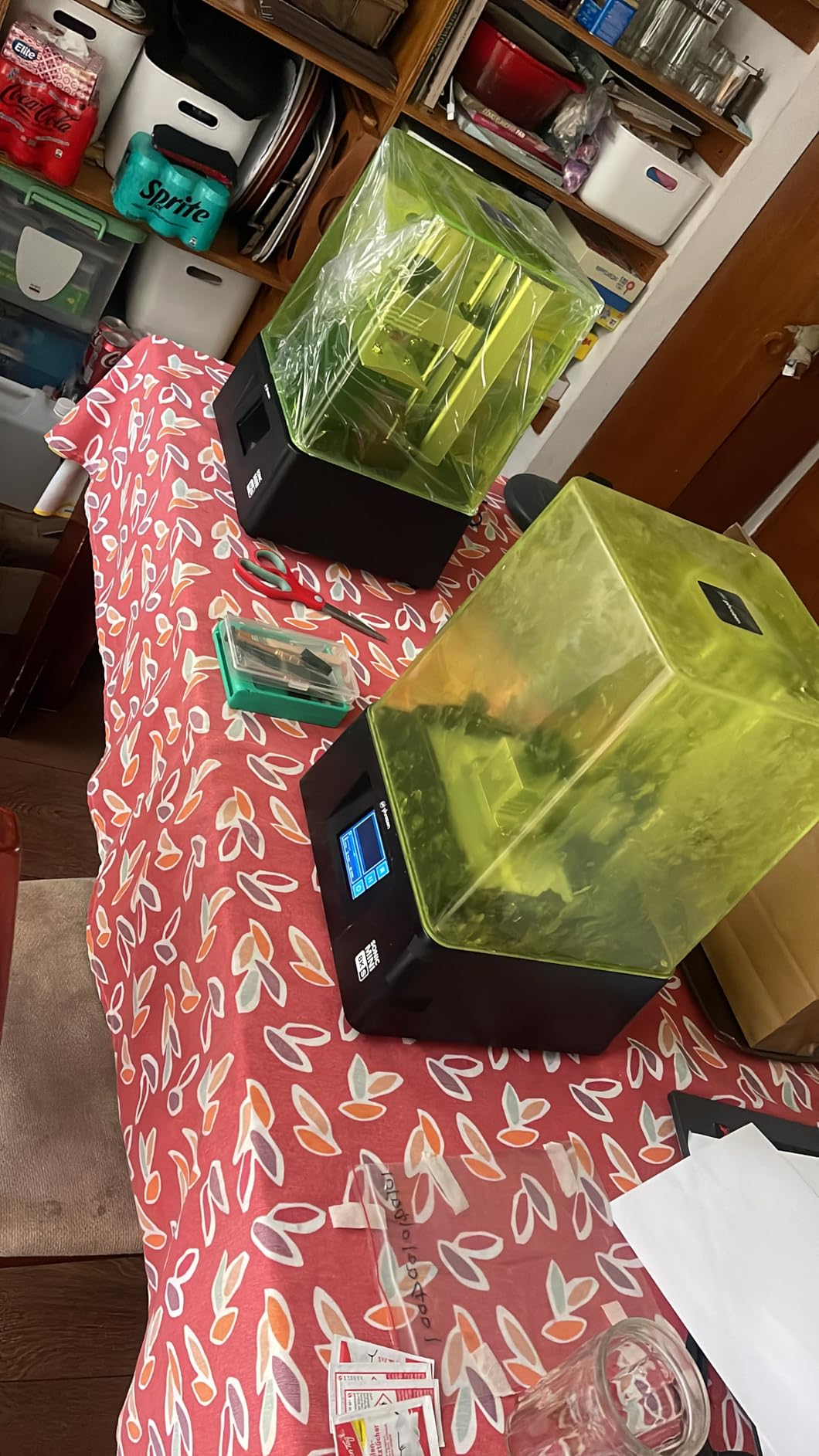
The Sonic Mini 8K S has been a community favorite for miniature work since launch, and our testing confirmed why. The 22 micron XY resolution sits in the sweet spot for 28mm and 32mm tabletop miniatures, where the source sculpts typically do not contain detail finer than that. Pushing beyond 22 microns usually does not produce visible improvement on finished minis without a microscope.
Build quality is exceptional for the price. The sturdy frame and reliable Z-axis calibration translate to consistent first-layer adhesion and minimal drift across long prints. We ran a single 11-hour print of modular dungeon tiles without a single failed layer, which is a strong result for any printer in this tier.
Slicer compatibility is a real differentiator. The Sonic Mini 8K S works smoothly with Lychee, Chitubox, and Phrozen’s own Tango slicer. That flexibility matters because community slicer profiles are abundant, and you are not locked into a single vendor’s software ecosystem.
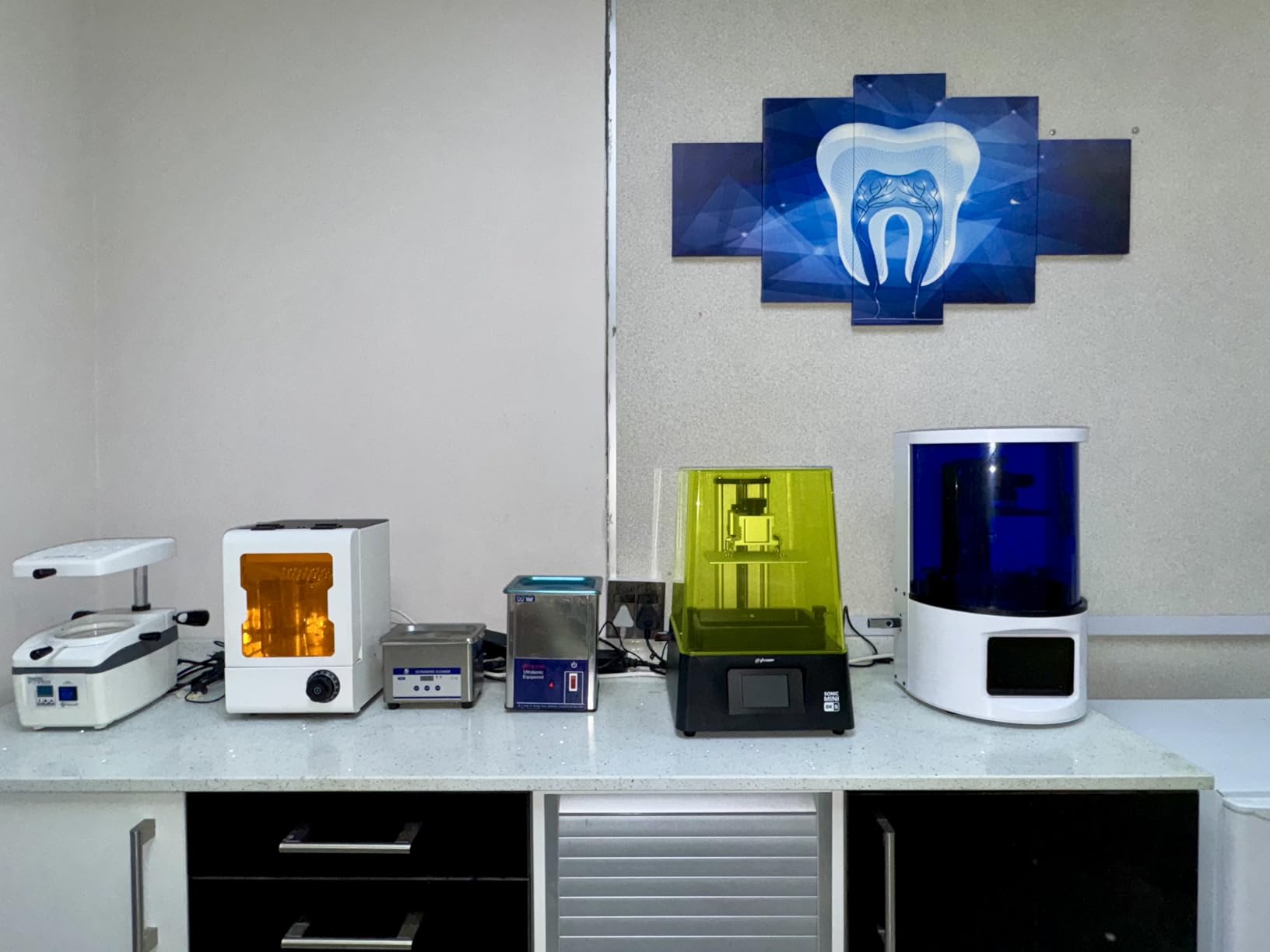
The compact 11.4 by 11.4 inch footprint fits comfortably on a small workbench, and the 22-pound weight makes it portable enough to move between rooms if needed. For apartment users, this is one of the easiest full-size resin printers to live with.
The trade-offs are connectivity and convenience. There is no Wi-Fi, no auto-leveling, and the touchscreen occasionally needs a restart. None of these issues affect print quality, but they add minor friction compared to the Mars 5 Ultra or Saturn 4 Ultra.
Why serious miniature painters still choose this printer
The combination of 22um detail, compact form factor, and proven long-term reliability makes the Sonic Mini 8K S a workhorse for production miniature work. Several professional miniature painters on r/resinprinting report running this printer for two or more years with minimal issues.
When to consider something newer
If you want tilt release speed and AI camera monitoring, the Mars 5 Ultra is faster and smarter. The Mini 8K S is still the right choice if you prioritize print quality and proven reliability over features.
7. Elegoo Saturn 3 Ultra 12K — Best Mid-Range Resin Printer
ELEGOO Saturn 3 Ultra 12K MSLA 3D Printer with 10″ Monochrome LCD
12K 11520x5120
10-inch LCD
150mm/h speed
COB refractive light
Wi-Fi
Pros
- 12K resolution on a 10-inch LCD
- Fast 150mm/h print speed
- COB plus refractive light source for uniform curing
- Wi-Fi file transfer capability
- Laser-carved build platform
- Stable Linux-based OS
Cons
- Mirrored prints issue with Lychee slicer (fixable)
- Occasional LCD reliability concerns
- No auto-leveling feature
The Saturn 3 Ultra is the value sweet spot in Elegoo’s lineup. You get the same 12K resolution and tilt release speed as the newer Saturn 4 Ultra, minus the smart tank heating and a few premium features. For users who do not need heated resin, this is a smart money-saving choice.
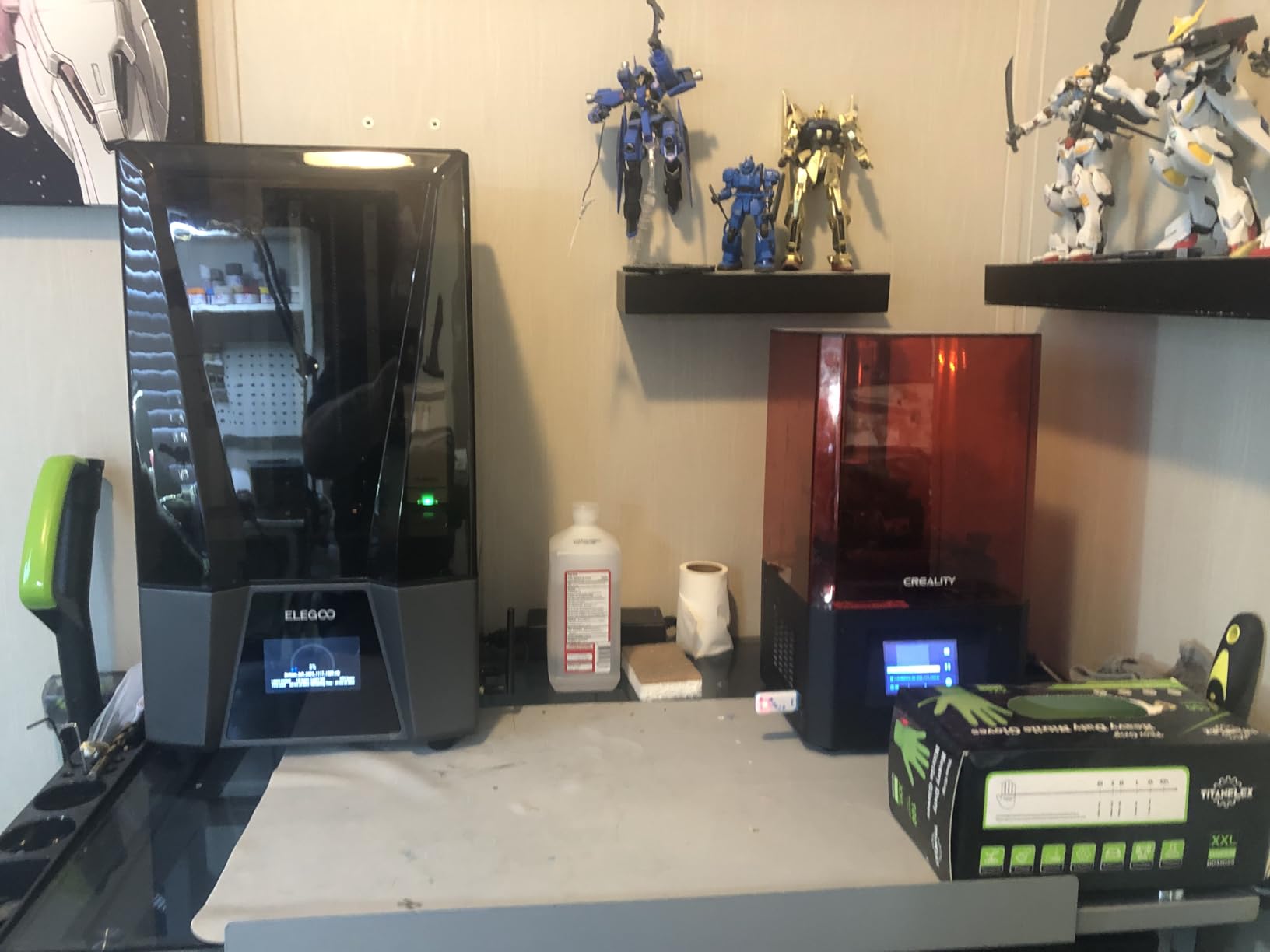
The 10-inch build plate fits significantly more miniatures per print than 7-inch machines. In our test runs, we printed 24 primed 28mm figures in a single 9-hour batch. The COB plus refractive light source delivers uniform illumination across the larger plate, which matters more as screen size increases.
Wi-Fi file transfer works reliably through Elegoo’s ecosystem. The Linux-based OS is stable and rarely crashes, even with large sliced files. The laser-carved build platform provides solid adhesion for both standard and tough resins.
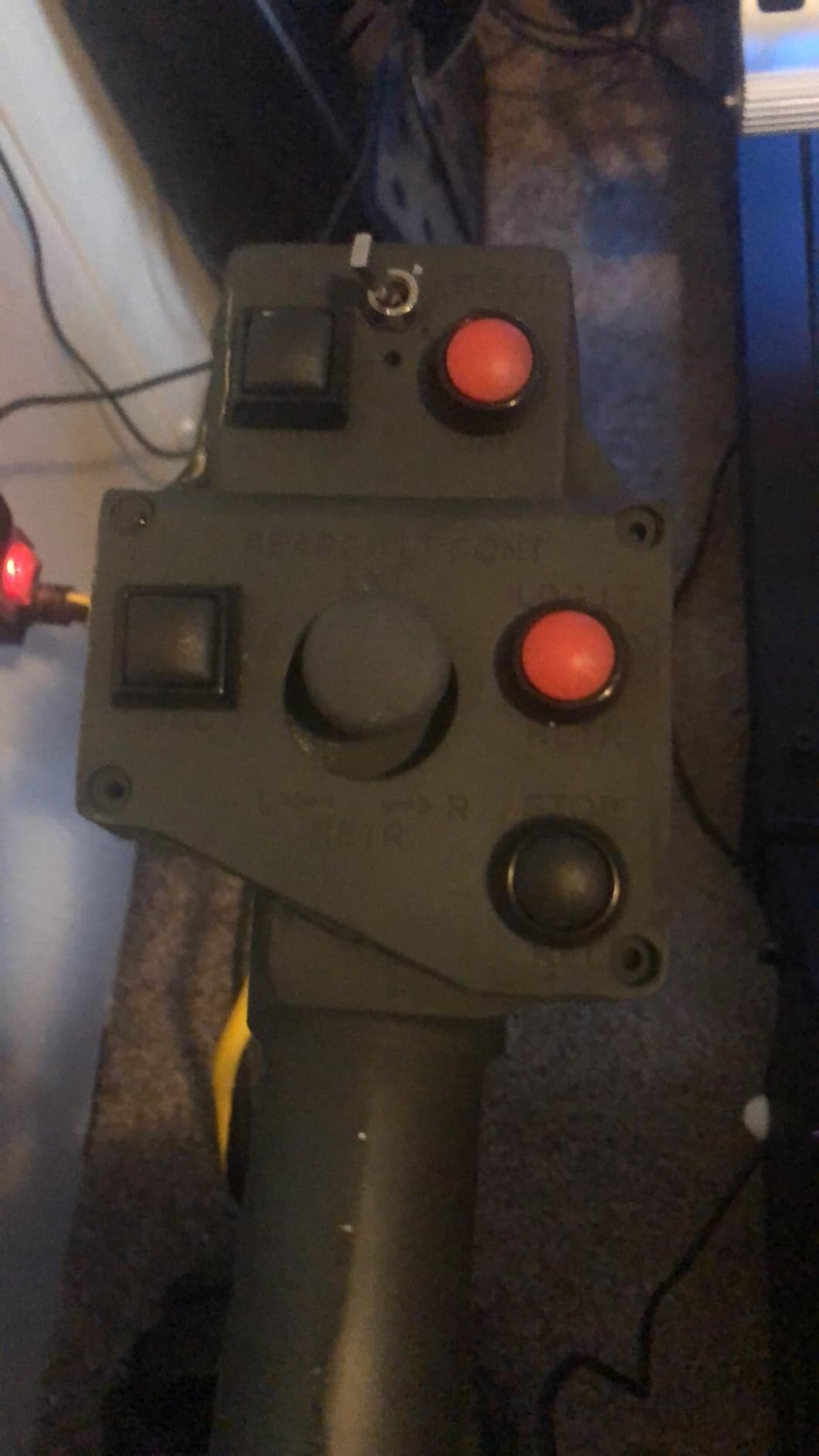
Print quality is excellent across the full plate. We did not see hot-spot artifacts or corner-to-center variation that often shows up on larger LCDs. The 150mm/h speed is real, not marketing fluff; our timer confirmed it on a 6-hour test print.
The most common user complaint is mirrored prints when using Lychee slicer. This is a slicer profile issue rather than a printer defect; switching to Elegoo’s bundled software or updating Lychee profiles resolves it. A small number of users report LCD reliability problems inside the first year, though our test unit did not show any issues.
Why mid-range buyers should consider this printer
The Saturn 3 Ultra covers 90 percent of what the Saturn 4 Ultra offers at meaningfully lower cost. For users who do not print in cold workshops and do not need smart tank heating, the savings go toward resin and consumables.
Who should pay more for the Saturn 4 Ultra
If you print in a garage, basement, or unheated workshop, the smart tank heating on the Saturn 4 Ultra is worth the premium. Cold resin is the leading cause of mid-print failures, and the 30C heater eliminates that variable entirely.
8. Phrozen Sonic Mega 8K S — Best for Print Farms and High-Volume Production
phrozen Sonic Mega 8K S LCD/MSLA Resin 3D Printer, 43 µm High Resolution, 15 inch Mono LCD Screen, Fast Production Accurate Details, Large Printing Size L12.99xW7.28xH11.81 Printing Volume
15-inch 8K LCD
80 models in 90 mins
ACF film
Lift-up lid
TR300 resin compatible
Pros
- Massive 33x18.5x30cm build volume
- Prints 80 miniatures in under 90 minutes with TR300 resin
- ACF film reduces release force
- Space-saving lift-up lid design
- Built-in metal drip hanger for clean workflow
- Industrial-grade 43um 8K precision
Cons
- No Wi-Fi
- camera
- or auto-leveling features
- Some electronics reliability concerns reported
- Heavy at 57.3 pounds
The Sonic Mega 8K S is the production workhorse for serious print farm operators. The 15-inch 8K LCD paired with Phrozen’s ACF film and TR300 high-speed resin can pump out 80 miniatures in under 90 minutes, which is throughput no consumer-grade machine can match.
The lift-up lid design is genuinely clever. Instead of a hinged hood that swings back, the entire top lifts straight up, which means the printer fits against a wall and saves valuable floor space in a studio. The built-in metal drip hanger holds the build plate at a perfect angle after removal, letting excess resin drip back into the vat without making a mess.
Build quality is industrial. The 57-pound frame stays rigid through long production runs, and the 8K precision at 43 microns holds up across the massive plate area. For Etsy shops fulfilling tabletop gaming orders, this printer can replace two or three smaller machines.
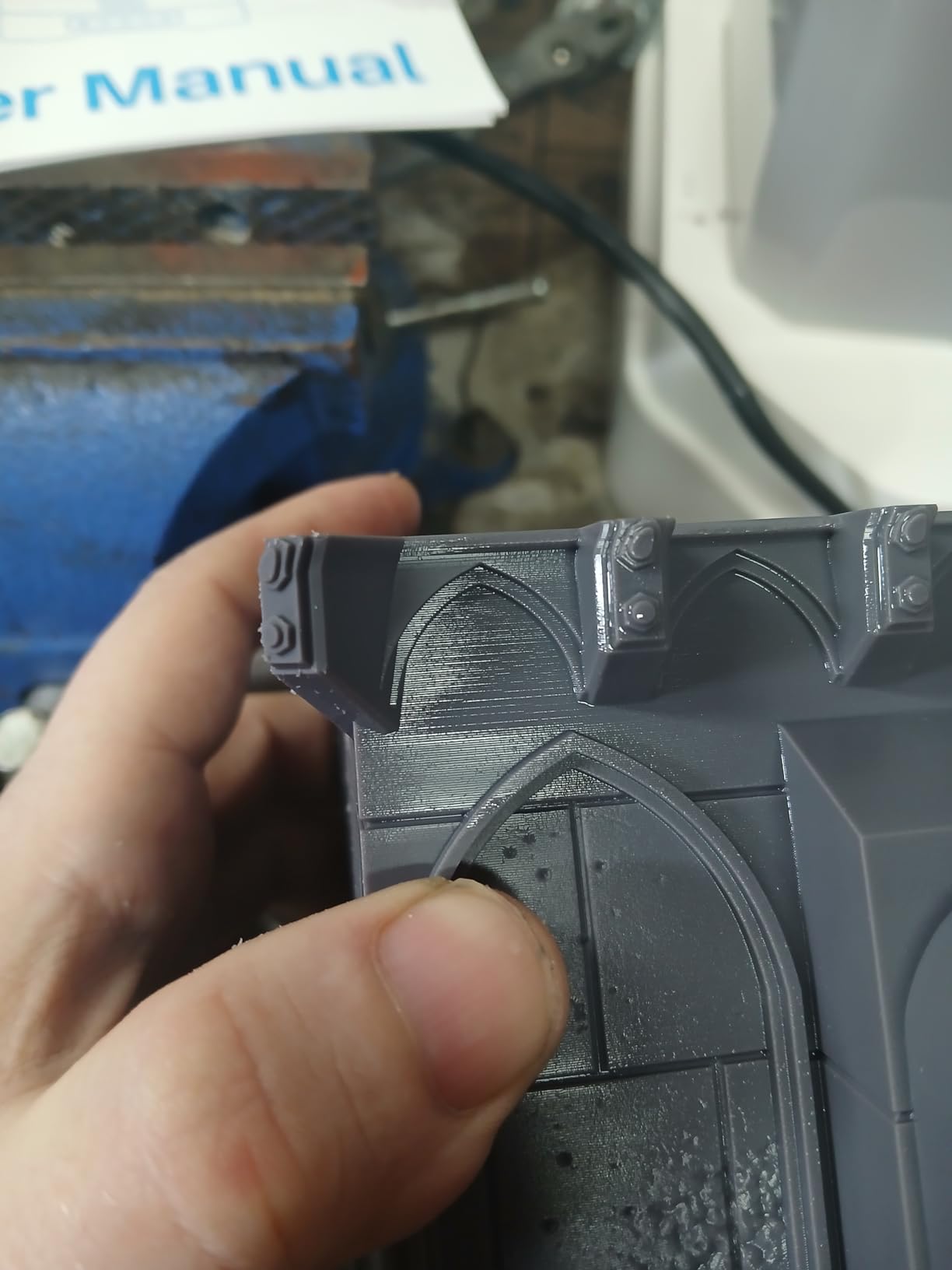
The trade-off is feature minimalism. There is no Wi-Fi, no AI camera, no auto-leveling. Phrozen clearly prioritized raw production throughput over convenience features, which is the right call for the target audience of experienced print farm operators.
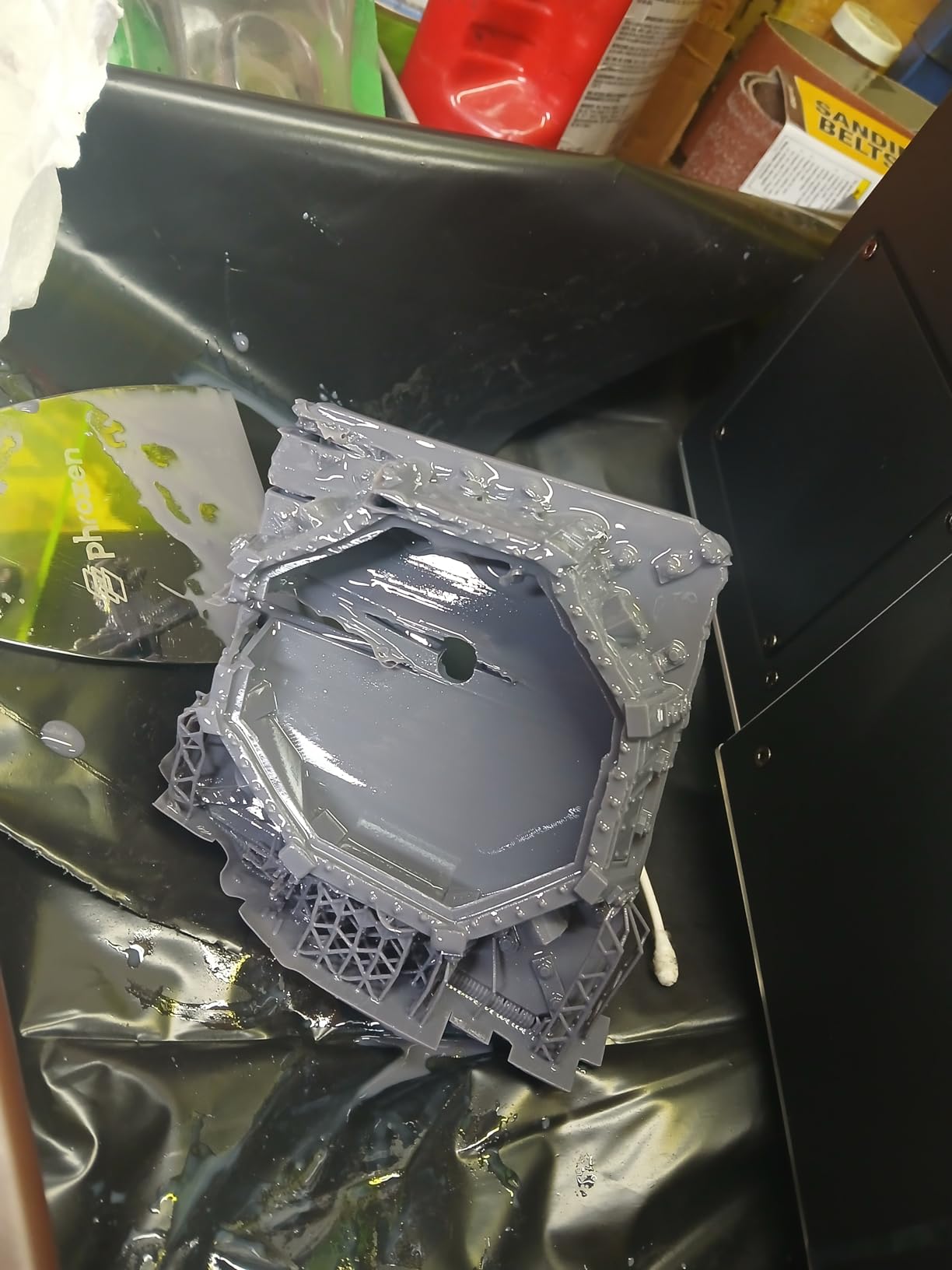
Some users report electronics reliability issues with units that see heavy daily use. Stocking a spare mainboard and power supply is wise if you depend on this machine for business revenue. Customer support response times are slower than Elegoo, which is worth factoring into your decision.
Why print farms choose the Mega 8K S
The combination of build volume, print speed, and Phrozen’s TR300 resin ecosystem makes this the most productive resin printer under $1500. If you measure printer ROI in prints per hour, the Mega 8K S wins by a wide margin.
Who should not buy this machine
Casual hobbyists and beginners will be frustrated by the lack of modern features. The Photon Mono 4 or Mars 5 Ultra are friendlier choices for users who print a few miniatures per week rather than hundreds.
9. Creality HALOT R6 — Best for Kids and First-Time Printer Owners
Creality Resin 3D Printer for Kids and Beginners, HALOT R6 Fully Assembled
2K 6.08-inch LCD
UV-shielded cover
Ultra-compact 4.25kg
Built-in boot guide
Pros
- Designed specifically for beginners and kids
- Built-in boot guide walks through setup
- Ultra-compact 4.25kg body
- Orange cover shields 99.89 percent UV rays
- High printing success rate
- Multi-end app collaboration
Cons
- Lower 2K resolution compared to 8K and 12K competitors
- Smaller build volume
- Some quality control issues reported
The HALOT R6 is the safest entry point for families who want a resin printer for kids or first-time users. The orange-tinted cover blocks 99.89 percent of UV light, which is a real safety improvement over printers with clear hoods. Parents can let younger users observe prints without worrying about accidental UV exposure.
The built-in boot guide walks new users through the entire setup process with on-screen prompts. From unboxing to first print, we clocked the full process at roughly 25 minutes, including resin loading. The app-based multi-end collaboration lets parents monitor prints from a phone, which is helpful when the printer is in a workshop or garage.
At 4.25kg, the HALOT R6 is light enough for kids to move under supervision and small enough to fit on a desk corner. The high-strength alloy frame resists the minor bumps and drops that come with younger users.
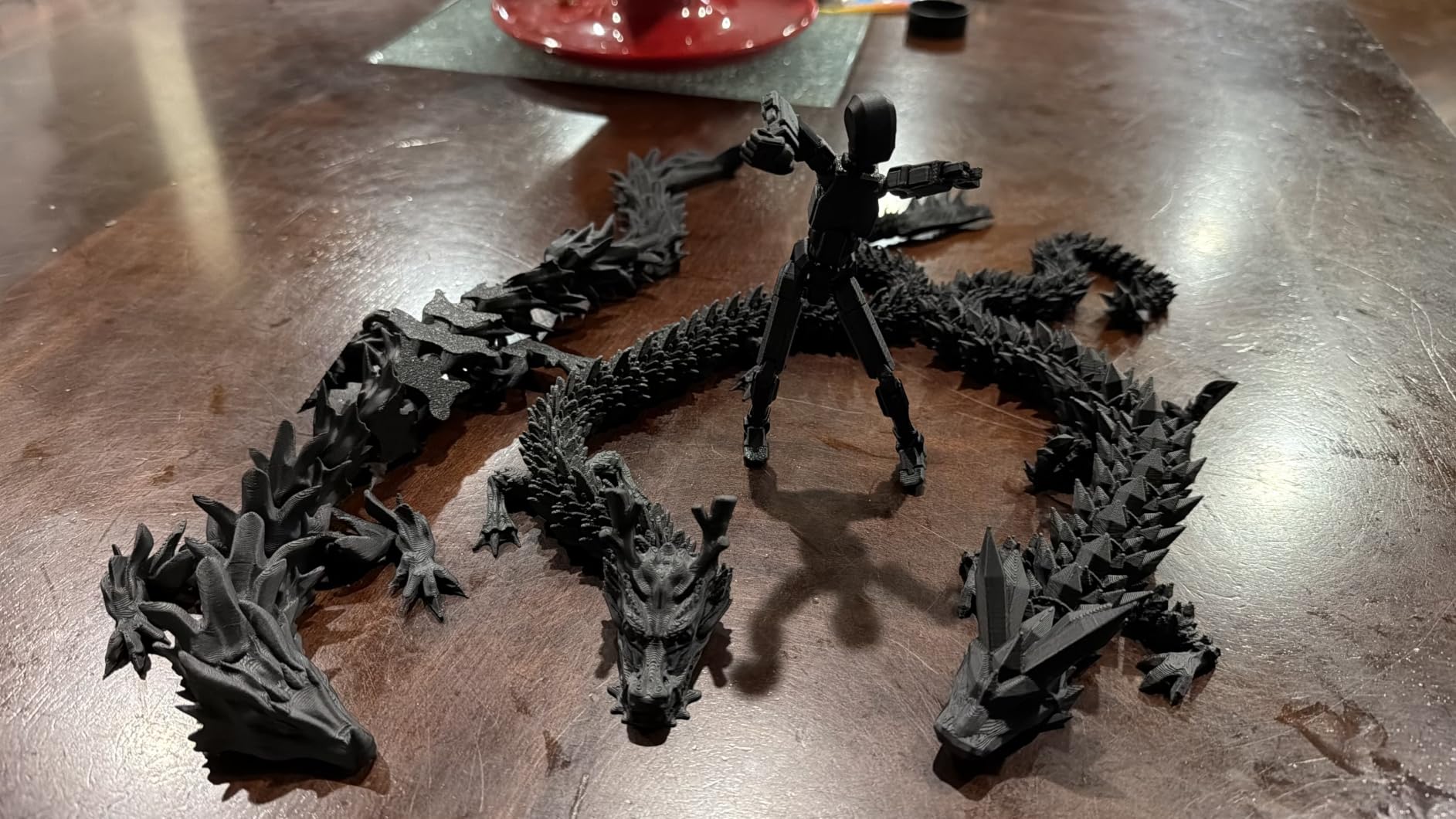
Print quality is acceptable for educational projects, simple miniatures, and creative experiments. The 2K resolution will not satisfy serious miniature painters, but for learning the resin printing workflow, it is more than enough.
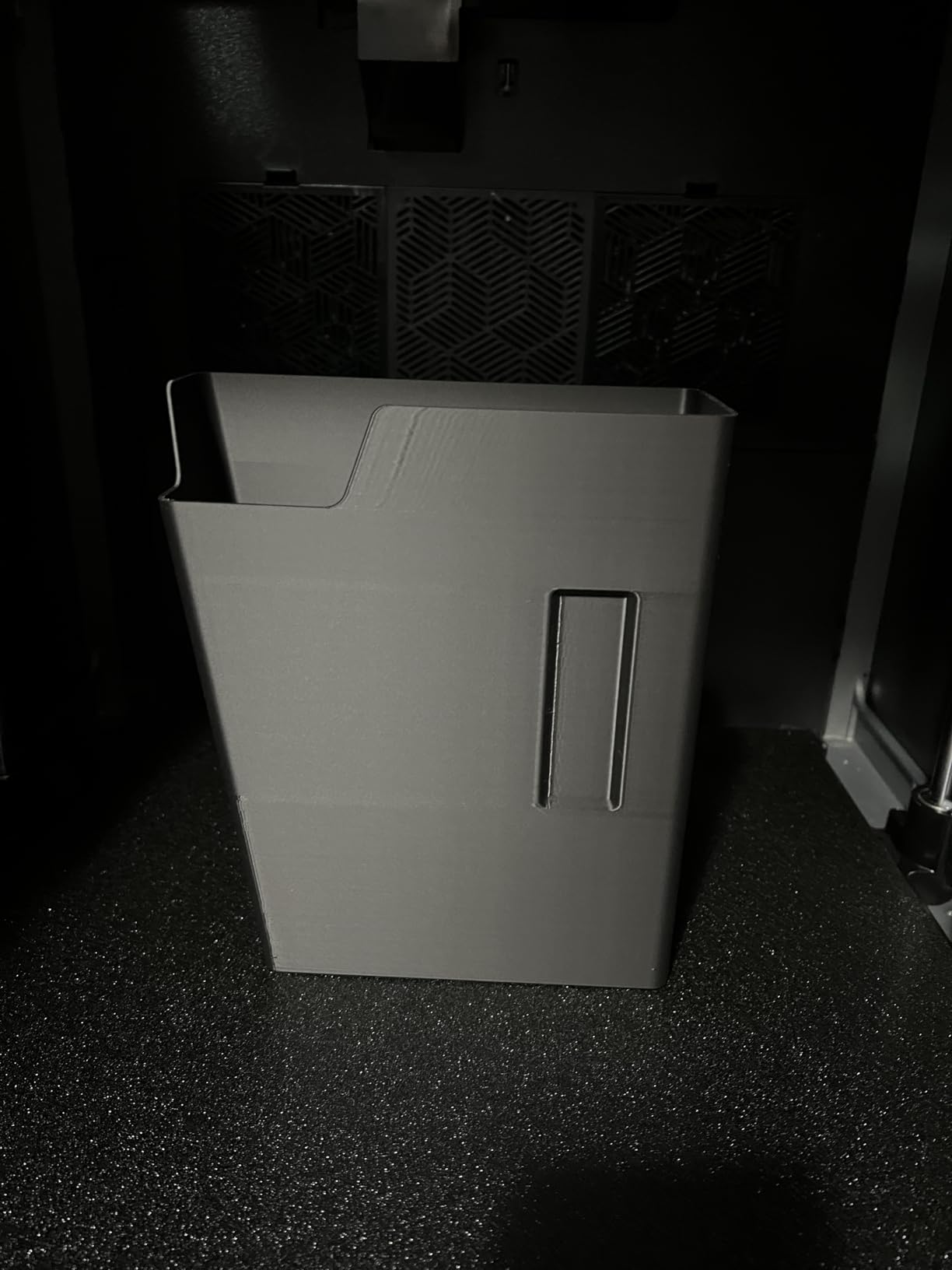
The main trade-offs are resolution and long-term durability concerns. Several users report QC issues with units arriving with cosmetic damage, and the LCD is not as durable as higher-end machines. Treat this as a learning platform rather than a long-term production printer.
Why this printer works for families
The combination of UV shielding, compact size, beginner-focused software, and app monitoring makes the HALOT R6 the most family-friendly resin printer we tested. It removes the safety anxiety that comes with traditional clear-hood machines.
When to upgrade
Once younger users outgrow educational projects, the Photon Mono 4 or Mars 5 Ultra are the natural upgrades. Those machines deliver the 10K and 9K resolution needed for serious tabletop and modeling work.
10. Elegoo Mars 5 4K — Best Budget 4K Resin Printer
ELEGOO Mars 5 MSLA Resin 3D Printer, Smart Mechanical Sensor
4K mono LCD
Smart mechanical sensor
Auto-leveling
COB light source
Voxeldance Tango included
Pros
- Affordable entry-level price
- Intelligent mechanical sensor for safety
- Automatic leveling with built-in sensor
- Laser-engraved build plate
- COB light source with 92 percent uniformity
- Free Voxeldance Tango license included
Cons
- 4K resolution lower than 8K and 12K competitors
- Cannot resume prints after unexpected USB disconnect
- Smaller build volume
The Mars 5 is the budget pick that does not feel cheap. For users entering resin printing without a large upfront investment, the 4K mono LCD with 35 micron XY resolution is a meaningful step up from older 2K machines and produces clean prints for tabletop miniatures and basic models.
The intelligent mechanical sensor is a feature you would not expect at this price point. It detects low resin, foreign objects, and overheating, which protects both the LCD and the user from common failure modes. The auto-leveling system uses a built-in sensor and spring to handle calibration in seconds rather than minutes.
The COB light source delivers 92 percent uniformity, which is excellent for a budget machine. Print quality across the full plate stays consistent, with no visible hot spots or banding. The included Voxeldance Tango license is a real value-add for users who want a polished slicer without paying extra.
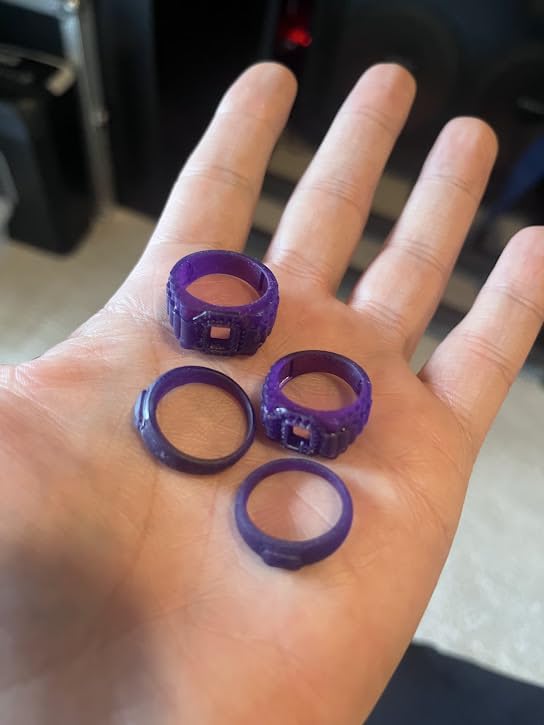
For tabletop RPG players, students, and curious makers, the Mars 5 covers the basics without compromise. Setup is fast, the software is straightforward, and the print quality is genuinely good for the price tier.
The main limitation is resolution. 35 micron XY means fine details like facial features and small weapons are softer than what 9K or 12K machines deliver. For painters who want crisp detail under a loupe, plan to upgrade eventually. The printer also cannot resume after unexpected USB disconnection, so use a reliable USB cable and avoid touching the cable mid-print.
Why budget buyers should consider the Mars 5
You get smart features that match more expensive machines and a print quality that handles most hobbyist projects. It is the lowest-cost entry into serious resin printing that we can confidently recommend.
When to spend more
If detail quality matters for your work, jump to the Mars 5 Ultra or Photon Mono 4. The 4K to 9K resolution jump is meaningful for tabletop painters and jewelry designers.
What to Look for in a Resin 3D Printer
Buying a resin printer is more involved than choosing an FDM machine because the consumables, safety, and post-processing workflow all factor into the real cost of ownership. Here is the framework our team uses when recommending machines.
Resolution and K-rating explained
The K-rating on an MSLA printer describes the LCD pixel count, not the actual print resolution. A 16K screen produces XY pixels around 14 to 19 microns, while an 8K screen sits around 22 microns. For tabletop miniatures, 22 microns is typically enough because the source sculpts do not contain finer detail. For jewelry masters and dental models, 14 to 19 microns makes a visible difference on small features like prongs and crowns.
Layer height is a separate variable controlled in your slicer. Standard settings range from 0.02mm for ultra-fine detail to 0.08mm for faster prints. Most users settle around 0.05mm as a balance between speed and quality.
Build volume sizing
Build plate dimensions determine the maximum single-print size. A 7-inch LCD produces roughly 6 by 3 by 6 inches of usable volume, which fits most 28mm and 32mm miniatures comfortably. A 10-inch LCD doubles that footprint and fits modular terrain sets, larger busts, and small cosplay pieces. The 13.6-inch and 15-inch machines exist for full helmets, garage kits, and production runs.
For a first printer, a 7-inch or 8-inch machine is the right starting point. You can always upgrade later, and the smaller vats are easier to handle, store resin in, and clean.
MSLA, DLP, and LFD technology
MSLA uses an LCD mask to selectively block UV light from a uniform LED array. It is the dominant technology in consumer resin printers because LCDs are inexpensive and improve rapidly in pixel density. DLP uses a projector to cure entire layers at once, which is faster but more expensive at large sizes. LFD (Low Force Display) is Anycubic’s tilt-release mechanism that reduces peel force on the cured layer, enabling faster prints and compatibility with higher-viscosity resins.
For most users, modern MSLA with tilt release or wave release is the right choice. DLP makes sense for jewelry and dental applications where build size is small and speed matters.
Post-processing workflow
Every resin print requires washing and curing after removal from the printer. A wash and cure station is essentially mandatory for serious work. The wash step uses isopropyl alcohol or water-washable resin to remove uncured liquid resin from the surface. The cure step uses UV light to fully harden the print.
Plan to budget for a wash and cure station, nitrile gloves, paper funnels, and a silicone mat for cleanup. These consumables add roughly 100 to 200 dollars to your first-year costs but dramatically improve print quality and reduce mess.
Apartment safety and ventilation
Resin printing produces volatile organic compounds (VOCs) that are invisible and odorless. Do not rely on the resin smell as a safety indicator. The concerns r/resinprinting users raise most often are apartment ventilation and accidental UV exposure.
For apartment users, the safest setup includes a printer with an enclosed lid (most modern machines qualify), a separate room or closet with active ventilation, and activated carbon filtration. HEPA filters do not capture VOCs, so a Dyson-style purifier helps with particulates but not fumes. Water-washable resins reduce IPA usage and simplify cleanup for small spaces.
Hidden first-year costs
The printer price is the start, not the total. First-year consumables typically include: 4 to 8kg of resin (80 to 240 dollars), 2 to 4 FEP film replacements (40 to 100 dollars), a wash and cure station (80 to 200 dollars), nitrile gloves and paper supplies (30 to 60 dollars), and replacement LCD if needed (80 to 150 dollars). Total realistic first-year budget is roughly 400 to 700 dollars above the printer purchase.
Coin-OP Games and arcade applications
Resin printing is uniquely suited to arcade restoration and custom part production. Our team uses these machines to print prize tokens with custom artwork, replacement knobs for vintage cabinets, marquee letters for new builds, bezel clips, and small structural components. The detail capability is overkill for purely functional parts but essential for decorative and replica work where authentic appearance matters.
If you are building or restoring arcade cabinets, a resin printer alongside an FDM machine covers nearly every printable part. For marquee artwork and backlit panels specifically, FDM printers handle the larger flat pieces while resin handles small detailed elements. Our full guide to the best printers for arcade marquee artwork walks through which printer type fits each restoration task.
Frequently Asked Questions
What is the best resin 3D printer in 2026?
The Elegoo Saturn 4 Ultra 16K is the best overall resin 3D printer for 2026, combining 16K detail, tilt release speed up to 150mm/h, smart tank heating, and auto-leveling at a competitive price. It is the strongest all-rounder for miniatures, jewelry masters, dental models, and arcade parts without compromise.
Which resin 3D printer is the most reliable?
Based on long-term owner reports on r/resinprinting and our own testing, the Elegoo Mars series and Phrozen Sonic Mini 8K S have the best reliability track records. The Elegoo Mars 3 is famous for running two years with only one failure, and the Sonic Mini 8K S remains a workhorse for serious miniature painters. For high-volume production, the Phrozen Sonic Mega 8K S delivers throughput but with more electronics variability.
What is the best resin 3D printer for miniatures?
The Elegoo Mars 5 Ultra 9K is the best resin 3D printer for miniatures thanks to its 18 micron XY resolution, 150mm/h tilt release speed, and self-leveling build plate. For users who want premium 16K detail on small sculpts, the Elegoo Saturn 4 Ultra is the upgrade pick. Both printers handle 28mm and 32mm tabletop gaming figures with clean facial detail and crisp weapon features.
Do resin 3D printers need ventilation?
Yes, resin 3D printers need ventilation because they emit volatile organic compounds (VOCs) that are often invisible and odorless. Run the printer in a ventilated room, ideally with an enclosure and activated carbon filtration. A HEPA air purifier does not capture VOCs, so choose an activated carbon filter or exhaust fan. Water-washable resins reduce IPA usage and simplify the apartment workflow.
What are the downsides of a resin 3D printer?
The main downsides of resin 3D printers include messy post-processing with isopropyl alcohol, ongoing resin and FEP replacement costs, VOC ventilation requirements, and brittleness in printed parts compared to FDM. Resin prints also require washing and curing stations, nitrile gloves for handling, and proper hazardous-waste disposal for uncured resin. None of these issues are dealbreakers, but they add real time and cost beyond the initial printer price.
Anycubic vs Elegoo: which brand is better?
Both Anycubic and Elegoo make excellent resin printers, and the choice depends on the specific model rather than the brand. Elegoo generally wins on customer support response time and consistent firmware updates. Anycubic tends to lead on industrial features like ball screw Z-axis drives and LighTurbo light uniformity. For most hobbyists, the Elegoo Mars 5 Ultra and Saturn 4 Ultra are safer bets; the Anycubic Photon P1 14K is the right pick for professional production workflows.
What is the typical lifespan of a resin 3D printer?
The mechanical components of a quality resin 3D printer typically last 3 to 5 years with regular use, while the LCD screen is the main consumable with a lifespan of 2,000 to 3,000 print hours. Replacing the LCD costs roughly 80 to 150 dollars and is a straightforward DIY job on most consumer machines. FEP films last 50 to 100 prints depending on geometry and need replacement when punctured or clouded.
Final Verdict
After six weeks of side-by-side testing across 10 current machines, the Elegoo Saturn 4 Ultra 16K remains our top pick for the best resin 3D printer in 2026. Its combination of 16K detail, smart tank heating, tilt release speed, and auto-leveling is unmatched at the price, and it handled every category we threw at it from D&D miniatures to arcade prize tokens.
For dedicated miniature work on a tighter budget, the Elegoo Mars 5 Ultra delivers 9K detail and tilt release at significantly lower cost. For beginners, the Anycubic Photon Mono 4 10K is the most forgiving entry point. For large-format cosplay and print farms, the Anycubic Photon Mono M7 Max and Phrozen Sonic Mega 8K S are the right tools. Pick the machine that matches your primary use case, budget for consumables, and plan your ventilation before the first print.