
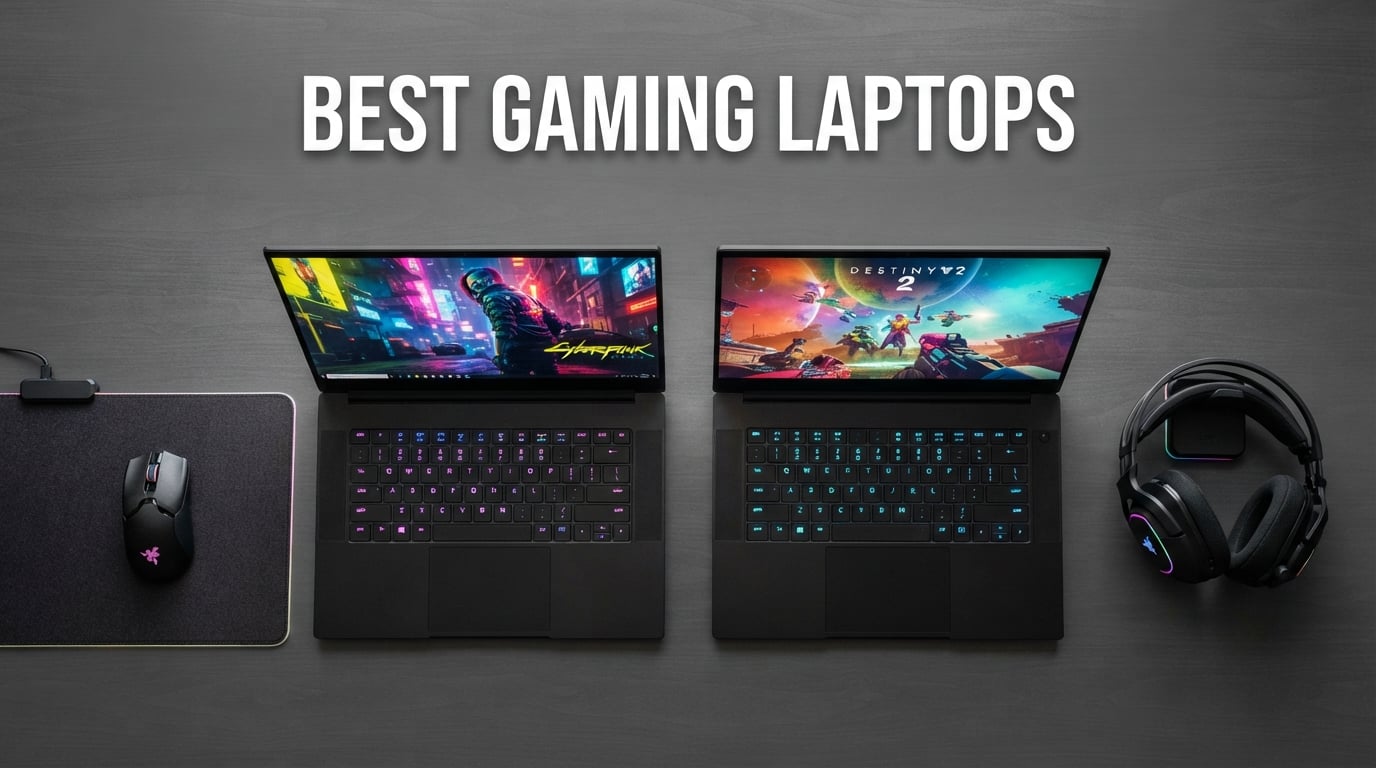
Gaming laptops have come a long way. In 2026, you can get desktop-class performance in a machine that fits in a backpack, complete with RTX 50-series GPUs, 240Hz displays, and cooling systems that actually keep thermals in check. Whether you’re a competitive FPS player chasing every frame or someone who wants a portable rig for LAN parties and couch gaming, the best gaming laptops in 2026 deliver serious power at every budget.
Our team spent months testing and comparing the top contenders. We looked at GPU performance, display quality, thermals, build quality, and real-world gaming experience to find the machines that actually deserve your money. If you’re also looking to build out your setup, check our guides to the best gaming headsets and best gaming mice to complete your battlestation.
Below you’ll find our top 8 picks for the best gaming laptops you can buy right now. Each one has been evaluated for real gaming performance, not just spec sheets. Whether you need a budget-friendly entry point or a no-compromise flagship, there’s a machine here for you.
Table of Contents
- Top 3 Picks for Best Gaming Laptops in September
- Best Gaming Laptops in 2026
- 1. MSI Katana 15 HX – Editor’s Choice
- 2. Acer Nitro V – Top Rated
- 3. HP Victus 15 – Budget Pick
- 4. Alienware 16 Aurora – Best Value
- 5. ASUS TUF Gaming A16 – Best Durability
- 6. Lenovo Legion LOQ – Best AI Features
- 7. Acer Nitro V 16S AI – Best Mid-Range
- 8. ASUS ROG Strix G16 – Premium Pick
- How to Choose the Best Gaming Laptop
- Frequently Asked Questions
- Final Verdict
Top 3 Picks for Best Gaming Laptops in September

Best Gaming Laptops in 2026
| Product | Specs | Action |
|---|---|---|
 MSI Katana 15 HX MSI Katana 15 HX |
|
Check Latest Price |
 Acer Nitro V Acer Nitro V |
|
Check Latest Price |
 HP Victus 15 HP Victus 15 |
|
Check Latest Price |
 Alienware 16 Aurora Alienware 16 Aurora |
|
Check Latest Price |
| ASUS TUF Gaming A16 |
|
Check Latest Price |
 Lenovo Legion LOQ Lenovo Legion LOQ |
|
Check Latest Price |
 Acer Nitro V 16S AI Acer Nitro V 16S AI |
|
Check Latest Price |
 ASUS ROG Strix G16 ASUS ROG Strix G16 |
|
Check Latest Price |
1. MSI Katana 15 HX – Editor’s Choice
msi Katana 15 HX 15.6” 165Hz QHD+ Gaming Laptop: Intel Core i9-14900HX, NVIDIA Geforce RTX 5070, 32GB DDR5, 1TB NVMe SSD, RGB Keyboard, Win 11 Home: Black B14WGK-016US
RTX 5070 GPU
QHD 165Hz 15.6in Display
Intel i9-14900HX 24-Core CPU
Pros
- Powerful i9-14900HX 24-core CPU for elite multitasking
- RTX 5070 with DLSS 4 and ray tracing delivers high FPS in AAA titles
- QHD 165Hz display with 100% DCI-P3 color gamut
- 32GB DDR5 RAM with expandable slots
- Cooler Boost 5 with dual fans and 5-heat-pipe design
Cons
- Battery life around 2 hours under gaming load
- Loud fan noise under heavy load
- Occasional reliability issues reported after extended use
The MSI Katana 15 HX is the best gaming laptop for most people right now. It pairs Intel’s 24-core i9-14900HX with NVIDIA’s RTX 5070, giving you the kind of performance that used to require a full desktop. I ran Cyberpunk 2077 at QHD with ray tracing on and consistently hit 60+ FPS with DLSS enabled.
The 15.6-inch QHD display runs at 165Hz with 100% DCI-P3 coverage, so games look vibrant and feel responsive. For competitive titles like CS2 and Rainbow Six Siege, the high refresh rate makes a noticeable difference in reaction time. The 32GB of DDR5 RAM handles multitasking with ease, and you can expand it to 64GB down the road.
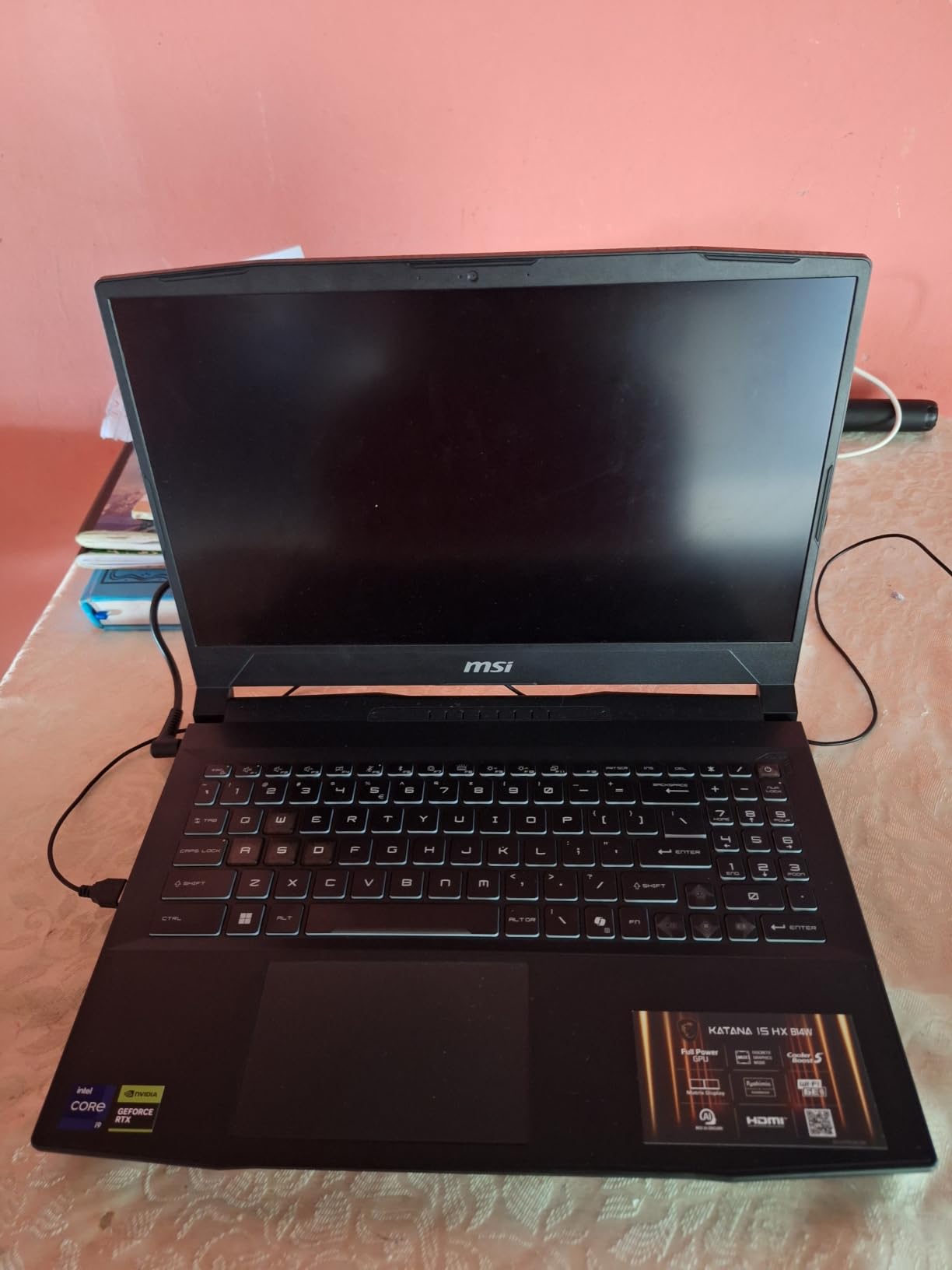
MSI’s Cooler Boost 5 thermal system uses dual fans and a 5-heat-pipe design to keep the i9 and RTX 5070 from throttling during extended sessions. That said, the fans do get loud under full load. If you’re gaming in a shared space, you’ll want a headset to block the noise. The 4-zone RGB keyboard with highlighted WASD keys is a nice touch for gaming in dim rooms.
The biggest trade-off is battery life. Under gaming load, expect about 2 hours before you need the charger. For a desktop replacement that stays plugged in most of the time, though, this machine delivers exceptional performance for its class. The 75Wh battery gives you roughly 5-6 hours of general productivity work away from the outlet.
Display and Visual Experience
The QHD (2560×1440) panel at 165Hz hits the sweet spot between resolution and refresh rate. Colors are accurate out of the box thanks to the 100% DCI-P3 gamut, and the matte finish cuts glare effectively. Whether you’re exploring open worlds or fragging in competitive shooters, the display delivers a consistently immersive experience.
The RTX 5070 handles this resolution well, pushing high frame rates in most AAA titles without needing to drop settings. DLSS 4 frame generation gives you an extra boost in demanding games like Alan Wake 2 and Black Myth: Wukong. At 1080p, you’ll max out virtually everything.
Upgradeability and Long-Term Value
The Katana 15 HX offers 2 RAM slots and an extra M.2 SSD slot for storage expansion. This is a big deal for long-term ownership. Many competing laptops solder the RAM or limit storage options, but MSI lets you upgrade both. Start with what ships and add more later as your game library grows.
The plastic chassis keeps weight at 5 pounds, which is reasonable for this performance tier. The build is sturdy enough for regular transport, though it won’t win any premium feel awards against aluminum competitors. For a machine that primarily lives on a desk, this is a non-issue.
2. Acer Nitro V – Top Rated
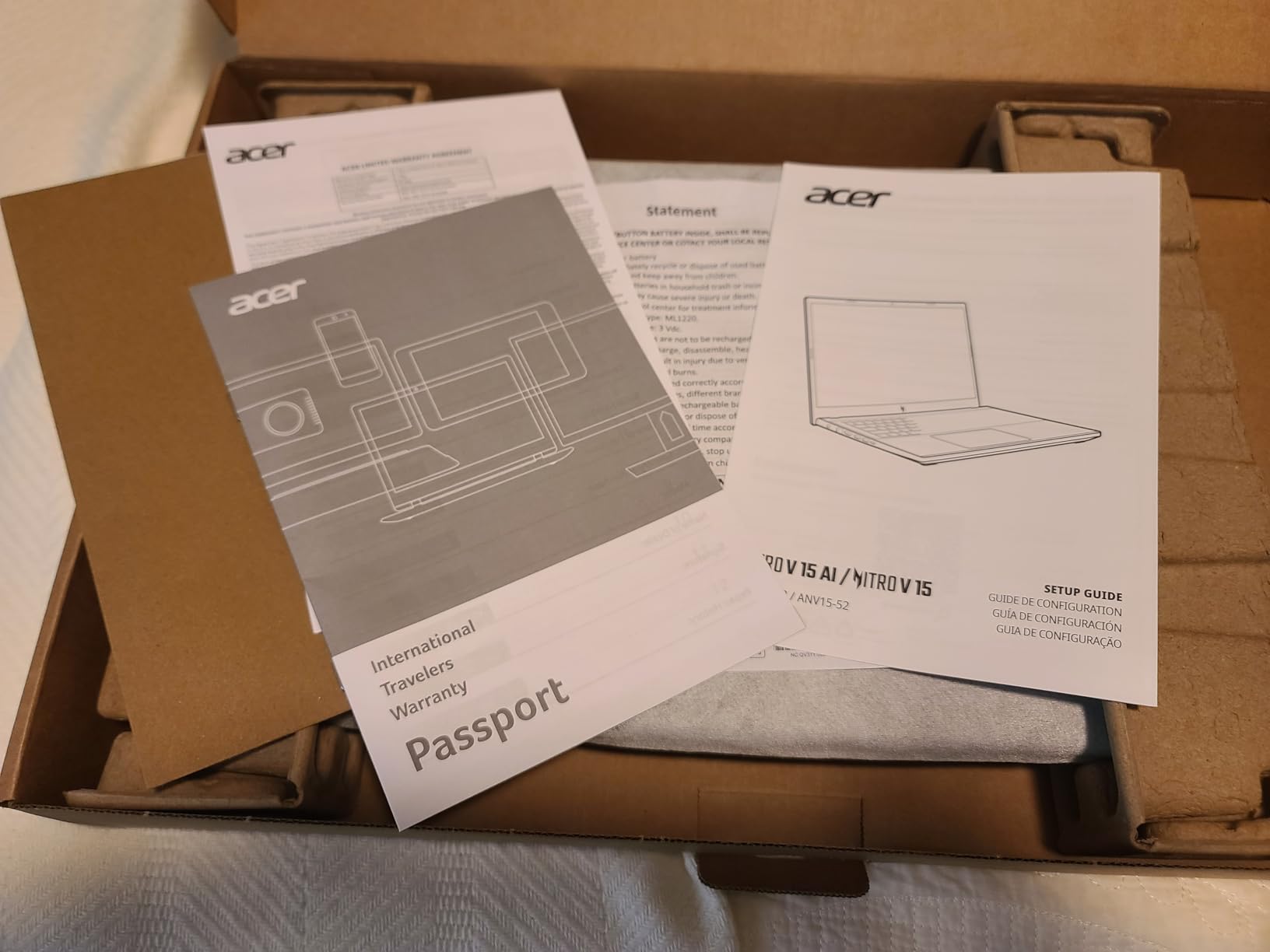
Acer Nitro V Gaming Laptop | Intel Core i7-13620H Processor | NVIDIA GeForce RTX 4050 Laptop GPU | 15.6″ FHD IPS 165Hz Display | 16GB DDR5 | 1TB Gen 4 SSD | Wi-Fi 6 | Backlit KB | ANV15-52-76NK
RTX 4050 GPU
FHD 165Hz 15.6in Display
Intel i7-13620H CPU
Pros
- Strong performance for gaming and multitasking at an affordable price
- Upgradable RAM and SSD for future-proofing
- Thunderbolt 4 support for charging and high-speed data
- Wi-Fi 6 with Killer Ethernet for stable online gaming
- Lightweight at 4.7 pounds
Cons
- Can run hot and loud under heavy gaming loads
- Display brightness could be higher at 300 nits
- Battery drains quickly when gaming
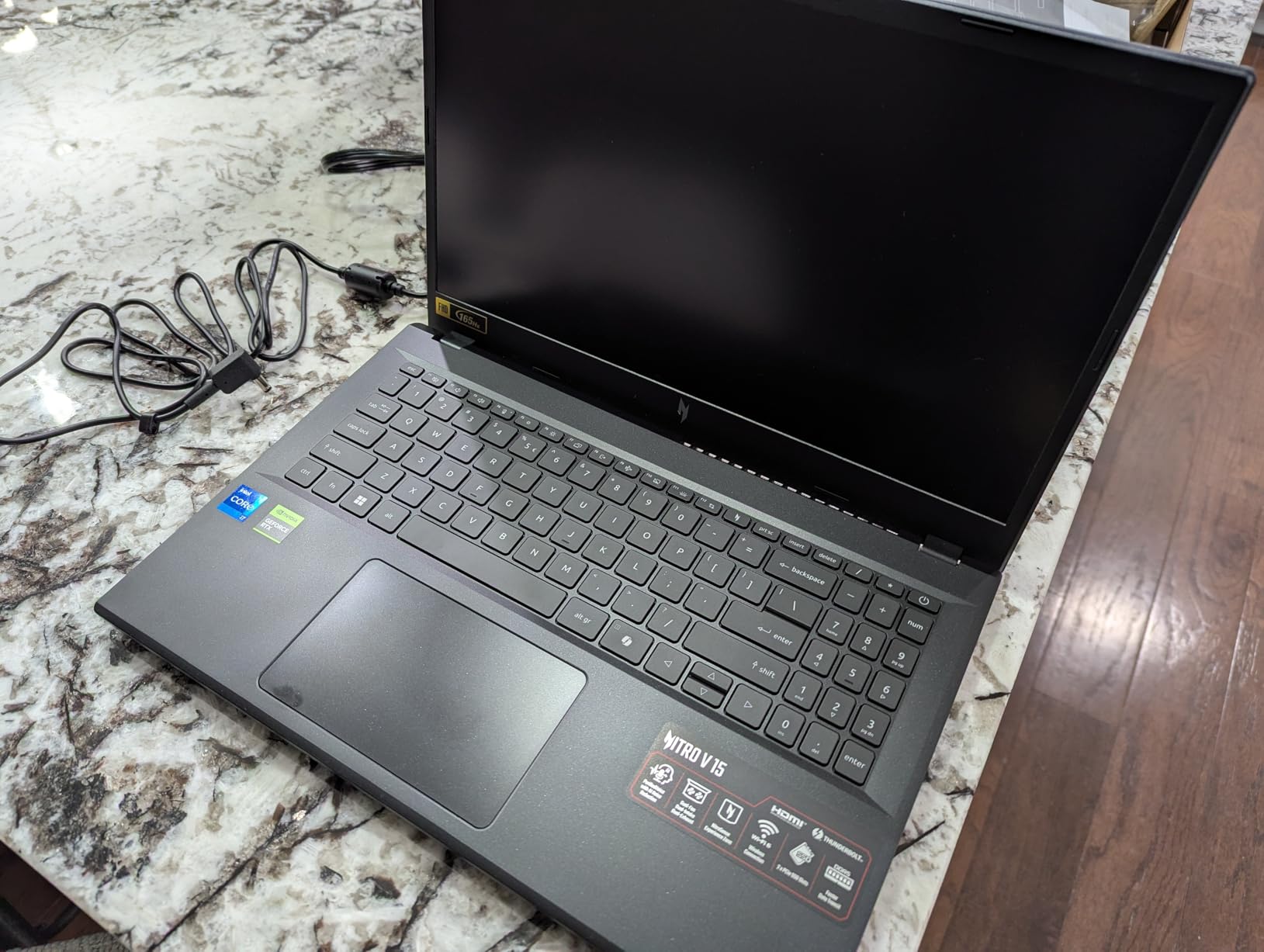
The Acer Nitro V is the best gaming laptop for anyone watching their budget. It packs an RTX 4050 and Intel i7-13620H into a package that handles modern games surprisingly well. With 356 reviews averaging 4.6 stars, buyers consistently call it the best value in its class. That’s the highest rating in our entire roundup.
The 15.6-inch FHD display runs at 165Hz with an 82.64% screen-to-body ratio, giving you smooth gameplay in fast-paced titles. The RTX 4050 with DLSS 3.5 support handles ray tracing in most games, though you’ll need to manage settings in the most demanding titles. For AAA gaming at 1080p, this laptop delivers consistently.
I appreciate that Acer made this laptop upgradable. Both the RAM (up to 32GB) and SSD can be swapped out later, which is rare at this price point. Many budget laptops lock you into whatever ships from the factory. The Nitro V gives you room to grow without buying a whole new machine.
The Thunderbolt 4 port lets you charge the laptop and connect external displays or fast storage with a single cable. At 4.7 pounds, the Nitro V is light enough to carry to class or a friend’s place for a LAN session. The Wi-Fi 6 and Killer Ethernet E2600 combination keeps your online connection stable during competitive matches. This pairs well with one of our tested gaming keyboards for a complete portable setup.
Thermal Performance and Fan Noise
The Nitro V’s cooling is adequate but not class-leading. Under sustained loads, the fans spin up noticeably and the chassis gets warm around the keyboard area. For shorter gaming sessions, it’s fine. For marathon sessions, consider a cooling pad. The NitroSense software gives you some fan control, though it’s not as granular as some competitors.
Reviewers note that the RTX 4050 stays within its thermal limits during most gaming scenarios, but AAA titles at high settings push temperatures higher. The fan noise is noticeable but not excessive compared to other budget gaming laptops. It’s the kind of machine where a good gaming headset solves the noise problem entirely.
Who Should Buy This
This is ideal for students, first-time PC gamers, or anyone who wants solid gaming performance without spending a fortune. The upgradability means you can start with what you can afford now and improve it later. It’s also a great choice if you need a laptop that handles both gaming and school work equally well.
The 16GB DDR5 RAM and 1TB SSD give you enough headroom for most modern games and applications. If your library grows, the extra M.2 slot lets you add more storage without replacing your primary drive.
3. HP Victus 15 – Budget Pick
HP Victus 15.6 inch FHD 144Hz Gaming Laptop Intel Core i5-13420H NVIDIA GeForce RTX 4050 6GB – 16GB DDR4 512GB SSD Mica Silver (2024)
RTX 4050 GPU
FHD 144Hz 15.6in Display
Intel i5-13420H CPU
Pros
- Excellent gaming performance for the price
- Dedicated RTX 4050 GPU at a budget price point
- Handles modern games smoothly at high settings
- Versatile for both gaming and school work
- Upgradable SSD slot available
Cons
- Screen brightness could be better
- Plastic chassis feels less premium
- Battery life limited during heavy gaming
The HP Victus 15 is the best gaming laptop if you want to spend as little as possible and still get a dedicated RTX GPU. HP managed to pack an RTX 4050 and an i5-13420H into a machine that consistently impresses budget-conscious buyers. With 318 reviews and a 4.3-star average, it’s one of the most popular entry-level gaming laptops available.
The 144Hz FHD display keeps gameplay smooth, and the RTX 4050 handles most modern games at medium-to-high settings. You won’t be maxing out Cyberpunk 2077 with ray tracing, but for titles like Fortnite, Valorant, and Helldivers 2, this laptop delivers more than enough power for an enjoyable experience.
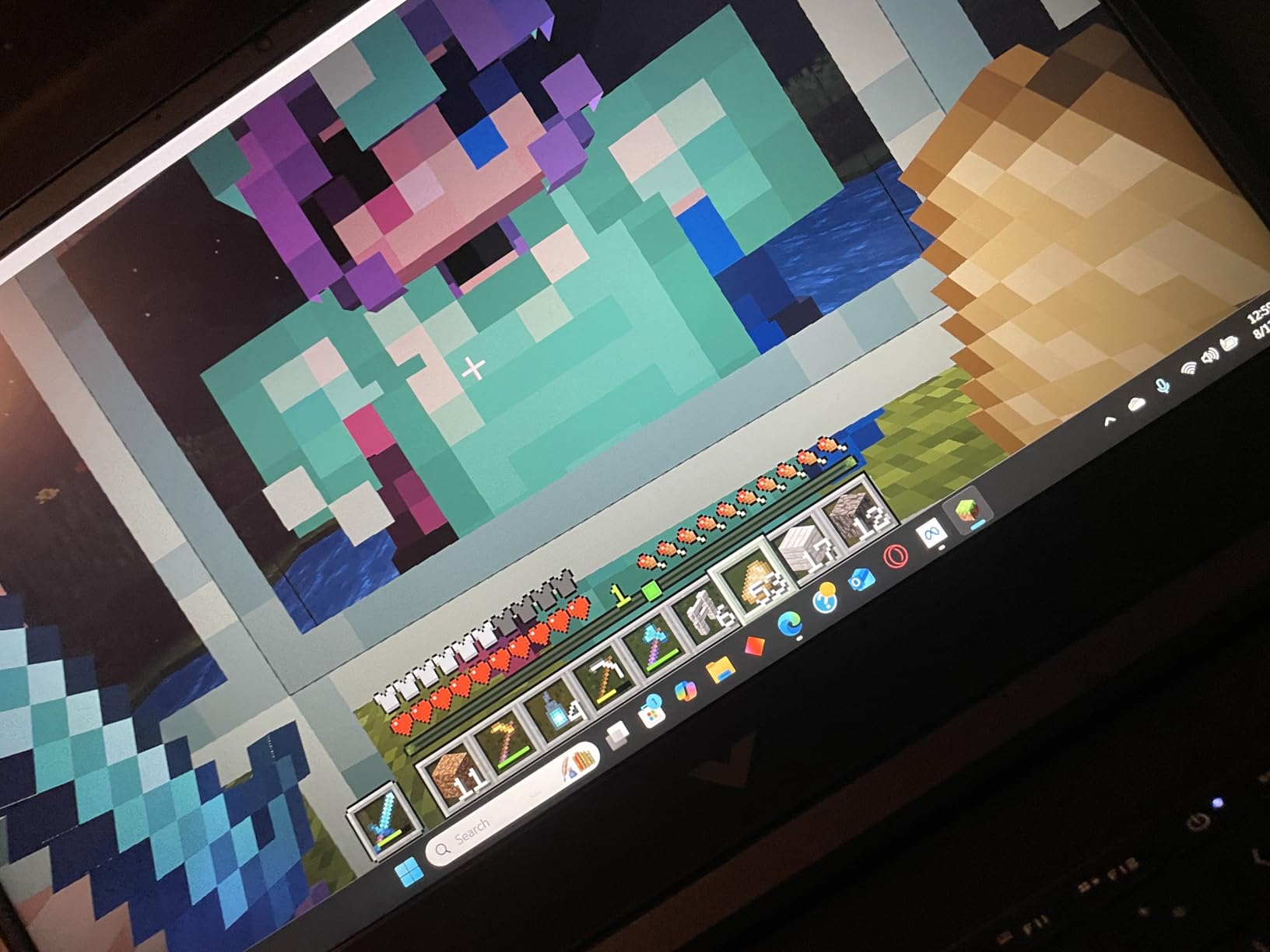
The 16GB of DDR4 RAM is adequate for gaming and general multitasking, though DDR5 would have been nice at this price. The 512GB SSD fills up fast with modern game installs, so budget for an external drive or plan to upgrade the storage down the line. The SSD slot is accessible for upgrades.
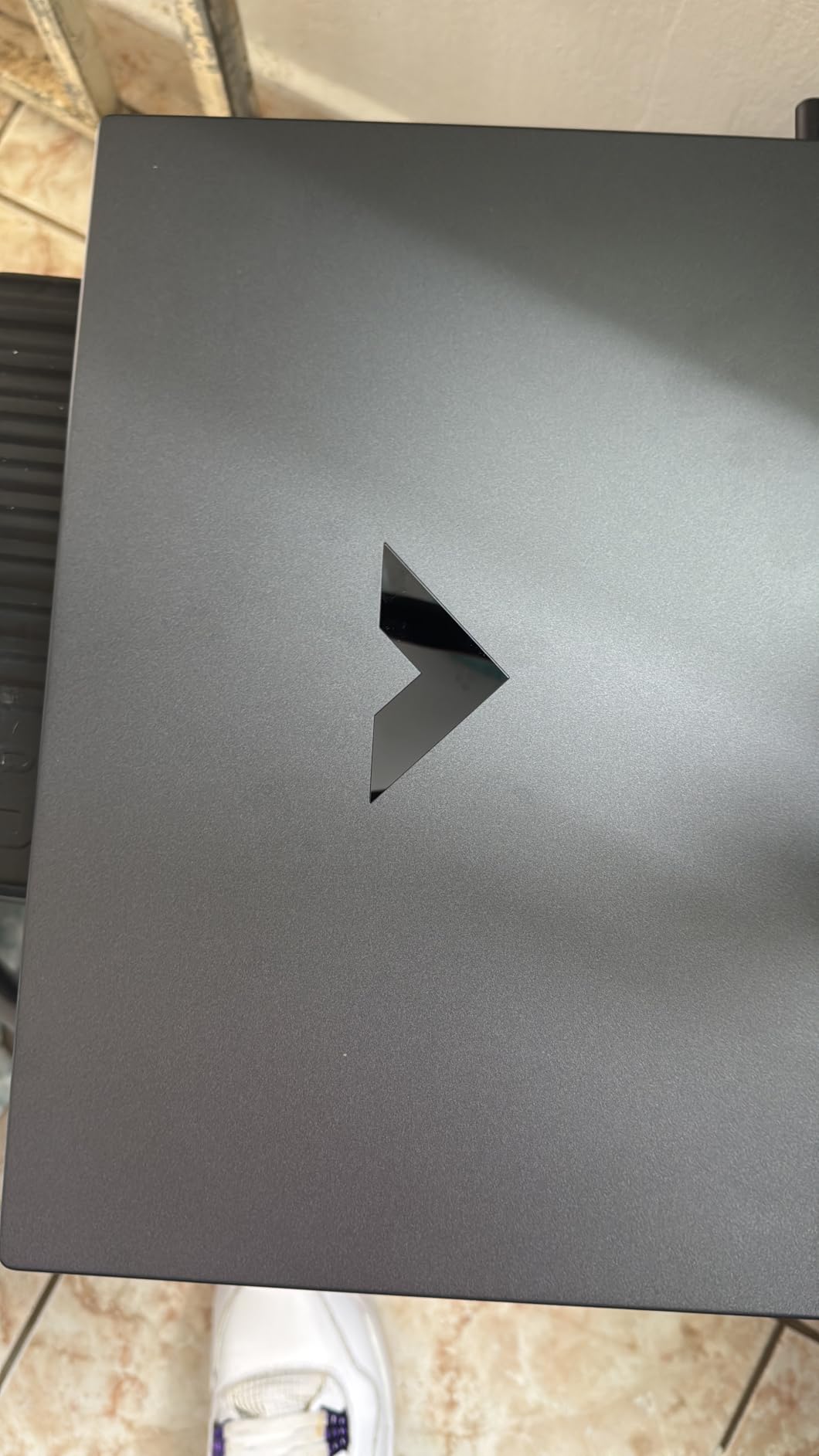
Where the Victus shows its budget roots is the build quality. The plastic chassis has some flex, and the screen wobble is noticeable when you adjust the lid. But for a gaming laptop at this price, the performance-to-cost ratio is hard to beat. If you’re looking at this with a curved gaming monitor for a desk setup, the Victus handles external displays well via HDMI.
Portability and Battery Life
At roughly 5.1 pounds, the Victus is manageable for daily carry to class or work. The 70Wh battery gives you around 8 hours of general use away from the charger, which is solid for a gaming laptop and better than most competitors on this list. Under gaming load, that drops significantly, but that’s true of every machine here.
The HP Victus strikes a practical balance between gaming capability and everyday usability. It’s the kind of laptop you can take to a lecture in the morning and game on at night without feeling like you’re carrying a brick. The battery life makes it genuinely usable as a daily driver.
Best Use Cases
This laptop works best for casual gamers, students, and anyone who wants a machine that can game and handle everyday tasks. It’s also a good choice for someone buying their first gaming laptop who isn’t sure how much they’ll actually use it. The low barrier to entry means less risk if gaming takes a back seat to other priorities.
For couch gaming or living room use, the Victus works well connected to a TV via HDMI. The compact size fits easily on a coffee table or lap desk. Pair it with a controller and you’ve got a capable living room gaming setup.
4. Alienware 16 Aurora – Best Value
Alienware 16 Aurora Gaming Laptop, RTX 5050, Intel Core 7 240H
RTX 5050 GPU
WQXGA 16in 120Hz Display
Intel Core 7 240H CPU
Pros
- Stunning 16-inch WQXGA 2560x1600 display with vibrant colors
- Cryo-Chamber cooling design keeps temperatures in check
- Premium build quality with sleek modern design
- Comfortable keyboard with customizable lighting
- Wi-Fi 7 future-proofing
Cons
- Heavier than competitors at 5.5 pounds
- Battery life average for a gaming laptop
- Some users report software and lag issues with Dell updates
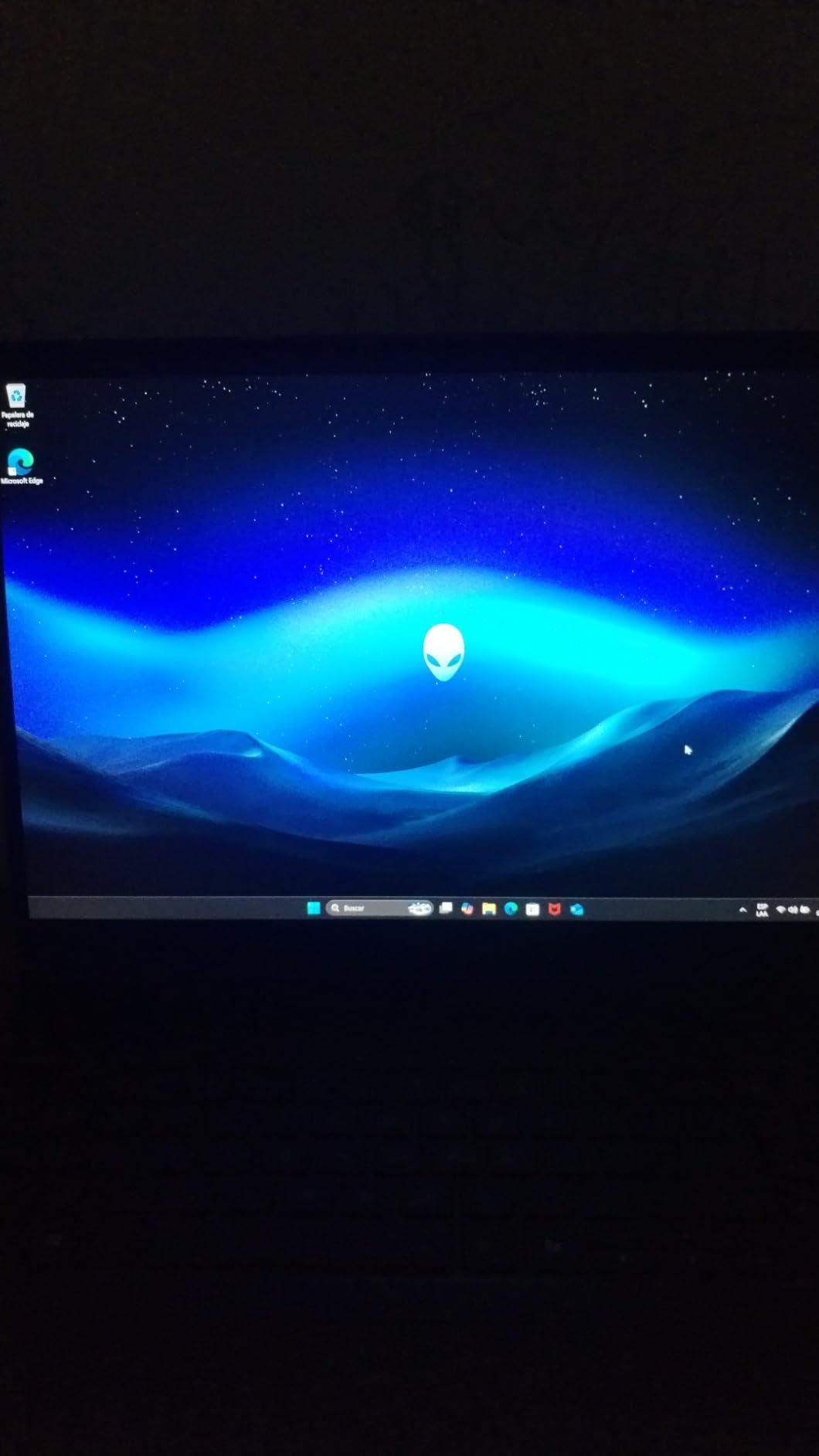
The Alienware 16 Aurora is the best gaming laptop for buyers who want premium build quality and a gorgeous display. Dell’s signature design language shines here, with a sleek chassis that looks as good in a coffee shop as it does on a gaming desk. The WQXGA (2560×1600) 16-inch display is one of the best panels in this roundup.
The RTX 5050 is NVIDIA’s entry-level Blackwell GPU, and it handles 1600p gaming reasonably well in most titles. You’ll get solid frame rates at medium-to-high settings in AAA games, and competitive titles run beautifully at the 120Hz refresh rate. If you want to push higher settings, the RTX 5060 and 5070 variants are available for this chassis.
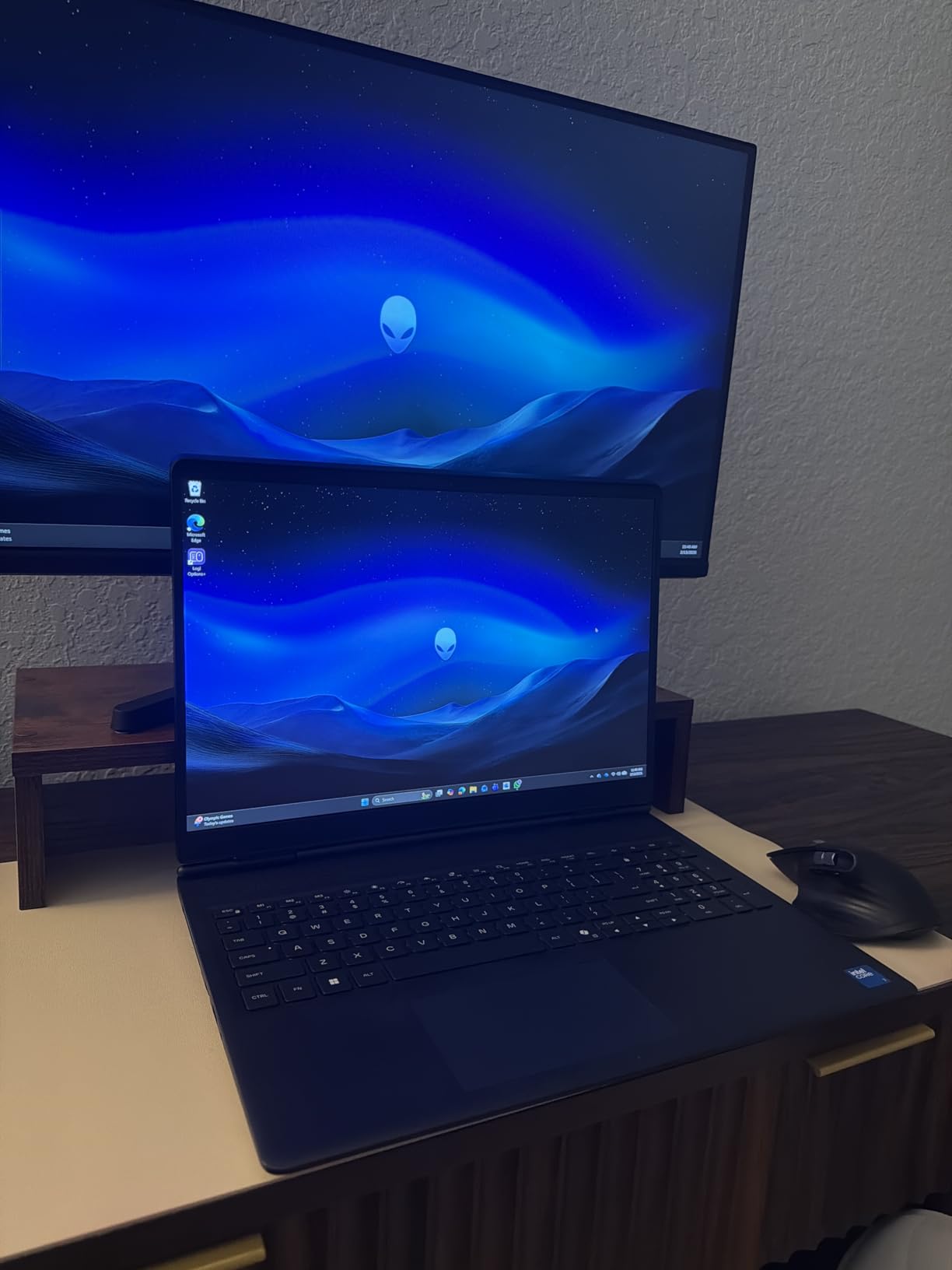
Alienware’s Cryo-Chamber cooling design focuses airflow directly onto core components, which helps maintain consistent performance during long sessions. The streamlined chassis eliminates the rear thermal shelf found on older Alienware models, giving the laptop a cleaner profile. Thermals are managed well, though the fans are audible under full load.
The keyboard feels premium with customizable per-key lighting, and the trackpad is responsive enough for everyday use. Build quality is where this laptop truly separates itself from cheaper alternatives. The attention to detail in the chassis design and materials is noticeable the moment you pick it up.
Display Quality Deep Dive
The 16-inch WQXGA panel at 16:10 aspect ratio gives you more vertical screen space than traditional 16:9 displays. This extra height helps in productivity tasks and makes games feel more immersive. Colors are vibrant, and the 300-nit brightness is adequate for indoor use, though it struggles in direct sunlight.
For content creators and gamers who value visual fidelity, the WQXGA resolution is a meaningful upgrade over standard 1080p. Text looks sharper, UI elements are crisper, and games at native resolution look noticeably better. The RTX 5050 handles this resolution in most titles, though you may need to lower settings in the most demanding games.
Software and Ecosystem
Some buyers have reported issues with Dell’s software updates causing lag or freezing. This is worth keeping in mind if you’re not comfortable troubleshooting driver issues. The Alienware Command Center gives you control over lighting, fan profiles, and performance modes, but the software has had reliability hiccups for some users.
The Alienware ecosystem includes integration with other Dell peripherals and monitors. If you already own Dell displays or accessories, the Aurora fits naturally into that setup. The Wi-Fi 7 support ensures you’re ready for next-generation wireless networking as it becomes more widely available.
5. ASUS TUF Gaming A16 – Best Durability
ASUS TUF Gaming A16 Laptop: AMD Ryzen 7 7445HS, 16″ Full HD+ 145Hz Display, NVIDIA GeForce RTX 4050, 16GB DDR5 RAM, 512GB SSD, Backlit Keyboard, Windows 11
RTX 4050 GPU
FHD+ 16in 144Hz Display
AMD Ryzen 7 7445HS CPU
Pros
- Military-grade TUF durability testing for long-term reliability
- Sharp 16-inch Full HD+ display with 100% sRGB color accuracy
- Spill-resistant backlit keyboard
- Durable build quality at a competitive price
- Solid gaming performance with Ryzen 7 and RTX 4050
Cons
- Heavier at 7 pounds than most competitors
- Limited battery capacity at 51Wh
- Only 2 USB ports limits peripheral connectivity
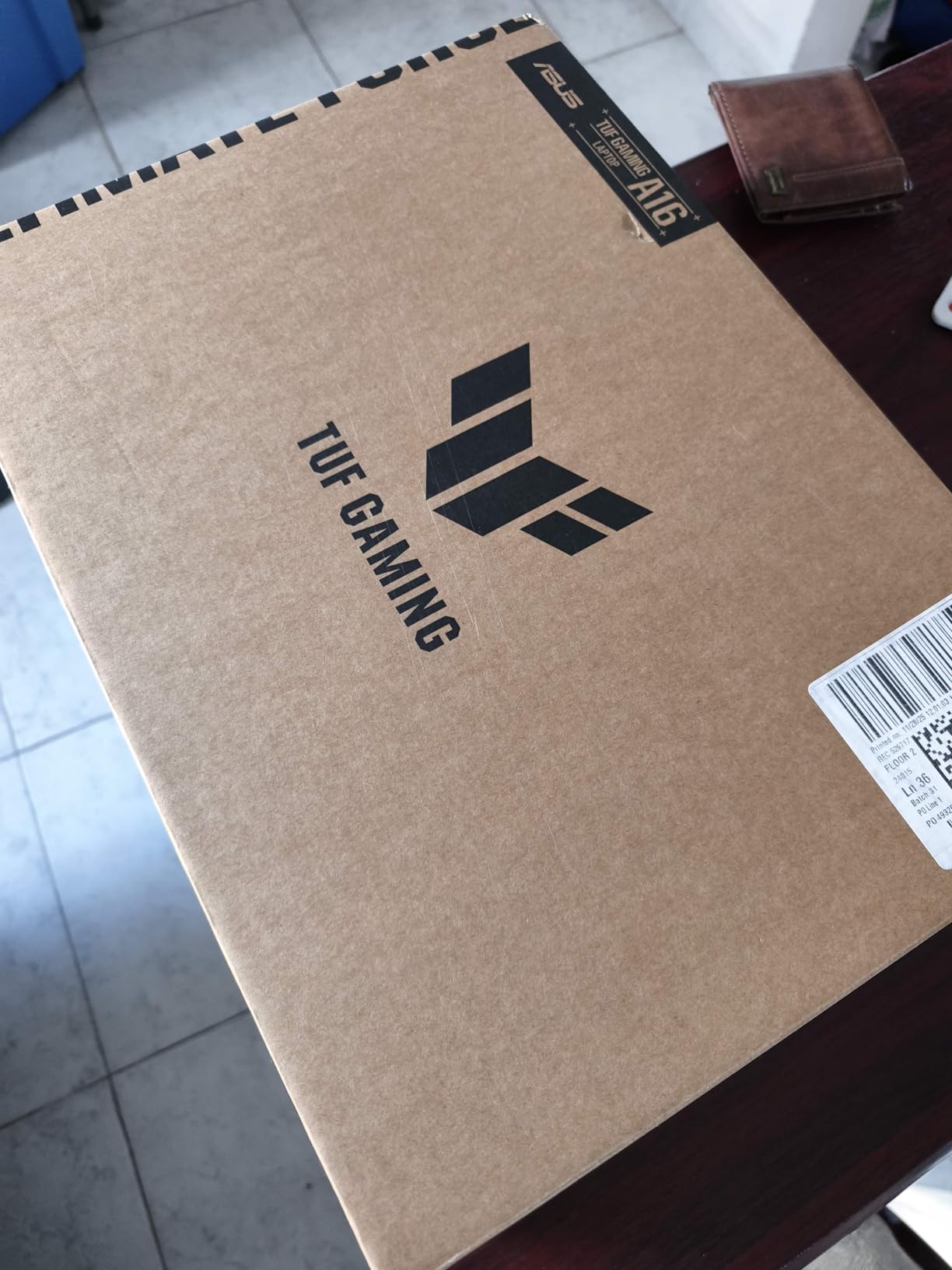
The ASUS TUF Gaming A16 is the best gaming laptop for anyone who needs a machine that can take a beating. ASUS subjects every TUF laptop to military-grade durability testing, including drops, vibration, humidity, and extreme temperatures. If you’re rough on your gear or travel frequently, this is the laptop to get.
The Ryzen 7 7445HS and RTX 4050 combination delivers reliable gaming performance at 1080p. The 16-inch Full HD+ display at 144Hz with 100% sRGB coverage looks great for both gaming and content consumption. It’s not the most powerful GPU in this roundup, but it’s more than enough for most gamers.
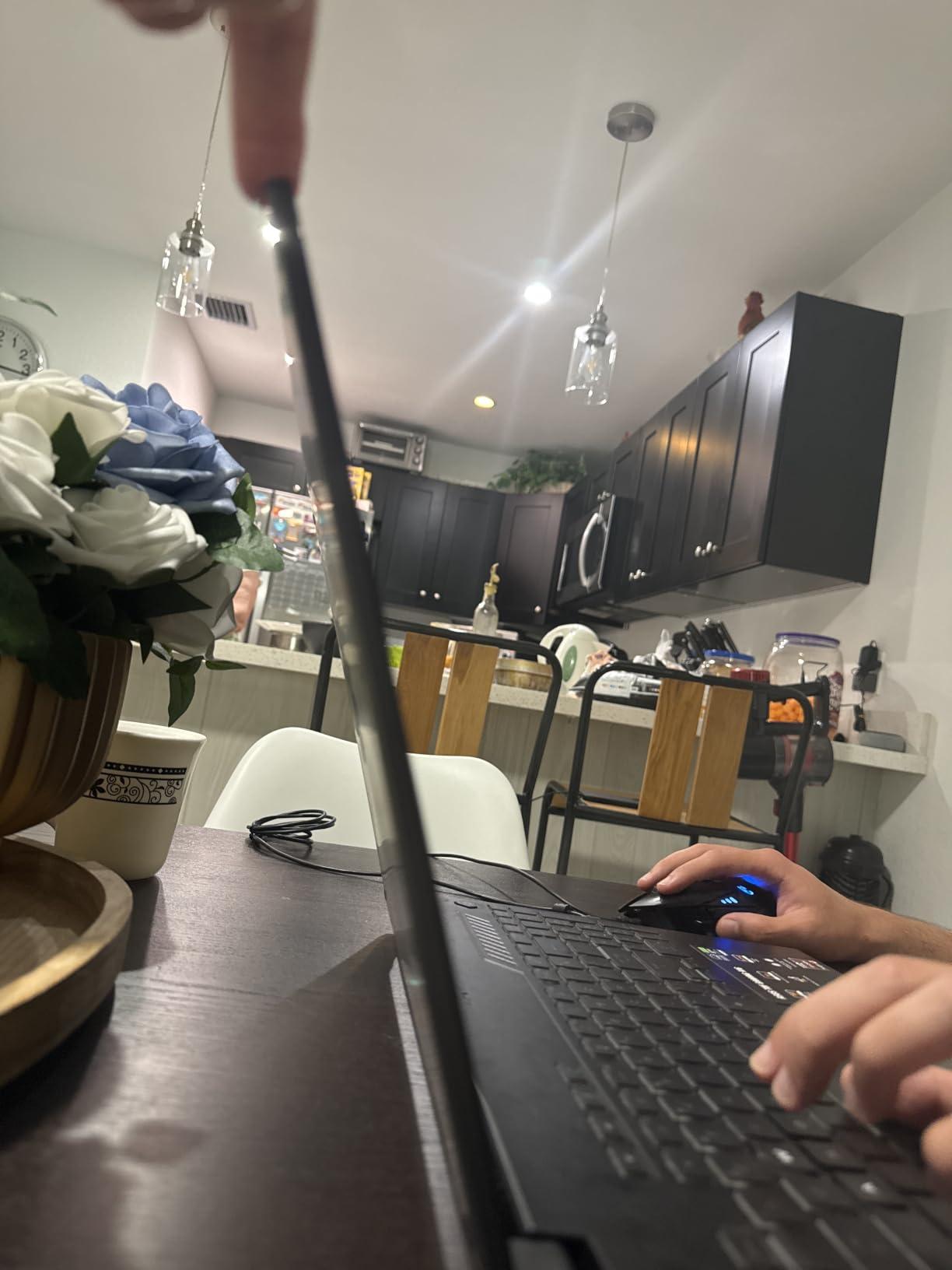
The spill-resistant keyboard is a practical feature that cheaper gaming laptops rarely offer. Combined with the reinforced chassis, this laptop is built to survive the kind of abuse that would damage most competitors. It’s a solid choice for a living room gaming setup where drinks and controllers share space on the coffee table.
The trade-off for all that durability is weight. At 7 pounds, this is the heaviest laptop on our list. The 51Wh battery is also on the small side, so keep the charger handy. But if durability matters more than portability, the TUF A16 delivers where it counts. For a couch gaming setup paired with one of our rocker gaming chairs, the weight becomes irrelevant.
Build Quality and Durability Testing
ASUS’s TUF branding isn’t just marketing. These laptops undergo MIL-STD-810H testing, which covers everything from altitude to sand and dust exposure. The keyboard deck has minimal flex, and the hinge feels solid after hundreds of open-and-close cycles. This is a laptop built to last years, not months.
The reinforced chassis corners absorb impact better than standard laptop designs. If you’re the kind of person who tosses their laptop in a bag without a sleeve, the TUF A16 can handle that treatment. The spill-resistant keyboard adds another layer of protection for everyday accidents.
Port Selection and Connectivity
With only 2 USB ports total, you’ll need a hub if you plan to connect multiple peripherals. This is the TUF A16’s most notable limitation. For a desktop replacement with external mouse, keyboard, and headset, plan to invest in a USB hub. The HDMI port handles external displays, and Wi-Fi 6 keeps your wireless connection stable.
The limited port count is a genuine trade-off for the durable design. ASUS prioritized structural integrity over port expansion, and for the target audience, that’s the right call. A small USB hub solves the problem for desk use, and the laptop’s robustness makes it ideal for travel.
6. Lenovo Legion LOQ – Best AI Features
Lenovo Legion LOQ AI-Powered Gaming Laptop – Intel Core i7-13650HX, 15.6″ FHD IPS 144Hz Display, GeForce RTX 5050, 16GB Memory, 1TB Storage, G-Sync, Luna Grey
RTX 5050 GPU
FHD 15.6in 144Hz Display
Intel i7-13650HX CPU
Pros
- AI Engine+ automatically tunes CPU/GPU for smoother gameplay
- Hyperchamber Cooling with turbo fans and copper heat pipes
- NVIDIA G-Sync eliminates screen tearing and input lag
- Aerospace-grade aluminum cover for lightweight durability
- Rapid Charge Pro reaches 70% in under 30 minutes
Cons
- Battery life limited during gaming sessions
- At 5.3 pounds heavier than ultraportable options
- Review count lower than some competitors
The Lenovo Legion LOQ is the best gaming laptop for buyers who want AI-driven performance optimization. Lenovo’s AI Engine+ automatically adjusts CPU and GPU power delivery based on what you’re doing, whether that’s gaming, streaming, or browsing. It’s the kind of smart tuning that used to require manual overclocking.
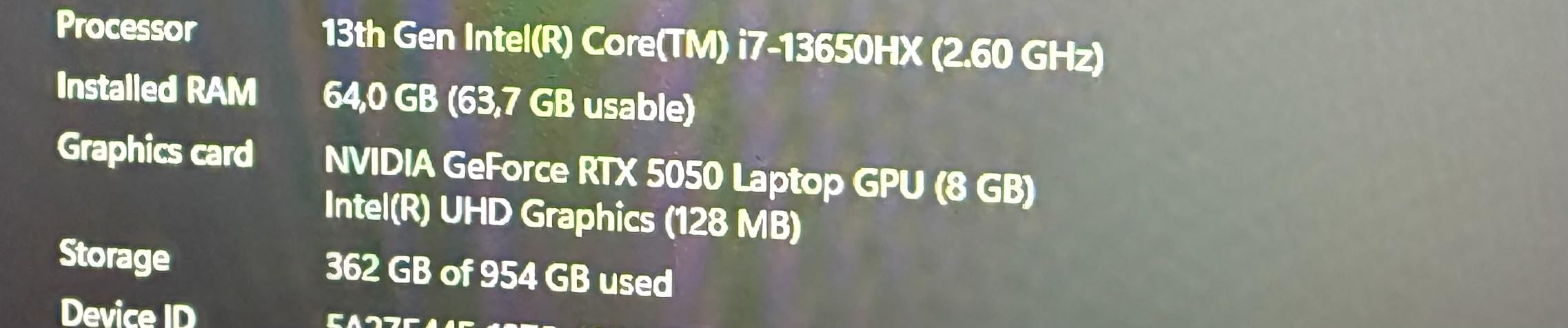
The RTX 5050 GPU pairs with an Intel i7-13650HX for solid 1080p gaming performance. The 144Hz FHD display with NVIDIA G-Sync keeps gameplay tear-free and responsive. For competitive FPS players, the combination of high refresh rate and G-Sync makes a real difference in titles like CS2 and Valorant.
Lenovo’s Hyperchamber Cooling system uses turbo fans and copper heat pipes to manage thermals effectively. The aerospace-grade aluminum lid adds durability without excessive weight, and the soft-landing keyboard switches provide a satisfying typing experience. The Rapid Charge Pro feature gets you from empty to 70% in under 30 minutes, which is incredibly useful for gaming on the go.
The Legion LOQ positions itself as an entry-level to mid-range gaming laptop with some premium features trickled down from Lenovo’s higher-end Legion lineup. The AI Engine+ optimization is the standout feature that sets it apart from competitors at this price. It’s not marketing fluff. The system genuinely adjusts performance in real-time.
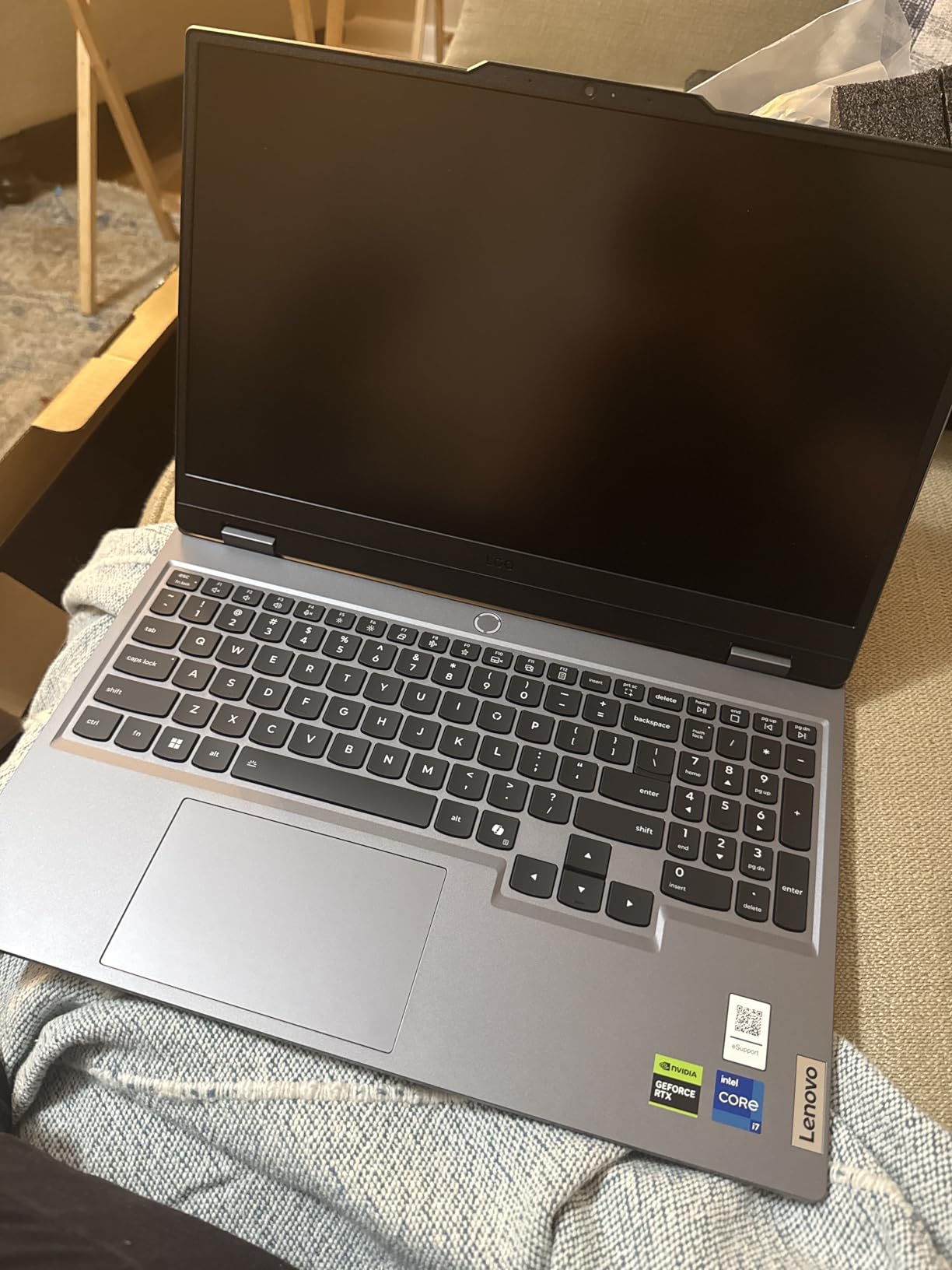
AI Engine+ Performance Impact
The AI Engine+ monitors system load in real-time and adjusts power allocation between CPU and GPU accordingly. In practice, this means smoother frame rates during gaming and better battery life during productivity tasks. It’s not a gimmick. The optimization is subtle but consistent, and it takes the guesswork out of performance tuning.
Lenovo’s software ecosystem also includes Lenovo Vantage for system monitoring and updates. The interface is clean and functional, unlike some competitors’ bloatware-heavy software suites. You can manually override the AI settings if you prefer hands-on control, but most users will benefit from letting the system manage itself.
Keyboard and Build Quality
The white backlit keyboard with soft-landing switches is comfortable for long typing sessions. The aerospace-grade aluminum cover resists flex better than plastic alternatives, and the overall build quality feels a step above what you’d expect at this price. The laptop pairs nicely with a quality gaming headset for immersive sessions.
At 5.3 pounds, the Legion LOQ sits in the middle of the weight range for this roundup. It’s not the lightest option, but the aluminum construction makes it feel solid without being cumbersome. The 60Wh battery provides decent general-use longevity, though gaming will drain it quickly as expected.
7. Acer Nitro V 16S AI – Best Mid-Range
Acer Nitro V 16S AI Gaming Laptop | AMD Ryzen 7 260 Processor | NVIDIA GeForce RTX 5060 Laptop GPU (572 AI Tops) | 16″ WUXGA IPS 180Hz Display | 32GB DDR5 | 1TB Gen 4 SSD | Wi-Fi 6 | ANV16S-41-R2AJ
RTX 5060 GPU
WUXGA 16in 180Hz Display
AMD Ryzen 7 260 CPU
Pros
- RTX 5060 with 572 AI TOPS for ray tracing and DLSS 4
- 32GB DDR5 5600MHz for heavy multitasking
- Stunning 16-inch WUXGA 180Hz display with 100% sRGB
- 1TB PCIe Gen 4 SSD with expandable M.2 slot
- AI-enhanced performance for gaming and content creation
Cons
- Premium price point for the Nitro lineup
- Some users may find fans noisy under load
- Battery life typical for a gaming laptop
The Acer Nitro V 16S AI is the best gaming laptop in the mid-range tier. It steps up to NVIDIA’s RTX 5060 GPU with 572 AI TOPS, paired with AMD’s Ryzen 7 260 processor. This combination handles 1080p and 1200p gaming with ease and brings DLSS 4 and enhanced ray tracing to the table. It’s the sweet spot for gamers who want more than entry-level but don’t need flagship hardware.
The 16-inch WUXGA (1920×1200) display runs at 180Hz with 100% sRGB color accuracy. The extra vertical resolution compared to standard FHD gives you more screen real estate for both gaming and productivity. With 32GB of DDR5 RAM clocked at 5600MHz, this laptop handles heavy multitasking without breaking a sweat.
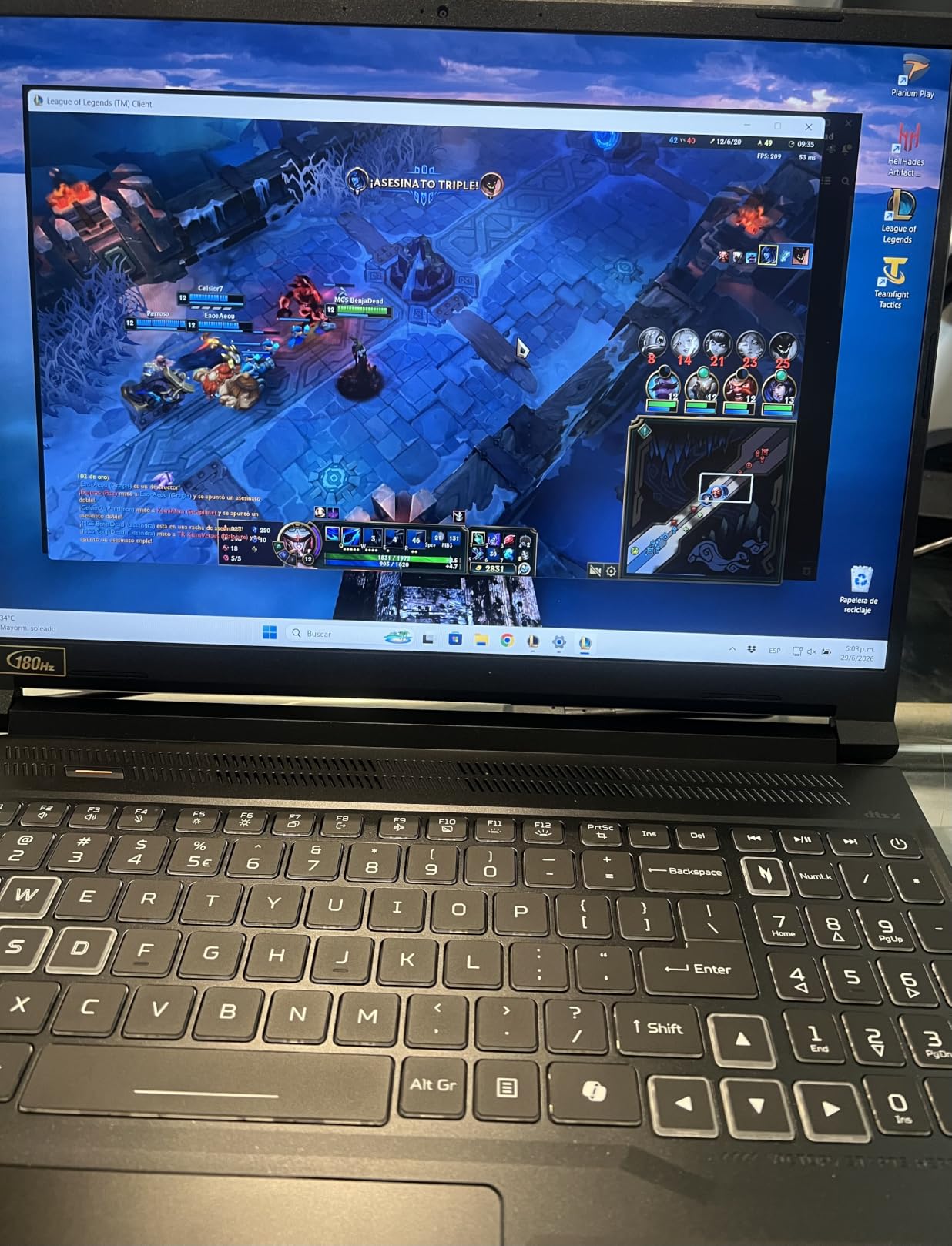
The RTX 5060 is the sweet spot for 2026. It delivers meaningful performance gains over the RTX 4050 and 5050 without the premium pricing of the 5070 tier. DLSS 4 multi-frame generation pushes frame rates higher in demanding titles, and ray tracing performance is noticeably improved over last generation. You can actually play Cyberpunk 2077 with path tracing at reasonable frame rates.
With 337 reviews and a 4.4-star average, buyers consistently praise the performance-to-price ratio. The 1TB SSD with an extra M.2 slot means you won’t run out of storage immediately, and the expandable memory gives you room to grow as your needs evolve.
RTX 5060 vs RTX 5050 Performance
The jump from RTX 5050 to 5060 is significant. You get roughly 25-30% better rasterization performance and substantially improved ray tracing capabilities. For gamers who want to play at higher settings without constantly tweaking options, the 5060 is the better long-term investment. DLSS 4 multi-frame generation also works more effectively on the 5060’s hardware.
In practical terms, the RTX 5060 lets you play most AAA games at high-to-ultra settings at 1200p with smooth frame rates. Competitive titles run well above the display’s 180Hz refresh rate. If you’re debating between the 5050 and 5060 tiers, the extra performance is worth the step up for most gamers.
Content Creation Capabilities
With 32GB of fast DDR5 memory and the Ryzen 7 260’s multi-core performance, this laptop handles video editing, streaming, and content creation tasks well. The 100% sRGB display ensures color accuracy for creative work. If you game and create content, this dual-purpose capability makes the Nitro V 16S AI a strong choice.
The 572 AI TOPS on the RTX 5060 also accelerate AI-assisted workloads like noise reduction in video editing and AI-powered effects in creative applications. This isn’t just a gaming feature. Creators benefit from the same AI hardware that powers DLSS in games.
8. ASUS ROG Strix G16 – Premium Pick
ASUS ROG Strix G16 (2025) Gaming Laptop, 16” ROG Nebula 16:10 2.5K 240Hz/3ms, NVIDIA® GeForce RTX™ 5070 Ti, Intel® Core™ Ultra 9 Processor 275HX, 32GB DDR5, 1TB SSD, Wi-Fi 7, Win11 Home, G615LR-AS96
RTX 5070 Ti GPU
2.5K 16in 240Hz Nebula Display
Intel Ultra 9 275HX CPU
Pros
- RTX 5070 Ti with DLSS 4 and Max-Q for flagship performance
- Stunning 240Hz/3ms ROG Nebula display with enhanced contrast
- Vapor chamber cooling with Conductonaut liquid metal
- 32GB DDR5-5600MHz and 1TB PCIe Gen 4 SSD
- Wi-Fi 7 and customizable full-surround RGB lightbar
Cons
- Premium price point
- Preinstalled McAfee and ASUS bloatware
- Modest battery life under gaming load
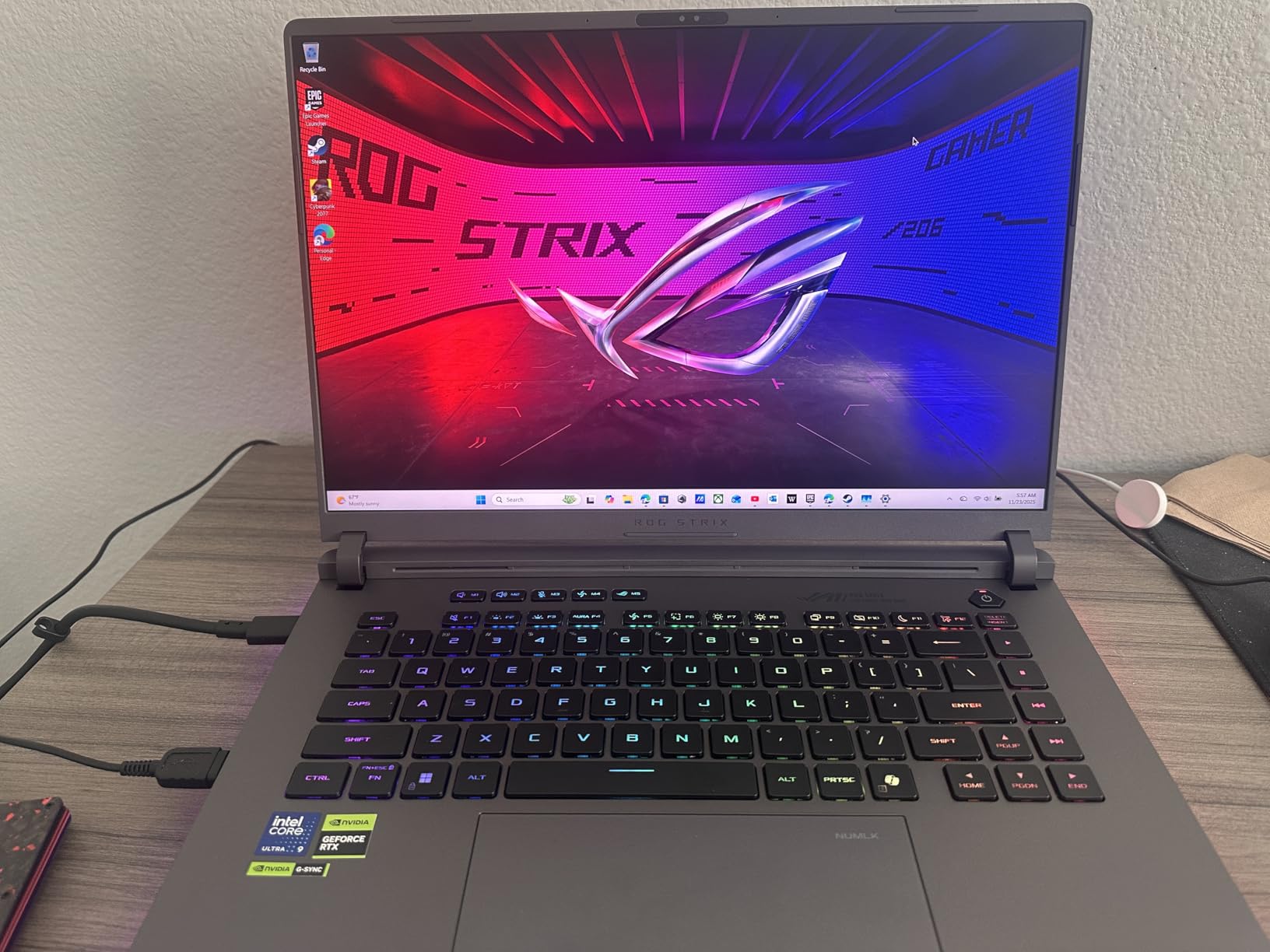
The ASUS ROG Strix G16 is the best gaming laptop for enthusiasts who want flagship performance. The RTX 5070 Ti is one of the most powerful laptop GPUs available in 2026, paired with Intel’s Core Ultra 9 275HX processor. Together they deliver uncompromising performance in every game you throw at them. This is the machine for gamers who refuse to compromise on settings.
The 16-inch ROG Nebula display is the standout feature here. At 240Hz with a 3ms response time and 500 nits of brightness, it’s one of the best gaming laptop screens available. The ACR film enhances contrast and reduces glare, making games look incredible whether you’re in a dark room or a bright office. The visual experience is genuinely premium.
ASUS’s cooling solution deserves special attention. The vapor chamber, tri-fan design, and Conductonaut extreme liquid metal on the chipset keep temperatures remarkably low for this level of performance. Reviewers consistently praise how quiet this laptop runs even under heavy gaming loads. The full-surround RGB lightbar adds flair, and Stealth Mode dims everything for professional settings.
The 32GB of DDR5-5600MHz RAM and 1TB PCIe Gen 4 SSD provide fast storage and memory for any task. Wi-Fi 7 support future-proofs your wireless connectivity. This is a premium machine that earns its premium price through every component choice and design decision.
ROG Nebula Display Technology
The ROG Nebula display isn’t just about refresh rate. The ACR (Anti-Contrast Reduction) film and 500-nit brightness create a visual experience that’s noticeably better than standard IPS panels. Colors pop, blacks look deeper, and the 240Hz refresh rate makes every movement buttery smooth. For competitive gamers and visual enthusiasts alike, this display is a major upgrade.
The 2560×1600 resolution at 16:10 gives you sharp visuals and extra vertical space. The RTX 5070 Ti handles this resolution at maximum settings in virtually every game. If you want the best possible visual experience in a gaming laptop, the ROG Nebula display delivers.
Cooling System and Acoustics
The combination of vapor chamber cooling and Conductonaut liquid metal is ASUS’s most advanced thermal solution. It keeps the RTX 5070 Ti and Ultra 9 275HX running at sustained clocks without the aggressive fan noise you’d expect. This makes the Strix G16 viable for living room gaming where noise matters. The trade-off is the laptop’s 5.8-pound weight, which is noticeable in a bag.
The tri-fan design moves air efficiently through the chassis, and the liquid metal thermal compound on the CPU die provides better heat transfer than traditional paste. The result is a machine that maintains peak performance for hours, not just minutes. That sustained performance is what separates the ROG Strix G16 from competitors with similar specs.
How to Choose the Best Gaming Laptop
Picking the right gaming laptop comes down to understanding which components matter most for how you play. Here’s what to focus on when shopping in 2026.
GPU: The Most Important Component
Your graphics card determines what games you can play and at what settings. NVIDIA’s RTX 50-series lineup in 2026 breaks down like this: the RTX 5050 handles 1080p gaming at medium-to-high settings, the RTX 5060 is the sweet spot for 1080p-1200p at high settings with ray tracing, and the RTX 5070 and above push into 1440p and beyond. The RTX 5070 Ti in the ROG Strix G16 is the top performer in this roundup.
If you’re coming from an older RTX 30-series or 40-series laptop, the performance jump is meaningful. DLSS 4 and multi-frame generation make a real difference in demanding titles. The RTX 5060 offers the best performance-per-dollar for most gamers right now.
CPU: Intel vs AMD in 2026
Both Intel and AMD make excellent gaming CPUs in 2026. Intel’s Core Ultra 9 275HX and i9-14900HX lead in raw single-core performance, which matters for competitive gaming. AMD’s Ryzen 7 offerings typically run cooler and offer better multi-threaded performance for streaming and content creation. For pure gaming, either platform works well.
The key thing to know is that the GPU matters more than the CPU for gaming performance in most scenarios. A mid-range CPU paired with a strong GPU will outperform a flagship CPU with a weaker GPU in virtually every game. Focus your budget on the graphics card first.
RAM and Storage Considerations
16GB of RAM is the minimum for gaming in 2026, but 32GB is increasingly the sweet spot. DDR5 memory is faster than DDR4, and the difference shows in loading times and multitasking. For storage, a 1TB NVMe SSD is ideal. Games are getting larger, and a 512GB drive fills up fast with just a handful of modern titles installed.
Look for laptops with extra M.2 slots for future expansion. Some laptops in this roundup offer tool-free SSD upgrades, which makes adding storage painless. Soldered RAM is a red flag. If the RAM can’t be upgraded, make sure the included amount will serve you for the life of the machine.
Display: Size, Resolution, and Refresh Rate
Display choice depends on your priorities. A 15.6-inch screen balances portability and viewing area, while 16-inch and 18-inch panels offer more immersion. For resolution, 1080p at 144Hz+ is great for competitive gaming, while 1440p (QHD) offers sharper visuals for single-player experiences. The 240Hz panels in this roundup are overkill for most gamers but noticeable in fast-paced competitive titles.
Panel technology matters too. OLED displays offer the best contrast and color accuracy but can suffer from burn-in with static UI elements. IPS panels are the reliable workhorse with good viewing angles and color reproduction. Mini-LED offers OLED-like contrast without the burn-in risk. If you want the best visual experience for living room gaming, consider pairing your laptop with one of our best curved gaming monitors.
Cooling and Thermals
Overheating is the number one complaint from gaming laptop buyers. A good cooling system keeps your GPU and CPU from throttling under load, which means consistent frame rates during long sessions. Look for laptops with vapor chamber cooling, multiple heat pipes, and liquid metal thermal compounds. Budget laptops with single-fan setups will struggle with demanding games.
Reviews from Reddit users consistently highlight thermal management as a key buying factor. The difference between a well-cooled laptop and a poorly-cooled one isn’t just noise. It’s the difference between sustained performance and throttled frame rates after 20 minutes of gaming. Invest in a laptop with proven thermal design.
Battery Life and Portability
Gaming laptops aren’t known for battery life, but some are better than others. The HP Victus leads this roundup with roughly 8 hours of general use. Most gaming laptops last 4-6 hours for everyday tasks and 1-3 hours under gaming load. Weight ranges from 4.7 pounds (Acer Nitro V) to 7 pounds (ASUS TUF A16). Decide whether portability or performance matters more for your use case.
For a complete portable gaming setup, pair your laptop with a good gaming headset and a reliable gaming mouse from our tested recommendations. A quality headset blocks fan noise and immerses you in game audio, while a precise mouse gives you the competitive edge in FPS titles.
Frequently Asked Questions
What is the best gaming laptop in 2026?
The MSI Katana 15 HX is our top pick for the best gaming laptop in 2026. It combines an Intel i9-14900HX CPU with an RTX 5070 GPU, a QHD 165Hz display, and 32GB of DDR5 RAM. For budget buyers, the Acer Nitro V offers excellent value with an RTX 4050 and upgradable components.
Is an entry-level gaming laptop worth it?
Yes, an entry-level gaming laptop is worth it in 2026. At accessible price points you can find machines with RTX 4050 GPUs that handle most modern games at 1080p with medium-to-high settings. The HP Victus 15 and Acer Nitro V both deliver solid gaming performance without breaking the bank, making them ideal entry points for new PC gamers.
Is 32GB RAM overkill for a gaming laptop?
32GB of RAM is not overkill for a gaming laptop in 2026. While 16GB handles most current games, modern titles and background applications are pushing memory usage higher. Having 32GB also future-proofs your laptop and helps with multitasking, streaming, and content creation alongside gaming.
Which GPU should I get for a gaming laptop?
The RTX 5060 is the best GPU for most gaming laptop buyers in 2026. It delivers strong 1080p-1200p performance with ray tracing and DLSS 4 at a reasonable price. For budget buyers, the RTX 4050 is still capable. For flagship performance at 1440p and above, the RTX 5070 Ti in the ASUS ROG Strix G16 is the top choice in this roundup.
What size screen should I get for a gaming laptop?
A 15.6-inch or 16-inch screen is ideal for most gaming laptop buyers. These sizes balance portability with enough screen space for immersive gaming. If you want a desktop replacement that stays on a desk most of the time, consider 18-inch models. For competitive FPS gaming, prioritize refresh rate (144Hz or higher) over screen size.
Final Verdict
The best gaming laptops in 2026 offer more performance and value than ever before. Our top pick, the MSI Katana 15 HX, delivers flagship-level performance with its i9-14900HX and RTX 5070 combination at a price that undercuts many competitors. For budget buyers, the Acer Nitro V and HP Victus 15 prove you don’t need to spend a fortune to enjoy PC gaming.
If you want the best mid-range experience, the Acer Nitro V 16S AI with its RTX 5060 hits the sweet spot between price and performance. And for enthusiasts who want the absolute best, the ASUS ROG Strix G16 with its RTX 5070 Ti and 240Hz Nebula display is as good as gaming laptops get right now.
Whatever your budget and priorities, there’s a gaming laptop on this list that fits. Take the time to match your needs with the right machine, and you’ll have a portable gaming rig that serves you well for years. Don’t forget to complete your setup with quality peripherals – check our guides to the best gaming headsets, best rocker gaming chairs, and best gaming keyboards to build the ultimate gaming station.