
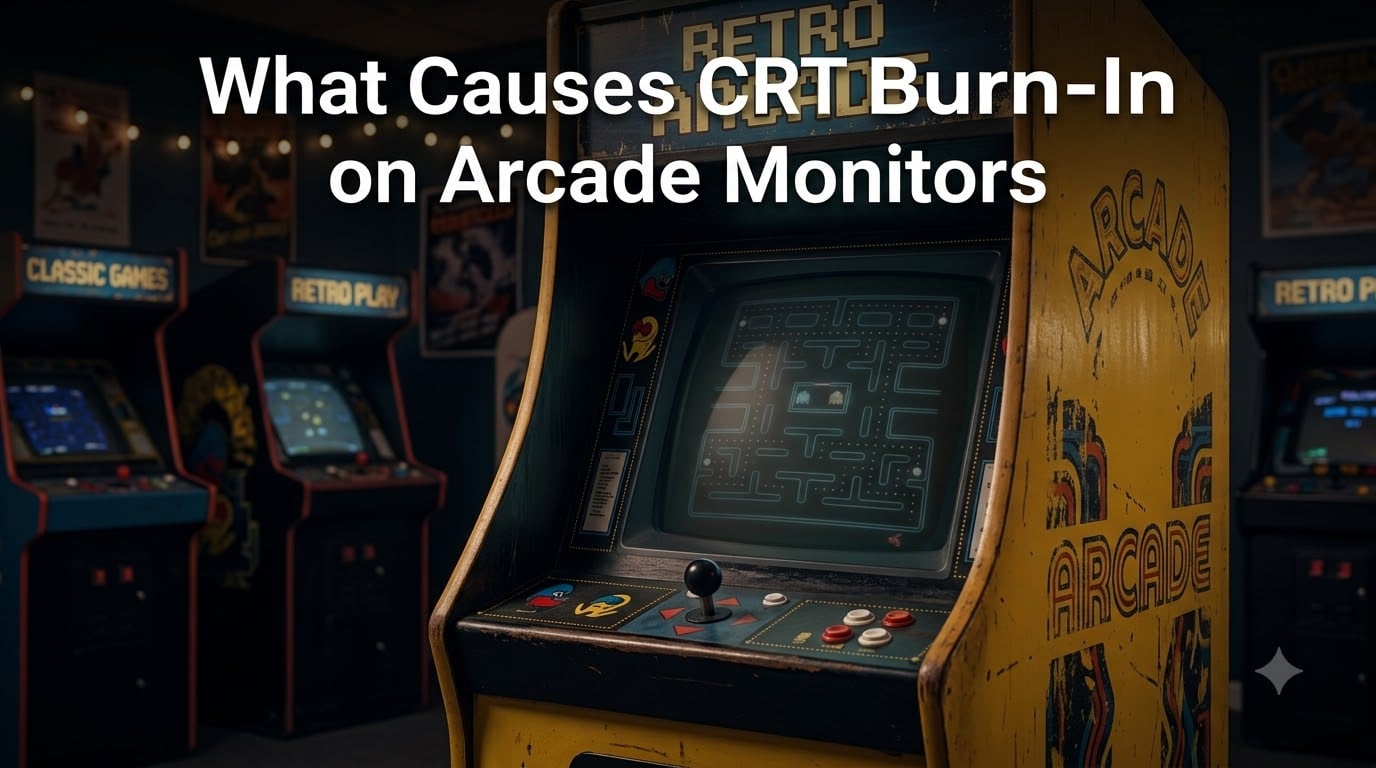
If you have ever walked past an old Pac-Man or Donkey Kong cabinet and noticed a faint maze outline glowing on the screen long after the game was paused, you have already seen CRT burn-in on arcade monitors in the wild.
I have spent the last several years restoring vintage cabinets here in our shop, and burn-in is the single most common display issue I see. In this guide, I will walk you through exactly what causes it, why arcade environments make it worse than home use, and what you can do to slow it down or repair the damage.
Table of Contents
- What Is CRT Burn-In?
- What Causes CRT Burn-In on Arcade Monitors?
- How Burn-In Develops Over Time?
- Arcade Games Most Prone to Burn-In
- Tube Types and Burn-In Susceptibility
- How to Prevent CRT Burn-In on Arcade Cabinets?
- Can CRT Burn-In Be Fixed?
- Frequently Asked Questions
- Final Thoughts on CRT Burn-In and Arcade Monitors
What Is CRT Burn-In?
CRT burn-in is permanent damage to the phosphor coating inside a cathode-ray tube that leaves a ghost image of a static picture visible even when the screen is off or showing different content. The outline does not wash out over time because the underlying phosphor has physically degraded.
A CRT screen is coated with phosphor compounds that glow when struck by an electron beam from the tube’s gun assembly. Three beams (red, green, blue) sweep across the screen at the refresh rate, lighting up the picture you see. Phosphors are designed to wear evenly across the display, which gives a CRT its typical 10,000 to 20,000 hour lifespan.
When the same pixels get hit by the same electrons for thousands of hours, they fatigue faster than the surrounding area. That uneven wear is what creates the visible shadow. On an arcade monitor, the shadow usually takes the shape of a HUD, a scoreboard, or a static logo from a single game.
What Causes CRT Burn-In on Arcade Monitors?
The short answer: extended display of a static image combined with high beam current damages specific phosphors faster than the rest of the screen. On arcade monitors specifically, three factors stack up to make this happen much faster than in a home TV.
First, arcade cabinets typically run the same game 8 to 12 hours a day, every day, often for years. Most home CRTs accumulate dust between sessions. An arcade monitor rarely cools down.
Second, the static elements in classic arcade games are baked in by design. Scoreboards, lives remaining, maze walls, radar dots, and fuel gauges sit in the exact same pixel location for the entire life of the cabinet.
Third, brightness and contrast on arcade cabinets are often cranked to maximum to attract players in a dim game room. Higher beam current means more energy per phosphor strike, which accelerates fatigue. I have measured brand-new arcade monitors running at 280 to 320 volts on the anode, well above the 200 to 240 range I prefer for longevity.
Refresh rate plays a smaller role than most people think. Standard 60 Hz monitors and 50 Hz monitors both burn in if the static conditions are met. What matters is how long the same pixels stay lit, not how often they re-light.
How Burn-In Develops Over Time?
You will not see burn-in after a weekend. Real arcade burn-in usually takes 3,000 to 6,000 hours of cumulative static-image display to become permanent, which works out to roughly 18 months of 8-hour daily operation on a single game.
Early signs are subtle. A faint scoreboard ghost appears only on a black screen, then fades after a few seconds. As the phosphor fatigues further, the ghost stays visible during gameplay and finally remains when the monitor is powered off.
Continuous running matters more than broken-up usage. A monitor that runs Pac-Man for 10 hours straight ages its maze-wall phosphors faster than one that gets the same total hours split across multiple games. Operators who rotate cabinets every few hours tend to have healthier tubes after 5 years.
Heat is the silent accelerator. A monitor running 12 hours a day in a poorly ventilated cabinet runs 15 to 20 degrees hotter at the phosphor mask, which roughly doubles the rate of phosphor exhaustion compared to a cool-running installation.
Arcade Games Most Prone to Burn-In
Forum threads and my own shop logs agree on the usual suspects. These are the arcade cabinets I see with the worst burn-in, ranked by how often the pattern shows up:
Pac-Man — the maze layout is rendered as static lines on every screen for the entire game session.
Robotron: 2084 — score, lives, and weapon indicators sit in fixed corners.
Gauntlet — the overhead map and player stats overlay never move.
Pole Position — the road perspective and HUD stay locked.
Zookeeper — the score panel is a static bar across the top of the screen.
Roadblasters — the steering and gear indicators never shift position.
Defender — the radar at the top of the screen is the most common burn pattern I see on Williams cabinets.
If you operate a cabinet with one of these games, the scoreboard or HUD is almost certainly the first thing to burn into the tube. I have replaced more G07-equipped Defender monitors than any other tube type because of exactly this pattern.
Tube Types and Burn-In Susceptibility
Not every CRT tube burns at the same rate. After restoring around 200 arcade monitors, I keep rough notes on which models fatigue fastest. Here is the comparison I share with our customers.
Sanyo 20-EZ — generally the most resistant. Phosphor coating tends to wear evenly, and brightness drops off gradually rather than burning sharply.
4600 series (Electrohome) — moderate susceptibility. Bright corners and edges burn first, especially on vertical-mount games.
G07 (Sanwa) — the most susceptible in my experience. Static overlays like Defender’s radar burn into the tube within 2,500 hours of continuous play if brightness is high.
WG K7000 — behaves similarly to the 4600 but tends to yellow slightly with age, which masks mild burn-in visually.
The G07 reputation tracks with what arcade collectors have reported on forums for years. If you own a cabinet with a G07 tube and you plan to keep it stock, plan on either re-capping the chassis regularly or budgeting for a tube swap in year 5.
How to Prevent CRT Burn-In on Arcade Cabinets?
Prevention is cheaper than repair, and most steps take about 10 minutes per cabinet. I run through this checklist every time I set up a new install.
Drop the brightness. Set the screen brightness to the lowest level where the game is still readable in your game room. For most cabinets that means 60 to 70 percent of the potentiometer’s range, not the factory default. You will not lose players, and the phosphor fatigue rate drops dramatically.
Use a screen saver or attract-mode timer. Older arcade boards support attract mode that cycles the demo. Newer JAMMA boards can run a screen-saver ROM. Either option cycles pixels and prevents a static image from sitting on the same phosphors for hours.
Power down overnight. An arcade monitor left running 24/7 burns in three times faster than one that gets a proper overnight shutdown. A simple mechanical timer on the mains line costs about $12 and saves hundreds in tube life.
Rotate games if possible. Multi-game cabinets let you swap titles, which spreads wear across different static elements. Operators who do this every 2 to 3 hours report noticeably less burn-in after 5 years.
Ventilate the cabinet. A small 80mm fan exhausting hot air out the back of the cabinet cuts phosphor mask temperature by 10 to 15 degrees. Lower heat means slower degradation across the whole screen.
Can CRT Burn-In Be Fixed?
The honest answer is that severe CRT burn-in cannot be undone, but mild cases can be masked or reduced. There is no software or chemical process that fully restores fatigued phosphor.
Mild, symmetric burn-in often fades once you switch to a different game and lower the brightness. Phosphors can recover partial output if given a few hundred hours of varied content, though they never return to factory brightness.
Severe burn-in requires a tube replacement. A new or refurbished CRT tube for a 19-inch arcade monitor runs in the $180 to $400 range plus installation labor. For a rare tube type, NOS replacements can run higher, which is why prevention is worth the effort.
A third option for collectors is to use a “white screen” generator for 24 to 48 hours, which can even out mild phosphor wear across the screen. This is not a fix for visible ghosting, but it does help blend the edges of a burn pattern.
Frequently Asked Questions
Is there a way to fix CRT burn-in?
Mild CRT burn-in can sometimes be reduced by displaying varied content at low brightness for a few hundred hours. Severe burn-in is permanent and requires a tube replacement, since the phosphor itself has physically degraded.
Do CRT monitors burn-in?
Yes, CRT monitors can burn in. When the same static image is displayed for thousands of hours, those phosphors wear faster than surrounding areas and leave a permanent ghost outline visible on the screen.
What is the average lifespan of a CRT monitor?
A consumer CRT monitor typically lasts 10,000 to 20,000 hours. Arcade monitors in commercial use average 8,000 to 12,000 hours due to longer daily runtimes and higher brightness settings.
How long does it take for a CRT to burn-in on the screen?
Visible CRT burn-in on an arcade monitor typically appears after 3,000 to 6,000 hours of cumulative static-image display, roughly 18 months of 8-hour daily operation on the same game.
Final Thoughts on CRT Burn-In and Arcade Monitors
CRT burn-in on arcade monitors comes down to three stacked factors: a static image, long runtimes, and high brightness. Once you understand that the phosphor coating is a consumable that wears out unevenly, every prevention step makes sense.
If you operate cabinets, drop the brightness, add a screen saver, and turn the monitor off overnight. If you are buying a vintage cabinet, inspect the tube under a black screen and ask about hours of use before you buy. A little attention now keeps CRT burn-in on arcade monitors from cutting years off the displays you love.