
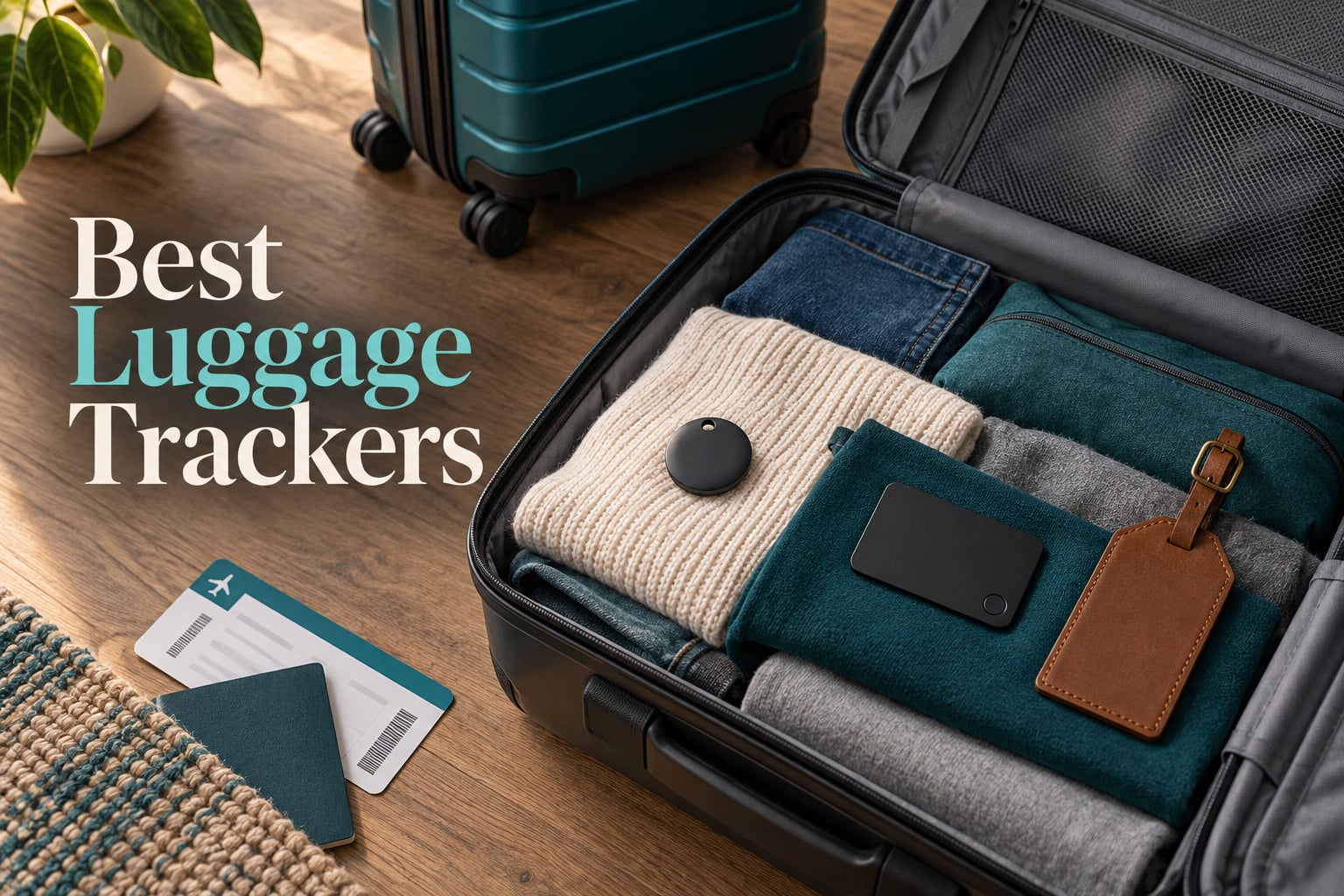
A suitcase that vanishes on a long connection is one of the most stressful things that can happen in travel. Industry trackers recorded 26.4 million mishandled bags in 2024, and roughly 4% of checked bags are delayed or misrouted, which is why a tracker is no longer a gadget for the obsessively organized. It is cheap insurance on a bag you cannot replace and a piece of evidence the airline cannot argue with.
Here is the honest problem with shopping for the best luggage trackers: almost every tracker on the market looks identical, and almost all of them depend on other people’s phones to report a location. The differences that actually matter are the network your phone belongs to, the battery type, and whether you can attach the thing to a bag without buying a case. Those three answers decide whether the tracker is useful or a paperweight.
We compared 10 luggage trackers across four categories: Apple-network tags, Android-network tags, tags that work on both ecosystems, and card trackers that slide into a wallet or passport holder. Every tracker here works without a monthly subscription, because a device that needs a plan every month to tell you where your bag is stops being a tracker and becomes a bill. The picks that need a subscription are the cellular GPS models, and we explain the trade-off in the buying guide below rather than burying it.
Table of Contents
- Top 3 Picks for Luggage Tracking in 2026
- Best Luggage Trackers in 2026: Quick Overview
- How We Picked: What We Checked
- 1. Apple AirTag (2nd Generation): The Best Luggage Tracker Overall
- 2. Samsung Galaxy SmartTag2: The Best Tracker for Samsung Phones
- 3. Life360 Tile: The Best Tracker for Android Phones Without Samsung
- 4. UGREEN Finder Duo Air Tracker Tags: The Best Rechargeable Multi-Platform Pack
- 5. UGREEN FineTrack Air Tracker Tags: The Best Value for Apple Households
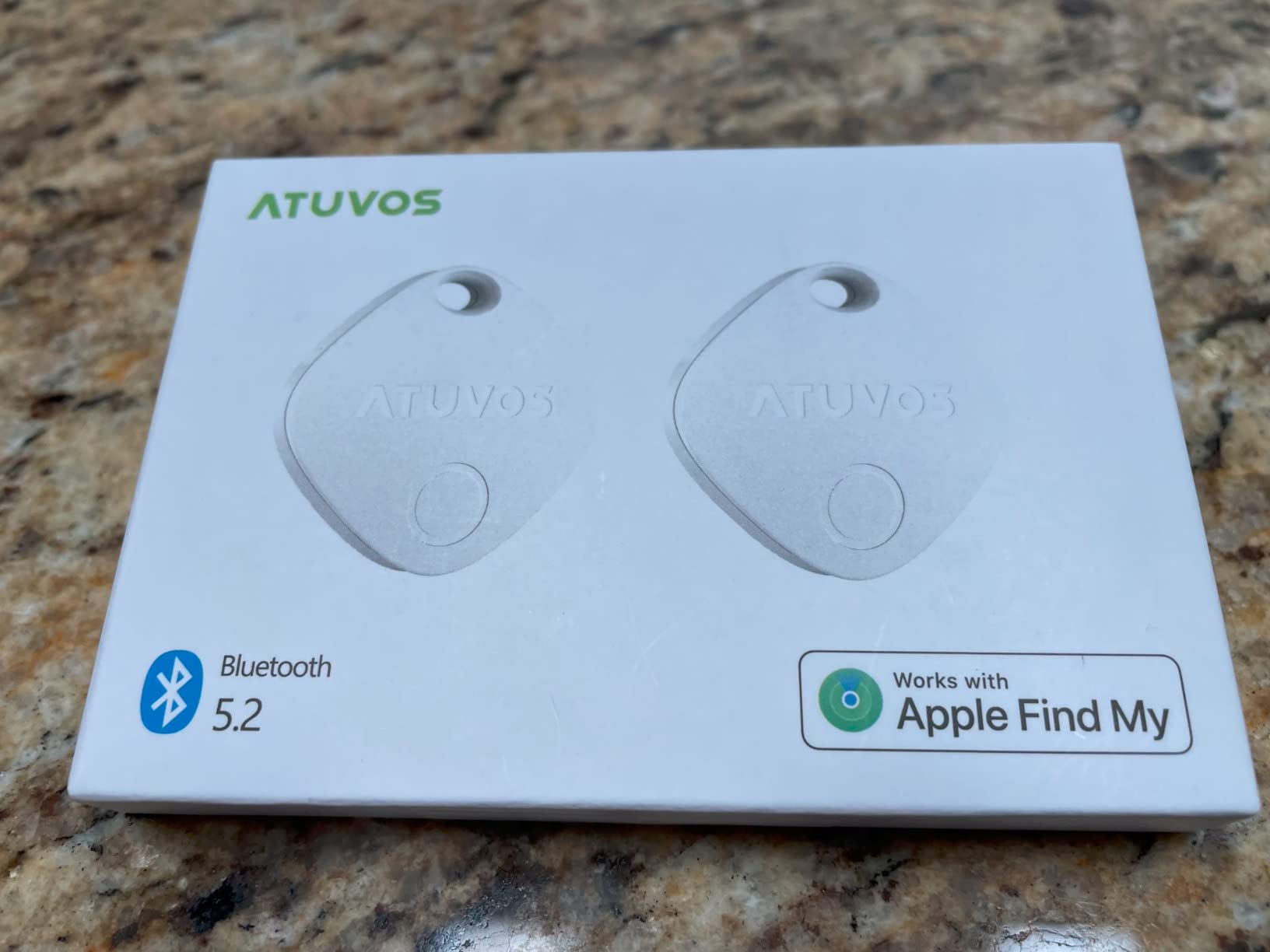
- 6. ATUVOS Air Tracker Tags: The Best Pack for Multiple Checked Bags
- 7. KIUP Dual-Ecosystem Air Tags: The Best Tracker for Mixed Households
- 8. J-Tech Digital Air Card Tag Tracker: The Best Tracker for Wallets and Passports
- 9. LifeChe Leather Luggage Tag Tracker: The Best Tracker That Looks Like a Luggage Tag
- 10. TopMade Find My Luggage Tag: The Best Longest-Interval Rechargeable Tag
- Which Luggage Tracker Fits Your Phone?
- Can You Fly With a Luggage Tracker? TSA and FAA Rules
- Where to Hide a Tracker in Checked Luggage
- What to Do When the Tracker Says Your Bag Missed the Flight
- Frequently Asked Questions
- The Verdict: Best Luggage Tracker by Phone Type
Top 3 Picks for Luggage Tracking in 2026

Apple AirTag (2nd Gen)
- Bluetooth and UWB for Precision Finding
- 50 percent louder speaker
- Over one year on a coin cell
- No subscription

UGREEN FineTrack Air Tags
- Apple MFi certified
- Two year replaceable battery
- Attachment hole included
- No subscription

KIUP Dual-Ecosystem Tags
- Find Hub and Find My support
- Two year battery
- 105 dB speaker
- AirTag-sized body
The AirTag wins because the Find My network is the densest crowdsourced network available and the second-generation chip adds Precision Finding, which is the only directional guidance in this group. The UGREEN FineTrack is the value pick for Apple households that want a longer battery than the AirTag claims. The KIUP pack is the one to buy when a single household runs iPhones and Android phones at the same time.
Best Luggage Trackers in 2026: Quick Overview
| Product | Specs | Action |
|---|---|---|
| Apple AirTag 2nd Generation 4 Pack |
|
Check Latest Price |
 Samsung Galaxy SmartTag2 4 Pack Samsung Galaxy SmartTag2 4 Pack |
|
Check Latest Price |
 Life360 Tile Bluetooth Tracker Life360 Tile Bluetooth Tracker |
|
Check Latest Price |
 UGREEN Finder Duo Air Tracker 4 Pack UGREEN Finder Duo Air Tracker 4 Pack |
|
Check Latest Price |
| UGREEN FineTrack Air Tracker 4 Pack |
|
Check Latest Price |
 ATUVOS Air Tracker Tags 4 Pack ATUVOS Air Tracker Tags 4 Pack |
|
Check Latest Price |
| KIUP Dual-Ecosystem Air Tags 4 Pack |
|
Check Latest Price |
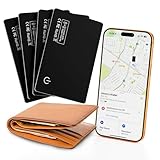 J-Tech Digital Air Card Tag Tracker 4 Pack J-Tech Digital Air Card Tag Tracker 4 Pack |
|
Check Latest Price |
 LifeChe Leather Luggage Tag Tracker LifeChe Leather Luggage Tag Tracker |
|
Check Latest Price |
 TopMade Find My Luggage Tag TopMade Find My Luggage Tag |
|
Check Latest Price |
How We Picked: What We Checked
Every tracker in this roundup was judged against the same five questions, and none of them is about how the box looks.
- Signal continuity in a cargo hold. A Bluetooth tag reports through nearby phones, so what matters is whether the network is dense at the airports your bag actually visits, not the total device count the manufacturer advertises.
- Battery type over a multi-trip horizon. A coin cell you can swap beats a rechargeable cell you have to find a cable for at a foreign airport, and a non-serviceable battery is worse than both.
- Subscription and hidden fees. All 10 picks here run with no monthly fee. Anything that needs a plan to produce a location is a different product category.
- Airline and security compliance. Installed coin cells pass lithium-content limits, but spare loose cells are a different matter, and that distinction catches travelers out constantly.
- Verified user reviews. Ratings and review counts are taken directly from the product listings, and the pros and cons below reflect what buyers actually reported rather than what the marketing claims.
One transparency note. We are not going to tell you we flew with all 10 of these. Where our information is spec-led and review-led rather than hands-on, the review text says so plainly, and we have flagged durability complaints wherever buyers reported them.
1. Apple AirTag (2nd Generation): The Best Luggage Tracker Overall
Apple AirTag (2nd Generation) – 4 Pack: Tracker for Keychain, Wallet, and More; Locator with Sound; Simple One-Tap Setup with iPhone or iPad; Key Finder with up to 1.5X Precision Finding Range*
Bluetooth and UWB
50 percent louder speaker
Over one year on a coin cell
1.44 ounces
Pros
- One-tap setup in the Find My app
- Expanded Precision Finding with step-by-step directions
- Speaker 50 percent louder and audible through a bag
- No subscription or monthly fee
- Over a year of battery per coin cell
Cons
- No built-in keyring hole so a holder is needed
- Apple devices only with no Android support
- Rounded body is easy to lose if not secured
This is the tracker to beat. The second-generation AirTag pairs with an iPhone or iPad in a single tap and appears under Items in Find My, then tracks through Apple’s crowdsourced network plus a long list of airline partners. Reviewers treat it as the reference standard for this whole category, and the volume of feedback reflects that: 10851 reviews at a 4.5 rating.
The practical upgrades are exactly the two that matter for luggage. The speaker is listed as 50% louder than the previous generation with a new chime, and buyers specifically mention hearing it through a packed bag. The Ultra Wideband chip is upgraded too, which is what powers Precision Finding, the step-by-step directional guidance shown on iPhone and Apple Watch.
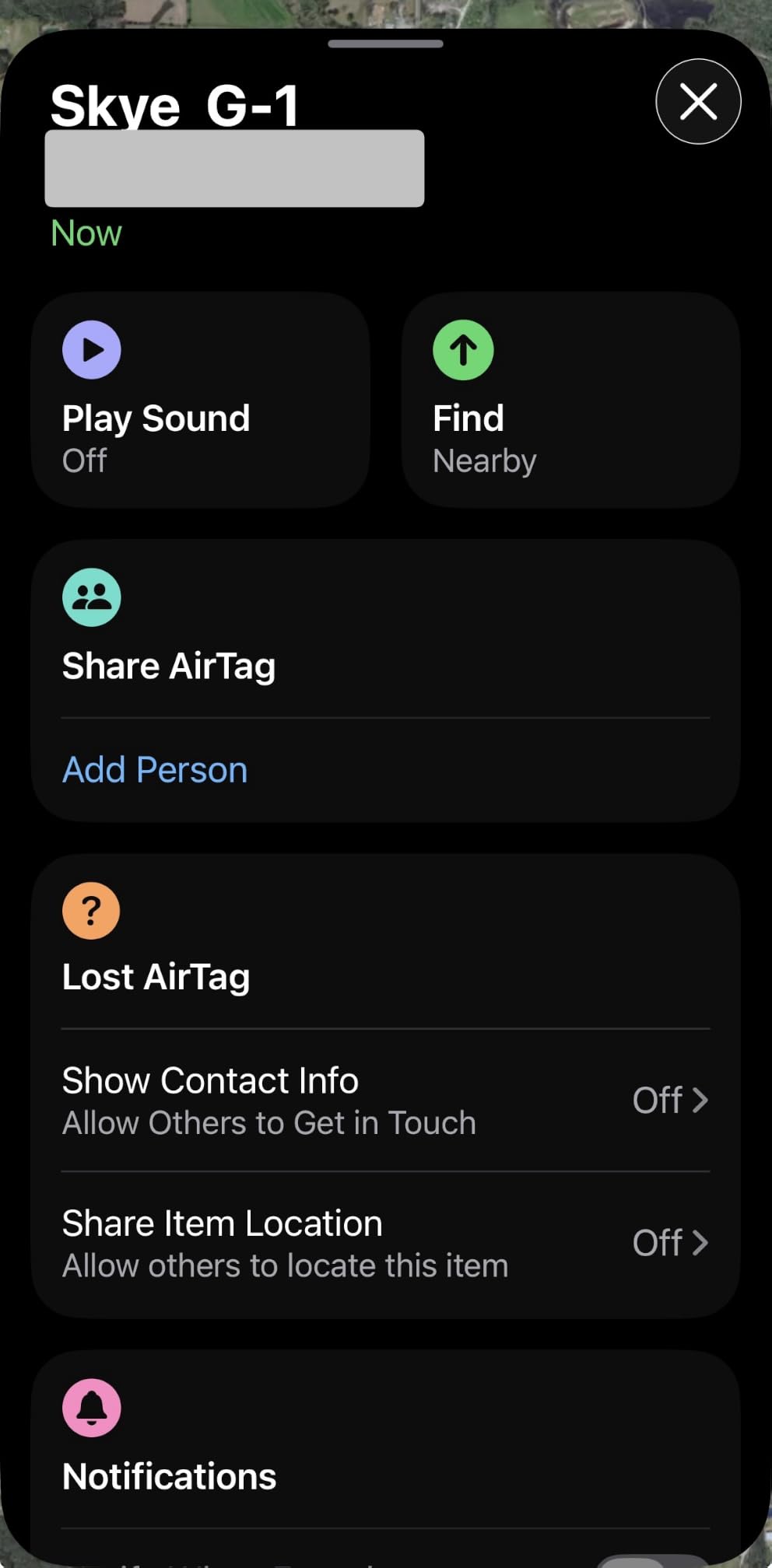
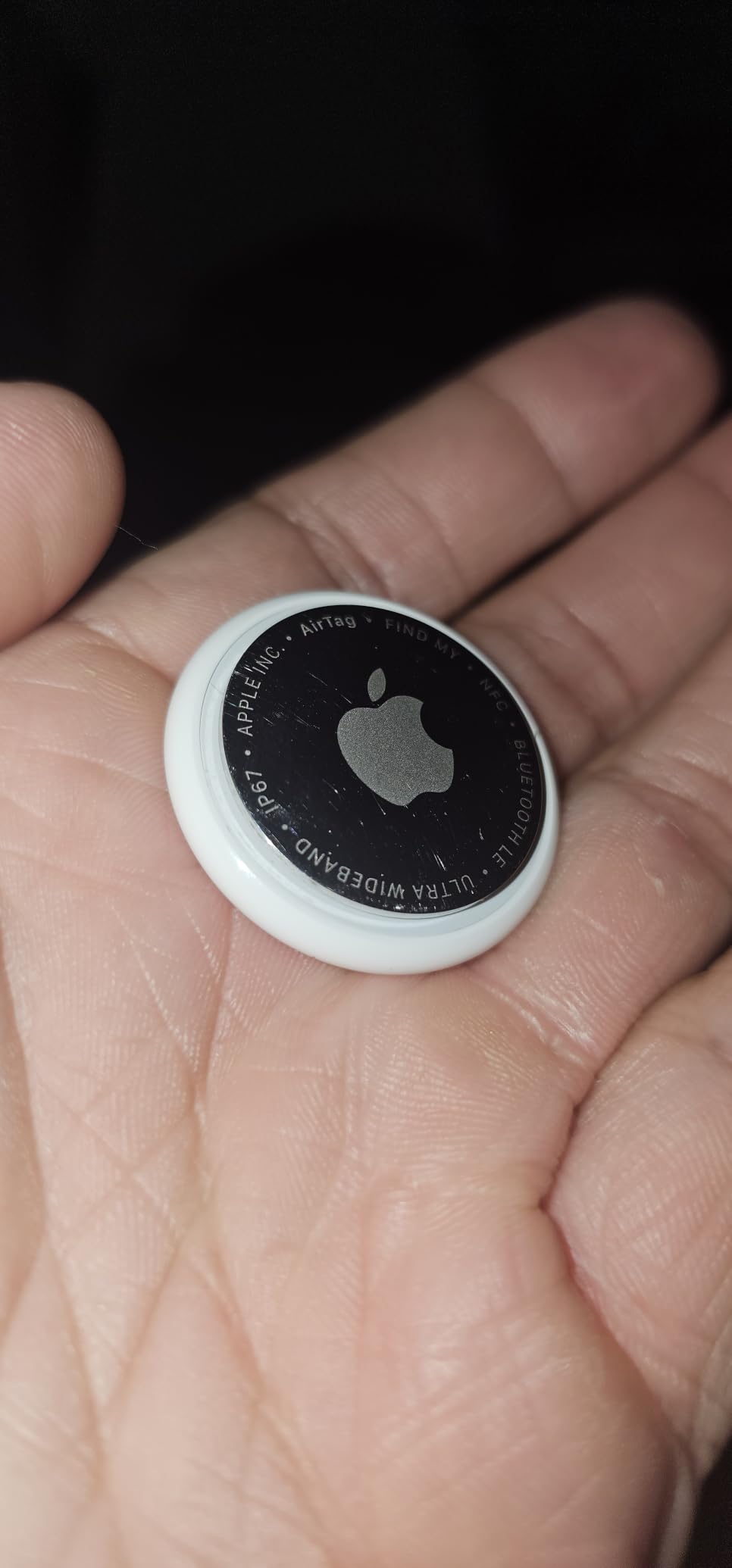
Buyers describe watching a bag move from the trolley to the transfer gate to the aircraft using that directional view, and it is the single feature no other tracker in this roundup replicates. The tag is 1.26 by 1.26 by 0.31 inches and weighs 1.44 ounces, small enough to drop into a side pocket or a jacket lining without shifting the bag’s balance.
The battery is a user-replaceable standard coin cell rated at over one year, so the AirTag is a set-it-and-forget-it purchase for anyone taking two or three trips a year. Location data and history are never stored on the tag itself, and only authorized users can see a position.
Who should buy the Apple AirTag
Buy it if your household runs iPhones, iPads or a Mac, because nothing else in this roundup gives you the same combination of network density, UWB direction and one-tap setup. It is also the right call for a single bag you check on a long-haul route through a major hub.
If you want to track a passport, a wallet and two suitcases, the four-pack is the efficient way to do it, and the same Find My screen holds every item.
Who should skip the Apple AirTag
Skip it if anyone in your household uses Android, since the tag requires an iPhone, iPad or Mac with an Apple Account and there is no Android app. Skip it if you need a built-in keyring hole, because the body is perfectly round with no attachment point and most owners end up buying a silicone holder. The slick rounded shape is also the other common complaint, since a tag that is not secured to something can go missing inside a bag.
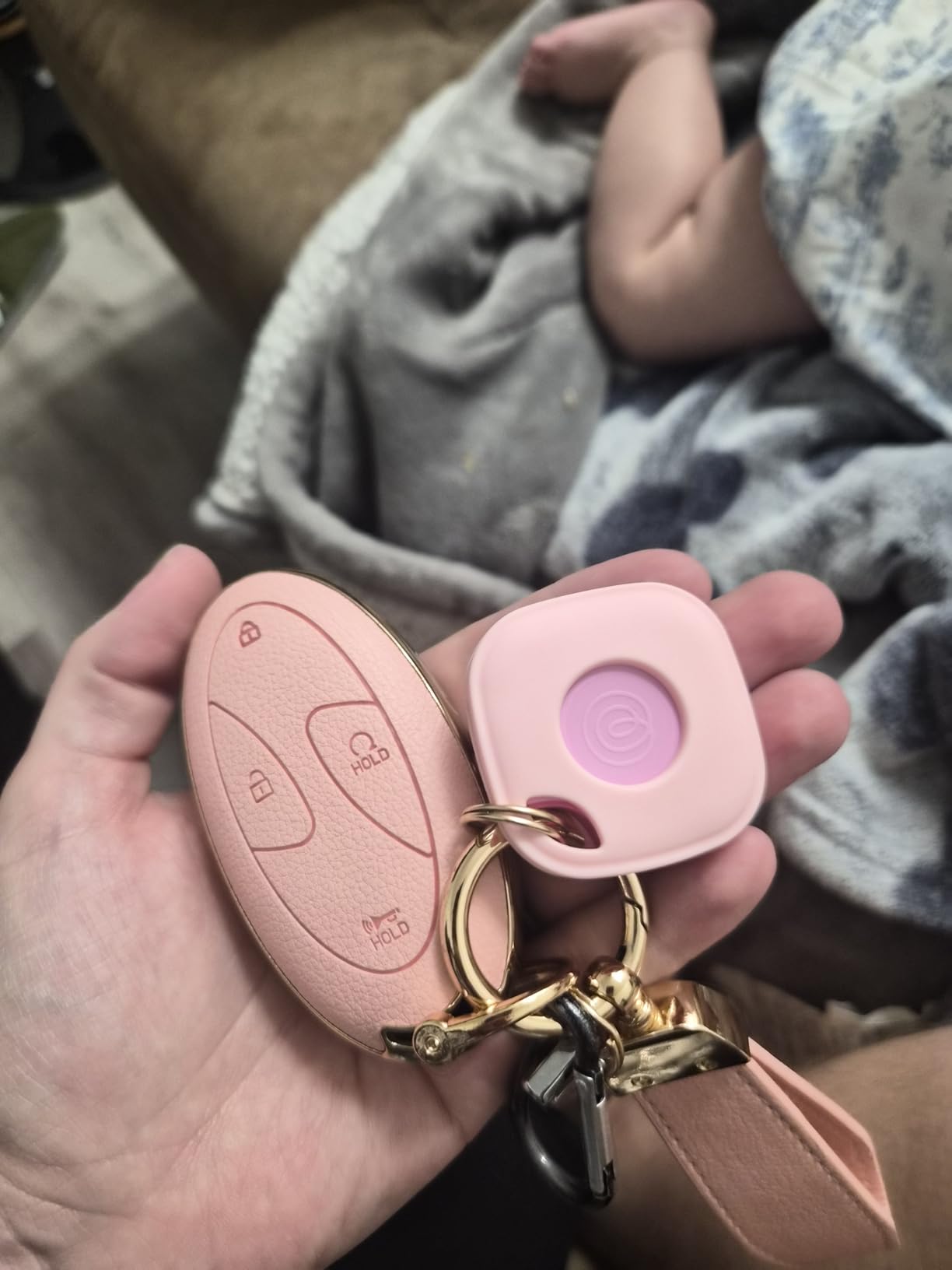
2. Samsung Galaxy SmartTag2: The Best Tracker for Samsung Phones
Samsung Galaxy SmartTag2, Bluetooth Tracker, Locator Tracking Device, Item Finder for Keys, Wallet, Luggage, Use w/Phones Tablets Android 11 or Later, 2023, 4 Pack, 2 Black, 2 White
SmartThings Find network
Up to 500 days of battery
IP67 rated
120 meter range
3.2 ounces
Pros
- Up to 500 days of battery life
- IP67 water and dust rating
- Compass View gives directional cues
- Works immediately after removing the pull tab
Cons
- SmartThings app has a real learning curve
- Ringer is quiet under fabric
- Case and carabiner needed to clip it
The SmartTag2 is the direct answer to the AirTag for Galaxy users, and it carries 12203 reviews at a 4.4 rating. It registers in SmartThings Find, and Galaxy devices nearby in the Samsung network contribute to finding it, which gives Galaxy households their own crowdsourced layer rather than a second-hand one.
Battery is the headline. Rated at up to 500 days, roughly 40% more again in Power Saving Mode, and the reviewer consensus in the listing is that long-term owners comfortably go a year between swaps. The body is IP67 rated for water and dust, which matters for a tag that lives in a bag exposed to rain on a baggage belt.
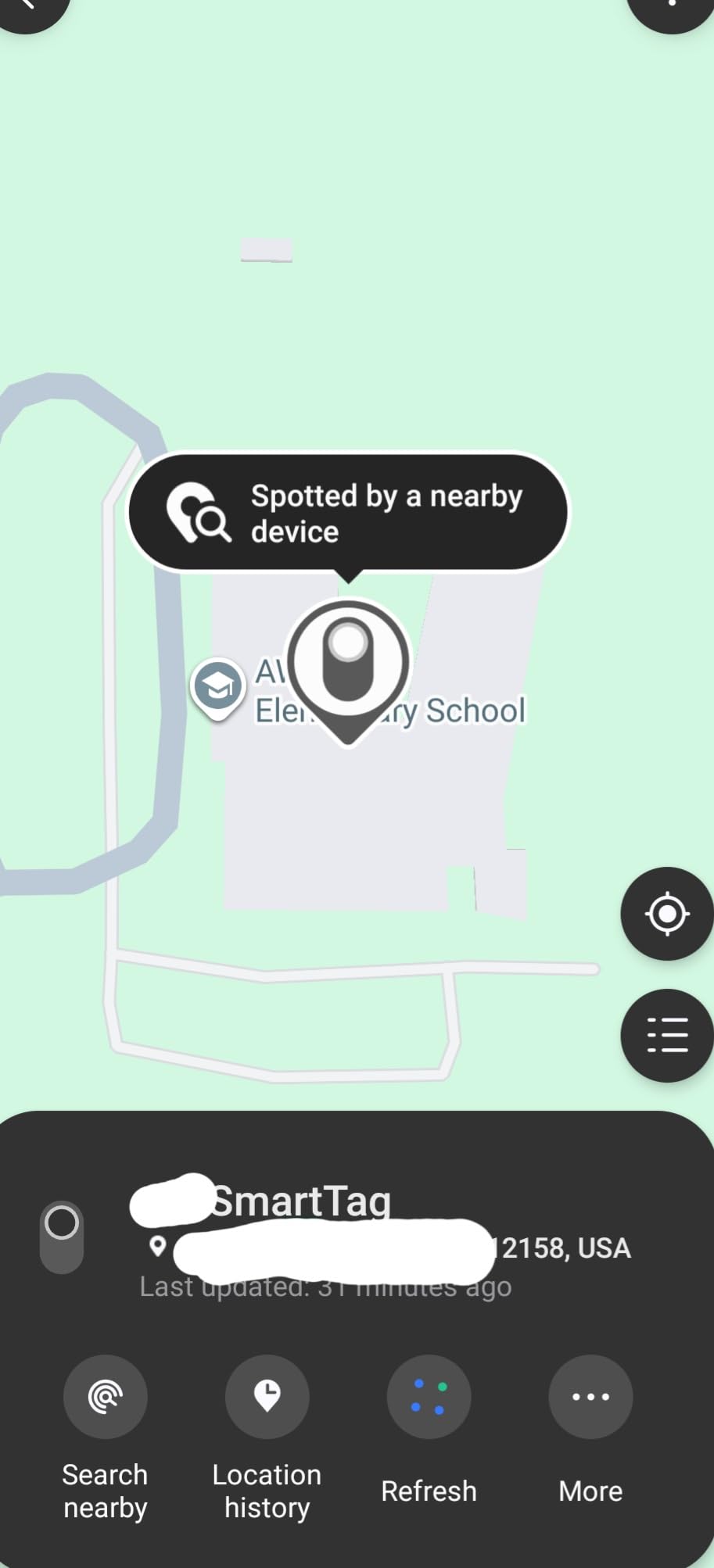
Close-range finding uses Search Nearby with Compass View plus an audible ring, and several owners report actually locating a delayed checked suitcase at an overseas airport with it. It also triggers compatible IoT devices for smart home routines, which is a bonus rather than a travel feature.
The honest weak point for this specific use case is network density. Reviewers note that a tag sitting inside a piece of luggage can fail to report a location, and out-of-range updates can take hours or simply say Not near you. If your bag goes to a smaller regional airport rather than a major hub, that limitation shows up.
Who should buy the SmartTag2
Buy it if you are on a Galaxy smartphone or tablet and want battery life that outlives a full year of travel between swaps. The IP67 rating also makes it the more weather-tolerant of the two mainstream ecosystem tags.
It is also the pick for a mixed Galaxy household where everyone is on the same side of the phone wars.
Who should skip the SmartTag2
Skip it on non-Samsung Android phones, which get limited integration. The SmartThings app is widely described as unintuitive with no built-in tutorial, so if you dislike digging through settings, the AirTag setup is simpler by a wide margin.
The ringer is fairly quiet, keys under a sweatshirt were nearly inaudible in the same room, and the ring section is a non-clipping half of the body, so a silicone case and carabiner are effectively required purchases.
3. Life360 Tile: The Best Tracker for Android Phones Without Samsung
Life360 Tile – Bluetooth Tracker, Keys Finder and Item Locator for Keys, Bags and More. Phone Finder. Both iOS and Android Compatible. 1-Pack (Black)
Works on iOS and Android
100 dB audible ring
350 foot range
8.9 g
Three year battery
Pros
- Works on both iOS and Android
- Reverse find rings a silenced phone
- Only 8.9 g and slim enough for a wallet
- Integrates with the Life360 family map
- Home arrival alerts
Cons
- Sign-up requests extensive personal data
- History features sit behind a paid plan
- Non-replaceable three year battery
The Tile is the straightforward answer for a Pixel, OnePlus, Motorola or Nothing phone. It pairs through the Life360 app on either platform, which is the single most common complaint about the AirTag and the SmartTag2, and it still carries 10885 reviews at 4.2.
Two features set it apart from the Apple and Samsung tags. Reverse find lets the tag ring a silenced phone by holding the button on the tracker, which is genuinely useful when your phone is in a checked carry-on. It also drops into the Life360 family location map so people and items share one screen with home-arrival alerts.
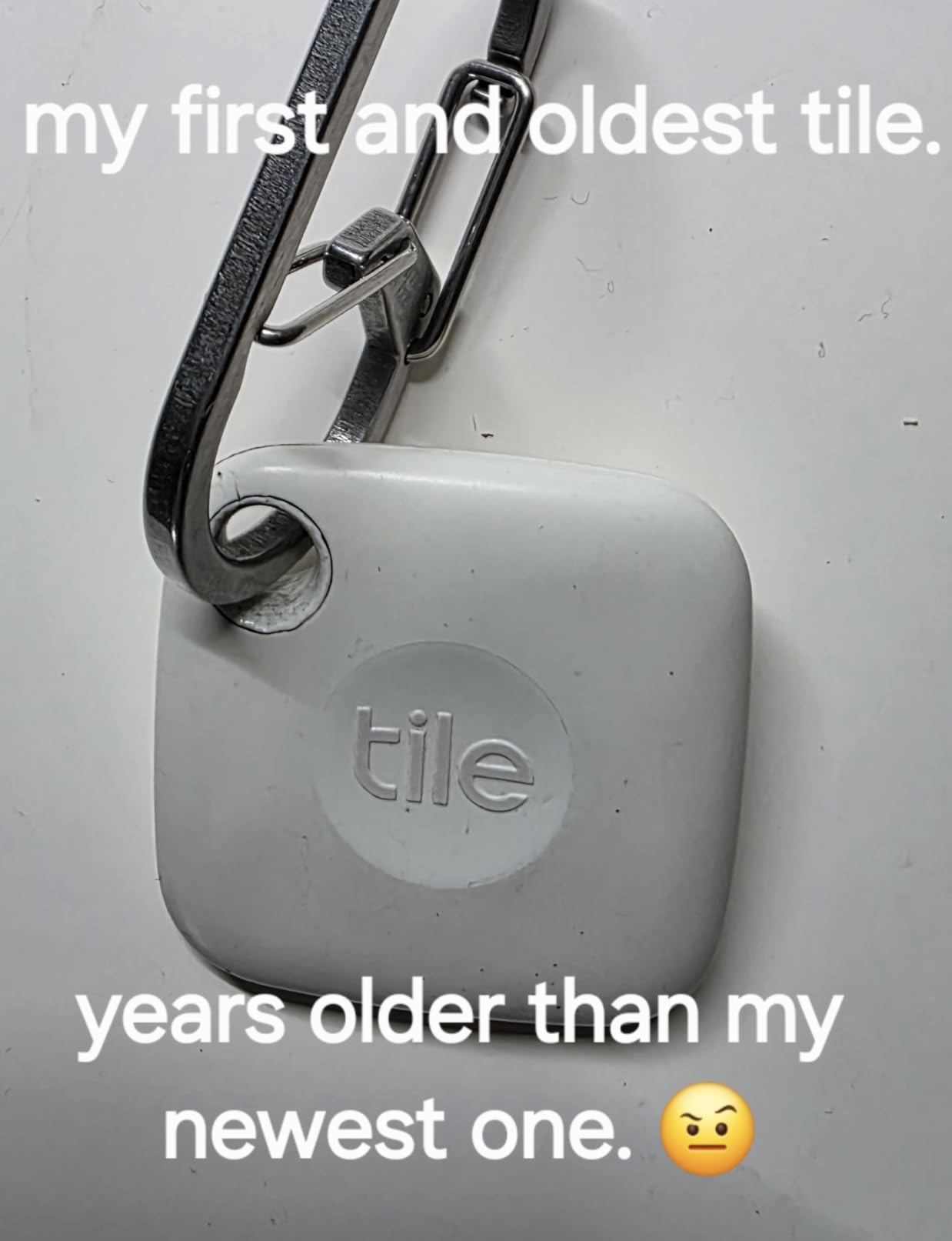
The hardware is unusually light at 8.9 g and thin at 0.28 inches, so it disappears into a wallet, a keychain loop or a jacket seam. The audible ring is listed at 100 dB, which is the loudest specification among the round disc tags here, and the stated range is 350 feet.
Location reporting still depends on other Tile or Life360 users nearby, so rural and isolated areas go stale in the same way the other crowdsourced networks do. Buyers also flag the sign-up flow, which asks for name, date of birth, email, phone and address, as intrusive compared with the two lines an Apple tag asks for.
Who should buy the Life360 Tile
Buy it if your phone is not a Samsung and you do not want to change phones to use a tracker. The cross-platform support and the low weight make it the easy choice for keys, bags and wallets rather than only suitcases.
Households already running Life360 for family location get a bonus here, because people and items land on the same map.
Who should skip the Life360 Tile
Skip it if you want a precise point on the map, because accuracy is approximate and narrows a search area rather than pinpointing a spot. The three-year battery is stated as non-replaceable, which several buyers call out as a dead-end design when the tag dies.
Core history features sit behind a paid subscription after a short free trial, so anyone who wants location history needs to check the terms before committing.
4. UGREEN Finder Duo Air Tracker Tags: The Best Rechargeable Multi-Platform Pack
UGREEN Finder Duo Air Tracker Tags 4 Pack (iOS and Android)
USB-C rechargeable
Up to 365 days per charge
Find My or Google Find Hub
80 dB ring
100 meter range
Pros
- Pairs with either iOS or Android
- USB-C rechargeable with no coin cells
- Attachment hole and lanyards included
- Loud ring that carries across rooms
- Four tags in one pack
Cons
- Binds to one ecosystem after pairing
- Setup is fiddly on recent Android versions
- Weaker accuracy at medium range
These four tags recharge over USB-C behind a protective dust plug and run up to 365 days per charge, which removes the coin cell problem entirely. There is no disposable battery to buy, lose in a hotel drawer or try to bring through an airport in a checked bag.
The important detail is that a single pack serves both sides of the phone divide. A tag pairs with Apple Find My on an iPhone or Google Find Hub on an Android phone, with one platform at a time. Reviewers buy this pack precisely because it removes the iPhone-versus-Android argument for a family with a mix of both.
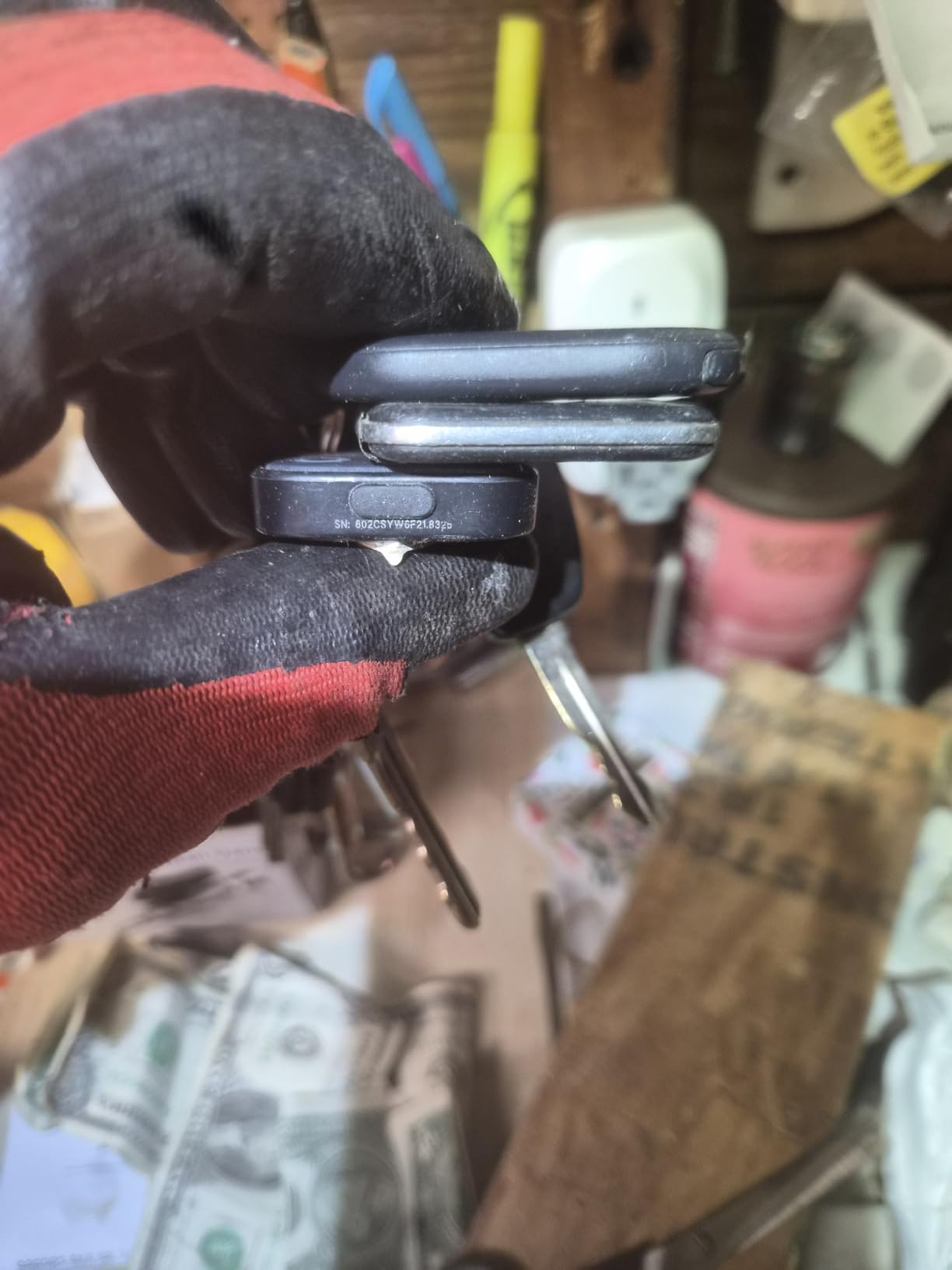
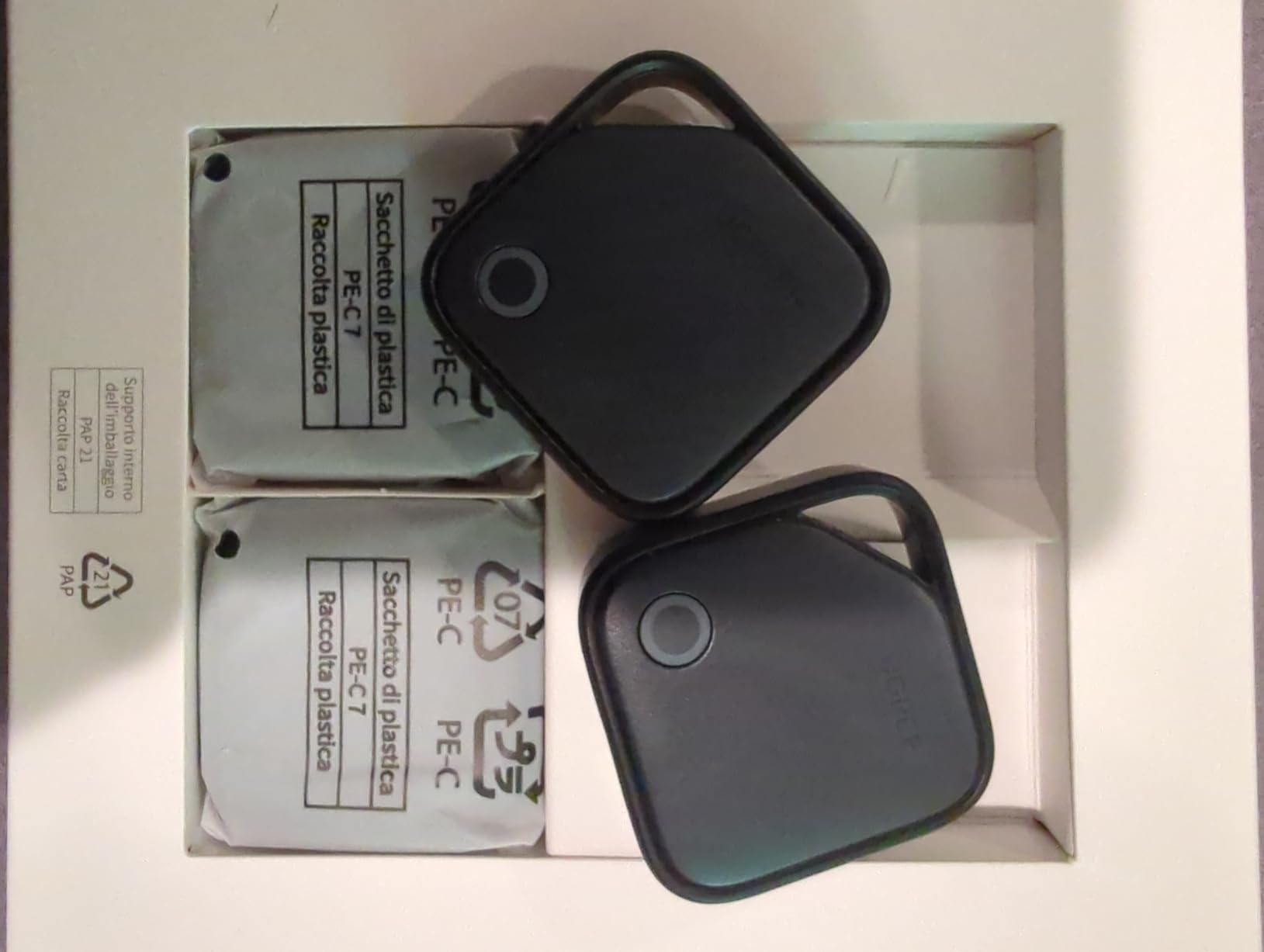
Each tag has a direct attachment hole and the box includes lanyards, stickers and rubber port covers, so nothing extra has to be bought. The ring is listed at 80 dB and carries across rooms, and Lost Mode puts your contact info on nearby devices along with out-of-range separation alerts.
Once configured, owners report reliable short-range finding and good results tracking luggage through an airport, and they cite strong value compared with AirTag pricing. The tags carry Apple and Google certification with end-to-end encrypted, anonymous location reporting and no subscription.
Who should buy the UGREEN Finder Duo
Buy it if you want one pack that covers several bags and both phone types without coin cells, or if you fly often and would rather top up a battery than hunt for a replacement cell in another country. The included lanyards and attachment holes mean no case purchase is needed.
It suits a family that wants tags on every suitcase plus a day bag, and does not mind choosing a tag per phone ecosystem.
Who should skip the UGREEN Finder Duo
Skip it if you need one tag to serve an iPhone and an Android phone at the same time, because it locks to a single ecosystem after pairing and cannot do both. Pairing is also fiddly on newer Android versions and binds to the phone’s primary Google account, which trips up people with multiple accounts.
At medium and long distance the accuracy trails the AirTag, sometimes off by several blocks, and there is no reverse find and no loss report on Google Find Hub.
5. UGREEN FineTrack Air Tracker Tags: The Best Value for Apple Households
UGREEN FineTrack Air Tracker Tags (iOS Only) 4 Pack Key Finder
Apple MFi certified
Two year replaceable battery
Find My app
1.42 x 0.29 x 1.42 inch
No fees
Pros
- Two year replaceable battery
- Four tags in one pack
- Attachment hole and lanyards included
- Loud ring through bags and cushions
- Child-safe certified coin cell
Cons
- No UWB so no Precision Finding arrow
- Map updates can lag while the item moves
- Some units arrived with dead batteries
This is the pick if you are on Apple hardware and want a longer battery claim than the AirTag offers. The replaceable CR2032-style button battery is rated at up to two years, roughly double a typical tag, and the cell carries UL4200A child-safety certification.
It is Apple MFi certified and pairs directly in the preinstalled Find My app under Items, so there is no second app and no account juggling. Family location sharing needs iOS 17 or later, and the whole pack shows up in the same map as the AirTags you already own.
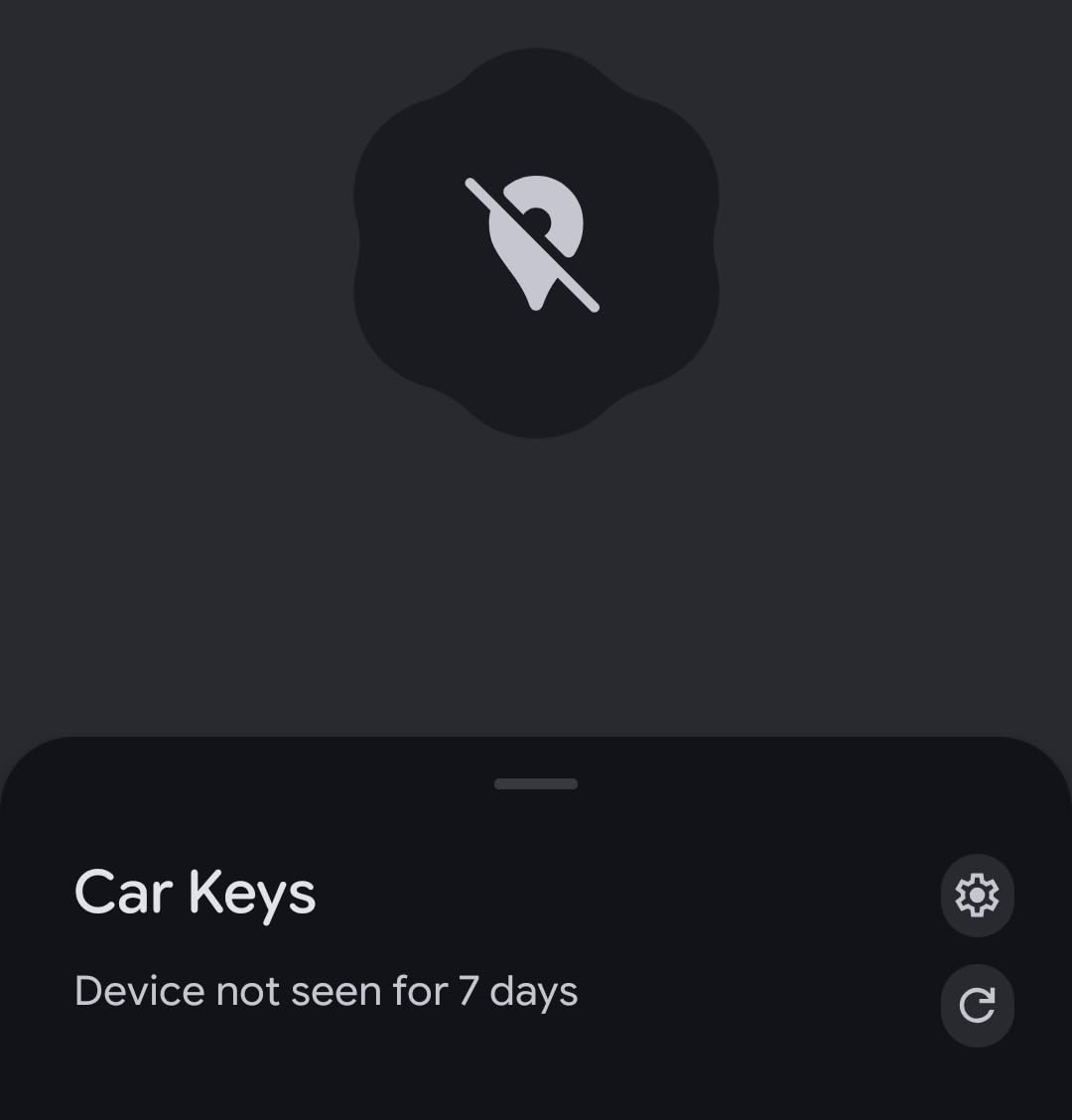
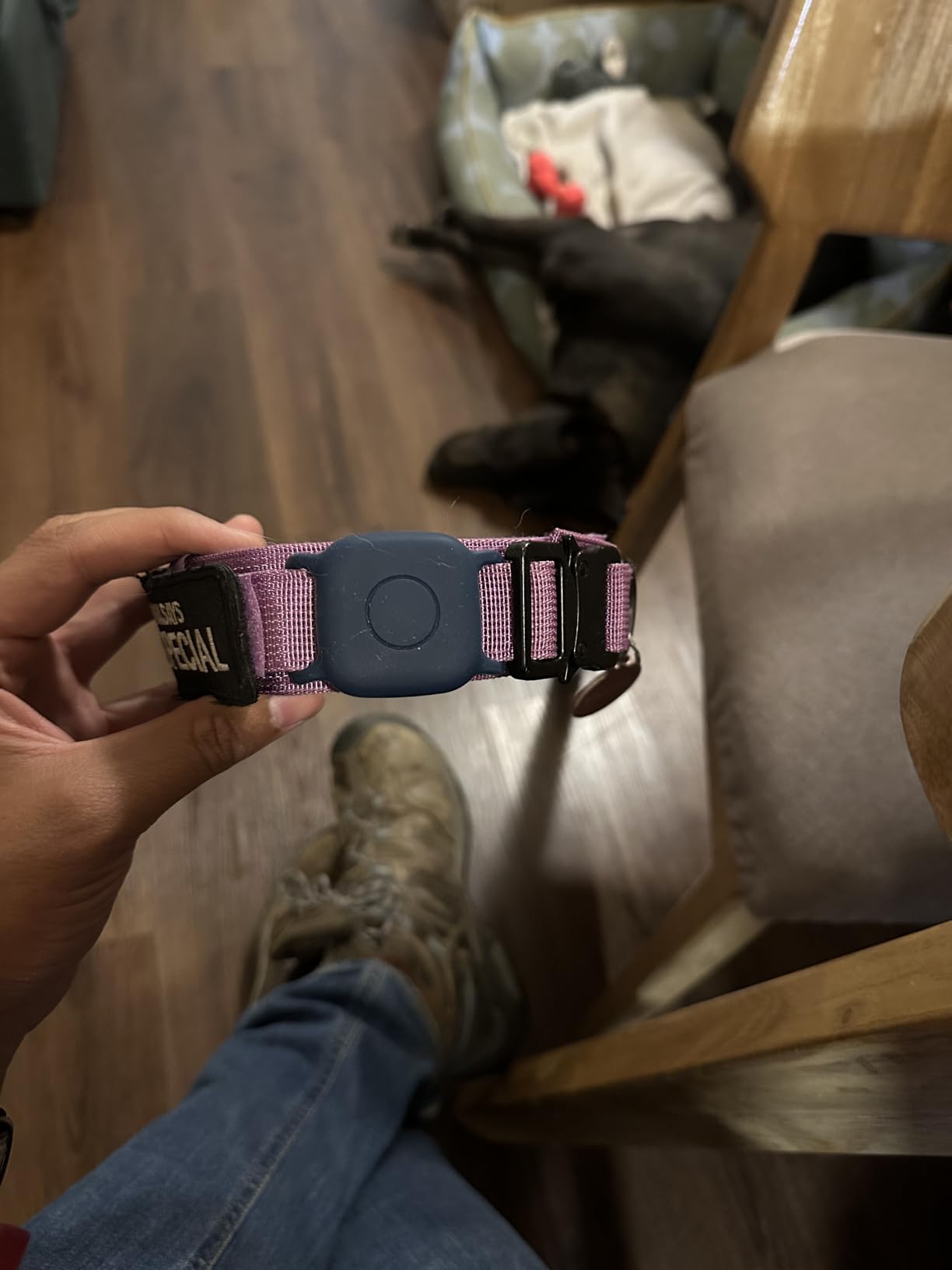
Each tag measures 1.42 by 0.29 by 1.42 inches and has a native attachment hole, with lanyards and colour-coded stickers in the box. The stickers solve a real problem for a family with several checked bags, since you can tell at a glance which tracker belongs to which case.
Reviewers describe it as a genuinely solid Apple-certified alternative rather than a cheap clone, and the loud ring carries through bags and cushions. The value case is straightforward: four trackers for the outlay of a single premium tag, with no fees attached to any of them.
Who should buy the UGREEN FineTrack
Buy it if you are on Apple hardware, you are tracking more than one bag, and you would rather not think about batteries. Two years per cell means one swap across a long stretch of travel, and the attachment hole removes the case purchase the AirTag forces on you.
It is the sensible pick for a family that wants a tag per suitcase on a shared Find My screen.
Who should skip the UGREEN FineTrack
Skip it if you rely on the Precision Finding arrow, because there is no Ultra Wideband chip and therefore no directional guidance at close range. Map refreshes can also lag several minutes while the item is moving, which matters when you are watching a bag cross an airport in real time.
Some units have arrived with dead batteries despite the plastic pull strip, and one tag in a pack occasionally fails to link and will not reset. Effective receiving range is shorter than the AirTags some buyers replaced.
6. ATUVOS Air Tracker Tags: The Best Pack for Multiple Checked Bags
ATUVOS Air Tracker Tags-4 Pack, Bluetooth Luggage Tracker Works with Apple Find My APP (iOS Only, Not for Android), Keys Finder and Item Locator for Luggage, Backpack, Suitcases, Replaceable Battery
Works inside Find My
80-100 dB speaker
IP67 rated
200 foot ring range
Pros
- Long history as a dedicated checked-bag tag
- Built-in clip hole
- IP67 water resistance
- Loud ring across rooms
- Four tags per pack
Cons
- Fiddly battery door that can crack the shell
- Some units ship with weak batteries
- No UWB Precision Finding
The ATUVOS is the most established dedicated luggage tracker in this group, carrying 16626 reviews at 4.2, the highest review volume of the roundup. Buyers describe watching a full multi-leg Europe itinerary track bags from the trolley to the transfer gate to the next flight.
It registers in Apple’s Find My app as an Other Supported Item, so there is no separate app to install and no separate account. The speaker is listed at 80 to 100 dB and is triggerable with Siri, with map navigation beyond 200 feet and a ring inside that range.

Each tag measures 1.37 by 1.37 by 0.39 inches with a built-in clip hole, so it attaches to a keyring or an internal strap without a case. The IP67 rating covers rain, splashes and brief submersion, and the replaceable battery lasts about a year.
Left Behind Remind and Lost Mode both work through Find My, and iOS 17 item sharing can be enabled for up to five borrowers. There is a hardware on and off button plus a reset button, though a firm press is needed to power it down.
Who should buy the ATUVOS Air Tracker
Buy it if you are an iPhone user with several suitcases to cover and you want the cheapest way to put a tag on each one. The four-pack, the clip hole and the IP67 rating line up well with a family checking multiple bags on a long holiday route.
It is also a good second tag inside a bag you already track, placed near the lining rather than in the main compartment.
Who should skip the ATUVOS Air Tracker
Skip it if you fussy with small parts. The battery compartment is fiddly and difficult to open, and one owner broke a unit splitting the halves, which is a real risk on a tag you might need to open in an airport. Units are also sometimes shipped with weak batteries that fail to pair on arrival.
There is no UWB and no Precision Finding arrow, it is iOS only, and location can lag if a tag has not been checked in for several days.
7. KIUP Dual-Ecosystem Air Tags: The Best Tracker for Mixed Households
Air Tags for Android,Air Tags-4 Pack Android,Air Tracker Tags with 4 Case,2 Year Battery Life,Google & Apple Find Trackers for Google’S Find Hub App & Apple Find My,IP65 Waterproof Luggage Tracker
Google Find Hub and Find My
105 dB speaker
Two year battery
IP65 rated
8.5 g
Pros
- Dual Google and Apple support in one pack
- Two year battery life
- 105 dB speaker
- AirTag-sized so existing cases fit
- Cases lanyards and spare cells included
Cons
- No location history view in Find Hub
- Coverage felt sparse outside towns
- Battery listed as non-serviceable
This is the pack that solves the problem forum readers ask about most: how do you track bags when half the household is on iOS and half is on Android. Each tag works with Google Find Hub on Android 9 and above and with Apple Find My on iOS, listed as compatible with Pixel, Xiaomi, Sony, Sharp and Oppo devices.
The speaker is listed at up to 105 dB, the loudest rating among the disc tags in this roundup, and owners say it is audible in a yard or a vehicle. Battery life is claimed at up to two years on both platforms, with a UWB distance visualization inside Bluetooth range.
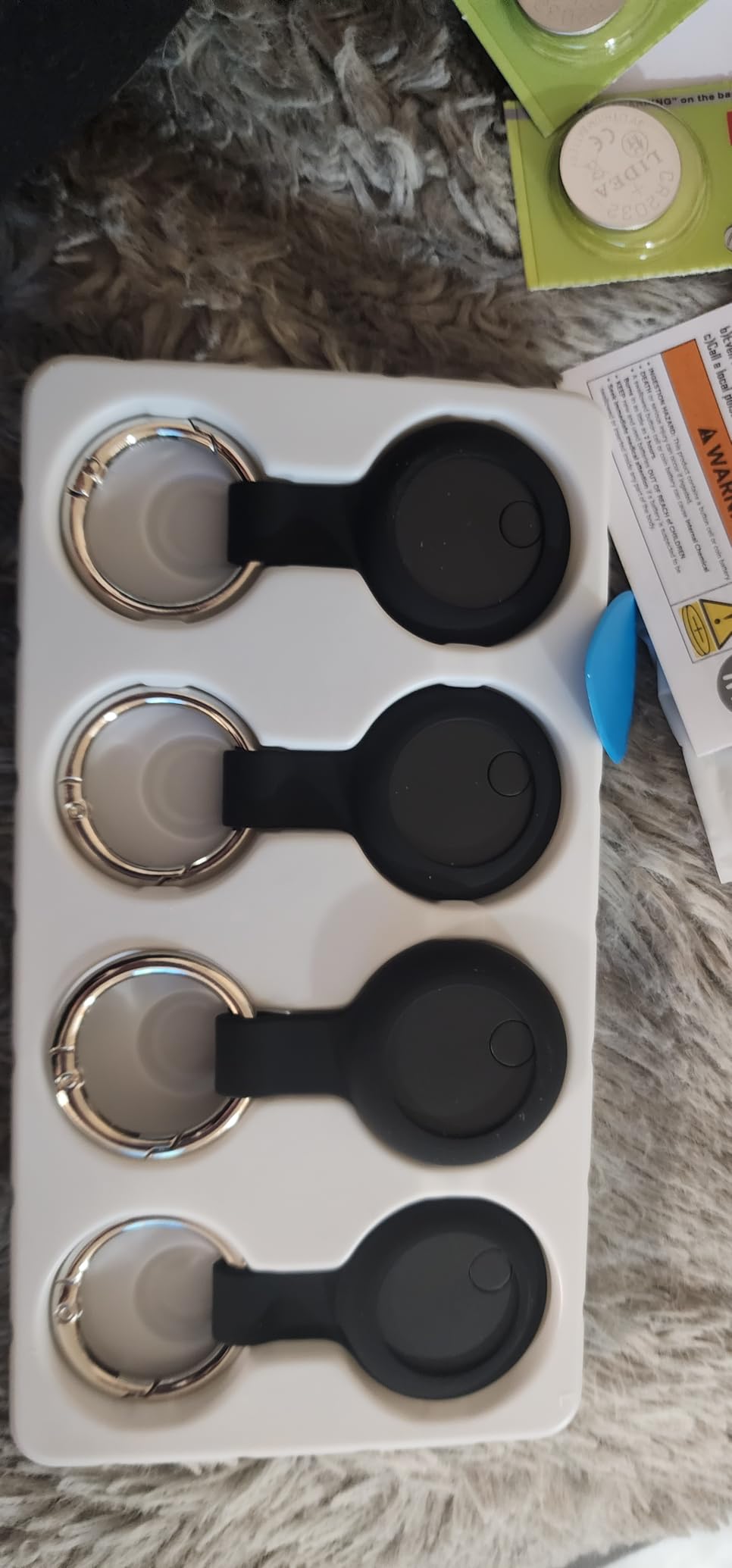
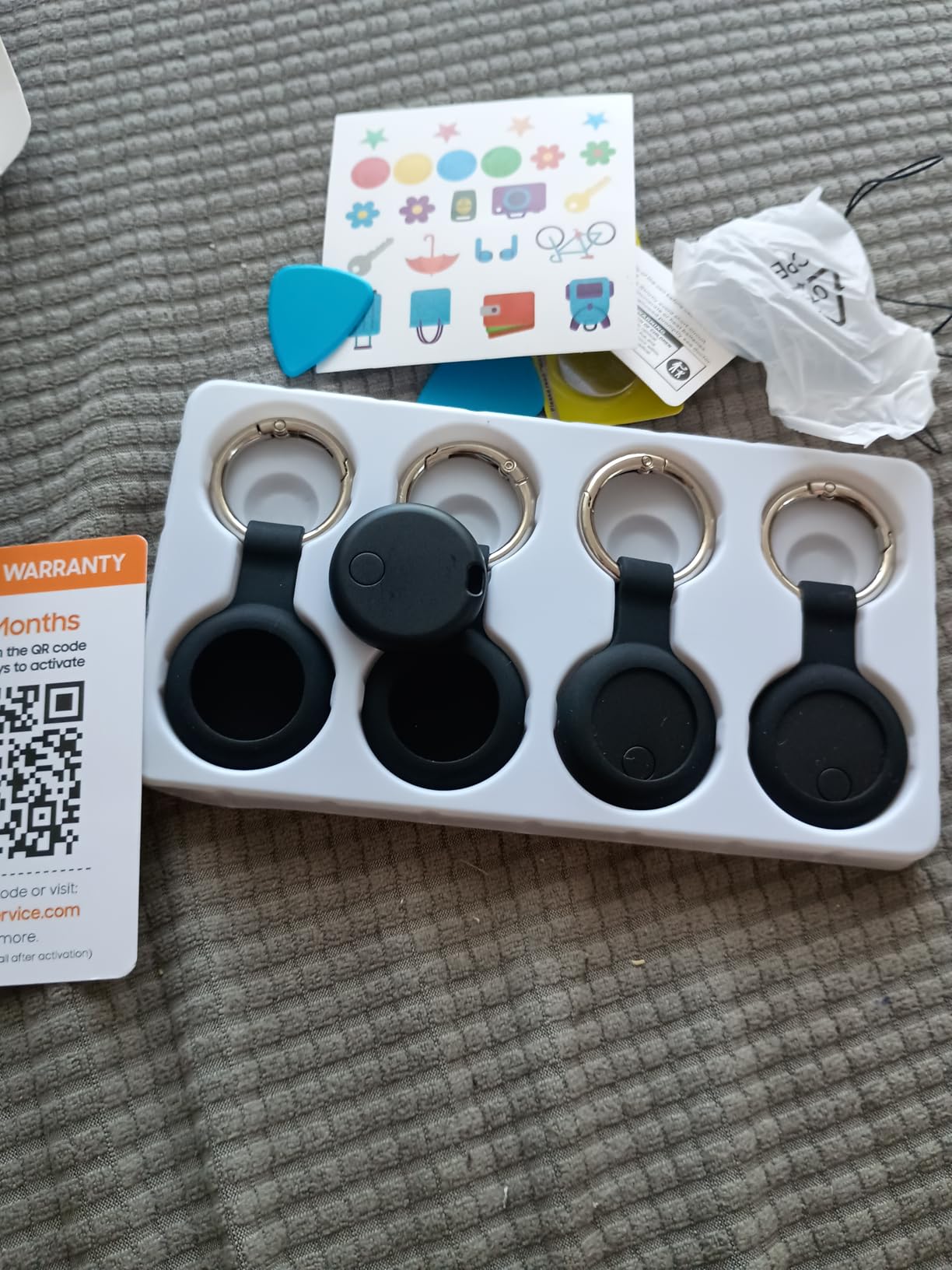
Each tag weighs 8.5 g and is AirTag-sized, which means the cases and lanyards you already own will fit. The box includes four protective cases, lanyards, identification stickers and spare CR2032 batteries, and there is no third-party app because it runs on the native Find My or Find Hub.
Reviewers tend to arrive from frustration with cheap generic Android tags that kept dropping signal, and stay because this one holds its Find Hub connection. The IP65 rating handles rainwater and splashes rather than full submersion.
Who should buy the KIUP tags
Buy it if your household mixes iPhones and Android phones and you want one purchase to cover both. Three tags at 8.5 g are also light enough for a pet collar or a laptop sleeve, not just a suitcase.
The included cases, lanyards and spare batteries make it the most complete box in the group, which suits anyone who wants tags ready to travel immediately.
Who should skip the KIUP tags
Skip it if you rely on a location history trail, because Find Hub has no location history view for a tracked item. Coverage also felt sparse outside towns and the sound did not play in the countryside, which is the same crowdsourced weakness every Bluetooth tag shares.
The battery is listed as non-serviceable despite the two-year claim, the refresh button sometimes does not update a moving item promptly, and there is no Huawei support.
8. J-Tech Digital Air Card Tag Tracker: The Best Tracker for Wallets and Passports
4-Pack 2026 Air Card Tag Tracker Wallet Tracker Card| Ultra Slim 0.07in, IP68 Waterproof | Works with Find My (iOS) | for Wallets, Keys, Luggage,Bags
Card thin at 0.06 inch
IP68 rated
Qi rechargeable
5 months per card
100 dB alarm
Pros
- Slips into a wallet or passport holder
- Four independently tracked cards
- IP68 sealing
- Qi charging with no cable
- Per-card alarms and alerts
Cons
- Qi charging pad not included
- About 5 months per charge
- iOS only
Every other tracker here is a disc. This one is a credit card at 0.06 to 0.07 inches thick, which is the only shape that disappears into a passport holder, a wallet or a bag lining without creating a bulge. Each card measures 3 by 2 inches.
Four cards are included and each is tracked independently, with its own 100 dB alarm and its own left-behind alert, so you know which specific item is missing rather than that something is. Lost Mode can be enabled on each card separately with safe-return contact details.
Charging is Qi wireless, and a single Qi pad charges all four cards at once, which suits a household that tops everything up before a trip. The pad itself is not included. The IP68 rating is the highest water-resistance specification in this roundup.
It works with Apple Find My on iOS with no monthly fees, and the feedback centers almost entirely on form factor. Buyers like the family and travel bundle and the sealing, and the trade-off owners raise is the roughly five-month recharge interval, the shortest cycle among the rechargeable options here.
It also has a practical advantage over a disc in a wallet: the flat profile keeps the card from being felt through the lining of a bag, so a card left in a passport holder is much less likely to be spotted and pocketed than a hanging tag.
Who should buy the Air Card Tracker
Buy it if the items you most want to protect are flat things: passports, wallets, a document folder, a laptop sleeve. That is the one job a disc tag cannot do well, and a card that sits in a passport holder is far less likely to be spotted and pocketed.
Four independently tracked cards also cover a whole family’s essentials in a single purchase.
Who should skip the Air Card Tracker
Skip it if you want to locate a suitcase across a large terminal, because the stated range of 100 feet is modest for that. You also need to budget for a Qi pad separately, and the 5-month charge cycle means roughly two top-ups a year.
It is iOS only, and there is no UWB, so there is no directional close-range guidance.
9. LifeChe Leather Luggage Tag Tracker: The Best Tracker That Looks Like a Luggage Tag
Luggage Tags Built-in Anti-Loss Tracker, Luxury Leather Luggage Tags for Suitcase, Travel Bags, Backpacks, Travel Organizer for Lost Baggage Prevention
Find My built into a leather tag
46 g
Magnetic wireless charging
Four months per charge
Pros
- No separate tracker to pack or lose
- Vegetable-tanned leather with hand-stitched edges
- Rechargeable on any magnetic wireless pad
- Hidden contact card keeps details private
- Light at 46 g
Cons
- Find My only with no Android support
- External tag is easy to detach
- Faux leather rather than full leather
Some travelers simply do not want a plastic disc on a strap. This tag puts the Find My module inside a conventional leather luggage tag, so the tracker is the tag rather than something zip-tied next to it. It offers real-time tracking, proximity alerts, Left Behind Remind and global location sharing with no extra app.
The battery is a rechargeable lithium-ion cell that runs up to four months per charge and works on any magnetic wireless charger, so there is no cable to find and no coin cell to pack. At 46 g it is light enough to hang from a suitcase handle without adding bulk.
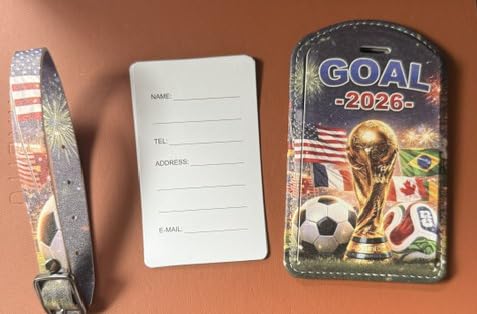
The build is the point here. It uses vegetable-tanned leather with hand-stitched edges and an anti-scratch coating, and the hidden info card slot keeps your contact details out of sight of anyone standing behind you in a queue.
Compatibility covers iPhone, iPad, Apple Watch and Mac, and the wide range of colors and multi-packs makes it an easy gift. The listed limitation is the same structural one that applies to every hanging tag, which we cover below.
For a checked bag, treat the tag as a two-part system: the leather part identifies the owner to a human, and the electronics part does the same job to an app. Keeping the tag visible helps the first case and hurts the second, which is the trade-off to think about before you buy.
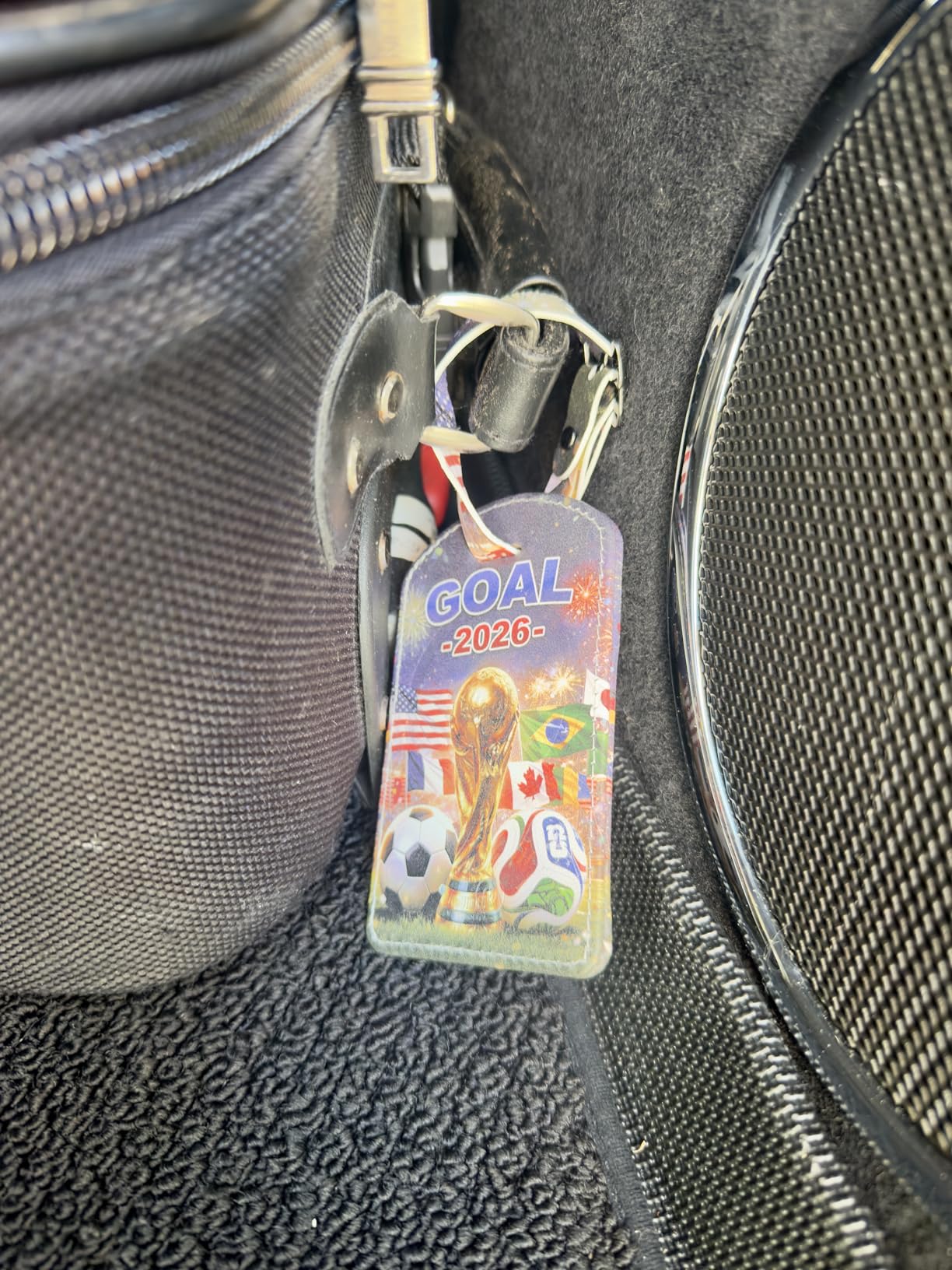
Who should buy the LifeChe luggage tag
Buy it if you want your luggage to look like it has a normal leather tag and you check bags on routes where discretion matters. The hidden contact slot is a small, genuinely useful design touch, and the 46 g weight is negligible.
It is a good match for a traveler who already replaces their luggage tags every few years anyway.
Who should skip the LifeChe luggage tag
Skip it if your priority is theft resistance, because a hanging external tag is far easier to detach, swap or take than something taped inside a lining. If someone takes the bag, they take the tracker with it.
It is also Apple Find My only, and the material is faux leather rather than full leather, which matters to anyone who expected the price tier to imply otherwise.
10. TopMade Find My Luggage Tag: The Best Longest-Interval Rechargeable Tag
TopMade Luggage Tags, Works with Apple Find My, Smart Suitcase Tag Tracker
Find My built in
60 m range with 100 dB alarm
Rechargeable cell
Six months per charge
Pros
- Tracker integrated into the tag
- Longest single-charge claim among the tags here
- Pairs with an iPhone in under a minute
- PU leather with silk-thread stitching
- Privacy back cover
Cons
- 60 m is the shortest stated range
- Highest share of one-star reviews in this group
- External hanging tag can be removed
- Android is not supported
The TopMade tag claims up to six months per charge, the longest single-charge figure among the luggage tags in this roundup, using a rechargeable lithium-ion cell that tops up wirelessly with no special cable. There is no AirTag to buy separately because the tracker is built into the tag.
Find My support covers real-time location, sound alerts, Left Behind notifications and Lost Mode. A metal wire buckle with a detachable steel ring makes installation and removal quick, and the PU leather body with silk-thread stitched edges sits closer to a real luggage tag than a bare disc does.
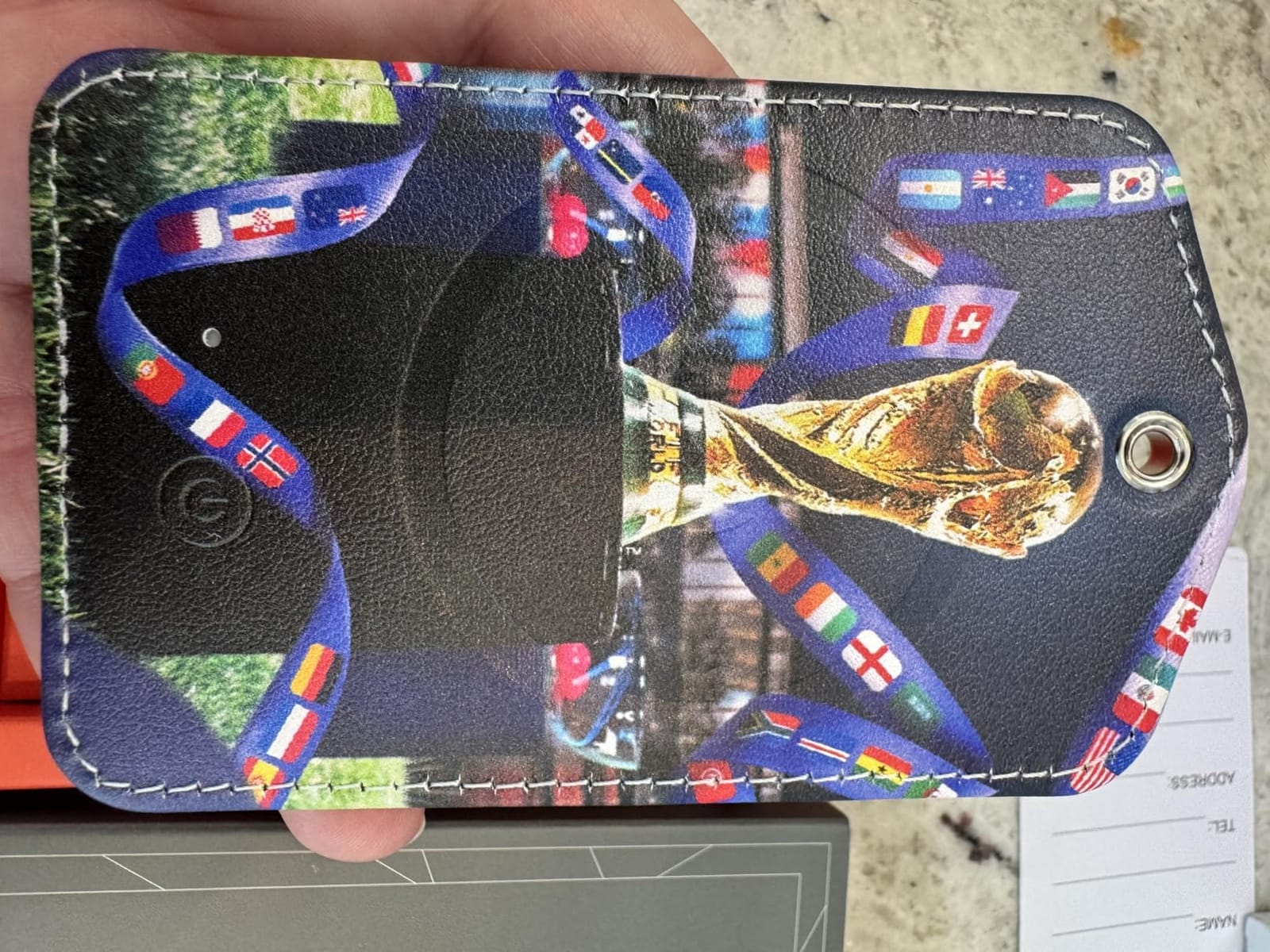
Travelers report watching luggage move through airports and load onto the plane during an Ireland and UK trip, and pairing with an iPhone takes under a minute. A privacy back cover conceals owner information, which is the detail that most traditional luggage tags get wrong.
Durability is where the reviews split. This product carries the highest share of one-star reviews in the group, driven by reports of units that stopped holding a charge after a single trip even while the indicator showed full, and the stated Bluetooth range of 60 m is the shortest of the ten.
The wireless charging coil sits in the body of the tag, so it charges flat on a pad rather than in a dock. That also means the tag is slightly thicker than a paper luggage tag, which is the one physical difference worth checking against a slim suitcase handle.
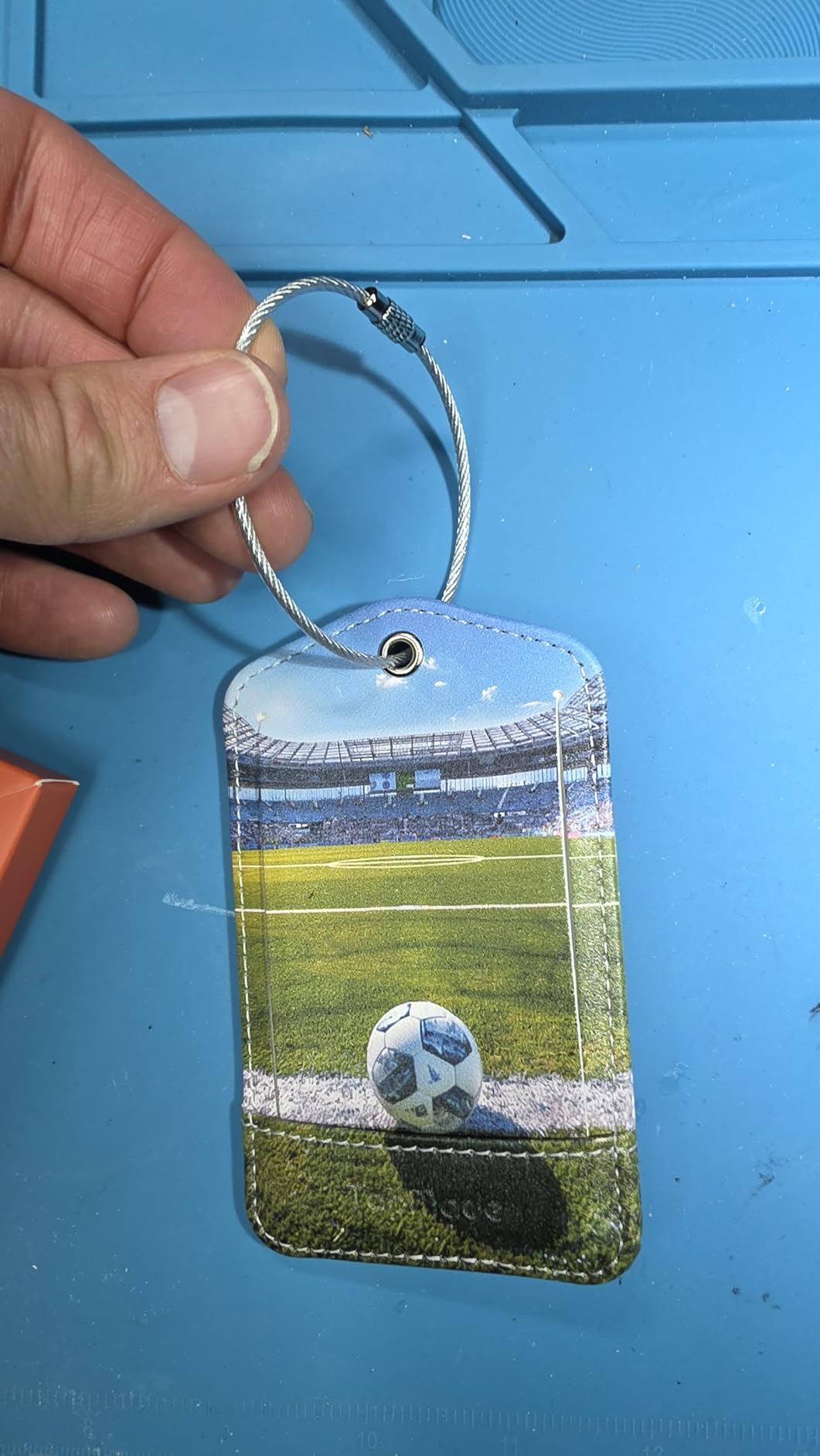
Who should buy the TopMade luggage tag
Buy it if you want a hanging tag that looks the part and you fly rarely enough that two charges a year is genuinely enough. The privacy back cover and the detachable ring make it a practical replacement for a standard luggage tag.
It suits a traveler who values a clean exterior over a concealed tracker.
Who should skip the TopMade luggage tag
Skip it if you want close-range precision, because a 60 m Bluetooth range is the shortest stated here and a bag in another room or a large terminal may be out of reach. The build consistency reports are the other reason to look elsewhere.
Android is not supported, and like every hanging tag it can be removed by anyone who takes the bag.
Which Luggage Tracker Fits Your Phone?
Your phone decides almost everything, and this is the question to answer before you compare any other spec. The guidance below maps the ten trackers above onto the household types we keep being asked about.
- iPhone only: the Apple AirTag (2nd Generation) is the best overall pick for network density and Precision Finding. The UGREEN FineTrack tags are the value alternative with a two-year battery, and the ATUVOS pack is the cheapest way to cover several bags.
- Samsung Galaxy only: the Galaxy SmartTag2, with up to 500 days of battery and an IP67 rating for rain on the belt.
- Non-Samsung Android: the Life360 Tile is the simplest cross-platform answer, and the UGREEN Finder Duo pair cleanly with Google Find Hub. The KIUP pack also supports Find Hub alongside Find My.
- Mixed iOS and Android household: the KIUP dual-ecosystem pack is the only one here that genuinely serves both networks from a single purchase, because it works with Find Hub and Find My. The UGREEN Finder Duo also covers both sides, but each tag locks to one ecosystem after pairing, so you assign one per person rather than one per household.
- Wallet, passport or document folder: the J-Tech card tracker, because a 0.06 inch card fits where a round tag would bulge.
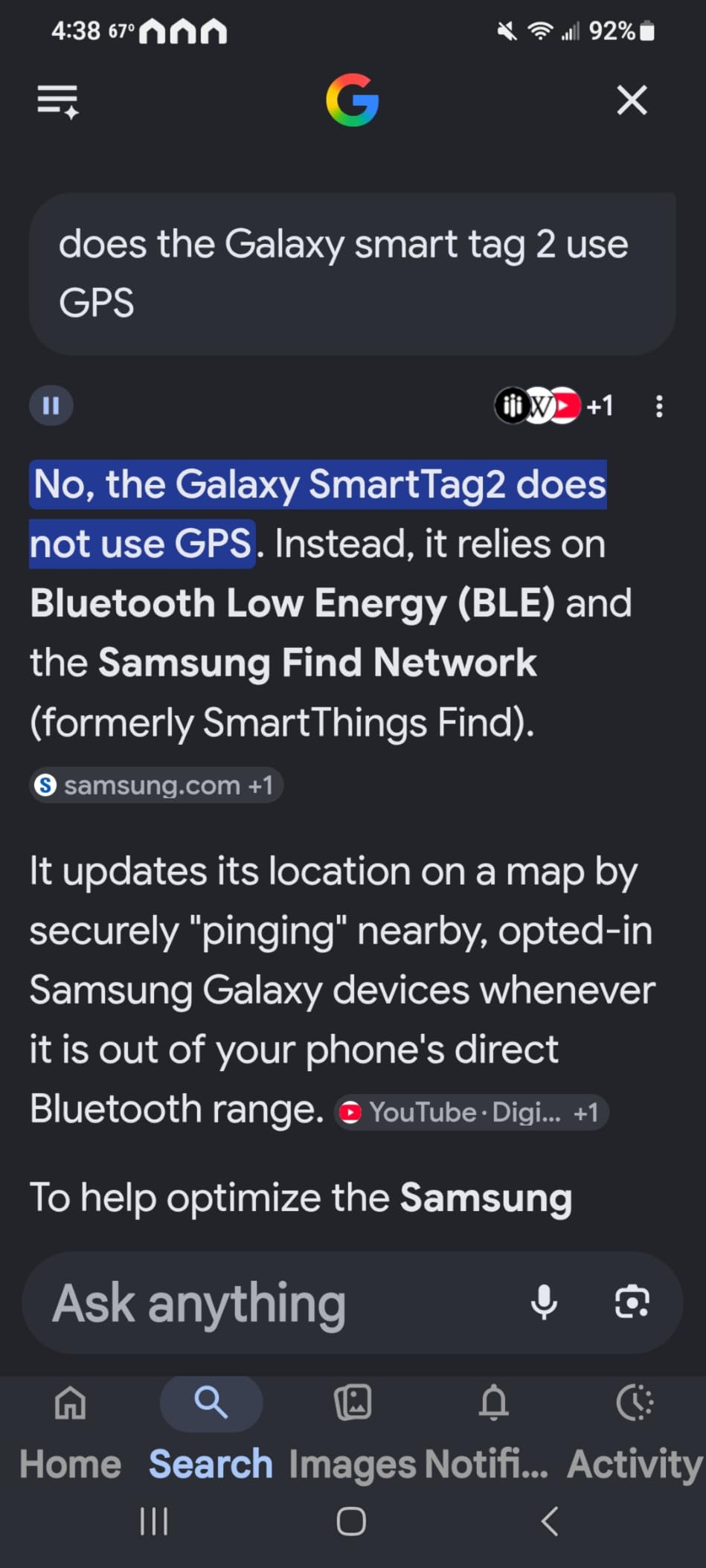
One correction to a common belief. Nothing in this roundup is a GPS tracker. Every product here is a Bluetooth tag that reports through nearby phones or manufacturer devices, and that is why a stationary dot mid-flight is normal rather than a fault. A true GPS tracker carries its own GNSS receiver and a SIM, reports a live position anywhere with cell coverage, and runs on a monthly subscription. For a checked bag on a scheduled route through a real airport, the crowdsourced networks are dense enough that the subscription is rarely worth it.
Can You Fly With a Luggage Tracker? TSA and FAA Rules
Yes. A Bluetooth tracker is a permitted item in checked baggage, and travelers report that tags in checked bags have never been removed or flagged in screening in the US, the UK, Germany or Japan. The rules that actually catch people out are about spare batteries, not about trackers.
Three points settle it:
- Installed coin cells are fine. A CR2032 carries roughly 0.1 g of lithium content, well under the 2 g per-cell limit that aviation regulators apply to checked baggage, so a tracker with its cell fitted causes no problem.
- Spare loose coin cells are carry-on only. This is the mistake that catches travelers. You cannot pack a spare CR2032 in checked luggage, so do not plan to change a tag’s battery at your destination. Pick a tag with a two-year cell or a rechargeable battery if that matters to you.
- Rechargeable trackers are lithium-ion devices. A small device with a battery installed is generally treated like a phone-sized battery and is allowed in checked baggage, but every carrier publishes its own limits. Check your airline’s page before a long route, particularly on a carrier known for strict interpretations.
The history is worth knowing because old advice still circulates. An airline briefly told passengers trackers were not permitted in checked bags in 2022, and the industry reversed course once trackers were shown to help reunite bags faster. The current direction is integration rather than restriction, and trackers are increasingly shared directly with airline baggage systems.
What the tracker does not do is slow your bag down or trigger anything in screening. It is a passive receiver and a Bluetooth beacon, not a transmitting device of any consequence to a screening system.
Where to Hide a Tracker in Checked Luggage
Hide it, do not hang it. Every tracker that hangs from a handle is a tracker that a thief can pocket in two seconds, and the three hanging tags above are the weakest choice for that reason.
Put the tag in an internal pocket against the bag lining, or inside a zip compartment of a garment you pack flat, roughly a third of the way from the top of the suitcase. That depth gives a Bluetooth tag the best odds of a close-range ping when the bag is opened on a carousel, while keeping it out of reach of a hand going through the main compartment.
Do not bury it under the deepest layer of clothing in a hardshell case, and do not tape it to the outside shell. A tag pressed against a metal wall or sealed in a foam layer loses signal for the same reason it loses battery life. If you want a second layer of insurance, a flat card in a passport holder or a document pouch gives you a second network with none of the exposure.
What to Do When the Tracker Says Your Bag Missed the Flight
A dot that stops moving mid-flight is not a fault. Cargo holds are radio-silent for most of the cruise, and Bluetooth tags simply have nothing to relay through, so do not act on anything until the aircraft has landed.
Once you are on the ground, work through these three cases in order.
- The tag has not moved since the last update and the flight has landed. Give it 30 to 60 minutes after landing, because a bag can sit in a hold or a ramp queue before it reaches the carousel. If the position has not refreshed by the time the belt stops, walk to the airline transfer desk rather than the baggage services desk, and open the claim there. File the claim before you leave the terminal; bags reported inside the airport are recovered far faster.
- The tag shows your bag at the wrong airport. Go straight to the transfer desk with the tag open on your phone, showing the last known position and the timestamp. Tracker data turns a vague we’ll trace it at your destination into a specific location, which is the single biggest reason owners keep these. Expect the airline to act on it faster with a clear location than without, and expect a delay either way. Travelers describe bags shown in one European airport taking hours to days to be re-routed even with clear evidence, so keep your claim number and file a claim at your home airport if you fly home without the bag.
- The bag is at the right airport but your flight moved and the tag has stopped updating entirely. That usually means the tag reached its battery end, was crushed, or ended up in a region with no nearby phones on the network. Check the last known position, then tell the airline the tag stopped reporting rather than reporting a wrong location, because a dead tracker is a different conversation from a misrouted bag.
Whatever the case, take a screenshot of the position and the timestamp before you start talking to anyone. Airline staff will not always accept a verbal description of a map dot.
Frequently Asked Questions
Is there a better tracker than an AirTag?
For most iPhone users, no. The AirTag runs on Apple’s Find My network, which is the densest crowdsourced network available, and the second-generation chip adds Ultra Wideband Precision Finding for a directional arrow at close range. Better options exist only in narrow cases: a UGREEN FineTrack tag gives you a two-year replaceable battery for less than a single premium tag, and a KIUP tag works on both Google Find Hub and Apple Find My if your household mixes phones.
What is the best GPS tracker for luggage?
None of the trackers in this roundup is a GPS tracker, and that is deliberate. A true GPS tracker carries its own GNSS receiver and a SIM card, reports a live position anywhere with cell coverage, and costs a monthly subscription for the life of the device. For a bag travelling a scheduled route through a real airport, the free Bluetooth networks are dense enough that you get the information you need without a recurring bill. A GPS tracker earns its subscription only if your bag regularly goes somewhere with very few phones around.
Do luggage GPS trackers require a monthly subscription?
The Bluetooth trackers in this roundup do not, and we deliberately selected only no-fee models. Cellular GPS trackers with their own SIM do require a plan, and the subscription usually auto-renews, which is the single most common complaint from travelers who forgot they had signed up. If you want a live position rather than a network-reported one, expect a monthly charge and check the renewal terms before you activate anything.
Are airlines still banning AirTags in checked baggage?
No. A tracker with its battery installed is a permitted item in checked baggage, and travelers report that tags have never been removed or flagged in screening in the US, the UK, Germany or Japan. An airline briefly stated trackers were not permitted in 2022 and then reversed the position once trackers were shown to speed up bag recovery. The current direction is integration, with trackers increasingly shared with airline baggage tracing systems rather than blocked.
What should I do if my tracker says my bag missed the flight?
Wait until the aircraft has landed, because a Bluetooth tag goes quiet in the radio-silent cargo hold during cruise. After landing, give it 30 to 60 minutes, then go to the airline transfer desk with the position and the timestamp on screen rather than the baggage services desk. File the claim before you leave the terminal and screenshot the map first, since bags reported inside an airport are recovered faster than bags already out in the system.
The Verdict: Best Luggage Tracker by Phone Type
The best luggage tracker for an iPhone household is the Apple AirTag (2nd Generation), because the Find My network and Precision Finding do more for a moving bag than any spec on this list. Galaxy owners should take the Samsung Galaxy SmartTag2 for its 500-day battery and IP67 rating. Everyone else on Android should look at the Life360 Tile for the simplest setup, the UGREEN Finder Duo for a rechargeable battery, or the KIUP pack if the household runs both phone types.
Whatever you choose, hide the tracker inside the bag rather than hanging it on the handle, and put it somewhere with a line to the nearest iPhone or Galaxy when the carousel opens. That placement does more for your chances of getting the bag back than any feature on any of these ten products.
We keep this list updated through 2026 as new trackers land, and the fastest way to pick is to answer one question: what phone is in your pocket?