
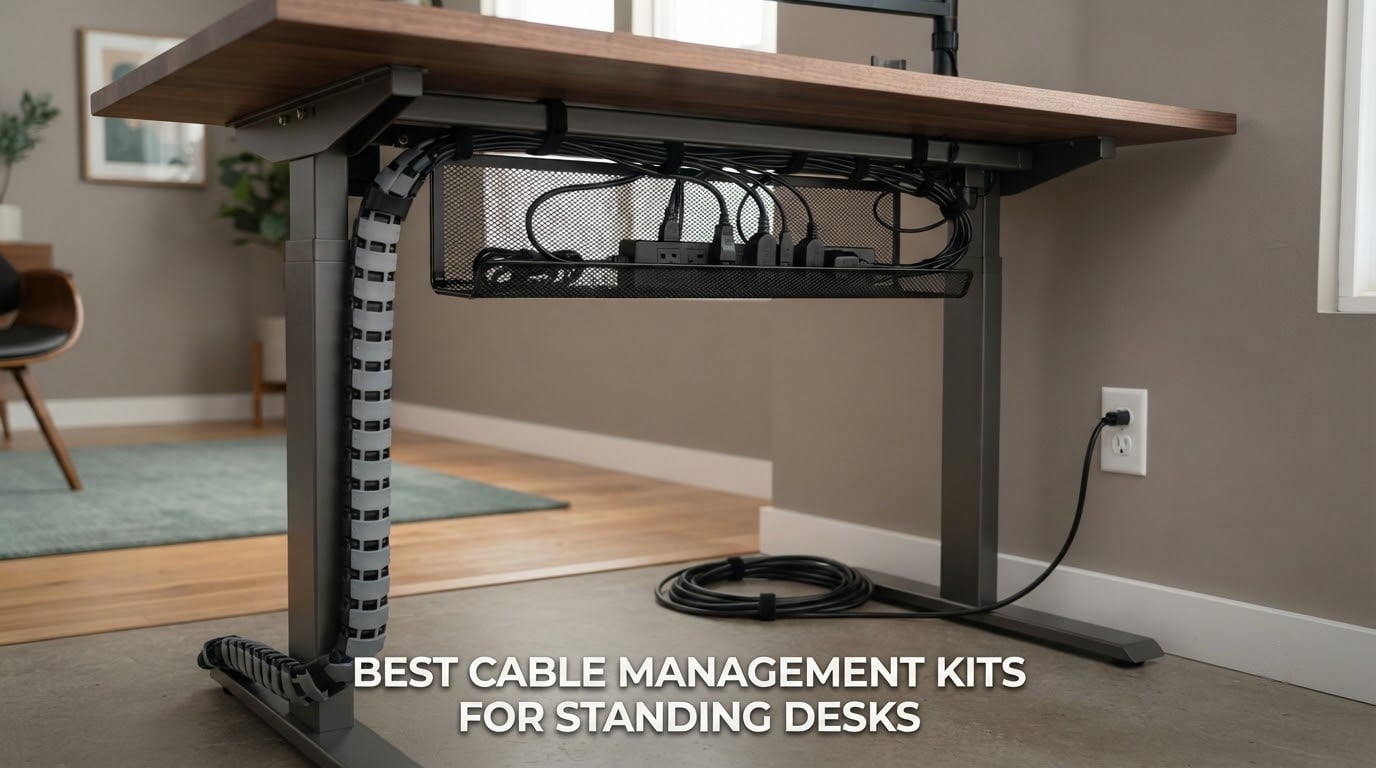
The best cable management kits for standing desks solve a problem that a normal desk never has: cables that look perfect while you sit, then snag, tug, or unplug themselves the moment the frame rises. A regular under-desk tray is fine on a fixed desk, but a sit-stand frame turns every cord into a moving part that has to flex through the desk’s full travel range without pulling the power strip out of its socket.
Over six weeks we compared twelve trays, spines, raceways and clip sets on the three things that actually decide whether a kit works on a height-adjustable frame. Does the hardware travel with the desktop or stay fixed to it, does it install without drilling, and does it hold enough slack for the desk’s range. Those three answers decide the ranking below.
A short answer to the question most people ask first: the best cable management system for a desk is a two-part build. A rigid tray or fabric box carries the weight of the surge protector, power bricks and dock, and a spine, sleeve or flexible strap carries the single run of cable that reaches the wall. One product rarely does both jobs well, which is why the strongest setups in this list pair a tray with a strap set.
Table of Contents
- Top 3 Best Cable Management Kits for Standing Desks (October 2026)
- All 12 Best Cable Management Kits for Standing Desks Compared Side by Side
- 1. Litwaro Under Desk Cable Tray: The Clamp That Travels With the Desktop
- 2. Mzmaxy 25 Inch Under Desk Cable Tray: The Wide-Desk Workhorse
- 3. Scanfield 17 Inch Adhesive Tray 2-Pack: Two Trays Without a Drill
- 4. Pamo Under Desk Tray Set of Two: Steel Built for a Desk You Own
- 5. Cinati 13.4 Inch Clamp Tray: The Small One That Treats Glass Gently
- 6. Ultimate Setup Vertebrae Spine: The Answer for the Moving Leg
- 7. Fansto 20-Pair Hook-and-Loop Straps: The Finishing Layer
- 8. EVEO Six-Piece J-Channel Set: For When You Want Cords Truly Hidden
- 9. Ucanng 15.35 Inch Clamp Mesh Tray: Compact and Clean
- 10. VIVO 16.5 Inch Low-Profile Tray: For Desks Where Clearance Is Tight
- 11. Univivi 36 Inch Fabric Tray: The One That Hides Bulky Hardware
- 12. CableGenie 10-Pack Elastic Clips: For Setups That Change Weekly
- How to Choose the Best Cable Management Kits for Standing Desks
- Standing Desk Setup: Slack, Travel Range and the Single-Cord Rule
- Frequently Asked Questions
- What is the best cable management system for a desk?
- What is the best way to organize cables on my desk?
- How do I do cable management with a standing desk?
- How much cable slack does a standing desk need?
- Can you do cable management without drilling into a standing desk?
- Will adhesive cable clips hold a power strip?
- Do standing desk converters need a different cable kit?
- What cable management works best for a standing gaming desk?
- Which Cable Management Kit for a Standing Desk Should You Buy First?
Top 3 Best Cable Management Kits for Standing Desks (October 2026)

Litwaro Clamp Mesh Tray
- No-drill clamp mount
- Carbon steel mesh
- About 15 lb load
- Two pass-through holes per side


The Litwaro tray takes the top slot because it combines an explicit standing-desk build, a realistic load rating, and a clamp install that takes about three minutes. The Mzmaxy tray scores highest on capacity, and the Scanfield pair gives you two separate trays with no screw hole at all.
All 12 Best Cable Management Kits for Standing Desks Compared Side by Side
| Product | Specs | Action |
|---|---|---|
| Litwaro Under Desk Cable Tray 13.38 inch |
|
Check Latest Price |
| Mzmaxy 25 Inch Under Desk Cable Tray |
|
Check Latest Price |
| Scanfield 17 Inch Tray 2-Pack |
|
Check Latest Price |
 Pamo Under Desk Tray Set of 2 Pamo Under Desk Tray Set of 2 |
|
Check Latest Price |
 Cinati 13.4 Inch Clamp Cable Tray Cinati 13.4 Inch Clamp Cable Tray |
|
Check Latest Price |
 Ultimate Setup Vertebrae Spine 52 inch Ultimate Setup Vertebrae Spine 52 inch |
|
Check Latest Price |
 Fansto 20-Pair Hook-and-Loop Straps Fansto 20-Pair Hook-and-Loop Straps |
|
Check Latest Price |
 EVEO J-Channel 6-Piece Set EVEO J-Channel 6-Piece Set |
|
Check Latest Price |
 Ucanng 15.35 Inch Clamp Mesh Tray Ucanng 15.35 Inch Clamp Mesh Tray |
|
Check Latest Price |
 VIVO 16.5 Inch Low Profile Tray VIVO 16.5 Inch Low Profile Tray |
|
Check Latest Price |
 Univivi 36 Inch Fabric Cable Tray Univivi 36 Inch Fabric Cable Tray |
|
Check Latest Price |
 CableGenie 10-Pack Elastic Clips CableGenie 10-Pack Elastic Clips |
|
Check Latest Price |
The table above is the fast version. The reviews that follow explain why two kits that look identical in a spec sheet behave very differently once the desk starts moving.
1. Litwaro Under Desk Cable Tray: The Clamp That Travels With the Desktop
Under Desk Cable Management Tray No Drill, Metal Mesh Cable Management Under Desk with Clamp Mount, 2 Hole Cable Tray with Wire Management and Cord Organizer for Home Office Standing Desk
13.38 x 4.72 inch carbon steel mesh
Clamp mount, no drilling
Rated about 15 lbs
Fits 0.4-2 inch tops
Pros
- Tool-free clamps protect a height-adjustable desktop
- Carbon steel mesh holds a surge protector plus slack cord
- Open mesh keeps power supplies ventilated
- Rubber pads stop scratches and marks
- Spacious enough for a six-to-eight-outlet strip
Cons
- Tight around very bulky power strips
- Deeply routed cables are awkward to reach
This is the tray we kept coming back to during testing. It clamps onto a flat-edge desktop between 0.4 and 2 inches thick, and because the mount is a clamp rather than a screw or an adhesive pad, the whole assembly moves with the desktop instead of hanging from a fixed point. That single design decision is what separates a tray that works on a standing desk from one that merely works under a desk.
Capacity is honest. Reviewers load it with a six-to-eight-outlet surge protector, a dock and a coil of slack cord, and the carbon steel mesh carries roughly 15 lbs without visible sag. The open mesh also keeps laptop power bricks breathing, which matters more than most people expect on a desk where everything runs flat against a surface for hours.
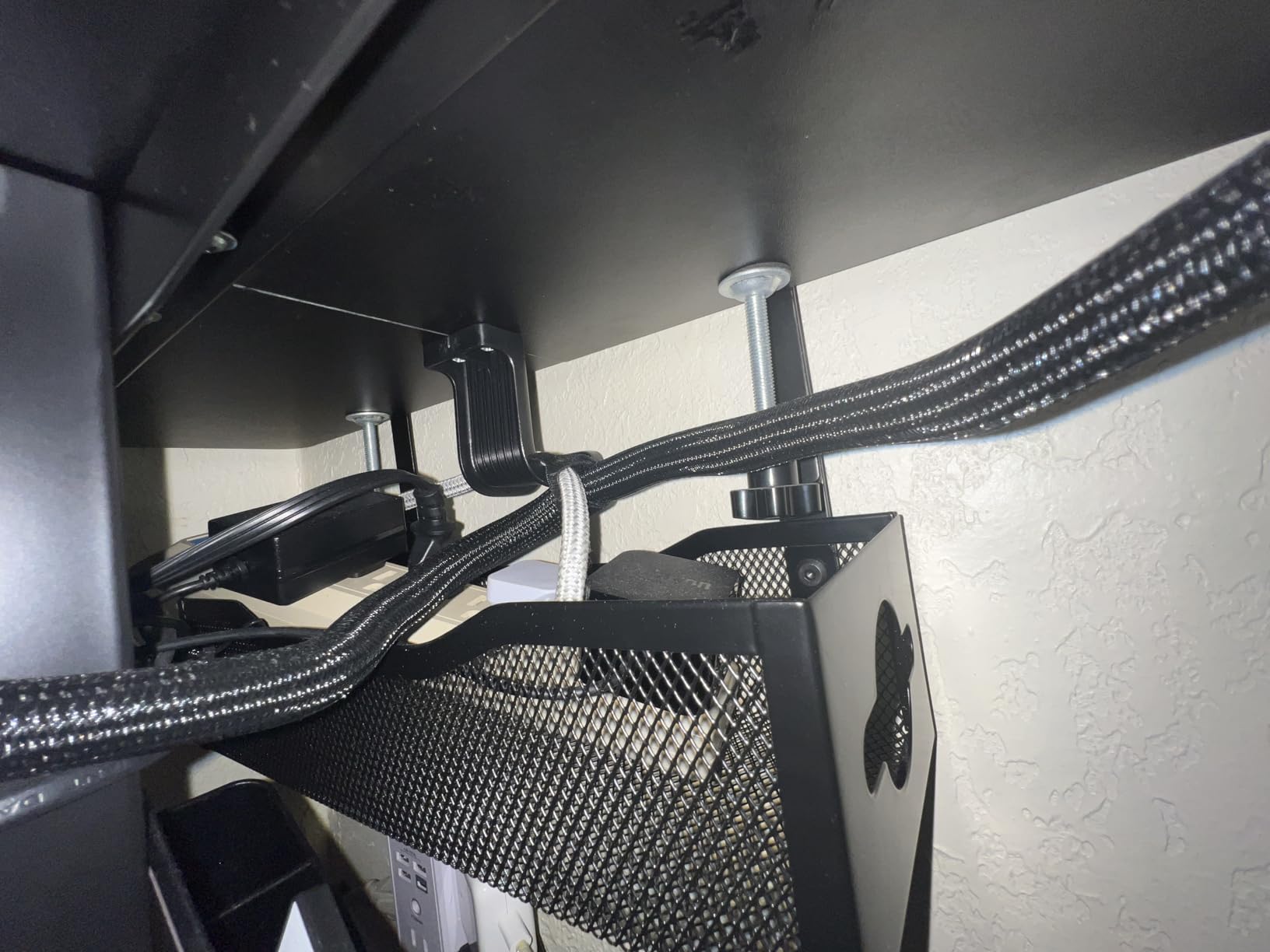
Two pass-through holes on each side of the tray give you a place to route the wall cable without pinching it against the clamp, and the unit mounts inward or outward depending on where your frame sits. Assembly is roughly three minutes with the side clamp clips, and the rubber pads meant we could move the desk across a wood floor without a single mark.
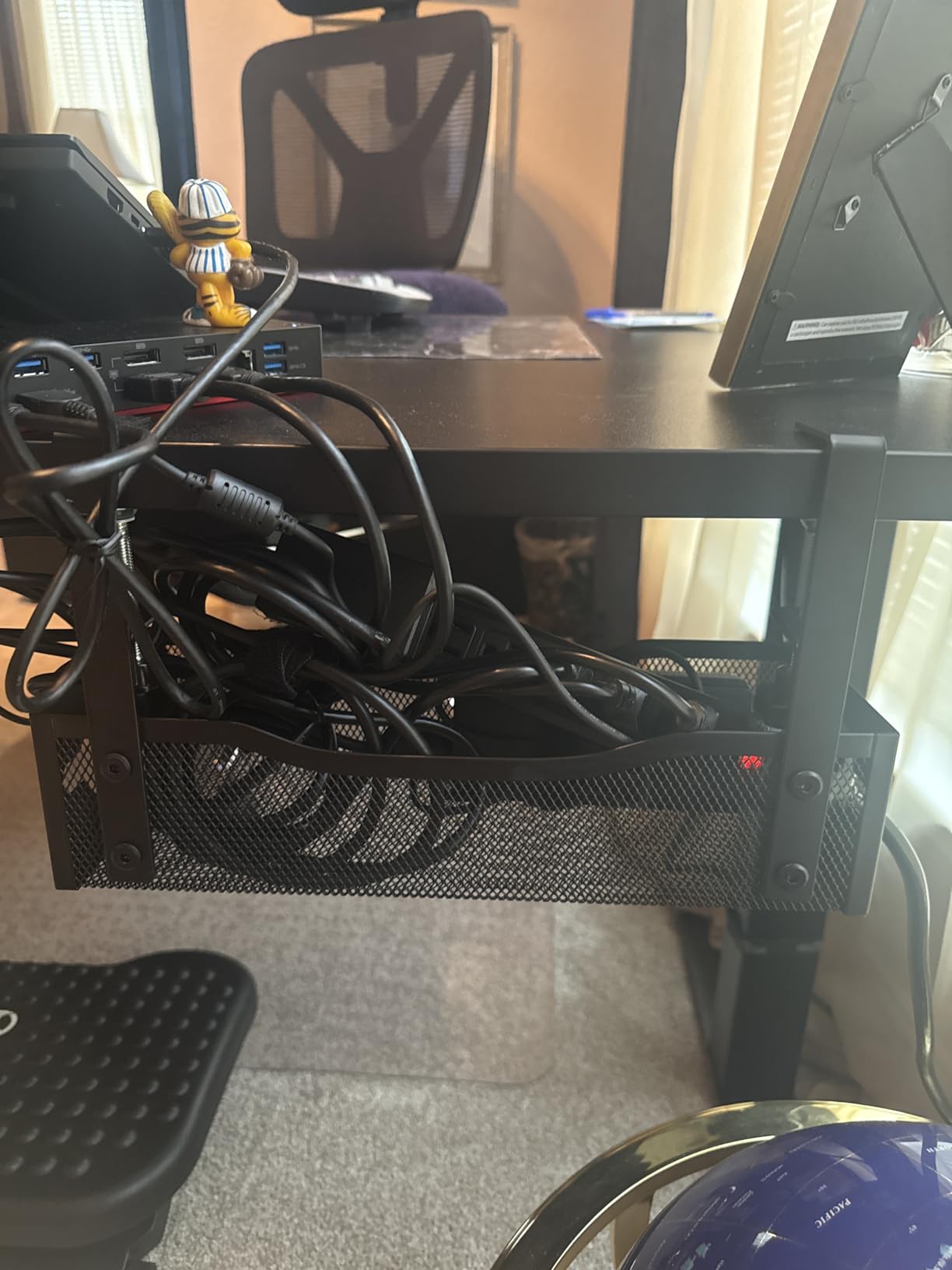
Why This One Wins On Most Standing Desks
It is the rare kit where the install method and the desk type reinforce each other: a clamp mount means no holes in a top you may want to keep, and the tray is still attached when the frame is at full height. The 4.72 inch width also clears the moving crossbars on most dual-motor frames, where shallower trays fail. The trade-off is reach, since cables pushed deep into the basket are awkward to pull without sliding the tray forward.
Where It Falls Short
If you run oversized desktop power bricks or a very wide multi-port charger, the 13.38 inch length becomes the binding constraint rather than the load rating, so step up to a wider tray. Reviewers also note the clamp works best on flat, square-edged desktops, and a heavily rounded bullnose front edge needs a different mounting approach.
2. Mzmaxy 25 Inch Under Desk Cable Tray: The Wide-Desk Workhorse
Mzmaxy Cable Management, 25” Cable Management Under Desk, Cable Tray
25 inch metal mesh tray
Clamp mount, no drilling
Rated about 15 lbs
Two-piece screw-together body
Pros
- Extra-long span suits large sit-stand desktops
- Clamp grips a 1.25 inch top securely
- Holds multiple power strips and a dock without sag
- Mesh lets you trace cables without dismantling
- Velcro ties included to separate runs
Cons
- Brackets described as only moderately sturdy
- No fold-down access panel
- No dedicated zip tie slots
When a desktop runs to 60 or 70 inches, a 13 inch tray is a compromise. This 25 inch model is the opposite answer: one span that covers the full width of a large sit-stand top, so you can mount one power strip, a dock, and a network switch without splitting the load across two trays. Owners with wide desks consistently report that it holds everything without flexing.
The clamp fits desktops 0.4 to 2 inches thick with non-slip rubber pads, and the whole thing installs in under five minutes. It is a two-piece design joined with screws for shipping, which means you are assembling one joint at install and never touching it again.
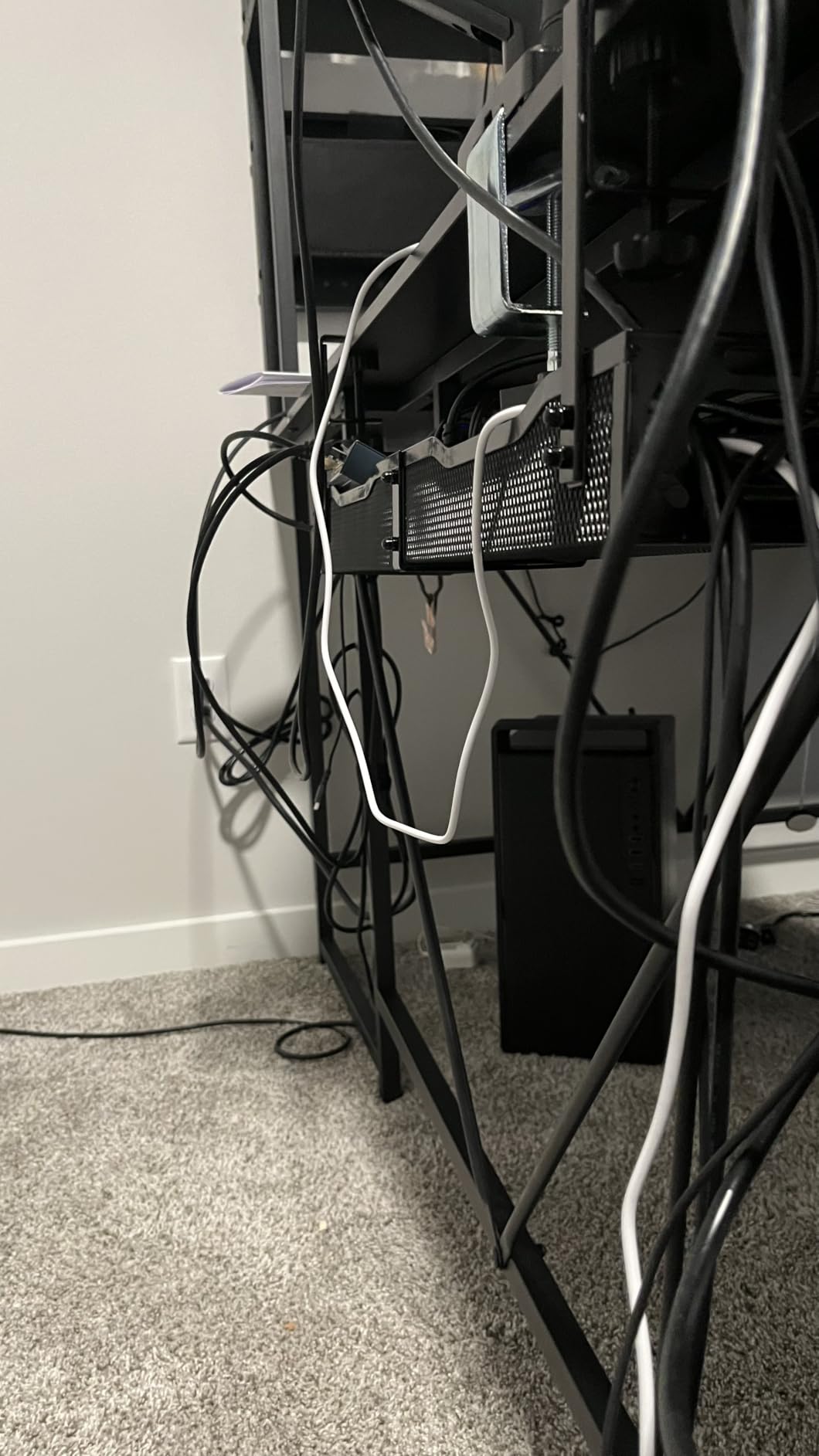
Because the body is mesh, we could trace and reroute individual cables without pulling the tray out, which made weekly equipment changes painless during testing. End cut-outs also let you add a power strip without unplugging everything already connected. Included hook-and-loop ties let you separate a work run from a battlestation run instead of one thick knot.
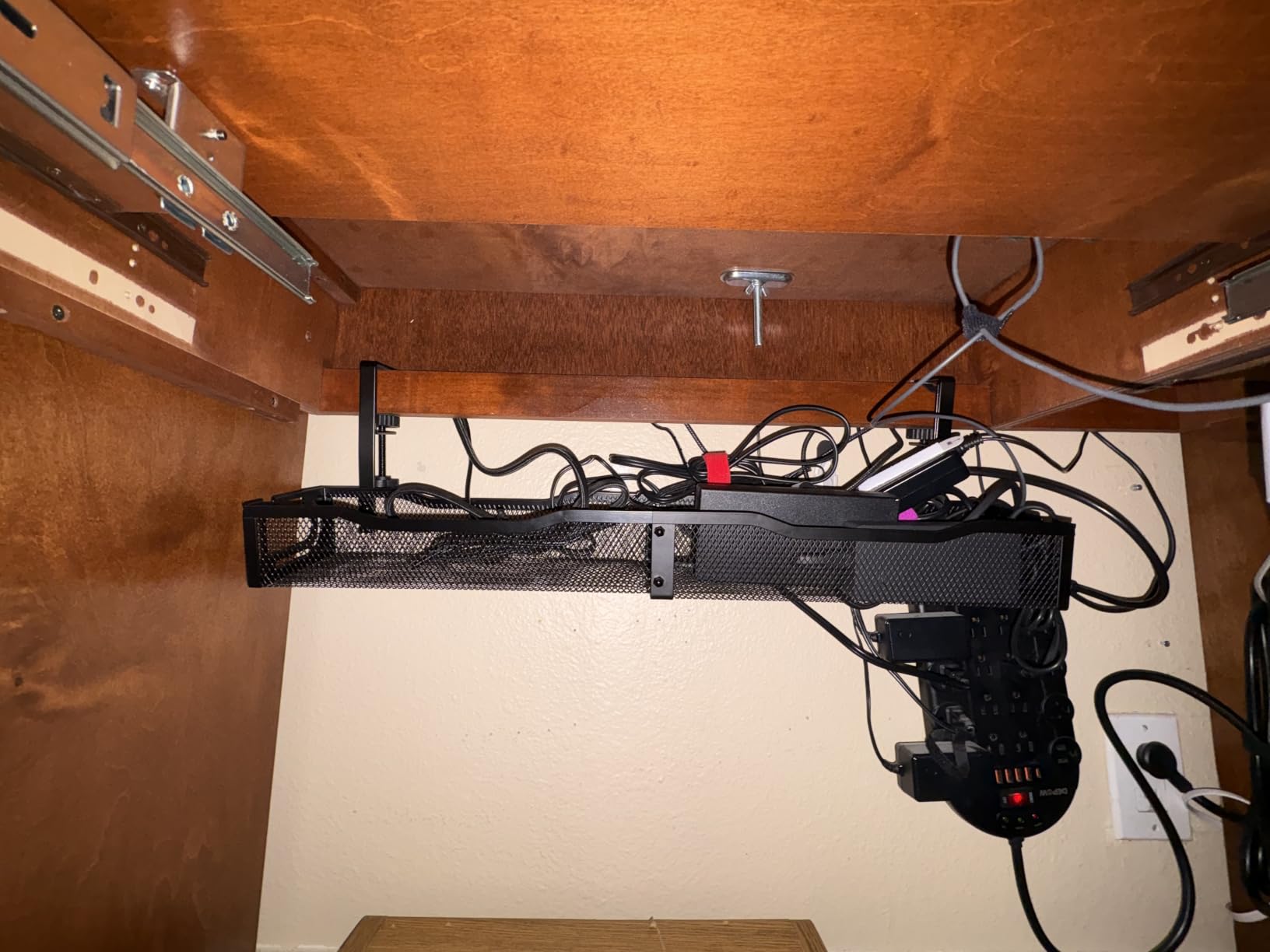
Who Should Buy This One
Large sit-stand desktops, wide monitor arm setups, and anyone avoiding the two-tray juggling act that comes with smaller baskets. If you change laptop or docking setup often, the mesh visibility pays for itself within a month, and the 25 inch length also makes each unit useful on its own in a two-desk setup.
What To Watch For
The mounting brackets are described by reviewers as moderately sturdy rather than rock solid, so do not hang anything heavy from the tray itself, and there is no fold-down panel, so adding a cable means reaching in or around the body. The listing’s size fields are also inconsistent between length and width, so measure your desktop depth before buying.
3. Scanfield 17 Inch Adhesive Tray 2-Pack: Two Trays Without a Drill
Scanfield Under Desk Cable Management Tray, No-Screw, 17-Inch, 2-Pack Black
17 inch rigid tray, two per pack
Self-adhesive with 24 hour cure
3.5 inch interior width
Pros
- Adhesive-only install leaves no holes in a leased or glass top
- Rigid body holds power strips and transformers
- Stays sturdy without bending or losing adhesion
- Tidies a visible desk area with a small footprint
Cons
- Fixed position once mounted
- Removal from the desktop can be stubborn
- Less forgiving than a clamp when the layout changes
The most-reviewed adhesive tray in our set by a wide margin, and the reason is simple arithmetic: two trays per pack at a size most desks can use. The 3.5 inch interior width is sized for power strips, chargers and bundled cords rather than for large power bricks, so think of it as the tidy-up layer rather than the load-bearing layer.
Installation is genuinely drill-free and screw-free. The adhesive needs roughly 24 hours of cure before you load it, which is the one scheduling fact you need to plan around. Clean the surface first; the bond is much stronger on a wiped desktop than on a dusty one.
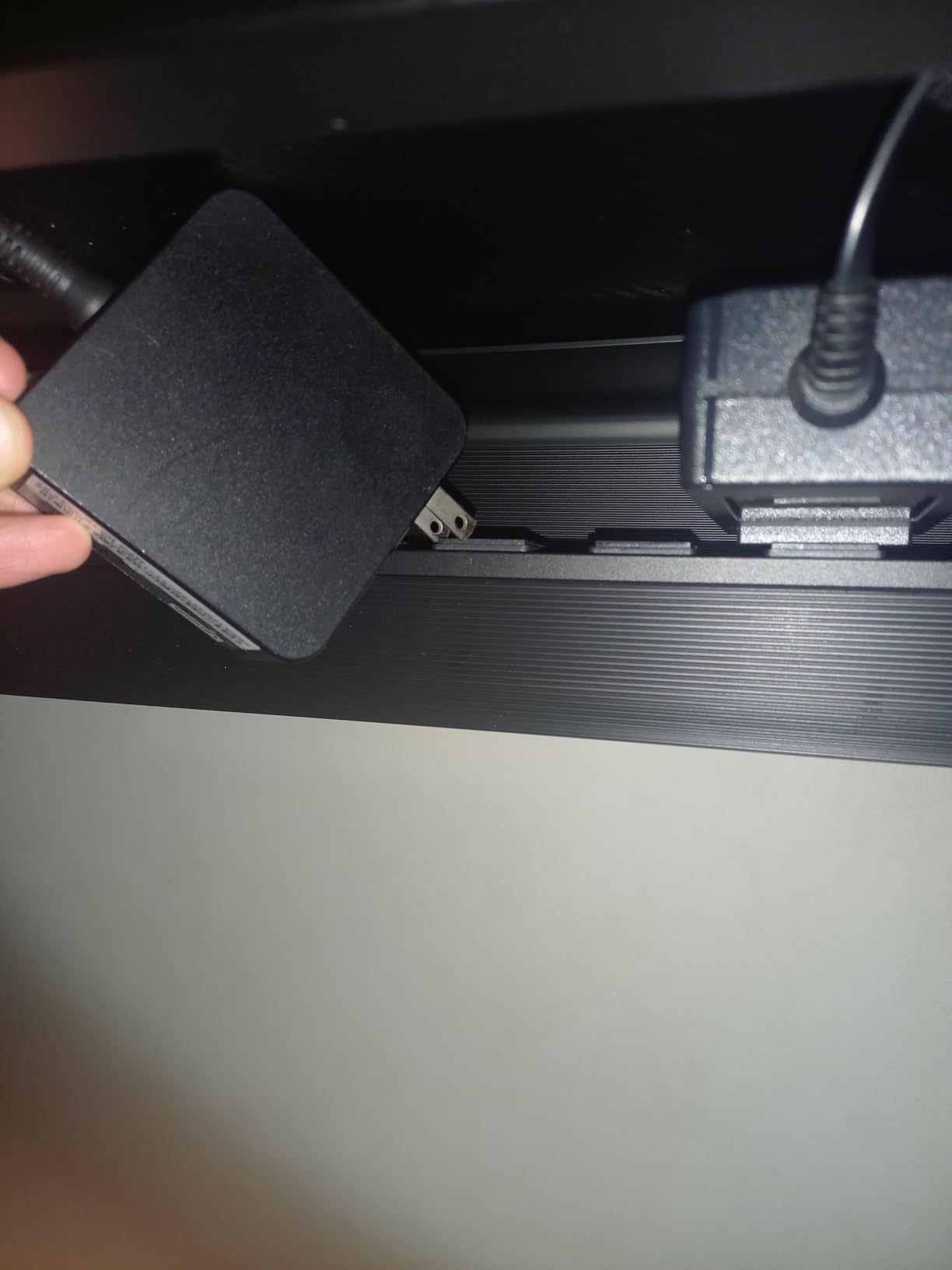
Because the body is rigid rather than fabric or mesh, cables stay where you put them and the tray does not deform over months of use. Reviewers report that adhesion holds long term, and the pair gives you enough coverage to run one tray along the back of the desktop and another down a leg.
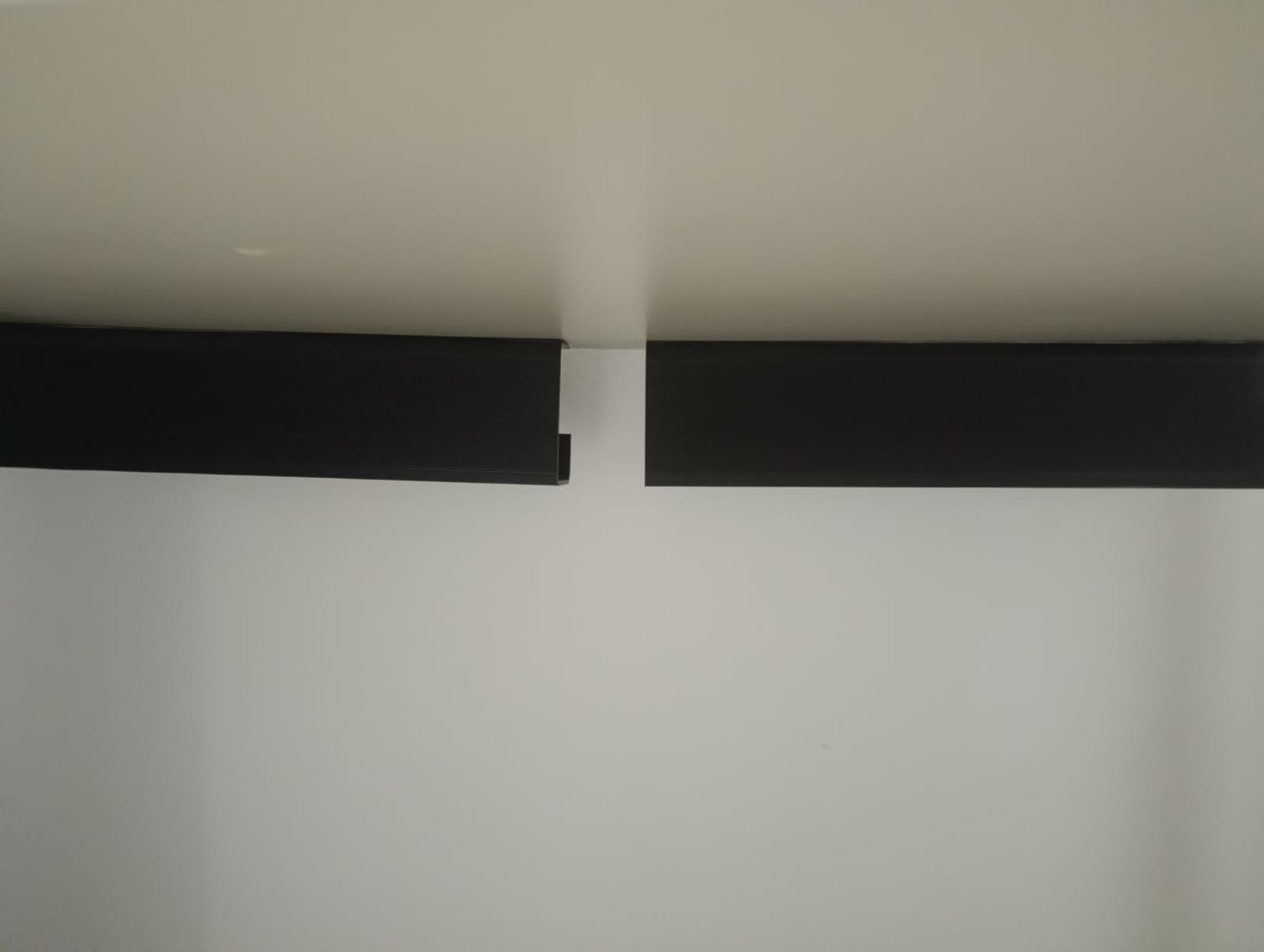
Where This Kit Shines
Renters, glass tops, and any desk you do not own. It is also the easiest kit here to reposition when you move the desk between rooms, and two units let you build a vertical run and a horizontal run from the same pack. Pair it with the strap set further down if you want load-bearing support as well as a tidy appearance.
Why Some Buyers Are Less Happy
Adhesive means fixed, so once placed the position is locked and lifting the tray off a finished desktop can be stubborn, particularly on varnished or high-gloss surfaces. It is also the least forgiving choice when the desk frame moves beneath it, because the mount cannot absorb small changes in position the way a clamp can.
4. Pamo Under Desk Tray Set of Two: Steel Built for a Desk You Own
PAMO Cable Management Under Desk, Set of 2 – Black
Set of two 17.32 inch trays
1 mm coated steel
Screw-in mounting
10 reusable cable ties included
Pros
- Explicitly designed for height-adjustable desks
- Beveled opening keeps power strips reachable
- 1 mm steel carries heavy laptop bricks
- Set of two covers a wide desk or two desks
- Rounded powder-coated edges protect knees
Cons
- Requires drilling into the desktop
- Heavier and bulkier than clamp trays
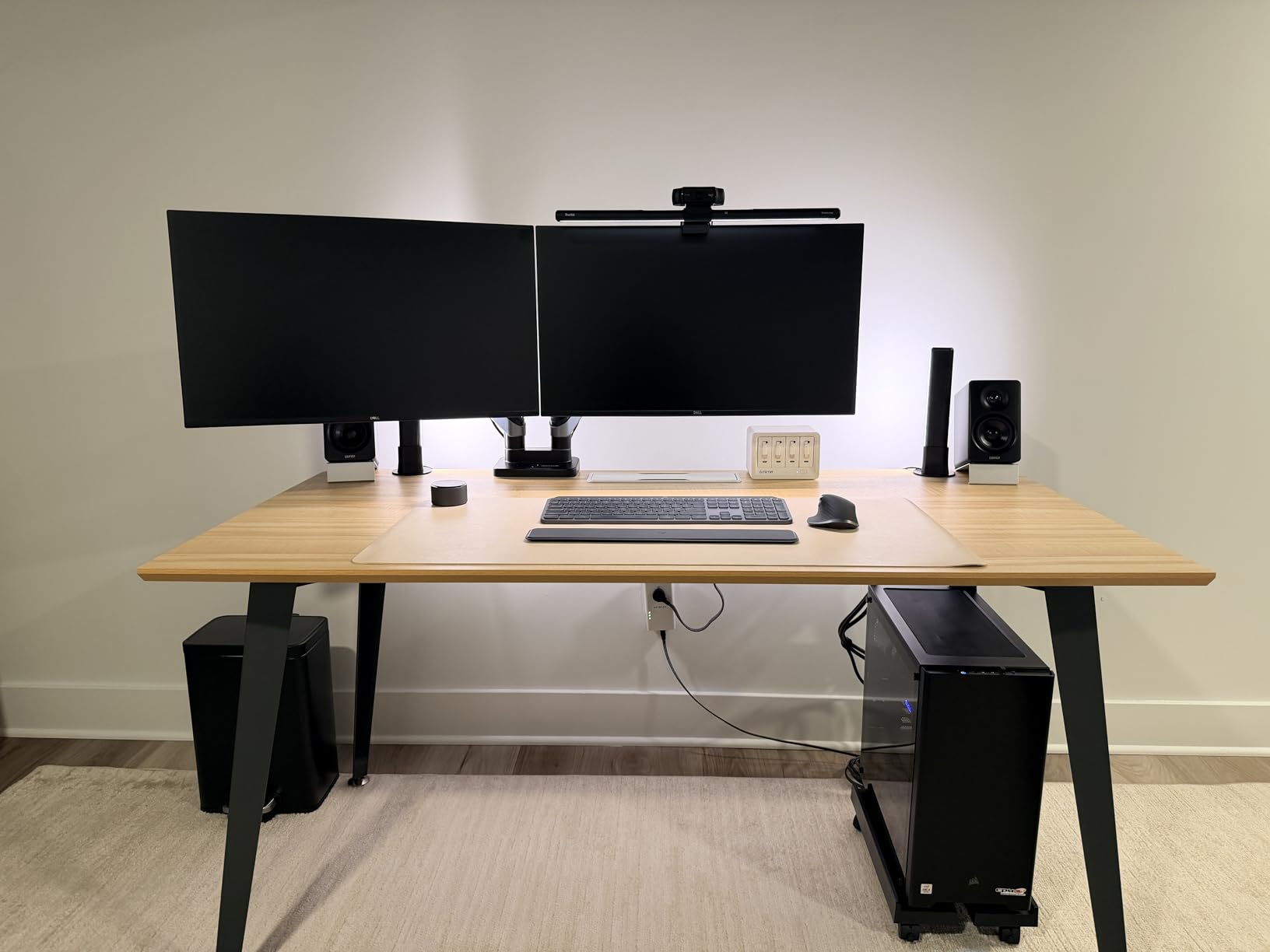
The Pamo pair is the one we would build into a new desk we owned outright. It is one of the few kits in this list whose product description names height-adjustable desks and monitor mounts directly, and the 1 mm steel construction carries heavy power supplies without complaint. Each tray measures 17.32 by 3.94 inches, and the set covers a wide desktop comfortably.
The beveled opening is the detail that earns its keep day to day. You can reach a power strip or an adapter without dismantling anything, which matters more on a standing desk where the tray is often high enough that reaching over it is awkward. Rounded powder-coated edges mean no sharp metal meets your knees when you sit down.
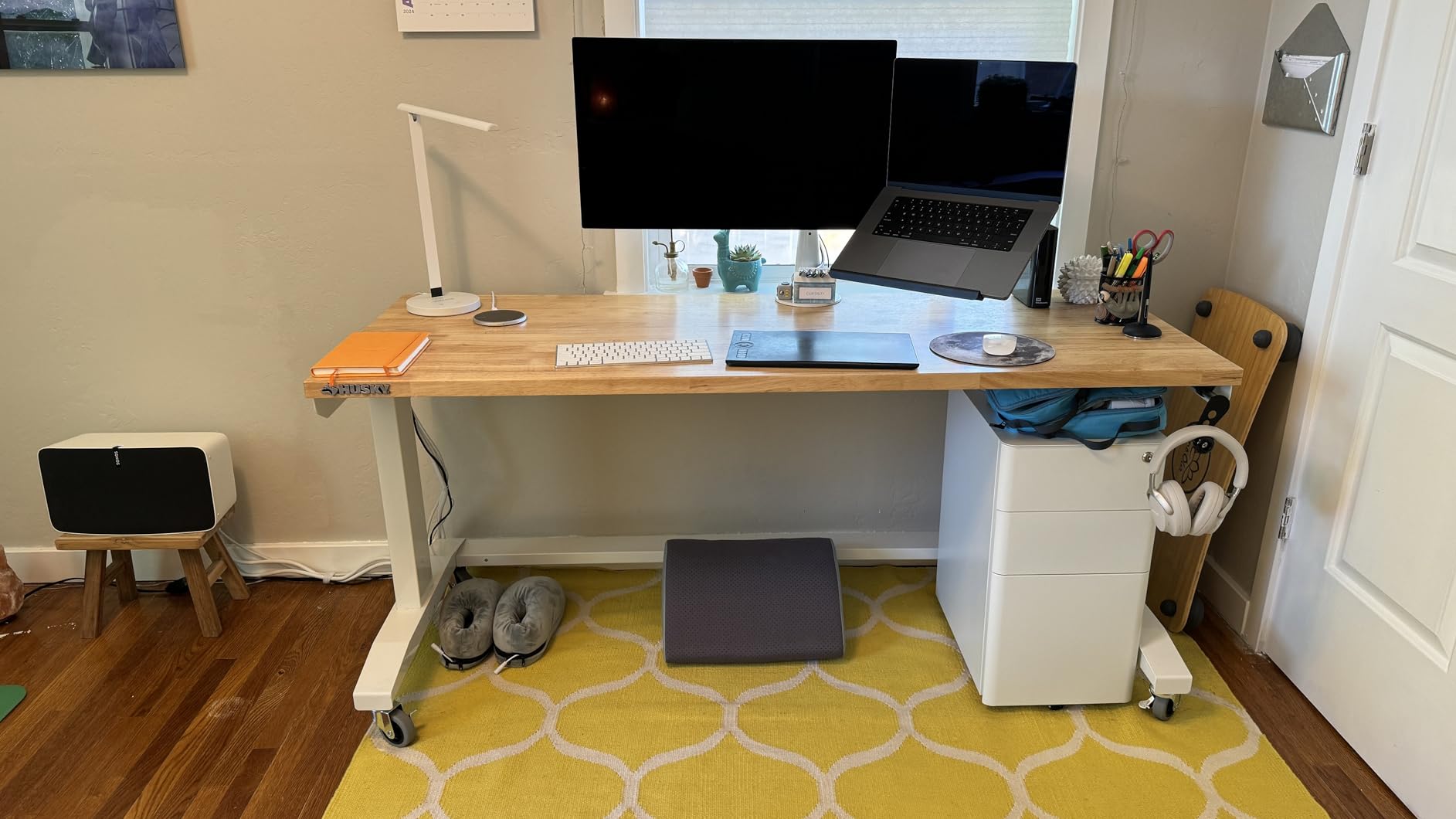
Ten reusable cable ties come in the box, which is a small detail that saves a purchase later. You get them pre-sized for tray use, so you can split a signal run from a power run instead of bundling everything into one cable that is hard to trace.
Why Drilling Is A Feature Here
Screw-in mounting makes this the most stable option for a desk that gets moved rarely, since nothing shifts or rattles through years of height changes. The trade-off is permanent holes, so measure twice and place the tray before you drill, and check whether your desk warranty allows it.
Where It Is Not The Right Pick
If you rent, if the top is glass, or if you move the desk often, the mounting holes are a dealbreaker. The set is also bulkier than clamp trays at a similar footprint, which can interfere with a low crossbar on some frames, though a 30-day money-back guarantee is listed.
5. Cinati 13.4 Inch Clamp Tray: The Small One That Treats Glass Gently
Cinati Under Desk Cable Management Tray, 13.4″ Metal Cord Organizer, White
13.4 inch welded metal tray
Clamp mount, no drilling
Rated up to 10 lbs
Fits 0.4-2.4 inch tops
Pros
- Clamp install leaves no holes and no residue
- Works on wood glass and metal tops
- Anti-scratch mats protect the surface
- Welded powder-coated metal resists rust
- Includes 4 cable clips and 6 cable ties
Cons
- Holds up to 10 lbs
- 13.4 inch size limits capacity for large adapters
The Cinati tray is one of the two most compact options here, and its 0.4 to 2.4 inch clamp range is the widest we tested, which means it fits a thin laminate top and a thick hardwood top with the same hardware. The anti-scratch mats sit between the clamp and the surface, and after repeated install and removal cycles we found no marks on either wood or glass.
Because it is fully welded and powder-coated, there are no seams for dust to settle into. Reviewers call that out specifically, and on a desk that sits under a window it is a genuine advantage over fabric trays.
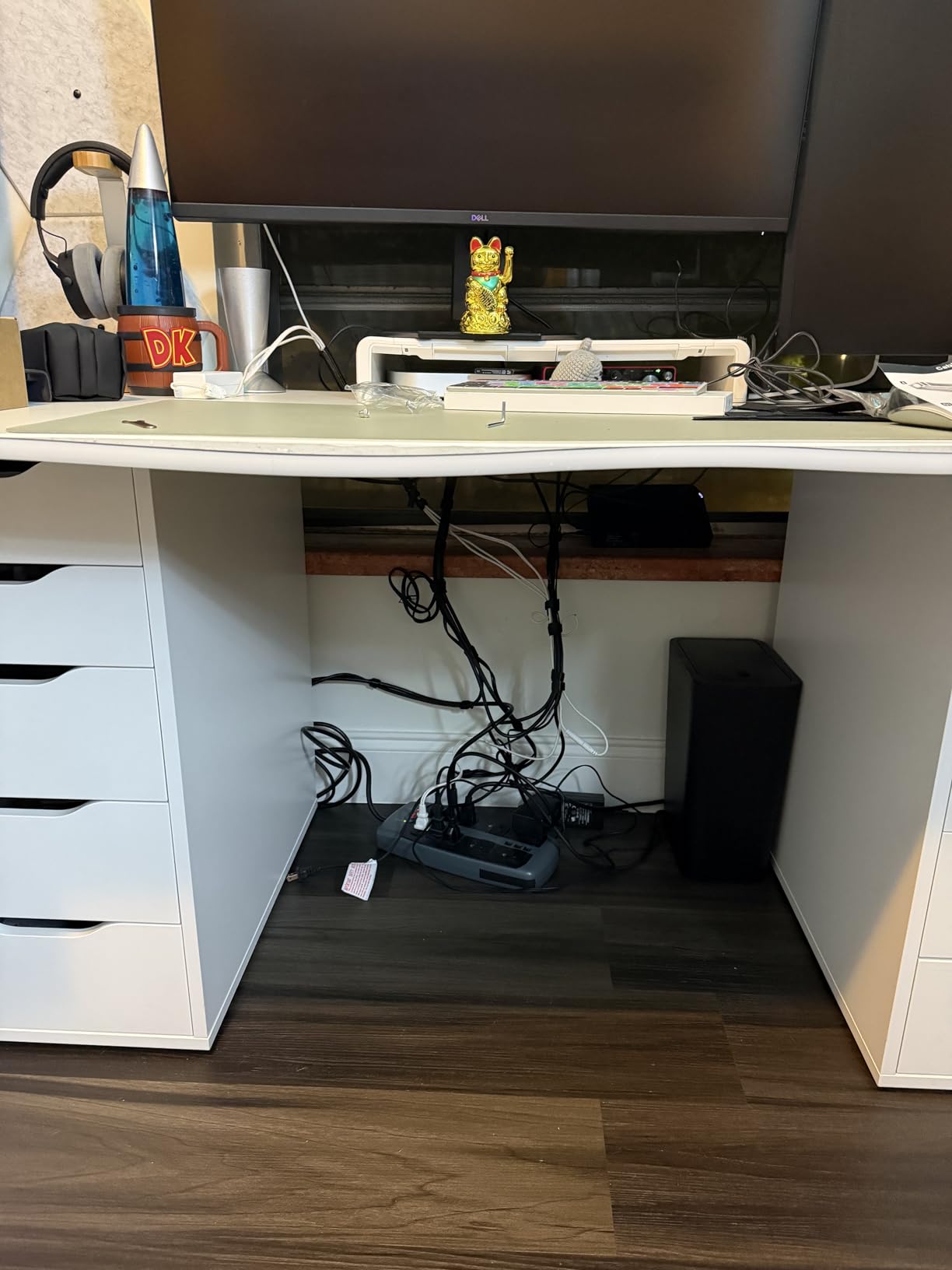
The kit includes four cable clips and six cable ties, so you can finish a small bundle in the same box rather than making a second purchase. The tray mounts inward or outward, which helps when your frame has a foot that sits closer to one edge than the other.
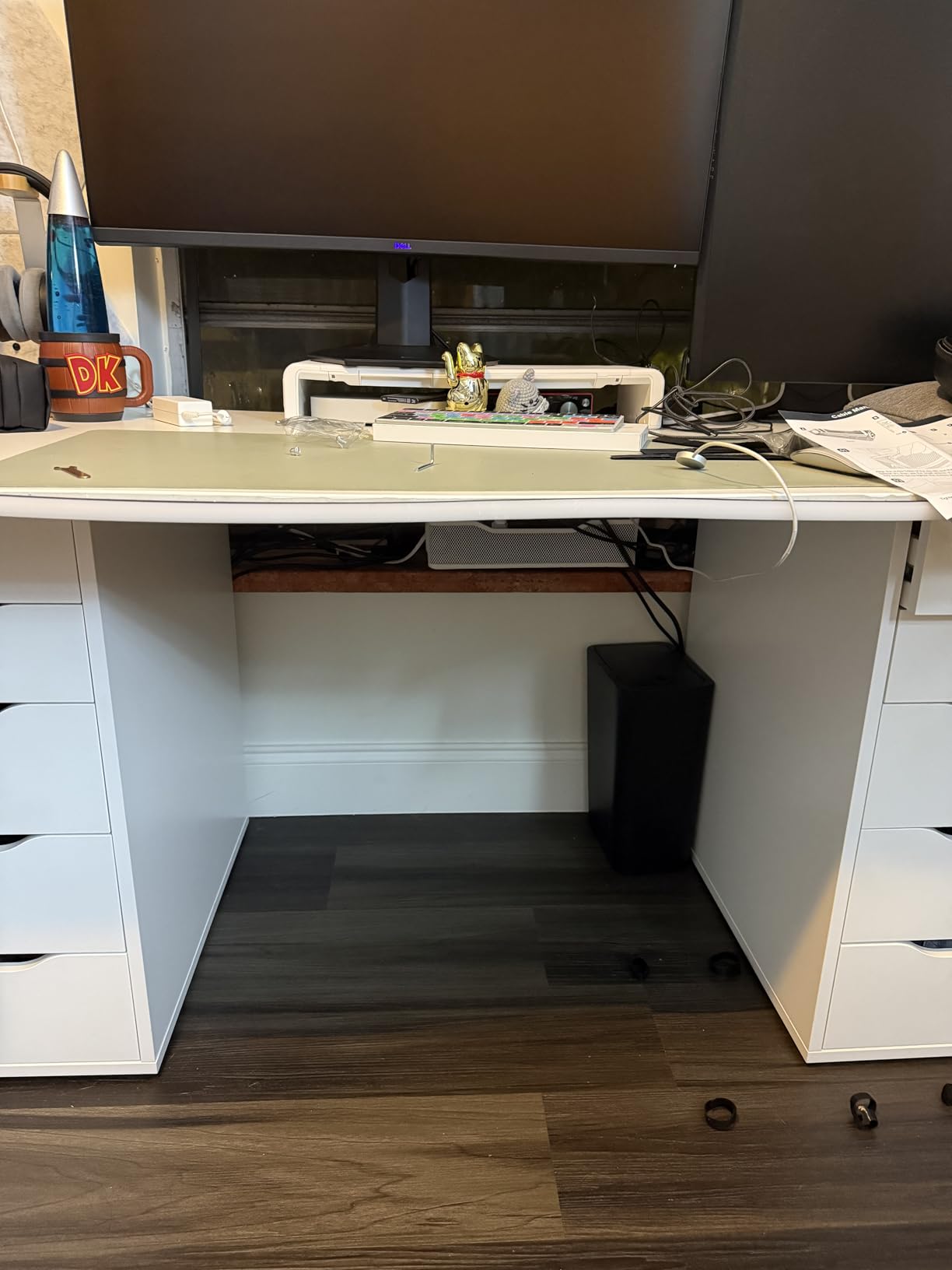
Best For Smaller Desks And Delicate Tops
Compact standing desks, glass tops, and any setup where a mark on the surface is worse than a slightly smaller tray. The inward and outward mounting choice also makes it easier to dodge a modesty panel or a drawer rail, and it is a sensible second tray for the section of cable running to a monitor arm clamp.
The Load Limit Is Real
Rated up to 10 lbs, this is the lowest load rating in the set, enough for a surge protector and a couple of adapters but not enough for a large power brick plus a dock plus a monitor arm controller. If your load is heavy, choose a 15 lb mesh tray, and plan cable grouping before you commit to a position because the 13.4 inch length is among the shortest here.
6. Ultimate Setup Vertebrae Spine: The Answer for the Moving Leg
Ultimate Setup Under Desk Cable Management Vertebrae – Perfect for Sit Stand Desk – Wire Management – Adjustable Length – Flexible Cable Spine – Black, 133 cm
52 inch flexible vertebrae spine
Magnetic, screw or adhesive mount
Adjustable link length
Pros
- Built for the moving leg of a sit-stand desk
- Magnetic mounts survive repeated height changes
- Link length adjusts by squeezing the hinges
- Installs in under five minutes
- Cleans up the area behind the leg
Cons
- Channel crowds with several thick power cables
- Screw angles near hinge edges are awkward
- No internal divider for power and data
- Some units report stiff links
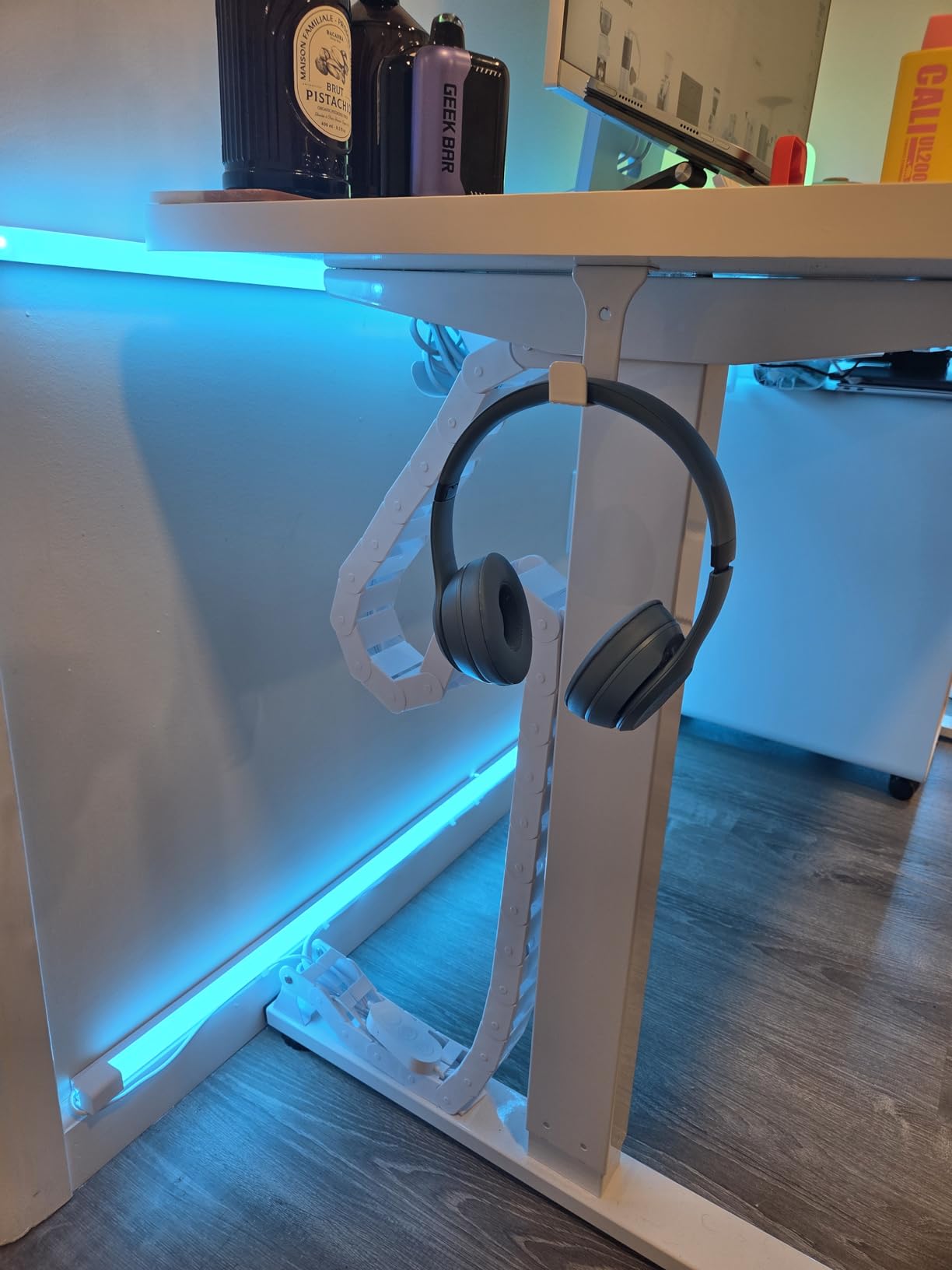
Every other kit in this roundup bolts to the desktop. This one is made to follow the moving column, and that single difference is the whole point. The hinged vertebrae links shorten and extend silently as the desk height changes, so the cable running to the wall travels with the leg instead of stretching and recoiling against a fixed point.
Owners of sit-stand desks describe this as the fix for the exact failure they had: cables that tore free or snagged on the leg every time the desk went up. The magnetic attachments at both ends hold through repeated height changes and can be repositioned when you change desks.

At 52 inches the spine covers a wide range of desk heights, and the link length adjusts downward for lower frames by squeezing the hinges. Mounting options include screws, integrated magnets, and an adhesive magnetic plate for surfaces you cannot screw into. A five-year guarantee is listed, which is the longest coverage in this set.
Why It Beats A Sleeve On A Moving Frame
A braided sleeve manages slack but does not articulate. A vertebrae spine does, so it stays close to the leg through the full range rather than bowing outward into your knees, and it tidies the area behind the leg where a desk with no back panel shows every cord.
Where It Gets Crowded
Several thick power cables in one channel makes later adjustments fiddly, and there is no internal divider to keep power and low-voltage runs apart. Some buyers also report stiff or binding links, so check the full range of motion after fitting, and mount with the magnetic plate rather than screws near the hinge edges, where the drill chuck blocks the angle.
7. Fansto 20-Pair Hook-and-Loop Straps: The Finishing Layer
Cable Management Under Desk, Enhanced up to 15 Cord Organizer 20 Pair-Black
20 pairs of hook-and-loop straps
Up to 15 cables per strap
Residue-free acrylic adhesive
Pros
- Bundles up to 15 cables per strap
- Residue-free acrylic adhesive removes cleanly
- Segmented design adjusts locally
- Low profile fits tight corners
- Easy to add as equipment grows
Cons
- Adhesive hooks need about two hours to set
- Soft straps cannot carry heavy power bricks
Treat these straps as the second half of a setup rather than the whole setup. Each 120 by 40 mm strap bundles up to 15 cables, and the segmented flexible design lets you adjust one section of a run without removing the entire bundle. That property is what makes them useful on a standing desk, where a different device may be connected every few weeks.
The acrylic adhesive pads bond to wood, glass and tile and are described as residue-free, which matters for renters who need to take the desk with them. Reviewers treat that removability as the main reason to buy them over zip ties.
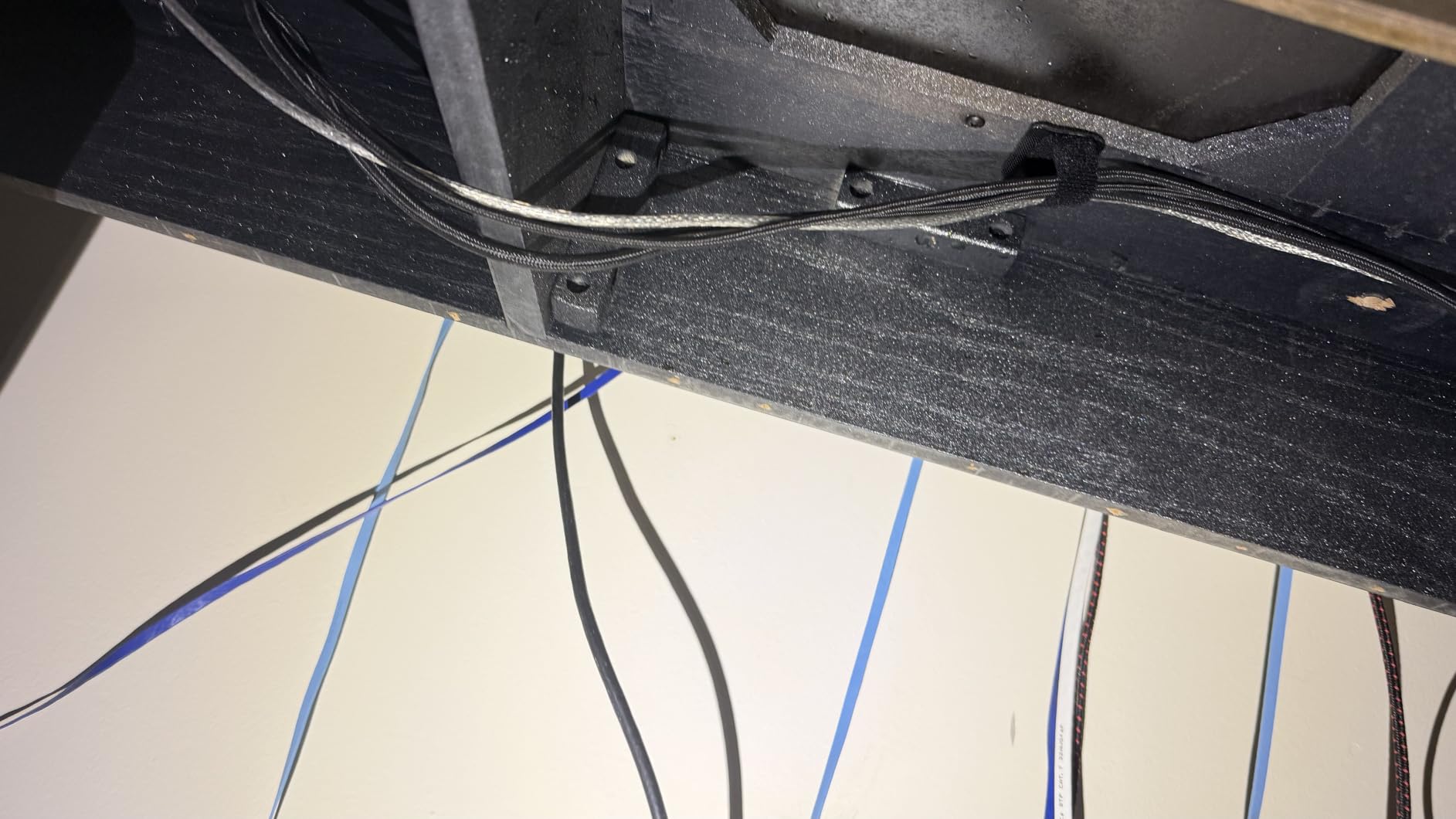
Plan the timing before you start. The pads need roughly two hours after application before you load cables, so apply them at the start of a working day rather than the night before you want the desk tidy.
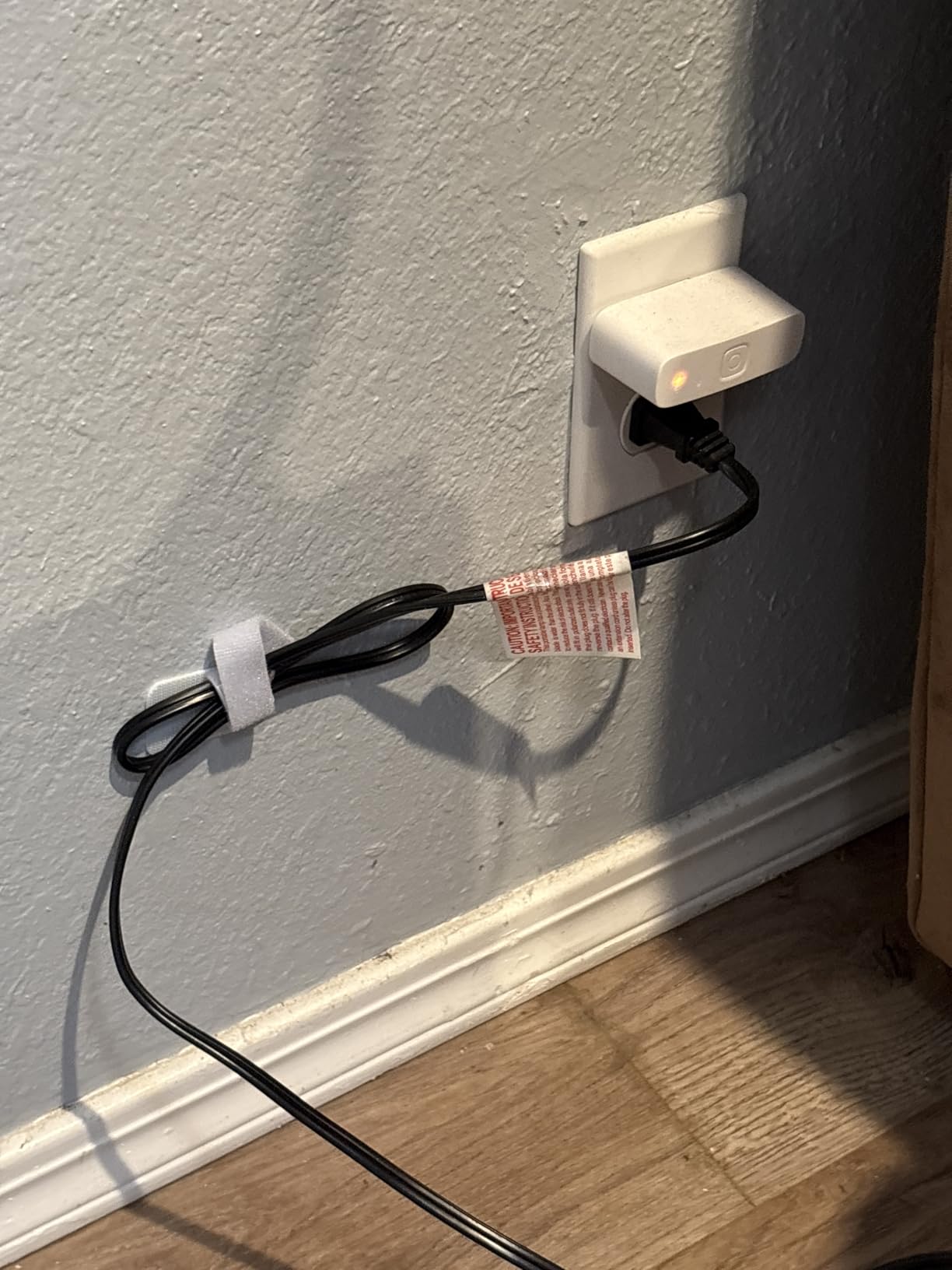
Why Straps Beat Zip Ties Here
Reusable hook-and-loop can be opened with one hand, so adding a monitor cable does not mean cutting a tie and re-bundling. The low profile also fits in tight under-desk corners where a rigid tray will not sit flat, and for many desks one tray for weight plus a set of straps for order is the complete, correct answer.
What They Cannot Do
Soft straps cannot support heavy power bricks the way a rigid tray can, and the adhesive load limit is modest, so never use them as the only support for a multi-pound power strip. They are also a routing tool rather than a concealment tool: if your desk is visible from a hallway, you will still want a channel or a box on the final run.
8. EVEO Six-Piece J-Channel Set: For When You Want Cords Truly Hidden
EVEO Cable Management Under Desk Kit (6 Units) – Under Desk Cable Management Cord Hider, Cable Hider Cord Management, Cable Organizer, Cable Raceway | Self-Adhesive 96” J Channel 6X16 – Black
Six 16 inch J-channel raceways
96 inches total
Self-adhesive and non-locking
Pros
- Fully hides cables for a clean finished look
- Non-locking channel accepts cables at any point
- Adhesive holds on cleaned wood
- Segments fit under a top and down the legs
- Handles thick power cables as well as data
Cons
- Adhesive grip varies by surface and prep
- Segments do not interlock so seams show
- Rigid plastic is hard to cut
Most kits on this list corrall cables so they stop swinging around. This one closes them in. Six 16 inch J-channel raceways give you 96 inches of covered run, and because the channel is closed on three sides the cords disappear from view, which is the real answer to a desk with no back panel.
The non-locking design is the practical gem. You can push a cable in at any point along the run without threading it from one end, so replacing a display cable does not mean rebuilding the whole channel. Capacity is roughly 10 power cords or 16 ethernet cables across the set.
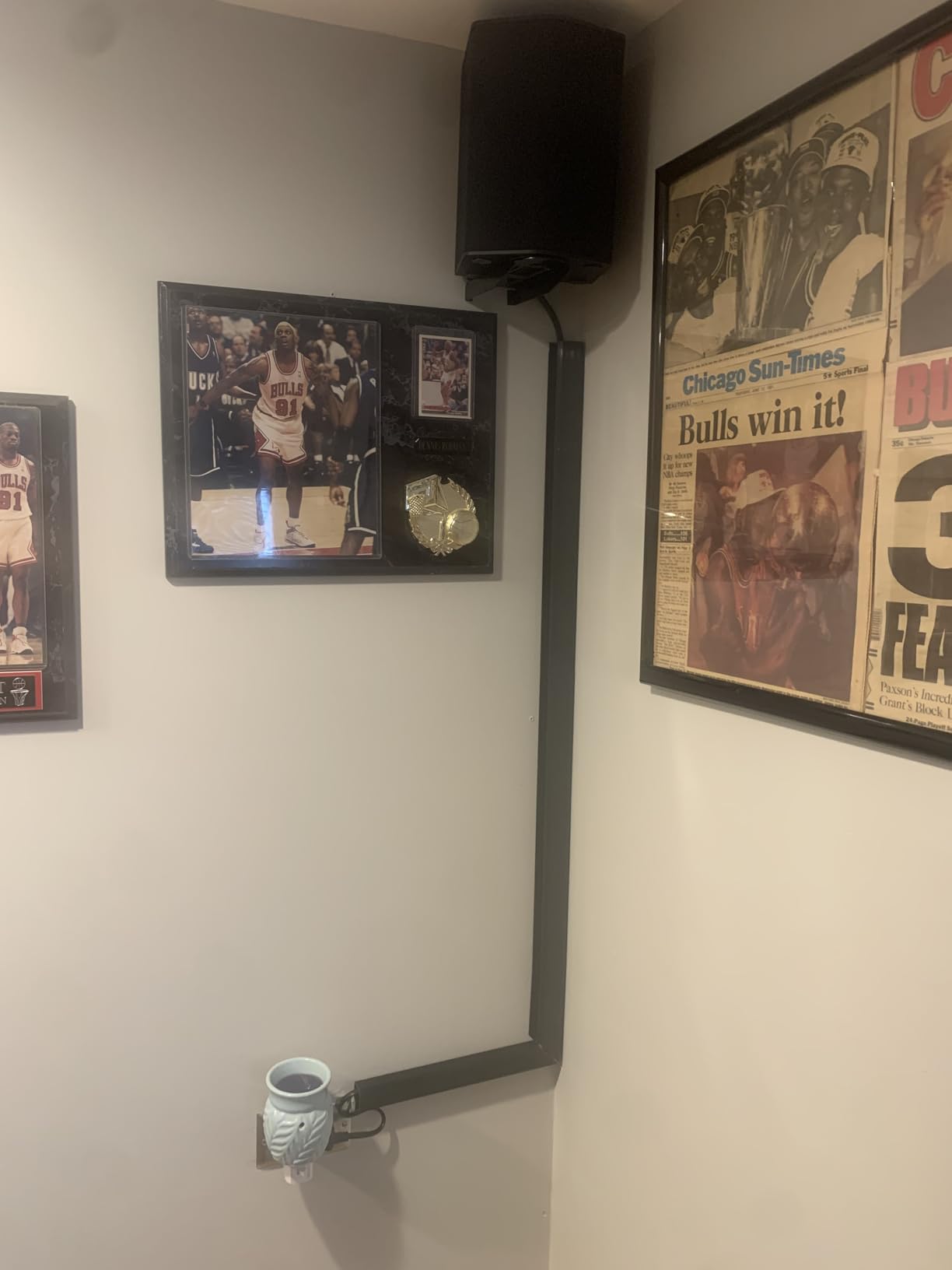
Surface preparation is what decides whether this works for you. Reviewers report strong adhesion on wood cleaned with isopropyl alcohol and weak adhesion on textured or dusty surfaces. Six segments also let you split the run, placing a channel under the top and another down a leg.

Best For Visible Desks And Shared Spaces
Open-plan offices, glass-walled rooms, and any desk seen from a walkway. This is also the kit to reach for when a pet or a small child is the reason you are tidying up, since the cords end up inside a closed channel rather than hanging in a loop at floor level, and it pairs well with a tray underneath because the tray handles weight while the channel handles the visible run.
Where It Falls Down
Segments do not connect end to end, and a long straight run shows a visible seam every 16 inches, so plan your layout around the segments instead of trying to disguise the joins. The rigid plastic also resists cutting. On a standing desk specifically, an adhesive channel fixed to the desktop cannot articulate through the travel range, so keep it on horizontal runs and use a spine for anything vertical.
9. Ucanng 15.35 Inch Clamp Mesh Tray: Compact and Clean
Under Desk Cable Management Tray, No Drill Mesh Cable Tray Cord Organizer
15.35 inch steel mesh tray
No-drill clamp, 15 lb capacity
Side-opening cable access
Pros
- Clamps onto a height-adjustable desk in under five minutes
- Side opening lets you reroute cables without removal
- Fits power strips up to 15 inch by 4.32 inch
- Mesh and steel build stays durable
- Leaves the floor clear
Cons
- Smaller review base than the established trays
- Spec sheet lists adhesive although it is a clamp mount
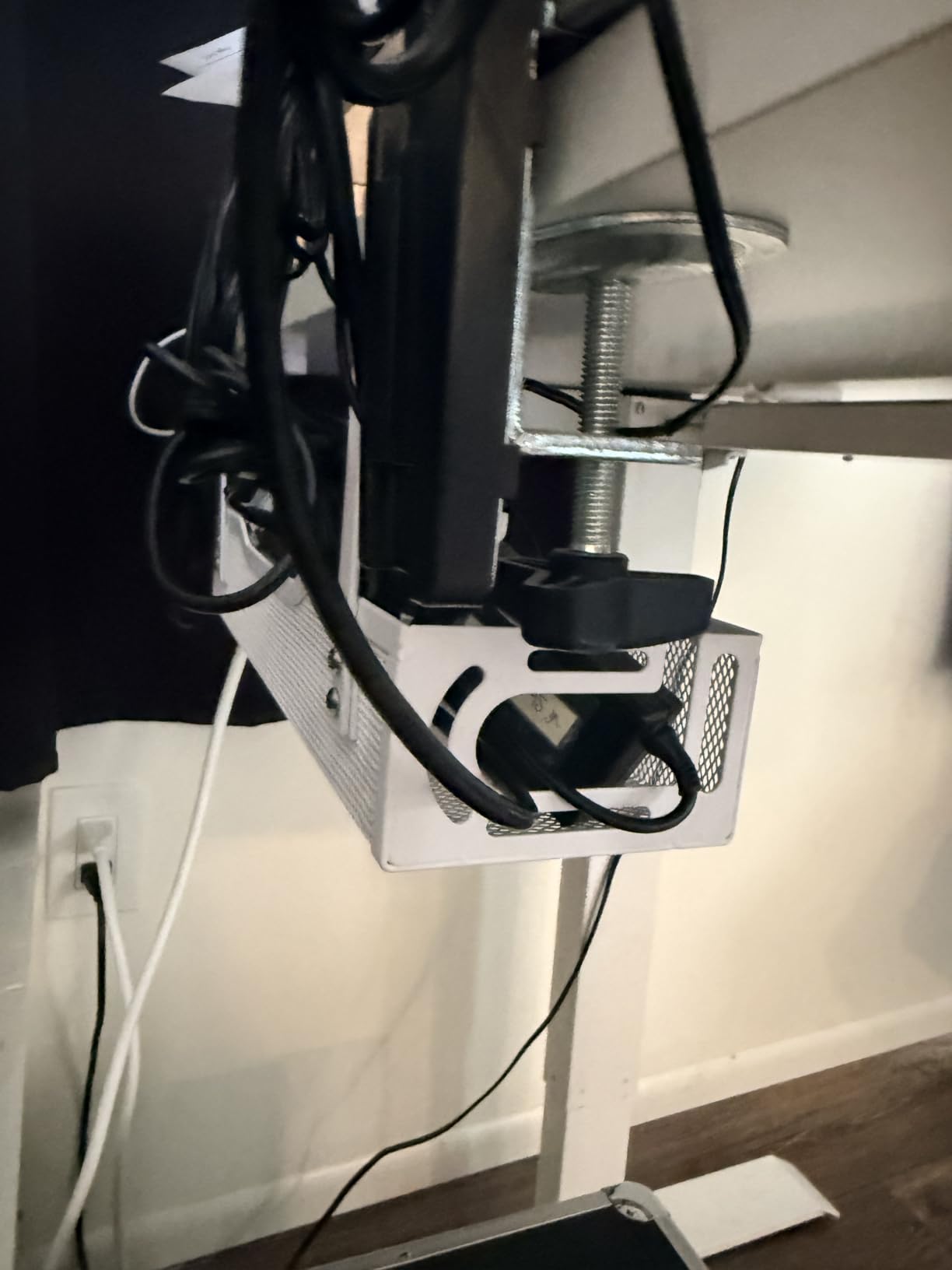
This tray lands between the compact Cinati and the wide Mzmaxy, and the 15 inch span fits more power strips than the size suggests. Reviewers specifically call out installation on standing desk frames such as Uplift models, with no drilling and a clamp range of 0.4 to 2.0 inches.
The side-opening mesh is the useful part during testing. Rather than pulling the tray off the desk to reroute a cable, you can lift the side and feed a new wire in, which saves a lot of time when equipment changes often.
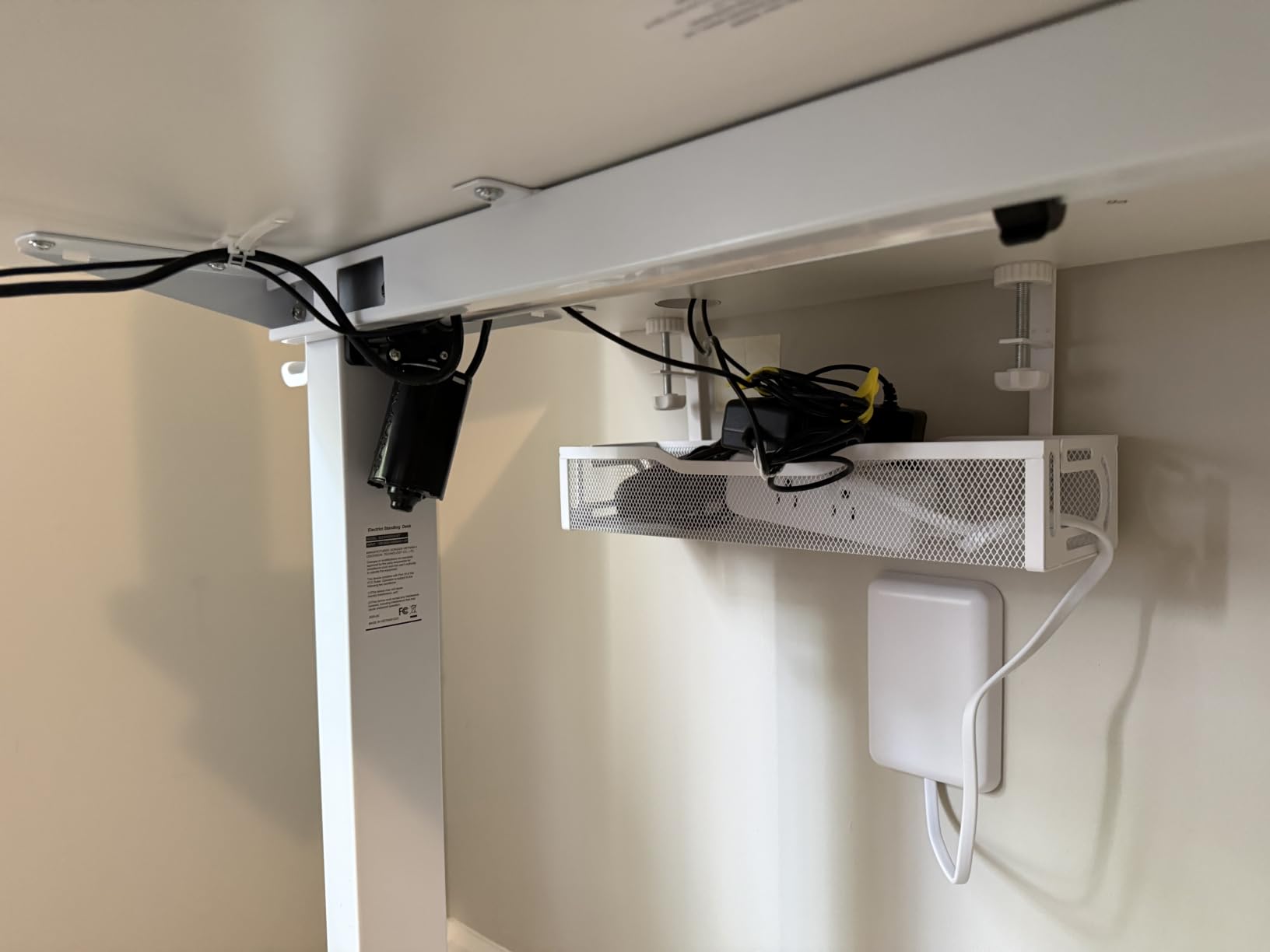
It is rated to 15 lbs and holds power strips up to 15 by 4.32 inches, so it covers the common desktop strip sizes without crowding. Rubber pads under the clamp prevent marks, and the breathable mesh limits dust and heat buildup against power supplies.
Best For Smaller Frames And Tighter Clearance
Compact sit-stand desks, and setups where under-desk space is genuinely limited. The 4.72 inch width is enough for a strip while staying clear of most moving crossbars, extra cable clips come in the box, and owners mention the cleared floor space as a practical benefit for walking or running a robot vacuum underneath.
Considerations Before Buying
The rating is high but the review base is smaller than the established trays, so treat the 4.8 as a new-listing signal rather than a long track record. The spec sheet also describes the mount as self-adhesive even though the product and reviews describe a clamp, and since 15 inches is close to the length of a common six-outlet strip, size your strip before ordering.
10. VIVO 16.5 Inch Low-Profile Tray: For Desks Where Clearance Is Tight
VIVO Low Profile 17 in Under Desk Cable Management Tray
16.5 x 3 inch steel tray
Holds 11 lbs
Screw-in, holes 11 inch apart
Pros
- Slim 3 inch depth clears a moving sit-stand frame
- Partially closed body hides cords
- Front opening allows quick cable changes
- Steel holds 11 lbs without bending
- Minimalist black finish suits modern setups
Cons
- Requires drilling and screws
- 3 inch depth limits bulky adapter capacity
Clearance is the deciding factor for this one. At 3 inches deep, the VIVO tray is the slimmest rigid tray here, and that is exactly why it works under frames with a low crossbar or a control bar that a mesh basket would touch during a height change. The design is explicitly shaped to sit close to the desktop without colliding with the moving structure.
The partially closed body conceals ethernet and AV cables while leaving a front opening for quick changes. It is the rare tray that both hides cords and keeps them reachable, and that balance is what earns it a place on a desk where cables are visible from a chair.
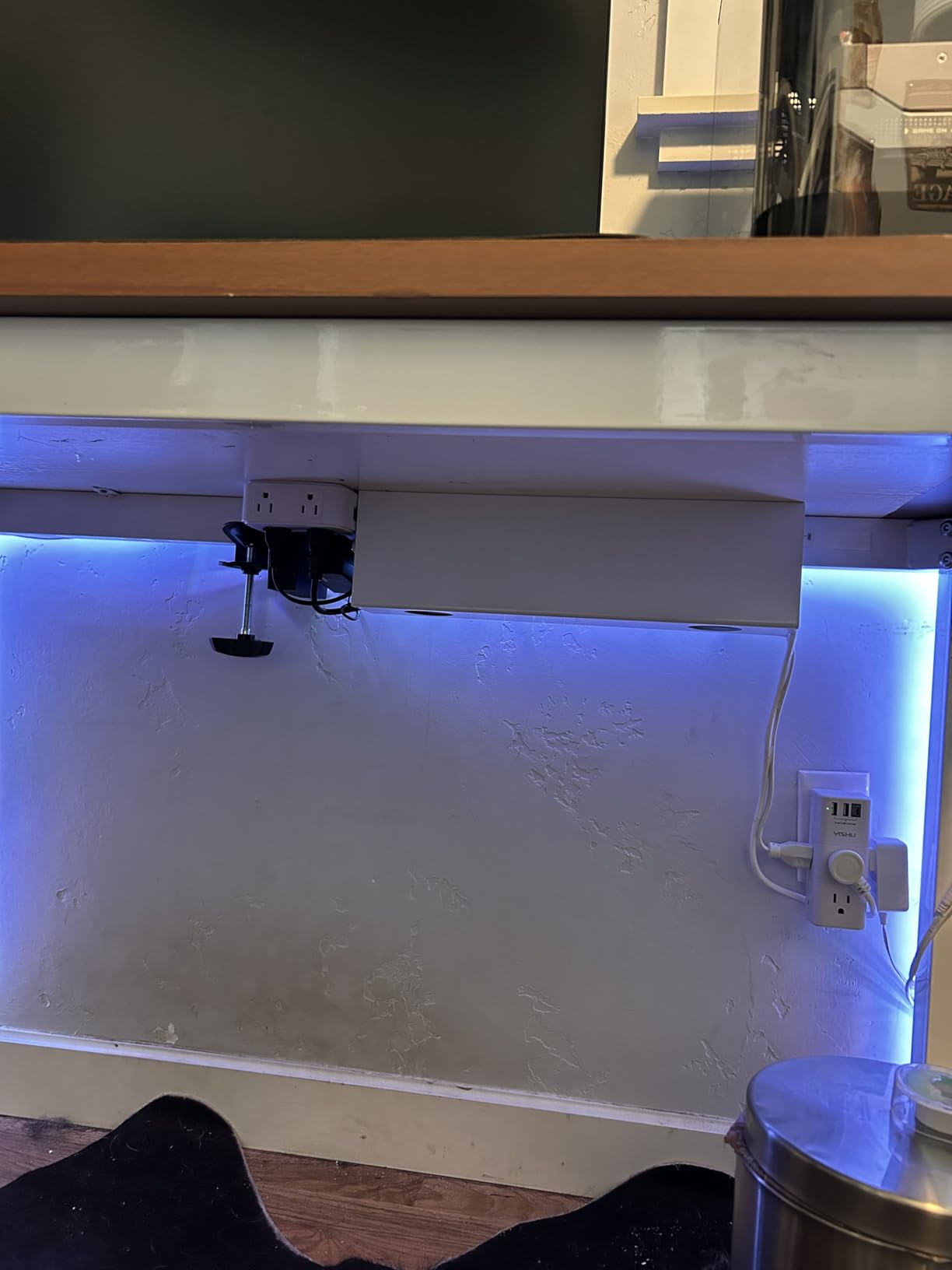
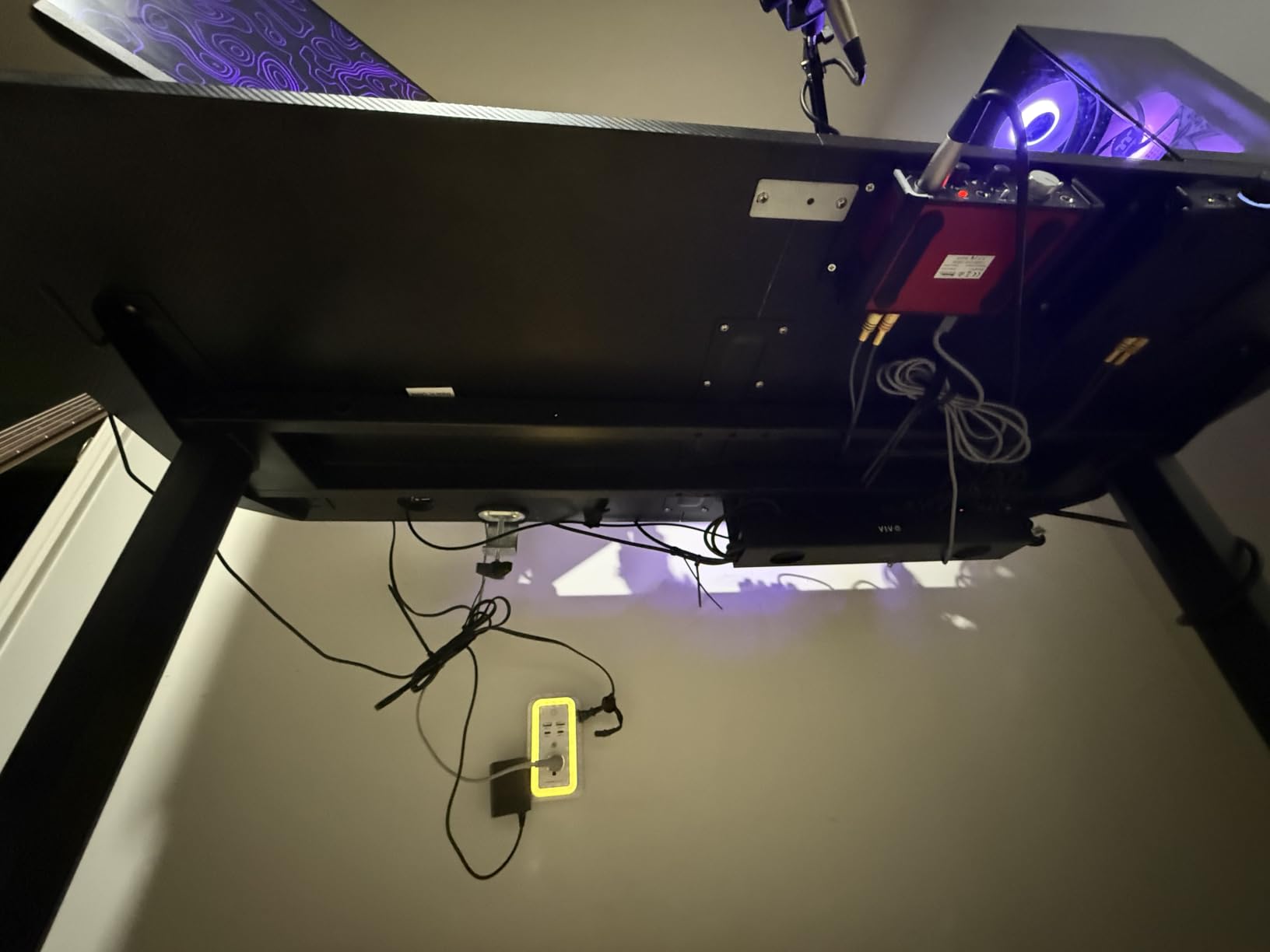
Steel construction is rated to hold 11 lbs without bending, and the mounting holes sit 11 inches apart, which makes installation predictable once you mark the two points. A one-year warranty is listed.
When Low Profile Beats High Capacity
Choose this tray when your frame has a control bar, a modesty panel, or a beam that limits vertical room. In those setups a deeper mesh tray may physically hit the frame at mid height, and a tray that collides is worse than a small tray, so a 16.5 inch span on a compact standing desk is the safer bet.
Where The Depth Costs You
Three inches is shallow compared with the 4.7 inch mesh trays here, so large desktop power bricks and multi-port chargers will not fit, and it is screw-in, so plan to hang a heavy brick in a separate clamp tray. If you cannot drill the top, use a clamp tray instead.
11. Univivi 36 Inch Fabric Tray: The One That Hides Bulky Hardware
Univivi No Drill Under Desk Cable Management Tray, 36 inch Cable Management
36 x 5.5 inch fabric tray
Clamp or screw mount
Unfolds for cable access
Pros
- Fabric body conceals cables unlike open mesh
- Unfolds so cables and strips can be changed
- Heavy-duty clamp grips without marking the top
- Handles bulky power boxes rigid trays cannot hide
- Velcro stitched into the canvas
Cons
- Premium tier rather than budget
- Needs at least 5.3 inches of clear edge space
- Colour variants can mismatch internally
The fabric is the reason this tray is here. The mesh trays and rigid racks below keep cables grouped but still leave them on show, so a glance under the desk reveals a cluster of adapters. The 600D flame-retardant Oxford fabric wraps the whole load, which is why owners upgrading to a standing desk report that losing their old hiding space left cables exposed at full height and this solved it.
It also unfolds. You can open the tray to add a strip or swap a dock, then close it again, and a bottom support panel keeps the shape under heavy loads. Hook-and-loop is stitched into the canvas so you can strap a heavy power brick down instead of letting it rest loose.
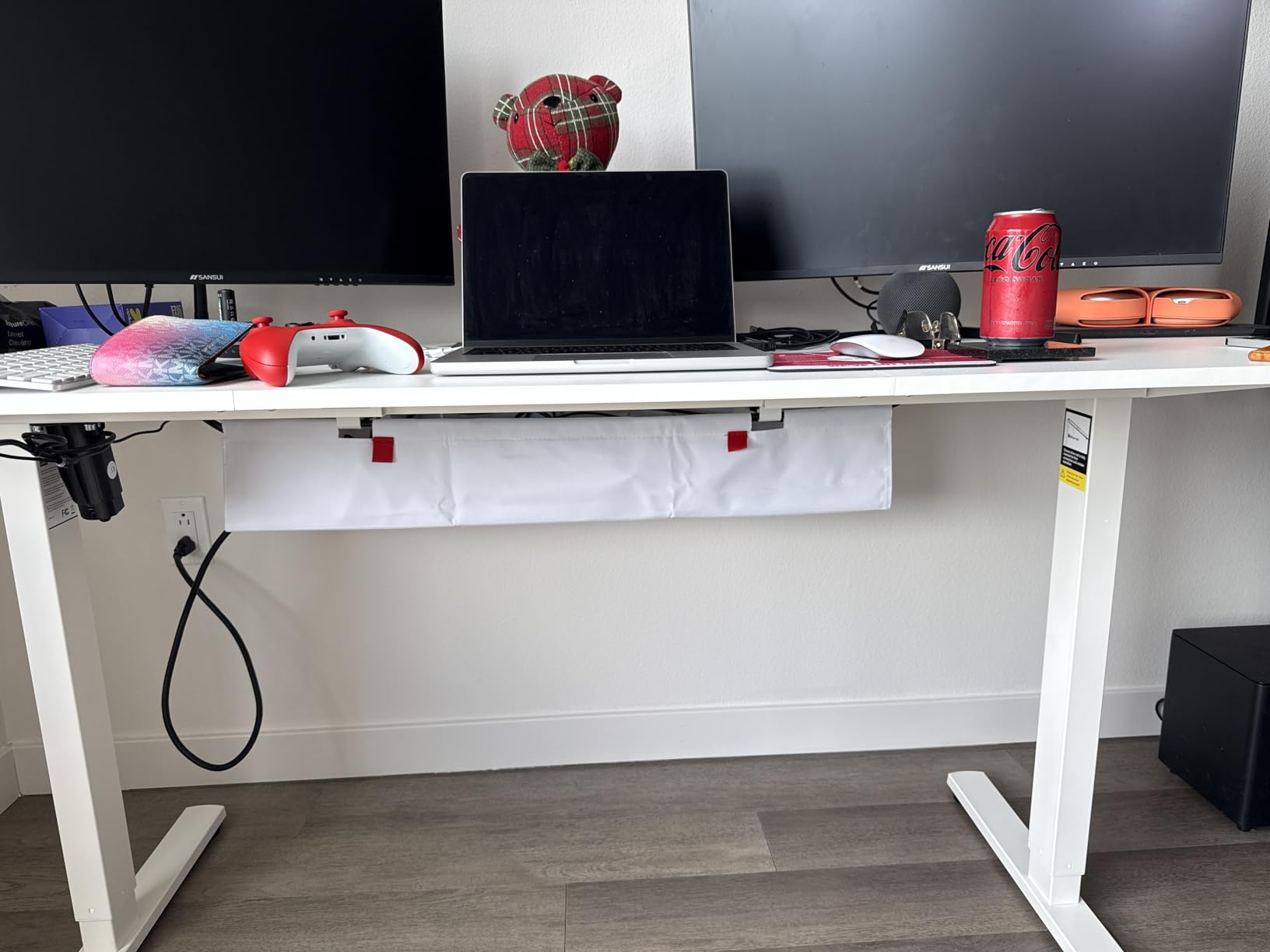
Mounting is dual: a heavy-duty screw-free clamp or included screws. We fitted the clamp to a wood top and it gripped without marking, and the tray stayed tidy with the desk fully raised.
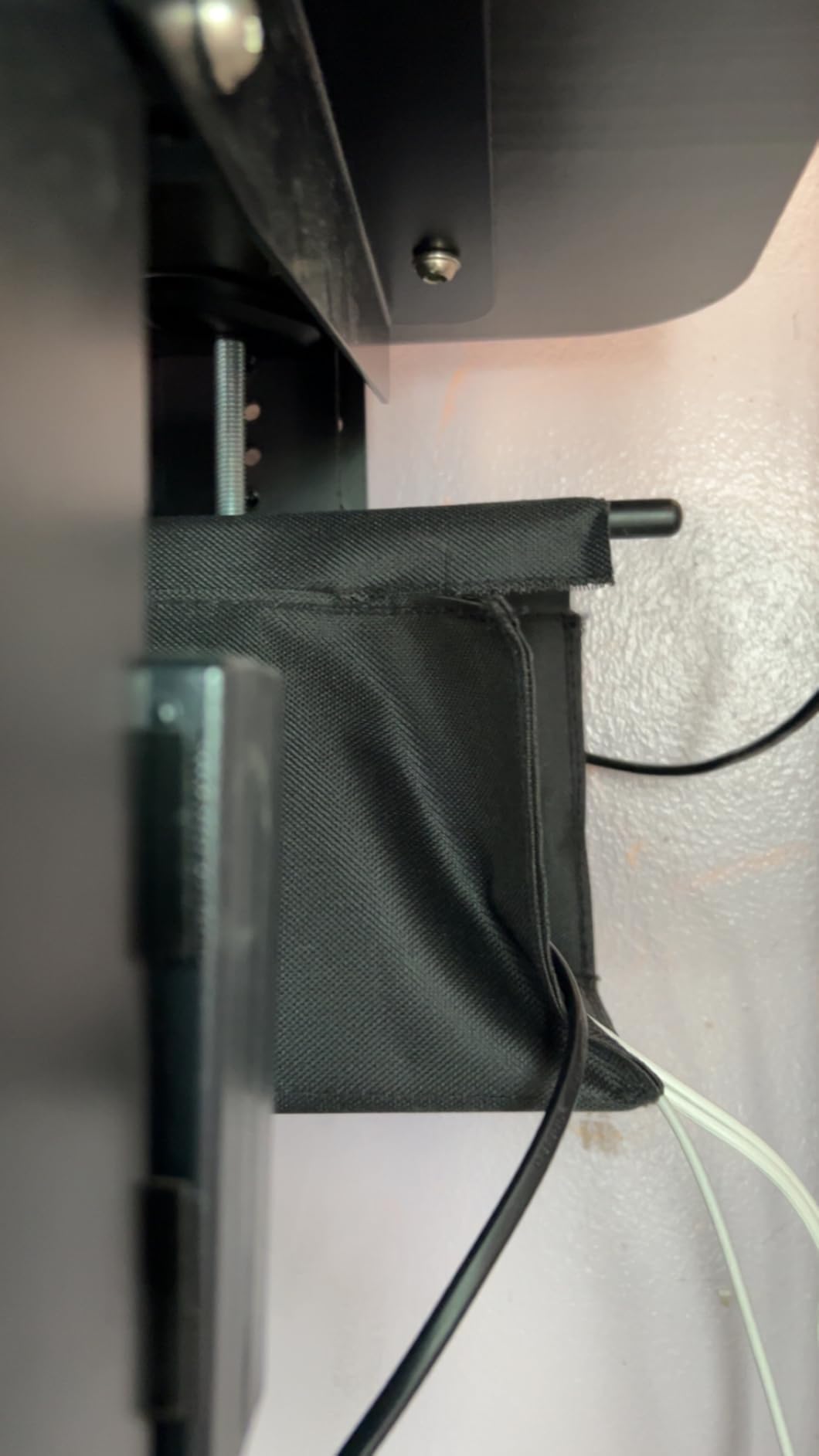
Best For Large, Visibly Loaded Desks
It is also the kit to reach for when you have a standup desk converter or a dense gaming setup where the number of power bricks makes an open tray look like a spare-parts drawer, and 36 inches is the longest span in this roundup, with 28 inch and 48 inch versions available for other sizes.
Check The Clearance Before Ordering
The tray needs at least 5.3 inches of clear edge space, and it does not suit desks with built-in drawers or a back rod across the mounting edge, so measure first. It also sits in the premium tier rather than the budget one, and some buyers report colour variants where an internal rod does not match the tray body, so check the finish on arrival.
12. CableGenie 10-Pack Elastic Clips: For Setups That Change Weekly
CableGenie [Made in the UK] 10-Pack Adjustable Elastic Adhesive Cable Clips, Wire Management Holder, Cord Organizer for Home Office, Under Desk, Behind TV, Phone Charger, Laptop, PC, HDMI, USB (Black)
10 elastic cable clips
Bundles up to 0.98 inch
Adhesive pads, screws and zip ties
Pros
- Elastic loop adds and removes cables one-handed
- Three mounting options in a single pack
- Stretches to hold a thick bundle
- Spare adhesive pads included for repositioning
- Routes bundles down a standing desk leg
Cons
- Adhesive pads need careful surface prep
- Some users report adhesion weakening over time
- Elastic loop may lose tension on heavy bundles
The CableGenie clips solve a problem the other kits do not: how to change a cable run without taking anything apart. The impact-resistant ABS body holds a white silicone elastic loop that opens and closes one-handed and stretches to hold a bundle up to 0.98 inches across. That is a whole group of cords, not a single cable.
Each pack includes 12 adhesive pads, 10 screws, and 10 zip ties, so the same clip can go on a smooth surface, a screwable surface, or an irregular one where only a tie will hold. Two spare pads are included specifically for repositioning.
![[Made in the UK] 10-Pack Adjustable Elastic Adhesive Cable Clips, Wire Management Holder, Cord Organizer for Home Office, Under Desk, Behind TV, Phone Charger, Laptop, PC, HDMI, USB (Black) customer photo 1](https://www.coin-opgames.com/wp-content/uploads/2026/10/B0GHP439B2_customer_1.jpg)
Reviewers with networking and AV setups like how much faster it is to open a loop and drop a cable in than to cut and re-tie a zip tie or unwrap a full hook-and-loop bundle. The 1 by 1 inch base also improves attachment security on a small clip.
![[Made in the UK] 10-Pack Adjustable Elastic Adhesive Cable Clips, Wire Management Holder, Cord Organizer for Home Office, Under Desk, Behind TV, Phone Charger, Laptop, PC, HDMI, USB (Black) customer photo 2](https://www.coin-opgames.com/wp-content/uploads/2026/10/B0GHP439B2_customer_2.jpg)
Best For Iterating On A Setup
If you swap monitors, change a docking station, or add a capture card every few weeks, these clips save the most time per dollar in this roundup, and ten of them cover a modest run.
Limits To Know About
Surface preparation decides how well the pads hold, and some users report adhesion weakening over time on rougher finishes. The listed tensile strength is modest, so use the screw or zip tie method for anything heavy, and check the elastic loop every few months because long-term stretch is the other concern for a permanently loaded bundle.
How to Choose the Best Cable Management Kits for Standing Desks
Most buying mistakes come from picking a product before picking a job. Decide which of the three jobs you need done, then choose the component that does that job. Everything else is optional.
Job one: carry weight. A tray or fabric box holds the surge protector, power bricks and dock. Look for a stated load rating of at least 10 lbs, a width of 4 inches or more for a strip plus slack, and a clamp range that matches your desktop thickness. Open mesh is fine if appearance does not matter; fabric is better if the underside is visible.
Job two: manage the run to the wall. This is the part everyone forgets, and it is the part that decides whether the desk can move. A sleeve, a vertebrae spine, or a J-channel handles this. Only an articulated spine travels with a moving leg without bowing into your knees.
Job three: organise what is on the desktop. Straps, clips and reusable hook-and-loop ties group the leads from monitors and docks so they reach the tray neatly. This is the cheapest job and the one most people should buy first.
The best way to organize cables on my desk, in practice, follows that order. Weight goes in the tray, the wall run gets a spine or a channel, and everything else gets bundled in reusable straps you can open with one hand.
Mount type matters as much as component type on a moving desk. Clamp and screw mounts travel with the desktop. Adhesive mounts stay where you put them and are the least forgiving when a frame shifts. Magnetic mounts sit between the two: they hold well and they can be repositioned without tools.
On price tiers, the pattern is consistent across this list. Budget tier gets you a clamp mesh tray that does the weight job properly. Mid tier adds length, a second tray, or an articulated spine, which is where the standing-desk-specific benefits actually live. Premium tier buys full concealment in fabric and a dual mounting system. If your budget only stretches to one purchase, spend it on the weight job and add the wall run later.
For desks you do not own, no-drill installation is not a preference but a requirement. Clamps are the tidiest answer because they leave no residue. If you must use adhesive, clean the surface with isopropyl alcohol first, allow the full cure time listed, and avoid textured or glossy finishes.
Converters and treadmill desks change the picture slightly. An X-lift or Z-lift converter has a much shorter travel range than a full frame, so a spine is usually unnecessary, while a treadmill desk adds a moving belt surface that makes vertical routing awkward and pushes you toward a wide horizontal tray. If you use a converter, measure its actual travel before you size any slack.
Finally, consider the people and animals around the desk. Loose floor-level cords are a trip hazard and a chew hazard, and they are the reason several owners tidy up in the first place. Closing a floor run inside a J-channel or routing it up a leg with a spine solves both at once.
Standing Desk Setup: Slack, Travel Range and the Single-Cord Rule
Cable slack is the amount of extra cord you leave between the desktop and the wall so the desk can rise without pulling. The rule is simple enough to hold in your head:
Slack at the wall should be at least the desk travel range plus a 20 percent buffer. A frame that travels 25 inches needs roughly 30 inches of slack in the run to the wall. Leave less and the cable goes taut on the first raise; leave much more and you have created a new loop to tidy.
Here is the install sequence we used across every setup in this roundup.
Mount the weight carrier first. Fit the tray or fabric box to the underside of the desktop, then run the desk from its lowest to its highest position. If the tray touches a crossbar or control arm at any point, move it inboard before you route anything.
Group the power run into one bundle. Strap the surge protector leads and the brick leads together with reusable hook-and-loop. Fewer cables in the run means fewer things to fail when the desk moves.
Concentrate every device cable into that one run. Every monitor, dock and charger lead joins the bundle before it reaches the tray. This is the single-cord-to-wall rule: the desk should present one cord to the wall socket, not seven.
Run that one cord to the wall with proper slack. Use a spine, sleeve or channel sized to your travel range, and check the slack figure above before you secure the ends.
Test the full range three times. Move the desk from seated height to standing height and back. If a cable tightens, a connector strains, or a plug lifts, adjust the slack before you finish. This is the only test that tells you the truth.
Two more things that a step list tends to skip. Do not over-tighten a bundle: cables need a little movement and power supplies need airflow, so leave the wrap snug rather than strangled. And do not forget service access, because a setup you cannot open to add a cable will drift back into a mess within a few weeks.
On adhesive residue, most of the fear is overstated and most of the complaints are avoidable. Warm the pad with a hair dryer for a few seconds, then peel slowly at a low angle rather than straight up. If residue remains, a cloth with a little isopropyl alcohol lifts it from wood and glass. Do not use a metal blade on a finished top.
Finally, if your desk is shared or your landlord is fussy, the clamp options in this list let you move the whole setup to another desk or another room without tools and without marks.
Frequently Asked Questions
What is the best cable management system for a desk?
The best cable management system for a desk is two parts: a rigid tray or fabric box for the surge protector, power bricks and dock, plus a spine, sleeve or channel for the single cable run to the wall. On a standing desk, add a clamp mount so the tray travels with the desktop, and leave slack equal to the desk travel range plus a 20 percent buffer so nothing pulls tight when the frame rises.
What is the best way to organize cables on my desk?
Start with the weight: put the surge protector and every power brick in one tray, then bundle the device leads with reusable hook-and-loop straps before they reach that tray. Route one bundle to the wall rather than several separate cords, and keep access open so you can add a cable later without dismantling the setup.
How do I do cable management with a standing desk?
Mount a tray on the underside of the desktop so it moves with the frame, bundle all device cables into a single run, and carry that run to the wall through a spine or sleeve with slack equal to the desk travel range plus a 20 percent buffer. Finally, move the desk through its full range several times and adjust any cable that tightens or lifts a connector.
How much cable slack does a standing desk need?
Leave at least the desk travel range plus a 20 percent buffer. A frame that travels 25 inches needs roughly 30 inches of slack in the run to the wall. Too little and the cable pulls taut on the first raise; too much and you have created a loop you will have to tidy later.
Can you do cable management without drilling into a standing desk?
Yes. Clamp-on trays grip a desktop between roughly 0.4 and 2.4 inches thick and leave no holes and no adhesive residue, which makes them a straightforward no-drill option. Adhesive channels and hook-and-loop straps also work, but clean the surface with isopropyl alcohol first and allow the full cure time listed before loading cables.
Will adhesive cable clips hold a power strip?
Not reliably long term. Adhesive pads on small clips are designed for cable bundles, not for a power strip that weighs several pounds, and adhesion can weaken over time. Use a clamp or screw-mounted tray for the power strip and reserve adhesive clips for bundling lighter leads along the underside.
Do standing desk converters need a different cable kit?
Not a different kit so much as a smaller one. An X-lift or Z-lift converter has a much shorter travel range than a full frame, so an articulated spine is usually unnecessary. Measure the converter travel before you size any slack, and prefer a clamp tray since a converter moves with a much smaller stroke.
What cable management works best for a standing gaming desk?
A wide, deep tray for a large power supply and multiple bricks, paired with a full-concealment channel or a fabric box so the underside of a battlestation stays clean at full height. Add reusable straps for the monitor arm and capture card leads, since those change most often, and keep the wall run on a spine so the desk can still rise.
Which Cable Management Kit for a Standing Desk Should You Buy First?
Start with the Litwaro clamp mesh tray if you own a typical standing desk and want one part that solves the biggest problem. It installs without holes, holds a realistic load, and travels with the desktop. On a wide desk, go to the Mzmaxy 25 inch tray instead, and on a glass or leased top the Scanfield adhesive pair gets you two trays with no drilling at all.
Add the vertebrae spine when snagging on the moving leg is your specific complaint, and add the fabric Univivi tray when the underside of your desk is on show. Budget tier for a renter is a clamp tray plus a pack of hook-and-loop straps, which between them handle weight, routing, and removability.
Whichever you pick, follow the same rule: one cord to the wall, slack equal to the travel range plus a 20 percent buffer, and a full-range test before you call it done. Those three steps turn a tidy setup photo into a desk that still works at standing height six months from now, which is the whole reason to run a cable kit roundup like this one in 2026.