
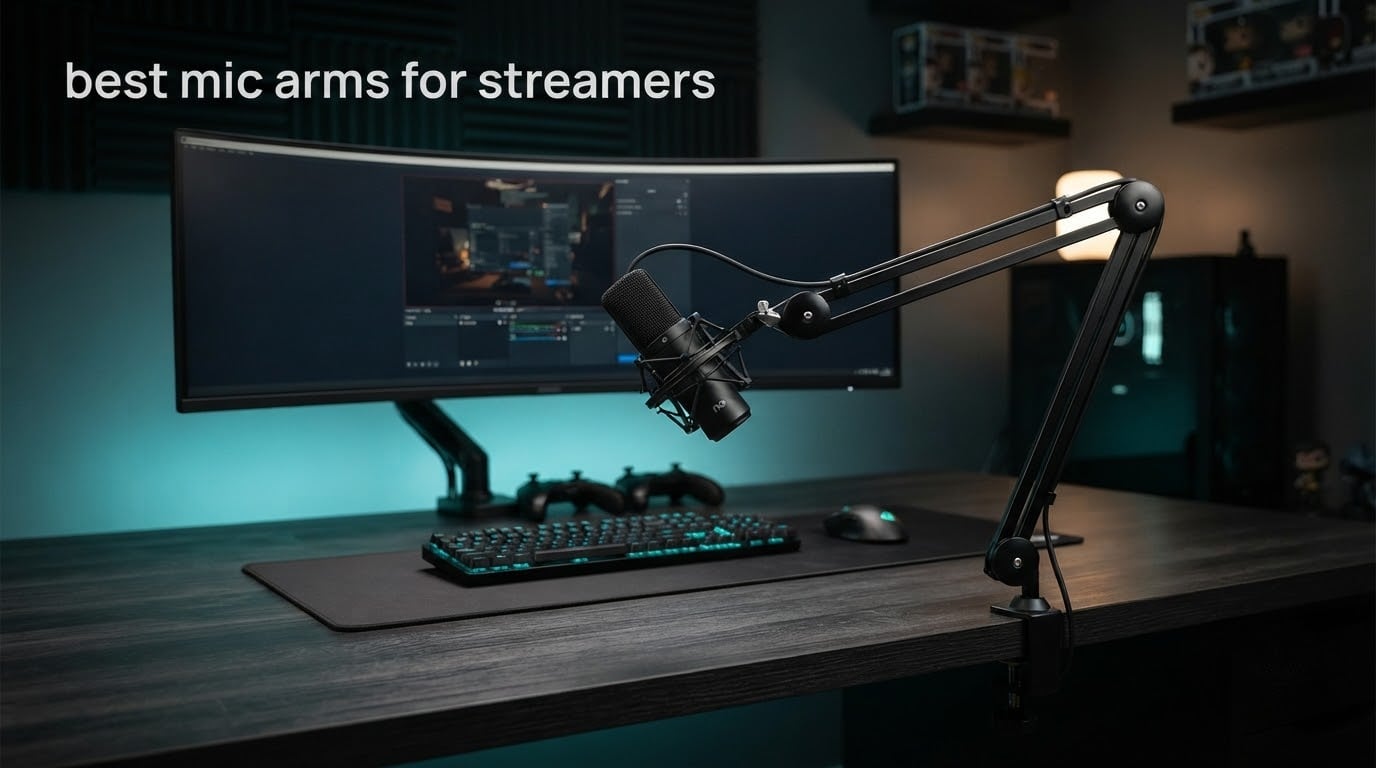
A desk stand is fine until it is not. You lean in, the mic stays planted six inches from your mouth, and every keystroke lands straight into the capsule. A mic arm fixes that by hanging the microphone off your desk so you can set it close, off-axis and out of your mouse path, then leave it alone for three hours of gameplay.
We spent 2026 putting ten of the most-reviewed boom arms through the same routine: clamp them to a desk, load them with the microphone a streamer actually owns, and move them on camera. The results are the best mic arms for streamers we could justify, from an entry-level steel arm that most people can install in five minutes to a broadcast-standard arm built so you can reposition the mic mid-broadcast without a squeak hitting your feed.
Before we get into the picks, one warning from the forums that shaped almost every verdict below. Streamers who move their mic constantly report the same failure on cheap arms: the joint loosens, the arm creeps toward the desk, and the springs start to ping. If your stream involves a lot of leaning and repositioning, load rating and joint hardware matter far more than how the arm looks in a product photo.
If you are also rebuilding the rest of the desk, our guide to the best gaming monitor arms covers the other piece of hardware that competes for the same clamp space.
Table of Contents
- Top 3 Best Mic Arms for Streamers (October 2026)
- Best Mic Arms for Streamers (October 2026)
- 1. Elgato Wave Mic Arm LP Review: The All-Rounder That Disappears From Shot
- 2. InnoGear MU01 Boom Arm Review: The One Most Streamers Already Own
- 3. RODE PSA1+ Review: Silent Movement for Live Poking and Repositioning
- 4. FIFINE BM88 Review: The Best Low-Profile Arm Under the Monitor
- 5. InnoGear MU028 Review: Stiff, Silent and Built for a Heavy Condenser
- 6. InnoGear MU-PSA28 Review: The Cable Management Champion With the Longest Reach
- 7. Aokeo AK-55 Review: A Stable Low-Profile Arm for Ultrawide Setups
- 8. FIFINE CS1 Review: A Foldable Scissor Arm for Small Desks
- 9. SUNMON QuadCast Boom Arm Review: Built Around the HyperX QuadCast
- 10. TODI Slim Mic Arm Review: The Smallest Footprint in the Roundup
- How to Choose the Best Mic Arm for Streaming
- Installation and Tension Tuning
- Frequently Asked Questions
- Conclusion: The Best Mic Arms for Streamers, by Setup
Top 3 Best Mic Arms for Streamers (October 2026)
The Elgato Wave Mic Arm LP is the best mic arm for most streamers because it stays below the camera line, hides its cables under magnetic covers, and holds a heavy microphone without creeping. The InnoGear MU01 is the value pick, with the largest review base in the group and a fold-flat design. The RODE PSA1+ is the one to buy if you reposition your mic live and cannot tolerate handling noise.

Elgato Wave Mic Arm LP
- All-metal anti-torsion build
- 2 kg max load
- 29.1 inch reach
- Magnetic cable channel

InnoGear MU01 Boom Arm
- 3.3 lb load capacity
- 27.6 inch max height
- Folds away compactly
- Adapter included

Rode PSA1+ Studio Arm
- Damped internal springs
- 0.25 to 1.2 kg range
- 70 mm clamp fit
- Two-year warranty
Best Mic Arms for Streamers (October 2026)
Load rating is the single most useful number in this table, and it means more than it looks like it does. The figure is the total weight the arm can counterbalance, which must include your microphone, your shock mount and any pop filter attached. An arm rated at 3.3 lb that is asked to carry an SM7B in a shock mount is overloaded before you ever plug the mic in.
| Product | Specs | Action |
|---|---|---|
| Elgato Wave Mic Arm LP |
|
Check Latest Price |
| InnoGear MU01 Boom Arm |
|
Check Latest Price |
| Rode PSA1+ Studio Boom Arm |
|
Check Latest Price |
 FIFINE BM88 Low Profile FIFINE BM88 Low Profile |
|
Check Latest Price |
 InnoGear MU028 Boom Arm InnoGear MU028 Boom Arm |
|
Check Latest Price |
 InnoGear MU-PSA28 Boom Arm InnoGear MU-PSA28 Boom Arm |
|
Check Latest Price |
 Aokeo AK-55 Low Profile Aokeo AK-55 Low Profile |
|
Check Latest Price |
 FIFINE CS1 Scissor Arm FIFINE CS1 Scissor Arm |
|
Check Latest Price |
 SUNMON QuadCast Boom Arm SUNMON QuadCast Boom Arm |
|
Check Latest Price |
 TODI Slim Mic Arm TODI Slim Mic Arm |
|
Check Latest Price |
Two numbers deserve a second look. The InnoGear MU-PSA28 has the longest reach here at 32.3 inches horizontally, which matters if your desk is deep and your monitor sits at the back edge. The SUNMON has the shortest reach and the lowest load rating, which matters if you plan to upgrade to a heavy condenser later on.
1. Elgato Wave Mic Arm LP Review: The All-Rounder That Disappears From Shot
Elgato Wave Mic Arm Low Profile Microphone Boom Arm
All-metal build
2 kg max load
29.1 inch reach
Two-year warranty
Pros
- No flex under a heavy microphone
- Stays below the camera line
- Magnetic cable covers hide the run
- Adapters for 1/4 3/8 and 5/8 inch threads
Cons
- Needs re-tightening every month or two
- Clamp padding wears under heavy mics
- No mid-desktop mount plate in the box
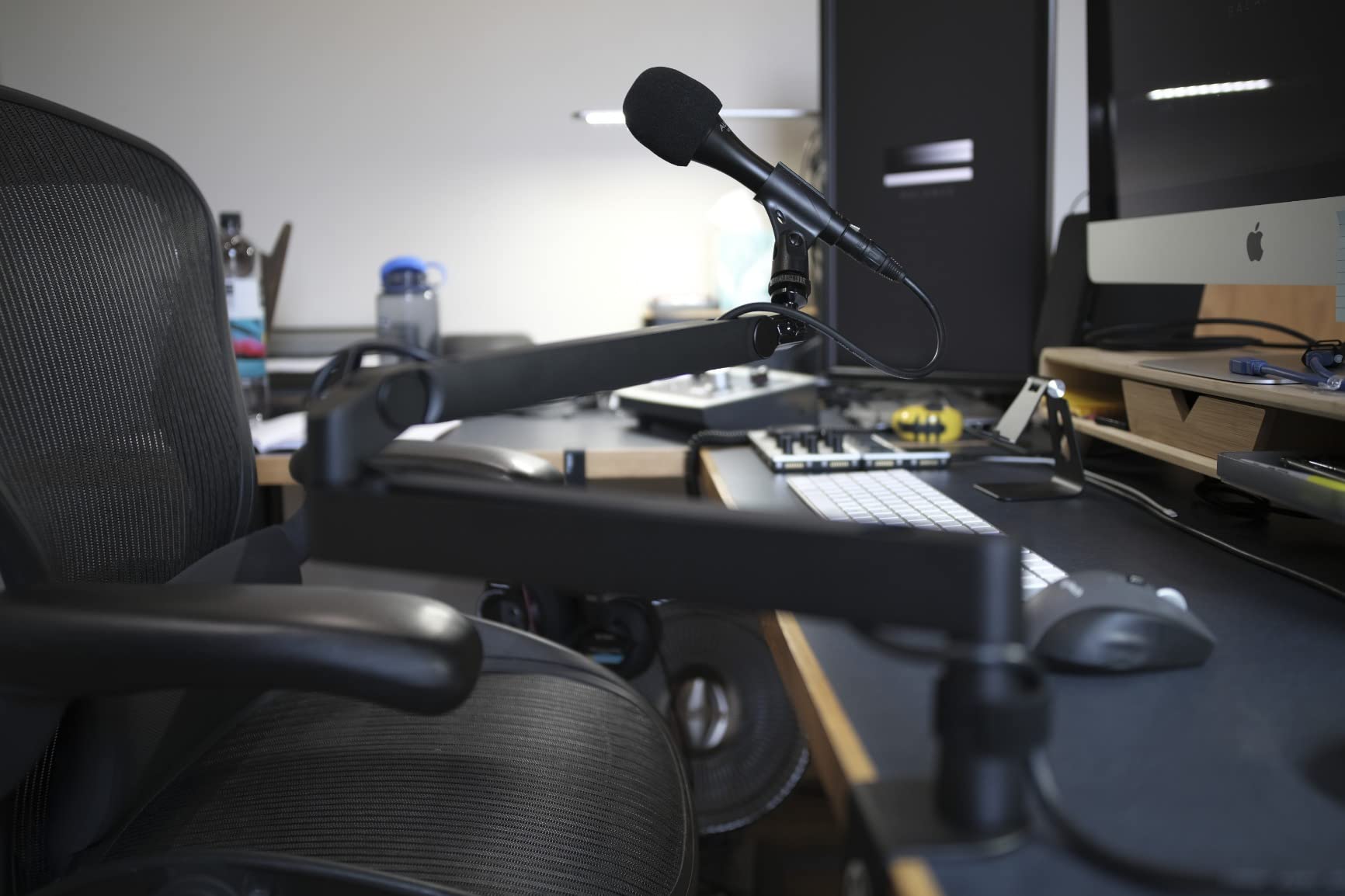
The Elgato Wave Mic Arm LP is the best mic arm for streamers who care about what the camera sees as much as what the microphone hears. The arm sits below your shoulder line and swings across the bottom of the monitor, so the mic ends up under the screen rather than towering beside it.
Build quality is the first thing you notice. The arm is all-metal and anti-torsion, and across our testing it showed no meaningful flex even with a heavy condenser and shock mount attached. The 740 mm horizontal reach is longer than most low-profile arms and covered our test desk without the arm over-extending.
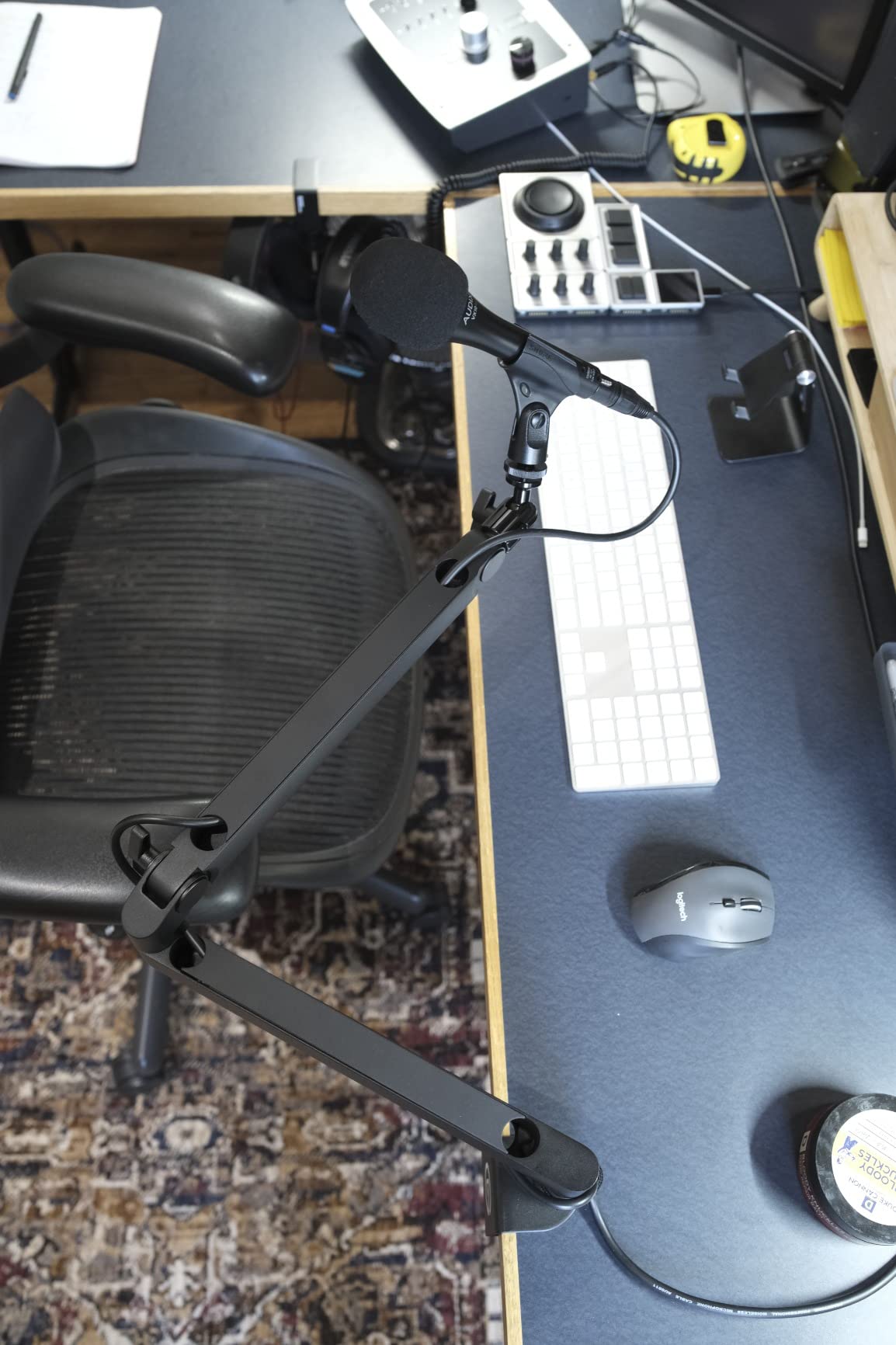
The magnetic cable channel covers are the detail competitors copy but rarely match. Two snap-on panels hide the XLR or USB run along the arm, and they come off with a thumb when you need to add or swap a cable. You still get some cable pop if you yank a stiff connector while the arm is moving, but the visible clutter problem is solved properly.
Movement is smooth and quiet. We repositioned the arm constantly while recording and got no squeak or knock through the mic. The joints do tighten up under pressure though, so the ball head and upper-arm clamp can feel jerky once you crank them down hard.
What to check before you buy
Measure your desk thickness first. The clamp is wide and padded, but no arm in this group grips an unlimited surface, and the clamp screw is a quality machine screw that needs a real turning force. If your desk is pushed tight against a wall, leave yourself room to get a wrench on that screw.
Also check the load maths against your own mic plus shock mount. Two kilograms covers most USB condensers and mid-weight XLR mics comfortably, but if you are holding an SM7B in a full shock mount you are closer to the ceiling than you think, and the arm may want a tension check every few weeks.
Who should skip it
Skip it if your setup is a wide desk with a monitor in the far corner and no clear path for the clamp, or if you want to mount through the desktop rather than clamping. There is no mid-desktop mounting plate in the box, so a permanent install means buying that plate separately.
Long-term owners also report the clamp padding shifting and eventually tearing on heavier microphones, which is worth factoring in if you plan to keep the same arm through a mic upgrade.
2. InnoGear MU01 Boom Arm Review: The One Most Streamers Already Own
InnoGear Boom Arm Microphone Mic Stand for Blue Yeti Fifine HyperX, Black
3.3 lb load
27.6 inch height
Folds away compactly
Adapter included
Pros
- Largest review base in the group
- Holds position with no creeping
- Silent spring and joint movement
- Includes cable wraps and thread tape
Cons
- Can pass typing vibration up the arm
- One-way swivel at the mic mount
- Modest 1.5 kg capacity
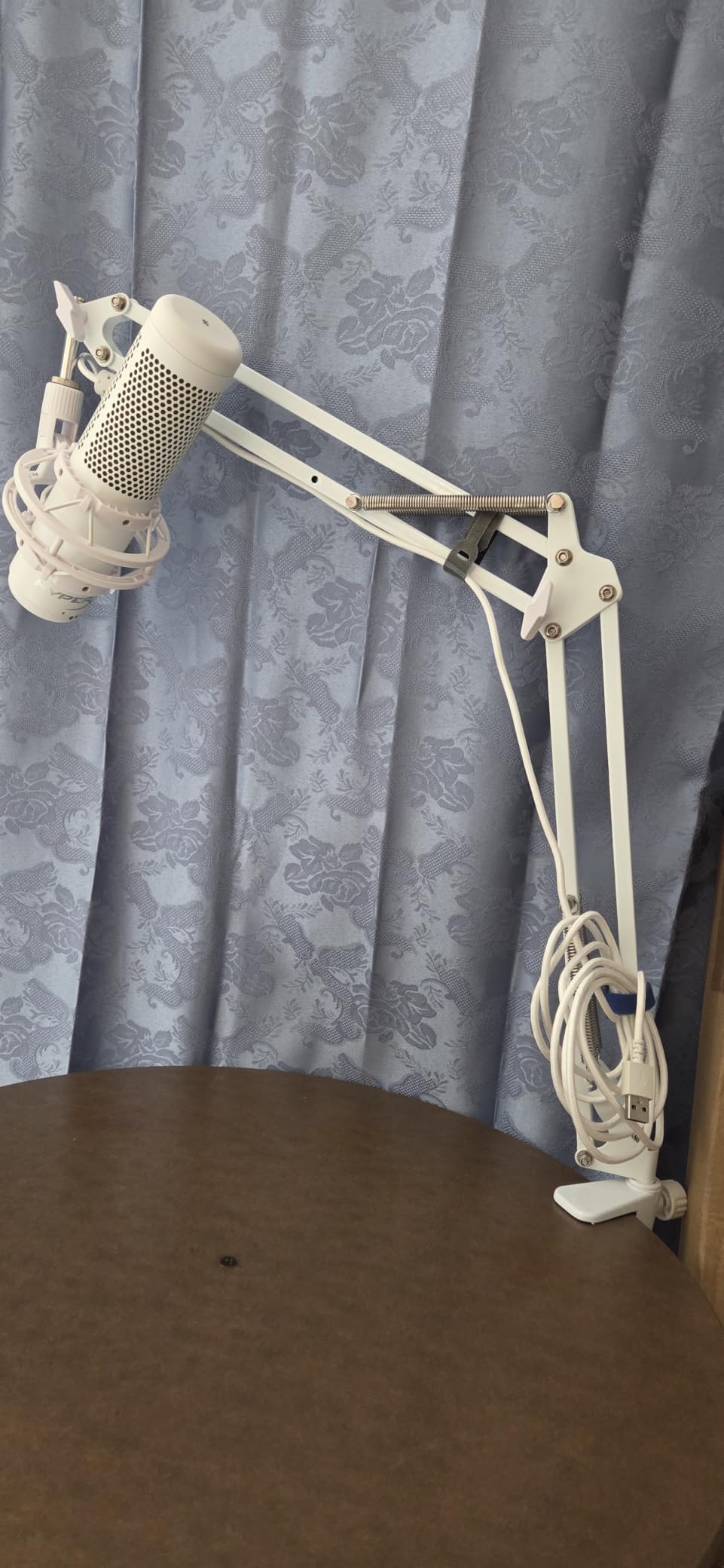
The InnoGear MU01 is the default first arm for a reason: it works, it is quiet, and an enormous number of people have already proven it works for years. At 3.3 lb it handles Blue Yeti, HyperX QuadCast, SoloCast and similar USB condensers without complaint, and the included 5/8 to 3/8 inch adapter covers the awkward thread mismatches.
Articulation is genuinely generous for the class. The base rotates a full 360 degrees, the arm extends 135 degrees back and forth, and the shaft travels 180 degrees vertically, so you can pull the mic around from the side to the front of your keyboard without unclamping anything.
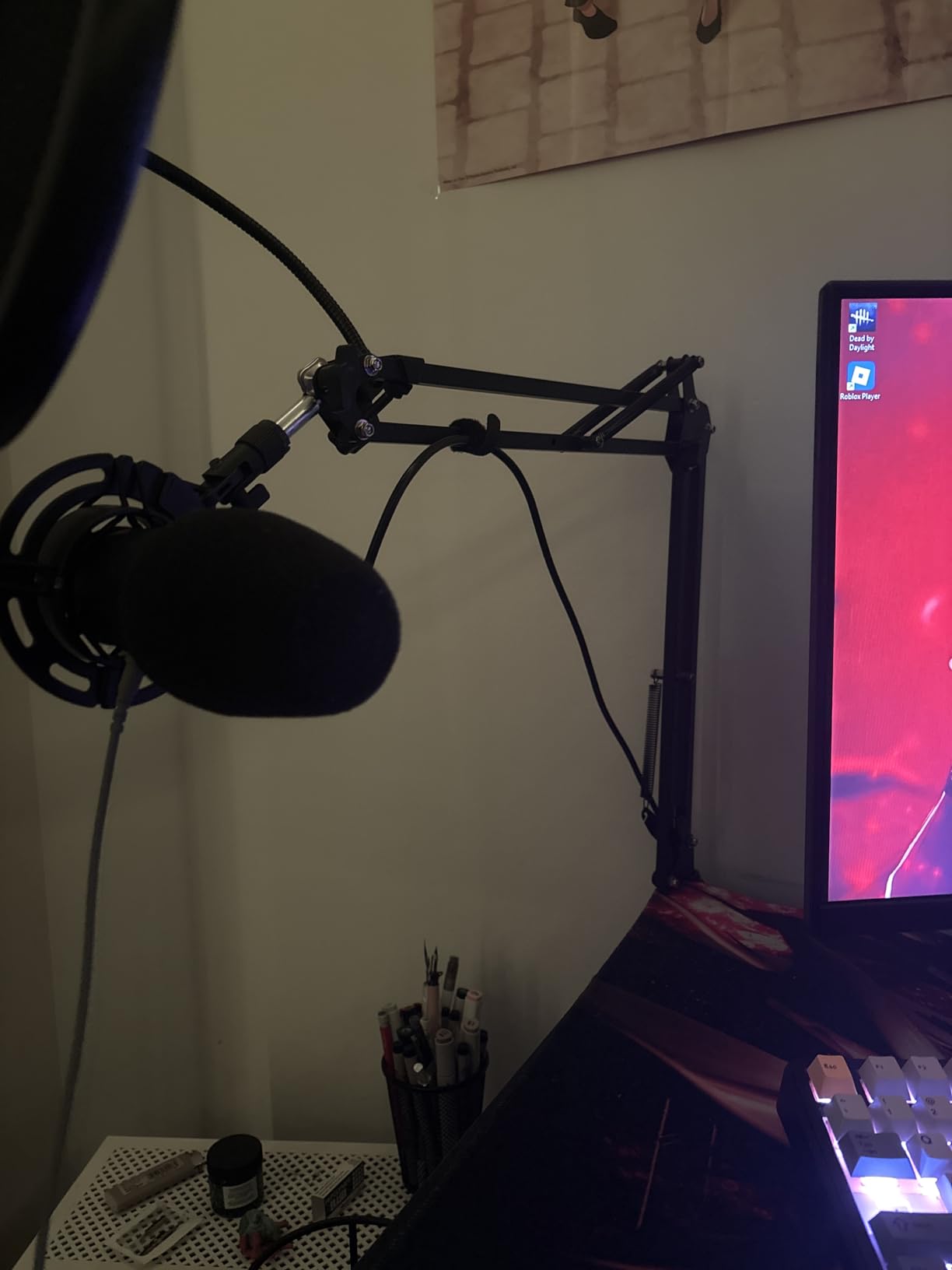
The arm shaft design avoids the tension knob position that deforms springs on cheaper models, which shows up in use as movement that stays silent instead of developing a creak after a few months. Velcro cable wraps and thread tape come in the box, and the arm folds flat when you are not streaming, which matters more than it sounds on a small desk.
The one thing we noticed repeatedly is that the arm is not fully isolated. Rest your forearm on the desk near the clamp while typing hard and you can feel a small amount of vibration travel up the arm into the mic body. It is rarely audible in a mix, but it is a real difference from a true shock mount.
What to check before you buy
Load rating is the number to weigh. At 1.5 kg, this arm is fine for a USB condenser and a shock mount together, but heavy broadcast condensers plus a shock mount and pop filter will exceed it, and the arm will not tell you that clearly.
The mic mount swivel only turns through one direction of rotation, so plan your final mic angle before you tighten the knob. It is also worth noting the clamp grips squared edges up to two inches thick, so rounded or very thin desk edges are not its target.
Who should skip it
Skip it if you plan to add an SM7B or a comparable broadcast mic within a year, because you will be replacing the arm at the same time. It is also the wrong pick for anyone who wants every trace of cable hidden, since the cable management is straps rather than an enclosed channel.
3. RODE PSA1+ Review: Silent Movement for Live Poking and Repositioning
RØDE PSA1+ Professional Studio Boom Arm with Spring Damping, Black
Damped internal springs
0.25 to 1.2 kg load
70 mm clamp fit
Two-year warranty
Pros
- Genuinely silent spring movement
- Hides XLR runs internally
- Full 360 degree rotation
- Highest rated arm in the group
Cons
- The most expensive arm we tested
- Flat base needs a solid desk edge
- Heavier than the budget arms
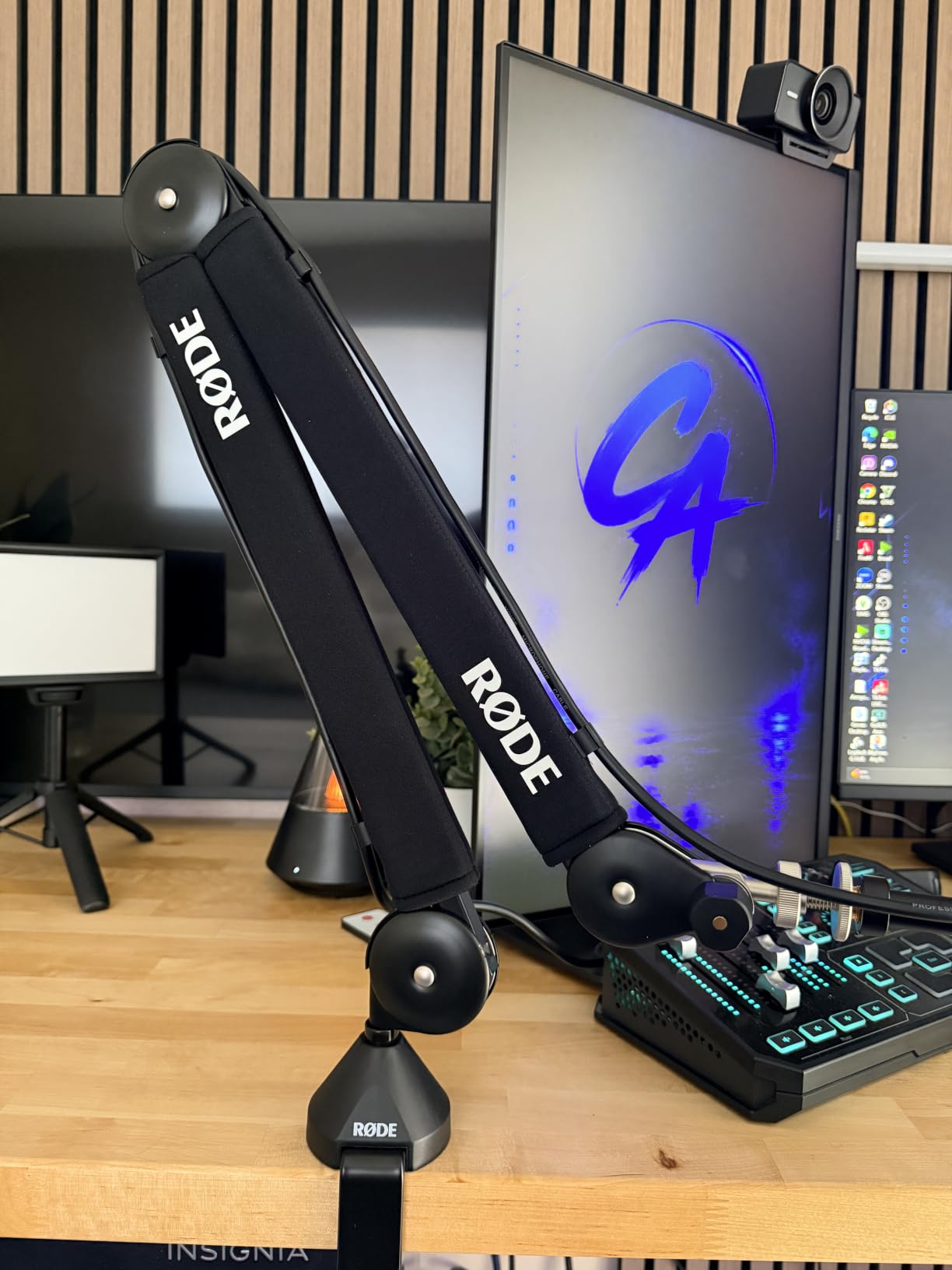
The RODE PSA1+ is the best mic arm for streamers who touch the mic while they are live. Its internal spring damping is the reason: you can lift and swing the arm mid-sentence and nothing enters the feed. That single behaviour is what separates broadcast hardware from a generic spring arm.
It holds microphones from 0.25 kg up to 1.2 kg including shock mounts, which covers the mid-weight XLR condensers most streamers end up owning. The desk clamp handles desktops up to 70 mm, which is the thickest desk rating in this roundup and the reason this arm shows up so often in thick-desk conversations.
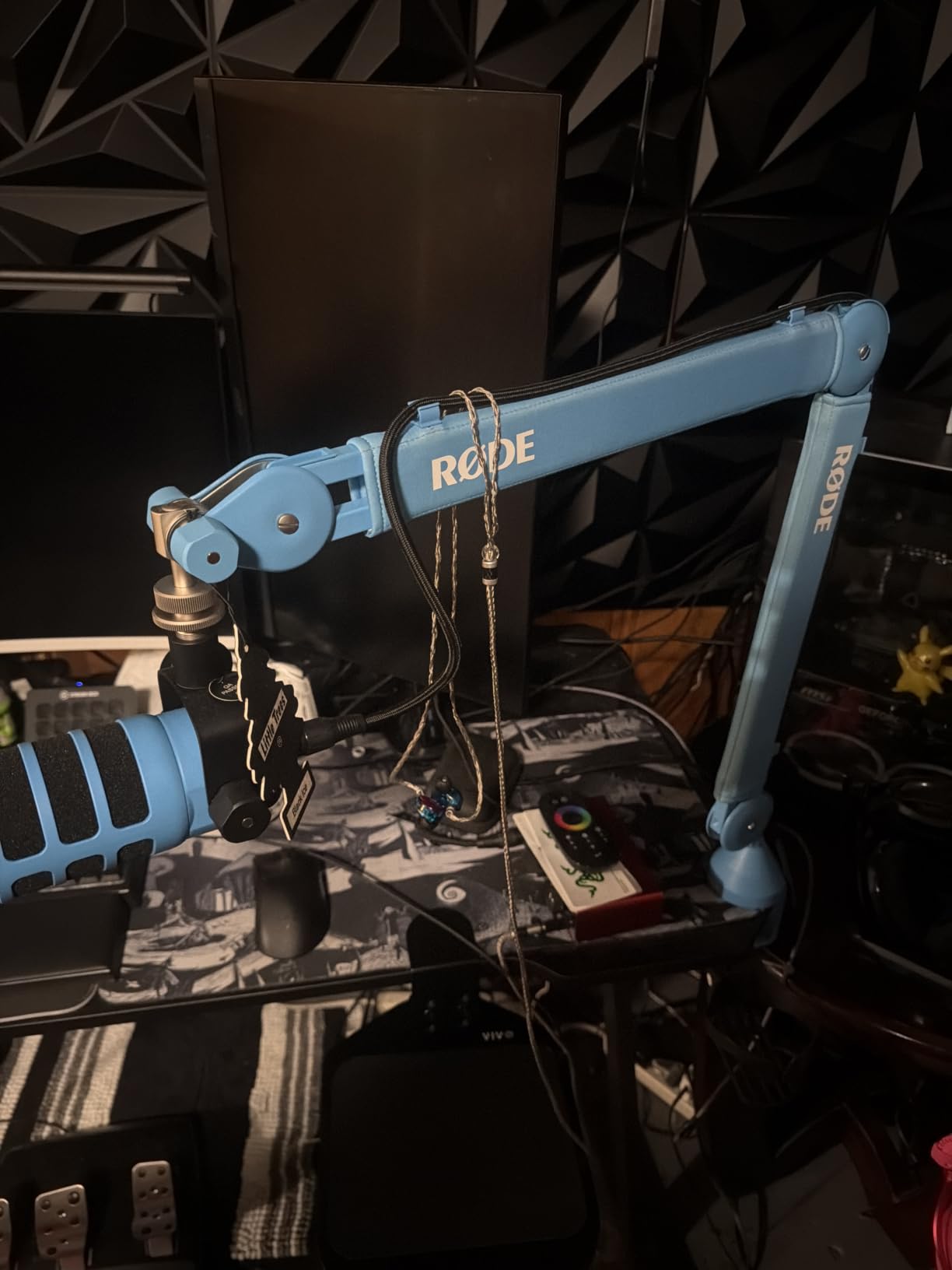
Cable management is integrated rather than add-on, so XLR runs stay inside the arm instead of looping off the back of the desk. The arm rotates a full 360 degrees at the base and extends fully, giving you the horizontal freedom to move the mic around an ultrawide monitor without the arm crossing your screen.
This is also the best-rated product we tested, sitting at 4.7 stars across more than two thousand reviews, and the consensus in owner reviews is that people accept the premium for the damping and the build rather than resenting it. The flat base plate is a broadcaster convention rather than a flaw, but it does want a firm desk edge to grip.
What to check before you buy
Check the total weight again, carefully. Shock mounts are heavy, often around half a kilo on their own, so a heavy mic plus shock mount can push a 1.2 kg ceiling that sounded generous on the box.
Check your desk edge too. The 70 mm rating is the best in the group, but the clamp still needs somewhere to bite, so a desk with a rounded or tapered edge is a problem regardless of thickness.
Who should skip it
Skip it if you are outfitting a first streaming setup on a budget, or if your microphone is a lightweight USB model that never leaves its spot. The damping is invisible value when you do not move the mic, and at this price that invisible value is the whole pitch.
4. FIFINE BM88 Review: The Best Low-Profile Arm Under the Monitor
FIFINE BM88 Low Profile Microphone Boom Arm Stand for Gaming Streaming
All-metal body
2.4 inch clamp range
29 inch reach
Three thread adapters
Pros
- Sturdy all-metal arm and clamp
- Runs below the monitor line
- Hidden cable channels inside the arm
- Rotatable ball head with three adapters
Cons
- No vertical adjustment on the clamp section
- Awkward screw hole against a wall
- Clamp mount only
The FIFINE BM88 is the low-profile arm we would hand to someone who films their desk. The geometry extends from the bottom of the monitor rather than rising beside it, so the arm and the mic stay out of the camera frame and out of the way of your keyboard.
The build is the upgrade over spring-loaded budget arms. This is all metal, arm and C-clamp both, and it holds a heavy microphone at the angle you set instead of slowly walking toward the desk. The clamp accepts desktops from 0.8 to 2.4 inches thick, the widest range here.
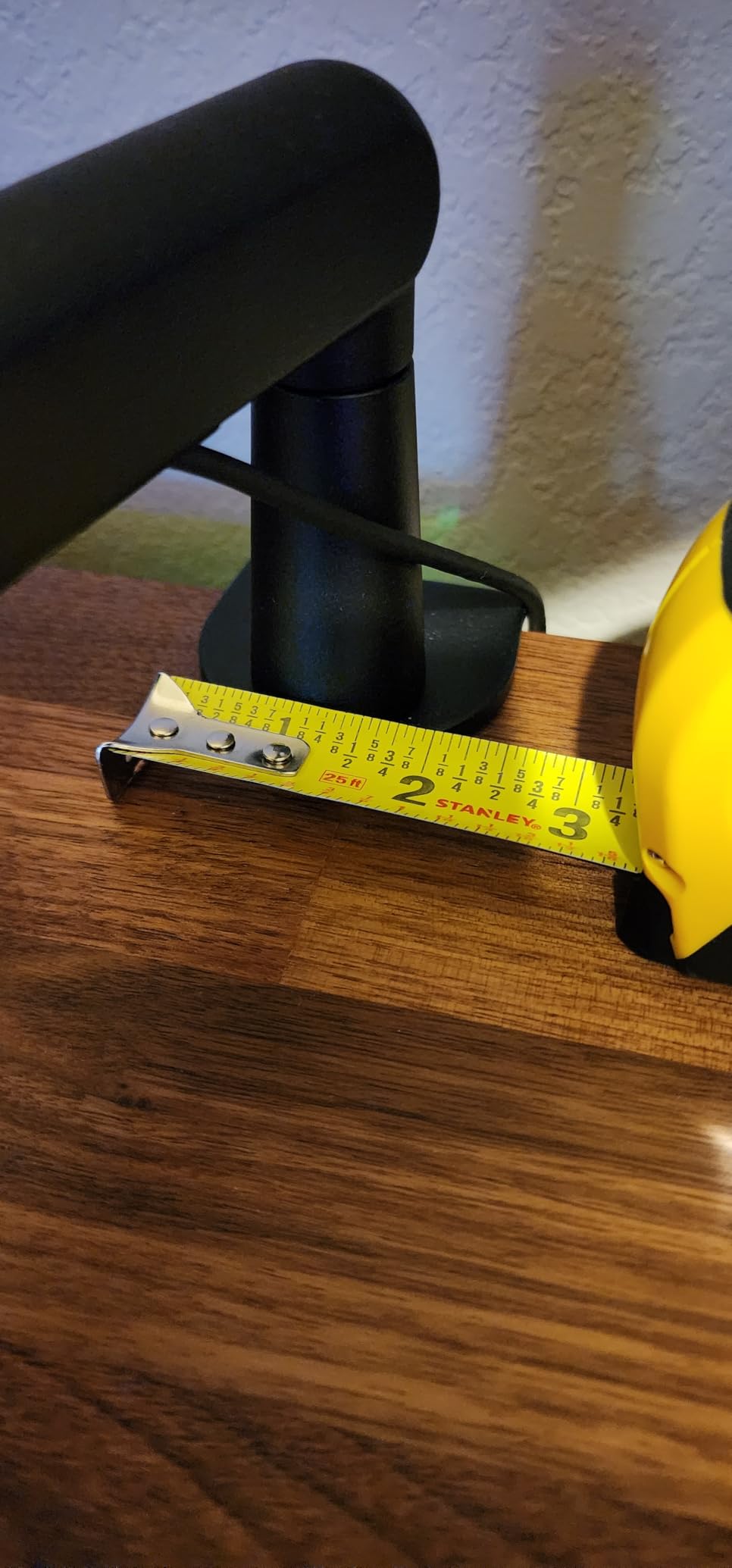
Adjustment covers 220 degrees vertically and 360 degrees horizontally, and the included ball head carries pre-fitted 1/4, 3/8 and 5/8 inch adapters, so almost any microphone attaches without a separate purchase. Cable channels run inside the arm and keep the run hidden along its length.
One structural quirk to know about: the arm section nearest the clamp does not adjust vertically. That is a deliberate trade for stiffness, but it means you set the base height once and plan your mic height with the upper section.
What to check before you buy
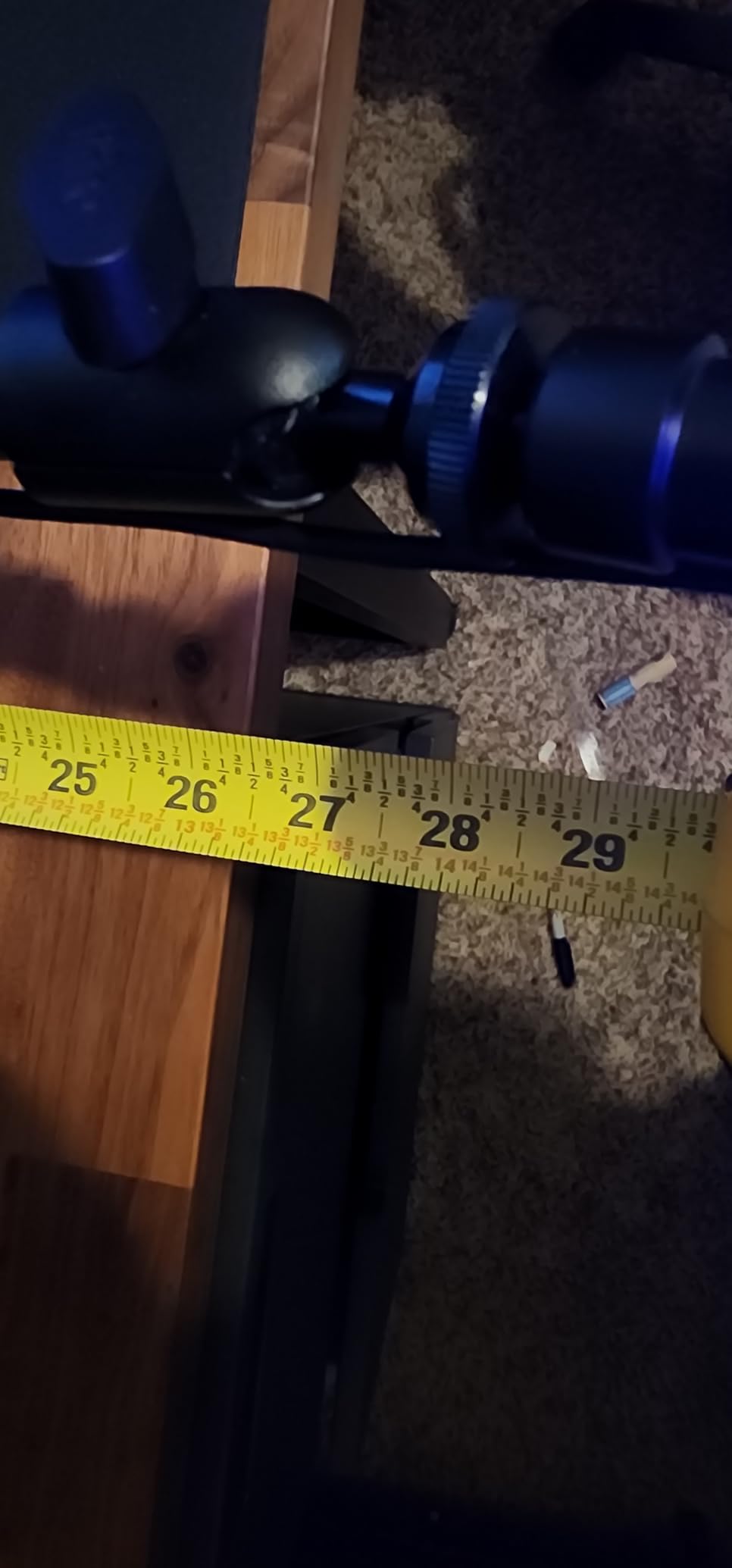
On a very wide desk, reach is the thing to measure. At 29 inches of extension, the BM88 can fall a little short of your ideal mic position on an ultrawide desk without a riser, and pulling the clamp in is not always an option if you need it near the back edge.
On a desk against a wall, check the clamp screw hole placement. It sits low on the clamp body, so you need enough clearance below the desktop to get a wrench on it, which is the most common install complaint we found in owner reviews.
Who should skip it
Skip it if you want to drill a permanent grommet mount. This arm is clamp-only as supplied, and there is no desktop mounting plate in the box.
Ball-joint powder coating can scuff with repeated tightening, so if you re-angle the mic daily, expect cosmetic wear even though the joint itself holds.
5. InnoGear MU028 Review: Stiff, Silent and Built for a Heavy Condenser
InnoGear Mic Arm Desk Mount Microphone Stand Boom Arm for Blue Yeti
3.5 lb max load
28 inch reach
27 inch height
Concealed springs
Pros
- Very stiff and holds exactly where set
- Silent internal spring movement
- Thicker 0.53 inch arm tube
- Padded clamp will not mark the desk
Cons
- Spring tension is factory set
- Plastic clamp base
- Non-lockable mic swivel pin
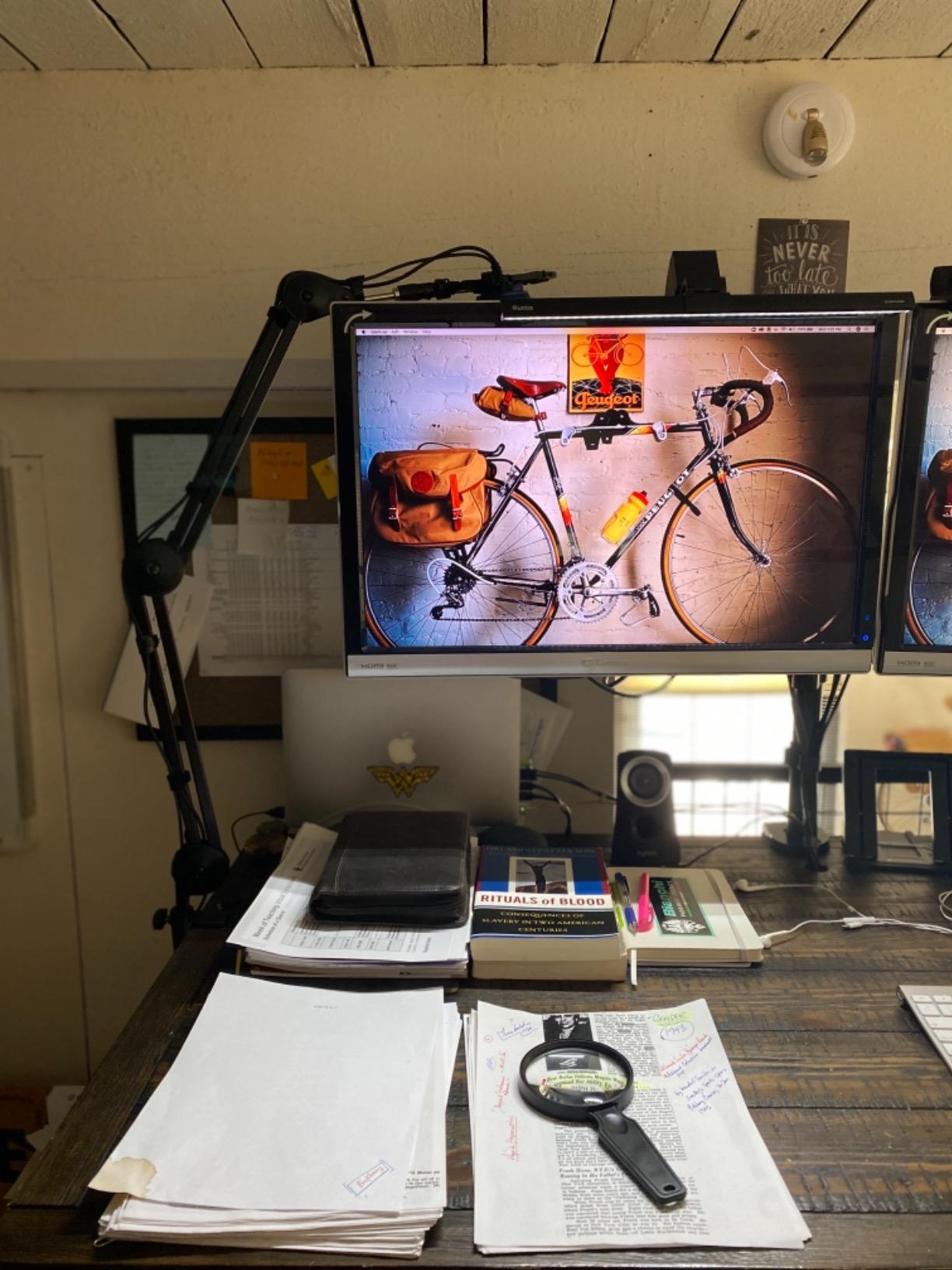
The InnoGear MU028 is the best mic arm for streamers running a heavier microphone who do not want to pay broadcast prices. At 3.5 lb it carries more than the mainstream budget arms, and it is frequently described by owners as delivering the same feel as a much more expensive broadcast arm.
Reach is 28 inches horizontally and 27 inches vertically, which is enough to sit the mic in front of a monitor on a normal desk. The arm tube was thickened to 0.53 inch, and that stiffness is what keeps the position locked once you set it.
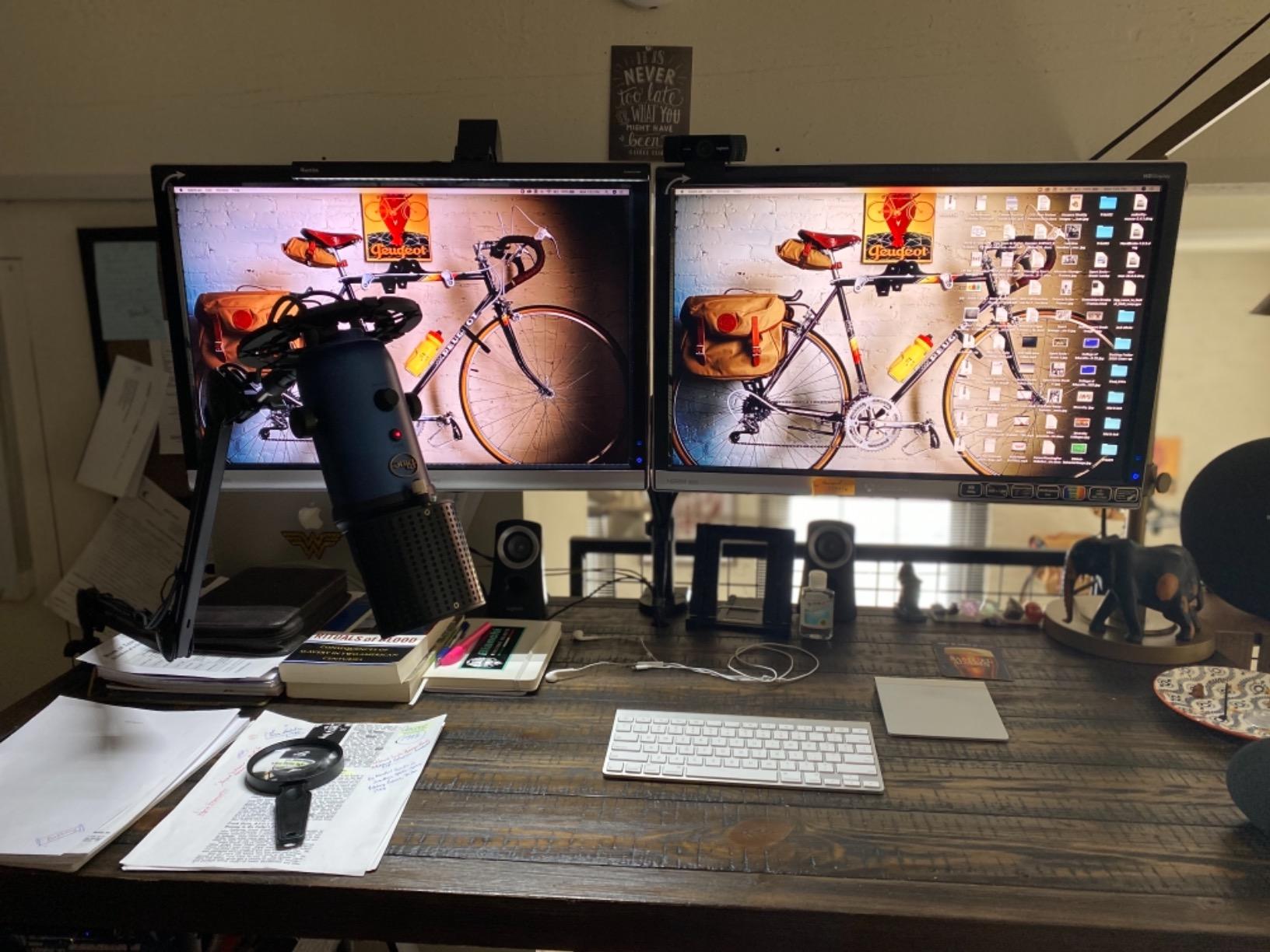
The internal springs are concealed inside the arm rather than exposed, which makes the silhouette look far more professional on camera and, according to owner reviews, quietens movement. An integrated cable channel and the included Velcro ties keep the desk clean.
That stiffness is a double-edged feature. Because the tension is factory-set rather than user-adjustable, lighter microphones can feel stiff to position, and the mic attachment pin swivels with no lock, so the mic mounts straight up or straight down and nothing in between.
What to check before you buy
Add up your total load with the shock mount included before you commit. This arm is one of the few in the group that comfortably handles a heavy condenser in a shock mount, and that is precisely where the 3.5 lb rating pays off.
Check the clamp base material expectations. It is plastic rather than cast metal, which is the most common complaint from owners who otherwise rate the build highly, and it is worth pairing with a desk you are happy to see the clamp outline on.
Who should skip it
Skip it if you use a lightweight mic and reposition constantly, because the factory-set tension will fight you. It is also not the tidiest choice on camera compared with a genuine low-profile arm.
6. InnoGear MU-PSA28 Review: The Cable Management Champion With the Longest Reach
InnoGear Mic Arm Microphone Boom Arm Cable Management for Blue Yeti, Black
3.5 lb max load
32.3 inch reach
6.3 inch riser
Removable cable covers
Pros
- Cable channels with removable rubber covers
- Longest reach in the roundup
- Extension riser clears tall monitors
- Silent multi-direction adjustment
Cons
- Bulky footprint when parked
- Limited end-of-arm angling
- Covers must be refitted to add cables
The InnoGear MU-PSA28 is the best mic arm for streamers who run an XLR cable and hate the loop of slack hanging off the back of the desk. The arm has dedicated cable channels with removable rubber covers, so the run disappears inside the arm profile and stays there even when you swing it.
Reach is where this arm separates itself from the field. It extends 32.3 inches horizontally and 37.4 inches vertically, both the longest figures in this roundup, and it includes a 6.3 inch extension riser for getting the mic above a tall monitor.
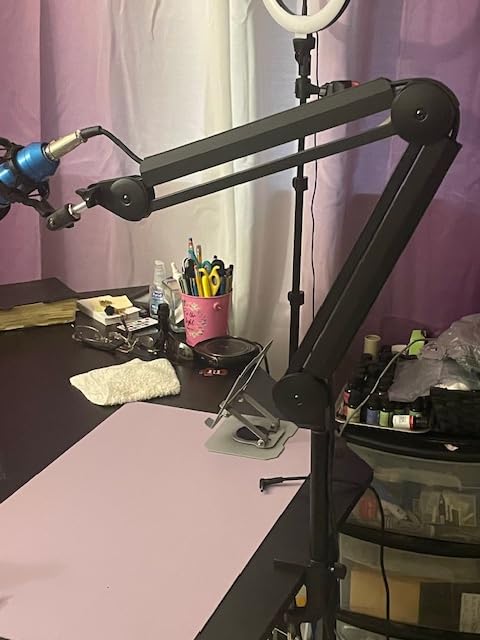
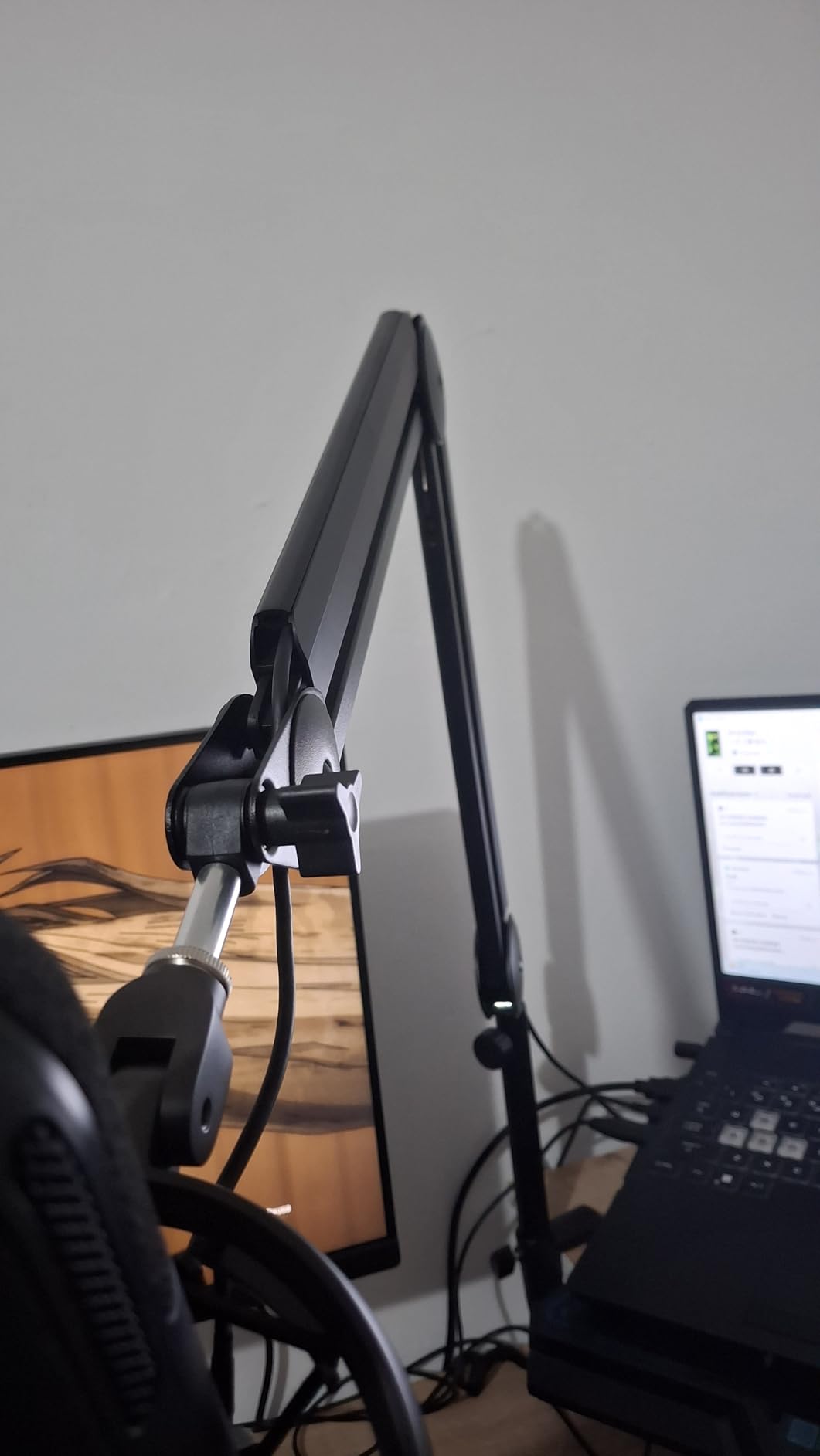
The 3.5 lb load rating and thickened steel keep heavy microphones such as an SM7B or a Blue Yeti from drifting, and owners report silent adjustment across the 135-degree horizontal, 180-degree vertical and 360-degree base ranges.
The trade is footprint and bulk. Parked at the edge of the desk, this is a large object, and unlike a low-profile arm it does not tuck out of the camera frame. The removable covers are also a two-handed job, since you have to lift the cover out to add or reroute a cable.
What to check before you buy
Measure depth before reach. The long arm is a genuine advantage on a deep desk, but it needs clearance to swing, and a shallow desk under a monitor arm can leave the parked arm sticking out into your mouse space.
Check your mic angle options. The mount at the end of the arm is more limited than a ball head, so decide how much you need to tilt the microphone for your voice before you commit to this style.
Who should skip it
Skip it if on-camera desk appearance is your priority or if your desk is small, because a traditional scissor arm of this length is the most visually imposing option here. Anyone who swaps cables often will also find the covers fiddly.
7. Aokeo AK-55 Review: A Stable Low-Profile Arm for Ultrawide Setups
Microphone Arm,Aokeo AK-55 Desk Low Profile Adjustable Mic Boom Arm Stand,Suitable For Blue Yeti,Snowball iCE, HyperX QuadCast,SoloCast,Elgato Wave,Etc
2 kg max load
Low centre of gravity
360 degree arms
7 cm desk limit
Pros
- Runs under the monitor and out of shot
- Low centre of gravity resists shaking
- Cable channel along the arm base
- Steel forging resists deformation
Cons
- 2 kg ceiling is lower than heavy arms
- 7 cm desk thickness limit
- One-year warranty only
The Aokeo AK-55 is a low-profile arm for people whose ultrawide monitor is the reason they are shopping. Both arms rotate a full 360 degrees and the mic arm swings 180 degrees vertically, so you can bring the microphone in from the side or push it straight up under the panel without the arm crossing your screen.
Stability is the design argument. The low centre of gravity is what keeps the mic from shaking when you bump the desk, which on a streaming desk is a constant minor event. Steel forging construction holds that shape over time rather than flexing.
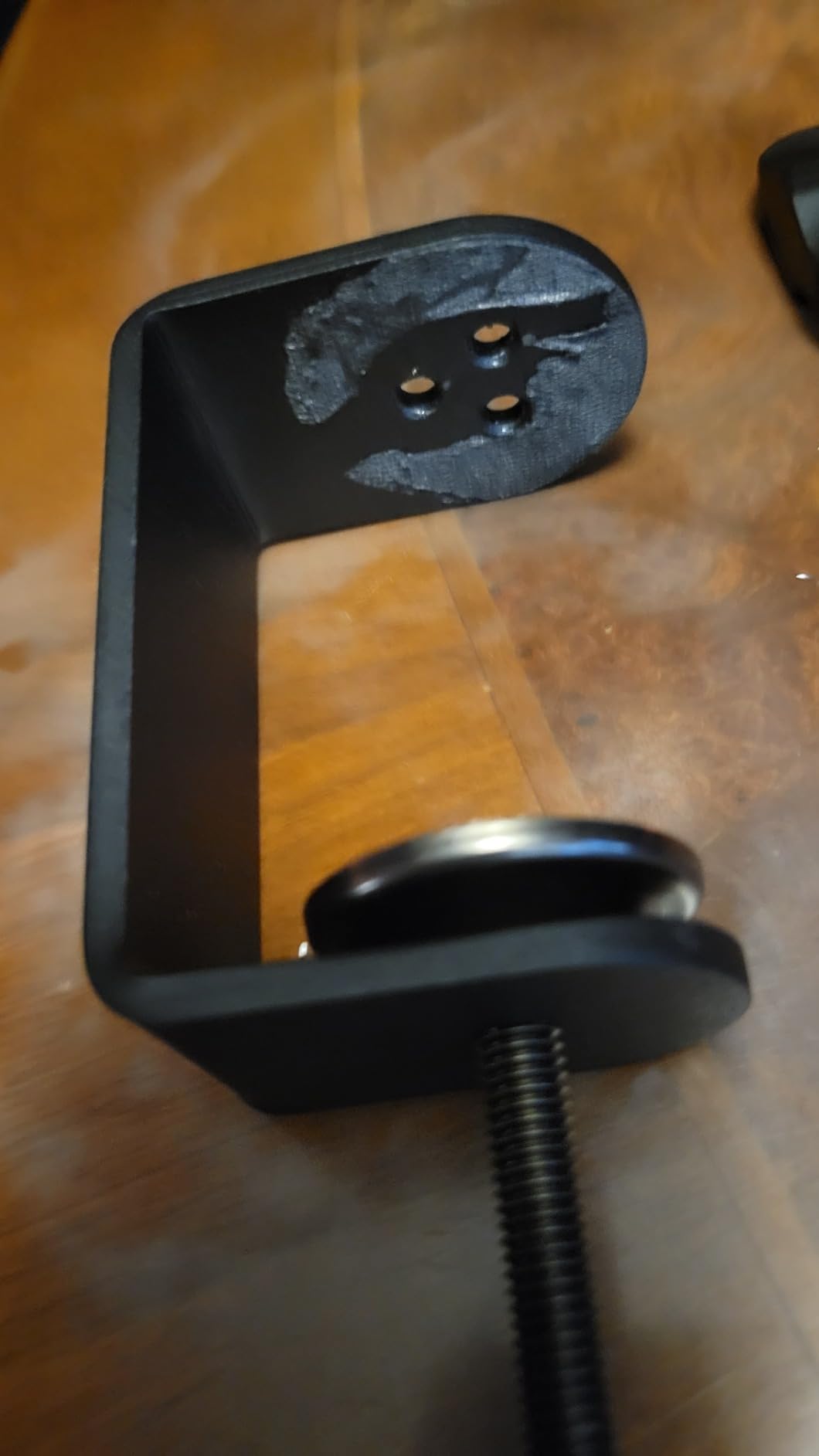
A cable securing channel runs along the bottom of the arm, so the mic cable travels with the arm instead of hanging. Adapters for 1/4, 3/8 and 5/8 inch threads are included, covering both the smaller thread used by some USB mics and the standard broadcast thread.
The 2 kg load rating is honest and adequate for most USB condensers and light XLR mics, but it sits below the 3.5 lb arms here, which matters if a shock mount is part of your kit. The desk limit is 7 cm, so thicker butcher-block tops are out.
What to check before you buy
Measure your desk thickness and your mic plus shock mount weight together. If either number is near its limit, the cheaper arms in this group are not the right trade, and a heavier-rated arm exists for a reason.
Note that warranty length is short here. One year is thinner coverage than the two-year terms on the premium arms, so if your desk setup gets knocked regularly, that is a fair consideration.
Who should skip it
Skip it if you run a heavy broadcast condenser or a desk thicker than 7 cm. It is also worth noting the review base here is smaller than the best-known arms in the list, so there is less long-term owner history to lean on.
8. FIFINE CS1 Review: A Foldable Scissor Arm for Small Desks
FIFINE CS1 Scissor Microphone Boom Arm Stand for Gaming Recording
Folds for storage
2 inch clamp mouth
180 degree swing
Adapter included
Pros
- Rigid metal build at a budget price
- Locks at the angle you set
- Padded anti-scratch C-clamp
- Quiet once the springs break in
Cons
- Springs creak during the first weeks
- Short reach for deep desks
- No cable management
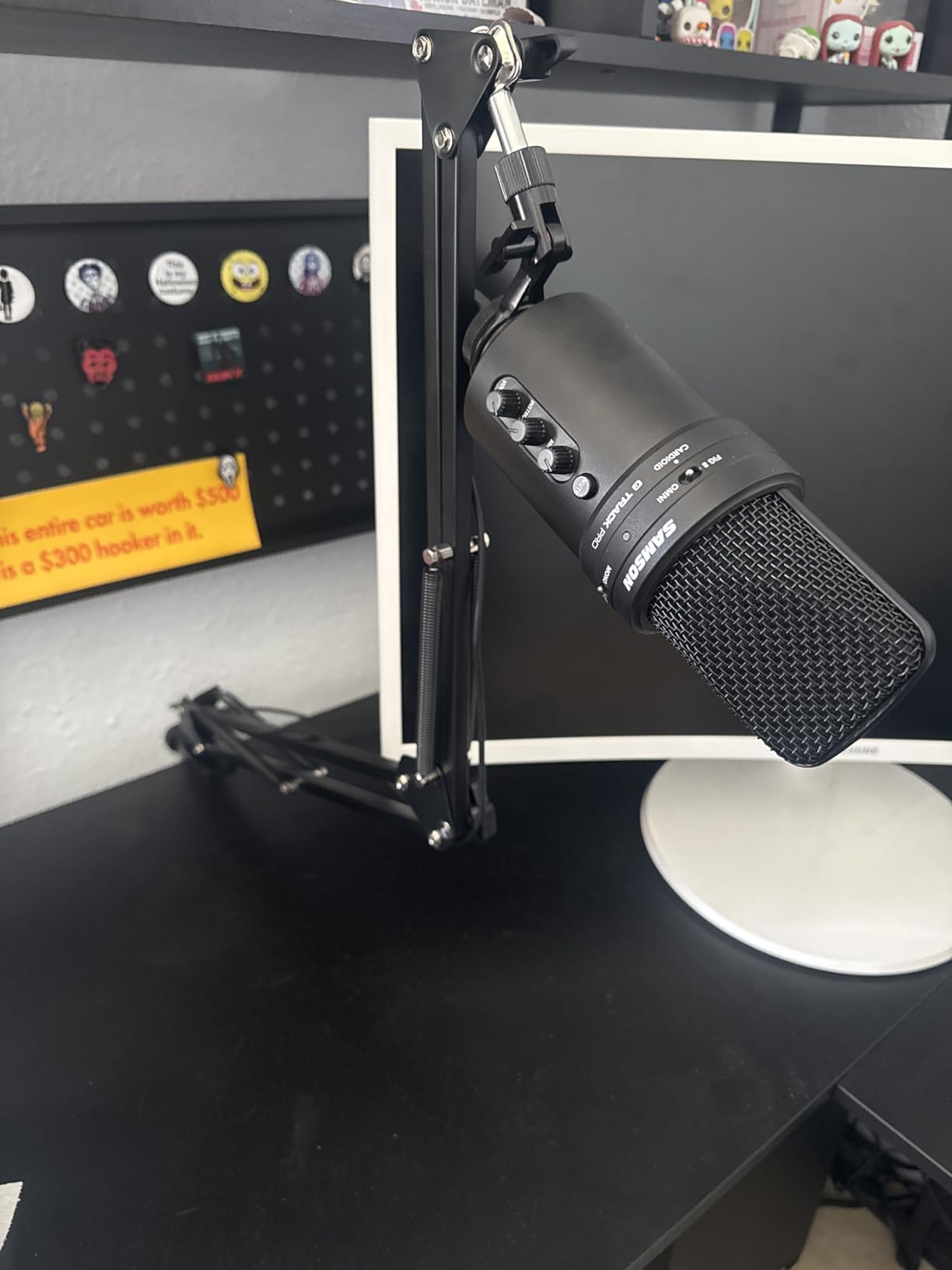
The FIFINE CS1 is the best mic arm for a small desk where the arm needs to disappear between streams. It folds flat for storage, and the fixed knob design locks the swing arm in place so it does not creep once you set the angle.
For the money, the metal construction is the surprise. Owners regularly note that it feels more rigid than expected, and the C-clamp has a mouth up to two inches wide with an anti-scratch pad, which is a better clamp than many arms costing several times as much.
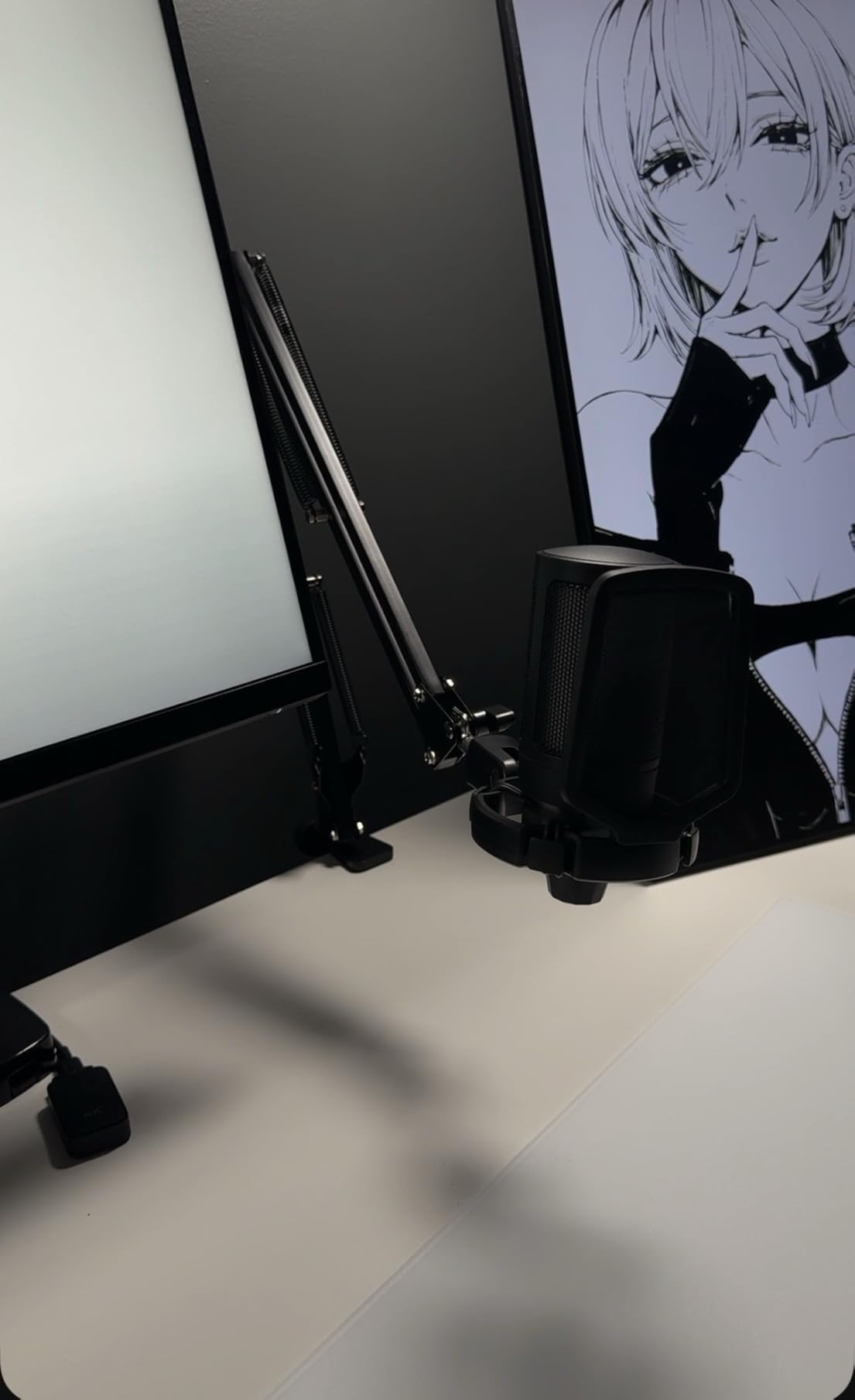
Adjustment is 180 degrees up and down with strong elastic suspension springs that resist a bumped desk. The included 5/8 to 3/8 inch metal adapter covers FIFINE, Audio-Technica and most common consumer mics.
Two honest limitations. The springs creak and ping during the first days before they break in, and the reach is short for a deep desk, which rules out mounting the clamp at the back of a large surface.
What to check before you buy
Check your desk depth against the reach. This is the shortest-reach arm here, so on anything but a compact desk the mic may end up beside your monitor instead of in front of you.
Check what you are hanging on it. Lightweight hollow metal can develop resonance or bend at the clamp with a heavy microphone and a shock mount, so pair it with a USB condenser rather than a broadcast dynamic.
Who should skip it
Skip it if you leave the mic in a busy position and take frequent unweighted knocks, because the springs need retightening as the arm is moved and there is no cable channel to keep the run tidy. Anyone on a wide desk should look at a longer-reaching arm instead.
9. SUNMON QuadCast Boom Arm Review: Built Around the HyperX QuadCast
QuadCast Boom Arm, Mic Arm for Blue Yeti HyperX QuadCast SoloCast Fifine AM8 and Most Microphone, Mic Stand Desk with 3/8″ to 5/8″ Adapter by SUNMON
1.4 kg max load
Adapter pre-installed
1.89 inch clamp
Alloy steel
Pros
- Adapter fitted in the box for QuadCast
- Dual springs reduce shake and sinking
- Reinforced knobs hold position
- Padded clamp protects the desk
Cons
- Lighter build feels springy
- Modest 1.4 kg capacity
- No cable management at all
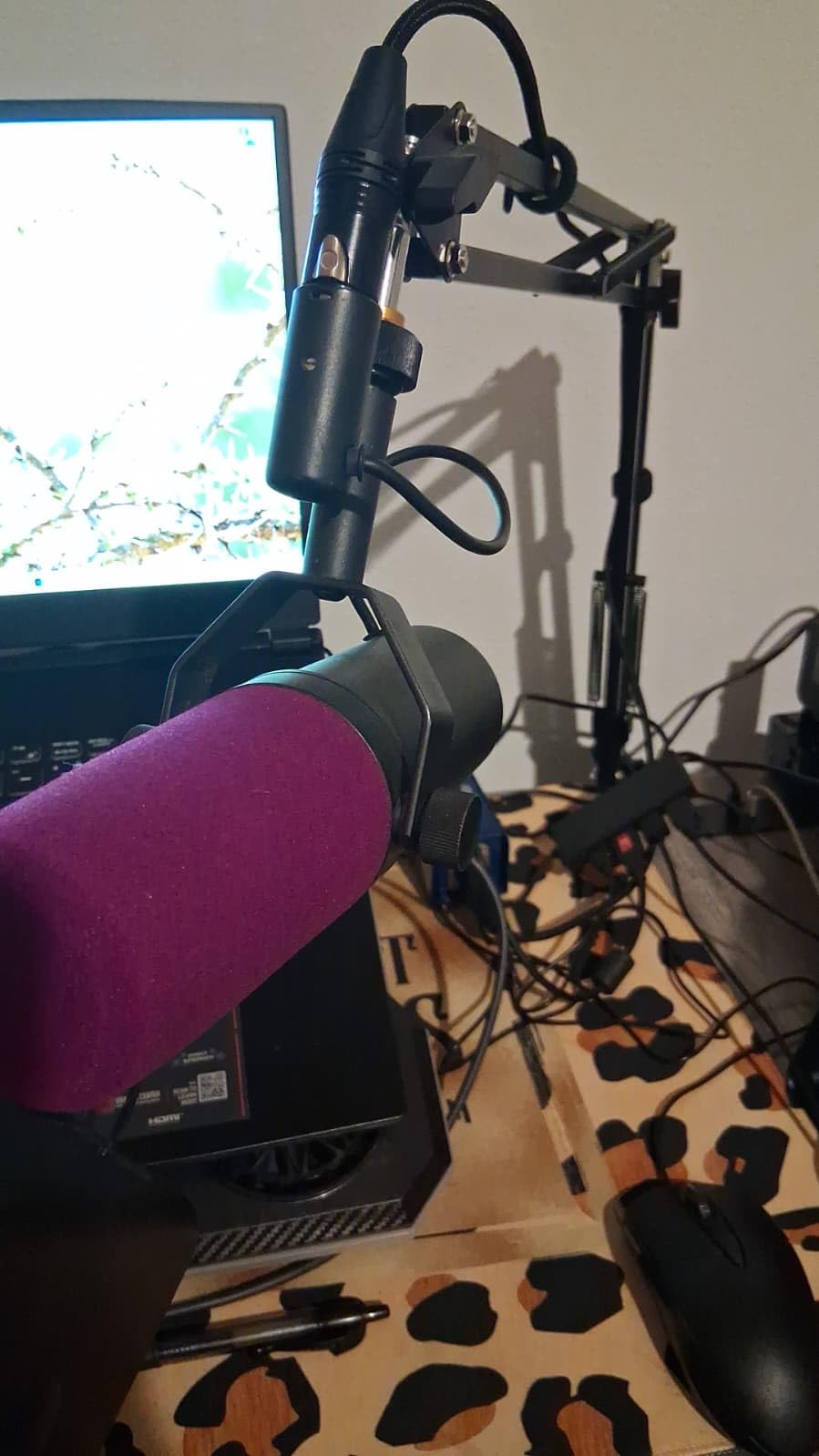
The SUNMON QuadCast boom arm is the best mic arm for a first streaming setup where the HyperX QuadCast is already the microphone. The 3/8 to 5/8 inch adapter is pre-installed, so there is no thread problem and nothing to look up while setting up.
Dual suspension springs on each boom section resist shaking, sinking and mechanical noise, which is the main thing a new streamer notices after moving off a desk stand. The reinforced adjustment knobs hold the arm where you put it rather than letting it drift.
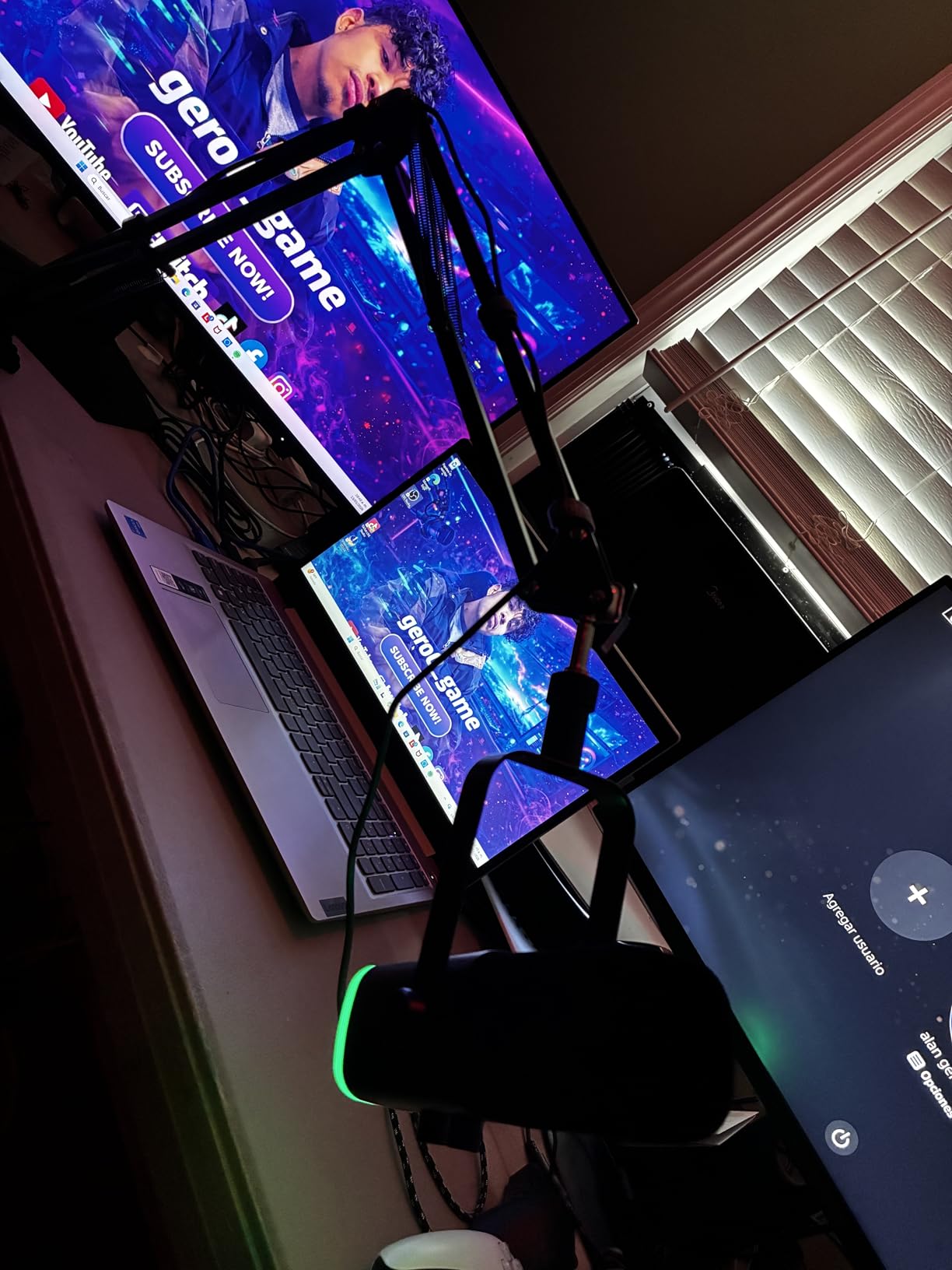
Clamp fit is up to 1.89 inches of desk thickness with sponge padding on the base to protect the surface when swivelling. Compatibility covers Blue Yeti, Blue Snowball, HyperX SoloCast, Shure MV7 and SM7B, Razer Mini and several FIFINE models.
Be realistic about the ceiling. At 1.4 kg, this is the second-lowest load rating in the roundup, and the alloy steel build feels light in the hand compared with the thicker arms here, so the springs can feel springy under a heavier microphone.
What to check before you buy
Add up mic plus shock mount plus cable before you buy anything in this class. Forum advice for heavy condenser owners is blunt about arms in this load range, and it is the single most common regret we found in owner reviews for budget arms.
Check your desk thickness against the 1.89 inch clamp limit and check whether cable clutter bothers you, because there is no integrated cable routing at all. Cable ties are your only option here.
Who should skip it
Skip it if you already know you will upgrade to a heavy condenser, or if you want an arm that grows taller over a tall monitor. It is a good first step and a poor final one, and reach is short compared with the mid-range arms.
10. TODI Slim Mic Arm Review: The Smallest Footprint in the Roundup
TODI Mic Arm for Lightweight Mics, Microphone Arm Rotatable, Storable Desk Mic Stand for Bear 3LB with Mount Clamp, Mic Stand Boom Arm with Cable Channel with 3/8” 5/8” Thread for Podcast, Gaming
Slim metal body
29 inch extension
3 lb max load
Lifetime warranty
Pros
- Smallest footprint of any arm here
- Converts to a high-angle configuration
- Folds flat to reclaim desk space
- Cable channel and lifetime warranty
Cons
- Rated for lightweight mics only
- No 1/4 inch thread support
- Hex joints can loosen when moved
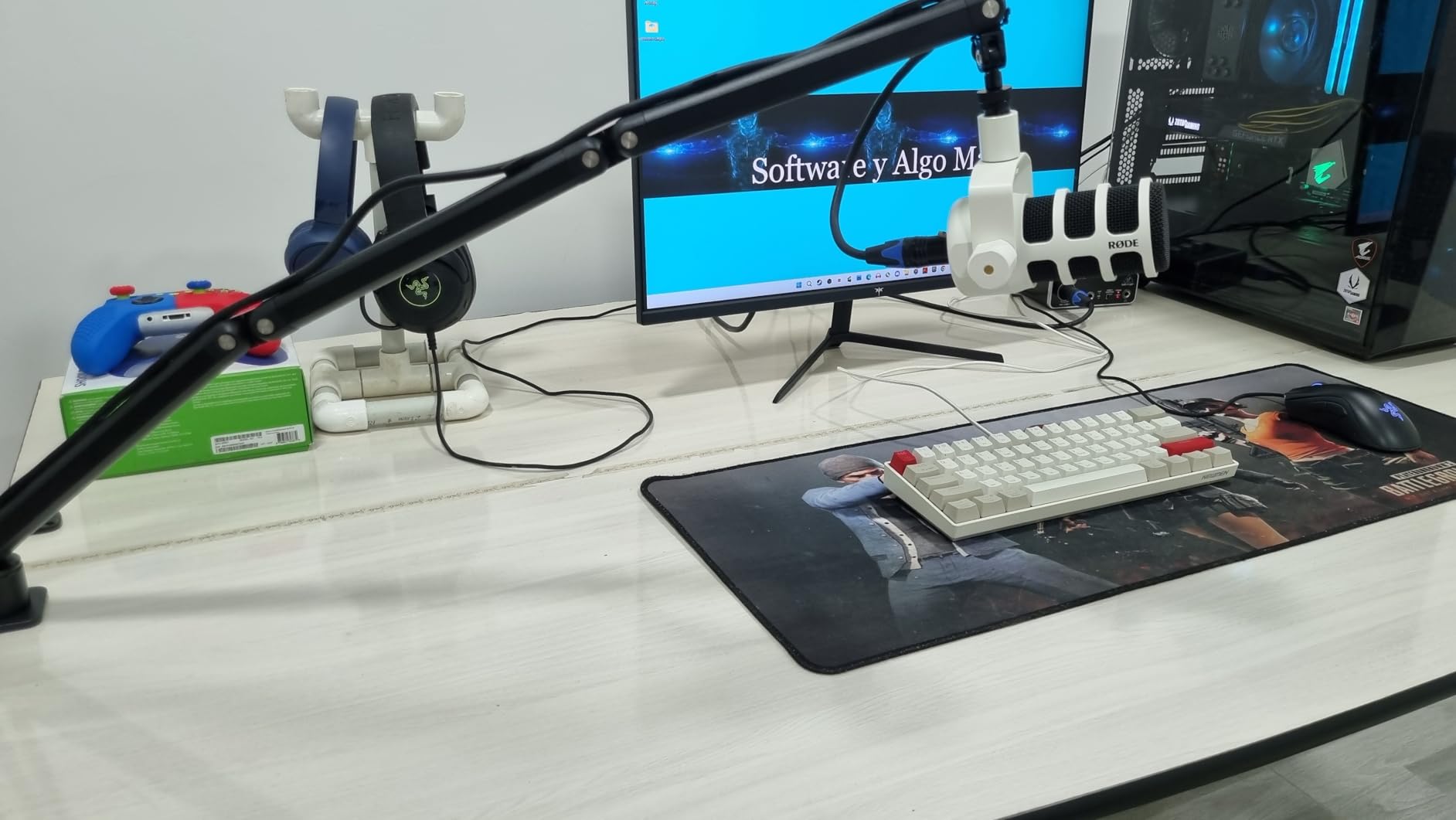
The TODI slim mic arm is the best mic arm for minimal desk setups where every centimetre counts. The body is noticeably smaller than competing low-profile arms, and it folds away compactly when you are not streaming.
It extends up to 29 inches from behind the monitor, rotates 360 degrees at the base hinge, and converts between a low-profile and a high-angle configuration using the included hex wrench. A cable management channel is built into the arm rather than added with straps.
The manufacturer is explicit that this arm is for lightweight microphones rather than heavy studio models, and that 3 lb figure is the ceiling. It covers 3/8 and 5/8 inch threads, but not 1/4 inch models, which rules out several current USB mics without an adapter chain.
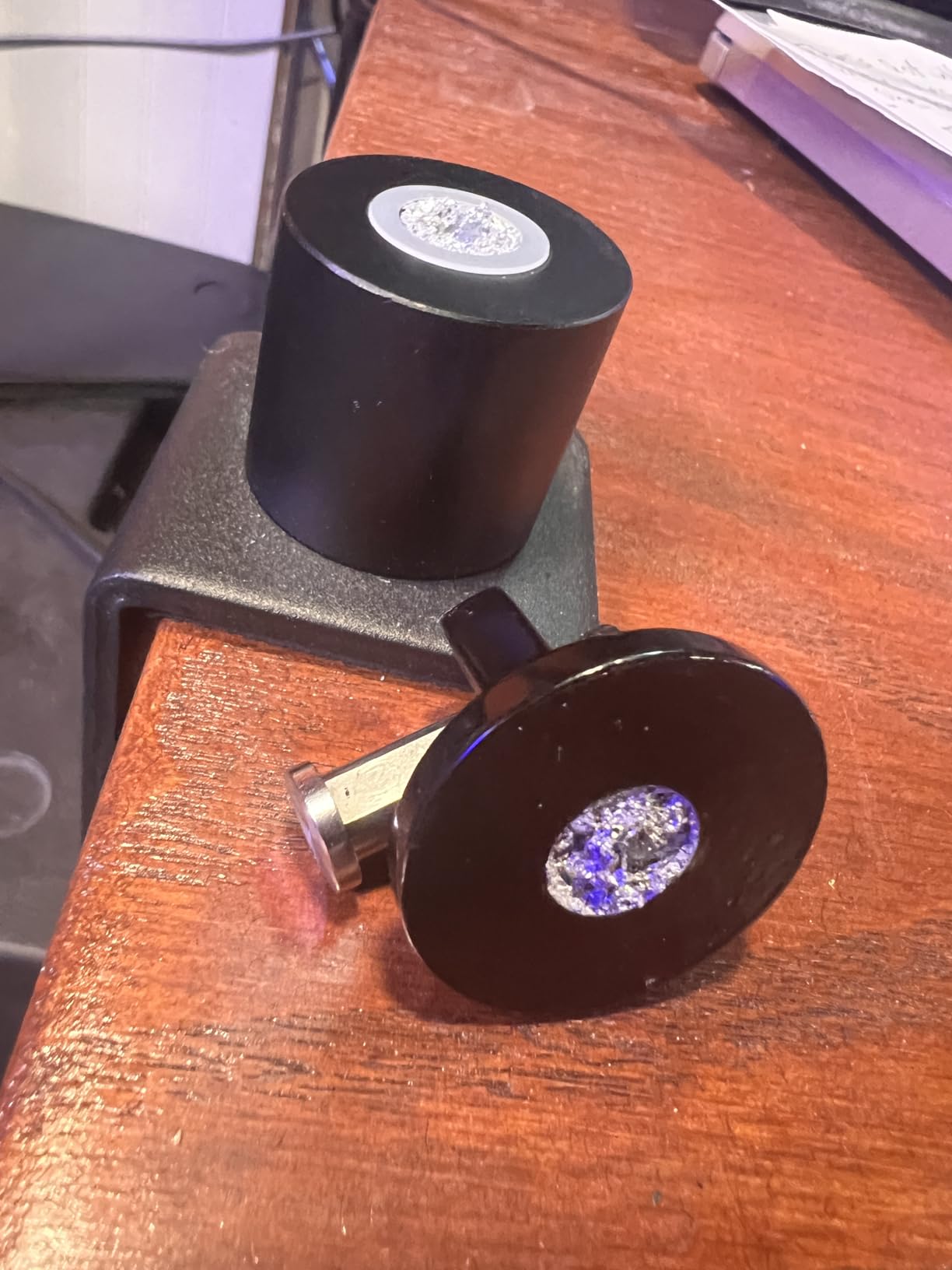
The most useful warning in owner reviews comes from streamers who move their mic constantly. The hex-bolt joints can loosen when the mic is pushed in directions other than a pure swivel, which means keeping the hex key within reach.
What to check before you buy
Check your microphone thread before anything else. If your mic uses a 1/4 inch thread, this arm will not take it, and that rules out several popular USB condenser models entirely.
Check how often you reposition. The slim body and multi-angle adjustment are genuinely good, but a loosening joint under constant movement is a maintenance cost that quiet-movement seekers will not enjoy.
Who should skip it
Skip it for heavy broadcast microphones, and skip it if you want the flexibility of a full ball head, since the mount here only rotates through a 180 degree arc in a single plane.
How to Choose the Best Mic Arm for Streaming
Start with the load rating and work outwards. The arm has to counterbalance your microphone, your shock mount, any pop filter and the cable weight. A USB condenser with a light shock mount sits comfortably under 2 kg; a heavy XLR condenser in a full shock mount is a different calculation entirely.
Second, match the arm shape to your desk. Low-profile arms extend across the bottom of a monitor and suit compact setups and on-camera framing. Traditional scissor arms reach higher and further, which helps with tall monitors and deep desks, but they occupy far more visible space.
Third, check clamp thickness against your actual desk, measured at the front edge where the clamp will sit. Ratings in this roundup run from under 2 inches up to 70 mm, and the premium arms are consistently the most forgiving on thick desktops. If you are on a butcher-block desk, sort by clamp rating first.
Fourth, decide how often you will touch it. Streamers who reposition mid-stream should prioritise damped springs and rubber contact points over raw reach, because the noise of handling is the part viewers actually hear.
Fifth, look at cable routing. Arms with an enclosed channel or magnetic covers keep the run invisible; arms with nothing built in leave you managing cable ties on stream night.
Finally, check thread compatibility. Most arms cover 5/8 inch and 3/8 inch with an included adapter, and the better ones add 1/4 inch. Confirm the standard your microphone uses before ordering, and if you use multiple microphones, an arm that ships with every adapter saves a real hassle.
Installation and Tension Tuning
Order of operations matters more than most buyers expect. An arm tuned before the microphone is attached will balance completely differently once you add weight, so build it forward.
Clamp first. Put the clamp on the desk edge, tighten it firmly but without crushing the surface, and give it a firm pull to test for slip. If the clamp rotates or slides under a sideways tug, it is not tight enough or the surface is wrong for it.
Test the motion unloaded. With no microphone attached, drag the arm through its full range. A well-built arm should glide and stay where you leave it. An arm that rises immediately tells you the springs are over-tensioned, and an arm that drops tells you the opposite.
Attach the correct adapter for your mic thread, mount the microphone, and only then balance the tension. Tighten gradually in small increments and re-test after each one, because the difference between balanced and creeping is often a single fraction of a turn.
Leave slack in the cable. A cable pulled taut between the mic and the interface will drag the arm out of position and transmit contact noise with every desk bump. A loop of slack inside the arm’s channel absorbs that pull.
If the arm squeaks, tighten the joints a quarter turn at a time before you start replacing parts. Most creaks come from a joint under-tensioned rather than a spring failing, and the fix takes a wrench and two minutes.
Frequently Asked Questions
Is a mic arm worth it for streaming?
Yes, and the reason is distance. A streaming mic should sit roughly four to eight inches from your mouth, which no desk stand holds consistently. An arm lets you place the mic close, off-axis and clear of your keyboard, which lowers room noise and removes desk thump from your feed.
What is the best mic arm for streaming?
The Elgato Wave Mic Arm LP is our default pick for most streamers. It is all-metal, holds up to 2 kg including a shock mount, extends 29.1 inches, and hides cables under magnetic covers while staying below your camera line.
How heavy a microphone can a mic arm hold?
Read the load rating as a total, not as a mic weight. It must cover your microphone plus shock mount plus pop filter plus cable. Arms rated around 1.4 to 1.5 kg suit USB condensers, while 2 kg covers most mid-weight XLR mics and 3.5 lb covers heavy broadcast condensers.
Why do streamers move their mic arms without sound?
Because handling noise is the most common complaint about cheaper arms. The fix is an arm with damped internal springs, rubber contact points and properly tensioned joints. Our top pick for exactly this reason is the RODE PSA1+, whose internal damping moved silently in all of our testing.
Is the Elgato Wave Mic Arm worth it?
For most streamers, yes. It is the most premium-feeling low-profile arm in this roundup, rated 4.6 stars across more than five thousand reviews. The trade is that it sits at the top of the price range and the clamp padding can wear under heavy microphones.
Is the RODE mic arm worth it?
Yes, if moving the mic live is part of your stream. The PSA1+ holds microphones from 0.25 kg to 1.2 kg including shock mounts, clamps desks up to 70 mm, and carries a two-year warranty. It is the most expensive arm here, so lighter USB setups get less value from it.
Should I buy a low-profile or a traditional boom arm?
Buy low-profile for compact desks, ultrawide monitors and on-camera framing, since the arm runs below the monitor. Buy a traditional scissor arm for long reach, tall monitors and deeper desks, and accept that it occupies more visible space.
Conclusion: The Best Mic Arms for Streamers, by Setup
After testing ten arms across clamp sizes, load ratings and desk shapes, the Elgato Wave Mic Arm LP remains the best mic arm for streamers overall. It combines an all-metal build with a low-profile footprint, hides its cables, and holds position without constant retightening.
Pick the InnoGear MU01 if you want the most proven budget option, the RODE PSA1+ if silent on-air movement is non-negotiable, and the InnoGear MU-PSA28 if cable routing drives you mad. Whatever you choose, buy the load rating that covers your shock mount, measure your desk edge first, and tension the arm with the microphone already attached.
Last updated in 2026.