
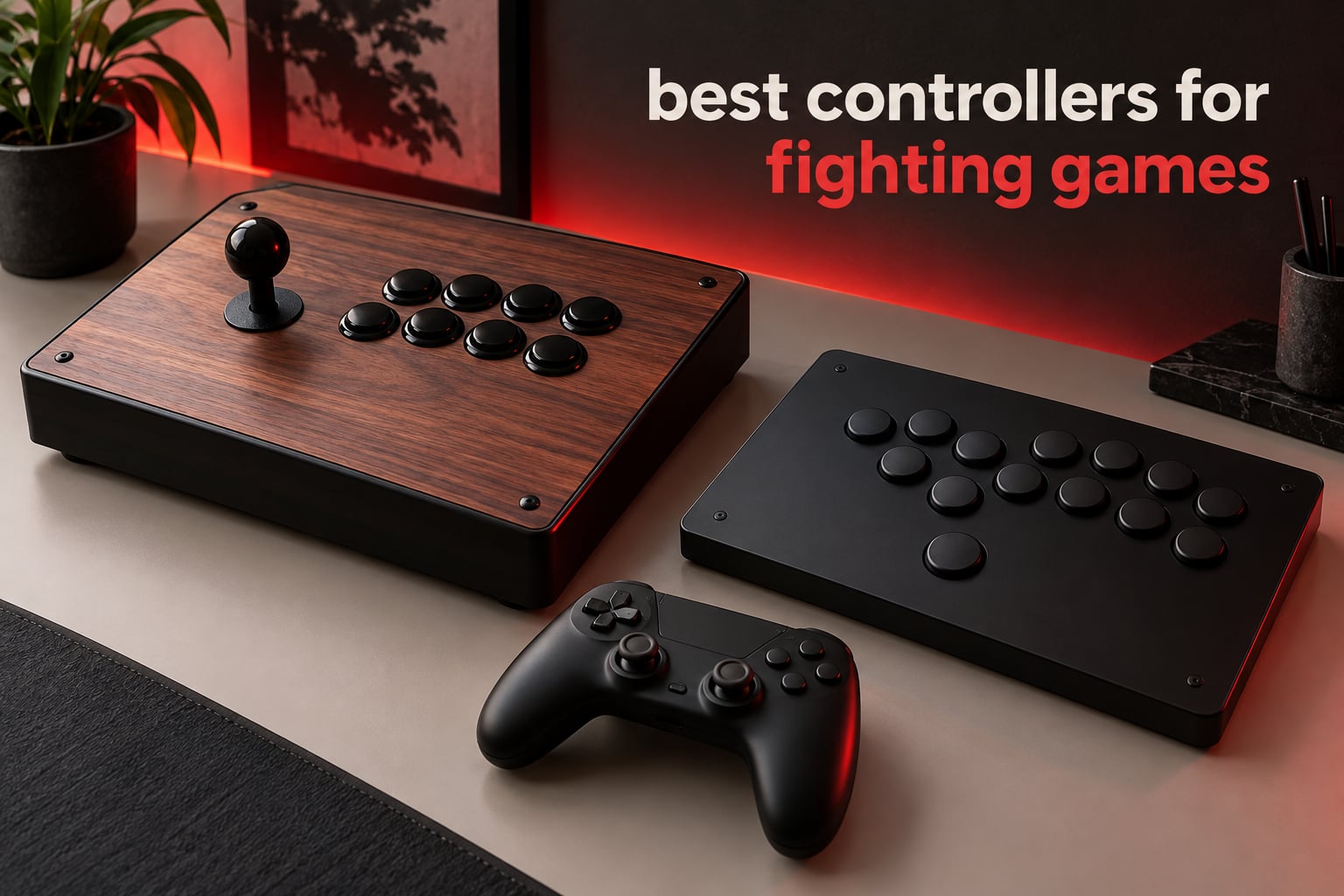
The best controllers for fighting games come down to style, not to a single winner: a fight stick with a joystick and a six-button face, a fight pad shaped like a console controller, or a leverless all-button layout that replaces the stick entirely. Everyone in the arcade and tournament scene has an opinion, and the honest answer is that top players use all three.
We spent 2026 putting twelve of the most-reviewed sticks, fight pads and leverless controllers through training-mode drills, checking diagonal inputs, charge motions and shortcut reliability rather than just how they feel out of the box. What follows is every option we would recommend in 2026, with the drawback of each one stated plainly, because a fight stick that is wrong for your hands is worse than the controller you already own.
Before we get into the list, one thing worth knowing: if you are still deciding between a cabinet and a desk setup, our guide to arcade cabinets for fighting game players covers the same lever and button philosophy at full size.
Table of Contents
- Top 3 Best Controllers for Fighting Games (October 2026)
- Best Controllers for Fighting Games at a Glance
- 1. MAYFLASH F300 Arcade Fight Stick – the most-reviewed first stick most players keep
- 2. 8Bitdo Arcade Stick – best balance of wireless, modding and weight
- 3. HORI Fighting Stick Alpha – the licensed tournament stick for PlayStation
- 4. HORI Fighting Commander OCTA – a six-button pad for people who want to stay on a pad
- 5. Haute42 T16 Pro Leverless – the cheapest way into leverless play
- 6. Nacon Daija Arcade Fight Stick – genuine Sanwa parts and the easiest modding
- 7. MAYFLASH Arcade Stick F700 – the full-size wireless stick
- 8. 8BitDo All-Button Arcade Controller – the licensed Xbox leverless
- 9. Qanba N3 Drone 2 – the officially licensed PlayStation starter stick
- 10. Qanba Sapphire S1 – the leverless with 18 programmable buttons
- 11. SUBSONIC Arcade Stick – the budget stick for PC and emulators
- 12. PowerA Fusion Wireless Arcade Stick – the Nintendo Switch arcade stick
- How to Choose a Fighting Game Controller
- Frequently Asked Questions
- What controllers do competitive gamers use?
- Which is better for fighting games, an arcade stick or a controller?
- Is it better to play fighting games with a D-pad or joystick?
- What is the best Fight Stick for beginners?
- Are leverless controllers allowed at tournaments?
- Is an arcade stick worth it for fighting games?
- The Best Controller Is the One You Practise With
Top 3 Best Controllers for Fighting Games (October 2026)

MAYFLASH F300 Arcade Fight…
- Works on Switch
- PS4
- Xbox and PC
- Sanwa Denshi compatible parts
- Turbo function with speed settings

8BitDo Arcade Stick
- Bluetooth
- 2.4g and wired options
- Universal mounting plate for Sanwa sticks
- N64-inspired layout

HORI Fighting Stick Alpha
- Sony officially licensed with touchpad
- Clamshell case opens for modding
- Hayabusa lever and buttons
Best Controllers for Fighting Games at a Glance
Every controller below is listed with the platforms it supports and the job it does best. We kept sticks, leverless pads and fight pads in the same list because the right answer changes with your platform and your grip, not with the season.
| Product | Specs | Action |
|---|---|---|
| MAYFLASH F300 Arcade Fight Stick |
|
Check Latest Price |
| 8Bitdo Arcade Stick |
|
Check Latest Price |
| HORI Fighting Stick Alpha |
|
Check Latest Price |
 HORI Fighting Commander OCTA HORI Fighting Commander OCTA |
|
Check Latest Price |
 Haute42 T16 Pro Leverless Haute42 T16 Pro Leverless |
|
Check Latest Price |
 Nacon Daija Arcade Fight Stick Nacon Daija Arcade Fight Stick |
|
Check Latest Price |
 MAYFLASH Arcade Stick F700 MAYFLASH Arcade Stick F700 |
|
Check Latest Price |
 8BitDo All-Button Arcade Controller 8BitDo All-Button Arcade Controller |
|
Check Latest Price |
 Qanba N3 Drone 2 Qanba N3 Drone 2 |
|
Check Latest Price |
 Qanba Sapphire S1 Leverless Qanba Sapphire S1 Leverless |
|
Check Latest Price |
 SUBSONIC Arcade Stick SUBSONIC Arcade Stick |
|
Check Latest Price |
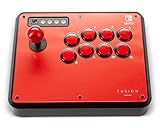 PowerA Fusion Wireless Arcade Stick PowerA Fusion Wireless Arcade Stick |
|
Check Latest Price |
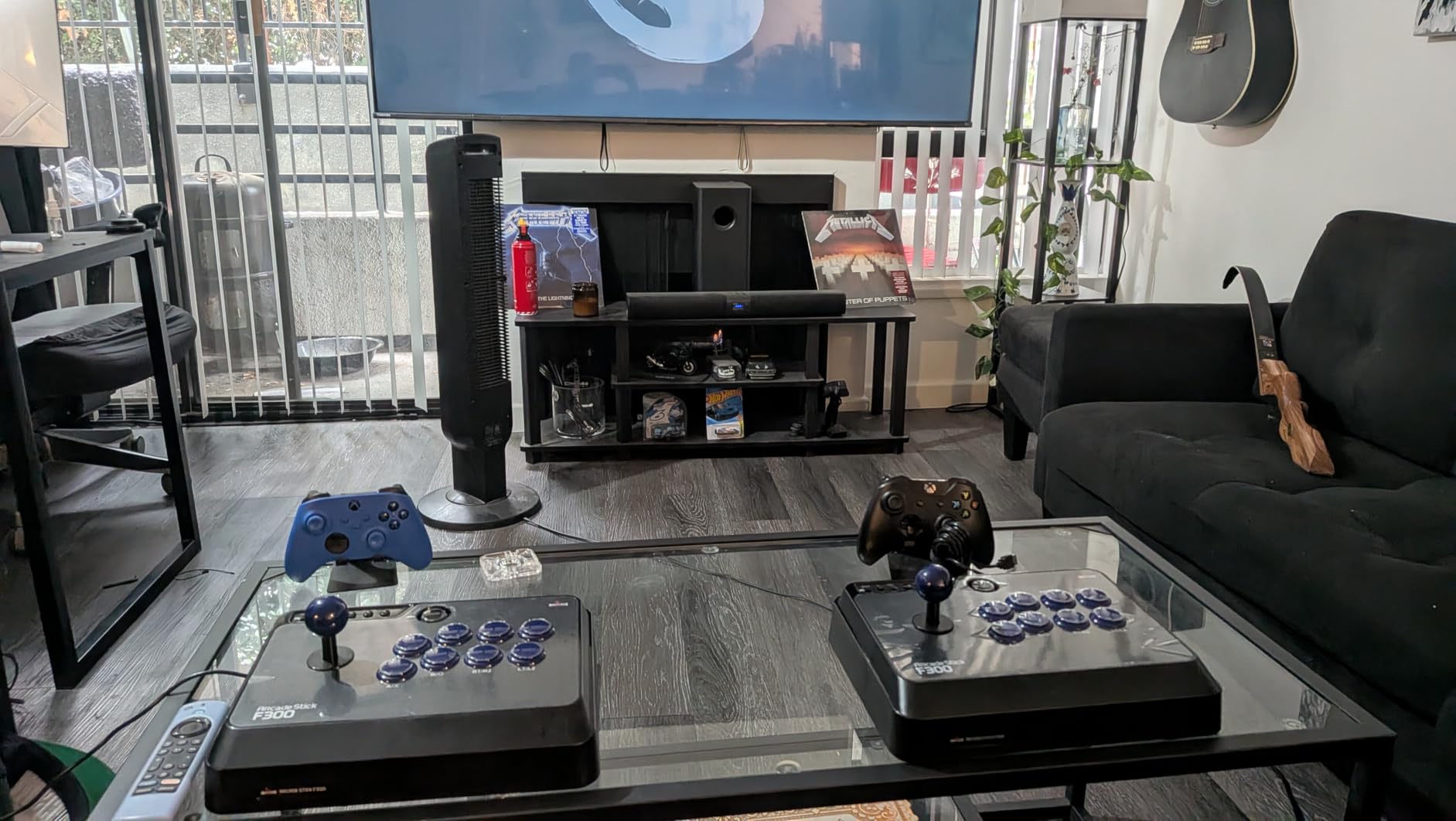
1. MAYFLASH F300 Arcade Fight Stick – the most-reviewed first stick most players keep
MAYFLASH F300 Arcade Fight Stick Joystick for Switch/Switch 2, PS4, PS3, Xbox Series S/X, Xbox One, Xbox 360, macOS, Windows, Steam Deck and more
4-button arcade stick
2 kg body
22 x 13 x 11 inches
USB wired
Pros
- Widest platform coverage in the list
- Sanwa Denshi compatible buttons and stick
- Turbo function with adjustable speed
- Light 2 kg body
- XInput and DInput on PC
Cons
- Four buttons cannot run six-button or leverless play
- PS5 needs a separate MAYFLASH adapter
- Plain plastic design next to newer rivals
I have had a F300 on the desk for years and it is still the stick I hand to friends who say they want to try an arcade stick “properly”. Platform reach is the story: Switch, Switch 2, PS3, PS4, Xbox 360, Xbox One, Xbox Series S and X, Windows, macOS, Steam Deck, Android and Neo Geo mini all appear in the compatibility list without an adapter.
It is also the only pick here that weighs 2 kg, which matters more than it sounds. A light body does not slide across the desk when you throw a hadoken, and it is easy to move between a desk and a lap session.
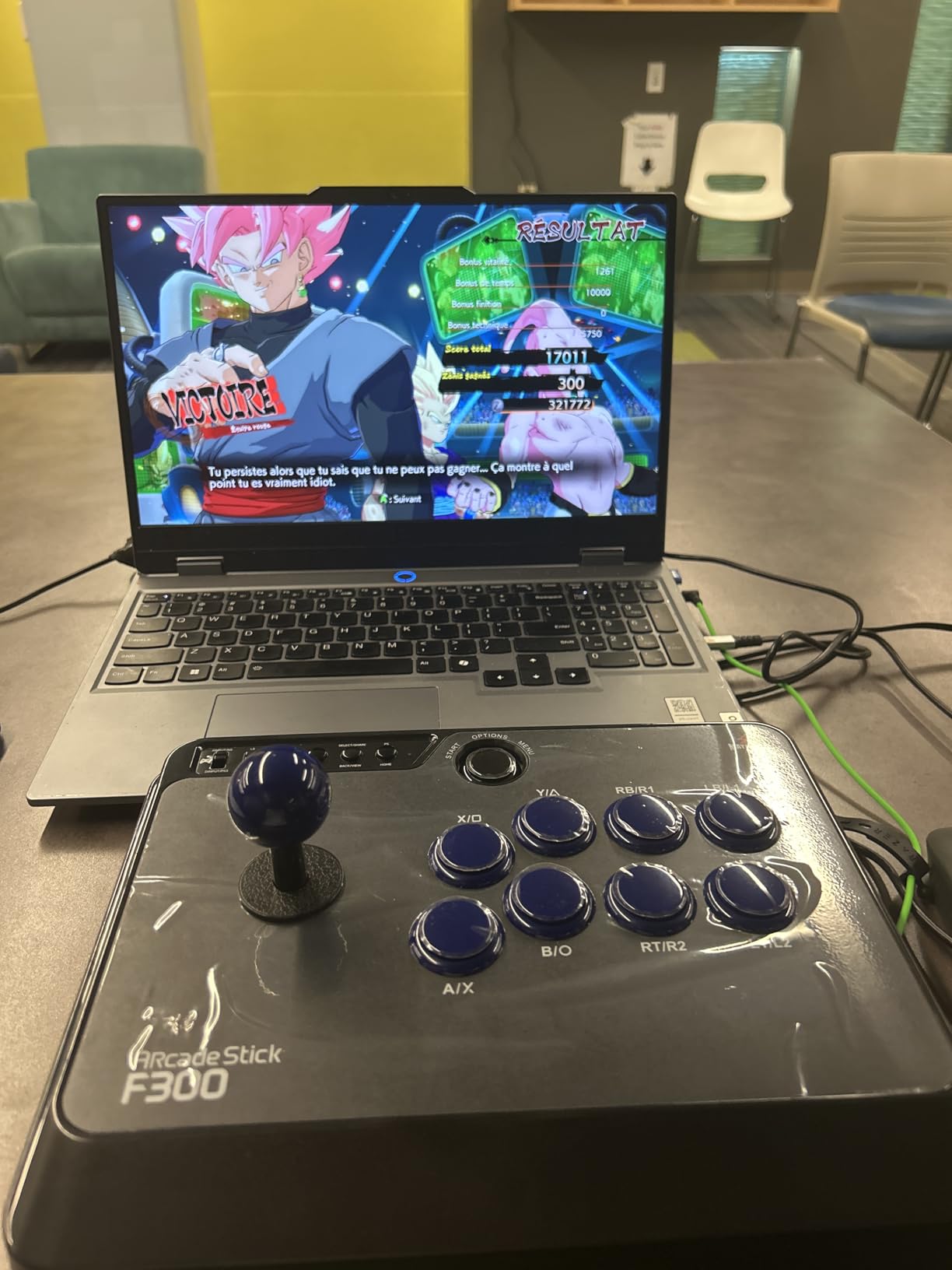
The technical picture is simple and forgiving. The mounting accepts standard Sanwa Denshi buttons and a Sanwa stick, so the parts community treats this chassis as a base rather than a finished product. Turbo functions with adjustable speed cover older shmup and arcade-port play, and PC support covers both XInput and DInput.
The catch is the button count. Four buttons plus a stick handles classic 2D fighters and older arcade collections well, but it simply cannot serve six-button games or leverless layouts, so it is a specialist rather than a one-controller solution. PlayStation 5 players also need a MAYFLASH adapter for it.
Who this suits
The F300 is the right buy for a newcomer who wants arcade-style inputs on a Switch, a PC or a retro mini console and does not want to think about adapters. It is also the sensible stopgap stick for anyone moving from a pad and not yet sure whether stick play will stick.
Who should skip it
Skip it if Street Fighter 6 or Marvel vs Capcom style six-button play is your main goal, or if you play primarily on PlayStation 5 and would rather not buy an adapter. For those cases the Alpha or the Qanba N3 Drone 2 handle the console natively.
2. 8Bitdo Arcade Stick – best balance of wireless, modding and weight
8Bitdo Arcade Stick for Switch & Windows, Arcade Fight Stick Support Wireless Bluetooth, 2.4G Receiver and Wired Connection
Switch and Windows
Wireless, 2.4g and wired
4.6 pounds
N64-inspired layout
Pros
- Three connection options including a low-lag 2.4g receiver
- Universal mounting plate fits Sanwa sticks
- Metal base plate and rubber feet stay planted
- Around 40 hours of wireless play with auto-sleep
- Retro four-button layout
Cons
- Switch and PC only without third-party adapters
- Supplied square restrictor gate is criticised
- Loud buttons out of the box
- Modding needs a T10 Torx driver
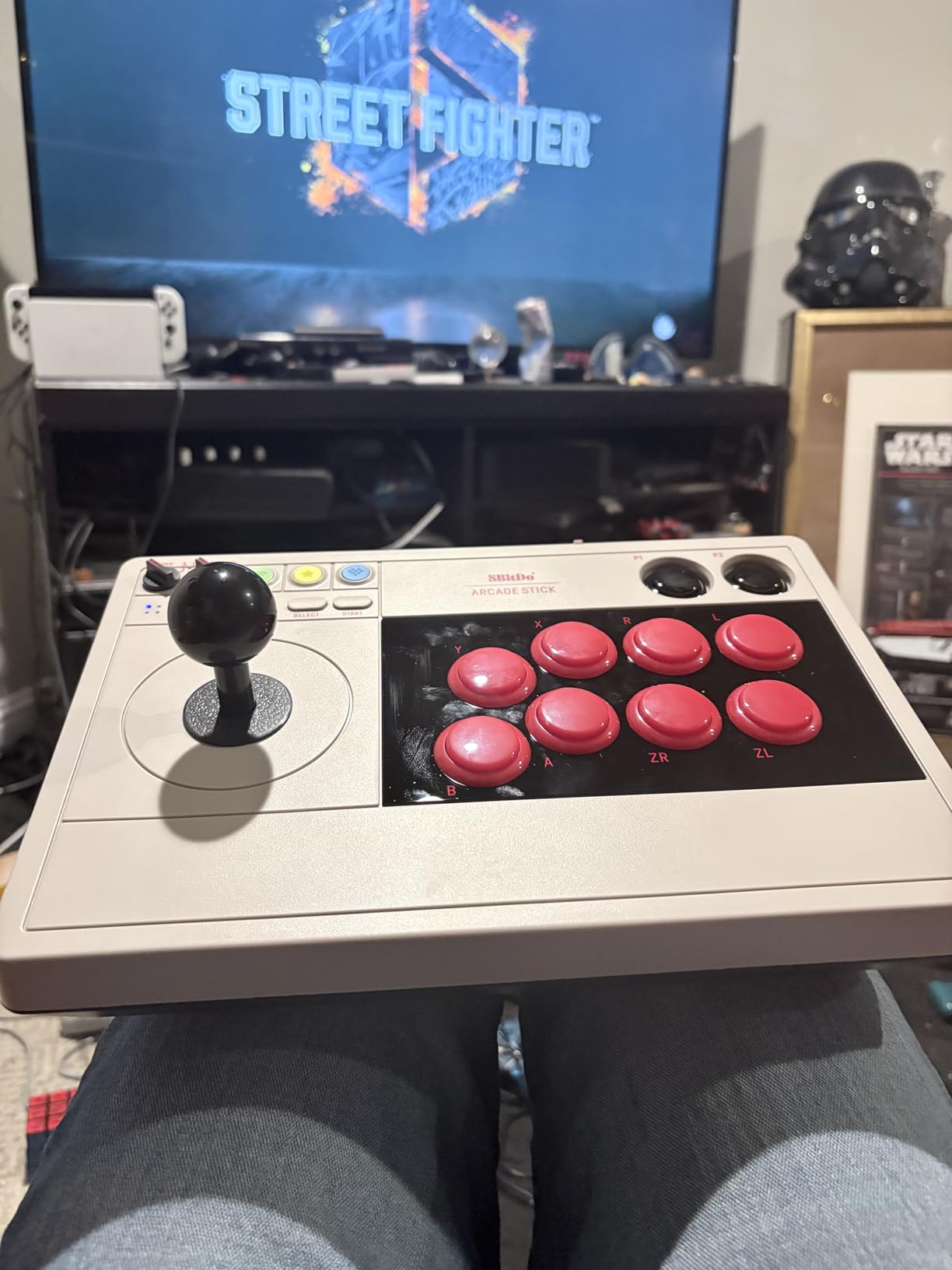
This is the stick I recommend when someone wants wireless freedom without giving up a real joystick. It runs over Bluetooth, through a 2.4g receiver that stores in a hidden compartment, or over wired USB-C, and the 2.4g path is the one I use for ranked play.
It weighs 4.6 pounds, which is heavy enough that it stays put during long sessions, and the top panel takes a universal mounting plate for Sanwa arcade sticks. 8Bitdo Ultimate software handles button mapping and macros, and the layout changes dynamically depending on the mode you are in.
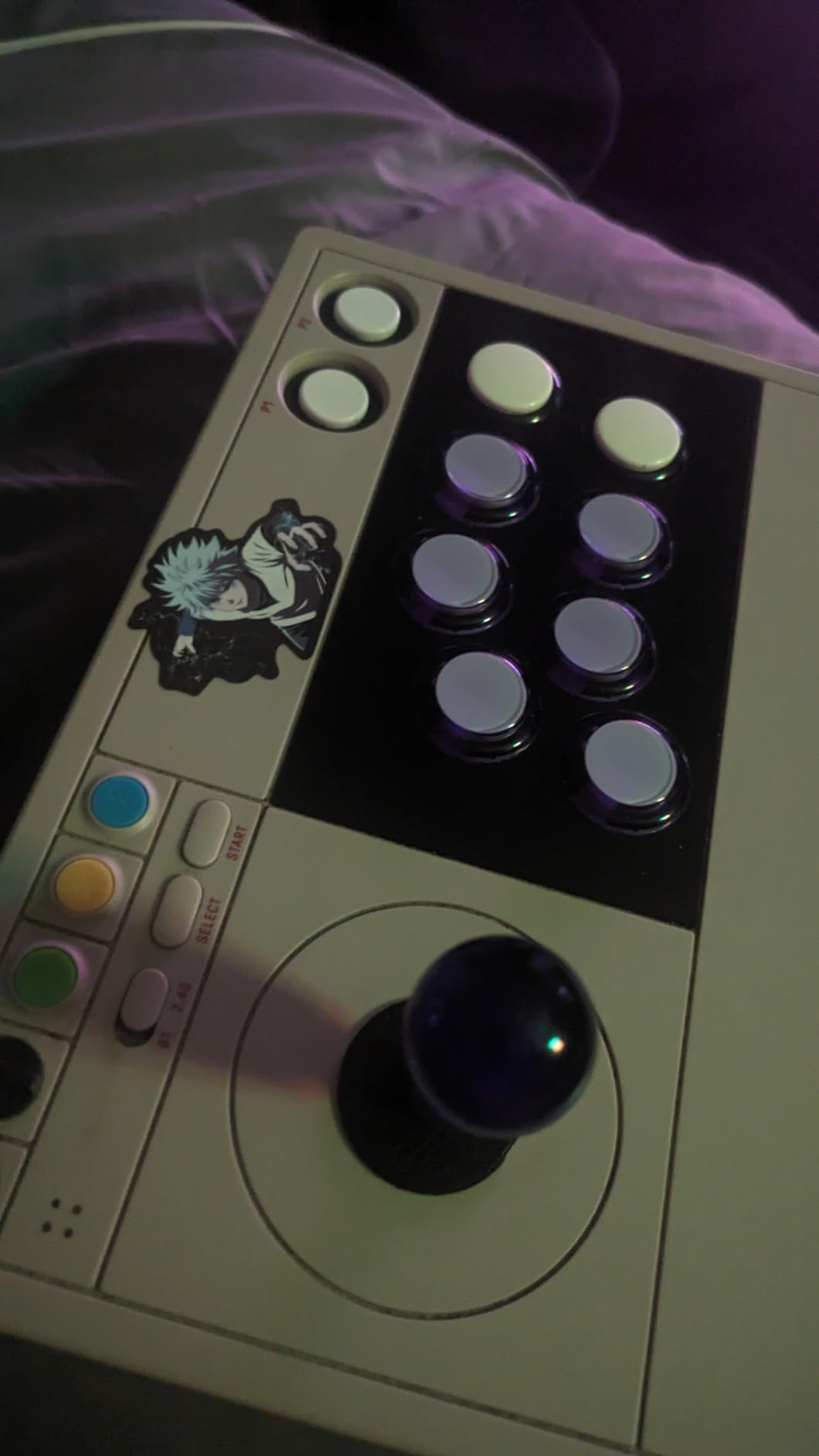
Two details catch people out. First, the Nintendo mode reverses the A/B and X/Y positions, which will disrupt muscle memory if you have spent years on a console pad. Second, the restrictor gate supplied in the box is square, and experienced players swap it early.
The wireless battery is rated at around 40 hours with auto-sleep, which comfortably covers a week of locals. There is no PlayStation or Xbox support without an adapter, and the buttons as supplied are loud.
Who this suits
This suits a Switch or PC player who wants wireless freedom, retro aesthetics and a chassis that can be upgraded with standard Sanwa parts. It also travels well for someone who plays at friends’ houses or takes a handheld-plus-stick setup on the move.
Who should skip it
PlayStation or Xbox players should look elsewhere, because adapter support for those platforms adds friction the F300 does not have. Players who want six-button play should also note this is a four-button arcade layout.
3. HORI Fighting Stick Alpha – the licensed tournament stick for PlayStation
HORI PlayStation 5 Fighting Stick Alpha – Tournament Grade Fightstick for PS5, PS4, PC – Officially Licensed by Sony
PS5, PS4 and PC
Sony licensed with touchpad
1500 g
18.9 x 6.5 x 14.37 inches
Pros
- Native PS5 support with no adapter
- Clamshell case opens for modding and cable storage
- Hayabusa lever and buttons with a crisp gate
- Integrated touchpad access
- Replaceable top-panel artwork
Cons
- Predominantly plastic chassis
- Cable hooks bunch the cable in the case
- Very short Hayabusa button throw
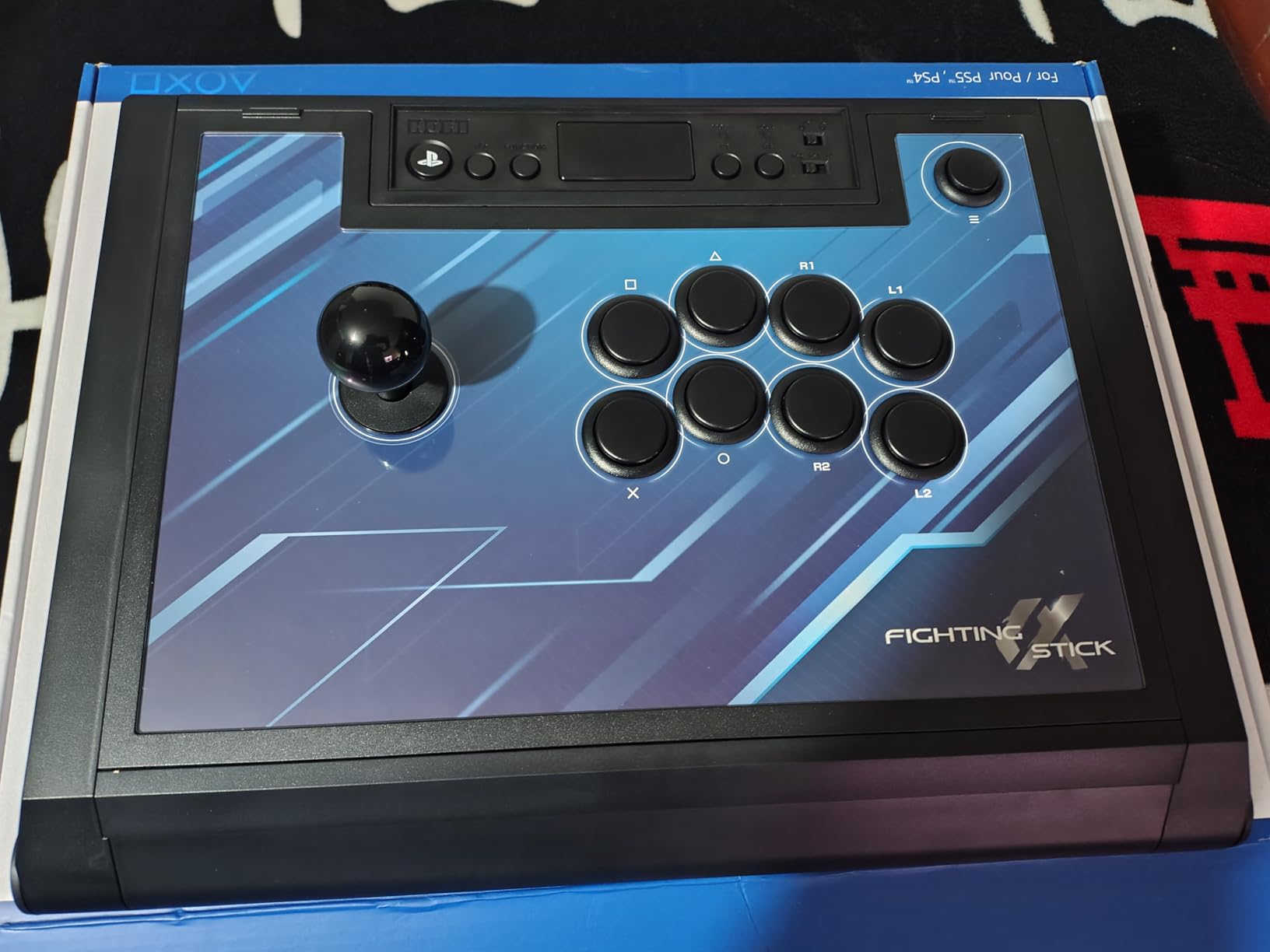
The Alpha is the stick I recommend to someone who plays on PlayStation 5 and wants a licensed product with no adapter in the box. It is officially licensed by Sony, works on PS5, PS4 and PC, and carries the PS5 touchpad, which matters in games with menu shortcuts.
The hardware inside is Hayabusa buttons and a Hayabusa lever. That combination gives a short, fast throw and a clean four-way gate, and it is a step up in feel from the generic parts used in entry sticks. The chassis opens like a clamshell so you can reach the internals, store the cable and swap parts without unscrewing the whole deck.
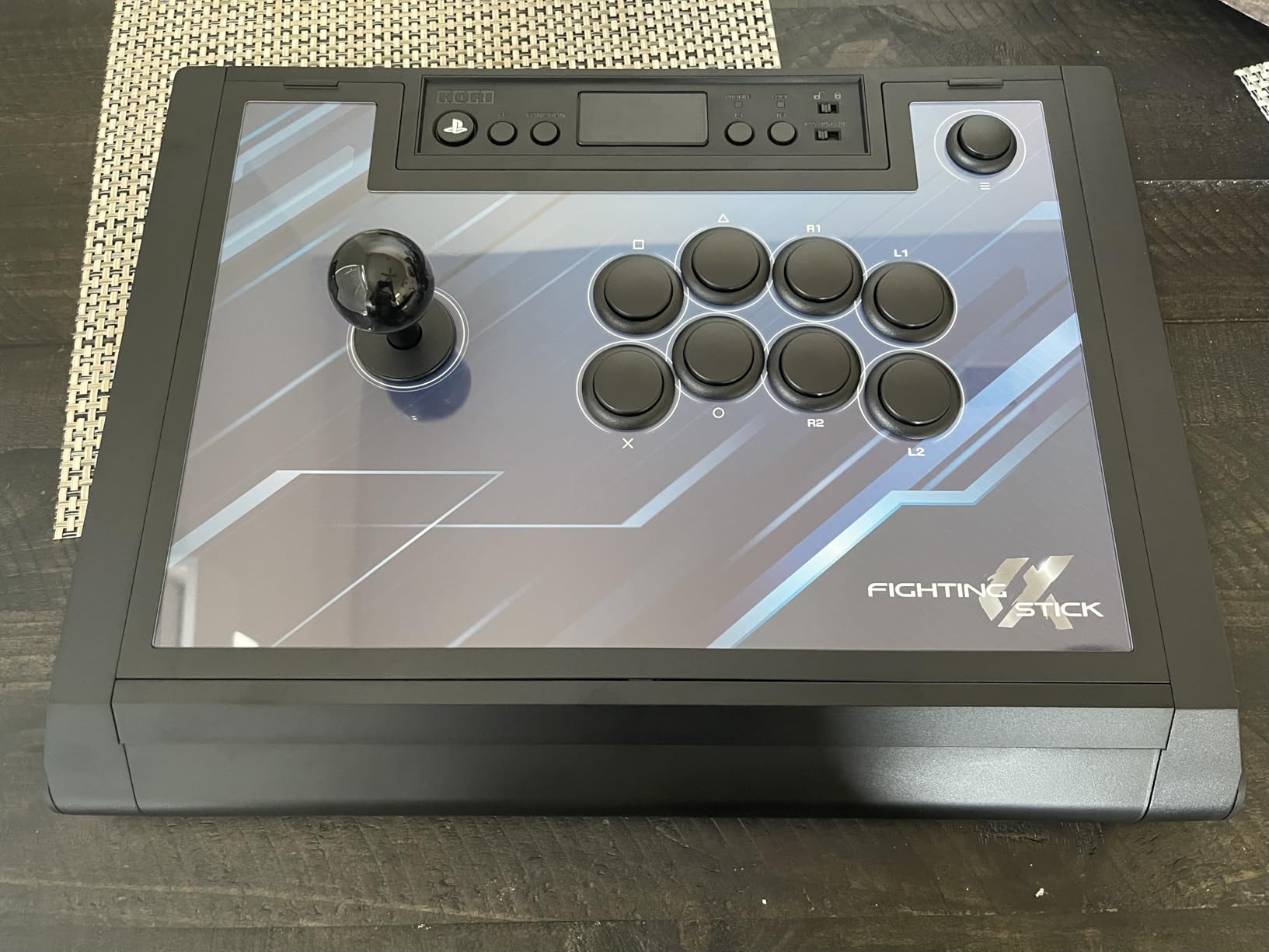
There are three real drawbacks. The shell is predominantly plastic, and some owners feel it is less rigid than older metal-topped sticks. The internal cable hooks bunch the cable and make the case harder to close. And the Hayabusa button throw is very short, which some players find too sensitive for the first few days.
There is no turbo button option and no stick-versus-D-pad switch, and swapping the top-panel artwork means pulling the buttons out.
Who this suits
This is the pick for a PlayStation-first player who wants tournament-grade parts, native PS5 support and an easy-to-service chassis. It also suits anyone who travels to locals regularly, since the case holds the cable and spare parts together.
Who should skip it
If you want to run turbo functions or swap between stick and D-pad modes on the fly, this stick will not do it. Players who prefer a heavier metal build should look at the Nacon Daija instead.
4. HORI Fighting Commander OCTA – a six-button pad for people who want to stay on a pad
HORI Fighting Commander OCTA – Tournament Grade Fightpad for PlayStation 4, PlayStation 5, and PC – Officially Licensed by Sony
PS5, PS4 and PC
Wired
Six-button layout with L3 and R3 mapping
14.14 ounces
Pros
- Native PS4
- PS5 and PC support
- Micro switch face buttons that register crisply
- Light 14.14 ounce body suits long sessions
- Very long cable
- Profiles stored on the pad
Cons
- Membrane D-pad edges can dig into thumbs
- Remapping needs a PC and the companion app
- Runs small for larger hands
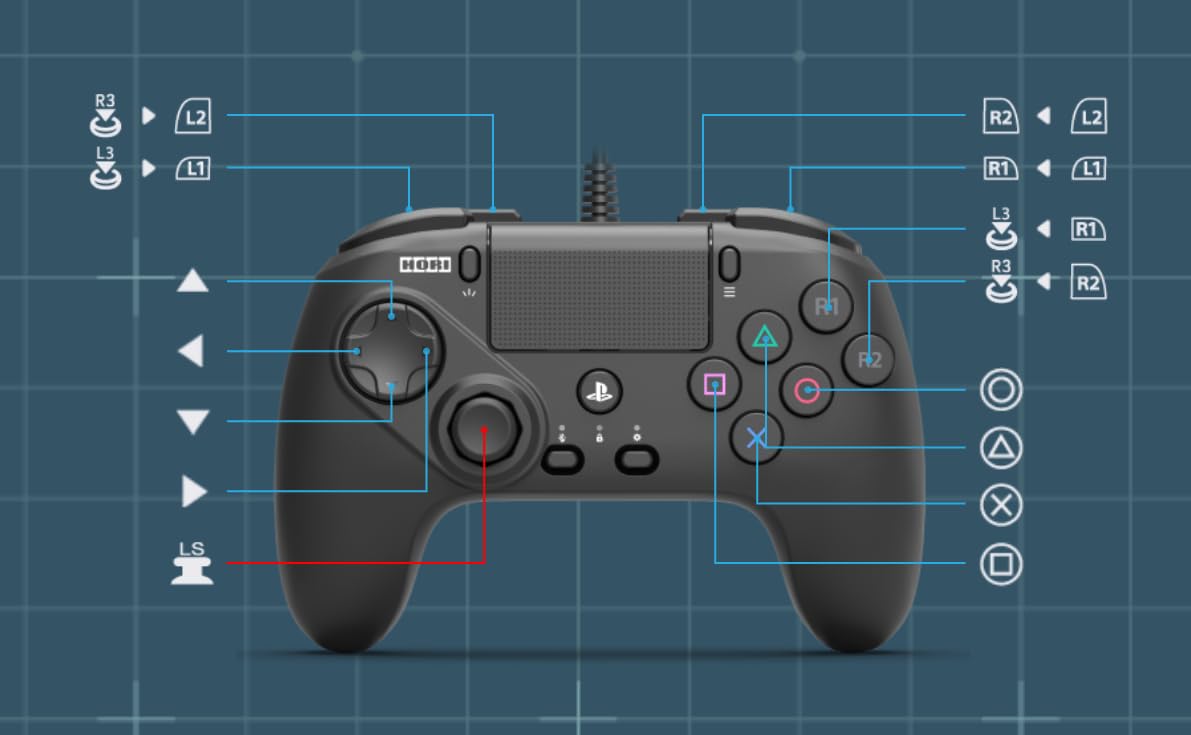
This is the honest pick for players who have decided a pad suits them and want it to be a fighting pad rather than a console gamepad. The default layout is six buttons, which covers Street Fighter 6 and other six-button games without remapping, and the face buttons are micro switches rather than membrane domes.
The analog stick has a short throw and an eight-way gate, and D-pad sensitivity is adjustable. It is wired, weighs 14.14 ounces and carries a very long cable, with onboard profiles so you can switch between games without a PC.
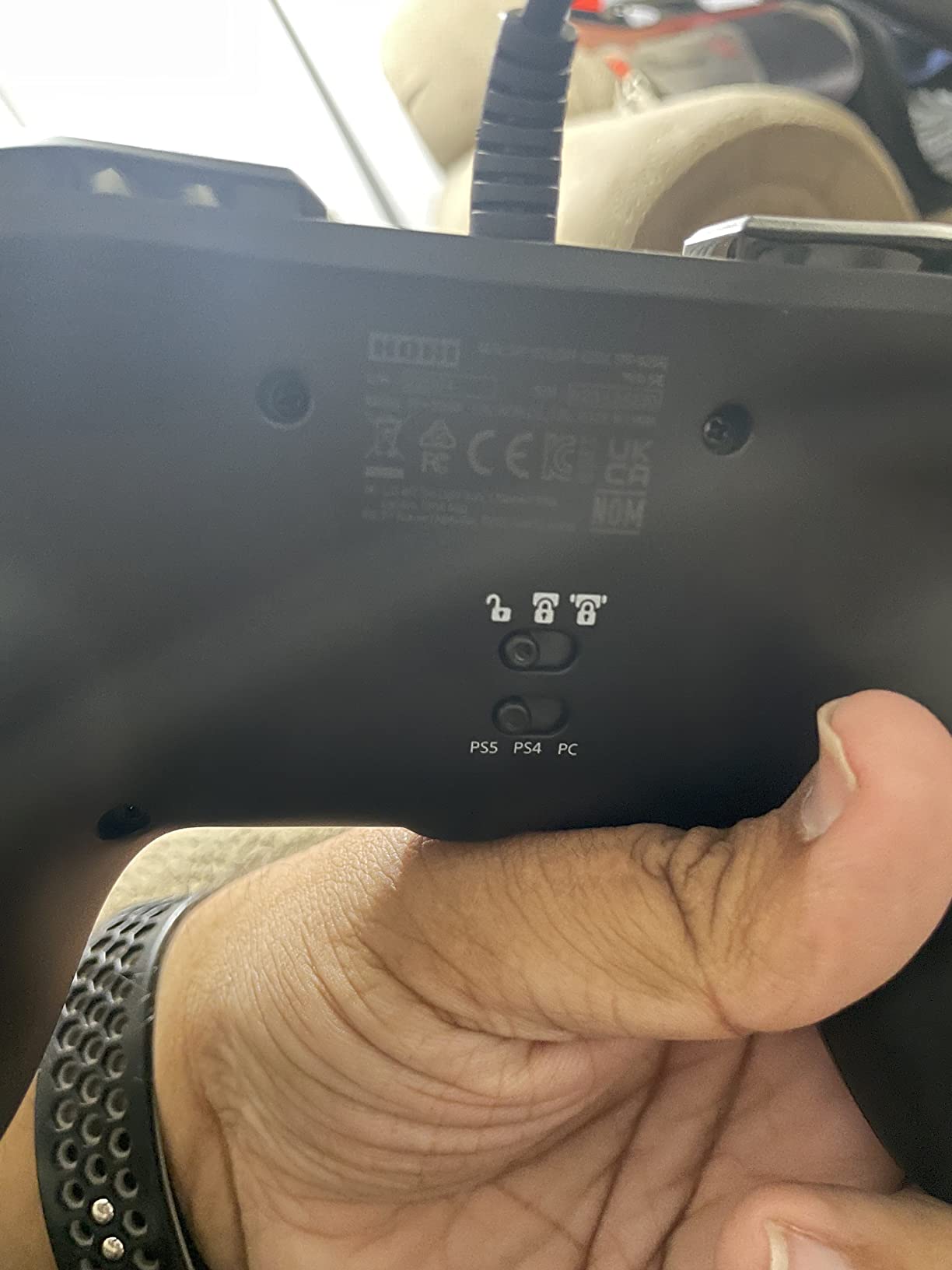
This is the most polarised product in our roundup, and the D-pad is why. It is membrane-style, so the edges can dig into your thumbs, and some users report inconsistent diagonal reads. That matters in exactly the motions a fighter needs most.
The default button profile cannot be changed without a PC and the companion app, although the PS5 accessibility menu works as a console-only workaround. Some owners also report durability problems and paint wear, and it runs small for average-to-large hands.
Who this suits
This suits a PlayStation player who wants six-button access without leaving pad ergonomics, particularly for shorter sessions or anyone who also plays a lot of non-fighting games on the same device.
Who should skip it
Skip it if diagonal consistency or long-session comfort is your priority, since the membrane D-pad is the weak point. If you need full remapping without a PC nearby, the Qanba Sapphire S1 does that on the device itself.
5. Haute42 T16 Pro Leverless – the cheapest way into leverless play
Haute42 T16 Pro Leverless Arcade Stick, Hot-Swap 16-Key Controller (Black)
16-key leverless
Wired
Hot-swappable switches
PS3, PS4, Switch and PC
Pros
- Hot-swappable mechanical switches with no soldering
- Lowest-cost leverless here with RGB and turbo
- Full SOCD support for tournament play
- Wide platform support including Steam Deck
Cons
- PS5 needs the separately sold Booter5 adapter
- Not officially licensed by Sony or Nintendo
- Entry-level build quality
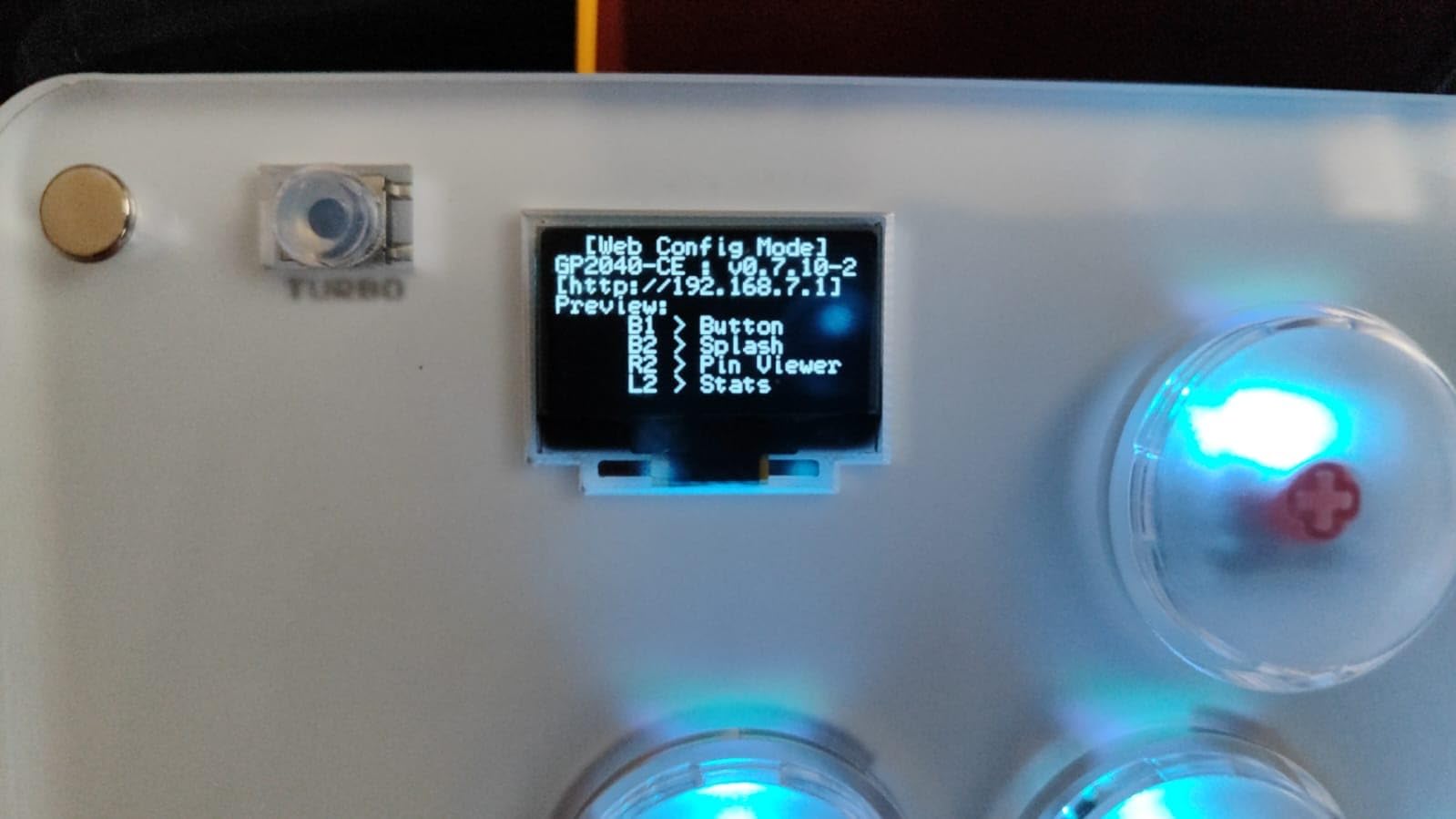
The T16 Pro is the fastest route into leverless play for someone who does not want to spend three-figure money to find out whether they like it. Every switch is hot-swappable, so you can change the feel and the sound of all sixteen keys without touching a soldering iron.
Input latency is quoted as sub-1ms, and it supports full SOCD, which is the simultaneous-opposing-cardinal-direction behaviour tournament players argue about. It works with PC, Steam Deck, PS3, PS4 and Switch out of the box, and has a keyboard mode for mobile and desktop systems.
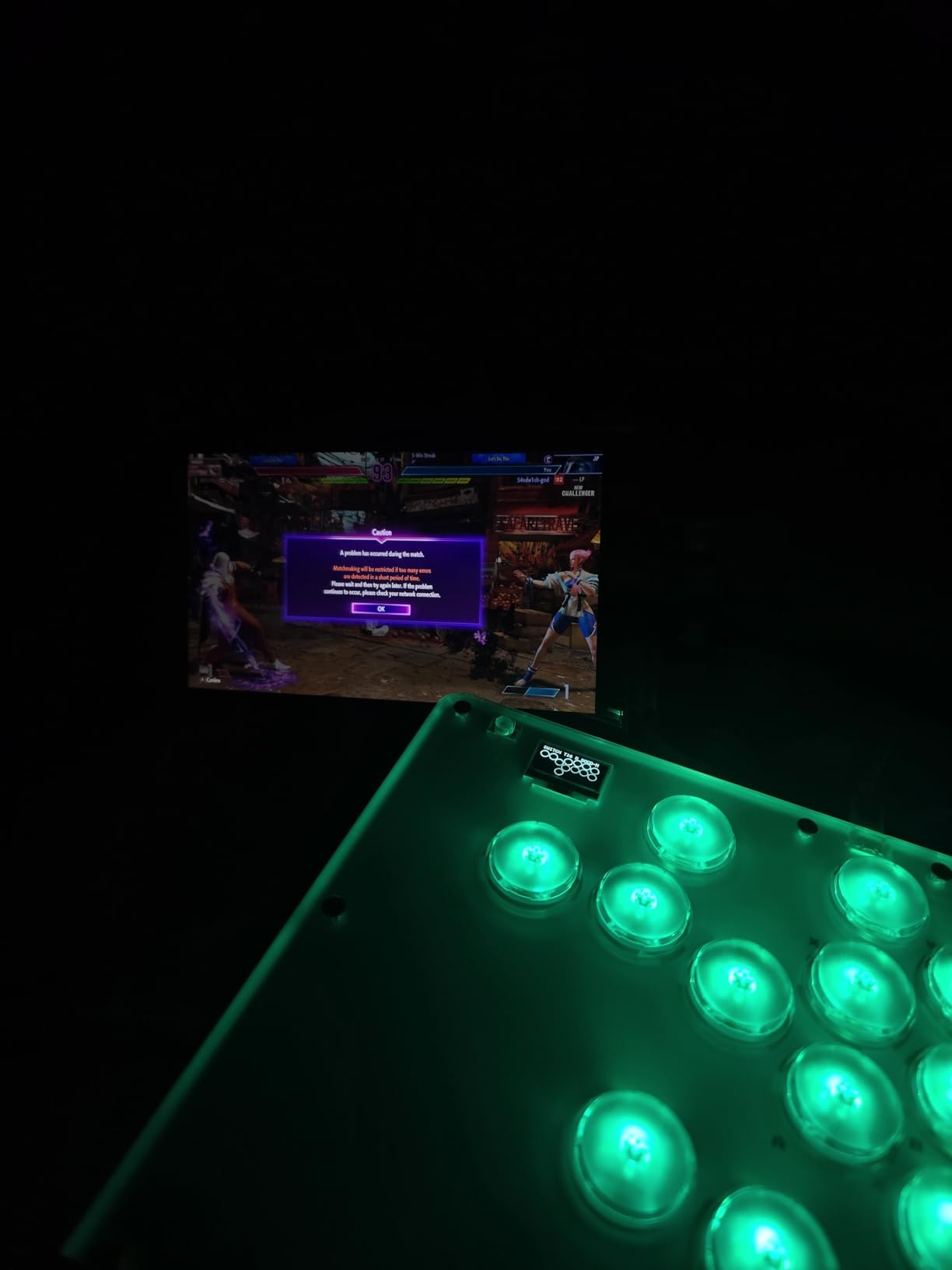
Per-key RGB and programmable turbo functions are unusual at this level, and the community pairing advice is consistent: buy the Booter5 adapter if you play on PlayStation 5, because that is where the console support stops.
It is not officially licensed by Sony or Nintendo, and the build quality sits below the licensed leverless controllers further down this list. Treat the hot-swappable sockets as the point of the device rather than the casework.
Who this suits
This suits a budget-first player who wants to experiment with leverless layouts and hot-swap different switches to find a feel they like. It also works as a portable option for PC and Steam Deck sessions.
Who should skip it
Skip it if you need official console licensing or a premium chassis feel, since neither is the goal here. PlayStation 5 players also need to budget for the extra adapter before buying.
6. Nacon Daija Arcade Fight Stick – genuine Sanwa parts and the easiest modding
Nacon Daija Arcade Fight Stick Officially Licensed for PlayStation
PS5, PS4 and PC
Sanwa joystick and buttons
7.7 pounds
14.96 x 10.28 x 2.76 inches
Pros
- Genuine Sanwa components found in real arcade cabinets
- Push-open faceplate with a built-in tool and spare ball-top storage
- Interchangeable joystick heads and full button mapping
- Heavy build that stays put
- Three-meter detachable USB-C cable and 3.5mm jack
Cons
- Most expensive stick in this roundup
- Wide slab body has a hard front edge in lap play
- Loose USB-C port
- Needs a firmware update out of the box
The Daija is the stick you buy when you want the real thing. It ships with a Sanwa joystick and Sanwa action buttons, the same parts found in commercial arcade cabinets, and it is officially licensed for PS5, PS4 and PC.
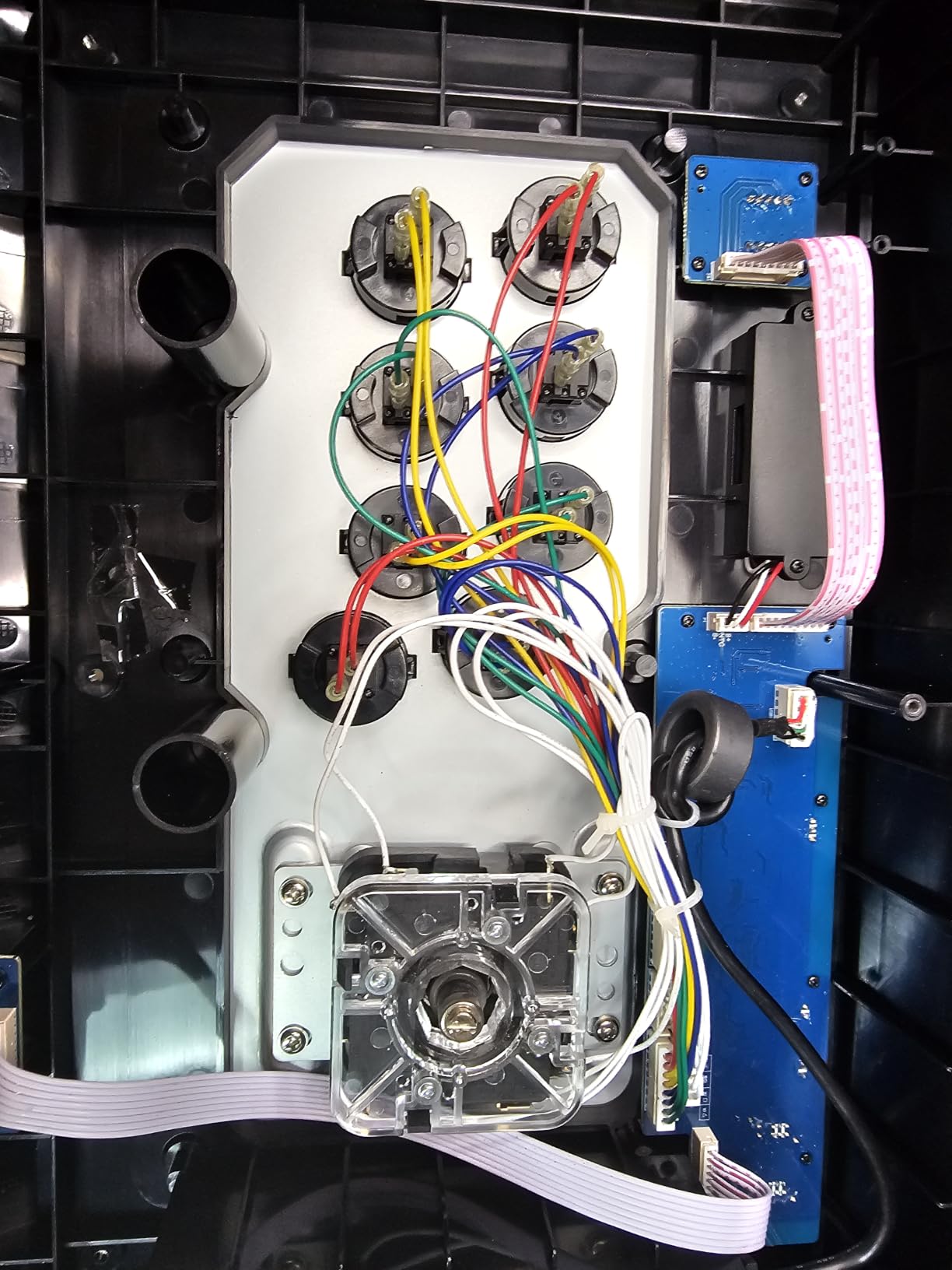
Modding is unusually painless. The faceplate pushes open with a tool stored in the body, spare ball tops have their own storage, and two joystick heads are interchangeable so you can switch between a ball top and a bat top without hunting for parts. Button mapping runs through Nacon software on PC and Mac, with per-game profiles.
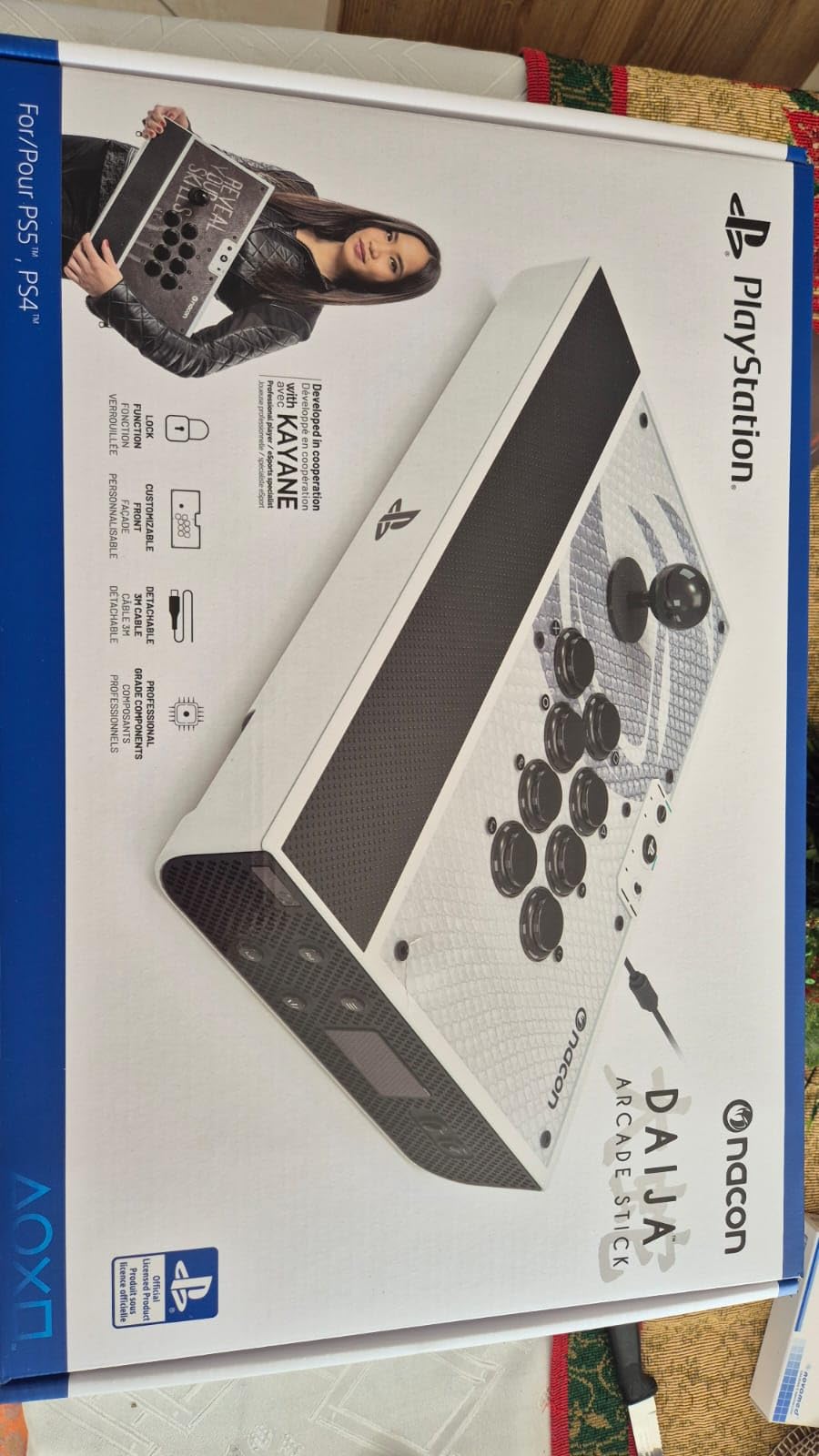
At 7.7 pounds this thing does not move once you set it down, and the textured palm rest helps on a desk. The button lock function stops accidental presses, and a 3.5mm headset jack sits on the panel.
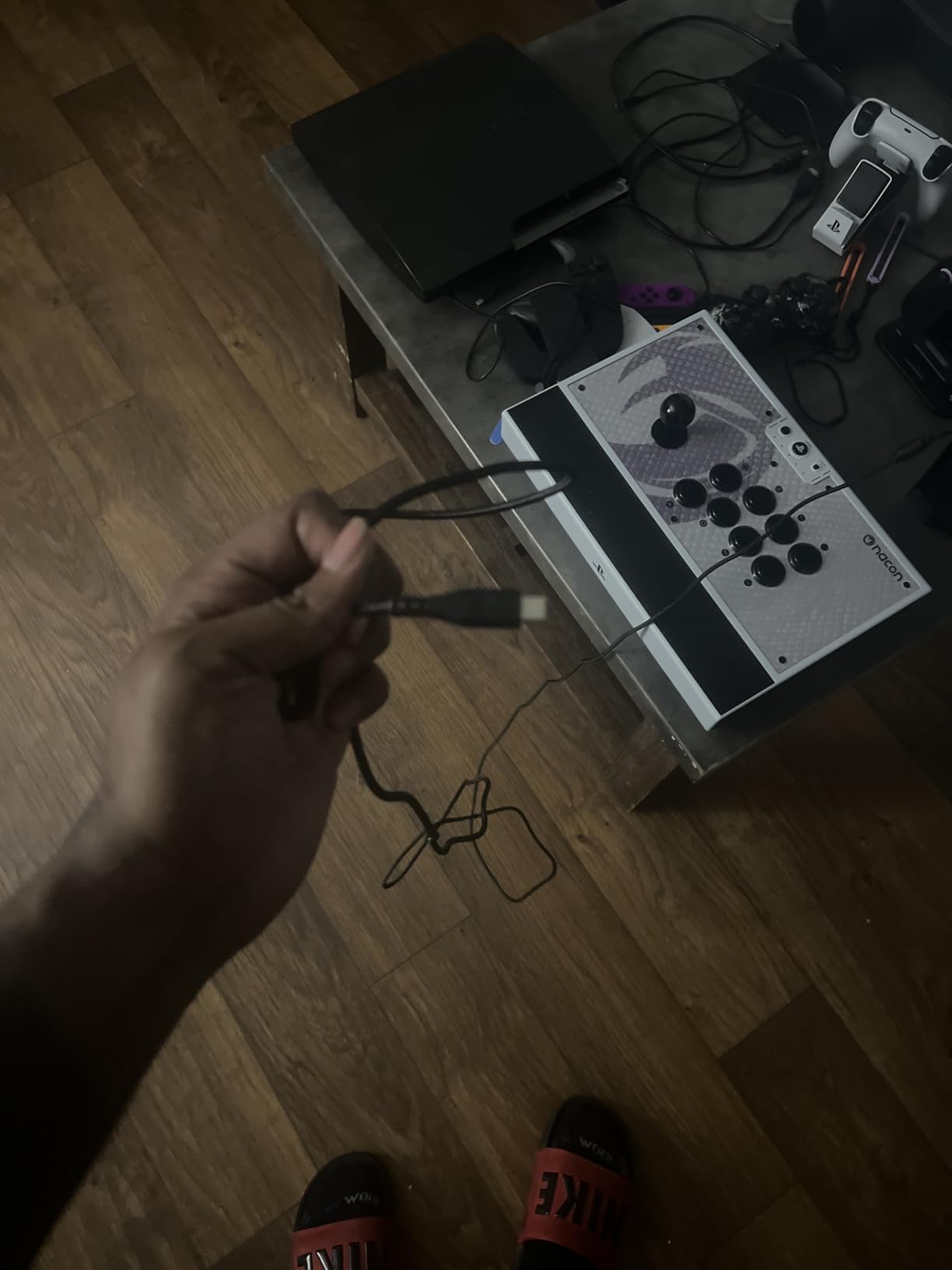
It is the priciest stick here, and the wide rectangular body has a hard front edge that becomes uncomfortable during angled lap play. The USB-C port feels loose and will disconnect with a tug, and it needs a firmware update out of the box to clear an initial input lag.
Who this suits
This suits an established player who has outgrown entry sticks and wants arcade-cabinet parts with a warranty behind them. It is also the best stick here for anyone who plans to change buttons, gates or joystick heads more than once.
Who should skip it
Skip it if your sessions happen on a sofa or in bed, because the slab edge will bother you, and skip it if your platform is Xbox since this stick is PlayStation and PC only.
7. MAYFLASH Arcade Stick F700 – the full-size wireless stick
MAYFLASH Arcade Stick F700 for PS5, PS4, Switch, Switch 2, Windows, Apple, Android and more. Fight Stick Support Wireless Bluetooth, 2.4G Receiver and Wired Connection
PS5, PS4, Switch, Switch 2 and PC
Bluetooth, 2.4g and wired
3.3 kg
14.72 x 9.69 x 2.48 inches
Pros
- Full-size stick feel with three connection methods
- Very broad platform support including Switch 2 and Steam Deck
- Sanwa Denshi compatible parts
- Wired headset support for chat and music
- Larger top deck than the smaller wireless sticks
Cons
- No Xbox Series S/X or Xbox One support
- Fighting games only
- Heavier and bulkier than small wireless sticks
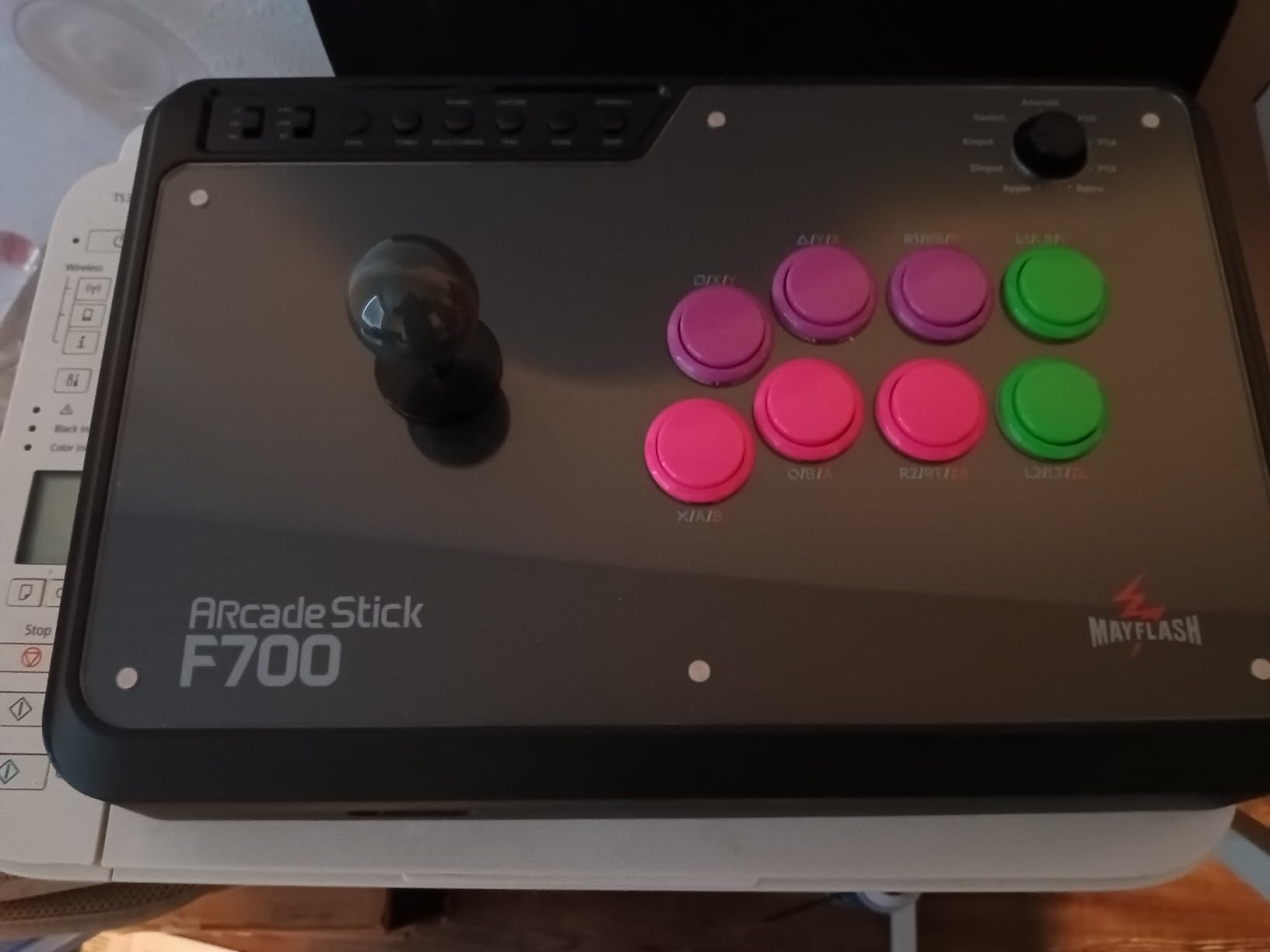
The F700 is what I reach for when I want a full-size joystick and no cable. It connects over Bluetooth, through a 2.4g receiver or over wired USB, and it works on PS5, PS4, PS3, Switch, Switch 2, Windows, macOS, Apple devices, Android, Steam Deck and several retro mini consoles.
It takes Sanwa Denshi buttons and sticks, has turbo functions with adjustable speed, and supports a wired headset for chat and background music on PS5, PS4 and PC XInput. The larger top deck compared with smaller wireless sticks gives it more stability for long sessions.
The significant limitation is Xbox. This stick does not work with Xbox Series S/X or Xbox One, and the Xbox version is a separate model, so console-hopping players should check before buying.
At 3.3 kg it is heavier and bulkier than the portable wireless sticks, and it is built for fighting games rather than general-purpose gaming. That is a fair trade for a bigger deck, but not one to make blindly.
Who this suits
This suits someone who plays across PlayStation, Switch and PC and refuses to give up a real joystick. Wired headset support makes it a good fit for online play where you want music or chat through the stick.
Who should skip it
Xbox owners should look at the 8BitDo All-Button Controller or a licensed Xbox pad, since this model will not connect. Anyone who needs a stick for more than fighting games will find it too narrow.
8. 8BitDo All-Button Arcade Controller – the licensed Xbox leverless
8BitDo All-Button Arcade Controller for Xbox Series X|S, Xbox One & PC
Xbox Series X
S, Xbox One and PC
Wireless 2.4G
80 g
7.48 x 5.51 x 0.79 inches
Pros
- Only officially licensed Xbox leverless in this roundup
- Weighs 80 g and is roughly A4 sized and 1.6 cm thick
- Hot-swappable PCB with 16 Kailh Wizard low-profile switches
- Quad-movement leverless layout
- Two programmable buttons with replaceable lock caps and RGB
Cons
- Xbox and PC only
- Flat thin body suits less traditional play styles
Licensed Xbox leverless controllers have been the gap in this category, and this one fills it. It is officially licensed for Xbox Series X|S, Xbox One and Windows, over 2.4G wireless.
The body is the story: roughly A4 sized, 1.6 cm thick and 80 g. I have used it in bed and on a sofa, which is not something I can say about any stick in this list. The PCB is hot-swappable and carries 16 Kailh Wizard low-profile mechanical switches.
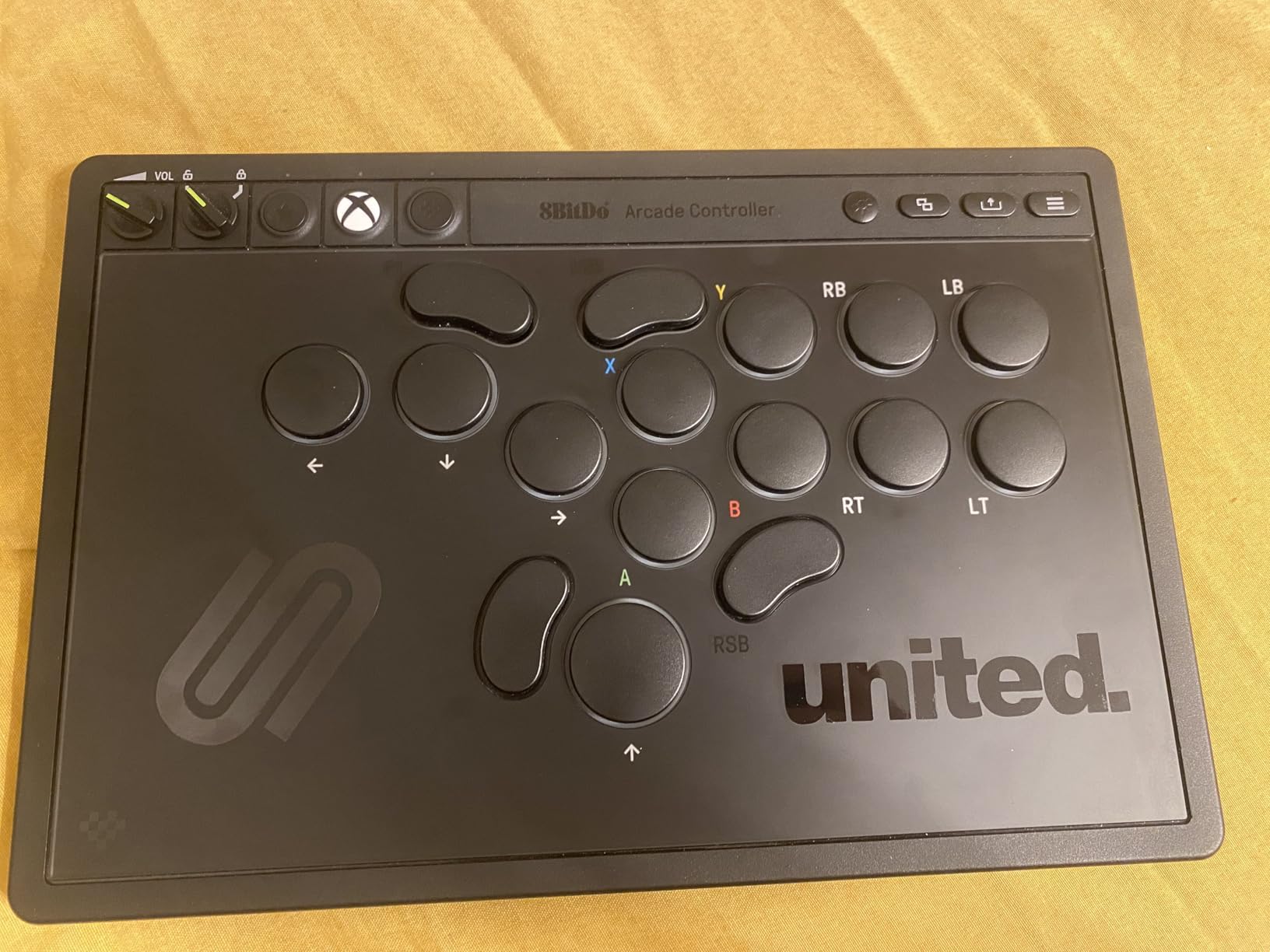
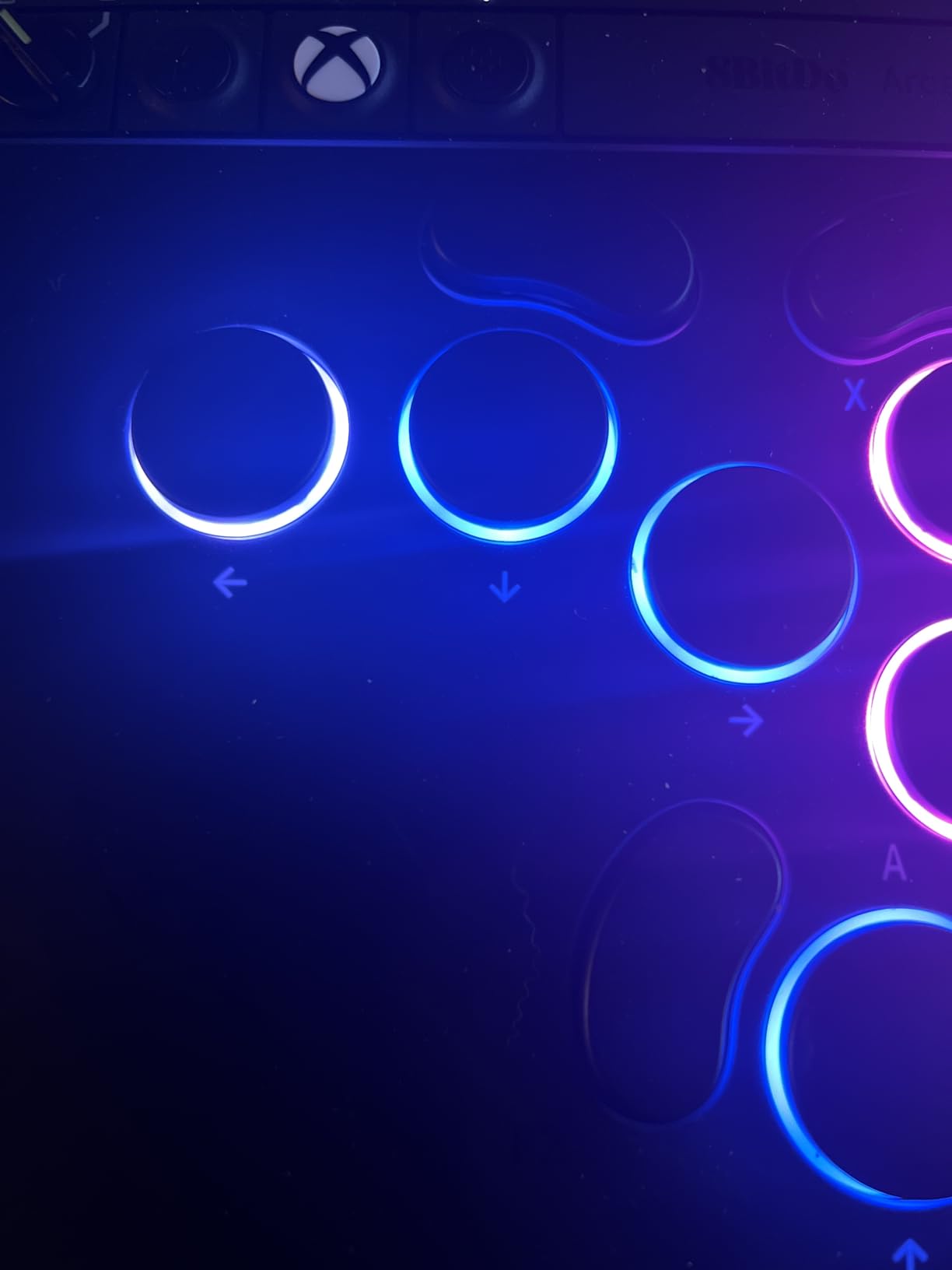
The layout is all-button with a quad-movement design, and there are two programmable buttons with fast mapping, replaceable lock caps and an independent control panel. A 3.5mm audio jack and volume control are built in.
The flat, thin form factor is genuinely new if you are used to a raised leverless or a stick, so expect a short adjustment period. And it is Xbox and PC only, with no PlayStation or Switch support.
Who this suits
This suits Xbox players who want leverless inputs without adapter fuss, and anyone who plays lying down or travels between setups. The weight also makes it the easiest pick here to hand to a friend for a quick test.
Who should skip it
Skip it if you want a traditional raised leverless with long key travel, since this is deliberately flat. PlayStation players should look at the Qanba Sapphire S1 for a similar idea with more buttons.
9. Qanba N3 Drone 2 – the officially licensed PlayStation starter stick
Qanba N3 Drone 2 Wired Joystick for PlayStation 5/4 and PC (Fighting Stick) Officially Licensed Sony Product
PS5, PS4 and PC
Sony licensed
4 pounds
14 x 8.7 x 4.6 inches
Pros
- OMRON switch joystick with audible click feedback
- Grippy top panel stable on a desk or lap
- Light 4 pound body is easy to carry
- Full control panel with a working PS5 touchpad button
- Turbo buttons and easy tool-free customisation
Cons
- Buttons are loud out of the box
- Light build can slide under heavy joystick play
- Non-detachable and short cable
- Mute button unreliable on PS5
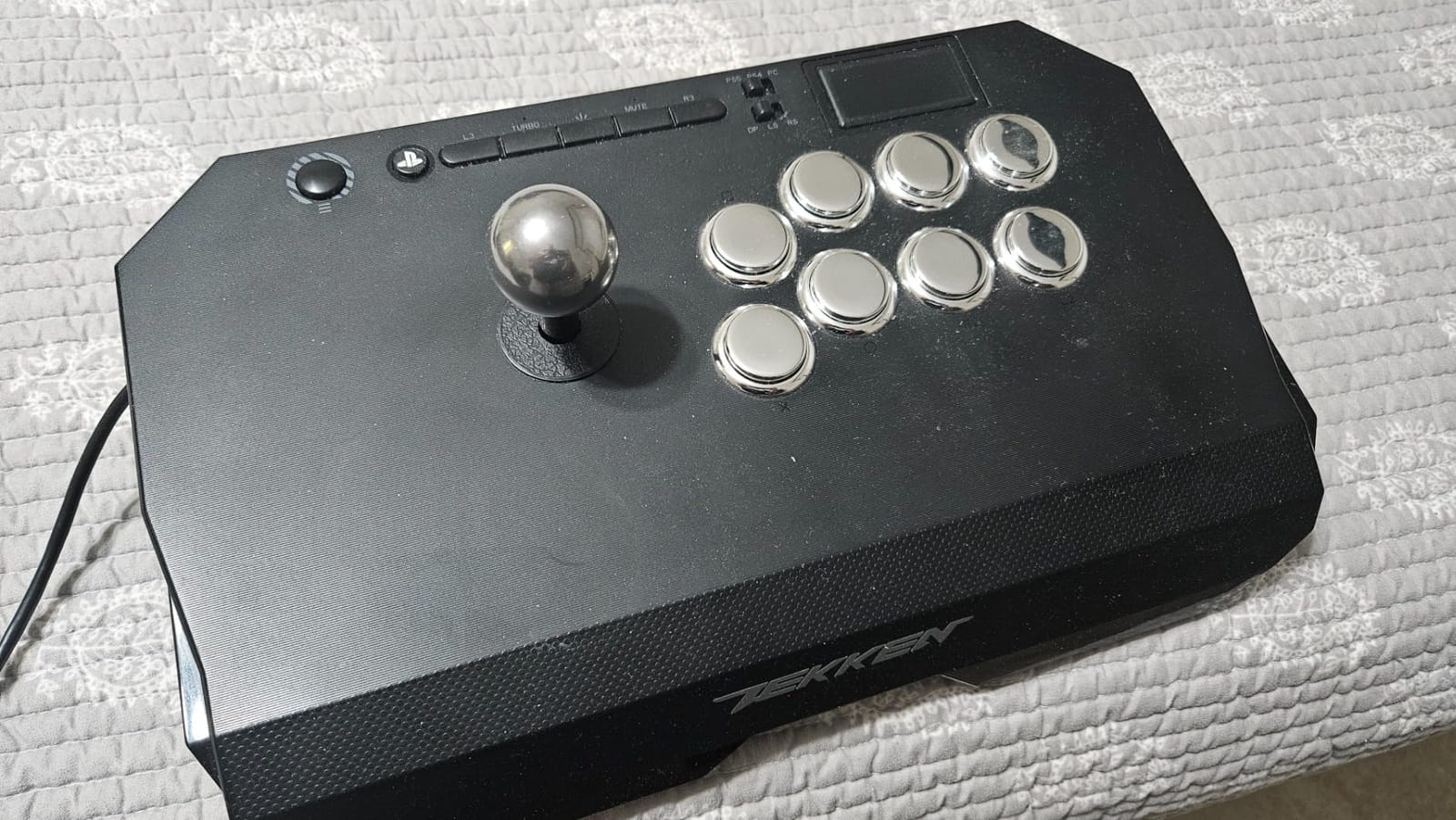
The N3 Drone 2 is the first stick I hand to a PlayStation player who is nervous about spending heavily on a hobby. It is an officially licensed Sony peripheral for PS5, PS4 and PC, with a platform selector switch and a full control panel including a working touchpad button.
The lever is the Qanba OV7 OMRON switch stick, and the audible click as the gate registers is genuinely useful for building muscle memory. Buttons are 30mm B30 domed models, and both the lever and buttons are easy to change without tools. Turbo buttons are included for older arcade-style games.
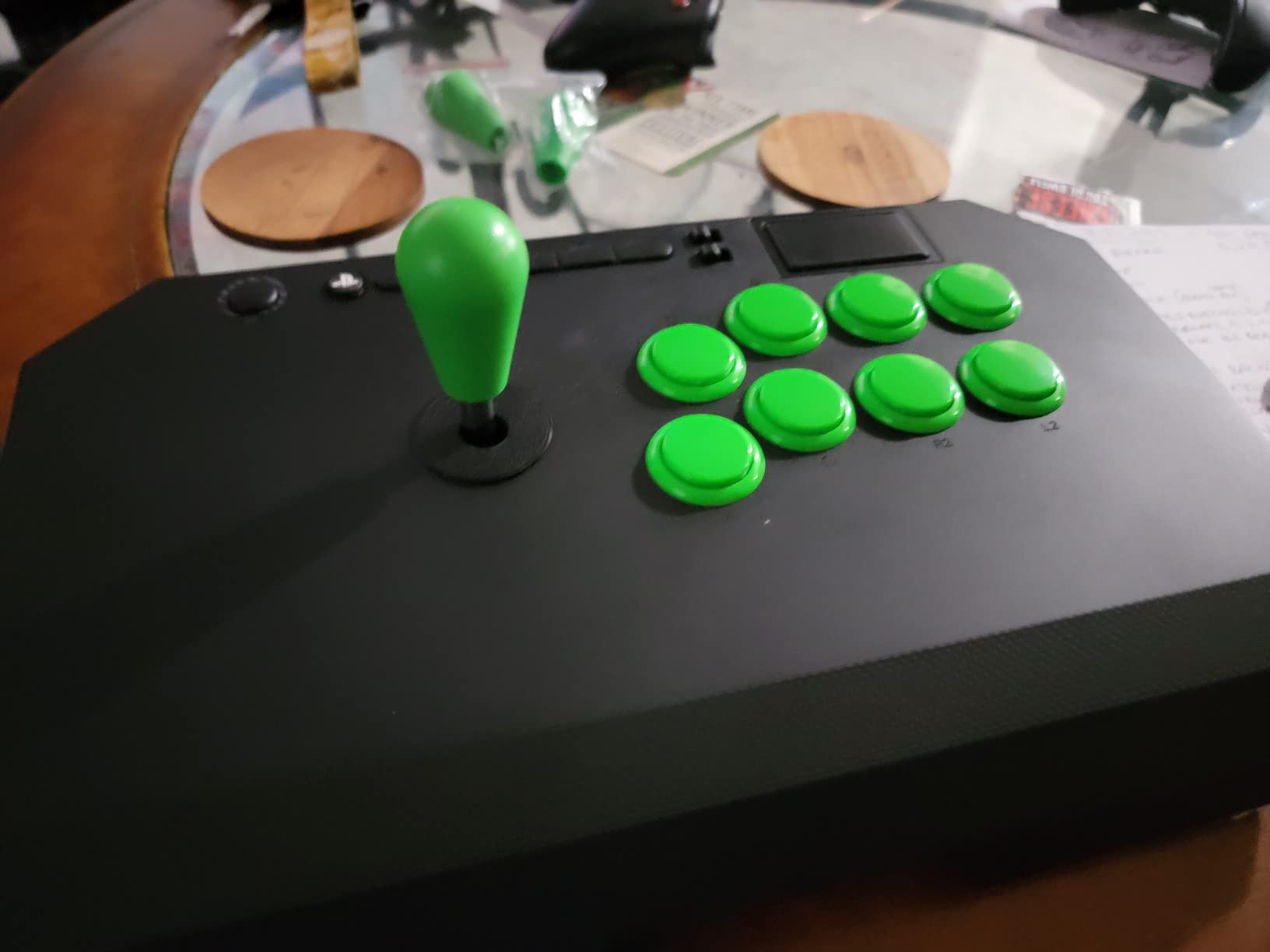
At 4 pounds it is light enough to carry between setups, and the grippy top panel helps. But light also means it can slide around during heavy joystick play, which is the main thing to watch on a lap.
The cable is non-detachable and short for living-room distance play, the buttons are loud, and the mute button does not reliably mute on PS5.
Who this suits
This suits a PlayStation player buying their first stick who wants licensed hardware and a lever with clear physical feedback. The light body also makes it a good choice for local tournaments where you carry your setup.
Who should skip it
Skip it if you play from a sofa and need a longer cable, since the cable is fixed. Players who throw the stick hard on a lap should pick something heavier.
10. Qanba Sapphire S1 – the leverless with 18 programmable buttons
qanba Sapphire S1 Leverless Arcade Stick for PS5 PS4 PC,Fight Stick
PS5, PS4 and PC
18 programmable Cherry MX buttons
1.66 kg
14.57 x 10.24 x 1.18 inches
Pros
- 18-button layout gives far more remapping flexibility
- Standard Cherry MX switches are cheap and easy to customise
- Plug-and-play on PS5 with a detachable Type-C cable
- Memory foam wrist rest and grippy base
- Three saved layouts switchable with one press
Cons
- Plexi and plastic construction feels cheap
- Buttons are not quiet
- Lower button column sits high and spacing is wide
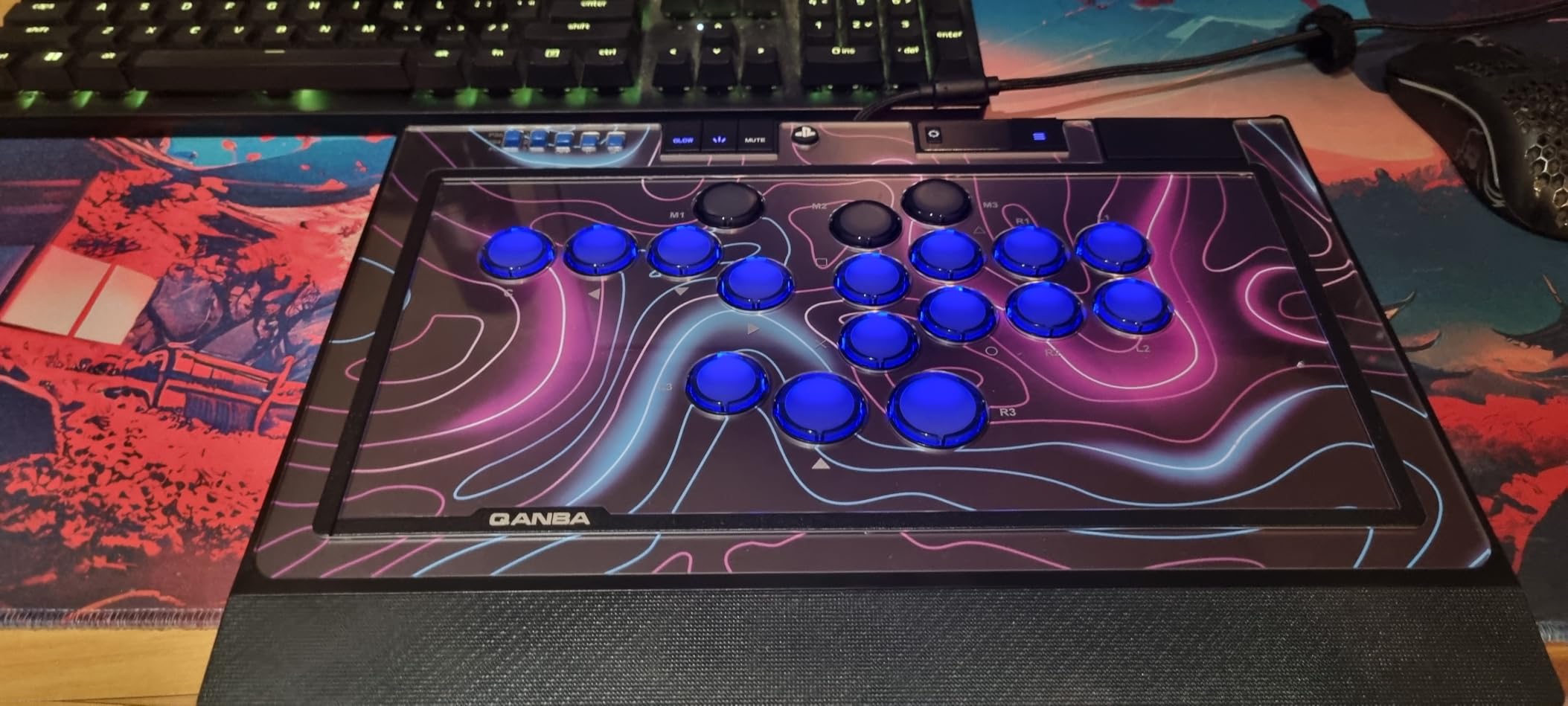
Eighteen buttons is the headline. Where a standard leverless gives you sixteen keys, the Sapphire S1 adds two more, and that difference matters if you want to map macros, assists or extra actions without giving up a face input.
The switches are standard Cherry MX, which is the part we like most. They are inexpensive, widely available and simple to swap, so you can change the whole board to silent switches or a lighter spring without special tools. It is officially licensed for PS5, PS4 and PC with an integrated touchpad and a detachable Type-C cable.
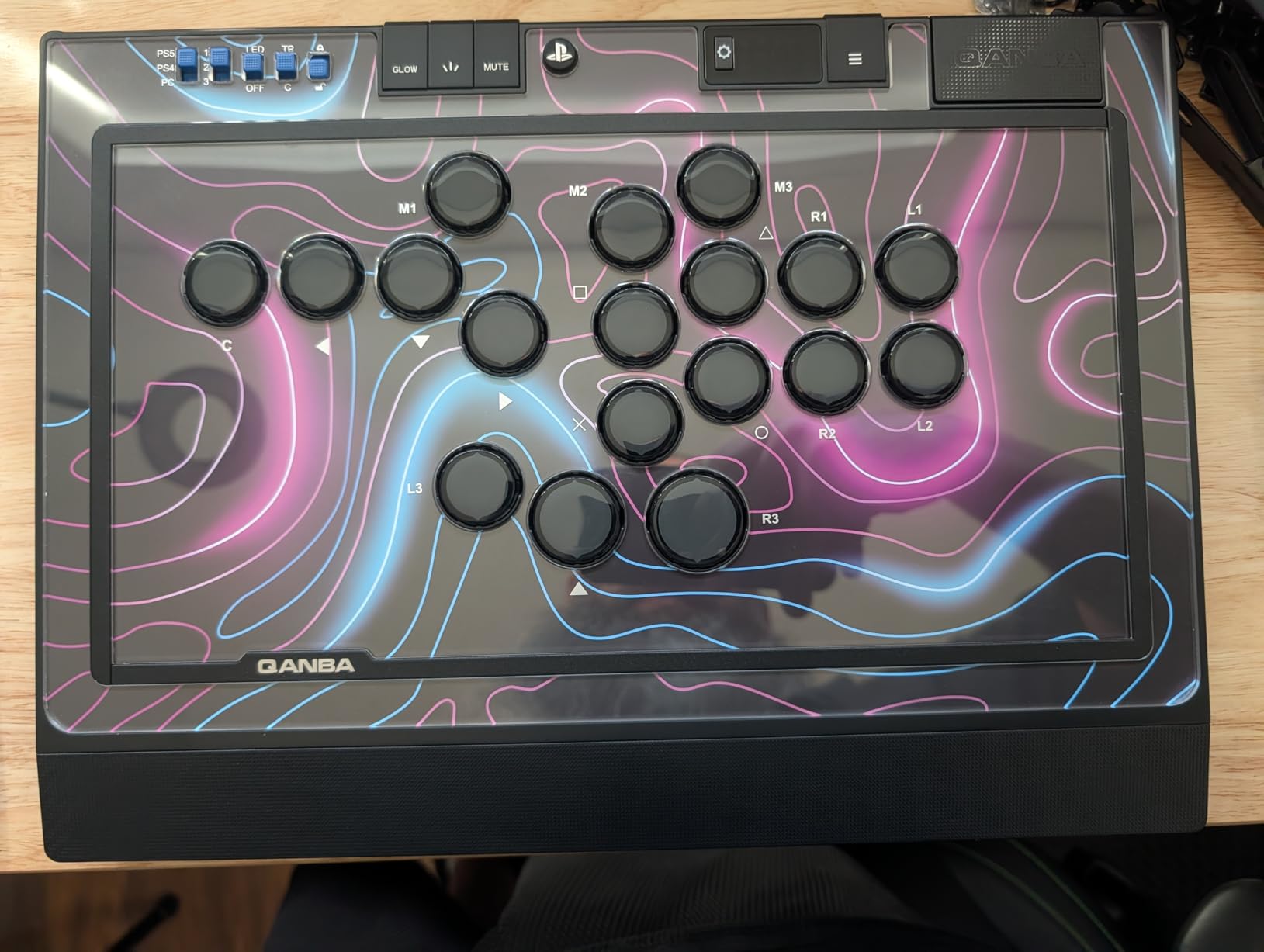
Remapping happens on the device itself, and three custom layouts can be saved and switched with a single press, so you do not need a PC sitting next to the console. There is a memory foam wrist rest, a magnetic compartment for accessories, five lockable keycaps and spare switches in the box, plus RGB on the buttons and side panels.
The build is plexi and plastic, which feels cheap next to the Daija, and the buttons are not quiet out of the box. Some buyers find the lower button column sits too high and the overall spacing wider than expected. Mapping one input to two buttons still needs a Windows PC for a firmware update.
Who this suits
This suits a PlayStation player who wants leverless play with no adapter and wants to remap freely without a PC. It is also the pick for anyone who plans to experiment with switch types later on.
Who should skip it
Skip it if build weight matters to you or you play late at night in a shared room, since the buttons are loud as supplied. Small hands may find the spacing wide.
11. SUBSONIC Arcade Stick – the budget stick for PC and emulators
SUBSONIC Arcade Stick Controller for PS4, Xbox Serie X/S Xbox One PC PS3
PC, PS4, Xbox and PS3
USB pass-through
760 g
9.84 x 6.89 x 1.89 inches
Pros
- Lowest-cost full stick here with AUTO and COMBO macros
- Steel shaft joystick and microswitch buttons feel solid
- Rubberized wrist rest and soft touch coating
- 3-meter cable and a light 760 g body
Cons
- Pass-through design requires a second controller on PlayStation and Xbox
- Pass-through link reported to disconnect easily
- Some buyers report a gate dead zone on diagonals
- Shoulder buttons sit in front of the ABXY cluster
This one earns its place for a specific reason: emulators and PC. It sets up instantly as a generic controller on PC and on platforms like RetroPie and MAME, and at 760 g with a 3-meter cable it is the easiest stick here to move around.
The joystick has a steel shaft and the eight action buttons use microswitch leaf contacts, so the click is audible and consistent. An AUTO function handles fast repetitive shots and a COMBO function lets you program and launch special movements, which is unusual at the bottom of the range.
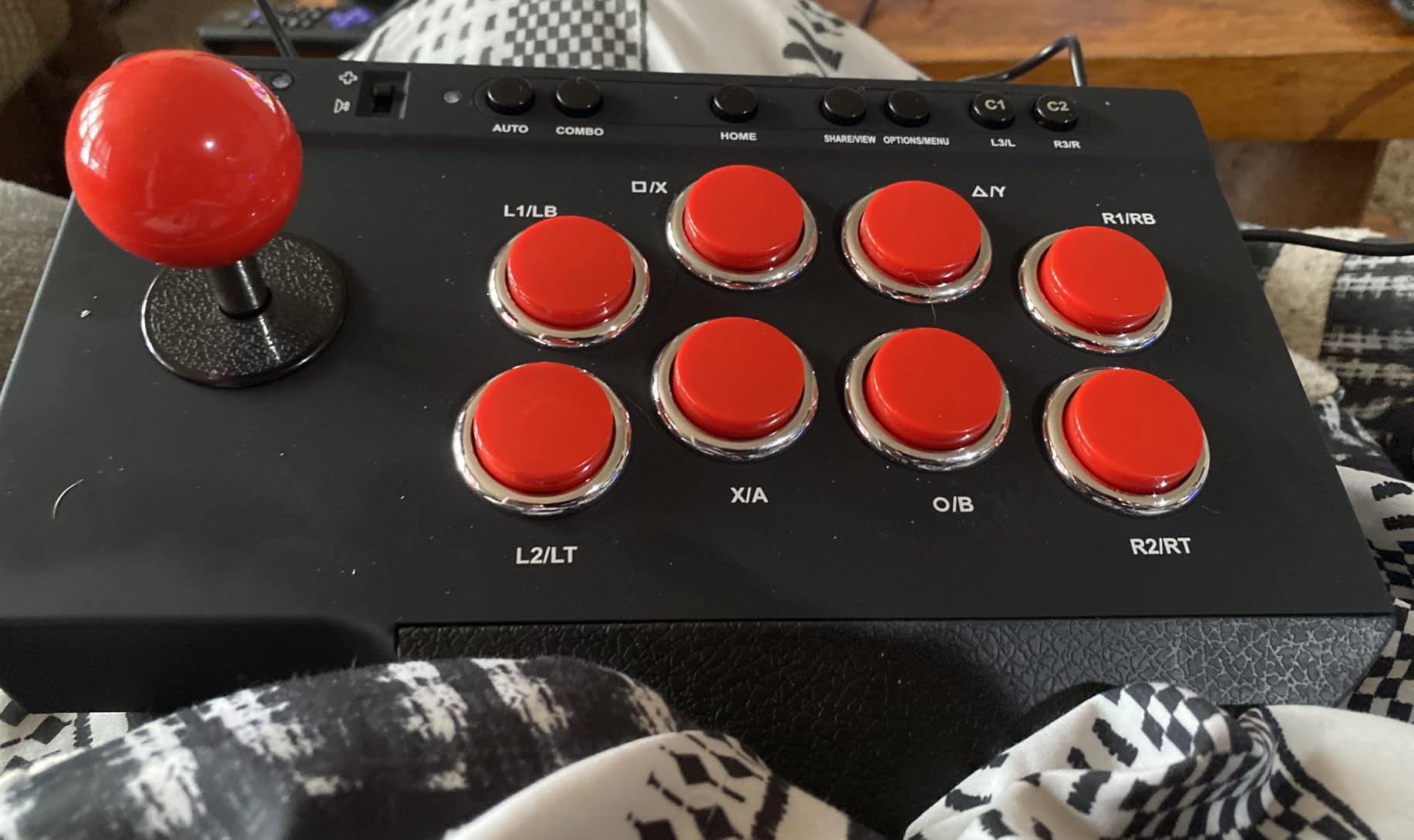
The design has one significant problem on modern consoles. It is a pass-through stick, so on PlayStation and Xbox you must plug a second controller into the stick for the console to register it, and that connection is reported to disconnect with the slightest movement.
Some buyers also report a dead zone on diagonal gate movements, and the shoulder buttons and trigger sit in front of the ABXY cluster, which is an unusual layout to learn. On PC it is fine; on a console it is the reason for the rating.
Who this suits
This suits a PC or emulator player building a cheap setup for older arcade fighters. The macro functions also make it interesting for shmups and anything where rapid button mashing matters.
Who should skip it
Skip it if your main platform is PlayStation or Xbox, because the pass-through link is unreliable under movement. Console players should use a natively recognised stick instead.
12. PowerA Fusion Wireless Arcade Stick – the Nintendo Switch arcade stick
POWER A Fusion Wireless Arcade Stick for Nintendo Switch, Lite, Fight Stick, Gamepad, Game Controller, Bluetooth Controller, Officially Licensed – Nintendo Switch
Switch and Switch Lite
Bluetooth 5.0 or wired USB-C
5.3 pounds
Eight 30mm domed buttons
Pros
- Wireless plus wired at this level
- Metal base and rubber footing keep it stable
- Two units can connect to a Switch at once
- Joystick toggle for D-pad
- LS and RS
- Customizable face card
- Two-year limited warranty
Cons
- No L3 or R3 buttons
- Does not work on Xbox Series X|S
- Batteries not included
- Buttons are stiff with slightly different tones
Officially licensed for Switch and Switch Lite, this is the wireless arcade stick for anyone whose fighting games live on Nintendo hardware. Eight full-size 30mm domed buttons in Japanese arcade style sit next to a ball-top joystick with a metal shaft and dust cover.
A joystick toggle switches the stick between directional functions and the Switch system buttons, which covers games that expect those inputs. It pairs over Bluetooth 5.0 or runs wired over USB-C, and the 9.8 foot cable stores in a front compartment. Battery life is rated at up to 30 hours on two AA batteries.
The metal base and rubber footing give it real stability at 5.3 pounds, and two units can be connected to a Switch at the same time for local multiplayer. The face card is customizable with a downloadable template.
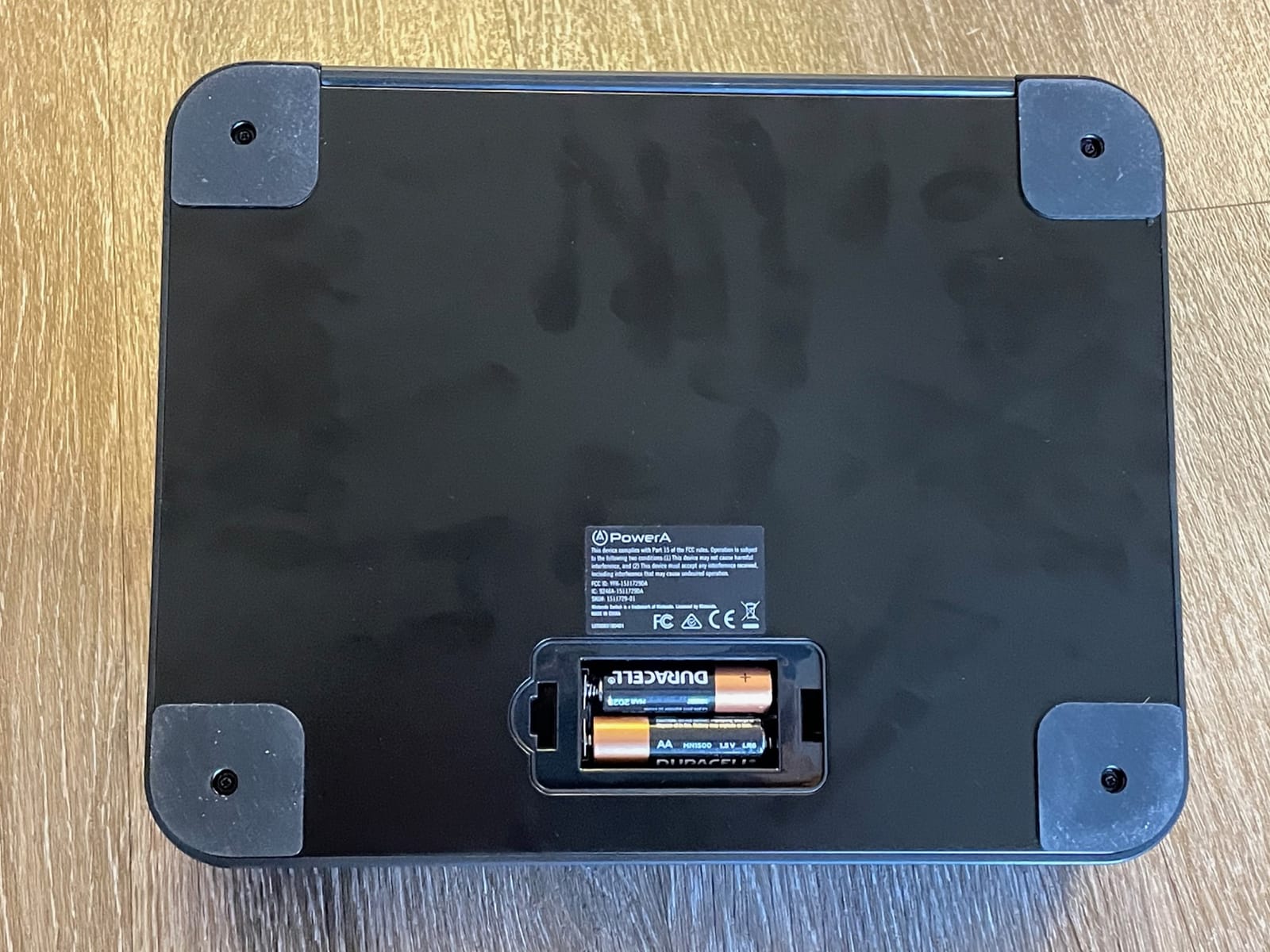
Two functional gaps stand out. There are no L3 or R3 inputs, which blocks games that require them, and it does not work on Xbox Series X|S despite what some listings claim. Batteries are not included either.
The buttons are stiff and each has a slightly different tone, and the stick makes extra audible clicks. Bluetooth pairing can also be fiddly the first time.
Who this suits
This suits a Switch player who wants a wireless arcade stick for retro collections and 2D fighters. Anyone running locals with two players on one Switch will like the dual-unit support.
Who should skip it
Skip it if your games need L3 or R3 inputs, or if you ever intend to play on Xbox. Players sensitive to button noise may prefer a stick with quieter switches.
How to Choose a Fighting Game Controller
Start with the platform, then the layout, then the parts. Everything else is preference. Our related guides cover eight-way joysticks for fighting games and HitBox style controllers in more detail if you are still narrowing the field.
Input latency and the gate you feel
Fighting games are frame games, so a millisecond of input delay is a frame you cannot act on. Every stick here is wired or uses a low-lag wireless path, and the leverless boards quote sub-1ms latency. In practice the gate geometry matters more than the headline number: a clean four-way or octagonal gate registers the direction you intended, while a worn gate eats diagonals.
Ball top or bat top, and why gate shape matters
A ball top spins freely under the palm, which lets you roll into a motion without thinking about it. A bat top has a lighter tip and a narrower profile, so it returns to centre faster and suits precise, short movements. Gate shapes run from circular to diamond, octagonal and square, and a tighter gate resists accidental diagonals but can make fast rolls feel sticky.
Fight stick versus fight pad versus leverless
A fight stick teaches motions fastest because each direction and button is physically separate, but it takes desk space and needs a learning period. A fight pad keeps console familiarity and travels anywhere, at the cost of thumb travel on a smaller stick. A leverless controller removes the joystick entirely and puts inputs on a flat grid, which suits players who rotate their wrists freely and want macro buttons on the face.
Platform coverage and adapters
Check native platform support before anything else. Officially licensed sticks and pads from Sony, Microsoft and Nintendo will be recognised immediately, while unlicensed devices need an adapter on newer consoles. Our arcade controller guide covers platform matching in more detail.
Tournament rules and the button lock
If you plan to enter locals, bring a wired connection and check the organizer rules. A button lock or tournament lock switch stops accidental inputs from a stray finger and is the single most useful tournament feature on any of these devices. Rules on leverless controllers still vary by organizer, so confirm before you travel.
Wrist comfort, RSI and carpal tunnel
If you are returning after an RSI or carpal tunnel break, a fight stick is usually the gentler option because your wrists rest flat instead of curling around a small stick. Leverless boards keep the hand open. Whatever you choose, raise the wrists, keep sessions short at first, and stop at the first sign of discomfort rather than pushing through it.
You may already own a good controller
Plenty of ranked players use a standard pad, and the most-reviewed stick in this roundup was not always their choice. Our retro controller picks are worth a look if your current pad already handles the motions you need. The best controller is the one you will practise on for the next hundred hours.
Frequently Asked Questions
What controllers do competitive gamers use?
All three. Arcade fight sticks remain common at tournaments because motions register cleanly, but leverless all-button controllers have grown quickly and top-ranked players are seen on them. Fight pads with six buttons and micro switches also compete at locals, so there is no single hardware standard at the professional level. Judge controllers on motion reliability, build and comfort rather than on what a player in a match happens to be holding.
Which is better for fighting games, an arcade stick or a controller?
An arcade stick is better if you want motions to register consistently and you have desk space to practise motions with physical separation between directions and buttons. A standard controller is better if you travel, share a device with other games, or want to keep familiar console muscle memory. A leverless controller sits between them, replacing the joystick with a flat button grid and macro-capable keys.
Is it better to play fighting games with a D-pad or joystick?
A joystick is better for motion-based games because quarter-circles and shortcuts are executed by rolling the stick rather than by sliding a thumb across four directions, which reduces the chance of a misread diagonal. A D-pad is better for precise, discrete four-way inputs and for games where you want crisp direction changes. On a fight pad, test both and pick the one that gives you consistent diagonals.
What is the best Fight Stick for beginners?
For most beginners the best value first sticks are the four-button models with wide platform support and Sanwa-compatible parts, because they are cheap to replace parts on and grow with you. If you plan to play six-button games on PlayStation 5 straight away, an officially licensed stick such as the HORI Fighting Stick Alpha or Qanba N3 Drone 2 avoids adapter costs. Budget for a spare gate, since gates wear before plastics do.
Are leverless controllers allowed at tournaments?
It varies by organizer. Many major tournaments now permit leverless and all-button controllers, but some organizers still restrict unusual layouts or require a button lock to prevent accidental inputs. Rules can also cover macros. Before travelling to an event, check that organizer’s written rules and bring a wired connection with a button lock or tournament lock switch switched on.
Is an arcade stick worth it for fighting games?
It is worth it if you intend to play a lot of motion-heavy games and have somewhere to practise with a full-size stick, because the separated inputs make quarter-circles and double quarter-circles easier to learn and less easy to misread. It is less worth it if you play occasionally, travel often, or share one controller between fighting games and other genres.
The Best Controller Is the One You Practise With
Twelve devices, three controller families and no single winner in 2026. The MAYFLASH F300 is the broadest first buy, the 8BitDo Arcade Stick adds wireless and modding, the HORI Fighting Stick Alpha is the licensed PlayStation stick, and the licensed leverless boards cover Xbox and PS5 players who want flat button grids.
Pick the one that matches your platform, your grip and your schedule, then give it a hundred hours before you judge it. If you want arcade-cabinet parts at home rather than a desk device, our arcade cabinet guide is the natural next step.