
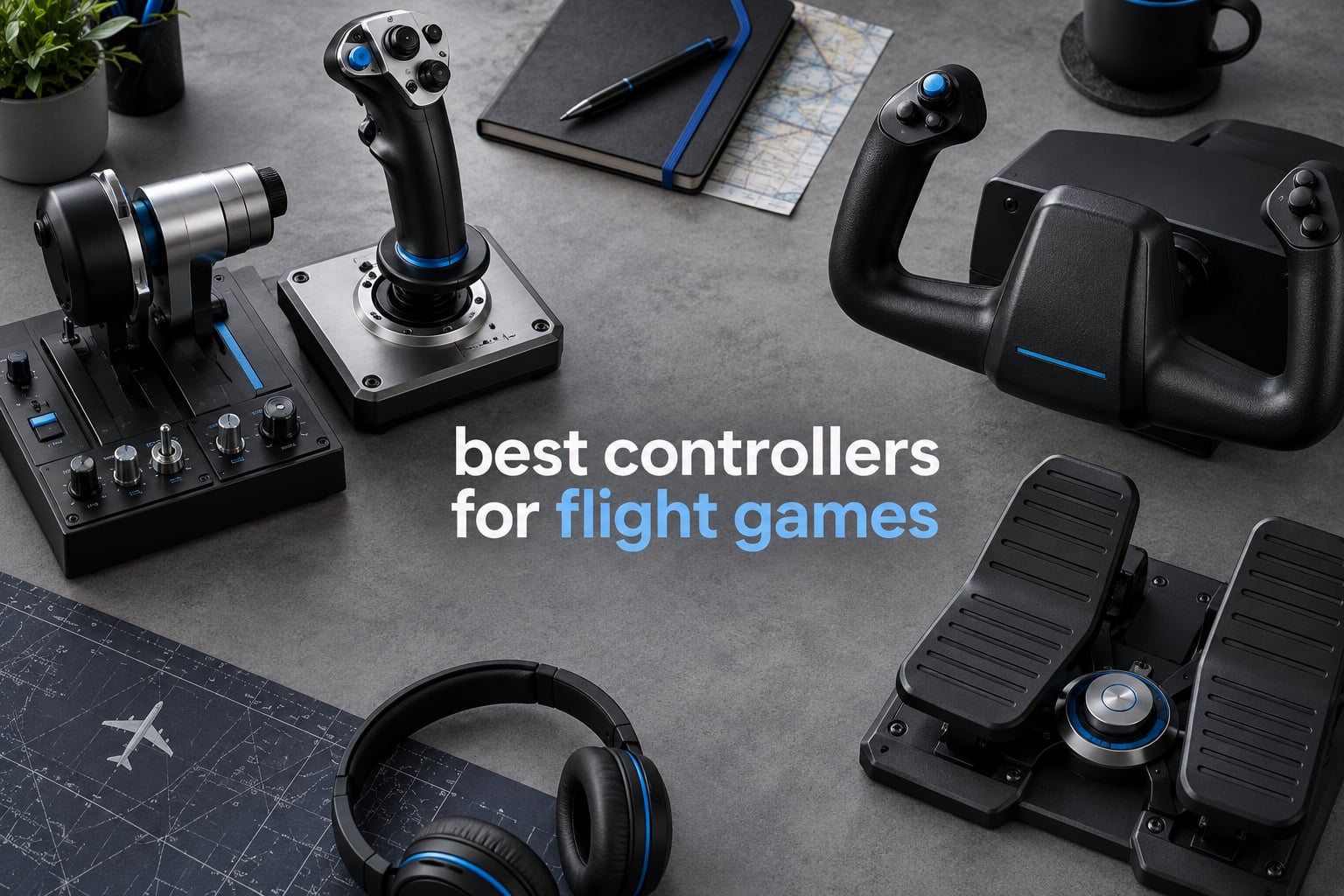
A gamepad works fine for an arcade dogfight, but the moment you try a real airliner approach in Microsoft Flight Simulator 2024, you notice the difference immediately. Choosing the right hardware is what separates a frustrating evening of crash landings from a setup you can fly for hours, and that is exactly what this guide to the best controllers for flight games is built around.
We spent weeks with each of the seven units below across Microsoft Flight Simulator 2024, DCS World, X-Plane 12, Elite Dangerous and War Thunder, checking centre force, axis response, desk stability and how long the mapping process actually takes. Seven products, one table, and a buying guide that explains what each term means before you spend anything.
Short version: the Thrustmaster T-Flight Hotas X is the best controllers for flight games pick for almost everyone. It is a hands-on throttle and stick, it costs little, it needs no drivers, and more than 8000 owners have left it a 4.5 star average. If your desk space is tight or you fly a lot of airliners, the Logitech G PRO Flight Yoke System is the better shape for you.
Table of Contents
- Top 3 Best Controllers for Flight Games in 2026
- All 7 Best Controllers for Flight Games at a Glance
- 1. Thrustmaster T-Flight Hotas X – Best Controllers for Flight Games Overall
- 2. Thrustmaster HOTAS Warthog – Best for DCS World and Combat Simulators
- 3. Logitech G PRO Flight Yoke System – Best Yoke for Airliner Flying
- 4. Logitech G X56 HOTAS – Best for VR Flight and Huge Control Counts
- 5. Logitech G X52 – Best HOTAS for Elite Dangerous and Star Citizen
- 6. Turtle Beach VelocityOne Flight – Best All-in-One Package for Xbox
- 7. Thrustmaster T.16000M FCS HOTAS – Best Compact Stick for Small Desks
- Which Controller for Which Flight Game
- Stick, HOTAS, Yoke or Sidestick: Which Shape Do You Need
- Hall Effect Sensors vs Potentiometers, Explained Simply
- Platform Compatibility: PC, Xbox Series X|S and PS5
- Beginner Setup Order and Common Mistakes
- Frequently Asked Questions
- Final Verdict: Our Best Controllers for Flight Games in 2026
Top 3 Best Controllers for Flight Games in 2026

Thrustmaster T-Flight Hotas X
- 12 programmable buttons
- 5 axes
- detachable throttle
- Hall effect stick sensors

Thrustmaster HOTAS Warthog
- 55 programmable buttons
- H.E.A.R.T sensors
- metal build
- twin throttles with detents

Logitech G PRO Flight Yoke
- Realistic yoke
- stainless steel shaft
- 54+ programmable controls
- included throttle quadrant
All 7 Best Controllers for Flight Games at a Glance
Every pick below covers a different need. Use this table to narrow the field by form factor, control count and platform before you read the full write-ups.
| Product | Specs | Action |
|---|---|---|
| Thrustmaster T-Flight Hotas X |
|
Check Latest Price |
| Thrustmaster HOTAS Warthog |
|
Check Latest Price |
| Logitech G PRO Flight Yoke System |
|
Check Latest Price |
 Logitech G X56 HOTAS Logitech G X56 HOTAS |
|
Check Latest Price |
 Logitech G X52 Flight Control System Logitech G X52 Flight Control System |
|
Check Latest Price |
 Turtle Beach VelocityOne Flight Turtle Beach VelocityOne Flight |
|
Check Latest Price |
 Thrustmaster T.16000M FCS HOTAS Thrustmaster T.16000M FCS HOTAS |
|
Check Latest Price |
1. Thrustmaster T-Flight Hotas X – Best Controllers for Flight Games Overall
Thrustmaster T-Flight Hotas X USB Flight Sim Stick & Throttle – PC
HOTAS with detachable throttle
12 buttons and 5 axes
Hall effect stick sensors
4.3 lb weighted base
PC via USB
Pros
- Ergonomic real-size throttle with wide hand rest
- 12 buttons and 5 axes fully programmable
- detachable throttle for compact or full setups
- adjustable resistance dial
- weighted base that stays put
Cons
- Plastic build feels basic next to metal HOTAS units
- limited axis count for advanced combat sims
- no force feedback hardware
This is the unit we recommend to anyone asking what to buy first, and after weeks of testing it never stopped being the easy answer. The stick and throttle arrive as one piece of hardware, plug into a USB port, and the game sees a joystick with throttle axes already mapped. No driver hunt, no config file, no hour spent in a settings menu.
The 12 action buttons and 5 axes are fully programmable through Thrustmaster’s TARGET software, and there are dedicated buttons for swapping profiles on the fly. That matters more than it sounds, because MSFS 2024 and DCS World want completely different mappings and switching in-session takes one press.
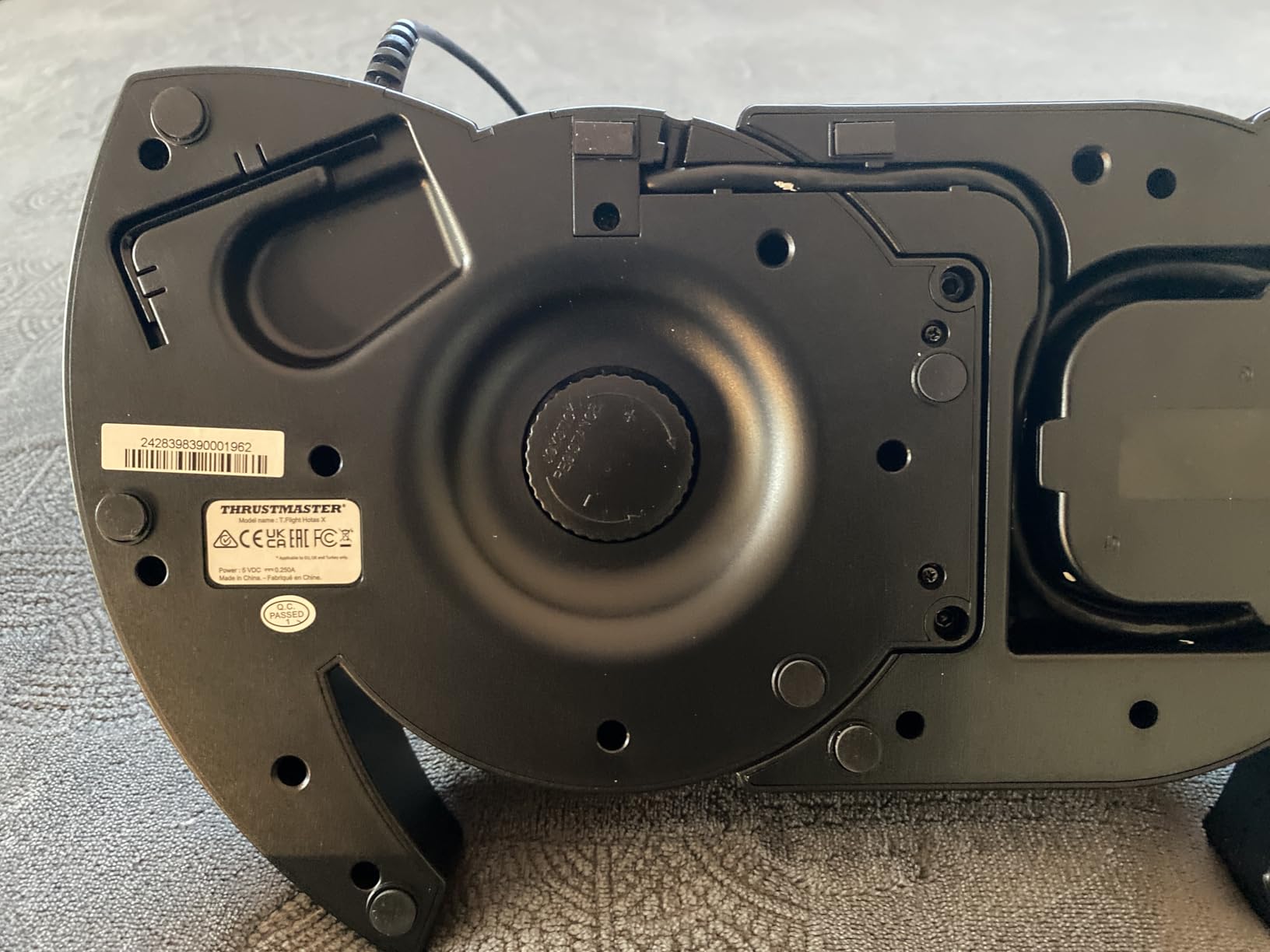
What we liked most was the throttle itself. It is a real-size lever with a wide hand rest, so the short travel your wrist would hate on a cheap lever never comes into play. The grip has a rubberized texture that stayed comfortable through a three-hour evening session, which is more than we can say for several untextured grips in this roundup.
Setup difficulty is close to zero. The resistance dial under the base lets you change centre stick tension by feel rather than through software, and the weighted base keeps the whole unit planted while you pull hard in a stall or a spin recovery.
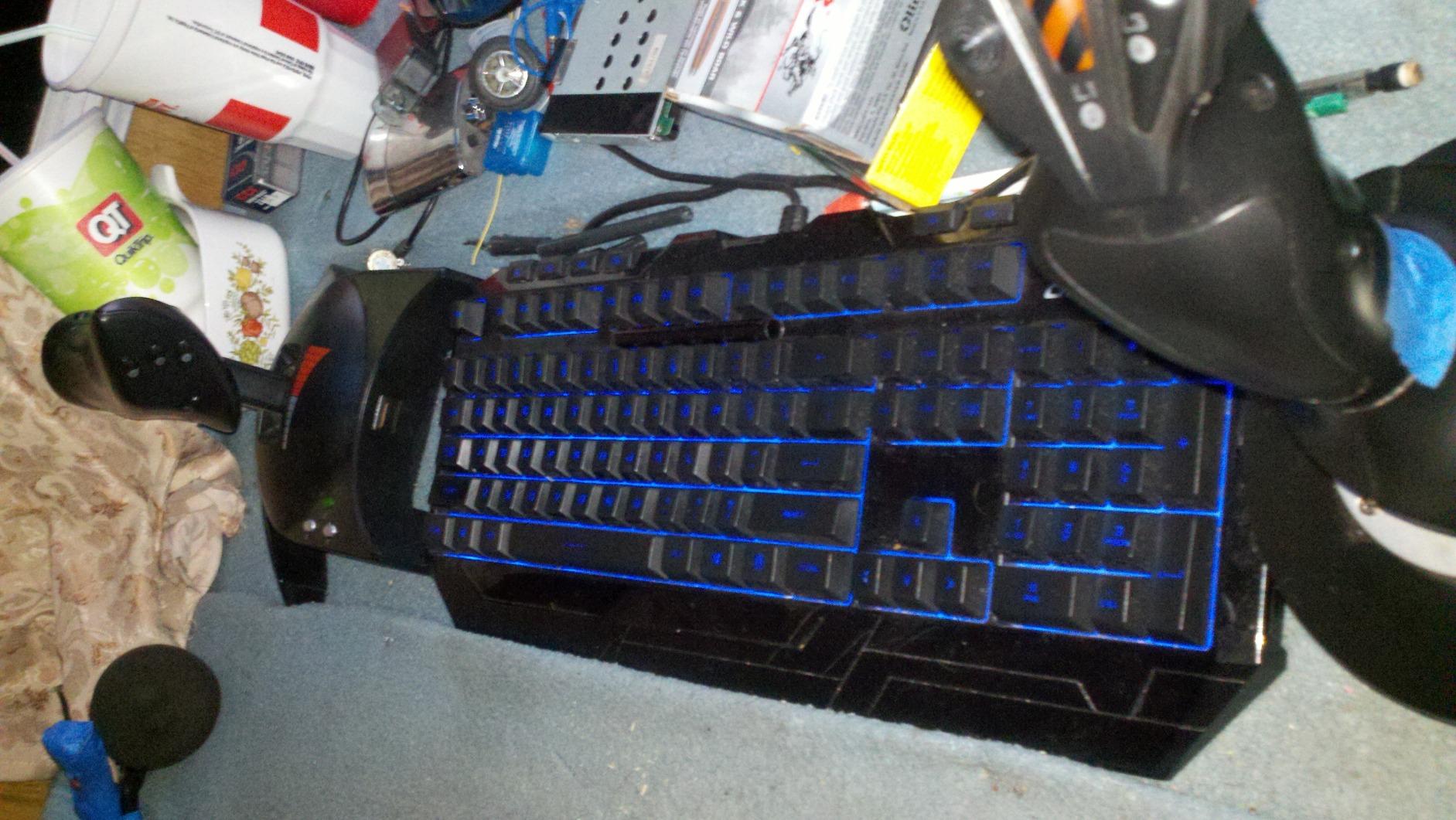
Who the T-Flight Hotas X suits best
It suits beginners, because the preconfigured defaults already work and you can learn the basics without fighting software. It also suits anyone who wants a two-handed setup that leaves desk space for a keyboard, since the throttle detaches and can sit on a small platform or a monitor shelf.
Community consensus matches our experience. On r/flightsim and r/hotas, this is repeatedly named as the reference budget HOTAS, and forum regulars point to its Hall effect stick sensors as the reason it ages better than potentiometer sticks in the same bracket. A 4.5 star average across 8338 reviews is a lot of long-term owners reporting back.
Where it falls short
The plastic shell is the honest weakness. It creaks slightly under aggressive input and it will not feel as planted as a metal chassis, though the weighted base compensates for most of that on a normal desk.
Five axes and 12 buttons are plenty for civilian and light combat flying, but simulators like DCS World reward dedicated switches and hats that this unit simply does not have. If your plan is to fly combat jets with every system on your thumb, the Warthog in slot two covers that gap and nothing else here does.
2. Thrustmaster HOTAS Warthog – Best for DCS World and Combat Simulators
Thrustmaster HOTAS Warthog A10 Replica Flight Stick & Throttle Set – PC
1:1 A-10C replica layout
55 programmable buttons
H.E.A.R.T hall effect sensors
Twin metal throttles with detents
13.2 lb, PC
Pros
- Metal construction and 13.2 lb weight for a rock-solid feel
- H.E.A.R.T sensors with no drift or dead zones
- 55 buttons plus an 8-way hat for full hands-off-keyboard flying
- detents on the twin throttles for idle and afterburner
Cons
- No force feedback hardware
- stick is X and Y only so rudder needs pedals or a slider
- uncoated metal grip can feel slick
- firm spring needs weeks of break-in
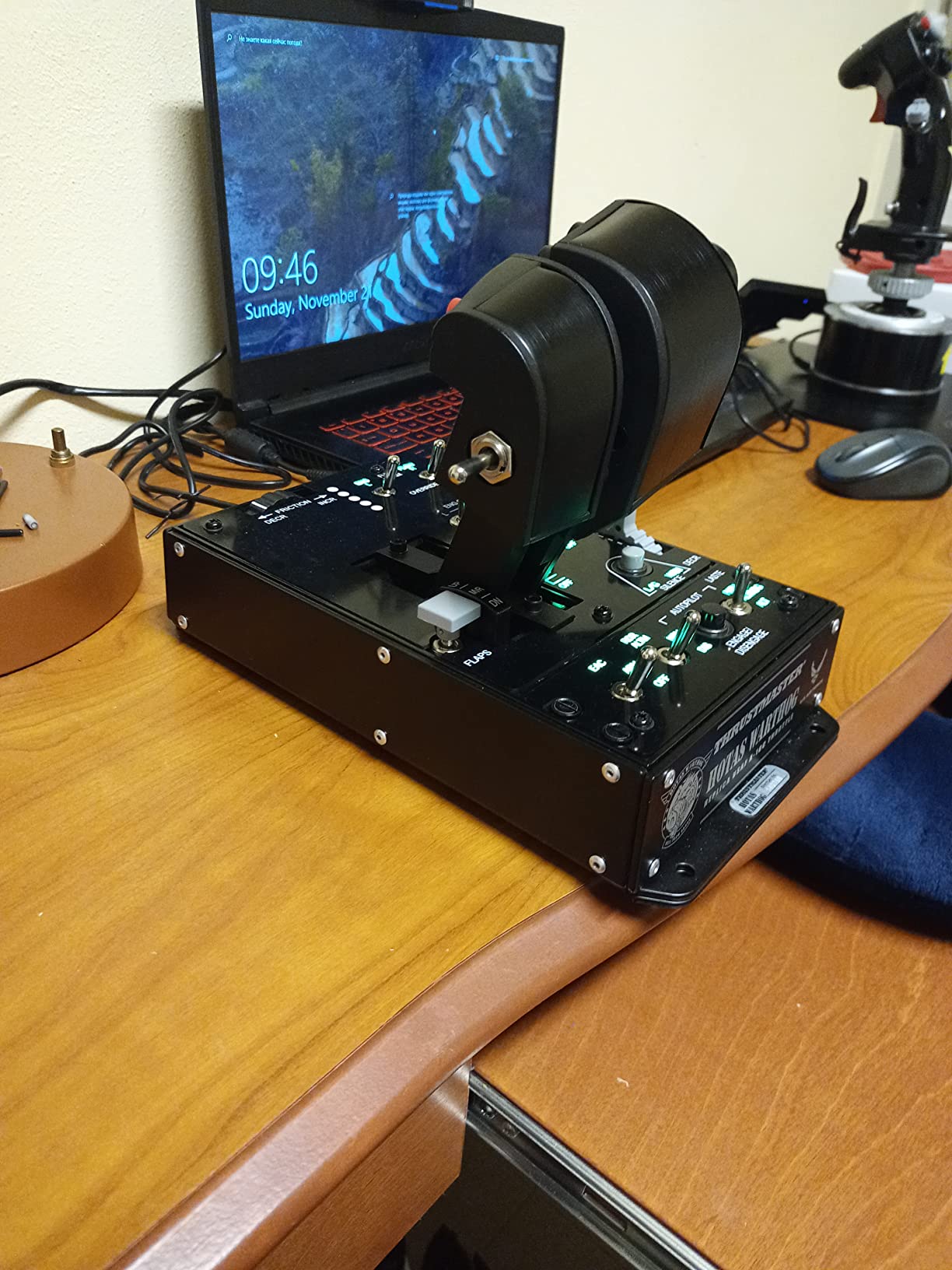
This is the enthusiast answer in this roundup, and the 4.6 star average across 2736 reviews is the highest rating of any pick here. The layout is a 1:1 replica of the U.S. Air Force A-10C controls, which sounds like a gimmick until you realise that every switch, hat and trigger is placed where a pilot expects to find it.
Sixty-five controls in total sit under your hands, which is why DCS World players treat it as a final purchase rather than a step along the way. You can bind armoury modes, radios, countermeasures and engine starts and still have switches to spare, so you never take a hand off the stick during a sortie.
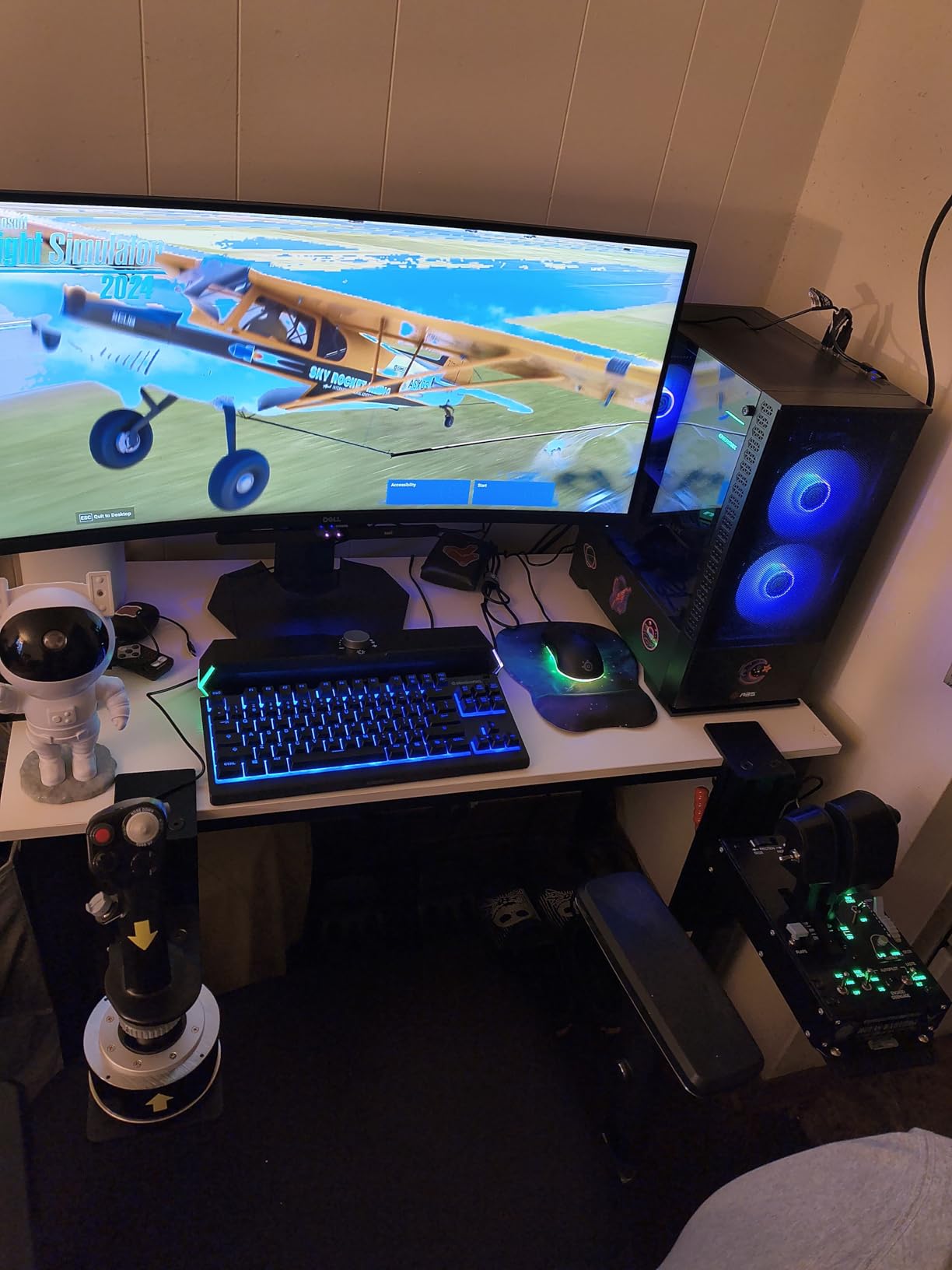
Build quality is the story here. The unit is made almost entirely from metal, weighs 13.2 pounds and comes with a solid metal base plate plus a threaded mounting nut for bolting it into a seat or a cockpit frame. The stick separates from the base, so you can reposition the two halves independently.
The throttle is dual-engine with adjustable hump detents, which lines up neatly with the A-10C replica story and with the twin-engine aircraft most combat sims actually put you in. Stick and throttle connect as independent USB devices, so you can run either one alone if you are travelling or short on space.
Who the Warthog suits best
It suits people who fly combat aircraft for hours, especially in DCS World and IL-2 Sturmovik where binding every system matters. Forum chatter in the flight sim communities consistently describes it as the last HOTAS most buyers need, and owners on r/hoggit frame it the same way.
It also suits anyone building toward a cockpit. The included springs and mounting hardware mean the base can go into a custom seat rig, and the flat plate gives a builder a clean surface to work with. Setup difficulty is moderate: expect time in TARGET software assigning 55 buttons before it feels right.
Where it falls short
There is no force feedback in this package, which surprises people who assume a premium HOTAS includes it. If you want a stick that pushes back against your inputs through a servo motor, this is not that, and the note in our buying guide below explains who actually needs one.
The stick itself moves on X and Y only, so there is no twist rudder. You will want pedals or a slider for realistic cross-controlled landings. The grip is uncoated metal, which is slick when your hands are damp, and the centring spring is firm enough that it needs a couple of weeks of use before it feels natural.
3. Logitech G PRO Flight Yoke System – Best Yoke for Airliner Flying
Logitech G PRO Flight Yoke System Professional Simulation – Black
Yoke with stainless steel shaft
14 buttons, POV hat, 3-position mode switch
54+ programmable controls
Included throttle quadrant
Two-position desk clamps
Pros
- Yoke format matches real airliner and general aviation cockpits
- stainless steel shaft gives smooth and accurate input
- included throttle quadrant with adjustable levers
- desk clamps hold firm across desk sizes
- two-year warranty
Cons
- No rudder pedals or twist axis included
- yoke rotation starts stiff and needs break-in
- Logitech G software interface is dated
- fewer analog axes than premium HOTAS
If your idea of a good flight game is lining up on final approach in a widebody jet, this is the shape your hands have been training for without knowing it. A yoke forces you to rotate rather than push, and that one habit is the fastest way to stop flying an airliner like a fighter.
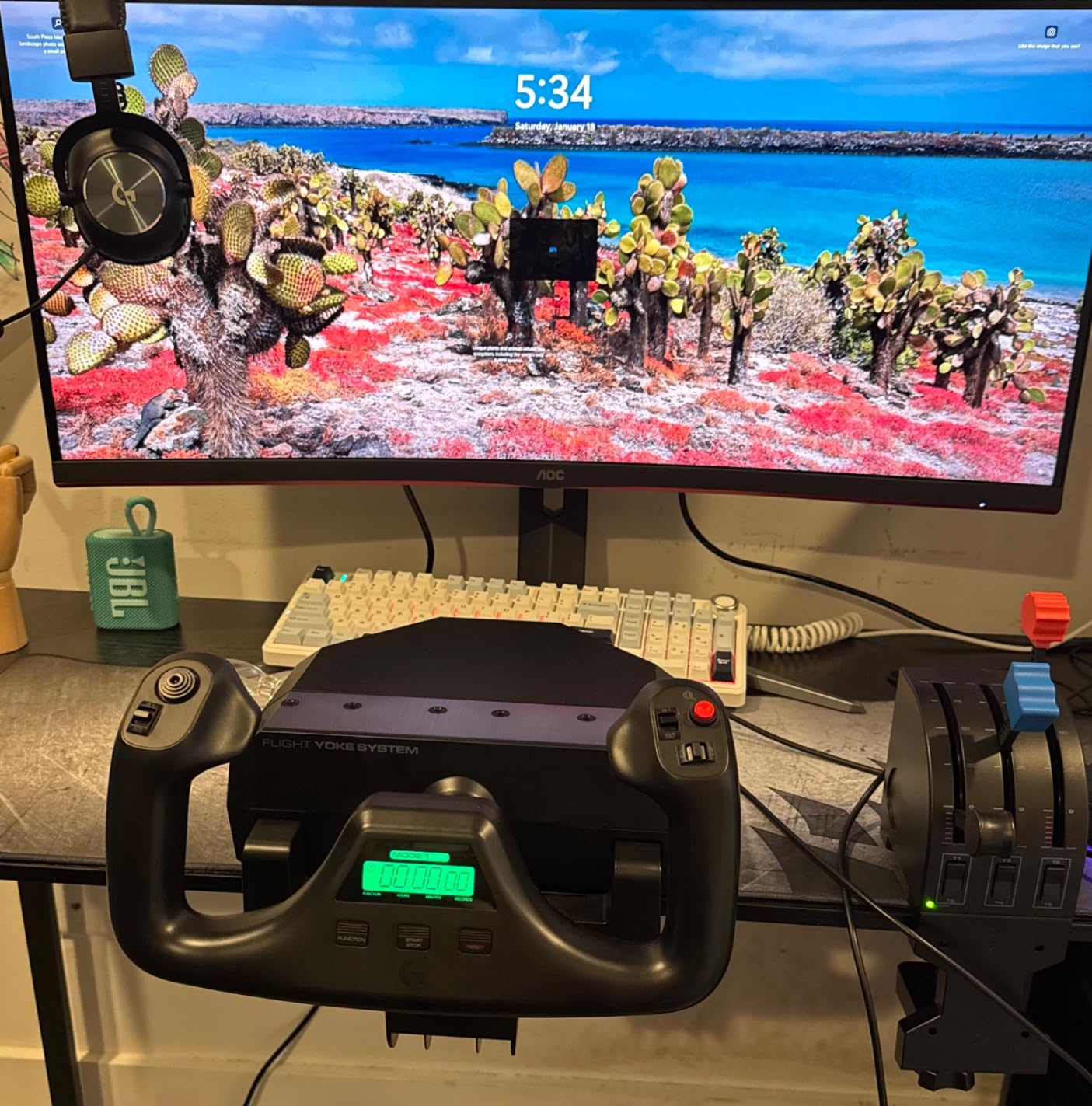
The shaft is stainless steel, which is why this unit still feels precise after years of use, and the rotation is limited by design so you cannot accidentally over-rotate into a spiral. Fourteen buttons, a POV hat and a three-position mode switch give you at least 54 programmable controls across the modes, which covers an Airbus or a Cessna with room to spare.
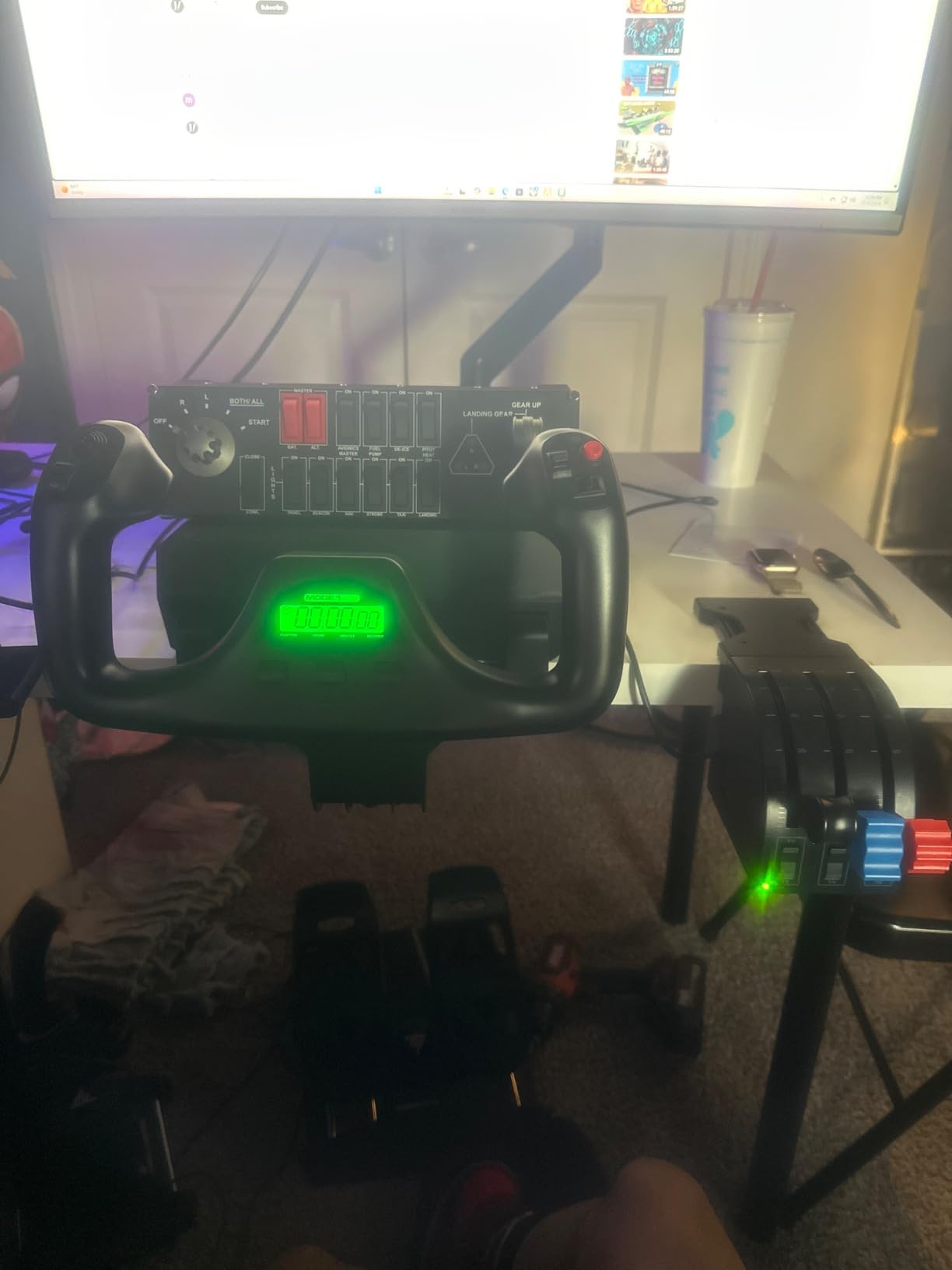
The included throttle quadrant is the sleeper feature. It has adjustable lever handles, so you can set the friction to suit your build, and it removes the need for a separate purchase when you are assembling your first setup. The two-position desk clamps also mean the yoke does not creep across the desk when you load up on aileron in a correction.
Setup difficulty is low but not zero. Logitech G software has to be downloaded, and the interface is clearly a generation behind modern sim software, so budget an evening for button assignment if you fly complex procedures. It lists compatibility with Windows 11, 10, 8.1 and 7, with optional software for MSFS, FSX, X-Plane and Prepar3D.
Who the Logitech G PRO Yoke suits best
It suits new pilots who want correct technique from day one, particularly anyone working toward a type rating in a virtual airliner. It also suits general aviation flying, where a yoke plus throttle quadrant is exactly the layout the real aircraft uses.
Buyers report the same pattern we did: solid, durable and accurate, with the throttle quadrant and clamps doing more work for the price than any competing package. Our yoke review is complemented by our wider guide to the best flight sim yokes if you want to compare form factors first.
Where it falls short
There is no rudder control of any kind here, no twist axis and no included pedals. Cross-landing in a crosswind will feel wrong until you add a pedal set, and that is an unavoidable extra cost for this entry point.
The yoke also starts stiff. That break-in resolves itself over a few sessions, but do not judge the control feel in the first ten minutes. Fewer analog axes than a premium HOTAS means advanced military sims will eventually run out of inputs.
4. Logitech G X56 HOTAS – Best for VR Flight and Huge Control Counts
Logitech G X56 H.O.T.A.S Throttle and Joystick Flight Simulator Game Controller, 4 Spring Options, +189 Programmable Controls, RGB Lighting, 2x USB, PC – Black
Two mini analog sticks
Hall effect aileron and elevator axes
4-spring force adjustment system
Twin throttles with friction adjuster
189+ programmable controls
Pros
- Two mini analog sticks plus hats and toggles suit advanced sims
- four-spring system lets you tune force per aircraft
- hall effect primary axes for smooth input
- split throttle for multi-engine aircraft
- rotary knobs double as push buttons
Cons
- Throttle is very stiff from heavy internal damping grease
- analog mini stick drifts out of calibration
- all-plastic chassis creaks and the light stick slides
- throttle toggles sit under the resting wrist
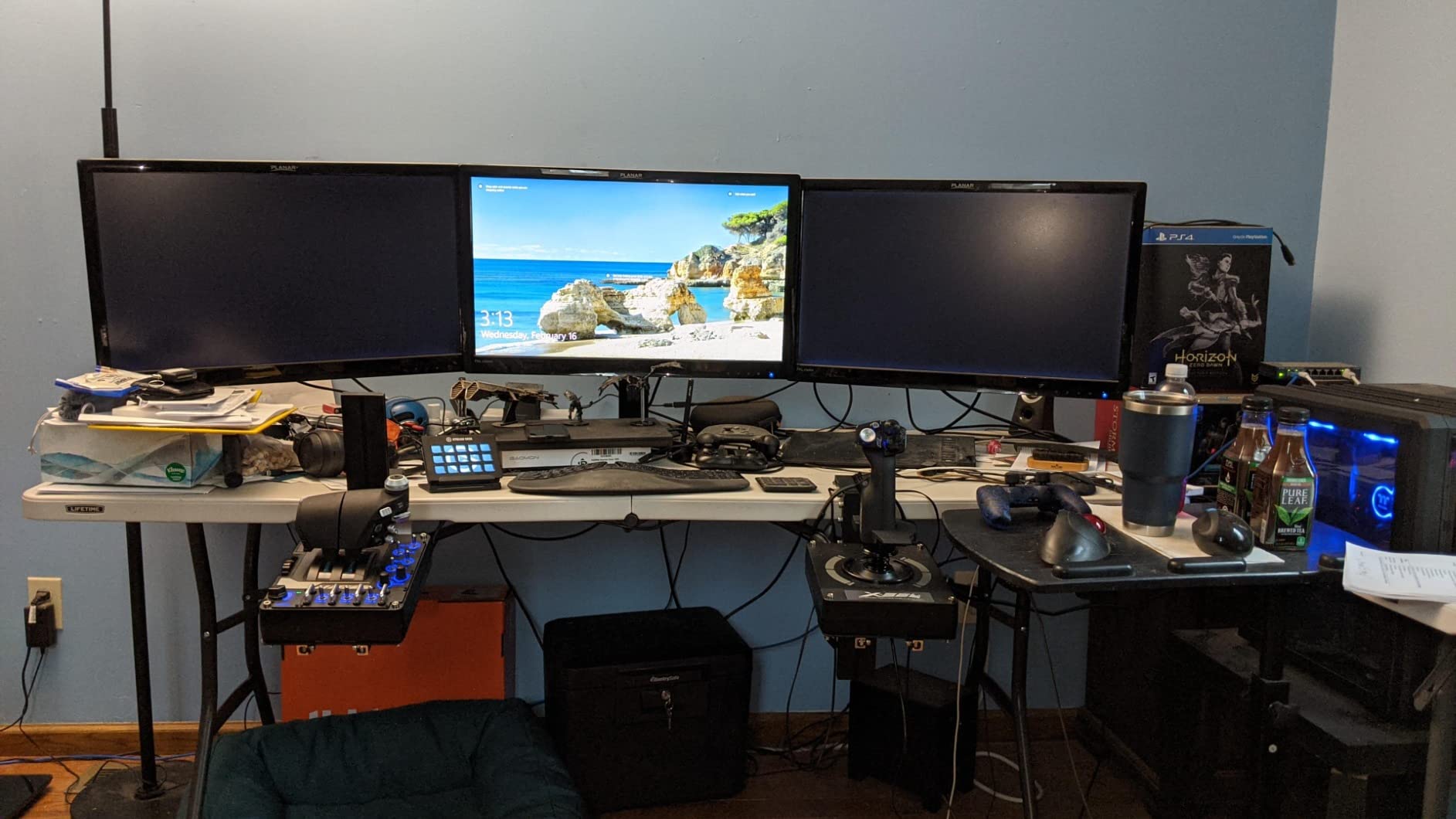
The X56 exists because some pilots want controls they can reach without looking down, and that is exactly what the two mini analog sticks provide. One handles pitch and roll, the other handles yaw and gimballed weapons, which is a layout VR players adopt immediately because it mirrors a real grip.
Control count is the headline number here: more than 189 programmable controls, plus RGB backlighting you can dim or switch off entirely for night flying. The four-spring system under the stick lets you change tension by feel when you switch from a light trainer to a heavy bomber, which no spring-based stick in this list can do.
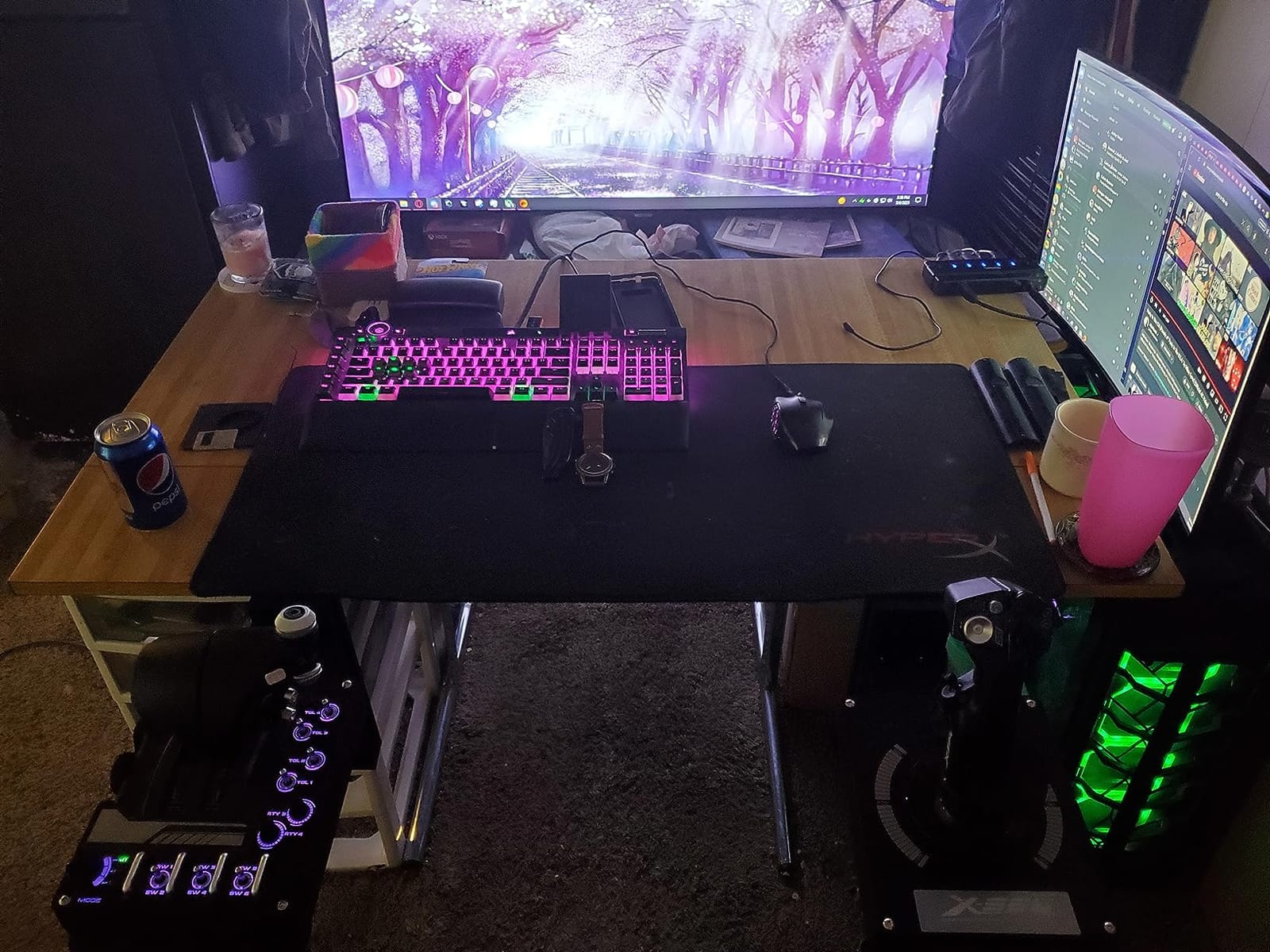
The primary axes use hall effect sensors, so aileron and elevator input stays smooth without the potentiometer drift that shows up in older sticks after a couple of years. The twin throttles include a friction adjuster and a lock, and the split position suits twin-engine flying properly.
We rated setup difficulty as moderate. The hardware is plug-and-play for axis recognition, but configuring 189 controls and getting the mini sticks calibrated in VR takes patience and a restart of your headset software after changes.
Who the X56 suits best
It suits VR flight simulator players and anyone flying advanced aircraft in DCS World or IL-2 who wants a weapon control on the thumb rather than a menu binding. It also suits space sim players who want more direct control than a single twist axis provides.
Owners consistently praise the adjustability, and the 4.0 star average across 2938 reviews reflects a product that does a lot right with a few specific, fixable problems. If you like knowing exactly which part is misbehaving, this is a stick whose quirks are well documented.
Where it falls short
The throttle is the headline complaint, and it came up in almost every negative review we read. Heavy internal damping grease makes it extremely stiff, that grease is adhesive and hard to remove, and the throttle cannot be serviced as a separate part.
The mini analog sticks drift out of calibration over time, the pinkie slider has a sharp ridge that stops returning to centre, and the throttle toggles sit underneath where your wrist naturally rests, causing accidental inputs in the sim. The chassis is also entirely plastic and creaks under load.
5. Logitech G X52 – Best HOTAS for Elite Dangerous and Star Citizen
Logitech G X52 Flight Control System
282 programmable commands across 3 modes
Multifunction LCD with built-in clock
3D twist axis with rudder lock
5-position grip system
Magnetic non-contact X and Y sensors
Pros
- Multifunction LCD confirms commands before you trigger them
- 3D twist rudder with lockout covers yaw without pedals
- 282 commands across three modes
- magnetic non-contact sensors avoid potentiometer wear
- light 4.2 lb body stores easily
Cons
- Outdated plastic body next to newer metal designs
- monochrome LCD with clunky menu navigation
- needs more desk space than a compact stick
- twist axis can trigger accidentally when the rudder lock is engaged
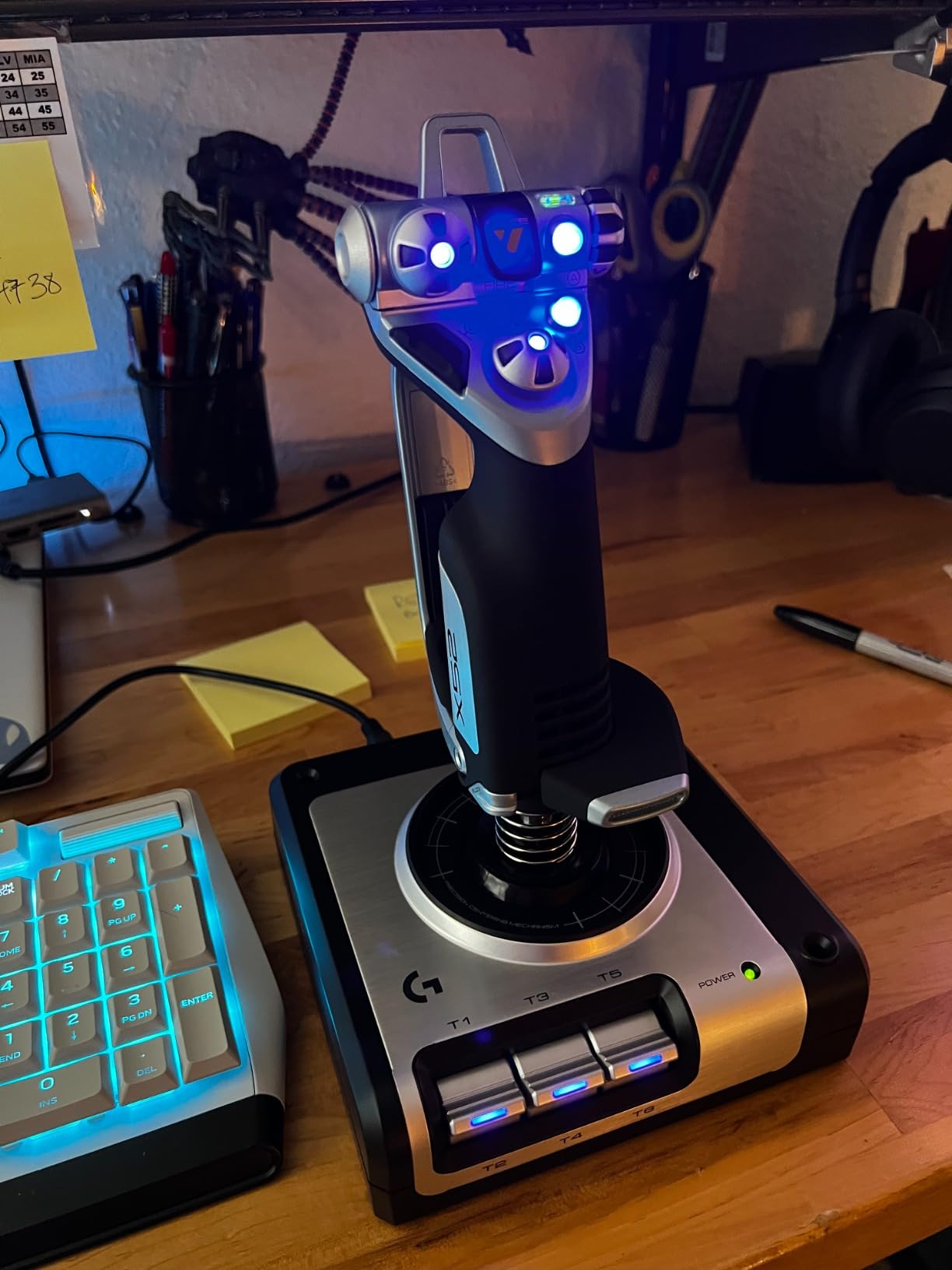
The X52 has been the reference mid-tier HOTAS for years, and the reason is the multifunction LCD. Every command you press appears on the screen before it fires, which means a mis-mapped landing gear toggle no longer retracts your gear in a flare with your hands still on the stick.
For space sims specifically, the 3D twist axis with rudder lock is the deciding feature. Elite Dangerous and Star Citizen both reward yaw control, and having twist on the grip lets you steer while keeping your view moving, without a pedal set under the desk. Lock the twist when you fly something that does not use it.
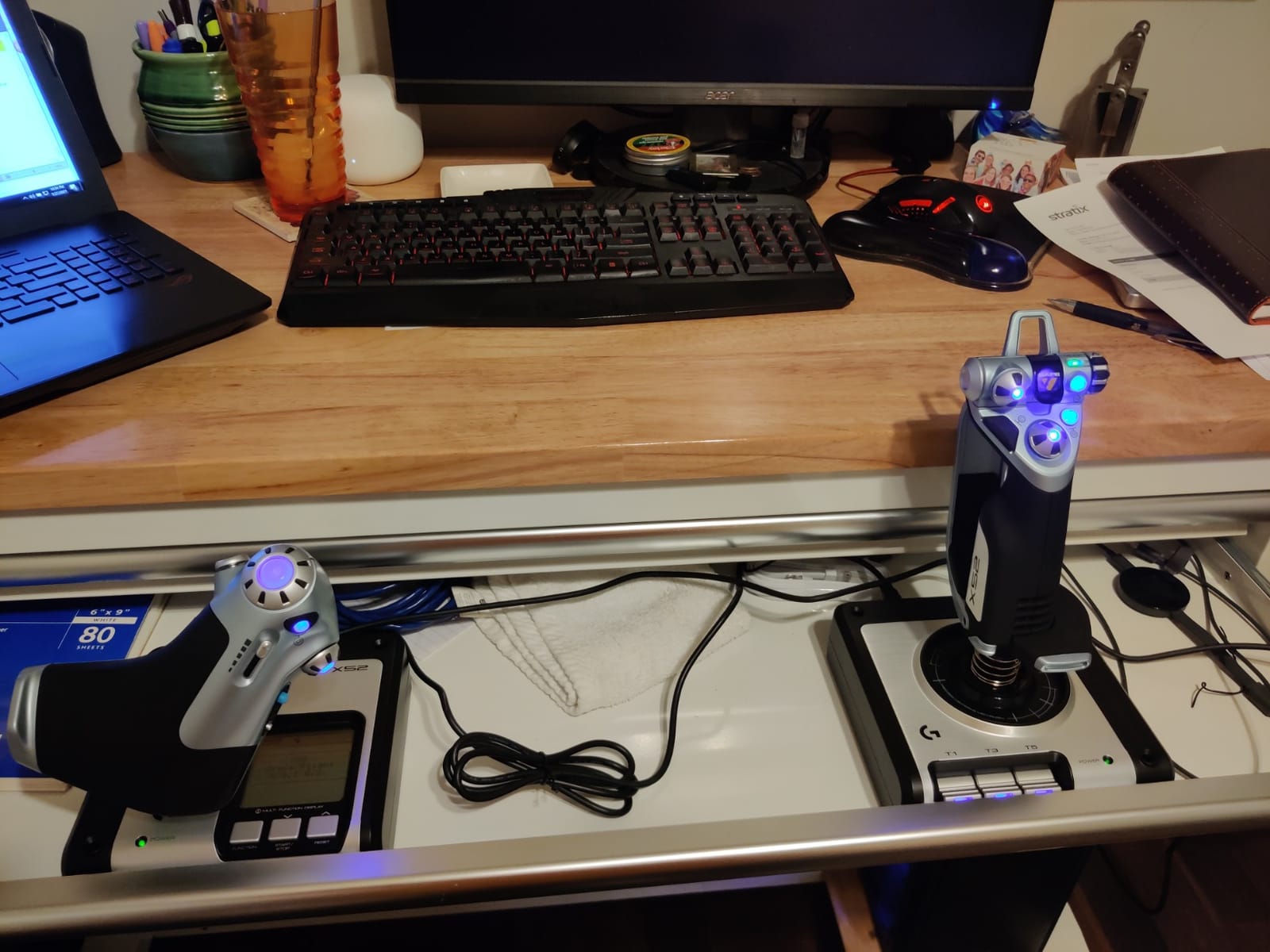
282 programmable commands across three modes is generous for anything short of a full combat sim, and the five-position grip system spreads secondary buttons across the top and side of the handle so your thumb does not have to travel far. The magnetic non-contact X and Y sensors are a sensible choice for longevity.
Setup difficulty is moderate to high, and this is mostly about software. The LCD menu navigation is dated and takes practice, so give yourself a full session. At 4.2 pounds the unit is light and easy to store, which is a genuine advantage if you share a desk or play in short bursts.
Who the X52 suits best
It suits space simulation players who want one device for pitch, roll, yaw and every system binding without a second purchase. It also suits anyone who values being able to verify a command visually, which is a real advantage in a game with dozens of subsystems.
It remains a solid step up for older sticks, and buyers moving from a basic four-axis controller consistently report the jump in control quality as worth it. At 4.3 stars across 1147 reviews, the feedback skews toward value rather than excitement.
Where it falls short
The body is dated plastic. It does not feel bad, but next to a metal HOTAS in slot two it feels like a different decade of hardware, and that shows in resale expectations as much as in feel.
The monochrome LCD is the other limit. It works, but menu navigation is clunky enough that you will want to set your profiles once and leave them alone. The stick also needs more desk space than a compact unit, and the twist axis can activate unintentionally depending on how the rudder lock is configured.
6. Turtle Beach VelocityOne Flight – Best All-in-One Package for Xbox
Turtle Beach VelocityOne Flight Universal Control System – Xbox Series X & Xbox Series S, Xbox One & Windows 10 & 11 PCs with Yoke Handle, Throttle Quadrant, Trim Wheel & Rudder Controls
Yoke, throttle quadrant, trim wheel and rudder in one unit
180 degree rotation with hall effect sensor
26 buttons, 12 analog axes
Integrated rudder and brake controls
Works on Xbox Series X/S, Xbox One and Windows
Pros
- Only major all-in-one yoke package that runs on Xbox Series X/S and PC
- dedicated pitch trim wheel unique at this tier
- modular throttle with customisable levers
- integrated rudder and brake controls save a pedal purchase
- full colour flight management display
Cons
- Yoke has noticeable friction during initial break-in
- status indicator panel is finicky on PC
- some units arrive with a sticky pitch axis or detached POV hat
- throttle quadrant buttons are small
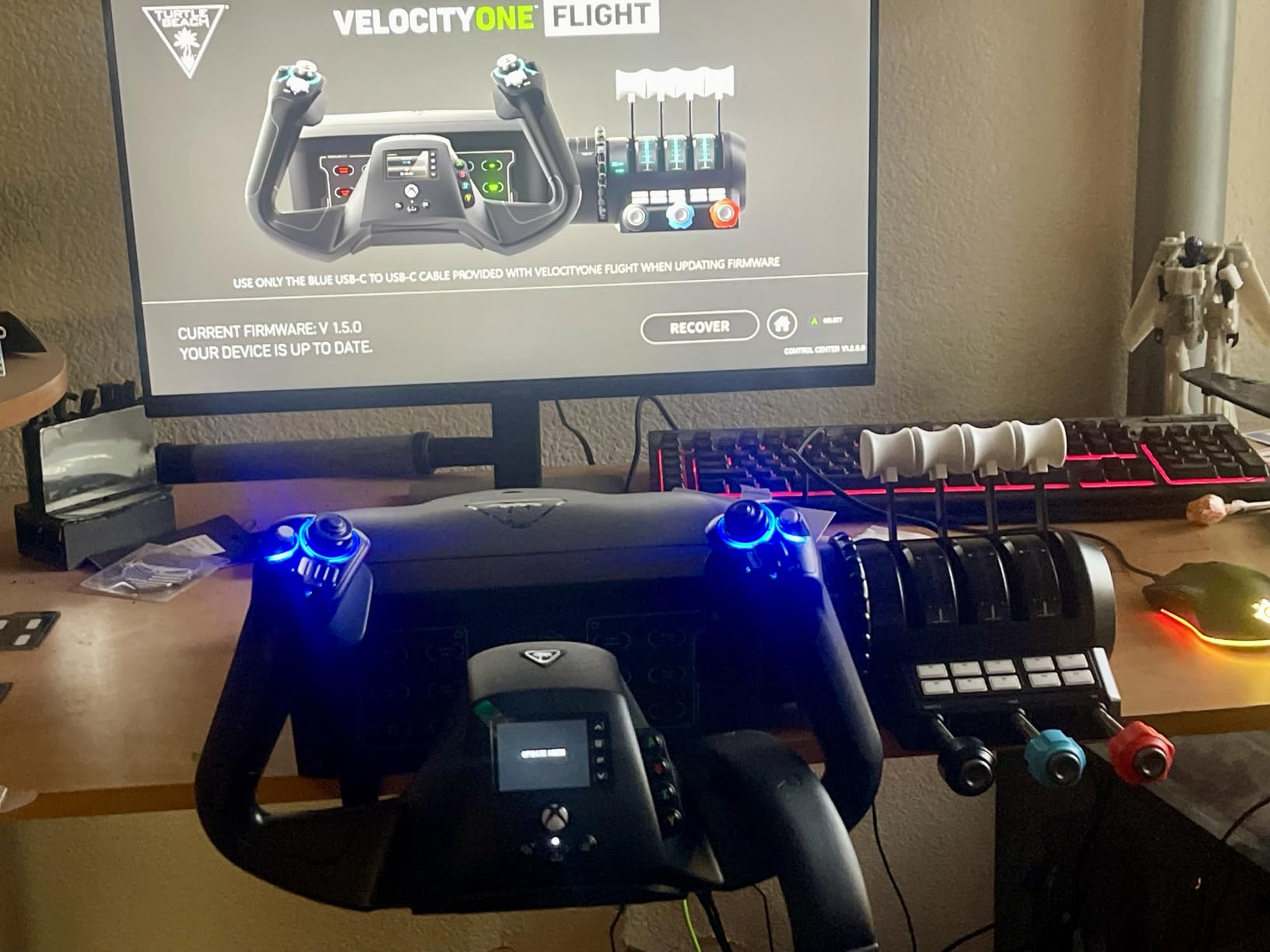
This is the only package in our lineup that a console player can buy and actually use. It runs on Xbox Series X, Xbox Series S, Xbox One and Windows 10 or 11, and everything you need sits in the box: yoke, throttle quadrant, trim wheel and rudder controls.
The dedicated pitch trim wheel is the feature we did not expect to value this much. Trim is an afterthought on most sticks and a constant adjustment on a real airliner, and having a proper wheel for it removes the keyboard shortcut that interrupts your flow on every approach.
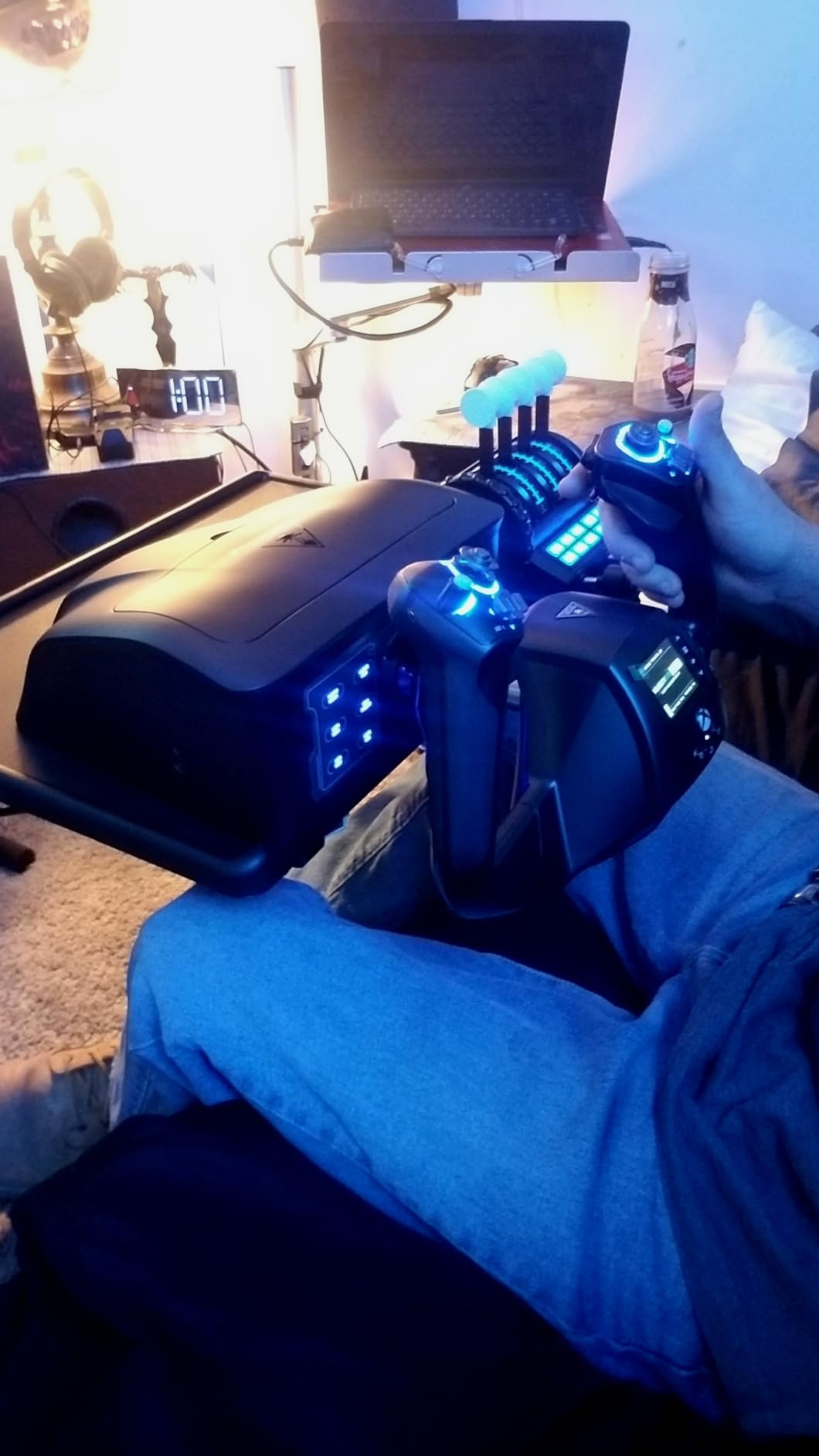
Under the hood you get 26 buttons, 12 analog axes, two POV switches and two four-way hats, plus 180 degrees of true-to-life yoke rotation driven by a hall effect sensor. The modular throttle quadrant takes customisable lever handles, so the same box works for a prop aircraft and an airliner.
Setup difficulty is the highest here because of the console side. Configuration software must be updated on the console before the system behaves correctly, and the flight management display needs configuring to show what you want. Budget a full evening the first time.
Who the VelocityOne Flight suits best
It suits Xbox Series X and Series S owners, which is a narrow but genuinely underserved group. Players on PlayStation 5 have almost no equivalent option, and anyone flying on console without a PC nearby will find this the shortest path to a working cockpit.
It also suits PC players who want one box instead of three purchases. Integrated rudder and brake controls mean you skip a pedal set entirely, which is the usual second or third spend for a new sim pilot.
Where it falls short
At 4.1 stars across 2527 reviews, the feedback points in consistent directions. The yoke carries noticeable friction in the fore and aft axis during break-in, and the status indicator panel is finicky with limited behaviour on PC.
A small share of units arrive with a sticky or unresponsive pitch axis or a detached POV hat, which is a component quality issue rather than a design flaw but is worth knowing before you order. The throttle quadrant buttons are also small, and configuration software must be updated on the console before anything behaves the way it should.
7. Thrustmaster T.16000M FCS HOTAS – Best Compact Stick for Small Desks
Thrustmaster T16000M FCS HOTAS (Compatible with PC)
Hall effect 3D magnetic sensors
Four independent axes including twist rudder
30 buttons plus grip and hats
Rubberized grip with adjustable tension
3 lb, PC only
Pros
- Hall effect magnetic sensors give smooth input with no potentiometer wear
- compact 3 lb body fits small desks and stores easily
- braille-style button identification lets you find controls by touch
- twist rudder covers core sim needs without extra pedals
- fully programmable in TARGET
Cons
- Lightweight base is less stable than metal HOTAS units
- rubberized grip and buttons wear with heavy long-term use
- only 30 buttons against premium replicas
- PC only with no console support
The T.16000M has the most argued-about reputation in this roundup, and the forum consensus is genuinely split. On r/flightsim it is called decent and affordable for moving between DCS and MSFS or X-Plane. On r/hotas, users argue it is either the perfect entry point or not worth the jump to an enthusiast stick.
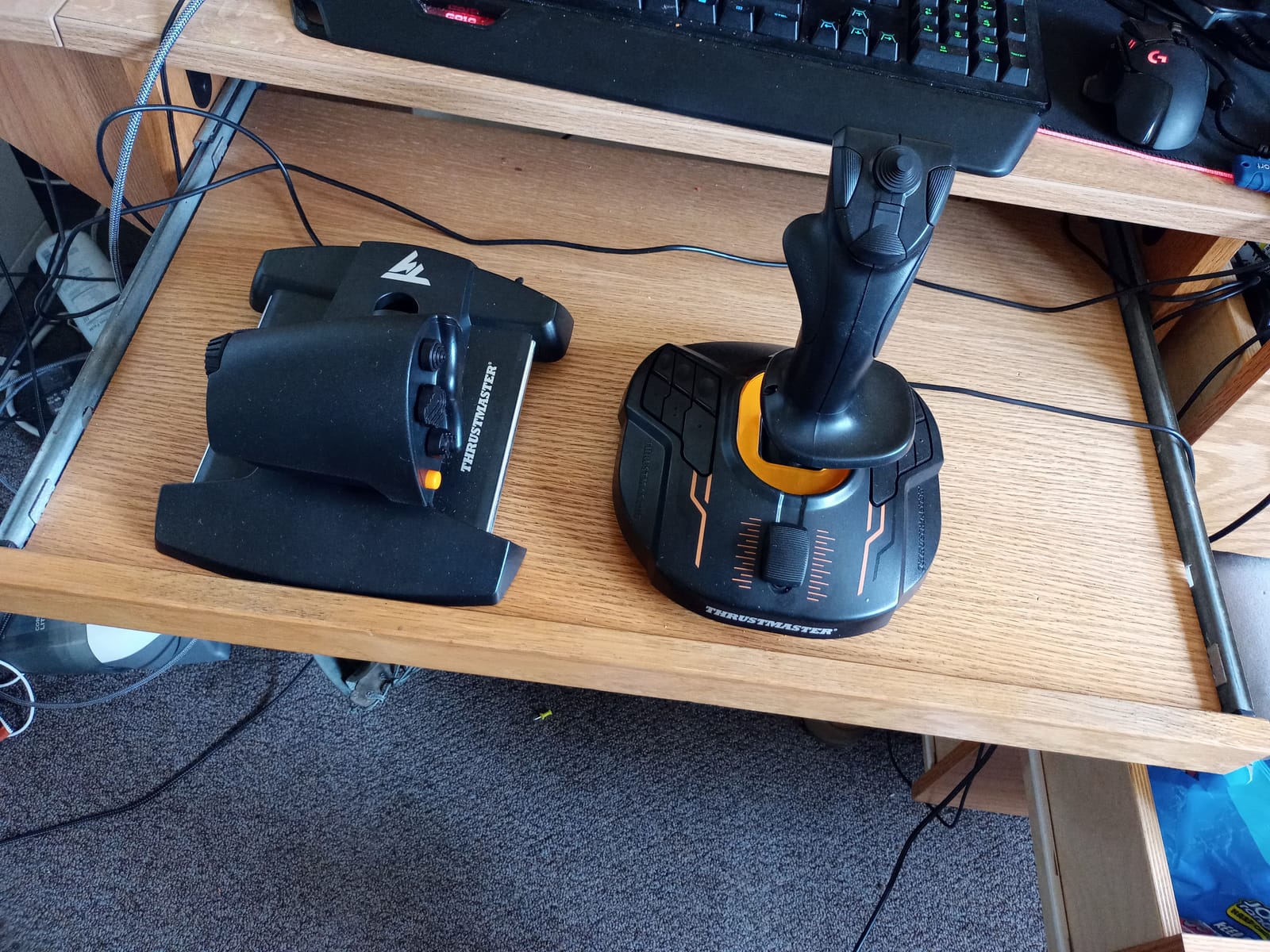
Our take sits in the middle, which is the honest read. It has hall effect magnetic sensors on the stick axes, four independent axes including twist rudder, and 30 buttons in a package weighing 3 pounds. For most players that is more than enough hardware to learn on.
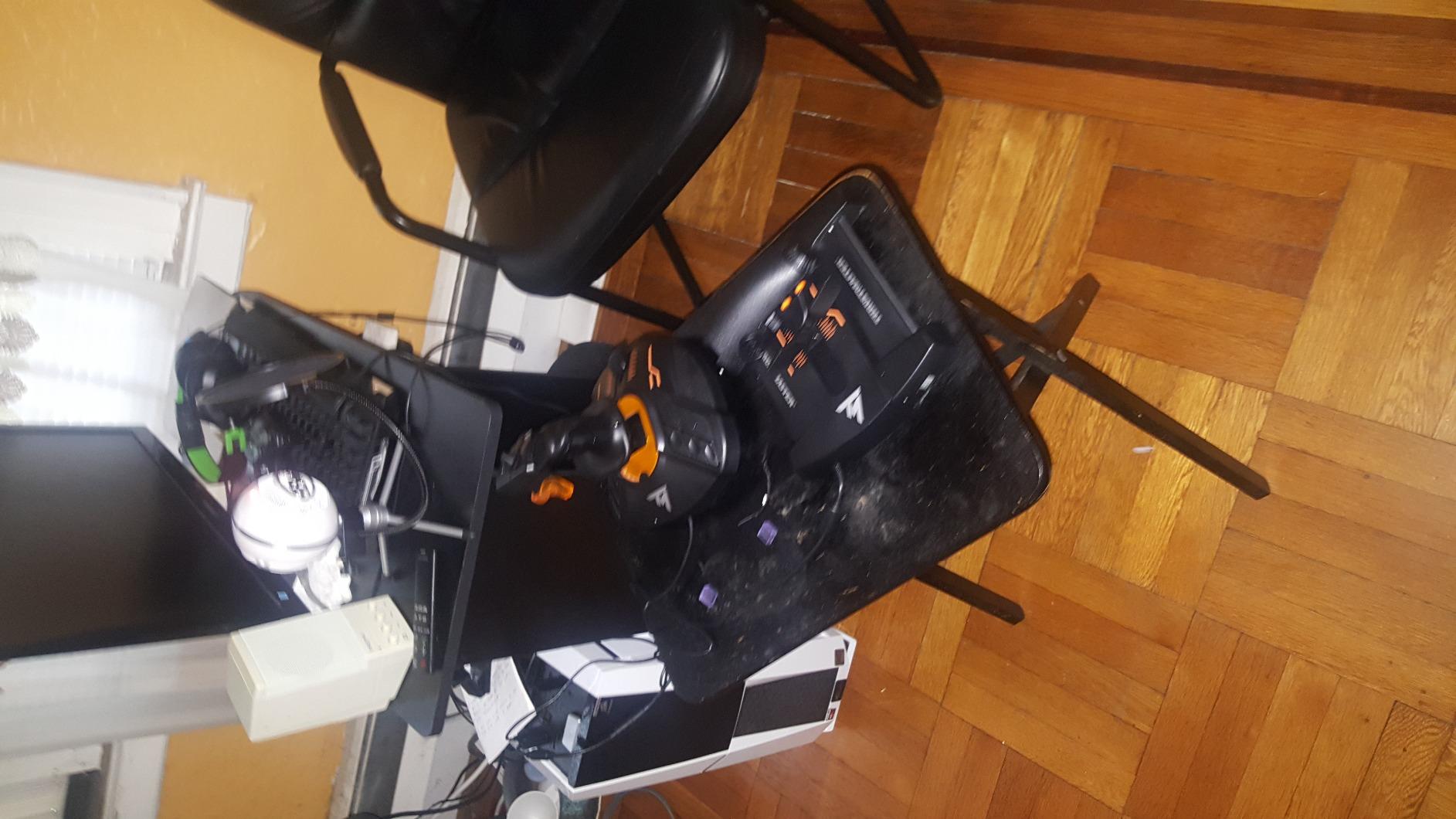
The braille-style button identification is an underrated detail. You can locate any control by touch without looking down, which matters most in a game where your view is the thing you are trying to keep on the horizon.
Adjustable stick tension lets you tune the feel to your preference, and TARGET software handles all programming across Windows 32-bit and 64-bit systems. Setup difficulty is moderate: the hardware is recognised immediately, but a full mapping session for a combat aircraft takes an evening.
Who the T.16000M suits best
It suits players with a small desk or a shared setup, because at 3 pounds it takes up very little room and stores in a drawer. It suits anyone who wants twist rudder and hall effect sensors without paying for a full metal HOTAS.
Across forums.flightsimulator.com and forum.falcon-bms.com, the recurring recommendation for new sim pilots is this stick paired with a throttle, and a number of owners describe it as the setup they still use. Buyers on r/hotas also highlight hall effect sensors at this price as the main reason to step up from a basic four-axis stick.
Where it falls short
The lightweight base is the recurring complaint. It moves more than you would expect during aggressive maneuvers, so if your desk is small or your floor is shared, a heavier unit would be steadier.
Thirty buttons is fewer than any premium replica here, and the rubberized grip and buttons wear over extended heavy use. It is also PC only, with no console support at all, so anyone hoping to use one device across PC and Xbox should look at the VelocityOne instead.
Which Controller for Which Flight Game
Matching hardware to the game you actually play matters more than matching hardware to a spec sheet. Here is how these seven picks map to the most common flight titles, and our flight simulator setup guide covers the rest of the build.
For Microsoft Flight Simulator 2024 and X-Plane 12, any of the seven works, because both are forgiving with control counts. The T-Flight Hotas X and the T.16000M handle airliner procedures well, while the yoke is the shape that keeps your technique honest when you fly a widebody.
For DCS World and IL-2 Sturmovik, the Warthog is the clear answer because 55 buttons and 55-plus control bindings let you fly with your hands on the hardware the entire time. The X56 is a viable second choice for VR, where the mini sticks give you a weapon axis you can operate without leaving the grip.
For Elite Dangerous and Star Citizen, the X52 earns its place with a 3D twist axis and 282 programmable commands. Space sims are about managing a dozen systems while turning, and the yaw control plus high command count is what makes that comfortable rather than painful.
For War Thunder and Ace Combat, a gamepad genuinely holds up. Both are arcade-leaning, and if that is most of what you play, spending on a full HOTAS is money better aimed at a display upgrade. Our guide to arcade controllers covers that side.
Stick, HOTAS, Yoke or Sidestick: Which Shape Do You Need
A flight stick is a single lever that moves on two or three axes, and it is the simplest way to start. It leaves your throttle to a separate device, which keeps your desk uncluttered and makes it easy to move the whole setup between rooms.
A HOTAS combines the stick and the throttle in one housing so both hands stay in place. This is the format we recommend for long sessions, because your throttle hand never leaves the device and you stop hunting for a lever on the desk mid-approach.
A yoke rotates rather than tilts, which matches how an actual airliner is flown and forces correct technique from the start. A sidestick is a compact vertical stick modeled on a fighter cockpit, useful in VR or where desk space is tight, though it is a specialist shape we did not get a qualifying pick for this roundup.
Which one is best for flight simulator beginners depends on what you fly. If you do not know yet, the HOTAS in slot one is the lowest-risk purchase because the throttle and stick arrive preconfigured and can be separated later.
Hall Effect Sensors vs Potentiometers, Explained Simply
A potentiometer is a physical resistor that slides across a track as you move the axis. It works, but the sliding contact wears over years and eventually the stick drifts at neutral, which is the single most common failure in older flight controllers.
A hall effect sensor measures the position of a magnet near the axis and never touches it. There is no contact to wear, so the readings stay consistent indefinitely. That is why five of the seven picks here use hall effect sensors on their primary axes, and why buyers in the sim forums consistently prefer them for long-term ownership.
Neither sensor type tells you anything about gimbal quality, though. The gimbal is the mechanical structure that holds the stick centred, and a ball-and-cup design feels smooth while a pincer or cam-and-spring design feels more precise but can cog slightly on small corrections.
One practical tip: whichever sensor type you own, tighten the stick tension gradually rather than cranking it to maximum on day one. Over-tightening accelerates wear on the gimbal and is a leading cause of the sticking and drag that owners report after a few years.
Platform Compatibility: PC, Xbox Series X|S and PS5
Six of the seven picks here are PC only and list Windows as their compatible device, which covers MSFS 2024, DCS World, X-Plane 12, Elite Dangerous and everything else on Steam. The Turtle Beach VelocityOne Flight is the exception, and it runs on Xbox Series X, Xbox Series S, Xbox One and Windows.
That leaves PlayStation 5 players with a genuinely thin selection, which is the honest answer rather than a sales pitch. A small number of licensed sidesticks exist, but none met our testing bar for this roundup, and forum users searching for PS5 flight options report the same frustration.
For console players, check the packaging before buying anything not listed as Xbox compatible. PC flight sticks generally do not enumerate on a console, so a device that looks ideal in a listing may never appear in the console’s controller menu.
Beginner Setup Order and Common Mistakes
Buy in this order: stick or HOTAS first, pedals or a twist axis second, throttle only if your first device does not include one. A functioning control axis beats a complete cockpit every time, and you can build up over months without wasting money on a throttle for a stick you have not tested yet.
Two mistakes cause most beginner frustration. The first is turning the tension dial to maximum, which makes the stick feel accurate for a week and then develop drag. The second is skipping the firmware or software update, which is the cause of most reports that a device does not work with a particular game out of the box.
A third worth naming: mapping in-game instead of in the control software. Device software lets you set a profile per game and swap it in one press, whereas in-game bindings have to be redone every time you launch. Our guide to other controller formats covers why axis control is different from button-based pads.
Frequently Asked Questions
What is the best controller for a Flight Simulator?
The Thrustmaster T-Flight Hotas X is our top pick for most people because it combines a stick and a real-size throttle in one unit, arrives with 12 programmable buttons and 5 axes preconfigured, and needs no extra software to be recognised. It holds a 4.5 star average across 8338 reviews. Airliner-focused pilots should consider the Logitech G PRO Flight Yoke System instead.
What is the best flight joystick for a beginner?
The Thrustmaster T.16000M FCS HOTAS is the strongest starter option for most beginners because it uses hall effect magnetic sensors, weighs only 3 pounds and includes a twist rudder axis so you do not need pedals to get started. It runs about 30 programmable buttons and is fully configurable in Thrustmaster TARGET software. Buy pedals later if you decide you need them.
Which joystick is the most realistic for playing flight simulators?
The Thrustmaster HOTAS Warthog is the most realistic option in our roundup, with a 1:1 replica of the A-10C control layout, 55 programmable buttons, H.E.A.R.T hall effect sensors and a 13.2 pound metal build that stays planted. It carries the highest rating here at 4.6 stars across 2736 reviews. Note that it has no force feedback and no twist axis.
Should I buy a flight stick or a yoke?
Buy a yoke if you mostly fly airliners or general aviation, because the rotation forces the correct technique and matches the real cockpit layout. Buy a stick or HOTAS for everything else, especially combat and space sims where you need many programmable switches. If you are undecided, the yoke format is harder to convert to later, while a stick pairs easily with any throttle.
Do I need rudder pedals with a flight stick?
You do not need pedals immediately if your stick includes a twist or Z-axis rudder, which the Thrustmaster T.16000M and Logitech G X52 both have. Pedals become necessary for cross-controlled landings, realistic taxiing and any sim that expects a dedicated yaw axis. Sticks without a twist axis, including the Warthog and the Logitech yoke, really do require a pedal set.
What are the best flight joystick games to play?
The titles that reward a dedicated flight stick are Microsoft Flight Simulator 2024, DCS World, X-Plane 12, IL-2 Sturmovik, War Thunder, Elite Dangerous and Star Citizen. Simulators like DCS and IL-2 benefit most from high control counts, while space sims need a twist axis and lots of programmable commands. Arcade dogfighters such as Ace Combat work fine with a standard gamepad.
Final Verdict: Our Best Controllers for Flight Games in 2026
The Thrustmaster T-Flight Hotas X remains the best controllers for flight games pick for 2026 because it solves the two problems new players hit first: too many choices and confusing software. It is preconfigured, it includes a throttle, and its hall effect stick sensors mean it will still feel right years from now.
Buy the Warthog if you fly combat sims seriously, the Logitech G PRO Yoke System if you are learning airliner procedures, the X52 for space sims, the X56 for VR, the VelocityOne Flight if you are on Xbox, and the T.16000M if desk space is the constraint. Whichever you choose, give it a full mapping session before you judge it.