
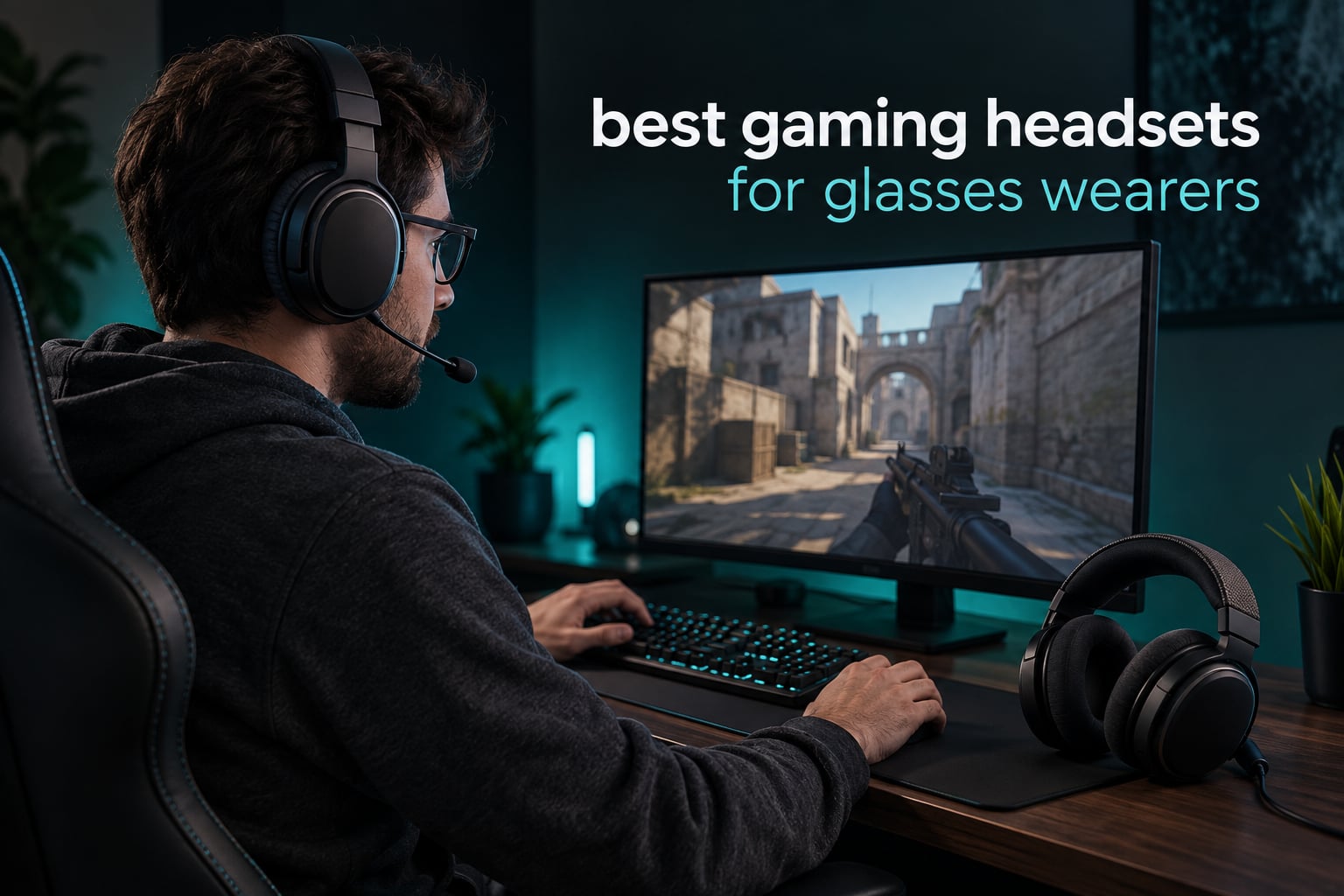
Most headsets are designed and reviewed by people who do not wear glasses, which is why the single most common comfort failure in gaming audio goes unmentioned. If you wear frames every day, the earcup clamp presses your temple and your glasses arm into the same spot, and what feels fine at twenty minutes turns into a headache at ninety. This guide ranks the best gaming headsets for glasses wearers on exactly that pressure, and it names eight that earn a place.
We spent weeks wearing these through two- and three-hour sessions with glasses on, logging where the frame arms sat after the first hour and whether the mark faded within a few minutes or stayed for the rest of the day. Weight, cushion depth and how hard each band clamps matter more than driver size, surround software or RGB lighting. If you also want the wider picture on pure audio quality, our general gaming headset roundup covers that separately.
A note on scope: this is a gaming-specific list. Bluetooth office headsets and audiophile headphones show up in the search results for this query, and some of them are genuinely comfortable, but they are built for calls rather than for positional audio, boom-mic pickup or a low-latency link to a console. Those are different problems, and the picks below solve the gaming ones.
Table of Contents
- Top 3 Best Gaming Headsets for Glasses Wearers (October 2026)
- The Best Gaming Headsets for Glasses Wearers in 2026
- 1. HyperX Cloud II – Best Overall for Glasses Wearers
- 2. Logitech G733 Lightspeed – Most Versatile
- 3. Razer Kraken – Best for Thick Acetate Frames
- 4. Razer BlackShark V2 X – Best Budget Pick
- 5. HyperX Cloud III – Best for PS5 and PC
- 6. Turtle Beach Stealth 600 Wireless – Best Wireless Headset for Glasses
- 7. HyperX CloudX – Best for Xbox Series
- 8. SteelSeries Arctis Nova 5 Wireless – Best for Switch and Mobile
- What to Look for in a Glasses-Friendly Gaming Headset
- How to Wear a Gaming Headset with Glasses
- Frequently Asked Questions
- What type of headphones are best for glasses wearers?
- What is the most comfortable gaming headset for glasses wearers?
- How to wear glasses with a gaming headset?
- What are the best PS5 headphones for wearing glasses?
- What is the best gaming headset that doesn’t hurt my ears?
- How to stop headphones hurting ears with glasses?
- Conclusion
Top 3 Best Gaming Headsets for Glasses Wearers (October 2026)


Logitech G733 Lightspeed
- Dual-layer memory foam
- Suspension headband
- 278g build
- 29-hour battery

The Best Gaming Headsets for Glasses Wearers in 2026
Every headset below has been worn with glasses through sessions long enough for clamping problems to show up. The award column tells you which factor won it, and the table underneath gives you the mechanism behind that verdict.
| Product | Specs | Action |
|---|---|---|
| HyperX Cloud II |
|
Check Latest Price |
| Logitech G733 Lightspeed |
|
Check Latest Price |
| Razer Kraken |
|
Check Latest Price |
 Razer BlackShark V2 X Razer BlackShark V2 X |
|
Check Latest Price |
 HyperX Cloud III HyperX Cloud III |
|
Check Latest Price |
 Turtle Beach Stealth 600 Wireless Turtle Beach Stealth 600 Wireless |
|
Check Latest Price |
 HyperX CloudX HyperX CloudX |
|
Check Latest Price |
 SteelSeries Arctis Nova 5 Wireless SteelSeries Arctis Nova 5 Wireless |
|
Check Latest Price |
1. HyperX Cloud II – Best Overall for Glasses Wearers
HyperX Cloud II Gaming Headset – 7.1 Surround Sound – Memory Foam Ear Pads – Durable Aluminum Frame – Multi Platform Headset – Works with PC, PS4, PS4 PRO, Xbox One, Xbox One S – Red (KHX-HSCP-RD)
Memory foam cushions
Padded leatherette headband
53mm drivers
7.1 surround
Pros
- Deep memory foam cushions that compress around frame arms
- Padded headband spreads load across the crown
- Aluminum frame holds its shape without over-tightening
- 53mm drivers with hardware 7.1 surround on PC and Mac
- Detachable Discord and TeamSpeak certified mic
Cons
- 7.1 surround only works on PC and Mac
- USB control box adds desk clutter
- Faux leather warms up over very long sessions
This is the headset we keep coming back to, and the reason is the cushion rather than the electronics. The memory foam pads are deep enough that a frame arm disappears into them instead of being shoved against your head, and the padded headband takes the top load so the side pressure stays light. After a three-hour session the indent from my own glasses was still there, but the headset itself left no mark on the temple.
It is also the most proven pick here by a wide margin, with 69183 reviews and roughly 76 percent five-star ratings. Buyers consistently name the foam and the padded band as the reason it survives long sessions, and the criticism that does come up is about the wired design and the inline USB control box rather than comfort.
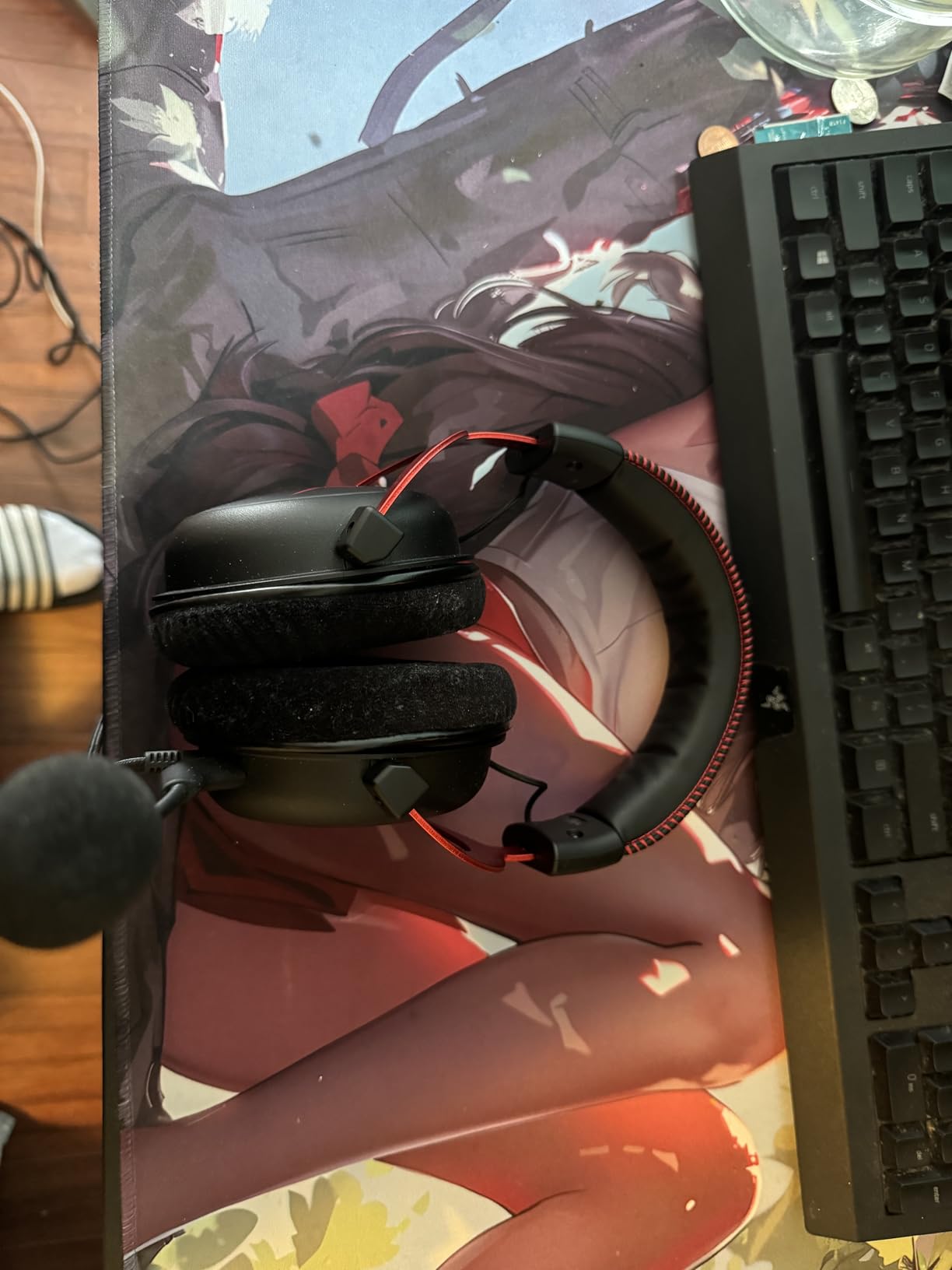
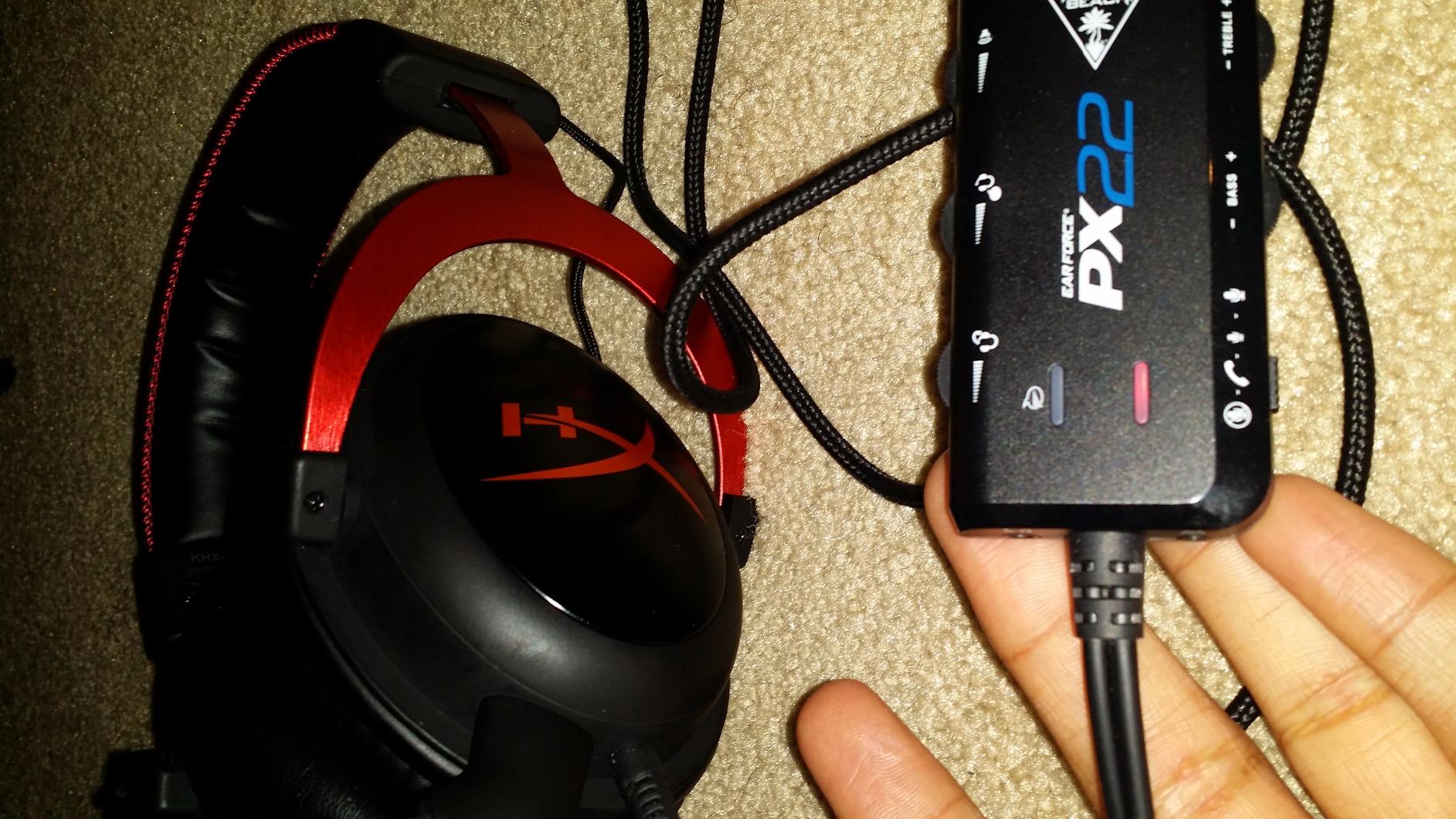
What you give up is modern convenience. It is wired, and the 7.1 virtual surround runs on PC and Mac hardware only, so PS4, Xbox One, Switch and mobile fall back to stereo. The control box is a bulky inline module that some people route under the desk, and the faux leather gets warm in summer.
For a PC player who wants positional audio and long sessions, that is a fair trade. For PS5 or Xbox Series the surround button does nothing, and the Cloud III or CloudX are the smarter buys.
Who the Cloud II suits
It suits anyone whose frames are medium thickness and who games on PC, and it is the safest single answer to the question of which gaming headset is least likely to leave a mark. The foam depth also makes it forgiving if you switch between thin metal and thick acetate frames.
It is a good first headset too, because the memory foam is the feature that matters and it is present here at a fraction of the cost of the premium options.
Who the Cloud II does not suit
It does not suit people who need to move around untethered, or who play primarily on a modern console and expect virtual surround to carry over. It also sits on the heavier side, so if you already know that any downward load on your temples bothers you, look at a lighter option further down.
2. Logitech G733 Lightspeed – Most Versatile
Logitech G733 Lightspeed Wireless Gaming Headset – White
Dual-layer memory foam
Fabric suspension band
278g
29-hour battery
Pros
- Dual-layer memory foam reduces stress points on the crown
- Suspension headband removes most side clamping
- Only 278g so the cups barely register
- Weave fabric cushions resist the cracking leatherette suffers
- 29-hour battery and 20m LIGHTSPEED range
Cons
- Detachable mic is thin and not good for streaming
- Out-of-box sound is bass-light and needs EQ
- RGB and G HUB controls are unreliable
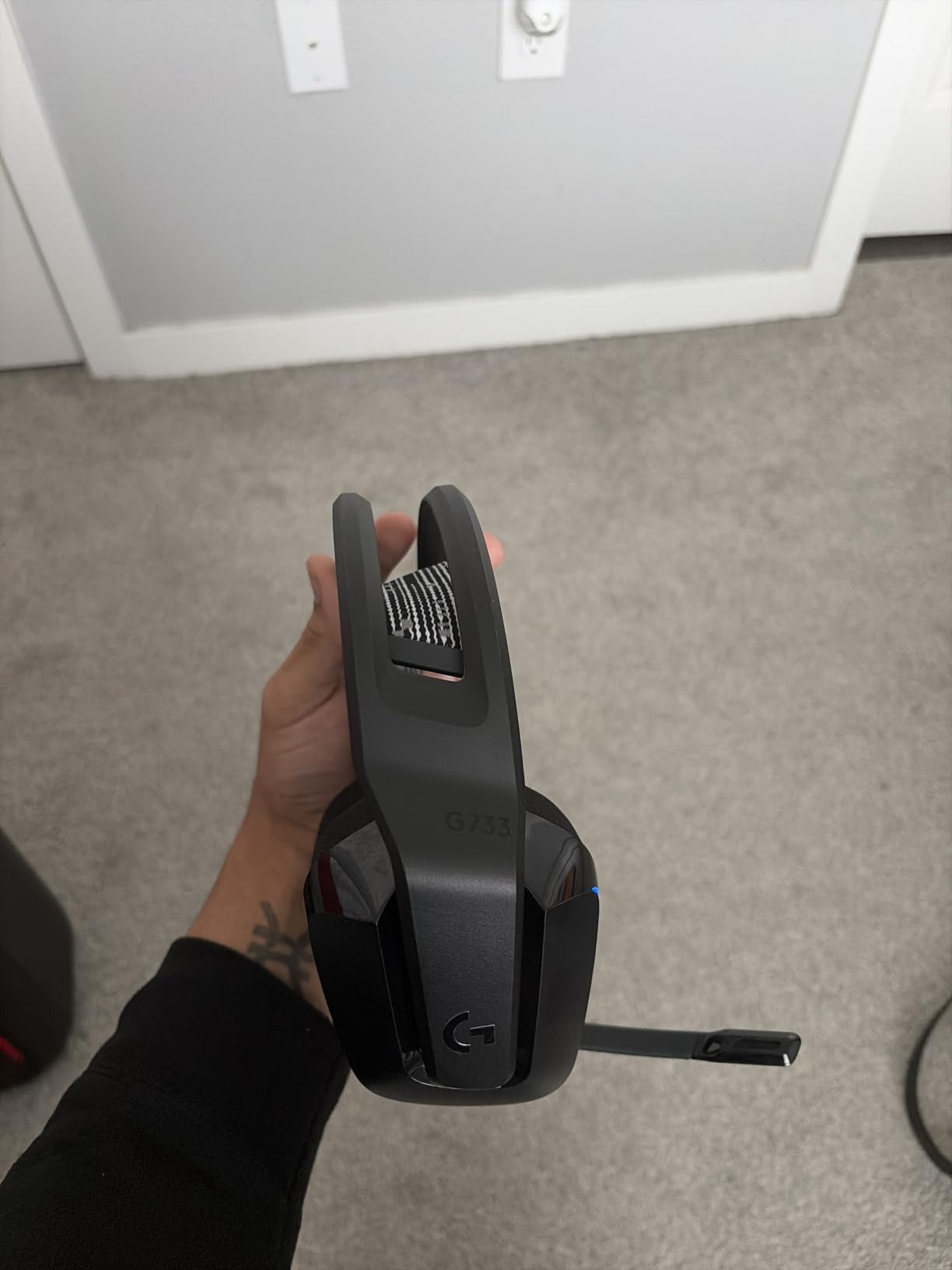
This is the only headset on the list that removes the mechanism rather than padding around it. Instead of a rigid arc squeezing inward, a fabric suspension strap carries the weight and the clamping essentially disappears, which is exactly the pressure you do not want reaching a frame arm. At 278g it is also light enough that the pads barely register as weight at all.
Forum wearers back this up. A poster on r/pcmasterrace described the cushions as by far the most comfortable they had worn with glasses, let alone without, and the same thread pairs the G733 with SteelSeries headsets as the comfortable options. The dual-layer foam conforms to the head rather than pushing against it, and the reversible headbands mean you can swap the fabric against your skin if one weave feels warmer than the other.
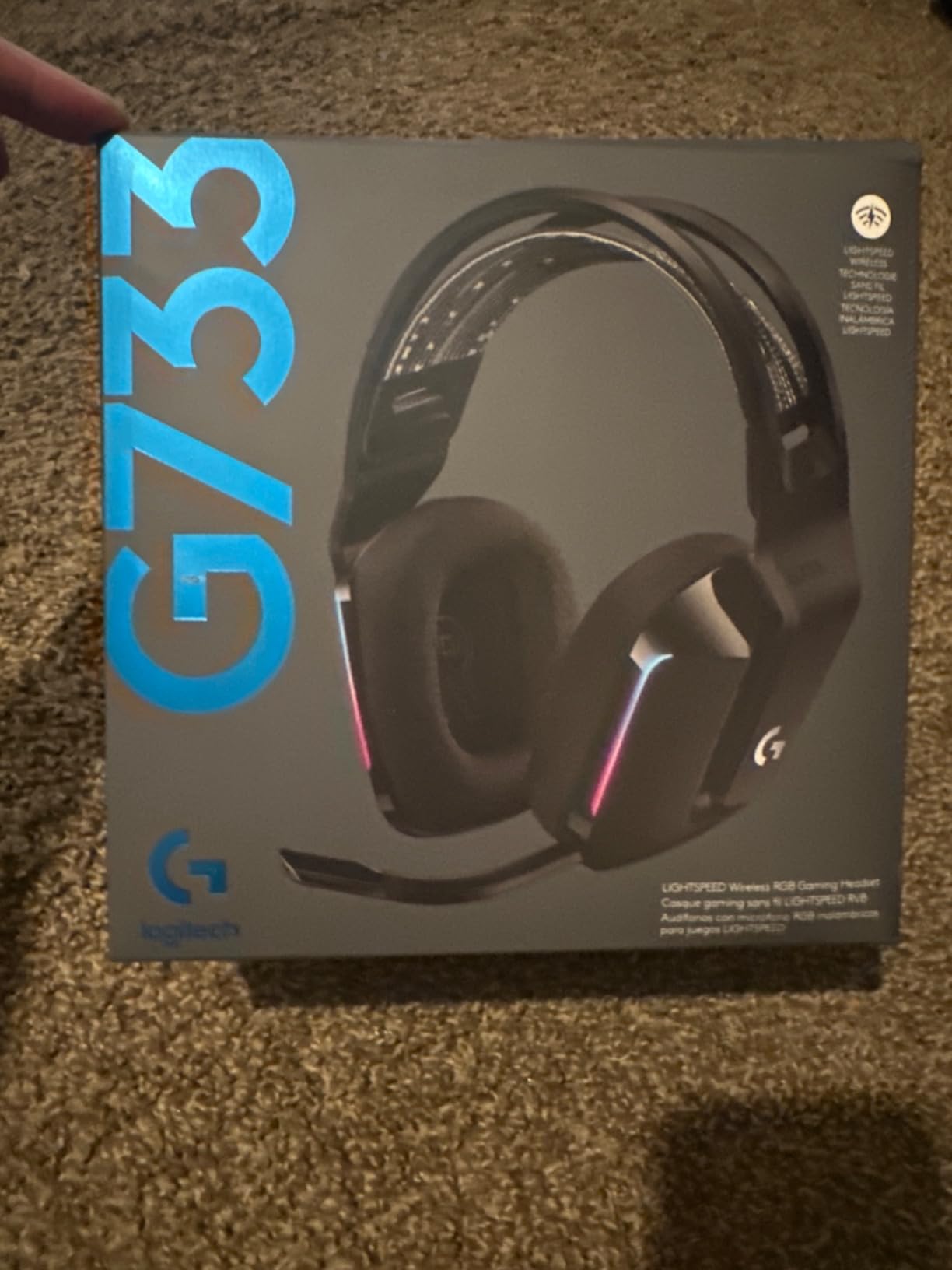
There is a real trade. The detachable microphone is compressed and thin, so it is fine for team chat and poor for streaming or recording, and the factory sound profile is bass-light enough that you will want the EQ in G HUB. Some owners also report the suspension strap losing elasticity with long-term use, and a smaller number report static that a power cycle does not clear.
Because the suspension band spreads rather than clamps, the cups also seal less tightly than a rigid-band headset. If you play competitive shooters where you rely on a strong seal for directional cues, note that the fabric cushions give up some isolation.
Who the G733 suits
It suits long-session players who have already failed with rigid headsets and want the pressure problem designed out rather than managed. It is the answer to the PAA question about the most comfortable gaming headset for glasses, and the answer holds for thin and thick frames alike.
It also suits mixed work-and-game users. The 29-hour battery, the 20m range and the ability to sit on a phone over Bluetooth make it the one headset on this list that works for calls and gaming on the same charge.
Who the G733 does not suit
It does not suit streamers or anyone recording voice, because the mic is the weakest part of the package. Nor does it suit players who want maximum passive isolation from a noisy room, since a suspension band plus fabric pads is a deliberately open design.
3. Razer Kraken – Best for Thick Acetate Frames
Razer Kraken Gaming Headset: Lightweight Aluminum Frame – Retractable Noise Isolating Microphone – for PC, PS4, PS5, Switch, Xbox One, Xbox Series X & S, Mobile – 3.5 mm Headphone Jack – Black/Blue
Oval cooling gel cushions
Bauxite aluminum frame
Retractable mic
3.5mm jack
Pros
- Oval cushions give the frame arm room to sit without lifting the cup
- Lightweight bauxite frame avoids a heavy downward pull
- Gel-infused padding limits heat build-up
- Retractable cardioid mic keeps callouts clear
- In-line volume wheel and mute switch
Cons
- 7.1 surround software only works on Windows 10 64-bit
- No volume or mute control on the earcup itself
- Gel cushions can feel warm or slick for some wearers
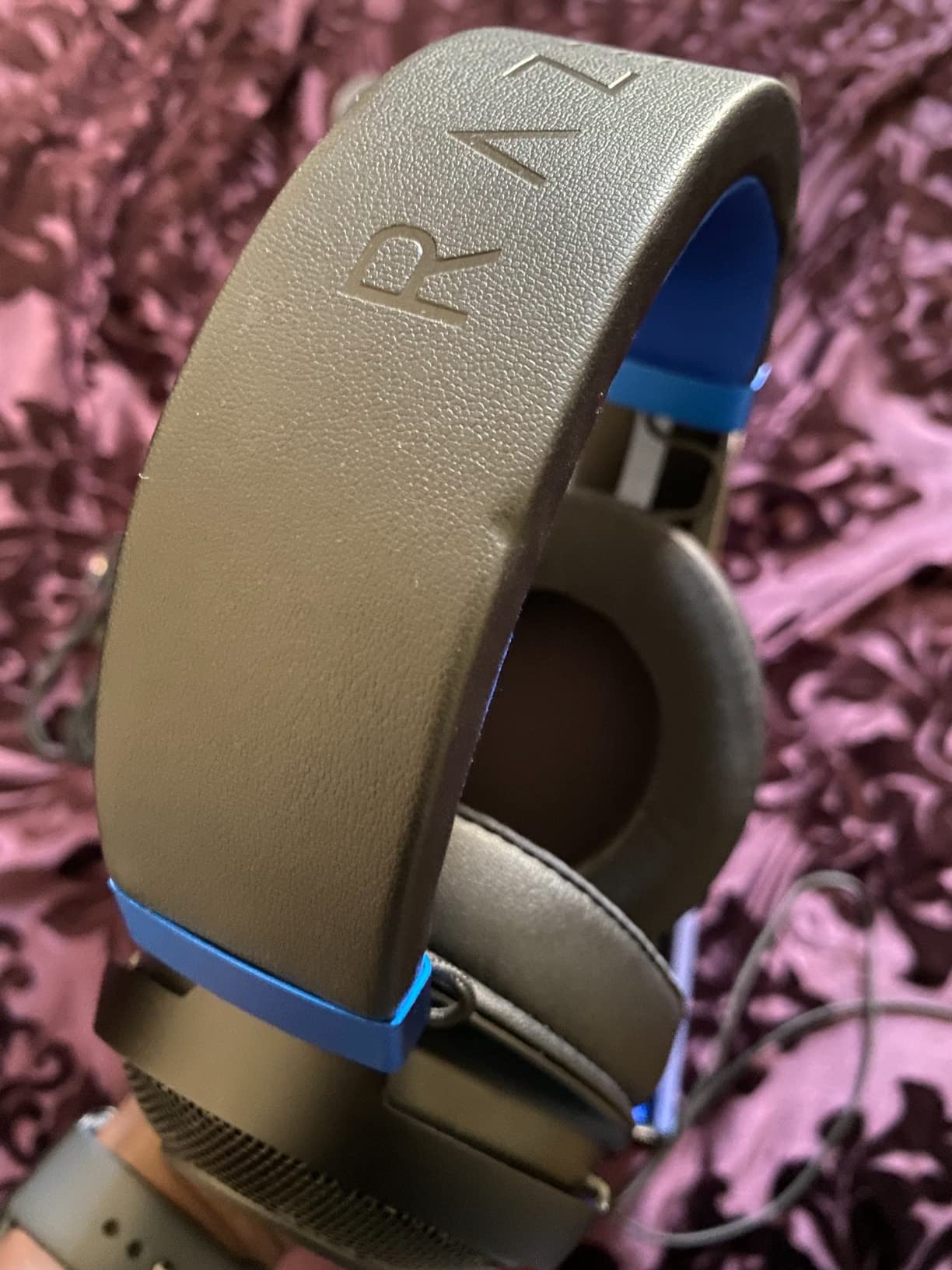
Thick acetate frames are the hard case, and the Kraken handles them better than anything else here. The oval cup shape leaves more room around the ear than a circular cup, and there is a deliberate indentation in the cushion where the frame arm rests, so the pad pushes the arm aside into a groove rather than folding over it. The gel-infused padding also stays cooler than plain leatherette, which matters once you are past hour three.
The frame itself is a featherweight bauxite aluminum arc rather than a thick plastic band, and it is flexible enough that you can spread the cups apart before putting it on and let them settle. That spreads the side pressure across a wider area, which is the whole trick. With 48531 reviews and about 76 percent five-star ratings, it is also one of the most proven console headsets on the market, and owners point at the cushions and the light frame as the reasons it avoids pressure points.
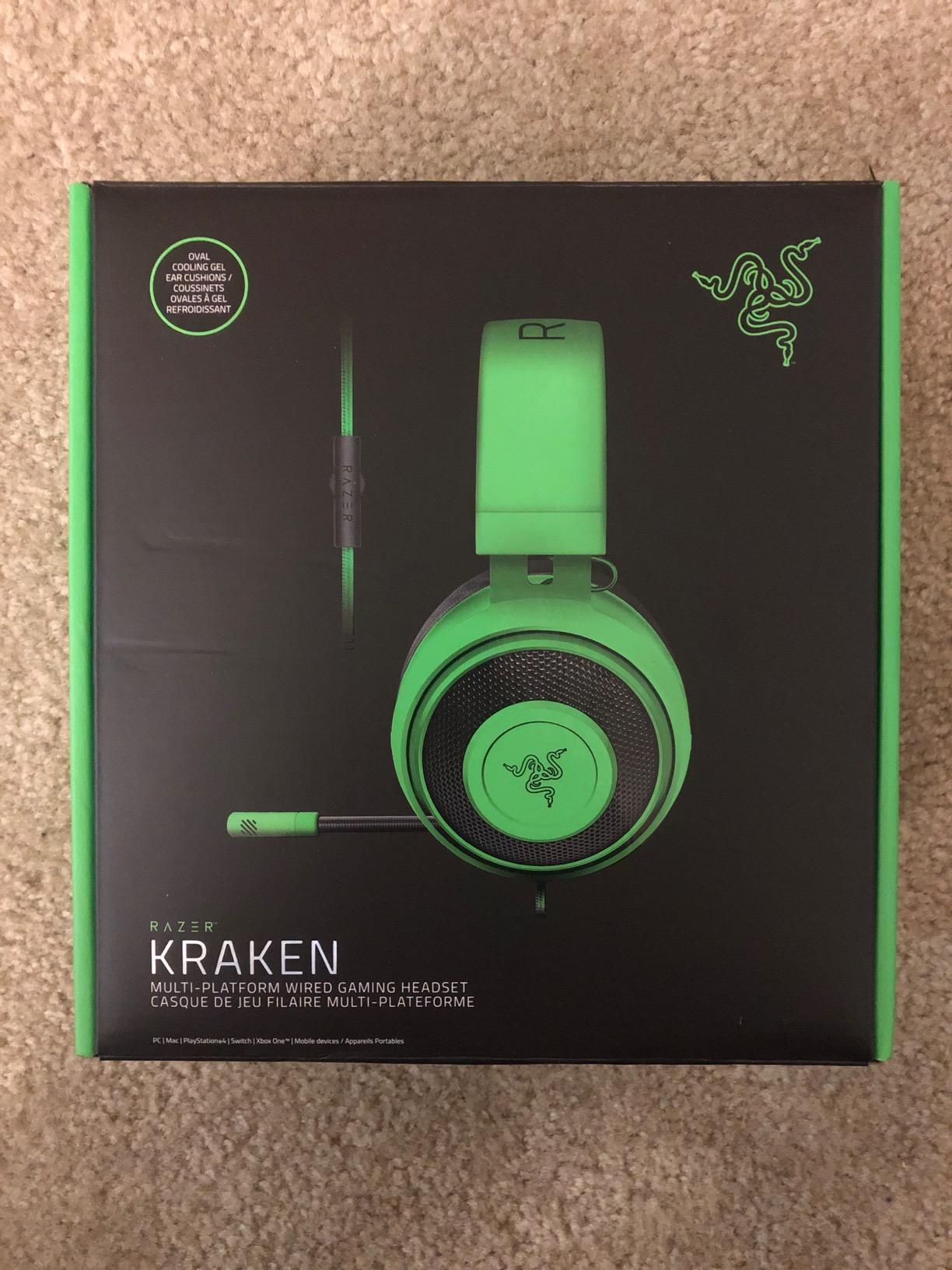
Two things to know. The surround software is Windows-only, so if you were hoping for 7.1 on a console you will get plain stereo, and there is no volume or mute control on the earcup itself, which means reaching for the inline remote. Some wearers also find the gel surface slick or warm after a long session, so it is not universally the coolest pad.
The 3.5mm jack is a genuine advantage for glasses wearers in one specific way: nothing is pulling on the headset, so nothing can drag it sideways and rotate your frames. There is no dongle tensioning one side.
Who the Kraken suits
It suits wearers of chunky, rigid acetate frames who have given up on headsets that clamp hard, and console players who do not care about surround software. The recessed eyewear channel is a real design feature rather than a marketing label, and it is visible in the cushion shape.
It also suits anyone who wants a wired 3.5mm headset that works across PC, PS5, Switch and Xbox without adapters.
Who the Kraken does not suit
It does not suit PC players who rely on virtual surround for competitive shooters, since that mode needs Windows 10 64-bit software. People who hate digging for an inline remote during a fight will also find the control layout awkward.
4. Razer BlackShark V2 X – Best Budget Pick
Razer BlackShark V2 X Gaming Headset: 7.1 Surround Sound – 50mm Drivers – Memory Foam Cushion – For PC, PS4, PS5, Switch – 3.5mm Audio Jack – Black
Only 240g
Breathable foam cushions
TriForce 50mm drivers
3.5mm jack
Pros
- Lightest build on the list at 240g
- Breathable foam cushions avoid heat and sweat
- Memory foam oval cushions seal well without a hard clamp
- Works across PC Mac PS4 PS5 and Switch on one jack
Cons
- 7.1 surround software only works on Windows 10 64-bit
- No inline volume or mute controls on the cable
- Xbox One may need a separate stereo adapter
Weight is the quiet advantage here. At 240g this is the lightest headset we tested by a wide margin, and low weight means very little downward force reaching the temple area even though the band still clamps. The memory foam oval cushions are breathable, which keeps the pad from turning into a hot spot over a long afternoon, and the closed earcups still give you a proper passive seal.
That combination is why it lands with 27137 reviews and a 4.4 rating, with reviewers repeatedly pointing at the light weight and breathable foam as unusually comfortable for what it costs. Around 73 percent of ratings are five-star, and the complaints that do appear are about software and controls rather than comfort.
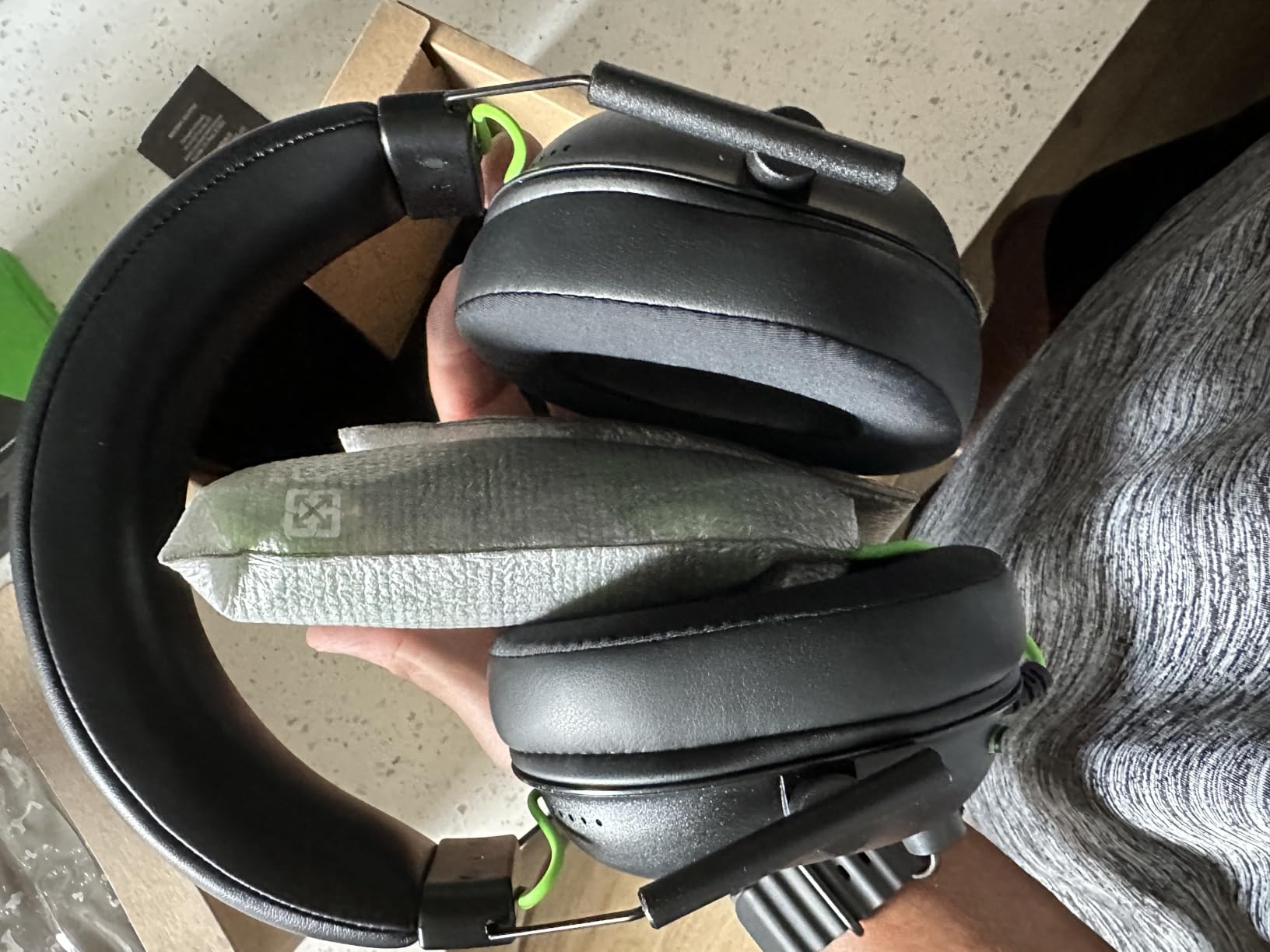
The trade-offs are honest but small. There is no inline remote on the cable, so volume and mute live on your keyboard or your console menu. The surround mode again needs Windows 10 64-bit software, and Xbox One may need a separately purchased stereo adapter. The TriForce titanium 50mm drivers sound clear with punchy lows, though they are not a substitute for the larger drivers in the picks above.
What matters for this topic is that the headband pressure is low by design rather than by luck. A light frame simply does not push down as hard, and that is the whole game when frames are involved.
Who the BlackShark V2 X suits
It suits players who wear thick frames and are on a tight budget, because a low weight plus deep foam is the exact recipe for low temple pressure. It is also the safest first purchase for anyone whose frame shape is unusual, since a lighter headset forgives a bad fit more than a heavy one does.
Multi-platform buyers do well here too, since one 3.5mm connection covers PC, Mac, PS4, PS5 and Switch.
Who the BlackShark V2 X does not suit
It does not suit people who need to adjust volume or mute mid-match without leaving the game, since there is no inline control. Anyone on Xbox One should check whether they already own a stereo adapter before committing.
5. HyperX Cloud III – Best for PS5 and PC
HyperX Cloud III – Wired Gaming Headset, PC, PS5, Xbox Series X|S, Angled 53mm Drivers, Spatial Audio, Memory Foam, Durable Frame, Ultra-Clear 10mm Mic, USB-C, USB-A, 3.5mm – Black
Memory foam cushions
Angled 53mm drivers
Detachable 10mm mic
308g
Pros
- Memory foam cushions and padded band built for marathon sessions
- Angled 53mm drivers tuned by HyperX for gaming detail
- Detachable noise-cancelling 10mm mic with mesh filter
- USB-C USB-A and 3.5mm cables all included
- Flexible aluminum frame survives travel
Cons
- Heaviest Cloud build at 308g over very long sessions
- Wired only on this variant
- DTS spatial audio needs software activation on PC
The Cloud III is the current version of the formula that made the Cloud II work, and it improves the parts that were dated. The detachable 10mm mic is a real upgrade with a mesh filter and an LED mute indicator, so you know at a glance whether you are live, and the angled 53mm drivers are tuned specifically for the dynamics of games rather than for music.
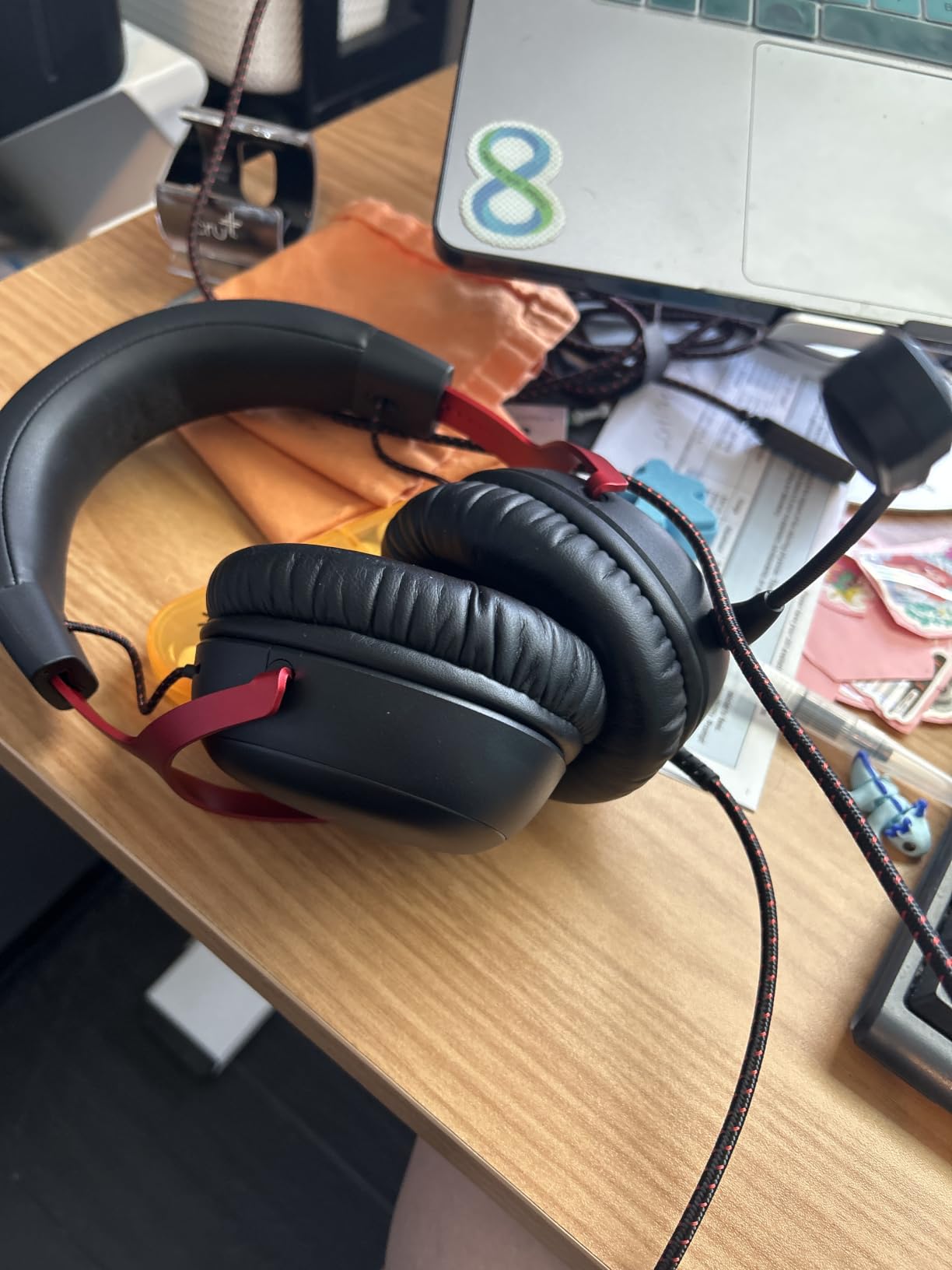
For glasses wearers the cushioning story is unchanged and still the best part of the package. Reviewers focus on the memory foam and the padded headband, with 12726 reviews and 71 percent five-star ratings, and the comfort verdict matches what the Cloud II established. Including USB-C, USB-A and 3.5mm cables means the same headset covers a modern console and a laptop without hunting for the right lead.
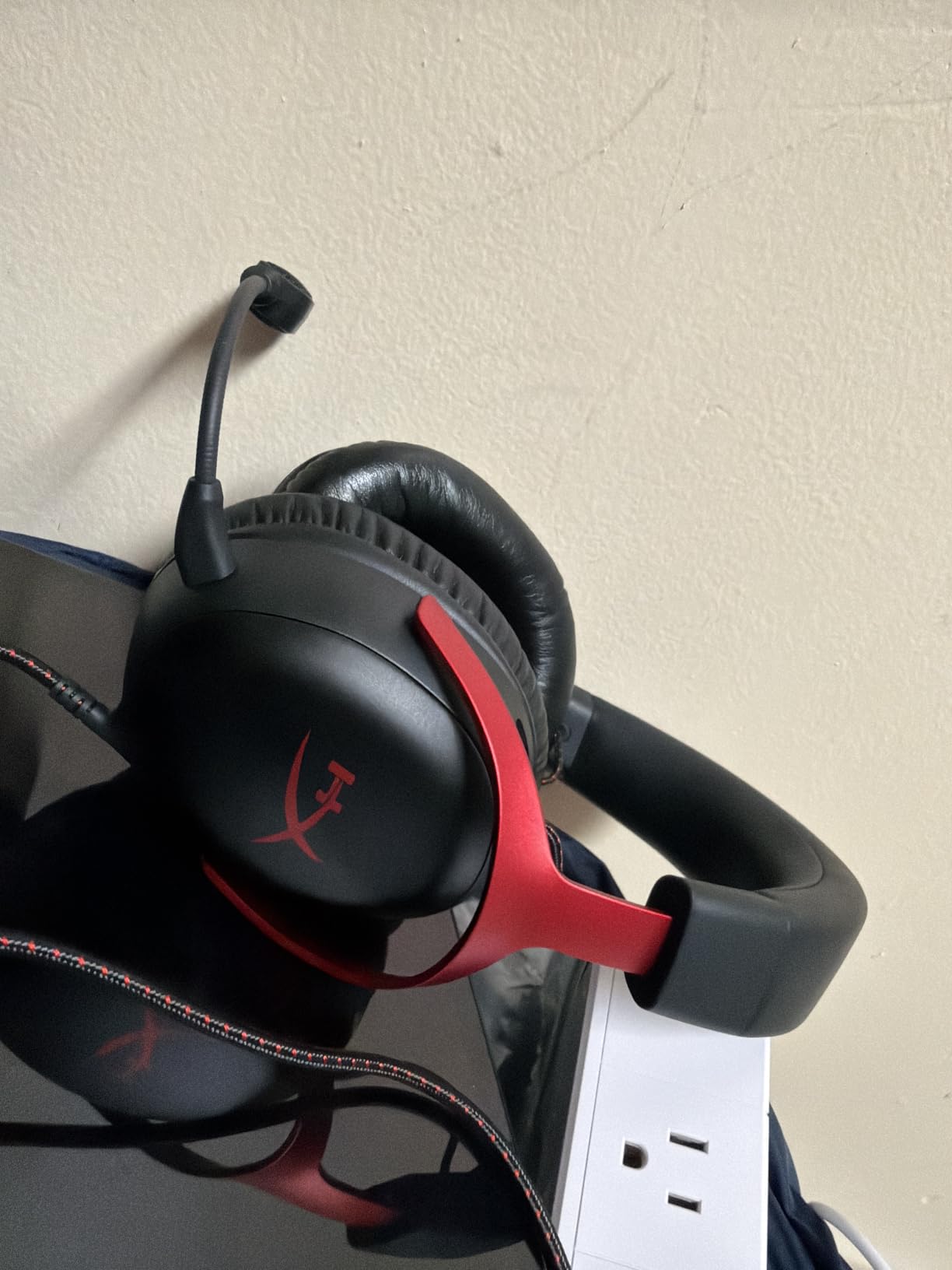
Where it loses ground is weight. At 308g this is the heaviest of the HyperX models here, and that downward load is exactly the factor that pushes into temples. Over a two-hour session it was fine; if you know you are sensitive to any weight on your frames, the Cloud II or the Razer option is the safer call.
It is also wired only on this variant, so there is no Bluetooth for phone use, and the DTS spatial audio needs a software activation on PC rather than running in hardware like the Cloud II.
Who the Cloud III suits
It suits PS5 and PC players who want a current-generation HyperX with a better microphone than the older model, and who play sessions long enough that cushion depth matters more than weight. The included cable set removes the adapter guesswork entirely.
It is also a sensible pick for anyone switching between work calls and gaming, since the detachable mic means you can leave it off and use the headset as plain headphones.
Who the Cloud III does not suit
It does not suit the most weight-sensitive wearers in this group, and anyone who needs wireless or Bluetooth audio on this particular model. Competitive players should note the spatial audio is PC-only software, so console users get stereo.
6. Turtle Beach Stealth 600 Wireless – Best Wireless Headset for Glasses
Turtle Beach Stealth 600 Wireless Gaming Headset for Xbox, PS5, PC, Mobile
Glasses-friendly memory foam
320g
80-hour battery
2.4GHz and Bluetooth
Pros
- Memory foam cushions built with a glasses-friendly design
- 80-hour battery verified by users running 25-hour stretches
- Flip-to-mute mic with AI noise reduction
- Works across Xbox PS5 PC and mobile
- QuickSwitch moves between 2.4GHz and Bluetooth
Cons
- Cannot mix game and chat sources at the same time
- Swarm II software reported as buggy by some users
- All-plastic build feels less premium than metal frames
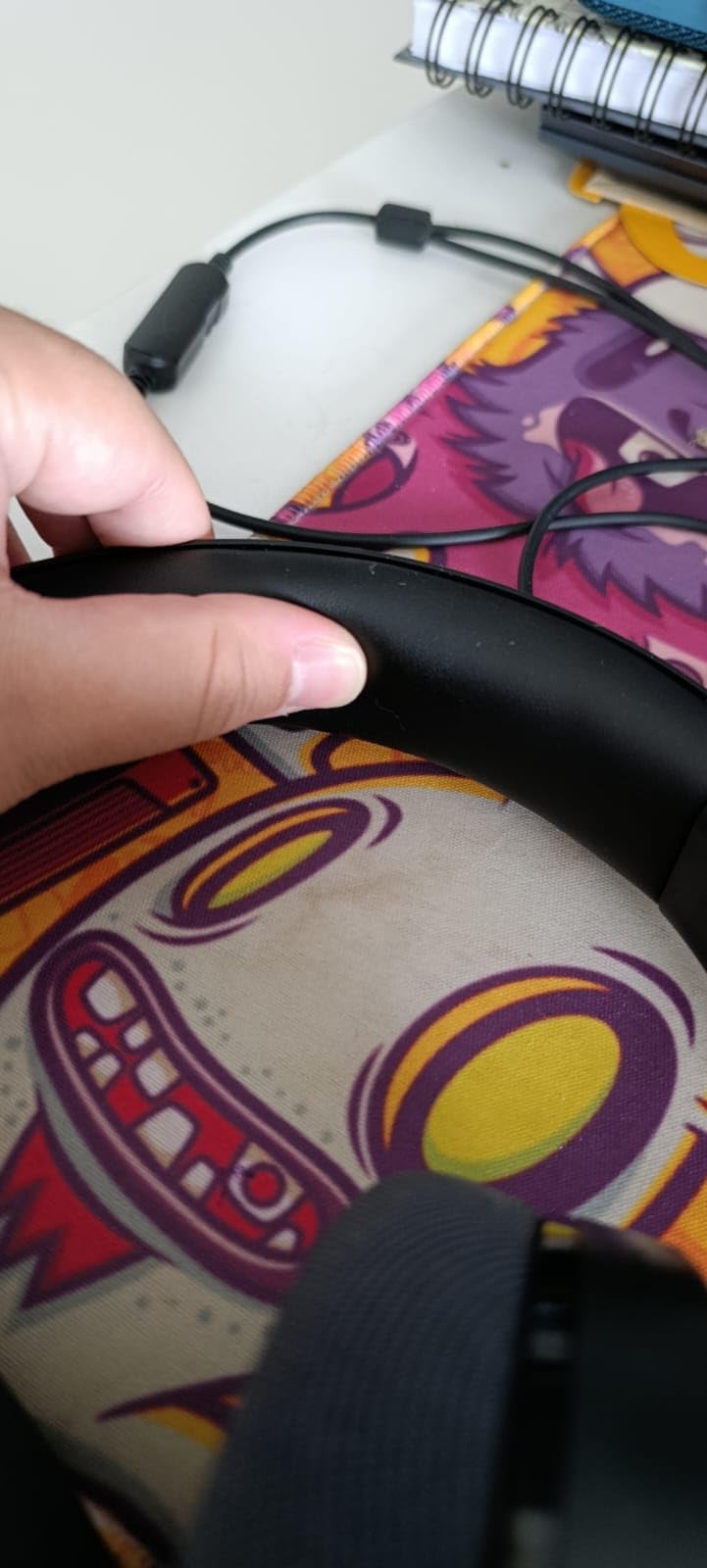
This is the only pick on the list where glasses comfort is a named product feature rather than a side effect of good padding. Turtle Beach builds the memory foam with a pressure-relief section cut into the cushion where the frame arm sits, and it is the only headset here where we could see the intended design in the pad profile. Reviewers call out exactly that feature as the standout for wearers who feel temple pressure, which is why it earns the wireless slot.
At 320g it is not the lightest, and there is no suspension band, so some downward pressure does reach the temples. What rescues it is pad depth and the relief cut, and the fact that at 80 hours of battery life you can physically game for a week before the headset becomes a reason to take it off. Users report running 25 hours continuously without a charge.
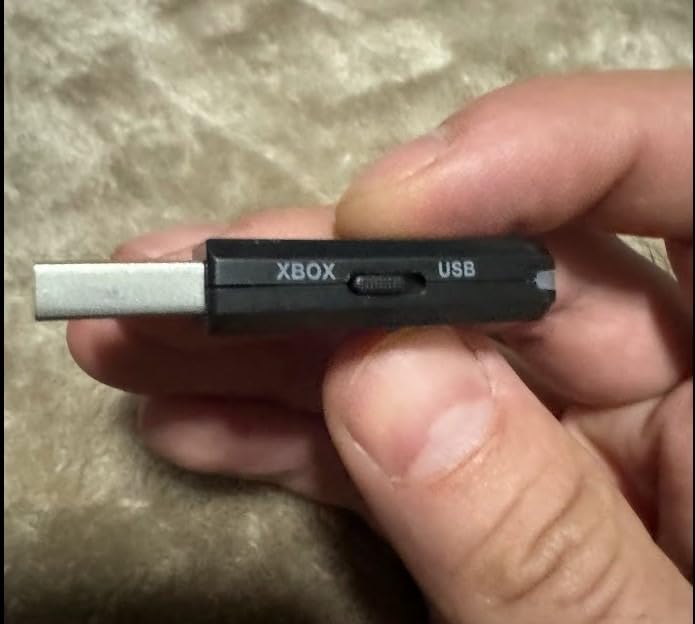
The real limitation is audio routing. You choose 2.4GHz or Bluetooth, and you cannot hear game audio and chat from two sources at the same time, which matters if you play on console while joining a call on your phone. The Swarm II app is reported as buggy by some users, and the plastic build does not feel like the aluminum frames above it.
One more practical note: for larger heads the earcup extension has to be fully extended before you get a proper seal. Half-extended cups leave a gap, and a poor seal changes both isolation and how the pads sit against your frames.
Who the Stealth 600 suits
It suits wireless-first players on Xbox or PS5 who wear glasses daily and want a feature designed for their temples rather than an accident of cushion thickness. It also suits anyone tired of a headset cable dragging one side of their frames down over a long evening.
Travel and offline listening are strong suits too, since the Bluetooth side handles a phone and the battery removes charging from the routine.
Who the Stealth 600 does not suit
It does not suit players who need simultaneous game and chat audio, and people who mind a plastic chassis in a build that costs close to the metal-framed options. It is also not the first place to look if total weight is your main trigger, since 320g is near the top of this group.
7. HyperX CloudX – Best for Xbox Series
HyperX CloudX, Official Xbox Licensed Gaming Headset, Compatible with Xbox One and Series X|S, Memory Foam Ear Cushions, Detachable Noise-Cancelling Mic, in-line Audio Controls,Black/ Silver
Memory foam cushions
Xbox licensed
297g
In-line controls
Pros
- Memory foam cushions with signature HyperX padding
- Official Xbox licensing tested with Xbox One and Series controllers
- In-line volume and mic mute avoid console menu diving
- Braided cable built to withstand daily use
- 297g build with an aluminum frame
Cons
- Wired only with a 3.5mm jack
- Circular earcups suit larger ears less well
- No wireless or Bluetooth at all
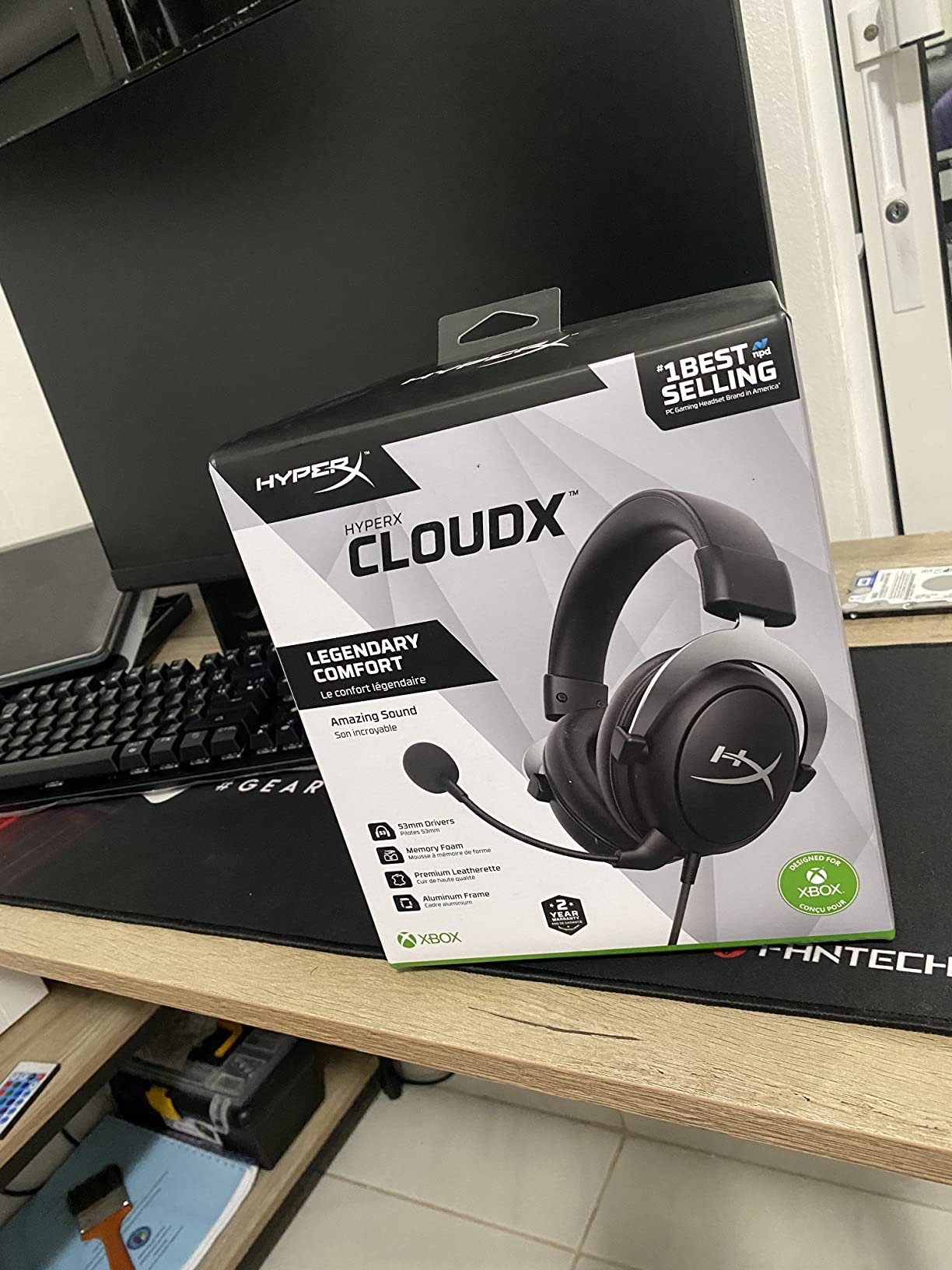
For an Xbox player this is the safe choice, and the reason is licensing. It was tested by Microsoft and works with Xbox One and Series X|S controllers through the 3.5mm jack, so there is no adapter to buy and no setting to hunt for. The memory foam cushions carry the same comfortable padding as the rest of the Cloud family, which is the feature that matters for frames.
The in-line controls are the detail we appreciated most. Being able to change volume or mute without backing out to a console menu means you are not moving your head around and shifting your frames mid-match. The braided cable is also genuinely tougher than the flat PVC on most rivals, and it is flexible enough to allow movement.
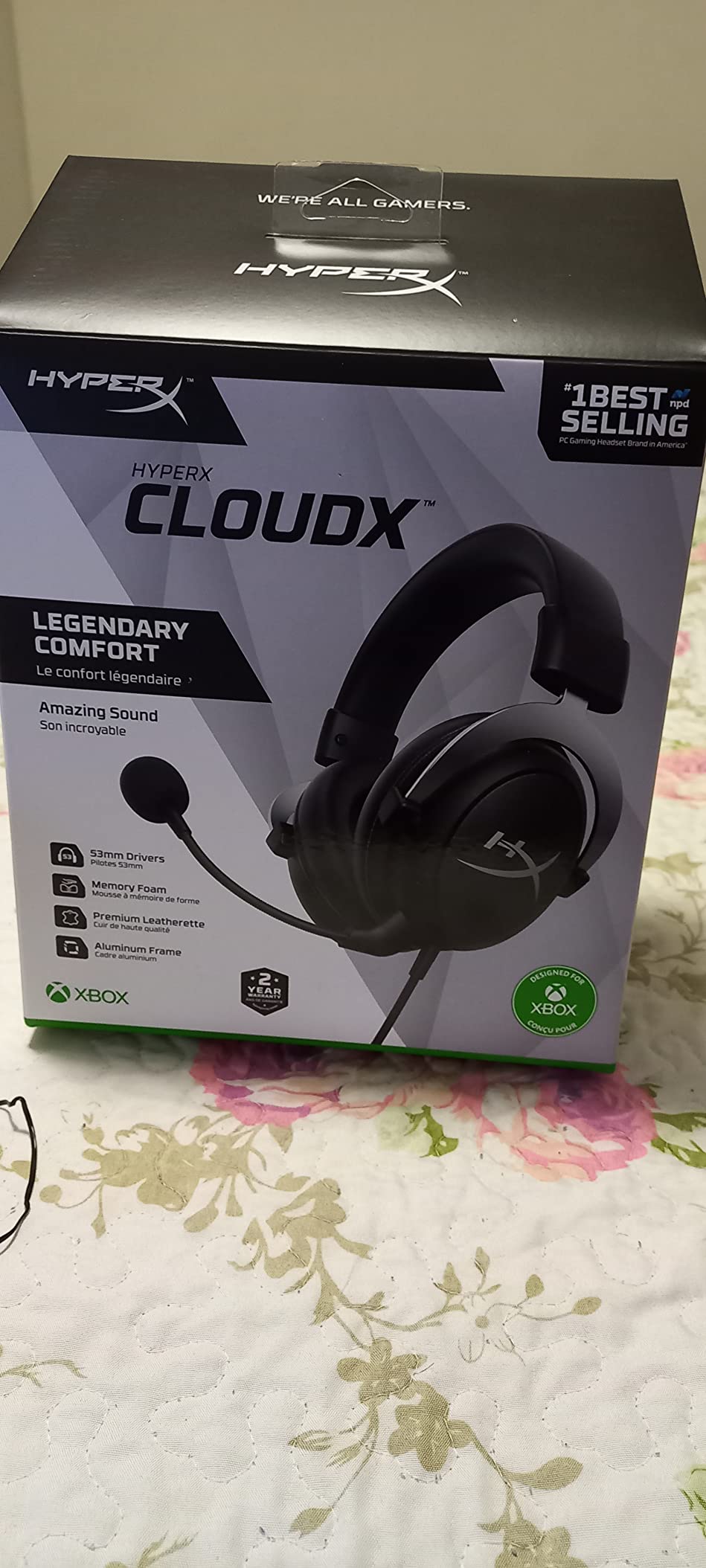
The cushion shape is the compromise. These are circular earcups, and circles are less accommodating than ovals or the wide cups on the Nova and the Kraken, particularly for larger ears. That matters for glasses wearers in a specific way: a smaller cup has to clamp harder to seal, so the same frame arm ends up with more force on it.
At 297g it is also on the heavier side, and there is no wireless or Bluetooth option at all. With 7257 reviews and 74 percent five-star ratings, owners mostly rate it on cushioning, cable durability and the convenience of the in-line controls.
Who the CloudX suits
It suits Xbox Series and Xbox One players who want an officially licensed headset that connects to the controller with no adapter and no setup. It suits anyone who games on console only and has no interest in tuning software.
It is also a reasonable second headset for a player who splits time between PC and console, since the 3.5mm jack works anywhere.
Who the CloudX does not suit
It does not suit wearers with large ears or wide heads, because the circular cups are the tightest here. It also cannot be used wirelessly, so anyone who wants to move around their room untethered should look at the Stealth 600 instead.
8. SteelSeries Arctis Nova 5 Wireless – Best for Switch and Mobile
SteelSeries Arctis Nova 5 Wireless Multi-System Gaming Headset – Black
Memory foam at 280g
Retractable ClearCast 2.X mic
60-hour battery
2.4GHz and Bluetooth 5.3
Pros
- Memory foam cushions in a light 280g aluminum and foam build
- Retractable ClearCast Gen2.X mic disappears when unused
- 60-hour battery with 6 hours from a 15-minute charge
- Quick-switch between 2.4GHz and Bluetooth 5.3
- On-ear power mute and volume controls
Cons
- Lowest average rating in this group at 4.2 with a 10 percent one-star share
- Round earcups suit some head shapes less well
- Presets depend on the companion app rather than onboard storage
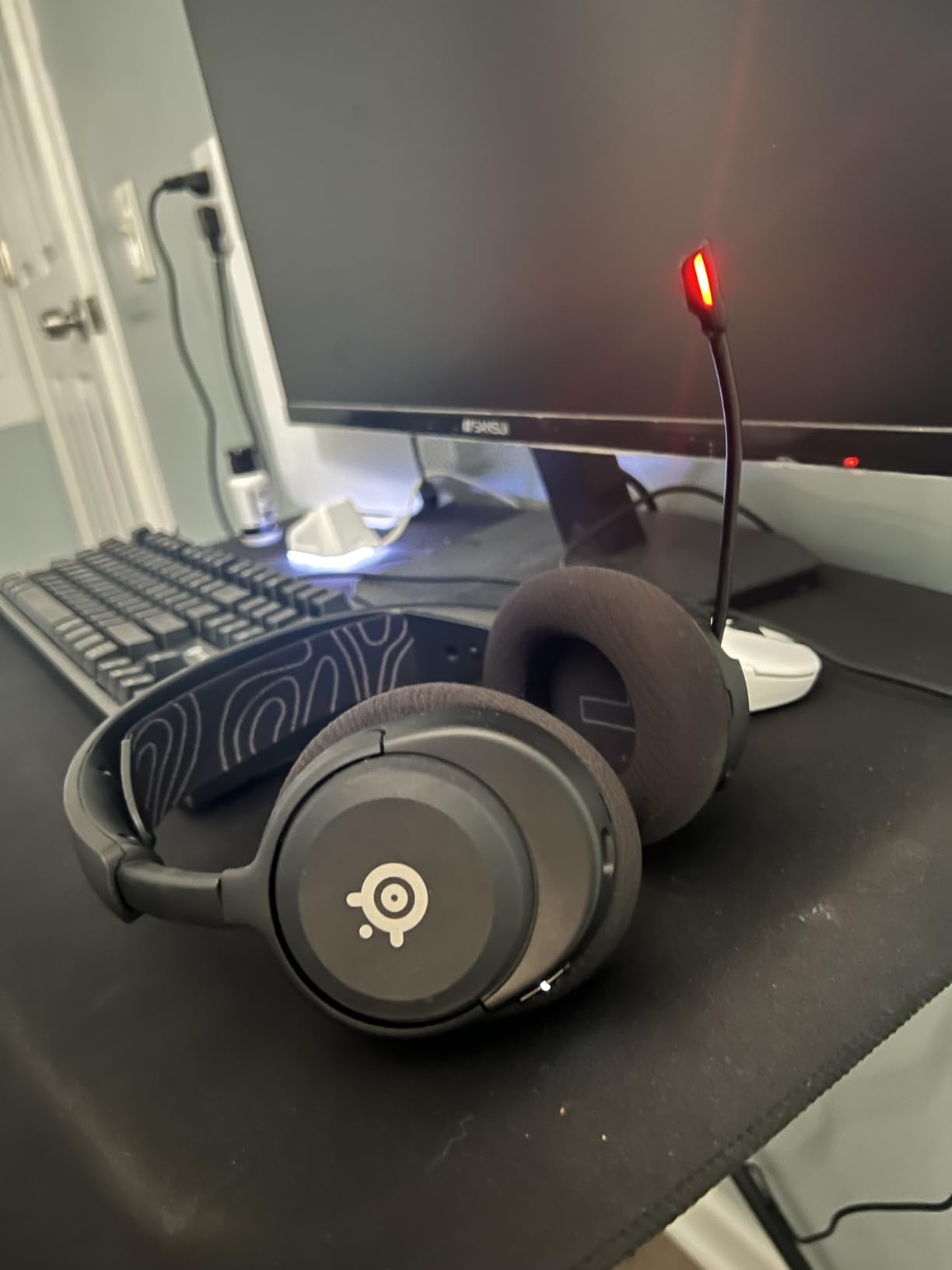
The Nova 5 is the newest model here and the least reviewed, with 1494 ratings, so treat the consensus as thinner. What we can say is that the physical design is sensible for frames. At 280g it is second lightest in this group, the build mixes aluminum and memory foam, and the pads sit deep without a rigid aggressive clamp. The 100-plus game audio presets and neodymium drivers are a bonus rather than the reason to buy it for comfort.
Its real edge is the retractable ClearCast Gen2.X mic, which pulls fully into the earcup and disappears, and the multi-platform USB-C dongle that covers PC, PlayStation, Switch, Meta Quest, phones and tablets. With 60 hours of battery and a fast charge giving six hours from fifteen minutes, it is built for people whose gaming moves between devices.
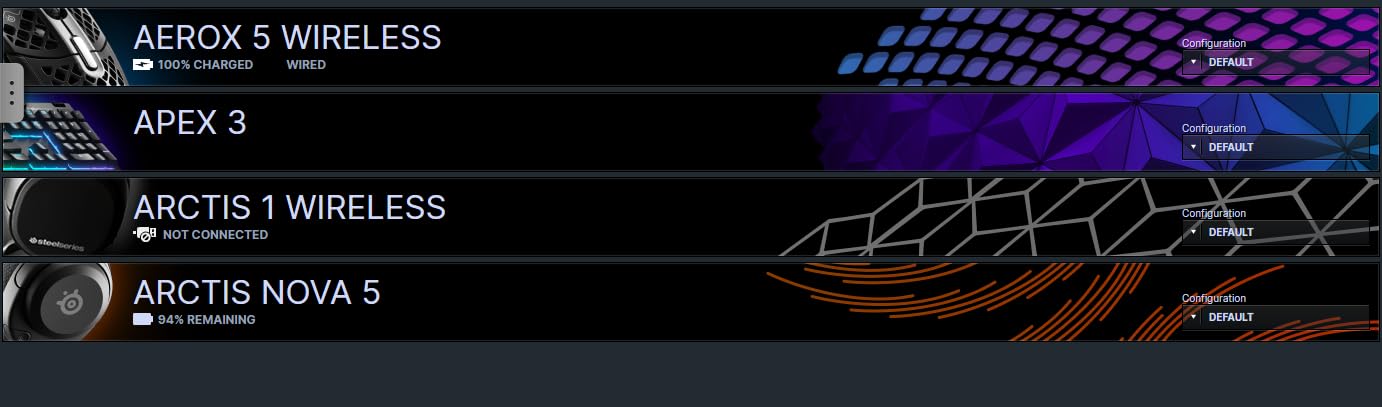
The rating is the warning. At 4.2 with a 10 percent one-star share, this is the weakest consensus on the list, and the complaints cluster around fit rather than features. Round earcups and a frame that does not adjust much mean some head shapes sit worse than others, and when a cup does not sit square the pressure lands off-centre on the frame arm.
The presets also live in the companion app rather than on the headset, so you are dependent on software to get the sound you bought it for. With 68 percent five-star ratings, the owners who have it mostly like the mic and the battery, and the detractors are mostly talking about fit.
Who the Nova 5 suits
It suits Switch and mobile players who also game on PC or PlayStation and want one headset for all of it. The retractable mic and the on-ear controls suit players who want a clean-looking headset that is not wearing a boom arm in a screenshot.
It is also a good fit for anyone who wants a wireless headset with a genuinely high battery ceiling and a USB-C dongle that works across platforms.
Who the Nova 5 does not suit
It does not suit anyone who has not found a comfortable fit in the round cup shape, and buyers who want a large body of owner feedback to lean on. If frame pressure has been painful before, this is the one on the list where we would want you to try it in person.
What to Look for in a Glasses-Friendly Gaming Headset
Over-ear, or circumaural, design is the starting point and it is not negotiable. An on-ear headset rests on your ear, which means it rests directly on the arm of your glasses, and that is the single most rejected design in the forums for this topic. Every pick here fully surrounds the ear so the pad contacts the frame arm rather than the ear itself.
Beyond that, five criteria decide whether a headset works for you.
Cushion depth and material. Look for deep memory foam, and treat leatherette with suspicion. Leatherette is the most common comfort complaint in owner reviews, and fabric, weave or velour pads are what wearers recommend instead. Two of the picks here ship with fabric cushions for exactly that reason.
Clamping force. Rigid bands clamp harder. Suspension-style headbands spread the load and reduce the inward squeeze, which is the difference between the G733 and most headsets on this list.
Weight under 300g. Heavy headsets push down through the cushions onto the same temple area. Four picks here come in between 240g and 297g.
Cup size and shape. Oval or wide cups leave room for a thick frame to sit without the pad folding over it. Round and small cups force a harder clamp to seal, which is the issue with the CloudX and the Nova 5.
A dedicated relief channel. Some headsets cut an intentional groove into the cushion where the frame arm sits. Turtle Beach markets this directly and the Razer Kraken has the indentation built into the pad. Treat brand claims with some caution, because the cut is sometimes too shallow to matter, but it is a real signal when the geometry is visibly deep.
Two frame types need different answers. Thick acetate frames have more bulk to absorb and less willingness to flex, so they want the deepest cushions and the softest clamps, which is why the Kraken and the G733 come out on top for them. Thin metal frames sit close to the skull and flex slightly, so they tolerate a wider range of headsets and can get away with less padding.
If over-ear never works for you, gaming earbuds are the honest escape hatch. There is zero pressure on the frame because nothing goes over your ear at all. The cost is real: no passive isolation, a microphone that is built into the bud rather than a boom arm, and less of the deep bass that makes positional cues readable in shooters. We keep a separate look at wireless gaming headsets if you want the trade-offs laid out in more detail.
How to Wear a Gaming Headset with Glasses
These steps work with any headset, including ones already on your desk.
Set the headband as loose as you can tolerate. Most headsets arrive tight because that is how they ship on a shelf. Loosen it two clicks, put the headset on, then tighten only until the cups stop moving.
Put the headset on before your glasses, then slide your temples back under the pads. This lets the frame arm sit inside the cushion rather than on top of it, and it is the single change that helps most people most.
Pull the pads down and away from your ears so the frame arm drops into the deepest part of the cushion, then release the pads so the foam closes around it.
Break the headband in before a long session. Wear the headset for 20 to 30 minutes daily for a week, or stretch it over a stack of books overnight. New bands are stiff and the stiffness is what bites.
If the frame still gets pushed out of position, swap the cushions. Fabric or velour replacements are inexpensive and they change the feel more than any other single fix, because the pad surface and depth are doing the work. Brands also make gaming glasses with thin flexible temples specifically for use under a headset.
If pressure keeps building after all that, the honest conclusion is that the headset is too small or too rigid for your head, not that you are doing it wrong. Buying a lighter, deeper-cushioned model is faster than any adjustment.
Frequently Asked Questions
What type of headphones are best for glasses wearers?
Over-ear or circumaural headsets are the best type for glasses wearers, because the cup surrounds the ear and the cushion presses against the side of your head rather than onto the frame arm itself. On-ear headsets sit directly on the ear and therefore directly on the temples, which is why they are widely rejected. Within over-ear designs, deep memory foam or fabric cushions matter more than driver size, and lighter builds under 300g reduce the downward pressure that causes headaches over long sessions.
What is the most comfortable gaming headset for glasses wearers?
The Logitech G733 Lightspeed is the most comfortable gaming headset for glasses wearers because its fabric suspension headband removes almost all of the inward clamping that reaches a frame arm, and its dual-layer memory foam cushions are 278g of total weight. The HyperX Cloud II is the strongest all-round alternative, with deep memory foam cushions and the highest volume of owner feedback on this list at 69183 reviews.
How to wear glasses with a gaming headset?
Put the headset on first, then slide your glasses temples back under the ear cushions so the frame arm sits inside the foam rather than on top of it. Loosen the headband as far as you can before tightening it just enough to stop the cups moving. Pull the pads away from your ears first, then release them so the foam closes around the arm. If the frame still slips, thinner temples or a cushion swap solve it.
What are the best PS5 headphones for wearing glasses?
The HyperX Cloud III is our pick for PS5 players who wear glasses, with memory foam cushions, a padded headband and USB-C, USB-A and 3.5mm cables in the box so it connects without an adapter. Its detachable noise-cancelling mic includes an LED mute indicator, which is useful in party chat. The Razer Kraken is the better choice for thick acetate frames because its oval cushions and indented eyewear channel swallow the arm more completely.
What is the best gaming headset that doesn’t hurt my ears?
The best gaming headset that does not hurt your ears is one that is light, deep-cushioned and lightly clamping. The Razer BlackShark V2 X at 240g and the Logitech G733 at 278g both put very little downward load on the temple, and the G733’s suspension headband removes the side squeeze entirely. Avoid on-ear designs, which rest on the ear and on the frame arm at the same time, and be cautious with shallow leatherette pads.
How to stop headphones hurting ears with glasses?
Extend the headband as far as you can and tighten only enough to hold the cups in place, because clamping force is what pushes the frame arm into your temple. Deepen the contact by placing the headset on before your glasses and sliding the temples under the cushions. Break the band in over several short sessions, and consider fabric or velour cushion replacements, which change the pad surface and depth more than any other single fix.
Conclusion
The HyperX Cloud II is the best gaming headset for glasses wearers overall, because deep memory foam cushions and a padded headband do the one job that matters: they absorb the frame arm instead of pressing it into your temple. It also carries by far the most owner feedback at 69183 reviews, which matters when the deciding factor is something as individual as a frame shape.
If pressure is your main problem rather than pad depth, the Logitech G733 removes the clamping mechanism altogether with its suspension headband. Thick acetate frames point to the Razer Kraken and its indented eyewear channel, the lowest weight on any budget goes to the BlackShark V2 X at 240g, and wireless players should look at the Turtle Beach Stealth 600 with its purpose-built relief cushion.
Whichever you choose, give the headband a week to break in before you judge it. If you play on the move as well as at a desk, our budget gaming laptop picks cover the hardware side. Check the latest price on any of these before you commit, and update your frames if a pair built for gaming glasses ever occurs to you.