
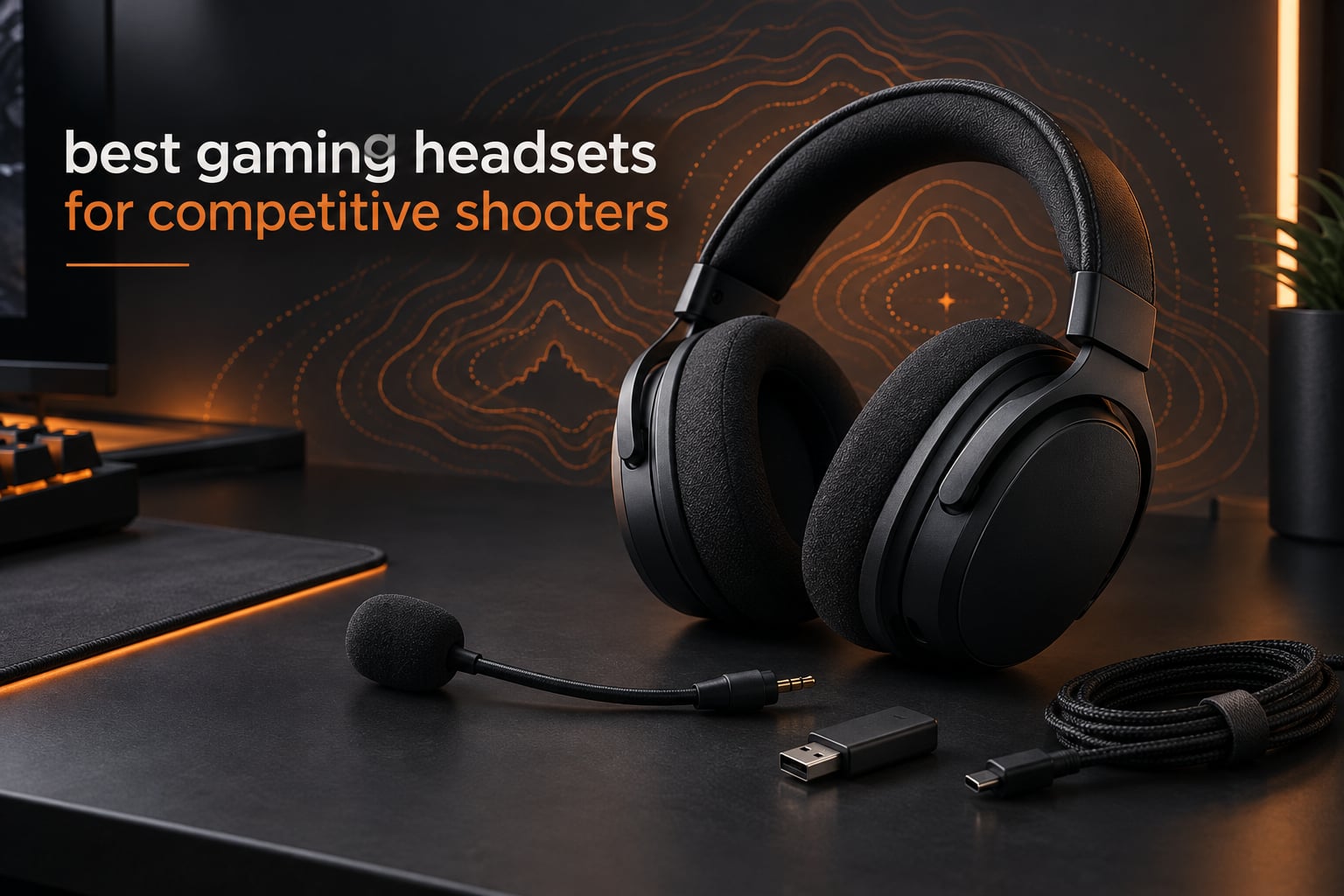
If you play Counter-Strike 2, Valorant, Apex Legends or Rainbow Six Siege and you turn up the volume because you still cannot tell which side a footstep came from, the headset is the problem. Not your aim, not your sensitivity. Tuning, driver design and connection type decide whether a directional cue lands as a pinpoint or a smear.
That is why this roundup of the best gaming headsets for competitive shooters is deliberately narrow. Every headset here was judged on the four things shooter players actually feel: how cleanly footsteps separate from gunfire, whether the connection adds lag you can notice, whether the frame survives a five-hour ranked session, and whether the microphone is good enough for team comms at the moment it matters.
We left out general-purpose headsets tuned for cinematic bass and music, because boosted low end and heavy virtual surround processing are exactly what blur the high-frequency cues you rely on. Every pick below works across PC and console, and most use a wired connection so there is no wireless lag to argue about at all.
We have updated this list for 2026 and rewrote the notes after going back through owner feedback on all ten models. Our wider headset coverage sits on our general best gaming headsets guide, and the wireless-only picks are collected on our wireless gaming headsets page.
Table of Contents
- Top 3 Best Gaming Headsets for Competitive Shooters (October 2026)
- All 10 Headsets Compared in 2026
- 1. HyperX Cloud II – Hardware Surround That Actually Places Footsteps
- 2. Razer BlackShark V2 X – Lightest Pick With Real Positional Audio
- 3. Turtle Beach Recon 50 – The Cheapest Way to Test Whether Headset Audio Helps You
- 4. HyperX Cloud III – Best All-Rounder for Console and PC
- 5. BENGOO G9000 – Wide Platform Support at the Entry Level
- 6. NUBWO G06 – The Only Wireless Pick Here, and the Only One With a Published Latency Figure
- NUBWO Wireless Gaming Headset with Mic for Ps5 Ps4 PC, Zero Interference, 100-Hour Battery All-Day Play, 23ms Sync for Fortnite & Call of Duty/FPS Gamers, Triple Mode All Devices Compatible – Orange
- Is 23ms wireless latency noticeable in a competitive shooter?
- What are the real drawbacks of going wireless here?
- 7. ASTRO Gaming A10 – Tough Enough to Survive Tournament Play
- 8. Logitech G PRO X – Best Microphone on the List, Once You Fix the Surround
- 9. HyperX Cloud Stinger 2 – Lightweight Fit That Handles Large Heads Well
- 10. SteelSeries Arctis Nova 1P – The Most Comfortable Multi-System Fit Here
- How to Choose a Gaming Headset for Competitive Shooters
- Positional audio and virtual surround: when it helps, when it hurts
- Wired or wireless for competitive shooters?
- Which latency figure actually matters?
- Microphone pattern for team comms and streaming
- Comfort, weight and clamp force across a marathon session
- Platform and multi-device connectivity
- When a headset is the wrong answer
- Frequently Asked Questions
- What is the best headset for playing FPS games?
- What are the top 3 gaming headsets?
- What is the best gaming headset for positional audio?
- Which headset do CS2 pros use?
- What headphones do Valorant pros use?
- What is the best gaming headset for listening to footsteps?
- Which latency is best for gaming headphones?
- Is it better to use wired or wireless headphones for gaming?
- Is 20 ms latency good for a gaming headset?
- Final Verdict for Competitive Shooters in 2026
Top 3 Best Gaming Headsets for Competitive Shooters (October 2026)
The HyperX Cloud II takes the top spot because its hardware-driven 7.1 virtual surround gives the most consistent directional placement in this group, and it has held a 4.5 rating across more than 69k reviews. The Razer BlackShark V2 X is the lighter option for players who want positional audio without a USB control box. The Turtle Beach Recon 50 is the budget pick that costs almost nothing to try.

HyperX Cloud II
- Hardware-driven 7.1 surround
- 53mm angled drivers
- Memory foam cushions
- Detachable certified mic

Razer BlackShark V2 X
- 50mm TriForce titanium drivers
- Software 7.1 surround
- HyperClear cardioid mic
- 240g build

Turtle Beach Recon 50
- 40mm dynamic drivers
- Detachable mic
- In-line volume and mute
- Lay-flat design
All 10 Headsets Compared in 2026
Ten rows, one per model, with the specs that change how a headset performs in a shooter. Note that only one model on this list is wireless, so latency is a non-issue for the other nine.
| Product | Specs | Action |
|---|---|---|
| HyperX Cloud II |
|
Check Latest Price |
| Razer BlackShark V2 X |
|
Check Latest Price |
| Turtle Beach Recon 50 |
|
Check Latest Price |
 HyperX Cloud III HyperX Cloud III |
|
Check Latest Price |
 BENGOO G9000 BENGOO G9000 |
|
Check Latest Price |
 NUBWO G06 Wireless NUBWO G06 Wireless |
|
Check Latest Price |
 ASTRO Gaming A10 ASTRO Gaming A10 |
|
Check Latest Price |
 Logitech G PRO X Logitech G PRO X |
|
Check Latest Price |
 HyperX Cloud Stinger 2 HyperX Cloud Stinger 2 |
|
Check Latest Price |
 SteelSeries Arctis Nova 1P SteelSeries Arctis Nova 1P |
|
Check Latest Price |
1. HyperX Cloud II – Hardware Surround That Actually Places Footsteps
HyperX Cloud II Gaming Headset – 7.1 Surround Sound – Memory Foam Ear Pads – Durable Aluminum Frame – Multi Platform Headset – Works with PC, PS4, PS4 PRO, Xbox One, Xbox One S – Red (KHX-HSCP-RD)
53mm angled drivers
Hardware 7.1 via USB control box
10 Hz - 23 kHz
60 ohm
Memory foam
Pros
- Hardware-driven 7.1 surround gives the most consistent directional placement in this group
- Large 53mm drivers keep gunfire and footsteps separate
- Memory foam cushions stay comfortable past the fifth hour
- Detachable mic certified for TeamSpeak and Discord
- Aluminum frame survives travel and daily handling
Cons
- 7.1 surround only runs on PC and Mac
- consoles and mobile drop to stereo
- Heavy at 11.29 ounces for marathon sessions
- USB control box is one more thing to carry
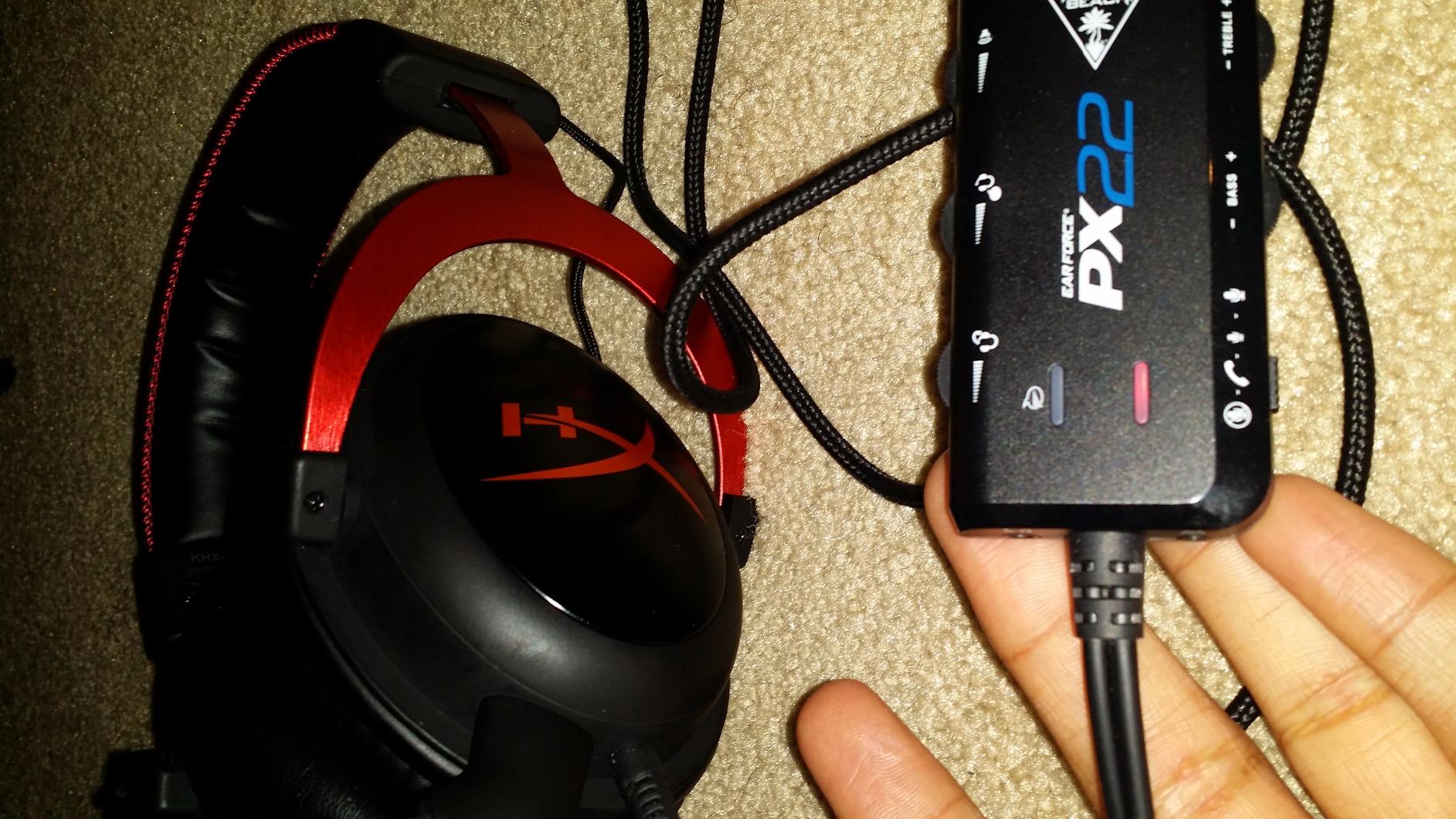
This is the headset I keep coming back to when someone asks me which one to buy for Counter-Strike 2 or Rainbow Six Siege. The reason is not the 53mm drivers on their own, it is that the 7.1 virtual surround is processed in the USB control box rather than in Windows or a bundled app. That means the positioning is consistent across machines and across games instead of shifting depending on what software happens to be running.
In practice the difference shows up when several enemies are moving at once. With driver-level surround processing, footsteps behind you stay behind you rather than sliding into the centre channel. Owners consistently describe the same thing in reviews, pointing to imaging as the reason the Cloud II has held a 4.5 rating across more than 69k reviews for years.
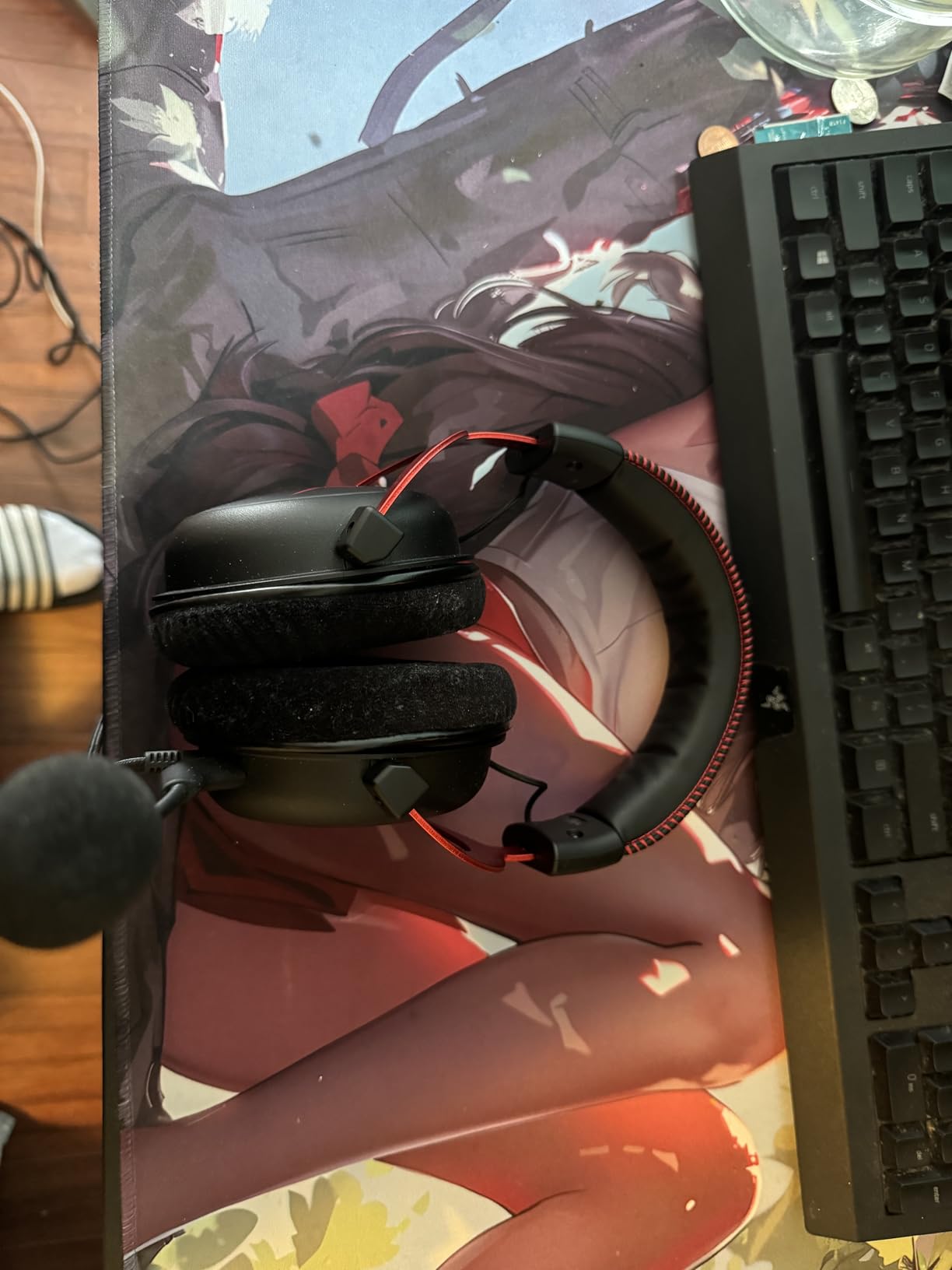
The 10 Hz to 23 kHz frequency range and 60 ohm impedance give the drivers more headroom than the budget sets on this list, which is why gunshots in Valorant have some snap instead of sounding like flat noise. The memory foam cushions wrapped in leatherette are the reason this survives a long night of ranked, and the padded headband spreads the weight of that aluminum frame across the top of your head.
The microphone is the quiet hero here. It detaches completely, and it is certified for both TeamSpeak and Discord, so team comms do not need an external workaround. If you run a scrim or a ranked five-stack, that matters more than most spec sheets admit.
Is the Cloud II good for console shooters on PS5 or Xbox?
It works, but you lose the surround. The 7.1 processing lives in the USB control box, so plug it into a console and you are back to plain stereo. On PS5 you do get Tempest 3D Audio, which handles positioning on the console side, and plenty of owners report being perfectly happy with that pairing.
If you play mostly on console, look at the HyperX Cloud III or the SteelSeries Arctis Nova 1P instead. Both are designed to sound correct without a separate control box, which is a better fit for a single-screen living room setup.
Is the Cloud II too heavy for long sessions?
At 11.29 ounces it is one of the heavier sets here, and you will feel it if you already run a large headband or wear glasses. The memory foam does most of the work, spreading pressure across the ear rather than letting the clamp dig in.
Players who finish six-hour sessions regularly tend to keep it, and players who get pressure headaches after two hours usually migrate to a lighter option like the Razer BlackShark V2 X at 240g. Both are honest answers. It depends on your head, not the spec sheet.
2. Razer BlackShark V2 X – Lightest Pick With Real Positional Audio
Razer BlackShark V2 X Gaming Headset: 7.1 Surround Sound – 50mm Drivers – Memory Foam Cushion – For PC, PS4, PS5, Switch – 3.5mm Audio Jack – Black
50mm TriForce drivers
Windows 7.1 surround
32 ohm
240g
HyperClear mic
Pros
- TriForce titanium drivers deliver brighter highs than most budget alternatives
- Software 7.1 surround gives real directional placement on PC
- Closed earcups plus sealing foam cushions cut external noise
- Cardioid mic captures more voice and less room noise
- At 240g it is one of the lightest headsets tested
Cons
- Surround software only runs on Windows 10 64-bit
- 32 ohm wired connection limits bass extension
- This variant has no wireless or Bluetooth at all
If weight is what stops you wearing a headset for long sessions, this is the one to try. At 240 grams it is the lightest set on this list by a wide margin, and the breathable oval memory foam cushions do not turn into a heat trap the way some leatherette pads do.
The audio side is where it earns the best-value badge. The 50mm TriForce titanium-coated drivers have more upper-mid energy than a typical 40mm budget driver, which matters because footsteps in Apex Legends and Hunt: Showdown live in that band. Owners regularly describe hearing direction before they hear the enemy, which is exactly the cue chain a shooter headset should support.
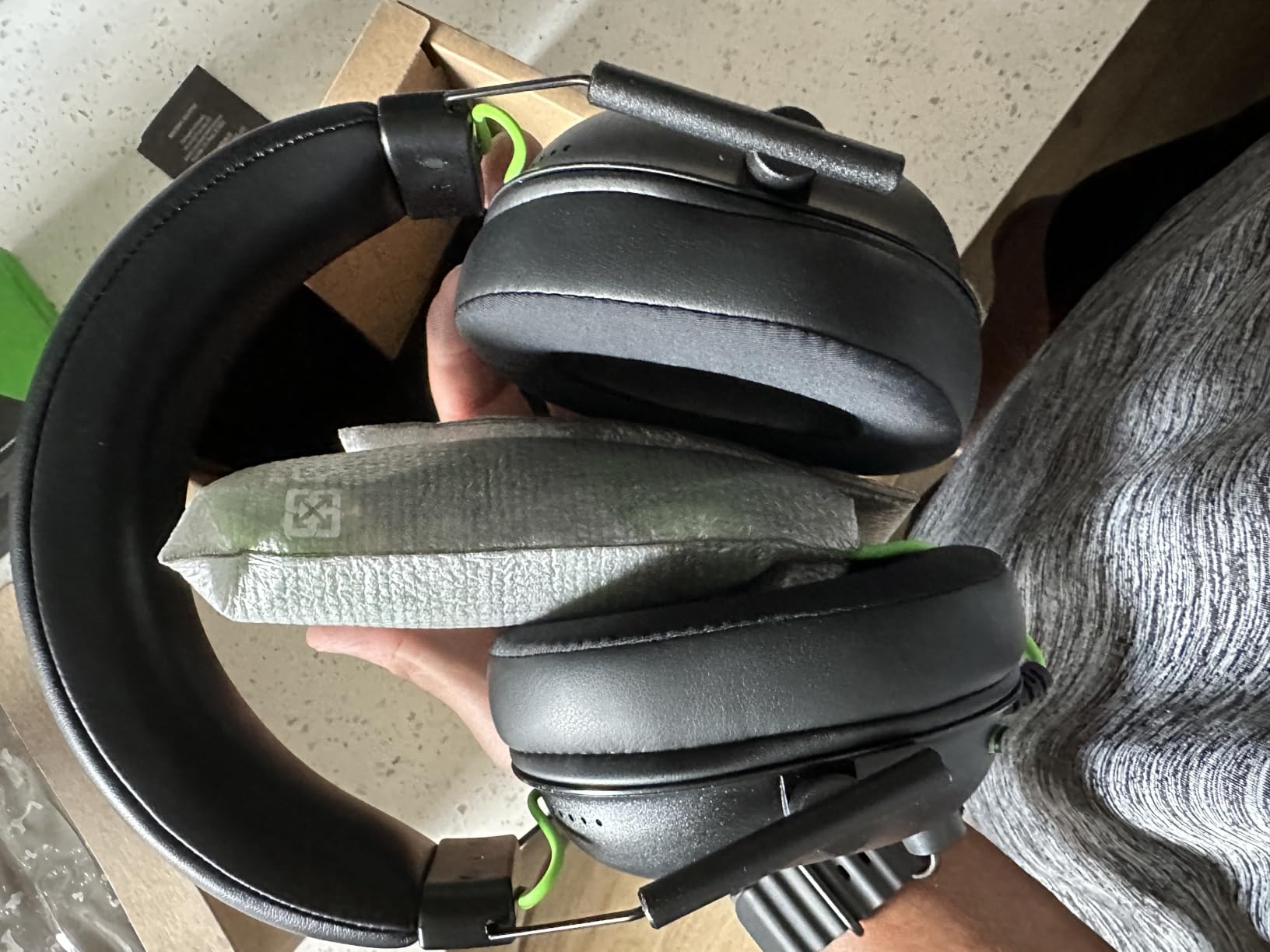
Windows users can enable the 7.1 surround through Razer software, and it does produce genuine positional placement rather than the vague widening you get from some emulated modes. That is the one caveat. Set it up on a console and there is no surround option, so a PS5 player gets good closed-back stereo and nothing more.
The HyperClear cardioid microphone is a genuine step up from the omnidirectional mics common at this level, because a cardioid pattern rejects sound from behind the mic. If your room is not perfectly quiet, that is the difference between your teammates hearing your callouts and hearing your fan.
Do I need extra software for the surround sound?
On PC, yes. The 7.1 mode is enabled through Razer’s software on Windows 10 64-bit, and there is no equivalent path on macOS or any console. Installation takes a couple of minutes and then it applies to every game that outputs through 3.5mm.
Some players prefer to leave surround off entirely and rely on the native HRTF positioning the game already does. That is a legitimate approach and it costs nothing, but if you want the wider stage this mode gives you a fair comparison.
Who should skip the BlackShark V2 X?
Anyone who plays primarily on console, or anyone who wants Bluetooth for phone calls at the desk. This is a wired 3.5mm headset with no radio of any kind, so there is no multi-device mixing and no battery to think about.
Also skip it if you want deep bass. Thirty-two ohm wired sets do not have the extension for sub-heavy music, and while that is irrelevant to footstep cues it can disappoint if you also listen to a lot of music through the same headset.
3. Turtle Beach Recon 50 – The Cheapest Way to Test Whether Headset Audio Helps You
Turtle Beach Recon 50 Wired Multiplatform Gaming Headset for PC, PS5, Xbox
40mm dynamic drivers
32 ohm
20 Hz - 20,000 Hz
Wired 3.5mm
7.36oz
Pros
- Lightweight over-ear design with leatherette cushions stays comfortable
- Removable adjustable microphone for clear voice chat
- In-line volume and mute controls are easy to reach mid-match
- Works across PC
- Mac
- PS4 and Xbox One with the included splitter
- Wired connection means no battery and no wireless lag
Cons
- 40mm drivers give less detail and less bass than larger drivers
- No surround or spatial processing for positional awareness
- Plastic construction feels basic next to aluminum-framed headsets
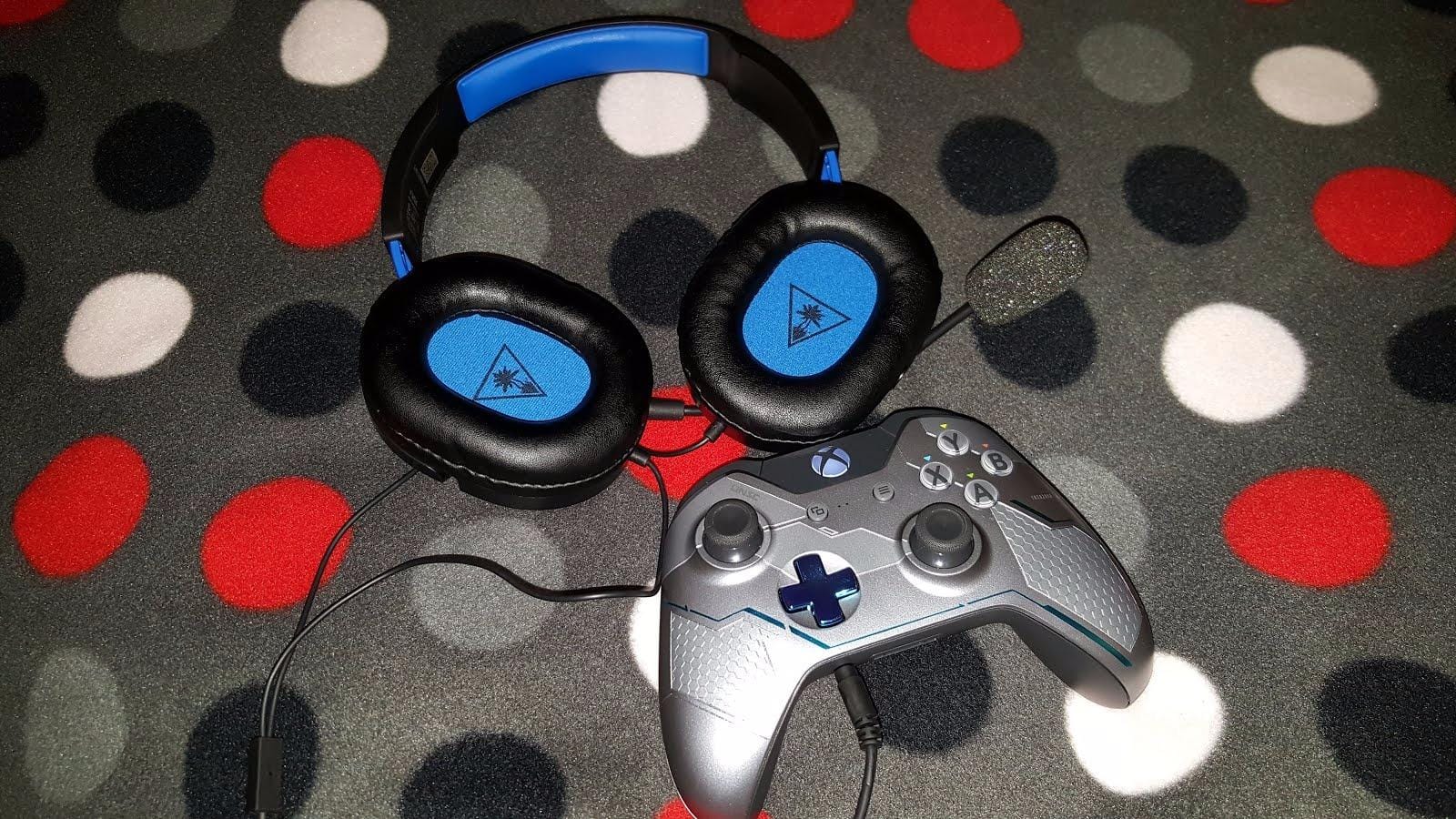
This is the headset I recommend to anyone who is not sure their problem is audio at all. If you buy one thing to test whether better positional sound changes how many first bullets you win, this is the cheapest way to run that experiment.
It has been sold for years and has collected more than 107k ratings, which makes the owner feedback unusually well tested. The recurring picture is comfort first, then the detachable mic, then plug-and-play setup. The recurring complaint is equally consistent: 40mm drivers simply do not have the detail of the 53mm and 50mm sets higher on this list.
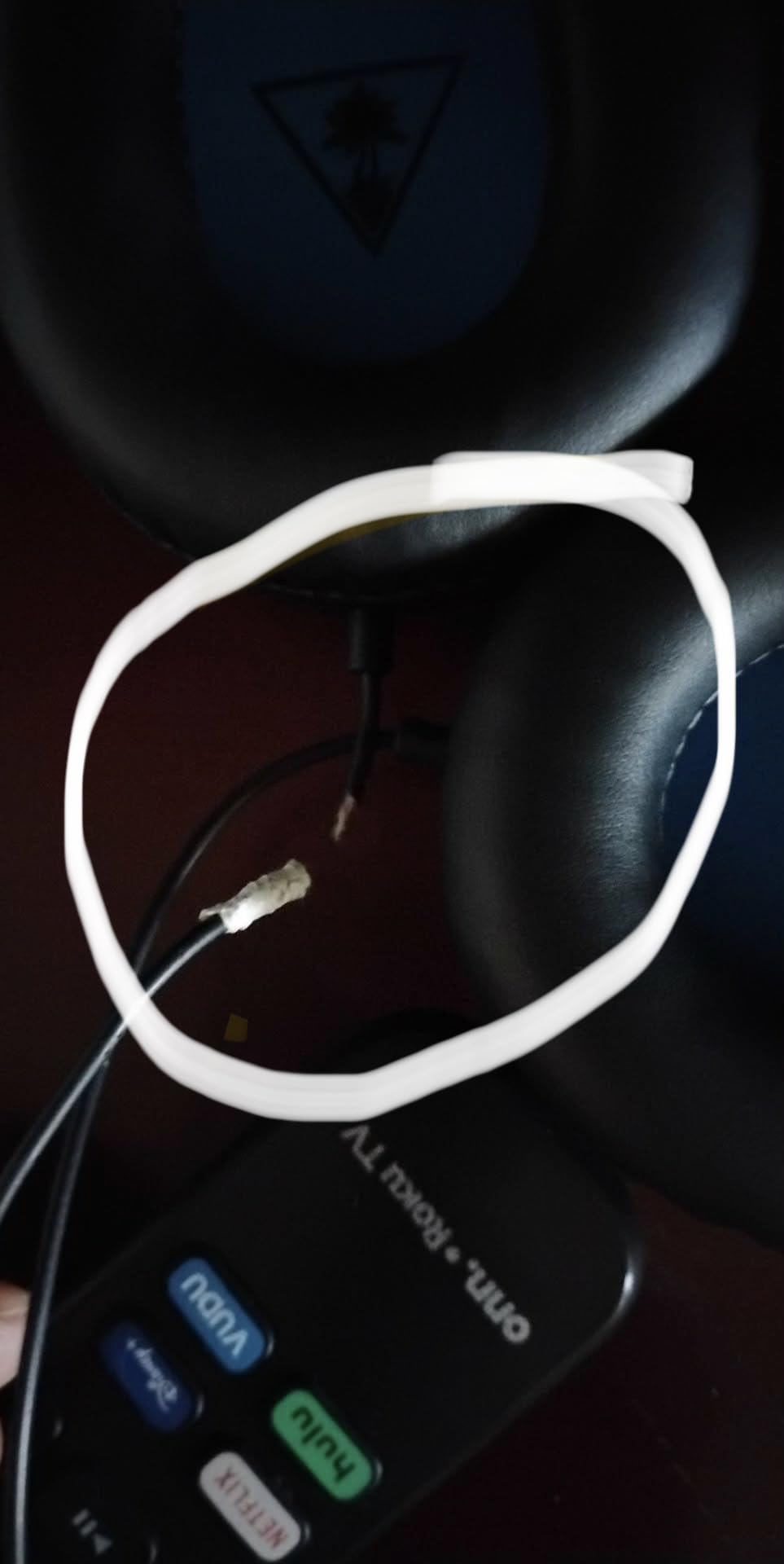
What matters for a shooter is that there is no surround processing here at all. You get the game’s native stereo positional rendering, which in Counter-Strike 2 and Valorant is handled by the engine itself. That is a clean signal with nothing added on top, and for players who are sensitive to virtual surround bloat it can actually be the safer choice.
The in-line volume and mute controls sit on the cable where your hand already is, so muting yourself mid-round takes no thought. That is a bigger practical advantage during a scrim than any surround mode. The PC splitter cable is included, which means older desktops with separate headphone and mic jacks will work without an adapter.
Is a cheap wired headset enough for ranked shooters?
For learning whether audio helps you, yes. The stereo signal from a 3.5mm headset is cleaner than many people expect, and the game’s own HRTF positioning does most of the work. You will not get surround processing, but you will get correct left and right placement.
Where budget sets fall short is detail on the highest frequencies. Quiet footsteps in a corridor get buried under gunfire sooner than they would on the Cloud II or the BlackShark V2 X. If you already know audio cues improve your play, spend up rather than sideways.
How long do the earpads last on the Recon 50?
Leatherette on a budget headset is the first part that tends to fail. Owners commonly report a year of solid daily use before the cushions start flaking or losing seal. A pad replacement is cheap and restores both comfort and isolation, so keep the model number handy.
The lay-flat design also means you can rest it against a chair between rounds without a hinge cracking, which is not true of every plastic-framed headset at this tier.
4. HyperX Cloud III – Best All-Rounder for Console and PC
HyperX Cloud III – Wired Gaming Headset, PC, PS5, Xbox Series X|S, Angled 53mm Drivers, Spatial Audio, Memory Foam, Durable Frame, Ultra-Clear 10mm Mic, USB-C, USB-A, 3.5mm – Black
Angled 53mm drivers
DTS Spatial Audio
64 ohm
308g
LED mute indicator
Pros
- Angled 53mm drivers tuned by HyperX engineers for punchy balanced audio
- DTS Spatial Audio adds real directional awareness in shooters
- Upgraded 10mm detachable mic with mesh filter captures clear comms
- LED mute indicator removes all doubt about whether you are muted
- Ships with USB-C
- USB-A and 3.5mm cables for broad platform support
Cons
- Heaviest option in this roundup at 308g
- No true 7.1 surround
- DTS Spatial Audio is less precise than hardware surround
- Memory foam pads can run warm in a hot room
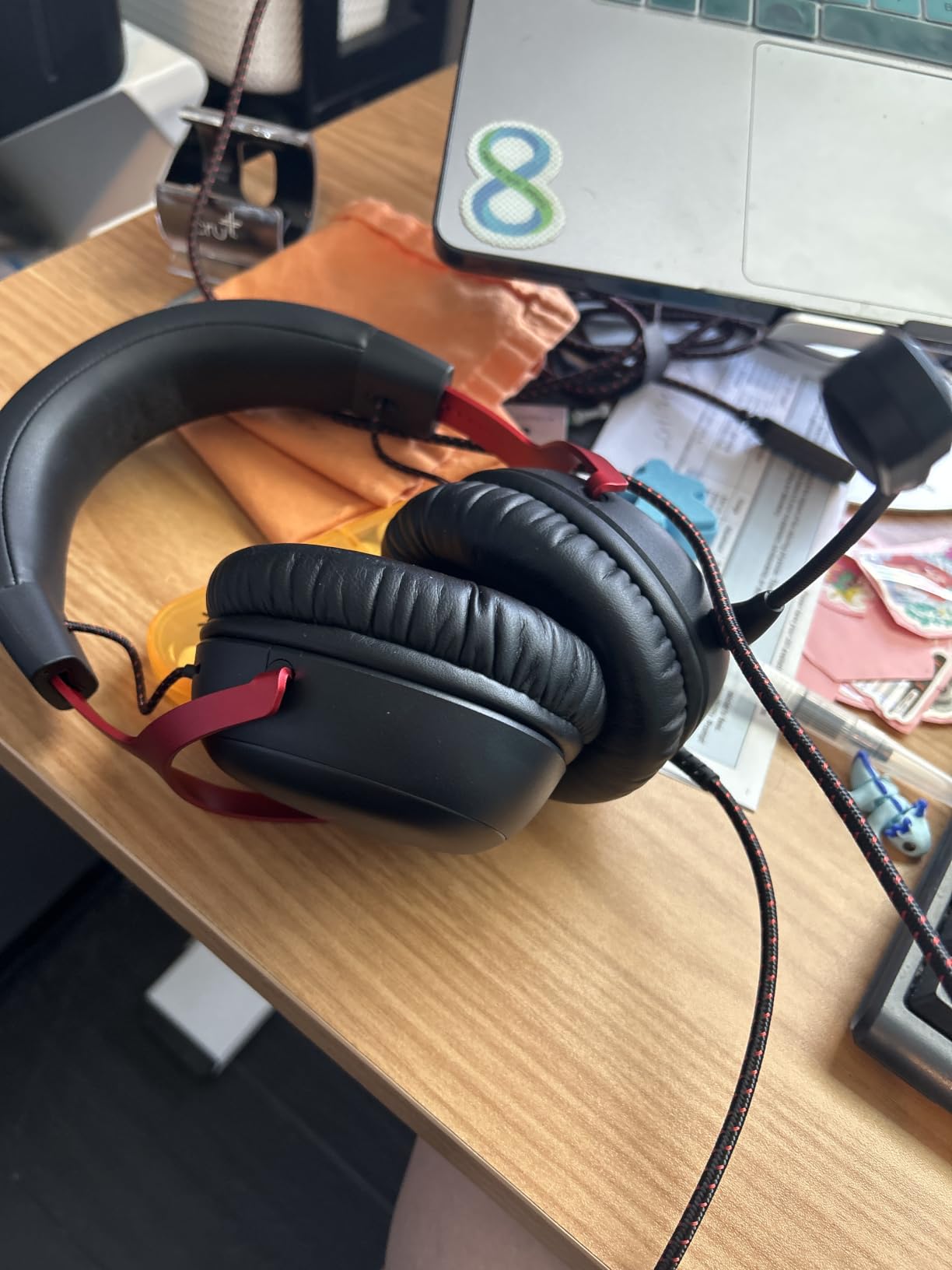
The Cloud III is the pick I suggest when a player uses one headset across a console and a PC and refuses to swap gear. It is designed around angled 53mm drivers, DTS Spatial Audio, and a cable bundle that covers USB-C, USB-A and 3.5mm, so switching platforms takes seconds.
The sound is more open and less compressed than the older Cloud II in the mids, which helps gunshot direction read clearly. DTS Spatial Audio widens the stage in supported titles, and while it is not the same thing as the Cloud II hardware 7.1 box, it is a meaningful upgrade over plain stereo on PS5 and Xbox Series X.
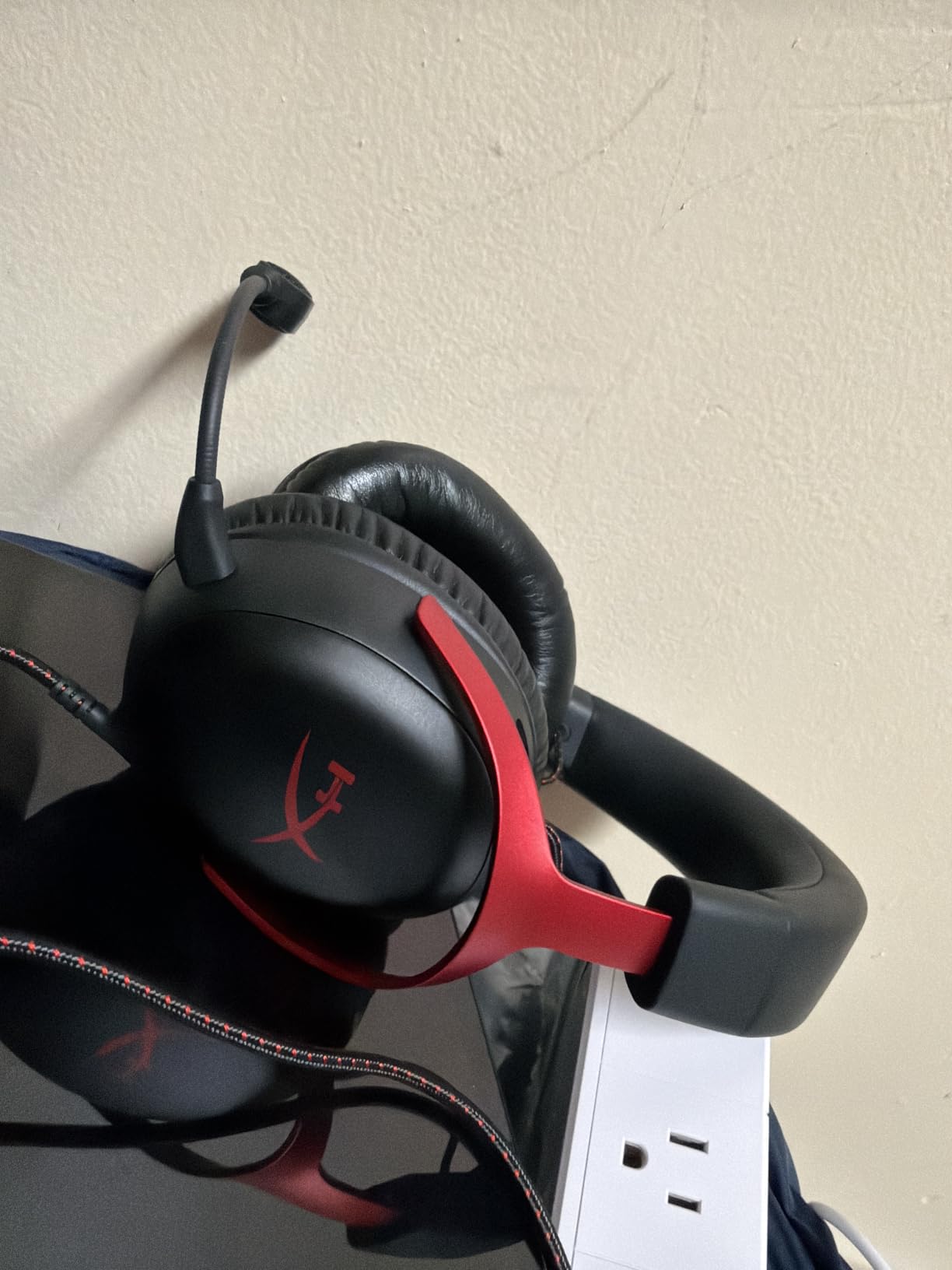
The mic upgrade is the quiet winner here. The 10mm detachable microphone adds a mesh filter and noise cancelling over the previous generation, and the LED mute indicator on the housing is a small thing that eliminates an entire category of mistakes. Nobody has to wonder mid-round whether they are transmitting.
Weight is the trade. At 308 grams it is the heaviest set on this list, and the memory foam cushions trap heat in a warm room. If you are the kind of player who plays six-hour sessions in summer, weigh that against the Cloud II’s lighter frame.
Is DTS Spatial Audio as good as hardware 7.1 for shooters?
No, and it is worth being straight about that. The Cloud II USB control box processes surround at the driver level, so positioning stays locked to the soundstage. DTS Spatial Audio runs in software, which means it depends on the title supporting it and on your output device behaving.
That said, for most players the difference is small enough that the Cloud III wins on versatility. If you are strictly PC and strictly competitive, the Cloud II remains the more precise option.
Does the Cloud III work on Xbox Series X and Switch?
It works through the 3.5mm jack that ships in the box, and the USB-C and USB-A control cables cover newer desktop and laptop inputs. That makes it one of the easier headsets to move between a console session and a ranked PC match without adapters.
Console spatial processing depends on the platform. On PS5 you get Tempest 3D Audio and on Xbox you have the platform’s own spatial option, and the DTS license in the box is aimed primarily at PC.
5. BENGOO G9000 – Wide Platform Support at the Entry Level
BENGOO G9000 Stereo Gaming Headset for PS4 PC Xbox One PS5 Controller, Noise Cancelling Over Ear Headphones with Mic, LED Light, 7.1 Surround Sound, Soft Memory Earmuffs for Nintendo Xbox Series X|S
40mm neodymium drivers
32 ohm
15 Hz - 20 kHz
Protein leather memory pads
2 year warranty
Pros
- Wide platform support covering PS4 PS5 Xbox One Series X PC Switch and mobile
- Memory foam protein leather pads stay breathable in long sessions
- Omnidirectional mic with noise cancelling transmits callouts clearly
- Braided anti-winding cable with rotary volume and one-key mute
- Two year warranty is generous at this tier
Cons
- 7.1 surround is software emulation rather than a dedicated sound card
- LED earcup lighting is decorative and adds no audio value
- Omnidirectional mic picks up more room noise than a cardioid pattern
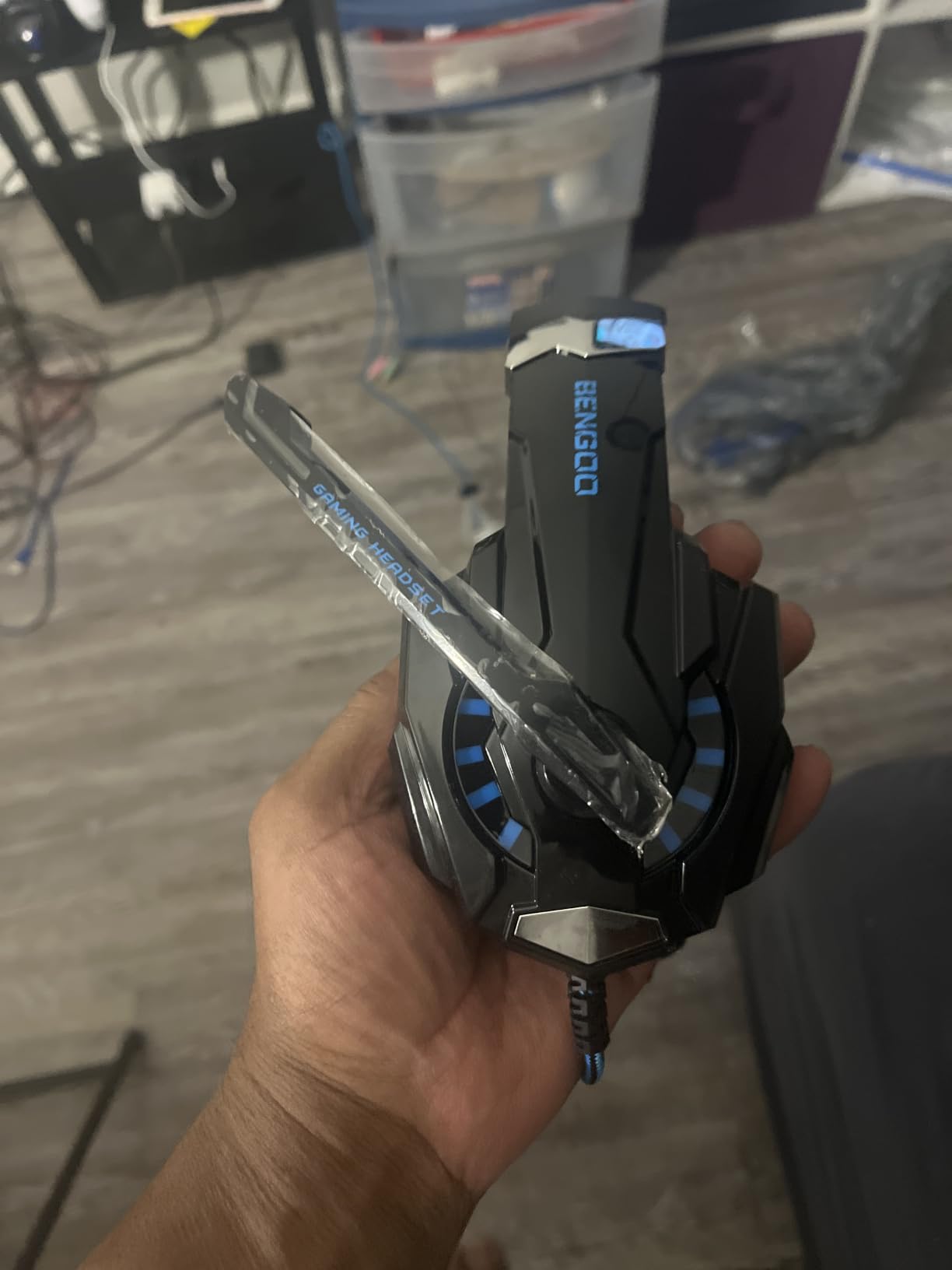
The G9000 has the highest review count of anything on this list at more than 122k ratings, which makes it one of the most thoroughly battle-tested cheap headsets you can buy. That matters because at this tier you are often buying to find out whether a headset helps you at all.
The 40mm magnetic neodymium drivers give more upper-mid presence than the driver size suggests, and combined with the closed over-ear seal they produce enough isolation to pick out footsteps in a noisy room. The 15 Hz to 20 kHz range is narrower than the Cloud II but perfectly adequate for game audio.
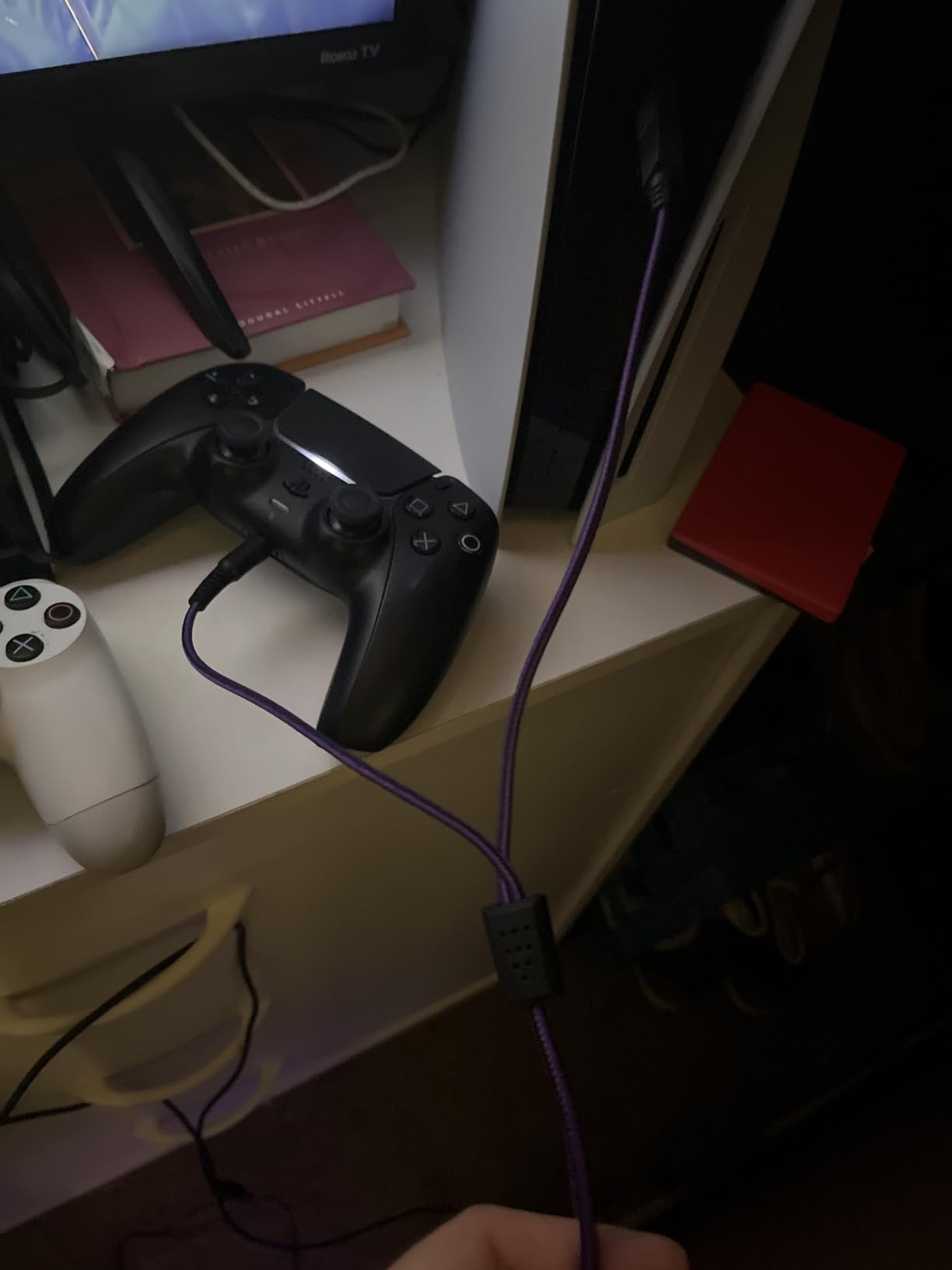
Platform coverage is the real argument for this one. It works across PS4, PS5, Xbox One, Series X, PC, Switch and mobile without a separate adapter, which makes it a good shared household headset or a travel pick.
The mic is omnidirectional, so it captures room noise along with your voice. In a quiet room that is a non-issue for squad callouts. In a loud room it is the reason some owners reach for a separate boom mic, and it is worth pairing with a cheap pop filter if you stream.
Does the 7.1 surround mode actually help in shooters?
It is emulated in software rather than processed in a sound card, so treat it as an effect rather than a precision tool. Games that do their own HRTF rendering, which is most competitive shooters, generally sound better with the mode switched off.
That is the honest version of the answer. Buyers often assume a surround label equals better positioning, and on this set it does not. The default stereo presentation is the one to judge it on.
Is the G9000 good for glasses wearers?
It is better than most at this tier. The protein leather over memory foam cushions distribute pressure rather than pinching at the frame arms, and the adjustable headband plus flexible boom leaves room for a wider fit than some cheaper alternatives.
It is not a clamp-light headset by any stretch. If you are very sensitive to headband pressure, look at the Razer BlackShark V2 X, which is lighter still.
6. NUBWO G06 – The Only Wireless Pick Here, and the Only One With a Published Latency Figure
NUBWO Wireless Gaming Headset with Mic for Ps5 Ps4 PC, Zero Interference, 100-Hour Battery All-Day Play, 23ms Sync for Fortnite & Call of Duty/FPS Gamers, Triple Mode All Devices Compatible – Orange
2.4GHz plus Bluetooth 5.3
23ms listed latency
100 hour battery
50mm drivers
350g
Pros
- Published 23ms audio latency figure for gameplay sync
- 100 hour rated battery from a 1200mAh cell
- 2.4GHz connection holds steady through walls without dropouts
- Dual wireless lets you take a phone call without removing the headset
- 50mm composite diaphragm drivers with 3D surround
Cons
- Heavy at 350g and padding runs thin on very long sessions
- Cannot be used while charging
- The mute confirmation chirp is loud and grating
- Some units report a faint buzz in one earcup at very low volume
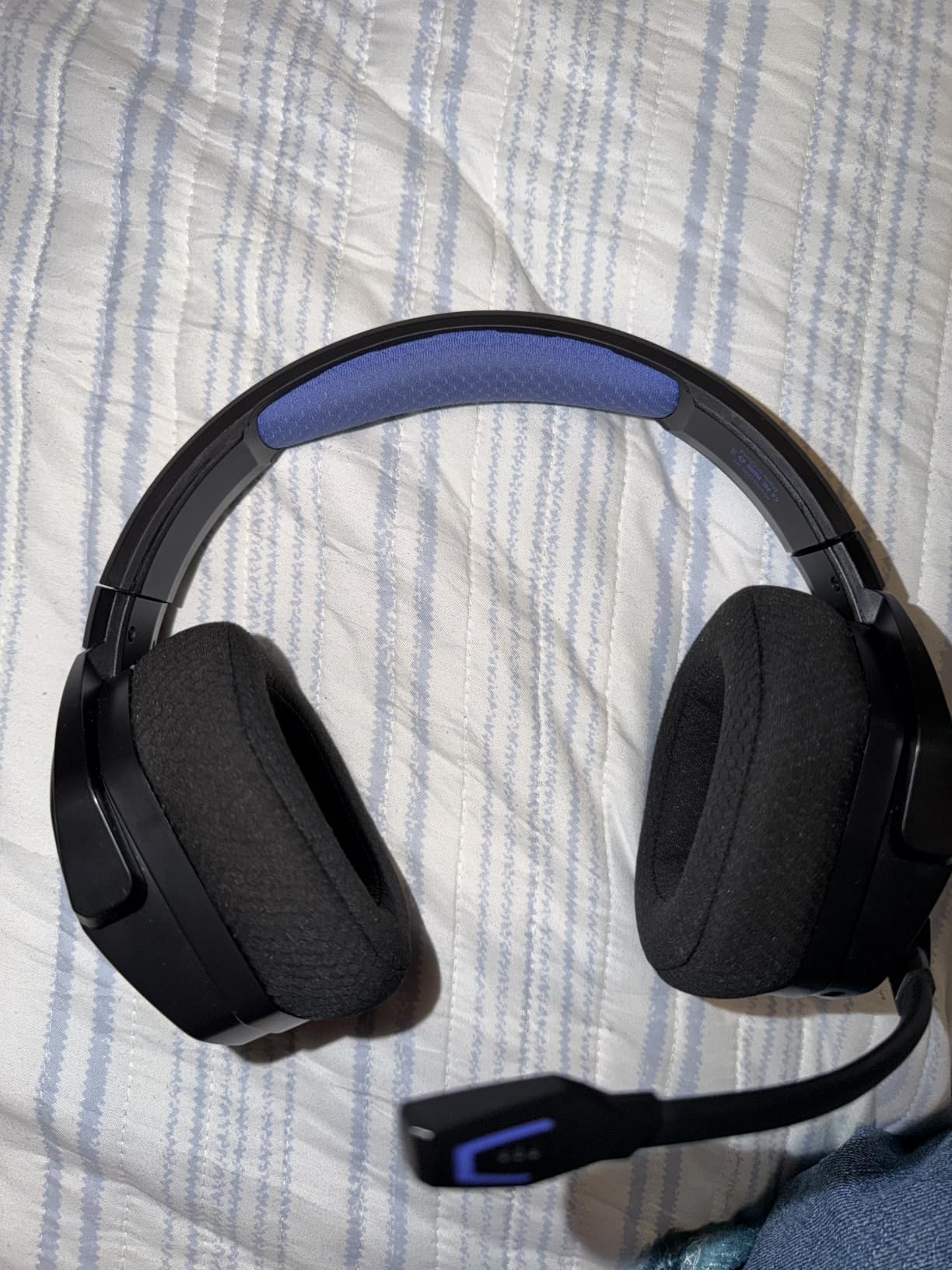
This is the only wireless headset in the roundup, which makes it the natural pick if you refuse to have a cable across your desk during a ranked match. It connects over a 2.4GHz dongle for gaming and Bluetooth 5.3 for everything else, and it lists a 23ms audio latency figure, which is unusually honest for the category.
Twenty-three milliseconds is well inside the range most players cannot perceive in gameplay, though it is still measurably slower than a wired connection. The 2.4GHz link is what matters more than the number. Owners report a stable connection through walls and across a whole home with no dropouts, and unlike Bluetooth, 2.4GHz is far less likely to fight with a Wi-Fi router.
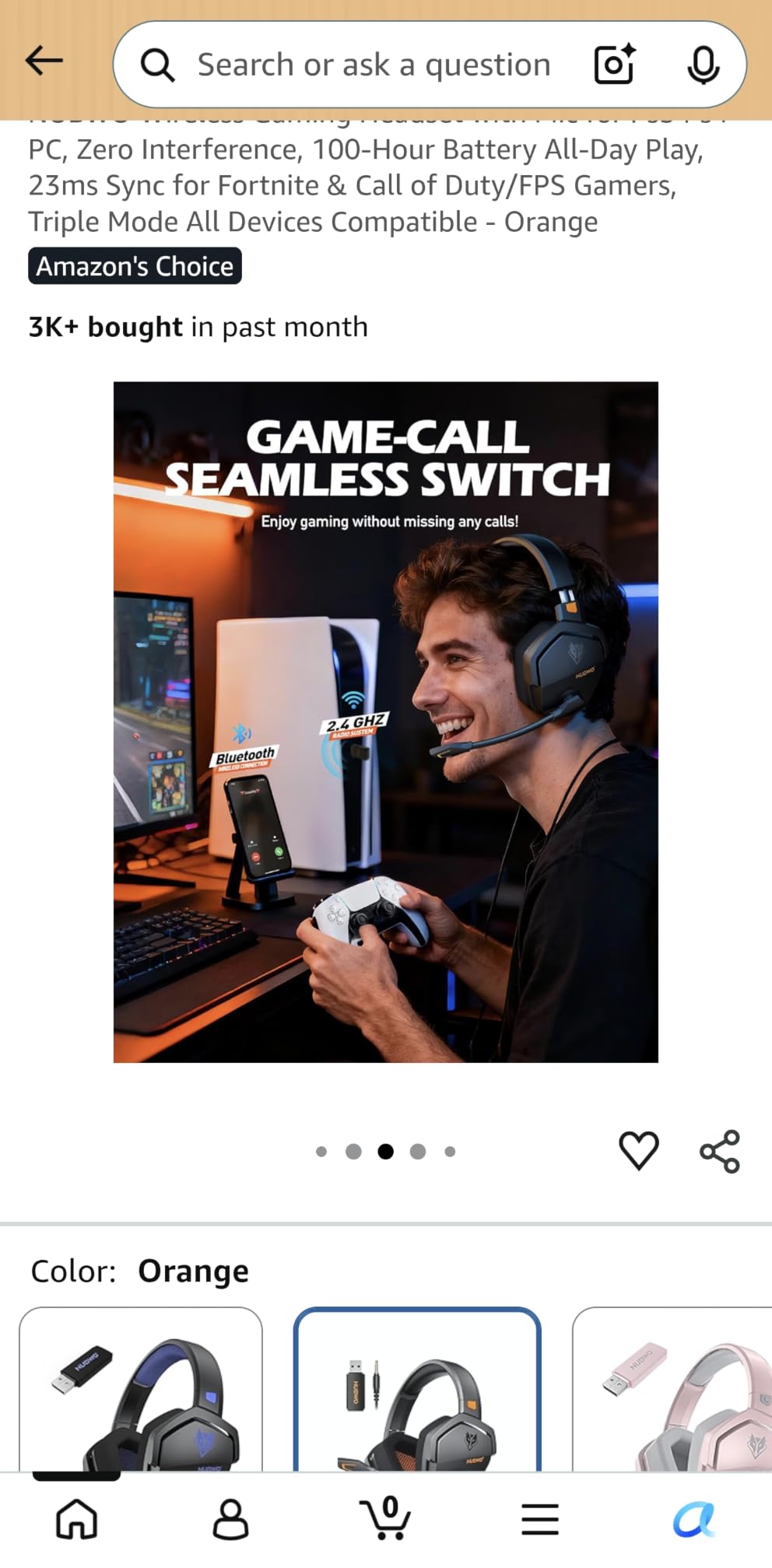
The battery figure is the headline. A hundred rated hours from a 1200mAh cell means most players charge once a week rather than once a day, and several owners describe multi-day casual use between charges. That removes the single biggest anxiety of wireless gaming audio.
The 50mm composite diaphragm drivers produce a wider stage than the other entry sets here, and reviewers point to being able to pinpoint footstep direction in Fortnite and Call of Duty specifically. Dual wireless is the practical win too, because you can answer a phone call without taking the headset off.
Is 23ms wireless latency noticeable in a competitive shooter?
Generally no. The difference between a wired 3.5mm connection and a 2.4GHz link at this latency figure is small enough that most players stop noticing once they adapt, which is exactly what owner feedback on this model reports. What you do notice immediately is the absence of the cable catching on your mouse.
If you are the kind of player who is certain they will hear lag before they hear the actual audio, stay wired. There is no argument that will change your mind, and nothing on this list is faster than a cable.
What are the real drawbacks of going wireless here?
Weight, mostly. At 350 grams it is heavier than every other headset on this list, and the padding runs thin enough that some players report discomfort past a few hours. You also cannot play while charging, so a flat battery means a wired fallback through the 3.5mm jack.
There is also a Bluetooth auto-priority trap worth knowing about. If a phone connects over Bluetooth while you are mid-match on 2.4GHz, audio can silently switch. Disconnect your phone before you queue, or turn off Bluetooth entirely during a session.
7. ASTRO Gaming A10 – Tough Enough to Survive Tournament Play
ASTRO Gaming A10 Wired Gaming Headset, Lightweight and Damage Resistant, ASTRO, 3.5 mm Audio Jack, for Xbox Series X|S, Xbox One, PS5, PS4, Nintendo Switch, PC, Mac- Black/Blue
Circum-aural over-ear
32 ohm
20 Hz - 20 kHz
Anodized aluminum headband
Flip-up mute
Pros
- Anodized aluminum headband in a polycarbonate shell survives drops and daily abuse
- Extended memory foam cushions cut fatigue in long sessions
- Flip-up mute is fast to toggle by feel mid-round
- In-line volume control avoids touching the headset
- Works across PS5 Xbox Series X Switch PC Mac and VR
Cons
- No surround or spatial processing for positional awareness
- Omnidirectional mic picks up more room noise
- Plastic earcups feel basic next to aluminum-framed rivals
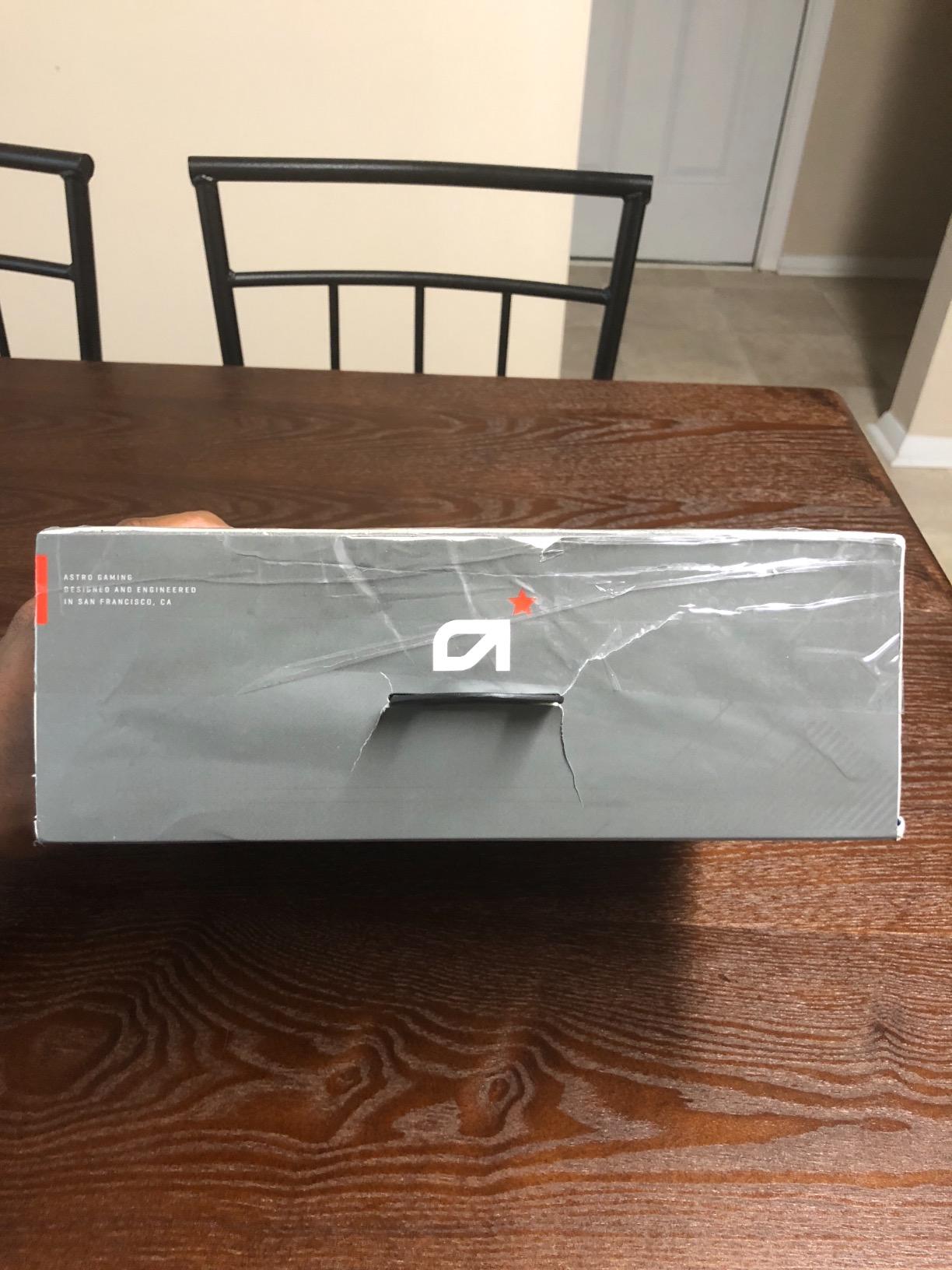
The A10 is the one I would put in a tournament bag. The headband is anodized aluminum wrapped in a polycarbonate shell, and that combination is the reason owners describe it as the headset that survives being dropped, thrown in a car and used every night for years.
Audio is deliberately plain. A circum-aural fit with memory foam cushions and a 32 ohm impedance gives clean stereo with low latency, and nothing else. There is no surround mode, no EQ software and no virtual processing, so what you hear is the game’s own positional rendering delivered without a layer in between.
For many shooters players that is the correct amount of processing. If you find virtual surround modes blur rather than clarify cues, a headset that does not offer the option removes the temptation to enable it.
The flip-up mute is the everyday feature that gets the most praise. Swivelling the mic up is silent, needs no software confirmation and works whether your capture software is OBS, Discord or something else. Owners with more than 8,500 ratings point to it constantly as the reason they keep buying replacements for friends.
Is the A10 too basic for competitive shooters?
It is basic, but not wrong. There is no surround processing to misfire and no battery to die between rounds. If you play with HRTF audio in Counter-Strike 2 or Valorant and prefer an unprocessed signal, the A10 does that job with fewer variables than any other headset here.
Where it loses is microphone pickup. The omnidirectional capsule captures your whole room, so a mechanical keyboard or a fan is audible to your team. Use it on push-to-talk and you will mostly avoid the issue.
Does it work with a Switch and a controller?
Yes. The 3.5mm jack runs through the Switch dock or straight into the handheld, and the same cable covers PS5, Xbox Series X, PC and Mac. It is the simplest cross-platform setup on this list, with no dongle and no adapter in the box.
Console spatial audio still depends on the platform, so on PS5 you get Tempest 3D Audio and on Xbox you get the system’s own processing. The headset itself adds nothing on top.
8. Logitech G PRO X – Best Microphone on the List, Once You Fix the Surround
Logitech G PRO X Wired Gaming Headset – Black
PRO G 50mm drivers
35 ohm
Blue VO!CE mic
USB sound card
Interchangeable pads
Pros
- Blue VO!CE mic processing delivers broadcast clean voice for team comms and streaming
- Aluminum fork and steel headband construction feels premium and lasts
- Interchangeable leatherette and velour pads let you switch isolation for breathability
- USB sound card stores 5-band EQ profiles on onboard memory
- PRO G 50mm drivers give clear imaging
Cons
- G HUB surround mode is widely criticized as muddy and distant
- Bundled USB sound card is barely powerful enough to drive the headphones
- 7.1 and Blue VO!CE are PC-only through G HUB
- Heavy clamping force causes pressure headaches for some
- Vinyl pads flake and velour pads run warm
Nobody buys this headset for its surround mode. People buy it for the microphone, and it is the best one in this roundup by a clear margin. Blue VO!CE applies noise reduction, compression and limiting on the way out, which is what makes your comms sound consistent in a ranked match or on a stream.
The PRO G 50mm drivers give precise enough imaging that footsteps are locatable without any processing help, and the USB sound card stores five-band EQ profiles on onboard memory. That storage matters more than it sounds. At a tournament PC or a LAN you can load your exact curve without installing anything, so your setup travels with the headset.
The interchangeable pads are the second real feature. Leatherette seals better and blocks more external noise, while velour breathes for long sessions in a warm room. Swapping takes seconds and lets you tune the fit to the room rather than compromise.
Now the complaints, because they are real and they are the reason this sits eighth rather than higher. G HUB surround mode is the most criticised feature on this list, described as muffled and distant by owners who expect precision and get fog. Turn it off. Use DTS Headphone:X or Dolby Atmos, or just use the game native positional audio.
Is the bundled USB sound card worth using?
Use it for the EQ profile storage and Blue VO!CE, but be aware it is a modest converter. Owners report lower volume and slightly reduced clarity driving the headphones through it, so if your onboard or motherboard audio sounds better, plug there and use the card only for storage.
It is also PC-only. On console, the detachable cable works fine but you lose 7.1 and Blue VO!CE entirely, which removes a good chunk of what makes this headset worth considering.
Is the G PRO X comfortable if you wear glasses?
This is the biggest fit risk on the list. The non-swivelling earcups and firm clamping force are regularly reported as causing pressure headaches, and glasses wearers feel it first because the frame arms take the squeeze. The Pro X is also heavier in practice than its listed weight suggests.
If you wear glasses or you are sensitive to headband pressure, the SteelSeries Arctis Nova 1P with its ComfortMAX height adjustment is the safer buy, even with its lower rating.
9. HyperX Cloud Stinger 2 – Lightweight Fit That Handles Large Heads Well
HyperX Cloud Stinger 2 – Gaming Headset, DTS Headphone:X Spatial Audio, Lightweight Over-Ear Headset with mic, Swivel-to-Mute Function, 50mm Drivers, PC Compatible, Black
50mm drivers
DTS Headphone:X
32 ohm
10 Hz - 28 kHz
10.08oz
Swivel-to-mute
Pros
- Very light at 10.08 ounces and comfortable for hours of wear
- DTS Headphone:X helps identify the direction of footsteps in shooters
- Swivel-to-mute boom mic is easy to toggle by feel
- Rotating earcups fit large heads that many rivals cannot
- 50mm drivers give strong bass and clear voice chat
Cons
- Microphone quality is inconsistent and some users report tinny muffled capture
- Flip-up mute does not always register in OBS or Discord
- Fully plastic build feels like the part most likely to break
- Non-detachable cable at the earcup end means a wiring fault ends the headset
- Needs separate mic and headphone jacks
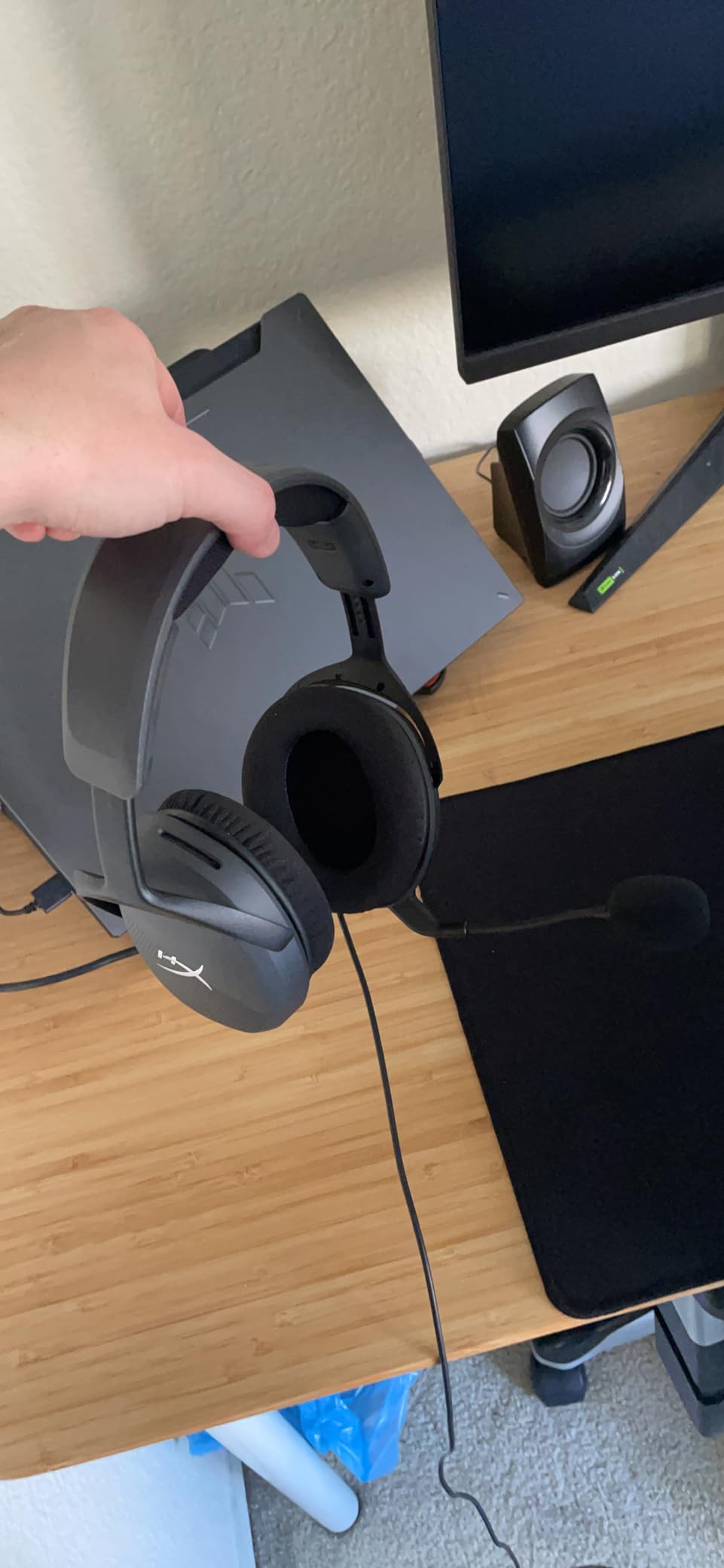
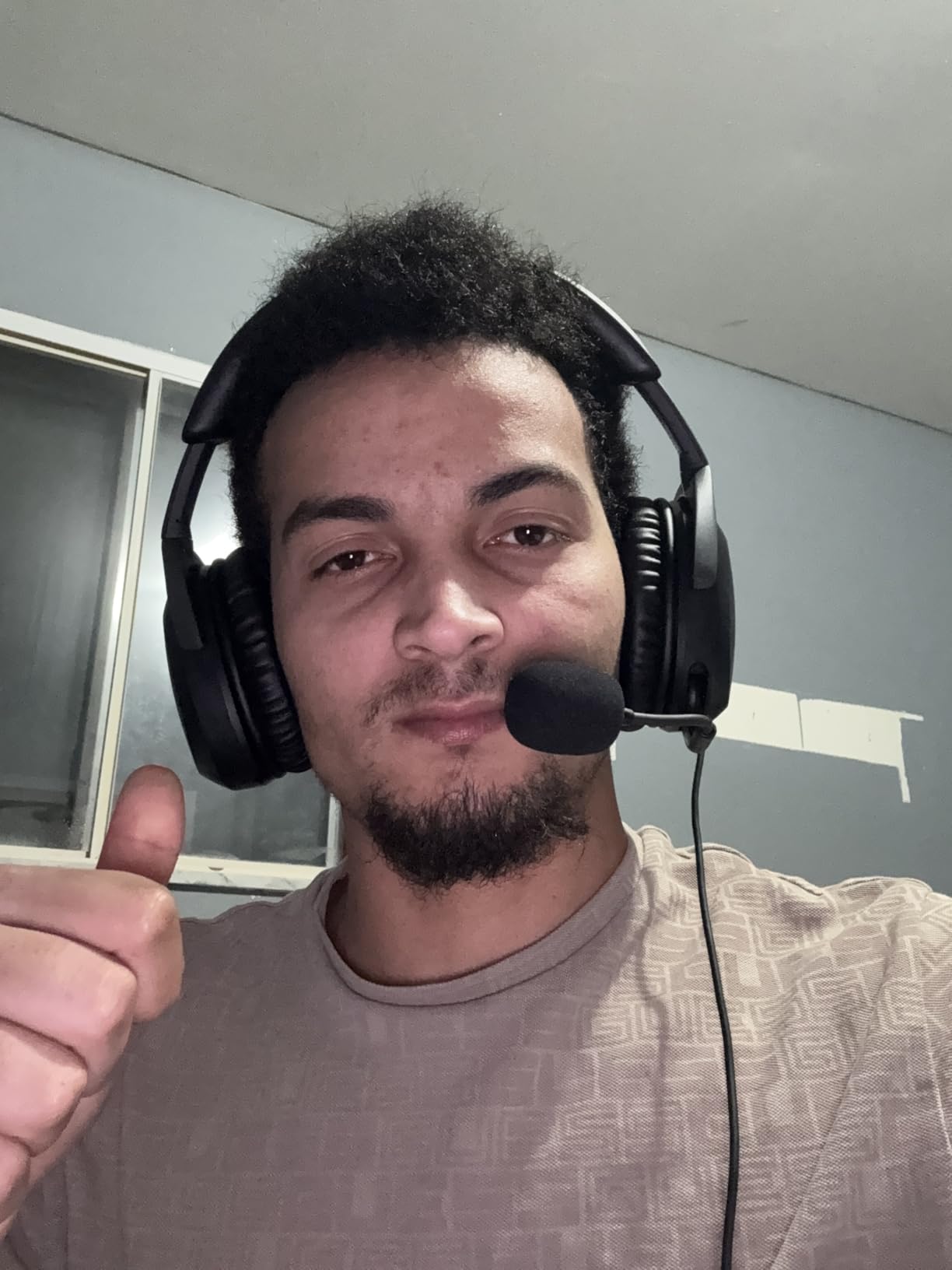
The Stinger 2 has a specific fit advantage. The rotating earcups and stretchy band accommodate larger heads better than most headsets at this weight, and several owners with larger frames point to it as the only mid-budget set that stopped pressing on their ears.
At 10.08 ounces it is also genuinely light for an over-ear, and one reviewer describes wearing it roughly ten hours a day for call work. For a shooter headset, that comfort translates directly into how long you can keep it on during a long ranked night.
The audio comes through 50mm drivers with DTS Headphone:X spatial audio and a two year activation code included. That code is worth using. DTS Headphone:X does a better job of widening the stage than most emulator modes, which helps in shooters where the audio engine leaves positioning partly to the headset.
Volume is another quietly strong point. Wearers who own higher-end headphones as a reference report that the Stinger 2 drives to an entirely adequate level for their setup, which is not something we can say about every budget set.
Is the microphone good enough for team comms and streaming?
It is the most variable part of this headset. Owners report a tinny, muffled capture on some units and a clean one on others, and it regularly needs EQ work in streaming software to sound acceptable on a broadcast.
The flip-to-mute is also inconsistent. It works by feel and is convenient when it registers, but some users find it fails to mute inside OBS or Discord specifically. If you talk every round, test the mute before you queue and keep a backup plan.
Is the non-detachable cable a real problem?
It can be. The cable attaches directly to the earcup with no detachable connector, so a strain fault at the joint ends the headset rather than becoming a cable swap. That is the single most common long-term complaint in reviews.
It also needs separate mic and headphone jacks rather than one combined plug, which means a splitter is required on PCs with a single combined audio port.
10. SteelSeries Arctis Nova 1P – The Most Comfortable Multi-System Fit Here
SteelSeries Arctis Nova 1P Multi-System Gaming Headset — Hi-Fi Drivers — 360° Spatial Audio — Comfort Design — Durable — Lightweight — Noise-Cancelling Mic — PS5/PS4, PC, Xbox, Switch – White
Hi-Fi drivers
Nova Acoustic System
36 ohm
280g
ClearCast Gen 2 mic
Pros
- ComfortMAX fit with height adjustment and AirWeave cushions stays comfortable in long sessions
- ClearCast Gen 2 bidirectional mic reduces background noise by up to 25dB
- Retractable boom mic stows fully inside the earcup
- 360 degree spatial audio works with Tempest 3D Audio and Microsoft Spatial Sound
- Pro-grade parametric EQ allows fine tuning
Cons
- Lowest average rating in this roundup at 4.0 with 14 percent one-star reviews
- EQ and spatial features depend on software rather than hardware
- Wired 3.5mm only with no wireless option
- A dated proposition for a wired-only multi-system headset
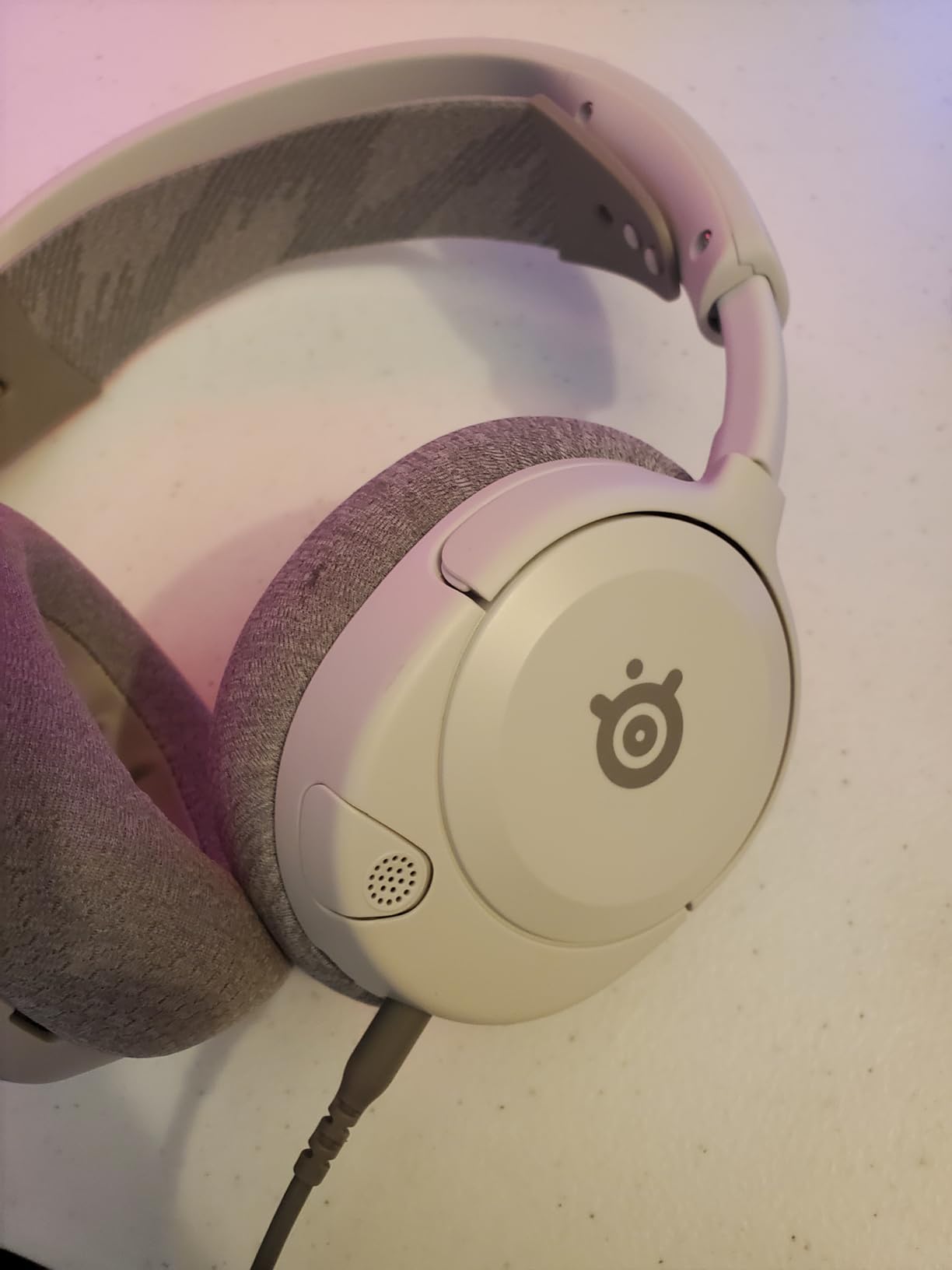
The Nova 1P is the comfort pick of the roundup. The ComfortMAX system with height adjustment, rotating earcups, AirWeave memory cushions and a stretchy band distributes weight better than any other set here, and at 280 grams it stays off your neck.
The retractable ClearCast Gen 2 microphone is the best-designed mic mechanism on this list. It stows completely inside the earcup so there is no boom to clip a harness or catch on a jacket, and the bidirectional pattern with up to 25dB of background noise reduction handles team comms well even in a noisy room.
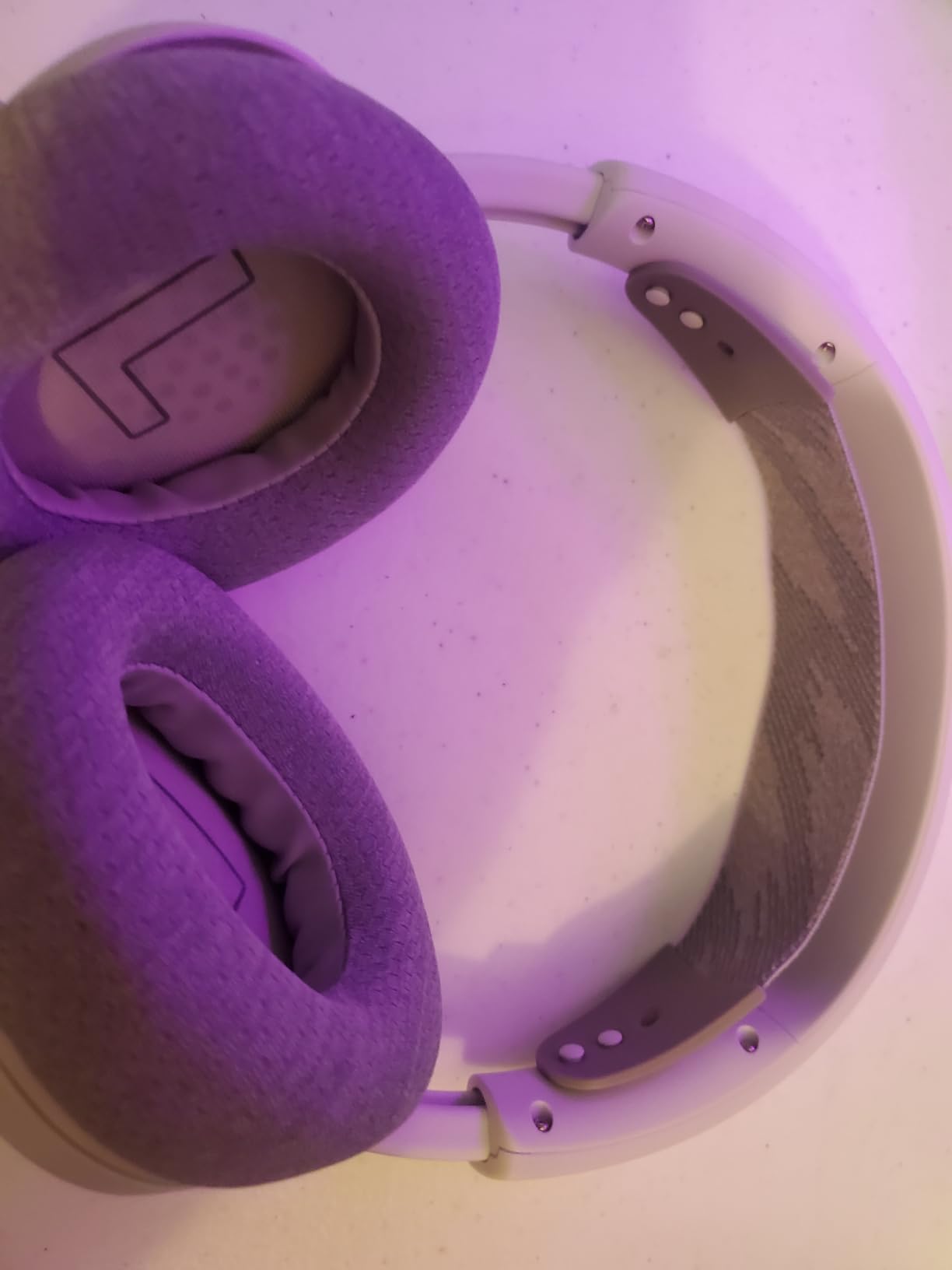
For spatial audio, the 360 degree system is designed to hand off to whatever your platform is doing. On PS5 that means Tempest 3D Audio, on Xbox it means Microsoft Spatial Sound, and on PC you use the SteelSeries software with its pro-grade parametric EQ. That handoff works, though it is software-dependent rather than self-contained.
It is also worth being direct about the rating. At 4.0 across roughly 2,600 reviews this is the lowest-scoring option here, with the largest share of one-star reviews. The complaints cluster around software dependence and the fact that a wired-only multi-system headset feels behind the curve at this price. If you want SteelSeries fit, the wireless members of the Nova family solve that, but they sit outside this roundup.
Is the Arctis Nova 1P good for glasses wearers?
Yes, and this is where it wins clearly. The height adjustment on the ComfortMAX system moves the band so it clears the arms of a frame, and the rotating earcups mean the cushion seals around the ear instead of pushing the glasses down. Glasses wearers who struggle elsewhere usually get on with this one.
The AirWeave cushions also breathe better than memory foam wrapped in leatherette, which helps in long sessions and warm rooms.
Does the software requirement put off non-PC players?
If you never install anything, you still get a clean stereo signal through the 3.5mm jack and your console handles the spatial work. The software is only needed for the parametric EQ and the full 360 degree implementation.
That is a fair trade for most people. The weaker argument for it is value. Paying wired-only money for a multi-system headset when wired-only sets exist for less makes this the pick to buy only if comfort and fit are your top two priorities.
How to Choose a Gaming Headset for Competitive Shooters
Start with the audio path, not the marketing. Positional audio means your game tells you where a sound came from. Soundstage is how wide and uncluttered the space feels around you. Imaging is how precisely a single source holds its position. A good shooter headset gets all three right and adds nothing on top that blurs them.
Positional audio and virtual surround: when it helps, when it hurts
Virtual surround falls into two groups. Hardware-driven processing, like the USB control box in the Cloud II, handles the positioning consistently regardless of the game. Software emulation, like the mode in the BENGOO G9000, depends on the title and the platform and is frequently described as vague widening rather than precision.
Spatial processing built for console platforms, such as Tempest 3D Audio and Microsoft Spatial Sound, is a third category and generally better tuned than generic emulation. On PC, the game’s own HRTF audio is usually the cleanest signal, so treat headset surround as an option to test rather than a requirement.
Wired or wireless for competitive shooters?
Wired wins on latency by default. A 3.5mm or USB connection adds nothing between the game and your ears, so there is no number to argue about and no battery to die between rounds. Nine of the ten headsets on this list are wired for exactly that reason.
Wireless has closed most of the gap. The only wireless pick here lists 23ms latency on its 2.4GHz link, which most players cannot hear once they adapt, and owner feedback consistently reports that the missing cable is the difference they notice. The catch is that 2.4GHz and Bluetooth are not the same thing, and a Bluetooth connection in a match is where lag actually shows up.
Which latency figure actually matters?
Anything under roughly 20ms is imperceptible for gameplay decisions. The question that follows is more useful: does your connection drop, and does it fight with your Wi-Fi. A stable 2.4GHz link with a phone disconnected beats an inconsistent Bluetooth pairing every time.
For anyone still deciding, our wireless headset guide covers the connection types in more depth, including the Bluetooth auto-priority bug where an incoming phone call silently reroutes your game audio.
Microphone pattern for team comms and streaming
Cardioid and bidirectional patterns reject sound from behind the mic, which is why the Razer BlackShark V2 X and the SteelSeries Nova 1P capture cleaner comms than the omnidirectional mics on the Turtle Beach Recon 50, the BENGOO G9000 and the ASTRO A10.
If you talk every round, push-to-talk is worth more than any mic upgrade. It also solves the room-noise problem for free on omnidirectional sets.
Comfort, weight and clamp force across a marathon session
Weight is the clearest number. The Razer BlackShark V2 X at 240g and the SteelSeries Nova 1P at 280g are the lightest options here, while the HyperX Cloud III at 308g and the NUBWO G06 at 350g are the heaviest and the ones most likely to cause fatigue.
Clamp force is the number nobody publishes and everybody notices. The Logitech G PRO X is the most likely to cause pressure headaches, particularly for glasses wearers, while the Arctis Nova 1P height adjustment and the BENGOO G9000 memory foam are the safest fits for frames.
Platform and multi-device connectivity
Most of these run on a 3.5mm jack and work everywhere with at most a splitter. The exceptions matter. Console spatial audio depends on the platform, Xbox USB connection needs the right dongle or controller, and any 2.4GHz dongle needs a free USB port that is not shared with other peripherals.
Check the cable bundle before you buy. The Cloud III includes USB-C, USB-A and 3.5mm, the Recon 50 includes a PC splitter, and the Stinger 2 requires separate mic and headphone jacks, which is the detail most likely to cause a desk-side annoyance.
When a headset is the wrong answer
Headphones are better if you already have a good microphone, play single-player, or want an open-back soundstage for an immersive single-player library. Open-back designs give the widest, most natural soundstage and the best positional separation, and the audiophile route in the community is usually an open-back headphone paired with a boom mic on a desk arm.
They are worse for competitive shooters in one specific way: leakage. Open-back headphones leak sound both ways, which makes them a poor match for a desk in a shared room or a tournament floor where you must hear callouts. If you take that route, check your local event rules first, since many competitive tournaments restrict open-back audio for exactly this reason.
Our broader gaming headset recommendations cover the non-shooter use cases, and our gaming laptop picks cover the other half of a competitive setup.
Frequently Asked Questions
What is the best headset for playing FPS games?
The HyperX Cloud II is our top pick for competitive shooters because its hardware-driven 7.1 virtual surround places directional cues consistently across games and machines. For a lighter build and simpler setup, the Razer BlackShark V2 X gives strong positional audio at 240g.
What are the top 3 gaming headsets?
Our top three are the HyperX Cloud II for the most consistent hardware surround processing, the Razer BlackShark V2 X for the best footstep clarity in a lightweight frame, and the Turtle Beach Recon 50 as the budget option for testing whether headset audio improves your play.
What is the best gaming headset for positional audio?
Hardware-driven surround wins for positional audio, which is why the HyperX Cloud II and its USB control box lead our roundup. Software emulated modes such as the one in the BENGOO G9000 widen the stage but do not pin sources as precisely.
Which headset do CS2 pros use?
There is no single standard headset across Counter-Strike 2 pro rosters. The most commonly recommended models in player communities are the HyperX Cloud family and wired planar or open-back headphones paired with a desk mic. We do not have verified roster-level data, so treat any single-product claim with caution.
What headphones do Valorant pros use?
Valorant pro setups vary widely, with both wireless headsets and wired headphones plus a separate microphone appearing across rosters. We could not verify a single dominant model, so we recommend judging on comfort across long matches, a mic that survives team comms, and a soundstage you can read quickly.
What is the best gaming headset for listening to footsteps?
The HyperX Cloud II leads for consistent footstep placement, and the Razer BlackShark V2 X is the lighter alternative with brighter upper mids from its 50mm TriForce drivers. Both pass directional cues cleanly without adding blurred virtual surround.
Which latency is best for gaming headphones?
Zero added latency is best, which in practice means a wired 3.5mm or USB connection. The only wireless pick in this roundup lists 23ms on its 2.4GHz link, which most players stop noticing after a short adjustment.
Is it better to use wired or wireless headphones for gaming?
Wired is better for latency and reliability with nothing to charge. Wireless is better for comfort and cable-free desks, and modern 2.4GHz links have closed most of the gap, though Bluetooth in particular can add lag and fight with Wi-Fi.
Is 20 ms latency good for a gaming headset?
Yes. Around 20ms is below what most players can perceive as a gameplay delay, so a headset at that figure performs comparably to wired for competitive shooters. Connection stability matters more once you are at that level.
Final Verdict for Competitive Shooters in 2026
The HyperX Cloud II is the best gaming headset for competitive shooters because it is the only pick here whose surround processing happens outside your PC and your operating system, which is why footstep placement stays consistent match after match. Buy it, pair it with the detachable certified microphone, and turn off any extra spatial layer your game adds on top.
Go lighter with the Razer BlackShark V2 X, spend almost nothing to test the idea with the Turtle Beach Recon 50, or drop the cable entirely with the NUBWO G06 if you would rather have a 100 hour battery than a wired zero-lag link. Check the current price on each of these before you commit, and pick the one that matches how long and how loudly you actually play.