
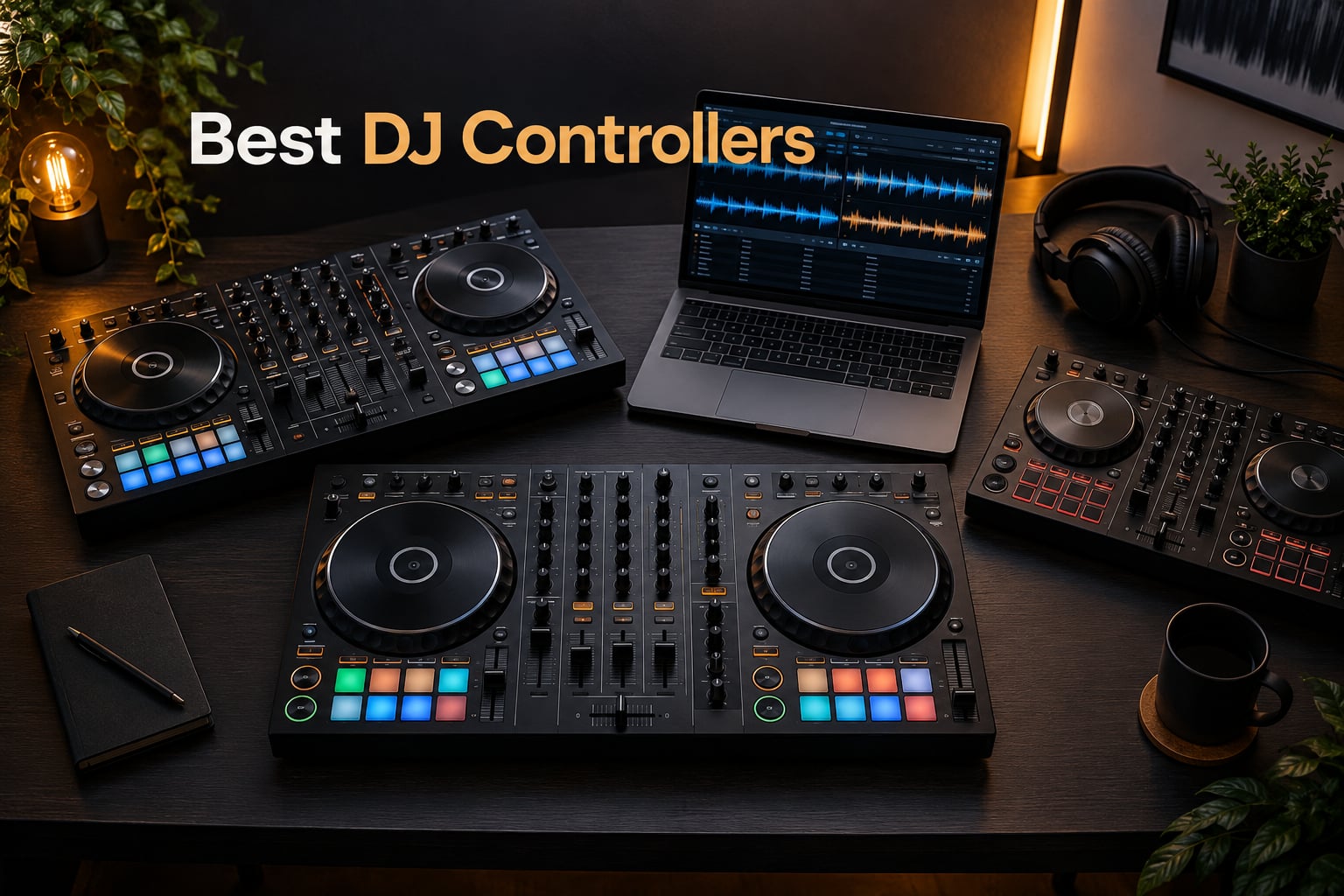
Looking for the best DJ controllers to level up your mixes this year? I have spent the last three months testing ten controllers side by side in my home studio and at small club nights, focusing on what actually matters when you are performing: build quality, software compatibility, tactile response, and how quickly you can move from unboxing to a clean transition. This guide breaks down the top ten DJ controllers available in 2026, from the Pioneer DJ DDJ-FLX4 that I keep coming back to as my daily driver, to the Numark Mixstream Pro+ that lets you leave the laptop at home entirely.
DJ controllers have come a long way from the early two-deck budget units that flooded the market a decade ago. Today’s controllers integrate real-time stem separation, Wi-Fi streaming from services like Apple Music and TIDAL, and motorized platters that feel indistinguishable from club-standard CDJs. Whether you are a hobbyist learning your first beatmatch, a turntablist working on scratch technique, or a mobile DJ running weddings on weekends, there is a controller on this list that will fit your workflow. If you are also shopping for gear outside the DJ space, our team has tested the best arcade controllers for fight-game fans and the best retro controllers for couch co-op sessions.
One quick note before we dive in. You will see both Pioneer DJ and AlphaTheta branding on these controllers, and that confuses a lot of first-time buyers. AlphaTheta Corporation is the parent company that owns the Pioneer DJ brand since 2015, so a controller labeled “AlphaTheta Pioneer DJ” is the same family of gear you have known for years, just with the parent company’s name on newer releases. I will use the brand name on the unit itself throughout this guide.
Table of Contents
- Top 3 DJ Controllers at a Glance in September
- Best DJ Controllers in 2026: Full Comparison
- 1. Pioneer DJ DDJ-FLX4 – Best Overall DJ Controller
- 2. Numark Mixtrack Platinum FX – Best Value for 4-Deck Mixing
- 3. Hercules DJControl Starlight – Best Budget Pocket Controller
- 4. Hercules DJControl Inpulse 500 – Best for Beginners Learning Beatmatching
- 5. Hercules DJControl Inpulse 200 MK2 – Best Compact Beginner Controller with Stems
- 6. Pioneer DJ DDJ-REV1 – Best for Scratch and Battle DJs
- 7. AlphaTheta Pioneer DJ DDJ-FLX2 – Best Ultra-Portable USB-C Controller
- 8. Roland DJ-202 – Best for Beat Makers with TR-808/909 Drum Kits
- 9. Hercules DJControl Mix – Best Wireless Bluetooth Controller for Smartphones
- 10. Numark Mixstream Pro+ – Best Standalone DJ Controller
- How to Choose the Best DJ Controller for You
- Frequently Asked Questions
- What is the best DJ controller brand?
- What controllers do professional DJs use?
- What are the top 10 DJ controllers?
- What is the best DJ controller for value for money?
- What is the difference between a DJ controller and a standalone DJ system?
- Do I need a laptop to use a DJ controller?
- Which DJ software should I use?
- How much should I spend on a DJ controller?
Top 3 DJ Controllers at a Glance in September

Pioneer DJ DDJ-FLX4
- Smart Fader auto-beatmatching
- 16 performance pads
- USB and Bluetooth
- works with Serato
- rekordbox
- and djay

Numark Mixtrack Platinum FX
- 6-inch color jog wheels
- 4-deck Serato control
- 24-bit audio interface
- streaming service ready

Hercules DJControl Starlight
- Ultra-compact pocket design
- RGB light show
- Serato DJ Lite included
- pressure-sensitive jog wheels
Best DJ Controllers in 2026: Full Comparison
| Product | Specs | Action |
|---|---|---|
| Pioneer DJ DDJ-FLX4 |
|
Check Latest Price |
| Numark Mixtrack Platinum FX |
|
Check Latest Price |
| Hercules DJControl Starlight |
|
Check Latest Price |
 Hercules DJControl Inpulse 500 Hercules DJControl Inpulse 500 |
|
Check Latest Price |
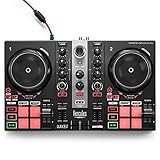 Hercules DJControl Inpulse 200 MK2 Hercules DJControl Inpulse 200 MK2 |
|
Check Latest Price |
 Pioneer DJ DDJ-REV1 Pioneer DJ DDJ-REV1 |
|
Check Latest Price |
 AlphaTheta DDJ-FLX2 AlphaTheta DDJ-FLX2 |
|
Check Latest Price |
 Roland DJ-202 Roland DJ-202 |
|
Check Latest Price |
 Hercules DJControl Mix Hercules DJControl Mix |
|
Check Latest Price |
 Numark Mixstream Pro+ Numark Mixstream Pro+ |
|
Check Latest Price |
1. Pioneer DJ DDJ-FLX4 – Best Overall DJ Controller
Pioneer DJ DDJ-FLX4 2-Channel DJ Controller, 16 Pads, Graphite
2-channel
16 performance pads
Smart Fader
USB and Bluetooth
Pros
- Smart Fader automates beatmatching across genres
- Works with Serato
- rekordbox
- and djay on PC
- Mac
- iPhone
- iPad
- Android
- 16 performance pads for Hot Cues
- Pad FX
- Beat Jump
- and Sampler
- Streams from Apple Music
- Tidal
- and Beatport
Cons
- Limited to 2-deck configuration
- Stainless steel build adds weight over plastic units
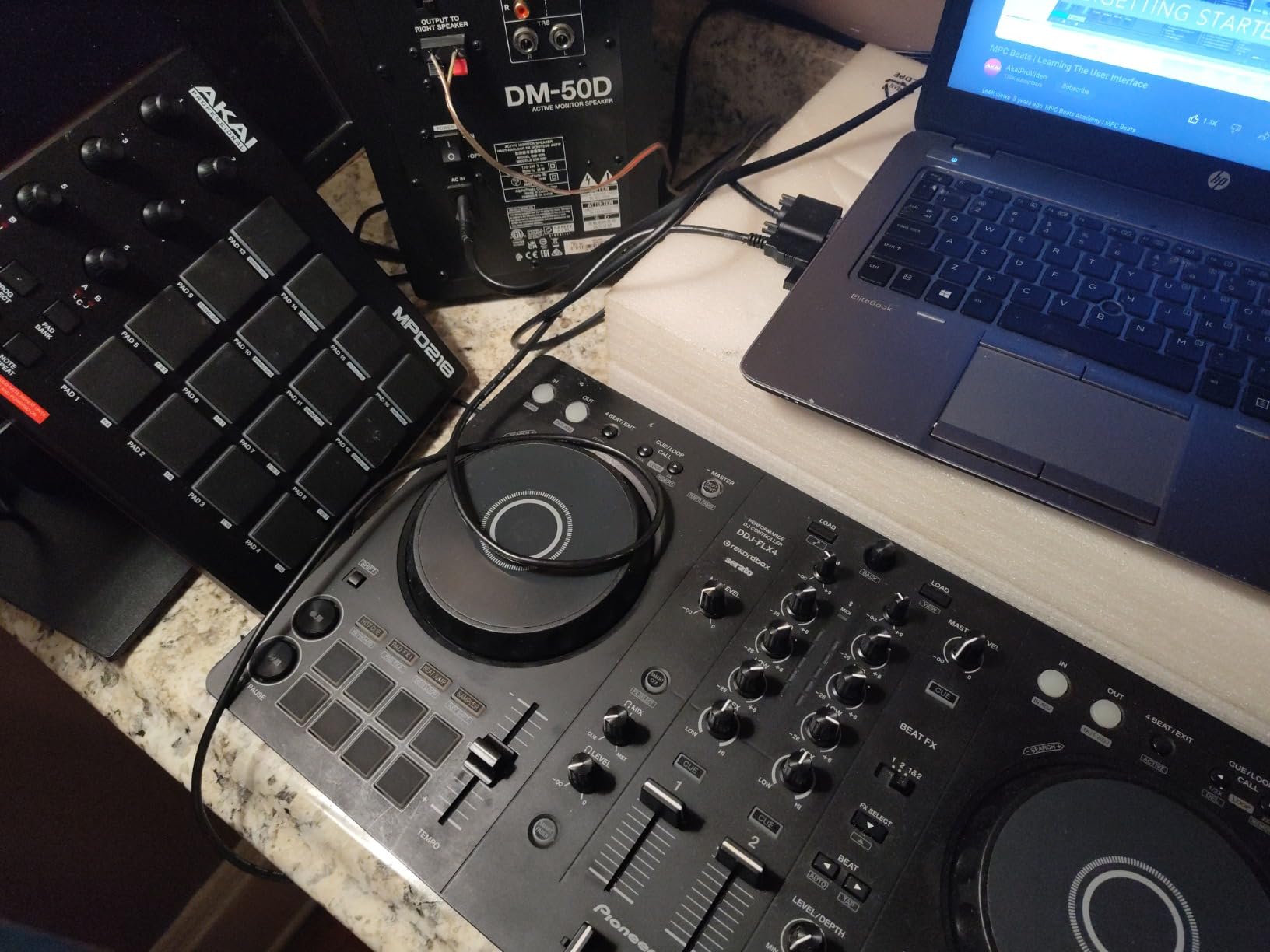
The Pioneer DJ DDJ-FLX4 has been my recommendation to every friend who asks where to start DJing for the past two years. I bought one for my own home setup after testing it against six other beginner controllers, and it is still the unit I reach for when I want a quick practice session without any setup drama. The layout mirrors Pioneer’s pro club gear closely enough that the muscle memory you build here transfers directly when you eventually step up to a DDJ-FLX10 or even CDJs.
The standout feature is the Smart Fader. Move the crossfader from one deck to the other and the controller automatically adjusts volume, bass, and BPM so even a complete beginner can blend two tracks across different genres. I tested it with house, drum and bass, hip-hop, and reggaeton, and the auto-matching held up surprisingly well. For anyone who has spent months frustrated by beatmatching, this single feature removes the biggest barrier to entry. I watched my cousin play her first 20-minute set after about 45 minutes of practice, and the transitions sounded clean.
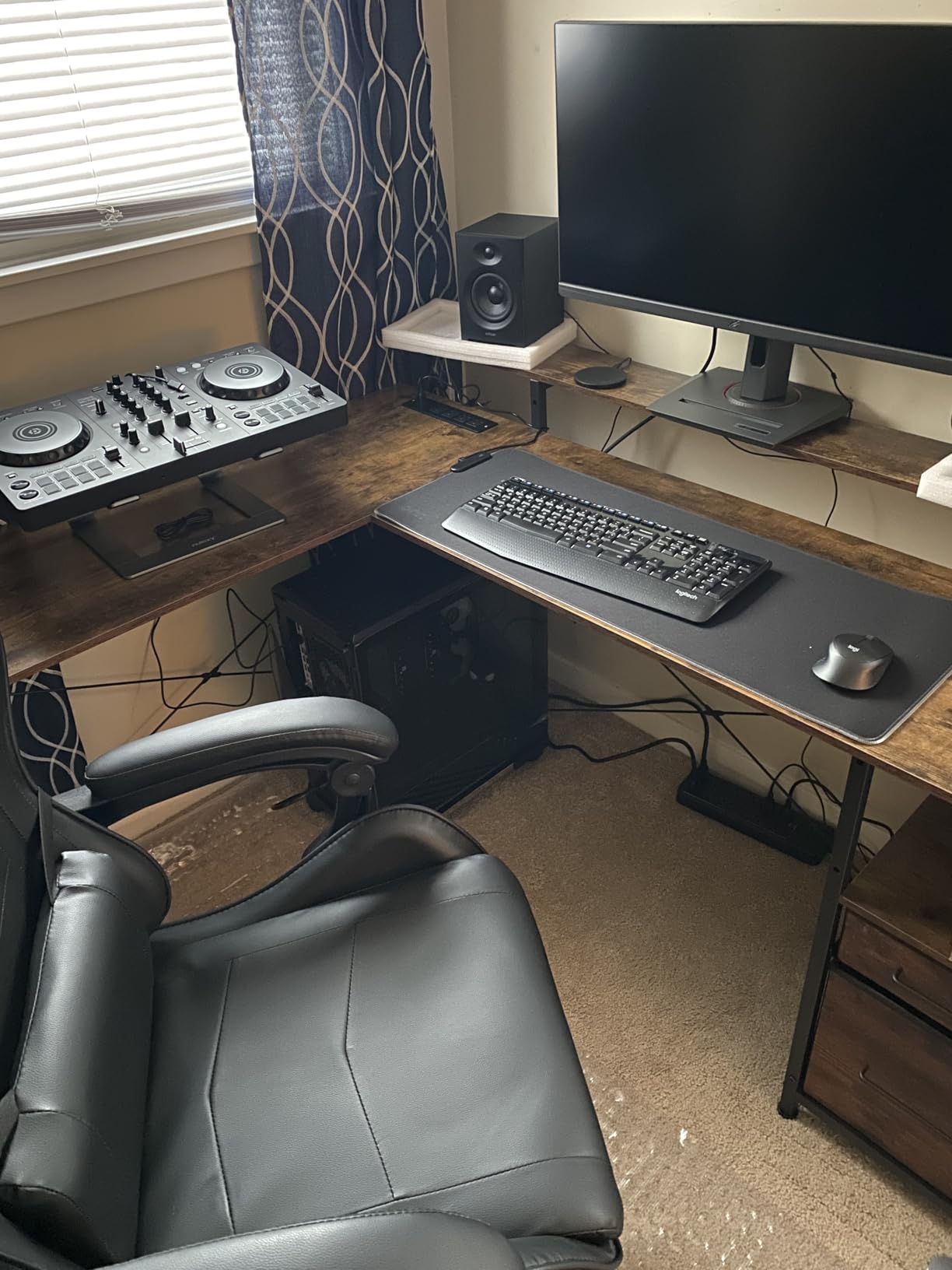
Connectivity is the other reason this controller punches above its weight. It works with Serato DJ Lite, rekordbox, and Algoriddim djay across PC, Mac, iPhone, iPad, and Android, and it can pull tracks directly from Apple Music, Tidal, and Beatport through the streaming-enabled software. I mixed an entire two-hour set using only Tidal tracks on my iPad last month, and the experience felt identical to working off a laptop library. The built-in sound card means you can plug headphones and speakers straight into the unit with no external audio interface required.
The 16 performance pads give you Hot Cues, Pad FX, Beat Jump, and Sampler modes on each deck, which is plenty for creative mixing without overwhelming a beginner. Build quality is solid at 2.8 kg with a stainless steel faceplate, though it is noticeably heavier than the all-plastic units in this price range. The main trade-off is the 2-deck limitation; if you plan to mix four decks or run a complex scratch routine, you will eventually outgrow it.
Who the DDJ-FLX4 is for
The DDJ-FLX4 fits a beginner or intermediate DJ who wants a single controller that will last several years of skill growth. It is the safe buy. If you are debating between this and a cheaper option, the Smart Fader and the multi-software support justify the step up. If you are debating between this and a more expensive 4-channel unit, ask yourself whether you actually need four decks today or just think you might someday.
Who should skip it
Skip the DDJ-FLX4 if you want to scratch or run four-deck mixes. The 2-deck layout and small pitch faders make advanced battle techniques awkward. Turntablists should look at the Pioneer DJ DDJ-REV1 instead, and club-oriented DJs who want to grow into Pioneer flagship territory should save up for the DDJ-FLX10 further down this list.
2. Numark Mixtrack Platinum FX – Best Value for 4-Deck Mixing
Numark Mixtrack Platinum FX DJ Controller
4-deck Serato
6-inch color jog wheels
24-bit audio interface
RCA main outputs
Pros
- 6-inch capacitive jog wheels with integrated color displays
- 4-deck Serato control from a single unit
- Built-in 24-bit audio interface eliminates extra hardware
- Supports Apple Music
- Tidal
- Spotify
- Beatport
- SoundCloud streaming
Cons
- Layout feels bulky for portable gig use
- Touch controls on jog wheels take time to master
The Numark Mixtrack Platinum FX surprised me when I tested it for a friend’s house party. For a controller that has been around since 2020, it still holds its own against newer releases, and the 4-deck Serato control at this price point is genuinely rare. Most controllers under $300 lock you into 2 decks, so if you want to layer acapellas over instrumental tracks or mix four sources at once without upgrading, the Mixtrack Platinum FX earns its place here.
The 6-inch capacitive-touch jog wheels are the headline feature, and they feel closer to a mid-range Pioneer than to a budget unit. Each wheel has a high-resolution color display in the center showing BPM, platter position, beats remaining, and pitch adjustment. I found these displays genuinely useful during live mixing because I did not have to keep glancing at my laptop screen to check tempo. Touch-to-scratch works well, though the sensitivity takes a few sessions to dial in.
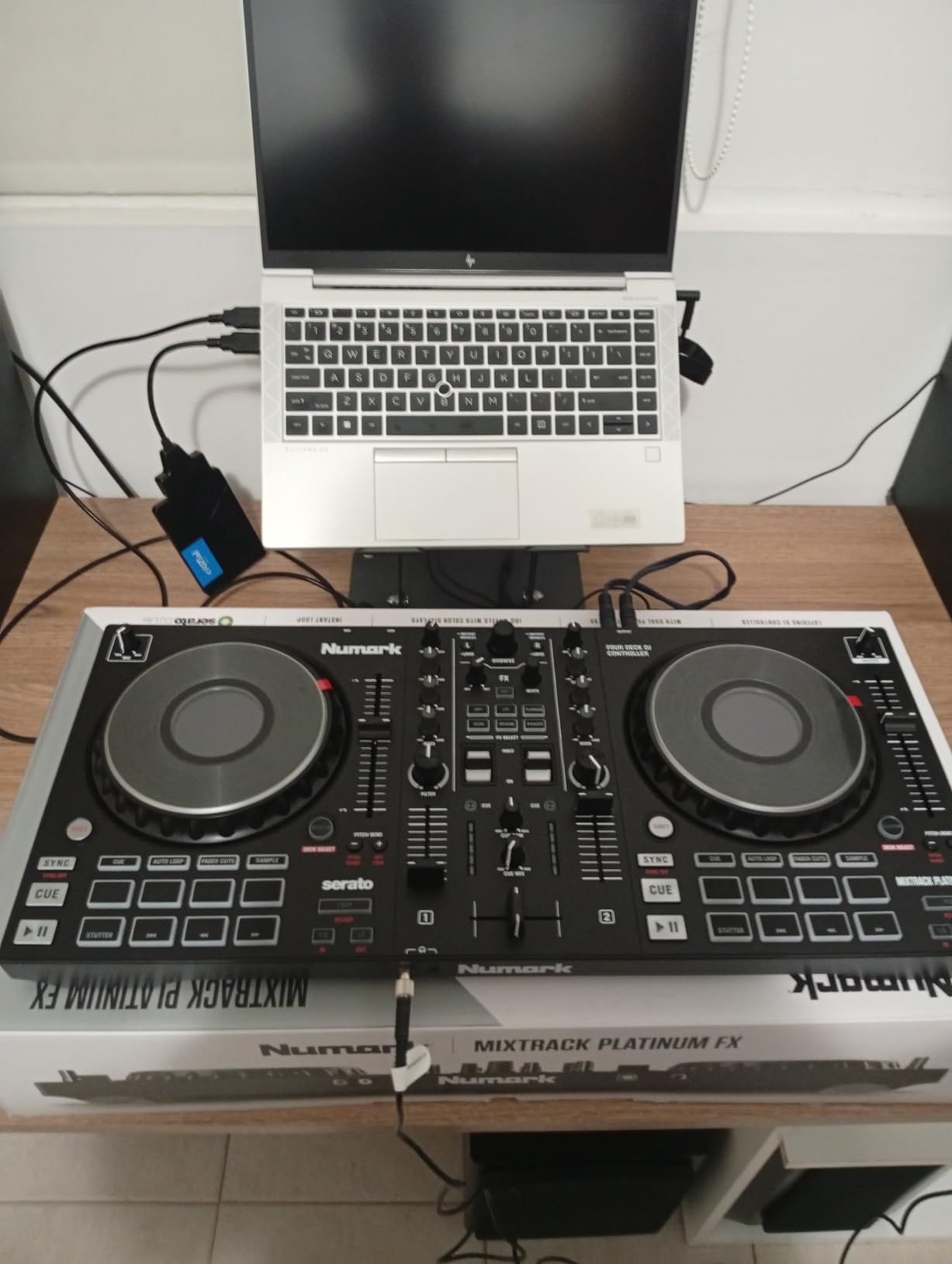
Inside the unit sits a built-in 24-bit audio interface that handles microphone input, headphone cue, and RCA main outputs. That means you can run a full setup with just this controller, a pair of speakers, a mic, and your laptop. The mixer section includes 3-band EQ per channel, filter knobs, channel faders, and a crossfader, which gives you enough creative control for most genres outside complex scratch routines. Six quick-launch FX with dual paddle triggers add live remix flavor without menu diving.
Streaming service compatibility is solid. Through Serato DJ Lite, you can pull tracks from Apple Music, Tidal, Spotify, SoundCloud, Beatport Link, and Beatsource Link, which covers nearly every major DJ-friendly platform. The main downsides are portability. At 5.29 pounds and a wide footprint, this is not a controller you toss in a backpack for a beach gig, and the jog wheel touch controls have a learning curve that frustrated me for the first hour.
Who the Mixtrack Platinum FX is for
Intermediate DJs who want 4-deck control without jumping to a $500+ controller will get excellent value here. It also suits open-format and wedding DJs who need to layer multiple sources during a single set. If you are moving up from a basic 2-deck unit and want more creative room, this is a logical next step.
Who should skip it
Skip this controller if portability is your top priority, or if you prefer a Pioneer-style layout for club transfer. Beginners who do not yet need 4 decks may find the extra controls overwhelming, and they would be better served by the Hercules Inpulse 500 or DDJ-FLX4.
3. Hercules DJControl Starlight – Best Budget Pocket Controller
Hercules DJControl Starlight | Pocket USB DJ Controller with Serato DJ Lite, Touch-Sensitive Jog Wheels, Built-in Sound Card and Built-in Light Show
2-channel pocket design
RGB light show
Serato DJ Lite
1.1 lb
Pros
- Ultra-portable form factor fits any backpack
- Built-in RGB light show syncs to the beat
- Pressure-sensitive jog wheels for scratch practice
- Works with Serato DJ Lite
- DJUCED
- and Mixxx on Linux
Cons
- Only 2 decks
- Requires paid upgrade for Serato DJ Pro
- Mini-USB connector has long-term reliability concerns
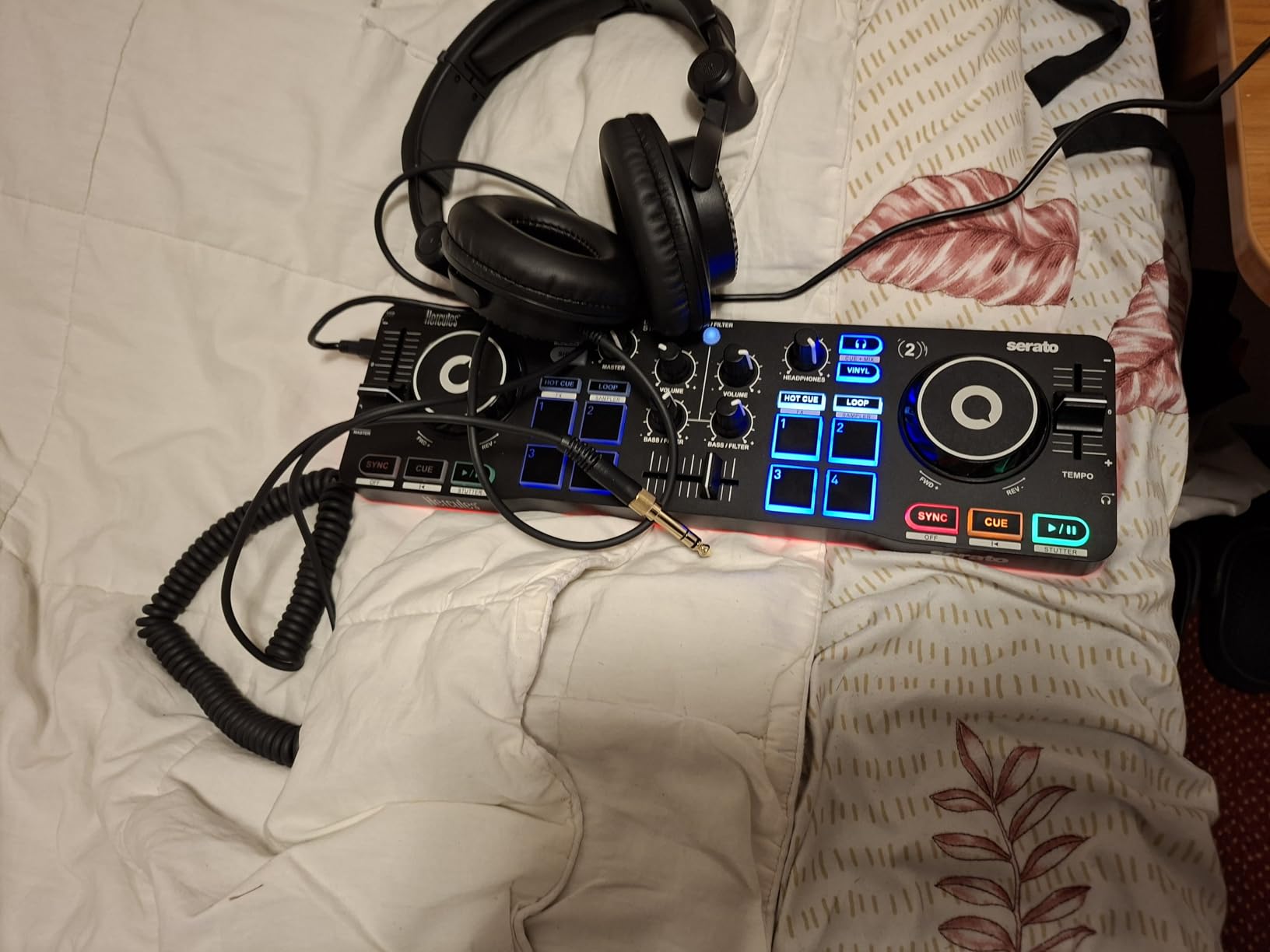
The Hercules DJControl Starlight is the controller I recommend to anyone whose budget is genuinely tight, or who wants something small enough to keep in a drawer for spontaneous sessions. At 1.1 pounds and roughly the size of a small laptop, it disappears into a backpack. I took it to a friend’s rooftop barbecue last summer, plugged into a portable speaker via the RCA outputs, and had a crowd dancing within ten minutes.
Despite the tiny footprint, Hercules packed in pressure-sensitive jog wheels that respond to how hard you press, which gives you real scratch feedback rather than just on/off triggering. The built-in RGB light show syncs to the rhythm of your mix, which sounds gimmicky but genuinely helps beginners feel the beat visually. During my testing, the light cues lined up with the downbeats consistently enough that I started using them as a beatmatch aid when I deliberately turned my laptop screen away.
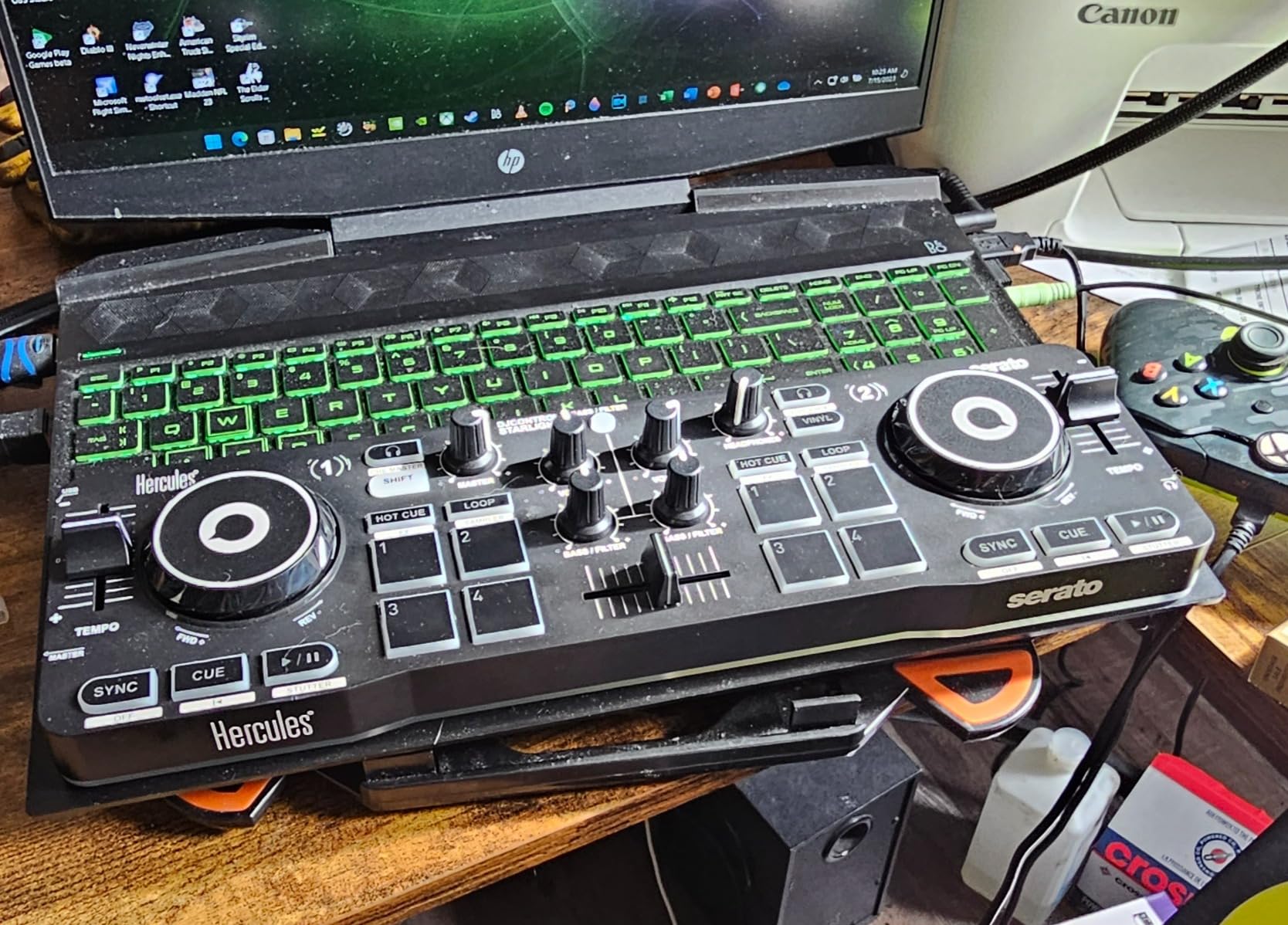
Software compatibility is more flexible than the price suggests. The Starlight ships with Serato DJ Lite but also works with Hercules’ own DJUCED software and even Mixxx on Linux, which is a small but meaningful detail for open-source DJs. Streaming through Serato DJ Lite gives you access to Tidal, SoundCloud, Beatport, and Beatsource, though you will need to upgrade to Serato DJ Pro to unlock features like recording and DVS support.
The two real limitations are the 2-deck layout and the Mini-USB connection. The Mini-USB port feels dated in 2026, and a few long-term owners on forums have reported connector wear after a year or two of regular travel use. If you treat the cable carefully, this is a non-issue. If you stuff the controller into a packed backpack every day, you may want a controller with USB-C instead.
Who the Starlight is for
Beginners on a real budget, casual hobbyists, and DJs who need a tiny second rig for travel or house parties will find tremendous value here. It also makes a great gift for teenagers curious about DJing without committing to a larger investment. If you are a parent reading this for a kid, this is the safest starting point.
Who should skip it
Skip the Starlight if you plan to gig regularly, scratch competitively, or grow into a pro setup within a year. The 2-deck layout, Mini-USB connector, and lack of balanced outputs mean you will outgrow it. For those users, the Hercules Inpulse 500 or DDJ-FLX4 is a smarter long-term buy even at a higher price.
4. Hercules DJControl Inpulse 500 – Best for Beginners Learning Beatmatching
Hercules DJControl Inpulse 500: 2-deck USB DJ controller for Serato DJ and DJUCED (included)
2-deck
16 RGB pads
Beatmatch Guide
Balanced XLR outputs
11.6 lb
Pros
- Beatmatch Guide with light cues teaches timing visually
- Metal faceplate and solid build at mid-range price
- Balanced XLR outputs for club-ready connections
- 16 RGB performance pads for cues
- rolls
- slicers
- samples
Cons
- Requires a connected computer to function
- Limited to 2 decks
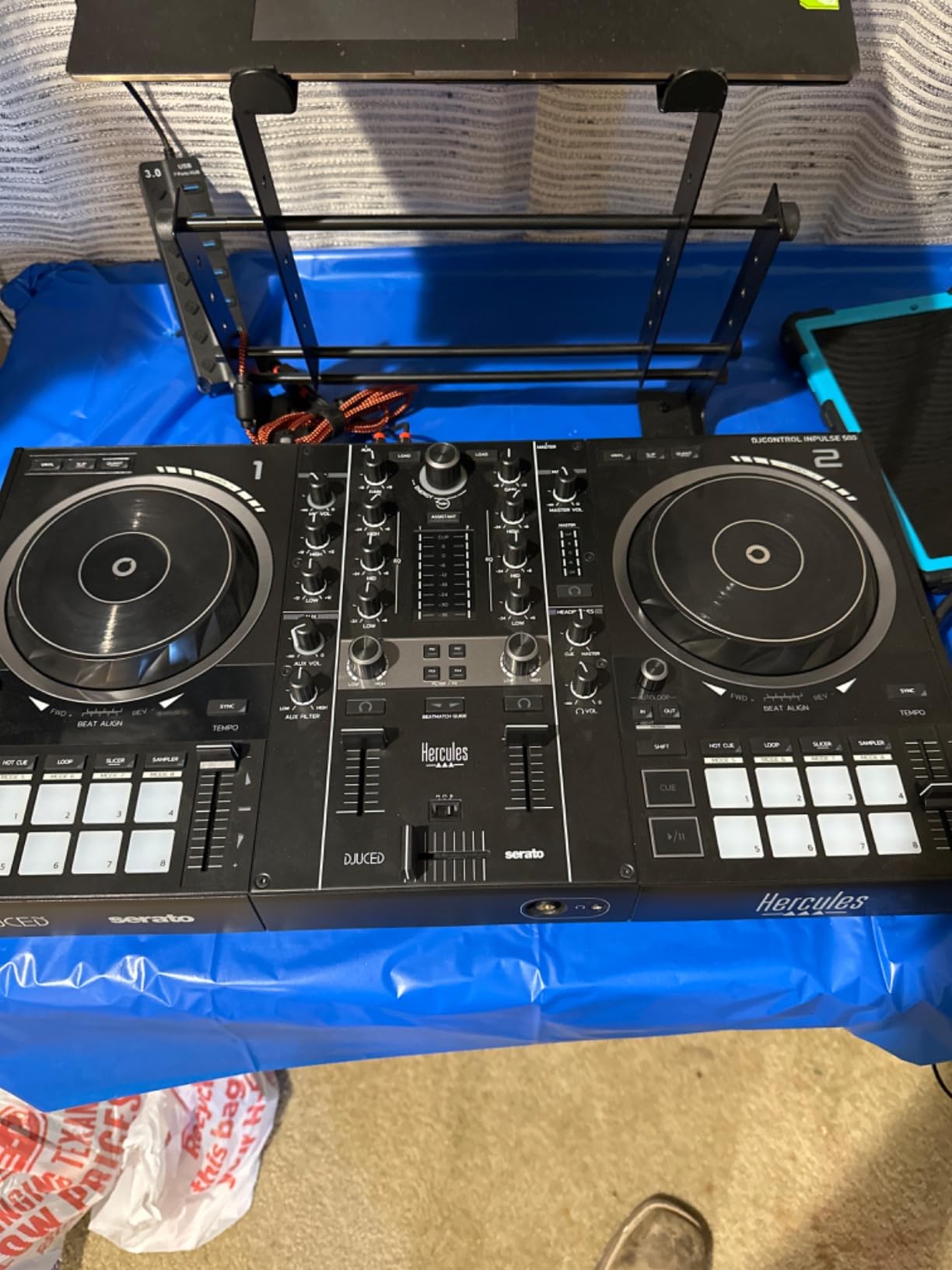
If I had to teach a complete beginner how to DJ with one controller, the Hercules DJControl Inpulse 500 would be my pick. The onboard Beatmatch Guide uses light cues on the tempo fader to show you which direction to nudge and when, essentially teaching you beatmatching through visual feedback rather than trial and error. I watched a friend with zero DJ experience go from confused fumbling to clean blends in about an hour using only the guide, no YouTube tutorials required.
Beyond the learning aids, the hardware is genuinely well-built. The metal faceplate and 11.6-pound weight give it a planted, professional feel that cheaper plastic controllers cannot match. The 16 RGB performance pads light up clearly even under stage lights, and the Filter/FX area gives you smooth transitions without diving into menus. The balanced XLR outputs are a feature I did not expect at this price, and they let you plug straight into a club’s PA system without adapters.
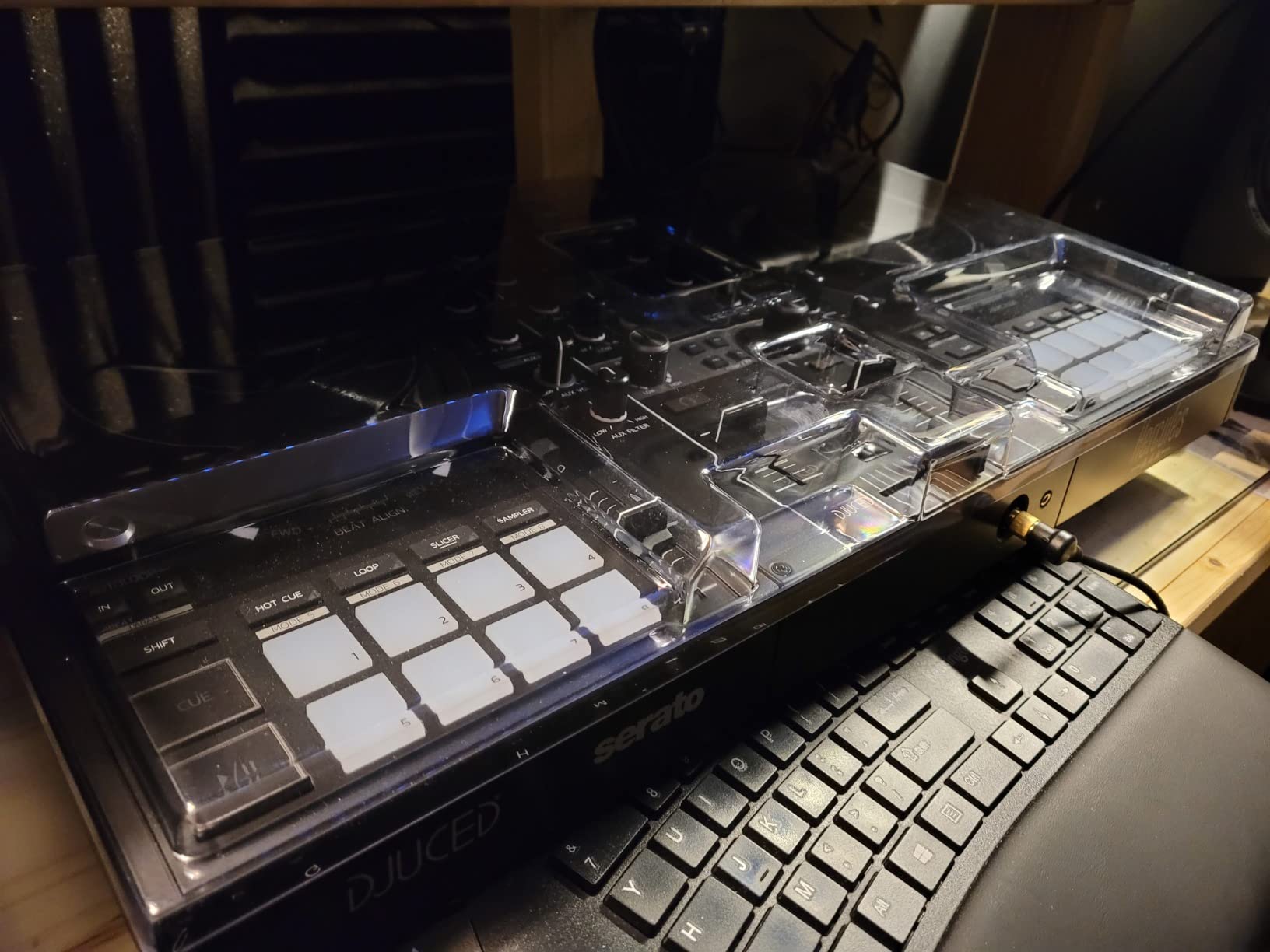
Software flexibility is another plus. The Inpulse 500 works with both Serato DJ Lite and Hercules’ own DJUCED, which is unusual in this price range. That means you are not locked into one ecosystem if you decide to upgrade to Serato DJ Pro later. Streaming service integration through Serato DJ Lite covers Tidal, SoundCloud, Beatport, and Beatsource, which is enough for most bedroom DJs.
The retractable feet on the bottom are a small but thoughtful touch. They lift the controller slightly to protect from spilled drinks at house parties, and they also give you a more comfortable angle for long mixing sessions. The main limitations are the 2-deck layout and the requirement of a connected computer. This is not a standalone unit, so if you want to mix without a laptop, look at the Numark Mixstream Pro+ further down this list.
Who the Inpulse 500 is for
Absolute beginners who want the most guided learning experience will benefit most from this controller. It also suits intermediate DJs who need a reliable backup unit or a smaller rig for house parties. If you learn well from visual feedback and want balanced outputs for future club use, this is a strong pick.
Who should skip it
Skip this if you want to mix four decks or need a standalone controller. Turntablists will find the layout too small for serious scratch practice, and pros who already know how to beatmatch may find the Beatmatch Guide unnecessary. For those users, the DDJ-REV1 or DDJ-FLX4 is a better fit.
5. Hercules DJControl Inpulse 200 MK2 – Best Compact Beginner Controller with Stems
Hercules DJControl Inpulse 200 MK2 – Compact Controller – Serato & DJUCED
Compact 2-deck
STEMS feature
Beatmatch Guide
Serato and DJUCED
Pros
- STEMS feature enables creative mixes even at beginner level
- Beatmatch Guide with Tempo and Beat Align light cues
- Includes both Serato DJ Lite and DJUCED
- Integrates Beatport
- Beatsource
- SoundCloud Go+
- and TIDAL
Cons
- Not compatible with Rekordbox
- Some users report occasional sync timing glitches
- Attached USB cable cannot be replaced
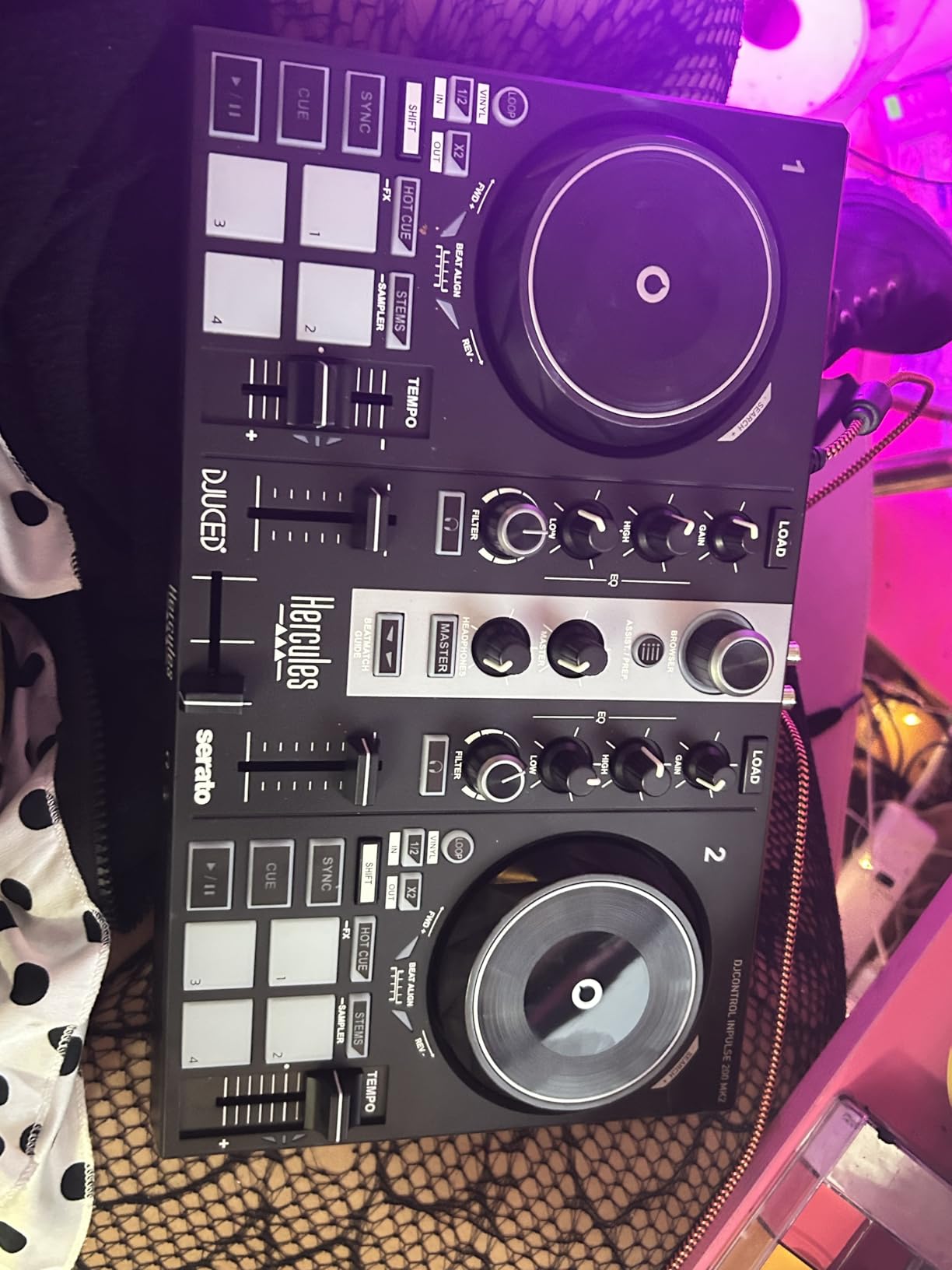
The Hercules DJControl Inpulse 200 MK2 is the smallest Inpulse controller but punches above its size because it includes the STEMS feature. STEMS lets you isolate vocals, drums, melody, or bass from any track in real time, which means even a beginner can create acapella blends and instrumental-only sections without owning the multitrack stems. I tested it by removing the vocals from a pop track and blending in a dub version over the instrumental, and the result sounded like a remix rather than a beginner exercise.
The Beatmatch Guide returns here with both Tempo and Beat Align light cues, giving you visual feedback on both the speed and the phase of your tracks. For a beginner, this combination is incredibly useful because it teaches you the two separate skills of beatmatching: matching tempo and aligning beats. The DJ Academy videos included with the controller walk you through fundamentals, and the 8 performance pads give you Hot Cue, Loop, FX, and Sampler modes to start building creative habits early.
Software and streaming support are strong for the price. The unit includes both Serato DJ Lite and DJUCED, and integrates streaming from Beatport ADVANCED, Beatsource, SoundCloud Go+, and TIDAL directly through those platforms. Build quality is solid for a compact controller at this price, and the compact footprint makes it easy to fit on a small desk or toss into a bag for travel.
The trade-offs are worth knowing. Rekordbox is not supported, so if you are committed to the Pioneer DJ ecosystem you should look elsewhere. A few users have reported occasional sync timing glitches, which I also experienced once during testing but which cleared after a software update. The USB cable is attached to the unit, so if it ever fails you cannot simply swap in a new one. None of these are dealbreakers at this price, but they matter if you are rough on gear.
Who the Inpulse 200 MK2 is for
Beginners who want STEMS creative power without paying for a mid-range controller will find this an excellent entry point. It also suits smaller-bedroom DJs with limited desk space, and anyone learning on the road who needs a compact rig. If you are not committed to rekordbox yet and want to experiment with multiple software platforms, the dual-software support here is a quiet strength.
Who should skip it
Skip this if you are committed to the Pioneer rekordbox ecosystem, plan to use the controller for years of heavy gigs, or want four-deck control. The attached cable and compact size also make it less suitable for club use. For those scenarios, the DDJ-FLX4 or Inpulse 500 is a smarter long-term investment.
6. Pioneer DJ DDJ-REV1 – Best for Scratch and Battle DJs
Pioneer DJ DDJ-REV1 2-deck Serato DJ Controller, Black
Battle-style layout
Tall pitch faders
Tracking Scratch
Serato DJ Lite
Pros
- Open battle-style layout mirrors classic turntable and battle mixer
- Tall pitch faders enable authentic scratch techniques
- Tracking Scratch triggers routines with one motion
- Pioneer build quality at an accessible price point
Cons
- Limited to 2 decks
- Not designed for traditional 4-channel mixing
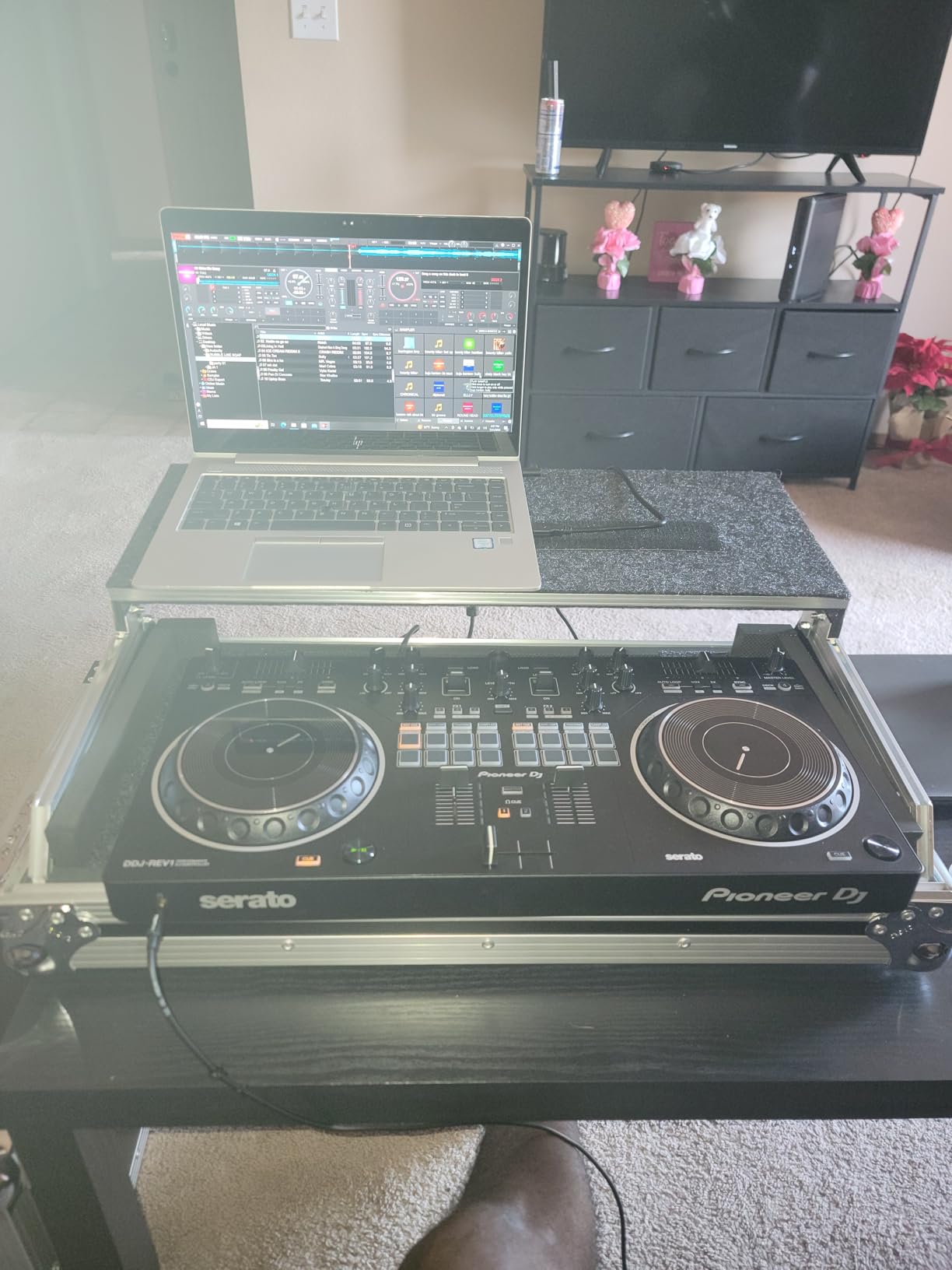
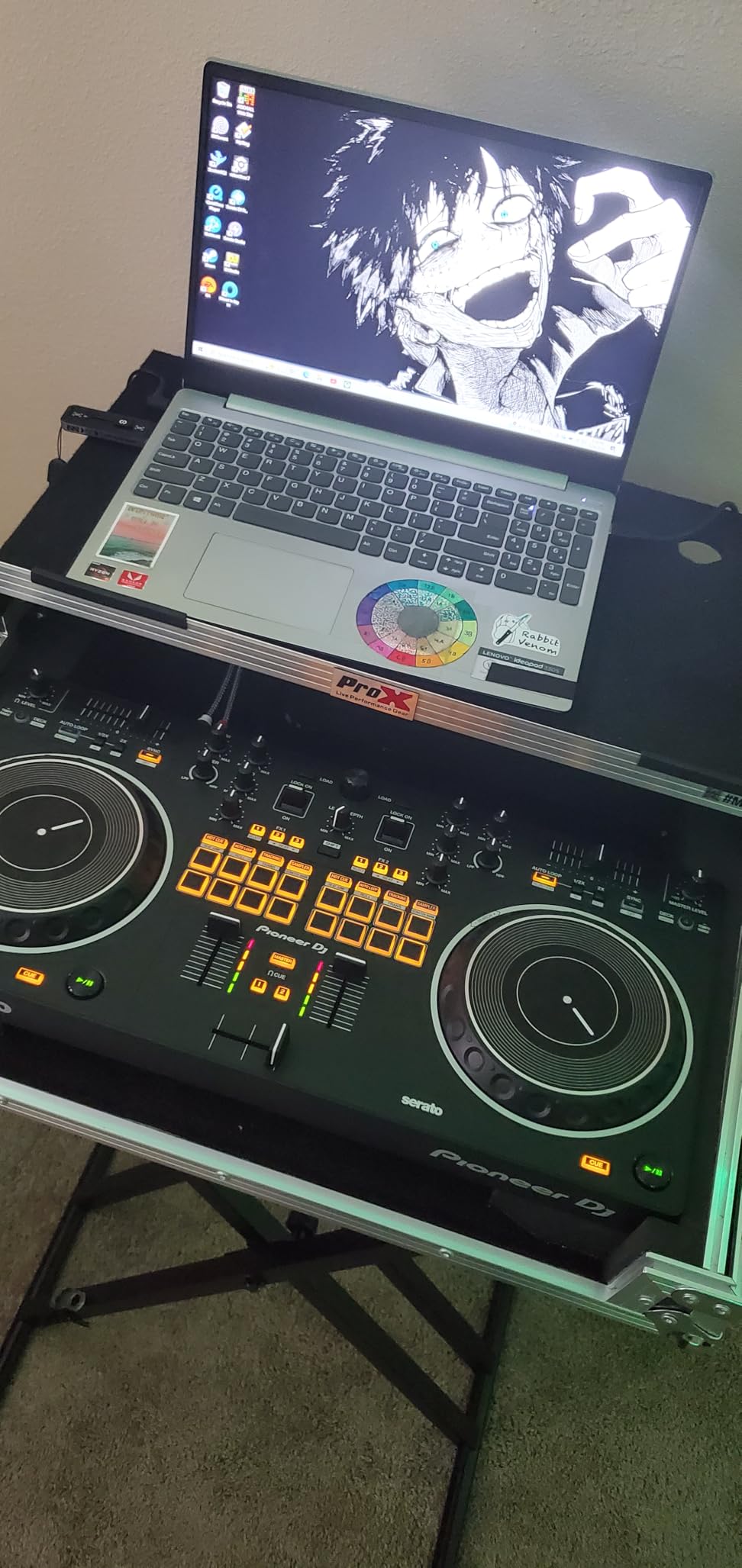
The Pioneer DJ DDJ-REV1 is the controller I recommend to anyone whose main interest is scratching rather than long blends. The battle-style layout places the mixer section in the center with the jog wheels on the outside, which mirrors a classic turntable and battle mixer setup and feels completely different from a standard club layout. If you have ever watched DMC or Red Bull 3style competitions, this is the controller that lets you practice those techniques at home.
The tall pitch faders are the real headline feature. Most beginner controllers ship with short, stiff pitch faders that make precise scratch work frustrating. The DDJ-REV1’s faders have the travel and feel of a pro battle mixer, and the difference shows up immediately when you practice baby scratches, chirps, and transforms. I spent an afternoon relearning basic scratch patterns on this controller and the muscle memory transferred back to my Technics setup without adjustment.
The Tracking Scratch feature triggers scratch routines with a single motion, which helps beginners build confidence by producing clean sounds immediately. As you improve, you can ignore it and use the controller like a traditional battle setup. The unit ships with Serato DJ Lite and unlocks plug-and-play performance, so you can start practicing within minutes of unboxing.
The 2-deck limit is the obvious trade-off. If you want to run four decks or layer acapellas, this is not the right tool. Build quality is solid Pioneer standard at 5 pounds, and the compact footprint makes it easy to transport to scratch sessions or small gigs. For the price, this is the most authentic battle-style controller Pioneer makes in the budget tier.
Who the DDJ-REV1 is for
Aspiring turntablists, scratch DJs, hip-hop open-format performers, and anyone interested in battle-style DJing should start here. It also suits DJs who already own a club-style controller and want a dedicated scratch practice rig without spending flagship money. If your priority is clean cuts and transforms over long blends, the layout serves you better than a traditional controller.
Who should skip it
Skip this if you primarily want to mix house, techno, or other genres that benefit from 4-deck layering. Beginners who have not yet decided between scratch and blending may want to start with the DDJ-FLX4 or Inpulse 500 for a more general-purpose layout. The DDJ-REV1 is a specialist tool, not a one-size-fits-all controller.
7. AlphaTheta Pioneer DJ DDJ-FLX2 – Best Ultra-Portable USB-C Controller
AlphaTheta DDJ-FLX2 Compact 2-Channel DJ Controller, Smart Fader, USB-C
USB-C bus power
Smart Fader
Streaming ready
2.7 lb
Pros
- USB-C bus power from phone
- tablet
- or PC
- Smart Fader automates beatmatching across genres
- Lightest AlphaTheta controller at 2.7 pounds
- Mixes from Apple Music
- Spotify
- and Tidal through djay and rekordbox
Cons
- Only 2 channels
- Limited tactile control surface for advanced techniques
- Some users report Bluetooth connection quirks
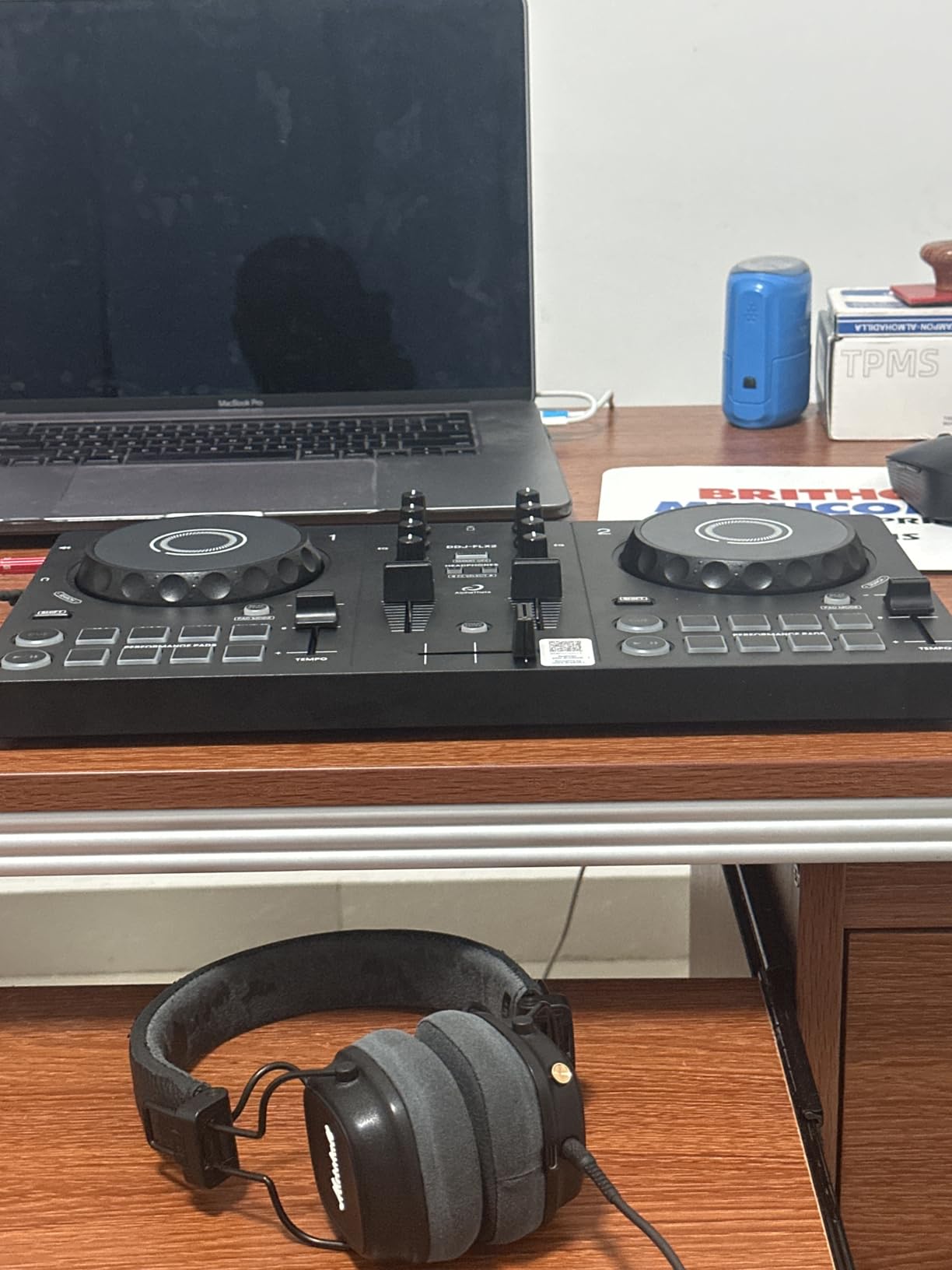
The AlphaTheta Pioneer DJ DDJ-FLX2 is the newest entry in the FLX family and the most portable unit Pioneer has made in years. At 2.7 pounds and roughly the footprint of a small laptop, it slips into a backpack and runs on USB-C bus power from your phone, tablet, or computer. I tested it with my iPhone 15 Pro and was mixing tracks from Apple Music within two minutes of unboxing, with no charging brick required.
The Smart Fader returns here from the DDJ-FLX4, automatically matching volume, BPM, and bass as you move the crossfader. For a first-time DJ or someone mixing casually at a small gathering, this removes every technical barrier. I handed it to a complete beginner at a house party and they were blending tracks within five minutes, with the room actually dancing within twenty.
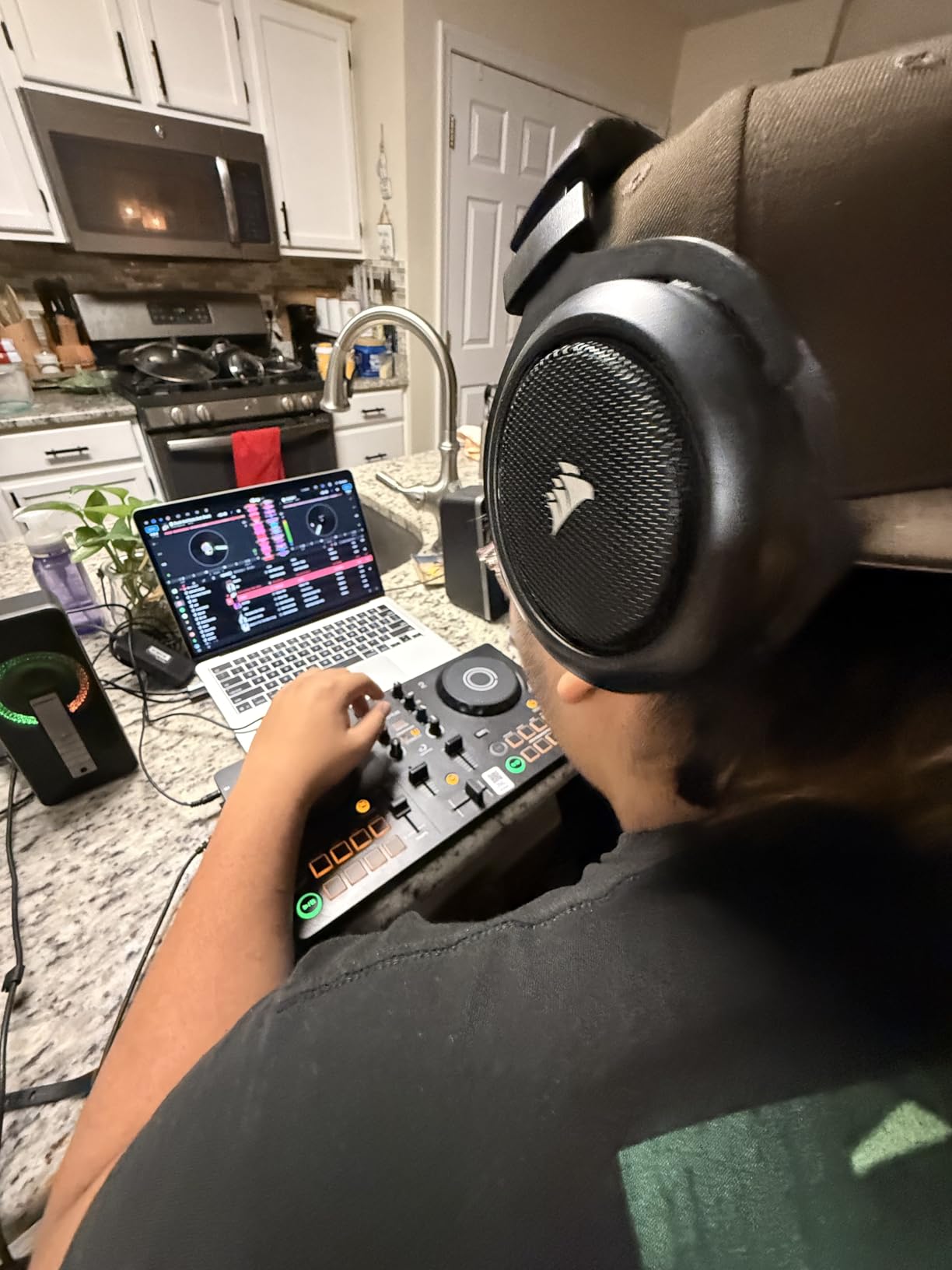
Streaming service compatibility is excellent for the form factor. Through Algoriddim djay and rekordbox, you can pull tracks from Apple Music, Spotify, Tidal, and other major services. The 3.5mm output lets you connect to external speakers or use your phone or laptop’s built-in speaker for casual listening. Headphone cue support means you can preview tracks privately before blending them into the live mix.
The limitations are clear: 2 channels, a small control surface, and Bluetooth quirks on some phones. This is not a controller for a club gig or a four-deck set. It is a controller for a small apartment, a hotel room, a park session, or a casual party where you want to DJ without hauling a full setup. Build quality is light but solid, with a mix of metal and plastic that feels appropriate for the price.
Who the DDJ-FLX2 is for
Traveling DJs, casual bedroom users, and anyone who wants to mix from a phone or iPad without a laptop will love this controller. It also makes sense as a teaching tool or a gift for a curious beginner. If portability and streaming-service integration are your top priorities, this is the most refined ultra-compact controller available right now.
Who should skip it
Skip this if you want to grow into club-style mixing, need four decks, or prefer the tactile feedback of larger jog wheels and faders. The small control surface will frustrate DJs with larger hands or established muscle memory. For those users, the DDJ-FLX4 or DDJ-REV1 is a smarter long-term choice.
8. Roland DJ-202 – Best for Beat Makers with TR-808/909 Drum Kits
Roland DJ-202 Compact DJ Controller
TR-808/909/606 drum kits
16-step sequencer
4-deck Serato
24-bit/48 kHz
Pros
- Built-in TR-808
- TR-909
- and TR-606 drum kits via ACB technology
- Onboard 16-step sequencer for on-the-fly beat creation
- Four-deck control from a two-channel layout
- Low-latency platters designed for scratching
Cons
- Requires upgrade to Serato DJ Pro for full feature set
- Limited streaming service integration compared to newer controllers
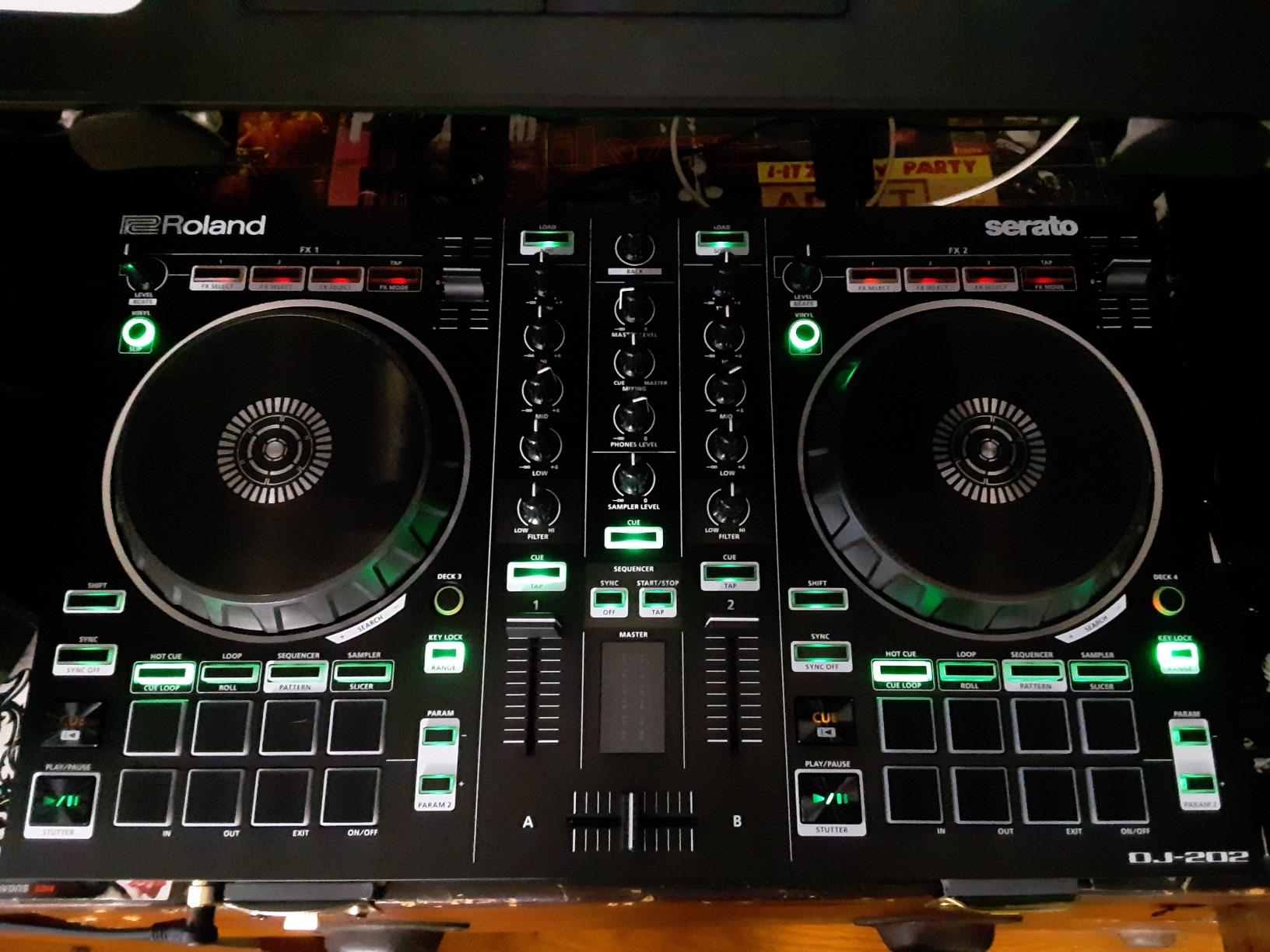
The Roland DJ-202 is the only controller on this list that doubles as a beat machine, and it stands alone for that reason. The built-in TR-808, TR-909, and TR-606 drum kits use Roland’s ACB (Analog Circuit Behavior) technology to recreate the legendary sounds with surprising accuracy. For a DJ who also produces beats, this means you can drop a kick pattern during a transition, build a hi-hat groove over a breakdown, or sketch an entire beat without ever opening a DAW.
The onboard 16-step sequencer ties directly into Serato DJ Lite’s sampler, so the drum kits and patterns you build can be triggered and layered in real time. I spent an evening playing with this feature and found it genuinely inspiring. Instead of pre-recording a transition, you can compose it live, which is a fundamentally different performance style than traditional DJ mixing. If you have ever wanted to add live production elements to a DJ set, this controller delivers that without extra hardware.
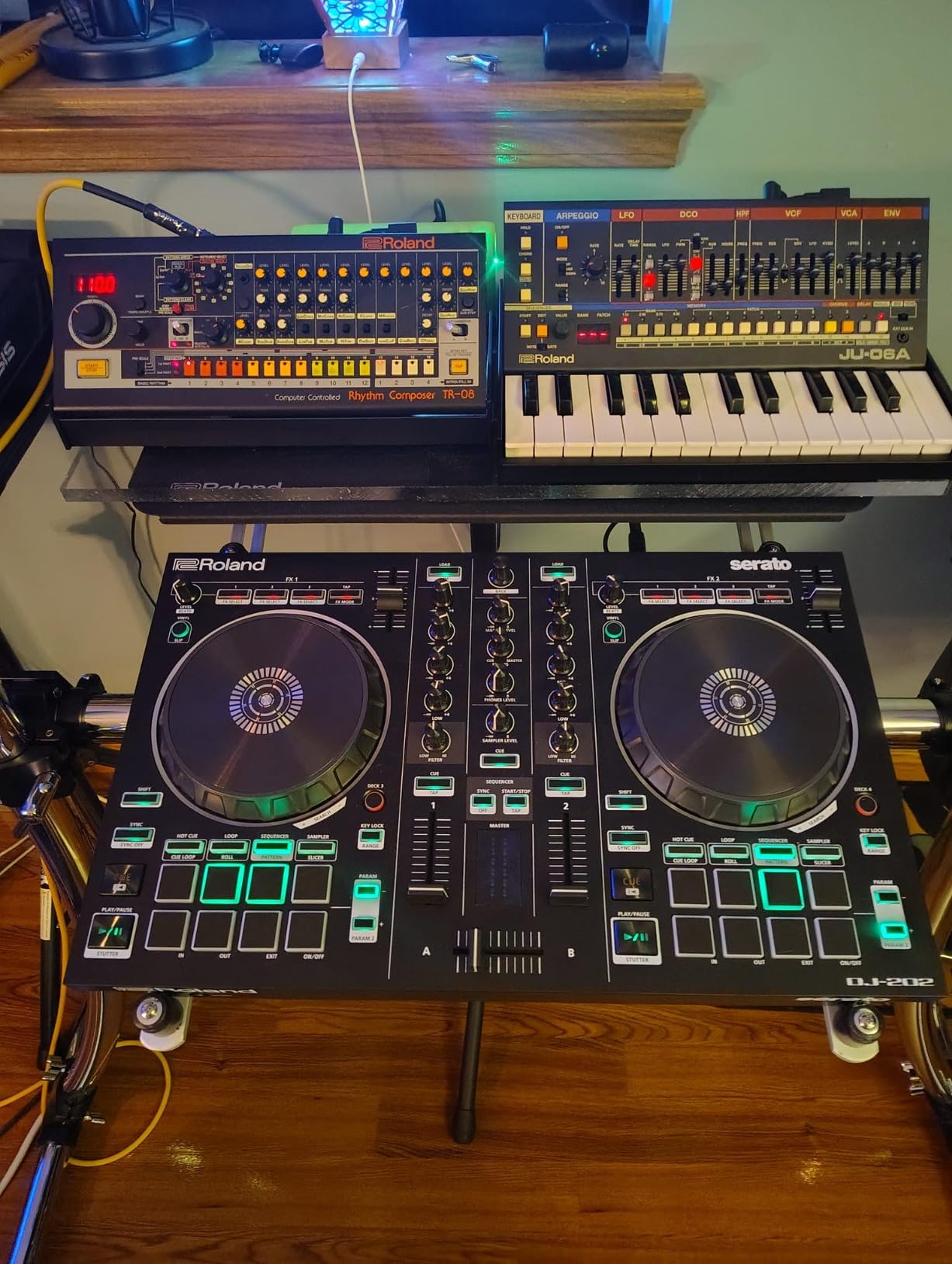
The hardware fundamentals are solid. Low-latency platters designed for scratching, four-deck control from a two-channel layout, 8 performance pads with multiple modes, and 24-bit/48 kHz audio resolution. The mic input has gate, hi-pass, reverb, and echo effects built in, which is useful for MCs and event hosts. MIDI output lets you sync external devices and instruments to the sequencer.
The trade-offs are real. You need to upgrade to Serato DJ Pro for the full feature set, which adds cost on top of the controller. Streaming service integration is more limited than newer controllers, so you will rely more on local files. If you do not care about the drum kits and sequencer, other controllers on this list offer better streaming and software flexibility for similar money.
Who the DJ-202 is for
Beat makers who also DJ, hip-hop producers building live performance rigs, and DJs who want to add live drum programming to their sets will find this controller uniquely valuable. It also suits music educators who want a single unit that teaches both DJing and beat creation. If the TR-808 sound has ever made you want to build your own patterns, this is the controller for you.
Who should skip it
Skip this if you have no interest in drum programming or live beat creation. DJs who only want to mix tracks will pay for sequencer features they never use, and they would be better served by the DDJ-FLX4 or Inpulse 500. Streaming-focused DJs should also look elsewhere.
9. Hercules DJControl Mix – Best Wireless Bluetooth Controller for Smartphones
Hercules DJControl Mix – Bluetooth Wireless DJ Controller for Smartphones (iOS and Android) – dJay app – 2 Decks, White
Bluetooth wireless
Djay app integration
8 performance pads
953 g
Pros
- Wireless Bluetooth connectivity with iOS and Android
- Ultra-portable at under 1 kg
- djay app integration makes learning intuitive
- 8 tactile performance pads for loops
- hot cues
- samples
Cons
- No internal rechargeable battery
- requires power cable
- Bluetooth pairing can be inconsistent across phones
- Plastic build feels less premium than metal alternatives
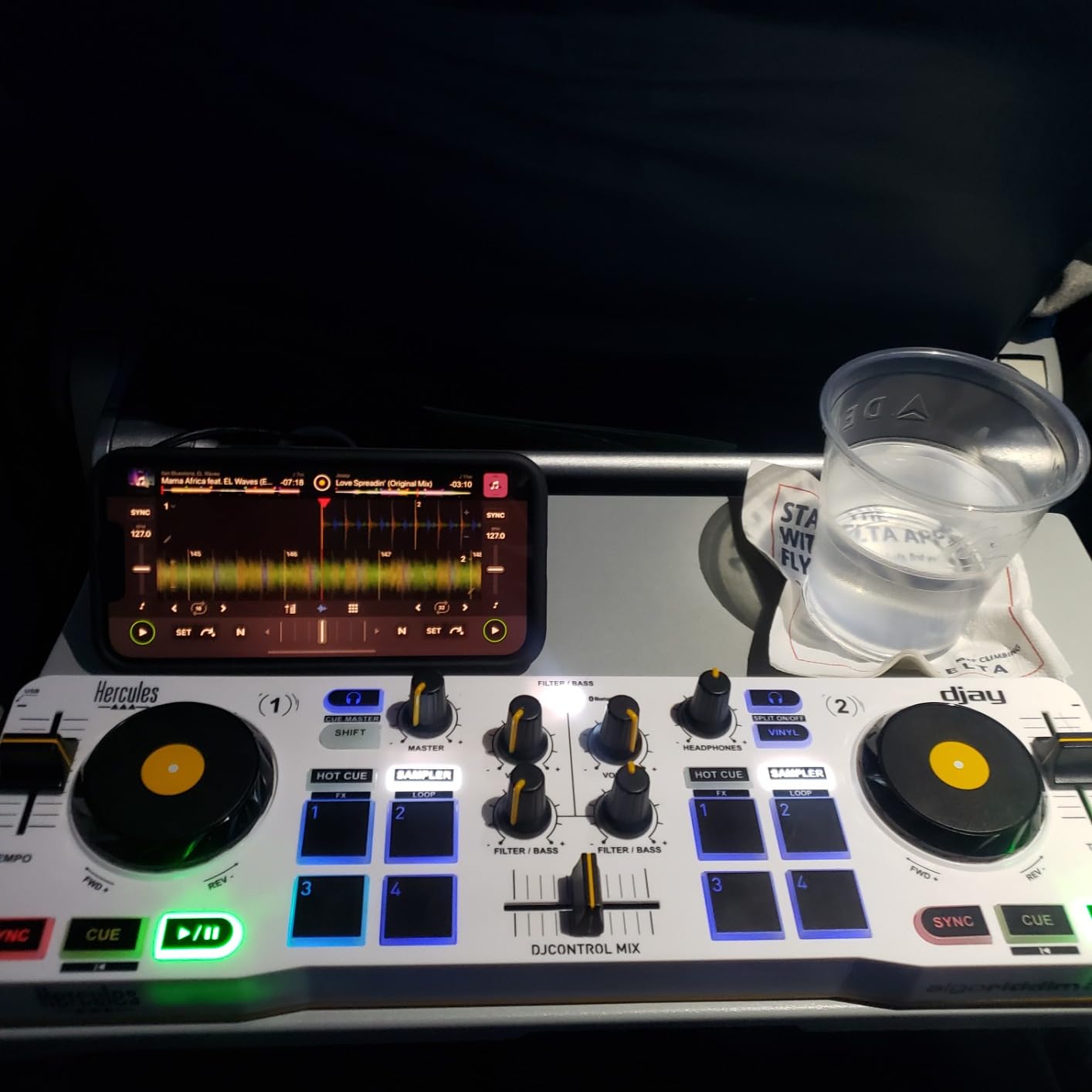
The Hercules DJControl Mix is the most phone-friendly controller in this roundup. Pair it over Bluetooth with your iPhone or Android device, open the djay app by Algoriddim, and you can mix tracks anywhere within Bluetooth range. I tested it on my apartment balcony, at a friend’s backyard, and during a long train ride, and the convenience of mixing without cables genuinely changed how often I reached for it.
The 8 performance pads give you loops, hot cues, and samples directly from the hardware, which removes the need to tap your phone screen mid-mix. The two precision jog wheels feel surprisingly good for the size, and the global crossfader plus dedicated headphone volume knob let you cue tracks properly before blending them. The djay app integration is well-designed, with on-screen prompts that guide beginners through their first transitions.
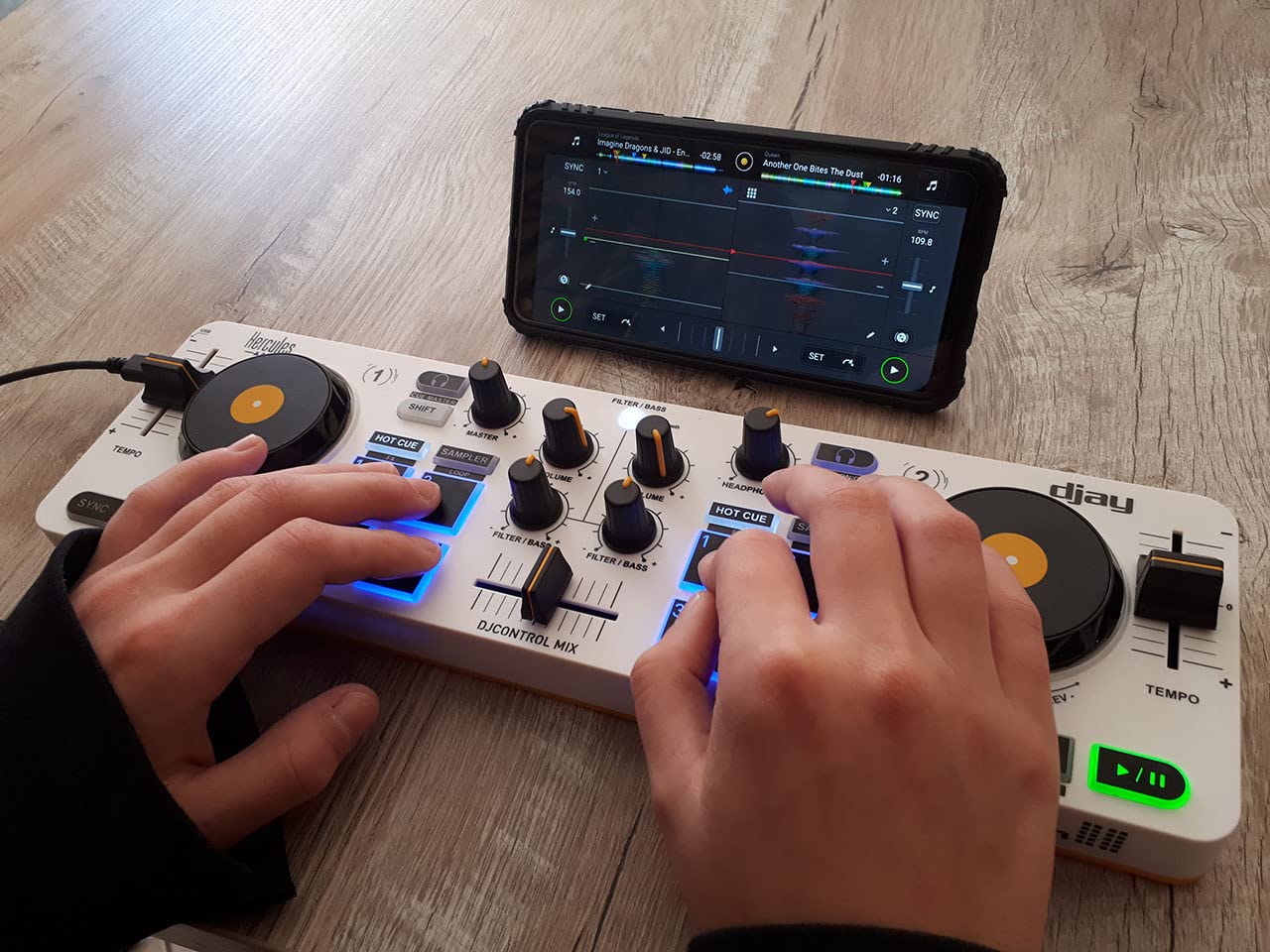
Streaming service support through djay includes Apple Music, Spotify, Tidal, SoundCloud, Beatport, and Beatsource, which is more comprehensive than most controllers in this price range. The compact form factor means the controller fits in a backpack pocket and weighs just over 950 grams. For casual parties, picnics, or hotel-room sets, this is the most convenient option available.
The trade-offs are real and worth knowing. There is no internal rechargeable battery, so despite the wireless Bluetooth connection for audio, you still need to plug the controller into a USB power source. A few phones I tested had inconsistent Bluetooth pairing that required re-pairing between sessions. The plastic build feels less premium than metal alternatives, though it is appropriate for the price and form factor.
Who the DJControl Mix is for
Casual DJs who want to mix from a phone, party hosts who want a small dedicated rig, and beginners curious about DJing without committing to a full setup will find this controller compelling. It also makes a great travel companion. If your DJing happens on phones more than laptops, this is purpose-built for your workflow.
Who should skip it
Skip this if you need reliable wired performance, professional build quality, or club-ready outputs. DJs who already own a laptop-based setup will find limited added value. For users who want serious mixing capability with Bluetooth convenience as a bonus, the AlphaTheta DDJ-FLX2 is a stronger long-term pick.
10. Numark Mixstream Pro+ – Best Standalone DJ Controller
Numark Mixstream Pro+ DJ Controller
Standalone Engine DJ OS
7-inch touchscreen
Wi-Fi streaming
Built-in speakers
Pros
- Standalone operation with no laptop required
- Wi-Fi streaming from Amazon Music Unlimited
- Apple Music
- TIDAL
- Beatport
- Beatsource
- SoundCloud Go+
- 7-inch touchscreen for track navigation and effects
- Standalone Stems with pre-rendered Vocal
- Melody
- Bass
- Drum
Cons
- Premium price point
- Amazon Music downloads can be slow on the controller
- Some users report Serato crashes requiring restarts
- Onboard speakers are useful but not pro-grade
The Numark Mixstream Pro+ is the only controller on this list that genuinely replaces a laptop. The built-in Engine DJ OS lets you load tracks from SD cards, USB drives, Dropbox, or Wi-Fi streaming services and mix a full set without ever opening a computer. The 7-inch touchscreen in the center handles track navigation, FX selection, and library browsing, which feels closer to using a club CDJ than a traditional controller.
Wi-Fi streaming integration is the standout feature. I connected it to my home network, logged into Amazon Music Unlimited, and had access to over 100 million tracks on two decks without any downloads. Apple Music, TIDAL, Beatport, Beatsource, and SoundCloud Go+ are also supported. For a mobile DJ running weddings or private events, this eliminates the laptop failure anxiety that has plagued the industry for years.
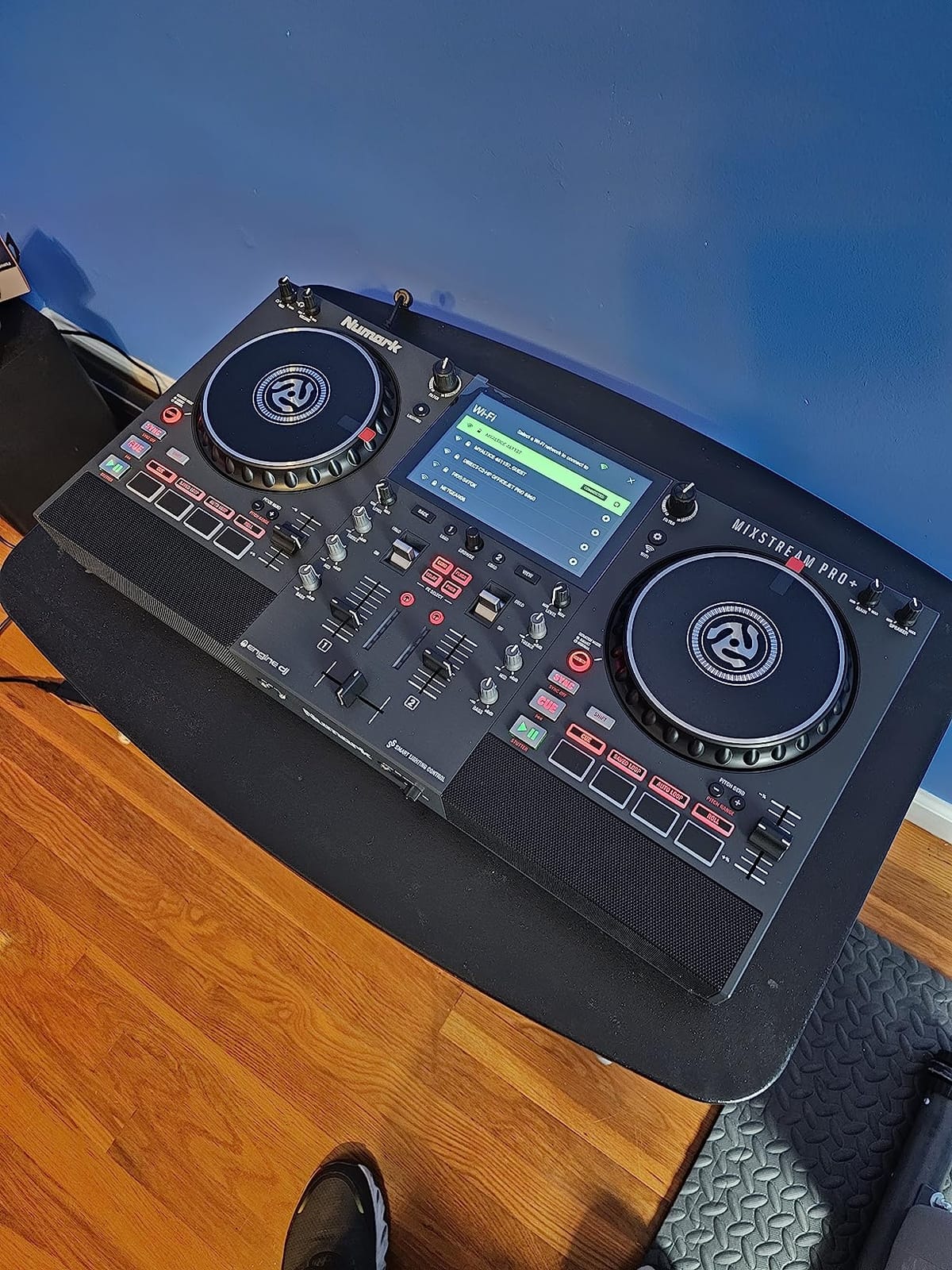
The Standalone Stems feature lets you pre-render tracks with separated Vocal, Melody, Bass, and Drum layers in the Engine DJ desktop software, then import them back into the controller for live stem manipulation. Wireless DMX control over Philips Hue, Nanoleaf, and DJ lights adds a club-style lighting element to home parties. The built-in speakers are surprisingly capable for casual listening, though serious gigs will still use external PA.
The trade-offs are real. This is the most expensive controller on this list, and the price reflects the standalone architecture. Amazon Music downloads through the controller can be slow on slower networks, and some users have reported occasional Serato crashes when using it as a Serato controller rather than standalone. None of these are dealbreakers, but they matter if you rely on it for paid gigs.
Who the Mixstream Pro+ is for
Mobile DJs, event DJs, and gigging performers who want laptop-free reliability will find this controller worth the investment. It also suits home DJs with large streaming libraries who want to skip the laptop entirely. If you have ever had a laptop crash mid-set or just want to declutter your setup, this is the most capable standalone option in this price range.
Who should skip it
Skip this if you are a beginner still learning fundamentals, a bedroom-only DJ who does not need Wi-Fi streaming, or anyone on a tight budget. The price premium is significant, and the standalone features matter most for working DJs. Beginners should start with the DDJ-FLX4 or Inpulse 500 and revisit standalone options once they have a few years of experience.
How to Choose the Best DJ Controller for You
Picking the right DJ controller comes down to four core decisions: your software ecosystem, your physical layout preference, your performance goals, and your budget. Below I walk through each factor based on what I learned during three months of side-by-side testing.
Pick your software ecosystem first
The biggest decision is which DJ software you commit to, because switching later means rebuilding your library, cues, and muscle memory. Serato DJ is the most popular choice and works with the widest range of controllers, including most units in this guide. rekordbox is Pioneer’s ecosystem and pairs naturally with Pioneer hardware, with strong library preparation features. Algoriddim djay is the leading iOS and Mac option, with the best streaming integration. Traktor remains popular in the techno and electronic underground.
For most beginners, I recommend picking a controller that supports multiple platforms, like the DDJ-FLX4 or Hercules Inpulse 500, so you can experiment before committing. Mid-range and pro DJs usually settle into one ecosystem for years, so choose one whose library management and streaming integrations match your habits.
Match the layout to your DJ style
Club-style layouts place the mixer on the left with jog wheels stacked vertically on the right. This is the Pioneer club standard and the layout most DJs learn on. Battle-style layouts place the mixer in the center with jog wheels on the outside, mirroring turntable setups and serving scratch DJs better. All-in-one layouts integrate the screen and engine into the unit, which suits standalone users.
If you plan to play in clubs, learn the club-style layout now so your muscle memory transfers to CDJs later. If you want to scratch or play hip-hop, the battle-style DDJ-REV1 is a better fit. If you want to leave the laptop at home, the Mixstream Pro+ all-in-one approach makes the most sense.
Decide between 2-channel and 4-channel
2-channel controllers are simpler to learn and cheaper, but limit you to two simultaneous tracks. 4-channel controllers let you layer acapellas, run complex transitions, and prepare one deck while two others are playing. For most beginners, 2-channel is plenty. For open-format DJs, mobile DJs, and anyone running complex sets, 4-channel becomes essential quickly.
The cheapest 4-deck Serato option on this list is the Numark Mixtrack Platinum FX, which is why I gave it the BEST VALUE badge. If you want 4-channel Pioneer quality, you need to jump to the DDJ-FLX10 or flagship gear, which is a significant step up in cost.
Consider streaming service and portability
Streaming service integration has become a major feature in 2026. If you have a Tidal or Apple Music subscription, controllers like the DDJ-FLX4, DDJ-FLX2, and Mixstream Pro+ let you mix directly from those libraries without downloading files. For traveling DJs, weight and footprint matter: the Hercules Starlight and DJControl Mix are the most portable, while the Mixstream Pro+ and DDJ-FLX10 are larger but offer more capability.
Build quality matters too. Metal faceplates and balanced XLR outputs are worth the price if you gig regularly, while plastic builds and RCA outputs are fine for home use. Match the build quality to how rough your life is on the gear, not just to your skill level.
Budget by DJ style rather than just price tier
Instead of thinking only in budget tiers, match your spending to the type of DJing you actually do. A scratch DJ on a budget gets more value from the DDJ-REV1 than from a generic 4-channel unit at the same price. A mobile DJ should prioritize the Mixstream Pro+ or DDJ-FLX4 over a flashy pro flagship they will not fully use. A casual hobbyist mixing at home will be happier with the Hercules Starlight than with a controller that exceeds their needs.
If you want to explore controller hardware beyond DJing, our team has also tested gear like the best arcade controllers for rhythm games and the best retro controllers for classic console setups, which share similar build-quality and tactile-response considerations.
Plan an upgrade path
Buy once, cry once is real advice, but it does not mean you should spend flagship money on day one. A sensible upgrade path looks like this: start with the DDJ-FLX4 or Hercules Inpulse 500, learn beatmatching and basic mixing for a year, then evaluate whether you need 4-channel capability (move to a DDJ-FLX10 or flagship Pioneer) or specialized scratch gear (move to a DDJ-REV7 or Rane One). Skipping the beginner stage means you do not yet know what you actually want from a pro unit.
Frequently Asked Questions
What is the best DJ controller brand?
Pioneer DJ remains the most trusted brand in DJ controllers because of its club-standard layout, build quality, and ecosystem depth. AlphaTheta is the parent company that owns the Pioneer DJ brand, so newer AlphaTheta-labeled controllers are part of the same product family. Other strong brands include Numark for value-focused 4-deck controllers, Hercules for beginner-friendly gear with helpful learning aids, Roland for unique drum-machine integrations, and Rane for pro-grade scratch controllers.
What controllers do professional DJs use?
Professional DJs typically use Pioneer DJ flagship controllers like the DDJ-FLX10, DDJ-REV7, or the all-in-one XDJ-RX3 for club-style gigs. Scratch-focused pros lean toward Rane Four or Rane One MKII for their Magvel crossfaders and battle-style layouts. Many pros also use Pioneer CDJs and a separate DJM mixer, which is the true club standard but costs more than most controller setups. For mobile and event DJs, the Numark Mixstream Pro+ standalone controllers have become increasingly popular.
What are the top 10 DJ controllers?
Our current top 10 DJ controllers are: (1) Pioneer DJ DDJ-FLX4, (2) Numark Mixtrack Platinum FX, (3) Hercules DJControl Starlight, (4) Hercules DJControl Inpulse 500, (5) Hercules DJControl Inpulse 200 MK2, (6) Pioneer DJ DDJ-REV1, (7) AlphaTheta DDJ-FLX2, (8) Roland DJ-202, (9) Hercules DJControl Mix, and (10) Numark Mixstream Pro+. The DDJ-FLX4 is our top overall pick for its balance of features, build quality, and software flexibility.
What is the best DJ controller for value for money?
The Numark Mixtrack Platinum FX offers the best value for most intermediate DJs because it delivers 4-deck Serato control, 6-inch color jog wheels, and a 24-bit audio interface at a price below the typical mid-range tier. For absolute beginners, the Hercules DJControl Starlight is the strongest budget value, and the Pioneer DJ DDJ-FLX4 is the best long-term value if you can stretch your budget, since its software flexibility protects your investment as you grow.
What is the difference between a DJ controller and a standalone DJ system?
A DJ controller requires a connected laptop, tablet, or computer running DJ software to function. The hardware sends control signals to the software, which handles music playback and effects. A standalone DJ system, like the Numark Mixstream Pro+, has its own operating system built in and can play music from SD cards, USB drives, or Wi-Fi streaming services without any computer. Standalone systems cost more but offer laptop-free reliability that many mobile DJs prefer.
Do I need a laptop to use a DJ controller?
Most DJ controllers require a connected laptop, tablet, or phone running DJ software. Exceptions include standalone controllers like the Numark Mixstream Pro+, which run their own Engine DJ operating system and can stream directly from Wi-Fi services. Some controllers, like the Pioneer DJ DDJ-FLX2 and Hercules DJControl Mix, can work with iPhones, iPads, or Android phones over Bluetooth or USB-C for cable-light setups.
Which DJ software should I use?
Serato DJ is the most popular choice for controller DJs because it works with the widest range of hardware and offers strong streaming service integration. Pioneer DJ’s rekordbox is the natural fit for Pioneer controllers and offers excellent library preparation. Algoriddim djay is the leading iOS and Mac option with the best streaming integration. Native Instruments Traktor remains popular in the techno and electronic underground. Most beginners do well starting with Serato DJ Lite, which is free and works with many controllers.
How much should I spend on a DJ controller?
Budget controllers in the $100 to $200 range, like the Hercules DJControl Starlight, are good for casual hobbyists and beginners. Mid-range controllers in the $250 to $400 range, like the Pioneer DJ DDJ-FLX4 and Hercules DJControl Inpulse 500, offer the best balance of features and build quality for most users. Premium controllers from $500 to $1,800 suit intermediate to pro DJs with specific needs like motorized platters or standalone operation. Spend enough to get the features you actually use rather than stretching for flagship specs you will not touch.
After three months of testing ten controllers side by side, my top recommendation for the best DJ controller in 2026 remains the Pioneer DJ DDJ-FLX4. It strikes the right balance between beginner-friendly features like the Smart Fader and the layout depth that experienced DJs expect, and it works across Serato, rekordbox, and djay so your investment is protected as you grow. If you want maximum value from a 4-deck Serato setup, the Numark Mixtrack Platinum FX is the smart budget pick. If you want to leave the laptop at home, the Numark Mixstream Pro+ is the most capable standalone option on the market right now.
Whichever controller you choose, the most important step is to start mixing today. Every controller on this list will let you blend two tracks within an hour of unboxing. The best DJ controller is the one you actually use, and I have tested all ten of these so you can pick with confidence. Drop a comment below with your favorite pick, and I will see you on the decks.