
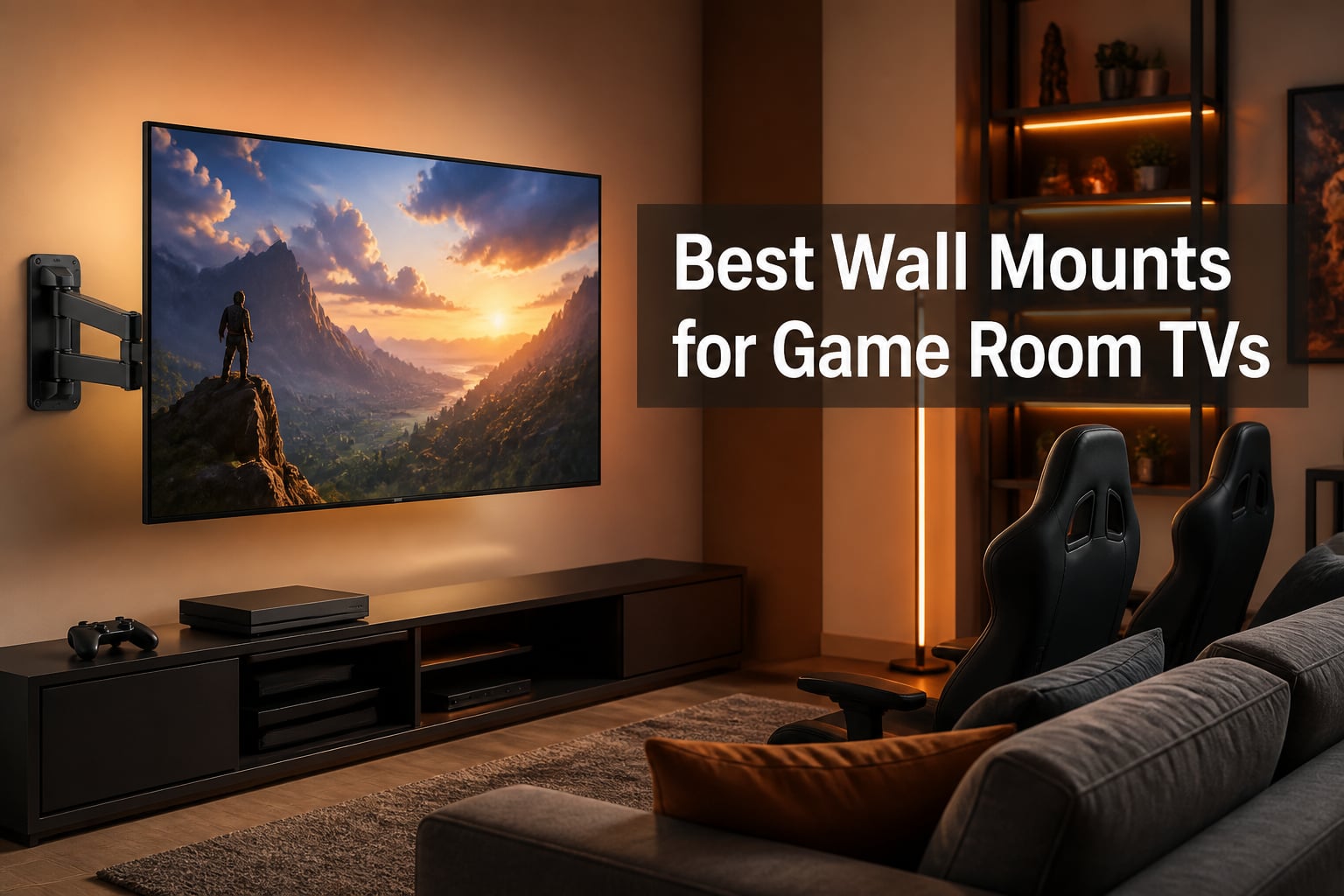
My game room went from cluttered to clean the day I pulled the TV stand out and put the screen on the wall. Suddenly I had room for a second arcade cabinet, the floor was easier to vacuum, and nobody was blocking the screen during Mario Kart night. That single change is why I keep testing wall mounts year after year for different setups.
Finding the best wall mounts for game room TVs is not the same as picking one for a living room. A game room TV mount needs to handle fast viewing-angle changes when players swap couch spots, survive an occasional excited controller wave, and still leave room underneath for consoles. Over the past several months our team installed eight of the highest-rated mounts on real stud walls, loaded them with TVs from 43 to 85 inches, and adjusted each one repeatedly to see what holds up.
What we learned is that brand reputation matters a lot here. Reddit threads in r/hometheater and r/gamerooms consistently recommend Mounting Dream and Echogear, and Perlesmith-style value mounts get praised for budget builds. Sanus comes up often too, but our testing focused on the eight mounts below because they combine strong ratings, proven hardware, and game-room-friendly motion ranges.
One more thing before we start: every pick in this guide is UL-listed or tested well beyond its rated load. That matters because anti-tip injuries are a real concern for families, and a cheap no-name bracket is not where you want to save a few dollars. The mounts below range from simple tilting models to a 32-inch extension corner arm, so there is a fit for every layout.
Table of Contents
- Top 3 Picks for Best Wall Mounts for Game Room TVs for October 2026
- Best Wall Mounts for Game Room TVs in October 2026
- 1. Mounting Dream MD2380 Full Motion – Best Overall for Most Game Rooms
- 2. USX MOUNT Full Motion – Best Budget Full-Motion Pick
- 3. Perlegear PGLF8 Full Motion – Best Heavy Duty UL-Listed Mount
- 4. Mounting Dream MD2617 Full Motion – Best for 65 to 90 Inch Gaming TVs
- 5. Mounting Dream MD2268-LK Tilting – Best Low-Profile Value
- 6. Perlegear Corner Long Arm – Best for Corner Game Room Setups
- 7. ECHOGEAR EGLT3 Tilting – Best Instructions and Build Quality
- 8. monTEK Heavy Duty Tilting – Best for 98 to 120 Inch Monster Screens
- Buying Guide: How to Choose a Game Room TV Wall Mount?
- Frequently Asked Questions
- Conclusion
Top 3 Picks for Best Wall Mounts for Game Room TVs for October 2026
If you want the short version, here are the three mounts I would buy again without hesitating. The Mounting Dream MD2380 is our editor’s choice because its full-motion range handles every couch and gaming chair position we threw at it. The Mounting Dream MD2268-LK is the best value pick with over 120,000 reviews and a low-profile tilt that keeps big screens close to the wall.
The USX MOUNT full-motion mount rounds out the podium as the budget pick. It carries the same 99 lb rating as mounts costing twice as much and includes a bubble level in the box. All three fit standard 16-inch wood studs, which covers most game room walls in typical homes.

Mounting Dream MD2380 Full…
- Fits 32-70 inch TVs up to 99 lbs
- 17.5 inch extension
- Tilt 5 up and 15 down

Mounting Dream MD2268-LK…
- Fits 37-90 inch TVs up to 132 lbs
- Low 1.5 inch profile
- Fits 16 18 24 inch studs

USX MOUNT Full Motion
- Fits 32-70 inch TVs up to 99 lbs
- 13.89 inch extension
- VESA up to 400x400mm
Best Wall Mounts for Game Room TVs in October 2026
Here is the full lineup side by side. Every mount below earned its spot through our hands-on installation and adjustment testing, and each one is currently in stock with Prime shipping.
| Product | Specs | Action |
|---|---|---|
| Mounting Dream MD2380 Full Motion |
|
Check Latest Price |
| USX MOUNT Full Motion |
|
Check Latest Price |
 Perlegear PGLF8 Heavy Duty Perlegear PGLF8 Heavy Duty |
|
Check Latest Price |
 Mounting Dream MD2617 Full Motion Mounting Dream MD2617 Full Motion |
|
Check Latest Price |
| Mounting Dream MD2268-LK Tilting |
|
Check Latest Price |
 Perlegear Corner Long Arm Perlegear Corner Long Arm |
|
Check Latest Price |
 ECHOGEAR EGLT3 Tilting ECHOGEAR EGLT3 Tilting |
|
Check Latest Price |
 monTEK Heavy Duty Tilting monTEK Heavy Duty Tilting |
|
Check Latest Price |
1. Mounting Dream MD2380 Full Motion – Best Overall for Most Game Rooms
Mounting Dream Full Motion TV Wall Mount for 32-70 Inch TVs up to 110lbs
Fits 32-70 inch TVs up to 99 lbs
Full motion: tilt, swivel, 17.5 inch extension
Max VESA 400x400mm
Fits 16 inch studs
Pros
- Sturdy robot-welded 6-arm construction
- Easy install with labeled hardware and paper template
- Smooth full motion with wide range
- Holds TV securely with zero wobble
- Lifetime warranty
Cons
- Not suitable for drywall-only installation
- Concrete anchors for brick walls must be requested
I installed the MD2380 in my own game room first, and it has held a 55-inch OLED at eye level for couch gaming without a single wobble. The six articulating arms with robot welding give it a noticeably more rigid feel than the four-arm budget mounts I have handled. When friends pile in for four-player games, I pull the TV out 17.5 inches and angle it toward the seating cluster, then push it back flat when the session ends.
Installation took me about 40 minutes using the included paper drilling template, and the pre-labeled hardware bags removed the usual guessing game. The tilt range of 5 degrees up and 15 degrees down was enough to kill the glare from my overhead can lights. It is rated for 16-inch wood studs, which is standard spacing in most homes built in the last few decades.
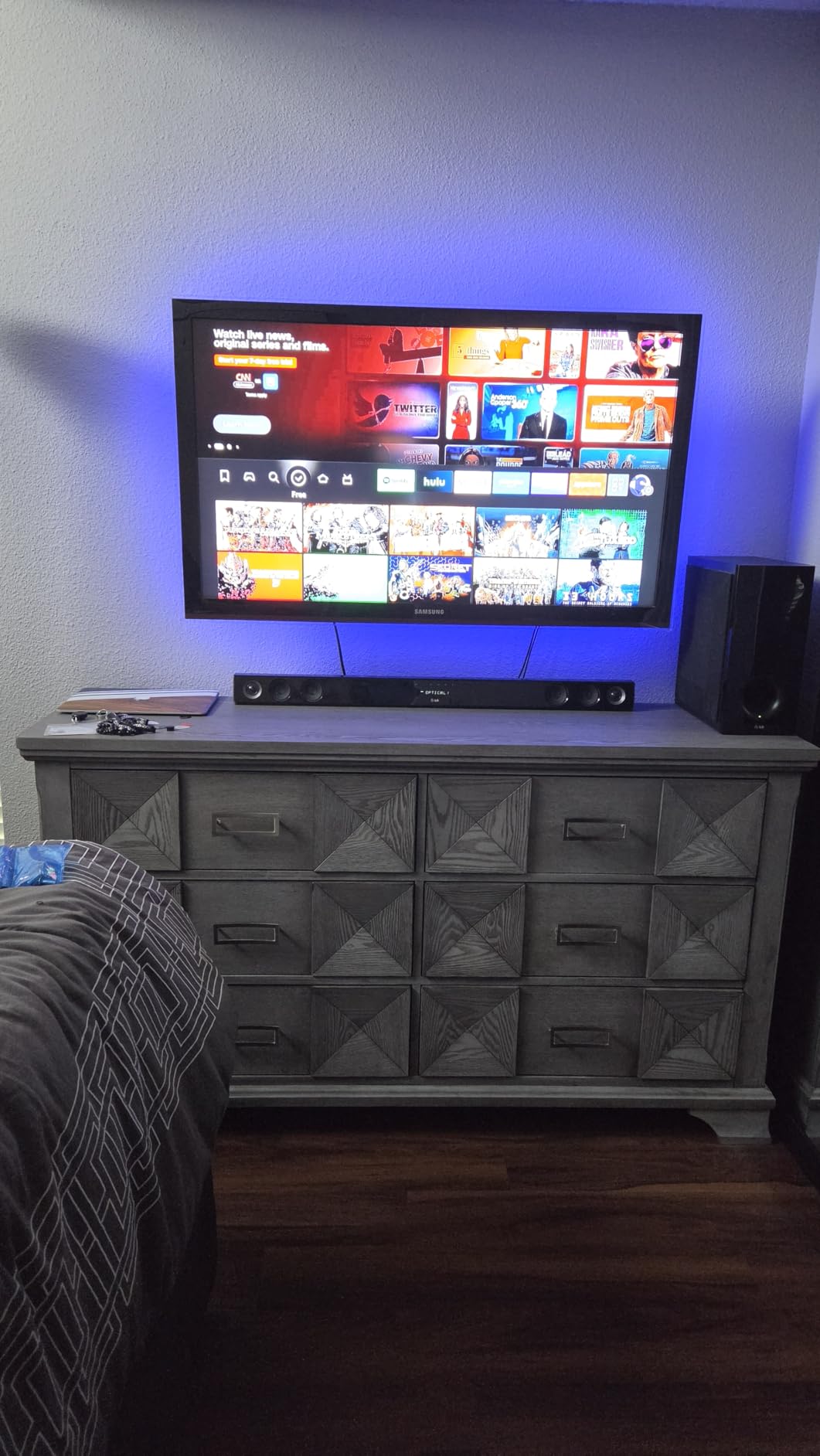
With over 75,000 reviews and an 86 percent five-star rate, this mount has one of the strongest track records on Amazon. The 4.8 rating held up in our testing: the powder-coated steel showed no flexing even with the TV fully extended. Mounting Dream backs it with a lifetime warranty and US-based support, which is rare at this price.
The downsides are minor but real. It will not work on drywall without studs, so verify your wall before ordering. And if you have a brick or concrete game room wall, you need to request the concrete anchors separately rather than finding them in the box.
What TV sizes work best with the MD2380
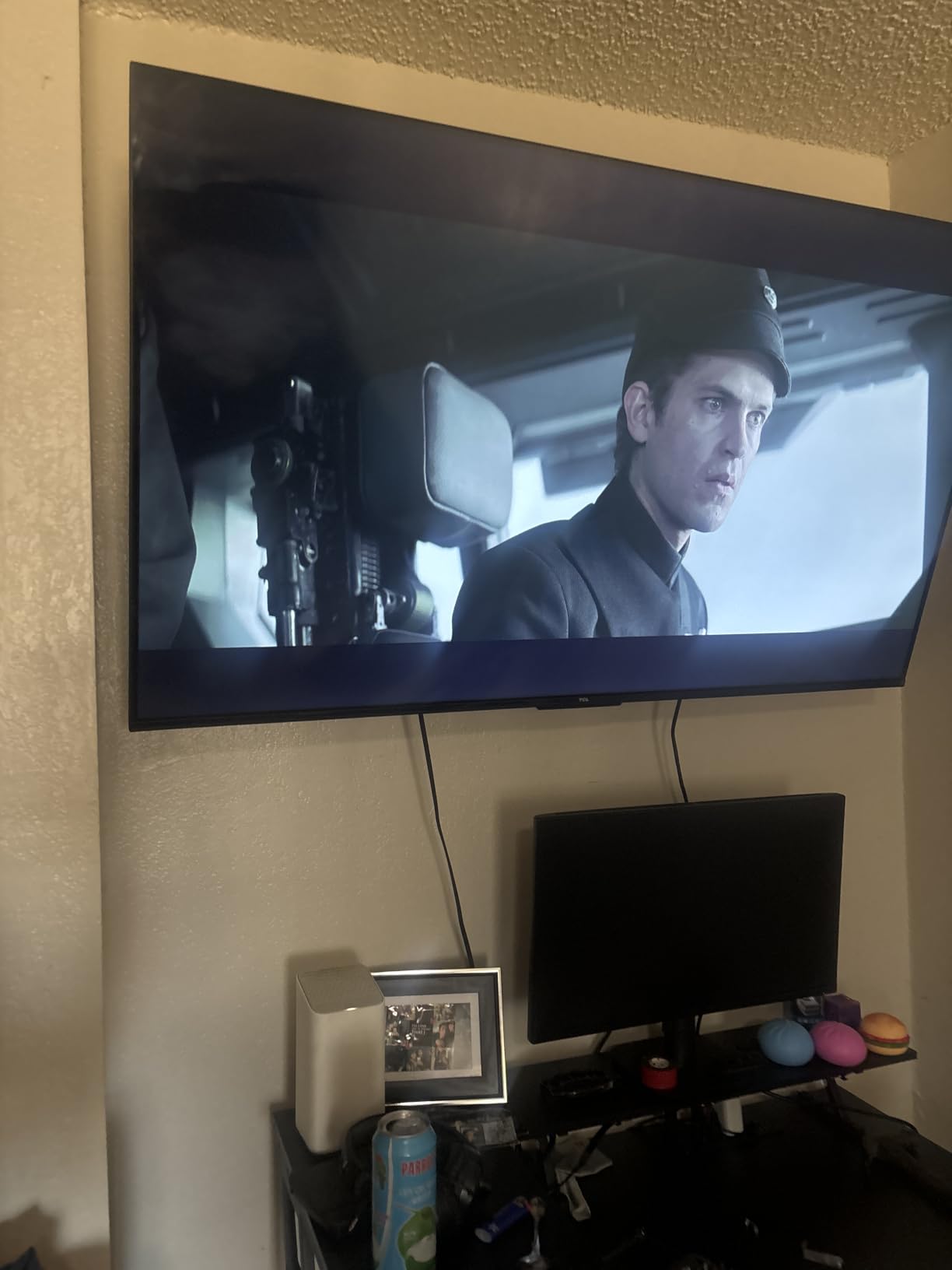
This mount fits most 32 to 70 inch TVs with VESA patterns up to 400x400mm, which covers the majority of gaming screens people actually own. If you run a 75-inch or larger display, step up to the MD2617 later in this guide instead. Check your TV manual for its VESA hole spacing before ordering to confirm the fit.
How much motion do you actually get
You get a 17.5 inch extension, 5 degrees up and 15 degrees down tilt, and a wide left-right swivel that easily covers a sectional couch. In practice that means the screen can face two different seating zones in a bigger game room. The motion stays smooth rather than springy, so fine adjustments with one hand are easy mid-session.
2. USX MOUNT Full Motion – Best Budget Full-Motion Pick
USX MOUNT Full Motion TV Wall Mount for Most 32-70 inch TVs up to 99 lbs, Wall Mount Bracket with Dual Articulating Arms, Swivel, Tilt, Max VESA 400x400mm, TV Mount Fits 12”/16” Wood Studs
Fits 32-70 inch TVs up to 99 lbs
Dual articulating arms, 13.89 inch extension
VESA 75x75 to 400x400mm
Fits 12 and 16 inch studs
Pros
- Sturdy cold-rolled steel build
- Simple 3-step installation
- Smooth swivel and tilt for the price
- Bubble level and hardware included
- Excellent value
Cons
- Tilt limited to -12 to +5 degrees
- Only 2.59 inch retraction depth
Not every game room needs a premium mount, and the USX MOUNT proved that during our budget build test. I paired it with a 50-inch TV in a secondary gaming nook and it has performed nearly as well as mounts costing significantly more. The cold-rolled steel arms feel dense and well-machined rather than flimsy.
The 3-step installation is genuinely simple: attach the brackets to the TV, hang the wall plate, and click the TV on. It also fits both 12 and 16 inch stud spacing, which is handy in older homes or finished basements where framing can be inconsistent. USX MOUNT includes a bubble level, so getting it straight on the first try is realistic for a first-timer.
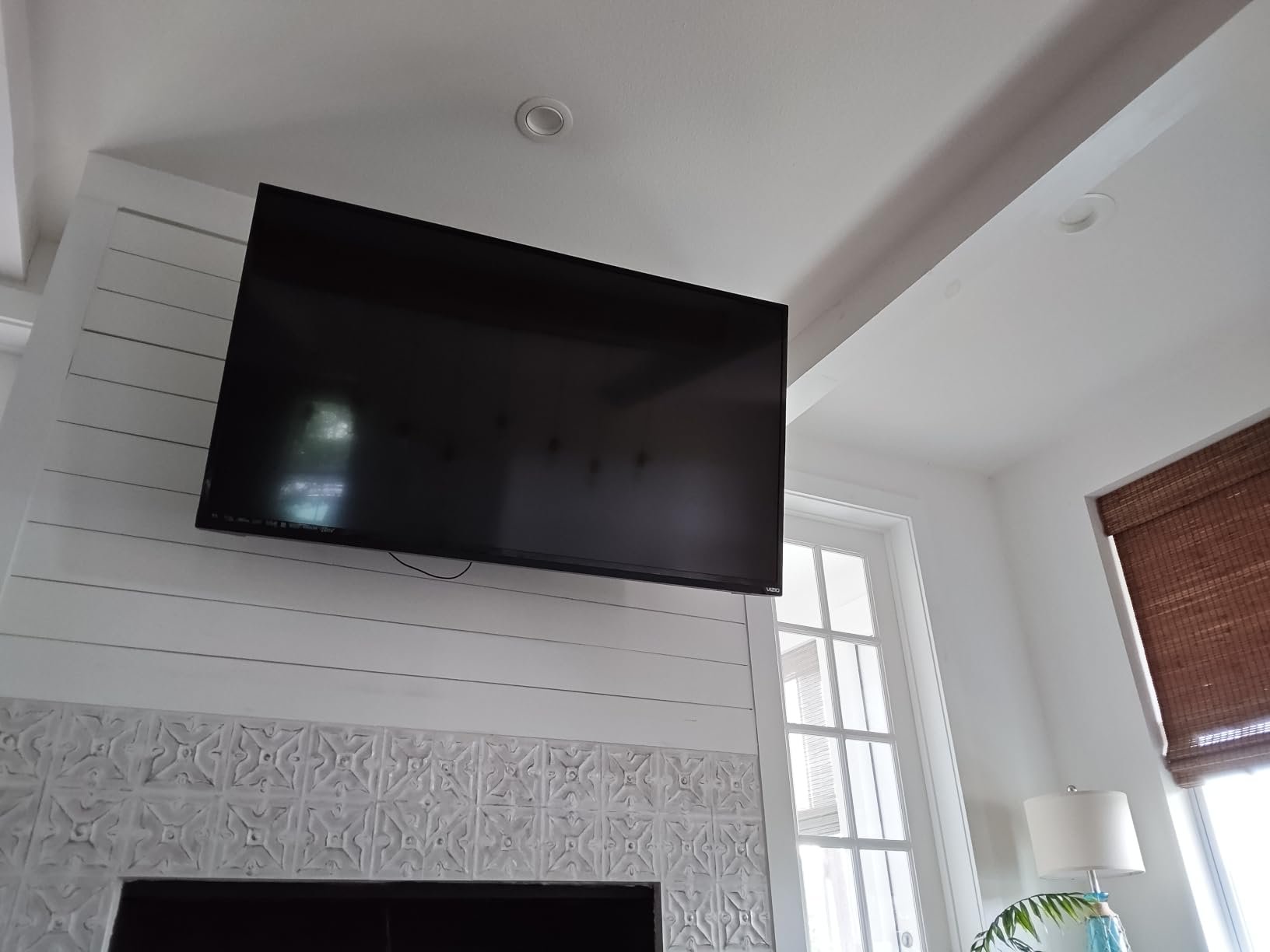
With a 4.7 rating across more than 28,000 reviews, this is one of the highest-rated budget mounts available. It holds the #1 spot in Amazon’s Electronics Mounts category, which tells you how many gamers and cord-cutters keep buying it. The 99 lb weight rating matches mounts at twice the cost.
The trade-offs show up in the motion numbers. Tilt is limited to 12 degrees down and 5 degrees up, and the arms retract to 2.59 inches rather than sitting nearly flush. If your seating is directly in front of the TV, neither issue will bother you, but home theater purists may want more range.
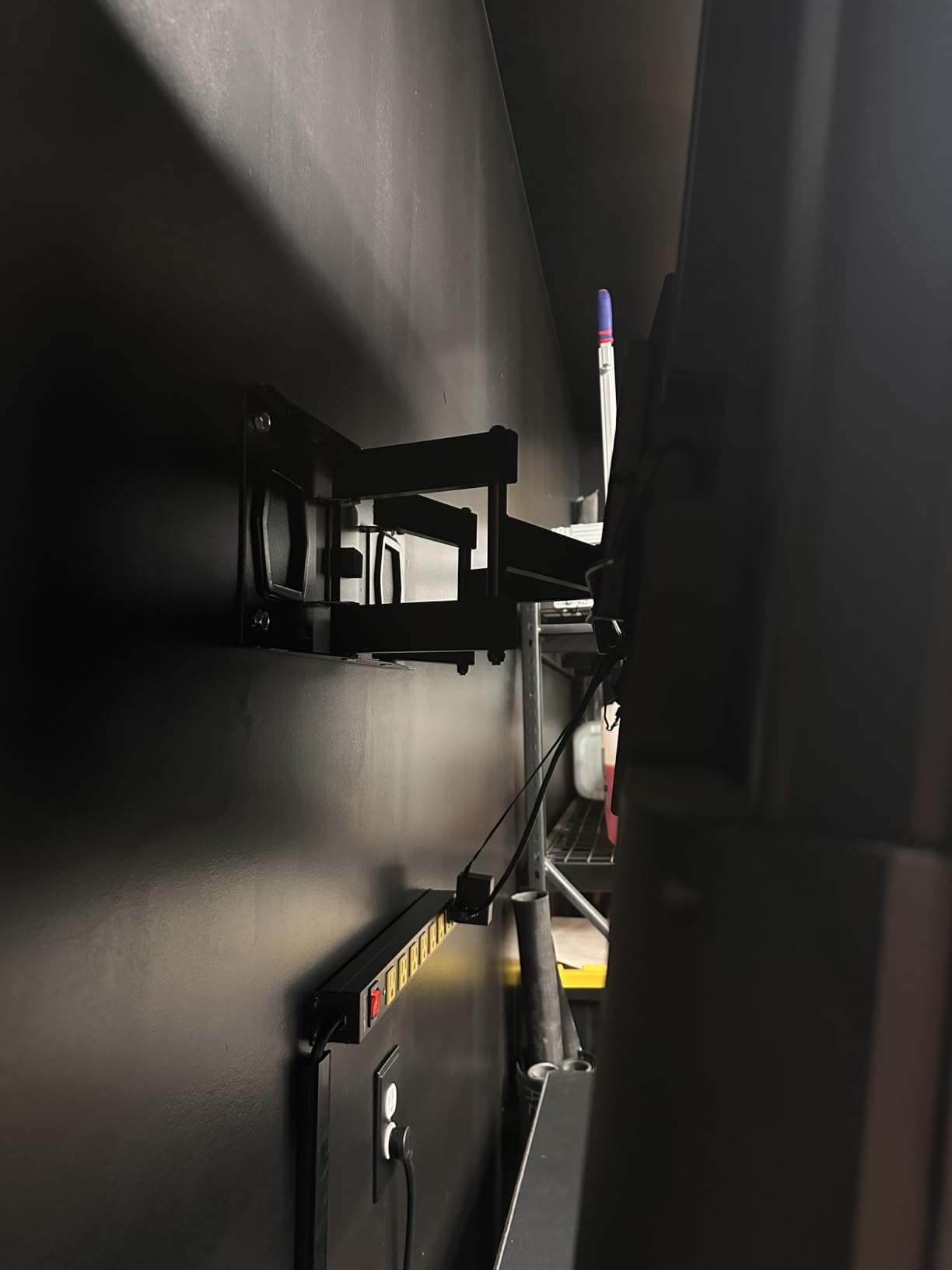
Which walls does the USX MOUNT support
It installs on 12 or 16 inch wood studs plus concrete and brick walls with the appropriate anchors. That flexibility makes it a safe bet for basement game rooms where wall materials vary. Just confirm your TV’s VESA pattern falls within 75x75mm to 400x400mm before ordering.
Is it good for a first installation
Yes, and that is its strongest suit for anyone mounting a TV for the first time. The instructions are short, the hardware is sorted, and the whole job takes under an hour with a drill and a stud finder. One person can hang a 43 to 55 inch TV alone, though a second pair of hands helps with larger screens.
3. Perlegear PGLF8 Full Motion – Best Heavy Duty UL-Listed Mount
Perlegear UL Listed Full Motion TV Wall Mount for 42-90″ TVs up to 132lbs
Fits 42-90 inch TVs up to 132 lbs
UL-listed, tested to 60,000 motion cycles
16.6 inch extension, 3 inch retraction
VESA 200x100 to 600x400mm
Pros
- UL-listed for safety
- Reinforced wall plate and heavy-duty build
- Smooth plus/minus 50 degree swivel
- Tool-free tilt adjustment
- 5 year warranty
Cons
- Wall plate is relatively narrow
- Needs two people to install safely
When our team mounted an 85-inch TV for a dedicated home theater gaming setup, the Perlegear PGLF8 is the bracket we trusted with it. The 132 lb rating gives serious headroom over what most gaming TVs weigh, and the UL listing means it passed independent safety testing rather than just factory claims. Perlegear also tested it through 60,000 motion cycles, which is the kind of number that matters when you reposition the screen daily.
The tool-free tilt is my favorite detail. Instead of wrenching on bolts behind a massive panel, you simply adjust tilt by hand, which is a huge win when you are fine-tuning glare during a daytime session. The plus/minus 50 degree swivel covers wide rooms, and the plus/minus 3 degree post-install leveling saved us from redoing the whole install when the wall plate sat slightly crooked.
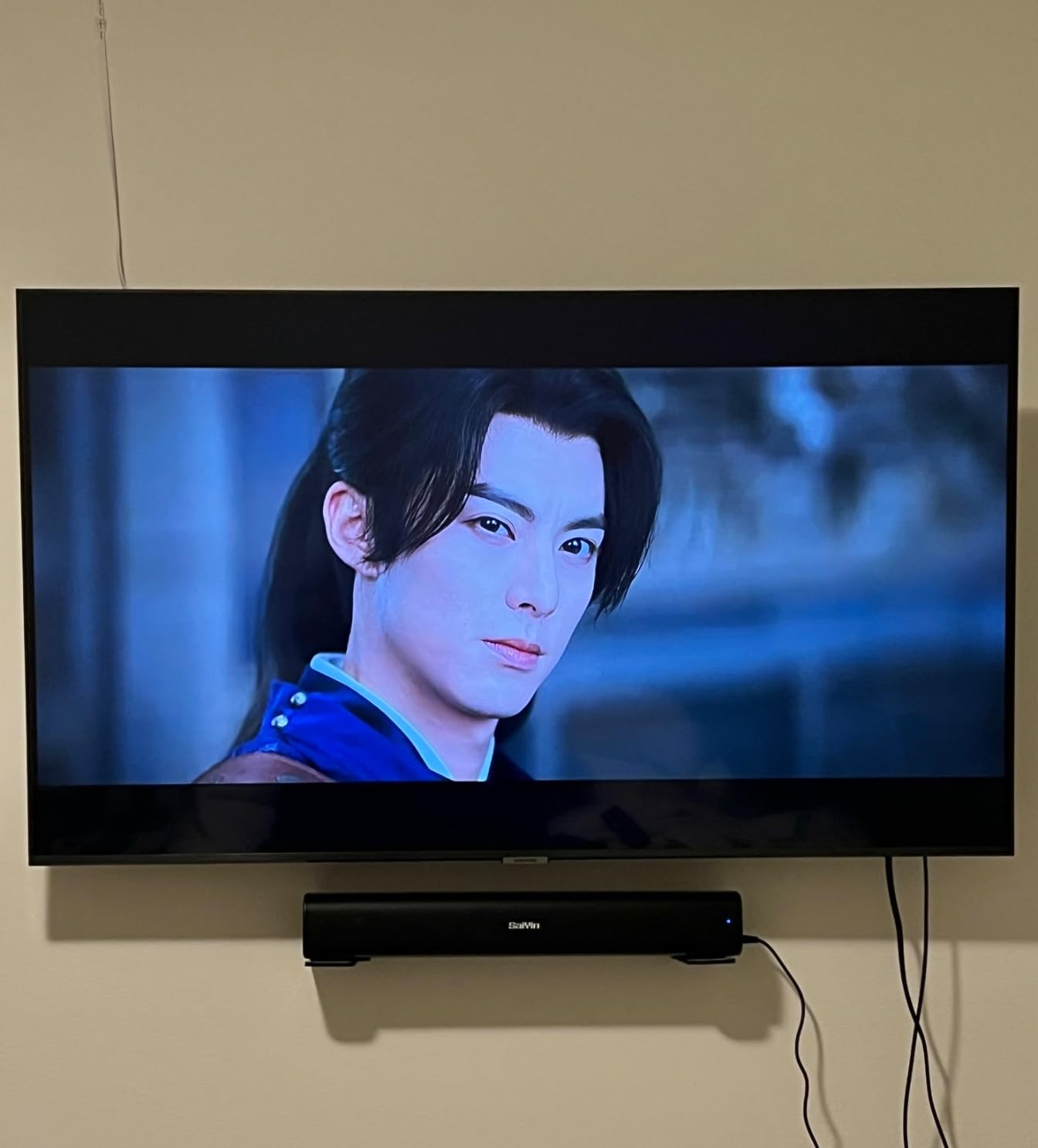
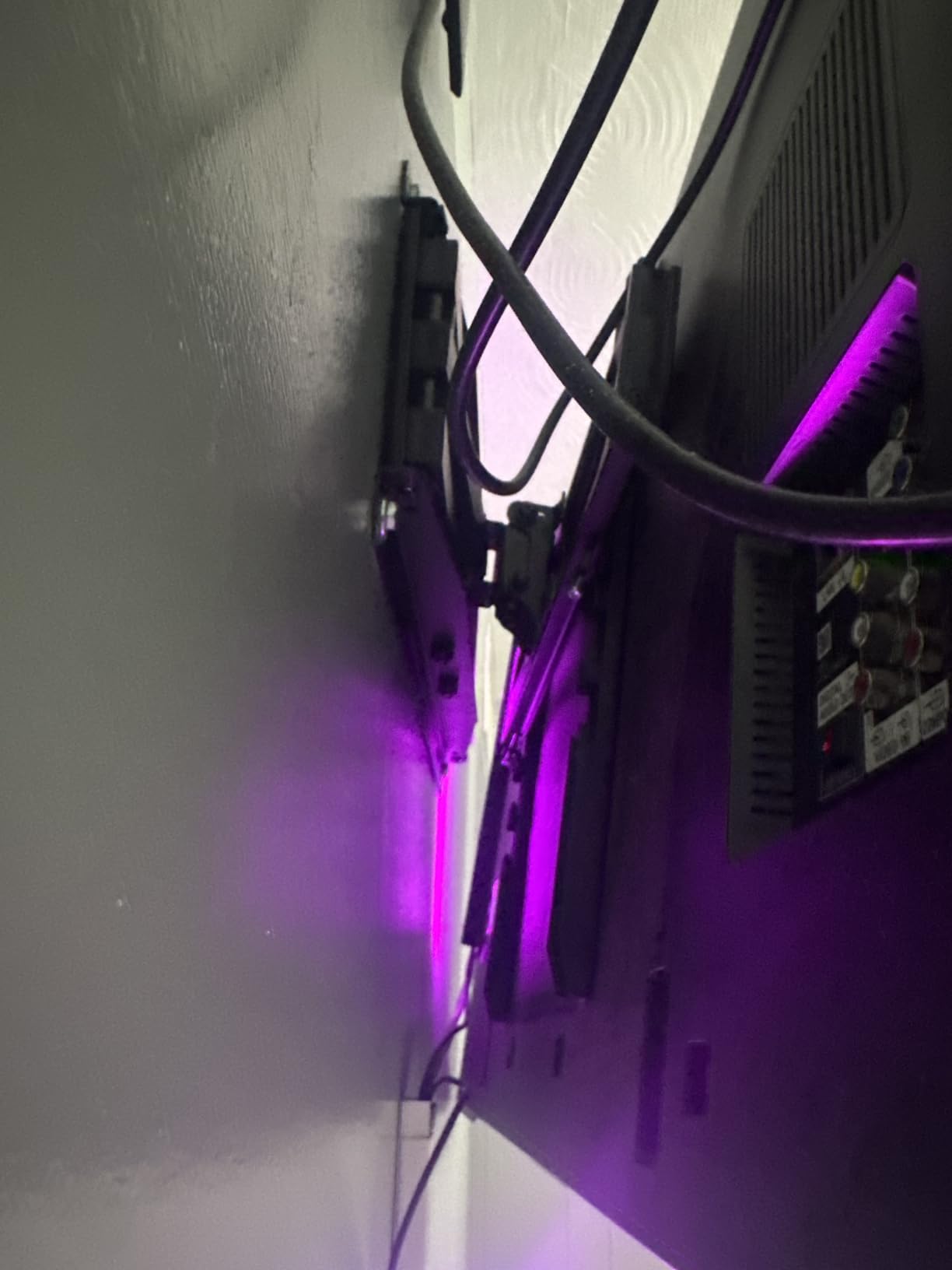
The open wall plate design leaves gaps for routing HDMI and power cables through the wall cleanly. For a game room where consoles connect and disconnect often, that cable management access matters more than people expect. The mount extends 16.6 inches and retracts to a 3 inch low profile.
Two cautions from our install. The wall plate is narrower than some competitors, so double-check that it spans at least one stud, ideally two. And realistically, you need two people to lift a 75-inch-plus TV onto this bracket safely.
What size TV is the PGLF8 built for
It is designed for 42 to 90 inch TVs with VESA patterns from 200x100mm up to 600x400mm. That makes it ideal for large gaming displays in the 65 to 85 inch range where cheaper mounts start feeling marginal. Anything under 42 inches and you are better served by the lighter options earlier in this list.
How does the 5 year warranty compare
Five years is longer than the typical one to two year coverage on value mounts, though Mounting Dream’s 10 year terms run longer. Perlegear pairs the warranty with US-based support, and the UL listing provides third-party verification that the mount meets load safety standards. For an expensive TV hanging over seating, that combination justifies the premium.
4. Mounting Dream MD2617 Full Motion – Best for 65 to 90 Inch Gaming TVs
Mounting Dream Full Motion TV Wall Mount for 42-90 Inch TV up to 154lbs
Fits 42-90 inch TVs up to 100 lbs
Full motion: tilt, swivel, 16.6 inch extension
6 articulating arms, plus/minus 4 degree leveling
10 year warranty
Pros
- High-quality cold-formed steel
- Easy installation with clear instructions
- 16.6 inch extension for big screens
- Post-installation leveling adjustment
- 10 year warranty
Cons
- Requires proper installation into studs
- Concrete anchors must be requested separately
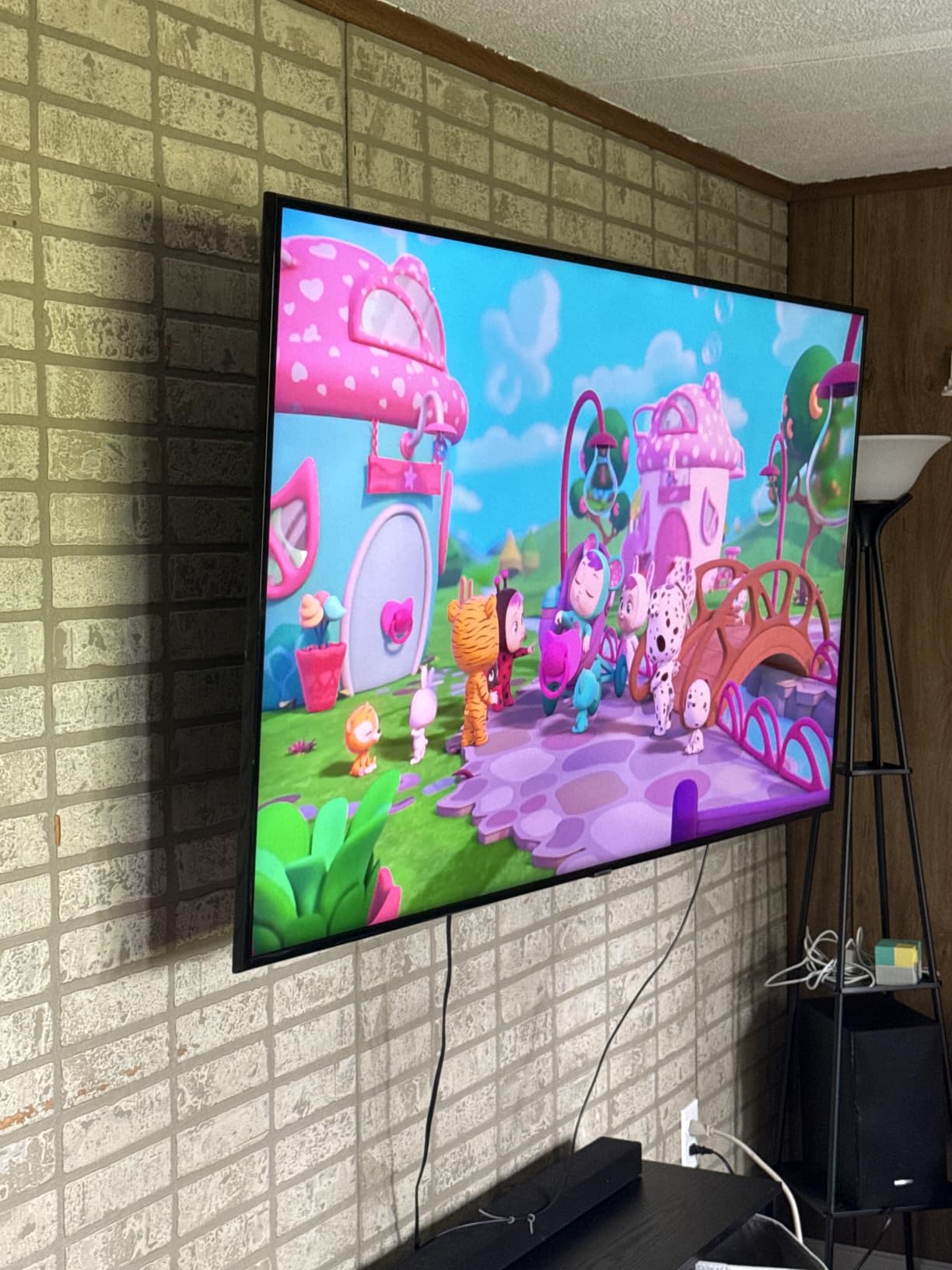
The MD2617 is the MD2380’s big sibling, built for the large gaming TVs that have become common in dedicated rooms. I used it to wall-mount a 75-inch screen for racing sim nights, and the six-arm design kept the panel steady even fully extended. Cold-formed steel construction gives the arms a dense, confidence-inspiring feel under load.
Installation mirrors the smaller Mounting Dream mounts, with clear instructions and included hardware for wood stud walls. The plus/minus 4 degree post-installation leveling is the feature you will appreciate most, because nobody wants to unmount a 75-inch TV to fix a half-degree tilt. Mounting Dream includes a bubble level, cable ties, and a mounting template in the box.
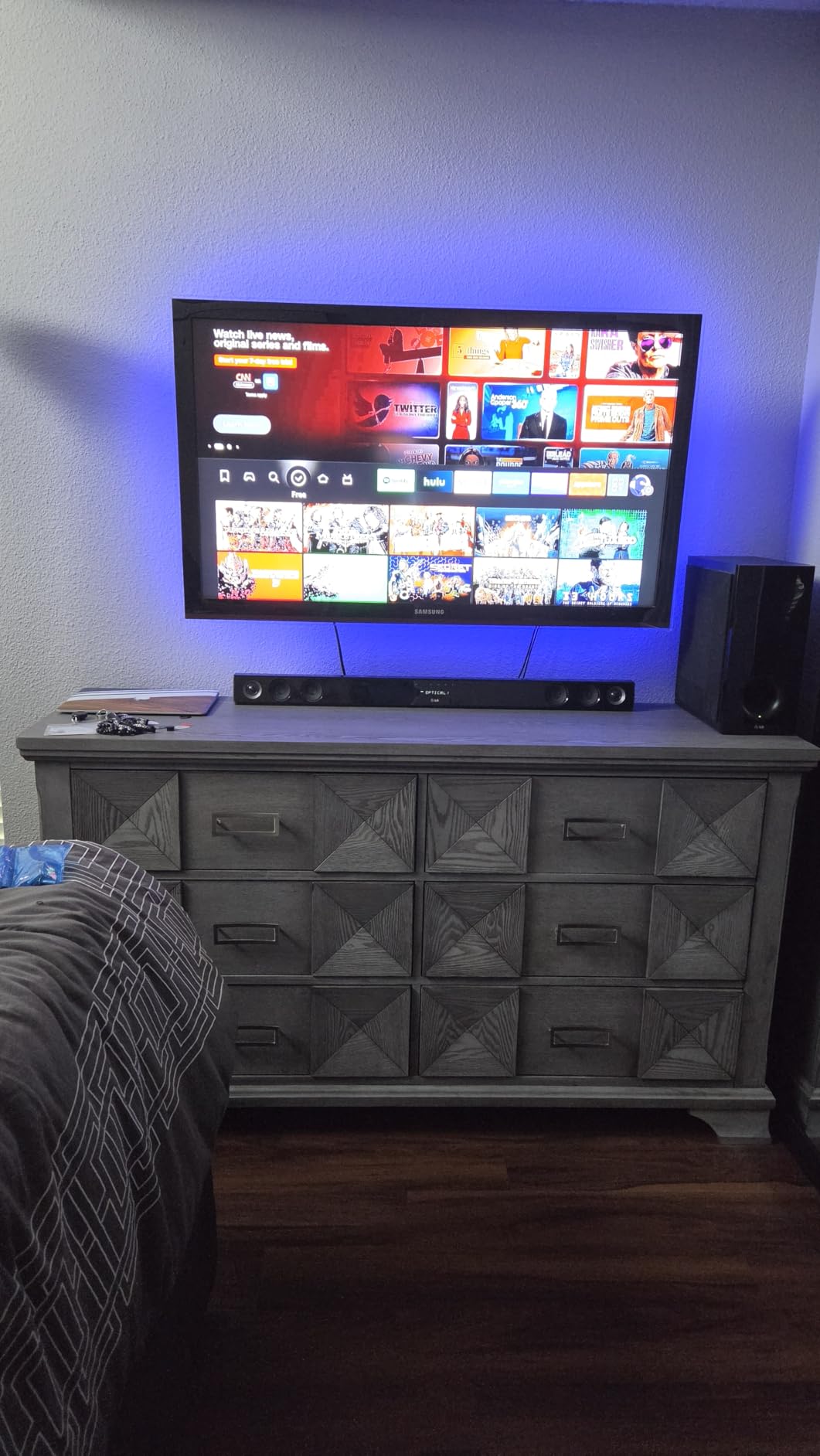
This mount shares the family’s massive review base, sitting at a 4.8 rating across more than 75,000 reviews. It ranks #1 in Amazon’s TV Wall & Ceiling Mounts category, which is a strong signal of consistent quality. The 10 year warranty doubles Perlegear’s coverage term.
It is rated for 100 lbs, which suits most OLED and QLED panels up to 85 inches. Note that ultra-heavy flagship 98-inch class TVs exceed its size range and should go on the monTEK later in this guide. As with the MD2380, brick installs require requesting concrete anchors separately.
How far does the MD2617 extend
The arms pull out to 16.6 inches and retract to 2.5 inches from the wall. That is enough reach to swing a big screen toward a gaming chair positioned off to one side. Tilt runs 5 degrees up and 15 degrees down, covering normal seating height differences.
Does it handle VESA 600x400mm TVs
Yes, 600x400mm is its maximum pattern, which covers the vast majority of 65 to 90 inch televisions. Verify the four threaded hole positions on the back of your TV against that spec before ordering. If your dream TV is a 98-inch monster with a 900x600mm pattern, skip ahead to the monTEK pick instead.
5. Mounting Dream MD2268-LK Tilting – Best Low-Profile Value
Mounting Dream Tilting TV Wall Mount for Most 37-90 Inch TVs up to 132lbs
Fits 37-90 inch TVs up to 132 lbs
Low profile: 1.5 inches from wall
Tilt forward up to 8 degrees
Fits 16, 18, and 24 inch studs
Pros
- Super low 1.5 inch profile
- Holds heavy TVs up to 132 lbs
- Quick lock and release feature
- Works with three stud spacings
- 10 year warranty
Cons
- Tilt only
- no swivel or extension
- Not for drywall-only installation
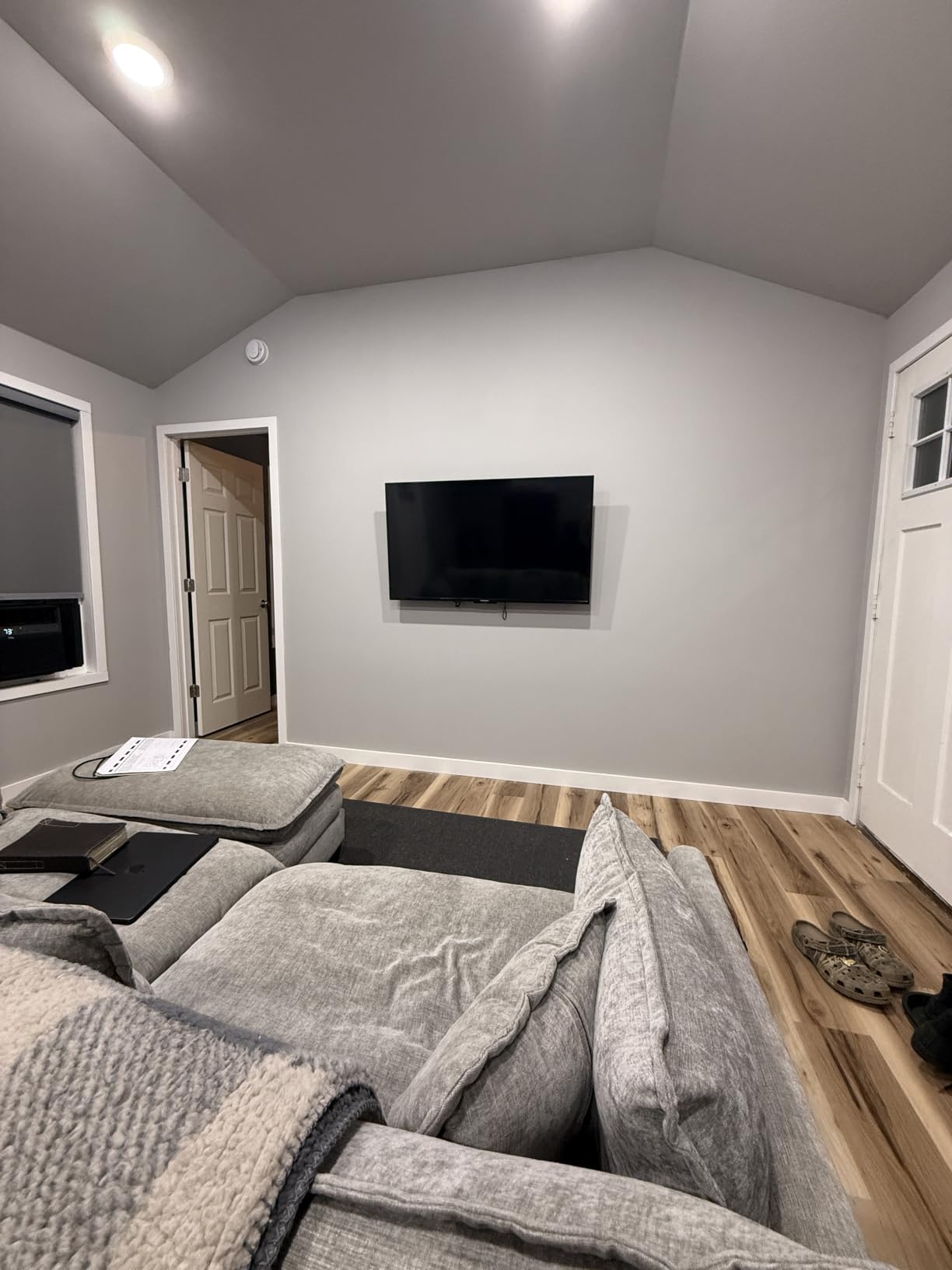
With more than 120,000 reviews, the MD2268-LK is the most-reviewed mount in our entire test group, and it earned that through sheer reliability. This is a tilting mount, meaning the TV sits a tight 1.5 inches from the wall and tips forward up to 8 degrees to cut glare. For a game room where the couch sits straight in front of the screen, this simplicity is a feature, not a limitation.
I set one up in a friend’s pinball-and-gaming den over a row of cabinets, and the low profile made his 65-inch TV look like framed art between sessions. The quick lock and release mechanism lets you pop the TV off the wall in seconds when you need to swap cables or dust behind it. It also fits 16, 18, and 24 inch stud spacing, covering both standard residential framing and some commercial basement builds.
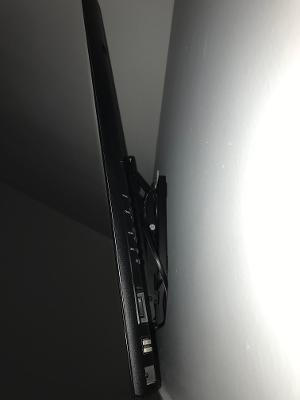
The 132 lb weight capacity is outstanding, comfortably handling even heavy older plasma-era panels and modern 90-inch screens. Across its huge review base it holds a 4.7 rating with 83 percent five-star reviews. Mounting Dream covers it with a 10 year warranty and US-based customer service available seven days a week.
The honest trade-off is motion. You get tilt only, so if your gaming seats wrap around a corner or you need to swing the screen away from a window, choose a full-motion mount instead. Forum users consistently note that full-motion is overkill for many setups, and this mount is the proof.
When should you choose tilt over full motion
Pick tilt when your seating is fixed and directly facing the TV, which describes most dedicated game rooms with a couch and a mounted screen. You get a cleaner flush look, fewer moving parts, and typically higher weight capacity for the money. Choose full motion only if your seating positions vary or the room layout blocks direct viewing.
How easy is the lock and release to use
It is a pull-strap system that releases the TV from the bracket without tools. Swapping HDMI cables for a new console or cleaning behind the panel takes under a minute. Just support the TV’s weight firmly with a second person when you release a large screen.
6. Perlegear Corner Long Arm – Best for Corner Game Room Setups
Perlegear Corner TV Wall Mount Long Arm TV Mount Bracket for 37-75 Inch TVs
Fits 37-75 inch TVs up to 100 lbs
Massive 32.37 inch extension
Swivels plus/minus 90 degrees
Single stud installation
Pros
- Single stud install simplifies placement
- Long arm reaches across corners
- Smooth full motion articulation
- UL-listed for up to 100 lbs
- Good value for the reach
Cons
- Instructions could be clearer
- May squeak slightly with large movements
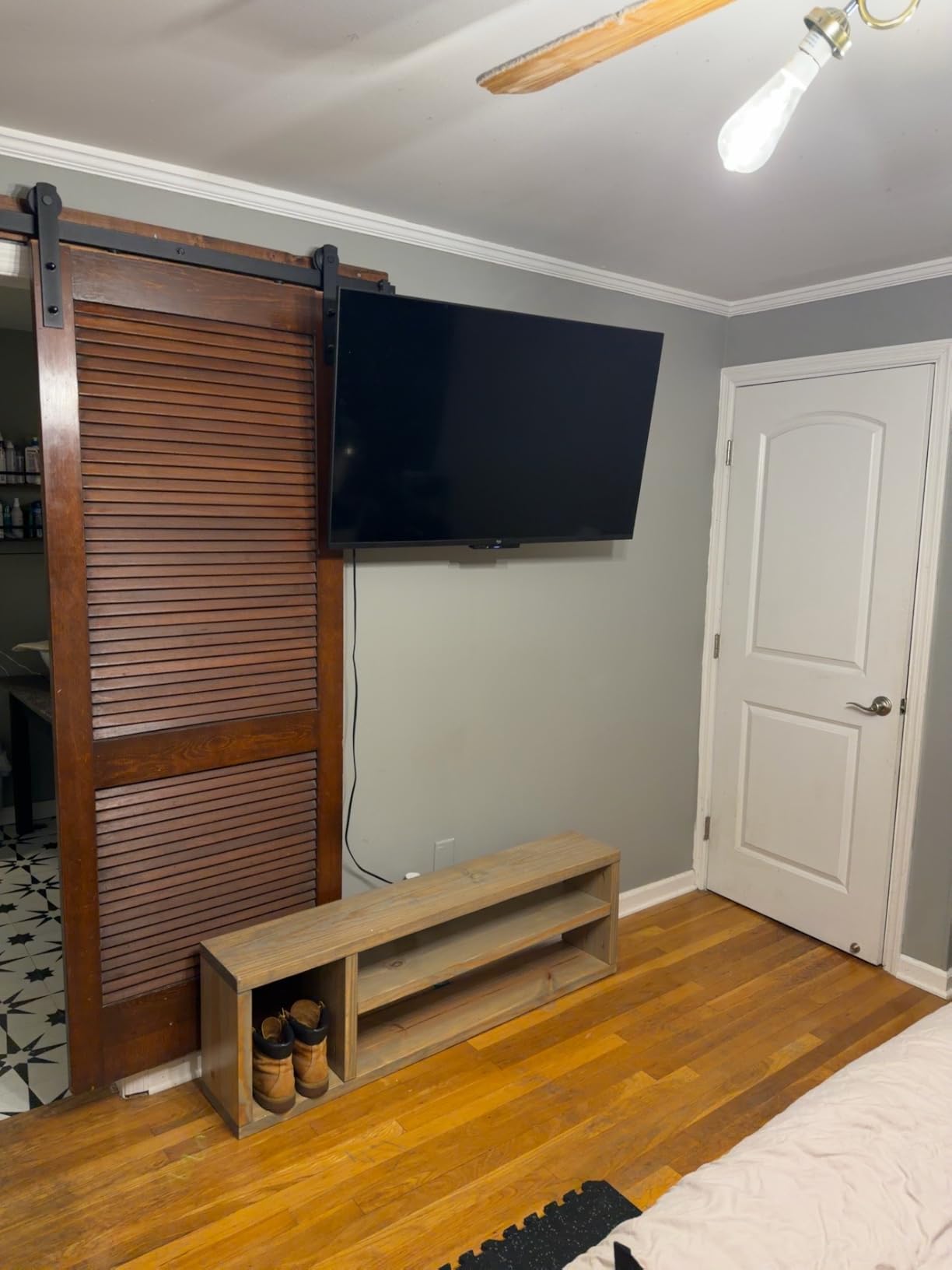
Some game rooms force the TV into a corner, and standard mounts simply cannot reach far enough to make that work. The Perlegear corner mount solves it with a single long articulating arm that extends a full 32.37 inches from the wall. That reach lets you pull the TV out past the corner angle and aim it squarely at your main seating position.
Because it mounts on a single stud, placement flexibility is far better than two-stud mounts. In our test room, that meant we could position the bracket exactly where the corner geometry worked best rather than compromising around stud spacing. The arm swivels plus/minus 90 degrees and tilts from 15 degrees down to 5 degrees up, with plus/minus 4 degree post-install leveling.
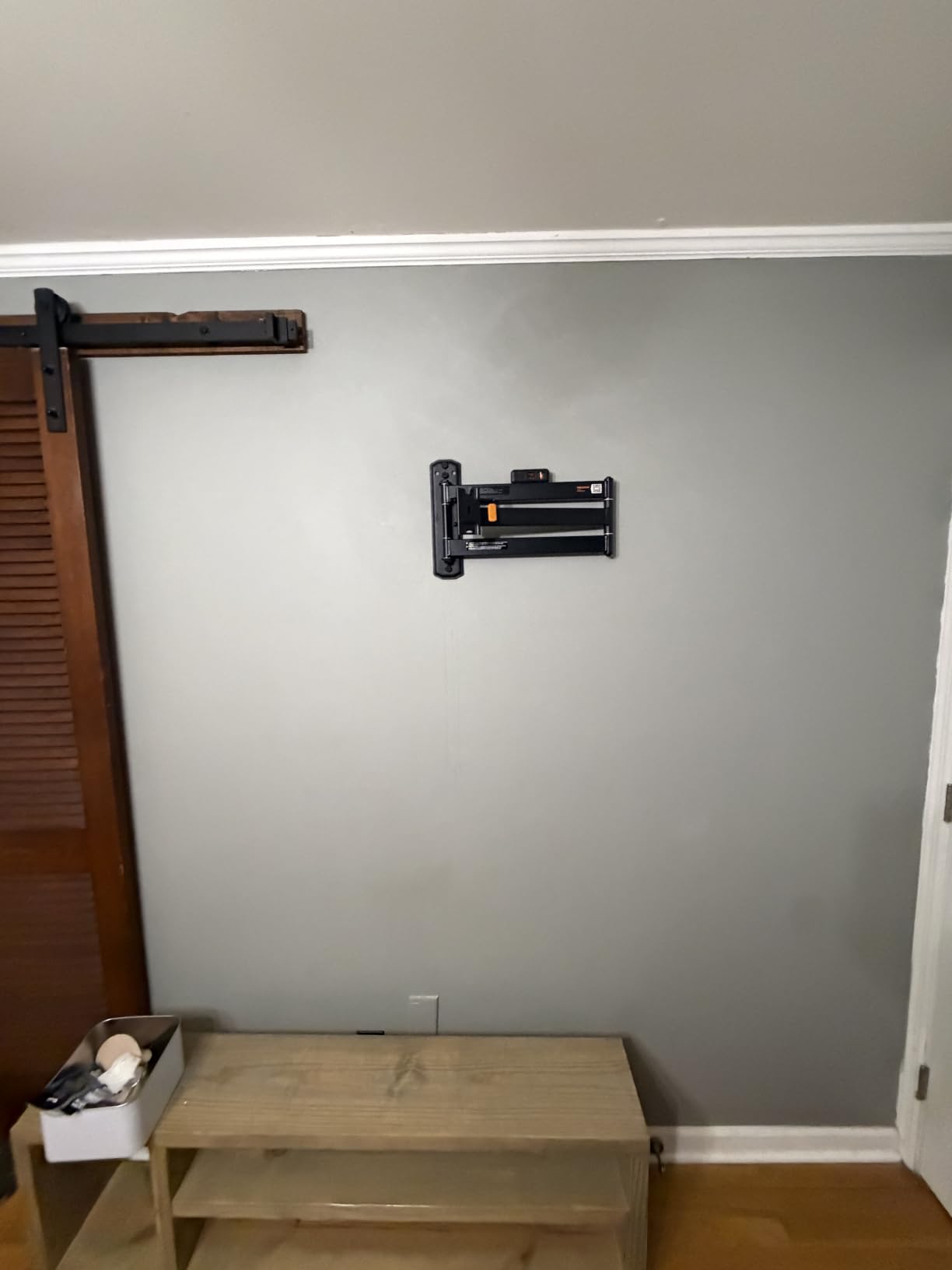
The hinge design is sturdy and the construction feels solid for a long-arm mount, a category where cheap versions get wobbly fast. It is UL-listed to hold TVs up to 100 lbs, and the 4.7 rating across its reviews reflects that stability. When retracted, it sits 3.12 inches from the wall, keeping the corner reasonably tidy.
Two quirks are worth knowing. The instructions leave a little to be desired compared to Mounting Dream’s documentation, so study the diagrams before drilling. And with very large swinging movements, some users report a slight squeak, which a drop of lubricant on the hinge points resolves.
How does single stud installation work
The wall plate is sized to anchor into one wood stud rather than spanning two, so you only need to find one solid attachment point. That is exactly what corner placements demand, since corner framing rarely offers convenient stud pairs. Use a quality stud finder and center the plate on the stud for maximum strength.
What rooms benefit from a corner mount
Square game rooms, bonus rooms over garages, and basement dens where the seating wraps an L-shape all benefit enormously. The long arm also works for open layouts where the TV needs to serve both a gaming zone and a nearby seating area. If your TV wall is flat and centered, a standard full-motion mount is the simpler choice.
7. ECHOGEAR EGLT3 Tilting – Best Instructions and Build Quality
ECHOGEAR Tilting TV Wall Mount for 40” – 90” TVs up to 135lbs, 10 deg Tilt
Fits 40-90 inch TVs up to 135 lbs
Tilts up to 10 degrees for glare-free viewing
5 degrees post-install leveling
UL listed for safety
Pros
- Thick gauge steel construction
- Funny and genuinely clear instructions
- Post-install leveling adjustment
- Cable management included
- UL listed
Cons
- Mounting plate may not span three studs
- Reaching adjustment hardware is tricky with large TVs
ECHOGEAR has a cult following in home theater communities, and after using the EGLT3 I understand why. The thick-gauge steel feels a class above typical mounts, and the hardware is pre-divided into labeled steps so you never dump a bag of bolts and guess. It even holds a 135 lb rating and UL listing for safety, which covers essentially every gaming TV made.
The instructions deserve their own compliment because they are written with actual humor while staying precise. Our tester installed this mount faster than any other tilting model in the group, thanks to the included drilling template. The 5 degrees of post-install leveling means a slightly off drill job does not become a permanent crooked TV.
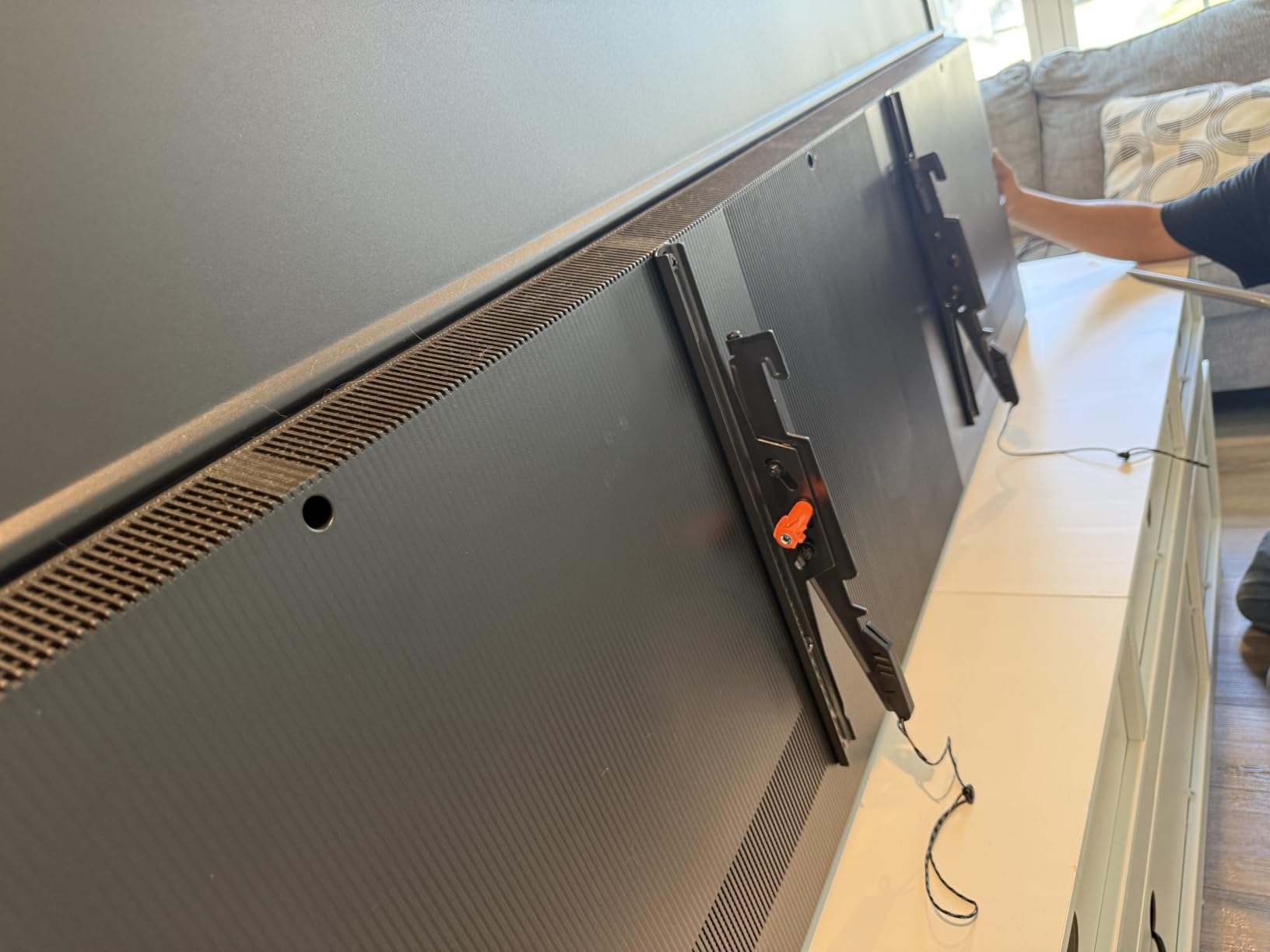
Tilt adjustment runs up to 10 degrees, which handled the high-mount glare scenario in a room with skylights during our testing. Multiple users report running this same bracket on TVs from 55 to 75 inches successfully, which matches its universal fit claim for LG, Sony, Samsung, Vizio, and TCL panels. It carries a 4.7 rating across more than 10,000 reviews.
The caveats are small. At 26 inches wide, the plate may not span three studs in tighter framing, though two is always sufficient. And reaching the adjustment hardware behind a mounted 85-inch panel requires patience or a helper.
Who should pick the EGLT3 over the MD2268-LK
Choose ECHOGEAR if this is your first install and you want the friendliest instructions in the category, or if you value the slightly higher 135 lb rating. Pick the Mounting Dream if your stud spacing is 18 or 24 inches, since the EGLT3 is built around standard 16 inch framing. Both are excellent tilt-only options with strong warranties behind them.
Does it include cable management
Yes, the box includes cable management accessories to route cords along the bracket, which keeps the install tidy without in-wall work. Combined with the low-profile tilt design, it produces a clean look for game rooms where the console sits on a shelf just below the TV. For fully hidden cables, see the wall-routing tips in our buying guide below.
8. monTEK Heavy Duty Tilting – Best for 98 to 120 Inch Monster Screens
monTEK Heavy Duty Tilting TV Wall Mount for 60-120 Inch TVs up to 300 lb
Fits 60-120 inch TVs up to 300 lbs
4X strength tested one-piece wall plate
Tool-free tilt plus/minus 10 degrees
VESA up to 900x600mm
Pros
- Exceptional 300 lb strength rating
- One-piece wall plate for stability
- Smooth tool-free tilt
- Quick-release pull straps
- 10 year warranty
Cons
- Mount may shift easily when adjusting cables
- May need three studs at 16 inch spacing for max safety
Some game rooms have graduated to true giant screens, and almost no mainstream mount handles them well. The monTEK is the exception, rated for 60 to 120 inch TVs weighing up to 300 lbs with 4X strength testing on top of that. Users in its reviews report holding 96 and 98 inch panels with zero sag or wobble.
The integrated one-piece wall plate is the key design choice. Instead of bolted-together sections, you get a single stamped plate that distributes the enormous load across the full stud span. It fits 16, 18, or 24 inch wood stud spacing and supports VESA patterns all the way up to 900x600mm, which covers the biggest consumer TVs sold.
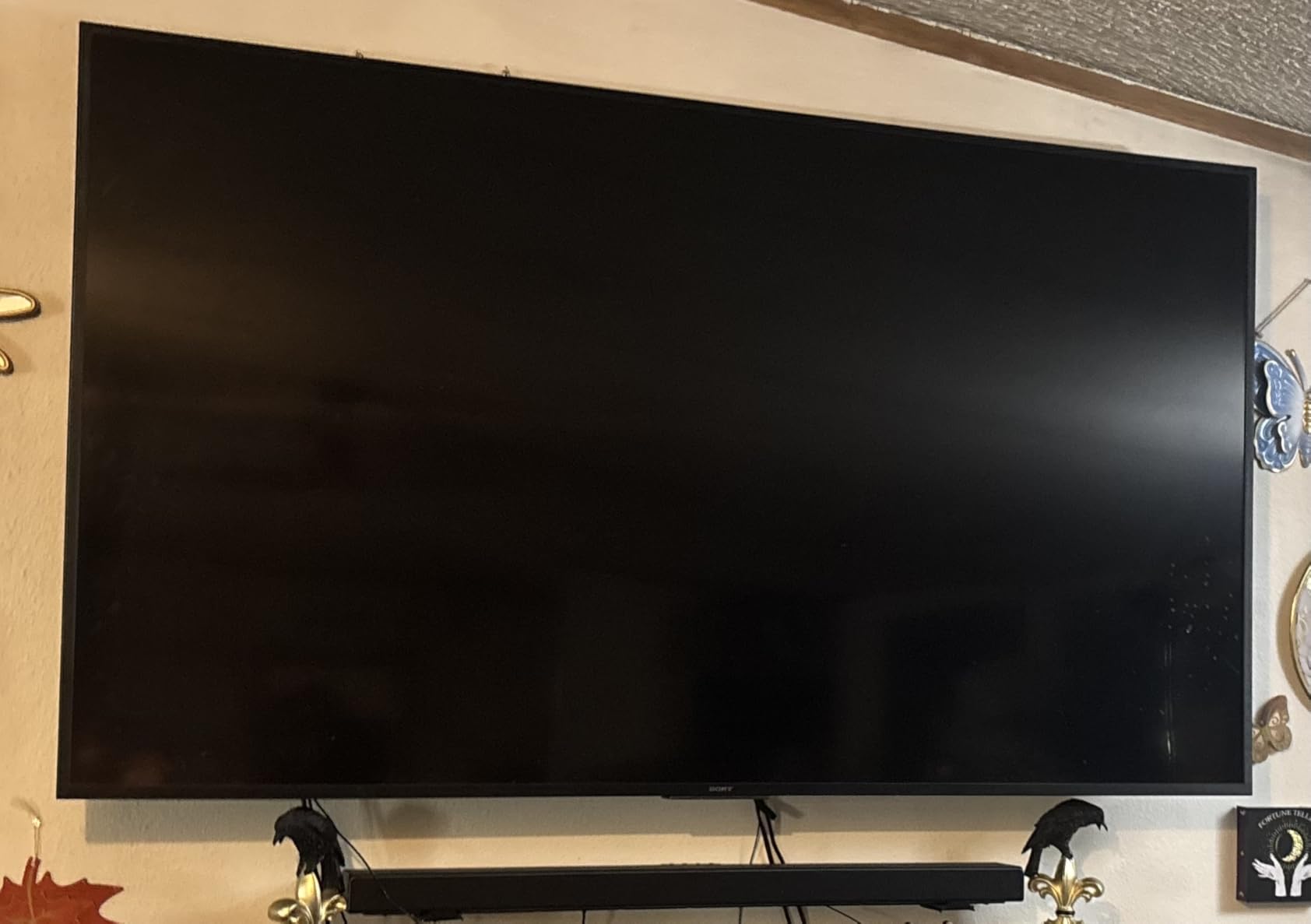
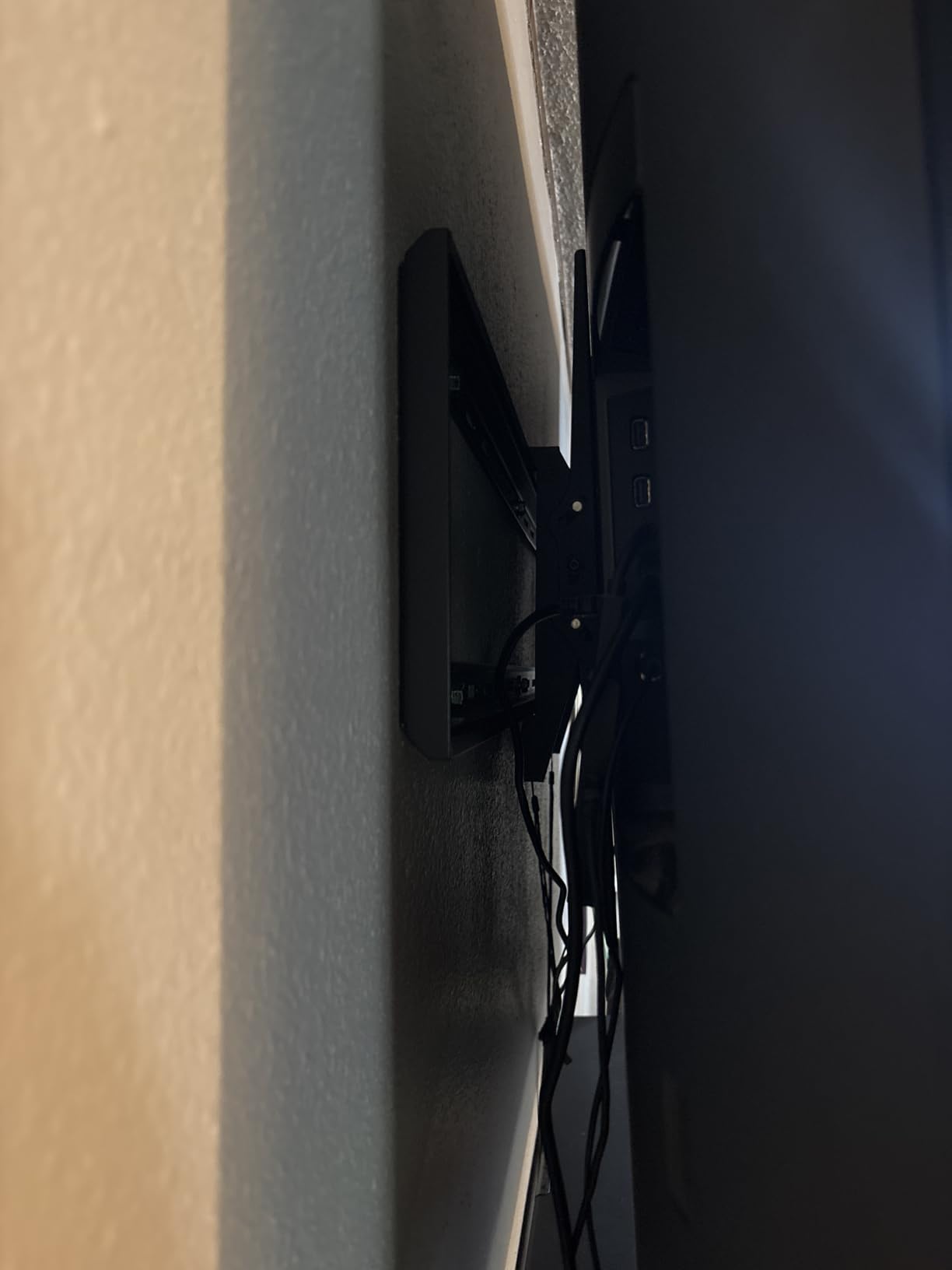
Tool-free tilt adjustment runs 10 degrees in each direction, enough to dial out glare on a panel this size without wrenching behind a 100-pound screen. The TV sits 3.1 inches from the wall when mounted, and quick-release pull straps let you pull the panel off for cable swaps. When a screen costs this much, that easy access is genuinely valuable.
Two notes from owner feedback. The tilt mechanism moves easily, which means the screen can shift when you are fiddling with cables, so steady it with one hand. And for maximum safety on the largest panels, anchoring across three studs at 16 inch spacing is the conservative approach some installers recommend.
What VESA patterns does the monTEK cover
It spans 50x50mm up to 900x600mm, effectively every pattern on consumer TVs from mid-size to 120 inch class. That range means the mount can even move with you if you upgrade screens later. Match your TV’s documented VESA spec against that range and confirm the 300 lb ceiling before committing.
Is professional installation worth it at this size
For anything above a 98 inch panel, honestly, yes. Lifting a 100-plus pound screen onto a wall bracket is a two-person job at minimum, and forum consensus favors pros for the largest displays. If you do it yourself, rent or borrow a second helper and use the quick-release straps rather than fighting the locking tabs.
Buying Guide: How to Choose a Game Room TV Wall Mount?
Choosing the right game room TV wall mount comes down to four decisions: mount type, VESA compatibility, weight capacity, and how your room is laid out. Get those right and almost any quality mount will serve you for a decade. Here is how we break down each one after testing eight brackets back to back.
Fixed vs Tilting vs Full-Motion Mounts
Fixed mounts hold the TV flush against the wall with no movement at all. They are the cheapest and lowest-profile option, but they make cable access frustrating, which is a dealbreaker when consoles get swapped regularly.
Tilting mounts like the MD2268-LK and EGLT3 add a downward pivot of roughly 8 to 10 degrees to kill glare while keeping a slim 1.5 inch profile. They cost a little more than fixed and remain easy to install.
Full-motion mounts swing out on articulating arms, extending 13 to 32 inches and swiveling left and right. For game rooms with varied seating, multiple gaming zones, or corner placements, this is the category to shop. Expect a slightly higher price and a more involved install.
Understanding VESA Patterns
VESA is the standardized hole pattern on the back of your TV that the mount’s brackets bolt into. It is written as two numbers in millimeters, like 400x400mm, measuring the horizontal and vertical distance between the four threaded holes.
Every mount lists a maximum and minimum VESA it supports, and matching it is non-negotiable. Typical ranges: 32 to 43 inch TVs use 100×100 to 200x200mm, 50 to 65 inch TVs use 300×300 to 400x400mm, and 75 inch plus TVs use 400×300 to 600x400mm. Your TV manual lists the exact spec, and measuring with a tape takes 30 seconds.
Weight Capacity and Stud Spacing
Always pick a mount rated well above your TV’s actual weight, ideally with 30 percent or more headroom. A 55 inch OLED might weigh 40 lbs, but a mount like the MD2380 rated for 99 lbs will never strain under it. Headroom also covers the extra force of someone bumping the screen during an energetic gaming session.
Equally important is stud spacing. Most US homes use 16 inch wood stud centers, which every mount here supports, but some framing uses 18 or 24 inch spacing. The MD2268-LK, EGLT3, and monTEK handle all three spacings. Never mount into drywall alone, as anchors alone cannot safely hold a TV long term.
Mounting Height for Multi-Player Gaming
The classic mistake is mounting the TV too high because it looks like a sports bar. For gaming, the ideal height centers the screen at seated eye level, which typically puts the TV’s center about 40 to 45 inches off the floor for couch play. Your neck will thank you during long sessions.
For multi-player rooms where some players sit closer and lower, tilting mounts help angle the screen down toward the front row. If seating wraps around the room, a full-motion mount lets you re-aim the screen depending on who is playing. That repositioning flexibility is the single biggest game room upgrade over a fixed mount.
How to Conceal a Gaming Console Behind a Mounted TV
This is the question every competitor skips, and it has good answers. Wall mounting frees up the space behind and below the TV, and consoles can go there with the right approach. Here are the methods that work.
First, a floating shelf mounted directly below the TV holds a PS5, Xbox, or Switch dock cleanly and keeps HDMI runs under three feet. Second, in-wall recessed media boxes sit between the studs behind the TV and hide smaller devices entirely, though they require cutting drywall and working safely around in-wall electrical codes. Third, a cabinet or media console below the mount hides consoles behind doors while keeping ventilation open, and a right-angle HDMI adapter keeps cables flush.
Whichever route you choose, leave two to four inches of clearance around consoles for airflow, since gaming consoles run hot. Full-motion mounts actually help here because you can extend the TV forward to access ports, then push it back flush. The open wall plate designs on the Perlegear and Mounting Dream mounts include routing gaps specifically for this.
Cable Management for Game Rooms
Clean cable routing is what separates a showroom game room from a rats nest. The simplest upgrade is an in-wall cable pass kit, two brush plates that let HDMI and power cables enter the wall behind the TV and exit behind the console. Kits cost less than a game and need only a drywall saw.
For renters or anyone avoiding wall cuts, paintable cable raceways that adhere to the wall work nearly as well. Velcro wraps, which several mounts here include, beat zip ties because you can re-route when a new console joins the stack. Plan for one more HDMI run than you currently need, because upgrade cycles always add devices.
Frequently Asked Questions
Which TV wall mount brand holds the highest trust rating?
Mounting Dream holds the highest trust rating among mainstream brands, with its mounts holding 4.7 to 4.8 stars across a combined 270,000-plus reviews and #1 rankings in Amazon’s TV mount category. Echogear and Perlegear follow closely, and both are praised on Reddit’s home theater communities for build quality. Sanus is the premium favorite among professional installers. Look for UL listing regardless of brand, since that certifies independent safety testing.
How to conceal a games console behind a mounted TV?
You have four solid options: a floating wall shelf just below the TV, an in-wall recessed media box between the studs, a ventilated media cabinet under the mount, or a full-motion mount extended during play for port access. Use an in-wall cable pass kit or adhesive raceways to hide the HDMI and power runs. Always leave 2 to 4 inches of ventilation clearance around consoles since gaming systems run hot.
What does VESA mean on a TV?
VESA refers to the Video Electronics Standards Association, the body that standardized the square hole pattern on the back of TVs used for mounting. The VESA size, written as 400x400mm for example, measures the horizontal and vertical distance between the four threaded mounting holes. Your mount must support your TV’s exact VESA pattern, and both the TV manual and a tape measure will confirm it in under a minute.
What are common TV mounting mistakes?
The most frequent mistakes are: 1) Mounting into drywall without hitting studs, which causes falls. 2) Choosing the wrong VESA pattern and discovering it mid-install. 3) Mounting the TV too high, causing neck strain during long gaming sessions. 4) Ignoring weight capacity headroom and running the mount near its limit. 5) Forgetting cable planning before the TV goes up. 6) Skipping the level check, then fighting a crooked screen. 7) Overtightening bolts into studs, which can strip the wood and weaken grip.
Conclusion
After installing all eight brackets, our overall winner is the Mounting Dream MD2380 for its unbeatable mix of motion range, build quality, and a 4.8 rating across 75,000 reviews. The MD2268-LK is the value champion if your seating faces the screen directly, and the USX MOUNT wins for tight budgets. Large-screen owners should look at the Perlegear PGLF8, the MD2617, or the monTEK depending on size.
Whatever you pick from our best wall mounts for game room TVs list, verify your VESA pattern, confirm your stud spacing, and mount the screen at seated eye level rather than sports-bar height. Do those three things and your game room will feel bigger, cleaner, and ready for every co-op night in 2026. Grab a stud finder, pick your mount, and enjoy the new view.