
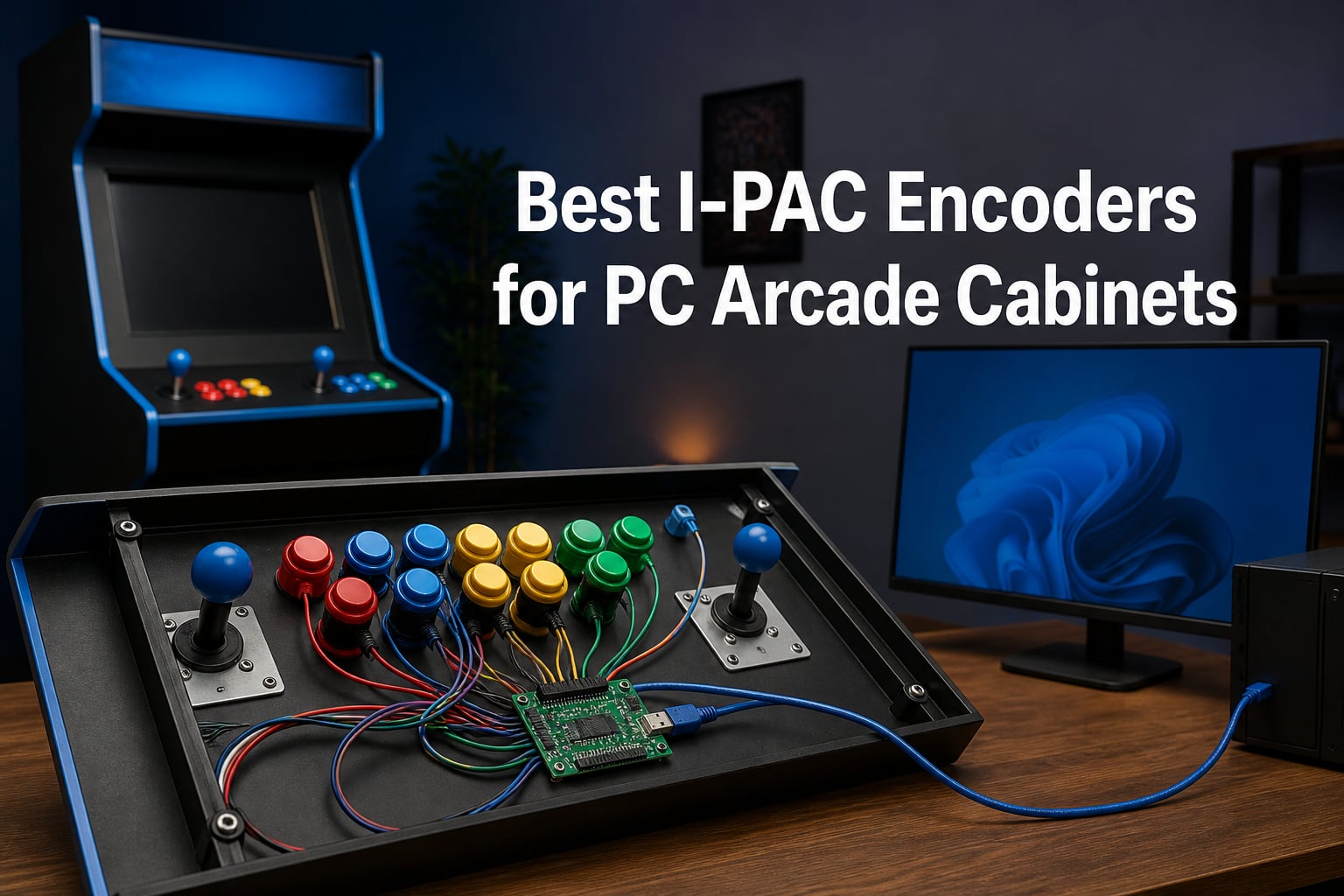
Nothing ruins a heated two-player session of Street Fighter II faster than a control board that drops the diagonal input you just pressed. I learned that the hard way on my first bartop build, where a cheap interface board turned every fireball into a coin flip. That project sent me down a rabbit hole of encoder boards, and I have been wiring panels ever since.
An I-PAC encoder is the board that sits between your arcade controls and your PC. It reads the switches on your joysticks and buttons and sends each press to the computer as a keystroke, which is why MAME and almost every other emulator recognize it instantly with no driver hunting. The name is short for Interface for PC to Arcade Controls, and Ultimarc boards carrying that name have been the community standard for decades.
In this guide to the best I-PAC encoders for PC arcade cabinets, I walk through eight boards you can actually buy right now, from the classic I-PAC2 and I-PAC4 to the zero delay boards that dominate budget builds and the newer GP2040 hardware changing the conversation. I have pulled the verified buyer feedback for each one, dug through the r/cade and arcadecontrols.com threads where the real wiring advice lives, and flagged the quirks that only show up after the panel is screwed shut.
Table of Contents
- Top 3 Picks for I-PAC Encoders for October 2026
- I-PAC Encoders for PC Arcade Cabinets in October 2026
- 1. I-PAC 2 – The Gold Standard for 2-Player Cabinets
- 2. Ultimarc I-PAC 4 – Best for 4-Player Cabinets
- 3. RetroArcade.us I-PAC2 PCB – The Straightforward Spare Board
- 4. Reyann Zero Delay Encoder – Best Budget Option
- 5. Guwarry 2-Player Zero Delay Encoder – Best for Arcade1Up Mods
- 6. EG STARTS Zero Delay Encoder – Best for Sanwa Stick Builds
- 7. Brook Universal Fighting Board – Best Multi-Platform PCB
- 8. SJ@JX RP2040 All-Button Controller – Lowest Latency Pick
- How to Choose the Right Encoder for Your Cabinet?
- Frequently Asked Questions
- Final Verdict
Top 3 Picks for I-PAC Encoders for October 2026
My shortlist is simple. The I-PAC 2 is the board I recommend to anyone building a standard two-player cabinet, the I-PAC 4 is the one to buy if four sets of controls are in the plan, and the Reyann zero delay board is the pick when the budget is tight and you accept a little more fiddling.
I-PAC Encoders for PC Arcade Cabinets in October 2026
| Product | Specs | Action |
|---|---|---|
 I-PAC 2 Arcade Controller Interface I-PAC 2 Arcade Controller Interface |
|
Check Latest Price |
 Ultimarc I-PAC 4 Interface Ultimarc I-PAC 4 Interface |
|
Check Latest Price |
 RetroArcade.us I-PAC2 PCB RetroArcade.us I-PAC2 PCB |
|
Check Latest Price |
 Reyann Zero Delay USB Encoder Reyann Zero Delay USB Encoder |
|
Check Latest Price |
 Guwarry 2-Player Zero Delay Encoder Guwarry 2-Player Zero Delay Encoder |
|
Check Latest Price |
 EG STARTS Zero Delay Encoder EG STARTS Zero Delay Encoder |
|
Check Latest Price |
 Brook Universal Fighting Board Brook Universal Fighting Board |
|
Check Latest Price |
 SJ@JX RP2040 All-Button Controller SJ@JX RP2040 All-Button Controller |
|
Check Latest Price |
The table above covers every board in this guide side by side. Read the input counts and the emulation type carefully, because those two rows decide whether a board will run your cabinet or fight it.
1. I-PAC 2 – The Gold Standard for 2-Player Cabinets
I-PAC 2 Arcade Game Controller Interface (IPAC2)
2 players
32 inputs
USB keyboard emulation
WinIPAC software
Pros
- Configurable via WinIPAC software
- Retains mappings after power off
- No ghosting on simultaneous presses
- Plug-and-play defaults
- Supports SpinTrak and U-Trak
Cons
- Configuration complexity for beginners
- Mini USB-B connector may need adapters
This is the board I reach for when a build needs to just work, and in my experience it is the best I-PAC encoder for a 2 player cabinet. It handles two joysticks, eight buttons per player, plus coin and start for both, which covers the classic MAME layout without a single compromise. It shows up as a USB keyboard, so Windows, Linux, and RetroPie all accept it the moment it is plugged in.
The detail that sold me is memory retention. Every mapping you set survives a power cycle, so the cabinet boots the same way every time instead of reverting to defaults. Buyers report the same thing across 39 reviews at a 4.8 average, with 85 percent giving it five stars.
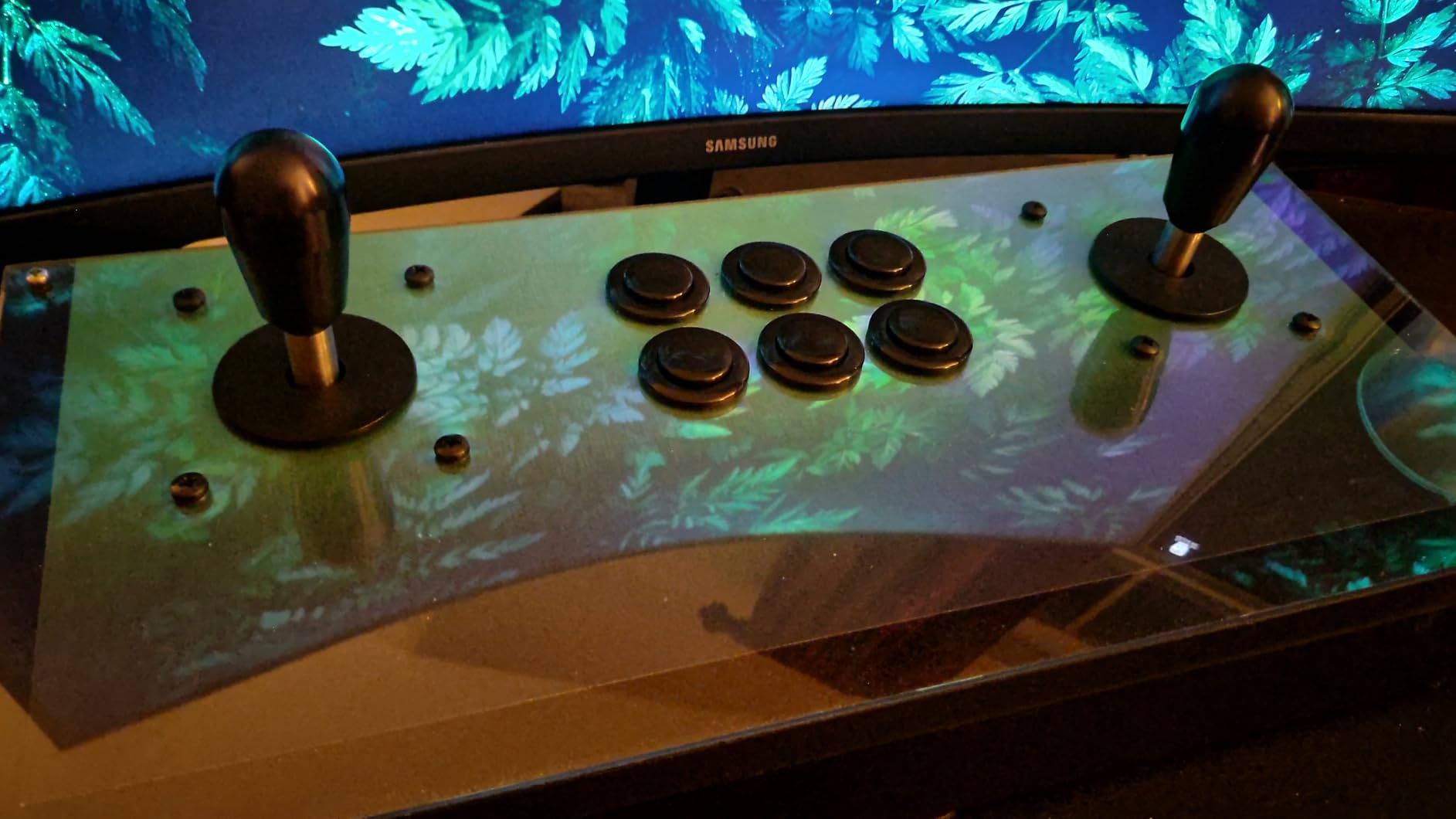
Ghosting is where cheap boards fall apart and this one does not. Mashing simultaneous combos on both players produces clean, distinct keystrokes every time, which is exactly what you want when two people are hammering a fighting game. The default MAME mappings are already sensible, so the panel can be playable before you ever open a config tool.
When you do want changes, the WinIPAC utility lets you remap every input, set up per-application profiles, and assign the shift function so one button can double as an escape or pause key. The board also plays nice with a SpinTrak spinner and U-Trak trackball, a combination very few encoders support on one board.
Wiring and Setup: What to Expect
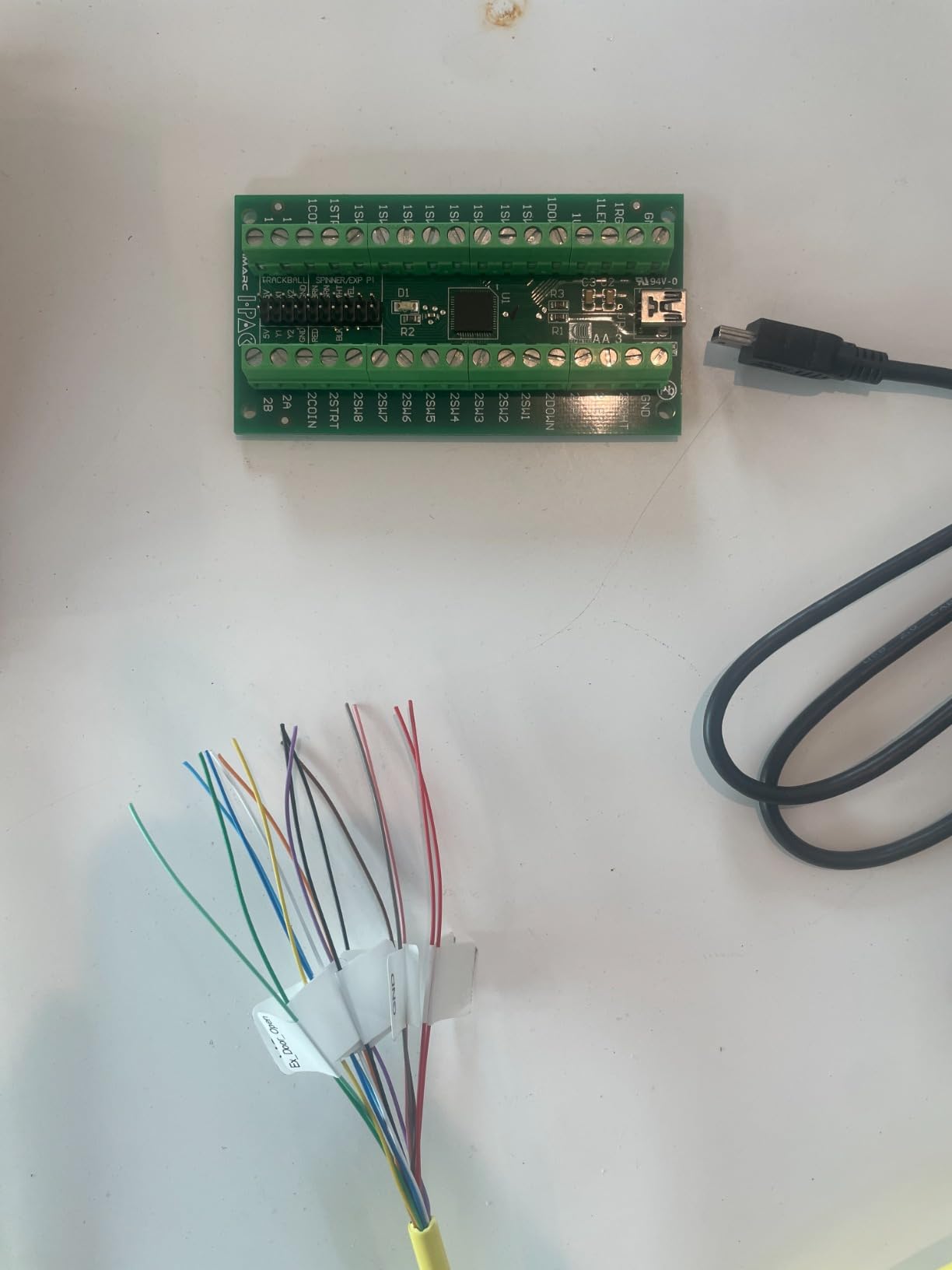
Wiring is refreshingly simple because the screw terminals are labeled by function rather than cryptic codes. You daisy-chain the ground from switch to switch, run one wire per input, and you are done. Set aside an afternoon for your first panel and label both ends of every wire as you go, because future-you will thank you at troubleshooting time.
The one nuisance is the mini USB-B port, which is sturdy but means hunting for a cable if the included one is too short for a full-size cabinet. Keep a spare in the parts drawer.
Trackball and Spinner Compatibility
This is the only board in the I-PAC lineup here that connects a trackball and spinner alongside the buttons. If Missile Command or Tempest are on your games list, this model saves you from adding a second interface board just for the analog toys. For a straightforward two-player panel you may never touch those headers, and that flexibility is exactly why it is worth having.
2. Ultimarc I-PAC 4 – Best for 4-Player Cabinets
Ultimarc I-PAC 4 Arcade Game Controller Interface with USB Cable
4 players
USB interface
WinIPAC software
8 buttons per player
Pros
- Supports all 4 players
- Excellent WinIPAC software
- Solid Ultimarc build quality
- Easy to wire and configure
Cons
- Ground terminals can have quality issues
- No trackball or spinner connections
- Requires wire stripping and daisy-chaining
Four-player cabinets are a different animal, and the recurring advice on r/cade is blunt: if you have a 4 player cabinet, the I-PAC4 is what you want. One board runs four joysticks, eight buttons per player, and coin and start for everyone. That single-board approach means one USB port, one set of mappings, and none of the identifier chaos that comes from plugging in multiple encoders.
The keyboard emulation behaves exactly like its smaller sibling, with instant MAME recognition and the same WinIPAC remapping software. Buyers praise the software consistently across 34 reviews at a 4.4 average.
Where it asks more of you is installation. Inputs arrive as bare terminals, so you are stripping wire and building your own ground chains rather than snapping on pre-crimped connectors. A few buyers also flagged loose ground terminals on arrival, so tug-test every connection before the panel goes in.
Note the trade-off that comes with the four-player focus: no trackball or spinner connections on this board. Builders who want a 4-player panel plus a trackball usually pair this with a dedicated interface for the analog controls.
Ground Daisy-Chaining Explained
Every switch on the panel shares one common ground, so you run a single wire that hops from the first switch to the last instead of routing a separate ground back to the board for each button. It is less wire, less clutter, and the technique every arcade wiring guide assumes. Crimp a quick-disconnect on each end, chain them snugly, and the whole panel grounds through one terminal on the board.
Is It Overkill for a 2-Player Cabinet?
Honestly, yes, and I would steer a two-player build toward the I-PAC 2 instead. The price step up only pays off when players three and four actually exist. Where it earns its keep is big showcase cabinets, NBA Jam and Simpsons builds, and party setups where four simultaneous players are the whole point.
3. RetroArcade.us I-PAC2 PCB – The Straightforward Spare Board
I-PAC2 Interface PCB with USB Cable – Connects Arcade Devices to a PC
I-PAC2 interface PCB
32-pin
USB Type A
90 day warranty
Pros
- Standard I-PAC2 board for arcade to PC
- USB Type A connection
- 32-pin interface
- 90 day warranty
Cons
- No customer reviews yet
- Limited stock availability
This is the same I-PAC2 design sold as a bare interface PCB with a USB cable, aimed at builders who know exactly what they are getting. The 32-pin layout connects arcade devices to a PC and lands in the same keyboard-emulation territory that made the I-PAC name. I see it most often as a replacement board for a damaged panel or as the heart of a no-frills scratch build.
The honest caveat is that this listing is too new to have buyer feedback, so there is no verified review history to lean on. A 90 day warranty does back the board, which is more than most generic encoders offer.
Stock also runs thin on this listing, with only a handful of units showing at the time of writing. If your build schedule is fixed, that matters more than it would for a part that is restocked weekly.
What Comes in the Box
You get the I-PAC2 interface PCB and its USB cable, and that is the full inventory. No pre-crimped wires, no connectors, no extras. Budget for a bag of quick-disconnects and hook-up wire if your parts bin is empty.
Who Should Buy This Board
It fits two groups: the experienced builder replacing a dead board in an existing panel, and the scratch-builder who sources controls and wiring separately anyway. If this is your first encoder and you want hand-holding, a kit with included wiring will treat you better.
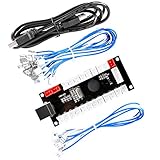
4. Reyann Zero Delay Encoder – Best Budget Option
Reyann Zero Delay Arcade USB Encoder Pc to Joystick for Mame Jamma & Other Pc Fighting Games for American Style Arcade Joystick & HAPP Style Arcade Buttons
Zero delay encoder
Generic joystick mode
No drivers needed
PC and Raspberry Pi
Pros
- True plug-and-play on Windows
- Works with PC Mac Pi PS3 PS4
- Zero delay as advertised
- Includes the wires you need
- Handles MAME and FightCade
Cons
- Short wires for larger builds
- All wires the same color
- No insulating sleeves on terminals
This is the board that appears in half the budget cabinet logs on the forums, and with roughly 750 reviews at a 4.6 average it is the most proven encoder on this list by sheer volume. Windows detects it as a generic gamepad with no drivers, and it works on PC, Mac, Raspberry Pi, and even PS3. For the money, the plug-and-play experience is genuinely hard to beat.
It behaves as a gamepad rather than a keyboard, which changes how you set up the front end. Emulators that scan for joystick input pick it up instantly, and MAME, FightCade, and RetroPie all map to it without complaint.
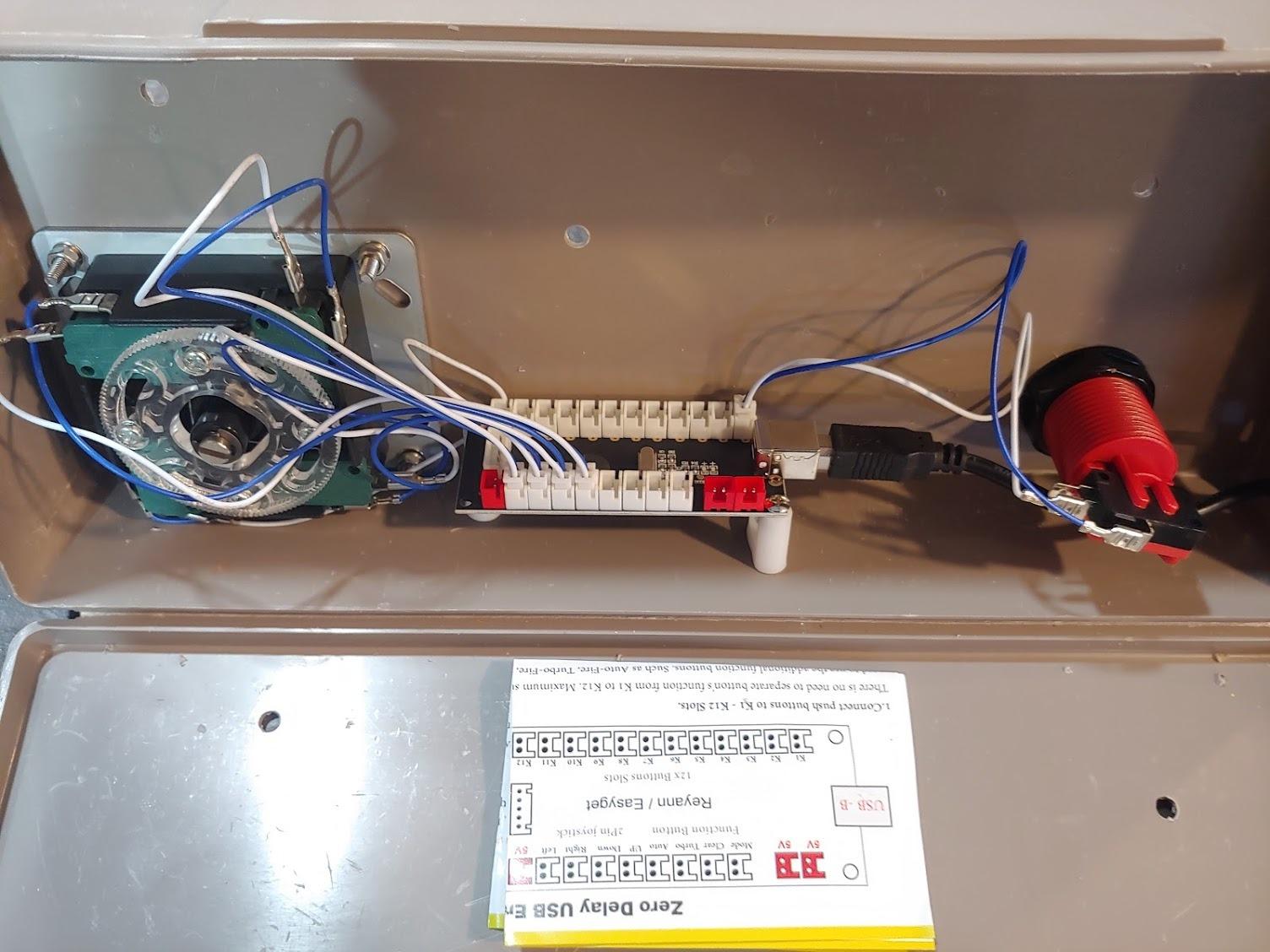
Turbo, auto, mode, and clear functions come with LED indicators, which is a fun extra for fighting games. The board also handles a joystick plus a healthy row of buttons, covering a standard one-player layout with room for coin and start.
The compromises are all in the physical kit. The wires run short for a full-size cabinet, they are all the same color so you cannot tell them apart, and the terminals ship without insulating sleeves. None of that stops the board from working, it just makes the wiring session messier than an I-PAC afternoon.
Mapping the Joystick in MAME
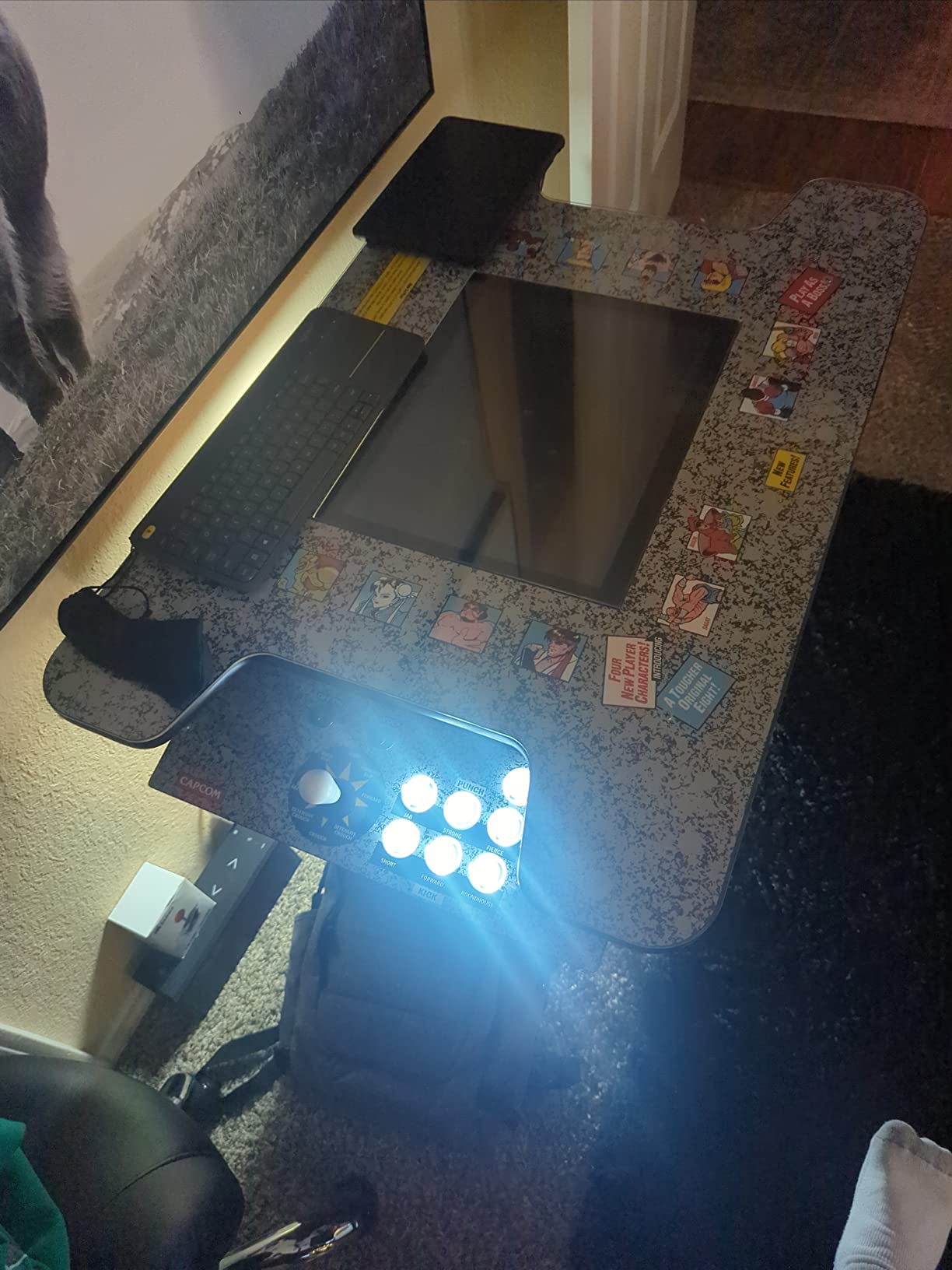
Because it enumerates as a gamepad, you map it in MAME through the general input menu rather than the keyboard defaults. Select each action, press the corresponding stick direction or button, and save. Occasionally a direction lands on the wrong axis, and remapping in the tab menu fixes it in seconds.
One Board or Two for a 2-Player Panel
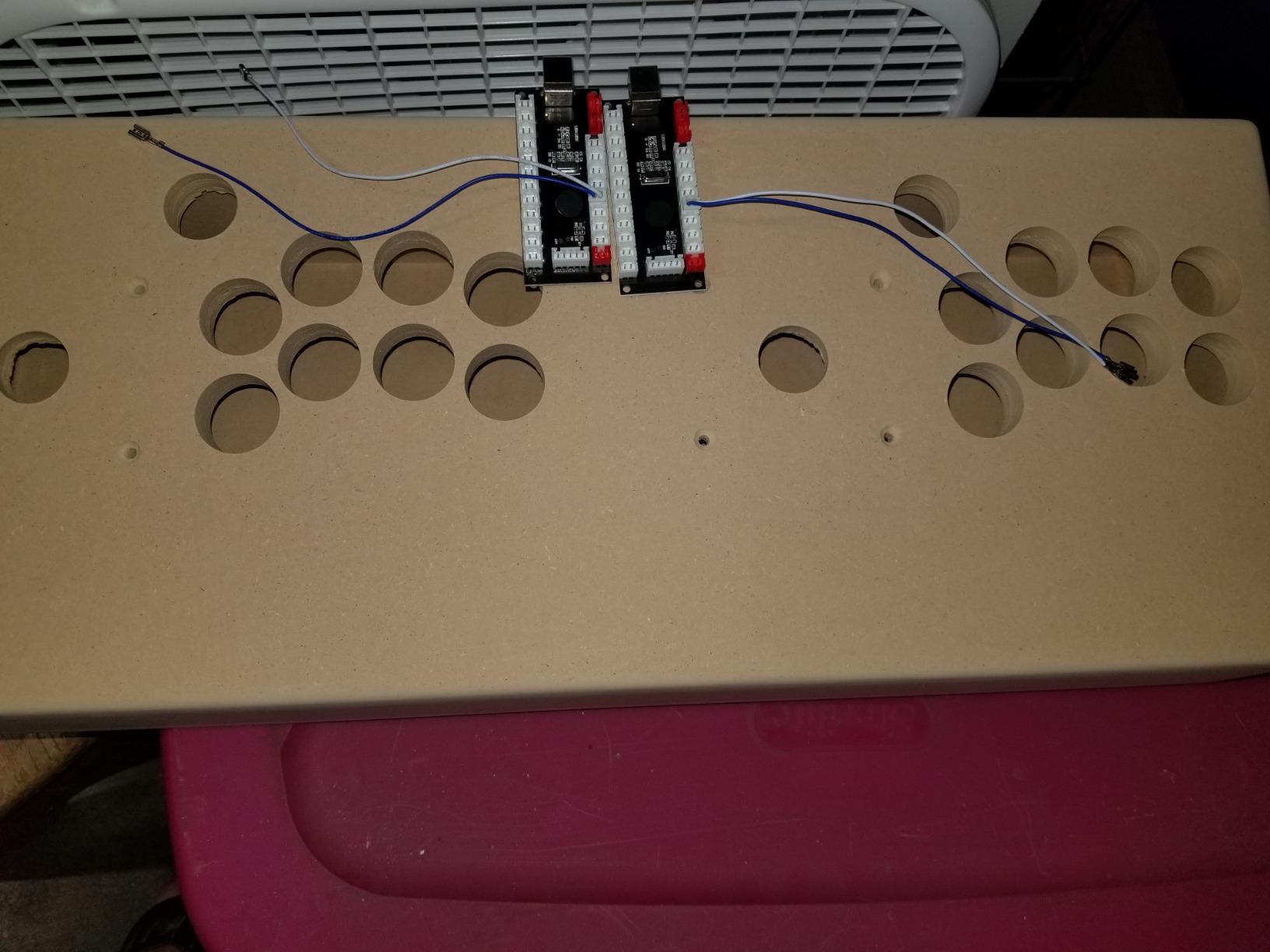
Each board serves one player, so a two-player panel means two boards and two USB ports. The forums have a fix for the tangle: the Facebook arcade groups report that a powered USB hub that isolates each encoder properly solves recognition issues, while a passive hub sometimes merges the two boards into one confused device. Plug each encoder into its own port and the two players behave independently.
5. Guwarry 2-Player Zero Delay Encoder – Best for Arcade1Up Mods
Guwarry 2-Player Zero Delay USB Encoder PC to HAPP Joysticks/HAPP Arcade Buttons for PC, MAME, Raspberry Pi, Arcade1Up – Three 5V Power Output for led Joysticks/LED Daisy Chain/LED Arcade Buttons
2 player zero delay board
3x 5V LED outputs
4.8mm quick plugs
Pros
- Works perfectly with Arcade1Up cabinets
- 3x 5V outputs power LED parts
- Plenty of pre-crimped wires
- Runs on Batocera and Windows immediately
Cons
- Documentation unclear on ground vs NO wires
- Wires slightly short
- Limited to 2 players per board
This is the board I recommend for the single most popular mod in the hobby: gutting an Arcade1Up and fitting real controls. One board covers two players with joysticks and buttons, and buyers confirm it drops into Arcade1Up shells with no drama across 182 reviews at a 4.6 average, 83 percent of them five stars.
The standout feature is the trio of 5V outputs. LED joysticks, light-up buttons, and LED daisy chains all draw power straight from the board, so there is no extra power supply cluttering the cabinet. On a build where space is already tight, that is a real win.
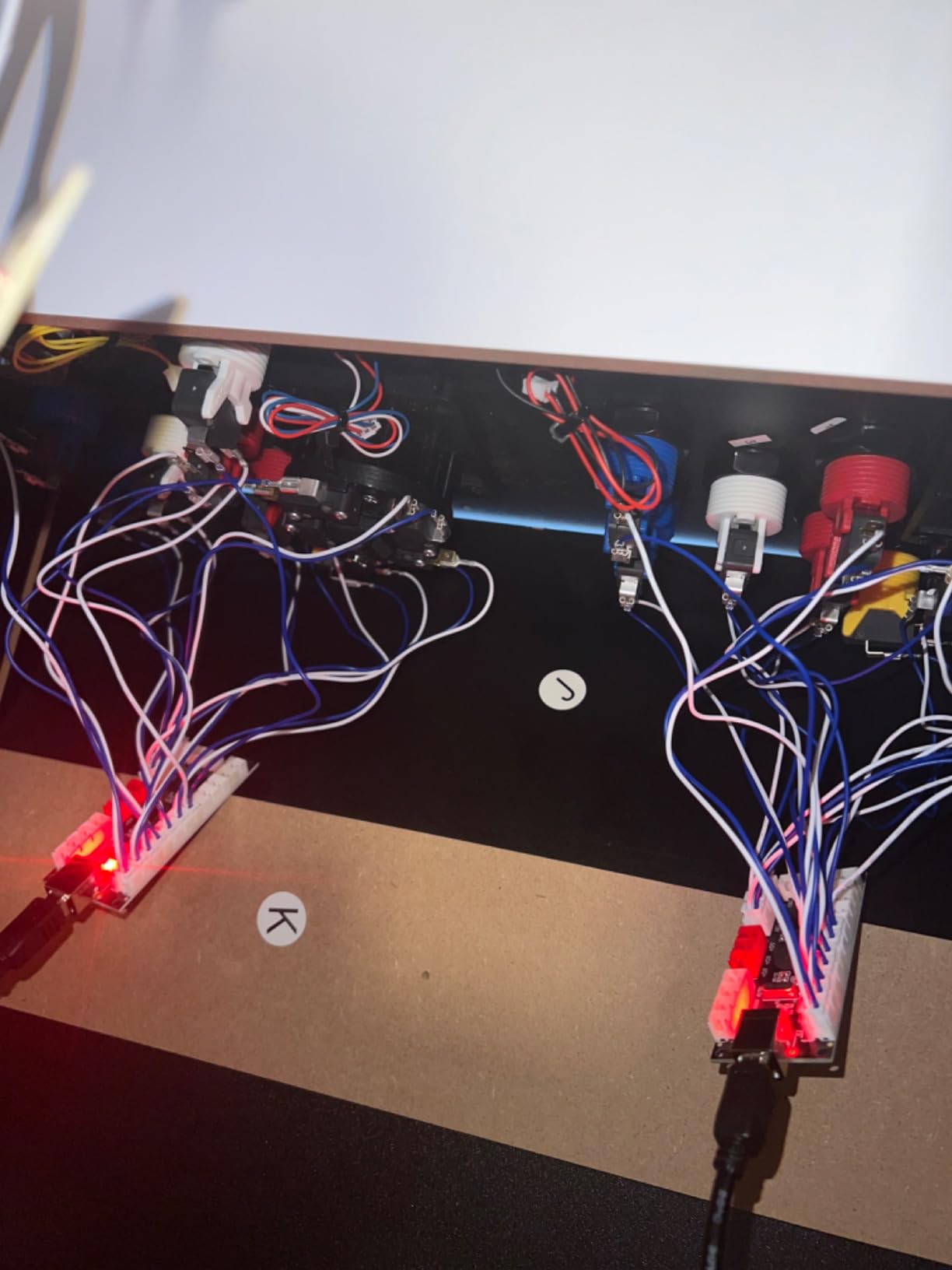
It ships with JST XH2.54 to 0.187 inch quick-connect plugs, so the wires snap onto standard HAPP-style buttons with no crimping session. The kit includes plenty of pre-crimped wires, which is more than I can say for most boards at this end of the market.
Compatibility stretches across PC, Mac, Raspberry Pi, and Arcade1Up, with buyers reporting it comes alive immediately under Batocera and Windows. The recurring grumble is documentation, specifically which pin is ground and which is the signal contact.
Picking the HAPP or Sanwa Variant
Check which connector your buttons use before ordering. The HAPP variant ships with 0.187 inch connectors for American-style parts, while the Sanwa variant uses 2.8mm connectors for Japanese buttons. Matching the variant to your controls is the difference between a plug-in weekend and a re-crimping weekend.
Powering LED Buttons the Right Way
Wire the LED chain to the dedicated 5V outputs rather than tapping USB power elsewhere. Keep the button signal wires on their own terminals so lighting and input never share a circuit, and the board delivers clean power without flicker. That separation is what makes this board so much tidier than rigging LEDs separately.
6. EG STARTS Zero Delay Encoder – Best for Sanwa Stick Builds
EG STARTS Zero Delay USB Encoder To PC Games Controllers For Arcade Joystick Sanwa DIY Kits Parts Mame Games (5Pin + 2.8mm Cables)
5-pin Sanwa joystick support
2.8mm terminals
Plug and play on Windows
Pros
- Excellent value versus premium encoders
- Plug and play with no drivers
- Works with Sanwa joysticks and buttons
- Clear mapping to gamepad inputs
Cons
- No keyboard emulation like I-PAC
- MAME escape mapping needs extra config
- Only one USB connection
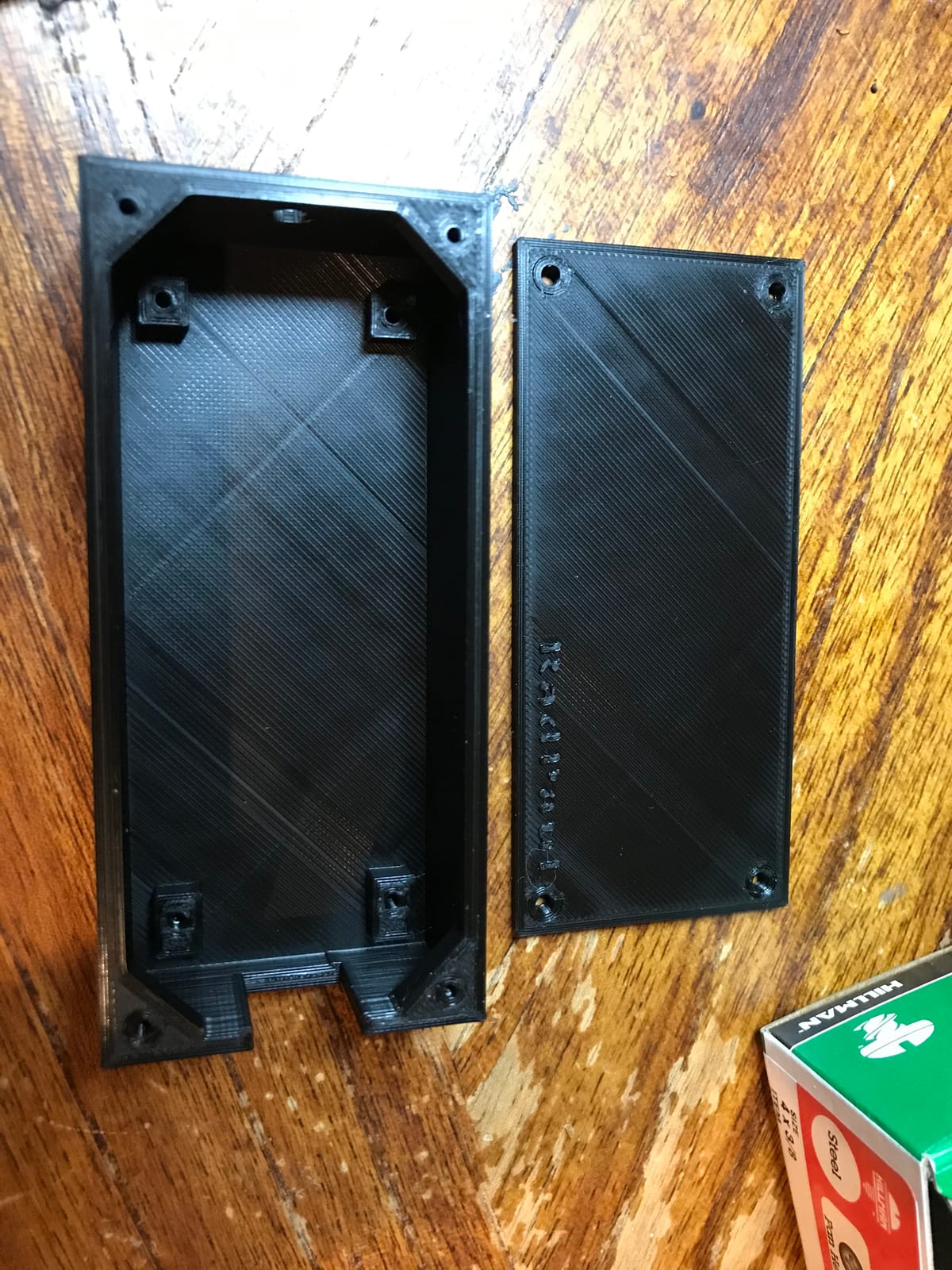
EG STARTS builds the zero delay board aimed squarely at Japanese-style parts, with native 5-pin joystick support and 2.8mm terminals for Sanwa push buttons. If your panel is going Japanese, this is the budget board that speaks your hardware’s language out of the box. It carries a 4.4 average across 298 reviews, with buyers calling out the value against premium encoders repeatedly.
Setup on a PC is genuinely plug and play. Windows and Mac see it as a game controller with no drivers, inputs map cleanly, and builders use it for everything from arcade cabinets to flight sim panels and gaming tables.
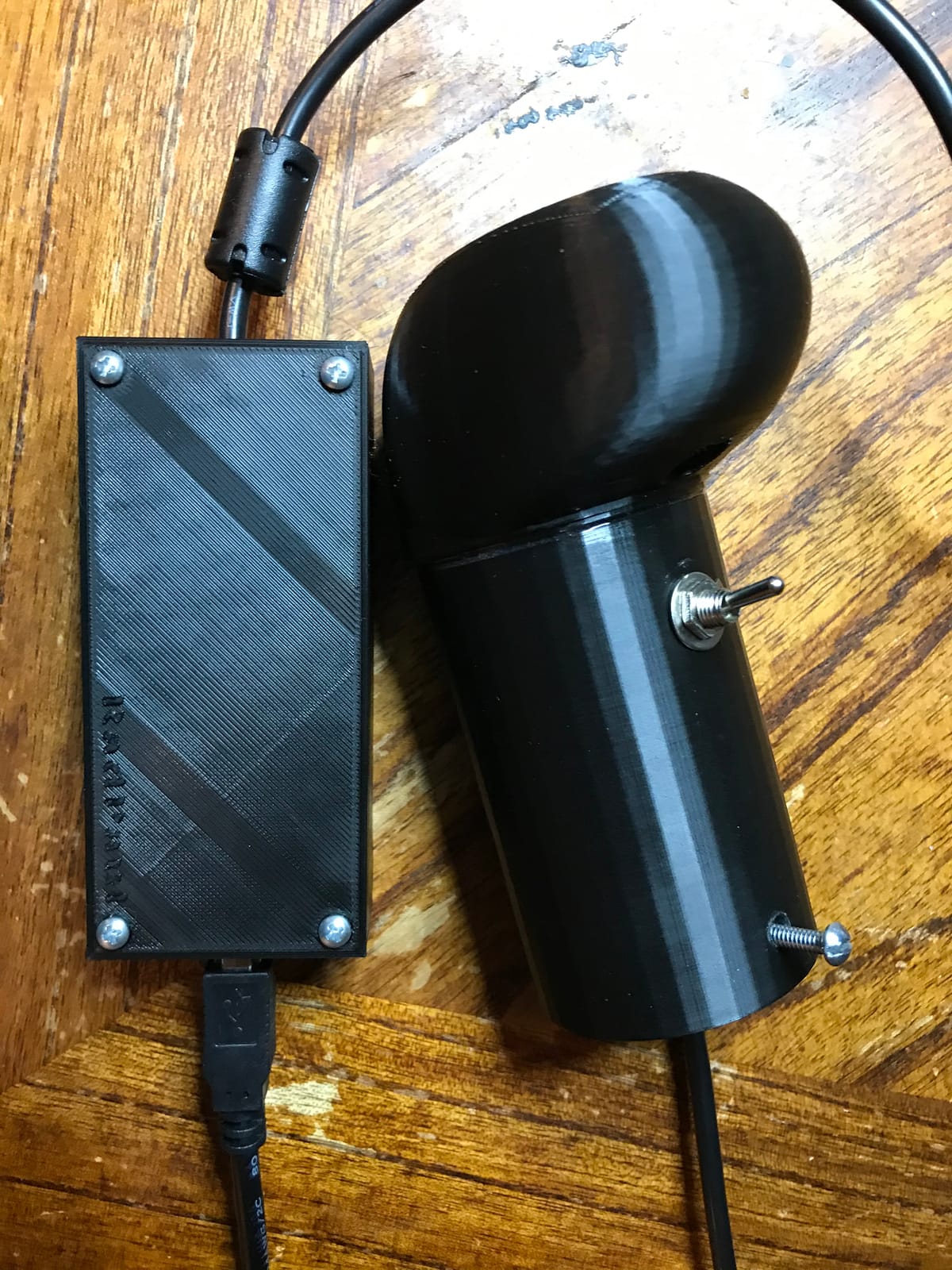
The board supports all 5-pin joysticks and 2.8mm terminal buttons, runs on every modern Windows version, and offers turbo and auto modes with an LED twinkle for good measure. For single-player layouts it covers a stick plus a full button row without breaking a sweat.
Its limits are the same as any gamepad-style encoder. There is no keyboard emulation, which makes MAME’s escape and exit keys awkward, and some buyers found the included connector count short of what their panel needed.
Why Keyboard Emulation Matters for MAME
MAME leans on keyboard keys for housekeeping like exit, pause, and menu, and a gamepad-only board has no keystroke to offer. You end up mapping those functions to a spare button or keeping a keyboard plugged in behind the cabinet. The I-PAC boards avoid this entirely because they are the keyboard, which is a quiet advantage that only shows up in daily use.
Connector Count and What You Will Need
Count your buttons before you order, including coin and start. A few buyers reported the included connectors ran short for their layout, so a small pack of spare female quick-disconnects costs little and saves a stalled build day. Also remember this is a single USB connection, so treat it as a one-player board per cabinet unless you add a second encoder.
7. Brook Universal Fighting Board – Best Multi-Platform PCB
Brook Universal Fighting Board (UFB) – Pre-installed header version, Arcade Stick PCB For XB Series X/S, XB One, 360, PS4, PS3 Consoles and PC, Upgradable with UFB-UP5
Multi-console fight board
Screw terminals
SOCD cleaner
Firmware upgradable
Pros
- Works across PS5 PS4 PS3 Xbox and PC
- Screw terminal installation
- Built-in SOCD cleaner
- No PS4 timeout issues
Cons
- Documentation thin for beginners
- No button LED support
- PS5 needs separate upgrade kit
The Brook Universal Fighting Board answers a different question than the I-PAC boards: instead of speaking only to a PC, it speaks to almost everything. Xbox Series X and S, Xbox One and 360, PS4, PS3, PC, Wii U, and the retro minis all recognize it, and PS5 support arrives with the optional UFB-UP5 upgrade kit. At 4.7 across 219 reviews with 83 percent five stars, it is the most loved board in this guide by rating.
This is the board for a fightstick or a cabinet that doubles as a console controller. The built-in SOCD cleaner is the feature fighting game players actually care about, resolving simultaneous opposing cardinal directions cleanly so inputs stay legal in tournament play.
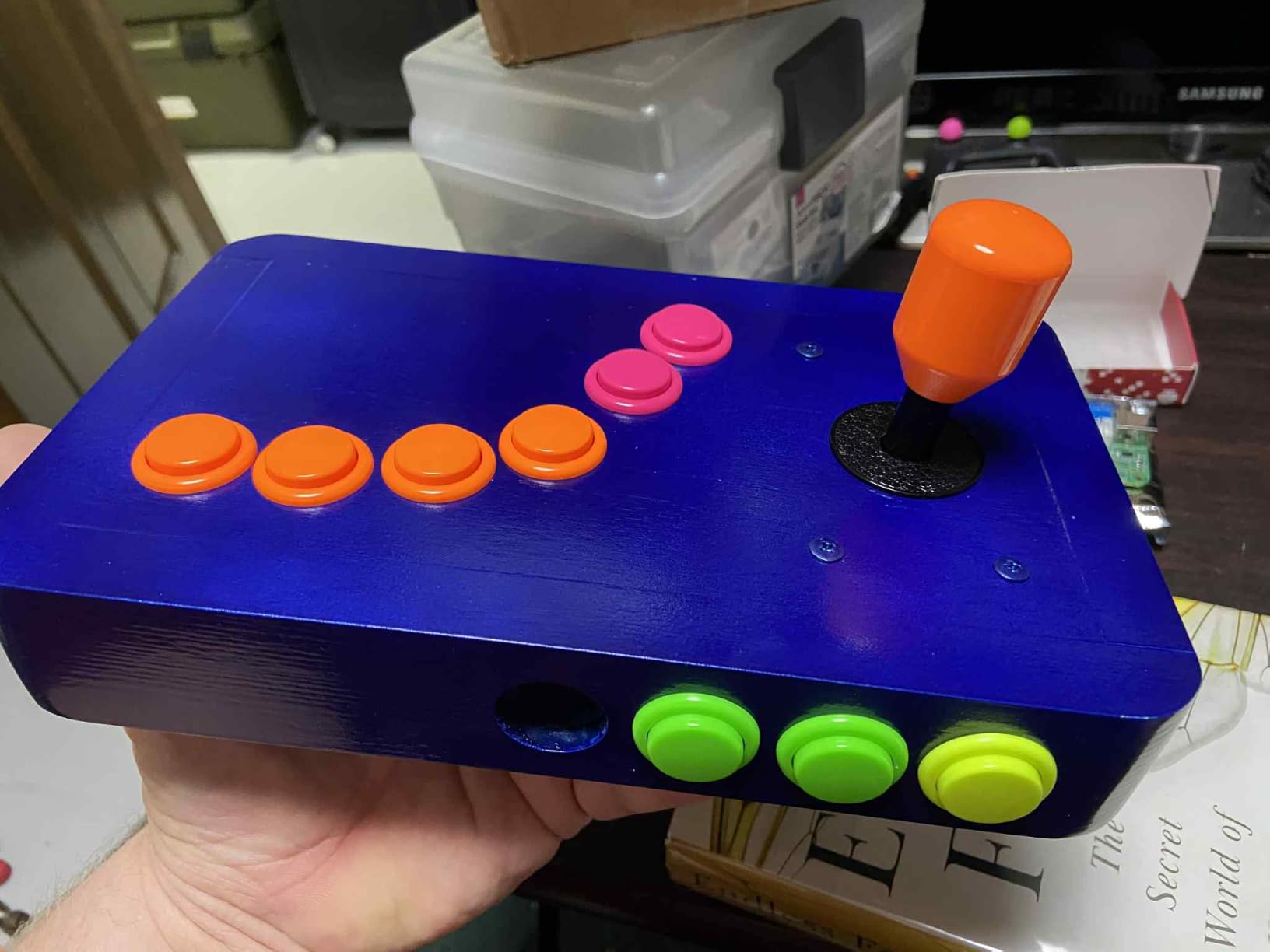
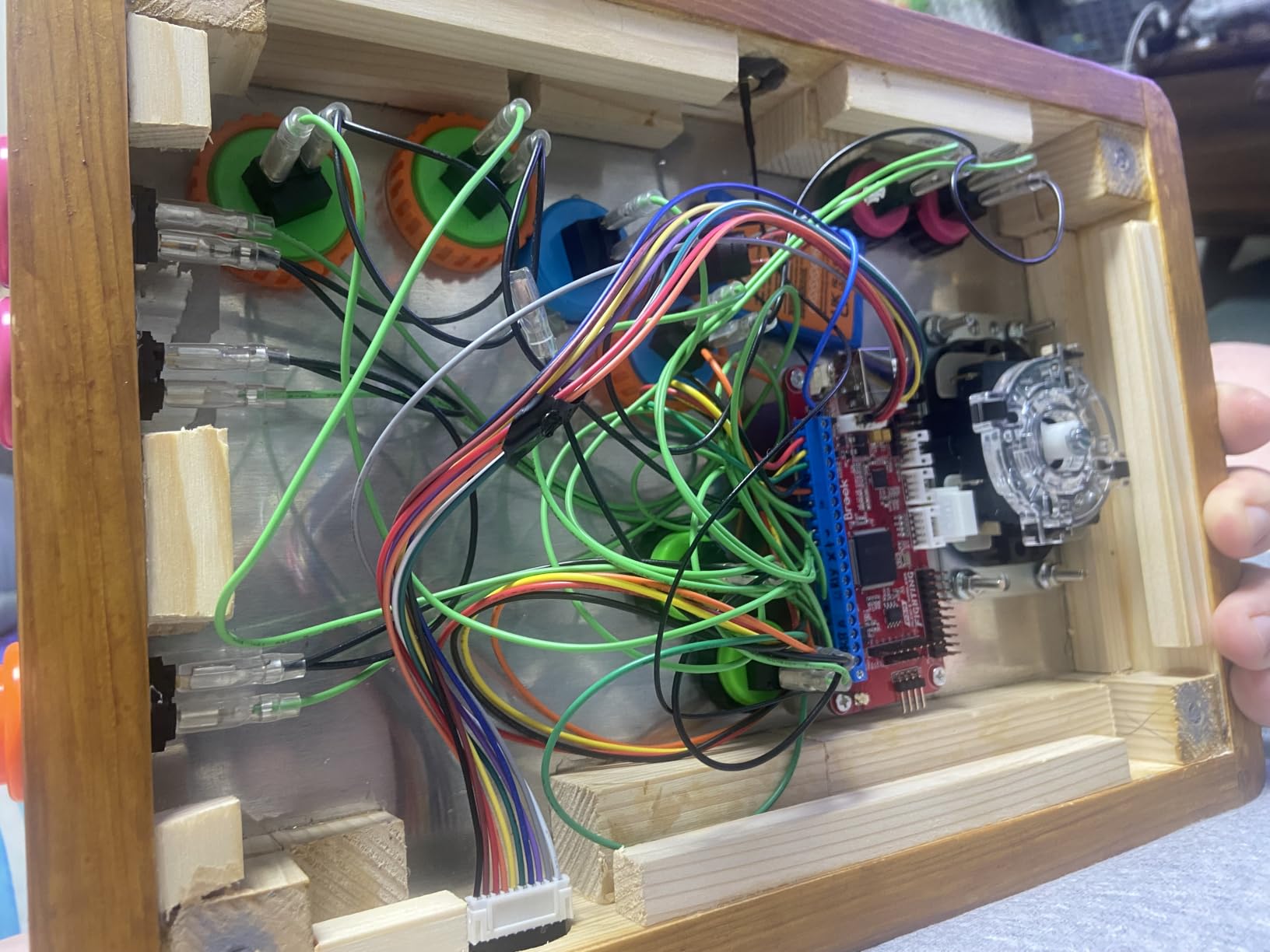
Installation uses screw terminal blocks rather than crimps, and builders praise how solid the connections feel compared to older stock PCBs. Response tracking beats the original boards people replace with it, and the PS4 version sidesteps the eight-minute timeout that plagues some third-party boards.
The honest downsides: no button LED support, no I2C display module support, and documentation that assumes you already know what a ground chain is. Firmware updates arrive over USB, which has kept this board relevant across two console generations.
Console Switching and Firmware Updates
The board auto-detects PS3, PS4, and both Xbox generations on power-up, with manual selection available for the oddball platforms. When a new console or firmware lands, you flash it over USB rather than buying new hardware, which is why so many builders treat this as a long-term investment board.
PS5 Support and Future-Proofing
PS5 fighting games need the separate UFB-UP5 kit, so factor that in if Sony’s current console is the target. PS4 titles running on a PS5 work without it. That upgrade path, plus the firmware pipeline, is what makes this the board I would pick for a cabinet expected to survive multiple console cycles.
8. SJ@JX RP2040 All-Button Controller – Lowest Latency Pick
SJ@JX All-Button Arcade Controller with RGB Button Raspberry Pi RP2040 Encoder, Ultra-Low Latency Fight Game Joystick for PC and Nintendo Switch
RP2040 GP2040-CE board
0.76ms latency
Per-button RGB
PC and Switch
Pros
- X-Input D-Input Switch and keyboard modes
- 0.76ms average input latency
- 50 million cycle microswitches
- Per-button RGB customization
Cons
- No customer reviews yet
- All-button layout may not suit every cabinet
This is the newest thing in the guide: a ready-built all-button controller running the open-source GP2040-CE firmware on a Raspberry Pi RP2040 chip. The headline number is 0.76ms average input latency in X-Input mode, which is faster than anything else here and faster than most stock controllers of any kind.
Where the I-PAC emulates a keyboard and the zero delay boards emulate a gamepad, this one switches between X-Input, D-Input, Switch, and keyboard modes. That flexibility plus per-button RGB lighting and a web-based configurator is why GP2040 hardware has taken over the fighting game community so quickly.
The switches are original mechanical keyboard microswitches rated for 50 million cycles, so the buttons are built for years of mash-happy play. RGB profiles are customizable per button, which matters when the cabinet is also the room’s centerpiece.
The caveat is simple: no buyer reviews exist yet, so real-world reliability is unproven in verified feedback. The technology underneath is proven, but this specific listing is new.
What GP2040-CE Actually Gives You
GP2040-CE is an open firmware project with an active development community, meaning fixes and features arrive continuously and configuration happens in a browser with no software install. Because it is developer friendly, the modding ceiling is high for builders who like to tinker. You are buying into an ecosystem, not just a board.
Fitting an All-Button Pad Into a Cabinet
This ships as a complete all-button pad rather than a bare encoder, so think of it as a drop-in hitbox-style controller for PC and Switch rather than a panel brain. It suits a cabinet built specifically around an all-button layout, or as a second dedicated panel next to a stick-based one. For traditional joystick cabinets, the boards earlier in this list remain the better fit.
How to Choose the Right Encoder for Your Cabinet?
Picking the right board comes down to five decisions, and getting them right before you order saves a frustrating rebuild later.
Start With Player Count
Two players is the standard, and the I-PAC 2 or a 2-player zero delay board covers it on one board. Four players changes the math: a single I-PAC 4 keeps everything unified, while four separate budget boards means four USB ports and four devices to identify in your front end. Fewer boards is almost always the calmer build.
Keyboard or Gamepad Emulation
Keyboard boards like the I-PAC need zero configuration in MAME and give you keystrokes for exit, pause, and menu functions. Gamepad boards map like console controllers, which feels natural in RetroPie and Batocera front ends but leaves MAME housekeeping keys without a home. Neither is wrong, but knowing which you prefer prevents the most common first-build complaint on the forums.
Match Connectors to Your Controls
American HAPP-style parts use 0.187 inch connectors, Japanese Sanwa parts use 2.8mm, and joysticks either have a 5-pin harness or individual microswitches. Check these before checkout because the wrong connector means a re-crimp session. Boards like the Guwarry split into variants specifically for this reason.
Plan Extras Now, Not Later
Trackball, spinner, LED buttons, and console support are the four features people wish they had planned for. Only some boards connect a trackball or spinner directly, LED parts need 5V power, and console play points you at Brook or GP2040 hardware. Deciding your games list first makes the encoder choice almost automatic.
Learn From the Common Pitfalls
The forums repeat the same handful of mistakes. Default I-PAC mappings include Alt-based keys that clash with emulator hotkeys, so open WinIPAC and check them before you blame the board. Wiring feels intimidating until you understand every switch needs one signal wire plus a shared ground, nothing more.
And that powered USB hub tip from the Facebook arcade groups is worth remembering: if multiple encoders misbehave together, the hub is the suspect, not the boards. Label your wires, test every input before closing the panel, and most of these problems never reach your cabinet.
Frequently Asked Questions
What is the best USB encoder for arcade cabinet?
For a 2-player cabinet the I-PAC 2 is the best pick thanks to keyboard emulation, retained mappings, and no ghosting on simultaneous presses. For a 4-player cabinet choose the I-PAC 4. On a tight budget the Reyann zero delay encoder works well, as does the Guwarry board for Arcade1Up mods.
What is an I-PAC encoder?
An I-PAC (Interface for PC to Arcade Controls) is a keyboard encoder board that connects arcade joysticks and buttons to a USB port on your computer. It converts each switch press into a keyboard signal that MAME and other emulators recognize instantly, with no special drivers needed.
How do I configure an I-PAC2?
1. Download the WinIPAC utility from Ultimarc. 2. Plug the I-PAC2 into a USB port and open WinIPAC, which detects the board automatically. 3. Click any input and press the key you want assigned to it. 4. Set the shift function if you want doubled-up keys like pause or escape. 5. Write the configuration to the board, which then retains it after power off.
What is the difference between I-PAC2 and zero delay encoders?
The I-PAC2 emulates a USB keyboard, supports 2 players on one board, retains mappings after power off, and connects a trackball and spinner. Zero delay boards emulate gamepads, usually serve one player per board, cannot be reprogrammed, and cost far less. I-PAC is the premium reliable option while zero delay is the budget workhorse.
How many inputs does an I-PAC4 support?
The I-PAC4 supports 4 players with a joystick, 8 player buttons, plus coin and start buttons for all 4 players, for 56 inputs total. Unlike the I-PAC2 it has no trackball or spinner connections.
Final Verdict
If you skimmed straight here, my advice matches what the builder community has said for years. The I-PAC 2 is the best I-PAC encoder for most PC arcade cabinets, the I-PAC 4 is the only sensible single-board answer for four players, and the Reyann or Guwarry zero delay boards get a panel playing this weekend when the budget is tight. For consoles and fighting games, the Brook Universal Fighting Board and GP2040 hardware pull ahead of everything else.
Spend the time you save on the wiring itself, because a clean ground chain and labeled wires are what separate a cabinet that runs for years from one that gets opened every month. Whichever board you pick from this 2026 lineup, you are building on hardware with a proven track record in thousands of cabinets built just like yours.