
If you want one sentence of honest guidance on the best motherboards for Ryzen builds: buy a mid-range B650 ATX board and put the money you saved into a better graphics card. B650 is enough for nearly every Ryzen 5, Ryzen 7 and even most Ryzen 9 gaming and everyday productivity machines. Step up to X870 only when you actually want USB4, Wi-Fi 7 or 5GbE on the board itself, and treat X870E as a workstation purchase rather than a gaming upgrade.
That thesis runs through everything below. We compared ten AM5 boards across chipset tiers, VRM design, M.2 and lane layouts, networking and audio, and read through more than 6,000 buyer ratings between them. What we kept finding is that chipset prestige buys connectivity and expansion headroom, not gaming frames. A Ryzen 7 9800X3D does not render a single extra frame because it sits on an X870E board instead of a B650.
One caveat before the picks. Every board here is DDR5-only on socket AM5, and every Ryzen 7000, 8000 and 9000 desktop chip fits the same LGA1718 socket. That means board choice is mostly about the parts around the CPU: how many NVMe drives you want, whether you need fast wired networking, how large your case is, and how much headroom you want for a future upgrade. We checked BIOS support for the Ryzen 9000 refresh on all ten, and flagged the two that ship with software that needs attention out of the box.
One more thing that comes up constantly on r/pcbuilding and r/pcmasterrace: chipset prestige is the single most common overspend in first Ryzen builds. When people ask whether a B650 board is good enough, the answer in those threads is almost always yes, as long as it comes from one of the four major brands and has decent VRM cooling. Our picks reflect that consensus.
Table of Contents
- Top 3 Best Motherboards for Ryzen Builds (October 2026)
- All 10 Boards at a Glance in 2026
- 1. ASUS TUF Gaming B650-PLUS WiFi – Our Default AM5 Board
- 2. GIGABYTE B650 AORUS Elite AX – The Full-ATX Value Pick
- 3. MSI MAG B650 Tomahawk WiFi – Built for High-FPS Ryzen Gaming
- 4. GIGABYTE B650 Eagle AX – The Budget Storage Builder
- 5. ASUS ROG Strix X870-A Gaming WiFi – The Most Versatile for Newer Peripherals
- 6. MSI MAG X870 Tomahawk WiFi – The Streaming and USB4 Choice
- 7. ASUS ROG Strix X670E-E Gaming WiFi – The Multi-Gen5 Workstation Board
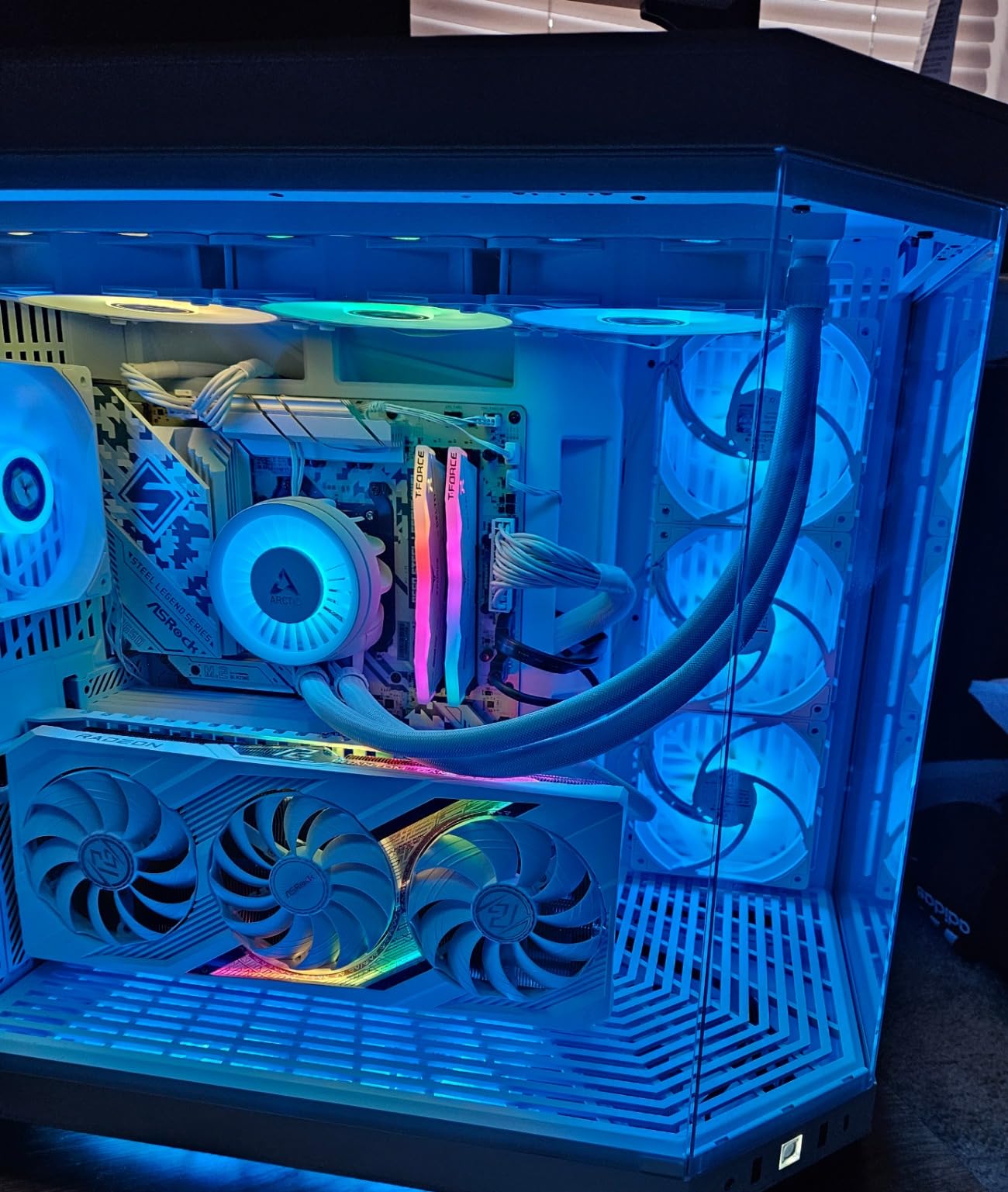
- 8. ASRock B650 Steel Legend WiFi 6E – The 256 GB Memory Pick
- 9. MSI PRO B650-S WiFi – The Simplest Two-Drive Setup
- 10. ASRock X870 Pro RS WiFi – The Budget Route to Dual USB4
- Which AM5 Chipset Tier Do You Actually Need?
- Matching Your Ryzen CPU to the Right Board
- The Pre-Purchase Checklist for Any Ryzen Motherboard
- When AM4 and DDR4 Still Make Sense
- Frequently Asked Questions
- Which motherboard is best for Ryzen processors?
- What is the best value motherboard for Ryzen processors?
- What motherboard should I buy for Ryzen 7000 and 9000 series?
- Do I need an X870 motherboard for a Ryzen CPU?
- Can Ryzen 7000 use a B850 motherboard?
- Can I reuse DDR4 memory in an AM5 Ryzen build?
- How many M.2 slots do I need for a Ryzen build?
- The Verdict on the Best Motherboards for Ryzen Builds
Top 3 Best Motherboards for Ryzen Builds (October 2026)
These three cover the majority of the builds we would actually recommend. The ASUS TUF is the default answer, the AORUS Elite is the value alternative, and the MSI Tomahawk is the one to pick for a high-refresh gaming machine.

ASUS TUF Gaming B650-PLUS
- 12 plus 2 teamed power stages
- PCIe 5.0 M.2 slot
- WiFi 6 and 2.5 Gb Ethernet
- USB4 support

GIGABYTE B650 AORUS Elite AX
- Twin 14+2+1 phase 70A power stages
- EZ-Latch tool-free M.2 install
- Q-Flash Plus BIOS recovery
- WiFi 6E and 2.5GbE

MSI MAG B650 Tomahawk WiFi
- Extended heatsink and M.2 Shield Frozr
- Six SATA ports
- 2.5G LAN and Intel Wi-Fi 6E
- Click BIOS with EZ Debug LEDs
All 10 Boards at a Glance in 2026
Every board below sits on socket AM5 with DDR5 support and a BIOS that covers the Ryzen 9000 series. The rows are sorted by who should buy them, not by chipset name.
| Product | Specs | Action |
|---|---|---|
| ASUS TUF Gaming B650-PLUS WiFi |
|
Check Latest Price |
| GIGABYTE B650 AORUS Elite AX |
|
Check Latest Price |
| MSI MAG B650 Tomahawk WiFi |
|
Check Latest Price |
 GIGABYTE B650 Eagle AX GIGABYTE B650 Eagle AX |
|
Check Latest Price |
 ASUS ROG Strix X870-A Gaming WiFi ASUS ROG Strix X870-A Gaming WiFi |
|
Check Latest Price |
 MSI MAG X870 Tomahawk WiFi MSI MAG X870 Tomahawk WiFi |
|
Check Latest Price |
 ASUS ROG Strix X670E-E Gaming WiFi ASUS ROG Strix X670E-E Gaming WiFi |
|
Check Latest Price |
 ASRock B650 Steel Legend WiFi 6E ASRock B650 Steel Legend WiFi 6E |
|
Check Latest Price |
 MSI PRO B650-S WiFi MSI PRO B650-S WiFi |
|
Check Latest Price |
 ASRock X870 Pro RS WiFi ASRock X870 Pro RS WiFi |
|
Check Latest Price |
1. ASUS TUF Gaming B650-PLUS WiFi – Our Default AM5 Board
ASUS TUF Gaming B650-PLUS WiFi AMD B650 AM5 Ryzen™ Desktop 9000 8000 and 7000 ATX Motherboard, 14 Power Stages, PCIe® 5.0 M.2, DDR5 Memory, WiFi 6 and 2.5 Gb Ethernet, USB4® Support Aura Sync
AM5 B650 ATX
14 teamed power stages
4 DDR5 DIMM slots to 128 GB
3 M.2 incl. PCIe 5.0
2.5 Gb Ethernet and WiFi 6
Pros
- Excellent ASUS BIOS with deep tuning control
- Large VRM and PCH heatsinks handle sustained load
- Plenty of clearance for tall air coolers
- WiFi 6 and Bluetooth work out of the box including on Linux
- Pre-installed I/O shield and easy M.2 mounting
Cons
- Printed documentation is thin and hard to follow
- April 2026 WiFi driver package does not work correctly
- Main PCIe slot is PCIe 4.0 rather than 5.0
This is the board we keep coming back to. In a category where model names overlap and revisions confuse even experienced builders, the TUF Gaming B650-PLUS WiFi is the one with the largest review base in the group at more than 1,700 ratings, and the consensus behind those ratings is unusually consistent. People describe it as dependable, feature-rich and unexciting in the best possible way.
The power delivery is the part that matters most and it is genuinely good. ASUS fits 12 plus 2 teamed power stages with 8 plus 4 ProCool sockets, alloy chokes and enlarged VRM heatsinks, which is more than a Ryzen 7 7700X or a 9800X3D will ever pull. Memory is four DDR5 DIMM slots rated to 128 GB, and the board handles EXPO profiles cleanly once you let it train.
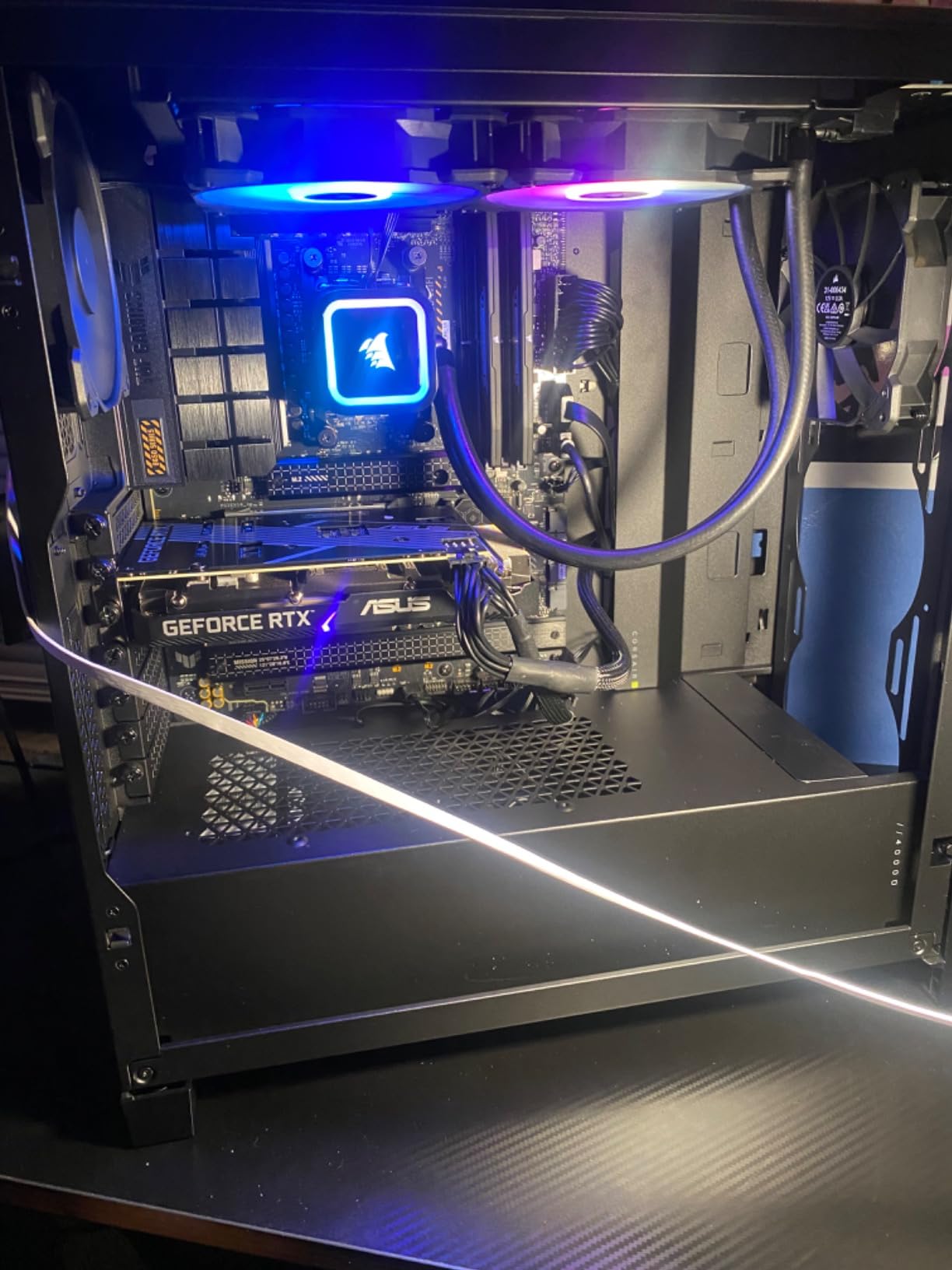
Storage is where this board quietly outclasses most of its price peers. There are three M.2 slots, and one of them is a PCIe 5.0 socket, plus four SATA ports, one HDMI output and a rear I/O count of eight USB ports. You also get USB 3.2 Gen 2×2 Type-C at the rear, a front-panel USB Type-C header and USB4 support, which is unusual at this tier.
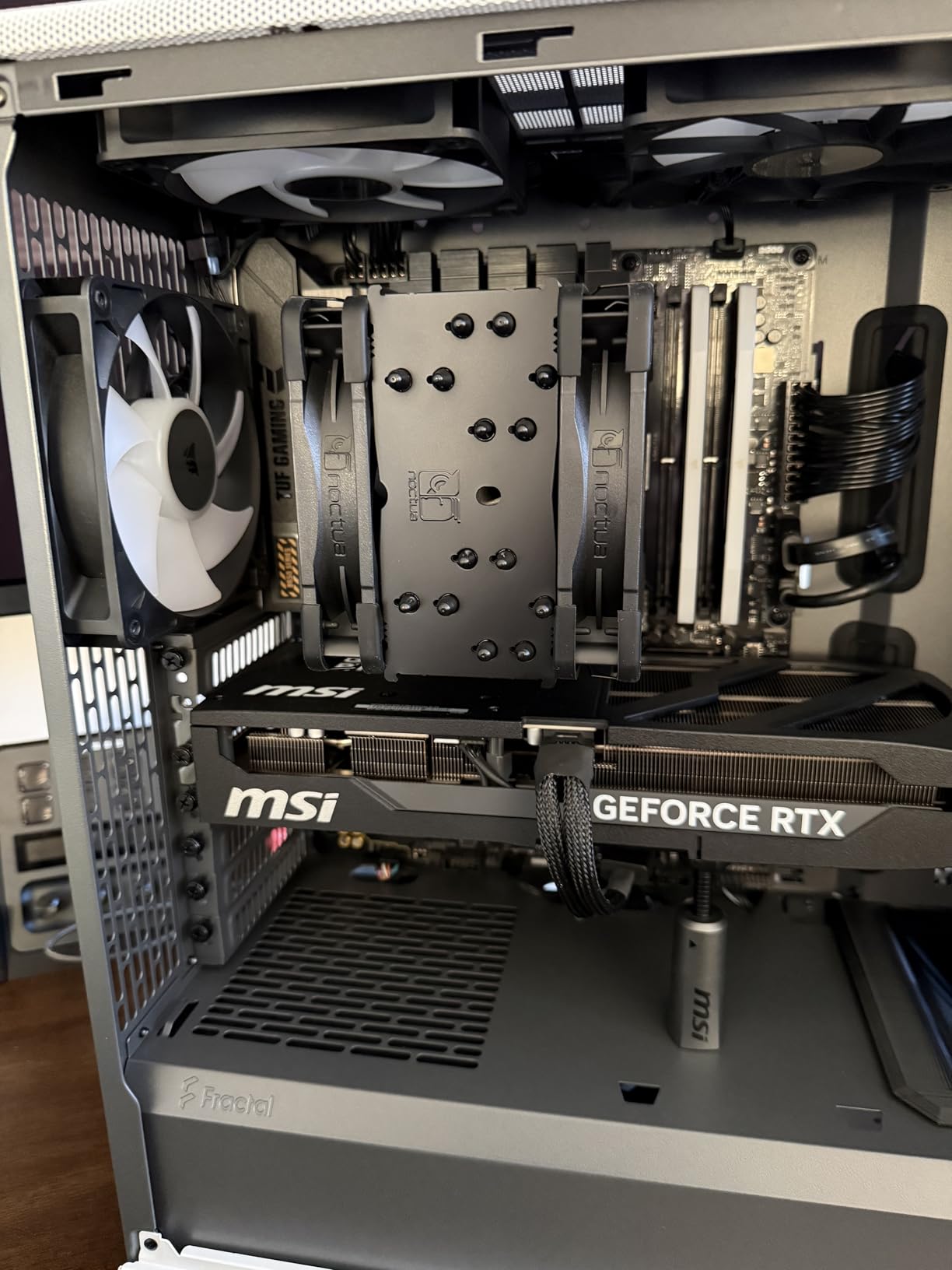
The layout is the other reason it wins for first-time builders. ASUS put the pre-installed I/O shield on the board, left generous space around the socket for a large tower cooler, and gave the VRM and PCH real heatsink mass. Two-way AI Noise Cancelation is included for streamers, and Aura Sync edge lighting covers the aesthetic side if your case has a glass panel.
What to check before you commit
Two documentation issues come up repeatedly and are worth knowing in advance. Buyers report confusion about which PCIe and M.2 slot runs at PCIe 5.0 without reading the manual, so check the printed lane diagram before you plan your drive layout.
The other is the WiFi driver package. Multiple owners received an April 2026 driver bundle containing the wrong chipset driver and it failed to install. Plan to pull wireless drivers from the ASUS support page for your exact model rather than trusting the bundled installer.
Who should skip it
If you plan to run two or more PCIe 5.0 NVMe drives today, the single Gen5 M.2 socket here means one of them will sit at Gen4 speeds. That is still fast in practice, but the MSI X870 Tomahawk or ASRock X870 Pro RS give you more room to grow.
It is also the wrong pick for a heavy workstation with many SATA devices, since four SATA ports is mid-pack. For pure gaming with one or two drives, though, this is the board we would build with, and it pairs naturally with a Ryzen 5 7600 or a Ryzen 7 7800X3D.
2. GIGABYTE B650 AORUS Elite AX – The Full-ATX Value Pick
GIGABYTE B650 AORUS Elite AX AMD AM5 ATX Motherboard, Support Ryzen 9000/8000/7000 Series, DDR5, 14+2+1 Power Phase, PCIe 5.0 M.2, USB-C 3.2 Gen 2, WIFI6E, 2.5GbE, EZ-Latch, Q-Flash, RGB Fusion
AM5 B650 ATX
Twin 14+2+1 phases at 70A
8-layer 2X copper PCB
4 DIMM slots to 128 GB
WiFi 6E and 2.5GbE
Pros
- Twin 14+2+1 phase 70A power stages on a thick PCB
- 6mm heatpipe with fully covered MOSFET heatsinks
- EZ-Latch makes M.2 and PCIe installs tool-free
- Q-Flash Plus recovers the BIOS without a CPU
- Full ATX layout with four expansion slots
Cons
- Listed base memory clock is only 4400 MHz
- RGB-heavy styling does not suit minimal builds
If the ASUS TUF is our default, the AORUS Elite AX is the answer to the most common forum question in this category, which is whether you can spend less and lose nothing important. You lose very little. You get a heavier VRM than the ASUS board, a thicker PCB and tool-free latches on both the M.2 and PCIe sockets.
The power stage count is the headline number: twin 14+2+1 phases rated at 70A each on an 8-layer, 2X copper board. Buyers consistently report that it stays cool with Ryzen 9000 chips under load, and the 6mm heatpipe with fully covered MOSFET heatsinks explains why. Phase count alone is a poor ranking metric, but here the cooling matches the count, which is the case that matters.
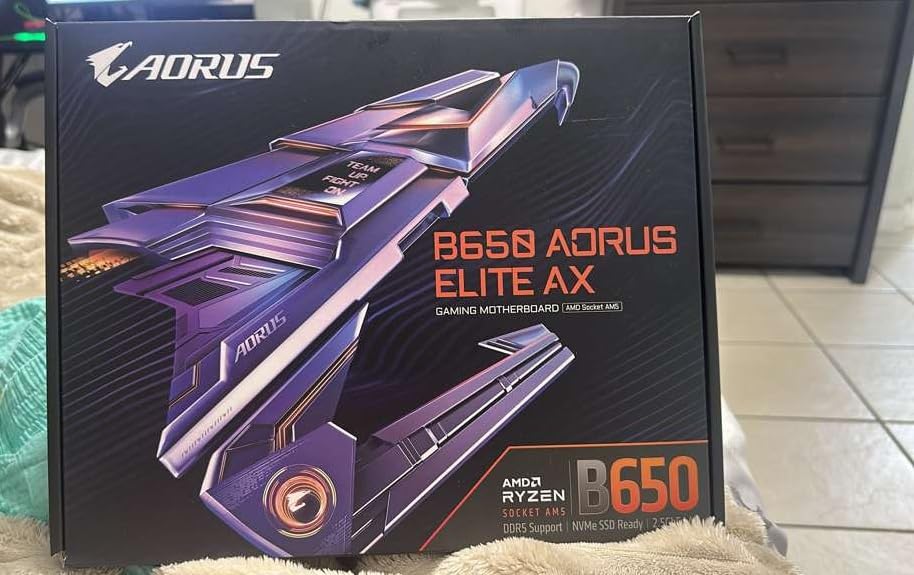
Storage and networking are both above the tier average. You get a PCIe 5.0 NVMe x4 M.2 socket, front and rear USB-C, and 12 USB ports total, alongside four SATA connectors. Networking is WiFi 6E plus 2.5GbE, and EZ-Latch means you can mount an SSD without a screw or a tool.
Q-Flash Plus is the underrated feature. It lets you update or recover the BIOS with nothing but the motherboard and a USB stick, no CPU required, which matters if you buy the board before your Ryzen 9000 chip and need to flash for support. Memory is four DIMM slots to 128 GB with both EXPO and XMP support.
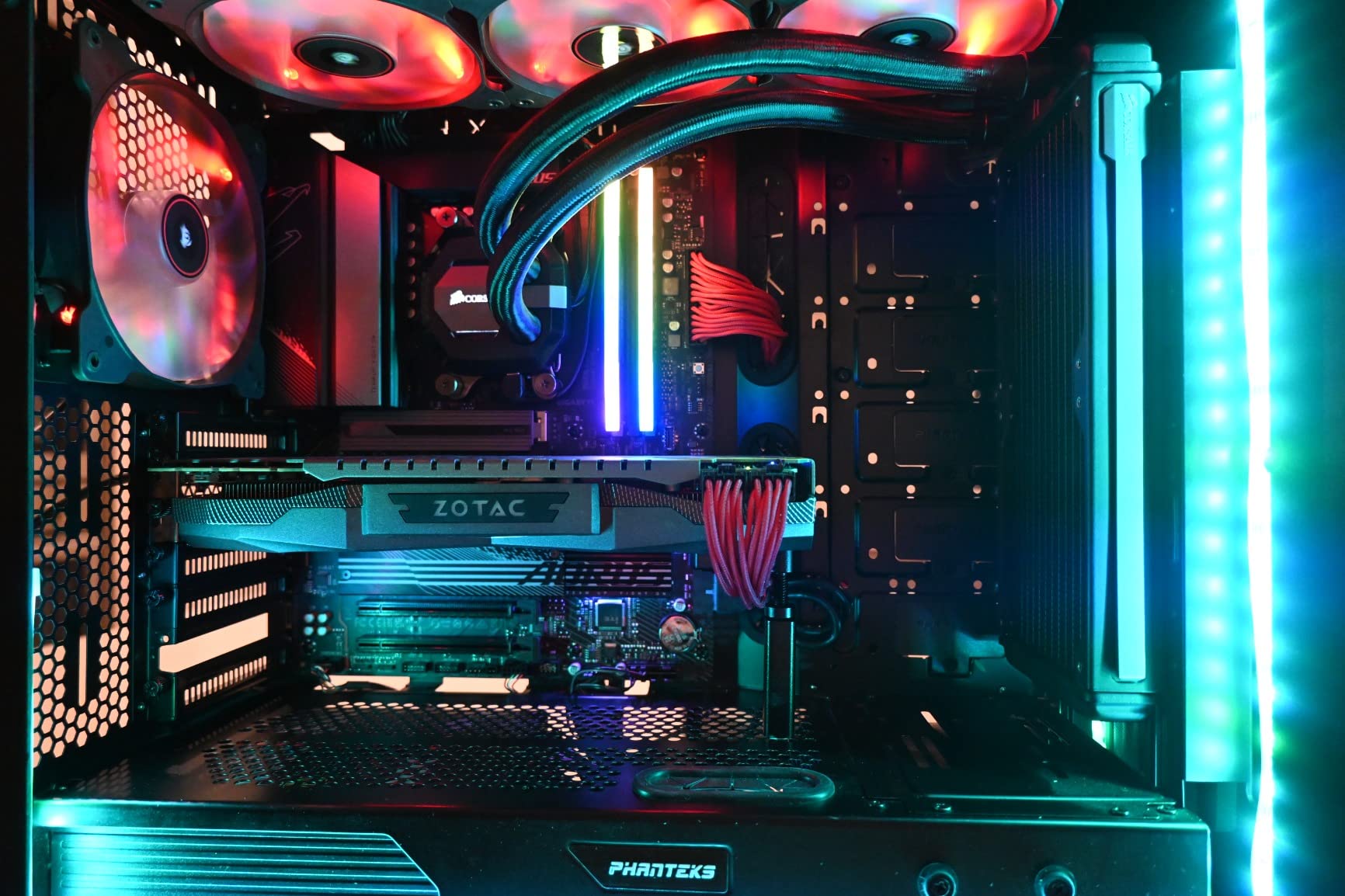
Check the memory support list and your DIMM plan
The one specification that looks alarming and is not: the listed base memory clock is 4400 MHz. That is the JEDEC default for DDR5 on AM5, not a limitation. Every board in this roundup lists a similar or lower number, and EXPO profiles push well past it.
What you should do is buy a matched two-DIMM kit rather than four loose modules. Two sticks at an EXPO speed train far more reliably than four on AM5, and the four-DIMM-at-EXPO limitation is a platform constraint rather than a fault of this board.
Where it falls short
The styling is aggressively lit. RGB Fusion edge lighting runs along the board and heatsinks, which is fine in a glass-panel case but will clash with a clean, no-lighting build. There is no stealth variant of this specific model, so plan your case lighting around it.
Otherwise, the honest drawback list is short: a 5-year warranty that requires online registration, and no Gen5 storage beyond the single socket. For a Ryzen 9 7950X all-core productivity build or a Ryzen 7 9800X3D gaming box, the VRM has more than enough headroom.
3. MSI MAG B650 Tomahawk WiFi – Built for High-FPS Ryzen Gaming
MSI MAG B650 Tomahawk WiFi Gaming Motherboard (AMD Ryzen 9000/8000/7000 Series Processors, AM5, DDR5, PCIe 4.0, M.2, SATA 6Gb/s, USB 3.2 Gen 2, HDMI/DP, Wi-Fi 6E, Bluetooth 5.3, 2.5Gbps LAN, ATX)
AM5 B650 ATX
6 SATA ports
4 DIMM slots to 128 GB
M.2 Shield Frozr cooling
2.5G LAN and WiFi 6E
Pros
- Extended heatsink design stays quiet under sustained load
- Six SATA ports give unusual storage headroom
- Click BIOS has one-click EXPO and clear EZ Debug LEDs
- VRM performs well with Ryzen 9000 chips
- Intel WiFi 6E and Bluetooth 5.3
Cons
- M.2 sockets run at PCIe 4.0 with no Gen5 slot
- Fewer PCIe expansion slots than most competing ATX B650 boards
The Tomahawk name causes more confusion than any other in this roundup because MSI sells an X870 Tomahawk as well, and the two are very different boards. Read the chipset letter carefully. This one is B650, it is cheaper, and for a gaming machine it is the more sensible buy.
What you get is the most storage headroom of any ATX B650 board in this group: six SATA 6Gb/s connectors. That is unusual at this tier and it matters if you run multiple hard drives, a capture card, or an expansion card. M.2 slots are provided as well, covered by MSI’s M.2 Shield Frozr thermal armor.
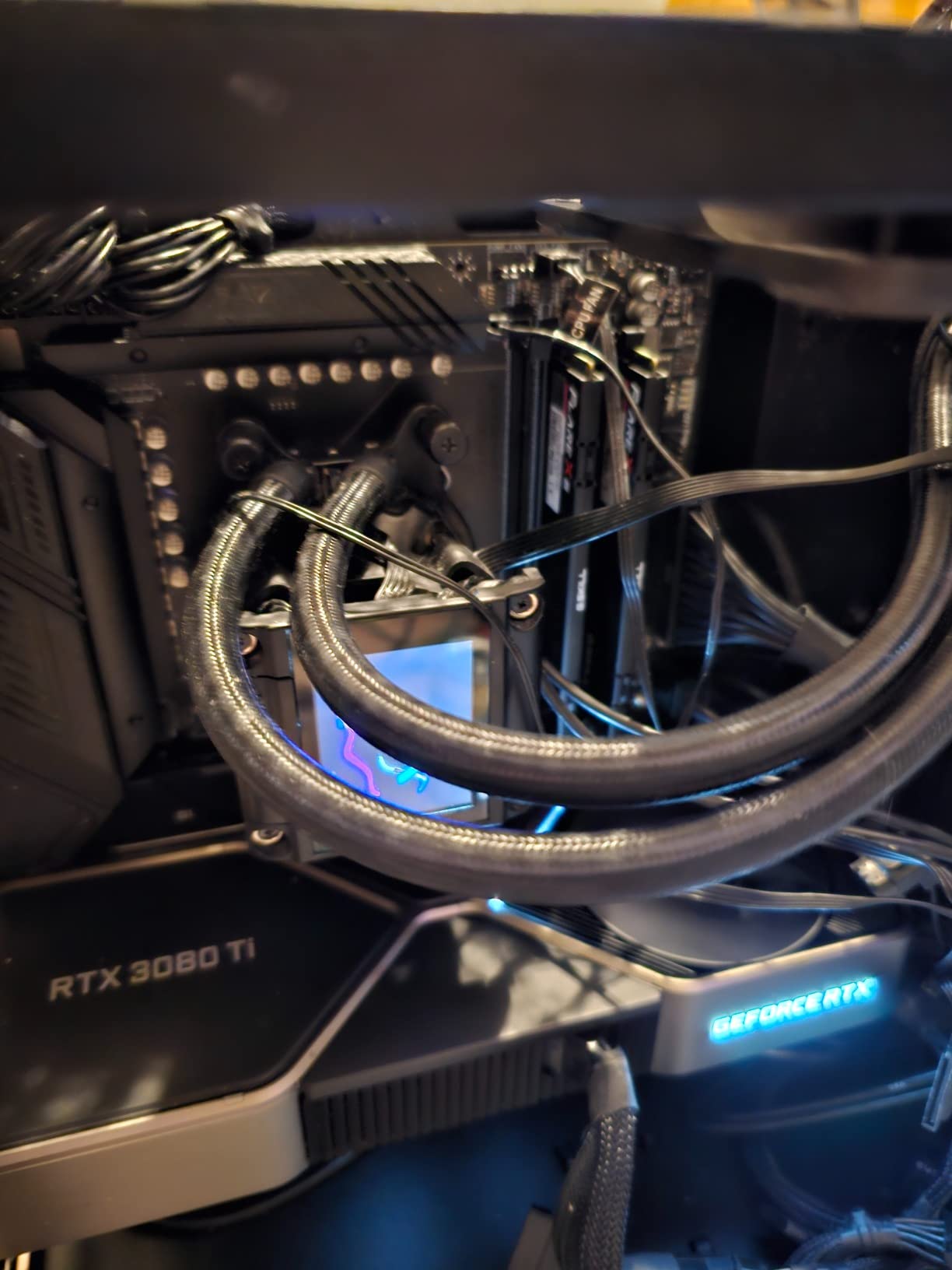
Thermals are the quiet story here. The extended heatsink design sits over an already substantial VRM, and owners running Ryzen 9000 chips report cool, quiet operation with no throttling under long multi-hour loads. Memory is four DDR5 DIMM slots supporting up to 128 GB, with a listed speed ceiling of 7600 MHz before overclocking.
The Click BIOS is the other thing enthusiasts single out. It has one-click EXPO application, EZ Debug LEDs that identify the failing component instead of just showing a code, and a layout that new builders can follow without a manual. Networking is 2.5G LAN plus Intel WiFi 6E with Bluetooth 5.3.
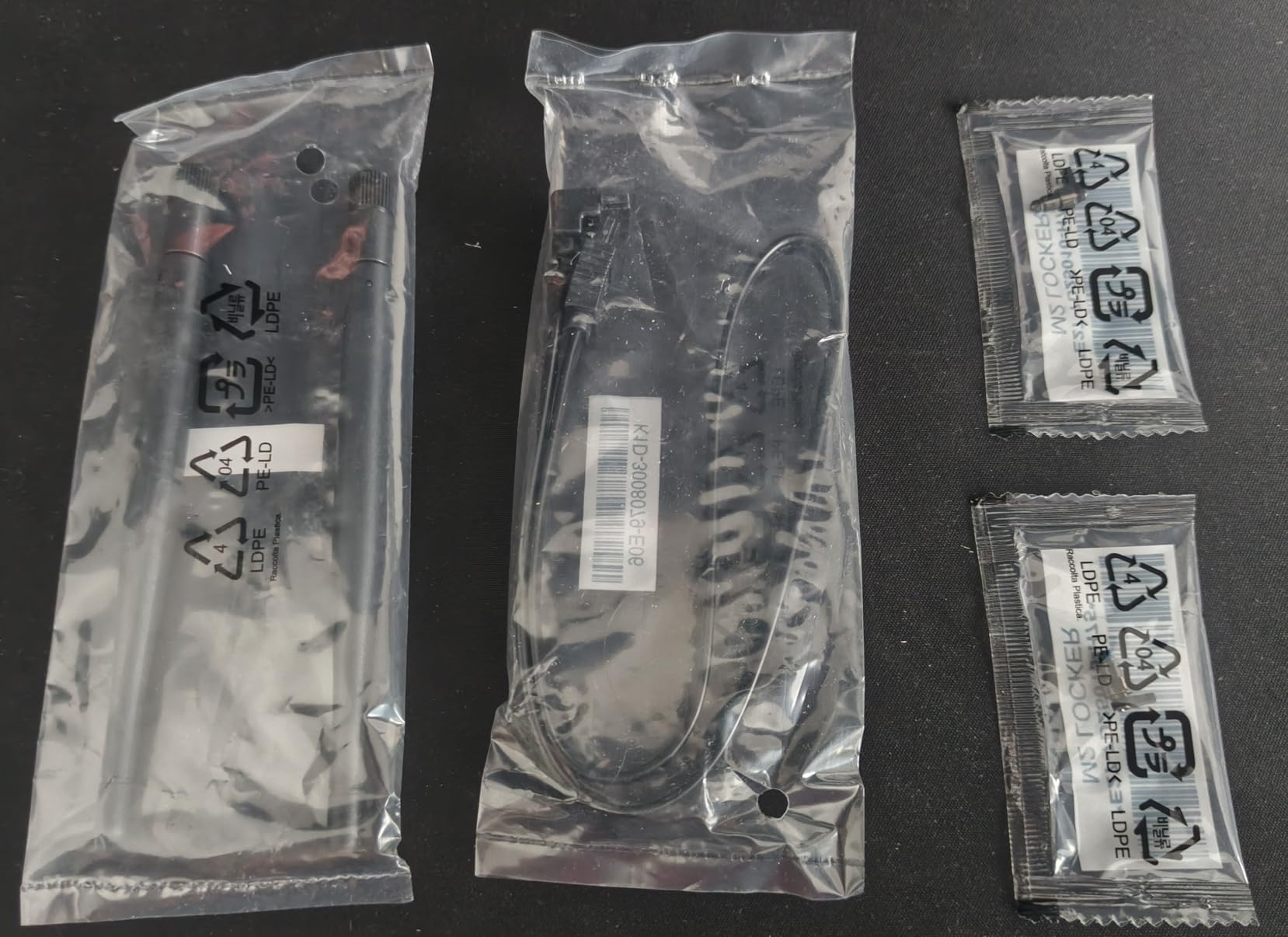
Confirm your storage plan fits the PCIe layout
Before you buy, check how many PCIe slots you actually need. This board has three PCIe ports, which is fewer than several ATX rivals, and all M.2 sockets are PCIe 4.0. If your plan is one graphics card plus NVMe drives, that is a non-issue.
If you intend to add a second capture card, a sound card and an NVMe expansion card, the limited slot count becomes a real constraint. In that case the AORUS Elite AX with four expansion slots is the better fit, even with fewer SATA connectors.
Who should look elsewhere
Storage-maxing builders should skip this board, since every M.2 socket runs at Gen4. That costs you nothing measurable in normal gaming use, but if you are installing a PCIe 5.0 drive specifically for large-project video work, you are paying for headroom you will not use.
For a Ryzen 7 7800X3D or 9800X3D high-refresh gaming build this is our pick, and it also handles a Ryzen 9 7950X without any VRM concern. Just know the review pool here is smaller than the two boards above it, so we would pair it with a long-term-stable CPU choice rather than a brand-new one.
4. GIGABYTE B650 Eagle AX – The Budget Storage Builder
GIGABYTE B650 Eagle AX AM5 LGA 1718 ATX Motherboard, DDR5, Triple M.2 Slots (1x PCIe 5.0, 2X PCIe 4.0), USB 3.2 Gen2x2 Type-C, WiFi 6E, Realtek GbE LAN
AM5 B650 ATX
12+2+2 phase VRM
3 M.2 slots incl. PCIe 5.0
4 SATA ports
18 USB ports with WiFi 6E
Pros
- Triple M.2 slots with one PCIe 5.0 and two PCIe 4.0
- Four PCIe expansion slots
- Q-Flash Plus rescued a bricked board for one owner
- Integrated WiFi 6E matches a standalone add-in card
- 18 USB ports including rear USB-C Type-C
Cons
- Printed manual is unclear for first-time builders
- Runs warm with several M.2 drives so case airflow matters
- Wired networking is Realtek GbE rather than 2.5GbE
This board has the second-highest average rating in the group at 4.6, with 81 percent of buyers giving five stars, and it shares the lowest price bracket in this roundup. For a first Ryzen build where the goal is a clean install and plenty of storage options, that combination is hard to beat.
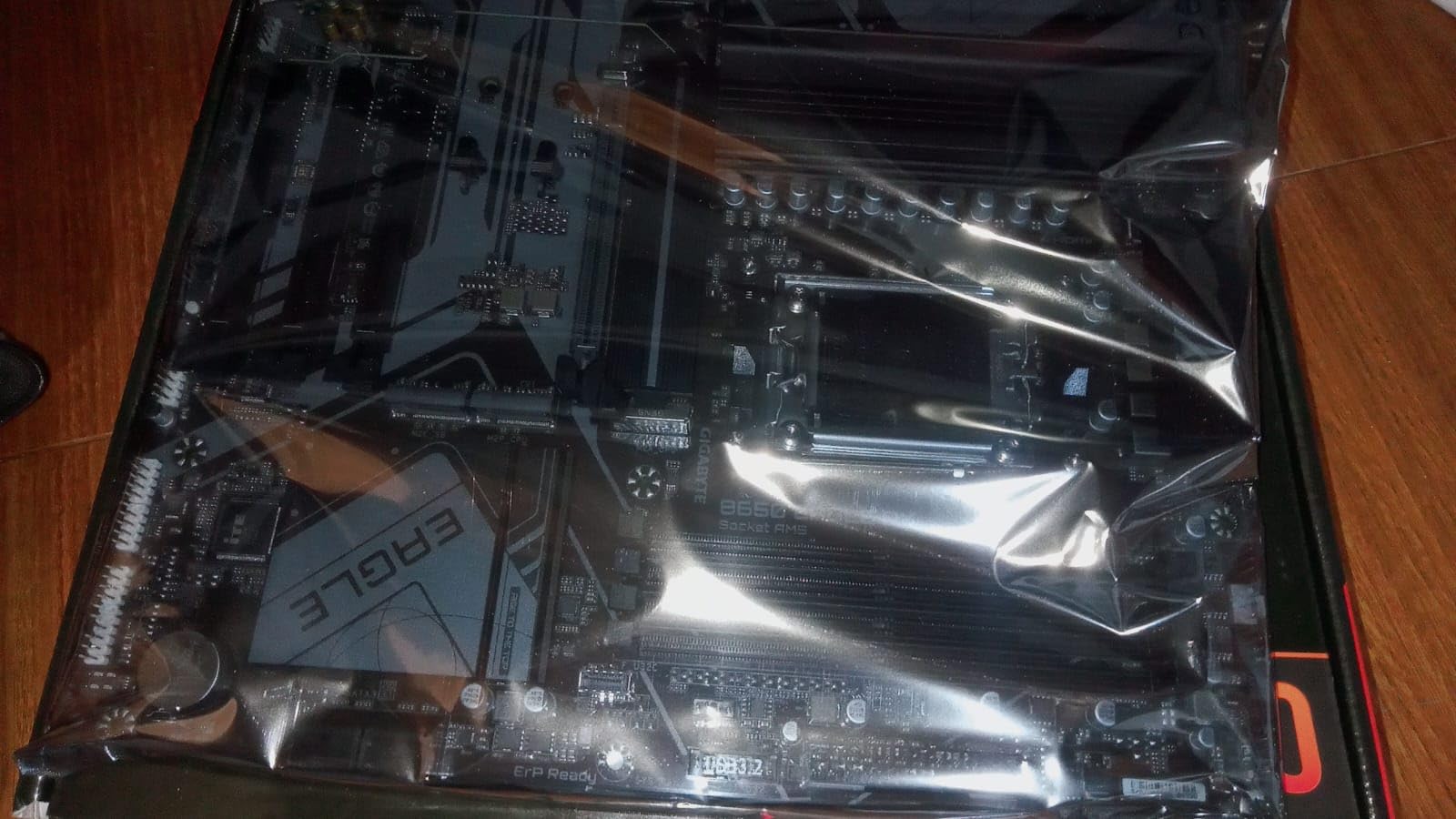
The storage layout is genuinely generous. Three M.2 slots run, one at PCIe 5.0 and two at PCIe 4.0, plus four SATA ports and four PCIe expansion slots. At 18 USB ports it has the highest USB count of any board we tested, including USB 3.2 Gen 2×2 Type-C at the rear.
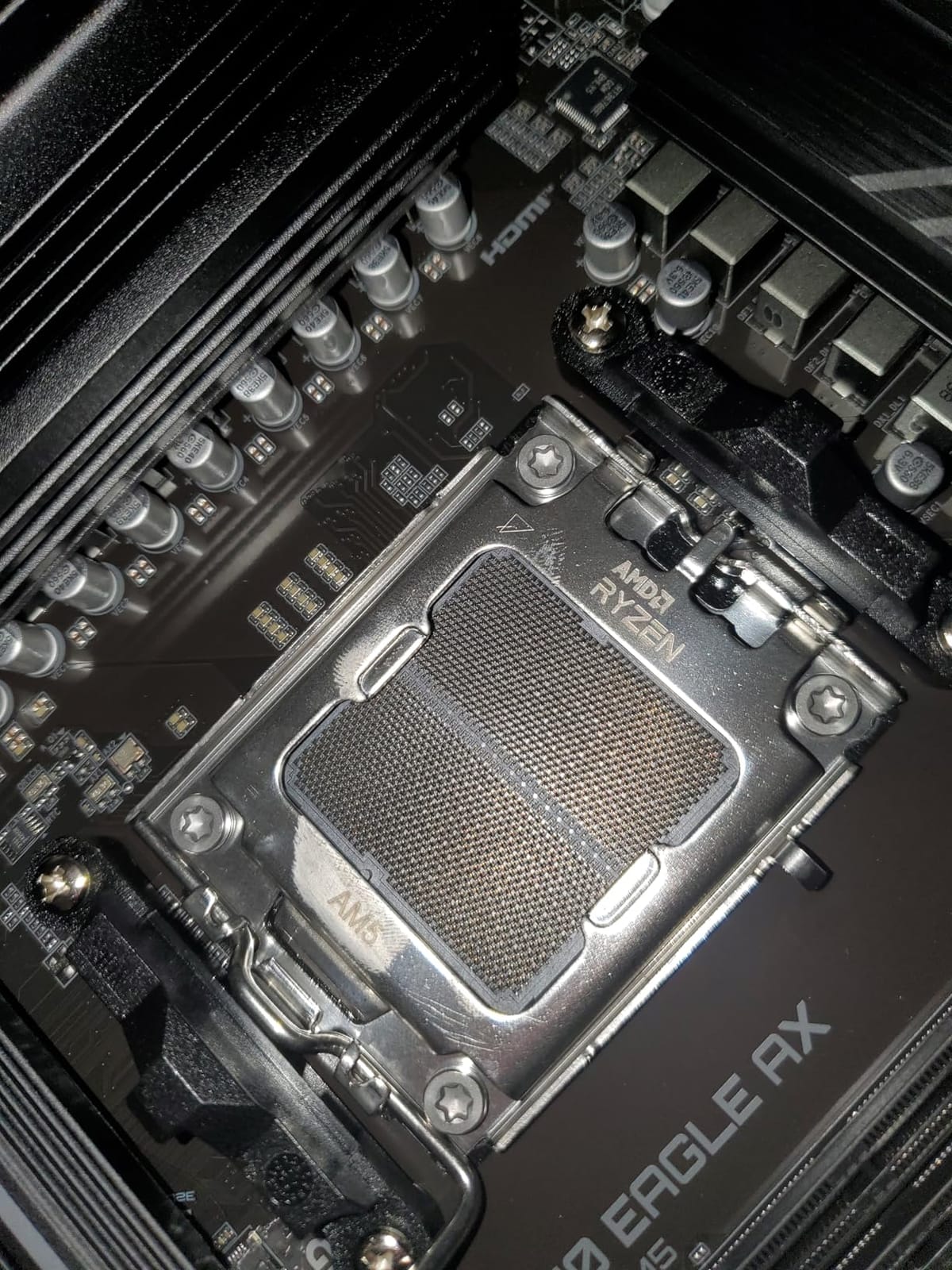
Q-Flash Plus again earns its place. One reviewer reported it recovering a board that would not POST, without needing the CPU or memory to boot. That is a real save when you are building a system you cannot test until everything else arrives, and it pairs well with BIOS Flashback-style thinking across the whole roundup.
Memory is four DDR5 DIMM slots to 128 GB with EXPO and XMP support, and the VRM is a 12+2+2 phase design with an M.2 Thermal Guard. One listing quirk to note: the board shows two ethernet ports, and wired networking is Realtek GbE rather than the 2.5GbE you get on most rivals here.
Plan airflow if you are filling all three M.2 slots
The one recurring thermal complaint comes from owners running heavy multi-drive loads: the board runs warm when all three M.2 sockets are populated with high-power NVMe drives. The M.2 Thermal Guard helps, but case airflow is what finishes the job.
Make sure your chassis has at least one intake fan aimed across the drive area, and consider a thermal pad between the drives and the heatsink if you are populating all three. With one or two drives this is a non-issue.
Where it falls short of the picks above
Two things. The GbE wired port means no 2.5GbE, which is only a problem if your router and internet plan can actually use more than gigabit. And WiFi 6E needs some tuning to hit full speeds out of the box, per several reviewers.
The manual is also the weakest documentation in this group, which matters more for a first build than for a builder who has done this before. Budget-wise, this is the board to pair with a Ryzen 5 7600 and spend the difference on a better GPU.
5. ASUS ROG Strix X870-A Gaming WiFi – The Most Versatile for Newer Peripherals
ASUS ROG Strix X870-A Gaming WiFi AMD AM5 X870 ATX Motherboard 16+2+2 Power Stages, Dynamic OC Switcher, Core Flex, DDR5 AEMP, WiFi 7, 4X M.2, PCIe® 5.0, Q-Release Slim, USB4®, AI OCing & Networking
AM5 X870 ATX
16+2+2 stages at 90A
4 M.2 slots
21 USB ports
192 GB memory capacity
Pros
- 16+2+2 power stages rated at 90A each with dual ProCool II
- Four M.2 slots with PCIe 5.0 support
- WiFi 7 and USB4 for current and next-gen peripherals
- AI Overclocking and AI Networking simplify first setup
- Dynamic OC Switcher and Core Flex for manual tuning
Cons
- Only two SATA ports listed for traditional storage
- ASUS BIOS has a steep learning curve for full tuning
This is where the X870 chipset starts earning its money. You are not buying faster gaming here. You are buying four M.2 slots, 21 USB ports, WiFi 7 and USB4, plus a power delivery system that handles a Ryzen 9 9950X3D without breaking a sweat.
The VRM is the most heavily specified in the group: 16+2+2 power stages rated at 90A per stage with dual ProCool II connectors. Combined with the extended heatsink design, that is meaningful headroom for sustained all-core loads, which is exactly the scenario where cheaper boards start throttling.
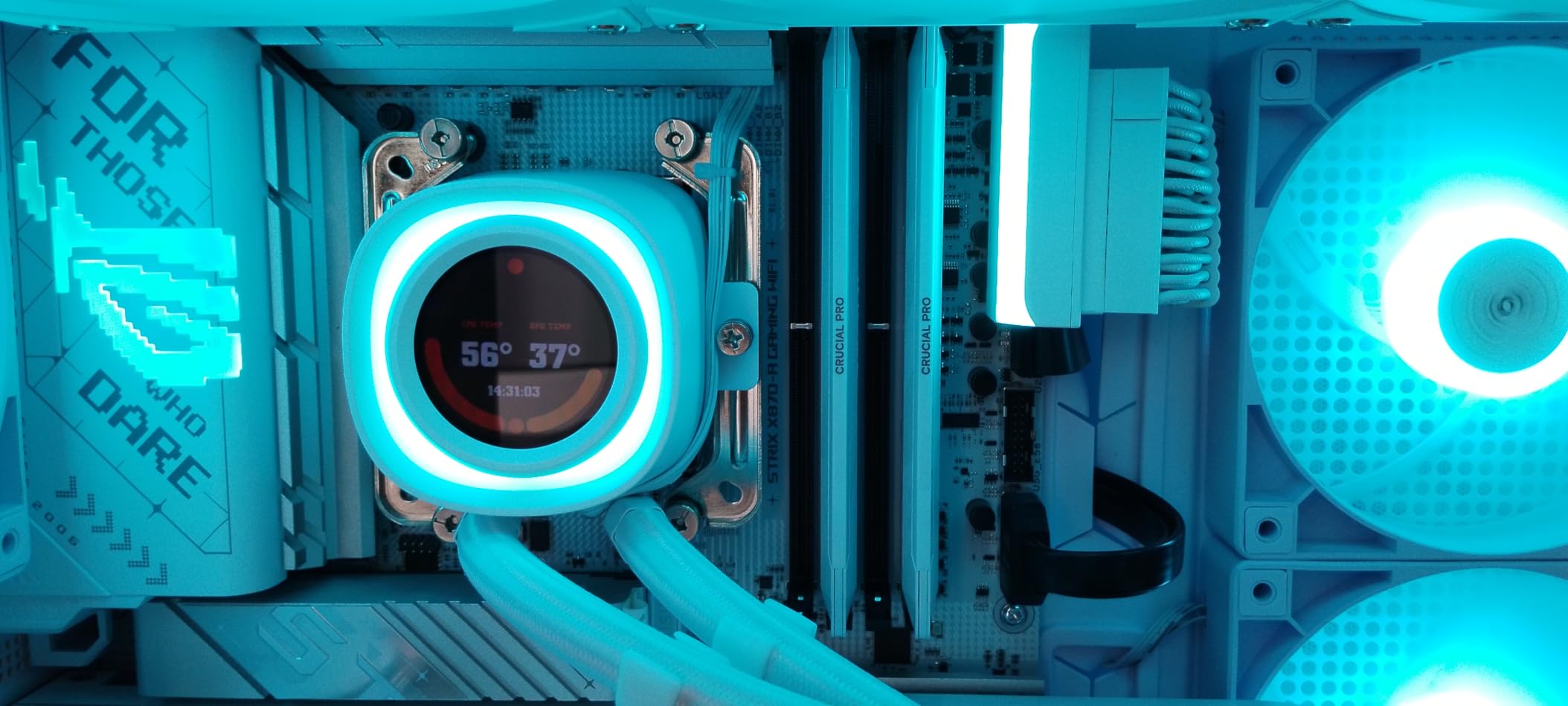
Connectivity is where X870 separates itself. WiFi 7, USB4, and 21 USB ports including front-panel Type-C. Memory capacity goes to 192 GB across four DIMM slots, and combined with four M.2 sockets it leaves little need for a drive expansion card.
ASUS also layers on its AI-assisted tooling: AI Overclocking, AI Cooling II, AI Networking and AEMP memory tuning, plus the ROG Strix overclocking suite with Dynamic OC Switcher, Core Flex, Asynchronous Clock and PBO Enhancement. Owners like that the defaults work well while the tuning depth remains there.
Verify your SATA needs before buying
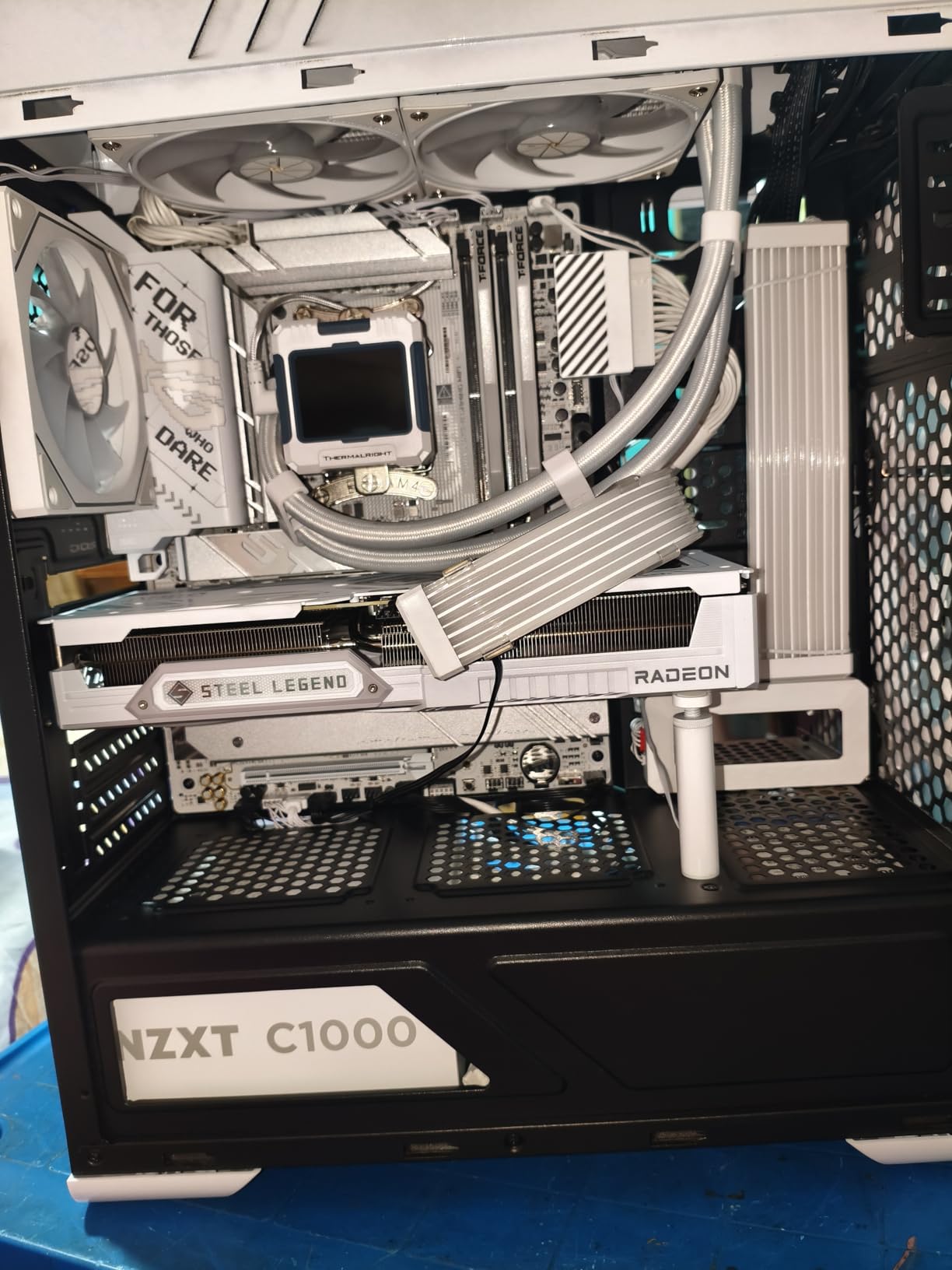
The listed configuration here is two SATA ports, which is the tightest in this roundup. If you run spinning hard drives, a NAS-style setup inside your PC, or a capture card that needs a data connection, this is the wrong board.
Four M.2 slots cover most modern builds entirely, so for a Ryzen 9 workstation running entirely on NVMe drives the storage situation is actually excellent. It is only mixed-drive configurations that struggle.
Who it is too much for
A Ryzen 5 7600 or Ryzen 7 7800X3D in a gaming-only machine will not use the 90A stages, the four M.2 slots or the USB4. That money is better spent on the graphics card, and the AI tuning features are the kind of thing you configure once and then never touch.
The BIOS depth is also real. Owners describe it as powerful but requiring study to master, and if you enjoy spending an evening tuning memory timings and power curves, this is a feature rather than a flaw.
6. MSI MAG X870 Tomahawk WiFi – The Streaming and USB4 Choice
MSI MAG X870 Tomahawk WiFi Gaming Motherboard (AMD Ryzen 9000/8000/7000 Series Processors, AM5, DDR5, PCIe 5.0, M.2 Gen5, SATA 6Gb/s, USB 40Gbps, HDMI/DP, Wi-Fi 7, Bluetooth 5.4, 5Gbps LAN, ATX)
AM5 X870 ATX
14+2+1 Duet Rail at 80A
256 GB memory max
USB4 40Gbps Type-C
5GbE LAN and WiFi 7
Pros
- Clean BIOS with one-click EXPO and painless Flashback updates
- 5GbE LAN plus WiFi 7 and Bluetooth 5.4
- USB4 40Gbps Type-C and front USB-C with 27W PD
- Tool-free EZ M.2 heatsink and LED debug codes
- Understated all-black design with no onboard RGB
Cons
- Second PCIe 5.0 M.2 shares bandwidth with the USB4 controller
- Included WiFi antenna connector is not standard RP-SMA
- Large ATX footprint suits bigger cases only
The X870 Tomahawk is the board owners most often describe as the best balance of X870 features per unit of spend, and it is the one we would pair with a streaming or content-creation Ryzen 9 build. 5GbE LAN, WiFi 7 and a USB4 port at 40Gbps is a connectivity package no B650 board here matches.
Power delivery is a 17-phase 14+2+1 Duet Rail design using 80A Smart Power Stages under an extended heatsink, which is sufficient for a Ryzen 9 7950X or a 9950X3D under sustained all-core load. Memory capacity tops out at 256 GB here, which sits at the top of the range across this roundup.
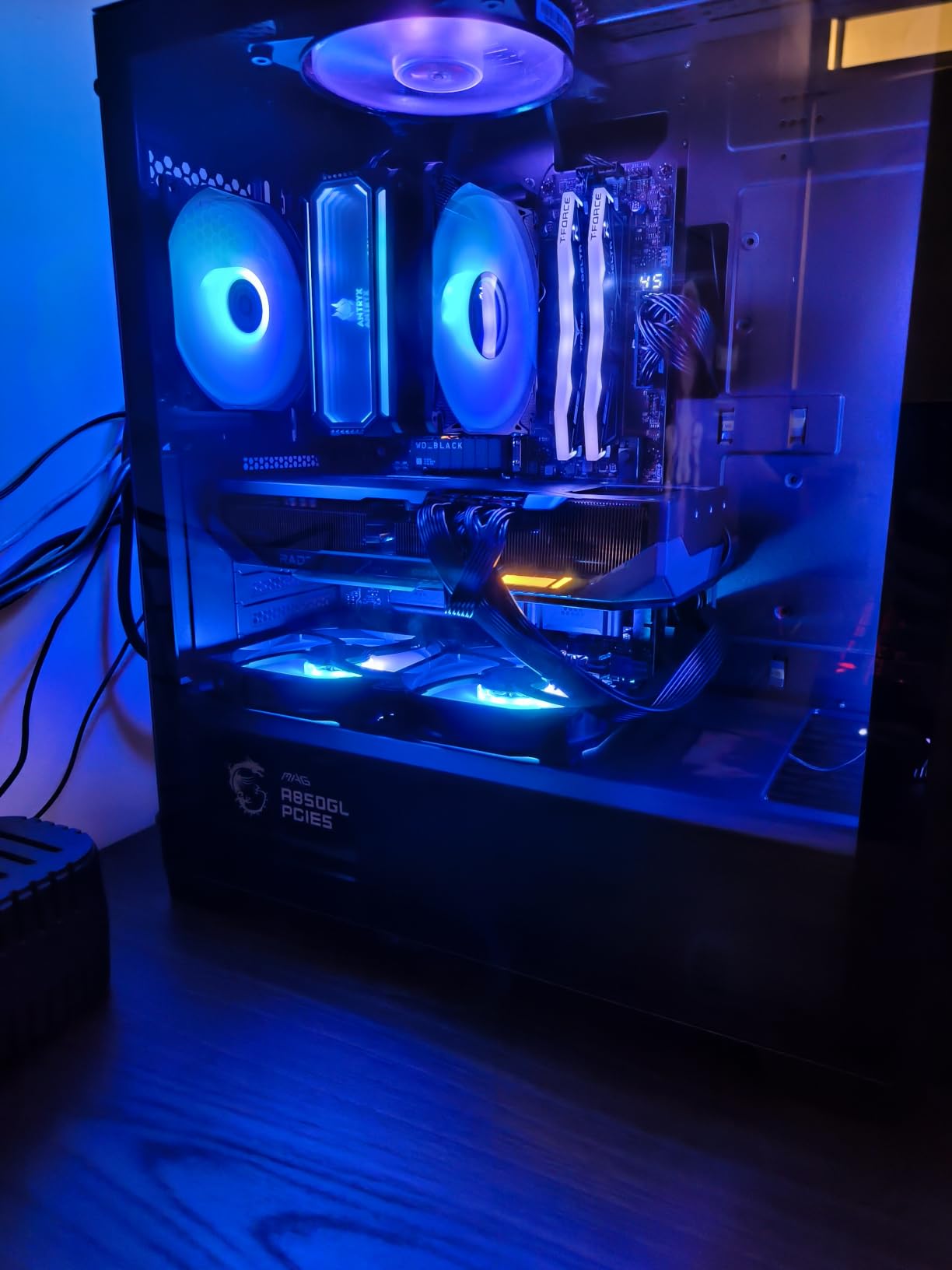
The build experience is where this board separates itself. BIOS Flashback updates are painless, EZ Debug LEDs give readable failure codes, and the EZ M.2 heatsink removes without tools. MSI also includes a formatted USB drive with drivers on it so you can install Windows before the chipset drivers are even present.
Aesthetically it is the most restrained board in the list. All-black with no onboard RGB, which suits a clean build and pairs well with cable-managed cases. Audio Boost 5 provides isolated audio on a high-quality codec.
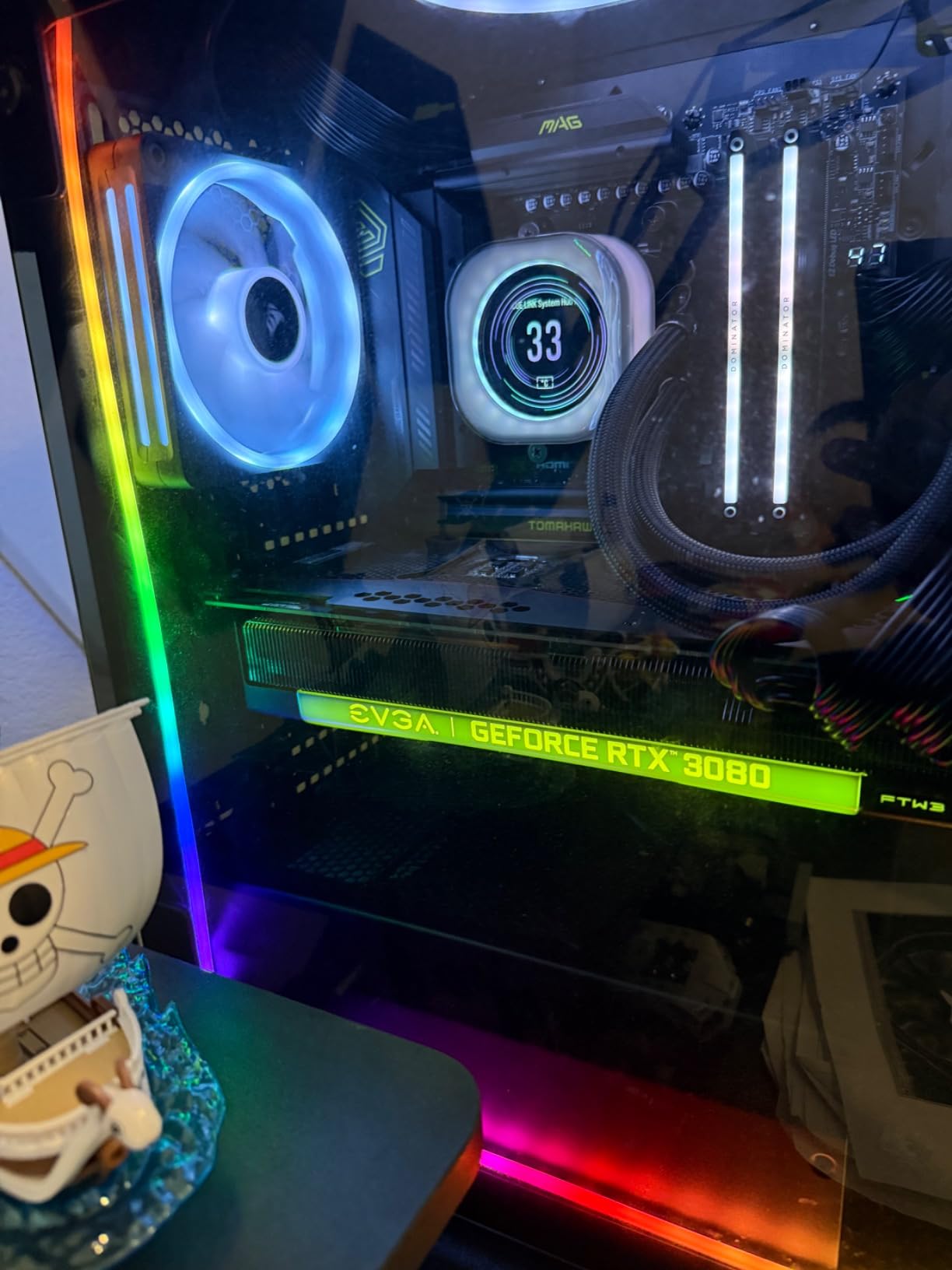
Read the lane-sharing table first
The important caveat here is real and specific: the second PCIe 5.0 M.2 slot shares bandwidth with the USB4 controller, so enabling one costs you the other. That is exactly the tradeoff named on the X870 boards in this roundup, and it only matters if you plan to run two Gen5 drives plus a USB4 peripheral.
Also check your wireless antenna. Some buyers reported the included WiFi antenna connector uses a non-standard threading rather than RP-SMA, which means the bundled antennas may not fit a third-party antenna.
Where it does not fit
The board measures 13.4 by 10.9 inches, which is at the large end of ATX. If your case is a compact Micro-ATX or Mini-ITX enclosure, this will not physically fit, and there is no smaller version to fall back on.
It also has only four SATA ports and no native 5.1 audio. For a pure gaming build with one Gen5 SSD and a capture card, you would be paying for connectivity you will not use, which is why the B650 boards above exist.
7. ASUS ROG Strix X670E-E Gaming WiFi – The Multi-Gen5 Workstation Board
ASUS ROG STRIX X670E-E GAMING WIFI AMD X670 AM5 Ryzen™ Desktop 9000 8000 & 7000 ATX motherboard, 18+2 power stages, DDR5, 4x M.2 slots with heatsink, PCIe® 5.0, USB 3.2 Gen 2×2, WiFi 6E, AI Cooling II
AM5 X670E ATX
18+2 teamed power stages
2 PCIe 5.0 slots and 3 Gen5 M.2
ALC4080 SupremeFX audio
WiFi 6E
Pros
- Two PCIe 5.0 expansion slots plus three onboard Gen5 M.2
- 18+2 teamed stages with 8+8 pin ProCool II
- Massive VRM heatsinks with L-shaped heatpipe and backplate
- SupremeFX ALC4080 audio with DTS Sound Unbound
- Full DIY kit with Q-Release Q-Latch and BIOS FlashBack
Cons
- Early BIOS revisions caused widespread returns until updated
- Some memory instability traced to AM5 trace layout with certain kits
- Intel networking criticized by several reviewers
- WiFi 6E rather than WiFi 7
This is the only board here with two PCIe 5.0 expansion slots plus three onboard PCIe 5.0 M.2 sockets, and it is the reason to buy it. Add the fourth M.2 slot with a heatsink and you have a storage and expansion layout no other board in this roundup can match for multi-NVMe workstation work.
The power delivery is 18+2 teamed stages on 8 plus 8-pin ProCool II connectors, with massive VRM heatsinks, an L-shaped heatpipe, a combo M.2 sink and a backplate. Owners running Ryzen 9000 chips report it handles everything once the BIOS is current.
Audio gets real attention on this one: ROG SupremeFX ALC4080 with DTS Sound Unbound and Sonic Studio III. If your Ryzen 9 machine doubles as a music or audio workstation, that codec alone justifies more of the spend than the chipset does.
The DIY feature set is complete. Pre-mounted I/O shield, Q-Release, Q-Latch, Q-Code diagnostics, BIOS FlashBack and FlexKey. Board weight is listed at 9.8 pounds, which tells you how much metal is involved, and you will want to check case standoffs and CPU cooler clearance carefully.
Update the BIOS before anything else
This board has the lowest average rating in our roundup at 4.1, and the cause is software rather than silicon. Early BIOS revisions produced stability and networking problems that drove a meaningful share of returns, with 14 percent one-star ratings, the highest here.
Update with BIOS FlashBack immediately, before you install the CPU or memory, and the reports from owners who did this describe a completely different experience. Do not skip this step and judge the board on early hardware.
The memory and networking caveats
Several users report memory instability and blue screens traced to the AM5 trace layout with particular DDR5 kits, and four DIMMs at EXPO speeds are not supported on AM5 regardless of board. Use a two-DIMM EXPO kit and the problem largely disappears.
Multiple reviewers also criticize the Intel LAN and Wi-Fi performance, and it is WiFi 6E rather than WiFi 7. For a gaming build, none of this matters. For a workstation that depends on the network, test your kit on a wired connection first.
8. ASRock B650 Steel Legend WiFi 6E – The 256 GB Memory Pick
ASRock B650 Steel Legend WiFi 6E AMD Socket AM5 Ryzen 9000 8000 and 7000 Series SATA3 M.2 DDR5 7200+(OC) 256GB SATA3 6.0 Gb/s ATX Motherboard BIOS Flashback
AM5 B650 ATX
14+2+1 phases with 80A Dr.MOS
DDR5 to 7200+ OC
256 GB memory max
Gen5x4 plus two Gen4 M.2
Pros
- 14+2+1 power phase with 80A Dr.MOS handles high-end Ryzen chips
- DDR5 support up to 7200+ with capacity to 256 GB
- One PCIe 5.0 x16 slot plus two Gen4 M.2 sockets
- Dragon 2.5G LAN with WiFi 6E and Bluetooth
- BIOS Flashback and Auto Driver Installer included
Cons
- 90-day warranty is the shortest in this roundup
- ASRock BIOS interface is less refined than ASUS or MSI
- Not compatible with all compact systems
Two numbers make this board stand out in the B650 tier: a listed DDR5 ceiling of 7200+ MHz and 256 GB of memory capacity. If you plan to run a large memory kit or tune timings by hand, the Steel Legend gives you more room than most B650 boards at this level.
Storage is well-balanced too. One Blazing M.2 at PCIe Gen5x4 plus two Hyper M.2 slots at Gen4x4, four SATA3 connectors and a PCIe 5.0 x16 graphics slot alongside a PCIe 3.0 x16 and a PCIe 4.0 x1. Graphics output covers both HDMI and DisplayPort.
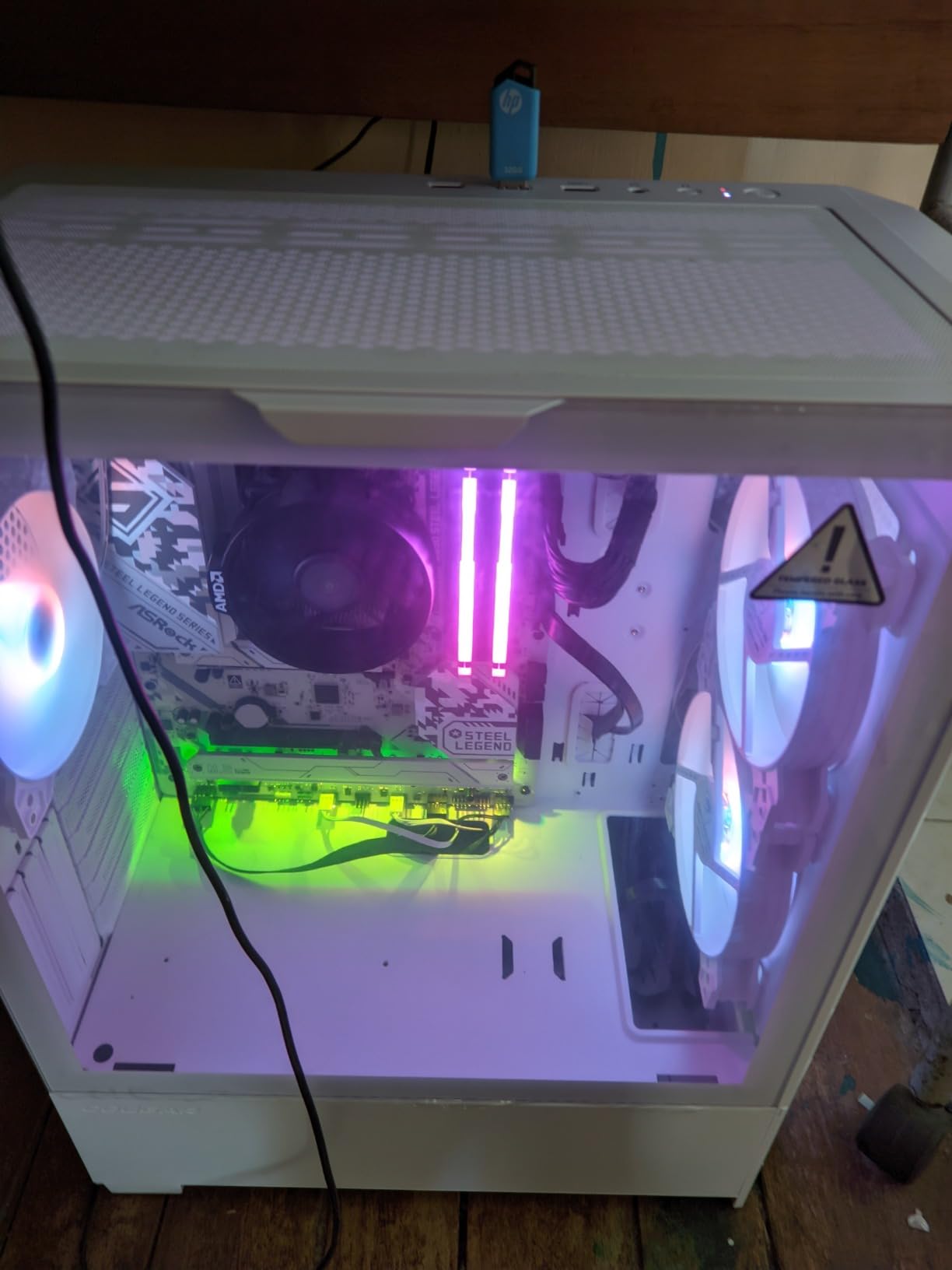
Power delivery is 14+2+1 phases with 80A Dr.MOS on the Vcore, which owners say comfortably handles high-end Ryzen chips. Networking is Dragon 2.5G LAN with 802.11ax WiFi 6E and Bluetooth, and the USB selection includes a rear USB 3.2 Gen2x2 Type-C and a front USB 3.2 Gen1 Type-C.
Audio is Realtek ALC4082 7.1-channel with Nahimic, which is above what most B650 boards in this roundup fit. The ASRock Auto Driver Installer is genuinely convenient when you are building on a fresh Windows install.
Check the warranty before you commit
The 90-day warranty is the single biggest reason this board is not ranked higher. Every other board here carries three to five years, and several register for extended coverage online. A 90-day window is thin for a component expected to last a full platform generation.
We would only pick this board if the memory headroom or the 2.5G LAN bundle solves a specific problem for you, and you accept the shorter coverage.
Who should skip it
Skip it if you are new to BIOS tuning. The ASRock UEFI is functional but less polished than the ASUS Click and BIOS equivalents, and you will find fewer guides written for it when something goes wrong.
It is also a full-size ATX board, so it will not suit small enclosures. For a compact build, look at the mATX options or a Mini-ITX board instead.
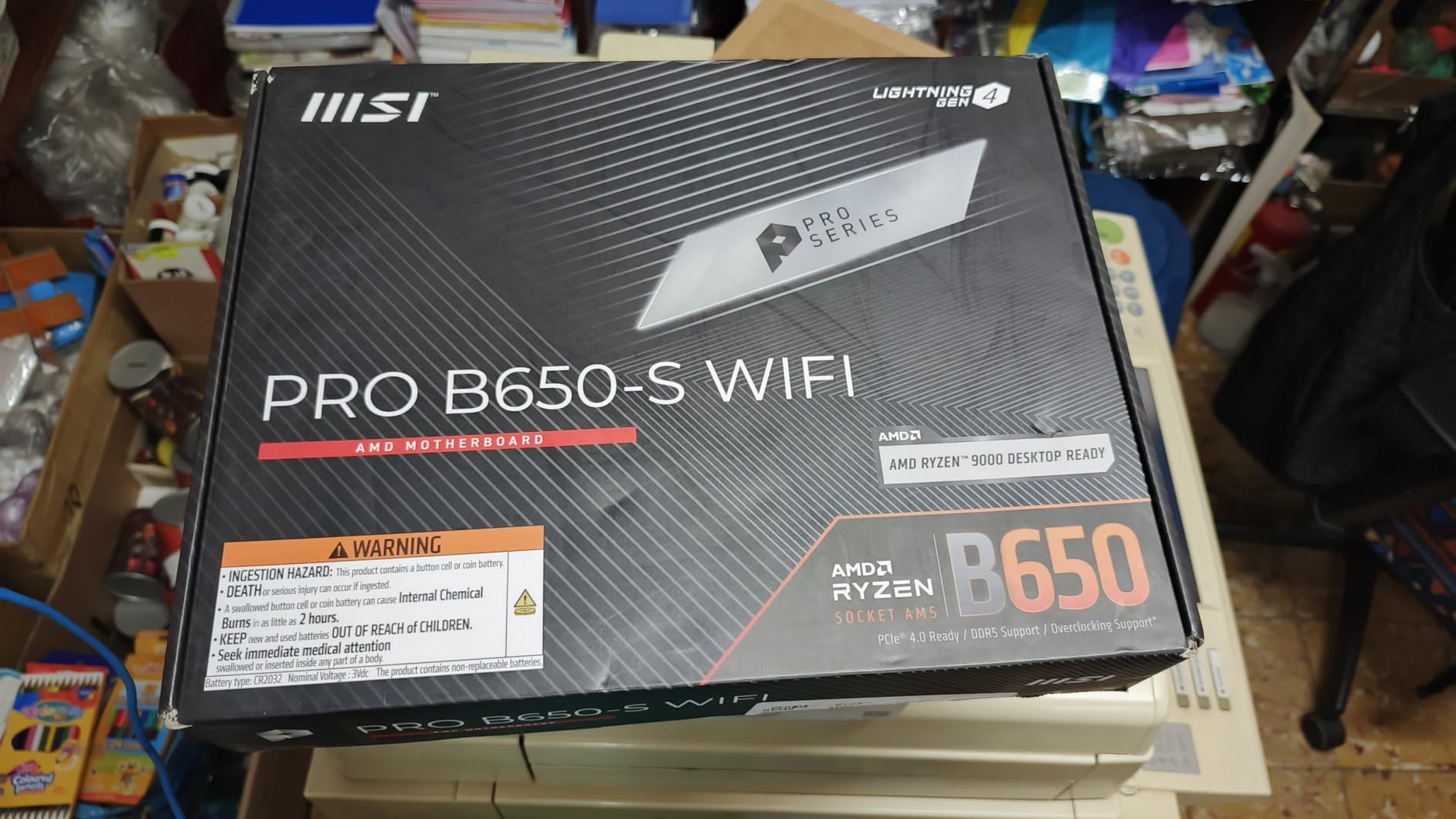
9. MSI PRO B650-S WiFi – The Simplest Two-Drive Setup
MSI PRO B650-S WiFi V1 Motherboard, ATX – Supports AMD Ryzen 9000/8000 / 7000 Series Processors, AM5 – DDR5 Memory Boost 6000+MHz/OC, 2 x PCIe 4.0 x16, 2 x M.2 Gen4, Wi-Fi 6E
AM5 B650 ATX
12 Duet Rail power system
2x PCIe 4.0 M.2 slots
WiFi 6E and 2.5Gbps LAN
4 DDR5 DIMMs
Pros
- 12 Duet Rail VRM with Core Boost for Ryzen 9000 readiness
- Frozr AI cooling with 7W/mK MOSFET thermal pads
- Two PCIe 4.0 x16 slots with Steel Armor on the primary
- WiFi 6E with Bluetooth 5.3 and 2.5Gbps LAN
- Rear USB-C plus HDMI 2.1 and DisplayPort 1.4
Cons
- Only two M.2 slots
- fewer than most ATX B650 rivals
- No PCIe Gen5 storage slot at all
- Smallest review pool in the group at 110 ratings
This board has the highest average rating of anything we tested at 4.7, with 84 percent five-star ratings and effectively no one-star reviews. It is also the least proven, with 110 ratings, and that combination is worth thinking through honestly rather than taking the rating at face value.
The build quality is better than the spec sheet suggests. A 12-stage Duet Rail power system with MSI Core Boost for Ryzen 9000 support, 7W/mK MOSFET thermal pads, active Frozr AI cooling and a 6-layer 2 oz copper PCB is a lot of cooling hardware for an entry-to-mid ATX board.
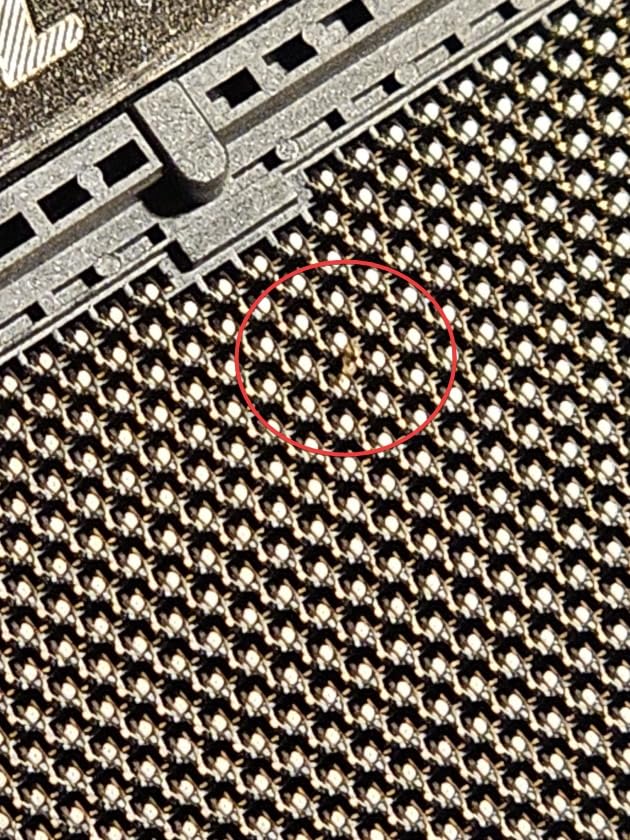
Expansion is the trade. Two PCIe 4.0 x16 slots, with Steel Armor on the primary, and two PCIe Gen4 M.2 x4 sockets with Shield Frozr on the first. Two drives and one GPU is the entire intended configuration, and it covers most single-PC gaming builds with room to spare.
Rear I/O is clean for the tier: USB 3.2 Gen 2×2 Type-C at 20Gbps, HDMI 2.1, DisplayPort 1.4 and 7.1 HD Audio through Audio Boost. Memory is four SMT DDR5 DIMM slots rated to 6000+ MHz.
Decide whether two drives is genuinely enough
Two M.2 slots is the number to scrutinize. If you want a large library of games on one drive, a scratch drive for capture footage, and room to add a third later, this board forces a rethink or a different purchase.
If one boot drive and one secondary is your plan, there is no issue at all, and you get a cleaner, less cluttered build with more free PCIe lanes and better airflow than a board loaded with heatsinks over unused sockets.
The review-pool caveat
With 110 ratings, long-term reliability data is thinner than anything else here. Boards in this roundup with 1,500-plus ratings have three years of failure history visible, and this one does not.
For a Ryzen 5 7600 first build where you will add storage later anyway, it is a fine choice. For a machine meant to last a full AM5 generation without opening it, we would prefer a board with a larger track record.
10. ASRock X870 Pro RS WiFi – The Budget Route to Dual USB4
ASRock X870 Pro RS WiFi AMD Ryzen Socket AM5 ATX Motherboard USB4 DDR5 8000 MHz 256 GB SATA3 6.0 Gb/s
AM5 X870 ATX
Dual USB4 Type-C ports
WiFi 7 802.11be
DDR5 to 8000 and 256 GB
Blazing M.2 Gen5 x4
Pros
- Dual USB4 Type-C ports at a mid-range price
- WiFi 7 802.11be networking
- DDR5 support up to 8000 MHz and 256 GB
- Blazing M.2 at Gen5 x4 with a tool-free heatsink and bottom heatsink
- Post-code error display aids troubleshooting
Cons
- BIOS interface is narrow and partly untranslated
- Requires an immediate BIOS update before use
- No Windows 10 drivers included
- Ethernet issues reported on Windows 10
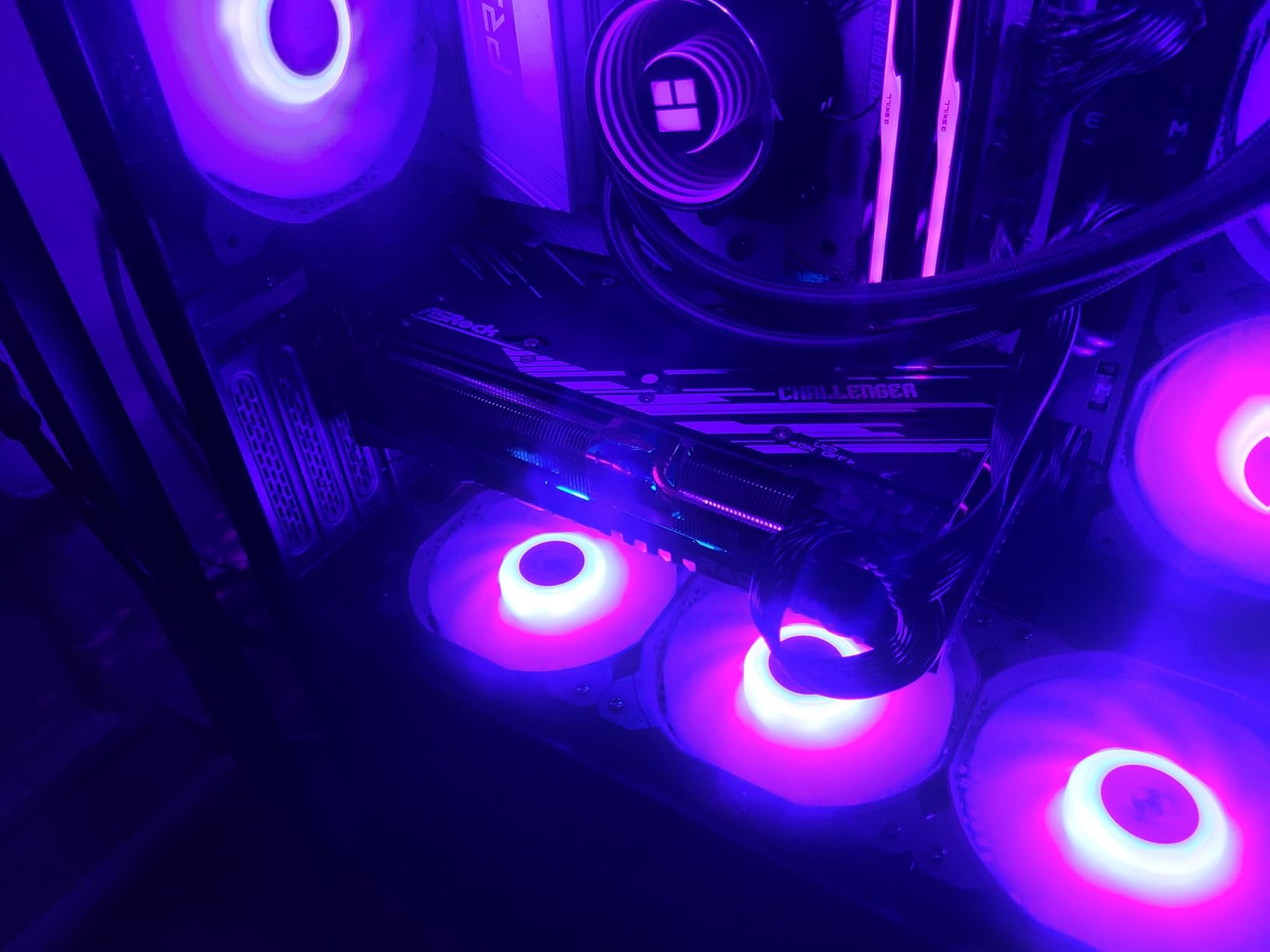
This board stands out because dual USB4 Type-C ports are otherwise a flagship feature. You get two of them, plus WiFi 7 802.11be and DDR5 support up to 8000 MHz with 256 GB capacity, without paying the flagship board premium.
Storage is handled with a Blazing M.2 at PCIe Gen5 x4 under a tool-free multi-layer heatsink, plus an M.2 bottom heatsink for the second socket. The 14+2+1 power phase design with Dr.MOS is adequate rather than exceptional, and that is the compromise that buys the USB4.
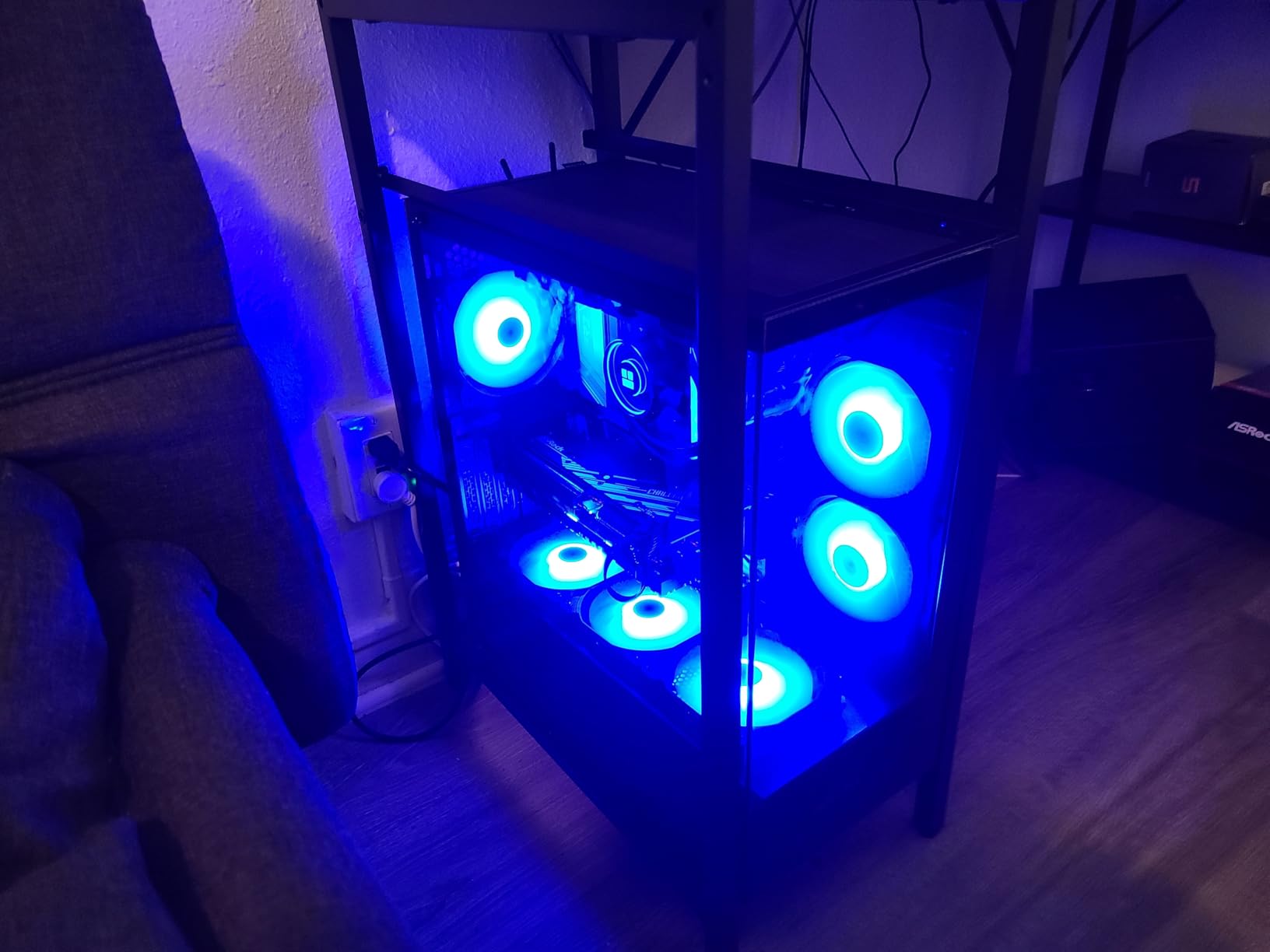
Owners report strong boost clocks and stable operation at aggressive 7200 MT/s XMP memory settings. The integrated post-code error display and status LEDs are a small touch that saves real diagnostic time, and the BIOS update process is straightforward once you know it is required.
Graphics interface is listed as PCI Express 4.0, so despite the X870 chipset there is no Gen5 expansion slot for graphics. Four SATA connectors and 18 USB ports cover typical storage and peripheral needs.
Flash the BIOS before first power-on
Owners report early BIOS versions caused excess power delivery to newer Ryzen 9000 X3D chips, and the board arrives needing an update. Use BIOS Flashback with a USB stick before installing anything, and the behavior normalizes.
If you run Windows 10, note that no drivers are included for it and intermittent Ethernet issues have been reported. On Windows 11 the reports are clean.
The software rough edges
The UEFI interface is the recurring complaint. It is narrow, clicky and partly untranslated, which makes navigation tedious compared with the ASUS Click BIOS or MSI BIOS. It is fully functional, just not pleasant.
There are also scattered reports of coil whine and RAM error LEDs lighting without an actual fault. For a first-time builder, a clearer BIOS would be worth paying a little more for, and that is the argument for the X870 Tomahawk instead.
Which AM5 Chipset Tier Do You Actually Need?
Pick the chipset by connectivity requirement, not by gaming performance. A Ryzen CPU’s frame rate is bounded by the graphics card, the memory kit and the cooling, and a B650 board loses nothing measurable against an X870E in a game. What the higher tiers add is ports, lanes and networking.
B650 is the default tier and the right answer for the majority of Ryzen 5 7600, Ryzen 7 7800X3D and Ryzen 7 9800X3D builds. You get PCIe 5.0 on the primary x16 slot and usually one Gen5 M.2 socket. Everything else on the platform is identical.
B650E adds a second PCIe 5.0 M.2 socket and configurable lane splitting without needing a multiplexer. You pay for it only if you know you will populate both Gen5 storage slots, and the boards in this roundup cover the same ground with B650 silicon.
B850 is the refreshed mid-tier, offering USB4 and WiFi 7 support at a lower entry point than X870. It is the tier to watch if you want current connectivity without flagship pricing, and it is a direct substitute for the mid-range X870 boards here.
X670 and X670E were the launch-generation flagship chipsets. They still make sense for PCIe 5.0-heavy workstation builds, which is exactly why the ASUS X670E-E earns its place in this list, but for gaming they are hard to justify when an X870 board costs similar amounts.
X870 is where 5GbE, WiFi 7, USB4 and automatic lane bifurcation become standard. The MSI and ASRock boards in this roundup show why this tier is worth considering for a creator machine.
A Ryzen 7 7800X3D or 9800X3D high-refresh gaming build does not need an X870E, and neither does a Ryzen 9 workstation with one GPU. Both scenarios only justify it when you are filling several Gen5 slots or adding a second graphics card.
Matching Your Ryzen CPU to the Right Board
Here is how we would pair chips to boards. If you are building around a Ryzen 5 7600 or 7600X, any of the B650 ATX boards will do, and the Aorus Elite AX or the TUF B650-PLUS gives you the most headroom for the money.
For a Ryzen 7 7700X, the same B650 boards work, and you can step to a mid-range X870 if you want USB4 for a dock rather than a hub. Nothing about the CPU demands more.
For a Ryzen 7 7800X3D or 9800X3D high-refresh gaming build, the MSI MAG B650 Tomahawk WiFi or the GIGABYTE B650 AORUS Elite AX are our picks. Both have VRM headroom well beyond what an X3D chip pulls, and both keep more money in the GPU budget.
For a Ryzen 9 7900X or 7950X doing sustained all-core work, pick on thermals rather than phase count. The Aorus Elite AX with its 6mm heatpipe and the Tomahawk with its extended heatsink both handle sustained loads, and the ROG X870-A adds margin if you plan to overclock.
For streaming and content creation, the MAG X870 Tomahawk WiFi earns its place with 5GbE, USB4 at 40Gbps and a large memory ceiling. The front-panel USB-C header carries 27W power delivery, which suits a drive bay setup.
For a multi-NVMe workstation, only the ASUS X670E-E in this list gives you three Gen5 M.2 sockets plus two Gen5 expansion slots. Budget accordingly and flash the BIOS before assembly.
One note on reusing memory: DDR4 from an AM4 system cannot move to any board here. AM5 is DDR5-only, so your existing RAM is only reusable on another AM4 build.
The Pre-Purchase Checklist for Any Ryzen Motherboard
Before buying any of these boards, or any AM5 board at all, walk through this list. It takes five minutes and prevents almost every problem we see reported.
Confirm the socket. AM5 covers Ryzen 7000, 8000 and 9000 desktop processors. AM4 boards do not take these chips.
Check the BIOS version against your CPU. Ryzen 9000 support needs a recent BIOS. Look for BIOS Flashback, Q-Flash Plus or an equivalent so you can update without a working CPU.
Match the form factor to the case. ATX needs a full-size case, Micro-ATX fits most mid-towers, Mini-ITX needs a dedicated SFF enclosure. The X870 Tomahawk in this roundup is 13.4 inches long.
Read the lane-sharing table. On the X870 Tomahawk, the second Gen5 M.2 shares bandwidth with the USB4 controller, so you get one or the other.
Count SATA ports if you use hard drives. The ROG Strix X870-A lists only two. Four to six is comfortable.
Plan your M.2 count. Two slots is fine for a simple build. Three or four protects you when you add a scratch drive or a capture drive later.
Buy a matched two-DIMM DDR5 kit. Four modules at EXPO speeds are not supported on AM5, regardless of board.
Match networking to your router. 5GbE and WiFi 7 only matter if the broadband and router can use them. Otherwise 2.5GbE is plenty.
Check CPU cooler clearance. Large tower coolers need room above the VRM and RAM, and some boards crowd one.
Verify the warranty length. Terms range from 90 days on the ASRock Steel Legend to five years on the GIGABYTE boards.
Look for onboard debug LEDs. The MSI boards and the ASRock X870 Pro RS have post-code displays that turn a dead POST into a quick fix.
Confirm the manual is readable. Several boards here are poorly documented, and it matters most on your first build.
When AM4 and DDR4 Still Make Sense
If you already own a DDR4 kit, moving to AM5 means buying new memory, and that cost is real. For a strict budget first build where the CPU is a mid-range chip and the goal is a working gaming PC, an AM4 board with your existing RAM can be the smarter money move.
The trade-off is real: AM4 tops out at PCIe 4.0, has no USB4 on most boards, and does not accept Ryzen 9000. You also lock out the current platform. But if you are reusing a case, a GPU and a set of DDR4 sticks, the money you keep goes toward the GPU, which is the part that actually determines your frame rate.
Plenty of builders in r/pcmasterrace make exactly this calculation. Our view is that AM5 is the better platform if you are buying memory anyway, and AM4 is the better budget if you are not.
Frequently Asked Questions
Which motherboard is best for Ryzen processors?
The ASUS TUF Gaming B650-PLUS WiFi is our default pick for most Ryzen builds. Its 14 teamed power stages, three M.2 slots including one PCIe 5.0 socket, 2.5 Gb Ethernet and WiFi 6 cover everything a Ryzen 5 7600, Ryzen 7 7800X3D or Ryzen 7 9800X3D needs, and it leaves more of your budget for the graphics card. Higher chipsets add USB4 and faster networking, not gaming frames.
What is the best value motherboard for Ryzen processors?
The GIGABYTE B650 AORUS Elite AX is the strongest value in our roundup. You get twin 14+2+1 phase 70A power stages on an 8-layer 2X copper PCB, a PCIe 5.0 NVMe socket, tool-free EZ-Latch connectors, Q-Flash Plus BIOS recovery and WiFi 6E with 2.5GbE. It holds a 4.4 rating across more than 1,500 reviews.
What motherboard should I buy for Ryzen 7000 and 9000 series?
Check three things before buying: that the board is socket AM5 with DDR5 support, that its BIOS is new enough for your exact Ryzen 9000 processor or that it has BIOS Flashback, and that its M.2 and SATA count matches your storage plan. Every board in our roundup covers Ryzen 7000, 8000 and 9000 desktop chips.
Do I need an X870 motherboard for a Ryzen CPU?
No. B650 is enough for nearly every Ryzen gaming and productivity build, and the chipset does not change gaming performance. Buy X870 if you specifically want USB4, 5GbE or WiFi 7 on the board itself. Our mid-range X870 picks are the MSI MAG X870 Tomahawk WiFi and the ASRock X870 Pro RS WiFi.
Can Ryzen 7000 use a B850 motherboard?
Yes. B850 is a refreshed mid-tier AM5 chipset that supports the same LGA1718 socket and DDR5 memory as B650 and X870, and it adds USB4 and WiFi 7 support at a lower entry point. As with any AM5 board, confirm the BIOS version covers your processor or that BIOS Flashback is available.
Can I reuse DDR4 memory in an AM5 Ryzen build?
No. AM5 boards accept DDR5 only, and the memory slots are physically keyed differently, so DDR4 modules from an AM4 system cannot be used. If you already own a DDR4 kit and are on a strict budget, staying on AM4 can be the cheaper path, but it locks you out of Ryzen 9000 and PCIe 5.0 storage.
How many M.2 slots do I need for a Ryzen build?
Two is enough for most gaming PCs, covering a boot drive plus a library or scratch drive. Three or four is worth it if you edit video, stream with multiple capture sources, or want to add storage later without replacing a drive. Boards in our roundup range from two M.2 slots on the MSI PRO B650-S to four on the ASUS ROG Strix X870-A.
The Verdict on the Best Motherboards for Ryzen Builds
The best motherboards for Ryzen builds in 2026 are not the most expensive ones. Start with the ASUS TUF Gaming B650-PLUS WiFi if you want one board that handles almost anything, or the GIGABYTE B650 AORUS Elite AX if you want more VRM and tool-free latches for less money. Both leave real budget for the GPU.
Move up to X870 only for USB4, 5GbE or WiFi 7, and to X870E only for multi-NVMe workstation expansion. In both cases, update the BIOS before you build. Whatever you choose, check the lane-sharing table, buy a matched two-DIMM EXPO kit, and make sure the board fits the case you already have.
If your project ever runs a Raspberry Pi or an arcade board alongside your gaming PC, our guides to the best PC builds for virtual pinball cabinets and the best software front ends for arcade cabinet builds cover the same compact-build thinking, including the storage and front-end choices that echo back to a well-chosen AM5 board.