
Short answer: the best RAM kits for video editing are matched dual-channel 2x16GB or 2x32GB UDIMM kits, and capacity matters more than speed. Our pick for most editors is the Corsair Vengeance LPX 32GB (2x16GB) DDR4-3200 CL16, a kit with a 4.8 average across more than 20,000 reviews and a 34mm low-profile heatspreader that clears even the tallest air coolers.
Here is the part most roundups get backwards. A 64GB DDR4-3200 kit will finish a 4K timeline faster than a 16GB DDR5-6000 kit, every time, because once RAM runs out your operating system pushes data to storage, and storage is roughly ten times slower than memory. That swap is what causes stuttering playback, dropped frames while scrubbing and render queues that stall. Speed only matters when you already have enough capacity.
We compared 12 kits across capacity, generation, transfer rate, CAS latency, voltage and module height. Below you will find a capacity ladder that answers how much memory your footage actually needs, a comparison of every kit, twelve individual reviews, and a buying guide covering XMP and EXPO profiles, motherboard QVL lists and the upgrade mistakes that cause instability.
Every spec in this guide comes from the manufacturer listing and the aggregated buyer reviews for that kit. Where editors argue about performance online, we tell you what the review data shows and where we are quoting community experience rather than our own lab numbers.
Table of Contents
- Top 3 Best RAM Kits for Video Editing (October 2026)
- 12 Best RAM Kits for Video Editing at a Glance
- 1. Corsair Vengeance LPX 32GB DDR4-3200 – Best Overall and Best for Clearance
- 2. Crucial Pro 32GB DDR5-6000 – Best Value DDR5 Kit
- 3. Corsair Vengeance RGB 32GB DDR5-6000 – Best for RGB Editing Builds
- 4. G.Skill Flare X5 32GB DDR5-6000 – Best for New AMD Builds
- 5. Gigastone Game PRO 32GB DDR4-3200 – Best Budget DDR4 Upgrade
- 6. Timetec 32GB DDR4-2666 – Best for JEDEC-Only Workstations
- 7. Patriot Viper Venom 32GB DDR5-6000 – Best Low-Voltage DDR5
- 8. Crucial Pro 64GB DDR5-5600 – Top Rated and Best 64GB for Stability
- 9. Corsair Vengeance 64GB DDR5-6000 – Best 64GB with iCUE Control
- 10. G.Skill Flare X5 64GB DDR5-6000 – Best 64GB for AMD Boards
- 11. Kingston FURY Beast 64GB DDR5-6000 RGB – Best for Synced RGB at 64GB
- 12. Lexar Thor Z RGB 32GB DDR5-6000 – Best for Onboard Data Protection
- How to Choose RAM for Video Editing
- Where the Rest of the Signal Chain Goes
- Frequently Asked Questions
- Final Verdict
Top 3 Best RAM Kits for Video Editing (October 2026)
These three cover the three situations most people actually face: an existing DDR4 editing machine that needs more capacity, a new DDR5 build that needs a balanced 32GB kit, and a showpiece tower where lighting matters as much as throughput.

Corsair Vengeance LPX 32GB…
- 32GB (2x16GB) DDR4
- 3200MHz CL16-20-20-38
- 34mm low-profile heatspreader
- 1.35V with XMP and EXPO

Crucial Pro 32GB DDR5
- 32GB (2x16GB) DDR5
- 6000MHz CL36 at 1.35V
- Micron DRAM
- Intel XMP 3.0 and AMD EXPO

Corsair Vengeance RGB 32GB…
- 32GB (2x16GB) DDR5
- 6000MHz CL30-36-36-76
- Ten-zone RGB per module
- Onboard voltage regulation via iCUE
For an existing machine, the Vengeance LPX is the safe upgrade because it fits the clearance most editing towers already have. For a fresh DDR5 build, the Crucial Pro 32GB gives you the newest generation at a size that fits 4K 8-bit work with room to spare. If your rig has an RGB window and you want CL30 latency at the same time, the Vengeance RGB is the one.
12 Best RAM Kits for Video Editing at a Glance
This table lists every kit we reviewed, with the specifications that actually change editing behaviour: capacity, generation, speed, latency, voltage and whether the modules carry lighting.
| Product | Specs | Action |
|---|---|---|
| Corsair Vengeance LPX 32GB DDR4-3200 |
|
Check Latest Price |
| Crucial Pro 32GB DDR5-6000 |
|
Check Latest Price |
| Corsair Vengeance RGB 32GB DDR5-6000 |
|
Check Latest Price |
 G.Skill Flare X5 32GB DDR5-6000 G.Skill Flare X5 32GB DDR5-6000 |
|
Check Latest Price |
 Gigastone Game PRO 32GB DDR4-3200 Gigastone Game PRO 32GB DDR4-3200 |
|
Check Latest Price |
 Timetec 32GB DDR4-2666 Timetec 32GB DDR4-2666 |
|
Check Latest Price |
 Patriot Viper Venom 32GB DDR5-6000 Patriot Viper Venom 32GB DDR5-6000 |
|
Check Latest Price |
 Crucial Pro 64GB DDR5-5600 Crucial Pro 64GB DDR5-5600 |
|
Check Latest Price |
 Corsair Vengeance 64GB DDR5-6000 Corsair Vengeance 64GB DDR5-6000 |
|
Check Latest Price |
 G.Skill Flare X5 64GB DDR5-6000 G.Skill Flare X5 64GB DDR5-6000 |
|
Check Latest Price |
 Kingston FURY Beast 64GB DDR5-6000 RGB Kingston FURY Beast 64GB DDR5-6000 RGB |
|
Check Latest Price |
 Lexar Thor Z RGB 32GB DDR5-6000 Lexar Thor Z RGB 32GB DDR5-6000 |
|
Check Latest Price |
1. Corsair Vengeance LPX 32GB DDR4-3200 – Best Overall and Best for Clearance
CORSAIR Vengeance LPX DDR4 RAM 32GB (2x16GB) Up to 3200MHz CL16-20-20-38 1.35V Intel XMP AMD EXPO Computer Memory – Black (CMK32GX4M2E3200C16)
32GB (2x16GB) DDR4
3200MHz CL16-20-20-38
1.35V
34mm low-profile
XMP and EXPO
Pros
- 34mm low-profile heatspreader clears the tallest air coolers and small-form-factor cases
- Hand-sorted DDR4 chips for consistent 3200MHz CL16 results
- Aluminum heatspreaders stay cool under sustained memory load
- Works on both Intel and AMD DDR4 boards with XMP and EXPO profiles
- Over 20k reviews with a 4.8 average and 88% five-star share
Cons
- DDR4 only and cannot move to a DDR5 platform later
- 3200MHz is the top of the DDR4 range so there is no headroom above it
- A second kit needs matching rank layout to stay stable
This is the kit we keep coming back to for editing workstations. It is a 32GB 2x16GB DDR4 set running 3200MHz at CL16-20-20-38 on 1.35V, with the same profile support on Intel XMP and AMD EXPO. The 4.8 average sits on the largest review base of anything we looked at, more than 20k ratings, so the feedback is not a lucky sample.
The reason it wins on an editing rig is the 34mm heatspreader. That is roughly 20mm shorter than a lit DDR5 module, which is the difference between a kit that clears a tower cooler fan and one that forces the fan upward. Editors who also game and stream on the same box pick this for the same reason.
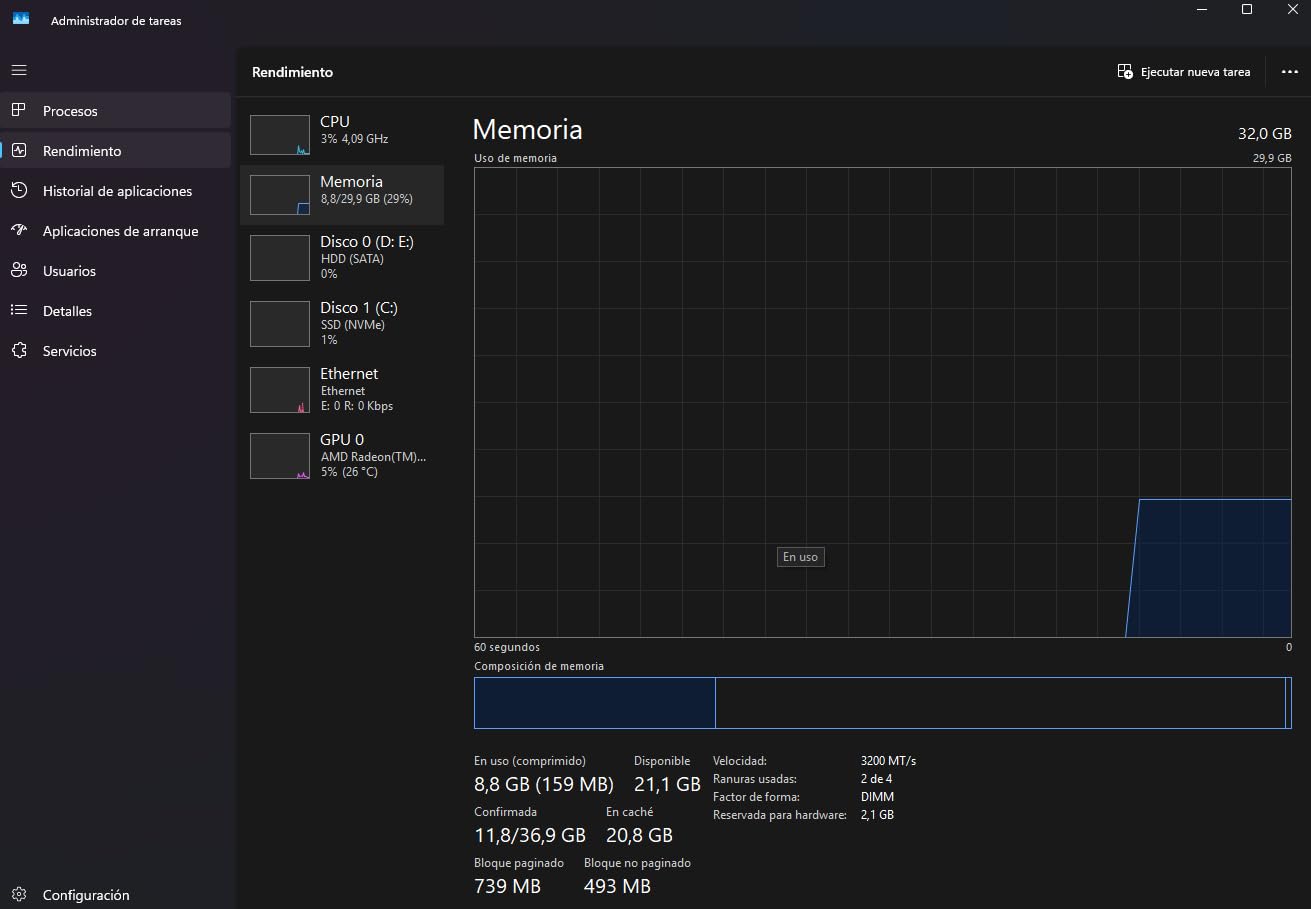
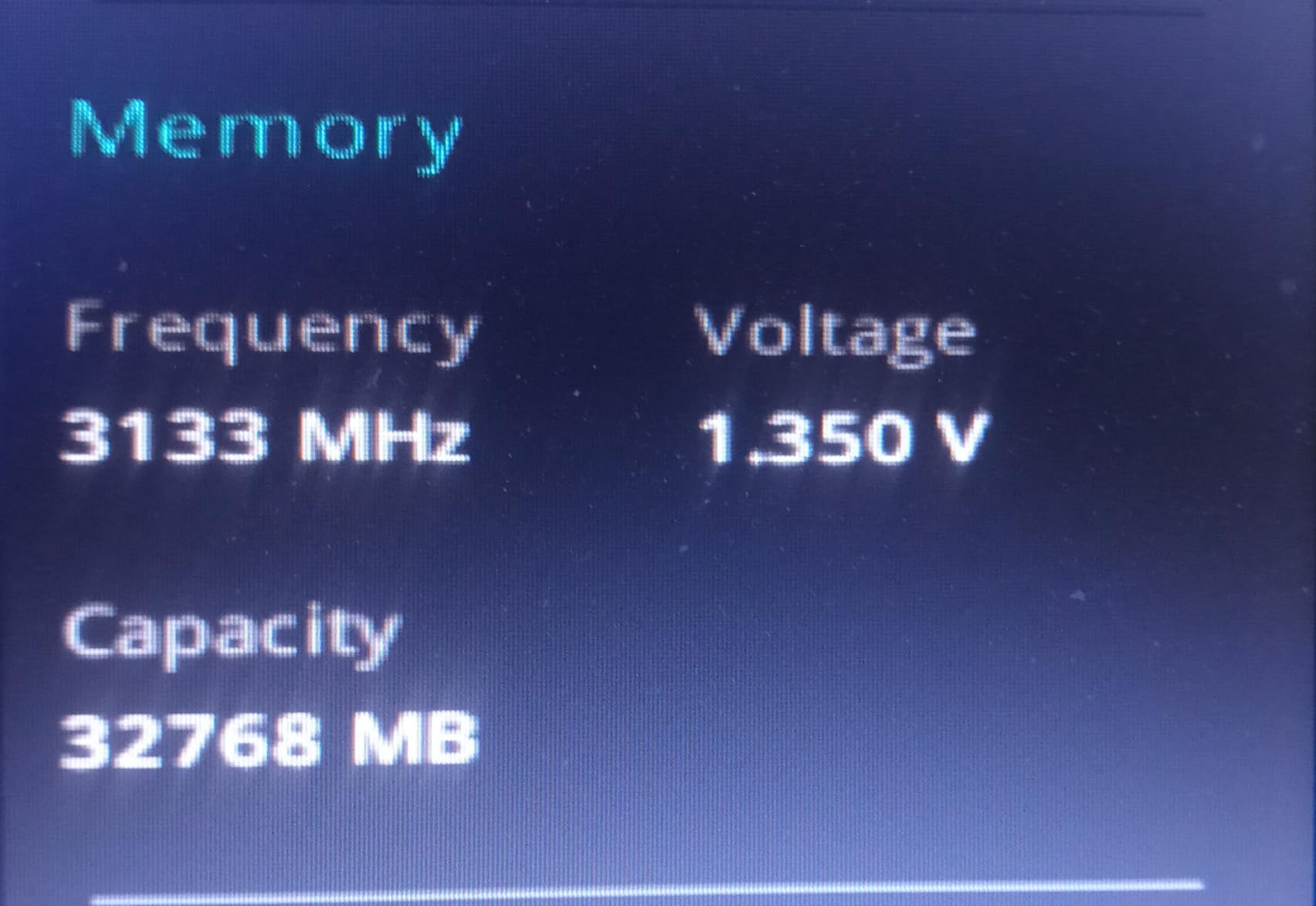
The buyer feedback is unusually consistent. Reviewers point to the low-profile clearance for large CPU coolers, stable XMP and EXPO overclocking, and installation that most people completed without help. The recurring caveat is one line long: rated 3200MHz only applies after you enable the memory profile in BIOS, otherwise the kit runs at a lower JEDEC default.
Timing-wise CL16 at 3200MHz is the DDR4 sweet spot that editors on r/buildapc describe as the default recommendation for hybrid editing and streaming builds. Nothing in this group is faster, but nothing here is meaningfully slower once timeline work is memory-bound rather than latency-bound.
What you gain by buying this kit
You get dual-channel capacity that fits almost any DDR4 board, in a heatspreader height that solves the most common physical problem in editing builds. If your machine uses a large air cooler in a tower case, this is the kit least likely to cause a clearance headache later.
You also get a warranty with no fixed term, which matters more than it sounds for a machine you expect to keep through several upgrade cycles.
Where it falls short
The honest limitation is platform age. DDR4 boards and CPUs are the previous generation, so this kit is an upgrade path rather than a destination. If you are building new and the motherboard takes DDR5, a 32GB DDR5 set costs a similar amount of money per module these days.
If you plan to cut 4K 10-bit HDR or 6K and 8K source with several applications open, 32GB is where you will feel the ceiling. Editors at that level should step up to a 2x32GB kit instead.
2. Crucial Pro 32GB DDR5-6000 – Best Value DDR5 Kit
Crucial Pro 32GB DDR5 RAM Kit (2x16GB),CL36 6000MHz, Overclocking Desktop Gaming Memory, Intel XMP 3.0 & AMD Expo Compatible, Black – CP2K16G60C36U5B
32GB (2x16GB) DDR5
6000MHz CL36-38-38-80
1.35V
Micron DRAM
XMP 3.0 and EXPO
Pros
- 6000MHz with full 36-38-38-80 timings for low-latency scrubbing
- Supports Intel XMP 3.0 and AMD EXPO so one kit covers both platforms
- Micron DRAM tested at component and module level
- Low-profile heatspreader clears large AIO coolers
- Reviewers report clean Premiere rendering and heavy multitasking
Cons
- CL36 latency is looser than CL30 kits at the same 6000MHz speed
- Some buyers had trouble seating the modules on first install
- One report of a stick failing after several months at stock settings
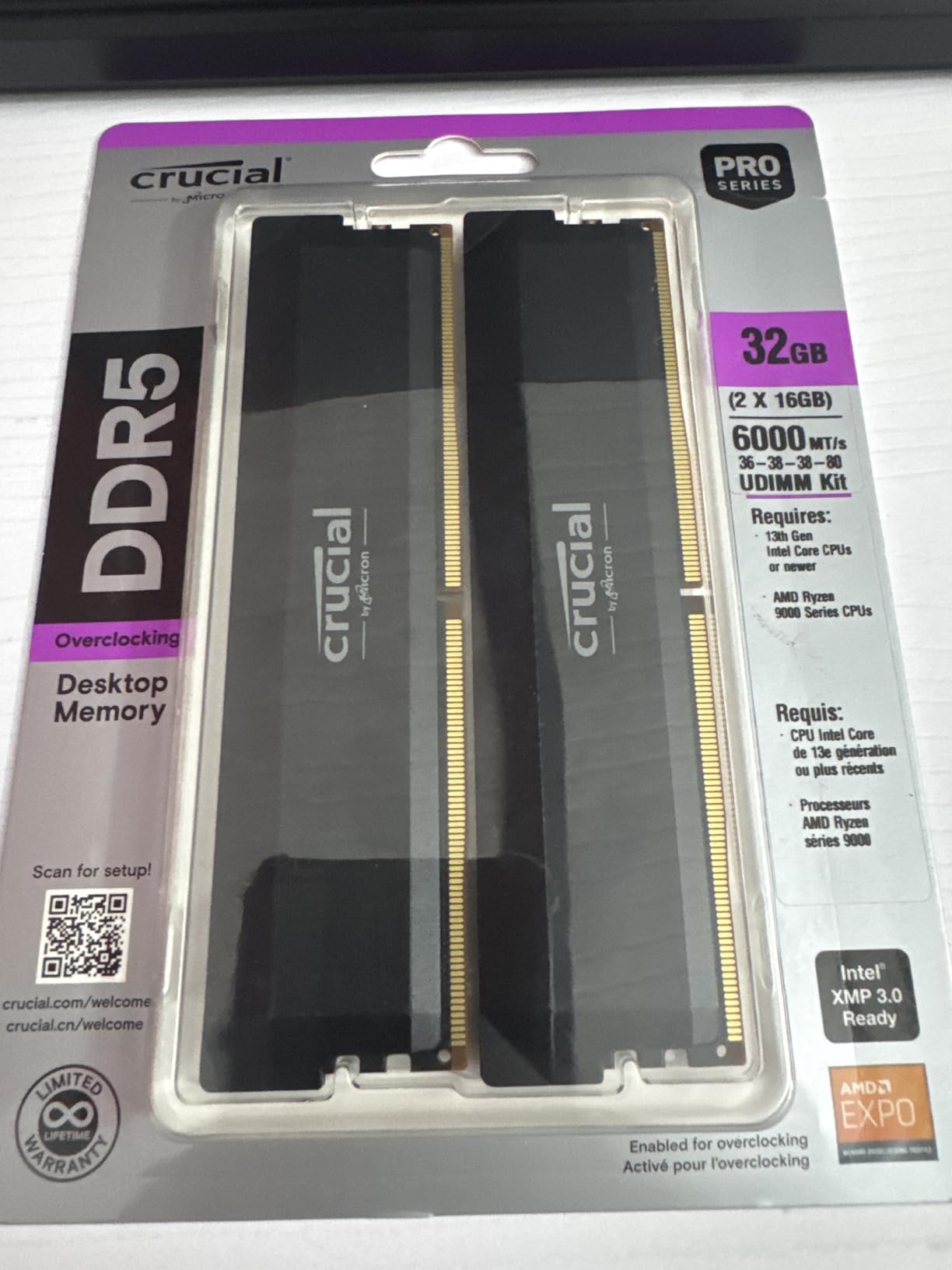
If you are building a new DDR5 editing machine and want the newest generation without paying for lighting or hand-binned CL30 kits, this is the one. It is 32GB as 2x16GB DDR5 UDIMMs at 6000MHz with 36-38-38-80 timings on 1.35V, and it carries both XMP 3.0 and EXPO profiles.
The 4.8 average across 3827 reviews includes a 90% five-star share, which is the strongest distribution in this group. Buyers describe modules that clock to rated speed reliably after enabling EXPO or XMP, handle long Adobe Premiere rendering sessions, and stay cool through multi-application days.
Two reports are worth knowing about because they show up in the negative feedback. Some buyers describe the modules being difficult to seat on the first install, which is a DIMM slot latch issue rather than a memory fault. One buyer reported a stick failing after several months at stock settings, which is a single data point rather than a pattern.
Editors tend to rate this kit on two things: whether Resolve and Premiere stay responsive with a 4K timeline plus a browser and a music app open, and whether it lifts the fan curve during long exports. On both counts the feedback is positive.
Why this works for daily editing
32GB at 6000MHz covers the widest range of real editing jobs of any single kit here. 4K 8-bit timelines in Premiere, Resolve grading at 4K, and After Effects previews all fit with room left for the multitasking that slows most editors down.
Micron-sourced DRAM matters more than brand loyalty suggests. Buyers treat long-term stability as the top buying criterion, ahead of extra speed, and component-level testing is one reason this kit holds a 4.8.
Who should look elsewhere
If your workflow is 4K 10-bit HDR or you render in Blender while editing, 32GB will not be enough and you should read the 64GB reviews further down before deciding.
If you specifically want the tightest latency at 6000MHz, CL36 is looser than the CL30 kits listed here. That difference shows in gaming benchmarks more than in editing, but it is why some buyers pair this kit with a separate plan.
3. Corsair Vengeance RGB 32GB DDR5-6000 – Best for RGB Editing Builds
CORSAIR Vengeance RGB DDR5 RAM 32GB (2x16GB) Up to 6000MHz CL30-36-36-76 1.40V AMD EXPO Intel XMP Desktop Computer Memory – Gray (CMH32GX5M2B6000Z30K)
32GB (2x16GB) DDR5
6000MHz CL30-36-36-76
1.40V
Ten-zone RGB
iCUE voltage control
Pros
- CL30-36-36-76 is the tightest primary latency here at 6000MHz
- Onboard voltage regulation gives fine iCUE control without relying on the motherboard
- Ten individually addressable RGB zones per module sync with iCUE devices
- Supports both AMD EXPO and Intel XMP profiles
- 4293 reviews at a 4.7 average with 88% five-star
Cons
- Tall RGB heatspreader can conflict with oversized CPU air coolers
- Rated 6000MHz requires enabling EXPO or XMP in BIOS
- 1.40V runs hotter than JEDEC-spec DDR5 kits
This is the fastest-latency 32GB kit in the group while also being the one that lights up. It runs 6000MHz at CL30-36-36-76 on 1.40V, with ten individually addressable RGB LEDs per module inside a panoramic light bar, and onboard voltage regulation managed through iCUE.
For editing specifically, the CL30 primary latency is the spec that matters. When your timeline is playing through cache rather than off disk, tighter first-word latency shows up as smoother scrubbing and fewer stalls under load. Buyers on this kit single out the timing profile as the step up from CL36 alternatives.
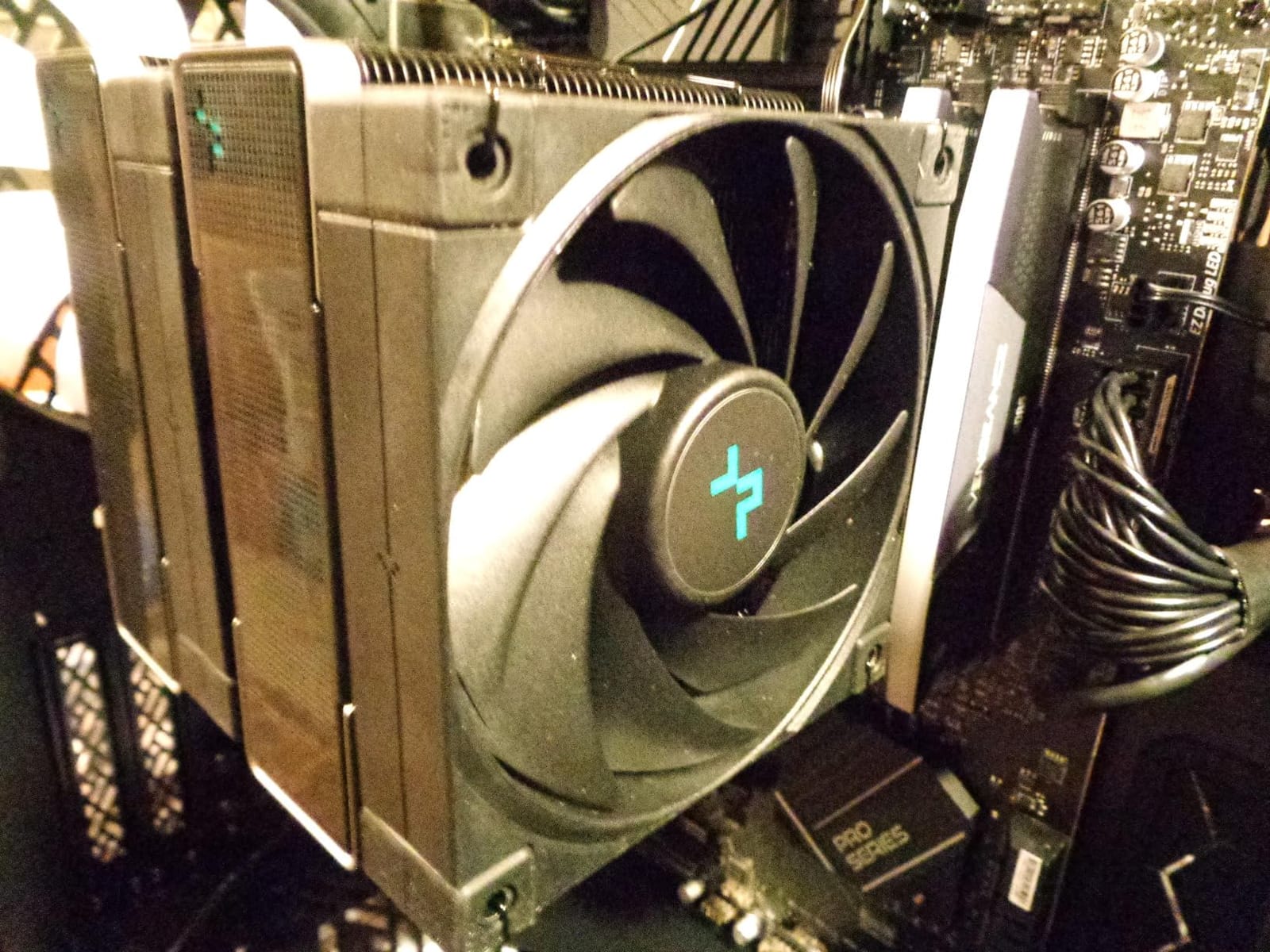
The recurring complaint is height, not speed. This heatspreader stands taller than the non-lit kits in this list, and buyers running large dual-tower air coolers report having to raise or shift the fan. That is the single thing to measure before buying.
Note the 1.40V operating voltage. It is above the JEDEC DDR5 spec, which means more heat in a densely packed tower, and it is worth confirming your motherboard has decent VRM cooling around the DIMM slots.
Where it earns its place
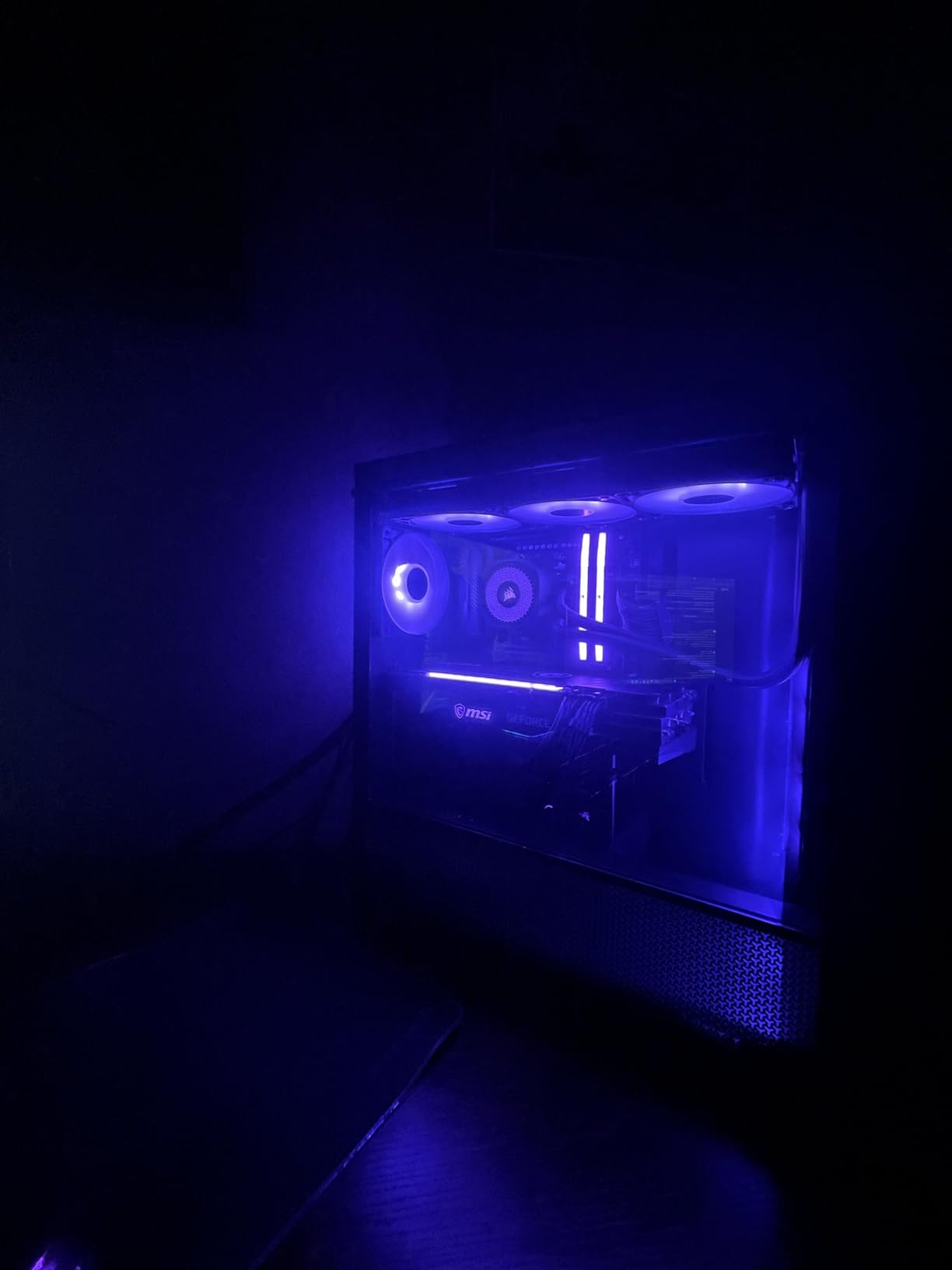
RGB is not just decoration in a grading suite. A dark room with a lit case does less to ruin colour judgement than a bright ceiling lamp does, and addressable lighting lets you match a desk and monitor setup. Just check that your software can dim or disable the effect if you need a genuinely dark room.
Onboard voltage regulation is the underrated feature here. You can read real-time frequency and voltage figures and tune memory through iCUE rather than guessing in BIOS, which matters when you are running 6000MHz on a board that is not on the kit’s qualified list.
Where it does not fit
Skip it if your CPU cooler is a large air tower and your case is a compact mid-tower. The clearance conflict is physical and no BIOS setting fixes it.
For an editing-only machine with no gaming and no visible case window, this is money spent on light you will not see. The Crucial Pro 32GB gives you the same capacity and a similar transfer rate with a lower profile.
4. G.Skill Flare X5 32GB DDR5-6000 – Best for New AMD Builds
G.SKILL Flare X5 Series DDR5 RAM (AMD EXPO & Intel XMP 3.0) 32GB (2x16GB) Up to 6000MT/s* CL36-36-36-96 1.35V Desktop Computer Memory U-DIMM – Matte Black (F5-6000J3636F16GX2-FX5)
32GB (2x16GB) DDR5
6000MT/s CL36-36-36-96
1.35V
Low-profile matte black
EXPO and XMP 3.0
Pros
- Carries both AMD EXPO and Intel XMP 3.0 profiles for either platform
- Low-profile matte black non-RGB heatspreader clears AIOs and compact towers
- Users report stable 6000MT/s with EXPO on B650
- X670 and B760 boards
- Matched kit includes a JEDEC base profile for safe booting
- No thermal issues reported under sustained load
Cons
- CL36-36-36-96 timings are looser than CL30 DDR5 kits at the same rate
- Newer boards may need a BIOS update before the kit posts
- G.Skill advises against mixing kits across separate purchases
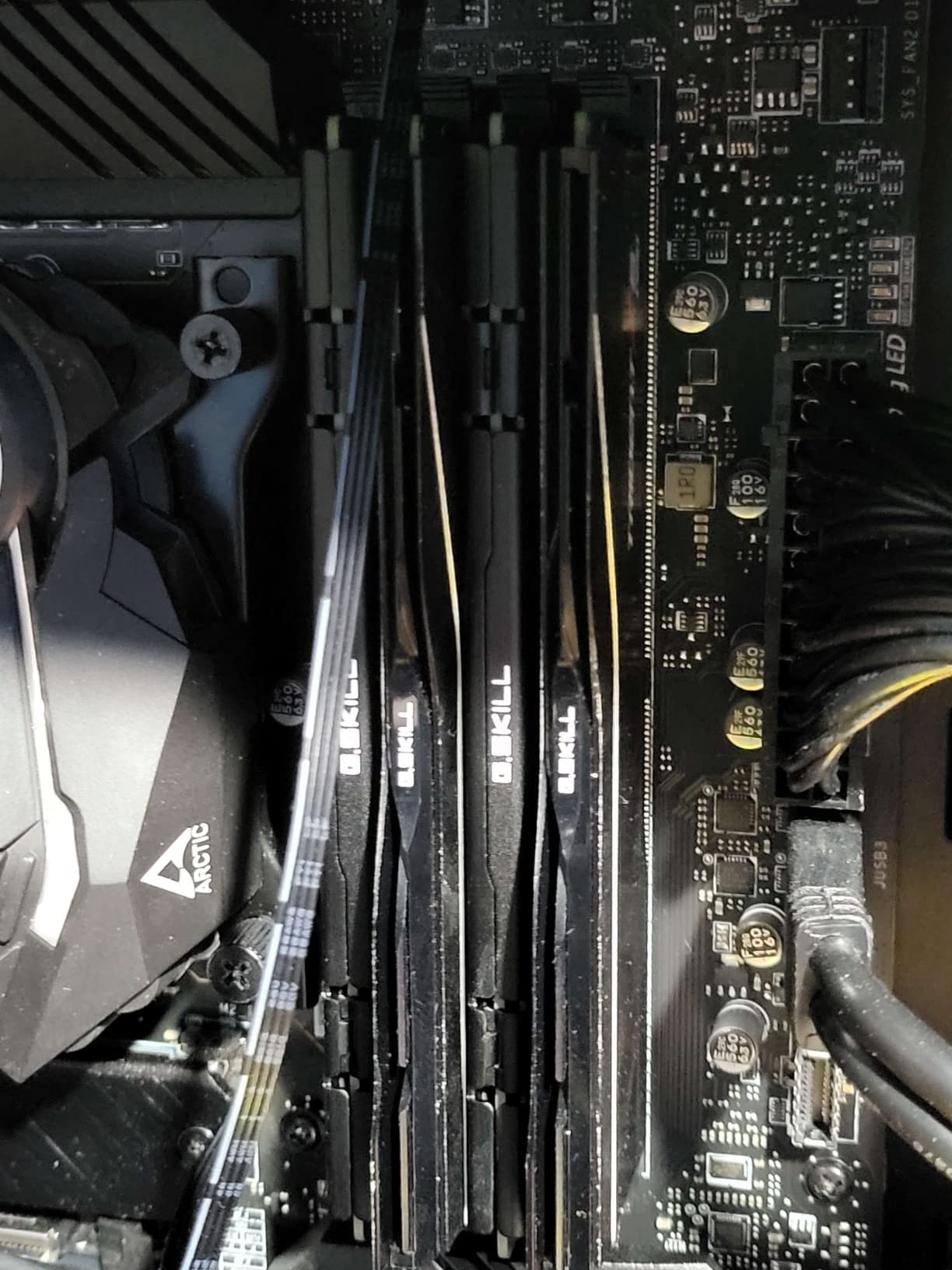
This Flare X5 kit is the cleanest option for a Ryzen 7000 or 9000 series editing build. It is 32GB of 2x16GB DDR5 at 6000MT/s with CL36-36-36-96 timings on 1.35V, in a slim matte black non-RGB heatspreader that disappears under an AIO pump.
What separates it from competitors in this group is dual profile support. The kit ships with a JEDEC default profile plus both an AMD EXPO and an Intel XMP 3.0 profile, so the same stick works if you move platforms or if a friend builds from your spare parts.
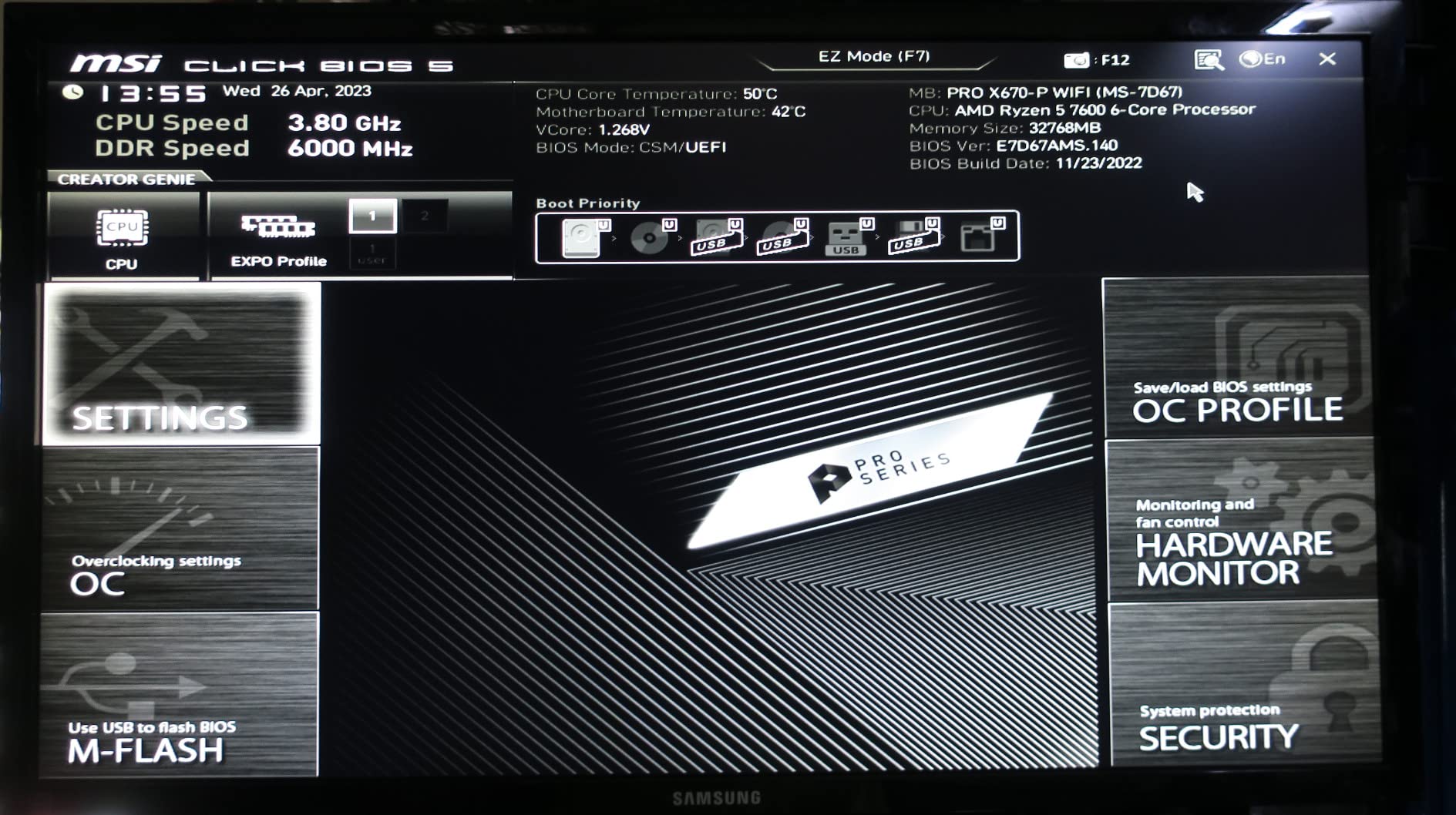
Users building on AM5 report clean EXPO enablement and stable throughput after a short BIOS tweak, with an 87% five-star share across 961 reviews. The most common caveat is that newer boards sometimes need a BIOS update before the memory will power on and post at all.
That is a real issue worth flagging: if you are buying a brand new board, update the BIOS before you install memory, or install first at JEDEC defaults, confirm it posts, then update.
What works about it for editors
The low-profile non-RGB design is the practical winner for a work machine. It clears large AIO coolers and compact towers, and it keeps a dark editing suite dark, which matters more than most buyers expect.
The JEDEC fallback profile is also a genuine safety net. If EXPO training fails on your board, you can still boot at the default profile and sort it out rather than staring at a POST failure on deadline night.
Where it is not the answer
The CL36-36-36-96 timings are looser than CL30 kits at the same transfer rate, and the 96-cycle fourth timing is high. If you care about the tightest latency available at 6000MT/s, the Patriot Viper Venom and Corsair options in this list are tighter.
G.Skill also states plainly that kits should not be mixed across separate purchases. Plan your capacity in one purchase rather than planning to add a second set later.
5. Gigastone Game PRO 32GB DDR4-3200 – Best Budget DDR4 Upgrade
【DDR4 RAM】 GIGASTONE Game PRO 32GB Kit (2x16GB) DDR4 3200MHz PC4-25600 CL 16-18-18-40 Intel XMP 2.0 AMD Ryzen 1.35V UDIMM 288 Pin Unbuffered Non ECC High Performance Gaming Desktop Memory – White
32GB (2x16GB) DDR4
3200MHz CL16-18-18-40
1.35V
White heatspreader
XMP 2.0 and AMD Ryzen
Pros
- One of the lower-cost routes to 32GB DDR4-3200 CL16 capacity
- Straightforward installation most systems recognised immediately
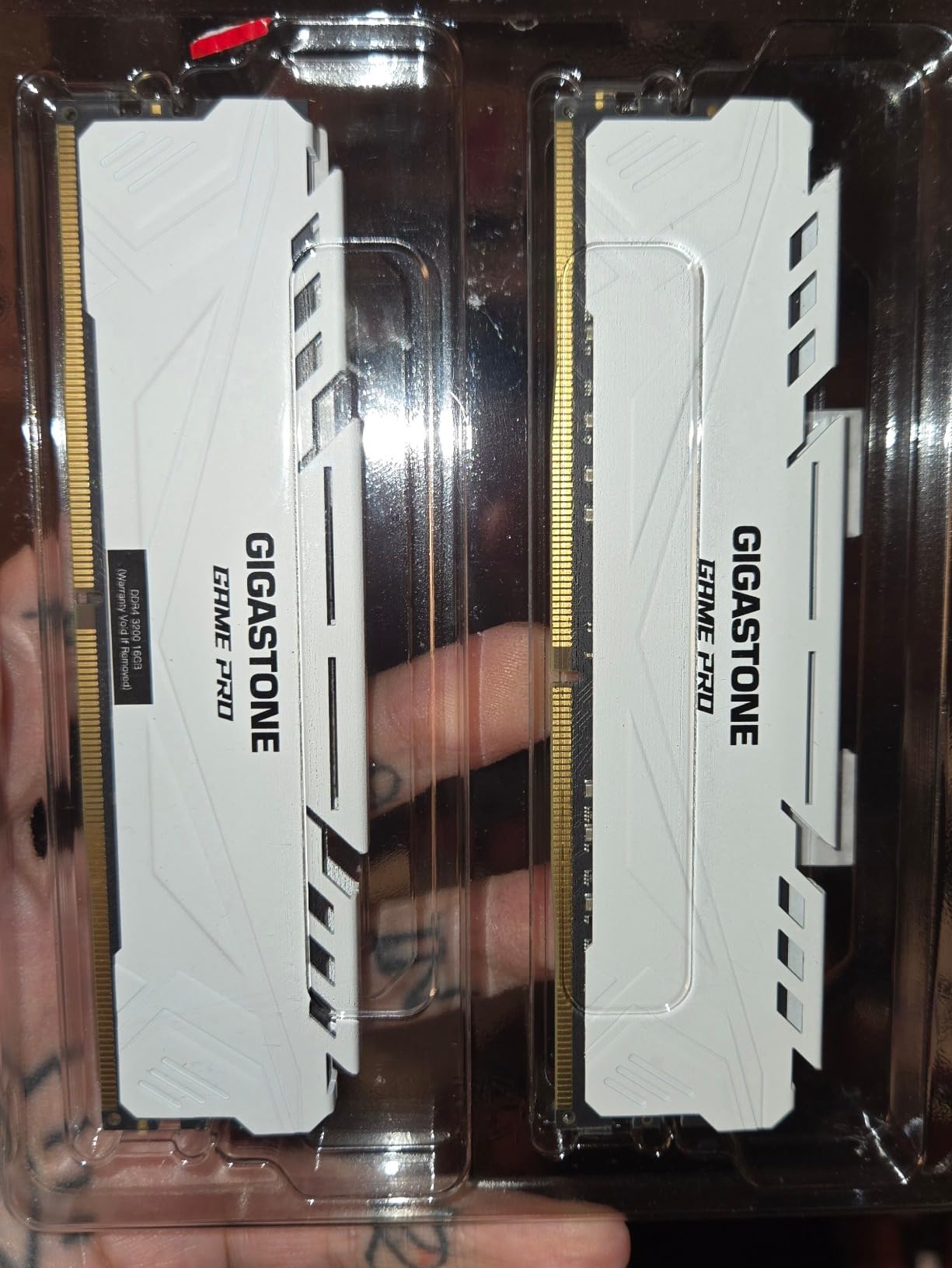
- White heatspreader suits light-themed workstation builds
- Buyers report owning multiple kits with no compatibility issues
- Backed by a 5-year manufacturer warranty
Cons
- Rated 3200MHz requires enabling XMP 2.0 manually in BIOS
- At least one buyer reported poor customer support responsiveness
- Some listing specs have not always matched the advertised claims
- DDR4 platform only with no path to DDR5 bandwidth
The Gigastone Game PRO is the value pick in this group and reviewers treat it that way. It is 32GB of 2x16GB DDR4 at 3200MHz with CL16-18-18-40 timings on 1.35V, sold as a 288-pin unbuffered non-ECC UDIMM kit with XMP 2.0 support.
Buyers describe it as performing on par with name-brand alternatives at a lower cost of entry, and several own more than one kit without stability or compatibility problems. That is exactly what you want to hear before putting a second set in a machine that will run renders overnight.
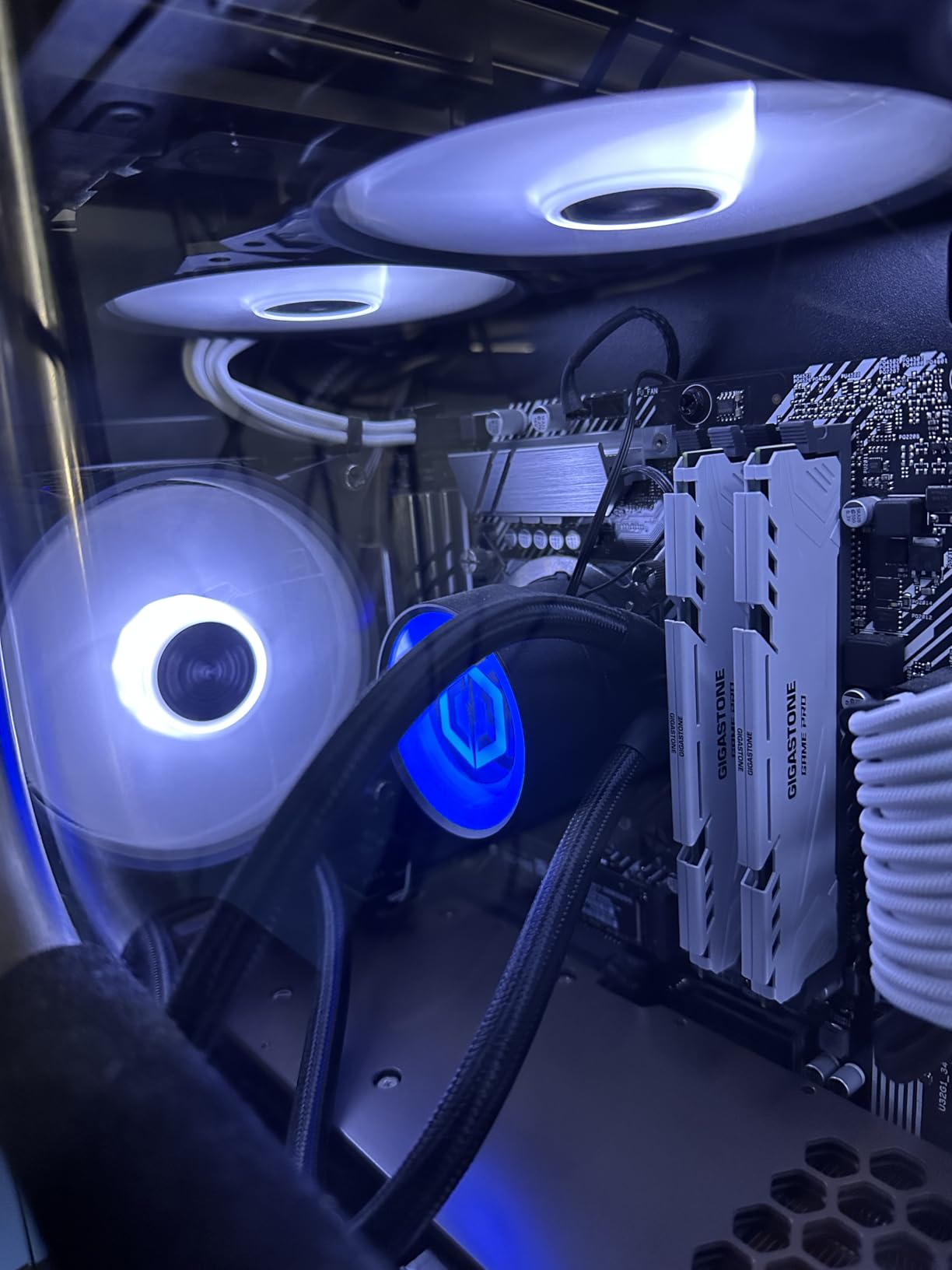
The practical note that comes up in every review of this kit is the BIOS step. Out of the box it runs at the JEDEC default until you enable XMP, which is the same cause behind most posts claiming their new memory is slow.
Two negative points are worth stating plainly. At least one buyer reported slow customer support, and some buyers found that listing specifications did not always match the advertised claims, so confirm the part number and timings against what arrives in the box.
When this makes sense
If you are adding memory to an existing DDR4 editing workstation and capacity per dollar is the deciding factor, this kit does the job. 32GB of dual-channel DDR4-3200 CL16 is the specification that most editing machines were built around for years.
It also suits light-themed builds where a black heatspreader would look out of place, which is a small thing but a real one.
When to spend a little more
If the machine is a recent build you plan to keep for years, the limited lifetime warranties on the Corsair and Crucial kits in this list cost less than you would think relative to the difference in support longevity.
And if you are building rather than upgrading, understand that DDR4 is the outgoing generation. New motherboards in this class are DDR5 only.
6. Timetec 32GB DDR4-2666 – Best for JEDEC-Only Workstations
Timetec 32GB KIT (2x16GB) DDR4 2666MHz (PC4-2666V) PC4-21300 UDIMM Desktop RAM – 288-Pin 1.2V CL19 Non-ECC Unbuffered DIMM Memory Module Upgrade
32GB (2x16GB) DDR4
2666MHz CL19
1.2V JEDEC standard
Dual-rank 2Rx8
Plug-and-play UDIMM
Pros
- Runs at JEDEC-standard 1.2V with no BIOS profile to enable
- Dual-rank 2Rx8 layout improves channel interleaving on workstation boards
- Plug-and-play installation requiring no expertise
- Lowest-cost route to 32GB capacity on a DDR4 editing box
- Limited lifetime warranty with US-based technical support
Cons
- 2666MHz is the slowest transfer rate in this group
- CL19 is the loosest primary latency here
- No XMP or EXPO profile so there is no manual tuning headroom
- Not compatible with laptop SO-DIMM slots
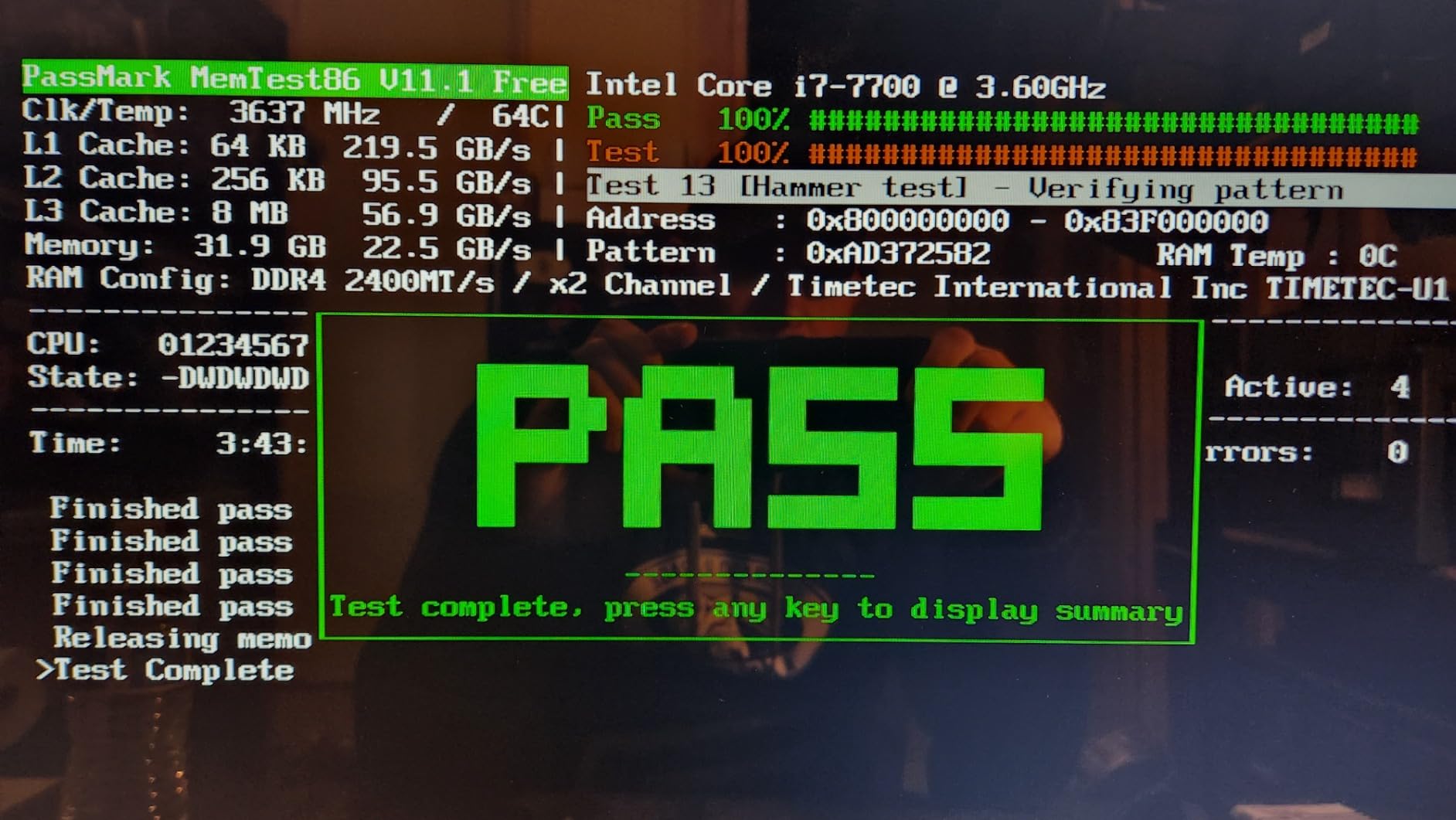
This kit is the answer for machines where BIOS tuning is not an option. It is 32GB of 2x16GB DDR4 at 2666MHz, CL19, running at the JEDEC-standard 1.2V, so it works the moment it is seated with no profile to enable.
That matters more than it sounds on locked-down corporate workstations and older OEM boards that will not read an XMP profile at all. Owners describe the satisfaction profile as it works as advertised rather than as enthusiast performance, which for an editing machine is exactly what you want.
The dual-rank 2Rx8 configuration is the technical highlight. Dual-rank modules interleave across more banks, which can help bandwidth-sensitive workloads on workstation-class boards, and it is a spec this kit has at a spec level far above its price class.
Its 81% five-star share is the lowest in this group, and reading the distribution explains why: most of the remaining feedback sits at four stars, which is the signature of a kit that does its job without impressing.
Why dual-rank matters here
Dual-rank 2Rx8 modules spread access across two ranks per channel, which improves interleaving and can smooth out memory-bound operations on boards that support it. Several editors cutting 4K on older platforms report steadier playback with dual-rank sets than with single-rank kits of the same capacity.
The 1.2V JEDEC operation also means less heat and no stability tuning, which reduces the risk of a crash during an overnight render queue.
What you give up
2666MHz with CL19 is the slowest pairing here. On a 4K timeline with heavy effect stacks you will feel the difference against a 3200MHz CL16 kit, particularly during scrubbing and preview generation.
There is no XMP or EXPO profile, so if you later upgrade the platform and want more speed, you are replacing the kit rather than overclocking it. That is fine for a machine you plan to retire eventually.
7. Patriot Viper Venom 32GB DDR5-6000 – Best Low-Voltage DDR5
Patriot Viper Venom DDR5 RAM 32GB (2X16GB) 6000MHz CL30 Desktop Memory
32GB (2x16GB) DDR5
6000MHz CL30-40-40-76
1.35V
Low-profile UDIMM
XMP 3.0 and EXPO
Pros
- CL30-40-40-76 timings at 6000MHz give strong latency for timeline playback
- Supports both XMP 3.0 and EXPO profiles for cross-platform builds
- 1.35V operation reduces power draw and heat in a loaded workstation
- Wide range of capacity variants from the same product line
- Limited lifetime warranty
Cons
- Secondary timings of 40-40-76 are looser than some CL30 kits
- Reaching rated 6000MHz requires enabling XMP or EXPO in BIOS
- Smaller review base than the kits above it
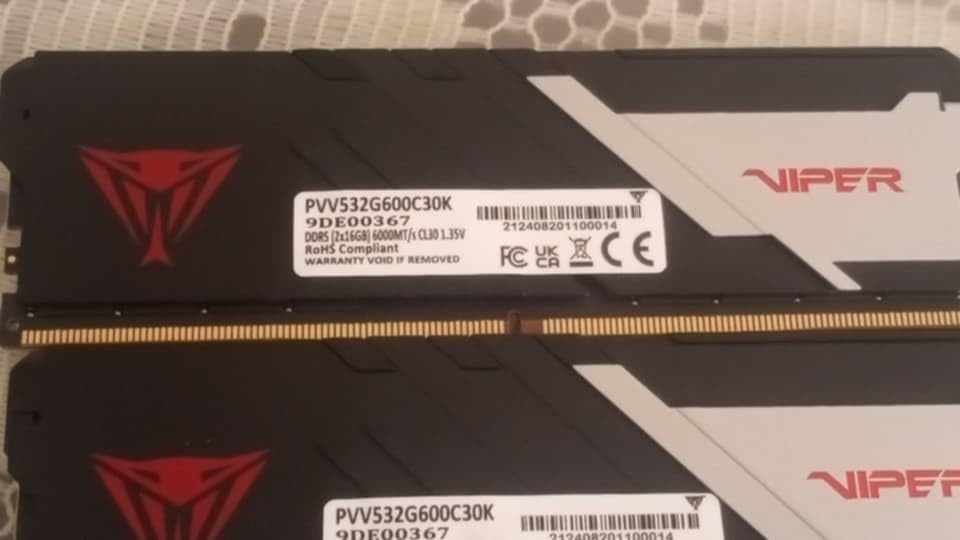
The Viper Venom 32GB kit gives you CL30 primary latency at 6000MHz while staying at 1.35V, which is lower than the 1.40V the Corsair kits in this list run. For a machine that renders for hours at a stretch, that lower voltage is the quiet advantage: less heat, steadier sustained performance.
It is a matched 2x16GB DDR5 UDIMM kit with tested timings of 30-40-40-76 and support for both XMP 3.0 and EXPO, so it works on both current Intel and AMD platforms.
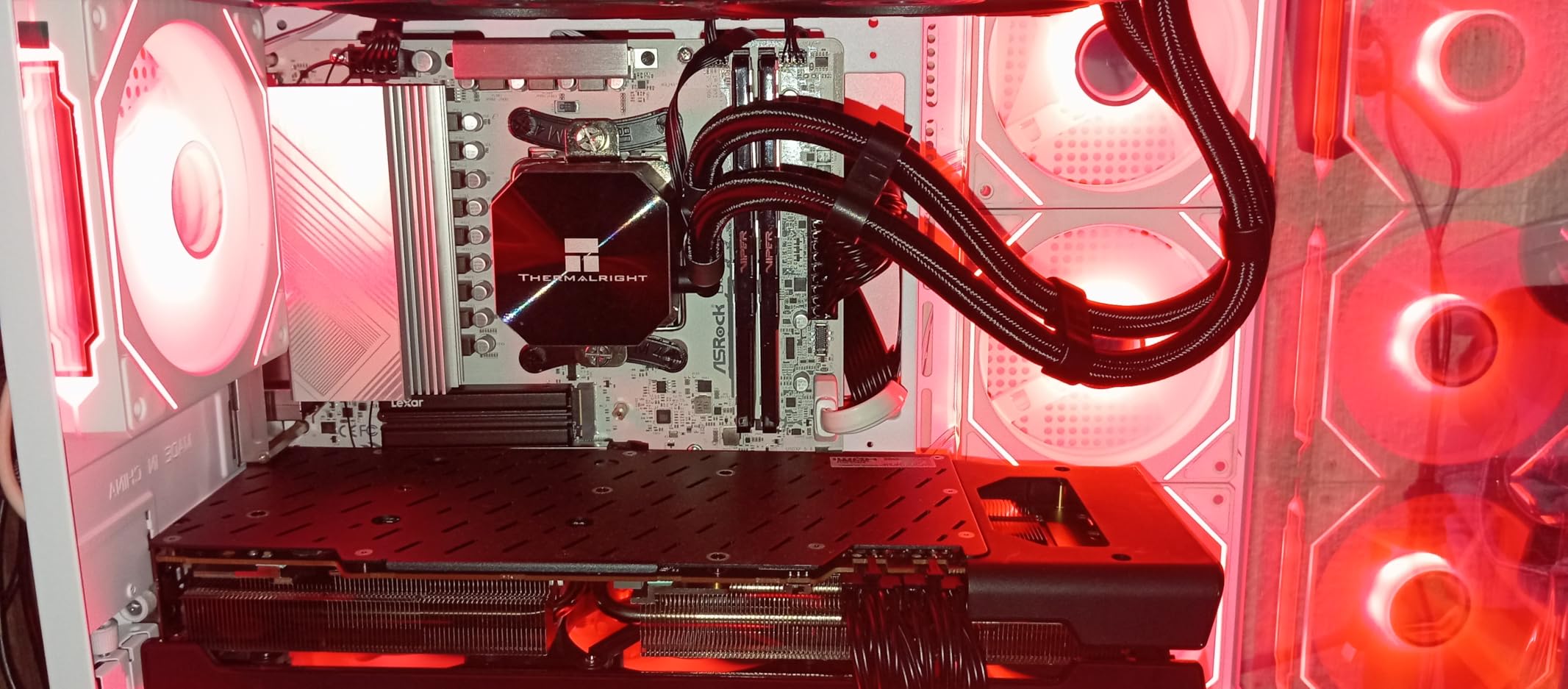
Buyers cite tight primary timings, dual profile support and low voltage as the reasons they chose it over costlier RGB kits, and the kit currently sits high in the Computer Memory best-seller ranking. The 85% five-star share across 654 reviews is solid, with a higher one-star share than the top kits at 5%.
Reaching 6000MHz still requires enabling XMP or EXPO in BIOS. Until you do, the modules run at the JEDEC default, which is the single most common cause of disappointment with a new memory kit.
What it does well for editing
CL30 primary latency is what keeps playback smooth while your timeline is serving frames from cache. Secondary timings at 40-40-76 are looser than the best-binned CL30 kits here, but they matter far less than the primary latency in an editing workload.
The same product line covers several capacity options, which makes it straightforward to move from 32GB to 64GB later within one brand rather than mixing kits.
Where the trade-off sits
With 654 reviews, this kit has less evidence behind its long-term reliability than the Corsair and Crucial sets above it. Buyers who prioritise stability over a specific spec should weight review volume heavily, because that is the only public signal available.
It also runs at rated speed only after a BIOS profile is enabled. On a locked workstation where you cannot touch the BIOS, use the JEDEC-only option in this list instead.
8. Crucial Pro 64GB DDR5-5600 – Top Rated and Best 64GB for Stability
Crucial Pro 64GB DDR5 RAM Kit (2x32GB), 5600MHz (or 5200MHz or 4800MHz) Desktop Memory UDIMM 288-pin, Compatible with 13th Gen Intel Core and AMD Ryzen 7000 – CP2K32G56C46U5
64GB (2x32GB) DDR5
5600MHz CL46 at 1.1V
Micron DRAM
Dual-rank 2Rx8
Downclocks to 5200 and 4800
Pros
- 64GB headroom for 4K and 8K timelines
- multicam and large media libraries
- Owners report 20-hour stress tests passing with zero errors
- 1.1V operation draws less power and keeps modules cool
- Micron DRAM with JEDEC bins that boot reliably at defaults
- Documented as working in Dell and Alienware OEM workstations
Cons
- CL46 is the loosest primary latency of any kit here
- Not performance memory with little headroom for manual overclocking
- On OEM platforms it may run at 4800 or 5200MHz instead of 5600MHz
This is the 64GB kit to buy if your work is heavier than your playback. It is 2x32GB of DDR5 running 5600MHz at CL46 on 1.1V, in a dual-rank 2Rx8 layout from Micron DRAM, and it can downclock to 5200MHz or 4800MHz depending on the platform.
64GB is the capacity tier for 4K 10-bit HDR grading, 6K and 8K source, long multicam timelines and the multitasking pattern where Premiere, After Effects and a browser all stay open. One r/buildmeapc answer states flatly that 64GB is the minimum for 4K editing, and for professional colourists that is close to true.
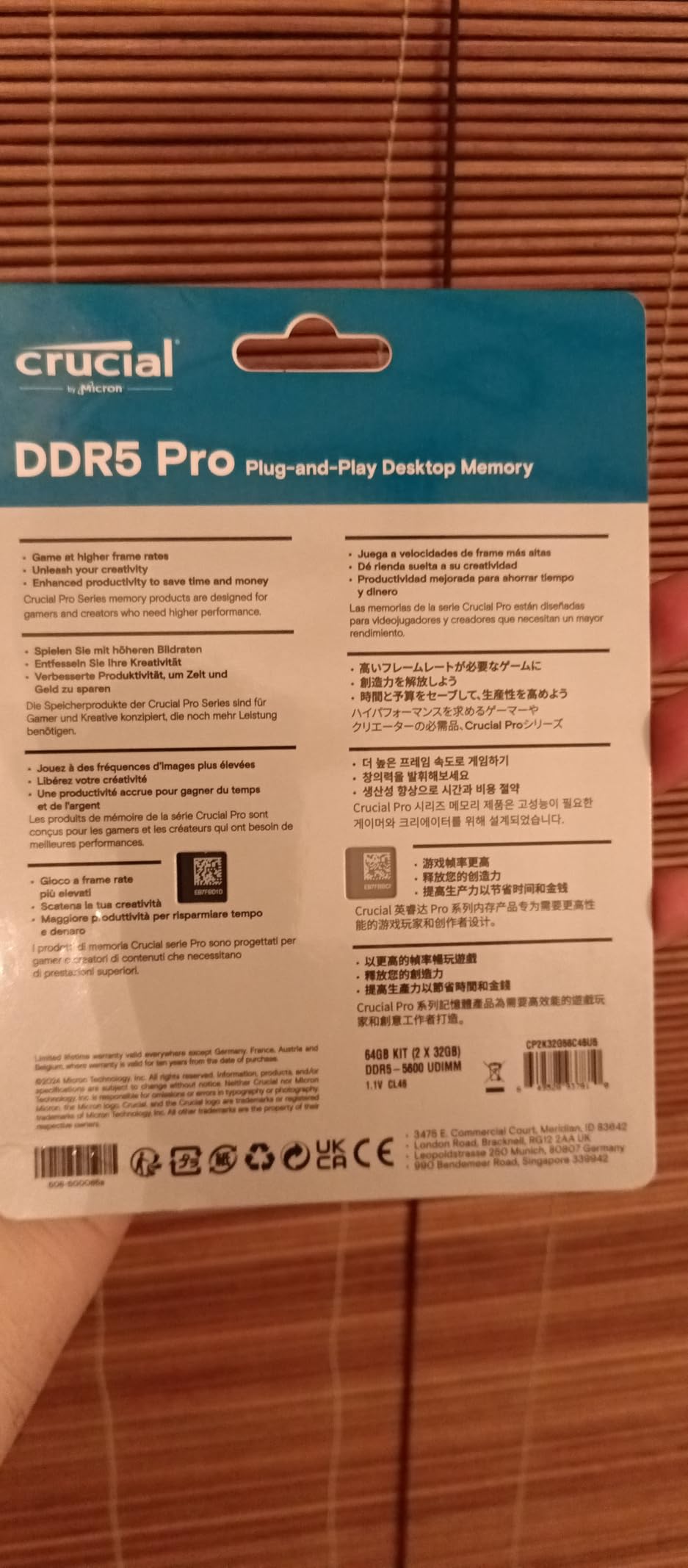
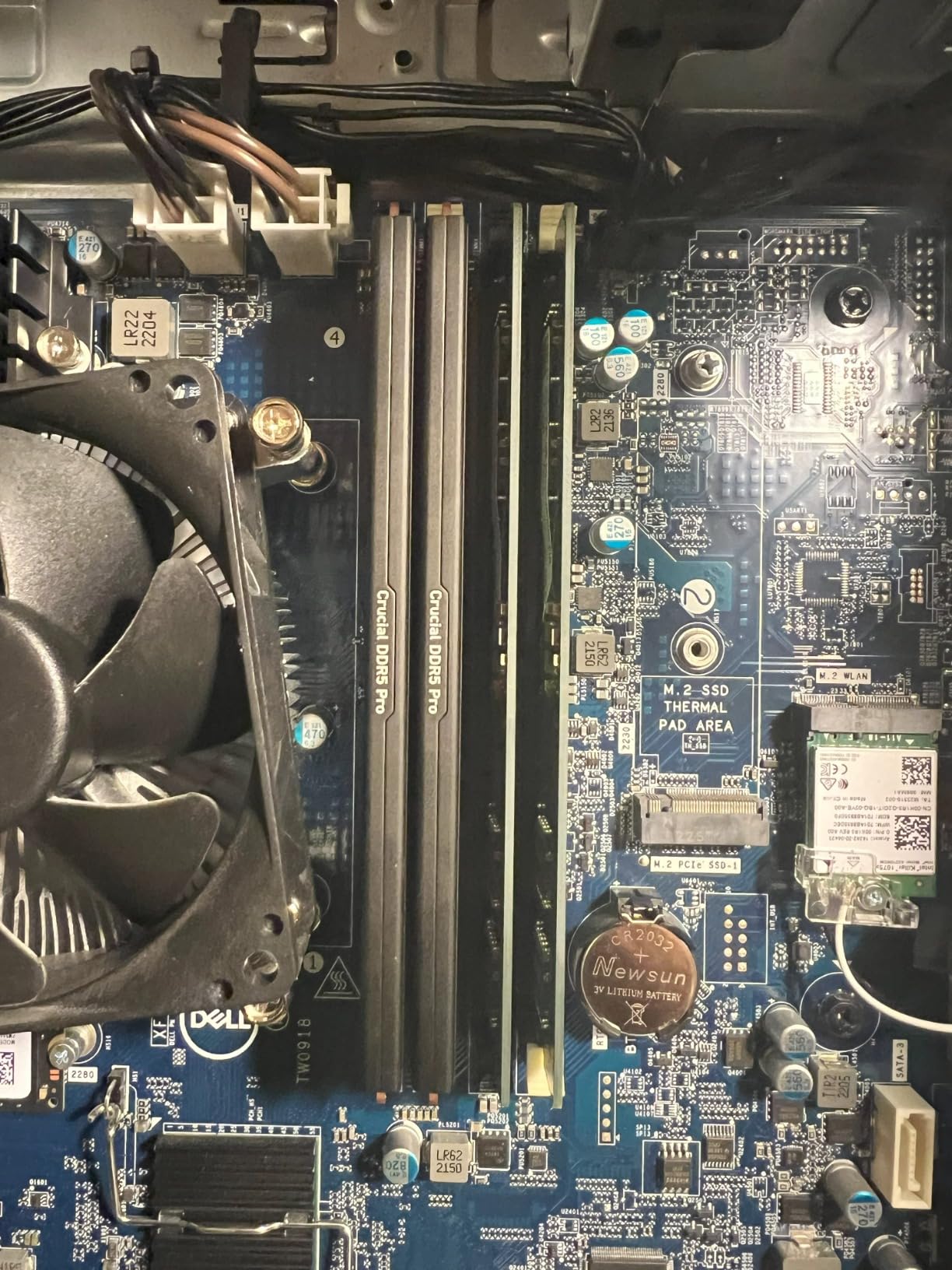
The review data here is the most stability-focused in the group. Owners cite passing extended MemTest86 and OC stability runs, including 20-hour stress tests with zero errors, and documented compatibility with Dell XPS, Alienware Aurora and Dell Precision workstations that reject many aftermarket modules. That is a real advantage if you are not building the machine yourself.
A small minority could not stabilise 5600MHz on an ASUS B760 board, which is exactly why the downclock options matter. This kit is designed to fall back to a speed that works rather than to push a limit.
Why 64GB changes your workflow
At 32GB, a heavy project forces your system to start paging, and paging is where editing feels slow. At 64GB the same project stays resident, which means cache writes, preview renders and background exports keep running instead of stalling every time you touch the timeline.
The 1.1V operating point and dual-rank layout also help in dense towers, since large-capacity modules produce more heat than a 2x16GB pair and lower voltage keeps them cooler.
Who should not buy 64GB
If you edit 1080p or 4K 8-bit on a single project, this capacity buys nothing you will use. Save the money and put it toward storage, which affects real editing performance far more than extra memory does at that tier.
CL46 also means this is the slowest-latency kit here. If you want 64GB and also play competitive games on the same machine, the CL30 6000MHz kits below are the better all-rounders.
9. Corsair Vengeance 64GB DDR5-6000 – Best 64GB with iCUE Control
CORSAIR Vengeance DDR5 64GB (2x32GB) DDR5 6000MHz CL30 AMD EXPO Intel XMP iCUE Compatible Computer Memory – Gray (CMK64GX5M2B6000Z30)
64GB (2x32GB) DDR5
6000MHz CL30-36-36-76
1.40V
Non-RGB with iCUE
EXPO and XMP profiles
Pros
- 64GB capacity paired with CL30 latency at 6000MHz
- Onboard voltage regulation gives fine iCUE control at high capacity
- Custom AMD EXPO profiles can be saved per application or task
- iCUE shows real-time frequency and voltage telemetry
- Limited lifetime warranty
Cons
- 1.40V adds heat in a full tower compared with 1.1V kits
- Custom EXPO profile feature was still rolling out in iCUE
- Tall heatspreader can conflict with oversized air coolers
- 80% five-star share is the second lowest in this group
If you want 64GB without giving up transfer rate or latency, this is the kit. It is 2x32GB of DDR5 at 6000MHz with CL30-36-36-76 timings on 1.40V, and it carries the same onboard voltage regulation and iCUE telemetry as Corsair’s RGB kits without the lighting.
That combination suits a professional machine doing 4K HDR colour while the GPU is fully committed to Resolve, because the CPU-side memory controller gets the full 6000MHz CL30 profile rather than a JEDEC fallback.
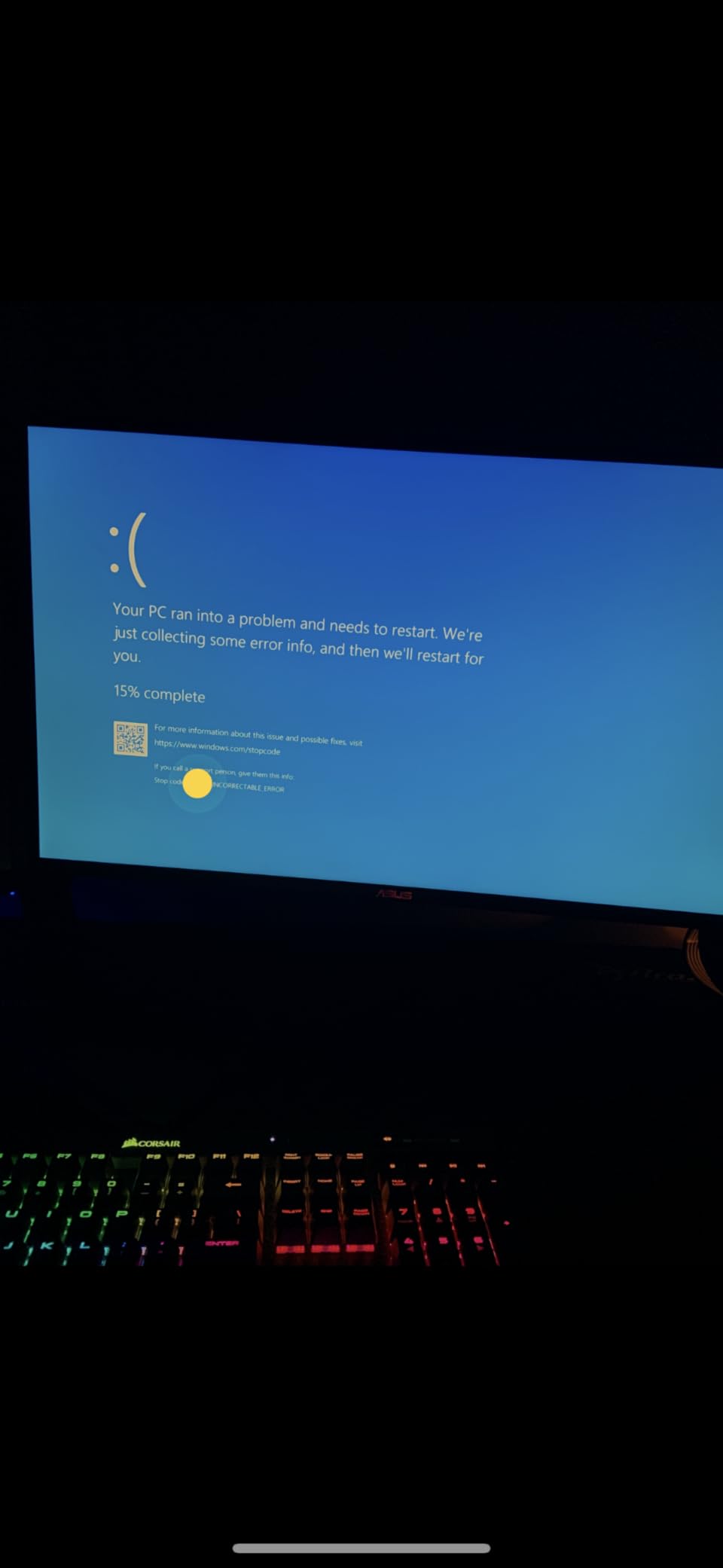
Buyers highlight the iCUE voltage control and the CL30-36-36-76 profile as the main differences against the RGB variants, with a generally solid stability record on AMD 600-series boards. The custom EXPO profile feature was noted by some buyers as arriving later in the software than they expected.
The 80% five-star share is worth weighing. This is the least-satisfied large-capacity kit in the group, and the reviews point at heat and the software timeline rather than at outright faults.
What the iCUE integration actually does
Onboard voltage regulation means the module handles its own power delivery, so you can read real-time frequency and voltage figures and adjust memory without relying on how the motherboard’s VRM behaves. For a workstation that runs unattended overnight, that visibility is genuinely useful.
Saving per-application EXPO profiles also lets you keep a tuned profile for exports and a conservative one for daily timeline work without re-entering BIOS.
Where to be careful
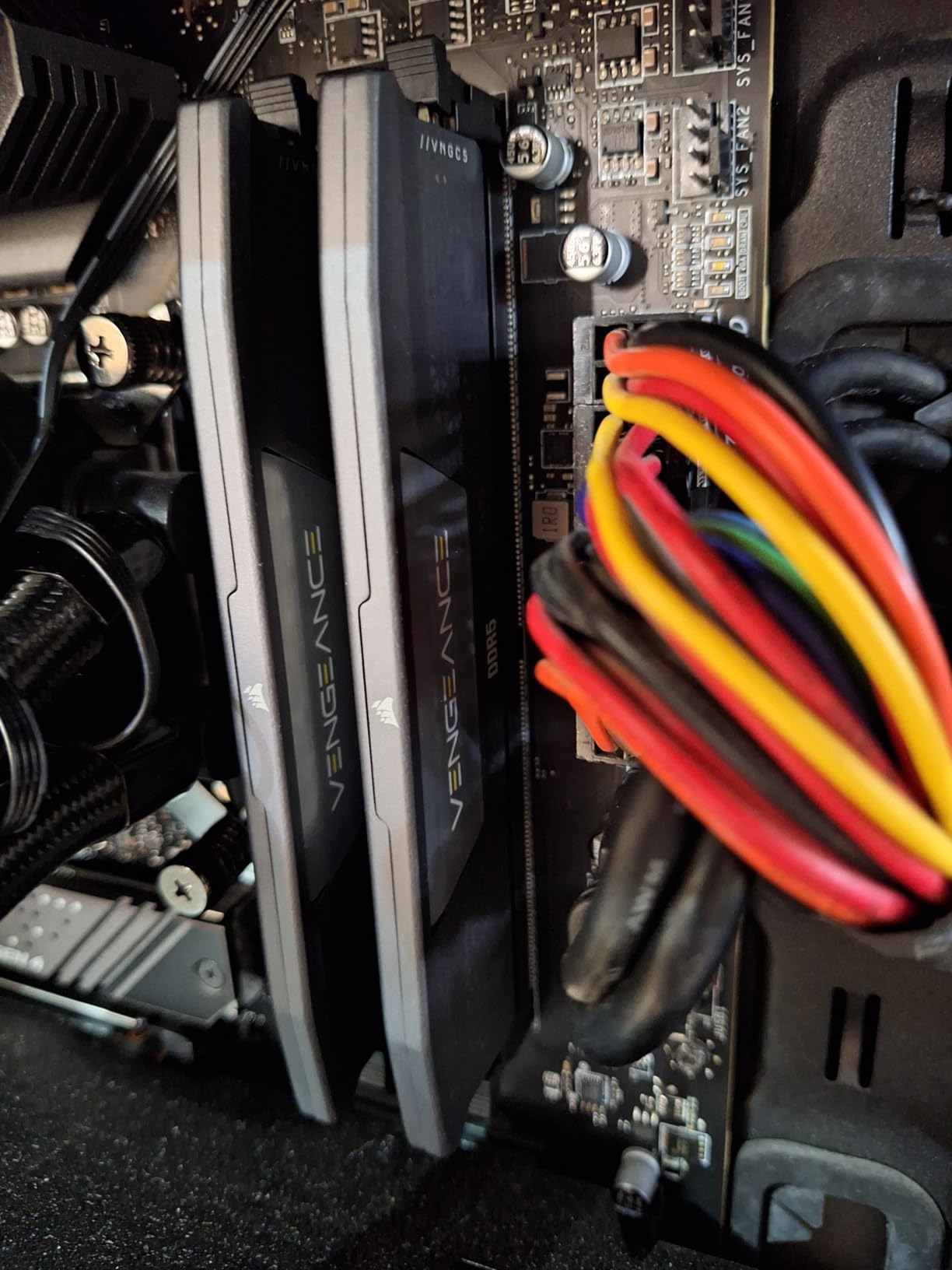
1.40V on a 64GB kit generates real heat in a packed tower. Buyers running large dual-tower air coolers report clearance conflicts with the taller heatspreader, so measure before you buy.
If your priority is stability rather than tuning access, the 64GB Crucial Pro at 1.1V is the safer choice and holds a higher rating.
10. G.Skill Flare X5 64GB DDR5-6000 – Best 64GB for AMD Boards
G.SKILL Flare X5 Series DDR5 RAM (AMD EXPO) 64GB (2x32GB) Up to 6000MT/s* CL30-40-40-96 1.40V Desktop Computer Memory U-DIMM – Matte Black (F5-6000J3040G32GX2-FX5)
64GB (2x32GB) DDR5
6000MT/s CL30-40-40-96
1.40V
Slim matte black
AMD EXPO profile
Pros
- 64GB capacity at CL30 6000MT/s for high-resolution editing and multitasking
- Multiple owners report passing 12-hour maximum-load stress tests unchanged
- Slim low-profile matte black heatspreader clears tight AIO layouts
- EXPO profile applies cleanly in BIOS on AM5 boards
- No overheating reported under heavy workloads
Cons
- EXPO profile only
- so Intel XMP users fall back to slower JEDEC defaults
- Secondary timings of 40-40-96 are loose against tighter-binned kits
- Running two of these 2x32GB kits on AM5 can drop speed well below rated
- Smallest review base among the 64GB kits
On an AM5 editing build, this Flare X5 kit is the pick. It is 64GB of 2x32GB DDR5 at 6000MT/s with CL30-40-40-96 timings on 1.40V, in a slim matte black heatspreader that clears tight AIO layouts.
Owners building on Ryzen 7000 and 9000 report flawless stability across extended stress testing, including multiple accounts of 12-hour maximum-load runs that needed no adjustment. On an editing machine that means an overnight render finishing without a memory error at 2am.
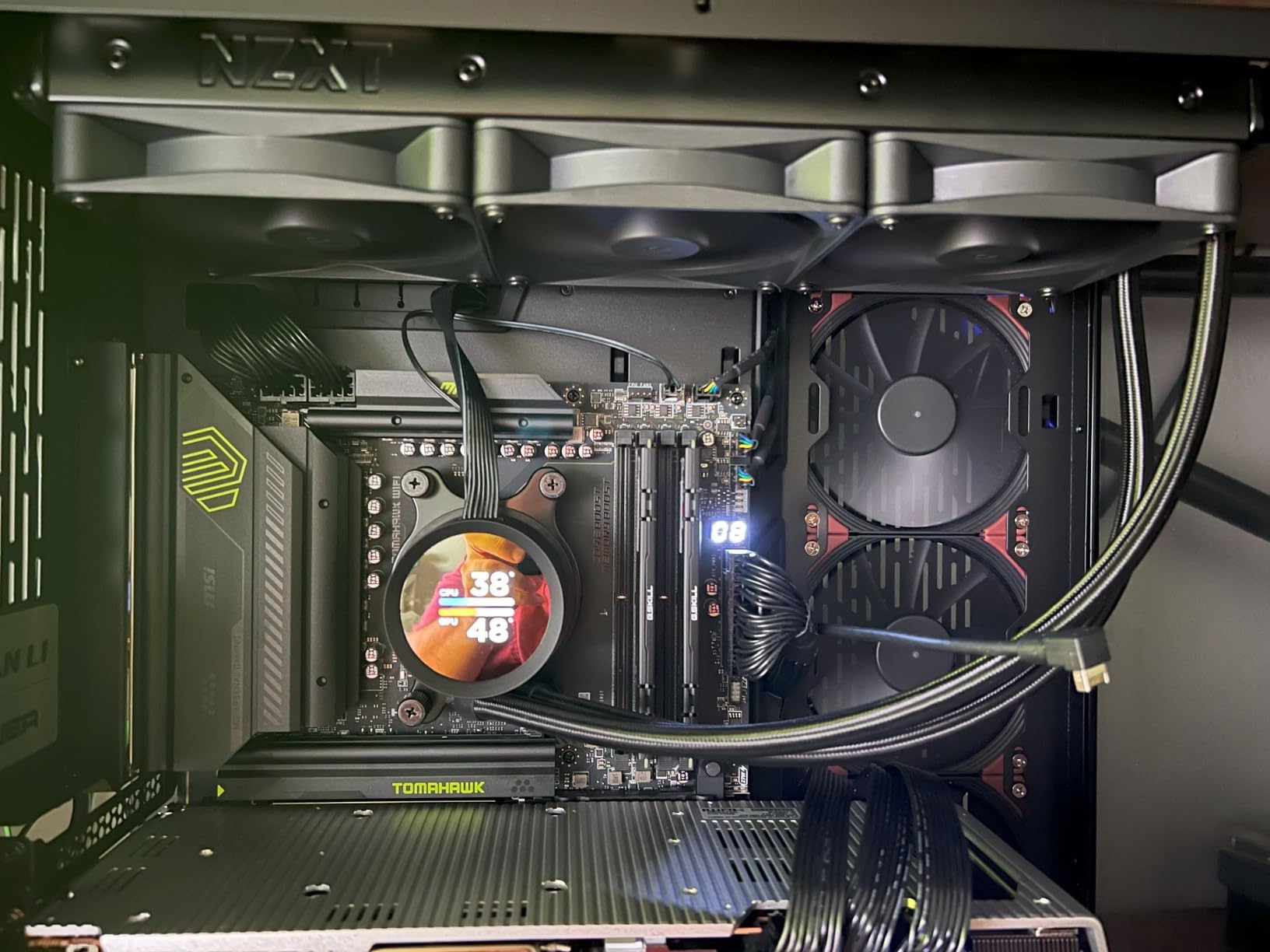
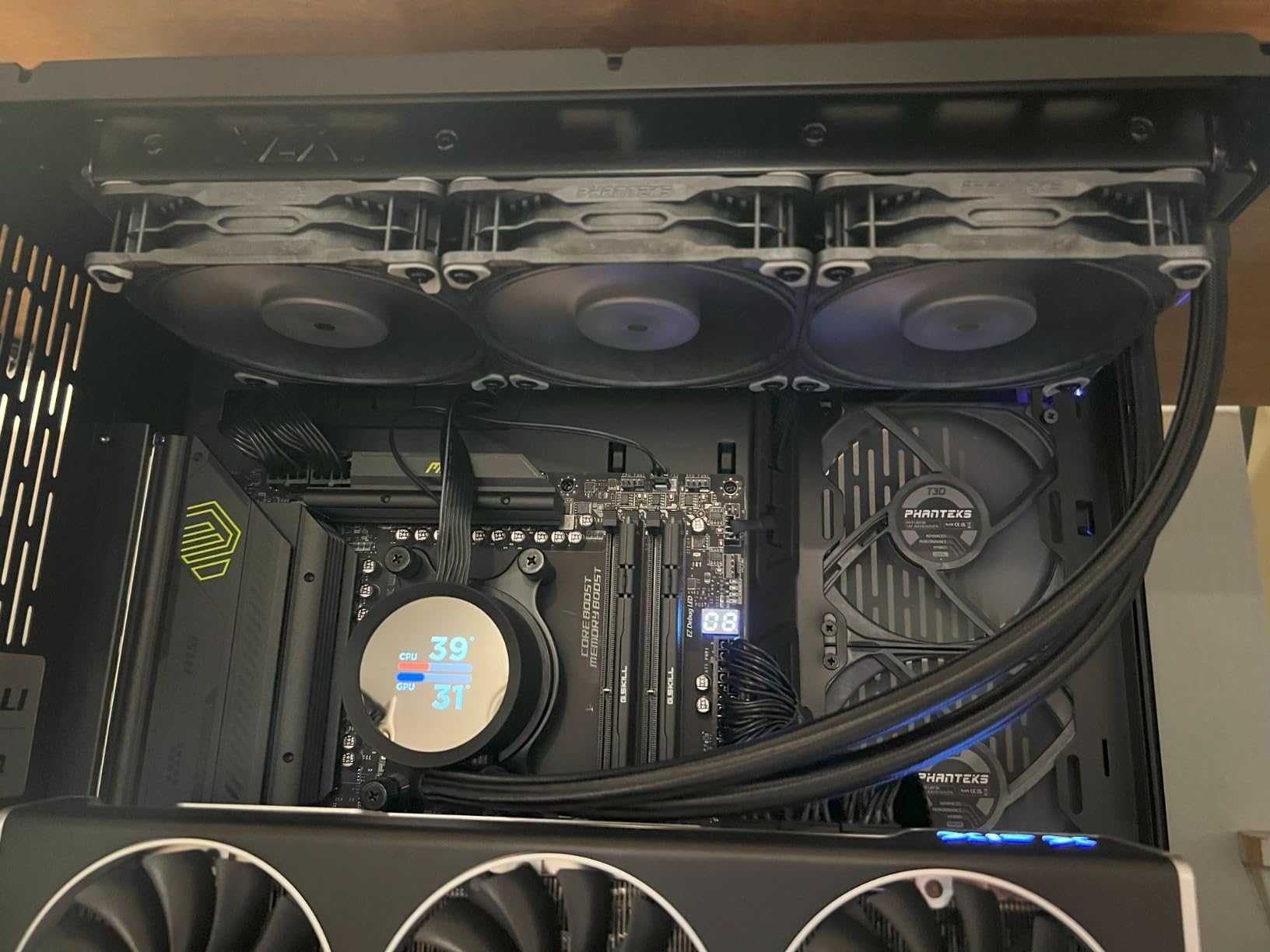
The most useful piece of collective advice attached to this kit is procedural: check your motherboard QVL list before stacking a second 2x32GB set. Two 64GB DDR5 kits on some AM5 boards will not hold 6000MT/s, and forum threads show plenty of people discovering that after the fact.
Note that this kit carries an AMD EXPO profile only. On an Intel board you get JEDEC default speeds, so if you might change platforms, look at a dual-profile kit instead.
Why the low profile matters at 64GB
Dual-rank 64GB modules like these are physically taller and thicker than a 2x16GB pair. Slim heatspreaders are what let them fit under an AIO pump block or inside a compact tower without moving the fan. Editors who hit clearance problems with 64GB usually hit them with lit kits, and this is the fix.
CL30 primary latency at 6000MT/s keeps timeline playback responsive even while Resolve is grading several nodes deep.
Where it falls short
The 317-review base is the thinnest of the 64GB kits here. That is not a defect, but it does mean less public evidence of long-term reliability than the larger kits carry.
If your editing machine also games and you might move to an Intel platform, the dual-profile kits in this list are the safer purchase.
11. Kingston FURY Beast 64GB DDR5-6000 RGB – Best for Synced RGB at 64GB
Kingston FURY Beast 64GB (2x32GB) 6000MT/s DDR5 CL36 RGB Desktop Memory Kit of 2 | Infrared Syncing | AMD EXPO | KF560C36BBEAK2-64
64GB (2x32GB) DDR5
6000MT/s CL36
1.35V
Infrared Sync RGB
XMP 3.0 and EXPO
Pros
- 64GB at 6000MT/s covers large media and proxy workflows
- Patented Infrared Sync keeps RGB lighting matched across both modules
- Supports both Intel XMP 3.0 and AMD EXPO profiles
- Revised heat spreader design aimed at better overclocking stability
- Kingston lifetime warranty
Cons
- CL36 latency is looser than CL30 kits at the same transfer rate
- 9% one-star share is a high negative share for this group
- RGB heatspreader height can limit cooler clearance
- Thin review base at 143 ratings
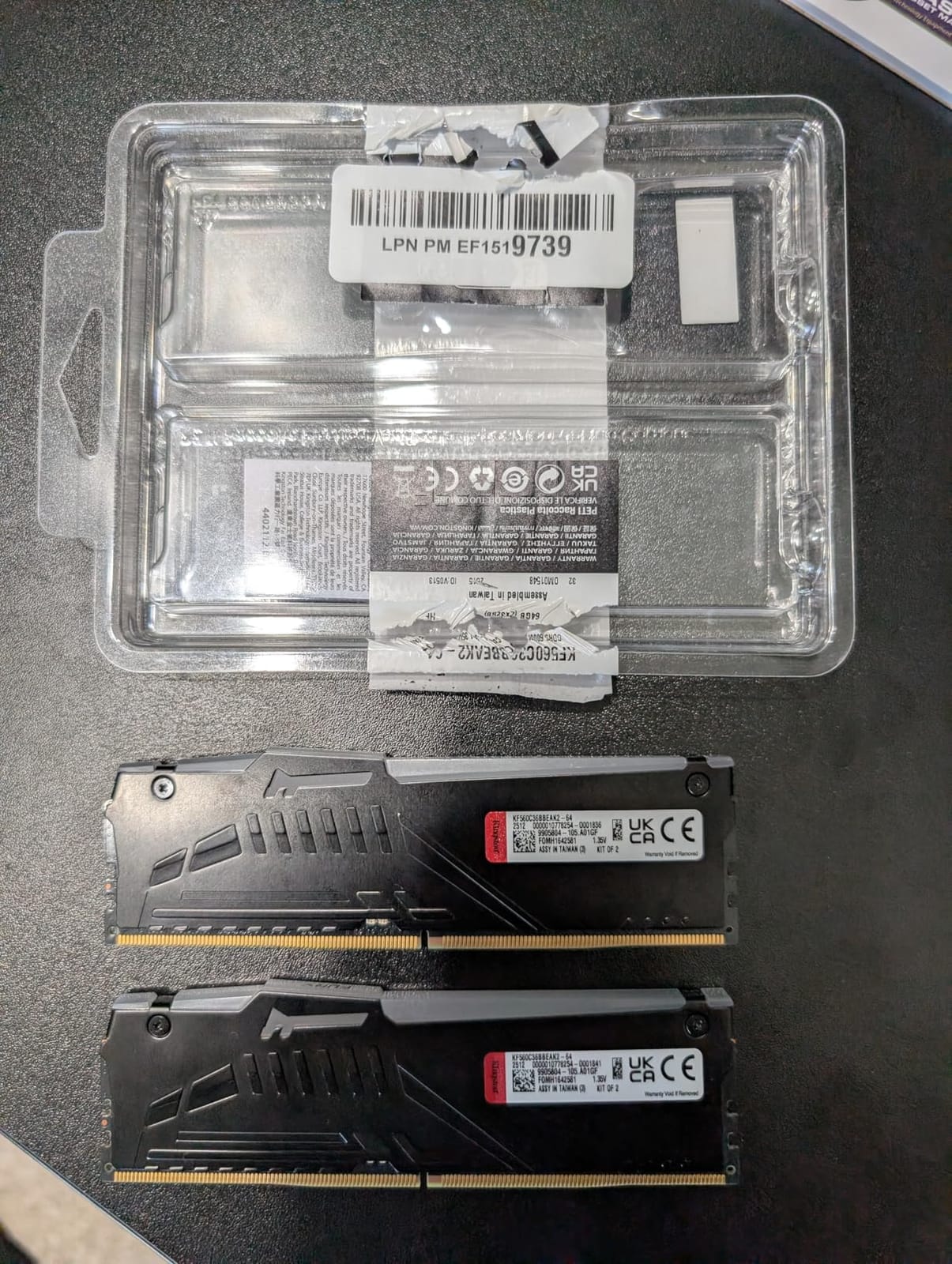
The Kingston FURY Beast 64GB is the only kit here that combines 64GB capacity, 6000MT/s and infrared-synchronised lighting. It runs CL36 at 1.35V with support for both Intel XMP 3.0 and AMD EXPO, so the profile question is covered on either platform.
Infrared Sync is the feature that actually differentiates it. Kingston’s patented system keeps the RGB on both modules matched without extra cables or software, which sounds minor until you have seen two 64GB sticks sitting at visibly different colours.
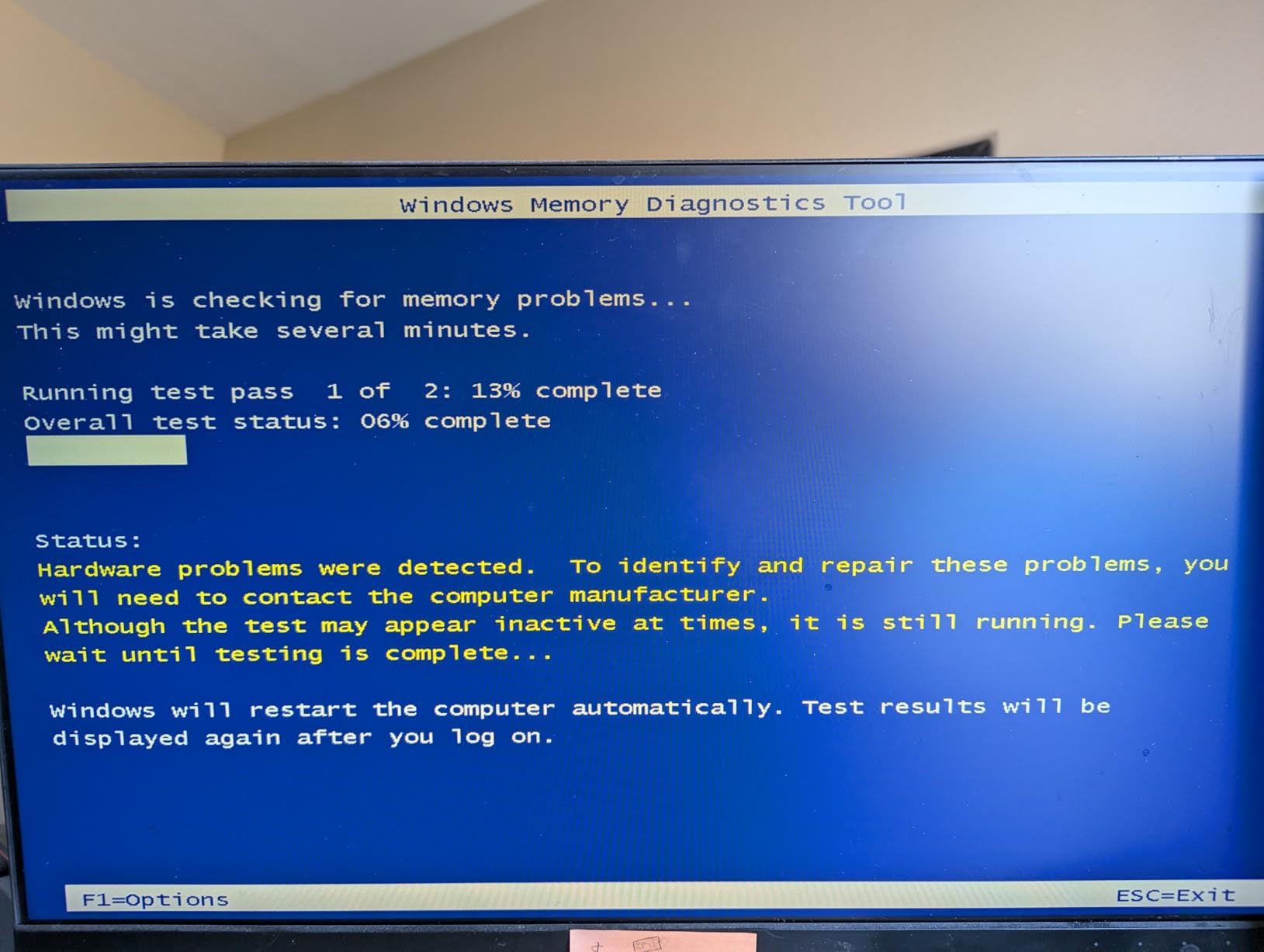
The honest caveat is the review data. At 143 ratings this is a lightly reviewed product in the set, and it carries a 9% one-star share, the highest negative share here. Critical reviews concentrate on stability and RGB behaviour, which is worth taking seriously before you commit.
The rating distribution also shows a narrower band than the other kits: 84% five-star and only 3% four-star, which suggests buyers either loved it or had a problem, with little middle ground.
Where it makes sense
It fits a 64GB editing workstation that is also a showpiece: a colour suite, a streaming rig, or a machine that gets photographed. The 1.35V operating point is lower than the 1.40V Corsair 64GB kit, which is helpful in a hot tower.
Kingston’s lifetime warranty is also one of the better ones on this list.
When to pick something else
With a much thinner evidence base, a stability-first buyer should choose a kit with thousands of reviews behind it. The 64GB Crucial Pro holds a 4.8 with a 90% five-star share and documented stress-test results, which is a stronger foundation.
CL36 also means slower first-word latency than the CL30 64GB kits, and the RGB heatspreader adds height you need to check against your CPU cooler.
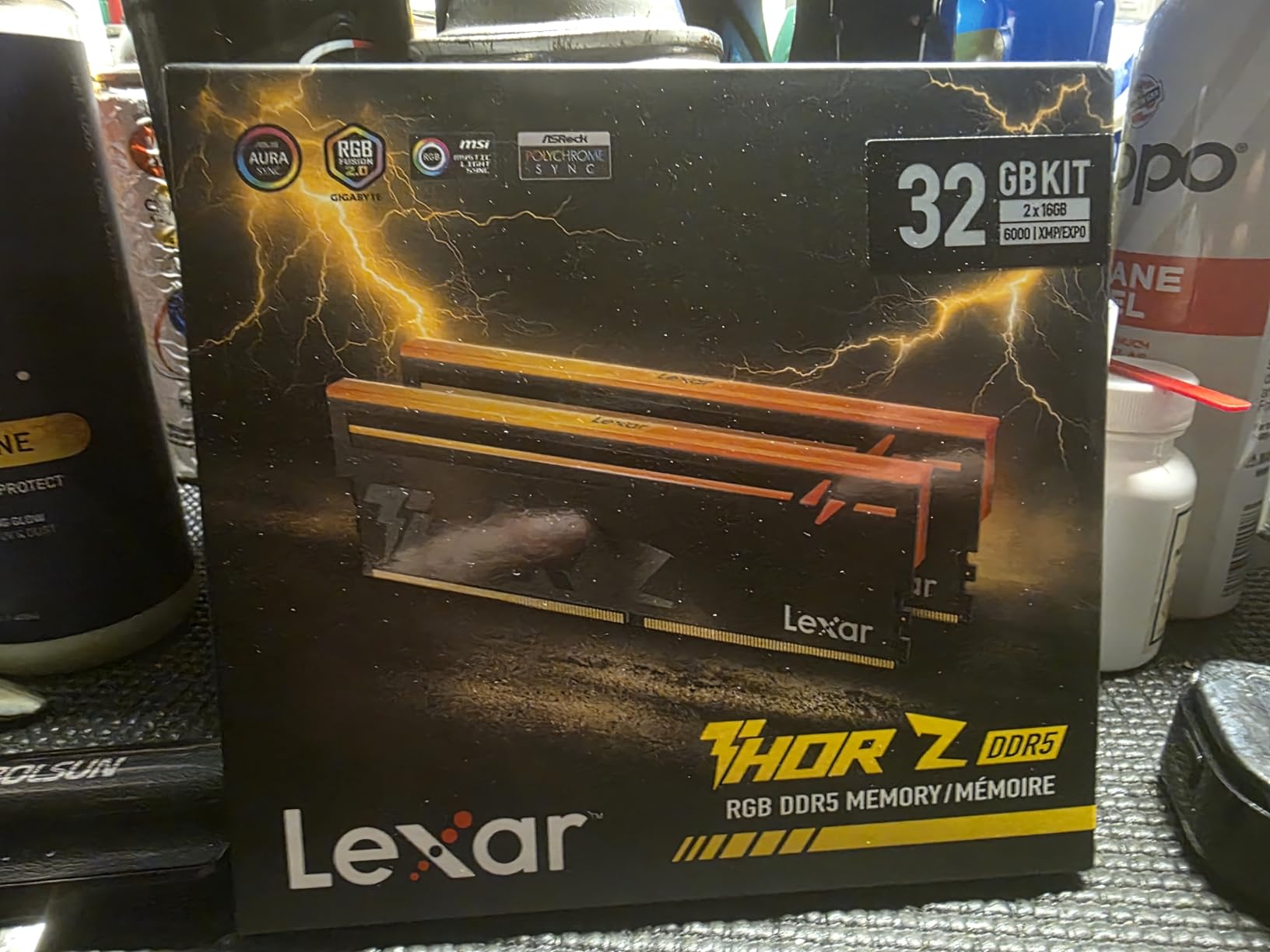
12. Lexar Thor Z RGB 32GB DDR5-6000 – Best for Onboard Data Protection
Lexar Thor Z RGB DDR5 RAM 32GB Kit (2x16GB) 6000MHz CL38 DRAM 288-Pin UDIMM
32GB (2x16GB) DDR5
6000MHz CL38
1.35V
On-die ECC and PMIC
RGB aluminum
Pros
- On-die ECC corrects data errors automatically during long unattended renders
- Onboard PMIC delivers stable efficient power at 1.35V
- Supports Intel XMP 3.0 and AMD EXPO one-click profiles
- Sandblasted aluminum heatsink sustains performance under sustained load
- RGB lighting is brighter and syncs with other components
Cons
- CL38 is the loosest primary latency in this group
- Lowest average rating here at 4.4 with a 10% one-star share
- Smallest review base at 113 ratings
- RGB heatspreader height can conflict with large air coolers
The Lexar Thor Z is the newest and least-proven kit in this roundup, and the specs make it interesting anyway. It is 32GB of 2x16GB DDR5 at 6000MHz, CL38, on 1.35V, with on-die ECC and an onboard PMIC alongside RGB lighting under a sandblasted aluminum heatsink.
On-die ECC is the reason to pay attention. It corrects data errors inside each module, which is a different layer of protection from system-level ECC and is aimed squarely at long unattended render sessions where a silent bit flip would cost you a deadline.
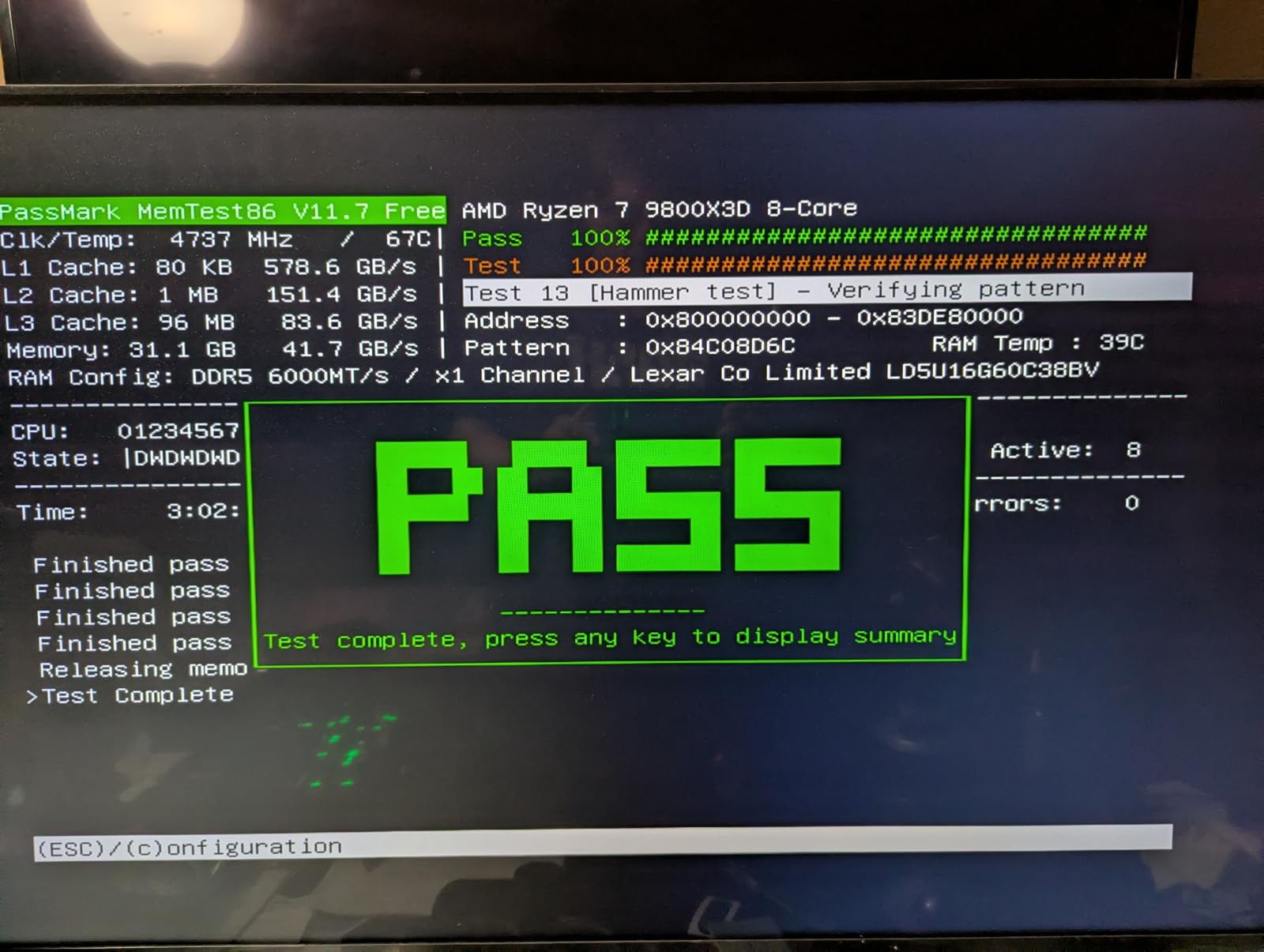
The review picture is mixed. It holds a 4.4 average with a 79% five-star share and a 10% one-star share across 113 ratings, which is the least settled satisfaction profile in the group. Buyers are drawn to the on-die ECC and PMIC feature set, while critical reviews concentrate on stability and RGB behaviour.
CL38 is the loosest primary latency here, so on paper it is the slowest of the 6000MHz kits even at the same transfer rate. In practice an editing workload rarely notices, but a gaming-and-editing hybrid might.
What on-die ECC actually protects
On-die ECC checks data as it is stored in the DRAM cell and corrects what it can without help from the CPU. It does not turn a UDIMM into a true ECC module, but it does reduce the class of silent corruption that shows up as a corrupted export months later.
The onboard PMIC moves voltage regulation onto the module itself, which keeps power delivery stable at the 1.35V DDR5 operating point and reduces reliance on motherboard VRM behaviour.
Why we rank it last
Thin evidence. With 113 ratings and a 10% one-star share, there is not enough public history to recommend a kit over the other eleven for a machine that has to be reliable.
If the feature set appeals, buy it for a secondary or test machine first and run your own stress test before trusting it with client deadlines.
How to Choose RAM for Video Editing
One note before the criteria. RAM only matters once the rest of your capture chain can feed it, so if your footage still comes off a legacy source, our roundup of the best video converter boards is worth a look first.
Capacity beats speed, every time
This is the single most important thing in this guide. A 64GB DDR4-3200 kit will outperform a 16GB DDR5-6000 kit in real editing work, because with enough memory your timeline, cache and effects stay resident, and without it your operating system pages to storage roughly ten times slower than RAM.
Buy the capacity your heaviest project needs, then buy the fastest kit you can get at that capacity. Do not do it the other way round.
DDR4 or DDR5: which should you buy?
If you already own a DDR4 motherboard, staying on DDR4 is the sane choice. You get 32GB or 64GB of reliable dual-channel memory for less, and the Vengeance LPX and Gigastone kits in this list cover both tiers.
If you are building new in 2026, DDR5 is the current platform. The trade-off is that DDR5 kits cost more per module and 64GB DDR5 is a significant step up in spend. Choose it for the platform longevity and the headroom, not for a benchmark number.
Dual channel is non-negotiable
Never buy a single stick for an editing machine. Two matched modules in the correct slots roughly doubles the memory bandwidth available to the CPU compared with a single stick of the same capacity, and matched kits are binned to run together reliably.
Check which two slots your board wants. On most boards it is the second and fourth slot from the CPU, not the first two.
Enable XMP or EXPO before you judge anything
A kit advertises its rated speed only after you enable its memory profile in BIOS. Until then it runs at the JEDEC default, which is why so many buyers post that their new memory is slow. Intel boards use XMP 3.0, AMD boards use EXPO, and dual-profile kits support both.
If a profile will not apply, fall back to the highest stable speed the board offers rather than forcing it. Memory that boots and stays stable beats memory that posts once.
Check the QVL and your cooler clearance before you buy
The Qualified Vendor List on your motherboard manufacturer’s site tells you which memory kits have been validated for that board. It is the fastest way to avoid a kit that will not reach its rated speed or will not train properly.
Clearance matters just as much. Low-profile kits such as the Vengeance LPX at 34mm and the G.Skill Flare X5 fit under nearly every air cooler, while RGB kits such as the Vengeance RGB, FURY Beast and Thor Z are taller and frequently collide with dual-tower heatsinks.
Five mistakes that cripple an editing rig
Mixing kits from separate purchases. Even same-brand kits from different batches can fail to train together. If you need more capacity, buy one larger kit.
Running single channel. Two mismatched sticks are not dual channel. Match the kit.
Forgetting to enable XMP or EXPO. You are running at JEDEC default speed until you do.
Ignoring the QVL. The board may not validate the kit you chose.
Paying a large premium for speed you will not use. Capacity, stability and review volume matter more in an editing workload than a few hundred MT/s.
Where the Rest of the Signal Chain Goes
Memory is only one link in an editing workstation, and the rest of the chain is where a surprising number of projects get bottlenecked. If you are building or refreshing a machine rather than upgrading one, it is worth spending a moment on the surrounding hardware.
If your footage arrives as an older or composite signal, start at the source. Our guide to the first arcade video game and the hardware era it came from explains why legacy capture hardware behaves the way it does, and the converter board roundup linked earlier covers the hardware side of modernising it.
Outside the edit bay, plenty of editors double up on monitoring and capture duties. The best video doorbells roundup covers small-footage wireless capture and the storage habits that come with it, while our video baby monitor picks review the kind of compact, always-on footage that ends up on an editing timeline. Different use cases, but the same lesson: memory headroom and a sensible storage layout decide whether scrubbing stays smooth.
Frequently Asked Questions
Is 32GB RAM enough for 4K video editing?
Yes. A matched 32GB dual-channel kit is the working minimum for 4K 8-bit editing in Premiere Pro or DaVinci Resolve, and the first size where Photoshop and After Effects can stay open alongside the NLE. For 4K 10-bit HDR grading, 6K or 8K source, or heavy multicam work, move up to 64GB.
Is 32GB of RAM an overkill?
Not for a working editor. 32GB is the sensible default for 4K 8-bit projects and most multicam cutting, and it is the size where multitasking stops causing stutters. It only becomes waste if you edit 1080p on a single project and never open a second heavy application.
Is 24GB RAM enough for 4K video editing?
For 4K 8-bit editing on a single application, 24GB is workable. The catch is how you get it: two matched 12GB modules give you dual channel, while a 16GB stick paired with an 8GB stick runs in flex mode with only part of the bandwidth available. Buy 2x16GB instead when you can.
Is 32GB or 64GB of RAM better for video editing?
Choose 32GB for 4K 8-bit editing, multicam and NLE plus After Effects. Choose 64GB for 4K 10-bit HDR grading, 6K or 8K footage, long timelines, and running Premiere, After Effects and Blender or Unreal Engine at the same time. If in doubt, 64GB never hurts, since extra memory costs nothing at runtime.
Does RAM speed matter for video editing?
Only once capacity is not the limit. Speed and latency show up in scrubbing, cache generation and export responsiveness, but a fast kit with too little memory still pages to storage. Buy enough capacity first, then favour tighter timings such as CL30 at 6000MHz within that capacity.
Do I need XMP or EXPO enabled for RAM?
Yes, if you want the rated speed. Kits ship with a JEDEC default profile and only reach their advertised transfer rate once XMP 3.0 on Intel or EXPO on AMD is enabled in BIOS. That is the most common reason buyers think their new memory is running slowly.
Final Verdict
For most people searching for the best ram kits for video editing, the Corsair Vengeance LPX 32GB DDR4-3200 CL16 is the safest choice: 32GB of dual-channel capacity, a 4.8 average over more than 20,000 reviews, and a 34mm heatspreader that clears the CPU coolers editing builds actually use.
Building new on DDR5? Take the Crucial Pro 32GB DDR5-6000 for a balanced new-platform 32GB kit, or the Patriot Viper Venom 32GB if you want CL30 latency at a low 1.35V.
Working in 4K 10-bit HDR or 8K? The Crucial Pro 64GB DDR5 is the stability-led choice with the strongest review profile at that capacity, and the G.Skill Flare X5 64GB is the pick for AMD AM5 boards.
Whatever you choose, check the QVL, measure your CPU cooler clearance and enable the memory profile in BIOS before you judge the result.