
A network switch lets you connect more wired devices to your home network than your router has ports. Most routers ship with four or five Ethernet sockets, and that is almost always the first wall you hit when you add a second computer, a NAS, a printer or a wired access point. A switch adds four to eight more full-speed ports without slowing anything down.
That makes the best network switches for home offices one of the cheapest upgrades you can make to a workspace. A gigabit desk switch draws very little power, runs completely silent with no fan, and needs no configuration at all: plug the uplink into the router, plug devices into the rest, and everything is on the network in about a minute.
We spent 2026 season comparing 12 switches across three tiers of need. The plain gigabit boxes handle most home offices. The 2.5GbE models matter if you run a NAS, a Wi-Fi 6 access point or a console. The PoE models exist so cameras and phones get power over the same cable. Every switch below is fanless, so noise never became a tiebreaker, but build quality, warranty length and port math did.
A note before we start: if you are still shopping for the machine itself, our home server picks cover the other half of a wired office, and our guide to power strips and switches covers how to power all of this safely.
Table of Contents
- Top 3 Best Network Switches for Home Offices (October 2026)
- All 12 Network Switches Side by Side in 2026
- 1. TP-Link TL-SG105 – Best Network Switch for Most Home Offices
- 2. NETGEAR GS308 – Highest Rated 8-Port Gigabit Switch
- 3. D-Link DGS-108 – Best Value 8-Port Switch with QoS
- 4. TP-Link LS1005G – Smallest Budget 5-Port Switch
- 5. Linksys SE3008 – Best for Video Calls and Streaming
- 6. Tenda SE105 – Cheapest Route to 2.5GbE Ports
- 7. TRENDnet TEG-S350 – Metal 2.5GbE Switch with Lifetime Protection
- 8. Linksys LGS116 – 16 Ports for a Whole-House Wired Build
- 9. NETGEAR GS108 – Longest Warranty in the Group
- 10. TRENDnet TEG-S50G – Smallest Metal 5-Port Switch
- 11. TP-Link TL-SG105S-M2 – 2.5GbE That Just Works on Old Cabling
- 12. NETGEAR GS308P – Power Over Ethernet for Cameras and Access Points
- How to Choose a Network Switch for a Home Office
- What Not to Buy for a Home Office
- How to Tell If a Network Switch Is Failing
- Frequently Asked Questions
- What is the best switch for a home network?
- Which is better, a managed or unmanaged switch?
- Is it worth getting a managed switch?
- What is the best unmanaged 8-port switch?
- Do I need 2.5GbE or 10GbE for a home office?
- Do I need a PoE switch for IP cameras at home?
- How to tell if a network switch is failing?
- Why does my network switch get hot?
- Final Verdict
Top 3 Best Network Switches for Home Offices (October 2026)
All 12 Network Switches Side by Side in 2026
| Product | Specs | Action |
|---|---|---|
 TP-Link TL-SG105 5-Port Gigabit TP-Link TL-SG105 5-Port Gigabit |
|
Check Latest Price |
 NETGEAR GS308 8-Port Gigabit NETGEAR GS308 8-Port Gigabit |
|
Check Latest Price |
 D-Link DGS-108 8-Port Gigabit D-Link DGS-108 8-Port Gigabit |
|
Check Latest Price |
 TP-Link LS1005G 5-Port Gigabit TP-Link LS1005G 5-Port Gigabit |
|
Check Latest Price |
 Linksys SE3008 8-Port Gigabit Linksys SE3008 8-Port Gigabit |
|
Check Latest Price |
 Tenda SE105 5-Port 2.5GbE Tenda SE105 5-Port 2.5GbE |
|
Check Latest Price |
 TRENDnet TEG-S350 5-Port 2.5G TRENDnet TEG-S350 5-Port 2.5G |
|
Check Latest Price |
 Linksys LGS116 16-Port Gigabit Linksys LGS116 16-Port Gigabit |
|
Check Latest Price |
 NETGEAR GS108 8-Port Gigabit NETGEAR GS108 8-Port Gigabit |
|
Check Latest Price |
 TRENDnet TEG-S50G 5-Port Gigabit TRENDnet TEG-S50G 5-Port Gigabit |
|
Check Latest Price |
 TP-Link TL-SG105S-M2 5-Port 2.5G TP-Link TL-SG105S-M2 5-Port 2.5G |
|
Check Latest Price |
 NETGEAR GS308P 8-Port with PoE NETGEAR GS308P 8-Port with PoE |
|
Check Latest Price |
1. TP-Link TL-SG105 – Best Network Switch for Most Home Offices
TP-Link TL-SG105, 5 Port Gigabit Unmanaged Ethernet Switch, Network Hub, Ethernet Splitter, Plug & Play, Fanless Metal Design, Shielded Ports, Traffic Optimization
5 gigabit ports
Metal housing
Fanless
3.94 x 3.85 x 0.98 inches
3-year warranty
Pros
- Silent fanless metal body
- Four usable device ports after the uplink
- Plug and play with no configuration
- Compact enough to wall mount
- Port-based QoS and IGMP snooping
Cons
- Only four ports free once the uplink is used
- Front LEDs are bright in a dark room
- Unmanaged so no VLANs or port mirroring
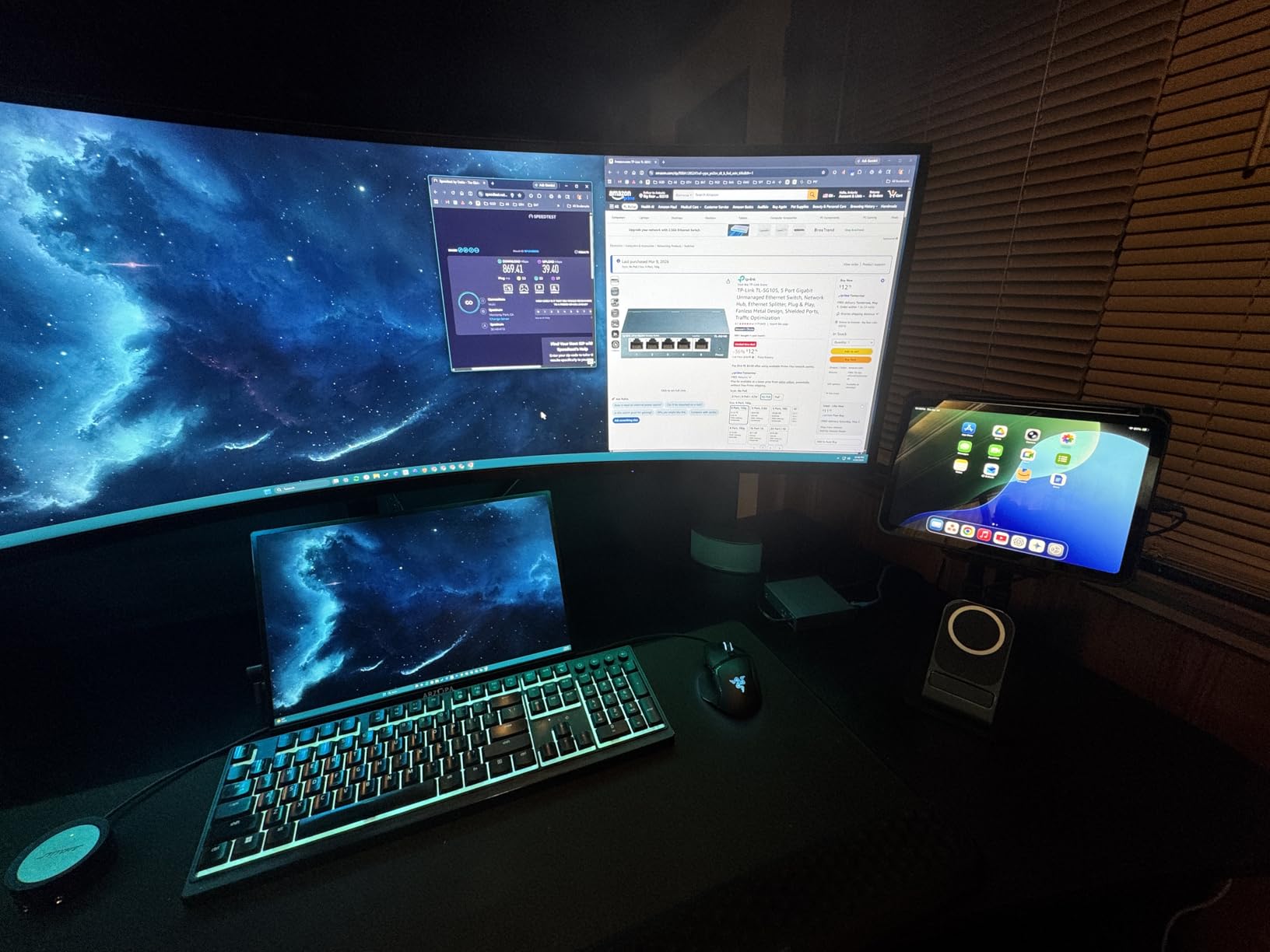
The TL-SG105 is the switch I keep recommending first because it does one job with no complications. It is a five-port gigabit box in a metal case with no fan, no app and no setup wizard. Owners describe it as dependable and quiet, and the review base is the largest in this group by a wide margin, which means a lot of long-run data.
Port math is the thing to understand before you buy. One port goes back to the router, so you have four left for a desktop, a laptop, a printer and a NAS. That covers a lean home office. If you have more than four wired endpoints, step up to an eight-port model rather than cascading two five-port boxes.
Even though it is unmanaged, it is not bare. It carries IEEE 802.3X flow control, port-based 802.1p and DSCP prioritisation, and IGMP snooping, so streaming and voice traffic get treated ahead of bulk transfers. Those three features matter more in a home office than a full management interface does.
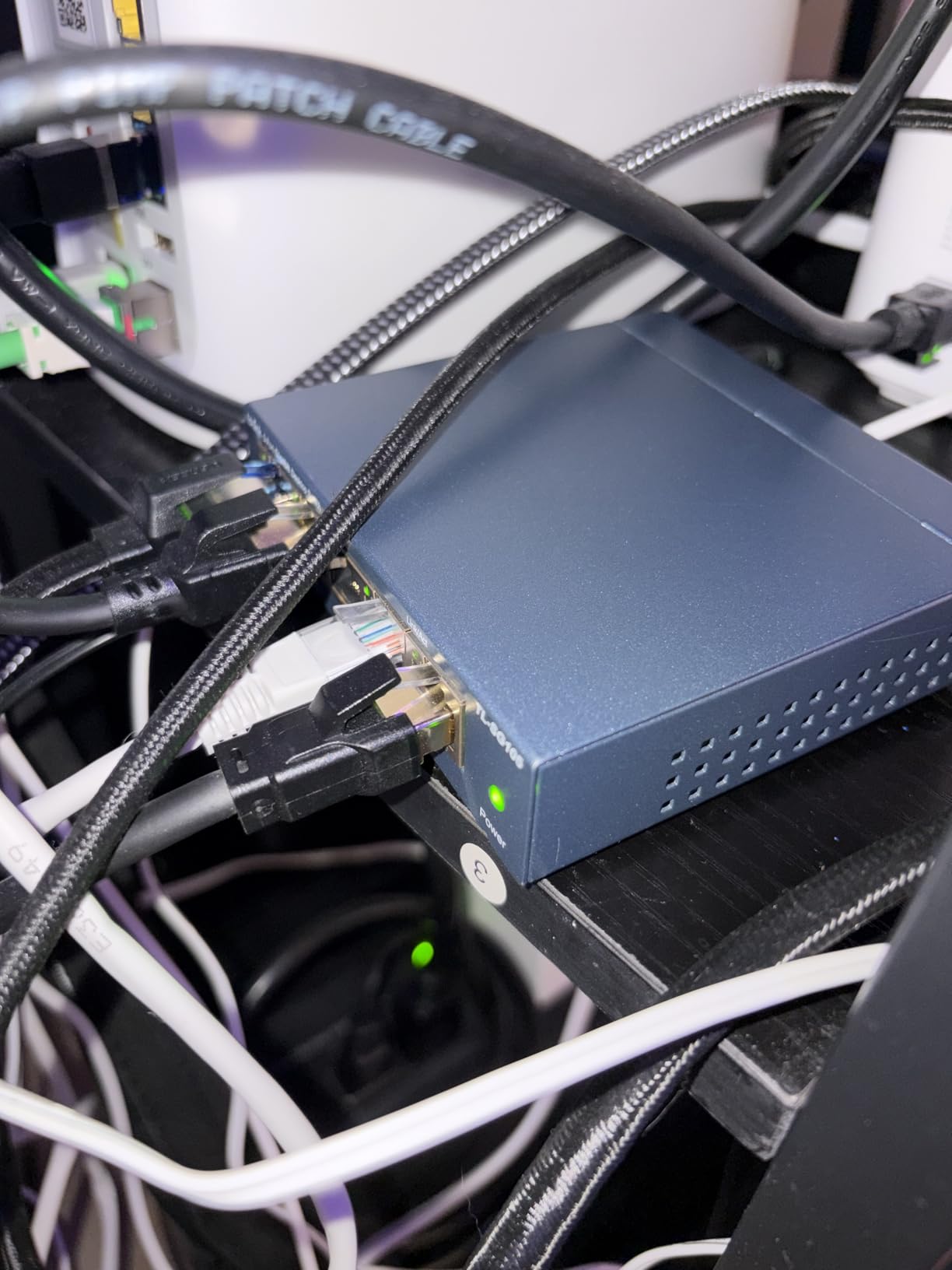
The build is the surprise at this size. A 7.76-ounce metal housing with a desktop or wall-mount layout dissipates heat passively, which is why owners report it staying cool in a closed cabinet. Energy Efficient Ethernet is built in, and the current draw is listed at 0.6A. The 3-year warranty comes with free technical support.
Is the TL-SG105 enough ports for a home office?
For one desk plus a shared device, yes. Four usable ports after the uplink covers a workstation, a dock, a printer and a NAS without crowding. Count your own endpoints before buying, and remember the uplink is not optional.
When should I skip the TL-SG105?
Skip it if you need VLANs to separate work devices from smart-home gear, if you want to power a camera or access point over the cable, or if you have five or more wired devices. In those cases move up an eight-port box or a multi-gig unit.
2. NETGEAR GS308 – Highest Rated 8-Port Gigabit Switch
NETGEAR 8-Port Gigabit Ethernet Unmanaged Network Switch (GS308)
8 gigabit ports
Metal housing
Fanless
6.22 x 4.02 x 1.02 inches
3-year warranty
Pros
- Highest average rating in this group
- Eight ports leave seven after the uplink
- Solid metal chassis
- Fits existing Cat5e or Cat6 cabling
- Desktop or wall mount
Cons
- Unmanaged with no VLAN or aggregation
- Marked for use in the U.S. and Canada only
- Bright non-dimmable port LEDs
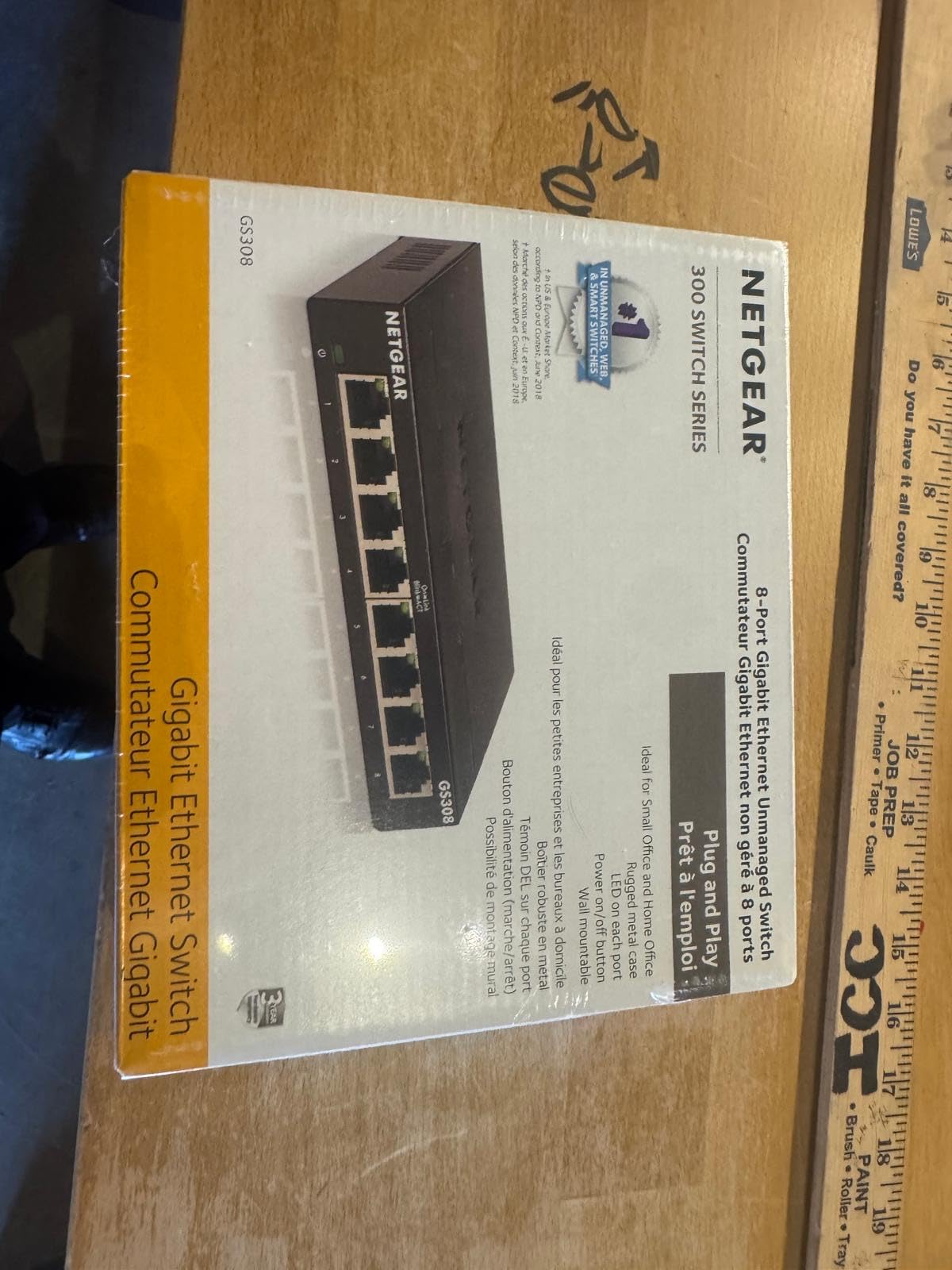
The GS308 carries the highest average rating in this roundup across more than 54,000 reviews, and the reason is consistency rather than features. Eight gigabit ports, a metal body, no configuration and a three-year hardware warranty. Buyers treat it as the default home-office expander for good reason.
Seven usable ports after the uplink is the practical sweet spot. That covers two workstations, a laptop dock, a NAS, a printer, a console and a smart TV without daisy-chaining anything. It works on the Cat5e or Cat6 runs most homes already have in the walls, so no rewiring is involved.
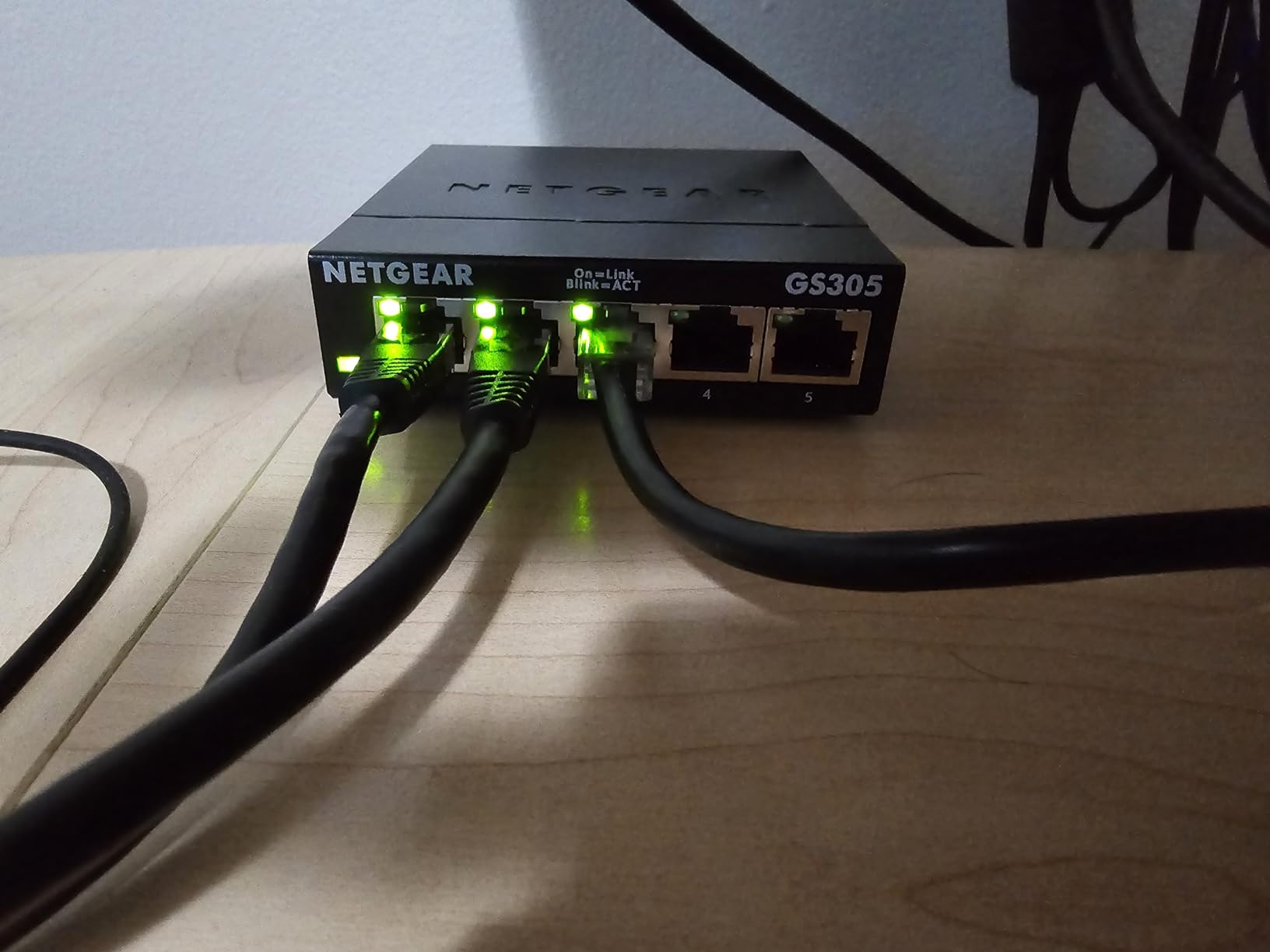
Current draw is listed at 0.01A, and the 802.3az Energy Efficient Ethernet support means idle ports drop into a low-power state. Fanless operation keeps it usable in a bedroom office or a home theatre cabinet, which is not always true of larger managed units.
Two limitations are worth stating plainly. There is no management layer at all, so if you later want to segment traffic you will be replacing this unit. And the product is marked for use in the U.S. and Canada only, which matters if you are buying outside North America.
Does the GS308 need any configuration?
None. It is plug and play with no software and no interface. Connect one port to the router, connect your devices, and the ports negotiate speed automatically. That simplicity is the main reason it outscores everything else here.
Is an unmanaged 8-port switch enough for a two-person office?
Yes, in most cases. Seven usable ports is comfortable headroom for two people plus shared gear. Plan on adding a managed or PoE unit later if you introduce cameras, VoIP phones or want VLAN separation between work and personal devices.
3. D-Link DGS-108 – Best Value 8-Port Switch with QoS
D-Link 8-Port Gigabit Unmanaged Ethernet Switch for Office, Media or Gaming
8 gigabit ports
Steel chassis
Fanless
6.4 x 4.05 x 1.1 inches
Lifetime warranty
Pros
- Full and half duplex up to 2 Gbps per port
- 802.1p QoS and IGMP snooping
- Jumbo frames up to 9 KB
- Metal case dissipates heat naturally
- Energy Efficient Ethernet cuts draw up to 80 percent
Cons
- Unmanaged with no web interface
- Bulkier footprint than newer metal models
- Some boxes arrive without full documentation
The DGS-108 does something the cheaper unmanaged boxes do not: it prioritises traffic. 802.1p QoS classes and IGMP snooping together keep voice calls and video streaming smooth while a NAS backup is running in the background. For a home office where someone is on calls all day, that is a real difference rather than a spec-sheet nicety.
Eight auto-negotiating gigabit ports support full and half duplex up to 2 Gbps per port, with auto MDI/MDIX so the uplink works with any standard cable. Jumbo frame support up to 9 KB speeds up large NAS transfers and multimedia moves. Surge and ESD protection is rated at plus or minus 4 kV.
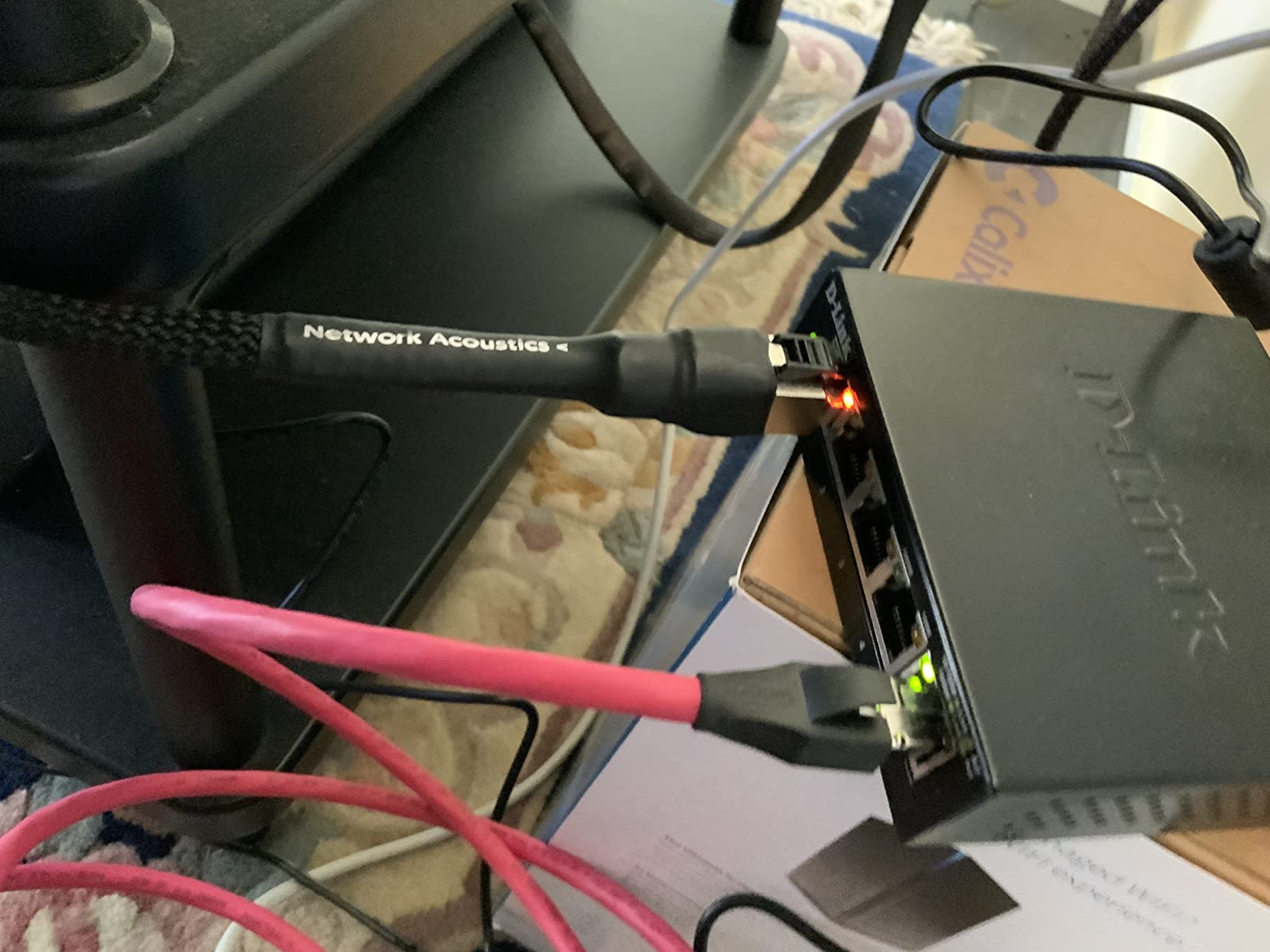
The all-steel chassis dissipates heat naturally, so it stays quiet with no fan and needs no airflow plan. Rubber feet and keyhole slots let it sit on a desk or hang on a wall. Current rating is listed at 1A, and 802.3az can cut power use by up to 80 percent on light traffic.
Reviewers mention long service lives and no maintenance, plus a limited lifetime warranty that is a genuine differentiator for something you expect to run around the clock. The trade-offs are a bulkier case than newer metal models and an older product generation overall.
Do I need QoS in a home office?
You need it if calls, streaming or gaming stutter whenever a large file moves on the same wire. It is not essential if your network is idle most of the day. The DGS-108 includes it without moving you to a managed model.
What does the lifetime warranty actually cover?
It is manufacturer protection with U.S. and Canadian support, not a promise about design life. Practically, it means you are covered if the hardware fails rather than being pushed toward a new purchase. It does not add management features.
4. TP-Link LS1005G – Smallest Budget 5-Port Switch
TP-Link LS1005G, Litewave 5 Port Gigabit Ethernet Unmanaged Switch
5 gigabit ports
Plastic housing
Fanless
2.83 x 3.54 x 0.91 inches
2-year warranty
Pros
- Tiny and light at 2.8 ounces
- Truly zero configuration
- Fanless and quiet
- Reliable gigabit for consoles and printers
Cons
- Non-standard power adapter sizing
- Plastic housing only
- Very light so cables can drag it
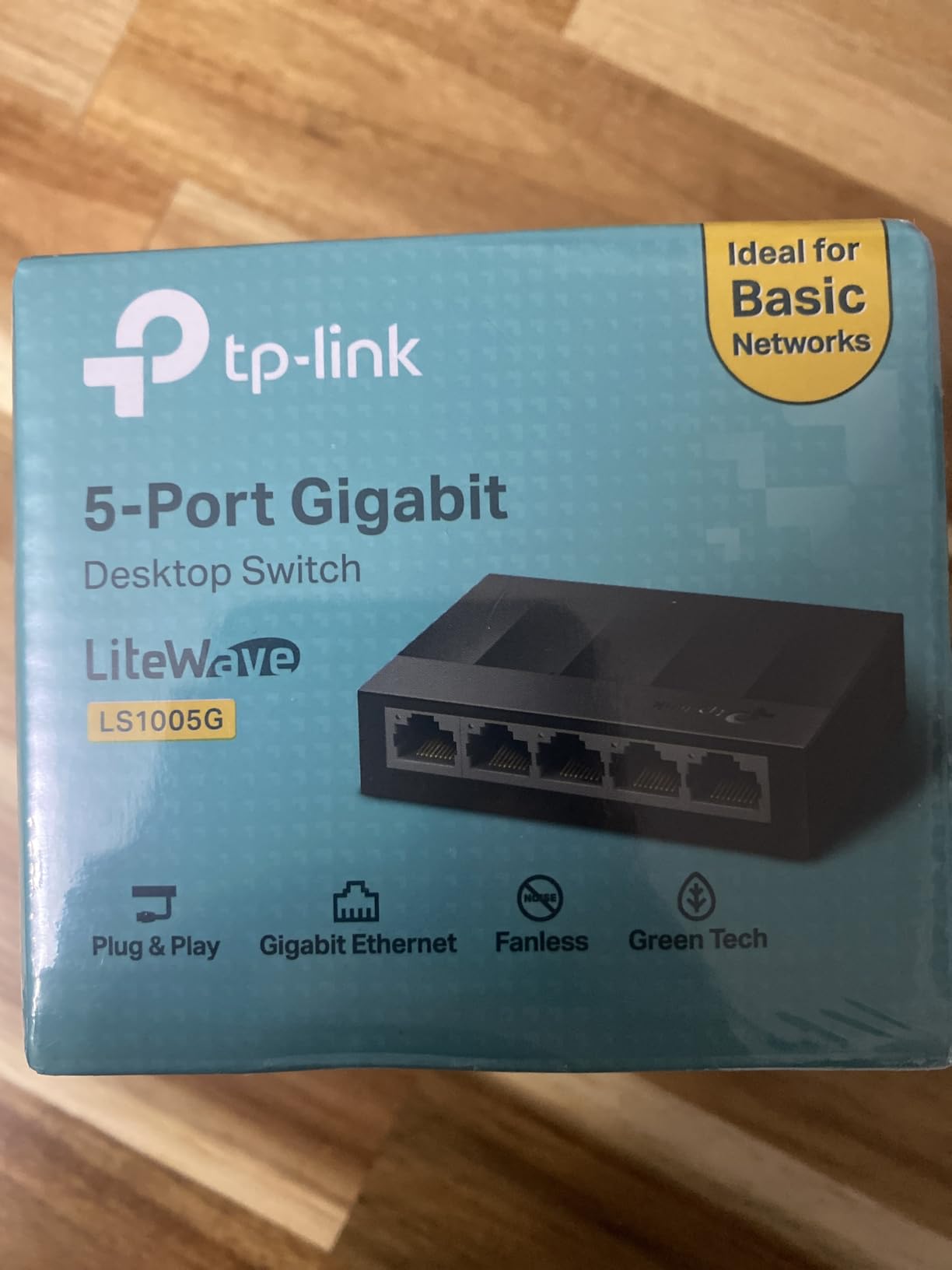
The LiteWave LS1005G is the one to pick when you need three more wired ports and nothing else. At 2.83 by 3.54 by 0.91 inches and 2.8 ounces, it is small enough to hide behind a monitor stand or inside a cable basket. It has one uplink and four output ports at 10/100/1000Mbps with auto-negotiation.
Owners like that it stays quiet and cool with several devices connected, and that it has run for years in whole-home cabling projects. IEEE 802.3X flow control is included, and setup is genuine plug and play with nothing to install.
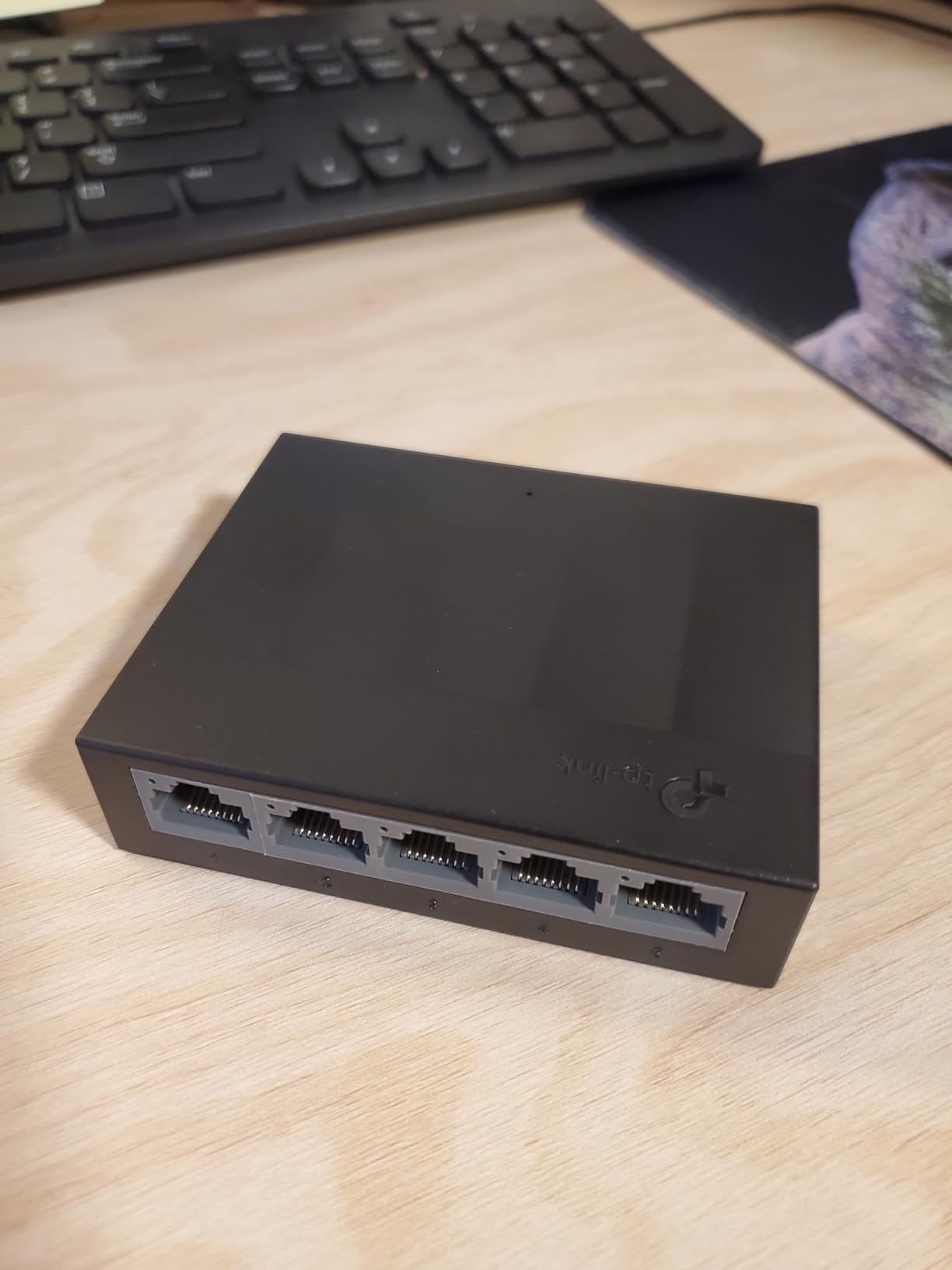
The one complaint that comes up repeatedly is the power adapter. It is not a standard 12V barrel size, so it will not work with many UPS units, which matters if you plan to protect the switch during outages. A second note: the housing is plastic, and at this weight a tug on a connected cable can pull the whole unit off the desk.
The 2-year manufacturer warranty is shorter than the metal models here. For a single desk with a printer and two devices, that is an acceptable trade. For a main office switch, spend a little more for metal and a longer warranty.
Is a plastic switch good enough for a home office?
For light duty, yes. It handles gigabit traffic to consoles, PCs, printers and cameras without complaint. It is worth stepping up to metal if the switch will run hot, sit in a closed cabinet, or carry a NAS as its main client.
What is the catch with the LS1005G power supply?
The adapter uses an unusual barrel size rather than the common 12V form, so many UPS units will not power it. Check your UPS connector type before ordering if outage protection is part of your plan.
5. Linksys SE3008 – Best for Video Calls and Streaming
Linksys SE3008: 8-Port Gigabit Ethernet Unmanaged Switch, Computer Network, Auto-Sensing Ports Maximize Data Flow for up to 1,000 Mbps (Black, Blue)
8 gigabit ports
Metal housing
Fanless
7.4 x 2.36 x 2.36 inches
1.5-year warranty
Pros
- Non head-of-line blocking keeps latency low
- 802.1p QoS for voice and video
- Full metal construction runs cool
- Auto MDI/MDI-X on every port
- Low-latency behaviour with several large transfers
Cons
- Unmanaged with no VLANs or trunking
- Front-facing status LEDs when wall mounted
- Wide power brick can block a socket
The SE3008 is built around latency. Its non head-of-line blocking architecture means a slow device cannot stall the queue for everything behind it, which is exactly the condition that makes calls glitch when a big file transfer starts. Add 802.1p QoS tagging for voice and video and you have the most call-friendly unmanaged box in this group.
All eight ports auto-sense gigabit speeds and support auto MDI/MDI-X, so the uplink takes any standard Ethernet cable. Full-duplex 802.3x flow control with half-duplex backpressure handles congestion, and an advanced power-saving mode detects unused ports.
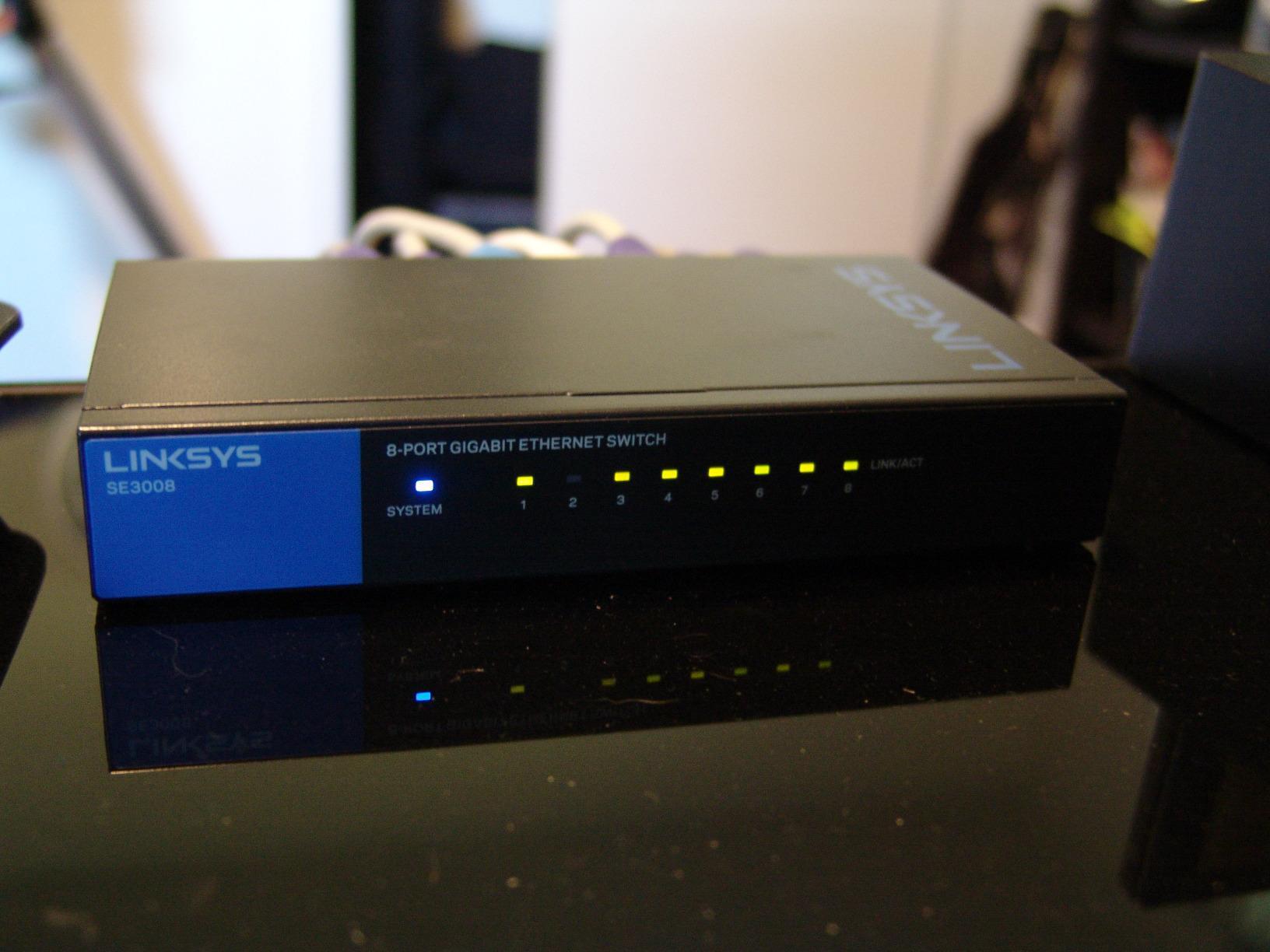
The metal construction is noticeably sturdier and cooler-running than plastic switches, and at 1.2 pounds it does not slide around when cables are unplugged. Several long-term owners describe years of trouble-free service, and one reviewer reported link speeds jumping from 10 Mbps to 700 Mbps after replacing an older switch.
Two practical notes. The status lights face forward, which makes them hard to read if you wall-mount the unit. And the external power brick is wide enough to block an adjacent outlet on a power strip, a common annoyance in tight desk setups.
Does this switch help with call quality?
Indirectly, and usefully. QoS tagging plus head-of-line blocking behaviour means a large transfer on one port is less likely to add latency to a call on another. It is not a substitute for a good microphone or uplink, but it stops local traffic from making things worse.
Is the SE3008 too tall for a desk?
At 7.4 by 2.36 by 2.36 inches it is a deeper box than the flat models in this roundup. It works fine on a desk or wall mounted, but plan the placement around its depth rather than assuming it is a slim desktop unit.
6. Tenda SE105 – Cheapest Route to 2.5GbE Ports
Tenda 5 Port 2.5G Ethernet Switch, Multi-Gigabit 2.5Gb Ethernet Splitter
5 x 2.5GbE ports
Plastic housing
Fanless
5.6 x 3.55 x 0.95 inches
3-year warranty
Pros
- Five true 2.5GbE ports with auto-negotiation
- Works on existing Cat5e and Cat6 wiring
- Wall mountable and compact
- 16K MAC address table
- 3-year warranty with 24/7 support
Cons
- Plastic housing feels less premium
- Unmanaged with no VLANs or mirroring
- All five ports are shared so the uplink leaves four usable
The SE105 is the most direct way we found to put real multi-gig on a desk without touching the cabling in your walls. Five auto-negotiating RJ45 ports run at 100, 1000 or 2500 Mbps under IEEE 802.3, and they will settle on 2.5G over the Cat5e runs most homes already have.
That matters for Wi-Fi 6 access points, NAS units and current consoles, where a gigabit switch is the actual limit on a fast local transfer. Setup is true plug and play with no configuration and no software, and a 16K MAC address table with auto-learning handles a busy device list without trouble.
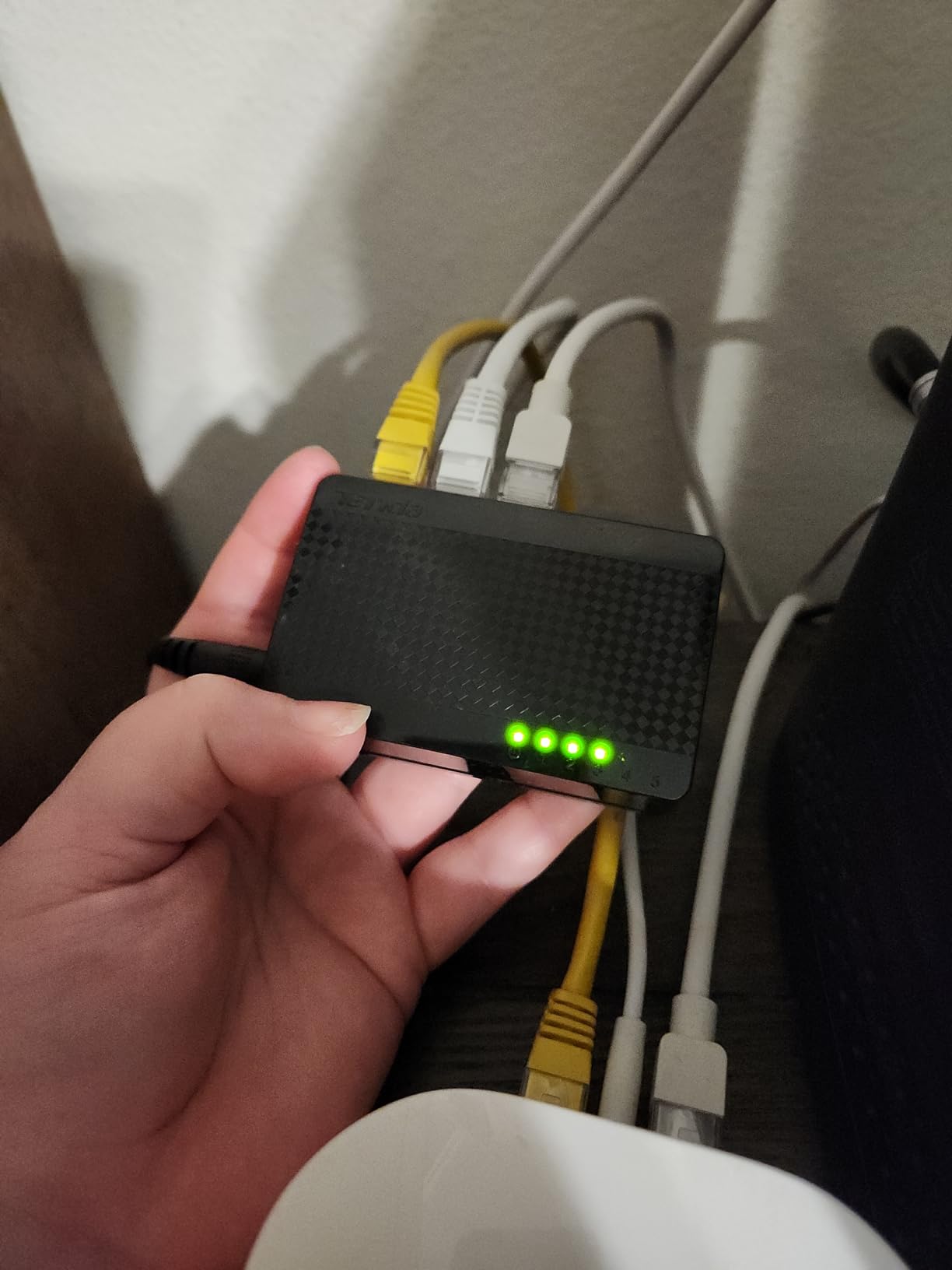
Maximum power is listed at 5 watts, so running it 24/7 stays cheap. The body is compact and low profile at 5.6 by 3.55 by 0.95 inches, fanless, and wall mountable. A three-year warranty and free lifetime 24/7 technical support come with it.
The compromises are honest ones: a plastic housing, and no management layer at all. All five ports are shared rather than one being a dedicated uplink, so once you connect to the router you are working with four. Its average rating of 4.6 also carries a higher one-star share than the gigabit-only picks.
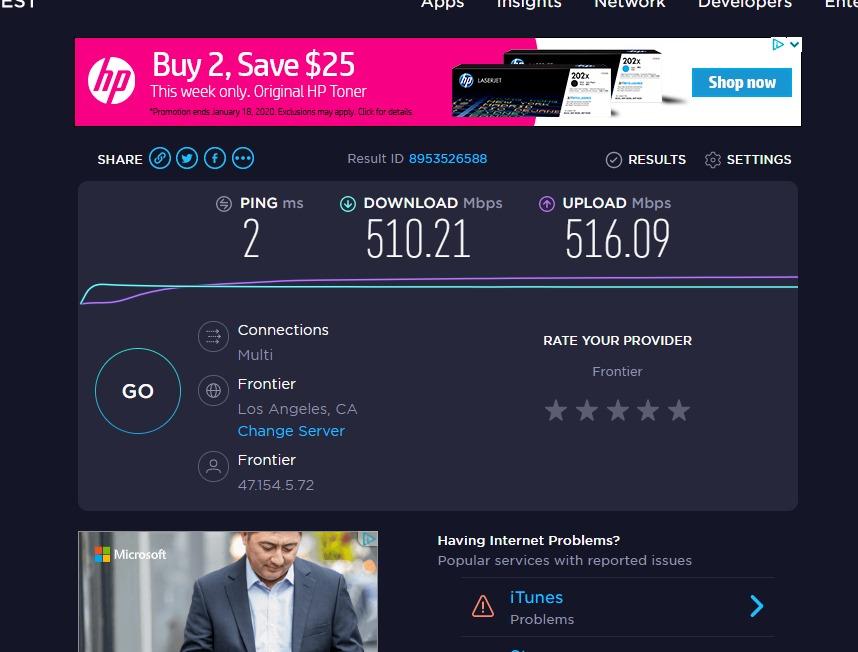
Do I need 2.5GbE if my internet is under 1Gbps?
For local traffic, yes. Your internet speed caps downloads, but transfers between a NAS, a desktop and a Wi-Fi 6 access point happen entirely inside the house, and those are the transfers a gigabit switch strangles. The internet plan only limits the one path that leaves your building.
Will 2.5GbE work on my old Cat5e cables?
Yes, at 2.5G. Owners report auto-negotiation settling on 2.5Gbps over existing wiring with no rewiring. Higher tiers such as 10G are the ones that push you toward Cat6a, not the 2.5G step.
7. TRENDnet TEG-S350 – Metal 2.5GbE Switch with Lifetime Protection
TRENDnet 5-Port Unmanaged 2.5G Gaming Switch, TEG-S350, Lifetime Protection
5 x 2.5GBASE-T ports
25 Gbps capacity
Metal housing
Fanless and wall mountable
Pros
- 25 Gbps switching capacity for simultaneous full-rate transfers
- Metal housing that stays quiet
- Backwards compatible with 1Gbps devices on Cat5e
- NDAA and TAA compliant
- Wall mountable
Cons
- Highest one-star share at 5 percent
- Smaller review pool at 651
- No management layer of any kind
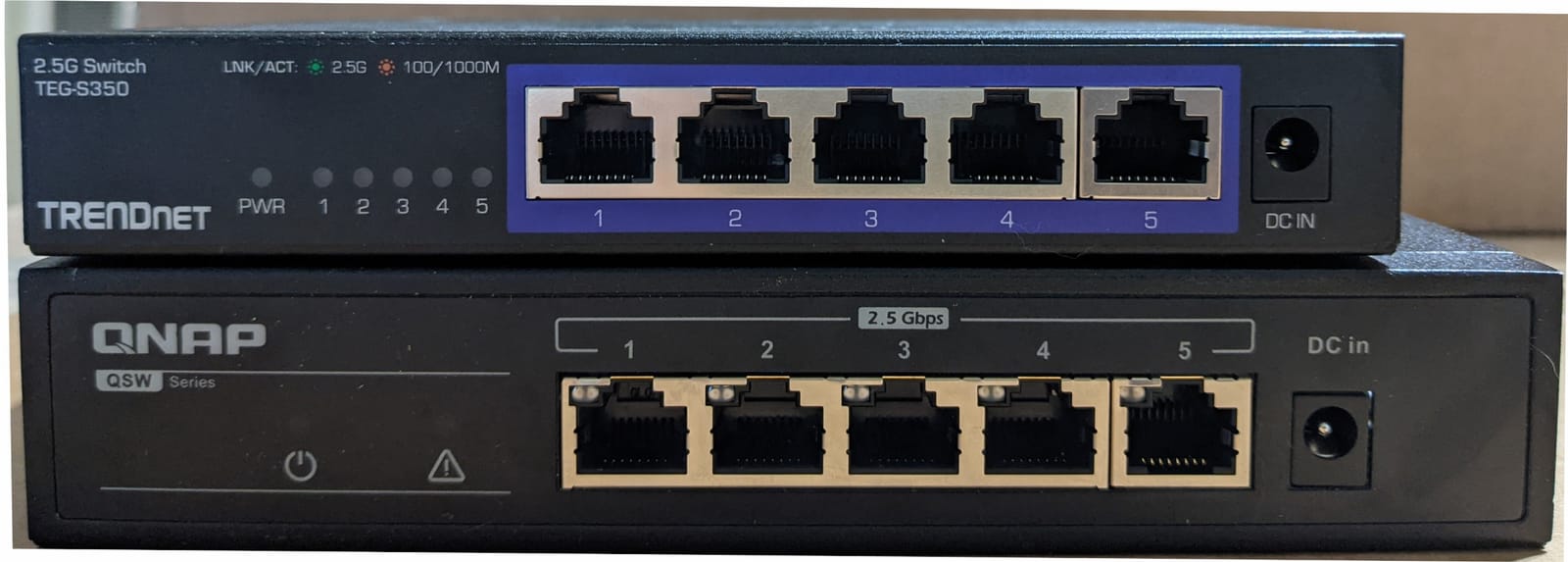
The TEG-S350 is the 2.5GbE option to buy if you want a metal box and a long warranty instead of the cheapest plastic one. Five 2.5GBASE-T ports with LED indicators sit behind 25 Gbps of switching capacity, which is the point: it means every port can push its full rate at the same time rather than contending for a shared backplane.
It is IEEE 802.3bz compliant and backwards compatible with existing gigabit devices, so 2.5G runs over Cat5e or better. Owners building a homelab rack tend to be the happy customers here, along with gamers who want a quiet box that stays out of the way.
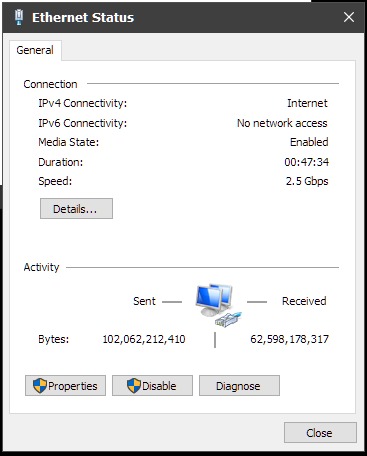
Construction is a fanless metal housing that is wall mountable, at 6.26 by 4.33 by 0.98 inches and 12.8 ounces. Fanless operation lowers both noise and power consumption, and the lifetime manufacturer protection is one of the reasons homelab builders keep recommending TRENDnet.
Set expectations honestly. This is an unmanaged five-port unit with no management features to justify what it costs, and its review pool of 651 is far thinner than the gigabit picks, so long-run reliability data is limited. Lifetime protection is also U.S. and Canada only.
What does 25 Gbps switching capacity actually mean?
It is the internal throughput between ports. At 25 Gbps, all five 2.5G ports can run full rate simultaneously without blocking each other, which matters when a NAS and a desktop are pushing large files at once.
Is the TEG-S350 worth the premium over a plastic 2.5G switch?
If the switch lives somewhere hot, in a closet, or has to stay running for years, the metal body and lifetime protection justify it. If it sits on a tidy desk next to your router and gets touched rarely, a plastic multi-gig unit does the same job for less.
8. Linksys LGS116 – 16 Ports for a Whole-House Wired Build
Linksys LGS116 16 Port Gigabit Unmanaged Network Switch – Home / Office Ethernet Switch Hub with Metal Housing – Wall Mount or Desktop Ethernet Splitter, Easy Plug & Play Connection
16 gigabit ports
Metal housing
Fanless
Wall mount or desktop
5.5-year warranty
Pros
- Sixteen ports cover a whole-home wired run in one box
- Metal housing runs very cool
- Zero configuration with multi-year reliability reports
- Quality of Service prioritisation
Cons
- About an inch tall with no rack ears included
- Unmanaged with no VLANs or aggregation
- Smaller review pool at 366
The LGS116 is the pick when you are terminating a whole-house cable run rather than a single desk. Sixteen auto-sensing gigabit ports in one metal box replace the need to stack three smaller switches in a closet, which means one power supply, one cable run back to the router and one device to troubleshoot.
Owners describe set-and-forget behaviour with repeated mentions of zero problems over multi-year service. The metal housing runs very cool despite the port count, and QoS traffic prioritisation gives you the same voice and video handling as the smaller Linksys units.
Two practical cautions. At about an inch tall it has no rack-mount hardware included, so a wall shelf or a closet shelf is the realistic install. And the 366-review pool is thin next to the eight-port models, so you are trusting fewer long-term data points.
When does a 16-port switch make sense?
When several rooms each have a drop and you want them all terminating in one place. For a single desk, sixteen ports is wasted capacity and a larger box than you need, so a five- or eight-port model is the better buy.
Can this replace a small rack in a home office?
It replaces the switches, not the rack. Without rack ears you still need a shelf, wall bracket or desk-mounted position. Plan ventilation even though the fanless metal case stays cool in most closets.
9. NETGEAR GS108 – Longest Warranty in the Group
NETGEAR 8-Port Gigabit Ethernet Unmanaged Network Switch (GS108)
8 gigabit ports
Metal housing
Fanless
2.8W max draw
Lifetime warranty
Pros
- Limited lifetime warranty with next-business-day replacement
- Metal case rated more durable than plastic
- Multi-year owner reports across servers and cameras
- No app or interface to learn
Cons
- Physically larger than the newer GS308
- Unmanaged with no VLANs or statistics
- Warranty registration required before replacement
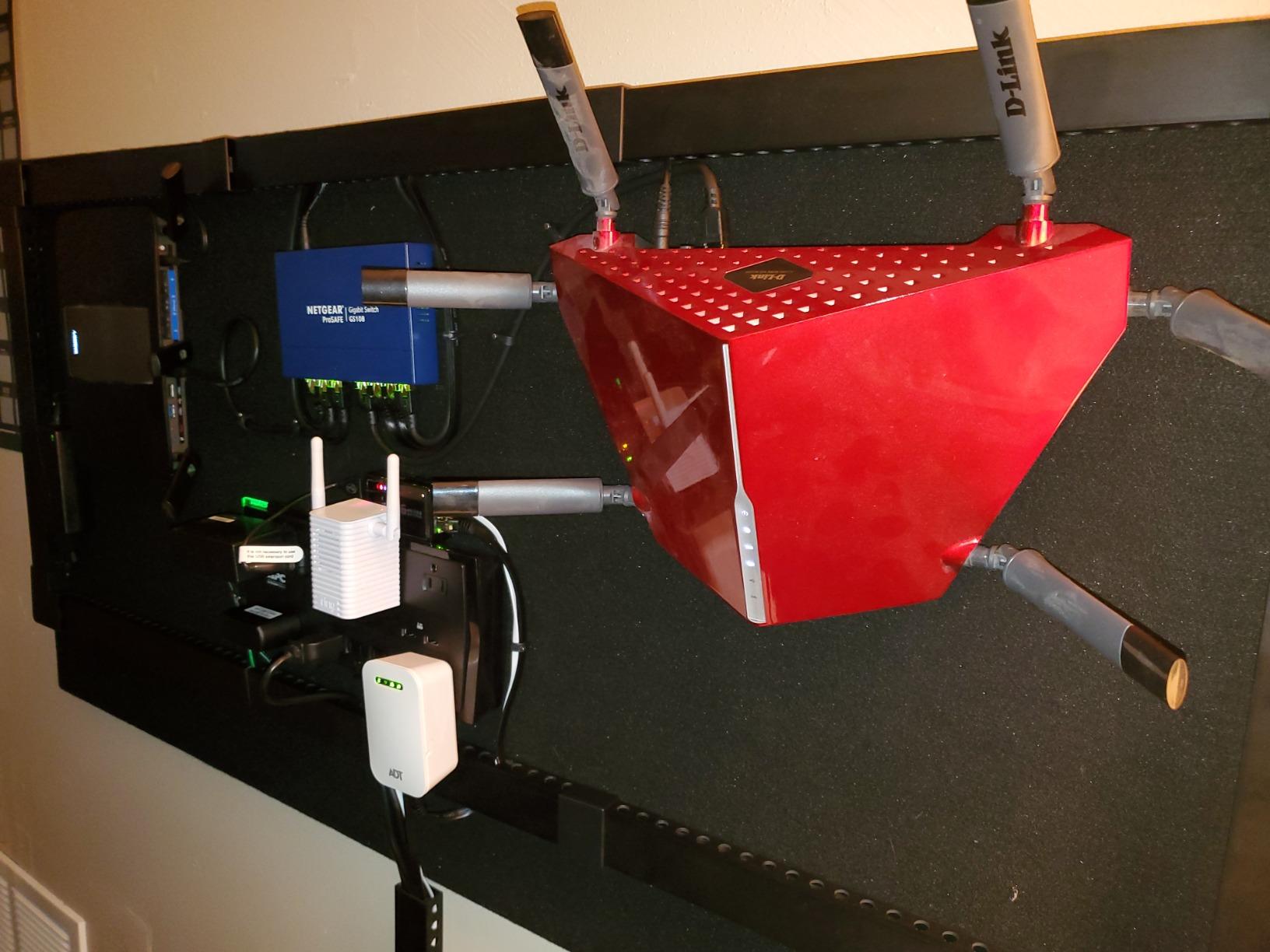
The GS108 is the switch to buy if your network is not going to change for a decade. NETGEAR backs it with a limited lifetime hardware warranty and next-business-day replacement, which removes the main argument for swapping a working switch for a newer model. The warranty must be registered before a replacement is processed, so do that on day one.
Eight auto-negotiating gigabit ports handle Cat5e and Cat6 cabling. Maximum power is listed at 2.8 watts, and 802.3az Energy Efficient Ethernet trims that further on light traffic, which keeps the running cost of a 24/7 device negligible.
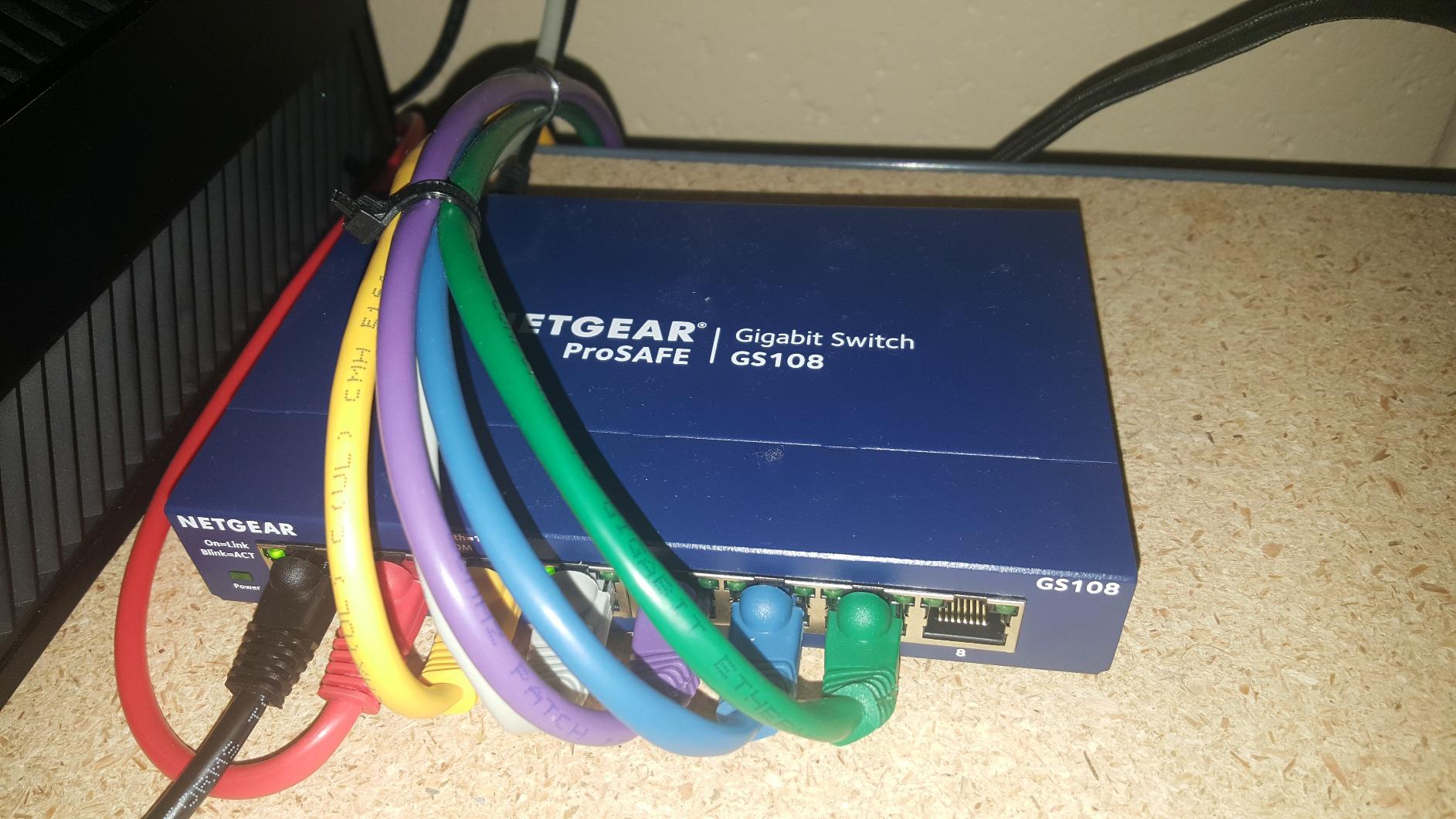
Long-term owners describe this as the benchmark reliable eight-port unmanaged switch, and one has run five of them for roughly eleven years across servers, printers, cameras and access points. The metal case takes the daily cable handling without complaint.
It works with existing Cat5e or Cat6 runs, supports desktop or wall-mount placement, and needs no app, interface or configuration to operate. One owner also notes it meets strict enterprise VPN and ISE deployment requirements, which is a useful signal for anyone running work access through the same network.
What does a lifetime hardware warranty cover?
It replaces failed hardware rather than reimbursing you, and NETGEAR handles it with next-business-day replacement in supported regions. It does not cover accidental damage, and registration is required before the claim is processed.
Should I buy the GS108 or the newer GS308?
Buy the GS108 if you want the longest warranty and expect the switch to stay for years. Buy the GS308 if you care about desk footprint and the newest enclosure. Functionally both are eight-port unmanaged gigabit boxes with the same practical limits.
10. TRENDnet TEG-S50G – Smallest Metal 5-Port Switch
TRENDnet 5 Port Mini Gigabit Switch, TEG-S50g, Lifetime Protection
5 gigabit ports
Metal housing
Fanless
3.24 x 1.84 x 0.9 inches
Lifetime protection
Pros
- One of the most compact metal five-port gigabit switches
- 10 Gbps capacity for five busy ports
- Runs cool and stays unwarm after days of use
- Fanless and wall mountable for quiet rooms
Cons
- Newer revisions moved the power jack to the side
- One LED per port hides link speed
- Very light so cables can shift it
The TEG-S50g solves a specific problem: a metal gigabit switch that fits behind a monitor or inside a small wall cabinet. At 3.24 by 1.84 by 0.9 inches it is the smallest metal five-port unit in this group, and it is fanless and wall mountable, which makes it a good fit for closets and quiet rooms.
Five gigabit ports sit behind 10 Gbps of switching capacity, enough to keep traffic moving with all five busy. Current rating is 1A, and GREENnet energy-saving technology trims consumption further on idle ports without any configuration. The unit is also NDAA and TAA compliant, which matters if the same switch later ends up in a small office.
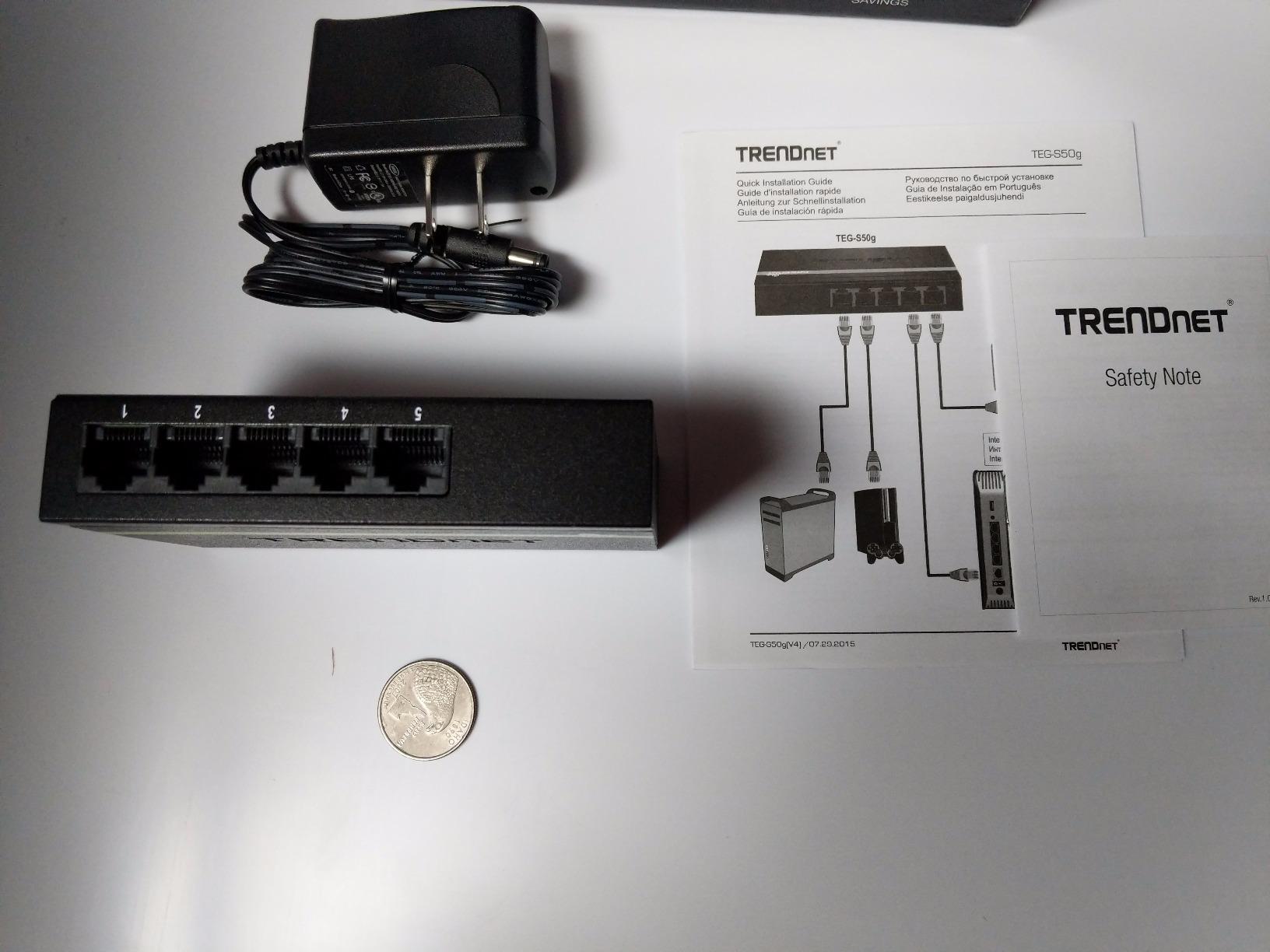
Owners of the older hardware report exceptional longevity, including a first unit still running after 13 years. The most detailed complaints concern later revisions: the power connector moved to the side, which puts strain on the cable and makes wall mounting awkward, and the port LEDs were reduced to a single light so link speed is no longer visible at a glance.
It sits at 3.84 ounces, which is light enough to slip behind furniture but also light enough that a bundle of connected cables can drag it across a desk. Rubber feet are the only thing holding it in place, so give it a stable spot rather than the edge of a desk.
Which TRENDnet TEG-S50G revision do I have?
Check the power connector before wall mounting. Earlier units have the jack on the rear edge and multiple LEDs per port; newer revisions put the jack on the side and show one light per port. Both run the same five-port gigabit configuration.
Is a 3.9-inch-wide switch too small for real cables?
It fits, but the shell is thin and light, so several connected cables can shift it across a desk. On a desktop, give it a spot where nothing tugs at the leads, or anchor it somewhere flat.
11. TP-Link TL-SG105S-M2 – 2.5GbE That Just Works on Old Cabling
TP-Link TL-SG105S-M2, 5 Port Multi-Gigabit 2.5G Unmanaged Ethernet Switch
5 x 2.5-Gigabit ports
25 Gbps capacity
Metal housing
Fanless
3-year warranty
Pros
- All five ports link at 2.5Gbps consistently
- Auto-negotiation across 100M/1G/2.5G on Cat5e
- Metal housing and silent fanless design
- 25 Gbps capacity for NAS and access points
Cons
- Tight port spacing with thick cables
- Instructions read like a rough translation
- Smaller evidence base at 746 reviews
The TL-SG105S-M2 is the multi-gig pick for a desk rather than a rack. Five 2.5-Gigabit ports with up to 25 Gbps of switching capacity, auto-negotiation across 100Mb, 1G and 2.5G, and a fanless metal design with desktop or wall-mount support. It is built for the cases where a gigabit port is the bottleneck: a 2.5G access point, a NAS, a PCIe adapter or a gaming PC.
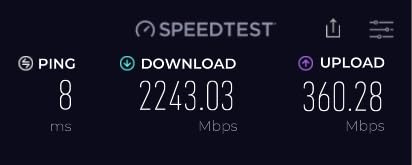
Owners who upgraded report immediate measurable gains. One doubled PC-to-PC transfer speeds and reached more than 280 MB/s, and others report all five ports linking at 2.5Gbps with no drops. Auto-negotiation across three speeds works on existing Cat5e wiring, so there is no rewiring to arrange.
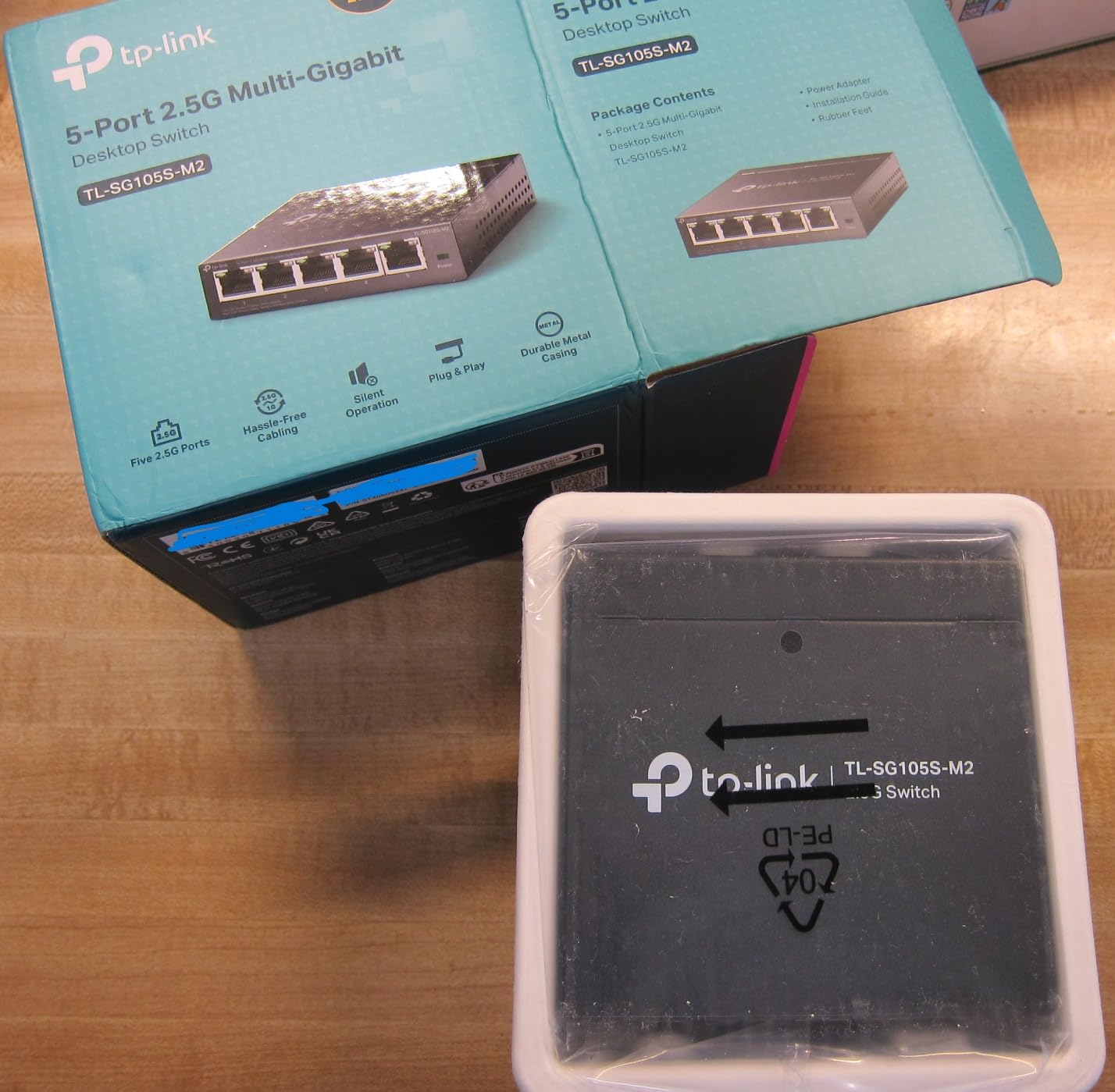
That makes it a natural fit for a desk setup: a 2.5G access point in one port, a NAS in another, a gaming PC in a third, and two spare ports for a laptop or a console. TP-Link states the design targets small and home offices and instant workstation transfers specifically.
The practical gripes are physical rather than electrical. Port spacing is tight, which makes thick Ethernet cables awkward to insert and remove, and the included instructions read like a rough translation. One reviewer also reported internal components running very warm under sustained load, which is a reminder to give a fanless metal box some clearance rather than sealing it in a drawer.
Is 2.5GbE overkill for a home office?
Only if every device you own tops out at gigabit. The moment you add a 2.5G access point, a multi-gig NIC or a NAS with a fast enough drive, gigabit becomes the limit. Without one of those, a gigabit switch costs less and does the same work.
Why does a fanless switch get hot?
Because heat leaves by conduction rather than airflow. Metal cases handle this well when they have clearance around them. Mounting one flat inside a sealed cabinet traps that heat, which is where throttling and reported dropouts come from.
12. NETGEAR GS308P – Power Over Ethernet for Cameras and Access Points
NETGEAR GS308P-100NAS 8-Port Gigabit Ethernet Unmanaged Switch, 4xPoE
8 gigabit ports
4 PoE ports
53W budget
Metal housing
Fanless
Pros
- Powers access points
- IP phones and cameras from one box
- Full gigabit on all eight ports at once
- Solid fanless metal case that wall mounts
- 9K jumbo frame support
Cons
- Only four ports deliver power and 53W is tight
- Unmanaged with no VLAN interface
- Mounting slots only secure in one orientation
The GS308P is here because PoE changes what a switch is for. Four of its eight gigabit ports deliver power as well as data under 802.3af, sharing a total 53W budget. That means a ceiling access point, an IP desk phone or a security camera can run from a single cable with no power brick at the far end.
Plug-and-play applies to PoE devices too. A PoE phone or camera comes online the moment it is connected, which removes a whole category of installation problems. All eight ports deliver full gigabit simultaneously, and 9K jumbo frame support maximises throughput on large transfers.
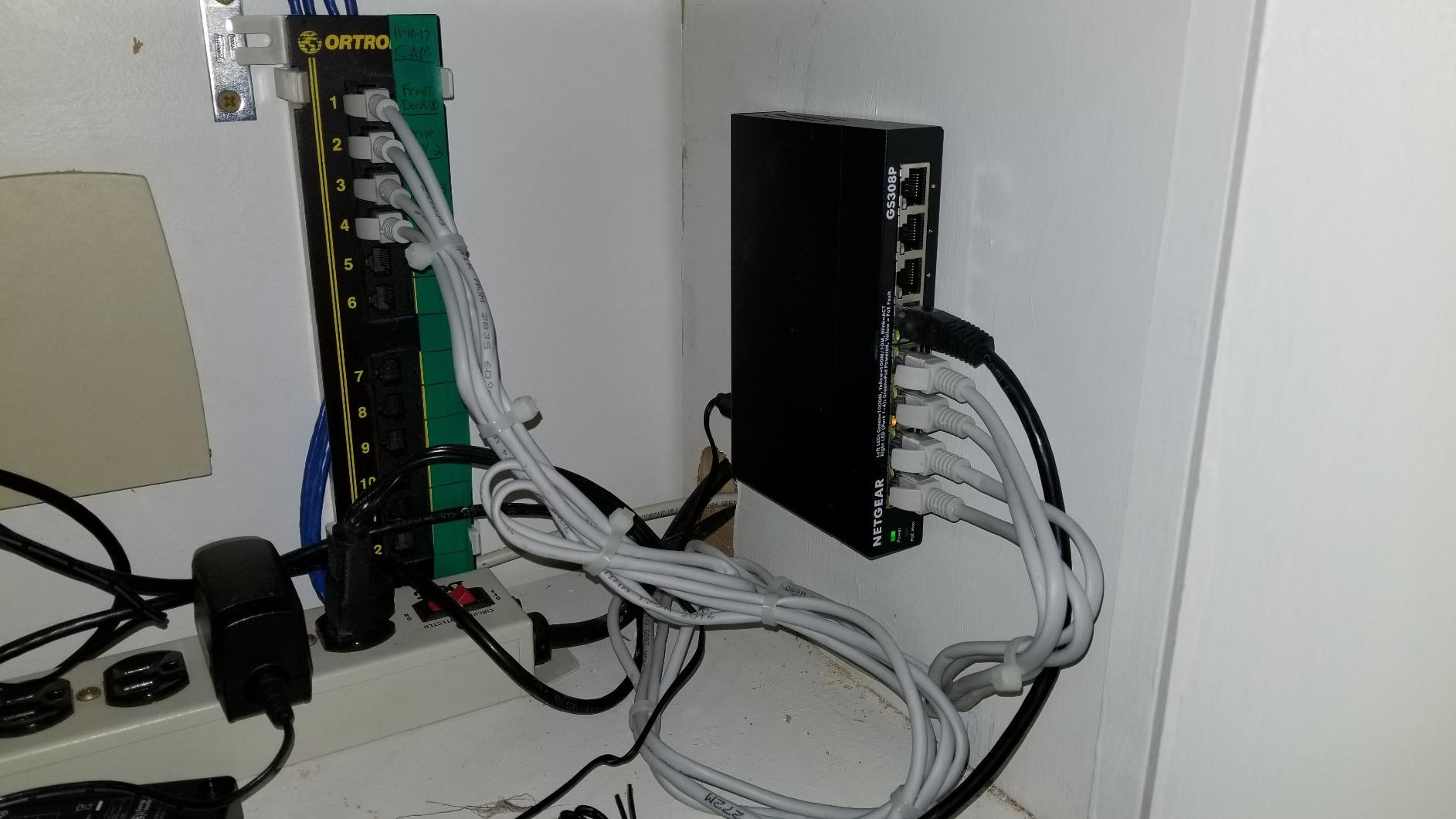
LED indicators on the front report PoE power draw, so you can see at a glance whether a camera or phone is pulling more than expected. The mounting pattern matches other NETGEAR eight-port switches, which makes it a drop-in replacement if you are swapping hardware later.
Do the power maths before you commit. Four PoE ports at up to 53W total is roughly one Wi-Fi 6 access point, a couple of small cameras and one phone, with nothing to spare. Adding a second access point is the most common way users end up short, and owners report devices rebooting when the budget is exceeded.
How many PoE devices can the GS308P power?
Four ports, sharing 53W. In practice that covers one Wi-Fi 6 access point, two or three cameras and a phone. If you plan more than that, or you want PoE+ for a faster access point, budget for a unit with a larger wattage pool.
Do I need an undersized UPS?
Do not. A switch that has been running for years can power up far more than its steady draw at the moment of failure, and a budget UPS that cannot supply that surge will trip rather than protect. Match any UPS to the switch plus every PoE device it feeds.
How to Choose a Network Switch for a Home Office
Start with port count and add one. Count every device you want wired today, then add a port for the uplink back to the router. Four devices means a five-port switch; six or more means an eight-port unit. Buying the larger box now costs less than replacing the smaller one later.
Next, pick a speed tier that matches your internal traffic, not your internet plan. Gigabit handles browsing, calls and printing. 2.5GbE matters when files move between a NAS, a desktop and a Wi-Fi 6 or Wi-Fi 7 access point. 10G only pays off with matching hardware at both ends, and for a typical home office it is rarely justified.
Management tier is the next question. An unmanaged switch has no interface at all and just works. A smart managed switch adds VLANs, port mirroring, QoS and per-port status through a browser or app, and for most home offices that is only worth paying for if you want work devices separated from smart-home gear. A fully managed switch adds Layer 3 routing, which belongs in a small business, not a spare room.
PoE is a separate decision. Work out the total wattage of the devices you want to power and keep it well under the switch budget, because pushing to the limit causes reboots rather than savings. If you have no cameras, no access points and no VoIP phones, skip PoE entirely.
Noise rarely decides anything for a fanless unit, but placement does. Give any switch vertical clearance and airflow, keep it off soft surfaces like carpet or a desk mat, and remember that every Ethernet run is limited to 100 metres. Cat5e carries 1G and 2.5G fine; Cat6 and Cat6a are the right choice when you plan to move to 10G later.
One last point on ecosystems. NETGEAR, TP-Link, Ubiquiti and TRENDnet each push their own management app, and once you use one, mixing brands can make VLAN configuration frustrating. If you are staying with unmanaged switches, brand matters less than warranty length and build quality. If you are also planning where that switch physically lives, our power strip and switch guide covers surge protection and safe placement in a shared cable run.
What Not to Buy for a Home Office
Skip fan-cooled units. They are designed for racks with airflow, and in a quiet room they are the fastest way to regret the purchase. Every switch on this list is fanless.
Skip a 24-port rack switch for a desk. The port count is wasted, the chassis is oversized, and you lose the fanless low-profile form that fits next to a monitor. Sixteen ports is the ceiling for most homes.
Skip a large PoE budget you will not use. A switch with a big wattage pool for two cameras is money spent on a power supply you never load, and a bigger pool is another thing to size a UPS around.
Skip buying a switch before counting the uplink. The most common return reason in this category is one port short. Devices plus one, always.
How to Tell If a Network Switch Is Failing
Look for these symptoms before blaming your cables or your router: one port that repeatedly drops and re-links while identical cables work in other ports; link speeds that negotiate far lower than the port is rated for; a switch that needs a power cycle after every ISP outage; front-panel LEDs that flicker with no traffic on the network; and a unit that runs hot enough to be uncomfortable to touch under light load.
A managed switch gives you a shortcut, because per-port error counters and traffic graphs will show a failing port directly. An unmanaged switch gives you nothing, so swap the cable first and then move the suspect device to a known-good port. If the problem follows the port, replace the switch.
On lifespan, unmanaged switches with metal housings and solid fanless designs routinely run for a decade or more. Owners report TP-Link TL-SG series units and NETGEAR GS108 units still going after many years, and TRENDnet owners report a first TEG-S50g still running after 13 years. Cheap plastic units raise more reliability questions, which is one reason we weight warranty length heavily above.
Frequently Asked Questions
What is the best switch for a home network?
For most home offices the TP-Link TL-SG105 is the best switch: five gigabit ports, a fanless metal case and no configuration. If you have six or more wired devices, take the eight-port NETGEAR GS308 instead. Add multi-gig only when a NAS or a Wi-Fi 6 access point is the bottleneck.
Which is better, a managed or unmanaged switch?
An unmanaged switch is better when every device on your network should see every other device. A managed switch is better when you want VLANs, port mirroring, per-port statistics or QoS, typically to separate work devices from smart-home gear. Most single-desk offices never need the extra layer.
Is it worth getting a managed switch?
It is worth it once you add cameras, VoIP phones or want work and personal devices on separate networks. For a plain desk with a few computers, a printer and a NAS, an unmanaged gigabit switch does the same job with nothing to configure and one less thing to maintain.
What is the best unmanaged 8-port switch?
The NETGEAR GS308 is the best unmanaged 8-port switch for most homes, with eight auto-negotiating gigabit ports, a metal chassis and a three-year warranty. The D-Link DGS-108 is the alternative if you want 802.1p QoS and IGMP snooping for calls and streaming, plus a limited lifetime warranty.
Do I need 2.5GbE or 10GbE for a home office?
Most home offices do not need either. You need 2.5GbE if you own a NAS, a 2.5G network card or a Wi-Fi 6 access point and are moving large files locally. 10GbE only pays off when the devices at both ends of the cable support it, which few home setups do today.
Do I need a PoE switch for IP cameras at home?
Only if you want the cameras powered over the same cable as their data. A PoE switch removes the need for a power adapter or injector at each camera, but the wattage budget must cover everything you plug in. For one or two cameras, small PoE injectors are often the simpler answer.
How to tell if a network switch is failing?
Watch for a port that repeatedly drops and re-links, link speeds that negotiate below what the port should deliver, a switch that needs a power cycle after outages, or front-panel LEDs flickering with no traffic. Move the suspect device to a known-good port: if the fault follows the port, the switch is the problem.
Why does my network switch get hot?
A fanless switch sheds heat through its case, so it needs airflow and clearance. Sitting flat on carpet or a desk mat, or sealed inside a drawer, traps that heat. Most units with metal housings handle a desk fine; mounted flat in a closed cabinet, they run much hotter than rated.
Final Verdict
For most people reading this, the best network switch for a home office is the TP-Link TL-SG105: a silent metal five-port box that works the second you plug it in, backed by the largest review base in the group. Add one port for the uplink when you count.
If you need more room, the NETGEAR GS308 gives you eight ports and the highest rating we found. Reach for 2.5GbE only when a NAS or a Wi-Fi 6 access point is throttling you, and add PoE only when you have cameras, phones or an access point that need power over the cable. Check the best network switches for home offices above against your device count, and buy for what you will actually plug in.