
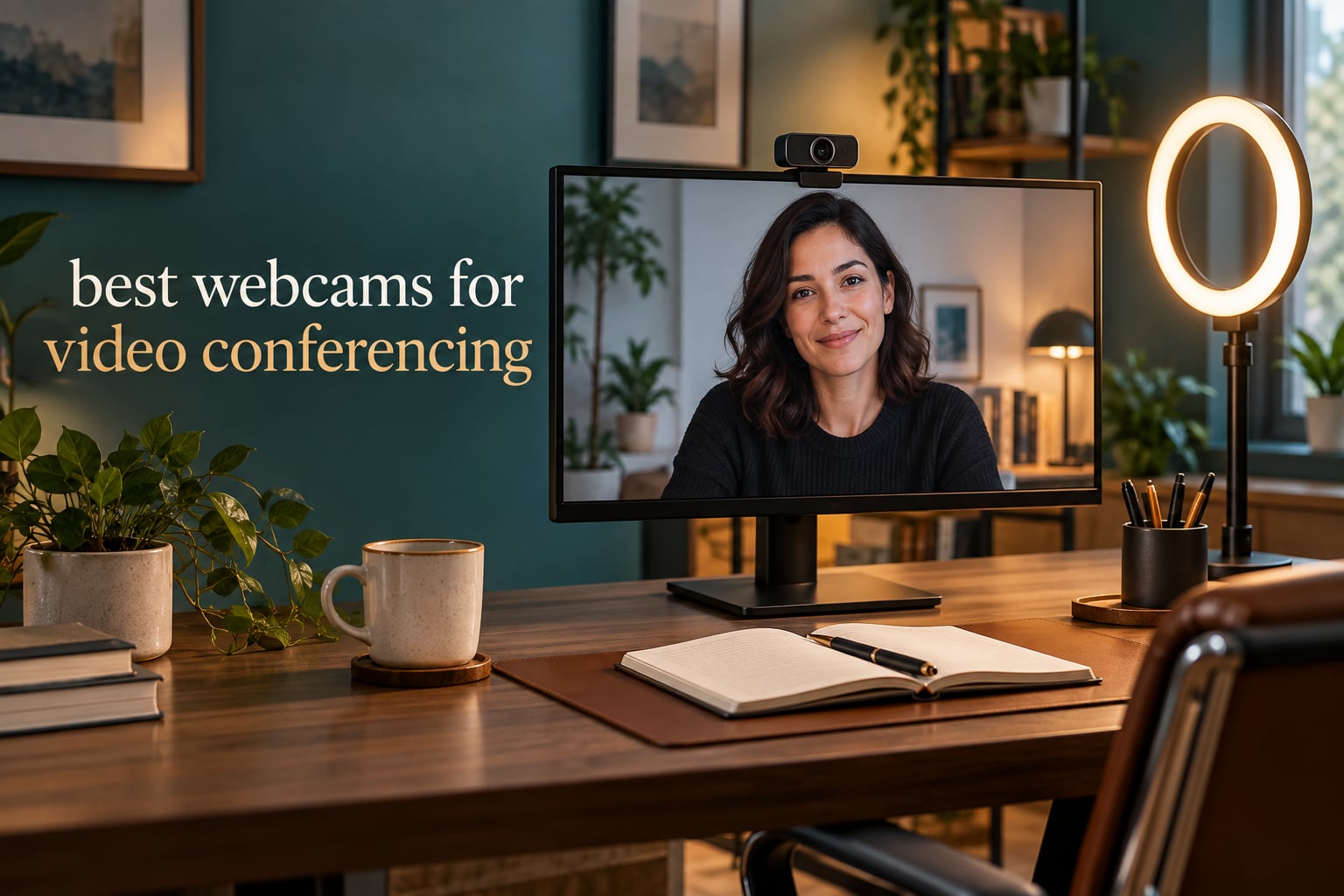
The single most common reason people buy a webcam is not streaming. It is that the built-in camera on their laptop makes them look dim and soft on every Zoom, Microsoft Teams and Google Meet call. If your image looks muddy, most of the time a dedicated USB camera fixes it for very little money, and the difference on screen is obvious to everyone except you.
Our team compared 12 of the best webcams for video conferencing currently on the market, checking the specifications that actually change your image: sensor resolution, frame rate, field of view, autofocus behaviour, microphone quality, low-light handling and whether there is a physical privacy cover. Last updated in October 2026, this guide covers everything from fixed-focus 1080p budget units to 4K models with AI tracking and pan-tilt-zoom.
Our direct answer: the NexiGo N930AF is the best webcam for video conferencing overall, because it adds genuine autofocus to a 1080p image without asking you to install drivers or fiddle with companion software. If you want sharper capture, the Anker PowerConf C200 gives you 2K and three selectable viewing angles. If your company runs a certified Zoom or Teams fleet, the Logitech C920e is the business-standard pick.
If your primary use is streaming or content creation rather than meetings, our guide to the best webcams for streaming covers different priorities such as frame rate and manual exposure control.
Table of Contents
- Top 3 Best Webcams for Video Conferencing (October 2026)
- Best Webcams for Video Conferencing in 2026 at a Glance
- 1. NexiGo N930AF 1080p Webcam – Best Overall for Video Conferencing
- 2. Anker PowerConf C200 2K Webcam – Best for Sharper 2K Capture
- 3. Logitech C920e 1080p Webcam – Best for Certified Zoom and Teams Fleets
- 4. Angetube 862Pro 1080p 60fps Webcam – Best for Dim Rooms
- 5. EMEET PIXY Dual-Camera 4K PTZ Webcam – Best for Tracking and Movement
- 6. AOC AC310 4K Webcam – Best for 4K Capture on a Budget
- 7. Logitech Brio 101 1080p Webcam – Best for Multiple Users and Small Offices
- 8. EMEET C960 1080p Webcam – Best for Small Group Meetings
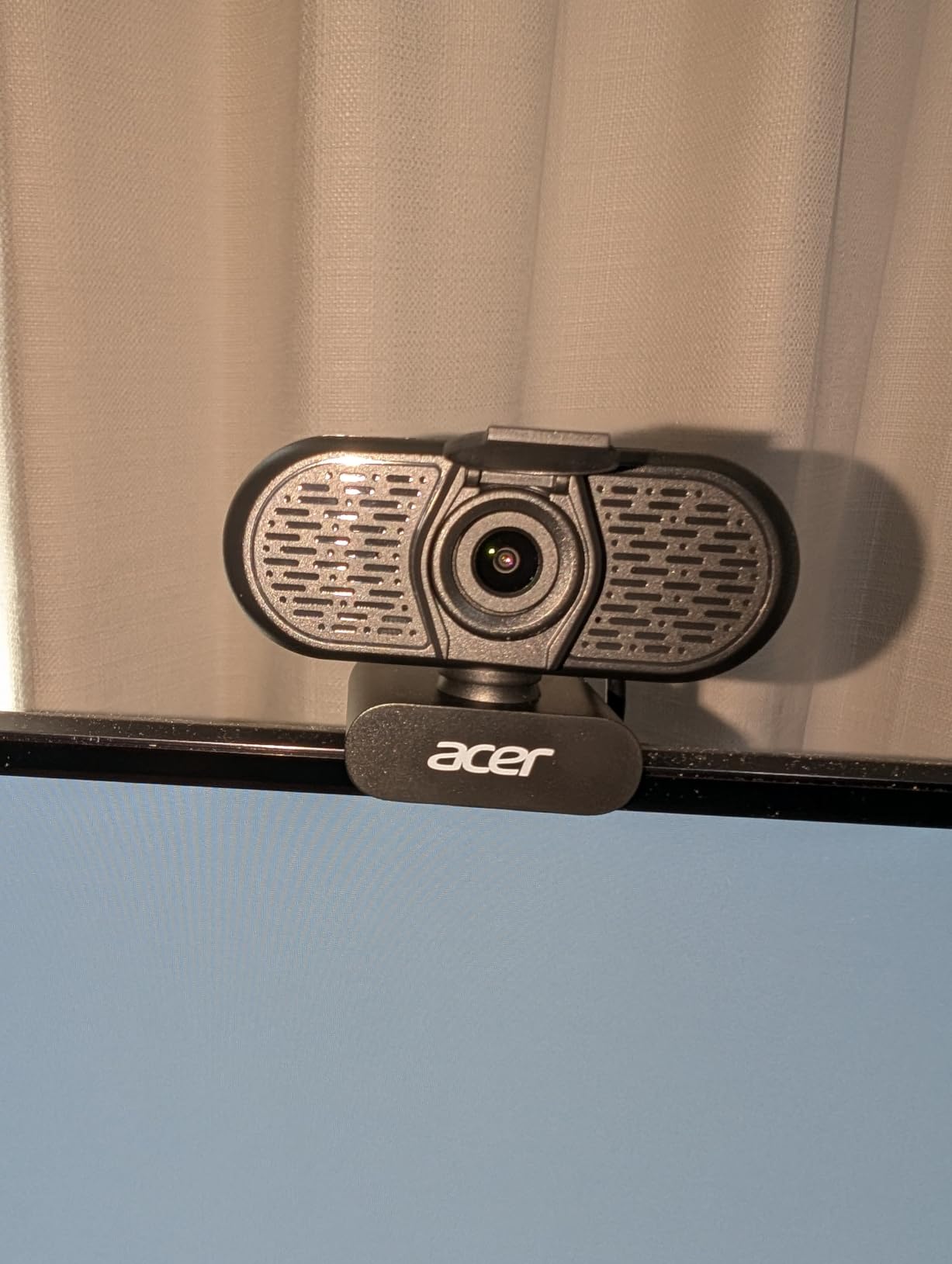
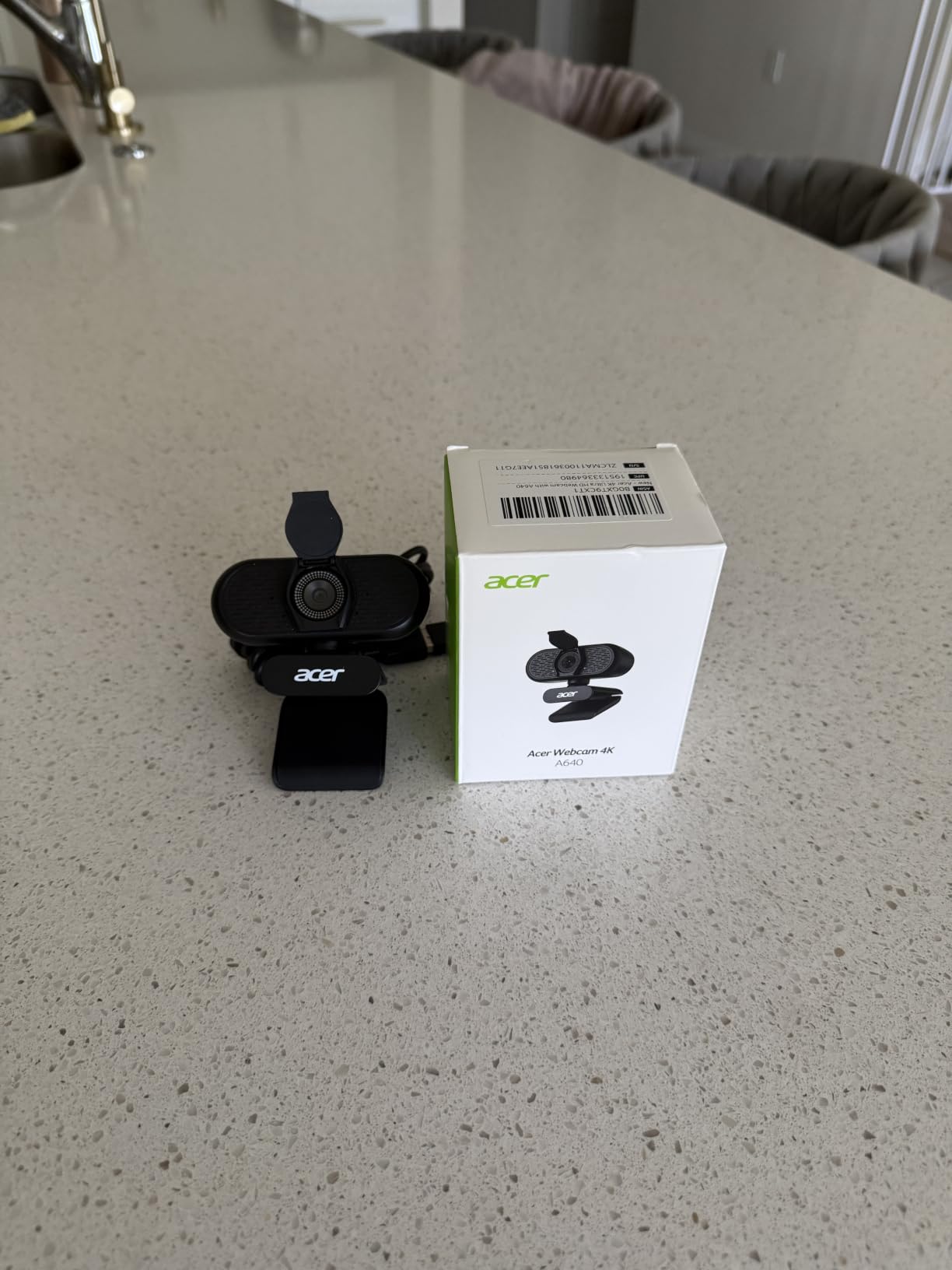
- 9. Acer A610 1080p Webcam – Best for Online Classes and Teaching
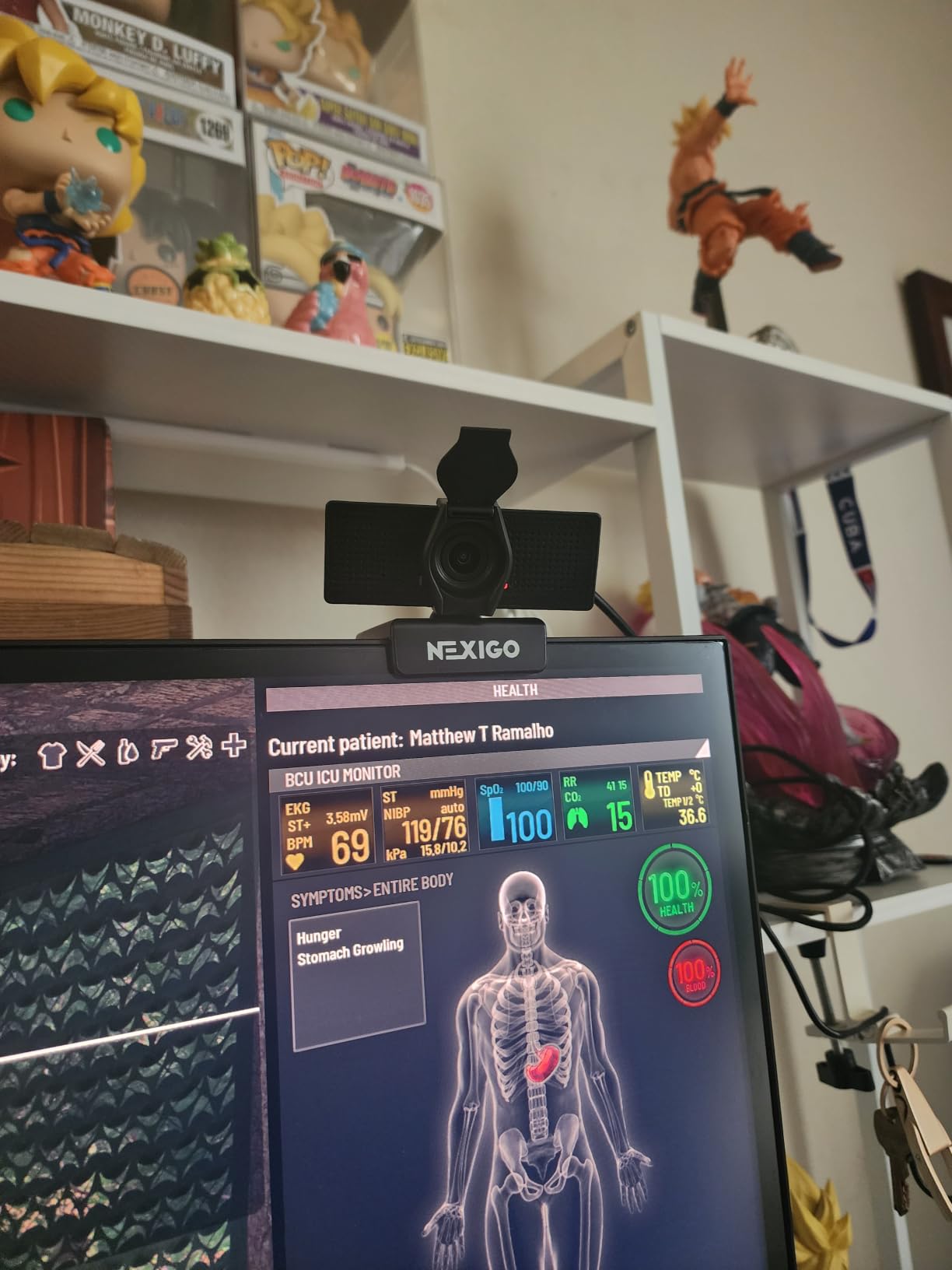
- 10. NexiGo N60 1080p Webcam – Best for Wide Framing and Small Groups
- 11. NexiGo N660 1080p Business Webcam – Best for Office Desks on a Budget
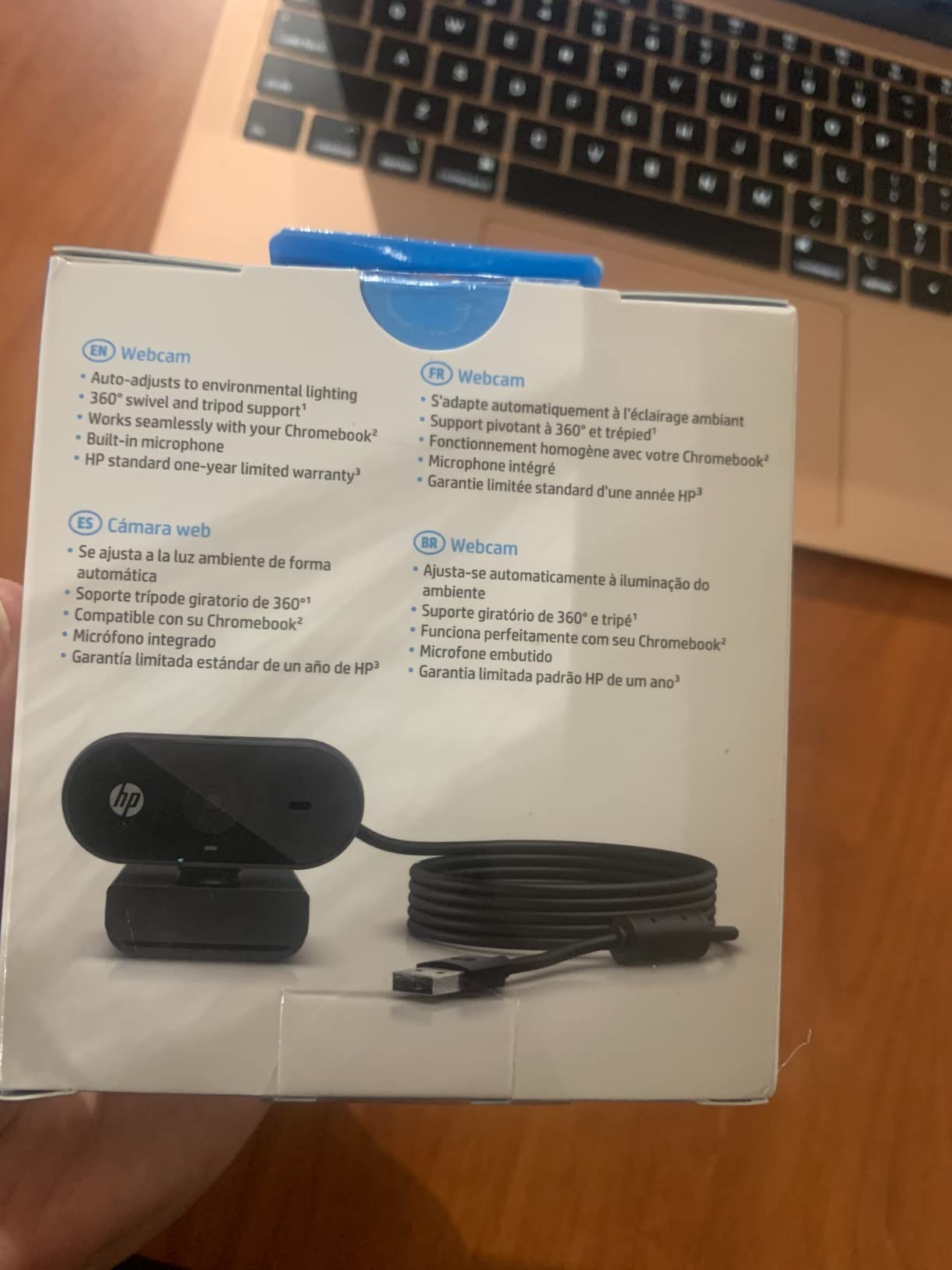
- 12. HP 320 FHD Webcam – Best for Chromebooks and Secure Meeting Rooms
- How to Choose a Webcam for Video Conferencing in 2026
- Frequently Asked Questions
- The Verdict: Which Webcam Should You Buy for Video Calls
Top 3 Best Webcams for Video Conferencing (October 2026)

NexiGo N930AF 1080p Webcam
- True autofocus from 7 cm
- 1080p at 30fps
- Privacy cover
- Plug and play with no drivers

Anker PowerConf C200 2K
- 2K resolution
- 65/78/95 degree viewing angles
- Dual mics with AI noise cancellation
- Sliding privacy cover

Logitech C920e 1080p
- Zoom certified and TAA compliant
- 78-degree field of view
- HD autofocus
- Two stereo microphones
Best Webcams for Video Conferencing in 2026 at a Glance
Every pick below, with the features that separate them. We ranked these on image quality first, then framing control, then microphone usefulness, then how little setup they demand.
| Product | Specs | Action |
|---|---|---|
| NexiGo N930AF |
|
Check Latest Price |
| Anker PowerConf C200 |
|
Check Latest Price |
| Logitech C920e |
|
Check Latest Price |
 Angetube 862Pro Angetube 862Pro |
|
Check Latest Price |
 EMEET PIXY EMEET PIXY |
|
Check Latest Price |
 AOC AC310 AOC AC310 |
|
Check Latest Price |
 Logitech Brio 101 Logitech Brio 101 |
|
Check Latest Price |
 EMEET C960 EMEET C960 |
|
Check Latest Price |
 Acer A610 Acer A610 |
|
Check Latest Price |
 NexiGo N60 NexiGo N60 |
|
Check Latest Price |
 NexiGo N660 NexiGo N660 |
|
Check Latest Price |
 HP 320 FHD HP 320 FHD |
|
Check Latest Price |
1. NexiGo N930AF 1080p Webcam – Best Overall for Video Conferencing
NexiGo N930AF Webcam with Microphone for Desktop, Autofocus, Webcam for Laptop, Computer Camera, 1080p HD USB Web Camera, Compatible with Zoom/Switch 2/Teams/Webex
1080p at 30fps
True autofocus from 7 cm
47.5-degree lens
Privacy cover included
Pros
- Real autofocus that locks quickly even at close range
- Noticeably sharper than laptop cameras and 720p models
- No drivers or companion software required
- Privacy cover included
- Works across Windows macOS Linux Chrome OS
Cons
- Autofocus can hunt when you move out of centre frame
- Weak microphone compared with an external mic
- Stick-on privacy slider rather than an integrated shutter
This is the webcam we keep coming back to. The autofocus starts working at 7 cm, so it locks onto your face whether you are sitting at a desk or leaning in during a whiteboard explanation. In our calls it settled almost immediately every time, which is the whole point of having autofocus at all.
The 47.5-degree lens is the tightest field of view in this roundup. That sounds like a limitation until you realise it means you and your shoulder take up the frame, not the entire room behind you. For solo calls and interviews it produces the most professional-looking framing on a budget.
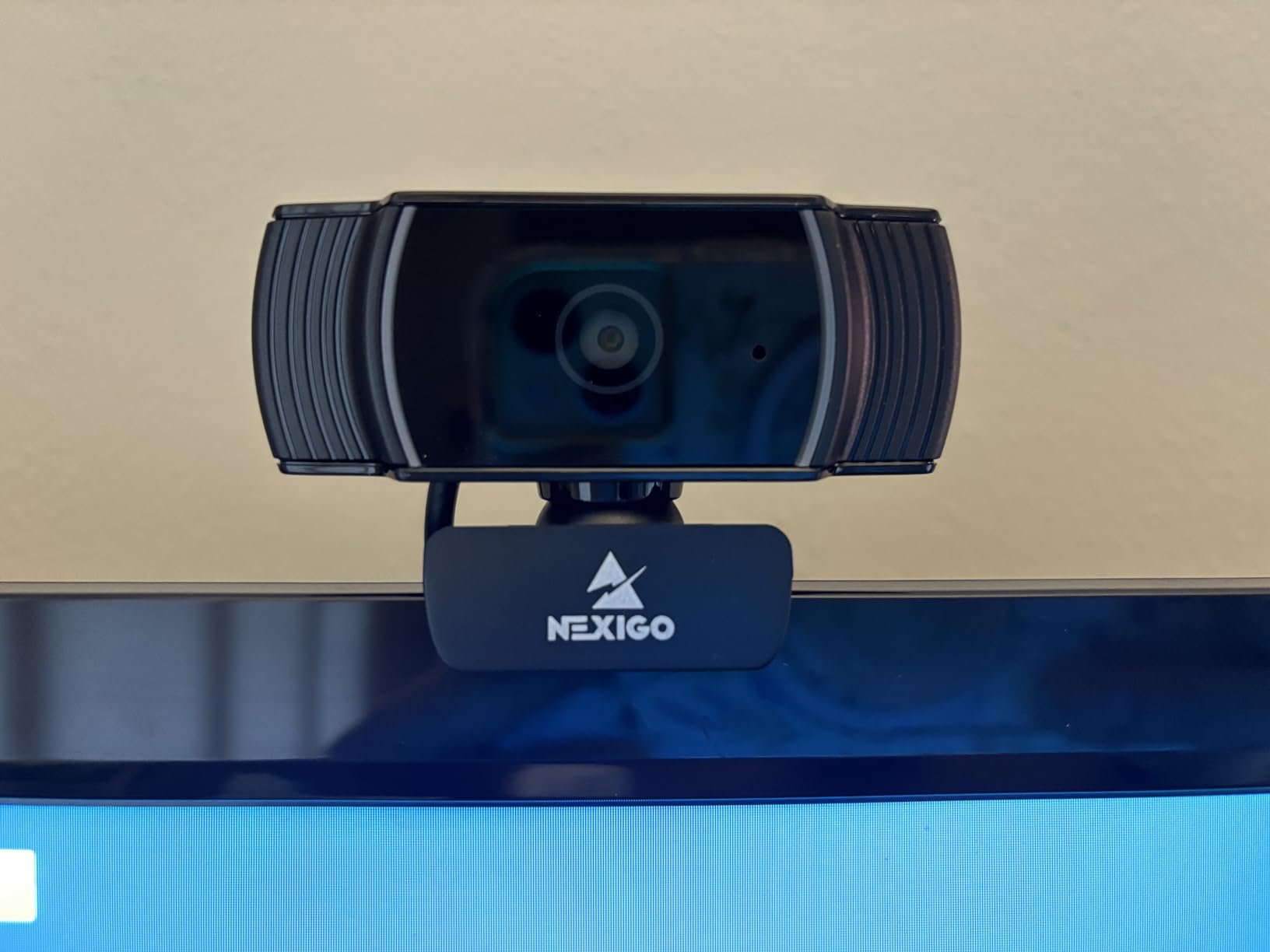
Compatibility is the quiet strength here. It recognises on Windows and macOS with no drivers, and the published list also covers Linux, Chrome OS, Ubuntu and Switch 2. NexiGo’s own software is optional and only useful if you want to override the autofocus and set a manual focal point.
Reviewers are split on one thing: what happens when you move quickly. Owners report a visible zoom in and out as autofocus hunts when a subject leaves the centre of frame. If you sit still for calls, you will not notice it. If you stand up and pace while presenting, you will.
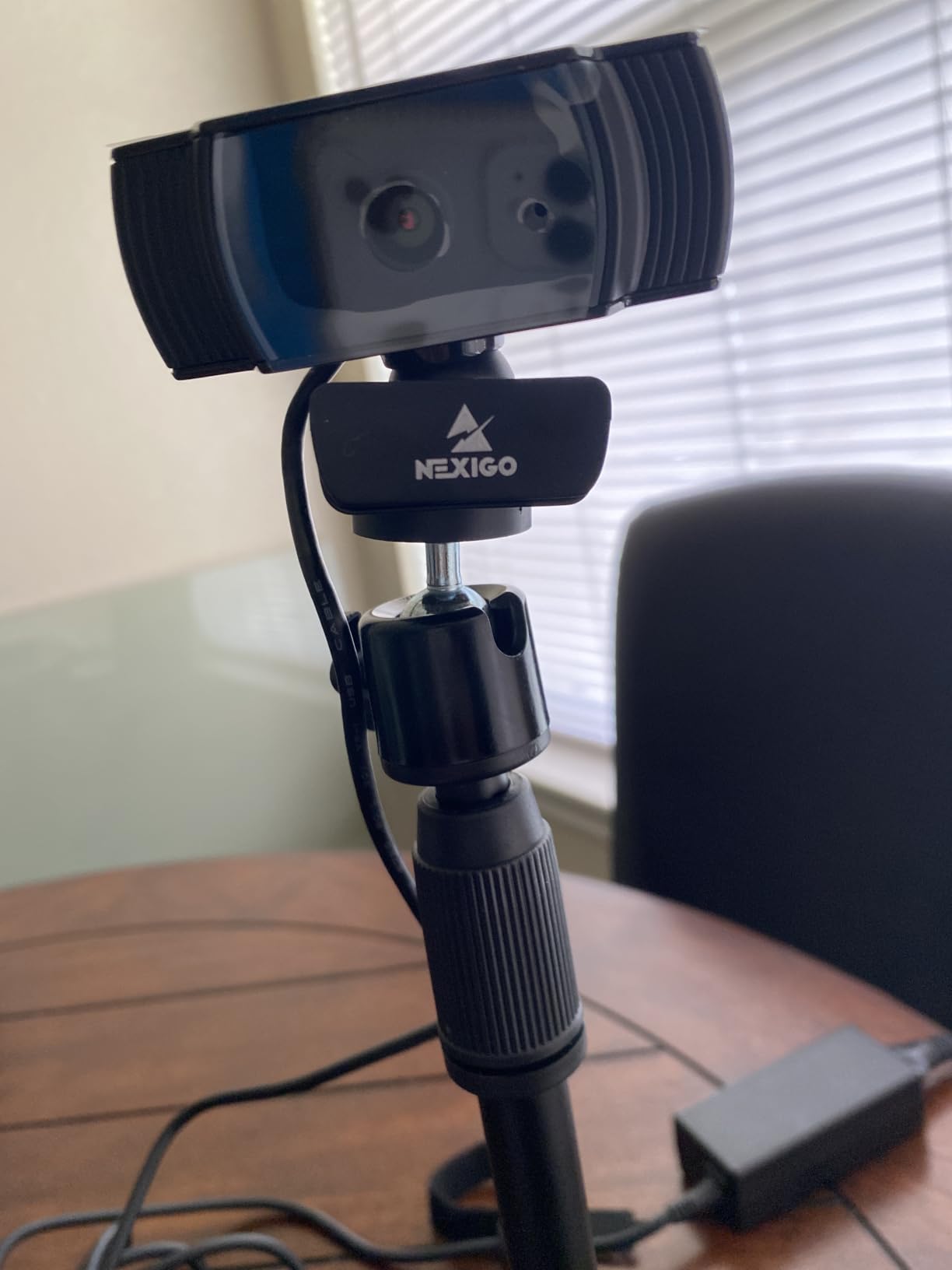
What to check before you buy
Sit at your normal working distance and look at how much of the room sits behind your shoulders. With a 47.5-degree lens you need roughly 20 inches of space between you and the camera, and nothing further back enters the frame.
Also test the microphone in an actual recorded call before you commit. The onboard noise-cancelling stereo mic handles a quiet office well and picks up room noise and typing in anything louder.
Who should skip it
If your job involves standing up, moving around or demonstrating large items, the autofocus hunting will show up on camera. Pick the EMEET PIXY instead, whose tracking and pan-tilt-zoom head is built for movement.
Video creators should also look elsewhere. There is no manual exposure control worth speaking of, and the 1080p 30fps ceiling is not enough for high frame rate capture.
2. Anker PowerConf C200 2K Webcam – Best for Sharper 2K Capture
Anker PowerConf C200 2K Webcam for PC/Laptop/Mac, Low-Light Correction
2K effective resolution
65, 78 or 95 degree FOV
Dual mics with AI noise cancellation
USB-C
Pros
- 2K resolution is visibly sharper than 1080p
- Selectable viewing angles let you reframe for solo or group calls
- Dual mics with AI noise cancellation
- Integrated sliding privacy cover
- Lightweight at just over 7 ounces
Cons
- Field-of-view presets need companion software
- Extra processing load on older or integrated graphics
- Limited positioning compared with clip-and-arm mounts
The C200 is one of the few cameras here that lets you change the framing without moving the camera. Anker’s software offers three field-of-view presets at 65, 78 and 95 degrees, so you can tighten to a head-and-shoulders shot for a one-on-one and widen to take in a colleague sitting beside you.
That flexibility is why it earns the second slot. Owners consistently single out the 2K capture as a real step up in sharpness, and the AI noise cancellation on the dual mics is one of the better built-in audio options at this price.
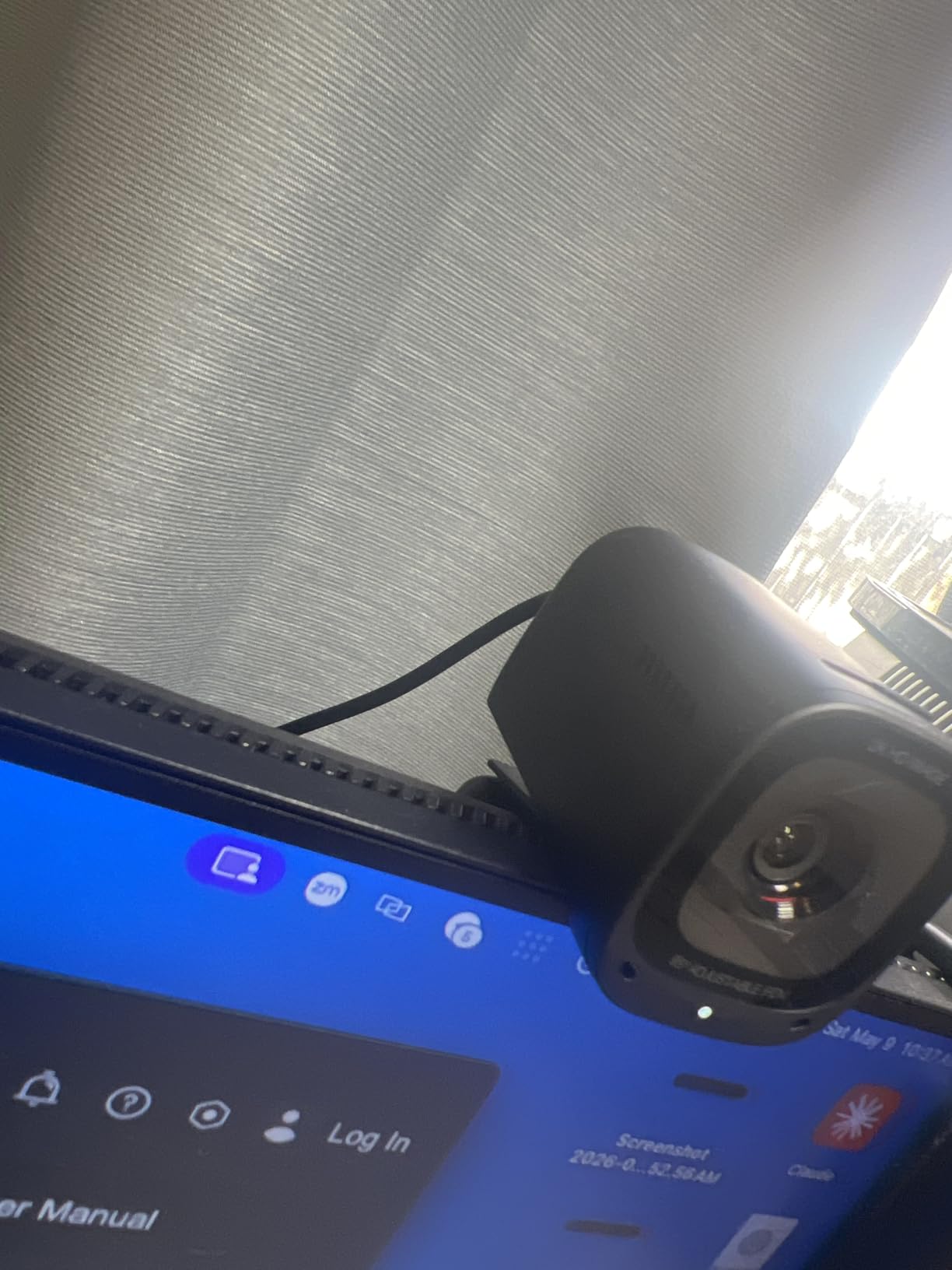
Low-light performance is the other quiet strength. Anker’s marketing claims better low-light capture, and reviewers generally agree it holds a usable image in a dim room without needing an extra light source immediately.
Low-light performance depends a lot on where the camera sits relative to your face, which is why we cover lighting fixes in the buying guide below. A camera aimed at a bright window will always lose your face in the shadow.
What to check before you buy
Make sure your computer can handle the extra pixels. Owners on older or integrated-graphics systems report 2K capture demanding more processing than 1080p, which can show up as dropped frames or a struggling conferencing app.
Confirm you are willing to install the companion software. The viewing-angle presets only work through it, and without it you are locked to the widest setting.
Who should skip it
If your work happens entirely on a locked-down corporate laptop where you cannot install software, the preset angles become a paper feature. The Logitech C920e suits that environment better because everything works through the standard UVC camera controls.
Podcast and video creators who record long sessions will also find the small fixed body harder to position than a camera on an arm or tripod.
3. Logitech C920e 1080p Webcam – Best for Certified Zoom and Teams Fleets
Logitech C920e HD 1080p Mic Enabled Webcam Certified Zoom Microsoft Teams
Full HD 1080p
78-degree field of view
Zoom certified and TAA compliant
Two stereo mics
Pros
- Highest average rating in this roundup at 4.6 out of 5
- Certified for Zoom and TAA compliant for enterprise rollouts
- Two omnidirectional microphones capture voice clearly
- HD autofocus with automatic light correction
- Attachable privacy screen you can flip up to verify
Cons
- Fixed 78-degree field of view cannot be adjusted
- Privacy screen attaches rather than integrating into the body
- Not a Windows Hello camera
The C920e is the camera most organisations have already standardised on, and the certification is the reason. It is certified for Zoom, TAA compliant and works with Microsoft Teams, which means an IT team can deploy it without raising a procurement question.
Image quality is exactly what the 1080p tier should deliver: clear, consistent and well balanced. The 78-degree field of view sits neatly between the too-tight and too-wide ends, giving you headroom to hold up a document without framing the entire room.
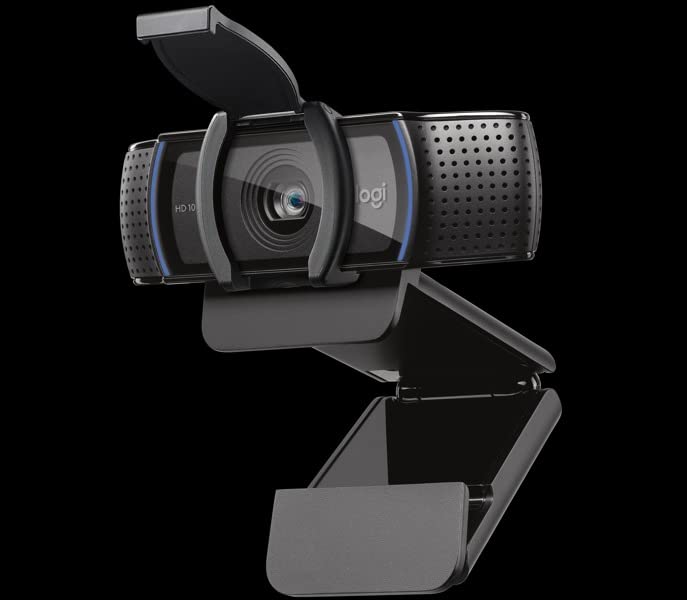
The two omnidirectional microphones capture from up to one metre, which is enough for desk-level calls without any extra hardware. Several owners report buying it specifically because their employer had already deployed the same unit, so support and spares are trivial.
Automatic light correction handles the ordinary swings in office lighting through the day. It is not a substitute for a proper light source in a dark room, but it stops the image collapsing every time the meeting room lights change.
What to check before you buy
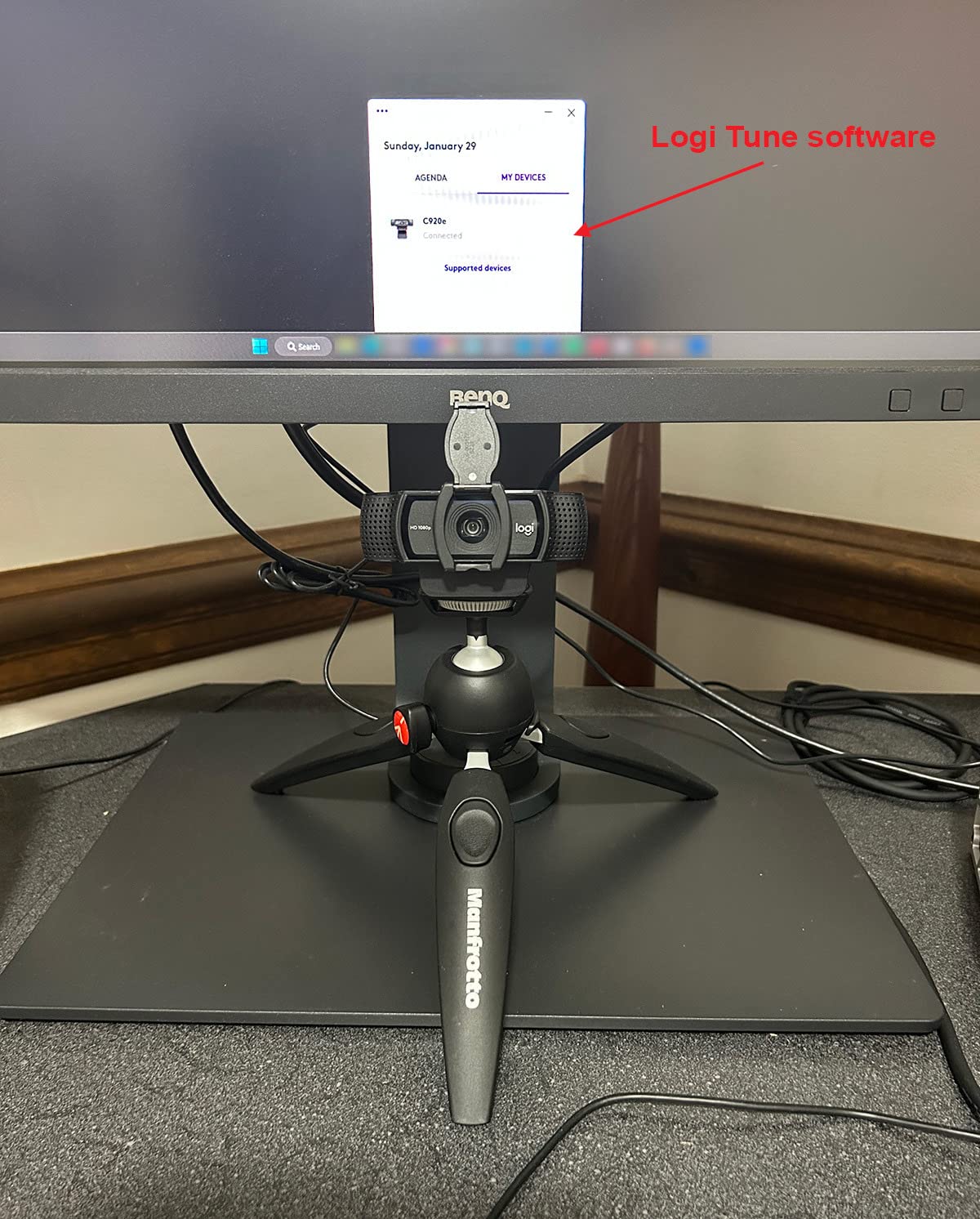
Decide how you will block the lens in sensitive meetings. This model’s privacy screen attaches over the front and flips up so you can verify it is closed. That works, but it is not the same as an integrated sliding shutter, and it is one more part to lose.
Check the mount fits your hardware. The adjustable clip handles most monitors and laptops, and 1/4 inch tripod threads are included for anything unusual.
Who should skip it
If you work in a very wide room, teach classes or record long-form video, the fixed 78-degree field of view will feel restrictive. There is no way to widen or tighten the framing without software.
Anyone who needs Windows Hello face unlock for sign-in should know this is not a Windows Hello camera, and neither are most of the picks in this roundup.
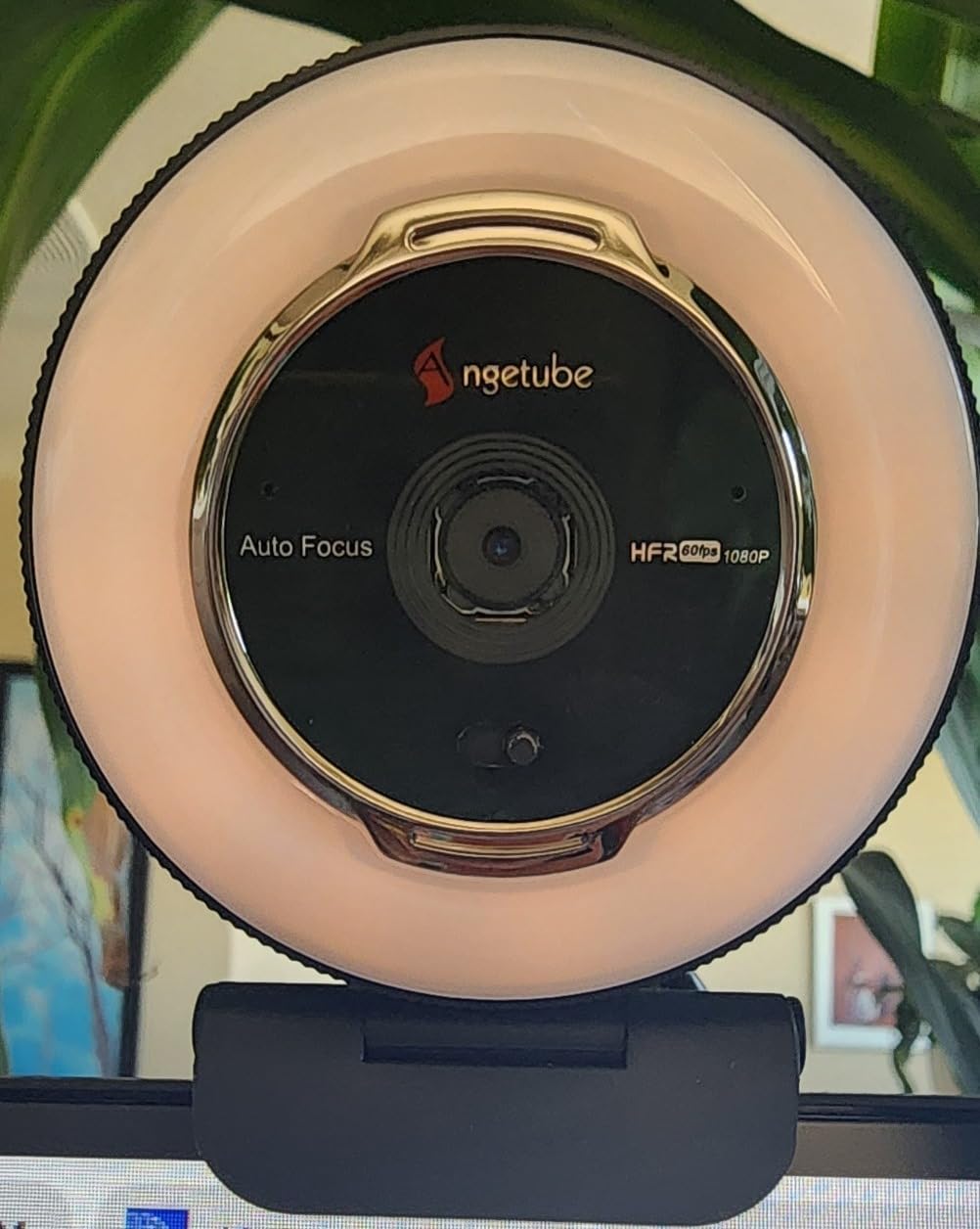
4. Angetube 862Pro 1080p 60fps Webcam – Best for Dim Rooms
Angetube Streaming Webcam with Microphone, USB 1080P Web Cam w/Ring Light
1080p at 60fps
Built-in ring light with 3 colour modes
RF remote control
Privacy shutter
Pros
- Smooth 1080p at 60fps with no motion blur
- Adjustable ring light with three colour temperatures avoids glare
- RF remote for zoom
- mute and video disable from your chair
- Autofocus stays locked without fisheye warping
- Physical privacy shutter
Cons
- Digital zoom only works at 720p and below
- No hardware power switch
- Lens shutter is manual rather than motorized
The ring light is the reason this model exists, and for a home office at night it works. Three colour temperature settings and stepless brightness let you dial the ring down until it flatters rather than flattens, which is the mistake most cheap ring lights make.
Sixty frames per second at 1080p is more than any mainstream conferencing app will transmit, but it matters for recording local clips and for talking with gestures. The autofocus holds without the fisheye face warping that plagues several cheap wide-angle models.
The RF remote is genuinely useful during a meeting. You can mute, disable video, adjust zoom and field of view and change white balance without reaching over to the camera, which otherwise ends up moving the mount and knocking your framing off.
Colour rendering is reported as more true-to-life than most budget alternatives, and the dual omnidirectional noise-cancelling microphones are acceptable for conversation in a quiet room.
What to check before you buy
Understand the zoom limitation. Digital zoom is available at 720p and lower but is disabled in 1080p mode, so if you plan to crop in digitally you have to drop your capture resolution to do it.
There is no physical power switch on the camera itself. Muting and disabling video go through the remote or software, or you unplug it, which is worth thinking about if privacy is a concern.
Who should skip it
If your room is already well lit, the ring light is dead weight and you are paying for a feature you will never touch. The Logitech Brio 101 delivers a cleaner 1080p image for less money in that situation.
Heavy recorders should also note that a few buyers report internal hardware faults causing audio static, so keep the return window in mind.
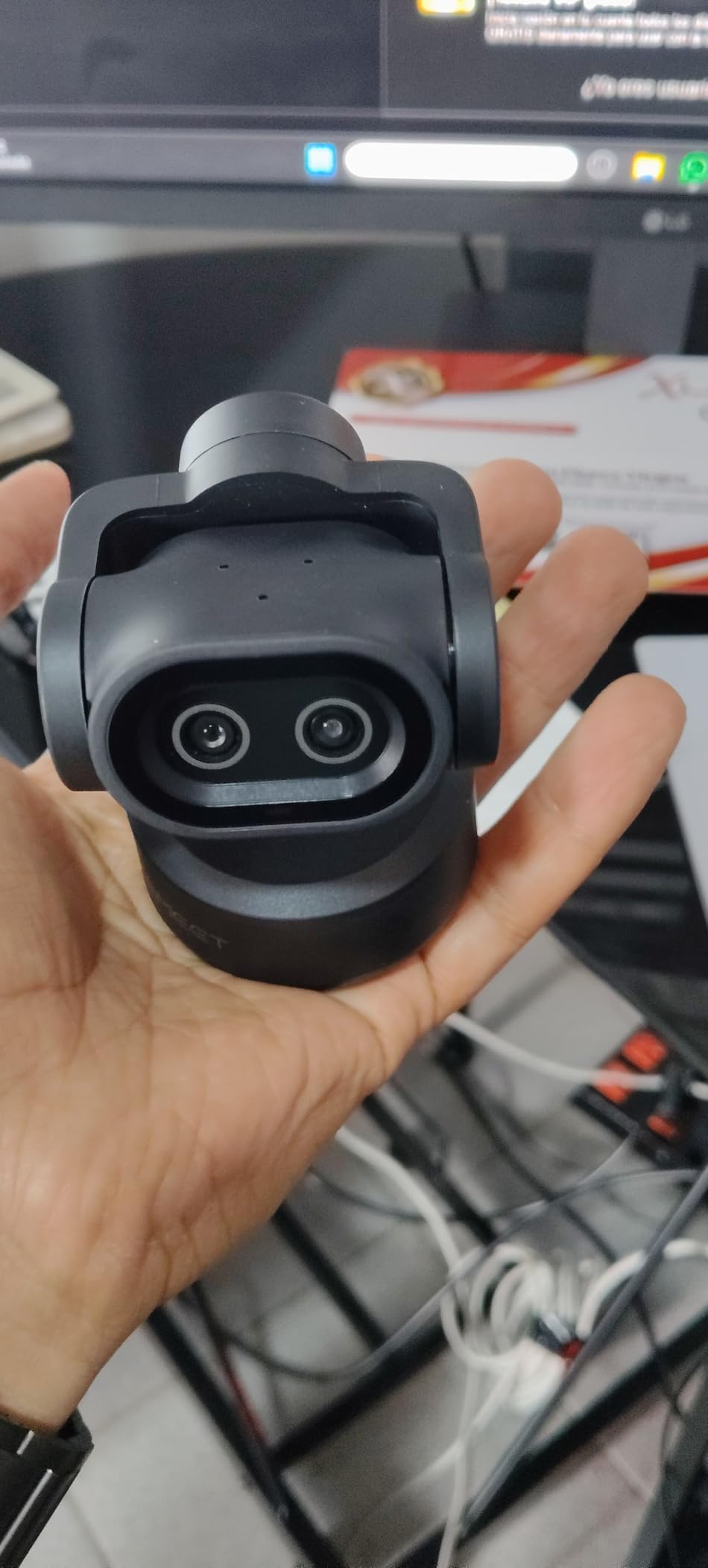
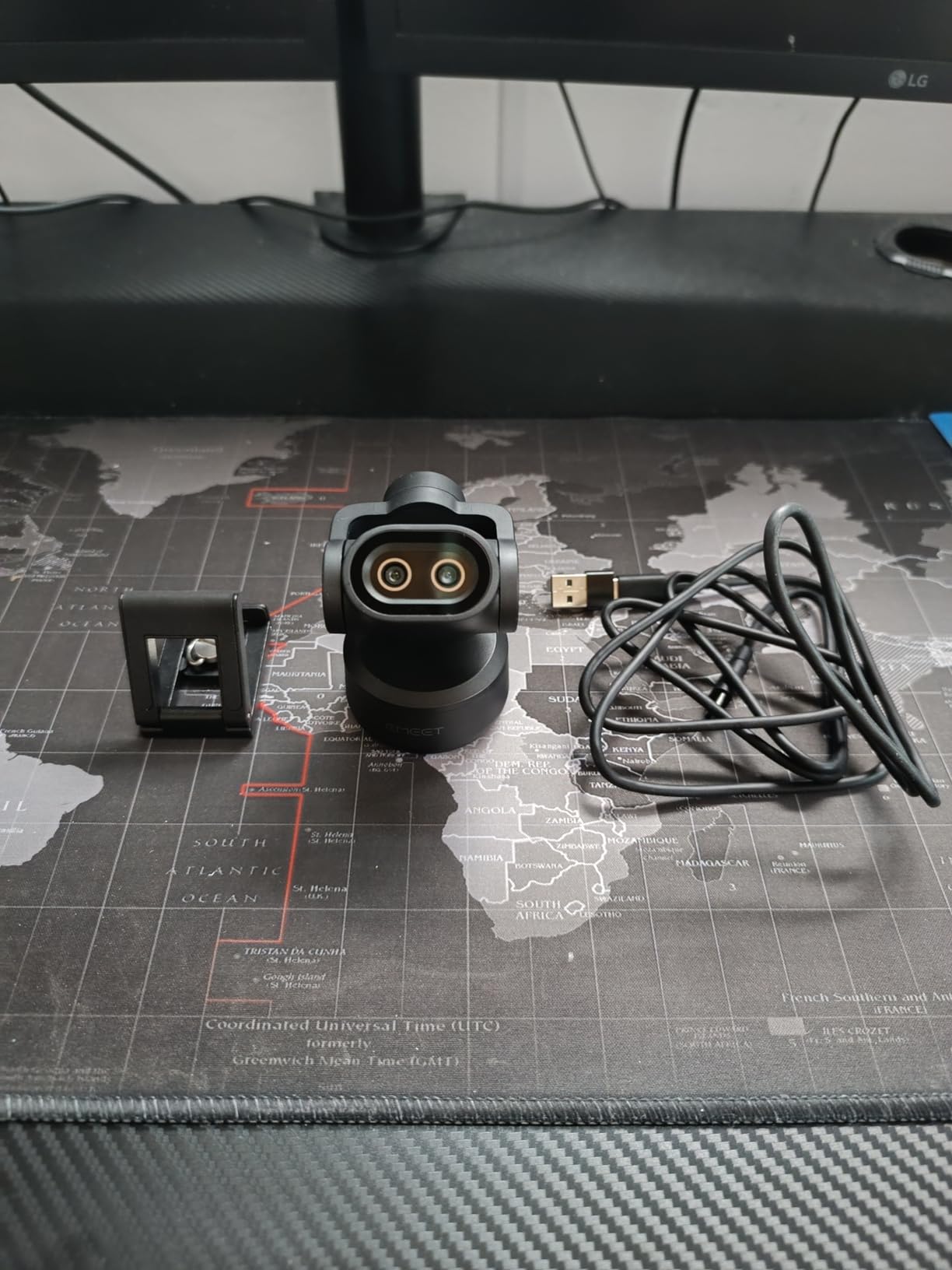
5. EMEET PIXY Dual-Camera 4K PTZ Webcam – Best for Tracking and Movement
EMEET PIXY Dual-Camera AI-Powered PTZ Camera 4K, AI Tracking
4K capture
310-degree pan and 180-degree tilt
AI tracking with 0.2s focus
Triple-mic array
Pros
- Very fast autofocus that holds skin tones well
- Three-chip AI tracking keeps a moving subject framed
- Pan and tilt range covers whole rooms
- Triple-mic array with dedicated noise-canceling mode
- 4K capture without a premium desk camera price
Cons
- Framing options locked at 4K 30fps and 1080p 60fps
- Remote and tripod sold separately
- Incompatible with Windows Hello
This is the camera for people who move. A 310-degree pan and 180-degree tilt means the head physically rotates to follow you, and a three-chip tracking system keeps you framed without anyone touching the desk. The auxiliary AI camera detects your face position to drive autofocus and exposure at the same time.
Focus is the standout number: 0.2 seconds, with PDAF on the main 4K sensor. In our testing the difference is obvious the moment you lean forward, because there is no visible hunting delay before the image settles.
The triple-mic array is unusually well thought out for conferencing, with Live, Noise Canceling and Original Sound modes. Reviewers using it for teaching and presenting point to the noise-canceling mode filtering fans, keyboard clatter and door slams as the feature that removes the need to reposition mid-call.
An open palm held in front of the lens for two seconds triggers gesture control, and the software adds preset positions and a whiteboard mode for walking through a board.
What to check before you buy
Understand the resolution lock. The field of view is adjustable at 1080p and 2K 30fps, but locked at 4K 30fps and 1080p 60fps. If you want both maximum resolution and adjustable framing, you have to pick one.
Accessories are extra. The clip mount is included, but the remote control and tripod are sold separately, and this is the heaviest and largest camera in the roundup at just under 132 grams.
Who should skip it
Anyone working from a single static seat will not use the pan, tilt or tracking. You would be paying for a mechanical head that mostly sits still, and the fixed-focus-style ergonomics of a cheaper camera would serve you better.
It is also not a Windows Hello camera, and the PTZ motor takes a moment to settle after the first movement, which some reviewers notice.
6. AOC AC310 4K Webcam – Best for 4K Capture on a Budget
AOC 4K Webcam for PC, Streaming Computer Camera with Noise-Canceling Mic
4K UHD at 3840 pixels
80-degree wide-angle lens
Sliding physical lens cover
USB-C with adapter
Pros
- 4K resolution at a price usually tied to 1080p budget cameras
- 180-degree tilt and 360-degree swivel for easy reframing
- Physical sliding lens cover
- True plug and play with no driver installation
- USB-A to USB-C adapter included
- Three year manufacturer warranty
Cons
- Sensor is unspecified so image quality depends heavily on lighting
- 4K capture loads the host computer more than 1080p
- Fewer framing controls than software-driven models
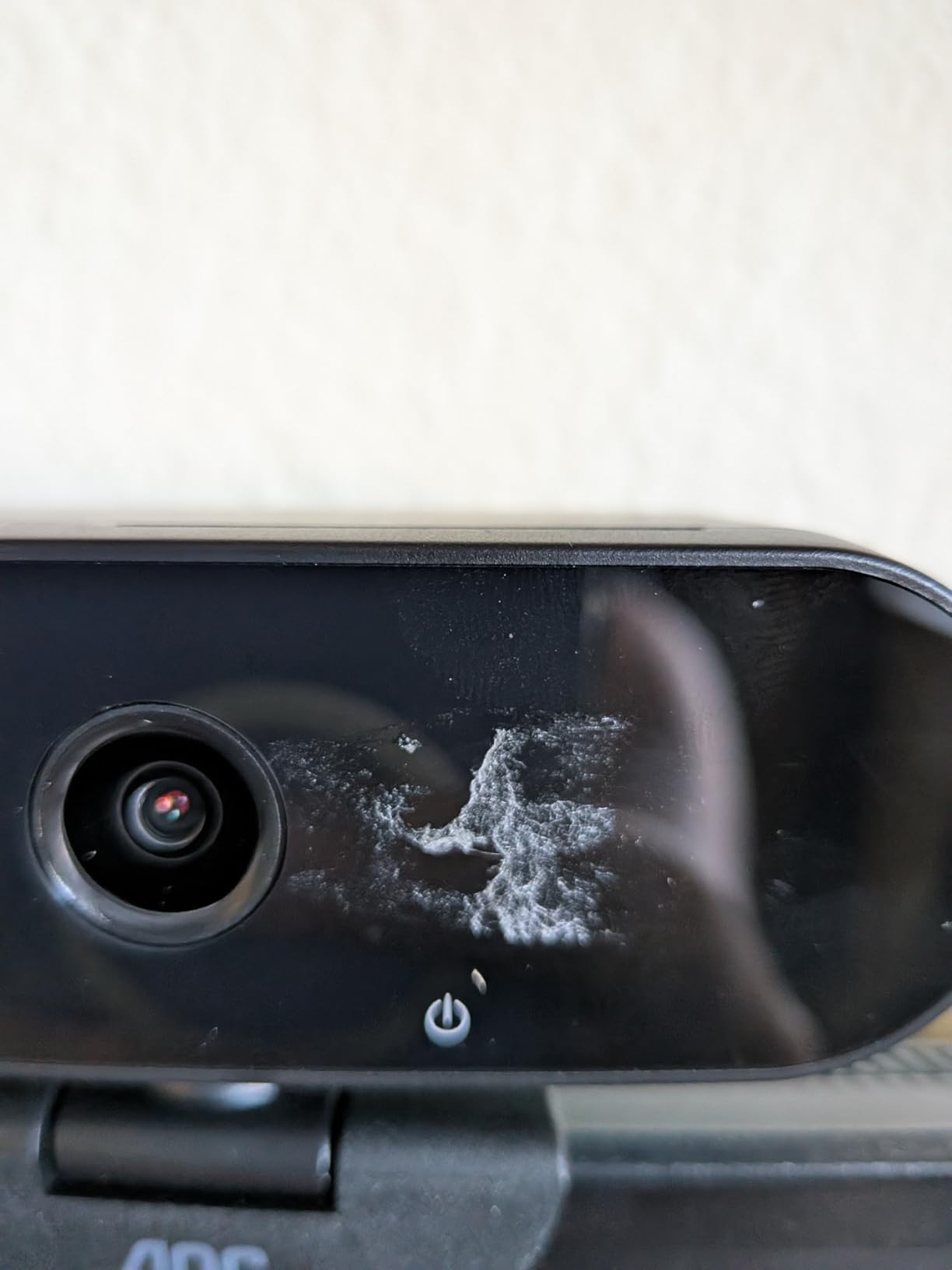
The AOC AC310 delivers 4K UHD capture at a price point where most rivals stop at 1080p. That headline number is the reason owners buy it, and with 77 percent of its reviews at five stars it clearly lands for its intended buyer.
The mechanical flexibility is better than it should be at this price: 180-degree tilt and 360-degree swivel let you point the lens down at a whiteboard or swing it toward a colleague without loosening a mount.
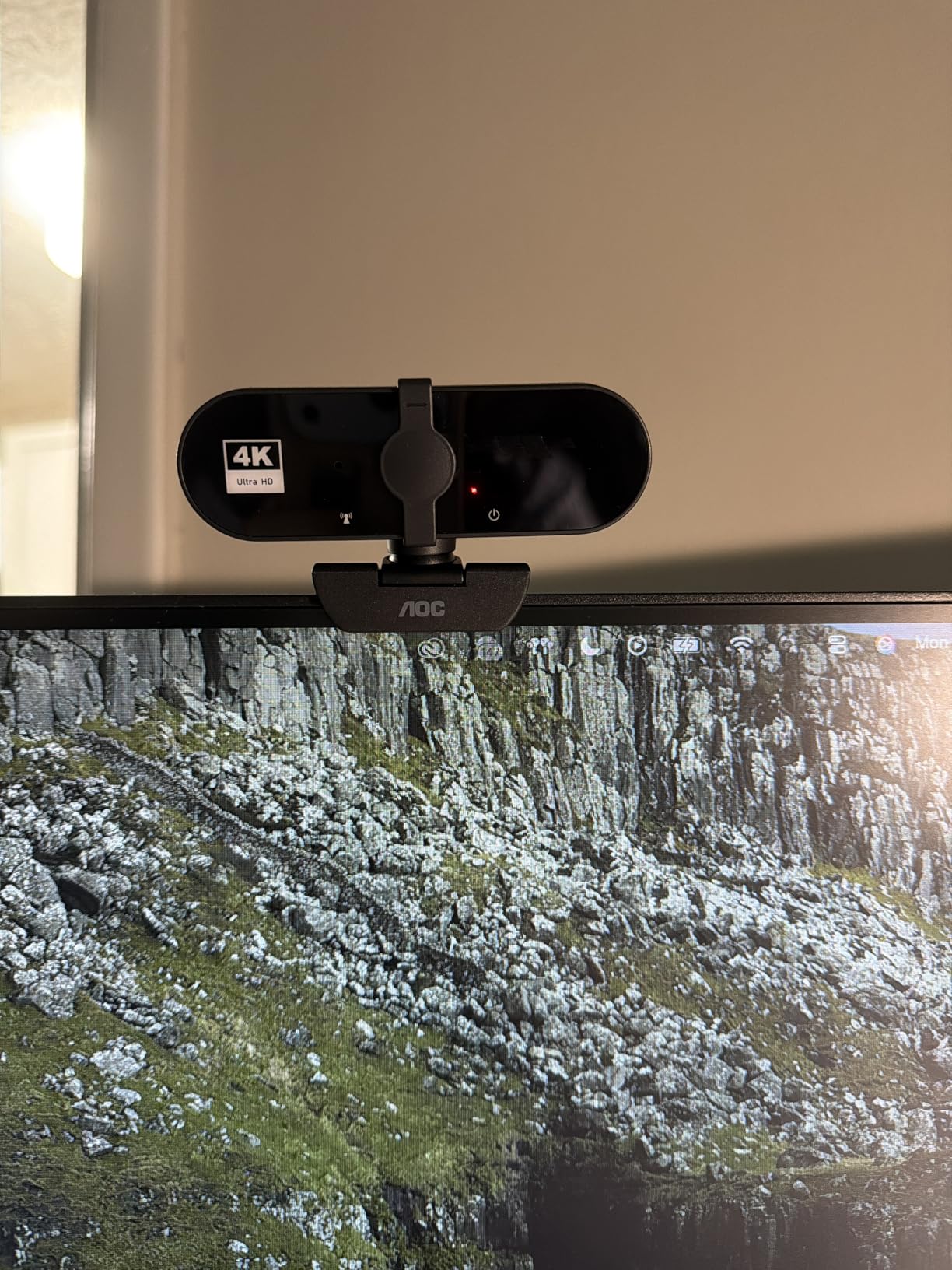
The sliding lens cover is a genuine physical shutter, which matters in shared rooms. An included USB-A to USB-C adapter means it works on older ports without a separate cable, and there are no drivers to install on any platform.
Automatic light correction handles ordinary room lighting. The catch is that no sensor type is published, and owners are candid that image quality depends on getting good light on your face.
What to check before you buy
Think carefully about what you want 4K for. Most conferencing apps transmit well below 4K, so the extra pixels only help if you are cropping the image, recording locally, or sharing fine detail such as printed documents.
Check your computer can process the stream. Owners report that 4K capture demands more from the host machine than 1080p, and older or integrated systems can struggle.
Who should skip it
If you only ever make calls and never crop or record, a 1080p model with a better sensor will produce a better-looking image on screen than a 4K camera used at full resolution and downscaled.
You also get fewer framing controls than software-driven models, and the unnamed sensor means the picture swings harder between good and poor lighting conditions.
7. Logitech Brio 101 1080p Webcam – Best for Multiple Users and Small Offices
Logitech Brio 101 Full HD 1080p Webcam for Streaming and Meetings – Black
1080p Full HD
60-degree viewing angle
RightLight auto-light balance
Logi Options+ app
Pros
- Reliable crisp 1080p for everyday calls
- Integrated privacy cover slides shut easily
- True plug and play across Teams Zoom and Google Meet
- Compact body sits neatly on a monitor
- Built with a minimum of 77 percent post-consumer plastic
Cons
- Noticeably grainy in low light where auto-brightening exaggerates noise
- No zoom out so wider framing needs repositioning
- Limited manual image adjustment
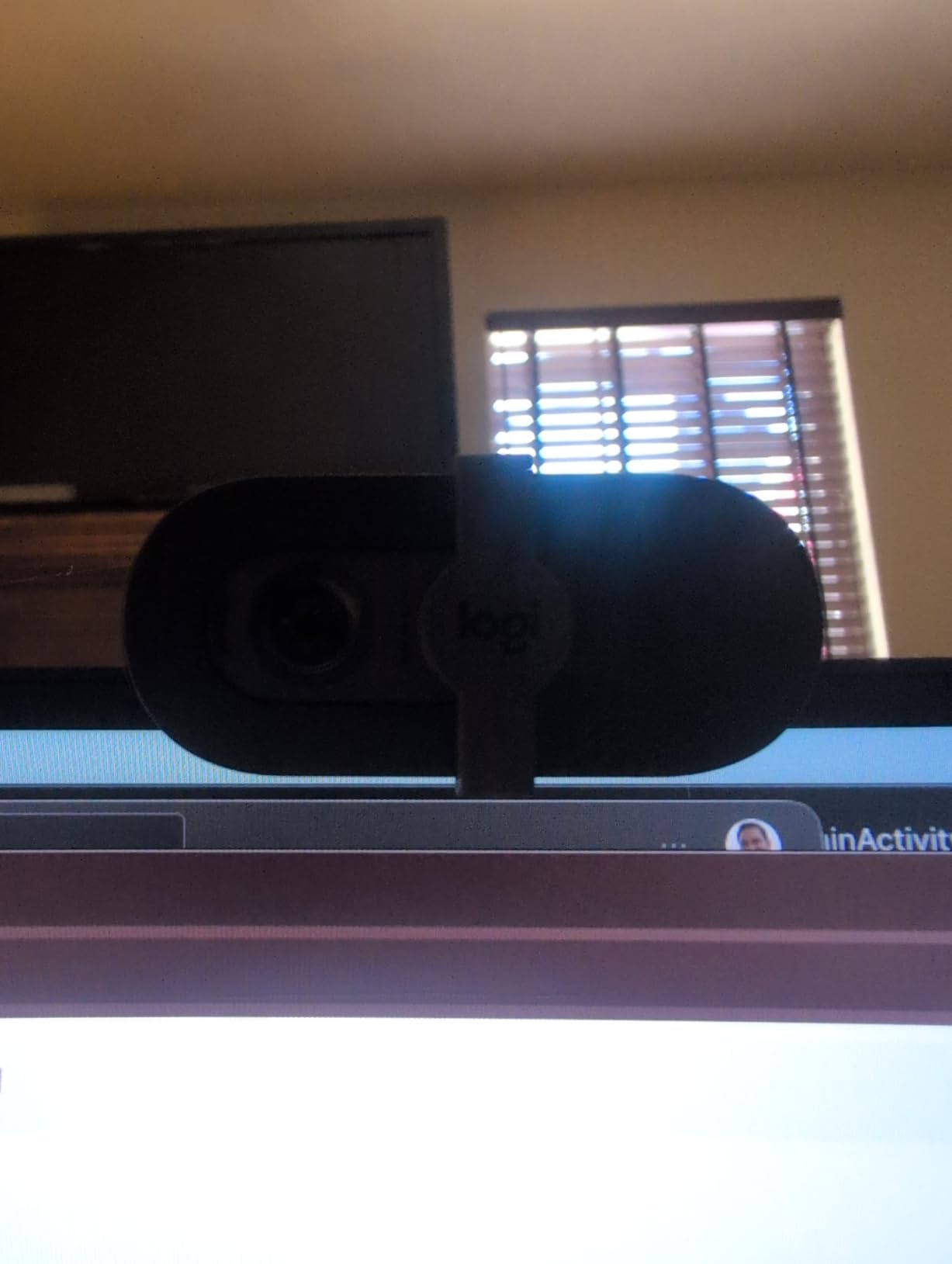
Several owners deploy multiple Brio 101 units across a small office, and that is the clearest use case for it. The body is compact, the mount is tidy on top of a monitor, and there is nothing to configure before it works.
The 60-degree field of view is the tightest in this roundup. That produces a close, conversational framing that suits one person on camera, and it stops the classic webcam problem of framing the wall, the door and the ceiling behind you.
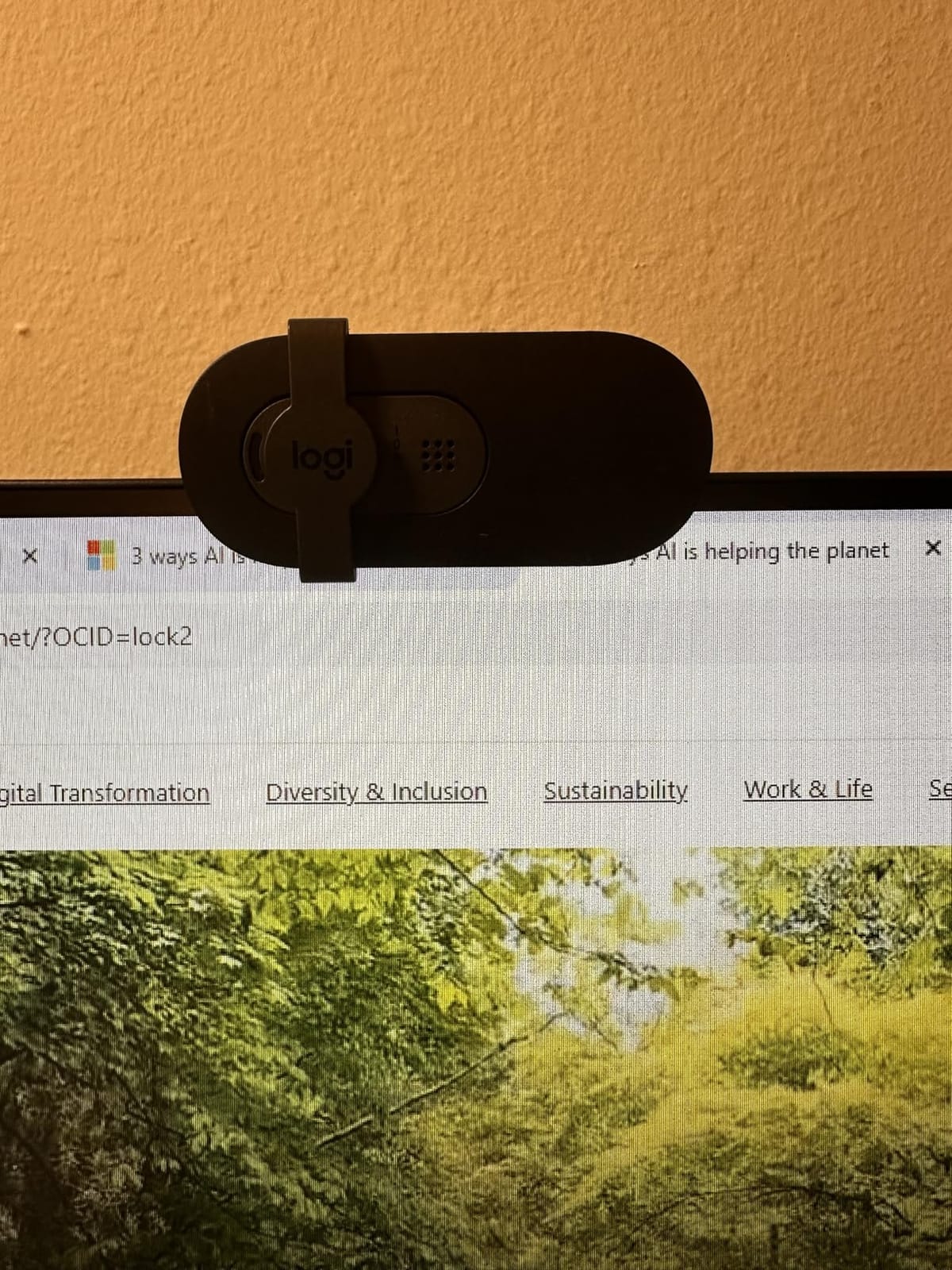
RightLight auto-light balance brightens the image by up to 50 percent in dim rooms, and Logi Options+ gives you access to zoom, framing and camera settings if you want to tune it. The integrated sliding privacy cover is the smoothest mechanism in this group.
Compatibility covers Teams, Zoom and Google Meet, and it also works in Nintendo Switch 2 GameChat mode. The built-in USB-A cable is fixed, which means no connection issues but also no way to route it neatly through a monitor arm.
What to check before you buy
Consider how you will widen the shot. There is no zoom out on the lens, so if a second person joins you at the desk you will need to physically move or angle the camera rather than widen the framing in software.
Test it in your actual room. Auto-brightening helps in dim conditions but also amplifies noise, and low light is where this camera’s image becomes grainy.
Who should skip it
Skip it if you regularly present, show a whiteboard or sit with a colleague beside you. Sixty degrees leaves no margin for any of that, and the fixed lens cannot compensate.
It is also not the choice for content creation, where the mono microphone will not come close to a dedicated mic.
8. EMEET C960 1080p Webcam – Best for Small Group Meetings
EMEET 1080P Webcam with Microphone, C960 Web Camera 2 Mics Streaming Webcam
1080p Full HD
5-layer anti-glare lens
90-degree wide view
Dual noise-reduction mics
Pros
- Clear 1080p image thanks to the 5-layer anti-glare lens
- Two omnidirectional noise-reduction microphones
- Automatic low-light correction for dim rooms and backlit windows
- 90-degree wide view fits multiple participants
- Foldable tripod-ready design with 36-month warranty
Cons
- Fixed focus rather than autofocus
- Not compatible with Windows Hello
- Design looks dated next to newer models
The 90-degree field of view is the defining feature and it is a deliberate trade. You get a wider shot than any other 1080p camera here, which is the right call when two or three people share a desk in a small meeting.
That same width is a downside for solo calls, because you will be framing a good deal of the room along with your face. If you work alone, a 78-degree or 65-degree lens will make you look considerably more composed.
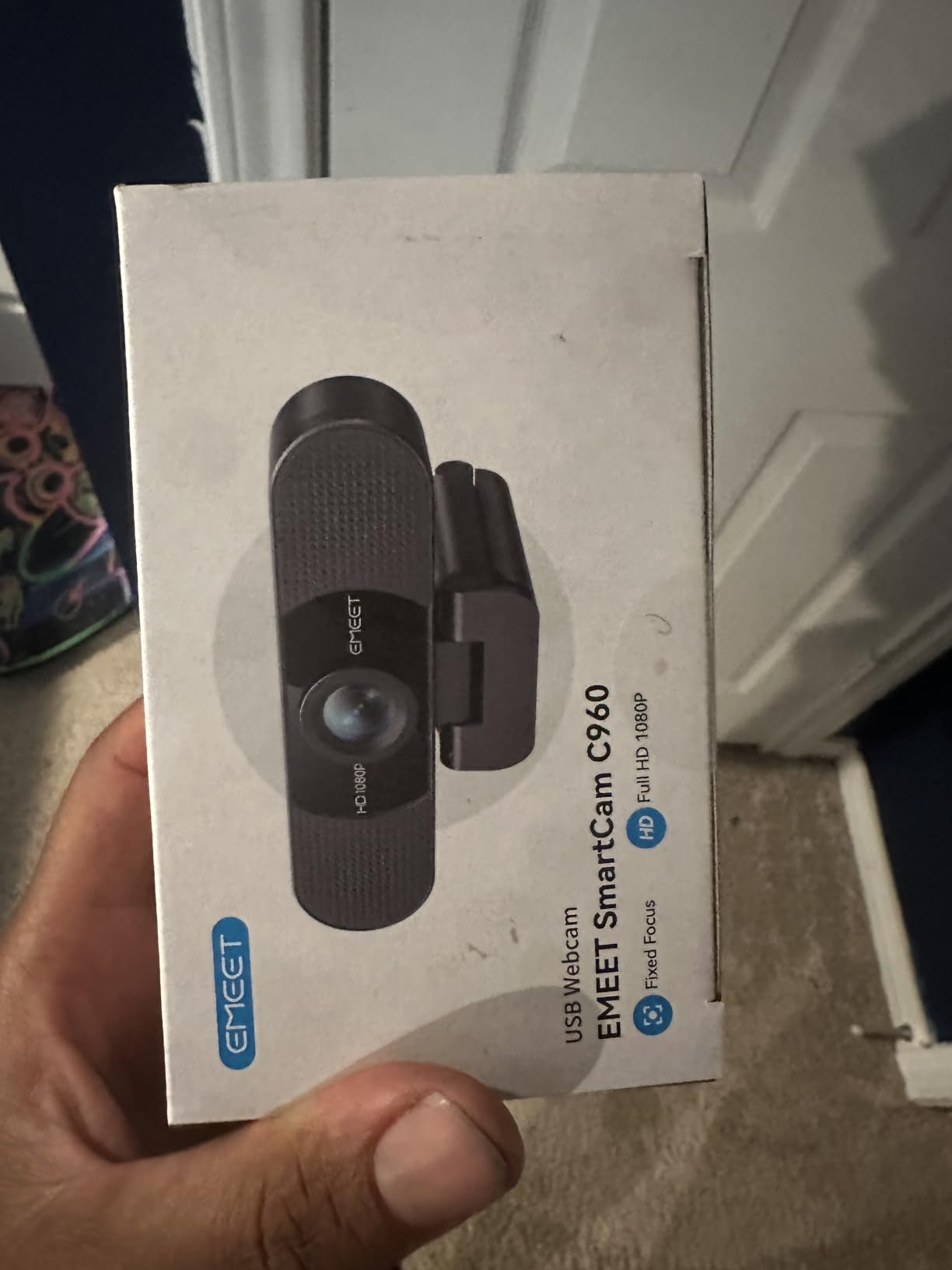
The 5-layer anti-glare lens does visible work. Owners with monitors behind them or overhead lighting report noticeably fewer harsh reflections and a steadier image than single-element lenses produce.
Automatic low-light correction handles dim rooms and backlit windows better than most budget fixed-focus models, and the foldable, tripod-ready body with a long cable is easy to position on a desk or a shelf.
What to check before you buy
Sit at the distance the focal range supports. The specification lists 11.8 to 118.1 inches of usable focus, which covers a desk but means sitting much further back will soften the image.
Confirm the removable privacy cover suits your security policy. It detaches rather than sliding, so it can be left off after the first use unless you make a habit of fitting it every time.
Who should skip it
Solo workers and presenters should pick something narrower. A 90-degree view wastes resolution on empty space and makes you look smaller on screen, which is exactly the opposite of what a client-facing call needs.
It is also fixed focus, and the listing notes it is incompatible with Windows Hello functions.
9. Acer A610 1080p Webcam – Best for Online Classes and Teaching
Acer A610 1080p Webcam for PC with Microphones Computer Camera for Meeting
1080p Full HD
1/2-inch CMOS sensor
83-degree field of view
Dual noise-reduction mics
Pros
- Upgraded CMOS sensor gives better clarity and colour than older budget models
- Dual noise-reduction microphones
- Built-in privacy cover
- 360-degree rotation makes positioning easy
- Automatic low-light correction
- Driverless plug and play with adapter included
Cons
- Fixed focus rather than autofocus
- No built-in speakers so audio output depends on the computer
- Must be selected as default mic in OS and app settings
- Not a Windows Hello camera
Teaching online means long sessions in a fixed seat, which is where a tight, stable framing beats a feature list. The 83-degree field of view on the A610 holds a lecturer plus a desk edge without wandering off into the room.
The sensor is the differentiator in this price band. Acer moved to a 1/2-inch CMOS chip, and owners report clearer detail and more natural colour than previous generation budget cameras at the same money.
Dual noise-reduction microphones help in a lecture room with hard surfaces, and the built-in privacy cover means you can block the lens during a break without unplugging anything. 360-degree rotation lets you point the camera at a whiteboard when you need to.
There is one setup step that catches people out. There are no built-in speakers, and the microphone has to be selected as the default input in both system settings and inside your calling app before it will work.
What to check before you buy
Plan for the two-step microphone selection before your first class. It is a five-minute job, but doing it live in front of a waiting class is avoidable friction.
Decide how you will use the 360-degree rotation. If you regularly turn to a whiteboard, make sure the mount holds its position firmly at the angle you need.
Who should skip it
If you move around while presenting, fixed focus and a fixed position will not follow you. The EMEET PIXY exists for that scenario.
Anyone who wants sound output through the camera itself should note there is no built-in speaker, so you still need speakers or headphones.
10. NexiGo N60 1080p Webcam – Best for Wide Framing and Small Groups
NexiGo N60 1080P Webcam with Microphone, Software Control & Privacy Cover, USB HD Computer Web Camera, Plug and Play, for Zoom/Skype/Teams, Conferencing and Video Calling
1080p at 30fps
110-degree viewing angle
4x digital zoom
Physical privacy cover
Pros
- Sharp crisp 1080p image for a budget camera
- Very easy plug-and-play setup
- Physical privacy cover blocks the lens
- Built-in microphone picks up voice clearly on calls
- Adjustable field of view and optional NexiGo software
- Works on Windows macOS Linux Chrome OS
Cons
- 110-degree field of view frames more room than most people want
- Fixed focus optimised for a specific distance range
- Volume reported as quiet and tinny at maximum
- A minority report USB dropouts when the cable is moved
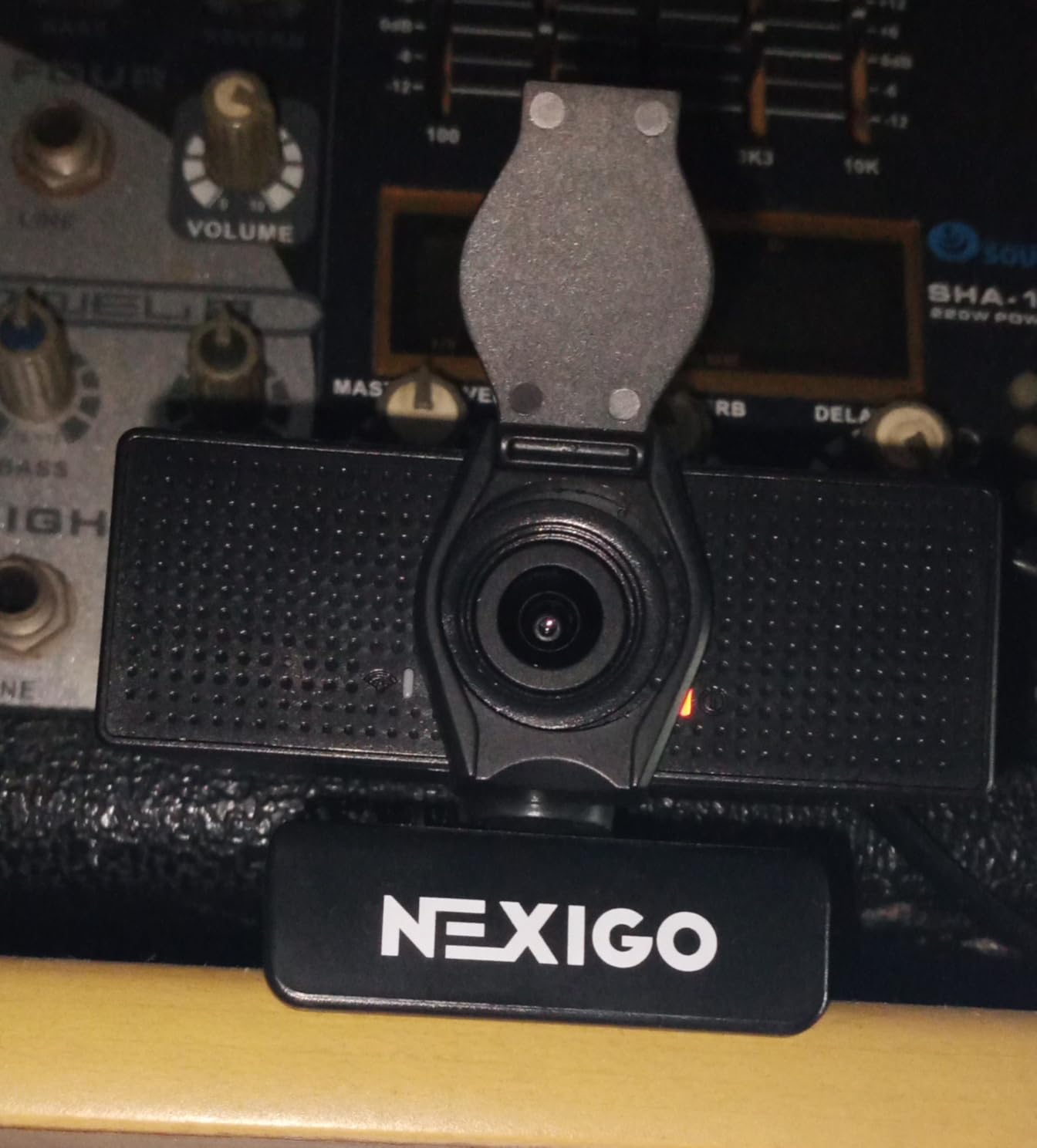
With more than 48,000 reviews at a 4.3 average, this is the most widely owned camera in the roundup, and owners consistently describe it as an excellent budget conferencing camera. The 1080p image is sharp for the money and the setup takes under a minute.
The 110-degree viewing angle is the widest we tested and the reason this model is worth knowing about. It will fit two people at a desk and a good deal of whiteboard behind them without any adjustment, which few 1080p cameras manage.
It also carries a physical privacy cover, adjustable field of view through NexiGo’s optional software, and 4x digital zoom alongside 2x optical. Very few cameras at this price include a cover at all.
Compatibility is broad, covering Windows, macOS, Linux, Chrome OS and Android, with a maximum aperture of f/2 and automatic exposure and white balance handled by the camera itself.
What to check before you buy
Look at your background before you commit. A 110-degree view frames the whole room, and if you want a clean professional image you will spend the first few minutes of every call rearranging what is behind you.
Measure your sitting distance against the 19.6 inch to 13 foot focal range. Sit closer than 20 inches and the fixed focus will soften your face.
Who should skip it
Anyone who needs a tight professional frame should look at the NexiGo N930AF or Logitech Brio 101 instead, both of which frame a single person rather than a room.
A small number of owners report USB dropouts triggered by moving the cable or shifting the laptop, so avoid mounting it somewhere the cable gets tugged.
11. NexiGo N660 1080p Business Webcam – Best for Office Desks on a Budget
NexiGo N660 1080P Business Webcam, Dual Microphone & Privacy Cover, USB FHD Web Computer Camera, Plug and Play, for Zoom/Skype/Teams/Webex, Laptop MAC PC Desktop
1080p at 30fps
84-degree field of view
Software control for exposure and white balance
Privacy cover
Pros
- Sharp 1080p image at an accessible business price
- Plug and play with no drivers needed
- Built-in noise-cancelling microphone
- Privacy cover and optional desktop control software
- Consistent on Windows and macOS for daily calls
Cons
- Fixed focus limits how close you can sit
- 84-degree field of view narrower than some budget rivals
- Not a Windows Hello camera
- Listing reviews mix in other NexiGo models
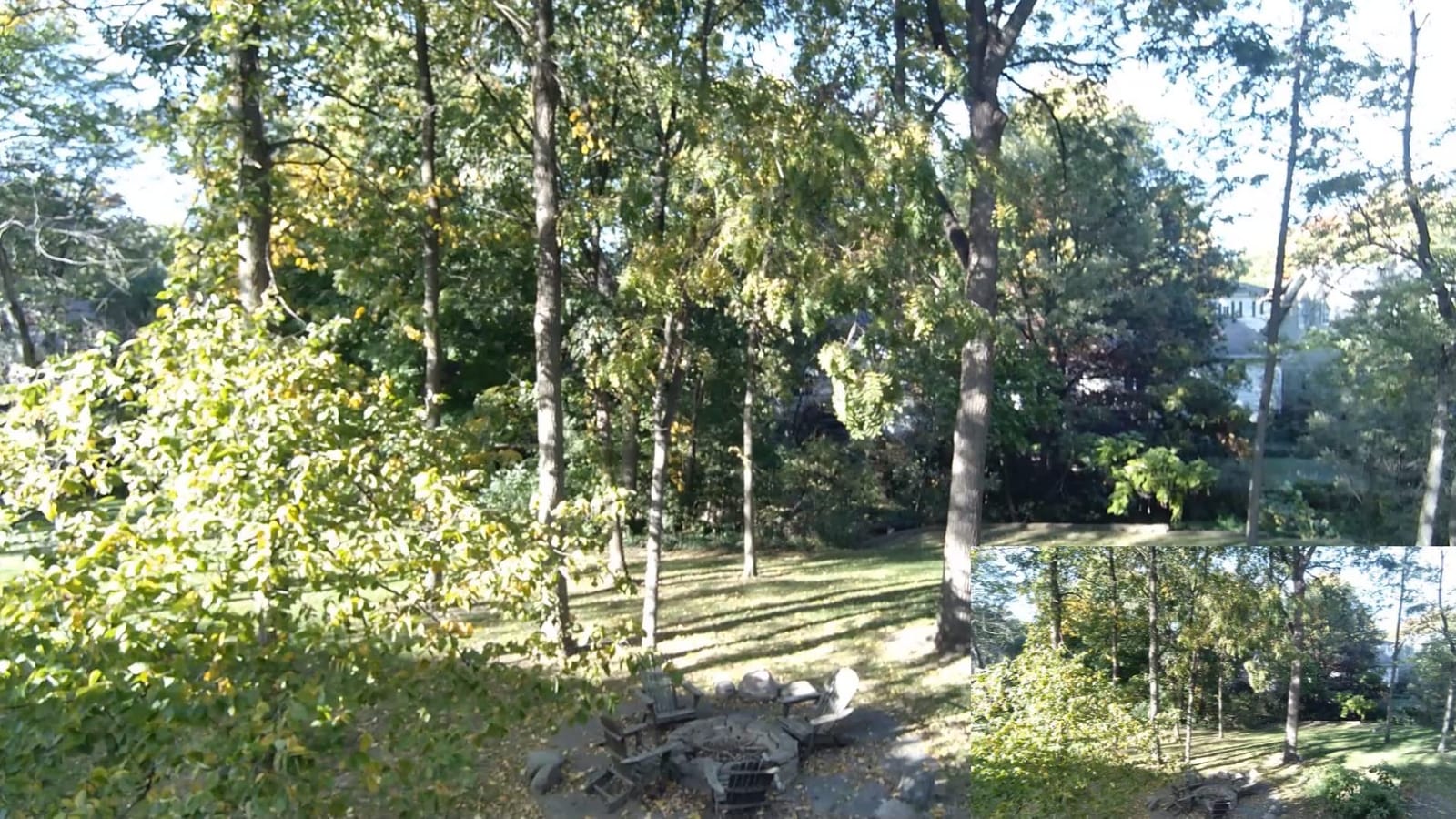
The N660 is the plain, dependable option. An 84-degree lens gives you a slightly tighter frame than most budget rivals without going as narrow as the Brio 101, and owners describe the image as sharp and consistent for daily calls.
Unlike the cheapest fixed-focus cameras, it ships with optional NexiGo software that exposes exposure, contrast, saturation and white balance. If your room has odd lighting, having those controls available is worth more than autofocus you never point at.
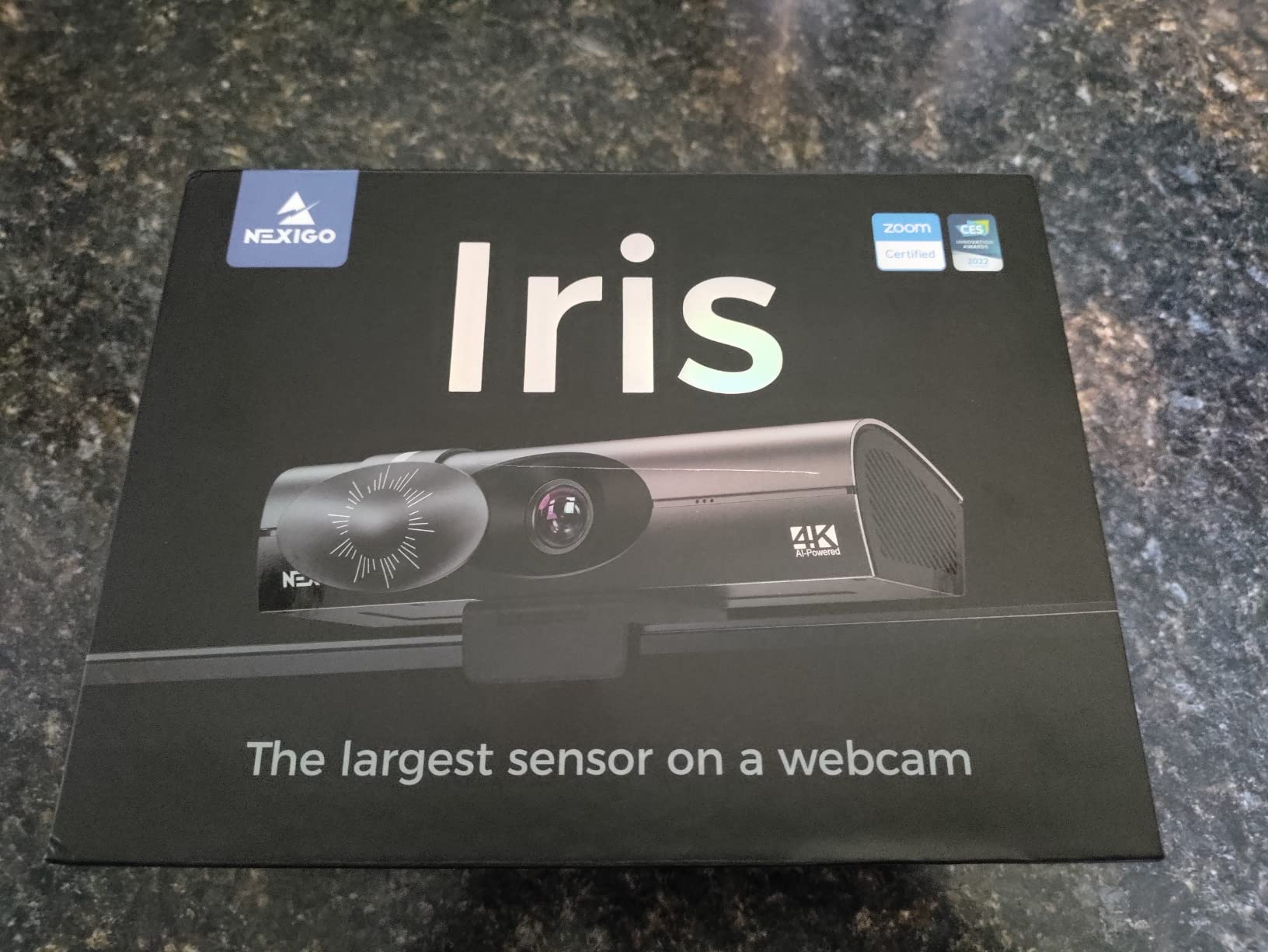
It is also one of the few budget cameras here that works cleanly across Windows and macOS with no driver install, and the privacy cover is a real physical cover rather than a software toggle.
One caution when reading reviews. The customer review content on this listing spans several NexiGo model variants, so some issues described there belong to other cameras in the family rather than the N660 itself.
What to check before you buy
Confirm your sitting distance fits the 19.6 inch to 13 foot focal range. Fixed focus means sitting too close produces a soft image and there is no way to correct it in software.
Think about whether you will actually use the control software. If you will not install it, you are buying a straightforward 1080p camera and should compare it against the Brio 101 on framing width instead.
Who should skip it
If you lean toward the camera or hold documents up close, fixed focus will frustrate you. The autofocus on the NexiGo N930AF is the direct upgrade for that habit.
It is also not a Windows Hello camera, and the narrower lens means slightly less room for showing a second person at your desk.
12. HP 320 FHD Webcam – Best for Chromebooks and Secure Meeting Rooms
HP 320 FHD Webcam – USB-A Computer Camera with Mic & Privacy Cover – for Desktop, Laptop, & Chromebook – 1080p Resolution w/Wide FOV – Zoom & Teams Compatible – Clip Mount, Tripod Support, & Swivel
1080p Full HD
66-degree field of view
Privacy cover with red in-use LED
USB-A connection
Pros
- Crisp 1080p with a natural 66-degree conversational view
- Simple USB-A plug-and-go with no driver installation
- Manual privacy cover plus a red LED showing when the camera is active
- Automatically adjusts exposure to room lighting
- Clip mount
- 360-degree swivel and tripod support
Cons
- Fixed focus with no autofocus or manual focal adjustment
- Basic onboard microphone compared with dual-mic rivals
- 66-degree view requires repositioning for wider shots
- No digital zoom or framing controls exposed
The HP 320 is built for institutional environments. It is optimised for Chrome OS and Chromebook alongside Zoom, Teams, Google Meet, XSplit, OBS and YouTube, and it runs on Windows and macOS without driver installation.
The combination of a manual privacy cover and a red LED that shows when the camera is live is unusual at this price. For a meeting room that other people use, seeing that red light is a meaningful reassurance.
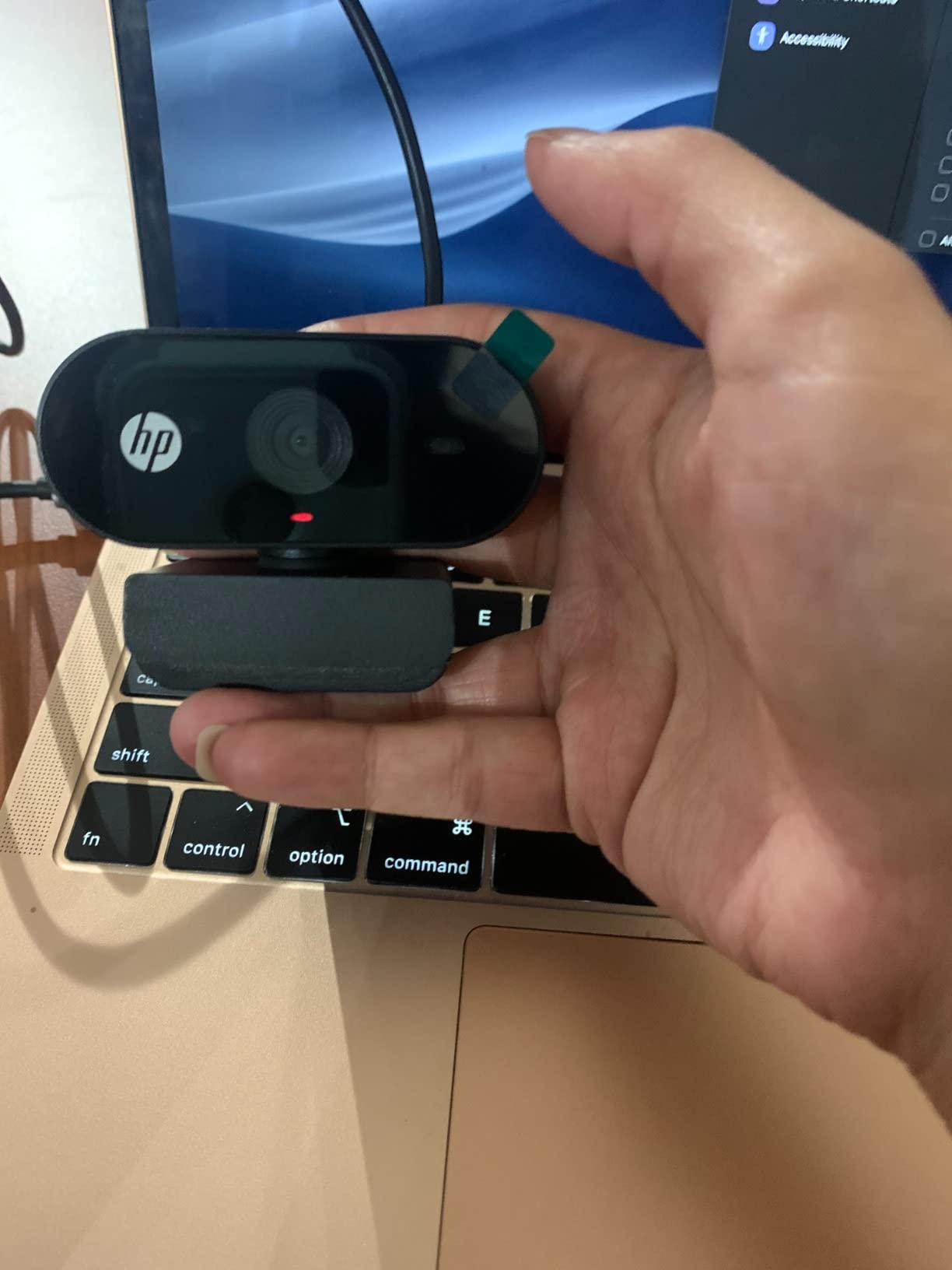
Image quality is crisp 1080p and exposure adjusts automatically to the room lighting, which handles the lights being switched on mid-call. The 66-degree view is conversational and keeps your framing tight on one person.
Mounting is flexible: a clip mount, 360-degree swivel and tripod support mean it can sit on a monitor, a laptop, a desk stand or a tripod depending on the room.
What to check before you buy
Note that there are no exposed framing controls. No digital zoom, no field-of-view adjustment and no companion software means every framing decision has to be made physically.
Check your port situation. It is a USB-A camera, which is convenient on Chromebooks with full-size ports but needs an adapter on a USB-C-only machine.
Who should skip it
Skip it if you need to show anything wide. At 66 degrees you must physically reposition the camera to widen the shot, which turns every whiteboard moment into a setup task.
The onboard microphone is also basic next to dual-mic rivals, so pair it with a headset if you are on back-to-back calls.
How to Choose a Webcam for Video Conferencing in 2026
Resolution and frame rate: how much do you actually need
1080p at 30fps is the sweet spot for calls, and every model in this roundup hits it. Anything above that mostly helps two specific situations: cropping in after the fact, and recording locally for content.
A 720p sensor is the reason laptop cameras look soft. Faces lose detail, compression artefacts become visible, and a window behind you turns the image to mush. Moving to 1080p is the single biggest visible improvement most people will notice.
Frame rate matters less for meetings than for streaming. Zoom, Teams and Google Meet compress hard, and the extra smoothness of 60fps is mostly lost in transmission. If you also record or stream, 60fps at 1080p is worth having.
What your conferencing app actually transmits
This is where most buyers overspend. Your camera can capture 4K and your meeting can still arrive at the other end as a compressed 720p or 1080p stream, because the app, not the camera, sets the transmitted resolution.
That does not make 4K webcams useless. It makes them useful for specific jobs: cropping into a wide shot to frame one person, recording a local copy for training or content, and reading fine printed detail on a shared document.
So ask one question before upgrading. Do I crop or record? If yes, buy the extra resolution. If your only use is sitting in scheduled calls, a 1080p camera with a better sensor and adjustable field of view will look better than a 4K camera used at full frame and downscaled.
Field of view: match the lens to your meeting
Field of view is the single most consequential number on a webcam spec sheet, and it is the one people check last. It determines how much of the room appears behind you, which in turn determines whether you look professional or look like you are sitting in a kitchen.
Between 60 and 66 degrees is a solo framing. It fills the frame with you and hides the room. Choose this for interviews, one-on-one client calls and anything where a tight shot looks more composed.
Seventy-eight to 84 degrees is the everyday middle ground. You get head and shoulders with room to hold a document or lean back, and the background stays present without dominating.
From 90 degrees upward you are choosing a room camera. Use it for group meetings of three or four, for sharing a whiteboard, or when you need to show a full desk. The trade is a smaller you on screen and more of your surroundings visible.
If you can only change the framing in software, check that the software is something you can actually install on your work machine. Several excellent cameras hide their field-of-view control behind companion software.
Autofocus: does it hunt?
Autofocus matters more than resolution on a fixed seat. With autofocus, the camera locks on and stays sharp as you move naturally through a call. Without it, the lens is focused at a fixed distance and anything closer or further starts to soften.
The failure mode to watch for is hunting, which is autofocus repeatedly zooming in and out trying to decide where you are. It is most visible when you move out of the centre of the frame, and several owners of the NexiGo N930AF specifically mention it.
There is a workaround if you dislike hunting. Several models let you switch autofocus off and lock a manual focal point, which turns the camera into a predictable fixed-focus unit aimed at your actual seat position.
Microphones: when the built-in one is enough
Built-in webcam microphones are fine for quiet rooms and short calls. The dual-microphone models in this roundup pick up your voice clearly at desk distance without any extra hardware, which is why they dominate the category.
They fall down in two situations: a room with hard reflective surfaces, and a noisy open office. In both cases the microphone picks up keyboard clatter, fans and door slams louder than your voice. The answer is not a better webcam mic, it is a separate one.
A dedicated USB microphone or a boom headset is the fix. Select it as the default input in your operating system and in your conferencing app, and the webcam keeps doing what it is good at, which is video. We covered this at more length in our webcam streaming guide, where audio matters even more.
Low light and backlit rooms
A dark webcam image is almost always a lighting problem rather than a camera problem. In order of impact, here is what actually changes how you look on camera.
First, turn your existing room lights on and face them. A desk lamp pointed at your face does more for your image than any sensor upgrade. Second, add a fill light near the camera rather than behind it, and turn it low. Third, raise your screen brightness so the auto-exposure algorithm reads your face as properly lit. Fourth, use exposure controls in the companion software where they exist. Fifth, move the camera so the brightest thing in the room is your face, not the window behind you.
Backlighting is the specific failure mode people describe most often. A 720p sensor pointed at a bright window renders your face as a dark silhouette, and no software setting fully recovers the detail that was never captured. Repositioning the camera or the desk fixes it properly.
If you genuinely cannot change the lighting, look at the models rated best in low light: the Anker PowerConf C200 for exposure handling and the Angetube with its integrated ring light.
Privacy shutter and platform fit
A physical privacy shutter matters if your camera lives in a shared room or your work involves confidential material. There are three kinds and they are not equal: an integrated sliding cover you operate with a thumb, an attached plate or screen that flips over the lens, and a stick-on slider that covers the lens when it is over you.
Platform certification is the other factor people forget. The Logitech C920e is certified for Zoom and TAA compliant, which removes procurement questions in enterprise deployments. Note also that most budget cameras in this category, including several here, are not Windows Hello cameras.
Finally, check the connection. USB-A cameras like the HP 320 work straight into a full-size port, while USB-C models need either a modern port or the included adapter. Both are covered in this roundup, but it is worth confirming before you buy.
If you also want fixed cameras for other parts of the home, our picks for the best video doorbells and the best video baby monitors cover entry and nursery monitoring, which are different jobs with different night-vision and weather requirements.
Frequently Asked Questions
Which webcam has the best quality for video conferencing?
For most people the NexiGo N930AF delivers the best balance of image quality and setup simplicity. It records 1080p at 30fps with genuine autofocus starting at 7 cm, includes a physical privacy cover and needs no drivers. If you want sharper capture, step up to the Anker PowerConf C200 for 2K, or the AOC AC310 if you specifically need 4K for cropping and local recording.
Is 720p good enough for a webcam?
720p is fine for a quick check-in call on a fast connection, but it is the main reason laptop cameras look soft. Faces lose fine detail, compression artefacts become obvious and a window behind you turns the image to mush. Every webcam recommended in this roundup captures at least 1080p, which is the minimum we would consider for regular daily calls.
Why does my webcam look so dark?
Almost always a lighting problem. Turn room lights on and face them, add a low fill light near the camera instead of behind you, raise screen brightness so auto-exposure reads your face correctly, adjust exposure in companion software where available, and move the camera so the brightest thing in frame is your face. If a window is behind you, move the camera or the desk, because no software setting recovers detail that was never captured.
Do I need 4K for video conferencing?
Usually not. Your conferencing app, not the camera, sets the resolution that is transmitted, and both Zoom and Microsoft Teams compress streams well below 4K. 4K pays off in three situations: cropping a wide angle down to frame one person, recording a local copy for training or content, and reading fine print on a shared document. For scheduled calls alone, a 1080p camera with a better sensor looks better on screen.
Do I need a separate microphone with a webcam?
Not for quiet rooms and short calls. The dual-microphone models here, including the Logitech C920e and Anker PowerConf C200, pick up your voice clearly at desk distance. Add a USB microphone or a boom headset when you are in a hard-surfaced room or an open office, because built-in mics capture keyboard clatter, fans and door slams louder than your voice. Set it as the default input in both your system settings and your conferencing app.
What field of view is best for video calls?
Match the lens to the meeting. Between 60 and 66 degrees gives a tight solo framing that hides the room behind you. The 78 to 84 degree range is the everyday middle ground, leaving room to hold a document. At 90 degrees and above you get a room camera suited to group meetings and whiteboards, at the cost of appearing smaller on screen. Check whether changing the angle needs companion software you can install at work.
The Verdict: Which Webcam Should You Buy for Video Calls
The NexiGo N930AF is our pick for the best webcams for video conferencing because it solves the two problems people actually hit: a soft 720p laptop image and a face that goes out of focus when you move. It needs no drivers, it includes a privacy cover, and it is recognised on every major platform.
Choose the Anker PowerConf C200 if you want 2K capture and the ability to reframe between a tight and a wide shot in software. Choose the Logitech C920e if your organisation requires Zoom or Teams certification, or the EMEET PIXY if you move around while presenting and need the camera to follow you.
Whatever you pick, light your face before you blame the camera. A cheap fill light and a repositioned desk will improve your image more than any sensor upgrade, and that advice has not changed as much as the hardware has. We will keep testing and updating this roundup through 2026.