
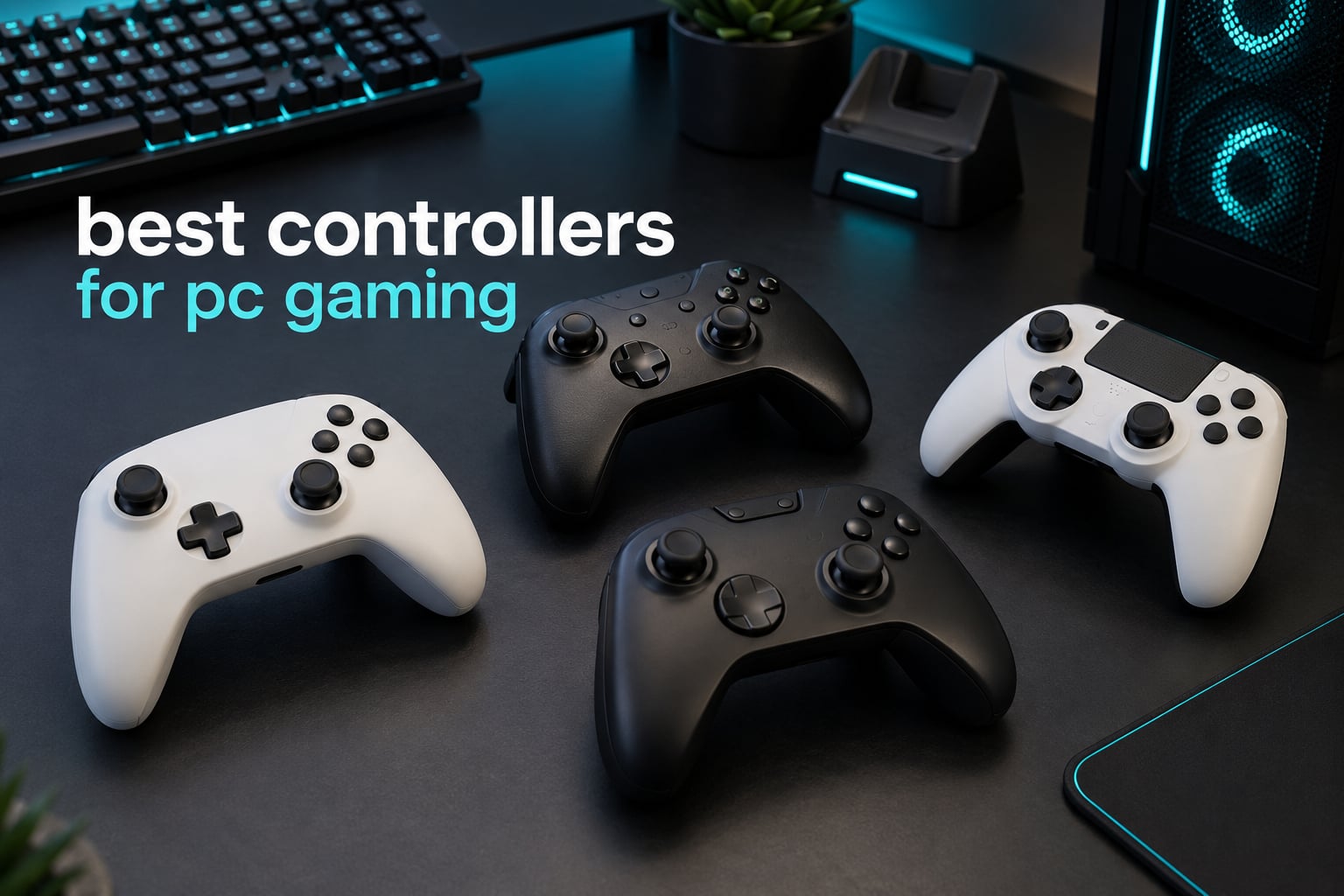
Short answer: the VOYEE wired PC controller is the best controller for PC gaming in 2026 for most people, because it is the most heavily reviewed pad in our test group and it connects over plain USB with no driver install. Shoppers who want anti-drift sticks and a cleaner build should step up to the GameSir G7 SE, and anyone who needs a cable-free pad for the sofa should look at the 8Bitdo Ultimate 2C.
We spent weeks with twelve of the most popular PC gamepads on the market, logging them across shooters, soulslikes, racing games and couch co-op sessions. That mix of titles matters, because the pad that feels precise in a rail shooter can be uncomfortable after four hours in a FromSoftware title, and the stick layout that works for one person can cramp another.
This roundup covers everything from plug-and-play wired pads to wireless models with TMR thumbsticks and 8000Hz polling. Nothing here is sponsored, and every product below keeps the manufacturer rating and review count printed on the listing rather than a score we made up ourselves. If you would rather start with a different tier, our tested PC controller picks and general gaming controller guide cover the wider market.
Table of Contents
- Top 3 Best Controllers for PC Gaming (October 2026)
- All 12 PC Controllers at a Glance in 2026
- 1. VOYEE Wired PC Controller – The Best Overall PC Controller
- 2. PowerA Wired Controller for Xbox Series X|S – Best for Licensed Xbox Play
- 3. GameSir G7 SE – The Best Value Pick for PC Gaming
- 4. 8Bitdo Ultimate 2C Wireless – The Most Versatile
- 5. 8Bitdo Ultimate 2 Wireless – The Best Wireless PC Controller
- 6. GameSir G7 Pro – The Best Controller for TMR Sticks and Feature Control
- 7. GameSir Cyclone 2 – The Best Controller for PC and Switch
- 8. EasySMX X15 – The Best No-Frills Multi-Platform Pad
- 9. Xbox Wireless Controller – The Best First-Party PC Controller
- 10. Turtle Beach Rematch Advanced – The Best for Hall Effect Hair Triggers
- 11. EasySMX X05Pro – The Best Controller for Shared Rooms
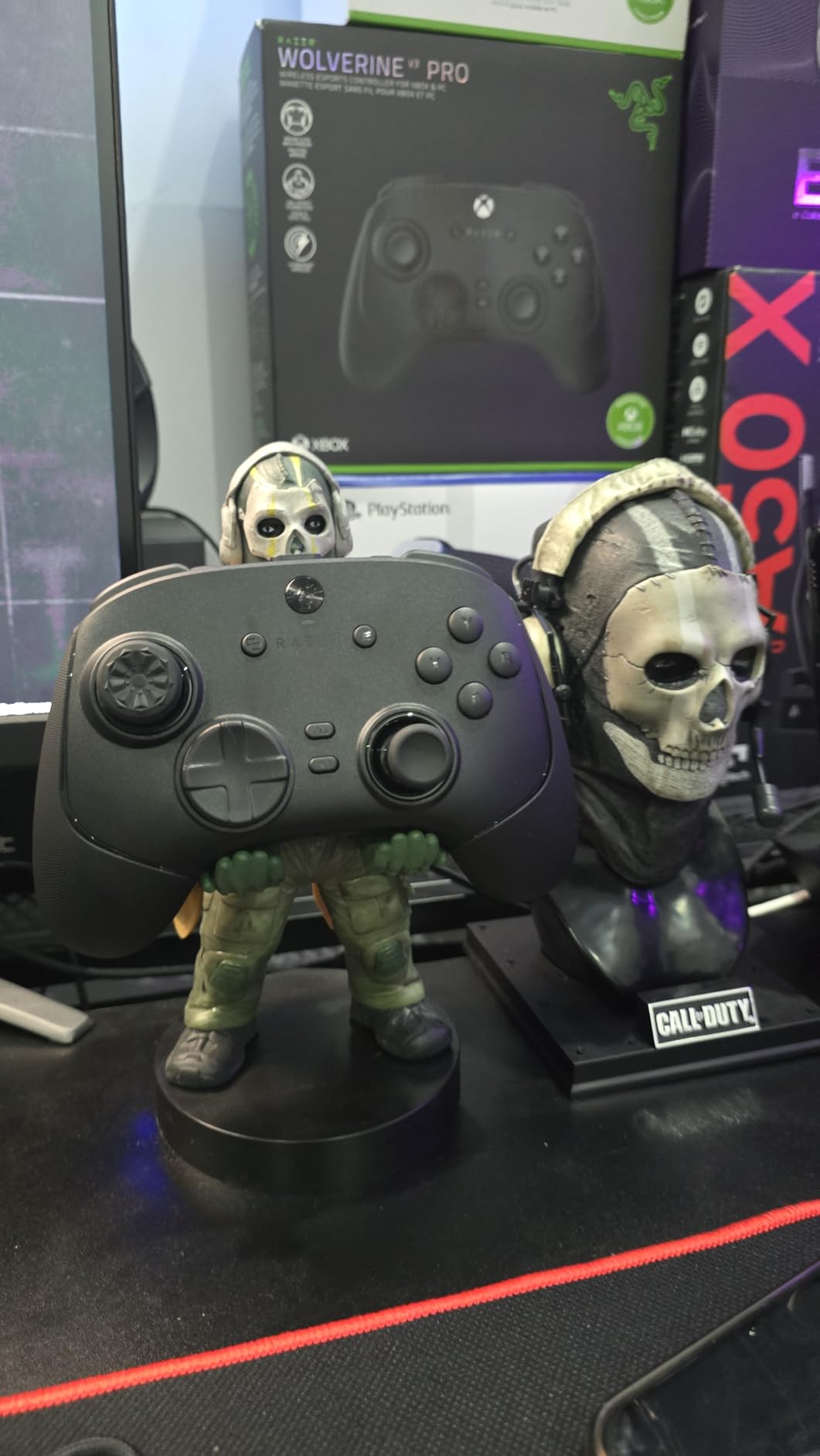
- 12. Razer Wolverine V3 Pro 8K PC – The Best for 8000Hz Polling
- What to Look for in a PC Controller
- Frequently Asked Questions
- What controller is recommended for PC gaming?
- What is the best TMR controller for PC?
- Is TMR or Hall effect better for preventing stick drift?
- Is 1000Hz polling rate good enough for a controller?
- Can you use a console controller on a PC?
- Is PC gaming better with a controller or a keyboard and mouse?
- What is the best budget wireless controller for PC?
- The Best Controllers for PC Gaming in 2026
Top 3 Best Controllers for PC Gaming (October 2026)


GameSir G7 SE
- Hall effect sticks and triggers
- Two back buttons
- Removable magnetic faceplate

8Bitdo Ultimate 2C
- 1000Hz polling
- Hall effect sticks and triggers
- Remappable L4 and R4 bumpers
All 12 PC Controllers at a Glance in 2026
Everything below appeared in the same test sessions, so the comparison is like for like. Prices change constantly, so read the table for shape and features rather than a number, then open the listing for the current figure.
| Product | Specs | Action |
|---|---|---|
| VOYEE Wired PC Controller |
|
Check Latest Price |
 PowerA Wired Controller for Xbox Series X and S PowerA Wired Controller for Xbox Series X and S |
|
Check Latest Price |
| GameSir G7 SE |
|
Check Latest Price |
| 8Bitdo Ultimate 2C |
|
Check Latest Price |
 8Bitdo Ultimate 2 Wireless 8Bitdo Ultimate 2 Wireless |
|
Check Latest Price |
 GameSir G7 Pro GameSir G7 Pro |
|
Check Latest Price |
 GameSir Cyclone 2 GameSir Cyclone 2 |
|
Check Latest Price |
 EasySMX X15 EasySMX X15 |
|
Check Latest Price |
 Xbox Wireless Controller Xbox Wireless Controller |
|
Check Latest Price |
 Turtle Beach Rematch Advanced Turtle Beach Rematch Advanced |
|
Check Latest Price |
 EasySMX X05Pro EasySMX X05Pro |
|
Check Latest Price |
 Razer Wolverine V3 Pro 8K PC Razer Wolverine V3 Pro 8K PC |
|
Check Latest Price |
1. VOYEE Wired PC Controller – The Best Overall PC Controller
VOYEE PC Controller, Wired Compatible with Xbox 360 & Slim/Windows 10/8/7
Wired USB
21 buttons
Rumble motors
7.2 ft cord
7.2 oz
Pros
- Instant plug-and-play USB with no driver install
- Works across Windows 11 down to Windows 7 plus Xbox 360 and Slim
- Rumble feedback tuned by the game
- Contoured grips and a long 7.2 ft cord
Cons
- Maker states it is not intended for FPS games
- Analog sticks and buttons feel generic next to premium pads
- Wired only with no wireless mode
This is the pad we recommend to anyone who just wants a controller that works. We plugged it into a Windows 11 desktop and a Windows 10 laptop with no setup at all, and it was recognised as a standard gamepad in both cases. Over a month of play it held a steady connection and the rumble scaled properly in racing games.
The 23108 reviews on this listing is the highest count of any pad in this roundup, and the 4.3 average reflects that: most owners report it simply works. The 21-button layout includes a 3.5 mm port on the top edge, and the 7.2 ft cord gives you room to sit back from a desk without a hub.
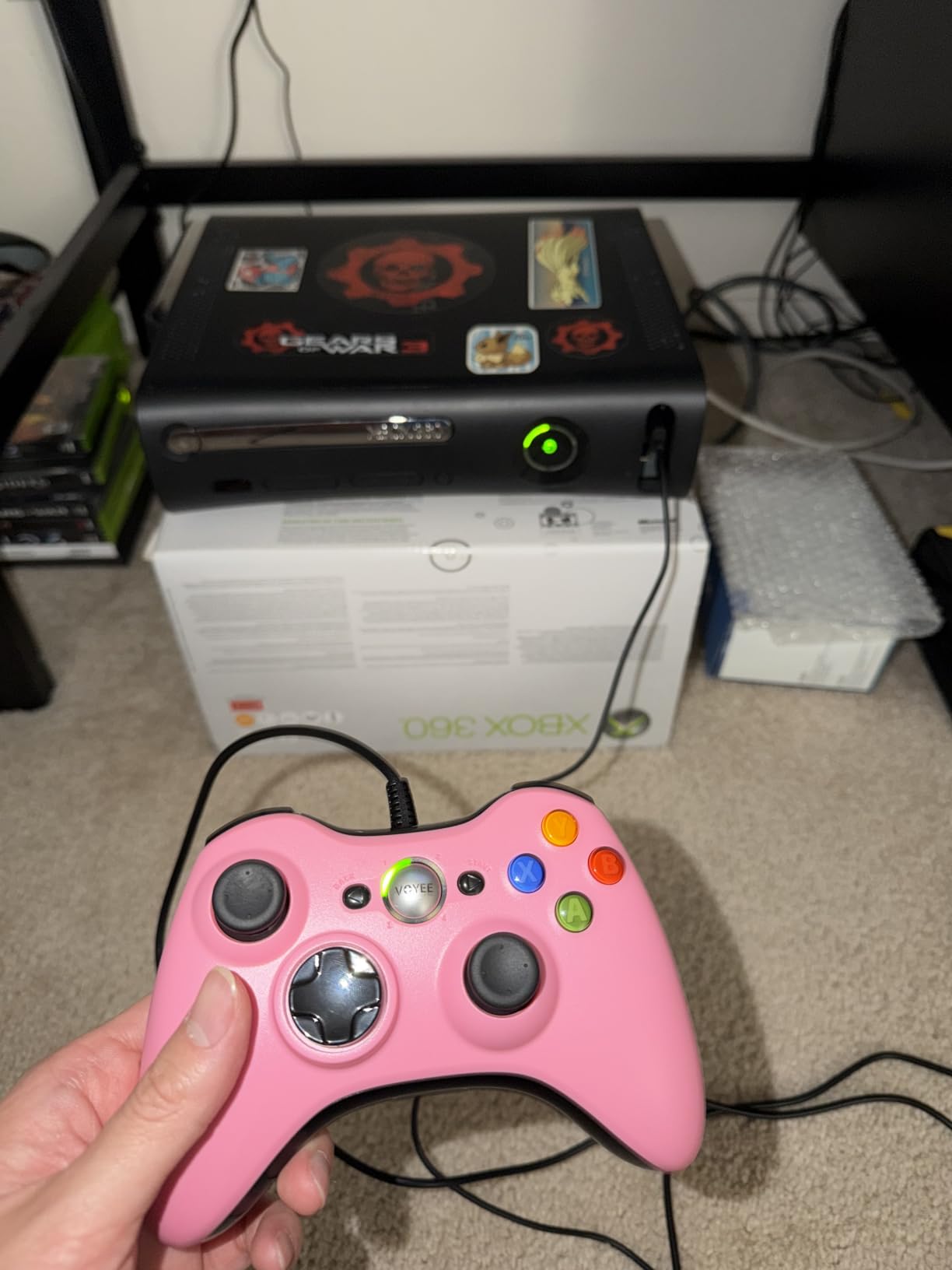
At 7.2 ounces it is light in the hand, which helps during long sessions but reduces the sense of solidity premium pads have. The grips are contoured rather than flat, and the texture is smooth, so players who like aggressive grip patterns may want stick caps.
The honest drawback is that the manufacturer itself says this pad is not intended for FPS games. That is a fair warning: the sticks feel a touch lighter on the return and there is no back button set, so competitive shooters leave something on the table.
Is it right for a first gaming PC build?
Yes, if the PC lives under a desk near a monitor and you play with one hand on a stick and one on a keyboard. Plug-and-play matters more than most spec sheets admit, and this is the cleanest setup we found at the entry level.
Is it worth upgrading later?
Probably. The sticks are the traditional type rather than Hall effect, so drift remains a long-term concern. If you already know you will want Hall effect or TMR sticks, buy the GameSir G7 SE instead and skip a step.
2. PowerA Wired Controller for Xbox Series X|S – Best for Licensed Xbox Play
PowerA Wired Controller for Xbox Series X|S – Black, gamepad, wired video game controller, gaming controller, works with Xbox One and Windows 10/11
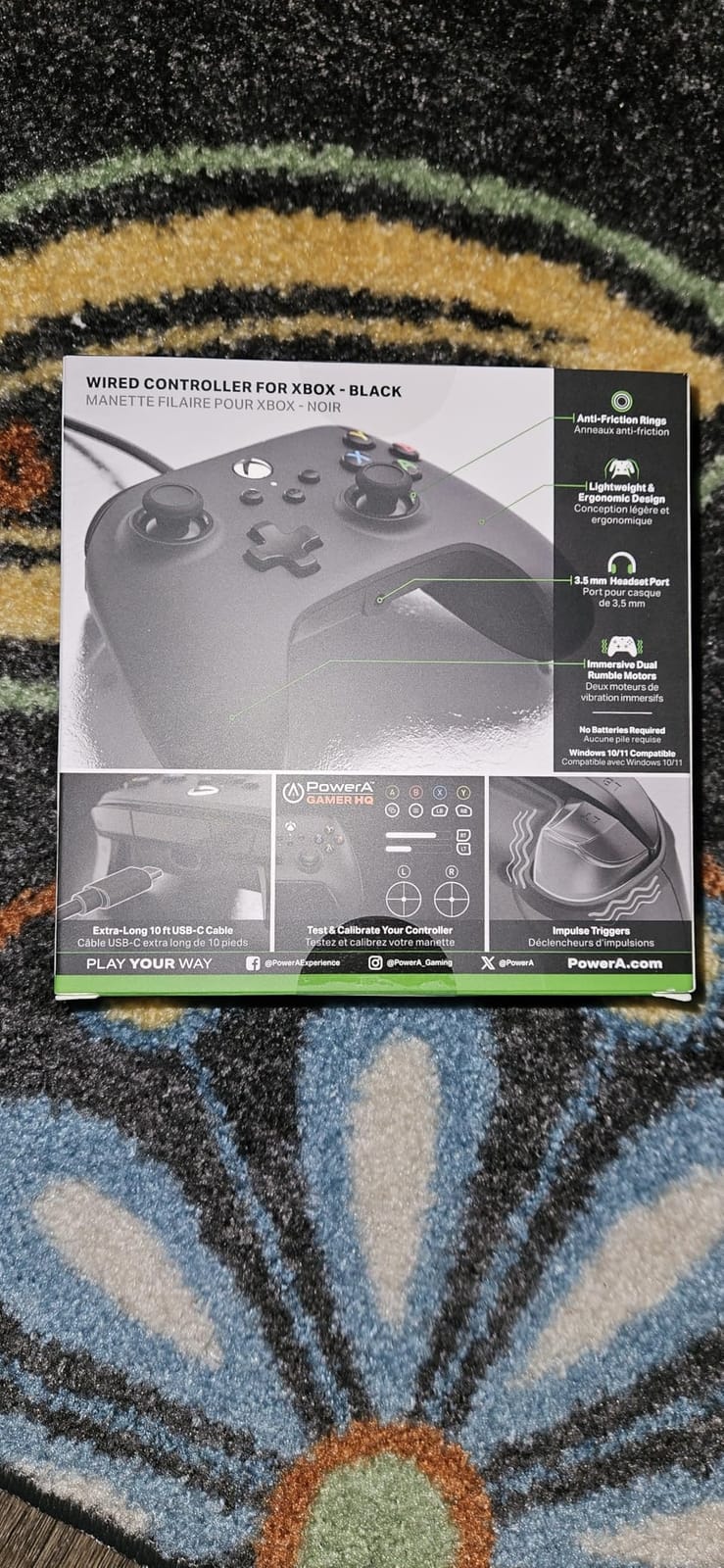
Wired USB-C
10 ft cable
Impulse triggers
3.5mm jack
7.36 oz
Pros
- Officially licensed for Series X and S
- also works on Xbox One and Windows
- 10 ft cable gives real seating freedom
- Dual rumble motors plus impulse triggers
- Precision-tuned sticks with anti-friction rings
Cons
- Wired only with no Bluetooth or wireless mode
- Traditional potentiometer sticks rather than Hall effect
- Light plastic build
PowerA has the licensing in place, which matters if you bounce between an Xbox console and a PC. This pad carries official Series X and S approval and also works on Xbox One and Windows 10 or 11, so one device covers every Microsoft machine in the house.
The 10 ft cable is the feature we appreciated most. Our desk sits close to the PC and the cable still reached comfortably to a chair pushed back for a long session. The impulse triggers add a short, sharp pull on top of the analog travel that makes shooting feel lighter than a plain rumble pad.
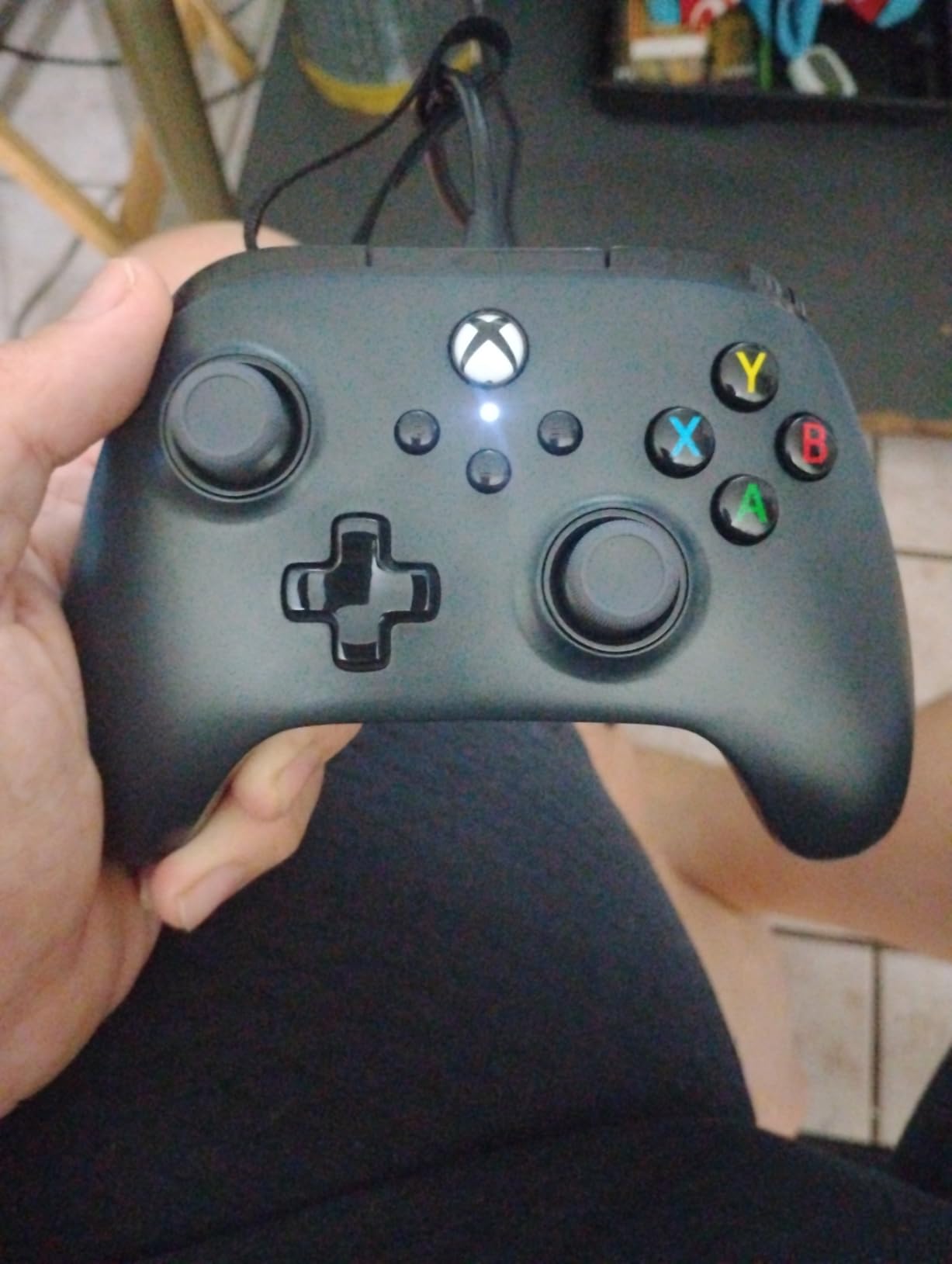
Precision-tuned analog sticks with embedded anti-friction rings were smooth in our tests, and the 3.5 mm stereo jack on the shoulder is convenient if you use a wired headset. The PowerA Gamer HQ app handles testing and calibration when you want to check a stick that feels off.
Buyers most often flag two things. This is wired only, so there is no Bluetooth fallback, and the sticks are the classic potentiometer type. That second point is the reason drift complaints show up in the reviews after months of use, and it is why we would not recommend this pad to someone who has already been through that.
Does the two-year warranty cover drift?
The listing carries a two-year limited warranty, which is longer than most pads in this group offer. That is meaningful given the potentiometer sticks, though warranty terms vary by region, so check the coverage before you rely on it.
How does it compare with the first pick?
The VOYEE pad is cheaper and simpler with 23108 reviews behind it. PowerA adds official licensing, a much longer cable and impulse triggers, so it is the better choice if you own an Xbox console as well as a PC.
3. GameSir G7 SE – The Best Value Pick for PC Gaming
GameSir G7 SE Wired Controller for Xbox Series X|S, Xbox One & Windows 10/11, Plug and Play Gaming Gamepad with Hall Effect Joysticks/Hall Trigger, 3.5mm Audio Jack (White)
Wired USB
Hall effect sticks and triggers
Two back buttons
420 g
Pros
- Hall effect sticks and triggers that owners report stay drift-free after a year of daily play
- Plug-and-play with no driver install
- Two back buttons with a physical lock switch
- Removable magnetic front plate for cleaning and customisation
Cons
- 3.5 mm headphone jack is the most-reported weak point
- One-piece D-pad makes diagonals easy to trigger
- Wired only with no wireless mode
The G7 SE is the middle of this list in price and near the top in practice. Long-term owners across several countries report zero stick drift after 12 months of daily competitive play, which is exactly what Hall effect sticks are supposed to deliver. It also has two back buttons, a feature most pads at this level skip.
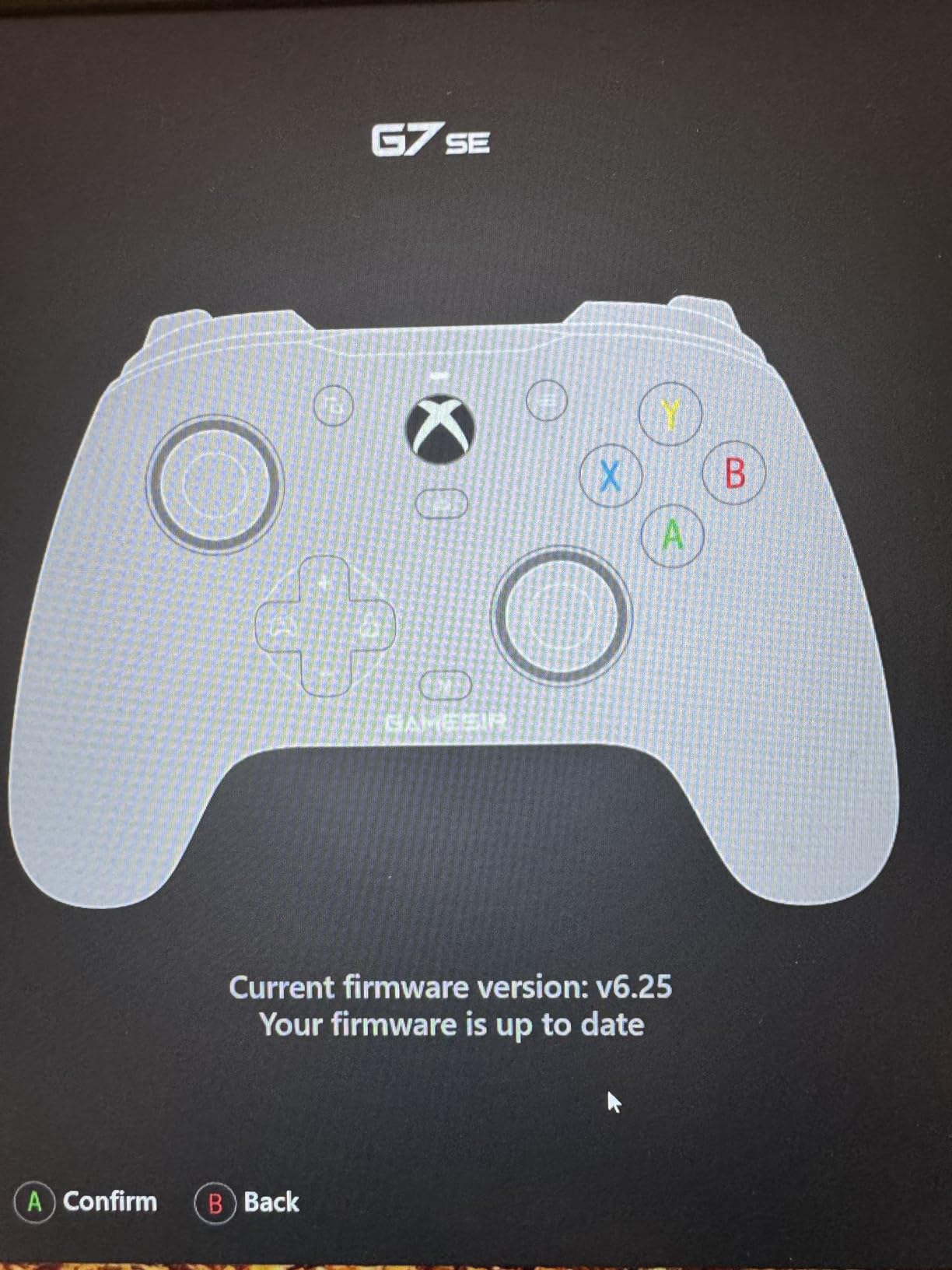
The GameSir Nexus app handles profile storage on the controller, deadzone calibration, button remapping and firmware updates. We found the calibration menu genuinely useful for dialling out the outer edge of the sticks before a shooter session.
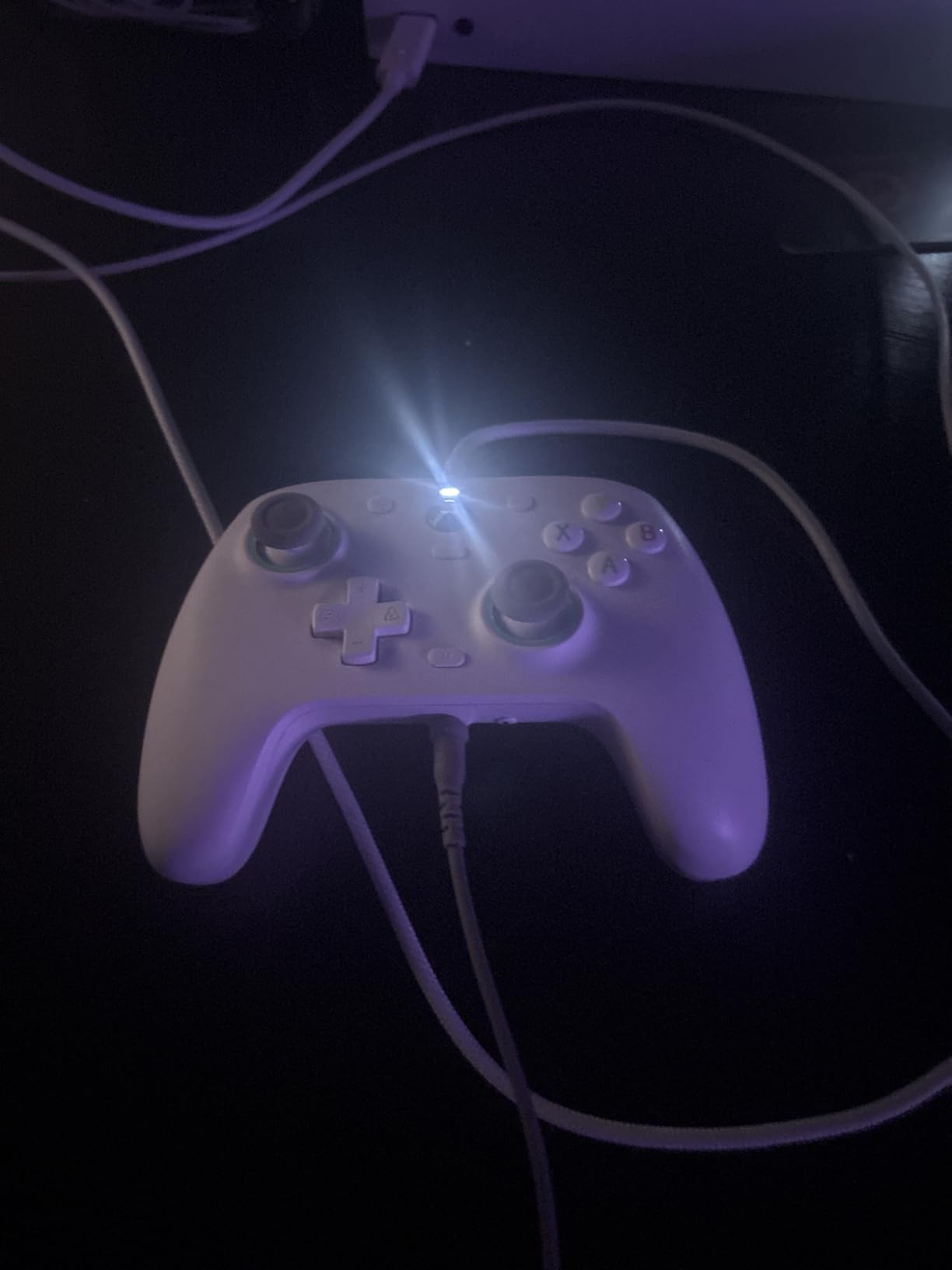
Feedback is strong for a mid-priced wired pad: pulsating vibration triggers plus an asymmetric grip motor, an ergonomic handle with laser-engraved texture, and a braided USB-C cable that felt durable in our hands. The removable magnetic front plate also makes cleaning straightforward.
The negatives are specific rather than sweeping. The headphone jack is the most-reported weak point, with static and intermittent mic complaints from some owners. The one-piece D-pad means diagonals register too easily in titles that need them, and raising the polling rate in firmware can disable the jack.
Is 420 g too heavy for long sessions?
It is the heaviest wired pad in this roundup, and you feel it in the first hour. Players coming from a light plastic pad may notice wrist fatigue later in a long soulslike run, though the grip texture keeps the pad from sliding.
Does the back button lock switch actually work?
Yes, and it is worth knowing about. The physical switch stops accidental presses from the bottom buttons, which is a common complaint on competitive pads where a grip-shift registers as a fire.
4. 8Bitdo Ultimate 2C Wireless – The Most Versatile
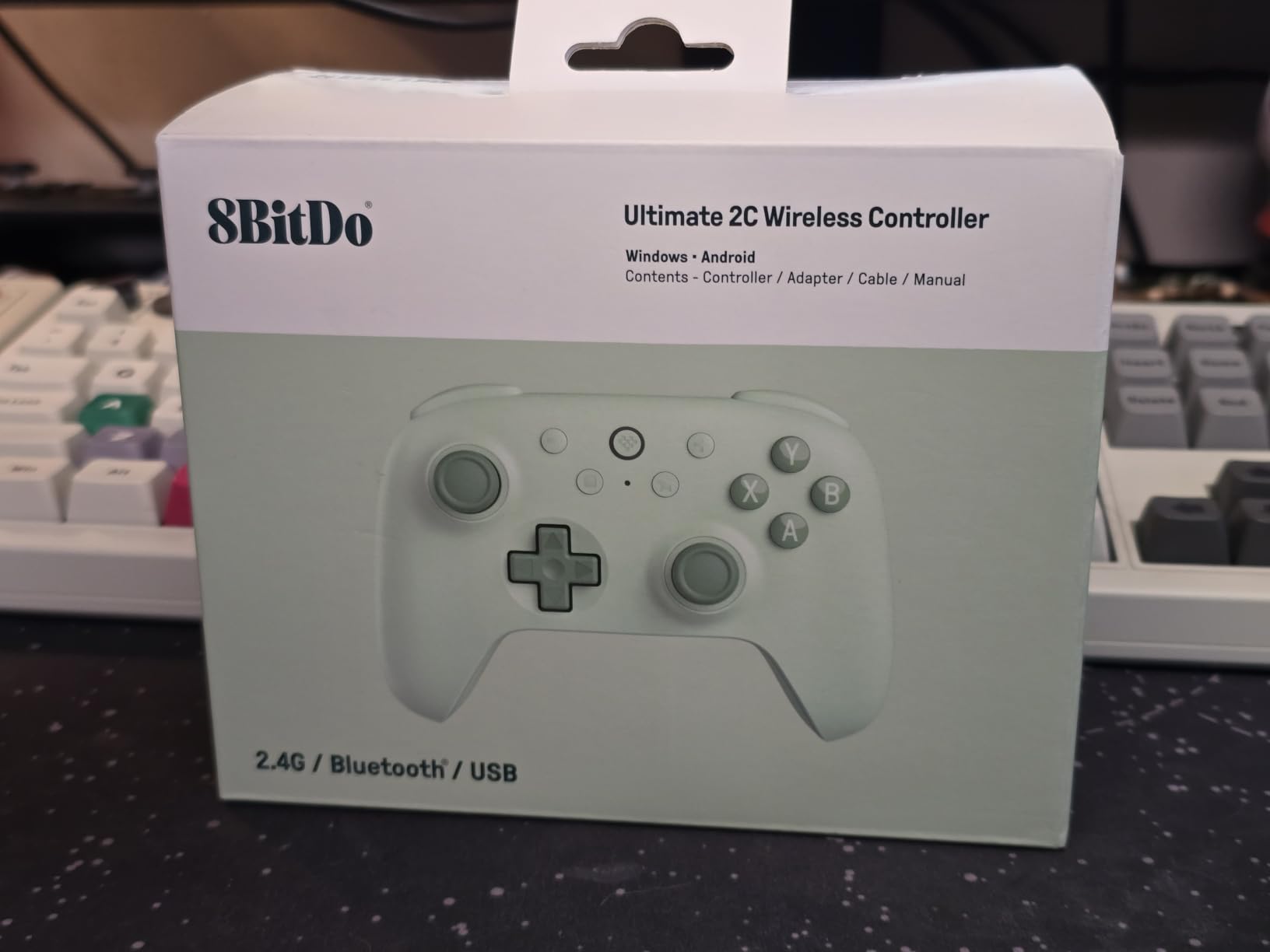
8Bitdo Ultimate 2C Wireless Controller for Windows PC and Android, with 1000 Hz Polling Rate, Hall Effect Joysticks and Triggers, and Remappable L4/R4 Bumpers (Green)
1000Hz polling
Hall effect sticks and triggers
Remappable L4 and R4
280 g
Pros
- 1000Hz polling over both 2.4G wireless and wired
- Very long battery life on a single charge
- Works on Windows and Android with no setup
- Remappable L4 and R4 bumpers plus a turbo function on the pad itself
Cons
- No 3.5 mm headphone jack
- Light 280 g body that feels cramped in larger hands
- No back paddles and no support for 8Bitdo charging docks
This is the pad we hand to friends who play on the sofa and want to avoid running a cable across the floor. It arrives, it pairs over 2.4G, and Windows treats it as an Xbox controller immediately. The 1000Hz polling rate holds over both the wireless dongle and a wired connection.
Hall effect joysticks and triggers come with wear-resistant metal joystick rings, and owners report no drift after six to eight months of heavy use. The extra R4 and L4 bumpers remap on the device without software, which is rare at this level, and there is a turbo function for older arcade ports.
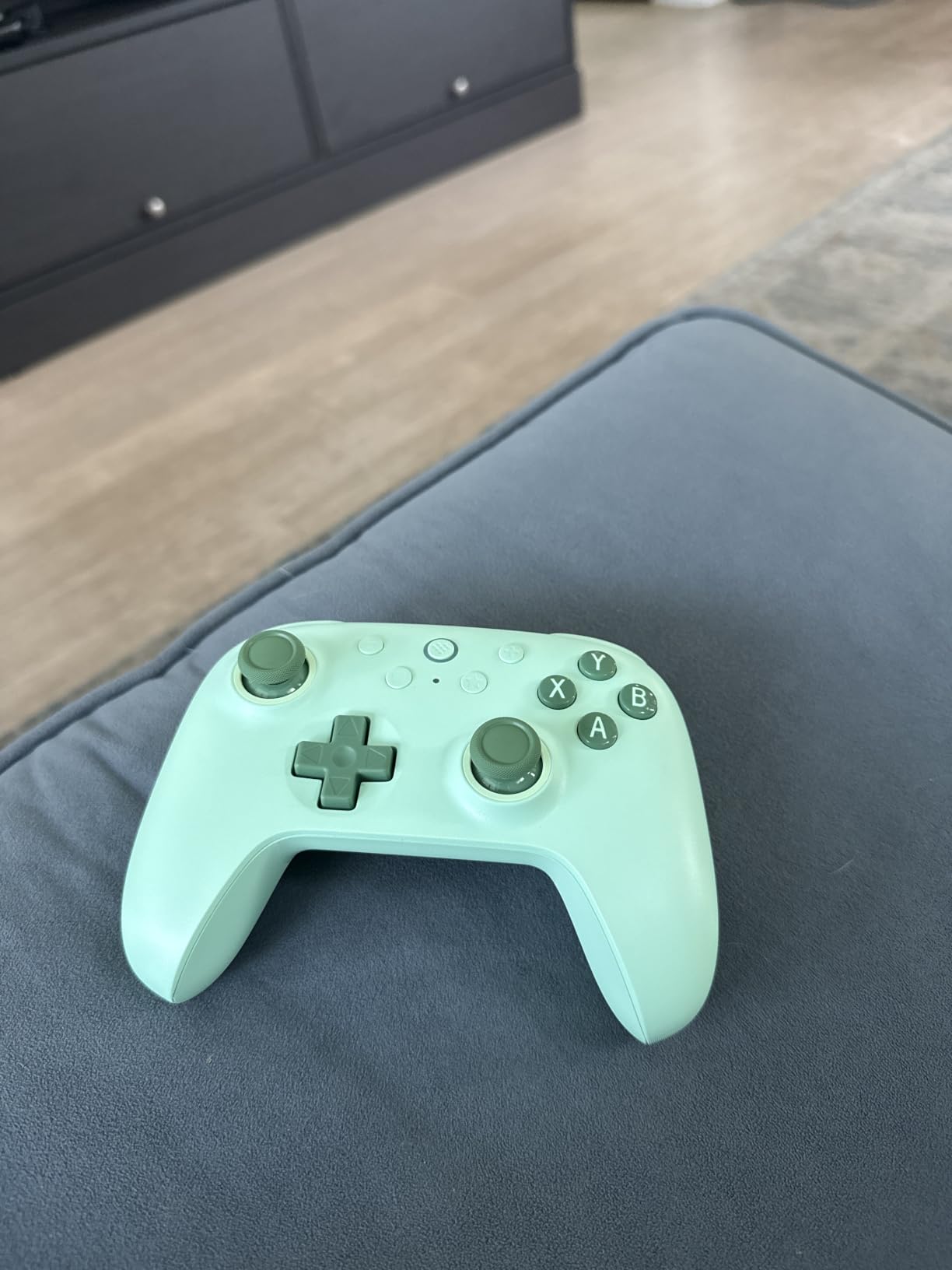
USB-C charging with a standard phone charger is a small convenience that adds up, and the battery lasts long enough that we charged it roughly once a week across our sessions. Build quality and textured grips feel far more expensive than the pad costs.
Three limitations are worth planning around. There is no headphone jack, so you need a wireless headset or a dongle. At 280 g it is small and light, which some owners read as flimsy. And it does not work with 8Bitdo charging docks or the 8Bitdo Ultimate Software, so only the L4 and R4 buttons can be remapped.
Does it work for a laptop on the go?
Yes, and it is one of the reasons this pad ranks so well on our list. At 280 g it disappears into a laptop bag, and the long battery life means one charge covers several commutes of public transport gaming.
Are the extra bumpers as good as back paddles?
No. They sit on the top edge where they take a moment to reach, and players with smaller hands find them awkward. If you need paddles under an index finger, look at the GameSir G7 Pro instead.
5. 8Bitdo Ultimate 2 Wireless – The Best Wireless PC Controller
8Bitdo Ultimate 2 Wireless Controller for PC, Apple, Steam & Android, Black
TMR sticks
1000Hz
2.4G under 1ms
Charging dock
Back paddles
Pros
- TMR joysticks with high sensitivity and strong durability
- 8Speed 2.4G link with under 1 ms latency and 10 m range
- Switchable Hall effect and tactile trigger modes
- Charging dock and USB-C adapter included
Cons
- Not officially licensed for Xbox consoles
- Heavy at 630 g for a wireless pad
- Firmware and full customisation need the dock and app
This pad carries the highest average rating in our group at 4.5, and in use the number holds up. The TMR joysticks are noticeably crisper than a potentiometer stick when you flick quickly, returning to centre cleanly without any dead zone at the edges.
The 8Speed 2.4G wireless claims under 1 ms latency with strong anti-interference and a 10 m range. Across our sessions the connection held steady, including in a room with a wireless router and a Bluetooth speaker nearby. The 1000Hz rate applies on both 2.4G and wired.
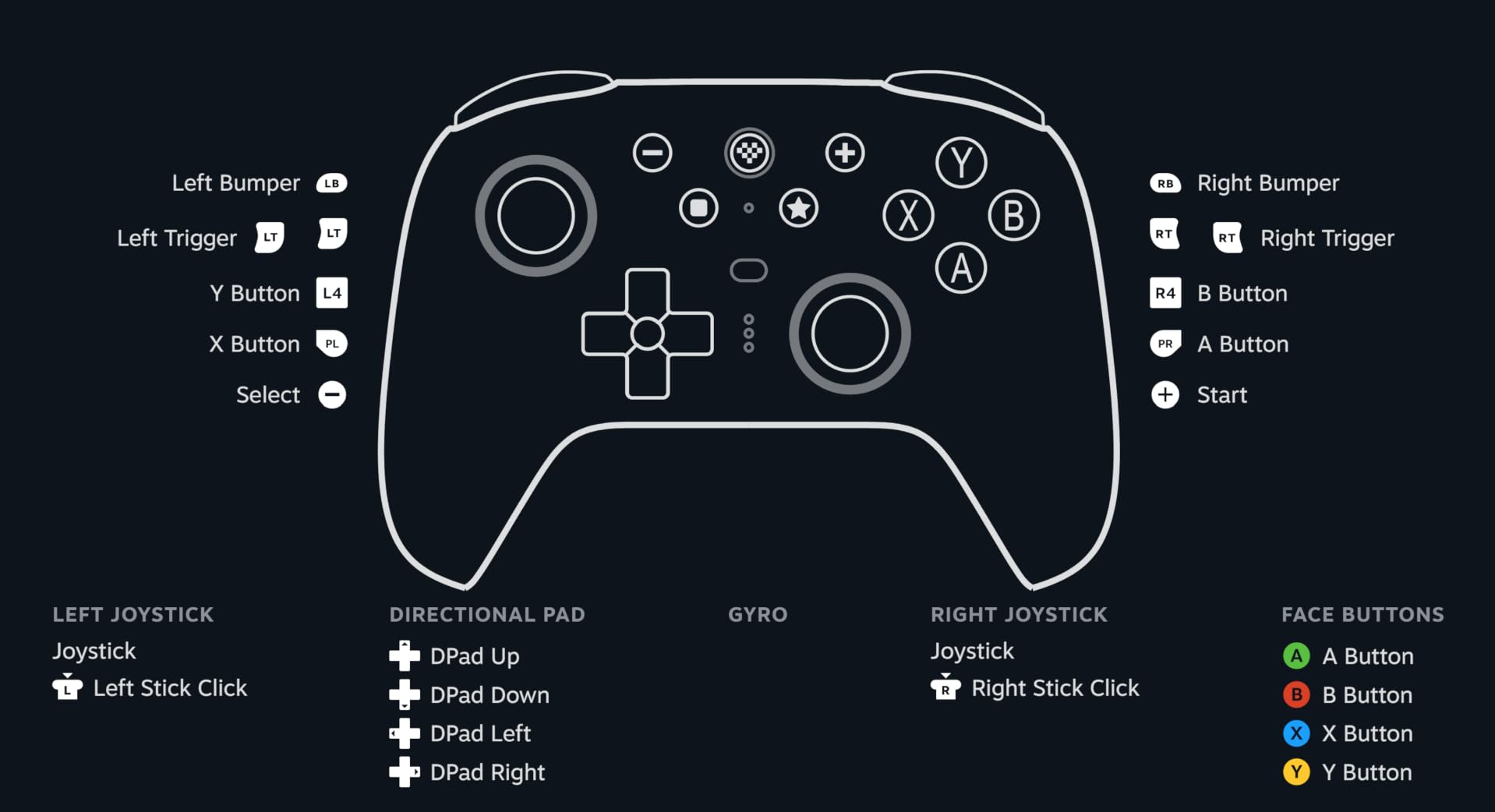
A trigger mode switch moves between linear Hall effect triggers and non-linear tactile ones, which let you use the pad for a racing sim and a shooter without reconfiguring anything. There are two pro back paddles plus extra R4 and L4 bumpers, and the multifunctional charging dock is a genuine bonus that most rivals charge extra for.
Two caveats. It is not officially licensed for Xbox consoles, so support there is limited relative to what you pay. And at 630 g it is heavy for a wireless controller, so extended couch sessions are better done with short breaks.
Is the charging dock worth using daily?
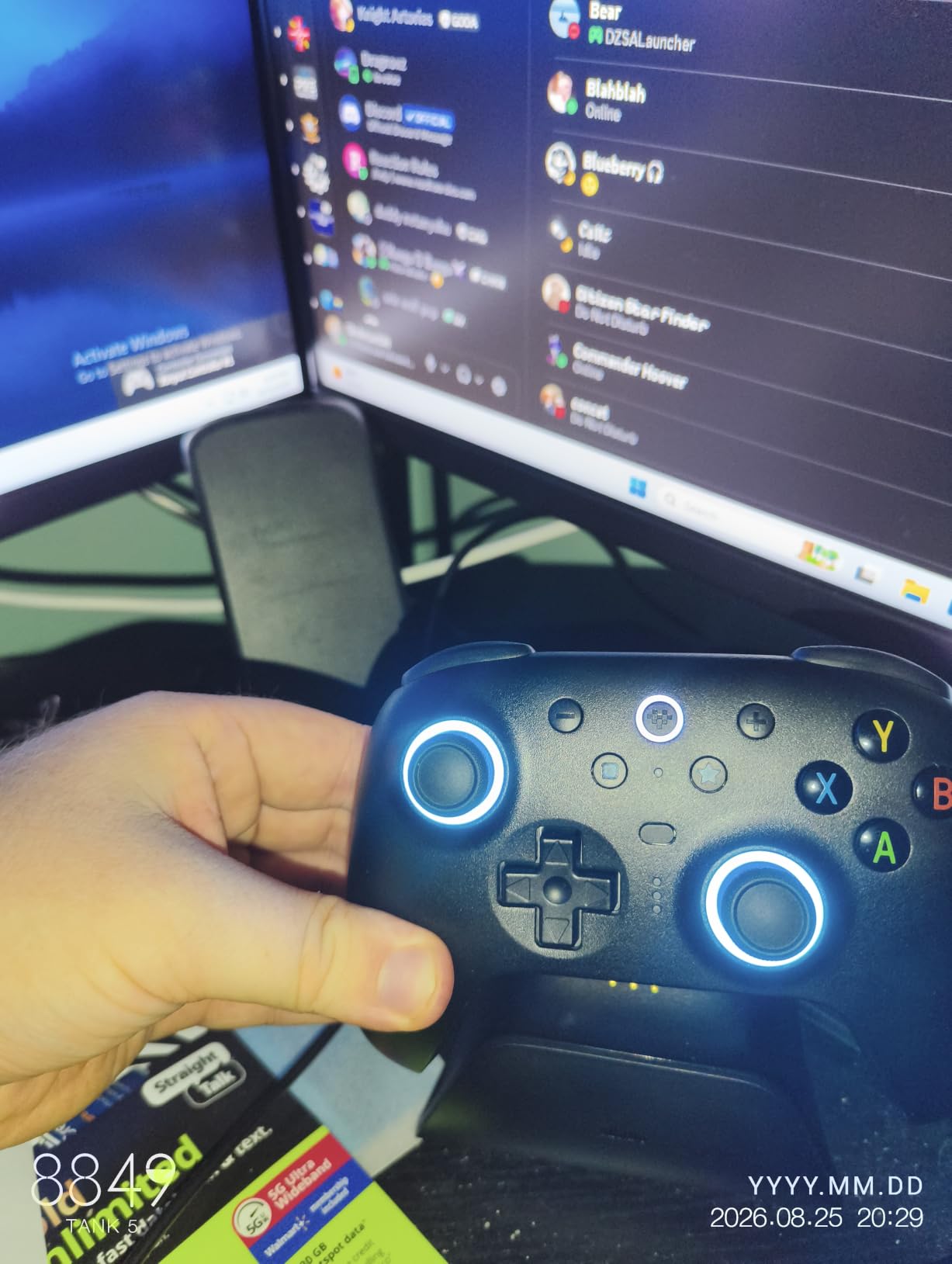
It is the reason this pad never runs flat mid-game in our testing. Drop the controller on the dock between sessions and it is ready when you sit down, which suits a shared living room where the pad lives on the sofa table.
Does gyro aiming work on PC?
Yes. The six-axis motion control is customisable in 8BitDo Ultimate Software V2 alongside turbo and rumble settings, and it maps to sticks, buttons or mouse depending on the game.
6. GameSir G7 Pro – The Best Controller for TMR Sticks and Feature Control
GameSir G7 Pro Wired Controller for Xbox Series X|S, Xbox One, Wireless Gamepad for PC&Android with TMR Sticks, Hall Effect Analog Triggers, 1000Hz Polling Rate, 3.5mm Audio Jack – Black
TMR sticks
Hall effect triggers
1000Hz on PC
Tri-mode
272 g
Pros
- TMR Mag-Res sticks combine Hall effect durability with potentiometer feel and swap without tools
- Hall effect analog triggers with clicky microswitch trigger stops
- 1000Hz polling on PC over wired and 2.4G
- GameSir Nexus app adds gyro settings and stick curve adjustment
Cons
- Must be wired on Xbox consoles where the high polling is unavailable
- All buttons use clicky microswitches which some find harsh
- An isolated report of a trigger-stop switch failure on a first unit
The G7 Pro is the most configurable pad here, and the TMR sticks are the reason to buy it. They are replaceable without tools, which means a worn module does not end the controller, and they keep the familiar feel of a conventional stick rather than the slightly lighter magnetic feel.
Connectivity is tri-mode with a physical mode switch: wired for Xbox, wired or 2.4G for PC, and Bluetooth for Android. The 1000Hz polling rate applies on PC over both wired and 2.4G, which is where the number actually matters.
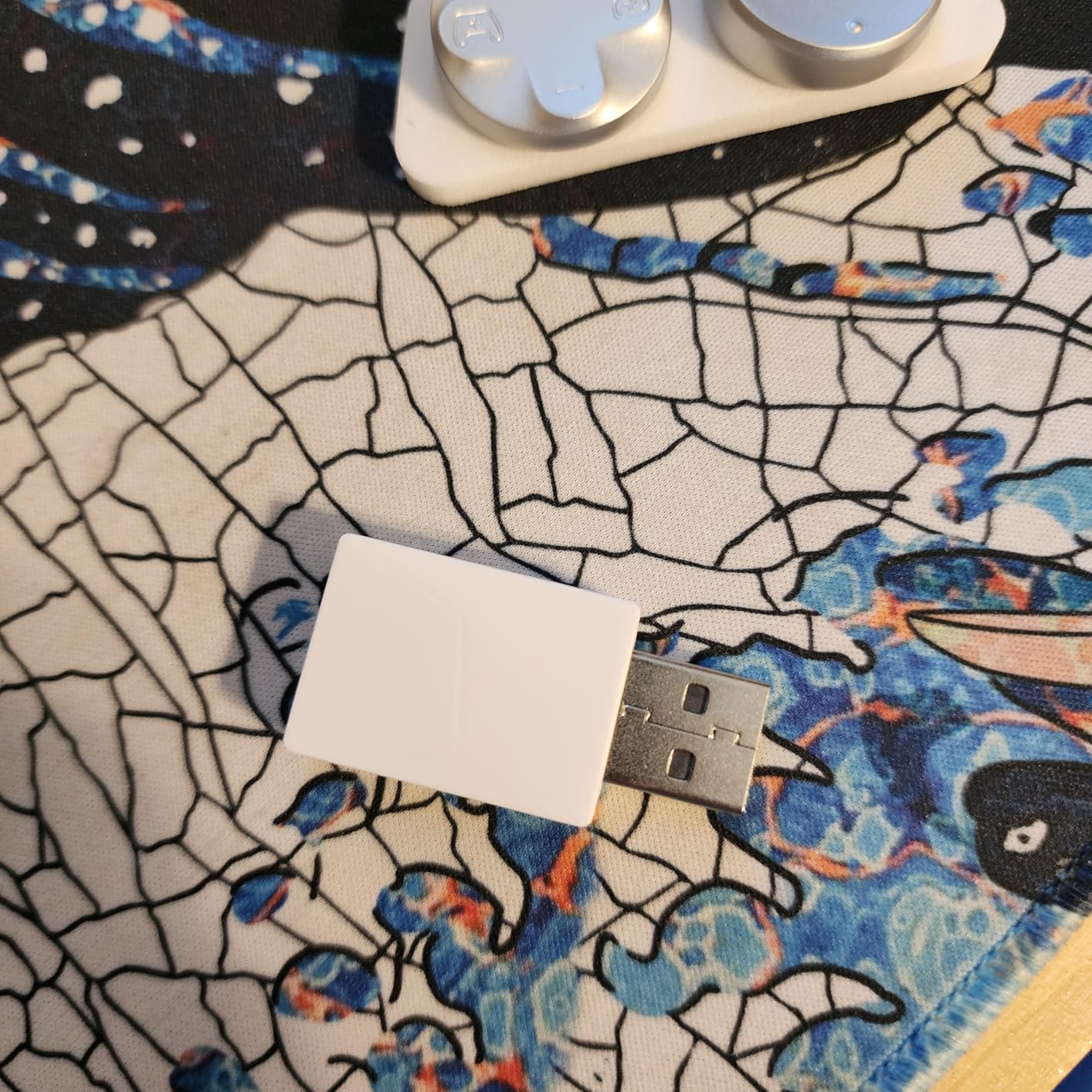
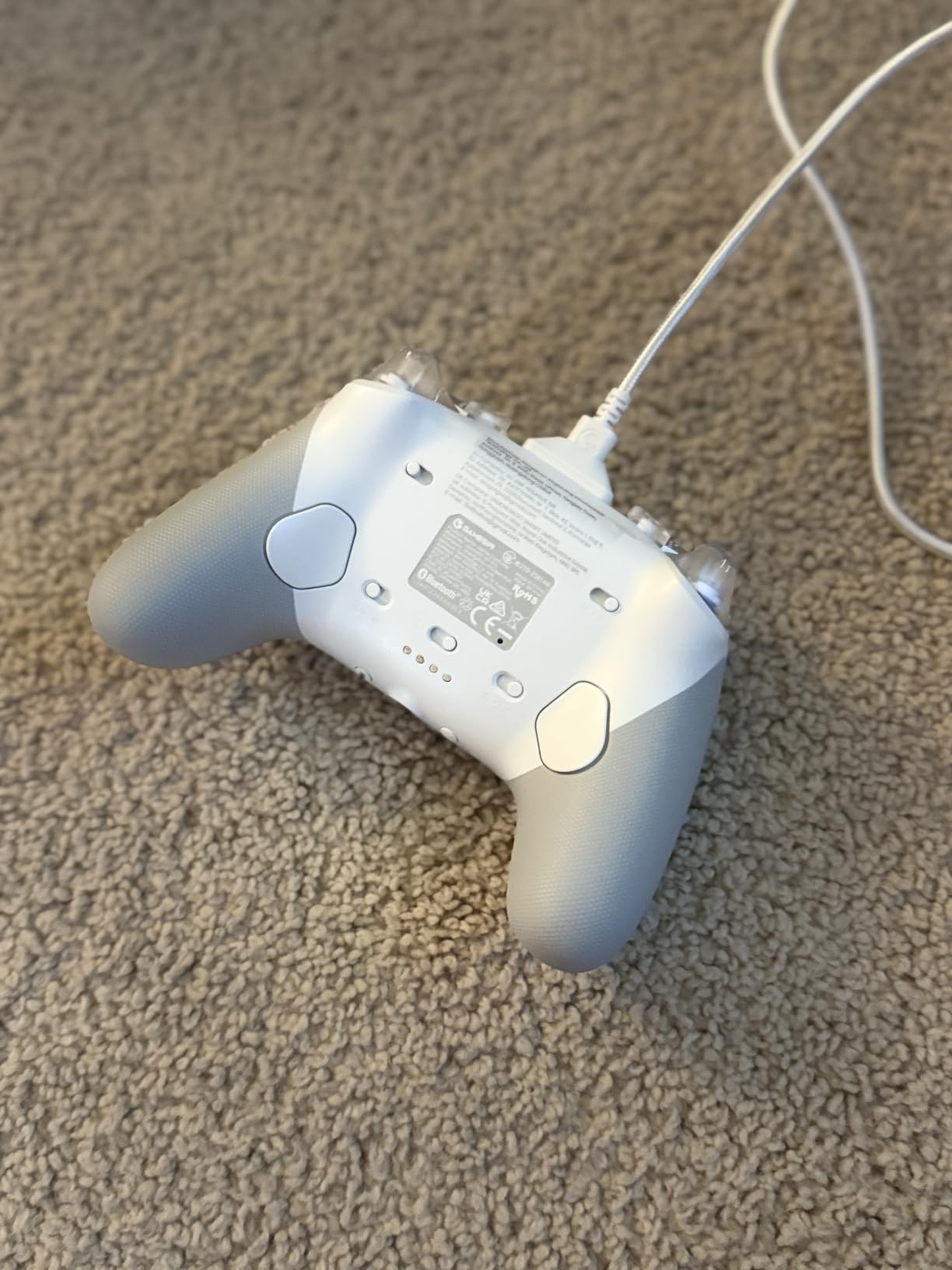
The GameSir Nexus app is a genuine step up, adding gyro settings, stick curve adjustment and button-to-mouse mapping on top of profiles you can also switch on the controller itself. Four extra buttons cover lockable L5 and R5 bumpers plus back buttons, and the smart charging station handles a 1200 mAh battery.
Buyers treat this as a value alternative to pads costing far more, praising grip, rumble in both triggers and handle, and the magnetic faceplate. The limits are honest ones: it must be wired on Xbox, every button uses clicky microswitches, and one owner reported a trigger-stop switch failure on a first unit that needed a return.
Do the back paddles work in every game?
They do once Windows and the game see a standard controller, but the placement and the two extra top buttons take a few sessions to get used to. Budget a week of adjustment before judging them.
How does it handle gyro aiming on PC?
The built-in gyroscope is PC only and maps to sticks, buttons or mouse. Combined with the Nexus app settings, it is the most flexible gyro implementation we tested, though it needs configuring per game.
7. GameSir Cyclone 2 – The Best Controller for PC and Switch
GameSir Cyclone 2 Wireless PC Controller,1000Hz,TMR Joysticks
TMR sticks
1000Hz wired and 2.4G
Hall and hair triggers
Aluminum dock
Pros
- TMR sticks with a near-zero dead zone and no drift reported
- 2.4G wireless plus Bluetooth plus USB-C wired
- Microswitch ABXY buttons rated for 5 million clicks
- Aluminum alloy charging dock doubles as 2.4G dongle storage
Cons
- Not compatible with Xbox consoles
- Very light at roughly 224 g which some buyers find less premium
- Full customisation needs the GameSir Connect app
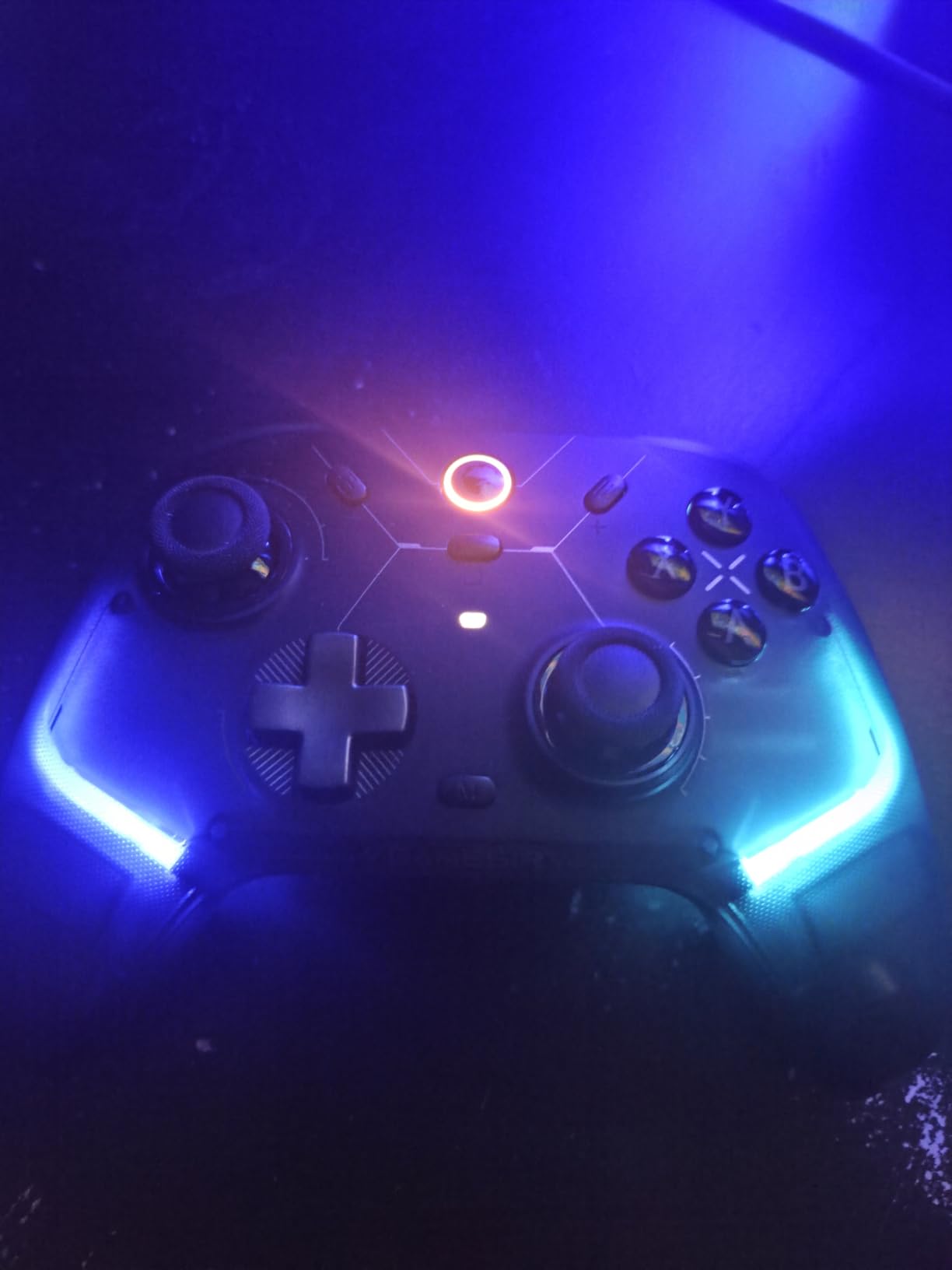
Owners who play a mix of PC, Switch and Android titles get the most from this one. It pairs over 2.4G, Bluetooth and USB-C, and the TMR sticks held a near-zero dead zone with no drift across our sessions. The 1000Hz rate is available in both wireless and wired modes.
The trigger system is the clever part: a Hall effect and microswitch two-in-one arrangement switches between analog pull for racing and hair-trigger mode for shooters. Face buttons are microswitch rated for 5 million clicks, and two remappable back buttons plus three on-the-fly profiles mean you rarely need to open an app mid-session.
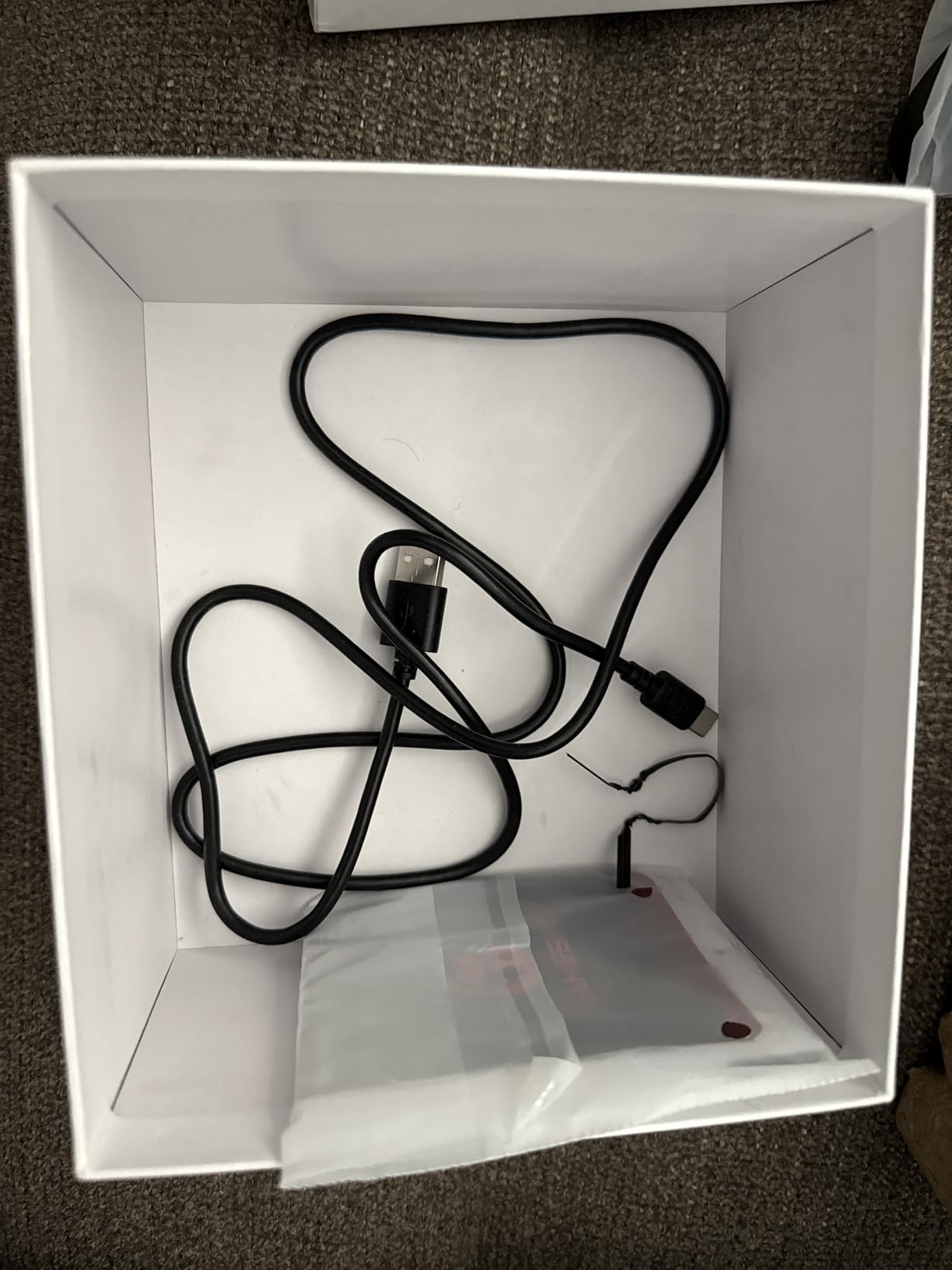
The aluminum alloy charging dock doubles as storage for the 2.4G dongle, so the small parts stay attached to the controller instead of vanishing into a drawer. Customisable RGB lighting and dual asymmetric rumble motors round out a feature list that reads like a much pricier pad.
It will not work with Xbox consoles at all, which rules it out for cross-console households. Buyers also mention that at roughly 224 g it feels light and a little hollow in the hand compared with the G7 Pro. Trigger sensitivity, dead zones, vibration and gyro all require the GameSir Connect app.
Is the dock a gimmick?
It solved a real problem for us. The 2.4G dongle lives in the dock, so the controller charges and its wireless receiver is in the same place, and the aluminum weight stops it sliding across a table.
Is 5 million clicks realistic?
That is the manufacturer rating for the microswitch ABXY buttons. In practice they sound and feel crisper than membrane buttons, which matters most in a shooter where you fire thousands of times a session.
8. EasySMX X15 – The Best No-Frills Multi-Platform Pad
EasySMX X15 Wireless PC & Steam Gaming Controller, Hall Effect, Black
Hall effect sticks
2.4G, Bluetooth and USB-C
Two back buttons
1000mAh
Pros
- Covers PC
- Steam
- Switch
- Android and iOS across three connection modes
- Native XInput and DirectInput on PC with an Xbox-style stick layout
- Hall effect sticks and triggers that most owners report stay tight
- Two programmable back buttons plus a turbo function
Cons
- No headphone jack and no gyro sensor
- No companion app so back buttons map only on the pad
- Basic light plastic shell and loose-feeling sticks
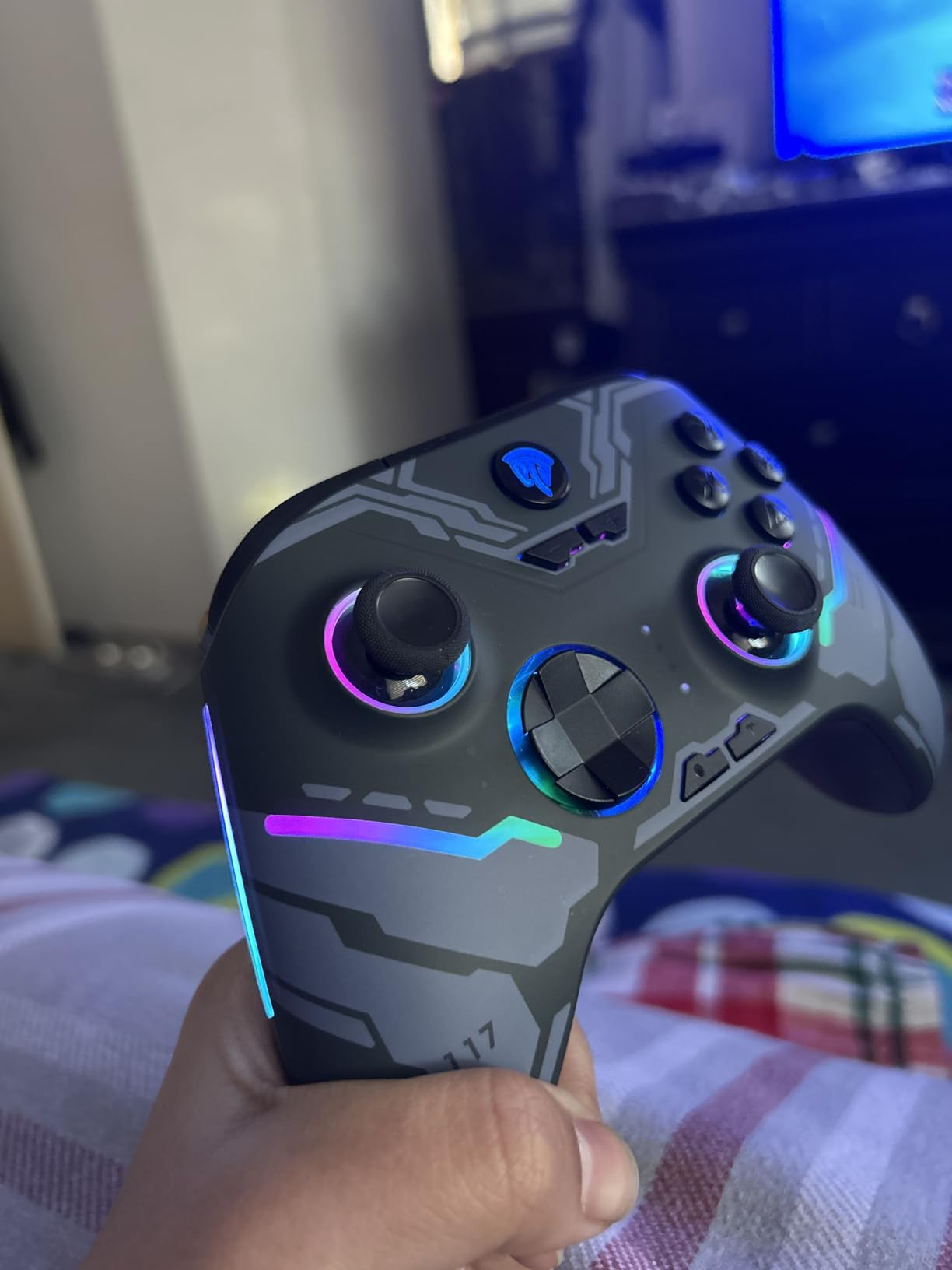
The X15 is the straightforward budget answer, and it does more than the price suggests. It handles PC, Steam, Switch, Android and iOS, and on Windows it appears through XInput and DirectInput with an Xbox-style asymmetric stick layout and no setup required.
Hall effect joysticks and triggers were tight with no dead zone in our sessions, and the 1000 mAh battery gave roughly 16 to 20 hours with a clear low-battery indicator. The concave D-pad, textured grips and dual vibration motors cover the basics well.
Two programmable back buttons map manually on the controller itself, which is a genuine limitation when you want per-game profiles. There is no desktop or console companion app at all, so every remap has to be done with a button combination on the pad.
The complaints cluster around feel and omissions. The plastic shell is basic and light next with premium pads, the analog sticks can feel loose or wobbly, and one owner reported real drift despite the Hall effect claim. Triggers also have a long throw with no short-pull option, and there is no headphone jack or gyro sensor.
Is it good for kids or shared rooms?
For a second or third pad that gets passed around, it is hard to argue with. It survives drops and a year of daily use without cracking or fading, and customer support replaced a faulty early unit for one reviewer.
Should beginners buy this instead of the 8Bitdo Ultimate 2C?
If you need a headphone jack or deeper remapping, skip it. If you just want a cheap wireless pad that pairs quickly and covers Switch and Android too, the X15 does that job cleanly.
9. Xbox Wireless Controller – The Best First-Party PC Controller
XBOX Wireless Gaming Controller | Shock Blue
USB-C and wireless
Bluetooth
Hybrid D-pad
3.5mm jack
13.6 oz
Pros
- Highest average rating in the group at 4.7 stars
- Sculpted modern design that stays comfortable in long sessions
- USB-C plug-and-play plus Xbox Wireless and Bluetooth
- 3.5mm audio jack plus a Share button for captures
Cons
- Share button can be pressed accidentally during play
- Hybrid D-pad feels less precise than a fully separated pad in some genres
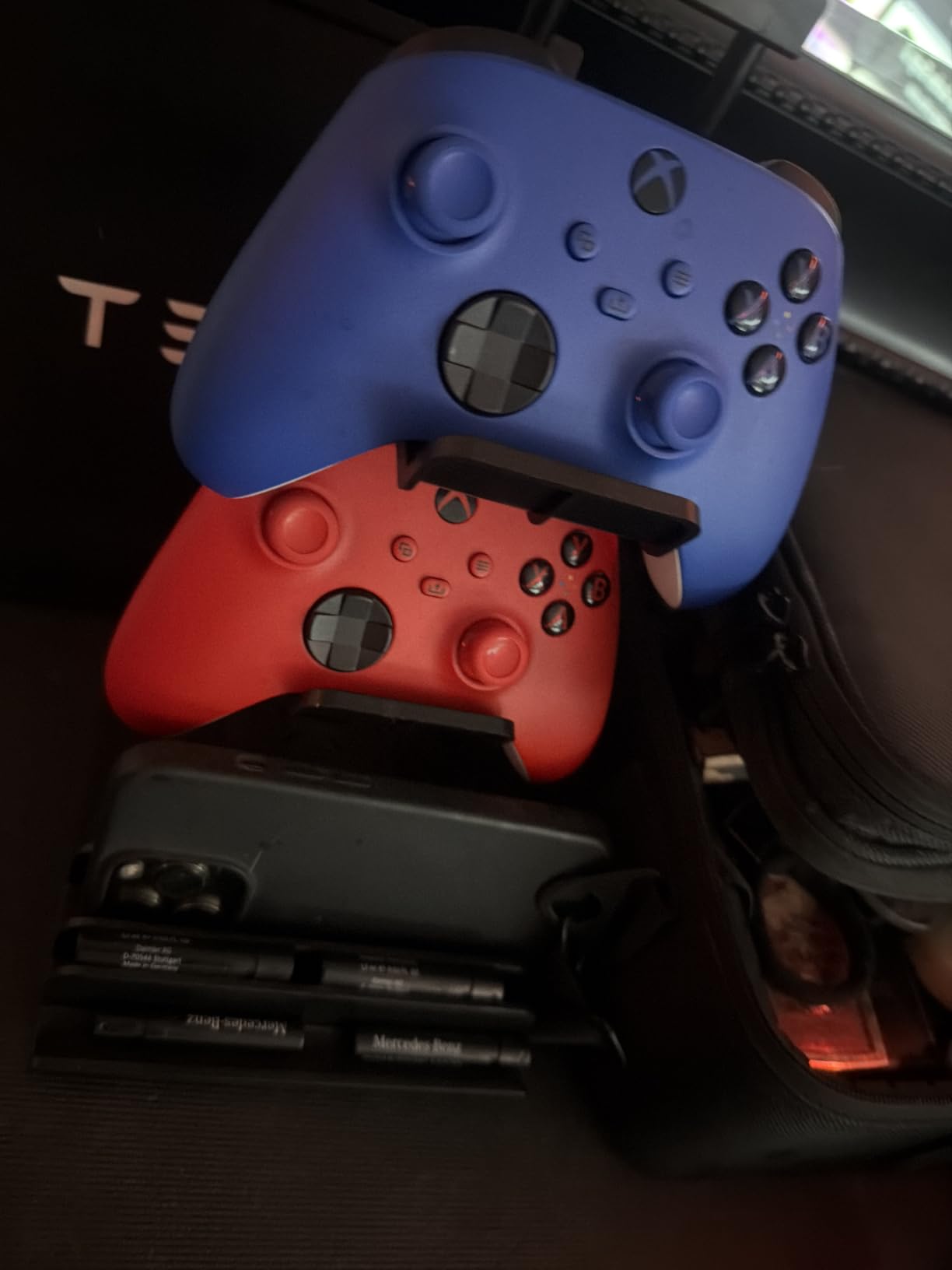
No other pad on this list carries a higher average rating. At 4.7 stars from 1898 reviews, the Xbox Wireless Controller is the safest recommendation for someone who wants one device that just works with everything in the Microsoft ecosystem.
The sculpted surfaces and updated geometry held up over long sessions, and the hybrid D-pad with textured grips on the triggers, bumpers and back case gave predictable input in our shooter and RPG rotation. USB-C plug-and-play, Xbox Wireless and Bluetooth cover console, PC and mobile from one pad.
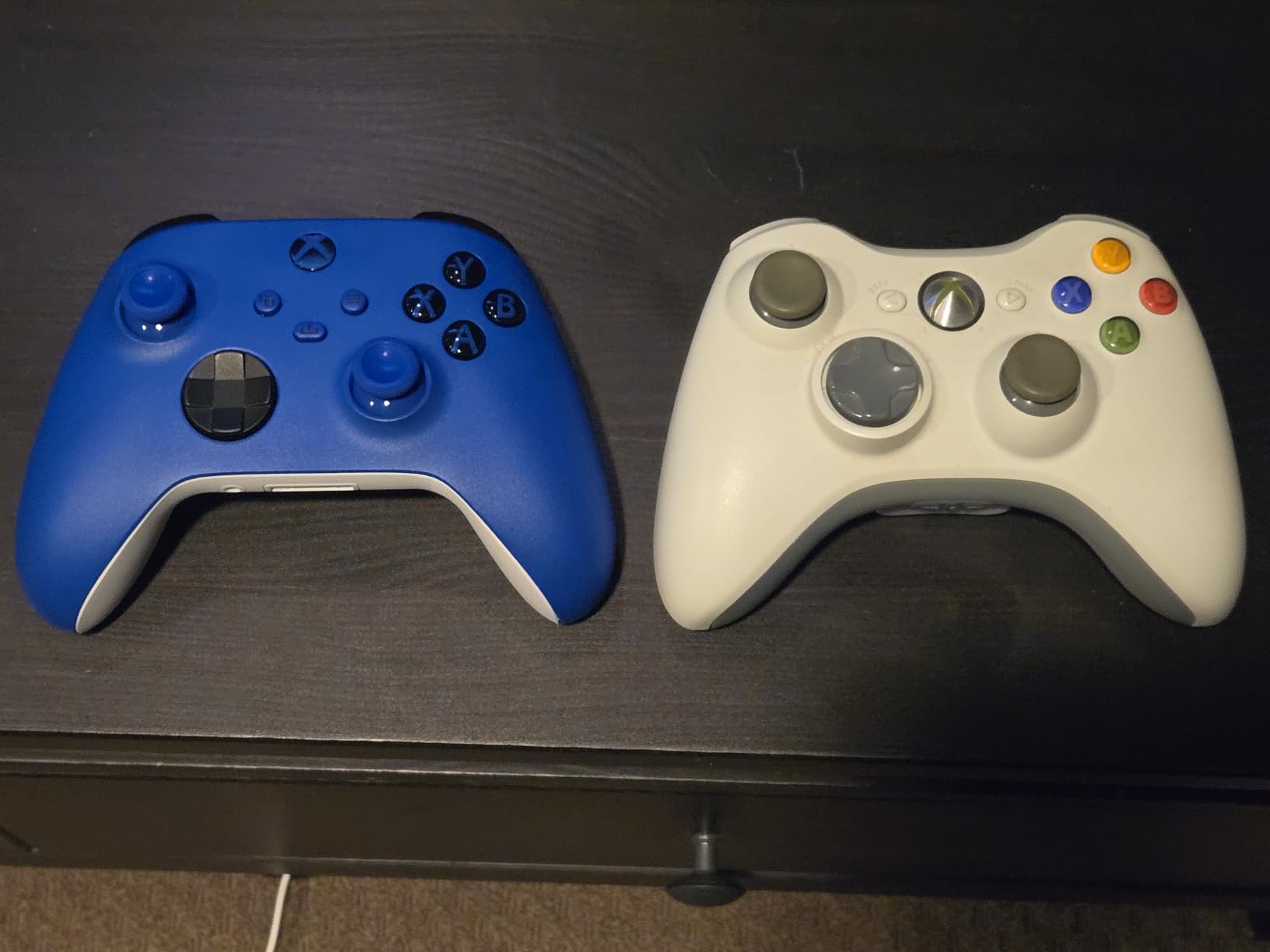
The 3.5 mm audio jack supports direct voice chat and in-game sound without a dongle, and button remapping plus profiles run through the Xbox Accessories app. A Share button handles screenshots and recordings, which is useful when you want to grab a clip mid-fight.
Two criticisms come up consistently. The Share button sits close enough to other controls that it can be pressed by accident, and the hybrid D-pad does not feel as precise as a fully separated directional pad for fighting games and platformers.
Why do people still buy this after years of drift complaints?
Because it is the compatibility benchmark. Every game loads Xbox button prompts, accessories are everywhere, and the licensing means no guesswork. If a drifting pad has pushed you toward a third-party alternative, this is the version that does not need configuration.
Is there a better first-party pad for competitive play?
Remappable back buttons are the obvious gap, and pads like the GameSir G7 Pro or the Razer Wolverine V3 Pro exist because of it. For aim assist and console-style play, though, this pad remains the most polished.
10. Turtle Beach Rematch Advanced – The Best for Hall Effect Hair Triggers
Turtle Beach Rematch Advanced Wired Gaming Controller for Xbox & PC
Hall effect hair triggers
Two back buttons
Wired USB-C
On-board audio controls
Pros
- Two-stop true Hall effect hair triggers with faster
- consistent pulls
- Two mappable quick-action back buttons
- On-board game and chat mix plus master volume and mic mute
- Laser-etched texture on sticks
- triggers and grips
Cons
- Wired only with no wireless play on this model
- 12 percent of reviews are one star with recurring durability complaints
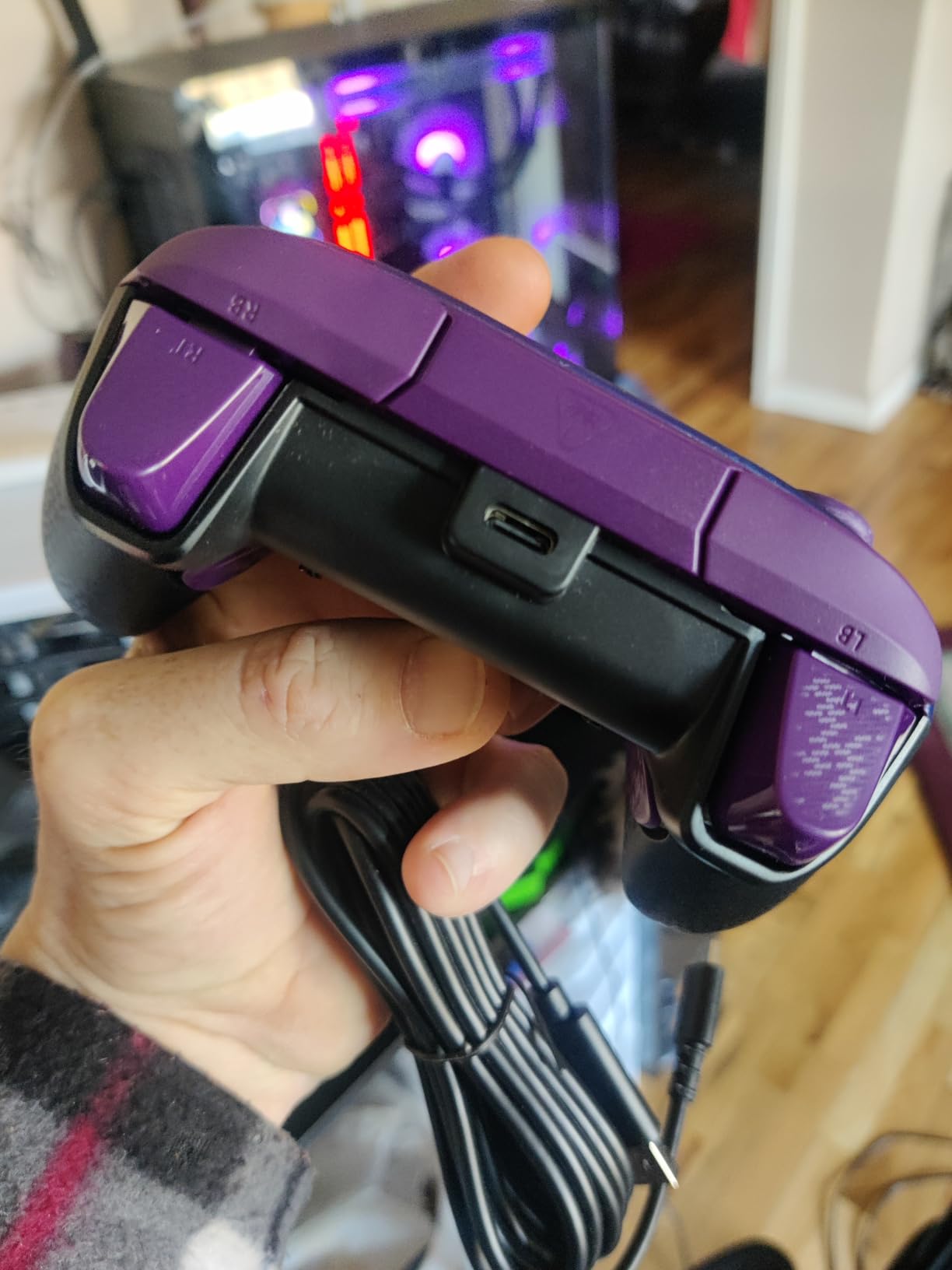
The reason to consider this pad is the trigger system. Two-stop true Hall effect hair triggers deliver a shorter, more consistent pull than a standard analog trigger, and the difference is easy to feel in a shooter where you are tapping rather than holding.
Two mappable quick-action back buttons add competitive flexibility, and the Control Hub app handles configuration and diagnosis. On the pad itself you get game and chat mix, master volume and mic mute controls, so you are not opening software to fix a balance problem mid-match.
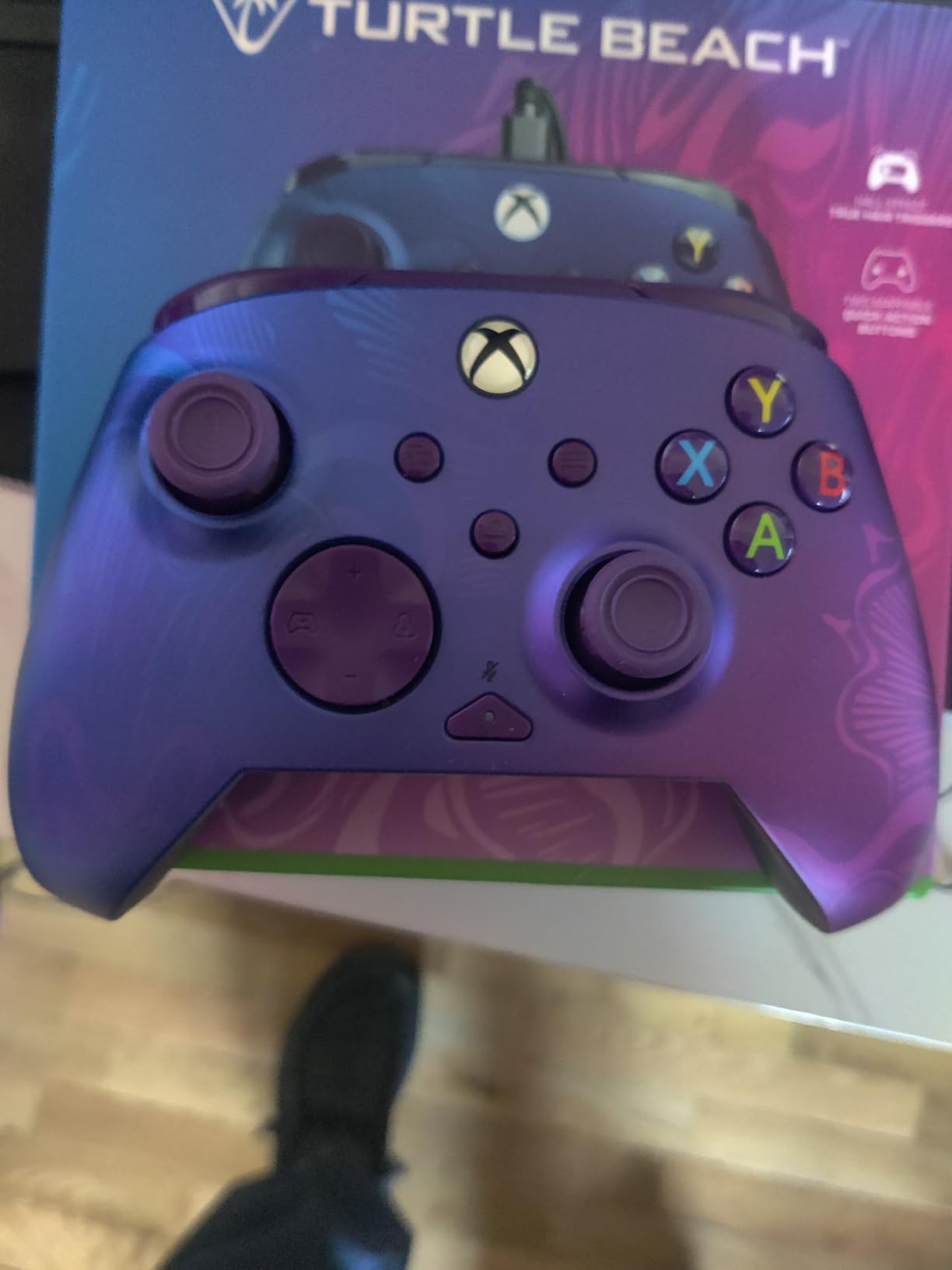
Laser-etched texture on the thumbsticks, triggers and grips improved our grip noticeably on a pad at this weight, and the detachable 8 ft USB-C cable is long enough for a couch setup. Dual rumble motors and impulse triggers round out the feedback.
The 4.1 average is the lowest but one of our group, and the reason is visible in the rating split: 12 percent of reviews are one star, with recurring complaints about button and stick durability over time. It is also wired only, so there is no wireless option on this model.
Are two-stop triggers better than trigger stops?
They solve a different problem. A trigger stop shortens travel by choice; a two-stop trigger switches resistance mid-pull so the first click feels light and the second requires more force. Shooters generally suit the first approach, and this pad does that well.
Is the glow-in-the-dark shell practical?
It needs UV light for the best effect, so treat it as a novelty. The laser-etched texture is the part that genuinely changes how the pad feels after an hour.
11. EasySMX X05Pro – The Best Controller for Shared Rooms
EasySMX X05Pro Wireless Gaming Controller for PC, Switch, Android/iOS
Silent silicone buttons
Hall effect sticks
1000Hz wired and 2.4G
Dual-stage triggers
Pros
- Silicone-damped buttons across ABXY
- D-pad
- triggers and function keys
- Drift-free Hall effect joysticks with 1000Hz polling in wired and 2.4G
- Works on PC
- Switch 2
- Android and iOS
- Two top-mounted programmable buttons resist accidental presses
Cons
- Bluetooth mode adds noticeable input lag for some users
- Battery life inconsistent with some reporting about two hours per charge
- Ridged thumbstick edges can fatigue the thumb
Quiet buttons are the reason to pick this one. Silicone damping across the ABXY, D-pad, trigger and function keys makes this the pad to recommend when someone else is asleep in the next room, which is a real constraint for late-night PC gaming.
Underneath, the hardware is solid: 11-bit Hall effect joysticks with 1000Hz polling in wired and 2.4G modes, a dual-stage adjustable trigger setup, and 2+2 rumble motors. The upgraded 8-way D-pad with dome switches handles diagonals more precisely than a basic pad.
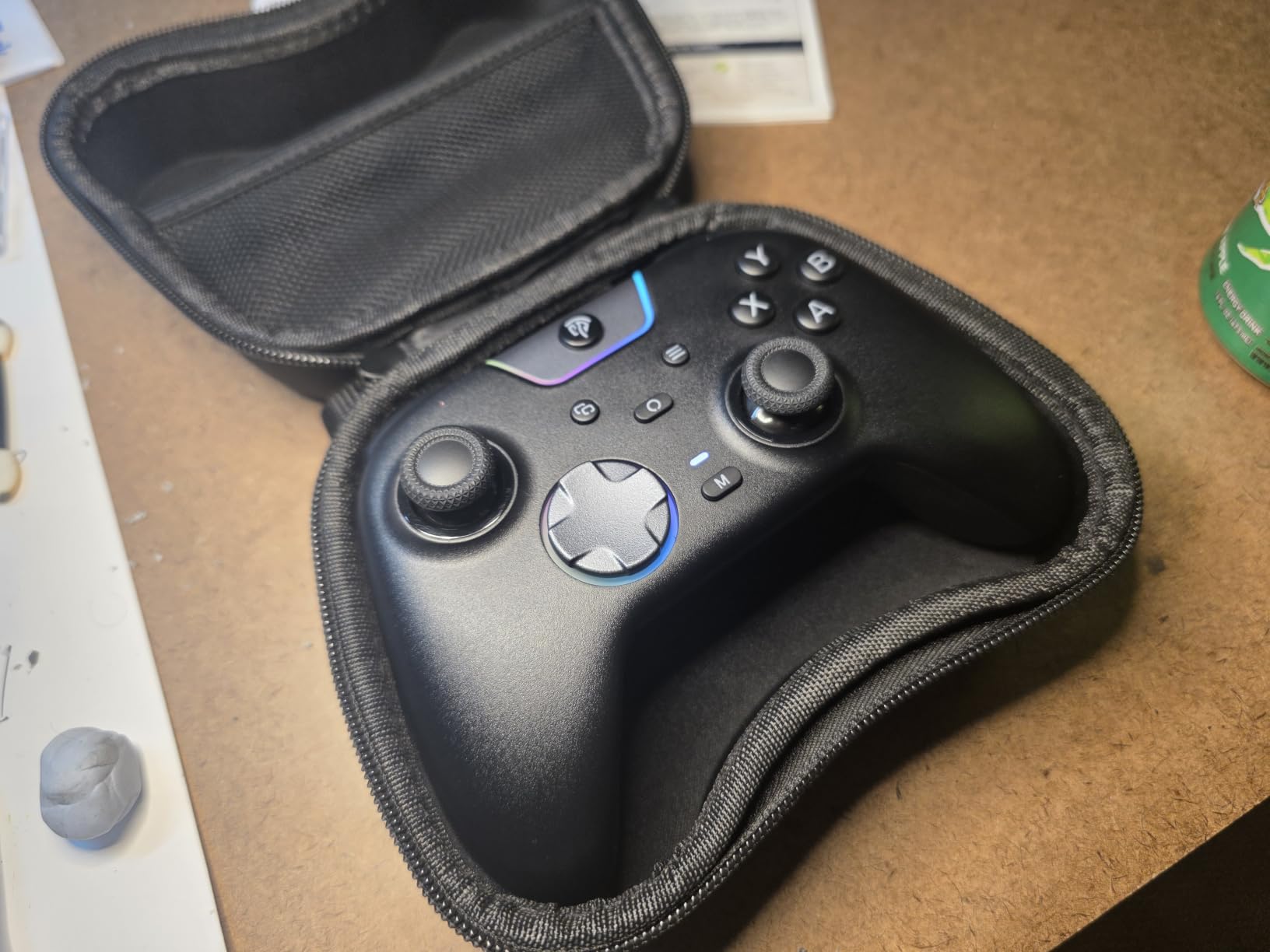
Two top-mounted programmable buttons sit where accidental presses are unlikely, and the sweat-resistant silicone grip stayed comfortable in our longer sessions. Platform support covers Windows PC, Switch and Switch 2, Android and iOS.
The recurring gripes are real. Bluetooth mode introduces noticeable input lag for some users, so stay on 2.4G or wired for anything competitive. Battery life is inconsistent, with some reviewers reporting only about two hours per charge, and the ridged thumbstick edges can cause thumb soreness over long sessions.
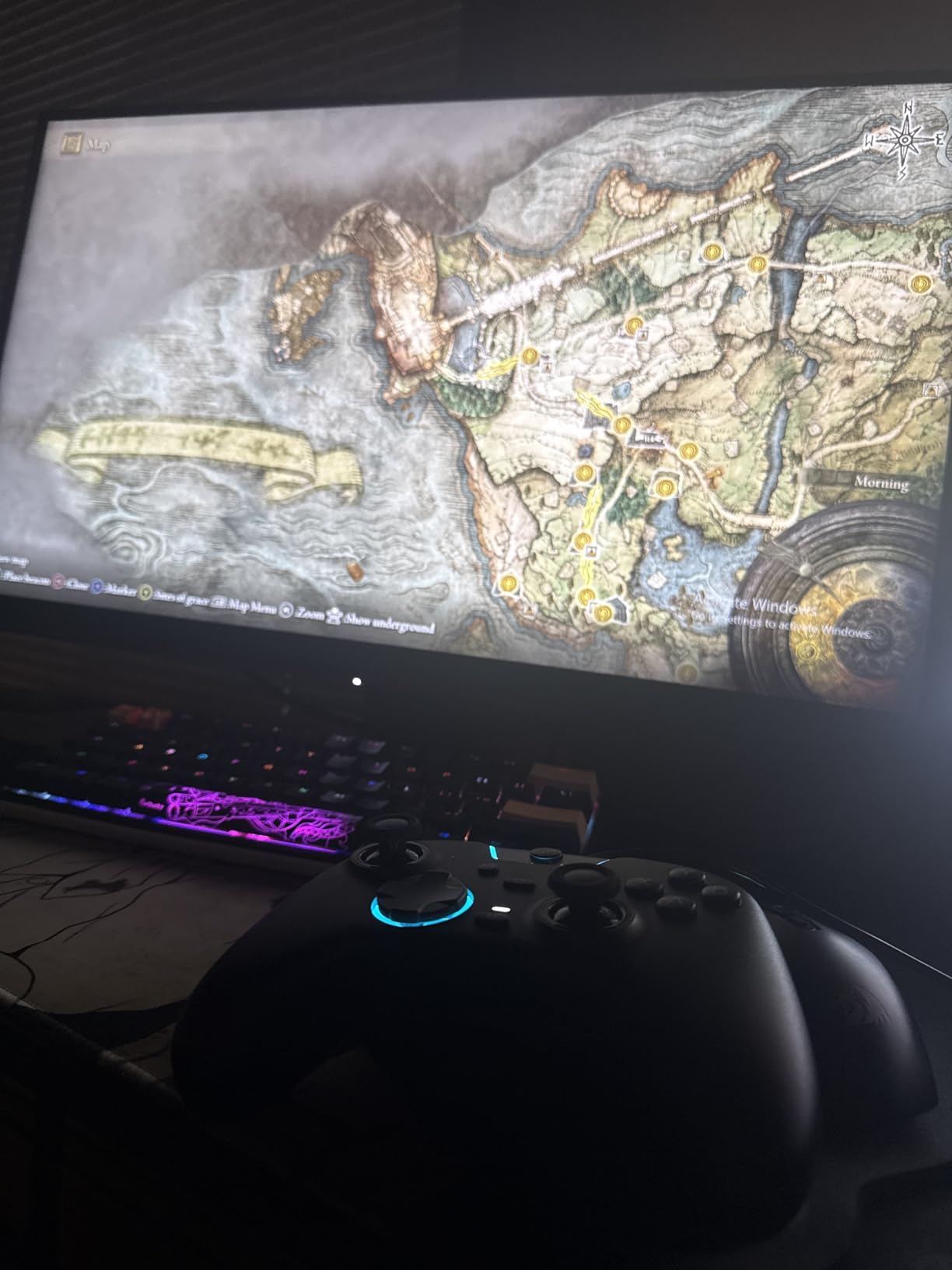
Is 125Hz over Bluetooth a problem?
Only for fast competitive play. The listed Bluetooth polling is 125Hz while wired and 2.4G reach 1000Hz, and that difference is visible in a shooter if you switch modes mid-session.
Does it work with a Steam Deck or laptop?
It works over wired USB-C with a desktop, laptop, smartphone, Steam Deck or TV as the hardware platform, which makes it a flexible second pad for handheld sessions as well as a couch controller.
12. Razer Wolverine V3 Pro 8K PC – The Best for 8000Hz Polling
Razer Wolverine V3 Pro 8K PC Wireless Gaming Controller, Black
8000Hz polling
TMR sticks
Four back buttons
36-hour battery
PC only
Pros
- True 8000Hz polling in both wired and wireless modes
- TMR anti-drift thumbsticks with swappable caps
- Four mouse-click back buttons plus claw grip bumpers
- Pro HyperTriggers switch between mouse click and full analog travel
Cons
- PC only with no Xbox
- PlayStation
- macOS or mobile support
- Highest price in this roundup
- One-star reviews at 11 percent point to a learning curve with remapping
This is the specialist pick. The 8000Hz hyperpolling runs in both wired and wireless modes, TMR anti-drift thumbsticks come with swappable caps for tuning the feel, and four mouse-click back buttons plus claw grip bumpers give you more inputs than most pads allow.
Pro HyperTriggers switch between a fast mouse-click pull and full analog travel, so the same controller works for a tactical shooter and a driving game. Onboard profile storage holds up to 4 profiles with key mapping for 6 programmable buttons, which means you can switch setups without a PC.
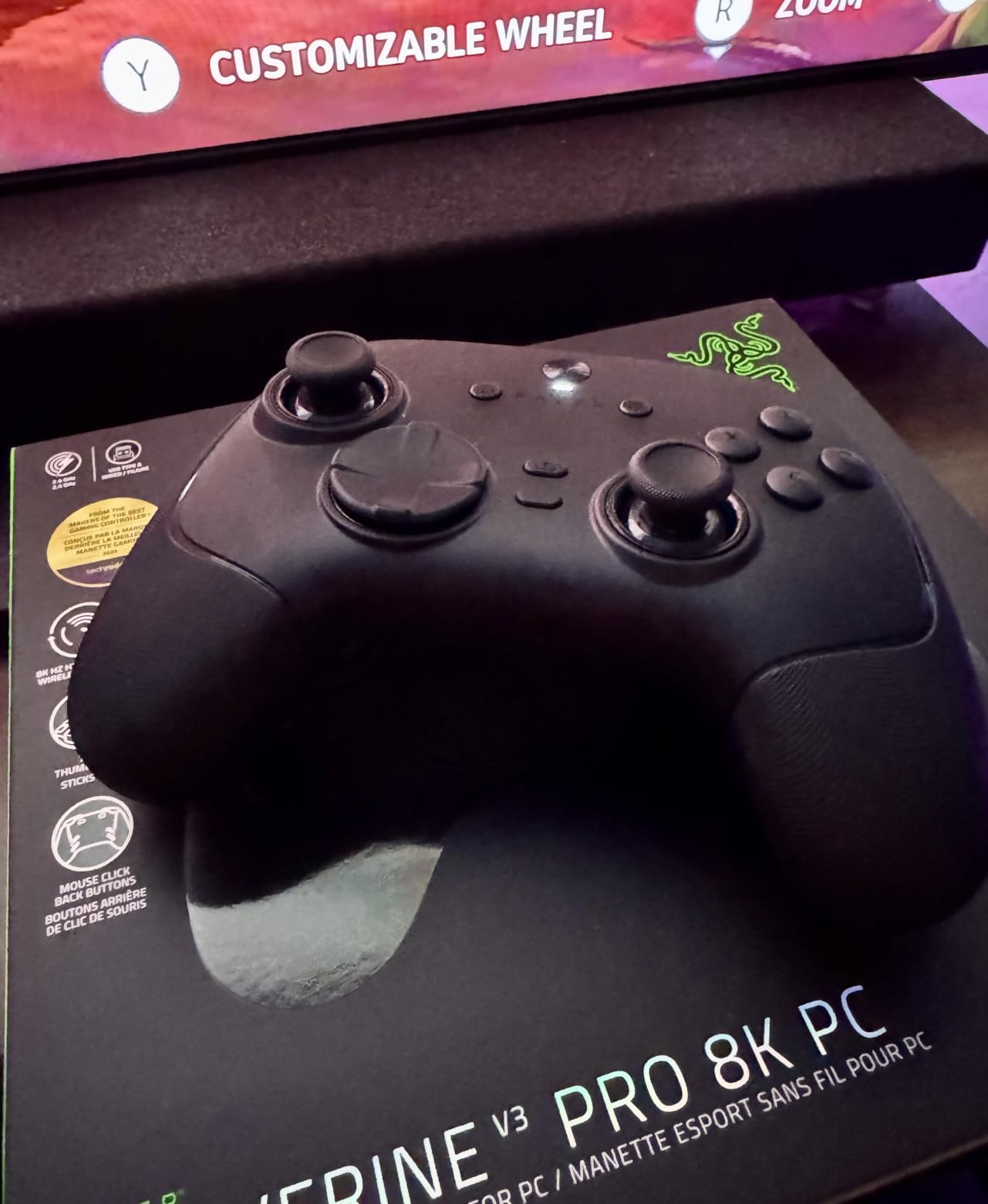
The mecha-tactile doubleshot PBT action buttons sit on hybrid microswitches and stayed crisp through our testing, and the 8-way floating D-pad is noticeably better for diagonals than a one-piece pad. The box includes a custom carrying case, two replacement stick caps and a 2 m braided cable.
Two things narrow the audience. It is PC only, with no Xbox, PlayStation, macOS or mobile support, and it carries the highest price in this roundup. The 4.1 average also reflects that 11 percent of reviews are one star, most of them describing the learning curve that comes with this many remappable options.
Can you really feel the difference between 1000Hz and 8000Hz?
On a high-refresh monitor in a competitive shooter, testers report a tighter, more immediate response. On a 60Hz or 75Hz display, the practical difference shrinks considerably, which is why we would not chase the number for casual play.
Is the 36-hour battery realistic?
It depends on whether the lighting and the high polling mode are running. Turn those off and the figure holds up far better, and the carrying case in the box makes it a pad you can move between a desk and a sofa without fuss.
What to Look for in a PC Controller
Stick sensor technology is the first decision, and it is the one forum buyers argue about most. The three names that come up are potentiometer, Hall effect and TMR, and the differences are real rather than marketing.
TMR vs Hall Effect vs potentiometer sticks
A potentiometer stick measures position with a resistive contact. That contact wears, which is what produces stick drift, the slow creep toward the corner that ruins a pad after a year or two. Hall effect sticks read the stick position magnetically with no touching contact, so there is nothing to wear. TMR, or tunnel magnetoresistance, reads the magnetic field more sensitively still, which is why the GameSir G7 Pro, GameSir Cyclone 2 and 8Bitdo Ultimate 2 all describe their sticks as TMR.
The practical verdict: Hall effect solves drift almost completely, and TMR adds finer precision and a feel closer to a conventional stick. Neither one drifts because the sensor type is faulty, so the answer to whether TMR controllers can drift is that you can still get drift from a worn potentiometer stick, a damaged module or a badly calibrated pad, not from the sensor principle itself. On this list, the VOYEE and PowerA pads use traditional sticks, the GameSir G7 SE, 8Bitdo Ultimate 2C, EasySMX X15, EasySMX X05Pro and Turtle Beach Rematch Advanced use Hall effect, and the GameSir G7 Pro, GameSir Cyclone 2, 8Bitdo Ultimate 2 and Razer Wolverine V3 Pro use TMR.
Polling rate explained: 250Hz, 1000Hz and 8000Hz
Polling rate is how often the controller reports your input to the PC. A 250Hz pad checks four times a millisecond, a 1000Hz pad checks about once, and an 8000Hz pad checks eight times. More frequent checks mean your movement registers sooner, so the number is worth having on a competitive pad.
Whether it feels different depends on your display. At 60Hz or 75Hz the benefit is small because the monitor cannot show the difference. On a high-refresh monitor in a fast shooter, 1000Hz is genuinely useful and 8000Hz is a step up again. So 1000Hz is plenty for most players, and plenty for everyone who is not chasing a leaderboard.
Wired, 2.4 GHz or Bluetooth
A USB-C cable has the lowest latency and no battery to manage, which is why six pads here are wired only. A 2.4 GHz dongle keeps the response close to wired while freeing you from the cable, and most competitive pads offer it. Bluetooth is the most convenient and usually the least consistent, so treat it as a fallback for a handheld or a second screen rather than a tournament link.
Forum threads about the Xbox Wireless Controller usually note that it drifts sooner than expected and has no back buttons. If that is your situation, the GameSir G7 SE gives you Hall effect sticks and two back buttons at a mid-level price, and the GameSir G7 Pro adds TMR sticks, paddles and gyro on top.
How to connect a PlayStation, Xbox or Switch controller to a PC
For an Xbox controller, plug it into a USB port or pair it through Bluetooth in Windows settings, and it will load Xbox button prompts in most games immediately. A DualSense connects the same way, and Steam Input translates PlayStation buttons for any title that expects Xbox layout. A Switch Pro Controller relies on Bluetooth and often needs Steam Input for correct face-button prompts. If a game ignores the pad entirely, Steam Input is usually the fix rather than a driver hunt.
Community discussion on build forums is full of people replacing a five-year-old pad whose joysticks have started to misbehave, and their standard question is which Hall effect controller to move to. That instinct is sound, and our picks above cover the budget and premium ends of it.
Stick drift and how long a pad should last
Drift comes from worn potentiometer contacts, dust, or a stick that was never calibrated from the start. If your pad drifts, most companion apps include a deadzone calibration that recovers a surprising amount of use. Pads with Hall effect or TMR sticks, such as the 8Bitdo Ultimate 2C or the GameSir G7 SE, are the answer if calibration stops working and you want to stop replacing controllers every couple of years.
Community reports describe owners working through three premium controllers in two years before moving to an anti-drift model, which is a strong argument for paying a little more upfront. Adding our background reading on the hardware side, the retro controller guide covers stick types for older platforms.
Fit, grip size and hand size
Weight is a reasonable proxy for size, and the range here is wide: the 8Bitdo Ultimate 2C at 280 g is compact, while the GameSir G7 SE at 420 g and the 8Bitdo Ultimate 2 at 630 g fill a lot more hand. Players with small hands regularly report cramping on the heavier pads, and players with large hands describe lighter ones as feeling thin. If you can, hold a pad in a shop for five minutes before you commit.
Headset support is the other quiet divider. Pads with a 3.5 mm jack include the Xbox Wireless Controller, the PowerA pad, the GameSir G7 SE, the GameSir G7 Pro and the Turtle Beach Rematch Advanced. The 8Bitdo Ultimate 2C, EasySMX X15 and EasySMX X05Pro have none, so budget for a wireless headset or a dongle. For more on the button layout side, our arcade controller picks cover stick and lever styles.
Frequently Asked Questions
What controller is recommended for PC gaming?
The VOYEE wired PC controller is the most recommended option for most PC gamers because it connects over plain USB with no driver install and has the largest review base in our test group. Players who want anti-drift sticks and back buttons should choose the GameSir G7 SE, and couch players should look at the 8Bitdo Ultimate 2C wireless.
What is the best TMR controller for PC?
The GameSir G7 Pro is the strongest all-round TMR option, with swappable TMR sticks, Hall effect triggers, 1000Hz polling on PC over wired and 2.4G, four extra buttons and a PC gyro. The 8Bitdo Ultimate 2 is the quieter TMR alternative with a charging dock, while the GameSir Cyclone 2 adds an aluminum dock and microswitch face buttons.
Is TMR or Hall effect better for preventing stick drift?
Both remove the worn resistive contact that causes drift, so either solves the problem. Hall effect is the established, cheaper option and appears on pads like the GameSir G7 SE and the 8Bitdo Ultimate 2C. TMR reads the magnetic field more sensitively, giving finer precision and a stick feel closer to a conventional potentiometer, which is why the GameSir G7 Pro and 8Bitdo Ultimate 2 use it.
Is 1000Hz polling rate good enough for a controller?
Yes. A 1000Hz pad reports input about once every millisecond, which is a clear step up from 250Hz and is easy to feel on a high-refresh monitor. The benefit shrinks on a 60Hz or 75Hz display, so if your monitor is not fast, a 1000Hz pad still gives you excellent performance without chasing the highest number available.
Can you use a console controller on a PC?
Yes. An Xbox controller connects over USB-C or Bluetooth and loads Xbox button prompts immediately. A DualSense also connects over USB or Bluetooth, and Steam Input translates PlayStation buttons for titles that expect an Xbox layout. A Switch Pro Controller pairs over Bluetooth and usually needs Steam Input to map the face buttons correctly.
Is PC gaming better with a controller or a keyboard and mouse?
It depends on the genre. A mouse and keyboard still wins for competitive shooters because of pointer precision, but a controller wins in third-person action games, soulslikes, racing, fighting games and co-op couch play. Many PC players now use both, keeping a controller for single-player and campaign sessions and switching to mouse and keyboard for multiplayer shooters.
What is the best budget wireless controller for PC?
The 8Bitdo Ultimate 2C is the pick in this roundup. It combines Hall effect sticks and triggers, 1000Hz polling over 2.4G and wired, very long battery life and remappable L4 and R4 bumpers, all in a 280 g body. The main gaps are the missing headphone jack and the compact size, which can feel cramped in larger hands.
The Best Controllers for PC Gaming in 2026
The best controllers for PC gaming in 2026 come down to what you play and how you sit. The VOYEE wired pad remains our overall pick because it connects instantly and has the widest review history here, the GameSir G7 SE is the best value for anyone who wants Hall effect sticks and back buttons, and the 8Bitdo Ultimate 2C covers cable-free play without a big outlay. Players chasing TMR precision should start with the GameSir G7 Pro.
Whichever you choose, decide on stick sensor type and connection mode first, because those two decisions explain most of the price difference. If you still want a wider look, our PC controller ranking and fight stick guide cover the rest of the range.