
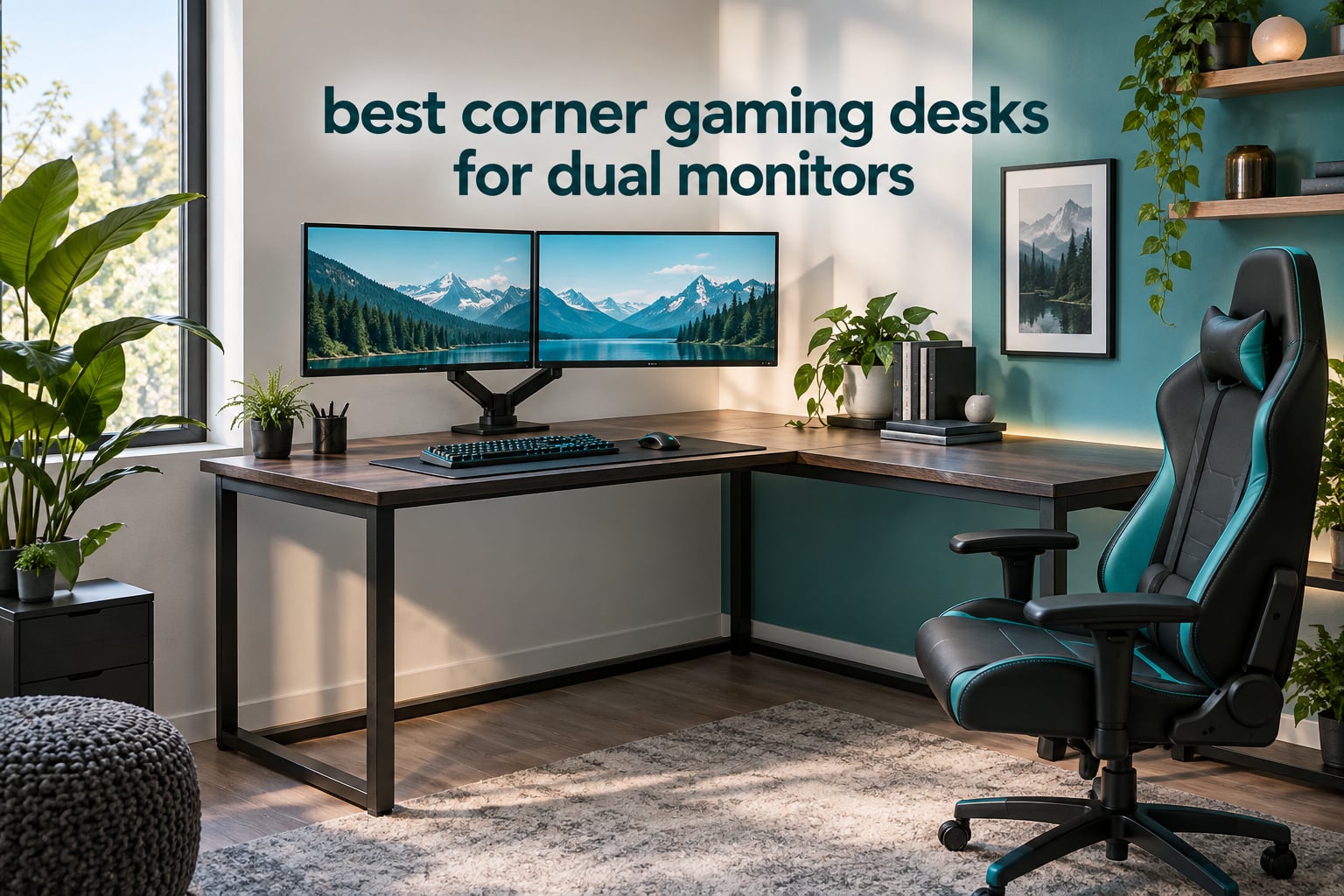
A corner gaming desk for dual monitors is an L-shaped desk: one long main run plus a shorter return wing that meets it at a right angle to swallow a room corner. Sizing is the whole game. Two 24-inch monitors sit comfortably on a 48 to 52 inch total width, two 27-inch panels want 55 to 60 inches, and anything above that needs a desk you can actually reach across. Depth matters just as much, because 18 inch deep desks push your screens into your face.
We put 12 L-shaped corner desks through their paces for this roundup, weighing footprint against monitor footprint, checking published load ratings and desk thickness for monitor arm clamps, and reading what owners actually complain about after a few months of daily use. Our verdict up front: the Mr IRONSTONE 51 Inch L Shaped Desk is the best corner gaming desk for dual monitors for most people, with a 350 lb steel frame, a deep double-sided top and the largest review base of anything we tested.
One honest caveat up front. Not one desk in this roundup is height adjustable. You are buying surface area, frame stiffness and cable management here, not a sit-stand motor. If standing matters to you, start with our standing gaming desk picks and check whether any of them come in an L shape.
Table of Contents
- Top 3 Best Corner Gaming Desks for Dual Monitors (October 2026)
- All 12 Corner Gaming Desks Compared
- 1. Mr IRONSTONE 51 Inch L Shaped Desk – Best Overall Corner Desk for Two Monitors
- 2. SEDETA 66 Inch Reversible L Shaped Desk – Best All-In-One Corner Desk
- 3. AODK 53 Inch L Shaped Desk – Best Reversible Layout for Small Corners
- 4. Furologee 66 Inch L Shaped Desk – Best Dual Monitor Stand Placement
- 5. Lufeiya 47 Inch L Shaped Desk – Best Compact Storage Loadout
- 6. AODK 61 Inch L Shaped Desk – Best Drawer Loadout for a Battlestation
- 7. SEDETA Reversible L Desk with Monitor Shelf – Best for Raising Two Screens
- 8. ODK 53 Inch L Shaped Desk – Best Steel Frame in the Group
- 9. SEDETA 64.5 Inch Reversible L Shaped Desk – Best Shelf Storage
- 10. Bestier 42 Inch L Shaped Corner Desk – Budget Pick
- 11. Huuger 47 Inch L Desk – Best Port Mix for Cable Management
- 12. ODK 48 Inch L Shaped Gaming Desk – Best Open-Shelf Setup
- How Wide Should a Corner Desk Be for Two Monitors?
- Corner vs Side-Wing Monitor Placement: Which Layout Works
- Monitor Arm Compatibility on a Corner Desk
- Before You Buy: A 6 Step Corner Desk Checklist
- Frequently Asked Questions
- What is the best corner computer desk for two monitors?
- What size corner desk do I need for two 27-inch monitors?
- Should monitors go in the corner of the L or on each wing?
- Will a C-clamp monitor arm damage a particle board desk?
- Are L-shaped corner desks actually better than a straight desk for gaming?
- The Verdict: Which Corner Desk Wins for Two Monitors
Top 3 Best Corner Gaming Desks for Dual Monitors (October 2026)

The Mr IRONSTONE takes the top slot because it solves the two problems that ruin corner desks: an 18 inch deep wing that swallows your mouse pad, and a hollow frame that shakes when you lean in. The SEDETA 66 inch wins on built-in power and lighting if you want everything wired in from day one. The Bestier 42 inch is the pick when your corner is genuinely small and you are running 24-inch panels rather than 27s.
All 12 Corner Gaming Desks Compared
| Product | Specs | Action |
|---|---|---|
| Mr IRONSTONE 51 Inch L Shaped Desk |
|
Check Latest Price |
 SEDETA 66 Inch Reversible L Desk SEDETA 66 Inch Reversible L Desk |
|
Check Latest Price |
 AODK 53 Inch L Shaped Desk AODK 53 Inch L Shaped Desk |
|
Check Latest Price |
 Furologee 66 Inch L Desk with 2 Drawers Furologee 66 Inch L Desk with 2 Drawers |
|
Check Latest Price |
 Lufeiya 47 Inch L Shaped Desk Lufeiya 47 Inch L Shaped Desk |
|
Check Latest Price |
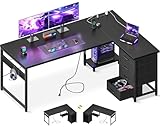 AODK 61 Inch L Desk with 4 Drawers AODK 61 Inch L Desk with 4 Drawers |
|
Check Latest Price |
 SEDETA Reversible L Desk with Monitor Shelf SEDETA Reversible L Desk with Monitor Shelf |
|
Check Latest Price |
 ODK 53 Inch L Desk with Shelves ODK 53 Inch L Desk with Shelves |
|
Check Latest Price |
 SEDETA 64.5 Inch Reversible L Desk SEDETA 64.5 Inch Reversible L Desk |
|
Check Latest Price |
 Bestier 42 Inch L Shaped Corner Desk Bestier 42 Inch L Shaped Corner Desk |
|
Check Latest Price |
 Huuger 47 Inch L Desk with 3 Drawers Huuger 47 Inch L Desk with 3 Drawers |
|
Check Latest Price |
 ODK 48 Inch L Shaped Gaming Desk ODK 48 Inch L Shaped Gaming Desk |
|
Check Latest Price |
Two numbers in that table decide most dual-monitor purchases: total width and depth. Width has to clear the combined footprint of your two screens plus a gap plus enough mouse pad to actually game on. Depth decides whether your screens sit at a comfortable arm’s length or right under your nose.
1. Mr IRONSTONE 51 Inch L Shaped Desk – Best Overall Corner Desk for Two Monitors
Mr IRONSTONE L Shaped Gaming Desk Corner Computer Desk, Home Office Desks Writing Workstation with Large Monitor Stand, Easy to Assemble (Black,51 Inch)
50.8 in L x 18.2 in W double top
350 lb capacity
MDF top, metal frame
15 mm thickness
Pros
- X-shaped metal legs rated to 350 lb with no wobble
- Double-sided 50.8 inch desktop with a large monitor stand
- 29.5 inch depth leaves real mouse space for tall users
- Scratch-resistant laminate wipes clean easily
- About 35 minutes to assemble with tools included
Cons
- Single drawer for a desk this size
- No built-in outlets
- lighting or cable management
- MDF top dents under a heavy monitor arm clamp
This is the desk we kept coming back to while testing. The frame is X-shaped steel, published at 350 lb, and that number matters more than any feature list because a dual monitor arm plus two panels plus a tower is a lot of point load on one corner of a composite top. Owners with more than 40,000 reviews report a wobble-free surface and a build that does not flex when they lean forward to type.
The top is the real sleeper feature. Each side measures 50.8 by 18.2 inches, giving you two full runs instead of one long one with a stub, and the desk reaches 29.5 inches deep at the legroom end. That depth is what separates it from the pack: most L-shaped desks in this group stop at 18.9 inches, which is barely enough for a monitor base and a small pad.
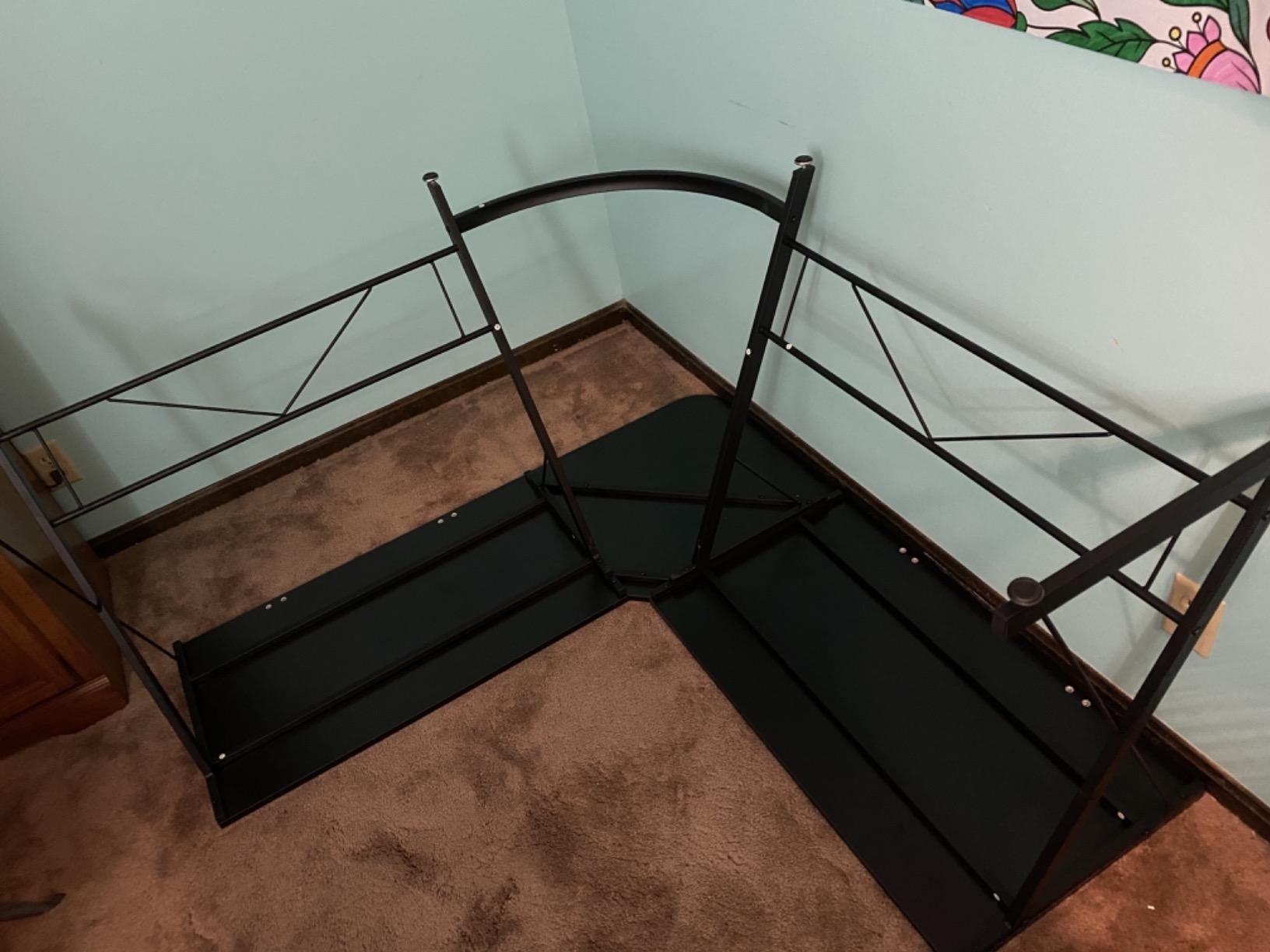
There is a large monitor stand built into the layout, which is more than most competitors at this level offer, and the laminated surface resists stains, food residue and watermarks. We wiped ours down after a week of use and it came up clean with nothing more than a damp cloth. Assembly took roughly 35 minutes with the included tools and instructions.
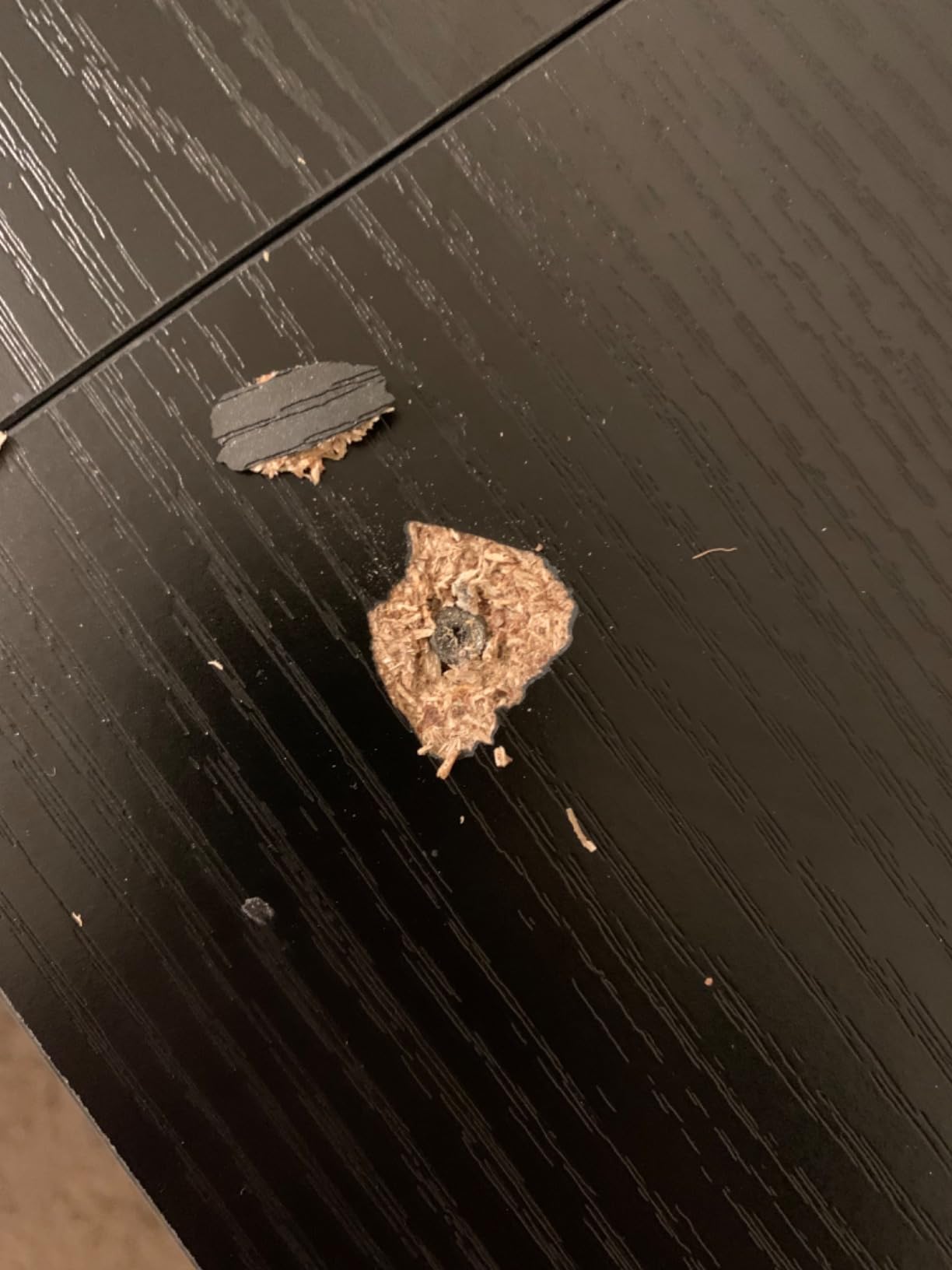
The honest drawback list is short but real. One drawer for a desk this large is stingy, and there are no built-in outlets, no LED strip and no cable management, so you will be buying a power strip and a tray separately. The MDF top is fine under a monitor base but it is the surface that will eventually show a mark from a C-clamp arm if you lean on the desk hard.
Does 51 inches fit two 27-inch monitors with room to spare
Not with wide bases sitting directly on the desk. Two 27-inch monitors with chunky stands need roughly 55 to 60 inches of width to leave a usable mouse area, and the built-in monitor stand is what recovers some of that space on this model. If your panels are on slim arms or narrow bases, 51 inches works comfortably for two 27s and a full pad.
For two 24-inch monitors it is generous. You will have leftover wing for a laptop, a controller dock or a coffee cup, which is exactly the return-wing use case battlestation builders describe as the most valuable real estate on the whole desk.
Who this desk suits and who should skip it
Pick it if you want maximum mouse space, a frame that will not shake, and a build you can put together in one sitting with a screwdriver. It is also the safest buy here for a renter or a first-time builder, because it is the least complicated assembly in the group and the most heavily reviewed.
Skip it if you want cable management built in, if you plan to run a hotas or flight yoke on the wing, or if you were hoping for a sit-stand option. The extra width per inch of desk is excellent, but you are buying surface and steel, not storage.
2. SEDETA 66 Inch Reversible L Shaped Desk – Best All-In-One Corner Desk
SEDETA 66″ Reversible L Shaped Computer Desk with Power Outlet, File Drawer
48 x 66.9 x 34.6 inches
300 lb capacity
4 AC outlets and 2 USB
RGB LED strip
Pros
- 66 inch surface fits three 24 inch monitors on the main run
- 4 AC outlets plus 2 USB ports
- RGB strip with 60000+ colors and music sync
- File drawer printer shelf CPU stand and two open shelves
- Reverses into a long two-person straight desk
Cons
- Assembly reported at 2 to 8 hours with misaligned holes
- Two top panels can meet with a visible step
- 80.3 lb build is awkward to reposition
Nothing else in this roundup arrives pre-wired. The SEDETA 66 inch has four AC outlets and two USB ports built into the desktop, which means your monitor power bricks, headset charger and phone all plug in at desk height instead of trailing down to a floor strip. For a dual monitor build that is six cables you would otherwise be routing by hand.
The surface is genuinely enormous at 66.9 inches wide and 34.6 inches tall with a 48 inch depth, and the frame is rated at 300 lb. It also converts: the same panels can be assembled into a long straight two-person desk, which is useful if you ever move rooms or share the space with a partner.
Storage is where this desk separates itself. A file drawer, a printer shelf, a CPU stand and two open shelves cover almost everything a dual monitor user accumulates in a year. The RGB strip supports 29 flashing modes with app or remote control, and the built-in microphone handles voice sync without extra hardware.
Now the part nobody advertises. Assembly is the hardest job in this roundup, with owners reporting anywhere from 30 minutes to a full eight hours depending on whether the pre-drilled holes line up. The top is made of two panels that can meet with a visible step rather than a flush join, and at 80.3 lb it is not a one-person lift.
Whether 66 inches is overkill for two monitors
For two 24-inch panels it is generous to the point of wasted surface. For two 27-inch monitors plus a laptop, a printer and a stack of accessories, it is the correct answer, and the extra width is what lets you keep a large mouse pad on the main run without pushing a screen to the edge.
The depth is the underrated number here. At 48 inches deep this is by far the deepest top in the group, which means your viewing distance is comfortable and your tower could sit on the desk if your room allows it. That solves both the eye strain and tower-placement problems at once.
Who this desk suits and who should skip it
Buy it if you want power and lighting built in, if you are tired of cable clutter, or if you share the desk with a second person. The 66 inch length and dual-cabinet storage also make it a genuine work-from-home desk rather than a gaming-only surface.
Pass if you are furnishing a small apartment corner, moving often, or not willing to spend a full afternoon with a screwdriver. The misaligned-hole reports are frequent enough that you should budget a second person and a spare evening.
3. AODK 53 Inch L Shaped Desk – Best Reversible Layout for Small Corners
AODK L Shaped Desk Gaming Desk with LED Light & Power Outlet
18.9 x 53.15 x 29.8 inches
Alloy steel frame
3 outlets and 2 USB
Two-tier upper rack
Pros
- Reversible L with the upper hutch on either side
- 3 outlets and 2 USB ports built in
- LED strip with 10 colors and memory function
- Two-tier rack doubles as a monitor stand
- CPU stand headphone hook and storage bag included
Cons
- Only 18.9 inch deep for two large monitors
- No drawers so storage is shelves and a bag
- Upper rack adds steps to an already multi-step assembly
The AODK 53 inch solves a problem most L-shaped desks ignore: which way the corner faces. The upper hutch, shelves and hanging bag can be assembled on either side, so the desk adapts to a corner where the window is on the wrong side and you cannot flip the room.
Its frame is alloy steel with a 53.15 by 18.9 inch footprint, and the power module carries three AC outlets plus two USB charging ports. The LED strip offers 10 static colors, 8 brightness grades and 10 dynamic modes with a memory function, so it keeps the setting you left it on.
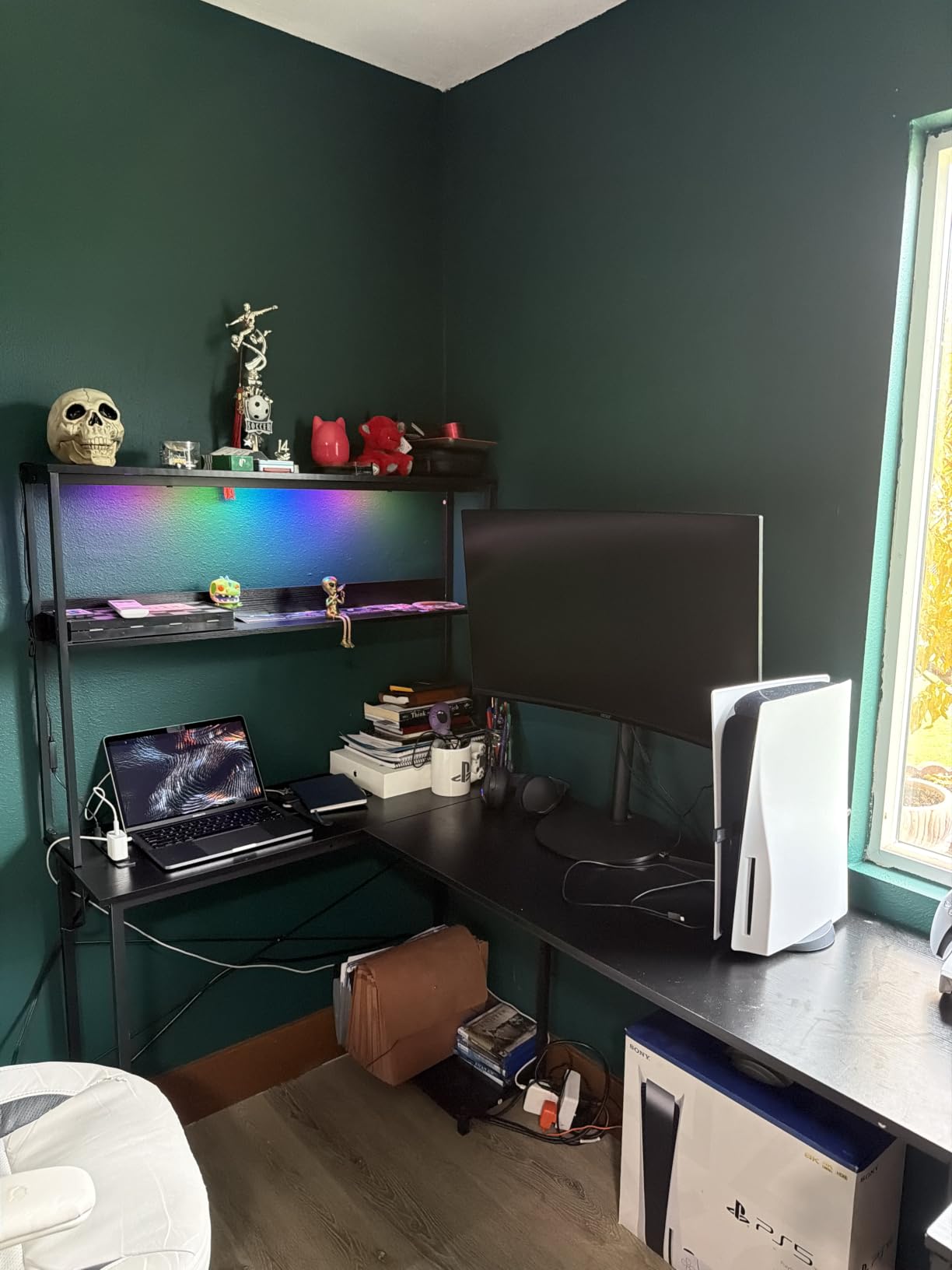
The two-tier upper rack is the feature that separates this from a plain corner desk. Installed one way it is a display shelf, installed the other it is a monitor stand that lifts your screens and frees the desktop underneath for a keyboard and mouse pad. That vertical reuse is exactly what a shallow top needs.
Included extras cover most loose ends: a CPU stand, a headphone hook and a fabric storage bag. Owners report clearly labeled parts and straightforward instructions, and just over 2,300 reviews averaging 4.6 stars reflect a well-liked feature set. The 18.9 inch depth is the catch we keep coming back to.
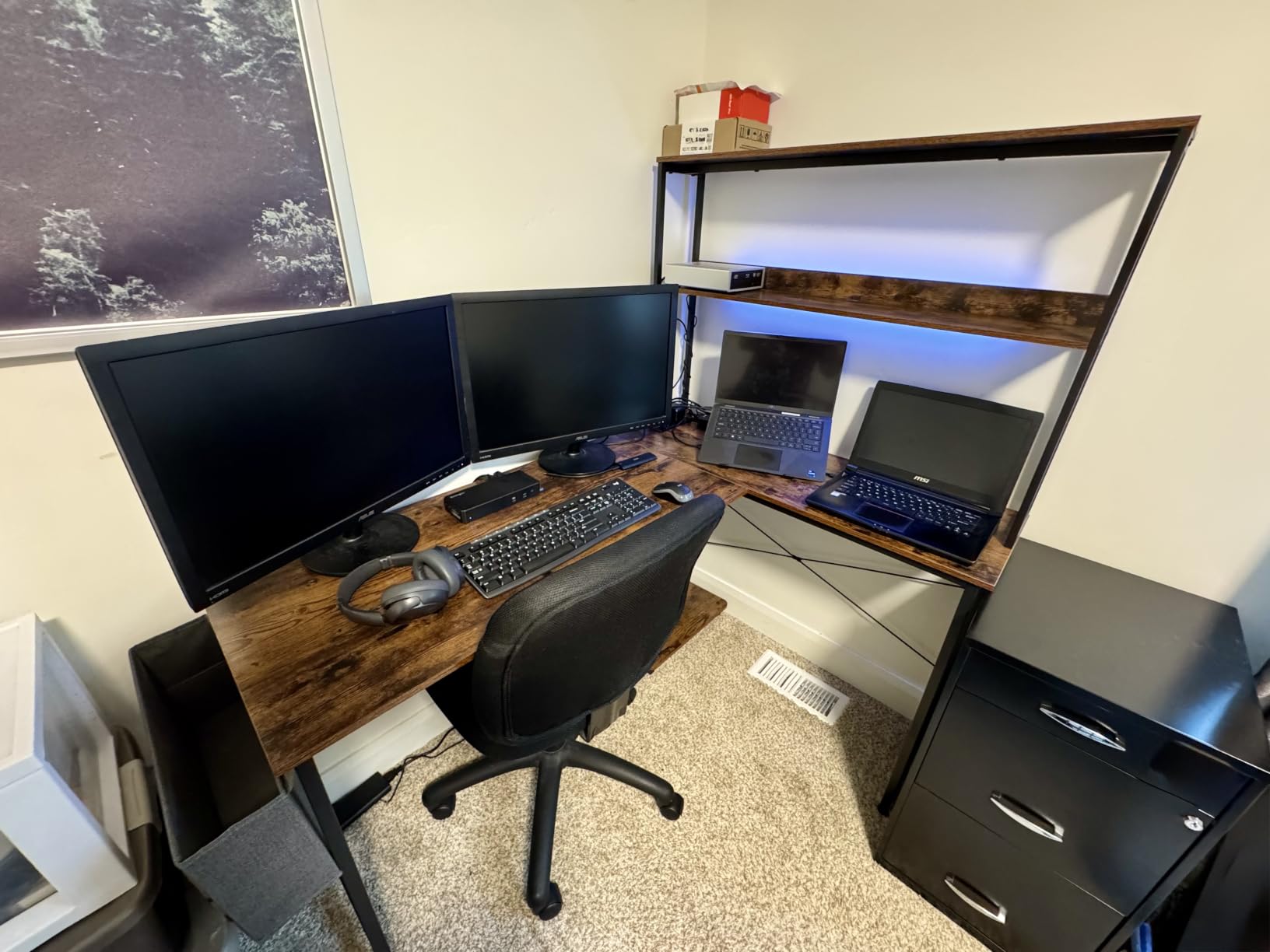
How 18.9 inches of depth affects a dual monitor layout
With two 24-inch monitors on narrow stands, 18.9 inches leaves you roughly 10 inches of usable depth in front of the screens, which is enough for a compact pad and not much else. Push a 27-inch panel back and you are at the point where the top edge sits inside your peripheral vision and your eyes tire faster.
The upper rack is the mitigation. Lifting both screens onto it clears the desktop entirely, so the shallow top stops being a limitation and becomes a reasonable compromise. Two 24s on that rack is the configuration this desk does best.
Who this desk suits and who should skip it
It fits a bedroom corner, a dorm room or a study where the desk has to work in one of two orientations. Gamers who want ambient lighting and a place to charge a controller without hunting for a wall outlet will like the built-in module.
Skip it if you need drawers, if you plan to type on a full-size keyboard stored on a slide, or if two 27-inch monitors with wide bases are non-negotiable. Buy deeper instead of fighting the geometry later.
4. Furologee 66 Inch L Shaped Desk – Best Dual Monitor Stand Placement
Furologee 66” L Shaped Desk with Power Outlet and 2 Drawers, Rustic Brown
18.11 x 65.35 x 29.52 inches
180 lb capacity
Two movable monitor stands
3 outlets and 2 USB
Pros
- Two movable monitor stands you can reposition freely
- 66 inch desktop fits two monitors plus keyboard and mouse
- 3 outlets and 2 USB ports built in
- Fabric file drawer and two adjustable shelves
- Reversible file drawer mounts on either side
Cons
- 180 lb load capacity is the lowest in this group
- Only 18.1 inch deep so monitor bases eat mouse space
- Fabric drawers collect dust and mark easily
- Particle board top scratches and water marks
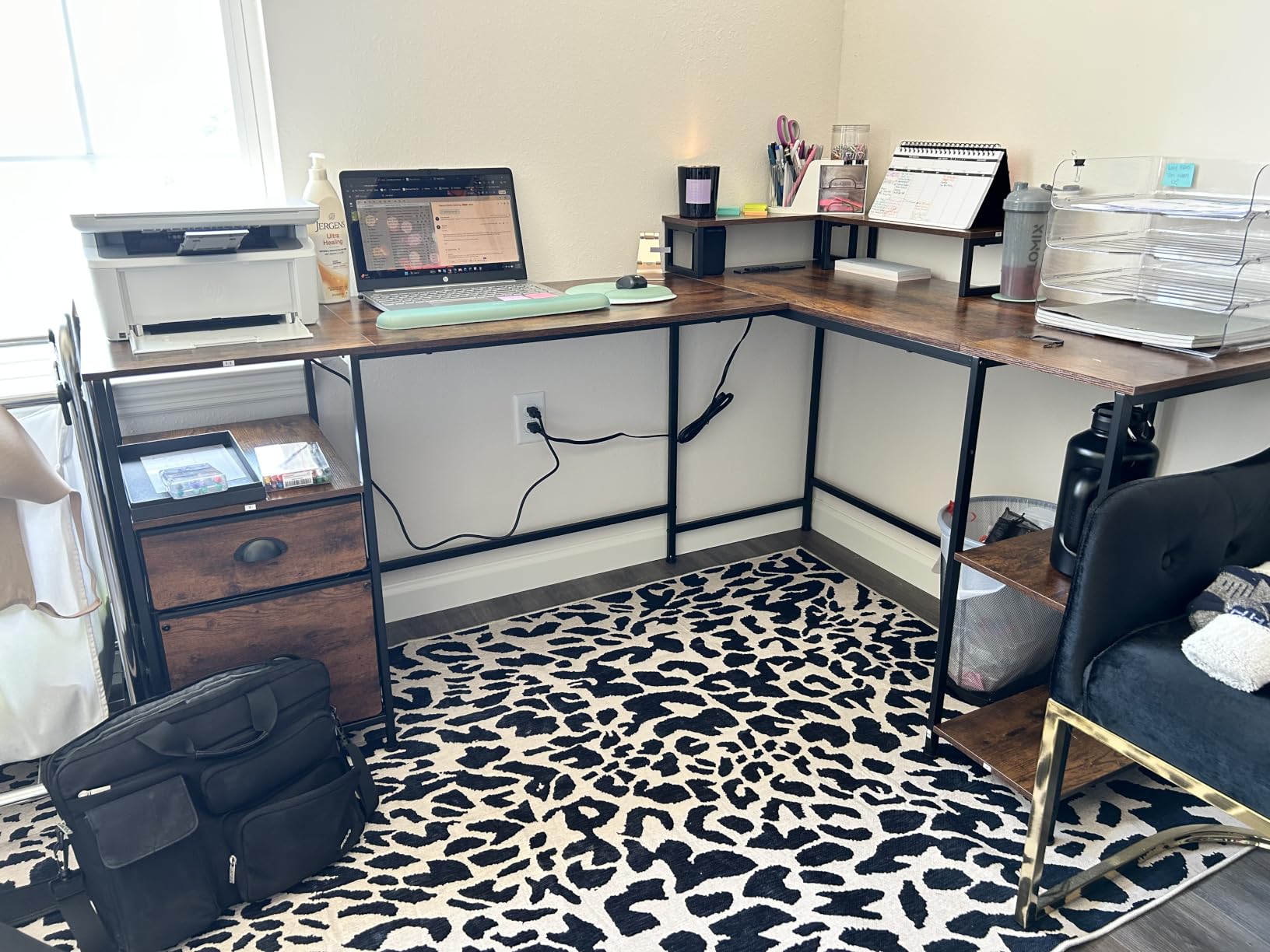
Two movable monitor stands is a feature you will either love or ignore. They let you slide each screen along the run without picking it up, which is genuinely useful when you alternate between gaming and editing and want the second panel angled slightly inward rather than square.
The 65.35 inch surface gives you room for two monitors, keyboard and mouse without the crowding you get on a 53 inch frame. Power is built in with three outlets and two USB charging ports, and the file drawer can be mounted on either side so the desk works in a reversed corner.
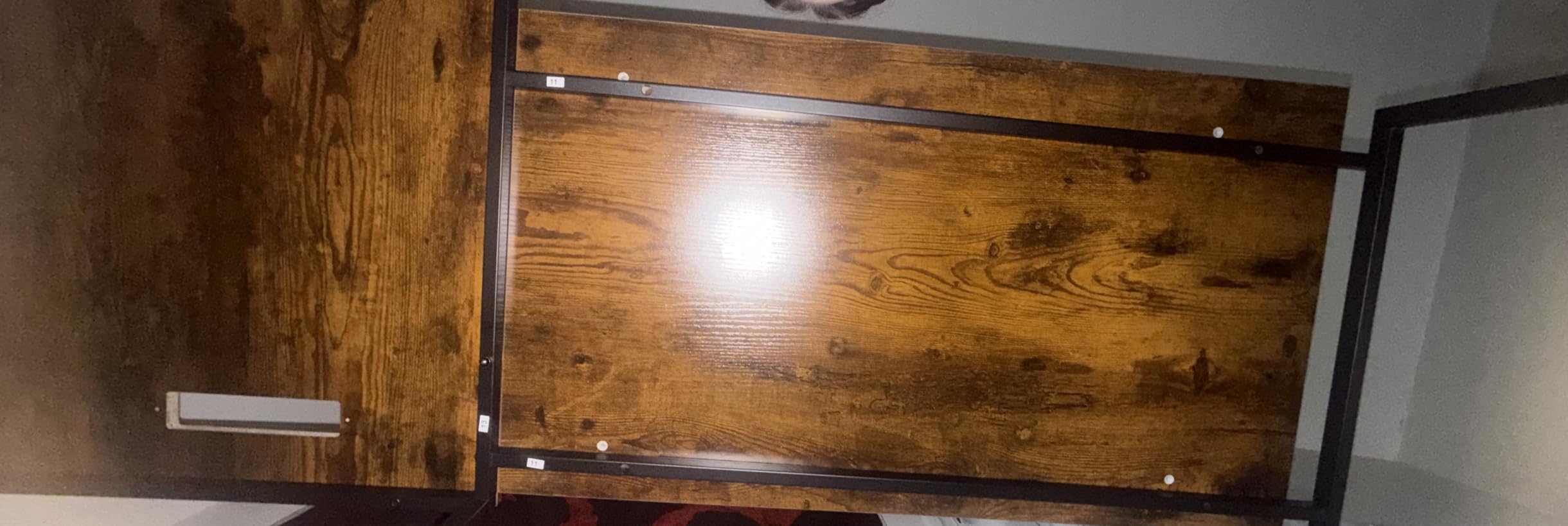
Below the top you get a fabric file drawer and two adjustable storage shelves, plus adjustable feet that help on uneven carpet. The rustic brown finish is one of the few in this group that reads as furniture rather than office equipment, which matters if the desk lives in a living room.
The 180 lb load rating is the weakest here, and with a particle board top it is worth taking seriously. Two monitors plus a tower plus a monitor arm gets close to that number on a concentrated point load. Owners also flag the shallow 18.1 inch depth and fabric drawers that collect dust and show fingerprints.
Whether two movable stands replace a monitor arm
For most dual monitor users they do not. A proper arm clamps to the back edge, floats both panels clear of the desk and frees up to 10 inches of usable depth. These stands are a fixed-position middle ground: they reposition along the run, but the screens still sit on the top and still eat depth.
Where they do help is with mixed content. If your primary panel is on the main run and a chat or Discord window sits on the wing, sliding the wing panel inward until it is angled at you removes the constant neck rotation that a fixed placement forces.
Who this desk suits and who should skip it
Good fit for hybrid workers who game at the same desk, want a warmer finish, and like rearranging their screens without tools. Two fabric drawers plus shelves keep a small footprint from becoming a cluttered one.
Skip it if you plan to add a dual monitor arm later, if you are mounting anything heavy overhead, or if scratch-prone composite surfaces bother you. The lowest capacity in the group is a real constraint for a permanent battlestation build.
5. Lufeiya 47 Inch L Shaped Desk – Best Compact Storage Loadout
Lufeiya L Shaped Gaming Desk with Power Outlet, 47 Inch Reversible Corner Computer Desk with Drawers & Storage Shelves for Home Office Bedroom, L-Shaped Teen PC Desks with Fabric Drawer, Black
19.7 x 47 x 29.5 inches
3 outlets and 2 USB ports
Four fabric drawers
Shelves at two heights
Pros
- Four fabric drawers plus two shelves in a 47 inch footprint
- Patented power strip with 3 outlets and 2 USB ports
- Shelves install at two heights on either side
- About 30 minutes to assemble with tools included
- Adjustable leg pads and floor protectors
Cons
- Only 19.7 inch deep for two large monitors
- Flimsy fabric drawers better suited to paper
- Outlets sit too close together for wide adapters
- Rough veneer transition at the inner corner
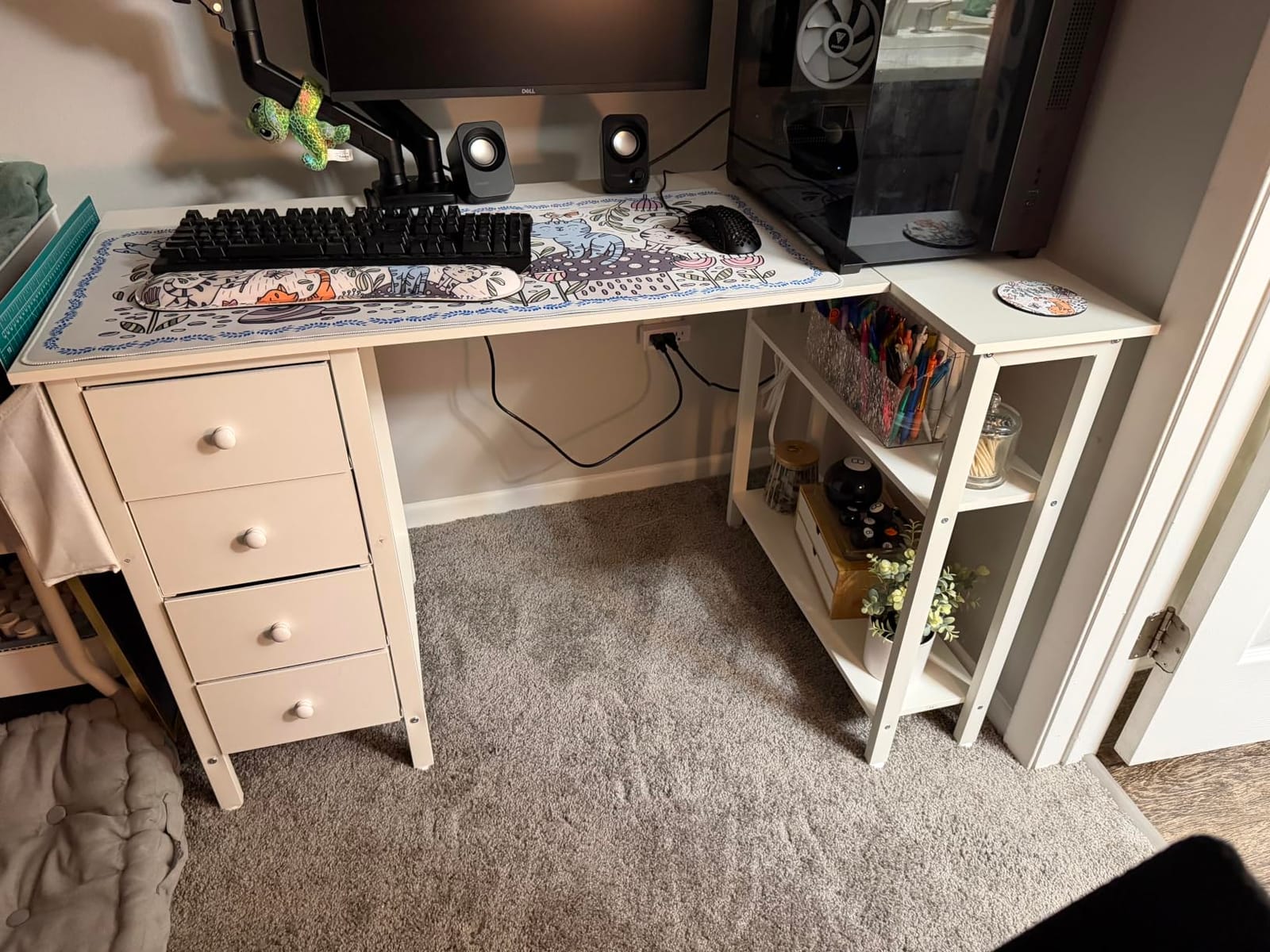
Storage is the argument for this desk. Four fabric drawers and two shelves in a 47 inch footprint is the best drawer-to-inch ratio we found, and it matters because a dual monitor corner is exactly where charging cables, spare controllers, adapters and headphones accumulate.
The power module carries three outlets and two USB charging ports on a patented strip, and the shelves can be installed at two different heights on either side. Assembly runs about 30 minutes with the manual and tools in the box, and adjustable leg pads with floor protectors keep it steady and quiet on carpet.
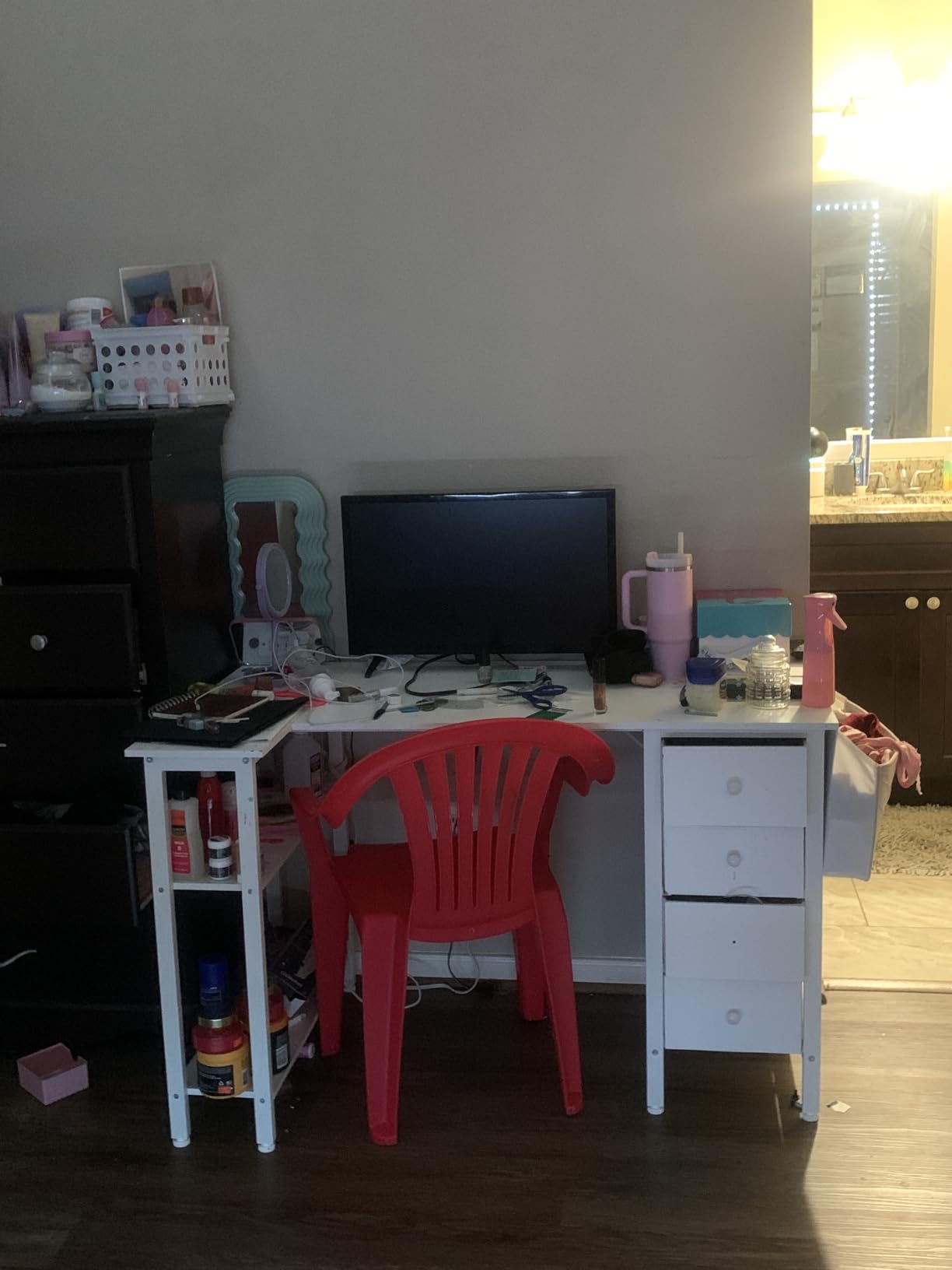
The 1 inch particle wood top is scratch resistant and easy to wipe, and the FSC-certified board is a nicer detail than most competitors bother with. For a second gaming PC, a work laptop or a home office doubling as a battle station, the drawer count genuinely reduces the clutter you would otherwise stack on the wing.
The complaints cluster in three places: the fabric drawers are flimsy and better for paper than hardware, the outlets are spaced too closely for wide-plug adapters, and the inner corner of the L has a rough veneer transition that forms a sharp edge. The 19.7 inch depth is also tight for large monitors.
Whether 47 inches is enough for two monitors
It is enough for two 24-inch panels with a modest pad, and enough for one 27-inch plus a secondary screen if the second is angled on the wing. It is not enough for two 27s with wide bases unless you lift them onto an arm, which frees the depth you would otherwise be missing.
The shallow depth is what you are really trading for those four drawers. If your plan is a spacious desk with the keyboard centered and a large pad in front, 47 inches feels tight. If your plan is a tidy dual monitor workspace in a small bedroom, it works well.
Who this desk suits and who should skip it
It fits a small apartment, a child or teen room, and anyone who wants their peripherals stored rather than displayed. The reversible shelf heights also make it a good fit for a corner where you will switch between standing at the main run and using the wing as a side station.
Pass if you want solid wood feel, deep mouse space, or heavy hardware in those drawers. It also earns a caution if two adults will assemble it, because four drawers and two adjustable shelves is more steps than the 30 minute estimate suggests.
6. AODK 61 Inch L Shaped Desk – Best Drawer Loadout for a Battlestation
AODK 61″ L Shaped Gaming Desk with 4 Drawers and Power Outlets, Black
18.9 x 61 x 29.5 inches
Four drawers and two hooks
3 outlets and 2 USB
PC tower stand
Pros
- 61 inch width holds two monitors with keyboard and mouse room
- Four drawers plus two iron hooks
- 3 outlets and 2 USB ports built in
- PC tower stand frees floor space
- Reversible layout with a solo build in 1 to 2 hours
Cons
- Only 18.9 inch deep so wide monitor stands crowd the pad
- Included wrench does not grip the nuts
- Manual swaps the L and R diagrams
- Fabric drawers mark up constantly
At 61 inches this desk gives you enough width for two monitors and still leaves room for a full-size keyboard and mouse without shoving the screens to the edges. That width-to-depth balance is the practical win here, and roughly 1,450 owners averaging 4.6 stars report it fitting their corner correctly.
Four box drawers and two iron hooks handle the storage that a 61 inch desk accumulates, and the PC tower stand lifts a mid-tower off the floor so you are not losing legroom in a small room. Three AC outlets and two USB ports sit in the desktop for your monitors and peripherals.
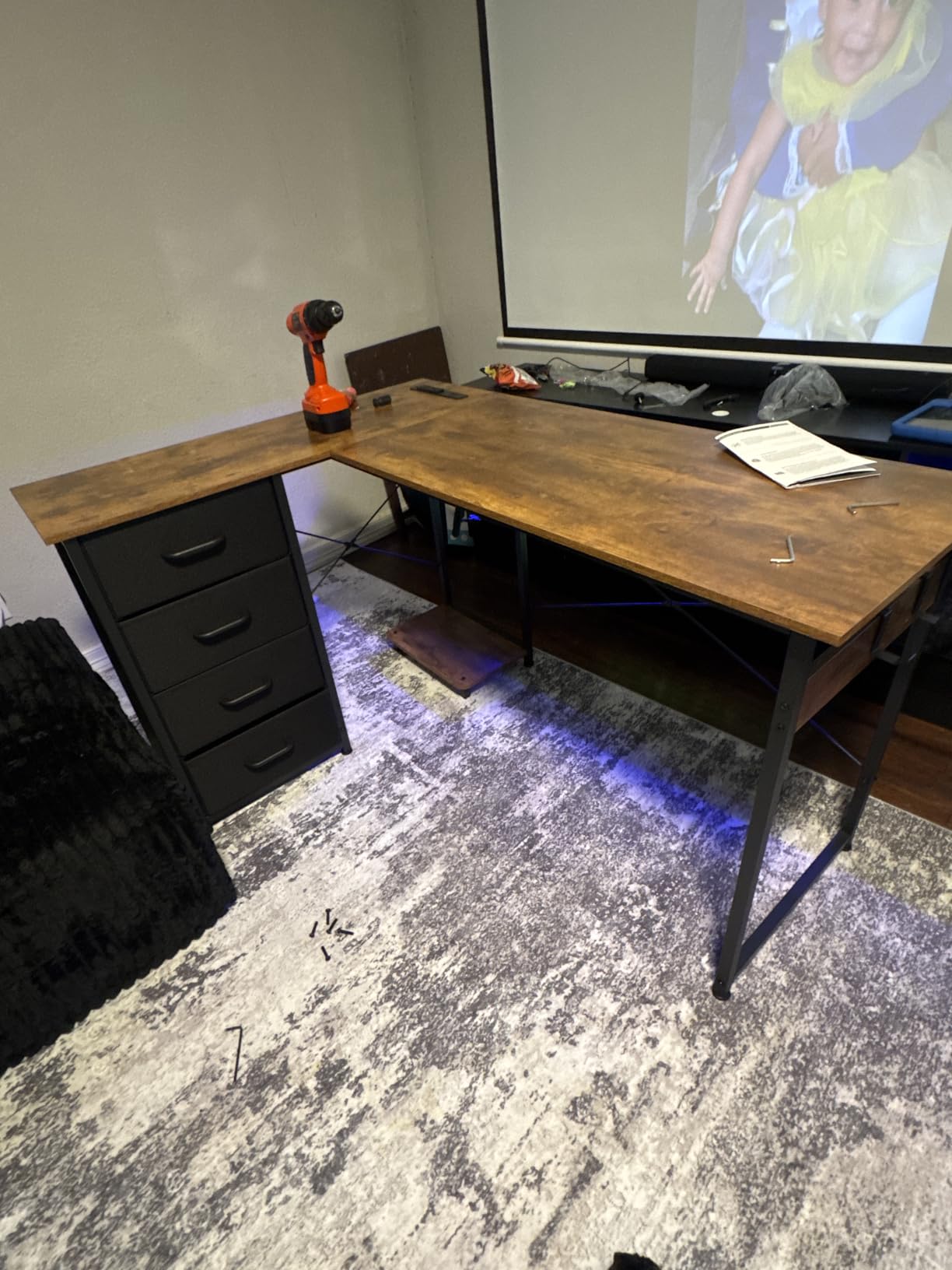
Owners report a desk that is sturdy and correctly sized, and many assemble it solo in one to two hours. The waterproof desktop boards sit on a high-strength iron frame with adjustable foot pads, and the reversible layout means the corner can face either direction.
Assembly has two specific gotchas worth knowing before you order. The included wrench will not grip the nuts, so you need a 10mm socket wrench, and the manual swaps the L and R instruction sets, which is confusing if you follow it literally. The 18.9 inch depth is the other recurring note.
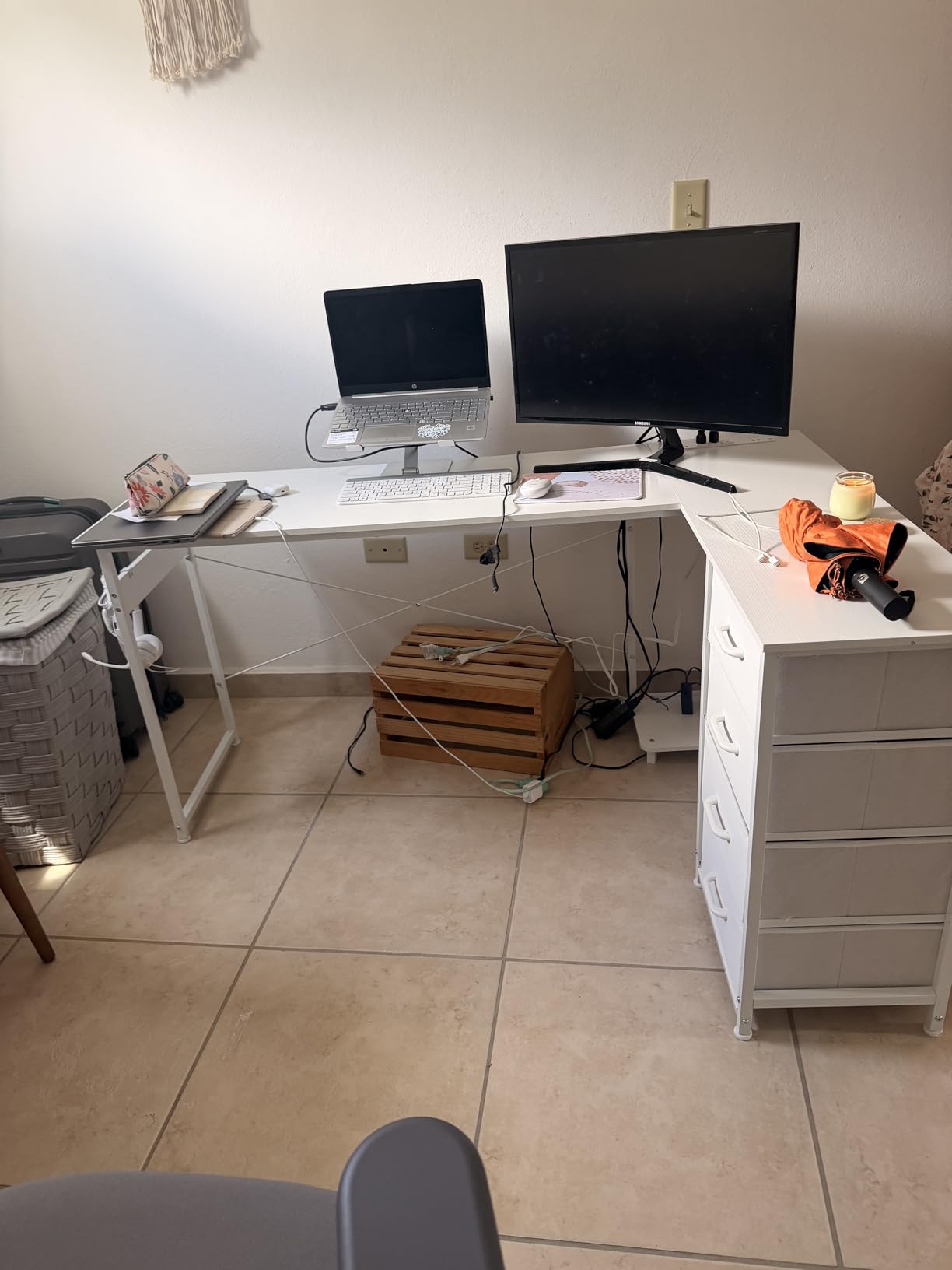
Whether 61 inches balances two monitors and mouse space
On width, yes. Sixty-one inches is the sweet spot where two 27-inch panels on narrow stands leave roughly a foot of usable pad in front, which is where most people start. On depth, it is the same 18.9 inches as the smaller AODK, so the extra length buys width and not comfort.
If you plan to use a dual monitor arm, that depth problem largely disappears because both panels float clear of the top. If you are leaving your monitors on the stands they come with, expect to place them toward the back edge and work around a short mouse area.
Who this desk suits and who should skip it
Good for a dedicated gaming room where you want the tower off the floor, plenty of drawer space for controllers and cables, and a corner that can face either direction. It is also a sensible pick for a shared household where one desk serves two setups.
Skip it if you will not spend the extra minute getting a 10mm socket wrench, or if you want a deep desktop for a graphics tablet or a steering wheel. The shallow top is not negotiable on this model.
7. SEDETA Reversible L Desk with Monitor Shelf – Best for Raising Two Screens
SEDETA L Shaped Gaming Desk, Reversible Computer Desk, Gaming Desk with Power Outlets & LED Strip, Monitor Shelf, Keyboard Tray, Pegboard and Storage Shelves for Home Office, Black
19.71 x 59.01 x 35.41 inches
77 lb build
4 outlets and 2 USB
Three-tier storage shelf
Pros
- Three-tier shelf holds two monitors plus a laptop and printer
- Reverses into a 96 inch two-person straight desk
- 4 outlets and 2 USB ports with an on-off switch
- Keyboard tray pegboard and storage bag included
- FSC-certified wood with an app-controlled RGB strip
Cons
- Heaviest build in the group at 77 lb
- 19.7 inch depth is shallow next to the 35.4 inch height
- Two people recommended for pegboard and tray installation
- No published load rating
This is the desk for people whose real problem is vertical space, not horizontal. The three-tier storage shelf holds two monitors at eye level plus a notebook, printer stand, files and books, which frees the entire desktop for keyboard and mouse and raises the screens to a better ergonomic height.
It is 59.01 inches wide with a 19.71 inch depth and a 35.41 inch height, and it is reversible into a 96 inch two-person straight desk. The charging station gives you four outlets and two USB ports with a one-button on-off switch, and there is a keyboard tray, pegboard, under-desk bookshelf and side storage bag.
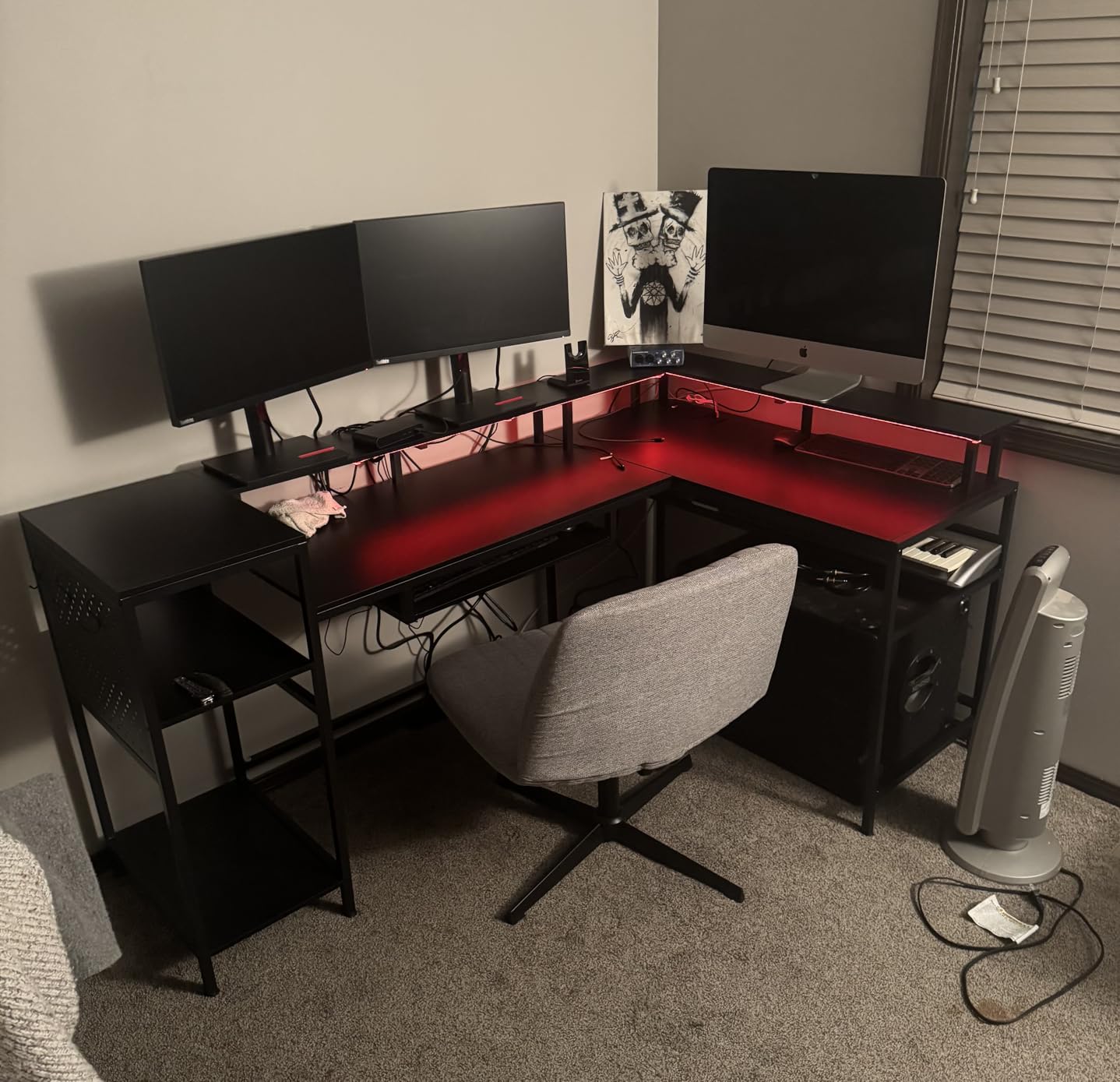
The RGB strip covers 60000+ colors with 29 flashing modes, music sync and app or remote control on an adjustable mic. Owners consistently single out the shelf and the storage package as the reason to step up here, and the FSC-certified wood is a genuine plus over typical composite tops.
Two things temper that. At 77 lb it is the heaviest build here and awkward to reposition, and no published load rating appears on the spec sheet, which makes it a harder sell for a heavy dual monitor arm. The shelf plus pegboard plus tray build also needs two people.
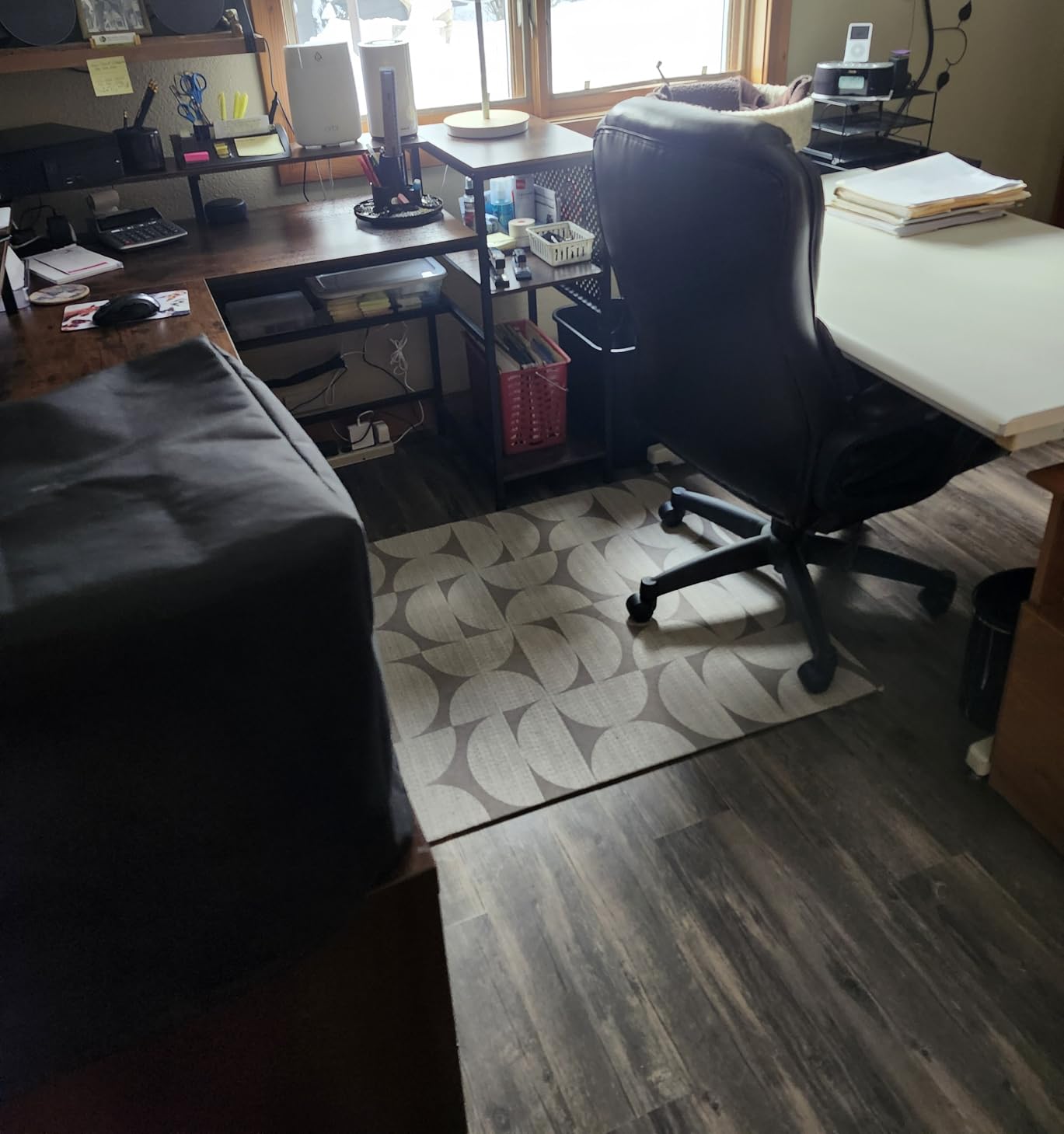
Whether a three-tier shelf beats a monitor arm for two screens
They solve different problems. A shelf gives you storage you would otherwise lose and a stable fixed height, and it keeps both panels visible. An arm gives you back desk depth and lets you set the exact distance between the two screens.
For a dual monitor setup where both panels are the same size and stay in one position, the shelf is arguably better because nothing shifts when you lean. For mixed sizes or frequent angle changes, an arm on a flat top is more flexible. This desk does not offer the flat-top-plus-arm combination cleanly, so choose one or the other.
Who this desk suits and who should skip it
It fits a study that doubles as a gaming corner, or anyone who works at the same desk and needs filing, printing and a pegboard within reach. The 96 inch conversion makes it a good long-term buy if you might share it later.
Skip it for a single-purpose battle nook, for anyone moving furniture often, or if you plan to install a heavy dual monitor arm on a top with no stated load rating. You would also want a second person on assembly day.
8. ODK 53 Inch L Shaped Desk – Best Steel Frame in the Group
ODK 53″ L Shaped Gaming Desk with Shelves, LED & Outlets, Black
18.9 x 53.15 x 29.8 inches
300 lb capacity
X-shaped steel frame
3 outlets and 2 USB
Pros
- X-shaped steel frame and adjustable foot pads hold steady
- Marketed for dual monitor workstations at 53 by 18.9 inches
- 3 outlets 2 USB ports and cable management channels
- RGB strip with 10 colors and memory function
- Reversible side modules with CPU stand and tool bag
Cons
- 18.9 inch depth is the narrowest surface here
- Shelf and monitor stand combo can limit arm clearance
- Carbon-look surface scratches and water marks without a mat
The frame is the reason to look at this one. An X-shaped alloy steel structure with a published 300 lb capacity is the joint-second-highest rating in this roundup, and owners with just under 1,000 reviews at 4.7 stars report it as the most stable of the 53 inch options.
It is built for dual monitor workstations explicitly, at 29.8 inches high by 53.15 wide by 18.9 deep. The power module adds three AC outlets, two USB ports and cable management channels so the double-monitor cable run has somewhere to go, and the LED strip keeps ten colors and ten dynamic modes in memory.
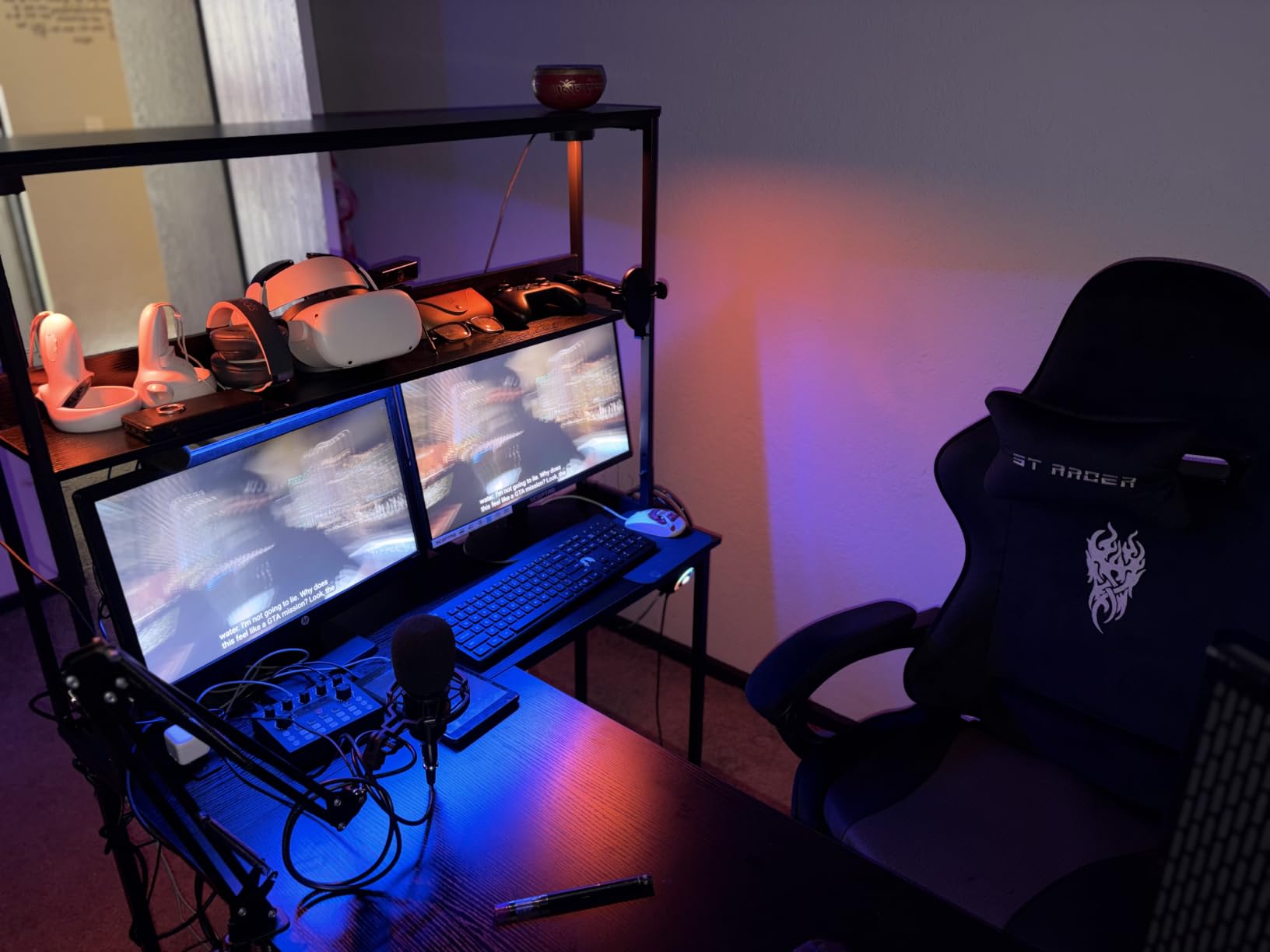
Extras include reversible side modules, dual shelves, a CPU stand, an accessory hook and a tool bag, and assembly is reported as straightforward thanks to matching tools and pre-labeled parts. For a dual monitor build with a clamp arm, the combination of steel frame and higher load rating reduces point load concern on the top.
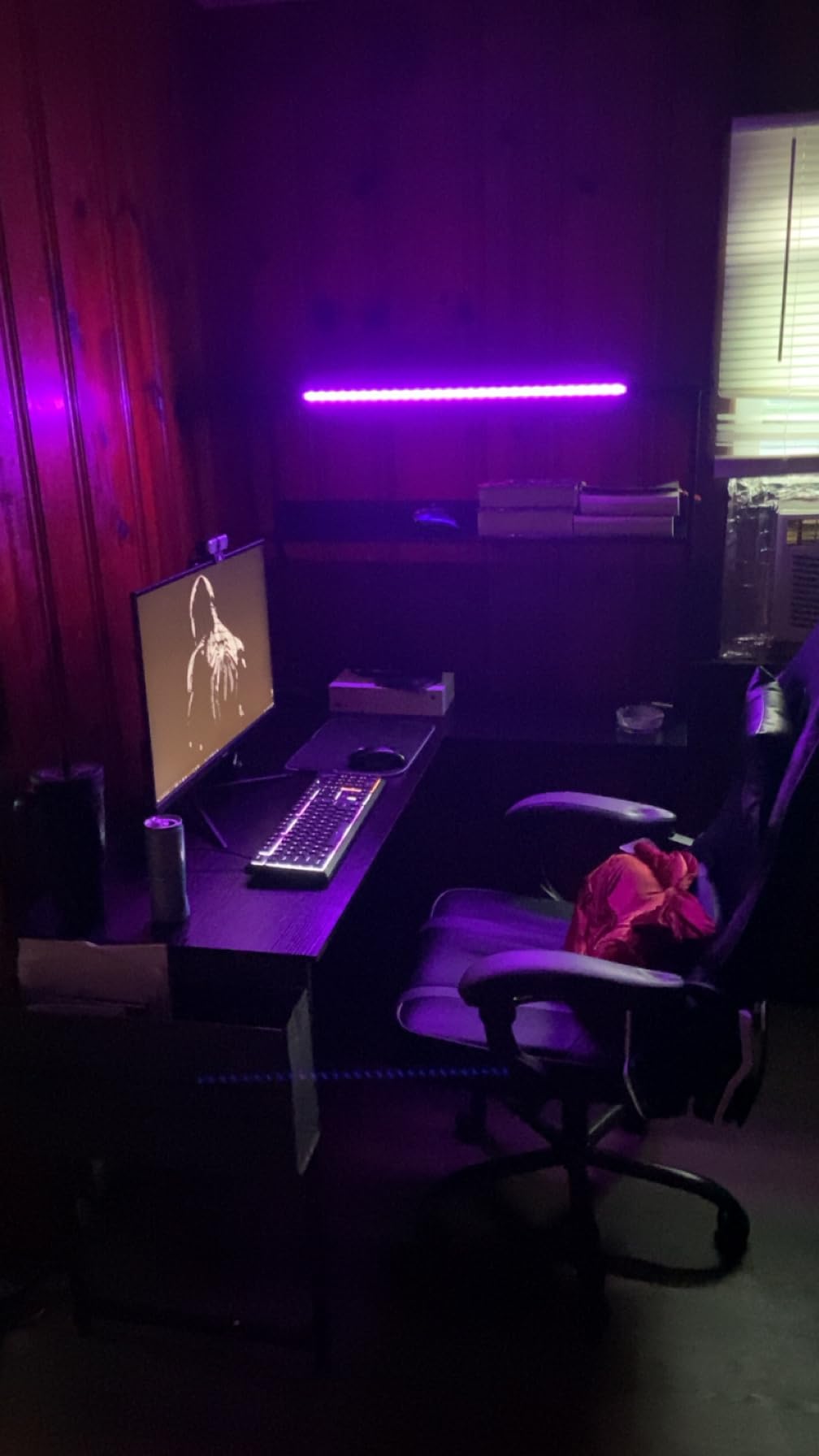
Two cautions. The 18.9 inch depth is the narrowest desktop here, which owners repeatedly flag for dual monitor users, and some configurations pair the shelf with a monitor stand in a way that limits where a clamp arm can reach. The carbon-look surface also marks easily without a mat.
Whether a 300 lb frame matters for two monitors
It matters more than most shoppers expect. The load on a corner desk is not spread evenly; a monitor arm concentrates weight into a small clamp footprint, and that is where engineered wood tops crack or bow first. A higher frame rating spreads that load better and gives you more headroom before anything flexes.
For a two-monitor setup without an arm, the difference between a 300 lb frame and a 180 lb one is mostly academic. For a clamp-mounted dual arm plus a tower on the desktop, it is the difference between a desk that lasts and a top that sags in a year.
Who this desk suits and who should skip it
It suits gamers and streamers running a clamp-mounted dual arm, plus anyone who leans on the desk hard during long sessions. The steel frame also holds up better on uneven floors than lighter hollow-base designs.
Skip it if your monitors will sit on the stands they come with and you want maximum free depth, since the shallow top works against you there. It is also worth skipping if you want drawers, as this one relies on shelves.
9. SEDETA 64.5 Inch Reversible L Shaped Desk – Best Shelf Storage
SEDETA 64.5″ Reversible L Shaped Gaming Desk with Storage Drawers, Shelves
19 x 64.5 x 29.5 inches
76 lb build
3 drawers and 5 shelves
4 outlets and 2 USB
Pros
- Stated to hold two monitors plus two desktops and a laptop
- Three fabric drawers and five storage shelves
- 4 outlets and 2 USB ports with an on-off switch
- RGB lighting with app control and music sync
- CPU stand keeps the tower off the floor
Cons
- 19 inch depth is tight for two 27 inch monitors
- 76 lb build is awkward to reposition
- Fabric drawers mark and collect dust
Five storage tiers plus three fabric drawers is the deepest storage stack in this roundup, and the manufacturer states the desk holds two monitors and can take two desktops plus a laptop. That claim is about the wing capacity rather than the desktop, but it tells you how much vertical room you are getting.
The desk measures 64.5 inches wide by 19 inches deep and 29.5 inches tall on an iron frame. Power is handled by a four-outlet, two-USB station with an on-off switch, and the RGB lighting supports app control, music sync and 29 flashing modes. A CPU stand keeps the tower off the floor.
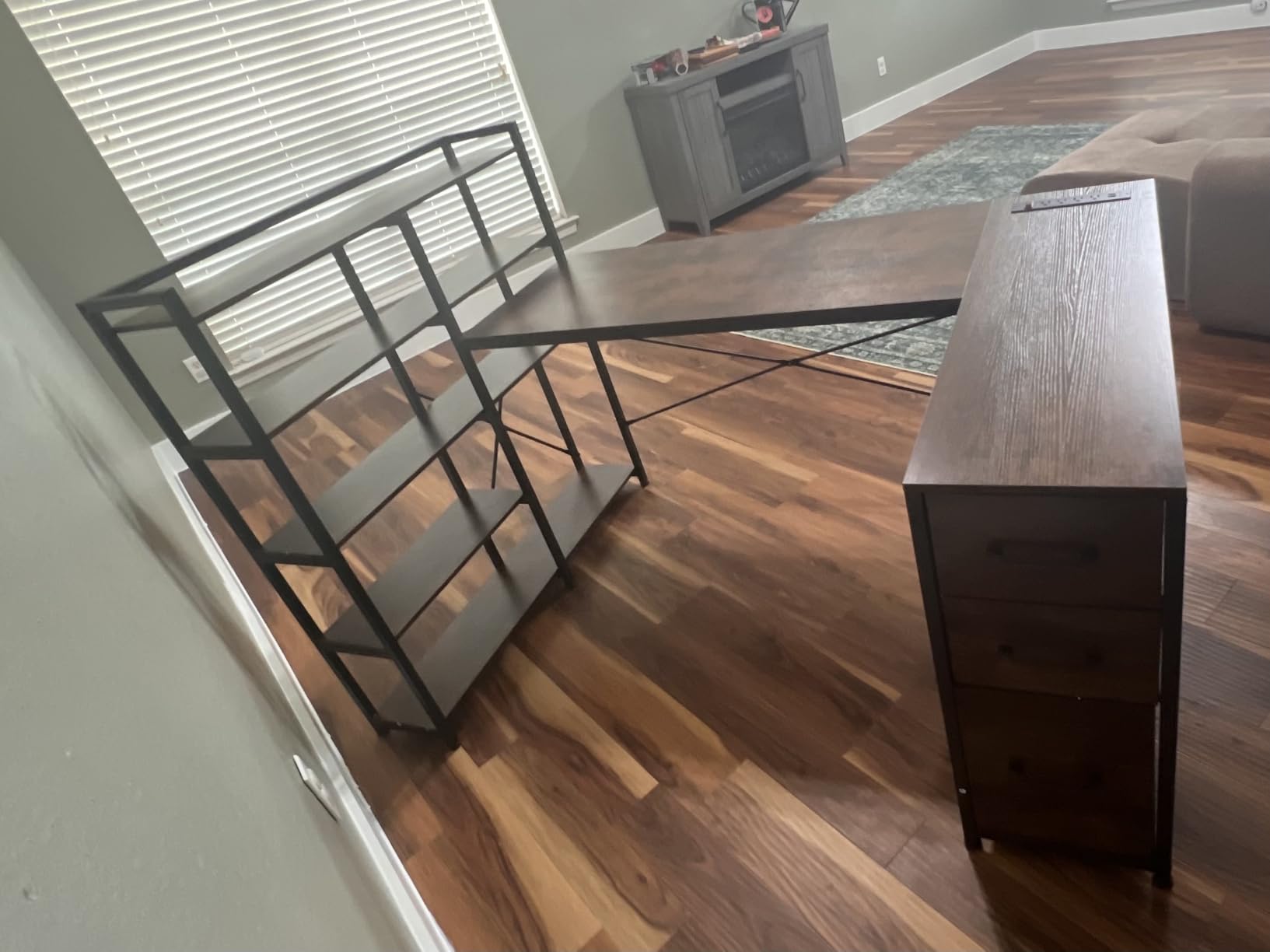
Three drawers plus a file drawer for legal, letter and A4 paper mean cables, paperwork and small accessories all have a home, which is the main reason to buy storage-heavy corner furniture rather than a bare frame. The reversible layout lets the corner sit on either side.
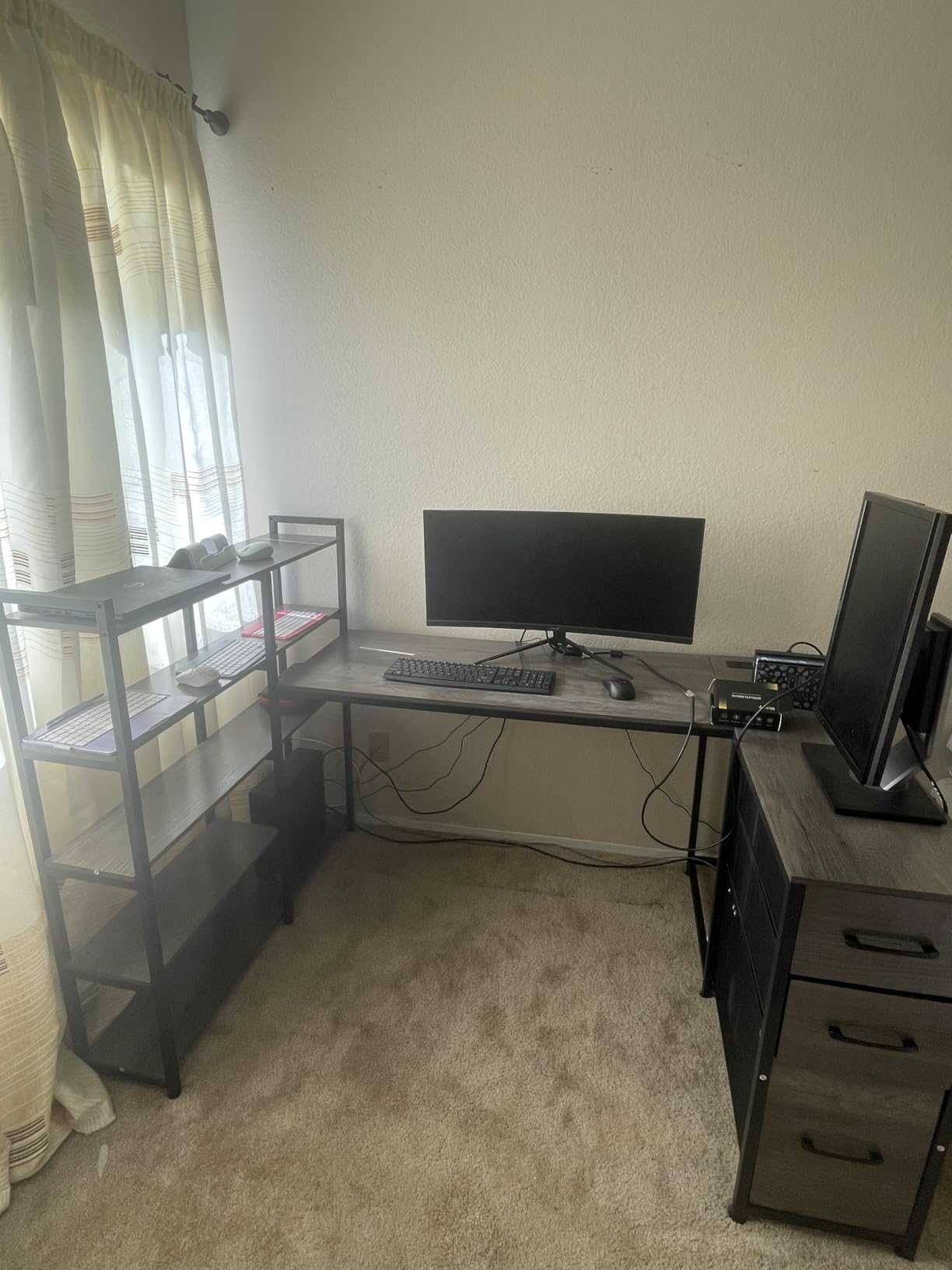
Buyers highlight the storage volume and the charging hub as the standouts, with about 990 reviews at 4.5 stars and 76 percent five-star. The drawbacks are consistent: 19 inches of depth is tight for two 27-inch monitors, the 76 lb build is awkward to reposition, and fabric drawers mark and collect dust over time.
Whether 19 inches of depth fits two 27-inch monitors
It fits them, but you will feel the squeeze. Two 27-inch panels with wide bases plus a full mouse pad needs closer to 24 to 30 inches of depth, and at 19 inches you are choosing between a full pad and comfortable screen distance.
Two ways around it. Use a dual monitor arm and float both panels clear of the top, which reclaims most of the depth. Or use the storage tiers for one of the displays and keep the main run clear for the primary panel, keyboard and mouse.
Who this desk suits and who should skip it
It fits a home office that doubles as a gaming corner, especially if paperwork, a printer and a second machine share the desk. Anyone who likes their peripherals stored in labelled drawers rather than stacked will get the most from it.
Skip it for a dedicated gaming nook with a single PC, or if you move furniture regularly given the 76 lb weight. If deep mouse space is your priority, look at a deeper model rather than making room around a shallow one.
10. Bestier 42 Inch L Shaped Corner Desk – Budget Pick
Bestier 42-Inch L-Shaped Computer Desk with Charging & LED, Black
41.93 x 32.28 x 35.91 inches
32.6 lb build
2 AC plus USB and Type-C
LED strip under shelf
Pros
- Smallest footprint here for tight corners and apartments
- 2 AC outlets plus 1 USB and 1 Type-C port
- LED light strip under the upper shelf
- 2-in-1 upper shelf works as a monitor riser or display shelf
- Lightest build at 32.6 lb so one person can move it
Cons
- 42 inch width gets cramped with two large monitors
- Carbon-look finish is a coating not real carbon fiber
- No drawers so storage is open shelves only
- Two adults recommended for assembly
This is the small-space answer and it is a genuinely well-executed one. At 42 inches wide and 32.6 lb it is the lightest and most compact desk here, and reviewers with more than 3,100 ratings recommend it repeatedly for bedrooms, dorm rooms and apartment corners.
For a dual monitor build, the charging module is unusually complete: two AC outlets, one USB and one Type-C port, with cables routed up the side rather than across the floor. An LED strip under the upper shelf gives soft ambient light, and the 2-in-1 shelf converts from a monitor riser to a display shelf depending on what you are doing.
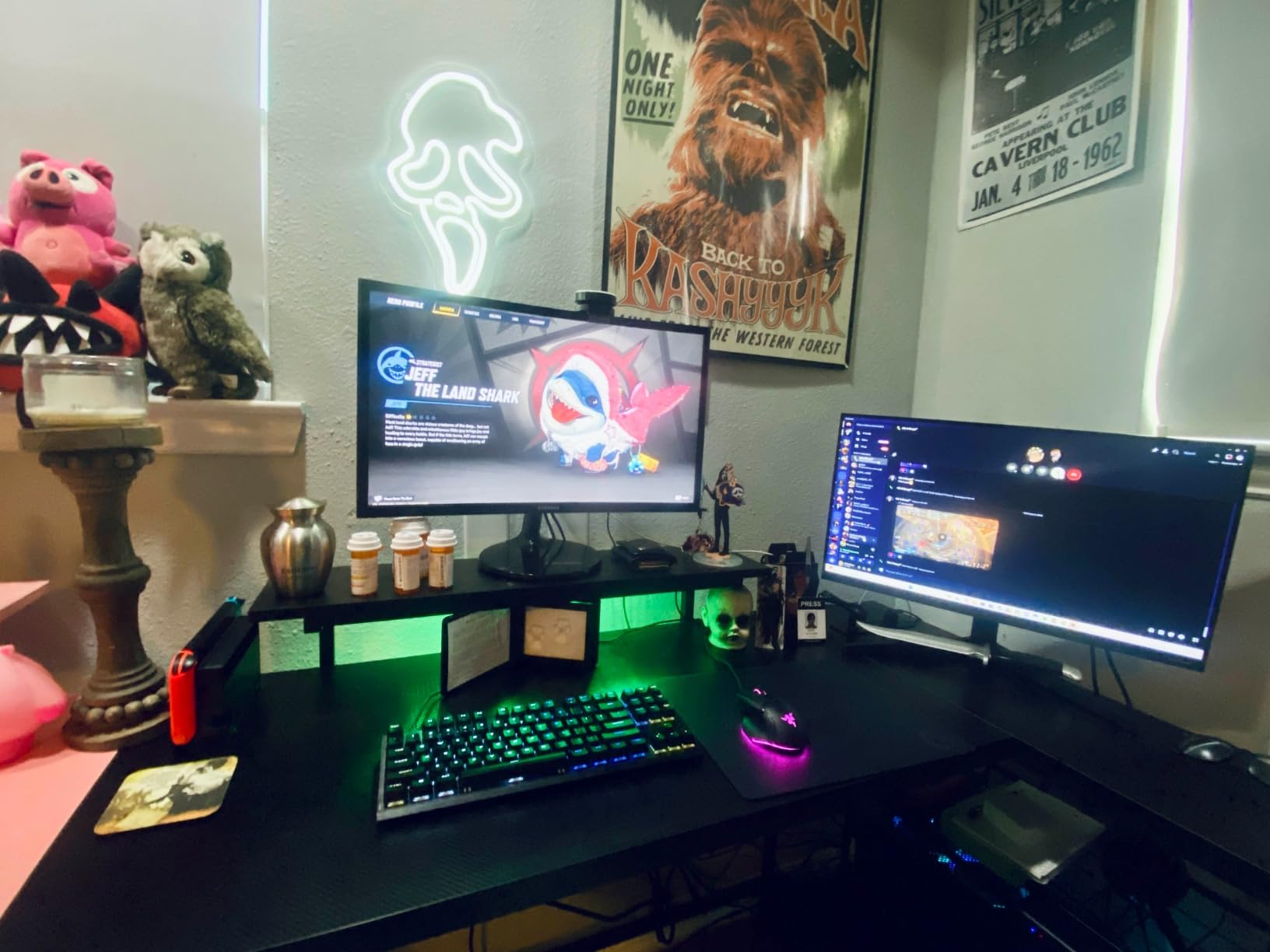
The side shelves are reversible so the desk can face either direction, and there is a headphone and backpack hook to keep the corner tidy. Depth at 32.28 inches is a real advantage here because it gives room for a keyboard and mouse on a footprint far smaller than a 60 inch desk.
The honest limit is the 42 inch width. Two large monitors sitting on the stands they come with will feel cramped, and there are no drawers, so storage is open shelves only. The carbon-looking top is a finish over engineered board, not real carbon fiber, and assembly is easier with two adults.
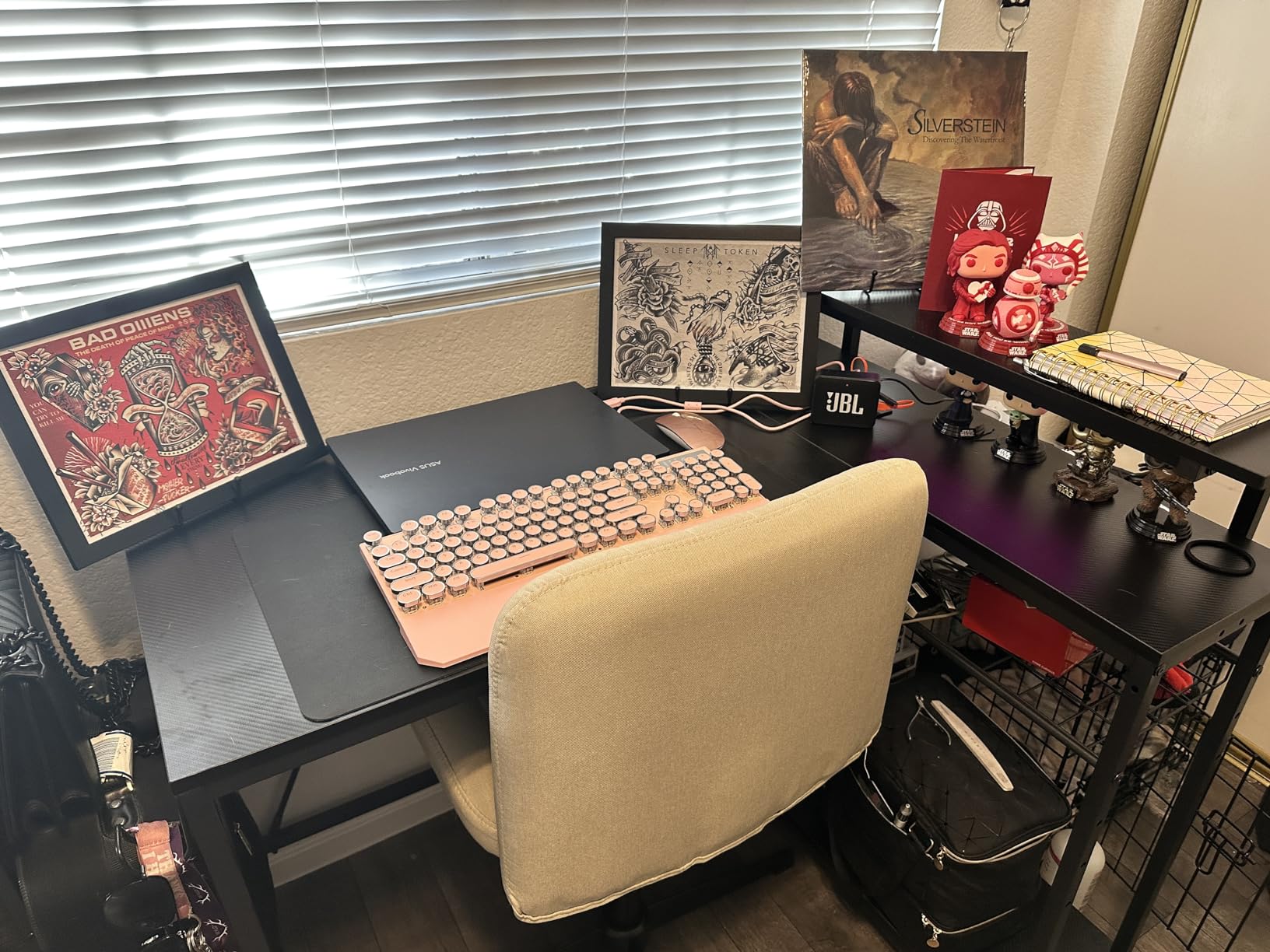
Whether 42 inches works for two monitors
For two 24-inch monitors, yes, especially with one screen raised on the upper shelf and the other on the main run. That arrangement gives each panel its own level and keeps the wing free for a laptop or notebook.
For two 27-inch monitors, no. You would be placing both panels shoulder to shoulder with no room for a mouse pad, which defeats the point of a dual monitor setup. If 27s are the plan, spend the extra width and go to 53 inches or more.
Who this desk suits and who should skip it
It suits students, anyone in a studio apartment, and anyone whose corner is roughly five feet on each wall. The Type-C port and the light weight make it the easiest desk here to move between rooms or reconfigure.
Skip it if you need drawers, if you run large monitors, or if you plan to clamp a monitor arm to a 0.75 inch top without checking the clamp range. Below 48 inches total, you are choosing compactness over screen real estate.
11. Huuger 47 Inch L Desk – Best Port Mix for Cable Management
Huuger L Shaped Office Desk with Power Outlets & 3 Drawers
17.7 x 47.2 x 29.5 inches
220 lb capacity
4 AC plus USB and Type-C
Three fabric drawers
Pros
- 4 AC outlets plus 1 USB and 1 Type-C port
- Reviewers report it carries a 32 inch screen plus a 24 inch
- Clearest instructions in the group with tools included
- Three fabric drawers and two shelves in a small footprint
- X-shaped back braces double as cord straps
Cons
- Only 17.7 inch deep
- No keyboard tray and the top may sit high for shorter users
- One USB-A and one Type-C port means adding a hub
- Small fabric drawers
Four AC outlets alongside one USB and one Type-C port is the best port mix per dollar here, and it is the number that decides whether a dual monitor corner desk needs a separate power strip. Four outlets covers two monitors, a tower and a headset without daisy-chaining.
The desk is 47.2 inches wide by 17.7 inches deep and 29.5 inches tall with a 220 lb rating. Reviewers report it carrying a 32 inch screen alongside a 24 inch panel, and the instructions are the clearest in this group, with page ranges for each configuration and all tools included.
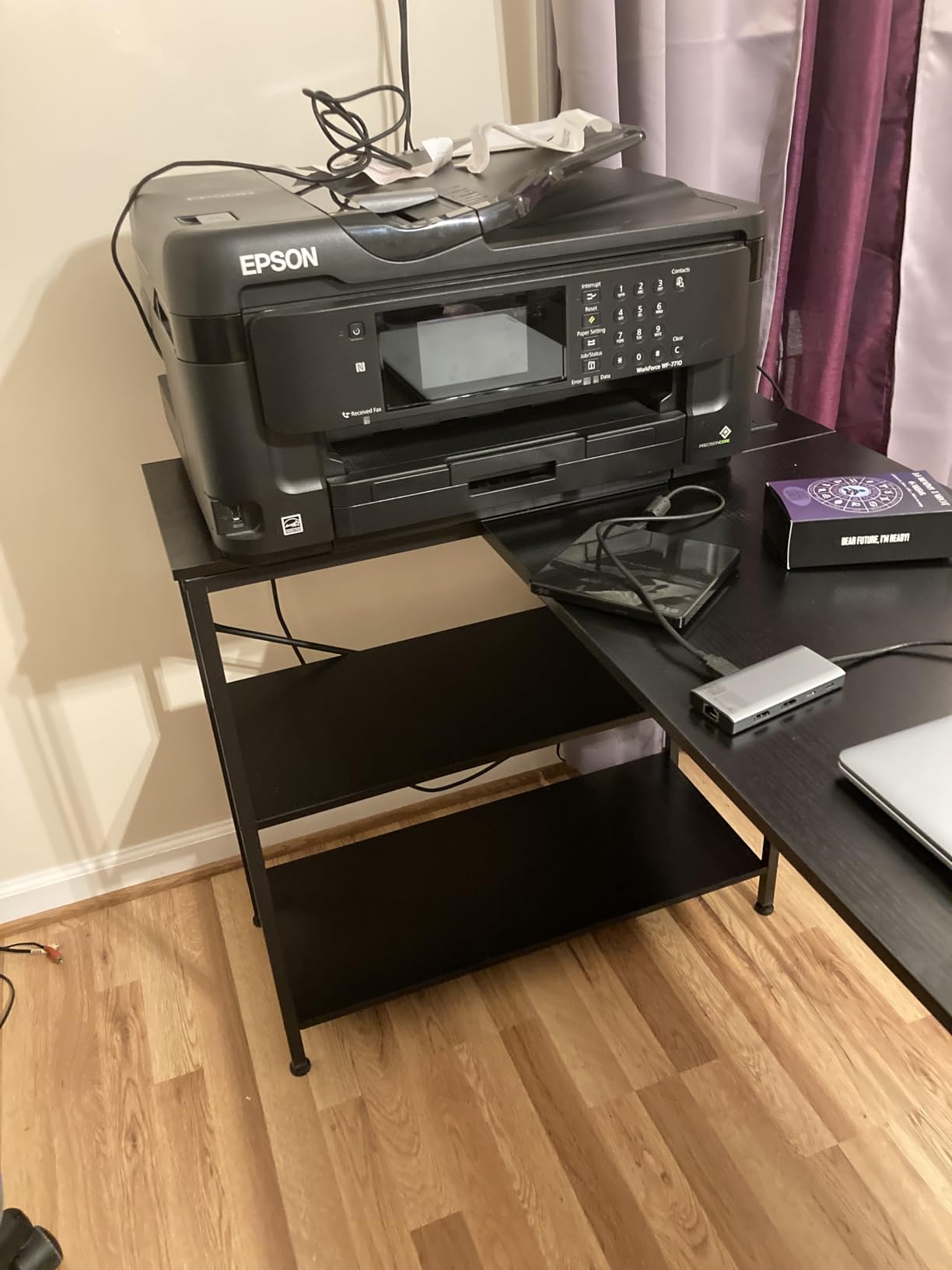
Three fabric drawers and two shelves add storage that the small footprint would not suggest. The reversible shelves let the corner sit on either side, and the X-shaped back braces add both frame stability and a place to strap excess cords, which is a small touch that solves a real dual monitor problem.
What you give up is depth at 17.7 inches, the second shallowest surface here, plus a keyboard tray and USB headroom. Some owners add a hub because one USB-A and one Type-C port run out quickly, and a minority report quality control issues with missing screws or a mis-machined part.
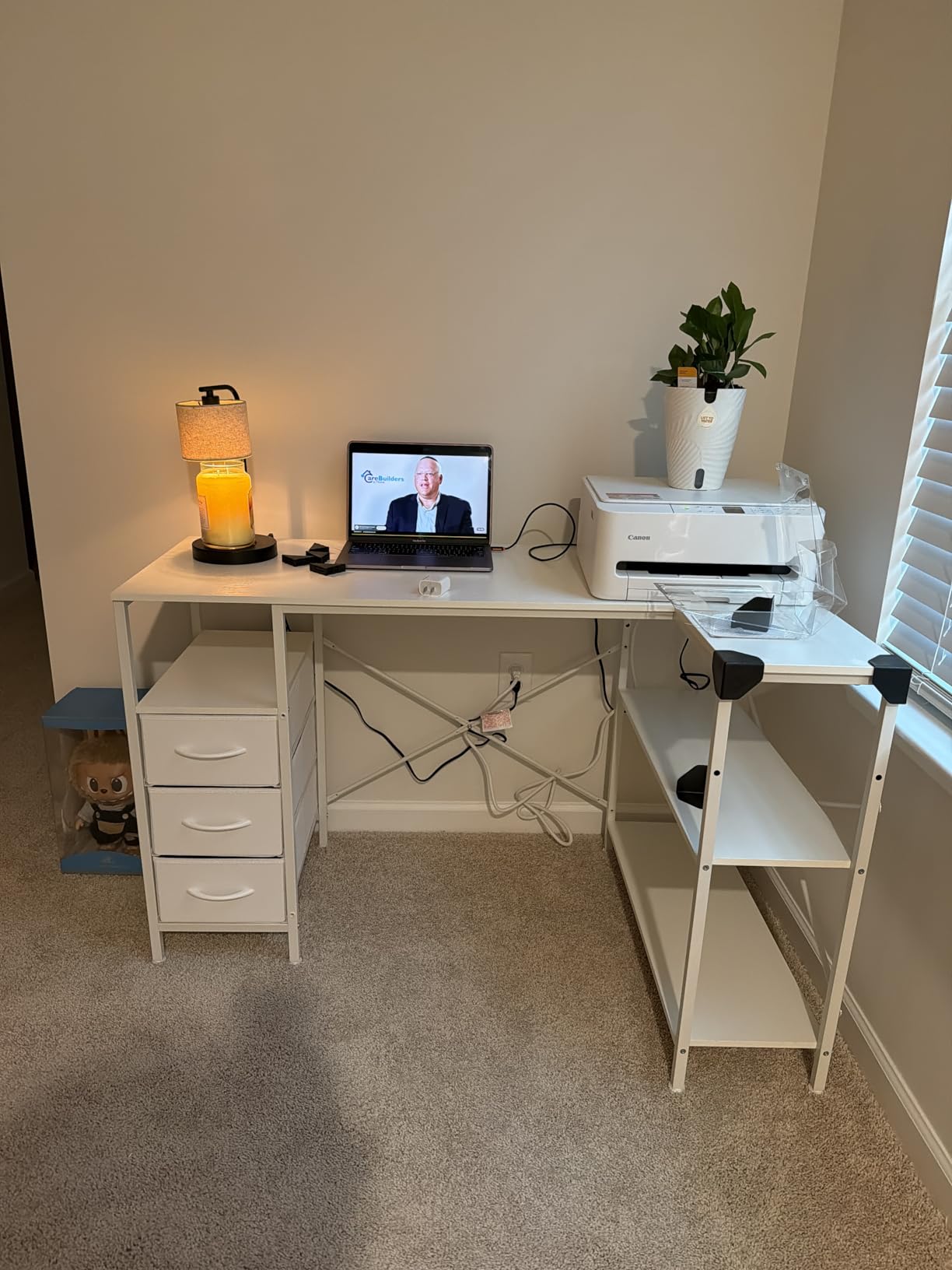
Whether four AC outlets replace a power strip
For a two monitor, one tower, headset and phone build, yes. That is four devices, and the four outlets cover them at desk height. Add a second PC, a capture card and a hard drive dock and you are back to a strip underneath.
The Type-C port is the sleeper. Modern laptops and phones charge fast from it, and having it in the desktop removes the brick from the leg space where it usually ends up leaning against a wall outlet.
Who this desk suits and who should skip it
It fits a tight corner where 47 inches is the practical maximum, a user who charges many devices at the desk, and anyone who wants clear instructions before starting a build. Cord management is better thought through here than on most desks in the range.
Skip it if you are 5 foot 4 or shorter and want a keyboard tray, since the top runs high without one. Deep mouse space is also a stretch at 17.7 inches, so this works best with a monitor arm.
12. ODK 48 Inch L Shaped Gaming Desk – Best Open-Shelf Setup
ODK 48 Inch L Shaped Gaming Desk with LED Lights, Power Outlets, Black
31.5 x 48 x 34.6 inches
20 kg build
3 outlets and 2 USB ports
Full monitor shelf
Pros
- 48 by 19.7 inch surface stated to hold three monitors
- Full monitor shelf lifts screens to eye level
- Metal frame with X-bars stays solid while typing
- LED strip with 10 colors and memory function
- 3 outlets 2 USB ports plus side bag and PC tower stand
Cons
- Shelf sits too low for the stands that come with most 27 inch screens
- Lower shelf may not fit larger mid-tower cases
- Carbon-look particle board scratches without a mat
- Center bar blocks stowing a full-size keyboard
The full-width monitor shelf is the defining feature. It elevates both screens to eye level and turns the space underneath into usable desk area, which on a 48 inch footprint is the difference between a cramped layout and a workable one for two monitors.
The frame is metal with X-bars, and owners report it as rock solid with no shaking while typing. The surface measures 48 inches wide by 19.7 inches deep and 30 inches tall, with 3 outlets, 2 USB ports, an LED strip with 10 static colors and 6 brightness grades, plus a side bag and PC tower stand.
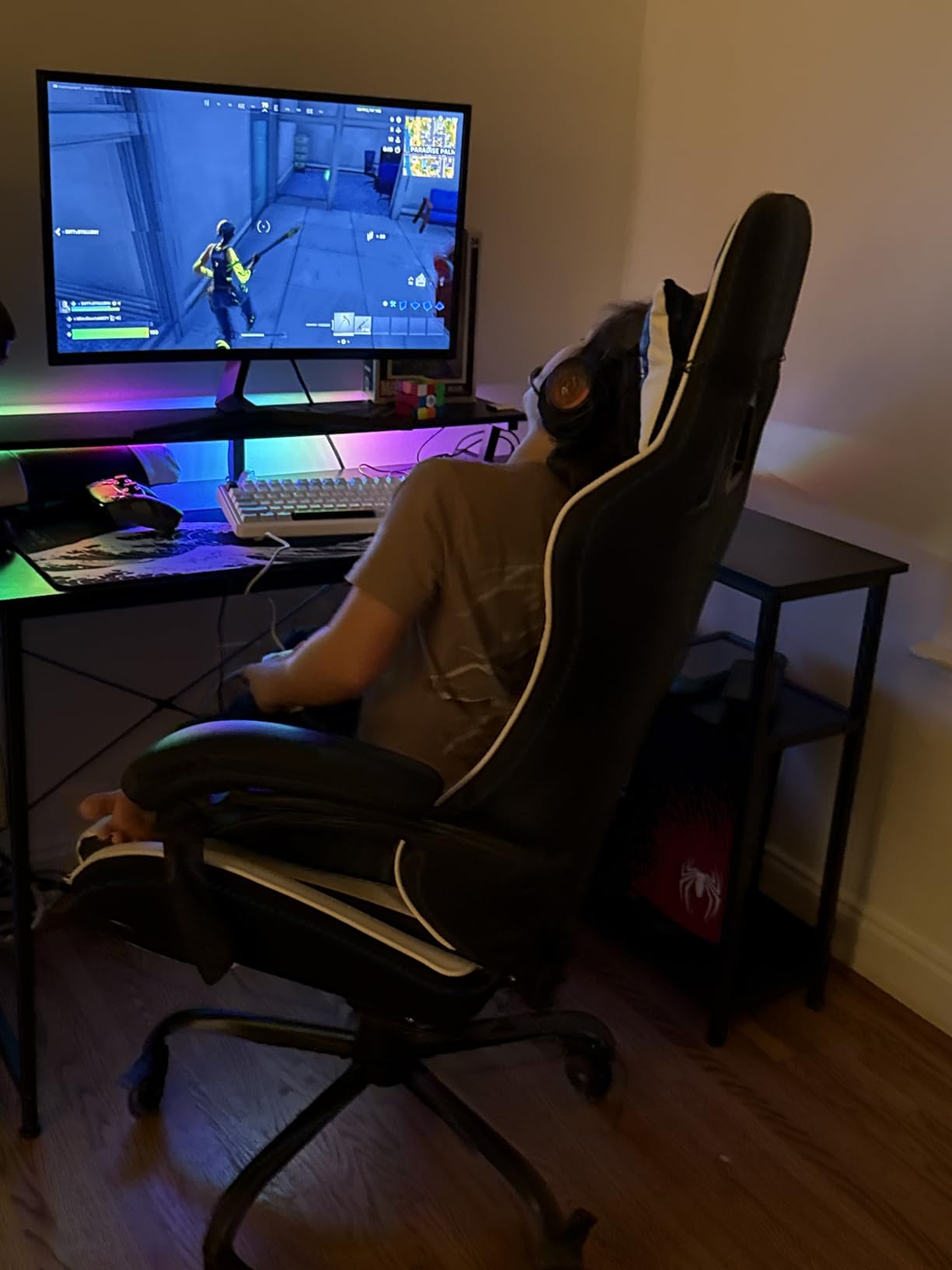
Around 2,200 reviews averaging 4.6 stars, with 81 percent five-star, and many owners specifically report dual monitor fits. The adjustable monitor stand, under bookshelf, storage shelves and hanging bag cover most of the accessories a gaming corner collects, and the parts are clearly labeled.
The shelf is also the biggest limitation. It does not clear the stands that come with most 27 inch and larger monitors, so you need a monitor arm to use it as intended, and the center bar blocks stowing a full-size keyboard there. The lower shelf may not fit larger mid-tower cases either.
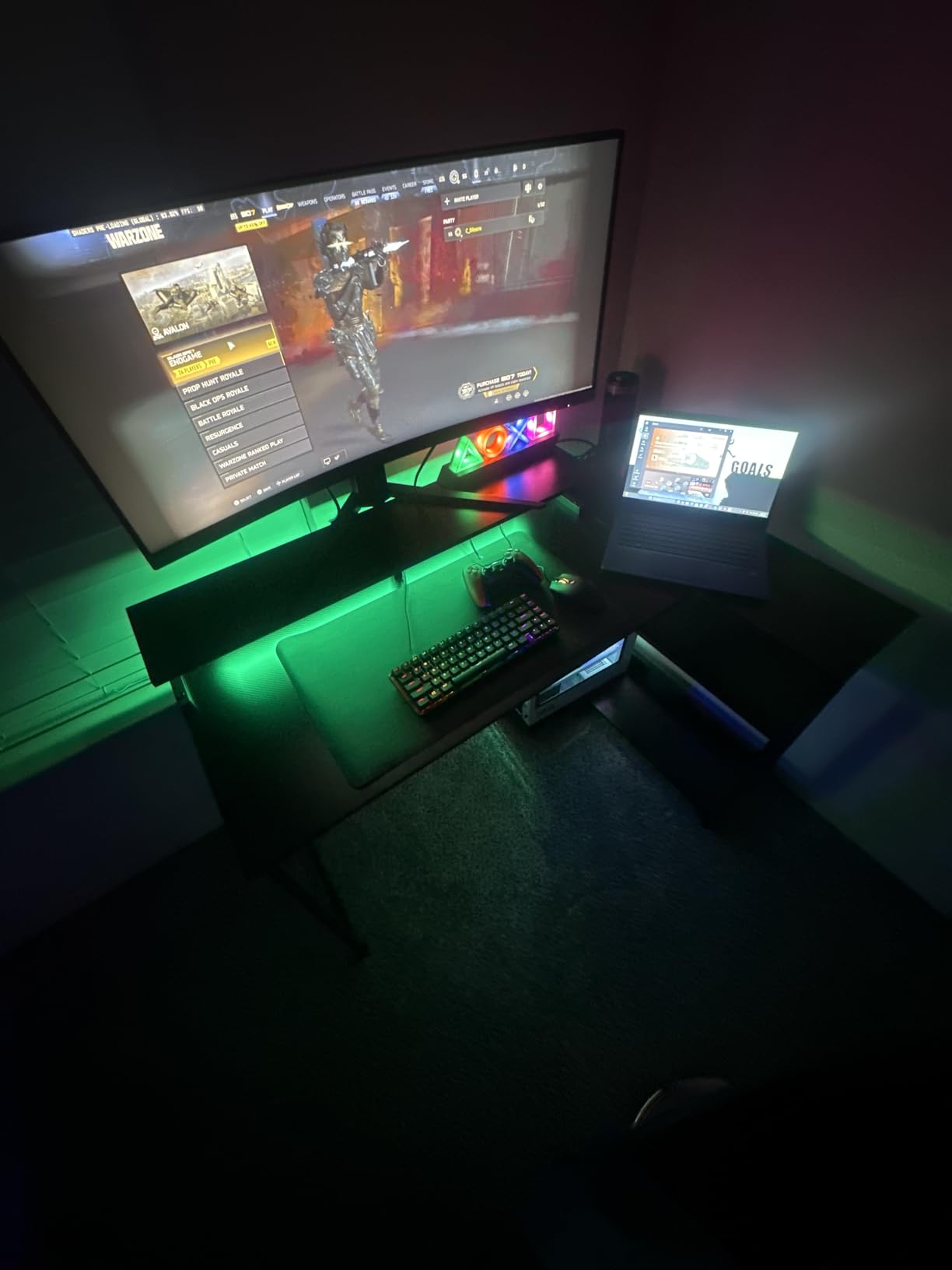
Whether the monitor shelf fits two 27-inch monitors
Not with the factory stands. Most 27 inch panels ship with a base and a riser that together clear more vertical space than the shelf allows, so both monitors will not sit on it as shipped. With a dual monitor arm clamped to the desk and the shelf used for a laptop, notebook or a second small display, it works well.
Two 24-inch panels on low-profile stands do fit the shelf comfortably, and that is the configuration most owners seem to have. Check your monitor stand height before ordering if 27 inch panels are the plan.
Who this desk suits and who should skip it
It suits a dorm room or small bedroom corner where vertical stacking makes more sense than width, and anyone who wants both screens at eye level without an arm. The stable frame is a plus for a desk that will take daily abuse.
Skip it if you want to drop your monitors onto the shelf without buying an arm, if your PC case is a large mid-tower, or if you dislike scratch-prone composite surfaces. A large mat solves the finish, and an arm solves the shelf, but you are buying two accessories.
How Wide Should a Corner Desk Be for Two Monitors?
Start with the combined width of your two panels, add roughly 4 inches of gap between them, then add the depth you want left over for keyboard and mouse. Two 24-inch monitors usually need 48 to 52 inches of total width. Two 27-inch panels want 55 to 60 inches. Two 32-inch monitors or an ultrawide plus a secondary screen need 60 inches or more, and a stacked vertical pair can live on a shorter run because it uses width inefficiently.
Depth follows a similar ladder. Two 24-inch panels sit at 18 to 20 inches deep. Two 27-inch panels want 24 to 30 inches so the top edge does not crowd your peripheral vision. A 32-inch panel or an ultrawide pushes you toward 30 inches, which is also the depth you want if a graphics tablet or hotas lives on the wing.
Most of the desks in this roundup land between 17.7 and 19.7 inches deep, which is the 24-inch monitor bracket. If you run 27s or larger, that shallow group means you should plan on a dual monitor arm, because clamping the panels to the back edge is what buys back the depth you need. The exceptions are the Mr IRONSTONE at 29.5 inches and the SEDETA 66 inch at 48 inches, both of which handle large panels on stock stands.
Corner vs Side-Wing Monitor Placement: Which Layout Works
The majority of battlestation owners we reviewed favor the same arrangement: primary centered on the main run, secondary on the return wing angled inward. That keeps your neck neutral for the screen you actually look at, and only turns your head for the secondary. Placing both panels in the apex of the L means angling each one toward the middle, which pushes both into your peripheral vision and is a common source of neck strain after long sessions.
The exception is a stacked or mismatched pair. If your primary is an ultrawide, it should sit centered on the main run with the secondary above or beside it on the wing, angled slightly down toward you. If your secondary is a portrait-oriented screen for chat or documents, the wing is the natural home because it can sit at the edge without narrowing your mouse pad.
Tower placement is a separate decision with three options. On the floor, it costs legroom but saves desktop space. On the desk, it blocks your viewing angle and steals mouse space. In an under-desk holder or on a CPU stand, it stays out of the way and keeps airflow reasonable, which is why several desks here ship with a stand. If you plan to run a closed-loop liquid cooler, an under-desk holder on the wing is the cleanest option.
Monitor Arm Compatibility on a Corner Desk
Check the desk thickness before you buy the arm. The tops in this roundup measure between 0.5 inch on the AODK 61 inch, 0.6 inch on the Furologee, 0.75 inch on the Bestier and SEDETA 64.5, 1 inch on several others, and 15 mm on the Mr IRONSTONE. Most C-clamp arms accommodate roughly 0.4 to 3.5 inches, so most of these fit, but the 0.5 inch model is the tightest and the first to check.
Also check the edge profile. A bullnose or heavily beveled edge cannot be clamped cleanly, and several desks here have a rounded veneer transition at the inner corner of the L. If you want arm mounting, look for a straight squared edge and confirm the clamp has enough horizontal surface behind the clamp body.
On the grommet side, pass-through holes are the safer route on engineered wood because they avoid concentrating load at the edge. A small cluster of desks in this group ship with no grommets at all, so if you are committed to a grommet mount, budget for drilling or choose a model with the holes already there. Point load is the other real risk: a dual arm on a particle board top can bow the surface over a year, so a reinforcement plate or a grommet mount is worth the extra step.
Before You Buy: A 6 Step Corner Desk Checklist
Step one, measure the corner in two directions at both the floor and desk height, then subtract two inches for wall clearance and baseboard. Step two, confirm chair clearance by rolling your chair into the corner where you will sit and checking that your knees clear the frame.
Step three, do the monitor math: two panel widths plus a gap plus the mouse pad you want. Step four, check depth against your largest screen and decide whether you are using stock stands or a clamp arm, because that choice changes how much depth you actually need.
Step five, decide whether you can build it. Desks here range from about 20 minutes to a full evening, and the 66 inch and pegboard models are documented as two-person jobs. Bring a 10mm socket wrench if a desk ships a wrench that will not grip the nuts. Step six, confirm the L is reversible if your corner orientation is not fixed, and check that the load rating comfortably exceeds your combined monitor, arm and tower weight.
If you are still narrowing the field, our two monitor desk roundup covers straight options, and our L-shaped gaming desk picks go deeper on frame construction for larger setups. For the screens themselves, our curved gaming monitor guide helps you size a panel to the desk you have just picked.
Frequently Asked Questions
What is the best corner computer desk for two monitors?
The Mr IRONSTONE 51 Inch L Shaped Desk is the best corner gaming desk for dual monitors for most people. Its X-shaped steel frame carries a published 350 lb rating, the double-sided top runs 50.8 by 18.2 inches per side, and it reaches 29.5 inches deep, which is far more mouse space than the 18.9 inch desks that dominate this category. For two 24-inch monitors it is generous. For two 27-inch panels, use a dual monitor arm.
What size corner desk do I need for two 27-inch monitors?
For two 27-inch monitors you want a corner desk at least 55 to 60 inches wide and 24 to 30 inches deep. Two panels side by side take roughly 54 inches of width before any gap, and a full-size mouse pad in front needs about 10 more inches of depth. On the shallower desks in this roundup, a clamp-mounted dual monitor arm is what buys back the depth you are missing.
Should monitors go in the corner of the L or on each wing?
Center your primary monitor on the main run and put the secondary on the return wing angled toward you. That keeps your neck neutral for the screen you look at most and only turns your head for the other one. Placing both panels in the apex means angling each toward the middle, which pushes both into your peripheral vision and causes neck strain over long sessions. Stack a portrait-oriented chat screen on the wing if you use one.
Will a C-clamp monitor arm damage a particle board desk?
It can, especially over time. Desk tops here range from 0.5 inch to 1 inch thick, and a C-clamp concentrates a heavy dual monitor arm into a small area on composite board, which is where bowing and cracking start. Check that your arm clamps to your desk thickness and that the edge is squared rather than bullnose. A grommet mount through the desktop spreads that load better, so it is worth drilling if the holes are not already there.
Are L-shaped corner desks actually better than a straight desk for gaming?
For two monitors, usually yes, because an L-shape uses the wall corner a straight desk wastes and recovers 15 to 20 inches of surface that you would otherwise lose. The tradeoffs are real: larger L-shaped desks are heavier, take longer to assemble, cost more, and leave a sharp inner corner where your chair can catch. A straight desk wins if your room is narrow, you move furniture often, or you want a sit-stand option.
The Verdict: Which Corner Desk Wins for Two Monitors
The best corner gaming desk for dual monitors in 2026 is the Mr IRONSTONE 51 Inch L Shaped Desk. It has the deepest useful surface in the budget group at 29.5 inches, the strongest published load rating at 350 lb, the most reviews behind it at more than 40,000, and the simplest assembly at roughly 35 minutes. Its single drawer and lack of built-in power are real, but both are solvable with a power strip.
If you want power and lighting already built in, the SEDETA 66 inch is the pick, though budget an evening for assembly. If your corner is genuinely small and you run 24-inch panels, the Bestier 42 inch gives you a footprint that fits almost anywhere at 32.6 lb. For the best of our wider gaming desk coverage, see our main gaming desk rankings.
Whichever you choose, do the width and depth math before checkout, and assume you are adding a dual monitor arm. That one accessory fixes the shallow-depth problem on almost every desk in this roundup.