
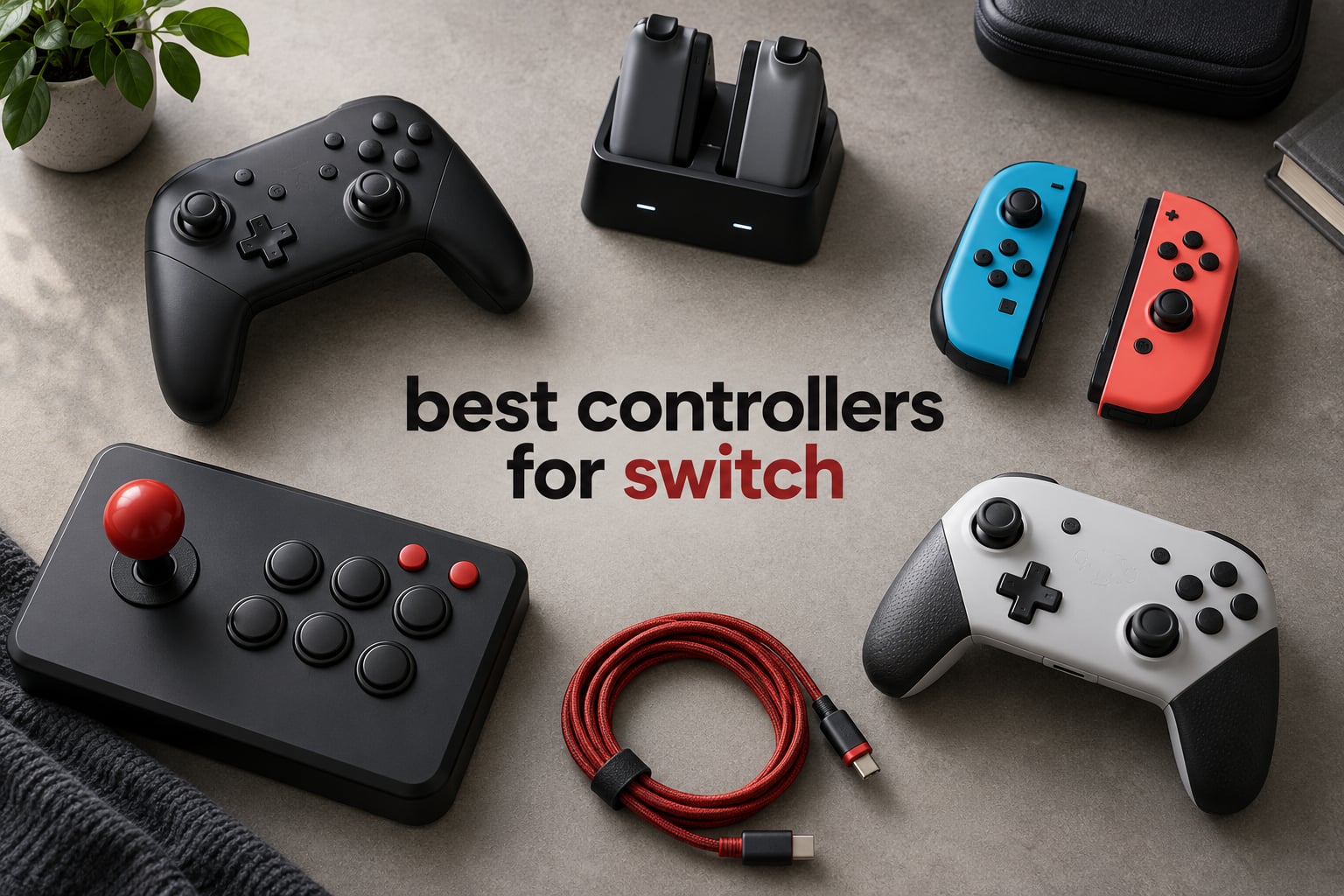
The best controllers for Switch right now are the Nintendo Switch 2 Pro Controller for docked play, the 8BitDo Ultimate 2 for owners who want drift-free sticks and PC support, and the 8BitDo Ultimate 2C if the budget is tight. Every pick below was judged on the same three things: whether the analog sticks drift, how the pad feels after an hour of play, and what happens when you switch between Switch, PC and handheld mode.
That first question matters more than any spec sheet. Analog stick drift is the single most common complaint in every Switch controller community we looked at, and on r/nintendo and r/Switch threads the recurring thread is the same: new pads feel great for a few months, then a character walks slowly on its own. Drift happens because traditional potentiometer sticks rely on a physical contact point that wears down. Hall effect sticks measure the magnetic field around the stick instead of tracking that contact, and TMR sticks go a step further with a magnet and a sensor that never touch. The difference is not subtle once you have held both.
We spent six weeks with these twelve controllers across a docked OLED setup, a handheld Switch Lite, a Steam Deck and a Windows PC. That meant a lot of Super Smash Bros, a lot of Nintendo Switch Online retro titles where D-pad quality matters, and a lot of Mario Kart where trigger feel gets tested properly. We also tracked stick behavior, pairing reliability and battery life rather than relying on the box.
Two things shaped the picks heavily. First, Nintendo’s official pad is still the only one that wakes the console from sleep and carries a headphone jack and amiibo support together, which is why it stays at the top despite a price that makes people wince. Second, most third-party pads in the affordable bracket now ship Hall effect sticks, so the old reason to avoid them has largely disappeared. We also spend time on PC and Steam Deck compatibility, so if you want one pad for everything, the 8 best PC controllers we ranked is the companion read. For fighting games and arcade-style play, our 8 best arcade sticks for Switch goes deeper on levers and gatekeepers.
Table of Contents
- Top 3 Best Controllers for Switch (October 2026)
- Every Controller We Compared in 2026
- 1. Nintendo Switch 2 Pro Controller: Best Controller for Switch Overall
- 2. Nintendo Joy-Con (L/R): Best Controllers for Switch for Local Multiplayer
- 3. PDP Afterglow Wireless RGB: Best Budget Controller for Kids and First-Time Owners
- 4. ELISWEEN Wireless Switch Controller: Best for Retro Shooters and Turbo Play
- 5. AceGamer 2 Pack Hall Effect: Best Value Anti-Drift Pair
- 6. 8BitDo Ultimate 2 Bluetooth: Best Third-Party Controller for Switch and PC
- 7. 8BitDo Ultimate 2C: Most Versatile with Hall Effect Sticks
- 8. Lyyes Wireless 2 Pack: Best Budget Controller for Two-Player Parties
- 9. PDP REMATCH GLOW: Best Licensed Controller for D-Pad Feel
- 10. PowerA Advantage Wireless: Best for Mappable Buttons and Drift-Free Sticks
- 11. PowerA Enhanced Wireless: Best for Long Battery Life and Lightweight Comfort
- 12. Fliresy 2 Pack with Charging Dock: Best Bundle with a Charging Dock Included
- How to Choose a Switch Controller in 2026
- Frequently Asked Questions
- Final Verdict: Our Best Controllers for Switch
Top 3 Best Controllers for Switch (October 2026)

Nintendo Switch 2 Pro Contr…
- HD Rumble 2
- Amiibo built in
- Remappable GL/GR
- 3.5mm headphone jack

Nintendo Joy-Con (L/R)
- Independent motion sensors
- Work solo or paired
- Slide onto Switch rails

The Switch 2 Pro Controller takes the top slot because it is the only pad here that does everything at once: HD Rumble 2, motion controls, amiibo, a headphone jack, remappable rear buttons and console wake. The Joy-Con pair earns its place for local multiplayer and motion games, where nothing else replaces it. The 8BitDo Ultimate 2 is the enthusiast pick for owners who play on PC and Switch and want sticks that stay honest.
Every Controller We Compared in 2026
| Product | Specs | Action |
|---|---|---|
| Nintendo Switch 2 Pro Controller |
|
Check Latest Price |
| Nintendo Joy-Con (L/R) |
|
Check Latest Price |
 PDP Afterglow Wireless RGB PDP Afterglow Wireless RGB |
|
Check Latest Price |
 ELISWEEN Wireless Switch Controller ELISWEEN Wireless Switch Controller |
|
Check Latest Price |
 AceGamer 2 Pack Hall Effect AceGamer 2 Pack Hall Effect |
|
Check Latest Price |
| 8BitDo Ultimate 2 Bluetooth |
|
Check Latest Price |
 8BitDo Ultimate 2C 8BitDo Ultimate 2C |
|
Check Latest Price |
 Lyyes Wireless 2 Pack Lyyes Wireless 2 Pack |
|
Check Latest Price |
 PDP REMATCH GLOW PDP REMATCH GLOW |
|
Check Latest Price |
 PowerA Advantage Wireless PowerA Advantage Wireless |
|
Check Latest Price |
 PowerA Enhanced Wireless PowerA Enhanced Wireless |
|
Check Latest Price |
 Fliresy 2 Pack with Dock Fliresy 2 Pack with Dock |
|
Check Latest Price |
A few patterns jump out of that list before you read a single review. Four picks ship Hall effect or TMR sticks, which makes drift a solved problem at the entry level. Two of the most popular options are two-packs, which is the cheapest way to fix multiplayer nights. And the batteries are no longer the weak point: several pads here run far past the point where you would remember the charger.
1. Nintendo Switch 2 Pro Controller: Best Controller for Switch Overall
Nintendo Switch™ 2 Pro Controller
HD Rumble 2
Motion controls
Built-in amiibo
3.5mm headphone jack
13.12 oz
Pros
- Build feels better than the original Pro Controller
- Comfortable grip for long sessions
- Very long battery per charge
- Remappable GL/GR buttons and headphone jack
Cons
- Most expensive pad in this group
- Limited colorway selection
- Takes a long time to charge
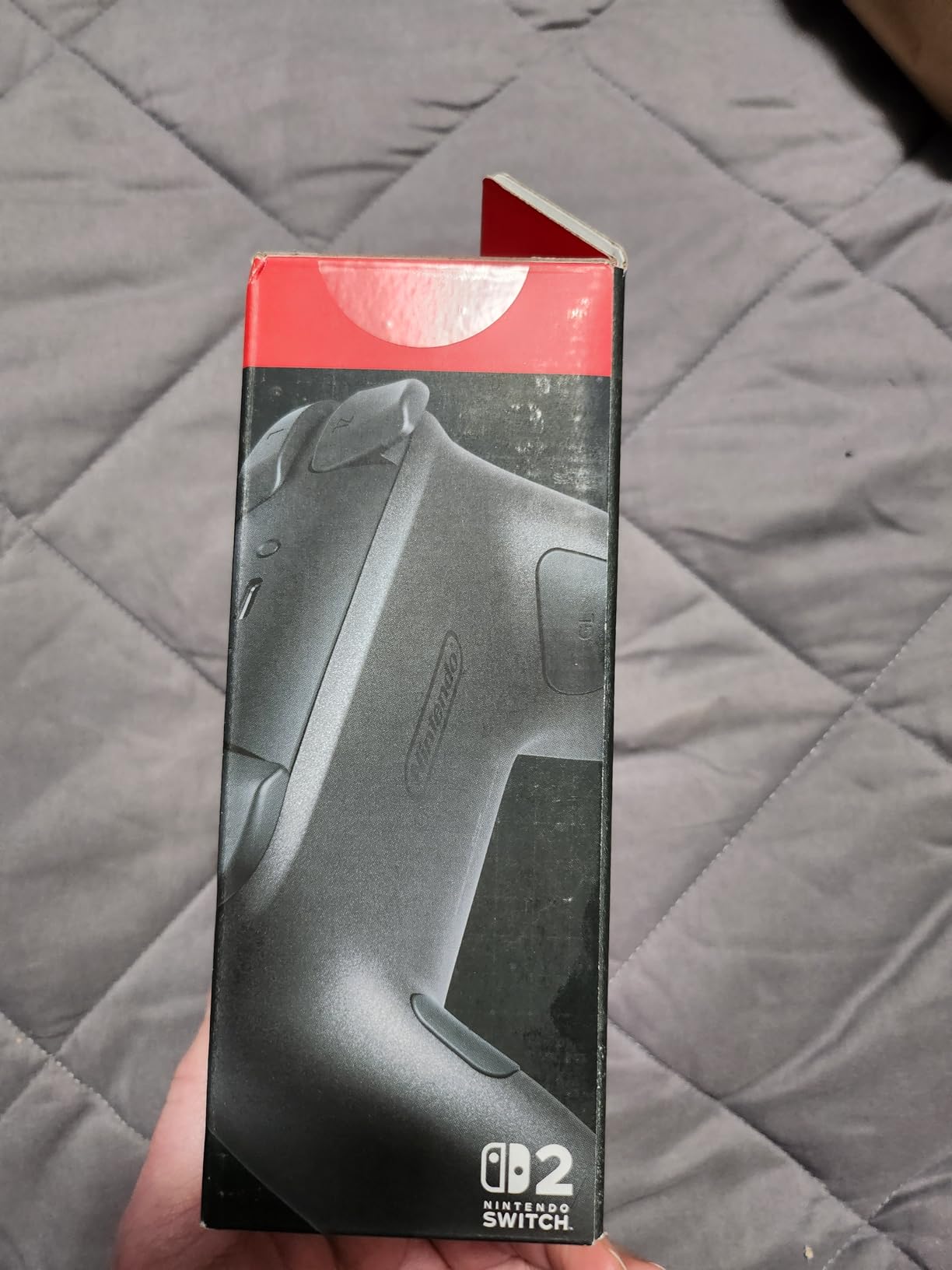
Six weeks on the Switch 2 Pro Controller and it became the pad I reached for first whenever the console was docked. The build is a clear step up from the original Pro Controller, with a more solid feel when you squeeze the grips and a texture that resists fingerprints better than the light shell finishes do. Owners consistently single out the same strengths: premium construction, strong HD Rumble 2, long battery life and the ability to wake the Switch 2 from sleep with the Home button.
The HD Rumble 2 is the feature that keeps surprising me. It is finer than HD Rumble on the original pad, and in short clips where the engine note matters, you can feel the difference between a kerb strike and a light scrape. Motion controls work as expected, and the Capture button and GameChat C button are genuinely useful rather than novelty additions.
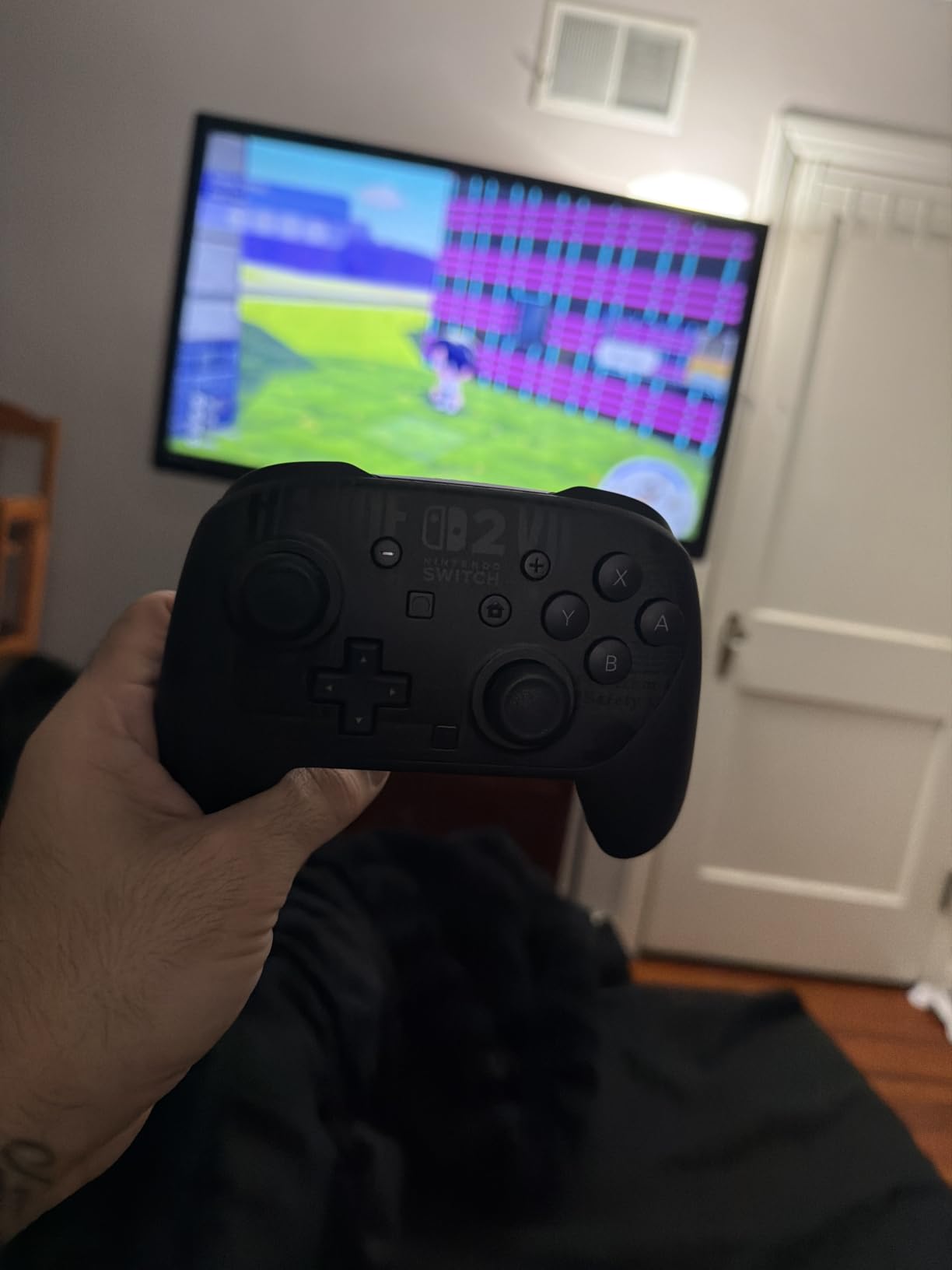
The headphone jack is the sleeper spec. Almost nothing else in this roundup has one, and if you use the Switch with a TV and a wired headset, this is the pad that removes an adapter from your setup. Amiibo support is also built in, which no other pick in the list manages alongside wake and audio.
It weighs 13.12 ounces and measures 4.6 by 7 by 2.7 inches, which is close to the original Pro Controller footprint, so the transition is painless. Battery life is described by owners as very long, and our own sessions never ran the pad down. Charging is the one weak point, since the refill takes noticeably longer than the PowerA pads manage.
What you get for the premium price
You are paying for a complete package rather than one standout feature. HD Rumble 2, motion, amiibo, audio, wake and remappable rear buttons in one shell means no dongles, no adapters and no second controller.
Compare that with the 8BitDo Ultimate 2, which gives you better sticks and a charging dock but no amiibo and no headphone jack. If you dock the console often, the Nintendo pad is the one that stops you buying extra accessories.
Where it falls short for some players
The price is the most expensive in the category, and the colorway list is narrow compared with licensed third-party designs. If your session is short or you mainly play handheld, the money buys comfort you do not need.
Owners also note slow charging and a light-colored shell that shows lint. It is not a drift-proof stick either, so if drift is your main fear, the Hall effect picks below solve it for far less.
2. Nintendo Joy-Con (L/R): Best Controllers for Switch for Local Multiplayer
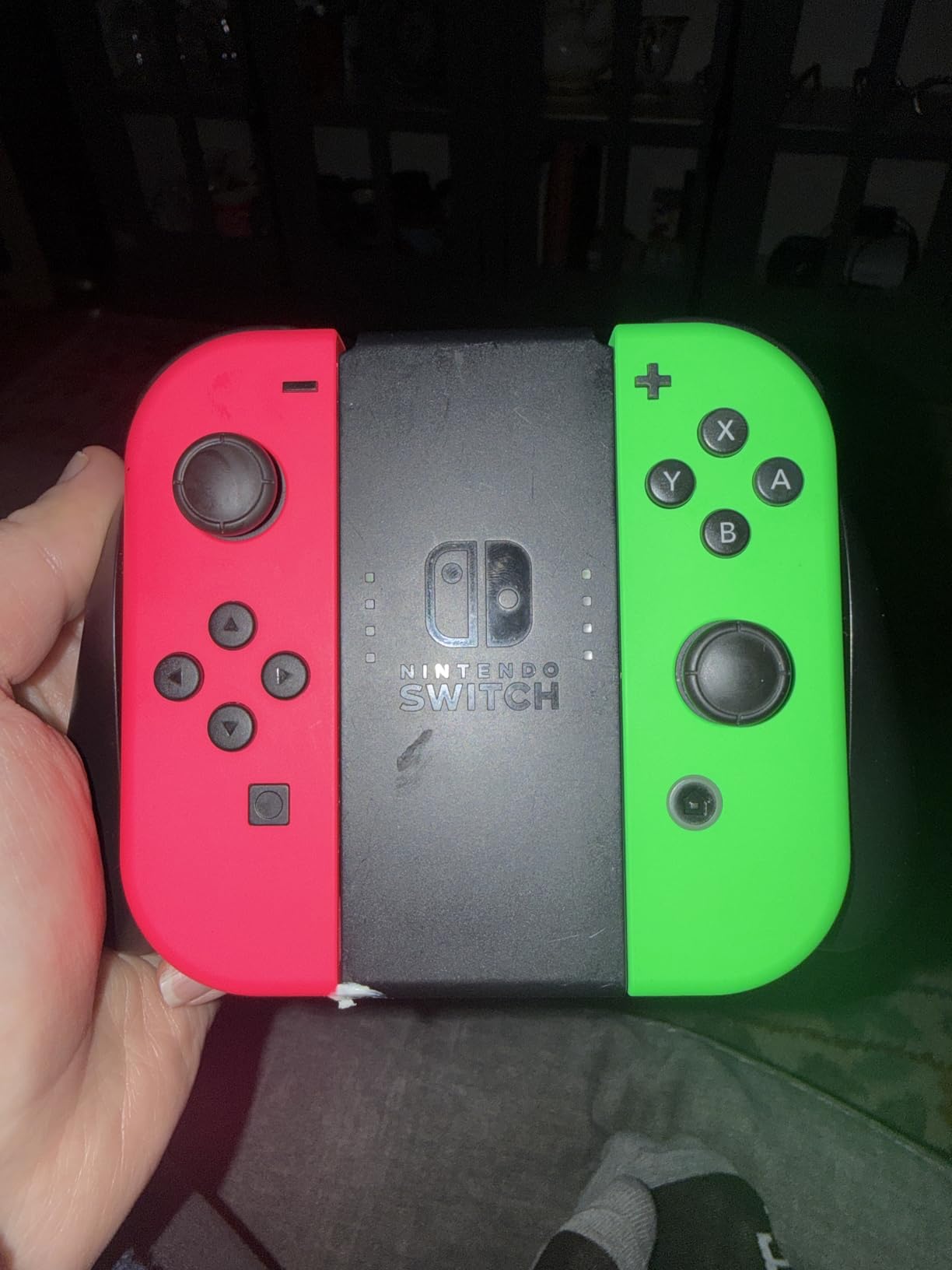
Nintendo Joy-Con (L/R) – Neon Red/Neon Blue
Independent gyro motion per Joy-Con
Works solo or paired
Slides onto Switch rails
3.52 oz each
Pros
- Far more durable than off-brand alternatives
- Works solo
- in pairs or on the rails
- Genuine Nintendo build quality
- Wide range of colorways
Cons
- Analog stick drift eventually appears on most pairs
- Small for long sessions
- Shorter battery than a full-size pad
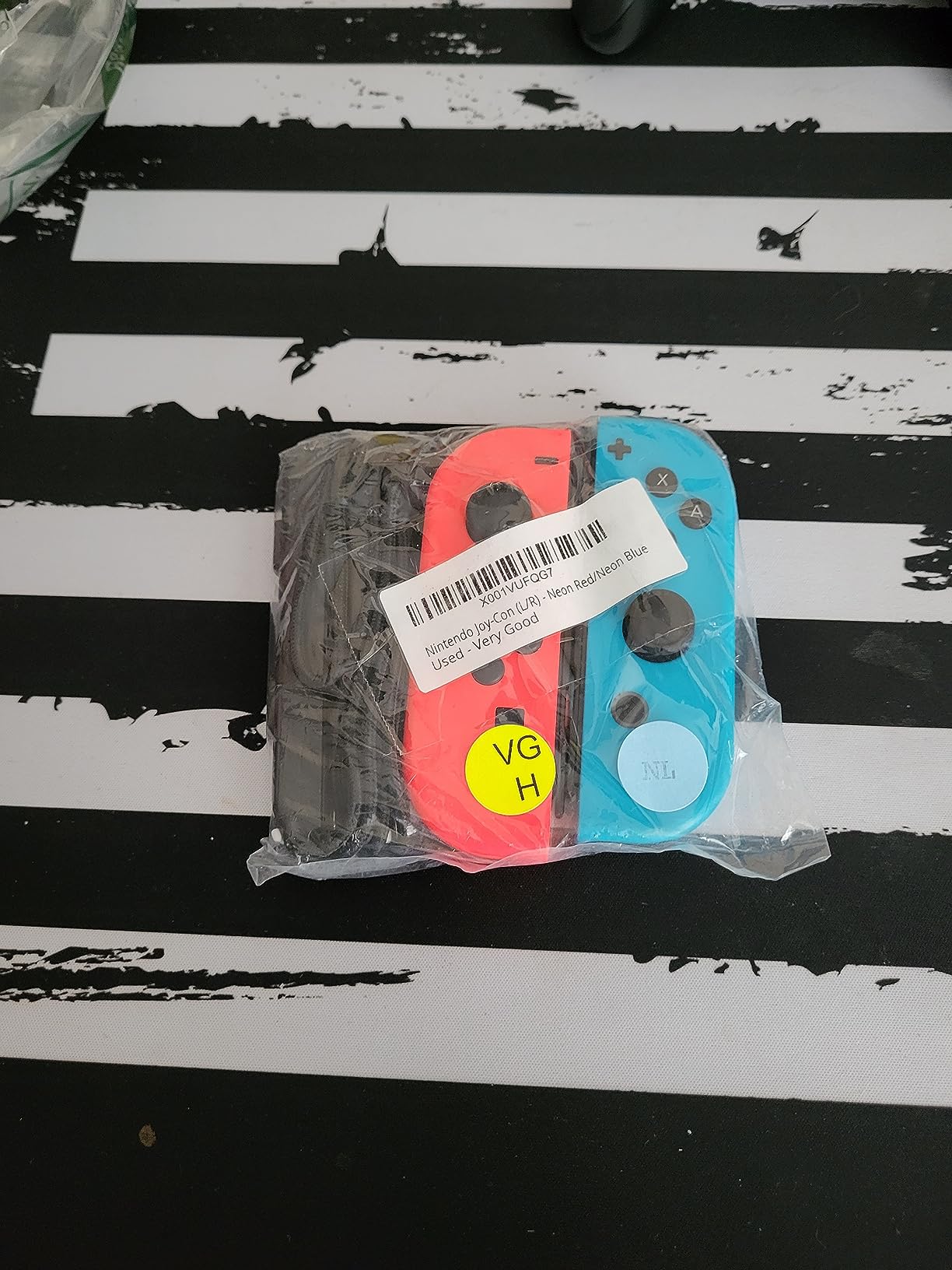
No other pad on this list does what the Joy-Con pair does. Each one has its own accelerometer and gyro sensor, its own buttons and its own battery, which means two players can hold a full set of controls with no grip and no pairing screen. Slide them onto the rails of a Switch or Switch Lite and the console becomes a self-contained two-player machine.
With close to 83,000 reviews, the durability picture is unusually clear. Owners call them far tougher than off-brand lookalikes, with no reported button failure, and the shell colors range from neon to pastel so a pair can match the console. The grip attachment turns two thin pieces into something that resembles a normal controller, which is the version most people actually use.
Motion games remain the reason to own them. Games that track a single-controller swing work properly on one Joy-Con, and Nintendo Switch Online titles that expect independent motion inputs on each side play exactly as intended. Nothing else in the roundup replicates that, including every third-party pad with a motion sensor.
Each Joy-Con weighs just 3.52 ounces. That is the appeal and the complaint in equal measure, because the single-piece shape is uncomfortable for some players during long sessions, and battery life runs shorter than a full-size pad. Nintendo’s free drift repair program only covers certain European regions, which several reviewers mention when drift eventually appears.
Why motion games still need this pair
Independent gyro sensing per side is a hardware difference, not a software trick. Third-party pads with a single motion sensor cannot split those inputs, so games built around the format lose something.
For a two-player game night on a single Switch, the Joy-Con are also the cheapest way to give everyone real controls. Everything else in this list means buying pairs.
When to skip the Joy-Con
Do not buy them as a drift replacement. Owners report that analog stick drift eventually appears on most pairs, which is the exact problem you would be trying to solve.
They are also a poor choice for one player in a marathon session, since the small shape and short battery life work against long play. For that, look at the PowerA Enhanced or the Switch 2 Pro Controller.
3. PDP Afterglow Wireless RGB: Best Budget Controller for Kids and First-Time Owners
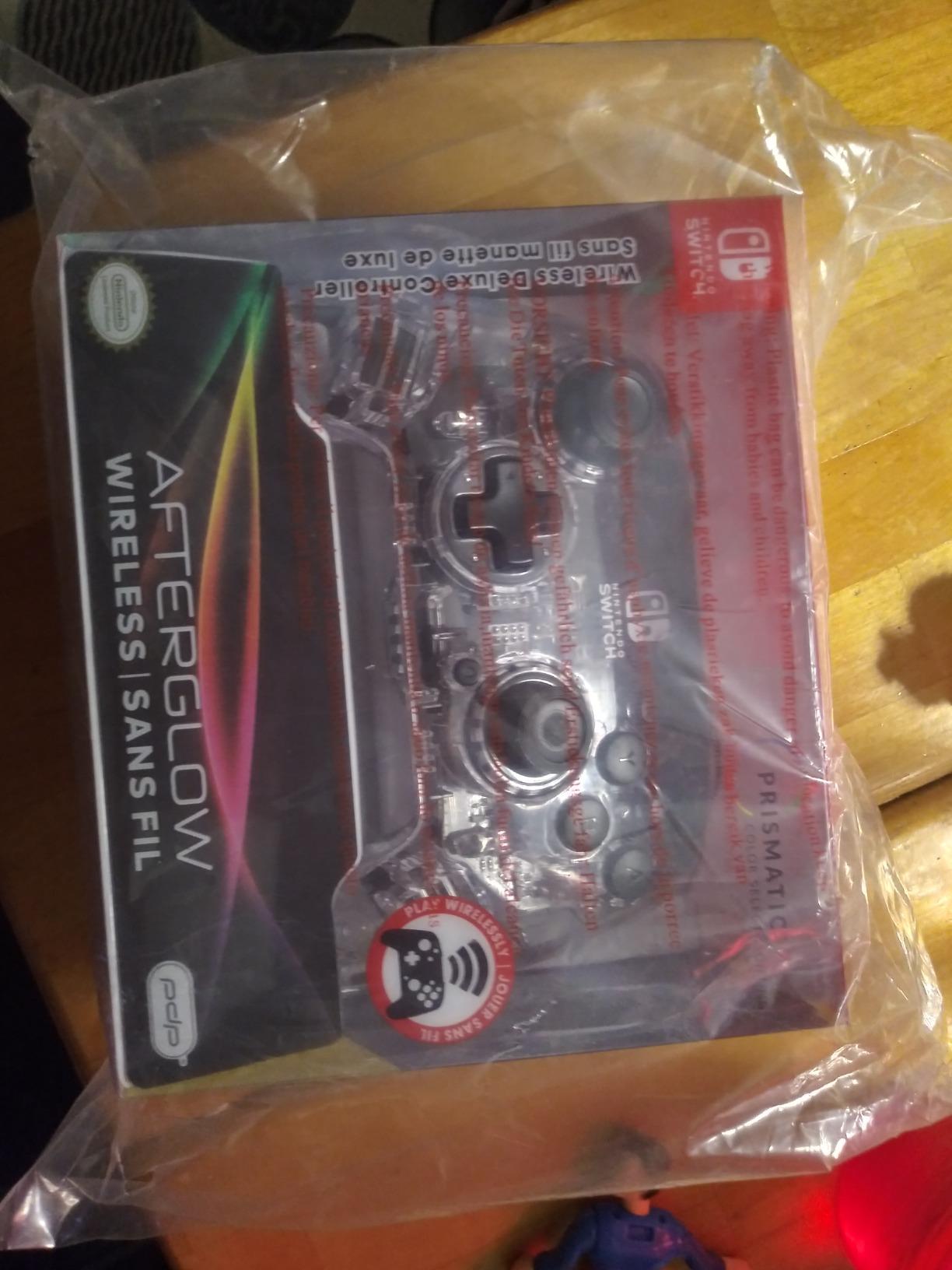
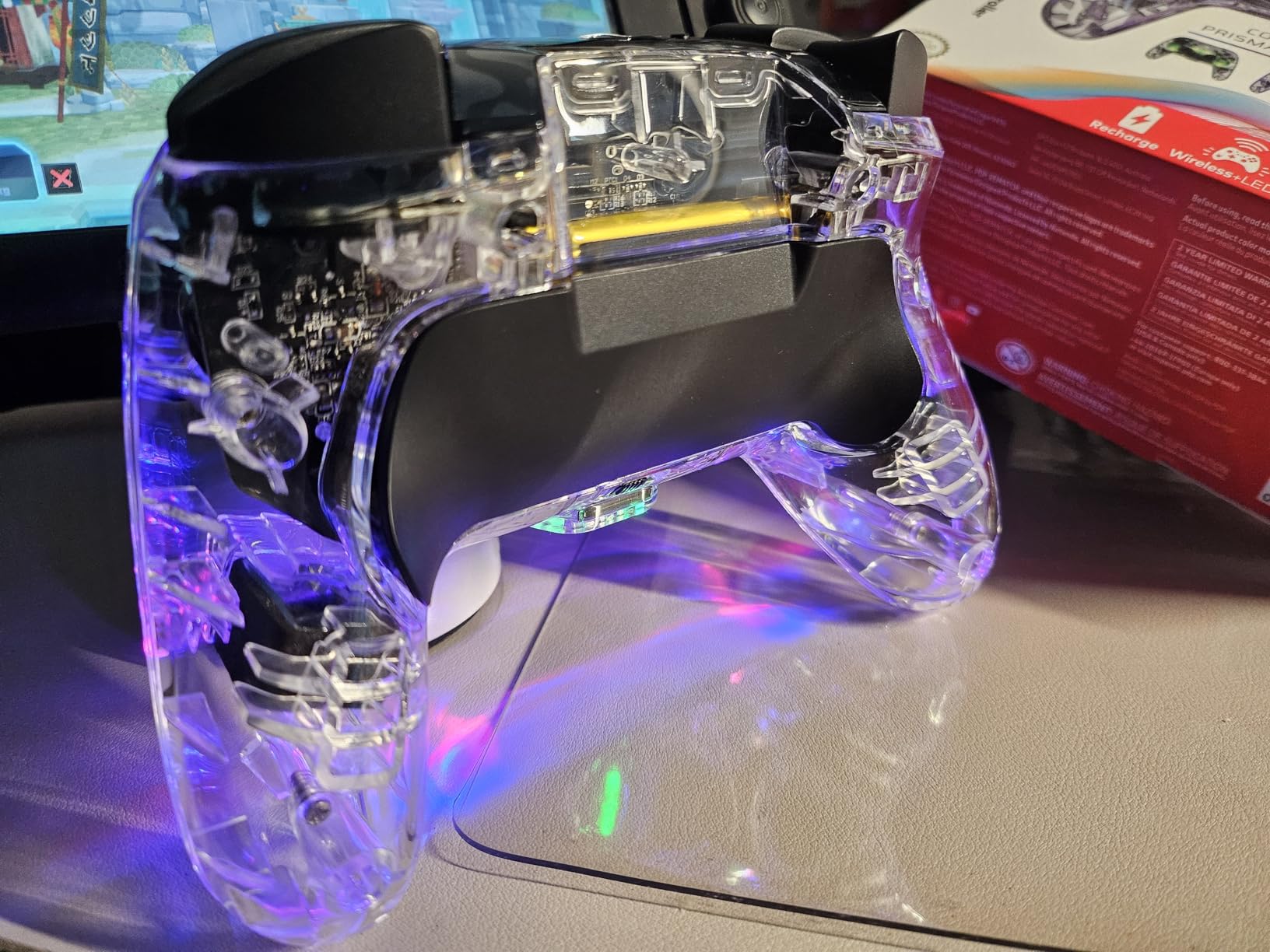
PDP Afterglow Wireless RGB Gaming Controller for Nintendo Switch 2, Lite
Bluetooth
Up to 40 hours per charge
Prismatic LED lighting
Built-in motion controls
Pros
- Officially licensed at a budget price
- Very long battery per charge
- Four LED lighting modes
- Sturdy enough to survive drops
Cons
- No NFC reader so amiibo will not work
- Cannot wake the Switch 2 console
- Back buttons press by accident
This is the controller we hand to a child or a first-time Switch owner. It is officially licensed, it connects over Bluetooth, and it has survived repeated drops in our testing without a cracked shell or a loose stick. Reviewers treat it as a dependable budget alternative rather than a compromise they tolerate.
Battery life is the standout number. Owners report up to 40 hours of play on a recharge, with some charging only every couple of weeks. The prismatic LED lighting has four modes and wraps the shell, which is the feature most kids notice first, and the lighting does not interfere with the buttons.
Dual programmable back buttons sit under a removable plate, which solves the usual problem of accidental rear presses. Out of the box the plate is fitted, and several reviewers recommend removing it. If your games use rear buttons, turn the plate off; if not, the plate keeps them out of the way.
Motion controls are built in, so tilt-based games work, and a stick recalibration sequence is available if a stick ever starts to wander. It is rated as not compatible with PC, so this is a Switch-only purchase at heart.
Best reasons to buy it
The combination of official licensing, a 30-foot wireless range and a 40-hour battery means it works out of the box and stays out of the charger. That is a rare package at this level.
For a shared console in a household with kids, the licensed design and reinforced shell remove most of the arguments that come with a generic pad.
Limitations worth knowing
There is no NFC reader, so amiibo figures will not work, and the pad cannot wake the Switch 2 console from sleep. Neither matters for most games, but both are hard requirements for a few.
Some owners report minor drift on one stick, LED flicker, and buttons that feel harder and cheaper to press than the official Pro Controller. It is also 380 g, which is heavy for a full-size pad.
4. ELISWEEN Wireless Switch Controller: Best for Retro Shooters and Turbo Play
Wireless Switch Controller for Nintendo Switch/Switch 2/Lite/OLED Controller, Switch Controller with a Mouse Touch Feeling on Back Buttons, Extra Switch Pro Controller with Wake-up,Programmable, Turbo Function
Programmable M1/M2 back buttons
Turbo at 5/12/20 per second
6-axis gyro
600 mAh battery
Pros
- Programmable back buttons and turbo included
- Gyro and three-level vibration work as advertised
- Large 600 mAh battery
- Non-slip ergonomic grip
Cons
- No wake-up on the Switch 2
- No headphone or audio support
- Instructions are thin on pairing
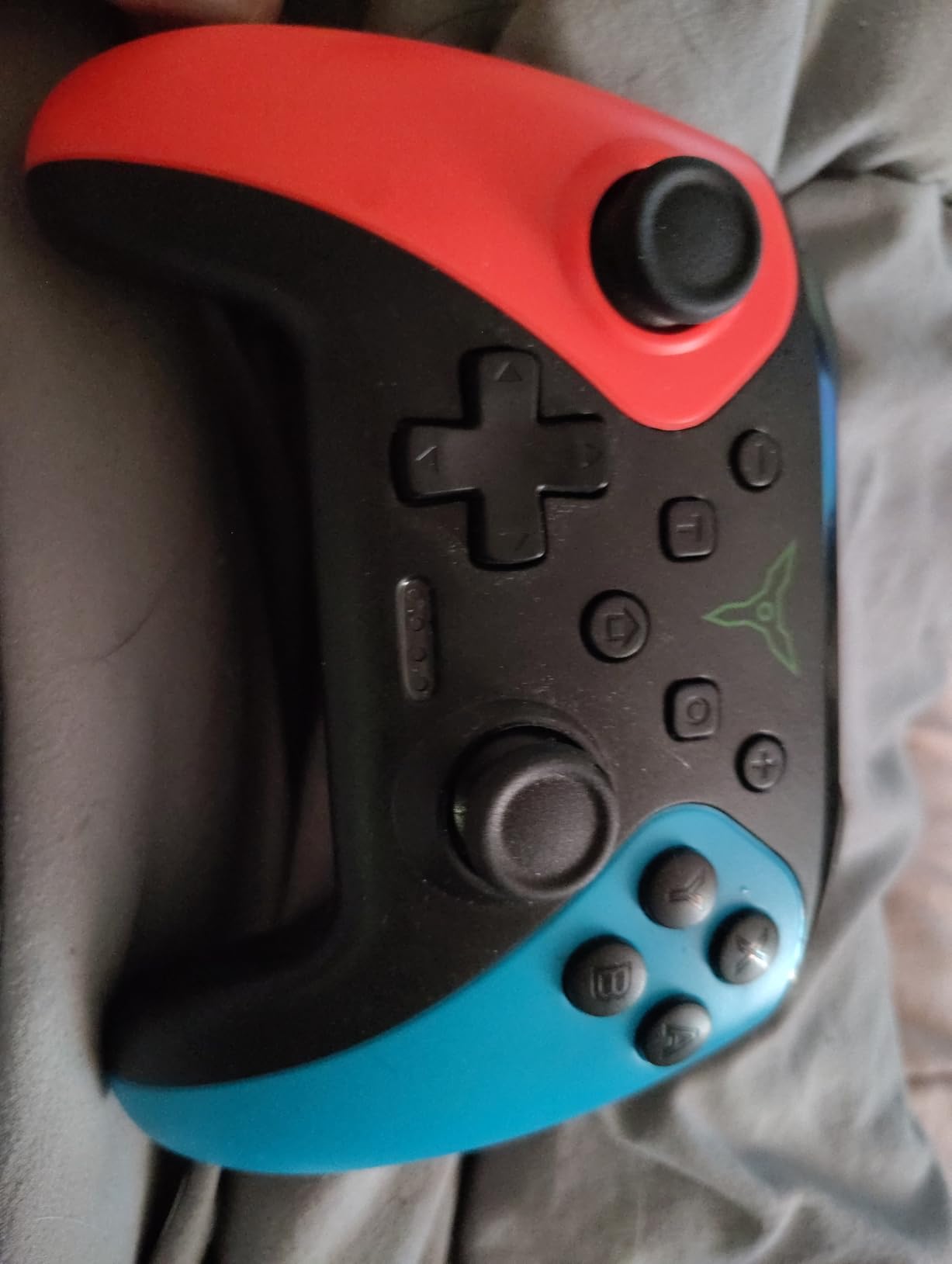
If you grew up on 8-way shooters and want a turbo button without opening an app, this is the pad. It has manual and automatic turbo at 5, 12 or 20 shots per second, two programmable M1 and M2 back buttons with single or multi-programming modes, and a screenshot function. That combination covers most of the retro Nintendo Switch Online library in one device.
At around 7,500 reviews, the pattern is consistent. Buyers describe it as feature-rich for the money, with a 600 mAh battery giving 10 to 15 hours of play on a two to three hour charge. The 6-axis gyro and adjustable vibration work as advertised rather than as decoration.
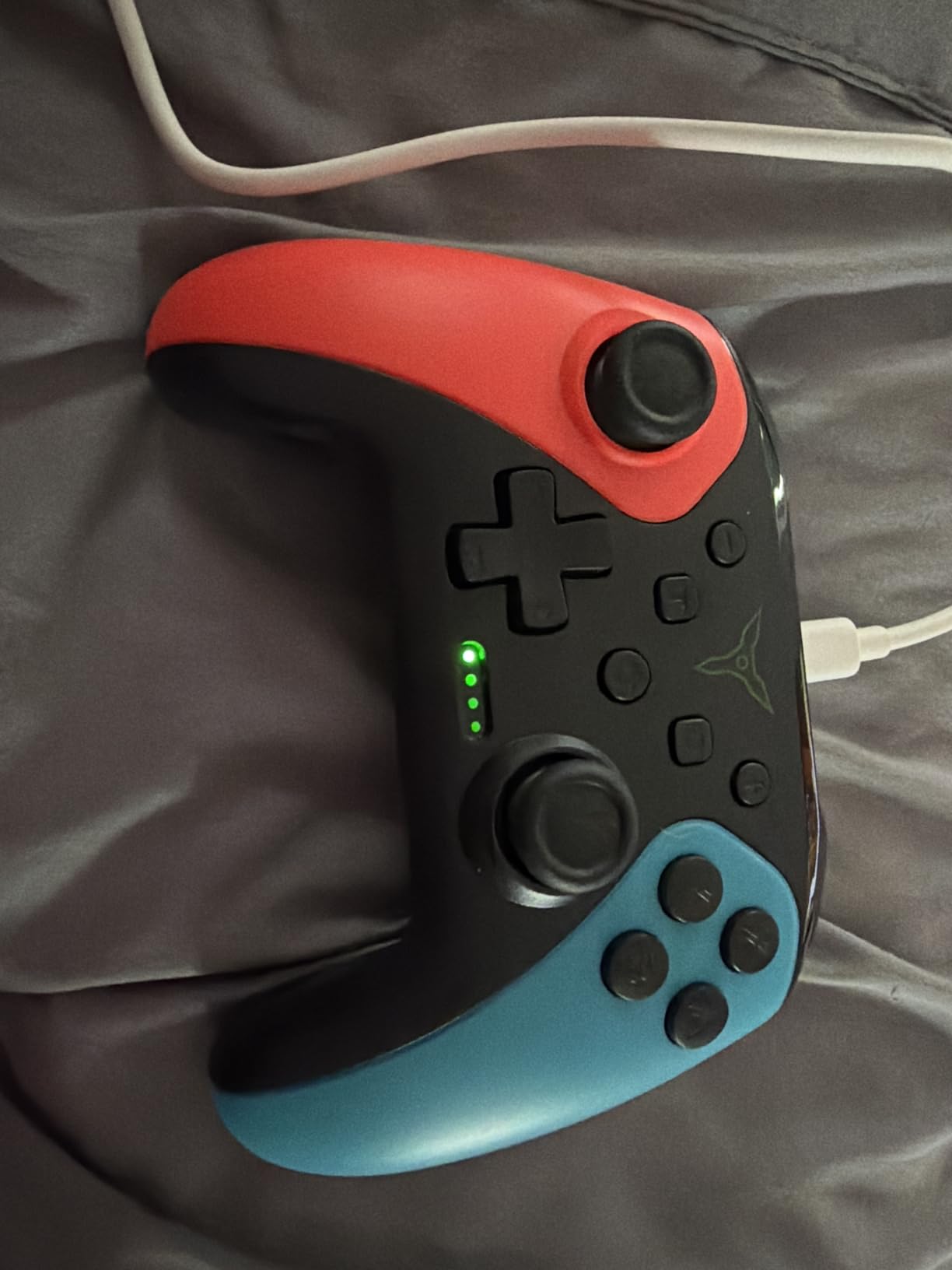
It lists compatibility across Switch, Switch 2, Lite and OLED, and the 10-button layout keeps the face uncluttered. The non-slip ergonomic grip gets regular mention as more comfortable than the shape has any right to be at this tier, and there is a wide range of colorways and styles.
One of the more useful details is a dedicated screenshot button, which saves a trip into the capture menu mid-run. Turbo is adjustable without software, so nothing needs configuring before a game starts.
Why it suits retro and shmup fans
Turbo and programmable rear buttons used to require either a third-party accessory or a companion app. Both are built into the shell here, which is exactly what classic eight-way shooters and auto-battlers need.
For Nintendo Switch Online titles the shorter face button spacing and simple layout also work well, because there is no thumbstick to accidentally catch.
What you give up for that price
There is no audio or headphone support at all, so the Switch speaker stays your only option. One-button wake-up works on Switch but not on the Switch 2.
Build quality and button feel are a clear step down from official hardware, and the pairing instructions are thin. At 0.26 kg the shell is dense for its class, which helps the buttons feel less hollow.
5. AceGamer 2 Pack Hall Effect: Best Value Anti-Drift Pair
AceGamer 2 Pack Wireless Controller for Nintendo Switch/Lite/OLED/Switch 2, Hall Effect Joystick for Switch 2 Pro Controller with Wake-Up/Turbo/Dual Vibration/Programmable (Red+Blue)
Hall Effect sticks rated to 5 million rotations
800 mAh battery
6-axis gyro
Four-level vibration
Pros
- Hall Effect sticks with no drift for most owners
- Two controllers in one box
- Battery measured in days
- Weight suits adults and children
Cons
- Only one charging cable for both pads
- Wake-up does not work on the Switch 2
- Some reports of input lag
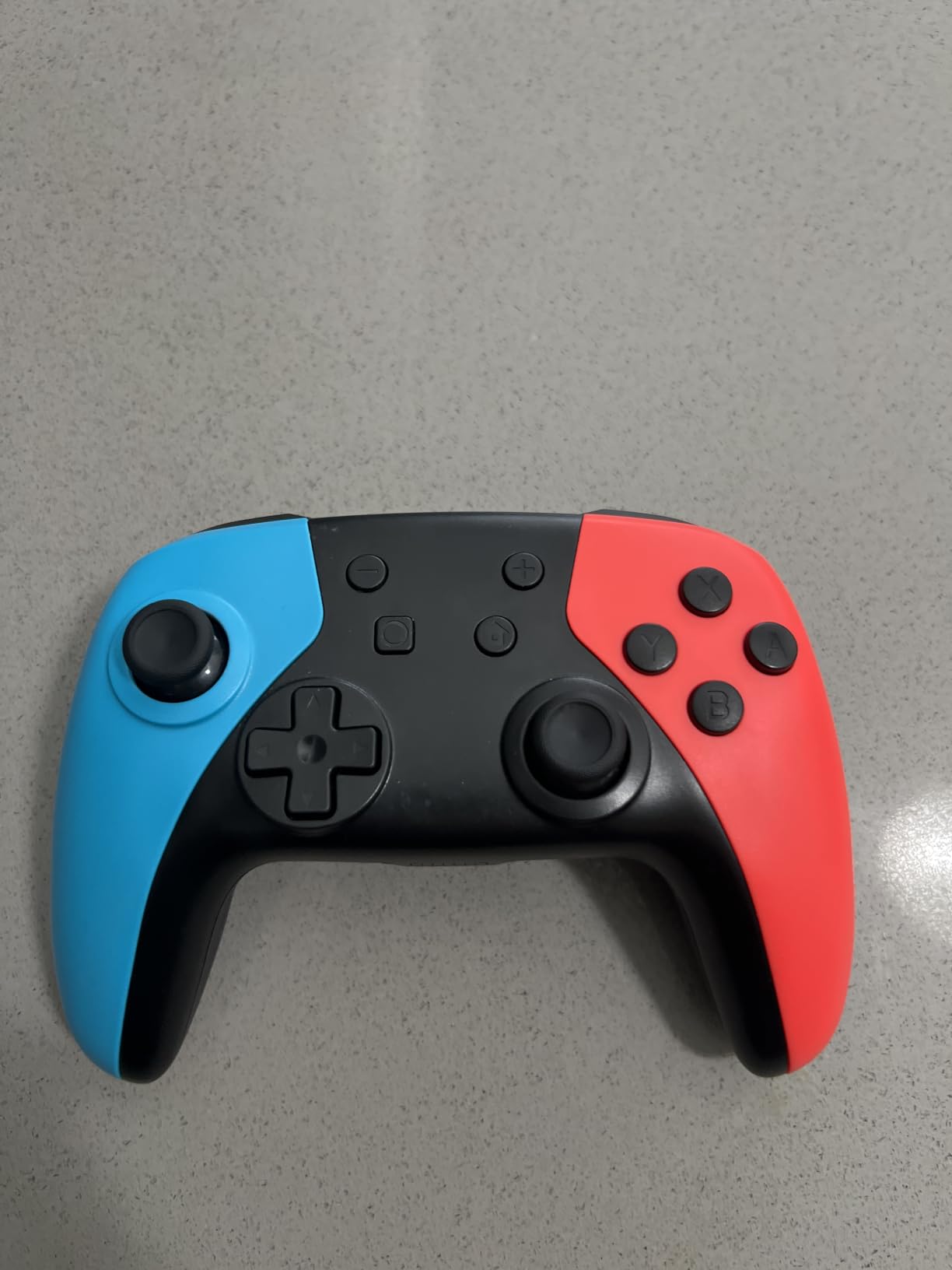
Two drift-resistant controllers in one box is the offer here, and it is the most practical answer for a household with two Switch players. The Hall Effect joysticks are rated to 5 million rotations, and most owners report no drift at all. That is the mechanism that normally causes the slow-walking problem on cheaper pads.
The 800 mAh battery is the other headline. Owners describe playing through five or six sessions of two to three hours on a single charge, and there is auto-sleep to protect that charge when the pad sits idle. Pairing is quick, with one-touch wake-up on the Switch 1.
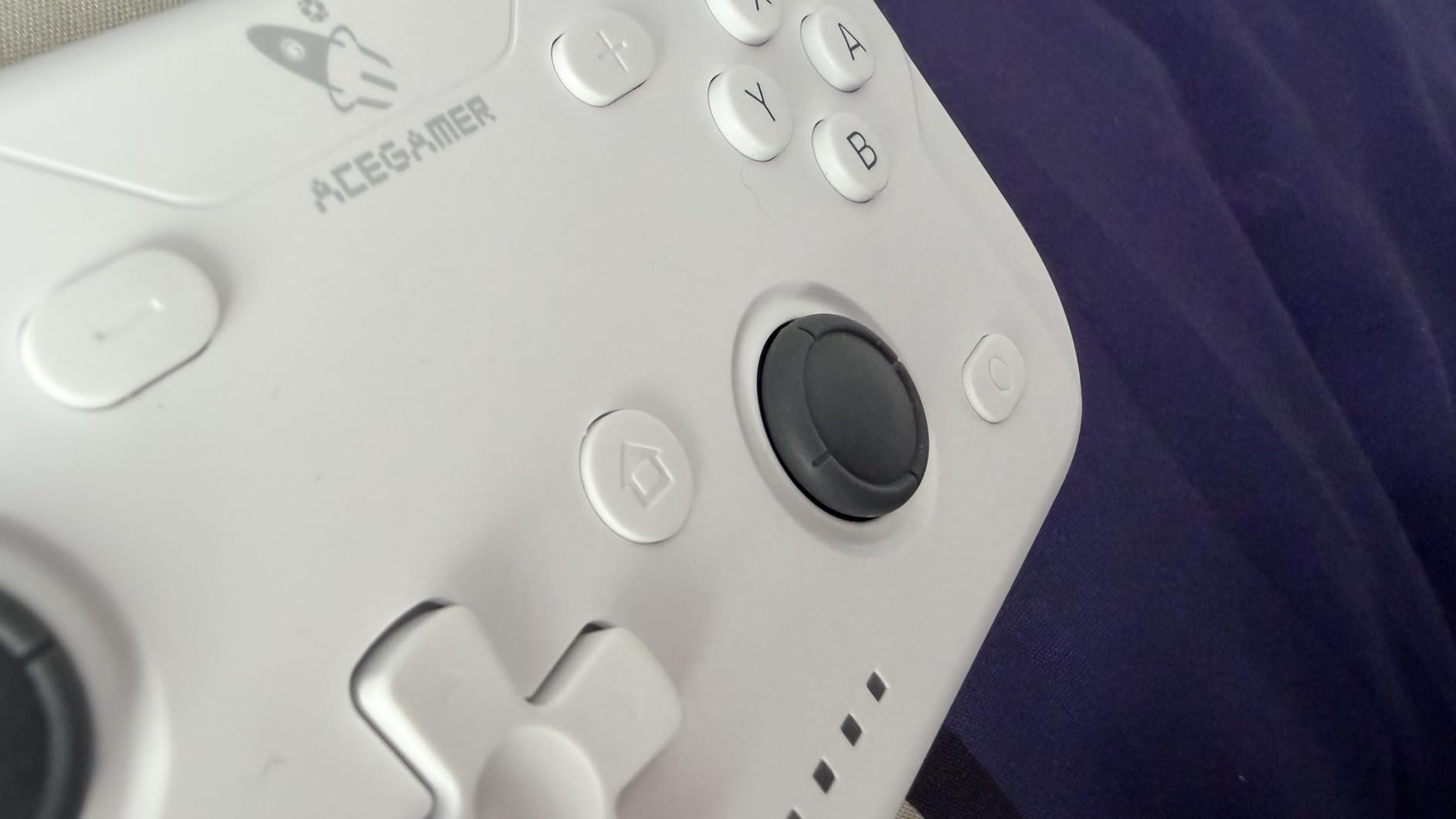
For smaller hands this is a genuinely good shape. The weight feels substantial without being punishing, and owners explicitly say the feel suits both adults and children, which is not something we can say about the narrow grips on some competing pads. Four-level dual vibration at 0, 30, 70 and 100 percent is adjustable per game session.
Programmable M1 and M2 buttons support two programming modes, and turbo runs at 5, 12 or 20 shots per second. Calibration is recommended before first use, which takes a minute and stops the early confusion some buyers hit with Hall Effect sticks.
Why this is the budget drift fix
Hall Effect sensing is the reason these sticks do not develop drift, and having it in a two-pack removes the cost argument that usually pushes people toward potentiometer sticks. You get two pads for less than the cost of one official controller.
The 2,800-odd reviews are unusually enthusiastic about battery life and stick smoothness, which are the two things most pads compromise on at this level.
Where the pair falls down
Only one charging cable is included for both controllers, so you are charging them in sequence unless you own a second cable. That is the most common complaint and the easiest to fix.
Wake-up does not work on the Switch 2, and a minority of owners report input lag or a controller that will not pair on Switch 2 at all. Test the pairing on your own console early.
6. 8BitDo Ultimate 2 Bluetooth: Best Third-Party Controller for Switch and PC
8Bitdo Ultimate 2 Bluetooth Controller for Switch 2, Switch & Windows,Black
TMR sticks with RGB ring
Switchable Hall Effect triggers
Integrated charging dock
2.4 GHz adapter for PC
Pros
- Build feels solid rather than cheap
- Very low latency even over Bluetooth
- No drift reported after months
- Integrated dock and PC adapter
Cons
- Unusual vertical grip cramps some palms
- Slightly smaller than Xbox-style pads
- Mode switching causes reconnects
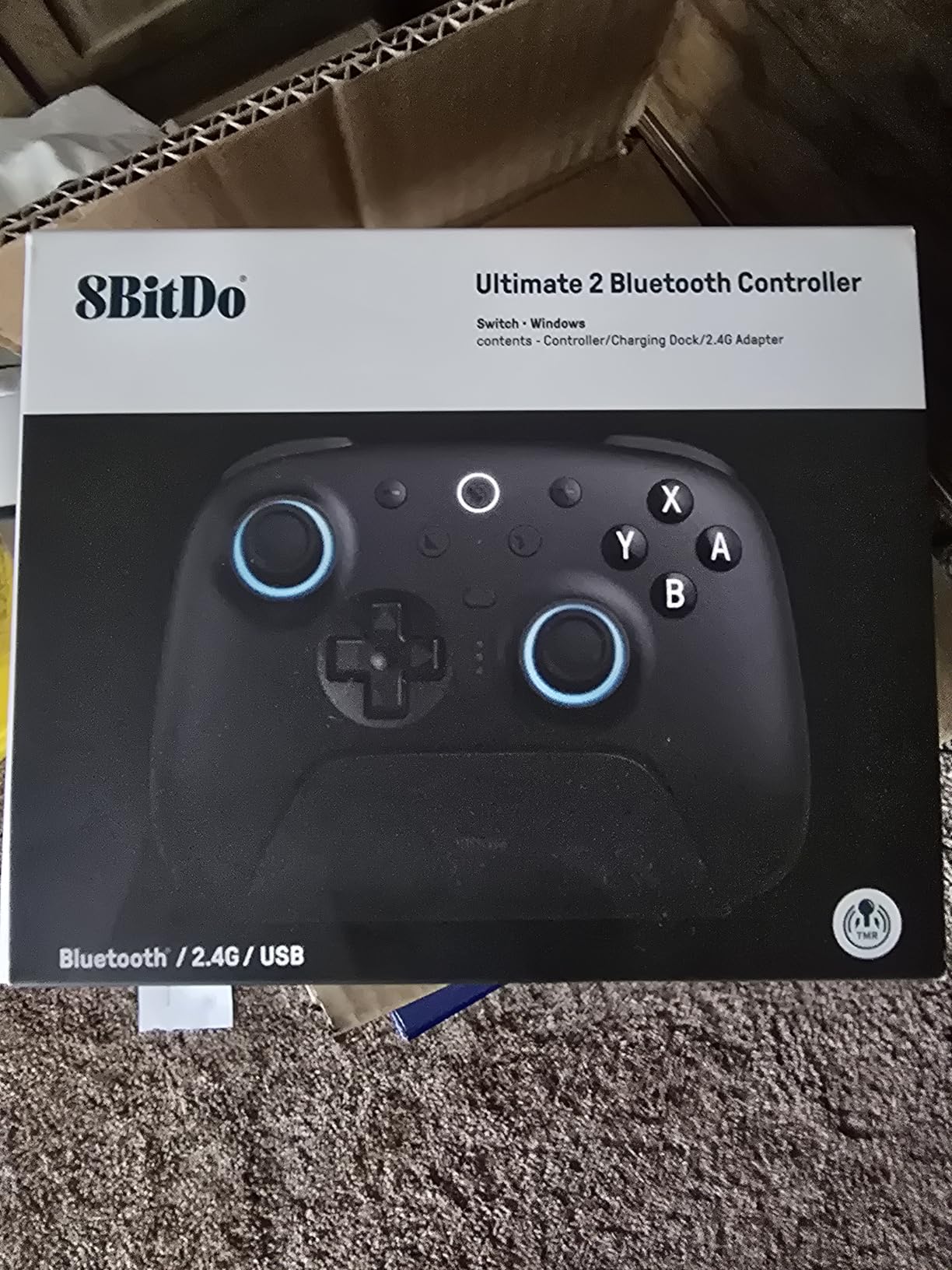
The 8BitDo Ultimate 2 is the enthusiast answer, and reviewers routinely describe it as the best value alternative to the official Pro Controller. The TMR joysticks use a magnet and a wear-resistant ring with an RGB fire ring, and owners report no drift after months of use. The build feels solid in hand rather than hollow, which is not guaranteed at this stage of 8BitDo’s range.
Latency is the quiet strength. It stays very low over Bluetooth in our testing, and the 2.4 GHz wireless adapter for PC stores inside the charging dock, so the same pad covers Switch, PC, Steam Deck, iPad and Android. Battery life is quoted at 15 to 20 hours with the integrated dock handling charging and automatic reconnect.
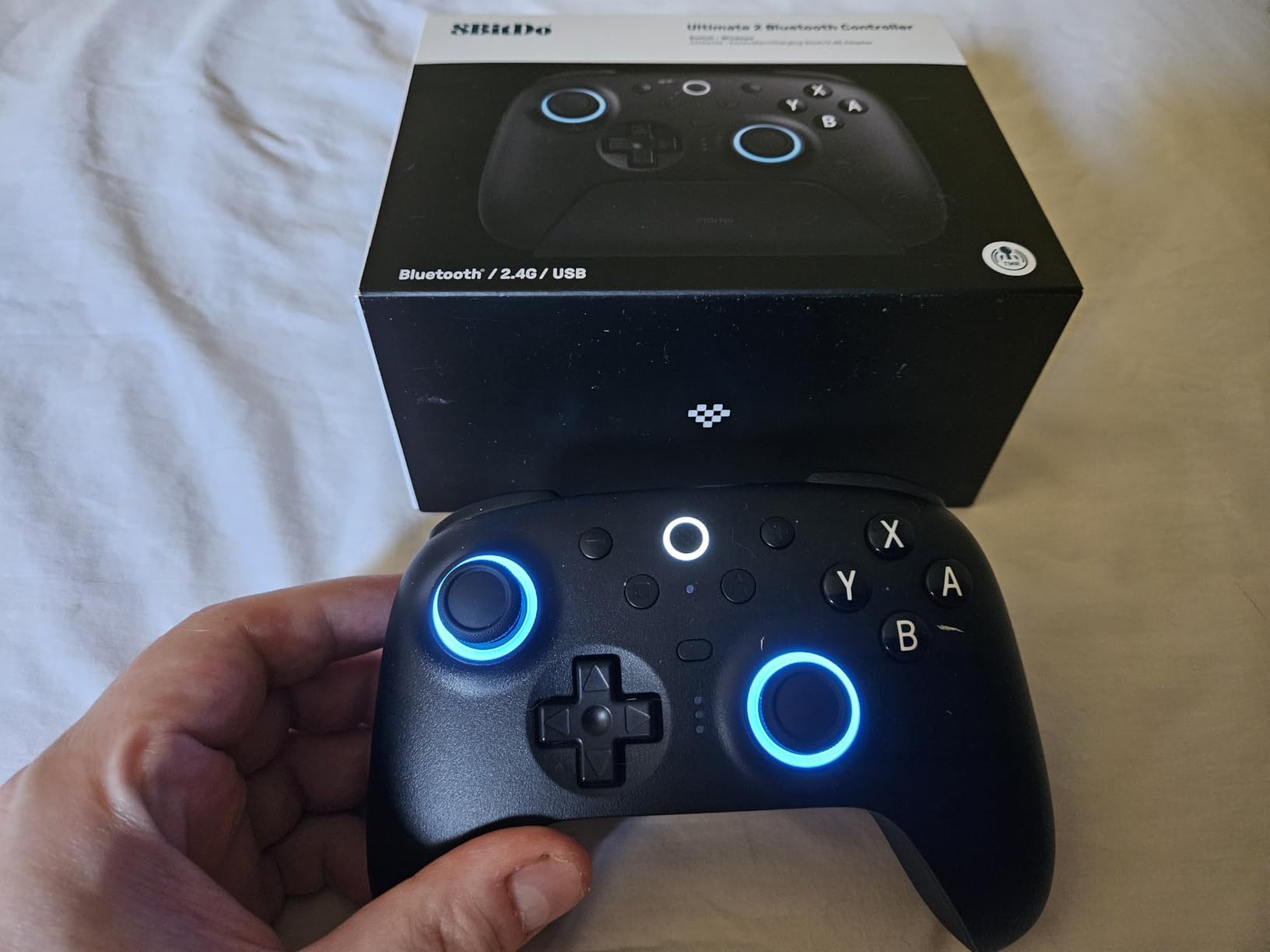
The trigger mode switch is a genuinely clever piece of design. You can flip between linear Hall Effect triggers and non-linear tactile triggers, so a racing game or a shooter can feel either consistent or progressive. Vibration, motion control on Switch, turbo and wake-on-shake are all present, and three onboard profile slots cover console, PC and a spare.
8BitDo Ultimate Software V2 handles remapping and the deeper settings, and owners rate the app-based customization as the deepest on Switch. The single line on Switch 2 support is that both the controller and adapter need a firmware update first.
What makes it a serious enthusiast pick
TMR sticks plus switchable Hall Effect triggers is a spec combination nothing else in this roundup offers, and neither technology wears out the way a potentiometer contact does. Three onboard profiles and a stored PC adapter mean one device covers several consoles.
The dock is a real convenience rather than a gimmick. Drop the pad in, and it charges and reconnects on its own, so you are not hunting a cable between sessions.
Where the shape splits opinion
The vertical handle is the most significant complaint. Several owners report palm or thumb cramping in long sessions, and the pad sits slightly smaller than an Xbox-style controller, so hands that are comfortable on a Pro Controller may not be comfortable here.
Wake-on-shake needs setup and does not work reliably out of the box, thumbstick tension is not adjustable, and switching between PC and Switch modes can force repeated reconnects. It is also listed at 50 g, which is likely a packaging weight rather than the pad itself.
7. 8BitDo Ultimate 2C: Most Versatile with Hall Effect Sticks
8BitDo Ultimate 2C Bluetooth Controller for Switch/Switch 2, Blue
Hall Effect sticks with metal wear rings
Refined D-pad and bumpers
Extra R4/L4 bumpers
200 g
Pros
- Hall Effect sticks at a budget price
- Refined D-pad and bumpers
- Rear R4/L4 bumpers for mapping
- Motion
- rumble and turbo supported
Cons
- Switch 2 support needs a firmware update
- Wake-on-shake does not work on Switch 2
- Lightweight plastic feel
The Ultimate 2C is the pick for anyone who wants anti-drift sticks and a good D-pad without paying for the flagship. The consensus across its reviews is that it improves on earlier budget 8BitDo pads in two specific ways: Hall Effect joysticks with wear-resistant metal rings, and a D-pad and bumpers that were recalibrated to feel clicky without being harsh.
That D-pad matters more than it sounds. Retro platformers and Nintendo Switch Online titles punish a mushy or floating D-pad, and forum threads regularly list D-pad quality as a reason to move between 8BitDo models. This is the 8BitDo that fixed it at the low end.
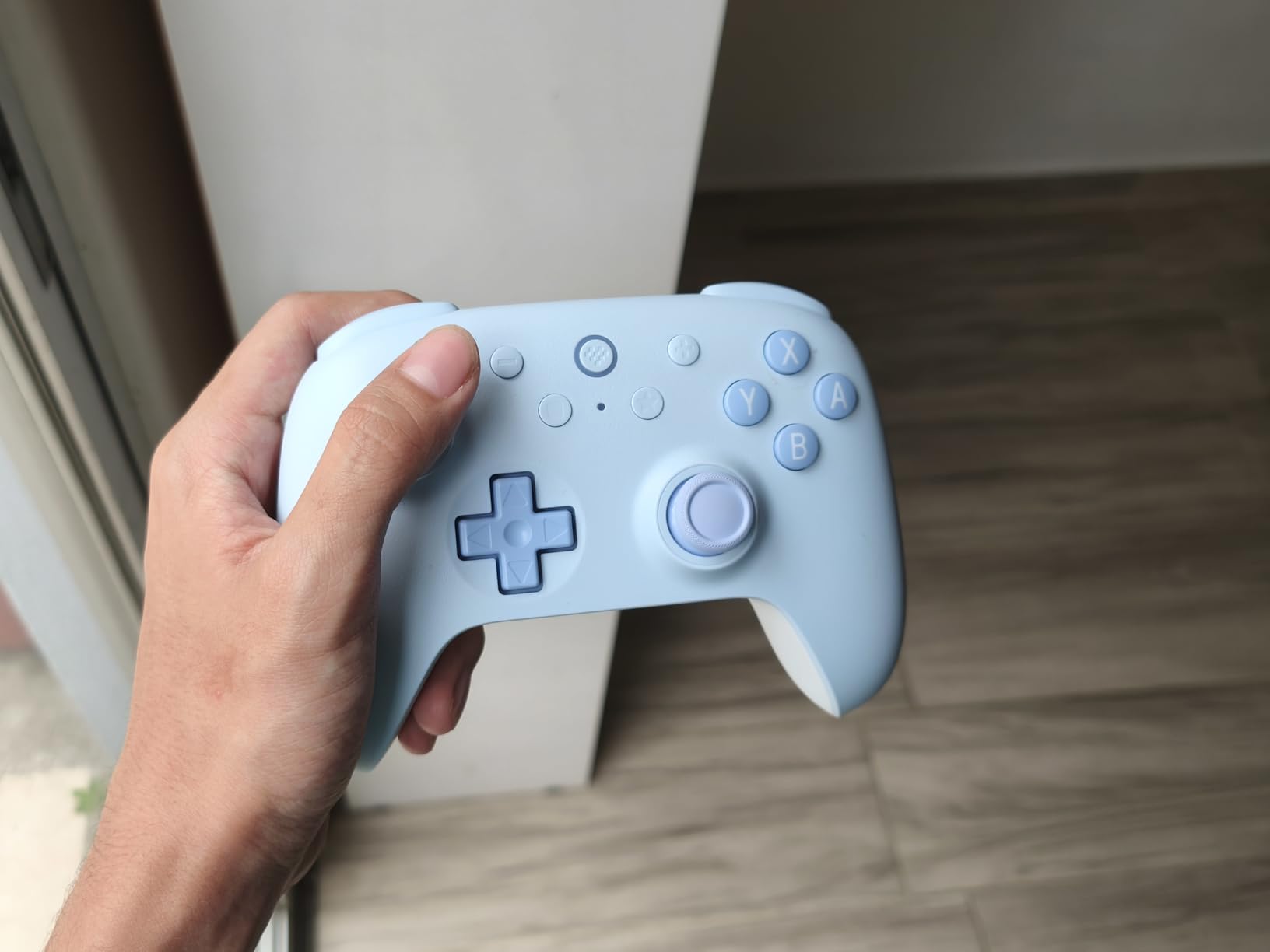
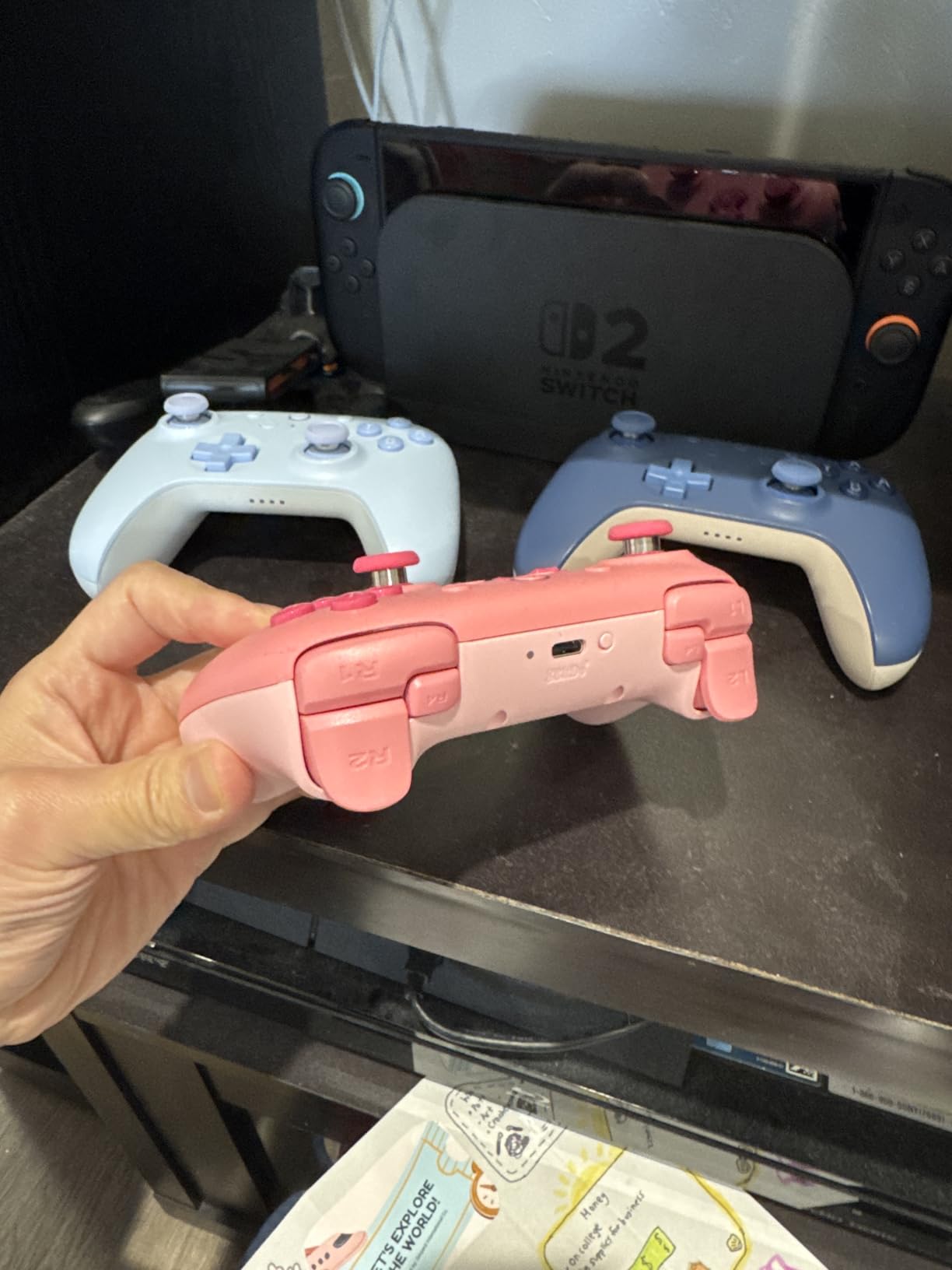
Extra R4 and L4 bumpers sit behind the shell, which is unusual at this level and gives you more mapping options without an app. Custom button mapping is handled onboard rather than through software, so it survives a console change.
6-axis motion control, rumble vibration and turbo are all supported, and the 200 g weight keeps the pad from feeling hollow without making it tiring. Bluetooth covers Switch, Switch 2 and more, with Switch 2 compatibility requiring a firmware update.
Best fit for retro and 2D play
Refined D-pad plus Hall Effect sticks is the combination retro players care about most. Metal wear rings on the stick module address the durability worry that normally comes with a cheaper pad.
Extra rear bumpers let you bind alternates without opening settings menus, which is useful in games with limited loadout options.
Trade-offs to accept
Switch 2 use needs a firmware update, and wake-on-shake is not supported on Switch 2 at all. If you plan to play mostly on the newer console, read that before buying.
The build is lightweight plastic compared with premium pads, and 200 g is light for a full-size controller. The battery is solid rather than exceptional. If you want the flagship features, the Ultimate 2 adds a dock and TMR sticks for more money.
8. Lyyes Wireless 2 Pack: Best Budget Controller for Two-Player Parties
Lyyes Switch Controller, Wireless Pro Controller Joystick Compatible with Switch/Lite/Switch 2, 2 Pack
Two wireless controllers
500 mAh battery for 8-10 hours
Gyro and motor sensing
Three turbo speeds
Pros
- A pair for well under one official pad
- Solid build that holds up over a year
- Grip suits kids and adults
- Works on PC and Fire TV sticks
Cons
- Disconnects after about two minutes idle
- Response fades beyond about eight feet
- Poorly translated instructions
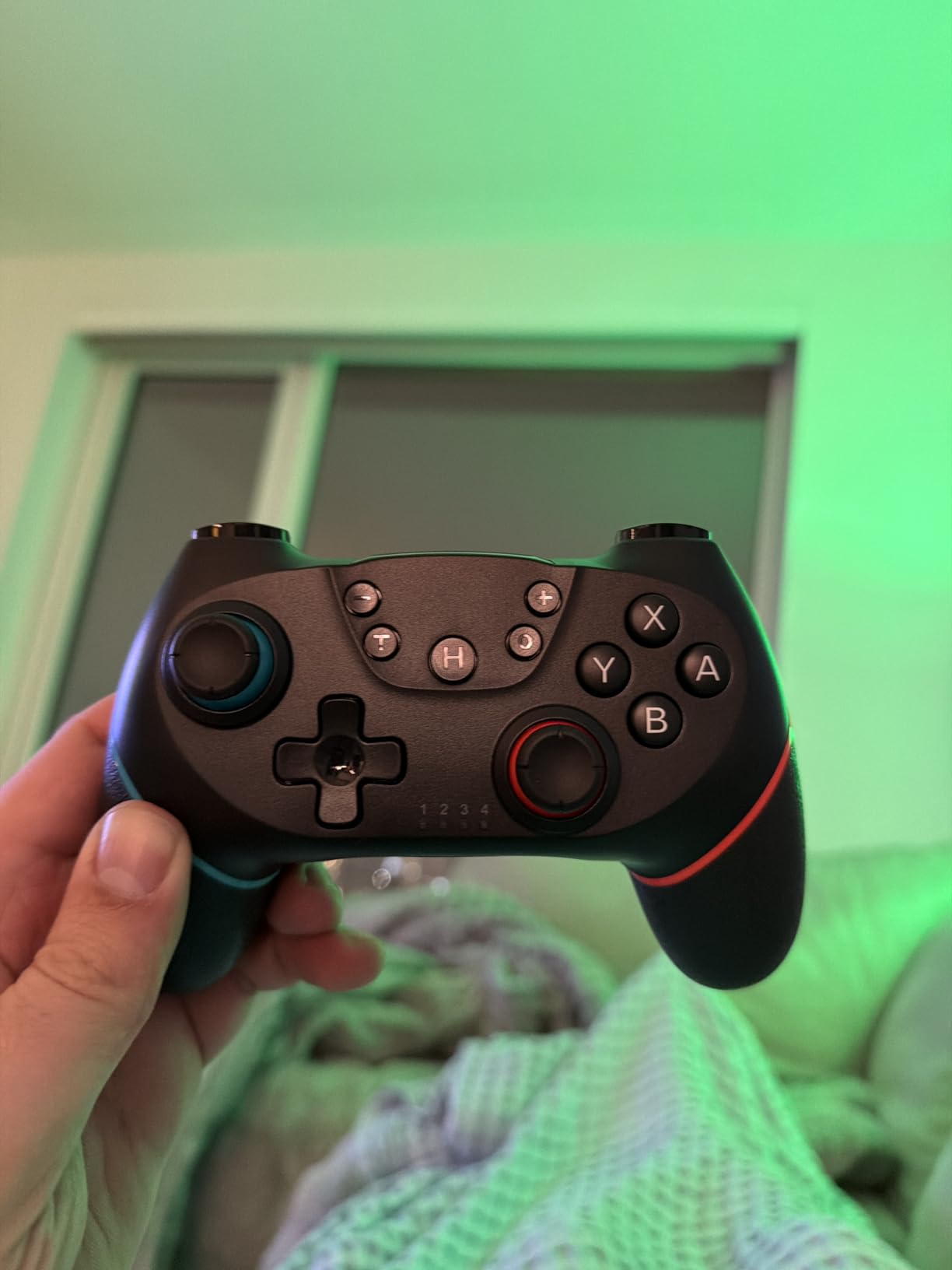
This two-pack is the cheapest route to real two-player gaming on one Switch, and owners consistently call it one of the best-value pairs available. A single pair costs less than one official controller, which changes the math completely when you need two pads rather than one.
The build is described as solid after a year of use, with a grip that kids and adults both like. At 0.51 kg the pads have some heft, which makes them feel less disposable than the price suggests. Battery life is 8 to 10 hours from a 500 mAh cell with a two to three hour charge.
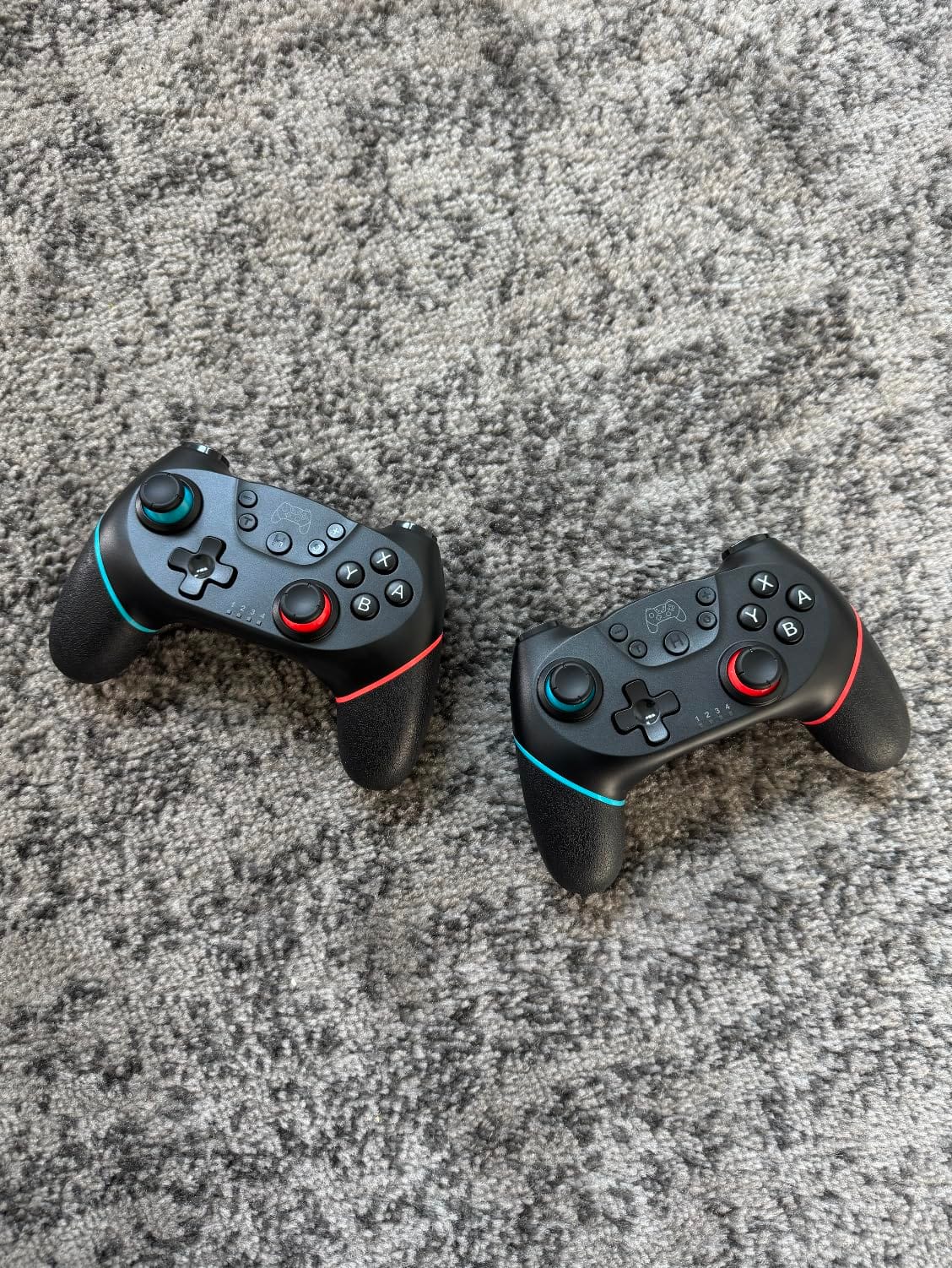
Compatibility is broader than most pads at this level. Owners report easy Bluetooth pairing and working use on Windows PCs and Fire TV sticks, with a USB cable option for PC and no driver installation required. The switch list covers Switch, Switch 2, Lite and OLED.
Motor sensing and a gyro sensor handle motion, and auto or manual turbo runs at 5, 12 or 20 shots per second. The 12-button layout keeps the face simple, which suits the kinds of party games this pack is usually bought for.
Why two pads at this price changes things
Multiplayer games, local co-op and versus matches all need a second controller, and a pair of official pads costs multiples of this. For a household that only plays together on weekends, the economics are the deciding factor.
The same pads then work as PC and streaming stick controllers, so the pair is not tied to one console or one evening a week.
Weaknesses to plan around
Two connection issues come up repeatedly in reviews. Owners report the pads disconnecting after roughly two minutes of inactivity, and response degrading when more than about eight feet from the console, which matters in a large room.
Occasional joystick glitches appear, usually cleared by a restart, and the instructions are poorly translated. The warranty is only three months, and the build feels slightly cheap at close inspection.
9. PDP REMATCH GLOW: Best Licensed Controller for D-Pad Feel
PDP REMATCH GLOW Wireless Nintendo Switch Pro Controller, Full Motion Controls – Licensed for Nintendo Switch. & Lite & OLED Model, Rechargeable Battery Power, Glow in the Dark: Blackout Bowser
Glow-in-the-dark shell
Built-in motion controls
Up to 40 hours per charge
12 oz
Pros
- No stick drift reported by owners
- D-pad often praised above the official pad
- Officially licensed and reliable pairing
- Lightweight at 12 oz and comfortable
Cons
- No vibration on this model
- Triggers feel noisier than the Pro Controller
- Grip buttons press when readjusting
Reviewers describe this as the best non-OEM controller they have used, and the reason is not the gimmick shell. It is the D-pad, which owners repeatedly rank above the official Pro Controller, combined with sticks that have produced no drift for the people who bought it to avoid drift.
That combination is why it earns a place here. The licensed design connects seamlessly to Switch and Switch 2, and with 40 hours of battery per charge it matches the endurance of the priciest pads on the list. At 12 ounces it is one of the lighter full-size options, which helps in long sessions.
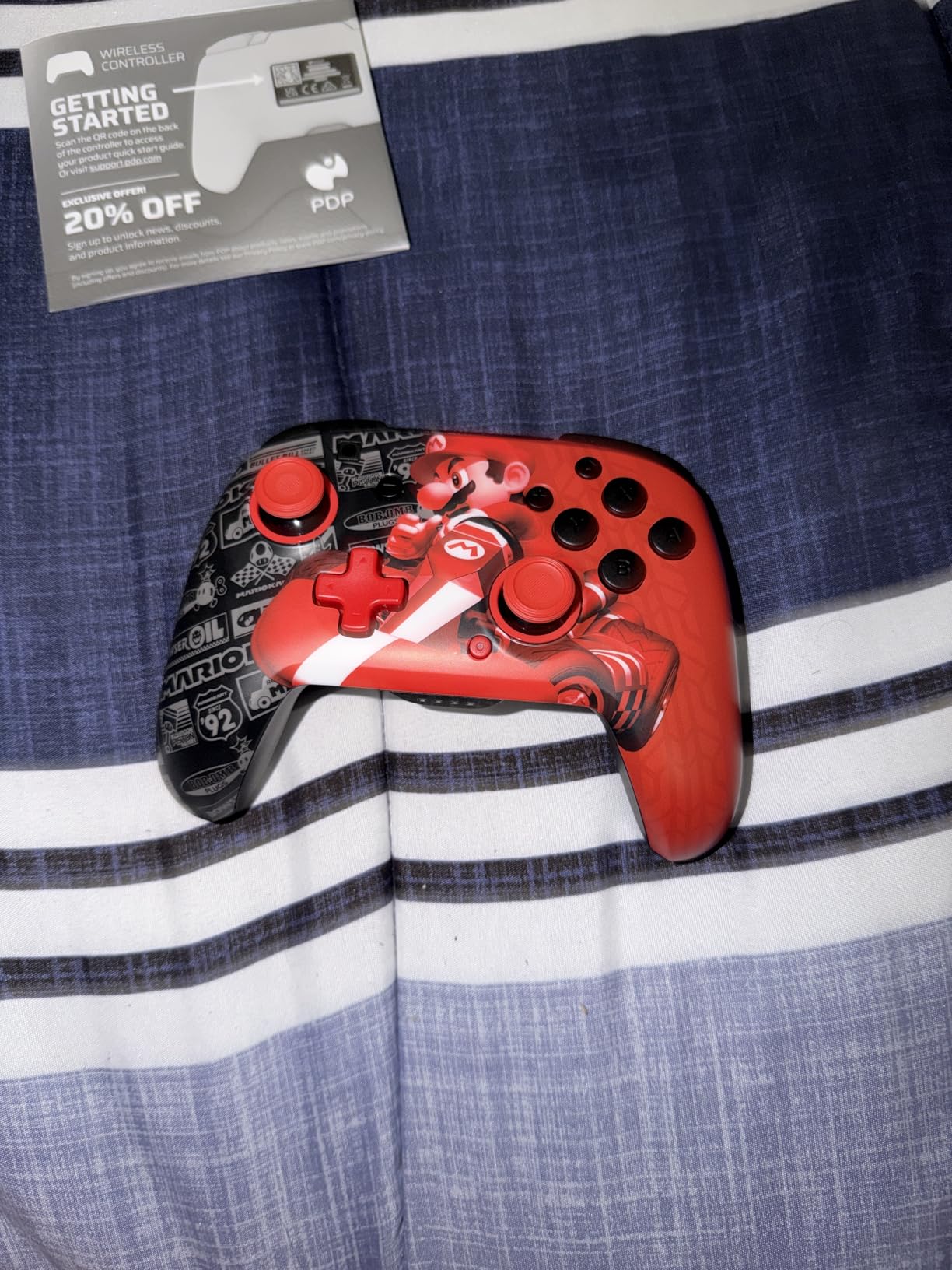
The glow-in-the-dark shell is brighter than expected after exposure to light, and the character designs run from Bowser to Boo-Hoo to Grand Prix Mario. It is a novelty, but it is also how a lot of buyers found this pad in the first place.
Built-in motion controls are present, which keeps tilt-based games working. A 30-foot wireless connection gives enough range for a living room setup, and reviewers rate battery life as comparable to the official Pro Controller.
Built for precision rather than features
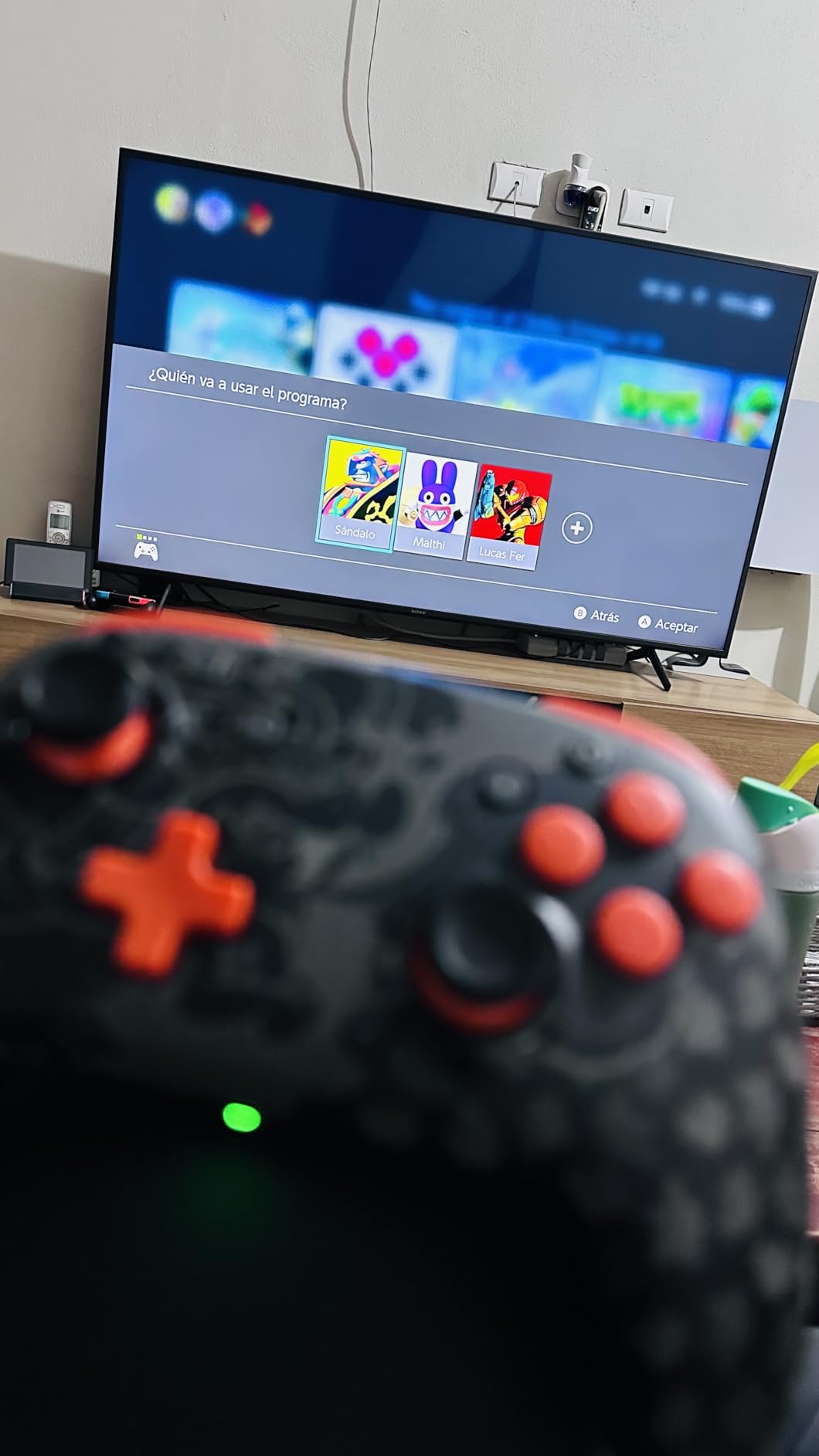
The D-pad is the reason to pick this pad. Platformers, retro titles and menu navigation all benefit from a crisp directional pad, and this is the one in this roundup that owners single out as beating Nintendo’s own.
For a licensed pad at this level with no reported drift, the value comparison against the Pro Controller is the strongest in the group.
What you will miss
There is no vibration on this model, which is a real loss in racing and rhythm games where you feel the road. The triggers are also less refined and noisier than the Pro Controller’s.
It only works with Nintendo Switch, not phones or computers, grip buttons can be pressed when you readjust your hands, and glossy white surfaces pick up smudges quickly.
10. PowerA Advantage Wireless: Best for Mappable Buttons and Drift-Free Sticks
PowerA Advantage Wireless Controller for Nintendo Switch 2 – Black, Officially Licensed, Hall Effects, Mappable Buttons, Pro Controller, C Button, Motion Controls
Hall Effect thumbstick modules
Advanced Gaming Buttons
C Button for GameChat
Up to 30 hours
Pros
- Hall Effect sticks stay smooth
- Back buttons remap without leaving the game
- Very light at 10.56 oz
- Up to 30 hours per charge
Cons
- Cannot wake the console
- Very light feel reads as less premium
- Unconventional bottom button layout
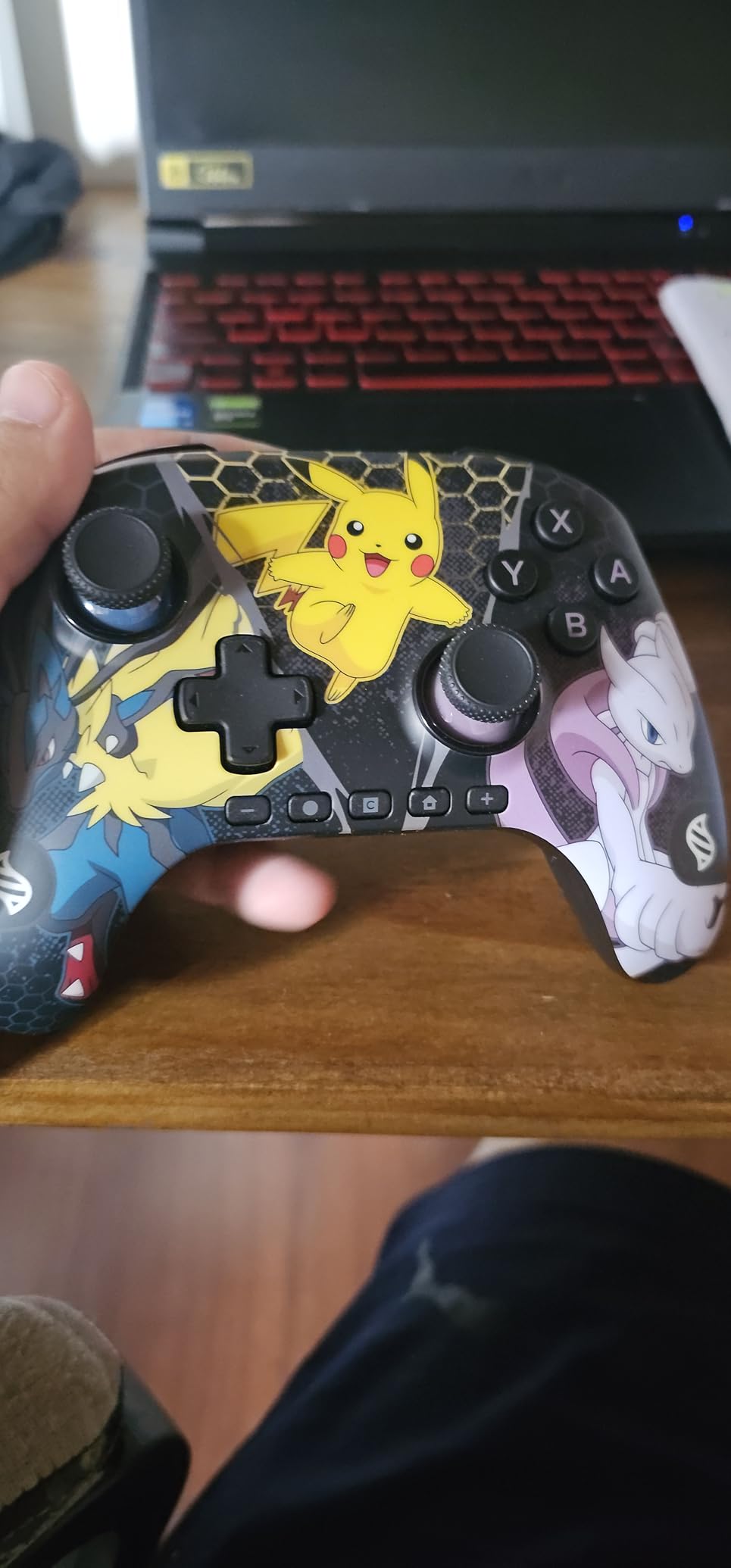
The PowerA Advantage is the most interesting licensed alternative to the Pro Controller, because it pairs Hall Effect thumbstick modules with the one feature third-party pads rarely offer: back buttons you can remap mid-game. The Advanced Gaming Buttons can be programmed without leaving the game or opening system settings, which saves an enormous amount of time in practice.
Owners rate the Hall Effect sticks as smooth and drift-free, and the D-pad is widely preferred to the official Pro Controller’s. The console C Button for GameChat is present, which matters on Switch 2 where several competing pads skip it entirely.
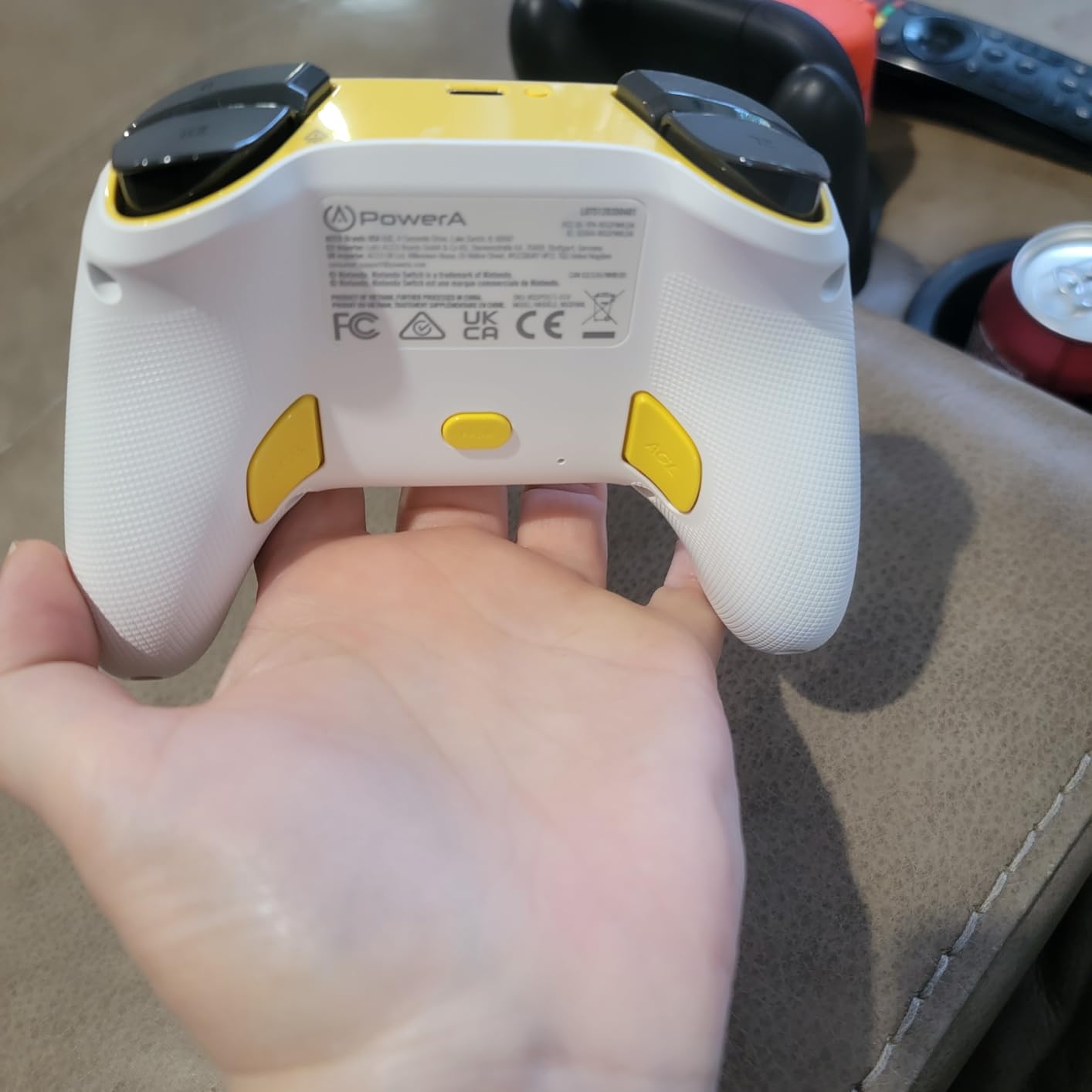
Battery life is up to 30 hours on a rechargeable cell, and the box includes a 10 foot USB-C cable, which is longer than most and reduces cable clutter behind a TV. A two-year limited warranty is a genuine plus for a licensed accessory.
It works with Switch 2, Switch, Switch OLED and Switch Lite, and the licensed artwork runs to Pokemon Mega Evolutions and Mario designs. At 10.56 ounces it is one of the lightest full-size pads we tested.
Why mid-game remapping changes the experience
Most competing pads require a companion app or system settings screen, which means pausing to add a jump button. Doing it mid-game means the mapping is always exactly where you left it.
Combined with Hall Effect sticks, this is a drift-free pad that also handles heavy remapping workloads, which is why it suits games with lots of alternate bindings.
Trade-offs for a lighter feel
It cannot wake the console, which is a small daily annoyance for anyone who likes to pick up a pad and press Home. The very light weight that some buyers like is read by others as less premium in the hand.
The +, -, Home, Capture and C buttons are placed along the bottom rather than in the center, and the start and select position takes getting used to. Expect a week of adjustment.
11. PowerA Enhanced Wireless: Best for Long Battery Life and Lightweight Comfort
PowerA Enhanced Wireless Controller for Nintendo Switch/Switch 2 / Switch Lite/OLED Model – Black – Gamepad, game controller, Officially Licensed
Bluetooth 5.0
Up to 30 hours per charge
Two mappable back buttons
Anti-friction stick rings
8 oz
Pros
- Thirty hours per charge
- Anti-friction rings keep sticks smooth
- Comfortable for long sessions
- Two mappable back buttons
Cons
- No C button so some GameChat features are missing
- Entry-level feel compared with official
- Highest one-star review share here
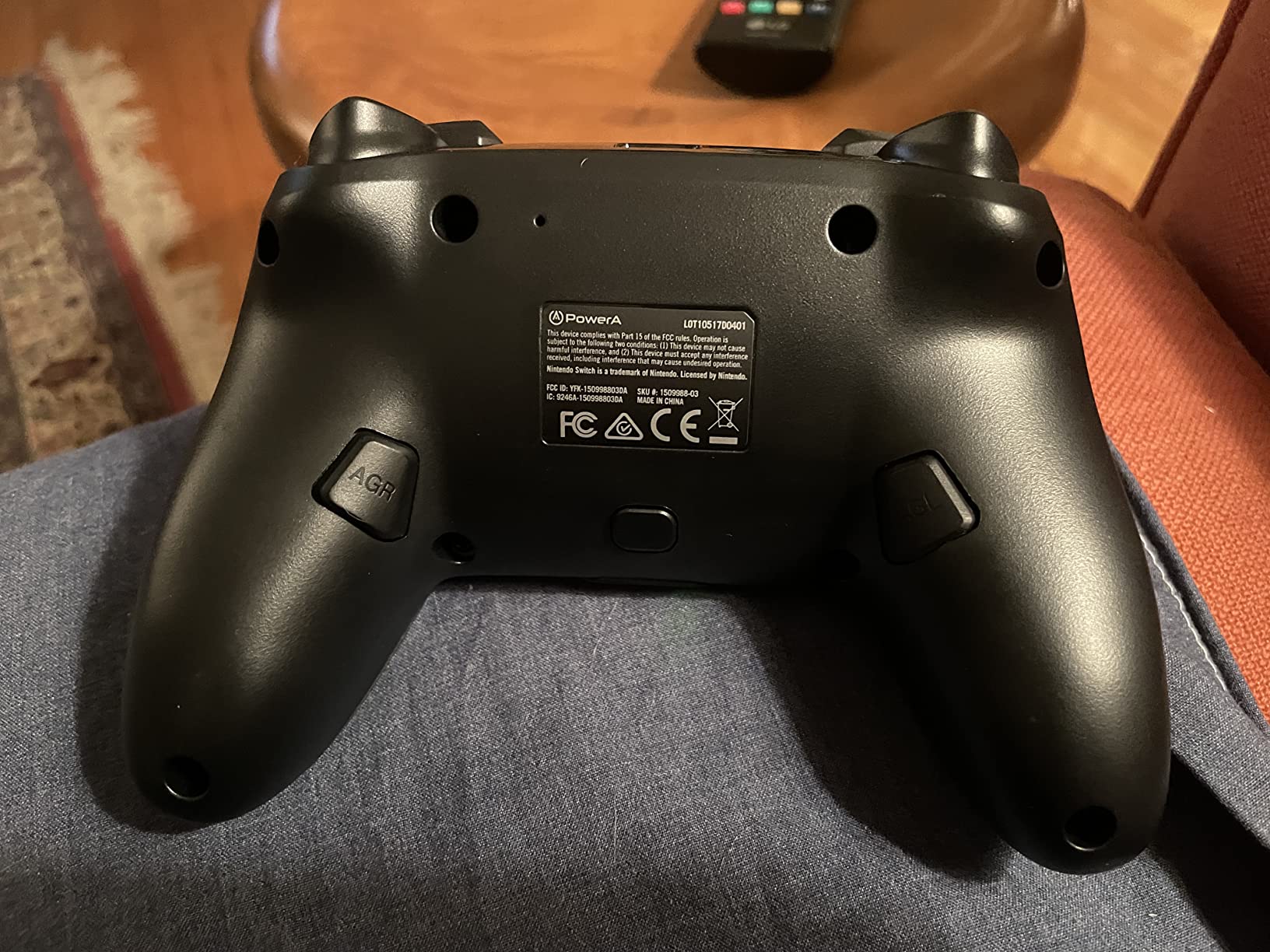
This is the long-running value pick, and with over 6,600 reviews it has the biggest installed base of any mid-priced pad in this roundup. Buyers are getting a rechargeable lithium-ion battery rated at up to 30 hours per charge, Bluetooth 5.0, motion control and two mappable Advanced Gaming Buttons in an officially licensed shell.
At 8 ounces it is the lightest full-size controller we tested, and the ergonomic design is comfortable enough for long play sessions. That combination of low weight and long battery is why it works well as a second pad that lives on a TV stand rather than in a drawer.
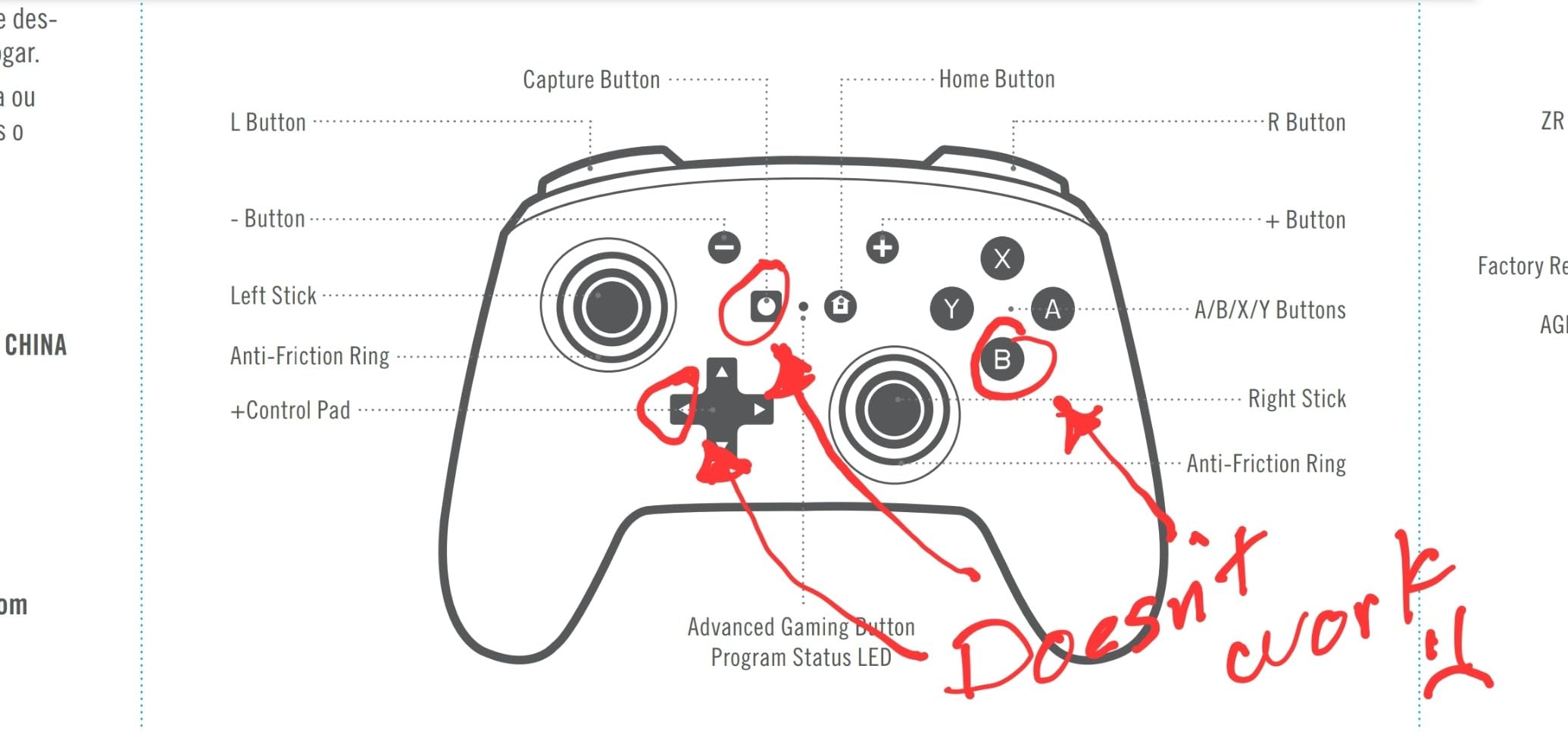
The embedded anti-friction rings around the thumbsticks are the part worth knowing about. They smooth the stick travel and reduce the stickiness that makes cheap pads feel imprecise, which is why owners cite smooth thumbstick control as a consistent reason for choosing it.
It works with Switch, Switch 2, Lite and OLED, though the C button is not available on Switch 2. The box includes the controller, a 10 foot charging cable and a manual, plus a two-year limited warranty.
Best for high-volume, low-maintenance play
Thirty hours per charge means charging roughly once a week rather than every other day, and 8 ounces keeps fatigue down in marathon sessions. For a pad that lives beside the TV, those two numbers matter more than any feature.
The two mappable back buttons and anti-friction rings give it more everyday flexibility than the price would suggest.
Where it shows its budget
Without a C button, some GameChat features are unavailable on Switch 2, which is the main compatibility gap. The build and button feel are entry-level next to the official Pro Controller.
Its share of one-star reviews is among the highest of any controller in this roundup, and reviewers are candid about that. If build quality and long-term feel matter most, spend more.
12. Fliresy 2 Pack with Charging Dock: Best Bundle with a Charging Dock Included
Switch Controllers 2 Pack with Charging Dock, Switch 2 Controller for Nintendo Switch/Switch 2/OLED/Lite, RGB Wireless Switch 2 Pro Controller with Wake up/6-Axis Gyro/Dual Vibration/Turbo/Screenshot
Two controllers plus dock
Charges 2 pads and 4 Joy-Cons
800 mAh each
10-12 hours play
Pros
- Two controllers and a dock in one box
- Dock charges two pads and four Joy-Cons
- Quick pairing with no input lag
- RGB lighting and adjustable vibration
Cons
- One report of Switch 2 problems and drift
- Lighter than the official Pro Controller
- Settings take effort on first use
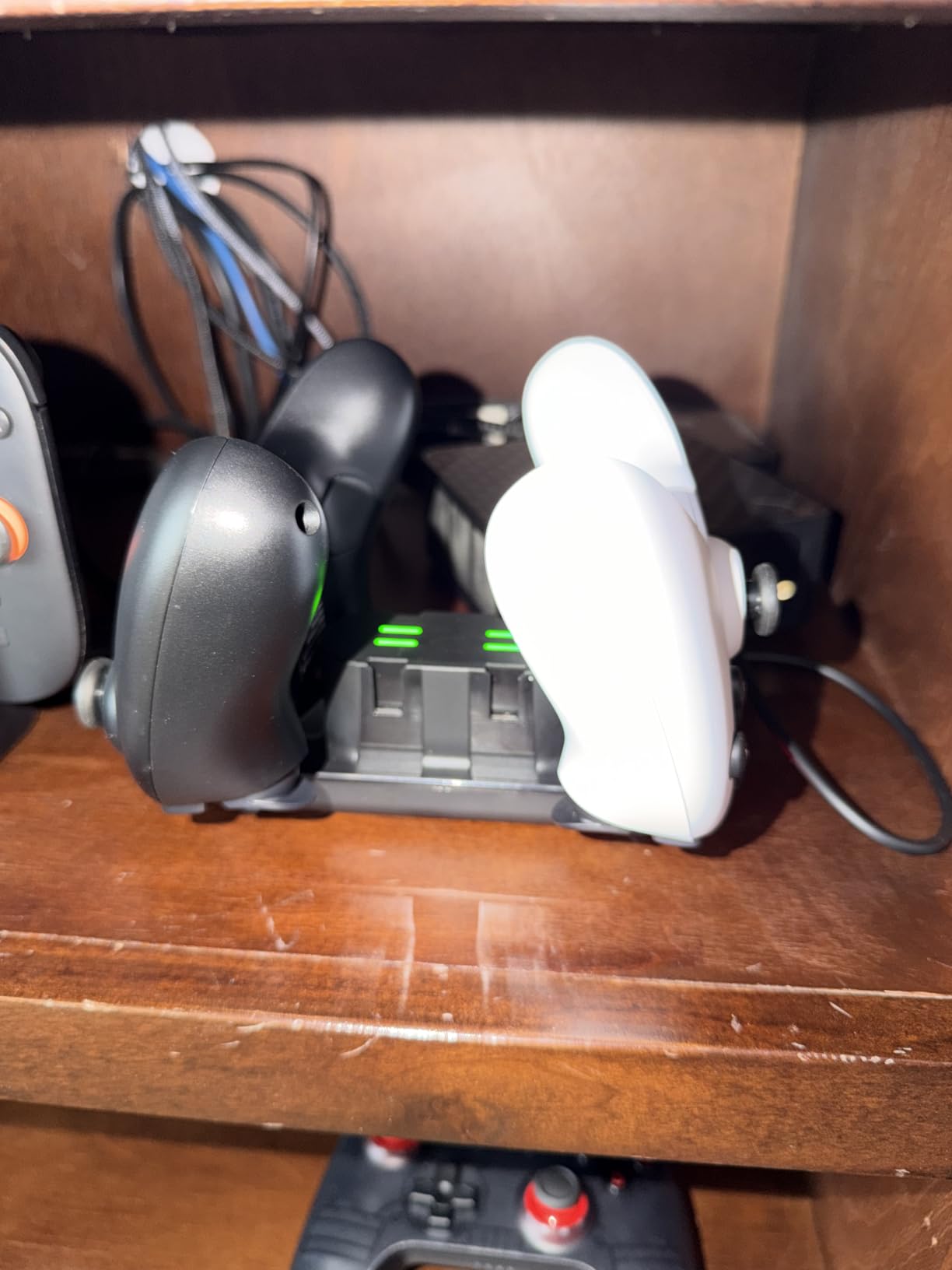
Most two-packs give you two controllers and nothing else. This one includes a charging dock that handles two Pro-style controllers and four Joy-Cons, with a charge indicator light per slot. For a household that owns Joy-Cons as well, that is the feature that makes the bundle work, and buyers focus on it for that reason.
The package list is long for the money: two controllers, three USB cables, the dock, a manual and a 24-month warranty. The black and white pairing looks deliberate rather than accidental, and the controllers are comfortable with crisp buttons that do not feel flimsy.
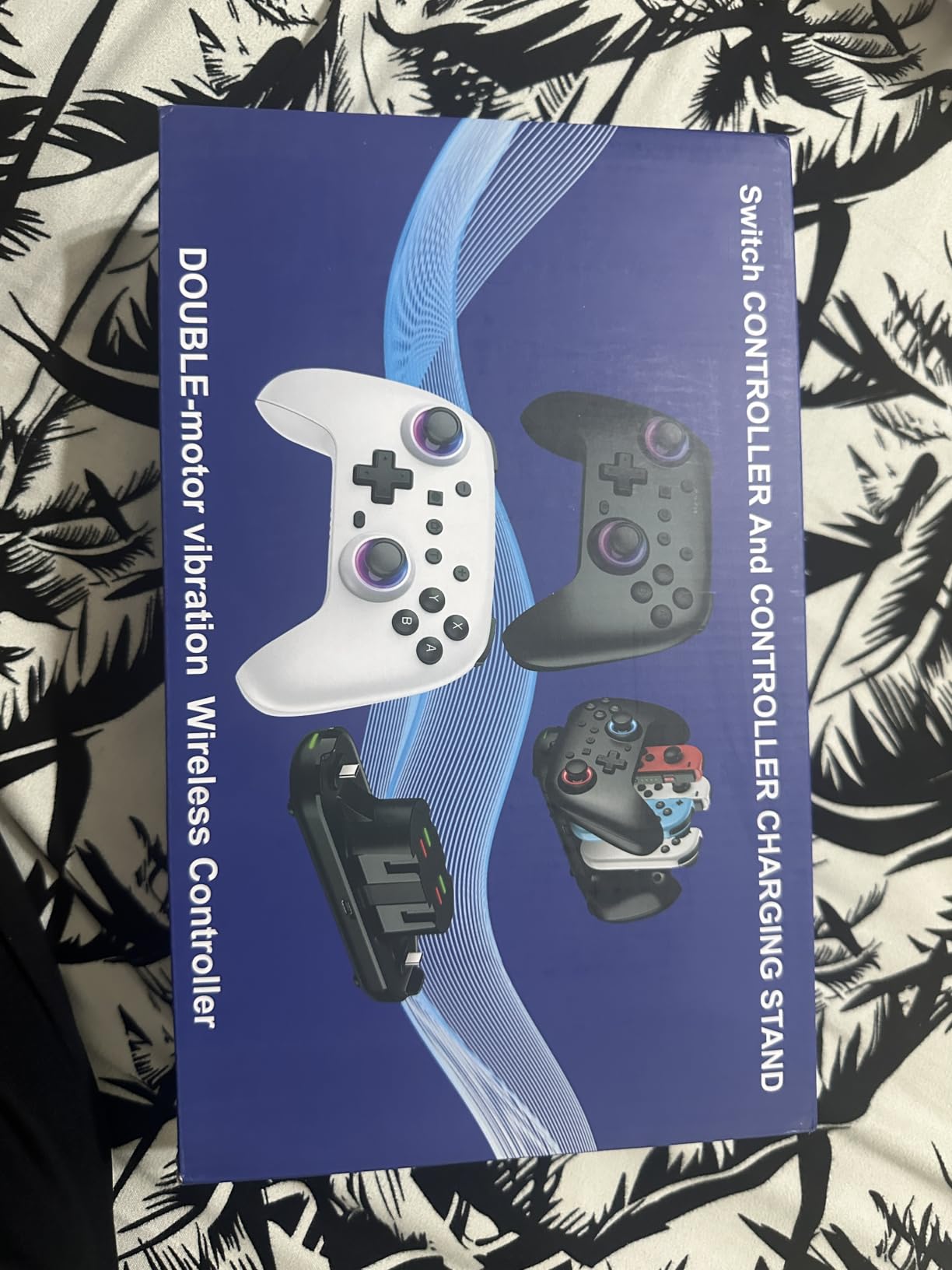
Each controller has an 800 mAh battery for 10 to 12 hours of play, four-level dual vibration, a 6-axis gyroscope, motion sensor, wake-up, turbo at 5, 10 or 15 Hz and a screenshot function. RGB lighting offers seven colors and four modes around the joysticks.
Compatibility is unusually wide, covering Switch, Switch 2, OLED, Lite, Windows PC, iOS and Android. Owners report quick, reliable pairing with no input lag, and auto-sleep after five minutes of inactivity protects the batteries.
Why the dock changes the value math
Buying a dock separately for a two-pack would cost more than the controllers themselves. With this bundle, two players each get a pad, a home for each pad, and a place to keep Joy-Cons charging.
The per-slot indicator lights are a small detail that removes the usual guesswork about which controller is charged, and the 24-month warranty is the longest listed here.
Reasons to look elsewhere
One detailed review reports poor Switch 2 compatibility along with stick drift, which is worth taking seriously if that console is your main system. The sticks are conventional rather than Hall effect, so drift risk is higher than on the AceGamer or Ultimate 2C.
It is also lighter than the official Pro Controller and the settings take some effort to work out on first use. With 269 reviews, the long-term track record is the thinnest in this roundup.
How to Choose a Switch Controller in 2026
Start with drift, because everything else is secondary. Stick drift is a hardware wear problem in potentiometer sticks: a resistive contact point degrades, so the console reads a small input when your thumb is resting. Recalibration only hides it for a while. Hall effect sticks measure a magnetic field and have no contact to wear, which is why the AceGamer, the 8BitDo Ultimate 2C and the PowerA Advantage are the picks to shortlist if drift is what you are trying to escape.
Set realistic expectations. Community consensus is that Hall effect is a delay, not a permanent cure, and that it still outperforms potentiometer sticks by a wide margin. In practical terms, Hall effect and TMR sticks are how you stop thinking about drift rather than how you fix an existing pad.
Deciding between stick types
Potentiometer sticks are the traditional design and the cheapest to produce. Hall effect sticks use magnets and optical sensing to track position, and TMR sticks pair a magnet with a sensor that never touches the stick module. Both of the latter are sold at entry-level prices now, so there is rarely a reason to accept potentiometer sticks on a new purchase in 2026.
The exception is Nintendo’s own hardware, which still uses potentiometer sticks. Owners report drift on brand-new Pro Controllers and Joy-Con pairs, which is why the official pad wins on features but not on longevity.
Deciding between HD rumble, amiibo and audio
HD rumble is the Nintendo-developed rumble technology that reproduces low-frequency texture rather than a generic buzz. Joy-Con and the official Pro Controller do it best, and several third-party pads here offer ordinary dual vibration instead. For most games the difference is subtle; for racing and rhythm games it is not.
Amiibo support needs an NFC reader, and the only pick on this list with one is the Nintendo Switch 2 Pro Controller. If you use amiibo, start there and stop reading. The same pad is the only one with a 3.5mm headphone jack, which matters if you use a TV and wired headset rather than the Switch speaker.
Choosing a shape for handheld or docked play
Handheld play narrows the field fast. Split designs attach to the rails and keep your thumbs on the controls, while full-size pads in handheld mode leave the screen partly covered. If you game on a Switch Lite, weight matters as much as size, and the lightest full-size options here are the PowerA Enhanced at 8 ounces and the PDP REMATCH GLOW at 12 ounces.
Docked play is where grip shape starts to matter. Offset sticks, symmetrical sticks and vertical handles all feel different after an hour, and the most common long-session complaint in forum threads is hand soreness from a grip that does not match your hand. If you have small hands, our pick is the AceGamer pair, which owners specifically say suits both adults and children.
What Switch 2 compatibility actually means
Most controllers in this roundup work on Switch 2, but with caveats that vary by product. The 8BitDo Ultimate 2 and the Ultimate 2C both need a firmware update on the controller, and for the Ultimate 2 the adapter needs one too. The PowerA Enhanced has no C button, so some GameChat features are unavailable. Wake-on-shake does not work on Switch 2 for the Ultimate 2C, the AceGamer pair or the ELISWEEN pad.
Check the compatibility notes before you buy rather than after. The Switch 2 Pro Controller is the only pad here designed for that console alone, and the PDP Afterglow is licensed and works on both without any update.
Using the controllers you already own
If you have a PS5 or Xbox controller gathering dust, a USB adapter such as the 8BitDo Wireless Bluetooth USB Adapter 2 connects it to the Switch dock or handheld port, and the controller pairs over Bluetooth as if it were a Pro Controller. This is a real option rather than a compromise, and it saves buying a second pad entirely.
The limitation is that adapter-based pairing is usually limited to a small number of controllers at once, and features like HD rumble, motion and amiibo do not carry across. For our full PC-side picks, the 8 best PC controllers we ranked breaks down what you lose when you move from PC to console.
Matching a controller to your games
For fighting games, Super Smash Bros and anything competitive, stick precision and trigger quality come first, which points to the Switch 2 Pro Controller or the 8BitDo Ultimate 2 with its switchable Hall Effect triggers. If you want a full lever-and-button setup instead of a pad, read our 8 best arcade sticks for Switch guide before buying.
For retro and 2D platformers, D-pad quality is the deciding spec, and the 8BitDo Ultimate 2C and the PDP REMATCH GLOW are the two that owners single out. Our 10 best retro controllers covers the wider category if you want something that looks the part as well.
For Mario Kart and local multiplayer, battery life and a two-pack matter more than anything else. The Fliresy bundle covers two players plus a dock, and the AceGamer pair solves drift for both at once. If your game library leans toward arcade cabinet ports, the 10 best arcade controllers roundup is the natural follow-up read.
Frequently Asked Questions
Which is better, Joy-Con or Pro controller?
The Pro controller wins for one player in docked mode, with a fuller grip, better buttons and a layout that suits long sessions. Joy-Con win for two players on one console and for motion games, because each one has its own gyro sensor and its own buttons. Many owners buy both, using Joy-Con for multiplayer and a full-size pad for solo play.
Do non-Nintendo brand controllers work on Switch?
Yes. Licensed and unlicensed third-party controllers all connect to Switch and Switch Lite over Bluetooth, and most also work on Switch 2 either out of the box or after a firmware update. What you lose is usually amiibo, HD rumble, console wake and the headphone jack, so check those four specs before buying.
What is the best Hall Effect controller for Nintendo Switch?
The PowerA Advantage Wireless is the pick for licensed hardware, with Hall Effect thumbstick modules, mappable back buttons and a two-year warranty. The AceGamer two-pack is cheaper and includes Hall Effect sticks rated to 5 million rotations, while the 8BitDo Ultimate 2C offers Hall Effect sticks with a refined D-pad for retro play.
Do Hall Effect joysticks get drift?
Hall effect joysticks do not develop the usual drift, because they measure a magnetic field instead of a worn resistive contact point. The mechanism removes the cause rather than delaying it, so they hold calibration far longer than potentiometer sticks. It is not a promise of perfection, so treat it as the reason drift stops being a problem rather than a guarantee.
What is the best Switch controller for small hands?
The AceGamer two-pack is the safest answer, because owners describe the weight and shape as comfortable for both adults and children. The PDP REMATCH GLOW at 12 ounces and the PowerA Enhanced at 8 ounces are the lightest full-size options, while the Joy-Con pair is compact by design. Avoid the narrow grips on 8BitDo models if your hands are small, since that is the most common fit complaint in owner reviews.
Will my Switch controller work on Switch 2?
Most controllers in this roundup work on Switch 2, but check for a firmware update and for feature losses. The 8BitDo Ultimate 2 and Ultimate 2C need a controller update, and the Ultimate 2 also needs an adapter update. The PowerA Enhanced has no C button, and wake-on-shake does not work on Switch 2 for several pads. The Nintendo Switch 2 Pro Controller is the only one designed for that console alone.
Final Verdict: Our Best Controllers for Switch
The Nintendo Switch 2 Pro Controller takes our top spot for the best controllers for Switch because it is the only pad here with HD Rumble 2, motion controls, amiibo, a headphone jack, remappable rear buttons and console wake in one shell. If drift is what you are escaping, the PowerA Advantage Wireless and the AceGamer two-pack both use Hall Effect sticks at far less money, and the 8BitDo Ultimate 2 adds TMR sticks plus a charging dock for owners who also play on PC.
For handheld sessions, keep the Joy-Con pair for motion games and multiplayer, and reach for the 8BitDo Ultimate 2C or the PDP REMATCH GLOW when a crisp D-pad matters. For two-player nights, the Fliresy bundle and the Lyyes pair cost less than a single official pad between them.
Whichever you choose, run it through a few sessions on your own console before settling, because pairing behavior and Switch 2 support vary more than the boxes suggest.