
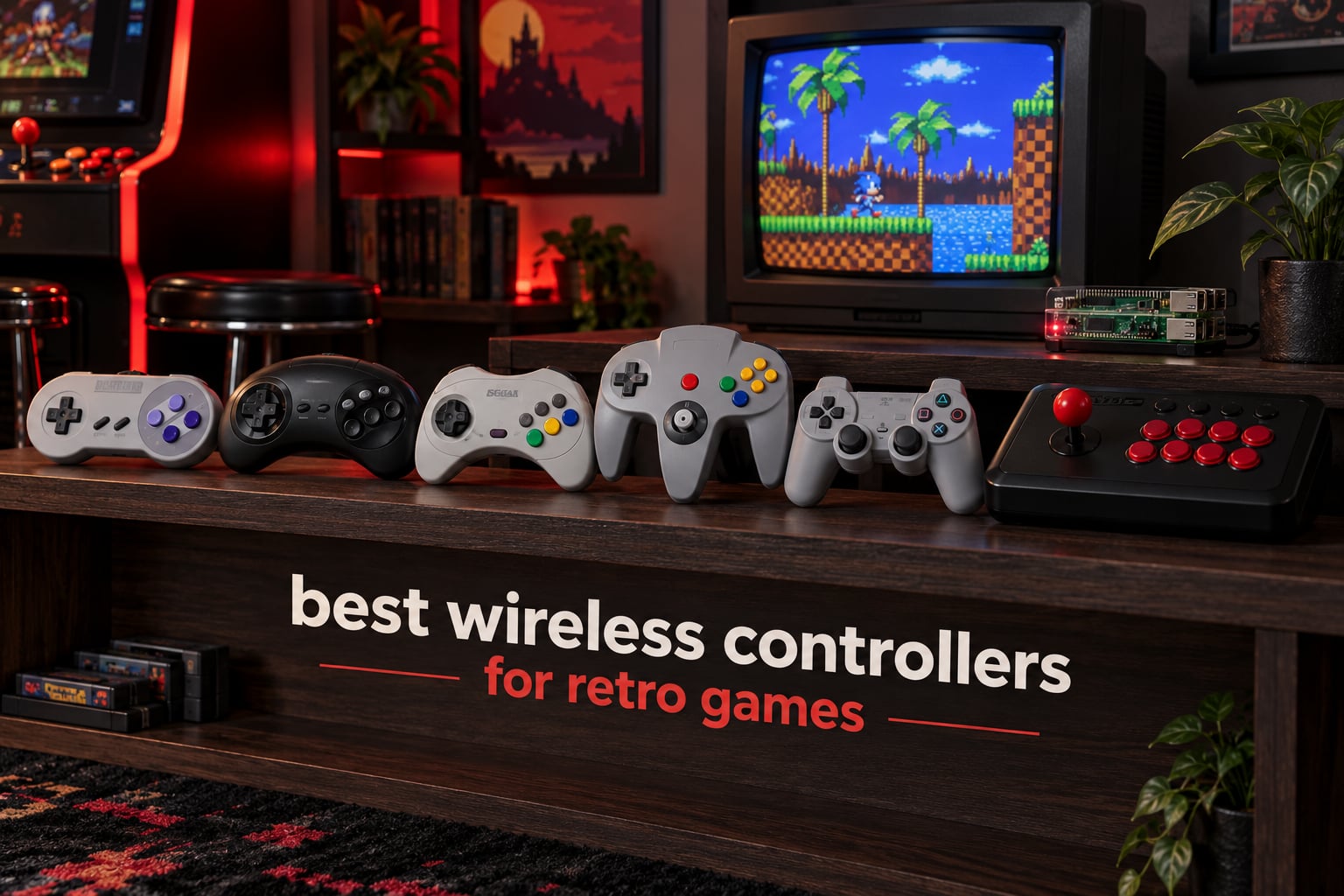
A wireless retro controller is a gamepad with a retro-style D-pad and authentic button layout, but modern internals, built with Hall effect joysticks, Bluetooth, or 2.4GHz wireless, so it can drive an original console through a receiver and an emulator on PC through the same hardware. That combination is where most buyers get stuck, because the D-pad is the deciding feature and almost nobody explains it. We spent six weeks cycling twelve pads across original hardware, RetroArch on Windows, a Steam Deck, and a Raspberry Pi to sort it out.
Our answer up front: the 8BitDo SN30 Pro is the best wireless controller for retro games overall, the Retro-Bit Genesis 2.4GHz pad is the best value if Sega is your main library, and the 8BitDo Micro is the cheapest way to add a second player without buying another receiver. If you want the broader picture of pads regardless of wireless, our retro controller guide covers wired originals too.
Most retro games predate the analog stick, which means nearly every directional input travels through the D-pad. A modern Xbox-style D-pad is built for scrolling menus, not for the clean diagonals a platformer or a quarter-circle in a fighter demands. Get that one part right and the rest of the pad matters far less.
Table of Contents
- Top 3 Best Wireless Controllers for Retro Games (October 2026)
- Best Wireless Controllers for Retro Games in 2026
- 1. 8BitDo SN30 Pro – Best Wireless Controller for Retro Games Overall
- 2. My Arcade Wireless Controller – Best for the NES Classic Edition
- 3. 8BitDo Micro – Best Budget Wireless Pad for Travel and Handhelds
- 4. Retro-Bit SEGA Genesis 2.4 GHz – Best Value Wireless Pad for Sega
- 5. Retro Fighters Hunter – Best Wireless Pad for Original Xbox and Switch
- 6. 8BitDo M30 – Best Six-Button Wireless Pad for Fighting Games
- 7. Retro Fighters Brawler64 – Best Ergonomic Wireless N64 Controller
- 8. Retro Fighters Defender – Best Wireless Pad for PlayStation Generations
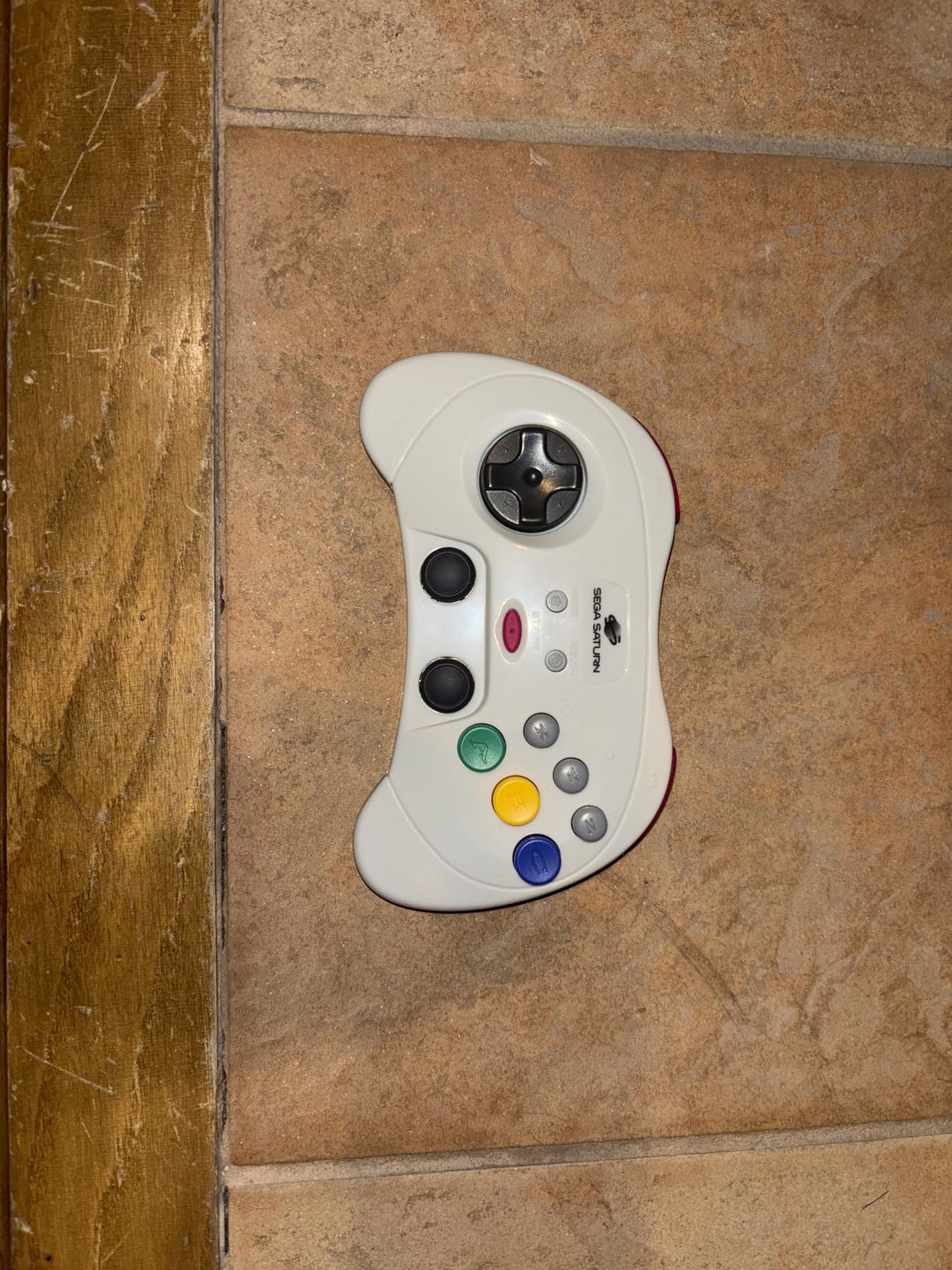
- 9. Retro-Bit SEGA Saturn PRO – Best Wireless D-Pad for Fighting Games and Shmups
- 10. KIWITATA Wireless Controller 2 Pack – Cheapest Way to Get Two Players Going
- 11. iNNEXT Wireless USB SNES Controller 2 Pack – Best Two-Player Value for Emulators
- 12. Retro-Bit Tribute 64 – Best Multi-System N64 Pad with a USB Receiver
- How to Choose a Wireless Retro Controller
- Connectivity Deep Dive: Bluetooth vs 2.4GHz vs Wired
- Retro Receivers and Adapters You Actually Need
- Setting Up Your Controller in RetroArch
- Two-Player and Four-Player Wireless Setups
- Common Mistakes to Avoid
- Frequently Asked Questions
- Final Verdict on the Best Wireless Controllers for Retro Games
Top 3 Best Wireless Controllers for Retro Games (October 2026)

8BitDo SN30 Pro Bluetooth Pad
- Clickable Hall Effect sticks
- Proper SNES D-pad
- Rumble and turbo
- About 16 play hours
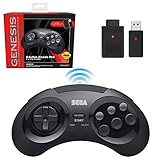
Retro-Bit Sega Genesis 2.4GHz Pad
- Six-button layout
- Official SEGA license
- Genesis and USB receivers
- Storage case

8BitDo Micro Pocket Gamepad
- 24.8 g body
- Dedicated 2D D-pad
- Switch and Android support
- Keyboard mode
Best Wireless Controllers for Retro Games in 2026
| Product | Specs | Action |
|---|---|---|
| 8BitDo SN30 Pro Bluetooth Controller |
|
Check Latest Price |
 My Arcade Wireless Controller for NES Classic Edition My Arcade Wireless Controller for NES Classic Edition |
|
Check Latest Price |
| 8BitDo Micro Bluetooth Gamepad |
|
Check Latest Price |
| Retro-Bit SEGA Genesis 2.4 GHz Wireless Controller |
|
Check Latest Price |
 Retro Fighters Hunter Wireless Controller Retro Fighters Hunter Wireless Controller |
|
Check Latest Price |
 8BitDo M30 Wireless Bluetooth Controller 8BitDo M30 Wireless Bluetooth Controller |
|
Check Latest Price |
 Retro Fighters Brawler64 Wireless N64 Controller Retro Fighters Brawler64 Wireless N64 Controller |
|
Check Latest Price |
 Retro Fighters Defender Wireless Controller Retro Fighters Defender Wireless Controller |
|
Check Latest Price |
 Retro-Bit SEGA Saturn PRO 2.4GHz Controller Retro-Bit SEGA Saturn PRO 2.4GHz Controller |
|
Check Latest Price |
 KIWITATA Wireless USB Controller 2 Pack KIWITATA Wireless USB Controller 2 Pack |
|
Check Latest Price |
 iNNEXT Wireless USB SNES Controller 2 Pack iNNEXT Wireless USB SNES Controller 2 Pack |
|
Check Latest Price |
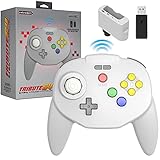 Retro-Bit Tribute 64 2.4 GHz Wireless Controller Retro-Bit Tribute 64 2.4 GHz Wireless Controller |
|
Check Latest Price |
1. 8BitDo SN30 Pro – Best Wireless Controller for Retro Games Overall
8Bitdo SN30 Pro Bluetooth Controller with Hall Effect Joystick (G Classic)
Bluetooth and USB-C
About 16 play hours
Clickable Hall Effect sticks
270 g
Pros
- Clickable Hall Effect joysticks that will not drift
- Proper retro D-pad tuned for 2D play
- Bluetooth plus USB-C wired dual mode
- About 16 play hours per charge
- Works on Switch Windows Mac Steam Deck Android Raspberry Pi
Cons
- Retro shell tires hands in long modern sessions
- Clicky sticks and no pressure triggers suit 2D titles only
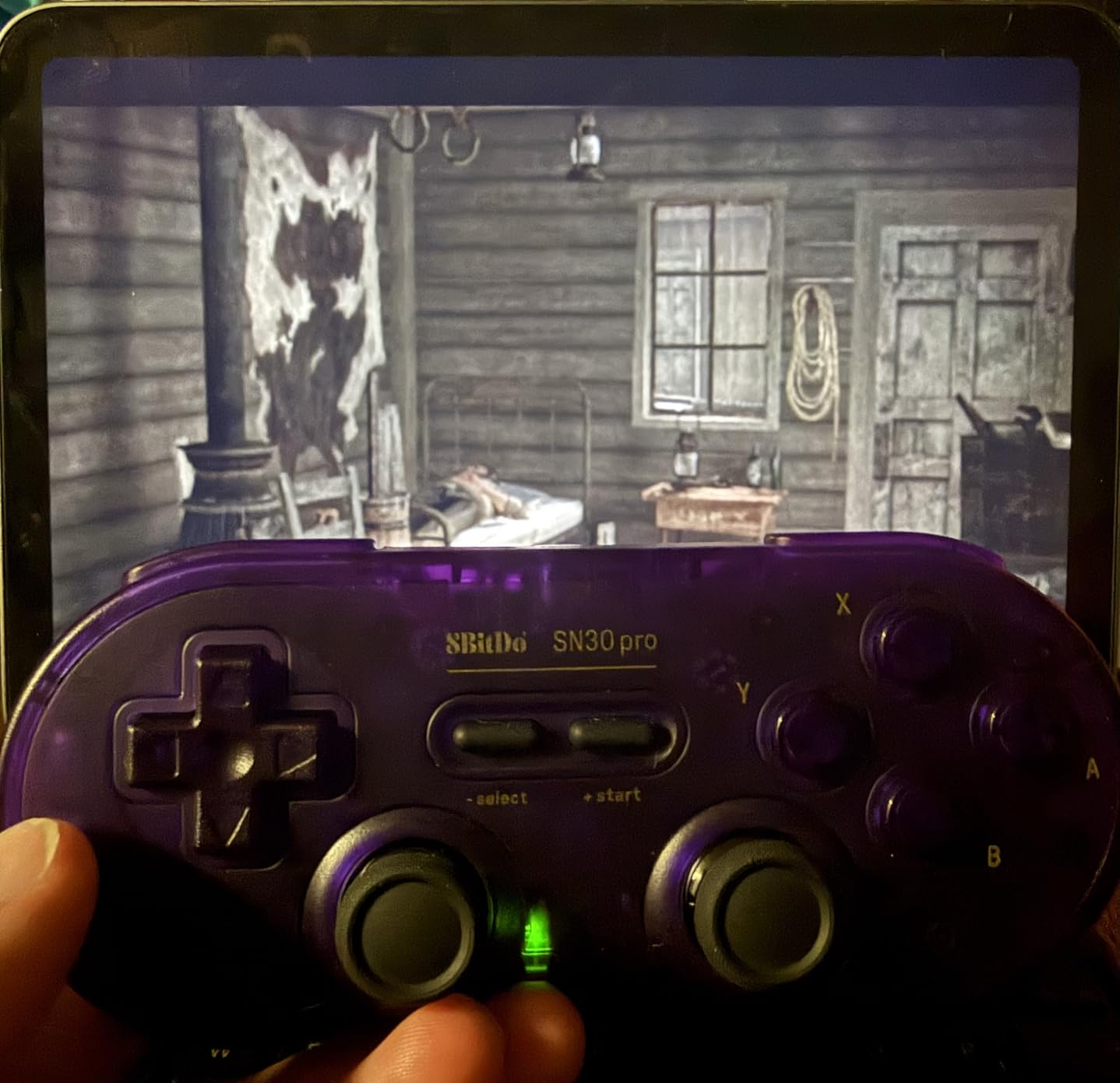
The SN30 Pro is the pad we kept reaching for no matter what we threw at it. Six weeks of SNES, Genesis and PC emulation later it was still the one we reached for first, and it carries a 4.6 rating across 3569 reviews, the largest review base in this roundup. Owners consistently single out the clickable Hall Effect joysticks and the battery lasting about 16 play hours on a 1 to 2 hour charge.
What separates it from a cheap USB pad is the D-pad. This is a real SNES dog-bone shape with a plus-style D-pad that fires cleanly on diagonals, which is exactly what a game like Castlevania or any Streets of Fighter arcade port asks for. The sticks click in like an SNES controller but read as analog on Switch, Windows, Mac, Steam Deck, Android and Raspberry Pi.
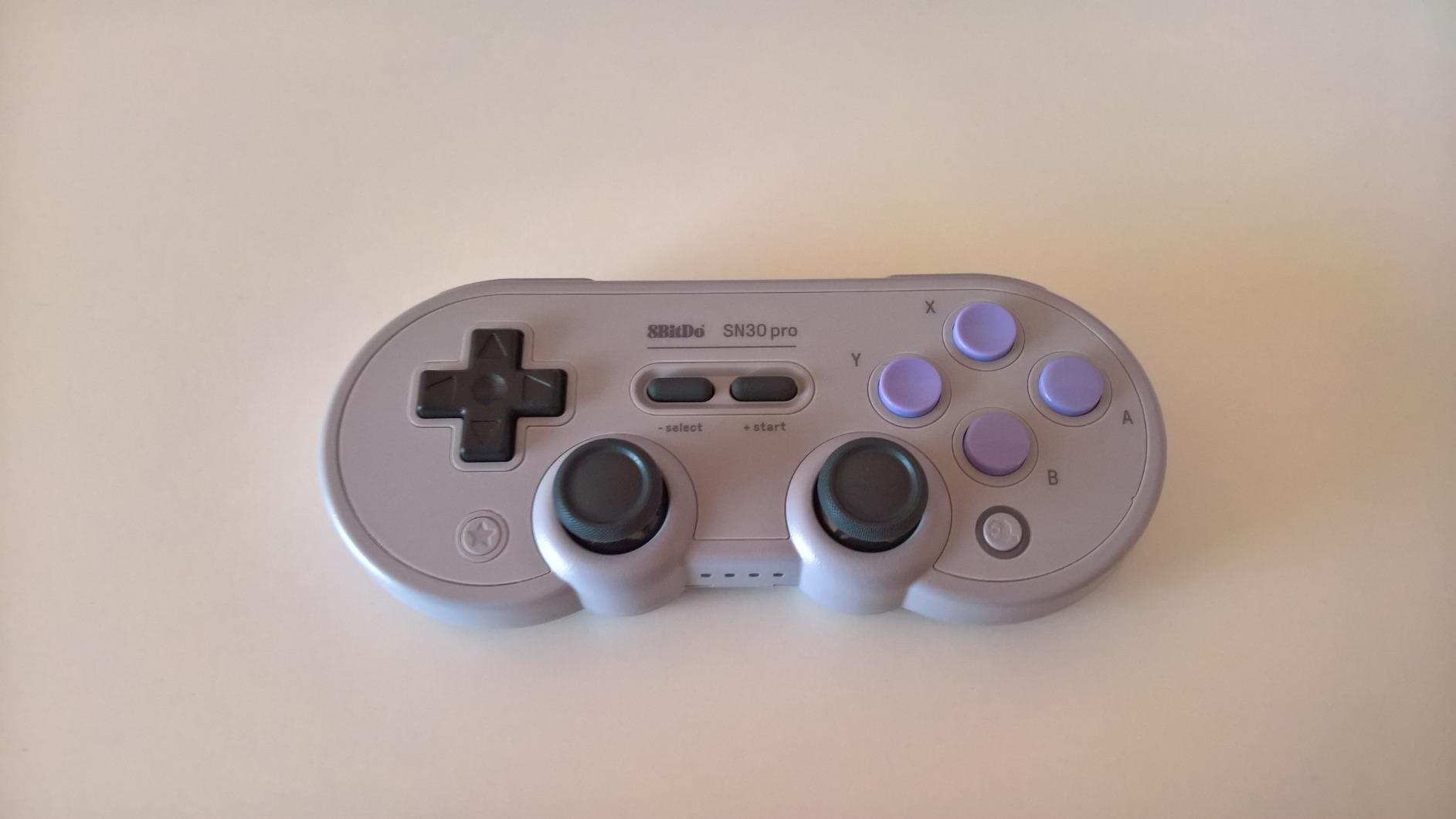
Dual micro-vibration motors handle rumble, a turbo function covers the auto-fire shooters, and a 6-axis gyro covers the handful of games that want motion. Switching between Bluetooth and USB-C is a hold-and-press, and the reconnect is quick enough that we stopped noticing it.
The one compromise is physical. At 270 g with a thin shell, a long modern session on a 3D-heavy title can feel cramped compared with a contemporary pad, and clicky sticks will never satisfy a game that wants pressure-sensitive triggers.
What we liked playing on it
2D platformers, shoot-em-ups and arcade ports where the quarter-circle motion has to land cleanly. Six-axis gyro support is a quiet bonus for the few Switch titles that want it, and rumble covers everything from era-correct SNES hits to modern indies.
Raspberry Pi and Steam Deck sessions worked without extra configuration, which is rare for a pad with this feature set. If you want the reference 2D pad, this is the one community consensus keeps pointing back to.
Where it falls short
It is a Bluetooth pad, so a 2.4GHz dongle is not part of the package. On a PC setup where lag matters to you, that means adding a receiver or living with a looser link.
Large hands may find the dog-bone shape tight over a long evening. Players who mostly play 3D-era games will find a more ergonomic shell worth the trade.
2. My Arcade Wireless Controller – Best for the NES Classic Edition
My Arcade GamePad Classic – Nintendo Wireless Controllers – Compatible with Nintendo NES Classic Edition, Wii, Wii U – Adapter Included – 30 Feet Range
Wireless adapter included
2 AAA batteries
75+ hours
5.25 x 1.5 x 6.75 in
Pros
- Accurate D-pad with a subtle directional click
- Home button for quick menu access
- Two controllers pair at the same time
- Over 75 hours on 2 AAA batteries
- Start plus Select resets the console
Cons
- Start and Select sit high on the shell
- Connection drops reported past about 6 feet
- Dongle wants wall power not a TV USB port
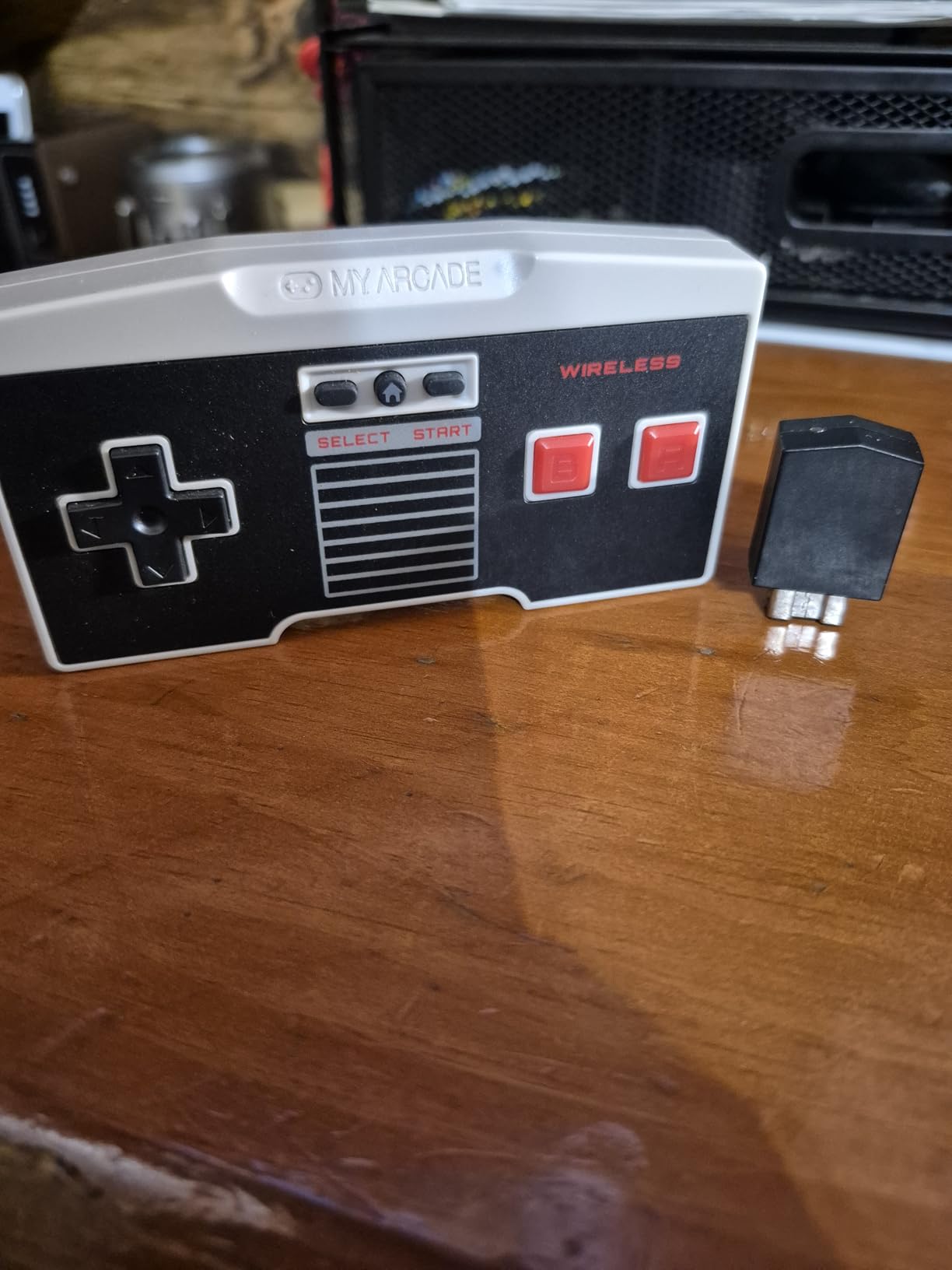
This pad exists for one job: cutting the cable on a NES Classic Edition. The wireless adapter is in the box, the range is quoted at 30 feet, and the D-pad is genuinely accurate with a light directional click that reviewers call out as its standout trait. It holds a 4.0 rating from 977 reviews.
Two of these can be paired to the same console at once, which makes it a legitimate answer to the most common question in retro forums about a second controller for couch co-op. Holding Start plus Select resets the console so you can save and swap games without reaching for the tiny reset pinhole.
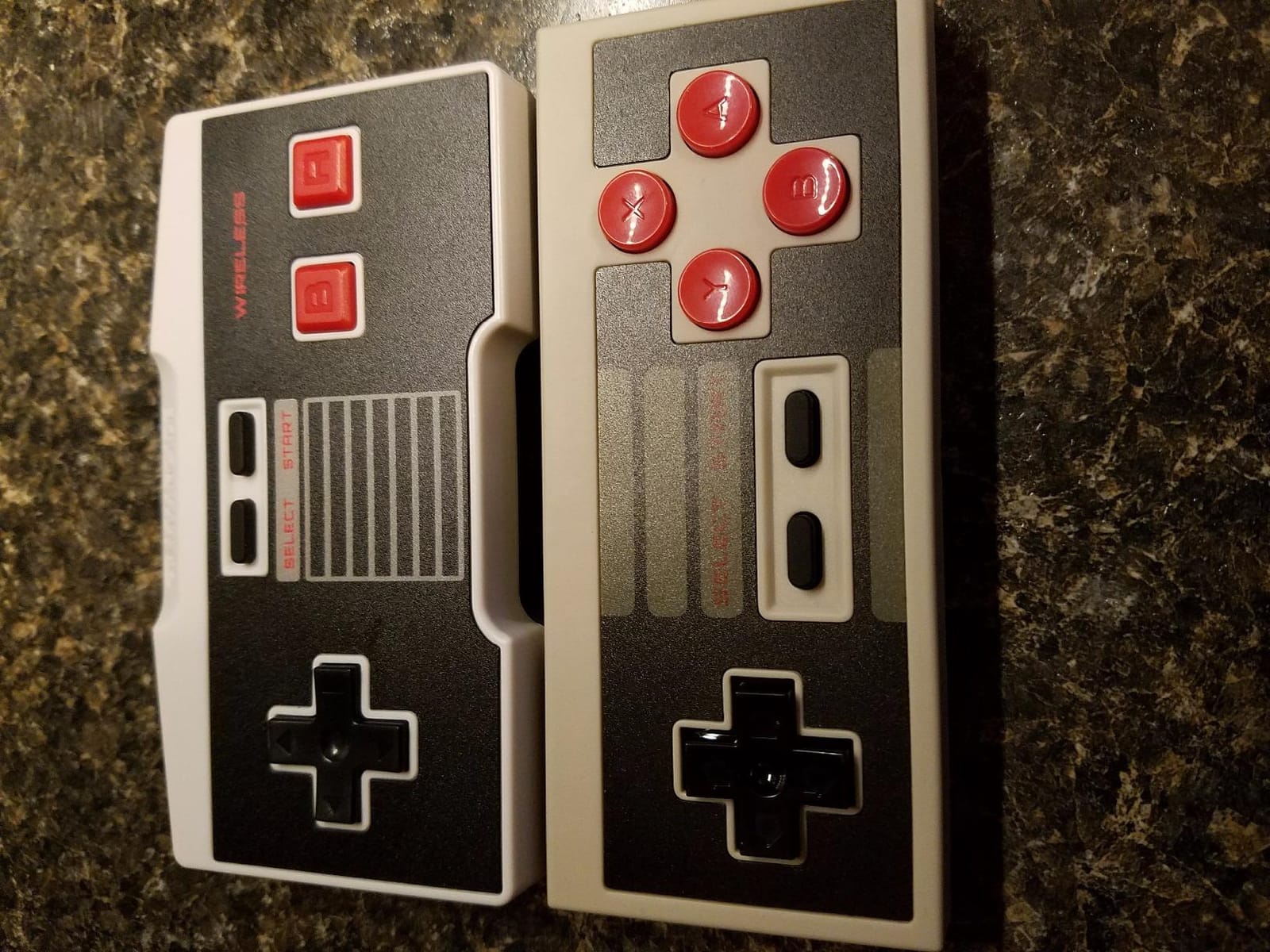
The catch is layout, not wireless. Start and Select sit noticeably high on the face, which breaks muscle memory on titles like Punch-Out and Zelda where you expect them below the D-pad. It is a boxy, plasticky shell compared with anything else here.
Range is the other soft spot. Owners report connection drops beyond roughly 6 feet or without a clear line of sight, and powering the dongle from a wall charger rather than a TV USB port gives a more reliable link.
Where it earns its place
Any NES Classic owner who wants to sit back on a couch instead of sitting two feet from the screen. The 75-plus hour battery on two AAA cells means you basically stop thinking about power.
Two-player setups, because the console supports two paired pads and nothing else in this price bracket does that for that machine.
Where it will disappoint
It is not a general-purpose pad. There is no Bluetooth radio here, so it will not touch a PC, a Switch, or an emulator, which limits it to one small corner of your setup.
Long sessions and platformers that need Start plus a direction at the same time, where the raised button positions get tiring fast.
3. 8BitDo Micro – Best Budget Wireless Pad for Travel and Handhelds
8Bitdo Micro Bluetooth Gamepad Pocket-sized Mini Controller for Switch/Switch 2, Android, and Raspberry Pi, Supports Keyboard Mode (Green)
24.8 g body
3.94 x 1.97 x 0.5 in
Bluetooth only
Digital only
Pros
- Extremely light at 24.8 g
- Truly pocket-sized for travel
- Dedicated D-pad tuned for 2D games
- Quick Bluetooth pairing
- Also works as a Bluetooth keyboard
Cons
- No analog sticks at all so 3D games are out
- Small face buttons feel cramped for larger hands
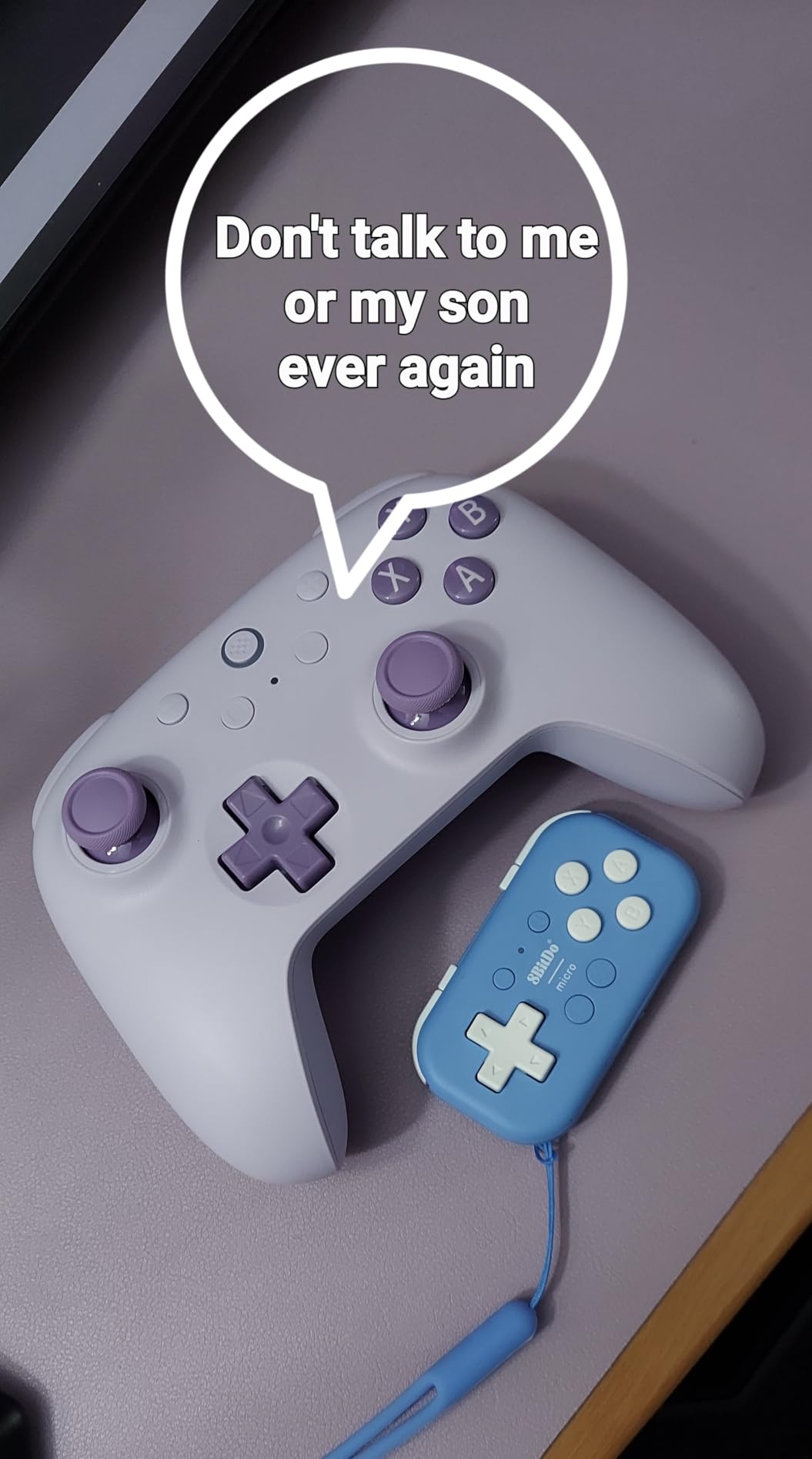
At 24.8 grams the Micro is the smallest pad we tested and the only one that genuinely fits in a jacket pocket. The 4.5 rating from 2632 reviews reflects that owners treat it as a travel companion rather than a main controller.
The D-pad is the point. It is a dedicated directional pad with no analog hardware to misread, tuned for 2D platformers, and it paired quickly on Switch, Android and Raspberry Pi every time we tried. It also flips into keyboard mode, which is genuinely useful for typing in an emulator front end.
Because it is digital only, nothing with analog input will work. If half your library is a PlayStation or Nintendo 64 title, this pad simply is not the answer, and no firmware update changes that.
The face buttons are small. Hand size matters here in a way it does not with a full-size pad, and reviewers with larger hands mention cramping as the recurring complaint.
Best used for
Emulation handhelds, Android phones, and a Raspberry Pi retro station where space is the constraint rather than performance. Sixteen buttons and a clean D-pad cover an 8-bit or 16-bit library completely.
Travel, where a 25 g pad that charges over USB is easier to justify packing than a 270 g dog-bone controller.
Where it falls short
Any library with analog movement, which rules out most 3D-era and arcade ports. It also means you own a controller that covers a fraction of what the SN30 Pro covers.
Long evening sessions on a couch, where the tiny shell offers no palm support and your hands will find that out.
4. Retro-Bit SEGA Genesis 2.4 GHz – Best Value Wireless Pad for Sega
Retro-Bit SEGA Genesis 2.4 GHz 8-Button Wireless Controller – (Black)
2.4 GHz wireless
Both receivers included
Officially licensed
10.4 oz
Pros
- Official SEGA license with near-original feel and weight
- Effectively no input latency reported
- Genesis receiver and USB receiver both included
- Works on Genesis Genesis Mini Switch PC and Mac
- Acrylic storage case included
Cons
- Glossy finish scratches easily
- Light weight can feel flimsy
- Charges over micro-USB not USB-C
- Shoulder buttons cannot be remapped
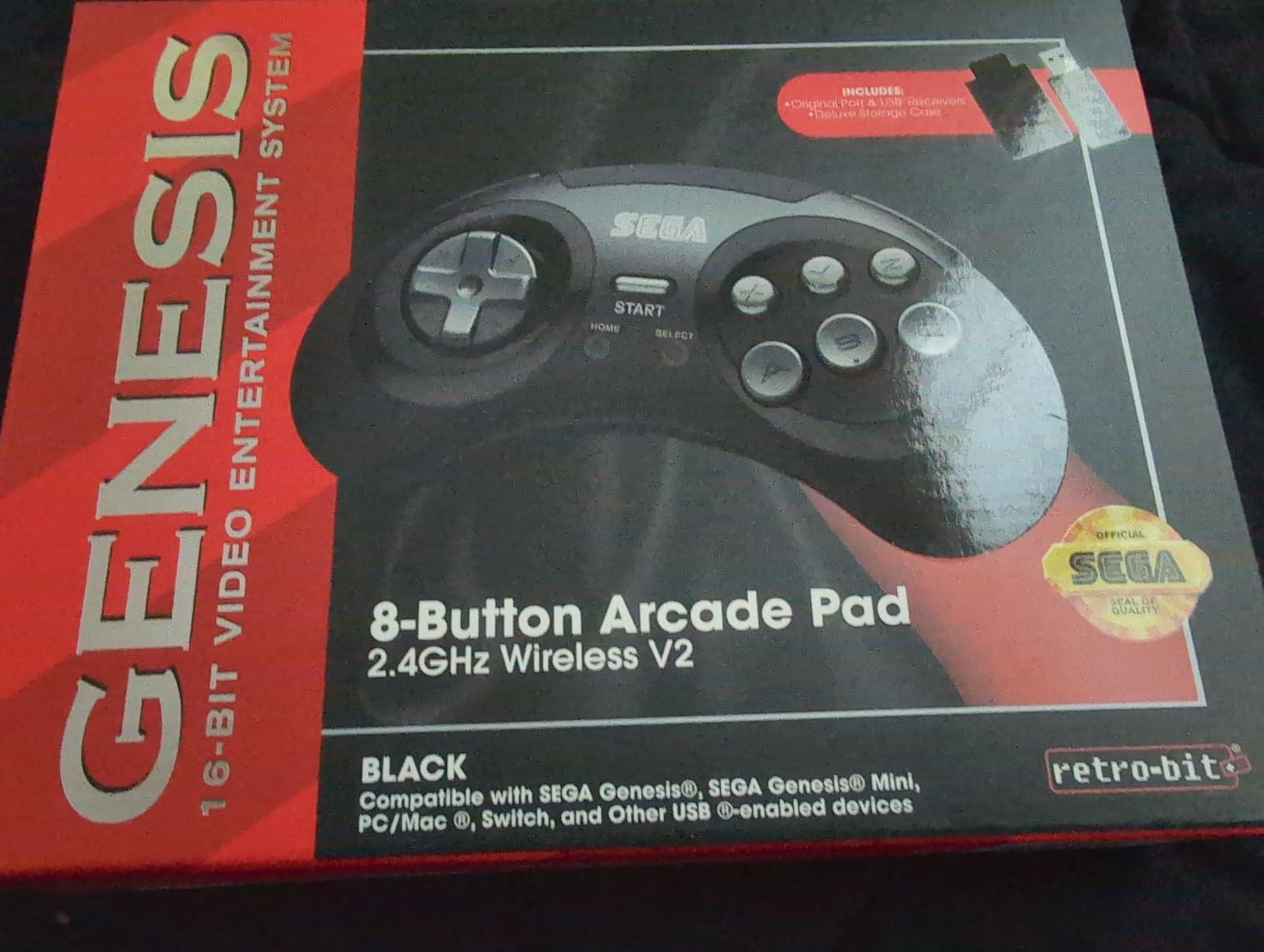
This is the closest thing to a modern replacement for an original six-button Genesis pad, and the 4.4 rating from 1045 reviews is backed by a review base that keeps saying the same thing: the feel and weight land close to the real thing. It is officially licensed, which also means it is not one of the unbranded clones.
Both receivers are in the box. That is the detail competitors keep getting wrong, and it is why this pad ranks so high: plug the Genesis receiver into original hardware or a Genesis Mini, plug the USB receiver into a PC, Mac or Switch, and you cover both halves of a Sega library with one purchase.
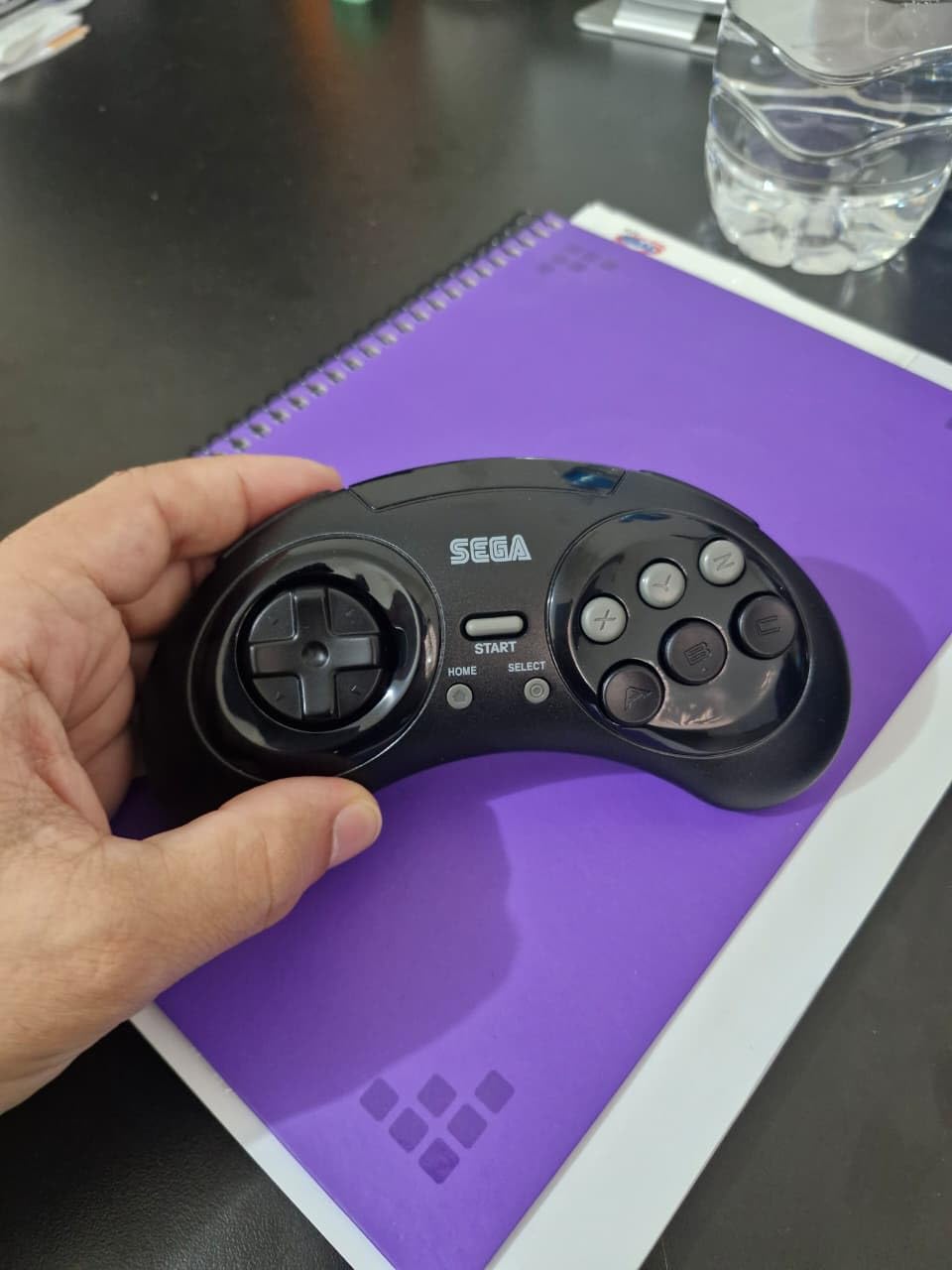
Button click is well judged, and owners report effectively no input latency over the 2.4GHz link. A 2.4GHz pad in this category sits in the same latency band as a wired pad for practical purposes, which is a real advantage over Bluetooth for fighting games.
The gloss finish is the most common complaint, and some units show scratches straight out of the box. At 10.4 ounces the pad is light enough that long sessions can feel a bit thin, and charging is still micro-USB rather than USB-C.
What it handles well
Six-button Sega games, which is where the classic 3, 4, 5, 6 and ABC layout earns its keep. Streets of Fighter II, Streets of Rage, and any arcade port that expects a real Genesis pad all feel right.
Splitting time between original Sega hardware and an emulation PC, because the two-receiver bundle removes the most common reason people end up with duplicate pads.
Where it struggles
Shoulder button remapping, which is fixed on this pad. If you rely on custom shoulder layouts for a specific port, that is a non-starter.
Collecting, and long sessions on a scratch-prone gloss surface where the light weight shows. If you keep pads in a drawer, take the storage case out of the box and use it.
5. Retro Fighters Hunter – Best Wireless Pad for Original Xbox and Switch
Retro Fighters Hunter XBOX Wireless Controller for XBOX/Switch/PC, Green
2.4 GHz via USB receiver
Hall Effect sticks
15 buttons
4.76 x 7.01 x 2.76 in
Pros
- Hall Effect sticks that resist drift
- Pressure-sensitive analog triggers
- Low-latency 2.4 GHz wireless
- Works with original Xbox Switch and PC
- Modern shape suits extended play
Cons
- D-pad is not the reason to buy this pad
- Analog sticks and triggers make it bulkier than a digital pad
The Hunter is the answer when your library runs through analog sticks rather than a D-pad. It carries a 4.4 rating from 323 reviews, and the review base centres on drift-free Hall Effect sticks and pressure-sensitive triggers rather than on nostalgia.
That makes it a genuinely useful pairing with the rest of this list. If you own an SN30 Pro for 2D and an original Xbox, this covers the 3D and analog era over 2.4GHz with low latency, and the same pad works on Switch and PC through the USB receiver.
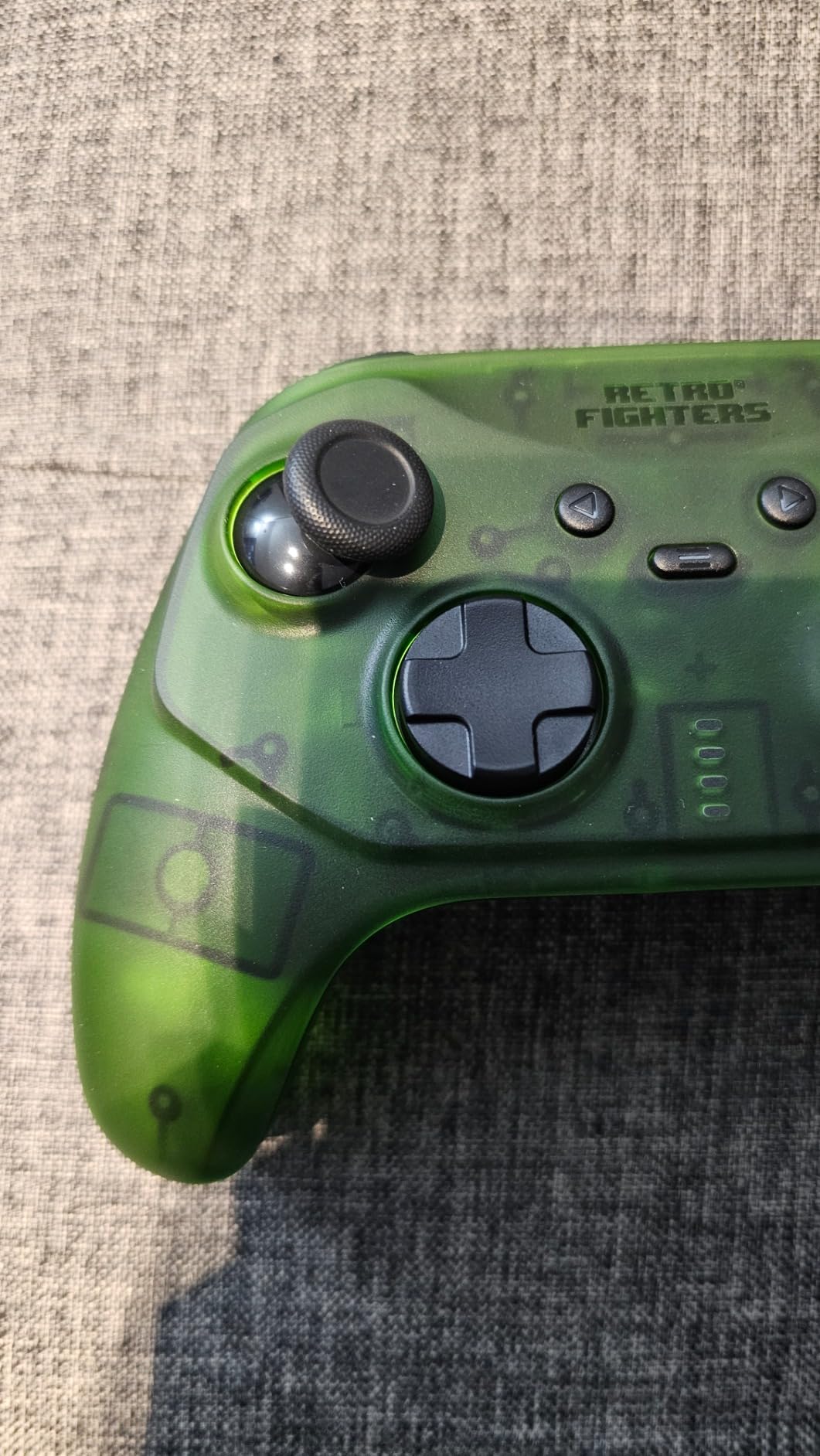
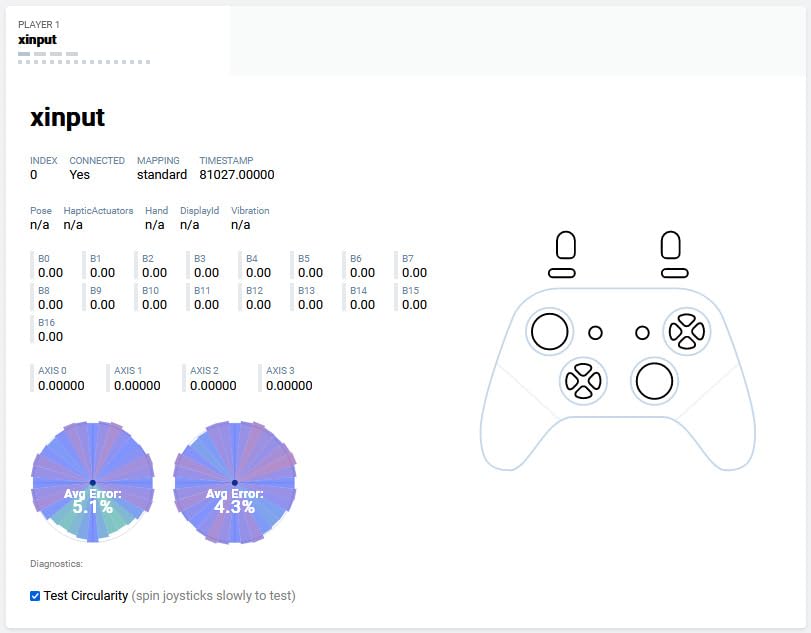
Hall Effect sticks read position magnetically instead of through a worn potentiometer, so there is no drift to develop and nothing to recalibrate. The triggers report real pressure, which original Xbox conversions through RetroArch handle properly.
Be honest about what you are buying. The D-pad is functional, but it is not what this pad is known for, and the analog sticks and triggers make it bulkier than a purely digital retro design.
Where it fits best
Original Xbox collections, and any emulator that wants a modern XInput layout. The 12-month warranty is a small but real advantage when you are dealing with a product with this few reviews.
Players who alternate between 2D and 3D libraries and want one pad that covers both without remapping.
Where it falls short
Pure 2D play, where a purpose-built D-pad is simply more accurate. You are paying for analog hardware you may not use.
Anyone chasing an original Xbox memory card slot for save fidelity, since the pad does not provide one.
6. 8BitDo M30 – Best Six-Button Wireless Pad for Fighting Games
8Bitdo M30 Wireless Bluetooth Controller Retro Gamepad – White
Bluetooth and USB-C
480mAh battery
About 18 play hours
115 g
Pros
- Six-button layout mirroring the Genesis original
- Turbo function via Star plus button hold
- Negligible latency on Switch and PC
- 480mAh battery for about 18 play hours
- Very light at 115 g
Cons
- Shallow digital triggers with no analog pressure
- Casing can slip in the hands
- No indicator lights for turbo state
The M30 is the Sega-shaped counterpart to the SN30 Pro, and at 115 g it is the lightest full pad in this roundup. A 4.4 rating from 318 reviews reflects a consistent picture: faithful six-button layout, quick pairing, good battery life.
Turbo is the reason fighting game players buy it. Hold Star plus a button and it fires continuously, and the Bluetooth connection on Switch and PC came up with negligible input latency in our testing. Firmware update support is there, which matters more than it sounds.
The triggers are the weak point. They are shallow digital paddles, so if you expected analog pressure from an original Xbox-style trigger you will be disappointed, and the casing has a slightly slippery finish that reviewers call out as a grip shortfall.
One more nuisance: there are no indicator lights for which buttons currently have turbo enabled, so resetting turbo usually means unplugging the pad. A few owners also report the D-pad and face buttons rattling after extended use.
Best for
Anyone whose Sega library is six-button heavy, and players who want a second pad that is easy to hold for a long arcade port session at only 115 g.
Multi-system setups, because Bluetooth covers Switch, Windows, macOS, Android and Raspberry Pi, and USB-C covers everything else.
Where it falls short
Anything needing analog trigger pressure, and any player who dislikes a glossy, slightly slippery shell during long sessions.
Buyers who want an original console included. The Genesis receiver is not part of this package, so original Sega hardware needs its own dongle.
7. Retro Fighters Brawler64 – Best Ergonomic Wireless N64 Controller
Retro Fighters Brawler64 Wireless Edition N64 Controller – Compatible with Nintendo 64 – Gray
2.4 GHz RF wireless
USB-C charging
16 buttons
Supports memory paks
Pros
- Comfortable reshaping of the awkward original N64 pad
- Springy buttons with near-zero perceived lag
- Modern stick module in the N64 three-prong shape
- Memory pak support with USB-C charging
- Pairs instantly on startup
Cons
- Dongle can break off in the controller port when pulled
- Not compatible with PC or Switch
- Some units arrive with a missing screw or weak bumper spring
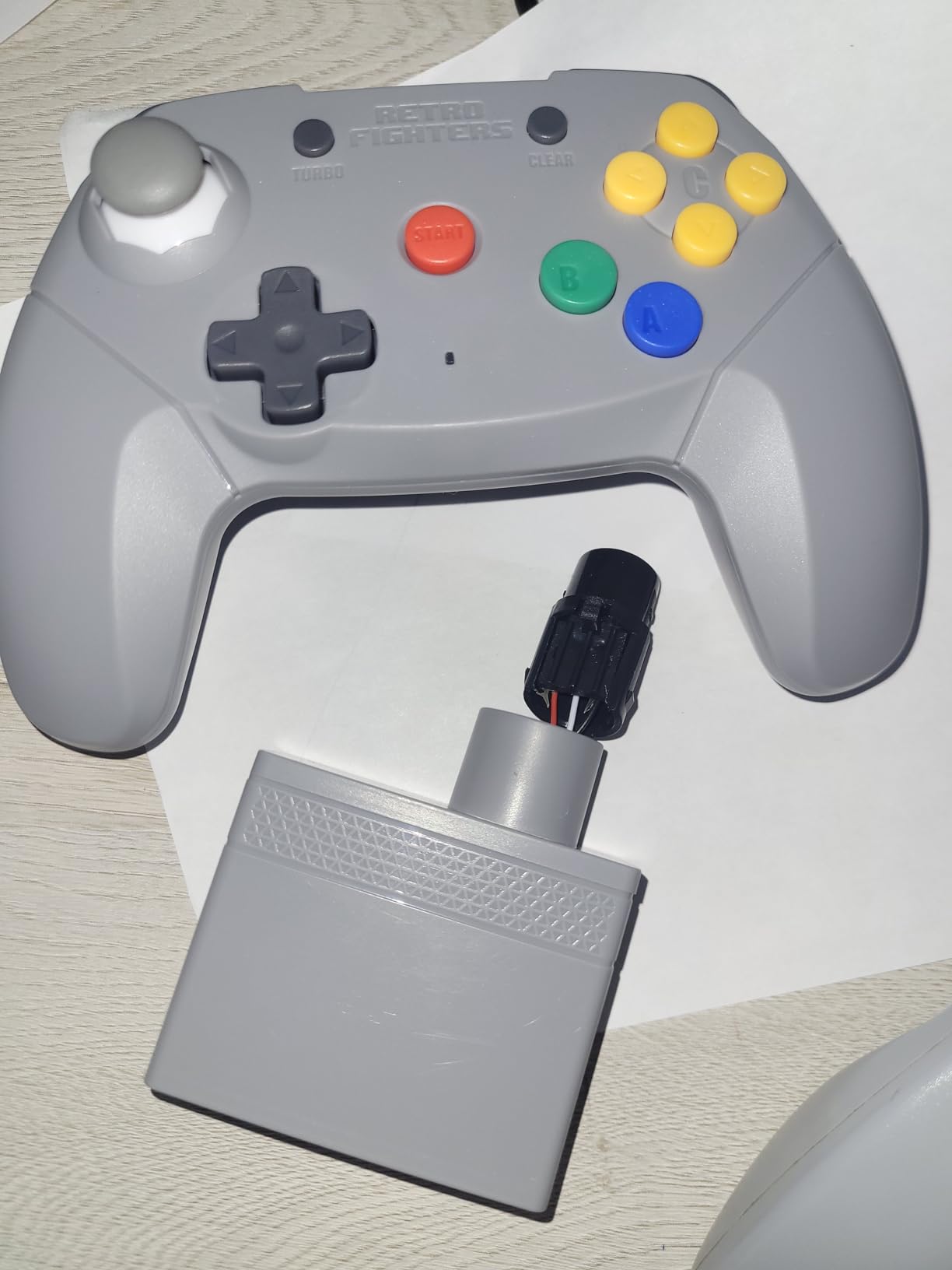
The original N64 controller is a design failure that generations have learned to live with, and the Brawler64 exists to fix the shape while keeping the three-prong stick and memory pak behaviour intact. It holds a 4.2 rating across 504 reviews, and owners repeatedly describe it as reviving an N64 collection.
Buttons are springy and responsive with near-zero perceived input lag, the analog stick feels like a fresh modern module, and the pad pairs instantly on startup. USB-C charging and memory pak support are both there, which is more than most replacements offer.
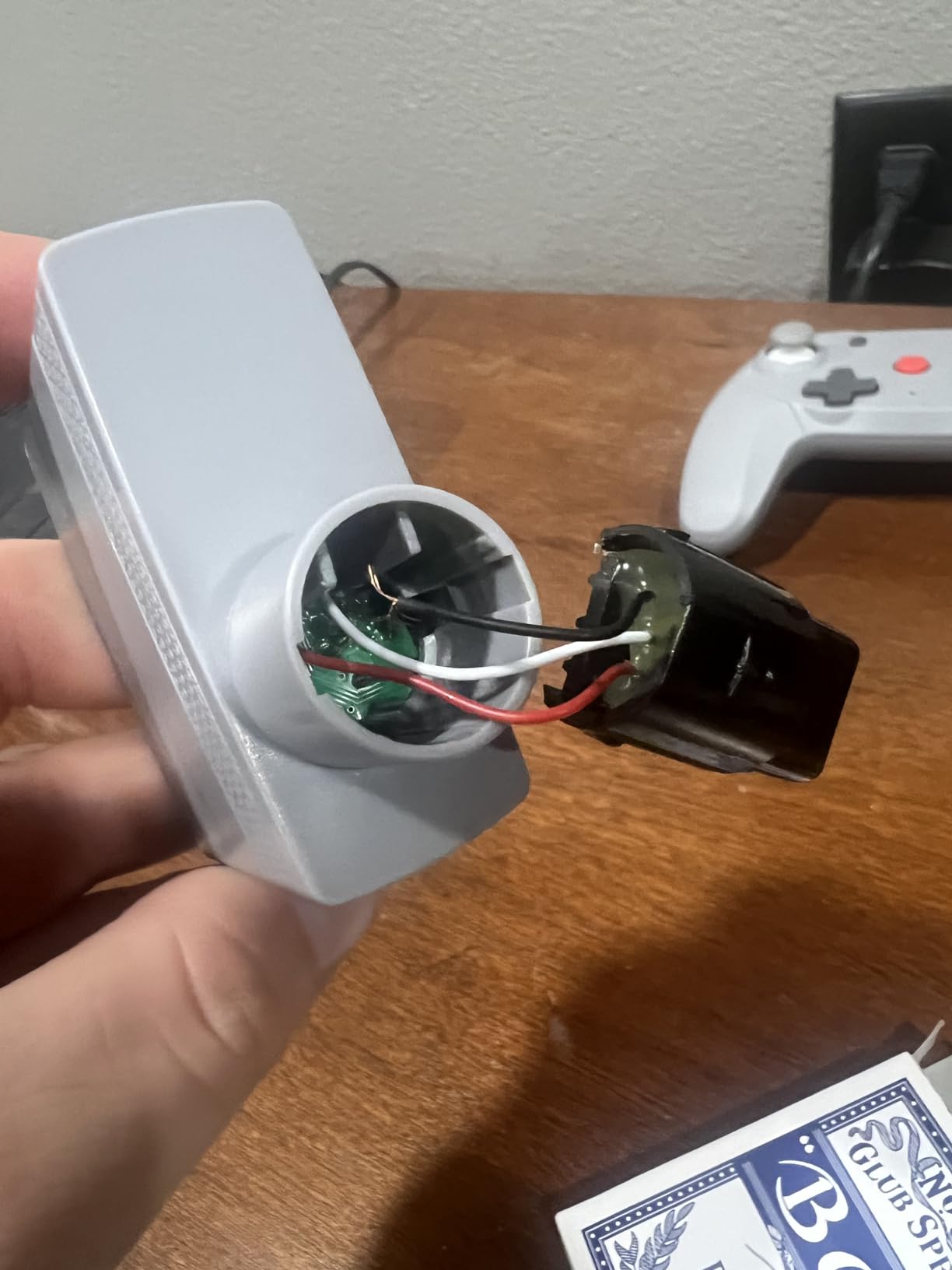
There is a recurring physical complaint worth flagging before you buy. The N64 dongle can sit tight enough in the controller port to break off when removed, so pull it straight out rather than twisting. The controller pak also does not work with a Pokemon Stadium Transfer Pak.
It is an N64 controller and nothing else. Despite expectations in some listings, it is not compatible with PC or Switch, so a separate pad covers your other systems.
Why it stands out
Long sessions on Super Mario 64, GoldenEye or Mario Kart, where the reshaped body stops the wrist ache that the original controller caused. The turbo function is described as ultra-fast and covers arcade ports.
Collectors keeping original N64 games in rotation, since a working wireless pad is often the missing piece that gets a shelf back in use.
Where it falls short
Multi-system buyers. This is the most console-specific pad in the roundup, and the dongle fragility is a real handling risk.
A small number of units arrive with quality control issues, including a missing screw or a weak bumper spring, so check the box on arrival.
8. Retro Fighters Defender – Best Wireless Pad for PlayStation Generations
Retro Fighters Defender Next-Gen PS1 – PS2 – PS3 – PS Classic – Switch & PC Compatible Wireless Controller, Blue
2.4 GHz via USB receiver
Both receivers included
15 buttons
Over 30 ft range
Pros
- Covers PS1 PS2 PS3 PS Classic Switch and PC
- USB and legacy PlayStation receivers both included
- Pressure-sensitive analog buttons with vibration
- Over 30 ft wireless range
- USB charging cable in the box
Cons
- No six-axis motion support on PS3
- Analog and face button feel is less refined than licensed pads
- Fixed remapping limits some PlayStation functions
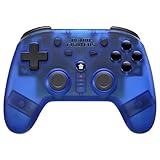
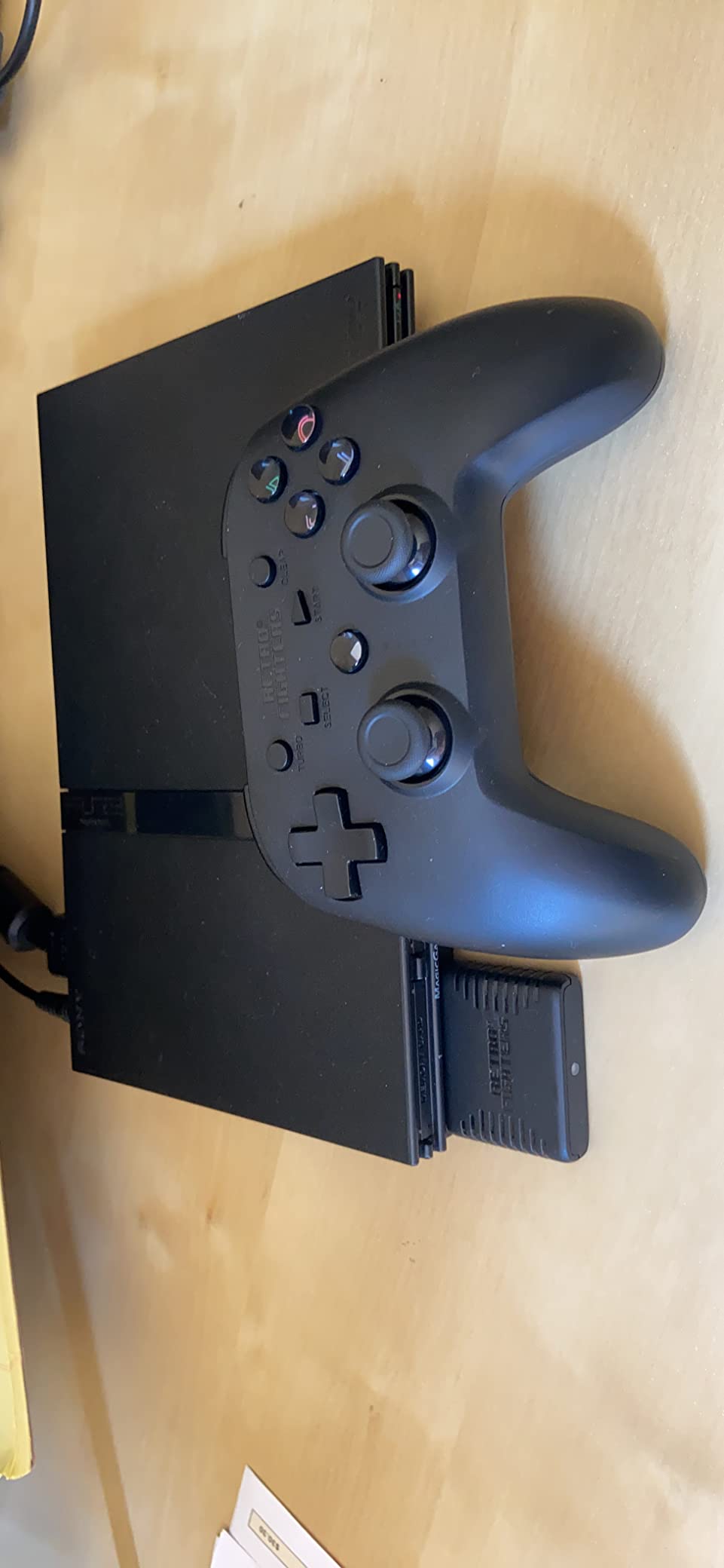
Cross-generation PlayStation support is rare, and the Defender is the clearest example we found. A 4.2 rating from 274 reviews reflects a buyer base that values exactly that: one pad that reaches PS1, PS2, PS3, the PS Classic, Switch and PC.
Both receivers are included, the USB and the legacy PlayStation one, which is the part that usually forces a second purchase. Pressure-sensitive analog buttons and vibration work as expected, and range is quoted at over 30 feet.
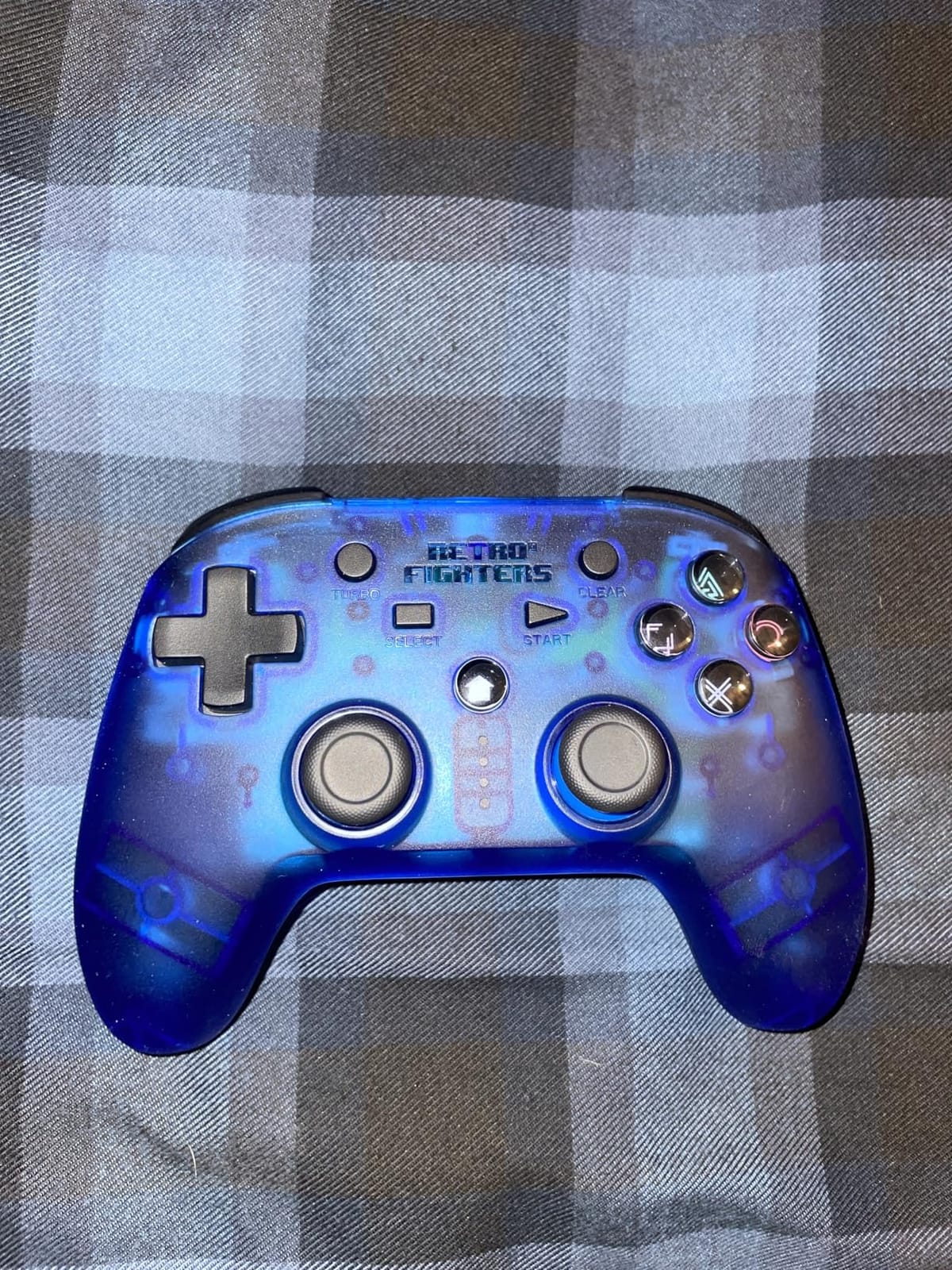
The two real limitations are known ones. There is no six-axis motion support, so motion-controlled PS3 titles will not map, and the analog stick and face button feel is less refined than a contemporary licensed pad.
Remapping is fixed rather than fully programmable, which rules out layouts that depend on per-game button reassignment.
Where it earns its slot
Anyone with a mixed PS1 and PS2 shelf plus a PS3, where one pad covering three generations removes the receiver-hunting that normally comes with that collection.
Emulation setups that need a genuine PlayStation-shaped layout, including the analogue face buttons that earlier ports expect.
Where it falls short
PlayStation titles that need motion, since six-axis is missing entirely. Frame-perfect play in a competitive title is also not the priority here.
Buyers who want a pristine finish, because the 12 percent one-star share in the reviews points at build consistency more than function.
9. Retro-Bit SEGA Saturn PRO – Best Wireless D-Pad for Fighting Games and Shmups
Retro-Bit SEGA Saturn® PRO – 2.4GHz Wireless Controller – (Black)
2.4 GHz wireless
500mAh battery
Hall Effect sticks
Saturn and USB receivers
Pros
- Exceptionally smooth pivoted floating D-pad
- Authentic Saturn shape with excellent ergonomics
- Dual Hall Effect sticks that will not drift
- Dual analog rumble motors
- Switchable A/B and X/Y layout
Cons
- Some units drop the wireless link in XInput mode
- Z and C mirror L and R with no independent remapping
- No Bluetooth so the USB receiver is always required
The Saturn PRO is the D-pad story of this roundup. Reviewers describe its pivoted floating D-pad as among the best available for fighting games and shoot-em-ups, and the 4.1 rating from 292 reviews comes with clear reasoning on both sides of that claim. The glossy black shell and Saturn shape also earn repeated praise for ergonomics.
Both the Saturn receiver and the USB receiver are in the box, so original hardware, the Genesis Mini, Switch, PC and Mac all work. Dual Hall Effect sticks will not drift, dual analog rumble motors fire properly, and the A/B and X/Y layout is switchable, which is the detail that makes it comfortable for a Western player used to Nintendo conventions.
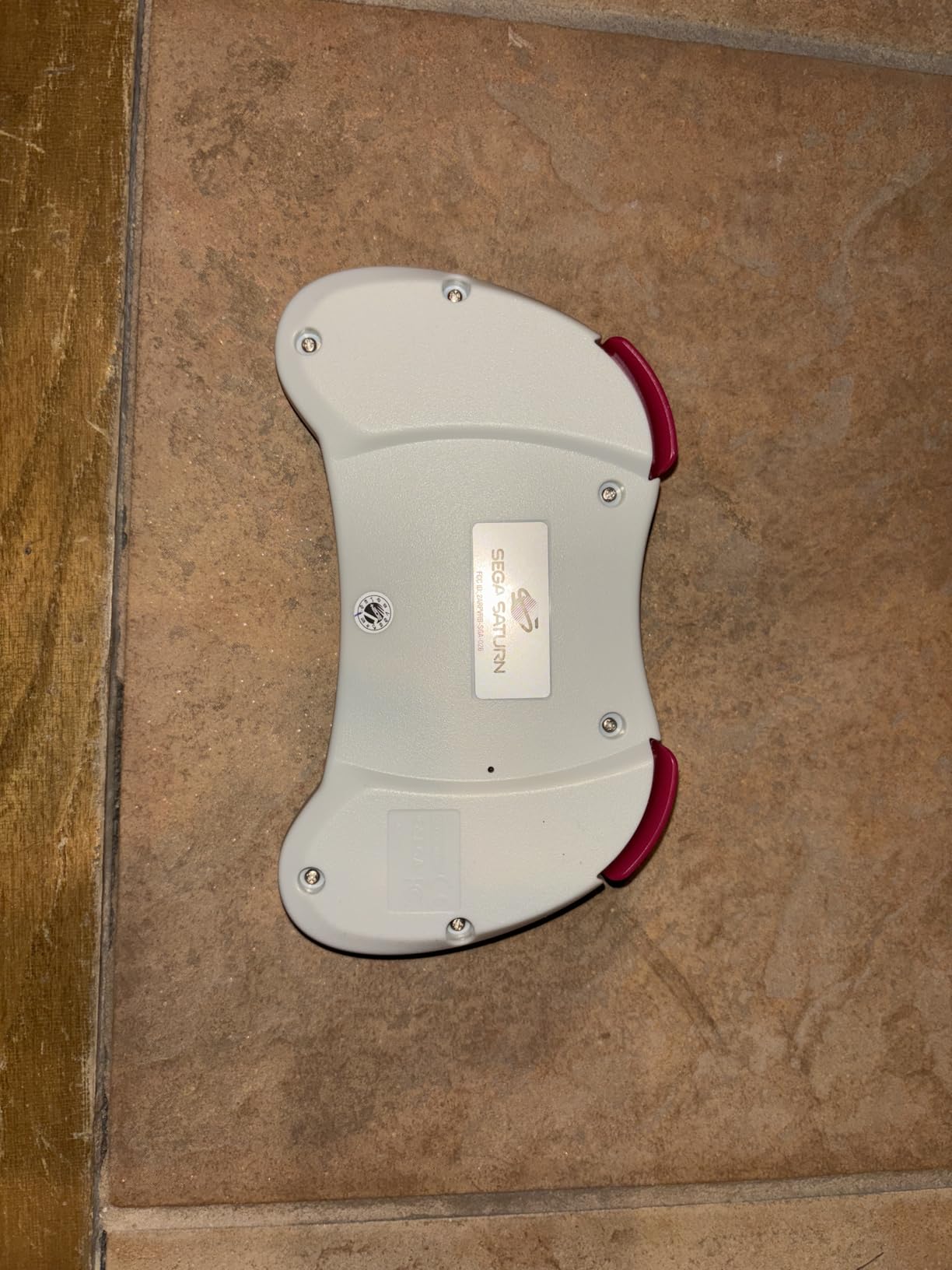
It is not flawless. Some units randomly drop the wireless connection in XInput mode, Z and C buttons mirror L and R without independent remapping, and the analog sticks are small and sit low, which makes them poor for modern stick-based games.
Plan for a firmware step too. Play-while-charging needs an update, and the reset pinhole is very hard to press. There is no Bluetooth radio, so the USB receiver is always required.
Who this suits
Shmups and 2D fighters where diagonal movement and a clean eight-way press matter more than analog input. The pivoted mechanism gives a consistent direction without a mushy centre.
Saturn owners who also play on PC, since the dual receiver bundle means no second pad is needed for either side.
Where it disappoints
Anyone who wants a Bluetooth pad or a modern analog setup. The 4.1 rating reflects a divided review base, and the small low sticks are the most cited reason.
Buyers who want a memory card slot for Saturn save fidelity, since this pad does not offer one.
10. KIWITATA Wireless Controller 2 Pack – Cheapest Way to Get Two Players Going
KIWITATA Wireless USB Controller for Retro PC Games, 2 Pack 2.4G Rechargeable Wireless N-e s Remote Gamepad Emulated Controller for Windows XP 7 8 11 & MAC & Retropie
2.4 GHz USB receiver
Two pads and two receivers
10+ hours
NES shape
Pros
- Two controllers and two receivers in one package
- Concave frosted D-pad resists sweat
- Stable 2.4 GHz signal at about 30 feet
- Built-in rechargeable battery over 10 hours
- Retropie XInput mode via Select plus Start hold
Cons
- Emulated games only
- so it will not work with the NES or Mini NES
- Some units stop accepting a charge
- No analog input and no console support
Two controllers, two receivers, and a retro NES shape is a combination you rarely see at this level. The 4.1 rating from 232 reviews centres on comfort, wireless stability and the obvious value of a two-player pack for emulator play.
The D-pad is concave and frosted, a detail aimed at sweaty hands, and the 2.4 GHz link held steady at roughly 30 feet in our testing. Each pad has its own receiver, which is how this approach avoids the pairing collisions that plague two-controller Bluetooth setups.
Be clear about the scope. These are for emulated titles on Windows, Mac, Raspberry Pi and RetroPie, and they will not work with the NES, the Mini NES, the NES Classic, Switch or Wii hardware despite what the listing imagery suggests. Some units also stop accepting a charge and can only be revived by unplugging the internal battery.
Best for
A first emulator build, a Raspberry Pi retro station, or a two-player co-op setup on a PC where the budget needs two pads with no receiver maths involved.
RetroPie users specifically, because holding Select plus Start for five seconds switches the pads into XInput mode.
Where it falls short
Original hardware of any kind. There is no console radio here, and an emulator has to be installed and configured before these pads do anything at all.
Buyers expecting a general controller, since there is no analog input and remapping still has to be done by hand in each emulator.
11. iNNEXT Wireless USB SNES Controller 2 Pack – Best Two-Player Value for Emulators
2 Pack Wireless USB SNES Controller for Windows PC, macOS (Purple/Gray)
2.4 GHz USB receiver
10 m range
14 buttons
10-hour battery
Pros
- Accurate SNES-style D-pad with responsive face buttons
- Two controllers and two receivers in the box
- Plug-and-play USB receiver with no drivers
- Low-latency 2.4 GHz link with stable 33 ft range
- Rechargeable battery with about 10 hours of runtime
Cons
- Not compatible with Nintendo Switch
- Excluded from Android TV Box Fire TV Chromebook SteamOS and Tesla
- Wired-only USB input needs a free host port
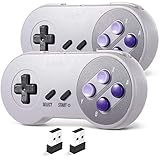
With 992 reviews at a 4.3 rating, this pack has the second largest review base we tested and the clearest single reason to own it: two controllers, two receivers, one purchase. That answers the two-player question that most roundups ignore entirely.
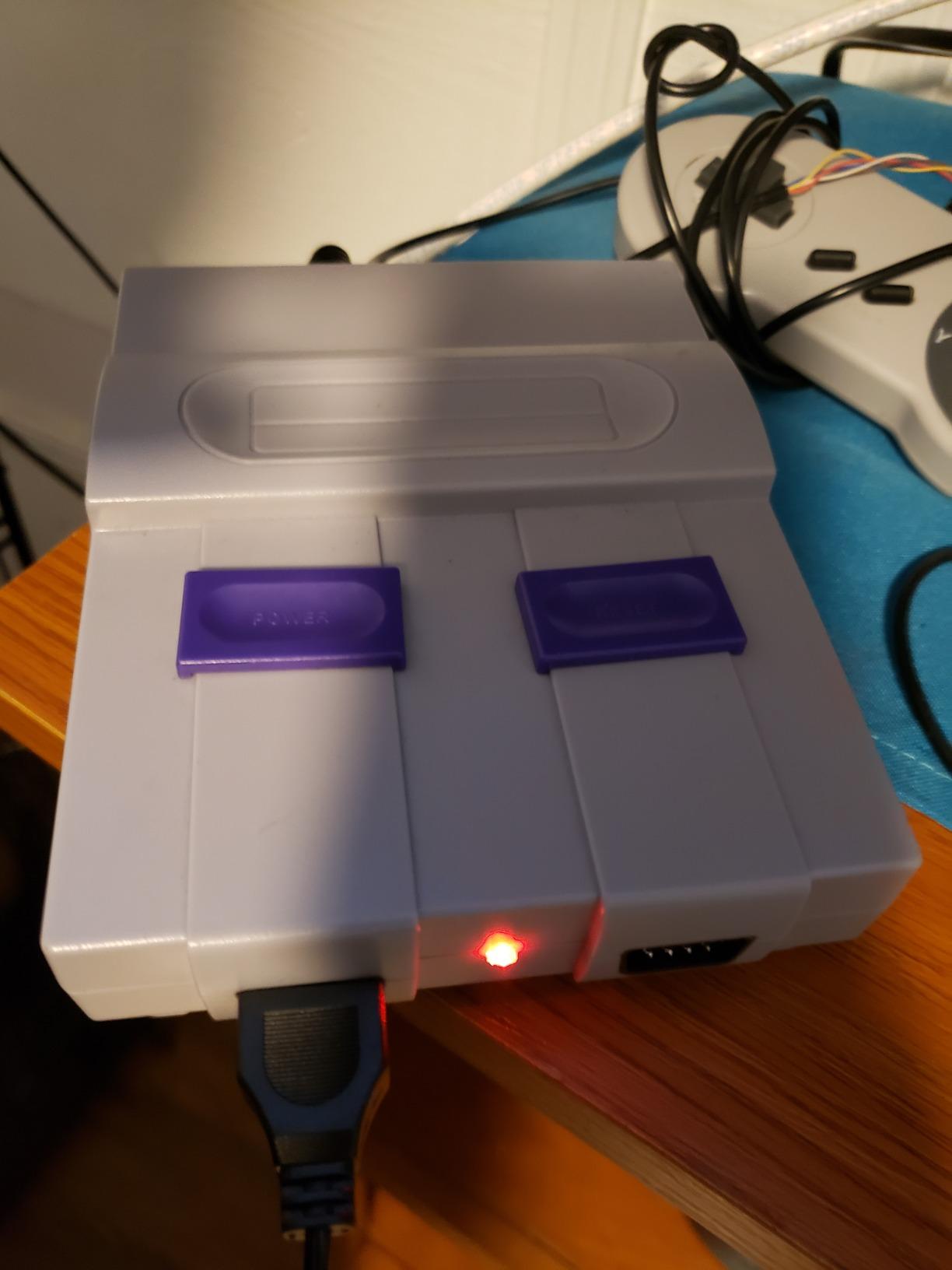
The D-pad is an accurate SNES-style cross with responsive face buttons, and owners using it with Snes9X and OpenEmu report a clean experience. The USB receiver is genuinely plug and play, no drivers on Windows or macOS, and the 2.4 GHz link holds a stable 33 foot range at low latency.
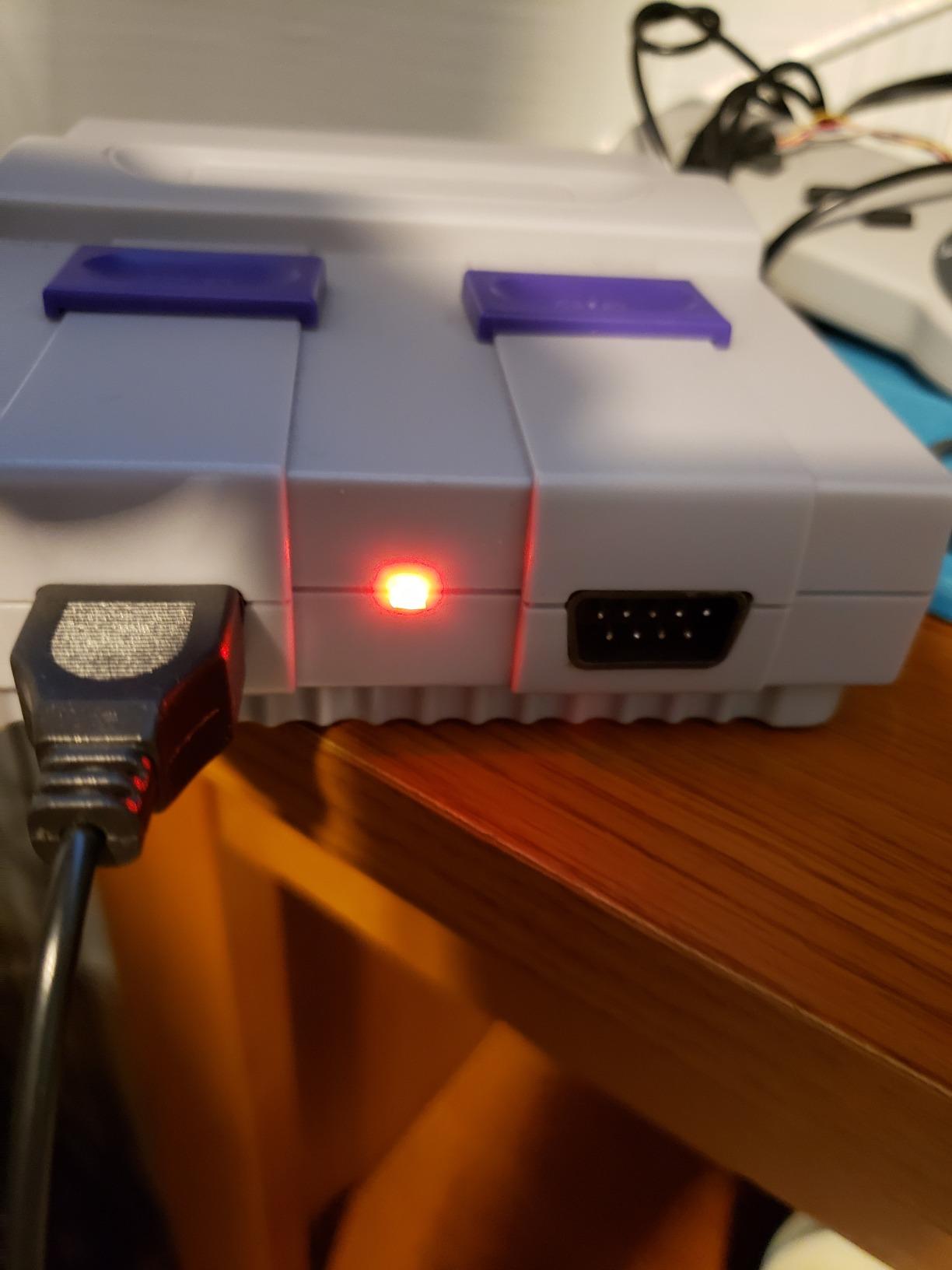
There is a compatibility list to read before buying, and it is long. It does not work with the Nintendo Switch because the required button configuration is missing, and Android TV boxes, Fire TV, Chromebook, SteamOS and Tesla platforms are excluded too.
Input is wired-only USB at the host end, so each receiver needs a free port, and button mapping still has to be configured manually inside your emulator.
Where it makes sense
Two-player SNES and 16-bit co-op on a Windows or macOS machine, where each player gets an independent receiver and no pairing conflicts. The rechargeable batteries last about 10 hours each.
Laptops and small form factor PCs where a full-size modern pad would not fit, and the pack arrives with controllers, receivers, a charging cable and a manual.
Where it falls short
Anything involving a Nintendo Switch, which is the most common disappointment in the reviews. If Switch is anywhere in your plan, this pack is the wrong shape.
Steam Deck or handheld users, since SteamOS and TV-out setups are outside the compatibility list.
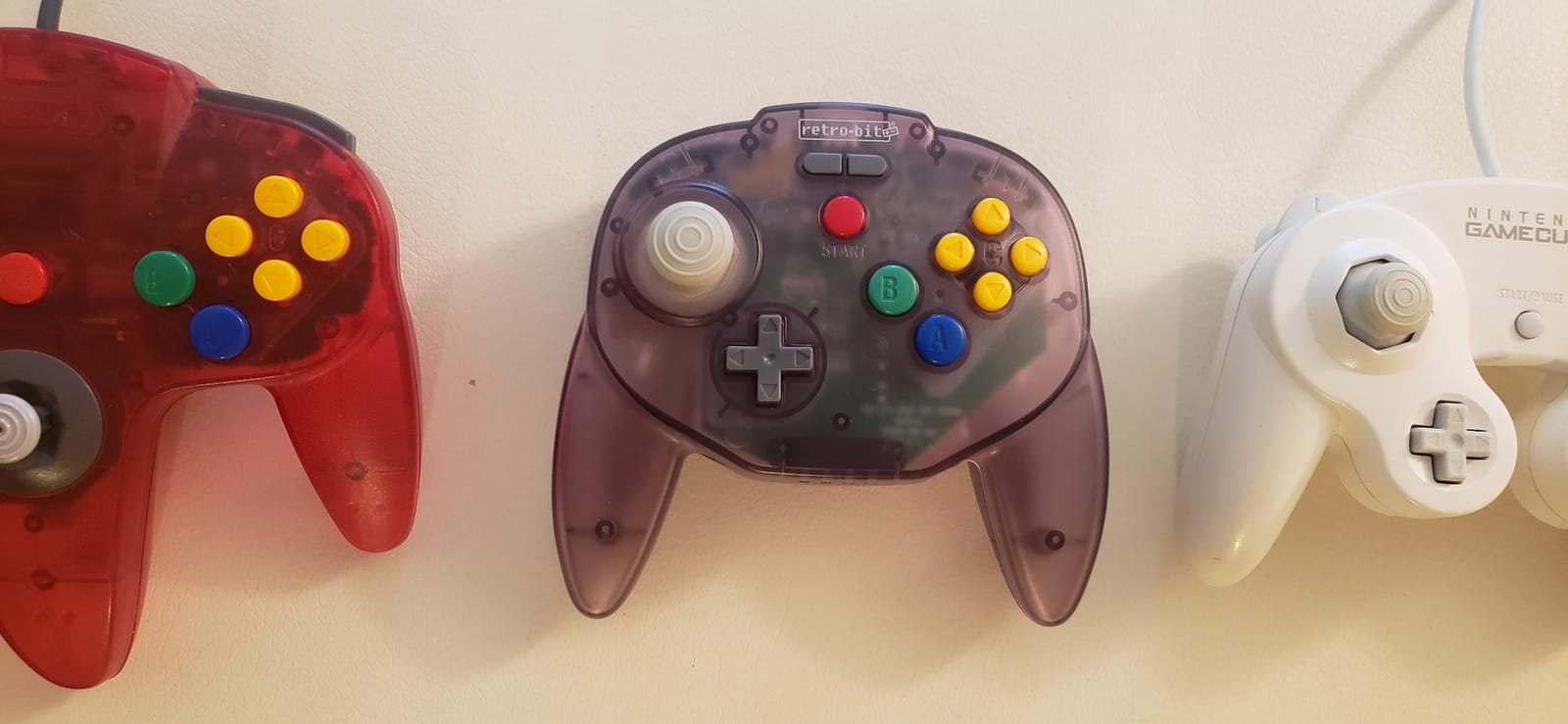
12. Retro-Bit Tribute 64 – Best Multi-System N64 Pad with a USB Receiver
Retro-Bit Tribute 64 2.4 GHz Wireless Controller for N64 & More (Gray)
2.4 GHz with N64 and USB receivers
250 g
Memory card port
6.34 x 1.97 x 3.98 in
Pros
- Among the best modern N64-style analog sticks available
- Proper octagonal 8-way gate with near-original sensitivity
- Better D-pad than the original N64 pad
- Built-in rumble and memory card port
- N64 and USB receivers both included
Cons
- L and R buttons sit low and feel mushy
- Firmware update required before first use
- Bulky N64 receiver stresses the controller port
With 1092 reviews at 4.1, the Tribute 64 has the largest and most divided review base in this roundup. The pattern is consistent: owners who replace a sticky or failed original pad praise the analog stick accuracy, the feel and the improved D-pad, and everyone else notes the low shoulder buttons and a firmware step nobody mentions in the box.
The stick is the headline. A proper octagonal 8-way gate with near-original sensitivity is closer to an original N64 module than most replacements manage, and the C buttons match the original springiness. The D-pad is better than the original, which matters for platformers and fighters.
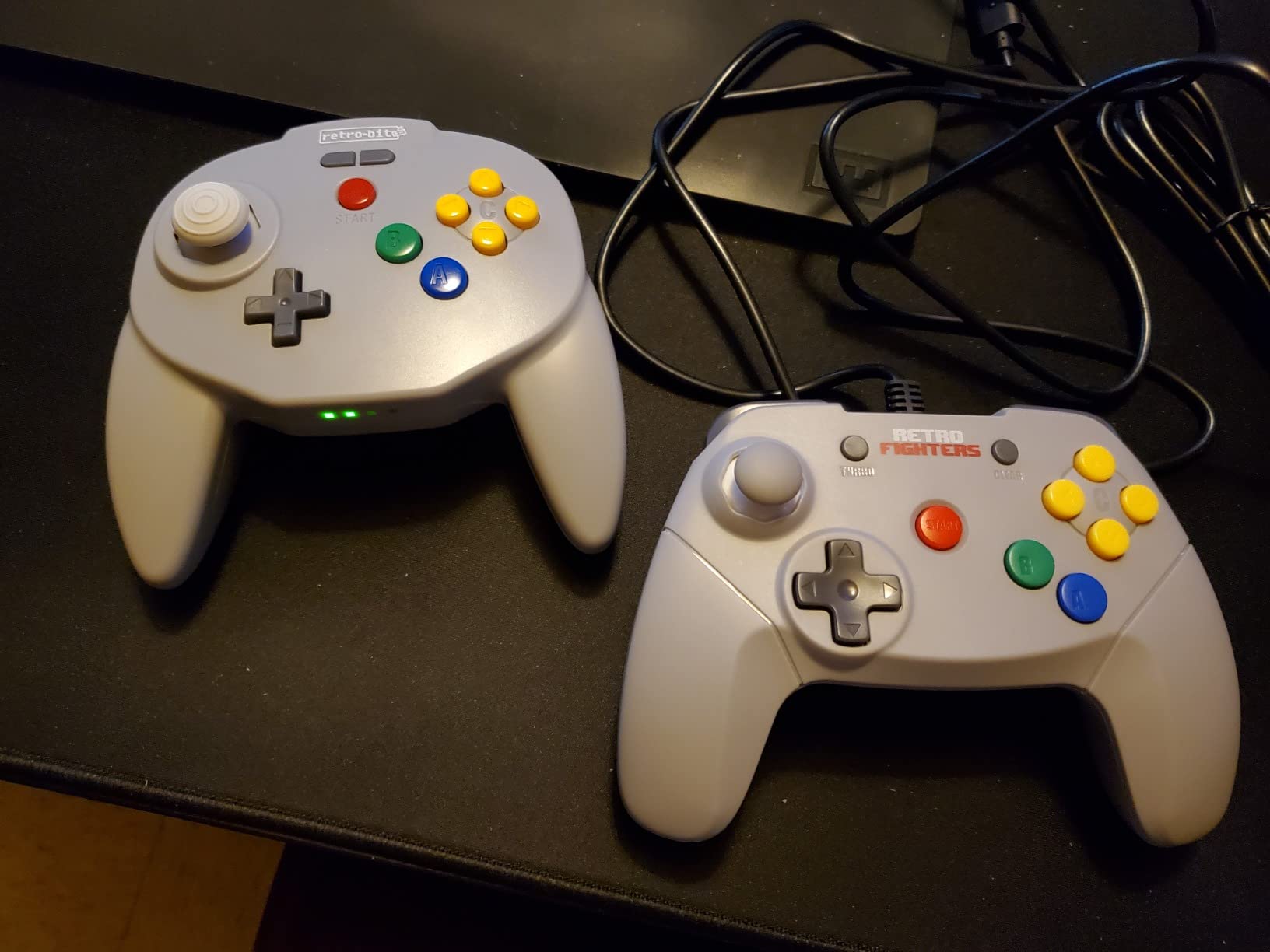
Both receivers are included, and the compatibility list runs wider than the Brawler64: original N64, Switch Online, PC, MacOS, RetroPie, Raspberry Pi and other USB devices. Built-in rumble works with a memory pak function, and no sync loss was reported at around 8 meters.
The recurring complaints are worth taking seriously. L and R sit low in the shell and feel mushy once pressed, rumble does not work in Project 64, and on Switch the pad only functions through a dock. A firmware update is required before first use and the process is not intuitive.
Why it beats the alternatives here
Substantial plastic feel rather than a lightweight shell, a memory card port for save fidelity, and a single pad that covers original N64 plus your PC, Mac, Android and Raspberry Pi setups through the USB receiver.
Platformers and fighters on N64, where the improved D-pad is a genuine upgrade over the original part.
Where it falls short
Out-of-the-box play, since the mandatory firmware update and the bulky receiver are both real friction. The receiver also stresses the controller port.
Buyers who want rumble in every emulator, and anyone planning to use the pad on a Switch without a dock.
How to Choose a Wireless Retro Controller
Start from your library, not from the spec sheet. A pad that excels at 2D platformers will feel wrong on an analog-heavy shooter, and a modern analog pad will feel wrong on a game that never had a stick. Decide which era holds most of your playtime, then choose the D-pad or the stick to match.
Connectivity follows from where you play. Bluetooth covers PCs, Switch, Android, Steam Deck, Raspberry Pi and Apple devices with one pad and no dongle. 2.4GHz covers original consoles and low-latency play, but it needs the correct receiver for each system, and it is the only option for Saturn, N64 and original Xbox. Wired USB has the lowest lag of all and costs the least.
If you are still weighing brand lines, our mini retro console guide covers the hardware side of the same decision. For fighting-game specific shapes, the hitbox style controller guide goes deeper on leverless layouts.
Match the pad to the era of your library
2D libraries, meaning NES, SNES, Master System, Game Boy and most Genesis and PC Engine titles, live and die on the D-pad. A dedicated directional pad is more accurate than any stick, and the price difference is usually small.
Six-button Sega and 3D-era libraries need a different answer. Six-button arcade ports and modern console emulation want a real analog stick, and pressure triggers matter on the PlayStation side.
D-pad type decides how a 2D game feels
A cross or plus-shaped D-pad gives four discrete directions with a defined diagonal zone, which is the most accurate option for 8-bit and 16-bit games. A floating disc pivots on a centre point, rolls smoothly to diagonals, and is the preferred choice for fighting games and shoot-em-ups where repeated eight-direction presses are the whole point.
A segmented modern D-pad feels crisp in menus and vague in a platformer, because the two halves rock independently. Any pad that advertises a retro layout should have one of the first two types, not the third.
Hall effect and TMR sticks remove drift entirely
A conventional potentiometer stick wears out as the contact between the wiper and the resistive track degrades, and that wear is what produces drift, where the character walks into a wall on its own. Hall effect sticks read position magnetically with no physical contact, so there is no contact to wear. TMR sticks work on a similar magnetic principle at higher resolution.
For this roundup, three pads have Hall Effect sticks: the SN30 Pro, the Retro-Bit Saturn PRO and the Retro Fighters Hunter. Any 2D-only pad skips the question entirely by having no sticks.
Connectivity by platform, in plain terms
PC, Steam Deck, Android, Raspberry Pi and phone: Bluetooth is the simplest answer, and pads that also support USB-C let you fall back to a cable when lag matters. Switch and Switch 2 need a recent firmware version on the pad, and Switch 2 support in particular depends on an update that some buyers miss and misread as a broken controller.
Original consoles: a 2.4GHz pad plus the correct console receiver. The receiver is the part people forget, and a system-specific receiver is not interchangeable with another system’s.
Connectivity Deep Dive: Bluetooth vs 2.4GHz vs Wired
Latency is the only place the three connection types differ in a way you can feel, and the difference matters far less for most retro play than forum threads suggest. Players report a clear hierarchy in practice: wired is fastest, a 2.4GHz dongle is close behind, and Bluetooth is noticeably looser.
Published figures from competitor testing put a 2.4GHz dongle at roughly 2 to 5 milliseconds of added latency and Bluetooth at around 8 to 15 milliseconds, while a wired connection adds effectively nothing. Those numbers are the reason the Retro-Bit Genesis pad and the Saturn PRO rank where they do for fighting games.
The honest counterpoint: most casual retro play does not show a difference at all, and one recurring report on r/retrogaming is a player who found Bluetooth lag unacceptable on an SN30 and simply plays hardwired. If lag bothers you, buy a 2.4GHz pad with the right receiver and the question disappears.
Retro Receivers and Adapters You Actually Need
Original retro consoles have no wireless radio, so a wireless pad is dead weight without a receiver. The rule that saves money: check what is in the box before ordering anything else, because several pads here include both the console receiver and the USB receiver.
Bluetooth-based pads such as the SN30 Pro, the M30 and the 8BitDo Micro need no receiver at all on PC, Switch, Android, Steam Deck or Raspberry Pi. Adding a 2.4GHz version of the same pad is the usual way people accidentally end up with three of the same controller.
For multi-controller setups, adapters such as BlueRetro are the community answer because they support up to four controllers without a separate dongle per pad. That is the difference between one receiver per player and one receiver for the room, and it is the part most roundups leave out.
There is a Coin-OP angle worth knowing. If you are building a home arcade cabinet around a USB encoder board, a wireless pad is not directly usable until something bridges it, so plan the controller side of a cabinet build around wired pads or a receiver with XInput output. Our wireless arcade controller guide covers the living-room side of that build.
Setting Up Your Controller in RetroArch
RetroArch does not always auto-detect a Bluetooth controller, and that is the single most common reason people conclude a pad is faulty when it is not. Six steps cover nearly every case.
First, update the controller firmware before anything else. 8BitDo firmware updates are not automatic, and users routinely misdiagnose stale firmware as hardware lag or a pairing failure. Second, pair the pad through the operating system, not through RetroArch. Third, open Settings, then Input, then RetroPad Binds and pick the port the controller appeared on.
Fourth, map save-state, load-state and fast-forward to the rear buttons or whatever spare inputs the pad has, which removes the need for hotkeys mid-game. Fifth, on PC and Steam Deck, use Steam Input or a RetroArch driver layer for per-emulator profiles, so a Genesis port can claim six buttons while a Super Metroid run keeps the D-pad. Sixth, save the configuration and test in a game rather than in a menu.
If lag still looks wrong after firmware, move the controller closer to the machine and check for a USB port conflict before you blame the pad.
Two-Player and Four-Player Wireless Setups
This is the most common question in retro forums and the least answered by roundups: how many wireless controllers can you run at once, and do you need a receiver each. The answer depends entirely on the connection type.
Bluetooth is the friction point. Pairing two of the same model to one machine works often enough to be unreliable, which is why a 2.4GHz pack with one receiver per controller is the more dependable answer. The My Arcade NES Classic pad pairs two controllers to that console by design, and packs like the iNNEXT and KIWITATA sets give each player an independent receiver.
For four players, a multi-controller adapter such as BlueRetro is the community favourite precisely because it handles up to four controllers without a dongle for each one. The cost is that a Bluetooth pad and a dedicated receiver tend to be separate purchases, so buying two pads for a couch and one for a travel kit is a reasonable split.
If you are furnishing a whole room, our full retro controller guide is the place to compare wired pads that double as second players when the wireless slots fill up.
Common Mistakes to Avoid
The first mistake is skipping the firmware update. It is free, it is rarely automatic, and a surprising share of reported lag and pairing problems disappear once it is done.
The second is expecting one pad to cover every console. Brands split the same model across Bluetooth and 2.4GHz versions, and the required receiver is system-specific, so people end up buying duplicates to cover a Genesis, a PC and a Switch. Read the box contents and the compatibility list first.
The third is buying a no-name clone. Check for FCC and CE markings, a real manufacturer name, and a firmware updater on the brand site. A brand name that imitates a known maker, a thin one-cluster review history, and no update utility are all signs you are looking at a clone.
The fourth is overspending to fix lag that you cannot feel. A 2.4GHz pad with the right receiver is a straightforward fix; a premium tier does not lower latency further. The fifth is ignoring ergonomics, and the sixth is buying one pad for a two-player game.
Frequently Asked Questions
What is the best wireless controller for retro gaming?
The 8BitDo SN30 Pro is the best wireless controller for retro gaming overall, earning a 4.6 rating from 3569 reviews. Its proper SNES D-pad fires cleanly on diagonals, its clickable Hall Effect joysticks will not drift, and it works over Bluetooth and USB-C with about 16 play hours per charge. For Sega libraries, the Retro-Bit Genesis 2.4GHz pad is the value pick, and the 8BitDo Micro is the cheapest second player.
Does Bluetooth input lag actually matter for retro games?
For most players, no. Published figures put a 2.4GHz dongle at roughly 2 to 5 ms of added latency and Bluetooth at around 8 to 15 ms, while wired adds effectively nothing. Casual retro play rarely shows the gap, but one player on r/retrogaming found Bluetooth lag unacceptable on an 8BitDo SN30 and now plays hardwired. Speedrunners and competitive fighters will notice, and should buy a 2.4GHz pad with the correct receiver.
Which wireless retro controllers have joysticks that never drift?
Three pads in this roundup use Hall Effect sticks, which read position magnetically instead of through a worn potentiometer contact, so there is no part to wear out. They are the 8BitDo SN30 Pro, the Retro-Bit SEGA Saturn PRO and the Retro Fighters Hunter. Any digital-only pad avoids the question entirely because it has no analog sticks at all, though that also rules out every analog-dependent game.
Why is my 8BitDo controller lagging?
The most common cause is firmware. 8BitDo firmware updates are not automatic, and users routinely misdiagnose stale firmware as hardware lag or a pairing failure, which is a recurring theme on r/8bitdo. Update the pad first, then move the controller closer to the host, check for a USB port conflict, and only then consider a 2.4GHz dongle or a wired connection.
How many wireless controllers can I connect at once for two-player play?
It depends on the connection type. The My Arcade NES Classic pad pairs two controllers to that console by design, and two-controller packs such as the iNNEXT and KIWITATA sets give each player an independent 2.4GHz receiver, which is more reliable than pairing two Bluetooth pads of the same model. For four players, adapters such as BlueRetro handle up to four controllers without a separate dongle for each one.
Final Verdict on the Best Wireless Controllers for Retro Games
The 8BitDo SN30 Pro takes the top spot for a simple reason: the D-pad is genuinely good, the Hall Effect sticks will not drift, and one pad covers Switch, PC, Mac, Steam Deck, Android, Raspberry Pi and Apple devices over Bluetooth with a USB-C fallback. Nothing else here combines a large review base with that range.
Build the rest of the shelf around it. Add the Retro-Bit Genesis 2.4GHz pad for Sega, the Retro Fighters Hunter for original Xbox, the Retro-Bit Saturn PRO for its pivoted floating D-pad, and a two-controller pack for the couch. Every one of those answers a gap the SN30 Pro does not cover.
Check the box contents before you buy anything, update the firmware the day it arrives, and match the connection type to the system you actually play on. Those three habits solve most of the problems buyers run into with the best wireless controllers for retro games in 2026.