
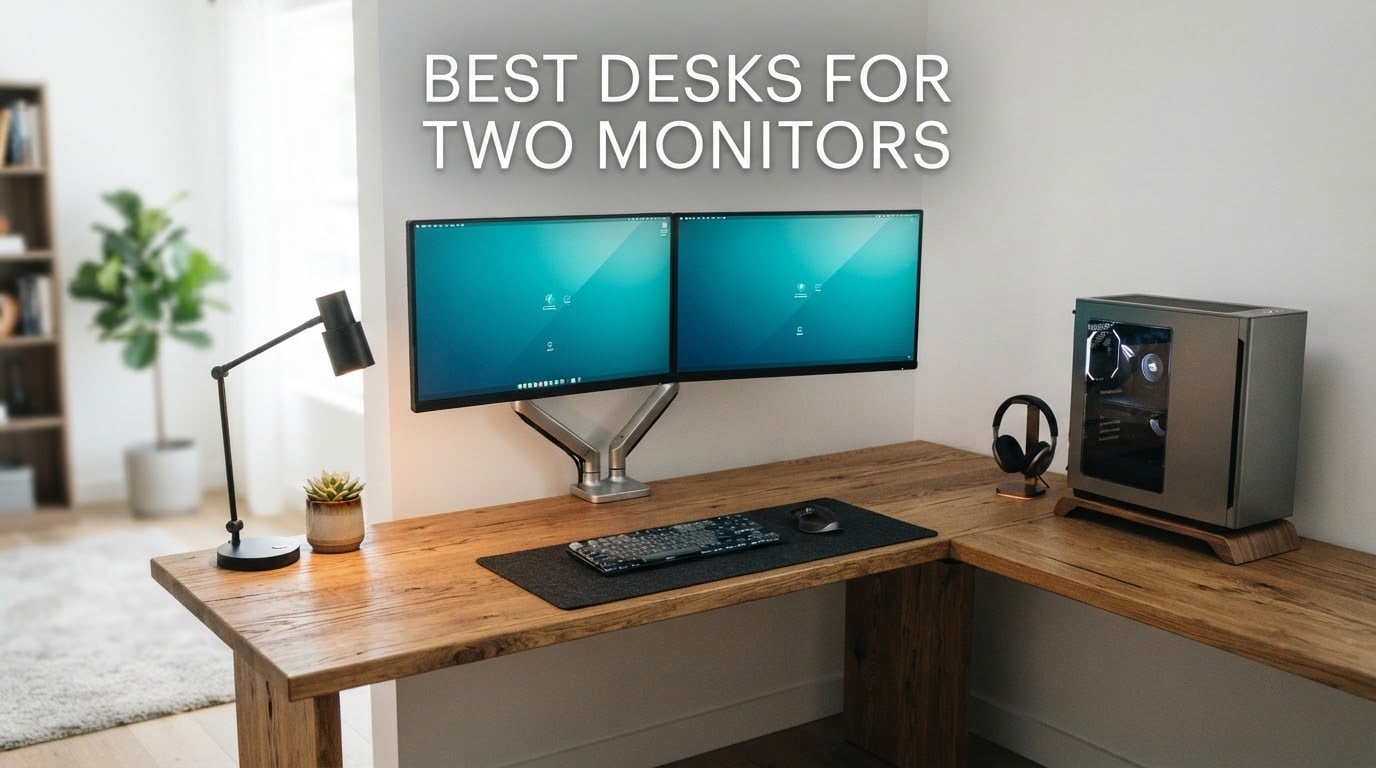
A dual-monitor desk needs roughly 55 to 60 inches of width and 24 to 30 inches of depth. Two 27-inch screens alone span about 48 inches, and their stands or arms eat another 8 to 10 inches of depth behind them, so the surface has to be wider than the screens look like they need.
That sizing rule is where most buyers go wrong. People measure their monitors, pick a desk that matches, then discover the mouse has nowhere to live and the keyboard is pushed against the screens. We compared ten desks in this roundup against width, depth, weight capacity, motor type, cable routing and C-clamp compatibility, and the pattern in the reviews was consistent: a desk that is too small forces cramped posture, and a frame that is too light wobbles under the load.
If you want the short answer, the SHW Mission 55 x 60 L-Shape is the desk we would put in a corner, the EUREKA ERGONOMIC 60 Inch RGB desk is the one for a gaming rig, and the Desktronic HomeOne is the only pick here with a dual-motor frame and a 264.6 lb rating, which is the combination dual-monitor-on-arms setups actually need.
Table of Contents
- Top 3 Picks for the Best Desks for Two Monitors (October 2026)
- Quick Overview: Best Desks for Two Monitors in 2026
- 1. SHW Mission 55 x 60 L-Shape Desk – Best Overall Corner Desk
- 2. EUREKA ERGONOMIC 60 Inch RGB Gaming Desk – Best for Gaming Setups
- 3. Desktronic HomeOne 60×30 Standing Desk – Best Dual-Motor Stability
- 4. Veken 55 Inch Electric Standing Desk – Best Value Sit-Stand Option
- 5. EUREKA ERGONOMIC 60 Inch Full Mouse Pad Desk – Best Deep Fixed Surface
- 6. Furologee 66 Inch L-Shaped Desk – Best Built-In Power
- 7. AODK 61 Inch L-Shaped Gaming Desk – Best for Storage
- 8. FOLUBAN 60 Inch Industrial Oak Desk – Best Styling With Drawers
- 9. HUANUO 60 x 30 Electric Standing Desk – Best for C-Clamp Monitor Arms
- 10. ODK 53 Inch L-Shaped Gaming Desk – Best Compact Corner Build
- How to Choose a Desk for Two Monitors
- Frequently Asked Questions
- Conclusion: The Best Desks for Two Monitors in 2026
Top 3 Picks for the Best Desks for Two Monitors (October 2026)

SHW Mission 55 x 60 L-Shape…
- 55 x 60 inch L-shape
- 110 lb capacity
- Alloy steel frame
- 5-year limited warranty

EUREKA ERGONOMIC 60 Inch…
- 60 x 30 inch top
- 500 lb load rating
- Z-type steel frame
- RGB lighting and mouse pad

Desktronic HomeOne 60×30…
- Dual synchronized motors
- 264.6 lb capacity
- 3 memory presets
- USB-C charging
Quick Overview: Best Desks for Two Monitors in 2026
| Product | Specs | Action |
|---|---|---|
| SHW Mission 55 x 60 L-Shape Desk |
|
Check Latest Price |
| EUREKA ERGONOMIC 60 Inch RGB Gaming Desk |
|
Check Latest Price |
| Desktronic HomeOne 60×30 Standing Desk |
|
Check Latest Price |
 Veken 55 Inch Electric Standing Desk Veken 55 Inch Electric Standing Desk |
|
Check Latest Price |
 EUREKA ERGONOMIC 60 Inch Full Mouse Pad Desk EUREKA ERGONOMIC 60 Inch Full Mouse Pad Desk |
|
Check Latest Price |
 Furologee 66 Inch L-Shaped Desk Furologee 66 Inch L-Shaped Desk |
|
Check Latest Price |
 AODK 61 Inch L-Shaped Gaming Desk AODK 61 Inch L-Shaped Gaming Desk |
|
Check Latest Price |
 FOLUBAN 60 Inch Industrial Oak Desk FOLUBAN 60 Inch Industrial Oak Desk |
|
Check Latest Price |
 HUANUO 60 x 30 Electric Standing Desk HUANUO 60 x 30 Electric Standing Desk |
|
Check Latest Price |
 ODK 53 Inch L-Shaped Gaming Desk ODK 53 Inch L-Shaped Gaming Desk |
|
Check Latest Price |
1. SHW Mission 55 x 60 L-Shape Desk – Best Overall Corner Desk
SHW Mission 55 x 60 L-Shape Home Office Computer Desk, Maple
55 x 60 in L-shape
110 lb max weight
1.13 in top thickness
Alloy steel base
Pros
- Wide L-shape fits two monitors and a PC
- 15-20 minute assembly
- Steel frame does not flex
- Reversible top design
- 5-year limited warranty
Cons
- Tight leg clearance for taller users
- Wide trim frustrates C-clamp mounts
- Some units arrive with a stripped screw hole
With more than 30,000 reviews averaging 4.6 stars, this is the most thoroughly proven desk in the roundup. The 55 by 60 inch L-shape gives you a 60 inch run for the monitors and a 55 inch return for the tower, keyboard and paperwork, which is exactly the split a dual-monitor corner needs.
The frame is powder-coated alloy steel and reviewers report it does not shake or flex, even with a tower and two screens loaded onto it. Owners consistently put assembly at 15 to 20 minutes with basic tools, and the surface arrives without chips.
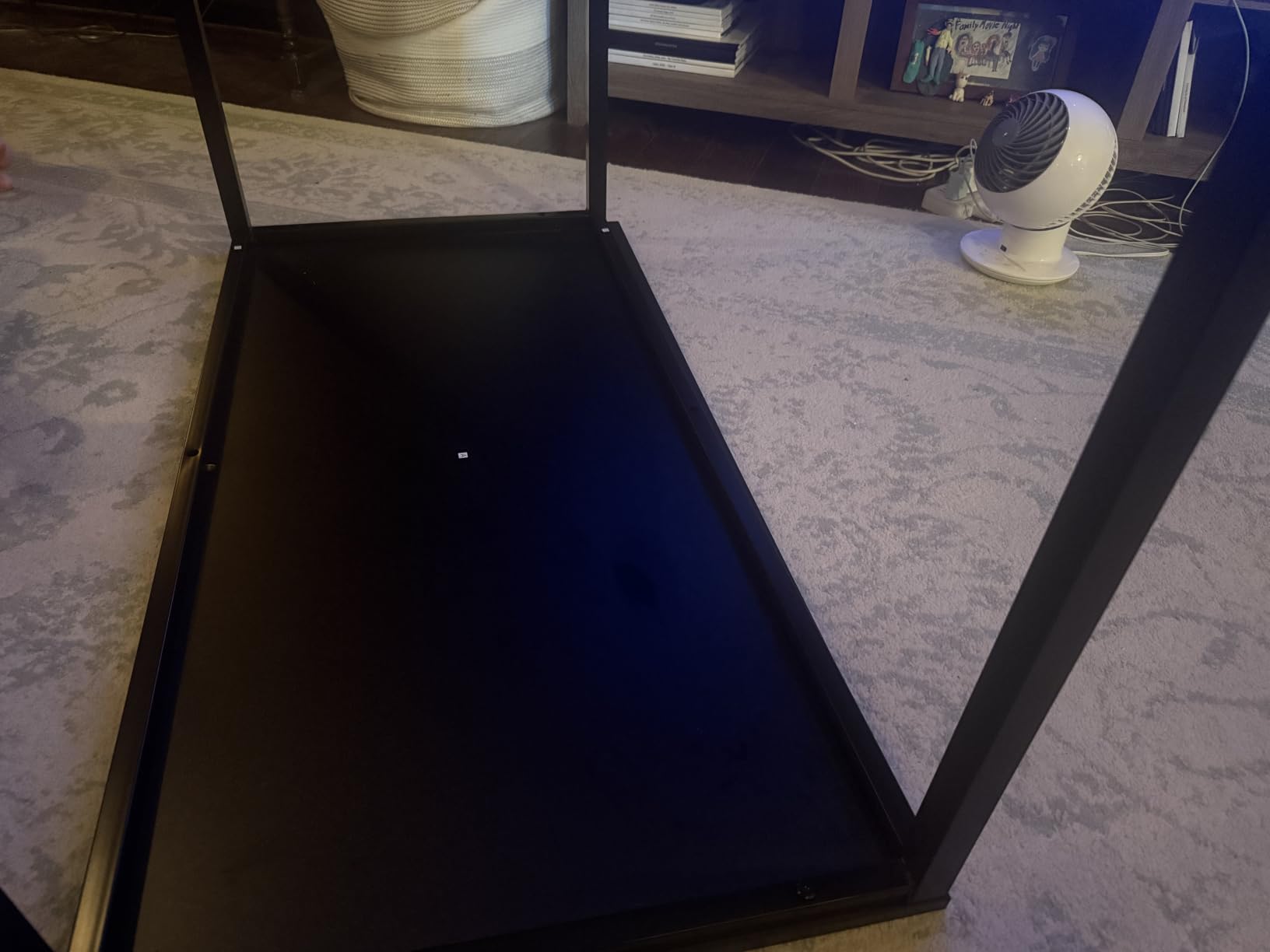
Two things to know before you buy. The leg clearance is tight for anyone around 5 foot 5 or taller, and a riser may be needed for comfortable foot room. The wide trim also frustrates a C-clamp monitor mount, so plan on grommet mounting if you want an arm here.
A few buyers also report a stripped screw hole on arrival, which is a packing issue rather than a design flaw, and the engraved wood reads closer to veneer than solid timber. Neither issue stops most people, given how much more usable surface you get than a rectangular 55.
Who this desk suits
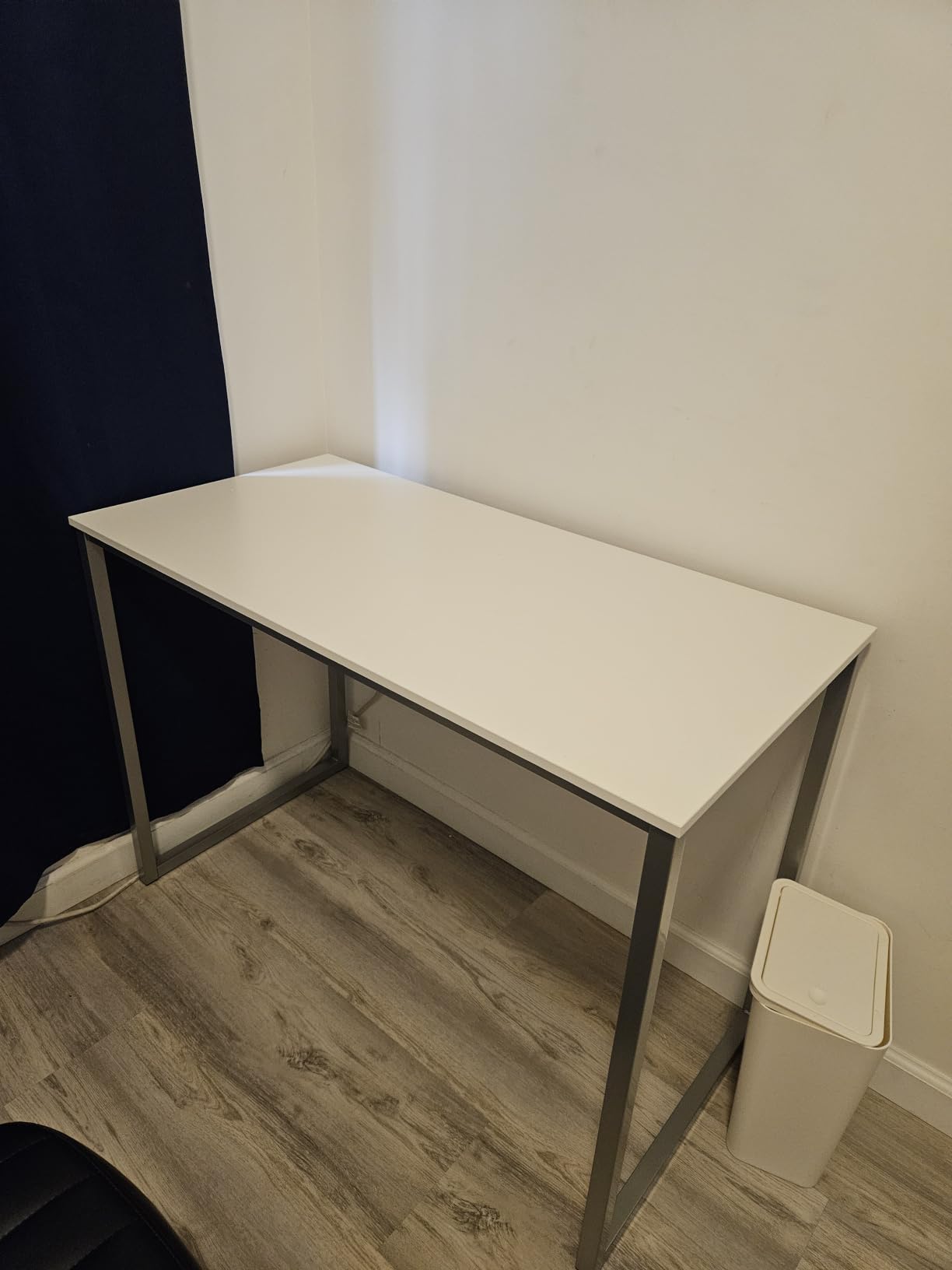
This is the pick for a corner office, a spare bedroom turned workspace, or anyone who wants the tower on the desk instead of on the floor. The returned leg of the L gives the PC its own platform and keeps the monitor run clear.
It also works as a shared family desk. One 60 inch side for work, the return for a laptop, a printer or school work.
Who should skip it
Skip it if you sit at 5 foot 6 or above and need full leg clearance, or if your plan is a clamped dual-monitor arm. The trim width is generous, and grommet mounting is the reliable route on this top.
It is also a fixed-height desk. If your workday calls for sitting and standing, look at the electric options further down.
2. EUREKA ERGONOMIC 60 Inch RGB Gaming Desk – Best for Gaming Setups
EUREKA ERGONOMIC Gaming Desk, 60 Inch Computer Desk with RGB LED Lights
60 inch desktop
500 lb max weight
Z-type steel frame
60 lb unit weight
Pros
- 60 inch top with room for tower and screens
- Z-frame stays solid under fast mouse work
- 31.5 x 23.6 inch mouse pad included
- USB-controlled RGB lighting
- Leveling feet and cable holes
Cons
- Carbon-look surface is a cosmetic wrap
- Light bars reduce usable width
- 23 inch listed depth is shallow for large monitors
- No drawer for controllers
A 4.8-star average across more than 5,000 reviews is unusually strong for a desk, and the reason is the frame. The reinforced Z-type steel legs stay rock solid during fast mouse movement, which is the failure mode that makes cheap gaming desks feel cheap after a month.
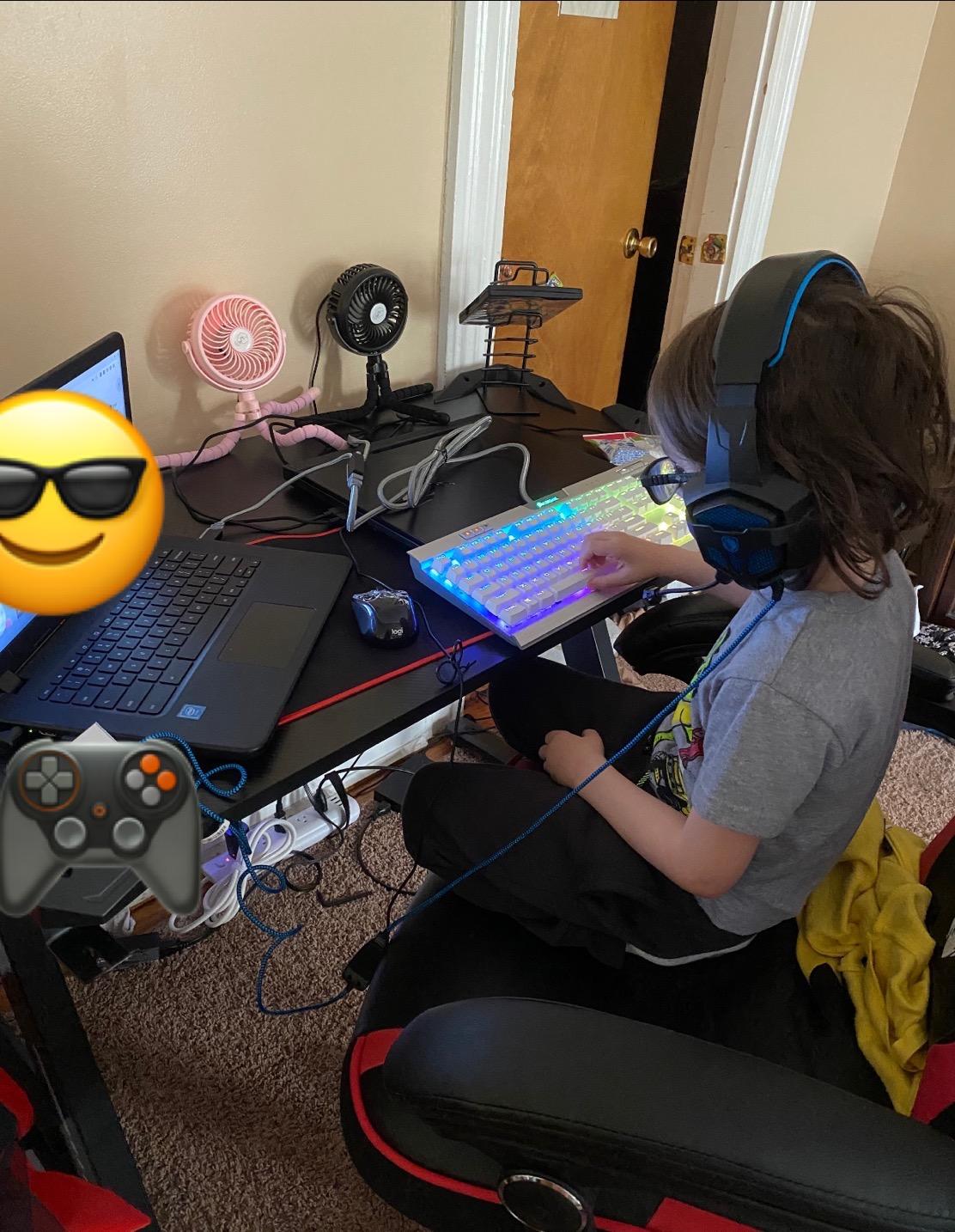
The 60 inch top gives dual monitors, a tower, keyboard and mouse room to spread out instead of stacking. A 31.5 by 23.6 inch gaming mouse pad ships in the box, which is most of the visual upgrade a gaming desk needs.
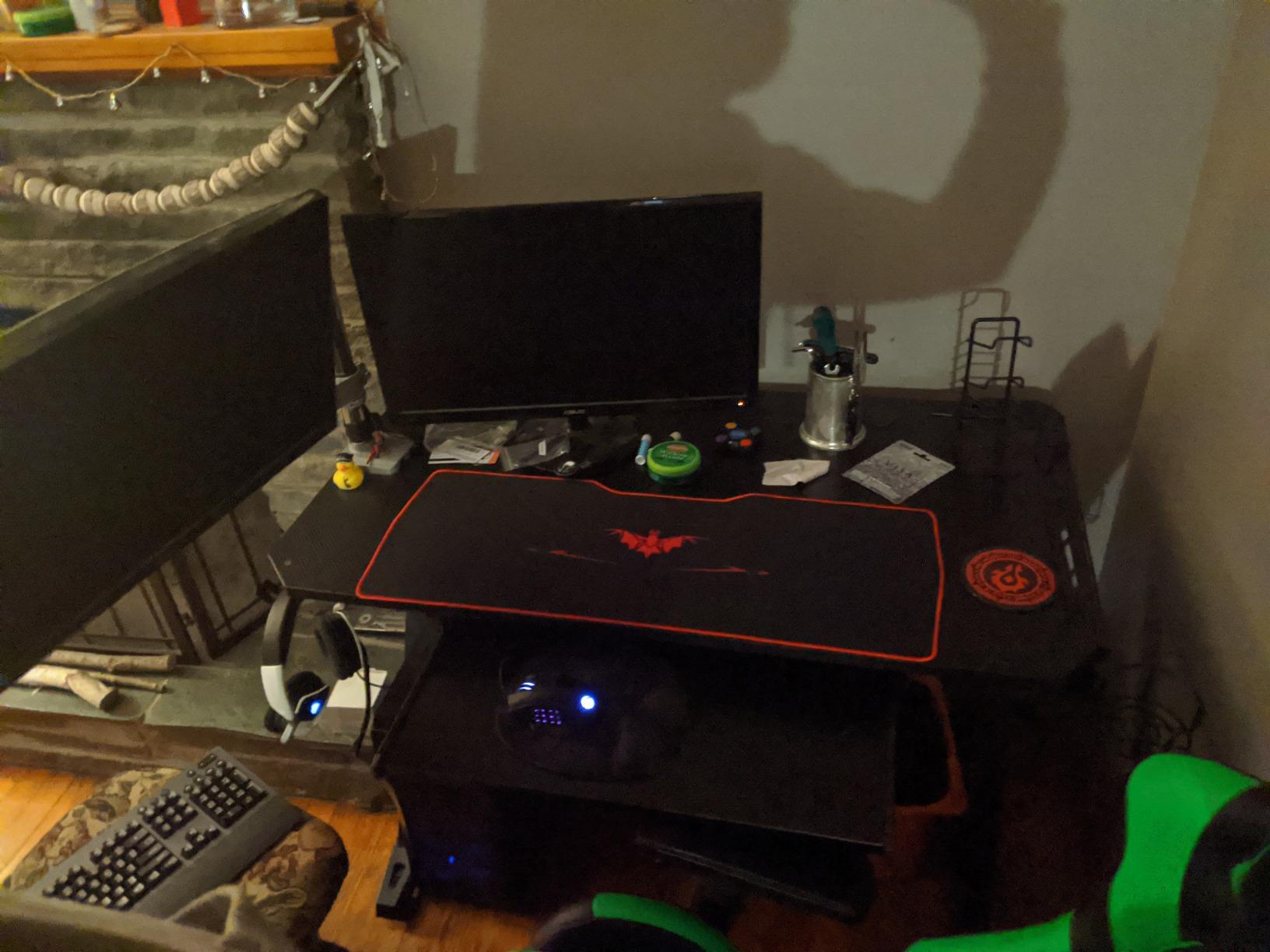
Honest caveats. The carbon fiber texture is a wrap over melamine rather than real carbon fiber, and the listed depth figure of 23 inches is shallower than ideal if you run very large panels. Owners also commonly peel the decorative leg stickers off.
The RGB lighting runs off USB and cycles through colors, but the color selection is not independently customizable. The plastic light bars along the edges do shave a little usable surface width, so a 60 inch top feels closer to 58 inches of practical workspace.
Who this desk suits
Gamers and streamers who want two monitors plus a tower on one surface without a second piece of furniture. The 500 lb rating is far more than the setup needs, which means the frame will not be the weak link.
It works just as well as a fixed desk for a trader or editor who does not need height adjustment and wants a stable surface for a keyboard-heavy workflow.
Who should skip it
Skip it if you need more than about 24 inches of depth. The mouse pad covers a large share of the top, so anything deeper than a 27-inch monitor is a tight fit on a 23 inch listed depth.
Also skip it if you dislike decorative lighting or want drawers. There is no drawer here, so controllers and small accessories live on the surface or on the floor.
3. Desktronic HomeOne 60×30 Standing Desk – Best Dual-Motor Stability
Desktronic HomeOne Standing Desk 60×30 — Ergonomic Sit Stand Home Office Desk, Made in Europe, Electric Dual Motor Height Adjustable, USB & USB-C Charging, Wobble-Free, Touchscreen, 3 Memory Presets
60 x 30 in top
264.6 lb capacity
Dual synchronized motors
28.9 to 47.1 in range
Pros
- Dual motors keep the top wobble-free at any height
- Quiet motor movement
- Seamless one-piece top with rounded corners
- Built-in USB-A and USB-C charging
- Height range fits 5ft0 to 6ft8 users
Cons
- Demanding assembly with screw and label mismatches
- Included screwdriver is poor quality
- Touch controls are easy to brush accidentally
- Presets take several programming steps
This is the only pick in the roundup with two synchronized electric motors, and that is the whole point for a dual-monitor setup. Single-motor frames concentrate the load on one leg pair, which is where the wobble in cheaper sit-stand desks comes from. With 264.6 lb of rated capacity and 80 lb of actual desk weight, the HomeOne has a lot of headroom left over.
The 60 by 30 inch one-piece top with rounded corners is the deepest fixed-height option here, and owners use it for triple monitors, a docking station and a drawing tablet without crowding. Built-in USB-A and USB-C charging removes the need for a desktop dock.
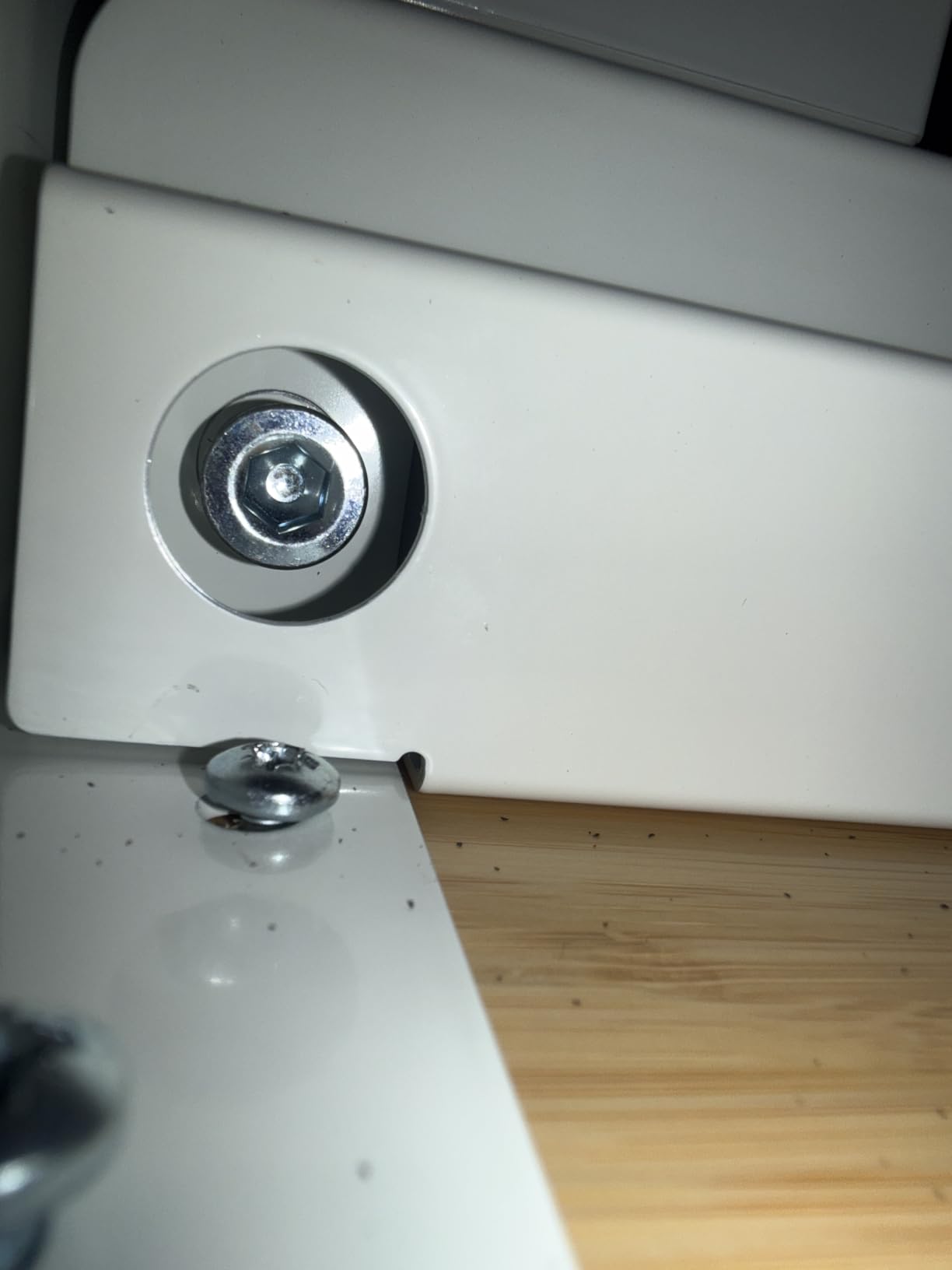
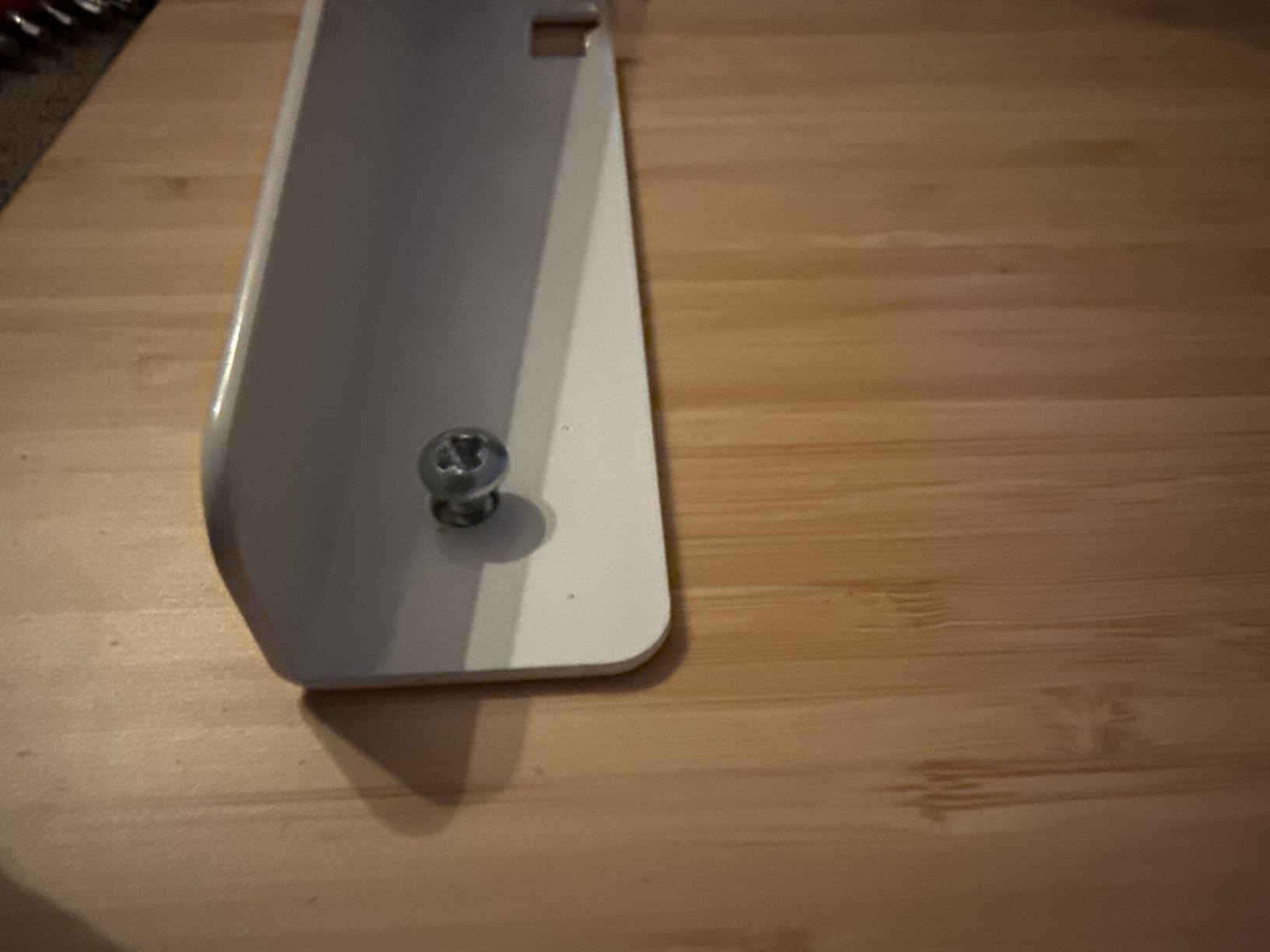
The build is the rough part. Several owners report screw and hole mismatches and unclear labeling, and the included screwdriver is not good enough, so a power screwdriver is close to required. The touchscreen controller is also easy to brush with a forearm and can trigger an unwanted height change mid-work.
Program the three memory presets and the safety limits before you start working, because it takes several steps and you will not want to do it at your desk. A few units have also arrived with a desktop smaller than the advertised working area, so check the surface dimensions on arrival.
Who this desk suits
Anyone whose monitors live on a dual-monitor arm. The 264.6 lb rating and dual-motor frame absorb the leverage an extended arm puts on the back of the desk, which is where budget sit-stand frames start to shake.
The 28.9 to 47.1 inch height range covers users from about 5 foot 0 to 6 foot 8, and the built-in charging ports suit a laptop-plus-two-monitor setup where desk space is tight.
Who should skip it
Skip it if you are not comfortable with assembly or do not have a power screwdriver. The negative reviews on this desk cluster almost entirely on the build process, not on the desk once it is together.
It is also the heaviest item here at 80 lb, so measure your doorway and stairwell before ordering two boxes of this size.
4. Veken 55 Inch Electric Standing Desk – Best Value Sit-Stand Option
Veken 55 Inch Large Electric Standing Desk, Gaming Table, White
55 x 23.6 in top
154 lb max weight
28.3 to 46.5 in range
Motor under 52 dB
Pros
- Wide 55 inch surface for multiple screens
- Quiet and smooth motor
- Steel frame stays stable fully extended
- Built-in cable management
- Setup in 10 to 30 minutes
Cons
- Two-board desktop has a visible seam
- Only four height presets
- 23.6 inch depth is tight for large monitors
- Frame can shift on some floor types
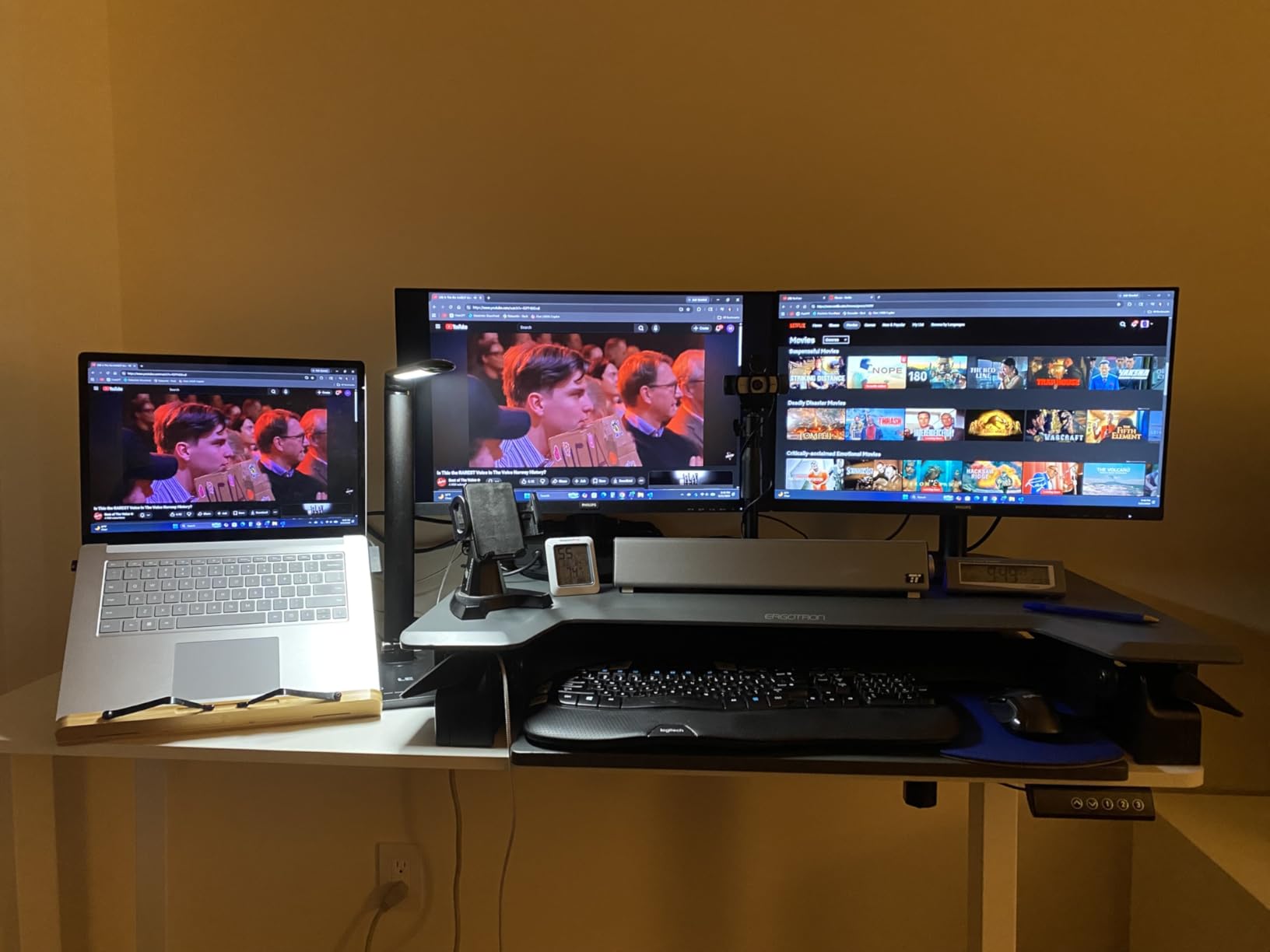
The Veken is the most affordable way into electric height adjustment with a genuinely wide top. Fifty-five inches is enough for two 27-inch monitors with the screens pushed back and the keyboard forward, and the built-in cable management keeps cords off the floor without buying a tray.
The motor runs under 52 dB, which reviewers single out because frequent height changes become annoying fast when the desk is loud. The stainless steel frame stays stable at full extension, and setup runs 10 to 30 minutes.
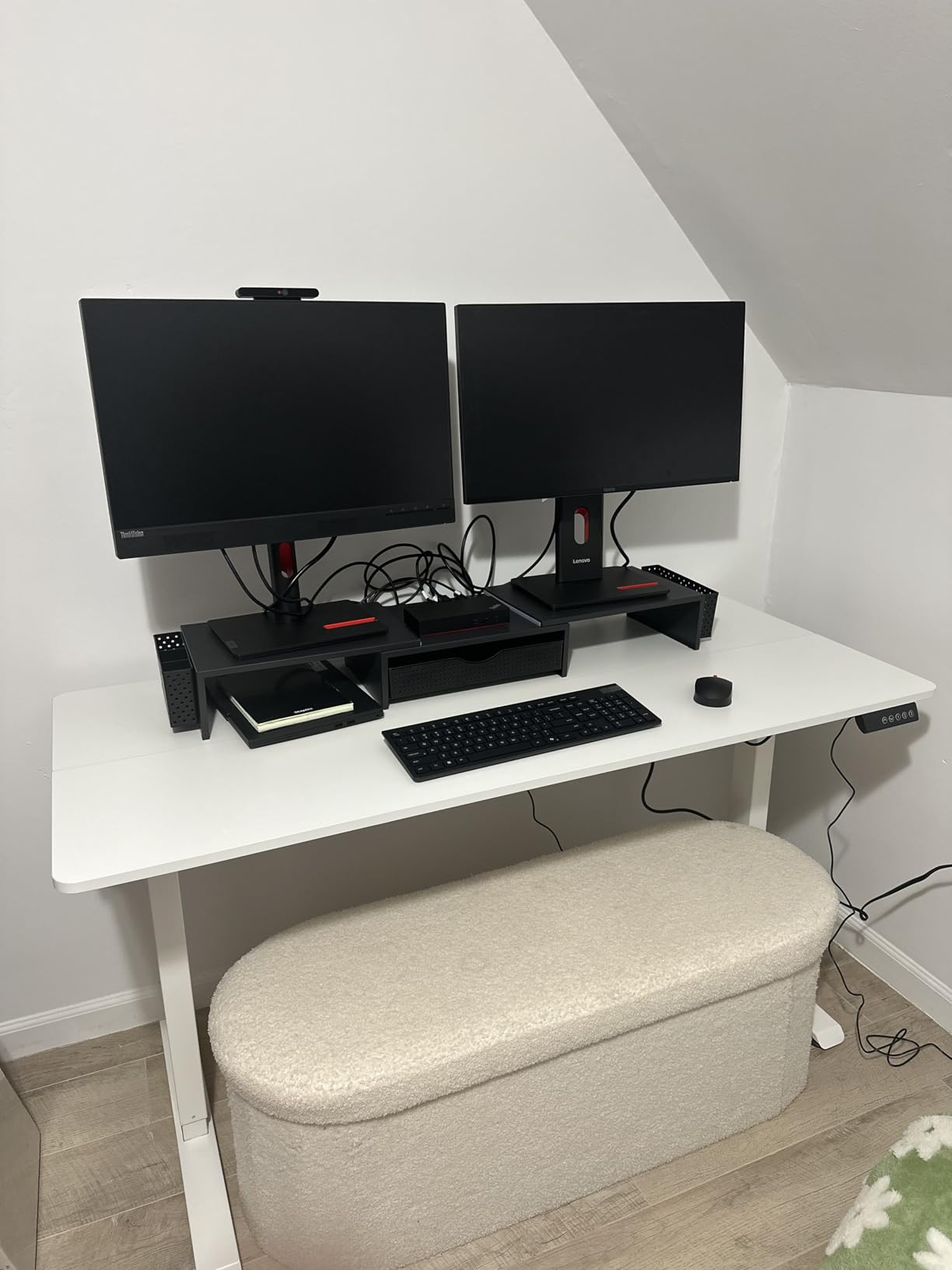
The limitation buyers mention most is the desktop itself. It is made of two joined boards, so there is a visible seam down the middle of the surface, right where your keyboard and mouse will sit. The 23.6 inch depth is also on the shallow side for very large monitors.
Height presets are limited to four positions, and a handful of owners report the frame shifting slightly on certain floor types, so check it on carpet before you commit to a spot.
Who this desk suits
This fits a first sit-stand purchase in a small home office where 55 inches is the widest the room allows. It suits traders and programmers who want screens high and code low without moving to a premium dual-motor frame.
It also works for a two-monitor-plus-laptop setup if the laptop sits on a riser at one end rather than taking up permanent width.
Who should skip it
Skip it if a visible seam across the middle of your work surface bothers you, or if you plan to clamp a heavy dual-monitor arm to it. The 154 lb rating is the lowest here that still covers a realistic dual 27-inch load, but it leaves little margin for arm leverage.
Two 32-inch monitors on an extended arm is not a good match for this frame. For that, look at a dual-motor desk with a higher rating.
5. EUREKA ERGONOMIC 60 Inch Full Mouse Pad Desk – Best Deep Fixed Surface
EUREKA ERGONOMIC Gaming Desk, 60 Inch Computer Desk with Full Mouse Pad
60 x 27.56 in top
500 lb frame
Fixed 30.12 in height
25.2 kg unit weight
Pros
- 27.56 inch depth gives real screen distance
- Frame stays steady under aggressive mouse work
- Full-surface mouse pad with stitched edges
- Cable tray hides the power strip
- Controller rack and dual headset hook
Cons
- Fitted mouse pad cannot be moved or removed
- No height adjustment at all
- Assembly takes two people
- No storage drawers
Depth is the quiet differentiator here. At 27.56 inches, this top puts your monitors at a proper viewing distance instead of pushing them to the back edge, which is the change dual-monitor owners notice most when they move up from a 23 inch desk.
The 60 inch width and 30.12 inch height give a keyboard-and-mouse-first work surface, and the full-surface fitted mouse pad gives you one continuous tracking area. The reinforced steel frame carries up to 500 lb and does not shift with fast mouse movement.
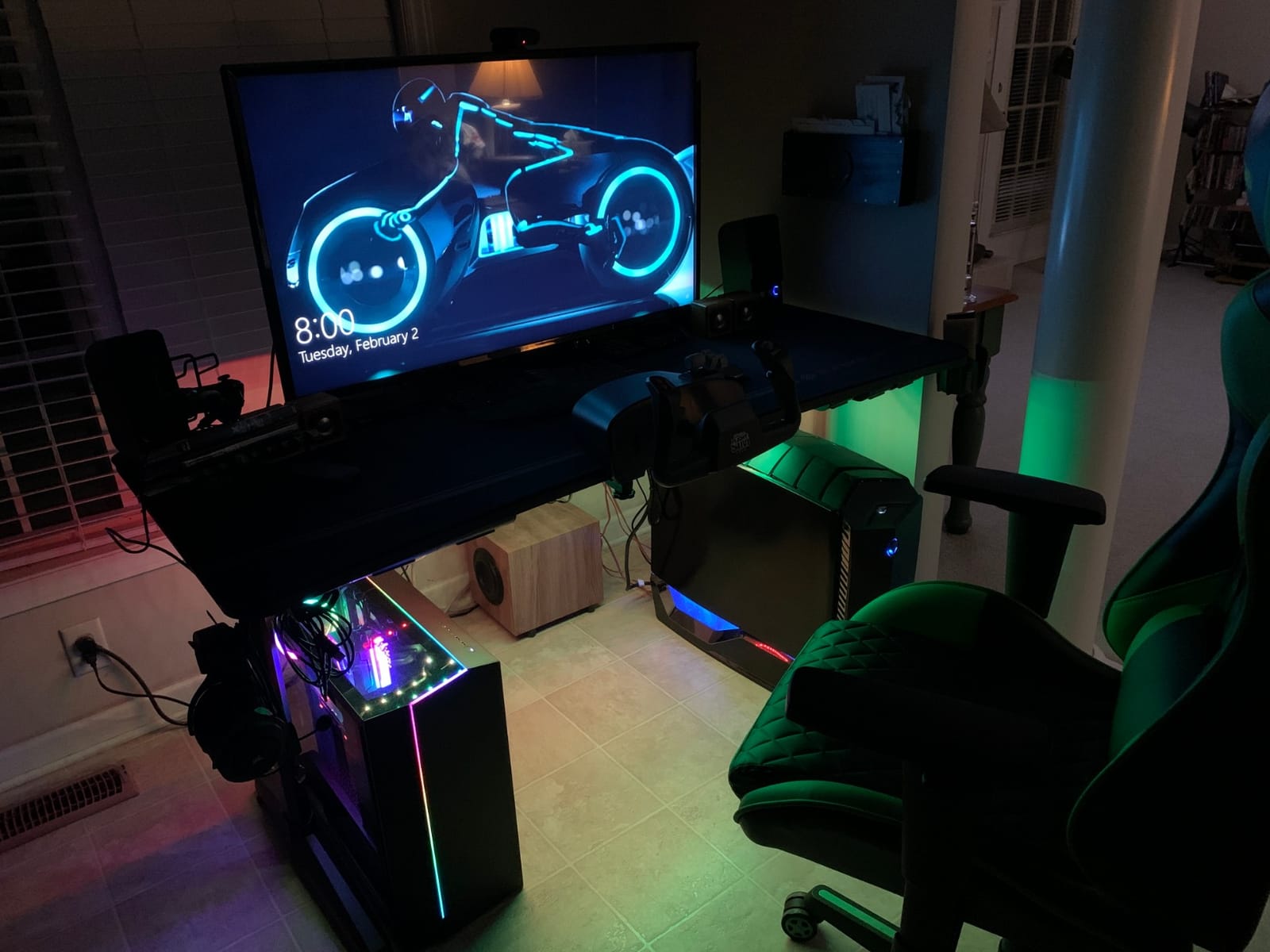
Cable management is genuinely built in. The under-desk tray hides a power strip, and the controller rack, cup holder and dual headset hook keep gear off the surface, so the desk still looks organized once you add two monitors and a tower.
The trade-off is the fitted mouse pad. It covers most of the top and cannot be repositioned or removed easily, so plan your layout around it rather than trying to work around it later. There is no height adjustment whatsoever, and assembly is a two-person job.
Who this desk suits
Trading desks, editing suites and game setups where mouse precision matters and depth is the priority. If your current setup has you hunching toward 23 inch deep screens, the extra four inches of depth is the single biggest ergonomic gain available here.
It also suits a media-heavy office, since the controller rack and headset hooks keep peripherals off the surface.
Who should skip it
Skip it if you sit-stand. A fixed 30.12 inch height rules out any variation in your day, and there is no way to add it later.
It is also a poor fit if you use a bare desk for writing, drafting or art, because the full-surface pad leaves little clean area for a sheet of paper or a sketchbook.
6. Furologee 66 Inch L-Shaped Desk – Best Built-In Power
Furologee 66” L Shaped Desk with Power Outlet and 2 Drawers, Rustic Brown
66 inch L-shape
18.11 in listed depth
180 lb load capacity
54.3 lb unit weight
Pros
- 66 inch L-shape maximizes corner space
- 3 outlets and 2 USB ports built in
- Two movable monitor risers raise screens to eye level
- Reversible layout with drawer on either side
- Adjustable feet stabilize on carpet
Cons
- 18.11 inch depth is the main limitation
- Fabric drawer fronts show fingerprints
- Particle board top is less durable
- Must be assembled by two people
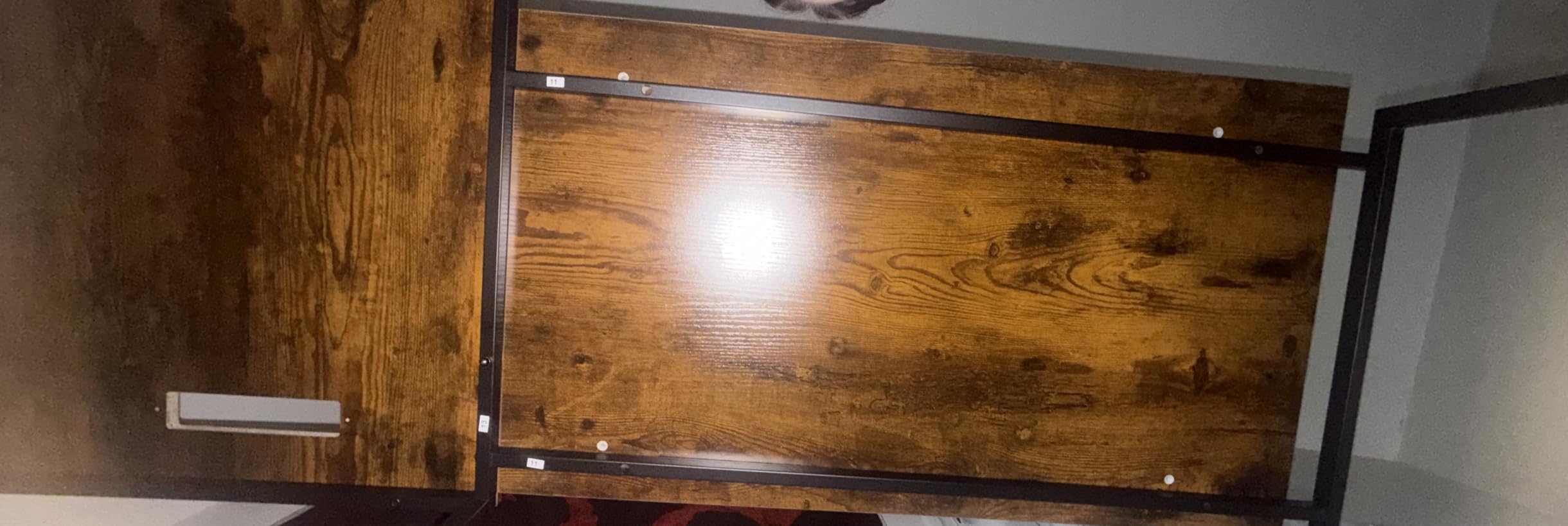
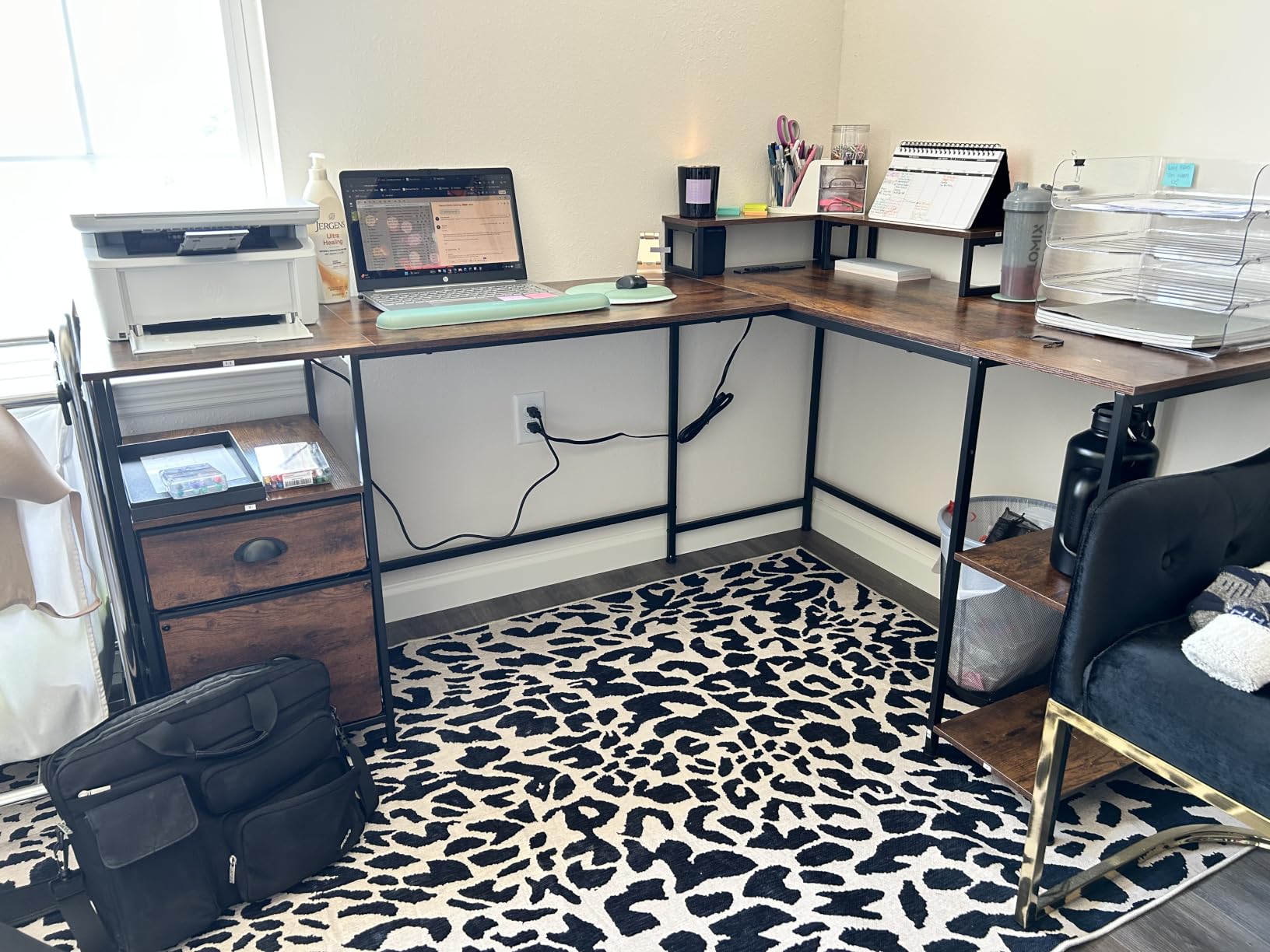
Sixty-six inches makes this the widest surface in the roundup, and the L-shape uses a corner far better than a rectangle of the same length. The built-in power is the standout: three AC outlets and two USB charging ports set into the desktop, which removes the extension cord from a two-monitor setup entirely.
Two movable monitor stands ship with the desk and raise both screens to eye level, freeing the surface behind them. Buyers put a fabric file drawer and two-tier adjustable shelves on the return, and the whole drawer unit can mount on either side of the L.
The 18.11 inch listed depth is the number to weigh carefully. It is the shallowest top here, and with two 27-inch monitors plus risers you will feel it in viewing distance and mouse space. Large monitor bases crowd whatever is left of the surface.
Owners also mention that the fabric drawer fronts show fingerprints readily, that the particle board top is less durable than solid wood or heavier laminate, and that the size makes this a two-person assembly.
Who this desk suits
Corner home offices where wall space is the constraint and power outlets are scarce. The integrated charging and the reversible L mean one desk covers a left-handed or right-handed corner equally well.
It also suits setups where the PC lives under the return and the monitors sit on the included risers rather than arms, since there is no clamp-friendly trim here.
Who should skip it
Skip it if you run two 32-inch panels or need serious depth for a mouse. At 18.11 inches, the desk works but the ergonomics are compromised.
It is also a poor choice for a shared desk where two people will lean on the edges daily, given the particle board construction.
7. AODK 61 Inch L-Shaped Gaming Desk – Best for Storage
AODK 61″ L Shaped Gaming Desk with 4 Drawers and Power Outlets, Black
61 inch L-shape
18.9 in depth
4 drawers
3 outlets and 2 USB ports
Pros
- Four drawers plus two hooks keep the surface clear
- Built-in outlets and USB ports used constantly
- PC tower stand frees the floor
- Waterproof dense board resists warping
- Reversible layout with fabric drawers
Cons
- 18.9 inch depth crowds large monitor bases
- Reversible manual has mislabeled L and R steps
- Included wrench does not grip the nuts
- Fabric fronts show fingerprints
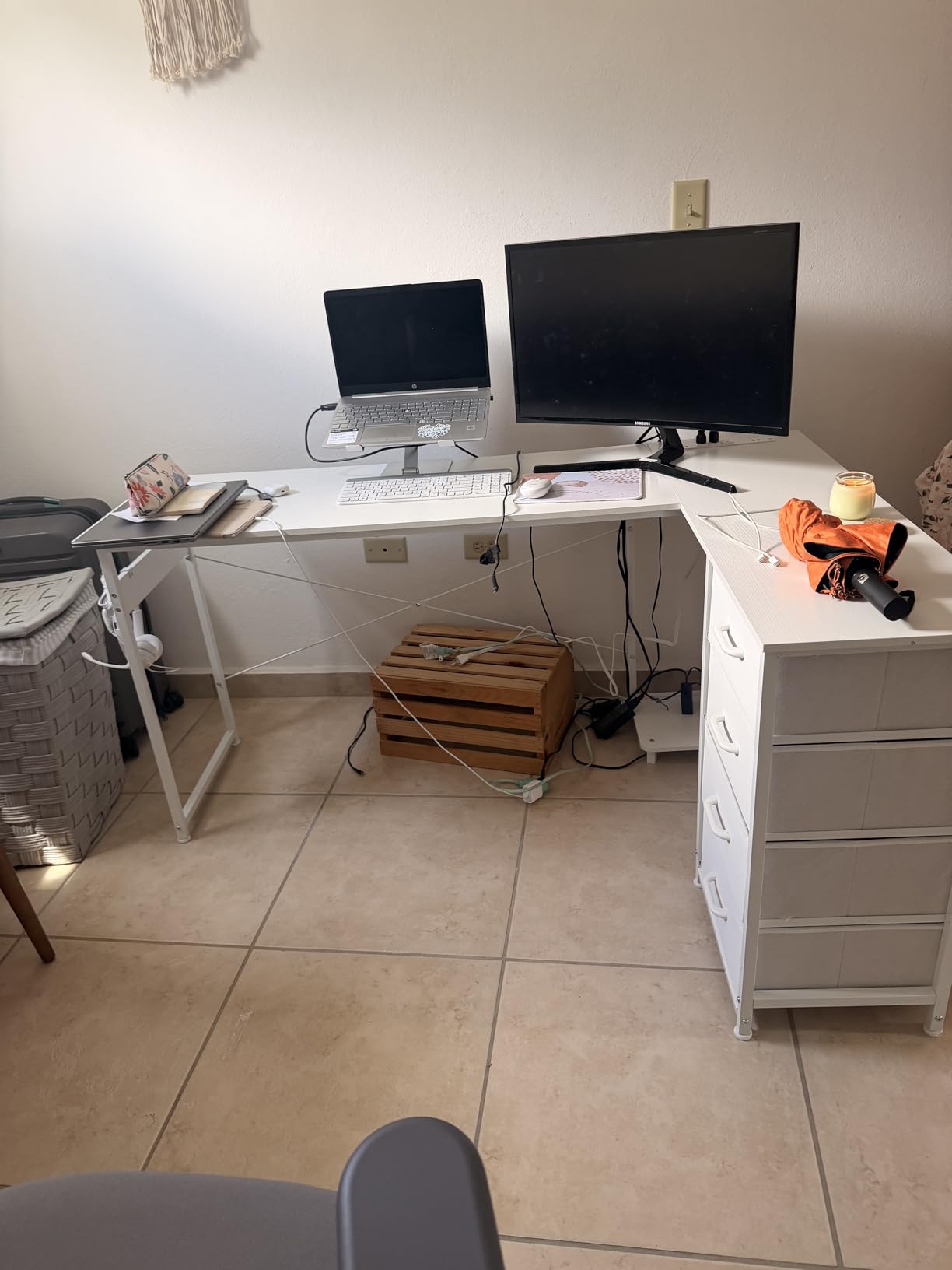
Most two-monitor desks solve width and ignore what happens to the clutter. This one has four spacious drawers and two iron hooks, which is why buyers single out the storage rather than the surface area. A 61 inch L-shape with a fabric drawer pedestal keeps adapters, cables and stationery out of the workspace.
It also has a PC tower host stand, so the tower sits off the floor and the legroom stays clear, plus three AC outlets and two USB ports built into the desk. The waterproof dense board is rated to resist warping and cracking.
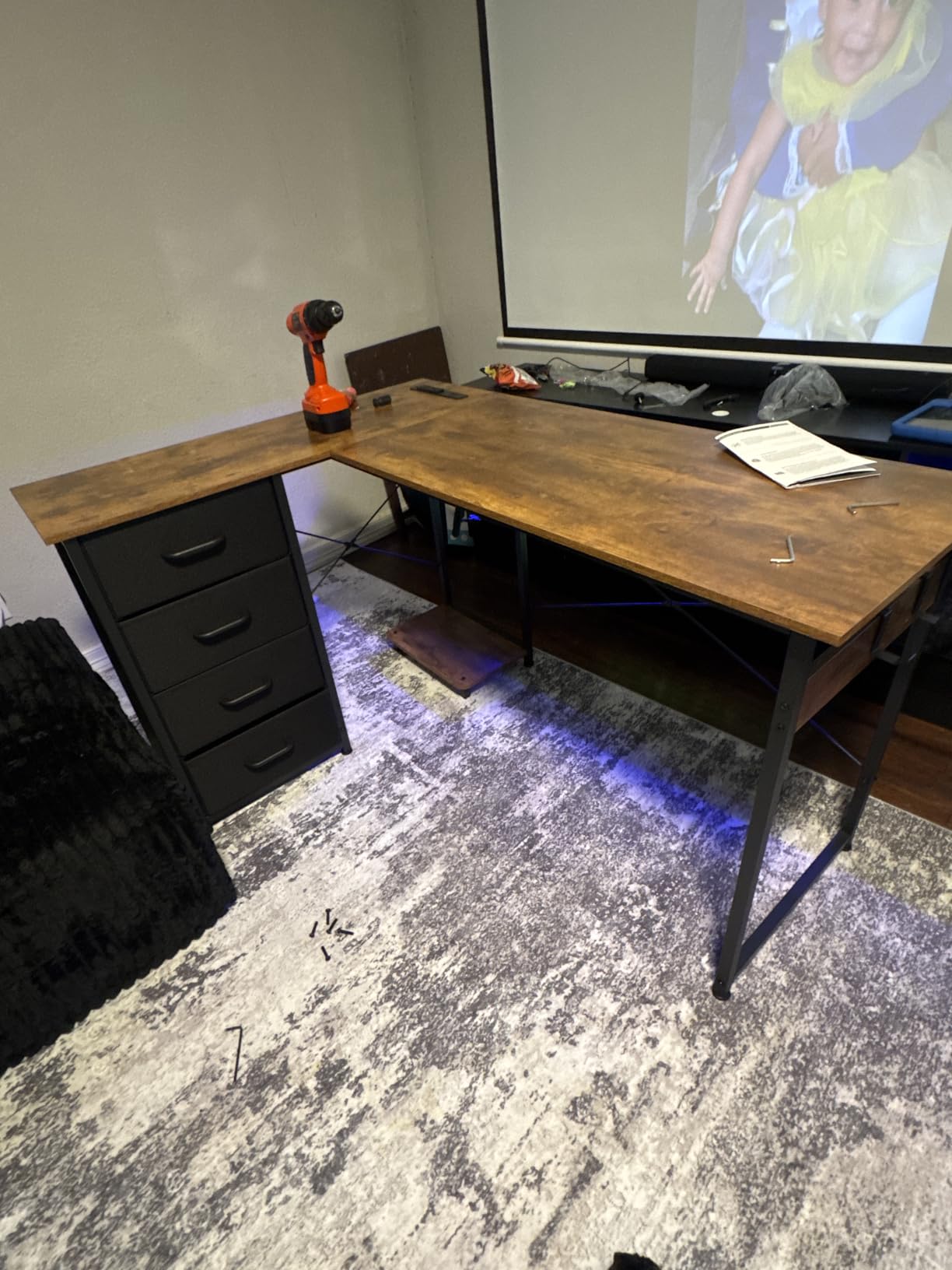
Assembly is where the complaints are. The reversible-design manual has mislabeled left and right instructions, the included wrench does not grip the nuts so a 10mm socket is needed, and some buyers had to start over after missing screw-hole references in the guide.
The 18.9 inch depth is the other recurring theme. Large monitor bases crowd the mouse area, and the fabric drawer fronts pick up fingerprints quickly, though the drawers themselves are easy to move.
Who this desk suits
Anyone whose current dual-monitor surface is buried under adapters and cables. Four drawers change that, and the built-in power means the extension cord can go in a drawer instead of underfoot.
It suits corner rooms and gaming setups that want the tower on the desk but not in the way, since the host stand lifts it to the return.
Who should skip it
Skip it if you want 30 inches of depth. At 18.9 inches you will be reaching past the monitor bases for the mouse, which is exactly the strain a wider desk is meant to remove.
It is also a poor fit if you are not handy with basic tools and do not have a socket set on hand.
8. FOLUBAN 60 Inch Industrial Oak Desk – Best Styling With Drawers
FOLUBAN Industrial Computer Desk, Rustic Wood and Metal Writing Desk, Vintage PC Table for Home Office, Oak 60 inch
60 x 23.6 in top
50 lb stated load
33 lb unit weight
Fixed 29.5 in height
Pros
- 60 inch top holds two monitors and a laptop
- Three-drawer pedestal with metal glides
- Oak and black metal suits many rooms
- 15-minute assembly with all hardware
- Clean uncluttered look
Cons
- Fixed 29.5 inch height with no adjustment
- 50 lb stated load is lower than metal rivals
- MDF top scratches more easily than solid wood
- Only one 60 inch size in the oak finish
Sixty inches of width and a three-drawer pedestal is a combination most 60 inch desks cannot match, and buyers notice. The pedestal keeps peripherals and stationery off the surface, which matters more than it sounds once two monitors, a laptop and a keyboard are sharing the top.
The styling is the other draw. The oak-look top with a powder-coated black metal frame reads as vintage industrial but sits fine in a modern room, and the simple lines stay uncluttered. Assembly takes about 15 minutes with all hardware supplied.
Who this desk suits
A home office where the desk is furniture as much as equipment. The 60 inch top fits two monitors plus a laptop at 23.6 inches of depth, which is workable for 24 and 27 inch panels.
It is a good match for a study, a reception area or a small-business front desk, where the drawers hold stationery and the look needs to be neutral.
Who should skip it
Skip it if you plan to clamp a monitor arm. The 50 lb stated load is the lowest figure in this roundup, and that rating is the honest limit for two monitors and an arm rather than a technicality to ignore.
Skip it if you sit-stand, since the 29.5 inch height is fixed, and note that the MDF top is more vulnerable to moisture and scratching than solid wood.
9. HUANUO 60 x 30 Electric Standing Desk – Best for C-Clamp Monitor Arms
HUANUO 60″ x 30″ Electric Standing Desk with 2 Drawers, C-Clamp Mount Compatible, Height Adjustable Computer Desk, Home Office Stand Up Desk with 4 Preset Heights & 2 Hooks, Vintage Brown
60 x 30 in top
176 lb max weight
27.9 to 46.8 in range
2.36 in rear platform
Pros
- True 60 x 30 inch top with real depth
- Extended rear platform fits C-clamp monitor mounts
- Two drawers plus an open cubby
- 4 one-touch height presets
- Curved ergonomic edges
Cons
- No built-in power or cable tray
- Single-motor frame can wobble at full extension
- Modest storage for a desk this size
- Assembly recommended for two people
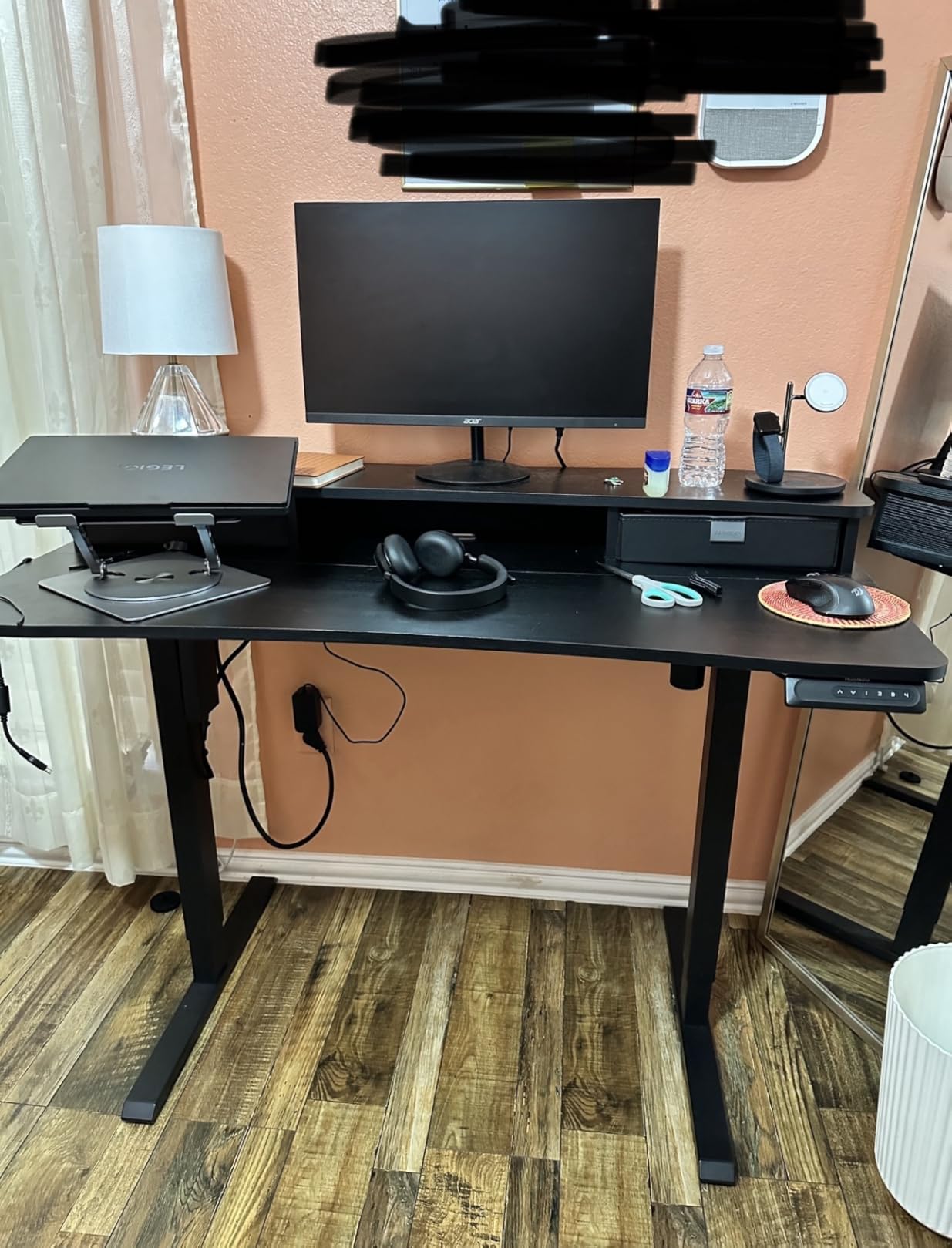
Almost every budget sit-stand desk fails the same way: the rear edge is too thin for a C-clamp, so the monitor arm has to go through a grommet or the whole plan is abandoned. This desk extends the rear platform to 2.36 inches specifically so a clamped dual-monitor arm installs properly, and that is the one feature reviewers single out above everything else.
The 60 by 30 inch top is a genuine 30 inches of depth, which puts your screens at a healthy viewing distance, and two drawers plus an open cubby keep the surface usable. Height range is 27.9 to 46.8 inches with four one-touch presets and an anti-collision system.
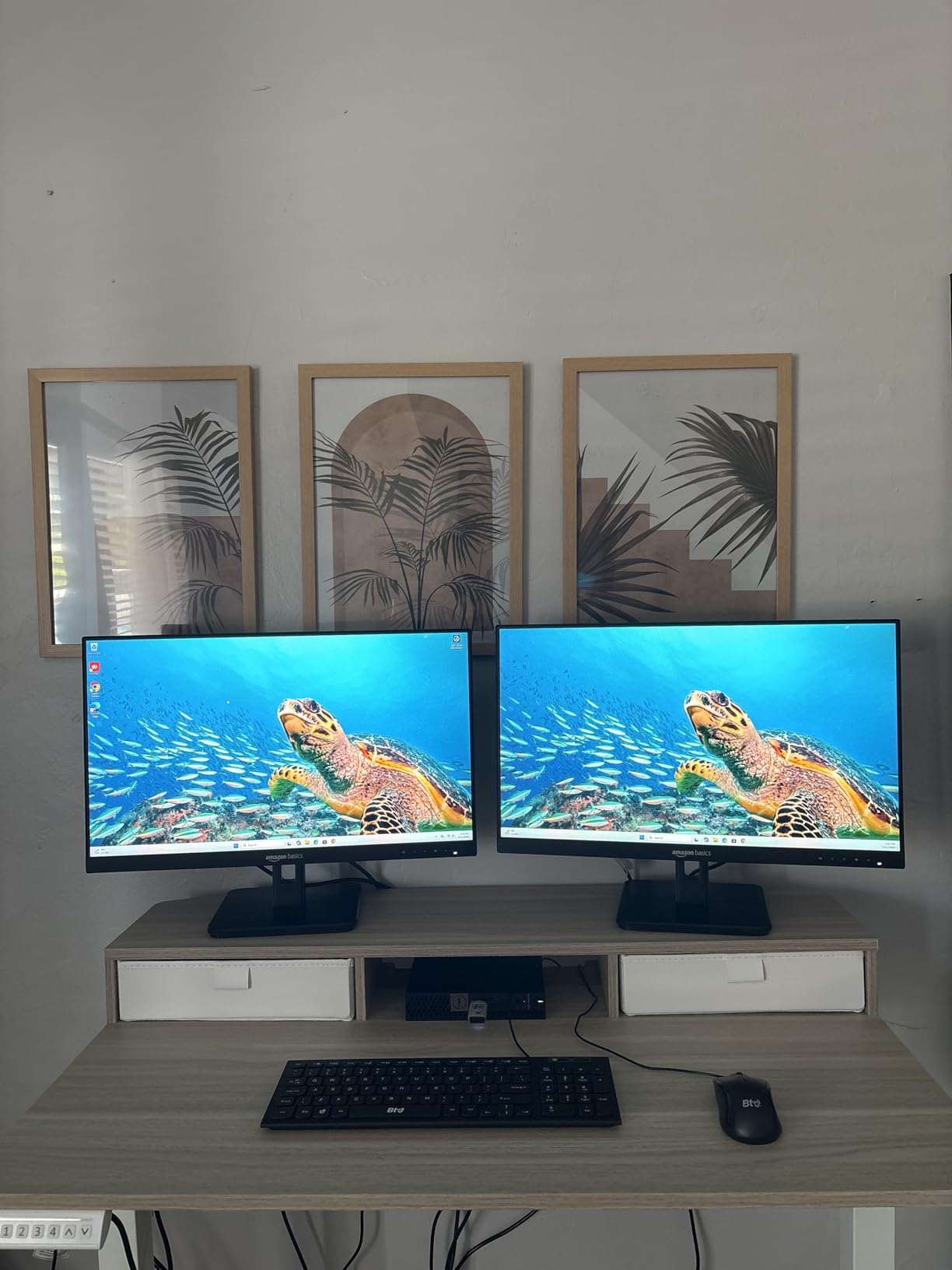
The compromises are cable related. There is no built-in power and no cable tray, so cords still need routing separately, and the 176 lb rating is thinner than a true dual-motor frame would give you. Reviewers also note slight wobble at full extension when a heavy arm is clamped on.
Two drawers and a cubby are modest for a desk this large, and the curved ergonomic edges are comfortable but do not add function. Assembly is recommended for two people.
Who this desk suits
Standing desk users who are committed to a clamped dual-monitor arm. On most sit-stand frames this combination does not work, and here the manufacturer designed the rear edge for it.
It also suits a programmer running long code lines beside a second screen, where 30 inches of depth and height presets at one touch both matter.
Who should skip it
Skip it if you are mounting very heavy monitors on a long arm. A single-motor frame at full extension with that leverage can wobble, and the 176 lb rating does not leave a lot of margin.
It is also the wrong pick if you want integrated power, since the outlets are an extra purchase.
10. ODK 53 Inch L-Shaped Gaming Desk – Best Compact Corner Build
ODK 53″ L Shaped Gaming Desk with Shelves, LED & Outlets, Black
53 inch L-shape
18.9 in depth
X-shaped steel frame
46.1 lb unit weight
Pros
- 53 inch L-shape designed around dual monitors
- X-frame and foot pads stay steady on uneven floors
- 3 outlets and 2 USB ports with cable channels
- RGB strip with 10 colors and 8 brightness levels
- Reversible side modules
Cons
- No drawers
- storage limited to open shelves
- 18.9 inch depth is shallow for larger monitors
- Fixed 29.8 inch height
- RGB is decorative not task lighting
Fifty-three inches sounds tight until you account for the L-shape. The main run takes two monitors and the return takes the tower, so you get corner coverage in a footprint that would not fit a 53 inch rectangle and two monitors with any room left.
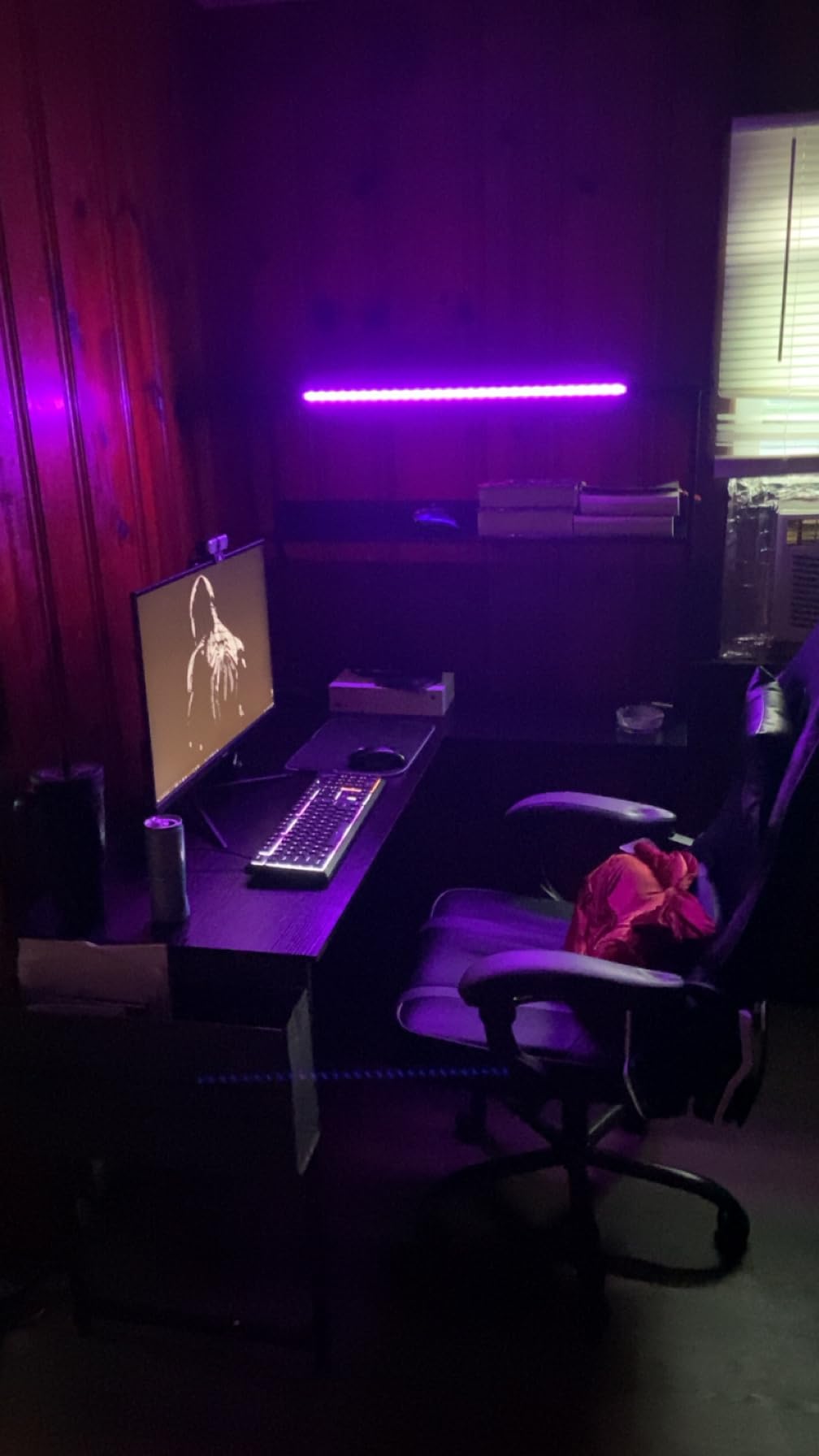
The X-shaped steel frame with adjustable foot pads is the reason this one holds steady, and it is stable on uneven floors. Built-in power covers three AC outlets and two USB ports with cable channels, and the RGB strip offers 10 colors, 8 brightness grades and 10 dynamic modes with memory.
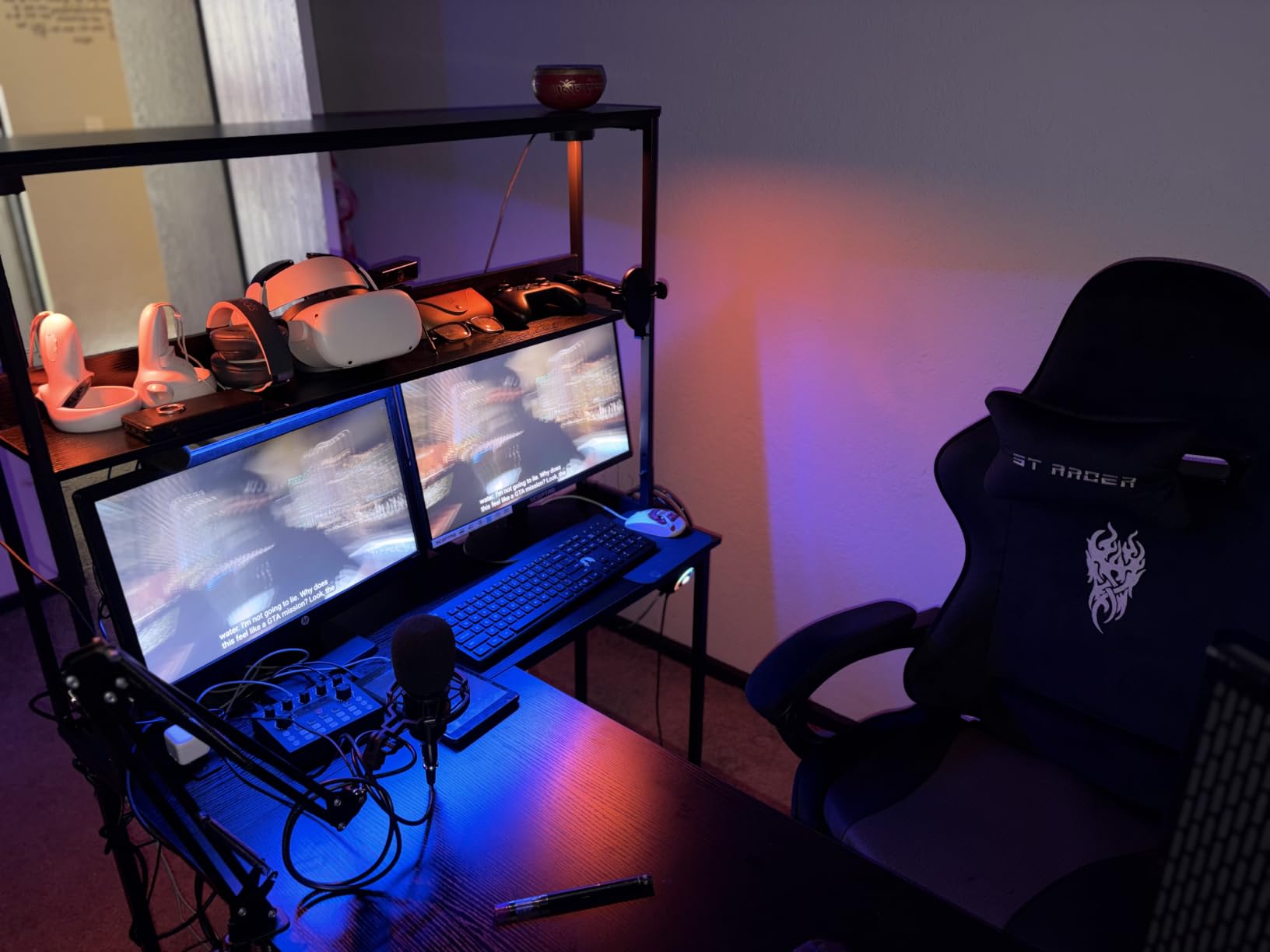
Storage is shelves and a CPU stand, not drawers, so a cluttered desk stays cluttered. The 18.9 inch depth is the other limit, and with two large panels your mouse area tightens noticeably.
Height is fixed at 29.8 inches, and the LED lighting is decorative rather than task lighting, so it adds atmosphere at night but does not light your keyboard. The side modules are interchangeable, which lets you flip the layout to match your corner.
Who this desk suits
Small rooms and dorm setups where a 60 inch straight desk will not turn the corner. It suits gamers who want RGB and integrated power without paying for a large fixed desk with lighting.
The CPU stand and dual shelves suit a build where you want the tower visible but off the floor and the controllers within reach.
Who should skip it
Skip it if you need enclosed storage or a deep surface. Eighteen inches of depth and open shelves are a real limit for a two-monitor daily driver with a large mouse pad.
It is also the wrong choice if you want to sit-stand, since there is no height mechanism at all.
How to Choose a Desk for Two Monitors
Width is the first filter and the easiest one to get wrong. The general rule is that two monitors need 55 to 60 inches, and anything under 48 inches is a compromise you will feel every day. Users in workspace forums split on the final call, with plenty of advice to go big and never regret the width, and equally plenty of reminders to measure the room and the doorway first.
That second point matters more than most guides admit. A 66 or 72 inch top can be wider than a standard door frame, so measure the narrowest point between the hallway and the room before you fall in love with a size.
How wide is wide enough for two monitors
Is 55 inches big enough for two monitors? Yes, for a pair of 24 or 27 inch screens it is enough, and it is the most common answer in owner reviews. Two 27-inch monitors span about 48 inches, so a 55 inch top leaves roughly three inches per side, which is enough clearance for bezels and arm clamps but tight for a mouse.
Is a 47 inch desk big enough? Barely. It fits two 24 inch panels or a 24 and 27 inch pair, and it works fine with monitor arms that pull the screens up and back. It does not leave room for a laptop, a notebook or a large mouse pad, and buyers consistently describe a 47 inch top as adequate rather than comfortable.
Is a 40 inch desk big enough? For two 24 inch monitors on arms, yes, and that is the standard argument for arms: reclaim depth, then the monitors stop needing width. For anything larger, a 40 inch top is too narrow, and the crowding that causes forward neck lean is the reason most people upgrade in the first place.
Depth and viewing distance
Depth is where the ergonomics live. Ergonomic guidance puts a comfortable viewing distance at 20 to 40 inches from your eyes, and with the top third of the screen at or just below eye level. A 23 inch deep desk forces the monitors to the back edge, where the bezel touches the wall and you lean forward to read the left screen.
Thirty inches of depth is the practical target, and only the HUANUO, the Desktronic HomeOne and the EUREKA full mouse pad desk reach it comfortably among the fixed and standing options here. Everything else runs 18 to 24 inches, which is fine for two 24-inch panels and tight for two 32s.
Weight capacity, motors and the wobble problem
Why does a monitor wobble on a standing desk? Almost always because a single-motor frame is carrying a load it was not designed for, amplified by the leverage of an extended monitor arm. Rated capacity is also not the same as real load: a realistic dual 27-inch setup with an arm and accessories lands somewhere in the 80 to 100 lb range, so a frame rated at 154 lb works, and one rated at 110 lb with an arm on it is asking for trouble.
The threshold most experienced buyers use is a dual-motor frame rated above 250 lb. That is where both legs move together, the load is shared, and the top stays flat at standing height. A useful warning: monitor arm makers have been known to point at desk wobble as an improper mounting surface when something goes wrong, so a shaky frame is a warranty issue and not just a comfort issue.
Monitor arm and C-clamp compatibility
A C-clamp grip needs roughly 1 to 1.25 inches of solid desktop with 4 to 6 inches of clearance behind the edge for the arm body. Many flat-pack tops are particle board or a thin veneer over a hollow core, and a heavy arm clamped onto one can crush it. The HUANUO extends its rear edge to 2.36 inches for exactly this reason, and it is the only pick here built around clamp mounting.
Check your monitors’ VESA pattern as well, usually 75×75 or 100×100 mm, and confirm the arm includes the right plate. If a desk’s trim looks wide or rounded near the back, plan on grommet mounting instead, which is the common workaround on L-shaped desks including the SHW Mission.
Standing or fixed: the 20-8-2 rhythm
The 20-8-2 rule means 20 minutes standing, 8 minutes sitting, 2 minutes moving, repeated each hour. It is a guideline rather than a standard, but the intent holds: a standing desk earns its cost by breaking up static sitting, not by replacing the chair entirely.
A fixed desk is the right call if you already have a height-adjustable chair and a good desk, or if you split your day between a desk and other work. Height adjustment is worth paying for when you genuinely alternate, and dual-motor frames are worth the extra spend because a single-motor frame that sags at full height will push you back to sitting.
How to measure your setup before you order
Measure each monitor edge to edge and add them together, then add the width of a laptop if it stays open beside them, then add 4 to 6 inches for a mouse area plus 3 to 4 inches for a phone or notepad. Compare that total to the desk width, and do the same for depth including the monitor base.
Then measure the route. Door width, hallway turns, and the ceiling height needed to tip a 60 inch top upright on its side. Buyers who skip this step are the ones whose desk ends up boxed in a hallway.
If your setup leans more toward a game room or a shared bench than a home office, our guides to the best two-player arcade machines and the best two-player arcade control panels cover the two-person version of the same space problem.
Frequently Asked Questions
What size desk should I get for 2 monitors?
For two 24-inch monitors, 48 inches is the practical minimum and 55 to 60 inches is comfortable. For two 27-inch monitors, plan on at least 55 inches and 60 inches or wider. Two 32-inch monitors need 60 inches minimum and 65 inches or more for comfort. Aim for 30 inches of depth so the screens sit 20 to 40 inches from your eyes, and add roughly 14 inches of width if a laptop stays open beside them.
What is the best desk that can hold two monitors?
The SHW Mission 55 x 60 L-Shape is the most proven option, rated 4.6 stars across more than 30,000 reviews, with a 55 by 60 inch surface and an alloy steel frame. If you plan to raise two monitors on a clamped arm, pick a dual-motor frame rated above 250 lb, such as the Desktronic HomeOne at 264.6 lb, and verify C-clamp clearance on the rear edge first.
Why does my monitor wobble when I use a standing desk?
A wobbling monitor on a standing desk is almost always a frame problem, not a monitor problem. Single-motor frames concentrate the load on one leg pair, and an extended monitor arm multiplies that load through leverage. Rated capacity also hides the real figure: two 27-inch monitors with an arm and accessories add roughly 80 to 100 lb. Moving to a dual-motor frame rated above 250 lb resolves it.
What is the 20-8-2 rule for standing desks?
The 20-8-2 rule is a guideline for alternating positions: 20 minutes standing, 8 minutes sitting, and 2 minutes moving, repeated each hour. The goal is to break up static sitting rather than to eliminate the chair. Standing desks help most when you genuinely alternate through the day, and least when the desk is used as a fixed perch for a few hours at a time.
Is 47 inches wide enough for two monitors?
A 47 inch desk fits two 24-inch panels, or a 24 and 27 inch pair, and it works well with monitor arms that lift the screens up and back. What it does not offer is room for a laptop, a notebook or a large mouse pad. Owners describe a 47 inch top as adequate rather than comfortable, so if you are buying fresh and can reach 55 inches, that is the better target.
Do I need a standing desk for two monitors?
Not necessarily. A fixed desk is fine if you already have a height-adjustable chair and spend part of your day away from the desk. Height adjustment earns its cost when you genuinely alternate between sitting and standing during a normal day. What matters more than sit-stand is width and depth: 55 to 60 inches wide and close to 30 inches deep will improve your posture on any frame.
Conclusion: The Best Desks for Two Monitors in 2026
For most people, the SHW Mission 55 x 60 L-Shape is the best desk for two monitors, because it is the only pick here with 30,000-plus reviews behind a 55 by 60 inch surface that handles a corner room and a tower at the same time. If you need height adjustment, the Desktronic HomeOne is the frame to buy and the only true dual-motor option in this group.
Start with the width and depth numbers, then check the weight rating against your actual load before the monitor arm goes on. That one check prevents most of the regret people report a year later.