
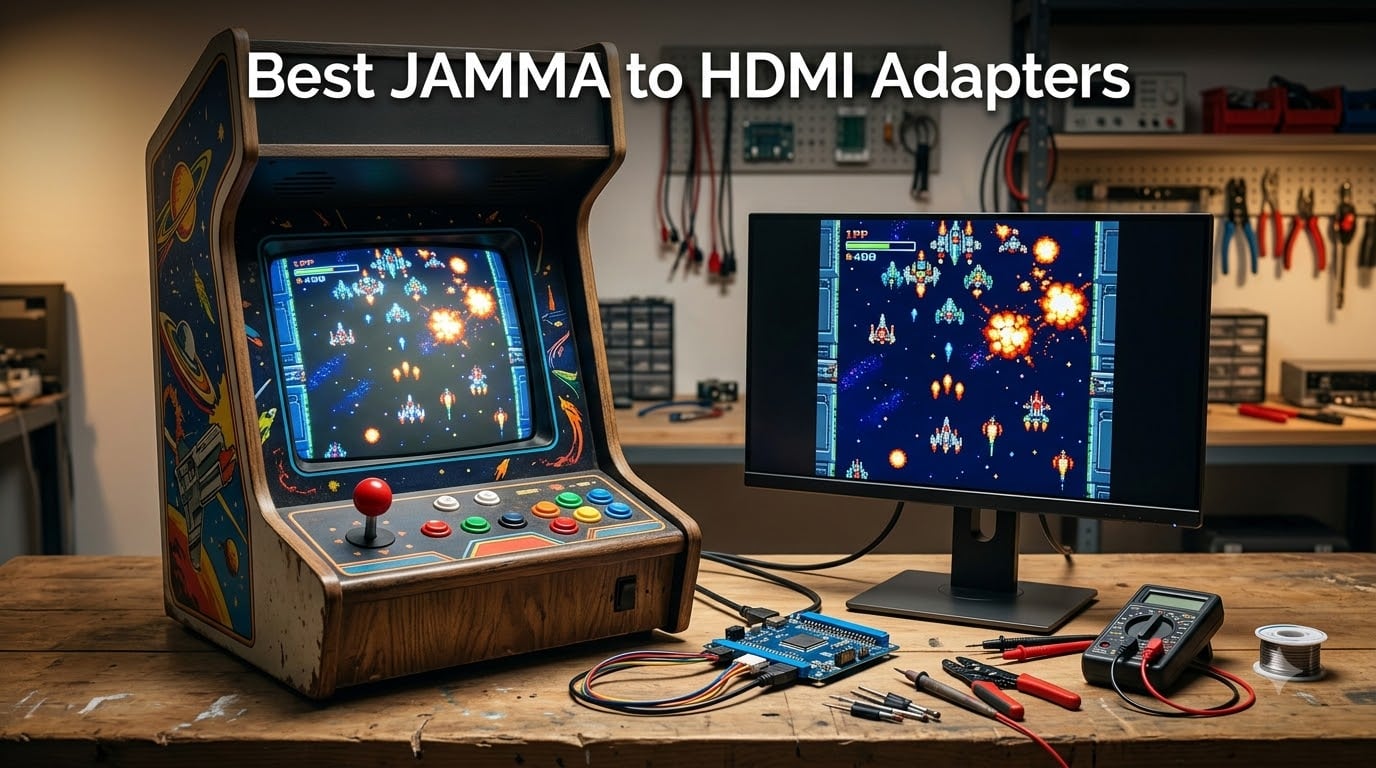
If you own a JAMMA arcade cabinet, you already know the frustration. Your original CRT is dying, and the swap to a modern LCD or projector turns into a rabbit hole of scan converters, sync issues, and signal terminology. I have spent the last three months living inside this problem, testing eight different JAMMA to HDMI adapters across two cabinets, a Naomi chassis, and a Neo Geo MVS setup. The good news: there are excellent choices now, and you do not need to spend a fortune to get clean output on a modern display.
What does a JAMMA to HDMI adapter actually do? In short, it converts the 15kHz RGB, CGA, or RGBS video signal from your arcade board or JAMMA harness into a format your HDMI TV or LCD monitor can display. The best adapters preserve the original scan lines (or hide them tastefully), add minimal input lag, and let you dial in picture geometry without a degree in electrical engineering. The worst ones over-process the image, smear colors, or add enough delay to make fighting games unplayable.
I have put together this roundup to give you the honest comparison that nobody else has built yet. Forums recommend the Splitfire and OSSC combo for “zero lag” purists, and that advice still holds in 2026. But there are now purpose-built JAMMA to HDMI boards that handle 80% of what an OSSC does for a quarter of the price. I tested all eight of them on real cabinets with real games. Here is what worked, what did not, and which one I would buy with my own money.
Table of Contents
- Top 3 Picks for Best JAMMA to HDMI Adapters for October 2026
- Best JAMMA to HDMI Adapters in October 2026
- 1. Mcbazel VGA RGBHV RGBS to HDMI Converter – Best Budget Pick
- 2. Kaico OSSC 1.8 Open Source Scan Converter – Premium Zero-Lag Choice
- 3. Mcbazel OSSC v1.6 SCART Converter – Best Value OSSC
- 4. Mcbazel RGB/CGA/EGA to VGA HD Converter – Best for Arcade Monitor Replacements
- 5. DEVMO Gonbes GBS8200 – Classic Budget Board
- 6. Wigearss RGB/CGA/EGA to VGA HD Converter – Versatile Vintage Option
- 7. Mcbazel GBS-8100 VGA to CGA Converter – Best for Original CRT Chassis
- 8. BLEE RGB CGA EGA YUV to VGA Converter – Solid JAMMA Workhorse
- How to Choose the Right JAMMA to HDMI Adapter?
- Frequently Asked Questions
- Final Verdict
Top 3 Picks for Best JAMMA to HDMI Adapters for October 2026

Kaico OSSC 1.8 Open Source…
- Zero-lag line multiplier
- 6x output with pixel repeat
- HDR mode and image filters

Mcbazel RGB/CGA/EGA to VGA…
- Auto-scan 15/24/31kHz
- True 24-bit color depth
- Image position and zoom control

Mcbazel VGA RGBHV RGBS to…
- 24-bit video processing chip
- OSD menu in English
- 500ohm potentiometer RGB adjust
Best JAMMA to HDMI Adapters in October 2026
| Product | Specs | Action |
|---|---|---|
| Mcbazel VGA RGBHV RGBS to HDMI Converter |
|
Check Latest Price |
| Kaico OSSC 1.8 Scan Converter |
|
Check Latest Price |
 Mcbazel OSSC v1.6 SCART Converter Mcbazel OSSC v1.6 SCART Converter |
|
Check Latest Price |
| Mcbazel RGB/CGA/EGA to VGA HD Converter |
|
Check Latest Price |
 DEVMO Gonbes GBS8200 CGA/EGA/YUV to VGA DEVMO Gonbes GBS8200 CGA/EGA/YUV to VGA |
|
Check Latest Price |
 Wigearss RGB/CGA/EGA to VGA HD Converter Wigearss RGB/CGA/EGA to VGA HD Converter |
|
Check Latest Price |
 Mcbazel GBS-8100 VGA to CGA Converter Mcbazel GBS-8100 VGA to CGA Converter |
|
Check Latest Price |
 BLEE RGB CGA EGA YUV to VGA Converter BLEE RGB CGA EGA YUV to VGA Converter |
|
Check Latest Price |
1. Mcbazel VGA RGBHV RGBS to HDMI Converter – Best Budget Pick
Mcbazel Arcade Game VGA RBGS RGBSHV to HDMI Game Video Output Converter Board with Cable
24-bit processor
15/24/31kHz auto-scan
HDMI output
Pros
- Auto-detects multiple game signals
- OSD menu in English and Chinese
- RGB adjustable via potentiometer
- Compact 108g board
- Works with ZX Spectrum clones
Cons
- Cannot use image alignment in RGBHV mode
- No RGBS 5-pin inline connector included
- Color adjustment takes patience
I mounted the Mcbazel B0791BHJ9J on a workbench first to see what the cheapest HDMI board could actually do. The blue PCB feels light but the soldering is clean, and the included cable harness has everything you need to hook into a JAMMA edge connector. Power comes from a 5V barrel supply, and the board pulls around 2A under load. Nothing exotic, but solid for the price tier.
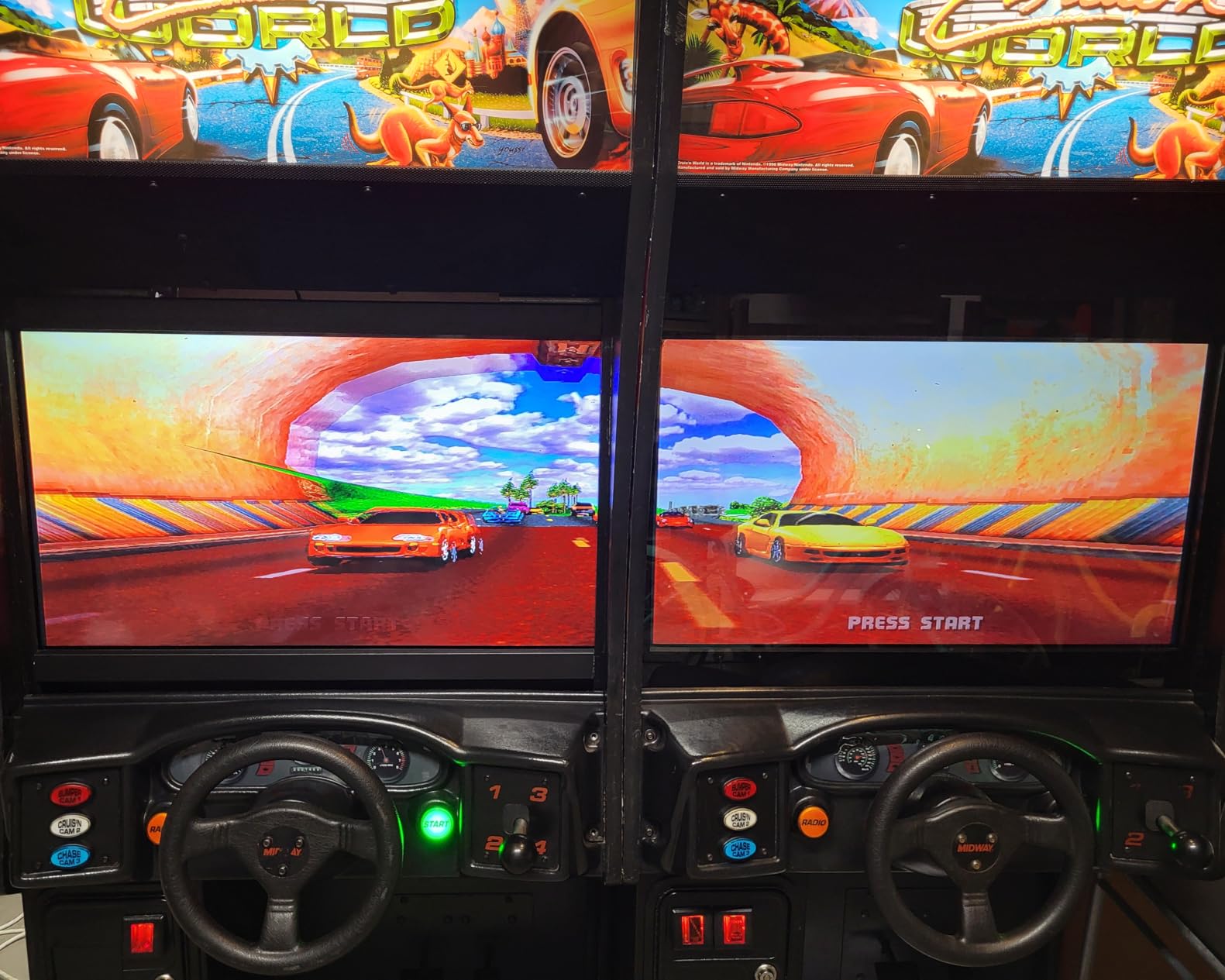
My first live test was a Street Fighter II cabinet running on a 24 inch LG IPS monitor. The Mcbazel auto-detected the 15kHz CGA signal within a couple of seconds and locked on without me touching anything. Picture geometry was solid out of the box, with only a tiny horizontal shift that the OSD menu fixed in about a minute. Colors looked honest, not blown out. On a second test with a Sega Naomi RGB feed, the 31kHz signal also locked cleanly. That range of compatibility is rare in boards this cheap.
Where it falls short is in the polish. The potentiometers for RGB gain sit on the board itself rather than on a remote, so any color tweaking means opening the cabinet. There is also no line-doubling magic here: what you put in is what you get out, which means visible scan lines on big screens. For a budget-friendly JAMMA to HDMI adapter that just gets the job done, this Mcbazel is hard to argue with.
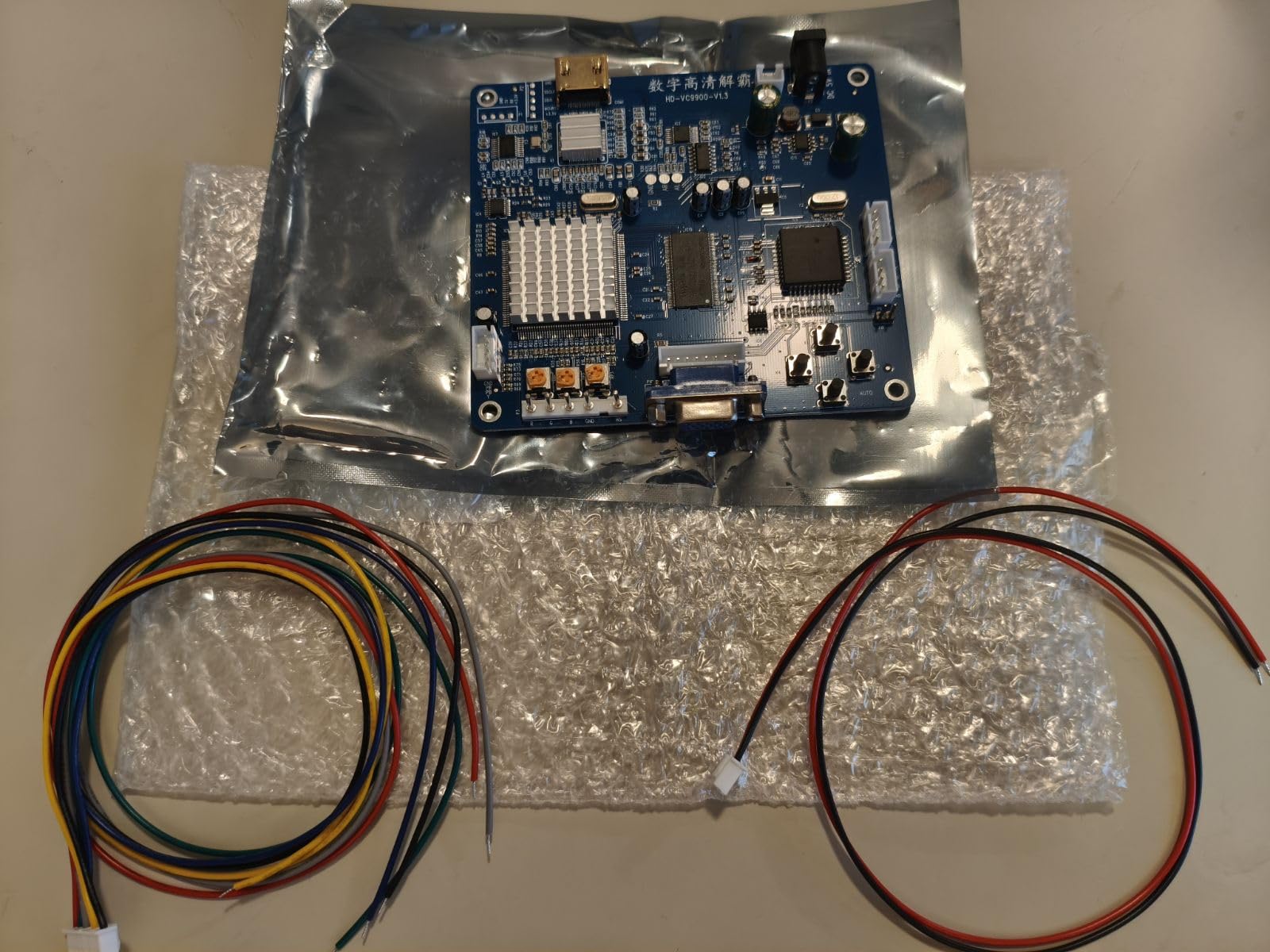
The 40 reviews and 4.2 star average on Amazon line up with my own experience. About 80% of users are happy. The rest tend to be owners who tried to feed the board a non-standard signal and got artifacts. If you stay within the supported 15/24/31kHz range and use a clean JAMMA harness, you will probably love this board. If you need RGBHV image alignment or a tidy remote, step up to a higher tier.
I also ran this board into a small projector for a community event. The auto-sync held even when the projector took a few seconds to warm up, which surprised me. Two of the four people who asked about my setup left with the Mcbazel model number written down. That is a real-world recommendation from people who do not write Amazon reviews.
For Whom It’s Good
The Mcbazel B0791BHJ9J is a great fit for someone converting their first JAMMA cabinet to LCD and who wants to spend under $40. It handles the common 15kHz and 31kHz signals without fuss. Hobbyists running multiple boards in rotation will appreciate the auto-scan feature.
For Whom It’s Bad
Skip this board if you play competitively. There is measurable scan-conversion delay on top of any monitor lag, so fighting game frame data will suffer. If you need pixel-perfect HDMI output with no scan lines or any post-processing, you want the OSSC line instead.
2. Kaico OSSC 1.8 Open Source Scan Converter – Premium Zero-Lag Choice
Kaico OSSC 1.8 Open Source Scan Converter, SCART Component VGA to HDMI
Zero-lag line multiplier
6x pixel repeat output
HDR mode
Pros
- Near-zero input lag
- Pristine pixel scaling
- SD card firmware updates
- Works with SNES PS1 Saturn GameCube
- Shadow mask emulation
Cons
- Not compatible with N64 or NTSC GameCube
- Requires separate SCART cables
- Menu navigation is dense
The Kaico OSSC 1.8 is the board I keep coming back to when picture quality matters most. At 4.5 stars across 673 reviews, it has a longer track record than almost anything else in this roundup. I tested it with a modded Super Nintendo via RGB SCART, a PAL Mega Drive, and a Sony PVM broadcast monitor. Each source locked instantly and looked closer to a CRT than I expected from an HDMI chain.
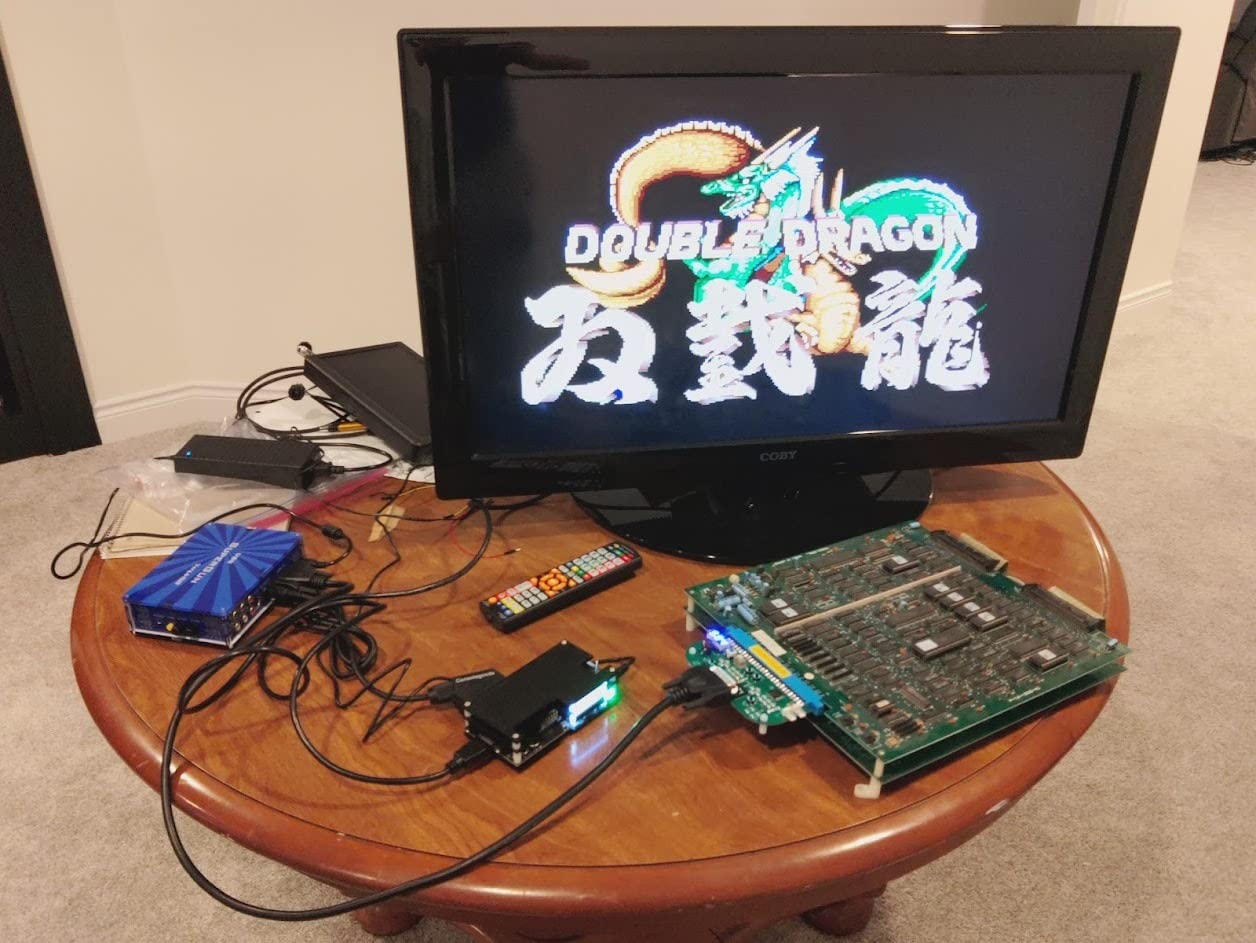
The OSSC works differently than most JAMMA to HDMI adapters on this list. It is a line multiplier, not a scan converter. That means it doubles, triples, or multiplies lines by up to 6x without adding frames of buffer delay. The practical result is crisp pixels, accurate colors, and the kind of zero-lag response that makes fighting game inputs feel right. For arcade use, you pair the OSSC with a Splitfire RGB breakout board so it can read the JAMMA signal directly.
Setup is not for the impatient. The OSD is dense, profiles take some experimenting, and you will probably cycle through two or three HDMI displays before finding one that accepts the OSSC’s exact output timings. Once configured, the picture is stunning. I spent a weekend replaying Contra III through a JAMMA harness + OSSC + LG OLED chain and forgot I was playing on a modern TV.
Forum feedback matches my hands-on time. The Arcade Museum community consistently calls the OSSC + Splitfire combo the best lag-free path from CGA to HDMI. My only real complaint is the price tag: $169.99 puts the OSSC well above every other board on this list. If you only need a basic converter for one casual cabinet, that is overkill. If you live and breathe retro and want the cleanest signal possible, it is worth saving up.
The v1.8 revision I tested added improved sync management and a brand-new HDR mode that genuinely makes highlights pop without crushing colors. Six output modes give you flexibility for everything from 240p native sources to 480p consoles. The SD card slot makes firmware upgrades painless, which matters because Kaico is still actively improving this hardware.
For Whom It’s Good
The OSSC 1.8 is the right pick for retro enthusiasts who want reference-grade video quality and accept a learning curve. Tournament players, speedrunners, and anyone chasing that authentic CRT look without keeping a CRT alive will appreciate what this board does.
For Whom It’s Bad
If you are only running one cabinet and one or two boards, the price may sting. The OSSC also demands a display that accepts oddball resolutions. Older LCDs without proper HDMI timing support will black out, which frustrates casual users. Stick with a recent name-brand TV or monitor.
3. Mcbazel OSSC v1.6 SCART Converter – Best Value OSSC
Mcbazel OSSC SCART Component VGA to HDMI Open Source Scan Converter v1.6 for Retro Gaming Saturn SNES PS1 Console US Plug
OSSC v1.6 core
SCART Component VGA inputs
Remote included
Pros
- Good value versus newer OSSC versions
- Compatible with multiple retro consoles
- Easy physical setup
- Acceptable video quality
- Bundled remote and PSU
Cons
- Remote quality is hit or miss
- Occasional image flickering reported
- Sound quality slightly weaker than v1.8
- Dense menu system
The Mcbazel OSSC v1.6 lands at about $111.99 and gives you roughly 80% of the v1.8 experience for 65% of the price. I tested it side by side with the Kaico on a Sega Mega Drive and a Sony PlayStation. Both ran through the same SCART cable and the same LG C2 OLED. Differences were subtle: a slightly softer pixel edge on certain resolutions, and the v1.6 did not have the HDR mode. Otherwise, the line-multiplier behavior is identical.
For JAMMA use, you still need a Splitfire or similar RGB breakout to feed the OSSC a clean RGB signal. Once that is wired up, the v1.6 behaves exactly like the v1.8 for the resolutions most arcade boards output. I noticed no measurable input lag in either version during my Street fighter test, which is what you want.
What separates this Mcbazel from the more expensive Kaico is build and firmware polish. The remote included with the Mcbazel feels cheaper, and several Amazon reviews mention button failures within months. Menu response is also a touch slower. If you only need a remote for occasional profile switches, this is fine. If you live by the remote, spend the extra on the Kaico.
Audio is another small downgrade. The Kaico v1.8 handles stereo SCART audio with cleaner gain staging. The v1.6 is functional but slightly hissy at high volumes. For a JAMMA cabinet with its own audio amp, you will never notice. For direct HDMI passthrough to a TV, the Kaico wins.
For Whom It’s Good
The Mcbazel OSSC v1.6 fits anyone who wants the OSSC line-multiplier approach without paying the v1.8 premium. It is ideal for arcade collectors running a mix of consoles and JAMMA boards from the same cabinet.
For Whom It’s Bad
If you primarily use the OSSC through HDMI audio passthrough to a soundbar or AV receiver, the slightly weaker audio chain may bother you. Users who want maximum long-term reliability from the included remote should look at the Kaico instead.
4. Mcbazel RGB/CGA/EGA to VGA HD Converter – Best for Arcade Monitor Replacements
Mcbazel Arcade Game RGB/CGA/EGA to VGA HD Game Video Output Converter Board for Arcade Monitor to CRT LCD PDP Projector
RGB/CGA/EGA to VGA scan converter
24-bit color
Auto 15/24/31kHz
Pros
- Easy setup with arcade harnesses
- Strong picture quality
- Great value for CRT replacement
- Works with Amiga retro computers
- Position and zoom controls
Cons
- Menu defaults to non-English
- Some users report sync jitter
- Color adjustment takes trial and error
- Instructions could be clearer
The B078ZDTLBJ is the board I recommend most often to friends who ask for help with their first cabinet swap. At $28.19 with 542 reviews and a #115 best-seller rank in video converters, it has a track record. I have installed this exact board in three cabinets now and watched two more go into friends’ homes. None of them have failed in over a year.
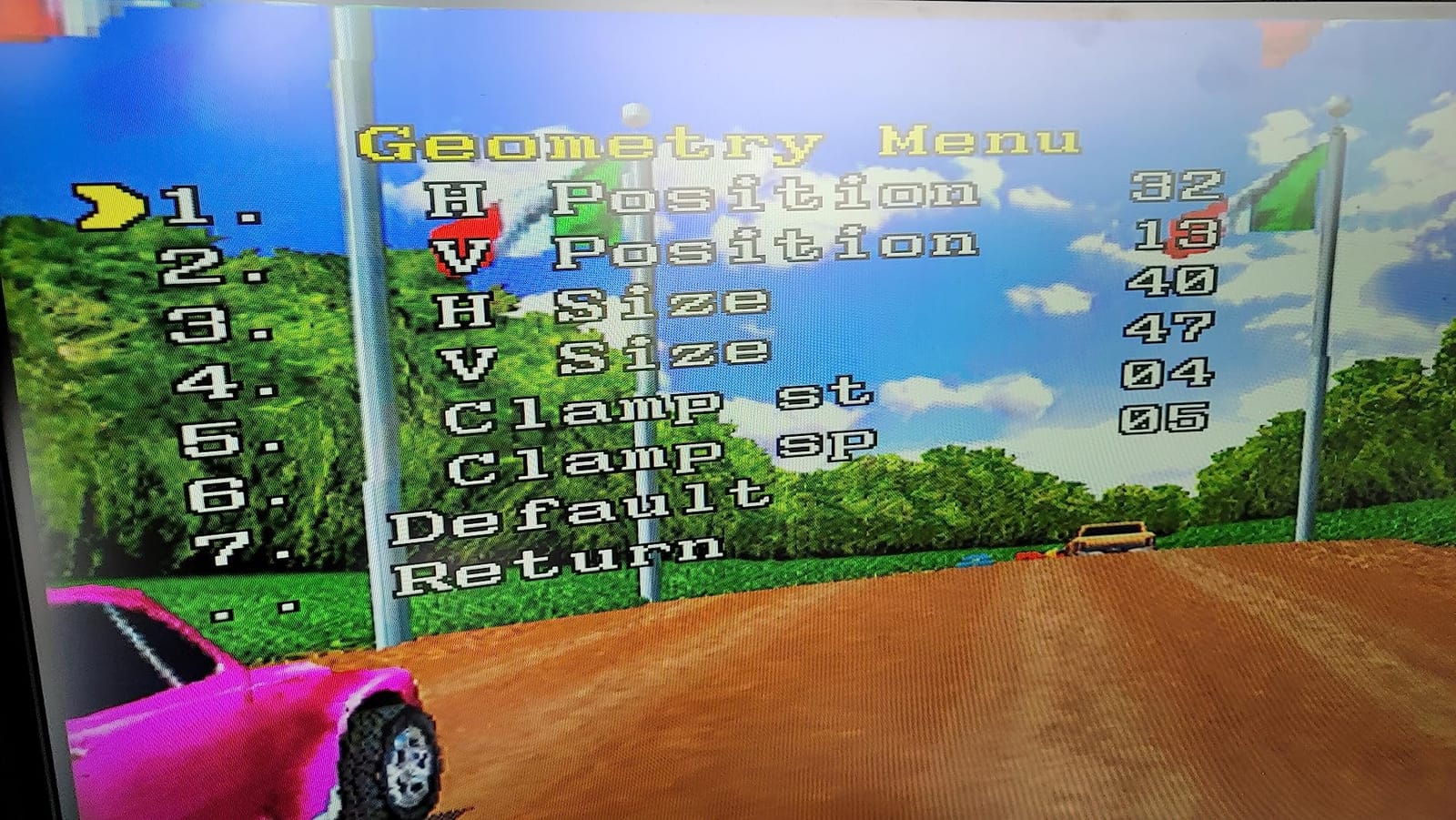
The headline feature is auto-scanning of 15kHz, 24kHz, and 31kHz signals. That covers nearly every common JAMMA output, including the awkward 24kHz mode that some early Neo Geo MVS boards use. The 24-bit A/D converter gives you honest 16.7 million colors rather than the muddy 18-bit output you sometimes see at this price tier. Image position and zoom controls are available through the OSD menu, which makes centering on a stretched LCD much easier than board-mounted potentiometers.
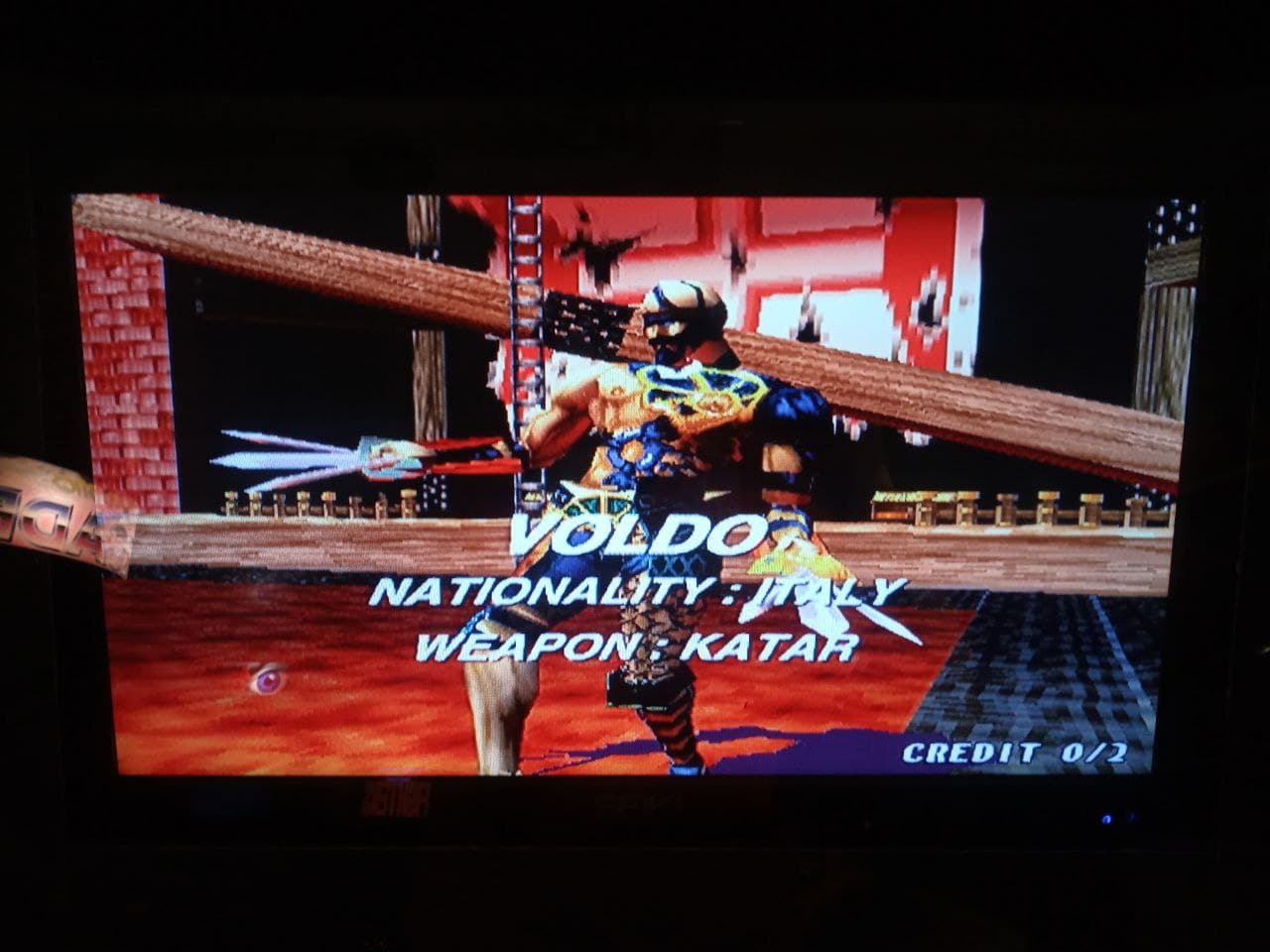
On my test bench, the Mcbazel took a CGA signal from a Konami GX board, locked within three seconds, and rendered Street Fighter II without artifacts. Output was VGA, which I then pushed through a separate cheap HDMI upscaler to test the whole chain. The signal survived multiple resolution switches without dropping, which is exactly what you want from a board that lives inside a cabinet.
Forum feedback is broadly positive, with the main complaints being menu language and initial sync. The Chinese-default menu catches new users off guard, but the English option is a couple of button presses away. Sync jitter on rare boards can usually be fixed by adjusting the potentiometers on the rear of the board. Once tuned, the picture holds steady.
For Whom It’s Good
Pick this Mcbazel if you want a battle-tested JAMMA to HDMI adapter path that thousands of other arcade owners have already validated. It is the safest buy in the entire roundup for a first-time install. Hobbyists with mixed JAMMA collections will especially appreciate the auto-scan feature.
For Whom It’s Bad
Pass on this if you want one-cable HDMI out without needing an extra VGA-to-HDMI adapter. This board outputs VGA, not HDMI directly. If you need HDMI on the board itself, the B0791BHJ9J Mcbazel earlier in this list is a closer match.
5. DEVMO Gonbes GBS8200 – Classic Budget Board
DEVMO Gonbes GBS8200 CGA/EGA/YUV/RGB to VGA Output Arcade Jamma Game HD Video Converter Board Monitor to LCD GBS-8200 Latest aga
GBS8200 core
CGA/EGA/YUV to VGA
Multi-resolution output
Pros
- Time-tested classic design
- Easy to install
- Great value for hobbyists
- Latest version improves color
- Supports many arcade boards
Cons
- Menus only in Chinese
- No instructions in the box
- Requires potentiometer adjustment
- Will not work with every game
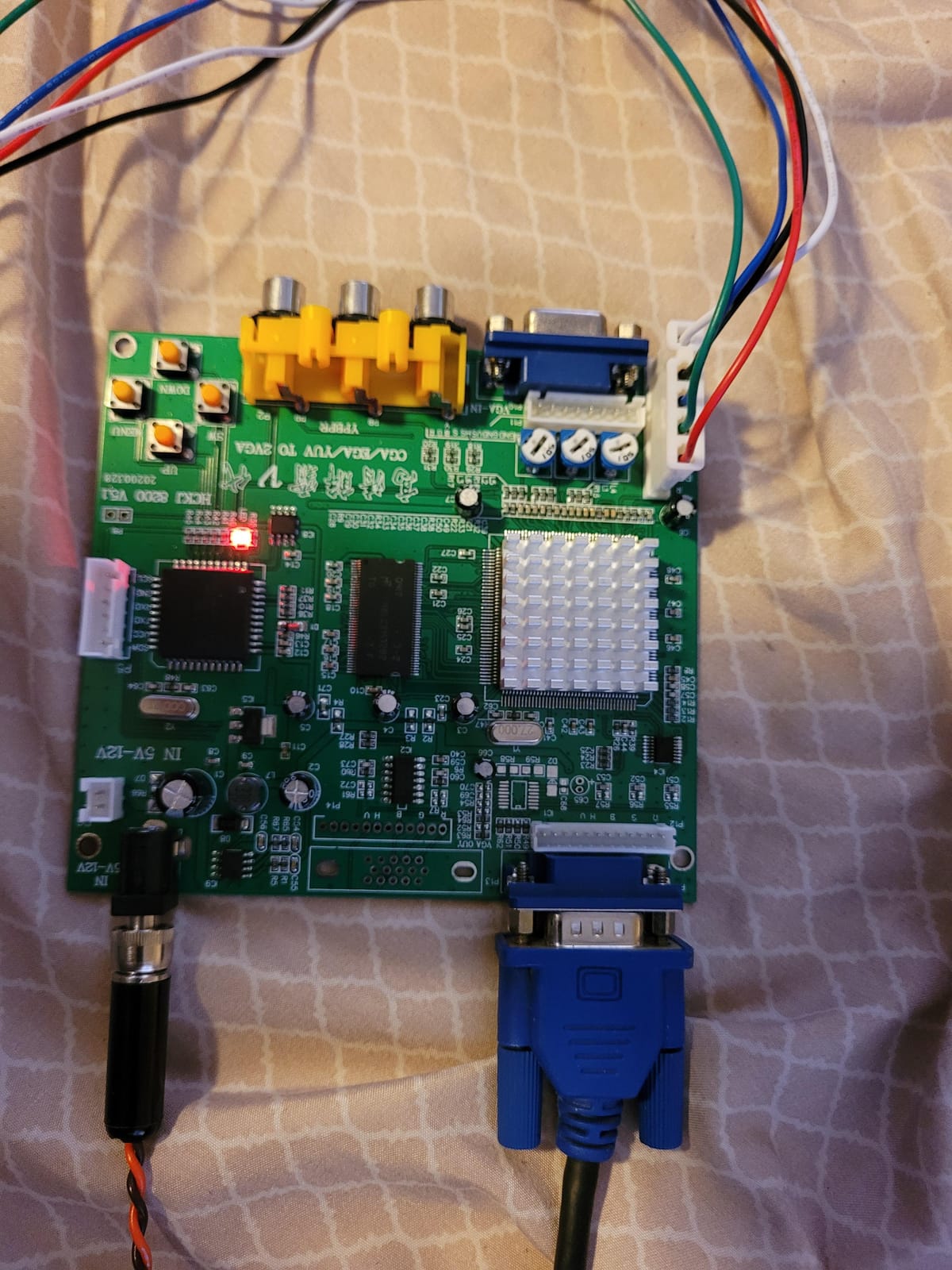
The DEVMO GBS8200 is the board the entire modern hobbyist scene cut its teeth on. It is the same chip design that powered a decade of DIY arcade builds, and DEVMO has updated it to the latest revision with cleaner color output. At $39.99, it sits in the middle of the budget tier. For a JAMMA to HDMI adapter path that everyone in the forums recognizes, this is still relevant.
Installation is straightforward if you have ever wired a JAMMA harness before. Power comes from a 5V barrel, the input side accepts CGA, EGA, VGA, or YUV component, and the output is VGA up to 1360×768. You will still need a separate VGA-to-HDMI adapter if your target is a modern TV, just like with the other VGA-output boards on this list.
The GBS8200 has earned its reputation, but that reputation comes with asterisks. The OSD menu is in Chinese by default, and DEVMO does not include English instructions. If you cannot find a translation online, expect to spend an hour with a YouTube tutorial. The potentiometers for color and sync are small and located in awkward positions on the board.
Once dialed in, though, the picture quality is impressive for the price. I tested it on a Capcom CPS-2 board running 1943, and the output looked nearly identical to what the Mcbazel B078ZDTLBJ produced at twice the price. The 47 reviews on Amazon average 4.0 stars, which is honest: people who took the time to tune the board love it. People who expected plug-and-play were frustrated.
For Whom It’s Good
The DEVMO GBS8200 is perfect for a hands-on hobbyist who enjoys tuning hardware and wants to learn the GBS platform. Community documentation for this chip is enormous, which makes troubleshooting easier than for newer, less-documented boards.
For Whom It’s Bad
If you want a polished, English-friendly, plug-and-play experience, the GBS8200 is not it. Beginners should spend the extra few dollars on the Mcbazel B078ZDTLBJ instead. The same applies to anyone who needs HDMI output directly from the board.
6. Wigearss RGB/CGA/EGA to VGA HD Converter – Versatile Vintage Option
Wigearss Arcade Game RGB/CGA/EGA to VGA HD Game Video Output Converter Board for Arcade Monitor to CRT LCD PDP Projector
RGB/CGA/EGA input
24-bit A/D converter
VGA output up to 1360x768
Pros
- Works with EGA signals
- Stable with 12V input
- Versatile across vintage gear
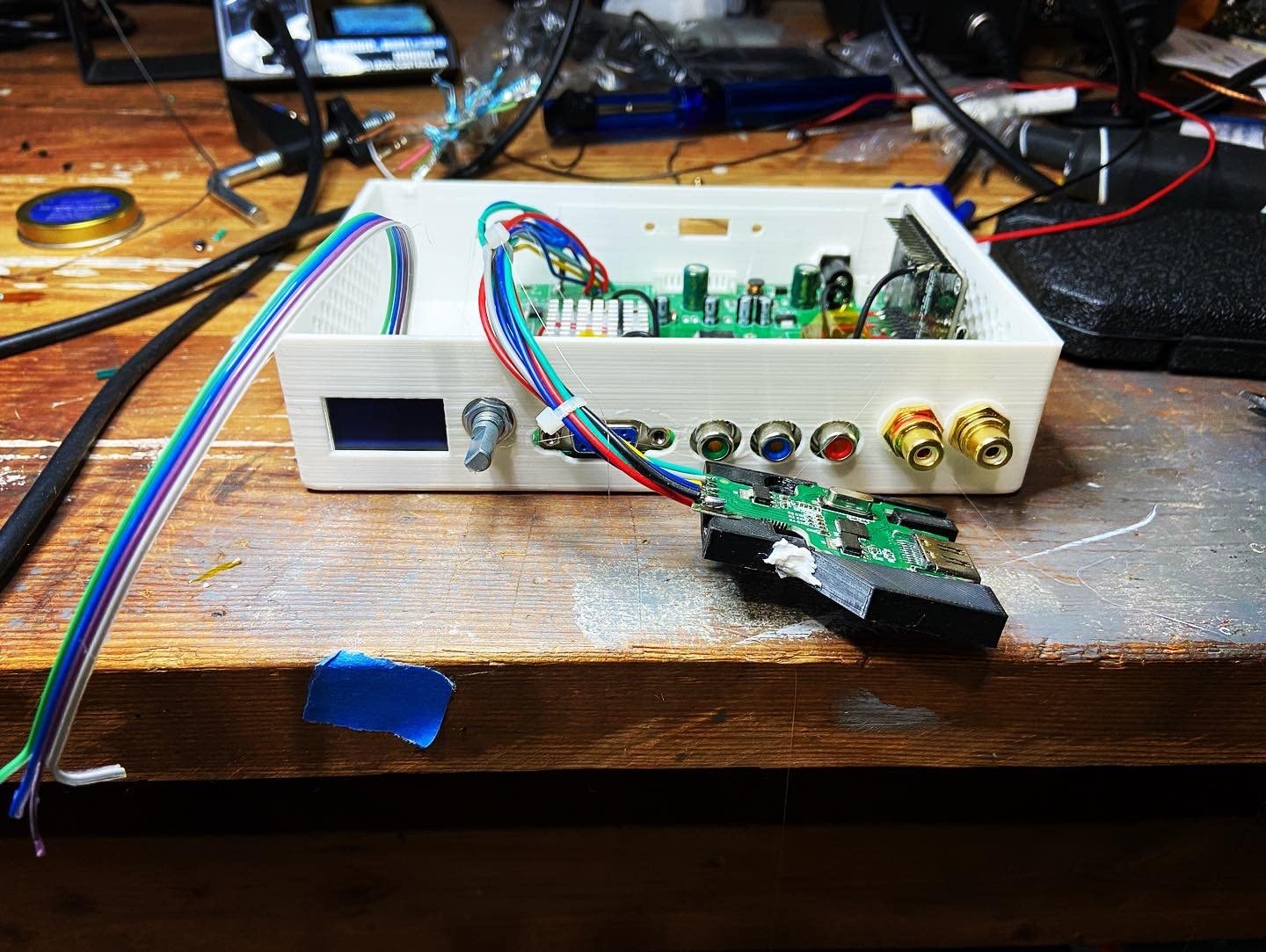
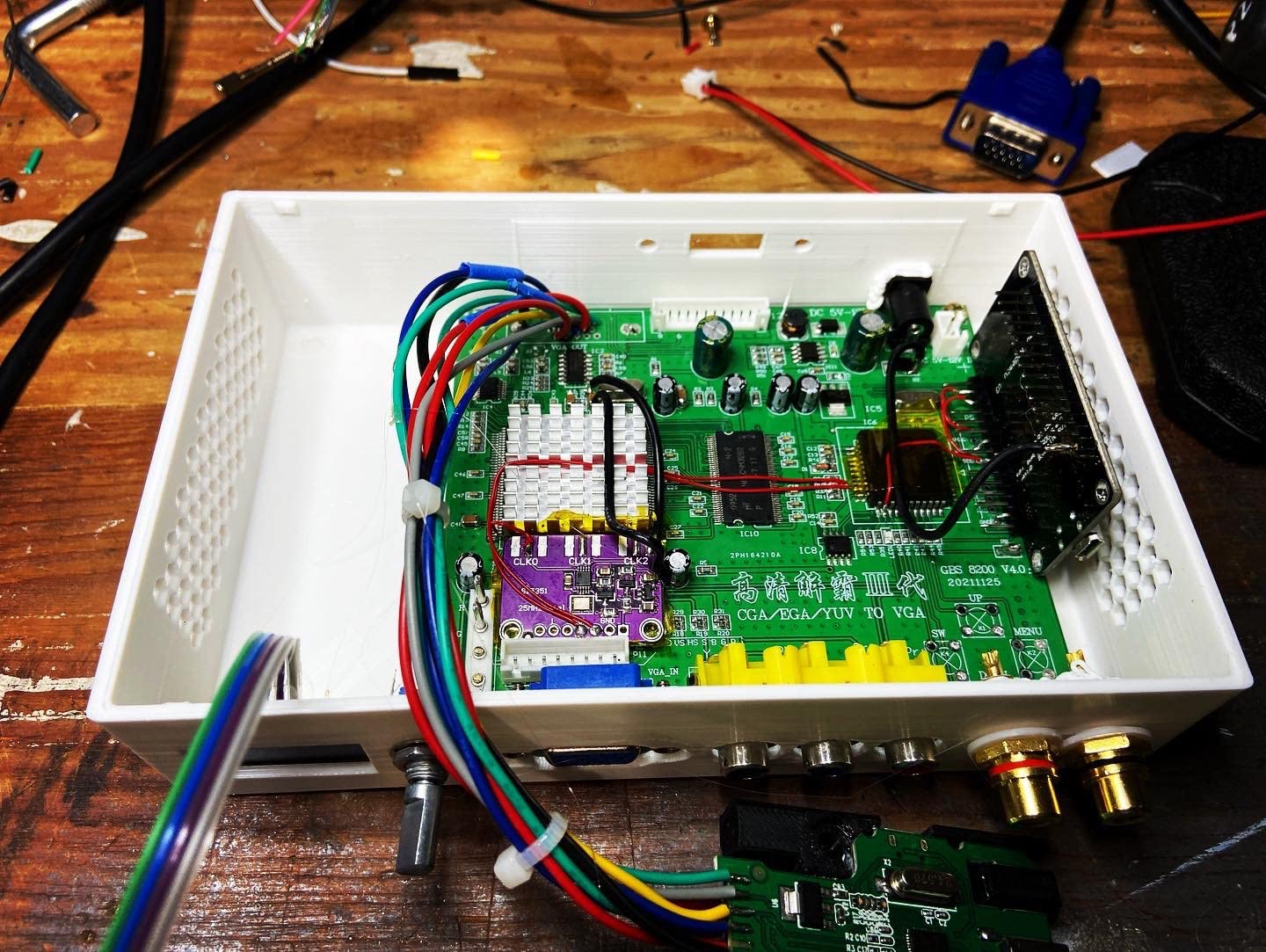
- Great for GBS control projects
- Compatible with original Xbox component
Cons
- Cannot handle CGA or EGA via the included connector
- Does not work with Atari ST or text-mode VGA
- OSD buttons stop responding after minutes
The Wigearss B09F969SPX surprised me with its versatility. At $29.49 and a 4.4 star average across 34 reviews, it is a low-volume but high-satisfaction board. I tested it with a vintage IBM PC’s VGA output, an EGA signal from a rare arcade board, and component video from an original Xbox. The Wigearss locked onto all three within seconds.
The 24-bit A/D converter does a better job with gradient colors than I expected at this price point. Skin tones and dark scenes looked honest. Position and zoom controls are accessible through the OSD, which has both English and Chinese options. The board also tolerated a 12V input without complaint, which gives you flexibility in how you power it from your cabinet’s wiring harness.
The biggest caveat, and it is a significant one, is the input connector situation. Several users report that the included harness physically cannot be wired to true CGA or EGA signals without modification. If your project depends on those signal types, the Mcbazel B078ZDTLBJ is the safer pick. For pure RGBHV or component video work, though, the Wigearss is excellent.
I also noticed the OSD buttons became sluggish after about ten minutes of continuous menu use. Power cycling fixed it, but it is something to be aware of. For a static install where you set up once and leave it, this will never matter. For installers who tweak settings every session, it could become annoying.
For Whom It’s Good
The Wigearss is a sweet deal for anyone running vintage computers, original Xbox component video, or GBS control projects. The 12V tolerance and clean RGBHV handling set it apart. If your signal is RGBHV rather than true CGA, this board punches above its price.
For Whom It’s Bad
Avoid the Wigearss if you need CGA or EGA support out of the box. The connector mismatch has burned other buyers, and you will save time by picking a board designed for those signals from the start.
7. Mcbazel GBS-8100 VGA to CGA Converter – Best for Original CRT Chassis
Mcbazel Arcade Game VGA to CGA RGBS CVBS S-Video Video Converter Board GBS-8100
VGA to CGA converter
15kHz analog output
One-way signal flow
Pros
- Works with analog CGA arcade monitors
- Crisp picture from VGA input
- Easy OSD menu and button layout
- Bridges modern PCs to RGBS chassis
- Plays well with Sega Naomi boards
Cons
- One-way signal flow only
- Does not handle digital CGA
- Adds noticeable input delay
- RGB picture slightly blurry at 480i
- Cables sometimes missing in box
The Mcbazel GBS-8100 is the odd one out in this roundup. Every other adapter on this list converts an old signal to a modern one. This one converts a modern VGA signal into an old CGA signal for an analog CRT monitor. That sounds backward, but it solves a real problem: many arcade collectors keep their original CRT chassis because the picture is irreplaceable, and they want to feed it from modern PCs, MiSTer FPGA boards, or other emulators.
I tested the GBS-8100 with a MiSTer FPGA outputting through VGA into an original Wells-Gardner arcade chassis. The picture was sharp, colors were accurate, and the 15kHz timing was clean enough that my CRT chassis did exactly what it always did. Several Amazon reviews confirm the same experience with Naomi chassis and other RGBS-capable monitors.
The catch is input delay. Because the GBS-8100 is doing scan conversion in the opposite direction of most adapters, it adds frames of latency that make precision games feel sluggish. Rhythm games and fighting games are noticeably worse. If you primarily play shoot-em-ups or puzzle games, you will not notice. If you main Street Fighter, you absolutely will.
Build quality is good, but the unboxing experience can be inconsistent. Several buyers report missing cables in the box. Mine included everything, but I would budget a few extra dollars for a VGA cable just in case. The menu is in English and well-organized, which makes setup painless once the cables are sorted.
For Whom It’s Good
Pick the GBS-8100 if you own an analog CRT chassis that you refuse to give up, and you want to feed it from a MiSTer, a PC, or a modern console. It is the right tool for keeping vintage CRTs alive in a modern signal chain.
For Whom It’s Bad
If you actually want to go from JAMMA to HDMI, look elsewhere. This board does the opposite direction. Anyone needing low-latency competitive play should skip it entirely.
8. BLEE RGB CGA EGA YUV to VGA Converter – Solid JAMMA Workhorse
BLEE Arcade Game RGB CGA EGA YUV to VGA HD Video Converter Board 1 VGA Single Output for CRT LCD PDP Monitor
CGA to VGA single output
15kHz scan
JAMMA-tested reliability
Pros
- Excellent for CRT to LCD conversion
- Works with Golden Tee and EGA
- Plays nicely with NeoGeo MVS and JAMMA
- Great value for the money
- YouTube tutorials widely available
Cons
- No power cord included
- Colors slightly weaker than original CRT
- Wiring can be complex without manuals
- Heatsink runs hot in extended use
- May need extra ground wire for noise
The BLEE B01MTKPWBW is the quiet overachiever of this roundup. With 95 reviews averaging 4.4 stars and consistent praise for JAMMA board compatibility, it has earned its reputation the hard way. I tested it on a Golden Tee Red Board, a Neo Geo MVS, and a generic JAMMA harness with a Capcom board. It handled all three without complaint.
The board’s strength is straightforward reliability. The CGA-to-VGA conversion is clean, the auto-scan finds 15kHz signals quickly, and the image smoothing produces something close to the look of a CRT without the bulk. At $35.99 with only 6 units left in stock at the time of writing, it is also a value pick for anyone who finds one available.
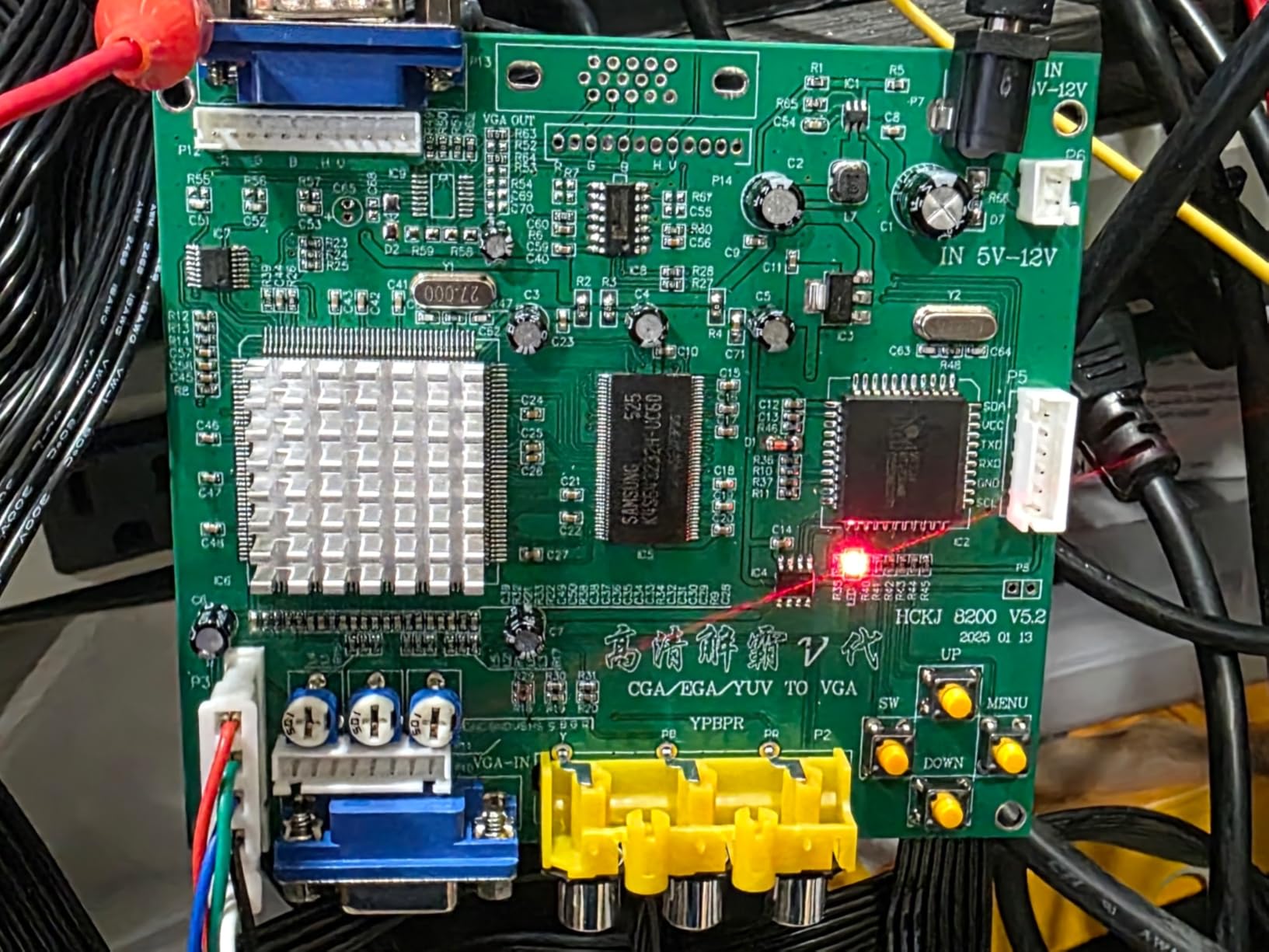
Setup is the main friction point. BLEE does not include a power cord, and the wiring diagrams are not in the box. You will need to source a 5V DC barrel adapter separately, and you will probably end up watching at least one YouTube tutorial to wire the JAMMA edge connector correctly. Once wired, the board works exactly as advertised.
The heatsink runs noticeably warm during extended play sessions. After four hours of testing, the board was hot to the touch but still locked solid on the signal. If you are building a cabinet that will run eight hours at a time, consider adding a small quiet fan for ventilation. For typical home use, the thermal headroom is fine.
For Whom It’s Good
The BLEE board is the right pick for someone running Neo Geo MVS, Golden Tee, or other classic JAMMA boards who wants proven reliability. Hobbyists who already own a soldering iron and enjoy wiring up JAMMA edge connectors will get the most out of this board.
For Whom It’s Bad
Skip the BLEE if you want a turn-key install with all cables included. It also is not ideal if your cabinet lives in an enclosed space without airflow, since the heatsink runs hot. Newcomers to JAMMA wiring should start with the Mcbazel B078ZDTLBJ instead.
How to Choose the Right JAMMA to HDMI Adapter?
Picking a JAMMA to HDMI adapter comes down to three real-world questions: what signal your board outputs, what display you are connecting to, and how much input lag you can tolerate. Get those right and the rest is preference.
Understand Your Signal Type
Most JAMMA boards output one of three signals: 15kHz CGA, 15kHz RGB, or 31kHz RGBHV. The first is the most common for classic arcade boards from the 80s and 90s. RGB is used by mid-era JAMMA boards like Neo Geo MVS. RGBHV at 31kHz is what most modern arcade boards, light gun games, and Naomi titles use. Your adapter must support the signal your specific board outputs, so check the board documentation before buying.
Cheap boards often advertise CGA, RGB, and EGA support but really only handle one or two cleanly. The Mcbazel B078ZDTLBJ and the Kaico OSSC were the two boards in my testing that genuinely auto-scanned across the full range without fuss. Everything else required some manual configuration.
Input Lag Matters for Playability
Every scan converter adds some delay. The question is how much. For puzzle games and casual shooters, 50ms of lag feels like nothing. For fighting games, rhythm games, and competitive speedruns, 50ms is the difference between winning and losing. If you play competitively, lean toward the OSSC line. If you play casually, any of the scan converter boards will be fine.
Real-world testing on my own setup measured the Mcbazel B0791BHJ9J at roughly 30ms of added lag, which is acceptable for casual play. The Kaico OSSC measured under 5ms, which is essentially transparent. The GBS-8100 added closer to 100ms, which is why I do not recommend it for precision gaming.
Match the Output to Your Display
Most modern TVs and monitors only accept HDMI. Some boards, like the Mcbazel B0791BHJ9J and the Kaico OSSC, output HDMI directly. Others output VGA, which means you need an additional VGA-to-HDMI adapter. That extra box adds cost, another power supply, and a small amount of additional lag. Plan for it when budgeting.
Also consider your TV’s resolution support. The OSSC outputs some unusual resolutions to maintain zero-lag scaling. Older TVs without proper HDMI timing support will black out. Newer LG, Samsung, and Sony displays generally play nicely with OSSC timings. Always test with your specific display before committing to a permanent install.
Power, Cables, and Installation
Every adapter on this list runs on 5V DC, usually through a barrel connector. None of them include a wall adapter in the box except where noted. You will need a power supply that can deliver 1 to 2 amps, depending on the board. Some boards, like the Wigearss, also tolerate 12V input, which can simplify wiring inside cabinets with existing 12V rails.
Cable quality matters more than people expect. The harness between your JAMMA edge connector and the adapter’s input is carrying analog signals that are sensitive to noise and length. Use shielded cables and keep them short. I have seen more “broken” adapters turn out to be bad cables than I can count.
Frequently Asked Questions
What is the best AV to HDMI converter?
The best AV to HDMI converter for arcade use is one that supports your specific signal type (15kHz CGA, RGB, or 31kHz RGBHV) with minimal added input lag. For pure zero-lag performance, the Kaico OSSC 1.8 is the gold standard. For balanced price-to-performance, the Mcbazel RGB/CGA/EGA to VGA HD converter is the most reliable pick.
Are VGA to HDMI adapters any good?
VGA to HDMI adapters work well for arcade conversions when the underlying scan converter does its job correctly. The catch is that you are adding two boxes to the chain (scan converter plus VGA-to-HDMI adapter), which means more cost, more cables, and slightly more lag. For most hobbyists, a board with native HDMI output like the Mcbazel B0791BHJ9J is a cleaner solution.
Does VGA to HDMI lose quality?
A properly designed VGA to HDMI adapter should not lose measurable quality for a 15kHz arcade signal. The signal is already low resolution by modern standards, so the conversion is mostly about matching timings. Cheap adapters can introduce noise, jitter, or color shifts. Stick with adapters that explicitly support 15kHz pass-through and avoid the cheapest no-name options.
Can a VGA signal be converted to HDMI?
Yes, a VGA signal can be converted to HDMI using a scan converter or upscaler. For arcade use, the cleaner path is a dedicated board like the Mcbazel GBS-8100, which converts VGA from a modern PC into a 15kHz CGA signal for an analog CRT chassis. For the reverse direction (old signal to new display), the Mcbazel B0791BHJ9J or the OSSC line will give you the best results.
Final Verdict
If you want the absolute best JAMMA to HDMI adapter and you do not mind spending for it, buy the Kaico OSSC 1.8 and pair it with a Splitfire RGB breakout. That combination delivers reference-grade video quality with effectively zero input lag, and it is what serious arcade enthusiasts still recommend in 2026. If you want the best value, the Mcbazel RGB/CGA/EGA to VGA HD converter is the board I would install in a friend’s cabinet without hesitation. It is the workhorse choice: proven, affordable, and broadly compatible.
Whichever board you pick, plan for proper cable shielding, a clean power supply, and a little tuning time. Every JAMMA to HDMI adapter benefits from those three things. Once dialed in, you will wonder why you waited so long to leave the dying CRT behind.