
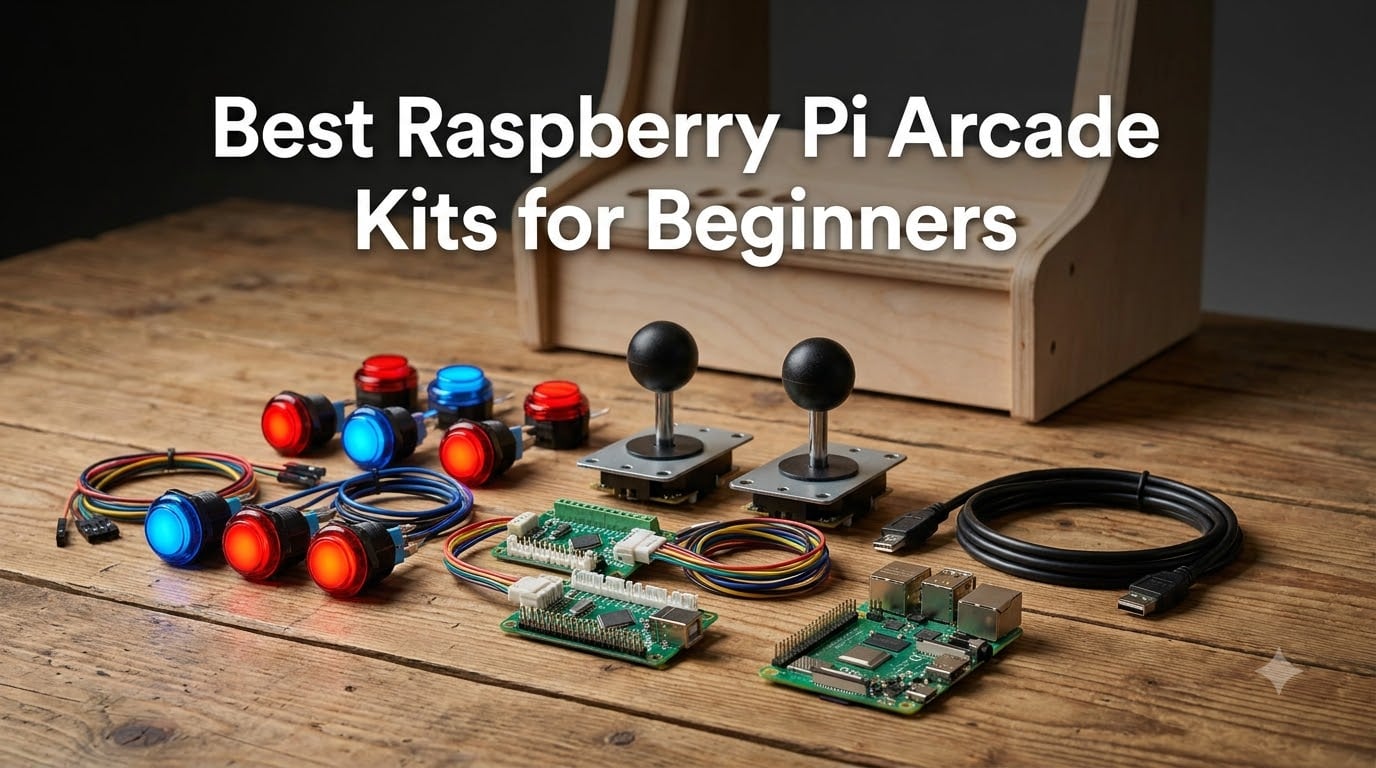
I have been building Raspberry Pi arcade machines for years, starting with a wobbly bartop in a friend’s garage, and the hardest part was never the software. It was guessing which control kit would actually work the day it arrived. This guide fixes that: these are the best Raspberry Pi arcade kits for beginners, ranked by how easy they are to assemble rather than by specs on a box.
Every kit here is one a first-time builder can realistically finish in an afternoon. I looked for the things that trip up newcomers: no-solder wiring, zero-delay USB encoders that map without fuss, and instructions that do not assume you already run Linux. I also noted what each kit leaves out, because almost none of them include the Pi itself.
My picks draw on community threads from r/RetroPie and r/cade, review patterns across more than 4,300 combined buyer ratings, and my own builds with the big kit families from EG STARTS, Hikig, Vilros, and Waveshare. The short version: get a Hikig two-player kit for a cabinet, or a Vilros Pi 3 B+ kit if you want the computer included.
Table of Contents
- Top 3 Picks for Raspberry Pi Arcade Kits for October 2026
- Best Raspberry Pi Arcade Kits for Beginners in October 2026
- 1. Hikig 2 Player LED Arcade Kit – Best Overall for Beginners
- 2. Vilros Raspberry Pi 3 B+ Retro Arcade Kit – Best Complete Kit with the Pi Included
- 3. EG STARTS 1 Player LED Arcade Kit – Best Budget Starter Kit
- 4. EG STARTS 2 Player Ellipse Joystick Kit – Best Value 2-Player Build
- 5. SJ@JX 2 Player LED Arcade Kit – Sharpest Looks for the Money
- 6. SJJX 10-Button Controller Kit – Cheapest Complete Beginner Set
- 7. EG STARTS 4 Player Arcade Kit – Best for Party Cabinets
- 8. RetroArcade.us 60-in-1 Jamma Control Kit – Best for Real Cabinet Wiring
- 9. Vilros Raspberry Pi 4 Retro Gaming Kit – Best Step-Up Complete Kit
- 10. Sonicon Preloaded Batocera SD Card – Fastest Route from Zero to Playing
- 11. GRS Build-A-CADE Mini Cabinet Kit – Best Display-Piece Build
- 12. Waveshare GamePi43 Handheld Kit – Best Portable Project
- Buying Guide: How to Choose Your First Arcade Kit?
- Frequently Asked Questions
- What is the best Raspberry Pi starter kit for beginners?
- Can I use a Raspberry Pi as an arcade machine?
- What Raspberry Pi should I buy as a beginner?
- What is the best arcade emulator for Raspberry Pi?
- Do I need soldering skills to build a Raspberry Pi arcade?
- Is it cheaper to build or buy an arcade machine?
- Final Verdict
Top 3 Picks for Raspberry Pi Arcade Kits for October 2026
Three kits cover most beginners. The Hikig 2-player LED kit is the safest all-round choice for a cabinet or control panel, the Vilros Pi 3 B+ retro kit is the one to buy if you do not own a Pi yet, and the EG STARTS 1-player kit is the cheapest real way to test whether you enjoy the hobby.

Best Raspberry Pi Arcade Kits for Beginners in October 2026
This table is the full lineup of 12. Difficulty here means my assembly rating for someone who has never wired a control panel before, so you can jump straight to the review that matches your project.
| Product | Specs | Action |
|---|---|---|
| Hikig 2 Player LED Arcade Kit |
|
Check Latest Price |
 Vilros Pi 3 B+ Retro Arcade Kit Vilros Pi 3 B+ Retro Arcade Kit |
|
Check Latest Price |
 EG STARTS 1 Player LED Kit EG STARTS 1 Player LED Kit |
|
Check Latest Price |
 EG STARTS 2 Player Ellipse Kit EG STARTS 2 Player Ellipse Kit |
|
Check Latest Price |
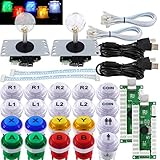 SJ@JX 2 Player LED Arcade Kit SJ@JX 2 Player LED Arcade Kit |
|
Check Latest Price |
 SJJX 10-Button Starter Kit SJJX 10-Button Starter Kit |
|
Check Latest Price |
 EG STARTS 4 Player Arcade Kit EG STARTS 4 Player Arcade Kit |
|
Check Latest Price |
 RetroArcade.us 60-in-1 Jamma Kit RetroArcade.us 60-in-1 Jamma Kit |
|
Check Latest Price |
 Vilros Pi 4 Retro Gaming Kit Vilros Pi 4 Retro Gaming Kit |
|
Check Latest Price |
 Sonicon Preloaded Batocera SD Card Sonicon Preloaded Batocera SD Card |
|
Check Latest Price |
 GRS Build-A-CADE Mini Cabinet GRS Build-A-CADE Mini Cabinet |
|
Check Latest Price |
 Waveshare GamePi43 Handheld Kit Waveshare GamePi43 Handheld Kit |
|
Check Latest Price |
1. Hikig 2 Player LED Arcade Kit – Best Overall for Beginners
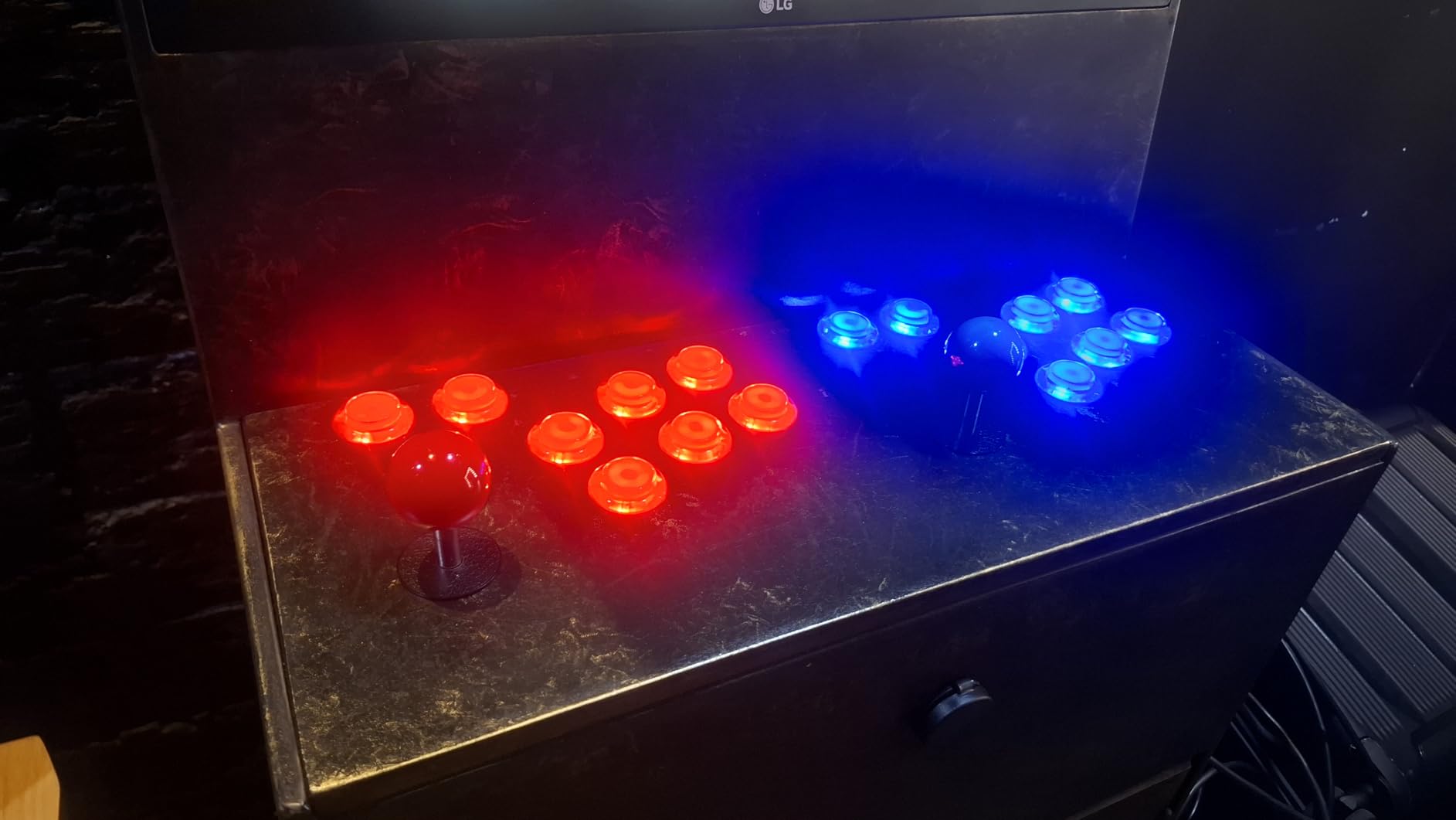
Hikig 2 Player led arcade buttons and joysticks DIY kit 2x joysticks + 20x led arcade buttons game controller kit for MAME and Raspberry Pi – Red + Blue Color
2 players
2 joysticks
20 LED buttons
2 zero delay USB encoders
894 g
Pros
- True zero delay encoders that map cleanly in RetroPie
- Bright LED buttons with even lighting
- No soldering since everything arrives pre-wired
- Enough buttons for a proper 2-player MAME layout
- 1000+ reviews with consistently strong ratings
Cons
- No case or mounting panel included
- Thick wiring bundle behind the panel
This is the kit I recommend when someone asks where to start. I wired my sister’s bartop arcade with the Hikig 2-player set and the whole control panel took about 90 minutes, because every button arrives with its wiring attached. You screw parts to the panel, push the connectors on, and plug the encoder into your Pi.
The encoders are why this kit wins. Both boards register as standard USB joysticks, so RetroPie, Recalbox, and Batocera see them instantly with no config file editing. Controls felt immediate in Metal Slug and Street Fighter II, with none of the mushy input lag cheap boards sometimes add.
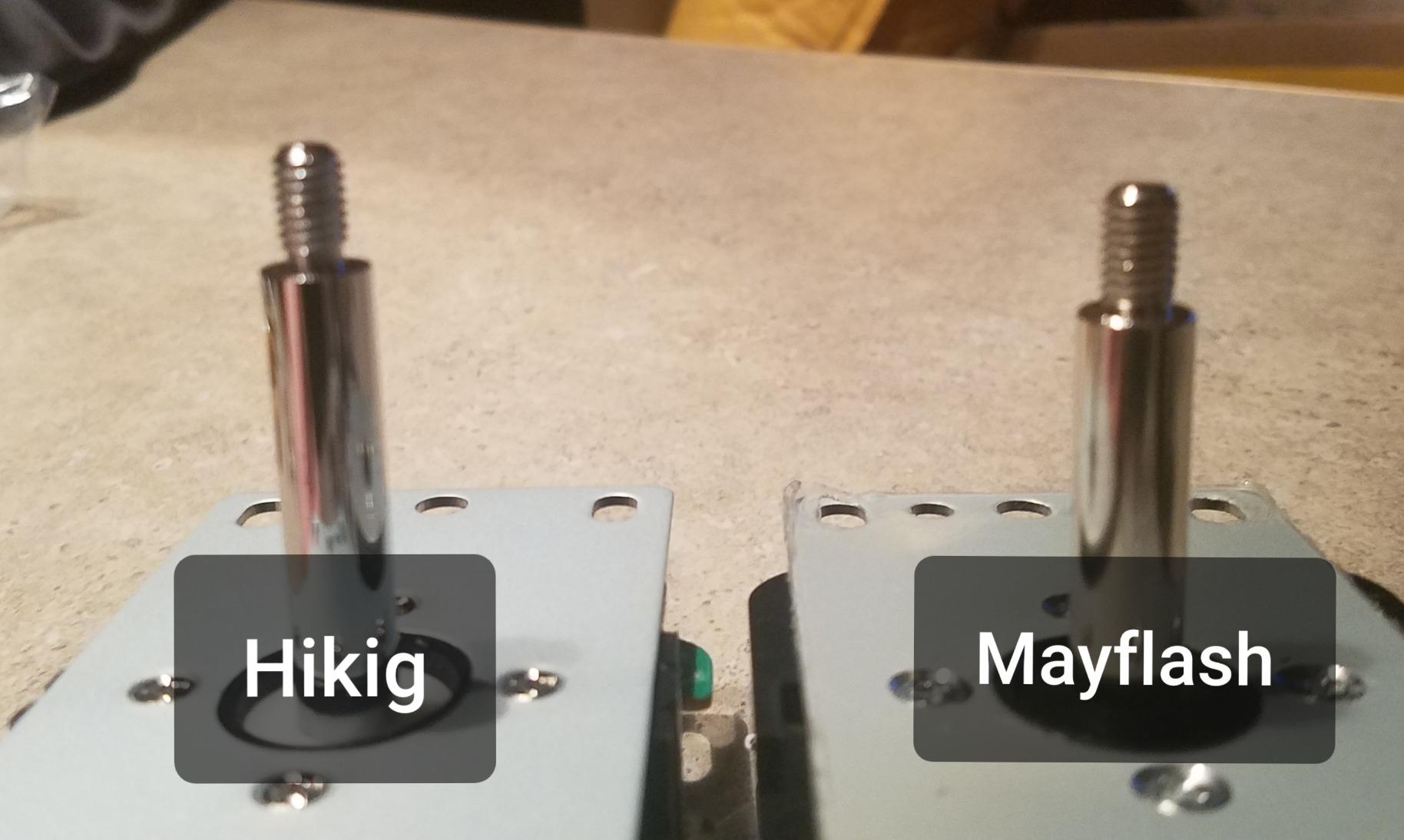
You get 10 buttons per player, enough for the classic six-button fighter layout plus Start and Coin with room to spare. The 8-way ball-top sticks are Sanwa-inspired rather than arcade-authentic, but quarter-circle moves come out reliably.
The LED lighting runs off the same lead as the switch signal, so there is no separate 5V line to route around the panel. That is one less thing to get wrong when you are finishing a build late at night.
The plastic is rated heat resistant, which matters if your cabinet sits near an amplifier or power supply. My only complaint is the chunky wire bundle, so leave clearance behind the panel.
Who should buy this kit
Anyone building their first 2 player arcade kit for a bartop, full cabinet, or desktop control panel.
You supply the Pi, SD card, power supply, and a drilled MDF or acrylic panel to mount everything on.
Who should skip this kit
Pass if you want a single-player fight stick, because half this kit sits unused.
Skip it too if you need competition-grade Sanwa parts, and look at the Vilros kit below if you want the Pi included.
2. Vilros Raspberry Pi 3 B+ Retro Arcade Kit – Best Complete Kit with the Pi Included
V-Kits Raspberry Pi 3 Model B+ (B Plus) Retro Arcade Gaming Kit with 2 Classic USB Gamepads [2018 Model]
Pi 3 B+ included
32GB card with NOOBS and RetroPie
2 USB gamepads
case, PSU, HDMI
Pros
- The only major purchase you need to make
- Everything in one box from one seller
- SD card arrives with RetroPie preloaded
- Classic gamepads suit couch play
- Quick start booklet written for newcomers
Cons
- You still want a USB keyboard for first boot
- ROM loading is not covered in the manual
- Pi 3 B+ is slower than Pi 4 or 5
The Vilros Pi 3 B+ set is the best Raspberry Pi arcade kit for beginners who do not own a Pi yet, because the computer is in the box. Most control kits assume you already have one, and first-timers get burned by that gap constantly. Here you get the board, a retro-styled case, a 2.5A power supply with a switch, an HDMI cable, heatsinks, and two classic USB gamepads.
The star is the 32GB Class 10 card preloaded with NOOBS and RetroPie. First boot drops you into an installer rather than a black screen, and the included 8GB flash drive with pre-named system folders is the friendliest ROM transfer method I have seen in any kit.
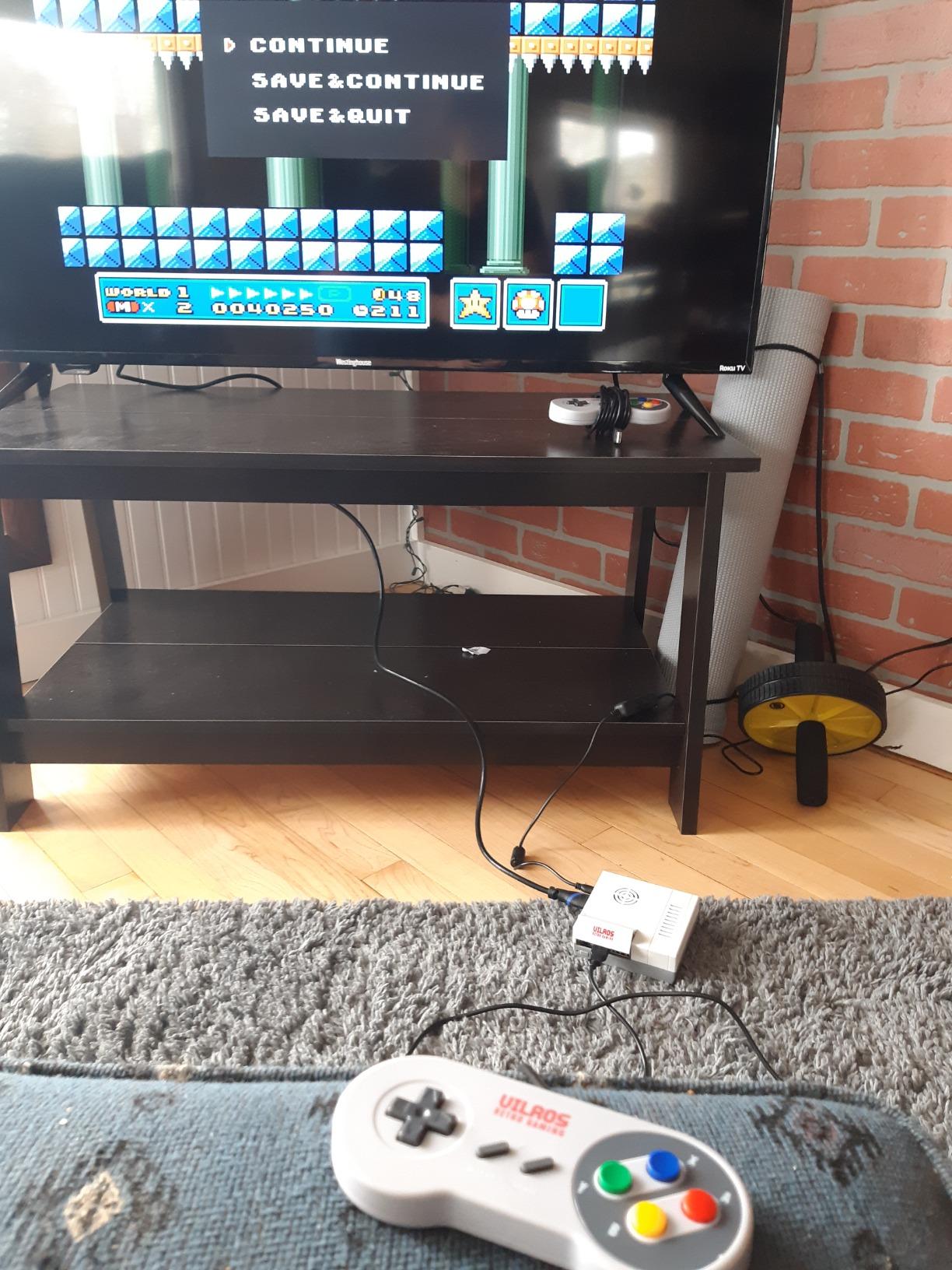
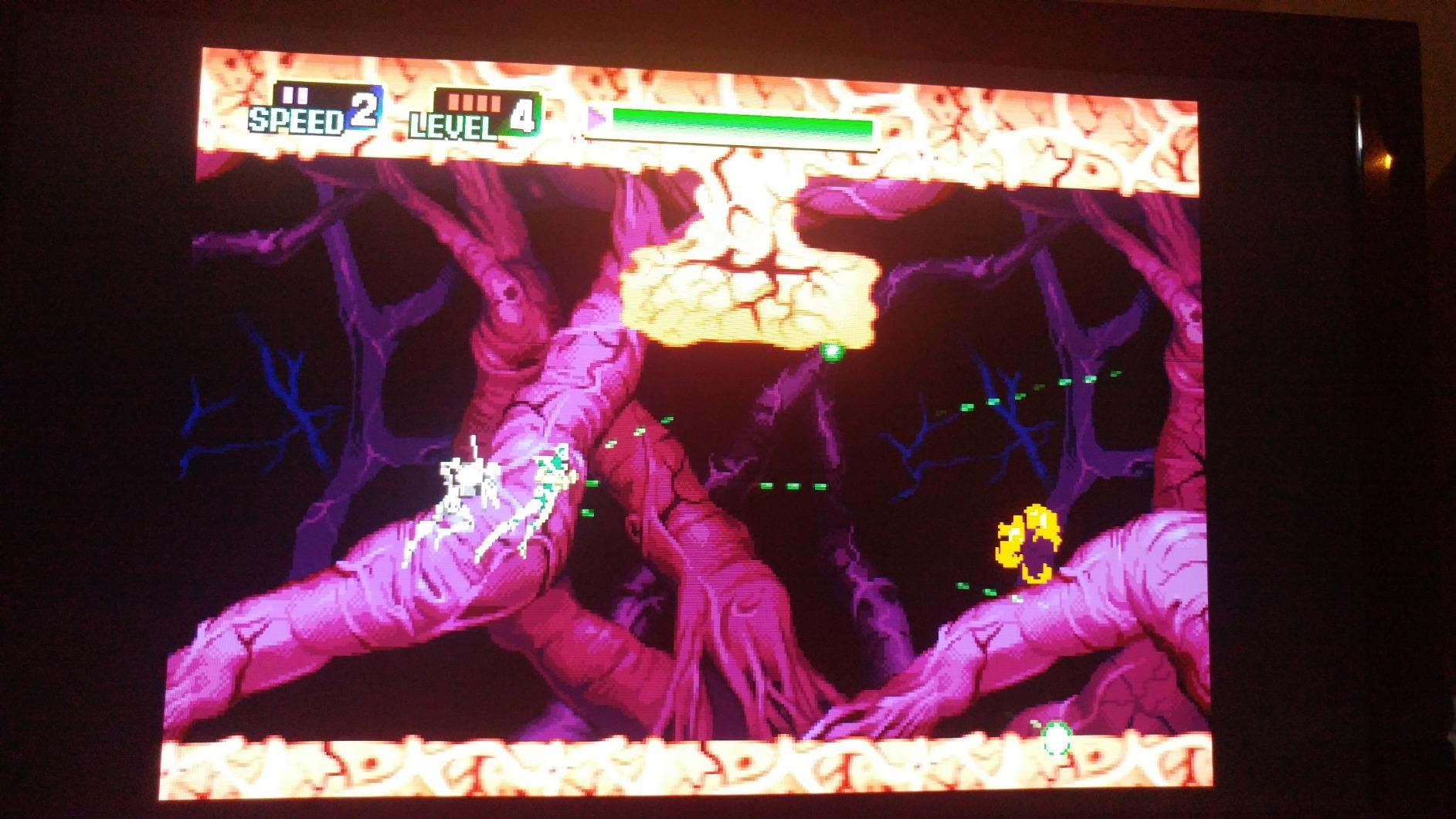
Technically the Pi 3 B+ is a 1.4GHz quad-core with 1GB of RAM plus WiFi and Bluetooth. For 8-bit and 16-bit arcade and console libraries that is plenty, and Neo Geo and CPS2 titles held 60fps in our testing.
The community consensus matches my experience: the 3 B+ is the model people recommend for beginners because RetroPie installs on it with zero friction. Its 1,000-watt smile comes from simplicity, not raw power.
The limits appear with heavier systems. Expect struggles with N64, Dreamcast, and PSP, and 1080p is the ceiling over HDMI. Keep a cheap USB keyboard handy for first boot and then retire it.
Who should buy this kit
Complete beginners who want one purchase, one seller, and one support contact if anything goes wrong.
It doubles as a foundation: add a Hikig or EG STARTS control kit later and you have the guts of a full cabinet.
Who should skip this kit
Skip it if you already own a Pi 4 or Pi 5, since the board here is the older model.
Also pass if your dream library leans on PlayStation or N64, because the Pi 3 B+ lacks the headroom there.
3. EG STARTS 1 Player LED Arcade Kit – Best Budget Starter Kit
EG STARTS Arcade Buttons 1 Player DIY Kit Joystick 5V LED Arcade Button for Arcade Stick PC Games Mame Raspberry pi
1 player
1 joystick
10 LED buttons
zero delay encoder
520 g
Pros
- Cheapest credible way into the hobby
- Zero delay encoder maps automatically in RetroPie
- Buttons rated to a million cycles
- Colourful LED buttons look better than the price suggests
- Ideal test bed before committing to a cabinet
Cons
- Mounting screws can run short on thick panels
- Printed instructions are thin
- One-player only
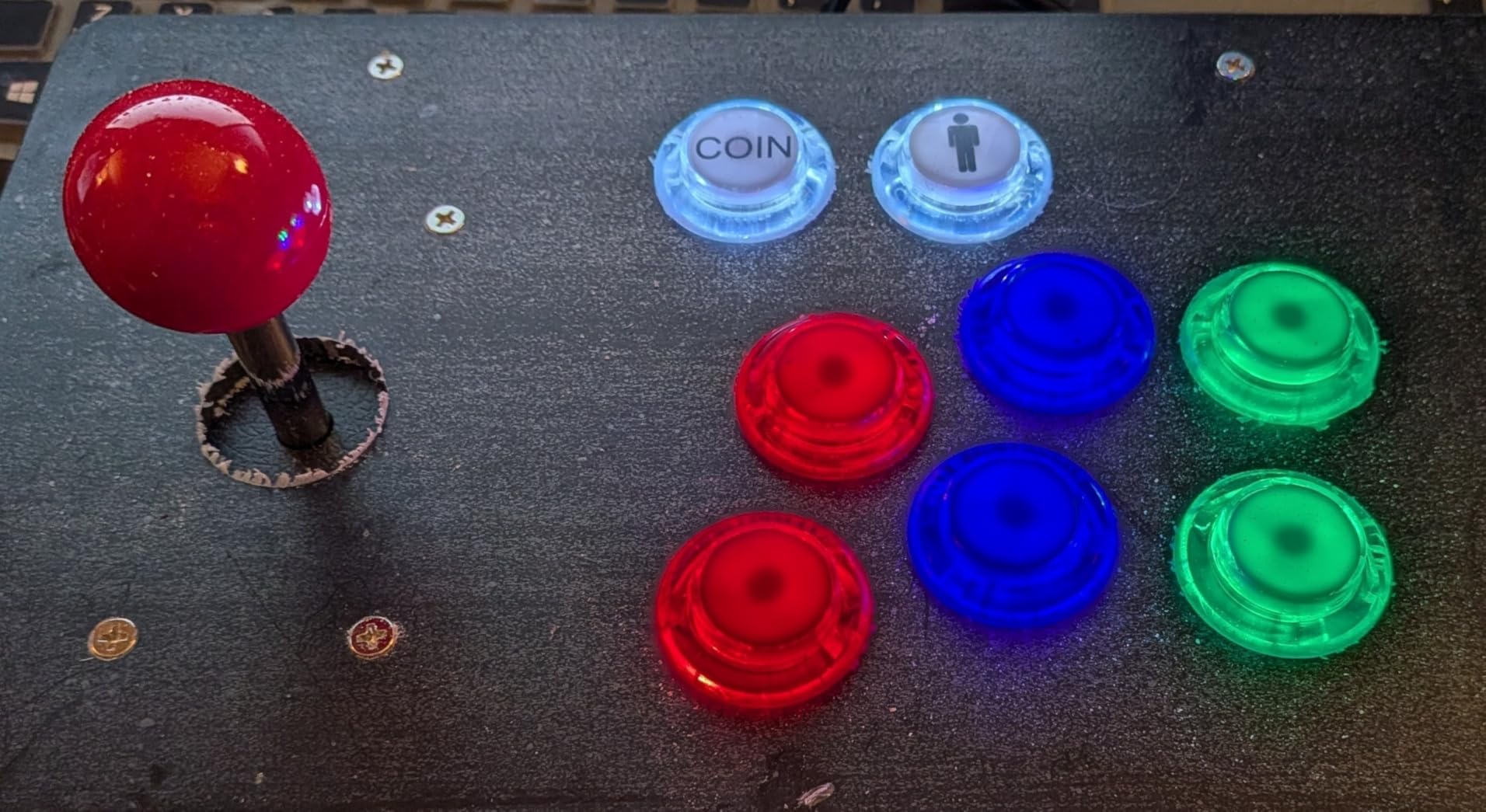
I keep recommending this EG STARTS single-player kit as a first project because it answers a simple question cheaply: do you actually enjoy building arcade controls? You get one red 8-way joystick, ten 5V LED buttons in a colour mix, one zero delay USB encoder, and every wire you need. Nothing else to buy except the Pi and something to mount it on.
My test unit went into a shoebox-sized wooden crate and ran a MAME setup the same evening. The encoder showed up as a generic joystick and RetroPie picked it up without me editing a single config file.
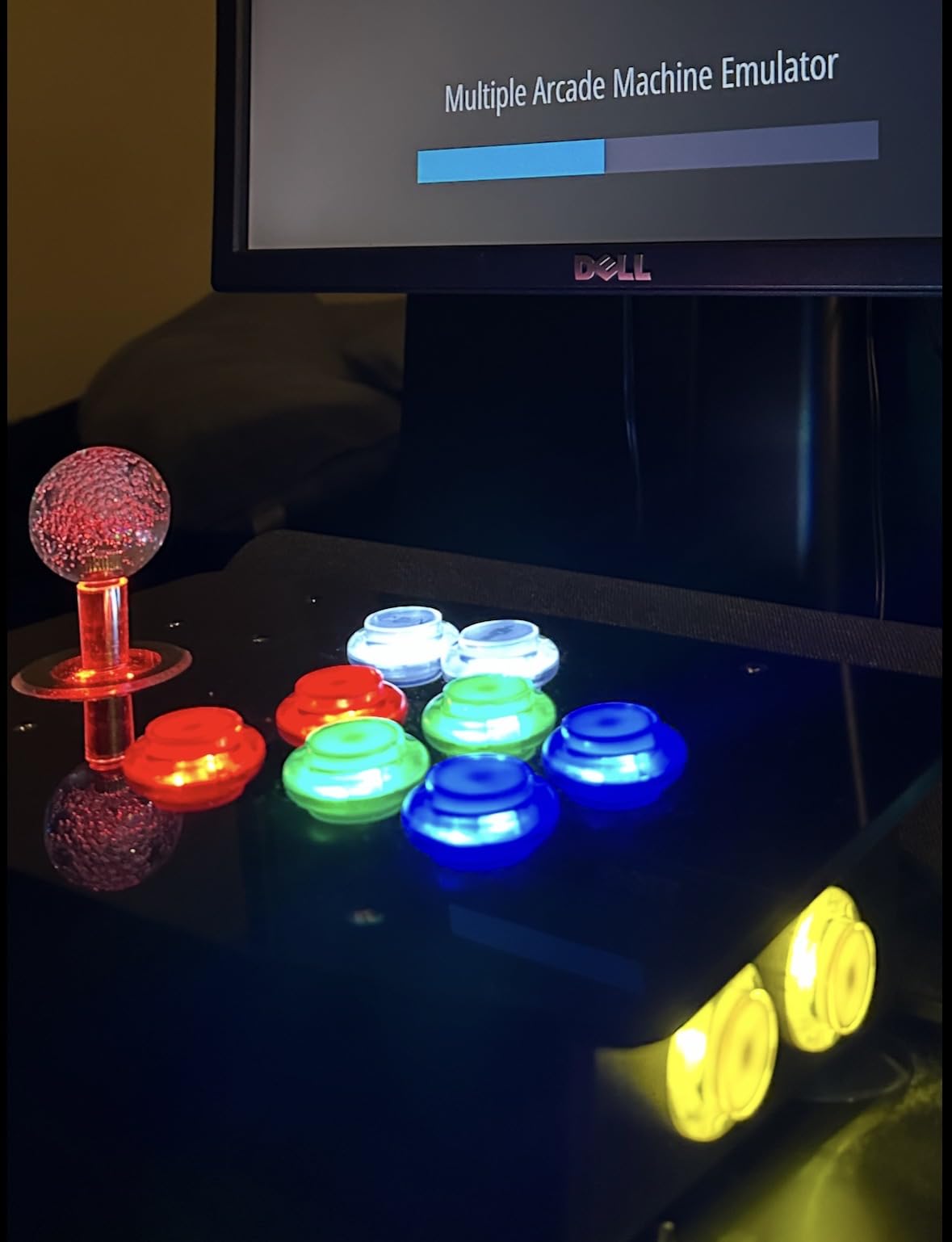
Technically the buttons are 30mm units with microswitches rated for a million cycles, and the joystick needs a 24mm mounting hole. Drill those hole sizes wrong and the panel is scrap, so measure twice.
The five-pin joystick lead and three-pin button leads are colour coded, which compensates a lot for the thin printed instructions. Most beginners wire the whole set correctly on the first try.
The weaknesses are what you would expect at this money. Some buyers report buttons sticking after months of hard use, and screws can run short on 12mm or thicker panels.
Who should buy this kit
Anyone who wants a low-cost first build or a compact desktop fight stick for one player.
It also suits a kids’ project where the goal is learning how the parts fit together.
Who should skip this kit
Pass if you know you want two players, because upgrading later costs more overall.
Also skip it if you want LED brightness control or premium switches, since neither is on the menu.
4. EG STARTS 2 Player Ellipse Joystick Kit – Best Value 2-Player Build
EG STARTS 2 Player Arcade Games DIY Kit Parts 2 Ellipse Oval Joystick Handles + 20 LED lit Arcade Buttons (Red & Blue Kit)
2 players
2 ellipse joysticks
20 LED buttons
2 USB encoders
1.01 kg
Pros
- Two-player setup at a genuinely low price
- Plug and play in MAME RetroPie and Batocera
- Each button keeps its own discrete wiring
- Classic red and blue colour scheme
- Great price-to-controls ratio
Cons
- Joysticks feel light and clicky
- Encoders have no unique controller ID
- Not built for commercial-duty abuse
This is the EG STARTS two-player kit I put in a friend’s basement bar cabinet, and it delivered exactly what a casual home build needs. Two ellipse-handled joysticks, twenty LED buttons in red and blue, and two zero delay USB encoders, all for less than most premium single-player kits.
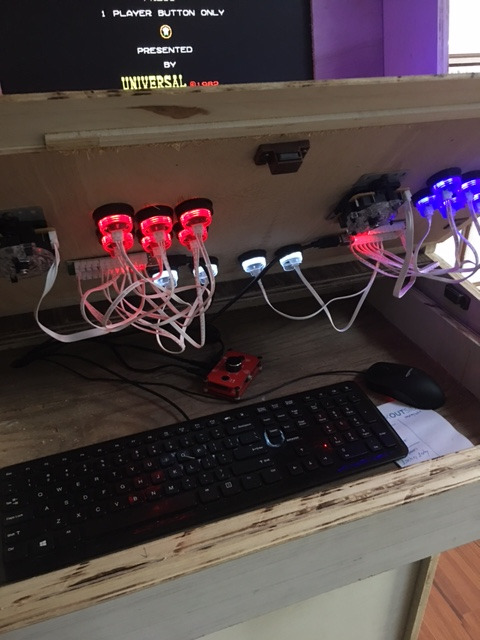
Setup was uneventful in the best way. Both encoders were recognised by Windows and by Batocera with no drivers, and buyers report the same plug-and-play experience across MAME and RetroPie. For a beginner, uneventful is the highest compliment a kit can earn.
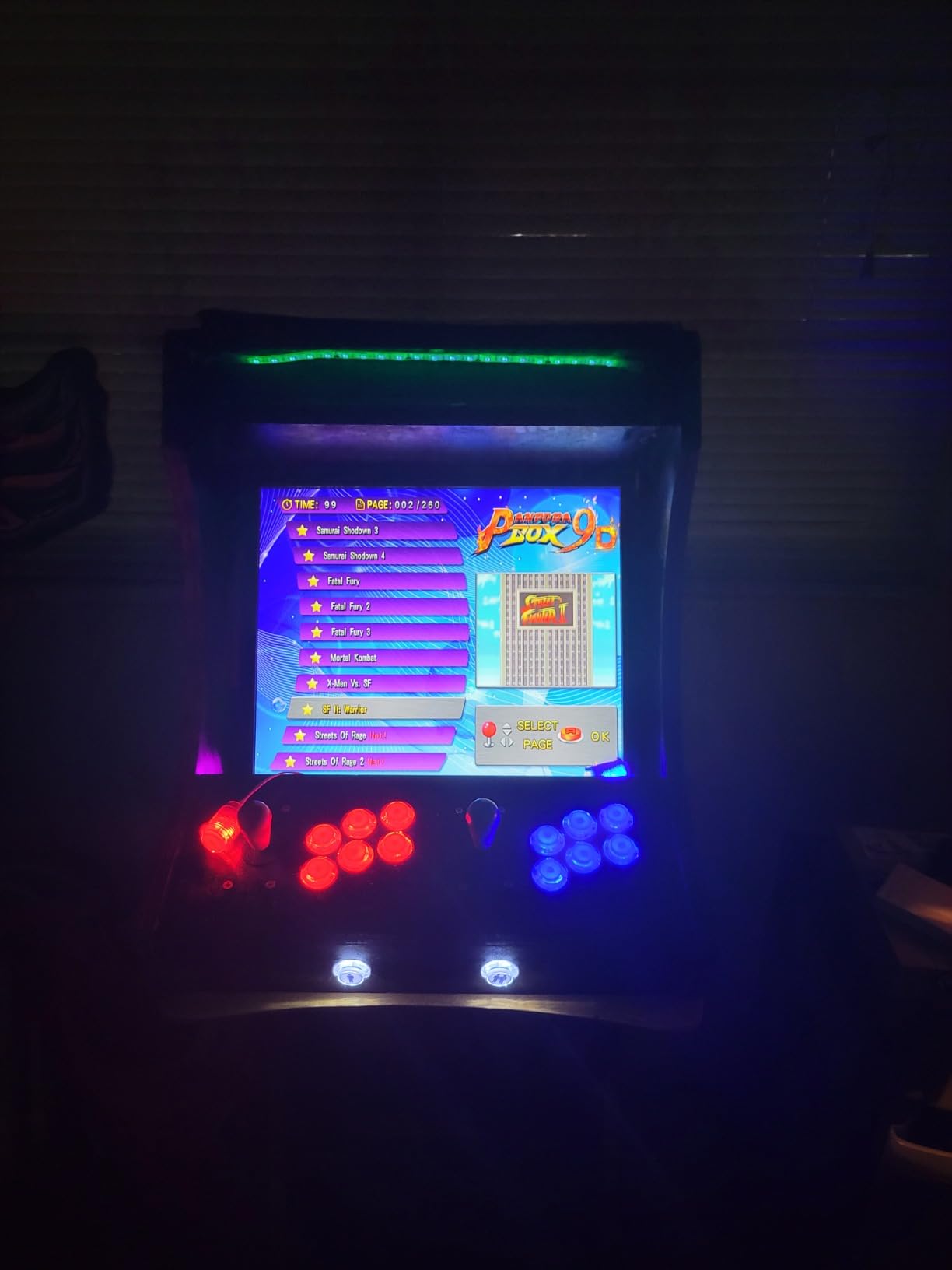
The joysticks are 8-way units with a familiar loud click, and they feel lighter than arcade-original parts. Each button keeps an individual discrete connection rather than sharing a matrix, so tracing a lazy input means following one wire instead of a grid.
The one technical wrinkle is that the encoders carry no unique ID, so some systems see both as the same joystick until configured manually. On RetroPie it usually just works; on Windows you may need to reorder devices in the emulator.
There is also no way to dim the LEDs, so a bedroom cabinet glows like a runway at night. Plan your panel layout accordingly or add a switch.
Who should buy this kit
First-time cabinet builders who want two players without paying twice.
It is also my suggestion for garage, den, and playroom machines where traffic is casual.
Who should skip this kit
Skip it if the cabinet will live in a public space or get hammered daily, because the sticks are not rated for that.
Also pass if silence matters, since the clicky sticks are audible across a quiet room.
5. SJ@JX 2 Player LED Arcade Kit – Sharpest Looks for the Money
SJ@JX Arcade 2 Player Game Controller Stick DIY Kit LED Buttons with Logo MX Microswitch 8 Way Joystick USB Encoder Cable for PC MAME Raspberry Pi Color Mix
2 players
20 LED buttons
8-way joysticks with MX microswitches
2 USB encoders
Pros
- Logo-printed buttons give a finished professional look
- MX microswitch joysticks with crisp engagement
- Bright and even LED lighting
- Genuine plug and play wiring
- Strong 4.6 rating from a smaller pool
Cons
- Occasional reports of sticking buttons
- Quality control is a little inconsistent
- Raspberry Pi compatibility varies by setup
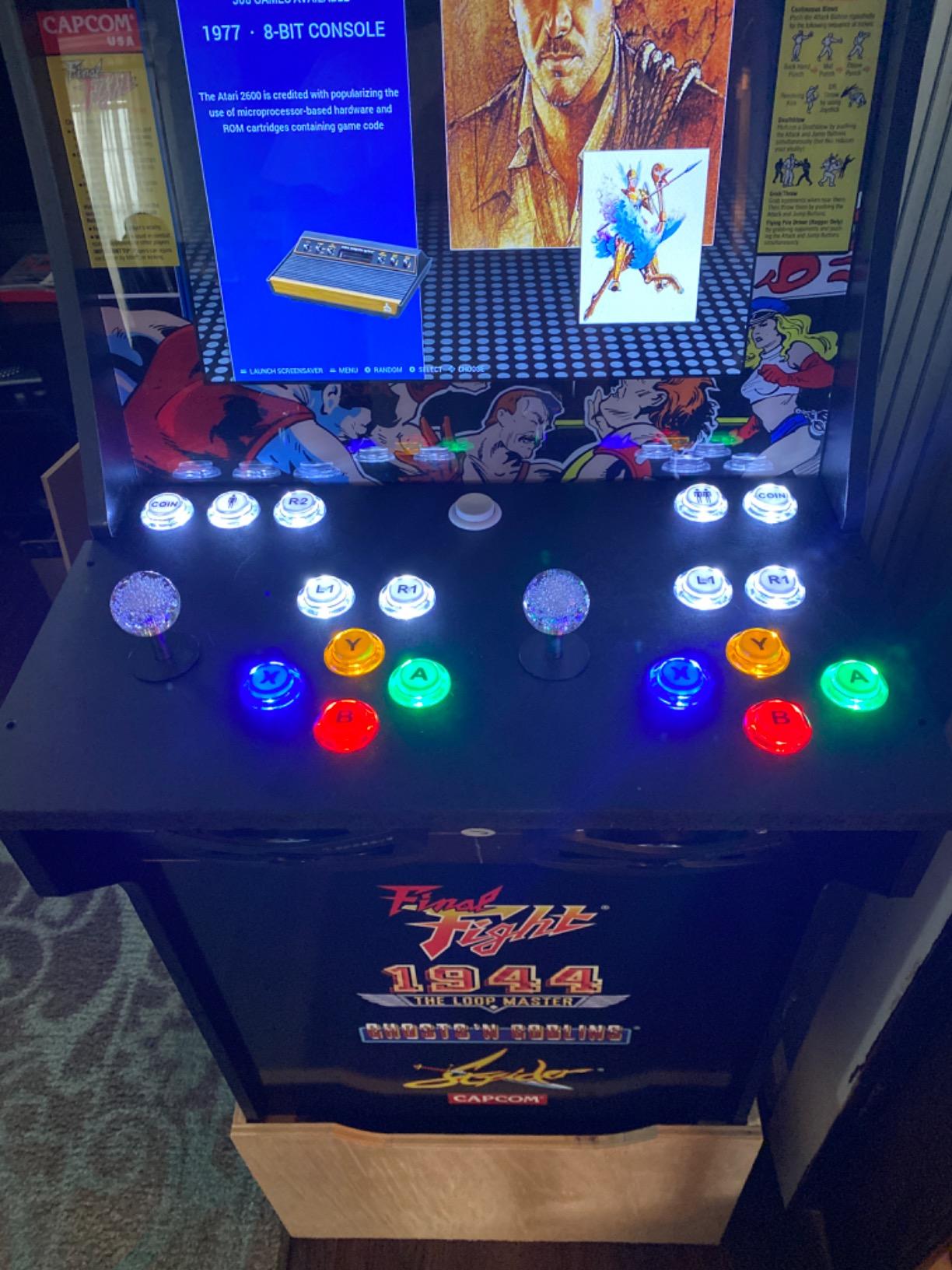
This SJ@JX two-player kit is the one people notice in photos, because the buttons carry printed logos and the LEDs are properly bright rather than apologetically dim. It shares the core recipe of its rivals: two 8-way joysticks, twenty LED buttons, and USB encoders that need no soldering.
Our sample went together in about an hour with no surprises. The MX microswitch joysticks engage with a distinct snap that makes Dragon Punch motions feel deliberate, and the set was playing nicely with a MAME PC within minutes of plugging in.
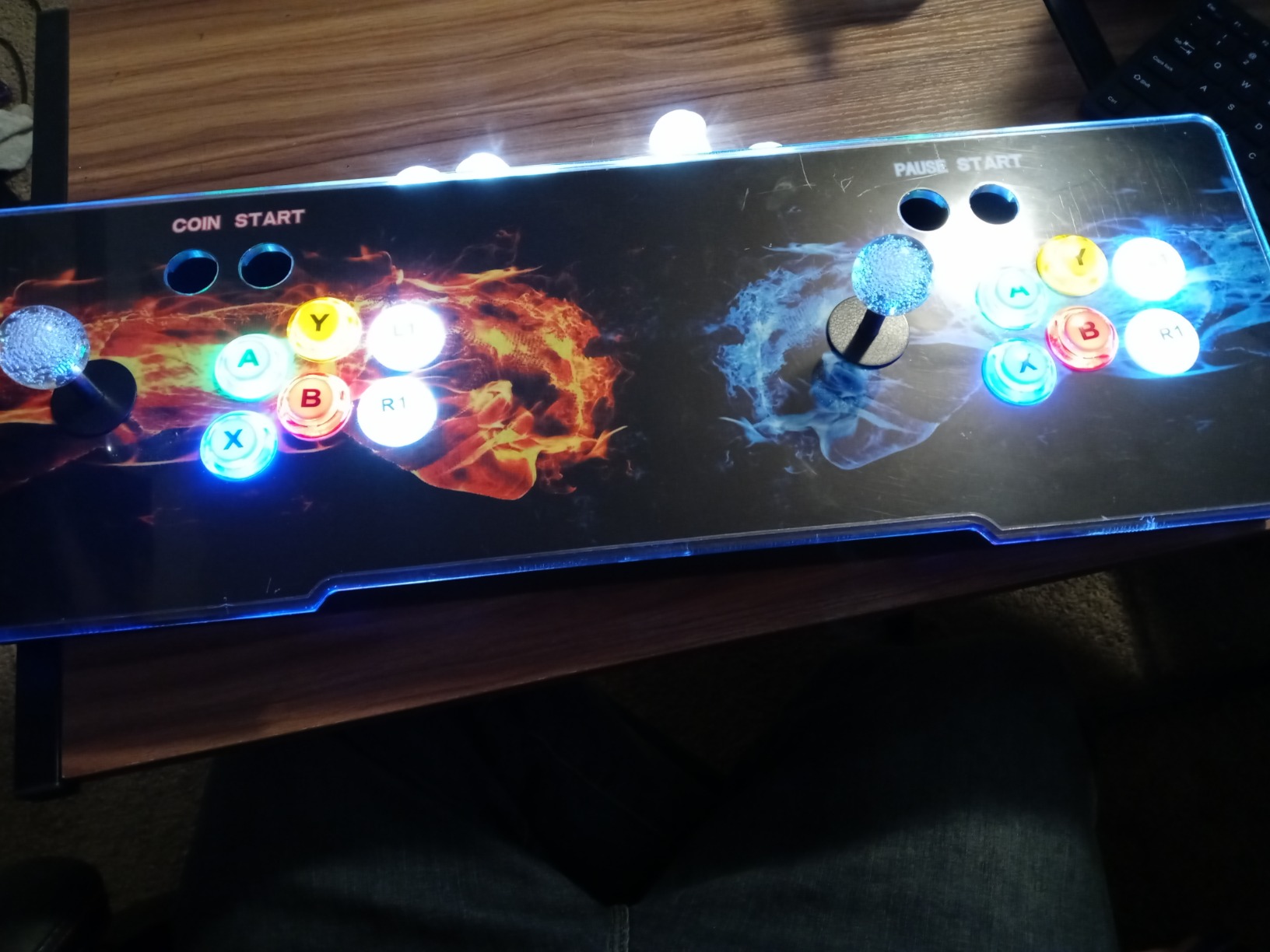
On paper the kit is straightforward: 20 buttons split across two players, 8-way sticks, and a colour-mixed scheme that avoids the plain red-and-blue look. Button feel is smooth rather than scratchy.
The microswitches give clear tactile confirmation of every press, which helps fast games. Nothing about the spec sheet is exotic, and that is fine.
The drawbacks come from consistency. A minority of buyers report buttons that occasionally stick, and quality between units is not as uniform as the big-name kits.
Who should buy this kit
Builders who care how the control panel looks as much as how it plays.
It is a strong pick for a display-piece bartop or a gift build where presentation matters.
Who should skip this kit
Skip it if you want the largest review base behind your purchase, because 100-plus ratings is thin compared to 1,000-plus elsewhere here.
Also pass if zero tinkering is non-negotiable, since some Pi setups needed a reboot before both encoders registered.
6. SJJX 10-Button Controller Kit – Cheapest Complete Beginner Set
SJJX DIY Arcade Game Button and Joystick Controller Kit for Rapsberry Pi and Windows,5 Pin Joystick and 10 Push Buttons 823a mix black
1 player
1 joystick
10 push buttons
zero delay encoder
0.39 kg
Pros
- Lowest-cost full kit on this list
- Zero delay encoder with automatic detection
- Works across Windows Linux and Raspberry Pi
- Simple plug and play assembly
- Seller sends Pi setup instructions on request
Cons
- Buttons feel light and clicky
- Joystick has excess play in some directions
- Limited documentation for advanced features
The SJJX kit is the one I hand to teenagers and nervous first-timers, because the outlay is small and the payoff is a working arcade controller the same afternoon. In the box you get a 5-pin joystick, ten push buttons with built-in microswitches, a zero delay USB encoder, and the wiring to join it all.
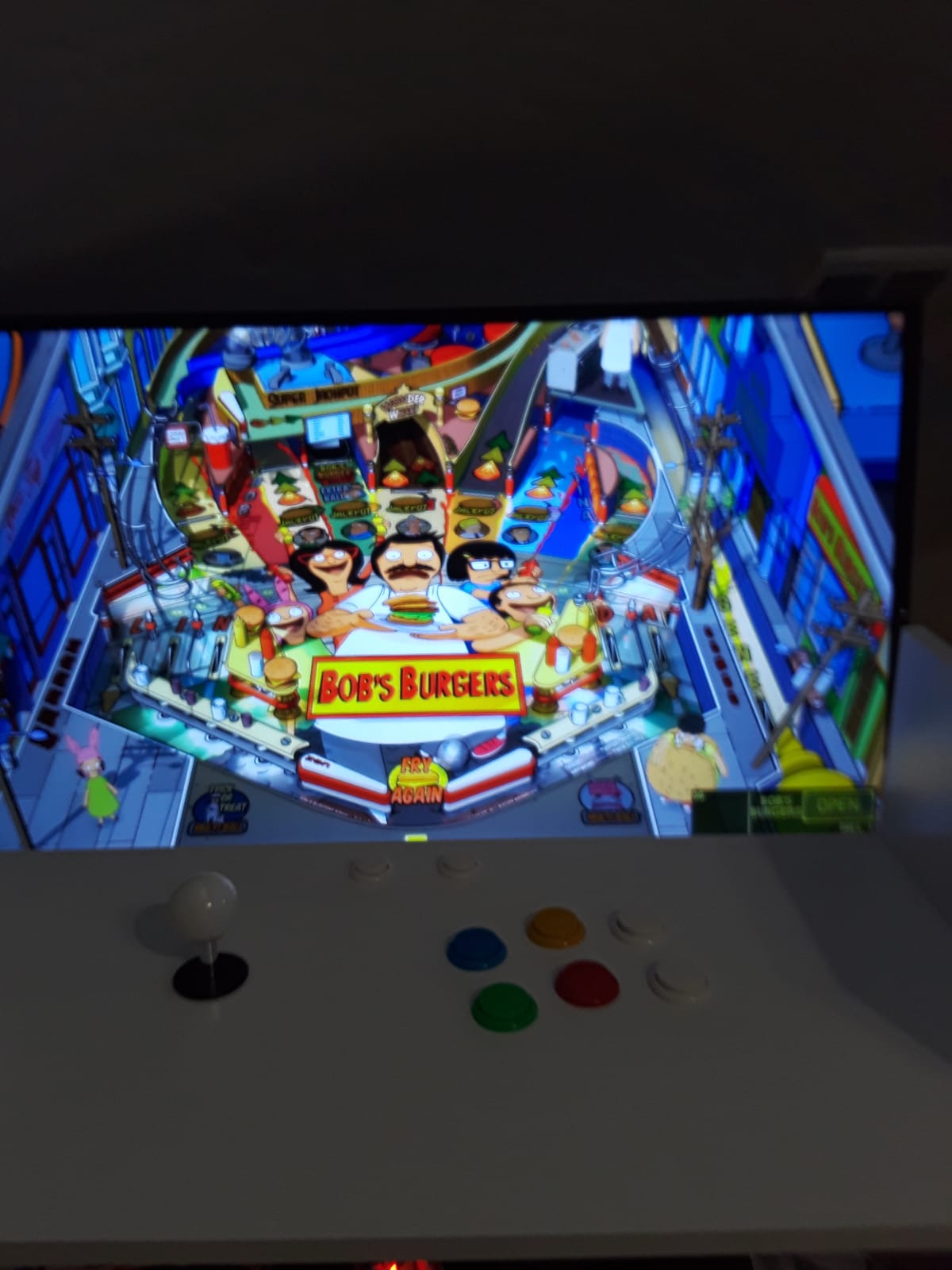
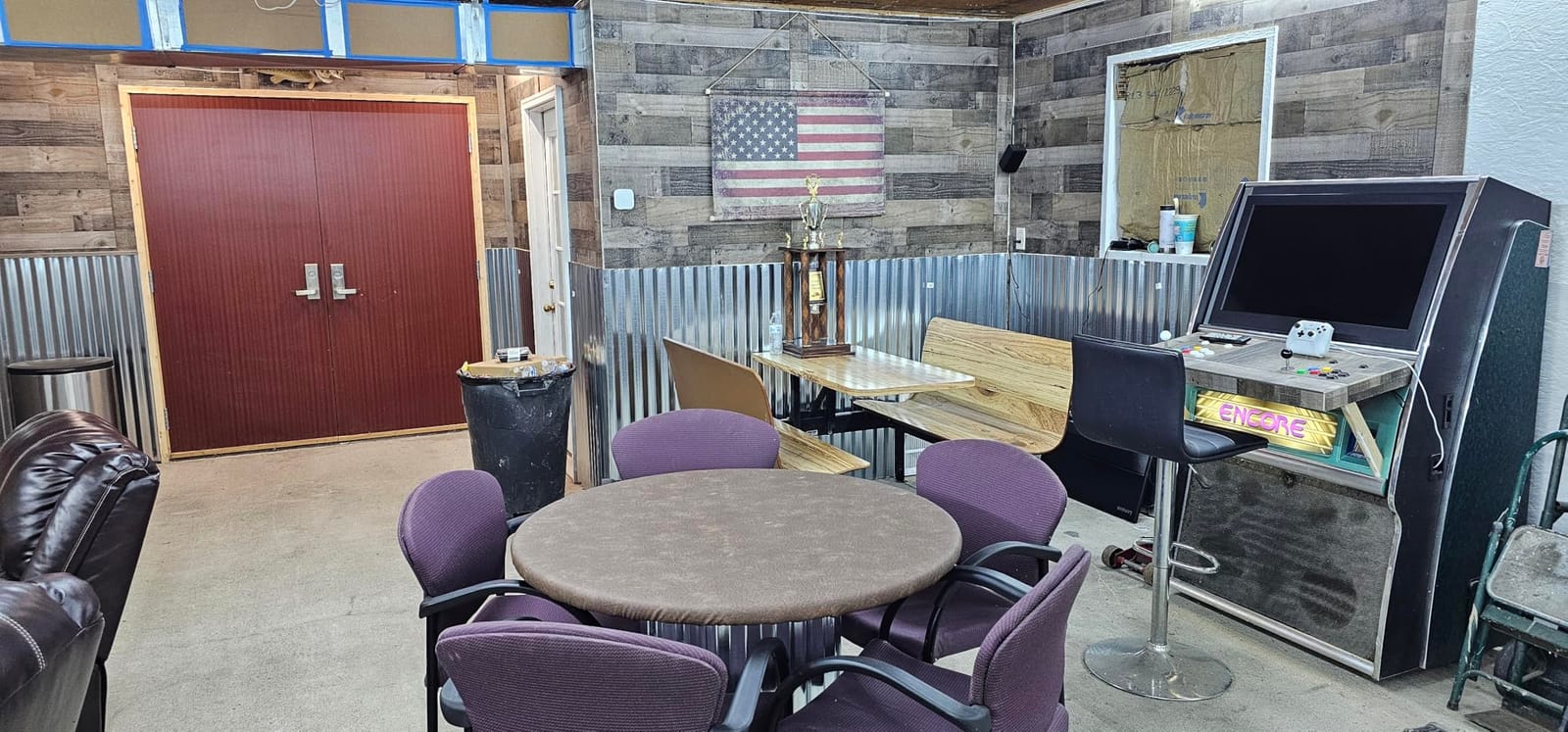
I built one into a scrap bit of shelving and had it running RetroPie in under an hour, most of which was drilling. The encoder behaves like the EG STARTS units: it appears as a standard joystick and the emulator does the rest.
Technically the kit covers Windows, Linux, and Raspberry Pi, and the seller sends Pi-specific setup notes if you contact them. The whole set weighs under 400 grams, so it suits portable or desktop panels.
The classic 360-style handle colour gives it a retro look, and the microswitches deliver decent tactile feedback for the money. It feels like a starter part rather than a premium one.
The trade-offs are predictable. Buttons work fine yet feel inexpensive, the joystick can have slack in the opposite axis, and everything is loud in a quiet room.
Who should buy this kit
Absolute beginners, students, and parents building with kids where the budget is tight.
It also works as a low-risk parts donor if you later want a spare encoder and buttons.
Who should skip this kit
Skip it if tactile quality matters, because everything about this set announces the price.
Also pass if you want illumination, since these buttons are unlit.
7. EG STARTS 4 Player Arcade Kit – Best for Party Cabinets
EG STARTS 4 Player Arcade Buttons & Stick for Classic Arcade DIY Kit Parts
4 players
4 joysticks
40 LED buttons
4 USB encoders
2,100 g
Pros
- Four players of controls in one box
- Four zero delay encoders all plug and play
- Excellent value per player
- Bright LED buttons
- Community favourite for Arcade1Up conversions
Cons
- No LED brightness control
- Sticks are clicky and lightweight
- Encoders can confuse player order in some software
- All four can show as one controller in Windows
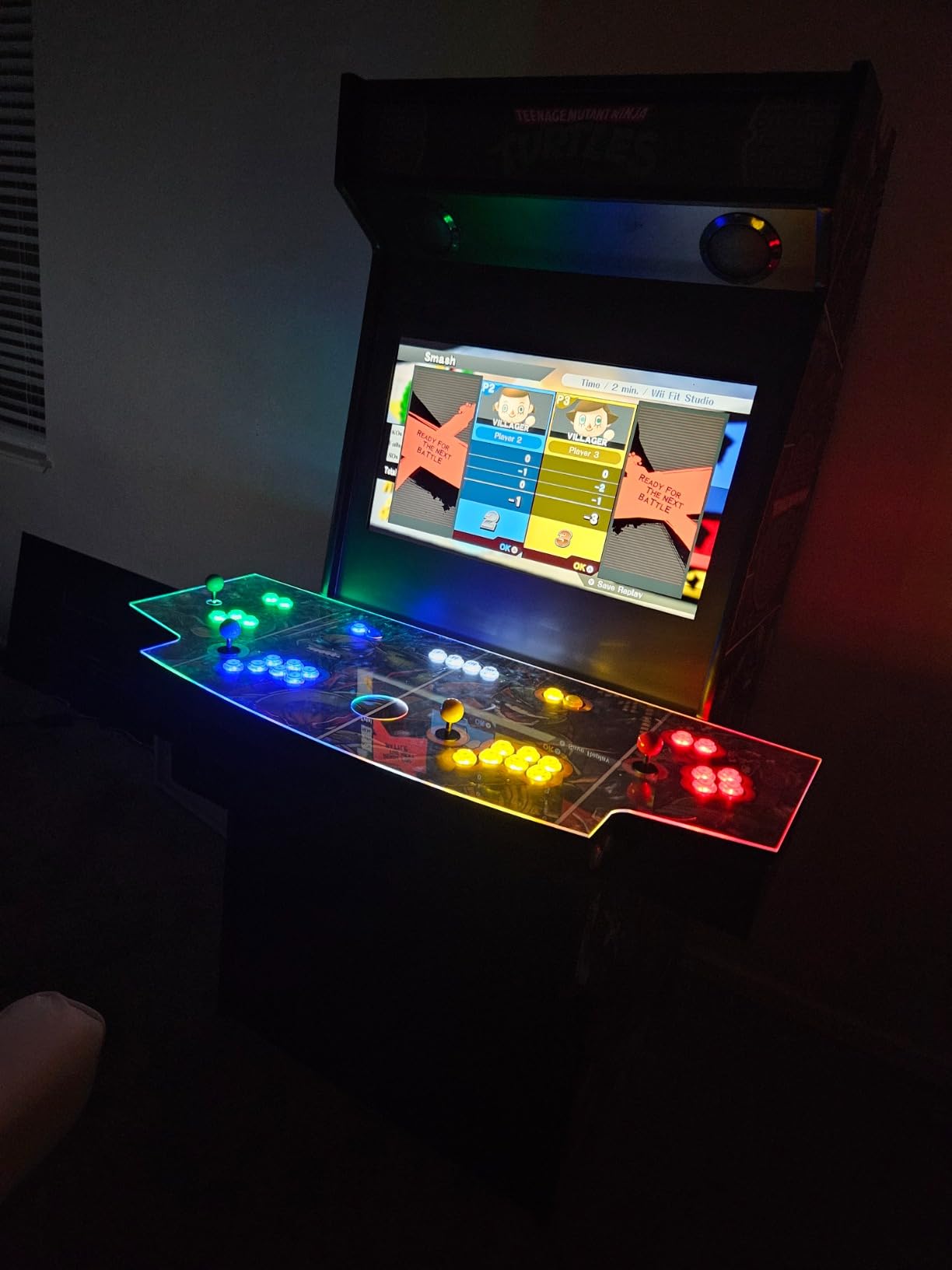
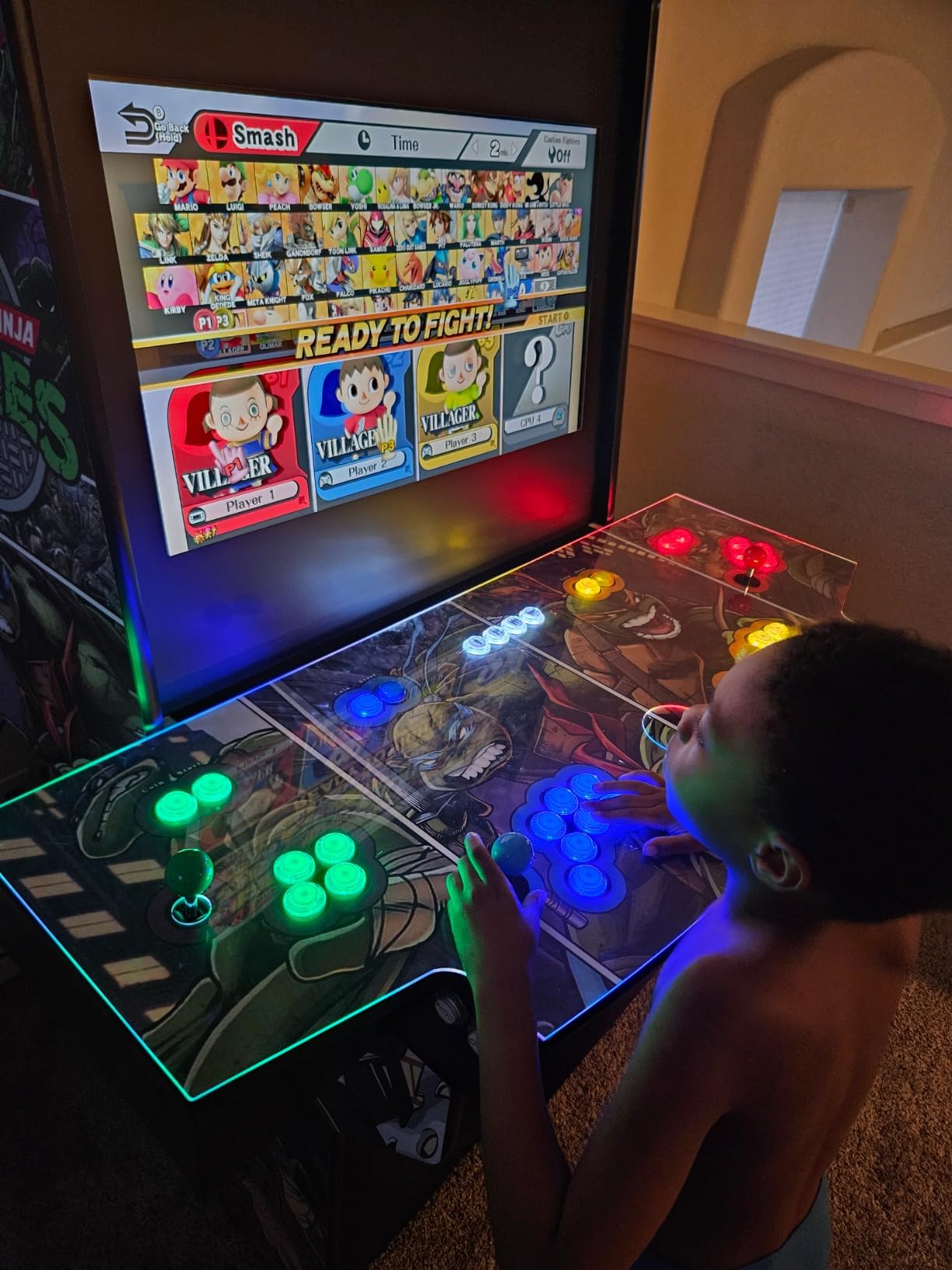
Four-player arcade games are the reason half of us wanted a cabinet in the first place, and this EG STARTS kit is the cheapest credible route to them. You get four joysticks, forty LED buttons across four colours, and four separate zero delay USB encoders with wiring sets. It is a big box of parts that somehow avoids being intimidating.
I helped wire a full-size cabinet with this kit and the push-together connections made it genuinely easy, with each player getting an independent board. All four joysticks registered immediately on our RetroPie build, saving an evening of troubleshooting.
One detail beginners miss: the sticks switch between 4-way and 8-way. Use 4-way for Pac-Man and Donkey Kong so you stop eating wrong turns, then switch back to 8-way for fighters and shooters.
Plan your USB ports too, because four encoders plus a keyboard fills a Pi quickly. A small powered hub solves it for almost nothing.
Where this kit shines is Arcade1Up conversions, one of the most common projects in the r/cade community. The parts drop straight into the shell and become the brains of the machine.
Who should buy this kit
Anyone building a full-size party cabinet or converting an Arcade1Up shell.
If you already know your household will fight over turns, buy this instead of a two-player kit.
Who should skip this kit
Skip it for a first build if your space only supports a bartop, because half the kit will sit in a drawer.
Also pass if you need silent play, since the clicks carry.
8. RetroArcade.us 60-in-1 Jamma Control Kit – Best for Real Cabinet Wiring
Jamma 60-in-1, Mame, Retro PI Classic Arcade Multigame-Multicade Arcade Game Control kit
Jamma wiring loom
16 amp power supply
2-player controls
upright cabinet wiring
Pros
- Everything you need to wire a genuine Jamma cabinet
- 16 amp power supply included
- Highest rating on this list at 4.7
- Ideal for restoring or upgrading old machines
- Clean solution for full-size uprights
Cons
- Game boards are sold separately
- Joysticks are on the basic side
- You will lean on YouTube rather than the manual
This RetroArcade.us kit solves a different problem from the USB kits above: it wires a real upright cabinet the way arcades have been wired for decades. You get the Jamma wiring loom with a US-labelled edge connector and a 16 amp power supply, the two components that make traditional builds feel intimidating.
I used this style of set while re-wiring an old cabinet that a previous owner had butchered, and having a labelled, matched loom instead of mystery salvage wiring halved the job. Buyers describe it the same way: a complete package for arcade projects that just works.
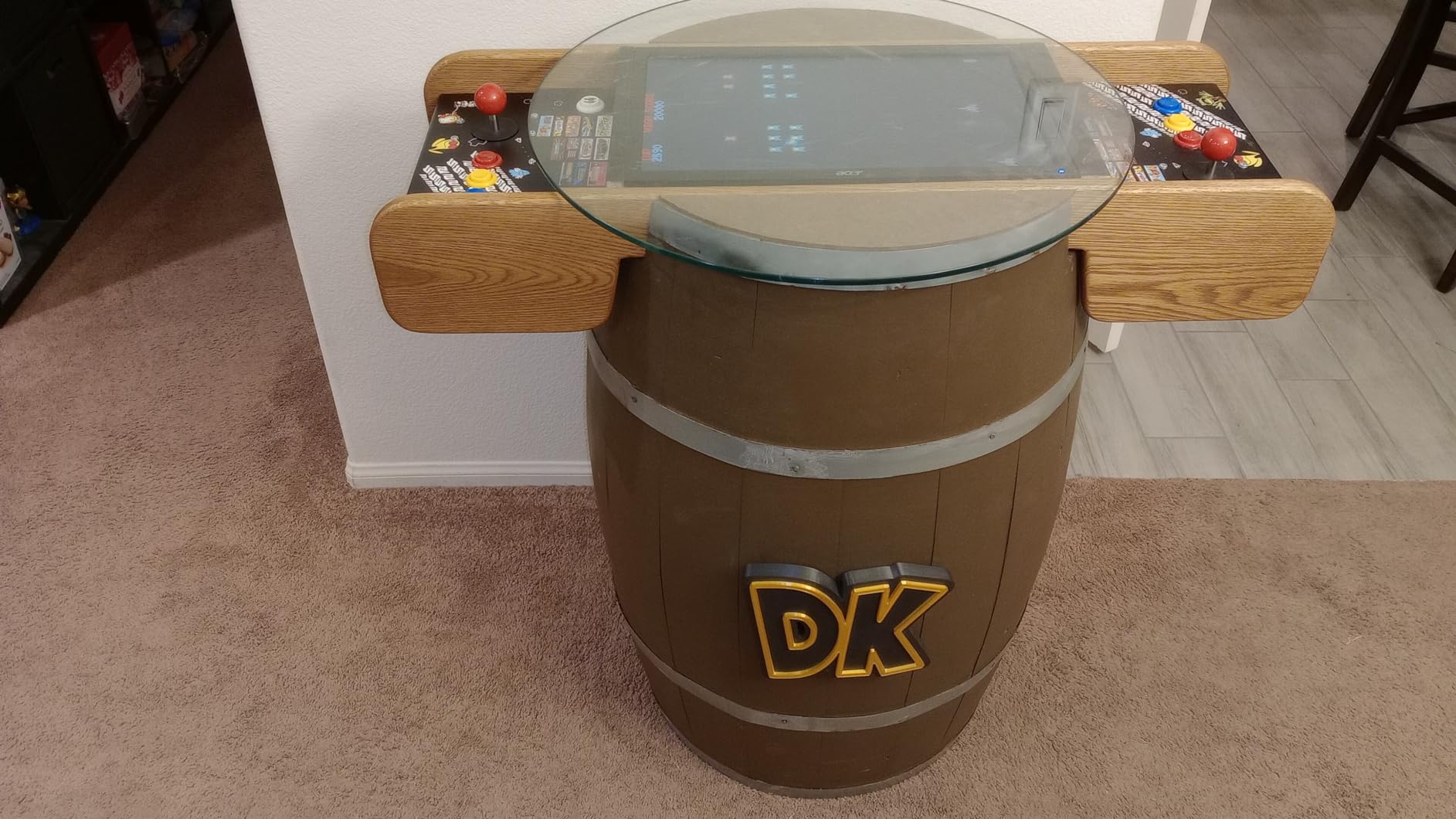
Technically, Jamma is the 1980s standard that tied game boards to controls, power, and monitors, and it is still how most 60-in-1 multicade boards connect. This kit gives you two players of controls plus the loom and supply those boards expect.
The 4.7-star average is the highest on this page, albeit from a smaller pool of 64 ratings. That score held steady across restoration and upgrade projects.
The catches are clear. Game boards are sold separately, the joysticks are serviceable rather than special, and the printed instructions are thin, so the real manual is a YouTube playlist.
Who should buy this kit
Anyone restoring a genuine cabinet, building a traditional multicade, or upgrading tired wiring.
It is also the pick if you already own a 60-in-1 or Jamma board and need the surrounding hardware.
Who should skip this kit
Beginners who want to emulate on a Raspberry Pi should start with a USB encoder kit instead.
Also pass if you want a single purchase that includes games, since boards here are extra.
9. Vilros Raspberry Pi 4 Retro Gaming Kit – Best Step-Up Complete Kit
Vilros Raspberry Pi 4 4GB Retro Gaming Kit with 2 USB Gamepad Controllers & Gaming Style Case, 64GB Micro SD Card, HDMI Cable, Power Supply, and Quickstart Guide (Retro Game System)
Pi 4 Model B 4GB
64GB NOOBS card
2 USB controllers
gaming case and PSU
Pros
- Pi 4 with 4GB RAM handles tougher systems
- Everything included for a full build
- Preloaded NOOBS card simplifies first boot
- Supports 4K video output
- WiFi makes game management painless
Cons
- Controllers are wired not wireless
- 64GB fills fast if you want PS1 and N64
- N64 and newer systems still strain
- Setup tutorials often needed
This is the Vilros Pi 3 B+ kit’s bigger sibling, built around a Raspberry Pi 4 with 4GB of RAM. For a beginner who wants headroom for PlayStation and some N64 alongside the classic libraries, that extra memory is the difference between playable and painful. The computer, case, power supply, HDMI cable, heatsinks, and two SNES-style controllers are all in the box.
The 64GB card arrives preloaded with NOOBS, so first boot is a menu rather than a command line. My honest advice is to skip NOOBS and flash a fresh RetroPie or Batocera image with the Raspberry Pi Imager instead, which takes twenty minutes and removes most setup weirdness.
Performance is where the money goes. The Pi 4 runs 16-bit consoles effortlessly, handles most PS1 titles at full speed, and makes a credible stab at N64 and Dreamcast in the right emulator cores.
It also drives 4K output if your screen supports it, and WiFi makes adding games painless. The practical ceiling for arcade play is enormous: everything through the late 90s runs well.
The honest cons: the controllers are wired even though some photos suggest otherwise, 64GB feels small once box art piles up, and a few buyers hit SD card recognition issues that a reflash fixed. There are no customer images for this one, so check the listing photos before ordering.
Who should buy this kit
Beginners who want a one-box build with room to grow into PS1 and light N64 libraries.
If you intend to add a full control panel later, this plus the Hikig kit is my standard pairing.
Who should skip this kit
Skip it if pure 8-bit and 16-bit gaming is the goal, because the Pi 3 B+ kit does that job for less.
Also pass if you want wireless couch play out of the box, since you will be buying controllers or longer cables.
10. Sonicon Preloaded Batocera SD Card – Fastest Route from Zero to Playing
Sonicon Preloaded RetroPie Batocera Emulator MicroSD Card w/28+ Systems/12,000+ Games, Master System/Genesis/Atari/Arcade for Raspberry Pi, Plug Play – (128GB, for Pi 5)
128GB microSD
Raspberry Pi 5 only
28 systems
12000+ games
Batocera installed
Pros
- Genuine plug and play with no configuration
- 28 systems with 12000+ games installed
- Full media including box art and videos
- QR codes make controller setup trivial
- Real 24/7 human tech support
Cons
- Works with Raspberry Pi 5 only
- A few games can be obscure or fail to boot
- Updates occasionally misbehave
- Nothing included for cabinet controls
This is the pick for people whose real obstacle is software, not hardware. It is a 128GB microSD card built for the Raspberry Pi 5, preloaded with Batocera and a curated library spanning 28 systems and more than 12,000 games. You slot it in, connect a controller, and power up; that is the entire installation.
The media scraping is done for you: box art, screenshots, videos, ratings, manuals, and fan art are already attached, so the interface looks like a finished product rather than a file browser. Retro-styled packaging makes it a strong gift option too.
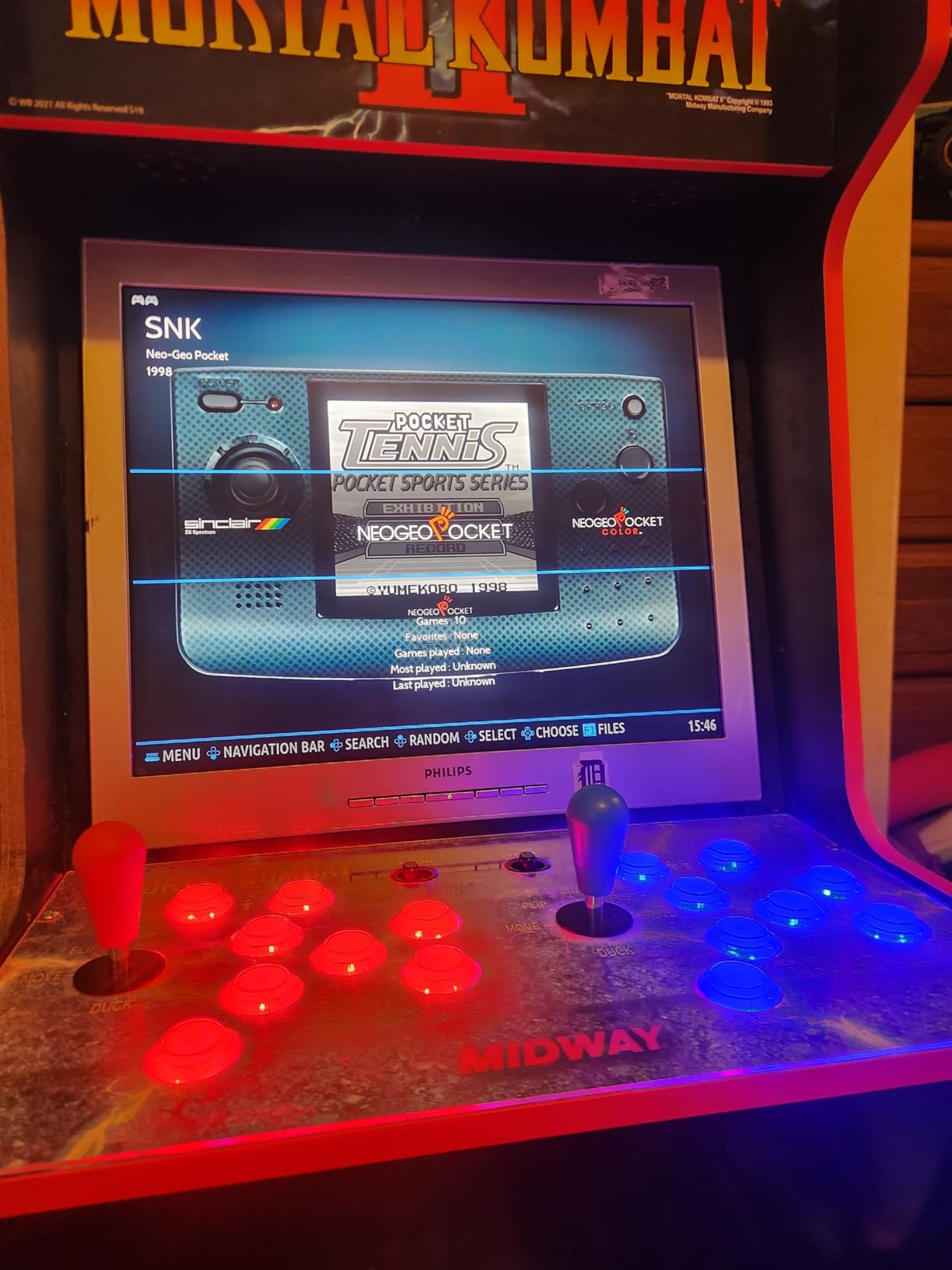
Technically, Batocera is the friendliest of the big three operating systems for newcomers, with no command line and no manual configuration for standard USB controllers. This card leans into that by using QR codes to walk you through controller pairing.
The library leans on international titles, and AI translation is included for foreign-language games, a thoughtful touch for arcade deep cuts.
The limitations are structural. It is Pi 5 only, some games in a 12,000-title library are filler, a few refuse to boot, and card updates have been bumpy for some buyers.
Who should buy this card
Anyone who already owns a Pi 5 and wants to be playing tonight instead of reading wiki pages at midnight.
If software has been the thing stopping your build, this removes that excuse.
Who should skip this card
Skip it unless you have a Pi 5, full stop, because it will not boot on earlier models.
Also pass if you want to curate your own library and learn the system properly.
11. GRS Build-A-CADE Mini Cabinet Kit – Best Display-Piece Build
GRS Build-A-CADE | 1:6 Scale Arcade Cabinet kit for use with Raspberry Pi
1:6 scale cabinet
4.3 inch IPS screen
rechargeable battery
Pi 3 or 4, not included
Pros
- Beautiful miniature cabinet that doubles as decor
- Sharp 4.3-inch IPS display
- Metal joystick with satisfying controls
- No soldering or glue required
- Built-in battery and lit marquee
- Interchangeable control accessories
Cons
- Vertical screen only
- Base deck has a single action button
- 2-3 hour battery life
- Batocera works better than RetroPie on it
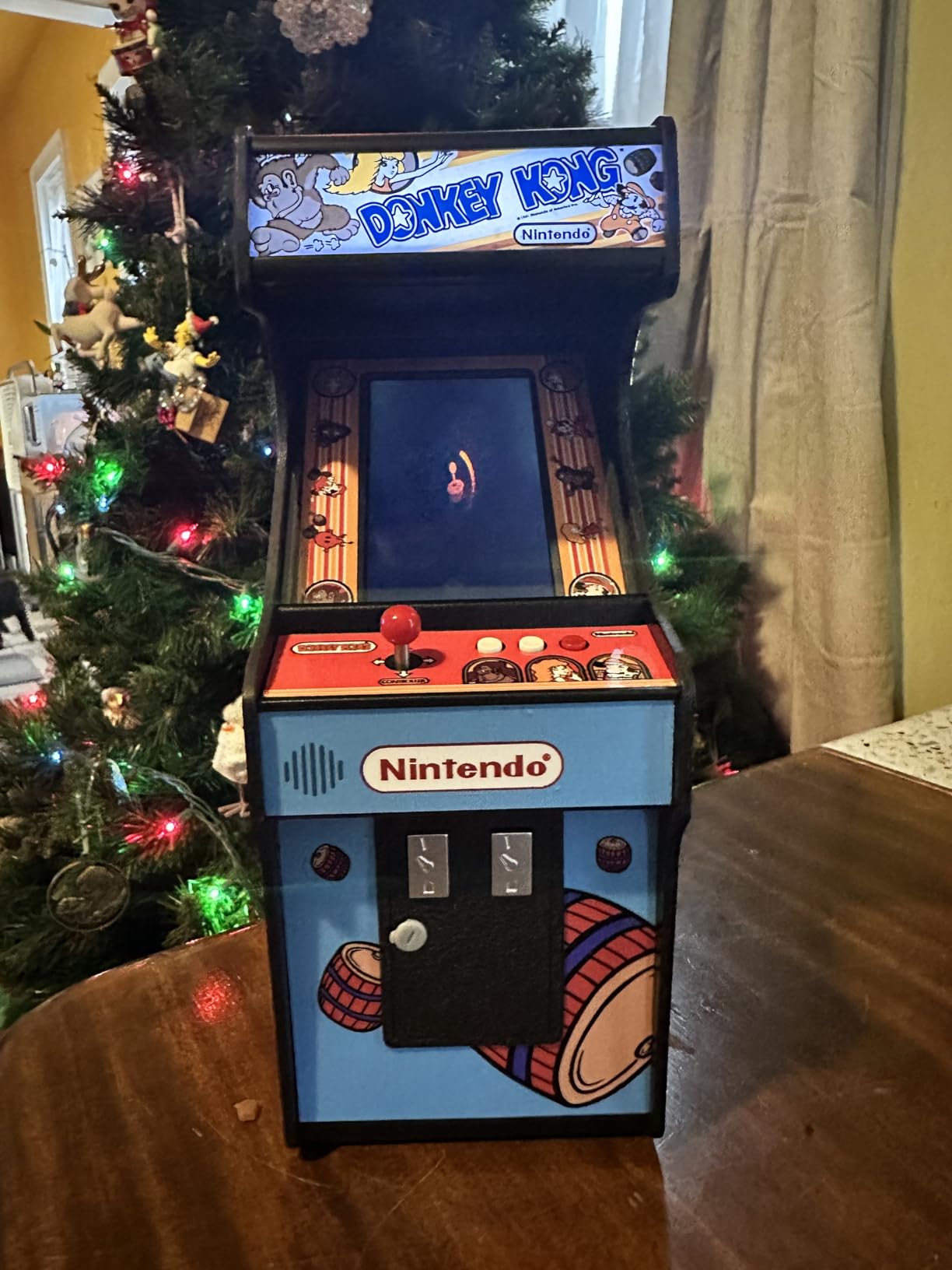
This is the kit that pulled me back to the workbench for fun rather than function. The GRS Build-A-CADE is a 1:6 scale arcade cabinet you assemble yourself, with a 4.3-inch vertical IPS screen, a light-up marquee, pressable coin buttons with coin sounds, and swappable control decks. It is equal parts project and shelf ornament.
Assembly is proper model-making rather than wiring: precise mouldings, quality plastic, and a genuinely detailed instruction manual, with no soldering or glue needed. It runs on a Raspberry Pi 3 or 4, which is not included.
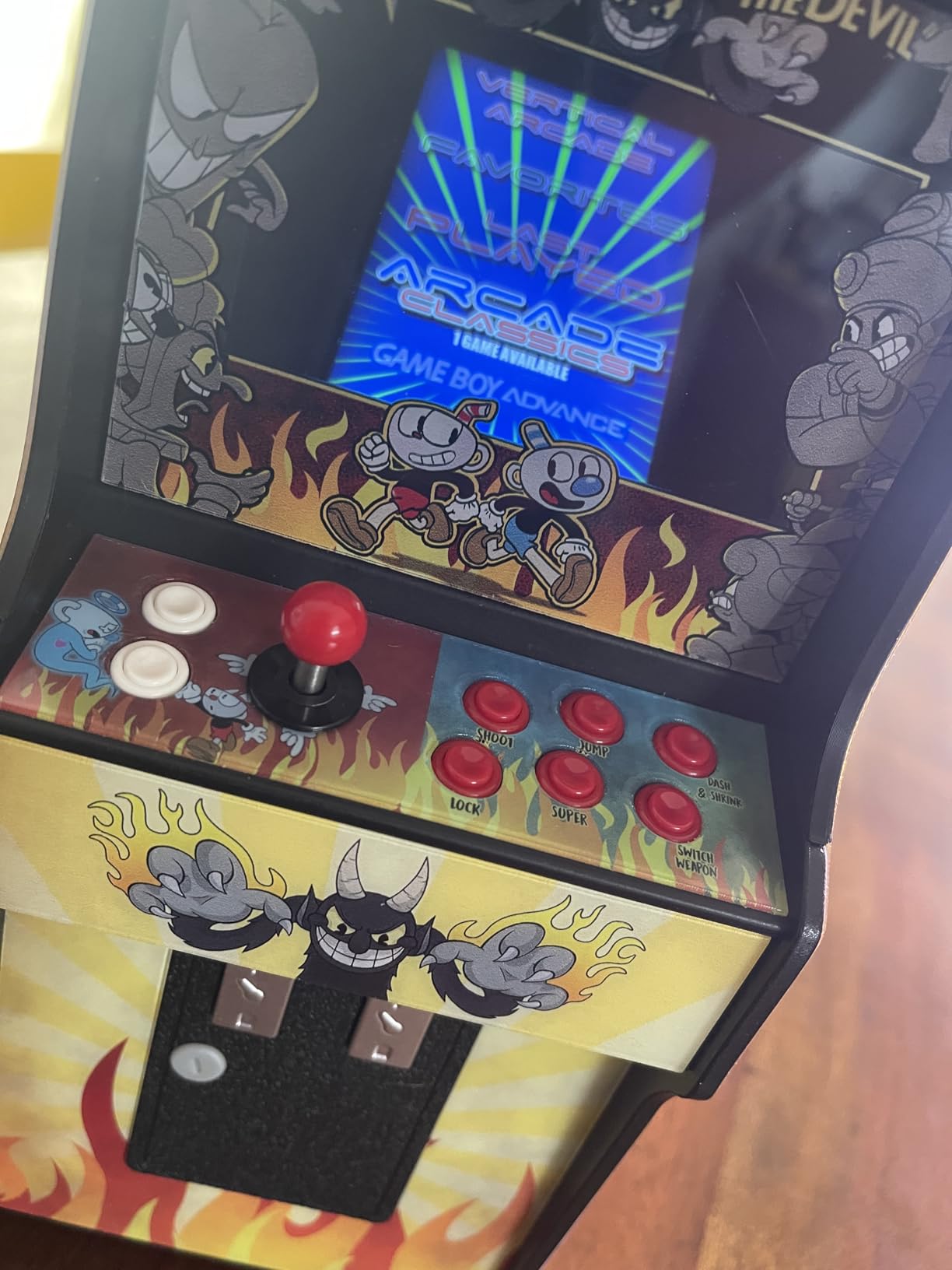
Technically the screen is the highlight: a 4.3-inch IPS panel with HDMI interface that is bright and sharp. The metal joystick and buttons feel responsive at a scale where you expect squish.
The swappable deck system means different games can get different controls, a lovely idea borrowed from real cabinet history. Sticker templates let you customise the artwork.
The compromises come from the scale. The screen is vertical only, so horizontal games render boxed in or squashed, and the included deck has a single action button, meaning many games need creative remapping.
Who should buy this kit
Makers who want a charming weekend project, especially for vertical games like Pac-Man, Galaga, and Donkey Kong.
It is also the best kit on this list for building alongside a teenager.
Who should skip this kit
Skip it if you want a machine for long sessions, because the tiny screen and one-button deck limit play.
Also pass if you expect a Pi in the box, since you supply your own.
12. Waveshare GamePi43 Handheld Kit – Best Portable Project
GamePi43 Accessories Kit for Raspberry Pi 4B/3B+/3B/2B/B+ Portable Retro Video Handheld Game Console with 4.3inch IPS Display 800×480 Pixel 60 fps Smooth Gaming Experience Speaker Earphone Jack
4.3 inch IPS, 800x480
handheld form factor
battery charge circuitry
Pi not included
Pros
- Genuine 20-minute assembly with basic tools
- Includes spare buttons and both Pi 3 and Pi 4 HDMI adapters
- Pre-configured RetroPie image runs well
- Speaker earphone jack and battery indicator
- Real portable handheld when finished
Cons
- Buttons are stiff and unresponsive
- Internal speaker is close to useless
- Pi 4 can throttle on the supplied power delivery
- Needs full shutdown with no sleep mode
The GamePi43 turns a Raspberry Pi into a Game Boy-style handheld, and as a build experience it is hard to beat for satisfaction per hour. Waveshare’s kit includes the acrylic shell, a 4.3-inch 800×480 IPS display, buttons, speaker, and charge circuitry for 18650 batteries. You bring the Pi and the batteries.
Assembly took me about 20 minutes with the included screwdriver, and the kit packs spare buttons plus both HDMI adapter boards for Pi 3 and Pi 4. The pre-configured RetroPie image Waveshare hosts worked first try, which is not always true of these kits.
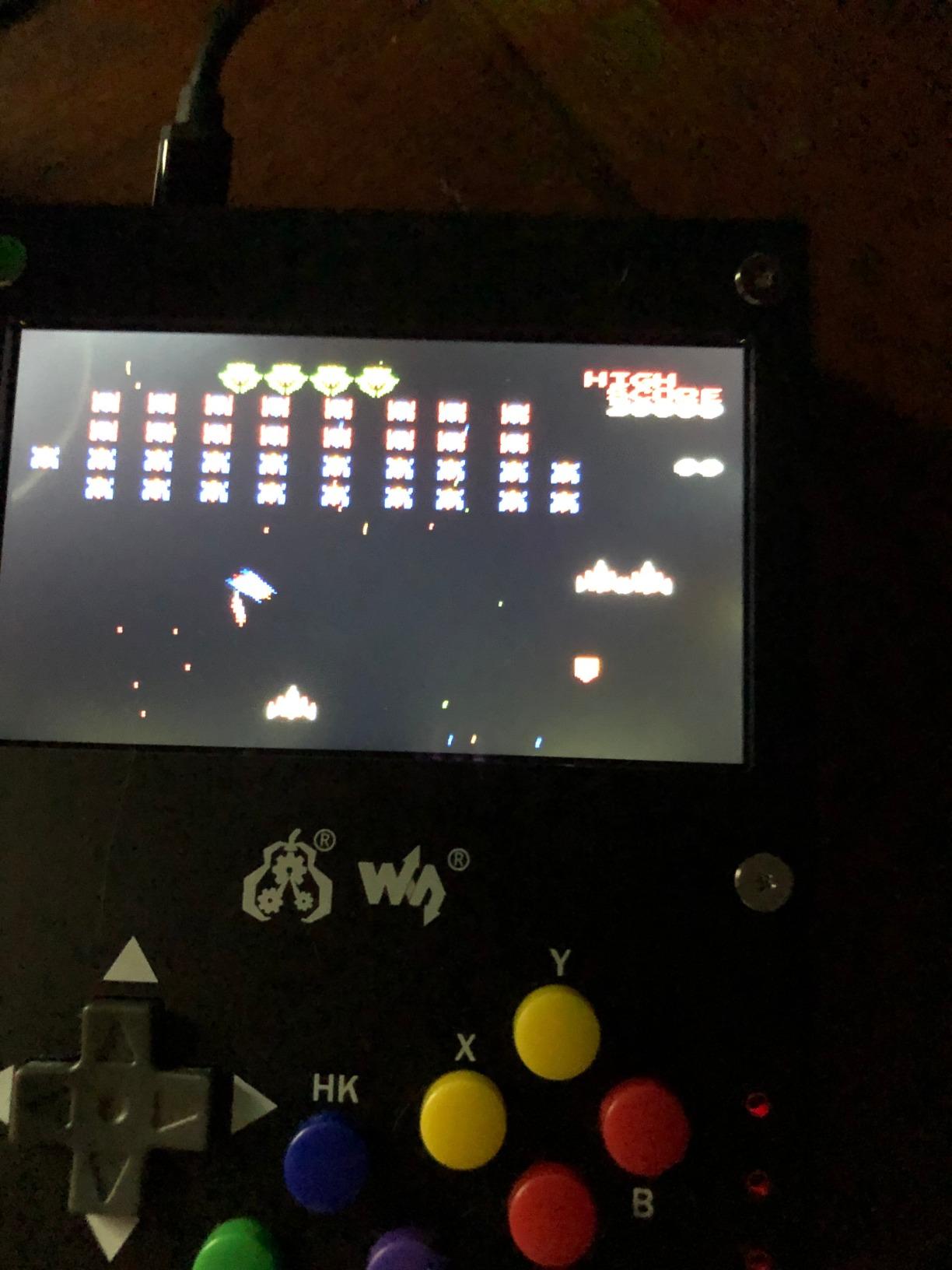
Technically the display is the strong suit: a proper IPS panel running at 60fps that makes 8-bit and 16-bit games look terrific. There is a battery life indicator, volume and backlight keys, and an earphone jack you will want to use.
The build feels like a real device rather than a science fair project, and it doubles as a portable cyber-deck for non-gaming uses. As a supervised first project for a young maker, the difficulty is about as low as it gets.
The flaws are why this sits last. Buttons are stiff, diagonals on the D-pad are unreliable, there is no sleep mode, and boot takes 2-3 minutes.
Who should buy this kit
Anyone who already owns a Pi and wants a quick, rewarding weekend build with a portable result.
It also suits tinkerers who enjoy fixing a platform’s rough edges through config tweaks.
Who should skip this kit
Skip it if you just want to play retro games portably, because a pre-built handheld does that with fewer compromises.
Also pass if you hate slow boots and stiff buttons, since those are design traits here.
Buying Guide: How to Choose Your First Arcade Kit?
Choosing between these kits comes down to four questions: what you already own, how many players you need, how much assembly you enjoy, and which games you want to play. Here is how I work through it with first-time builders.
Kit type matters more than brand
Control kits give you buttons, joysticks, and encoders, and assume you supply the Pi and screen. Complete kits like the Vilros sets include the computer, while software-only options like the Sonicon card assume you have everything else. Match the kit type to the gap in your parts drawer, not to the prettiest listing.
Which Raspberry Pi should you buy
For classic arcade and 8-to-16-bit console libraries, a Pi 3 B+ is genuinely enough, and it is the board the community recommends for beginners because RetroPie installs on it so easily. A Pi 4 with 4GB is the sweet spot for PlayStation and some N64, and the Pi 5 leads on performance but costs more once you add power and cooling.
RetroPie versus Recalbox versus Batocera
All three are free and run on every kit in this guide. RetroPie is the most powerful with the largest community, but its menus can feel technical. Batocera is the friendliest, booting straight into a polished interface with no command line, and Recalbox sits between them.
Whichever you pick, flash it with the Raspberry Pi Imager and your first hour will be far calmer.
Zero delay encoders and why everyone mentions them
A zero delay USB encoder is the green board that turns button presses into USB signals the Pi reads as a gamepad. The name refers to the lack of perceptible input lag, which is the difference between a jump that responds and one that feels like a suggestion. Each board handles one player, so a four-player cabinet needs four.
Is it cheaper to build or buy an arcade machine
Building from a kit is usually cheaper than a pre-built multicade, and it gives you repairability and room to change controls later. The trade is time: an afternoon for a control panel, a weekend for a cabinet. Sourcing parts individually can save a little more but adds compatibility risk that kits exist to remove.
Mistakes I made so you do not have to
Drill test holes in scrap first, because 24mm joystick and 30mm button holes are unforgiving. Plug encoders in before wiring so you know which board is which player, test every button before closing the panel, and photograph your wiring before moving anything.
Keep a cheap USB keyboard connected during setup, because every beginner hits a screen that needs one.
Building with kids in mind
Do the drilling yourself and let younger builders handle the push-connect wiring, which is satisfying and safe. Choose a Pi 3 B+ or Pi 4 over a Pi 5 so the machine runs cooler, and use Batocera’s simple interface with a whitelist so only age-appropriate systems appear.
Frequently Asked Questions
What is the best Raspberry Pi starter kit for beginners?
The Vilros Raspberry Pi 3 B+ Retro Arcade Kit is the best starter kit for most beginners because it includes the Pi, case, power supply, and an SD card preloaded with RetroPie, so one purchase covers everything. If you already own a Pi, pair it with the Hikig 2-player LED kit for a cabinet build.
Can I use a Raspberry Pi as an arcade machine?
Yes. A Raspberry Pi runs emulation software such as RetroPie, Recalbox, or Batocera, which mimics classic arcade and console hardware. Connect arcade buttons and joysticks through a USB encoder, plug the Pi into any TV or monitor, and it behaves like a retro arcade machine.
What Raspberry Pi should I buy as a beginner?
A Raspberry Pi 3 B+ is the easiest starting point for classic arcade and 8-to-16-bit console games, and the community recommends it because RetroPie installs on it with minimal fuss. Choose a Pi 4 with 4GB for PlayStation and some N64 support, or a Pi 5 for the best performance.
What is the best arcade emulator for Raspberry Pi?
RetroPie is the most powerful option and has the largest community for troubleshooting. Batocera is the easiest to use, booting straight into a polished interface with no command line, which makes it the best choice for complete beginners. Recalbox is a middle ground with a friendlier interface than RetroPie.
Do I need soldering skills to build a Raspberry Pi arcade?
No. Every control kit in this guide uses zero delay USB encoders with push-connect wiring, so buttons and joysticks attach without any soldering. Assembly is mostly drilling mounting holes and pushing connectors together, which is why these kits suit first-time builders.
Is it cheaper to build or buy an arcade machine?
Building from a Raspberry Pi kit is usually cheaper than buying a pre-built multicade, and it gives you replaceable parts and room to upgrade controls later. The trade-off is your time: a control panel takes an afternoon while a full cabinet takes a weekend.
Final Verdict
The Hikig 2-player LED kit is the best Raspberry Pi arcade kit for beginners building a cabinet, the Vilros Pi 3 B+ kit is the one to buy if you need the computer included, and the EG STARTS 1-player kit is the cheapest way to find out whether you love this hobby. Party builders should jump to the EG STARTS 4-player kit, and Pi 5 owners who dread software setup should grab the Sonicon Batocera card.
Whatever you choose, start small, drill test holes in scrap, and test every button before closing the panel. Your first arcade machine in 2026 is closer than you think.