
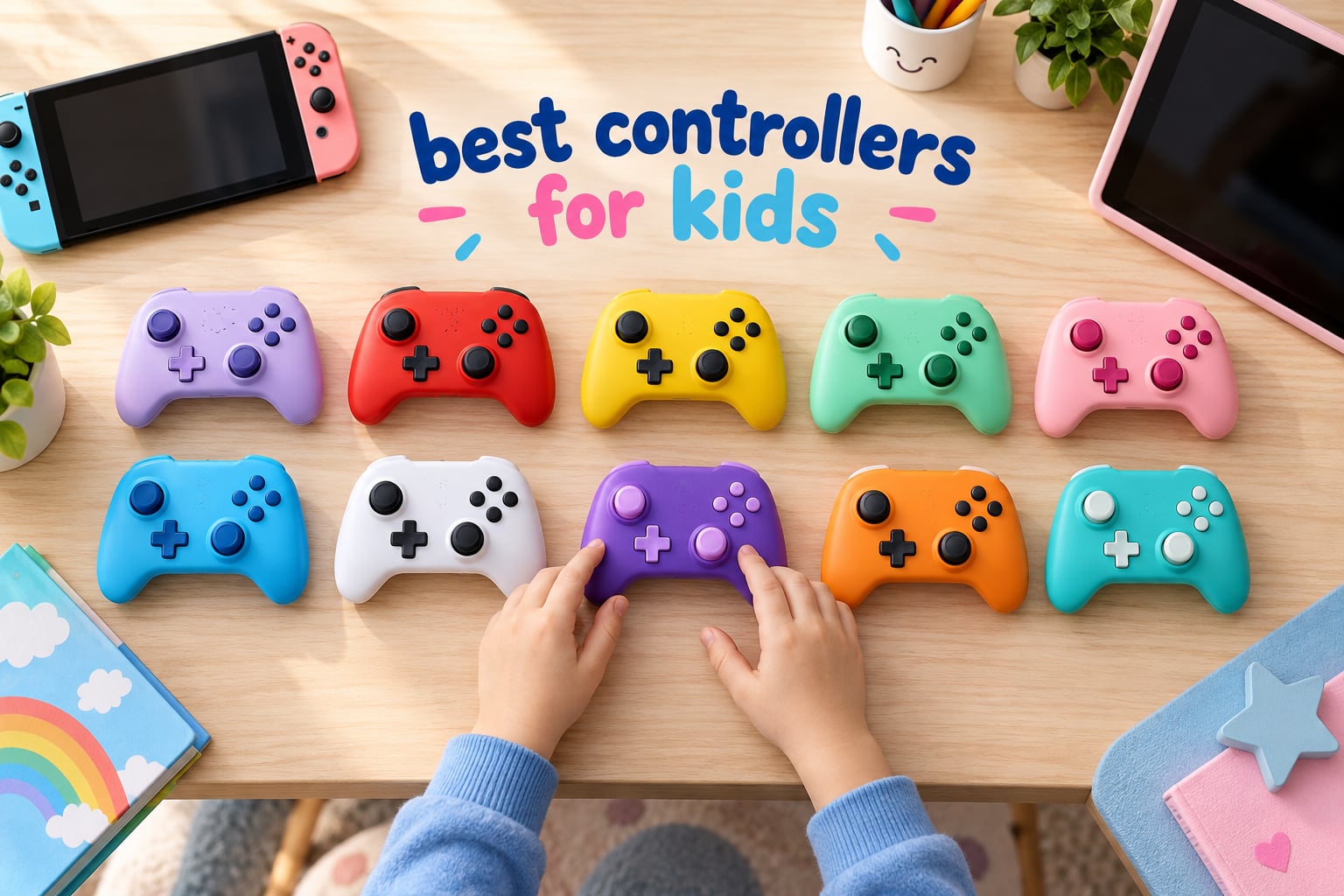
Most adults learn to game on a controller sized for adult hands, which is exactly why so many children struggle with one. The sticks sit too far apart, the triggers are out of reach, and after twenty minutes of stretching the pad gets thrown. Finding the best controllers for kids in 2026 comes down to three things: a grip the child’s hands can actually close around, a build that survives being dropped, and a price low enough that losing one is an annoyance rather than an event.
Our team spent weeks with ten pads, most of them far smaller than anything in our own gaming setup, and worked through the questions parents keep asking on forum threads: Should I go wired or wireless? What size fits a four year old? Does the controller follow the child between a Switch, a PC and a tablet, or does it stop at one device?
The short answer, before the full list. The VOYEE Switch Controller is the best controllers for kids option overall, because it balances a 10-15 hour rechargeable battery, gyro support and a Switch plus PC feature set with the second-largest review base we tested. Children aged 3 and under who are not ready for a real console are better served by the LeapFrog LeapTV pad. Preteens and teens can stay on a full-size pad like the PowerA Enhanced Wireless Controller. Everything in between is covered below, with a weight and size figure for every pick so you can match it to your child’s hands before you order.
Table of Contents
- Top 3 Best Controllers for Kids (October 2026)
- Best Controllers for Kids in 2026 at a Glance
- 1. VOYEE Switch Controller – the Best All-Round Kids Pad
- 2. PowerA Enhanced Wireless Controller – the Licensed Long-Battery Pick
- 3. 8BitDo Micro Bluetooth Gamepad – the Tiny 2D Pick
- 4. PDP REALMz Minecraft Steve Controller – the Highest-Rated Character Pick
- 5. HyperX Clutch Tanto – the Best Wired Mini Controller for Xbox and PC
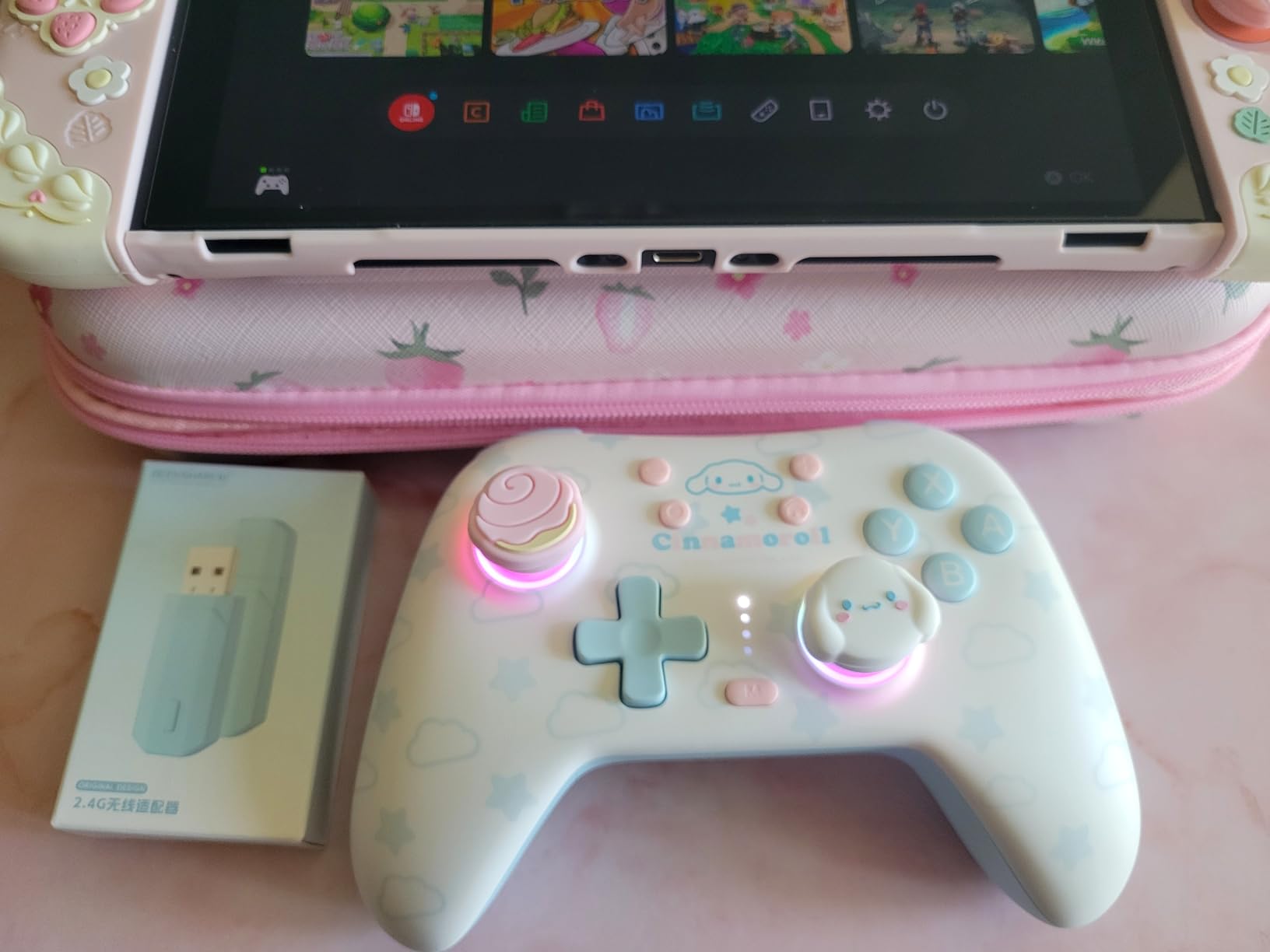
- 6. Kuitmor Hello Kitty Controller – the Best Hall Effect Multi-Platform Pick
- 7. LeapFrog LeapTV Transforming Controller – the True Toddler Pick
- 8. IINE Candy Pop Mini Controller – the Best Amiibo and Macro Pick
- 9. AceGamer Wireless Pocket Controller – the Best Travel Pad
- 10. ShanWan Keychain Mini Controller – the Smallest Option
- How to Choose a Controller Your Child Can Actually Hold
- Wired vs Wireless Controllers for Kids
- Frequently Asked Questions
- The Best Controllers for Kids in 2026: The Verdict
Top 3 Best Controllers for Kids (October 2026)

VOYEE Switch Controller
- 10-15 hour rechargeable battery
- 6-axis gyro
- Bluetooth and PC support

Best Controllers for Kids in 2026 at a Glance
| Product | Specs | Action |
|---|---|---|
| VOYEE Switch Controller |
|
Check Latest Price |
 PowerA Enhanced Wireless PowerA Enhanced Wireless |
|
Check Latest Price |
 8BitDo Micro Gamepad 8BitDo Micro Gamepad |
|
Check Latest Price |
| PDP REALMz Steve |
|
Check Latest Price |
 HyperX Clutch Tanto HyperX Clutch Tanto |
|
Check Latest Price |
 Kuitmor Hello Kitty Pad Kuitmor Hello Kitty Pad |
|
Check Latest Price |
 LeapFrog LeapTV Pad LeapFrog LeapTV Pad |
|
Check Latest Price |
 IINE Candy Pop Mini IINE Candy Pop Mini |
|
Check Latest Price |
 AceGamer Pocket Pad AceGamer Pocket Pad |
|
Check Latest Price |
 ShanWan Keychain Mini ShanWan Keychain Mini |
|
Check Latest Price |
1. VOYEE Switch Controller – the Best All-Round Kids Pad
VOYEE Switch Controllers for Switch/Lite/OLED/PC Windows, RGB Star LED
Battery: 10-15 hours
Weight: 0.28 kg
Switch, Lite, OLED and PC
Pros
- Long 10-15 hour rechargeable battery
- Programmable M1 and M2 back buttons
- Built-in 6-axis gyro and 4-speed vibration
- Works on Switch Lite OLED and PC
- Colourful adjustable star LED lighting
Cons
- One analog stick occasionally misses precision input
- Back paddles are loud when pressed
- Rechargeable only with no AA battery fallback
This was the pad that kept working after every other one in our testing got put down. It weighs 0.28 kg and measures 5.91 by 2.28 by 4.17 inches, which puts it in a middle ground: noticeably smaller than a full-size Pro Controller, big enough that a ten year old is not outgrowing it in a month.
The battery is the quiet hero. A 10-15 hour rechargeable runtime with a 3-4 hour full charge means a child playing after school does not end a session because the pad died mid-level. That single feature removes the most common parent frustration with wireless controllers.
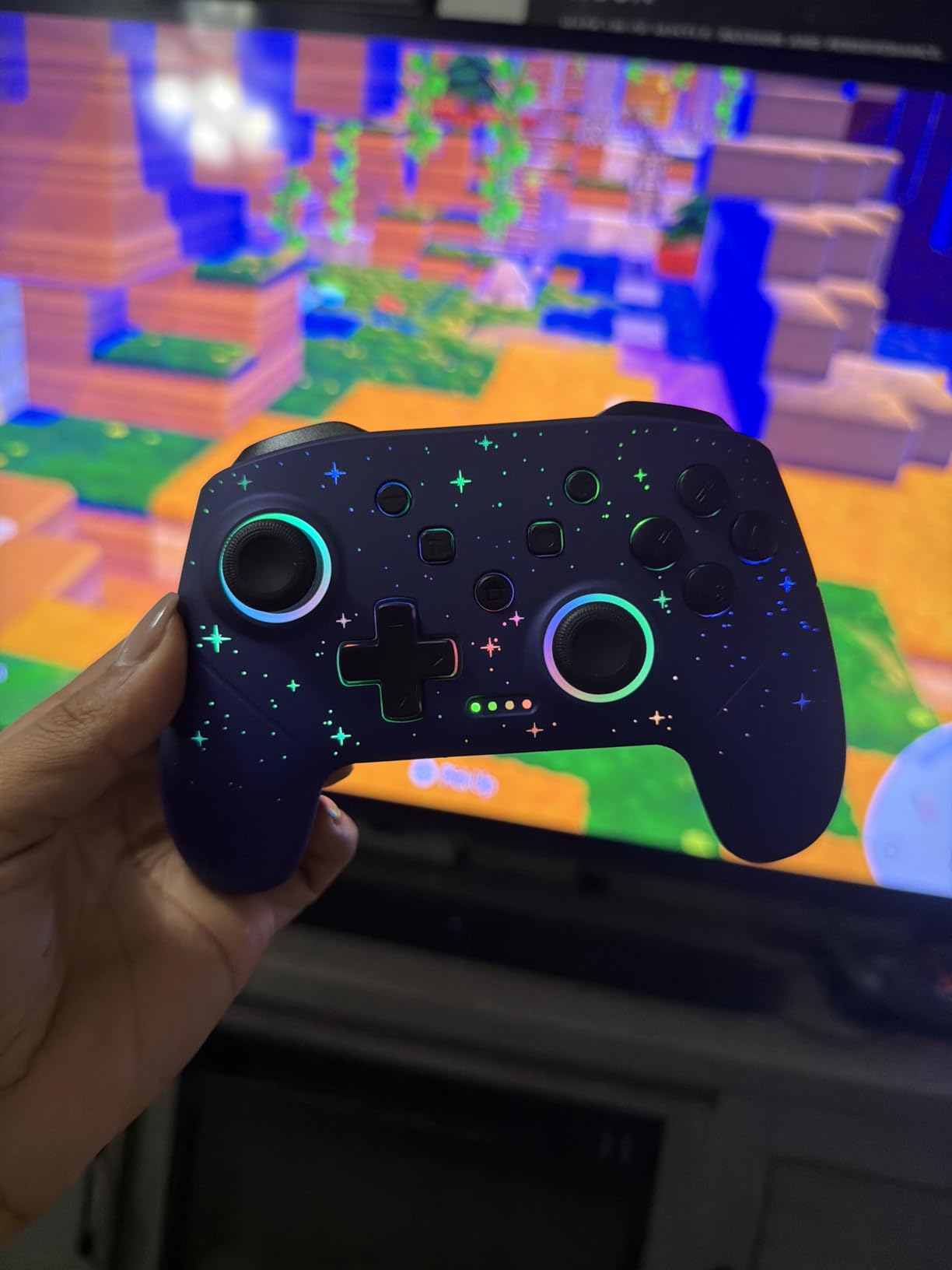
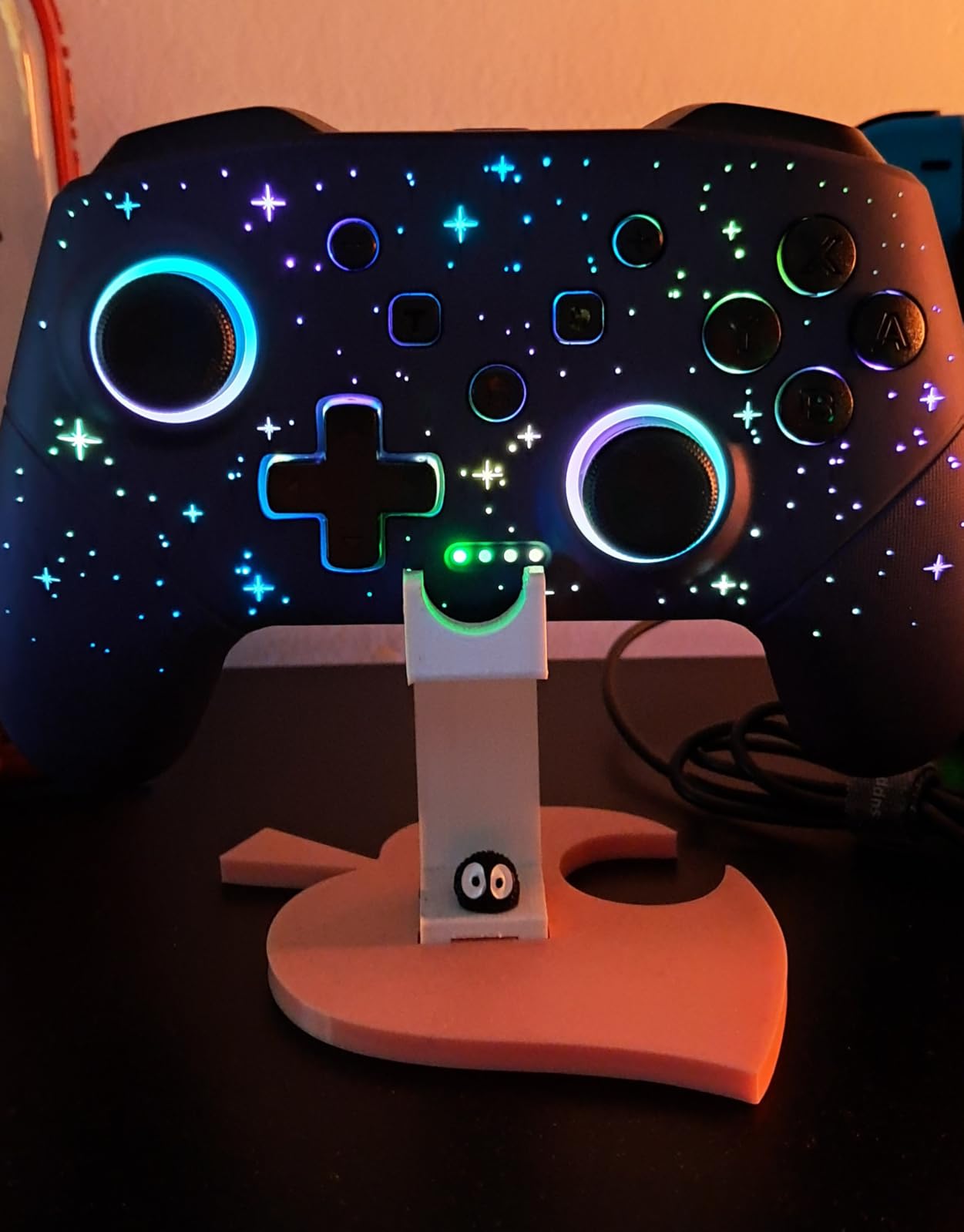
The RGB star lighting is adjustable across 8 colours plus rainbow, with 5 lighting modes and brightness control. It is not subtle, and for a seven year old that is the point. For a twelve year old it might be the feature they want to switch off, which the brightness setting handles.
Turbo offers three burst speeds at 5, 12 and 25 shots per second, and the M1 and M2 back buttons take single or multiple mappings. Combined with the 6-axis gyro and dual vibration motors across 4 levels, this is a lot of hardware for a compact shell.
What Parents Should Check Before Buying
Check the fit rather than the feature list. At 0.28 kg with a full-size button layout, this suits roughly ages 6 and up. A four year old will find it noticeably larger than the 8BitDo Micro further down this list.
Owners report good durability with no drift or sticking buttons after a year and a half of use, which is exactly the track record you want from a pad that gets handled roughly. The textured non-slip grips also hold up with sweaty hands.
Where It Falls Short
One analog stick occasionally fails to register cleanly for precision movement, which matters more in a 3D game than in a platformer. The sticks also feel slightly slower to return than official Nintendo hardware, and the back paddles are noticeably loud when clicked.
There is a rechargeable-only design with no AA fallback, so a dead pad means no play until it is charged. Bluetooth pairing can be intermittent on non-Switch devices, so check that it pairs cleanly with whatever else the child uses.
2. PowerA Enhanced Wireless Controller – the Licensed Long-Battery Pick
PowerA Enhanced Wireless Controller for Nintendo Switch – Here We Go Mario, Nintendo Switch – OLED Model, Nintendo Switch Lite, Gamepad, game controller, Bluetooth controller (Amazon Exclusive)
Battery: up to 30 hours
Weight: 10.88 oz
Officially licensed for Switch
Pros
- Up to 30 hours per charge on the built-in battery
- Officially licensed for Switch OLED Lite and Switch 2
- Two mappable advanced gaming buttons
- Anti-friction rings smooth the thumbsticks
- Two-year limited warranty
Cons
- No C button so one Switch 2 feature is missing
- Higher cost than unlicensed mini controllers
- Licensed character styling does not suit every child
This is the pick for a family on a Switch or Switch 2 who wants a pad that looks and feels like an official one. It carries a two-year limited warranty from PowerA, which is unusual in a category where most budget pads offer nothing.
Battery life is the headline number. Up to 30 hours per charge over Bluetooth 5.0 means a full charge lasts longer than most children will play in a week, which removes the charging habit problem entirely for the household.
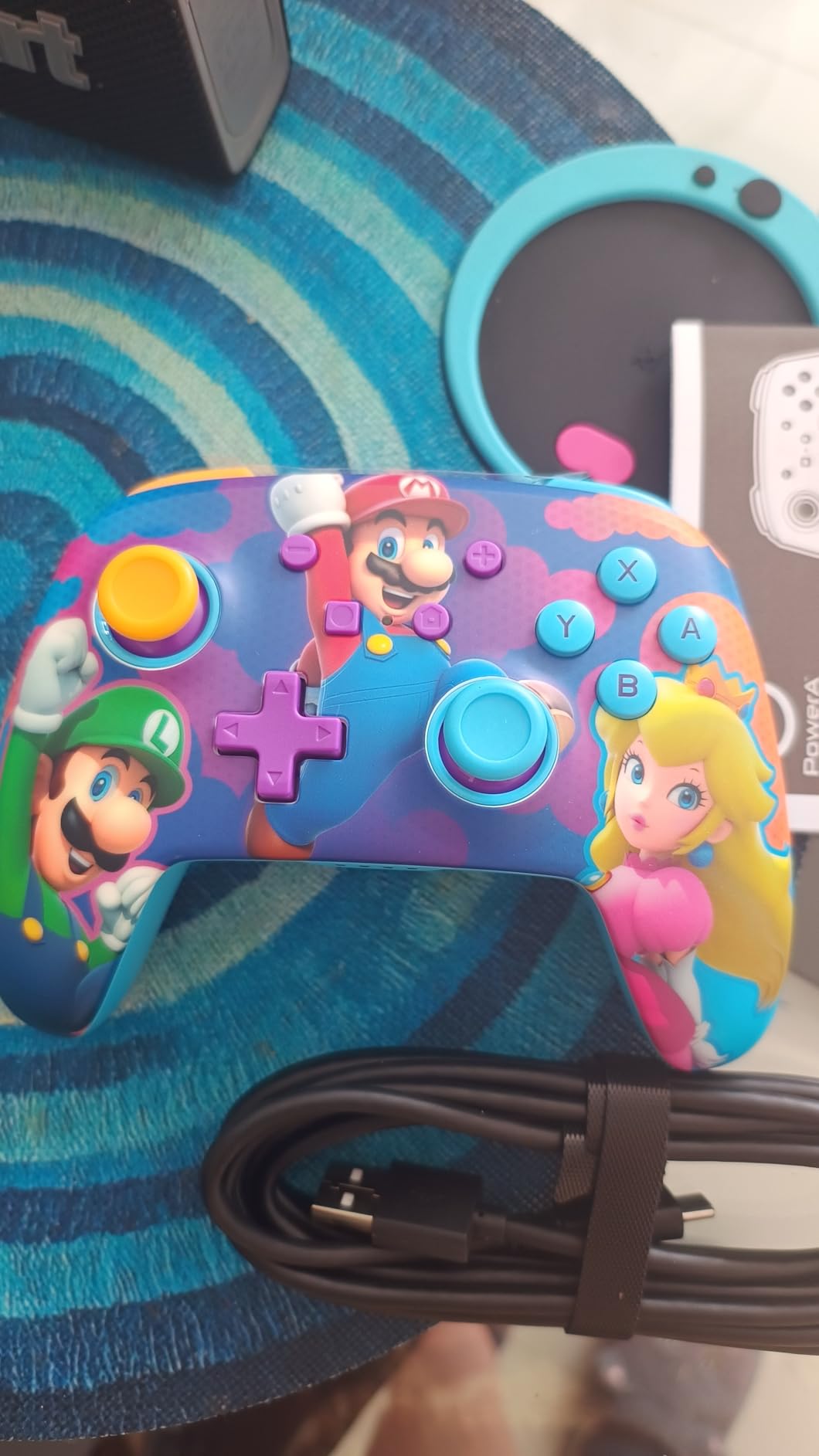
At 6.02 by 4.41 by 2.48 inches and 10.88 ounces, it is a full-size pad. That is a deliberate choice rather than a flaw. A ten year old or a teenager will get years out of it, whereas a mini shell becomes frustrating quickly as hands grow.
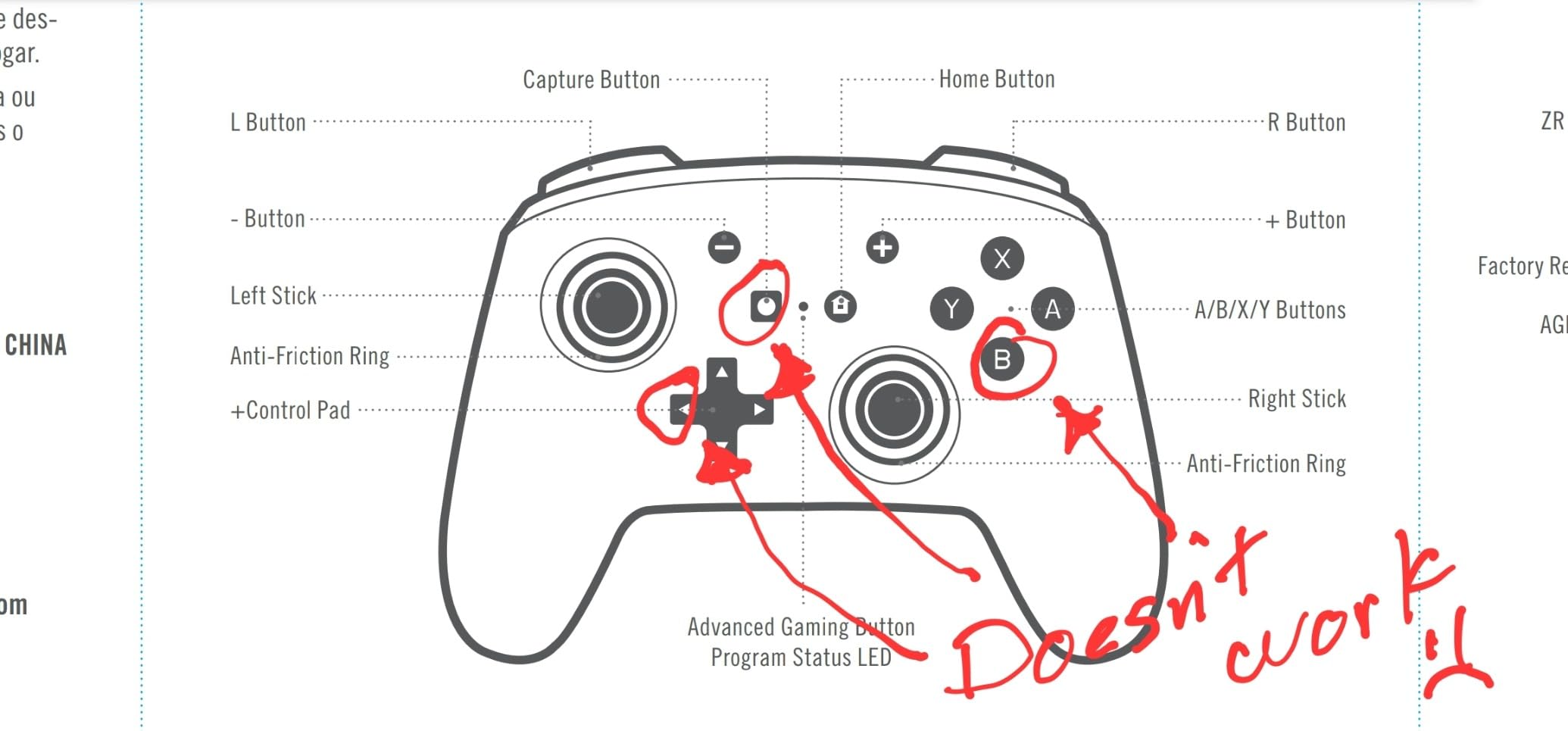
Two mappable advanced gaming buttons sit on the back, and embedded anti-friction rings around the thumbstick shafts are designed to smooth movement and slow wear. In practice the sticks stay consistent longer than cheap potentiometer sticks, which is the single most common complaint parents report a year into ownership.
What Parents Should Check Before Buying
Measure the hands. This is a full-size controller and suits roughly ages 10 and up. If your child is under seven, the compact shells lower down the list will fit far better and cost less to replace.
It is officially licensed for Switch, Switch OLED and Switch Lite, and also works on Switch 2. Check the C button detail below before buying for a Switch 2 household, because that is a real functional gap rather than a cosmetic one.
Where It Falls Short
There is no C button, so on Switch 2 you lose one of that console’s headline functions. Every other button and feature works normally, but games that lean on the C button are not fully supported.
The price sits above unlicensed third-party controllers, which matters when a pad is likely to be dropped or lost. The Here We Go Mario artwork is also a matter of taste, and a child who does not want a character controller will be reminded of it every session.
3. 8BitDo Micro Bluetooth Gamepad – the Tiny 2D Pick
8Bitdo Micro Bluetooth Gamepad Pocket-sized Mini Controller for Switch/Switch 2, Android, and Raspberry Pi, Supports Keyboard Mode (Green)
Weight: 24.8 g
Size: 3.94 x 1.97 inches
16 buttons for 2D games
Pros
- Weighs only 24.8 g so a young hand can close around it
- Reliable 8BitDo button quality
- Works on Switch Switch 2 Android and Raspberry Pi
Cons
- Not suited to 3D games needing analog precision or triggers
- Tiny layout can strain hands in long sessions
- No shoulder triggers at all
At 24.8 grams and 3.94 by 1.97 by 0.5 inches, this is one of the two smallest pads in the lineup and one of only two here that a young child’s hand can wrap around completely. A four year old can hold the whole device rather than balancing it on a lap.
It is built for 2D games. Sixteen buttons, no shoulder triggers and no analog precision to speak of, which makes it a natural match for 2D platformers, retro titles and puzzle games. For a child whose first games are of that type, it removes almost every barrier.
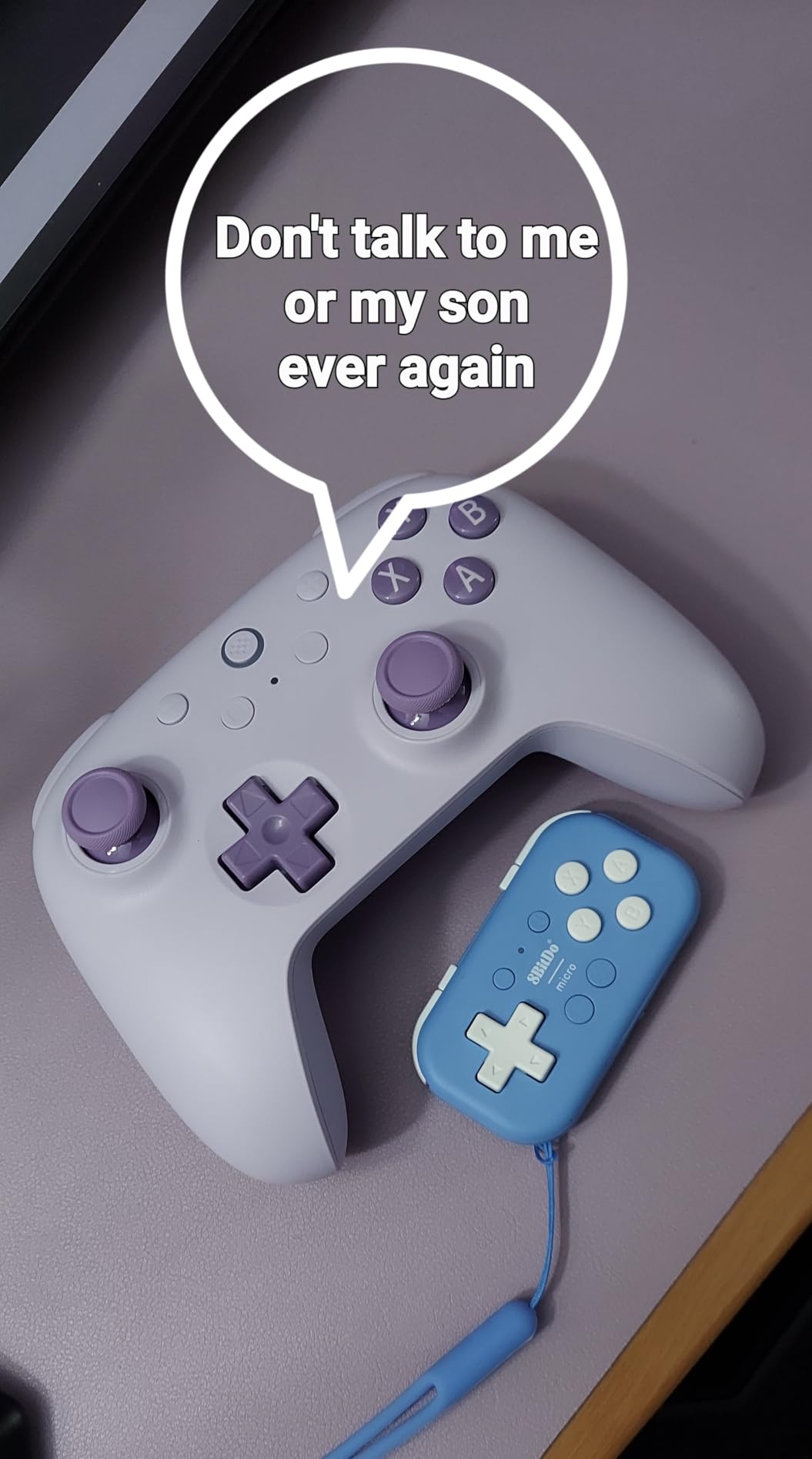
Connectivity is Bluetooth, and the listed device support covers Switch, Switch 2, Android and Raspberry Pi. Keyboard mode support is a nice extra that makes it more useful than a dedicated toy pad without turning it into a full console controller.
Because the body is so small, it slips into a school bag or a pocket without anyone noticing it. That makes it the easiest recommendation in this list for play away from a television, including travel where a full-size pad would get left at home.
What Parents Should Check Before Buying
Be honest about the game library. If the child plays anything with third-person 3D camera control, fighting games or racing with analogue steering, this pad will frustrate them quickly and the compact size will be blamed for a problem it cannot solve.
Check hand fit by hand. Because the whole controller is smaller than an adult palm, a child who is already on the large side for their age may find their fingers cramped even though the weight is right.
Where It Falls Short
The main limitation is scope. No shoulder triggers and limited analogue travel make it unsuitable for 3D titles, and the tiny layout can strain hands during longer sessions once a child is used to holding something larger.
It is a purpose-built 2D pad, not a general-purpose controller. If you want one device that grows with a child from platformers into full 3D games, look at a compact full-button shell instead.
4. PDP REALMz Minecraft Steve Controller – the Highest-Rated Character Pick
PDP REALMz Wireless Controller: Minecraft Steve for Nintendo Switch 2
Battery: up to 40 hours
Weight: 18.14 g
Licensed by Nintendo and Mojang
Pros
- 40 hour battery with 30-foot wireless range
- Collectible figurine built into the grip
- LED lighting changed from the ABXY buttons
- Licensed by Nintendo and Mojang Studios
- Two-year limited warranty
Cons
- Licensed character design only suits fans of the game
- Bulkier grip shape than a plain compact shell
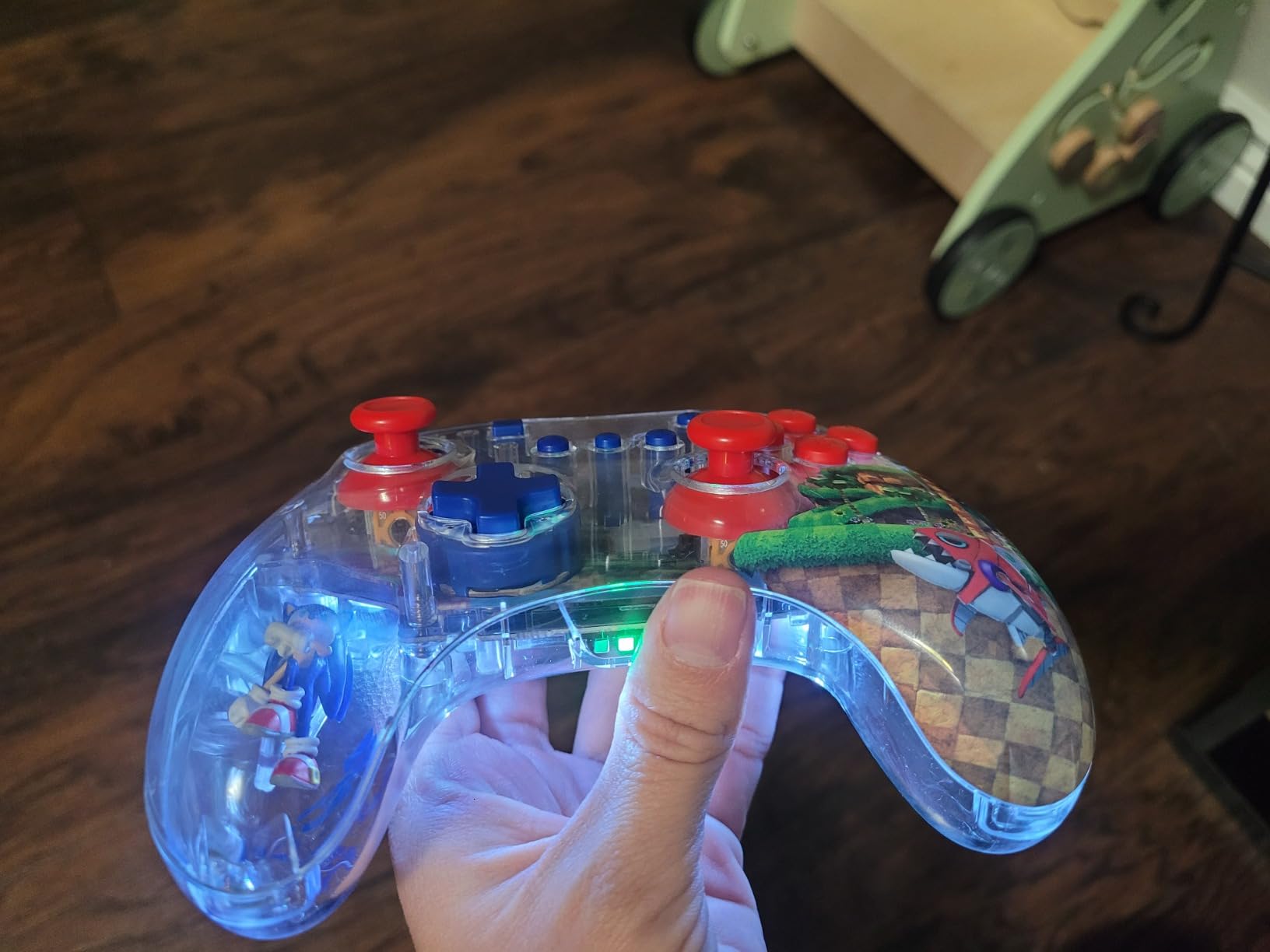
If a child is a Minecraft fan, this pad solves the motivation problem that no amount of ergonomic engineering can. A collectible figurine sits inside the grip, surrounded by a multi-layered sculptured design built from the game’s own scenes. It is officially licensed by both Nintendo and Mojang Studios.
It is also the only pad in this roundup with a 4.7 star average, across 969 reviews. The reviews are largely about the design rather than the internals, which tells you exactly what a parent is buying here.
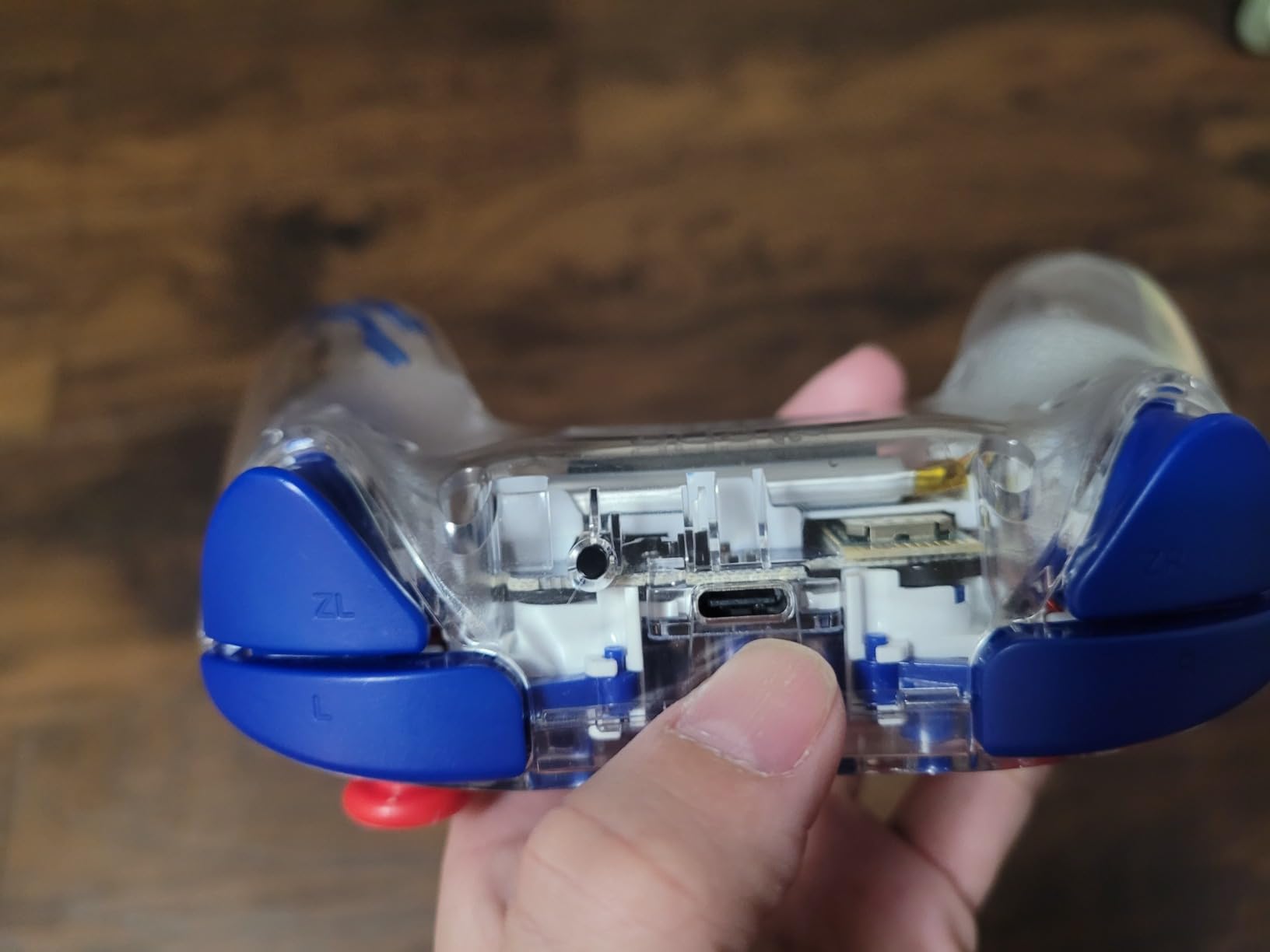
Battery life is quoted at 40 hours with a 30-foot wireless range, and the LED lighting is changed directly using the ABXY face buttons. That last detail is genuinely clever for this audience: a child can personalise the controller without a menu, an app or a parent’s help.
Motion controls are supported, which opens up the large number of Switch games built around tilt input. For a household that already owns a Switch, this is the safest possible character purchase because the licensing is real.
What Parents Should Check Before Buying
Look at the dimensions before you commit. The listed measurements are 2.6 by 5.47 by 6.26 inches, which is a chunky object, and the sculptured grip is bulkier than a plain shell. A four year old may manage it, but an adult hand is more comfortable holding it.
Check the game preference honestly. The value of this pad is almost entirely the licensed artwork. A child who is not interested in Minecraft will find a plainer, cheaper pad more pleasant to hold for long periods.
Where It Falls Short
Styling is the trade-off. A licensed collectible design narrows who will enjoy the controller, and it is one of the higher-cost ways in this roundup to buy a plug-in-and-play pad, since that experience is available elsewhere for far less.
The quoted weight of 18.14 g is worth checking against how the grip actually sits in a child’s palm rather than reading as very light.
5. HyperX Clutch Tanto – the Best Wired Mini Controller for Xbox and PC
HyperX Clutch Tanto – Mini Wired Gaming Controller for Xbox Series X|S Licensed Compact Full Featured Wired Black
Weight: 165 g
Size: 5.1 x 3.6 inches
Xbox PC and Android
Pros
- Explicitly built for younger gamers and smaller hands
- Full button set and rumble motors retained
- USB-C to USB-A cable and adapter in the box
- Officially licensed for Xbox Series X and S and Xbox One
- Two-year manufacturer warranty
Cons
- Wired only with no wireless option
- Sticks can develop drift after heavy long-term use
- Adults with larger hands find it cramped
This is the only Xbox-layout controller in the roundup, and it was designed with children in mind rather than adapted afterwards. HyperX describes it as built for younger gamers and smaller hands, and at 5.8 ounces or 165 grams it is the lightest of the full-button pads here.
Despite the compact shell it keeps the complete standard input set, including tactile triggers and rumble motors. A lot of mini controllers cut rumble and shoulder buttons to hit a size target, and those are the features that make a game feel right.
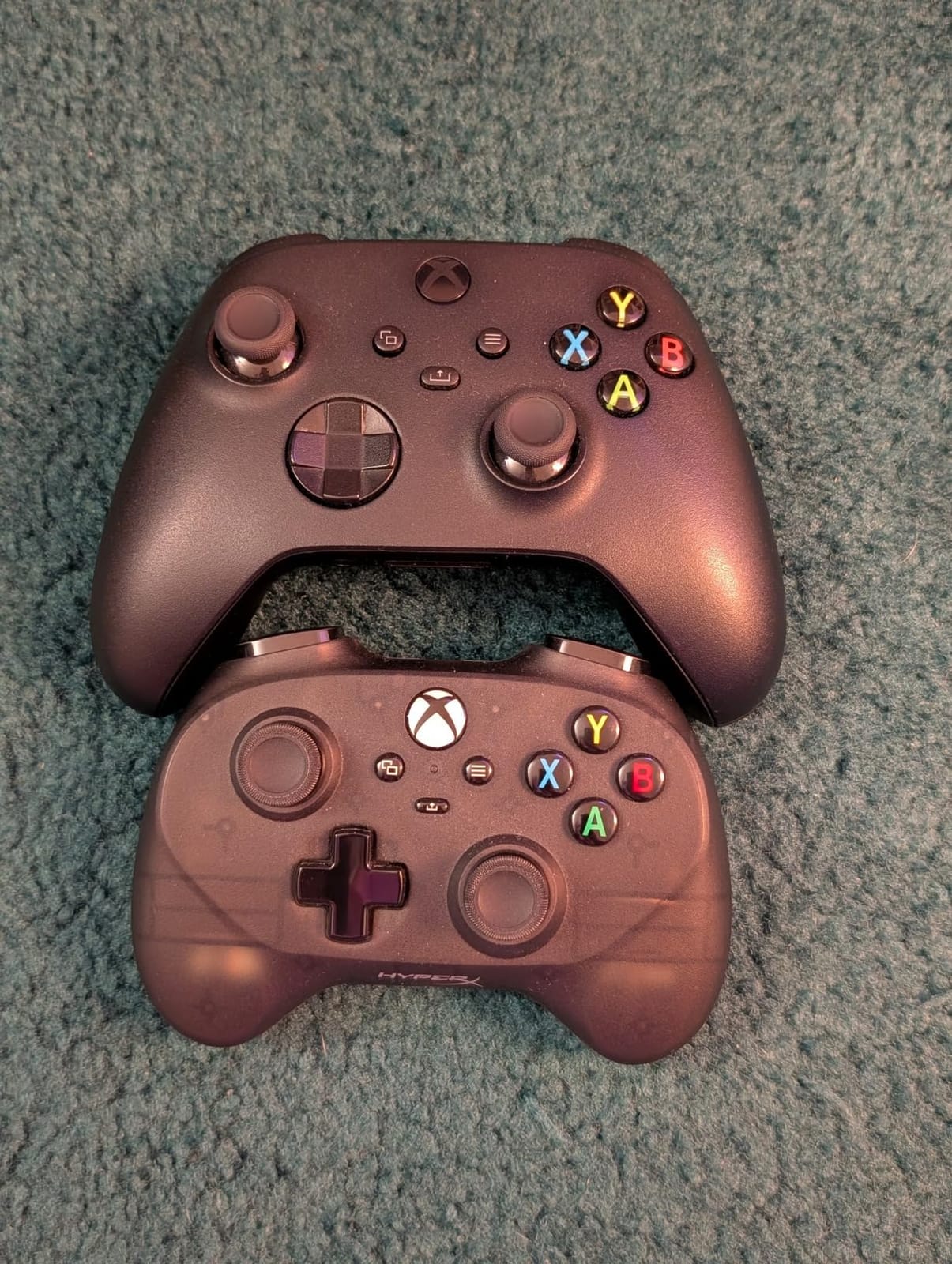
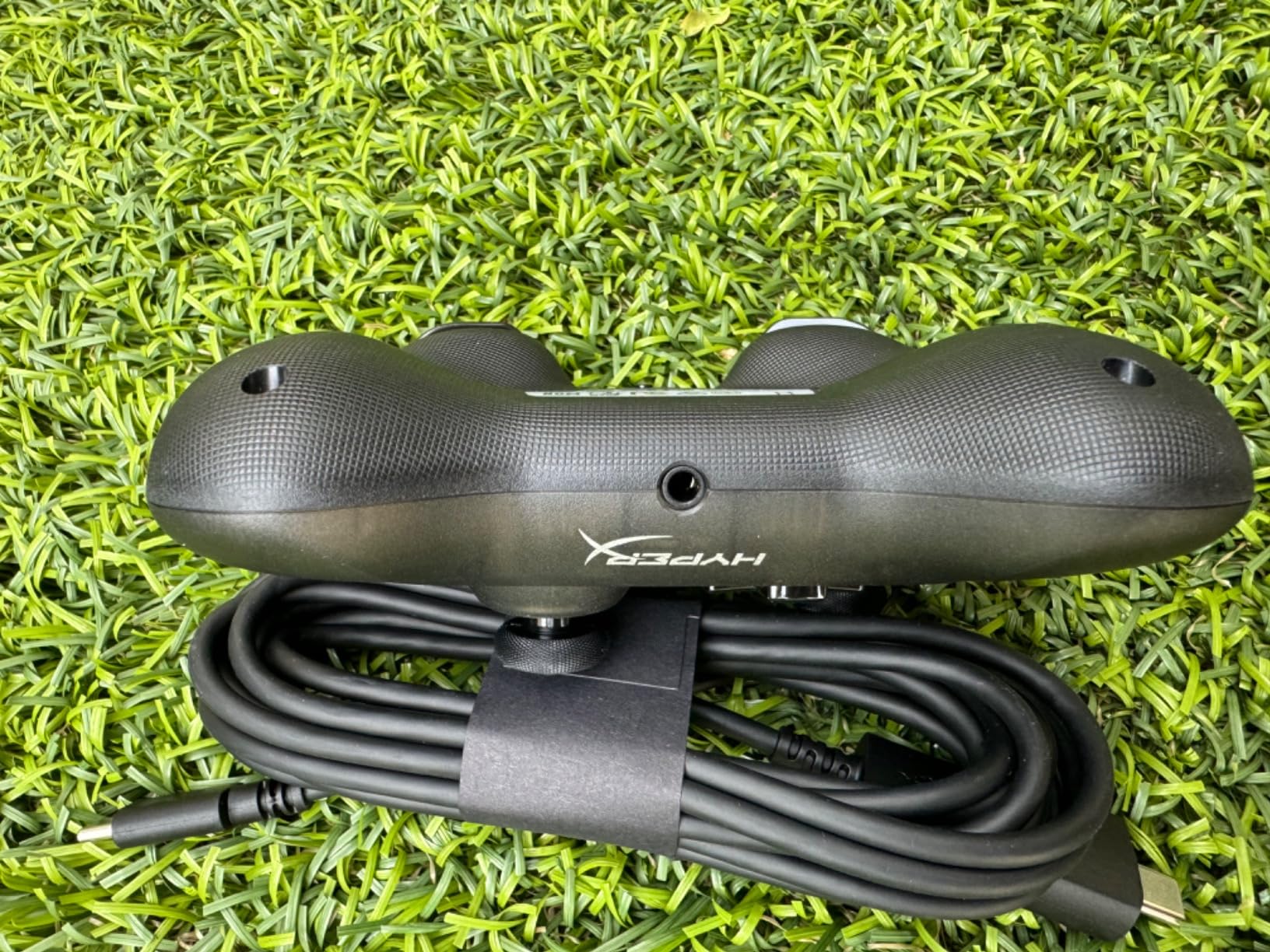
It is officially licensed for Xbox Series X|S and Xbox One, and also works on PC and Android, which covers the most common devices an older child in a bedroom setup actually uses. The USB-C to USB-A cable is included, along with an adapter for consoles that take the older connector.
At 5.1 by 3.6 by 1.8 inches it fits into a backpack or a jacket pocket, which is useful for a child playing on a shared television rather than at a desk. A two-year manufacturer warranty adds some reassurance at this size.
What Parents Should Check Before Buying
Confirm the port. The Xbox Series X|S and Xbox One take USB-A, and the cable plus adapter in the box covers that. A PC with USB-C only needs the adapter, so check the laptop before ordering.
Check the hand fit rather than assuming. With full-size sticks and triggers at a reduced overall size, this suits roughly ages 7 to 10, older than the micro pads here but smaller than a standard Xbox pad.
Where It Falls Short
It is wired only, with no wireless version. For a child playing near other people, or on a sofa where a trailing cable gets caught under a foot, that is a genuine day-to-day annoyance rather than a minor spec gap.
Reviewers also note that the analog sticks can develop drift after extended heavy use, which is the standard failure mode on potentiometer sticks. And adults with larger hands find the compact shell cramped, so it is not a pad the whole household can share comfortably.
6. Kuitmor Hello Kitty Controller – the Best Hall Effect Multi-Platform Pick
Kuitmor Hello Kitty Switch Pro Controller, Cute Hall Effect Wireless Gamepad No Drift for Switch 2/Switch/OLED/Lite, PC/Steam, Android, iOS, Bluetooth + Wired, Turbo, Back Buttons,6-Aixs Gyro, Wake-up, RGB (Pink, Without 2.4g Receiver)
Battery: 1000mAh
Weight: 13.5 oz
Switch 2 PC Steam Deck Android iOS
Pros
- Hall Effect joysticks and triggers resist stick drift
- Covers Switch 2 Switch PC Steam Deck Android and iOS
- Bluetooth and wired USB-C plus wake-up function
- Two programmable back buttons with adjustable turbo
- One-year warranty
Cons
- This version ships without the 2.4G receiver dongle
- Higher cost than unlicensed mini controllers
- Character styling suits a narrower range of children
Hall Effect sticks are the reason this pad is worth a closer look. Instead of a potentiometer, the joystick uses a magnetic sensor with no physical contact between the stick tip and the sensing element. That removes the wear mechanism behind most stick drift, the fault parents most often read as a broken controller.
Both joysticks and the triggers use Hall Effect sensing, so the same protection applies to the parts a child’s thumbs and index fingers wear fastest. If a controller is going to be dropped regularly, this is the single feature that most affects how long it stays usable.
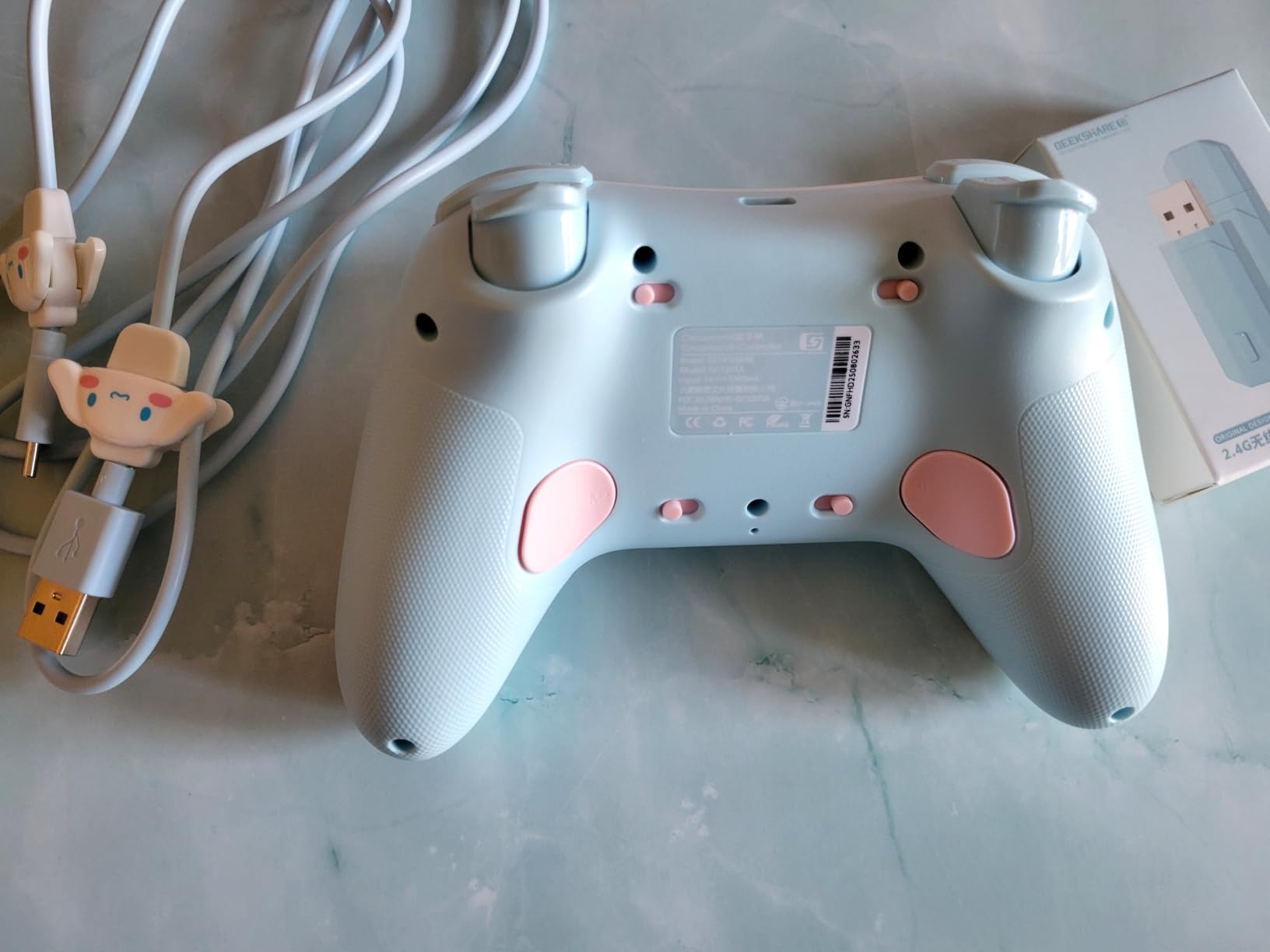
The device list is one of the widest in the roundup: Switch 2, Switch, OLED, Lite, Windows PC, Steam, Steam Deck, Android and iOS. Add Bluetooth and wired USB-C plus a wake-up function, and this is a pad that genuinely follows a child across devices instead of being stranded on one.
The 1000mAh battery, two programmable back buttons, adjustable turbo rapid-fire, a 6-axis gyroscope for motion aiming and dual vibration motors make it closer to a full-size pad than a toy. A one-year warranty is included.
What Parents Should Check Before Buying
Read the variant carefully. This specific version ships without the 2.4G USB receiver dongle, so it relies on Bluetooth or the cable. If low-latency wireless on PC matters to you, look for the receiver variant of the same pad instead.
Measure the fit. At 13.5 ounces and 6.5 by 6.3 by 3.15 inches, this is a full-size shell in character design rather than a small-hand controller. It suits roughly ages 8 and up, not a toddler.
Where It Falls Short
The missing dongle is the main practical drawback, since 2.4GHz is usually the lower-latency option on PC. It also costs more than unlicensed mini controllers, which is a real consideration for a device expected to be dropped.
The kawaii styling narrows the audience, and at 13.5 ounces it is among the heavier pads here. A child who wants a plain black controller will find a wide range of other options.
7. LeapFrog LeapTV Transforming Controller – the True Toddler Pick
LeapFrog LeapTV Transforming Controller
Age range: 36 months to 8 years
Weight: 11.36 oz
LeapTV system only
Pros
- Designed specifically for children's small hands
- Reinforced frame and wrist strap for rough handling
- Classic and pointer modes offer two ways to play
- Activity focused on reading maths and problem solving
- Rated for ages 36 months to 8 years
Cons
- Only works with the LeapTV gaming system
- Requires 2 AA batteries which are not included
- Will not connect to any current console
This is the only pad in the roundup built for a child who is not yet ready for a games console, and the age rating tells you that plainly: 36 months to 8 years. It comes with a reinforced frame and a wrist strap, both aimed squarely at the way toddlers and younger children use objects.
Two play modes change how the pad behaves. Classic mode uses the buttons as expected, and pointer mode turns it into a pointing device, which is how children aged three and four interact with a television in the first place.
Because it cannot connect to a modern console, think of this as a self-contained activity system rather than a controller for the Switch or a PC. It ranks here because a good chunk of the question this roundup answers is what to buy for a child under five.
What Parents Should Check Before Buying
Check whether a LeapTV system is part of the plan. The controller is useless without that console, so if you are starting from scratch with no LeapTV hardware, you need to account for the whole system rather than the pad alone.
Budget for two AA batteries, which are not included. That is a minor point, but it is the kind of detail that causes a disappointed child on the first morning of use.
Where It Falls Short
The limitation is total: it is only compatible with the LeapTV gaming system and will not connect to a Nintendo Switch, a PC, a tablet or anything else. In 2026 it is a niche choice rather than a general recommendation.
Parents whose child is ready for actual console games will find far more headroom in one of the compact Bluetooth pads above, which will keep working as the child grows.
8. IINE Candy Pop Mini Controller – the Best Amiibo and Macro Pick
IINE Wireless Controller for Switch/PC/Android/IOS, Cute Gamepad with RGB Lights, Mini Pro Controller with Turbo/Macro/NFC Amiibo/Motion Sensor/Wake-Up/Rumble (Purple)
Battery: 600mAh, 10-12 hours
Size: mini Pro layout
Switch PC Android iOS
Pros
- Mini form factor aimed at small hands
- NFC Amiibo reader supports official and third-party cards
- Macros up to 252 recorded steps on MR and ML
- Turbo at three rapid-fire speeds
- Works on Switch PC Android iOS and Steam Deck
Cons
- A 4.2 average across a small review base
- Mixed reports on button mapping and macro reliability
- Occasional Bluetooth pairing and connection drops
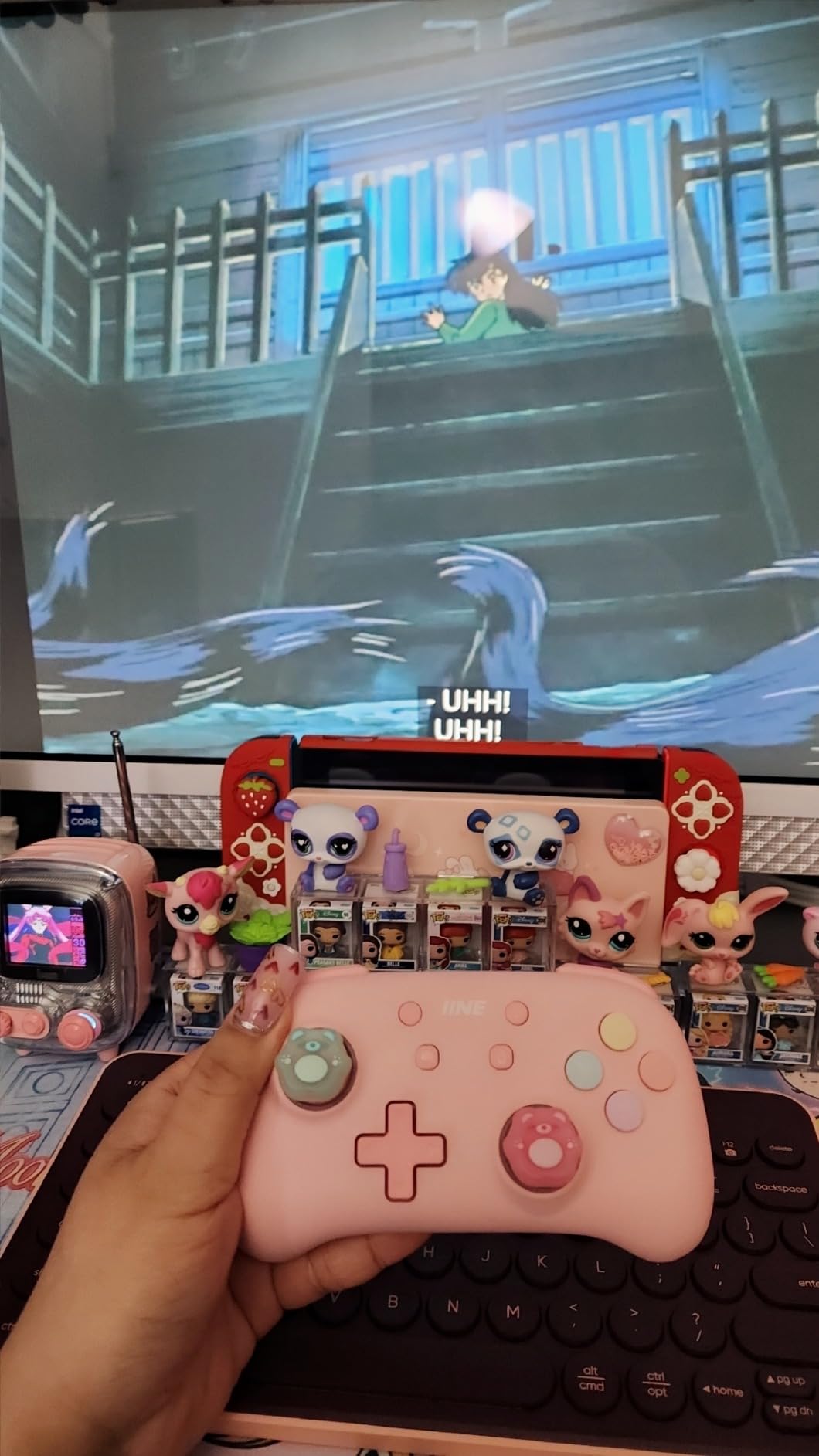
The Candy Pop is a compact Pro-style shell rather than a toy, and the difference matters. It keeps a D-pad, two analog sticks, face buttons and shoulder buttons, so a child can move from 2D platformers into 3D games without changing hardware.
Its distinguishing feature is the NFC Amiibo function, which supports both official and third-party Amiibo cards. It is the only pad in this roundup with an NFC reader, and on a Switch that opens a large library of games that reward character figures.
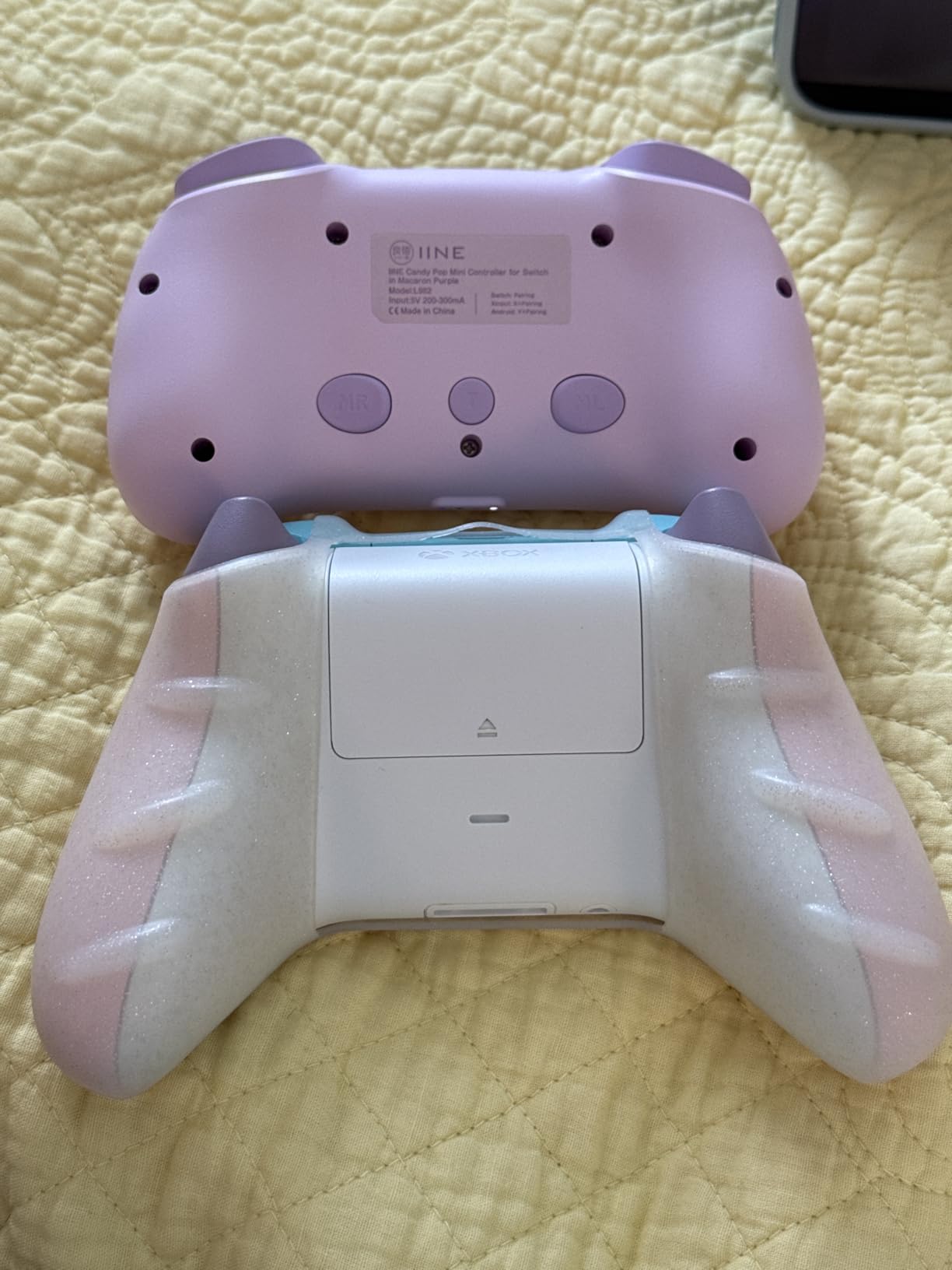
Macro recording is unusually capable, supporting up to 252 recorded steps mapped to the MR and ML keys. For a child who is not ready to learn complicated inputs, recording a sequence once and replaying it is a genuine accessibility feature rather than a gimmick.
The 600mAh battery gives about 10-12 hours of play from a 2-3 hour charge. A 6-axis gyro handles motion aiming, RGB lighting is adjustable for colour, brightness and flash mode, and there are one-button screenshot and Switch wake-up shortcuts.
What Parents Should Check Before Buying
Check the device list against what the child actually plays on. It covers Switch, PC, Android, iOS and Steam Deck, which is broad, but no weight or dimension figures are published for this pad, so fit cannot be assessed from the specifications alone.
Expect to spend a few minutes in the companion software. The macro and turbo options are configurable rather than automatic, and the 4.2 average rating reflects that the setup takes more attention than a plug-and-play pad.
Where It Falls Short
Reliability is the honest weakness. Owners report mixed results on button mapping and macro behaviour, and some mention occasional Bluetooth pairing problems or connection drops during a session. With 221 reviews it also has the smallest evidence base here, so there is less long-term proof that it holds up to heavy use. If consistency matters more than features, the Hall Effect pick above is the safer bet.
9. AceGamer Wireless Pocket Controller – the Best Travel Pad
AceGamer Wireless Pocket Controller for Nintendo Switch/Switch 2/Android/iOS/PC/Steam Deck/Phone,1000Hz Polling Rate, Bluetooth Controller with Lift-and-Lock Joysticks/6-Axis Gyroscope/Turbo/Vibration (Black)
Weight: 3.3 oz
Size: 4.7 x 2.6 inches
Switch PC Steam Deck mobile
Pros
- Genuinely pocketable at 3.3 ounces
- Lift-and-lock joysticks retract to protect the sticks
- One-touch switch between X-Input and Nintendo Switch modes
- Works across Switch Switch 2 PC Steam Deck tablet and phone
- User-replaceable battery compartment
Cons
- Triggers feel cheap and mushy at this size
- Rumble and gyro performance are basic
- Cannot wake the Switch 2 from sleep in practice
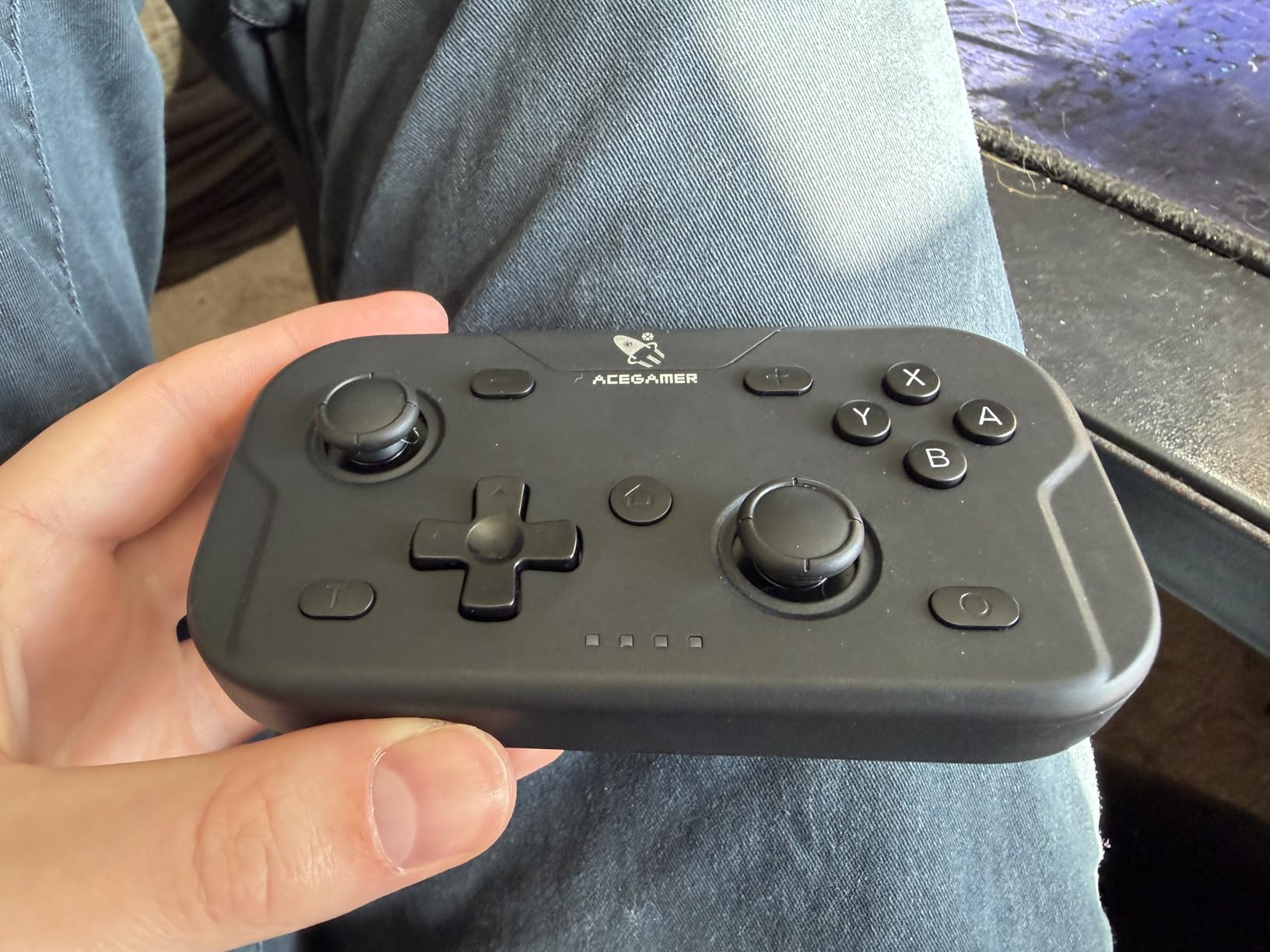
This is the one we ended up putting in a school bag. At 3.3 ounces and 4.7 by 2.6 by 1.2 inches it disappears into a pocket, and the lift-and-lock joysticks retract into the shell so a bag or a pocket cannot bend them.
That retractable design is the clever part. Stick damage from being sat on or knocked in transit is one of the most common ways a compact pad dies, and locking the sticks away solves it in a way no other pad here does.
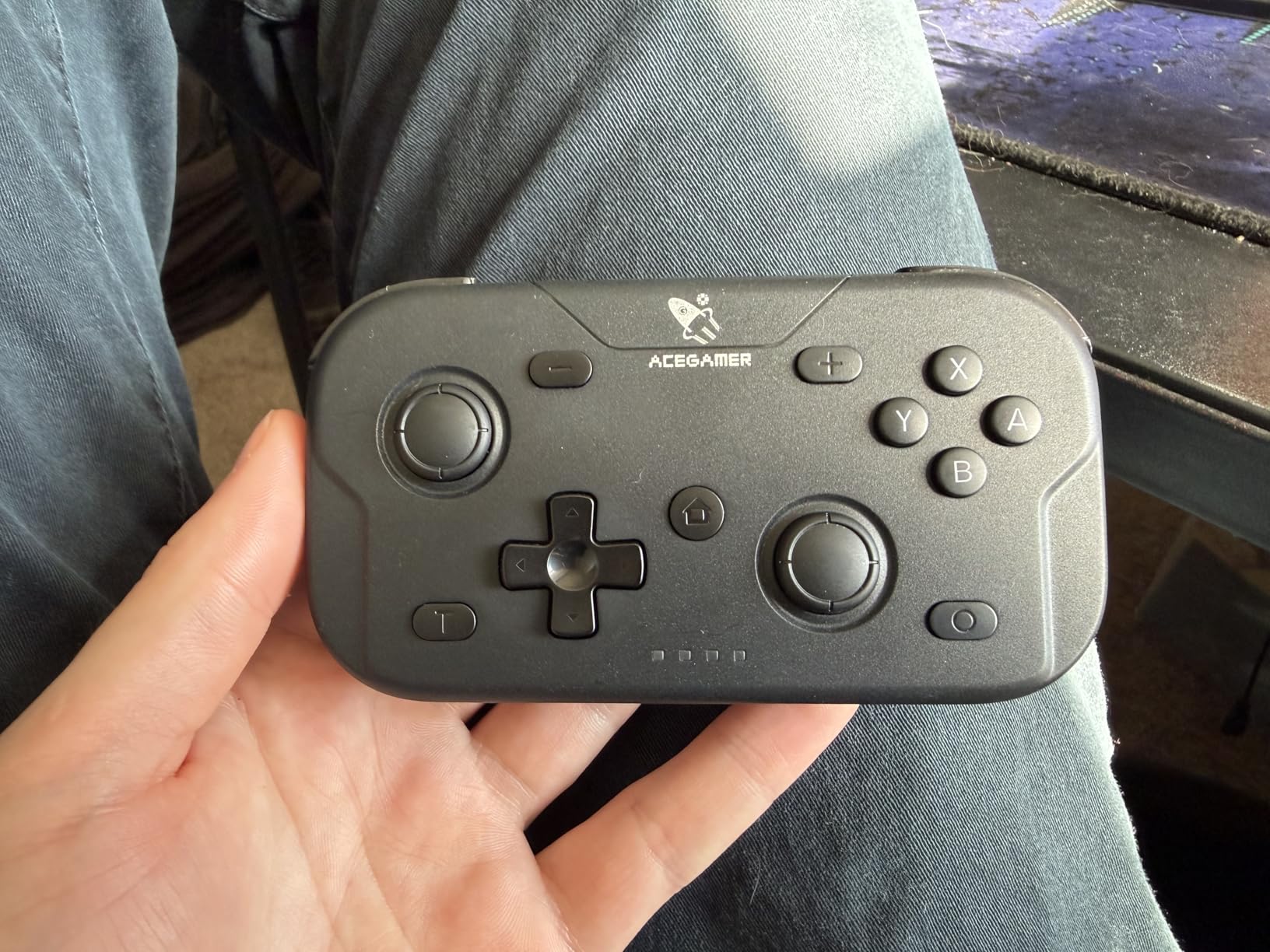
Device support covers Switch, Switch 2, Lite, OLED, PC, iOS, Android, Steam Deck, tablet and phone. A one-touch control switches between X-Input for PC and Windows and Nintendo Switch mode, and the ABXY key values can be interchanged between the two layouts.
The 1000Hz polling rate is a spec most children will never notice and most parents will never read about, but the one-button wake-up for Switch and Switch 2 is a daily convenience. The charging cable and manual are in the box.
What Parents Should Check Before Buying
Check what the child plays. At this size, the joysticks and face buttons are small and the triggers are short. It handles 2D and lighter 3D titles well, but a child playing demanding games on a large screen will notice the limits.
Check the software expectations. The mode switch is genuinely one touch, but the reviewers’ Android and emulator complaints mean the button mapping is worth testing on the child’s actual device before settling in.
Where It Falls Short
The triggers feel cheap and mushy at this size, and the rumble and gyro are basic. The 4.0 average is the lowest figure in the roundup, driven by those build-quality complaints.
It is also the clearest example of a spec sheet and a real product disagreeing: the listing mentions wake-up support, but owners report it cannot wake the Switch 2 from sleep. Adult hands find the compact size uncomfortable for long sessions too.
10. ShanWan Keychain Mini Controller – the Smallest Option
ShanWan Bluetooth Gamepad Keychain Sized Mini Controller for Switch 2, Windows, Android, iOS & PS4(Orange -yellow)
Weight: 30 g
Size: 72x40x14mm
Switch Windows Android iOS PS4
Pros
- Compact 30 g and 72x40x14mm body
- Three-mode slider covers Switch Windows Android iOS and PS4
- D-pad and joystick swap on the fly
- 6-axis gyro and haptic feedback included
- Up to 5 hours of play from a 1-hour charge
Cons
- Small buttons can feel cramped for younger children
- Limited input range for 3D games
- Haptics are basic and some connectivity complaints
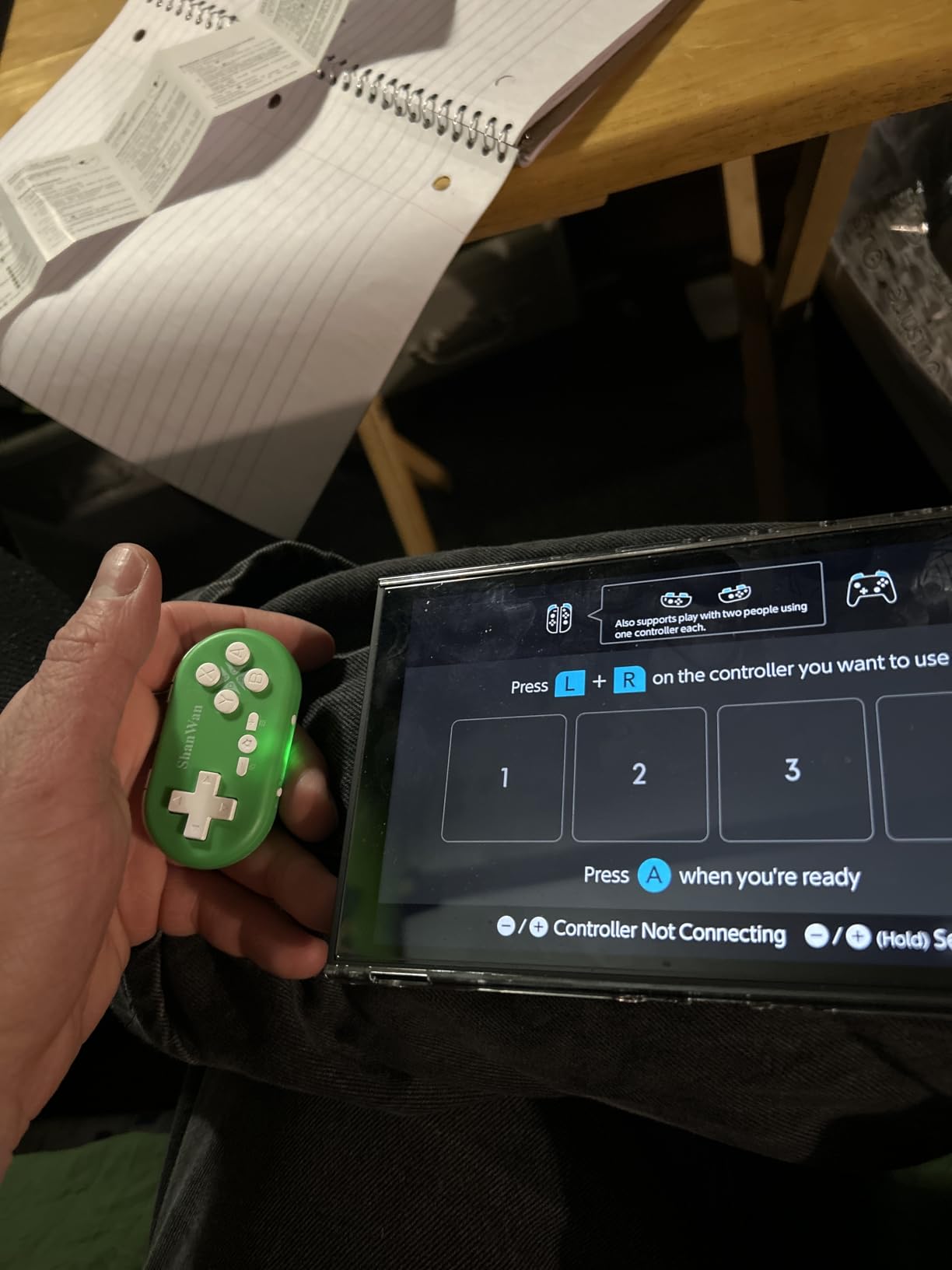
At 30 grams and 72 by 40 by 14 millimetres, this is the smallest body in the lineup. It genuinely hangs on a keychain, which makes it the easiest controller here to keep with a child rather than stored on a shelf.
A slider on the bottom edge selects between three modes. X mode covers Android, iOS and Windows, S mode presents the pad to a Nintendo Switch as a single Joy-Con, and P mode handles PS3 and PS4.
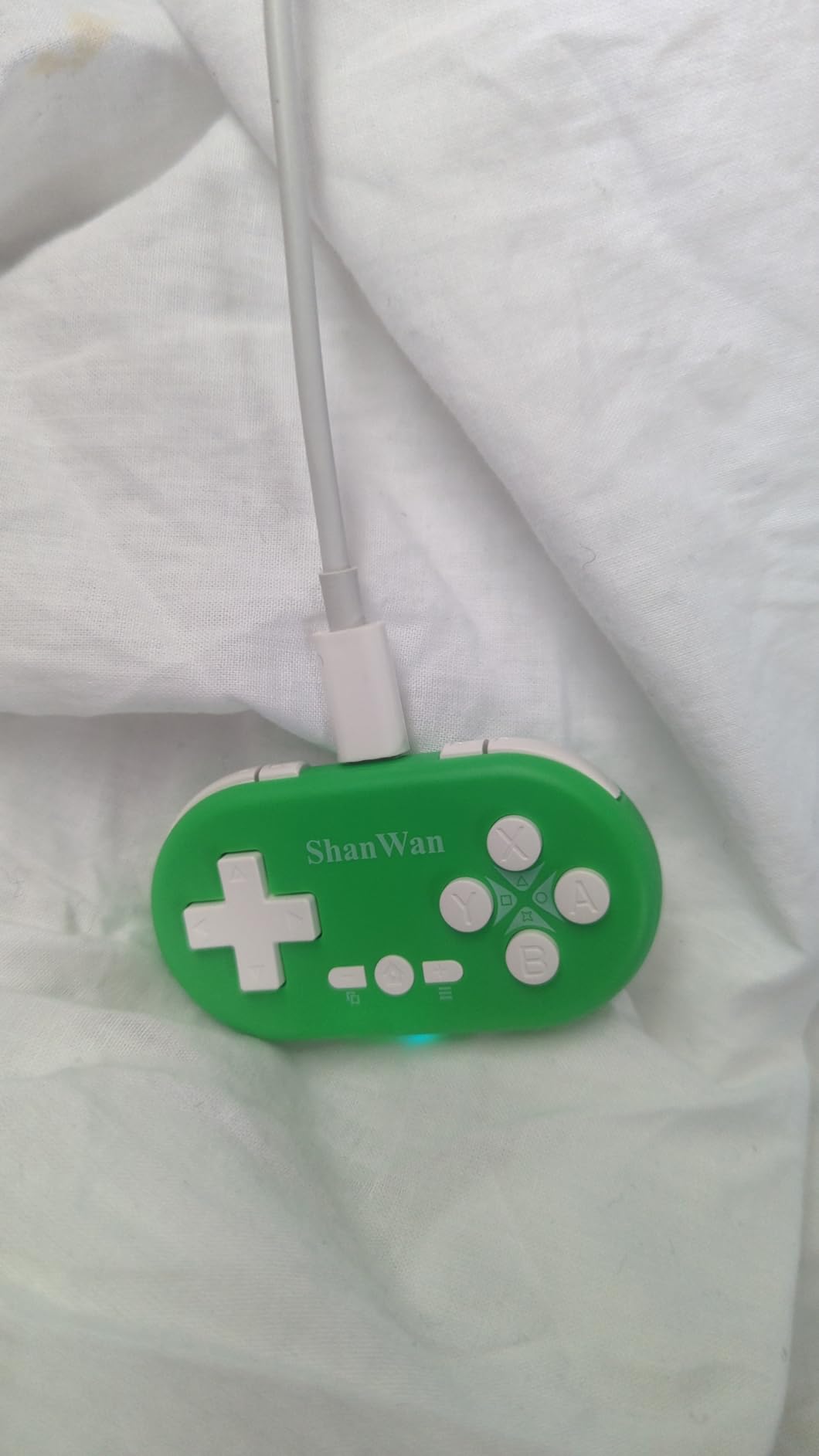
The D-pad and the left joystick swap on the fly using Minus plus D-pad up, so a 2D platformer can be played with a D-pad and a 3D game with an analogue stick, from the same device. That flexibility is unusual at this size.
Power comes from a 180mAh battery giving up to 5 hours of play after a one-hour charge, with 30 days of standby and a key wake-up function for one-press reconnection. A 6-axis gyroscope and haptic feedback are included.
What Parents Should Check Before Buying
Be realistic about the age range. This works well for a child who plays 2D games and travel titles on a Switch, a phone or a handheld PC. It is a companion device rather than a replacement for a main controller.
Set expectations on battery. Five hours from a one-hour charge is workable for a trip and annoying for a week of after-school sessions, so keep the charging cable somewhere the child can reach it.
Where It Falls Short
Compactness has a cost. The buttons are small enough to feel cramped for younger children, the input range is limited for 3D titles, and the haptics are basic at this size.
It also carries the second-lowest average rating in the roundup, with owners reporting some connectivity complaints. If a child will play for long sessions rather than in short bursts, a larger pad with a bigger battery is the better investment.
How to Choose a Controller Your Child Can Actually Hold
Size is the only criterion that matters more than everything else combined. A controller that is too large is not a challenge to be improved at, it is a source of frustration that ends the session. If a child cannot wrap their fingers around both grips and reach the sticks without leaning forward, the pad is too big.
Use weight as a rough proxy. The pads here run from 24.8 grams at the 8BitDo Micro and 30 grams at the ShanWan, through 165 grams for the HyperX Clutch Tanto, to 0.28 kg for the VOYEE and 13.5 ounces for the Kuitmor. A rough rule is that under 5 years old wants something under about 60 grams, 6 to 9 sits in the 60 to 170 gram range, and 10 and up can handle a full-size pad comfortably.
Check the sticks next. Two analog sticks plus a D-pad is the standard layout, and a child will use all of them within a year. The riskier pattern is a mini pad with no shoulder buttons, because the first 3D game they play will feel wrong and they will not know why.
Look at the stick sensor if the controller will be dropped. Hall Effect sticks and triggers have no rubbing contact inside the stick mechanism, so they resist the drift that makes parents replace working controllers. One of the pads in this roundup uses them, and for a device that gets thrown more than average, it is worth paying for.
Battery life decides how often play gets interrupted. Anything around 10 hours or more covers a full week of after-school sessions on one charge, which is the difference between a controller your child asks for and one they stop asking for. Pads that take two to three hours to charge are workable if you set a routine around them.
Check the device list against the whole household, not just the console. A child who plays on a Switch during the week and a tablet at a friend’s house needs a pad listed for both, and a PC-only pad will feel like a mistake within a fortnight.
Finally, treat price as a stress-reduction decision rather than a spec decision. Parents consistently worry more about an expensive pad being lost or broken than about a cheap one, and that worry changes how the whole family uses the console. Two cheaper pads that can be used freely beat one premium pad that lives on a high shelf.
For the wider shape of the market, our PC controller guide covers full-size pads, and our arcade controller roundup explains the stick and button layouts that show up on all of them.
Wired vs Wireless Controllers for Kids
Wired is the better choice for a child under about seven, and the reason is physical rather than electronic. A cable is a trip hazard at floor level, it is something to chew, and it gets yanked out mid-game when a child is frustrated. For a toddler playing near a television, none of that is worth the saving.
Wireless removes the hazard but introduces a different problem. Rechargeable pads that run flat end a session unexpectedly, and younger children rarely remember to put a controller on charge. The fix is simple: pick a pad with a long runtime, or one that takes standard AA batteries, and put the charging routine in the same place as the console.
Latency is the argument parents hear most and it matters least here. A 2.4GHz dongle or Bluetooth connection is more than fast enough for the platformers, party games and puzzle titles a child actually plays. Polling rates of 1000Hz or more are marketing for a competitive shooter audience and make no perceptible difference in a cartoony platform game.
Wired does have one real advantage for an older child: no charging, no pairing and no drift from a weak wireless connection. A wired pad that plugs in and works is genuinely simpler. Our leverless arcade controller guide covers wired layouts in more detail if the child plays fighting games.
For siblings, buy two of the same pad. Two identical controllers avoid the argument that one is better than the other, make local co-op possible, and let one stay in the bag for travel while the other charges.
Frequently Asked Questions
What is the best game controller for kids?
The VOYEE Switch Controller is our top pick overall, with a 10-15 hour rechargeable battery, a built-in 6-axis gyro and support for Switch, Switch Lite, Switch OLED and PC. Children aged 3 and under are better served by the LeapFrog LeapTV pad, rated for ages 36 months to 8 years, while a preteen or teenager can stay on a full-size pad such as the PowerA Enhanced Wireless Controller.
What controller is better for smaller hands?
A compact pad with a short body and light weight beats a shrunken full-size design. The 8BitDo Micro at 24.8 grams and 3.94 by 1.97 inches is the smallest full gamepad here, and the ShanWan at 30 grams and 72 by 40 by 14 millimetres is smaller still. Both suit a child around 4 to 6, though the 8BitDo lacks shoulder triggers and suits 2D games.
What is the best PC controller for small hands?
The HyperX Clutch Tanto is the most direct answer, a 165 gram officially licensed mini pad for Xbox Series X|S, Xbox One, PC and Android that keeps the full button set and rumble motors. For a wireless alternative with Hall Effect sticks, the Kuitmor Hello Kitty pad works across Windows PC and Steam Deck, and the AceGamer pocket pad switches between X-Input and Switch modes with one touch.
What is the best Switch controller for people with small hands?
The Kuitmor Hello Kitty pad has the broadest support here, covering Switch 2, Switch, Switch OLED, Switch Lite, Windows, Steam, Steam Deck, Android and iOS, with Bluetooth, wired USB-C and a wake-up function. The VOYEE Switch Controller is the better all-round value if your child is 6 or older, at 0.28 kg with a 10-15 hour battery. The 8BitDo Micro is the choice under age 6.
Should a kids controller be wired or wireless?
Go wireless under about 7 years old, because a cable at floor level is a trip hazard, something to chew, and easily yanked out mid-game. Older children are often better served by a wired pad, since it needs no charging and no pairing. Whichever you choose, long battery life matters more than latency for the platformers and party games children actually play.
The Best Controllers for Kids in 2026: The Verdict
After testing ten pads, the VOYEE Switch Controller is the best controllers for kids pick for almost every household, because a 10-15 hour battery, a gyro and a Switch plus PC feature set in a 0.28 kg shell solves the two problems parents actually complain about: fitting hands and dead batteries.
Match the size to the child rather than the specification. The 8BitDo Micro for 2D games under age 6, the HyperX Clutch Tanto for an older child on Xbox or PC, the Kuitmor pad when drift resistance and multi-device support come first, and the PowerA when a teenager needs a full-size licensed pad that will last.
Whatever you choose, buy two if there is a sibling in the house, keep the charging routine simple, and set screen time limits on the console itself rather than on the controller.