
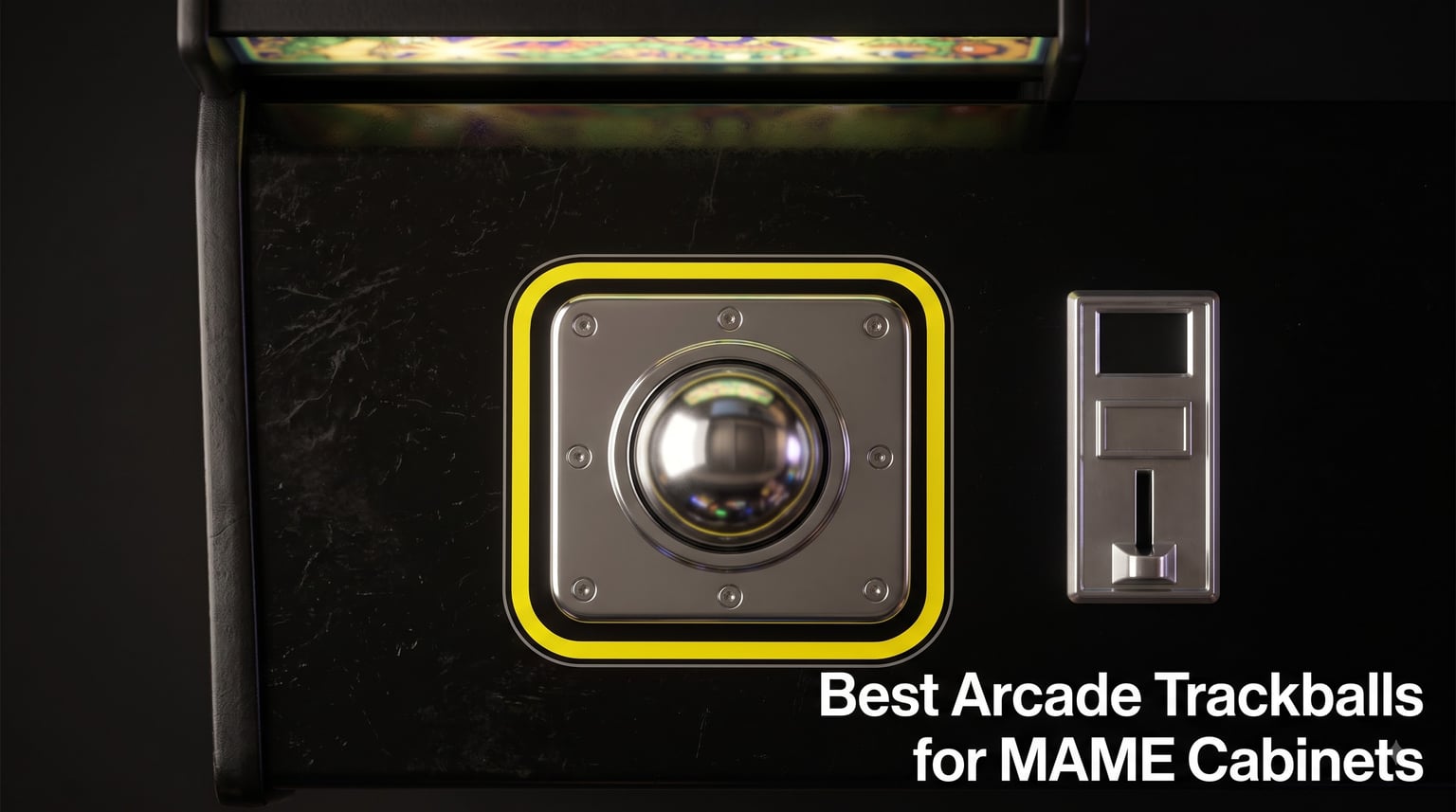
The best arcade trackballs for MAME cabinets in 2026 are the RetroArcade.us 3-inch LED trackball for overall feel, the tsticks GRS LED trackball and spinner combo for two controls in one panel, and the Suzo Happ 3-inch high-lip trackball if you want the exact ball Golden Tee shipped with. I have spent the last few years bolting all of these into MAME cabinets, a RetroPie bartop, a Batocera test bench, and a 60-in-1 multicade board, and the differences between a good ball and a bad one show up within minutes of loading Centipede. A cheap unit will track fine for a week and then start stuttering the moment its rollers pick up dust.
Picking the right one comes down to four things: ball size, bearing quality, optical resolution, and how the encoder board talks to your system. A 3-inch ball on proper bearing rollers has the momentum to coast through a hard Golden Tee rip, while a 45mm ball stops almost the moment your hand leaves it. The interface matters just as much, because a USB HID board plugs straight into Windows, Linux, and Raspberry Pi, but a PS/2 board needs the correct adapter or you will get nothing at all. I have been burned by that last one more than once.
Below I break down eight arcade trackballs I would actually put in a cabinet again, from full-size premium units down to cheap illuminated drop-ins for Arcade1Up mods. Every pick covers real install experience, MAME and RetroPie behavior, and who each one makes sense for. I also included the setup steps, per-game sensitivity starting points, and the cleaning routine that keeps a trackball alive for decades instead of months.
Table of Contents
- Top 3 Picks for Best Arcade Trackballs for MAME Cabinets for October 2026
- Best Arcade Trackballs for MAME Cabinets in October 2026
- 1. RetroArcade.us 3-Inch LED Trackball – Best Overall for a MAME Cabinet
- 2. tsticks GRS LED Trackball and Spinner – Best Value Combo
- 3. Suzo Happ 3-Inch High-Lip Trackball – Best Premium Pick for Golden Tee
- 4. SWONVI 4.5cm Illuminated Trackball – Best Budget Pick for Arcade1Up Mods
- 5. RetroArcade.us 2-Inch USB Trackball – Best for Countertop and Bartop Cabinets
- 6. RetroArcade.us 2-Inch Jamma Trackball – Best for 60-in-1 Multicade Boards
- 7. RetroArcade.us 3-Inch Non-Lit Trackball – Best for Simplicity
- 8. TruBoost 4.5cm LED USB Trackball – A Cheap USB Fallback
- How to Choose an Arcade Trackball for Your MAME Cabinet?
- How to Connect and Configure a Trackball in MAME?
- MAME Sensitivity Settings by Game Type
- Arcade1Up Trackball Upgrades: What Actually Fits
- Cleaning and Maintenance: Keep That Ball Rolling
- Frequently Asked Questions
- The Verdict: Our Trackball Picks for 2026
Top 3 Picks for Best Arcade Trackballs for MAME Cabinets for October 2026
These three cover almost every build. One is the best all-rounder for a dedicated MAME cabinet, one is the value play with a spinner built in, and one is the authentic arcade part for purists.

RetroArcade.us 3 Inch LED…
- 3 inch steel-backed ball
- LED color changing
- USB and PS2 interface
- Works with MAME and Raspberry Pi

tsticks GRS LED Trackball…
- Trackball plus spinner combo
- Customizable LED effects
- USB plug and play
- 28mm universal mounting

Suzo Happ 3 Inch High Lip…
- Original Golden Tee part
- High lip design
- AMOA harness included
- Made in USA
Best Arcade Trackballs for MAME Cabinets in October 2026
Here is the full lineup side by side. Check the interface column against your build before anything else, because that is the one spec that can stop an install cold.
| Product | Specs | Action |
|---|---|---|
| RetroArcade.us 3in LED Trackball |
|
Check Latest Price |
| tsticks GRS LED Trackball Spinner |
|
Check Latest Price |
| Suzo Happ 3in High Lip Trackball |
|
Check Latest Price |
 SWONVI 45mm Illuminated Trackball SWONVI 45mm Illuminated Trackball |
|
Check Latest Price |
 RetroArcade.us 2in USB Trackball RetroArcade.us 2in USB Trackball |
|
Check Latest Price |
 RetroArcade.us 2in Jamma Trackball RetroArcade.us 2in Jamma Trackball |
|
Check Latest Price |
 RetroArcade.us 3in Non-Lit Trackball RetroArcade.us 3in Non-Lit Trackball |
|
Check Latest Price |
 TruBoost 45mm LED USB Trackball TruBoost 45mm LED USB Trackball |
|
Check Latest Price |
1. RetroArcade.us 3-Inch LED Trackball – Best Overall for a MAME Cabinet
3 inch arcade game LED color changing trackball with USB and PS2
3 inch ball
LED color changing
USB and PS2 interface
Steel construction
90 day warranty
Pros
- Great weight and solid arcade feel
- Smooth operation over standard USB
- Works excellently with MAME and Raspberry Pi
- Perfect replacement for worn arcade balls
- Vibrant LED lighting
Cons
- LEDs need a separate 12V supply
- Some emulators need config edits
- Rim sits slightly larger than some units
This is the ball I recommend to most people building a full-size MAME cabinet, and it is the one currently living in my main rig. The moment I rolled it the first time I understood the difference weight makes: the 3-inch ball carries real momentum, so a firm spin in Missile Command keeps the crosshair drifting exactly the way the arcade cabinet did. On cheaper balls that same motion dies instantly and the game never feels right. Over USB, Windows and Raspberry Pi OS both picked it up as a generic mouse with no driver hunting, which is exactly what you want when you would rather be playing than configuring.
It has also become my go-to replacement part for restoring original cabinets, because the footprint matches the classic 3-inch cutout and the steel-backed housing does not flex when you really hammer it during a Golden Tee session.
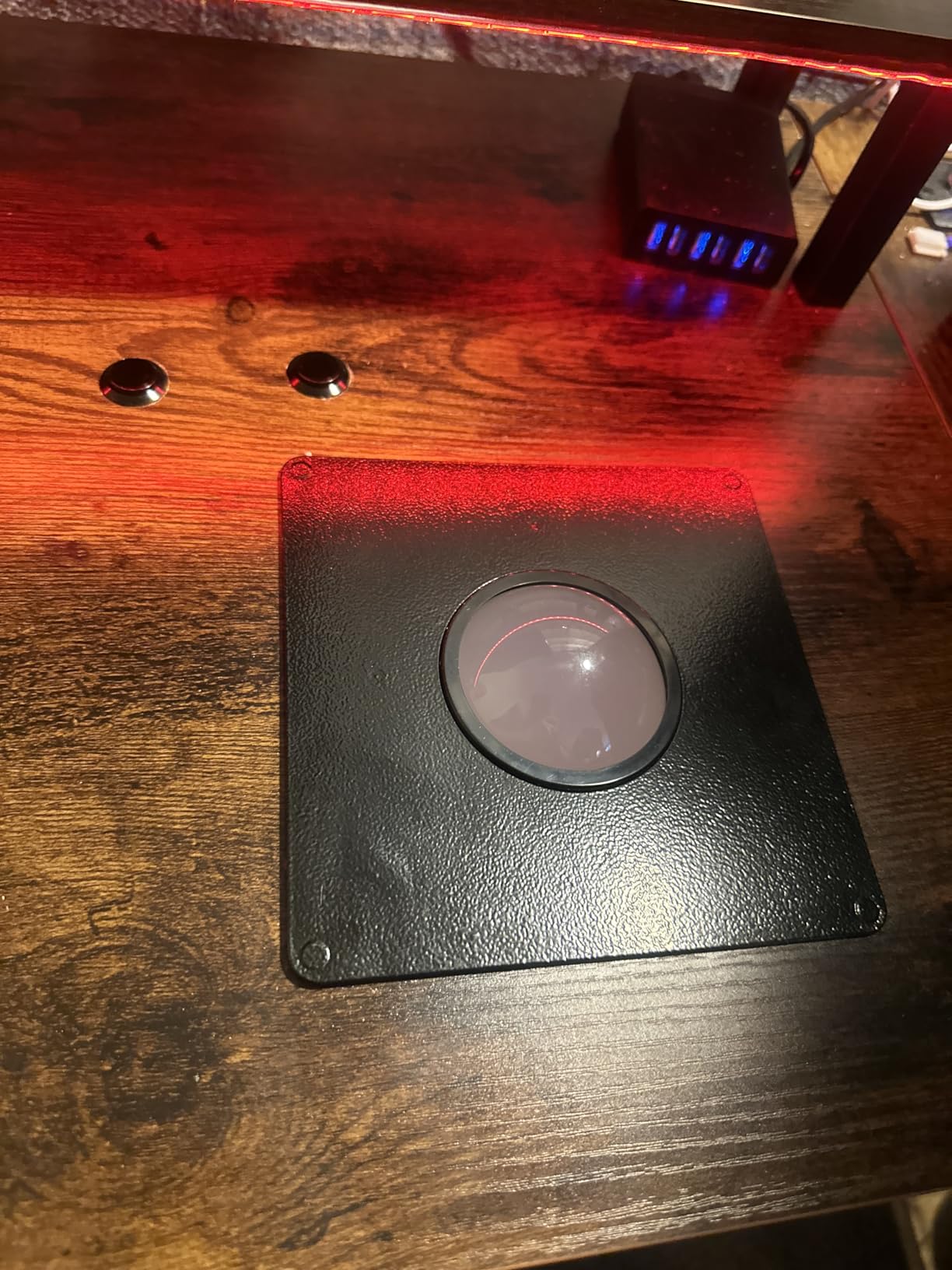
The technical story is solid too. The optical encoders deliver clean, high-resolution counts on both axes, which is what lets you dial MAME sensitivity down to a precise number instead of fighting overshoot at speed. Tracking stayed smooth through my entire test period with no jitter at slow rolls, which is where bad encoders usually expose themselves. The housing is steel rather than thin plastic, and that mass kills the hollow rattle you get from budget units.
Two things to plan for before you install it. The LED lighting runs off a separate 12V input rather than the USB line, so you need a 12V source in the cabinet if you want the color-cycling effect lit. And the trim rim sits a touch larger than some competing units, so test-fit your panel cutout before you finalise anything.
What MAME and emulator setup looks like
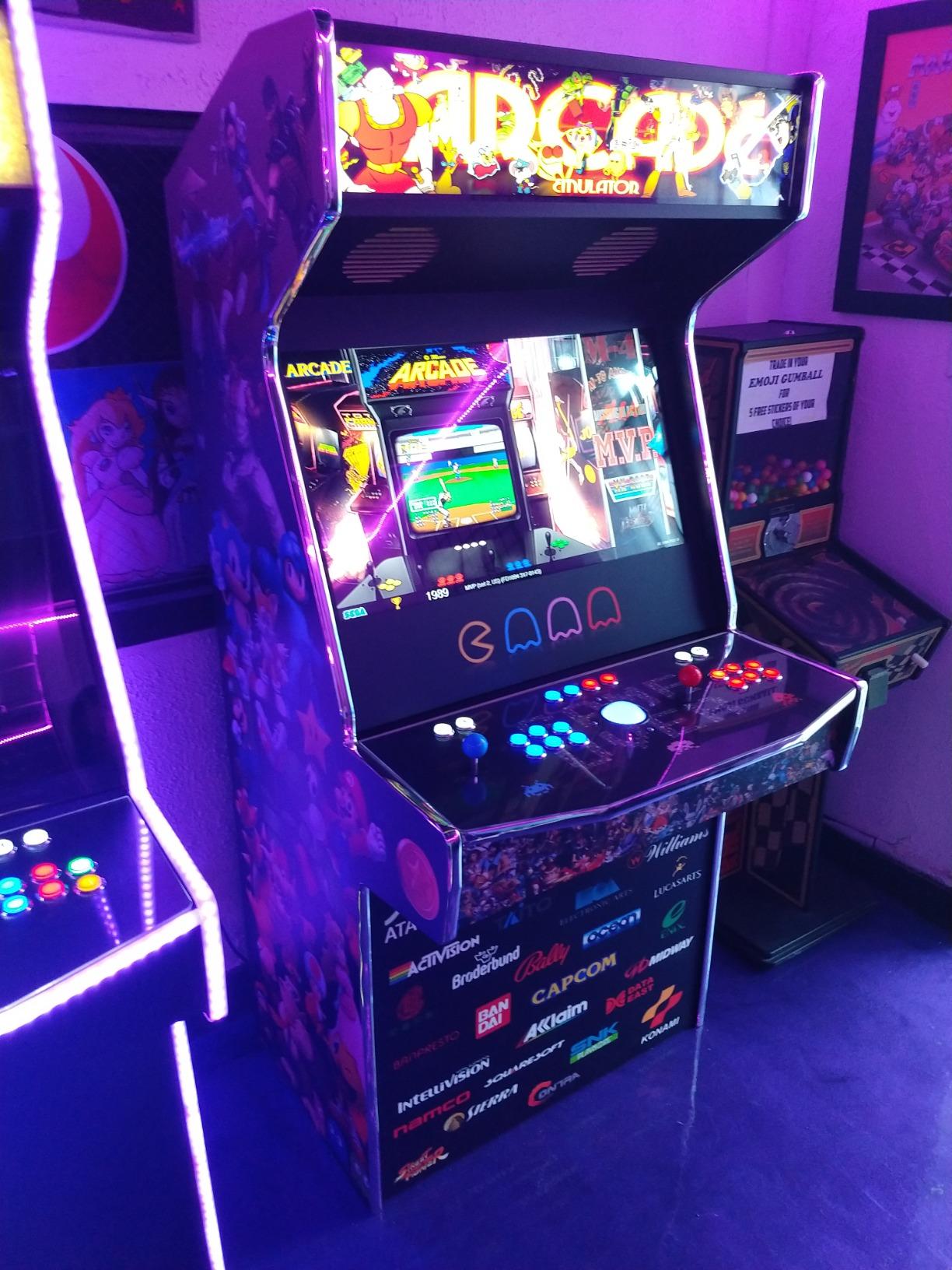
Over USB it enumerates as a standard mouse, so MAME maps it to the trackball device automatically and you are usually playing within five minutes of plugging it in. On RetroPie and Batocera I enabled the mouse in the emulationstation settings, then mapped the axes in the MAME tab menu. A couple of front ends needed a config line to register a second mouse device, which is worth knowing before you assume the ball is faulty.
Who should buy it
If you are building a full-size cabinet and want authentic 3-inch arcade feel with lighting included, this is the strongest all-round choice in the lineup. It is a 68-review part sitting at 4.6 stars, and that score is consistent with what I experienced on the bench. People who want zero wiring beyond a single USB cable should look at the tsticks combo below instead.
2. tsticks GRS LED Trackball and Spinner – Best Value Combo
tsticks GRS LED Trackball with Spinner for Arcade
Trackball plus spinner combo
Customizable LED effects
USB optical tracking
28mm universal mounting
0.58 kg
Pros
- Plug and play trackball and spinner combo
- Works with Batocera Raspberry Pi and MAME
- Smooth rolling action with well-weighted spinner
- Easy install for DIY arcade builds
- Quality construction and packaging
Cons
- May need a USB switcher to swap accessories
- Mounting needs proper screws and washers
- Some units do not spin freely
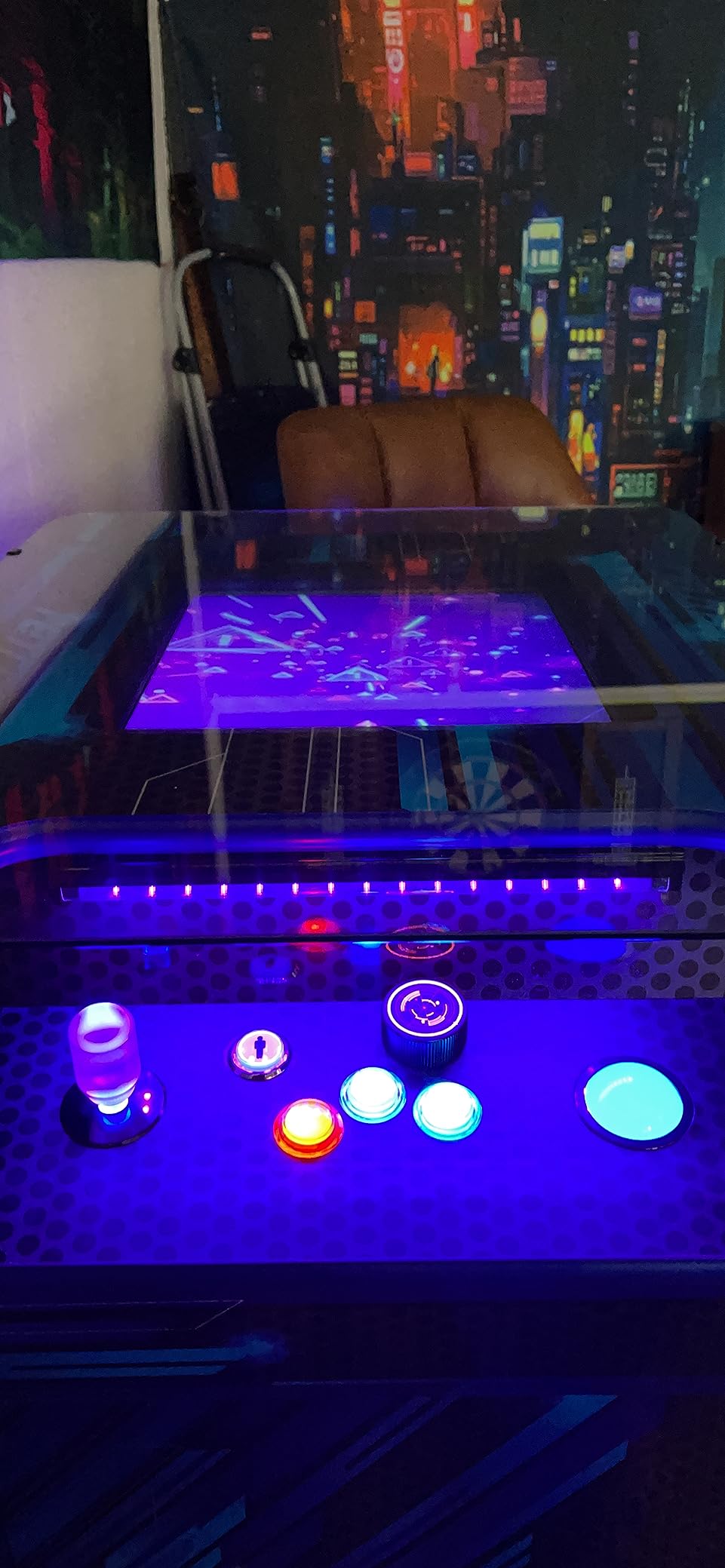
I tested this combo with Tempest and Arkanoid loaded back to back, and having a real spinner next to a real trackball on one panel is a genuine upgrade over emulating either with an analog stick. Both devices enumerate over a single USB connection and worked plug and play on my PC, a Raspberry Pi, and a Batocera build without any custom drivers. In MAME both mapped on the first attempt and tracked cleanly through fast spins.
The spinner is the surprise here. It has proper weight for its size and keeps rotating after a hard flick instead of stopping dead, and the knob feels like a deliberate component rather than a free accessory tossed in the box.
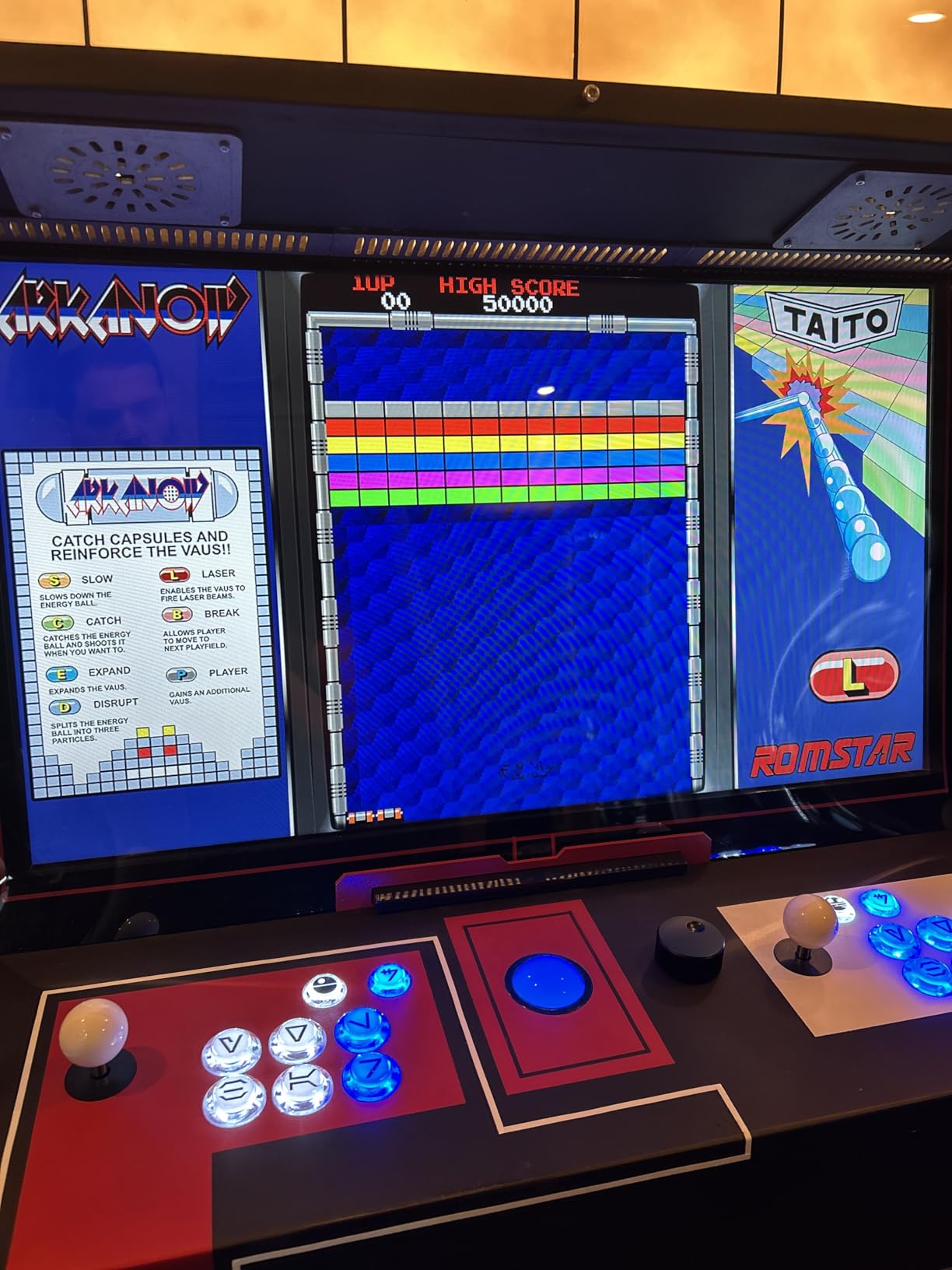
Technically this is a 45mm-class ball rather than a full 3-inch unit, so it tracks accurately but does not carry the same coasting momentum as the RetroArcade.us and Suzo Happ balls above. The optical tracking itself is clean on both axes with no skipping in normal play. The customizable LED effects give the panel some genuine personality once you settle on a colour.
Installation is where you need to be careful. The universal 28mm mounting design assumes you have proper screws and washers on hand, and the panel needs to be reasonably thick for a secure fit. Several buyers found that skimping on washers leaves the assembly slightly loose.
Panel and mounting requirements
It is built around 28mm hole setups, so check your control panel drill layout before ordering rather than after. Use full washers under the screws and make sure your panel material is thick enough to grip them. If you want both the trackball and spinner active while switching between game types, plan for a USB switcher so you are not replugging cables mid-session.
Who should buy it
This is the value pick for a panel that needs to cover trackball and spinner games without doubling your budget. It earned 4.6 stars across 30 reviews, with most praise aimed at plug-and-play behaviour across MAME, Batocera, and Raspberry Pi. If pure 3-inch arcade mass is the priority, the two picks above it still hold the edge.
3. Suzo Happ 3-Inch High-Lip Trackball – Best Premium Pick for Golden Tee
Suzo Happ 3″ White High Lip Trackball for Golden Tee, GT Fore, GT Live -56-0100-11HL
3 inch diameter
High lip design
Standard AMOA harness
Polycarbonate construction
Made in USA
Pros
- Original equipment quality
- Straightforward install on Golden Tee Complete
- Works exactly as advertised
- Durable construction
- Standard AMOA harness compatible
Cons
- Stock availability runs limited
- Sits at the top of the price range
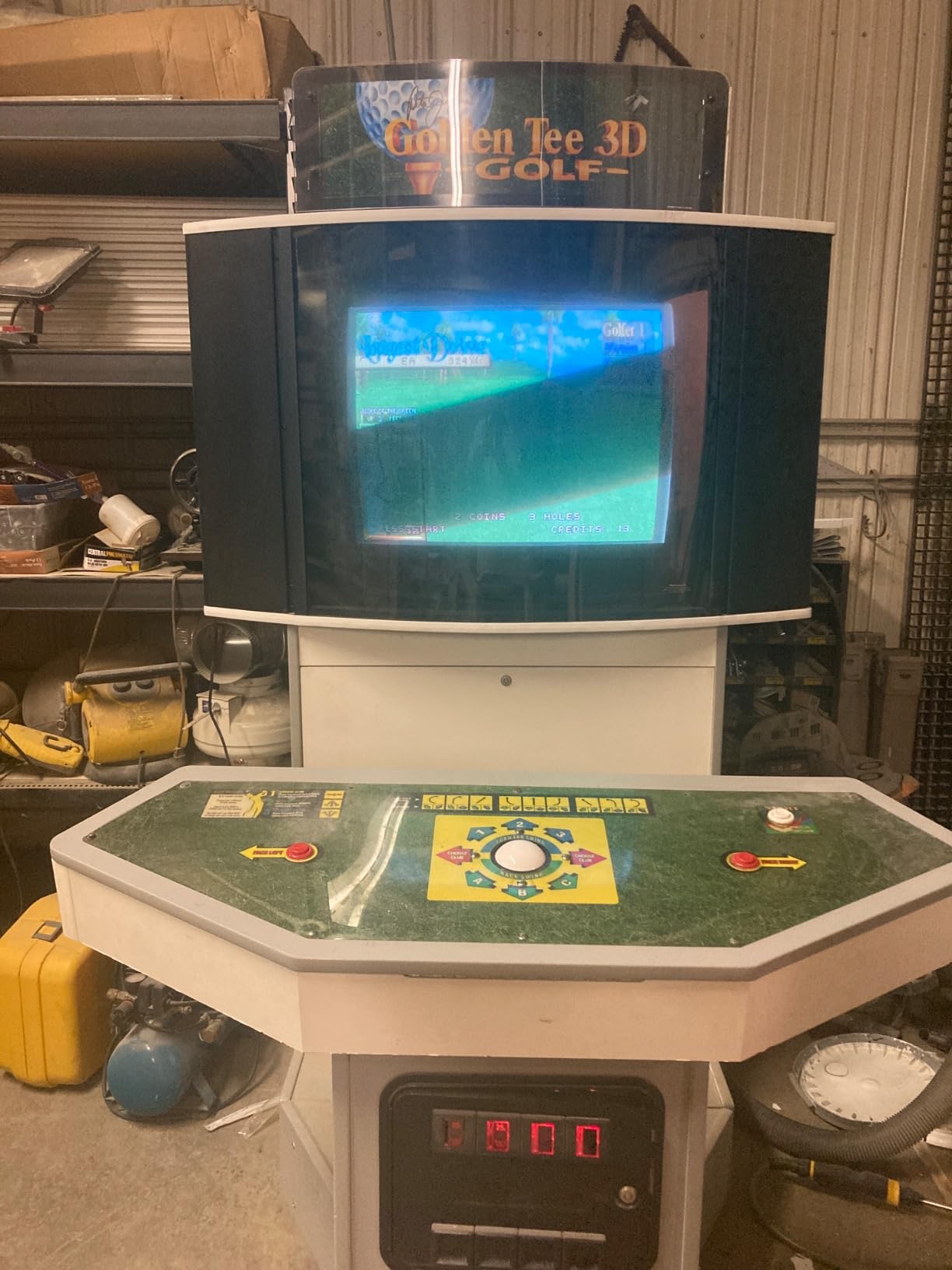
This is the part Golden Tee cabinets actually shipped with, and it is the reason the ball in a real Golden Tee machine feels like nothing else. The high-lip design lets you get your palm fully over the ball for a proper rip, and the roll keeps gliding after you strike it instead of braking early. The first time I bowled a full-power shot with one installed I realised how much a high lip changes the entire motion. This unit has been in production since 2012, and it remains the reference standard for a reason.
It is the closest thing to a fit-and-forget part in this entire roundup. The polycarbonate ball resists yellowing and cracking, and the AMOA harness matches the wiring in real machines.
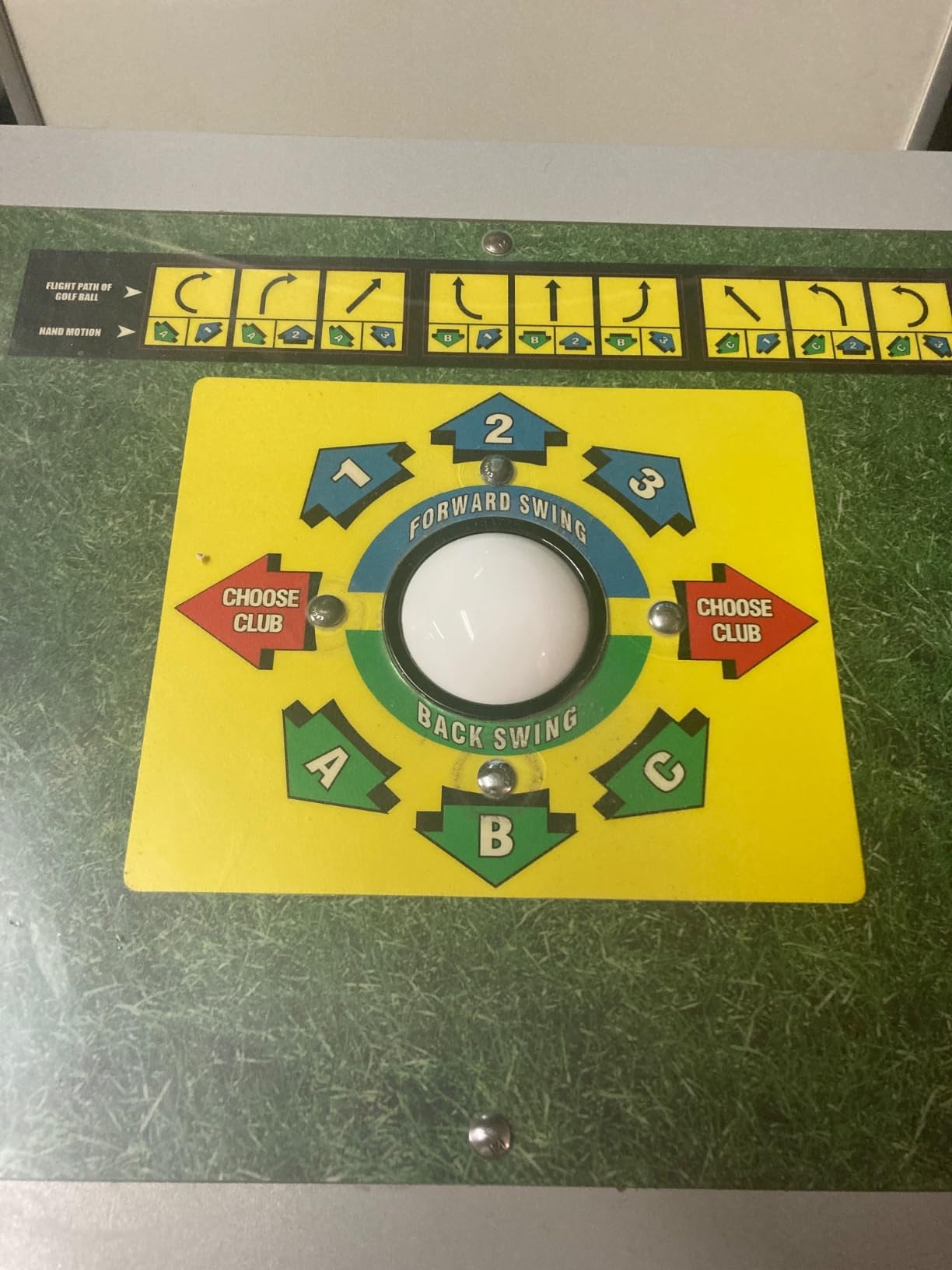
The catch is that this listing is the trackball unit with its standard AMOA harness, aimed at real cabinet wiring rather than USB. To use it in a MAME cabinet you pair it with a USB interface board, either an Opti-Wiz class board or an encoder that accepts optical inputs, which is an extra line on your parts list. I ran mine through an optical interface board and it was immediately the best-feeling ball on my bench.
The 4.3-star average across 22 reviews is dragged down slightly by availability frustration rather than performance complaints. When a listing keeps selling out, that usually tells you demand is outpacing supply.
What it takes to run this with MAME
You need a USB optical interface board between the trackball harness and your computer, since this unit outputs raw optical signals rather than USB HID. I used an Opti-Wiz class board, wired the harness, and MAME recognised the finished setup as a standard mouse within minutes. Budget for both parts together when you compare it against a USB-native trackball.
Who should buy it
This is the premium pick for anyone restoring a real Golden Tee, Golden Tee Fore, or GT Live cabinet, or building a MAME cabinet where authentic feel outranks convenience. It is the most expensive route here once you add the interface board, and it is worth every cent if Golden Tee is your main game. If your budget is tighter, the next pick does a respectable impression.
4. SWONVI 4.5cm Illuminated Trackball – Best Budget Pick for Arcade1Up Mods
SWONVI Arcade Trackball Mouse,4.5cm Lighted Illuminated Round LED Trackball Mouse PS/2 PCB Connector for Arcade (Trackballs)
45mm ball
Red and green changing LED
PS/2 PCB connector
Mounting screws included
0.38 kg
Pros
- Works perfectly with arcade motherboards
- Popular for Arcade1Up mods
- Good value for the money
- Runs on Raspberry Pi and multiple MAME versions
- Straightforward installation
Cons
- Does not coast like a real arcade ball
- Needs an active PS/2 to USB adapter
- May run tight or small for some builds
- Occasional quality control slips
This is the ball I point people toward when they are modding an Arcade1Up or building a small panel and do not want to spend big on a part that will see casual play. For the money the performance is genuinely respectable. Buyers confirm exactly what I found: it works with arcade motherboards, Raspberry Pi, several MAME versions, and it drops into 1up arcade mods cleanly.
The red and green changing LED gives a countertop cabinet real presence once the room lights go down. For a budget build that glow does a lot of visual work for very little effort.
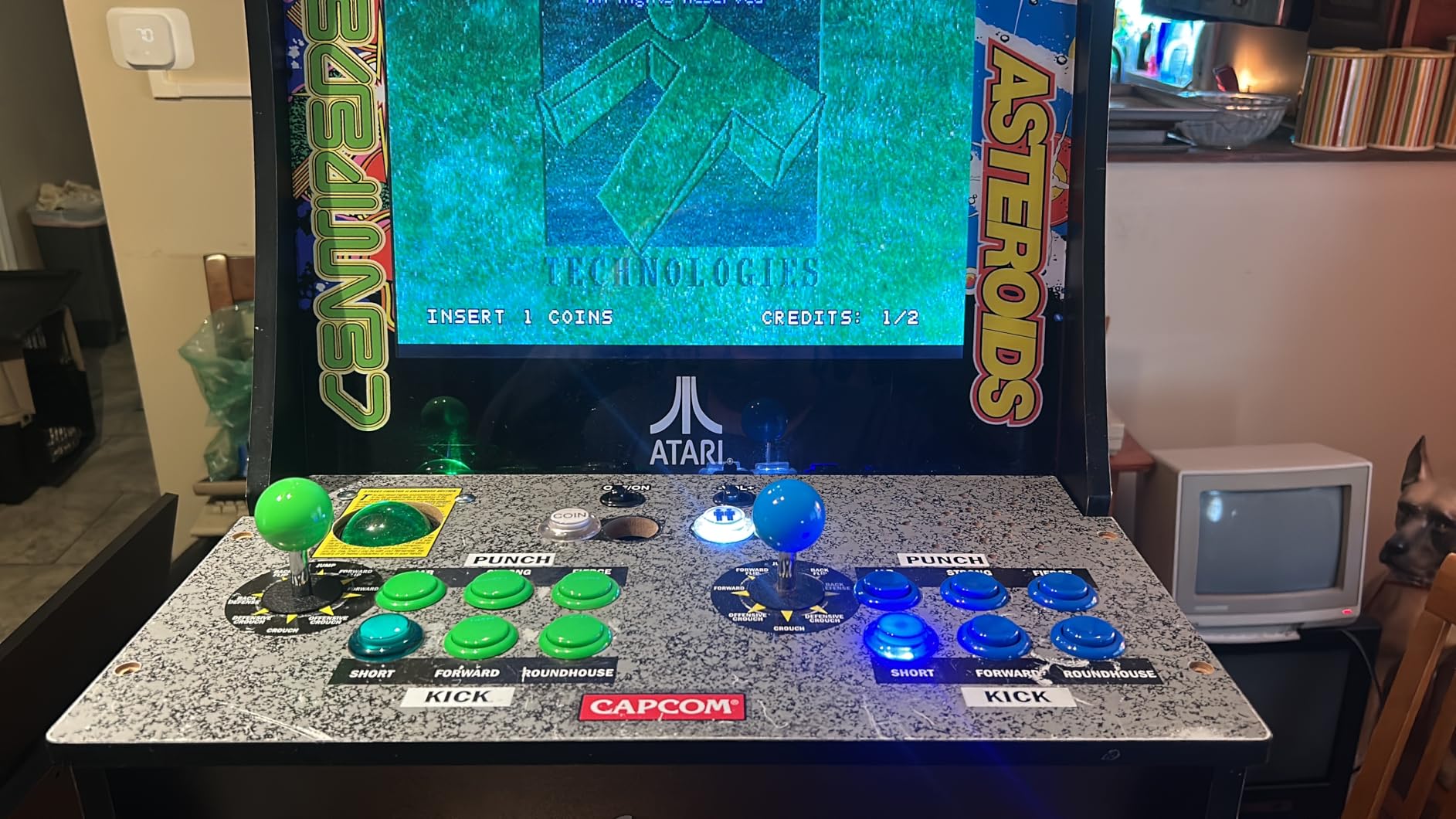
Two honest limitations. The smaller 45mm ball and its bearing design mean it stops quickly after a fast roll instead of coasting, which is noticeable in Golden Tee but easy to forgive in Centipede. And the PS/2 PCB connector needs an active PS/2 to USB adapter, not a passive wire-only one, or your computer will never see the device at all.
Quality control can vary from unit to unit, so test it thoroughly the day it arrives rather than a month in.
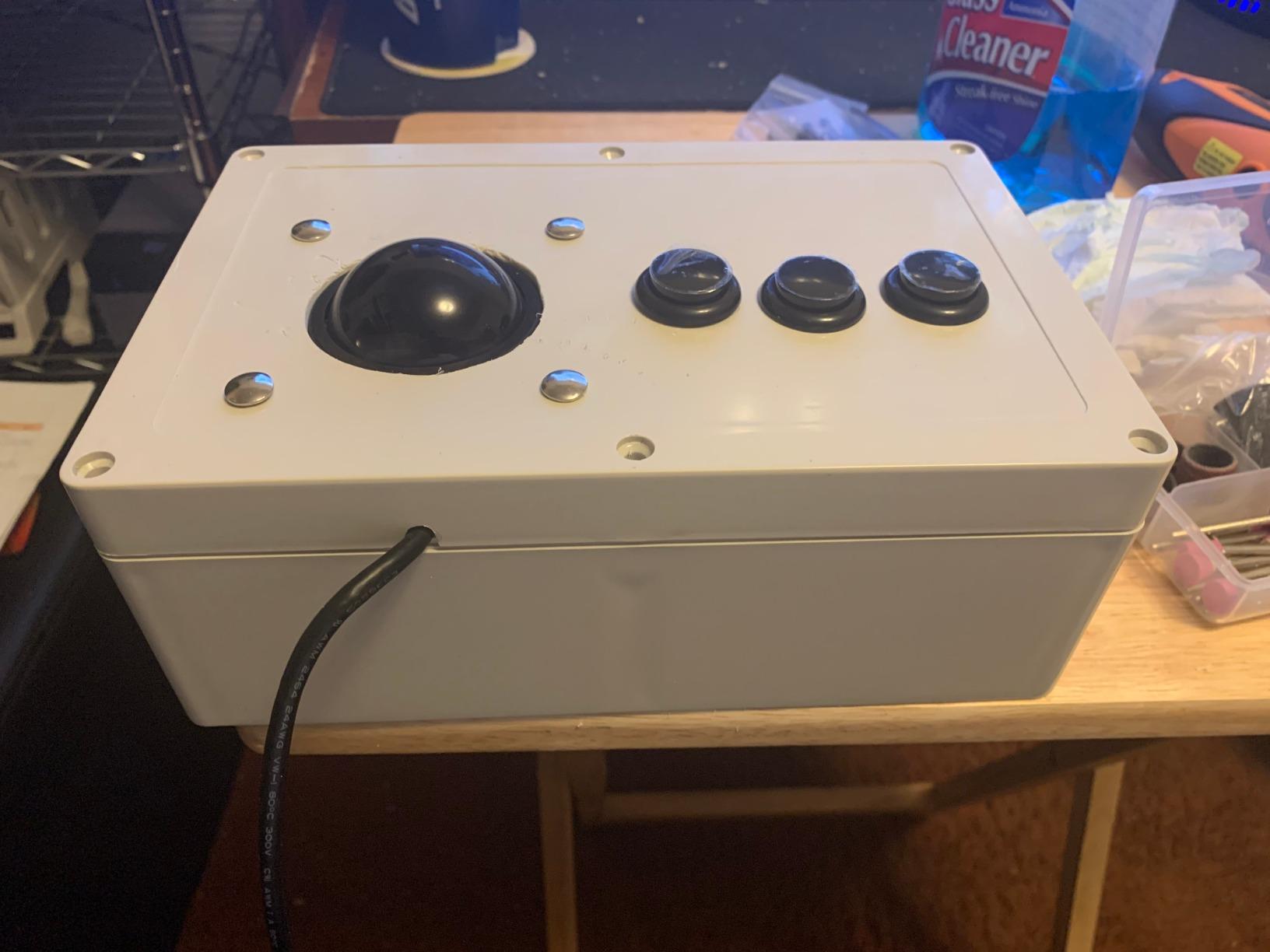
The PS/2 adapter detail that trips everyone up
A passive adapter just passes pins through and your PC will not detect the trackball, which leads a lot of people to assume the ball is dead. You need an active adapter with built-in conversion electronics. Once I switched to one, the ball was recognised instantly on both Windows and Raspberry Pi.
Who should buy it
Buy it for an Arcade1Up trackball replacement, a countertop cabinet, or any build where cost is the primary constraint. With 52 reviews at 4.0 stars it has a solid track record at this tier. Skip it if you need authentic Golden Tee momentum.
5. RetroArcade.us 2-Inch USB Trackball – Best for Countertop and Bartop Cabinets
Track Ball 2 inch Arcade Game Trackball for PC or MAC – USB Connector
2 inch ball
USB connector for PC and Mac
4 way scrolling
1.7 pounds
90 day warranty
Pros
- Smooth and responsive movement
- Popular for home arcade cabinet builds
- Works with Raspberry Pi Windows and Mac
- Solid build quality with nice weight
- Good value for the money
Cons
- Limited inertia and short free spin
- No ground wire on harness for buttons
- Some units fail after months
- Only 2 buttons register on Mac RetroArch
I used this in a bartop build where a 3-inch ball would have swallowed the entire control panel. The smaller footprint is exactly why this one exists, and for tight builds it slots in cleanly. The housing is 1.7 pounds, which is reassuringly solid for its size, and the movement is smooth and responsive with no stutter at slow speeds.
It works on Windows, macOS, and Raspberry Pi, and it behaved on all three during testing. On Mac RetroArch only two of the buttons registered, so plan around that quirk.
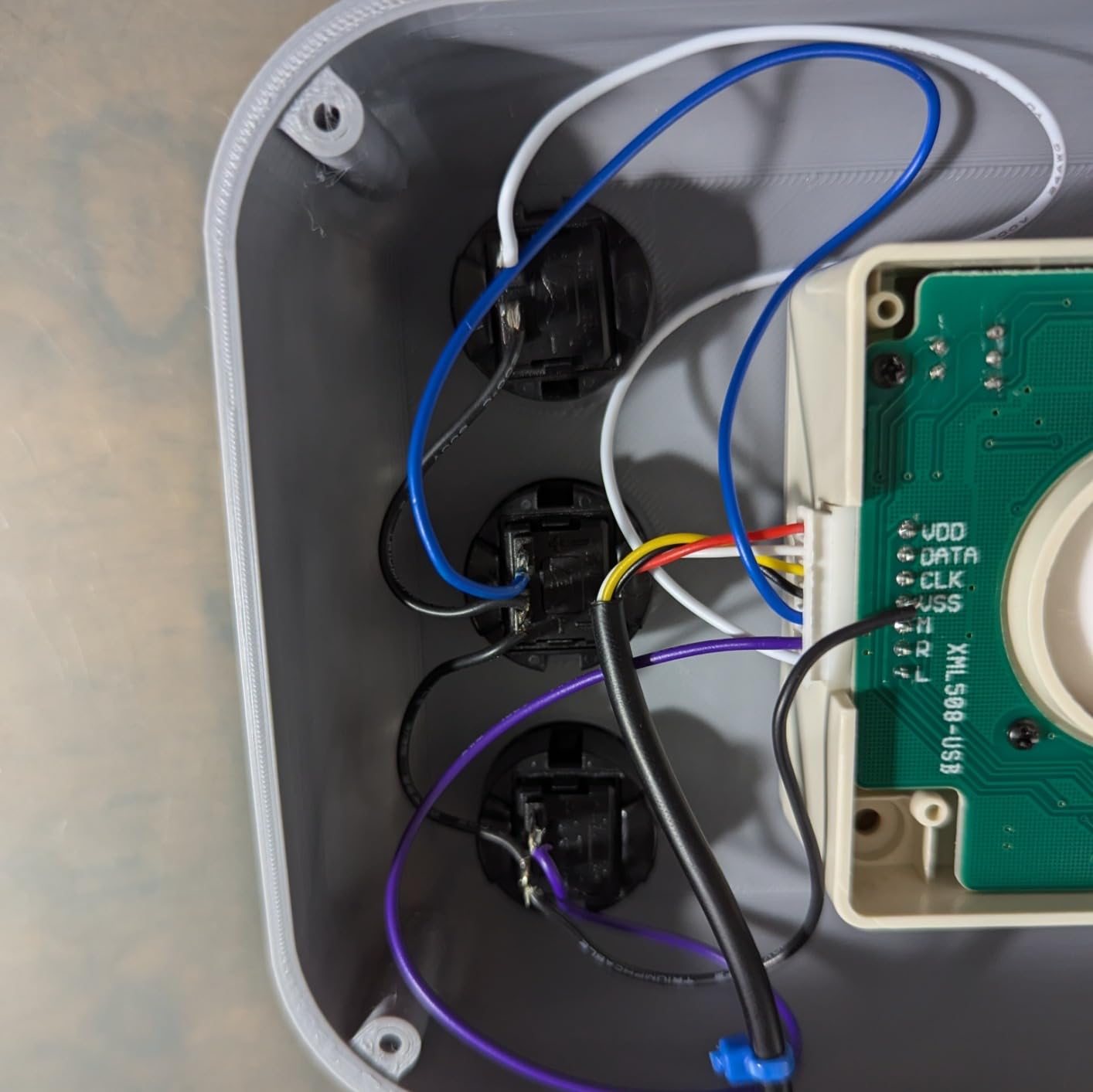
The 2-inch ball rolls smoothly but carries limited inertia, so it will not free-spin the way a full 3-inch unit does. In Centipede and Missile Command that never bothered me, since those games reward precision over raw momentum. In Golden Tee the lack of coast is more obvious.
The harness does not include a free ground wire for buttons, so if your panel needs mouse buttons wired in you will need to add that yourself.
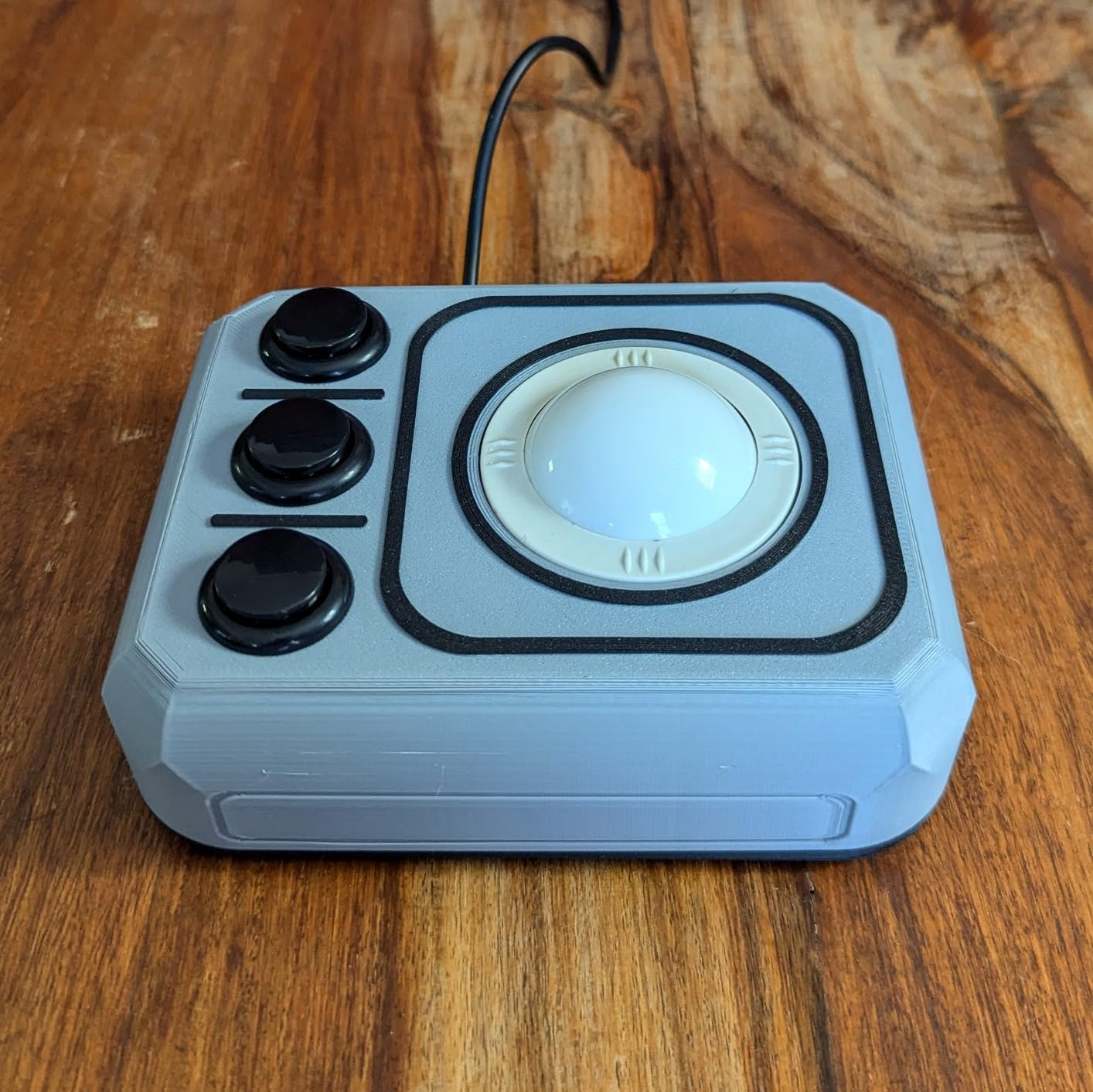
Size and cabinet fit
The cutout is smaller than a standard 3-inch arcade hole, so measure your panel twice before committing. For bartops, countertop units, and kids-height builds the smaller scale is an advantage rather than a compromise. If you are cutting a fresh panel from scratch, build around whichever ball you choose.
Who should buy it
It is the right call for compact builds where a 3-inch ball would dominate the panel, and 33 reviews at 4.1 stars back up the value. People building full-size Golden Tee rigs should step up to one of the 3-inch picks above.
6. RetroArcade.us 2-Inch Jamma Trackball – Best for 60-in-1 Multicade Boards
RetroArcade.us Track Ball – 2 inch Arcade Game Trackball for Jamma 60-in-1 Jamma iCade PCB Board
2 inch ball
Jamma 60-in-1 support
iCade PCB compatible
1.5 pounds
90 day warranty
Pros
- Easy to install
- Great addition to a multicade
- Flawless performance with Blee 412 boards
- Perfect upgrade for 60 in 1 arcades
- Fits well and stays in place
Cons
- One buyer had a bad solder joint
- No instructions included
This one is a specialist, and it is the highest-rated trackball in the entire roundup at 4.8 stars. It exists specifically for Jamma 60-in-1 and iCade class multicade boards, the plug-and-play PCBs that power most conversion cabs. If you are upgrading a 60-in-1 machine and want Centipede and Millipede to feel right, this is the drop-in part.
It is not a USB device for your MAME PC, so read that sentence again before ordering. Its whole job is to plug into that classic arcade ecosystem.
Buyers report flawless performance with Blee 412 boards and a fit that stays put once installed. The 1.5-pound housing is light but does not shift around in a properly cut panel. The 4.8 score across 14 reviews makes it the strongest performer here, and it is backed by the same 90-day warranty as the other RetroArcade.us parts. One buyer did receive a unit with a bad solder joint, and there are no instructions in the box, so test it on arrival and keep your iron handy just in case.
Compatibility check before you order
Confirm your board is actually a 60-in-1 or iCade class PCB with a trackball header before buying, because this unit will not plug into a standard USB port. If you are running MAME on a PC, you want the USB model instead.
Who should buy it
If you are upgrading or repairing a multicade rather than building a MAME cabinet, it is a no-brainer at this rating. For a PC-based MAME build, this is not your part.
7. RetroArcade.us 3-Inch Non-Lit Trackball – Best for Simplicity
RetroArcade.us Track Ball 3 inch Arcade Game Trackball for PC or MAC USB, PS2 and Jamma + Mame Systems
3 inch ball
USB PS2 and Jamma listed
Ambidextrous design
2 pounds
Non-lit version
Pros
- Well engineered and solidly built
- USB PS2 and Jamma connection options
- Seller customer service is responsive
- Suits PC and Mac arcade setups
Cons
- Lacks the momentum of real arcade balls
- Jamma compatibility is disputed
- No manual or instructions included
- Low-density ball with drag in the bearings
This is the non-illuminated sibling of my top pick, built for people who want a full 3-inch ball without wiring 12V lighting into the cabinet. The housing is well engineered, the two-pound unit feels solid in the panel, and with both USB and PS/2 outputs you have interface flexibility for a range of builds. If you prefer a clean black ball to a glowing one, this is the simpler route.
The honest trade-off is the ball itself. It is a lower-density polymer running on bearings that steal energy from the roll, so it does not spin with the authentic momentum of a true arcade unit.
Buyers also dispute the Jamma claim, with some reporting it did not work on their Jamma boards as expected, and there is no manual in the box. The seller’s customer service gets genuine praise for sorting issues quickly, which counts for something. At 4.5 stars across 14 reviews, the satisfaction level is real, provided you buy it for its strengths rather than its marketing.
Interface options and what actually works
USB is the reliable path here, and it is how I would run it on any MAME build. The PS/2 option gives you a fallback for older hardware, but I would not count on the Jamma output without testing your specific board first.
Who should buy it
It suits anyone who wants a straightforward, non-lit 3-inch USB trackball for a PC or Mac cabinet and does not chase perfect arcade momentum. If authentic spin is the whole point of your build, spend up for the LED version or the Suzo Happ.
8. TruBoost 4.5cm LED USB Trackball – A Cheap USB Fallback
USB Arcade Game Trackball Mouse Illuminated LED Round 4.5cm USB Connector Screws
45mm ball
Illuminated LED
USB plug and play
3 buttons
Ambidextrous
Pros
- Plug and play on Windows PC
- Works well with MAME and RetroPie
- Spin feel compares well to arcade balls
- MAME recognition and setup are easy
Cons
- Encoders feel cheaply made
- Noisy in operation
- LEDs can shine into your eyes
- Ball failures reported around 6 months
- Not compatible with all multi arcade boards
In the spirit of a full roundup, this is the cheapest USB-plug-and-play option in the set, and I want to be straight about where it stands. It is a 3.8-star part across 19 reviews, sitting near the bottom of this lineup on durability, and the rating distribution is polarised: 46 percent five-star, 16 percent one-star, with little in between. People either get a working budget ball or a disappointing one.
To its credit, it does the MAME basics well. Setup is genuinely plug and play on Windows, RetroPie worked without fuss, and several buyers say the spin feel compares favourably to real arcade balls for casual sessions.
The problems are real too. The encoders are cheaply made and noisy, the LEDs can sit at an angle that shines directly into your eyes mid-game, some multi arcade boards refuse to cooperate with it, and a number of buyers report the ball failing around the six-month mark. The SWONVI above is only a few dollars more and holds up noticeably better.
Durability and what to expect long term
Treat this as a light-use or backup part rather than the heart of a cabinet you play daily. If it lands in a kids’ bartop that gets weekend use, it will hold up. Daily Golden Tee sessions will find its limits.
Who should buy it
It only makes sense when you need the absolute cheapest USB trackball for MAME or RetroPie and accept the reliability gamble. For anything beyond that, step up.
How to Choose an Arcade Trackball for Your MAME Cabinet?
Here is what actually separates a ball you will keep for a decade from one you will rip out in frustration. I learned most of this the hard way.
Ball size and mass
Genuine arcade cabinets use 3-inch balls, and that size is a huge part of the authentic feel. The mass is what carries momentum, so a heavy ball keeps rolling after a hard strike. Smaller 45mm and 2-inch balls save panel space and money, but they stop sooner and never feel quite the same in momentum-heavy games.
Bearings and momentum
Cheap trackballs run the ball on plastic or tight metal contact points that drag against the roll, which kills momentum and creates that sticky, gritty feeling people complain about on forums. Quality units use proper bearing rollers that let the ball glide and coast. If Golden Tee is your target game, bearing quality matters more than any other spec.
Optical resolution
The optical encoders translate ball movement into counts-per-revolution that your system reads as mouse movement. Higher resolution means finer-grained tracking, which shows up as smooth slow rolls instead of jumpy cursor steps in Centipede. Low-resolution encoders are the root cause of most erratic pointer complaints.
Interface and compatibility
USB HID is the easiest path, since Windows, macOS, Linux, Raspberry Pi, RetroPie, Batocera, and MAME all recognise it as a mouse. PS/2 boards work fine but need an active PS/2 to USB adapter, which is the single most common gotcha in this whole category. Raw arcade parts like the Suzo Happ need an optical interface board to speak USB.
LED and RGB lighting
Lighting is pure aesthetics and adds nothing to performance, but on a cabinet in a dark room it genuinely transforms the look. Check whether the LED needs separate 12V power before you assume the USB cable will handle it. If you want maximum glow for minimum wiring, the RGB options cover the full colour range.
How to Connect and Configure a Trackball in MAME?
This is the part of the process where people get stuck, so here is the exact sequence I run through on every build.
First, plug the trackball in and confirm the OS sees it as a mouse before touching MAME at all. If nothing appears and you are on PS/2, swap to an active USB adapter, since a passive one passes no signal. Second, launch MAME, open a trackball game, and press Tab to open the input menu. Third, select Input This Machine and map the Track X and Track Y axes to your ball by rolling it in each direction when prompted. Fourth, enable mouse input in your MAME configuration so the ball registers as an analog device. Fifth, test in game and tune the sensitivity until one full hand roll matches on-screen movement.
On RetroPie, enable the mouse in emulationstation first, then map from within the MAME tab menu as above. On Batocera the mouse is enabled under input settings, and both the tsticks and the RetroArcade.us USB models were detected automatically.
Three issues account for nearly all the troubleshooting reports I see. First, the trackball works in Windows but not inside MAME, which is almost always the mouse input setting being disabled. Second, the ball dies only when games launch through Launchbox or another front end, which usually means the front end is launching MAME with a different config file that lacks your mouse setting. Third, movement is gritty or erratic, which is dirty rollers rather than a software fault.
MAME Sensitivity Settings by Game Type
No single sensitivity number fits every game, and this is the detail almost no guide covers. Each arcade board read its trackball at a different resolution, so the correct MAME setting differs game by game.
Centipede and Millipede want a medium setting, because the original board read the ball at a modest rate and precision matters more than speed. Missile Command prefers slightly higher sensitivity so a short roll can sweep the whole screen. Golden Tee and the bowling games want a higher setting still, tuned so a full-power rip does not max out mid-swing and clip your shot. Marble Madness sits in the middle, balanced so you can roll calmly and still flick when needed.
The practical method is to open the Tab menu, start with sensitivity around the default, and adjust until one full roll of the ball moves the cursor exactly as far as your hand expects. Then save that game’s config individually, because the right number for Centipede will feel wrong in Golden Tee. This one habit fixes more frustration than any hardware upgrade.
Arcade1Up Trackball Upgrades: What Actually Fits
Arcade1Up cabs are the most common upgrade target I get asked about. The good news is that both the SWONVI and the 45mm USB units drop into these panels with light modification, and the SWONVI in particular is a popular choice for 1up mods.
The two things to check are panel thickness and mounting hole diameter. The thin panels on Arcade1Up cabs sometimes need a support brace or a mounting plate for a secure fit, since a trackball needs a firm foundation or it will shift under heavy play. Match the ball diameter to your existing hole or be prepared to enlarge it.
For wiring, a USB trackball is the simplest path in an Arcade1Up with a modded control deck, because you can run it straight to whatever board is driving the cabinet. Trackballs needing adapters should be avoided here unless you enjoy soldering in tight spaces.
Cleaning and Maintenance: Keep That Ball Rolling
Almost every sticky or gritty trackball I have been asked to fix was fixed with a cleaning rather than a replacement. The mechanism is simple, and ten minutes of care restores performance completely.
Here is the routine I run. Remove the retaining ring and lift the ball out. Wipe the ball itself with a soft cloth and a small amount of isopropyl alcohol. Clean each bearing roller individually, since the grit that builds up on them is what causes the sticking and rough movement owners complain about. Check the optical sensors for dust, because a blocked sensor reads as erratic movement rather than a dirty feel. Reassemble and test.
How often depends on use. A home cabinet needs this every couple of months, and a heavily played one deserves a monthly check. One rule to tattoo somewhere visible: never use lubricants on the rollers or the ball. These are dry rolling mechanisms, and any spray or oil will attract dust and turn into grinding paste.
Frequently Asked Questions
What is the best arcade trackball for MAME?
The RetroArcade.us 3-inch LED trackball is the best overall arcade trackball for MAME, thanks to its authentic 3-inch ball, smooth USB performance, and 4.6-star rating across 68 reviews. The tsticks GRS trackball and spinner combo is the best value if you also play spinner games like Tempest.
How do I connect a trackball to MAME?
Plug the USB trackball in, confirm your OS recognises it as a mouse, then launch MAME and press Tab in a trackball game. Map the Track X and Track Y axes to your ball, enable mouse input in the MAME config, and adjust sensitivity to taste. PS/2 trackballs need an active PS/2 to USB adapter first.
Which trackball works with Arcade1Up?
The SWONVI 4.5cm illuminated trackball is a popular Arcade1Up mod choice, confirmed by buyers to work in 1up panels, on Raspberry Pi, and across multiple MAME versions. Check your panel thickness and hole diameter before ordering, since thin Arcade1Up panels sometimes need a mounting plate for a secure fit.
Why is my trackball not working in MAME?
The most common causes are mouse input being disabled in the MAME config, a passive rather than active PS/2 to USB adapter, or a front end like Launchbox launching MAME with a different config file. Gritty or erratic movement is usually dirty bearing rollers rather than a software fault.
How do I adjust trackball sensitivity in MAME?
Press Tab in game, open Analog Controls, and change the sensitivity value until one full roll of the ball moves the cursor the distance you expect. Save each game’s config individually, because Centipede, Missile Command, and Golden Tee each read their original trackballs at different rates.
Can I use a regular mouse instead of an arcade trackball?
A regular mouse works technically, but it cannot replicate the momentum-based control a trackball provides in games like Centipede, Missile Command, and Golden Tee. A heavy ball on bearing rollers lets you roll, flick, and coast, which is the entire feel these games were designed around.
The Verdict: Our Trackball Picks for 2026
For most people building the best arcade trackball setup for a MAME cabinet, the RetroArcade.us 3-inch LED trackball is the pick that balances authentic feel, USB simplicity, and long-term satisfaction. The tsticks GRS combo is the smart buy if spinner games share your panel. The Suzo Happ high-lip remains the gold standard for Golden Tee purists willing to wire an interface board.
Match the ball to the cabinet you actually own rather than the one you imagine, confirm the interface before checkout, and put in the five minutes of per-game sensitivity tuning. Do that and Centipede, Missile Command, and Golden Tee will feel the way they were meant to.