
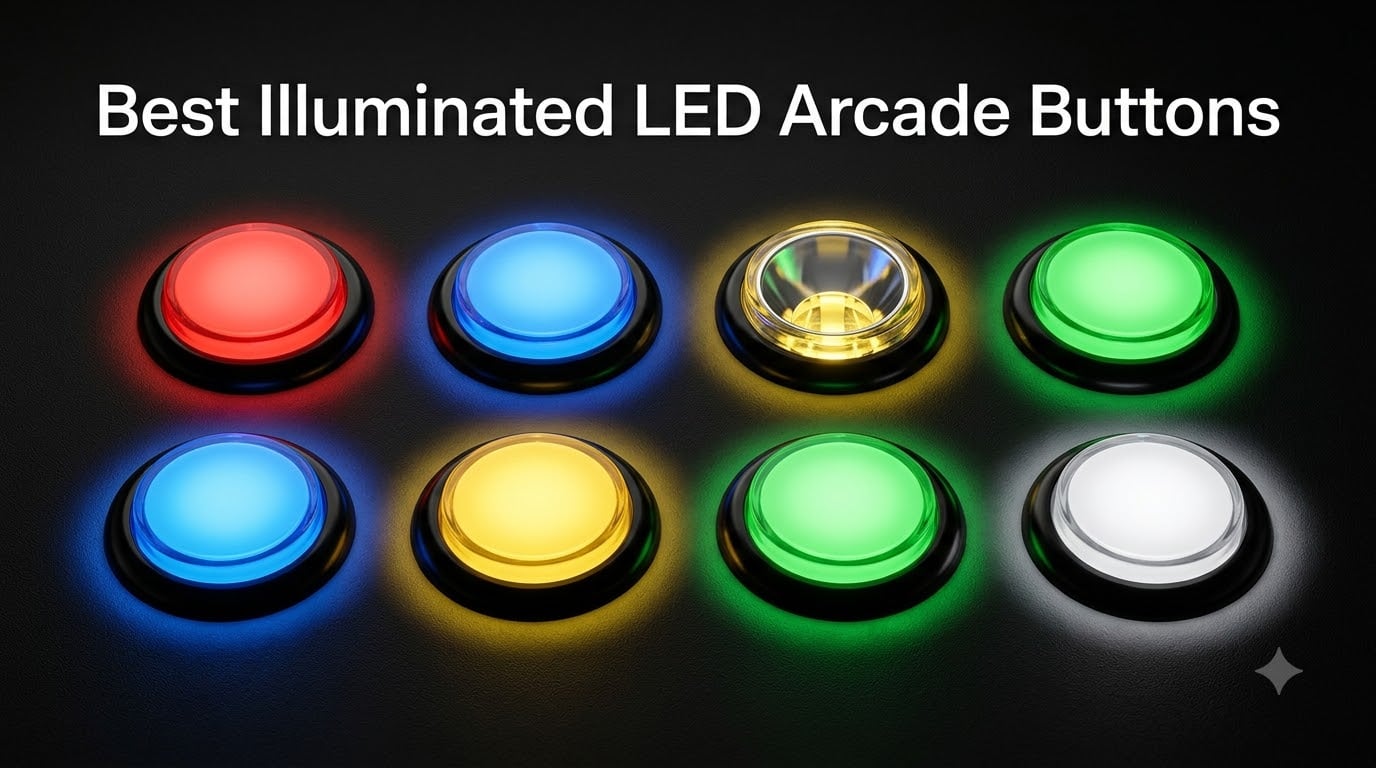
I have rebuilt three arcade control panels in the last two years, and the single biggest visual upgrade in every one of them was swapping plain buttons for illuminated LED arcade buttons. The first time I fired up a MAME cabinet at night with the room lights off and saw that glow through the translucent plungers, I understood why the r/cade and Arcade Controls forum crowd keeps recommending this mod. Once you go lit, an unlit panel looks unfinished.
The problem is that shopping for light up arcade buttons is more confusing than it should be. Some run on 5V, some demand 12V, and mixing them without thinking it through is a fast way to end up with dim buttons or dead LEDs. Then there are sizes, with 30mm, 33mm, and even 60mm dome options all described in slightly different ways by different sellers, plus the constant question of whether you need single-color or RGB.
Our team spent weeks comparing the most popular LED pushbutton options on Amazon, digging through hundreds of buyer reviews, and cross-checking what the arcade building community actually recommends on Reddit and arcadecontrols.com. Below are the eight kits that earned a spot, covering everything from a five-pack of cheap 5V drop-ins to a complete two-player cabinet kit. Every pick is one we would genuinely install in our own builds, and we explain exactly who each one suits.
Table of Contents
- Top 3 Picks for Illuminated LED Arcade Buttons for October 2026
- Illuminated LED Arcade Buttons Comparison in October 2026
- 1. EG Starts 5X 30mm LED Buttons – Bright 5V Drop-Ins
- 2. uxcell 33.5mm LED Push Buttons – 12V Red Six-Pack
- 3. EG Starts Chrome Start and Coin Button Set – Classic Cabinet Look
- 4. EG Starts 60mm Dome LED Buttons – Big Satisfying Click
- 5. EG Starts 10x Square LED Buttons – IP65 Rated Standouts
- 6. EG Starts 10x Chrome Plated LED Buttons – Drop-In Upgrades
- 7. Hikig 2-Player LED Arcade Kit – Complete Cabinet in One Box
- 8. EG Starts 1-Player LED DIY Kit – Easiest First Build
- How to Choose Illuminated LED Arcade Buttons?
- Frequently Asked Questions
- Final Verdict: Our Top LED Arcade Button Picks
Top 3 Picks for Illuminated LED Arcade Buttons for October 2026
These three cover the builds most people are actually attempting. The first is a full two-player kit that skips the shopping list entirely, the second is the cheapest credible way to light up an existing panel, and the third is the highest-rated button pack on our list.
If you want the short version: get the Hikig kit if you are building a panel from scratch, get the EG Starts 5X five-pack if you just want glowing buttons in an existing control panel, and get the square 10-pack if you want the most distinctive look with an IP65 rating to back it up.

Hikig 2-Player LED Arcade Kit
- 20 LED buttons plus 2 joysticks
- Zero Delay USB encoder
- Windows and Raspberry Pi ready
EG Starts 5X 30mm LED Buttons
- 5V operation no resistors needed
- 30mm mounting hole
- Five colors included
EG Starts 10x Square LED…
- IP65 dust and water rating
- 82 percent five-star reviews
- Square 33mm profile
Illuminated LED Arcade Buttons Comparison in October 2026
Here is the full lineup side by side. Pay attention to the voltage listed for each kit, because 5V and 12V buttons cannot simply be swapped for each other without planning your power supply.
| Product | Specs | Action |
|---|---|---|
| Hikig 2-Player LED Arcade Kit |
|
Check Latest Price |
| EG Starts 5X 30mm LED Buttons |
|
Check Latest Price |
| EG Starts 10x Square LED Buttons |
|
Check Latest Price |
 EG Starts 60mm Dome LED Buttons EG Starts 60mm Dome LED Buttons |
|
Check Latest Price |
 EG Starts 1-Player LED DIY Kit EG Starts 1-Player LED DIY Kit |
|
Check Latest Price |
 EG Starts Chrome Start and Coin Set EG Starts Chrome Start and Coin Set |
|
Check Latest Price |
 EG Starts 10x Chrome Plated Buttons EG Starts 10x Chrome Plated Buttons |
|
Check Latest Price |
 uxcell 33.5mm LED Push Buttons uxcell 33.5mm LED Push Buttons |
|
Check Latest Price |
1. EG Starts 5X 30mm LED Buttons – Bright 5V Drop-Ins
EG Starts 5X 30mm Arcade LED Lights Push Button Built-in Switch 5V Illuminated Buttons for Arcade Machine Games DIY Kit Parts Jamma Mame Raspberry Pi 1 2 3 ( Each Color of 1 Piece ) & 5 Colour
5V LED operation
30mm mounting hole
5 colors included
10 million cycle switches
Pros
- Bright LED illumination
- Smooth button action
- No resistors needed for LEDs
- Protective film on button tops
Cons
- Wires not clearly labeled for terminals
- Some quality control issues with LEDs
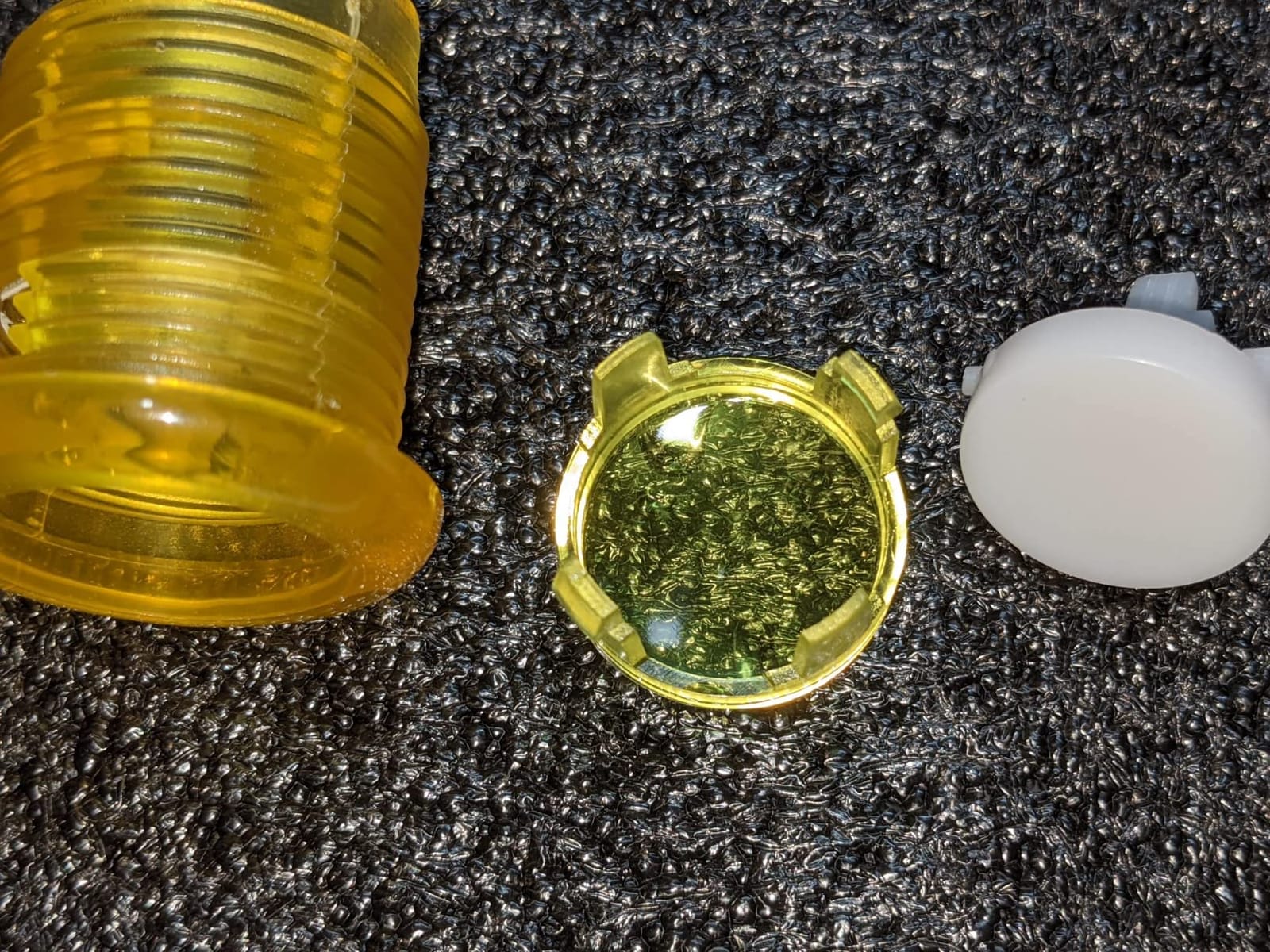
This is the kit I recommend most often to people modding their first Raspberry Pi cabinet. You get five buttons in red, blue, yellow, green, and white, and because they run on 5V you can pull power straight from the Pi without any extra hardware. When I wired a set into a RetroPie build, the whole harness came together in an afternoon with nothing more than a screwdriver.
The glow is genuinely bright rather than a faint hint of color, which is the most common disappointment with cheap LED pushbutton options. Around 80 percent of buyers leave five stars, and the praise centers on exactly two things: brightness and a smooth, consistent press. EG STARTS also ships the plungers with a protective film on top, so your caps arrive scratch-free.
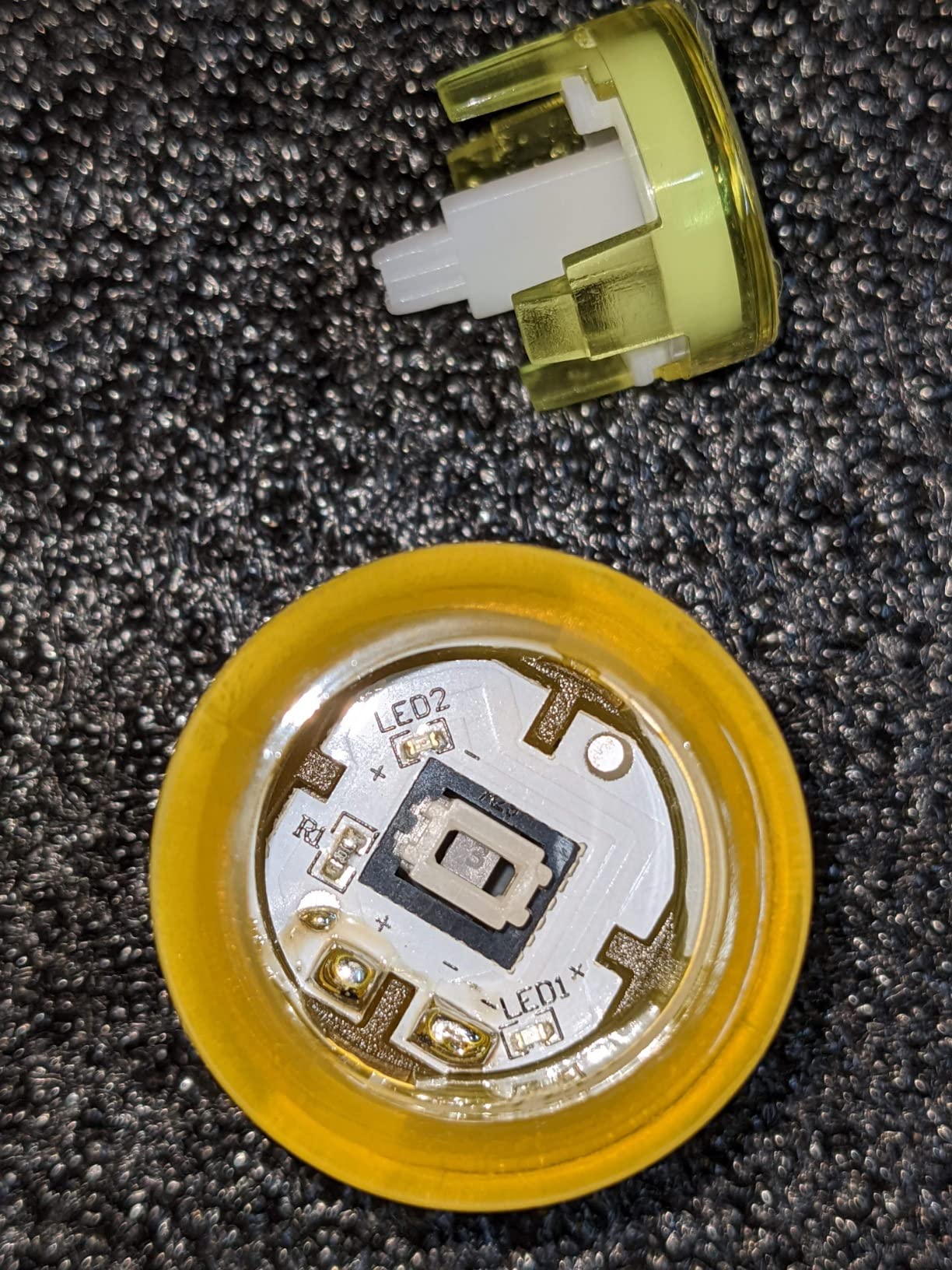
The technical story is simple in a good way. Each button has a 33mm overall diameter and mounts in a standard 30mm hole, which matches the vast majority of control panels and pre-cut kits. The microswitches are rated to 10 million cycles, so a home cabinet will wear out long before the switches do. The built-in switch design means the LED and the switch share one housing, keeping the wiring under your panel tidy.
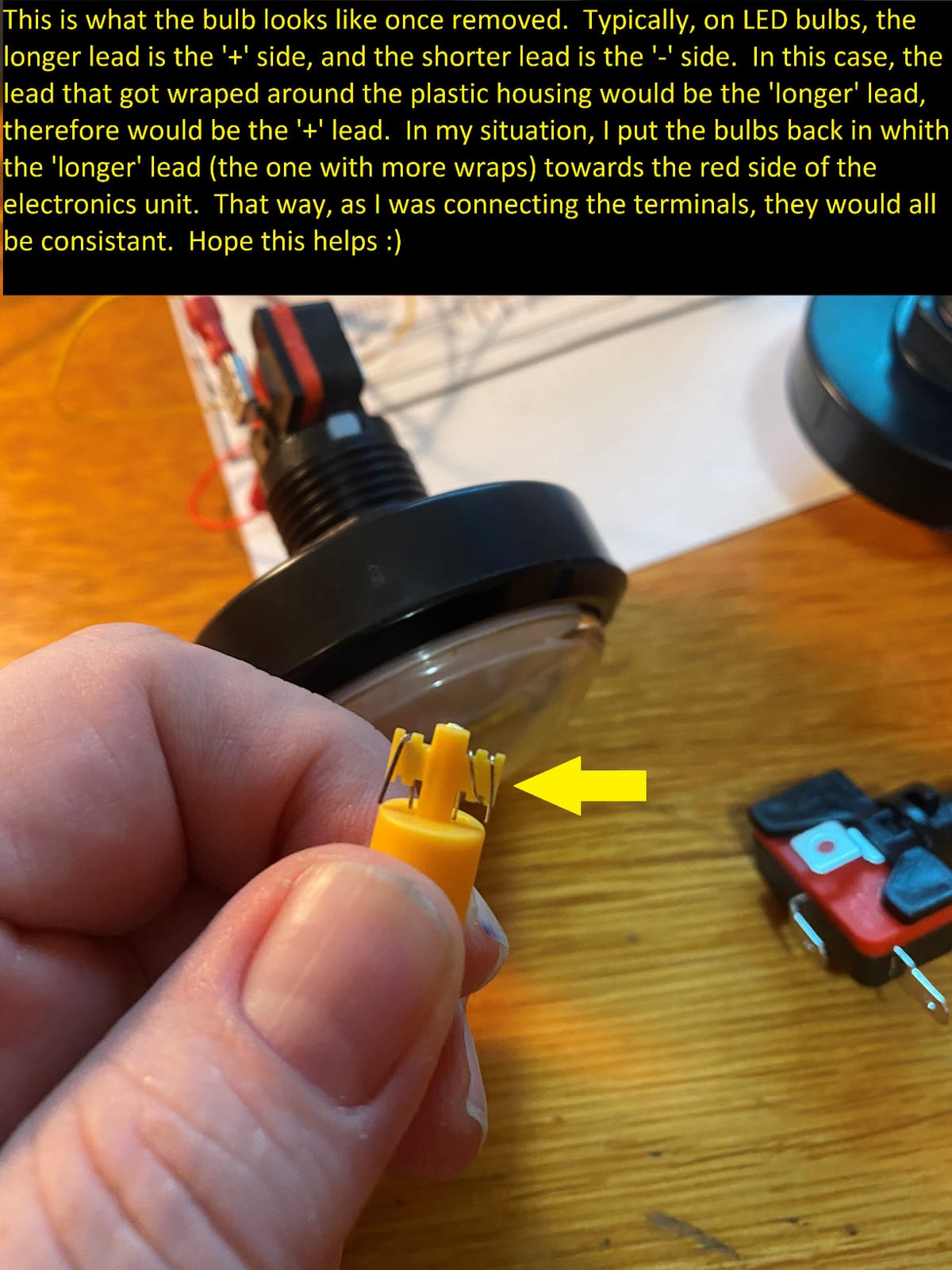
Two things to watch. The LED wires are not clearly labeled for their terminals, so test polarity before you finalize the harness rather than after. A small number of buyers also report an LED arriving dead, which is annoying but easy to catch during a bench test before installation.
Do these work without a separate LED controller?
Yes, and that is their biggest advantage. Because they are single-color 5V LEDs, you can wire them directly to a 5V supply with no controller board and no resistors. An RGB setup would force you into a PACLED64 or similar board, but these just turn on and stay on.
Will they fit my existing control panel holes?
If your panel uses standard Japanese-style 30mm holes, yes, they drop straight in. Measure before ordering if you are replacing American-style buttons, since those panels sometimes need a slightly larger hole or an adapter ring.
2. uxcell 33.5mm LED Push Buttons – 12V Red Six-Pack
uxcell Game Push Button 33.5mm Round 12V LED Illuminated Push Button Switch with Micro Switch for Arcade Video Games Red 6pcs
33.5mm diameter
12V DC operation
6 red buttons
10A rated metal contacts
Pros
- Bright LEDs
- Easy installation on wood and metal
- Reliable microswitches
- Good value for 6 buttons
Cons
- LED polarity must be correct
- Retainer pieces can break during installation
- Heavy activation force on microswitches
Sometimes you do not want a rainbow. When I built a single-theme panel for classic shooters, I wanted a row of matching red buttons that hit hard and glowed hard, and this uxcell six-pack delivered exactly that. These are industrial-style pushbuttons with metal contacts rated at 10A, so they feel more like proper arcade hardware than a hobby toy.
Installation is refreshingly forgiving on both wood and metal panels, which buyers repeatedly call out. The 33.5mm body sits right between the common Japanese and American sizes, and with six identical buttons in one pack you can fill a full three-column layout with spares left over. Roughly 79 percent of buyers leave five stars.
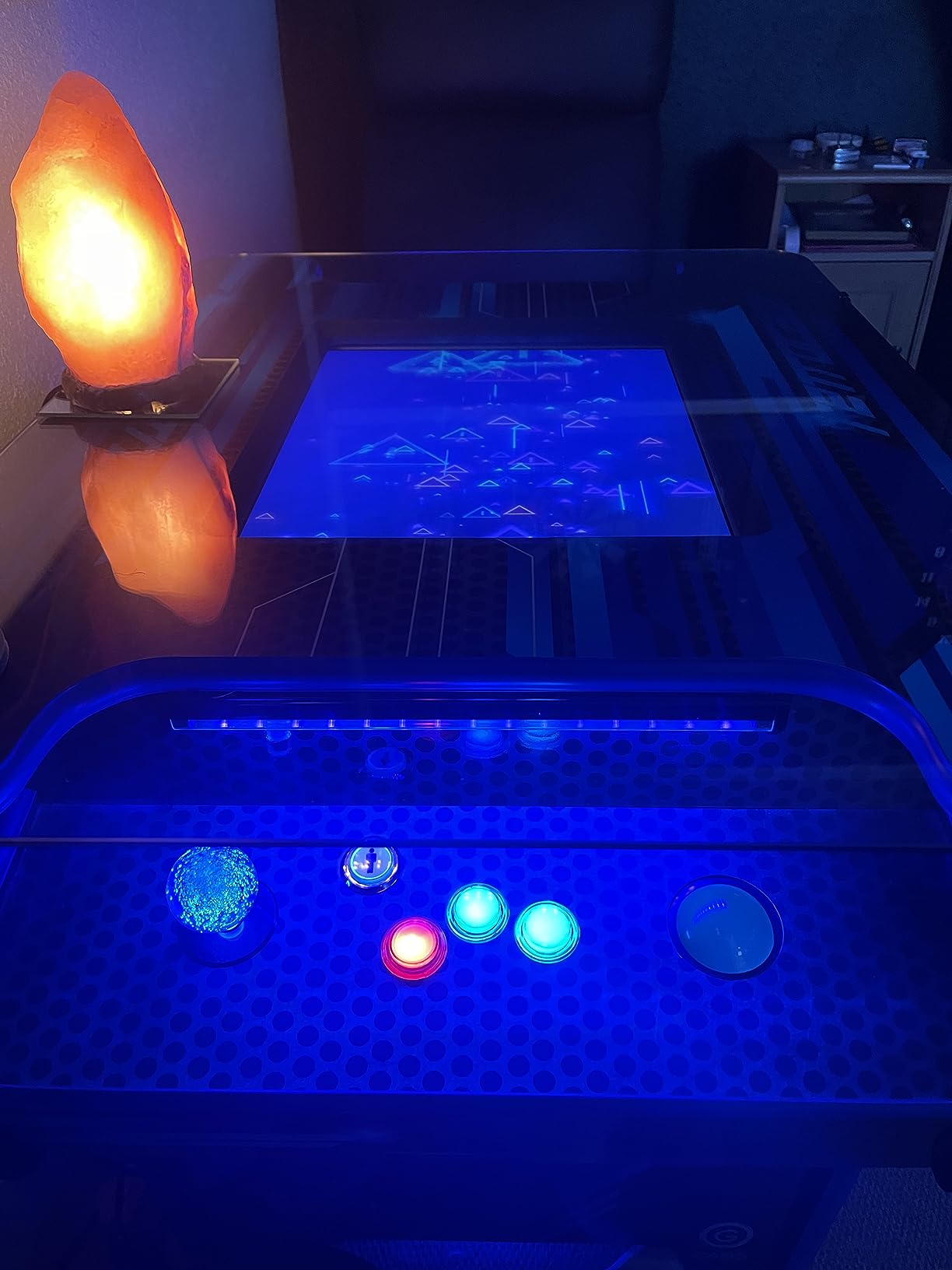
On the technical side these are 12V buttons, which is the classic American arcade standard. That is perfect if your cabinet already has a 12V supply, and it also means the LEDs run clean and bright without straining a 5V rail. The microswitches are tested to 10 million cycles, matching the durability claims of far more expensive brands.
Be careful during installation, because the plastic retainer pieces and thin mounting nuts are the weak point. Buyers report both cracking if you overtighten, so snug them by hand and stop. Also confirm LED polarity before crimping anything, since reversed LEDs simply will not light.
Is the heavier activation force a problem for fast games?
For fighting games, possibly yes. These have a noticeably heavier press than Japanese-style buttons, which some players love for deliberate games and others find tiring during long sessions. If you play shooters or classic platformers it feels great, but speed-focused players may prefer a lighter Sanwa-style switch.
Can I run these on a 5V system like a Raspberry Pi?
Not directly, and you should not try. They are designed for 12V operation, so you either need a 12V supply or a step-up converter. If your whole build is 5V, choose a 5V button pack instead of fighting the voltage mismatch.
3. EG Starts Chrome Start and Coin Button Set – Classic Cabinet Look
EG STARTS Arcade Buttons Chrome Silver Plated 5V & 12V LED Iit Push Button
Chrome silver plated
1P 2P plus 2 coin buttons
5V and 12V compatible
24-28mm holes
Pros
- Chrome silver plated finish looks elegant
- LEDs illuminate nicely
- Compatible with LEDBlinky systems
- Easy to change LED colors
Cons
- Labels rotate and do not stay oriented
- LED terminals not marked plus or minus
- Slightly smaller than standard button size
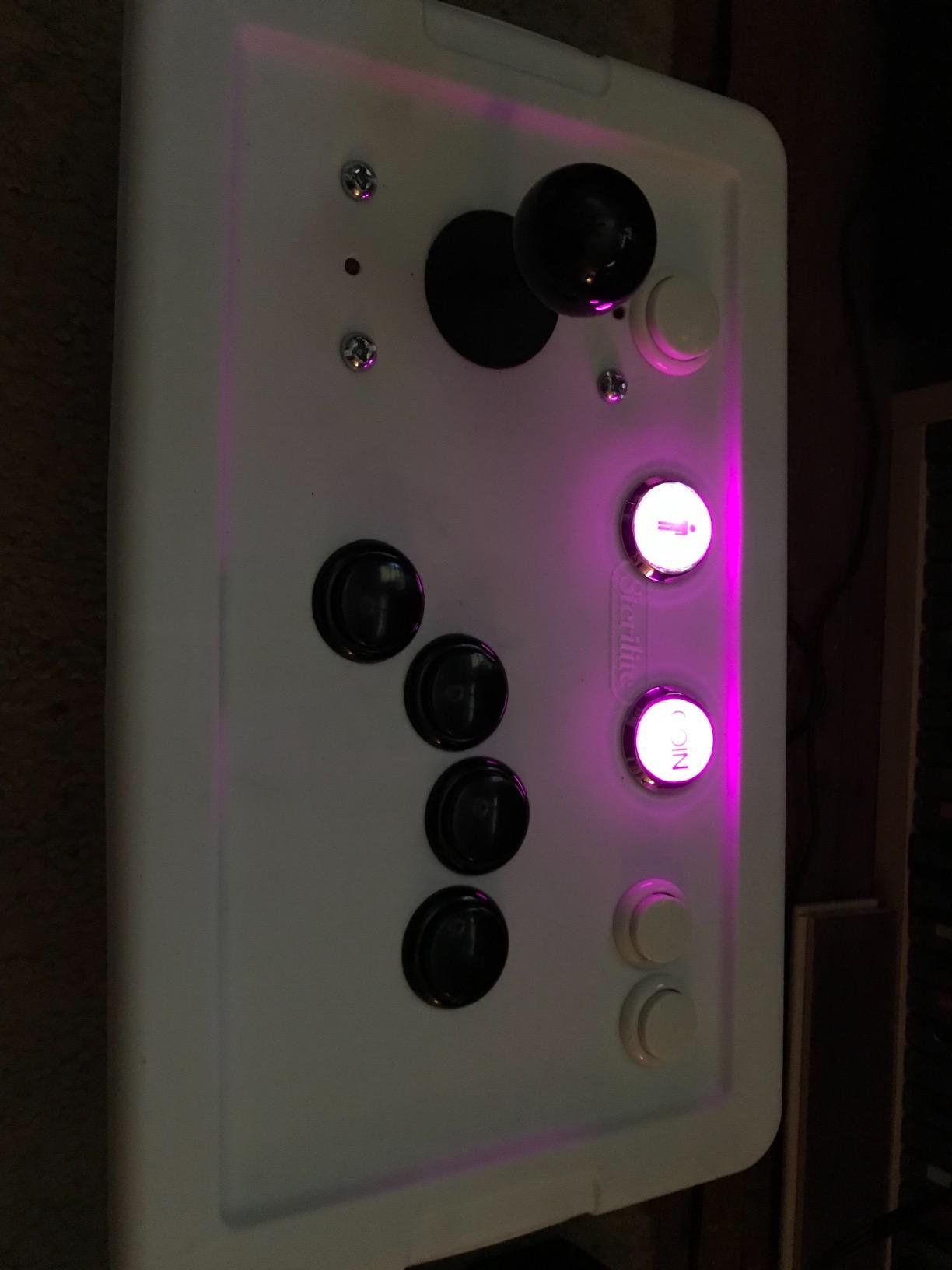
Every proper cabinet needs player start and coin buttons, and most builders forget about them until the end. This set solves that with a chrome silver plated 1P and 2P pair plus two coin buttons, giving your panel that authentic front-of-cabinet look. When I added a set to a bartop build, the chrome rings caught the light even with the machine off.
The real reason this set earns its place is LEDBlinky compatibility. If you run LEDBlinky on a MAME setup, these buttons light up to show which controls the current game uses, which is the exact feature arcade builders on the forums keep asking about. Swapping LED colors is easy too, so you can match the glow to your panel theme.
Technically these mount in 24mm to 28mm holes, smaller than the 30mm action buttons, which is correct for start and coin controls. Overall diameter is 32mm with a maximum depth of 65mm, so measure your panel clearance before drilling. The switches are tested to 10 million cycles, and the set works on both 5V and 12V LED wiring.
Two honest complaints from buyers. The printed 1P and 2P labels rotate with the plunger instead of staying upright, which bugs some people endlessly. The graphics are also printed on paper inside the button, which looks a bit cheap once lit, though that is also why custom labels are so easy to install.
Do these work with LEDBlinky for game-specific lighting?
Yes, and that is their standout feature for MAME builders. LEDBlinky can light specific buttons based on the game’s control map, so players can see exactly which buttons are active. These buttons are a favorite for that setup because changing LED colors is straightforward.
Can I put custom artwork inside these buttons?
Easily, and many buyers do. Because the graphic sits on paper under the cap, you can print your own inserts on translucent paper for a professional custom look. Just keep the insert orientation in mind, since the cap can rotate.
4. EG Starts 60mm Dome LED Buttons – Big Satisfying Click
EG STARTS 5X New 60mm Dome Shaped LED Illuminated Push Buttons for Arcade Coin Buttons Machine Operated Games DC 12V
60mm dome shape
12V LED operation
Works on 3.3V GPIO
5 colors with spares
Pros
- Dome shape provides satisfying click
- Includes extra LEDs and switches
- LEDs work with 3.3V GPIO pins
- Easy to disassemble and modify
Cons
- Instructions lacking
- Yellow LED may appear orange when lit
- Occasional missing parts in package
These are the buttons people walk over to touch at a party. The 60mm dome shape is enormous compared to a standard 30mm button, and slapping one produces a deep, satisfying click that round buttons cannot match. I used a set for a custom game show style project and the oversized glow alone made the build.
You get five colors in the pack, red, yellow, blue, green, and white, and each button arrives with a lamp holder, adapter ring, retaining nut, and microswitch. Buyers consistently mention that extras are included, which matters because the adapter rings let you mount these into panels cut for smaller holes. About 81 percent of reviewers leave five stars.
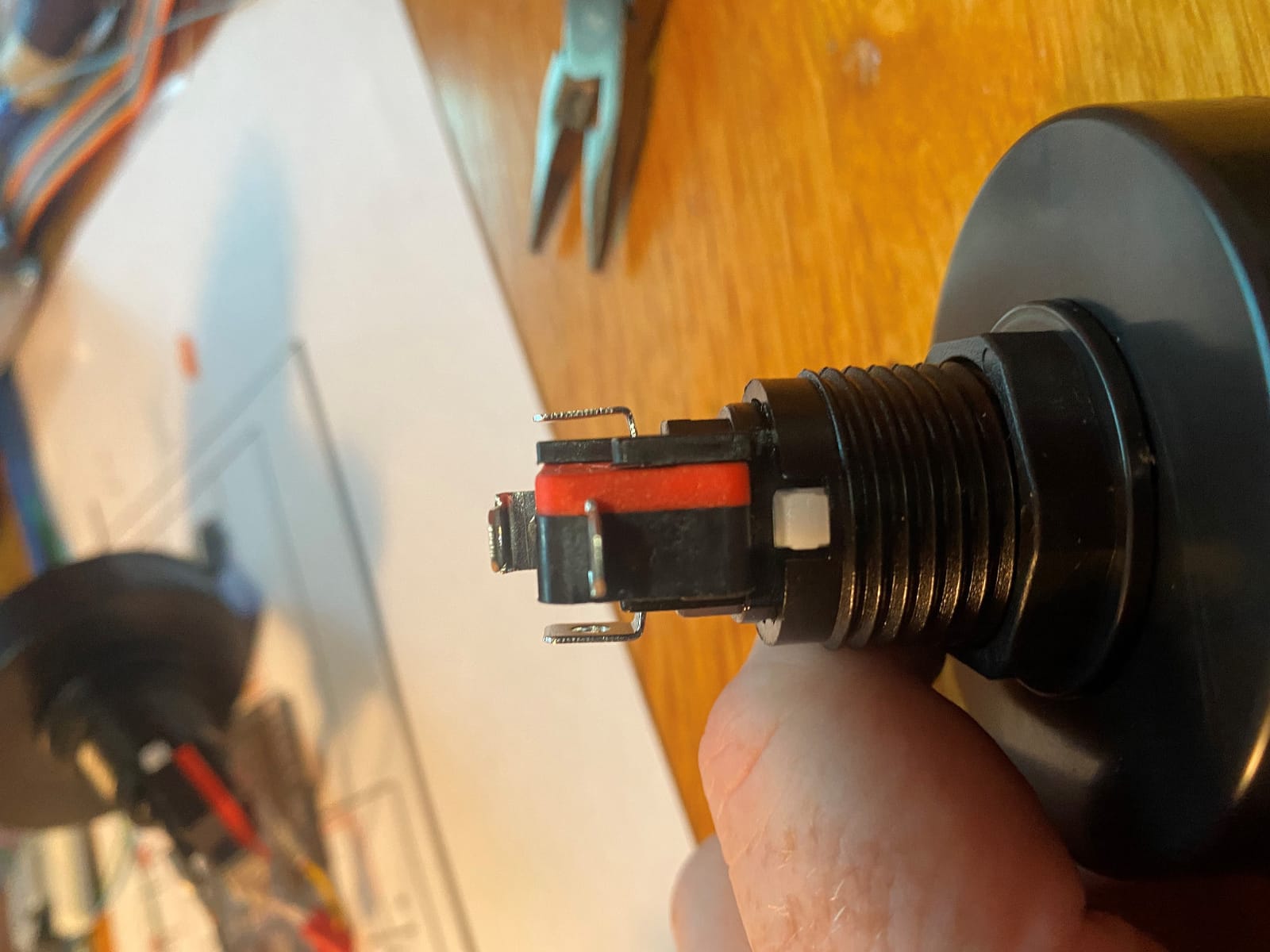
The surprise technical feature is how forgiving the voltage is. They are labeled 12V buttons, yet makers confirm the LEDs run happily on 3.3V GPIO pins, which makes them fantastic for Arduino and ESP8266 projects where you want to drive the light directly from a microcontroller. The LED and switch wiring are fully independent, so you can control illumination separately from the button press.
Disassembly is easy, which is why the maker community favors these for modifications. The downsides are thin instructions, a yellow LED that reads as orange once lit, and occasional reports of a missing part in the bag. Count your hardware before you start drilling.
Are these good for maker projects beyond arcade cabinets?
They are arguably better for makers than for pure arcade use. The 3.3V GPIO compatibility, independent LED wiring, and easy disassembly make them ideal for quiz games, interactive displays, and ESP8266 lighting projects. For a traditional fighting game layout they are too big, but for a statement control they are unbeatable.
What size hole do these giant buttons need?
The button itself is 60mm, but the included adapter rings let you fit them into smaller existing holes. Plan for a large cutout if you want them flush, and check your panel depth too, because the dome plus switch body needs real vertical space.
5. EG Starts 10x Square LED Buttons – IP65 Rated Standouts
EG Starts 10x Arcade Square Shape LED Illuminated Push Button with Micro Switch for Arcade Machine Gaming Video Game Consoles Jamma Kit Parts 12V Lamp 33mm Buttons ( Each Color of 2 Piece )
33x33mm square body
IP65 dust and water rating
12V operation
10 buttons 5 colors
Pros
- Square shape provides visual contrast to round buttons
- IP65 rated for dust and water protection
- Satisfying click sound
- LED and micro switch removable as one unit
Cons
- Buttons are very deep requiring installation height
- LED polarity must be correct
- Occasional microswitch failure
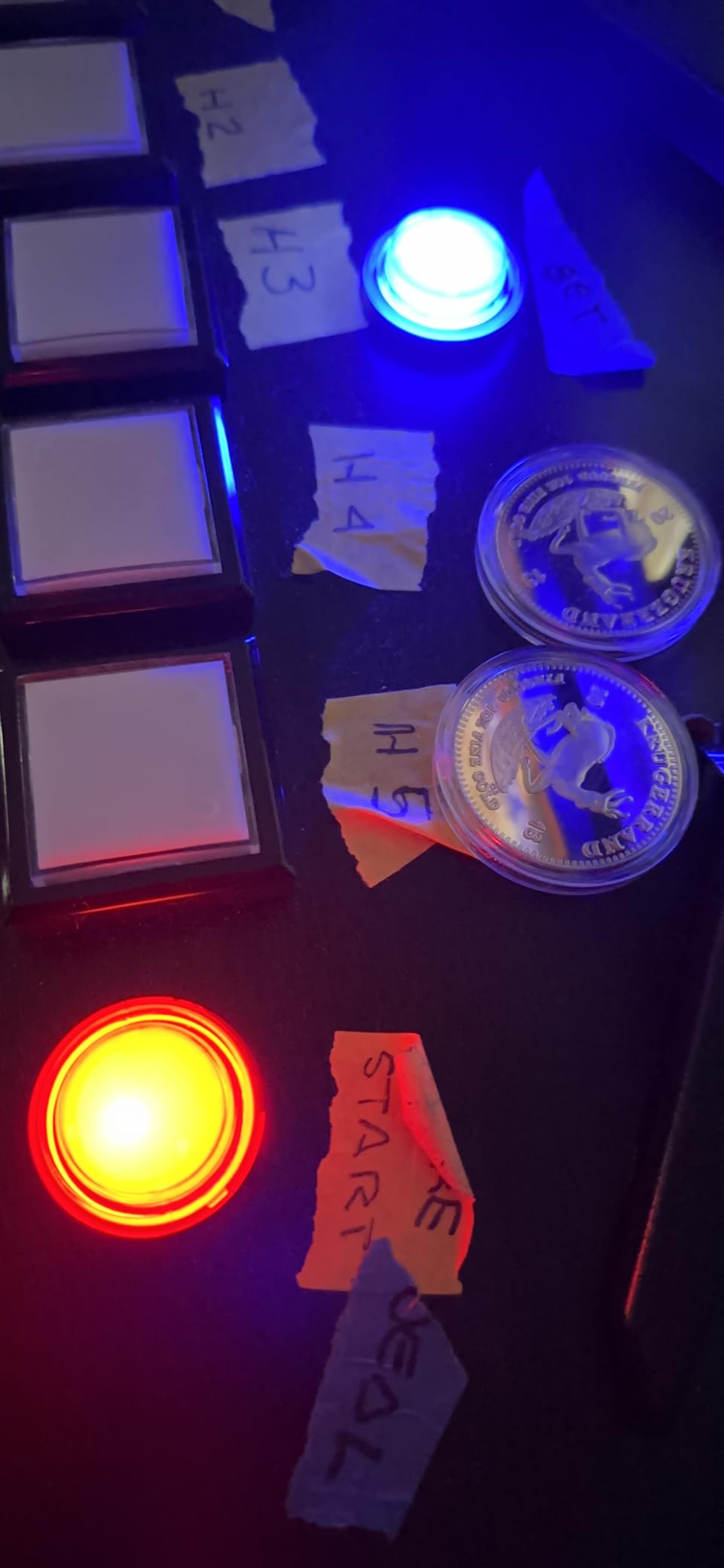
This is the highest-rated pack in our entire comparison at 4.8 stars, with about 82 percent of buyers leaving five stars. The square 33mm profile looks striking on a panel full of round buttons, and I used them as player select buttons on a two-player build where the shape instantly signaled that these buttons were different.
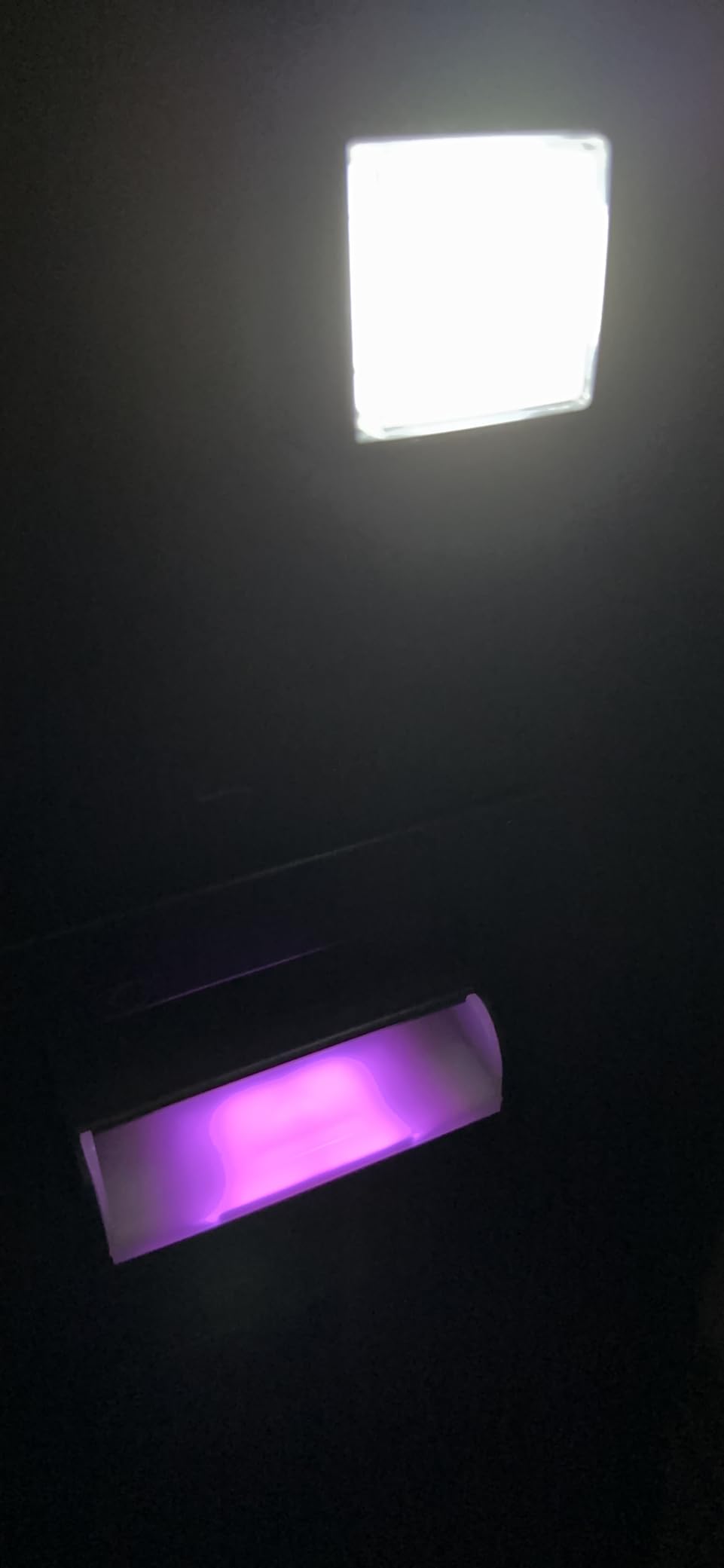
The standout spec is the IP65 rating, which is something no other pack in this lineup offers. That rating means the buttons are sealed against dust and water jets, so they shrug off spilled drinks and dusty garage cabinets alike. If your cabinet lives somewhere rough, that sealing is worth more than any cosmetic feature.
You get ten buttons in pairs of red, yellow, blue, green, and white, running on 12V. The switch uses a 4.8mm terminal and the lamp a 6.3mm terminal, which are the standard sizes most harnesses already use. The LED and microswitch come out as one unit, so replacing a component later does not mean unwiring the whole button.
The tradeoff is depth. These are deep buttons, and buyers consistently note they need substantial clearance under the panel, which matters on slim bartop builds. LED polarity is also unforgiving, and a few buyers hit a dead microswitch out of the box, so test everything before final assembly.
Does the IP65 rating actually matter for a home cabinet?
More than you would think. The sealing keeps dust out of the switch internals, which is the main cause of scratchy or failed buttons over time. If kids use the cabinet or it sits in a garage or basement, that protection pays for itself in longevity.
How much panel depth do these square buttons need?
Plan for more than a standard snap-in round button. Buyers building slim panels report the body can bottom out, so check the space behind your control panel before committing. On a full-depth cabinet it is a non-issue.
6. EG Starts 10x Chrome Plated LED Buttons – Drop-In Upgrades
EG STARTS 10 Pcs/Lots Chrome Plating 30mm LED Illuminated Push Buttons with Micro Switch for Arcade Machine Games Mame Jamma Parts 12V Each Color of 2 Pieces
Chrome plating finish
30mm button size
12V LED operation
24-28mm mounting holes
Pros
- Very clicky buttons with nice tactile feedback
- Excellent quality chrome plating
- Direct one-to-one replacements for stock arcade buttons
- Bright LED lighting effects
Cons
- Power cables for LED lighting not included
- Microswitches can be heavier than standard buttons
- Some units may have faulty microswitches
If you are restoring or upgrading an existing cabinet rather than building new, these are the buttons I point people to first. The chrome plated rings around a translucent plunger give a premium look, and buyers describe them as direct one-to-one replacements for tired stock buttons. About 74 percent of reviewers leave five stars.
The feel is where they win people over. These are very clicky buttons with crisp tactile feedback, closer to classic American arcade buttons than soft Japanese ones. On my restoration-style panel, that loud positive click was exactly the nostalgia I was after.
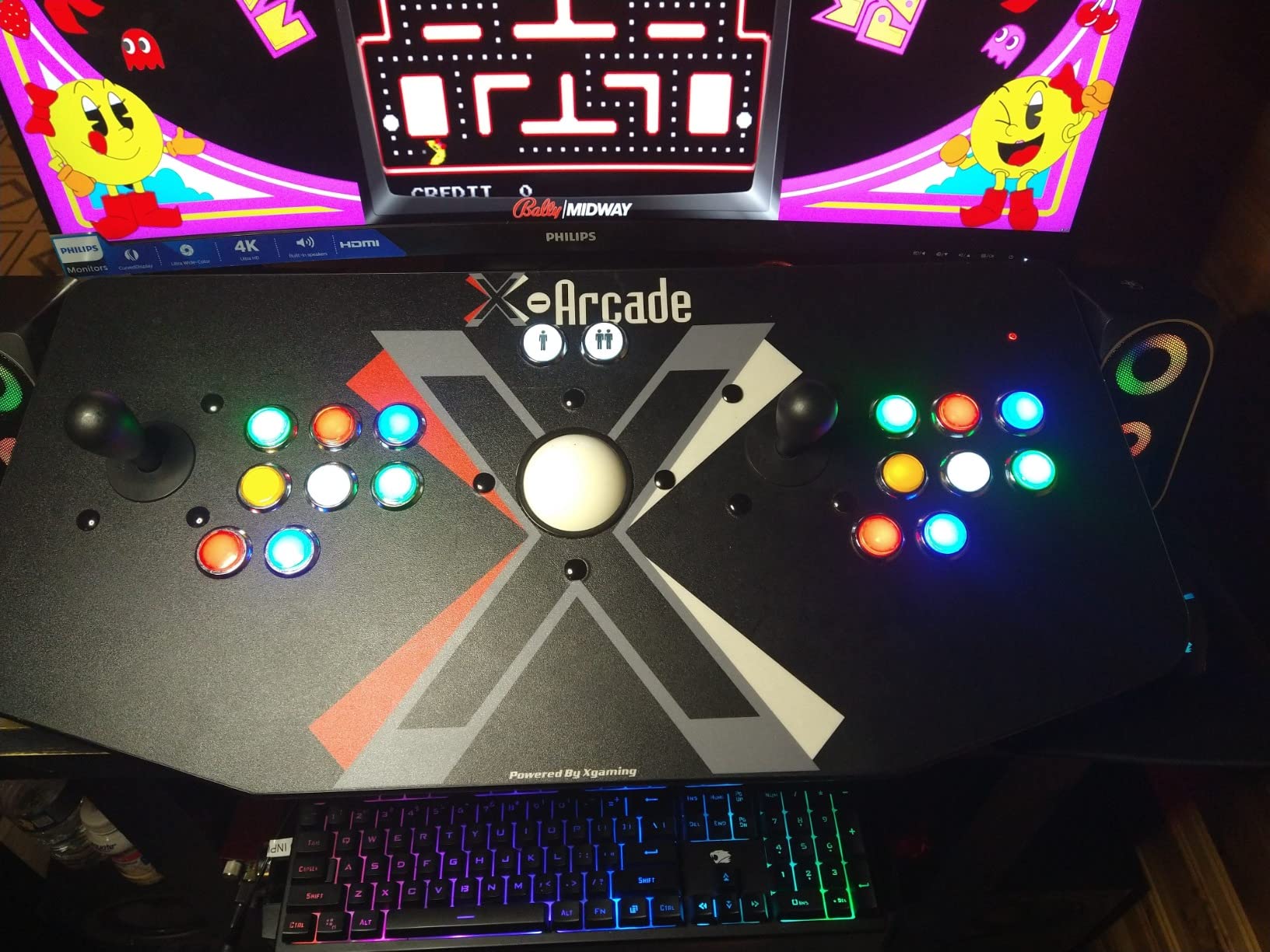
Technically these mount in 24mm to 28mm holes with a 32mm overall plunger diameter and 65mm total depth including the microswitch. You get ten buttons, two each of five colors, running on 12V. The microswitches are tested to 10 million cycles, in line with the rest of the EG STARTS range.
Know the caveats before you buy. The LED power cables are not included, so budget for wiring or a harness. The microswitches run heavier than standard Japanese buttons, and a small number of buyers received a faulty switch, so a bench test is cheap insurance. A few also found the included washers too thick, causing buttons to sit proud of the panel.
Are these direct replacements for stock cabinet buttons?
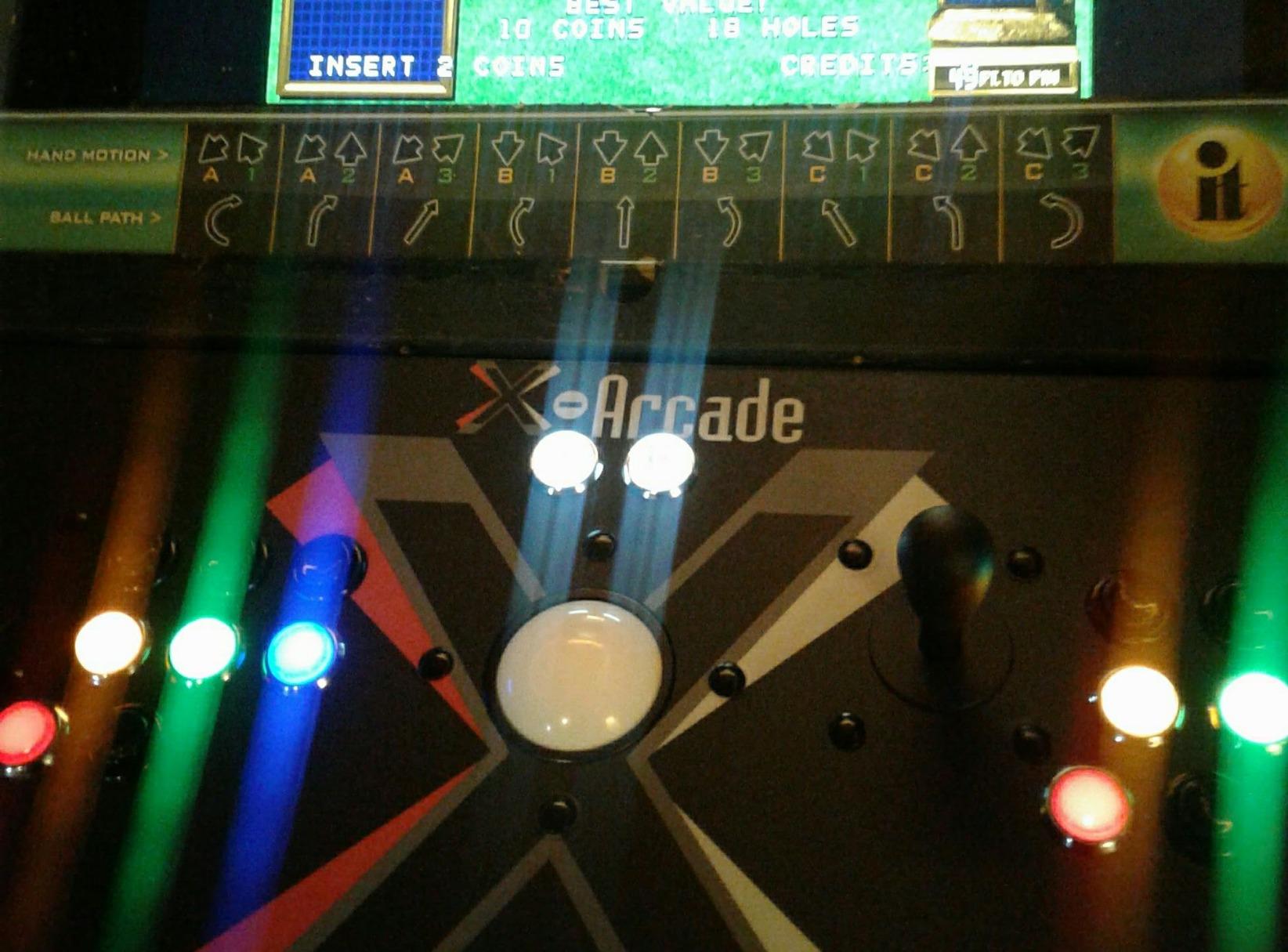
In most cases yes, and that is their core selling point. The 24mm to 28mm mounting range covers the common hole sizes found in factory cabinets, so you can usually swap them in without redrilling anything. Verify your hole diameter with calipers first, since a millimeter matters here.
Do I need to buy extra wiring for the LEDs?
Yes, plan on it. The LED terminals are standard 6.3mm style connections but no power cables ship in the box. Grab some suitable gauge wire and connectors, and remember these are 12V buttons when you plan your supply.
7. Hikig 2-Player LED Arcade Kit – Complete Cabinet in One Box
Hikig 2 Player led arcade buttons and joysticks DIY kit 2x joysticks + 20x led arcade buttons game controller kit for MAME and Raspberry Pi – Red + Blue Color
2 joysticks plus 20 LED buttons,Zero Delay USB encoder,2-player simultaneous play,Windows and Raspberry Pi
Pros
- Complete 2-player kit with everything needed
- Zero delay USB encoder works flawlessly
- Perfect for MAME and Raspberry Pi setups
- Bright LED lighting effects
Cons
- Some users report button quality could be better
- Wiring can be challenging for beginners
- Stick screws may be too short for some installations
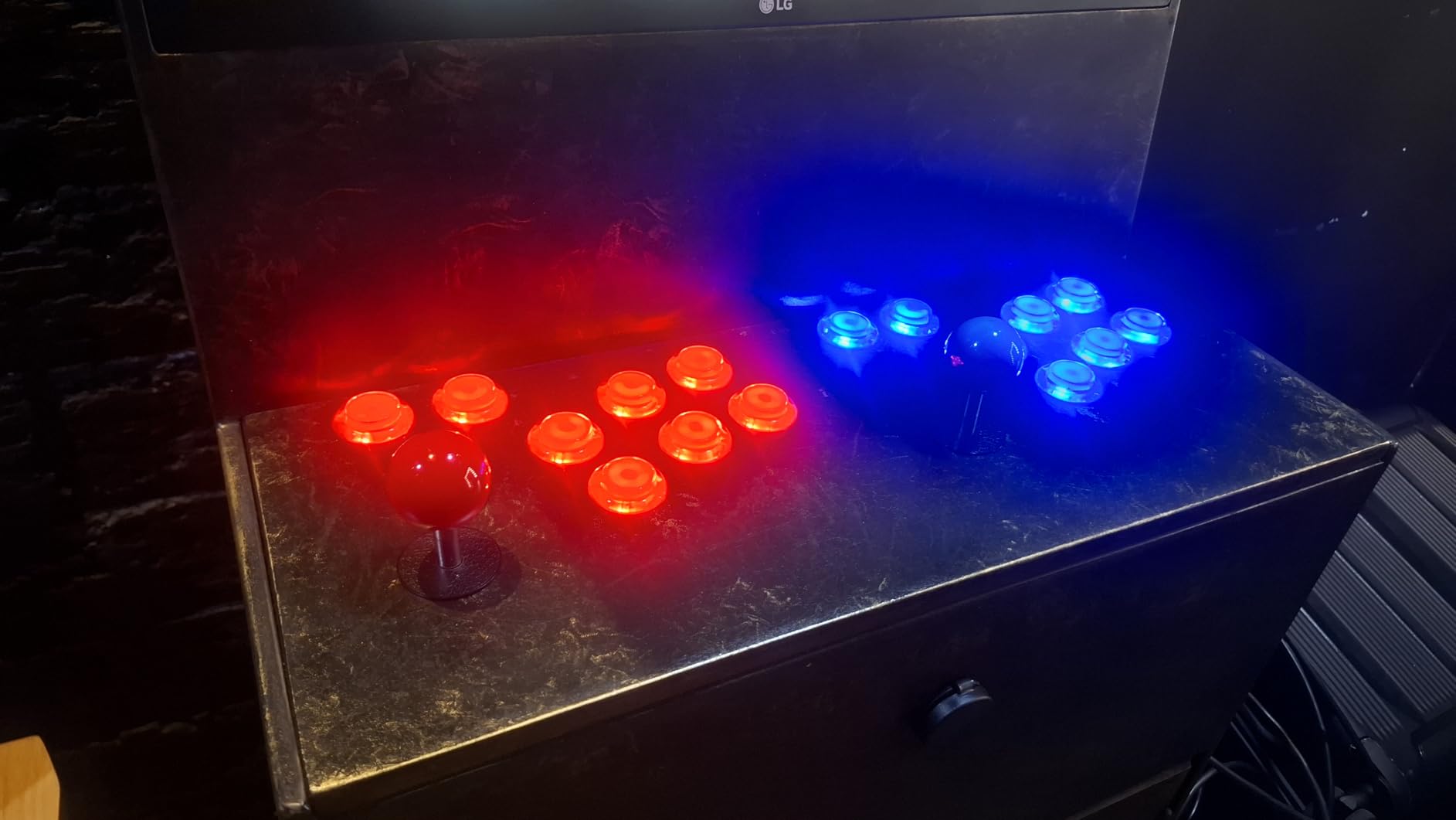
This is the kit I wish existed when I built my first two-player panel, because it replaces a dozen separate purchases with one box. You get two joysticks, twenty LED arcade buttons in red and blue, and a Zero Delay USB encoder that ties it all together. With over a thousand reviews at 4.6 stars, it is the most battle-tested option on this list.
The Zero Delay encoder is the quiet hero here. It plugs in over USB, works with every Windows version and the Raspberry Pi, and registers inputs instantly, which matters when you are trying to pull off a dragon punch motion. Around 77 percent of buyers leave five stars, and the praise centers on how complete and how lag-free the kit feels.
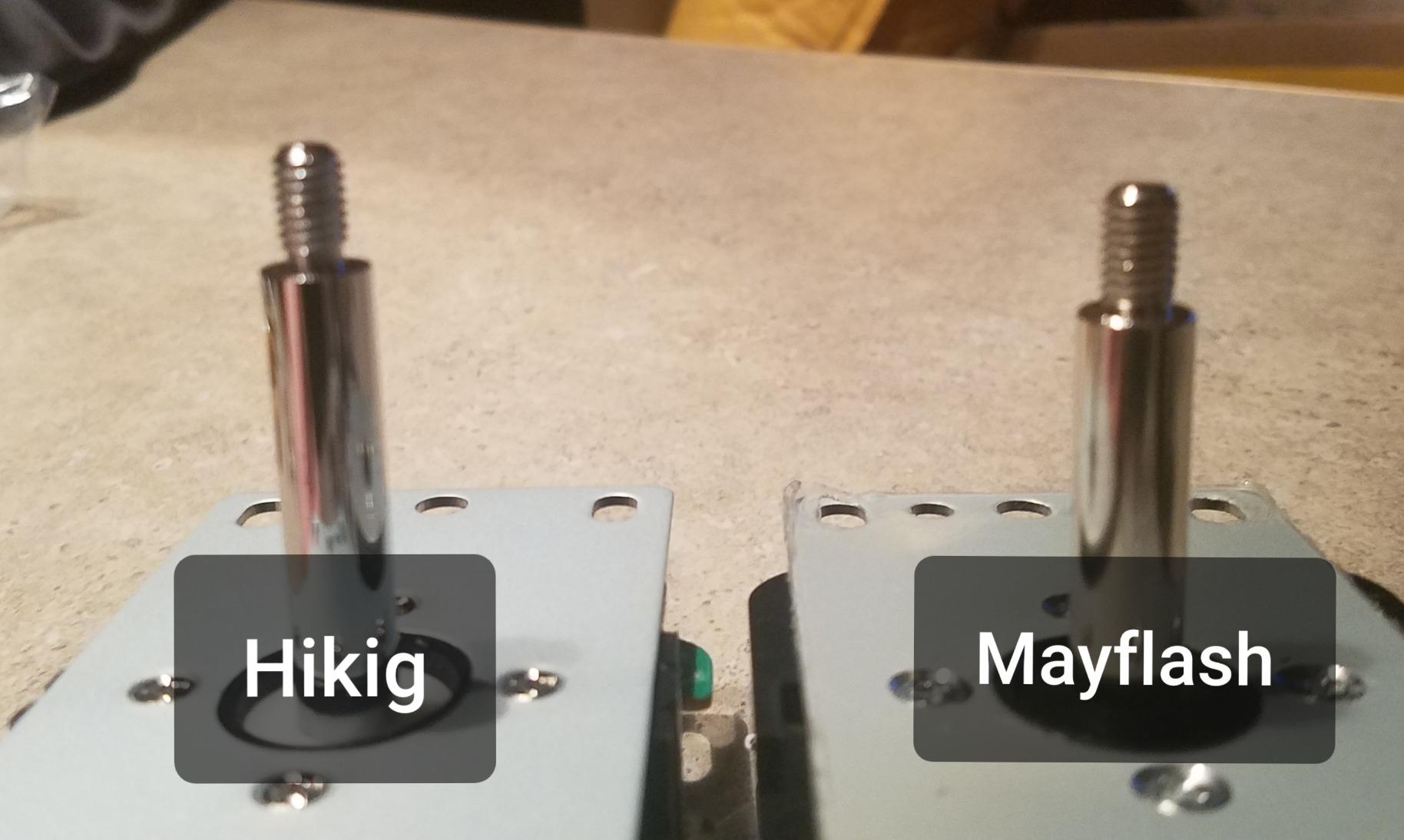
Everything is built from high temperature resistant plastic, which sounds like marketing until your cabinet sits near an amp or in a warm room. The red and blue color split naturally maps to player one and player two, and twenty buttons is enough for two full eight-button layouts plus start and coin positions. For MAME, RetroPie, and classic fighting game setups, nothing extra is needed.
The honest downsides are beginner related. Wiring twenty buttons to an encoder is a real evening of work if you have never done it, and the instructions will not hold your hand. Some buyers also found the joystick mounting screws too short for thick panels, so check your material depth before assembly.
Is this kit good for a first arcade build?
Yes, specifically because you cannot buy the wrong thing. Every component is matched, the encoder handles the wiring logic, and there is no voltage mismatch to solve. Set aside a full evening for wiring and label your connections as you go.
Does it work with Raspberry Pi and RetroPie?
It does, and that is one of its most common uses. The Zero Delay encoder shows up as a standard USB controller, so RetroPie recognizes it without custom drivers. It works just as well on a Windows MAME setup.
8. EG Starts 1-Player LED DIY Kit – Easiest First Build
EG STARTS Arcade Buttons 1 Player DIY Kit Joystick 5V LED Arcade Button for Arcade Stick PC Games Mame Raspberry pi
1-player complete kit,10 LED buttons 5V,8-way ball-top joystick,Zero Delay USB encoder
Pros
- Complete 1-player kit with joystick buttons and encoder
- Easy plug-and-play installation
- Satisfying clicky buttons with instant input registration
- Bright LED lighting powered via USB 5V
- Compatible with Raspberry Pi and RetroPie
Cons
- Some buttons may stick after extended use
- USB encoder cannot be programmed to send different keystrokes
- White buttons are smaller than colored ones
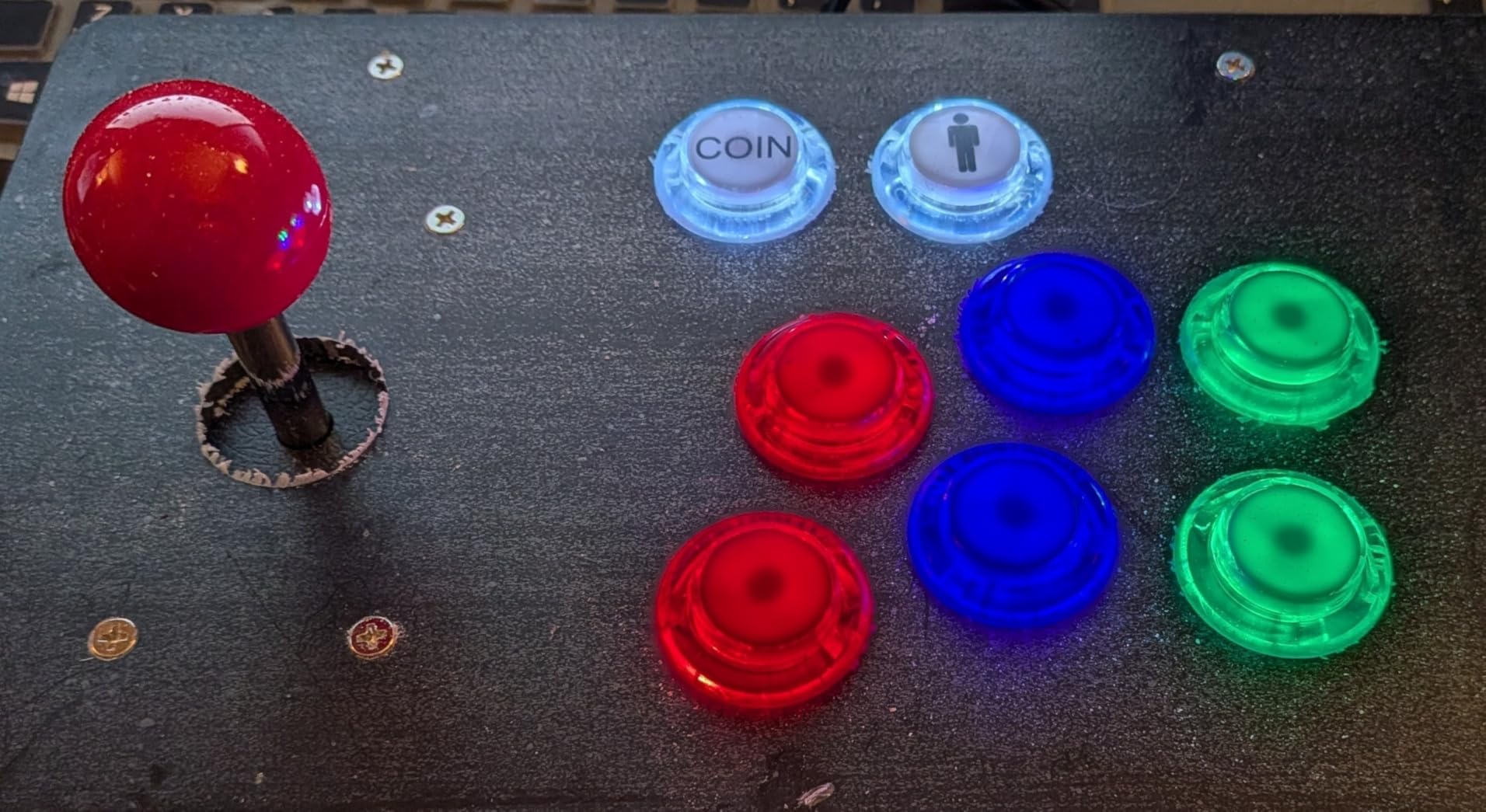
Not everyone needs two players, and this single-player kit is the friendliest entry point in the lineup. One ball-top 8-way joystick, ten 5V LED buttons, and a USB encoder arrive together, and the whole thing is genuinely plug-and-play. With 607 reviews at 4.5 stars, it is one of the most popular starter kits sold.
What impressed me most is how the lighting is powered. Because the buttons run on 5V, the LEDs draw power over the same USB connection as the controls, so there is no separate power supply to hide inside the cabinet. The microswitches use gilded contact legs for better electrical performance and are tested to a million cycles.
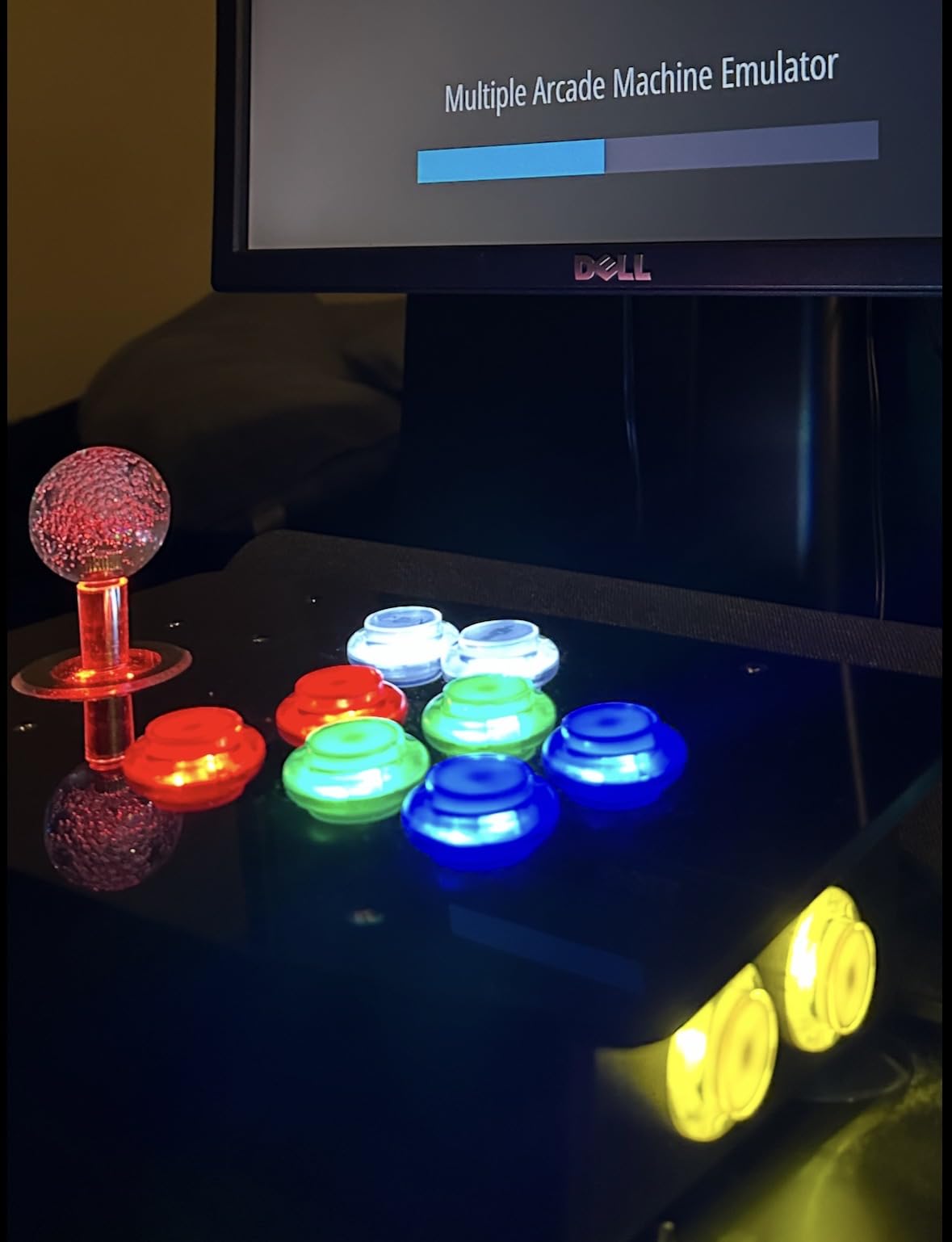
The button layout is thoughtfully split: eight colored buttons for actions plus two white buttons sized for coin and start functions. The joystick needs a 24mm mounting hole while the large action buttons take 30mm holes, which matches standard panel templates. It plays perfectly with RetroPie on a Pi, which is exactly how most people use it.
Temper your expectations in a few areas. The encoder cannot be reprogrammed to send custom keystrokes, so what you get is what you map in software. Some buyers report buttons sticking after heavy use, the wiring instructions are occasionally wrong, and the white buttons are slightly smaller than the colored ones. None of these are dealbreakers at this level.
Is this kit beginner friendly for a first cabinet?
It is about as beginner friendly as arcade building gets. The encoder is pre-configured, the buttons are 5V so power is trivial, and one player means only ten connections to make. If you can use a drill and a screwdriver, you can finish this in a weekend.
Does it work with RetroPie and a Raspberry Pi?
Yes, and that combination is one of its most common uses. Plug the encoder into the Pi’s USB port, map the controls in RetroPie, and you are playing in minutes. It works the same way on a Windows PC for MAME.
How to Choose Illuminated LED Arcade Buttons?
The forum complaints about LED buttons almost never involve the buttons themselves. They involve mismatched voltage, wrong hole sizes, or controllers that cannot do what the buyer assumed. This guide covers the six decisions that actually determine whether your build works the first time.
Button Size: 30mm, 24mm, 33mm and Beyond
The 30mm mounting hole is the modern standard for action buttons, and most Japanese-style parts and pre-cut panels use it. Smaller 24mm to 28mm holes are typical for start, coin, and admin buttons, which is why the chrome start and coin set above uses that range. American-style buttons and the larger dome options run bigger, often 33mm and up.
Always measure your panel before ordering, because sellers list both the mounting hole size and the overall plunger diameter, and confusing the two leads to buttons that do not fit. If you are drilling a new panel, sticking to 30mm action holes and 24mm admin holes keeps every future upgrade simple.
Voltage: 5V vs 12V LED Buttons
This is the number one source of confusion on r/cade and the arcade controls forum, so let us settle it. A 5V button can pull power directly from a Raspberry Pi, an Arduino, or a USB port with no extra hardware. A 12V button wants a 12V supply, and the classic American arcade standard is exactly why so many buttons use it.
Mixing them is where builds go wrong. Feed a 12V LED from 5V and you get a dim glow or nothing at all, while overdriving a 5V LED will kill it. Pick one voltage per panel or plan a proper power distribution setup before you wire anything.
RGB vs Single-Color LED Buttons
Single-color buttons are dumb in the best way. You give them power and they light up, with no controller, no software, and no configuration, which is why every product in our list takes this approach. The limit is aesthetic: the color you install is the color you live with.
RGB buttons contain red, green, and blue elements that mix into any color, but they require a controller board such as a PACLED64, an LED-Wiz, or an Ultimarc Ultimate I/O to drive them. That adds cost and wiring complexity, but it unlocks color changes per game, animated startup sequences, and LEDBlinky control mapping. Go RGB only if you want those features enough to earn them.
Controller and Encoder Compatibility
Every lit panel still needs something to register button presses. Zero Delay USB encoders, like the ones bundled in the Hikig and single-player EG Starts kits, handle inputs but not LED control. If you want software-driven lighting, you need a board designed for it, and the PACLED64 and Ultimarc LED64 are the two names that come up constantly on the forums.
Plan your power and data paths together. A common clean setup is a Zero Delay encoder for inputs plus a separate small board or direct wiring for lighting, with a single supply feeding both at the correct voltage. Whatever you choose, confirm that the board supports the number of buttons your layout needs, because running out of inputs is a frustrating discovery.
Concave vs Convex Caps and Switch Feel
Concave caps dip inward and match the classic American arcade feel many players grew up with, resting your fingertips in the button. Convex caps curve outward, which is the Japanese standard and lets your fingers glide across the button face during fast inputs. Neither is better, but they feel dramatically different.
Switch weight matters just as much for how a panel plays. The uxcell and chrome-plated EG Starts buttons run heavier switches with a loud, deliberate click, while Japanese-style buttons are lighter and faster. If you primarily play fighting games, lighter is usually better, and classic single-screen games pair beautifully with a heavier click.
Durability: How Long Should Buttons Last?
Most quality microswitches in this category are rated to around 10 million cycles, which is a figure no home player will ever approach. Real-world failures usually come from dust ingress, spilled drinks, or corroded contacts, not from wearing out the switch mechanism. That is a large part of why the IP65-rated square buttons scored so highly with buyers.
Generic buttons do fail more often than brand-name parts, and forum users consistently report better longevity from established names like Sanwa, Seimitsu, and Ultimarc. The honest tradeoff is that those brands offer limited LED options at a higher price, which is exactly why the value packs above dominate DIY builds. Buy one or two spare buttons with any order and the longevity question mostly solves itself.
Frequently Asked Questions
Where can I find illuminated arcade buttons?
Amazon carries the widest selection of illuminated LED arcade buttons, including the EG STARTS and Hikig kits in this guide. Specialty retailers like Ultimarc, Paradise Arcade Shop, and Arcade Renovations sell premium options such as GoldLeaf RGB and Ultralux buttons for advanced builds.
Are Sanwa buttons better?
Sanwa buttons are generally considered the gold standard for feel and durability, with a light, fast activation that fighting game players prefer. The tradeoff is that genuine Sanwa buttons cost more and offer limited illuminated options, so most DIY builders use them for feel-critical action buttons and cheaper LED buttons elsewhere on the panel.
What are the best push buttons for arcade sticks?
For fight sticks, 30mm convex buttons with light microswitches are the standard choice, and Sanwa JLF-compatible parts lead the category. For full-size cabinets and MAME builds, complete kits like the Hikig 2-player set or the EG Starts 1-player kit are easier because they include matching encoders and wiring.
How long do Sanwa buttons last?
Sanwa buttons are rated for roughly 10 million presses per switch, which means years of heavy daily play in a home cabinet. In practice they often outlast the rest of the build, and worn switches can be replaced individually for very little money.
How do I wire LED arcade buttons?
Each illuminated button has two circuits: the microswitch terminals that register the press, and the LED terminals that need power with correct polarity. Connect the switch to your encoder, then wire the LED legs to your supply, matching the listed voltage. Always test polarity on one button before wiring the whole harness.
Final Verdict: Our Top LED Arcade Button Picks
After comparing all eight options, three stand out. The Hikig 2-player kit is the best choice for anyone building a cabinet from scratch because everything arrives matched and proven by over a thousand buyers. The EG Starts 5X 30mm pack is the smart pick for lighting up an existing panel on a 5V setup, and the square IP65-rated 10-pack is the one to beat for distinctive looks and durability.
Whatever you choose, lock in your voltage and hole sizes before you order, because that single decision prevents nearly every wiring headache builders report. Illuminated LED arcade buttons remain the highest-impact upgrade you can make to a cabinet in 2026, and any of these eight packs will get your panel glowing the right way.