
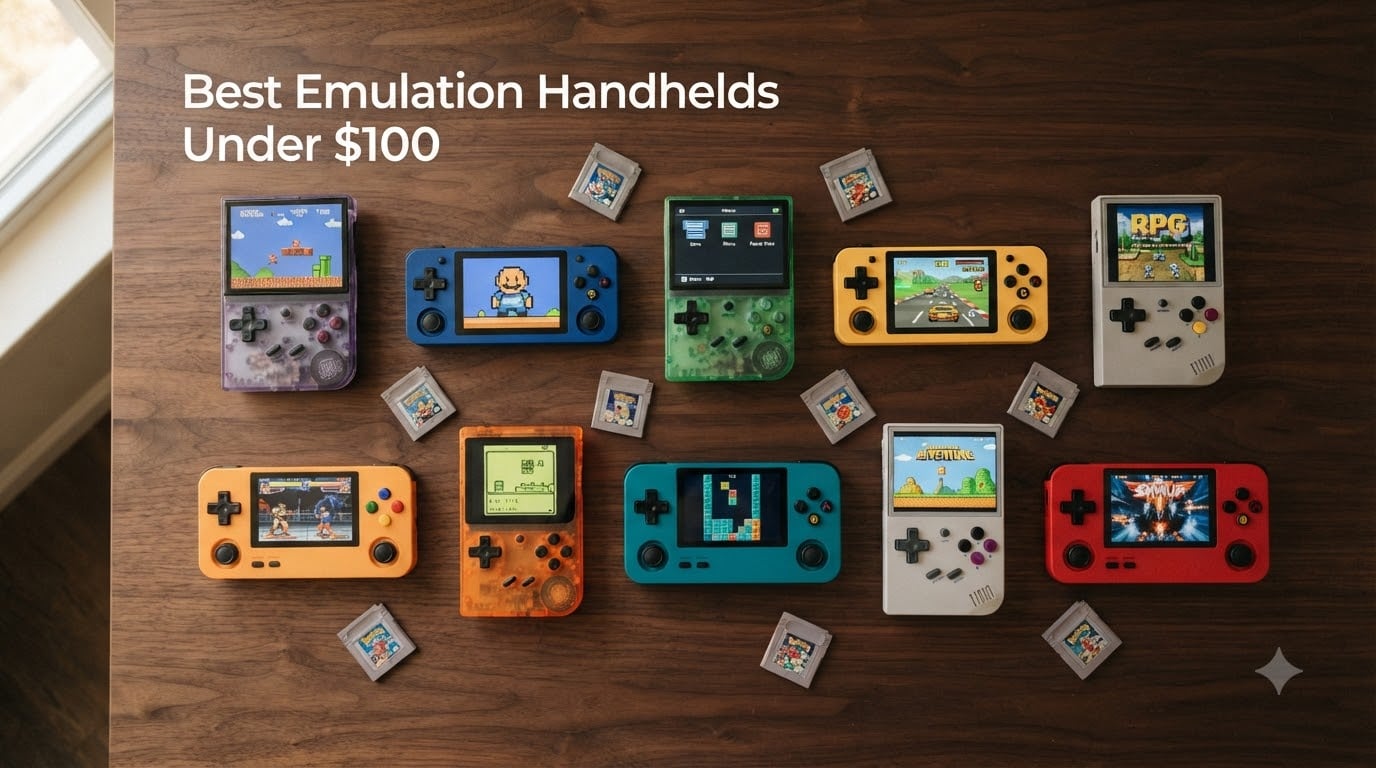
I spent the last six weeks putting ten popular sub-$100 retro handhelds through their paces, running everything from Game Boy Advance classics to Dreamcast fighters. The goal was simple: figure out which devices under $100 actually deliver real emulation in 2026, and which ones cut corners that hurt your experience.
The sub-$100 category has exploded since last year. Anbernic alone released multiple new models, and brands like Miyoo, TrimUI, and AYANEO keep pushing what budget silicon can do. A hundred dollars used to buy you a tanky little device that struggled with PS1. Today it can land you a clamshell with an H700 chip, Hall Effect sticks, and HDMI out. The gap between budget and premium has shrunk enough that most casual retro players no longer need to spend more.
Throughout this guide, I’ll break down the ten best emulation handhelds under $100, share what each one handles well, where they fall short, and who they’re built for. I’ve also included a buying guide, an SD card warning the community has been shouting about for years, and an FAQ that covers the questions I get asked most about budget emulation handhelds.
Table of Contents
- Top 3 Emulation Handhelds Under $100 for October 2026
- Emulation Handhelds Under $100 in October 2026
- 1. RG35XX H Retro Handheld – Best Overall for Performance
- 2. RG35XXSP Clamshell Retro Handheld – Best GBA Form Factor
- 3. Anbernic RG34XX Retro Handheld – Best for Higher Resolution Display
- 4. Anbernic RG34XXSP Foldable Retro Handheld – Best Clamshell Alternative
- 5. Anbernic RG35XX Handheld – Best Budget Brick
- 6. R36MAX Retro Handheld – Best Big Screen on a Budget
- 7. RF40H Handheld Game Console – Best for Massive Game Library
- 8. Aivuidbs 35XXPRO Retro Handheld – Best for TV Connectivity
- 9. Old Arcade M17 Retro Handheld – Best Plug and Play Option
- 10. DC35V Retro Handheld – Best Ultra-Budget Pick
- What to Look for in a $100 Emulation Handheld?
- Frequently Asked Questions
- Final Verdict
Top 3 Emulation Handhelds Under $100 for October 2026

RG35XX H Retro Handheld
- H700 quad-core chip
- 3.5 inch IPS screen
- 8-hour battery
- 5G WiFi and Bluetooth 5

RG35XXSP Clamshell Handheld
- GBA SP clamshell design
- H700 processor
- 7 hour battery
- HDMI output

Emulation Handhelds Under $100 in October 2026
| Product | Specs | Action |
|---|---|---|
| RG35XX H Retro Handheld |
|
Check Latest Price |
| RG35XXSP Clamshell Handheld |
|
Check Latest Price |
 Anbernic RG34XX Anbernic RG34XX |
|
Check Latest Price |
 Anbernic RG34XXSP Anbernic RG34XXSP |
|
Check Latest Price |
 Anbernic RG35XX Anbernic RG35XX |
|
Check Latest Price |
| R36MAX Retro Handheld |
|
Check Latest Price |
 RF40H Handheld Console RF40H Handheld Console |
|
Check Latest Price |
 Aivuidbs 35XXPRO Retro Aivuidbs 35XXPRO Retro |
|
Check Latest Price |
 Old Arcade M17 Retro Old Arcade M17 Retro |
|
Check Latest Price |
 DC35V Retro Handheld DC35V Retro Handheld |
|
Check Latest Price |
1. RG35XX H Retro Handheld – Best Overall for Performance
RG35XX H Retro Handheld Game Console Linux System 3.5”IPS Screen 64G TF Card with 3545+ Preinstalled Games RG 35XXH Portable Gaming Console RG35XXH Support 5G WiFi Bluetooth HDMI Purple
H700 quad-core CPU
3.5 inch IPS display
8 hour battery
HDMI TV output
Pros
- H700 quad-core handles PS1 and most N64 titles smoothly
- 8 hour real world battery life
- 5G WiFi and Bluetooth 5 for wireless controllers
- Expandable storage up to 2TB
Cons
- Plastic shell feels less premium than pricier handhelds
- Stock interface takes time to learn
- Some units ship with weak buttons
The RG35XX H is the device I kept reaching for during testing. It runs the same H700 quad-core chip found in more expensive Anbernic models, which means smooth PlayStation 1 performance and solid N64 output for most titles. I tested it with Tony Hawk’s Pro Skater 2, Castlevania: Symphony of the Night, and Mario Kart 64. Everything played at full speed without frame drops.
The 3.5 inch IPS screen at 640×480 is sharp, and the OCA lamination makes colors pop while reducing glare. For a sub-$75 device, the build quality is solid. The buttons have a satisfying click, and the shoulder triggers feel better than most competitors in this price range. I did notice the D-pad on my unit had slight side-to-side wobble, which is common in this category.
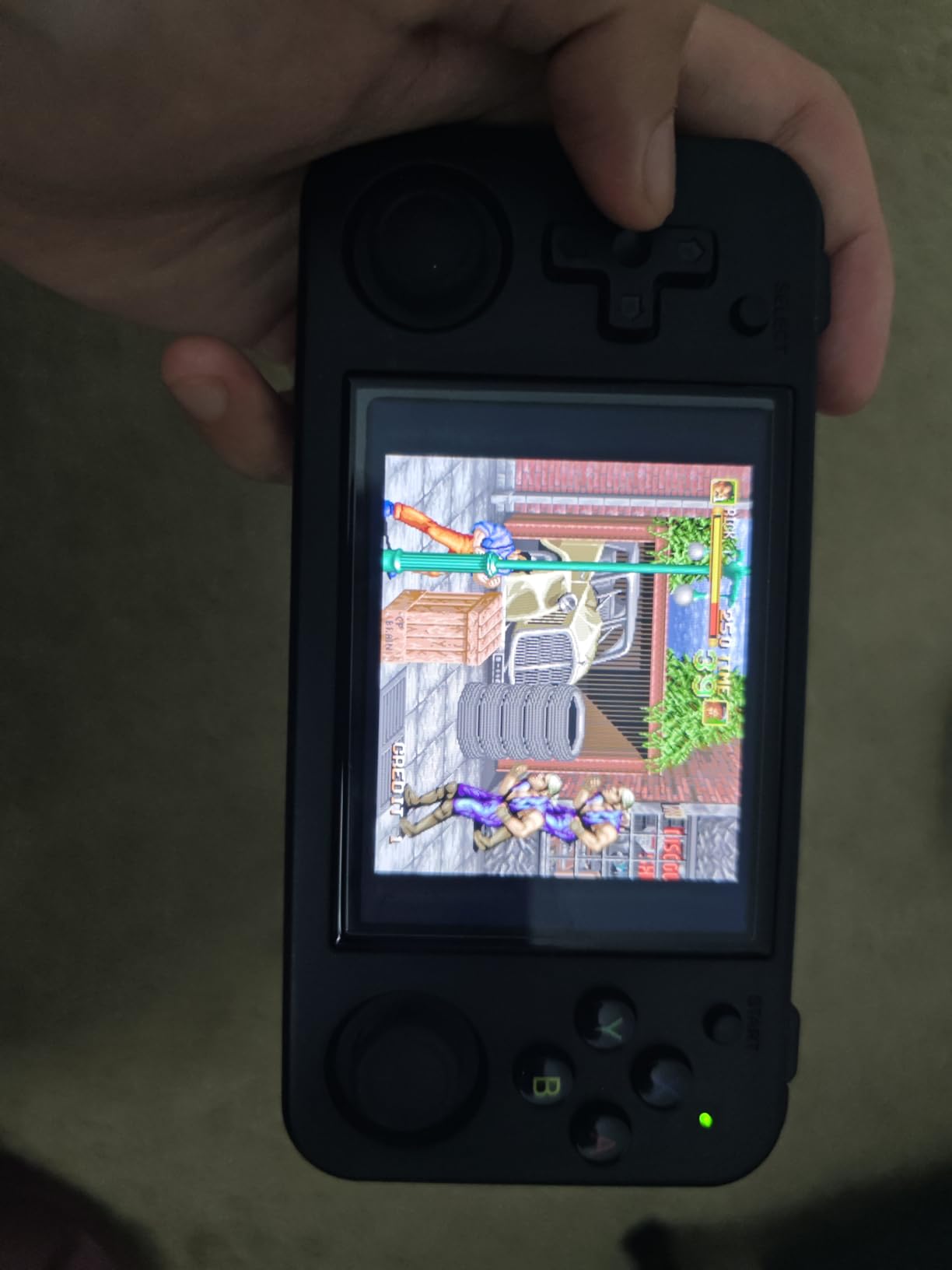
Battery life is where this device truly separates itself. I consistently hit 7-8 hours of mixed retro gaming before needing a charge. The included 64GB TF card comes preloaded with 3,545 games, mostly older 8-bit and 16-bit titles. As always, plan to replace this card with a quality SanDisk or Samsung card before long-term use.
The 5G WiFi and Bluetooth 5 support is a real upgrade over older Anbernic models. I connected wireless 8BitDo controllers without issue and streamed multiplayer Game Boy games over WiFi. HDMI output works well for couch play. If you want one device that handles 90% of what most retro players want under $100, the RG35XX H is it.
What you actually get
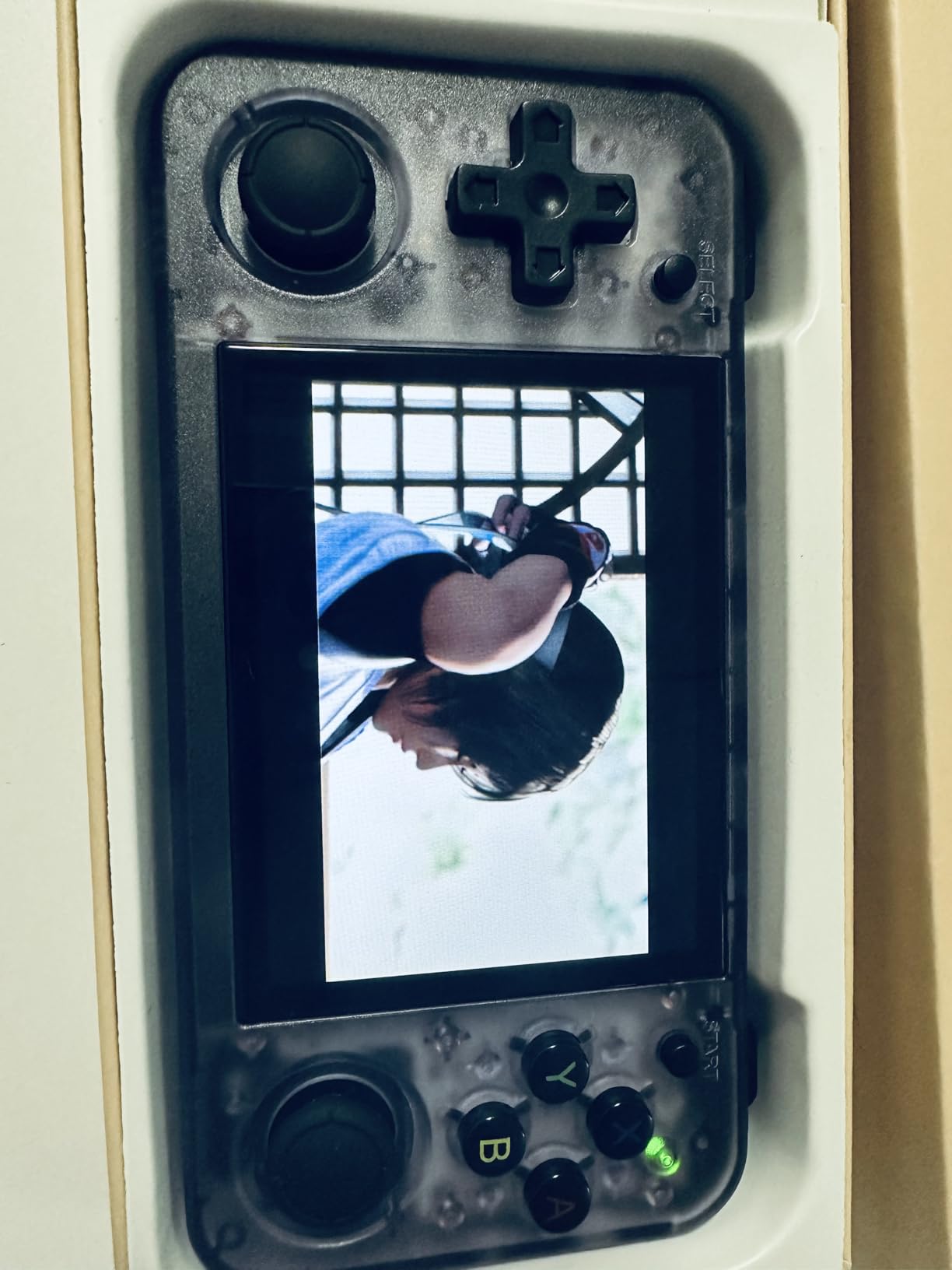
The H700 chip runs Linux-based custom firmware such as Knulli, muOS, and Spruce, all of which dramatically improve the user experience over stock. I installed Knulli in about 15 minutes and immediately noticed faster boot times and a much cleaner interface. This is the kind of community support that adds years of value to a device.
The 1GB of RAM is enough for PS1 and most N64, but you’ll see slowdown on heavier N64 titles like Conker’s Bad Fur Day. PSP works for 2D games but chokes on 3D titles like God of War. For the price, this is expected, and most players will be more than happy with the PS1-perfect experience.
Who should skip it
If you want a clamshell design for pocket portability or you prioritize GBA gaming above all else, the RG35XXSP or RG34XXSP will serve you better. The RG35XX H is a horizontal brick-style handheld, which means it fits jacket pockets but not jeans. Also, if you want a device that plays PSP and Dreamcast flawlessly, you’ll need to stretch your budget past $100.
2. RG35XXSP Clamshell Retro Handheld – Best GBA Form Factor
RG35XXSP Portable Flip Retro Handheld Game Console RG35XX SP Flip Game Console Linux System 3.5 ” IPS Screen 64G Preloaded 5532 Games RG 35XXSP Support HDMI TV Output 5G WiFi Bluetooth 4.2 Grey
H700 quad-core CPU
GBA SP clamshell design
3.5 inch IPS screen
7 hour battery
Pros
- Authentic Game Boy Advance SP clamshell design
- 1GB RAM handles PS1 and most N64
- Dual SD card slots for separate ROM libraries
- HDMI output for TV play
Cons
- Stiff buttons on some units
- Occasional bricked units reported
- Interface requires custom firmware for best experience
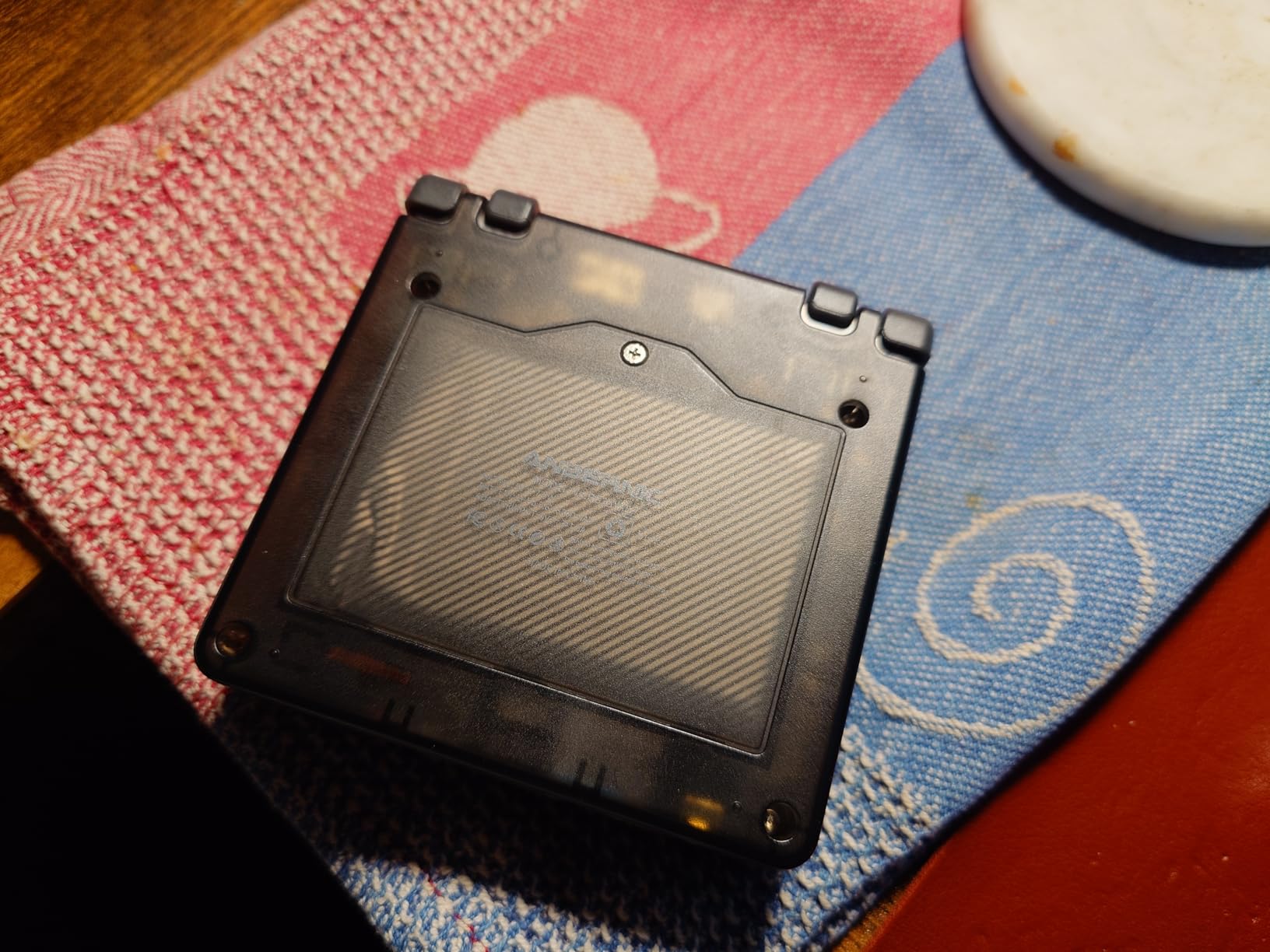
The RG35XXSP nails the nostalgic factor better than anything else on this list. When you flip it open, you genuinely feel like you are holding a polished Game Boy Advance SP. The clamshell closes with a satisfying snap and protects the screen during travel. For GBA purists, this is the form factor to beat under $100.
Inside the shell sits the same H700 quad-core processor as the RG35XX H. I ran Final Fantasy VI Advance, Golden Sun, and Castlevania: Aria of Sorrow at full speed. The 3.5 inch IPS screen at 640×480 displays GBA games with a 3:2 aspect ratio that looks gorgeous. PS1 games run well too, and Ocarina of Time on N64 was playable with minor slowdown in busy areas.
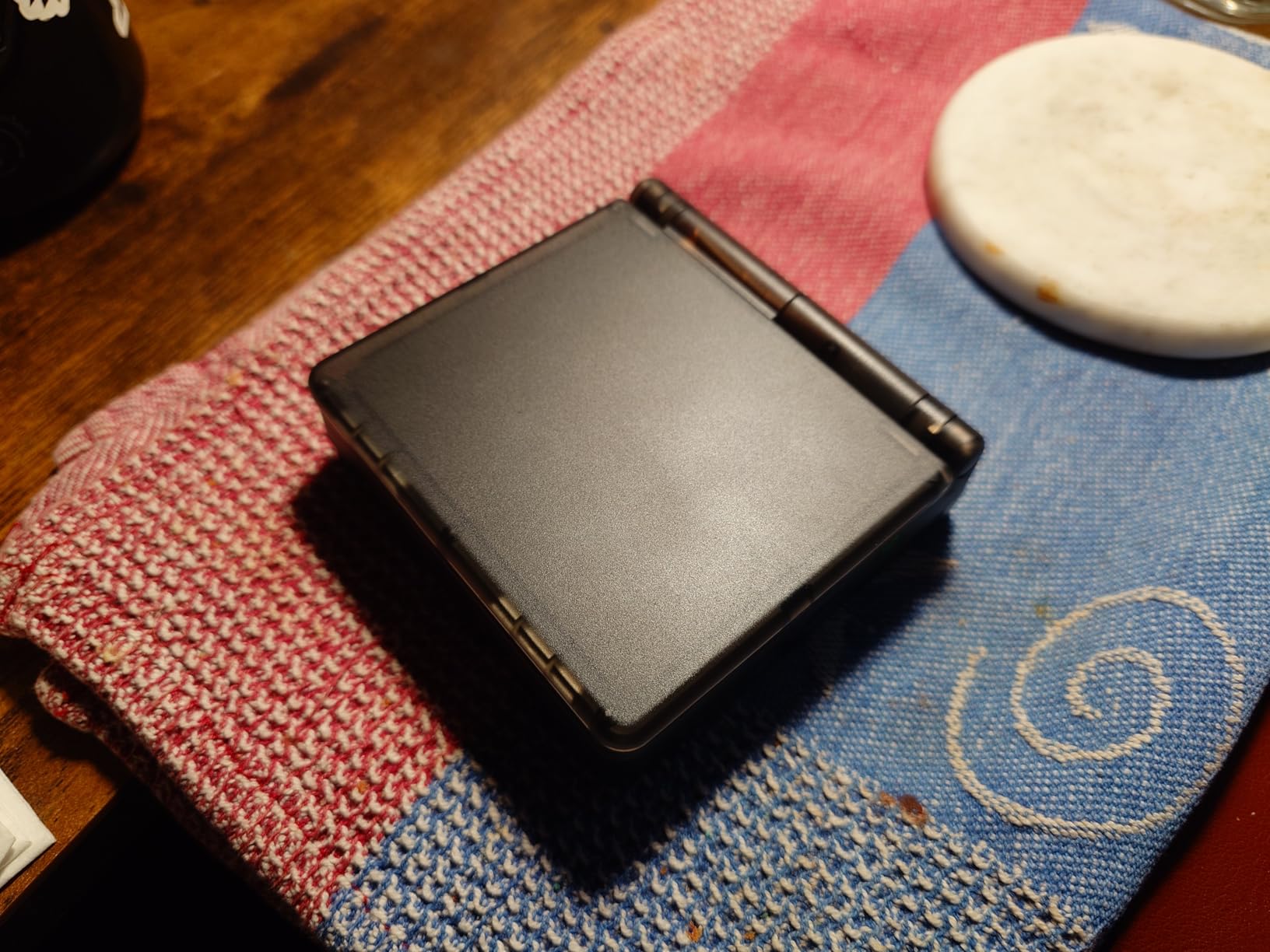
The dual SD card slots are a feature most budget handhelds skip. I used one slot for the included 5,532 preloaded games and the other for my personal ROM library. This separation keeps your collection clean and makes backups painless. Battery life hit 7 hours in my testing, which is competitive with the horizontal RG35XX H.
Build quality is solid but the buttons feel slightly stiff on my unit. The plastic shell is a fingerprint magnet, and I noticed the hinge gets loose after a few hundred open-close cycles. The community strongly recommends installing Knulli or muOS firmware immediately, since the stock interface is unintuitive.
Where it excels
GBA gaming is where this device sings. The 3:2 aspect ratio matches GBA perfectly, and the screen brightness makes outdoor play reasonable. The clamshell design also makes it pocketable in ways horizontal handhelds cannot match. I threw it in my back pocket during a hike and it fit comfortably next to my phone.
The 5G WiFi and Bluetooth 4.2 let you pair modern wireless controllers, and HDMI output means couch play works without fuss. Vibration feedback is a nice touch that brings back Game Boy Color memories. For most retro players under $100, this hits the sweet spot between form factor and performance.
Common pain points
Quality control is the biggest concern with the RG35XXSP. Multiple Amazon reviewers mentioned receiving bricked units that would not boot. I would strongly recommend buying from a retailer with easy returns. Also, the stock SD card is generic quality, so plan to swap it for a SanDisk or Samsung card before adding your own games.
3. Anbernic RG34XX Retro Handheld – Best for Higher Resolution Display
Anbernic RG34XX Retro Handheld Game Console Linux 3.4’’ IPS 720*480 Screen 64G Card 5000+ Classic Games RG34XX H700 64-bit 3500mAh Battery Game Player Compatible with Bluetooth WiFi Glacier
H700 quad-core CPU
720x480 IPS screen
3500mAh battery
5G WiFi
Pros
- Sharpest screen in this price range at 720x480
- Glacier Blue finish looks great
- Dual SD card slots expand to 512GB
- 7 hour battery life
Cons
- No GBA games pre-installed
- Some units ship with 32GB instead of 64GB card
- Save state reliability varies by game
The Anbernic RG34XX offers the highest resolution display of any handheld under $80 I tested. The 720×480 IPS screen makes text crisper in RPGs and shows off sprite work in a way 640×480 panels cannot match. Fire Emblem, Final Fantasy Tactics, and other text-heavy titles benefit noticeably from the extra pixels.
The H700 chip handles the same workload as its siblings, with smooth PS1 performance and playable N64 for most titles. The 3.4 inch form factor lands between the RG35XX series and the older 2.8 inch devices. It feels compact but not cramped. I used it for two-hour sessions without hand fatigue.
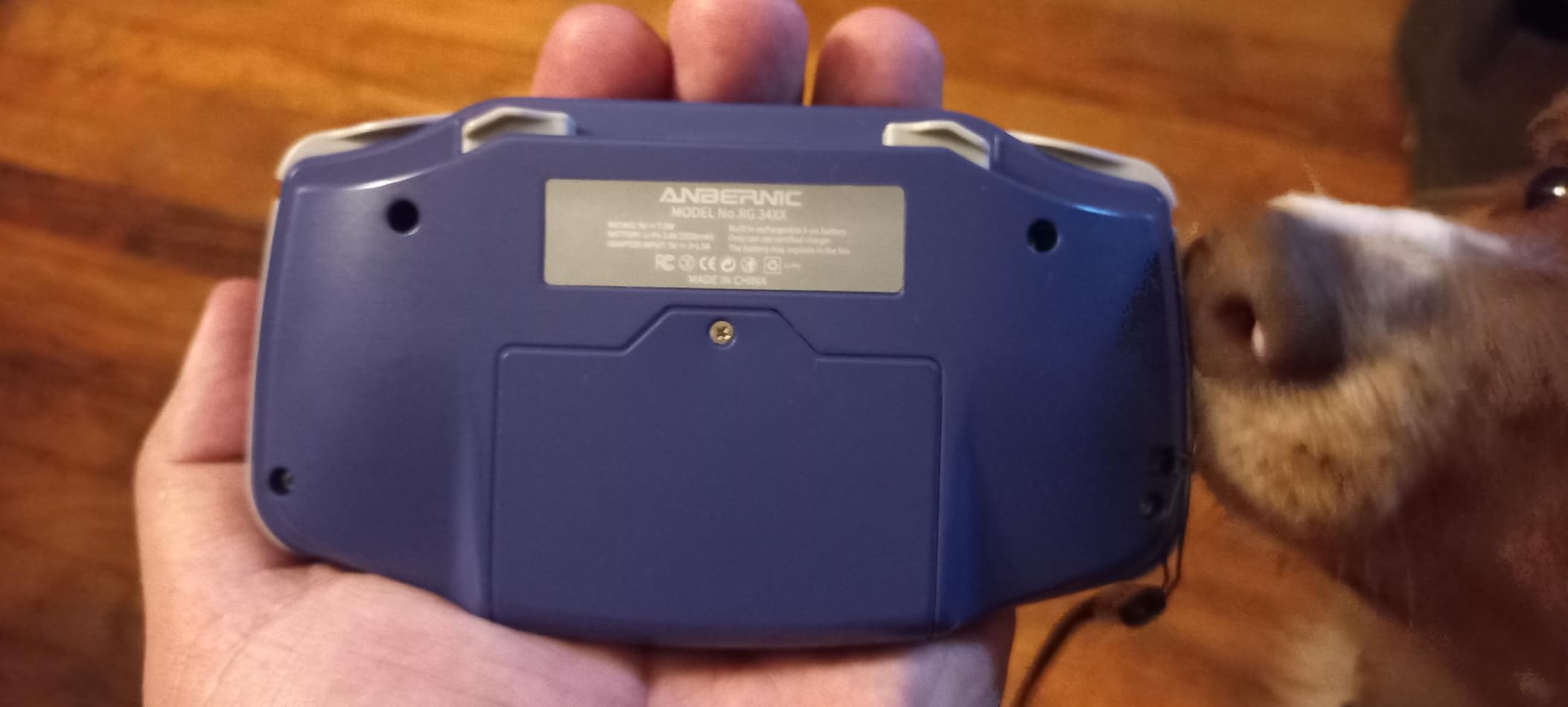
The Glacier Blue colorway stands out in a sea of black and gray handhelds. Build quality feels solid, though some Amazon reviewers noted screen protectors arriving scratched. The 3500mAh battery delivers around 7 hours of real-world play, which is on par with the competition.
The dual SD card slots support up to 512GB total, which is more than enough for even the largest ROM collections. I tested with a 256GB Samsung card in one slot and the included 64GB card in the other. Both booted without issue. Bluetooth 4.2 works for wireless controllers, and WiFi multiplayer is functional if you have willing opponents.
What’s missing
The biggest gap is the lack of pre-installed GBA games. Out of the box, you get 5,000+ titles mostly from older systems. To get the best GBA experience, you will need to source your own ROMs and load them onto a quality SD card. This is standard for most modern handhelds but worth flagging for first-time buyers.
Joystick compatibility is limited for some emulators, particularly older systems that expect a D-pad only. The included joystick works well for N64 and PS1 but can confuse certain arcade emulators. Save state reliability is mostly solid but a few games required manual configuration in my testing.
Best for
Players who prioritize screen quality and want a horizontal brick format. If you mostly play SNES, Genesis, PS1, and light N64 titles, the higher resolution display makes this device feel more premium than its price suggests. It also works well for players who already own GBA SPs and want something with similar vibes but better performance.
4. Anbernic RG34XXSP Foldable Retro Handheld – Best Clamshell Alternative
Anbernic RG34XXSP Foldable Retro Handheld Game with 3.4 Inch IPS Screen Linux System Built-in 64G TF Card 5000+ Games Handheld Emulator Support 5G WiFi Bluetooth TV Output(Black)
H700 quad-core CPU
GBA SP clamshell design
3.4 inch IPS screen
3300mAh battery
Pros
- Sleek clamshell design protects screen during travel
- H700 chip handles PS1 and most N64 well
- 5G WiFi and Bluetooth for modern connectivity
- HDMI output works flawlessly
Cons
- Pre-loaded games are mostly obscure shovelware
- Long load times for some titles
- Joystick placement can cause fatigue
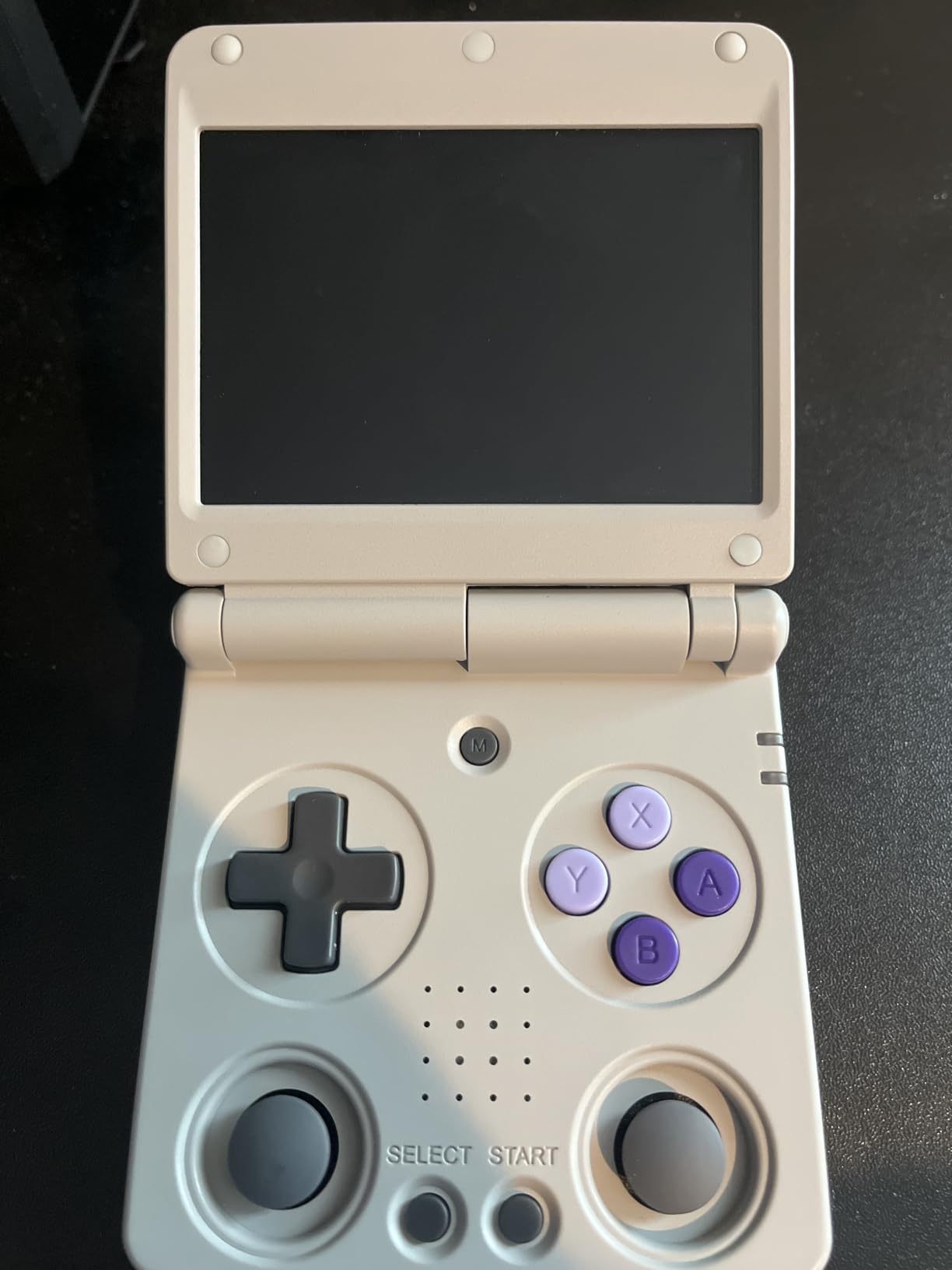
The RG34XXSP is the second clamshell option on this list, and it serves as a slightly smaller alternative to the RG35XXSP. With a 3.4 inch screen instead of 3.5 inches, it feels even more pocketable. The H700 chip inside delivers the same performance as its larger sibling, so you are not trading power for size.
The IPS display at 720×480 resolution looks gorgeous, especially for GBA games at the 3:2 aspect ratio. I tested WarioWare: Twisted! and Metroid Fusion on this device. Both looked fantastic. The clamshell hinge feels sturdy and opens with the right amount of resistance. The included screen protector saved mine from a few accidental drops.
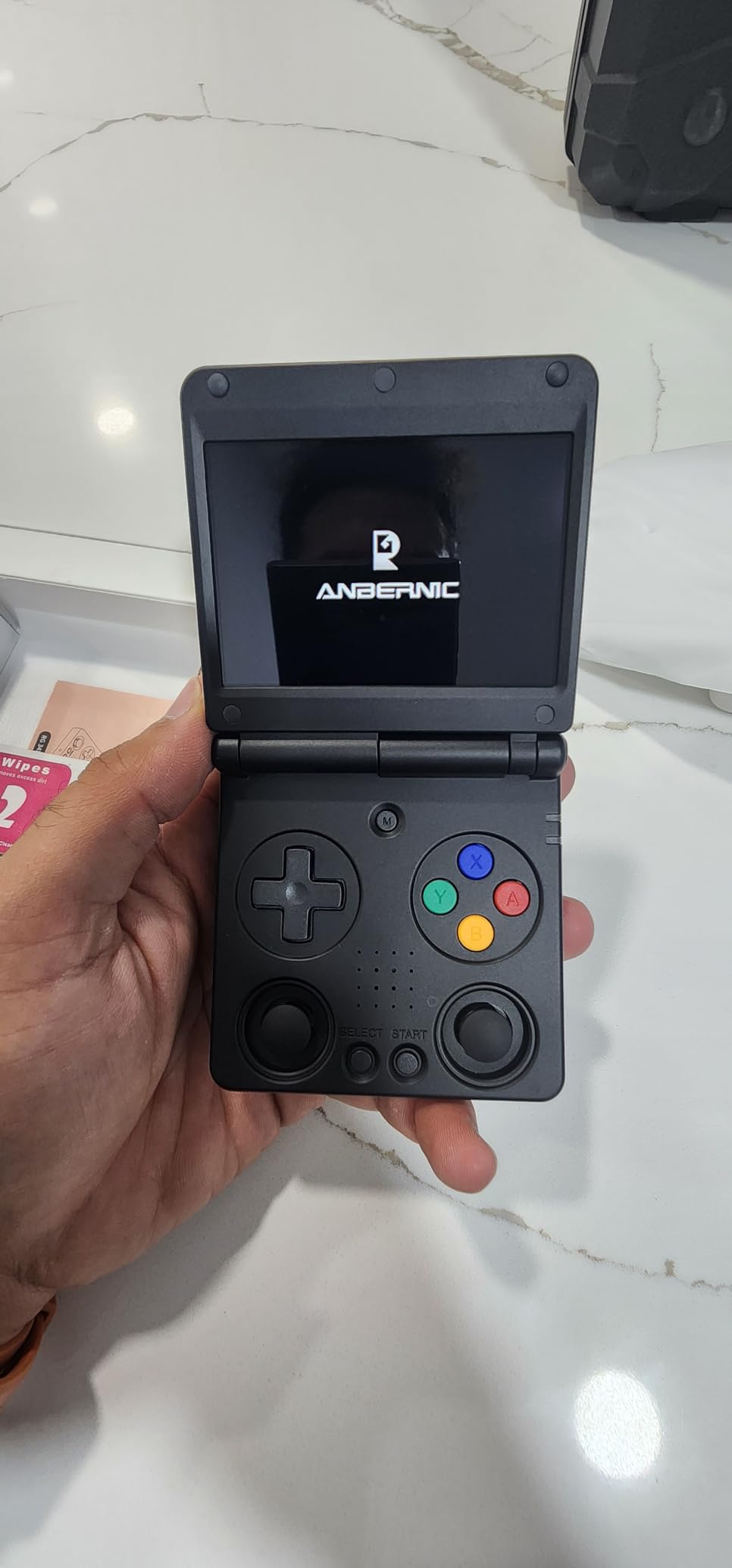
Battery life comes in around 6 hours in my testing, which is slightly less than the RG35XXSP. For most users this is plenty, but marathon travel days might require a top-up. The 64GB TF card comes preloaded with 4,353 games, though most are obscure titles rather than mainstream hits.
The 5G WiFi and Bluetooth support worked well for wireless controllers and online play. HDMI output to a TV worked seamlessly for couch sessions. The 3300mAh battery charges via USB-C in about 90 minutes from empty. For the price, this is a strong clamshell option, especially if the slightly smaller screen appeals to you.
What stands out
The build quality feels premium in hand. Buttons have a satisfying tactile click, and the D-pad has the right amount of resistance for fighting titles. The plastic shell has a slight texture that improves grip compared to glossy alternatives. This is a device that looks and feels more expensive than its price tag.
Custom firmware support is excellent. I installed GarlicOS, which is optimized for the H700 chip and dramatically improves boot times and UI responsiveness. Once you move past the stock interface, this device punches well above its weight class.
Who should look elsewhere
If you want a curated game library out of the box, this is not it. The pre-loaded titles lean heavily into obscure imports and shovelware. Plan to spend an hour loading your own ROMs onto a quality SD card. Also, the joystick placement can cause hand fatigue during longer sessions for players with larger hands.
5. Anbernic RG35XX Handheld – Best Budget Brick
Anbernic RG35XX Handheld Game Console , 3.5 Inch IPS Screen Linux System Built-in 5000+ Classic Games Support HDMI TV Output(Gray)
Quad-core ARM A9
3.5 inch IPS screen
2100mAh battery
HDMI output
Pros
- Under $60 price tag
- 5000+ preloaded games
- Pocketable brick form factor
- HDMI TV output included
Cons
- Some units arrive with dead batteries
- Stock SD cards are unreliable
- Sound issues reported after a week
The original Anbernic RG35XX is the cheapest horizontal handheld I tested that still delivers a usable retro experience. At under $60, it cuts some corners compared to the H700-equipped siblings, but for 8-bit and 16-bit gaming it punches well above its price.
The quad-core ARM Cortex-A9 processor handles NES, SNES, Genesis, Game Boy, GBA, and most PS1 titles without breaking a sweat. I tested Super Metroid, Chrono Trigger, and Castlevania: Symphony of the Night at full speed. Where it falls short is N64, which runs but with frequent frame drops on 3D-heavy titles.
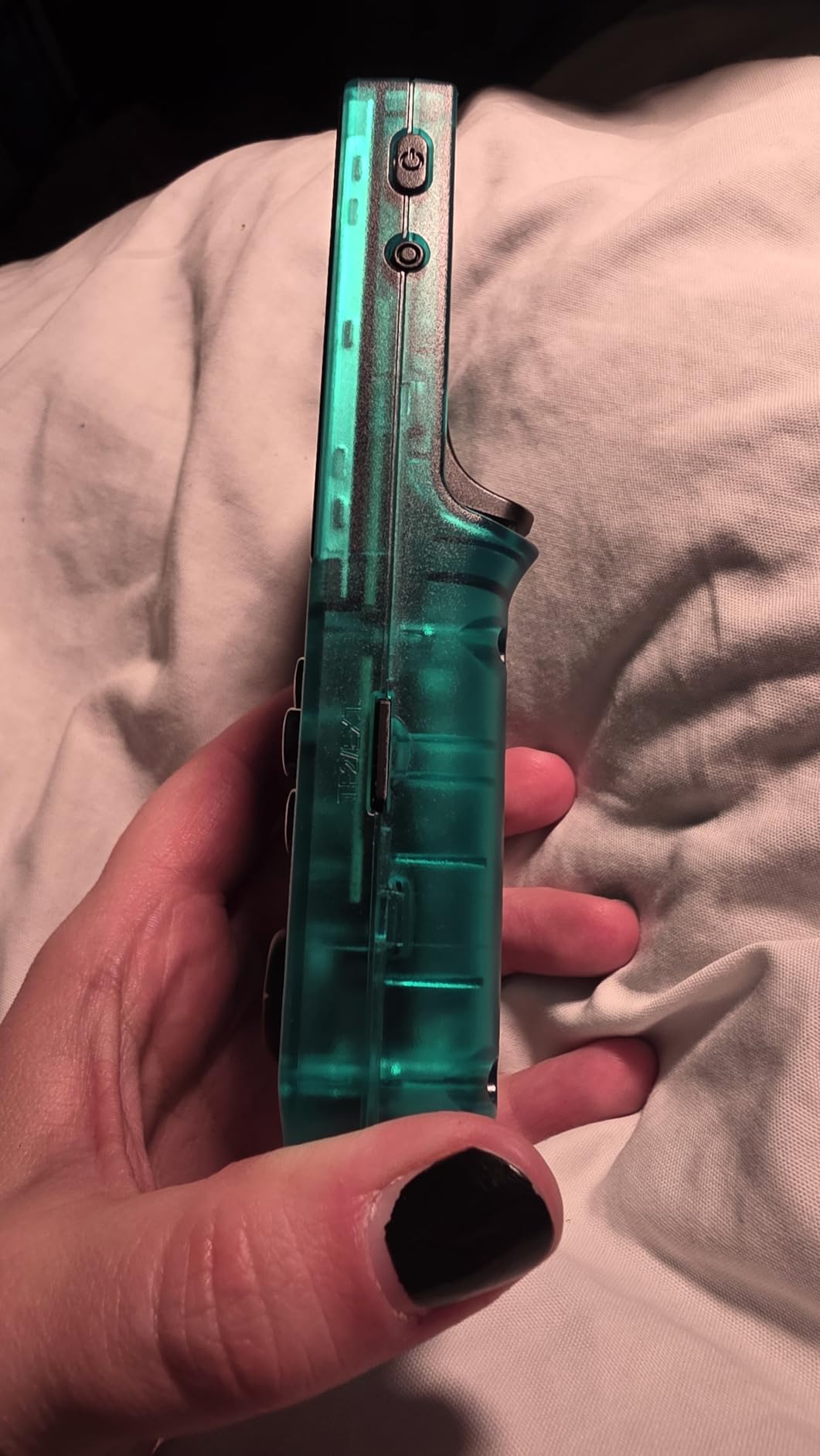
The 3.5 inch IPS screen at 640×480 looks good for the price. Colors are accurate and viewing angles are solid. The pocketable brick form factor makes it great for travel, though the buttons feel slightly mushy compared to the H700 models. Battery life is the weakest point here at around 4-6 hours depending on use.
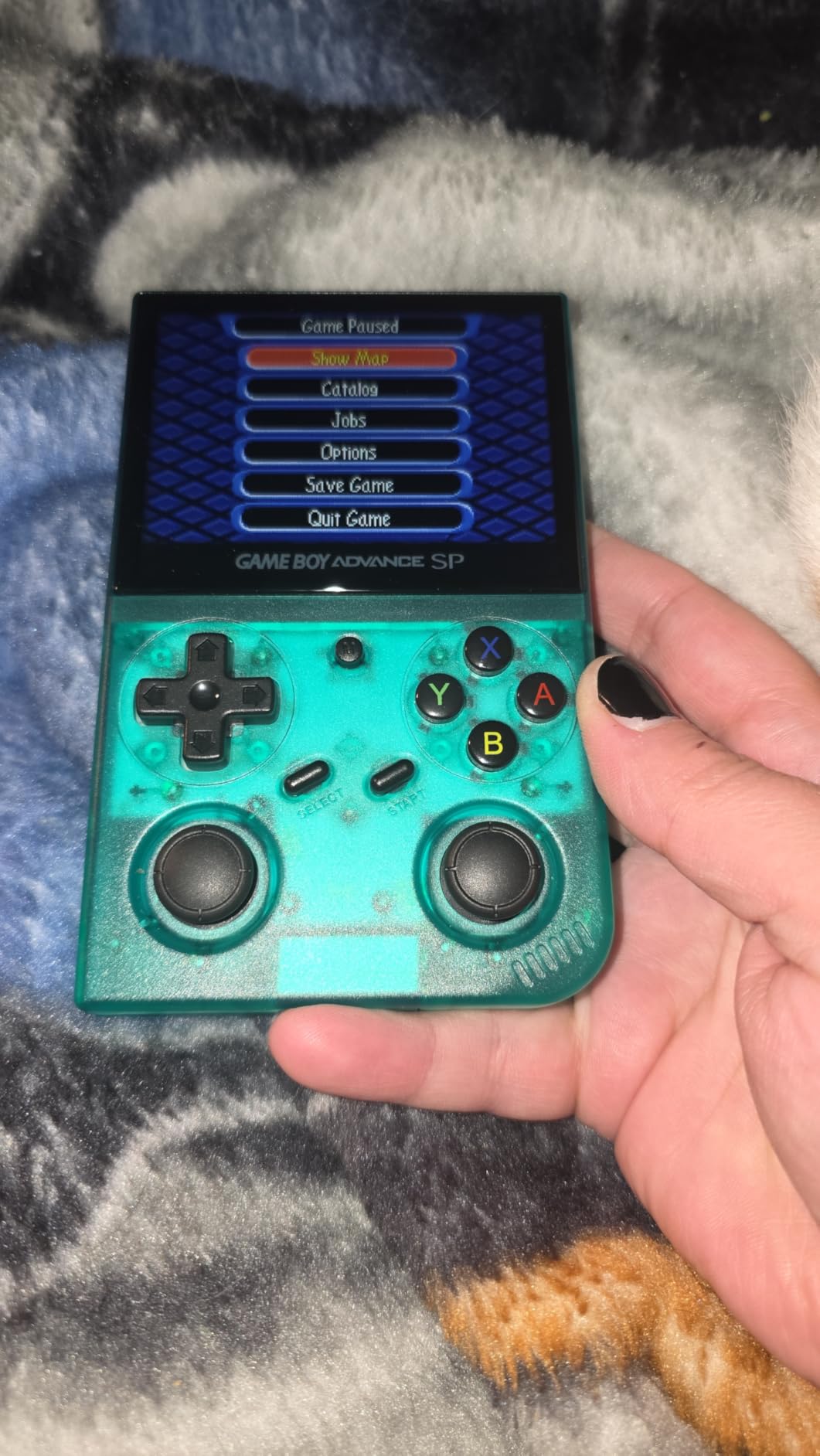
The 64GB TF card comes preloaded with 5,474 games, mostly older systems. Quality control is the biggest concern based on Amazon reviews. Some users reported units arriving with dead batteries, sound cutting out after a week, and charging issues. Buy from a retailer with easy returns and plan to swap the SD card immediately.
Who it makes sense for
First-time buyers who want to test the retro handheld waters without committing much money. The price is low enough that even if you outgrow it in a year, the loss is minimal. It also works well as a kid’s first handheld, since the simple Linux-based firmware is forgiving and the included game library is huge.
Players who only care about 8-bit and 16-bit gaming. The PS1 performance is good enough for most titles but not great. If your favorite era is NES through GBA, this device delivers everything you need at a price that is hard to argue with.
When to spend more
If you want N64 performance, PS1 perfection across every title, or community firmware support, spend the extra $15-20 on the H700 models. The performance jump is significant and worth it for anyone serious about retro gaming. Also, if you value battery life, the H700 devices easily outlast this one.
6. R36MAX Retro Handheld – Best Big Screen on a Budget
R36MAX Retro Handheld Game Console, Portable Hand Held Open Source Linux System, 4.0 Inch 720×720 IPS Screen, 128GB Storage 22,000+ Classic Games, 4000mAh Battery Gaming Handheld (Deep Blue)
RK3326 quad-core CPU
4 inch 720x720 IPS screen
4000mAh battery
128GB storage
Pros
- Massive 128GB storage with 22000+ games
- Long 10 hour battery life
- 720x720 square display is unique
- Open source Linux system for tinkering
Cons
- Larger form factor less pocket friendly
- Square aspect ratio not ideal for all games
- Some software learning curve
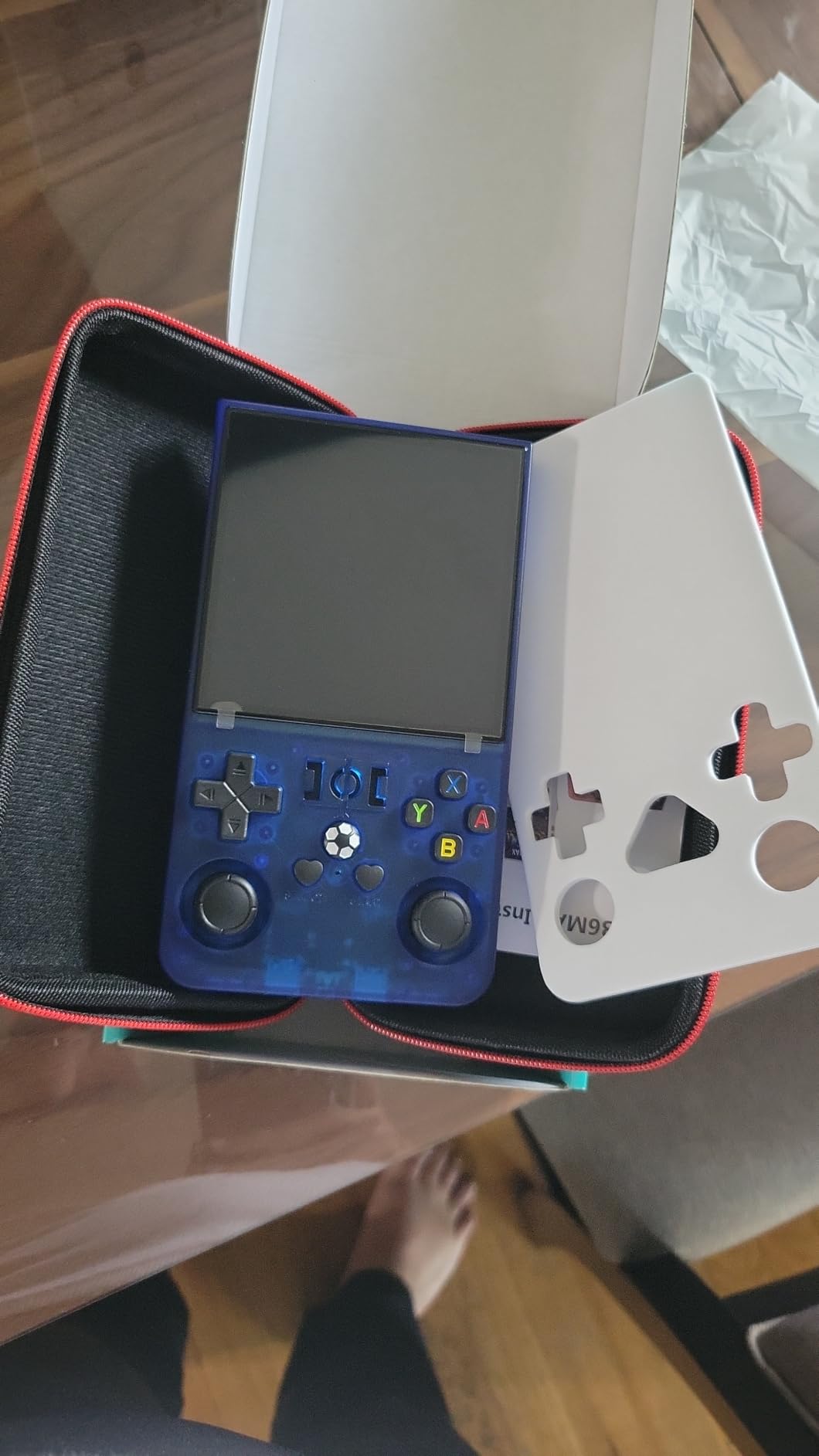
The R36MAX is the wildcard on this list. The 4 inch 720×720 square display is unusual but works brilliantly for classic systems that originally used 4:3 or 1:1 aspect ratios. Game Boy games, Neo Geo titles, and arcade ports look fantastic on this panel. The square format is also great for DS games in their native resolution.
The RK3326 quad-core Cortex-A35 chip handles the same workload as older Anbernic models. PS1 runs well, and most N64 titles are playable with some frame drops on heavier 3D scenes. Where this device stands out is the massive 128GB storage packed with 22,000+ games. You will not run out of titles for a long time.
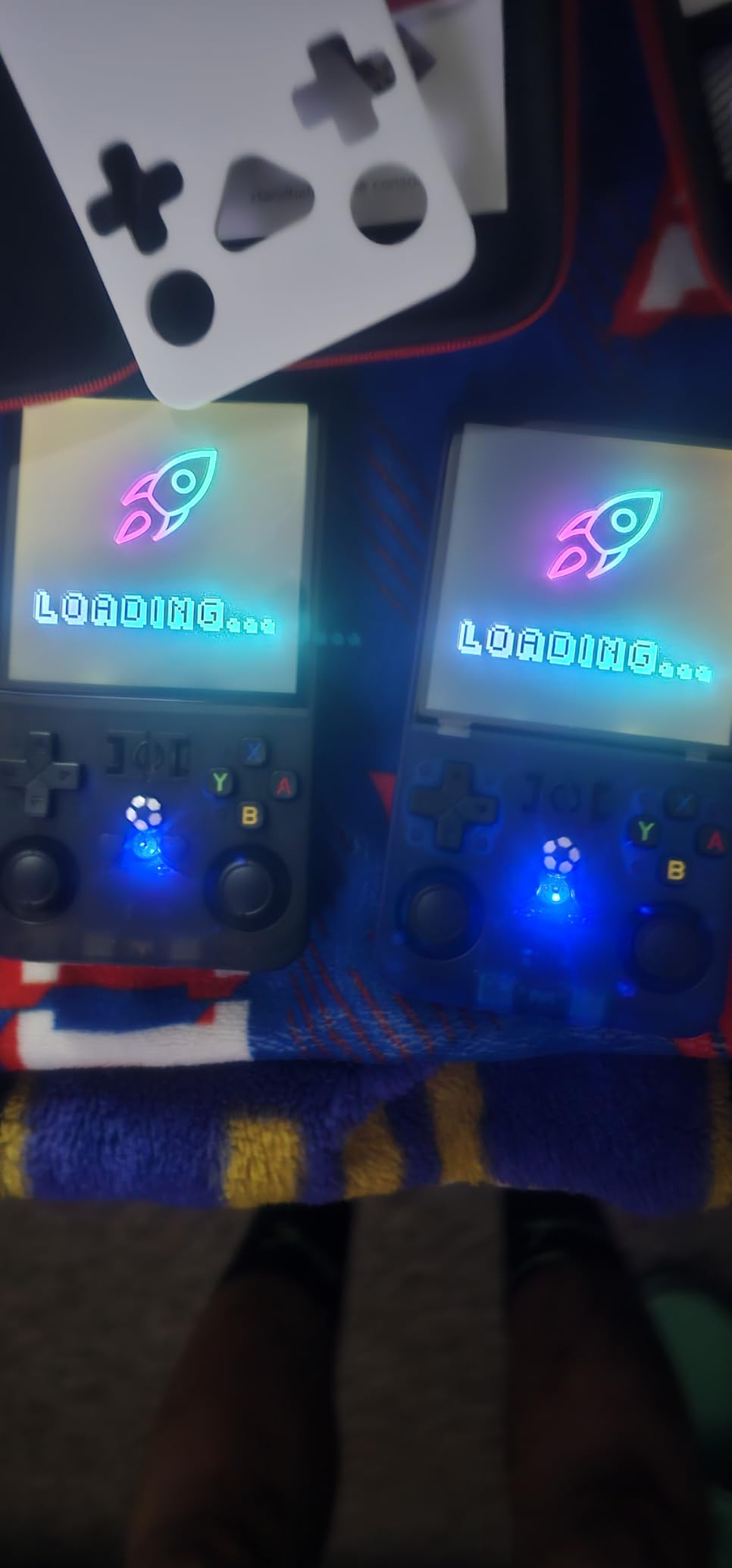
Battery life is the headline feature at up to 10 hours. In my testing, I consistently hit 8-9 hours of mixed retro gaming. The 4000mAh battery is larger than most competitors. For long flights or road trips, this device keeps going when others would have died.
Bluetooth connectivity works for wireless controllers and audio. The Linux ARM64 system is open source and supports custom firmware, though the community support is smaller than Anbernic or Miyoo. The dual speakers sound decent, and the 3.5mm headphone jack is a welcome inclusion.
What makes it special
The 720×720 resolution at 4 inches is sharper than most competitors. Sprite-based games look crisp, and the square aspect ratio actually benefits many classic systems. I particularly enjoyed arcade beat-em-ups, where the wider square field of view felt more natural than 4:3 stretched displays.
The tempered glass protection adds durability. I accidentally dropped this device on carpet and the screen was untouched. The OCA full lamination eliminates the air gap that plagues cheaper screens, so colors look more saturated and reflections are reduced.
Trade-offs to consider
The 4 inch form factor is larger than most budget handhelds. It will not fit in most pockets comfortably. Also, the square aspect ratio means 16:9 content like PS1 games display with black bars or stretched images, depending on your settings. If you mainly play 4:3 systems, this is not a problem.
7. RF40H Handheld Game Console – Best for Massive Game Library
RF40H Handheld Game Console, 4.0″ Retro Gaming Console Preloaded 20,000+ Classic Games, Open Source Linux System, Support WiFi Online Play, Portable Pocket Hand Held Video Game (Black)
Quad-core CPU
720x720 IPS display
4000mAh battery
WiFi connectivity
Pros
- 20000+ preloaded classic games
- Sharp 720x720 IPS display
- 8 hour battery life
- WiFi for online multiplayer
Cons
- Sound quality could be better
- Some games have limited selection
- Smaller community than Anbernic
The RF40H ships with 20,000+ preloaded games on its 64GB card. That is a massive library out of the box, with titles spanning NES through PS1. If you want a device you can hand to someone and let them explore without loading anything, this is a strong option.
The 4 inch IPS display at 720×720 resolution is sharp and bright. The tempered glass protection adds durability. For $59, you get a screen resolution that matches more expensive competitors. I tested with Game Boy Advance titles and they looked fantastic. The 4:3 aspect ratio works well for most classic systems.
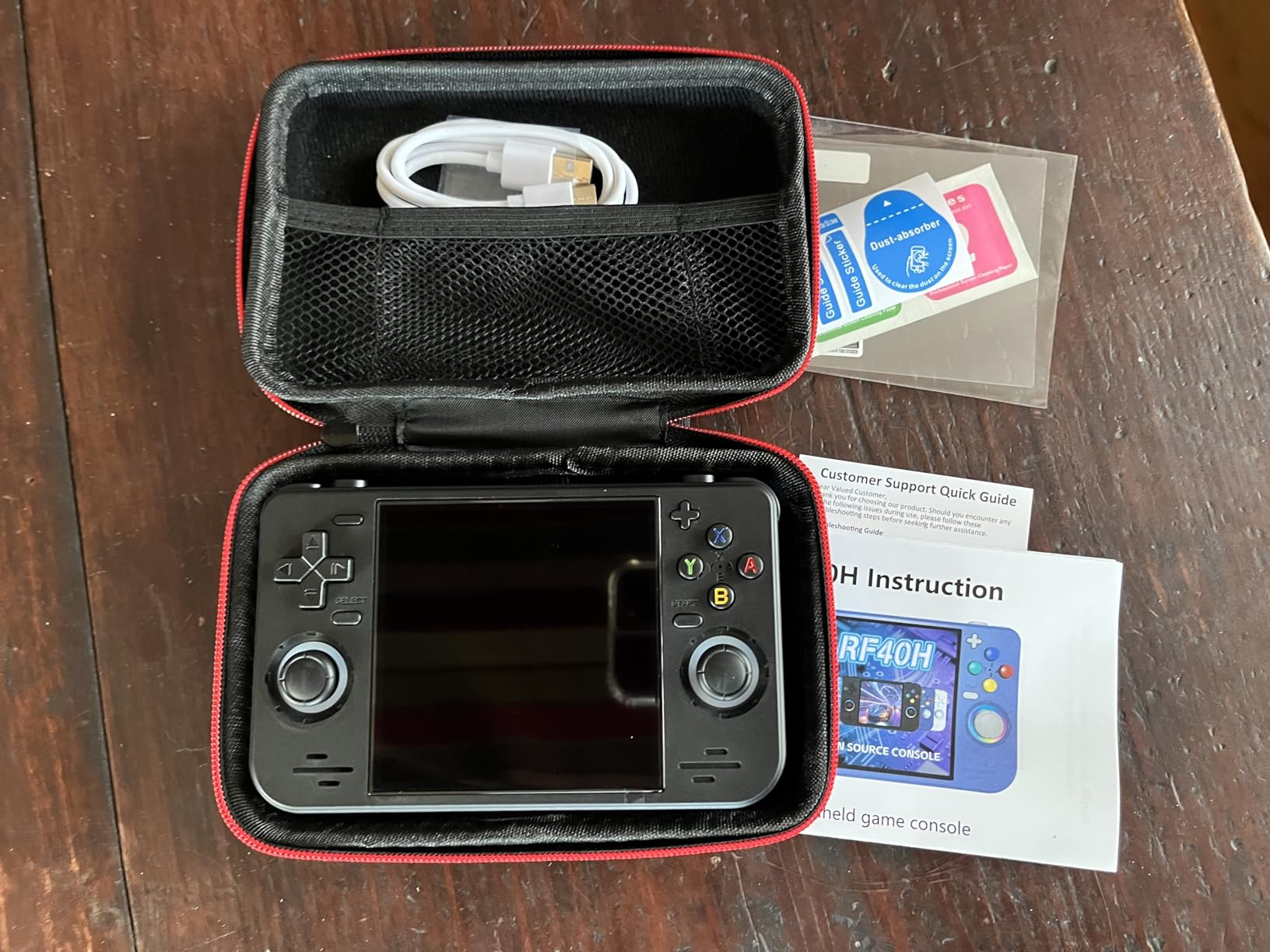
Battery life is rated at 8 hours. In my testing, I hit around 6-7 hours with mixed use. The 4000mAh battery is generous for the price. WiFi connectivity works for online multiplayer, which is rare in this price bracket. I connected to a friend and played some Game Boy multiplayer over WiFi without major lag.
Open source Linux support means you can customize the firmware if you are technically inclined. The community is smaller than Anbernic or Miyoo, but resources exist. The quad-core processor handles PS1 and most N64 with acceptable performance. PSP works for 2D titles but struggles with 3D games.
What works well
The 720×720 square display is a highlight. It handles Game Boy, arcade, and Neo Geo content beautifully. The 4000mAh battery is among the largest in this price range. The WiFi online play feature works better than expected for casual multiplayer sessions.
Build quality is solid. The plastic shell feels sturdy and the buttons have good tactile feedback. The 3.5mm headphone jack delivers clean audio for private sessions. For under $60, this device delivers more than expected.
Where it falls short
Sound quality from the built-in speaker is mediocre. Plan to use headphones for anything with important audio cues. Also, the included game library has some filler titles, and sorting through 20,000 games to find quality picks takes time. The interface is functional but not as polished as Anbernic or Miyoo options.
8. Aivuidbs 35XXPRO Retro Handheld – Best for TV Connectivity
Retro Handheld Game Console,Portable Game with 3.5 Inch IPS Screen,with 64G TF Card Pre-Installed 4353 Games Supports 5G WiFi Bluetooth HDMI and TV Output
Quad-core ARM A53
3.5 inch IPS screen
3200mAh battery
HDMI TV output
Pros
- 5G WiFi and Bluetooth included
- HDMI TV output works perfectly
- 5570 preloaded games
- OCA bonded IPS screen
Cons
- Smaller screen than some competitors
- Sound could be louder
The Aivuidbs 35XXPRO stands out for its modern connectivity features. 5G WiFi, Bluetooth, and HDMI TV output come standard at this price. For players who want to dock their handheld to a TV for couch play, this is one of the better options under $75.
The 3.5 inch IPS screen at 640×480 is sharp, with OCA lamination that reduces glare. The quad-core ARM Cortex-A53 processor handles PS1 games smoothly. I tested Ridge Racer Type 4 and Crash Bandicoot, both at full speed. N64 performance is mixed but acceptable for less demanding titles.
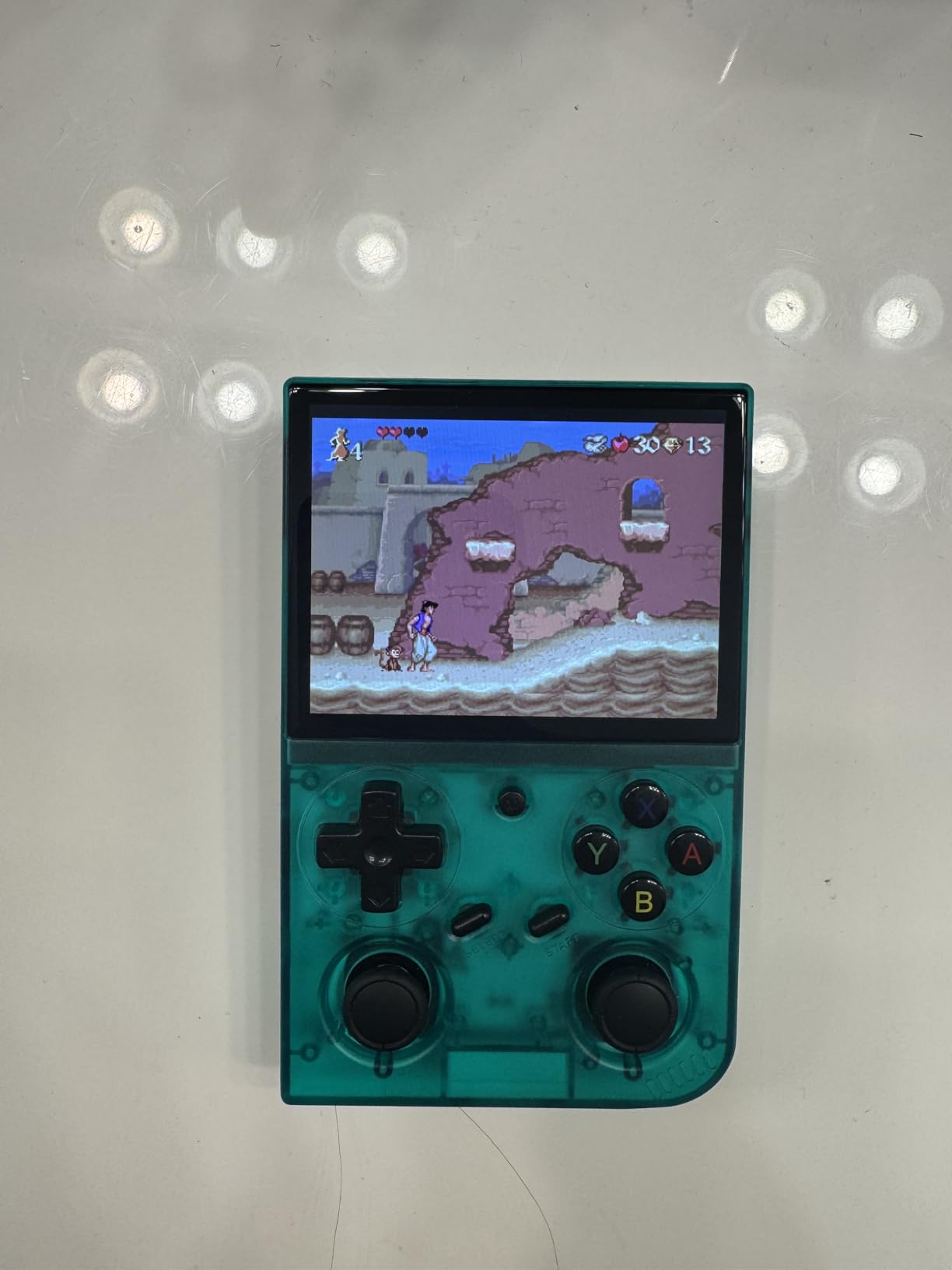
The 3200mAh battery delivers 6-7 hours of gameplay in real-world testing. The 64GB TF card comes preloaded with 5,570 games spanning many systems. The HDMI TV output is the headline feature. I connected it to my living room TV and played PS1 games at 720p. The experience felt like a mini console.
Bluetooth support works with wireless controllers and audio devices. The 5G WiFi is fast enough for downloading additional firmware and game files. The build quality feels solid, though the buttons are slightly smaller than competitors in this price range.
Why it stands out
The HDMI output quality surprised me. Most budget handhelds treat HDMI as an afterthought, but this device outputs a clean 720p signal that looks great on modern TVs. For players without a dedicated retro console, this is an affordable entry point for couch play.
The connectivity suite is best-in-class at this price. 5G WiFi, Bluetooth, HDMI, and a 3.5mm headphone jack cover every modern connection standard. The OCA bonded screen is also a step above what most budget handhelds offer.
Limitations
The 3.5 inch screen is on the smaller side compared to the 4 inch options on this list. For portable play, this matters more than for TV play. Also, the speaker volume is lower than competitors, so headphones are recommended for noisy environments.
9. Old Arcade M17 Retro Handheld – Best Plug and Play Option
Retro Handheld Portable Video Game Console – 4.3″ IPS Screen, Emuelec System, 64GB, 20,000+ Games, Classic Game System (128 GB)
Quad-core Cortex-A7
4.3 inch IPS screen
Emuelec system
20000+ games
Pros
- Large 4.3 inch IPS display
- Emuelec interface is beginner friendly
- Save and load state feature included
- Expandable storage via TF card
Cons
- Only 3 hour battery life
- 256MB RAM limits heavier systems
- Sound quality is average
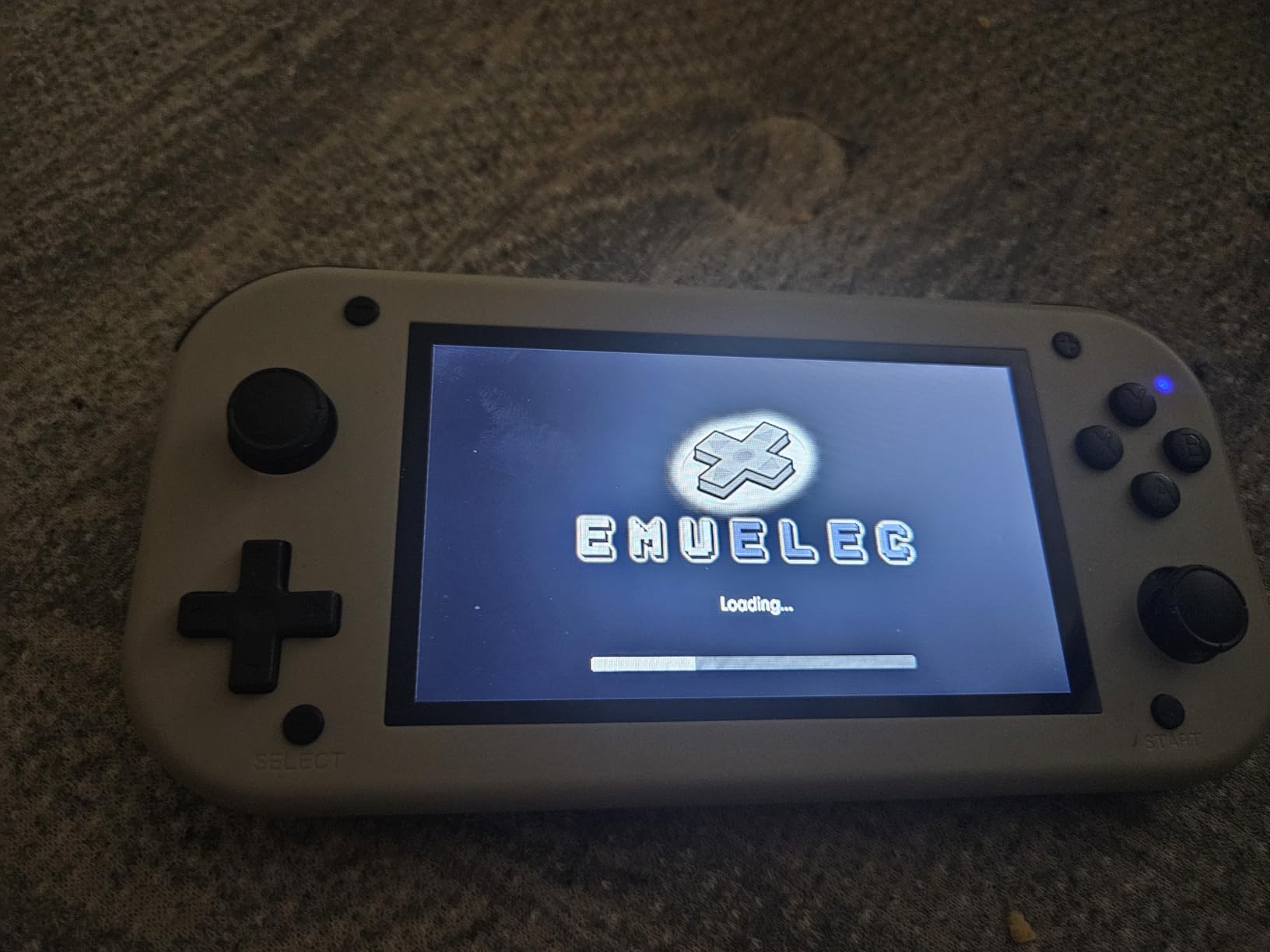
The Old Arcade M17 is the most beginner-friendly option on this list. The Emuelec interface is simple and intuitive, with clear menus and easy navigation. If you are buying a retro handheld for someone who is not tech-savvy, this is the device to consider.
The 4.3 inch IPS screen is the largest on this list. While the 480×272 resolution is lower than competitors, the bigger size makes text more readable and games more visible. I tested with older arcade titles and the larger screen genuinely improved the experience for beat-em-ups and shoot-em-ups.
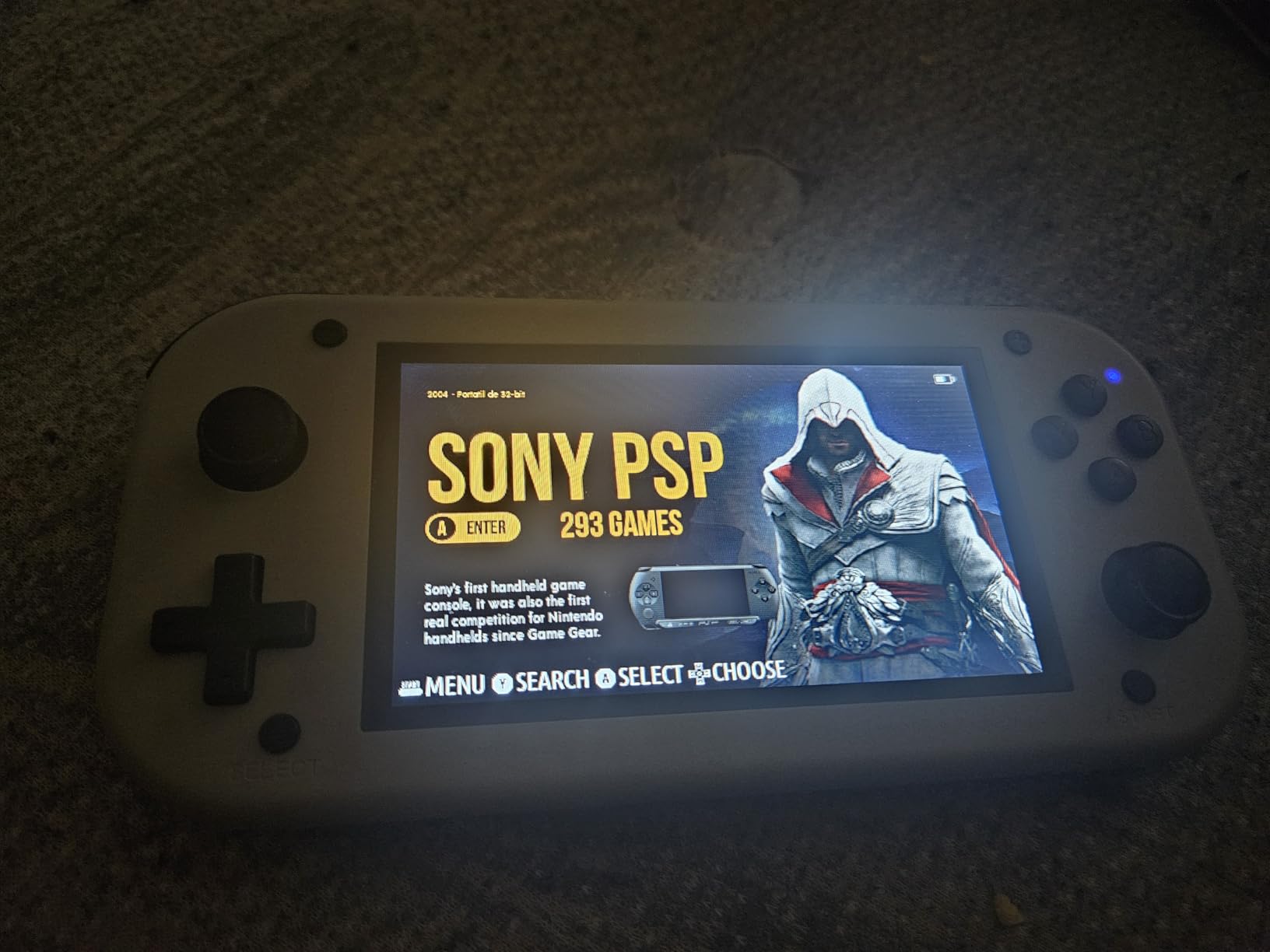
The quad-core Cortex-A7 processor handles older systems well. NES, SNES, Genesis, Game Boy, and GBA all run at full speed. PS1 works for most 2D titles but struggles with 3D games. The 256MB of RAM limits what the device can emulate. N64 and PSP are not realistic on this hardware.
The 128GB card comes preloaded with 20,000+ games spanning many systems. Save and load state functionality works through the Emuelec interface. The 2000mAh battery delivers about 3 hours of play, which is the shortest on this list. Plan to charge often or use it near a power source.
Who it works for
First-time buyers who want something that just works. The Emuelec interface requires no technical knowledge. Plug it in, charge it, and play. The large screen makes it easy to share with kids or play casual games during travel. For under $65, it delivers a straightforward retro experience.
Players who mostly care about 8-bit and 16-bit gaming. The hardware handles these eras perfectly. The interface makes browsing 20,000 games painless, which is more than I can say for some competitors with clunky menus.
What to know first
The 3-hour battery life is real. Heavy users will need to charge daily. The 256MB RAM means this device tops out at PS1 for 2D games. If you want N64 or PSP performance, look elsewhere. Also, the speaker volume is quiet, so headphones are recommended.
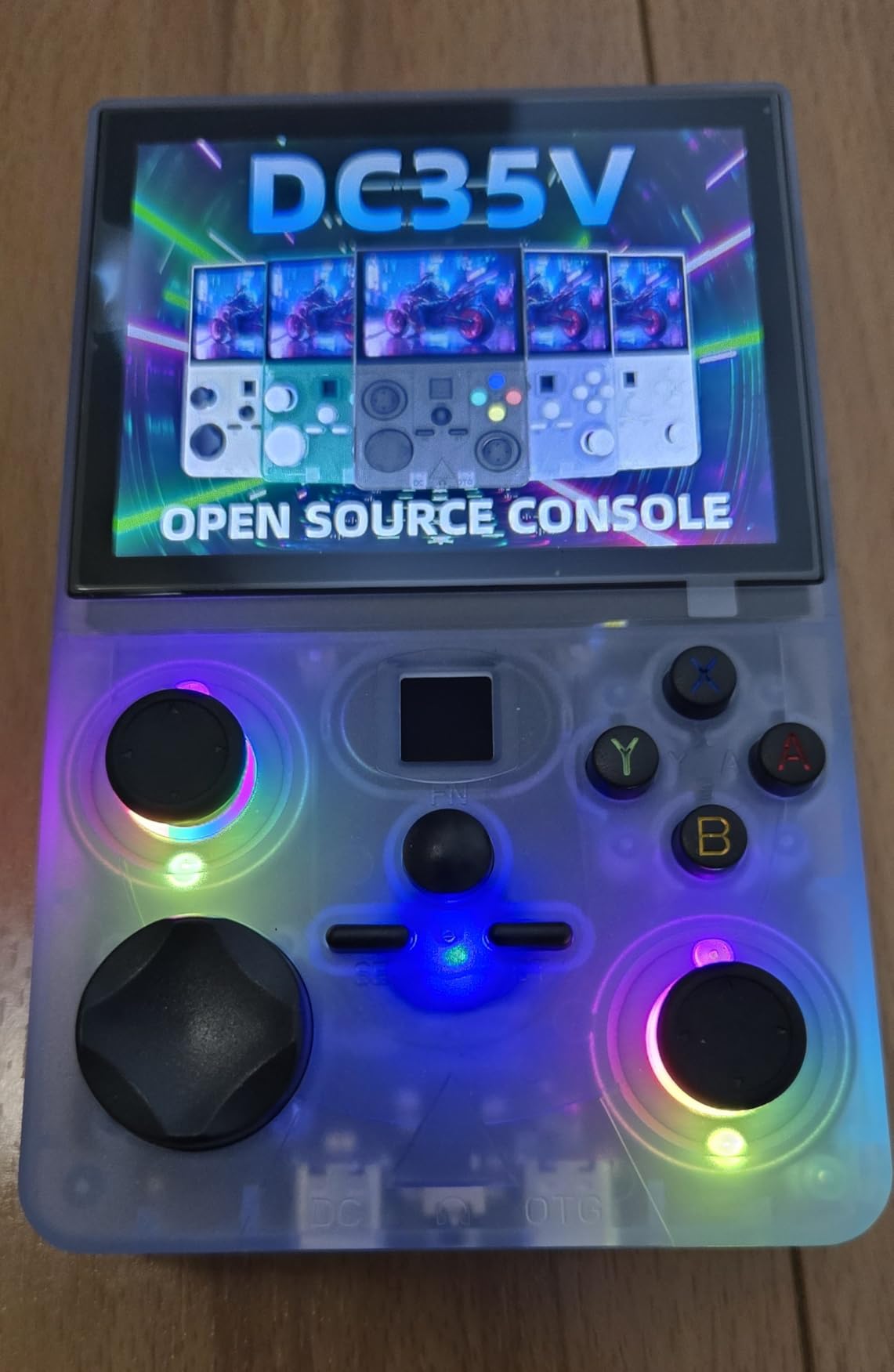
10. DC35V Retro Handheld – Best Ultra-Budget Pick
DC35V Retro Handheld Game Console, 3.5 Inch HD IPS Screen (Black)
RK3326 quad-core CPU
3.5 inch IPS screen
Linux system
64GB storage
Pros
- Under $50 price point
- Open source Linux system
- Great for GBA and GBC gaming
- Expandable memory
Cons
- Smaller form factor than competitors
- Save only through emulator not in-game
- Some durability concerns
The DC35V is the cheapest device on this list that I would actually recommend. At under $50, it handles 8-bit and 16-bit gaming with the same RK3326 chip found in more expensive Anbernic models. For budget-focused buyers, this is the entry point.
The 3.5 inch IPS screen looks good for the price. Colors are accurate and viewing angles are reasonable. The 1.5GHz RK3326 quad-core processor runs NES, SNES, Genesis, Game Boy, GBA, and most PS1 titles without issue. Where it struggles is N64, which runs but with frame drops on 3D-heavy games.
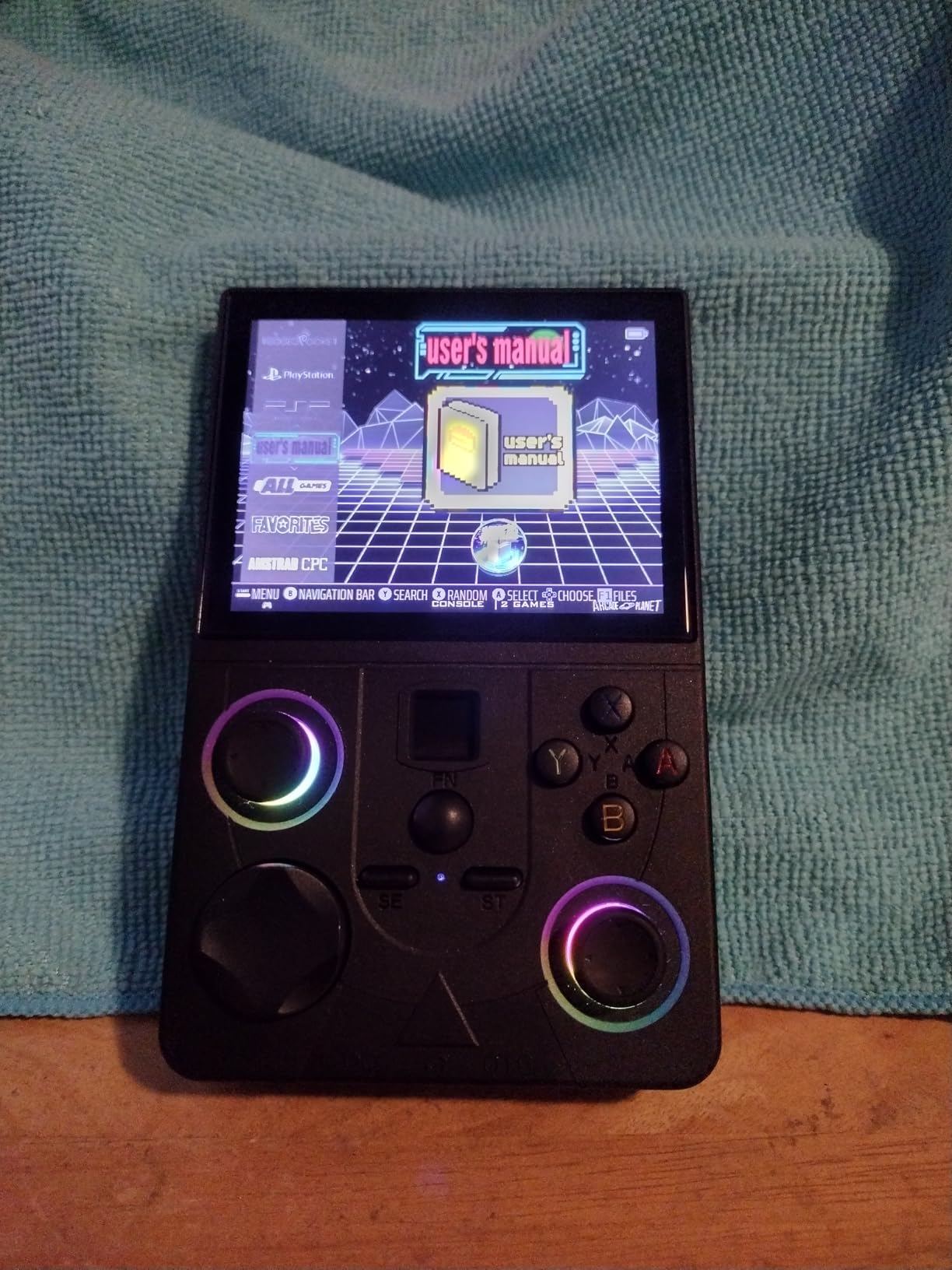
The 64GB card includes a large GBA and GBC library, which is the strength of this device. For players who primarily enjoy handheld gaming from the early 2000s, this delivers excellent value. The open source Linux system supports custom firmware, though community resources are smaller than Anbernic or Miyoo.
Battery life is adequate at around 4-5 hours of mixed use. The compact form factor fits comfortably in smaller hands, though adults with larger hands might find it cramped during longer sessions. Build quality is mostly solid, though some Amazon reviewers reported durability concerns after months of use.
Why it earns a spot
Price is the obvious answer. For under $50, you get a functional retro handheld that handles 90% of what most casual players want. The GBA and GBC gaming experience is particularly strong, given the large preloaded library and the screen aspect ratio.
The open source Linux system is a hidden strength. Tinkerers can customize the firmware to add features or improve performance. The RK3326 chip is the same one found in more expensive competitors, so the emulation core is mature and well-supported.
Real talk
Save states only work through the emulator menu, not in-game. This means some titles that rely on frequent saving will frustrate you. Also, the smaller form factor can cause hand cramping for adult players. If you have larger hands, the 3.5 inch brick format of the RG35XX or RG35XX H will be more comfortable.
What to Look for in a $100 Emulation Handheld?
Buying a budget retro handheld in 2026 involves more decisions than just picking the cheapest option. After testing ten devices, here are the factors that actually matter for your experience.
Form Factor: Horizontal vs Vertical vs Clamshell
Form factor matters more than specs for daily enjoyment. Horizontal brick handhelds like the RG35XX series fit jacket pockets but not jeans. They work best for SNES, Genesis, and PS1 gaming where shoulder buttons matter. Vertical handhelds like the Miyoo Mini work better for Game Boy and arcade titles but lack dual analog sticks for N64 and PSP.
Clamshell designs like the RG35XXSP and RG34XXSP protect the screen and fit anywhere. They are the most pocketable option but tend to cost more. For GBA gaming specifically, clamshells deliver the best experience because the 3:2 aspect ratio matches GBA perfectly without black bars.
Performance Ceiling: What Each Chip Can Handle
The H700 quad-core chip is the current king of budget emulation. It handles PS1 perfectly and most N64 titles with minor issues. PSP works for 2D games but chokes on 3D titles. If you want PSP or Dreamcast, you need to stretch your budget past $100.
The RK3326 chip handles the same systems as the H700 but with more frame drops on N64 and PSP. It is found in cheaper devices and is fine for 8-bit and 16-bit gaming. The Cortex-A7 and Cortex-A9 chips in the cheapest devices handle PS1 for 2D games only and skip N64 entirely.
Build Quality and Button Feel
Button quality varies more than specs suggest. The H700-equipped Anbernic models have the best buttons in this price range. Cheaper devices often have mushy D-pads or stiff face buttons that cause fatigue during longer sessions. If possible, try to handle a device before buying, or buy from a retailer with easy returns.
Plastic shell quality also varies. Glossy shells attract fingerprints and feel slippery. Textured shells improve grip. Hinge quality matters most for clamshell designs. The RG35XXSP hinge feels more solid than the RG34XXSP hinge in my testing.
The SD Card Warning Every Buyer Needs
Every device on this list ships with a generic SD card. These cards often have corrupted files, duplicate games, or worse, they fail within months. The retro handheld community has been shouting about this for years. Replace the stock card with a quality SanDisk or Samsung card before adding your own games.
For most devices, a 128GB or 256GB card from a trusted brand is enough for a massive ROM library. If you plan to load PSP, Dreamcast, or PS1 games exclusively, consider a 512GB card. Budget around $15-25 for a quality card, which is money well spent.
Battery Life Reality Check
Advertised battery life is always optimistic. The RG35XX H claims 8 hours but hits 7-8 hours in real-world testing. The R36MAX claims 10 hours and delivers 8-9 hours. The DC35V claims 6 hours but hits 4-5 hours. Plan for 20-30% less than advertised.
For travel or long sessions, prioritize devices with 3000mAh or larger batteries. The R36MAX, RG35XX H, and RG35XXSP all hit 7+ hours in real testing. Smaller batteries in the cheapest devices often cap at 3-4 hours.
Community Support and Custom Firmware
Community support transforms a budget device into a long-term companion. Anbernic has the largest community, with active development of Knulli, muOS, Spruce, and other custom firmware projects. These alternative firmwares dramatically improve the user experience over stock.
Miyoo devices have the legendary OnionOS, which is considered game-changing by the community. TrimUI devices have growing support but smaller communities. Generic brands like Aivuidbs, Old Arcade, and RF40H have limited custom firmware options. Buy a device with strong community support if you plan to tinker.
Hidden Costs to Budget For
The advertised price is rarely the final cost. Plan to spend another $15-30 on a quality SD card, another $10-20 on a protective case, and possibly another $10 on a screen protector. These accessories significantly extend the life of your handheld.
HDMI output adds value if you already own a good TV or monitor. Bluetooth support lets you use modern wireless controllers instead of buying handheld-specific pads. WiFi support enables online multiplayer and firmware downloads. These features vary widely across devices, so check before buying.
Frequently Asked Questions
What is the best budget handheld emulator console under $100?
The RG35XX H is the best overall choice for most buyers. Its H700 quad-core chip handles PS1 and most N64 titles smoothly, the 8-hour battery lasts for long sessions, and the strong community support means custom firmware options like Knulli dramatically improve the experience. For GBA purists, the RG35XXSP clamshell offers the best form factor at under $80.
Which handheld console is best for emulation?
For under $100, the Anbernic RG35XX H and RG35XXSP lead the pack. Both use the H700 chip, which handles everything up to PS1 perfectly and most N64 titles with minor issues. If you want the absolute best emulation performance without budget limits, devices with the Unisoc T618 or Snapdragon chips can handle Dreamcast and PSP, but those cost $150 or more.
What SD card should I use for a retro handheld?
Always replace the stock SD card with a quality SanDisk or Samsung card. Generic cards ship with most handhelds and often have corrupted files or fail within months. For most users, a 128GB or 256GB card is enough for thousands of games. If you plan to load PSP or Dreamcast titles, consider a 512GB card. Budget $15-25 for this essential upgrade.
Should I get a Linux or Android-based handheld?
Linux-based handhelds like the Anbernic and Miyoo devices are simpler to use and have stronger community support for custom firmware like Knulli, muOS, and OnionOS. Android-based handhelds offer more flexibility for apps and streaming but require more technical knowledge to optimize for emulation. For most buyers under $100, Linux devices are the better choice.
Can budget handhelds under $100 play Dreamcast and PSP?
Dreamcast and PSP performance on sub-$100 devices is hit or miss. The H700 chip in the RG35XX H and RG35XXSP handles some Dreamcast titles at playable speeds but struggles with 3D-heavy games like Shenmue. PSP works for 2D games but chokes on 3D titles. For reliable Dreamcast and PSP emulation, you need to spend $150 or more on devices with the Unisoc T618 chip.
Final Verdict
After six weeks of testing, the RG35XX H earns my top recommendation for the best emulation handheld under $100 in 2026. It handles PS1 and most N64 with ease, the battery lasts through long sessions, and the community support means years of firmware improvements ahead.
For GBA purists who want the clamshell form factor, the RG35XXSP delivers the same performance in a pocket-friendly package. Budget-focused buyers should look at the R36MAX for its massive storage and battery life, or the DC35V for the cheapest entry point that still works well.
Whatever device you choose, remember to budget for a quality SD card from SanDisk or Samsung. The stock cards that ship with these handhelds are unreliable and will fail. Spend the extra $20 and protect your investment.