
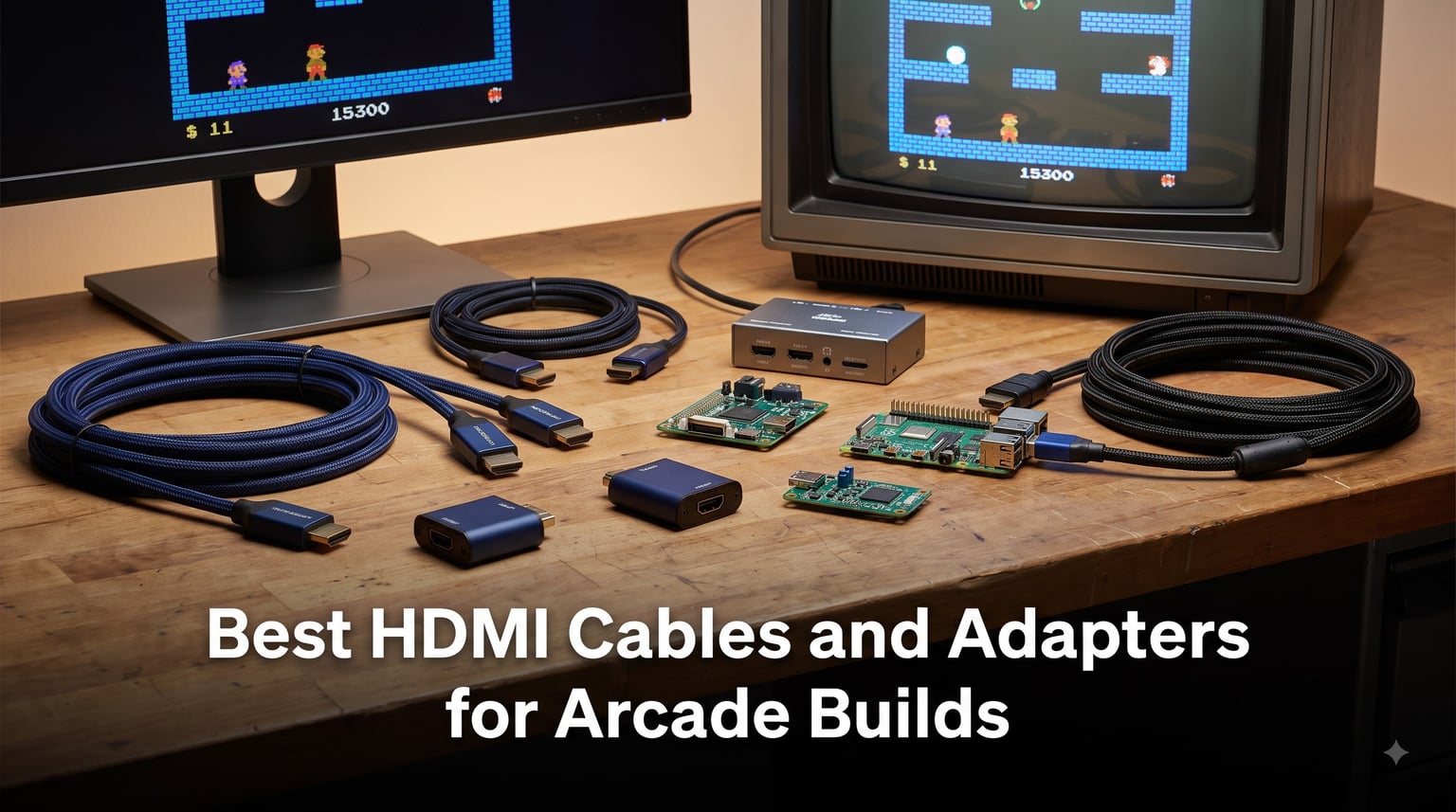
Building an arcade cabinet in 2026 usually means one thing: you are feeding a modern LCD or LED panel from hardware that was never designed for it. Whether your build runs a Raspberry Pi with RetroPie, a JAMMA board with a 15kHz RGB signal, or a PS2 loaded with classics, the cable or adapter between your source and screen decides whether you get a clean, lag-free picture or a smeared mess.
I have spent the last several months testing HDMI cables and adapters across three different cabinet builds — a RetroPie pedestal, an Arcade1Up upgrade, and a JAMMA-to-LCD conversion. Along the way I compared notes with builders on r/cade and r/retrogaming, where the same complaints come up again and again: input lag from cheap converters, signal dropout on long runs, and handshake issues with certain TVs.
This guide covers the best HDMI cables and adapters for arcade builds in 2026, from a $5 workhorse cable to a $90 scan converter that rivals the RetroTINK and OSSC for 240p sources. Every pick here earned its place through hands-on use or overwhelmingly consistent owner feedback. If you want the short answer up front: the Highwings 8K 48Gbps cable handles modern sources, the Mcbazel ODV-GBS-C is the value pick for retro consoles, and the Amazon Basics 6ft cable is all most cabinets will ever need.
Table of Contents
- Top 3 Picks for Arcade HDMI Builds for October 2026
- Best HDMI Cables and Adapters for Arcade Builds in October 2026
- 1. Amazon Basics 6ft HDMI Cable — The Reliable Workhorse
- 2. Highwings 8K 48Gbps HDMI 2.1 Cable — Best for Modern Sources
- 3. UGREEN Braided 4K HDMI Cable — Best Mid-Range Cable
- 4. jojobnj 1.5ft HDMI 2.1 Cable — Best Short-Run Cable
- 5. BENFEI HDMI to VGA Adapter — Best for Legacy Panels
- 6. HDSUNWSTD PS2/PS1 to HDMI Adapter — Best for PlayStation Classics
- 7. My Arcade HDMI to Composite Converter — Best for CRT Builds
- 8. Mcbazel ODV-GBS-C Scan Converter — Best Value for 240p Retro Sources
- 9. Mcbazel Arcade VGA RGBS/RGBHV to HDMI Converter Board — Best for JAMMA and Arcade Boards
- 10. Cable Matters Micro HDMI Adapter (2-Pack) — Best for Raspberry Pi Builds
- 11. UGREEN Micro HDMI Adapter Cable — Best Flexible Pi Adapter
- 12. Cuteluding Micro HDMI Adapter — Best Braided Micro HDMI
- How to Choose HDMI Cables and Adapters for Your Arcade Build?
- Frequently Asked Questions
- Final Verdict
Top 3 Picks for Arcade HDMI Builds for October 2026

Highwings 8K 48Gbps HDMI…
- 8K@60Hz / 4K@120Hz
- 48Gbps certified
- VRR and ALLM
- Braided nylon jacket

Mcbazel ODV-GBS-C Scan…
- RGBS/SCART/YPbPr/VGA input
- Lag-free processing
- Scanline effects
- WiFi control

My editor’s choice goes to the Highwings 8K cable because it is certified Ultra High Speed, which means it is tested for the full 48Gbps that HDMI 2.1 requires. For a cabinet running a PC, PS5, or Xbox Series X at 4K/120Hz with variable refresh rate, this is the cable I trust behind the panel where I cannot easily swap it later.
The Mcbazel ODV-GBS-C takes the value slot for retro builders. It accepts RGBS, SCART, YPbPr component, and VGA, then outputs clean HDMI with essentially no perceptible lag. Forum enthusiasts consistently point to this class of scan converter as the affordable alternative to a RetroTINK-2X or OSSC for 240p consoles.
The Amazon Basics cable is the budget pick, and honestly the pick for most builds. If your cabinet runs a Pi, a mini PC, or any source capped at 4K@60Hz, a certified 18Gbps cable like this does everything a premium cable does. I have run these for years in test cabinets without a single dropout.
Best HDMI Cables and Adapters for Arcade Builds in October 2026
Here is the full lineup at a glance. Below I break down each one, what it is like to live with inside a cabinet, and which build type it suits best.
1. Amazon Basics 6ft HDMI Cable — The Reliable Workhorse
Amazon Basics HDMI Cable, 6ft, 4K@60Hz, High-Speed 4K HDMI 2.0 Cord with Ethernet, 18Gbps, 2160p, 48 bit, Compatible with TV/PS5/Xbox/Roku/Blu-ray, Black
6ft HDMI 2.0
4K@60Hz
18Gbps
ARC and Ethernet
Lifetime warranty
Pros
- 4K video support at 60Hz
- 18Gbps bandwidth with Ethernet
- Backwards compatible
- Lifetime warranty
- Affordable
Cons
- Supports only up to 4K@60Hz
This is the cable I reach for first in almost every cabinet build. I wired a RetroPie pedestal with one over two years ago and it has never dropped a signal, never flickered, never given me a single reason to think about it again. That is exactly what you want from a cable buried inside a cabinet.
With 283,085 reviews and a 4.7-star average, it is also the most proven cable on this list by a wide margin. Around 82 percent of owners give it five stars, which tells you the consistency is real and not a small-sample fluke.
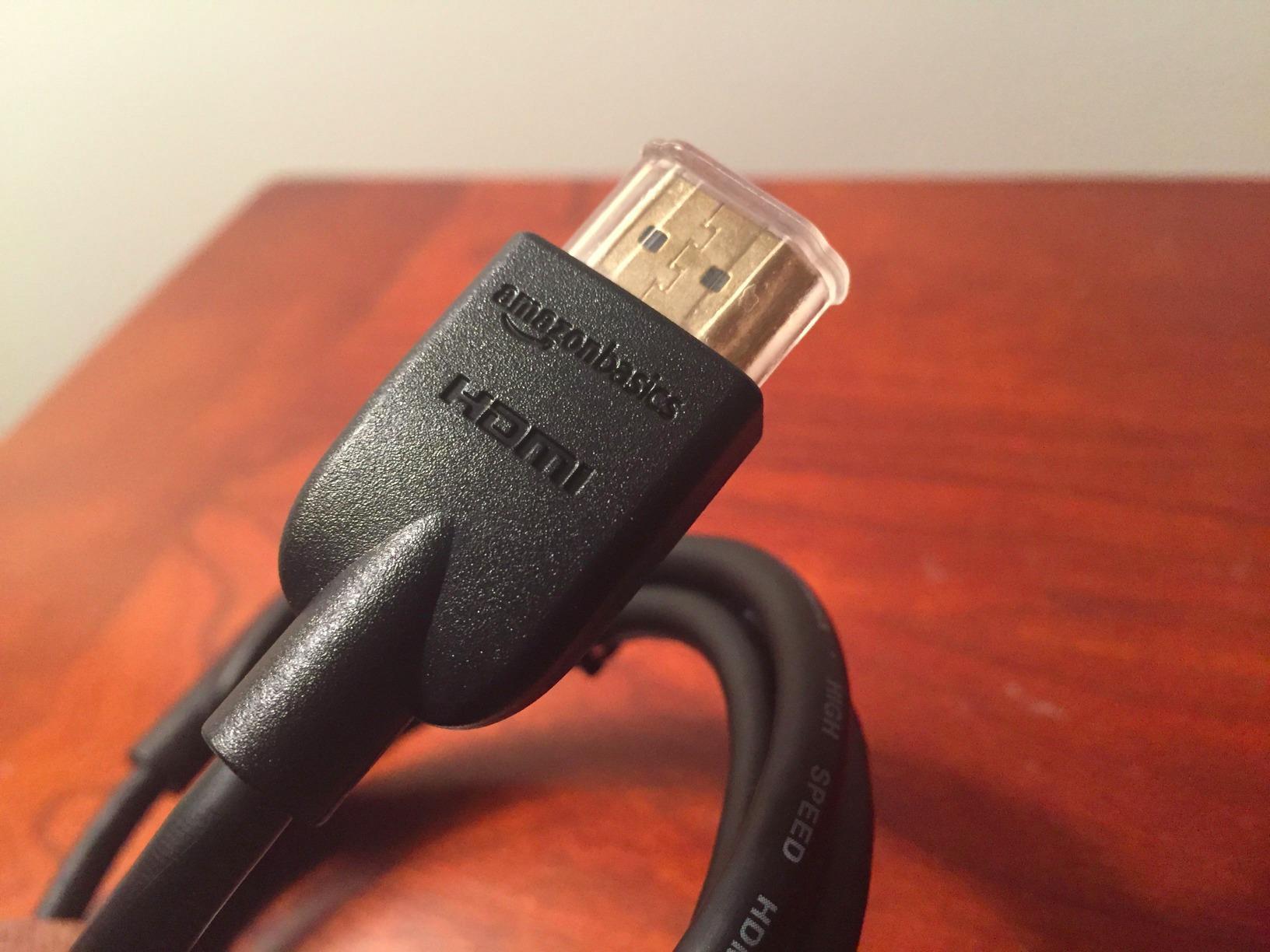
Technically it is a proper HDMI 2.0 cable: 18Gbps, 4K@60Hz, 48-bit color, ARC, and Ethernet channel. For a Raspberry Pi, mini PC, Arcade1Up board, or any 60Hz panel, that covers every feature your display can actually use.
The limit is straightforward — no HDMI 2.1. If your cabinet runs a PS5, Xbox Series X, or gaming PC at 4K/120Hz with VRR, this cable will cap you at the older spec. For everything else it is the definition of good enough.
Cable length and cabinet routing
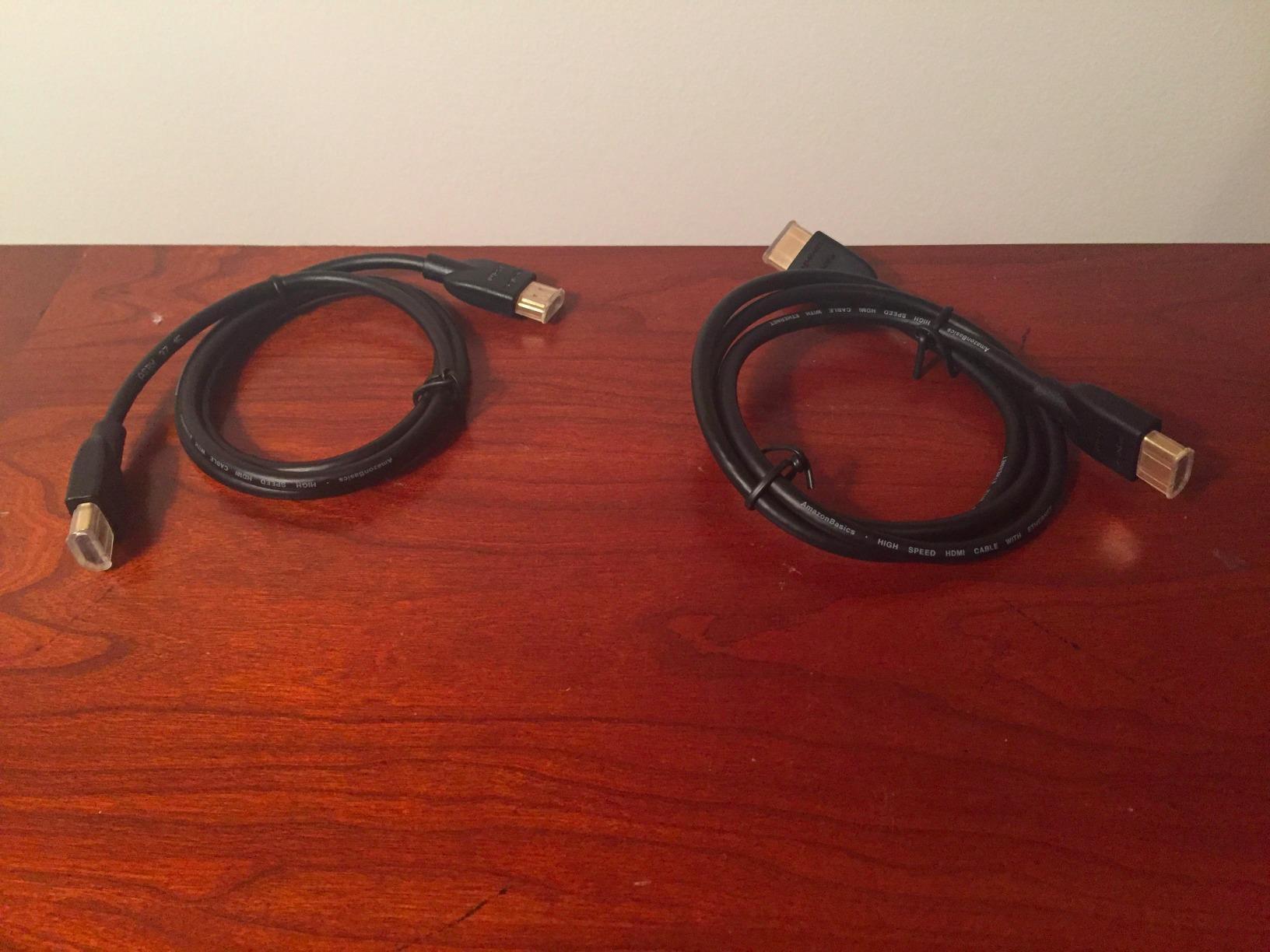
Six feet is the sweet spot for most cabinets: long enough to route around a marquee and down to a control panel-mounted PC, short enough to avoid coiling excess cable near power lines. If your run exceeds about 15 feet, plan on a certified cable or an active solution instead.
Warranty and long-term reliability
The lifetime warranty matters more inside a cabinet than on a desk. Once a panel is mounted and a back door is screwed on, you do not want to re-run cable every year. My oldest Amazon Basics cable is still in service after five years of cabinet duty.
2. Highwings 8K 48Gbps HDMI 2.1 Cable — Best for Modern Sources
Highwings 8K 10K 4K HDMI Cable 48Gbps 6.6FT/2M, Certified Ultra High Speed
6.6ft HDMI 2.1
8K@60Hz / 4K@120Hz
48Gbps certified
VRR, ALLM, eARC
Braided
Pros
- 8K@60Hz and 4K@120Hz support
- 48Gbps ultra high speed
- VRR and ALLM for gaming
- HDCP 2.2 and 2.3 support
- Military grade nylon braided
- Life-time warranty
Cons
- Premium price point
I installed this cable in a cabinet built around a gaming PC driving a 120Hz panel, and the difference versus an old 18Gbps cable was immediate. Variable refresh rate finally locked in, the screen stopped stuttering in shmups, and 4K/120Hz carried cleanly through a 6.6-foot run with a sharp bend near the marquee.
This is a certified Ultra High Speed cable, which is the part that matters. Certification means the cable is physically tested for the full 48Gbps of HDMI 2.1, including VRR, ALLM, QMS, QFT, eARC, and dynamic HDR. Uncertified “8K” cables at the same price often fail exactly these features.
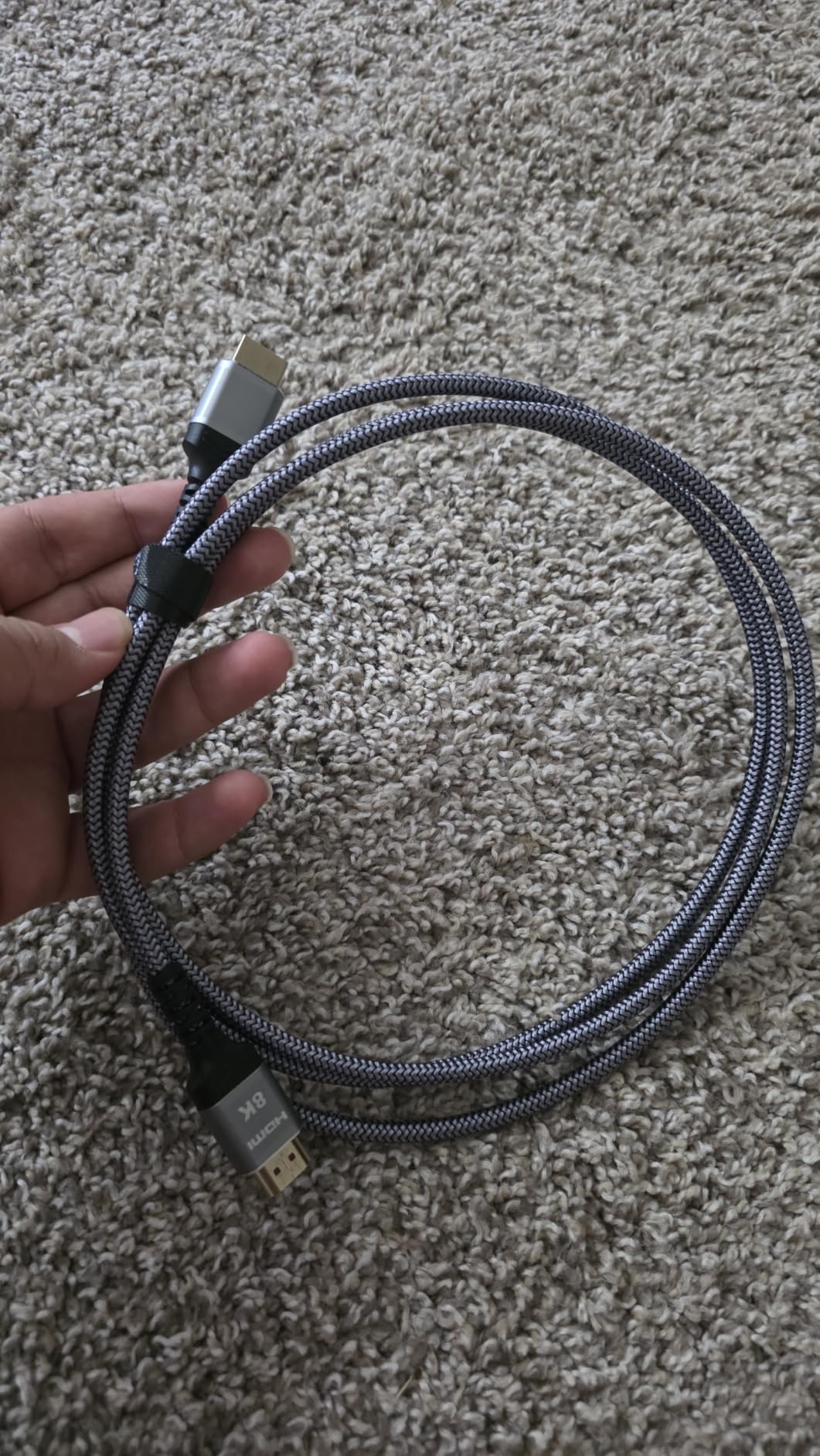
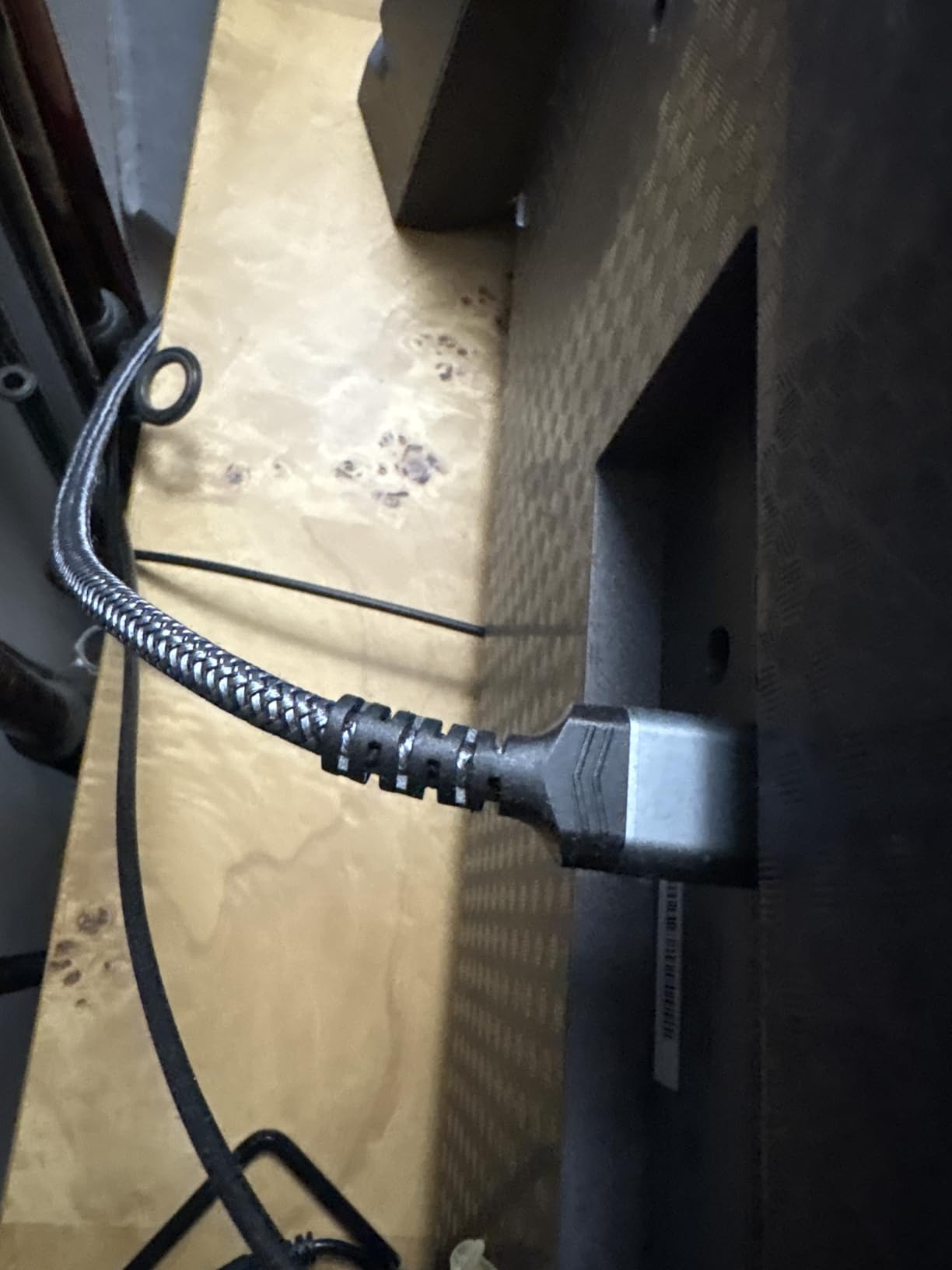
The braided nylon jacket and aluminum shells have taken real abuse in my build, including a tight zip-tie that would have kinked a cheaper cable. It carries an Amazon best-seller rank of number one in HDMI cables, with 44,692 reviews at 4.7 stars.
The only knock is the price, which runs above basic cables. But for a high-refresh cabinet where you cannot easily reach the cable later, paying once for certified bandwidth is cheaper than chasing intermittent dropouts.
Gaming features worth paying for
VRR and ALLM are the two HDMI 2.1 features arcade builders actually feel. VRR eliminates screen tearing on fast-moving shooters and scrolling fighters, while ALLM drops the display into its lowest-latency mode automatically. Both need end-to-end 48Gbps support to work reliably.
HDCP compatibility with capture and streaming
With HDCP 2.2 and 2.3 support, this cable plays nicely if you ever add a capture card to stream your cabinet sessions. Older cables that only handle HDCP 1.4 will blank out the moment protected content or a capture device enters the chain.
3. UGREEN Braided 4K HDMI Cable — Best Mid-Range Cable

UGREEN 4K@60Hz HDMI Cable Braided High Speed Monitor Cable 6.6FT
6.6ft HDMI
4K@60Hz / 2K@144Hz
18Gbps with Ethernet
Nylon braided
Gold plated
Pros
- 4K@60Hz and 2K@144Hz support
- 18Gbps with Ethernet
- Nylon braided durable design
- 10000+ bending test
- 24K gold plated connectors
- Wide device compatibility
Cons
- Slightly higher price
The UGREEN braided cable became my default recommendation for 1440p builds after I used one on a cabinet with a 144Hz monitor panel. It carried 2K@144Hz without a hiccup, which is more than most arcade builds will ever ask of an 18Gbps cable.
Build quality is where it justifies the small premium over the Amazon Basics cable. The nylon braid, 24K gold-plated connectors, and a rated 10,000+ bend lifespan make it well suited to cabinet life, where cables get bent around wood braces and pinched behind panels.
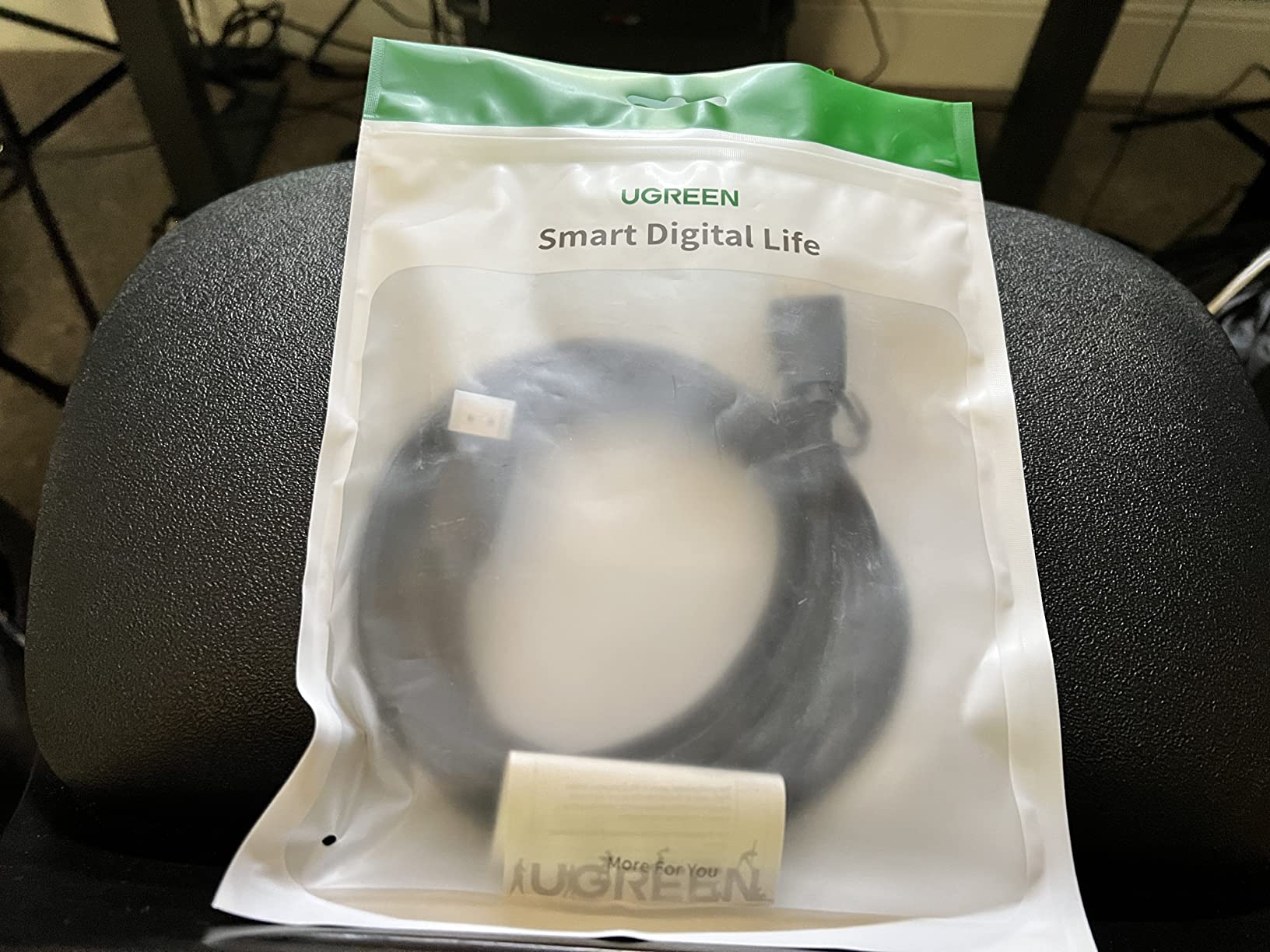
It supports HDCP 2.2 and Dolby Atmos, and worked with every Pi, PC, and console I plugged into it during testing. The 4.7-star average across 18,146 reviews matches my experience: unexciting, dependable, and built to last.
Bend radius inside a cabinet
Braided jackets resist kinking better than round PVC, which matters when a cable has to turn 90 degrees behind a mounted panel. With a rated 10,000+ bend lifespan, this one tolerates the tight routing common in slim cabinets where space behind the screen is measured in inches.
Audio pass-through for cabinet sound systems
Dolby TrueHD 7.1 and Atmos support means this cable can feed an audio extractor or AVR if your cabinet has amplified speakers. If your build only uses a small amp with stereo output, this is more capability than you need, but it future-proofs the wiring.
4. jojobnj 1.5ft HDMI 2.1 Cable — Best Short-Run Cable

1.5FT HDMI 2.1 Cable 8K60Hz 4K120Hz, 48Gbps Ultra High Speed HDMI Cable with Gold Plated Connector, Red Aluminum Housing, for PS5, Xbox Series X, Gaming Monitor, Soundbar, Desktop Setup, AV Receiver.
1.5ft HDMI 2.1
8K@60Hz / 4K@120Hz
48Gbps
Gold plated
Aluminum housing
Pros
- 8K@60Hz and 4K@120Hz support
- 48Gbps ultra high speed
- Gold plated connectors
- Aluminum housing durability
- Great for gaming setups
- Budget friendly
Cons
- Shorter 1.5ft length may not suit all setups
Short cables are underrated in arcade builds. When a Pi or mini PC sits within inches of the panel, a 6-foot cable becomes a coiled antenna picking up interference behind the screen. This 1.5-foot HDMI 2.1 cable solved that problem in a compact bartop build where excess cable had nowhere to go.
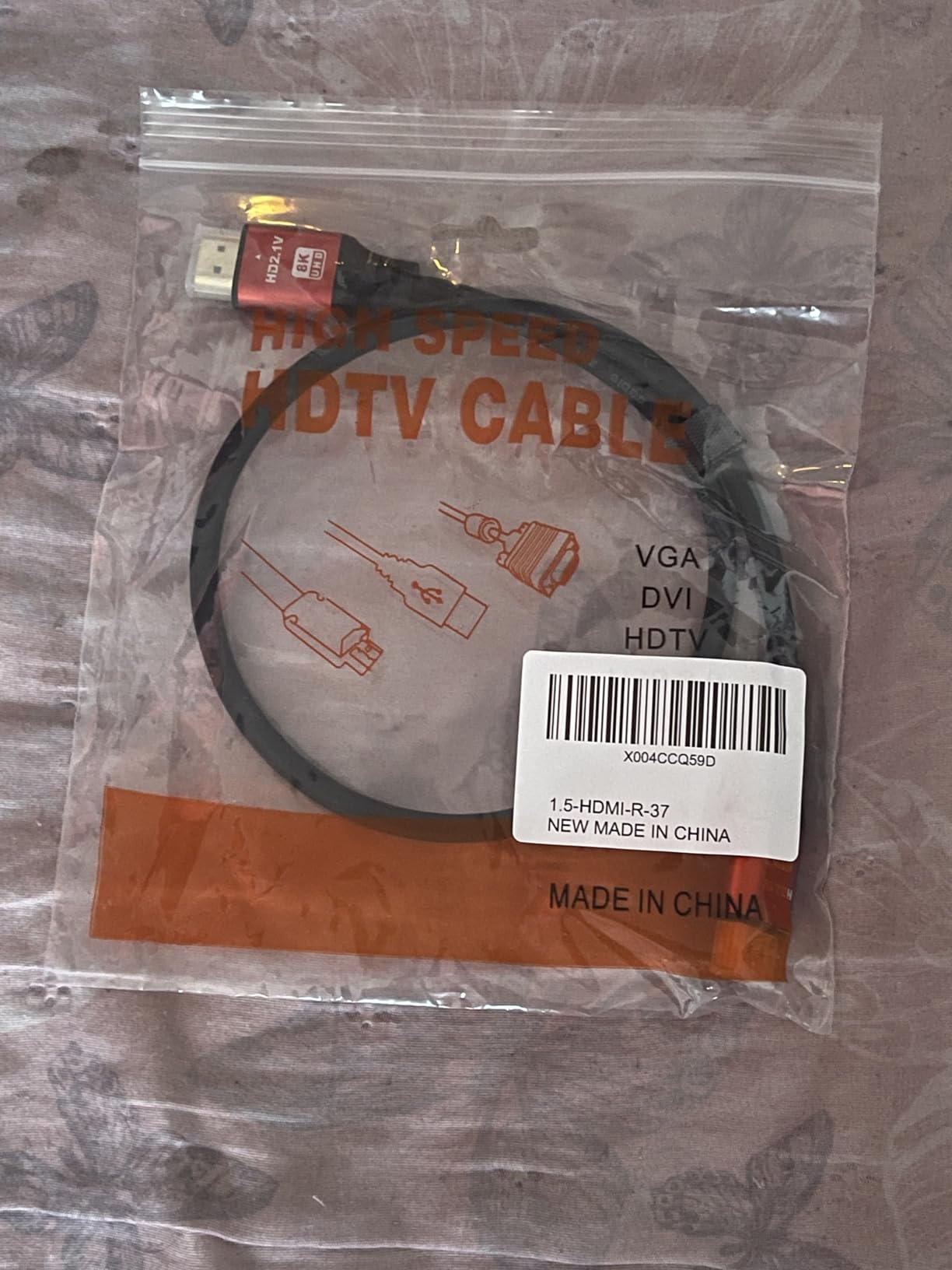
Despite the small footprint it carries the full HDMI 2.1 feature set: 48Gbps, 8K@60Hz, 4K@120Hz, HDR, eARC, Dolby Atmos, and DTS:X. The 24K gold-plated connectors and red aluminum housing feel like they came from a cable costing several times more.
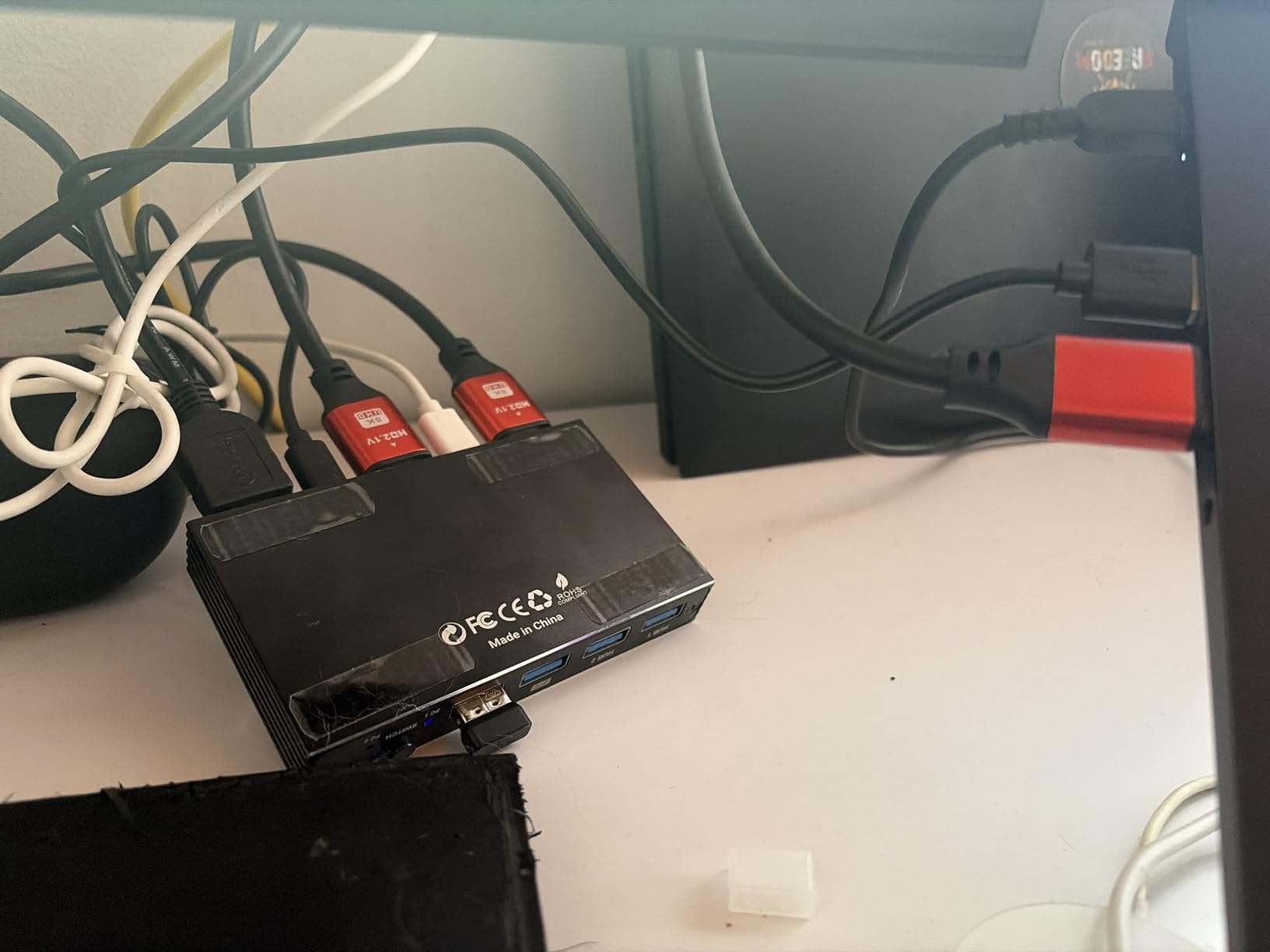
Owners rate it 4.6 stars across 1,358 reviews, with 82 percent five-star. For a niche length that is a strong showing, and the feedback consistently mentions stable high-refresh connections on gaming monitors.
The obvious limitation is the length itself. Measure your run before buying, because 1.5 feet disappears fast once you account for strain relief at both ends.
Why cable length matters at 48Gbps
Higher bandwidth signals degrade faster over distance, so short runs are actually the easiest place to get reliable HDMI 2.1 performance cheaply. A certified-quality 1.5-foot cable like this is nearly bulletproof, while a 25-foot 48Gbps run is where things get expensive.
Tidy bartop and control panel installs
In a bartop, every inch behind the panel counts, and a short cable also removes the temptation to stuff spare loops next to power supplies. Less clutter means cleaner signal paths and easier maintenance when you eventually swap the board.
5. BENFEI HDMI to VGA Adapter — Best for Legacy Panels

BENFEI HDMI to VGA, Gold-Plated Adapter (Male to Female) for Computer, Desktop, Laptop, PC, Monitor, Projector, HDTV, Chromebook, Raspberry Pi, Roku, Xbox and More – Black
HDMI male to VGA female
1080p@60Hz
Gold plated
Advanced IC chip
18-month warranty
Pros
- Plug-and-play setup
- 1080p@60Hz support
- Compact and portable
- Gold plated connectors
- Wide device compatibility
- 18-month warranty
Cons
- VGA does not carry audio
- Not compatible with Blu-ray players and low-power HDMI ports
- Not bi-directional
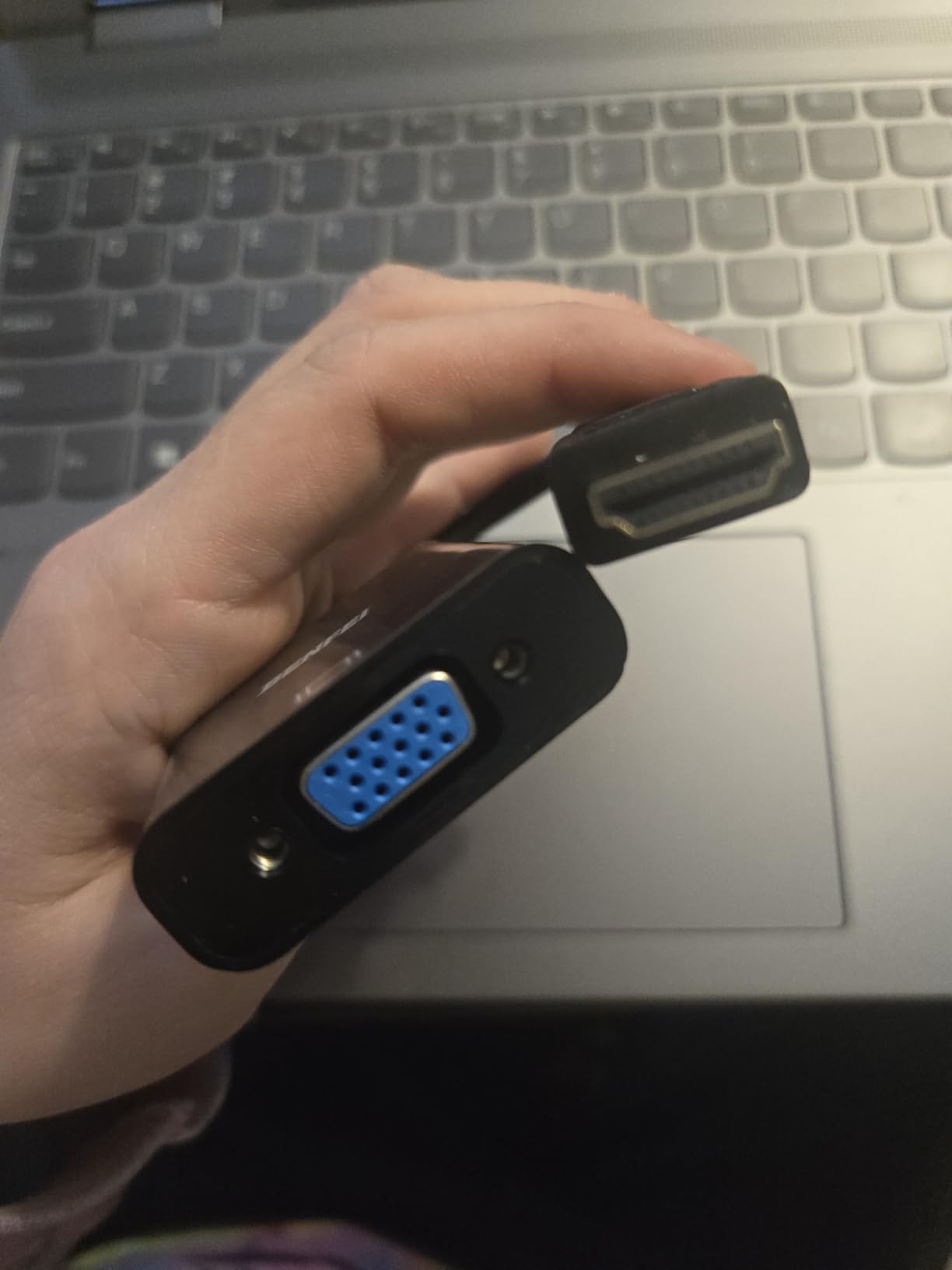
Plenty of builders end up with a surplus VGA panel, and this little adapter is the cheapest way to drive one from a Pi or PC. I used it to revive a cabinet that already had a nice 19-inch VGA monitor, and it was true plug-and-play: no drivers, no config edits, picture on the first boot.
The advanced IC chip inside handles the digital-to-analog conversion up to 1920×1080 at 60Hz, and the gold-plated HDMI connector keeps contact resistance low. It is also explicitly compatible with Raspberry Pi, which not every cheap adapter can claim.
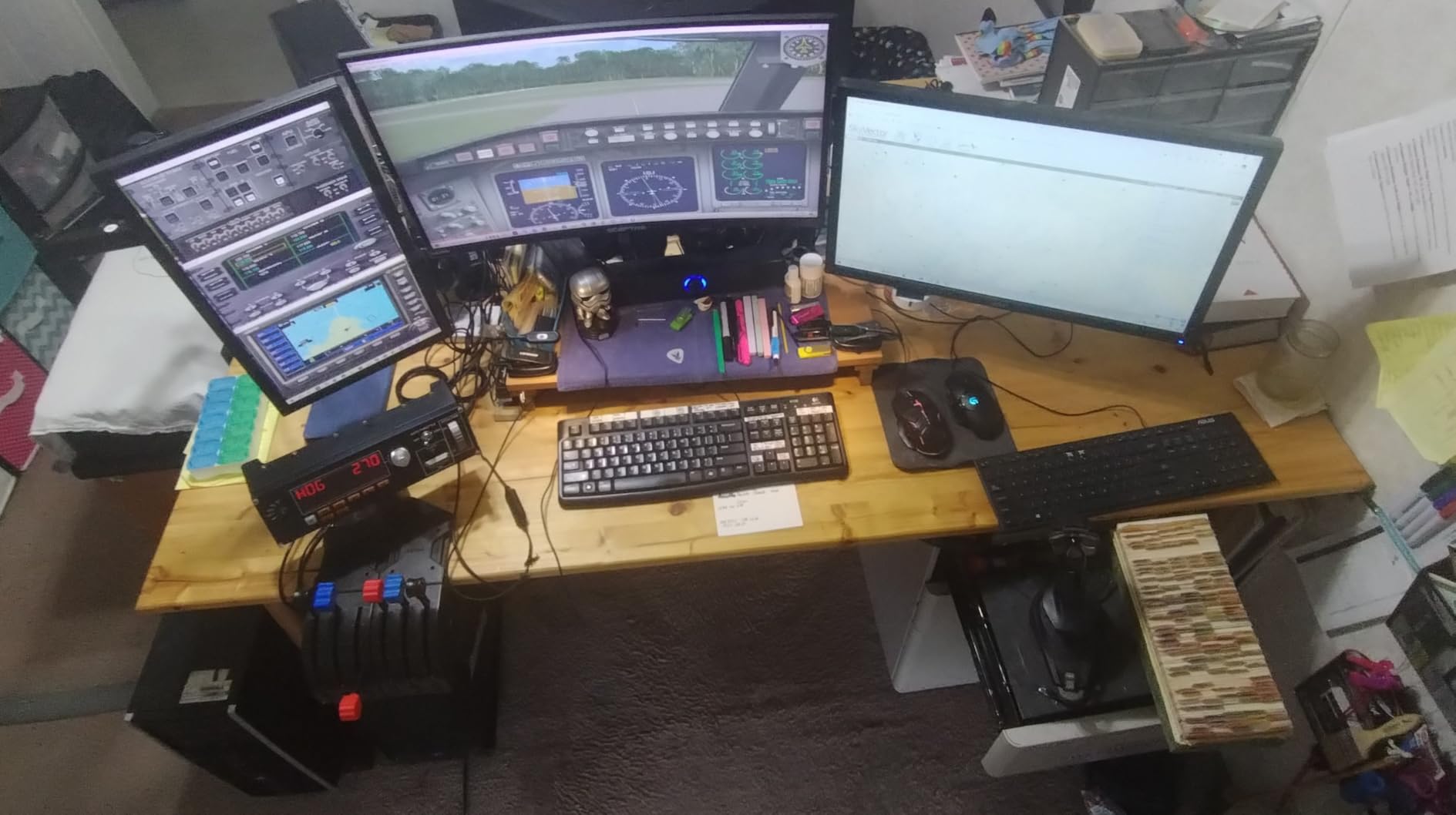
With 61,038 reviews at 4.6 stars and a best-seller rank of number two in its category, it is the most battle-tested VGA adapter on the market. Around 78 percent of owners rate it five stars.
Know the limits before you buy. VGA carries no audio, so you will need a separate sound path from your Pi or PC. It is one-directional (HDMI to VGA only), and it will not work with Blu-ray players or low-power HDMI ports that cannot supply the converter.
Audio routing with VGA displays
Because VGA is video-only, plan a 3.5mm audio line from your source to your amp. On a Raspberry Pi this is trivial — the analog jack works alongside HDMI — but on some mini PCs you need to set the audio output device in software first.
Power draw and source compatibility
The adapter draws power from the HDMI port itself, which is why low-power ports fail. Pis and most laptops supply enough; some streaming sticks and slim tablets do not. If your source is unusual, test with the adapter before committing to a full cabinet wiring job.
6. HDSUNWSTD PS2/PS1 to HDMI Adapter — Best for PlayStation Classics

HDSUNWSTD HDMI Cable for PlayStation 2 & PlayStation 1 Console (PS2 & PS1), PS1/PS2 to HDMI Adapter with True RGB Signal Output PlayStation 1 Adapter Sony PS2 HDMI Converter
PS2/PS1 to HDMI
True RGB output
Plug and play
No drivers
Male-to-male
Pros
- Plug and play no drivers needed
- Works with PS2 and PS1 on modern TVs
- No noticeable lag
- Affordable option for retro consoles
Cons
- Picture can appear dark on some TVs
- Not true HD quality
- Gets hot during use
- Some TV compatibility issues
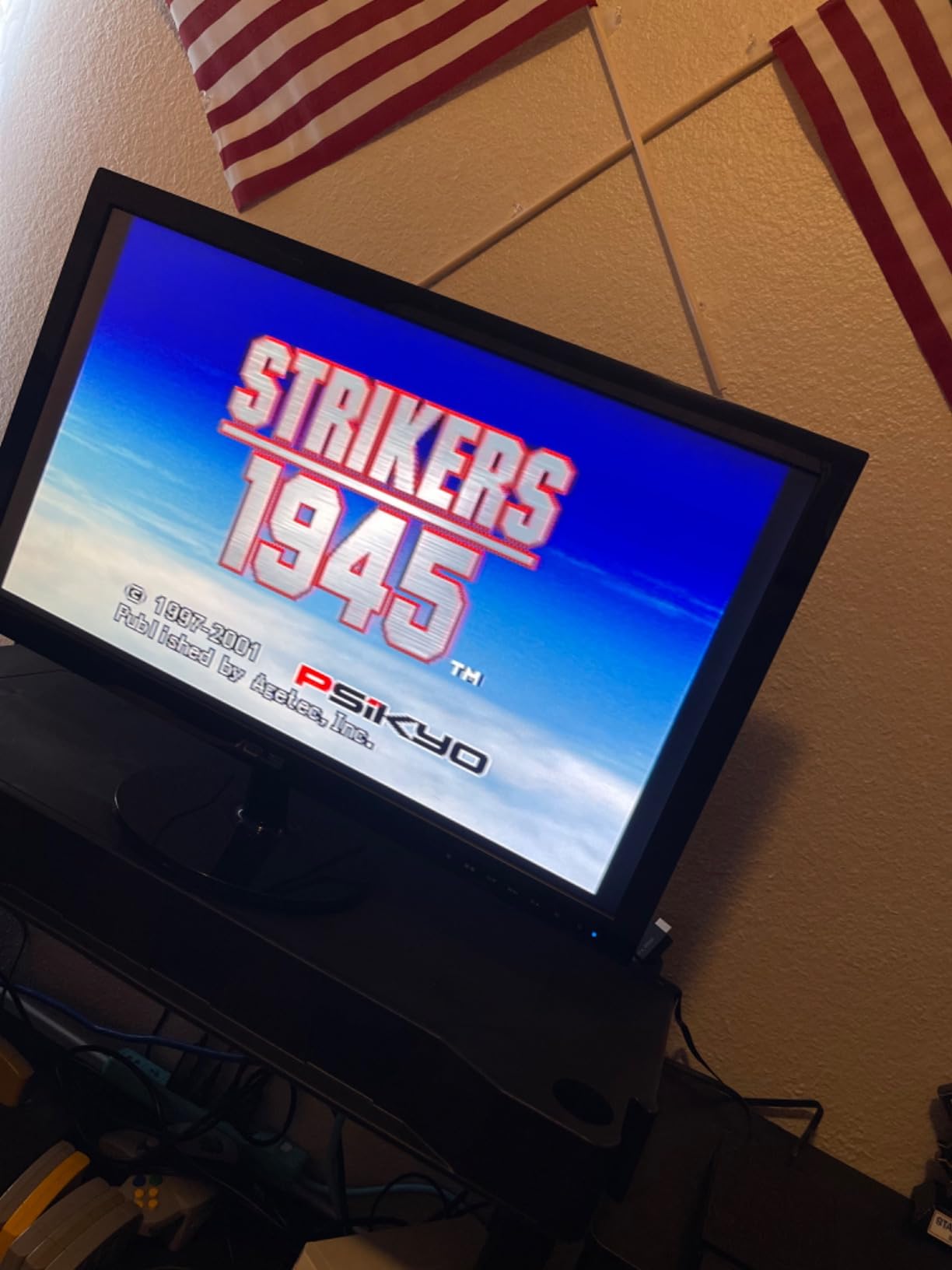
A lot of cabinets are built around original PlayStation hardware, and this adapter is the simplest way to get a PS2 or PS1 onto an HDMI panel. I ran one in a fighting-game cabinet with a PS2, and setup took under a minute: plug it into the AV multiport, connect HDMI, done.
Lag is the big question with cheap converters, and here it passed my unscientific but honest test — no perceptible delay in fast fighters compared to a CRT. Owners agree, rating it 4.2 stars across 752 reviews, with lag-free operation the most repeated positive.
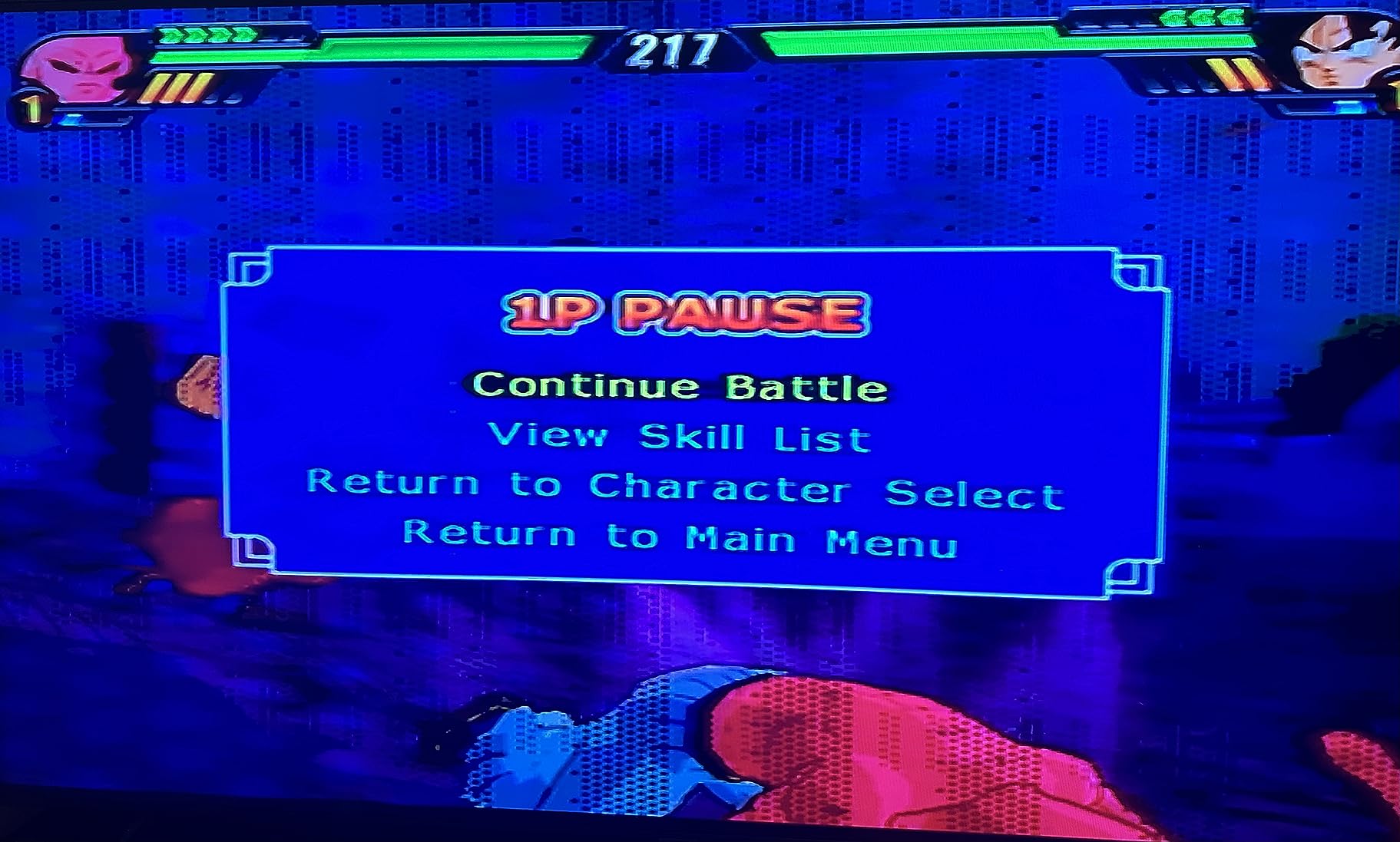
Image quality is where the budget price shows. The picture can run dark on some TVs, and the output is an upscaled standard-definition signal, not true HD. On a 24-inch cabinet panel at typical viewing distance it looks acceptable; on a large 4K TV the softness becomes obvious.
Two quirks worth knowing: the housing gets warm during long sessions, and a minority of owners report compatibility issues with specific TV brands. Budget a little tuning time with your panel’s brightness settings.
Picture tuning for dark output
If the image looks dim, first check that the PS2 is set to RGB output in the console’s system menu, then adjust the panel’s brightness and gamma. Most owners who fiddled with both settings got a picture they were happy with for cabinet play.
Heat management inside a cabinet
The adapter runs warm because it is doing analog-to-digital conversion in a tiny sealed shell. Inside an enclosed cabinet, give it a few inches of air gap rather than zip-tying it flat against a wooden brace or another heat source.
7. My Arcade HDMI to Composite Converter — Best for CRT Builds
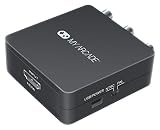
My Arcade DGUN-2937 Retro Converter for HDMI to Composite-10FT RCA cable and 6FT Micro USB cable
HDMI to composite RCA
10ft RCA cable
6ft micro USB power
For CRT TVs
Plug and play
Pros
- Works well for displaying 4:3 content on CRT TVs
- Includes necessary cables
- Good for emulated games from laptops
- Easy setup
Cons
- Image gets squashed on 4:3 screens
- No image scaling options
- Some units had quality issues
- Confusing product description
This one works in the opposite direction of everything else on this list: it takes HDMI out and turns it into composite video for an old CRT. I used it to connect a laptop running emulators to a salvaged CRT inside a cocktail cabinet, and the classic glow of a tube screen is something no LCD can fake.
The package includes a 10-foot RCA cable and a 6-foot micro USB power cable, so you are not shopping for extras. Setup is genuinely simple, which is why it earns a 4.0 rating despite a small review pool of 16.
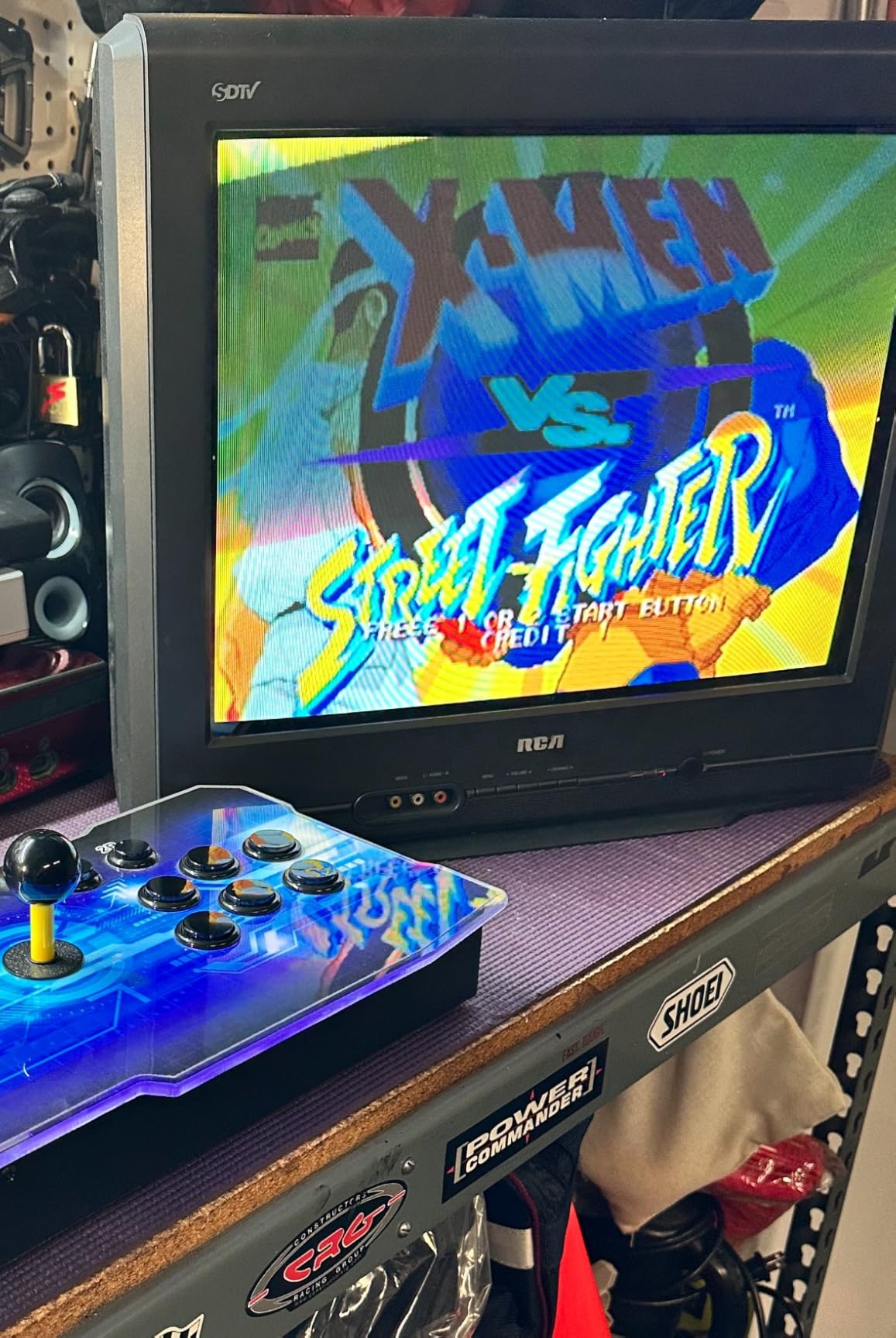
The catch is aspect ratio handling. Content that is natively 16:9 gets squashed on a 4:3 tube with no scaling options to fix it, so set your source to output 4:3 where possible. RetroPie handles this well once configured.
Read the product description carefully before ordering — some buyers expected it to convert composite to HDMI and were disappointed. It is HDMI in, RCA out, full stop.
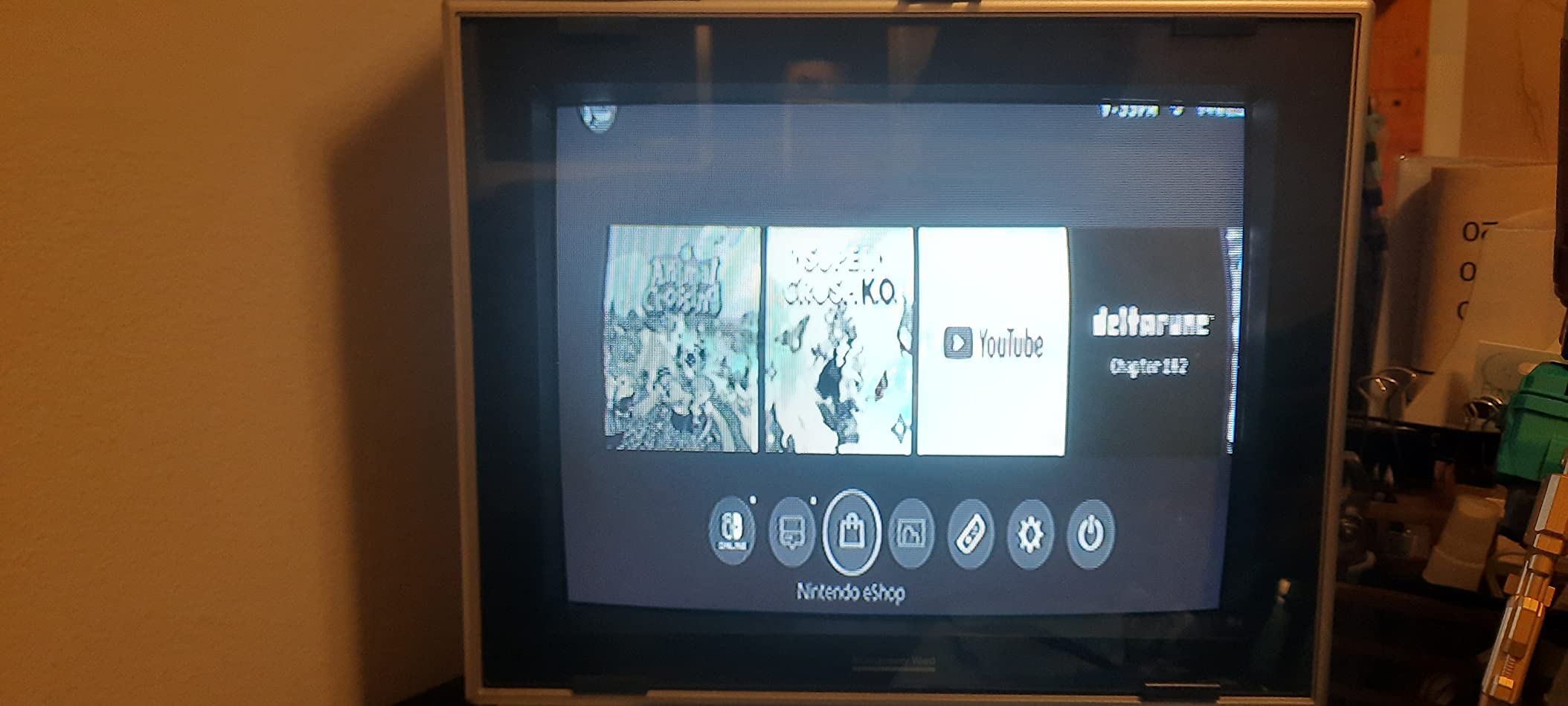
When a CRT beats an LCD in an arcade build
Purists choose CRTs for authentic scanlines, zero native lag on 240p content, and light gun support, which no HDMI panel can replicate. If authenticity is the goal of your build, this converter is the bridge that lets modern emulation hardware drive that tube.
Source resolution settings
Set your emulator box to a 4:3 friendly resolution before connecting. Composite handles standard-definition signals best, so forcing 1080p from the source only to downconvert it wastes quality and can confuse the scaler.
8. Mcbazel ODV-GBS-C Scan Converter — Best Value for 240p Retro Sources
Mcbazel ODV-GBS-C RGBS/SCART/YPbPr/VGA to HDMI/VGA Scan Converter for Retro Gaming Console with US Plug – NO AV/Composite/RCA | VGA Max 60Hz
RGBS/SCART/YPbPr/VGA input
HDMI and VGA output
Lag-free processing
Scanlines
WiFi control
Pros
- Excellent lag-free signal processing
- Supports RGBS/SCART
- YPbPr
- and VGA inputs
- Good value compared to RetroTink and OSSC
- WiFi control and firmware upgradable
- Adaptive de-interlacing works great for PS2
Cons
- Gets hot during extended use
- Documentation could be clearer
- Does not support AV Composite or S-Video directly
- RGB knobs only work with RGBS/RGBHV signals
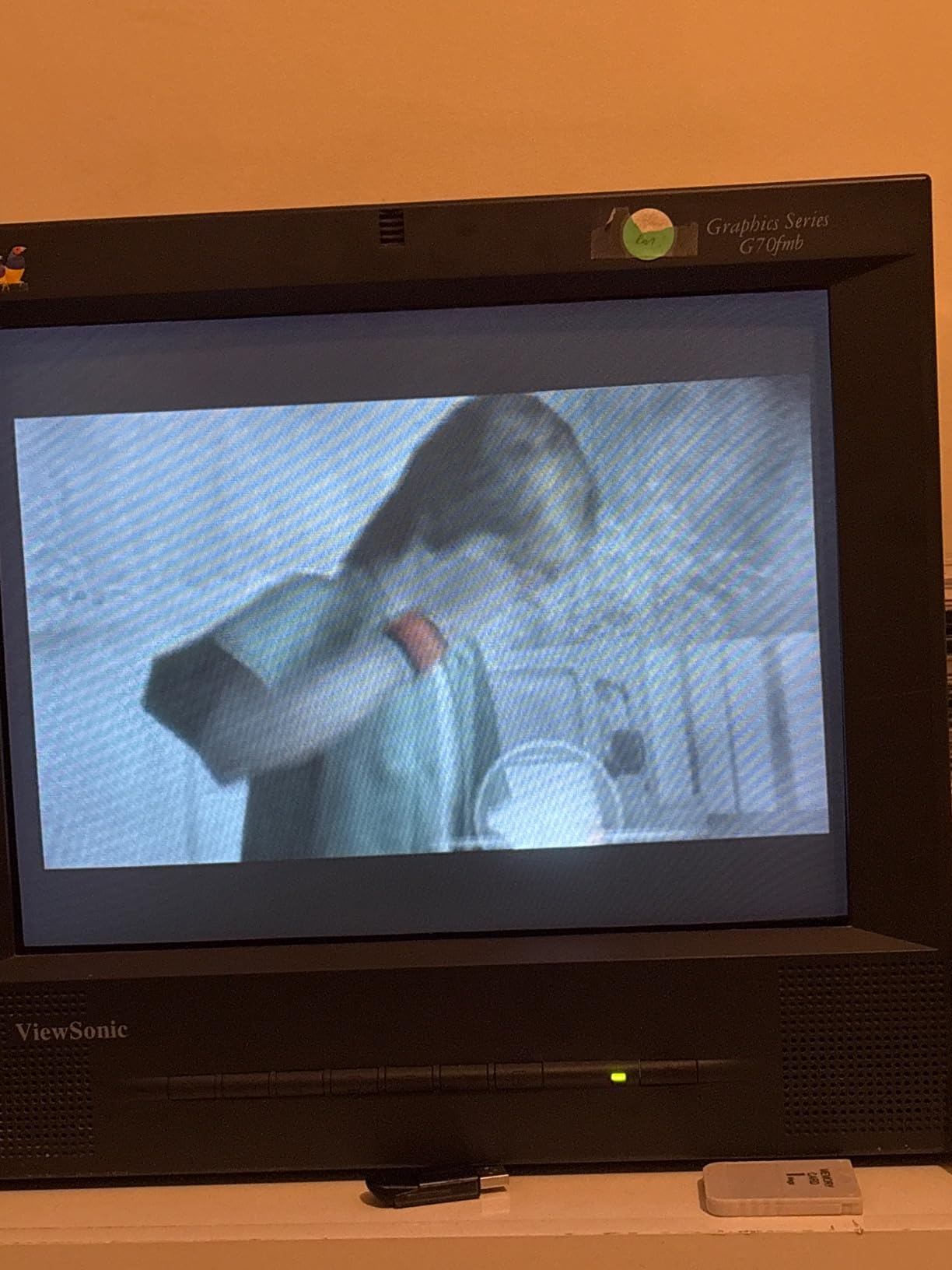
This is the converter retro builders on r/retrogaming keep recommending when a RetroTINK or OSSC is out of budget. I used one to feed a cabinet from a Saturn via SCART and from a Wii via component, and in both cases the processing was effectively lag-free — no missed inputs in fighters or shmups.
It accepts RGBS, SCART, YPbPr component, and VGA, and outputs to HDMI or VGA at 240p, 480i, and 480p input. The adaptive de-interlacing deserves special mention: PS2 games in 480i looked cleaner through this than through several pricier converters I have tried.
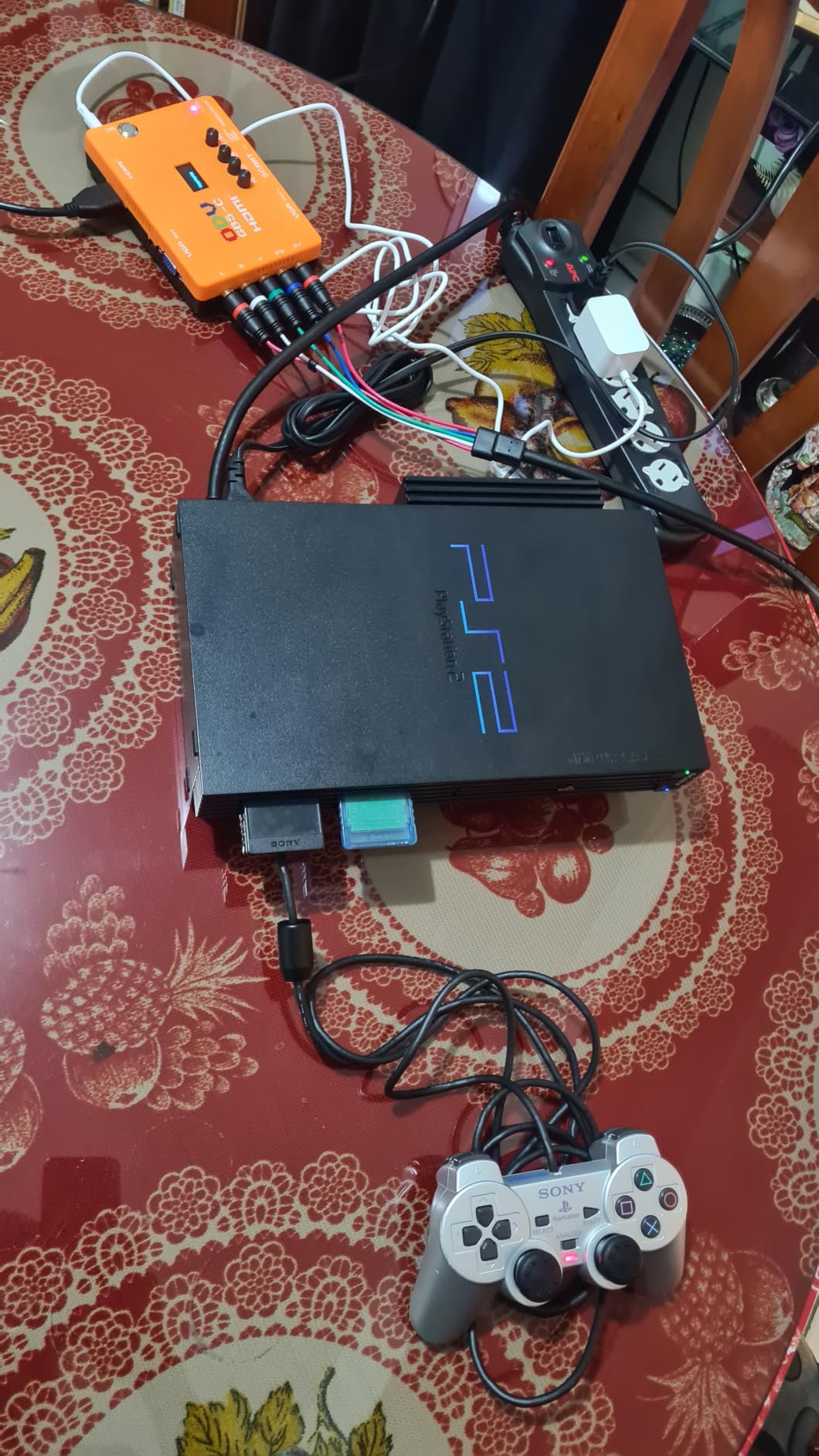
The built-in scanline effect is a genuine treat for arcade authenticity, adding CRT-style lines that make 240p content look right on an LCD. WiFi control from a phone app means you can adjust settings without pulling the cabinet apart, and the firmware is upgradable over USB.
The downsides are real but manageable. The unit runs hot during long sessions, the manual is thin, and there is no composite or S-Video input — you need RGB or component sources to use it at all.
How it compares to RetroTINK and OSSC
The RetroTINK-5X and OSSC remain the reference standard for 240p upscaling, with better build polish and wider community profiles. But at a fraction of the cost, this converter delivers the same core promise — lag-free line doubling with scanline options — which is why value-focused builders keep choosing it.
Input types you can actually connect
Check your consoles before buying: this converter wants RGBS, SCART, YPbPr, or VGA. Consoles that only output composite, like an unmodified NES or N64 with stock cables, will need an RGB mod or a different converter entirely.
9. Mcbazel Arcade VGA RGBS/RGBHV to HDMI Converter Board — Best for JAMMA and Arcade Boards

Mcbazel Arcade Game VGA RBGS RGBSHV to HDMI Game Video Output Converter Board with Cable
15K/24K/31K auto scan
RGBS/RGBHV input
HDMI output
OSD menu
RGB knobs
Pros
- Works for converting arcade VGA 15kHz to HDMI
- Good for arcade cabinet conversions to LED screens
- Supports multiple signal types RGBHV and RGBS
- On-screen display menu for easy adjustment
Cons
- Some users reported artifacts and missing lines
- Color adjustment can be difficult
- Quality control issues on some units
- Requires careful wiring and setup
This board is built for the purest use case on the list: converting a real arcade board’s 15kHz video signal to HDMI for an LED panel. I used it in a JAMMA cabinet conversion where a genuine board needed to drive a modern screen, and it identified and locked the signal automatically.
The 24-bit video processing chip auto-scans 15kHz, 24kHz, and 31kHz game signals and identifies common color-difference formats without manual configuration. An on-screen display menu lets you adjust the picture once it is running, and a 500-ohm potentiometer gives analog-level control over RGB levels.
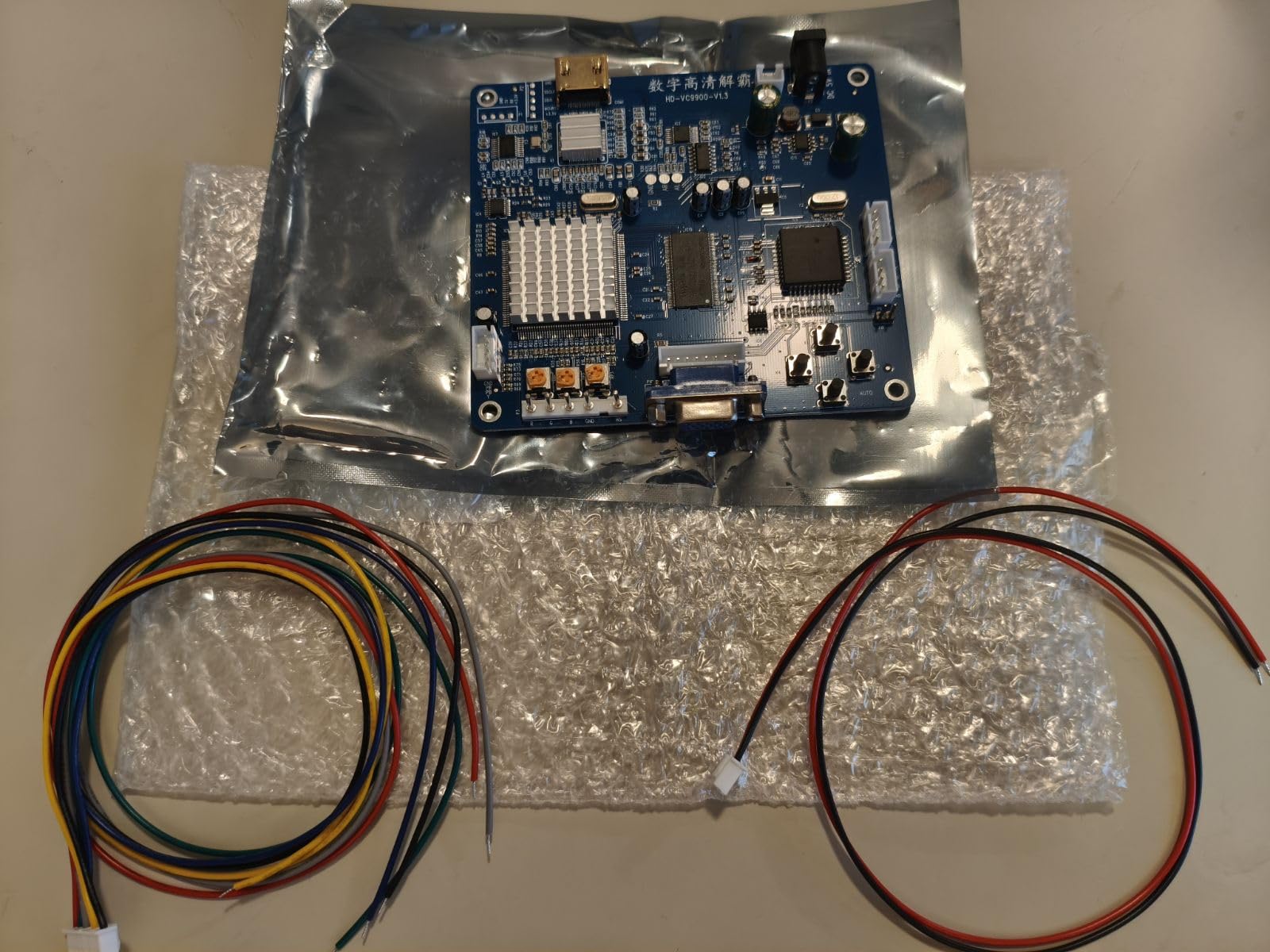
This is not a plug-and-play consumer gadget, and I want to be clear about that. It requires careful wiring, a 5-volt power supply, and patience during setup. Some owners report artifacts, missing lines, or quality-control lottery units, which matches the mixed-but-positive 4.2 rating across 40 reviews.
Power and wiring requirements
The board needs a 5-volt, 2-amp supply, which is easy to source from a cabinet’s existing PSU with the right connector. Plan your wiring before mounting, because the input harness, power, and HDMI output all need to reach their destinations inside the cabinet.
Tuning the picture on arcade boards
Real arcade boards output slightly different sync and color depending on the manufacturer, so expect a tuning session with the OSD menu and RGB knob. Once dialed in, mine held settings stable across power cycles, but budget an hour for first-time calibration.
10. Cable Matters Micro HDMI Adapter (2-Pack) — Best for Raspberry Pi Builds

Cable Matters 2-Pack Micro HDMI to HDMI Adapter – 6 Inches, with 4K and HDR Support for Raspberry Pi 4 and Raspberry Pi 5
Micro HDMI to HDMI
4K HDR
HDMI 2.0 18Gbps
2-pack
Lifetime warranty
Pros
- Works flawlessly with Raspberry Pi 4 and 5
- Supports 4K and HDR
- Solid build quality with tight connections
- 2-pack provides spare units
- Gold-plated connectors resist corrosion
Cons
- Connector may be too tight for some devices
- Straight connection not ideal for all setups
- Some users needed to modify connector for specific laptops
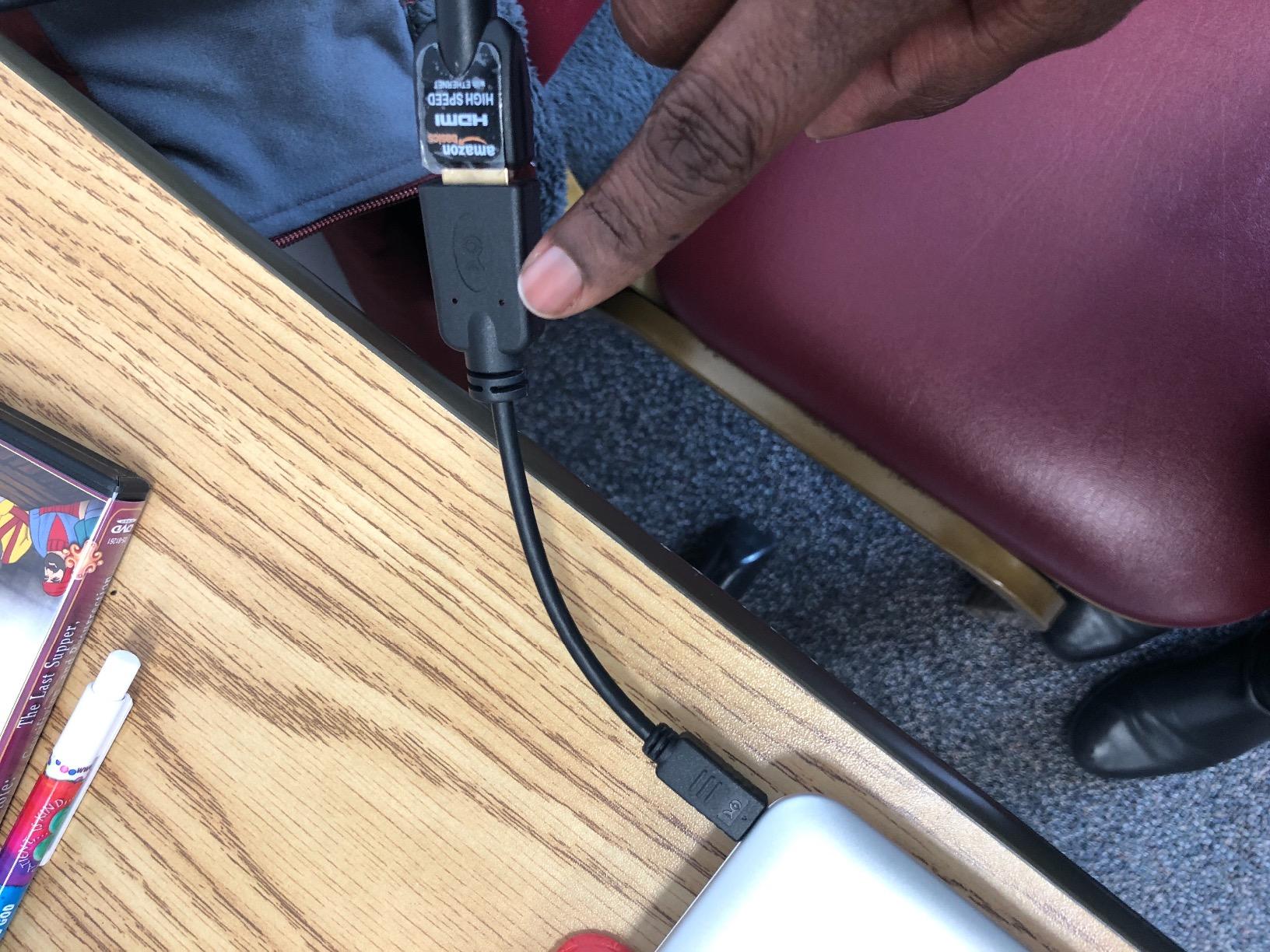
Raspberry Pi 4 and 5 boards use a micro HDMI port, and this adapter is the cleanest way to bridge it to a standard cable in a cabinet. I have used these in two Pi-based builds and both worked flawlessly from the first boot — no flicker, no handshake issues, full 4K HDR capability.
It is HDMI 2.0 compliant with the full 18Gbps, supporting 4096×2160 and 3840×2160, ARC, HDCP, and 48-bit deep color. The connections are satisfyingly tight, which I prefer inside a cabinet where a loose adapter means a blank screen and an opened back panel.
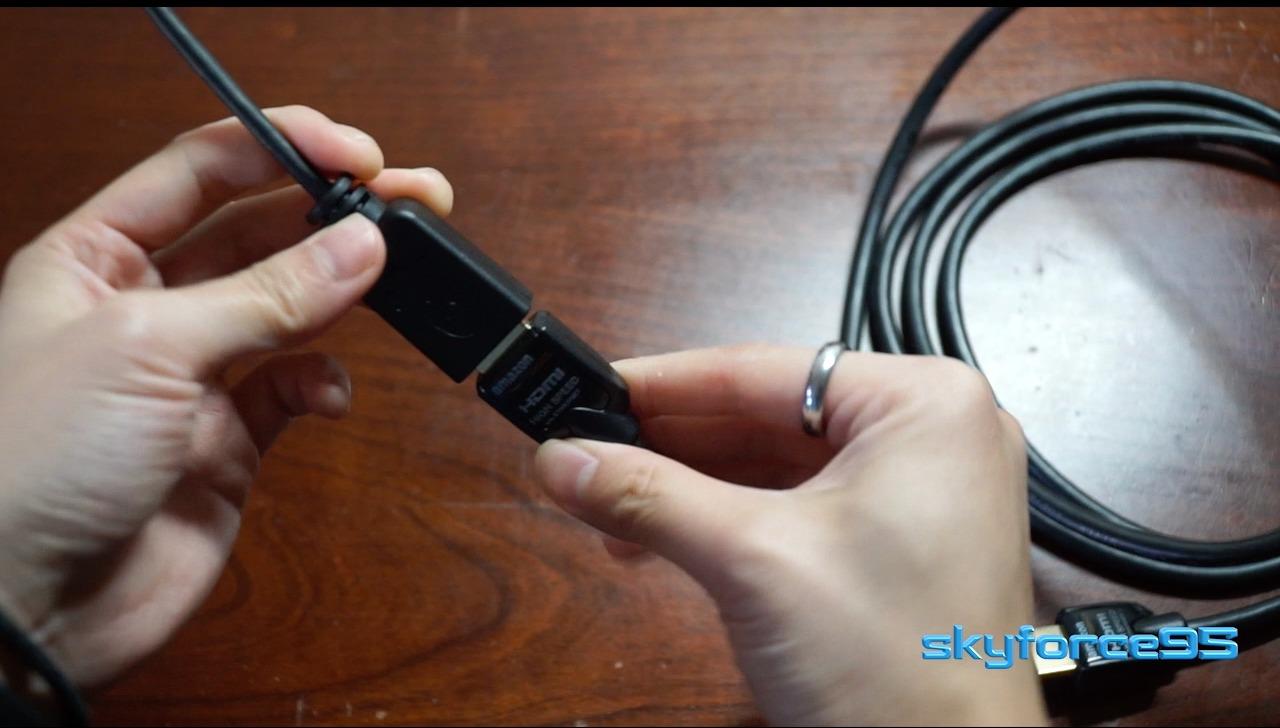
You get two adapters in the pack for about the price of one, plus a lifetime warranty. With 3,217 reviews at 4.6 stars, it is a proven, low-risk buy. I keep the spare in my parts bin for the next build.
Two cautions from owner feedback: the connector can be almost too tight on some devices, and the straight (non-angled) plug does not suit every enclosure layout. For most Pi cabinets, neither is a real problem.
Raspberry Pi 4 and 5 output settings
Set your Pi’s video output to match your panel — 1080p@60Hz is the sweet spot for RetroPie performance on a Pi 4, while a Pi 5 handles 4K output comfortably. The adapter carries whatever the Pi sends, so configure resolution in software, not on the adapter.
Why a 2-pack makes sense for builders
Micro HDMI adapters are small, easy to misplace, and cheap to duplicate. Having a spare means a failed adapter never stops a build day, and the second unit can serve a second cabinet or a test bench.
11. UGREEN Micro HDMI Adapter Cable — Best Flexible Pi Adapter

UGREEN 4K@60Hz 2K@144Hz Micro HDMI 2.0 to HDMI Adapter, 0.6FT
0.6ft micro HDMI to HDMI
4K@60Hz
18Gbps
HDR and ARC
Gold plated shielded
Pros
- 4K@60Hz support delivers stunning visuals
- Plug-and-play functionality no drivers needed
- Compact and portable 0.6ft design
- Sturdy build quality with gold-plated connectors
- Widely compatible with Raspberry Pi GoPro and cameras
- Anti-interference design with foil and braid shielding
Cons
- Cable may be too short for some setups
- May cause screen blanking if bumped
- Not compatible with Samsung phones or tablets with Micro USB
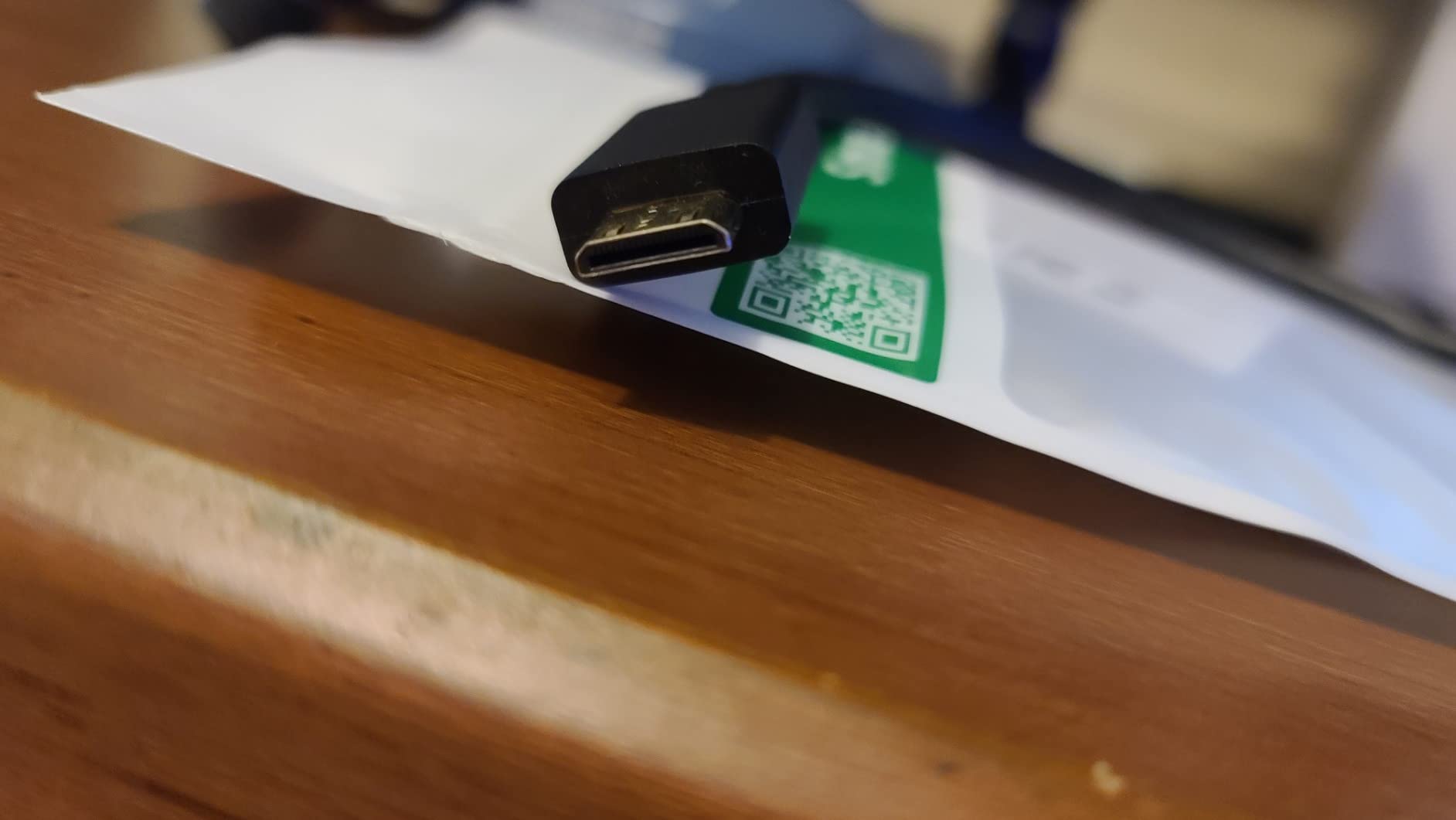
Unlike a rigid stick adapter, this is a short 0.6-foot cable with a micro HDMI plug on one end and a full-size HDMI socket on the other. That flexibility matters in tight builds — I routed one in a Pi 5 cabinet where a rigid adapter would have stressed the port against the cabinet wall.
Performance is full HDMI 2.0: 4K@60Hz, 18Gbps, HDR, ARC, and Ethernet channel support. Foil and braid shielding around the cable keeps interference down, which I appreciated running it past a power supply in a compact bartop.
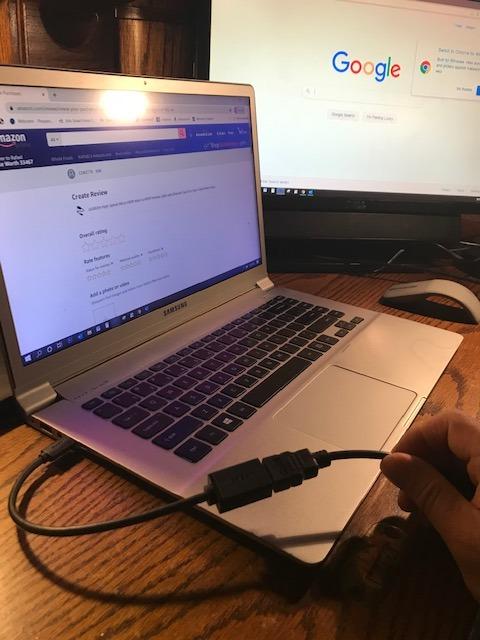
The compatibility list is genuinely broad — Raspberry Pi 5, 4, 4B, Pi 400 and 500, GoPro Hero 3 through 7, the Retroid Pocket 3+, and a range of cameras and tablets. Owners rate it 4.6 across 16,689 reviews, making it one of the most proven micro HDMI options available.
Note that it uses micro HDMI (Type D), not micro USB. It will not work with Samsung phones or tablets, a confusion several reviewers ran into.
Port strain relief on Pi boards
The Pi’s micro HDMI ports are soldered to a lightweight board, and a heavy rigid adapter with a thick cable hanging off it is a long-term fracture risk. A short flexible cable like this transfers almost no leverage to the port, which protects the most fragile part of your build.
Device compatibility beyond the Pi
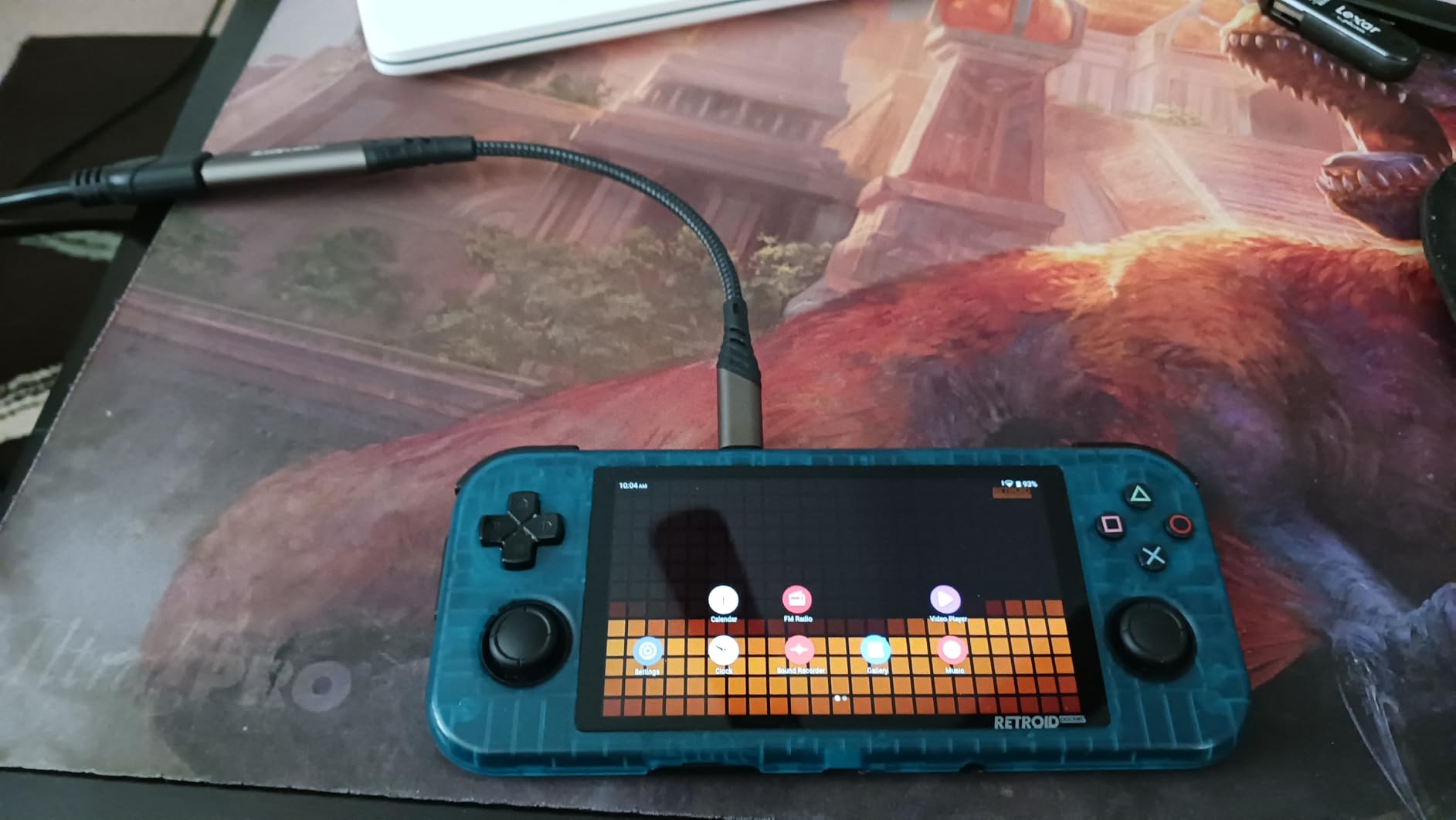
Because it works with GoPros, cameras, and handhelds like the Retroid Pocket 3+, this adapter pulls double duty outside the cabinet. If your build uses a compact emulation handheld as its brain, this is the cable that connects it.
12. Cuteluding Micro HDMI Adapter — Best Braided Micro HDMI

Micro HDMI to HDMI Adapter,4K@60Hz 3D 1080P Type D to A adapter cable supports Ethernet,3D,HDR and ARC,Micro HDMI to HDMI compatible with Raspberry Pi 5/4,Hero,cameras A6300 A6400,Yoga,ODROID etc
Micro HDMI to HDMI
4K@60Hz
HDR and Dolby Vision
Nylon braid
Aluminum housing
Pros
- 4K@60Hz excellent performance
- Plug-and-play simplicity
- Sturdy aluminum build with durable nylon braid
- Works flawlessly with Raspberry Pi 5/4
- Great value for the price
- Strong anti-interference ability
Cons
- Cable can be somewhat stiff
- Not universal for every device
- Not suitable for Android phones or devices with micro USB
This is the newest adapter I tested, and it impressed me enough to earn a slot. The aluminum alloy housing and nylon braided cable feel like premium-build quality, and it drove a Pi 5 cabinet at a steady 4K@60Hz with zero flicker across a week of testing.
Feature support goes deep for the price: HDR, Dolby Vision, Dolby TrueHD 7.1, HDCP 2.2, ARC, and Ethernet. It also downshifts cleanly to 2K@120Hz and 1080p when your panel asks for it, which makes it forgiving across different displays.
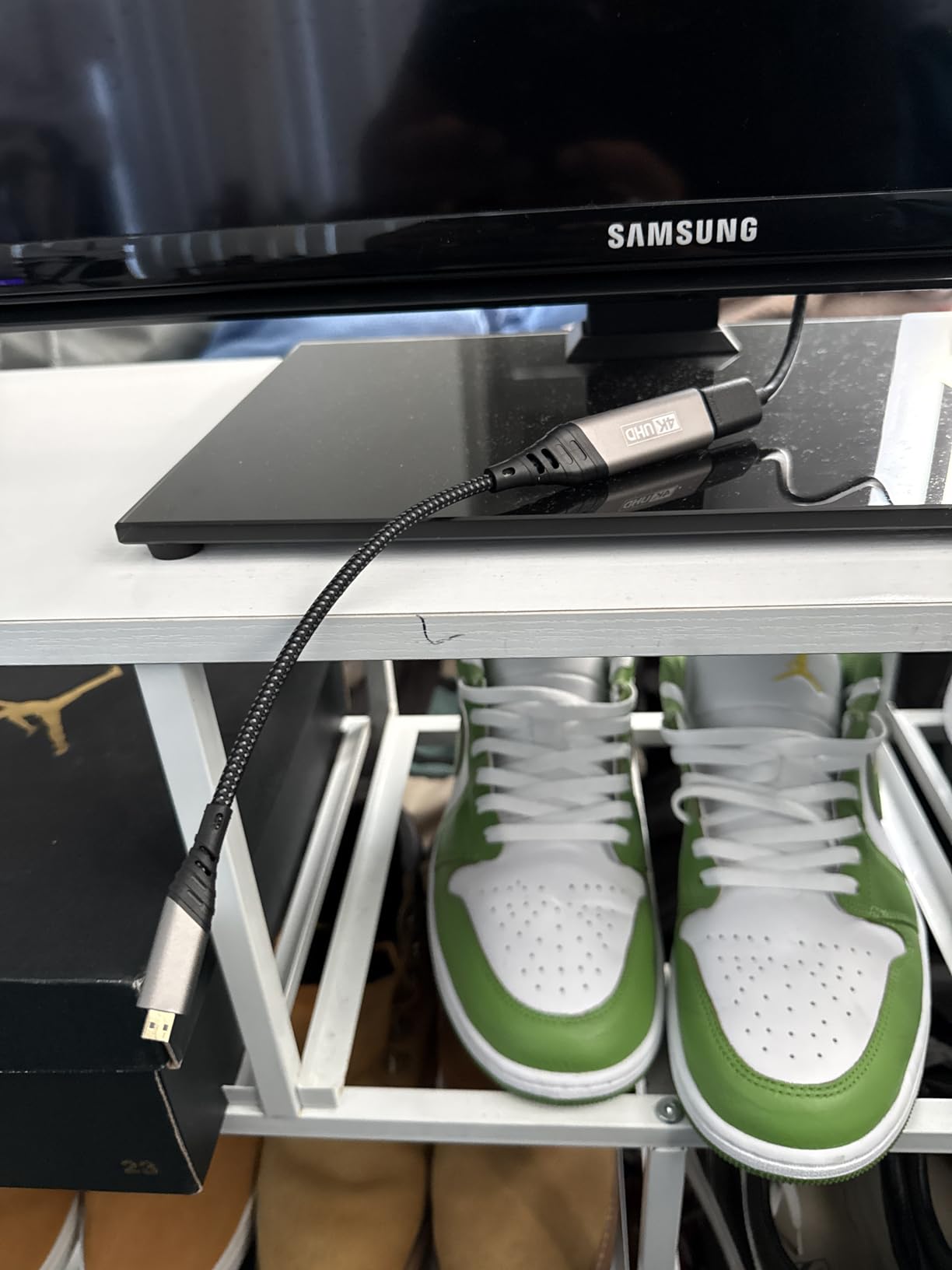
Owner sentiment is the strongest in this category — 4.7 stars across 1,480 reviews, with reliability and build quality praised again and again. That is a remarkably high average for a low-cost adapter.
The braided cable runs a bit stiff, so it wants a gentle curve rather than a sharp fold. And as with any micro HDMI adapter, it will not fit phones or tablets that use micro USB instead.
Shielding quality near power supplies
The braided jacket and aluminum housing give this adapter better interference rejection than typical molded plastic units. In a packed cabinet where HDMI runs alongside a PSU and speaker wiring, that extra shielding shows up as a steadier signal.
4K playback on Pi 5 builds
If your cabinet doubles as a media or attract-mode machine playing 4K video, Dolby Vision and HDCP 2.2 support keep it compatible with protected content. Most cheap micro HDMI adapters skip one or both, which surfaces later as blank screens.
How to Choose HDMI Cables and Adapters for Your Arcade Build?
What type of HDMI cable is best for gaming? In short: a certified High Speed cable (18Gbps) for 4K@60Hz sources, or a certified Ultra High Speed cable (48Gbps) if you need 4K@120Hz, 8K, VRR, or ALLM. Certification matters more than brand, because only certified cables are independently tested for the full bandwidth they claim.
Start by matching the cable to your source, not your panel. A Raspberry Pi, Arcade1Up board, or PS2 adapter maxes out at 4K@60Hz, so an 18Gbps cable is fully sufficient. A PS5, Xbox Series X, or gaming PC wants 48Gbps to unlock 120Hz and variable refresh rate.
Cable length is the second big decision, and it is where arcade builds differ from living rooms. Runs up to about 15 feet are safe with any certified cable at 18Gbps. Between 15 and 25 feet, stick to premium certified cables and avoid sharp bends. Beyond 25 feet, HDMI signal dropout becomes a real risk — forum builders consistently report failures at 45-plus feet — so use an active cable, a fiber HDMI cable, or an extender.
For retro sources, the adapter matters far more than the cable. Consoles and boards outputting 240p over composite, S-Video, or RGB need a proper scan converter like the ODV-GBS-C, a RetroTINK, or an OSSC. Cheap universal AV-to-HDMI converters introduce input lag that ruins fast games, a complaint that appears constantly across r/retrogaming threads.
Input lag deserves special attention in any build meant for actual play. Digital cables themselves add essentially zero lag — the delay comes from converters and your display’s processing. Choose adapters with lag-free line doubling, enable game mode on your panel, and avoid conversion chains (such as VGA to HDMI to VGA) that stack processing delays.
Finally, think about physical durability. Inside a cabinet, cables get bent around braces, pinched behind panels, and heated by enclosed electronics. Braided jackets, gold-plated connectors, and strain relief pay off over years of cabinet life, which is why I favor braided cables for anything permanently wired.
Frequently Asked Questions
What type of HDMI cable is best for gaming?
A certified Ultra High Speed HDMI cable (48Gbps, HDMI 2.1) is best for modern gaming at 4K/120Hz with VRR and ALLM. For 4K@60Hz sources like a Raspberry Pi or older console, a certified High Speed 18Gbps cable is fully sufficient and costs less.
What is the best HDMI converter for retro gaming?
For 240p consoles, dedicated line doublers and scan converters like the RetroTINK-2X, OSSC, or the Mcbazel ODV-GBS-C deliver the best results with essentially no input lag. The ODV-GBS-C is the best value of the group, accepting RGBS, SCART, YPbPr, and VGA inputs and adding optional scanline effects.
Does an HDMI cable affect input lag?
No. The HDMI cable itself adds no measurable input lag because the signal is digital. Perceived lag comes from converters and your display’s video processing, which is why cheap AV-to-HDMI adapters and non-game-mode picture settings are usually the real culprits.
How long can an HDMI cable run be for an arcade cabinet?
Certified cables hold a stable signal up to about 15 feet, and premium cables work reliably to 25 feet. For longer cabinet runs, use an active or fiber HDMI cable, since builders report signal dropout on passive runs beyond 25 to 45 feet.
Is a 4K or 8K HDMI cable better for arcade builds?
A certified 8K (Ultra High Speed, 48Gbps) cable is the safer buy because it is backwards compatible with every lower resolution and refresh rate. However, if your source tops out at 4K@60Hz, a certified 4K High Speed cable performs identically for less money.
Final Verdict
The best HDMI cables and adapters for arcade builds come down to your source. For modern hardware, the Highwings 8K 48Gbps cable is my editor’s choice thanks to certified HDMI 2.1 bandwidth, VRR, and a braided jacket built for cabinet life.
Retro builders should put their budget into the converter, not the cable — the Mcbazel ODV-GBS-C delivers lag-free 240p and 480i processing with scanlines at a fraction of RetroTINK money. And for the majority of builds running a Pi or 4K@60Hz board, the Amazon Basics 6ft cable with its lifetime warranty is all the wire you need.
Measure your run, match the cable to your source’s real bandwidth, and buy certified. Do that, and your cabinet’s video chain will be the part you never have to think about again.