
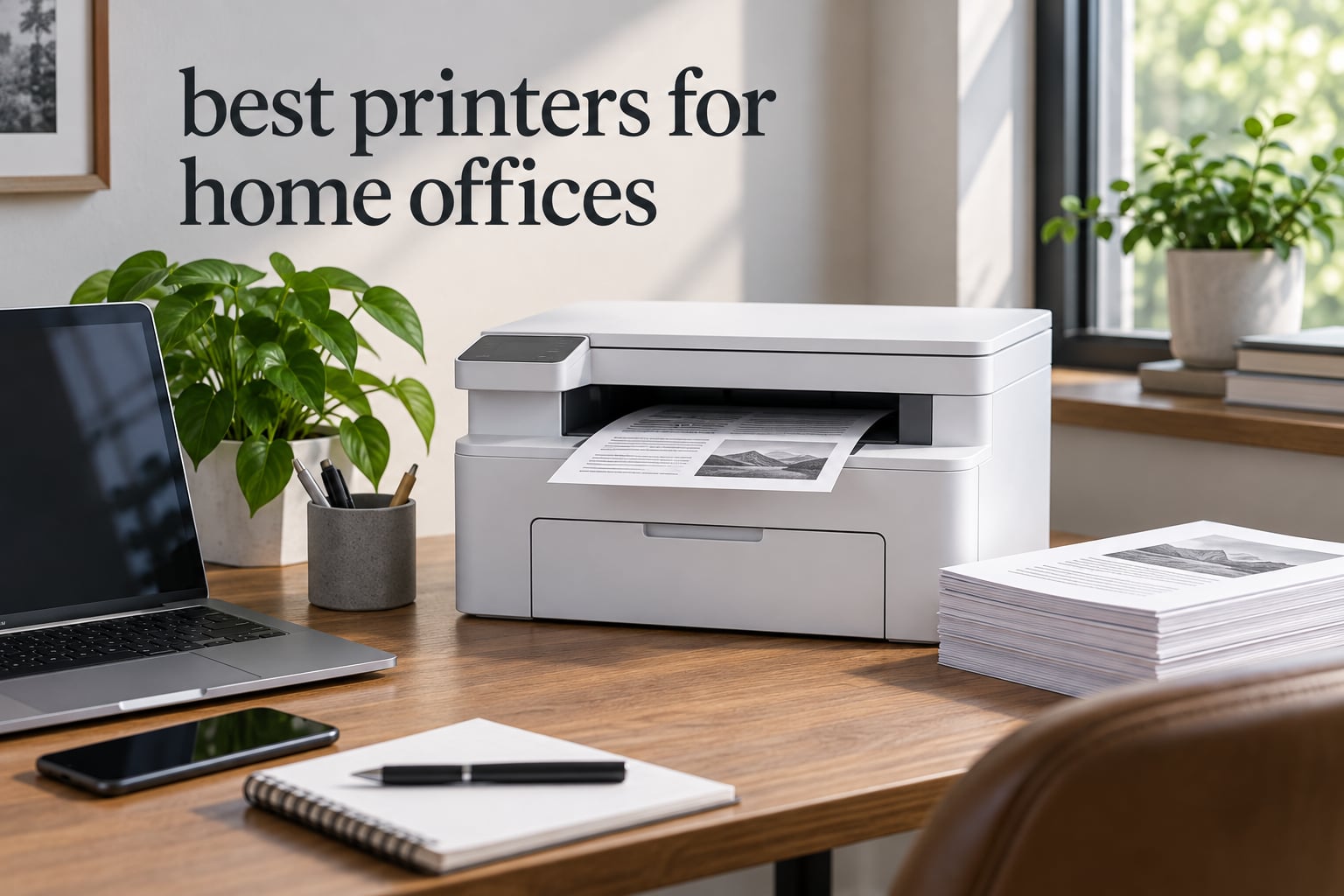
The best printers for home offices are the machines that stay quiet on a shelf, cost almost nothing to run, and do not punish you for not printing every day. Most people pick wrong on the first try because they start with sticker specs instead of asking one question: how many pages do I actually print in a month?
Get that number and the list narrows fast. Under 100 pages a month, a monochrome laser wins outright because toner is dry powder and does not clog while it sits. Above 250 pages with occasional color, a cartridge-free tank printer is the cheapest per page. The awkward middle is 100 to 250 pages, where a compact laser all-in-one and a small ink tank both make sense.
We spent 2026 putting eleven candidates through the same questions a home office actually asks: what does a page cost, how loud is it, how big is it, does the wireless connection hold up, and what happens when the machine sits unused for three weeks. If your setup is more creative than corporate, our picks for printing arcade marquee and artwork cover the color-heavy side, while the rest of this guide is built around documents, invoices, and scanned receipts.
Table of Contents
- Top 3 Best Printers for Home Offices (October 2026)
- All 11 Home Office Printers at a Glance
- 1. Brother DCP-L2640DW – Best Overall Home Office Printer
- 2. Epson EcoTank ET-2800 – Best Value for Color Printing
- 3. Brother MFC-L2820DW – Best for Fax and Cloud Scanning
- 4. HP LaserJet Pro MFP 3101sdw – Best for Small Teams and Quiet Rooms
- 5. Canon PIXMA TS6520 – Best Budget Pick
- 6. Epson EcoTank ET-4950 – Best Tank Printer with Duplex and Fax
- 7. Brother MFC-L3720CDW – Best for Color Laser Printing
- 8. Canon PIXMA TR8620a – Best for Scanning and Paperwork
- 9. HP Smart Tank 5003 – Best for Low Color Running Cost
- 10. HP OfficeJet Pro 8135e – Best All-in-One With a Touchscreen
- 11. Canon imageCLASS LBP122dw – Best Print-Only Laser
- Which Home Office Printer Has the Fewest Problems
- How to Choose a Home Office Printer
- Frequently Asked Questions
- Final Verdict
Top 3 Best Printers for Home Offices (October 2026)
Three picks carry the most weight. The Brother DCP-L2640DW is the one we would put on a desk, the Epson EcoTank ET-2800 is the one that costs the least to run, and the Canon PIXMA TS6520 is the one to buy when the budget is fixed.

Brother DCP-L2640DW
- 36 ppm monochrome laser
- 250-sheet tray
- 50-page ADF
- Automatic duplex
- Dry toner

Epson EcoTank ET-2800
- Cartridge-free ink tanks
- Up to 4500 black pages
- Wi-Fi and USB
- Print scan and copy

Canon PIXMA TS6520
- Automatic duplex printing
- Dual-band Wi-Fi
- 1.42-inch OLED
- Three-year warranty
All 11 Home Office Printers at a Glance
Every model below earned its place for a specific reason. The type column matters more than any other spec: it decides whether your printer survives a quiet month, and it sets the running cost for the next three years.
| Product | Specs | Action |
|---|---|---|
| Brother DCP-L2640DW |
|
Check Latest Price |
| Epson EcoTank ET-2800 |
|
Check Latest Price |
 Brother MFC-L2820DW Brother MFC-L2820DW |
|
Check Latest Price |
 HP LaserJet Pro MFP 3101sdw HP LaserJet Pro MFP 3101sdw |
|
Check Latest Price |
| Canon PIXMA TS6520 |
|
Check Latest Price |
 Epson EcoTank ET-4950 Epson EcoTank ET-4950 |
|
Check Latest Price |
 Brother MFC-L3720CDW Brother MFC-L3720CDW |
|
Check Latest Price |
 Canon PIXMA TR8620a Canon PIXMA TR8620a |
|
Check Latest Price |
 HP Smart Tank 5003 HP Smart Tank 5003 |
|
Check Latest Price |
 HP OfficeJet Pro 8135e HP OfficeJet Pro 8135e |
|
Check Latest Price |
 Canon imageCLASS LBP122dw Canon imageCLASS LBP122dw |
|
Check Latest Price |
1. Brother DCP-L2640DW – Best Overall Home Office Printer
Brother DCP-L2640DW Wireless Compact Monochrome Multi-Function Printer, Copy, Scan, Duplex, Mobile Printing
Monochrome laser
36 ppm
250-sheet tray
50-page ADF
Automatic duplex
Pros
- 36 ppm monochrome output with automatic duplex
- 250-sheet tray and 50-page ADF for multi-page jobs
- Dry toner that sits unused for months without drying out
- Dual-band Wi-Fi plus Ethernet and USB
- Works reliably across Windows
- Mac and Linux networks
Cons
- On-device menus are cumbersome and the mobile app is far easier
- Firmware password prompt can fail and needs a printed network config report
- Bundled scanning software is clunky so some owners scan with a third-party app
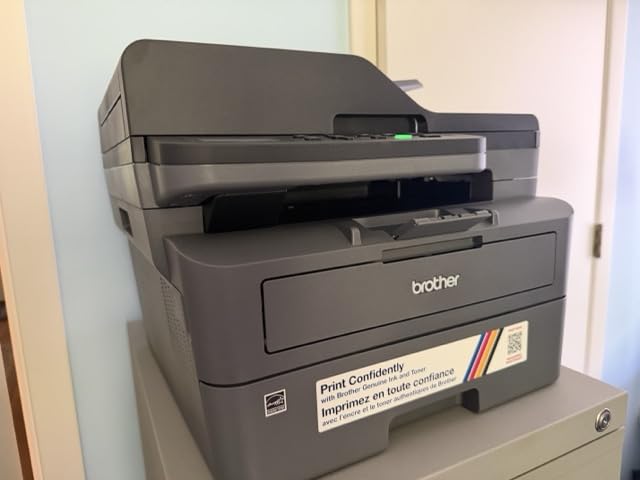
This is the printer we put in front of anyone who asks for one recommendation. It prints 36 pages a minute in black and white, feeds a 250-sheet tray, and flips pages automatically on the long edge. For a home office that prints contracts, invoices, and a monthly expense report, that is more than enough machine for years.
The decisive advantage is what happens between jobs. Toner is a dry powder fused with heat, so a printer that sits in a spare room for six weeks powers on and prints the first page without a recovery cycle. Inkjets do not behave that way, and that difference drives almost every reliability comment in the owner reviews.
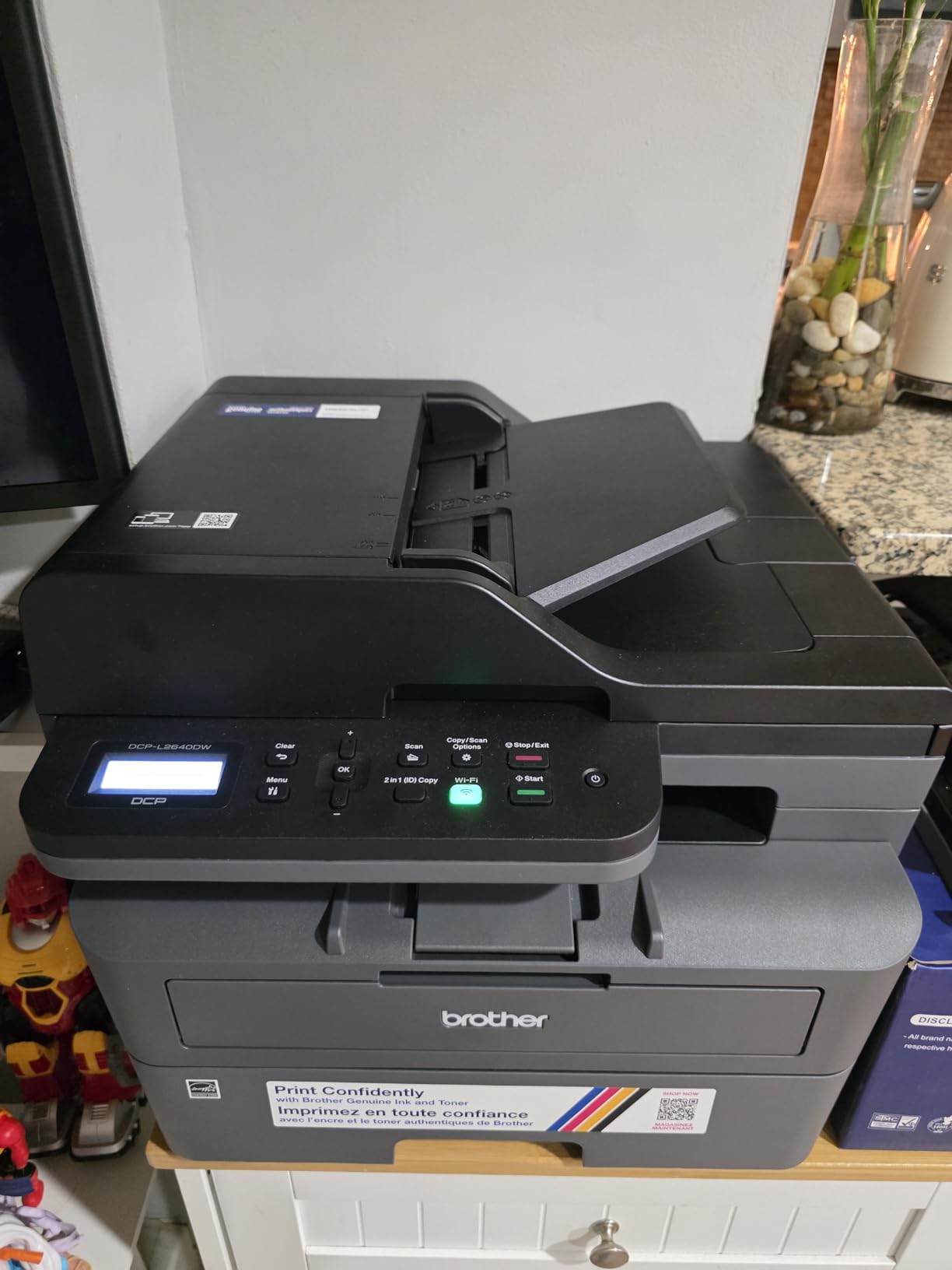
Scanning is the other half of the value. The 50-page automatic document feeder handles a stack of receipts or a signed contract without you lifting the lid, and scan-to-email means a document goes to your accountant without opening a file first. Copy speed is listed at up to 23.6 ipm in black and 7.9 ipm in color.
Connectivity is dual-band, so it holds a 5 GHz link in a crowded apartment without dropping. Ethernet and USB are both present for anyone who would rather not rely on a wireless network at all. Resolution tops out at 1200 x 1200 dpi for text, which is sharp for contracts and completely uninteresting for photos.
Long-term owners frequently describe this as a machine they bought to replace an inkjet and never thought about again. Several mention replacing an older Brother laser that had already run for more than a decade, which tells you something about the platform as much as the unit.
What the running cost looks like at low volume
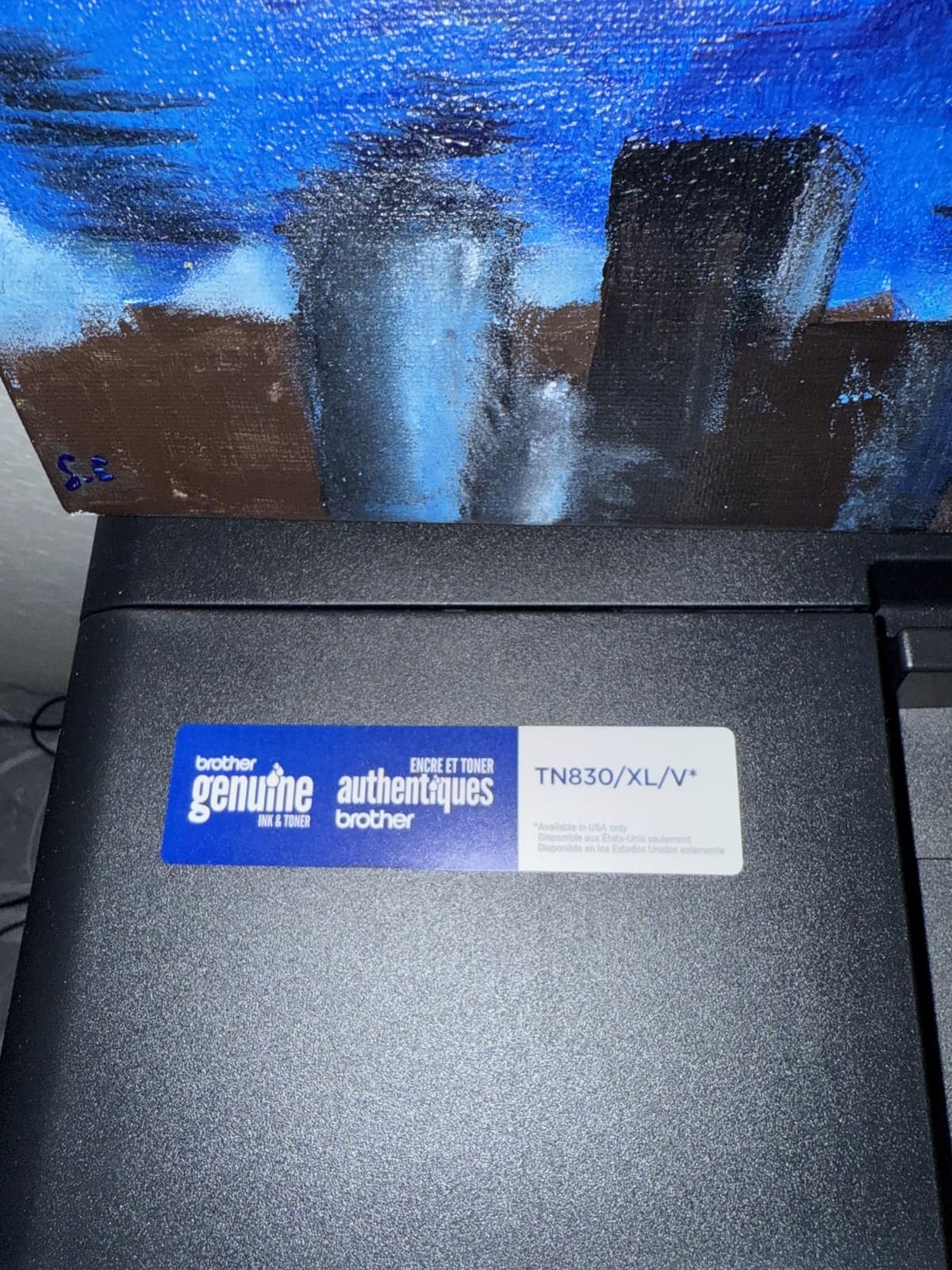
The printer uses TN830 and TN830XL toner, and the drum is a separate item that lasts far longer than the toner. On a home office printing 80 to 150 pages a month, the toner is consumed slowly enough that cost per page stays in the range forum owners consistently report for laser versus inkjet, where monochrome is a fraction of what cartridges cost.
The 250-sheet tray also means fewer refills than the 100-sheet machines further down this list. In a shared home office that is not a trivial detail, because the person who runs out of paper is rarely the person who notices.
Where the friction actually is
Nothing here is a hardware weakness. The complaints cluster around software: the physical control panel menus take practice, the firmware password step sometimes fails on the first attempt and requires printing a network configuration report, and the bundled scan software is clunky enough that some owners drive the scanner from a different app entirely.
Budget ten minutes for setup and use Brother Mobile Connect rather than the panel. The 25-pound chassis is real weight on a desk, so a shelf or a rolling cart suits it better than a work surface where you also rest your forearms.
2. Epson EcoTank ET-2800 – Best Value for Color Printing
Epson EcoTank ET-2800 Wireless Color All-in-One Supertank Printer – Black
Inkjet
Supertank tanks
10 ppm black
100-sheet tray
Wireless and USB
Pros
- Cartridge-free tank system with up to 2 years of ink in the box
- Each bottle set equals roughly 90 individual cartridges
- Up to 4500 black and 7500 color pages per fill
- Wireless and USB for flexible placement
- Print scan and copy in an 11.4 pound body
Cons
- Single-sided printing only with no automatic duplex
- 100-sheet paper capacity is small for higher volumes
- Epson recommends genuine ink and third-party ink may affect warranty coverage
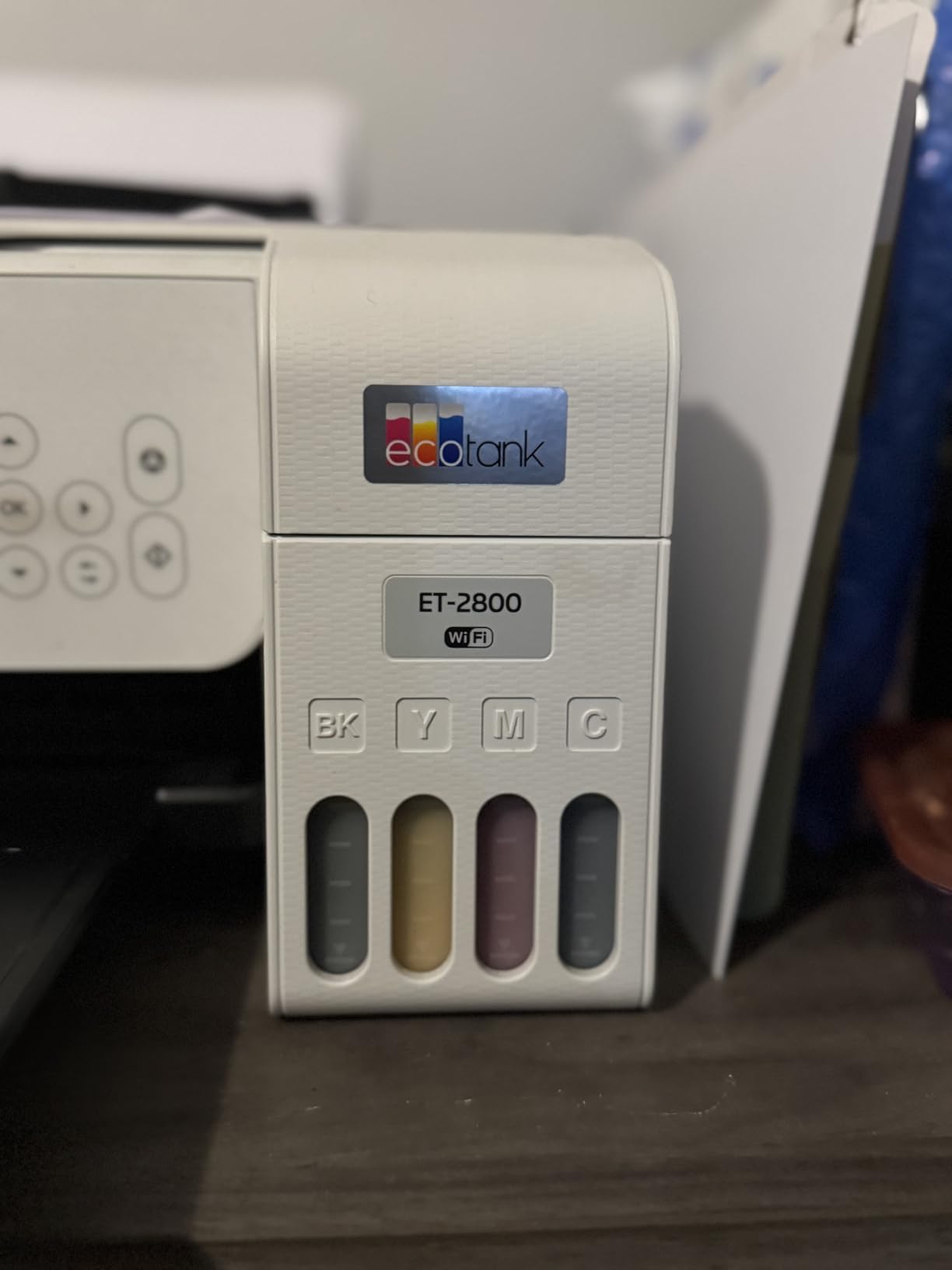
With more than 18,000 reviews, the ET-2800 has the largest owner base in this roundup by a wide margin, and the 4.0 average is the result of a very consistent machine rather than a polarizing one. Owners describe the same thing: refill two bottles, print for months, refill again.
That economics is the whole argument. A set of ink bottles is equivalent to roughly 90 individual cartridges, and Epson rates a full set at up to 4,500 black pages or 7,500 color pages. If you print any color at all, there is no cartridge-based machine in this list that competes on cost per page.

It is also the smallest unit here by weight at 11.4 pounds, and the 100-sheet tray sits at the back where a small shelf can hold it. Output is 10 ppm black and 5 ppm color, resolution reaches 5760 x 1440 dpi for color, and media up to 8.5 x 14 inch is supported. The LCD gives you ink status without opening an app.
Connectivity is USB and Wi-Fi, and the printer supports envelopes, glossy photo paper, and plain stock. Epson’s Micro Piezo heat-free technology is designed for reliability rather than raw speed, which is why the ppm figures look modest next to a laser.
The most common thread in the reviews is that refill process. People describe tilting the bottle, waiting, and walking away, which is a better experience than squeezing a cartridge into a machine wedged under a desk.
When this tank printer is the right call
Choose the ET-2800 if color is part of the job rather than an occasional treat. Invoice headers with a logo, charts for a client deck, a coloring page for a kid, labels for a side business, these are the workloads where tank economics swing hard in your favor.
It suits a light-volume color user better than a heavy-volume one, and it suits a single user better than two people printing simultaneously. The 100-sheet tray is the constraint that shows up first when volume rises.
Why the missing duplex matters
This printer is simplex only. There is no automatic two-sided printing, so double-sided documents mean flipping the stack by hand or changing the layout in software. For a home office printing contracts occasionally, that is a manageable habit rather than a dealbreaker.
The 100-sheet tray is the second limitation, and it is a capacity limit rather than a design flaw. If you plan to run 300 or more pages a month, move up to the ET-4950, which adds automatic duplex, a document feeder, and a 250-sheet tray at the cost of more up-front money and a larger body.
3. Brother MFC-L2820DW – Best for Fax and Cloud Scanning
Brother MFC-L2820DW Wireless Compact Monochrome All-in-One Laser Printer with Copy, Scan and Fax, Duplex, Black & White | Includes Refresh Subscription Trial(1), Works with Alexa
Monochrome laser
34 ppm
2.7-inch touchscreen
50-page ADF
Fax
Pros
- Print copy scan and fax in a compact footprint
- Up to 34 ppm monochrome with automatic duplex
- 50-page feeder handles multi-page copy scan and fax
- 2.7-inch touchscreen with print-from and scan-to cloud shortcuts
- Reported reliable printing from phones tablets Linux and Windows
Cons
- Paper jams are cleared from the rear which is awkward against a wall
- Some owners recover the wireless connection repeatedly after the computer sleeps
- The feeder does not scan two-sided originals in one pass
The MFC-L2820DW is the DCP-L2640DW with fax, a larger touchscreen, and cloud shortcuts, which makes it the pick for anyone whose work still involves signed paperwork or a fax to a supplier. It runs at up to 34 ppm in monochrome with automatic duplex and a 250-sheet tray.
At 4.3 stars it scores higher than most of the list, and the tone of the reviews is relief. Owners arriving from HP inkjets talk about fast setup, quiet running, and not needing an app to print a basic document. The toner is TN830 and TN830XL, the same family as the pick above.
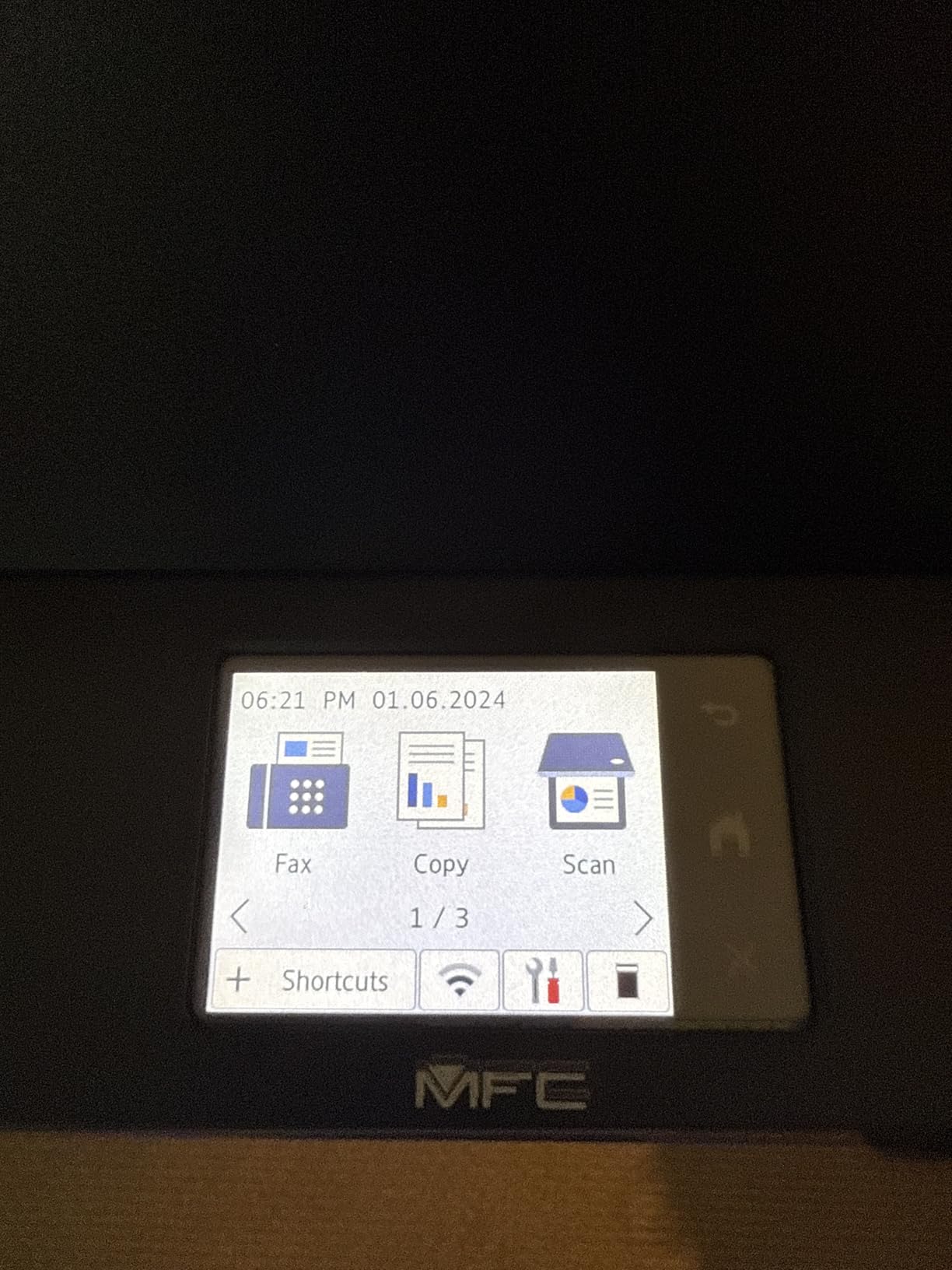
Scanning to Google Drive, Dropbox, Evernote, and OneNote is built in, which is a genuine time saver when the destination is not your Downloads folder. Scan speed is up to 23.6 ipm in black and 7.9 ipm in color, and the copy resolution is 600 x 600 dpi.
Connectivity covers dual-band 2.4GHz and 5GHz wireless plus Ethernet and USB, media runs to 8.5 x 14 inch, and the unit is ENERGY STAR and EPEAT qualified. Copy runs cap at 99 sheets per job.
One thing to plan for is placement. The 22.5-pound body and the rear jam access mean this needs clearance behind it, so a shelf with a few inches of space is better than a printer pushed flush against a wall.
Who should pay the extra for fax and cloud
Buy this if you send faxes, if you scan into a shared cloud library as part of a weekly filing routine, or if you want a touchscreen that shows a job queue instead of a two-line LCD. The 2.7-inch panel also carries customizable settings that the cheaper model hides behind menus.
Skip it if you only print and occasionally scan a single page. The DCP-L2640DW does that work, does it faster at 36 ppm, and leaves the fax function unused.
The quiet-versus-accurate trade
Reviewers repeatedly raise two smaller frictions. Some owners have to re-establish the wireless connection after the computer powers down, and the touchscreen backlight does not stay on, which makes it awkward in a dim room. Neither is a dealbreaker for a daily workflow.
The feeder also does not scan both sides of a document in one pass. If you file a lot of double-sided paperwork, you will either flip the stack or look at a duplex laser with a larger scanner.
4. HP LaserJet Pro MFP 3101sdw – Best for Small Teams and Quiet Rooms
HP LaserJet Pro MFP 3101sdw Wireless Black and White All-in-One Laser Printer, Office Printer, Duplex, Best-for-Small Teams (9D2X4F)
Monochrome laser
40 ppm
250-sheet tray
50-sheet ADF
AirPrint
Pros
- Highest average rating in this roundup at 4.5 stars
- Fast monochrome output up to 40 ppm with a 7 second first page
- Many owners print within minutes of unboxing
- Wi-Fi reconnects on its own after power outages
- Quiet operation with a quieter print mode setting
Cons
- Chip-encoded toner blocks aftermarket cartridges and locks owners into HP toner
- Some users hit no paper errors during initial setup
- LED display only with no touchscreen menu
- Paper tray feels flimsy when handled
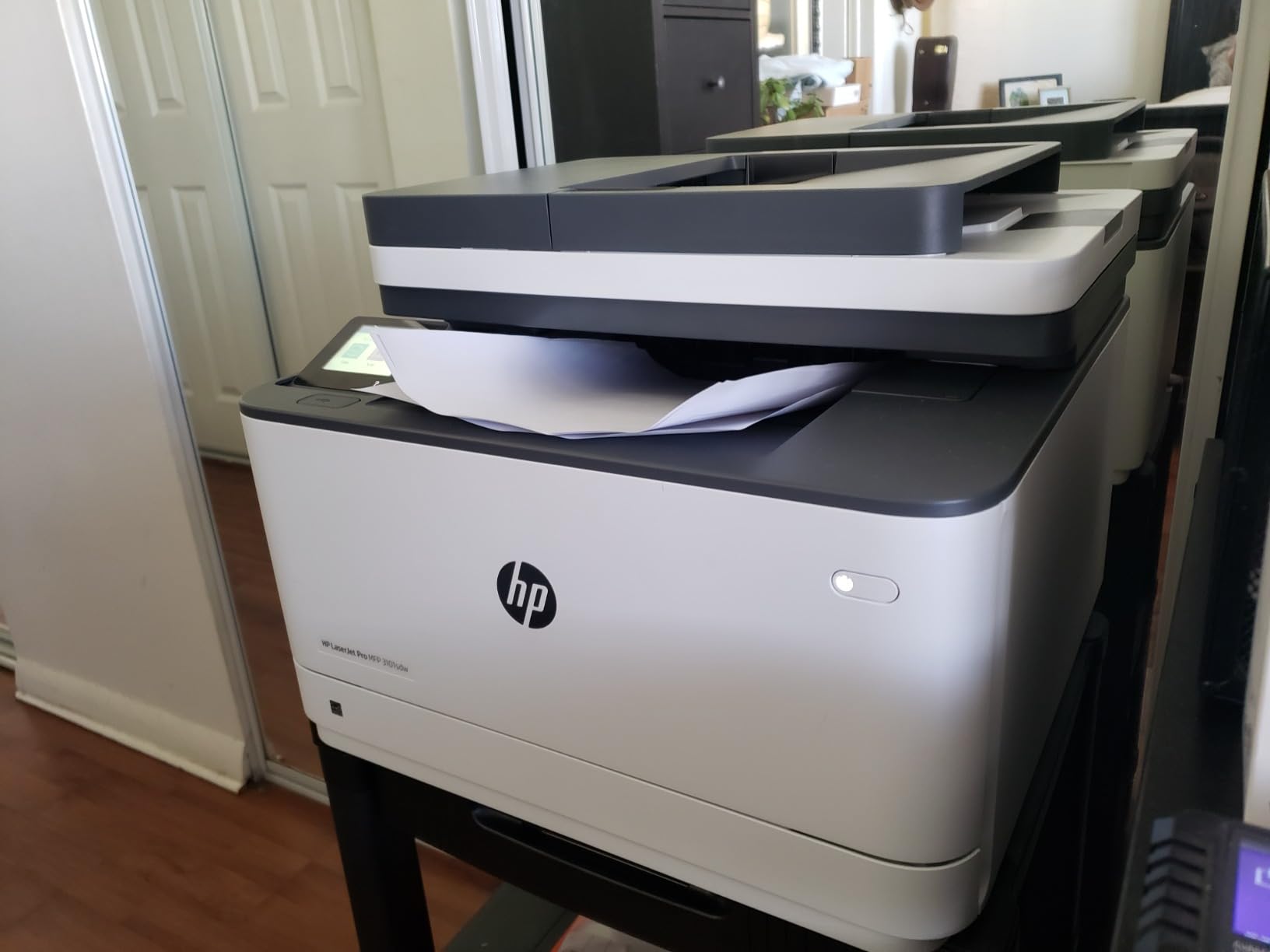
This machine carries the highest average rating of anything we tested, at 4.5 stars across 596 reviews, with 77 percent of owners giving it five stars. That is a small review pool compared to the Epson above, but the sentiment is unusually consistent, which is usually the better signal.
On paper it is also the fastest monochrome unit here, rated at 40 ppm with a first page in 7 seconds. It copies at up to 35 ppm, takes a 250-sheet input tray and a 50-sheet automatic document feeder, and handles up to 999 copies in a single run, which is more headroom than most home offices will ever touch.
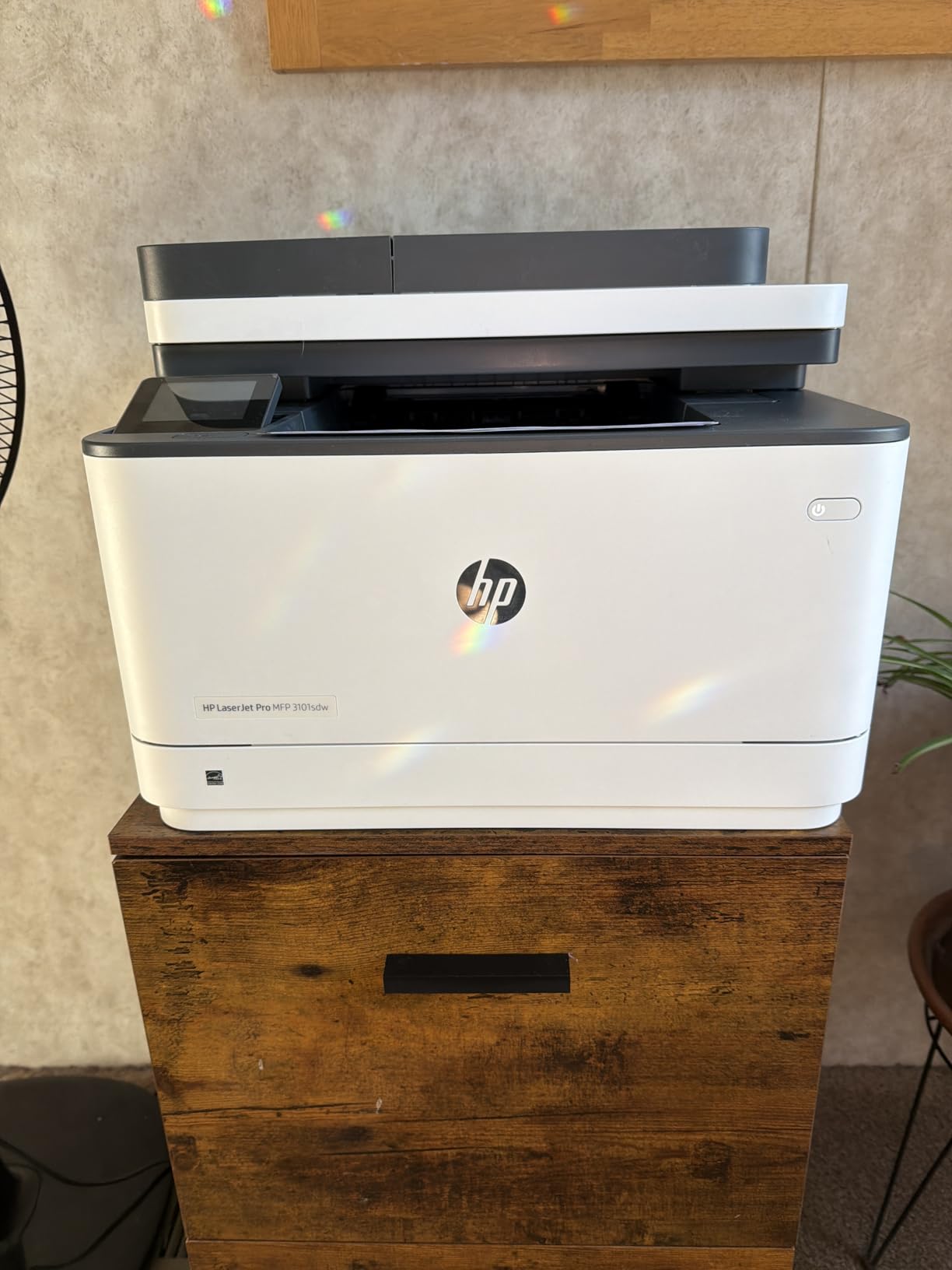
Where it earns its reputation is noise and connection stability. Owners mention the quieter print mode, which matters when the printer shares a room with a video call, and multiple reviews describe the wireless link recovering on its own after a power outage without any manual reset.
Connectivity is broad: AirPrint, Mopria, USB, Wi-Fi, Ethernet, and print-from-phone options, with media up to 8.5 x 14 inch. An introductory black toner cartridge of roughly 1,000 page yield is in the box, so the machine is usable from the first day.
It weighs 23.1 pounds and measures 15.7 by 16.5 by 12.3 inches, which is a normal desktop footprint for a laser all-in-one with a feeder.
What you give up for the HP ecosystem
The reservation in almost every review is the toner. This printer requires HP chips or circuitry cartridges, and aftermarket options are blocked, so your cost per page is set by genuine HP supplies. That matters most if you are printing high volume.
There is no touchscreen either, just an LED readout, so settings changes go through a menu on a phone or computer. The paper tray also draws complaints about feeling flimsy, though no review describes it failing.
Who this suits best
Two people sharing a printer, a couple both working from home, or a home office that runs a busy Monday morning of printing will feel the 40 ppm speed and the automatic recovery. Setup is reported as quick, with many owners printing minutes after opening the box.
For a single user printing under 100 pages a month, the speed is headroom you will not use, and the chip-locked toner is a cost you will feel more slowly but just as surely.
5. Canon PIXMA TS6520 – Best Budget Pick
Canon PIXMA TS6520 Wireless Color Inkjet Printer, Duplex Printing, Copier/Scanner, 1.42″ OLED Display, Compact, White
Color inkjet
Automatic duplex
14 ppm black
1.42-inch OLED
Dual-band Wi-Fi
Pros
- Sharp text and vivid color from a 2-cartridge hybrid ink system
- Automatic two-sided printing at an entry-level price
- Stable dual-band 2.4GHz and 5GHz Wi-Fi with painless setup
- Compact 15.4 pound body that suits a small workspace
- Three-year manufacturer warranty
Cons
- No document feeder so scanning and copying are flatbed only
- The two-cartridge system means photo printing drains the shared black tank
- 1200 x 1200 dpi resolution is below higher-end inkjets
The TS6520 answers the request for a printer that simply works. It scores 4.2 stars across nearly 2,000 reviews, and the recurring word in the feedback is value, which is exactly how a budget pick should be described.
What you get for that money is unusual. Automatic two-sided printing at an entry-level price is the standout, since many cheaper machines force you to flip pages by hand. Dual-band Wi-Fi on both 2.4GHz and 5GHz is also uncommon down here, and owners describe setup as painless from a phone or a computer.
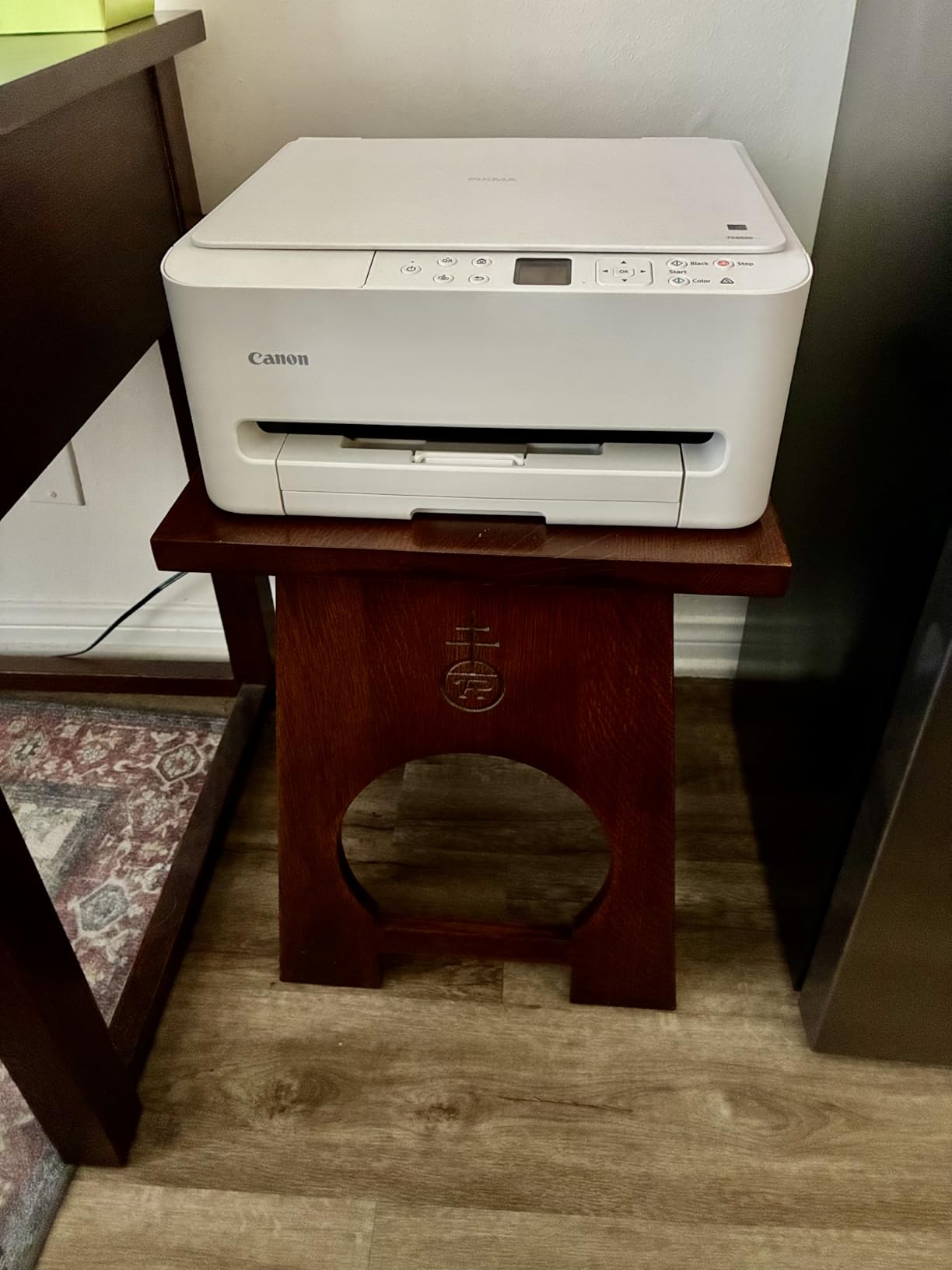
Speed is 14 ppm black and 9 ppm color, with the first page out in 7.5 seconds black and 9.5 seconds color. The 1.42-inch monochrome OLED shows ink level and status, and Canon PRINT app, Apple AirPrint, and Mopria are all supported. Borderless printing up to 8.5 x 11 inch is available.
The three-year manufacturer warranty is the longest in this roundup, which matters when you are buying the machine you expect to live with for years. At 15.4 pounds and 14.8 by 14 by 6.7 inches, it is short and shallow enough for a small desk.
Copy speed runs up to 11 ppm, and power consumption is listed at 21 watts, so it is not a heavy draw when idle in a home office.
What a two-cartridge system really means
The PG-295 pigment black and CL-286 dye color cartridges form a hybrid setup with two tanks rather than four. It produces crisp text and vivid color, but black and color share a cartridge, so a page of photo printing consumes the same tank as ordinary text.
That is a real cost consideration for anyone printing images regularly. For a document-and-report home office, the trade is invisible, and resolution of up to 1200 x 1200 dpi is perfectly serviceable for printing on paper.
Where the budget ends
There is no automatic document feeder. Scanning and copying are flatbed only, so scanning a 20-page document means lifting the lid 20 times. If your work involves receipts, multi-page contracts, or expense documentation, that labor adds up fast.
The paper capacity is also the weakest point, since the spec sheet lists a single sheet. Any printer in this roundup with a 250-sheet tray will feel roomier, and for a home office that prints a few hundred pages a month, tray size becomes a quality-of-life issue.
6. Epson EcoTank ET-4950 – Best Tank Printer with Duplex and Fax
Epson EcoTank ET-4950 Wireless Duplex All-in-One Cartridge-Free Supertank Color Inkjet Printer, Fax, Black
Supertank inkjet
18 ppm black
Auto duplex
250-sheet tray
Fax
Pros
- Cartridge-free SuperTank with up to 6600 black and 5500 color pages
- Automatic duplex plus document feeder fax copy and scan
- 250-sheet front-loading paper tray
- Compact and quiet relative to other all-in-one tanks
- Printhead stays covered when idle which reduces clogging risk
Cons
- Initial setup can run long and occasionally involves a paper jam
- The 2.4-inch display is small and tilted down on the body
- The USB port is type-B for computer use only with no flash drive support
The ET-4950 is the tank printer to buy when you need more than a tank printer. It adds automatic duplex, a document feeder, fax, and a 250-sheet paper tray to the cartridge-free system, at 18 ppm black and 9 ppm color with zero warmup time.
Supplies run to 6,600 black pages and 5,500 color pages, and each bottle set equals roughly 80 cartridges. This is Epson’s seventh generation of the cartridge-free platform, and the uniquely keyed EcoFit bottles mean the wrong refill will not go in.
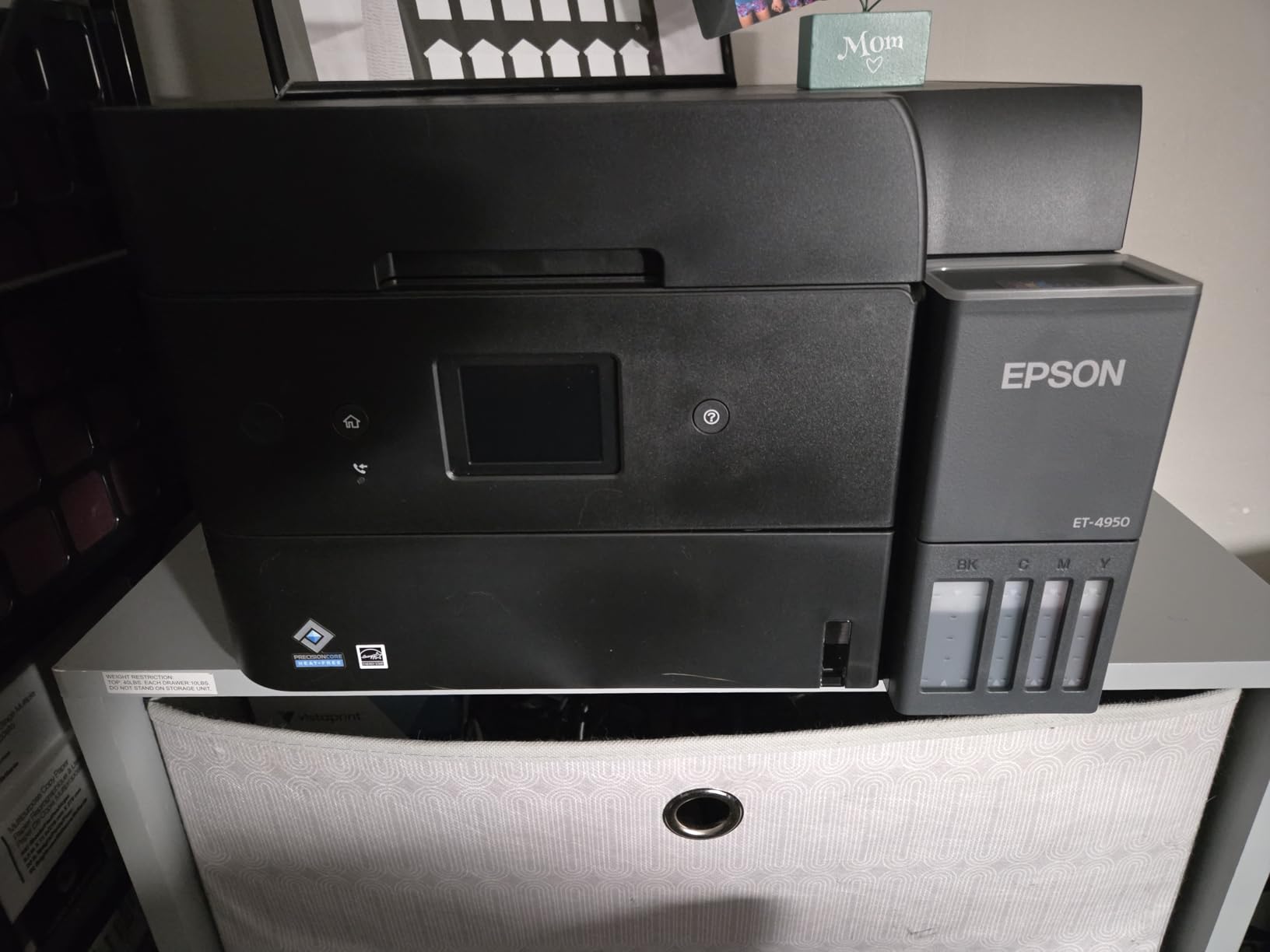
Long-term owners running these units close to continuously report they outlast expectations, and the 3-year spare parts availability is a meaningful commitment for anyone planning to keep a machine past five years. Resolution reaches 4800 x 1200 dpi in both black and color, and media runs to 8.5 x 14 inch.
Two details stand out for reliability. The printhead stays covered when the machine is idle, which reduces the clogging risk that makes low-volume inkjets frustrating, and owners describe the unit as compact and quiet next to other all-in-one tanks. The body is 16.1 pounds.
Epson’s app handles setup and remote printing smoothly once it is configured, and the front-loading 250-sheet tray is easier to fill than a rear tray you have to slide paper into.
What setup friction to expect
Initial setup can run long, and some owners report a paper jam during the process. The 2.4-inch color display is small and angled downward on the body, so configuring the machine without the app is awkward. Plan to do the setup on a phone with the Epson app in hand.
There are two more specific annoyances worth knowing. The USB port is type-B and used only for a computer connection, so there is no printing or scanning to a flash drive, and the power button ring light pulses continuously when idle with no way to disable it, which is distracting in a dark room.
Who should choose this over the ET-2800
Choose the ET-4950 if you print double-sided documents regularly, need a feeder for paperwork, or send faxes. Those three features are what separate it, and the 250-sheet tray removes the refilling friction that the smaller tank carries.
Stay with the ET-2800 if you print occasionally, want the lowest up-front outlay, and can flip pages by hand. A few owners also report poor photo output on Epson glossy paper, so if photo quality is the priority, test prints first.
7. Brother MFC-L3720CDW – Best for Color Laser Printing
Brother MFC-L3720CDW Wireless Color Laser Printer, Scanner, Copier, Fax, Auto Duplex, 250-Sheet Capacity
Color laser
19 ppm
3.5-inch touchscreen
250-sheet tray
50-page ADF
Pros
- Color laser output up to 19 ppm at 2400 x 600 dpi
- Large 3.5-inch color touchscreen with 48 customizable shortcuts
- 250-sheet tray with a 150-sheet output tray and 50-sheet feeder
- Automatic duplex printing and cloud scanning support
- Toner running costs stay below inkjet cartridge pricing
Cons
- The 44-pound chassis takes more desk space than a typical home-office printer
- Color laser toner supplies cost more than monochrome toner
- A higher up-front outlay than inkjets of similar output
Color laser is the category most home offices skip, and this is the machine that makes a fair argument for it. At 19 ppm in both black and color, with a 250-sheet tray, a 150-sheet output tray, a 50-page feeder, and automatic duplex, it is a complete office system rather than a desk accessory.
The economics come from toner. Color laser toner keeps per-page color costs below what inkjet cartridges charge, which is the argument r/printers regulars make whenever someone prints a color-heavy deck. Resolution is 2400 x 600 dpi in both black and color, which is sharp for documents and fine for charts.
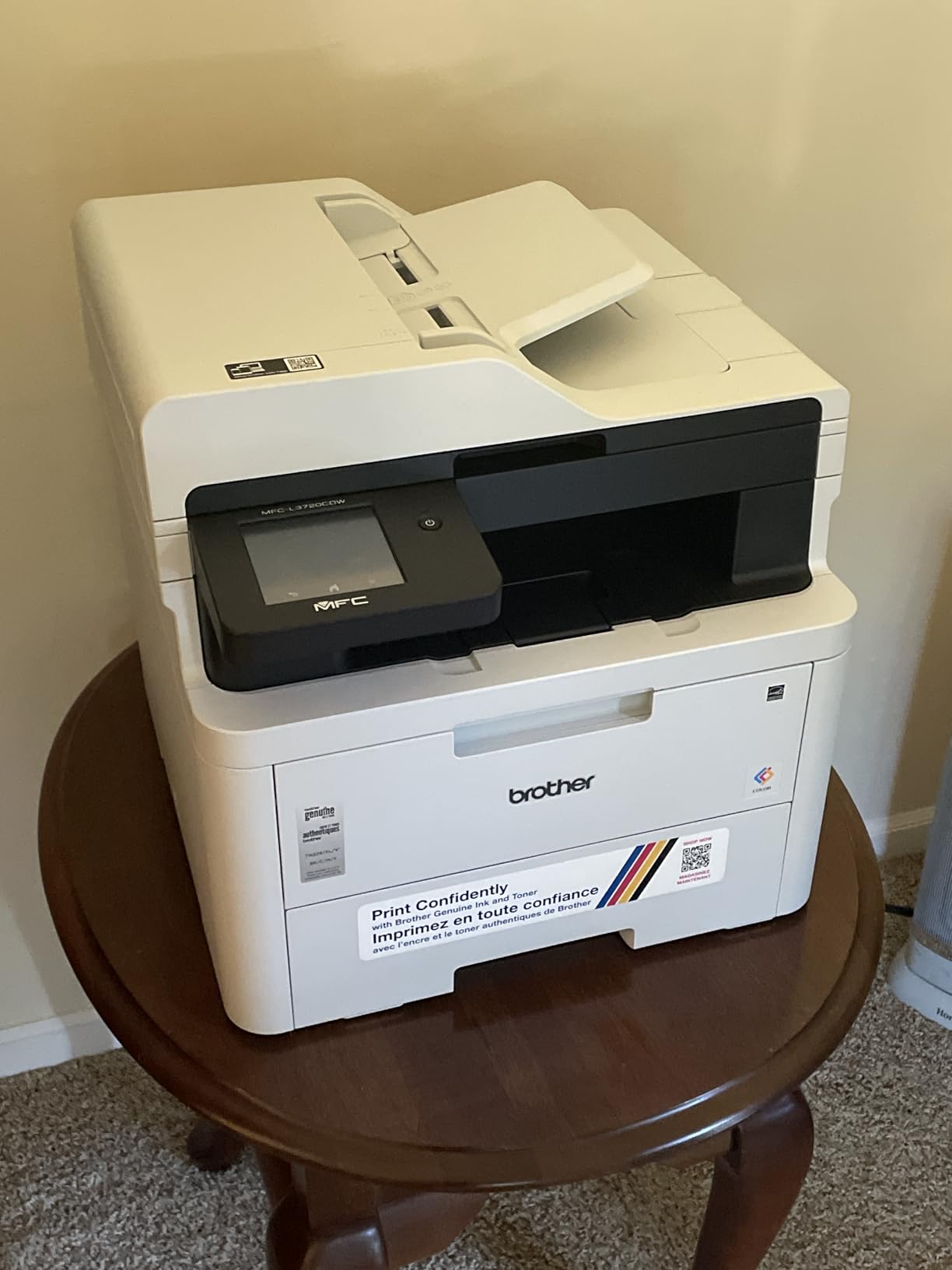
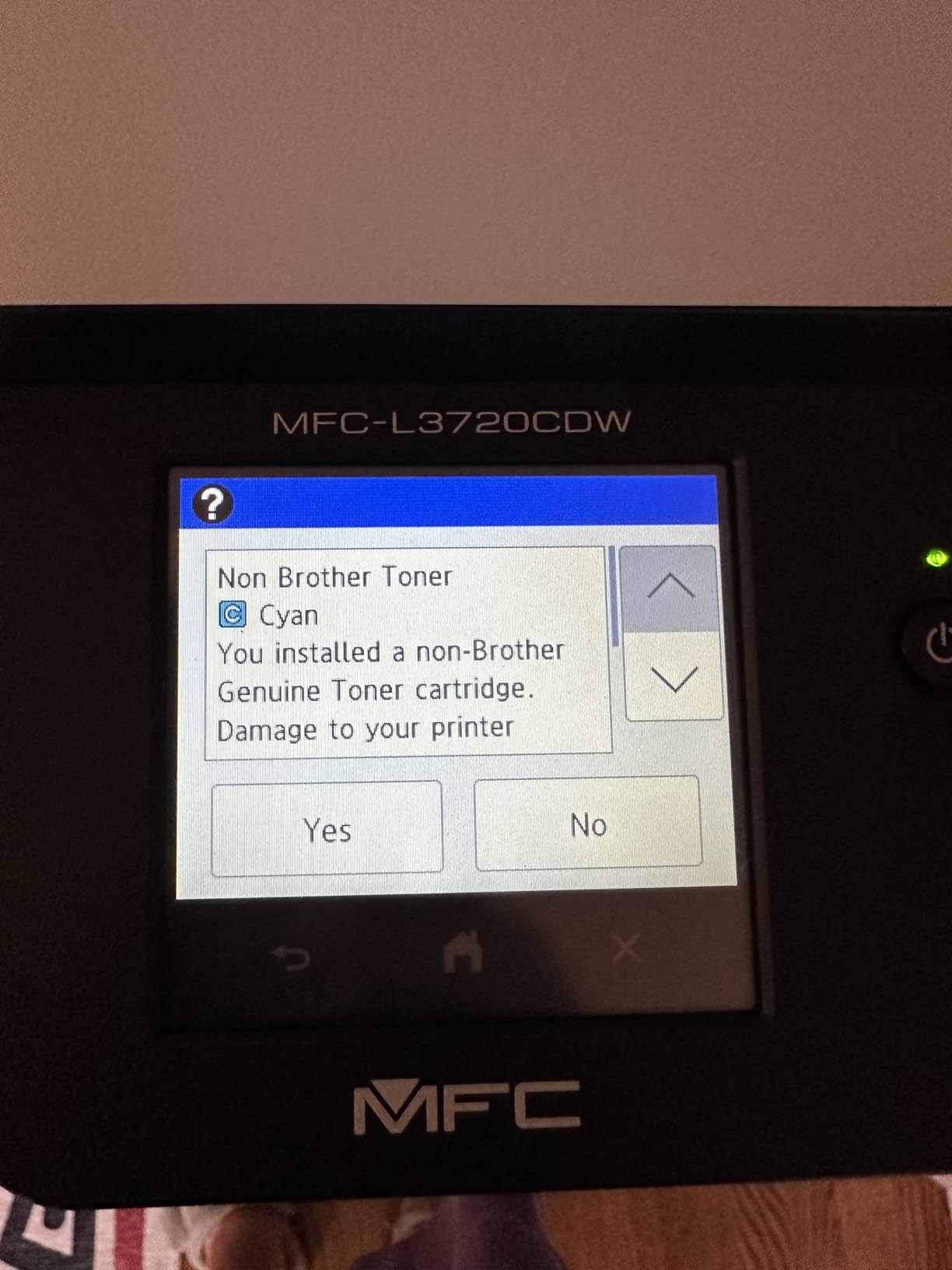
The 3.5-inch color touchscreen is a genuine step up from the two-line panels on cheaper units. It carries 48 customizable shortcuts and cloud service access, and the first page comes out in under 15 seconds. Compatible toners are the TN229 series plus TN229XL high-yield, with a DR229CL drum.
Connectivity is dual-band 2.4GHz and 5GHz wireless, Wi-Fi Direct, and USB 2.0. Copy runs cap at 99 sheets, and media runs to 8.5 x 14 inch.
Owners highlight the touchscreen usability, the color laser quality, and automatic duplexing as the standouts for a home office that genuinely needs color output on paper.
Measure your shelf before you buy
At 44 pounds and 16.1 by 17.5 by 15.8 inches, this is the largest machine in the roundup. It needs a dedicated stand, not a corner of a desk, and that footprint is the single most common reason buyers regret it in apartment setups.
Color toner also costs more per unit than monochrome toner, so the four-color configuration is the expensive part. Print in monochrome by default and switch to color for the pages that need it, and the running cost drops sharply.
When color laser is and is not right
It is right when you print several hundred color pages a month, when a color laser will sit idle for a week without consequence, and when crisp small text in color matters, such as contracts with highlighted terms or printed marketing material.
It is wrong when color is occasional. For a few pages a month, an ink tank or even a cartridge inkjet will produce better photo output for a fraction of the money, and you will not be paying to store a 44-pound machine.
8. Canon PIXMA TR8620a – Best for Scanning and Paperwork
Canon PIXMA TR8620a – All-in-One Printer Home Office|Copier|Scanner|Fax|Auto Document Feeder | Photo, Document | Airprint (R), Android, Black, Works with Alexa
Color inkjet
Print copy scan fax
15 ppm
20-sheet ADF
Auto duplex
Pros
- Full 4-in-1 capability with an adjustable touchscreen panel
- Dual paper loading with a 100-sheet cassette and 100-sheet rear feed
- Automatic two-sided printing
- Individual ink tanks cut waste and third-party cartridges work
- The rear feed handles heavier and specialty stock
Cons
- Canon mobile app is widely reported as slow and prone to no printer available errors
- The feeder does not support duplex scanning of two-sided originals
- Photo scan resolution tops out at 600 dpi
If your job description is really admin work, the TR8620a is the one to look at. It is a true four-in-one with print, copy, scan, and fax, a 20-sheet automatic document feeder, an adjustable touchscreen, and automatic two-sided printing at 15 ppm black and 10 ppm color.
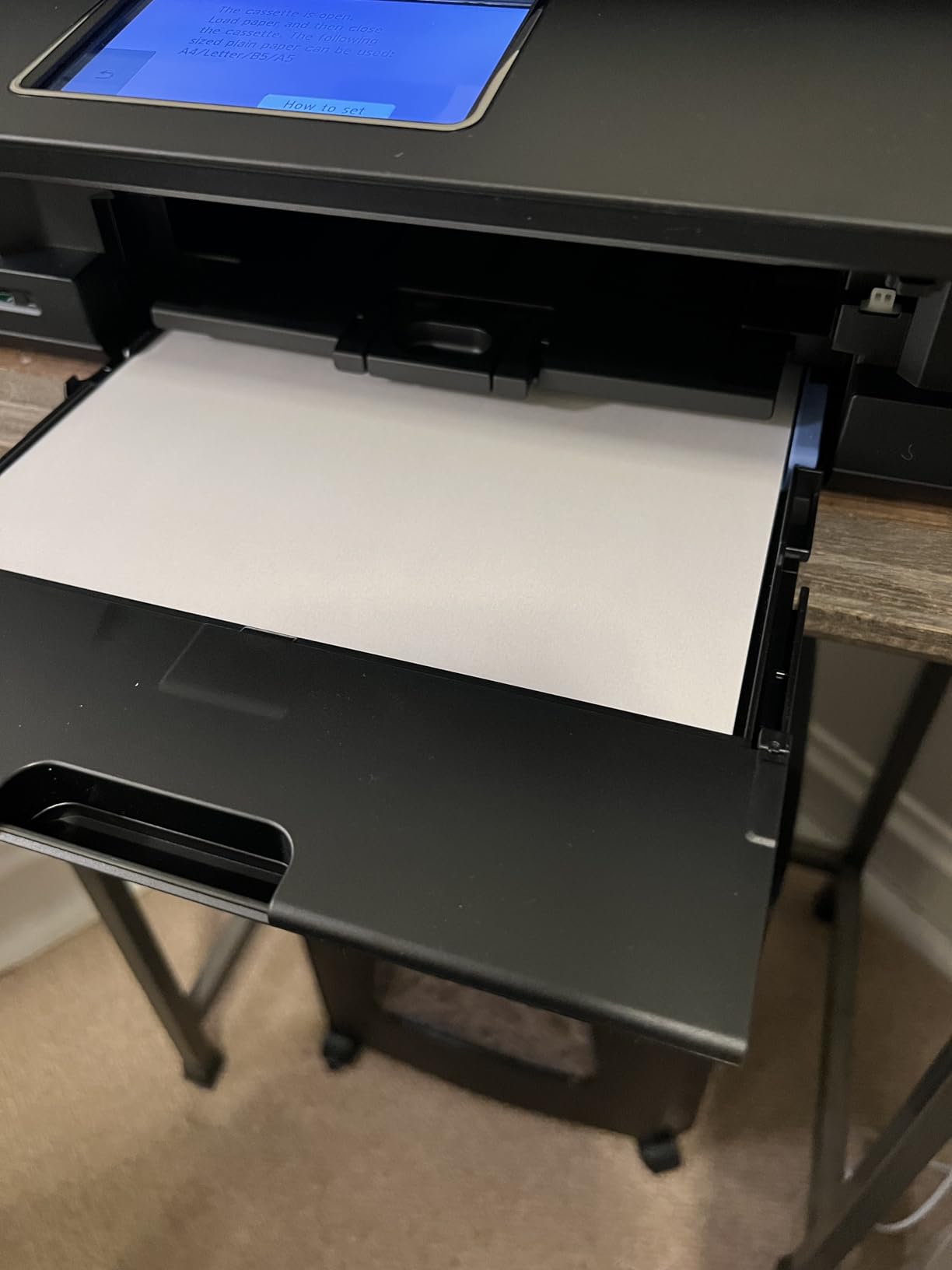
Paper handling is the best in the inkjet group here. You get a 100-sheet cassette plus a 100-sheet rear feed, so the effective capacity is 200 sheets, and the rear tray takes heavier or specialty stock that a plain cassette would not. Total capacity is listed at 100 sheets for the main cassette.
Owners of a year or more report dependable daily performance for home office and homeschooling workloads, with clean color and clean black output. The five individual ink tanks cut waste, and unlike the HP machines here, third-party cartridges work, which some owners treat as a meaningful saving.
There is a 1,000-page duty cycle, media up to 8.5 x 14 inch, a microSD slot, ENERGY STAR, and EPEAT Silver certification. Borderless printing works up to 8.5 x 11 inch, and the copy resolution is 720 x 720 dpi in color.
Voice printing through Alexa is supported for low-ink notifications and reorders, which is a small touch that suits a printer in a busy room.
The Canon app is the thing to plan around
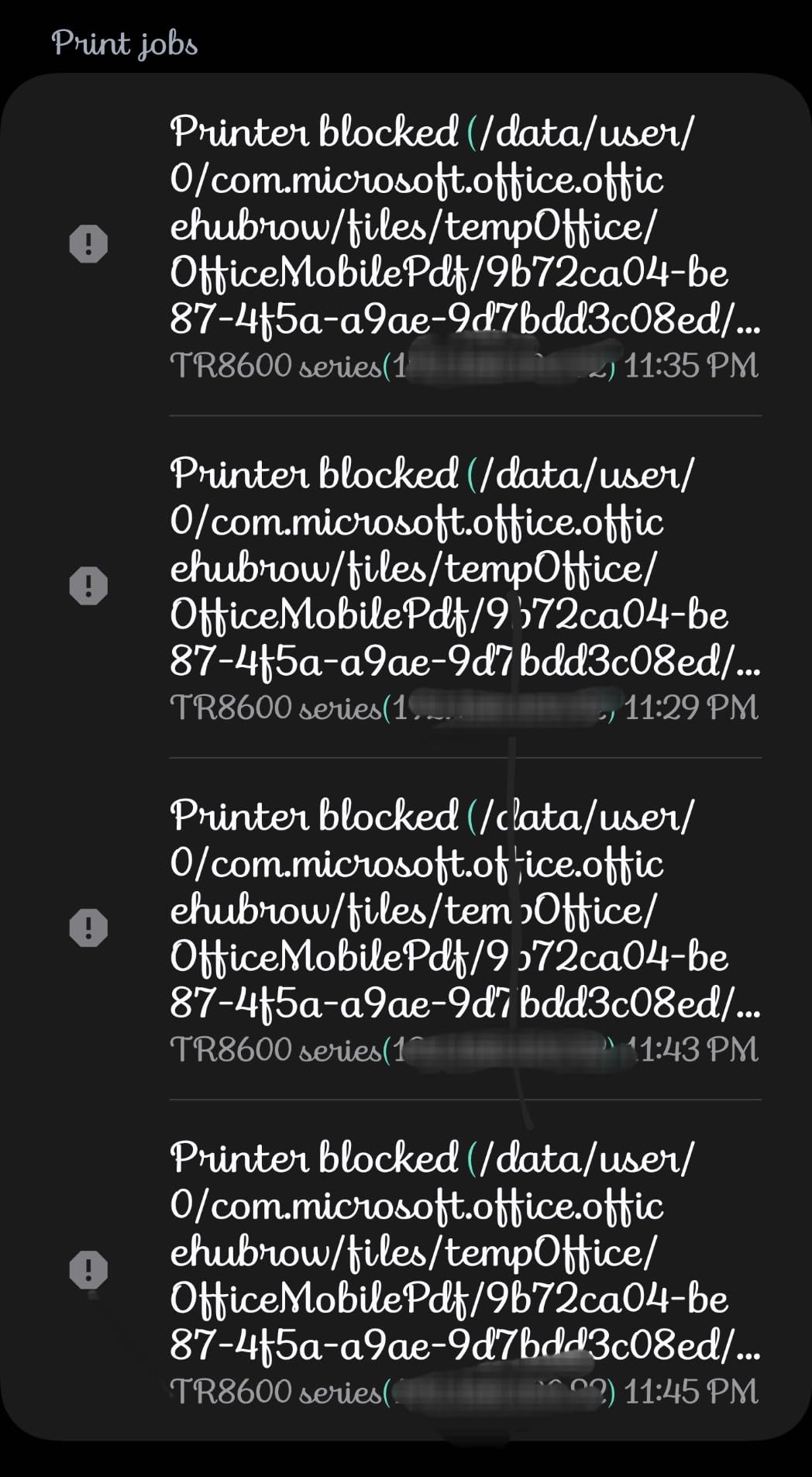
The most prominent negative theme in the reviews is the Canon smartphone app, which multiple buyers describe as slow and unreliable, including reports of a no printer available message on a printer that is clearly connected. If you can set the machine up once and then print from a computer, you will avoid most of the friction.
Setup itself is the other rough edge. Some users report paper feed sensitivity when loading the trays, and a smaller group feels the unit is less solidly built than earlier PIXMA models. At 17.4 pounds, it is a substantial machine for a desk.
Where this scanner earns its place
The 20-sheet feeder is the reason to choose it if you process paperwork in batches. A stack of receipts, a signed contract, a school permission slip, and an expense report all go through without lifting the lid.
Keep two limits in mind. The feeder does not scan double-sided originals in one pass, so two-sided paperwork needs a flip, and photo scan resolution caps at 600 dpi, which is fine for documents and not for archiving prints.
9. HP Smart Tank 5003 – Best for Low Color Running Cost
HP Smart Tank 5003 Wireless All-in-One Ink Tank Printer, Scanner, Copier with up to 3 Years of Ink Included, Best-for-Home, Cartridge-Free Refillable, AI-Capable (9B2D3A)
Ink tank
Up to 6000 pages included
10 ppm black
100-sheet tray
AirPrint
Pros
- Up to 3 years and 6000 pages of ink included in the box
- Cartridge-free mess-free refill by plugging in HP 32XL black and HP 31 color bottles
- Sharp text and rich color output
- Light 11.1-pound body with a low shelf-friendly profile
- Borderless printing plus AirPrint and Mopria support
Cons
- Flatbed scanner only with no automatic document feeder
- Duplex printing is manual rather than automatic
- 100-sheet paper capacity is small for office volume
The Smart Tank 5003 arrives with up to three years of ink, rated at 6,000 pages out of the box, and that included allowance is the entire pitch. For someone who prints a lot of color and does not want to think about supplies, it removes the first purchase decision entirely.
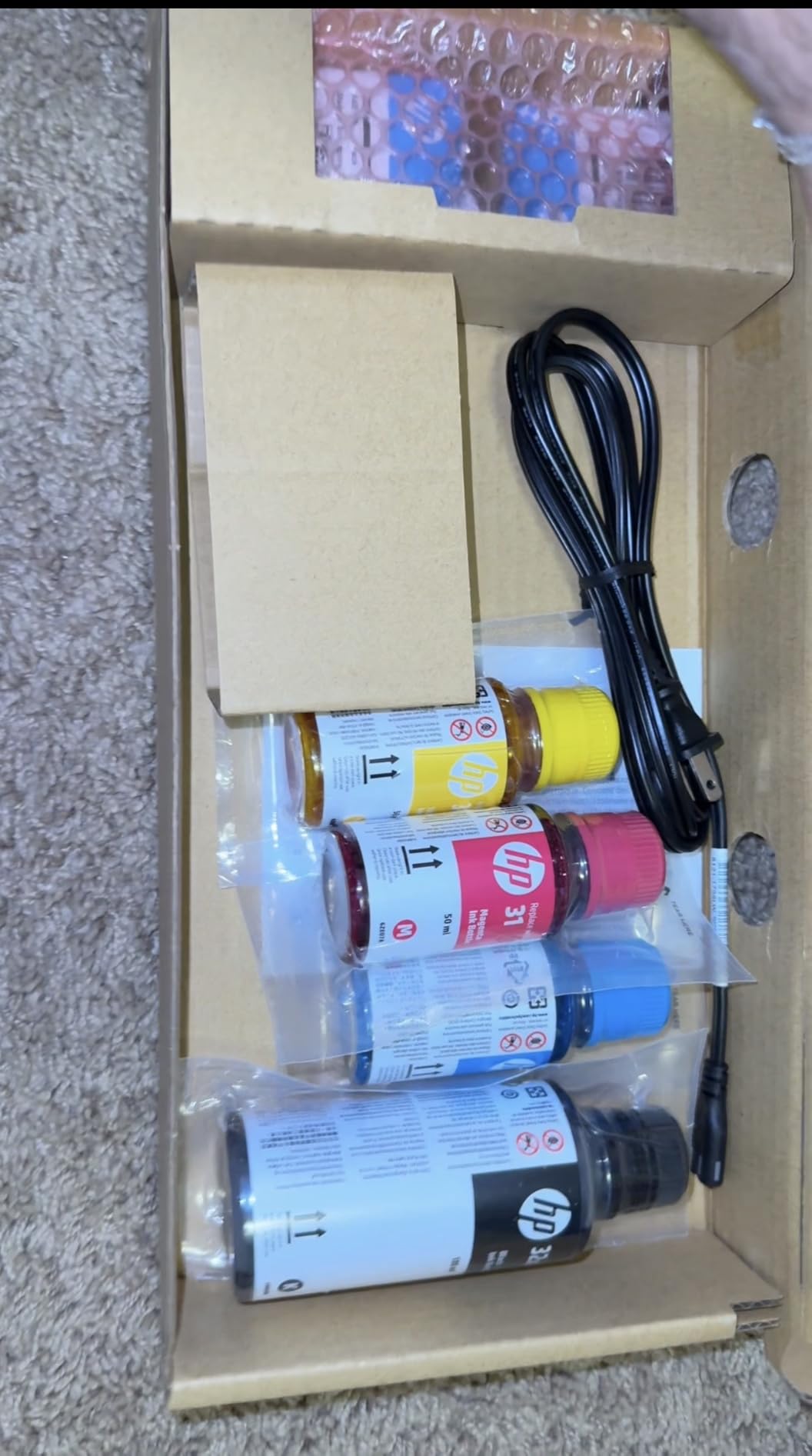
Refilling is a plug-in job. You attach HP 32XL black and HP 31 color bottles to the cartridge-free tank and let them drain, with no squeezing and no mess, and both HP black and tri-color printheads ship in the box. Sharp text and richer color are the reported results.
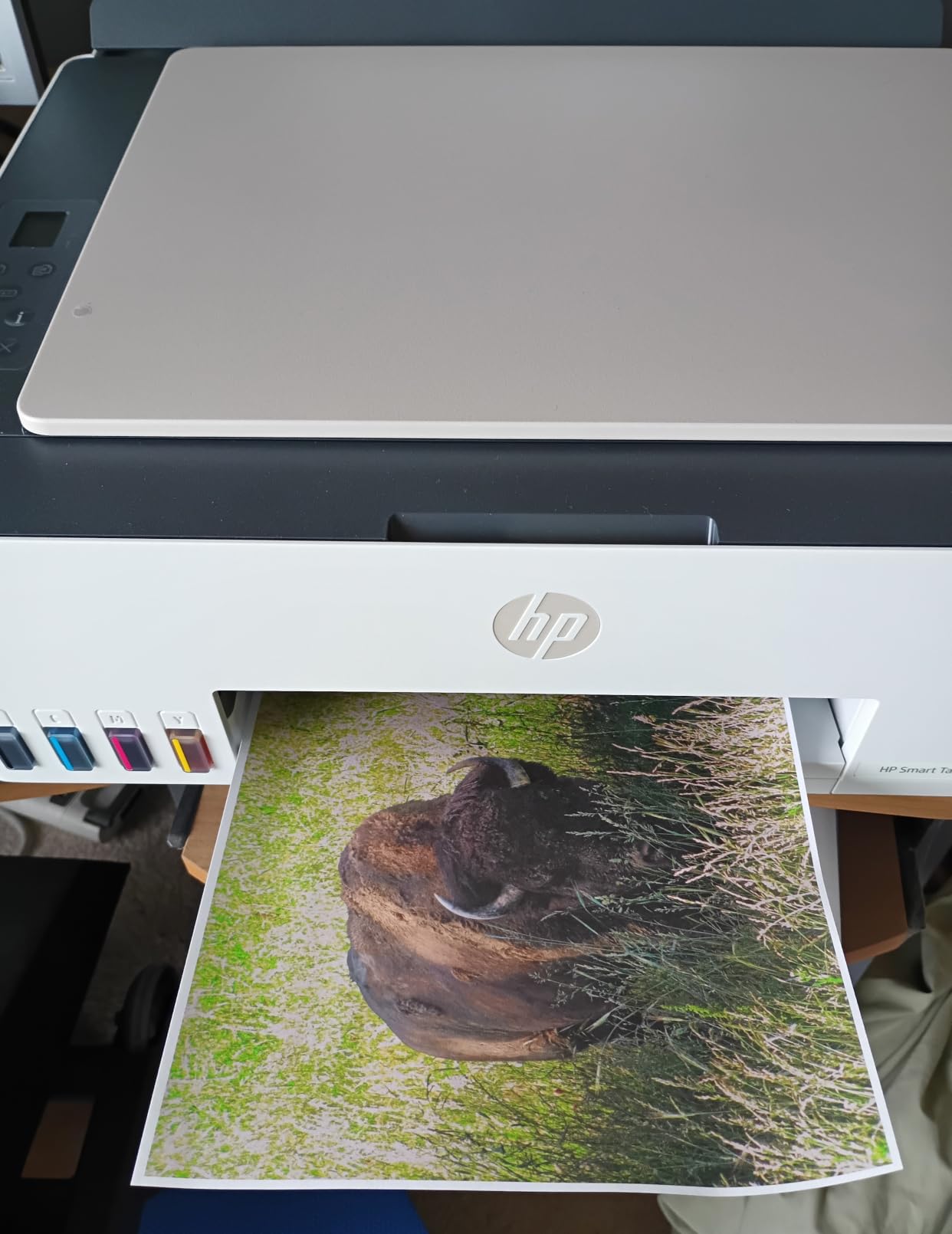
The physical design is the other standout. At 11.1 pounds and 14.23 by 17.11 by 6.19 inches, it is a low, shallow box that fits on a shelf where taller machines will not, which matters in a home office doubling as a storage space.
Connectivity is the broadest in this group: Apple AirPrint, HP ePrint, Mopria, USB, Wi-Fi, and Print Anywhere. It prints borderless, and media runs to legal size at 8.5 x 14 inch. Speed is 10 ppm black and 5 ppm color with a 21-second first page.
Copy runs cap at 99 sheets, and scanning outputs to PDF. The warranty is one year or 30,000 pages.
Newest model, thinnest review record
With 226 reviews, this is the least-examined printer in the roundup, and you should weight its 4.1 average accordingly. Early sentiment centers on the included ink allowance and the refill process as compelling for high-volume color use at home.
It is a flatbed-only scanner with no automatic document feeder, and duplex is manual with driver support, so a two-sided document is a manual flip. Scan to PDF covers the basics and nothing more advanced.
Who should wait and who should buy
Buy it if color volume is your dominant cost and you want the running cost settled for years. The 6,000-page allowance means a household printing 500 color pages a month is covered for a full year without buying anything.
Wait if you need an automatic document feeder or automatic duplex, because neither exists here. In that case the Epson ET-4950 or the ET-2800 cover the same tank economics with those features available at different points in the range.
10. HP OfficeJet Pro 8135e – Best All-in-One With a Touchscreen
HP OfficeJet Pro 8135e Wireless All-in-One Color Inkjet Printer, Print, scan, Copy, fax, ADF, Duplex Printing Best-for-Home Office, 3 Month Instant Ink Trial Included, AI-Enabled (40Q35A)
Color inkjet
20 ppm black
225-sheet tray
1-sided ADF
Fax and duplex
Pros
- Full all-in-one with print scan copy fax plus automatic duplex and a feeder
- 2.7-inch color touchscreen with a phone-like interface
- Dual-band Wi-Fi that resolves connection issues automatically
- HP AI formatting strips web page clutter before printing
- 225-sheet input tray is generous for the class
Cons
- Works only with HP cartridges since non-HP chips are blocked by firmware
- The HP+ Instant Ink subscription applies a monthly fee after the 3-month trial unless cancelled
- Inkjet running costs are higher than laser or tank-based alternatives
This machine has the densest feature list in the roundup: print, scan, copy, fax, automatic duplex, a document feeder, a 2.7-inch color touchscreen, and a 225-sheet input tray with 60-sheet output. It also carries the lowest average rating here at 3.8 stars, with roughly a fifth of reviews at one star.
That gap is the story. The hardware is capable and quick, at 20 ppm black and 10 ppm color, but the dissatisfaction is not about print quality. It is about the ink system and the subscription attached to it.
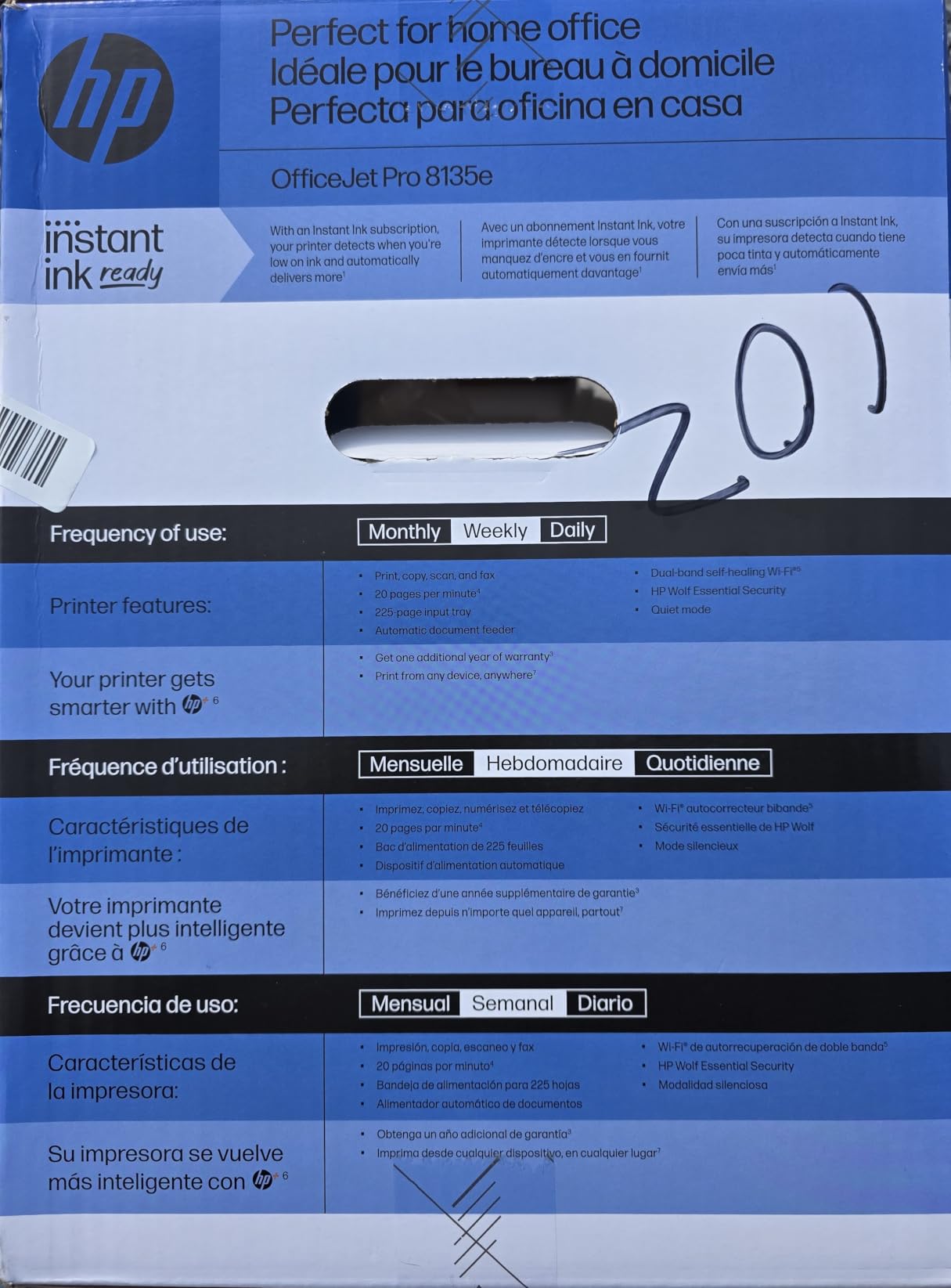
Print quality itself is fine. Resolution reaches 1200 x 1200 rendered dpi in black and up to 4800 x 1200 optimized dpi in color, and the HP AI feature formats web pages and emails into clean layouts before printing, which genuinely saves time on the many people whose only printing is a web page full of ads.
Connectivity is dual-band wireless with automatic connection resolution, plus Ethernet and USB. HP Wolf Essential Security provides network protection, the chassis uses more than 45 percent recycled plastic, and the packaging is FSC certified. Copies run up to 99 sheets with media to 8.5 x 11.7 inch.
At 19 pounds and 13.29 by 18.12 by 9.17 inches, it is a normal desktop size. Note that the document feeder is one-sided, so two-sided originals need a flip.
The cartridge lock-in is the deciding factor
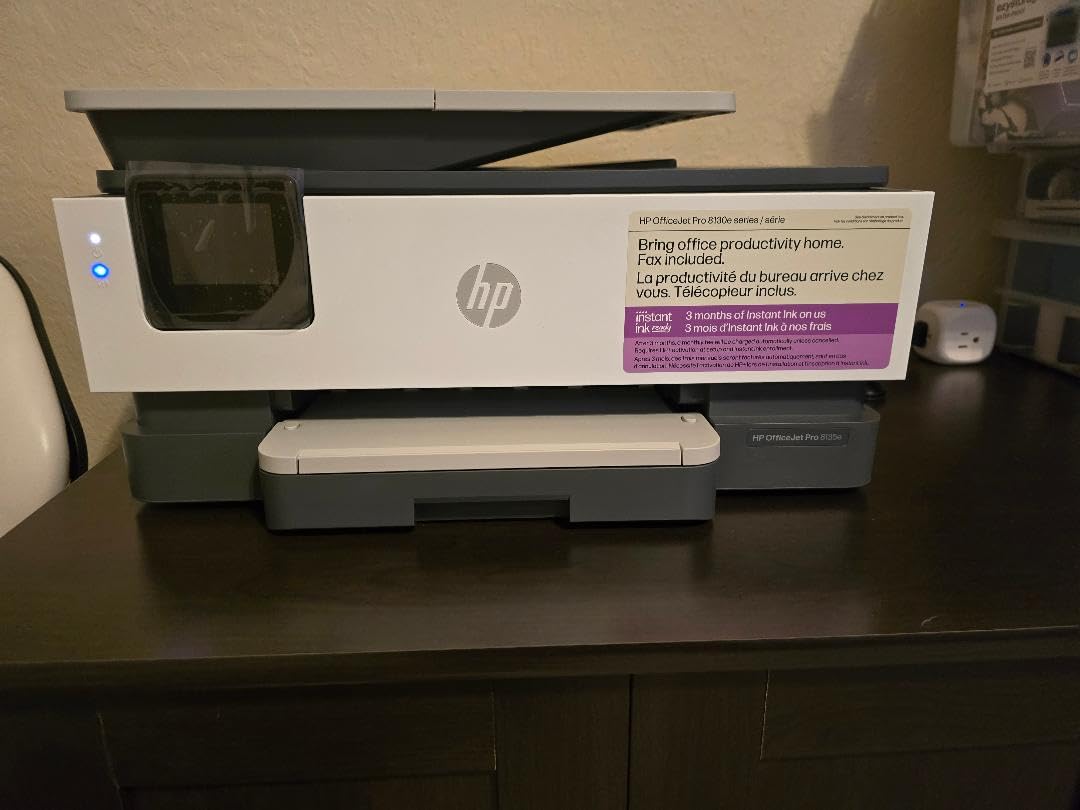
This printer works only with HP chips or circuitry cartridges, and firmware blocks non-HP chips. Combined with the HP+ Instant Ink trial that converts to a monthly subscription unless you cancel, your cost per page is set by HP and by a plan you may forget you signed up for.
If you will cancel the trial and print on genuine HP cartridges, the running cost is workable. If you are the kind of buyer who wants freedom to use third-party supplies, an Epson or Canon in this roundup does not restrict you the same way.
Who is well served by this one
It fits someone who wants fax, a touchscreen, automatic duplex, and a generous tray in a single machine and does not print enough to feel the cartridge cost. The phone-like interface and dual-band wireless make it approachable for a shared household.
For a serious document volume, a monochrome laser will print faster, cost less per page, and never risk a dried-out print head during a quiet month. This is an inkjet, and it inherits inkjet behavior.
11. Canon imageCLASS LBP122dw – Best Print-Only Laser
Canon imageCLASS LBP122dw – Wireless Monochrome Duplex Laser Printer
Monochrome laser
30 ppm
5.3 second first page
Auto duplex
150-sheet tray
Pros
- An affordable entry into monochrome laser printing
- Fast 30 ppm output with a 5.3 second first page
- Automatic duplex printing as standard
- Compact 12.4-pound design that fits small spaces
- Ethernet and Wi-Fi for flexible placement
Cons
- Print-only with no scanning copying or faxing
- 150-sheet paper capacity is the smallest among the laser units here
- A 3.9-star average with 19 percent one-star reviews
Some people only need paper to come out. The imageCLASS LBP122dw is the simplest reliable machine in the roundup, and at 12.4 pounds it is also the lightest, weighing less than any all-in-one here. There is no scanner, no copier, and no fax, and that is the point.
Everything that is present is competent. It runs at 30 ppm with a 5.3-second first page, automatic duplex is standard, resolution reaches 2400 x 600 dpi, and it is ENERGY STAR and EPEAT Silver certified. Paper runs from 3 x 5 inch up to 8.5 x 14 inch.
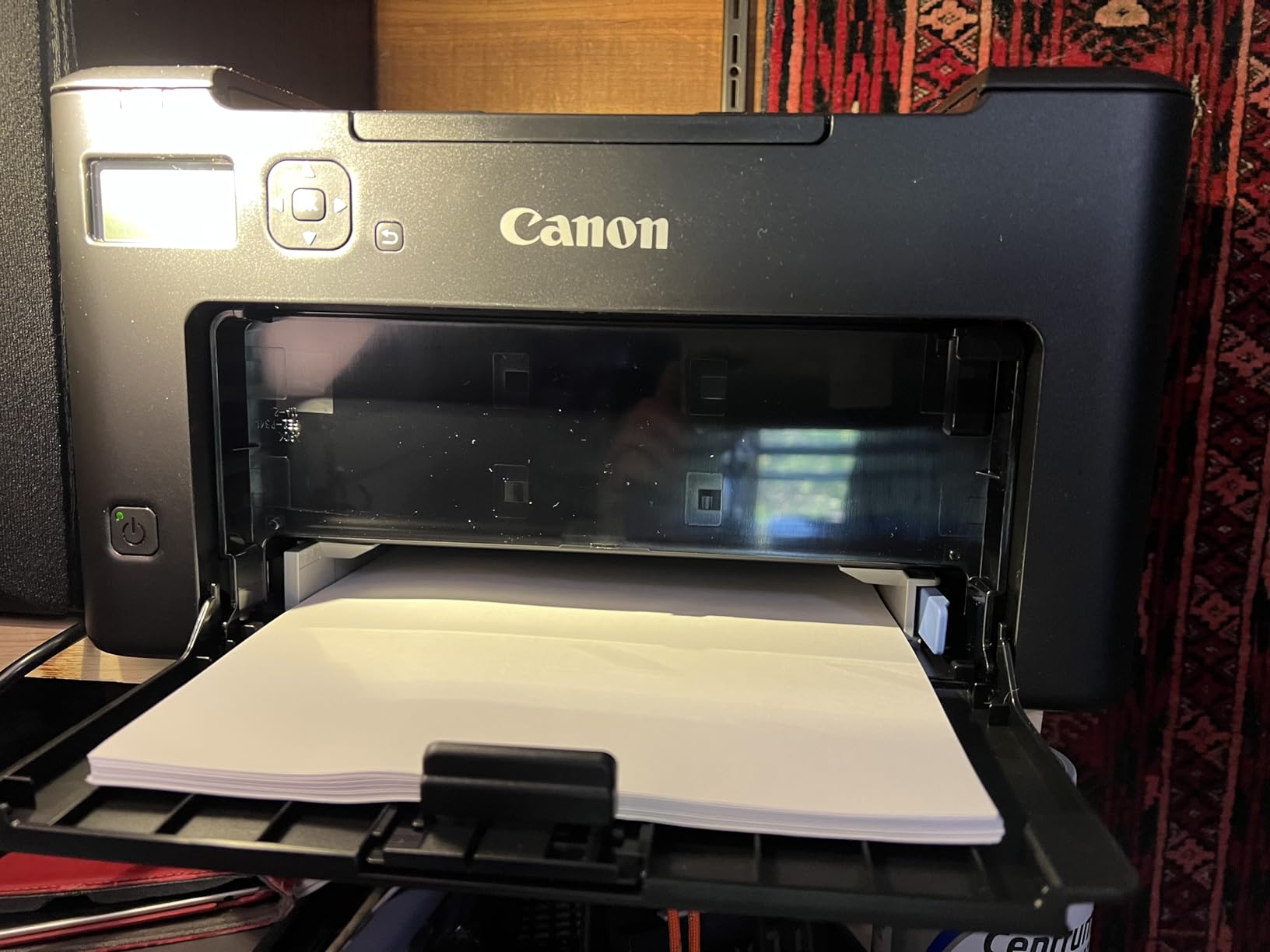
Supplies are Canon GENUINE Toner 071 and 071H in high capacity, which keeps monochrome running cost low. A separate flatbed scanner costs less than the electronics inside an all-in-one, and a few forum regulars make exactly that argument when they recommend a cheap laser plus a standalone scanner.
Connectivity is USB and Wi-Fi, with network-ready support and printing through the Canon PRINT app. Copies are not applicable here because the unit does not copy, though the manufacturer lists a maximum of 200 copies per run in its specification sheet.
The body is 15.4 by 14.4 by 14.6 inches, so despite the low weight it is a deep and tall box for a print-only machine, largely because of the output tray above the paper cassette.
What the lower rating is about
At 3.9 stars with 19 percent one-star reviews, the complaints are predictable. The print-only design disappoints buyers who assumed a printer included a scanner, and some owners hit toner chip and firmware update friction that pushes them toward third-party supplies the firmware may reject.
Another note for very low-volume users: at a handful of pages a month, the up-front outlay of a laser is spread across very few pages, so an inkjet can be cheaper in total. The advantage appears as volume climbs.
Who should buy the simplest machine
Buy it if you print contracts, invoices, and boarding passes and nothing else, and you want a machine that will still work in five years without a print head cleaning. The duplex function alone justifies it over older print-only lasers.
Do not buy it if you will scan anything. There is no flatbed here at all, and buying a separate scanner later negates the saving you came for. In that case the DCP-L2640DW does the same printing plus scanning and copying.
Which Home Office Printer Has the Fewest Problems
Laser printers win this category, and the reason is physical rather than marketing. Toner is dry powder, so it does not dry in a nozzle while the machine sits unused. Inkjets spray liquid ink from a print head, and a head that goes weeks without printing can need a cleaning cycle, repeated purges, or a service visit. If your printer is a wall ornament for four months at a time, that is the whole answer.
Here is the reliability ranking we would defend, grouped by failure risk rather than by rating.
Lowest risk: the Brother DCP-L2640DW, the HP LaserJet Pro MFP 3101sdw, the Brother MFC-L2820DW, the Canon imageCLASS LBP122dw, and the Brother MFC-L3720CDW. Every one is laser, every one holds its supplies indefinitely, and the recurring complaints in the reviews are software workflows rather than hardware failures. The DCP-L2640DW leads because its toner family is widely available and its duplex and feeder hardware is straightforward.
Low to moderate risk: the Epson ET-4950 and the Epson ET-2800. Both are cartridge-free, and the ET-4950 in particular keeps its printhead covered when idle, which reduces clogging risk. The ET-2800 is rated at 4.0 across more than 18,000 reviews, and the complaints are about the missing duplex and the small tray, not about failed print heads.
Moderate risk: the HP Smart Tank 5003, the Canon PIXMA TR8620a, and the Canon PIXMA TS6520. Each is an inkjet, so each carries the low-volume drying question. The Smart Tank 5003 also has the thinnest review record here at 226 reviews, so there is less long-term evidence. The TS6520 is the sturdiest of the three because it carries a three-year manufacturer warranty.
Highest risk in this lineup: the HP OfficeJet Pro 8135e. The 3.8-star average with about 20 percent one-star reviews is the clearest signal in the set, and the drivers are the cartridge lock-in and the subscription conversion rather than the hardware. A subscription you forget to cancel is the most common entirely avoidable printer problem in this list.
Two habits remove most of the rest. Print one test page every couple of weeks if you own an inkjet, and leave the machine powered on. A print head that has printed recently does not need recovery cycles, and most drying complaints trace back to long idle stretches rather than to the ink itself.
How to Choose a Home Office Printer
Start with monthly volume, because it decides the technology before any feature matters. Under 100 pages a month is laser territory. Between 100 and 300 pages is where either works, and color frequency decides. Above 300 pages, a tank printer or a color laser is the only sensible answer, because cartridges become the dominant cost.
Next decide on color. Black-and-white only means the shortest path is a monochrome laser, and this roundup has four of them. Genuine color work means either a tank printer for the lowest per-page cost, or a color laser when the volume is high enough to justify a larger machine and larger toner cartridges.
Then decide print-only versus all-in-one. If you will scan anything, even one page a month, buy a scanner. A print-only laser like the imageCLASS LBP122dw is simple and reliable, and a separate flatbed scanner costs less than the scanner hardware inside an all-in-one. If you scan weekly, the all-in-one machines here start making sense.
Paper tray and feeder sizing is the detail people regret. A 100-sheet tray means refilling roughly twice as often as a 250-sheet tray, and a shared home office feels every one of those refills. If you will print more than 150 pages a month, treat 250 sheets as the minimum. A document feeder under 20 sheets is a convenience, not a productivity tool, so a 50-page feeder is worth a premium in a paper-heavy office.
Connectivity deserves a minute. Dual-band 2.4GHz and 5GHz support is the one to want, since crowded home networks in apartment buildings are where single-band printers drop. AirPrint and Mopria support matter if anyone in the house prints from an iPhone or Android device without installing an app. All of the Brother, Canon, and HP models here support at least some combination of these.
Noise and footprint are real constraints in a shared room. A printer next to a video call needs a quiet mode or a laser, and the color laser in this roundup is 44 pounds and 15.8 inches tall, which is a furniture decision rather than an electronics one. If you are furnishing a small room rather than a spare bedroom, the 11-pound Epson ET-2800 and the 11.1-pound HP Smart Tank 5003 are the two that fit a low shelf.
Cost per page is the number that decides the long run, and the way to estimate it is simple: divide the supply cost by its rated yield. Monochrome laser toner works out far below inkjet ink, and forum consensus across r/printers and r/homeoffice is consistent on that, which is why the laser picks dominate this list. Ink tank printers close the gap by replacing cartridges with high-yield bottles, and cartridge inkjets sit worst on both metrics.
If your home office also runs a side business, the printing needs change shape entirely. Shipping labels and postage are best handled by a dedicated thermal label printer, since they print at 4 x 6 inch without ink, without a tray, and without drying out. Sublimation printers transfer images onto mugs, shirts, and coated paper and are a different purchase with different ink. If any part of your work is physical product rather than documents, our picks for 3D printers and 3D printers for beginners cover that side of a home workspace.
Finally, consider whether your growing setup needs something beyond a printer at all. A home office that runs a small business often needs a reliable box to host shared files and backups, and our home server picks are worth reading if your work depends on that running continuously.
Frequently Asked Questions
What type of printer is best for home office?
A monochrome laser printer is the best type for most home offices, because it uses dry toner that does not dry out or clog during long idle periods, prints sharply at speeds up to 40 ppm, and costs far less per page. If you print color regularly, an ink tank printer such as the Epson EcoTank ET-2800 is the lowest-cost option per page, and it fills with high-yield bottles instead of cartridges.
Is laser or inkjet cheaper per page?
Laser is cheaper per page for almost every workload. Monochrome laser toner is dry powder with high page yields, and forum consensus in r/printers and r/homeoffice consistently places laser running cost well below inkjet ink. Ink tank printers narrow the gap considerably because a bottle set replaces many cartridges, but cartridge-based inkjets remain the most expensive per page of the three.
What printer has the least amount of problems?
Monochrome laser printers have the fewest problems, and the Brother DCP-L2640DW is the most dependable pick in this roundup. Toner does not dry in a nozzle while the machine sits unused, so a laser that has not printed for two months still produces a clean first page. The most common inkjet failure, a clogged print head after long disuse, simply does not apply. The least reliable pick here is the HP OfficeJet Pro 8135e, where the 3.8-star average reflects cartridge lock-in and subscription friction rather than hardware.
What is the best printer for both home and office use?
The Brother DCP-L2640DW is the best printer for both home and office use. It combines a 36 ppm monochrome laser engine with a 250-sheet paper tray, a 50-page automatic document feeder, automatic duplex printing, and dual-band Wi-Fi, so it handles a workday of documents and still works for a personal project. If you also need fax or cloud scanning, the Brother MFC-L2820DW adds both with a 2.7-inch touchscreen.
Should you buy a printer with an ink subscription?
Only if you print a predictable volume and you will remember to cancel. Subscriptions such as HP Plus or HP Instant Ink lower per-page cost when you consistently exceed the included pages, and they raise it sharply when you do not. The HP OfficeJet Pro 8135e includes a three-month trial that converts to a monthly fee unless cancelled, and forgetting to cancel is the single most common avoidable problem in this roundup. Setting a calendar reminder at signup prevents it.
Final Verdict
The best printers for home offices in 2026 are not the machines with the longest spec sheets. They are the ones that match your monthly volume, survive a quiet month, and do not lock you into a supply contract. For most people reading this, the answer is the Brother DCP-L2640DW: fast, duplexed, with a 250-sheet tray and a 50-page feeder, running on toner that will not dry out while you are busy with other work.
Print color a few times a month and the Epson EcoTank ET-2800 changes the math, since one bottle set replaces roughly 90 cartridges. Print color constantly, and the Epson ET-4950 or the Brother MFC-L3720CDW keep the per-page cost down. Print nothing but black-and-white documents and want the simplest machine possible, and the Canon imageCLASS LBP122dw does that job with nothing else to go wrong.
Whichever one you choose, check the running cost before the sticker price, buy the tray size you will actually fill, and set a reminder for any subscription trial that comes in the box. Those three habits eliminate most of the problems people complain about for years.