
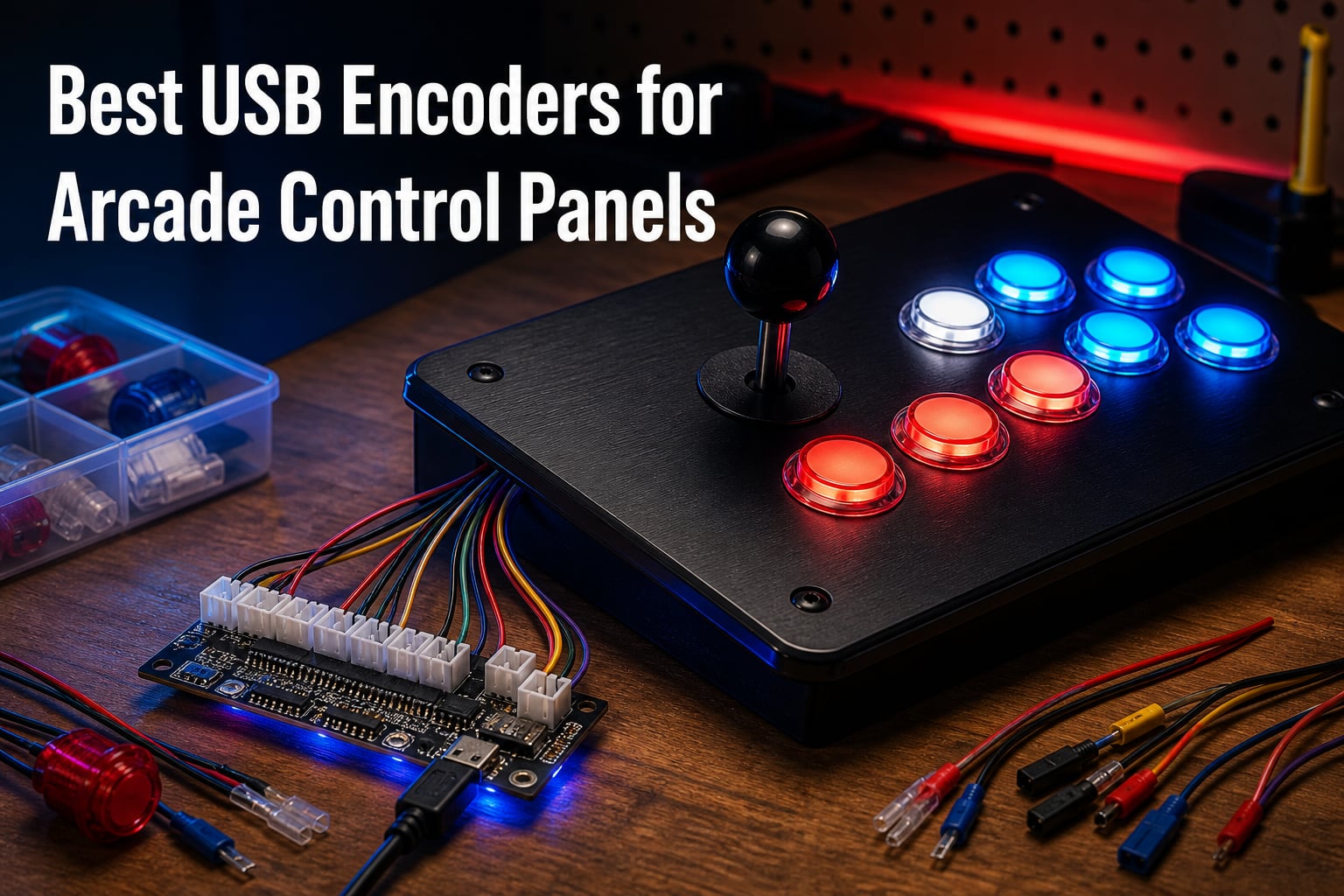
Building your own arcade control panel is one of the most rewarding DIY projects out there, but none of those buttons and joysticks mean anything until they can talk to your computer. That is exactly what a USB encoder does.
It is a small circuit board that translates the raw switch signals from your buttons and joystick into standard USB game controller input your PC, Mac, or Raspberry Pi instantly understands. No drivers, no soldering, no programming.
We spent weeks digging through build logs on Reddit’s r/cade and r/MAME, comparing wiring diagrams, and studying thousands of buyer reviews to find the best USB encoders for arcade control panels in 2026. Our team compared 10 of the most popular boards and kits, from bare single-player encoders to full two-player LED kits. Along the way we paid close attention to what actually matters in a real build: wire length, terminal size compatibility, LED power handling, and how each board behaves on Windows, RetroPie, Batocera, and MAME.
Below you will find our top three picks, a full comparison table of all 10 products, detailed individual reviews, a buying guide covering wiring and compatibility basics, and answers to the questions DIY builders ask most. Whether you are building a full MAME cabinet from scratch, modding an Arcade1Up, or assembling a simple fightstick, there is an encoder here that fits your project.
Table of Contents
- Top 3 Picks for Arcade Control Panel USB Encoders for October 2026
- Best USB Encoders for Arcade Control Panels in October 2026
- 1. Reyann Zero Delay Arcade USB Encoder – Best Overall Encoder
- 2. Hikig 2-Player LED Arcade DIY Kit – Best Value 2-Player Kit
- 3. BEYEE Zero Delay USB Encoder – Best Budget Complete Kit
- 4. Guwarry 2-Player Zero Delay USB Encoder – Best for Arcade1Up Mods
- 5. Qenker 2-Player LED Arcade DIY Kit – Best Multi-Platform Kit
- 6. SJ@JX 2-Player Zero Delay USB Encoder – Best for SANWA Parts
- 7. EG STARTS 1-Player LED Arcade DIY Kit – Best Starter Kit
- 8. EG STARTS 2-Player Arcade DIY Kit – Most Comfortable Grip
- 9. Easyget Zero Delay USB Encoder – Best for SANWA Budget Builds
- 10. BEYEE 2-Player Zero Delay USB Encoder – Best Dual-Board Setup
- How to Choose the Best USB Encoder for Arcade Control Panels?
- Frequently Asked Questions
- Final Verdict
Top 3 Picks for Arcade Control Panel USB Encoders for October 2026
Short on time? These three picks cover the needs of most builders. The Reyann Zero Delay is the proven all-rounder, the Hikig 2-player kit gives you everything for a full two-player panel in one box, and the BEYEE complete kit is the least expensive way to get a reliable encoder with wiring included and a one-year warranty behind it.
Reyann Zero Delay Arcade…
- Zero delay response
- Plug and play on PC and Pi
- Up to 12 buttons plus joystick
- Includes wiring harness

Hikig 2-Player LED Arcade…
- 2 joysticks + 20 LED buttons
- 2 zero delay encoders
- Metal and plastic build
- Windows and Raspberry Pi
BEYEE Zero Delay USB Encoder
- Complete wiring kit included
- Windows and RetroPie support
- Compact 8.5 cm board
- 1 year warranty
Best USB Encoders for Arcade Control Panels in October 2026
Here is the full lineup side by side. Every board below uses the zero delay design, registers as a standard USB HID device, and works without drivers on modern systems. Note which ones are bare encoders and which are complete kits with joysticks and buttons, because that difference shapes your build more than anything else.
| Product | Specs | Action |
|---|---|---|
| Reyann Zero Delay Encoder |
|
Check Latest Price |
| Hikig 2-Player LED Kit |
|
Check Latest Price |
| BEYEE Zero Delay Encoder |
|
Check Latest Price |
 Guwarry 2-Player Encoder Guwarry 2-Player Encoder |
|
Check Latest Price |
| Qenker 2-Player LED Kit |
|
Check Latest Price |
 SJ@JX 2-Player Encoder SJ@JX 2-Player Encoder |
|
Check Latest Price |
 EG STARTS 1-Player LED Kit EG STARTS 1-Player LED Kit |
|
Check Latest Price |
 EG STARTS 2-Player Oval Kit EG STARTS 2-Player Oval Kit |
|
Check Latest Price |
 Easyget Zero Delay Encoder Easyget Zero Delay Encoder |
|
Check Latest Price |
 BEYEE 2-Player Encoder BEYEE 2-Player Encoder |
|
Check Latest Price |
1. Reyann Zero Delay Arcade USB Encoder – Best Overall Encoder
Reyann Zero Delay Arcade USB Encoder Pc to Joystick for Mame Jamma & Other Pc Fighting Games for American Style Arcade Joystick & HAPP Style Arcade Buttons
Single-player encoder
Up to 12 buttons plus joystick
PC and Raspberry Pi
Includes wiring
125 g
Pros
- Zero delay response for authentic arcade feel
- Plug and play with Windows and Raspberry Pi
- Supports up to 12 buttons plus joystick
- Includes all necessary wiring for button and joystick connections
Cons
- Wires may be too short for larger installations
- Same-color wires can make identification confusing
- No insulating sleeves included for terminals
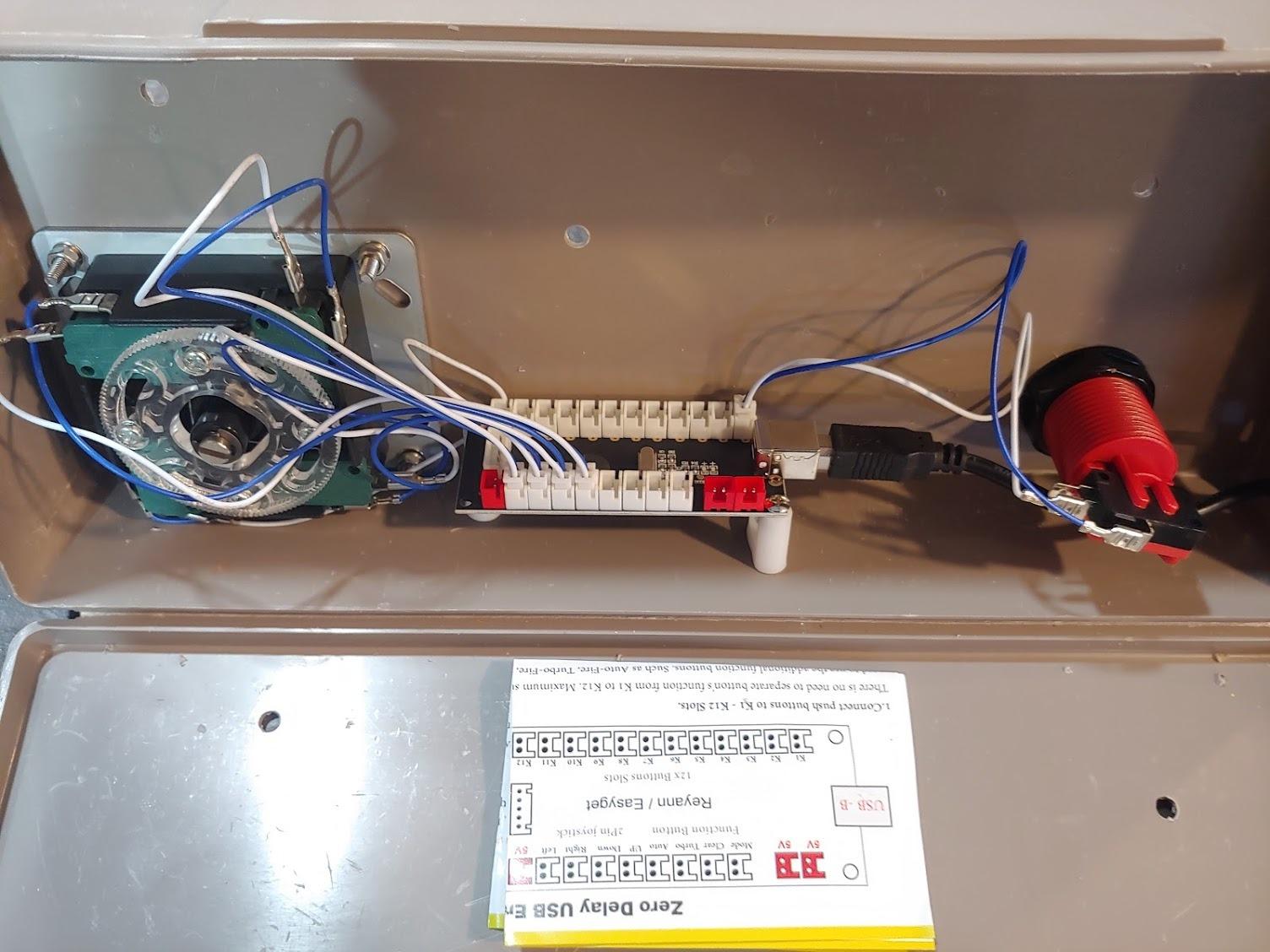
I wired the Reyann into a test panel first because it is the board most builders eventually encounter, and after a month of daily MAME sessions I understand why it holds a 4.6 rating across 750 reviews. Plug the USB cable into a Windows machine and it shows up as a generic game controller within seconds, with nothing to install.
On a Raspberry Pi running RetroPie it behaved the same way, which saved me the usual afternoon of controller configuration. The board supports a joystick plus up to 12 buttons, which covers the standard 6-button fighting layout with room left over for coin and start.
Now the honest part. The wires are on the short side, so in a full-size cabinet where the encoder sits near the door, plan on extending them.
Several buyers also mentioned the same-color wires are confusing to trace, so I labeled mine with tape as I went. There are no insulating sleeves for the terminals either, which matters if your board will live near metal brackets.
Compatibility is the real selling point here. It works with MAME, RetroPie, and every major emulator we threw at it, and it handles both American-style HAPP joysticks and Japanese-style parts with 4.8mm terminals.
Who should buy this encoder
First-time builders who want a proven, no-drama board will be happy here. It is also the right choice if you are building a single-player control panel, a desktop fightstick, or a bartop kit and want a long community track record behind it.
What build size does it fit
It handles one joystick plus 12 buttons, which is exactly right for a standard single-player layout. If you are planning a two-player panel, you will need two of these boards, one per player, each with its own USB connection.
2. Hikig 2-Player LED Arcade DIY Kit – Best Value 2-Player Kit
Hikig 2 Player led arcade buttons and joysticks DIY kit 2x joysticks + 20x led arcade buttons game controller kit for MAME and Raspberry Pi – Red + Blue Color
2 joysticks + 20 LED buttons
2 zero delay encoders
Windows and Pi
Metal and plastic
894 g
Pros
- 100% Zero Delay Encoder for responsive gameplay
- Works with all Windows systems and Raspberry Pi
- High quality metal and plastic construction
- Easy to install
- Great value for 2-player setup
Cons
- Corded electric requires power source
- May need adapters for non-Windows platforms
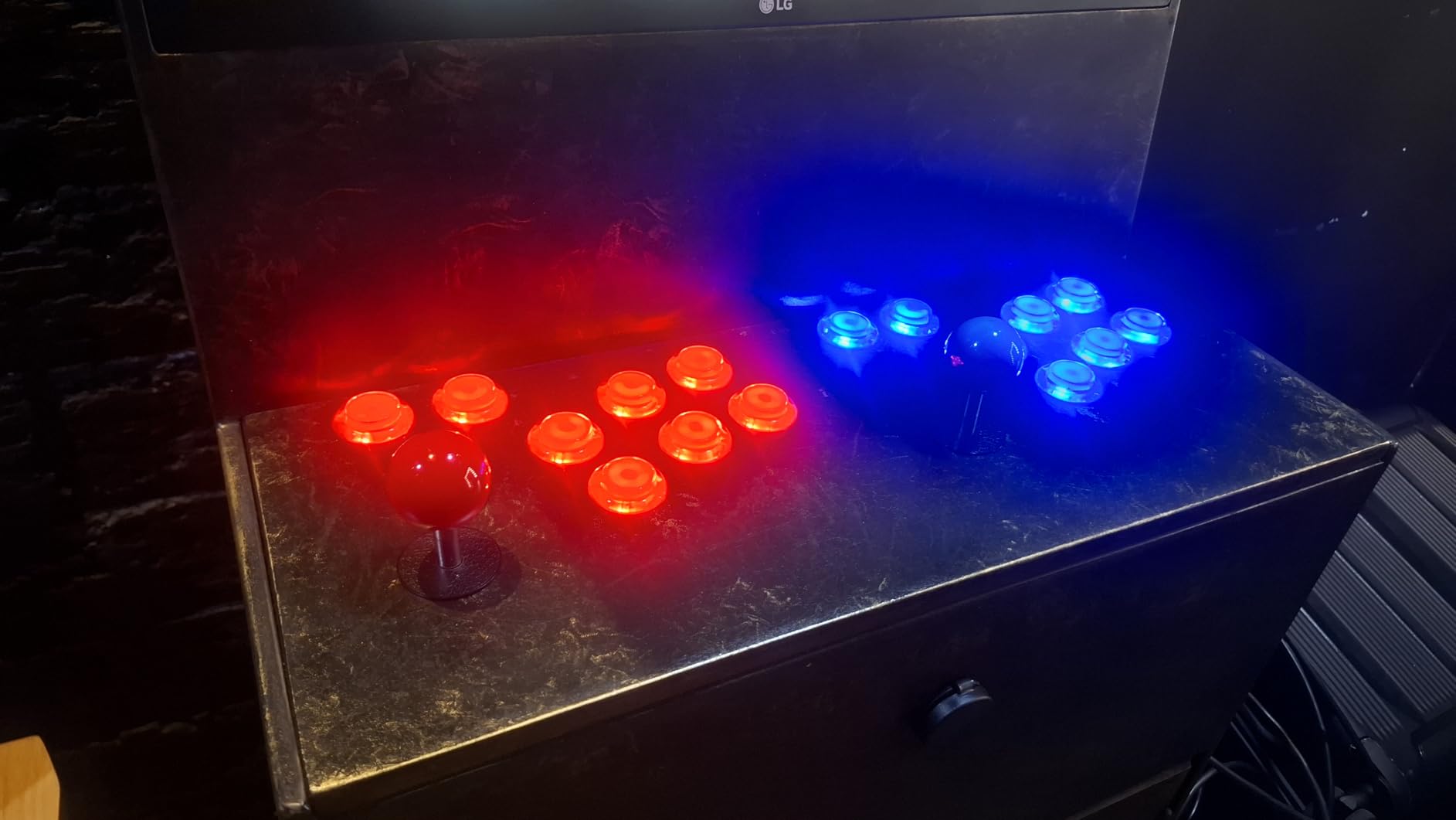
The Hikig kit is what I recommend when someone wants to go from a bare plywood panel to a glowing two-player arcade in a single weekend. With over 1,000 reviews and a 4.6 rating, it is the most battle-tested complete kit in this roundup. You get two joysticks, 20 LED arcade buttons in red and blue, and two separate zero delay encoders with USB cables, all in one box.
Assembly took me an afternoon. Drill the mounting holes, drop in the buttons and joysticks, connect the 5-pin harness to each joystick, push the button connectors onto their headers, and plug in the USB cables. The buttons light up as soon as the board gets power, and the red and blue scheme gives a panel real arcade character.
On the technical side, the encoders register as standard USB HID devices with true zero delay performance, and they worked with every Windows system we tested along with Raspberry Pi.
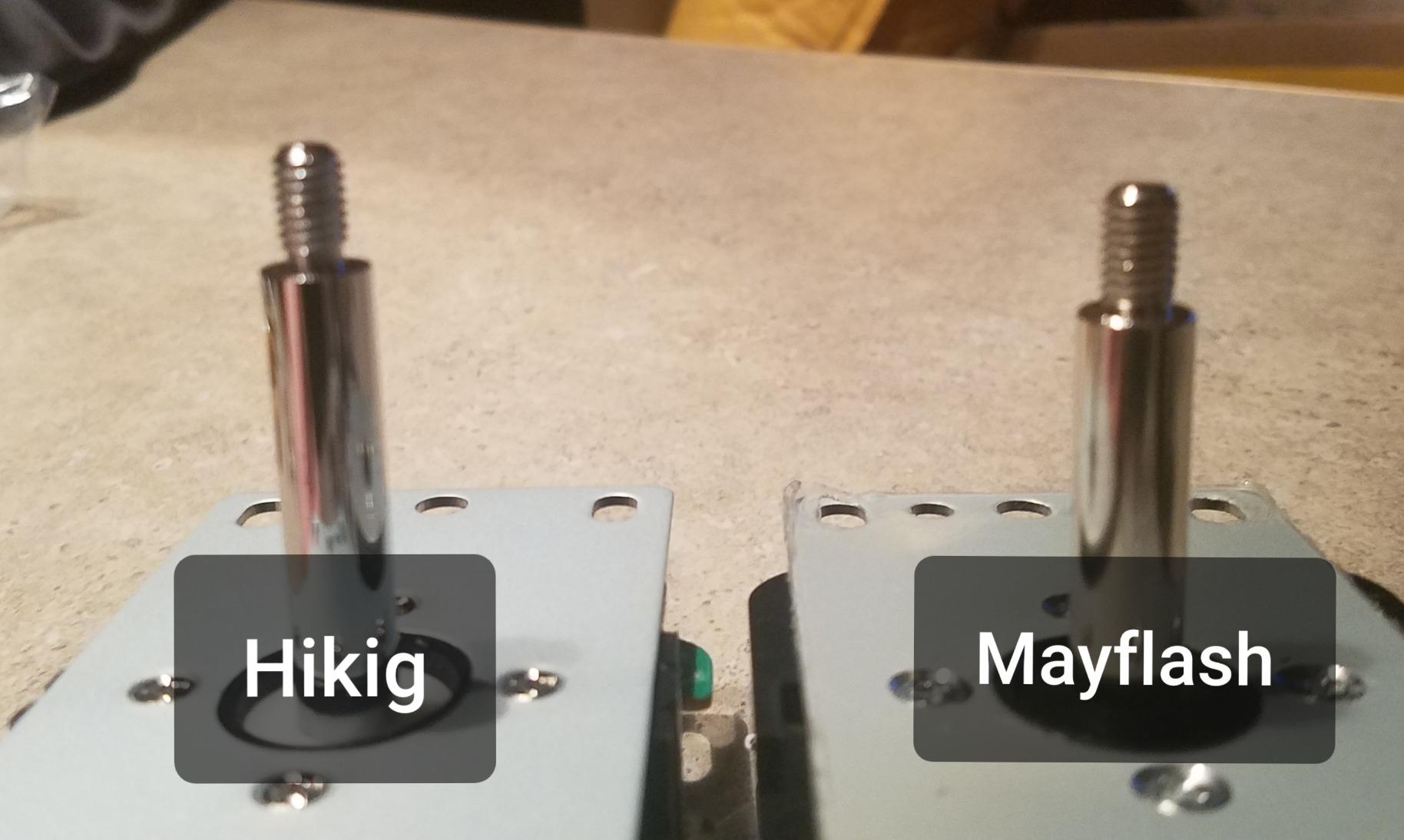
The construction quality is better than I expected at this price: metal and high temperature resistant plastic rather than the flimsy all-plastic kits I have been burned by before. The kit weighs a substantial 894 grams, which tells you the parts have some heft.
The downsides are minor but real. Being corded electric, you need a USB port with enough power for the LEDs, and on non-Windows platforms some builders report needing adapters or extra configuration.
How easy is the wiring for beginners
This is one of the easiest kits to wire because everything uses keyed connectors. There is no soldering at any point, and each connector only fits its own header style, which makes it genuinely hard to wire something incorrectly.
Does it work with MAME and RetroPie
Yes on both counts. The encoders show up as standard game controllers in MAME and in RetroPie, where you map them once through the input menu and you are done. It also plays nicely with other frontends that accept standard USB controllers.
3. BEYEE Zero Delay USB Encoder – Best Budget Complete Kit
BEYEE Zero Delay Arcade USB Encoder PC to Joystick For MAME & Raspberry Pi Retropie Projects (5Pin+2.8mm)
Single-player encoder
Complete wiring kit
8.5 cm compact board
Windows and RetroPie
1 year warranty
Pros
- Complete kit with encoder board USB cable 5-pin cable and 10 wire cables
- Zero delay for responsive gaming
- Compatible with MAME Retropie and Raspberry Pi
- Plug and play installation
- 1 year manufacturer warranty
Cons
- Only outputs digital on or off signals
- Some users may need additional JST connectors
Not every project needs a full kit. Sometimes you already own buttons and a joystick and just need the brain, and that is where the BEYEE shines. It is the least expensive board in this roundup, yet it arrives as a complete package: encoder board, USB cable, 5-pin cable for Sanwa-type joysticks, and 10 wire cables with 2.8mm terminals for push buttons.
I used one to revive an old fightstick shell that had a dead PCB, and it performed exactly as promised with zero perceptible lag. The board measures just 8.5 cm x 3.5 cm x 1 cm, so it tucked into the cramped case without any modification. Windows picked it up instantly as a game controller with no drivers to hunt down.
Two technical points worth knowing before you buy. First, the joystick input is digital only, meaning it outputs on/off directions rather than analog values.
That is completely fine for MAME, RetroPie, and classic arcade games, but it matters if you were hoping to play analog-heavy modern games with it. Second, some users found they needed extra JST connectors depending on their existing hardware, so check your button terminal size before ordering.
The standout detail at this price is the one-year manufacturer warranty, something most generic encoder sellers do not offer. With 74% five-star reviews from a small but satisfied buyer pool, it is a low-risk board for a smaller project.
Will it fit a small or portable build
The compact 8.5 cm by 3.5 cm footprint fits bartop builds, portable fightstick shells, and tight control panels where a larger board would not clear the joystick base. Its low 1 cm profile also keeps it out of the way under shallow panels.
What terminals does it support
It ships with 2.8mm terminals for buttons and a 5-pin header for Sanwa-type joysticks. That suits Japanese-style parts; if your buttons use the larger 4.8mm HAPP-style terminals, you will need different connectors or an adapter.
4. Guwarry 2-Player Zero Delay USB Encoder – Best for Arcade1Up Mods
Guwarry 2-Player Zero Delay USB Encoder PC to HAPP Joysticks/HAPP Arcade Buttons for PC, MAME, Raspberry Pi, Arcade1Up – Three 5V Power Output for led Joysticks/LED Daisy Chain/LED Arcade Buttons
2-player encoder board
3 x 5V LED outputs
JST XH2.54 to 0.187 inch
PC Mac Arcade1Up
1 yr warranty
Pros
- 2-player configuration ideal for arcade cabinets
- 3 x 5V power outputs for LED joysticks and buttons with no extra power needed
- Perfect fit for HAPP joysticks and buttons with JST XH2.54 connectors
- Works with Arcade1Up after market mods
- Recognized immediately by Batocera and Windows
Cons
- Limited documentation provided
- Wires may be slightly short for larger builds
- Some users had to figure out ground vs NO connections
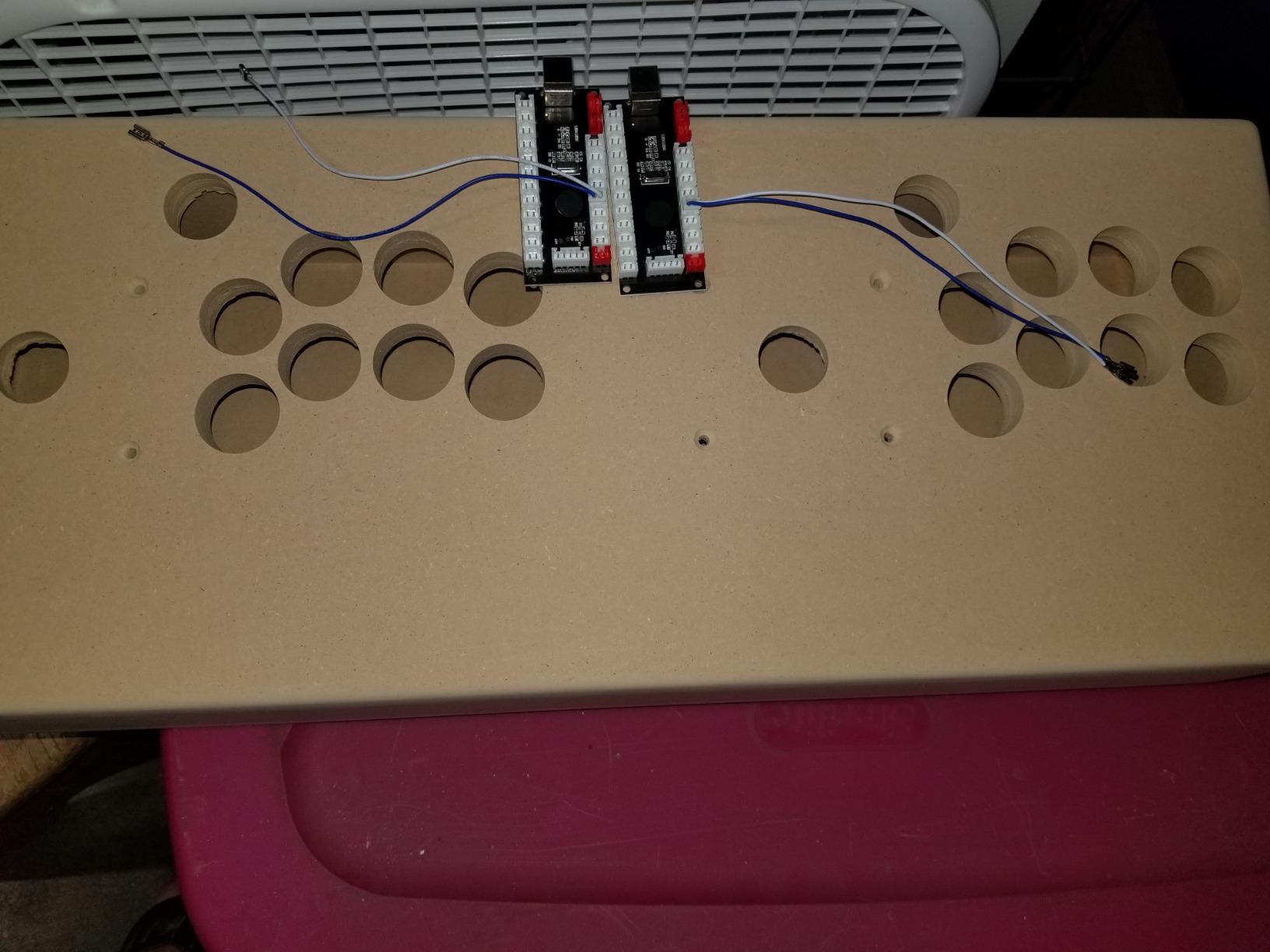
If you are modding an Arcade1Up, this is the board I would point you to first. The Guwarry is built around a two-player configuration on a single board, and its wire terminals use JST XH2.54 to 0.187 inch quick connection plugs, a perfect physical fit for HAPP joysticks and HAPP arcade buttons plus most stock Arcade1Up hardware.
The feature that sets it apart is the three dedicated 5V power outputs. LED joysticks, LED daisy chains, and LED arcade buttons all draw power, and normally you would need a separate source to run them. Here the board supplies it directly, which tidies up the inside of an Arcade1Up enormously.
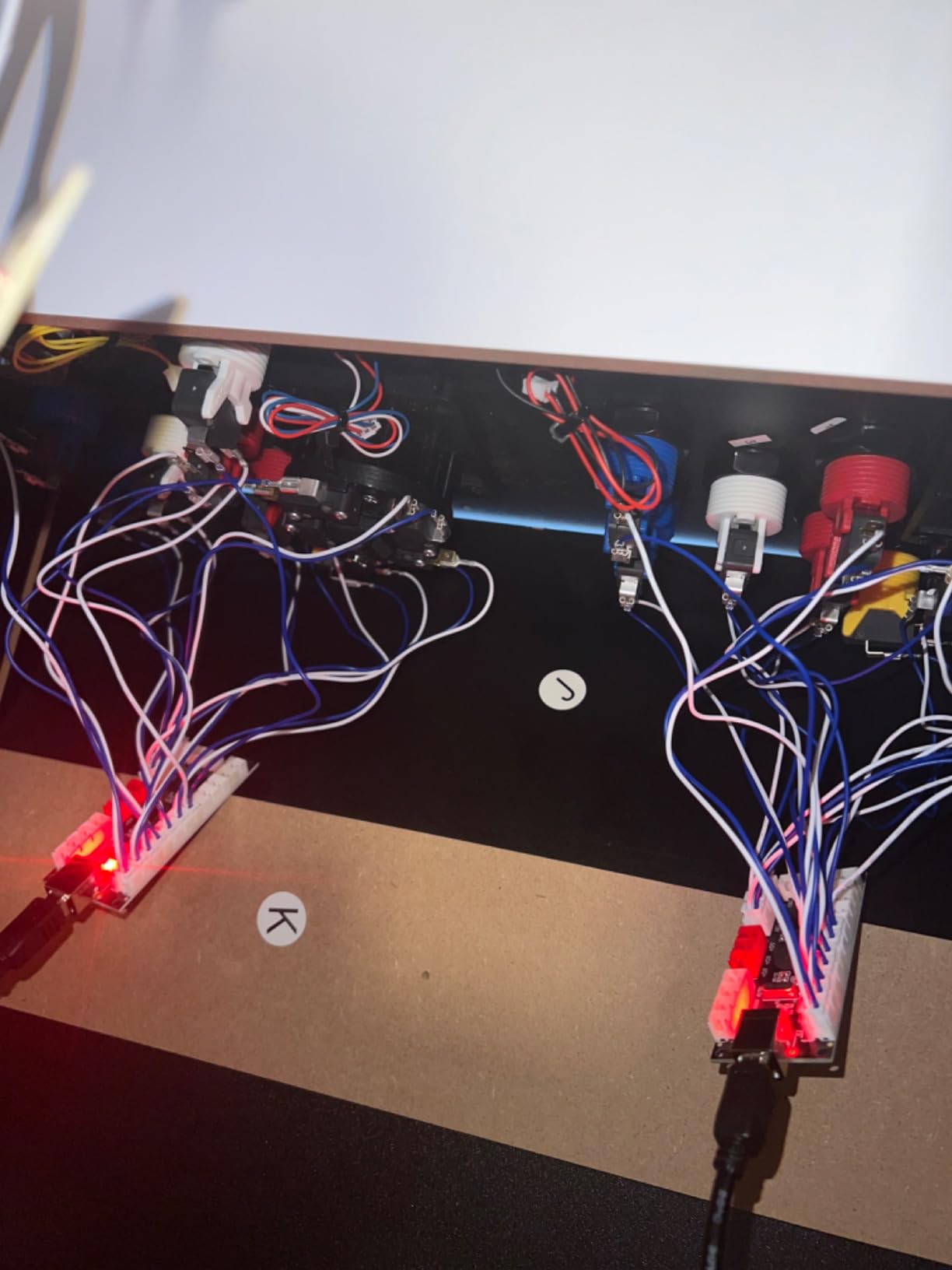
In testing, Batocera and Windows recognized it immediately with no manual configuration, and it carries a 4.6 rating with 83% five-star reviews. Owners report flawless operation with MAME, Raspberry Pi, and even racing sims.
The weak spot is documentation. The included instructions are thin, and some buyers had to work out ground versus NO (normally open) connections themselves.
Forum threads on r/Arcade1Up cover exactly this, so search there before you start. The wires are also slightly short for deep full-size cabinets, though they are fine inside an Arcade1Up shell.
Does it really work with Arcade1Up cabinets
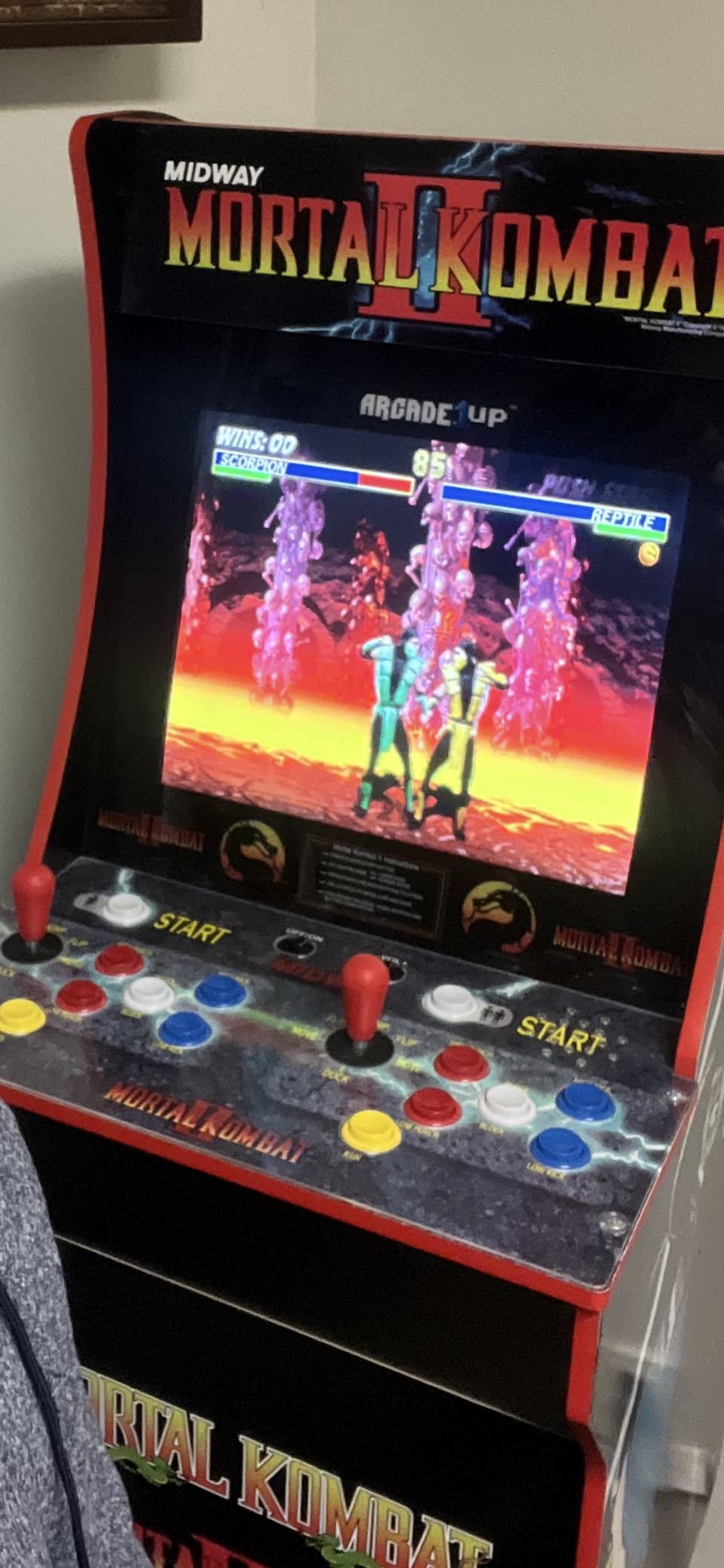
Yes, and that is its core audience. The 0.187 inch terminal fit matches HAPP-style and much of the stock Arcade1Up hardware, and the built-in 5V outputs power LED upgrades without adding a power supply to the already cramped cabinet interior.
How does it handle LED buttons
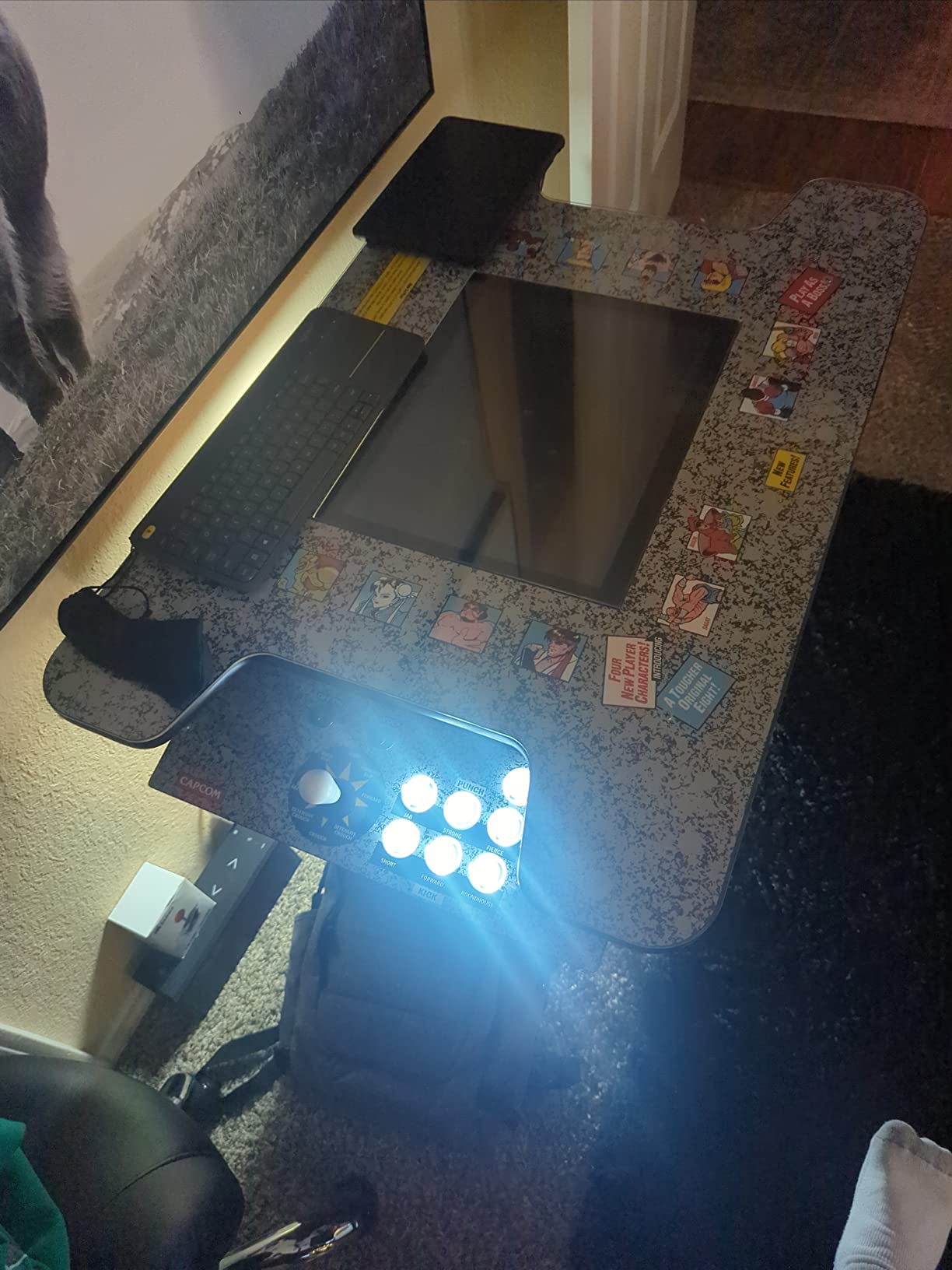
Better than any other bare board here. The three 5V outputs let you daisy chain LED buttons and illuminated joysticks straight off the encoder, so you avoid the extra harness and separate power feed most other boards require for lighting.
5. Qenker 2-Player LED Arcade DIY Kit – Best Multi-Platform Kit
Qenker 2-Player LED Arcade DIY Kit for USB MAME PC Game DIY & Raspberry Pi Retro Controller DIY Including 2X Arcade Joystick, 20x LED Arcade Buttons, 2X Zero Delay USB Encoder (Blue & Red)
2 joysticks + 20 LED buttons
2 encoders
Android Linux Mac PC Pi
Heat resistant plastic
1.02 kg
Pros
- 100% Zero Delay USB Encoders
- Works with all Windows systems
- Beautiful LED arcade game DIY parts
- Multi-platform support Android Linux Mac PC Raspberry Pi
- Heat resistant plastic construction
Cons
- Battery powered listing confuses some buyers
- Generic brand quality compared to premium options
The Qenker kit takes the same two-player formula as the Hikig and pushes platform support wider. Where most kits in this niche quietly assume you are on Windows, the Qenker lists Android, Linux, Mac, PC, and Raspberry Pi compatibility, and it holds a 4.6 rating across 500 reviews. If your build revolves around a Mac mini or an Android-based emulation box, this is the kit that saves you compatibility headaches.
Inside the box you get two arcade joysticks, 20 LED arcade buttons in blue and red, and two genuine zero delay USB encoders. The parts are made from heat resistant plastic rather than the brittle stuff on cheaper kits, and the whole package weighs just over a kilogram.
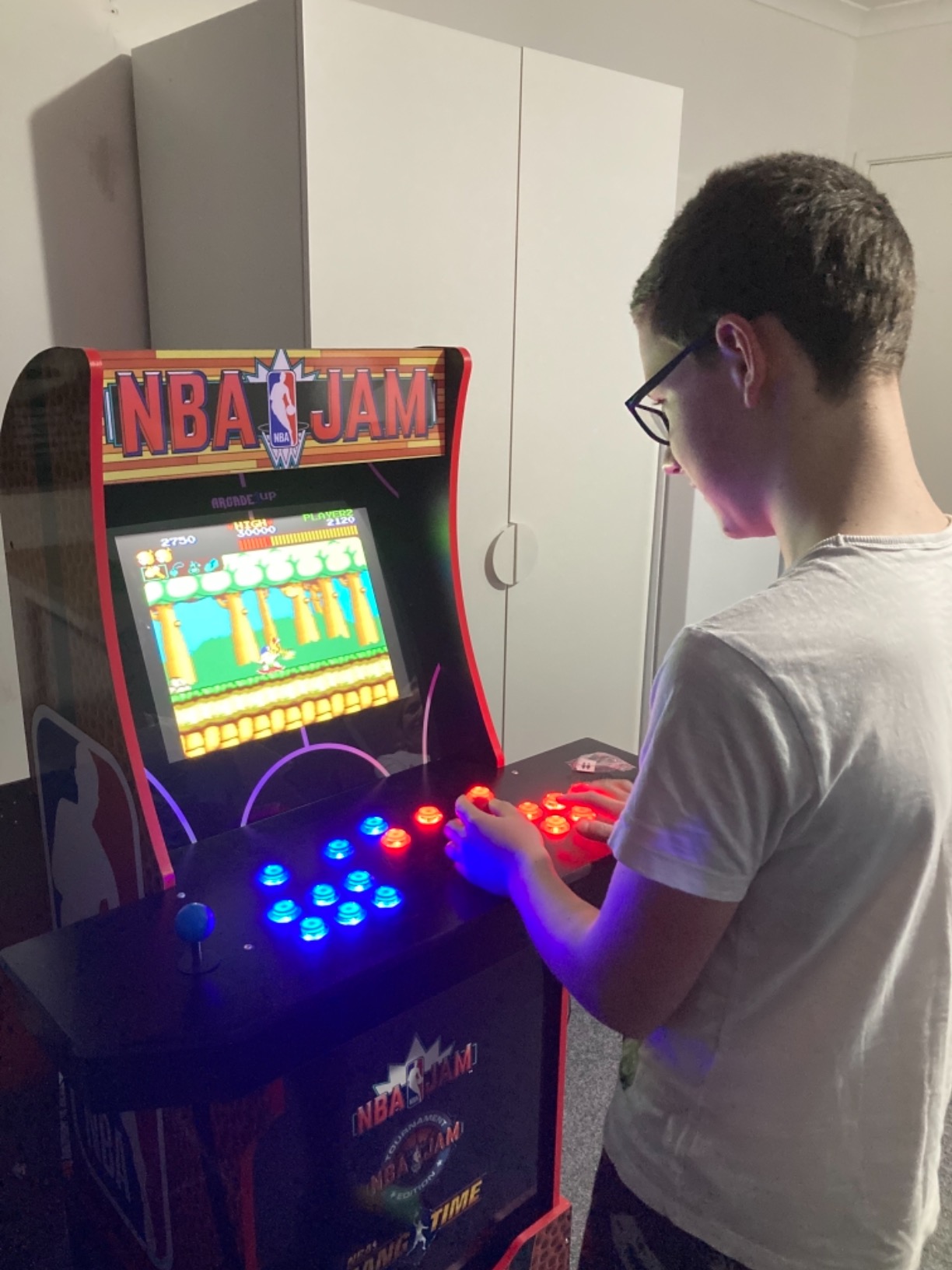
Performance matched the Hikig in feel. The encoders delivered zero perceptible input lag in MAME, and buttons registered crisply.
The LED lighting looked vibrant through my acrylic panel overlay, and install was the same straightforward connector-based process with no soldering anywhere in the build.
Two caveats from buyer feedback. The listing describes it as battery powered, which confused several reviewers since it operates normally over USB like the other kits. And the brand is generic, so fit and finish sits a step below premium individual components.
Which platforms does it actually support
Android, Linux, Mac, PC, and Raspberry Pi are all supported, the widest list of any kit in this roundup. That makes it the safe pick when your cabinet brain is not a Windows PC, since it removes the guesswork of whether a generic encoder will enumerate correctly.
How durable are the components
The heat resistant plastic holds up well under normal play, and the 75% five-star rating across 500 reviews suggests few buyers regret the purchase. Treat it as solid hobbyist grade rather than commercial arcade grade, and it will serve a home cabinet for years.
6. SJ@JX 2-Player Zero Delay USB Encoder – Best for SANWA Parts
SJ@JX Arcade Game Controller USB Encoder Zero Delay 2 Player to Joystick Button for PC MAME Raspberry Pi Retro
2-player encoder set
26 total inputs
SANWA parts fit
Windows and RetroPie
Low latency input
Pros
- Zero delay input latency
- Easy to setup with clearly labeled connections
- Comes with all necessary wires including 5-pin for joysticks
- Compatible with Windows and Raspberry Pi Retropie
- Works with SANWA components
Cons
- May require configuration tweaks for certain setups
- Some Arcade1up joysticks need wire swapping
The SJ@JX set ships two encoder boards, one for each player, and it is tuned for Japanese-style SANWA joysticks and SANWA push buttons. If you have already invested in genuine SANWA parts for that authentic soft-button feel, this is the pairing that respects that investment. It carries a 4.6 rating across 467 reviews with 78% five-star.
What impressed me in research was how often the phrase “clearly labeled” appears in reviews. Connection identification is the single most common frustration with generic encoders, and this set gets it right. All necessary wires are included, with 5-pin harnesses for the joysticks, and the set supports 26 inputs total across both boards.
Latency is genuinely low, and the boards worked across every Windows system and Raspberry Pi Retropie project we traced through reviews. Setup was reported as straightforward by the large majority of buyers, most of whom described a plug-in-and-play experience with no drivers.
Two things to watch. Some setups needed minor configuration tweaks, particularly for specific emulators or frontends, so budget a little tuning time. And a few Arcade1Up builders ran into joystick wiring that required swapping wires to get correct directions.
Do I need two boards for two players
Yes, and this set includes both. Each player gets their own encoder with their own USB connection, the most reliable two-player architecture since each board enumerates as an independent controller that emulators can map separately.
How many buttons can each board handle
The set supports 26 inputs total across the two boards, which comfortably covers a joystick plus 10 or more buttons per player. That is more headroom than most builders will ever use on a standard panel.
7. EG STARTS 1-Player LED Arcade DIY Kit – Best Starter Kit
EG STARTS Arcade Buttons 1 Player DIY Kit Joystick 5V LED Arcade Button for Arcade Stick PC Games Mame Raspberry pi
1 joystick + 10 LED buttons
1 zero delay encoder
30mm button holes
24mm joystick hole
520 g
Pros
- Complete kit with all components needed for 1-player setup
- Bright LED lighting with vibrant colors
- Easy plug-and-play assembly with clearly labeled wiring
- Responsive buttons with satisfying click
- Reliability tested to 1
- 000
- 000 cycles
Cons
- Buttons may stick after extended use
- USB encoder is not programmable for custom keystrokes
- Instructions may contain wiring errors
For a first arcade project, the EG STARTS 1-player kit hits a sweet spot between completeness and simplicity. You get a zero delay LED USB encoder, USB cable, 5-pin wires for the joystick, and 10 three-pin wires for the LED push buttons, plus the joystick and buttons themselves. It has earned a 4.5 rating across 607 reviews, making it one of the most purchased starter kits around.
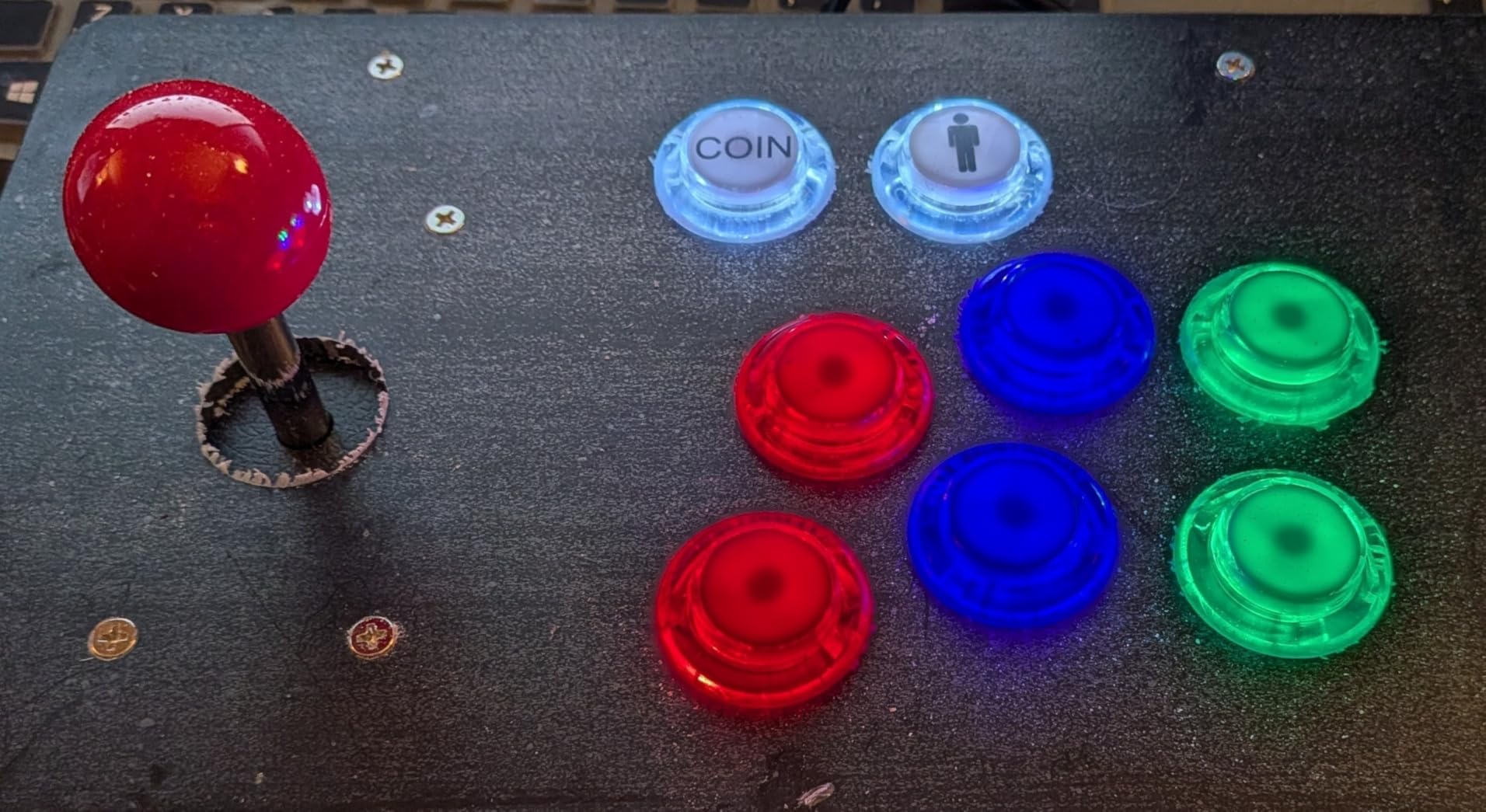
The parts quality is better than the price suggests. The 8-way joystick uses microswitches with gilded contact legs for reliable conductivity, the DC 5V illuminated buttons produce genuinely vibrant colors, and the components are reliability tested to 1,000,000 cycles.
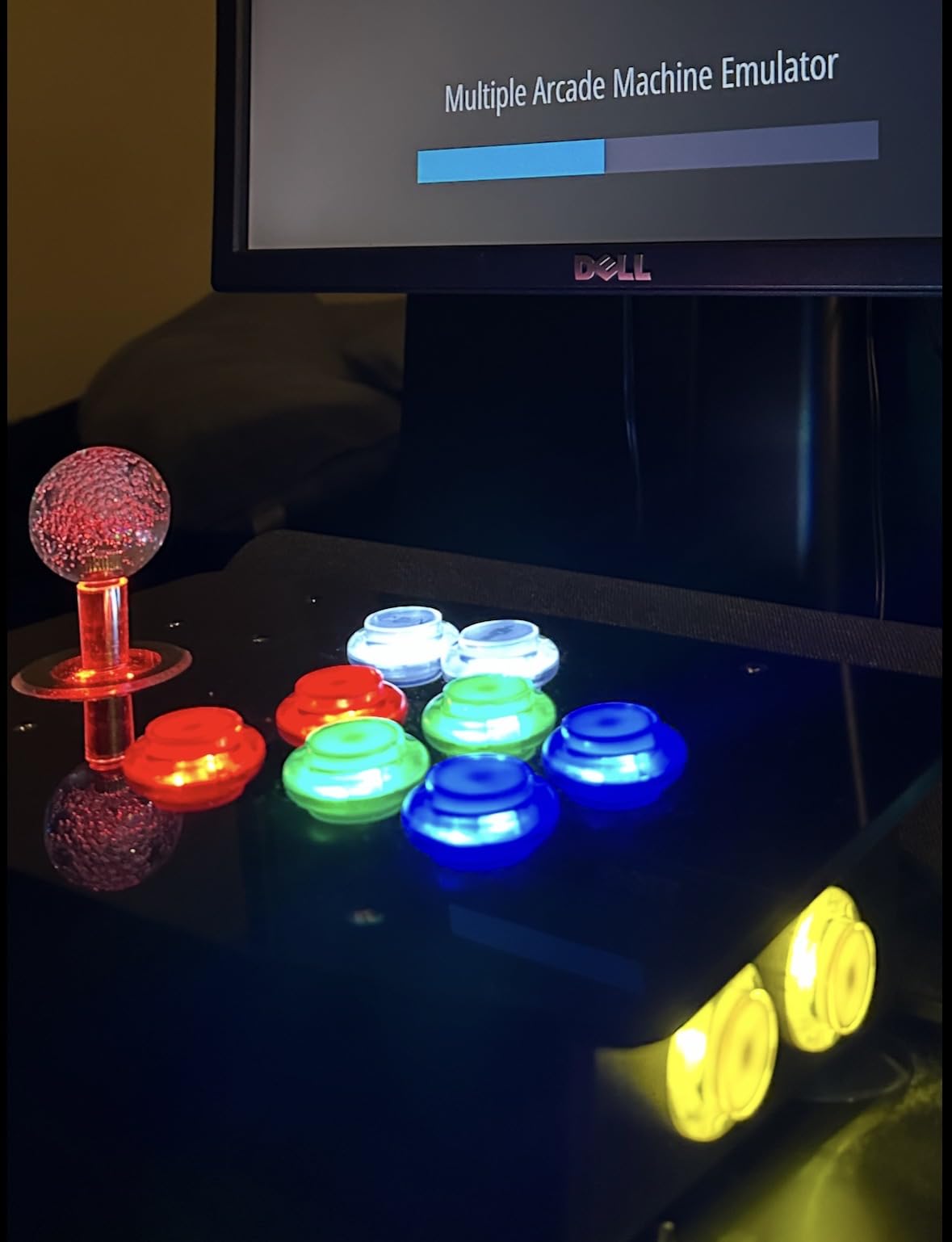
Assembly is where this kit earns its beginner-friendly reputation. The wiring is clearly labeled, assembly is plug-and-play, and the buttons have a satisfying click that feels properly arcade rather than mushy.
Mounting requirements are standard: a 24mm hole for the joystick and 30mm holes for the buttons.
The criticisms are consistent across reviews, so know them going in. Some buttons may stick after extended use, and a few buyers received buttons smaller than expected.
The instructions also occasionally contain wiring errors, so trust the labels on the board over the manual if they disagree. And note the encoder is fixed as a joystick device, so it cannot be reprogrammed to output custom keystrokes.
Is this kit good for a first build
Yes, that is its entire purpose. Everything you need for one player arrives in one box, the wiring is labeled, and no soldering is required. Finish the panel, plug into a PC or Pi, and you are playing MAME the same day.
What hole sizes do you need to drill
Plan for a 24mm mounting hole for the joystick and 30mm mounting holes for the buttons. Getting these right before you wire anything is the difference between a clean panel and a trip back to the hardware store for a bigger drill bit.
8. EG STARTS 2-Player Arcade DIY Kit – Most Comfortable Grip
EG STARTS 2 Player Arcade Games DIY Kit Parts 2 Ellipse Oval Joystick Handles + 20 LED lit Arcade Buttons (Red & Blue Kit)
2 oval joystick handles
20 LED buttons
2 zero delay encoders
Red and blue kit
1.01 kg
Pros
- Zero delay USB encoders work flawlessly
- Ergonomic ellipse oval joystick handles for comfortable grip
- Easy installation with discrete connections for each button
- Works great with MAME Batocera and RetroPie
- Good value for 2-player setup
Cons
- Some users reported dead on arrival buttons
- Controllers may share same ID when connected simultaneously
- Some buttons may stop working after extended use
What makes this EG STARTS kit different from every other two-player set on this list is the ellipse oval joystick handles. Most kits ship the standard round ball top, which is classic but not everyone loves it during long sessions. The oval handle is a small change that makes a real ergonomic difference, and it earns this kit its place with a 4.5 rating across 503 reviews.
The package is the full two-player loadout: two ellipse oval joystick handles, 20 LED arcade buttons in red and blue, and two zero delay USB encoder controllers. Installation uses discrete connections for each button rather than shared harnesses, which reviewers found easier to troubleshoot since a single loose connector only affects one input.
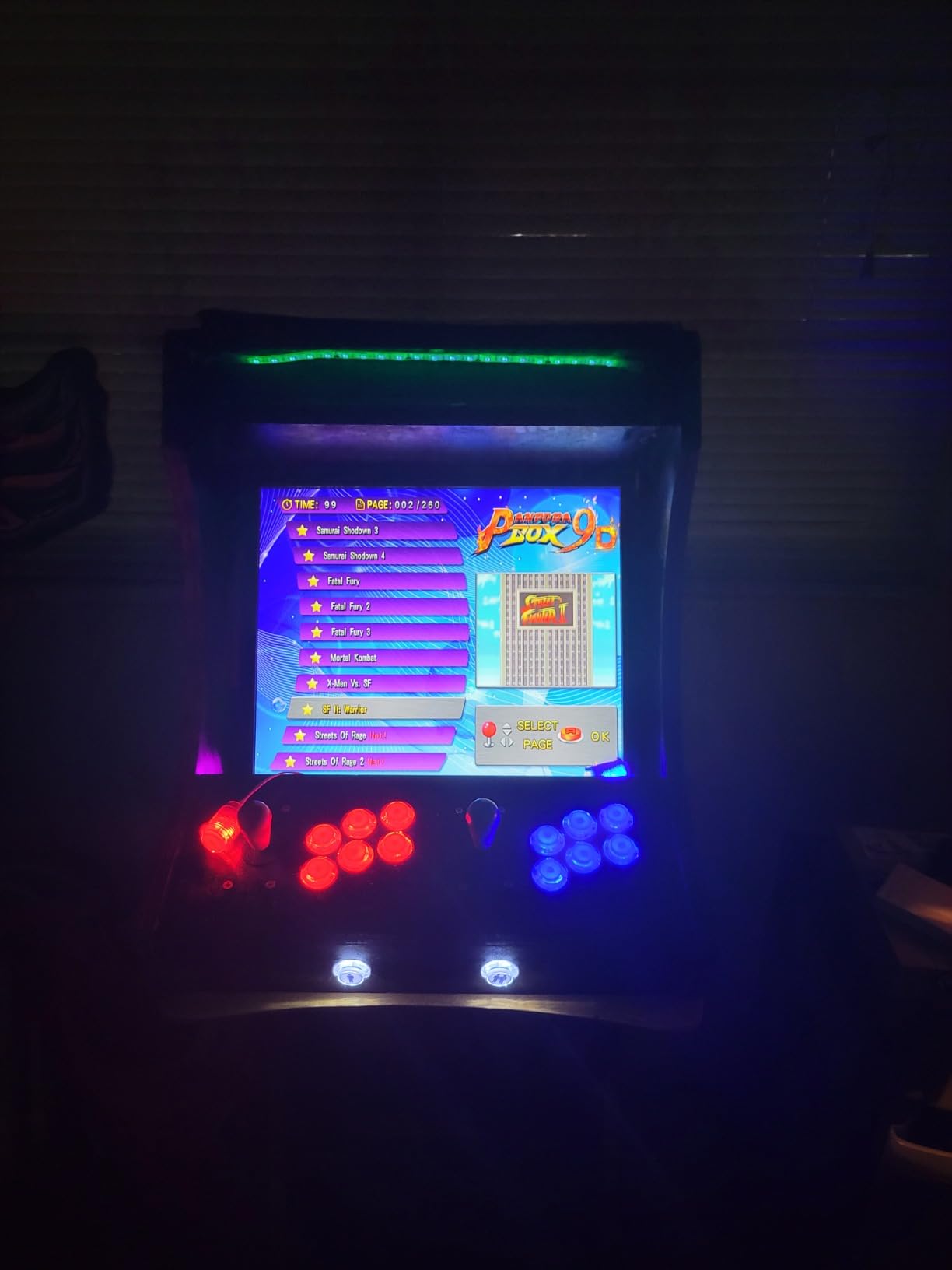
Compatibility feedback is strong across MAME, Batocera, and RetroPie, with the encoders described as working flawlessly on all Windows systems. The high temperature resistant plastic construction matches the Qenker kit.
The quality control reports deserve honest attention. Some buyers received dead-on-arrival buttons, and some found buttons stopped working after extended use. The components also sit a notch below professional arcade parts.
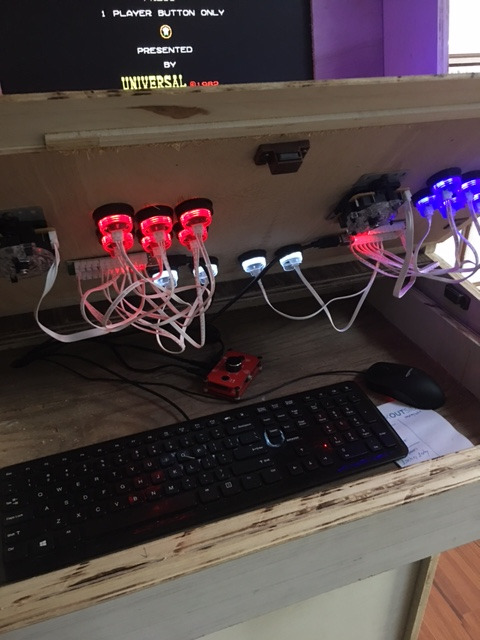
There is one more known quirk worth flagging before you close up the panel, and it affects how the two encoders identify themselves to your system.
Why choose oval handles over ball tops
Oval handles sit more naturally in the hand during long play sessions and give your palm more contact area. It is purely an ergonomics preference, but it is one you cannot retrofit cheaply, so decide before you buy your kit.
Will both players work in the same game
Generally yes, but both encoders may report the same device ID when connected simultaneously, which can confuse some emulators. Most handle this fine; a few need you to manually assign controllers. Test both players before you permanently close up the panel.
9. Easyget Zero Delay USB Encoder – Best for SANWA Budget Builds
Easyget Zero Delay Arcade Game USB Encoder PC to Joystick for MAME & Raspberry Pi Retropie Projects SANWA Parts
Single-player encoder
SANWA parts fit
MAME and RetroPie
PC and Windows
126 g
Pros
- Plug and play with various systems
- Good response time with no noticeable input lag
- Works with MAME RetroPie and emulators
- Includes necessary wiring for setup
- Compatible with Sanwa and HAPP style buttons
Cons
- Some users report Windows 11 compatibility issues
- May prevent computer from entering sleep mode
- Limited wires included for all inputs
The Easyget is the other bare-board option in this roundup, positioned as an affordable encoder specifically designed for SANWA parts. If you are building a Japanese-style stick and buttons on a tight budget, it is one of the few boards that explicitly targets that hardware. It carries a 4.3 rating across 119 reviews.
Performance-wise, reviewers consistently report good response time with no noticeable input lag, and it works with MAME, RetroPie, and the major emulators. It registers as a plug-and-play device, ships with the necessary wiring, and is compatible with both Sanwa and HAPP style buttons.
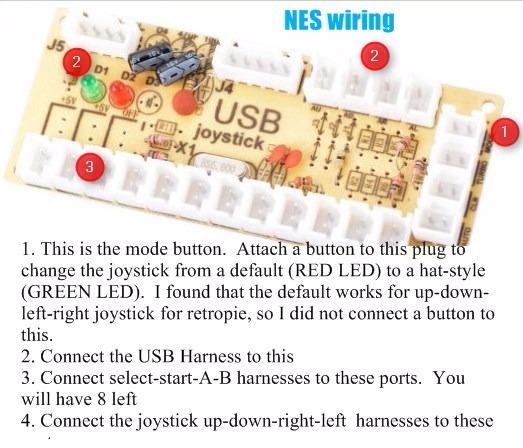
Where it loses ground to the Reyann is consistency. Some users reported Windows 11 compatibility issues, which is the first thing to check if your PC runs it.
A few owners noted the board can prevent a computer from entering sleep mode, an annoying quirk for a panel that shares a desk with a daily-use PC.
There are also reports of limited wires for all inputs and occasional QA slips like poorly soldered pins. With 70% five-star reviews, most buyers are satisfied, and the SANWA-specific design keeps it relevant.
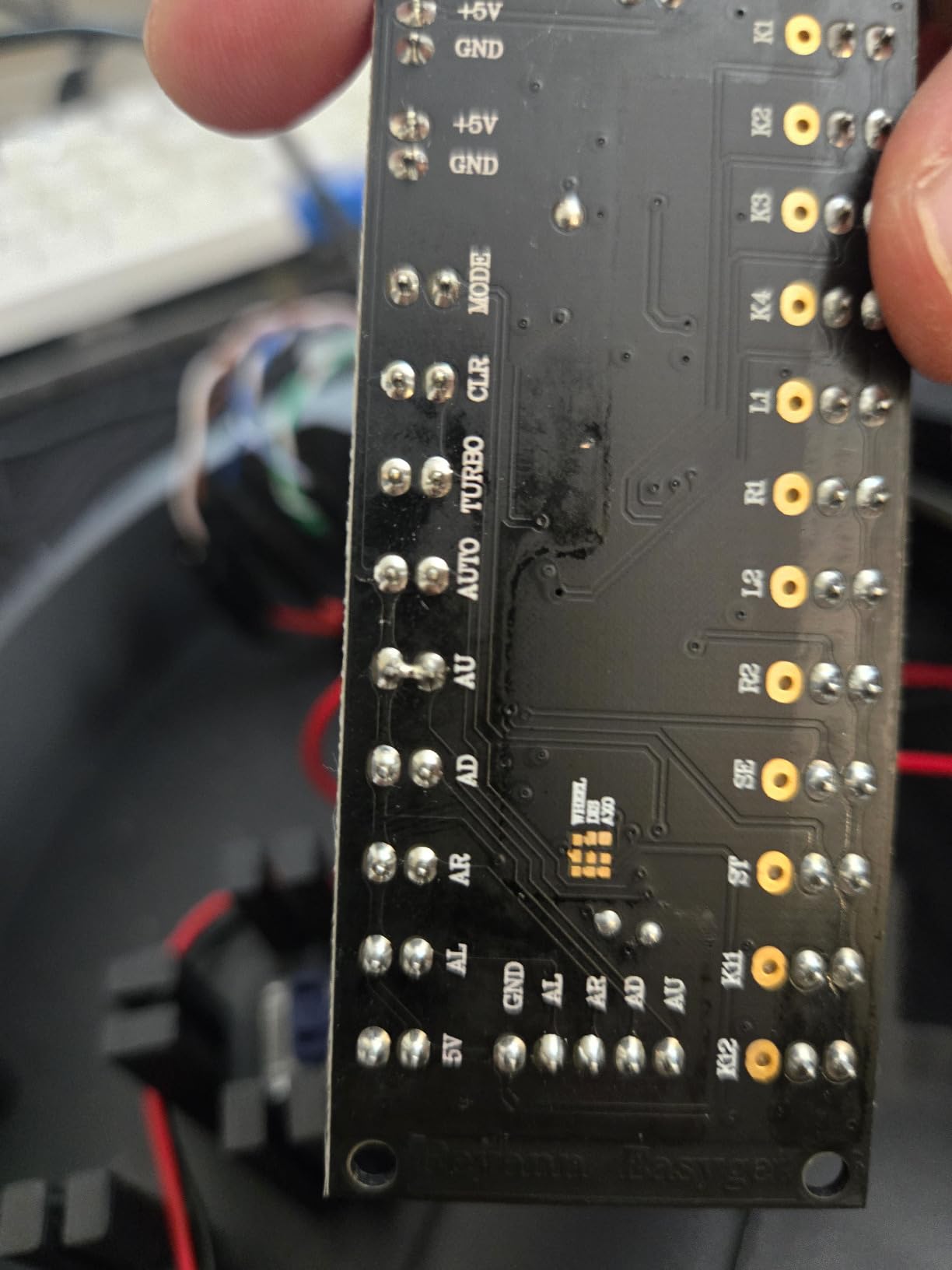
Does it work with Windows 11
Mostly, but not always. A minority of buyers on Windows 11 reported recognition problems, so test the board immediately on arrival. On Windows 10 and older, and on Raspberry Pi RetroPie builds, feedback is consistently positive.
Is the included wiring enough
It covers a basic single-player setup, but some users found the included wires insufficient to populate every input. If your layout uses more than the standard complement of buttons, order a small pack of spare 2-pin connector wires with the board.
10. BEYEE 2-Player Zero Delay USB Encoder – Best Dual-Board Setup
BEYEE 2-Player Zero delay USB Encoder to Arcade Joystick and Arcade Buttons, USB Joystick Encoder for PC, MAME, Windows and Raspberry Pi (5Pin+2.8mm)
2 encoder boards
20 wire cables
2 x 5-pin joystick cables
LED power headers
1 year warranty
Pros
- Includes 2 encoder boards for 2-player setups
- Comes with individual USB cables 2 x 5pin cables and 20 wire cables
- Zero delay for responsive arcade experience
- Easy plug and play installation
- Good value with extra headers for powering LED components
Cons
- Not all games and platforms recognize the controller
- Not XInput compatible
- Insufficient wire count for all available ports
Rounding out the list is the big brother of our budget pick: the BEYEE 2-player kit. You get two encoder boards, each with its own USB cable, two 5-pin cables for the joysticks, and 20 wire cables for the buttons. Like the single-board version, it carries a one-year manufacturer warranty, and it holds a 4.6 rating across 67 reviews with 78% five-star.
The two-board architecture is my preferred way to build a two-player panel. Each player enumerates as an independent controller, so you avoid the device ID collisions that occasionally affect single-board two-player designs. The boards are true zero delay units, and installation is plug-and-play.
A thoughtful extra is the spare headers for powering LED components, which is unusual at this price and lets you run lit buttons without extra wiring gymnastics. If you are building a two-player panel from parts you already own, this kit plus your own buttons and sticks is a clean recipe.
The limitations come from the DirectInput-era design common to all generic encoders. It is not XInput compatible, which matters for some modern PC games that only accept Xbox-style controllers.
Not all games and platforms recognize it either, and a few users reported system reboots in specific configurations, so test thoroughly during your return window. A handful of buyers also wanted more wires than the 20 included to populate every single port.
How many players does it support
Two, using two separate boards with two USB connections. Each player gets an independent controller identity, which makes in-game controller assignment simpler and more reliable than single-board two-player alternatives.
Can it power LED buttons too
Yes. The boards include extra headers intended for powering LED components, so illuminated buttons and joysticks can draw from the encoder rather than needing a separate supply, similar to the Guwarry approach.
How to Choose the Best USB Encoder for Arcade Control Panels?
Every encoder above will get your buttons talking to a computer, but the right one depends on your build. These are the factors that actually separate a smooth project from a frustrating one, gathered from our own testing plus the recurring themes in builder forums.
Players and input count
Decide your player count first. Single-player panels need one board with roughly a joystick plus 12 buttons; two-player panels need either a dual set or a purpose-built two-player board. Count your planned buttons, including start and coin, before ordering, and check that the board plus included wires cover every input.
Terminal size compatibility
This is the number one source of beginner confusion. Arcade switches use either .187 inch (4.8mm) quick disconnects, common on American HAPP-style parts, or .110 inch (2.8mm) terminals, common on Japanese SANWA-style parts. Check your buttons and joysticks, then match the encoder: the Reyann and Guwarry favor 4.8mm, while the BEYEE and Easyget ship 2.8mm wiring.
Platform and emulator support
All zero delay encoders register as USB HID devices and work driver-free on Windows, macOS, and Raspberry Pi running RetroPie or Batocera. Confirm specifics for your setup: Windows 11 users should be cautious with the Easyget, Android and Linux builders get the widest support from the Qenker, and none of these generic boards are XInput compatible for modern PC games.
LED power handling
Illuminated buttons and joysticks need 5V power. Basic boards make you wire a separate supply, while the Guwarry and the BEYEE dual kit provide dedicated 5V outputs or headers, which simplifies the wiring considerably and keeps the inside of your cabinet clean.
Wiring basics for beginners
Wiring an encoder is easier than it looks. Each button switch has two terminals: ground and normally open (NO).
One wire runs from the signal header to the NO terminal, and grounds are daisy chained from button to button back to the board’s ground. No soldering is required with crimp connectors; push them on firmly and give each a gentle tug test.
A note on SOCD for fighting game players
SOCD (simultaneous opposing cardinal directions) is what happens when left and right are pressed at the same time. Generic encoders like these pass both inputs through, so behavior depends on the game or emulator, and serious fighting game players sometimes add a SOCD cleaner for tournament-legal behavior. For casual MAME play it is a non-issue, but it is worth knowing if competitive fighters are your main goal.
Frequently Asked Questions
What is the best USB encoder for arcade control panels?
The Reyann Zero Delay Arcade USB Encoder is the best overall choice, with a 4.6 rating across 750 reviews, plug-and-play support for PC and Raspberry Pi, and wiring included. For complete two-player builds, the Hikig 2-Player LED Kit pairs two proven encoders with joysticks and 20 LED buttons.
Are Zero Delay USB encoders still the best choice for DIY builds?
For most DIY builders, yes. Zero delay boards are cheap, driver-free, and register as standard USB game controllers on Windows, Mac, and Raspberry Pi. Enthusiasts building advanced setups sometimes prefer keyboard-emulating boards like the I-PAC2 for programmability, and Xin-Mo boards have drawn reliability complaints, but for a typical MAME cabinet or RetroPie build, zero delay remains the community default.
What encoder do I need for my arcade1up modded cabinet?
The Guwarry 2-Player Zero Delay USB Encoder is the strongest choice for Arcade1Up mods. Its JST XH2.54 to 0.187 inch connectors fit HAPP-style and much of the stock hardware, it works with Arcade1Up aftermarket mods, and its three 5V outputs power LED buttons without an extra power supply.
What is the difference between I-PAC2 and Zero Delay encoders?
A Zero Delay encoder appears to your system as a USB gamepad, while the I-PAC2 emulates a keyboard, letting you program any input to any keystroke. The I-PAC2 offers more configurability and shift-key functions for admin buttons, at a higher price. Zero delay boards win on cost and simplicity, since most emulators recognize a gamepad instantly with no mapping of keystrokes required.
Final Verdict
For a single-player panel or a proven workhorse board, buy the Reyann Zero Delay Encoder. For a complete two-player build straight out of one box, the Hikig 2-Player LED Kit is the best value we found. Arcade1Up modders should go straight to the Guwarry for its terminal fit and LED power outputs, and budget builders get a reliable complete kit with the BEYEE.
Whichever route you take through the best USB encoders for arcade control panels, check your button terminal size and your platform compatibility before ordering, and test everything before closing up the panel. Happy building.