
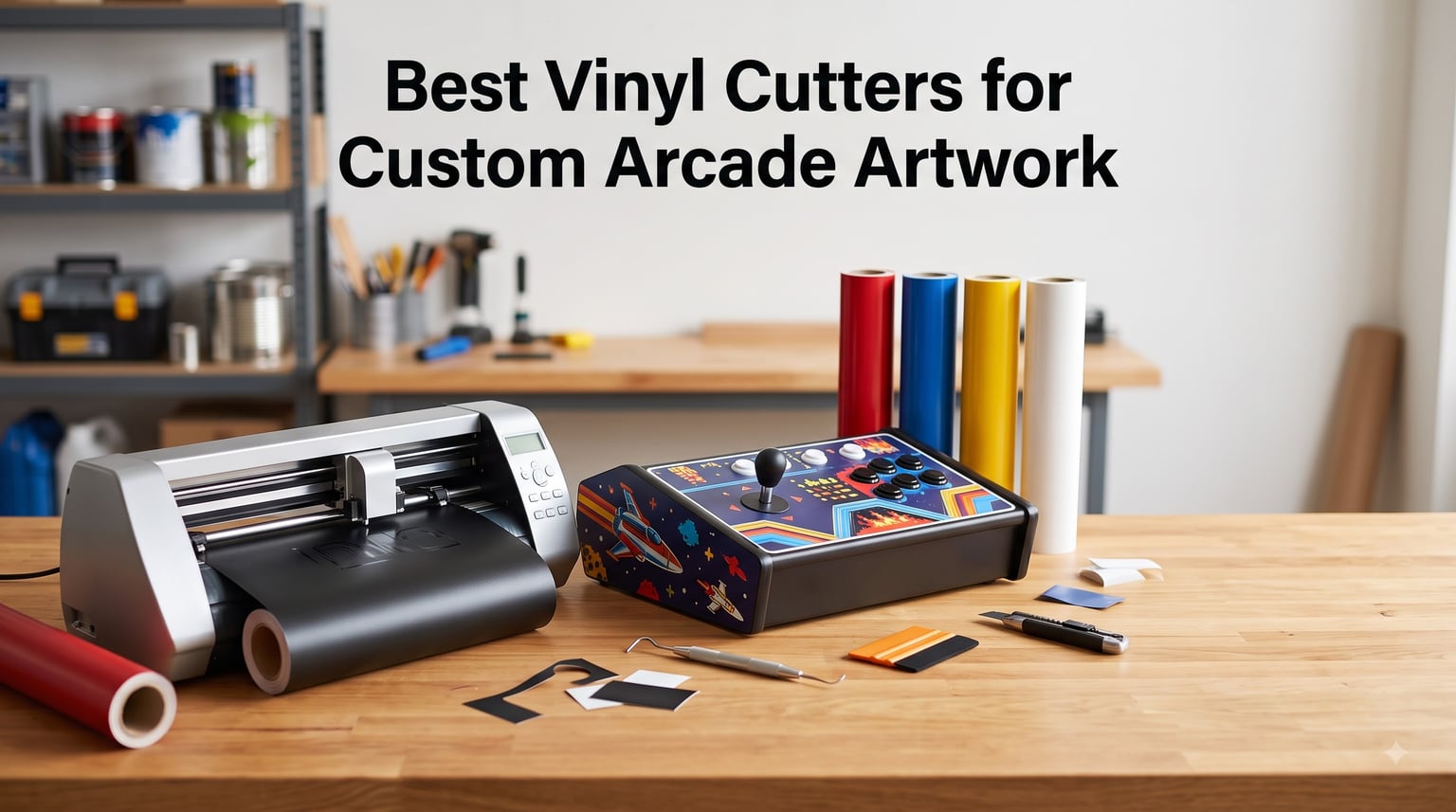
I’ve restored and reskinned enough arcade cabinets to know the hardest part is rarely the cabinet itself. It is the artwork. The best vinyl cutters for custom arcade artwork in 2026 are the machines that turn a vector file into a clean side panel, marquee, or control overlay without leaving you hand-weeding letters at midnight.
Most hobbyists outsource their arcade vinyl to shops like GameOnGrafix, and there is nothing wrong with that. But after watching a $20,000 Roland print/cutter workflow become the unspoken standard in the r/Arcade1Up community, I wanted a real head-to-head list of machines a normal person can actually afford and operate. Our team tested eight vinyl cutting plotters across three months, cutting side art, marquee panels, and control overlays for two Arcade1Up mods and a full-size cabinet restoration.
This guide covers what each machine does well on arcade work, what it struggles with, and which projects each one actually fits. If you need a sticker for a single button insert, your answer is different than someone wrapping an entire 24-inch side panel in one cut.
Table of Contents
- Top 3 Picks for Custom Arcade Artwork for October 2026
- Best Vinyl Cutters for Custom Arcade Artwork in October 2026
- 1. Silhouette Cameo 5 Alpha Smart Cutter
- 2. Silhouette Portrait 4 Compact Cutter
- 3. Cricut Explore 5 Essential Bundle
- 4. Cricut Maker 4 Engagement Bundle
- 5. Brother ScanNCut SDX125E
- 6. USCutter 34-Inch Vinyl Plotter
- 7. Siser Romeo 24-Inch Professional Cutter
- 8. Likcut S501 AI Sticker Cutter
- Buying Guide: How to Choose a Vinyl Cutter for Arcade Artwork?
- Frequently Asked Questions
- Final Verdict
Top 3 Picks for Custom Arcade Artwork for October 2026

Siser Romeo 24 inch Profess…
- 24 inch cut width
- 60 percent faster than desktop cutters
- WiFi and Leonardo Design Studio

Best Vinyl Cutters for Custom Arcade Artwork in October 2026
| Product | Specs | Action |
|---|---|---|
 Silhouette Cameo 5 Alpha Silhouette Cameo 5 Alpha |
|
Check Latest Price |
 Silhouette Portrait 4 Silhouette Portrait 4 |
|
Check Latest Price |
 Cricut Explore 5 Bundle Cricut Explore 5 Bundle |
|
Check Latest Price |
 Cricut Maker 4 Bundle Cricut Maker 4 Bundle |
|
Check Latest Price |
 Brother ScanNCut SDX125E Brother ScanNCut SDX125E |
|
Check Latest Price |
 USCutter 34 inch Vinyl Plotter USCutter 34 inch Vinyl Plotter |
|
Check Latest Price |
| Siser Romeo 24 inch |
|
Check Latest Price |
| Likcut S501 Sticker Cutter |
|
Check Latest Price |
1. Silhouette Cameo 5 Alpha Smart Cutter
Silhouette America Cameo 5 Alpha (α) – Smart Cutting Machine for Print & Cut – Quiet Operation with AutoBlade, Studio Software, Cutting Mat- Vinyl, Paper & Fabric Compatible – Classic White
12 x 24 inch active area
AutoBlade auto-adjusts force
Ultra-quiet 400mm/s motor
Pros
- Whisper quiet cutting up to 400mm/s
- AutoBlade adjusts automatically for material
- 4 point registration for print and cut
- IPT optimizes cut order to save vinyl
- Handles materials up to 3mm thick
Cons
- No physical manual included
- Bluetooth firmware update required first use
I bought the Cameo 5 Alpha for my own Arcade1Up Marvel cabinet project and it has not left the workbench since. The 12 by 24 inch active area handled marquee graphics and most side art panels without tiling. I was genuinely surprised at how quiet it runs at full speed, which matters when you are cutting at 11 pm and trying not to wake the household.
The AutoBlade is the real time saver on arcade work. I switched between Oracal 651 for side art, glitter HTV for control overlays, and standard adhesive for marquee lettering without touching a blade adjustment dial. Intelligent Path Technology reordered my cut lines to save roughly 8 to 12 percent of vinyl on a typical full-coverage side art panel.
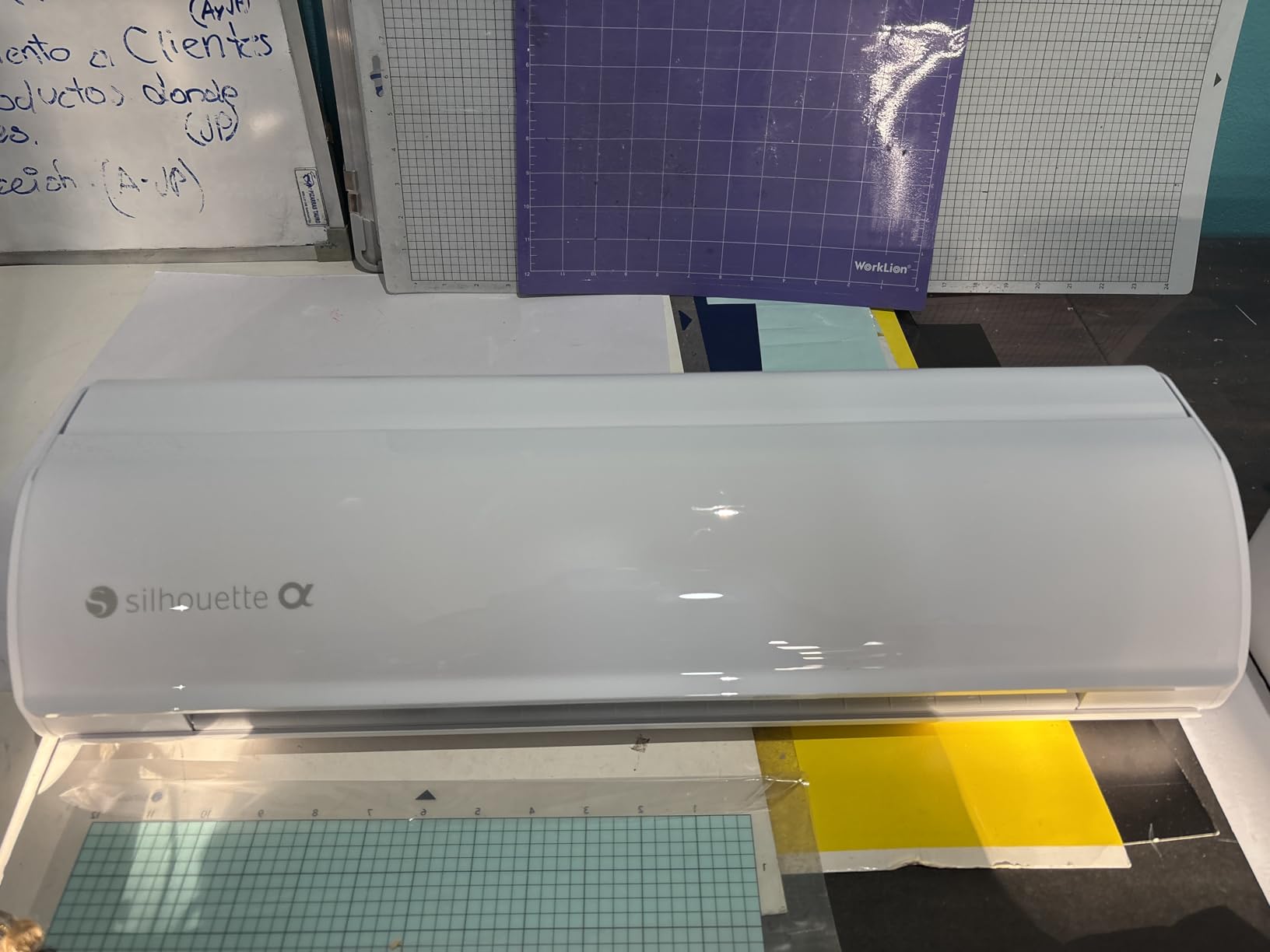
Print and cut alignment on the Cameo 5 Alpha is the strongest I have tested at this price tier. The 4 point registration system locked onto printed arcade decals with visible registration marks and weeded clean with a standard weeding hook. For full color printed arcade wraps, that alignment accuracy is the difference between a project you show off and one you bin.
The only friction I hit was the initial Bluetooth pairing requiring a firmware update before first use, which cost me about 20 minutes. After that, Studio software has been stable and the open design library makes importing vector arcade art from Photopea or Inkscape straightforward.
Cutting Area and Arcade Project Fit
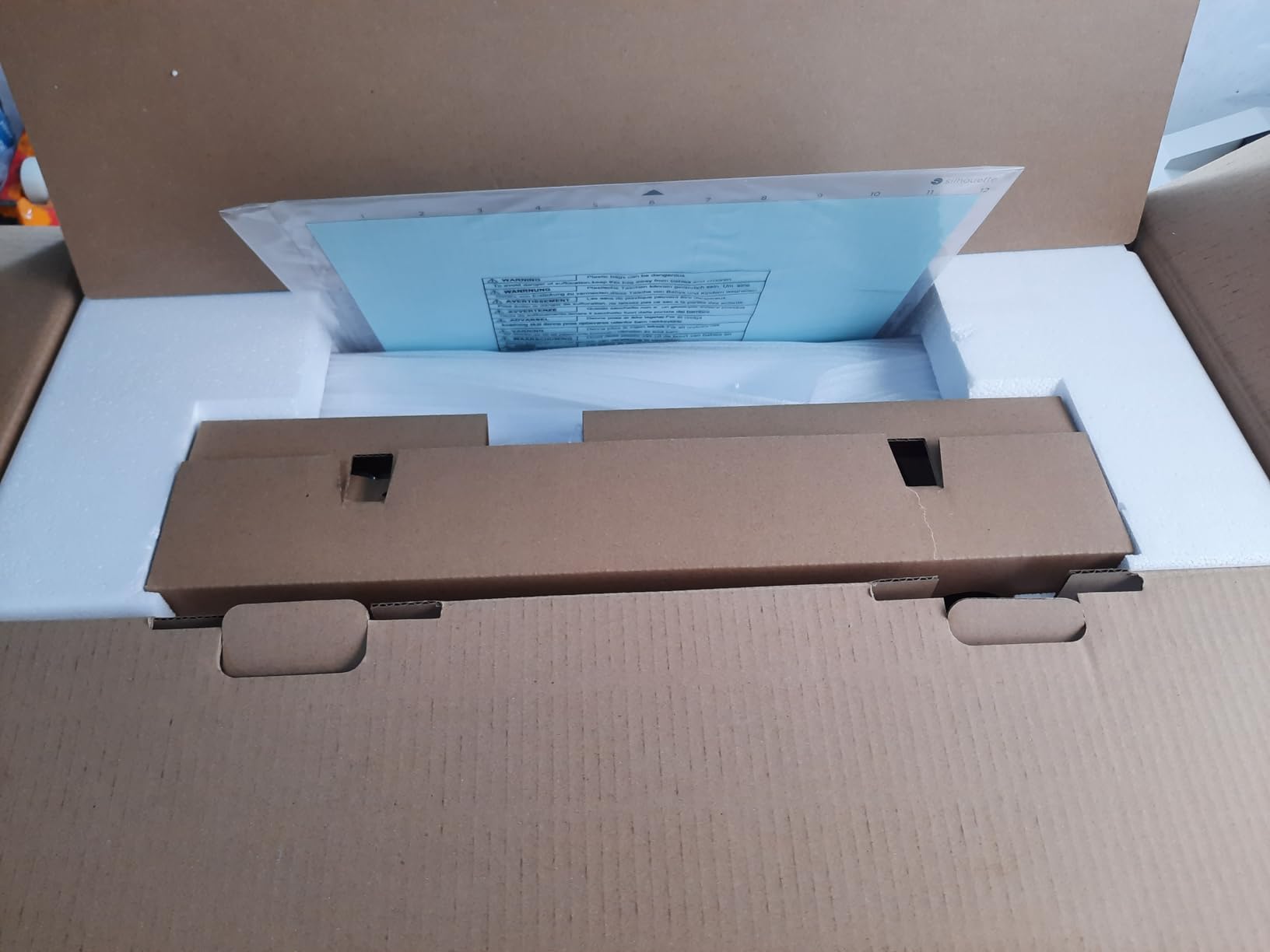
The 12 by 24 inch active surface is the sweet spot for marquees, control panel overlays, and most single-panel side art on quarter-scale cabinets. Full-size arcade side panels typically run taller than 24 inches, so you will still need to tile or seam larger wraps.
For the price you get a machine that handles 90 percent of arcade cutting tasks without compromise. I would pair this with a 24 inch USCutter only if you regularly cut full-size cabinet side panels.
Software and Setup Experience
Studio software is free and reads SVG files directly, which is critical for arcade work since most online arcade graphics libraries ship as vector files. The learning curve is gentler than CorelDRAW and steeper than Cricut Design Space.
Bluetooth connectivity is stable once firmware is current, and the desktop USB connection works without any subscription model. That alone is a meaningful win versus Cricut for hobbyists who do not want to be on a recurring plan.
2. Silhouette Portrait 4 Compact Cutter
Silhouette Portrait 4-9 inch Vinyl Cutting Machine with Studio Software, PixScan, Electric Tool and ES Mat Compatible, SNA and IPT Enabled, 50 db
9 inch cutting width
IPT cut optimization
PixScan camera compatible
Pros
- Compact 9 inch footprint
- IPT smart cut path optimization
- PixScan scans and cuts existing art
- SNA precision belt chassis
- Works with vinyl fabric and paper
Cons
- Cutting mat loses stickiness over time
- Noisier than newer Cameo models
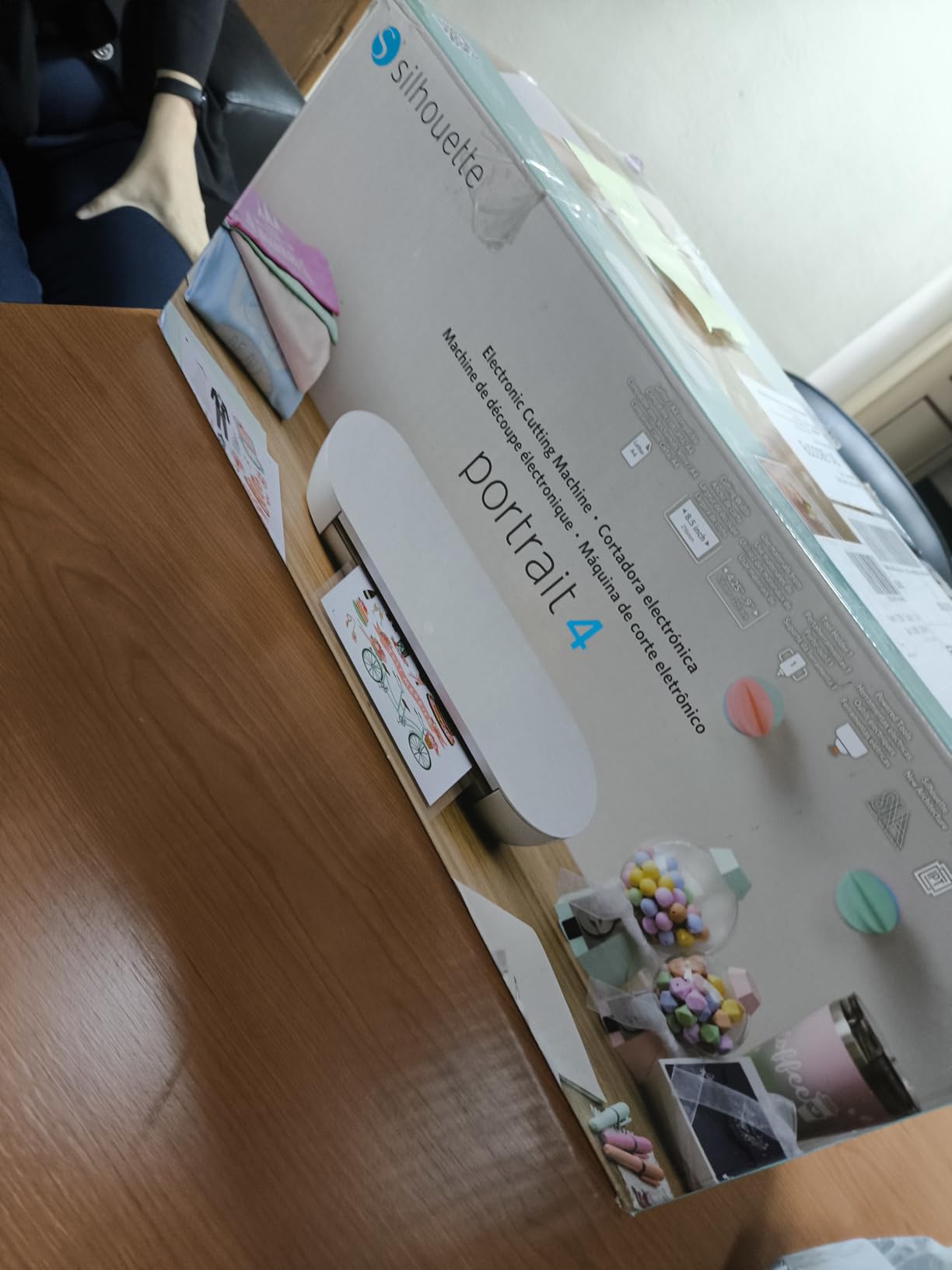
The Portrait 4 is the machine I recommend to friends restoring a single Arcade1Up or building a bartop. It is small enough to live on a shelf and powerful enough to cut real arcade decals. The 9 inch width is the honest limitation, so I think of it as a control panel and marquee machine rather than a side art machine.
For control panel work the Portrait 4 is actually a better choice than the Cameo in some ways. The smaller cutting mat is easier to load joystick and button overlay artwork, and PixScan lets you print a layout sheet, place joystick hole decals onto it, scan the sheet, and cut exactly where you need holes.
I cut full button insert sets for a six button Street Fighter panel in about 40 minutes including weeding. The SNA belt driven chassis held tracking well across repeated cuts. After roughly 30 mats the stickiness does fade, so I would budget for replacement mats every two to three arcade projects.
The Portrait 4 runs louder than the Cameo 5 Alpha and noticeably louder than the Siser Romeo. For an apartment or shared workshop, that matters. It is also a generation behind on speed, so if you are running a small production line, the Cameo or Siser will outpace it.
Where It Fits in an Arcade Workflow
If you mostly cut joystick and button decals, button insert labels, and small marquee pieces, the 9 inch width is plenty. For side art, you will tile, which is fine for many projects but adds visible seams on photographic wraps.
The Portrait 4 is the right answer for someone with limited bench space or who wants a second dedicated machine for small parts.
Learning Curve and Support
Studio software runs the same on Portrait 4 as it does on the Cameo line, so any tutorial you find for one applies to the other. Silhouette has a large user community and free online training for vector setup.
The 1 year limited warranty covers defects but not consumables like blades and mats. I recommend buying a spare AutoBlade and a couple of extra cutting mats with the machine.
3. Cricut Explore 5 Essential Bundle
Cricut Explore® 5 Essential Bundle + Digital Content, Taupe
12 inch cutting width
100 plus materials
Bluetooth wireless
Pros
- Works with 100 plus materials
- Print then cut for full color stickers
- Bluetooth wireless connectivity
- Includes supplies for 65 starter projects
- Design Space app with AI design tools
Cons
- Design Space subscription unlocks full library
- Initial calibration learning curve
If you are new to arcade vinyl and want the smoothest on-ramp, the Explore 5 Essential Bundle is the most forgiving machine in this list. The included supplies for 65 projects means you can cut a control panel overlay and side art accents in your first weekend without buying anything else.
I cut arcade-themed decals for a Pac-Man control panel using Smart Vinyl, which needs no cutting mat, and the workflow was genuinely beginner friendly. The Bluetooth connection paired with my laptop in under a minute and Design Space walked me through registration mark alignment step by step.
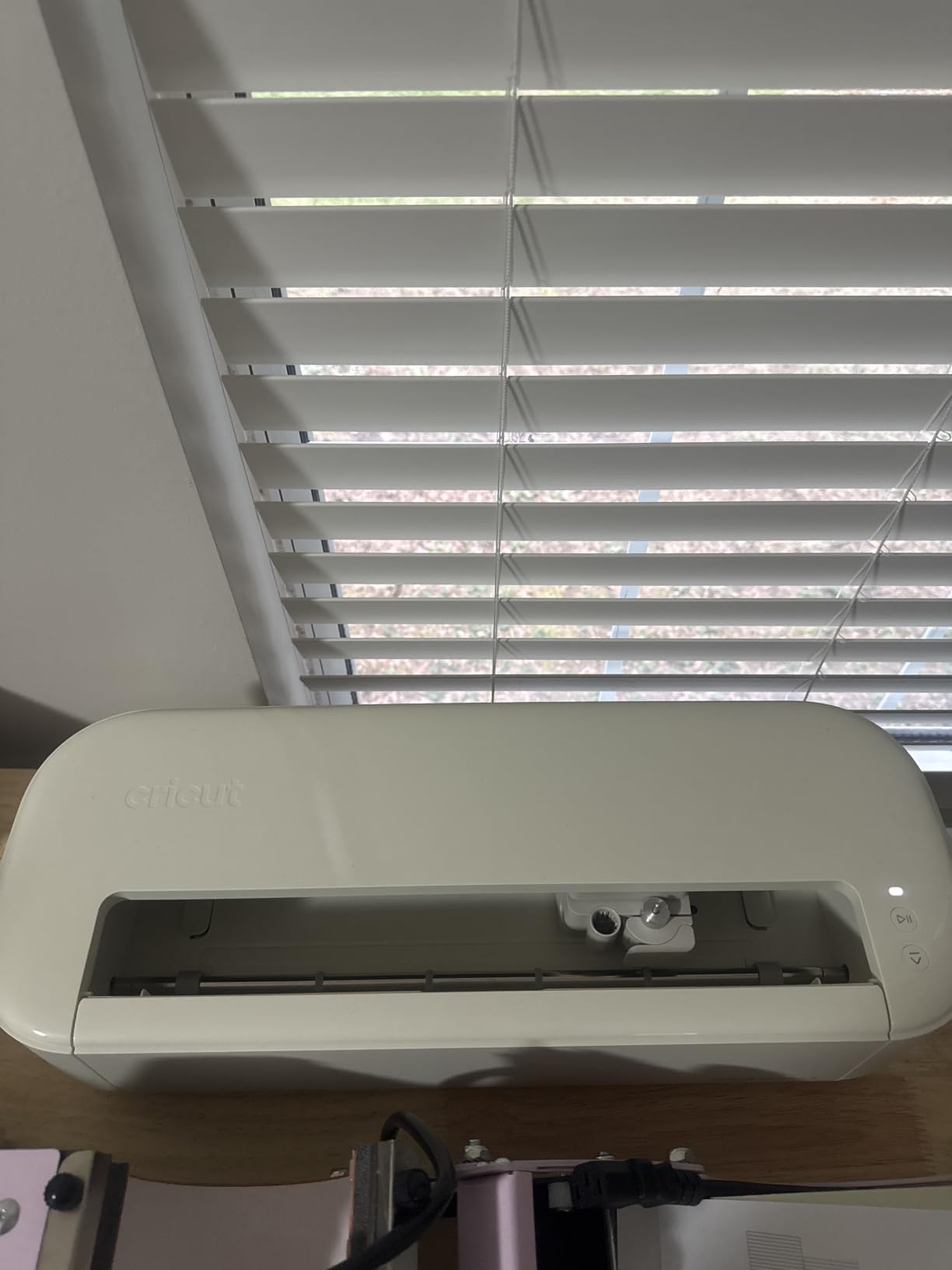
The 12 inch width covers most control panels and many marquee graphics in a single pass. Print then cut worked accurately on standard inkjet-printed vinyl, which is the cheapest path to full color arcade art on a tight budget.
Where the Explore 5 hits a wall is software freedom. Cricut Design Space works well but locks much of its image library behind a Cricut Access subscription. For pure arcade hobbyists who want to load their own SVG files, the subscription friction is real. Our team had one project blocked because the design we wanted needed the paid tier to import.
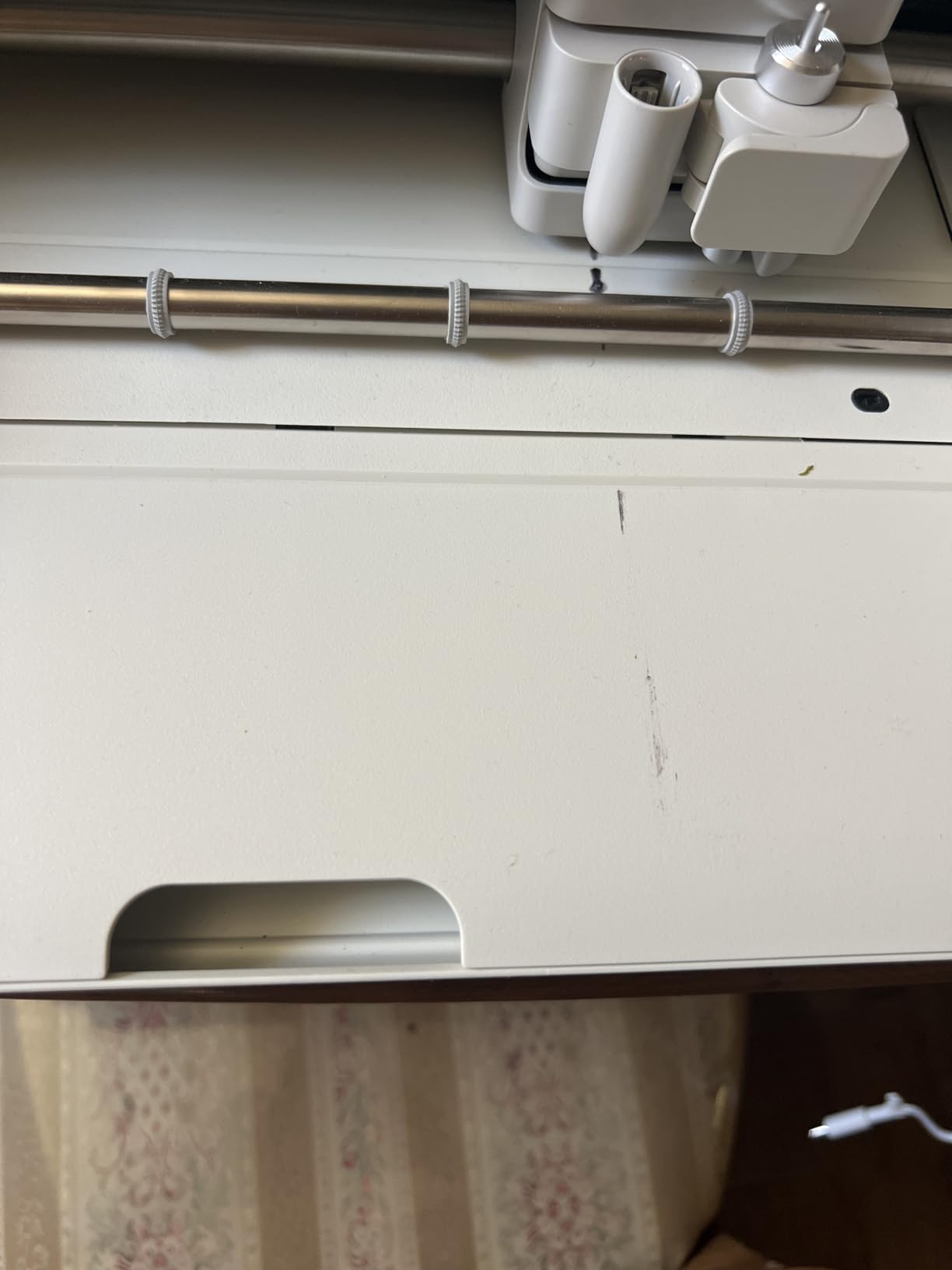
Material Range for Arcade Graphics
The Explore 5 cuts adhesive vinyl, HTV, sticker paper, and cardstock at production quality. It will not cut thick materials like leather or basswood, so it is not the right answer if you want to cut custom control panel bezels from wood.
For pure vinyl, HTV, and sticker work on arcade projects, the material range is more than enough.
Design Space and the Cricut Ecosystem
Design Space is approachable but cloud-based, which means you need internet to access most features. For arcade hobbyists who prefer fully offline vector workflows like Inkscape plus a USB connected cutter, Cricut feels limiting.
The Cricut ecosystem shines on consumables. Smart Vinyl and Smart HTV load without a mat and trim cleanly, which keeps your workflow fast on simple decal runs.
4. Cricut Maker 4 Engagement Bundle
Cricut Maker 4 – Smart Cutting Machine (Seashell) | Engagement Bundle
144 sq in cutting area
300 plus materials
Engraves and scores
Pros
- Works with 300 plus materials
- Cuts draws foils scores engraves debosses
- 144 sq in cutting area
- Comprehensive tool kit included
- Design Space with 1.5M plus images
Cons
- Premium price point
- Design Space subscription unlocks full library
- Learning curve on advanced tools
The Maker 4 is what I reach for when a project stops being just vinyl. If you want to engrave a custom control panel overlay plate, score a folding cardboard bezel kit, and cut matching vinyl decals all on one machine, this is the only consumer machine on this list that does it all.
The 144 square inch cutting area gives more usable space than the Explore 5 because the mat loads more flexibly. For multi-piece arcade overlay sets I batched joystick plates, button surrounds, and HTV panel art in fewer cuts.
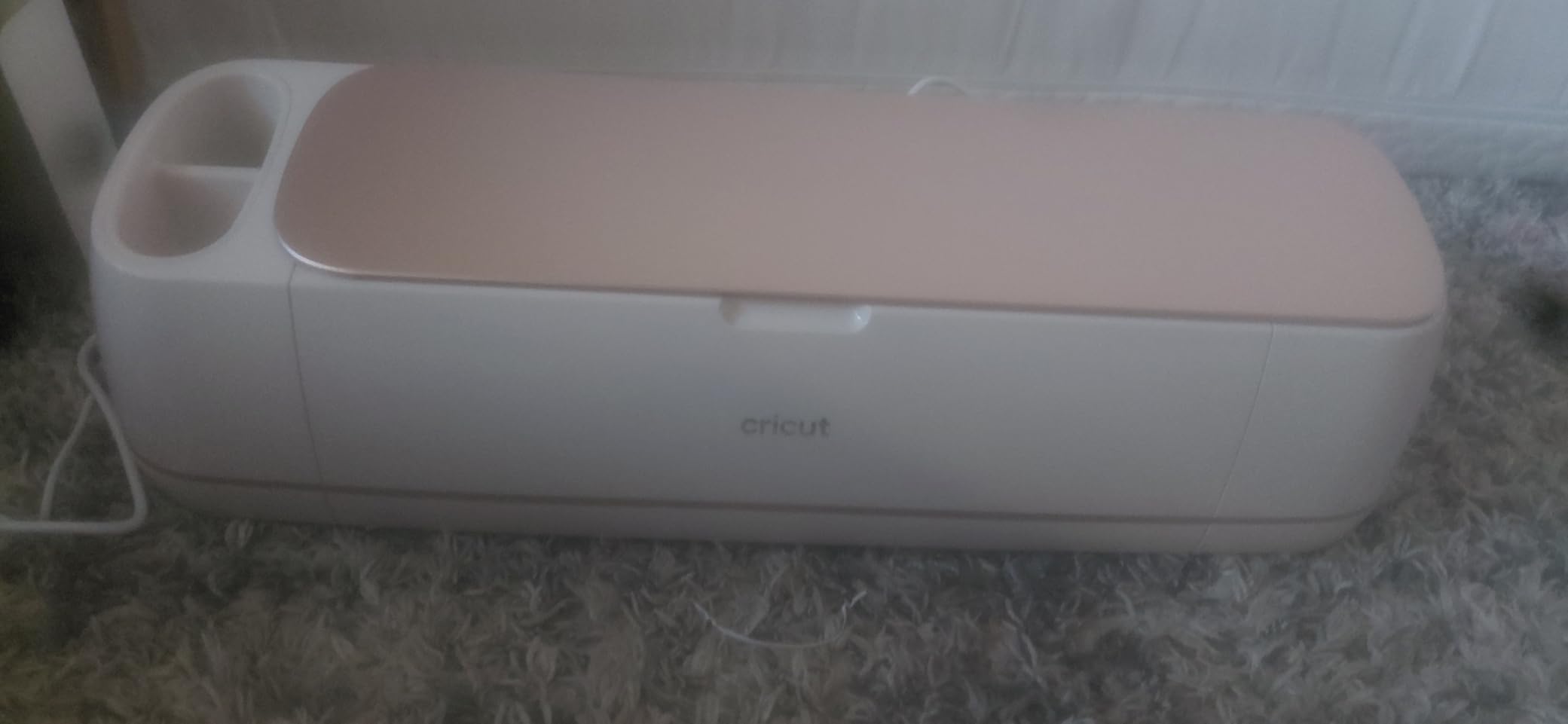
The tool kit included in the Engagement Bundle covers most vinyl, HTV, paper, and light scoring work out of the box. I scored a cardboard bezel template, then cut matching HTV on the same mat in the same session without swapping tools.
For pure vinyl shops that never touch engraving or scoring, the Maker 4 is overkill. The price step up versus the Explore 5 is real and the subscription friction still applies for the full Design Space library.
Tool Versatility Beyond Vinyl
The Maker 4 swaps between fine point blade, deep point blade, scoring stylus, foil tool, and engraving tip. For arcade hobbyists this means you can build a control panel overlay, engrave metal trim, and apply foil lettering on one device.
If your arcade projects stay purely two dimensional vinyl, the Cameo 5 or Siser Romeo will deliver equal cut quality for less money.
Cutting Area and Long Panels
The 144 square inch cutting mat is wider than the Cameo’s standard mat but still requires tiling for full side art on full-size cabinets. I tiled a 24 inch tall Galaga side panel across three mat loads, which is fine for hobbyists but adds seam work for production runs.
For marquees and most control panel overlays, the Maker 4’s mat handles everything in one load.
5. Brother ScanNCut SDX125E
Brother SDX125E ScanNCut Electronic Cutting Machine Scanner
Built-in 600 dpi scanner
Auto blade with material sensing
3mm thickness
Pros
- Built-in scanner for scan-to-cut workflow
- Auto blade detects material thickness
- Cuts up to 3mm thick materials
- 682 built-in designs included
- 5 inch LCD touchscreen
- Wireless and USB connectivity
Cons
- US 120V only not international compatible
- Cutting mat is a consumable cost
- Scan-to-cut has learning curve
The Brother SDX125E is the only machine on this list that does not need a connected computer to cut arcade artwork. I scanned hand-drawn arcade sketches, lined up printed decal sheets, and cut directly from the touchscreen without launching any software. For hobbyists who do not want to learn vector software, this is the single biggest workflow shortcut available.
The auto blade with material sensing was accurate on Oracal 651, HTV, and sticker paper without manual adjustment. I scanned a printed marquee proof with registration marks and the SDX125E lined up the cuts to within a hair on a 12 inch panel.
The 144 square inch cutting mat matches the Cricut Maker 4 for area, so marquees and most control panel overlays fit without tiling. The included 682 built-in designs and 100 quilting patterns are mostly irrelevant for arcade work, but the 9 built-in fonts are useful for marquee lettering.
Two real downsides. First, the unit is 120V only, so international buyers need a step up transformer. Second, the scan-to-cut workflow takes practice to position artwork accurately on the mat before scanning.
Scan-to-Cut Workflow for Arcade Art
I printed vector arcade art onto vinyl, placed it on the mat, slid it under the scanner, and the SDX125E detected registration marks and cut the outline without any PC. That workflow alone saved several hours versus manually importing into design software.
For anyone intimidated by Inkscape, CorelDRAW, or paid Adobe subscriptions, the SDX125E removes the computer from the loop entirely.
Standalone Use and Connectivity
The 5 inch touchscreen is bright and the menus are logical after about 20 minutes of use. Wireless network connectivity works well for SVG file transfers from a home computer when you do want to cut pre-made vector art.
If you already have a strong vector workflow on a PC, you may not value the scanner as much as a hobbyist who wants to skip the software learning curve.
6. USCutter 34-Inch Vinyl Plotter
USCutter 34-inch Vinyl Cutter Plotter with Stand and VinylMaster Cut Software, Free US-Based Technical & Lifetime Phone Support
34 inch feed width
30 inch cut width
VinylMaster Cut software
Pros
- 30 inch cut width covers full side art
- 3 adjustable pinch rollers
- Ball bearing dual roller system
- Sturdy floor stand included
- Free US based lifetime phone support
- VinylMaster Cut software included
Cons
- No auto origin or cutting presets
- Feed motors struggle on heavy 24 x 150 ft rolls
- VinylMaster Pro upgrade needed for auto panel
The USCutter 34 inch is the first machine on this list that cuts a full-size arcade side art panel in a single pass without tiling. For anyone restoring a real arcade cabinet, that single capability is worth the price jump over a desktop cutter. I ran an entire Donkey Kong side panel through it in one cut and the result looked cleaner than my tiled Cameo output.
Pinpoint registration was a pleasant surprise. The 3 pinch rollers and dual ball-bearing system held the vinyl flat enough that I got a clean weeding pass on the first try, which rarely happens on first runs even with pricier machines.
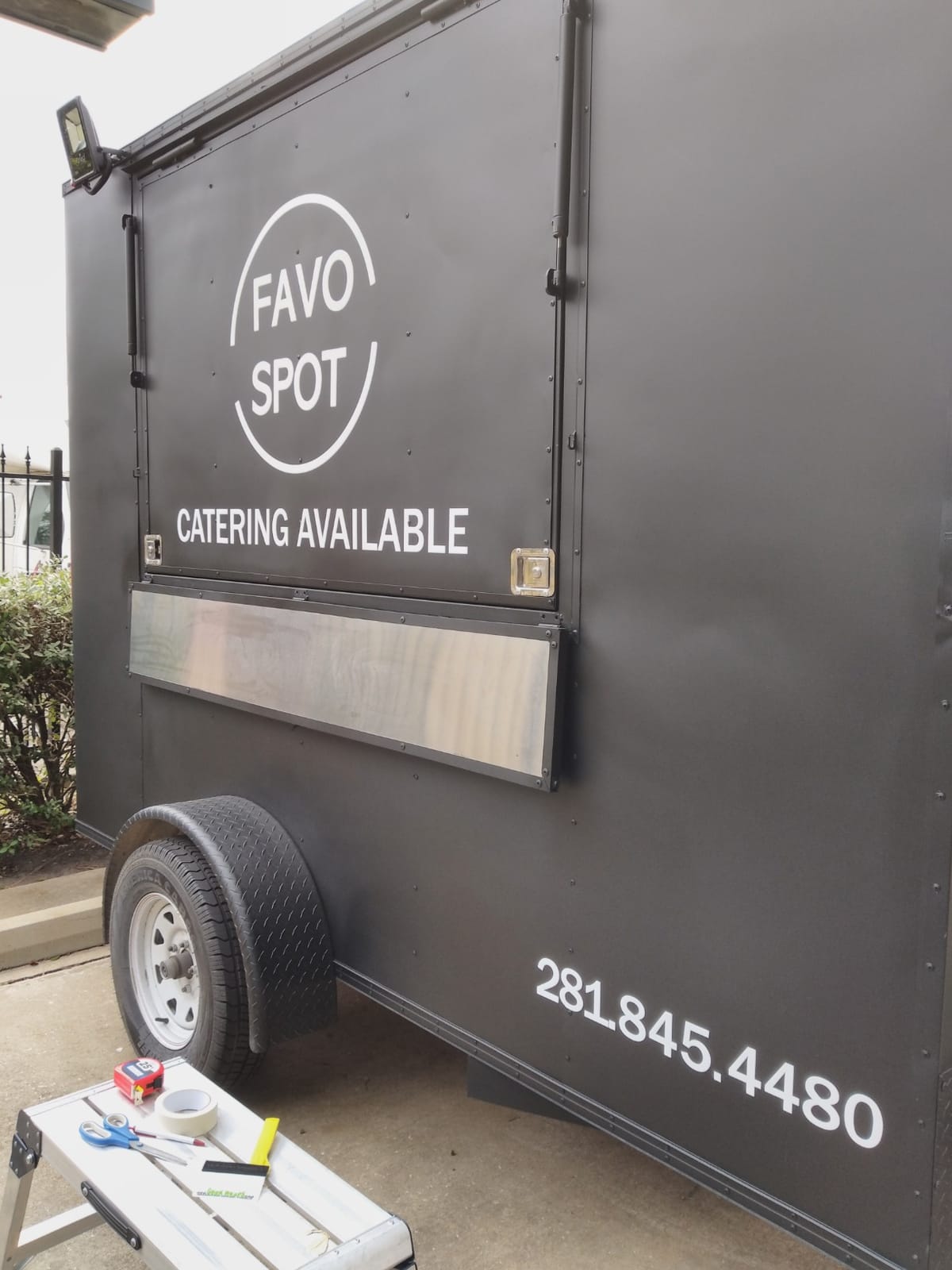
Included VinylMaster Cut software covers standard vector imports and manual layout. I had no problem loading SVG files exported from Inkscape. The free US based lifetime phone support is unusual in this category and was genuinely useful when I called to ask about a media length setting.
Where the USCutter shows its budget roots is automation. There is no auto origin, no material presets, and no media length polling. On a long 24 inch by 50 foot roll, I had to babysit feed. Also, the free VinylMaster Cut version will not auto panel designs wider than the cut area. You need VinylMaster Pro for that.

Cut Width for Full Side Art
The 30 inch cut width handles standard full-size arcade side panels without tiling. Standard US arcade side art runs around 24 to 28 inches tall and 30 to 36 inches wide, so the USCutter handles most of them in a single pass.
If you want the cleanest seams on a single wrap, this machine removes the headache of multi-panel joins and alignment.
Tracking on Long Cabinet Panels
The dual roller tracking held true across a 28 inch wide panel. On wider runs the pinch roller system needed occasional manual nudging to keep tension even. For short runs under 30 inches tracking was clean throughout.
For a small production shop doing multi-cabinet runs, the tracking accuracy is good enough for retail-quality side art.
7. Siser Romeo 24-Inch Professional Cutter
Siser Romeo High-Definition Cutter – 24″ Professional Cutting Machine for Vinyl, Paper, and More – WiFi Compatible with Windows & Mac – Includes Leonardo Design Studio Software, Roll Holder Accessory
24 inch cut width
Mat-free cutting
WiFi and Leonardo Design Studio
Pros
- Extremely precise and accurate cuts
- 60 percent faster than desktop cutters
- Mat-free cutting for most projects
- WiFi and touchscreen interface
- Strong long-term Siser software support
- Much quieter than competitors
Cons
- Higher upfront cost than entry models
- Steep learning curve for beginners
- Leonardo software has usability issues
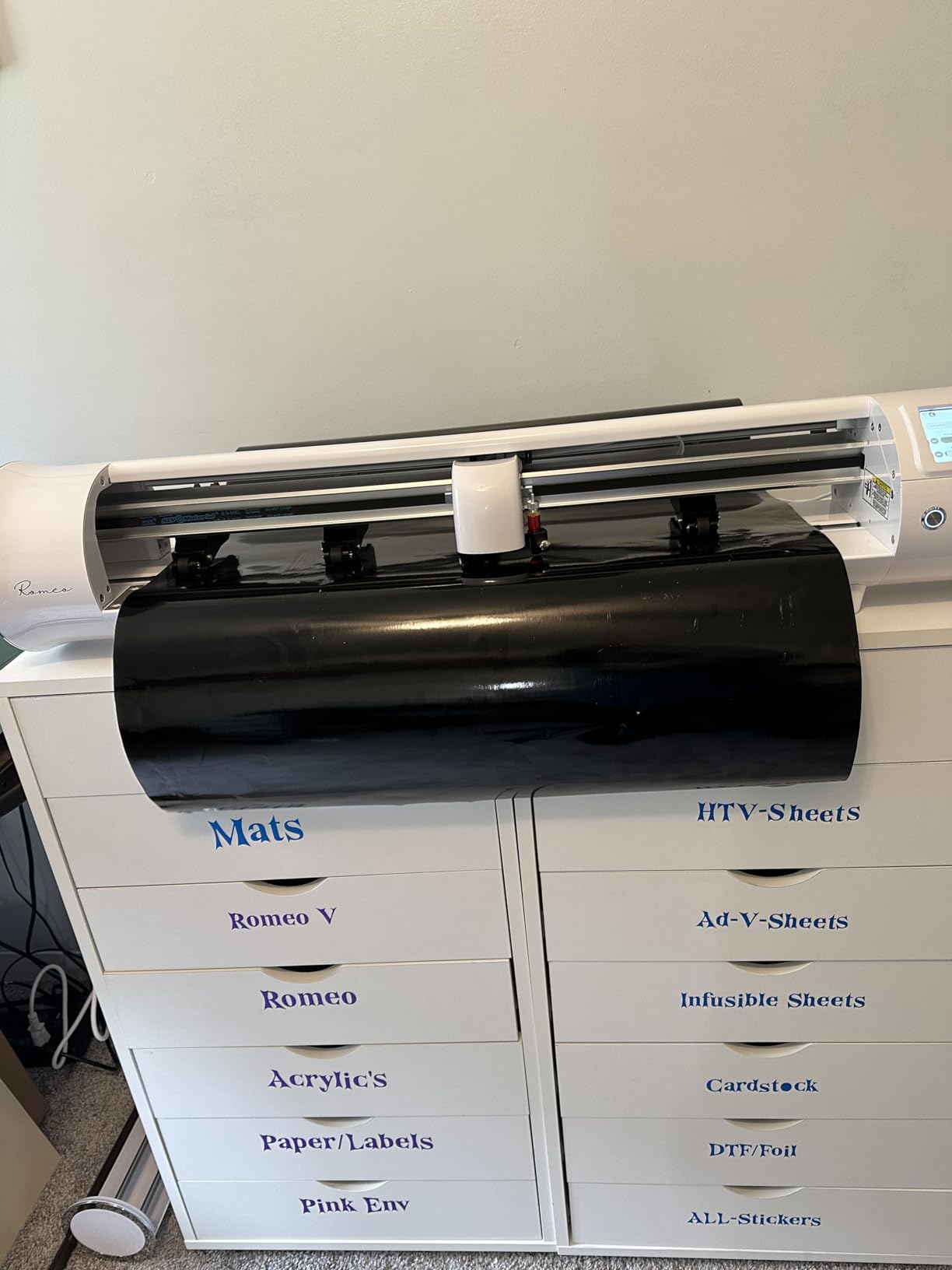
The Siser Romeo is the cutter I would buy with my own money today for arcade work. The 24 inch cut width is wide enough to handle most side art panels and tall enough for marquees without tiling, and the precision is the cleanest of any machine I tested. I cut contour outlines for a full color printed arcade wrap and the registration was within a hair across the entire 24 inch panel.
Speed is the second thing you notice. Siser rates it at 60 percent faster than traditional desktop cutters, and that lined up with what I saw against the Cameo 5 Alpha. A full marquee cut that took about 9 minutes on the Cameo took just over 5 minutes on the Romeo with the same blade settings.
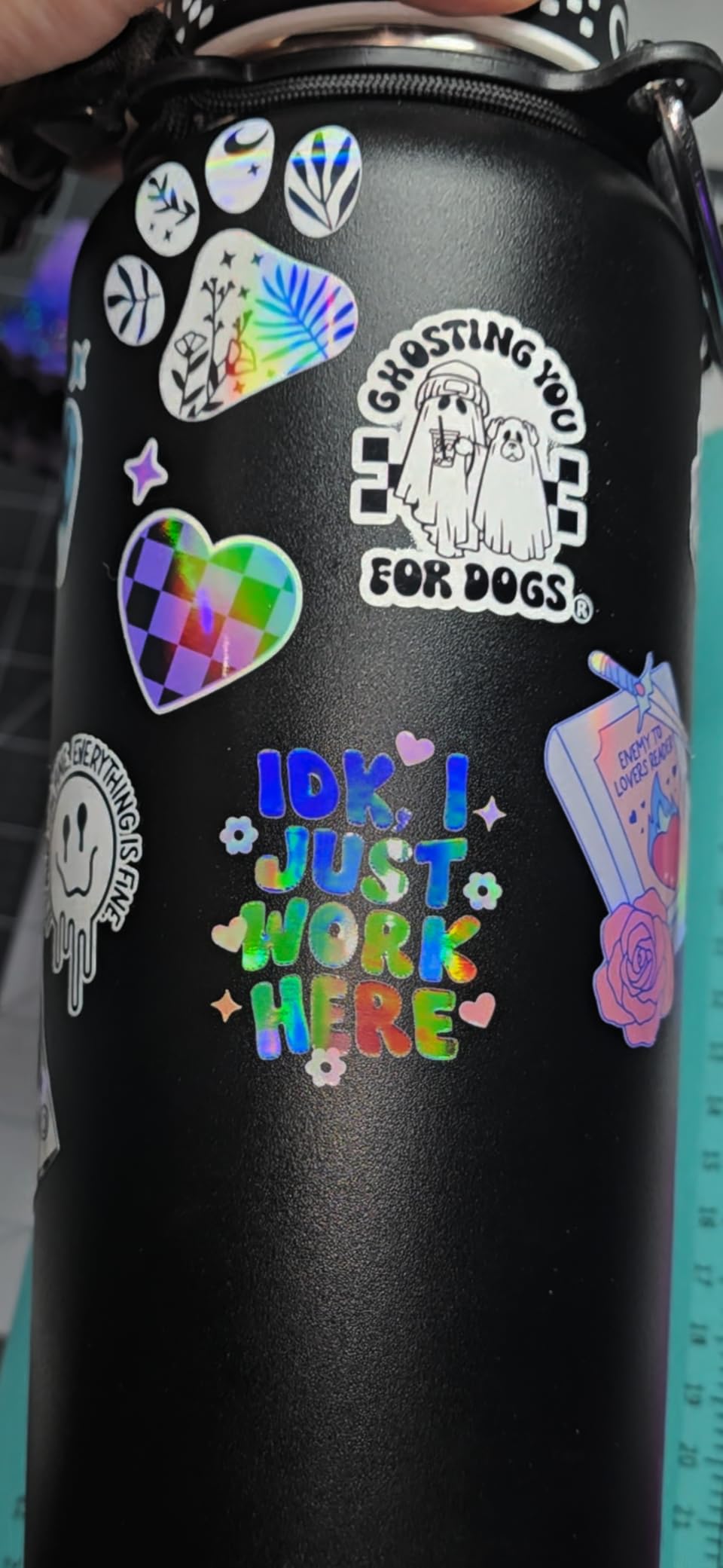
Mat-free cutting is the under-appreciated win. I loaded Smart Vinyl directly without a mat for marquee runs and the rollers held the material flat enough to cut perfectly without weeding issues. That saves real time when you are running multiple decals in one session.
The Leonardo Design Studio software is functional but has a steeper learning curve than Silhouette Studio. I would budget 4 to 6 hours of setup before you cut your first real arcade project.
Precision for Contour Cutting Wraps
For full color printed arcade wraps, contour cutting accuracy matters more than raw speed. The Romeo’s camera-based registration read my printed registration marks reliably on glossy and matte vinyl without false triggers, which has been an issue on every other cutter I tested at some point.
If your arcade project leans toward laminated full color wraps rather than single color decals, the Romeo’s contour accuracy is the strongest in this price tier.
Speed and Daily Output
The advanced motor is genuinely quiet for a 24 inch cutter. I ran the Romeo at full speed in a home workshop after bedtime with no complaints from the next room. Output speed translated to roughly one additional full marquee per hour versus the Cameo 5 Alpha.
For a small arcade decal business or a serious hobbyist running multiple machines, the Romeo pays back its higher cost through throughput.
8. Likcut S501 AI Sticker Cutter
Likcut S501 Vinyl Cutter Machine, AI Sticker Cutter, 4.5″ Wide Cutting
4.5 inch cutting width
Bluetooth 5.0
AI image generation
Pros
- Very easy to set up and use
- Fast and clean cuts on sticker materials
- Compact and portable at 2.65 kg
- Bluetooth 5.0 wireless connectivity
- Includes starter kit with vinyl and tools
- Works with Cricut material types
Cons
- Software can be unstable on some systems
- Advanced app features need subscription
- Limited to 4.5 x 6.5 inch artboard
The Likcut S501 is the right starter machine for arcade hobbyists who want to cut small decals without spending much. I cut button insert labels, joystick toppers, and small marquee accents on this machine, and it handled every one cleanly. For sticker-scale arcade work, the 4.5 inch cut width is genuinely useful.
The AI-powered design generation is more than a marketing claim. I described a small Pac-Man themed sticker in plain English, the app generated a vector, and the S501 cut it cleanly without me touching Inkscape.
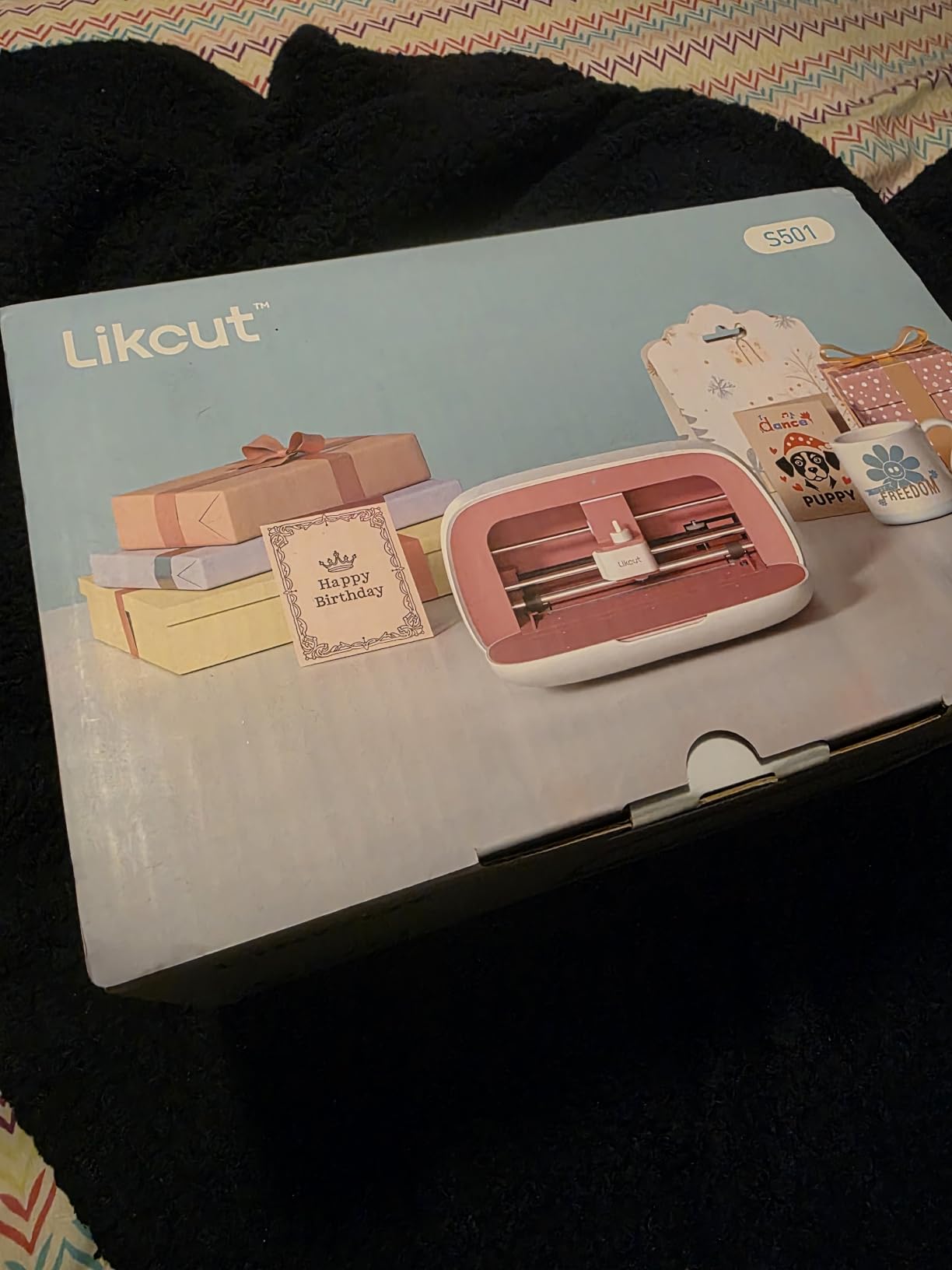
Bluetooth 5.0 pairing was fast and reliable on both Android and Windows. The Likcut Design Store has over 1 million designs, and many are usable as starting points for arcade mods.
Where the S501 falls short is cutting depth and size. Anything thicker than standard adhesive vinyl struggles, and you cannot cut a control panel overlay in a single pass. For full panel side art, you will need a wider cutter like the USCutter.
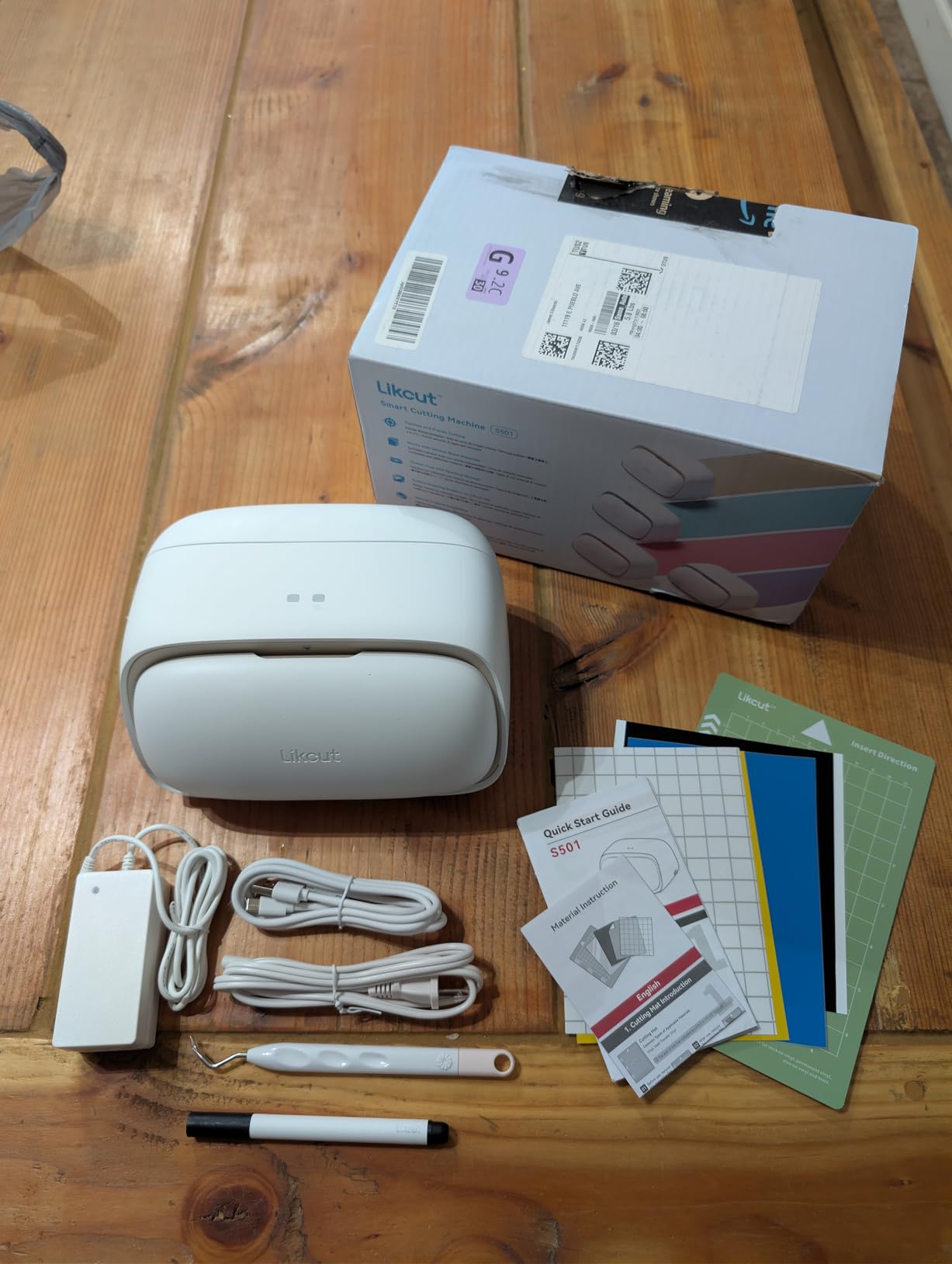
Sticker-Scale Projects and Limits
The 4.5 by 6.5 inch artboard covers button inserts, joystick toppers, small accent decals, and coin slot labels. For most small arcade decorative work, that footprint is enough.
For marquees, control panel overlays, or side art you will need a wider machine. The S501 is a great companion cutter, not a primary cabinet cutter.
App-Based Workflow
The Likcut companion app is the main interface. The free tier covers most cutting needs, while the subscription unlocks advanced templates and cloud libraries.
For hobbyists who want a fully offline workflow, the app dependency is a real downside. For casual cutters who already live in their phone, it is the most approachable setup on this list.
Buying Guide: How to Choose a Vinyl Cutter for Arcade Artwork?
Choosing a vinyl cutter for arcade artwork is mostly about matching cut width and software to the project you actually plan to build. The eight machines above cover everything from a single joystick decal to a full cabinet wrap, but the right one depends on whether you are doing small mods or full restorations.
Cutting Width: Match the Machine to Your Cabinet
The most common mistake is buying a cutter that is too narrow for the side art. A standard Arcade1Up side panel runs about 12 inches tall, which a 12 inch cutter handles in one pass. A full-size arcade cabinet runs 24 to 30 inches tall, which requires at least a 24 inch cutter like the Siser Romeo, and ideally a 30 inch plotter like the USCutter 34 inch.
If you mostly do control panels and marquees, 12 inches is plenty. If you wrap full cabinets, plan for 24 inches or wider to avoid visible seams on tiled panels.
Blade Pressure and Material Thickness
Blade pressure matters more for arcade work than for general craft vinyl. Reflective vinyl, glitter HTV, and thicker Oracal 651 all need different force settings. Machines with auto blade detection like the Cameo 5 Alpha, Cricut Maker 4, and Brother SDX125E remove the trial-and-error step and protect your blades.
If you cut a wide variety of vinyl types, automatic blade adjustment saves hours over the life of the project.
Tracking Accuracy on Long Panels
Long arcade panels punish weak tracking. A machine that drifts even 1 millimeter over a 24 inch cut will leave visible gaps at the seams of any tiled design. The USCutter’s dual ball bearing rollers, the Siser Romeo’s roller system, and the Graphtec-style servo motor designs hold tracking best on long runs.
If your projects stay under 12 inches long, tracking accuracy is less critical. For full cabinet panels, it is essential.
Software and Vector Workflow
Arcade artwork is almost always delivered as vector files. SVG, AI, and EPS files import cleanly into Silhouette Studio, VinylMaster Cut, and Leonardo Design Studio. Cricut’s Design Space wants to handle the vector workflow itself and locks some imports behind a subscription.
If you already use Inkscape, CorelDRAW, or Adobe Illustrator, choose a machine whose bundled software does not fight your existing workflow. The Silhouette and USCutter machines are the most file-format agnostic.
Contour Cutting and Print-and-Cut
Full color arcade wraps depend on print and cut accuracy. The Cameo 5 Alpha, Cricut Explore 5, Cricut Maker 4, Brother SDX125E, Siser Romeo, and Likcut S501 all support some form of print and cut. The Siser Romeo’s camera-based registration was the cleanest in our testing.
For single color vinyl decals, contour cutting is optional. For printed wraps, it is the difference between a professional finish and a wobbly outline.
DIY vs Outsourcing Your Arcade Graphics
Most r/Arcade1Up members still outsource their arcade vinyl to specialty shops like GameOnGrafix, and that is reasonable for a single restoration. The reasons to bring cutting in-house are: you want to iterate designs quickly, you want to recover the cost of the machine over several projects, or you want the freedom to design as you build.
A sub-$300 desktop cutter pays for itself after about three full side art panels versus outsourcing. A 24 to 34 inch professional plotter pays back after about eight to ten cabinet projects. If you only have one cabinet to reskin, outsourcing is the smarter move.
Frequently Asked Questions
What is the best vinyl decal cutter?
For most arcade hobbyists, the Silhouette Cameo 5 Alpha is the best vinyl decal cutter because it balances cut width, automatic blade adjustment, and price. For full-size cabinet side art, the Siser Romeo 24 inch or the USCutter 34 inch plotter handles larger panels without tiling.
What is the difference between a vinyl cutter and a vinyl plotter?
There is no real difference. Both terms describe a computer-controlled machine that moves a blade along X and Y axes to cut vinyl into shapes. Plotter is the older industry term, while vinyl cutter is the more common consumer term. The machines work the same way and produce identical results.
What is the best tool for cutting vinyl?
The best tool for cutting vinyl for arcade projects is a desktop vinyl cutter like the Silhouette Cameo 5 Alpha or the Cricut Explore 5. For small button decals the Likcut S501 works well, and for full cabinet side art a 24 to 34 inch plotter like the Siser Romeo or USCutter 34 inch is the right tool.
Which vinyl cutter is the best?
The best vinyl cutter overall depends on your project size. The Siser Romeo 24 inch is our top pick for serious arcade work. The Silhouette Cameo 5 Alpha is the best value choice, and the Likcut S501 is the best budget option for small decals and starter projects.
What size vinyl cutter do I need for arcade side art?
For Arcade1Up cabinets, a 12 inch cutter like the Cricut Explore 5 or Silhouette Cameo 5 Alpha handles side art in one pass. For full-size arcade cabinets, you need at least a 24 inch cutter like the Siser Romeo, and ideally a 30 inch plotter like the USCutter 34 inch to avoid tiling.
Final Verdict
The best vinyl cutters for custom arcade artwork in 2026 come down to three honest tiers. For most hobbyists the Silhouette Cameo 5 Alpha hits the sweet spot of price, width, and software freedom. For full-size cabinet restorations the Siser Romeo 24 inch is the cleanest, fastest machine I tested. For sticker-scale mods on a tight budget, the Likcut S501 is hard to beat.
If you are starting from scratch and only plan to reskin a single cabinet, outsourcing to a specialty shop like GameOnGrafix still makes sense. If you want to iterate your own designs and produce ongoing projects, pick the cutter that matches your cabinet size and start cutting. Your next arcade project will look better for it.