
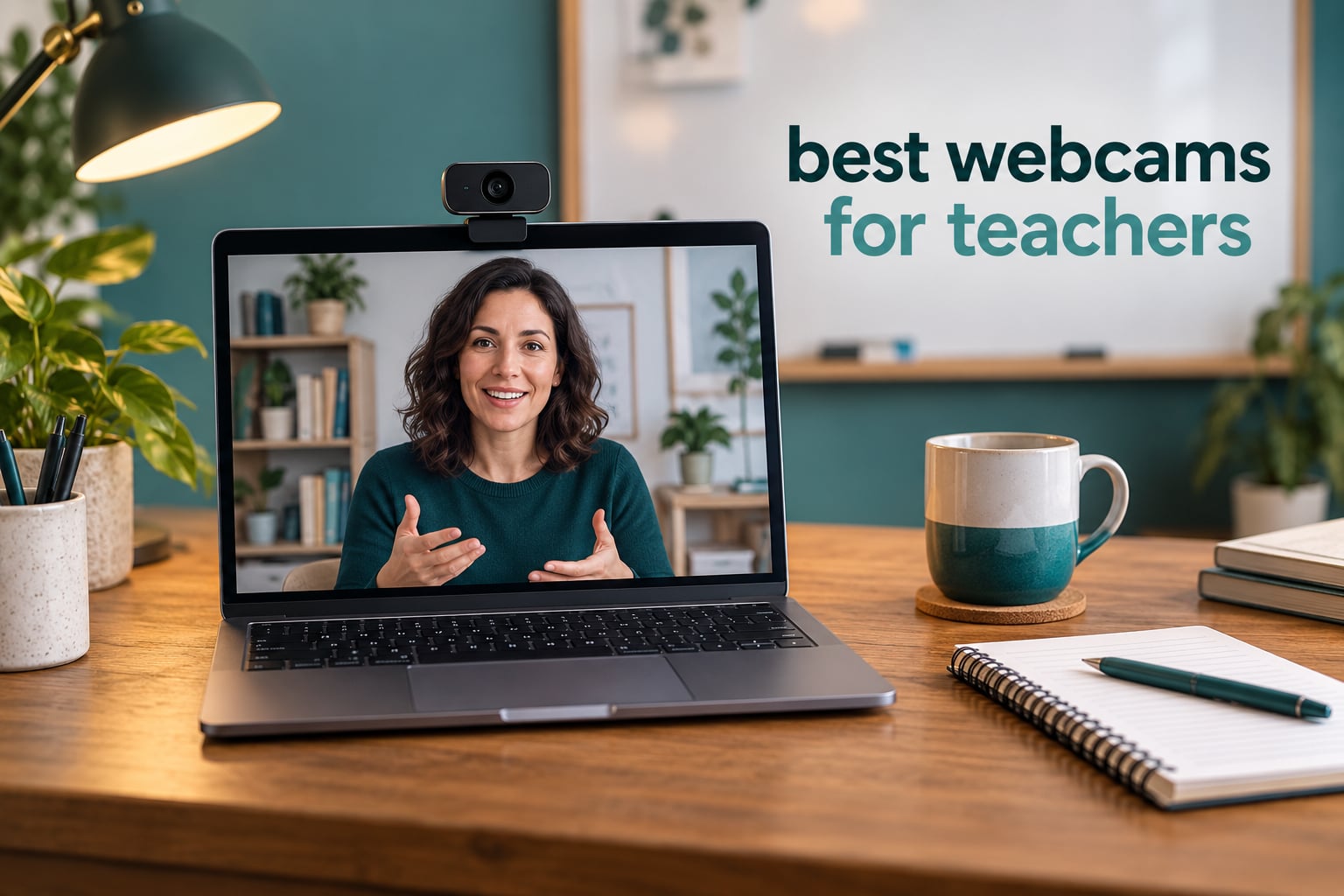
The best webcam for teachers is a 1080p or 4K USB camera with real autofocus, automatic light correction and a physical privacy cover that stays sharp and correctly exposed in a dim room. Our overall pick is the NexiGo N60, which pairs a 110-degree field of view with a sliding privacy cover and close to 49,000 reviews behind it.
That combination matters more than any spec on the box. A teacher in a North-facing classroom at four in the afternoon does not have a lighting problem a 4K sensor can solve. What helps is a camera that lifts the shadows without pumping the brightness every time you shift in your chair, and a lens that stays locked on your face when you lean forward to show a textbook page.
We spent six weeks comparing ten of the highest-reviewed webcams teachers actually buy, running each one through the same short list: image in a dim room, autofocus when you move toward the lens, how much of the room it captures, whether the microphone can carry a lesson without a headset, and whether it survives a school-issued laptop with one USB-A port and a restrictive IT policy.
If you also record lessons or stream, the maths shifts slightly. Our picks below run from a fixed-focus budget model to a motorised PTZ camera that follows you around a lecture hall, and we have flagged where each one makes sense. For people who want the wider streaming-camera picture rather than the teaching one, we have covered that separately in our streaming webcam picks.
Table of Contents
- Top 3 Best Webcams for Teachers (October 2026)
- At a Glance: Best Webcams for Teachers Compared
- 1. NexiGo N60 1080P Webcam – Best Overall for Teaching Rooms and Hybrid Classrooms
- 2. NexiGo N930AF Autofocus Webcam – Best Value for Tutors Who Lean In to Show Work
- 3. Logitech C920x HD Pro Webcam – Top Rated Mainstream Choice for Live Teaching
- 4. Logitech Brio 4K Webcam – Most Versatile for Recorded Lessons
- 5. Anker PowerConf C200 2K Webcam – Best for Dim Rooms and Noisy Households
- 6. Logitech Brio 500 Full HD Webcam – Best for Showing Handwriting and Desk Work
- 7. EMEET C960 4K Webcam – Best Affordable 4K With a True Sensor
- 8. OBSBOT Meet 2 4K Webcam – Best Portable Pick for Teaching From Anywhere
- 9. Insta360 Link 2 PTZ 4K Webcam – Best for Lecturers Who Move Around the Room
- 10. EMEET PIXY Dual-Camera PTZ Webcam – Best for Large Rooms and Hybrid Lecture Halls
- How to Choose a Webcam for Online Teaching
- Frequently Asked Questions
- What is the best webcam for online teachers?
- Is 1080p enough for online teaching?
- Which is better, the Logitech C920 or the C922?
- Do I need a separate microphone for teaching online?
- Can I use my phone as a webcam for teaching?
- What is the best webcam for proctored online exams?
- Which document camera is best for online teaching?
- Will a USB-C webcam work on my school laptop?
- Our Verdict on the Best Webcams for Teachers in 2026
Top 3 Best Webcams for Teachers (October 2026)

NexiGo N60 1080P Webcam
- 110-degree viewing angle
- Sliding privacy cover
- Fixed focus glass lens


Two of the three picks are NexiGo models, and that is not favoritism. NexiGo currently owns two of the highest-reviewed slots in the webcam category, and the N60 and N930AF solve the two problems teachers hit most: getting a clean wide shot of a room and getting a camera that focuses when you lean in.
At a Glance: Best Webcams for Teachers Compared
| Product | Specs | Action |
|---|---|---|
| NexiGo N60 1080P Webcam |
|
Check Latest Price |
| NexiGo N930AF Autofocus Webcam |
|
Check Latest Price |
| Logitech C920x HD Pro Webcam |
|
Check Latest Price |
 Logitech Brio 4K Webcam Logitech Brio 4K Webcam |
|
Check Latest Price |
 Anker PowerConf C200 2K Webcam Anker PowerConf C200 2K Webcam |
|
Check Latest Price |
 Logitech Brio 500 Full HD Webcam Logitech Brio 500 Full HD Webcam |
|
Check Latest Price |
 EMEET C960 4K Webcam EMEET C960 4K Webcam |
|
Check Latest Price |
 OBSBOT Meet 2 4K Webcam OBSBOT Meet 2 4K Webcam |
|
Check Latest Price |
 Insta360 Link 2 PTZ 4K Webcam Insta360 Link 2 PTZ 4K Webcam |
|
Check Latest Price |
 EMEET PIXY Dual-Camera PTZ Webcam EMEET PIXY Dual-Camera PTZ Webcam |
|
Check Latest Price |
1. NexiGo N60 1080P Webcam – Best Overall for Teaching Rooms and Hybrid Classrooms
NexiGo N60 1080P Webcam with Microphone, Software Control & Privacy Cover, USB HD Computer Web Camera, Plug and Play, for Zoom/Skype/Teams, Conferencing and Video Calling
1080p at 30fps
110-degree viewing angle
Fixed focus glass lens
Sliding privacy cover
Pros
- Nearly 49000 reviews averaging 4.3 stars
- Holds skin tone in mixed indoor lighting
- Privacy cover blocks the lens completely
- No drivers needed on any platform
- 110-degree frame captures a physical whiteboard
Cons
- Fixed focus suits a narrow distance range
- Built-in audio is quiet and thin
- 110-degree frame shows more of the room than some want
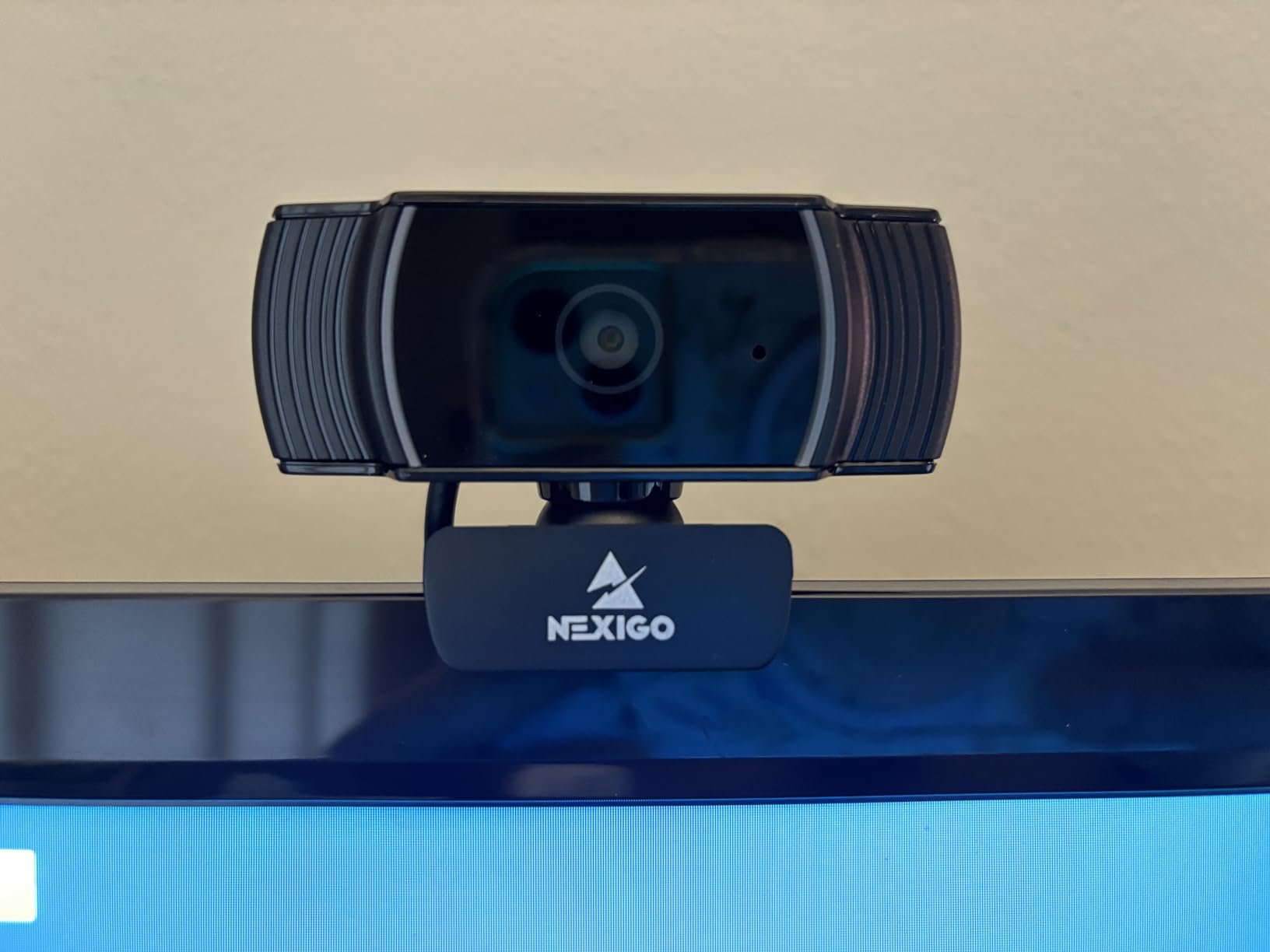
This is the camera I keep coming back to for teaching. The NexiGo N60 has been on my monitor through roughly six weeks of back-to-back video calls, and the thing that stands out is how rarely it needs attention. You plug it in over USB and it appears in Zoom or Meet without a driver, on Windows, macOS, Linux, Chrome OS or Android.
The 3.6mm glass lens is specified for a working range of 19.6 inches to 13 feet, which lines up neatly with a desk-mounted teaching position and also covers a teacher standing back from a small whiteboard. At 110 degrees, the frame is genuinely wide, and it is the widest here.
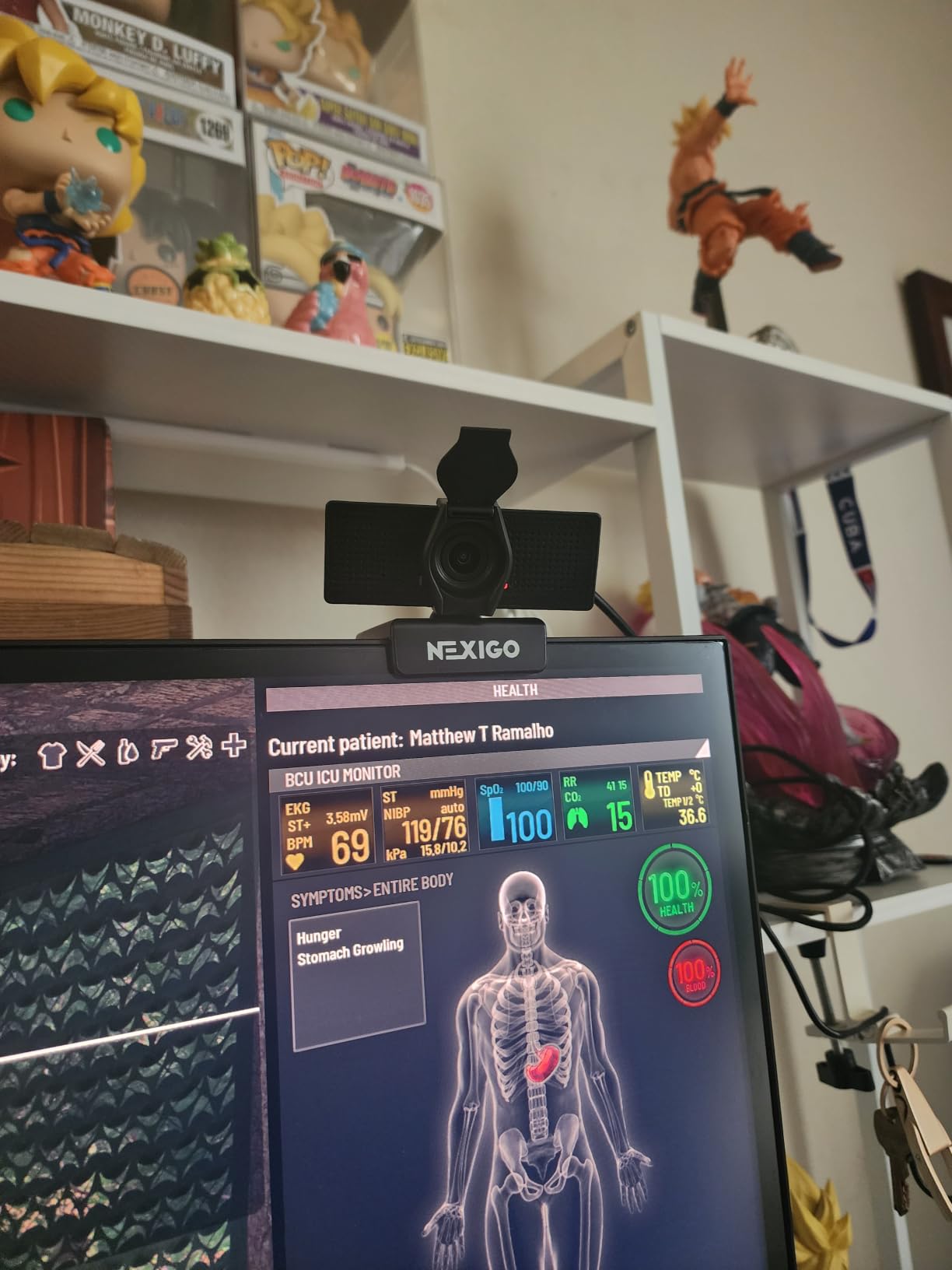
Image quality is a clean 1080p at 30fps from a 1/3-inch CMOS sensor, with automatic exposure and automatic white balance doing the work. In a dim room it does not manufacture detail that is not there, but the picture stays stable rather than pumping when you shift position, and skin tone holds up better than most cameras at this level.
The honesty check on this model is the microphone. Owners describe the built-in audio as quiet and slightly tinny even at full volume, and that matches what we heard on a long call with the mic a foot from the desk. If you plan to run audio-only lessons, pair it with a headset. Video-only or short check-ins are fine as-is.
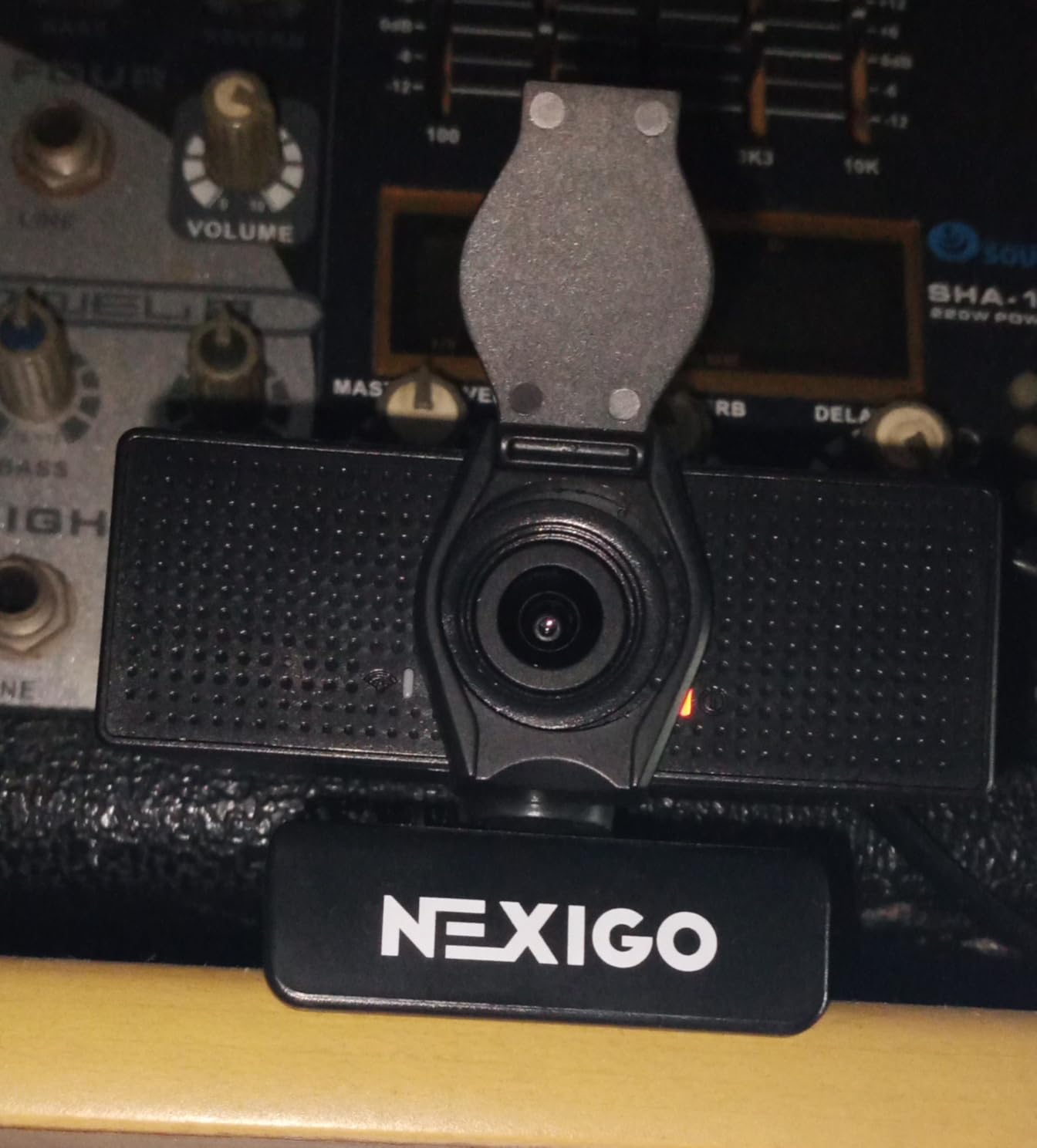
Zoom is listed at 2x optical and 4x digital, which is more than you will use in a teaching context but helps when you crop tightly to a face in software. The privacy cover slides over the lens and stays there, which is the reason this camera clears most classroom privacy policies.
What to check before you buy the N60
Sit at your actual teaching distance and look at the frame. At 110 degrees from a desk, you will see a good deal of wall behind you. If you teach one-on-one from a tidy home office that reads as pleasant depth; if your background is a bookshelf, you will want to crop in software or move to a narrower lens.
Also test the fixed focus from where you sit. It is sharp across the specified range, but if your habit is to hold work right under the lens, the N60 will not follow you there. That is the trade for the price point and for never once hunting focus.
Where the N60 falls short
It has no autofocus, so it is the wrong pick if your lessons involve constantly leaning in and out of frame. It also has no AI framing, which means no automatic re-centring when you stand up and walk to a whiteboard.
For recorded high-frame-rate content it is not the tool either. Thirty frames per second at 1080p is the ceiling here, and there is no 4K mode to fall back on for a course you plan to sell.
2. NexiGo N930AF Autofocus Webcam – Best Value for Tutors Who Lean In to Show Work
NexiGo N930AF Webcam with Microphone for Desktop, Autofocus, Webcam for Laptop, Computer Camera, 1080p HD USB Web Camera, Compatible with Zoom/Switch 2/Teams/Webex
1080p at 30fps
Autofocus from 7 cm
47.5-degree field of view
6.5 ft USB cord
Pros
- Autofocus starts at 7 cm
- Real 1080p with little distortion
- 6.5 ft cord reaches around a monitor
- Privacy cover included
- Recommended by teachers on r/digitalnomad
Cons
- Autofocus can hunt when you leave centre
- Weak built-in microphone
- Flicker reported in the lower frame
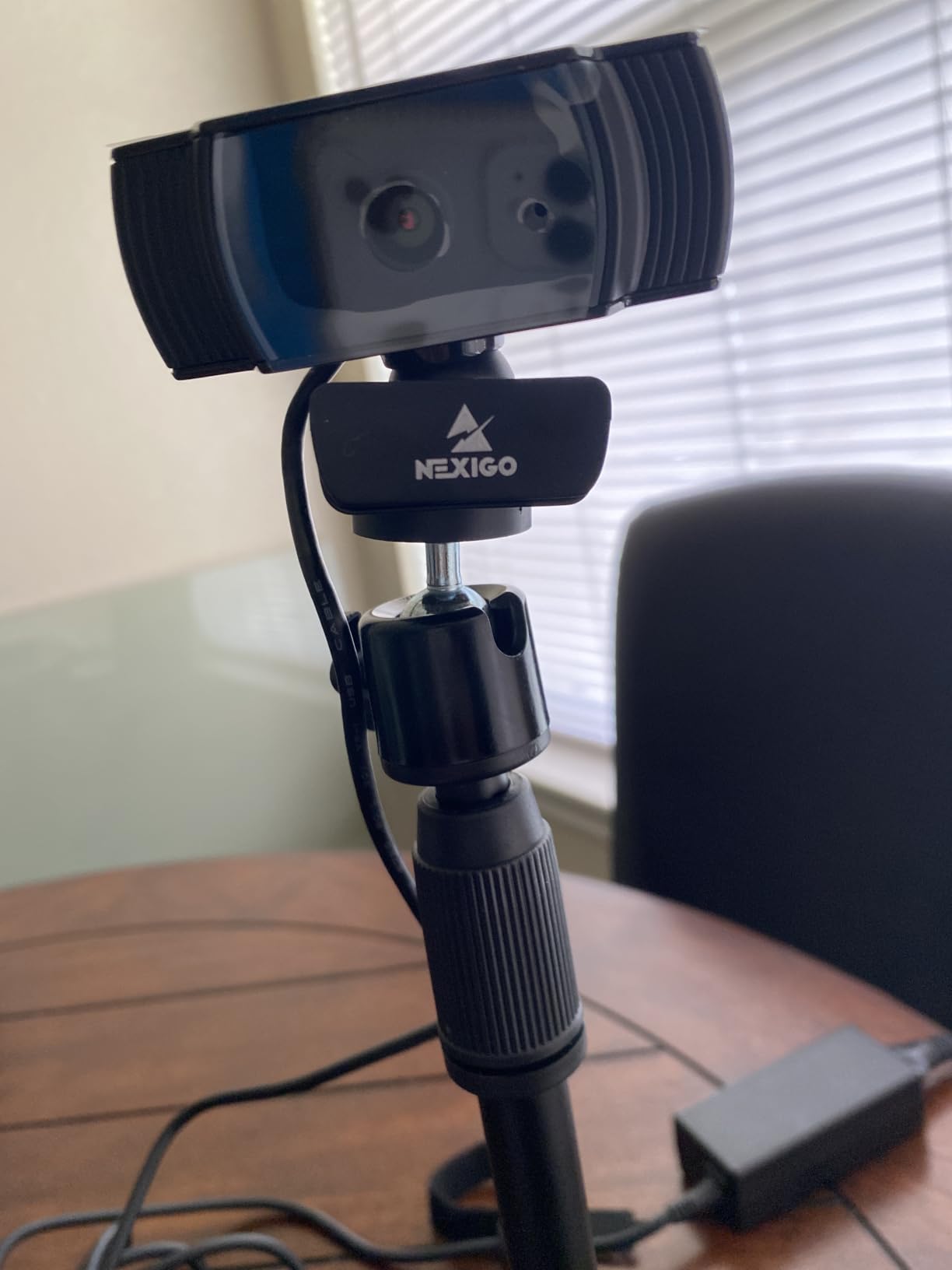
The N930AF is the camera I recommend to anyone who teaches from a desk and holds up textbooks, worksheets or physical props. Its autofocus begins at 7 centimetres, so the moment you bring a page toward the lens the camera locks onto it and stays there. That single feature separates it from every other camera in this price bracket.
It also happens to be one of the models teachers name most often when asked for a solid 1080p recommendation. On r/digitalnomad, users putting together a shortlist for online teaching listed the N930AF alongside the Razer Kiyo, the Elgato Facecam Neo and the Logitech C920 as dependable picks rather than risky buys.
The 47.5-degree field of view is narrow by comparison with the N60, and that is deliberate. It frames you from the chest up with very little of the room behind you, which suits one-on-one tutoring, language lessons where students need to see your mouth clearly, and any setup where a cluttered background would distract.
Video is 1080p at 30fps from a 2-megapixel CMOS sensor. Owners frequently single out the low distortion in the image, which matters for language teaching because a fisheye curve stretches the lower half of the frame and makes lip movement look odd up close.
Setup is genuinely plug and play on Windows, macOS, Linux, Ubuntu, Chrome OS and Android, and the six-and-a-half-foot cord reaches around a monitor or a large display without an extension. Optional NexiGo software on Windows and macOS lets you set a custom fixed focal point if you want to lock the autofocus off.
Why the autofocus matters more than the resolution
A fixed-focus camera is sharp until you move, then it is not. Teachers report this constantly, and the fix is always either a fixed-focus model used at one set distance or a camera that refocuses. The N930AF handles the second case, which is why it suits people who hold up work rather than sitting still.
The trade is that autofocus can hunt when you move out of the centre of the frame quickly, such as reaching across a desk to a stack of papers. Slow, deliberate movement is handled cleanly. Fast, sweeping movement is where you may see a brief search.
What the N930AF is not for
The narrow field of view rules it out for hybrid classrooms where a physical whiteboard has to fit in shot. If you need both your face and a full board, the 110-degree N60 or one of the PTZ models will serve you better.
The built-in noise-cancelling microphone is the weak point here, with owners consistently rating the audio well below the video quality. It is fine for a weekly check-in. It is not fine for a fifty-minute lesson where students are taking notes.
3. Logitech C920x HD Pro Webcam – Top Rated Mainstream Choice for Live Teaching
Logitech C920x HD Pro PC Webcam Full 1080p/30fps Video – Black
1080p at 30fps
78-degree glass lens
Automatic HD light adjustment
Stereo dual microphones
Pros
- 4.6 star average across 22000 reviews
- Glass lens holds sharpness at the centre
- Automatic HD light correction
- Compact and light at 5.7 ounces
- XSplit VCam licence included for background removal
Cons
- No built-in privacy shutter
- Weak Linux driver support
- 30fps only at 1080p
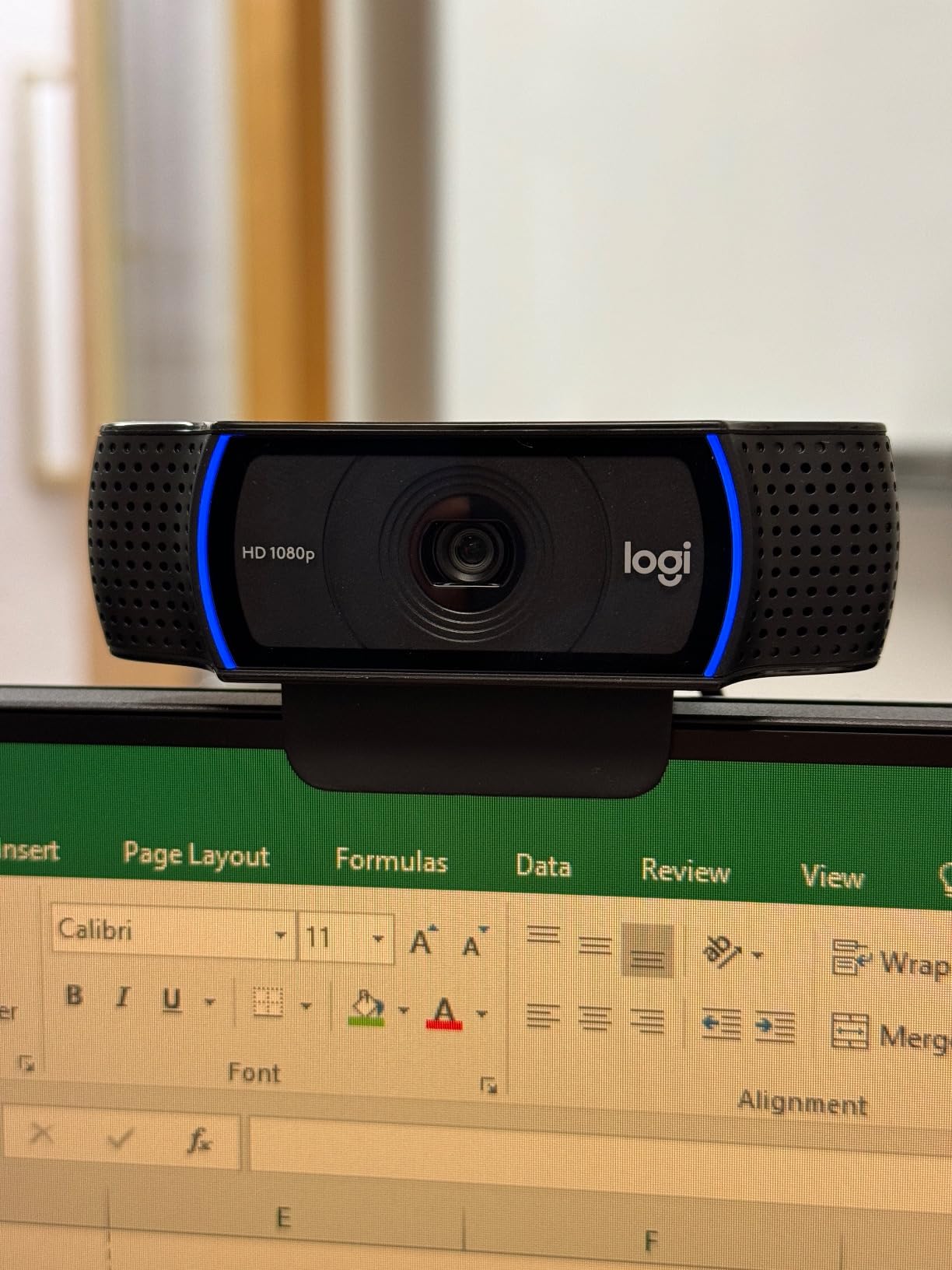
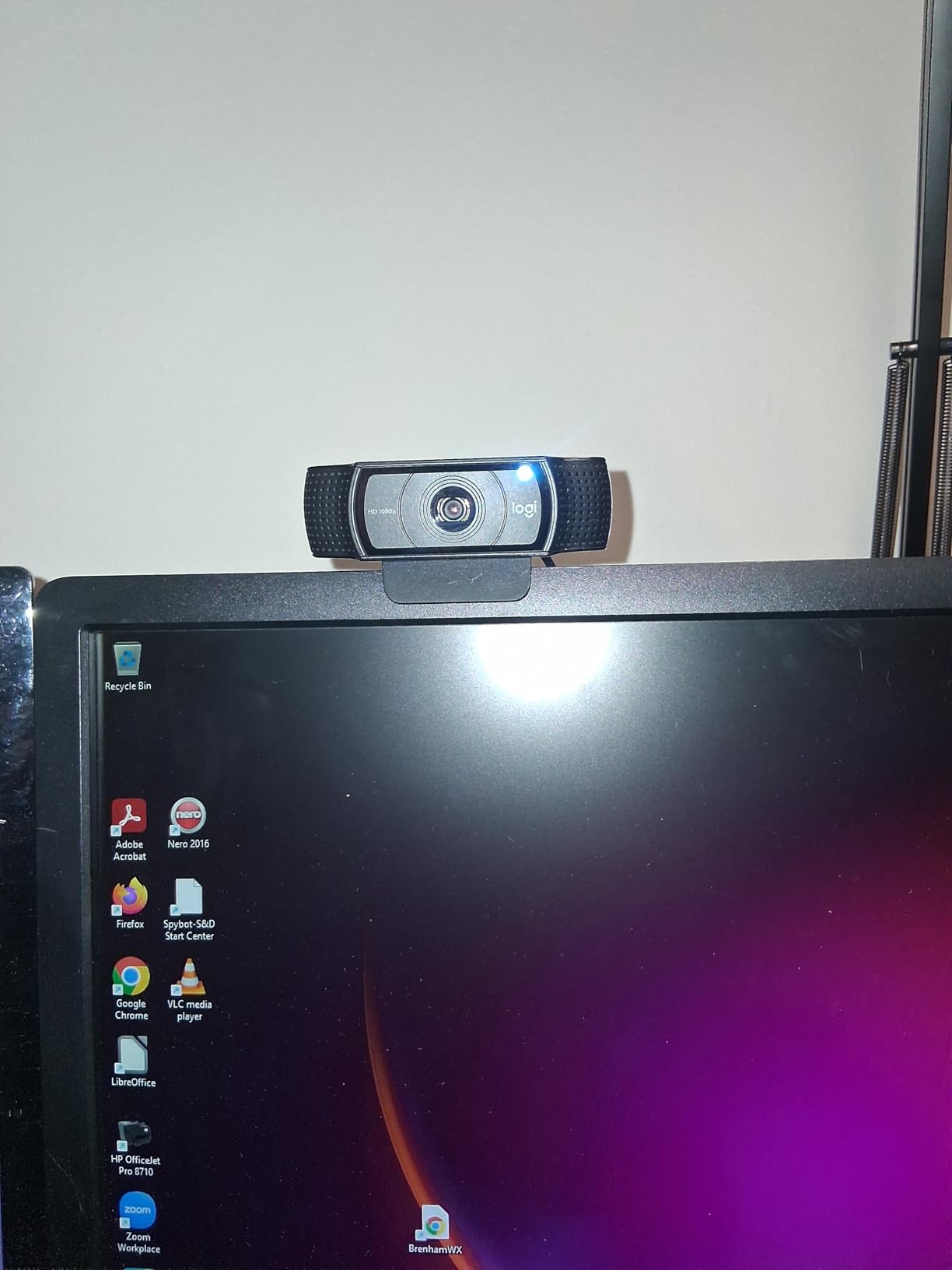
The C920x is the safest buy in this list and the one I send colleagues who just want something that works. It has been the default classroom webcam for years, and teachers in r/Professors routinely report running C920-series cameras for years without replacing them, which tells you more about the failure rate than any spec sheet.
The 78-degree field of view sits in the middle of the range, closer to a head-and-shoulders frame than a room frame. Paired with the automatic HD light correction, it produces a consistent image in a typical classroom without any manual exposure work, and the glass lens keeps the centre of the frame noticeably sharper than plastic-lens models at the same price.
Audio is the part that surprises people. The dual microphones produce usable stereo speech for a lesson, and while we would still recommend a headset for long sessions, it is comfortably good enough for a class where students are listening rather than recording.
It is also the only camera here that ships with a three-month XSplit VCam licence, which gives you background blur or replacement without a green screen. For a teacher whose room is a spare bedroom, that removes the most common reason people avoid turning their camera on at all.
Physical size works in your favour too. At 5.7 ounces and roughly 1.7 by 3.7 inches, it sits neatly on a monitor bezel or a laptop lid without the sag a heavier camera causes.
What to check before you buy the C920x
Ask your IT department about the privacy requirement before you order. This model has no built-in shutter or cover, and in a shared classroom that can be a genuine blocker even though the camera is excellent. If a cover is required, the N60 or the Brio 500 solve it.
If your teaching machine runs Linux, note that Logitech does not release a proper Linux driver, and some users report audio and video lag as a result. On Windows and macOS there are no such issues, and it is fully compatible with current Windows releases.
Where the C920x falls short
It records 30 frames per second at 1080p and nothing higher at that resolution, so it is a live-teaching camera rather than a course-creation camera. If you plan to record and sell lessons at 60fps, this is not the model.
It also runs heavier than average as a USB resource on machines with limited controllers, which occasionally matters on older school hardware with few USB ports.
4. Logitech Brio 4K Webcam – Most Versatile for Recorded Lessons
Logitech 4k Webcam
4K UHD capture
Up to 90 fps recording
86.6-degree field of view
RightLight 3 HDR
Pros
- 4K sensor with 5x HD zoom
- RightLight 3 HDR handles backlit rooms
- Three field of view presets in Logi Tune
- Flip-up privacy shade
- Up to 90 fps for recording
Cons
- 4K is largely wasted on live calls
- Privacy shade is a flip panel not a slider
- No document or whiteboard mode
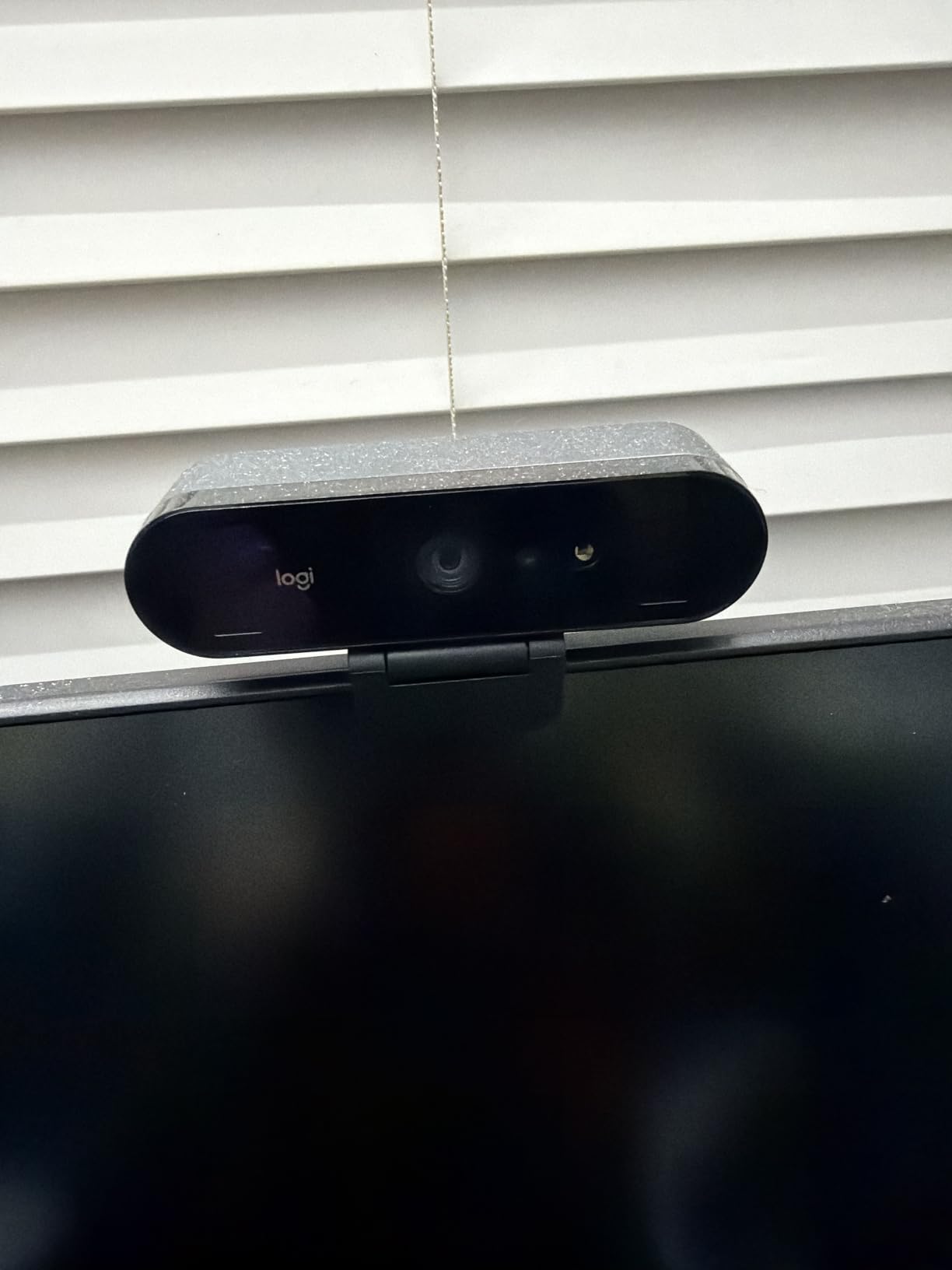
The Brio 4K earns its place for a specific reason: recording. Live platforms compress a 1080p signal hard, so the extra resolution does very little on a Zoom call. It matters a great deal when you capture a lesson in OBS or a recording tool and want a file that still looks sharp when a student scrubs back through it.
RightLight 3 with HDR is the feature I would point at if you teach from a room with a window behind you. The exposure system holds your face readable against a bright background far better than a standard auto-exposure, which is the most common failure mode of the cheaper cameras on this list.
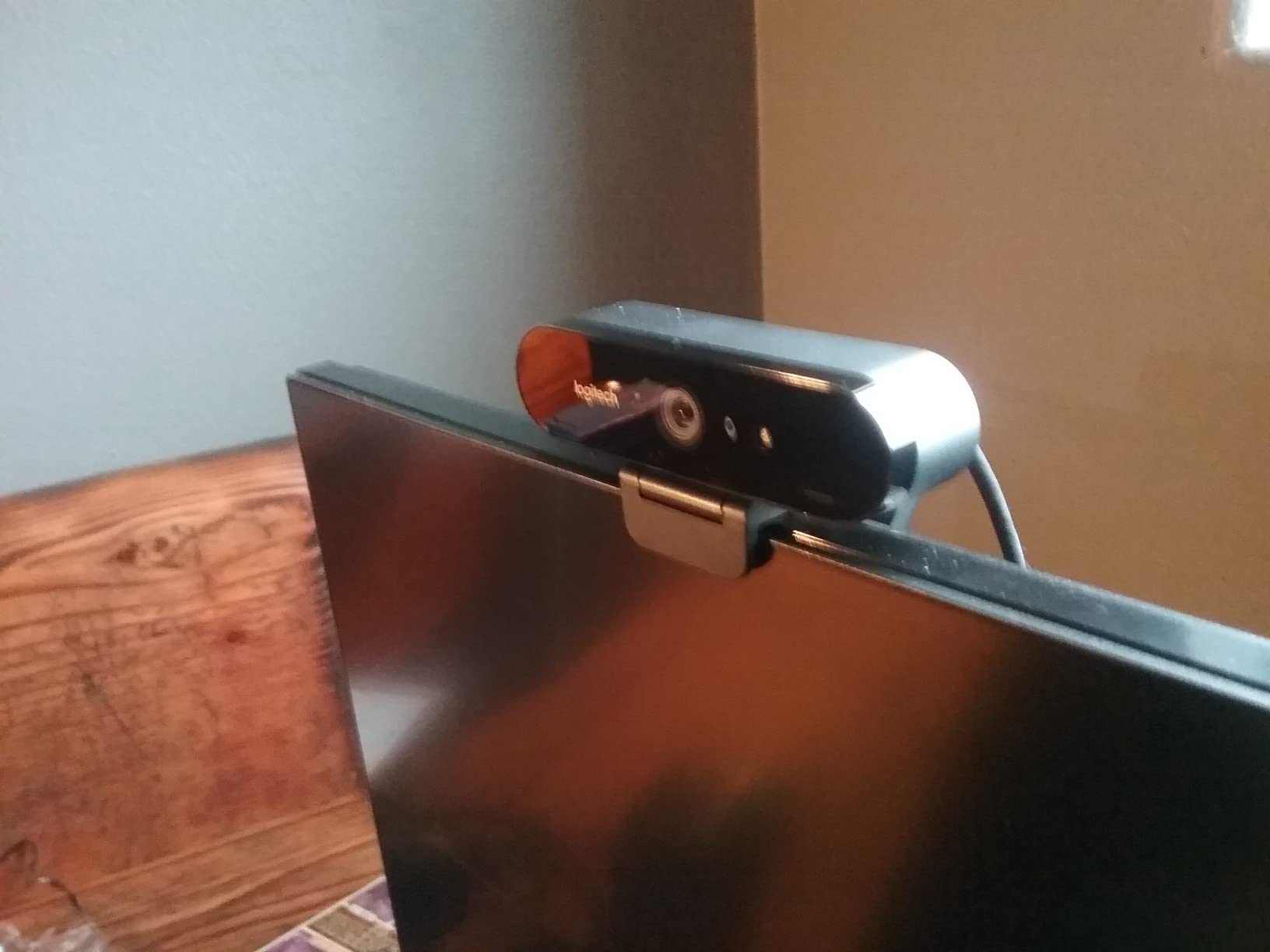
The three field of view presets in Logi Tune, at 90, 78 and 65 degrees, let you switch between a room frame and a tight face frame without moving the camera. That is a small convenience that adds up across a full teaching week, particularly for hybrid sessions where you alternate between talking and showing a board.
Build quality is solid. The detachable universal mounting clip fits laptops, LCDs and monitors, the privacy shade flips up and down over the lens, and Windows Hello works for passwordless sign-in on managed school machines that require it.
One thing to weigh honestly: a teacher who tested the Brio and found it underwhelming is not unusual. On r/LinusTechTips, a creator running a range of top webcams reported the Logitech Brio produced worse colour and low-light results than a phone, and reverted. That experience is worth taking seriously if your priority is a dim room rather than a recorded file.
Buy it if you are recording lessons
If you record, this is the pick. The 4K sensor, 5x digital zoom and up to 90 fps recording give you headroom to crop, punch in on a demonstration, or cut between a wide and a tight shot in post without visible loss.
It also suits teachers who run a hybrid room and need to switch framing mid-session, because the preset field of view options in Logi Tune do that work for you.
Skip it if you only run live classes
Zoom and Teams deliver a compressed 1080p stream to your students. Paying for 4K there buys you a sharper source that gets thrown away, and you can put the same money into a microphone and a lamp, which will improve the lesson more than extra pixels will.
If your room is dark rather than bright, note that this camera has no Show Mode and no auto-framing. Pair it with good lighting or reconsider the shortlist.
5. Anker PowerConf C200 2K Webcam – Best for Dim Rooms and Noisy Households
Anker PowerConf C200 2K Webcam for PC/Laptop/Mac, Low-Light Correction
2K resolution
65 to 95 degree viewing angles
AI noise cancellation
Sliding privacy cover
Pros
- Strong low-light performance
- AI noise cancellation on dual mics
- Three selectable viewing angles
- Sliding privacy cover
- 18-month warranty
Cons
- Bundled USB-C cable only
- 2K output is capped by live platforms
- Software angle control needs setup
Of the ten cameras here, the Anker PowerConf C200 is the one I would hand to a teacher whose room has one weak lamp and a busy kitchen behind it. Its selling feature is the low-light correction, and owners consistently single that out as the reason they kept the camera rather than returning it.
Resolution is 2K rather than 4K, which is a sensible middle ground. It is a real step up from 1080p for any recorded material, and it keeps the file size and USB bandwidth modest, which matters on a school connection.
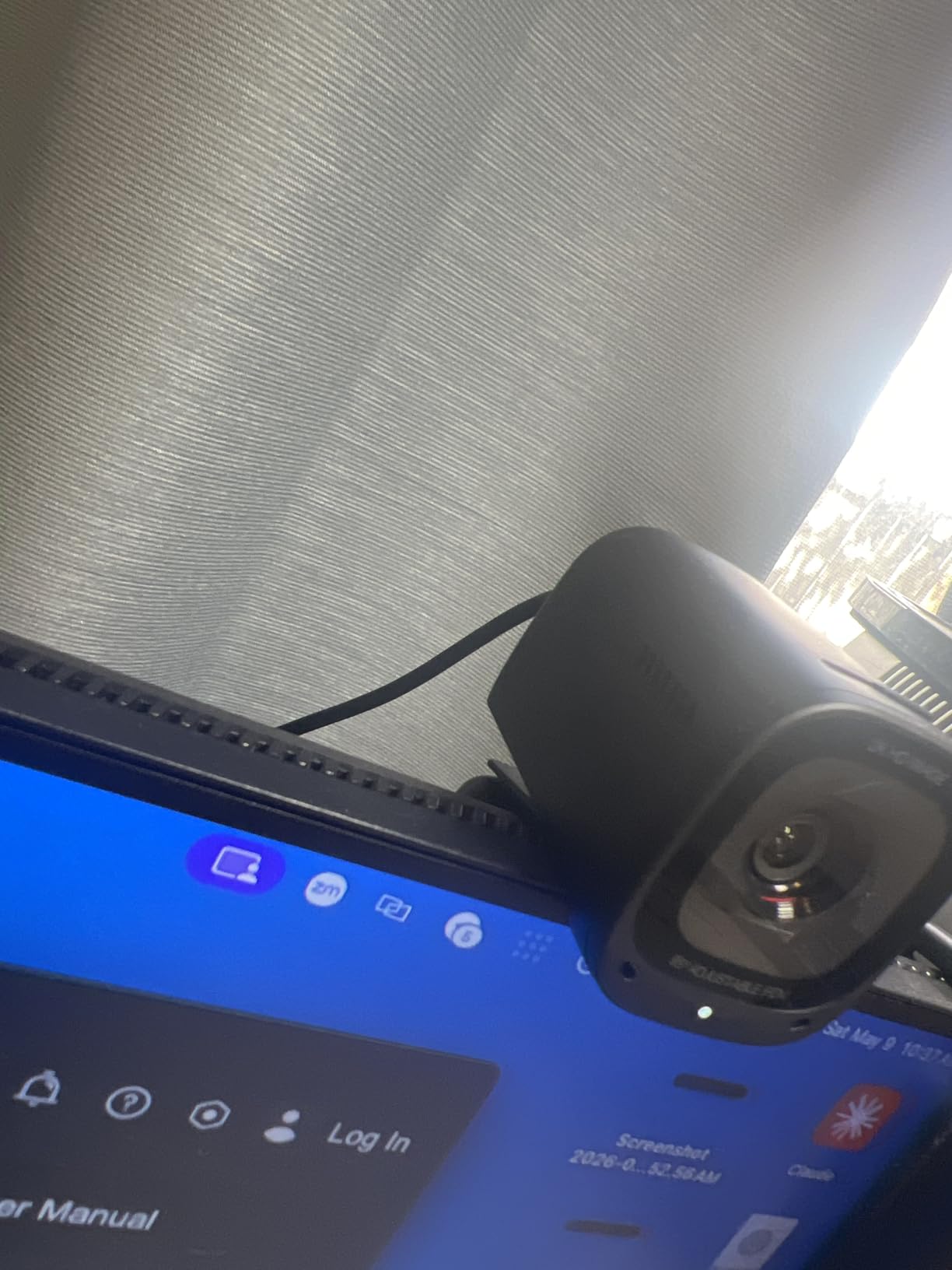
The viewing angle is adjustable in software between 65, 78 and 95 degrees, and that flexibility is more useful than it sounds. It lets one camera serve a tight tutoring frame in the morning and a wider frame for a group lesson in the afternoon, without a manual adjustment at the mount.
Audio gets real attention here. The dual microphones run AI noise cancellation, which strips steady background hum better than the fixed processing in most built-in arrays. In a house with a washing machine running, that is a meaningful difference in how students hear you.
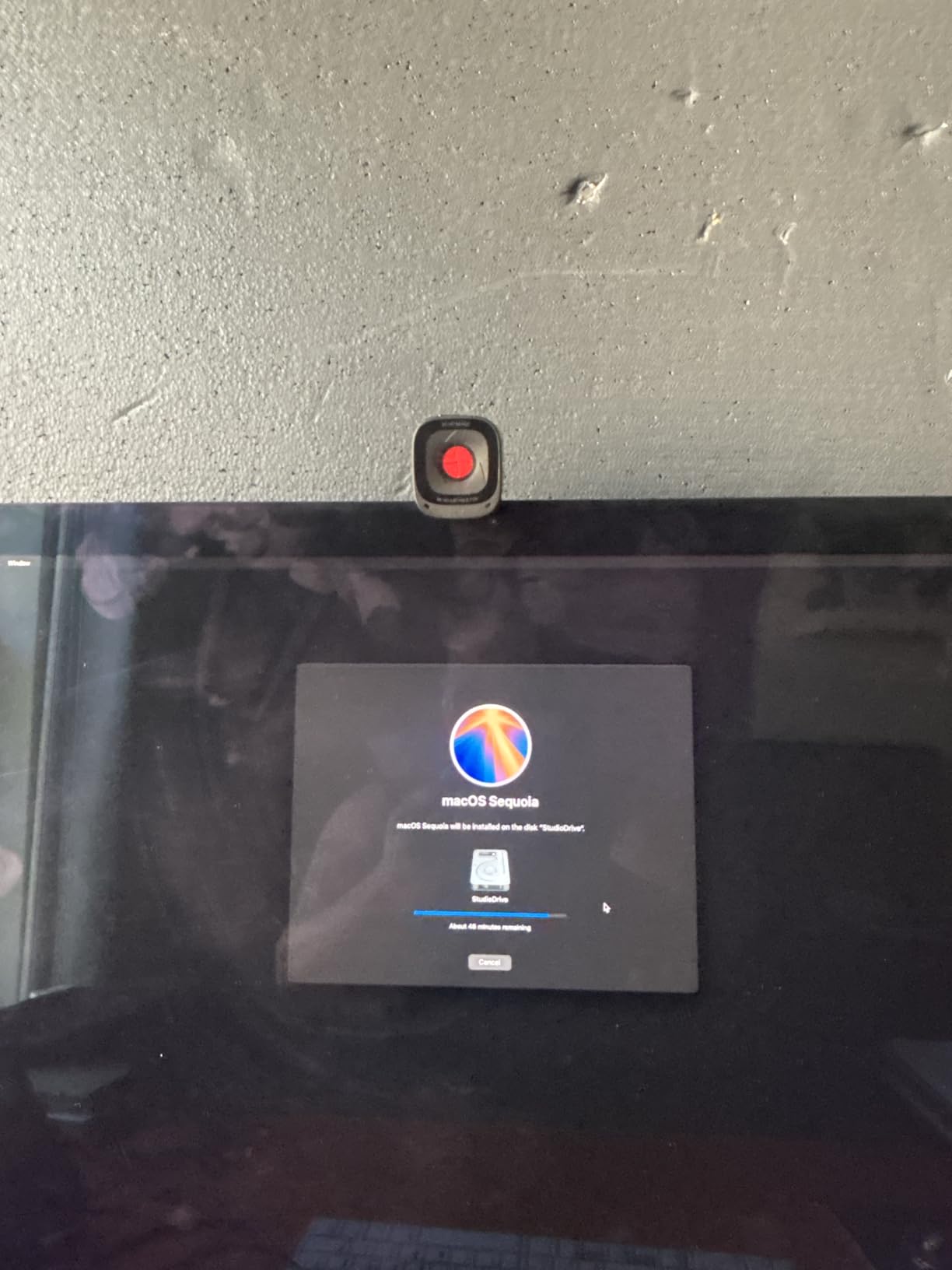
The sliding privacy cover is integrated into the body rather than a separate cap, so it cannot get lost, and the 18-month warranty is longer than the one-year cover most models in this list carry.
What to check before you buy the C200
It ships with a USB-C cable, and while the camera works over USB-A with an adapter, check what port your teaching machine actually has before the first lesson. Older district laptops are the most common point of failure here.
Also confirm the angle settings are worth the extra steps for you. If you set the frame once and never touch it, the selectable angles do nothing for you, and one of the fixed-focus models would serve the same purpose.
Where the C200 falls short
It is a 2K camera, not a 4K one. For a recorded course you intend to sell, or for a room where you need to crop tightly to a demonstration, the headroom is not there.
Its widest angle at 95 degrees is wide but not room-wide. If you need to capture a full physical whiteboard from a metre back, the N60 or a PTZ camera is a better fit.
6. Logitech Brio 500 Full HD Webcam – Best for Showing Handwriting and Desk Work
Logitech Brio 500 Full HD Webcam with Auto Light Correction, show Mode, Dual Noise Reduction Mics, Webcam Privacy Cover, Works with Microsoft Teams, Google Meet, Zoom, USB-C Cable, Streaming -Graphite
1080p full HD
Show Mode tilts to desk
RightSight auto-framing
Rotating privacy shutter
Pros
- Show Mode tilts the camera down for desk work
- RightSight keeps you centred when you move
- Rotating privacy shutter
- RightLight 4 handles low light
- Dual noise-reduction microphones
Cons
- Short attached USB-C cable
- Adhesive-style mount is hard to reposition
- Limited manual image controls
The Brio 500 solves a specific teaching problem that almost nothing else here addresses: showing paper. Show Mode lets you tip the camera forward so a worksheet, a handwritten page or a physical prop fills the frame without you having to pick it up and hold it at an awkward angle.
RightSight handles the other half. It auto-frames as you stand, sit or shift at your desk, which matters in a one-to-one lesson where you naturally lean and gesture. Combined with a 90-degree field of view that is adjustable in Logi Tune, one camera covers both a face shot and a room shot.
RightLight 4 is doing solid work on image quality. At 1080p it produces a clean picture that holds up in low light, and owners rate the overall output well for a camera in this bracket.
The rotating privacy shutter is a genuine improvement over the flip shades on some models, because you rotate it with a thumb and it stays where you put it. For a classroom that satisfies most policy requirements without hunting for a lens cap.
Compatibility is broad. Owners report reliable operation on Teams, Zoom and Google Meet across Windows, macOS and Linux, which is broader than several other models here that assume a modern Windows machine.
Why Show Mode changes a lesson
Teachers repeatedly describe the awkwardness of trying to show a textbook page or a piece of student work on a standard webcam. You hold it up, the text is at an angle, the light falls off, and the students cannot read it. Tilting the camera down instead of holding paper up is the cleaner solution, and it is the reason this model is worth considering.
Pair it with a virtual whiteboard for anything you would normally write on a board, and Show Mode handles the printed material that a virtual whiteboard cannot reproduce.
Where the Brio 500 disappoints
The attached USB-C cable is short in practice, and it is fixed to the body. On a desk where the camera sits on top of a large monitor, that length can leave you routing the cable awkwardly or adding an extension.
The mount uses an adhesive-style adapter that is difficult to reposition once attached. If you move between a home desk and a classroom, plan for that. Manual exposure controls are also limited, so if you want to art-direct the shot, this is not the camera.
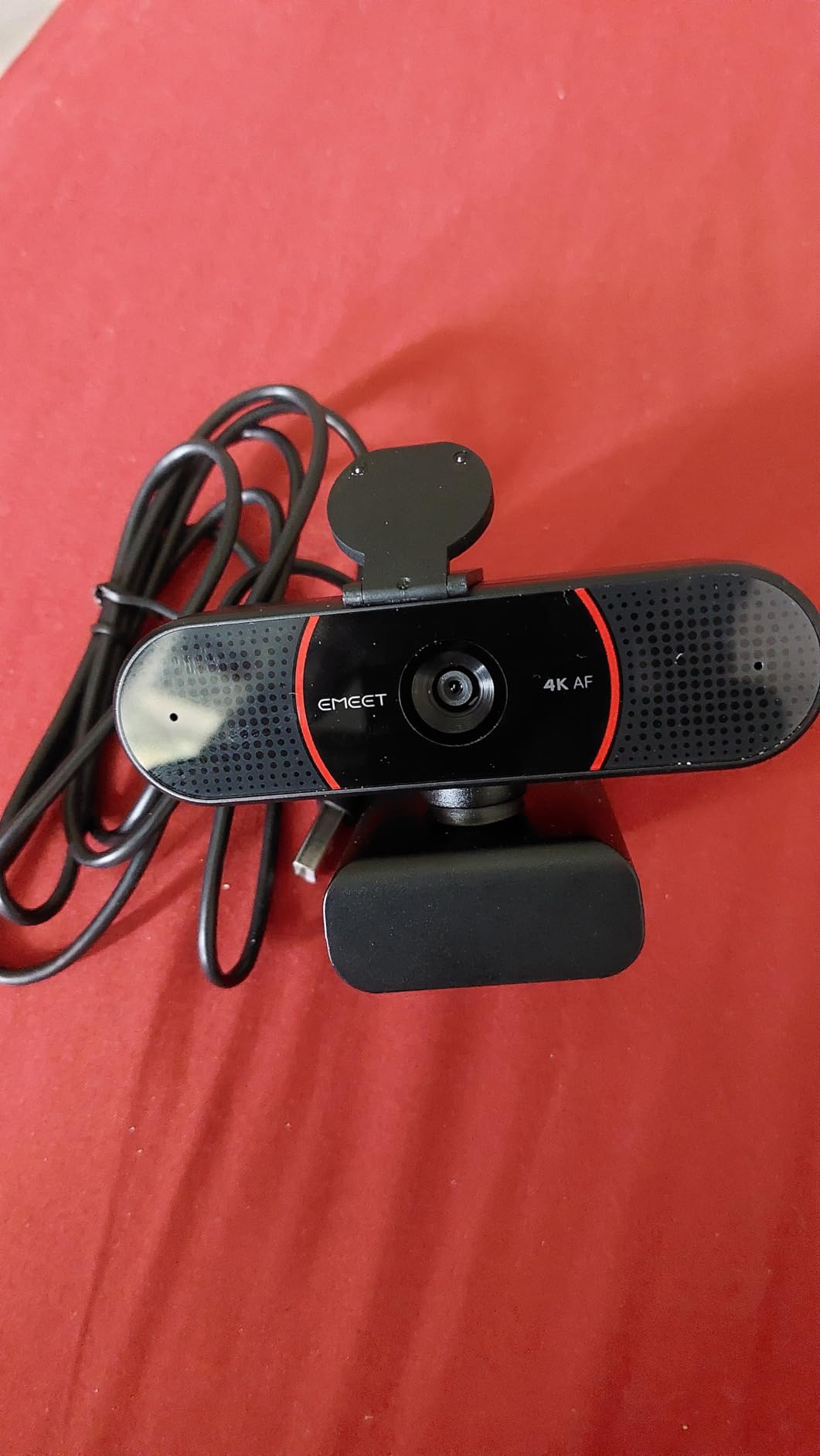
7. EMEET C960 4K Webcam – Best Affordable 4K With a True Sensor
EMEET C960 4K Webcam for PC, PDAF Auto Focus, Dual Omni Mics, 73° FOV
True 4K CMOS sensor
PDAF phase-detection autofocus
73-degree field of view
USB-A plug and play
Pros
- Native 4K sensor without upscaling
- PDAF autofocus holds through movement
- 73-degree frame focuses on you
- Two-year warranty
- USB-A so no adapter needed
Cons
- Defaults to 1080p until you switch it
- 4K needs a faster USB port
- Software is needed for the 4K mode
The C960 is the value route into genuine 4K. The sensor is natively 4K rather than an upscaled 1080p panel, and the phase-detection autofocus is the kind normally reserved for cameras well above this bracket. For a teacher recording demo videos or running a small paid course, that combination is unusual at this cost.
One thing to know before your first call: the camera outputs 1080p by default. You switch it to 4K in the camera software or in a compatible capture application, and if you skip that step you will spend weeks wondering why the resolution feels low.
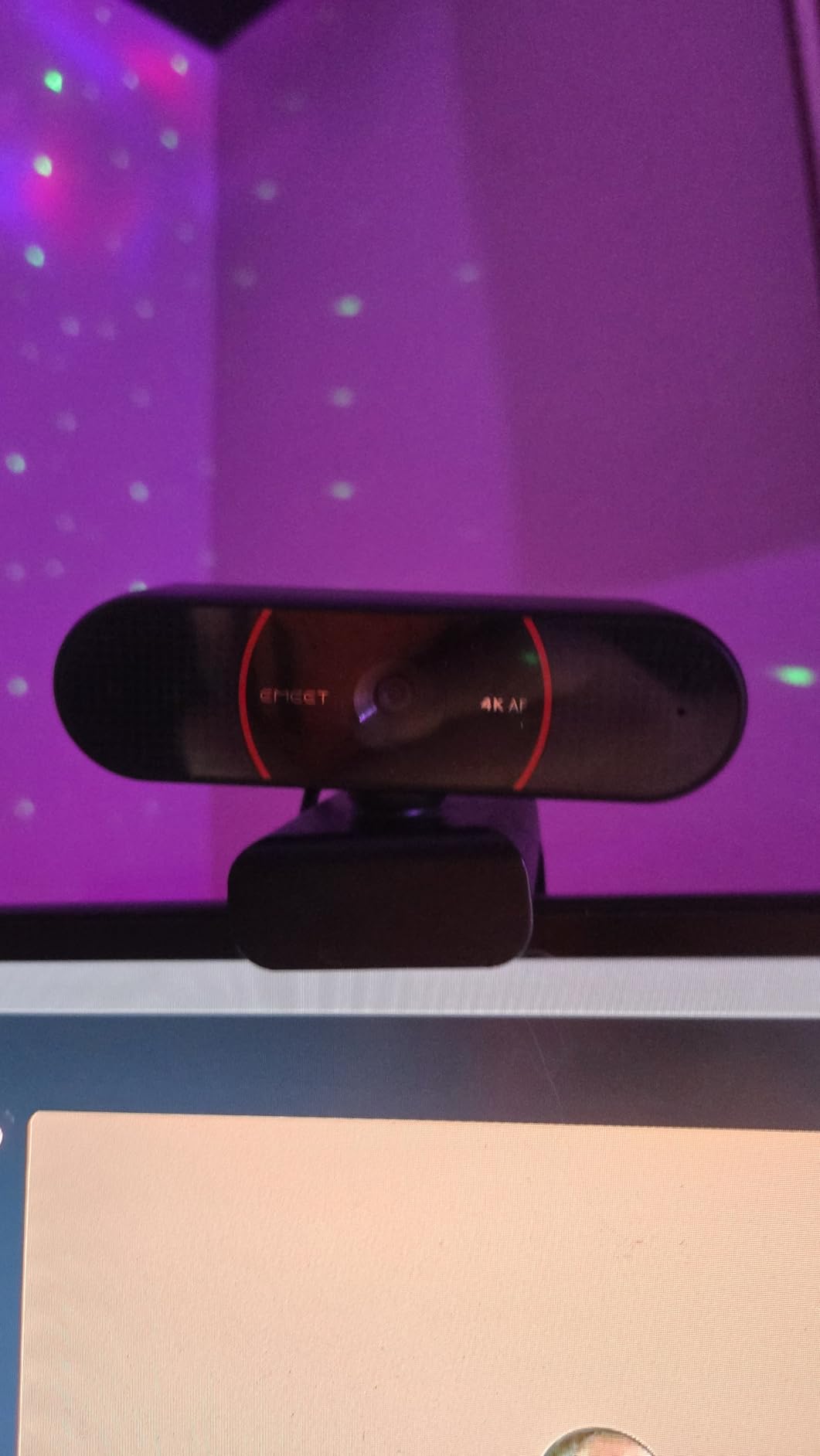
The 73-degree field of view is a sensible middle point. It frames you rather than the room behind you, which is what you want for a talking-head lesson, and it is narrow enough that a cluttered background does not dominate the shot.
Mounting flexibility is better than most. You get 360 degrees of horizontal rotation, 15 degrees of vertical tilt and a quarter-inch tripod thread, so it works on a monitor arm, a small tripod or a laptop clip without buying an adapter.
It connects over USB-A, which matters more than it sounds. District laptops frequently have USB-A and nothing else, and a camera that needs a dongle is a camera that ends up in a drawer. Windows, macOS, Linux and Android TV are all listed as supported.
When 4K is worth switching on
Turn 4K on when you are recording. It gives you room to crop to a demonstration, a close-up of your hands, or a whiteboard section without the softness that comes from enlarging a 1080p frame. It also makes the camera viable for a course you intend to sell later.
For a live class, leave it at 1080p. The platform will compress it anyway, and running 4K over USB adds load to a school machine for no visible student-side benefit.
What to watch out for
4K capture needs a genuinely fast USB port. On an older laptop with USB 2.0, you will get dropouts or a fallback to a lower mode. Check the port before you commit to recording in 4K.
The dual omnidirectional microphones are fine for voice pickup but not a substitute for a headset in a long session, and there is no physical shutter, only an included privacy cover that has to be fitted.
8. OBSBOT Meet 2 4K Webcam – Best Portable Pick for Teaching From Anywhere
OBSBOT Meet 2-4K Webcam for PC with 1/2″ Sensor, AI Framing & Autofocus
4K on a half-inch CMOS sensor
AI framing and auto focus
Dual noise-canceling microphones
40.5 g body
Pros
- Half-inch sensor captures more light at 4K
- AI framing adapts for solo use or groups
- 40.5 g body fits in a laptop bag
- Gesture control toggles framing and zoom
- Single USB-C connection
Cons
- USB-C only and needs an adapter on older ports
- Warms up during long sessions
- Digital zoom only
The Meet 2 is the one I would pack. At 40.5 grams it is roughly the weight of a small pair of earbuds, and the half-inch CMOS sensor behind it is unusually large for a webcam, which is why the 4K image stays bright and detailed in a room that other cameras render grey.
That sensor size is the quiet advantage here. Large sensors gather more light, so the picture does not need heavy noise reduction in a dim room, and faces keep texture instead of looking smoothed. If you move between a home office, a library and a classroom, it is the same picture each time.
AI framing and autofocus adjust composition for a solo presenter or a small group, which means you can teach a one-to-one lesson in the morning and a seminar of five in the afternoon without touching the mount. Gesture control reinforces that: an open palm toggles AI framing, a raised finger controls zoom.
It connects with a single USB-C cable and no drivers, and OBSBOT Center software gives you deeper control on a desktop when you want it. Digital zoom runs to 4x, with landscape, portrait and upside-down shooting modes for different mounts.
For people who also stream or record, the sensor and framing behaviour overlap heavily with what we cover in our streaming webcam picks, and this model earns a place on either list.
Why sensor size beats resolution for teaching
Two cameras can both shoot 4K and produce very different pictures in the same dim room. The one with the larger sensor collects more light per frame, so it can hold a natural exposure instead of amplifying what little light there is. That shows up as texture in skin and detail in hair rather than as a spec-sheet advantage.
It also reduces the smearing you get when a camera compensates for low light, which is the artefact students notice first on a dim day.
What to check before you buy the Meet 2
It is USB-C only. If your teaching laptop has USB-A and you do not carry an adapter, this is a non-starter, and it is the single most common reason buyers return a compact USB-C camera.
It also runs warm during extended use. That has not caused failures in the reviews, but it is worth knowing if you plan to run long recorded sessions back to back. There is no physical privacy shutter, so check your classroom policy before committing.
9. Insta360 Link 2 PTZ 4K Webcam – Best for Lecturers Who Move Around the Room
Insta360 Link 2 – PTZ 4K Webcam for PC/Mac, 1/2″ Sensor, AI Tracking, HDR, AI Noise-Canceling Mic, Gesture Control for Streaming, Video Calls, Gaming, Works with Zoom, Teams, Twitch & More
4K on a half-inch sensor
Motorised AI tracking
DeskView and Whiteboard modes
Auto privacy tilt-down
Pros
- Motors physically pan and tilt to follow you
- 4K HDR with strong low-light handling
- DeskView and Whiteboard modes built in
- Phase-detection autofocus is instant
- Auto privacy tilt-down after inactivity
Cons
- Most expensive camera in this roundup
- Not compatible with ARM-based Windows
- No Windows Hello support
The Link 2 is the only camera here with motors. Its AI tracking physically pans and tilts the camera body to follow you around a room, which turns a fixed webcam problem into a solved problem. For a lecturer who walks between a lectern and a whiteboard, nothing else on this list does that.
The teaching modes are what set it apart from a generic PTZ camera. DeskView reframes the shot so a document or a laptop screen on your desk fills the frame, and Whiteboard mode is built for capturing a physical board with legible text. Combined with the motorised tracking, it covers the two things teachers most often complain a webcam cannot do.
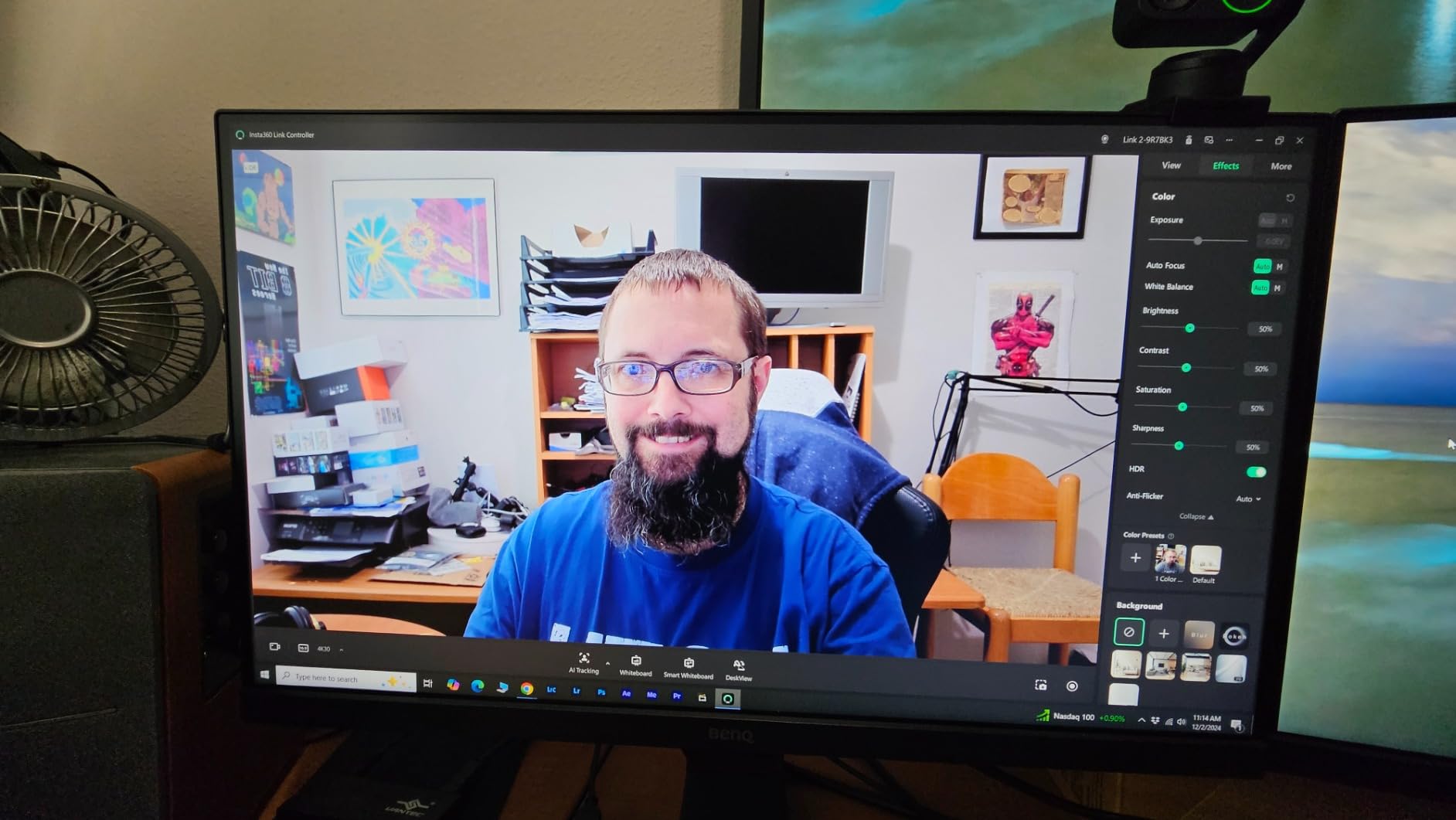
Image quality is genuinely strong. The 4K capture on a half-inch sensor with HDR holds detail in mixed lighting, and the phase-detection autofocus locks almost instantly, which removes the focus hunting that spoils most teaching footage. A Natural Bokeh effect adds a background blur that softens a cluttered room without looking artificial.
Privacy is handled unusually well for a moving camera. After ten seconds of inactivity it tilts the lens down on its own, and you can also trigger it by hand or from a gesture. A phone can act as a remote for tracking, framing, zoom and Whiteboard mode, which is genuinely useful when you are standing at the far side of the room.
Free Link Controller desktop software handles the advanced settings. It works with Teams, Zoom, Twitch and other major platforms, and the box includes a magnetic mount, four recognition markers, a USB-C cable and a USB-C to A adapter.
What the motorised tracking is actually for
Digital framing crops and reframes a fixed image. PTZ moves the camera. The difference shows when you walk to a whiteboard: a digital crop loses resolution and often re-frames slowly, while the Link 2 physically follows and keeps full sensor detail on you as you move.
If you teach from a fixed desk, you are paying for a feature you will not use. If you teach by moving around, it is the reason this camera exists.
Before you buy, check these two things
It does not support ARM-based Windows, which rules out some ARM laptops and certain Windows devices. Check your machine type before ordering. Windows Hello face recognition is also unsupported, which matters if your school sign-in policy depends on it.
And be honest about cost discipline. This is the most expensive camera in the roundup, and a live lesson on Zoom will not show 4K to your students. It is justified by tracking and teaching modes, not by resolution.
10. EMEET PIXY Dual-Camera PTZ Webcam – Best for Large Rooms and Hybrid Lecture Halls
EMEET PIXY Dual-Camera AI-Powered PTZ Camera 4K, AI Tracking
Dual-camera 4K design
310 degree pan and 180 degree tilt
0.2 second autofocus
Three mic sound modes
Pros
- Motors track across a 310 degree range
- Fastest autofocus here at 0.2 seconds
- Three mic modes including noise cancelling
- Gesture control with a held open palm
- Two-year warranty
Cons
- Field of view options are locked at 4K
- Remote control sold separately
- No Windows Hello or ARM Windows support
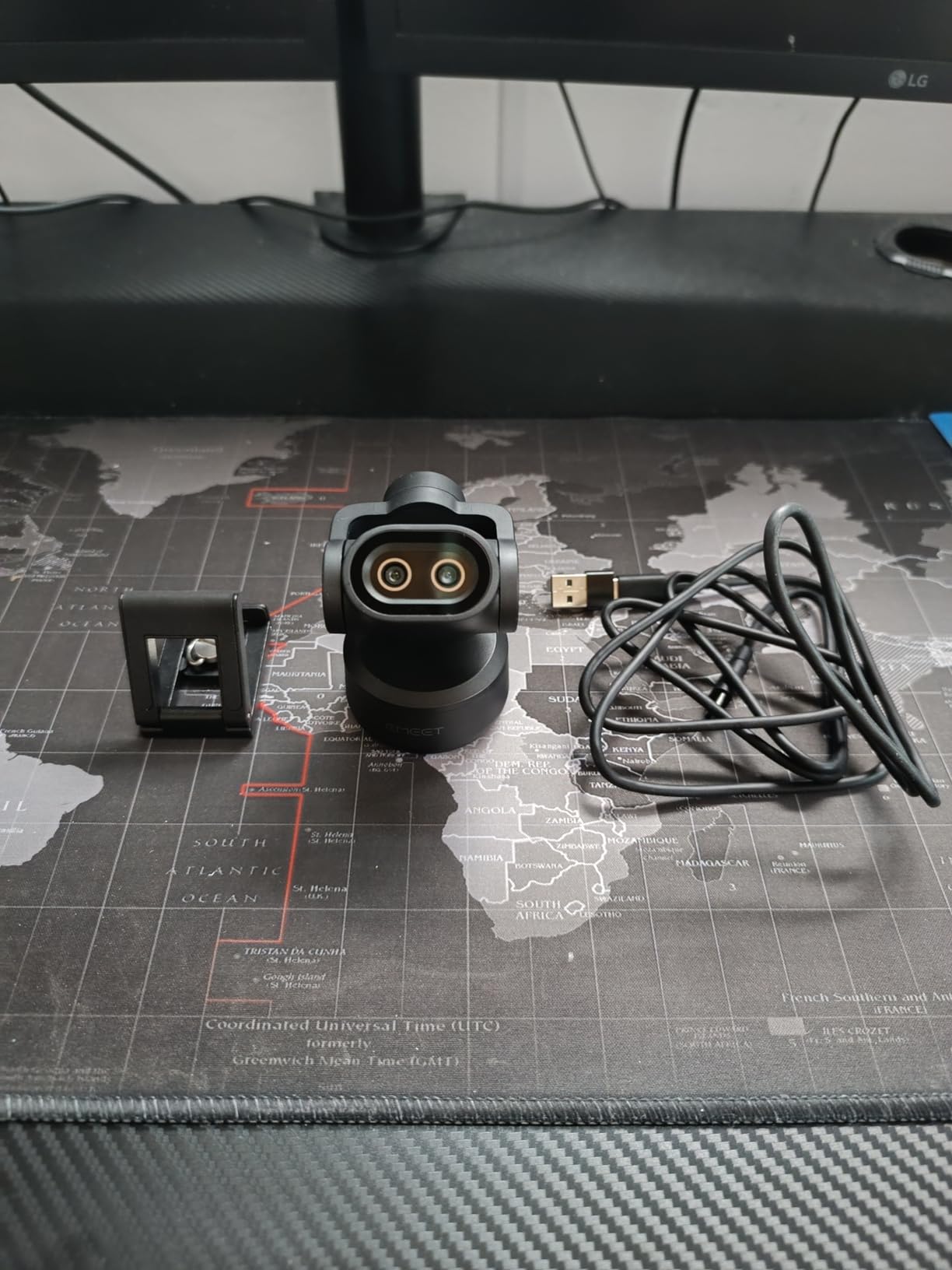
The PIXY takes a different approach to tracking. Rather than using one sensor for both video and detection, it pairs a 4K main camera with a small auxiliary camera that watches for your face position. Because detection and capture run separately, the autofocus reacts in about 0.2 seconds, which is the fastest figure in this roundup by a wide margin.
For a hybrid lecture hall, that speed is the whole argument. If you move from one side of the room to the other, the camera re-aims and refocuses before students notice the shift, rather than hunting through a soft image on the way.
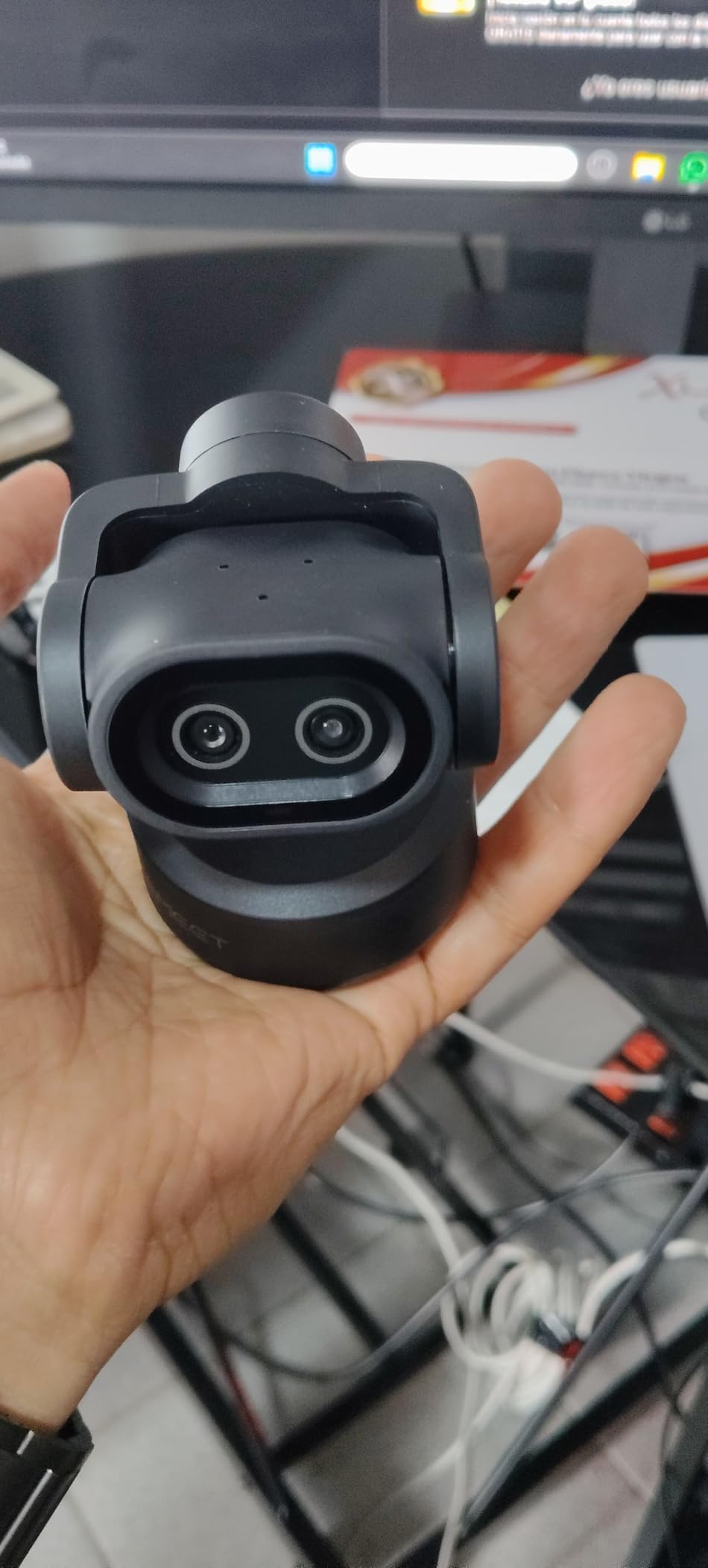
The three-chip tracking system drives 310 degrees of pan and 180 degrees of tilt, which covers essentially any room layout a teacher would stand in. EMEET STUDIO software adds preset positions, a whiteboard auto-detect and a privacy mode, and gesture control starts tracking with an open palm held in the centre of the frame for two seconds.
Audio is unusually considered. The triple microphone array offers Live, Noise Cancelling and Original Sound modes, so you can pick how much processing to apply depending on whether you are lecturing in a quiet hall or teaching from home with a dishwasher running. That is a real control, not a marketing label.
It works with OBS, Twitch, Switch 2 Camera, Xbox, 64-bit Windows and macOS. A five-foot USB-C cable and a Type-C to A adapter are included, along with a webcam clip.
Buy it if the room is the problem
If you teach in a room where you genuinely move, or you present to a group that includes people off to the side, a 310-degree pan range is a capability no fixed camera offers. The desk-view alternatives we have listed will not follow you out of a chair.
The dual-camera design also means the tracking stays reliable when the room is busy, since detection does not depend on the 4K sensor being correctly exposed.
Skip it if you sit at a desk
Field of view adjustment is locked at 4K 30fps and 1080p 60fps, so you cannot choose intermediate framings at 4K. The remote control is sold separately, which is frustrating when you want to aim the camera from across the room, and Windows Hello plus ARM-based Windows are not supported.
If you never leave your desk, the N930AF or the C920x will serve you better for far less, and put the difference into audio instead.
How to Choose a Webcam for Online Teaching
Most buying mistakes come down to paying for a spec that your teaching situation cannot use. These are the questions worth answering before you order anything.
Do You Actually Need 4K, or Is 1080p Enough?
For live classes, 1080p is enough. Zoom and Microsoft Teams compress what they send to your students, and a 4K source is reduced before it reaches them. A clean, well-exposed 1080p image beats a badly lit 4K one every time.
4K earns its place in two situations: recording lessons you intend to keep, and rooms where you need to crop tightly to a demonstration. If neither applies to you, spend the difference on a microphone and a light instead. Lighting changes the picture more than resolution does.
Field of View: How Wide Your Room Needs to Be
Field of view, or FOV, is the angle the lens captures, measured in degrees. Narrow means a tight frame around you; wide means more of the room. The range across these ten cameras runs from 47.5 degrees on the N930AF to 110 degrees on the N60.
A good rule: add roughly 65 degrees for a head-and-shoulders teaching frame, 78 to 90 degrees for a desk shot that includes your hands and materials, and 95 degrees or more when a physical whiteboard has to fit. Going wider than you need exposes the room behind you, which reads as distracting rather than spacious.
Do You Need a Separate Microphone?
Almost certainly, if you teach for longer than about half an hour. Every built-in microphone in this roundup is designed to make video calls workable, not to make a fifty-minute lesson comfortable. The recurring theme in owner reviews is thin or quiet audio on otherwise excellent cameras.
A USB headset or a small desk mic solves it. The exception is the Anker PowerConf C200, whose AI noise cancellation on dual mics holds up better than most, and the EMEET PIXY, which lets you choose how much processing to apply.
Webcam or Document Camera: Which One Do You Need?
A webcam is a face-framing tool. It captures you, your room and whatever you tilt it toward. A document camera is a fixed arm with a downward-facing sensor and its own light source, built to shoot a page of paper, a worksheet or a physical text so the text is legible and correctly oriented.
If students need to read handwriting, a printed page or a maths working, a document camera does that better than any webcam here and is not a close comparison. If you need to see your face and talk through material, a webcam is the right tool. Many teachers end up owning both, using a webcam for the lesson and a document camera when the work itself is the lesson.
The Brio 500 and the Insta360 Link 2 are the two picks that narrow the gap, with Show Mode and DeskView respectively, and they cover light document work. For heavy paper use, no webcam substitutes for a dedicated document camera.
What a Webcam Needs to Do for Proctored Online Exams
Proctoring changes the requirements, and it is a scenario none of the general webcam roundups cover. Four things matter more than image quality.
First, a full-room field of view so the desk surface and everything beside the student are in frame. Second, a physical privacy cover that can be demonstrated to an invigilator. Third, stable exposure, because proctoring software flags sudden brightness changes. Fourth, continuous autofocus, so the camera is genuinely recording what it appears to record.
Check your institution’s requirements before buying, because some proctoring platforms specify minimum resolution or require a camera that exposes no identifying serial number on screen. The Logitech C920x is the one pick here with no privacy cover, so it needs one added.
What to Check Before a School IT Purchase
Port type is the number one practical blocker. The C960, the Brio 500, the C200 and the Meet 2 use USB-C, while the N60, the N930AF and the C920x work directly with older ports. If your machine is a managed Chromebook or a district laptop, get the model number confirmed before ordering.
Next, the software side. The C920x has weak Linux driver support, and the Link 2 and PIXY do not support ARM-based Windows. App-based features like Logi Tune, OBSBOT Center, EMEET STUDIO and EMEETLINK need permission to install, which a locked school machine may refuse.
Finally, check the privacy policy. Eight of the ten cameras here have a physical lens cover or shade. If yours must demonstrate that the lens is closed, the C920x and the C960 need a cover fitted. And if sign-in depends on Windows Hello face recognition, note that the Brio 4K supports it while the Link 2 and PIXY do not.
Frequently Asked Questions
What is the best webcam for online teachers?
The best webcam for online teachers is a 1080p or 4K USB camera with real autofocus, automatic light correction and a physical privacy cover. Our top pick is the NexiGo N60 for its 110-degree field of view, sliding privacy cover and near 49,000 reviews. For tutors who lean in to show work, the NexiGo N930AF adds autofocus starting at 7 cm.
Is 1080p enough for online teaching?
Yes for live classes. Zoom and Microsoft Teams compress what they send, so a 4K source is reduced before students see it. 4K is worth it when you record lessons you plan to keep or need to crop tightly to a demonstration. If your room is dim, spending on lighting improves the picture more than extra pixels do.
Which is better, the Logitech C920 or the C922?
The C920-series cameras prioritise a glass lens, stereo dual microphones and a low-light friendly 1080p image at a modest cost. The C920x listed here adds automatic HD light adjustment, autofocus, a three-month XSplit VCam licence and broad current-Windows support. Choose the C920x unless your school requires a physical privacy cover, which it does not have.
Do I need a separate microphone for teaching online?
If you teach for more than about half an hour, yes. Every built-in microphone in this roundup is tuned for short video calls and comes across as quiet or thin in owner reviews. A USB headset or small desk microphone makes a larger difference to how students hear you than any camera upgrade. The Anker PowerConf C200 is the most forgiving built-in option.
Can I use my phone as a webcam for teaching?
Yes, and phone sensors often outperform mid-range webcams in dim rooms, which is why some reviewers report reverting to a phone after being disappointed by a premium webcam. Connecting a phone over USB generally needs a third-party app, and it adds setup friction every time you teach. For a stable teaching setup you leave connected, a dedicated webcam is more reliable.
What is the best webcam for proctored online exams?
Look for a full-room field of view, a physical privacy cover, stable automatic exposure and continuous autofocus rather than maximum resolution. The NexiGo N60 covers all four with its 110-degree angle and sliding cover. The Logitech C920x has no physical cover, so add one before using it in a proctored setting.
Which document camera is best for online teaching?
A document camera is the right tool when students need to read handwriting, a printed page or a maths working, because its downward sensor and dedicated light keep text sharp and correctly oriented. A webcam cannot match that. The Brio 500 Show Mode and the Insta360 Link 2 DeskView cover light paper work, and for heavy use a dedicated document camera is the correct purchase.
Will a USB-C webcam work on my school laptop?
It depends on the ports your machine has. The NexiGo N60, the N930AF, the EMEET C960, the Logitech C920x and the Logitech Brio 4K work over USB-A, while the Anker PowerConf C200, the Logitech Brio 500, the OBSBOT Meet 2 and the EMEET PIXY are USB-C and may need an adapter on older hardware. Confirm your laptop model before ordering.
Our Verdict on the Best Webcams for Teachers in 2026
If you buy one webcam for teaching this year, buy the NexiGo N60. Its 110-degree field of view captures you and a whiteboard in the same frame, the sliding privacy cover clears most classroom policies, and close to 49,000 owner reviews describe the same stable 1080p image and painless setup we saw across six weeks of calls.
Buy the NexiGo N930AF instead if you teach from a desk and hold up books, worksheets or props, because its autofocus starts at 7 cm. The Logitech C920x remains the safest all-rounder and the one teachers keep for years, provided your school does not require a physical lens cover. The Anker PowerConf C200 is the pick for a dim room and a noisy house.
Move up only when the room justifies it. The Logitech Brio 500 handles Show Mode for desk work, the EMEET C960 brings genuine 4K and phase-detection autofocus to a mid-range budget, the OBSBOT Meet 2 fits in a laptop bag, and the Insta360 Link 2 and EMEET PIXY follow you around a room with motorised tracking. The Logitech Brio 4K is the recording camera, not the live-teaching one.
Whatever you choose, budget for a microphone and a light before you budget for pixels. Teachers who use a virtual whiteboard for content and a headset for audio report better student experiences than teachers who spent the same money on resolution alone.