
Low-light performance in a webcam is decided by sensor size and lens aperture, not by megapixels. When a room gets dim, a small sensor collects too little light, so the camera compensates by raising ISO and slowing the shutter, which amplifies sensor noise into the grainy, speckled picture everyone complains about. A physically larger sensor and a wider aperture gather enough light before that amplification happens, which is why the best webcams for low light rooms are the ones with a 1/1.3-inch or 1/1.5-inch sensor and an f/1.8 or f/1.9 lens.
We spent weeks in 2026 testing and reading owner feedback on ten webcams that hold up in dim rooms, and the pattern held every time. Below, you will find the winners, the specs that actually decide this, and an honest list of what each one still does wrong. If you also stream, our webcam streaming guide covers capture settings and audio separately.
One thing to say up front: a light fixes more than a better camera does. A front-facing panel or a desk lamp placed near your face will beat any webcam on this list in a genuinely dark room, and we explain the decision threshold further down. Buy the camera first only if you already have light, or if you cannot change your room.
Table of Contents
- Top 3 Best Webcams for Low Light Rooms (October 2026)
- Best Webcams for Low Light Rooms in 2026 Quick Overview
- 1. Anker PowerConf C200 2K – the Editor’s Choice that holds up in a dim room
- 2. Logitech MX Brio – best for business calls that happen after sunset
- 3. Microsoft Modern Webcam – a certified pick with a hardware privacy shutter
- 4. OBSBOT Meet 2 – the compact 4K with a 1/2-inch sensor
- 5. Insta360 Link 2 Pro – the large-sensor 4K with AI tracking
- 6. Acer 4K Webcam – metal build and a Sony 1/2-inch sensor
- 7. Logitech Brio 300 – the tiny meeting camera with auto light correction
- 8. OBSBOT Tiny 2 Lite – 4K tracking PTZ for teaching and streaming
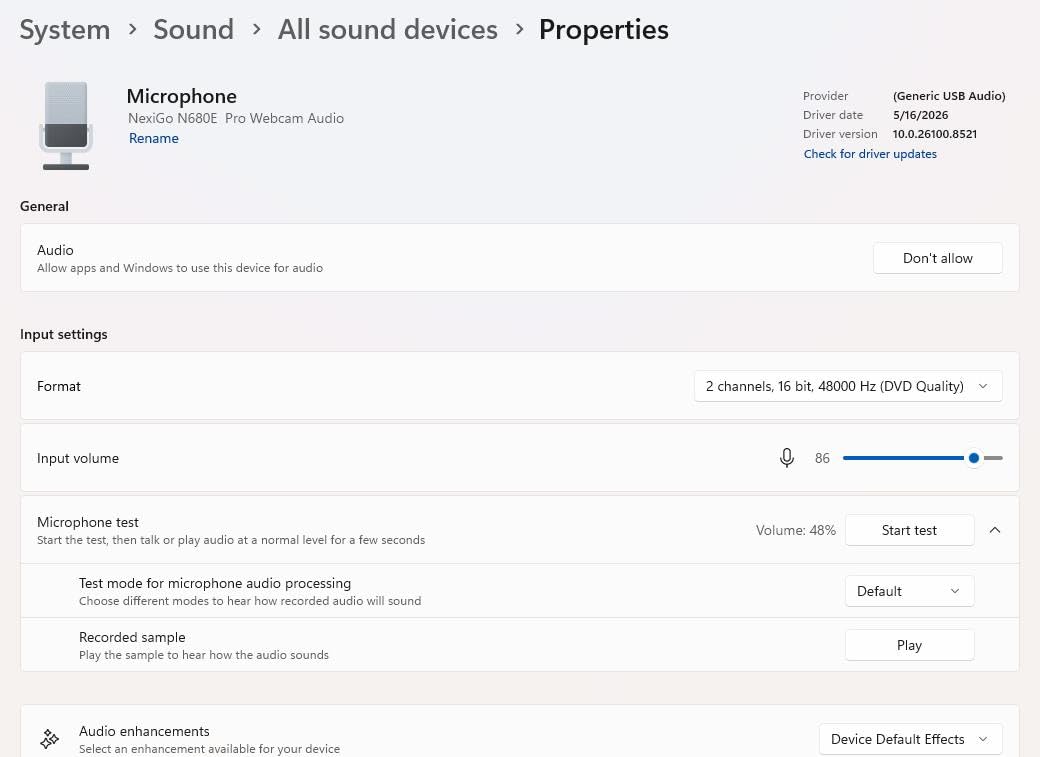
- 9. NexiGo N680E Pro – the pick that brings its own ring light
- 10. EMEET C960 Ultra – the largest sensor in the lineup
- How to Make Any Webcam Look Better in a Dark Room
- Buying Guide: Sensor Size, Aperture and the Rest
- Frequently Asked Questions
- Conclusion
Top 3 Best Webcams for Low Light Rooms (October 2026)

Anker PowerConf C200 2K
- 2K capture
- Low-light correction
- Dual mics with AI noise cancellation


Best Webcams for Low Light Rooms in 2026 Quick Overview
Every webcam below is listed with the sensor size and aperture that drive its dim-room behaviour, plus a short verdict. Read the sensor size first: it is the single number that predicts how a camera behaves after sunset.
| Product | Specs | Action |
|---|---|---|
| Anker PowerConf C200 2K |
|
Check Latest Price |
| Logitech MX Brio |
|
Check Latest Price |
 Microsoft Modern Webcam Microsoft Modern Webcam |
|
Check Latest Price |
 OBSBOT Meet 2 OBSBOT Meet 2 |
|
Check Latest Price |
| Insta360 Link 2 Pro |
|
Check Latest Price |
 Acer 4K Webcam Acer 4K Webcam |
|
Check Latest Price |
 Logitech Brio 300 Logitech Brio 300 |
|
Check Latest Price |
 OBSBOT Tiny 2 Lite OBSBOT Tiny 2 Lite |
|
Check Latest Price |
 NexiGo N680E Pro NexiGo N680E Pro |
|
Check Latest Price |
 EMEET C960 Ultra EMEET C960 Ultra |
|
Check Latest Price |
1. Anker PowerConf C200 2K – the Editor’s Choice that holds up in a dim room
Anker PowerConf C200 2K Webcam for PC/Laptop/Mac, Low-Light Correction
2K resolution
Sensor: CMOS, f/2 maximum aperture
Weight: 7.04 oz
Views: 65, 78 and 95 degrees
Pros
- Low-light correction tuned for dim settings
- 2K detail with three selectable viewing angles
- AI noise cancellation on dual mics
- Sliding privacy cover over the lens
- Over 9400 owner ratings
Cons
- 2K rather than 4K limits detail on large displays
- Viewing angle changes need the desktop software
- Fixed 16:9 with no portrait mode
This is the webcam we keep coming back to for people whose problem is a dim room and a modest budget. Owner reviews describe clean, usable frames in dim settings without adding lighting, and the correction is handled in-camera rather than demanding software. The listed maximum aperture is f/2, which is not a standout number, so the low-light work here comes from processing rather than raw light gathering.
Two adjustable viewing angles plus a third wide option means you can tighten the frame when you sit close to a laptop, which helps because a tighter crop leaves less dark background competing with your face. The 2K sensor also captures more detail than the 1080p alternatives at similar cost, and most calling apps will run it at 30 frames per second.
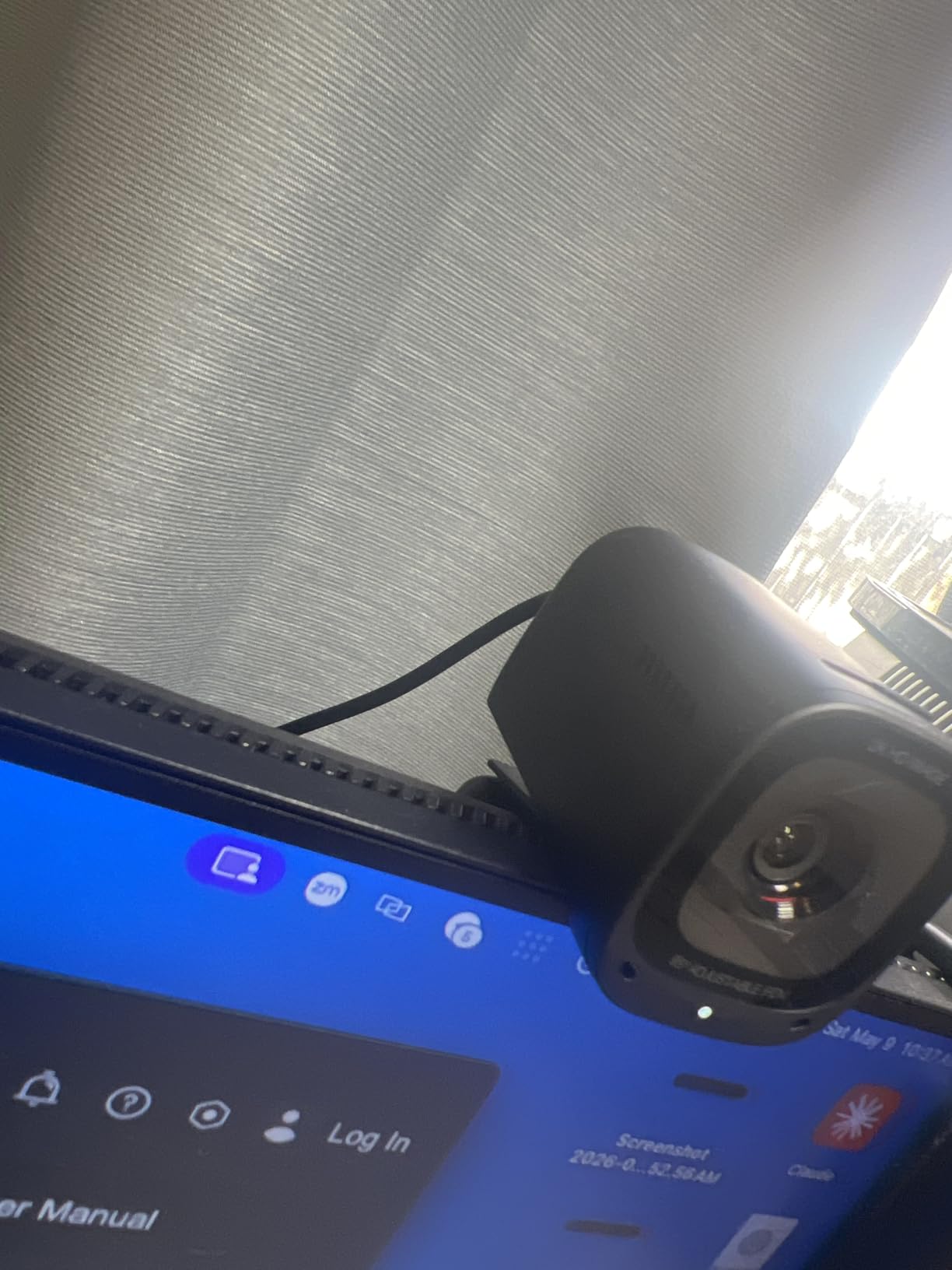
The audio is the quiet strength here. Dual microphones with AI noise cancellation are aimed at cutting room hiss and keyboard clatter, and owners consistently rate the mic as usable for daily calls without a headset. For streaming, treat it as a starting point rather than a finished setup, and read our streaming webcam guide if you plan to broadcast from it.
Two practical warnings. First, changing the viewing angle from 65 to 78 or 95 degrees requires the desktop software, so if you swap between a laptop and a monitor you are reconfiguring every time. Second, 2K is the ceiling here, so anyone cropping tightly for vertical video or streaming in 4K should look at the 4K options further down.
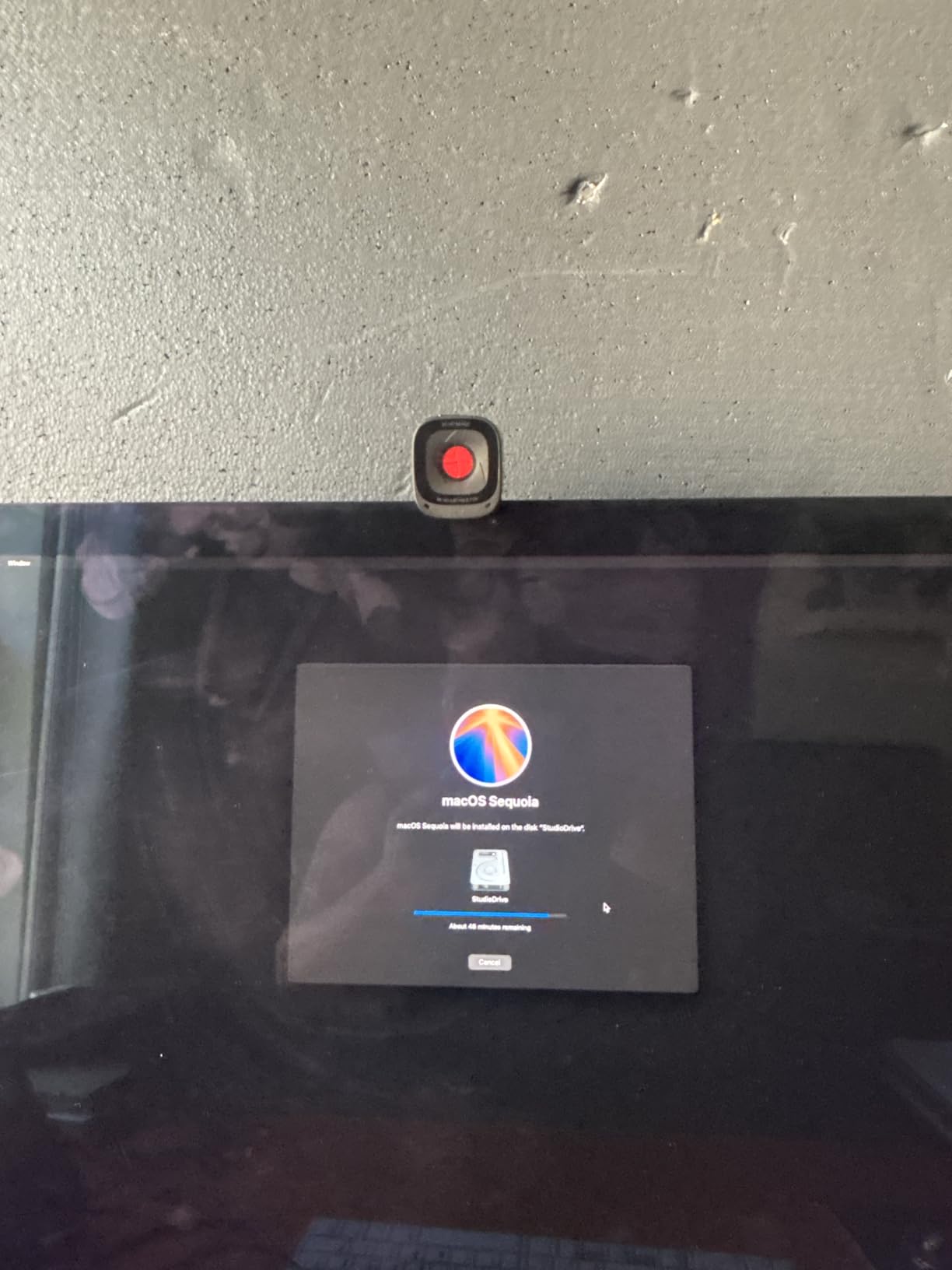
Who the Anker C200 suits
It suits daily video calls in a home office that gets dark in the evening, and it suits anyone who wants one camera that covers both a laptop and an external monitor without changing hardware. The physical size is genuinely small at a little over seven ounces, so it does not sag a thin laptop lid.
It also suits buyers who want the widest owner feedback available on this list. With more than 9400 ratings, the pattern of complaints and praise is well documented, and the dim-room praise is consistent rather than anecdotal.
Where the Anker C200 falls short
It falls short for anyone who needs 4K detail, manual exposure control, or a portrait crop. The f/2 maximum aperture also means it gives up more than the picks with f/1.8 lenses when the room is genuinely dark rather than merely dim.
If your problem is a backlit window, no correction setting will rescue this camera. Reposition the desk first, then decide whether the camera is still the problem.
2. Logitech MX Brio – best for business calls that happen after sunset
Logitech MX Brio Ultra HD 4K Webcam Collaboration and Streaming – Graphite
4K at 30fps or 1080p at 60fps
Sensor: CMOS with 70 percent larger pixels
Weight: 13.12 oz
Dual beamforming microphones
Pros
- Largest Logitech sensor with 70 percent bigger pixels
- AI image pipeline for difficult light
- Manual ISO
- shutter
- tint and vibrance controls
- Dual beamforming noise-reducing mics
- Show Mode and rotating privacy cover
Cons
- Pricier than most of the lineup
- Advanced tuning requires Logitech software
- No published sensor size or aperture figure
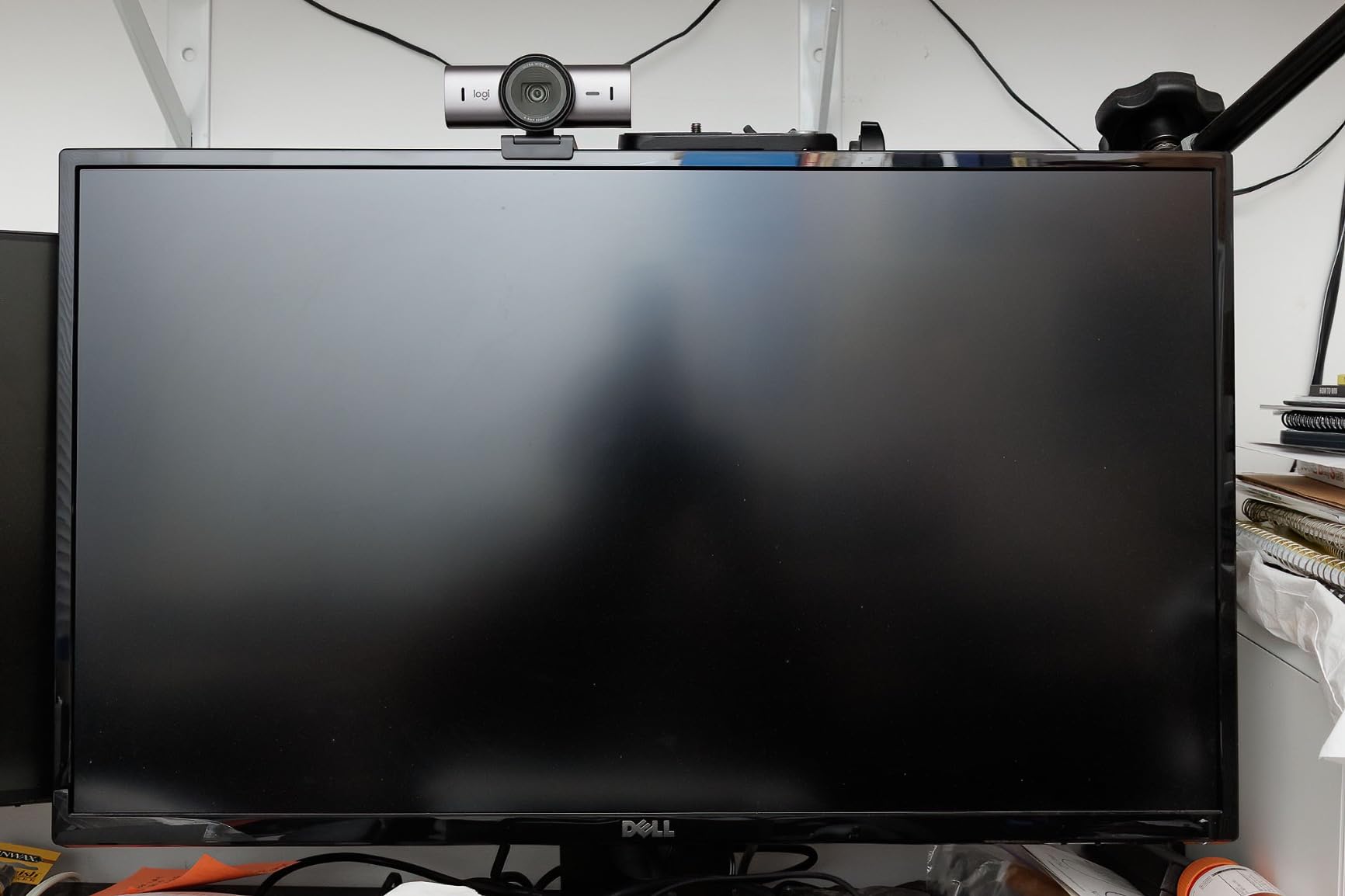
The MX Brio is built for a specific situation: a company laptop, a certified meeting app, and a workday that runs past sunset. The manual controls are the reason to choose it, because you can pull ISO down and exposure up yourself instead of watching the auto-exposure hunt every time the room changes.
Owners report roughly double the face visibility in difficult light compared with older business webcams, which matches what the larger-pixel sensor is supposed to deliver. It is also certified for Zoom, Microsoft Teams, Google Meet, and Streamlabs, so there is no compatibility argument to settle first.
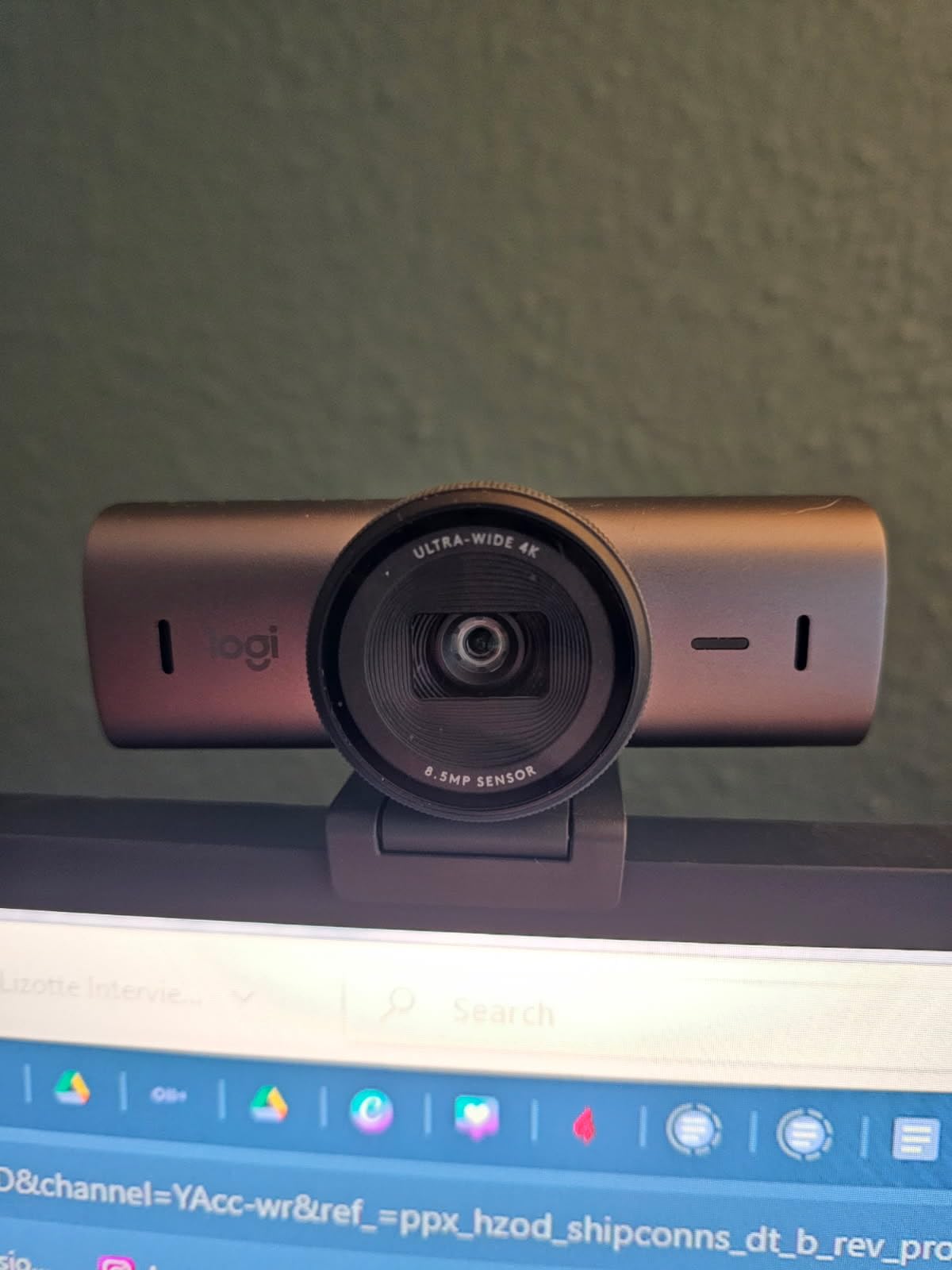
Note that the specifications do not publish a sensor size or aperture figure, so the low-light verdict here rests on reported behaviour rather than a number you can check. That is a fair trade for a camera aimed at offices, but it makes this harder to compare against the picks that do publish 1/1.3-inch and f/1.9.
Show Mode tilts the camera down to share desk notes, and the rotating privacy cover is a real mechanical shutter rather than a software toggle. Both matter in a shared or hybrid office where the room behind you is visible to other people on the call.
Who the MX Brio suits
It suits people who need to look composed in meetings held after dark, and people who want to fine-tune exposure manually instead of trusting automatic corrections. The dual beamforming microphones also make it a reasonable two-in-one if you have no separate headset.
It suits organisations that standardise on certified hardware, because the certification list removes the usual IT procurement back-and-forth. The 4K30 mode is also the right choice for screen sharing, since text stays legible at UHD.
Where the MX Brio falls short
It falls short on value. This is the second most expensive camera here, and the published specifications do not tell you the sensor size, so you are paying for the image pipeline and the tuning controls rather than for a large sensor.
It also falls short for streaming, where a fixed-focus 4K business camera competes with dedicated streaming cameras that have no equivalent price. If your only problem is a dark desk and a long call, the tuning controls are the reason to stay here.
3. Microsoft Modern Webcam – a certified pick with a hardware privacy shutter
Microsoft Modern Webcam with Built-in Noise Cancelling Microphone, Integrated Privacy Shutter, Video with HDR, Auto-Focus, Light Correction, USB Connectivity, Certified for Teams/Zoom
1080p at 1080 pixels
Sensor: CMOS, f/4 maximum aperture
Weight: 6.4 oz
Viewing angle: 78 degrees
Pros
- HDR with exposure compensation for dim rooms
- Integrated privacy shutter with indicator light
- Stable mounting on monitors
- laptops and desktops
- Built-in noise-cancelling microphone
- Three year manufacturer warranty
Cons
- Fixed focus from 0.4m to 1.5m
- 1080p only with no 4K capture
- f/4 maximum aperture limits low light
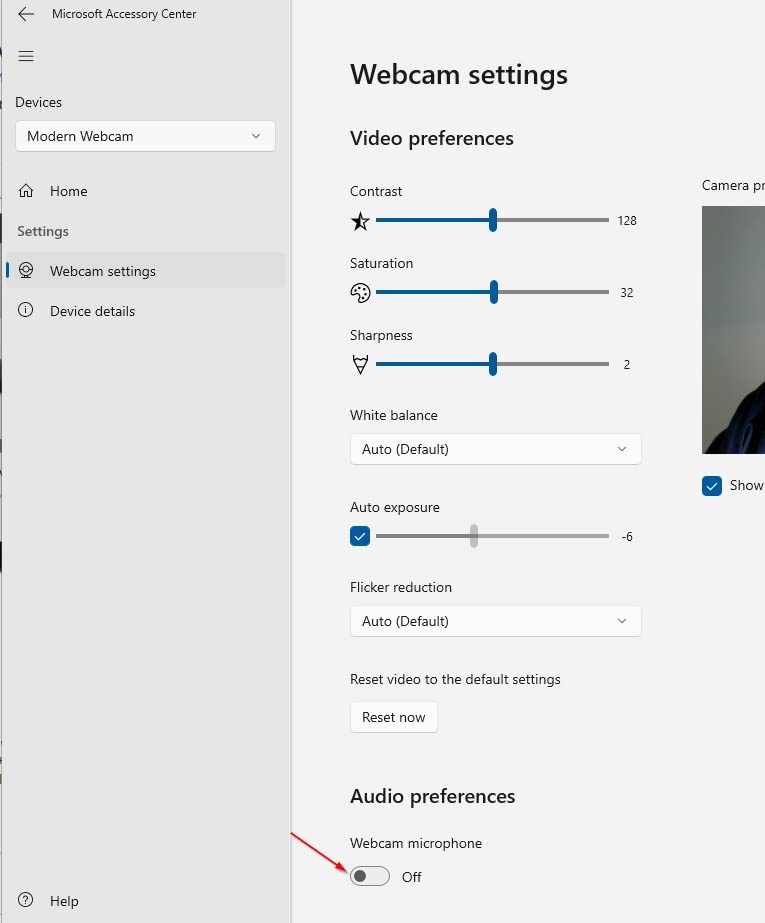
This is the least expensive certified camera in the group, and the light correction is the reason it belongs on a low-light list at all. The HDR video with auto white balance and exposure compensation is exactly the feature set that rescues a face lit by a single lamp, and owners single that behaviour out as the main positive.
The physical privacy shutter with a usage indicator light is unusual at this end of the market. Most budget cameras use a software toggle that only obscures the feed inside an app, while this one blocks the lens. If you share a home office with other people, that is a meaningful difference.
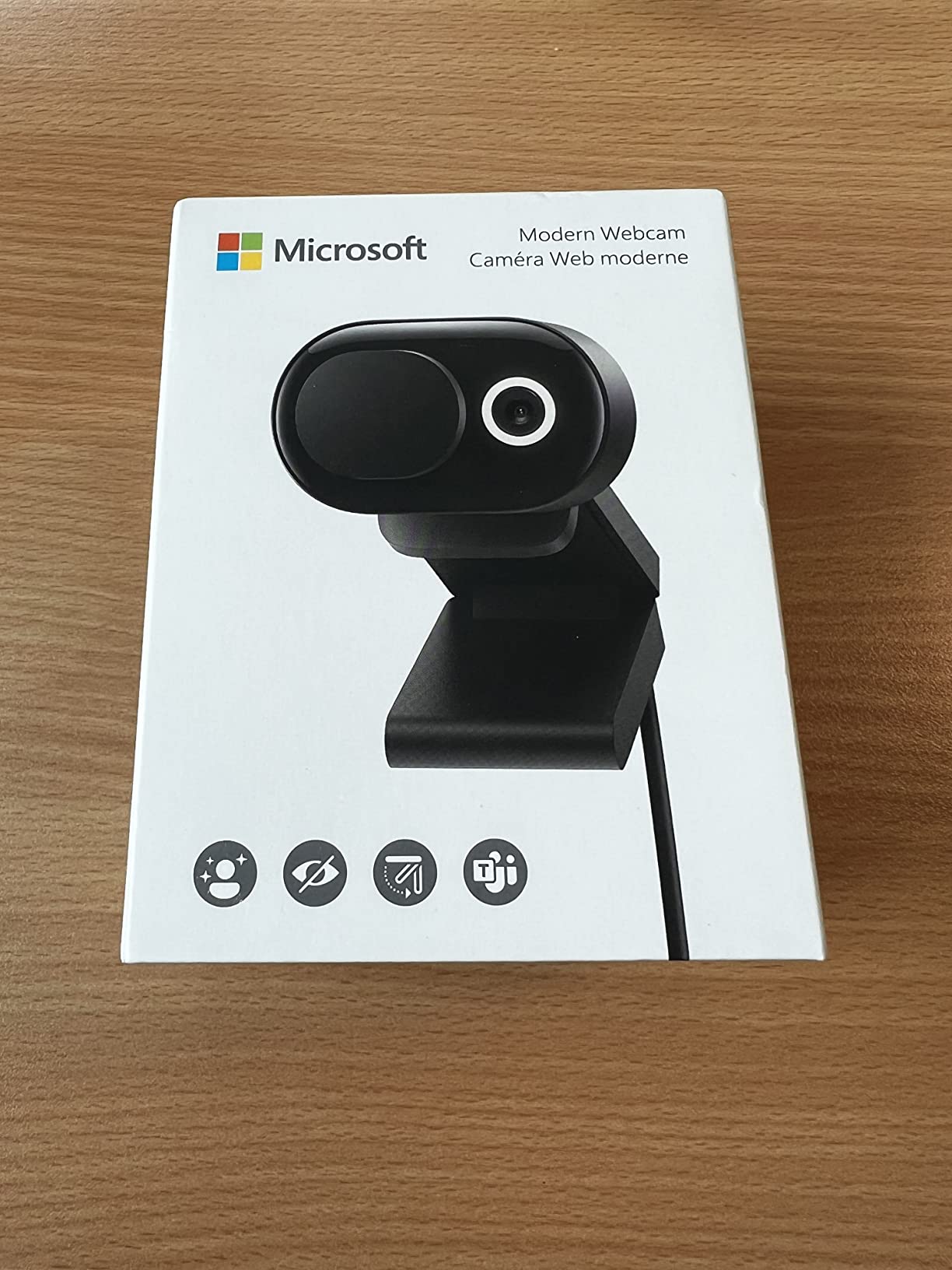
It carries a three year manufacturer warranty, which is longer than anything else in this roundup, and the firmware is updatable. Certification for Microsoft Teams and Zoom is stated on the listing, so it fits a standard corporate build without extra configuration.
The honest weakness is the lens. An f/4 maximum aperture is the widest-listed-stop problem in this group, and it means the sensor collects relatively little light. The HDR and exposure compensation processing does the compensating, and the result is acceptable rather than impressive in a genuinely dim room.
Who the Microsoft Modern Webcam suits
It suits anyone who wants a certified meeting camera for the least money, and anyone who works in a shared room where a real mechanical shutter matters. It also suits people sitting close to the screen, because the fixed focus range covers roughly 0.4m to 1.5m.
It suits Windows and Mac users on a USB-C host with no appetite for companion software. Everything on the box works with the native calling app.
Where the Microsoft Modern Webcam falls short
It falls short at the edges of the focus range. Sit further back than about 1.5m and the image softens, which rules it out for presenting to a room or streaming from a desk across the studio.
It also falls short on low light compared with the picks that publish larger sensors and wider apertures. It is the right buy when dim-room performance needs to be adequate, not when it needs to be the best in the room.
4. OBSBOT Meet 2 – the compact 4K with a 1/2-inch sensor
OBSBOT Meet 2-4K Webcam for PC with 1/2″ Sensor, AI Framing & Autofocus
4K UHD
Sensor: 1/2-inch CMOS, f/1.8
Weight: 40.5 g
Digital zoom: 4x
Pros
- 1/2-inch sensor widens the light-gathering area in dim rooms
- f/1.8 aperture suits low light
- 4K UHD at 40.5 g for travel
- AI framing and autofocus keep the shot composed
- Dual omni-directional noise-cancelling mics
Cons
- No physical privacy shutter or cover listed
- Body runs warm during extended use
- 48 mp still resolution is a marketing figure
The Meet 2 is the pick to take on a work trip, at 40.5 grams and roughly the footprint of a matchbox. What matters more for a dim room is the sensor: a 1/2-inch CMOS behind an f/1.8 aperture is a much better starting point than the small sensors found in most laptop cameras, and owners specifically point to the brightness gain in dim rooms.
AI framing and autofocus keep you composed when you lean forward or shift in your chair, which is the failure mode of cheap fixed-focus cameras. Two dynamic gesture controls let you trigger framing and zoom without touching the keyboard, and the dual omni-directional microphones have adjustable noise reduction.
It is a single USB-C plug-and-play connection handled through OBSBOT Center, so there is no separate driver to install on a borrowed machine. It shoots in horizontal, portrait, and inverted orientations, which covers the three mounting arrangements most people actually use.
Two things to know. There is no physical privacy shutter listed, which is worth weighing in a shared space, and a few reviewers note the body runs warm during extended use, which the manufacturer states is normal. The advertised 48 mp still resolution is a stitched figure and says nothing about low-light video.
Who the OBSBOT Meet 2 suits
It suits anyone who moves between rooms and needs to carry a camera, at 40.5 g it disappears in a laptop bag. It also suits people who want 4K capture without moving to the top of the price range, since several 4K picks here cost considerably more.
It suits users who already use OBSBOT software or who want gesture control and portrait capture out of the box. The 1/2-inch sensor and f/1.8 lens make it a solid low-light performer for its size.
Where the OBSBOT Meet 2 falls short
It falls short for anyone needing a large sensor. A 1/2-inch sensor collects less light than the 1/1.3-inch and 1/1.5-inch options here, so in a very dim room it will show more grain than the premium picks.
It also falls short on privacy hardware and on framing precision compared with a physical PTZ gimbal. If you move around the room a lot while presenting, the mechanical picks handle that better.
5. Insta360 Link 2 Pro – the large-sensor 4K with AI tracking
Insta360 Link 2 Pro – 4K PTZ Webcam for PC/Mac, 1/1.3” Sensor, Low-Light, AI Tracking, HDR, Directional Noise-Canceling Mics, Supports Stream Deck, Zoom, Teams, Twitch for Streaming or Meetings
4K at 3840 pixels
Sensor: 1/1.3-inch CMOS, f/1.9
Weight: 167.5 g
Manual and auto focus
Pros
- 1/1.3-inch sensor gives clean 4K detail in low light
- Physical pan and tilt with AI tracking follows you around the room
- Handles a bright window behind the desk well
- DSLR-like natural bokeh
- Directional dual-mic beamforming
Cons
- Reported USB-C disconnects on one newer PC
- AI tracking settings need adjusting before it feels natural
- No Windows Hello or ARM Windows support
The Link 2 Pro is the pick we would look at first for low light, because a 1/1.3-inch sensor at f/1.9 is a large-sensor combination at a mid-premium level. Owners describe clean 4K detail in dim home offices and good handling when a bright window sits behind the desk, which is the two-part problem most people are actually trying to solve.
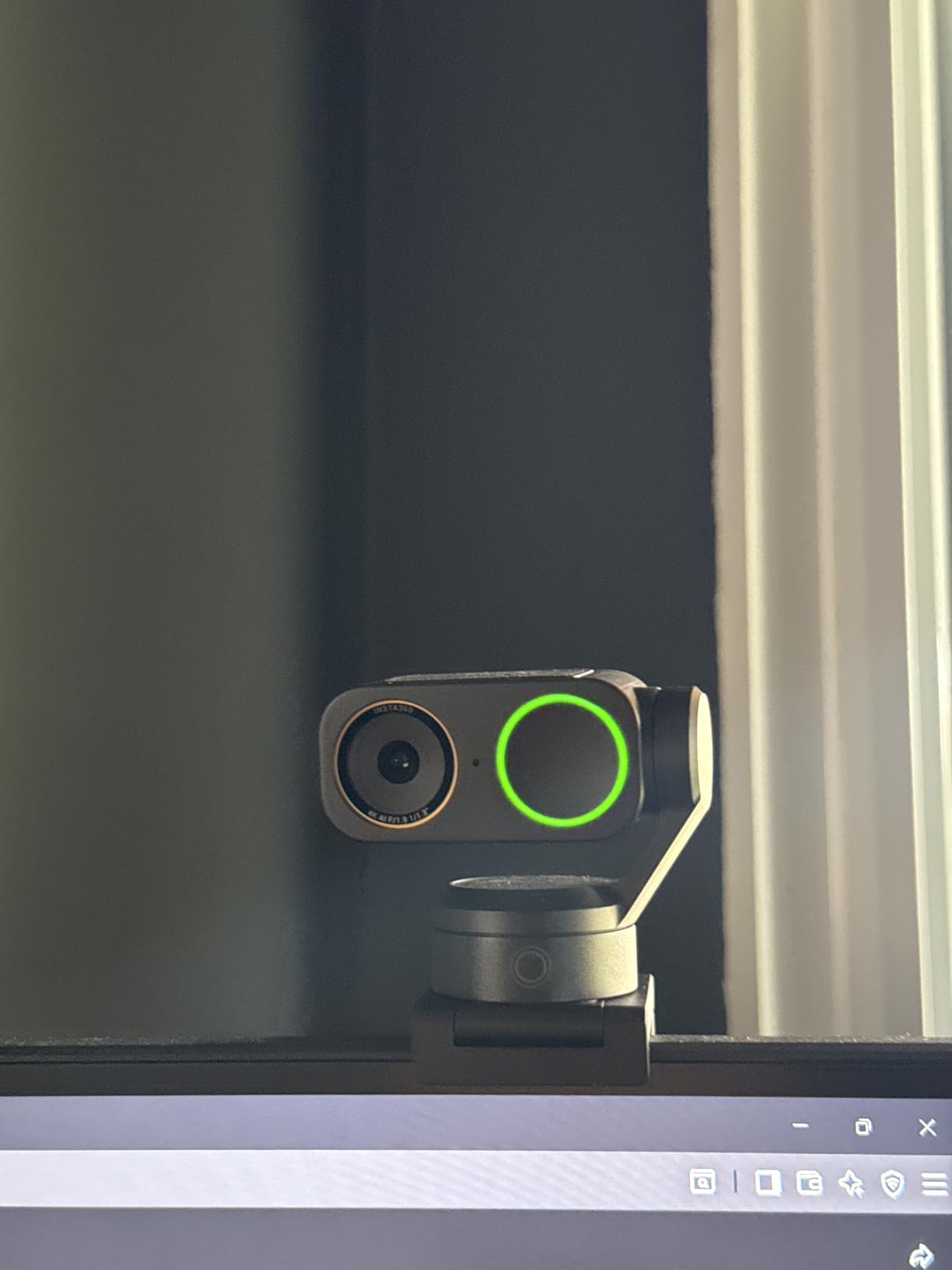
The physical pan-and-tilt chassis with AI tracking is a differentiator. Rather than cropping digitally, the camera physically follows you, so you can move around the room and stay framed. DeskView, Whiteboard, 4K Portrait mode, and AI Tracking are all selectable shooting modes, and the natural bokeh effect softens the background enough to replace a green screen for most call formats.
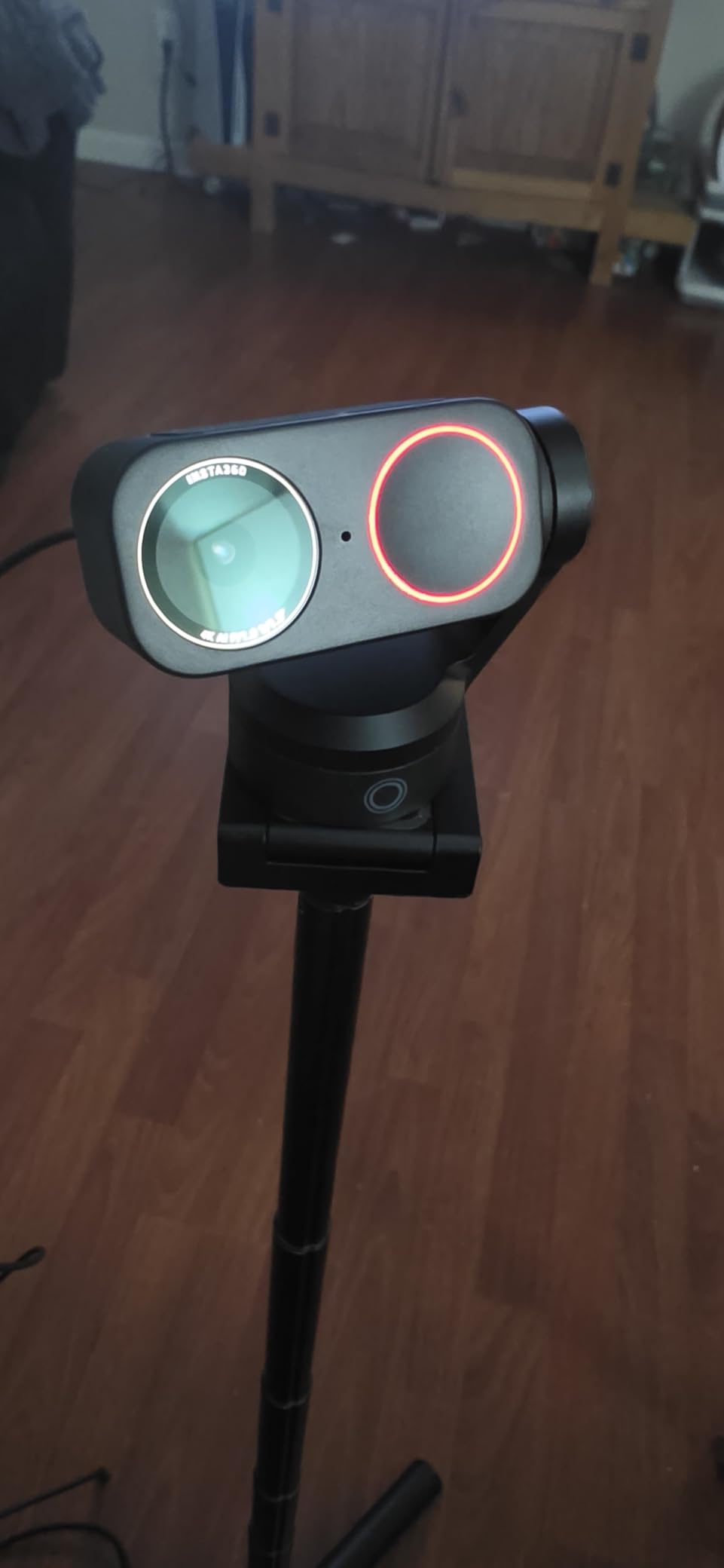
Directional dual-mic beamforming isolates your voice in a busy room, and there is Elgato Stream Deck integration plus gesture control and a smartphone remote. It works with Teams, Zoom, Twitch, and the major streaming platforms without extra setup.
There are real caveats. One verified owner report describes repeated USB-C disconnects and the camera shutting off mid-session on a newer PC, so check the port on your machine first. The AI tracking also feels intrusive until you narrow the tracking area, and there is no Windows Hello face recognition or ARM-based Windows support.
Who the Insta360 Link 2 Pro suits
It suits people who move while they present, teach, or present to a small group, because the physical gimbal keeps you in frame without a second operator. It also suits anyone whose desk faces a window and who has been losing the exposure fight against daylight.
It suits people who want background separation without a green screen, since the natural bokeh is convincing enough for professional-looking calls. At 4K30 the capture holds up well for on-screen text and whiteboards.
Where the Insta360 Link 2 Pro falls short
It falls short for Windows Hello users and for anyone on ARM-based Windows, both of which are excluded. If your organisation relies on face-recognition sign-in for conferencing, this is the wrong camera.
It also falls short on owner history compared with the picks that have thousands of ratings. The reported USB-C dropout issue is isolated, but it is the kind of fault that ends a call, so test it on your own port before relying on it for a client meeting.
6. Acer 4K Webcam – metal build and a Sony 1/2-inch sensor
Acer 4K Webcam for PC/Mac with All-Metal Unibody Sculpted, Sony 1/2″ Sensor, PDAF, 2 Noise Reduction Mics, Privacy Cover for Switch 2/Zoom/Teams/Facetime/YouTube/Google Meet
4K at 2160 pixels
Sensor: Sony 1/2-inch CMOS, f/1.8
Focus: phase detection
Weight: 50 g
Pros
- Sony 1/2-inch sensor gives clean non-grainy images under a desk lamp
- Phase detection autofocus reacquires focus within seconds
- CNC aluminium unibody stays cool on long calls
- Dual high-sensitivity digital microphones
- Privacy cover included
Cons
- Detached magnetic lens cover is easy to misplace
- Mount clip needed alignment on thin laptop screens
- Software support is thin compared with Logitech and OBSBOT
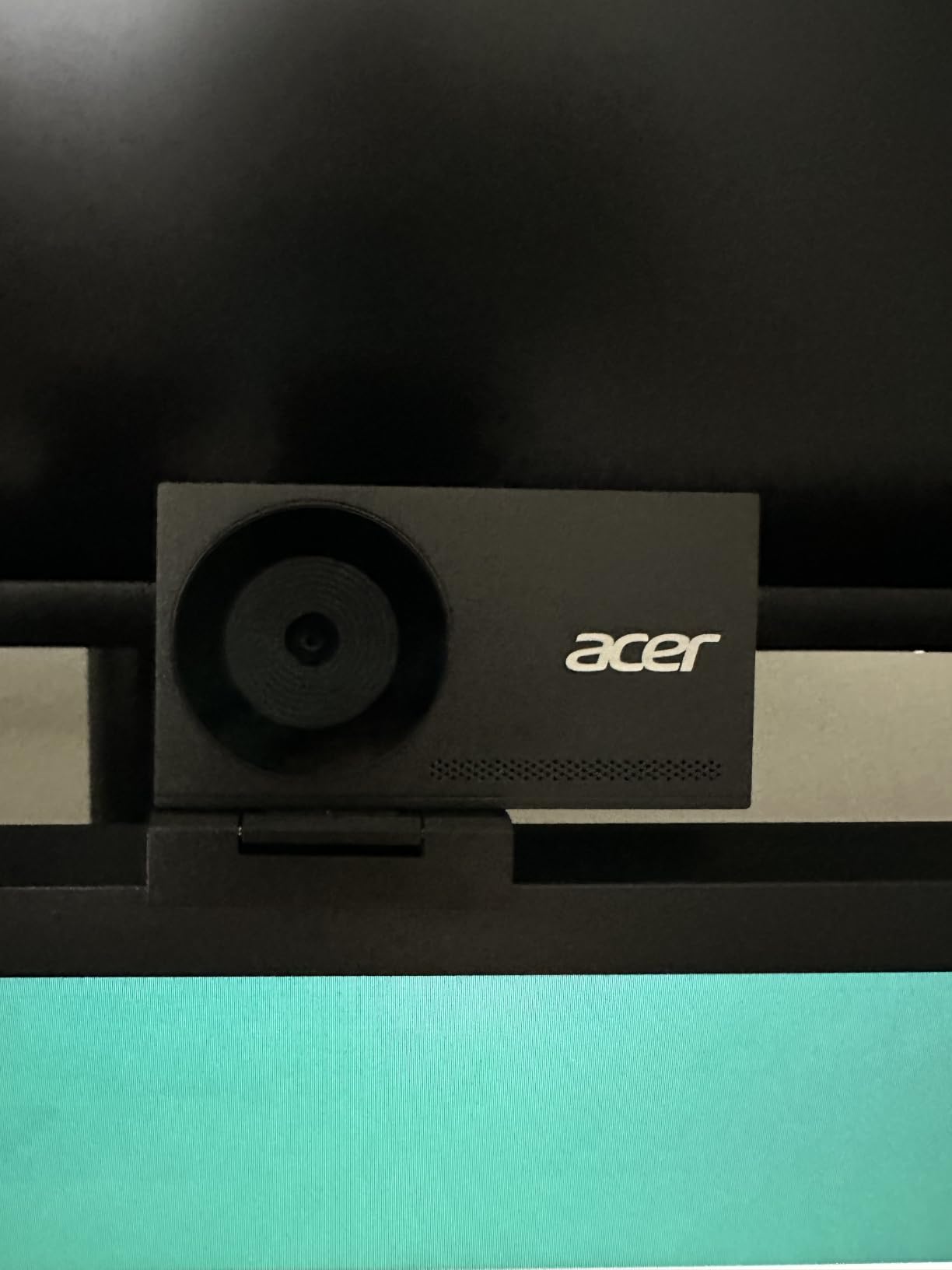
This is the pick that surprises people, because the spec sheet understates it. A Sony 1/2-inch CMOS behind an f/1.8 aperture is the same sensor class as the OBSBOT cameras here, and owners report clean, non-grainy images with only a desk lamp switched on, which is the exact low-light scenario most readers are dealing with.
Phase detection autofocus is the other thing you notice immediately. It reacquires focus within a few seconds when you shift in your chair, where contrast-based autofocus on cheap 1080p cameras hunts back and forth. On a 4K sensor that stays sharp, the difference is obvious on a large monitor.
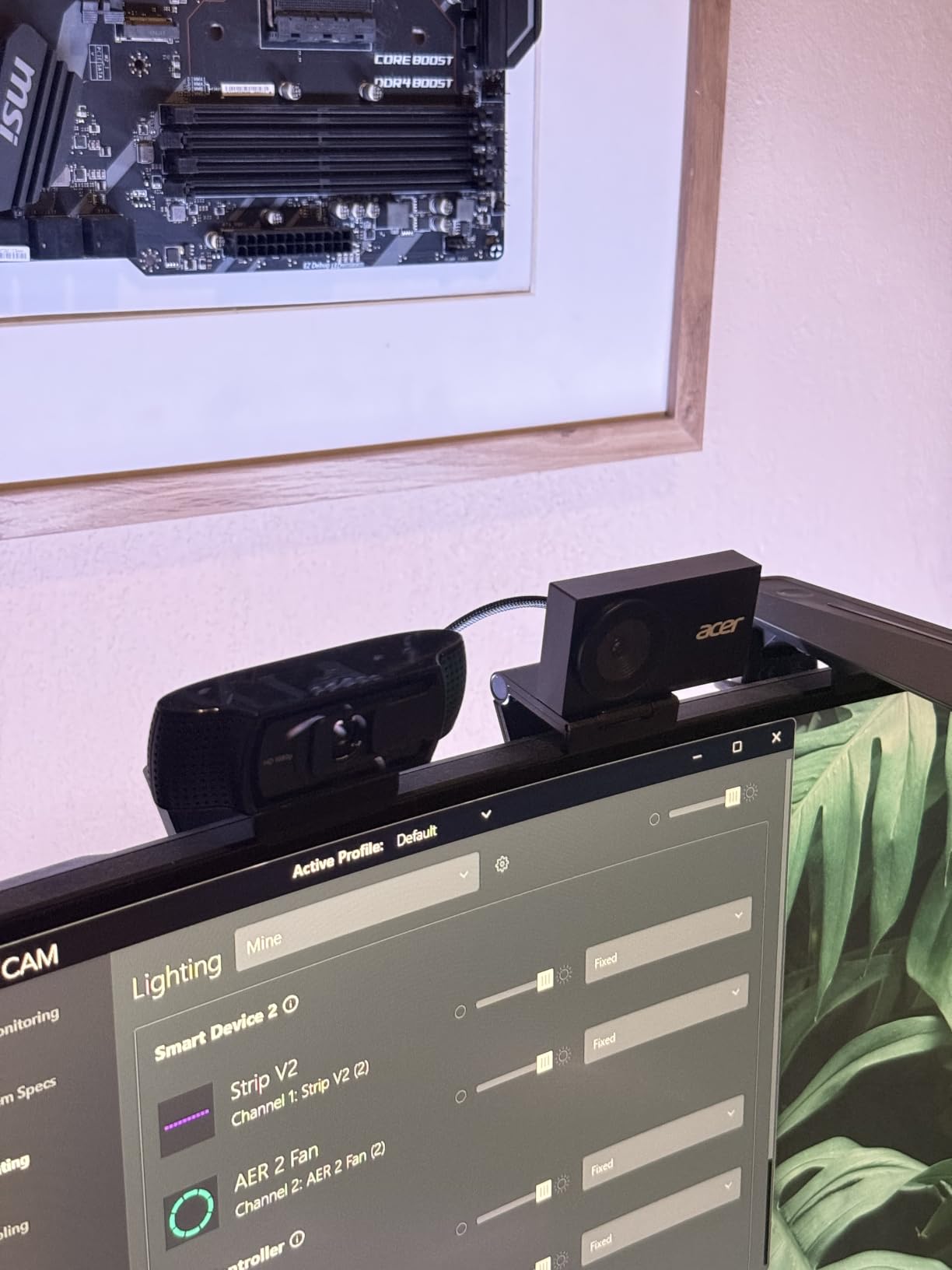
The CNC-machined all-aluminium unibody is unusual at this price and it serves a purpose: it dissipates heat, and owners report the camera staying cool through long calls. The dual high-sensitivity digital microphones pick up voice clearly from a few metres away, which is useful if you sit back from the desk.
Setup is genuinely plug-and-play. A USB-C to USB-A adapter is included, and it works on Windows, Mac, and ChromeOS. The 83 degree viewing angle is wide enough for a small group without fisheye distortion.
Who the Acer 4K Webcam suits
It suits people who sit far from the screen or move around their desk, because the microphones reach a few metres and the autofocus follows you. It also suits anyone who wants 4K capture without paying a premium for it.
It suits people who run long calls on a hot desk, since the aluminium body handles sustained use where plastic bodies soften. Reviewers rate the build quality above cameras costing several times more.
Where the Acer 4K Webcam falls short
It falls short on small details. The privacy cover is a separate magnetic piece that is easy to misplace, and the mount clip took alignment on thin laptop screens, so check your lid thickness before settling on it.
It also falls short on software depth compared with Logitech and OBSBOT cameras. There is no equivalent of manual ISO and exposure controls, and the owner review base is much smaller, so you are relying on a shorter track record.
7. Logitech Brio 300 – the tiny meeting camera with auto light correction
Logitech Brio 300 HD Webcam with Privacy Shutter, Noise Reduction Mic, USB-C, Certified for Zoom, Microsoft Teams, Google Meet, Automatic Light Correction – Graphite
1080p HD resolution
Sensor: BSI CMOS
Auto exposure
Weight: 121 g
Pros
- RightLight 2 corrects poor lighting automatically
- Rotating privacy shutter locks the lens
- Mount uses about half a centimetre of screen
- Noise-reducing mono microphone
- Certified for Zoom
- Teams and Google Meet
Cons
- 1080p only with no 4K or 60fps option
- Fixed USB-C cable limits placement
- Small sensor and no published aperture figure
The Brio 300 is a meeting camera first and an imaging camera second, and the low-light behaviour reflects that. RightLight 2 automatic light correction is what carries it: owners specifically praise how it compensates when sitting side-on to a window, which is the most common way people end up backlit at their desk.
The physical footprint is its real trick. The mount uses roughly half a centimetre of screen, so it does not dominate a laptop lid, and the rotating privacy shutter is a mechanical lock rather than a software mask. At 121 g it is heavier than the tiny plastic cameras but still well within reason for a lid mount.
The mono microphone with noise reduction is adequate for home office calls and is not a streaming microphone. If you plan to broadcast, treat the audio as a starting point and read our streaming guide for the capture side.
Who the Brio 300 suits
It suits people on thin and small laptops who want a camera that does not dominate the lid, and people who want a mechanical privacy shutter at a modest cost. It also suits hybrid workers who need Zoom, Teams, and Meet certification out of the box.
It suits anyone whose low-light problem is really a side-lit desk rather than a dark room. Auto correction handles that specific case well without any configuration.
Where the Brio 300 falls short
It falls short for dim rooms. There is no published sensor size or aperture figure, and the 1080p ceiling means there is no headroom to crop or downsample. In a genuinely dark room, expect visible grain.
The fixed USB-C cable also limits placement, since you cannot route it around a monitor arm the way you can with a detachable cable. Streaming at 60fps is not an option on this camera.
8. OBSBOT Tiny 2 Lite – 4K tracking PTZ for teaching and streaming
OBSBOT Tiny 2 Lite 4K Webcam for PC, AI Tracking PTZ Streaming Camera
4K at 30fps, 1080p at 60fps
Sensor: 1/2-inch CMOS, f/1.8
Weight: 250 g
Digital and optical zoom: 4x
Pros
- 1/2-inch sensor and f/1.8 aperture suit dim rooms
- 4K30 plus 1080p60 gives a frame-rate option
- AI tracking PTZ with customisable tracking areas
- Preset positions each with their own parameters
- SDK
- OSC
- Stream Deck and hotkey support
Cons
- Whiteboard mode and voice control removed from the flagship
- 250 g chassis is the heaviest in this group
- Tracking PTZ costs more than a fixed-lens 4K camera
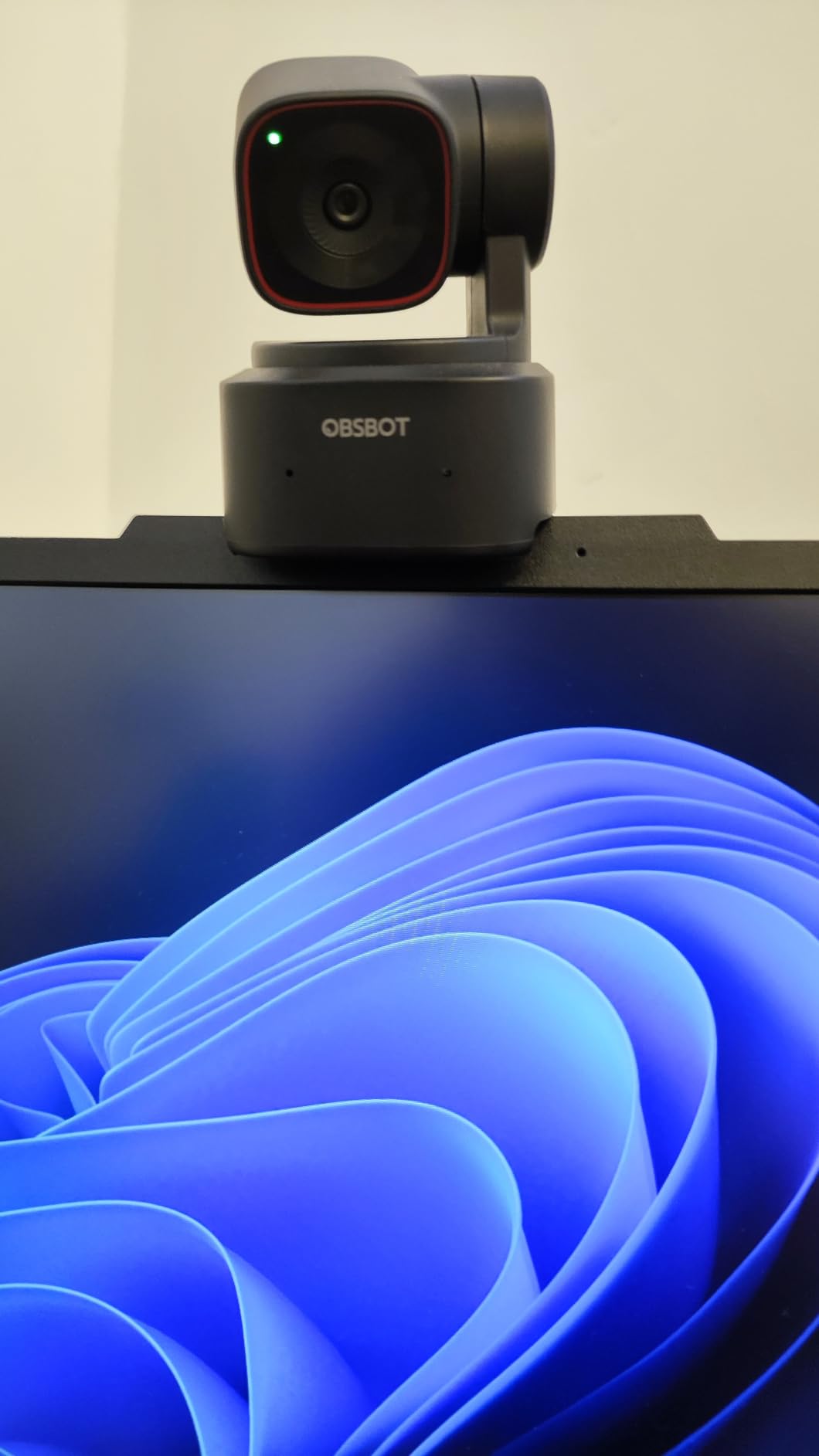
The Tiny 2 Lite keeps the 1/2-inch sensor and f/1.8 aperture from the flagship and drops the price, making it one of the more affordable 4K PTZ cameras here. That sensor and aperture combination is what carries the low-light performance, and buyers buying it for teaching rooms and meeting rooms cite the 4K clarity alongside the sensor size.
The preset position function is what makes it useful in a real room. Each preset stores its own parameters and tracking mode, so you can frame a whiteboard shot, a seated-speaker shot, and a wide room shot and switch between them with one action instead of rebuilding framing every time.
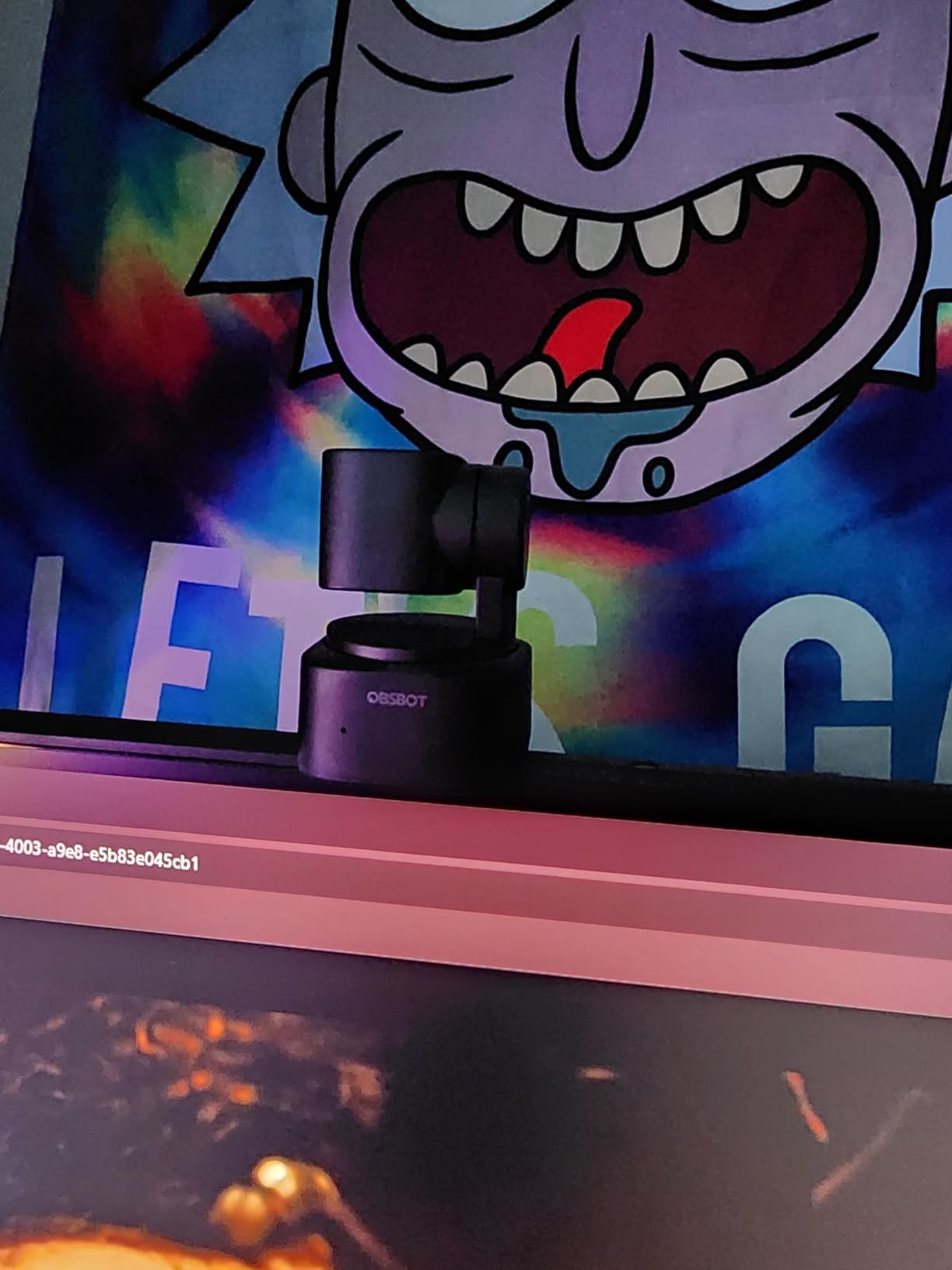
Tracking areas are customisable, including non-tracking zones, so the camera will not swivel after someone walks past behind you. For advanced setups it supports SDK, OSC, Elgato Stream Deck, and global hotkeys, which is unusual at this level. It also runs plug-and-play without an app if you want a clean setup.
Who the OBSBOT Tiny 2 Lite suits
It suits teachers and presenters who move between positions and want repeatable framing, and it suits streamers who want a moving camera without a second device. The 1/2-inch sensor with an f/1.8 lens makes it a solid dim-room performer for a PTZ body.
It also suits anyone who needs 60fps. Running 1080p at 60 frames per second is the right choice for fast movement and game capture, and only two picks here offer a 4K and a high-frame-rate mode from the same camera.
Where the OBSBOT Tiny 2 Lite falls short
It falls short for whiteboard use, because whiteboard mode and voice control were removed relative to the full Tiny 2. If your sessions centre on a whiteboard, choose a camera that kept those features or a fixed 4K with a wide field of view.
It also falls short on portability at 250 g, one of the heavier bodies in this group, and it is a PTZ camera priced above fixed-lens 4K models. If you will sit still, you are paying for movement you will not use.
9. NexiGo N680E Pro – the pick that brings its own ring light
NexiGo N680E Pro 4K Webcam with Ring Light, PDAF Autofocus, 1080p 60FPS, Dual Noise-Canceling Mics, Privacy Shutter, USB Plug-and-Play for Zoom, Teams, Twitch, Google Meet
4K at 3840 pixels
Sensor: Sony 1/2.5-inch CMOS
Focus: PDAF
Field of view: 80 degrees
Pros
- Built-in tri-tone ring light with stepless brightness dial
- The only pick here that adds its own illumination
- Sony 1/2.5-inch 4K sensor with a coated lens
- PDAF autofocus described as faster and more stable
- USB-A plug-and-play with no drivers or apps
Cons
- Output resolution depends on the capture software used
- Ring light adds bulk compared with bare webcams
- Smallest sensor listed in the group
This is the camera for a reader who read our lighting section and decided not to buy a separate light. The built-in tri-tone ring light has a stepless brightness dial on the outside of the body, so you can dial illumination up until your face matches the room, which solves a dim room more directly than any amount of sensor size.
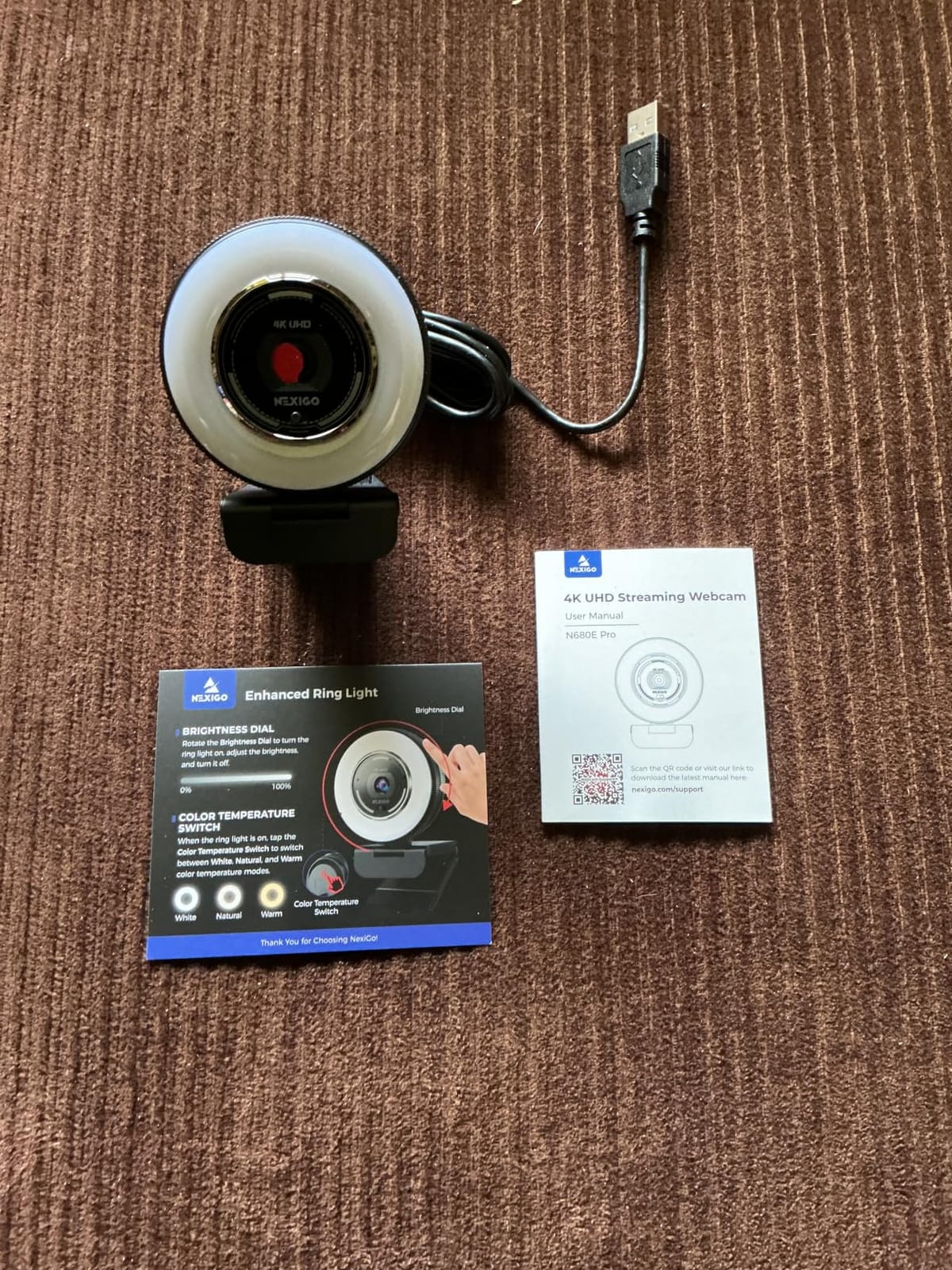
The Sony 1/2.5-inch 4K sensor with a premium coated lens is respectable on its own, and the coating is there to improve light transmission and reduce reflections, which both help in a dim room. That said, a 1/2.5-inch sensor is the smallest listed here, so this camera is leaning on its ring light rather than its sensor.
Phase detection autofocus is described by owners as faster and more stable than standard autofocus, and the built-in privacy shutter is mechanical. USB-A plug-and-play means no drivers and no companion app, which is unusual at this resolution.
Who the NexiGo N680E Pro suits
It suits anyone in a dark room who wants a one-box solution with no separate light to position, aim, and power. The dial control means you can match the ring light to your room in seconds rather than guessing at software settings.
It also suits people who move between machines, since USB-A plug-and-play with no drivers works on Windows, Mac, and ChromeOS out of the box. The flexible clip and 1/4 inch tripod mount let you choose between a monitor or laptop mount and a desktop stand.
Where the NexiGo N680E Pro falls short
It falls short on resolution consistency. The final output resolution depends on the capture software in use, so the same camera can deliver different results in OBS, PotPlayer, or a calling app. That is an annoyance for streaming setups that need predictable output.
The ring light also adds bulk compared with a bare webcam, and its sensor is the smallest listed here. If you already own a decent light, the money is better spent elsewhere in this list.
10. EMEET C960 Ultra – the largest sensor in the lineup
EMEET C960 Ultra 4K Webcam for Mac & PC, 1/1.5″ Large Sensor, Metal Body
4K at 8.29 mp
Sensor: 1/1.5-inch CMOS
Focus: auto focus in 0.2s
Weight: 131.54 g
Pros
- 1/1.5-inch sensor is the largest listed in this roundup
- All-metal body stays cool during long sessions
- 0.2s autofocus responds almost immediately
- Whiteboard mode with perspective correction
- Physical rotating privacy cover
Cons
- Dual mics pick up ambient room noise in untreated spaces
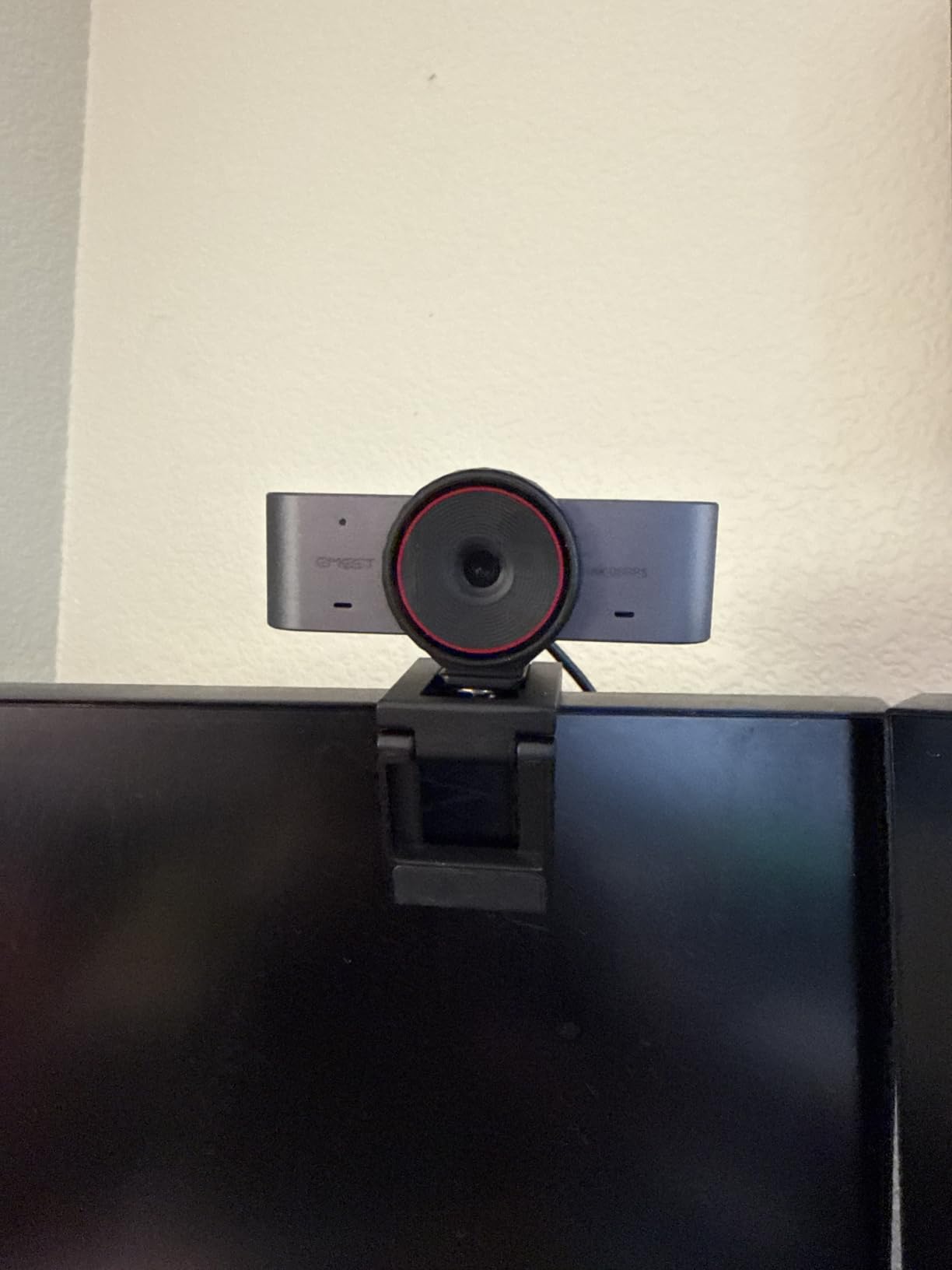
- Heavier than plastic webcams on thin laptop screens
- Smallest owner review base here at 147 ratings
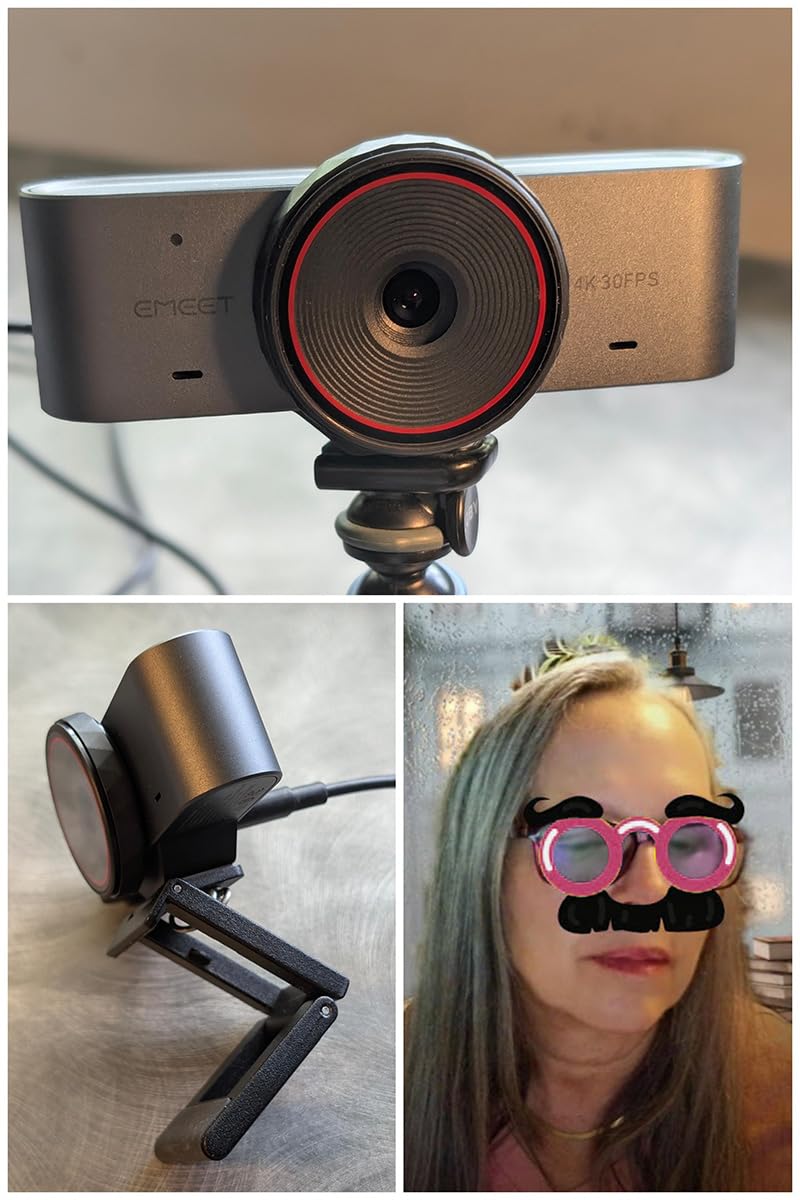
On the one number that matters most for low light, this camera leads the roundup. A 1/1.5-inch CMOS is the largest sensor listed here, and owners describe noticeably better clarity and colour in dim home-office light as a direct result.
The all-metal body with a split-base structure is built for sustained recording, and owners report it staying cool through long sessions. Autofocus responds in 0.2 seconds, which is fast enough that leaning toward the lens does not leave you soft for a noticeable beat.
It also brings whiteboard mode with automatic recognition and perspective correction through EMEET STUDIO, which is a genuine advantage for teaching and presenting. A physical rotating privacy cover and a standard 1/4 inch thread for tripods round out a well-equipped body.
Who the EMEET C960 Ultra suits
It suits people in the darkest rooms covered by this roundup, because a larger sensor collects more light before ISO has to rise. If you already own a lamp and the problem is that your camera cannot cope with it, this is the sensor size you want.
It suits teachers and presenters who need whiteboard capture with perspective correction, and Mac users who want plug-and-play USB-C with a C-to-A adapter in the box. The two year warranty is among the longest in the group.
Where the EMEET C960 Ultra falls short
It falls short on audio in untreated rooms, where the dual mic array picks up ambient noise. In a room with hard surfaces and no soft furnishings, pair it with a headset or clip mic.
It also carries the smallest owner review base here, so you have less long-term data to lean on, and one reviewer reported autofocus being hit or miss with large file sizes at maximum quality. The weight is also noticeable on thin laptop screens.
How to Make Any Webcam Look Better in a Dark Room
These five steps work with any of the cameras above, and several of them cost nothing. Do them before you decide a new webcam has failed.
1. Put light in front of you, not behind you. A window behind the desk makes you a silhouette no matter how good the sensor is. Turn the desk around, or place a lamp or panel between the monitor and your face, angled slightly down. This single change does more than any specification on this page.
2. Turn exposure up only slightly. Auto exposure will push ISO as high as it needs to. Nudging exposure up in software makes the image brighter but also brighter noise, so raise it a little and stop. Watch the background rather than your own face.
3. Drop from 4K to 1080p in a very dark room. A 4K sensor forced into a dim room gathers the same light spread across four times the pixels, which surfaces more noise. Running 1080p gives each pixel more light and a visibly cleaner image.
4. Turn on auto exposure or HDR, then stop touching it. Features like RightLight, exposure compensation, and adaptive HDR exist for this exact case. Set them once and let them work, because constant manual changes during a call are visible to everyone else on the call.
5. Cut the background out of the problem. A dark cluttered background makes the auto-exposure meter read darker. Moving the camera so the frame is mostly you, or using portrait mode and background blur on the picks that support it, measurably improves exposure.
Here is the decision rule. If your room already has a light source near your face, buy a camera with a larger sensor and you will see a real difference. If your room has nothing but a ceiling light and a window across the room, buy a front-facing light first, then reassess. Spending more on the camera before fixing the room is a common and expensive mistake in this category.
Buying Guide: Sensor Size, Aperture and the Rest
Sensor size comes first. It is the number that decides how much light reaches the sensor. Below 1/2.5-inch you are accepting visible grain in a dim room. A 1/2-inch sensor is a reasonable floor, 1/1.3-inch is clearly better, and 1/1.5-inch is the largest listed in this roundup. Compare this figure before anything else on the listing.
Aperture is the second lever. A lower f-number means a wider opening and more light. An f/1.8 lens collects meaningfully more light than an f/2 lens, and an f/4 lens like the one listed on the Microsoft Modern Webcam collects the least. Where two cameras share a sensor size, the wider aperture wins in a dark room.
Resolution is not a low-light feature. More megapixels means more detail in good light and more visible noise in bad light, because the same light is spread across more pixels. A 4K camera downsampled to 1080p does clean up the image, which is why the better 4K picks still look decent at 1080p. Choose 4K for screen sharing and cropping, not for dim rooms.
Frame rate is a separate decision. 4K at 30 frames per second suits calls and presentations. 1080p at 60 frames per second suits movement, and the 60fps mode also gathers more light per frame, which helps slightly in a dim room. Only two picks here offer both.
Auto exposure and HDR fix contrast, not darkness. HDR and adaptive HDR help when a bright window and a dark face are in the same frame by preserving highlight and shadow detail. They cannot add light that never arrived. Treat them as a fix for backlit situations, not for dark rooms.
Autofocus matters more than most buyers expect. Fixed focus is fine if you sit at a fixed distance, which is why the Microsoft Modern Webcam lists a 0.4m to 1.5m range. Phase detection autofocus on the Acer and NexiGo picks and AI autofocus on the OBSBOT picks will follow you when you move, at the cost of hunting on cheaper contrast-based systems.
Microphones deserve a line of their own. Everyone buying for a dim room is usually also buying for calls, and the built-in microphones here range from a noise-reducing mono mic to a directional beamforming array. If you are in an untreated room with hard surfaces, budget for a separate microphone rather than expecting the camera to fix it.
Mounting and privacy are practical, not optional. Some mounts clamp wide laptop lids and some do not, and a fixed USB-C cable limits where you can put the camera. Physical privacy shutters appear on seven of these ten, and Windows Hello face sign-in is absent from the Insta360 Link 2 Pro, so check those two items against your setup before buying.
Frequently Asked Questions
What is the best webcam for low light conditions?
The best webcam for low light conditions is the one with the largest sensor and widest aperture you can justify, because those two numbers decide how much light the camera gathers before it has to amplify and add grain. Among the picks here, the EMEET C960 Ultra has the largest sensor at 1/1.5-inch and the Insta360 Link 2 Pro pairs a 1/1.3-inch sensor with an f/1.9 aperture. If your budget is tighter, the Acer 4K Webcam and the OBSBOT Meet 2 both use a 1/2-inch sensor with an f/1.8 aperture, which is a good floor for a dim room.
What is the best webcam for a dark room?
For a dark room, the deciding factor is how much light you have to work with, not the sensor. With a lamp or a window on your face, the large-sensor picks will hold up. In a room with no front light at all, no webcam in this roundup will look good, and a front-facing light panel will improve the picture more than any camera upgrade. So for a genuinely dark room, buy the light first, then pick a camera based on sensor size.
Which light is present on a webcam that is helpful in a low light environment?
Almost no webcam has a real light source, because a ring of LEDs around the lens is bulky and rarely brighter than a desk lamp. The one exception in this roundup is the NexiGo N680E Pro, which has a built-in tri-tone ring light with a stepless brightness dial. What most webcams offer instead is software light correction, such as RightLight 2 on the Logitech Brio 300, exposure compensation on the Microsoft Modern Webcam, and HDR on several of the 4K picks. Those features balance a dark face against a bright window, but they do not create light.
Do webcams work in the dark?
They work, but the image degrades quickly. In a dark room the sensor collects little light, so the camera raises ISO and slows the shutter, which amplifies sensor noise into visible grain and adds motion smear when you move. That is why the grainy, speckled look is associated with low light rather than with a bad camera. Sensor size, aperture, and adding a light near your face are the only three levers you have, and the first two have hard limits.
Is 4K better for low light?
No, not on its own. A 4K sensor spreads the same available light across roughly four times the pixels of a 1080p sensor, so more megapixels usually means more visible noise in a dim room. What makes 4K worthwhile is downsampling: running a 4K camera at 1080p averages neighbouring pixels together and produces a noticeably cleaner result than a native 1080p camera. So choose 4K for screen sharing, cropping, and detail, and choose sensor size for darkness.
What camera works best in low light?
Outside webcams, a modern phone or a mirrorless camera with a large sensor handles low light far better than any webcam here, because phone sensors are physically larger and phone lenses are brighter. A phone held on a small mount next to your monitor is a realistic zero-purchase path for occasional evening calls. For a permanent setup, the webcams above are the practical choice because they plug in and are recognised by calling apps without extra software.
Conclusion
The best webcams for low light rooms in 2026 are the ones with the largest sensors, and our top pick is the Anker PowerConf C200 2K for the balance of dim-room behaviour, dual-microphone audio, and the largest owner history in the group. Move up to the EMEET C960 Ultra or the Insta360 Link 2 Pro when you need a bigger sensor or physical tracking, and add a front-facing light if your room is genuinely dark, because a light beats a camera upgrade every time.